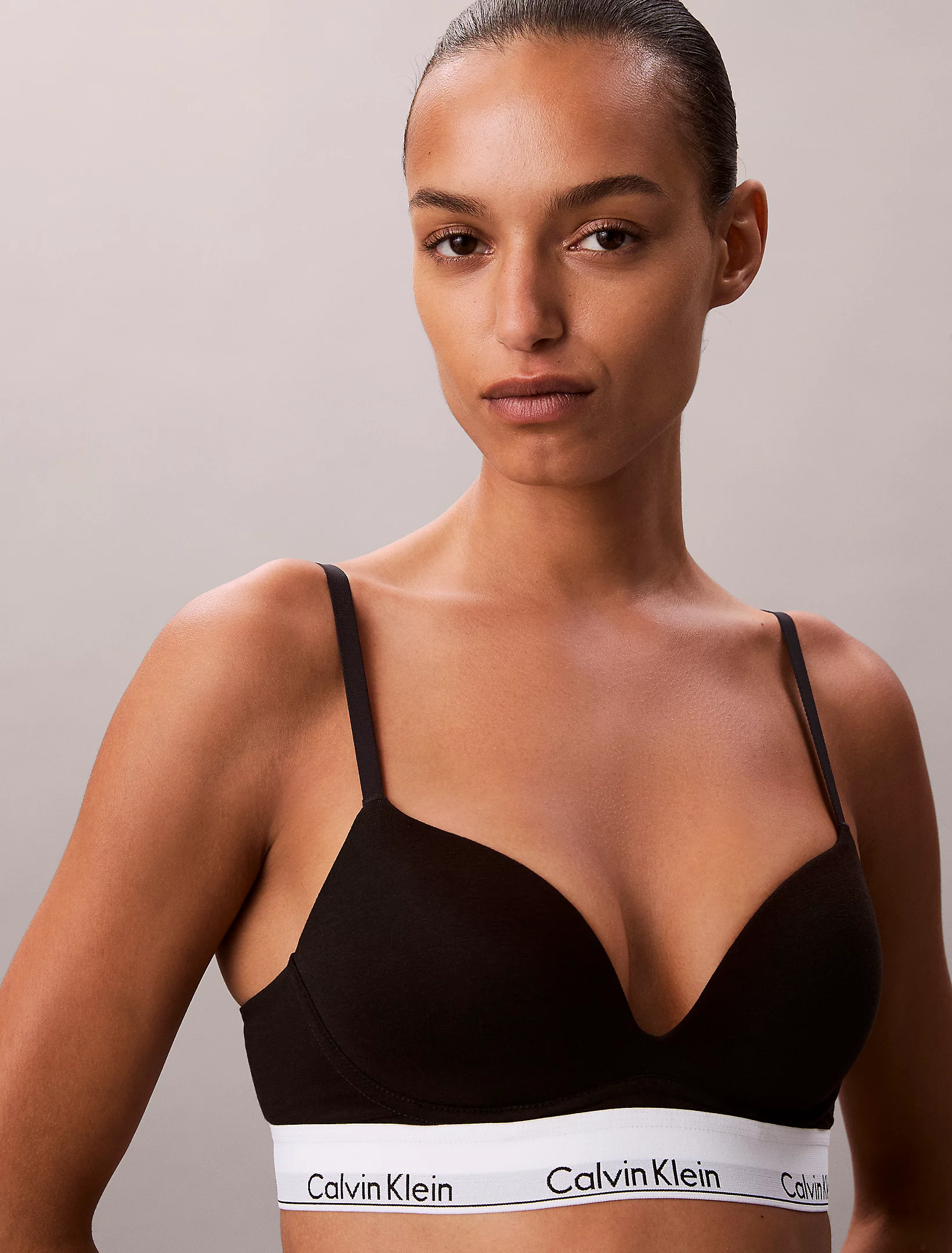
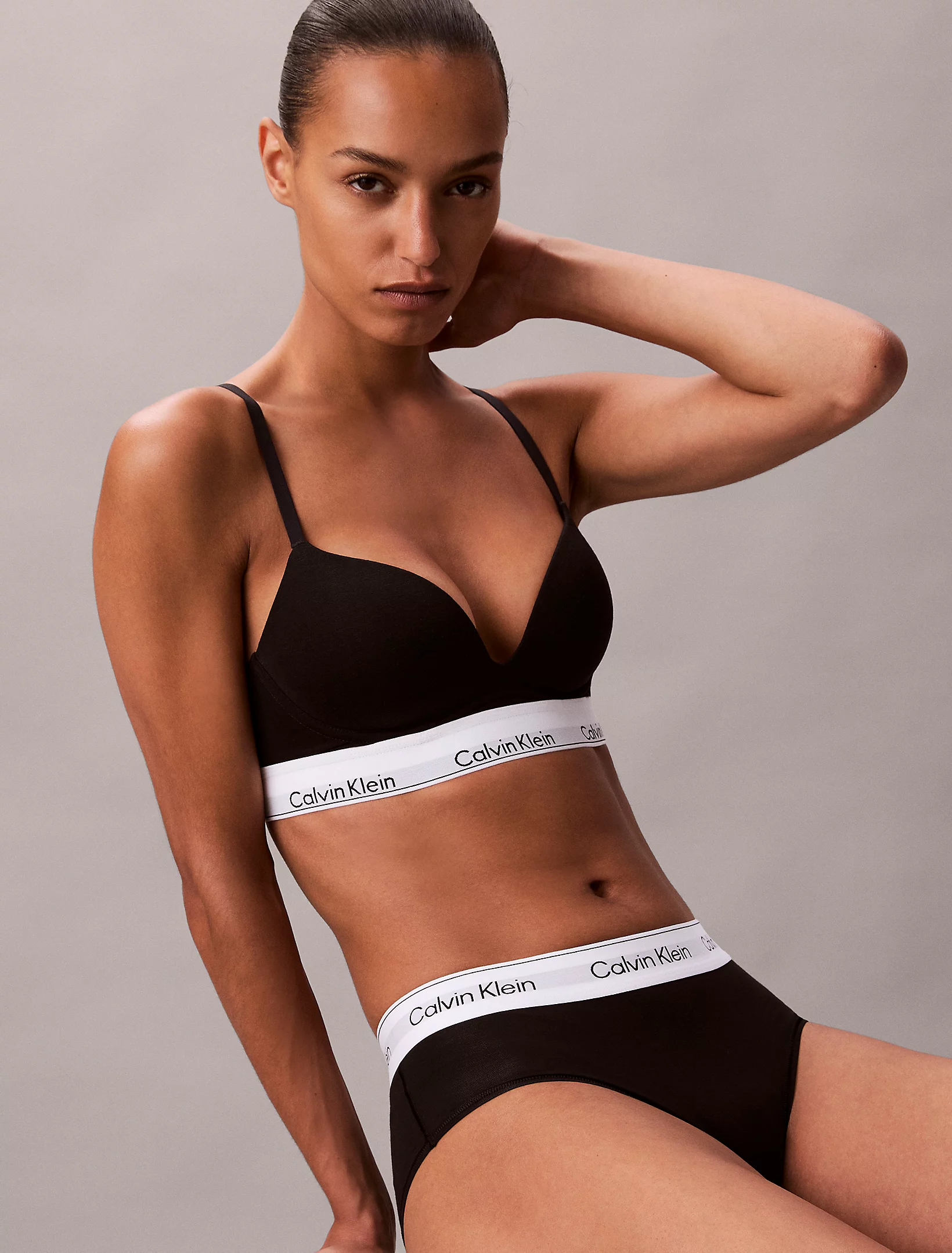
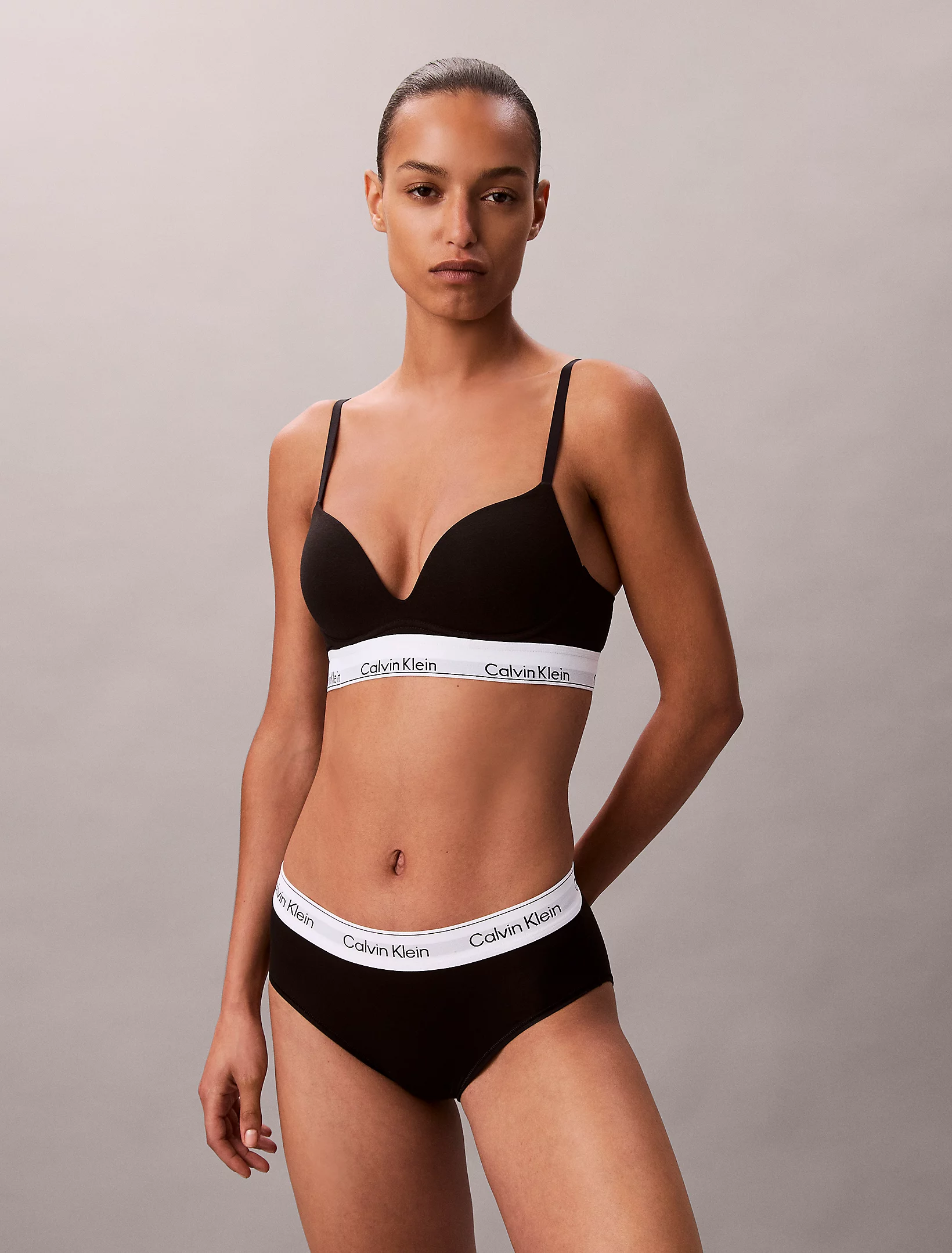
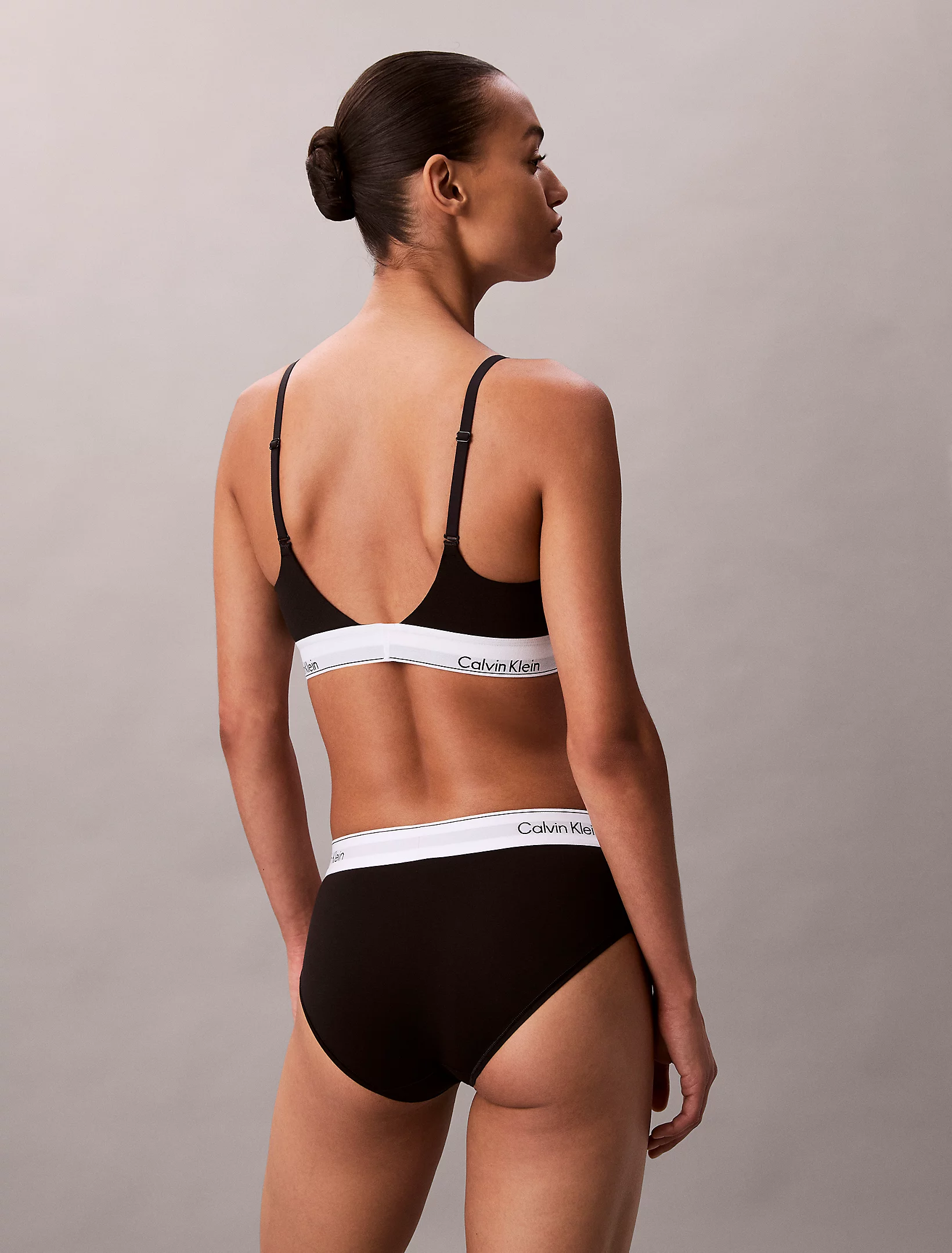
kereakp
Members
-
Joined
-
Last visited
Everything posted by kereakp
-
 Nikola Strugala walk_bikini.mp4
 -
IG: fardaumaaike



 agency portfolio


 vid Little casting video @hannahachula.mp4


 spoiler 1768299394-c0c6cff82c8807387deddf95df8b4992.mp4
 a60f79f906ca4478f05d1a0b.mp4
Nikol - Modelwerk (video is from 2023) Nicolla Nikolova 6.mp4
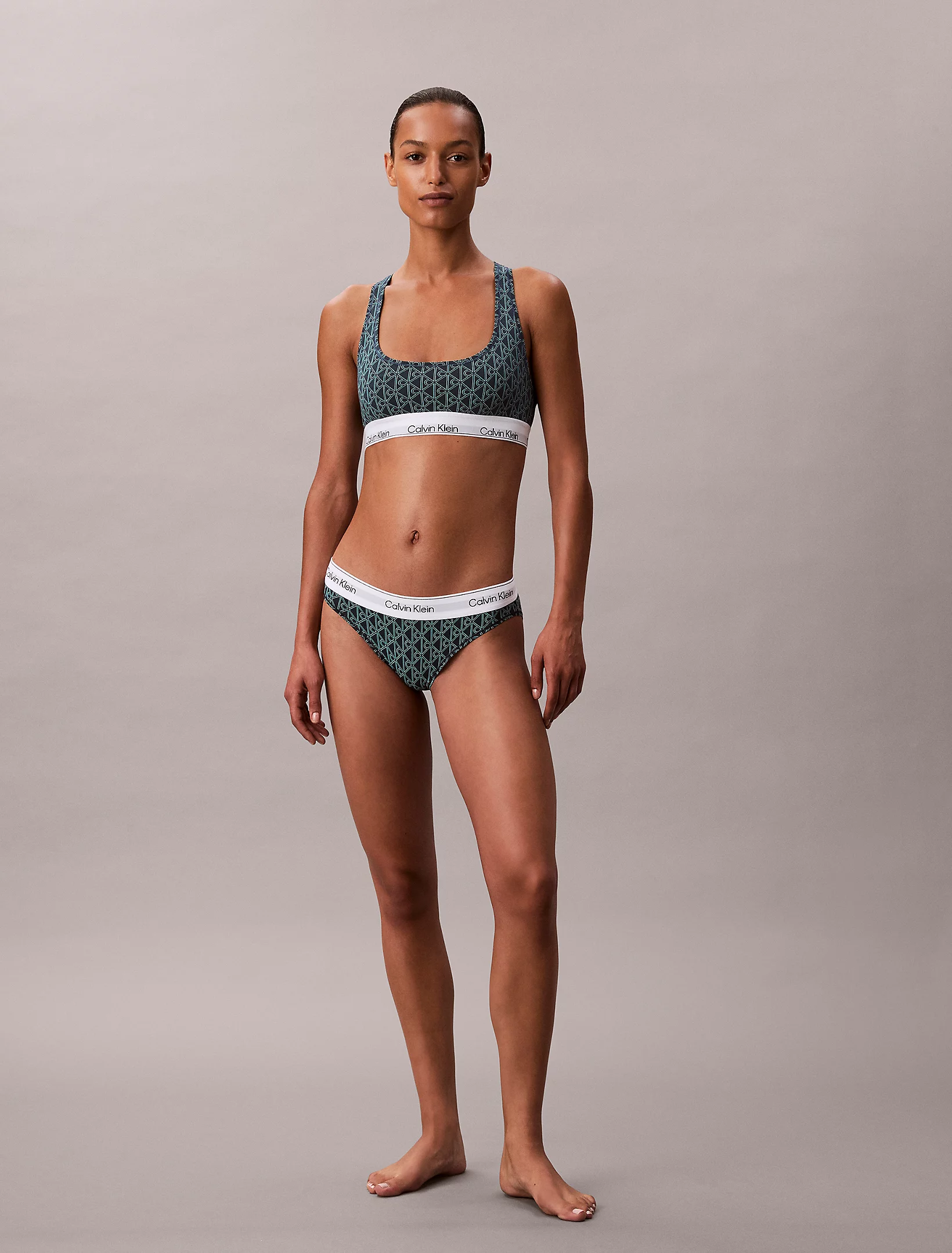
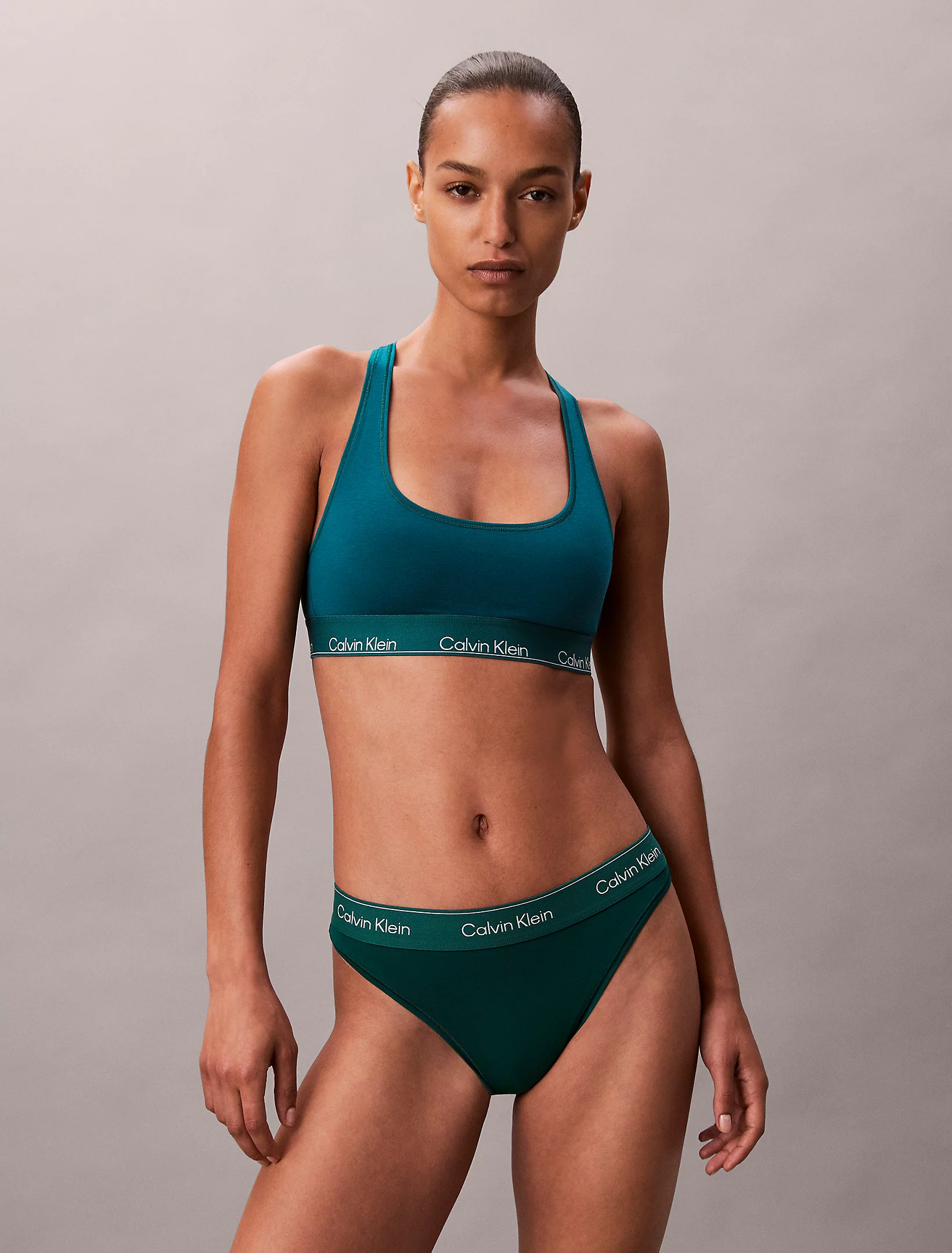
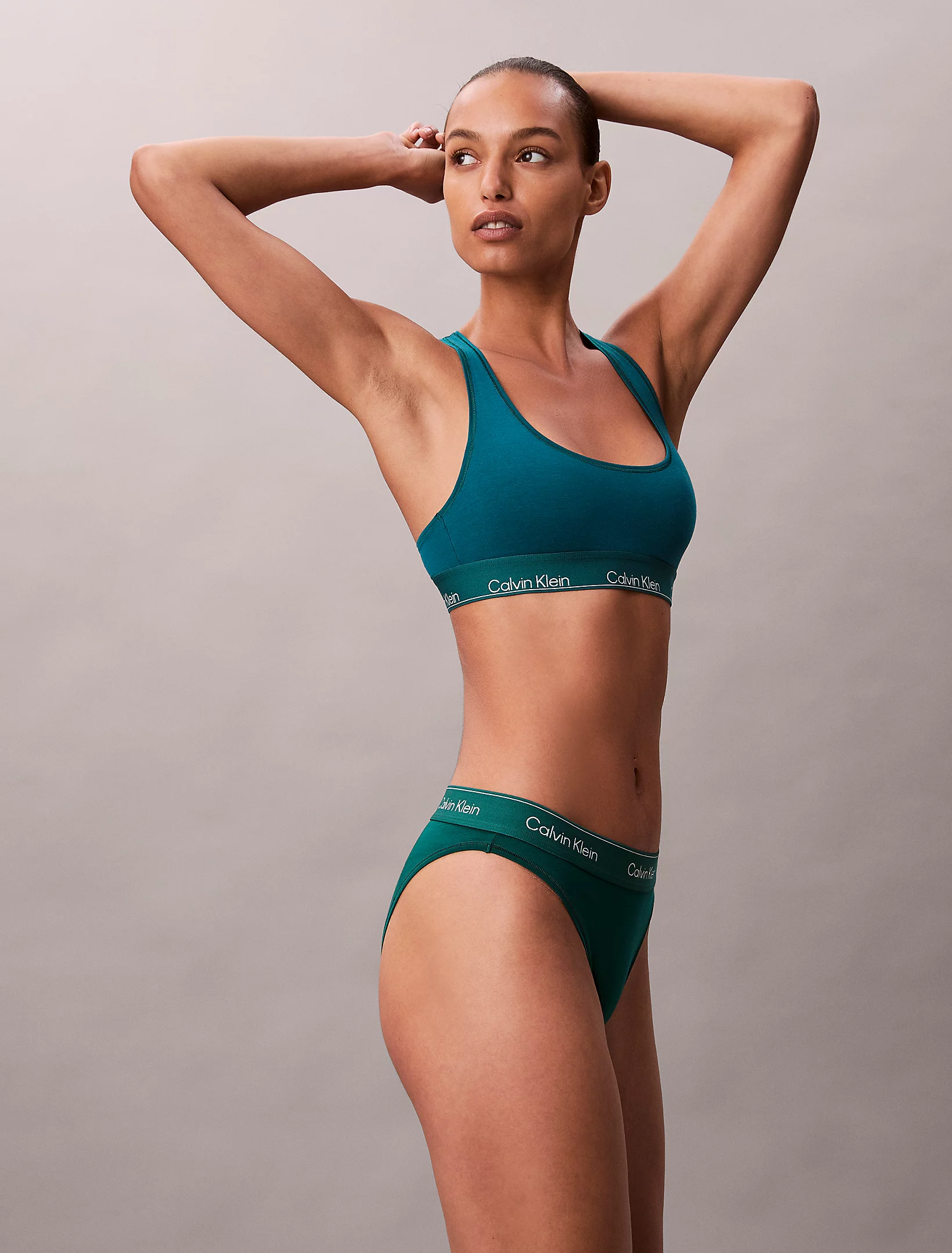
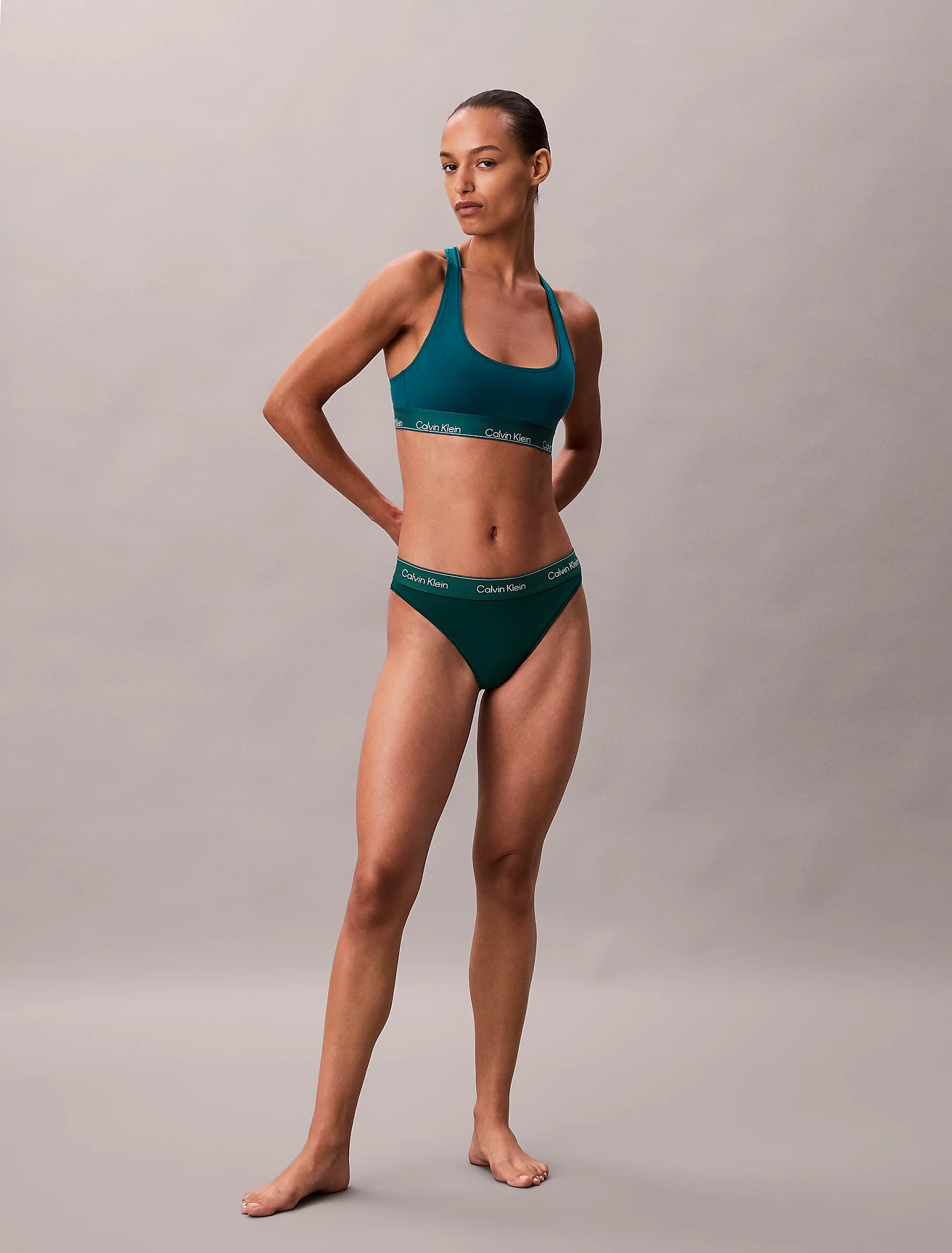
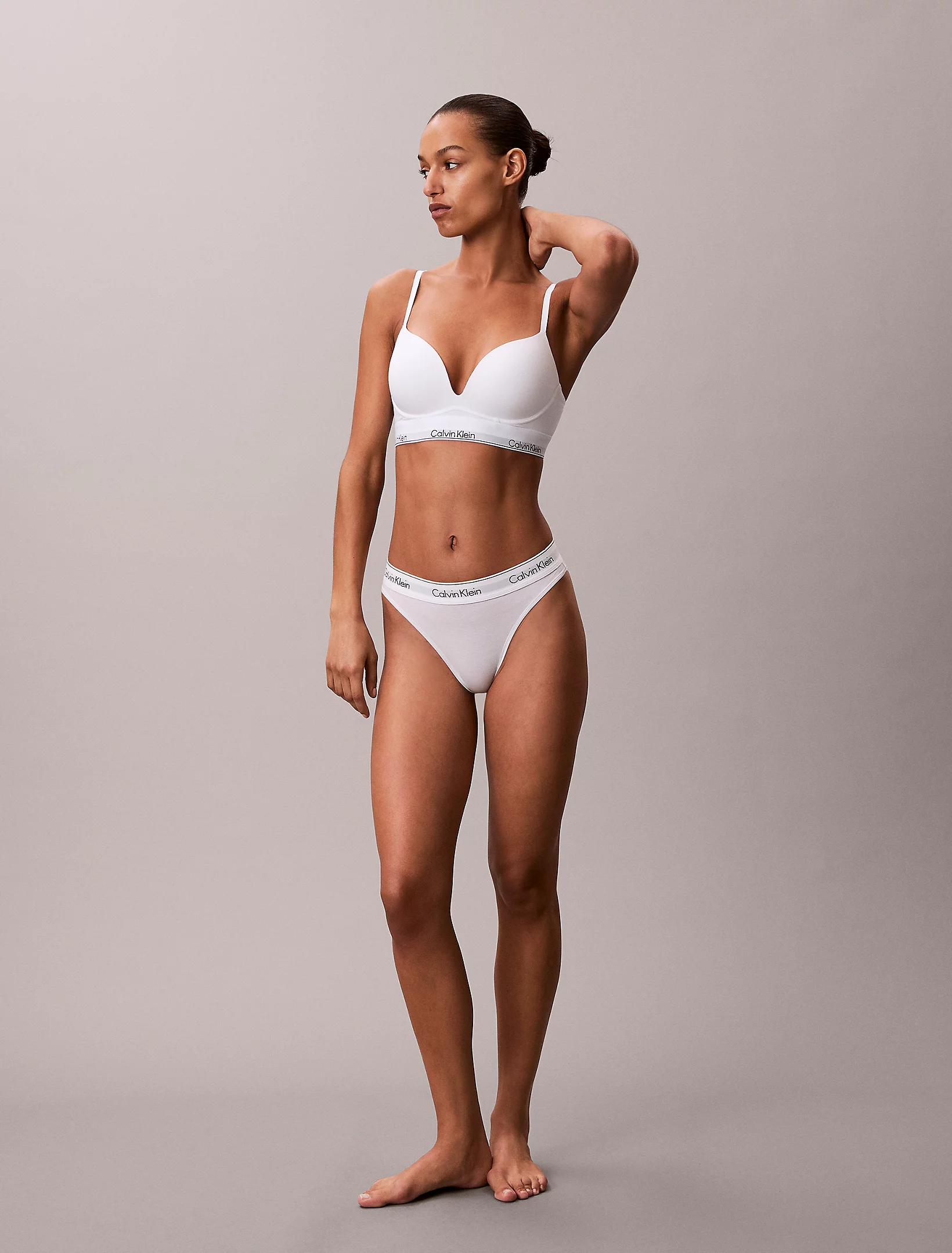
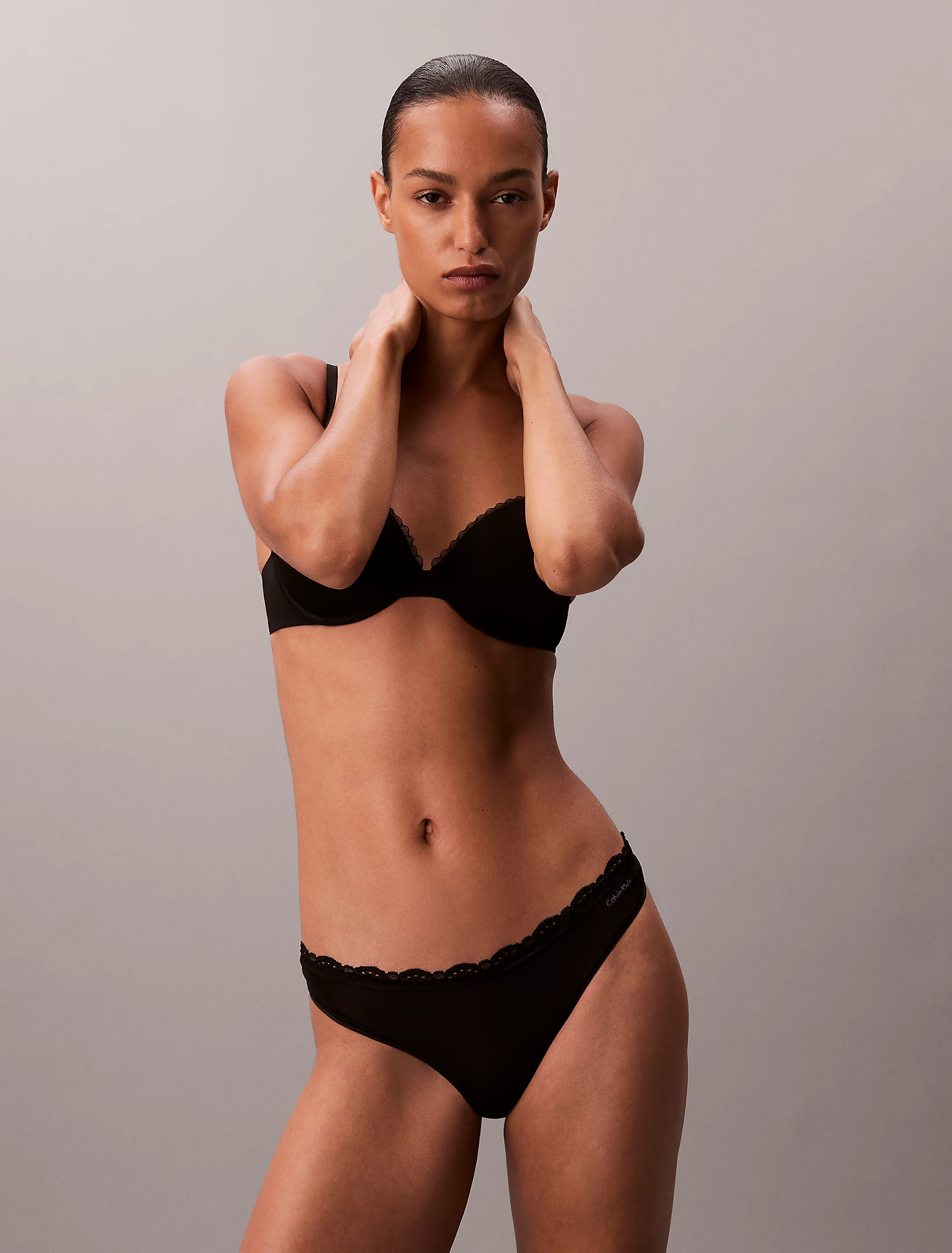
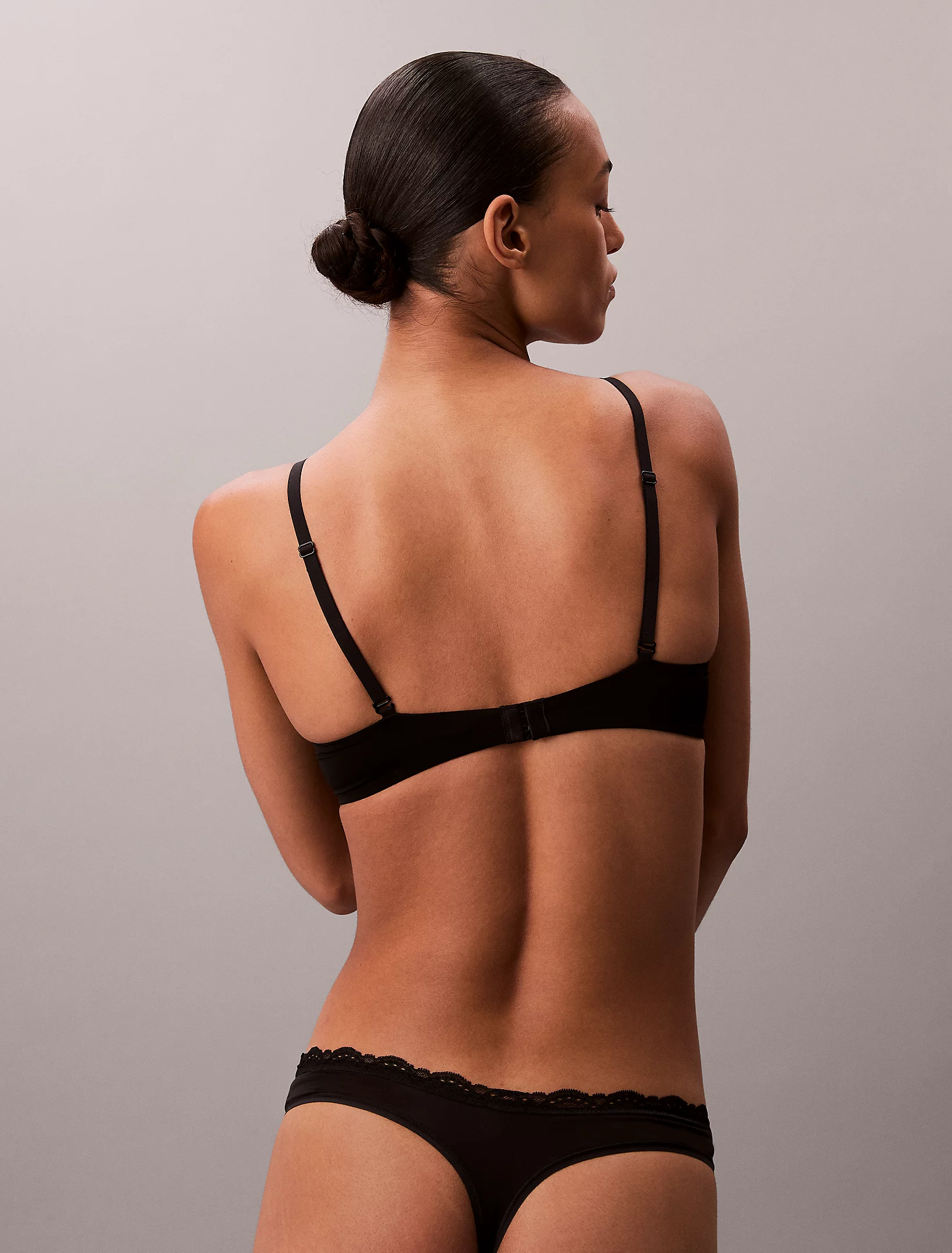
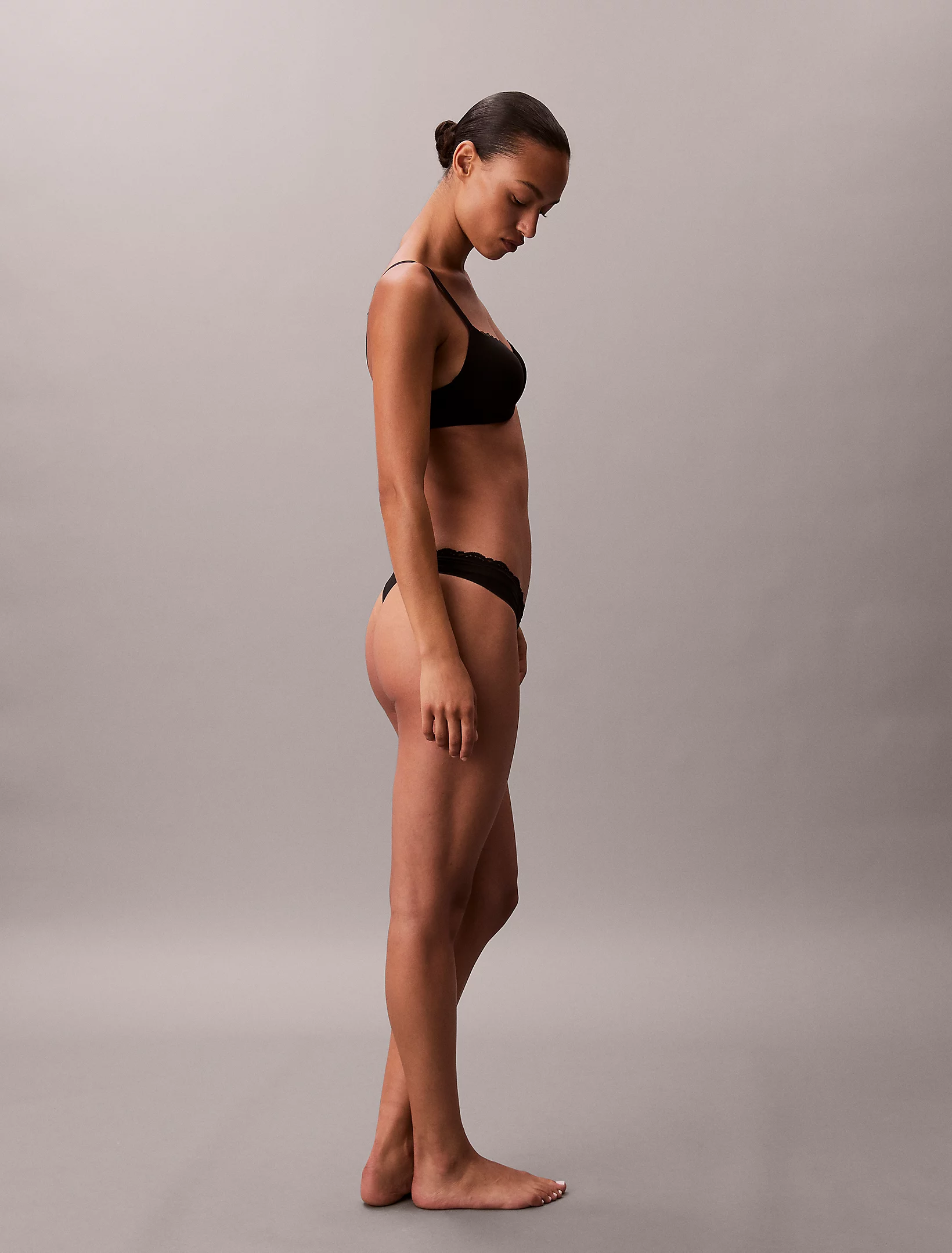
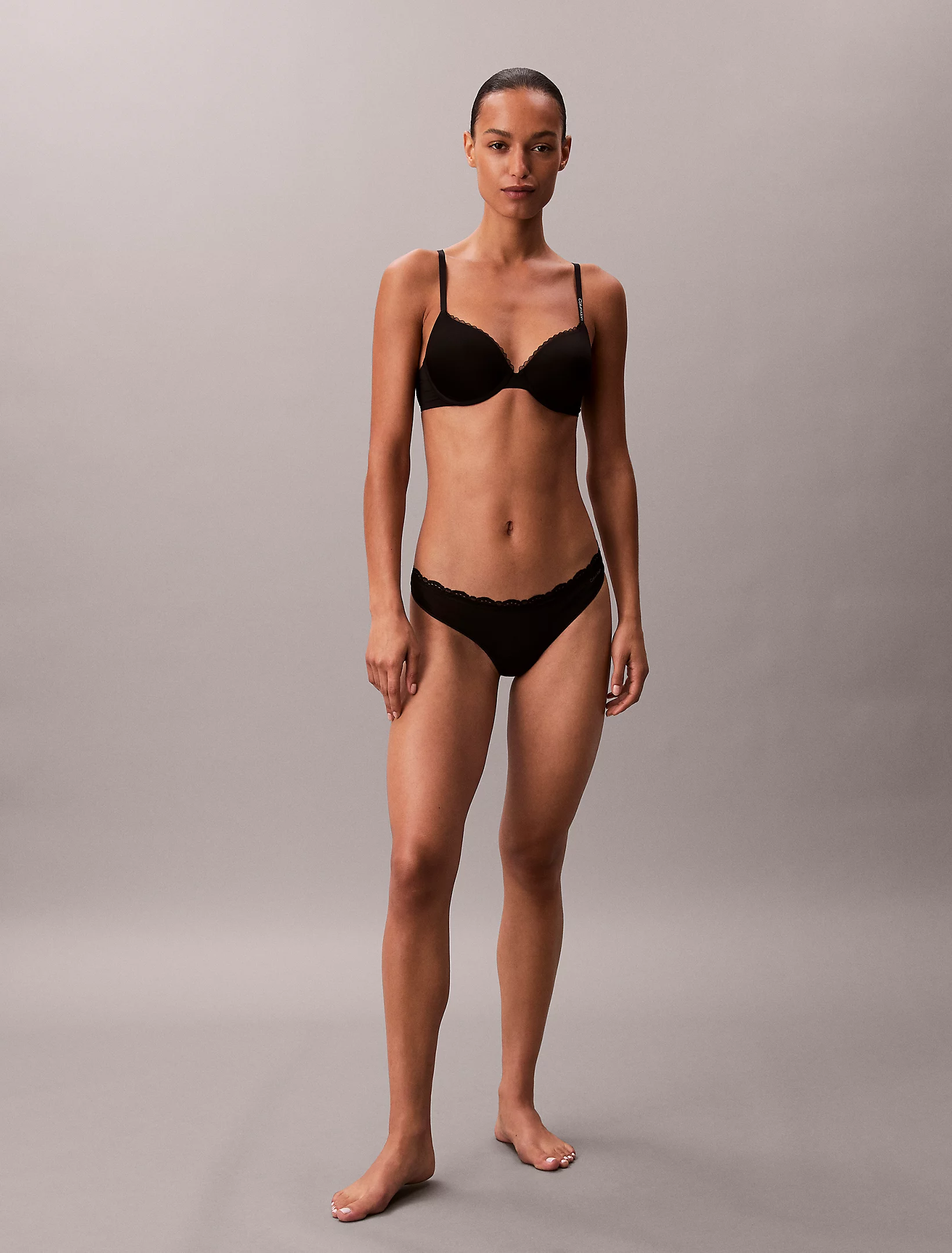
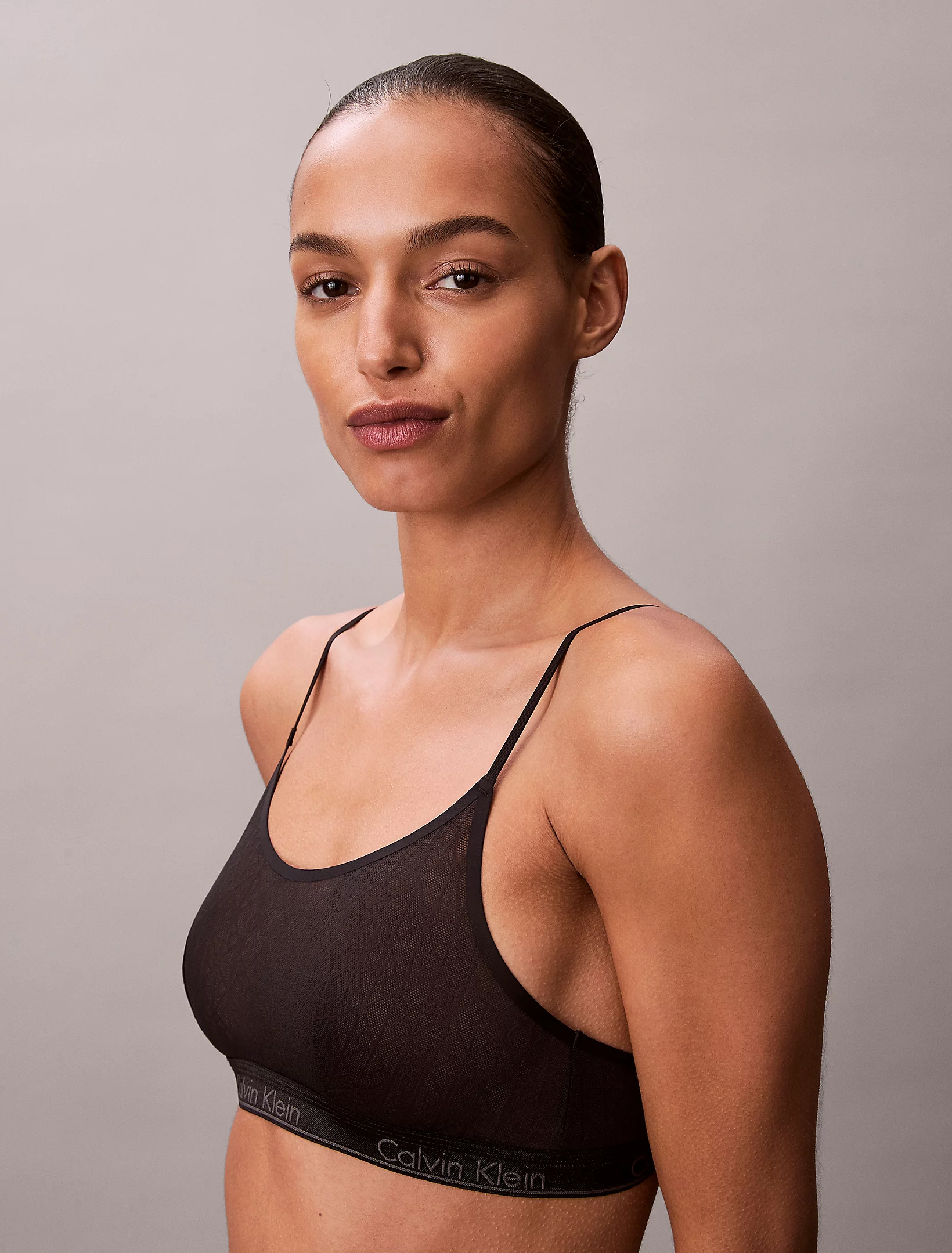
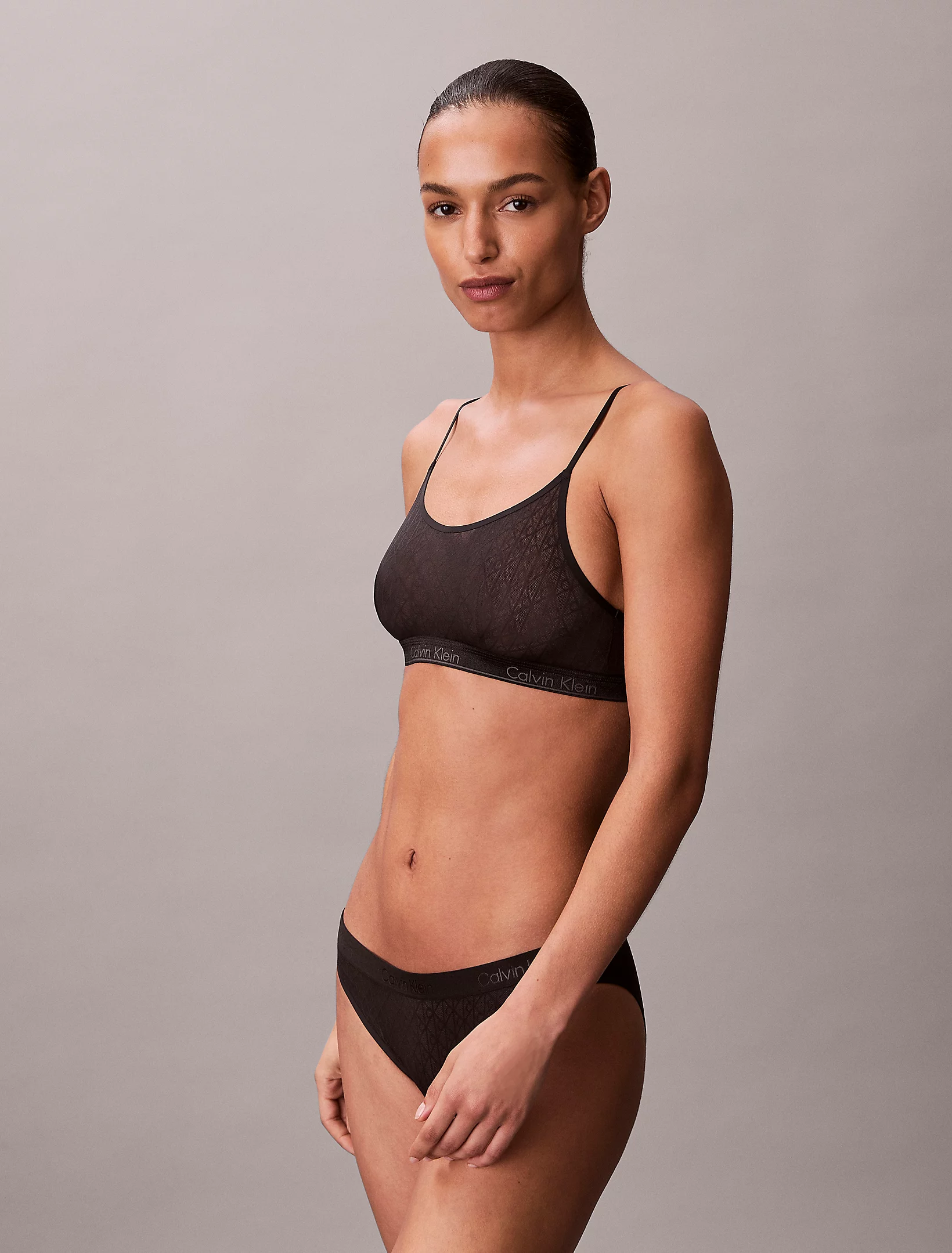
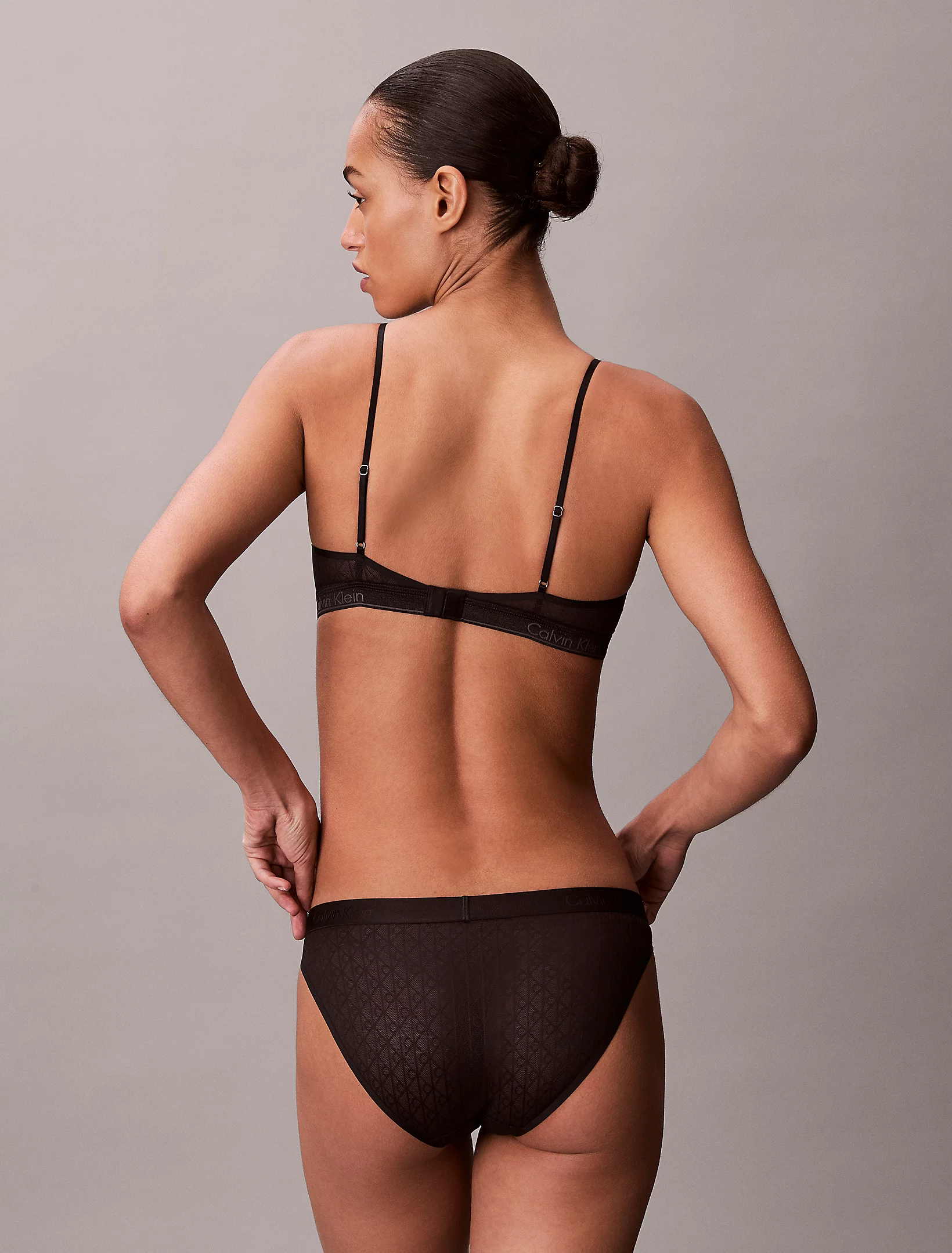
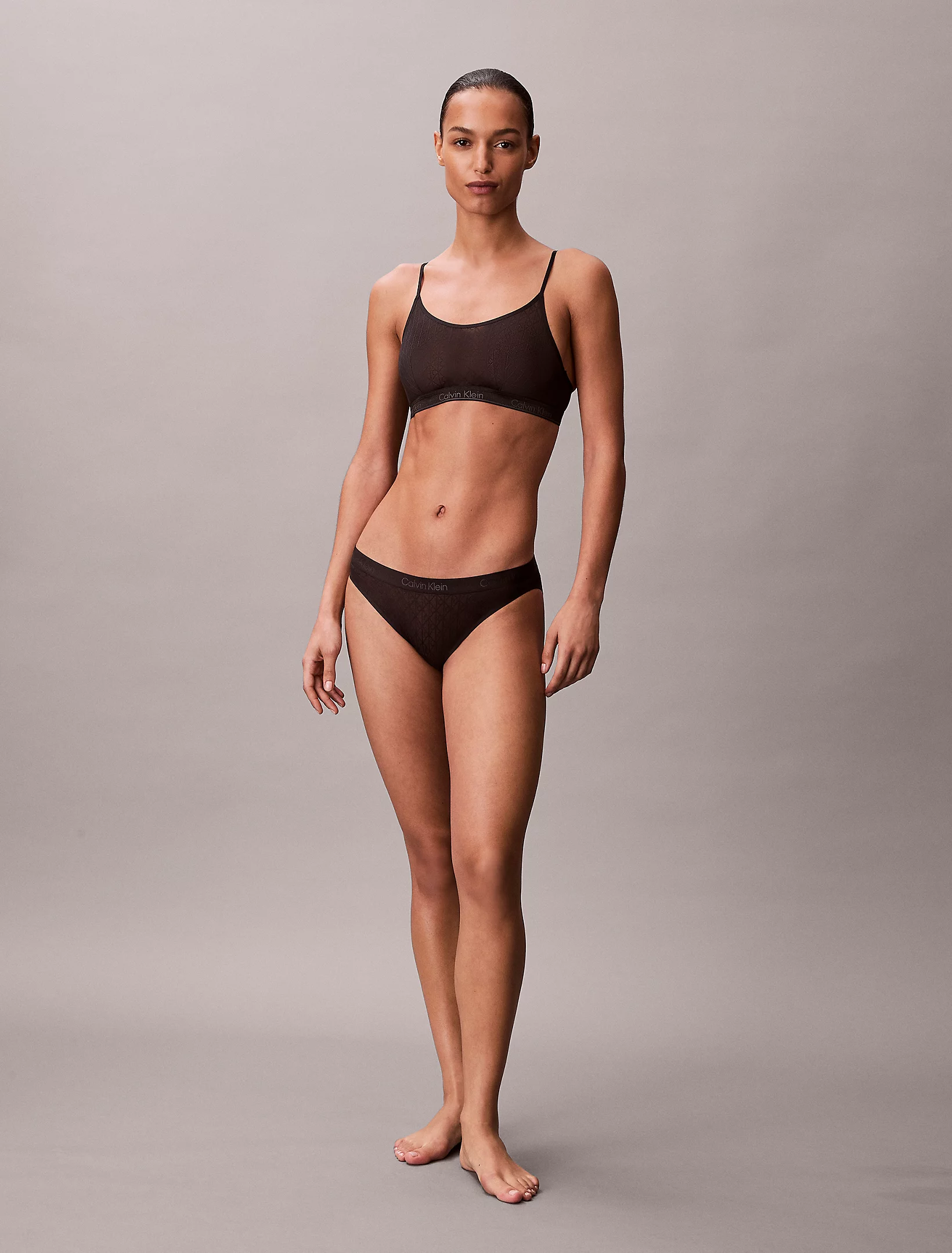
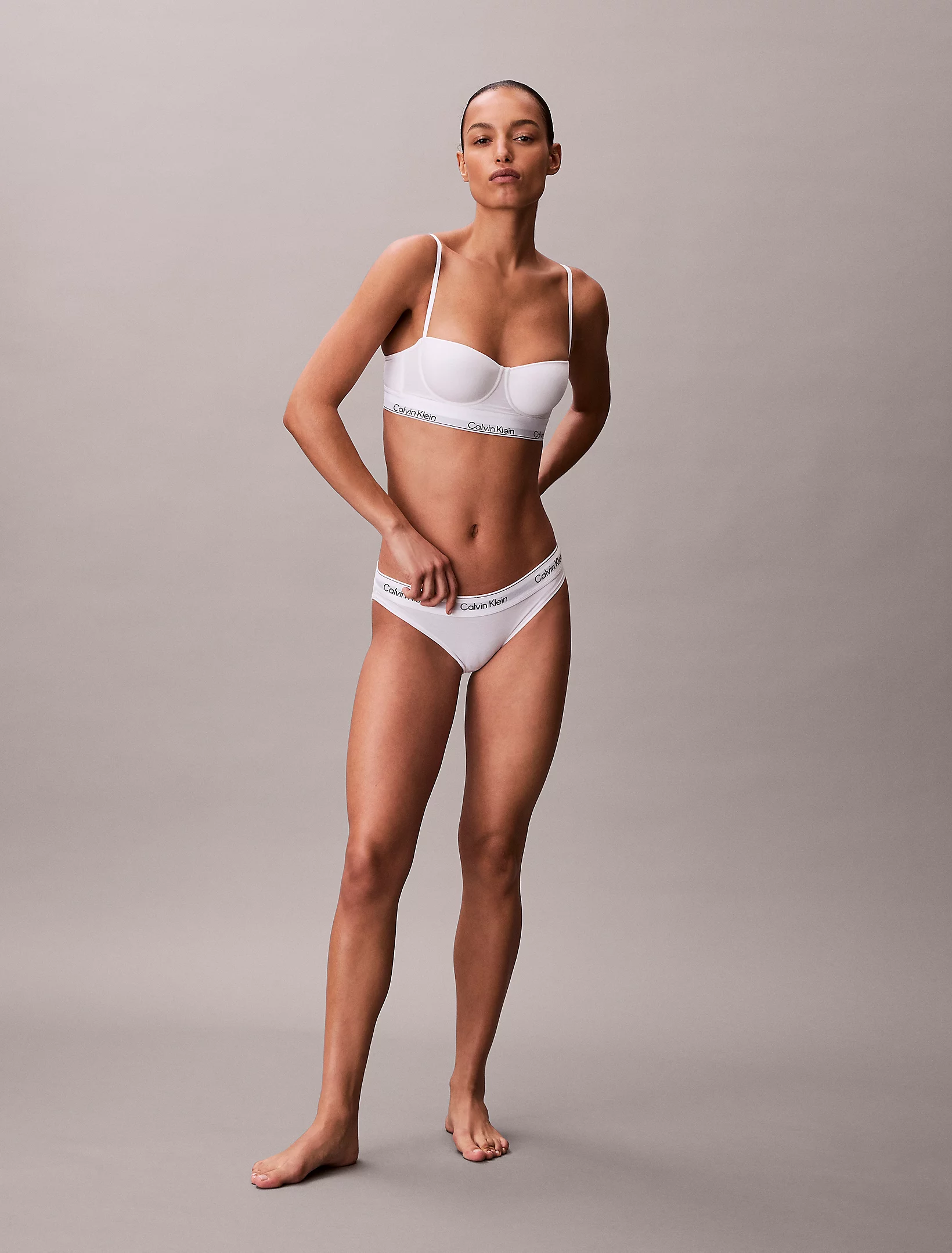
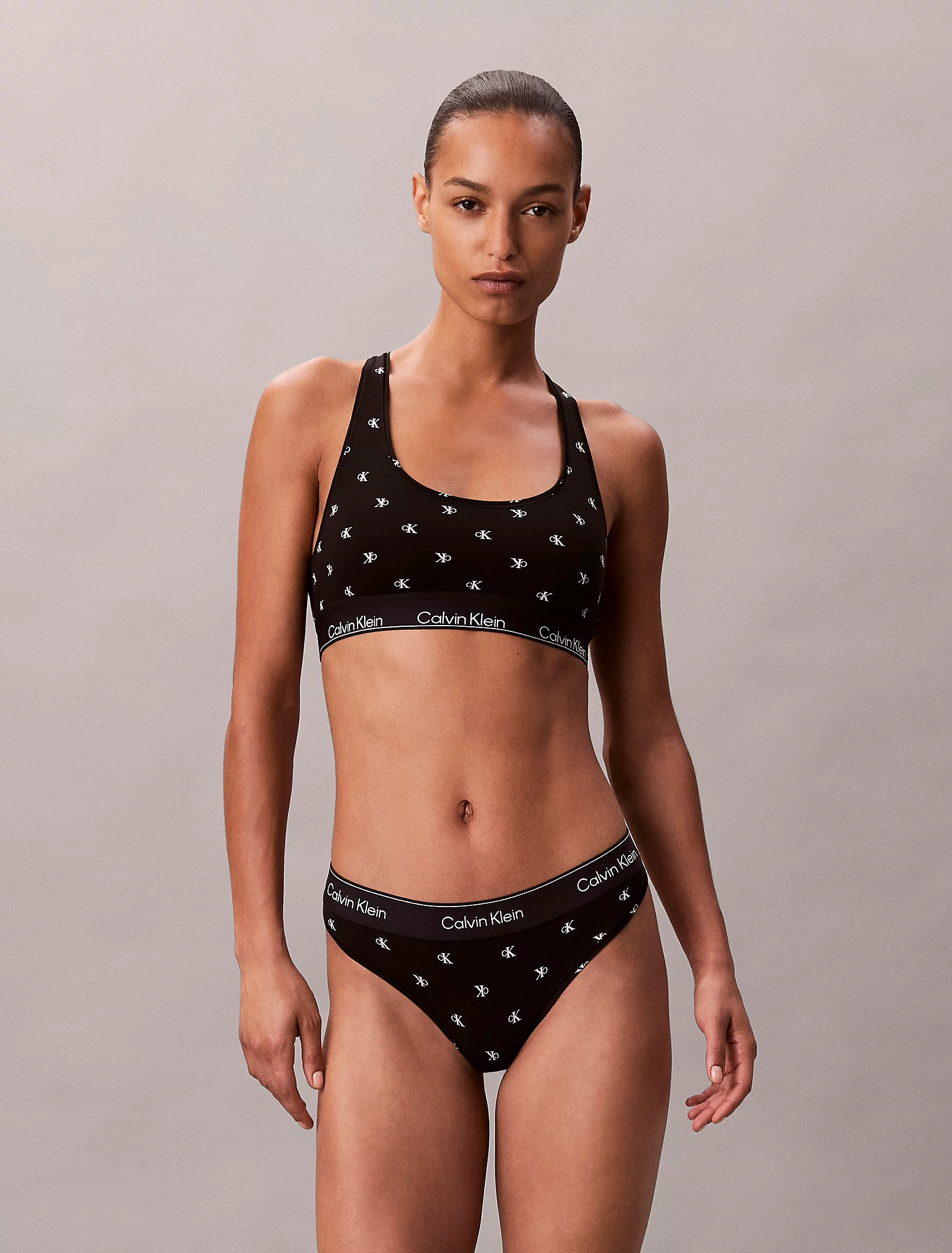
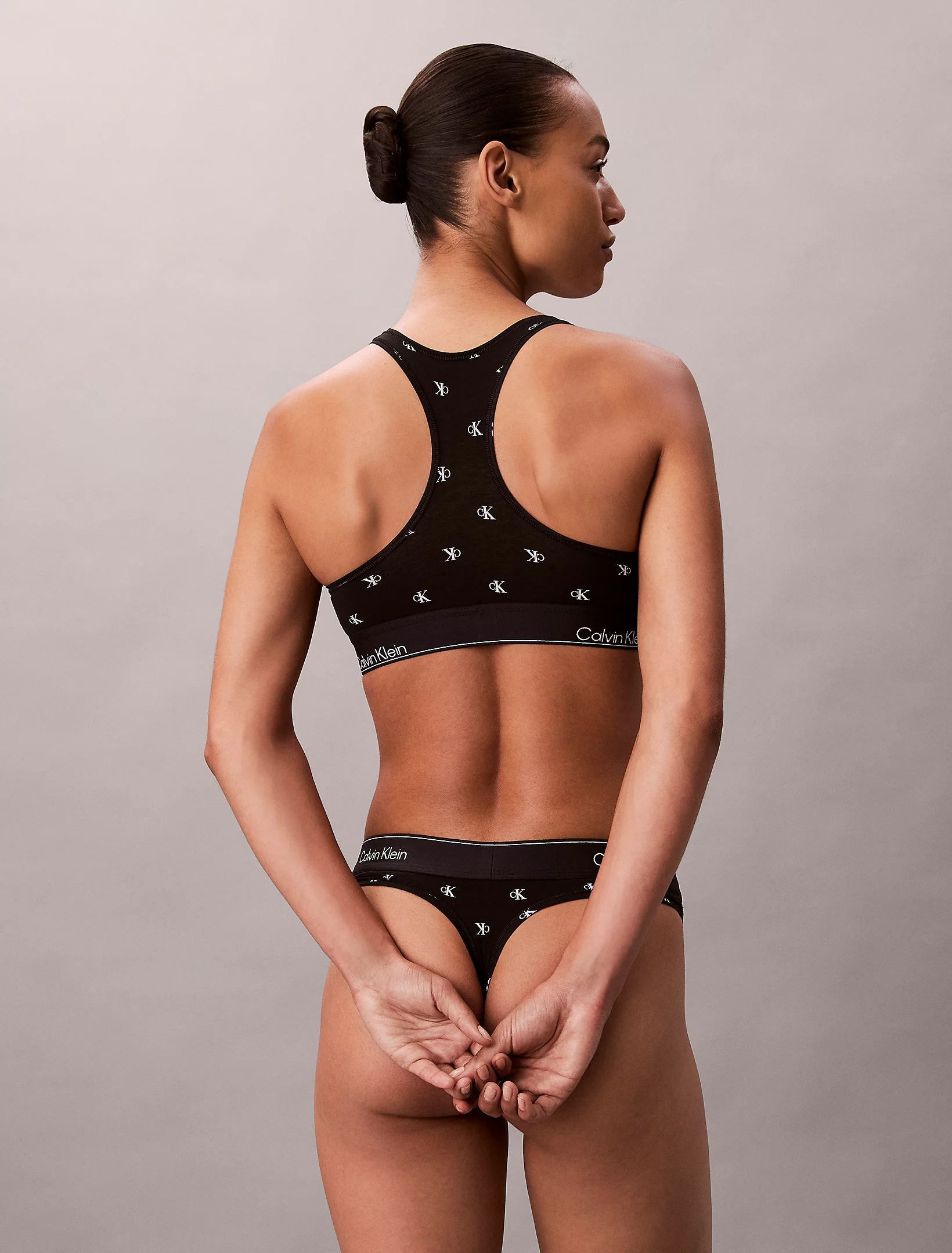
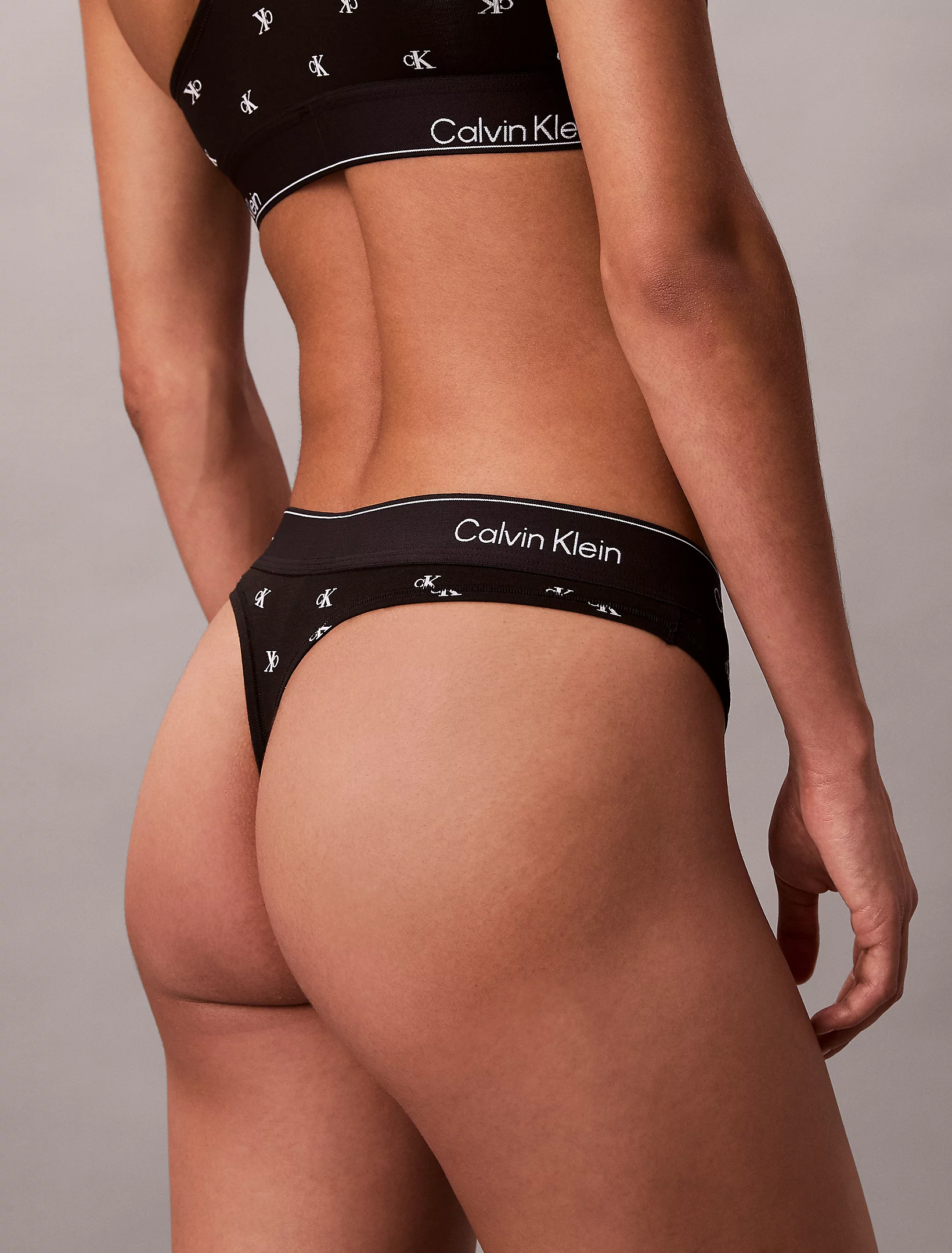
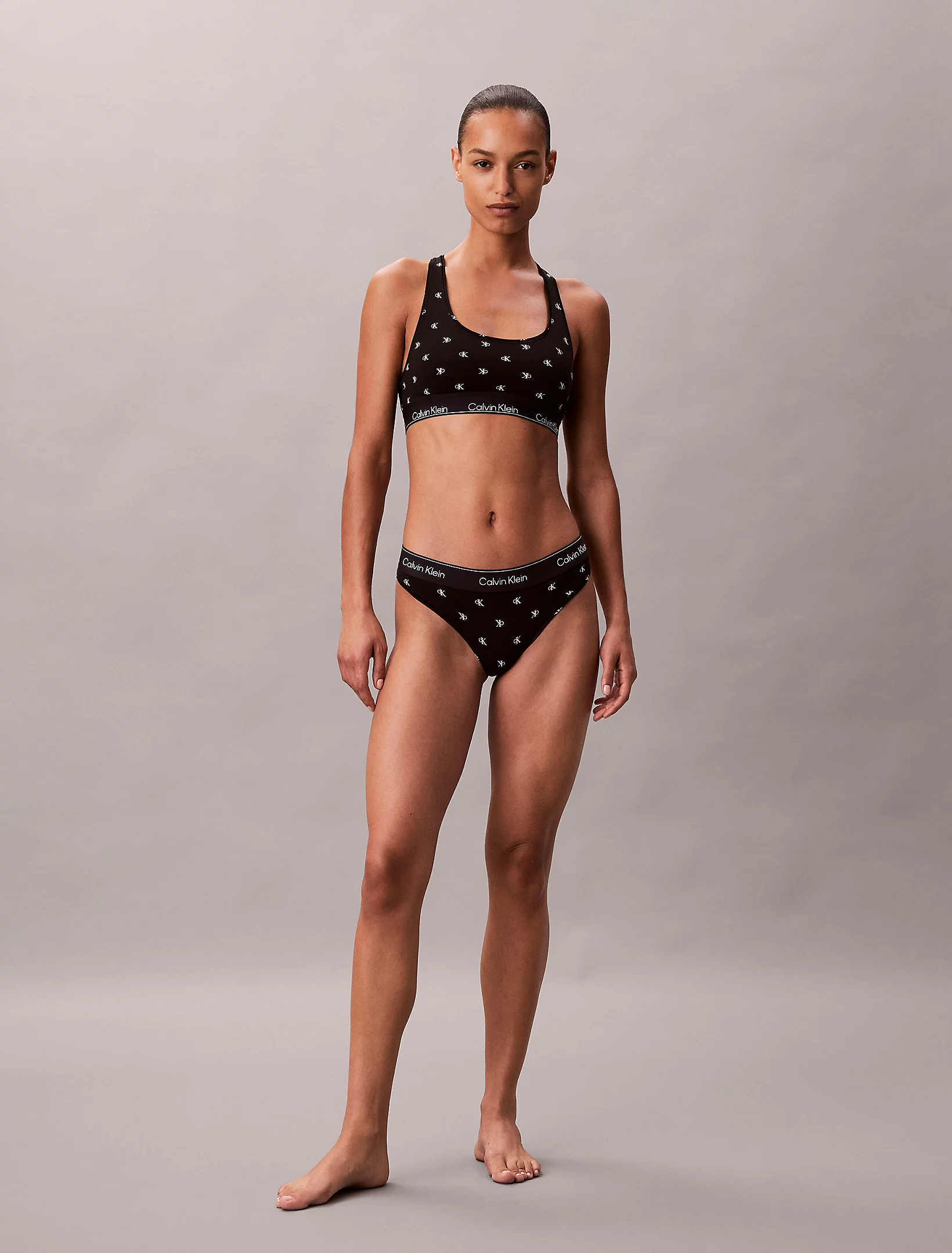
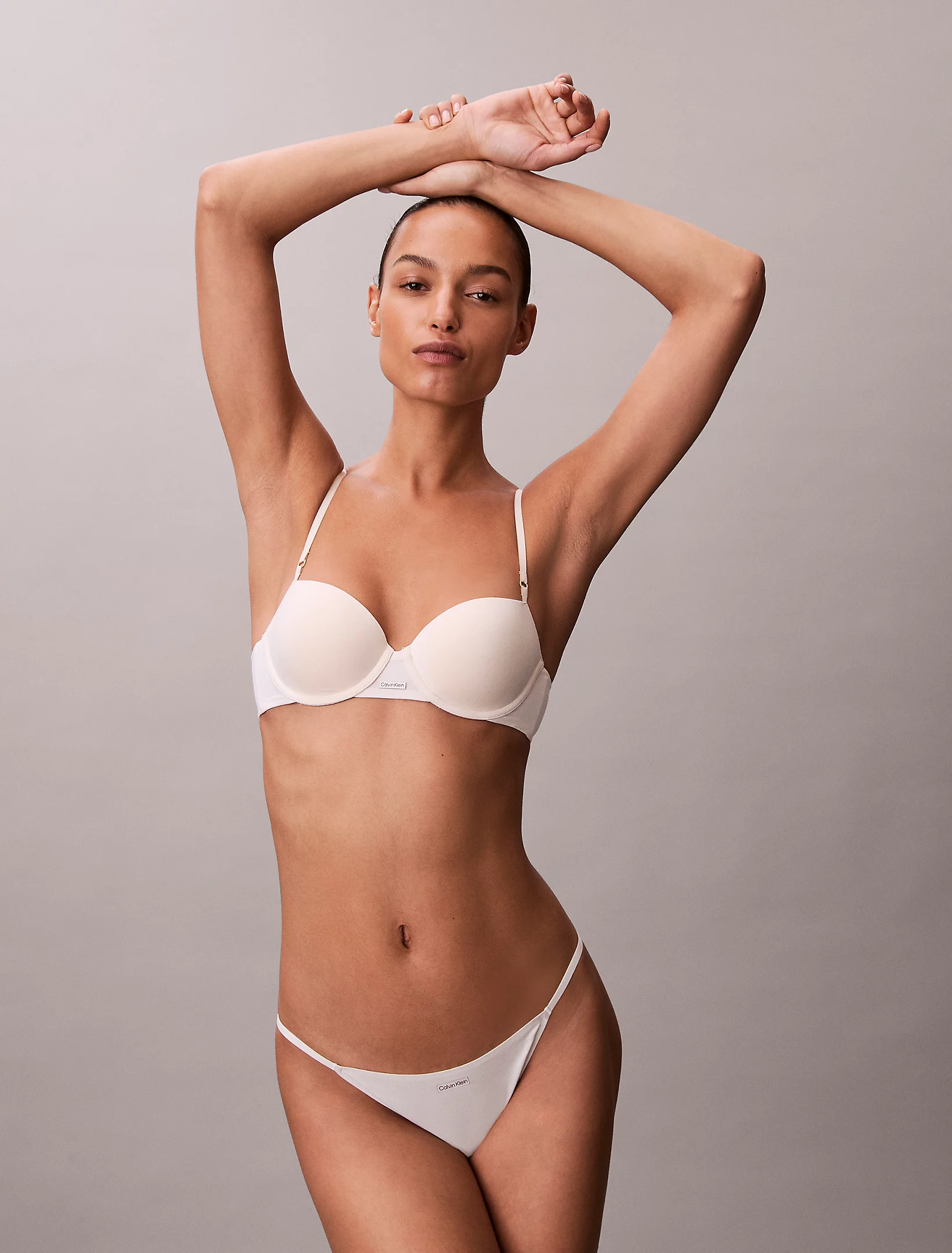
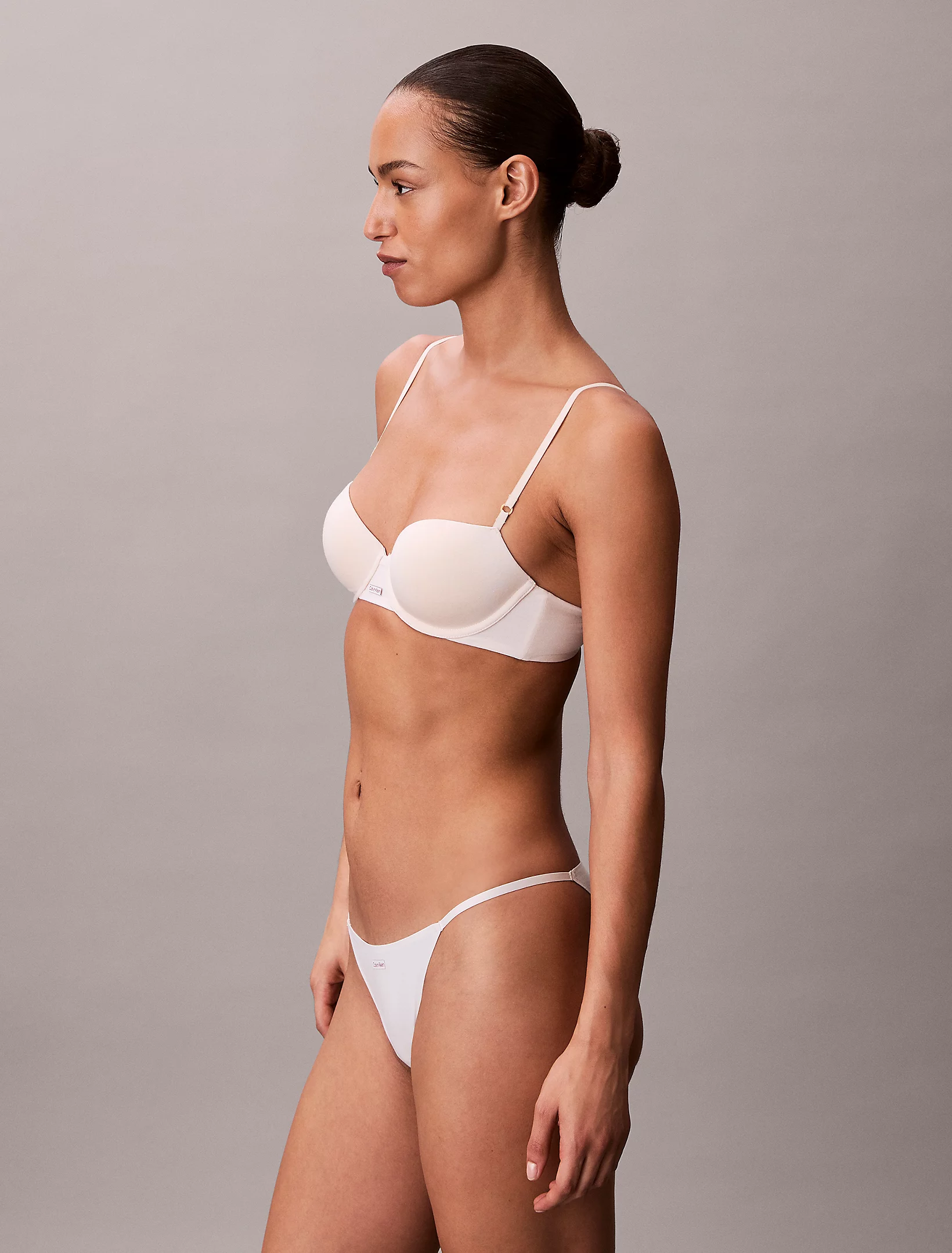
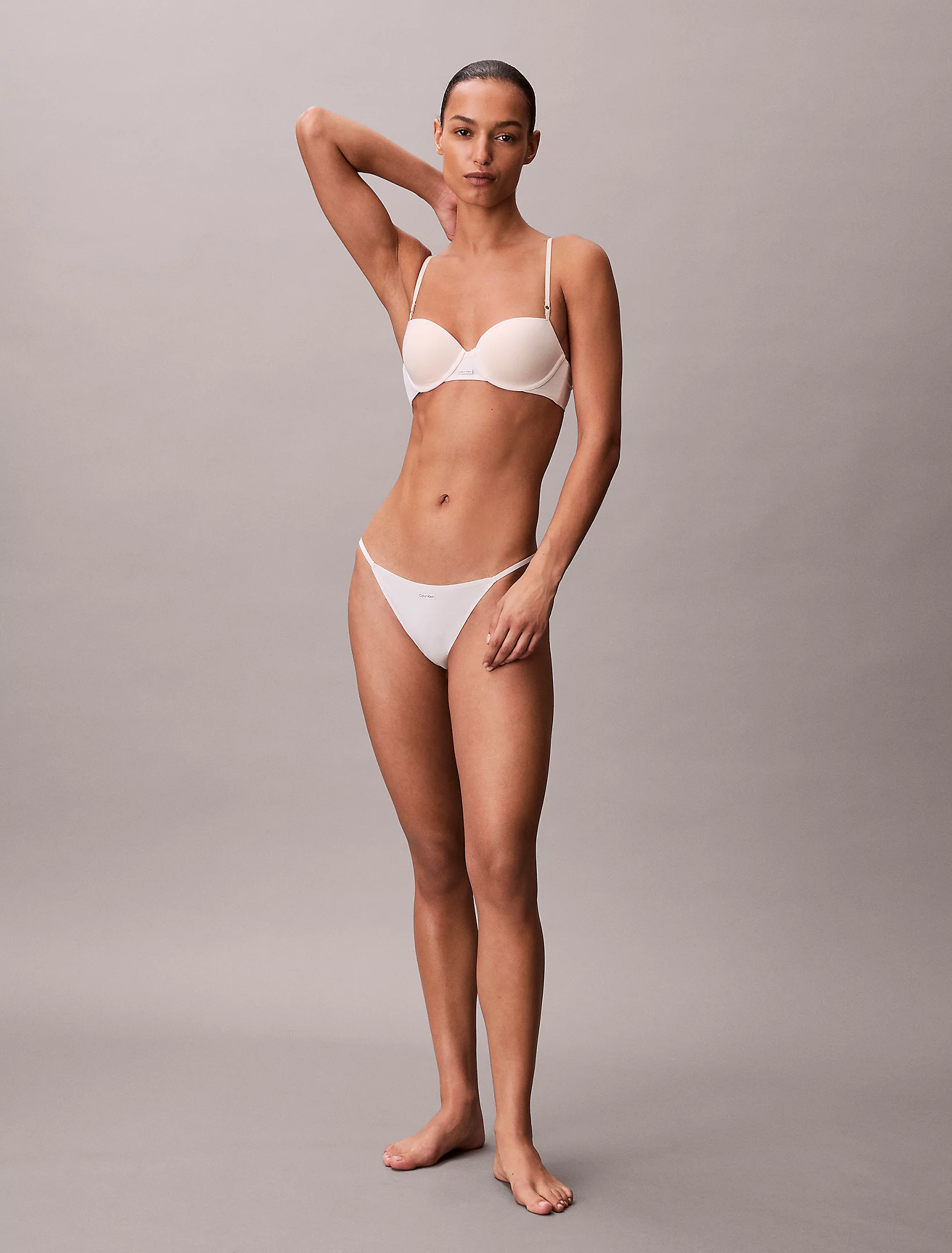
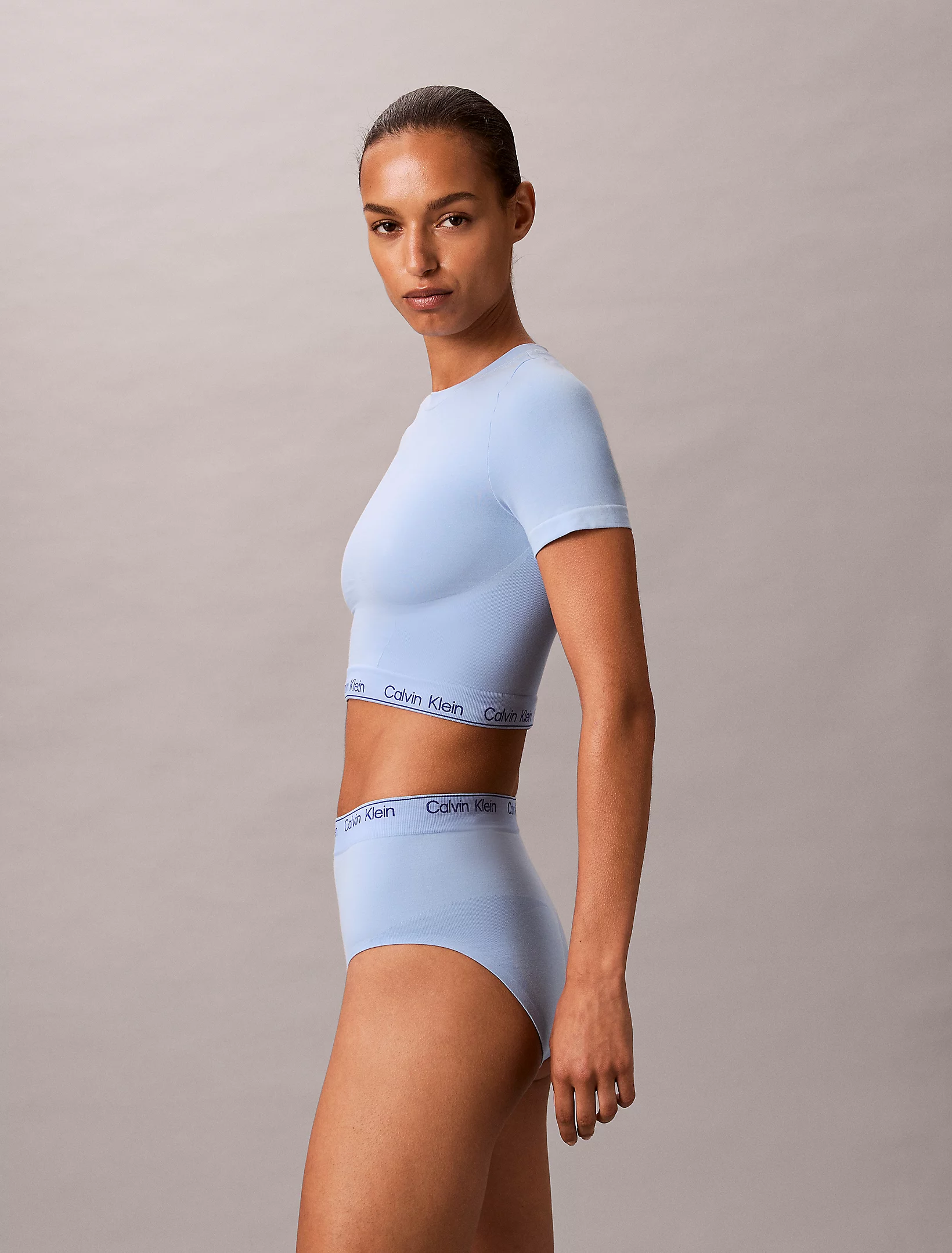
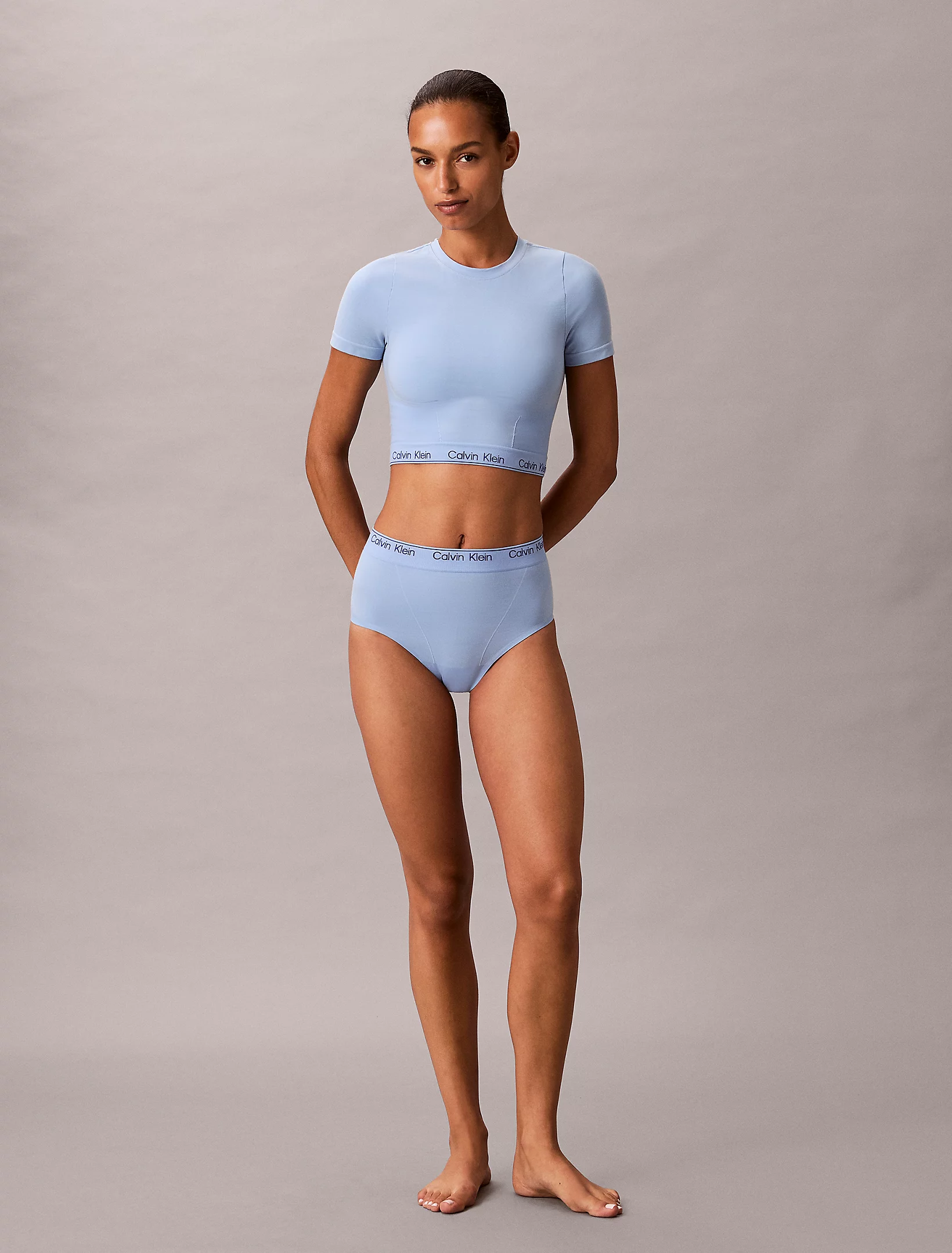
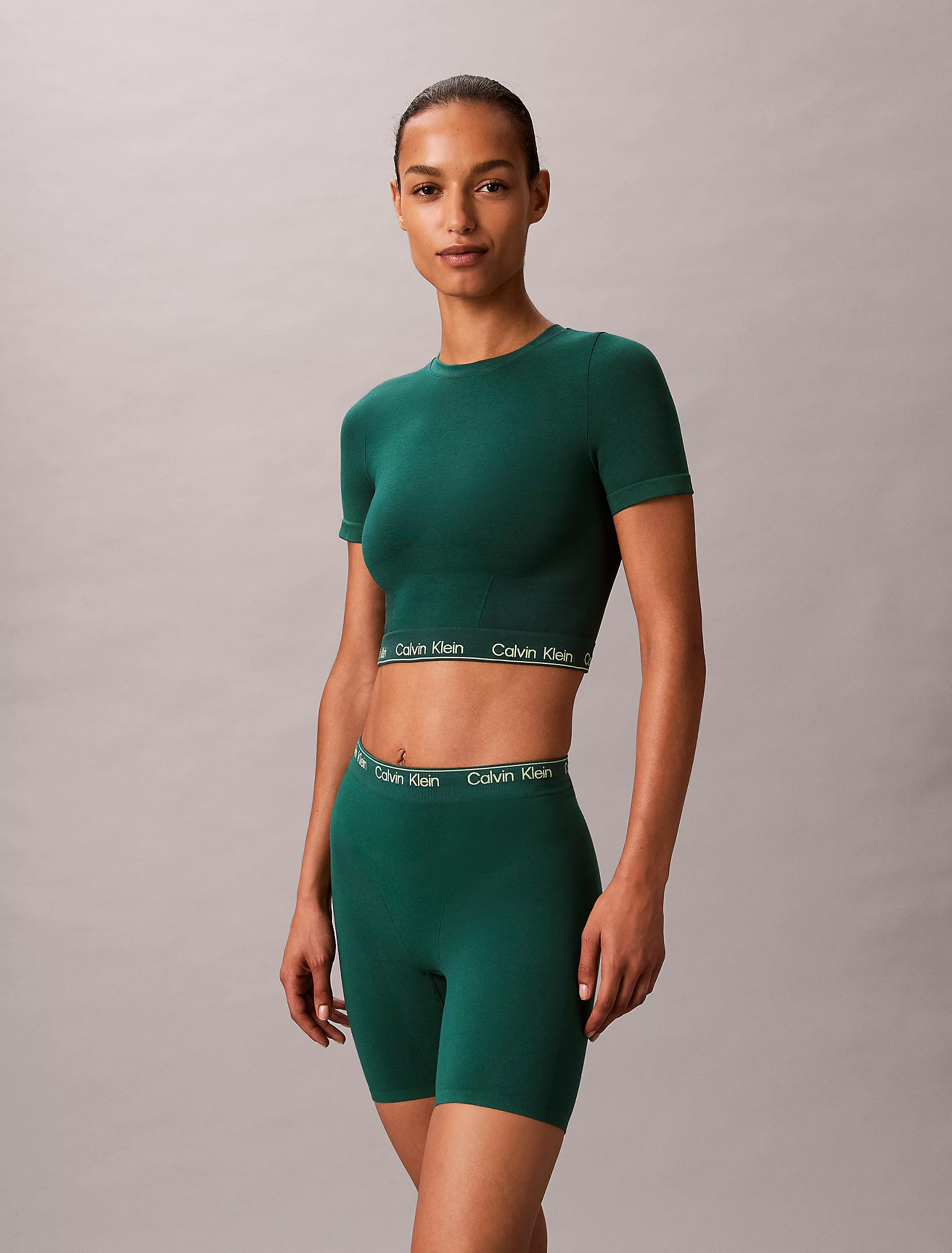
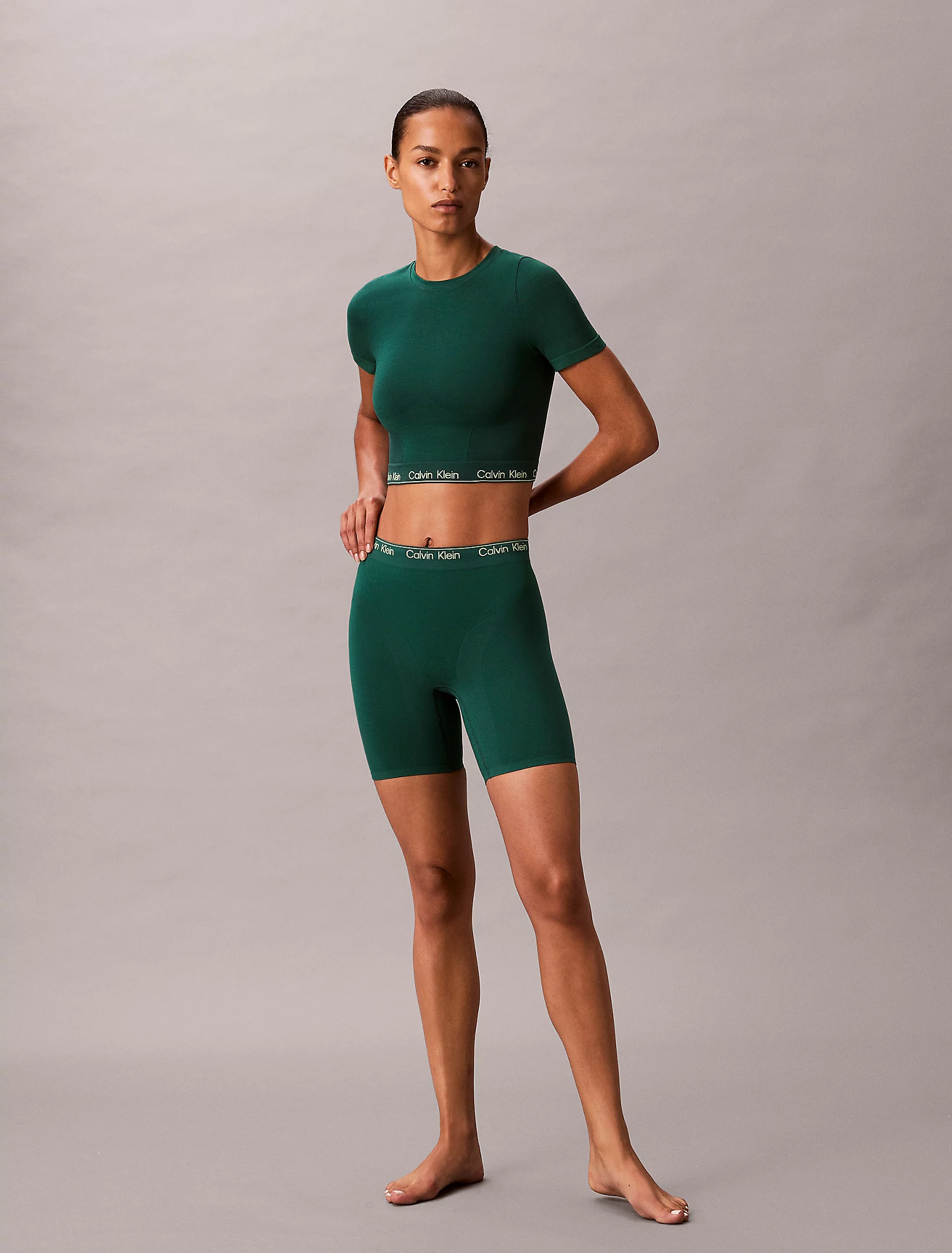
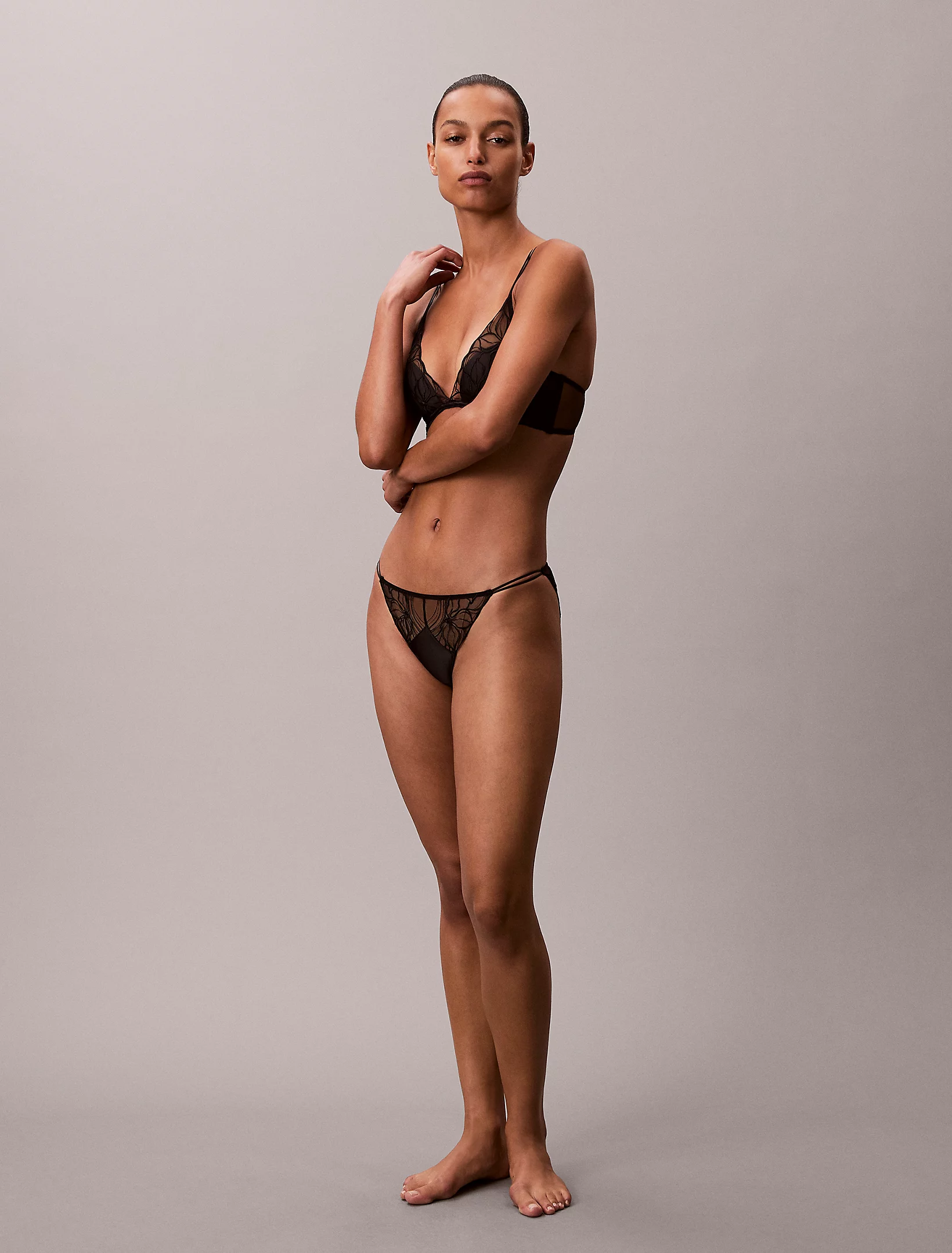
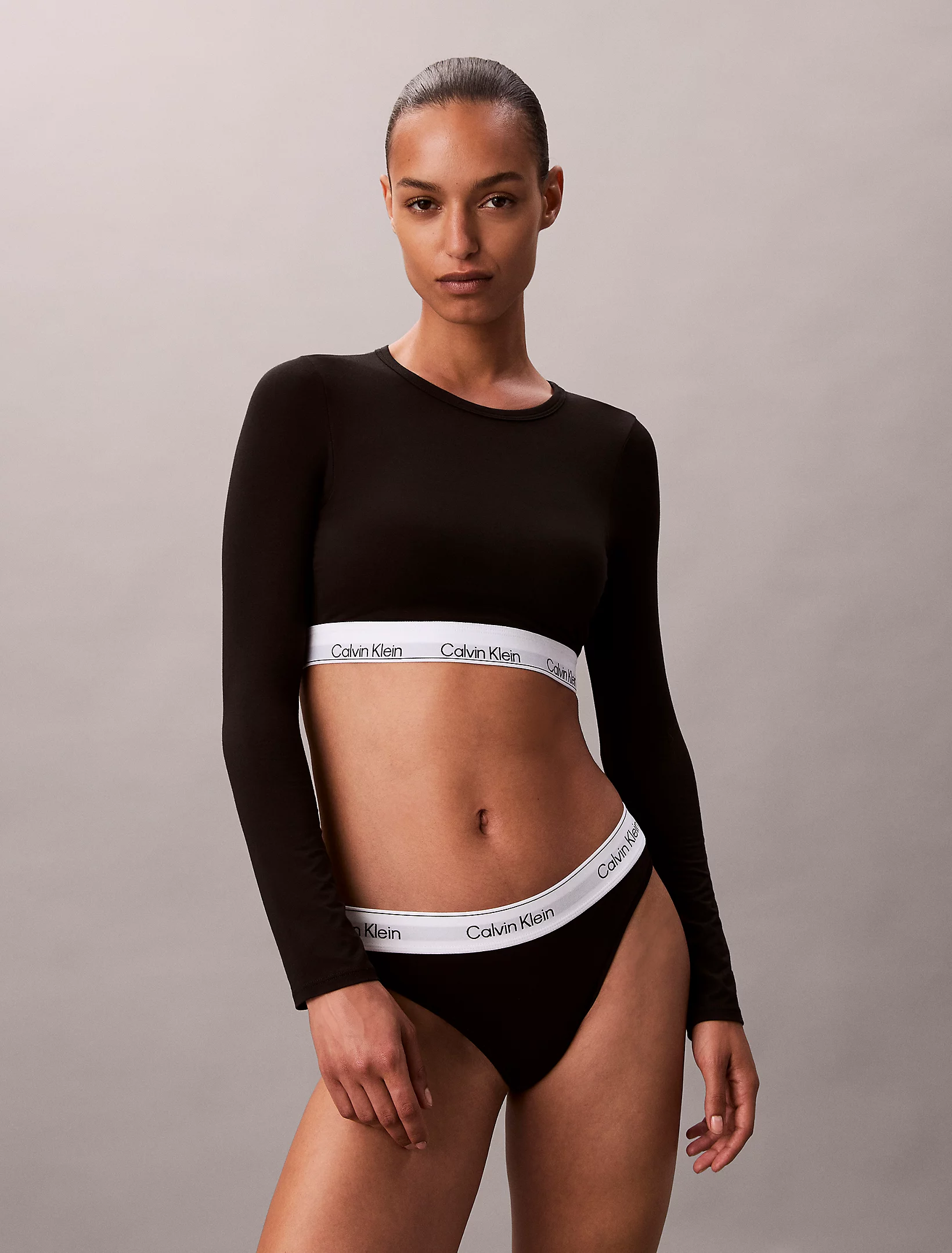
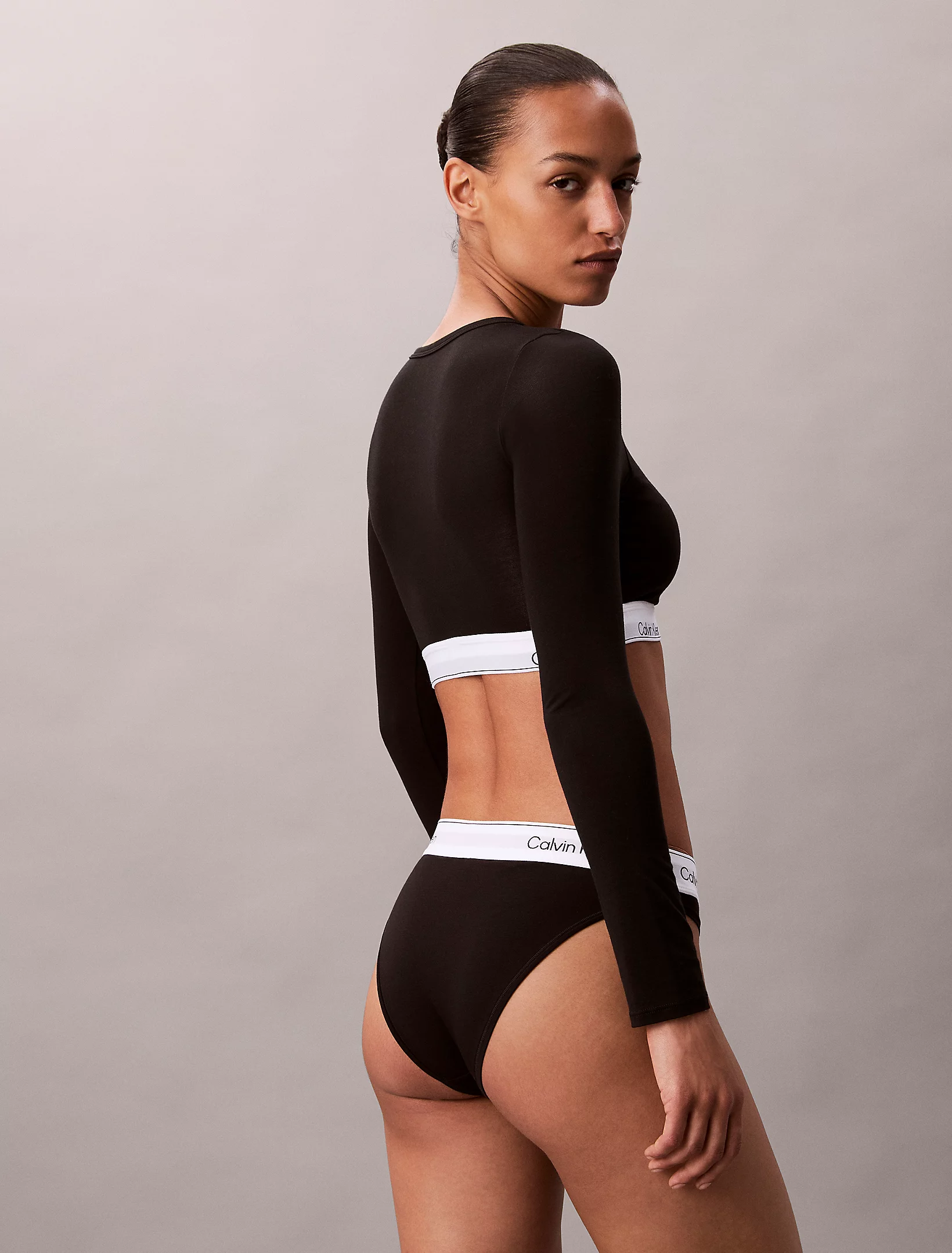
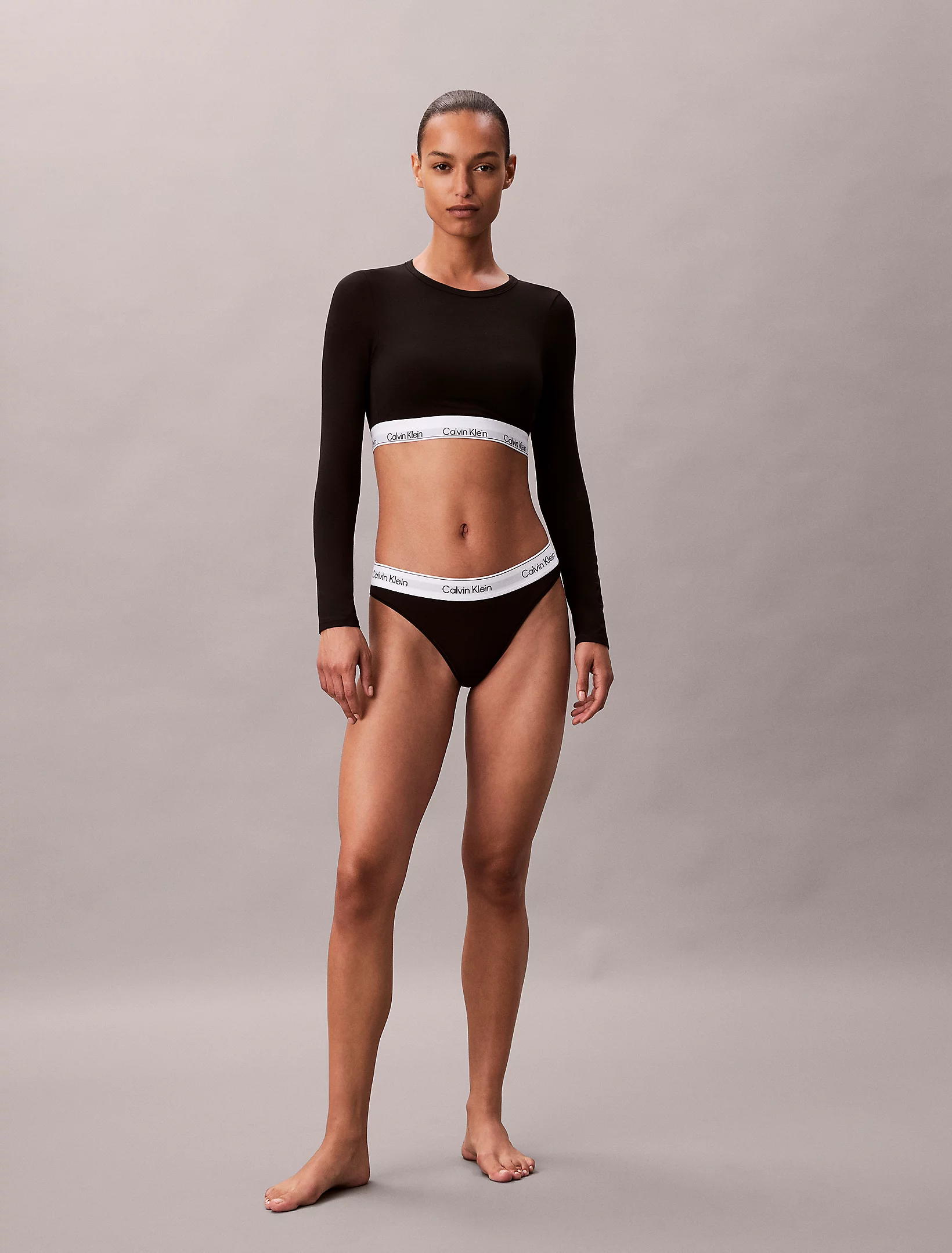
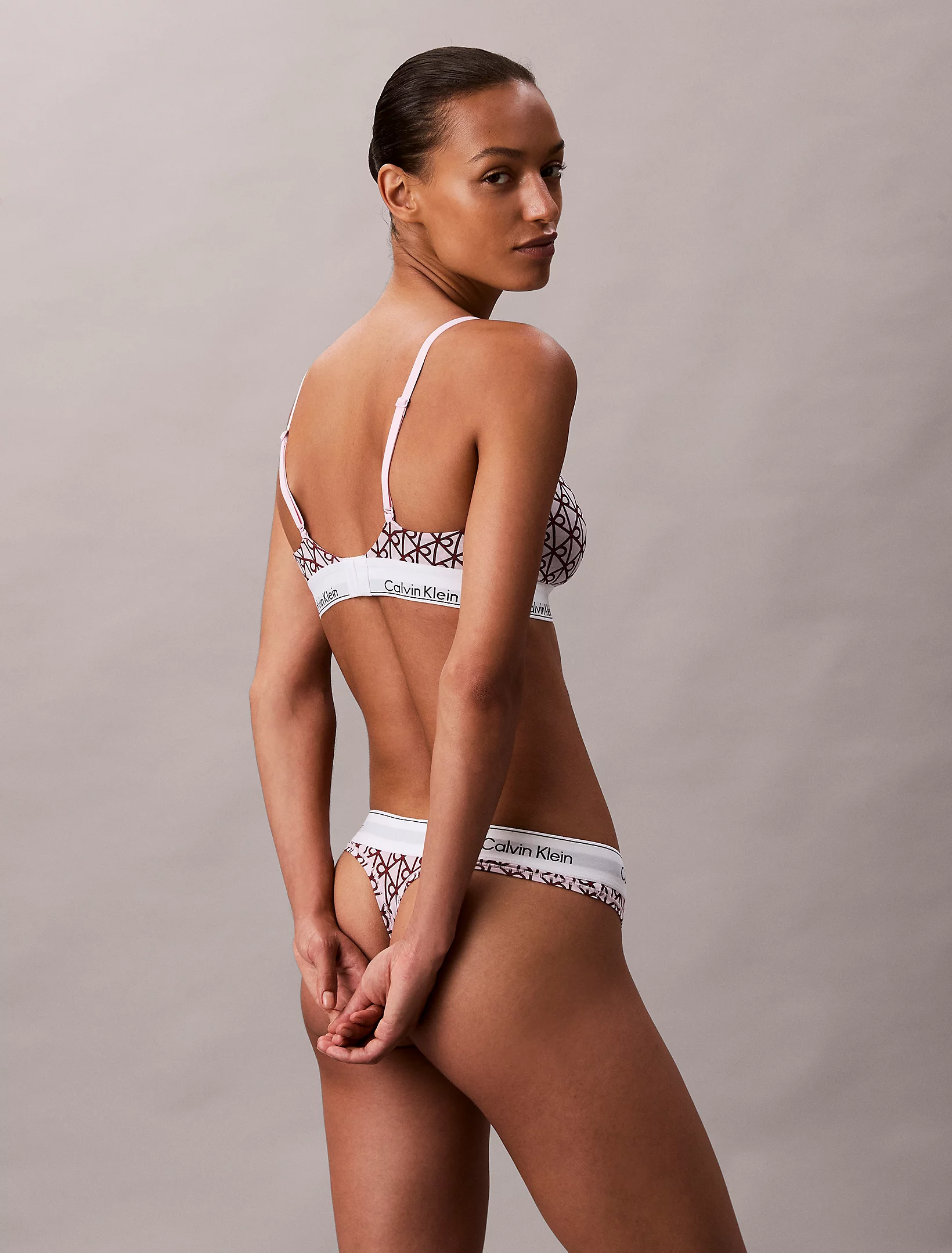
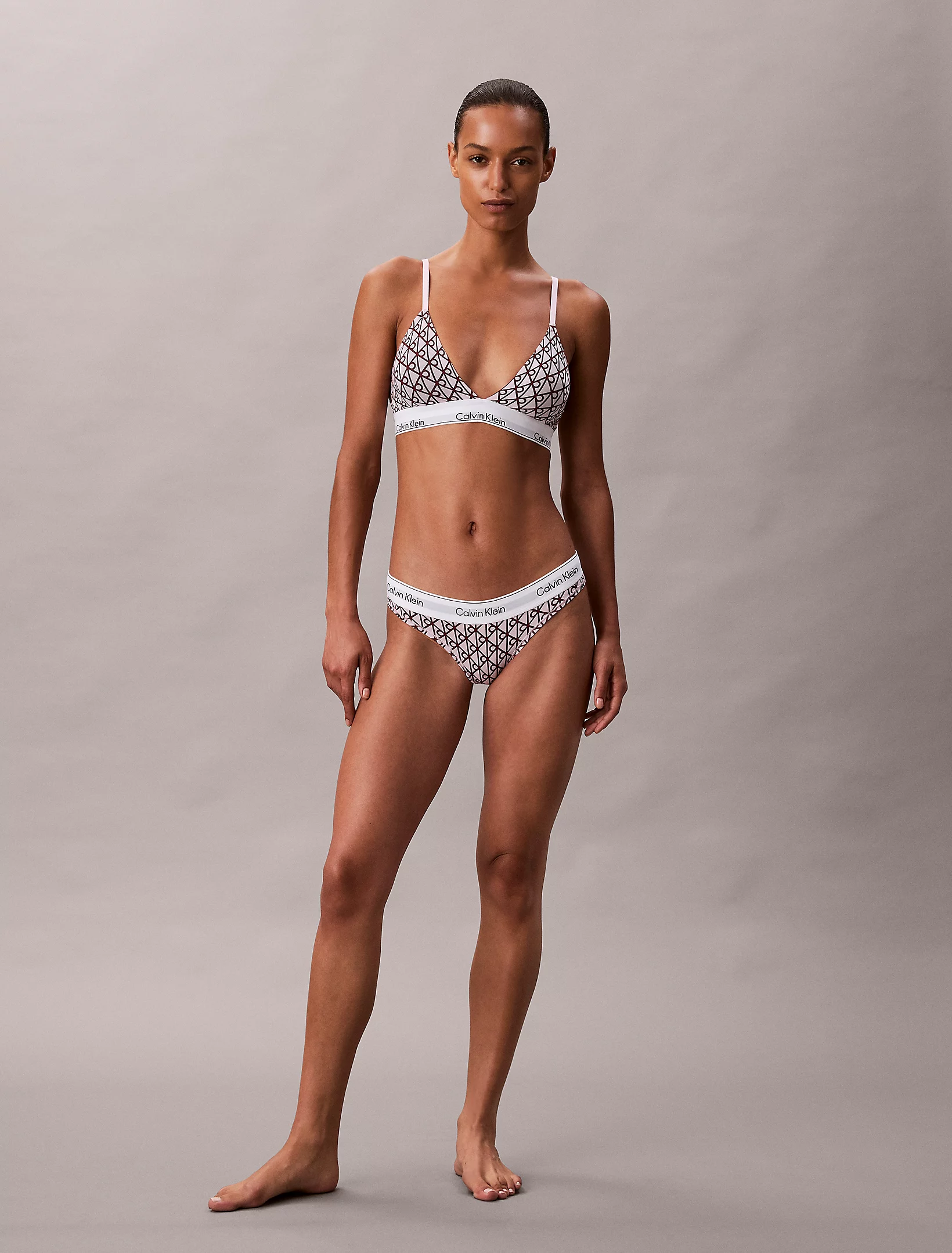
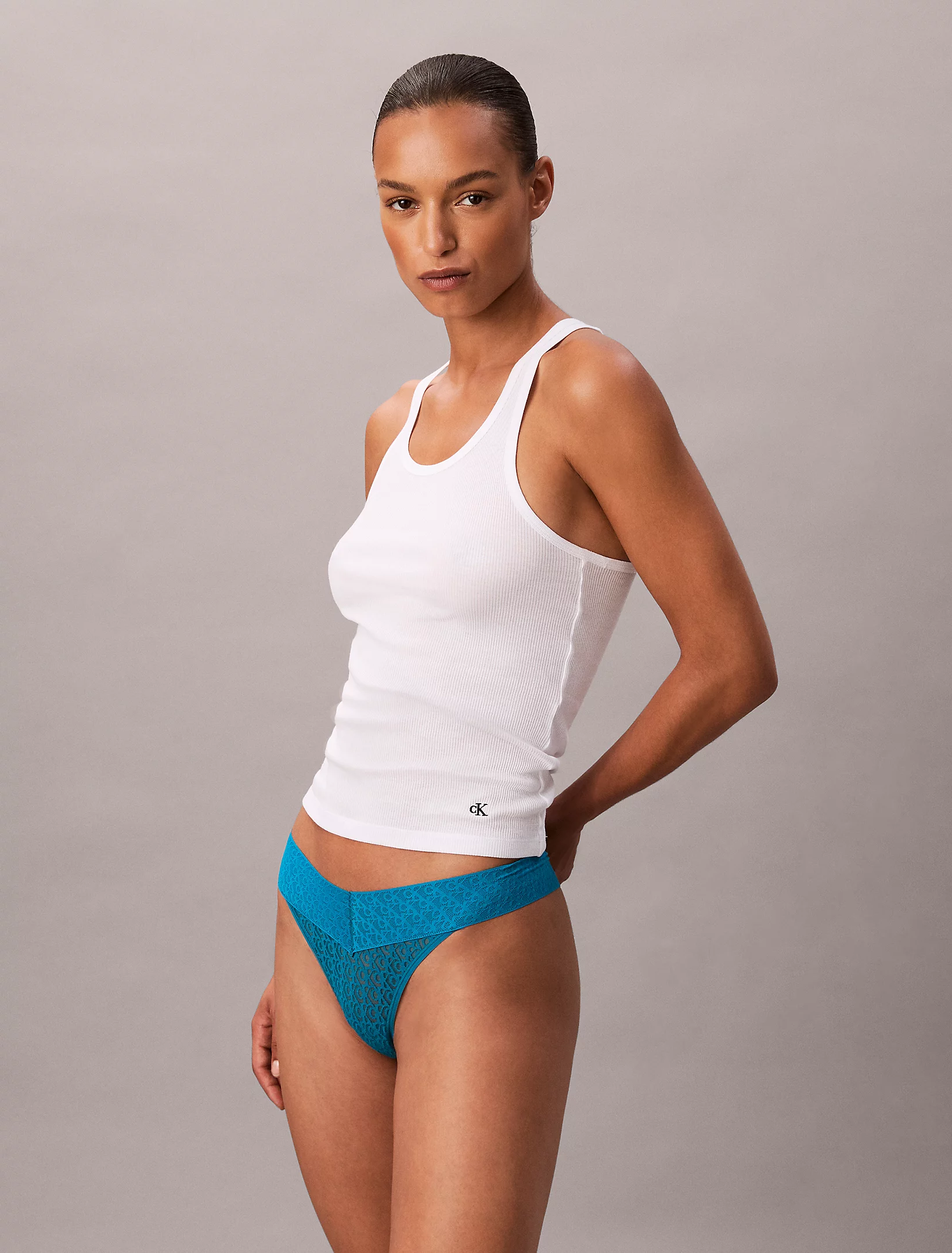
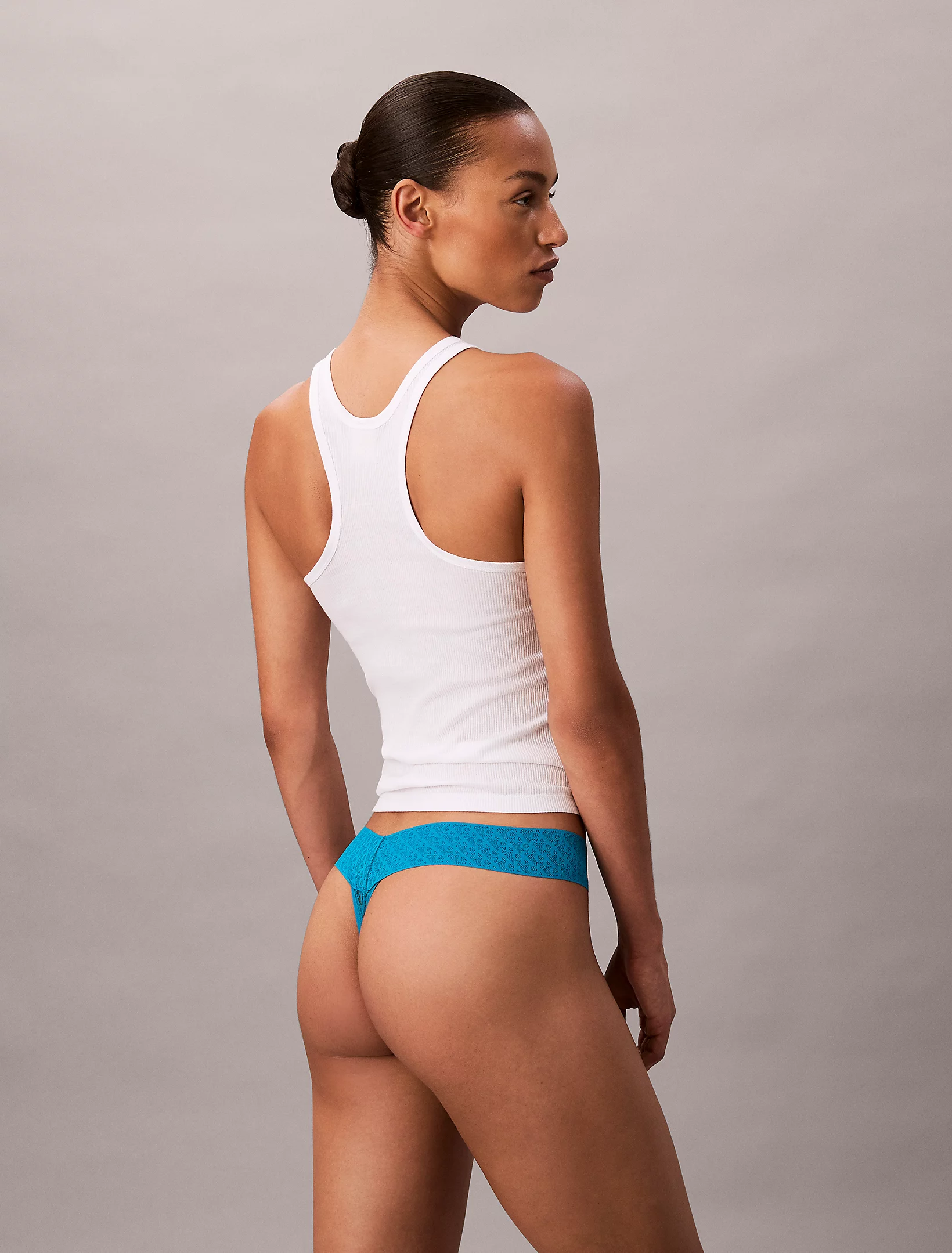
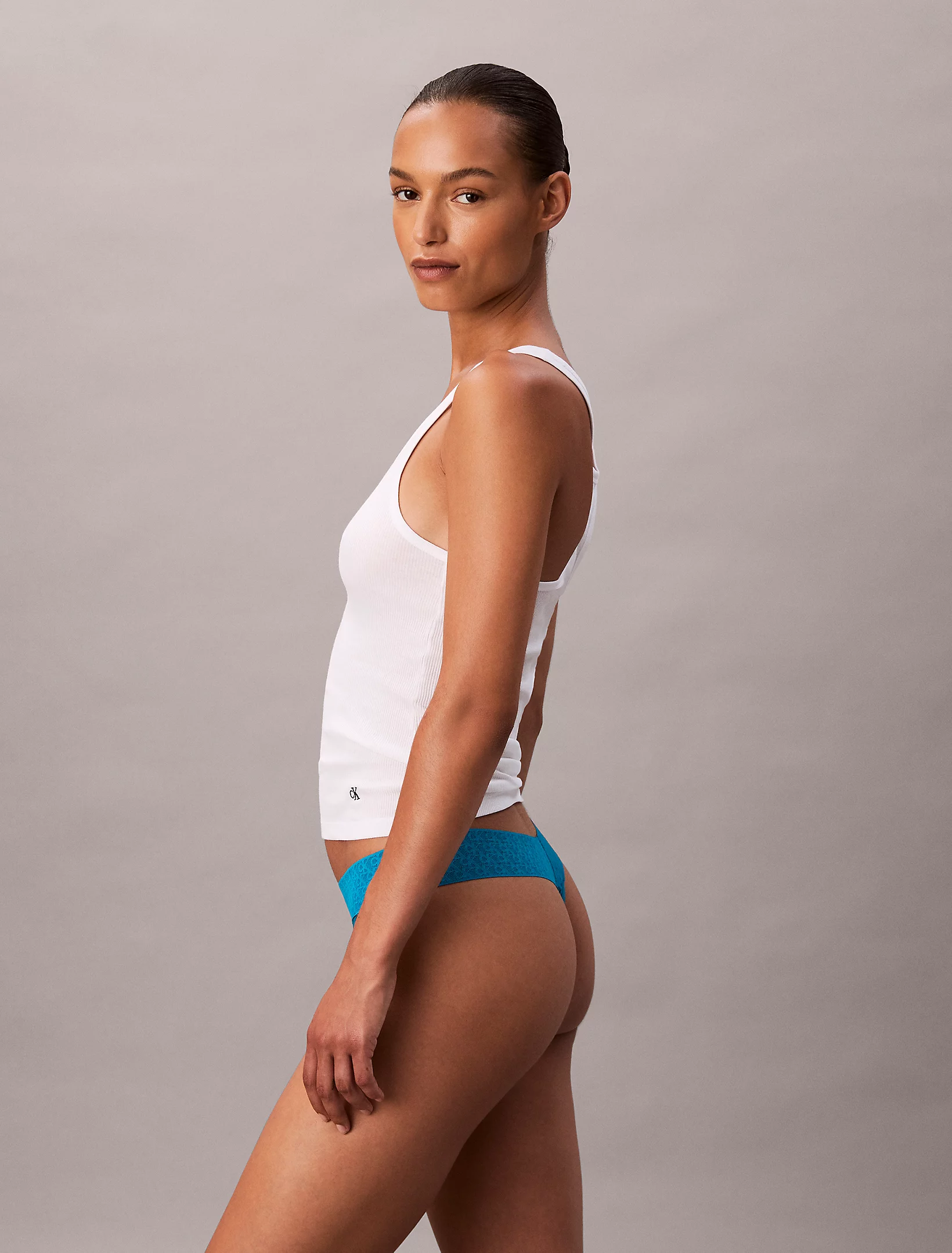
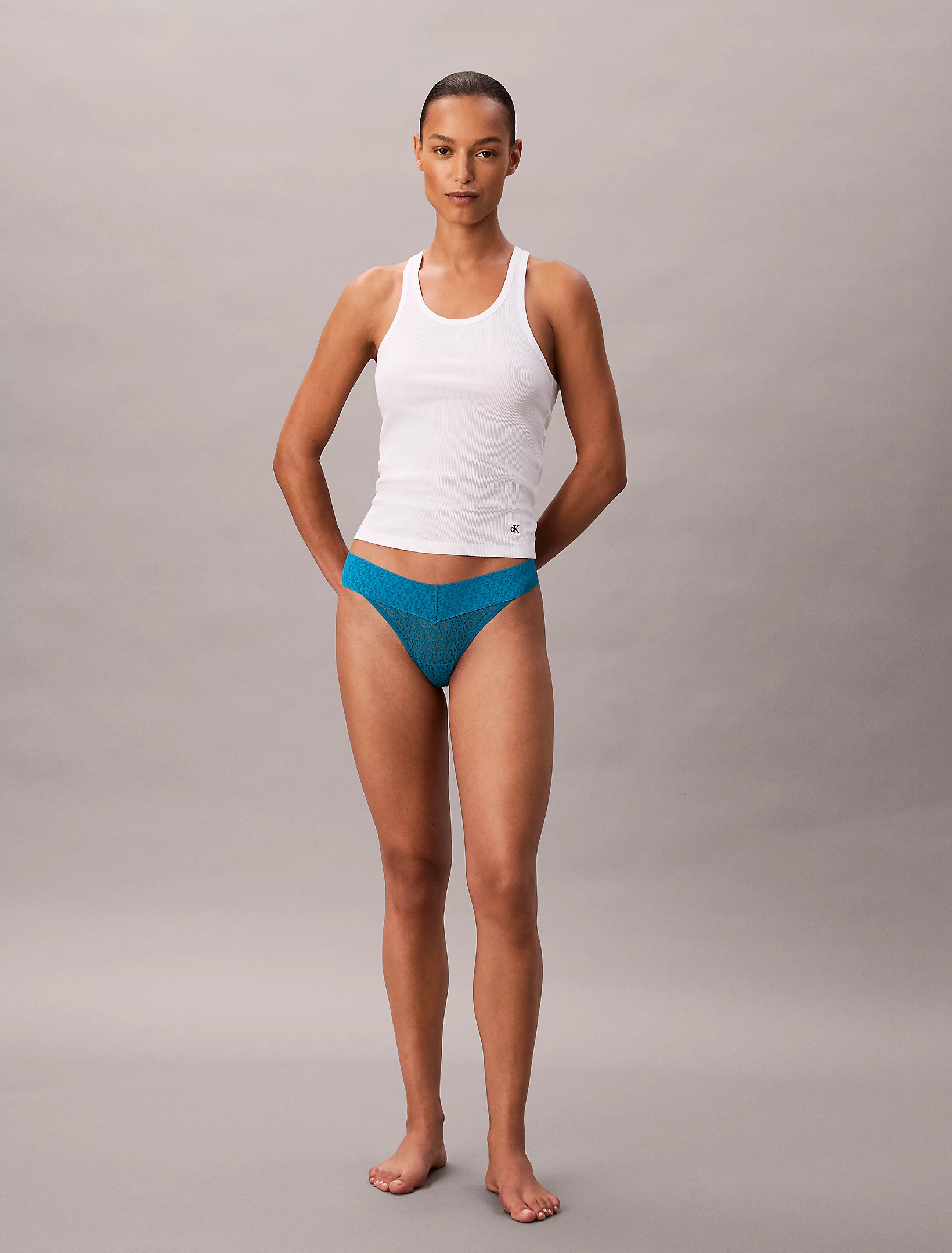
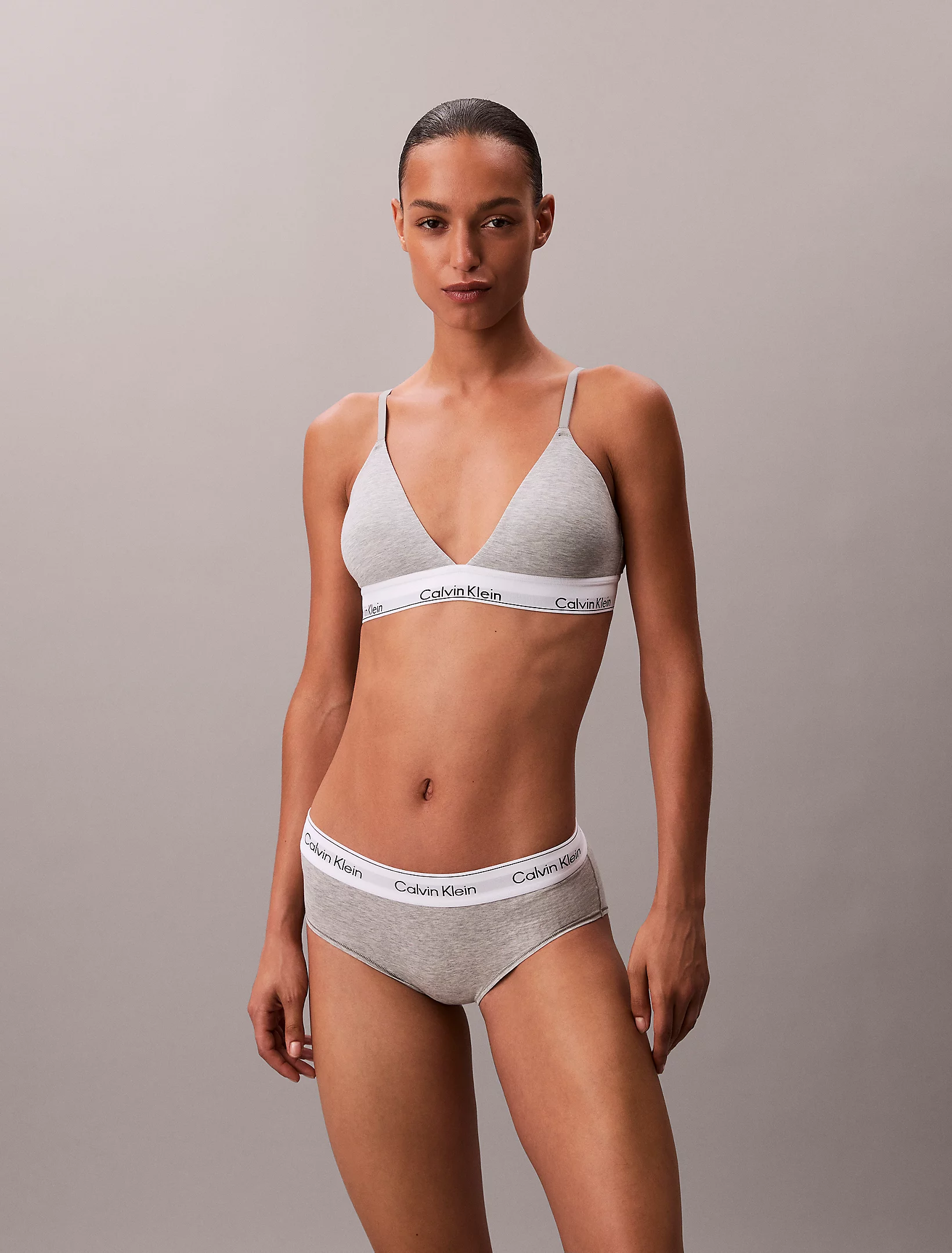
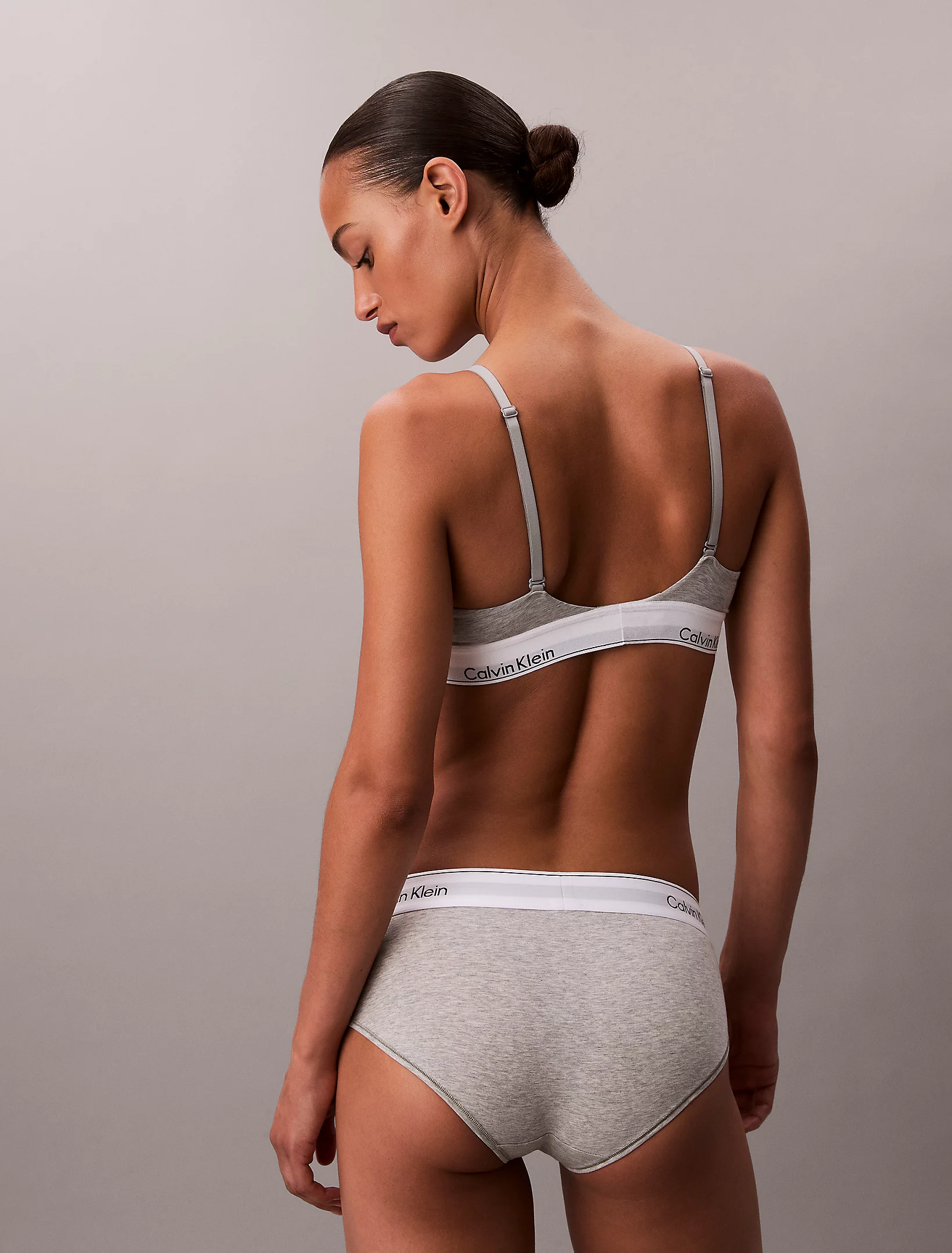
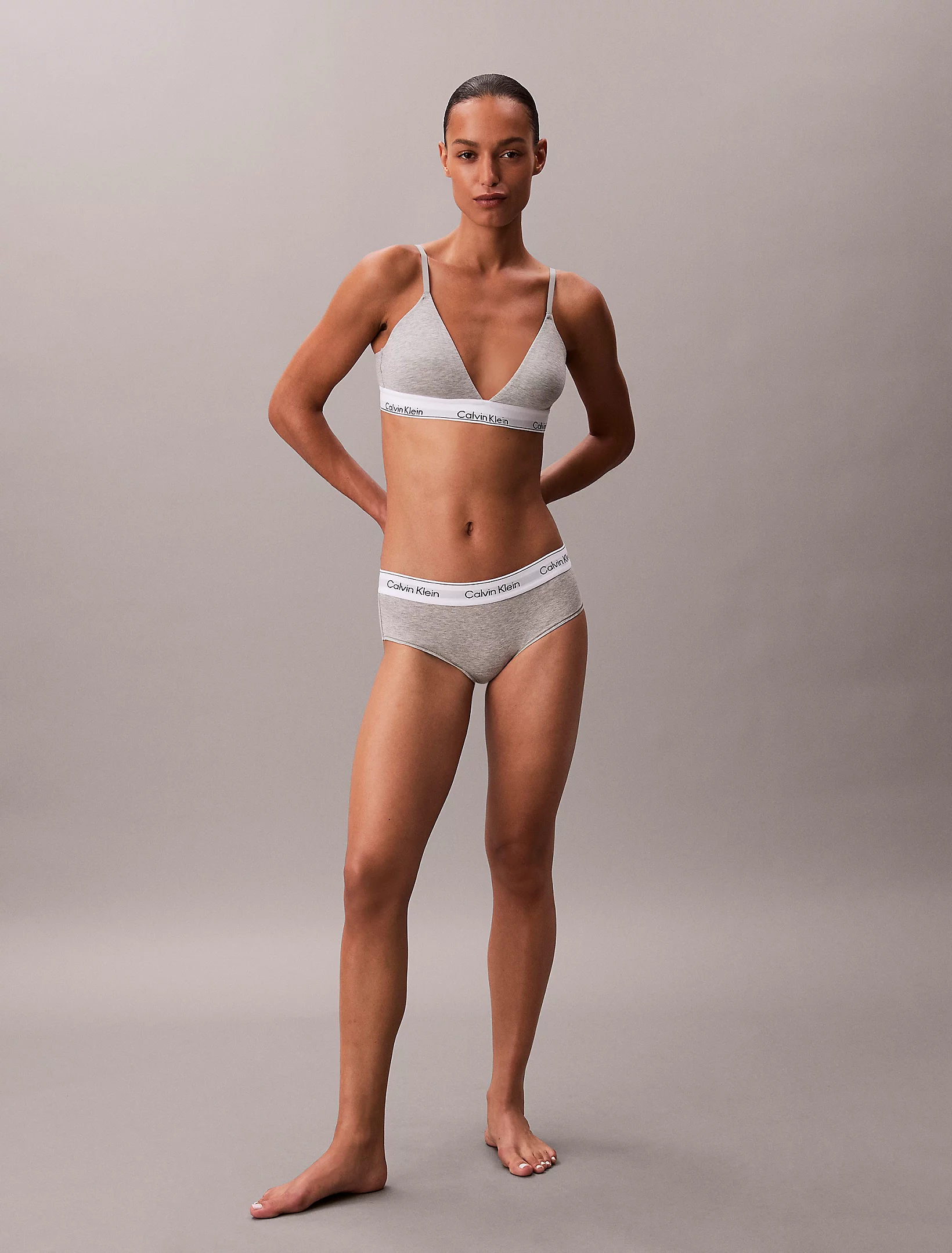
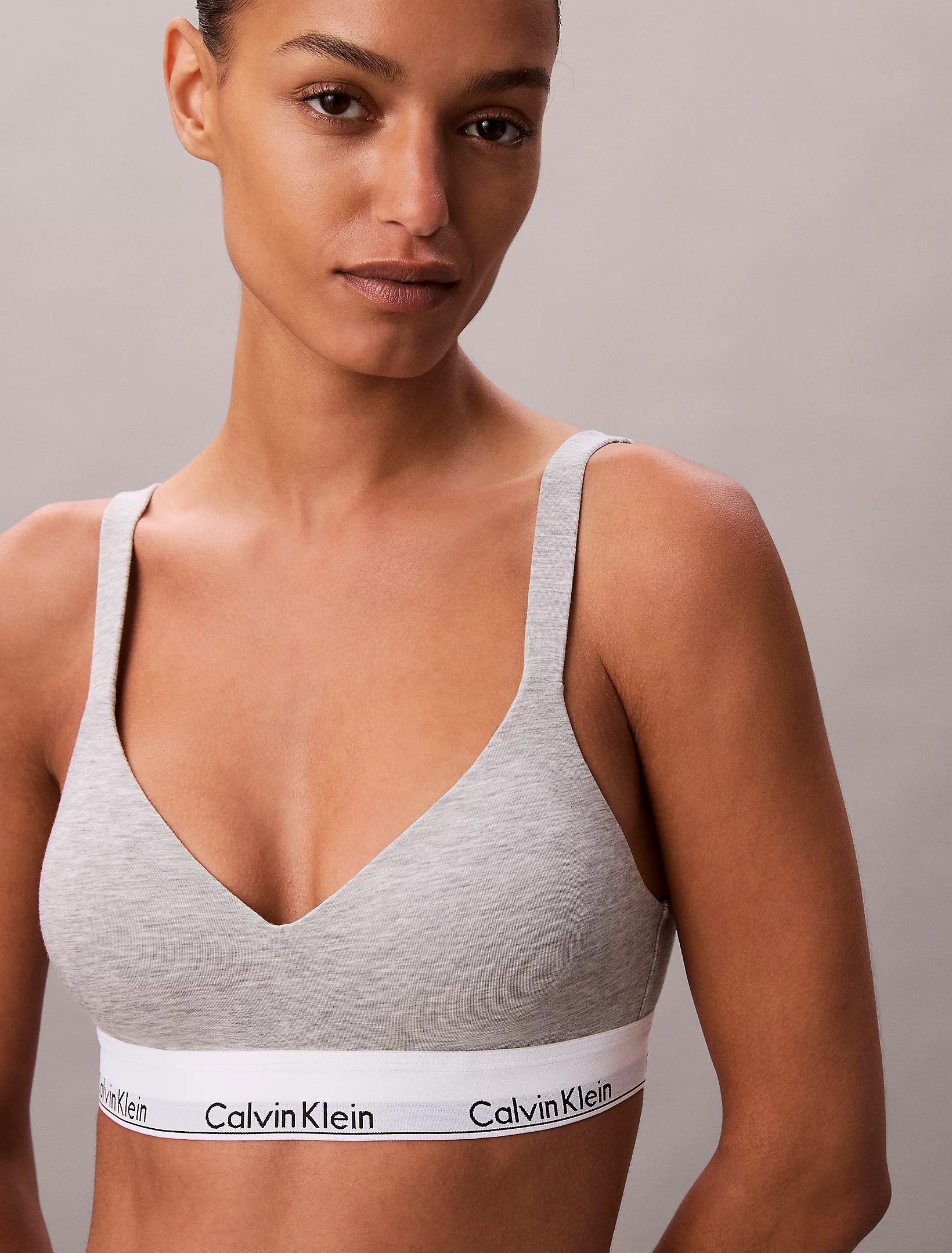
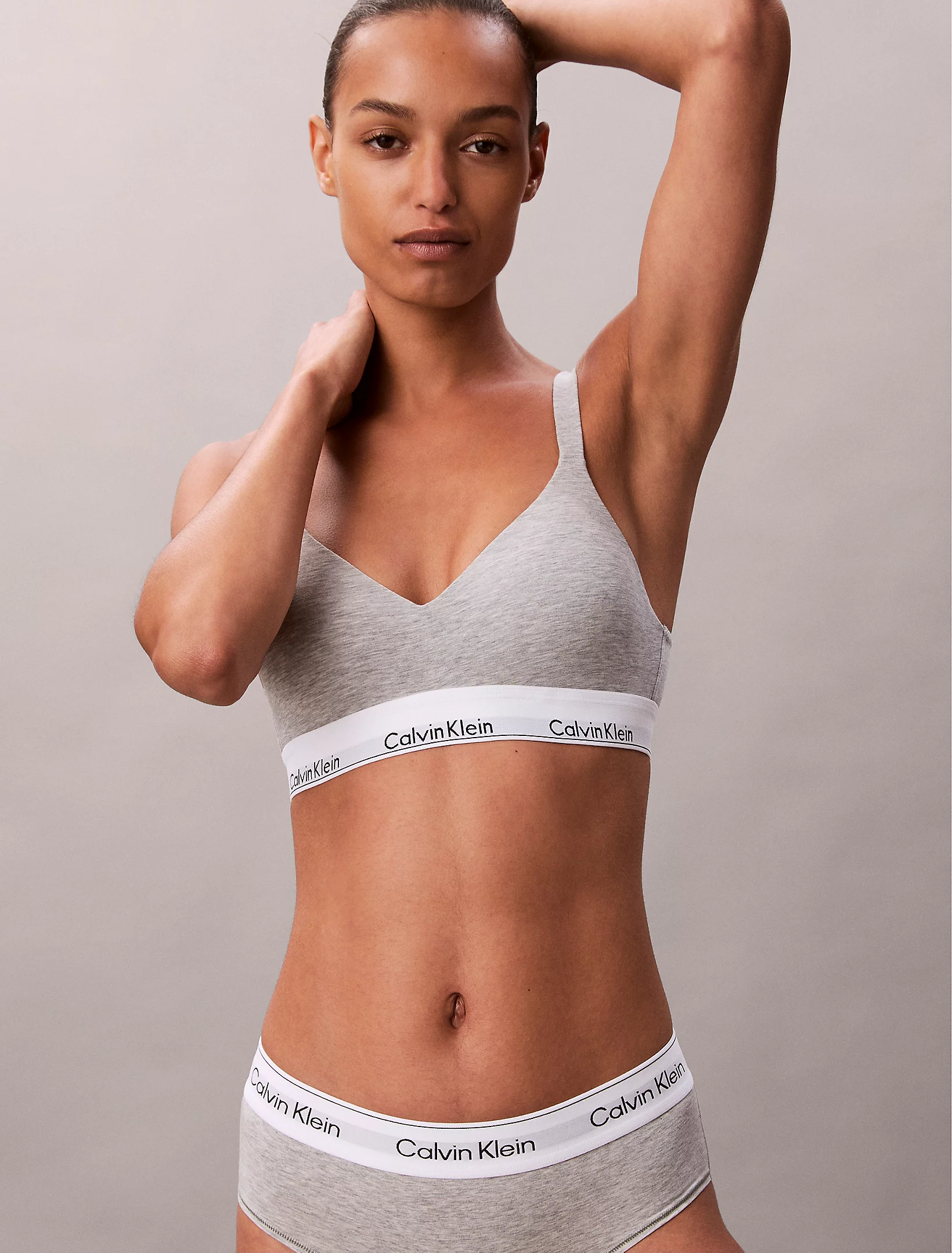
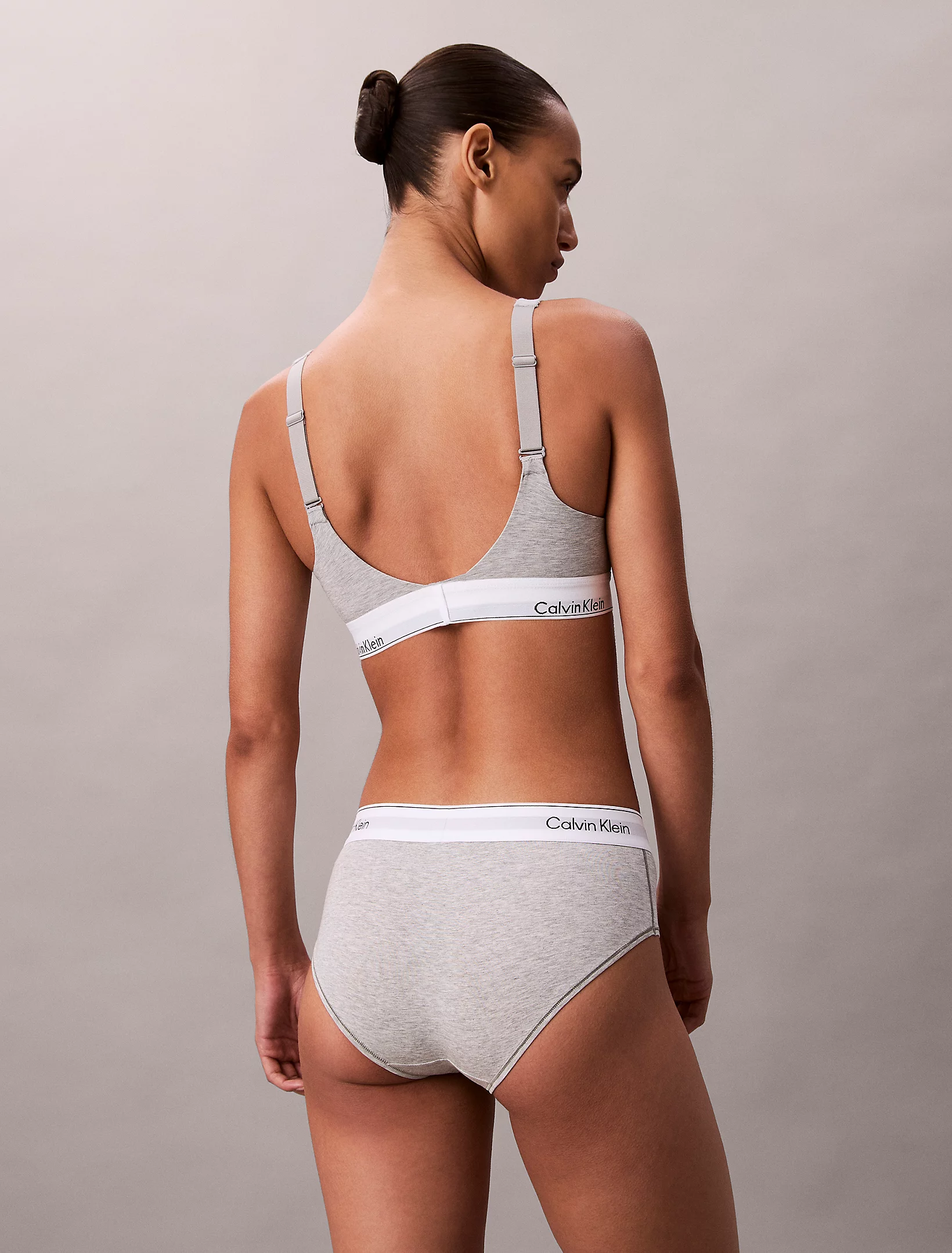
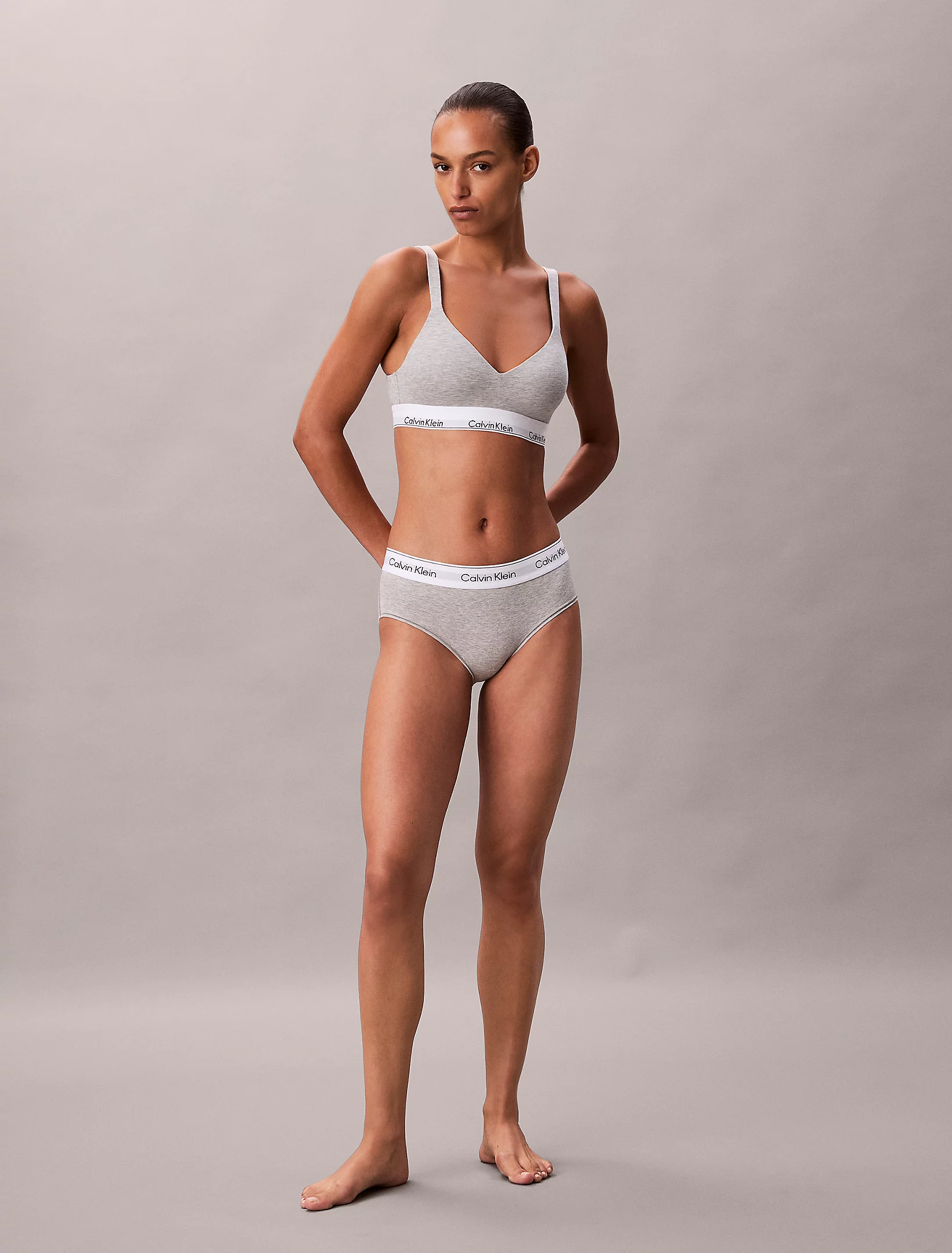
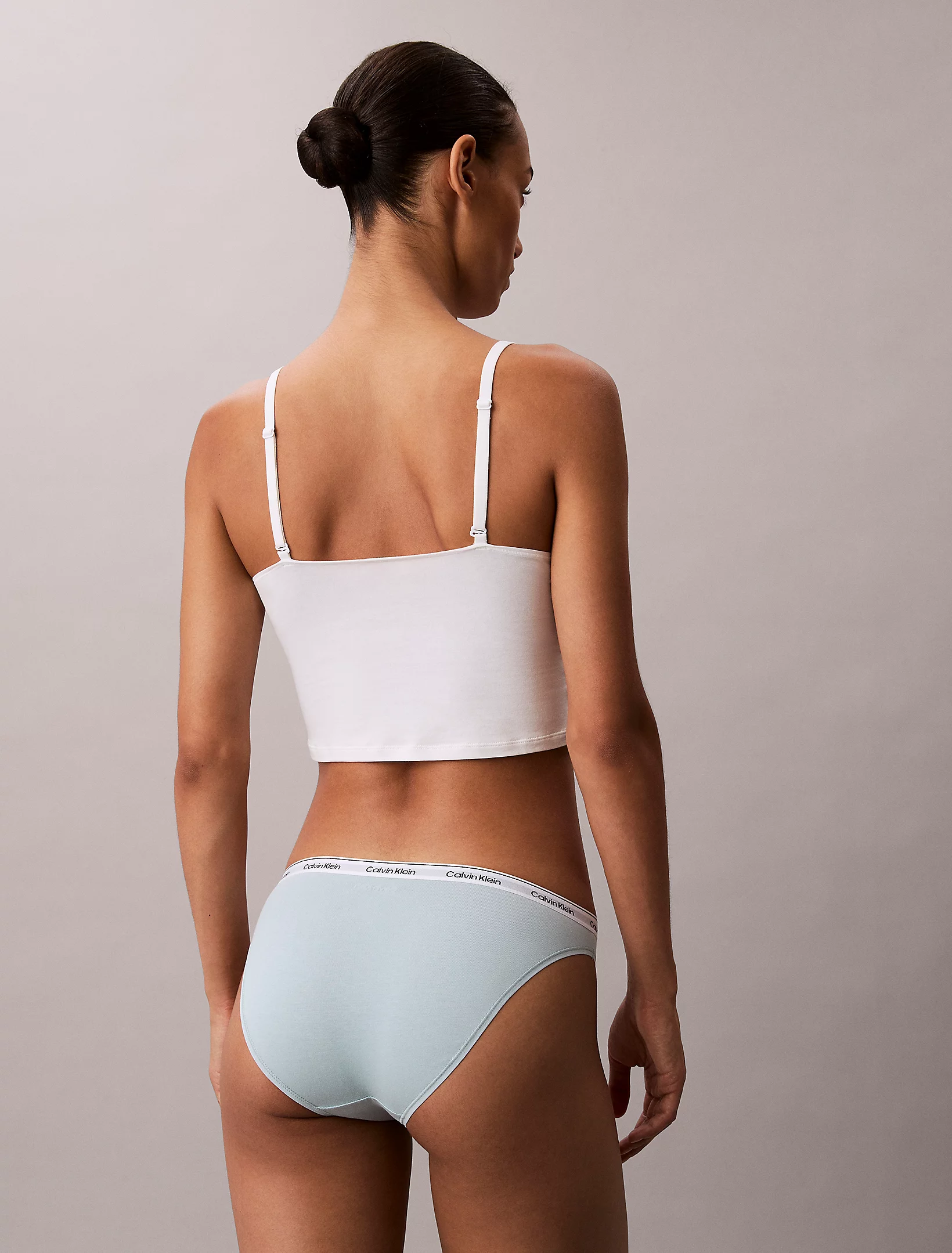
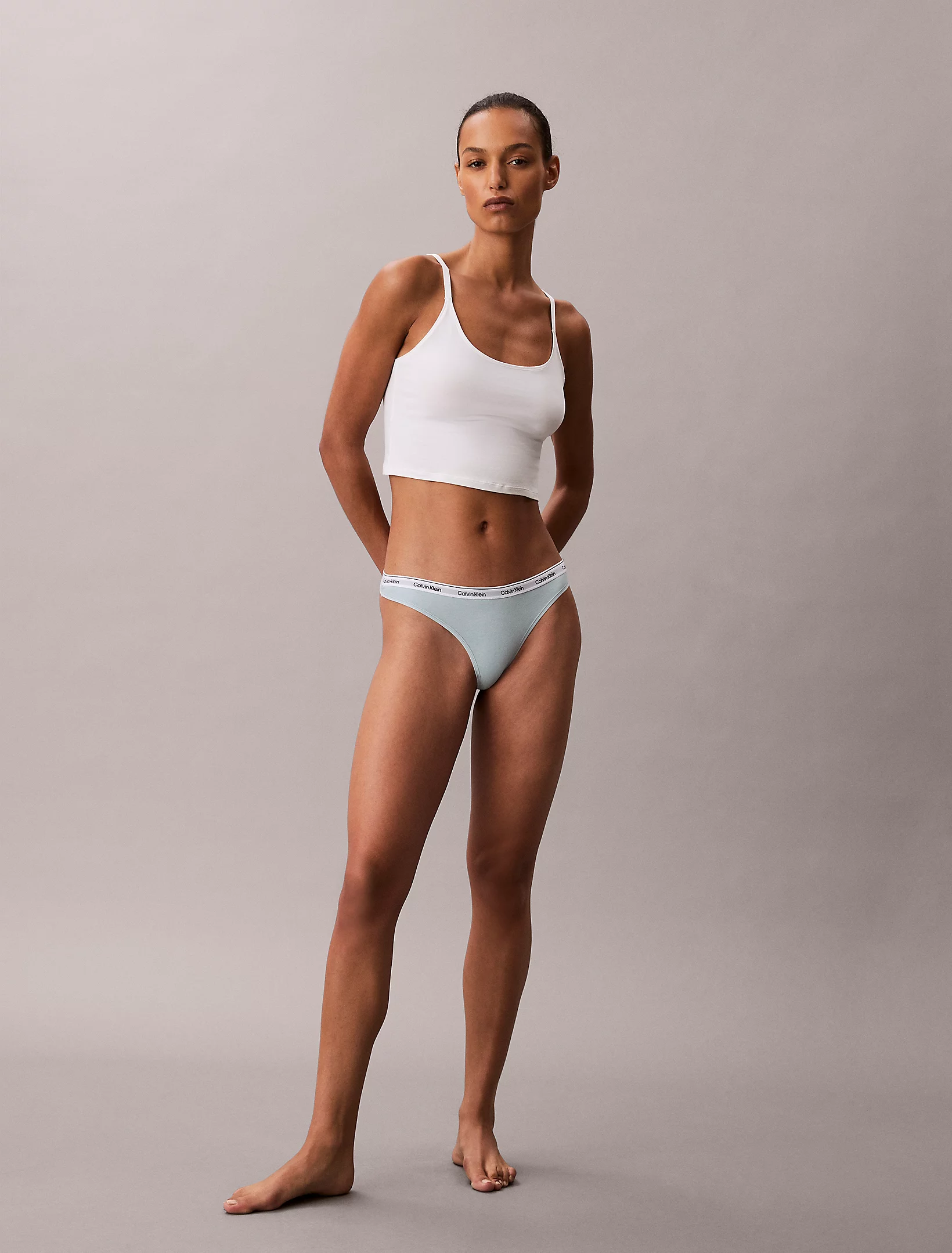
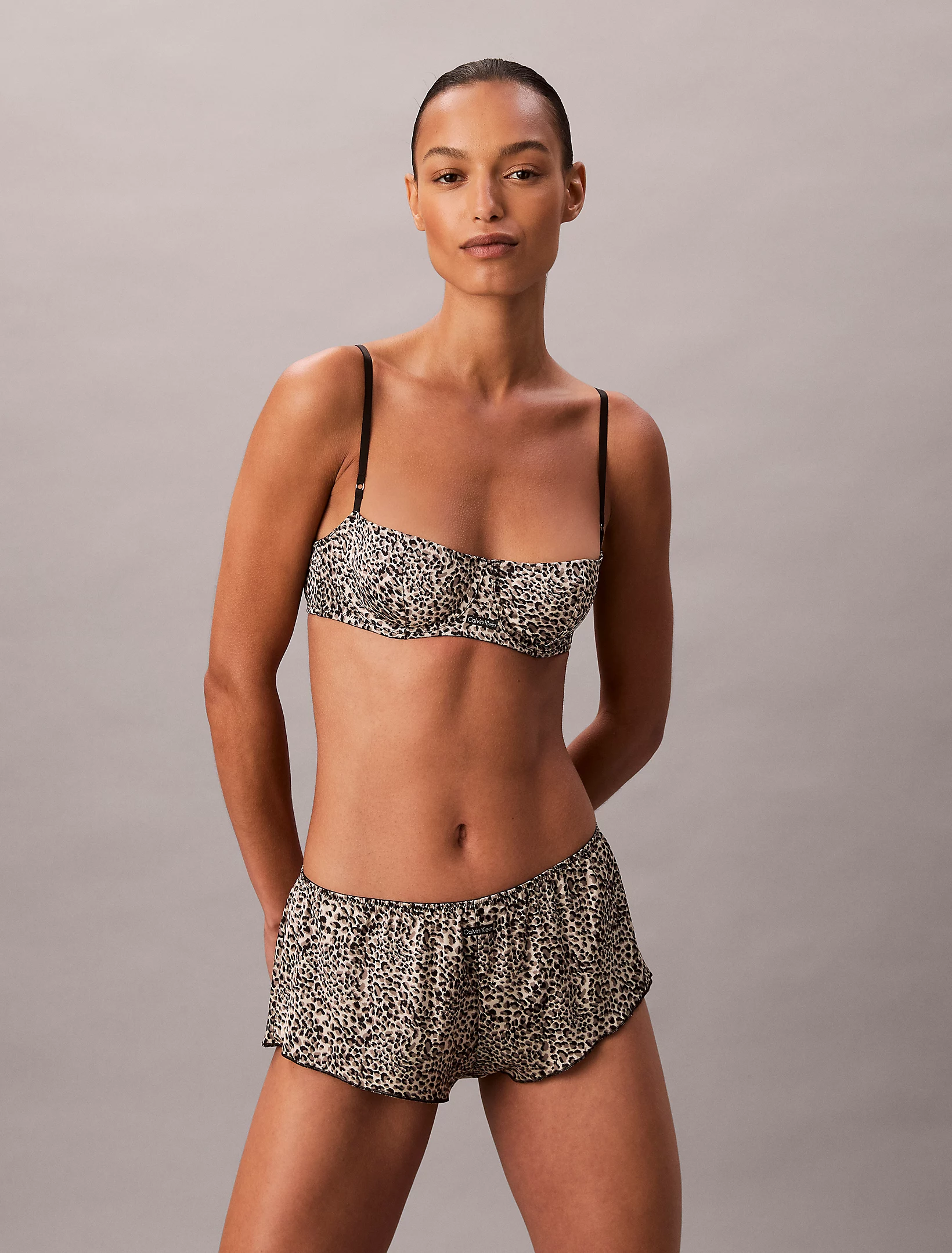
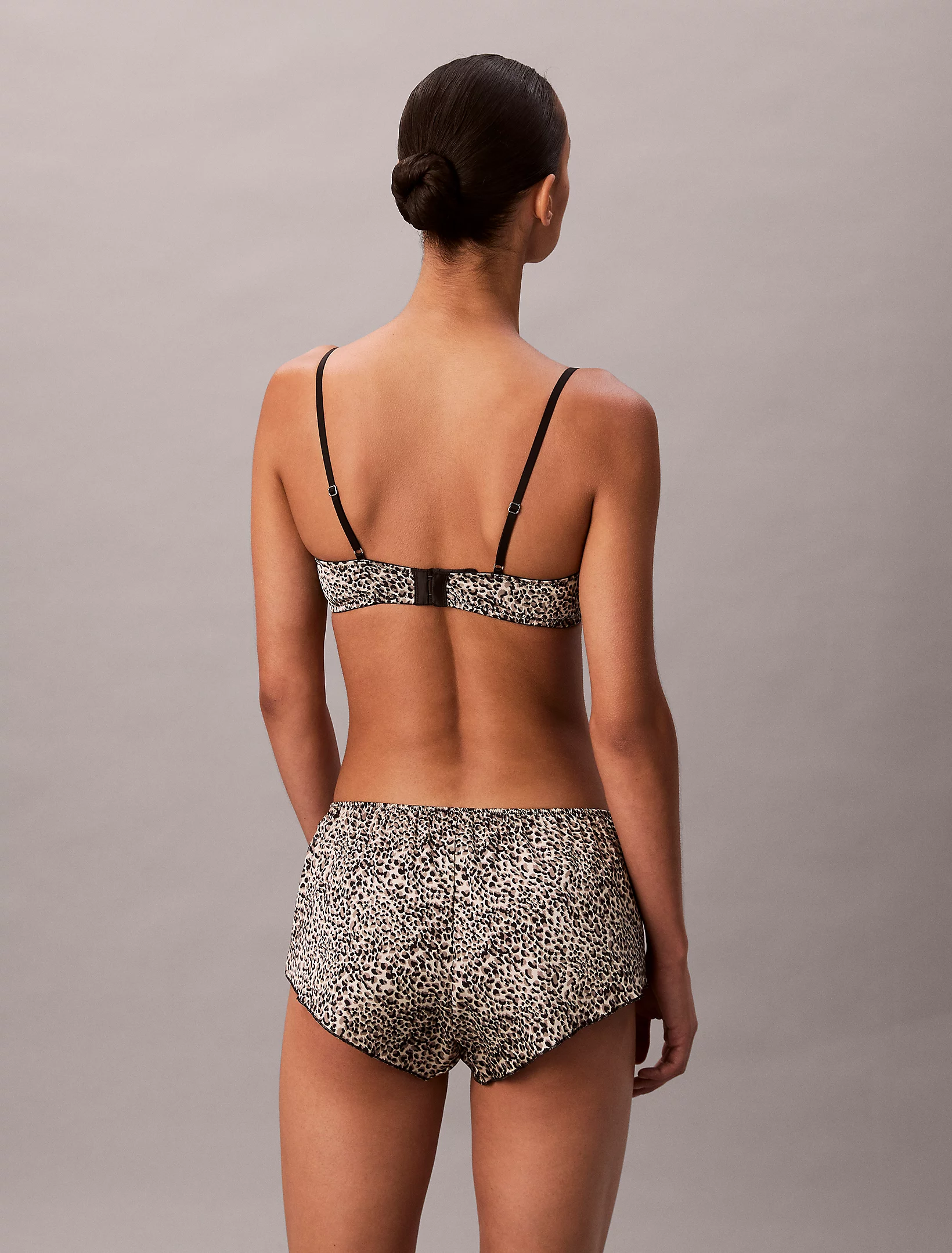
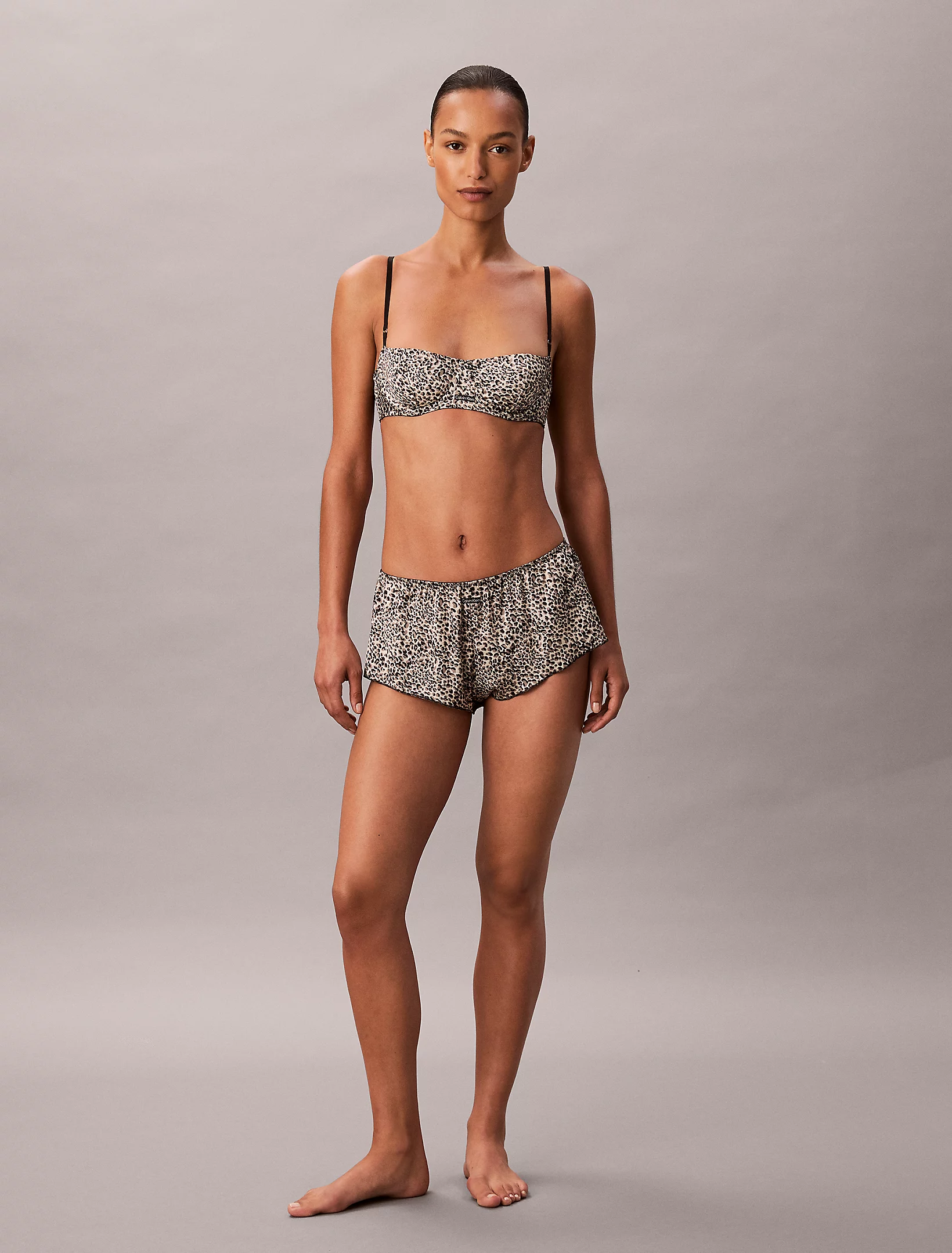
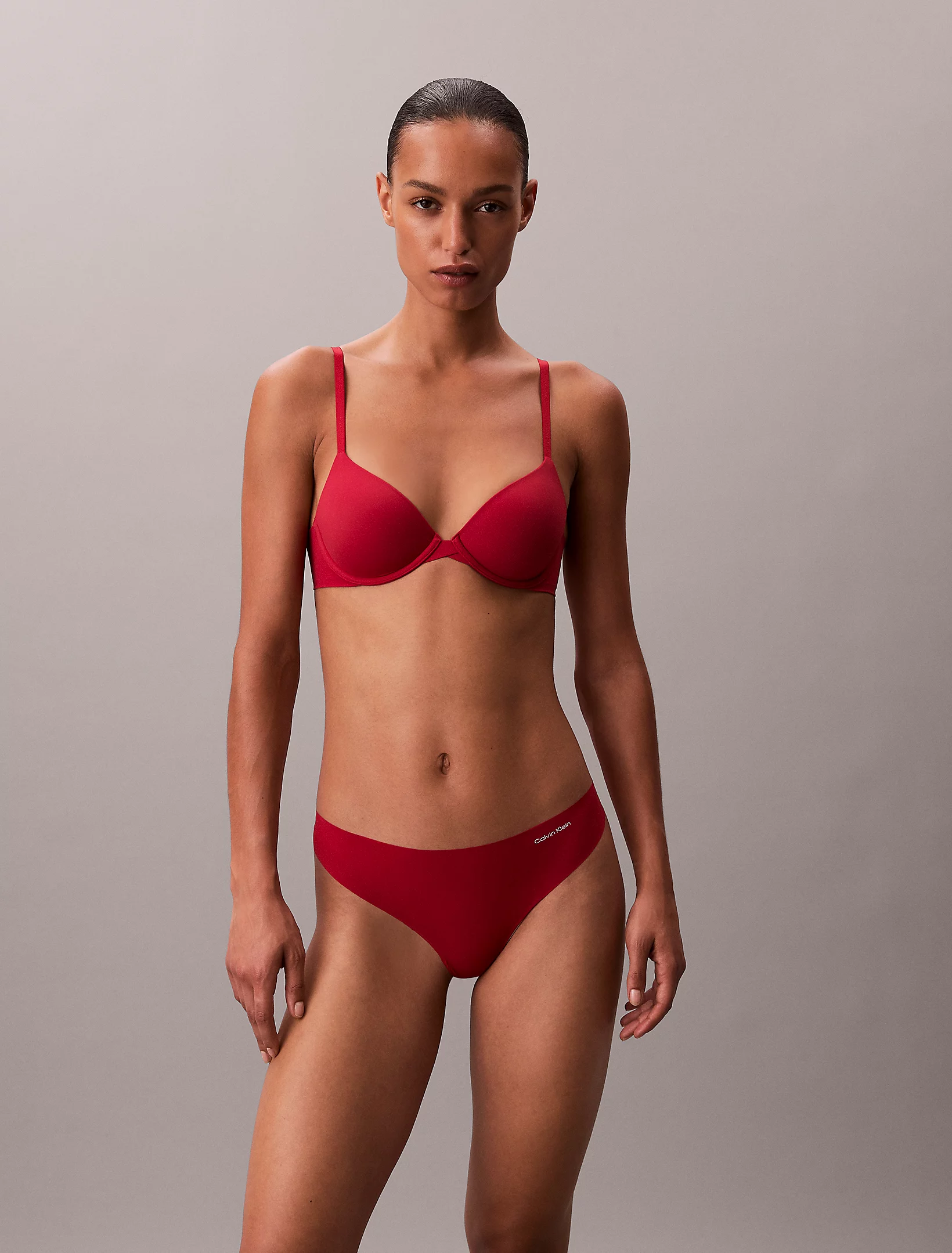
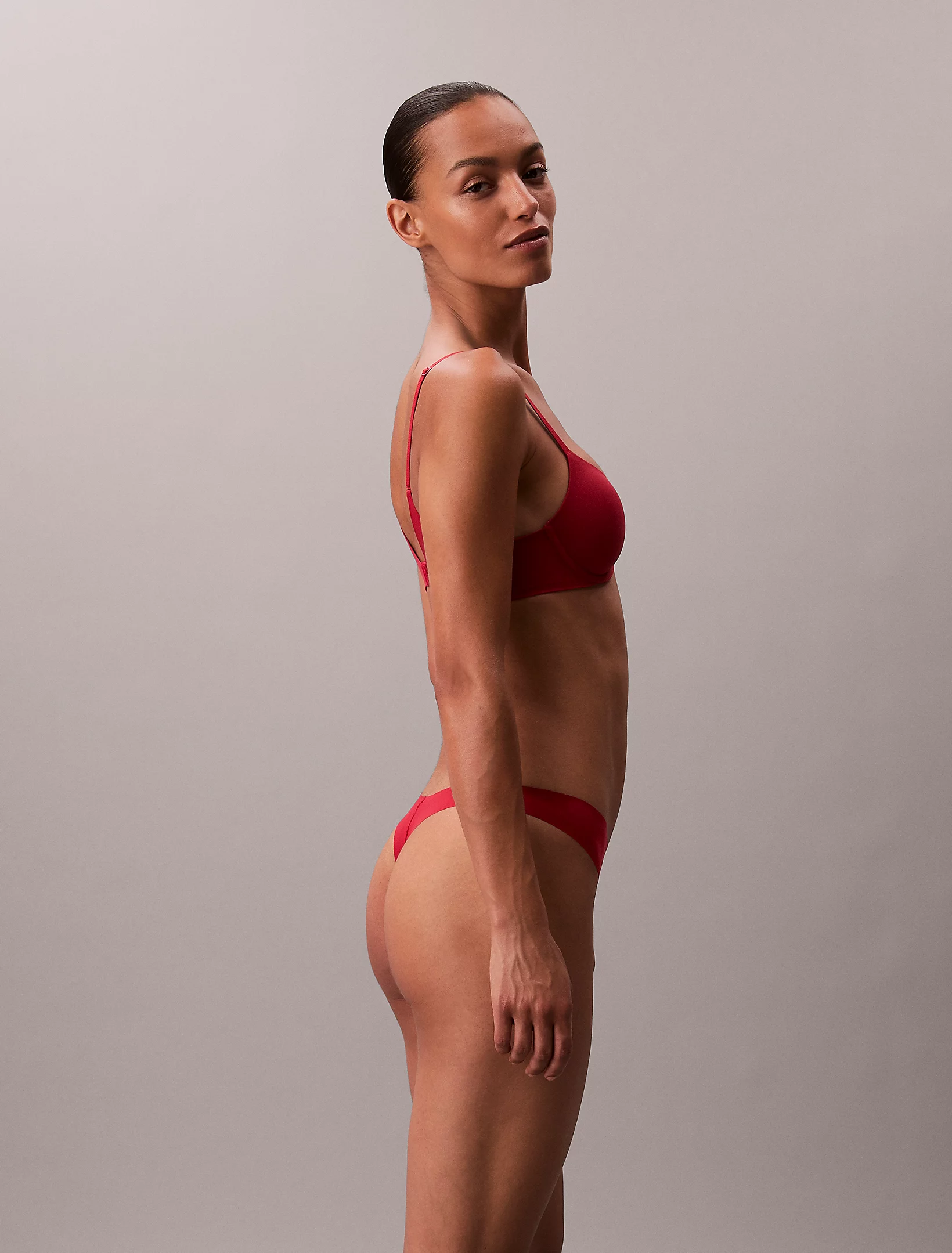
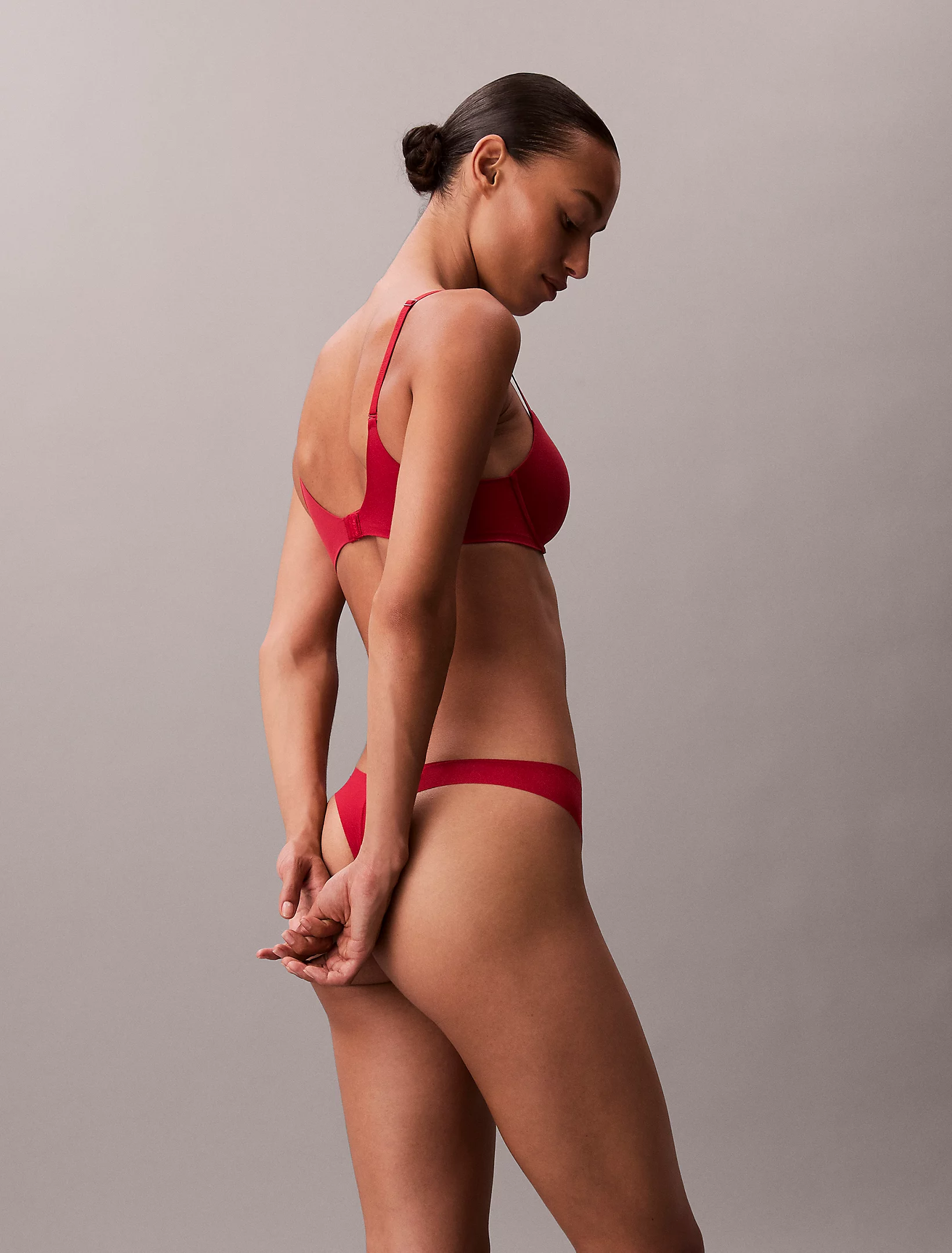
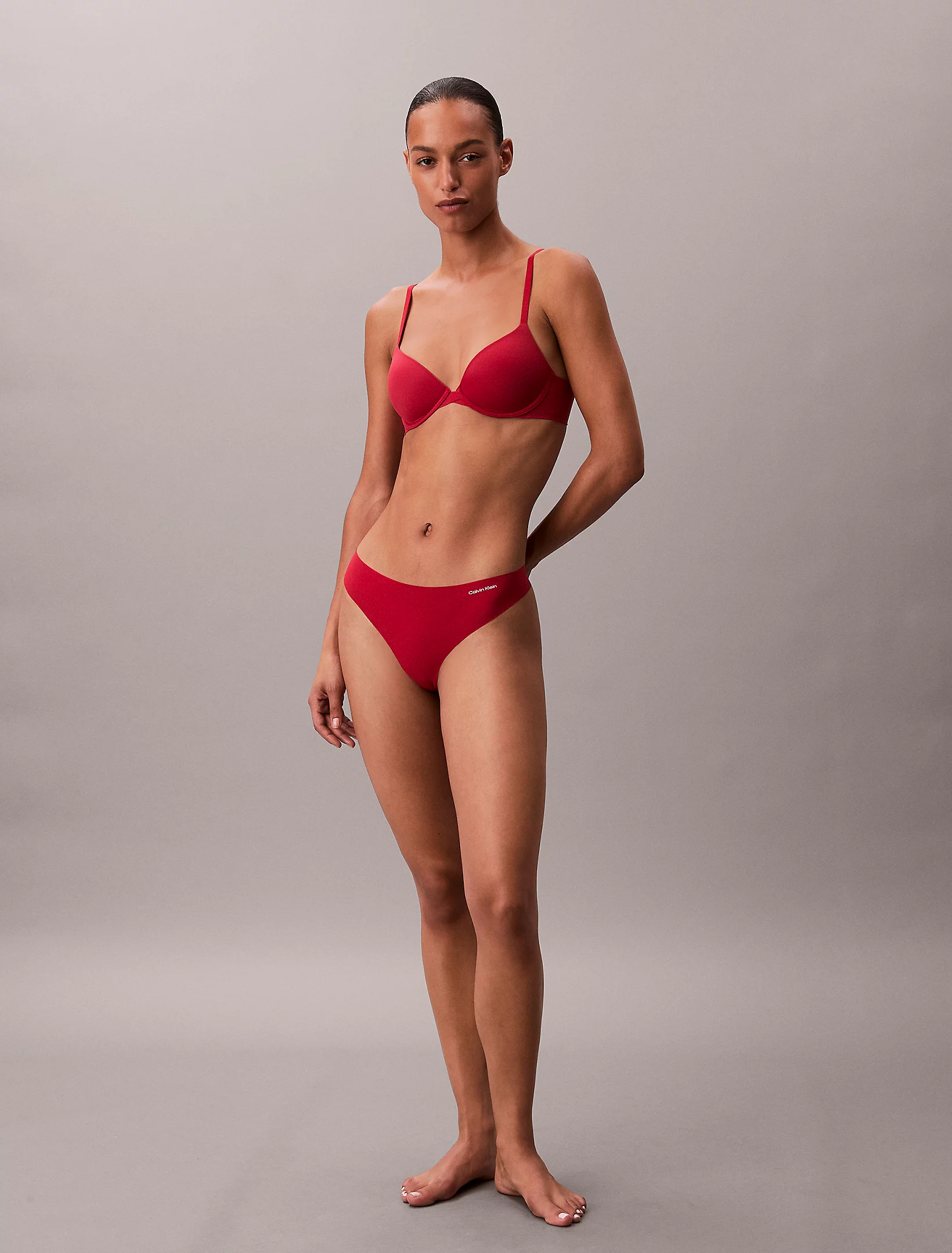
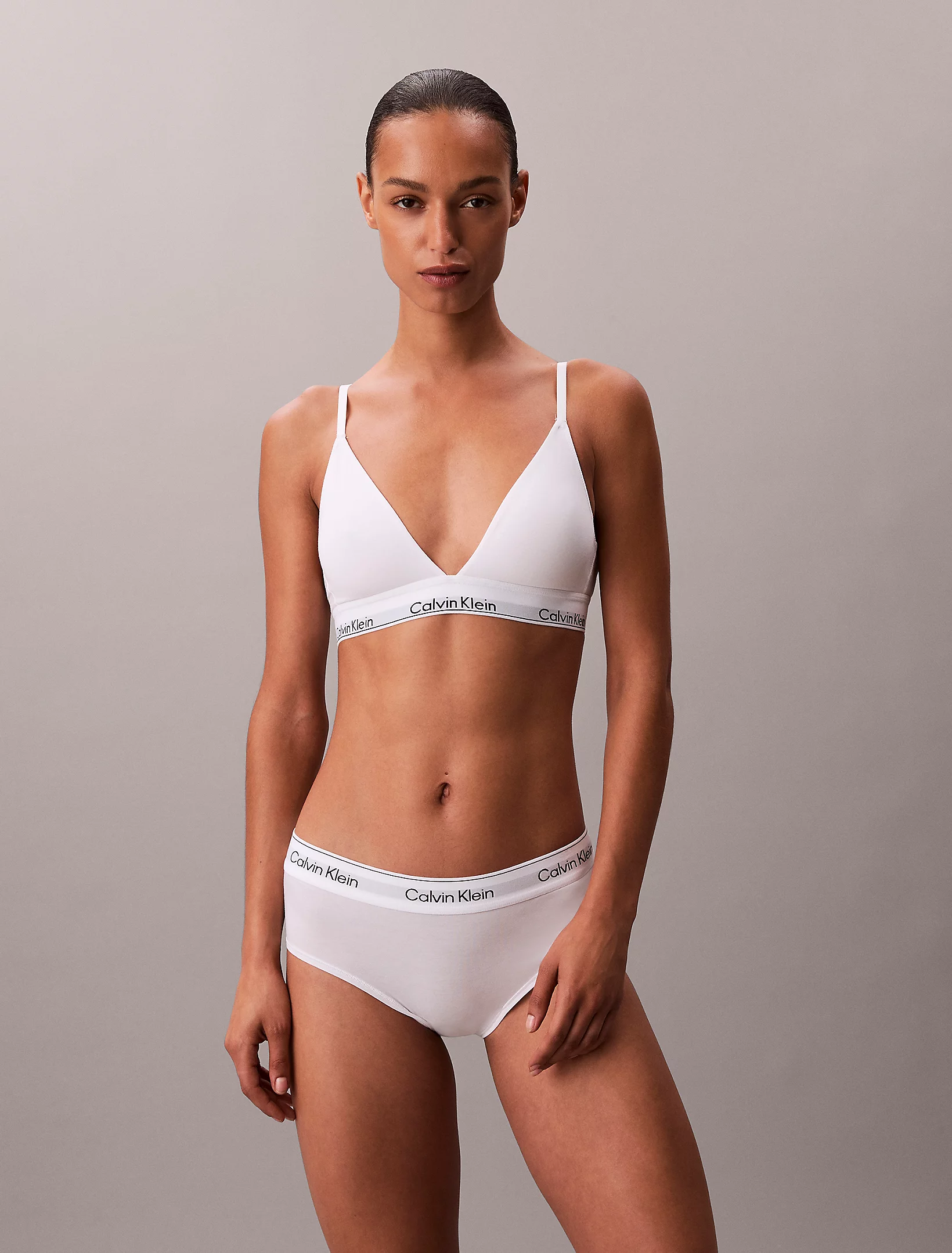
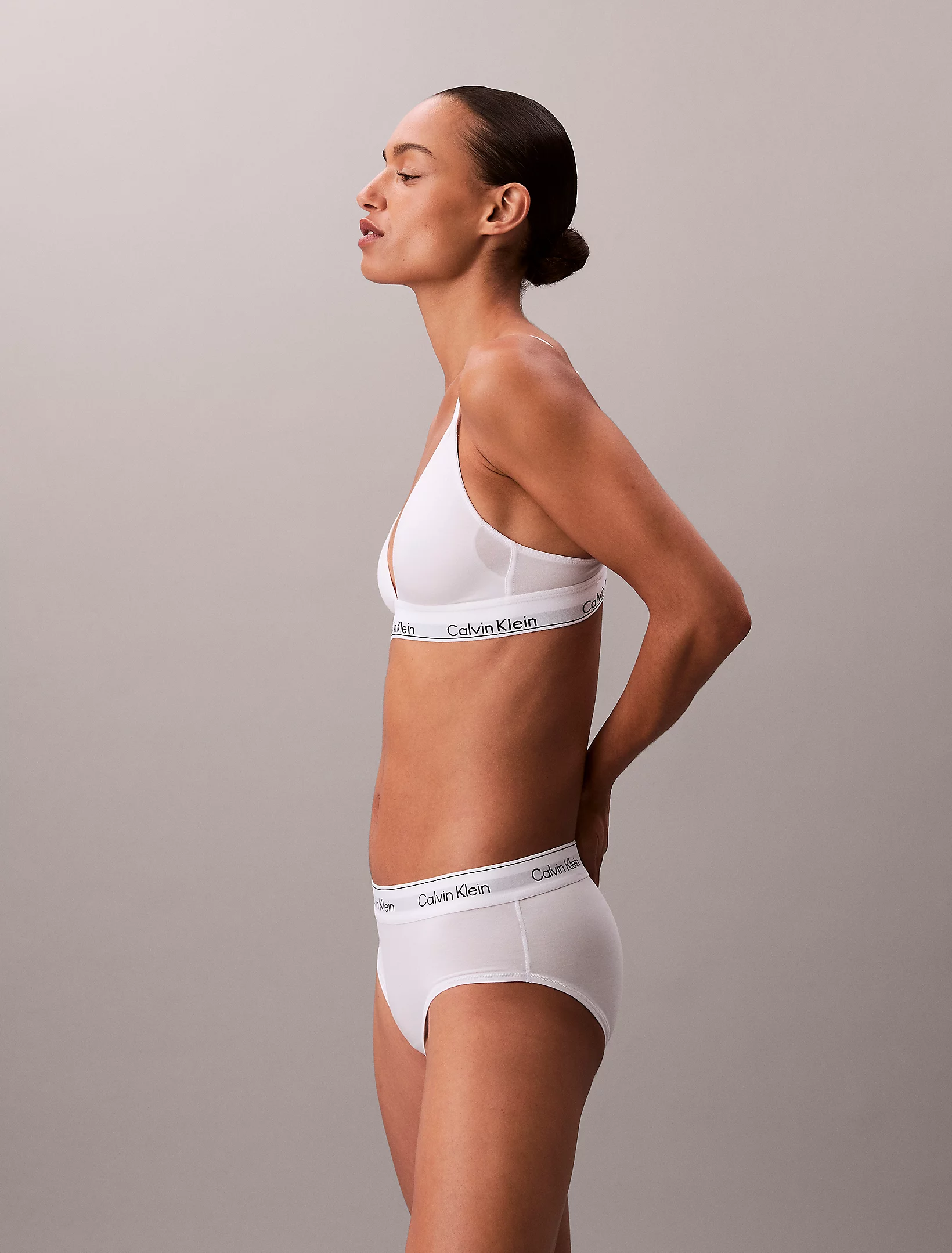
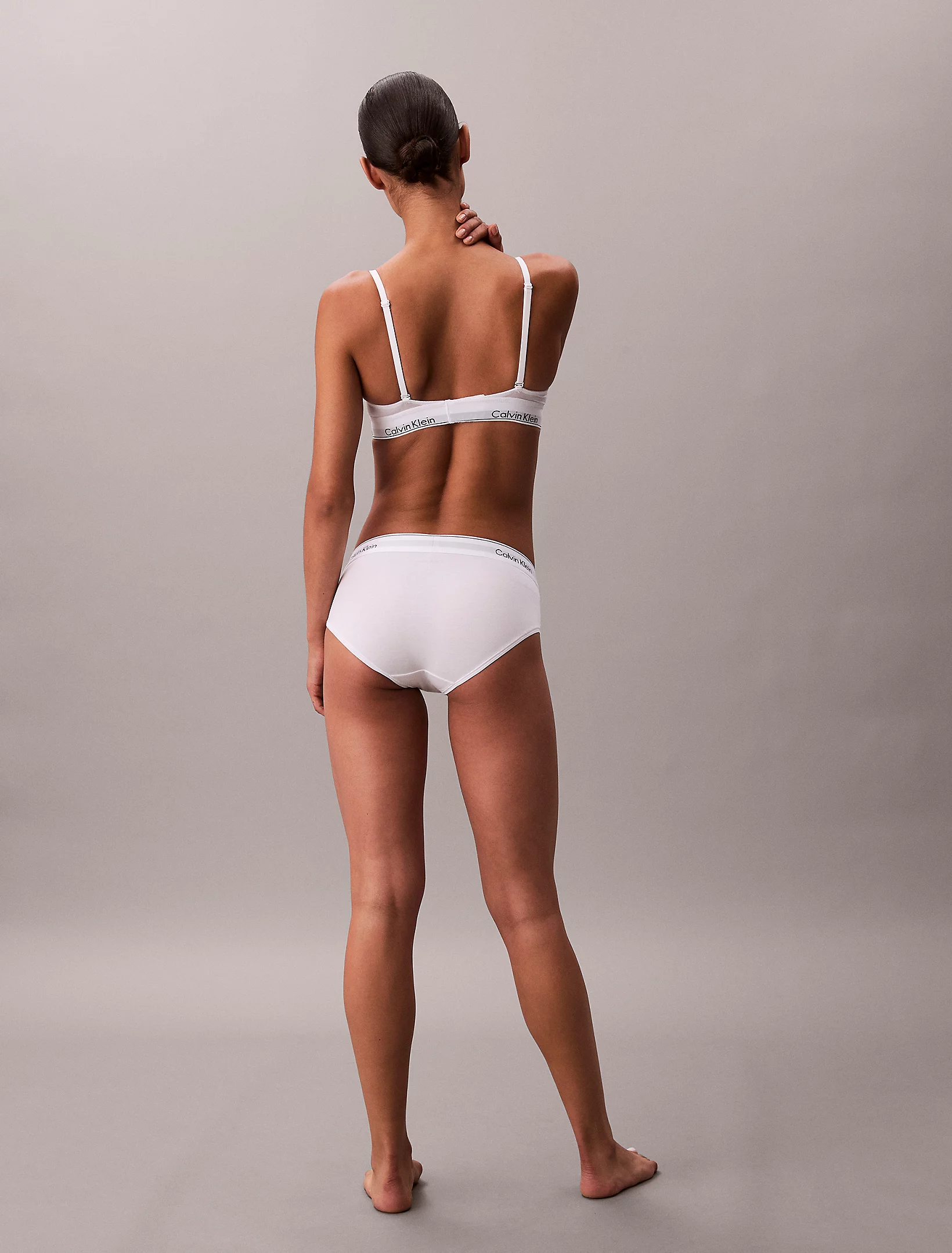
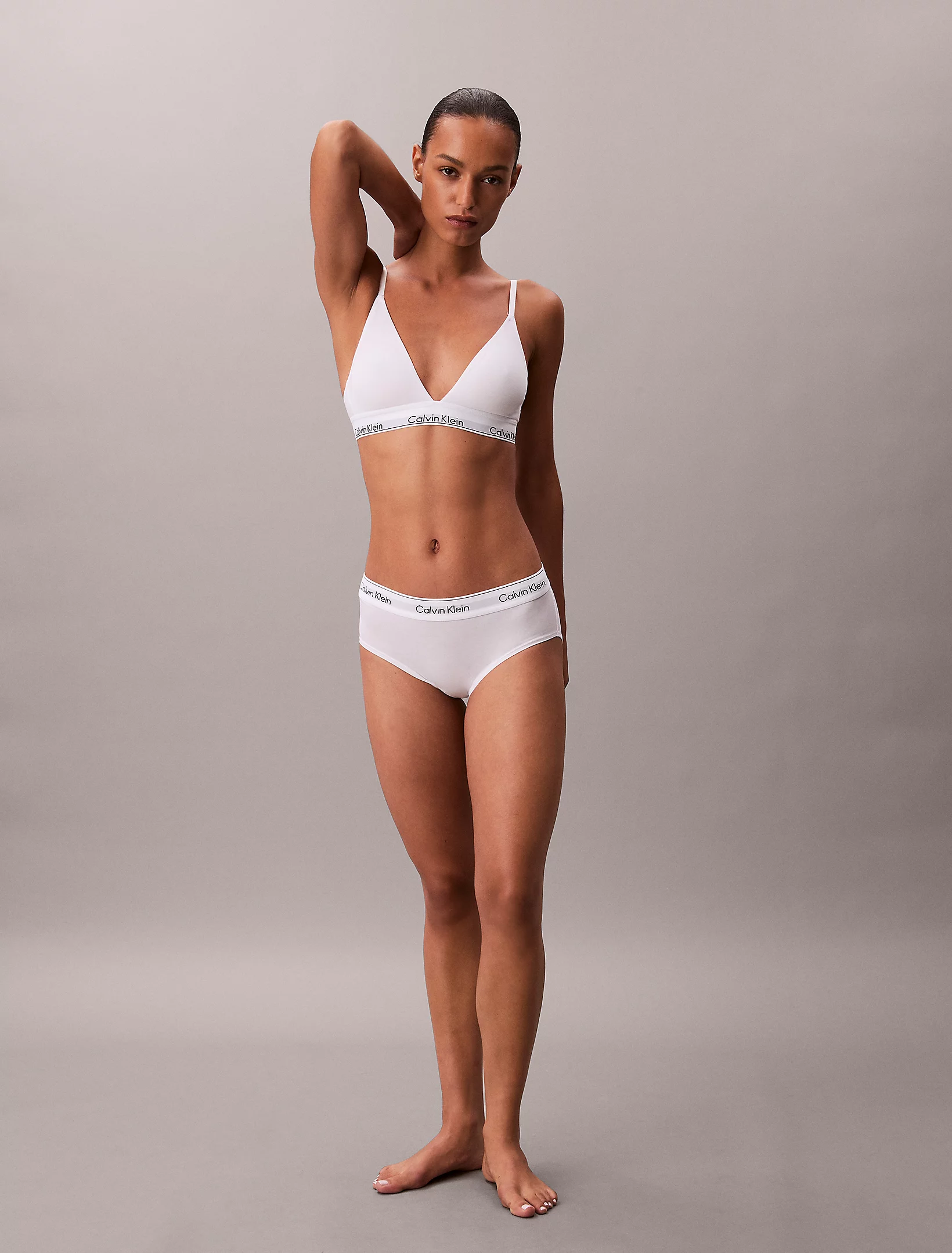
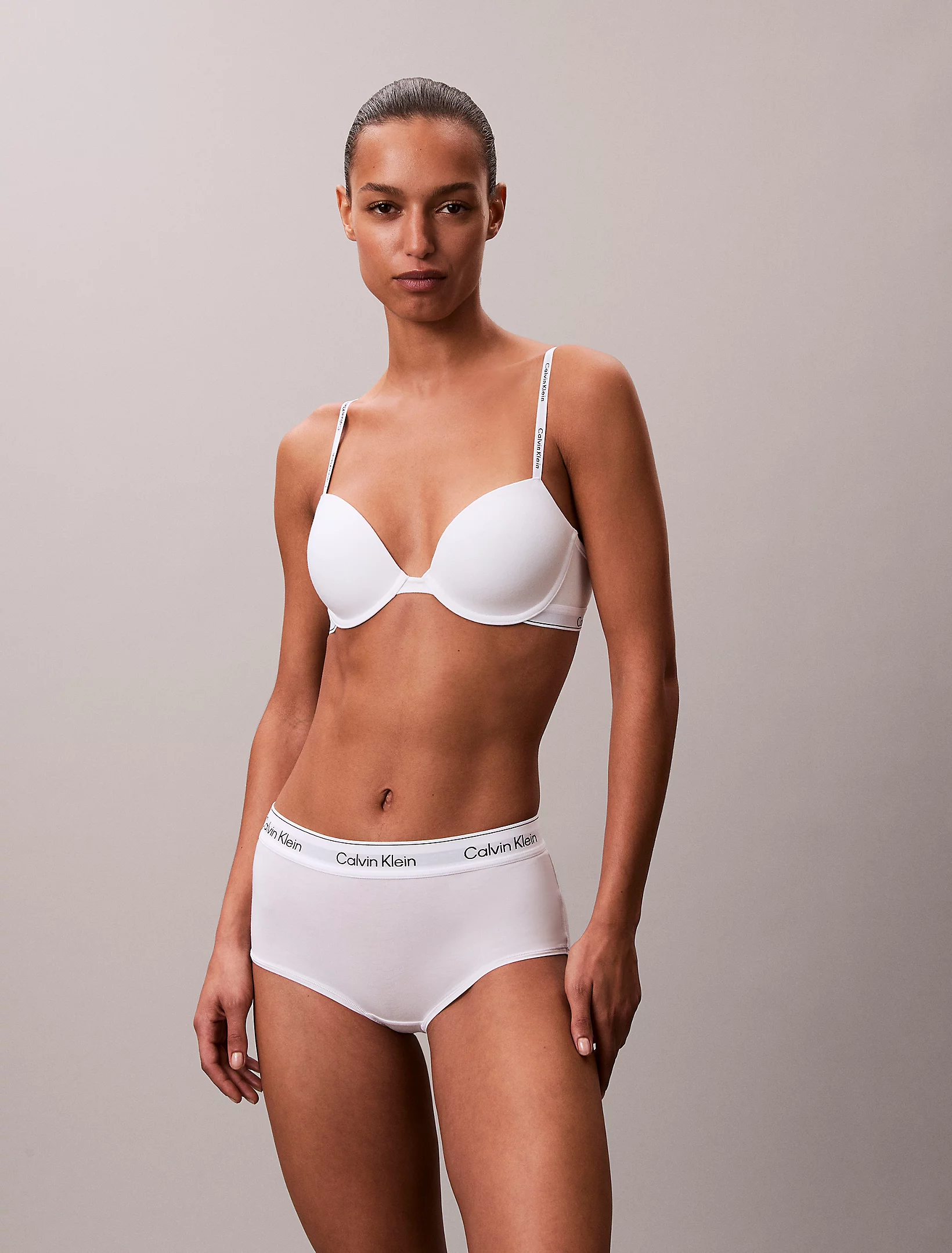
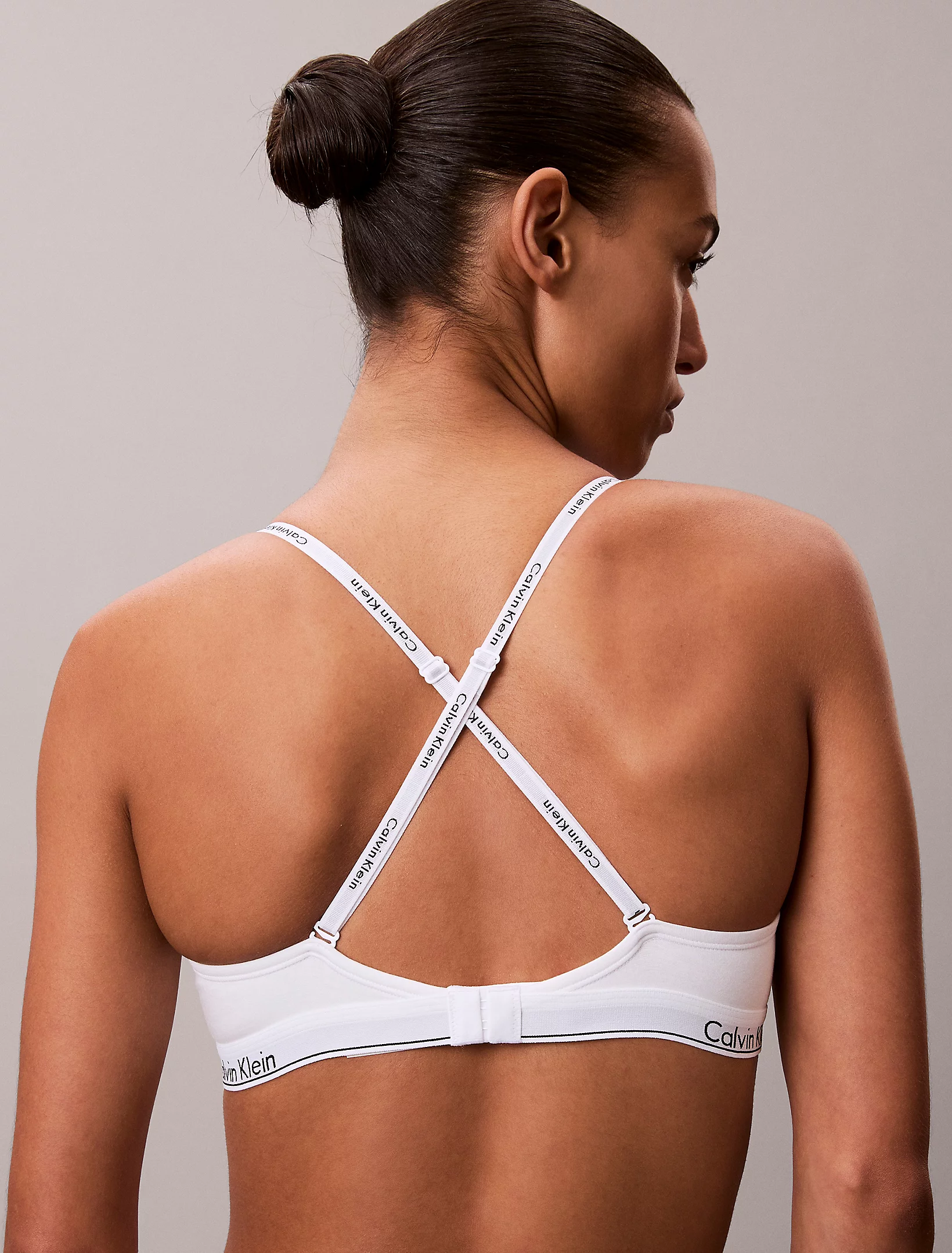
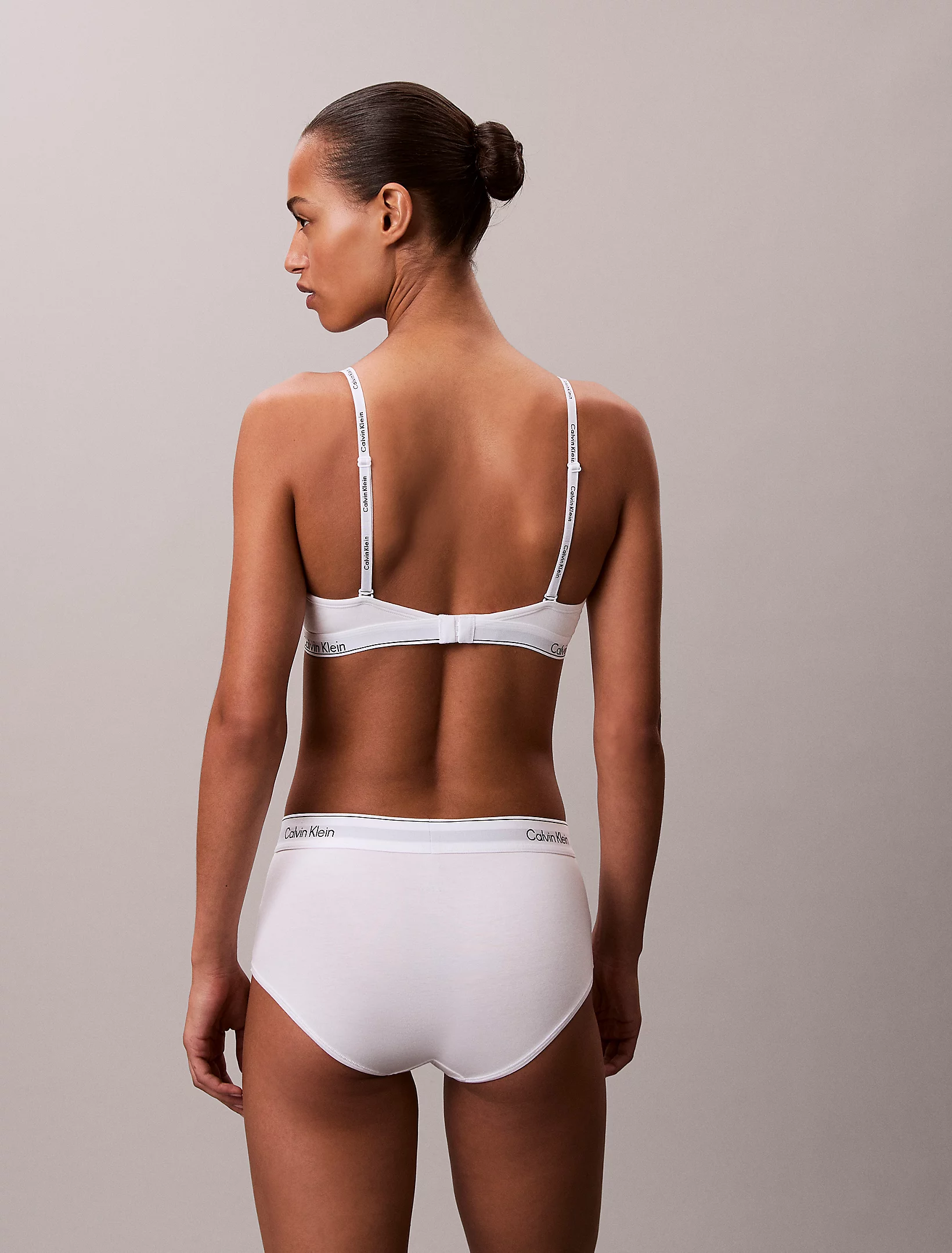
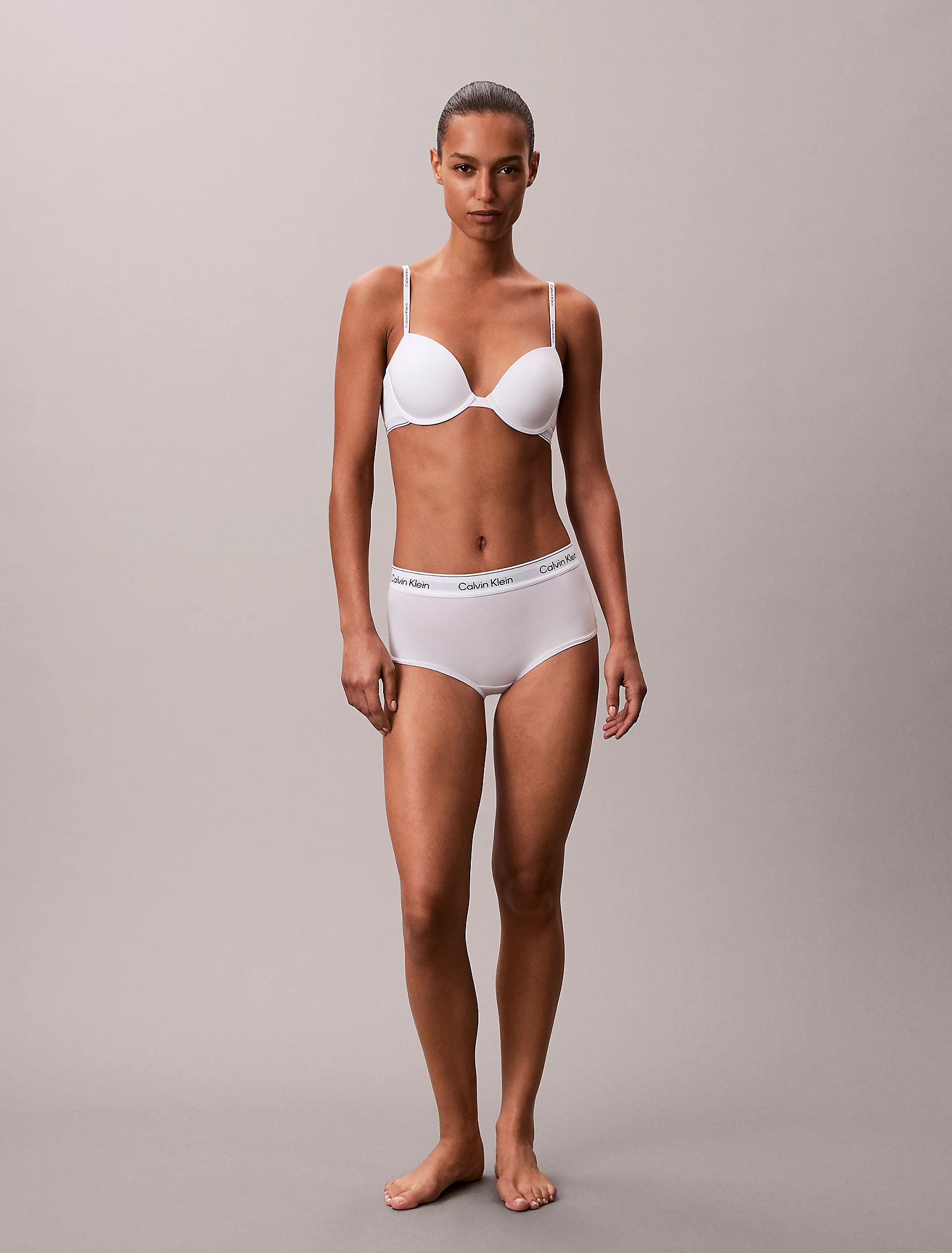
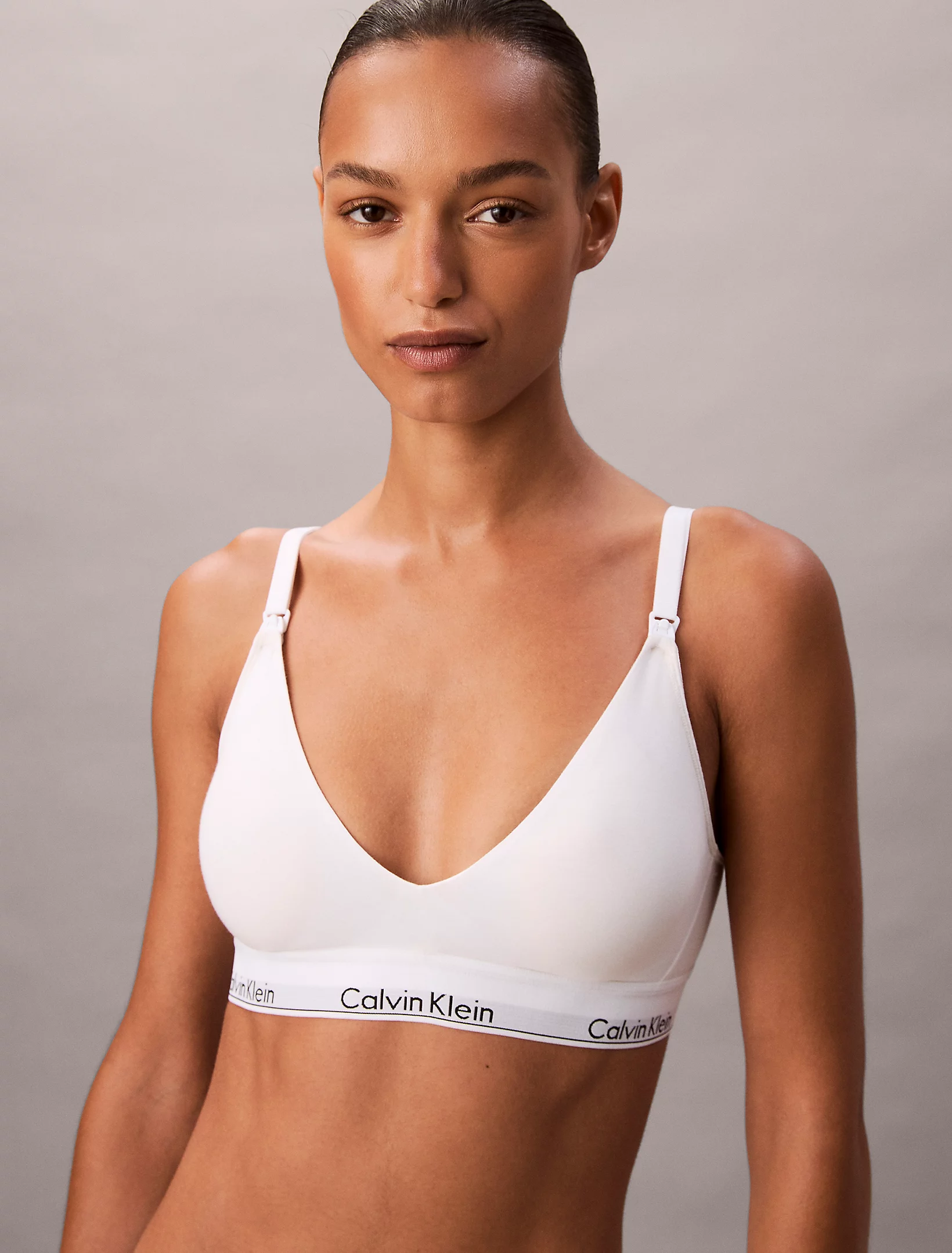
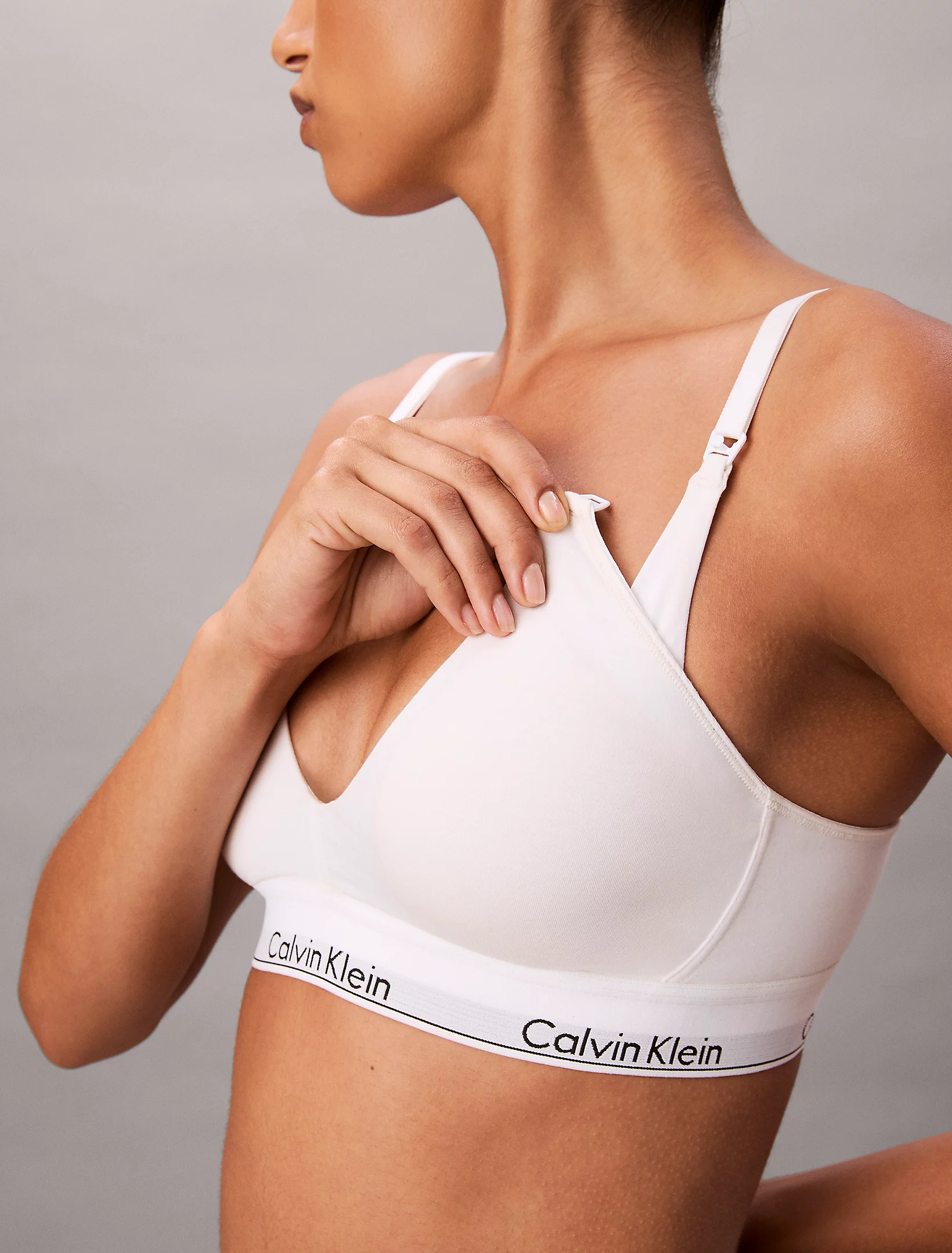
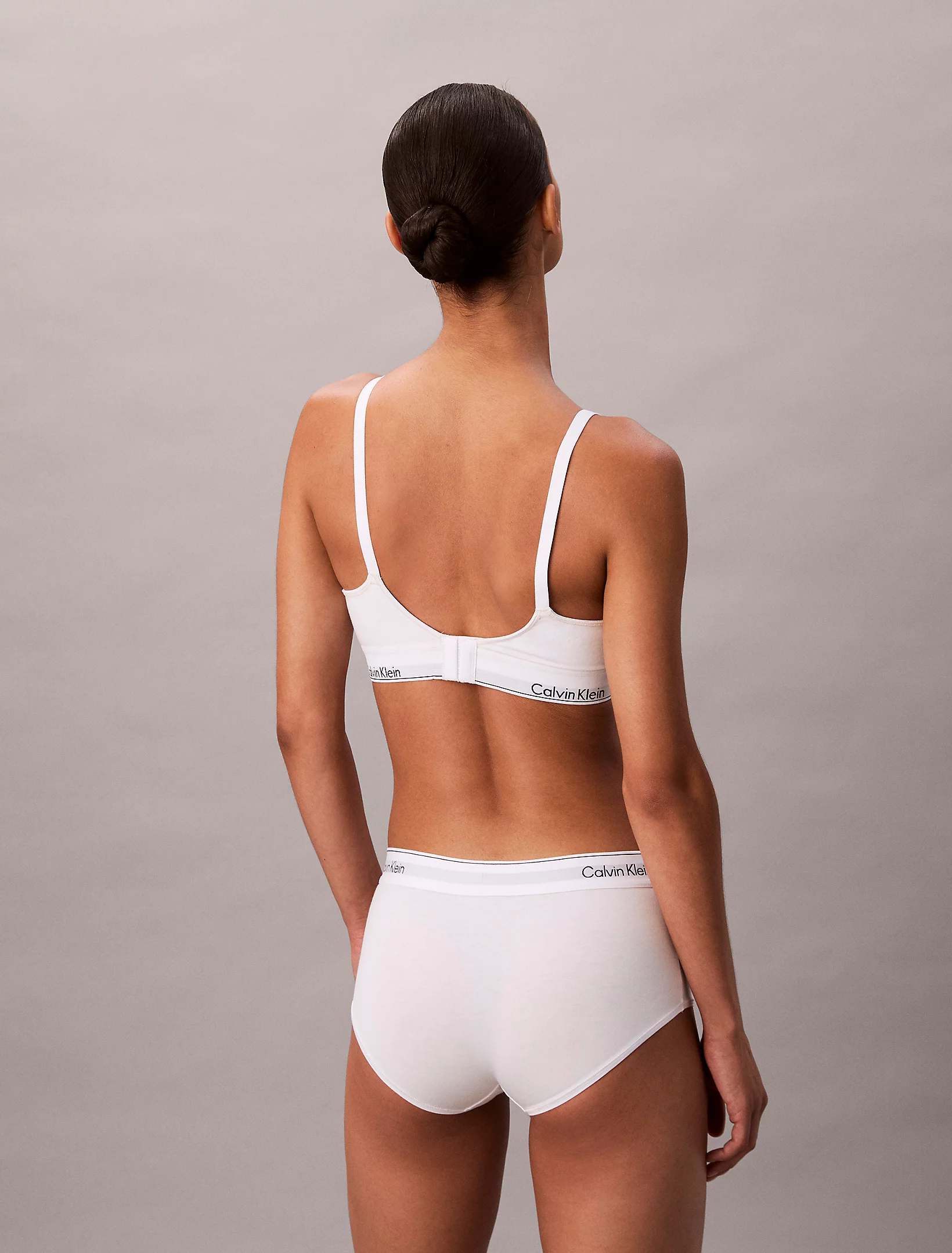
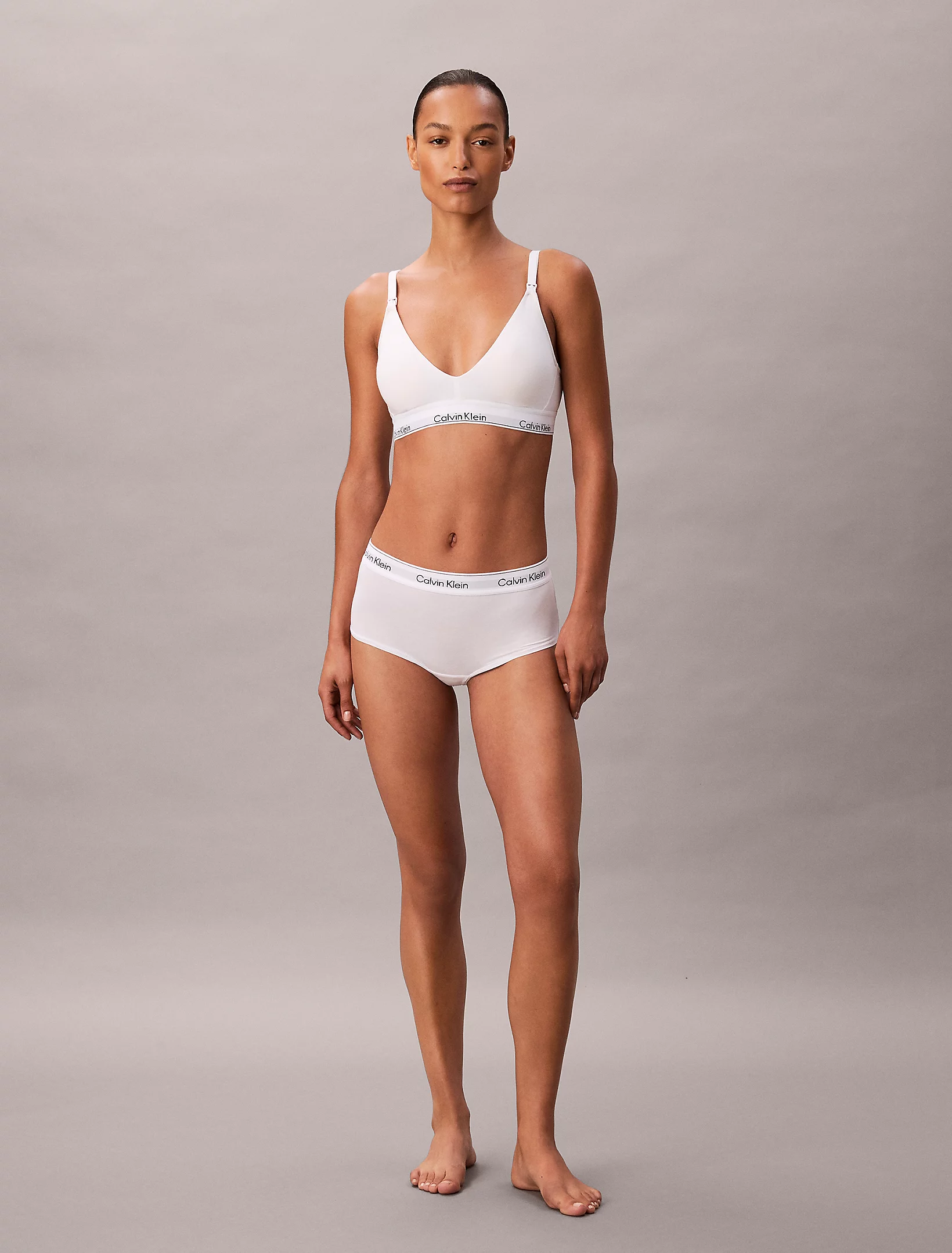
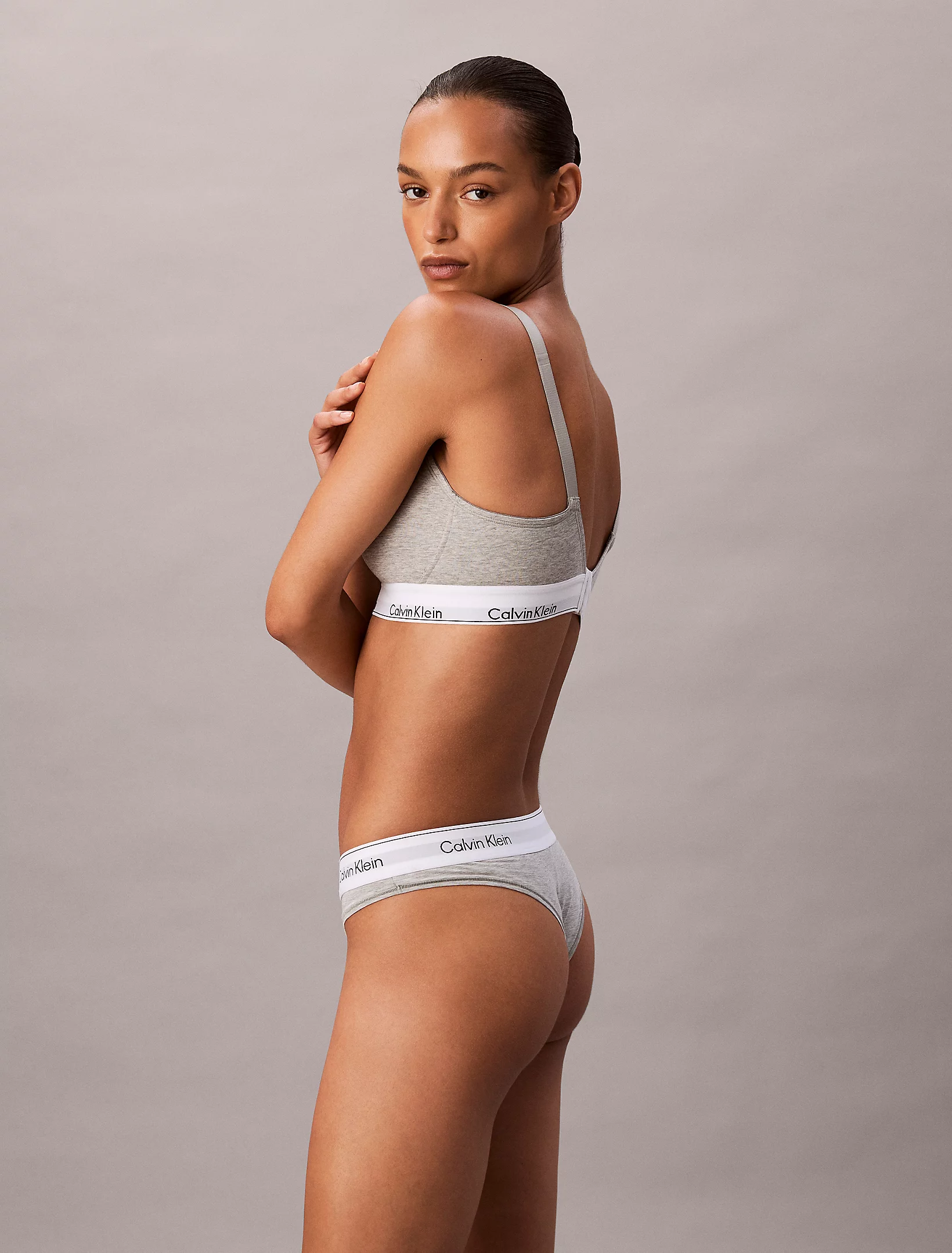
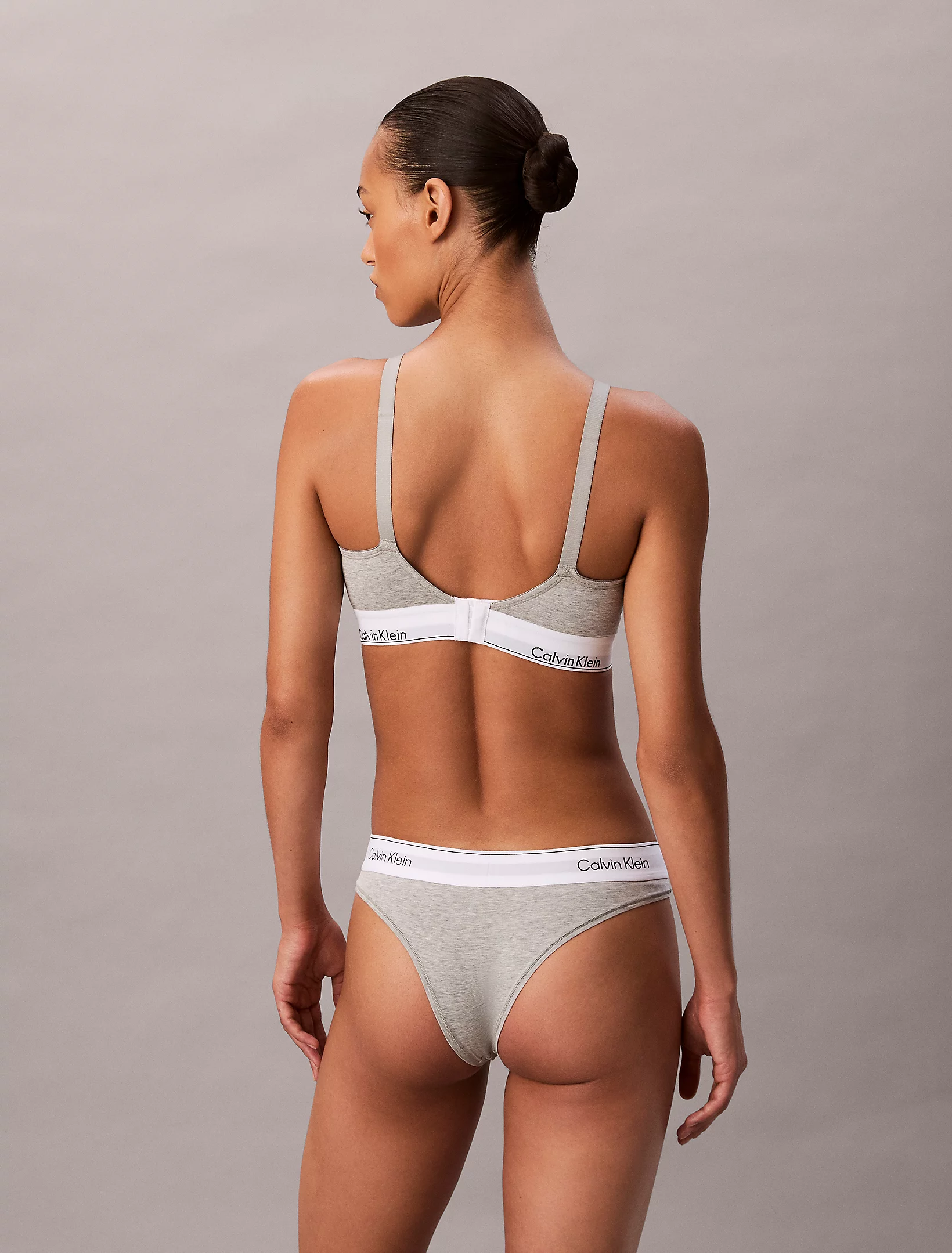
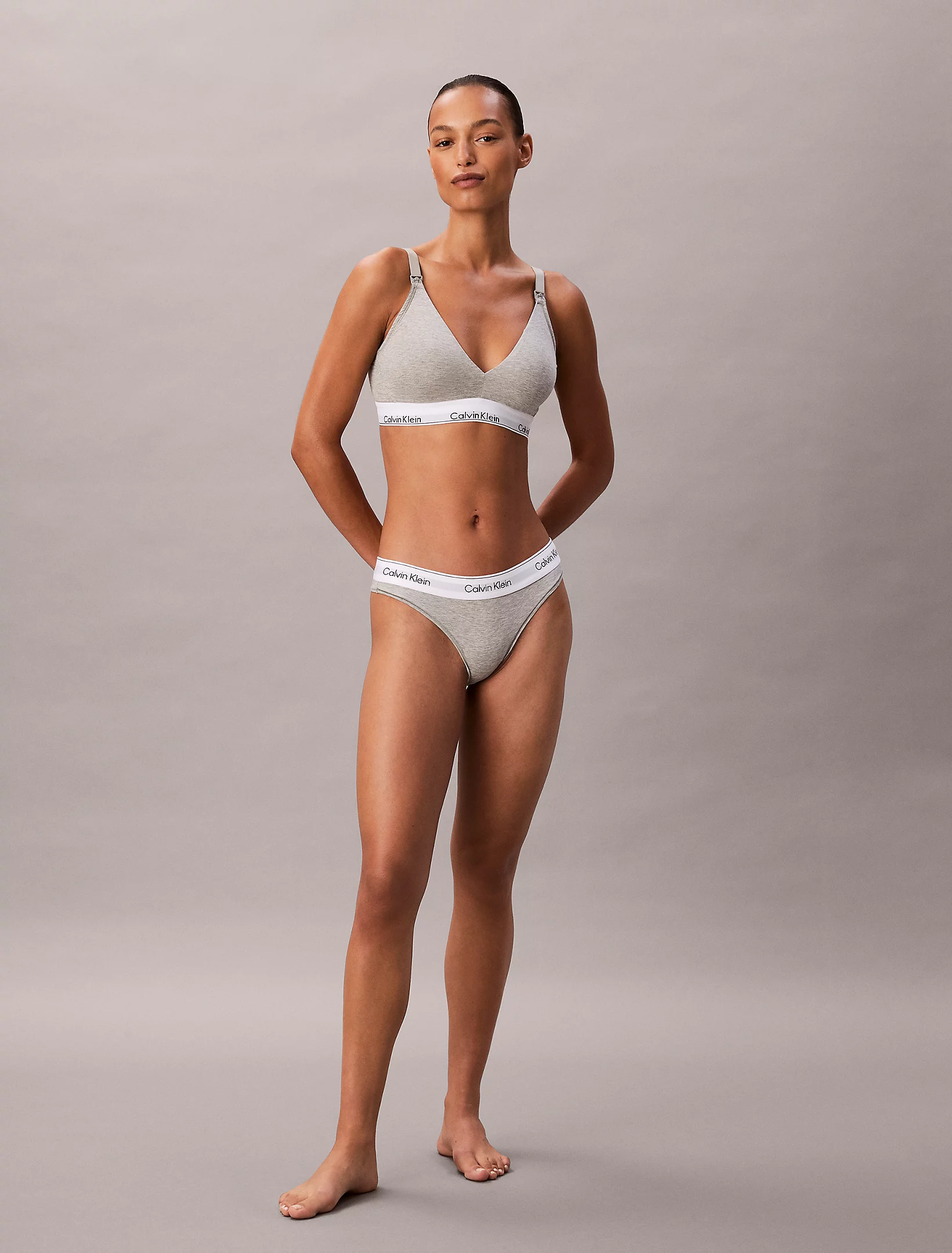
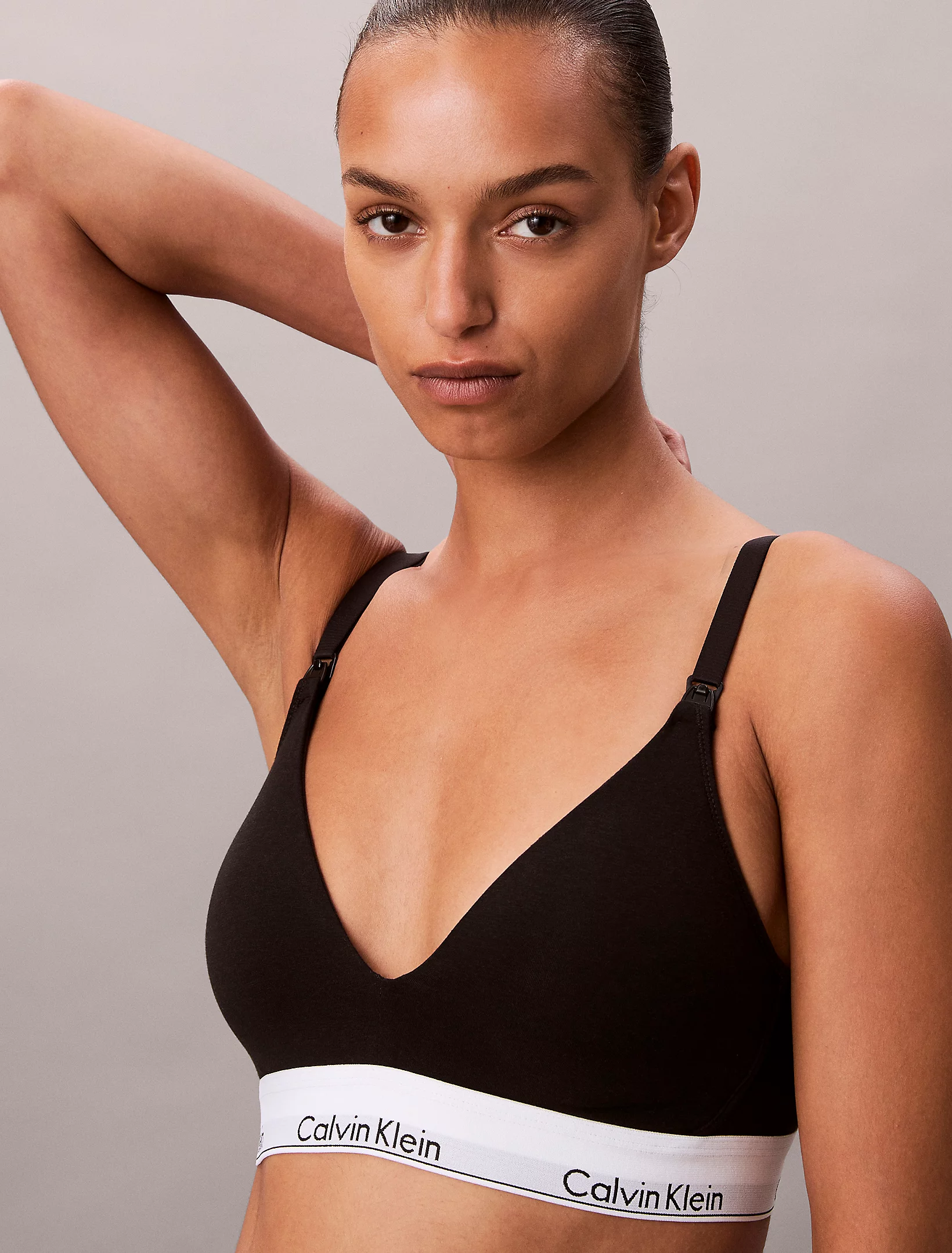
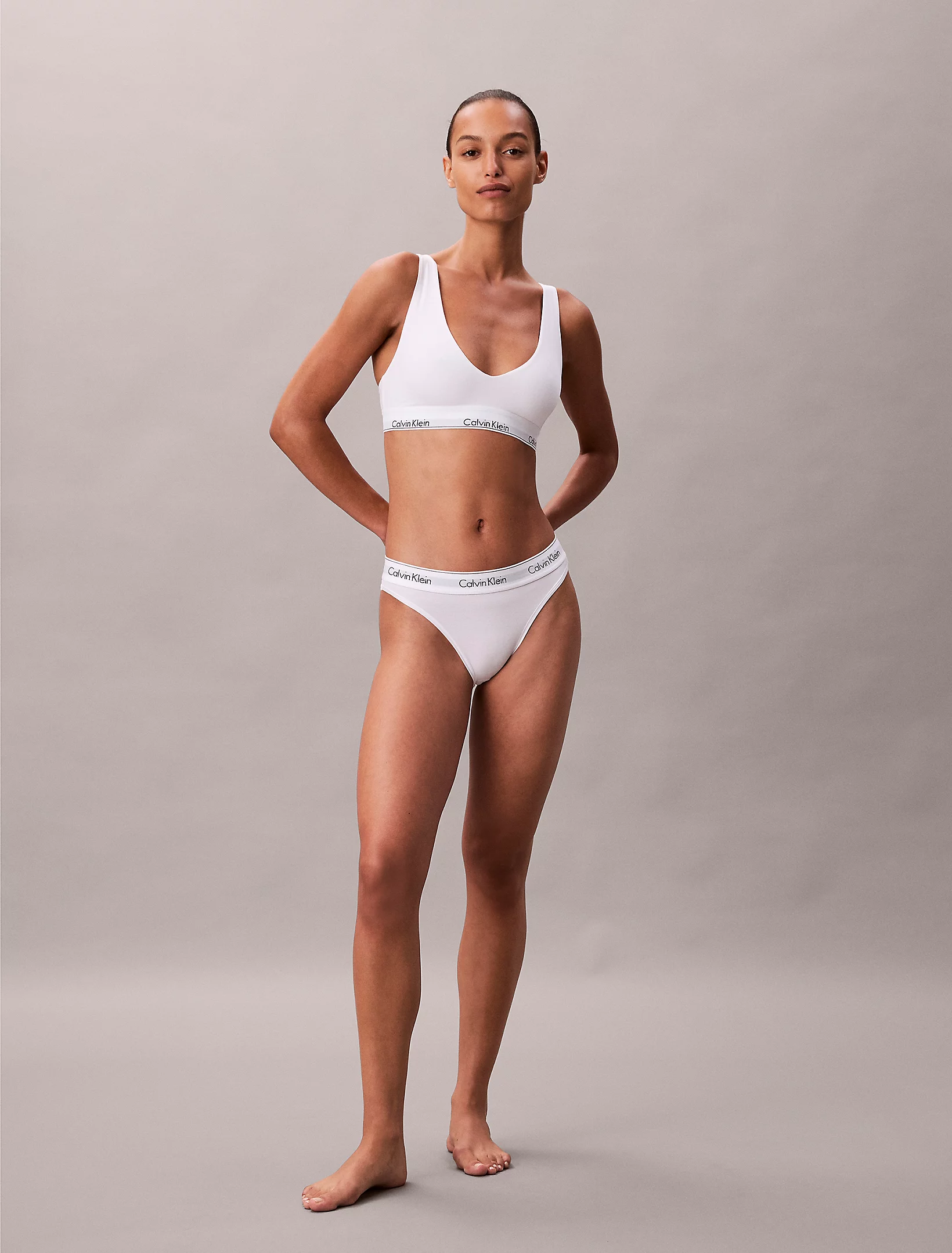
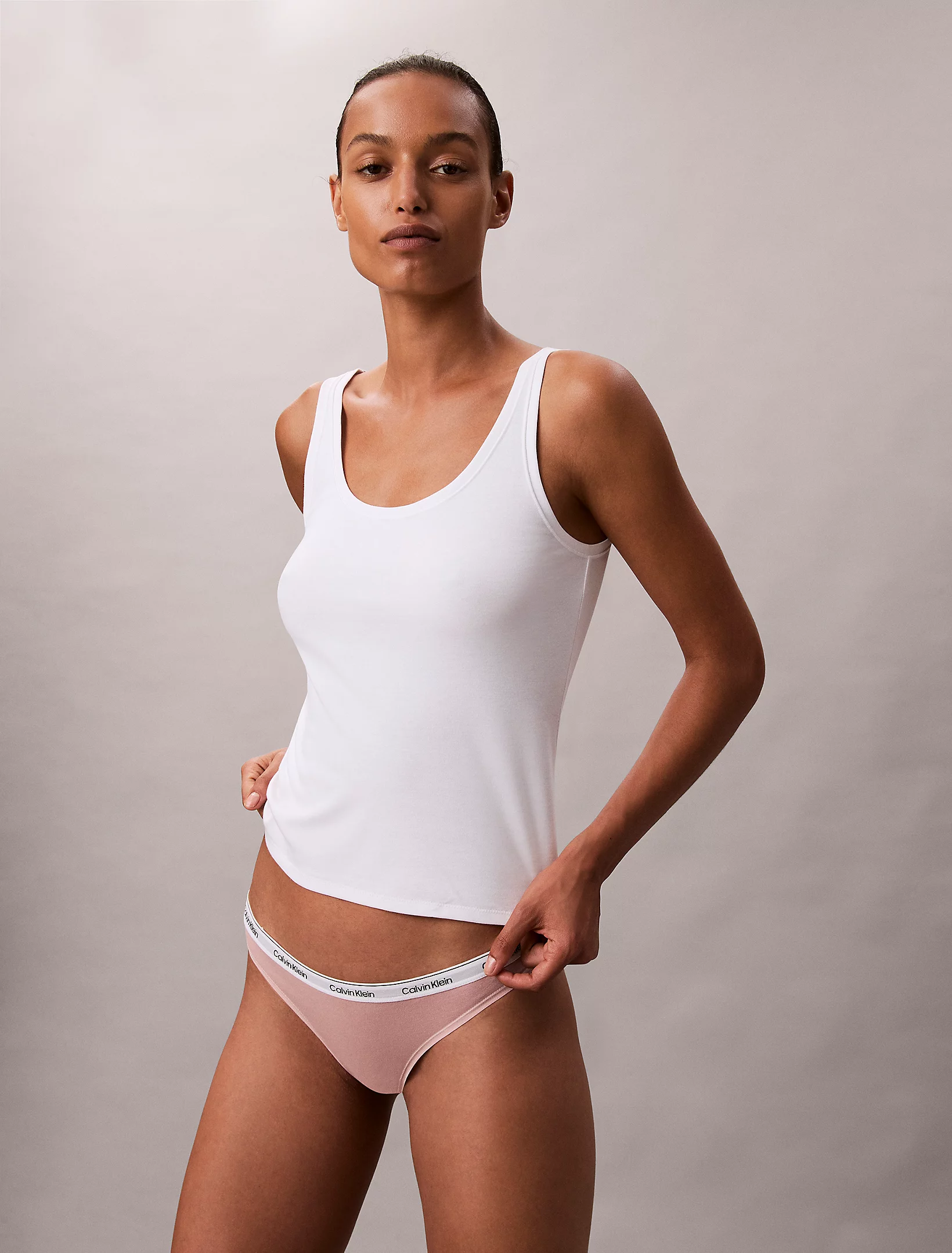
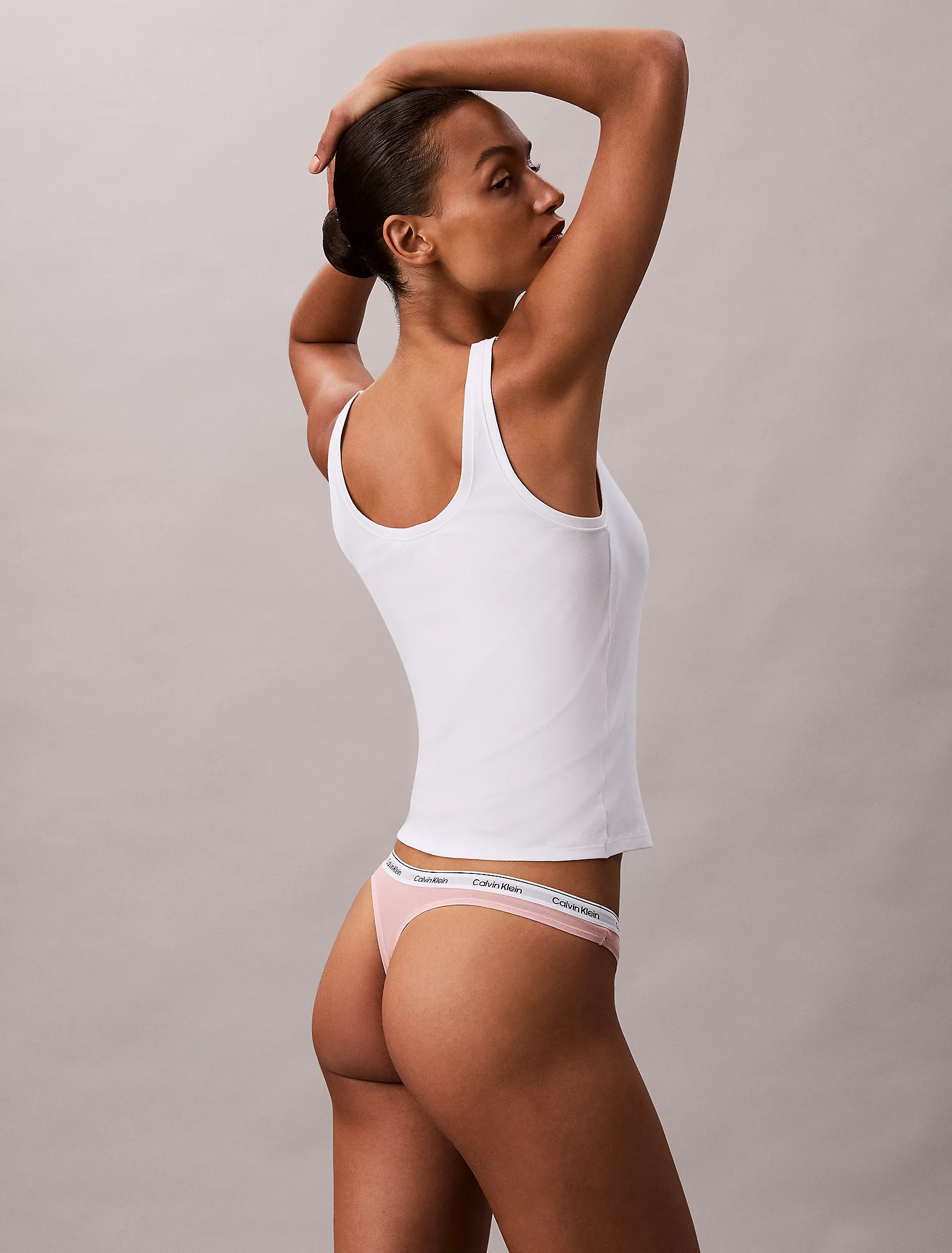
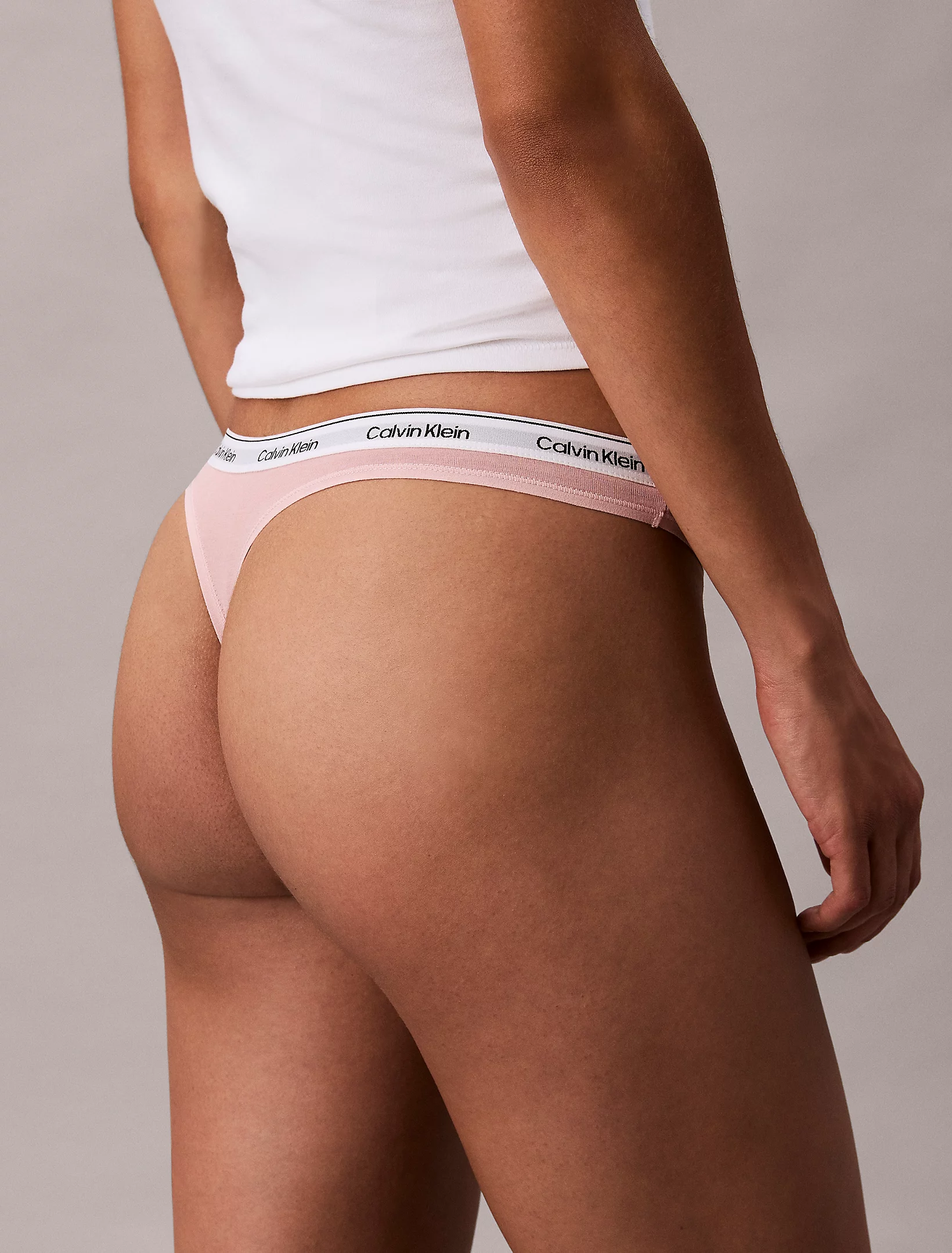
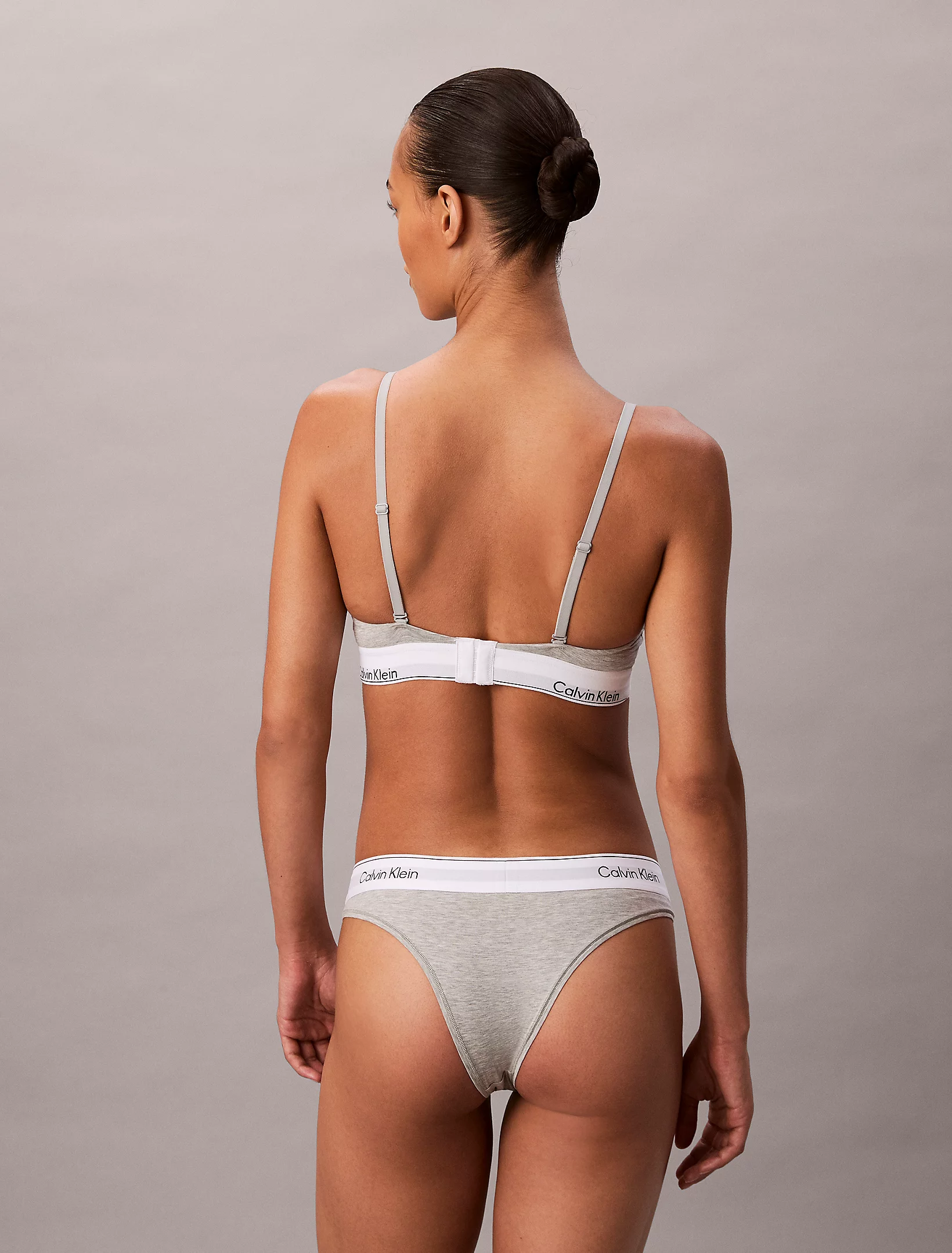
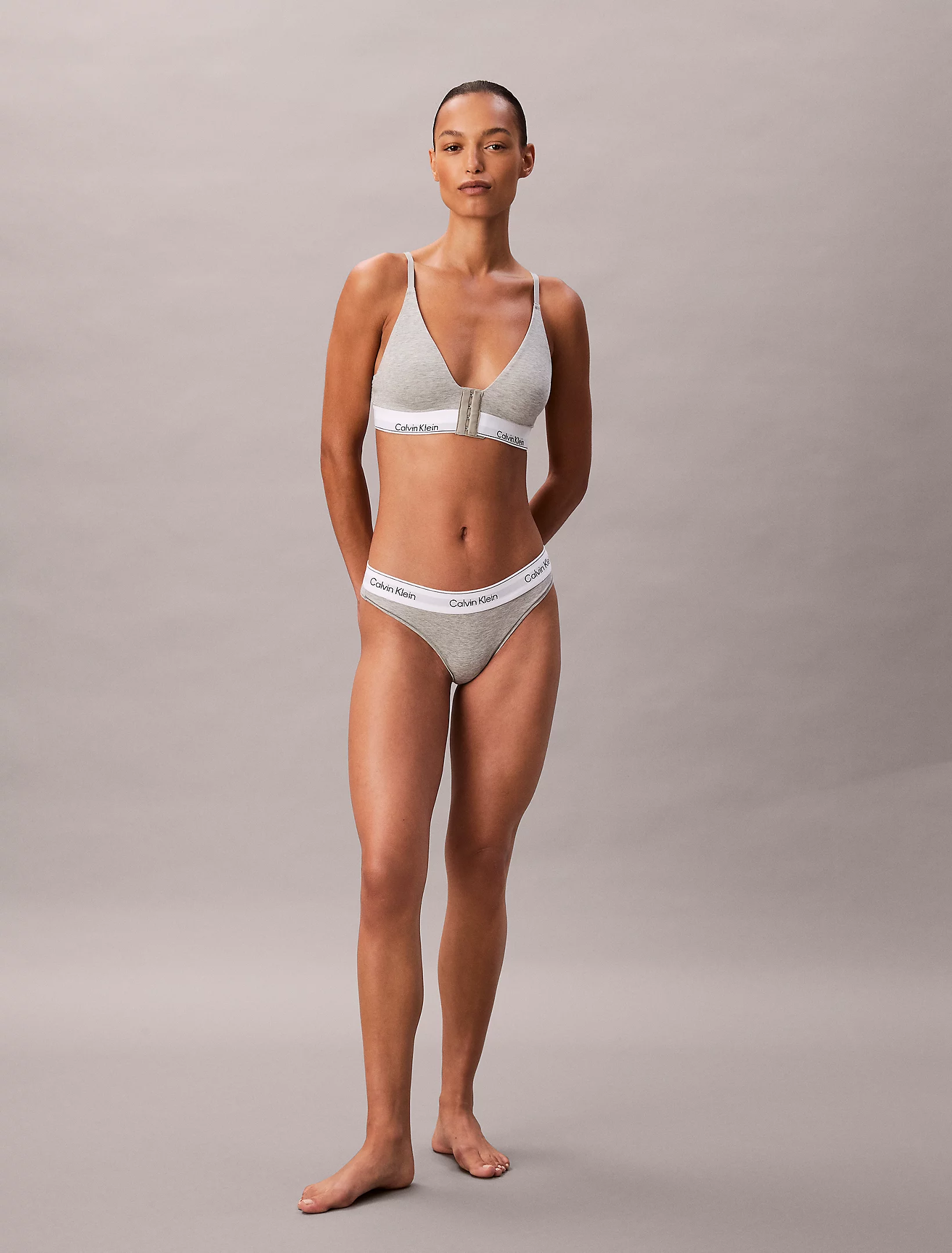
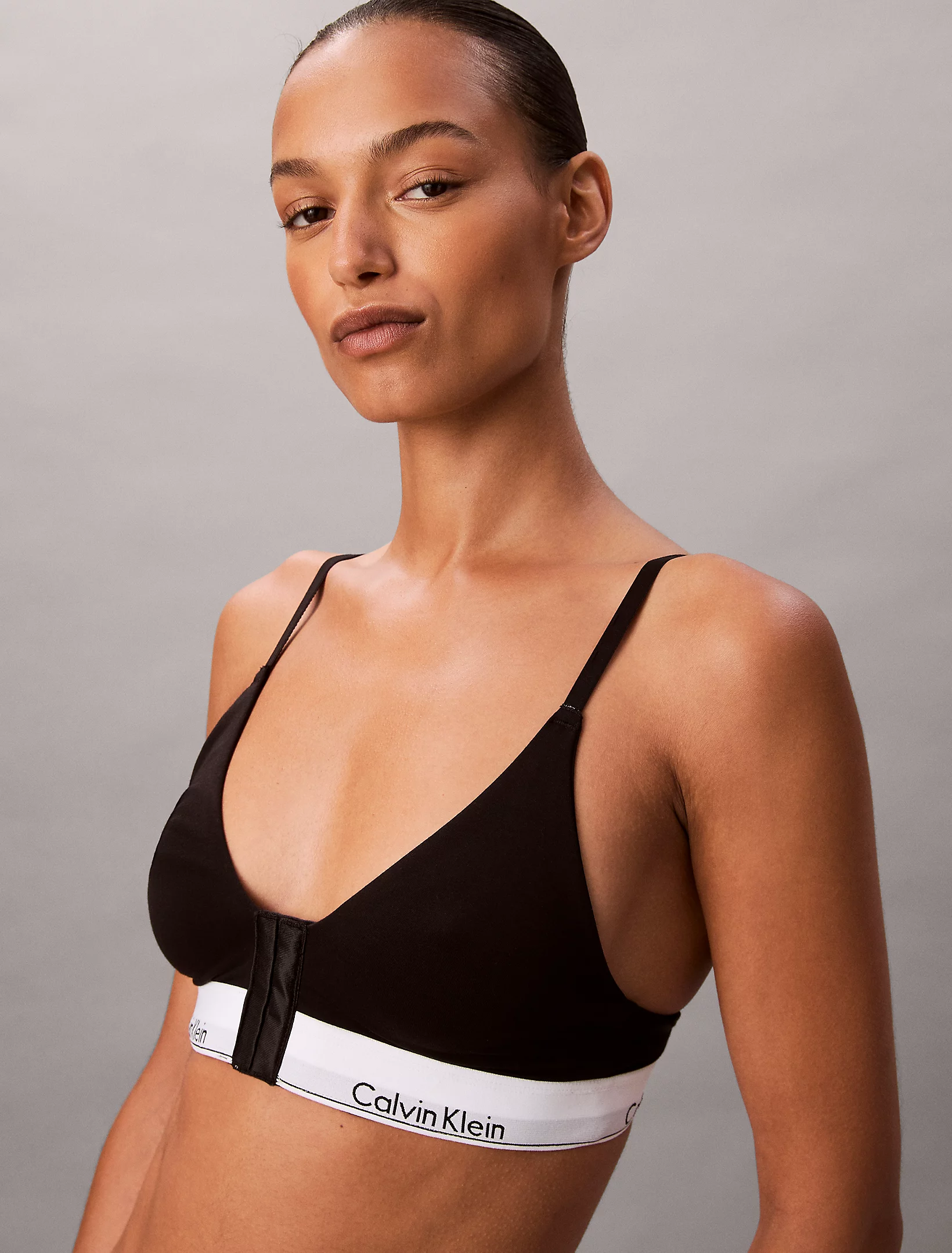
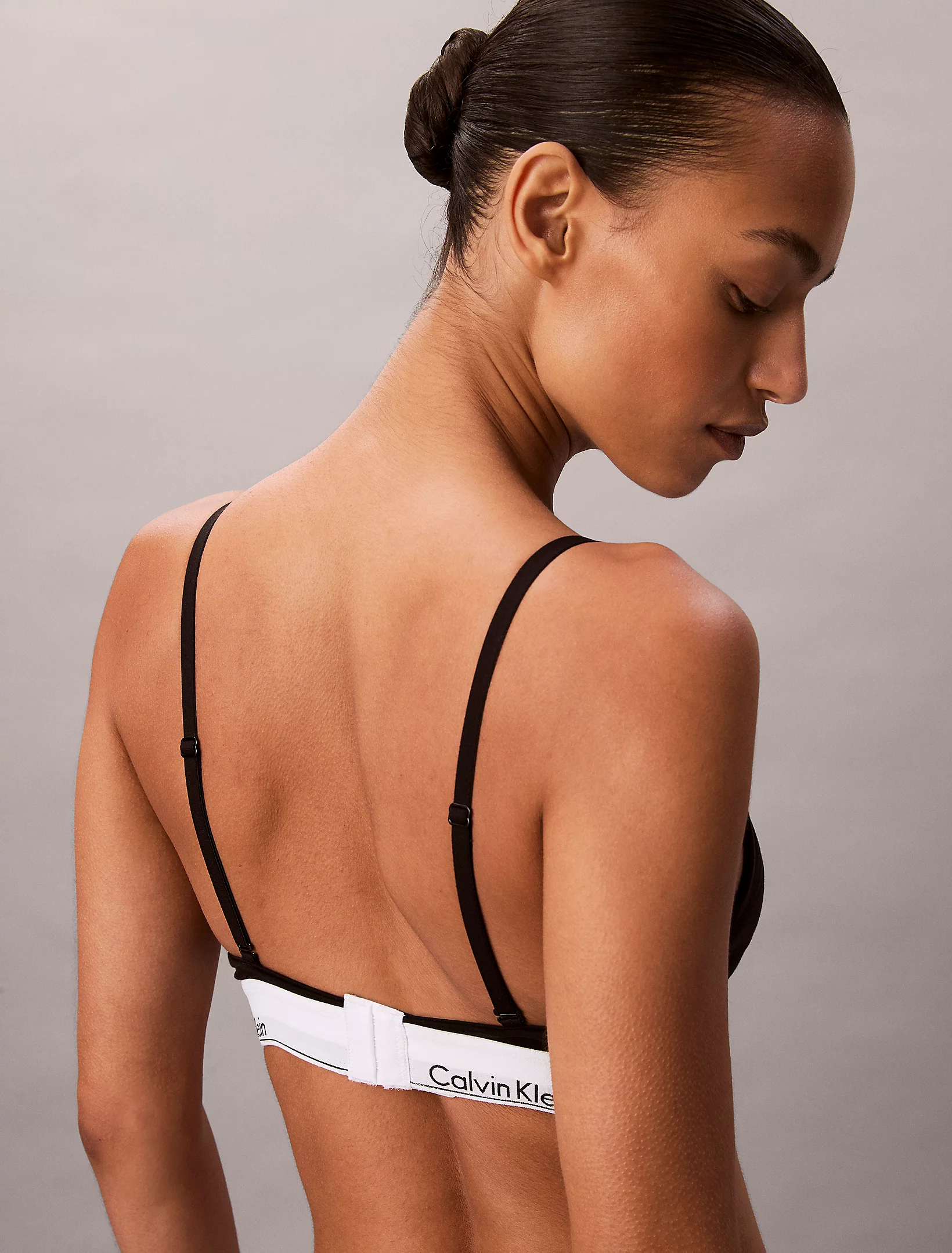
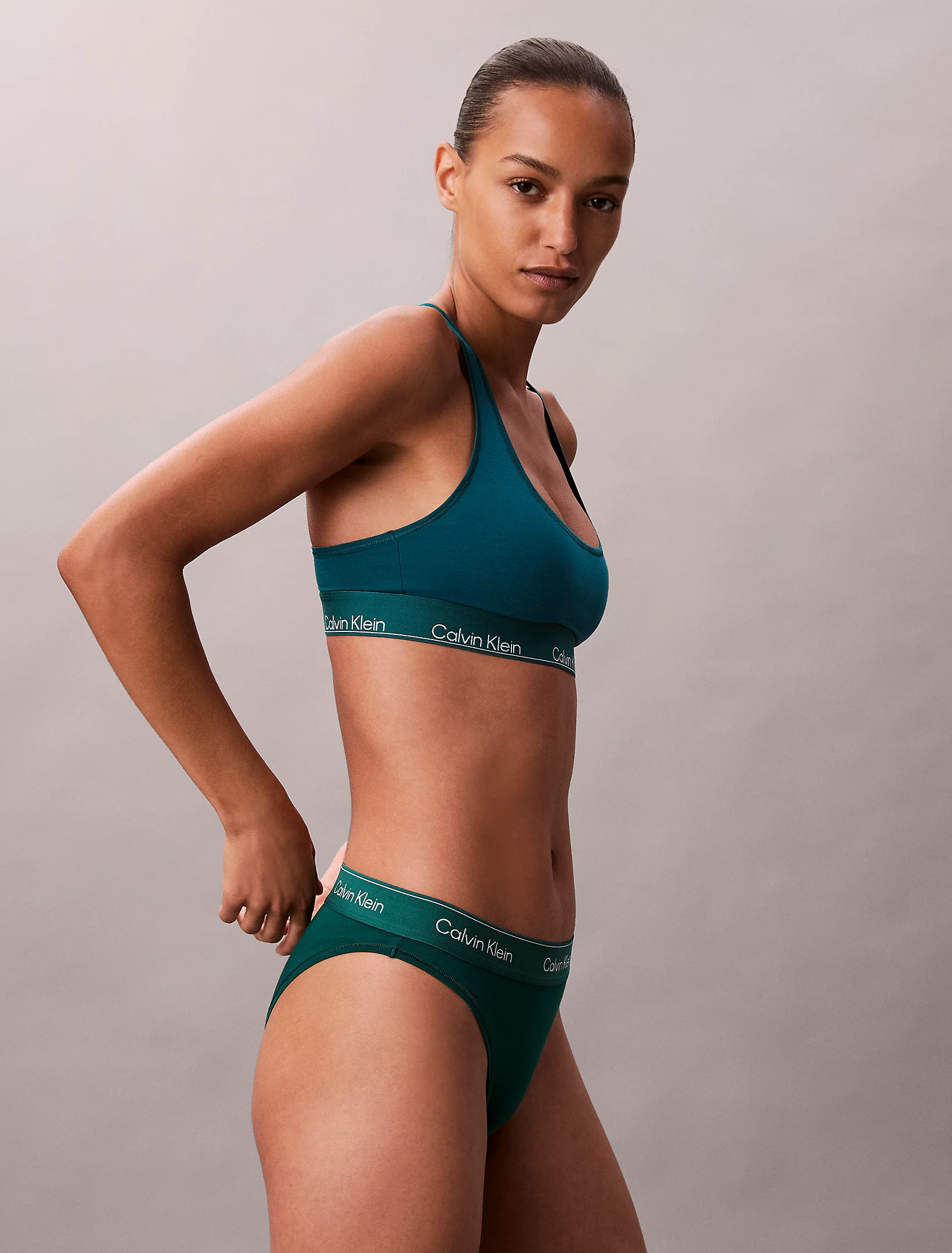
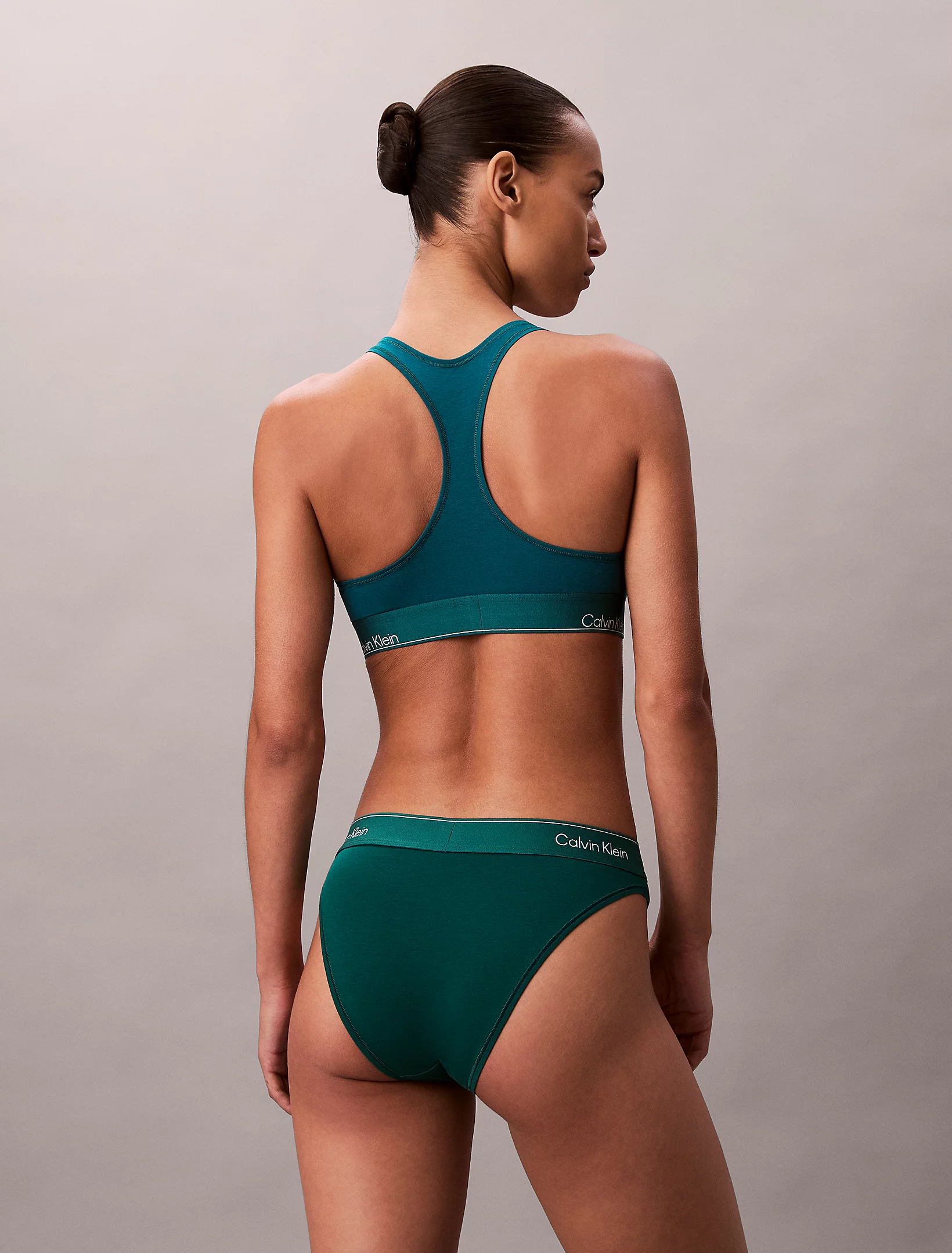
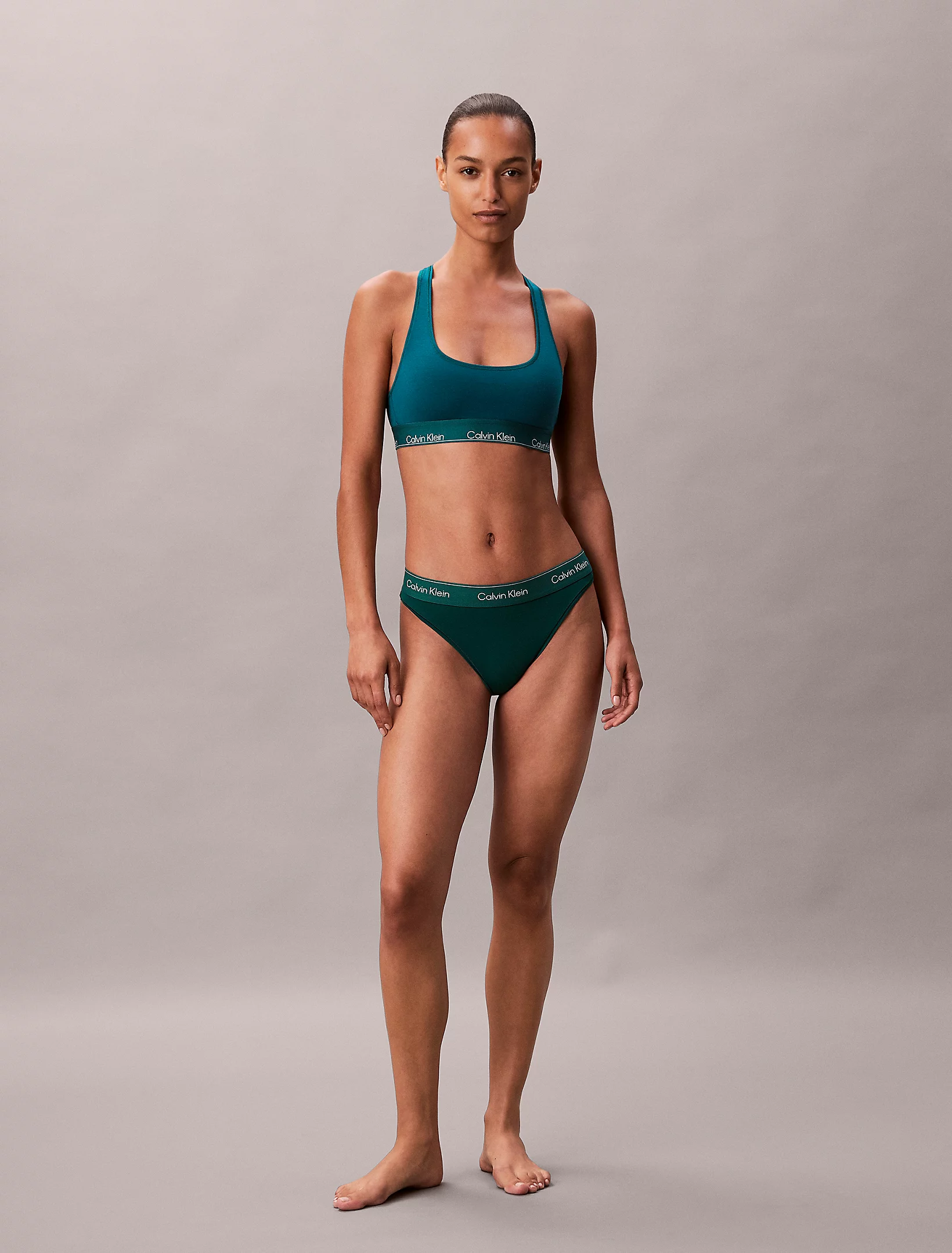
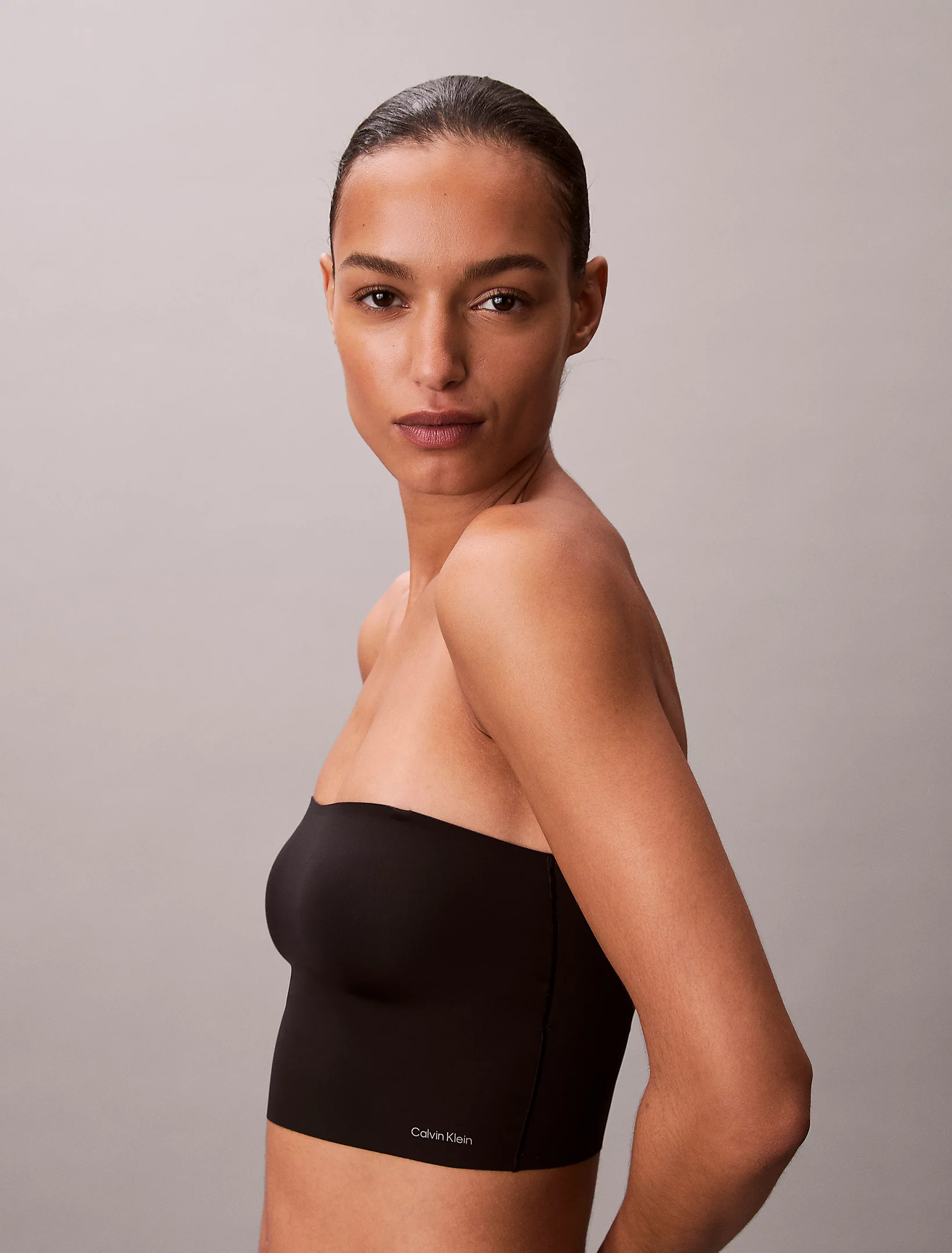
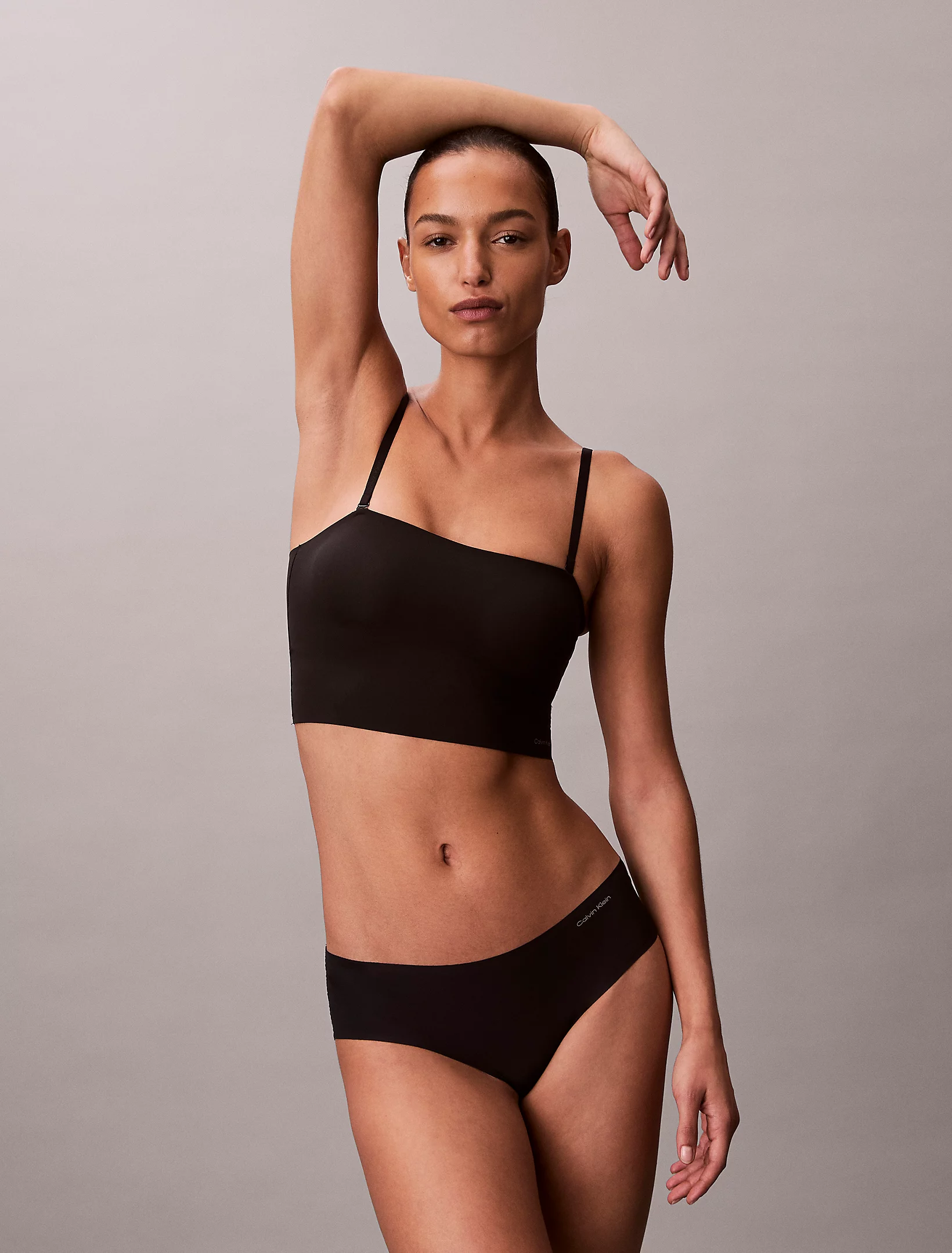
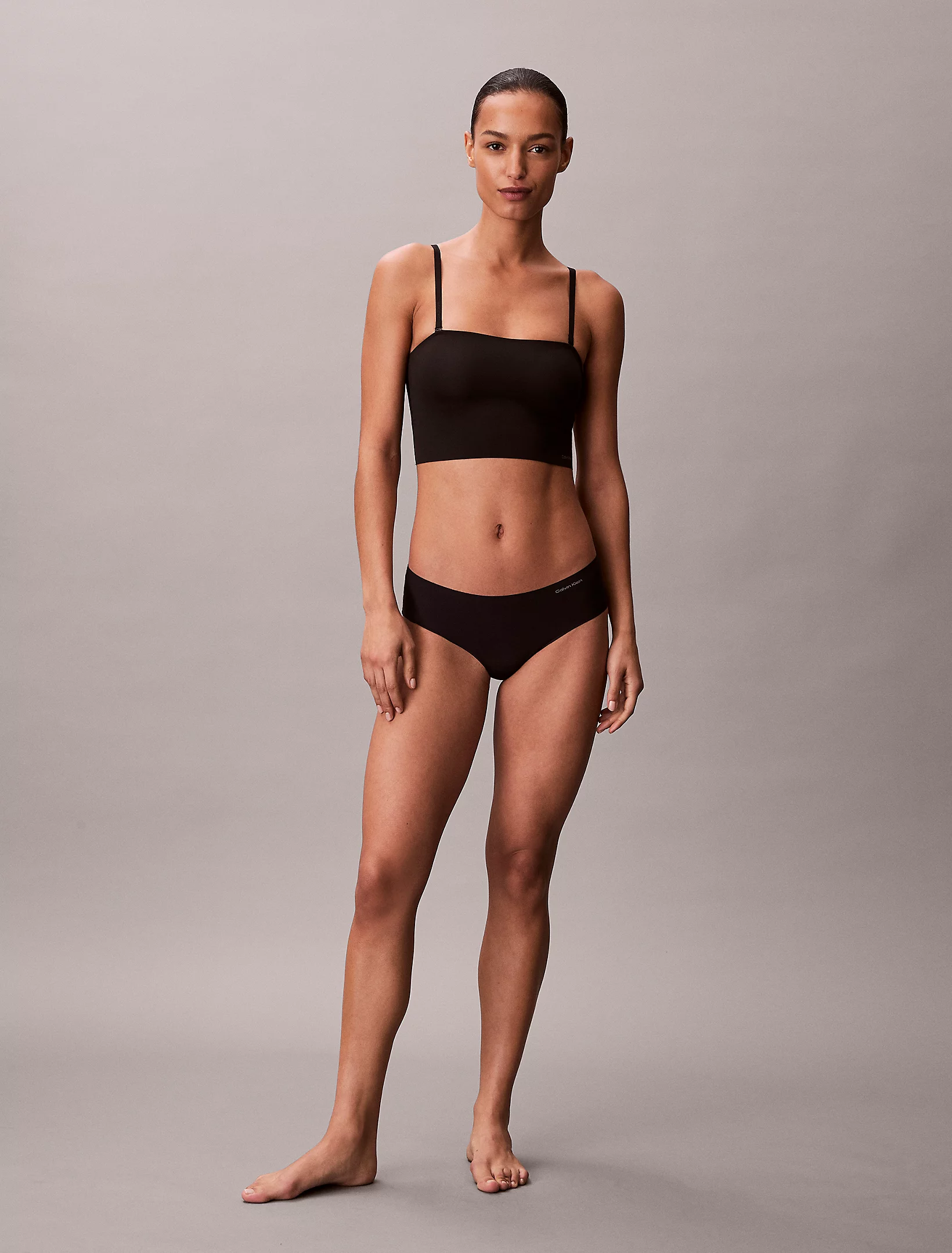
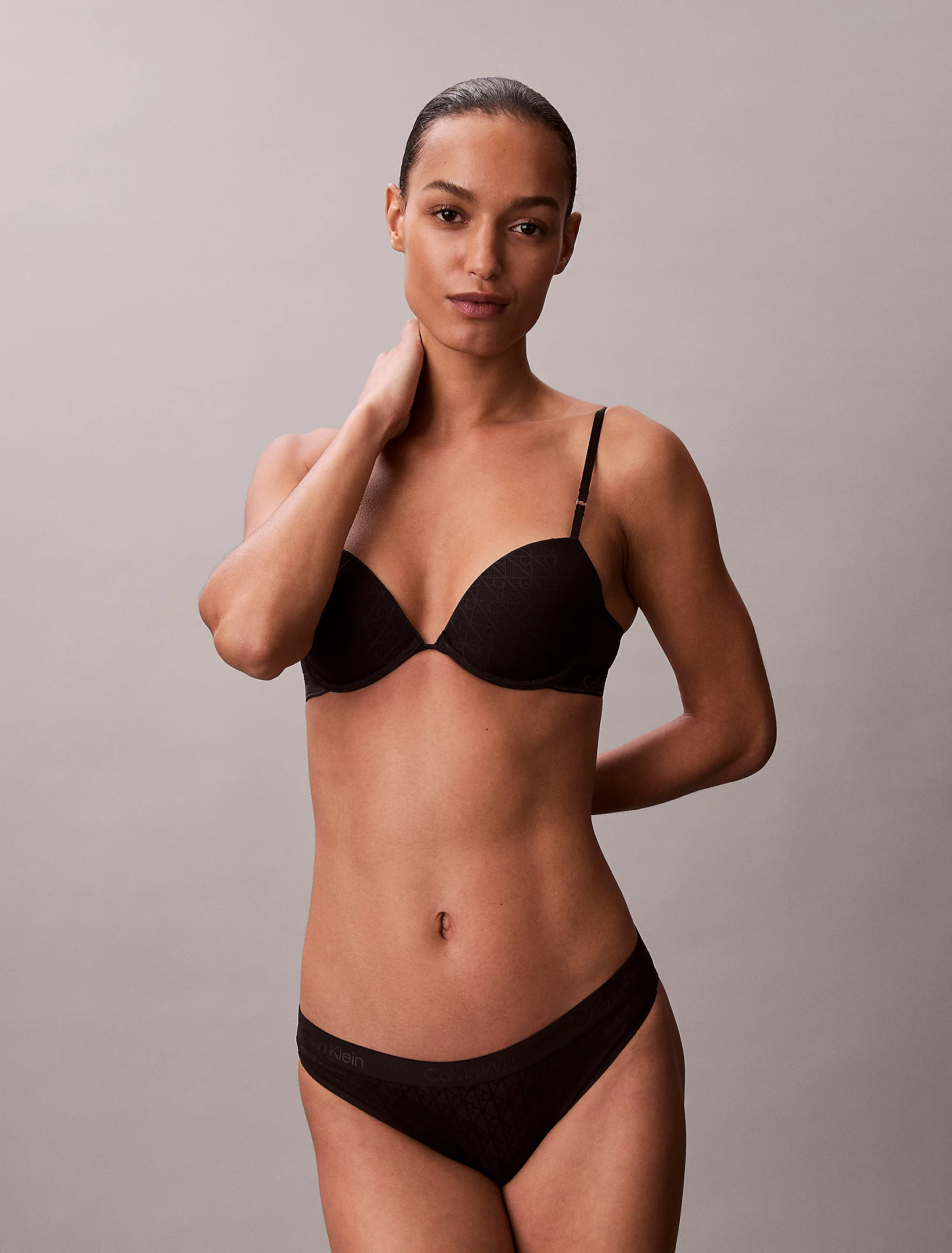
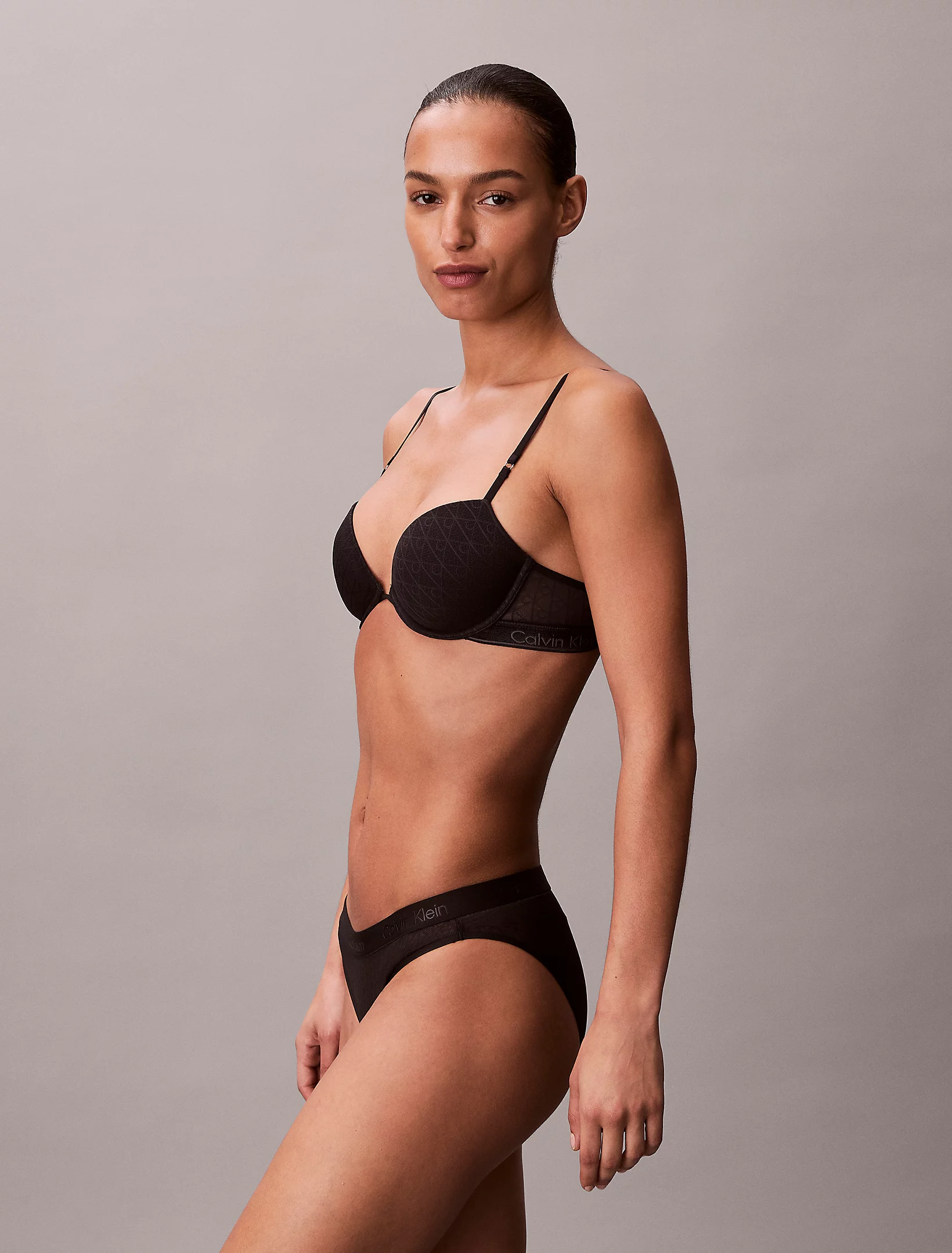
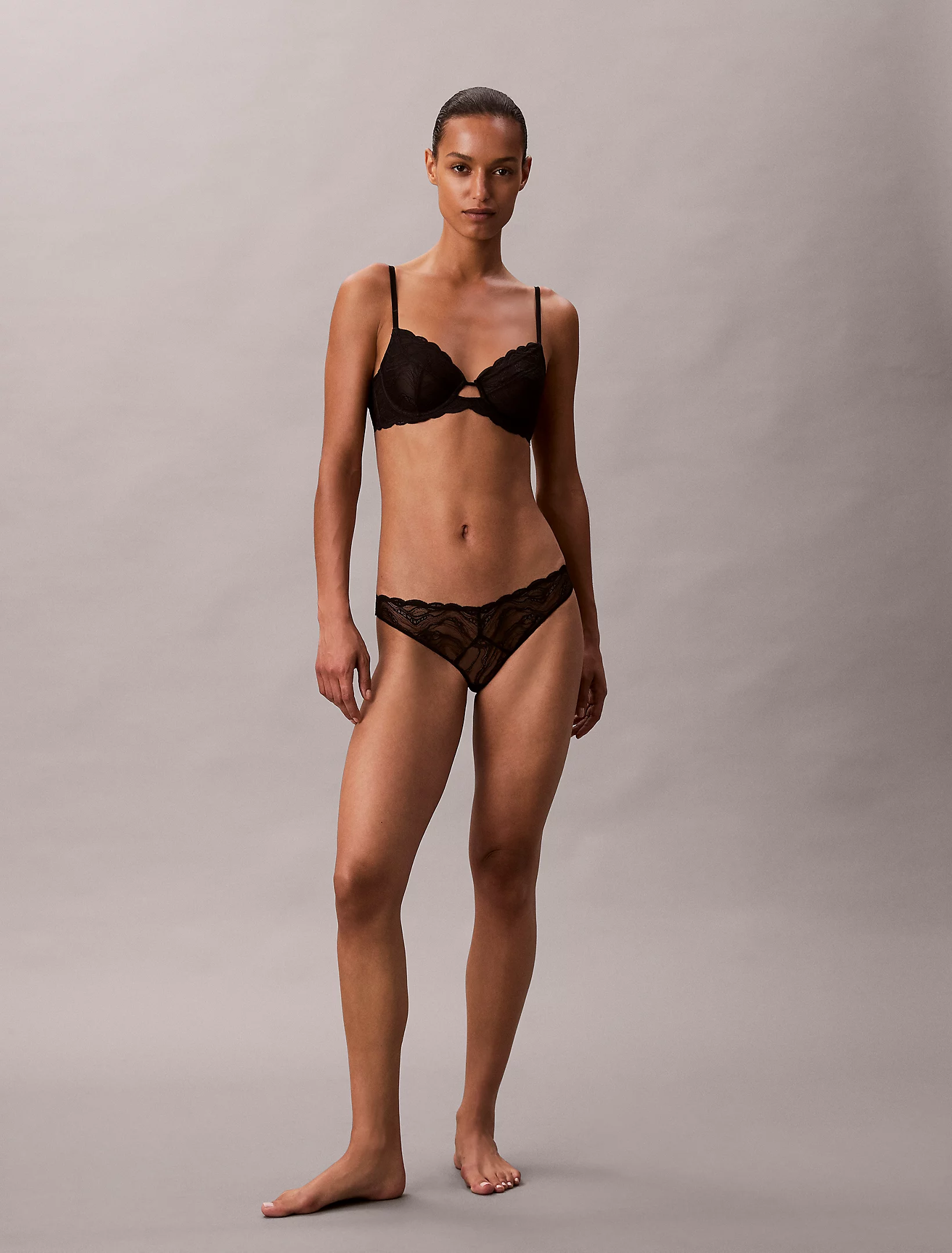
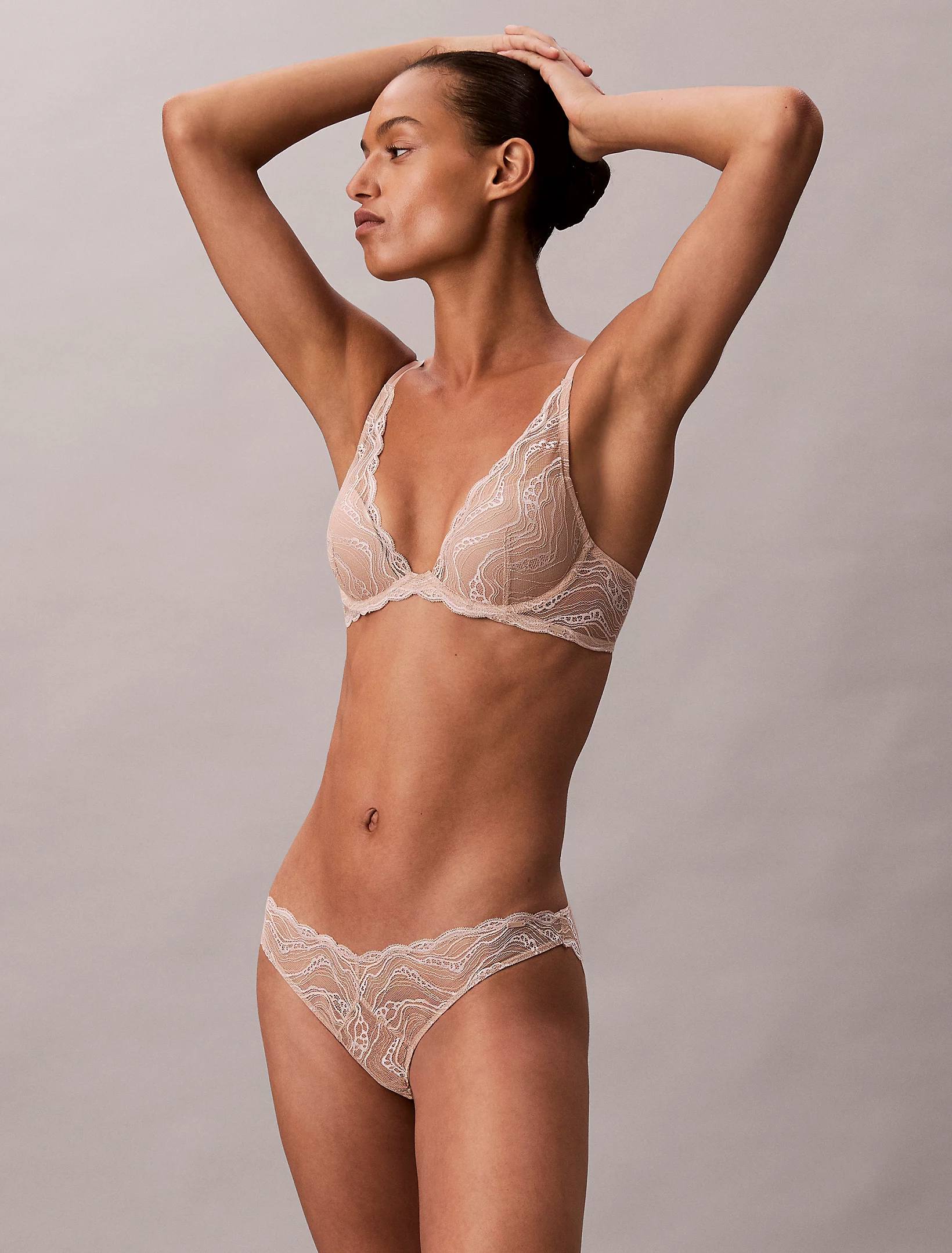
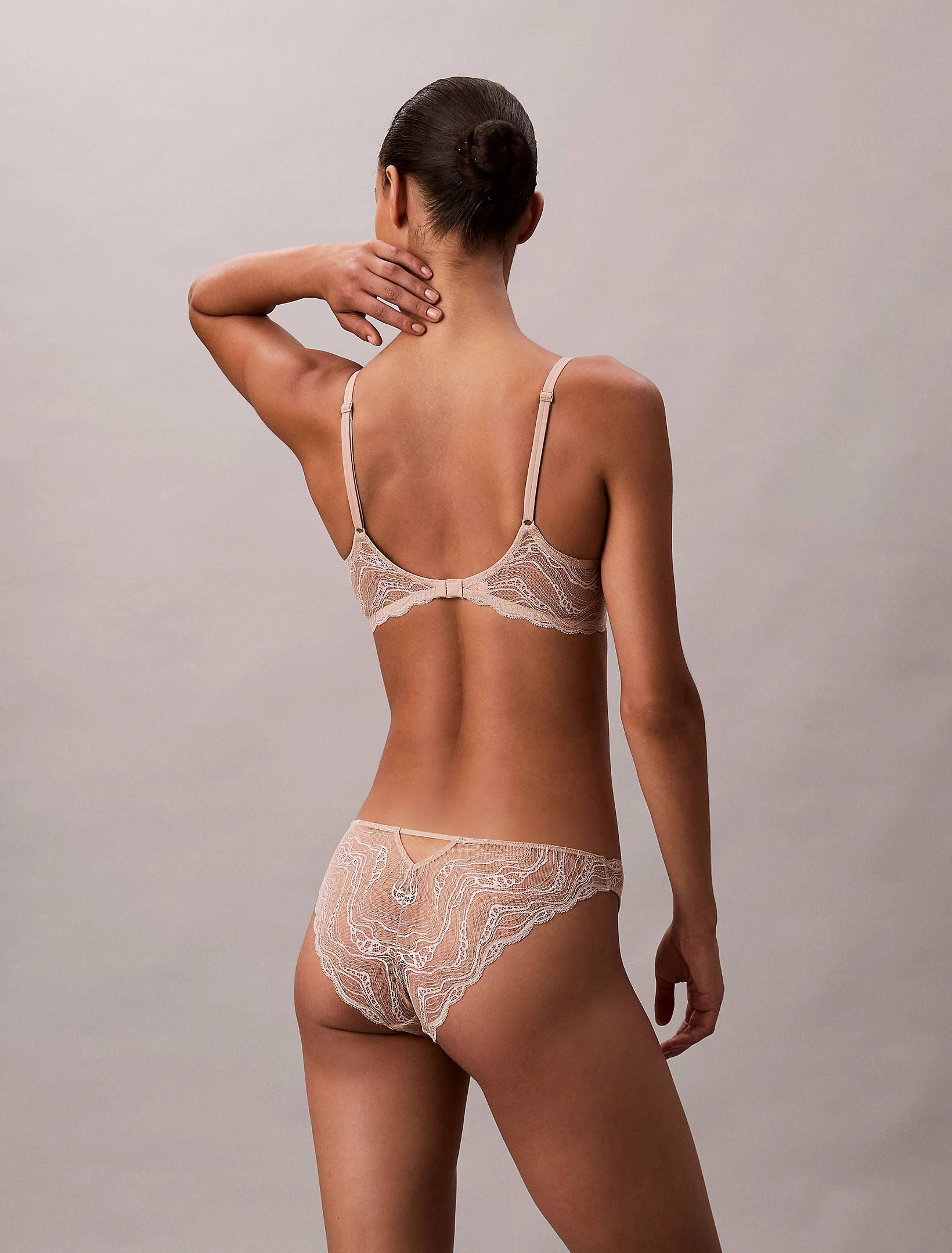
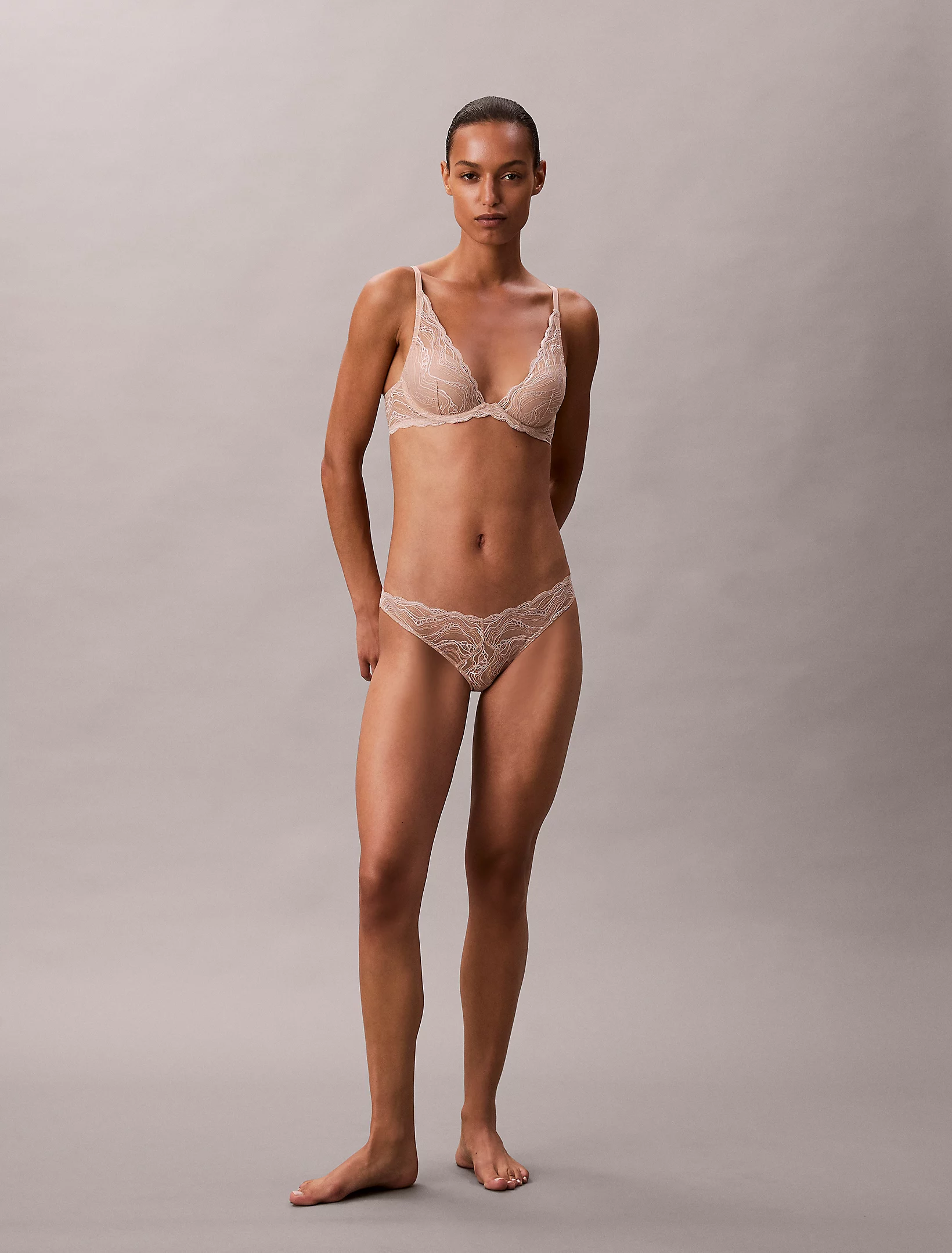
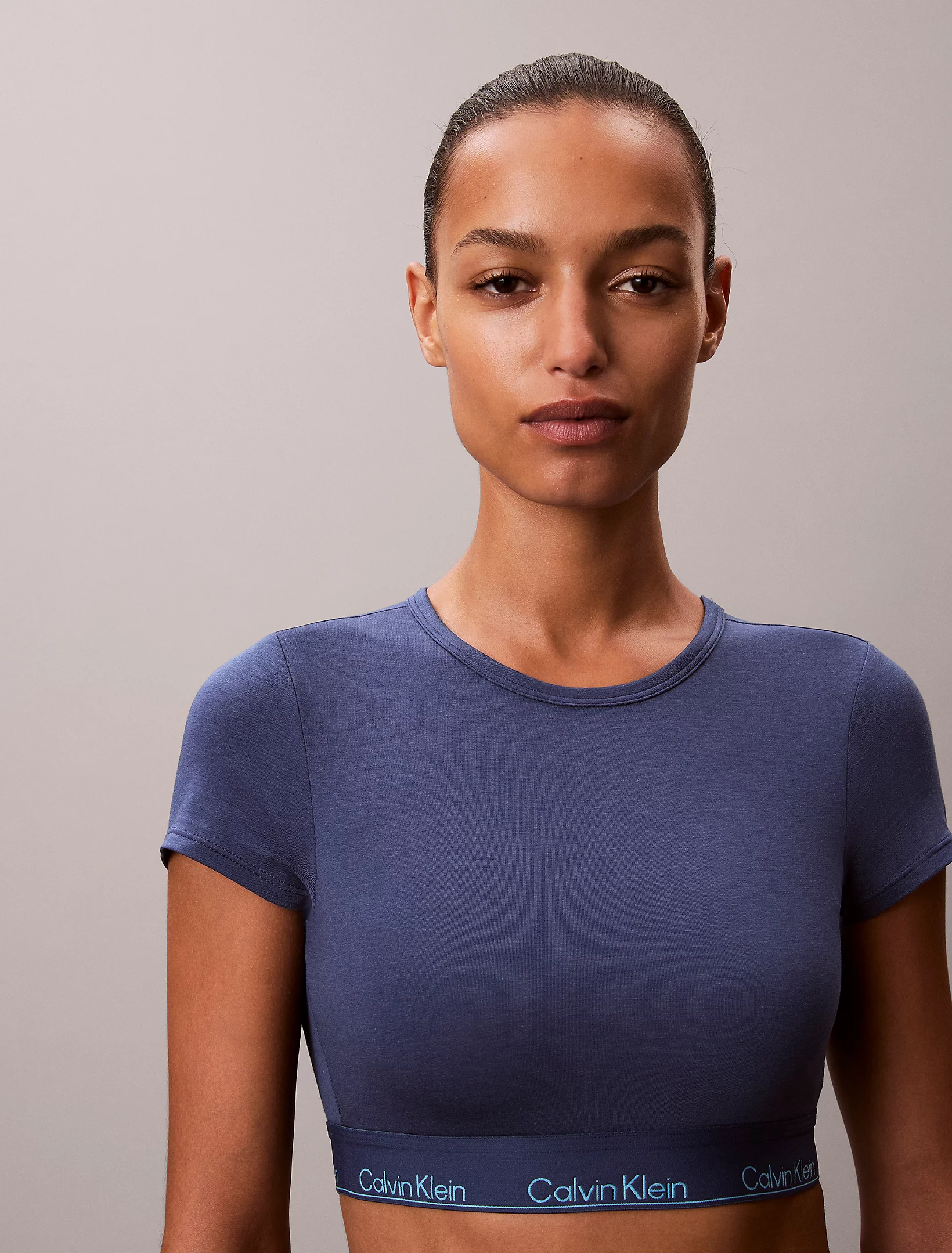
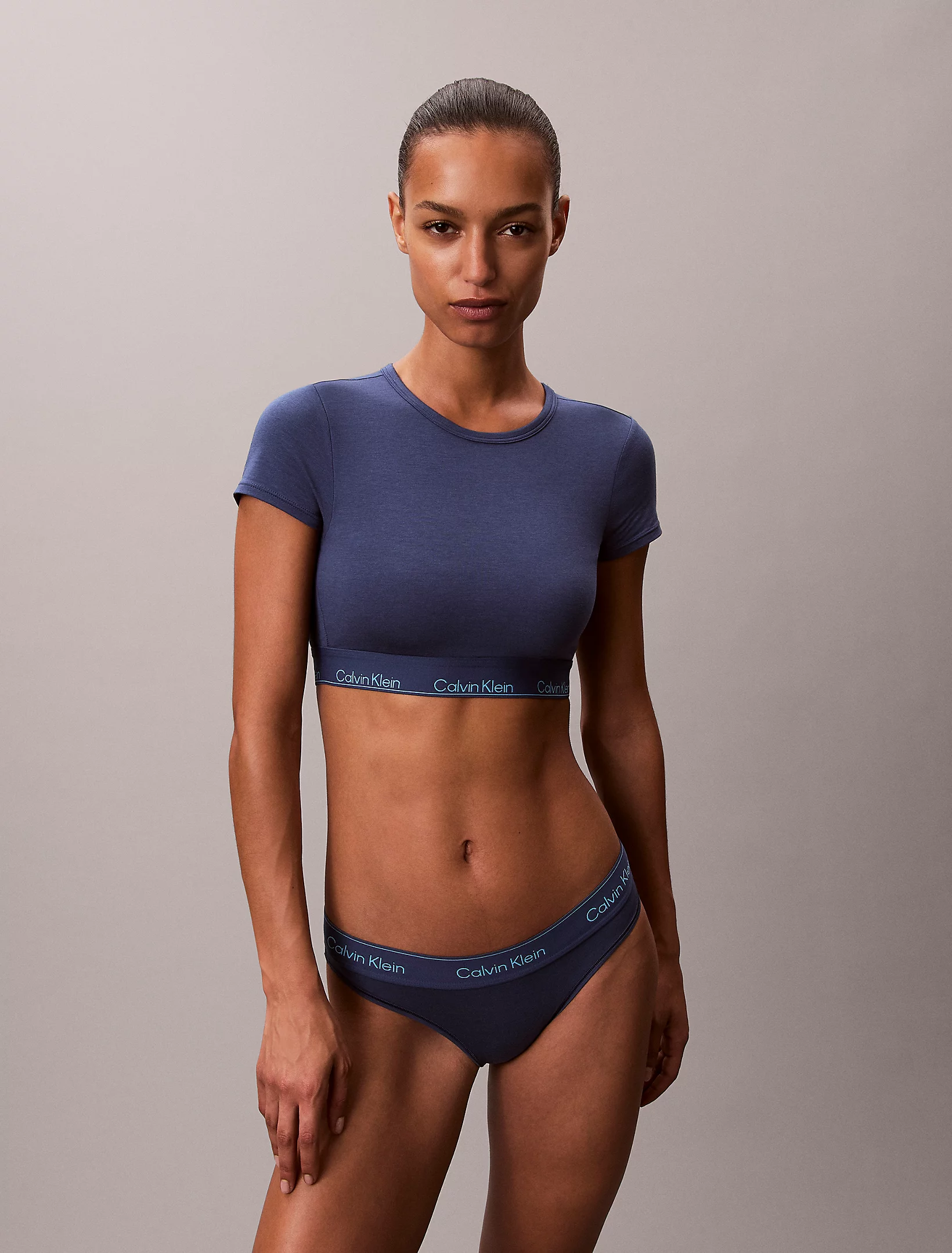
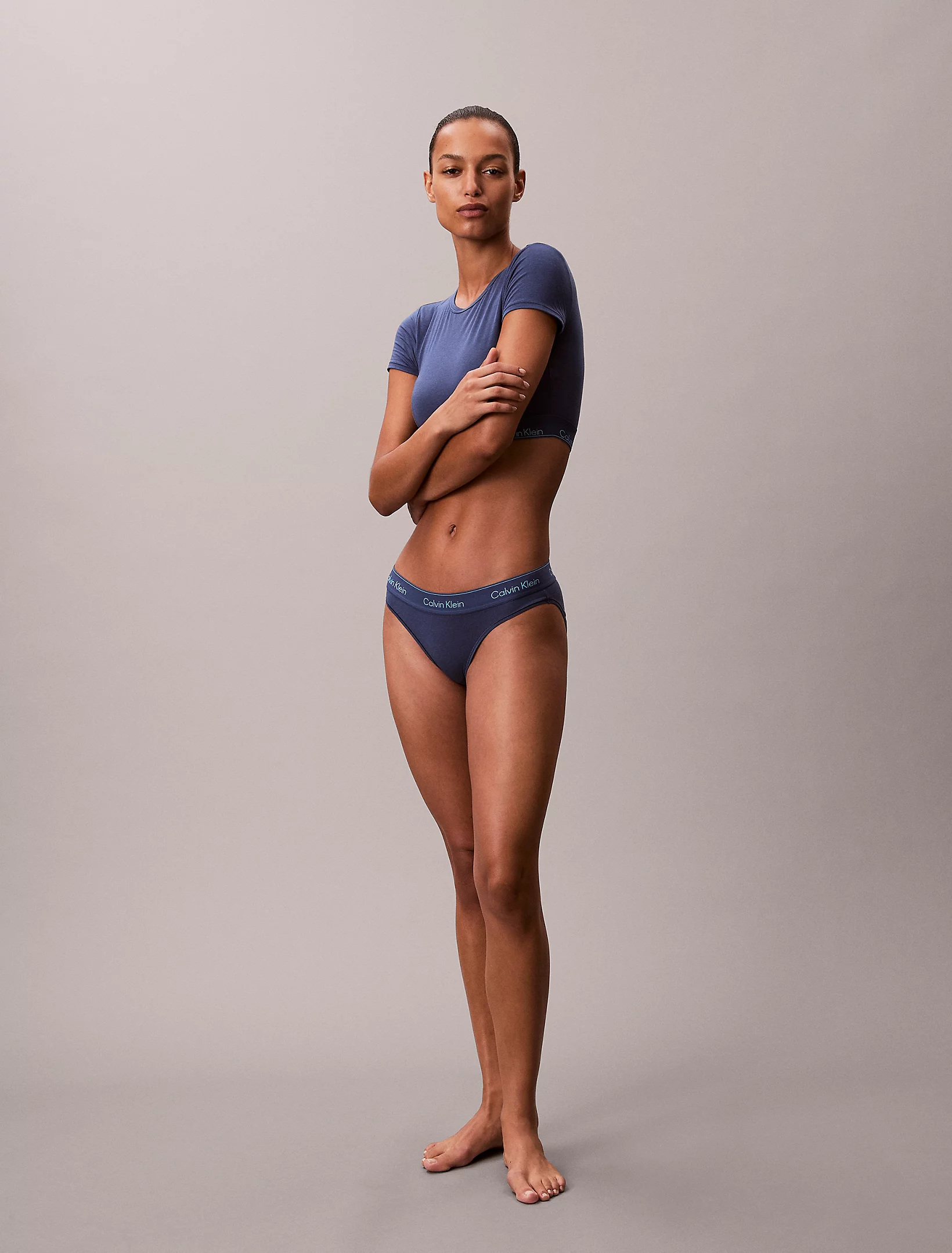
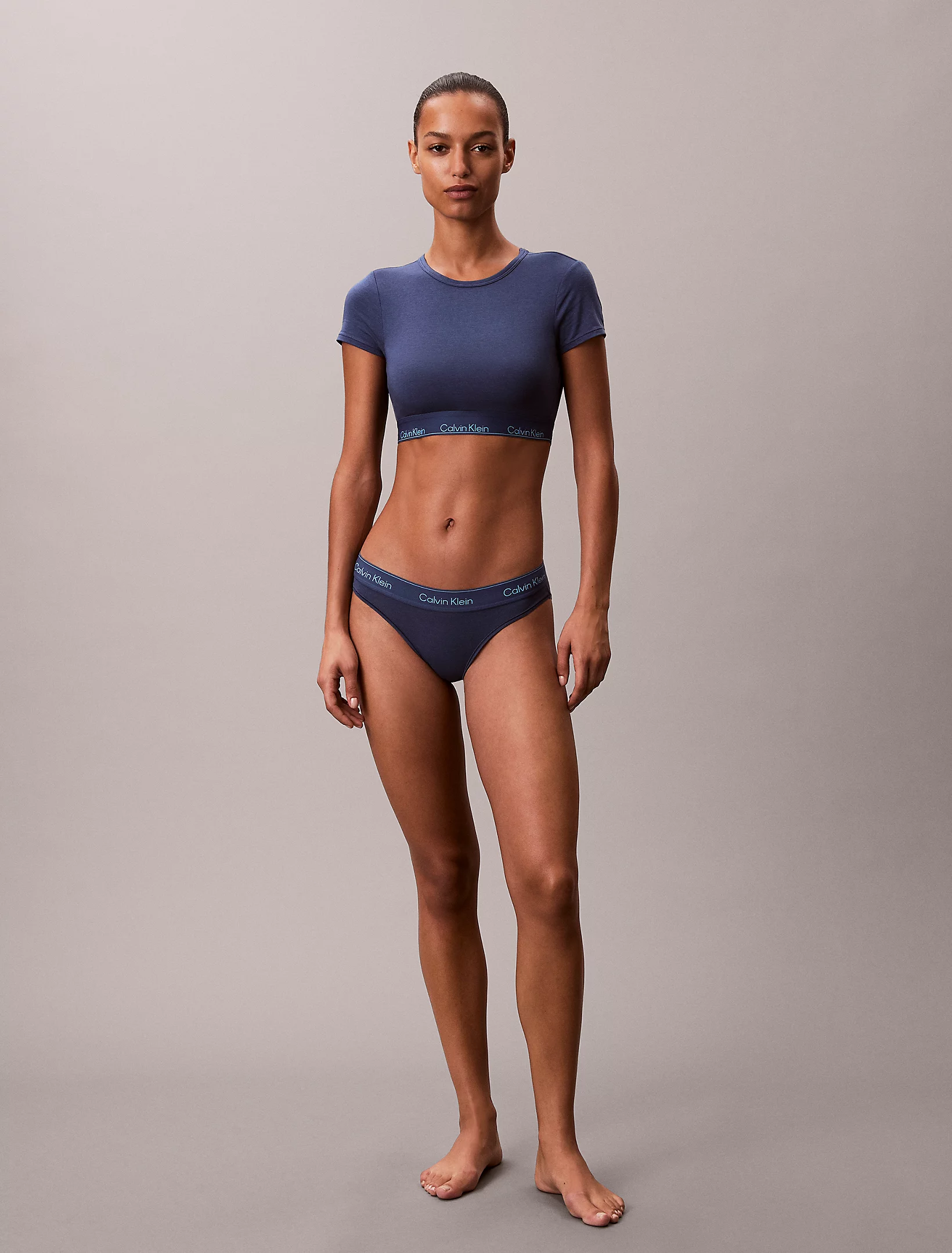
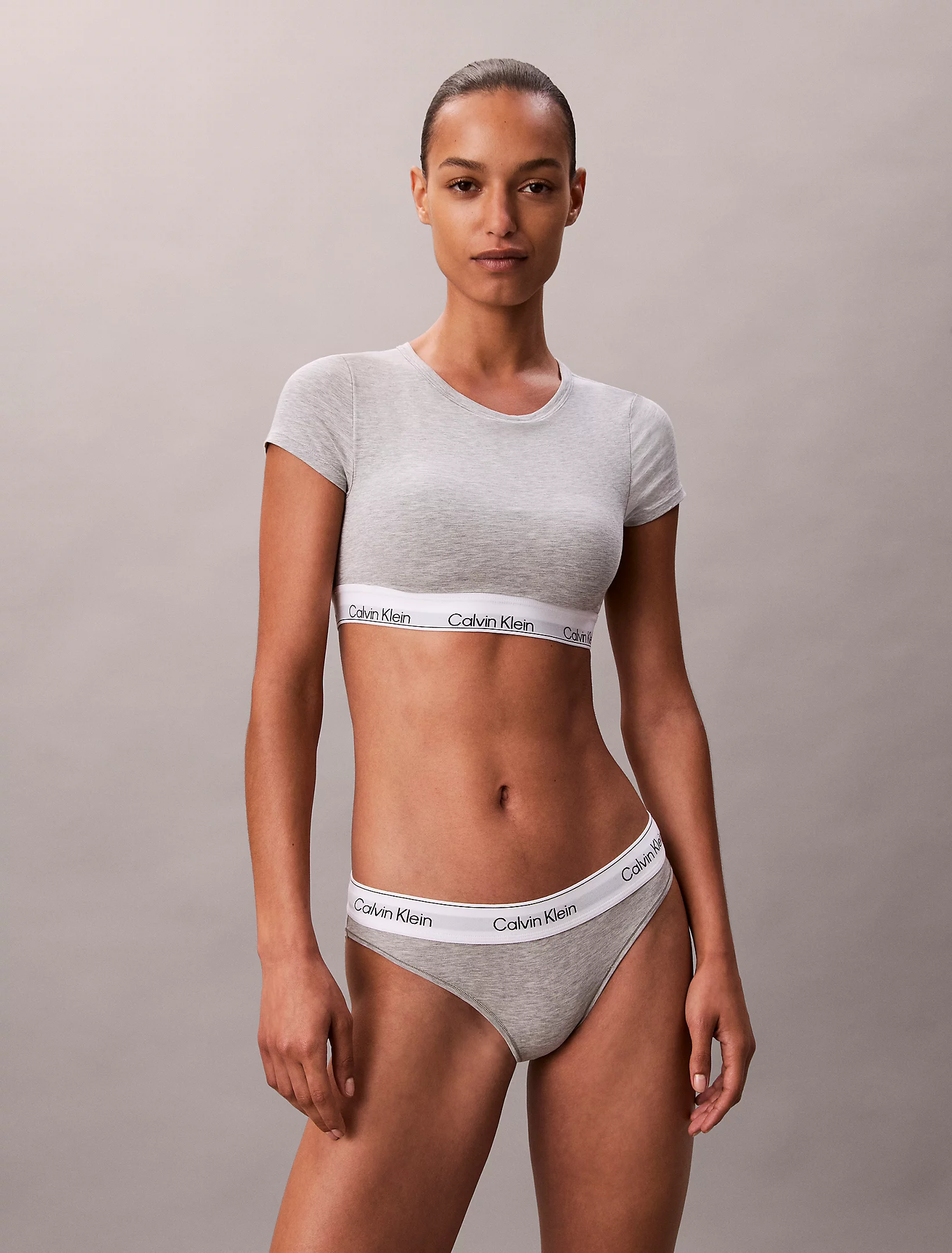
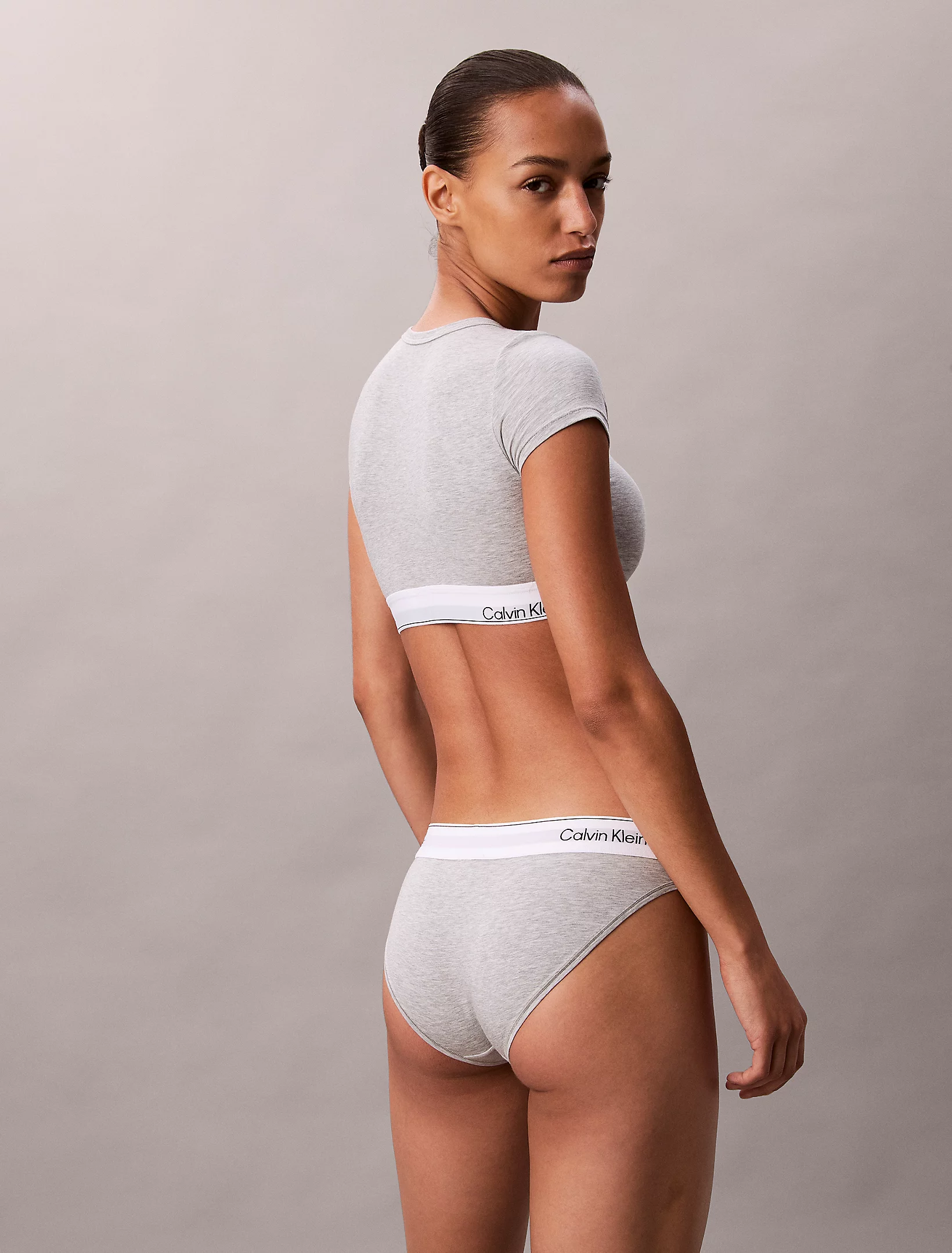
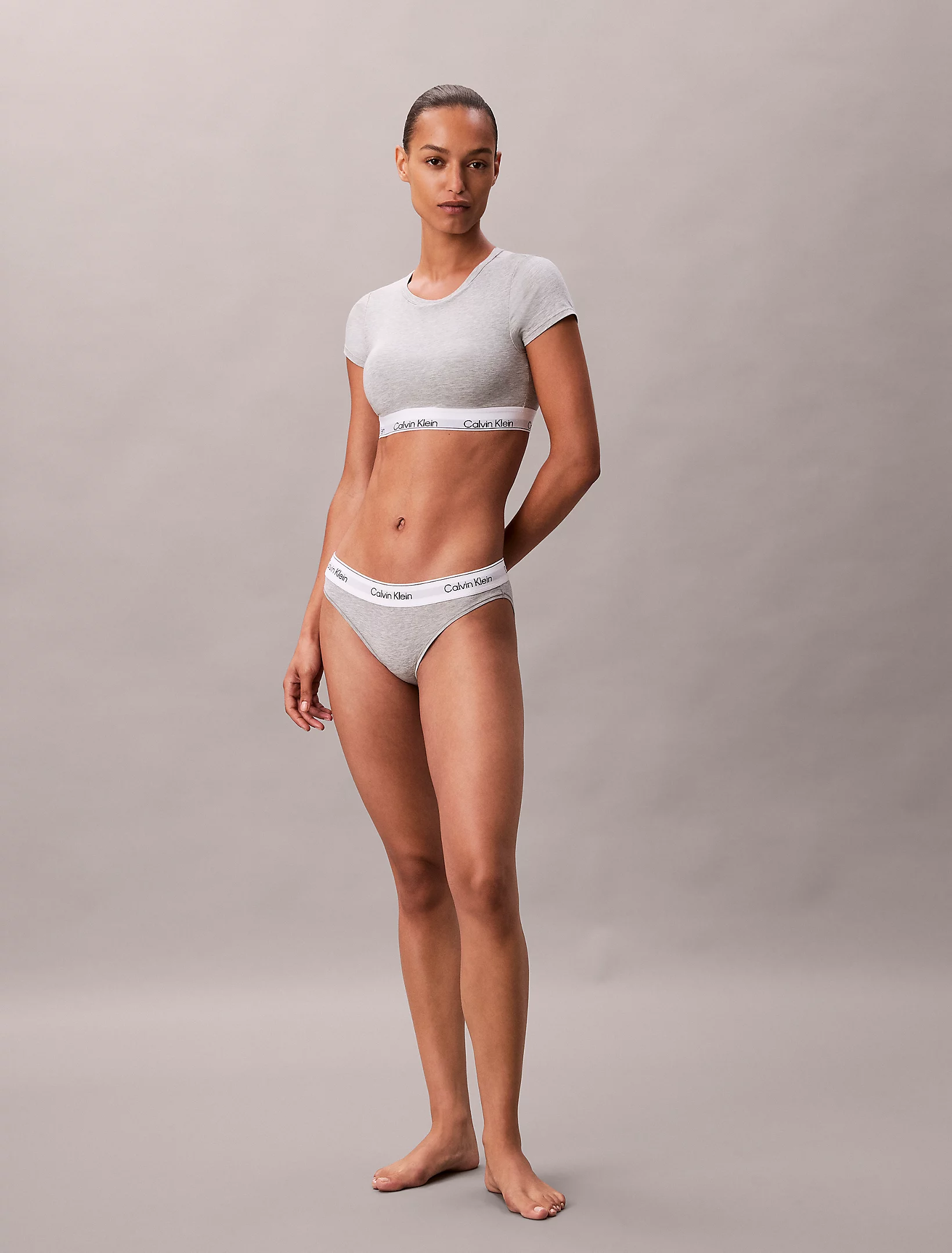
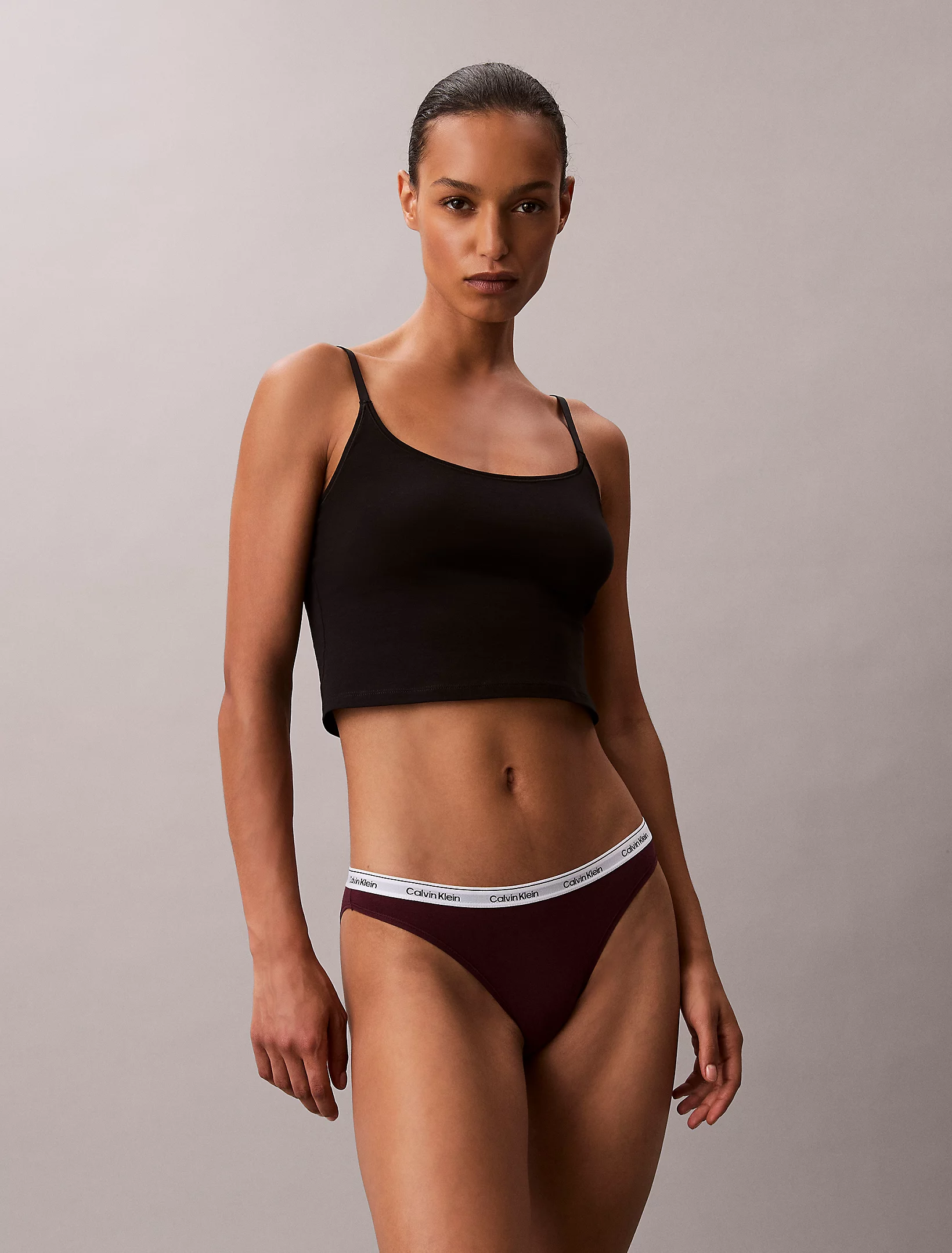
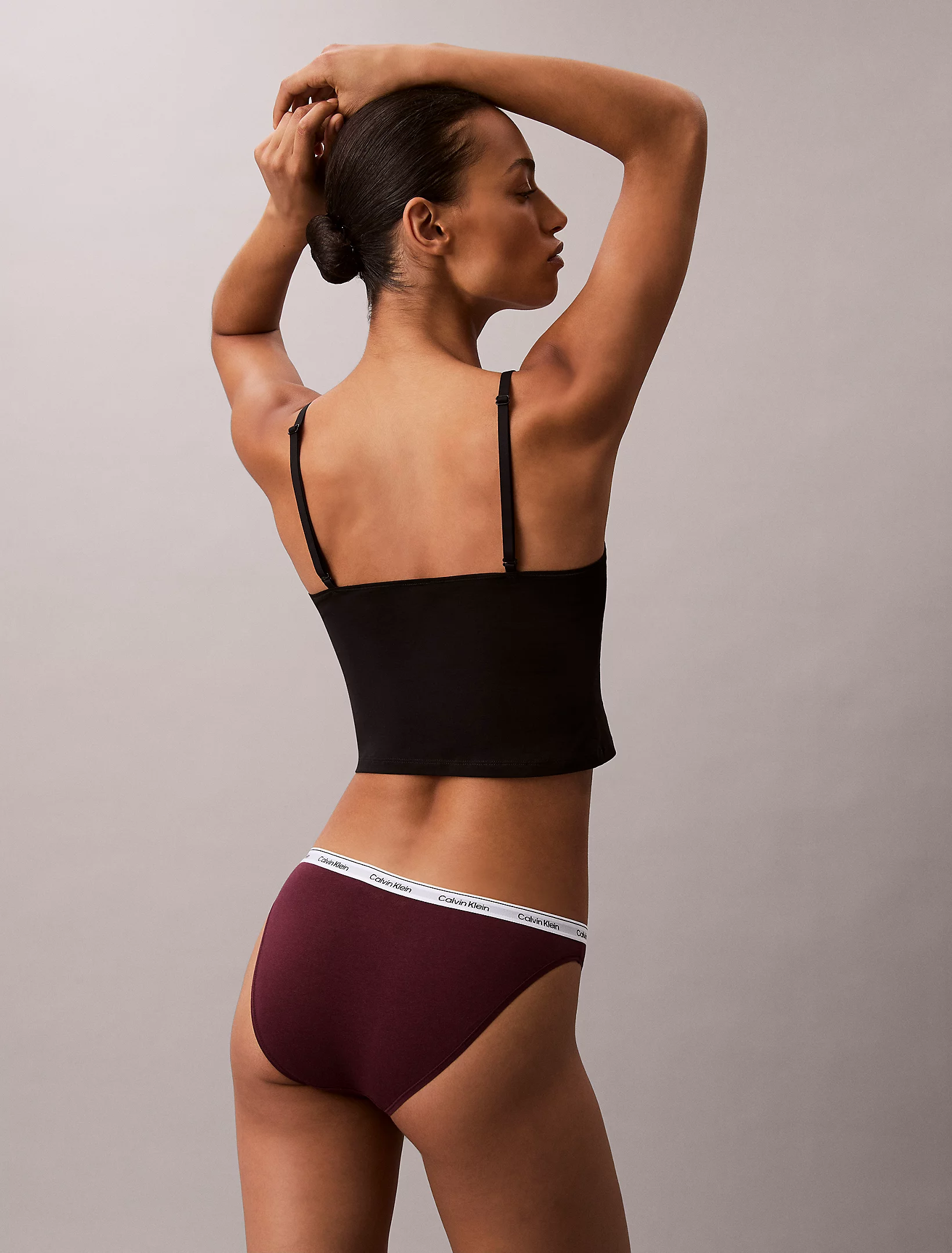
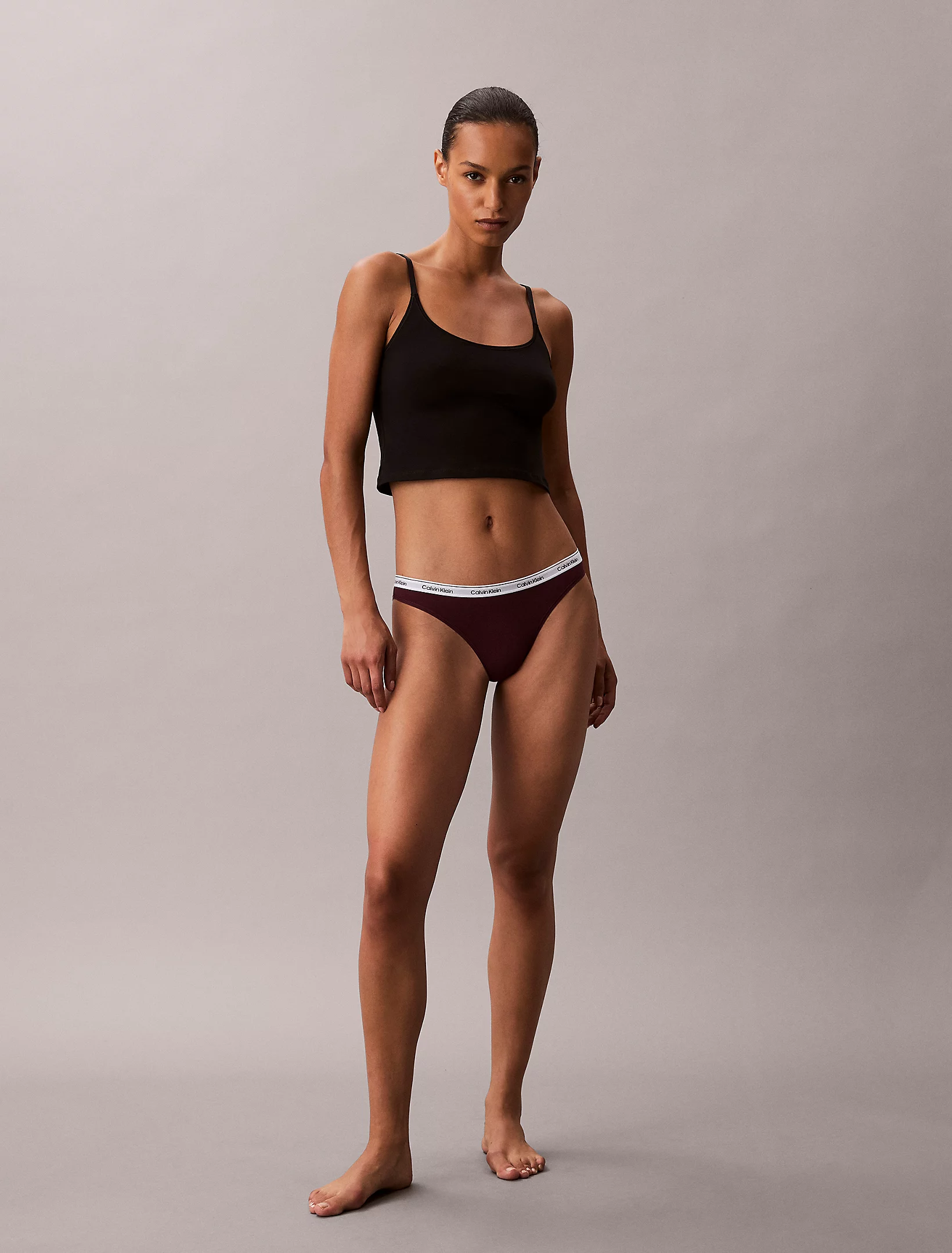
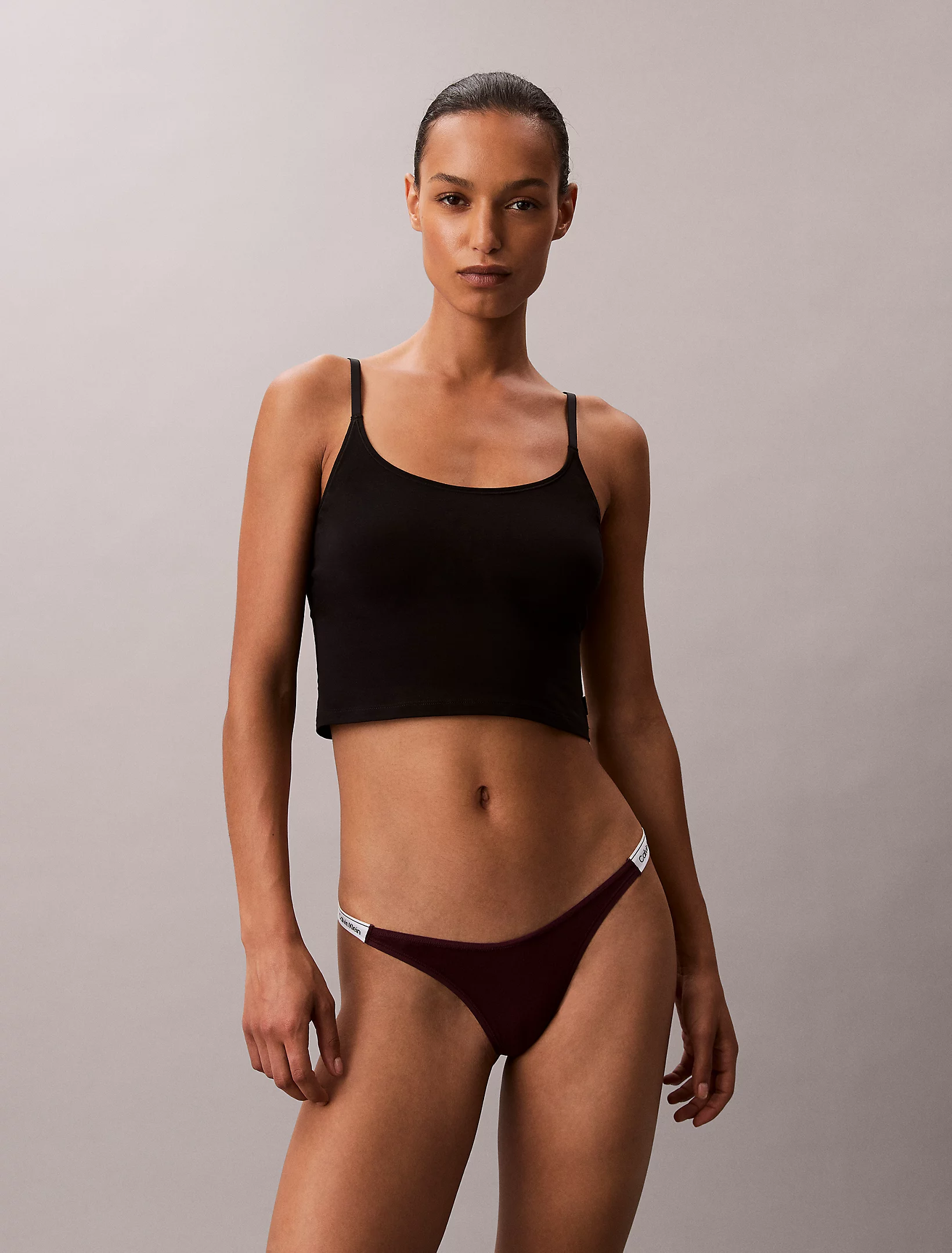
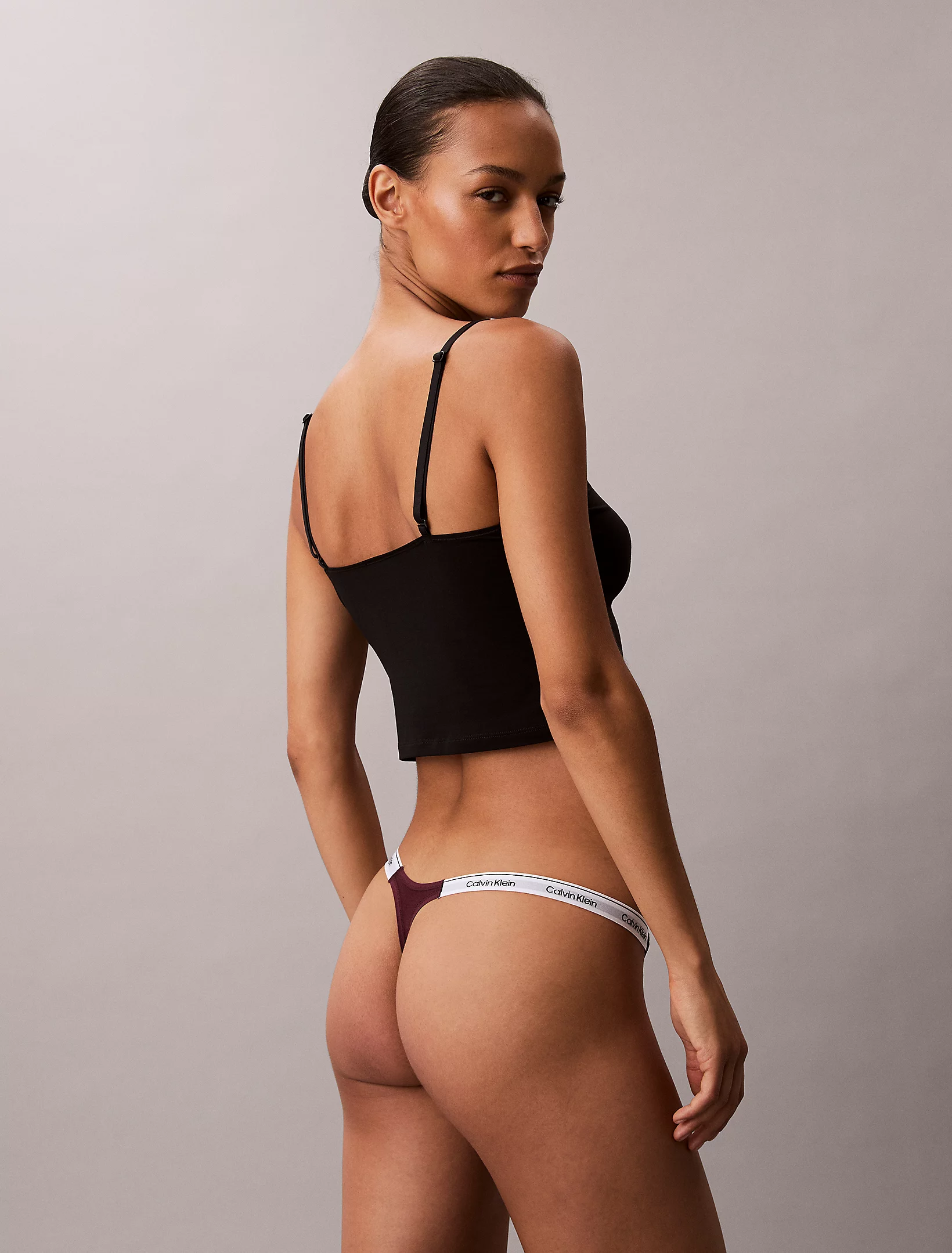
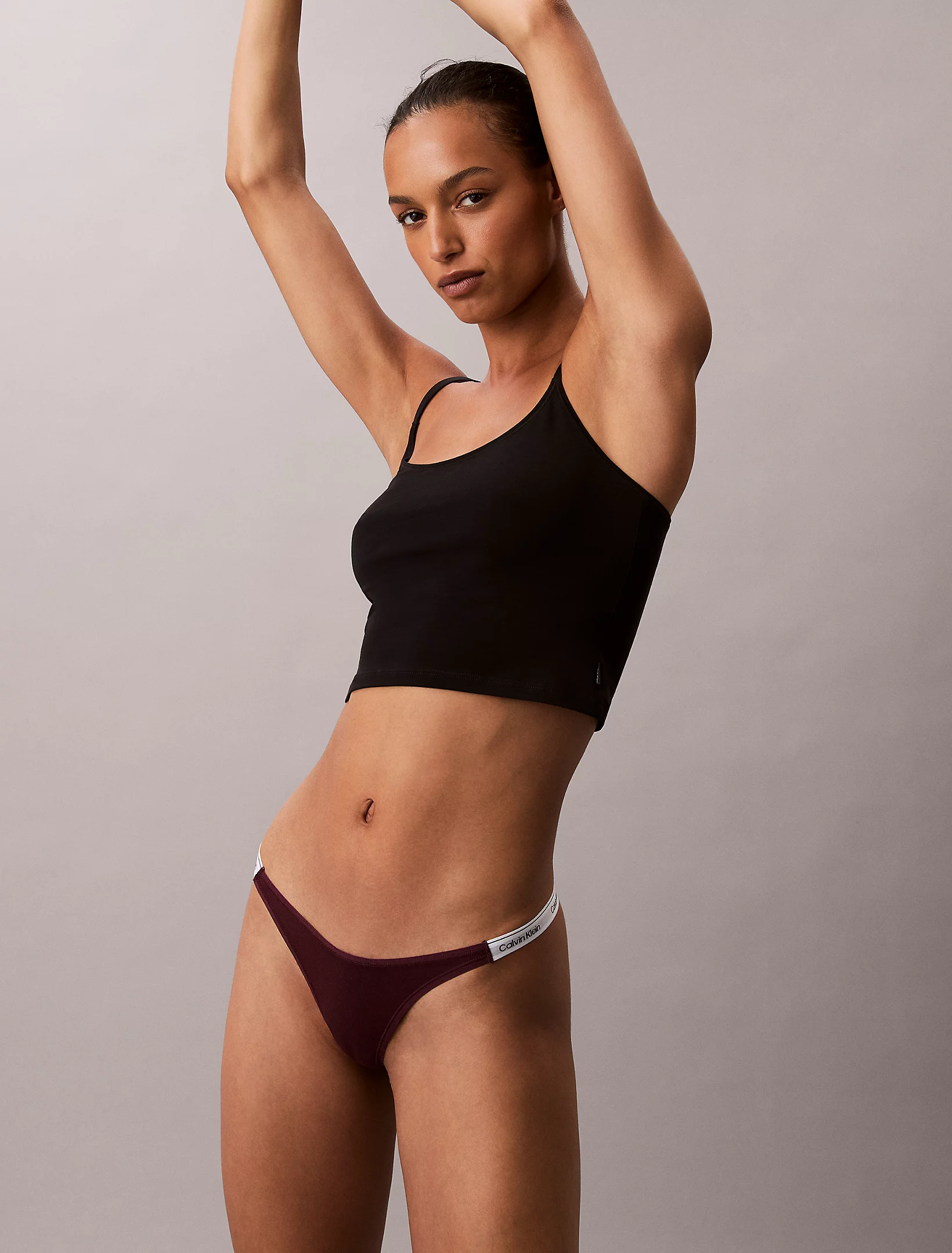
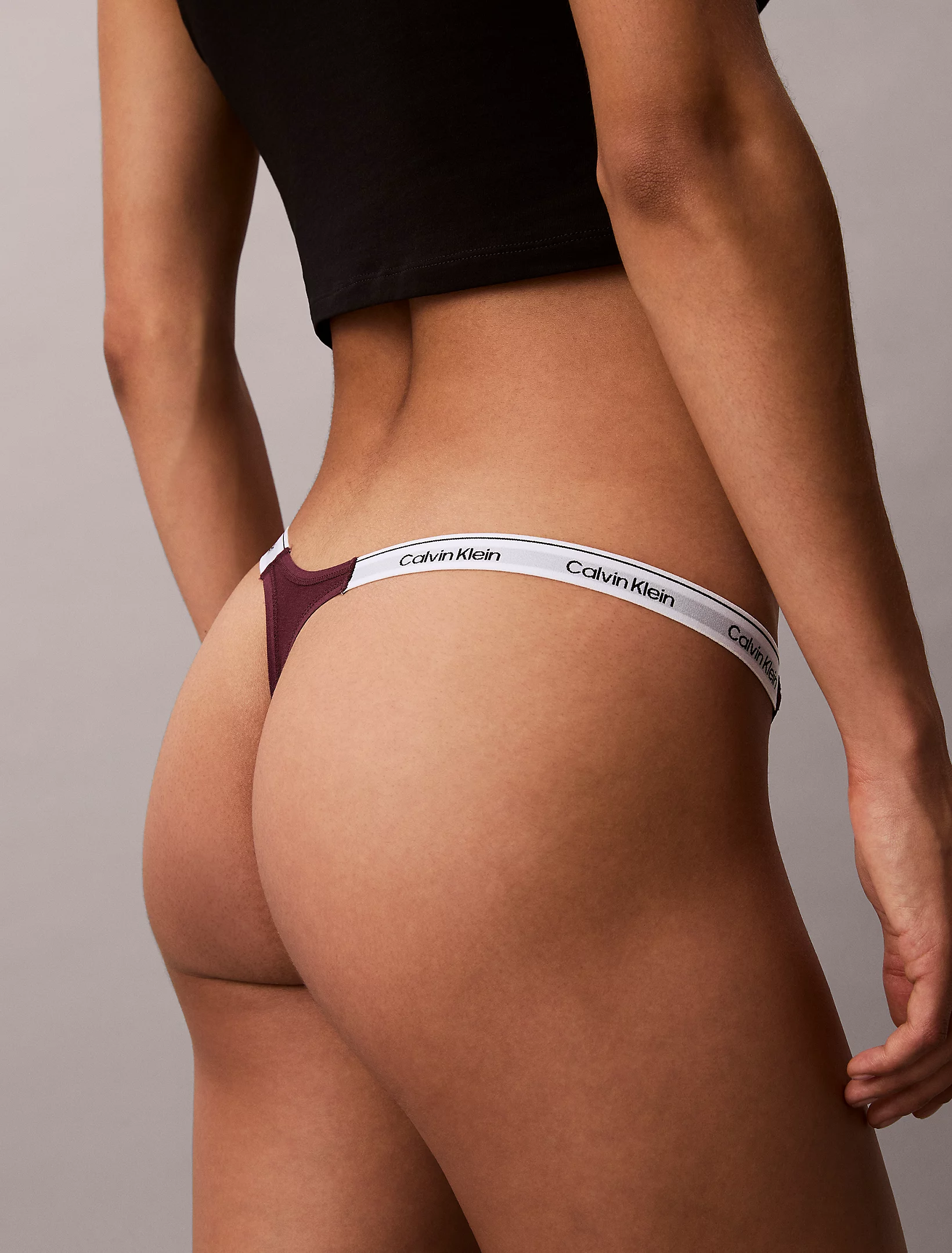
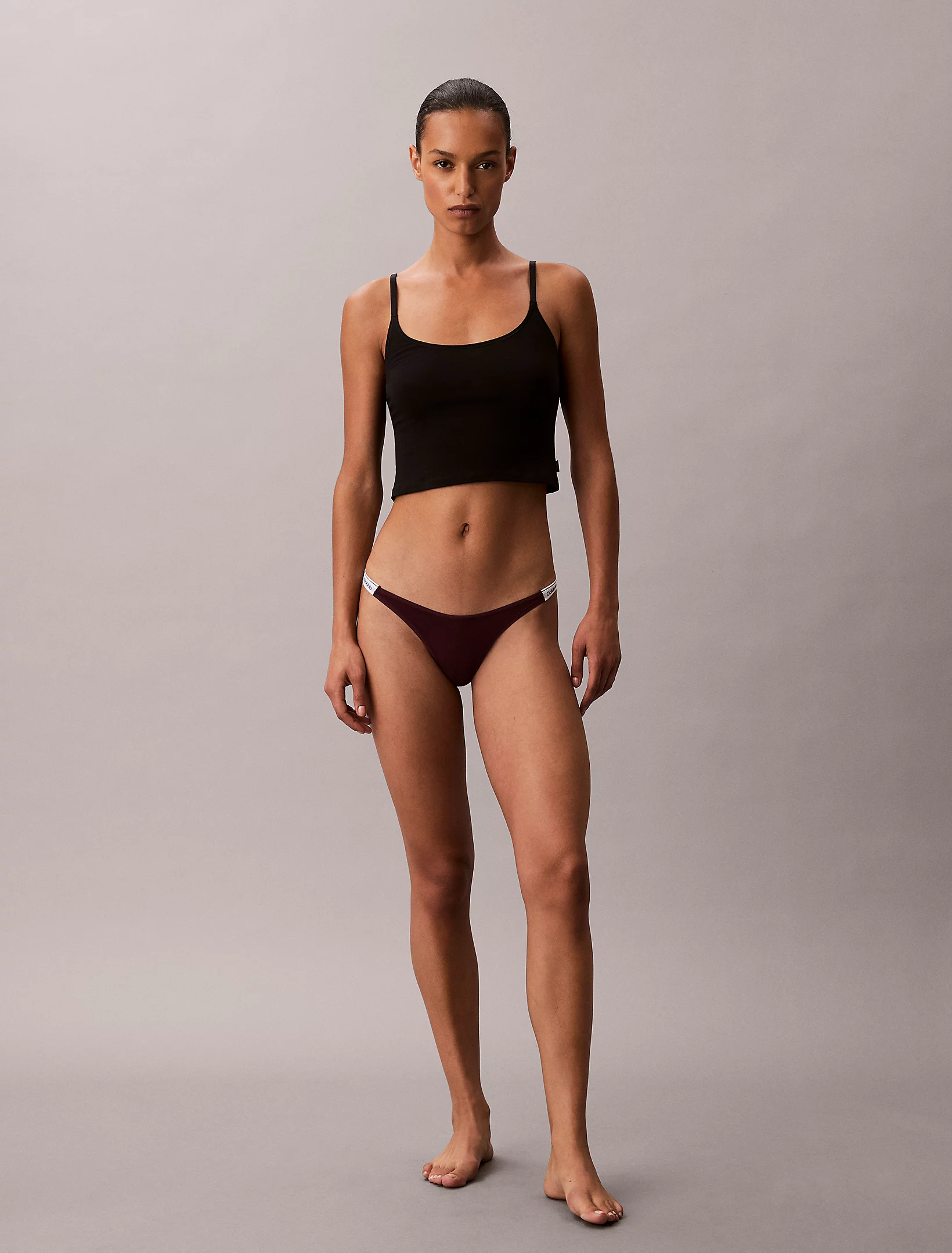
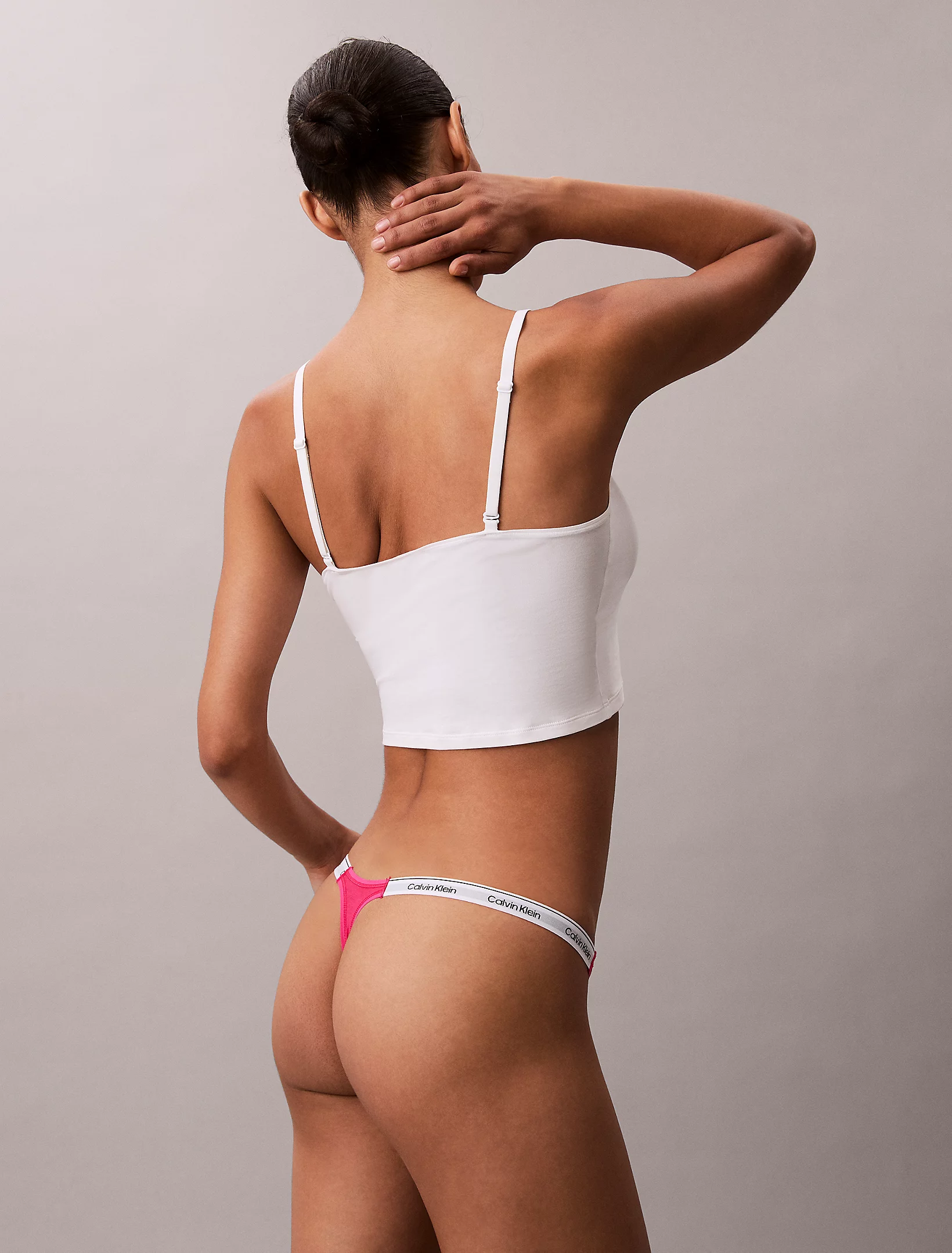
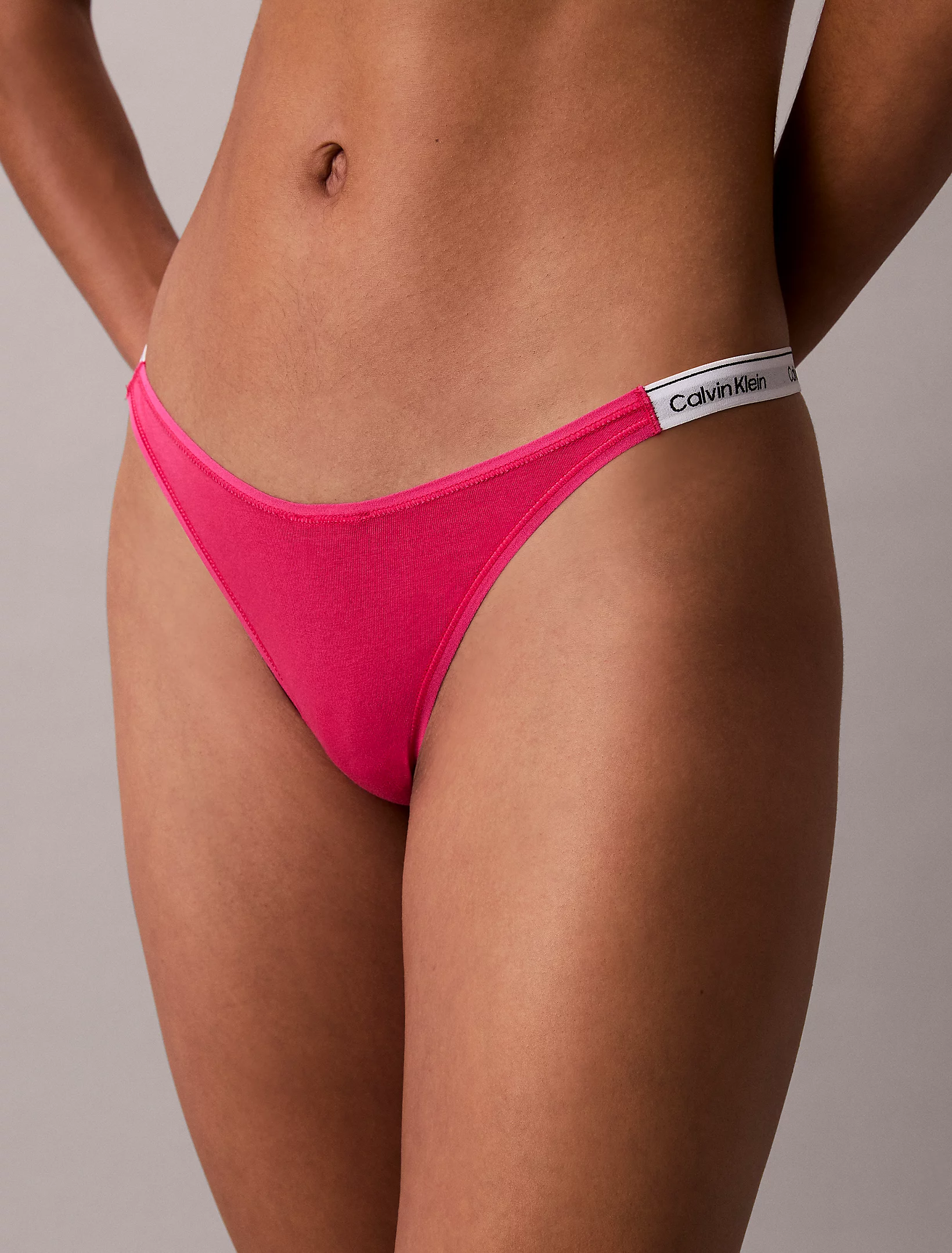
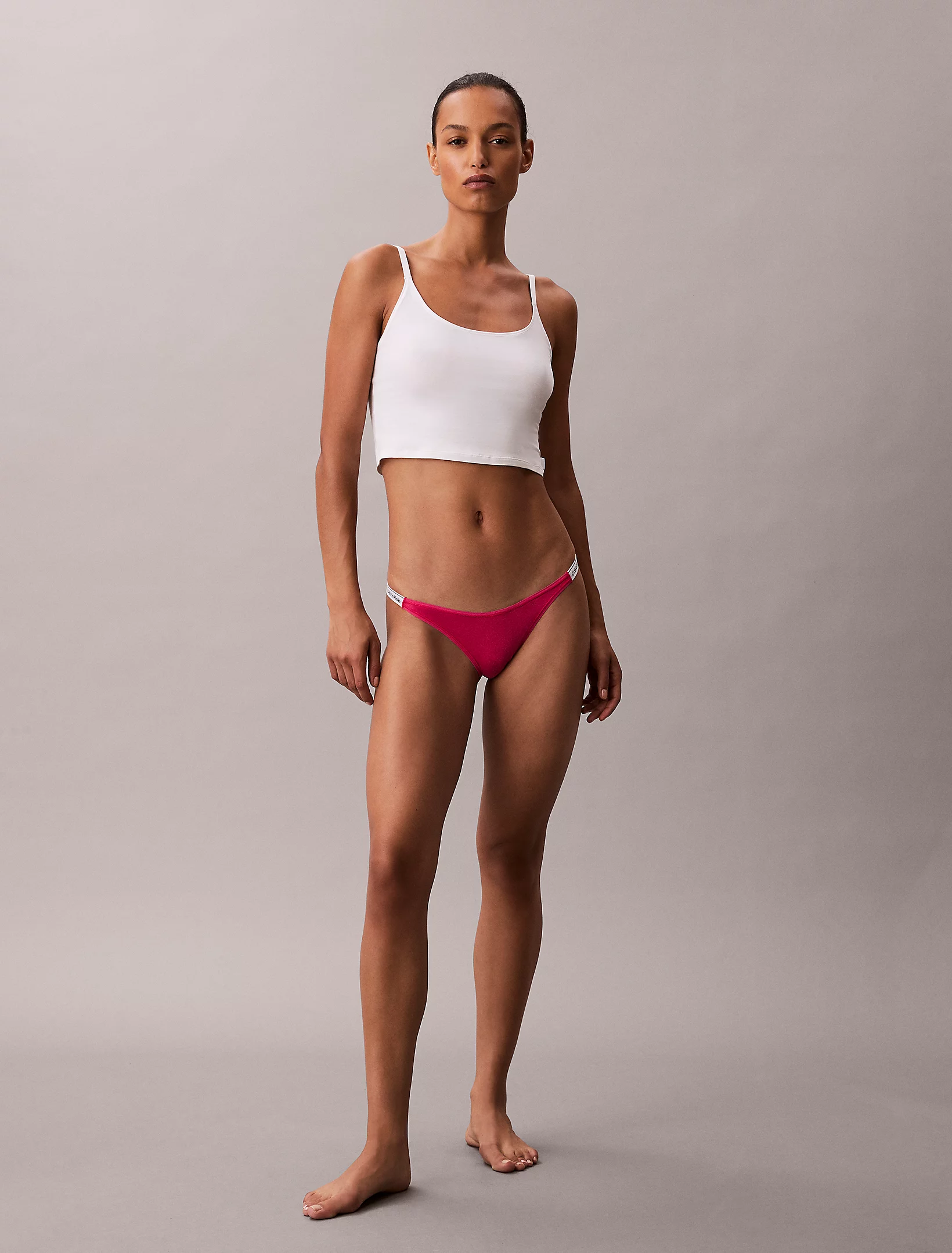
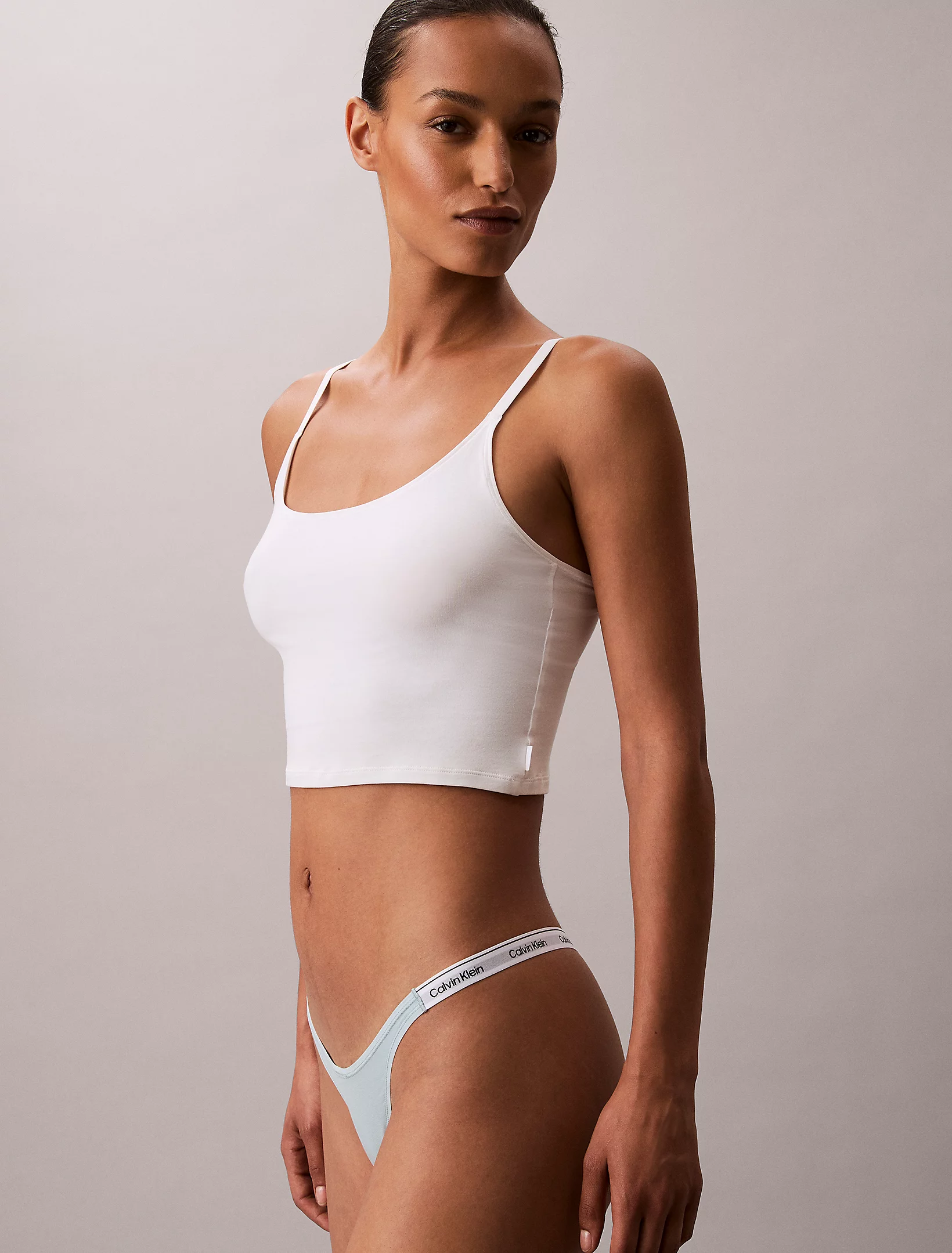
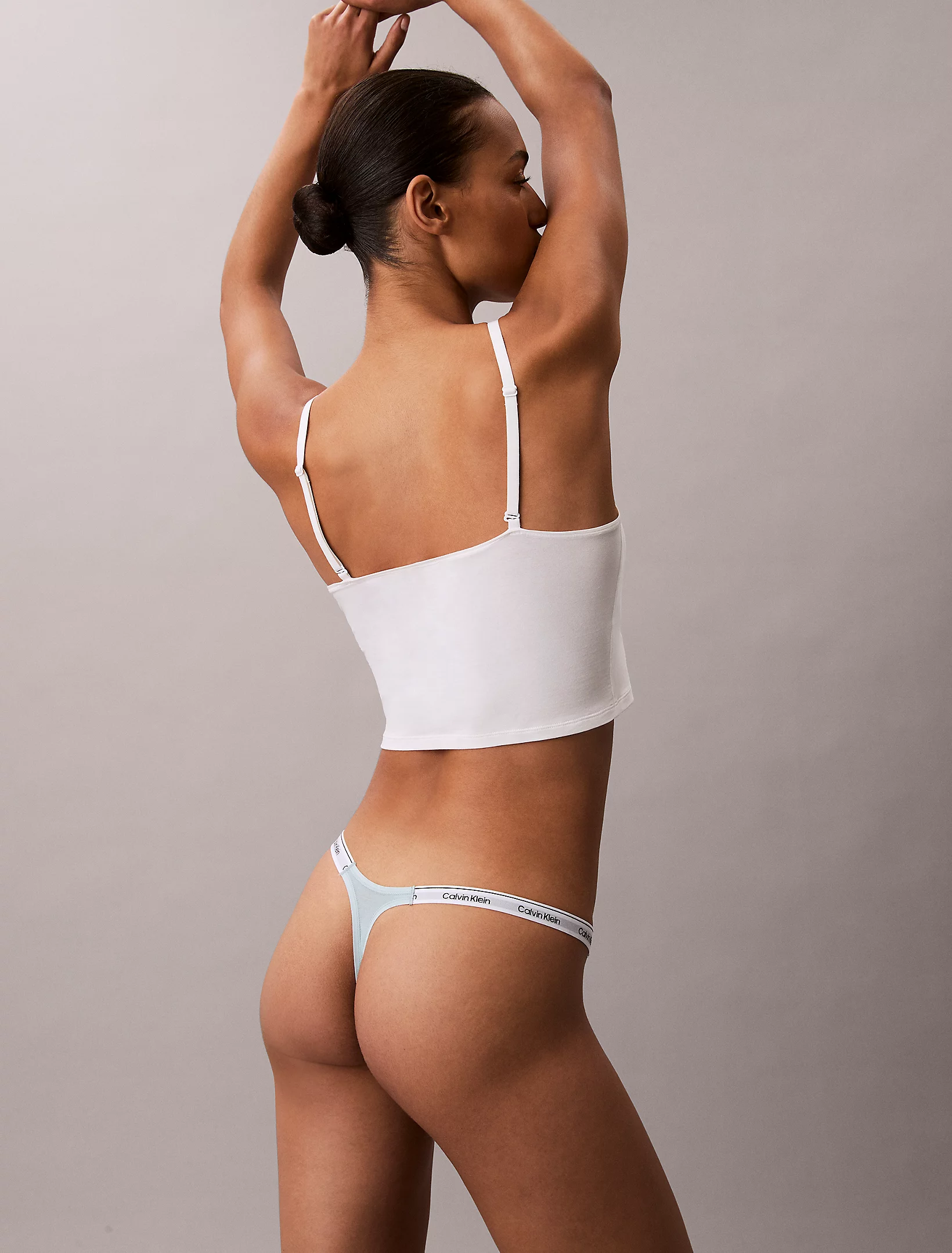
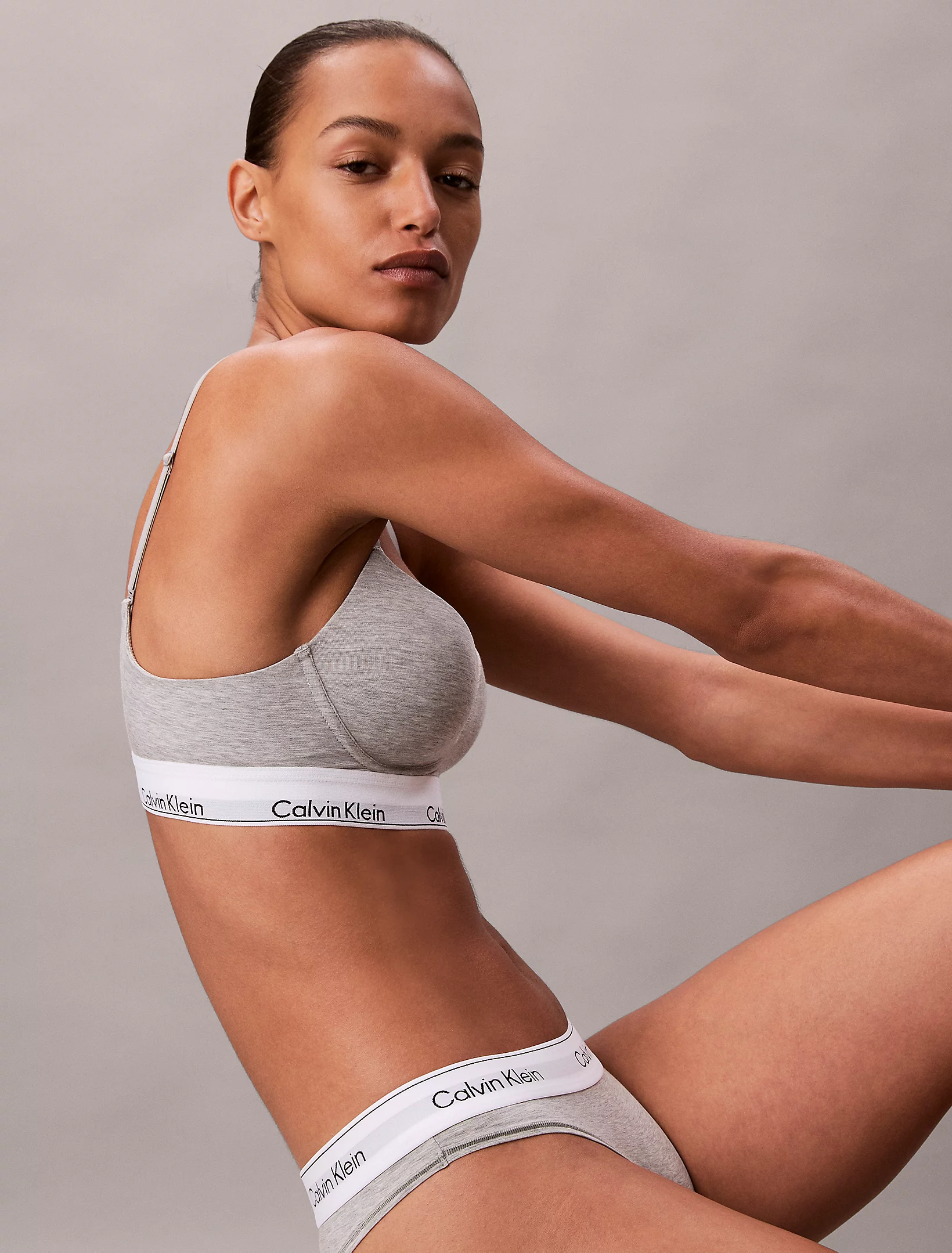
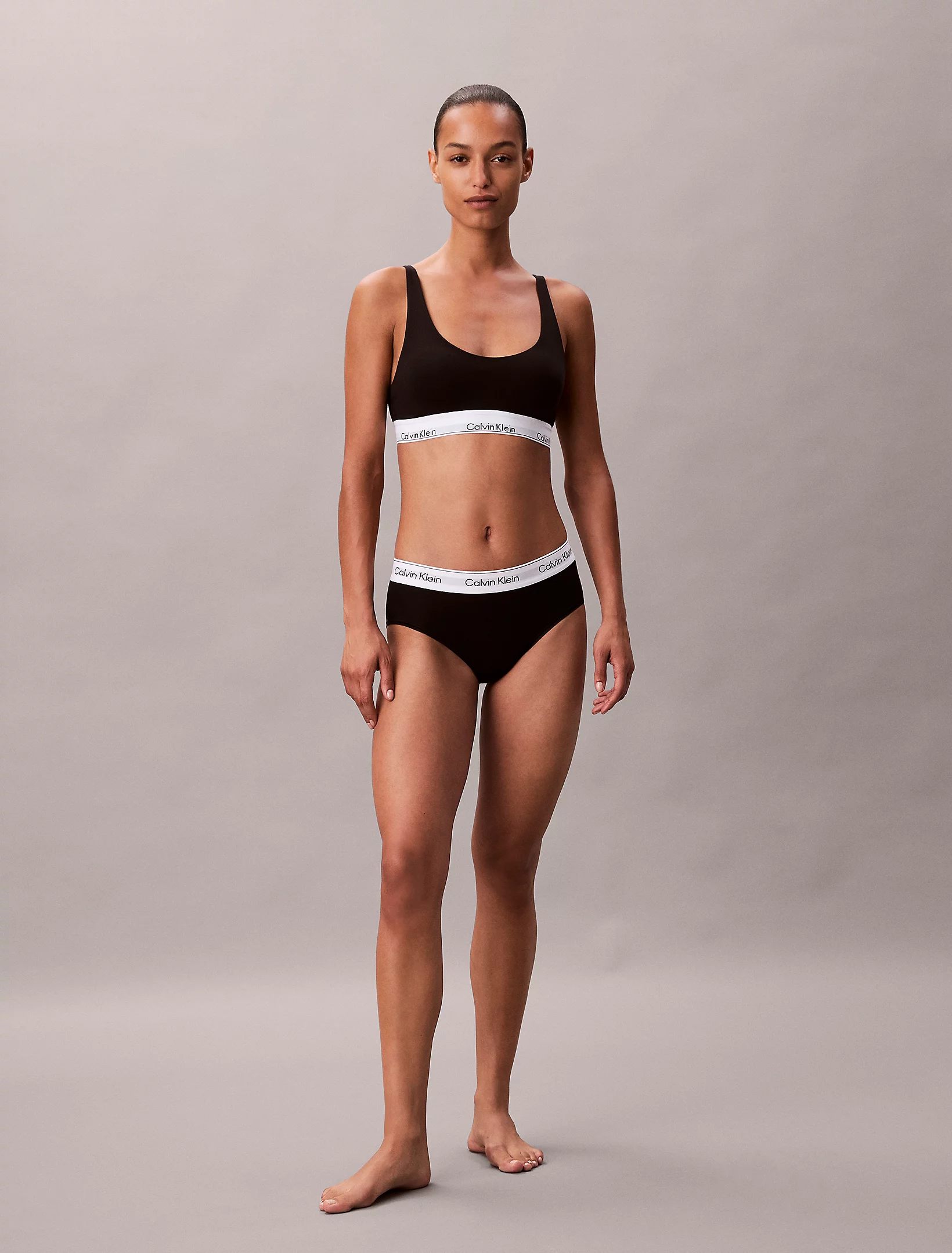
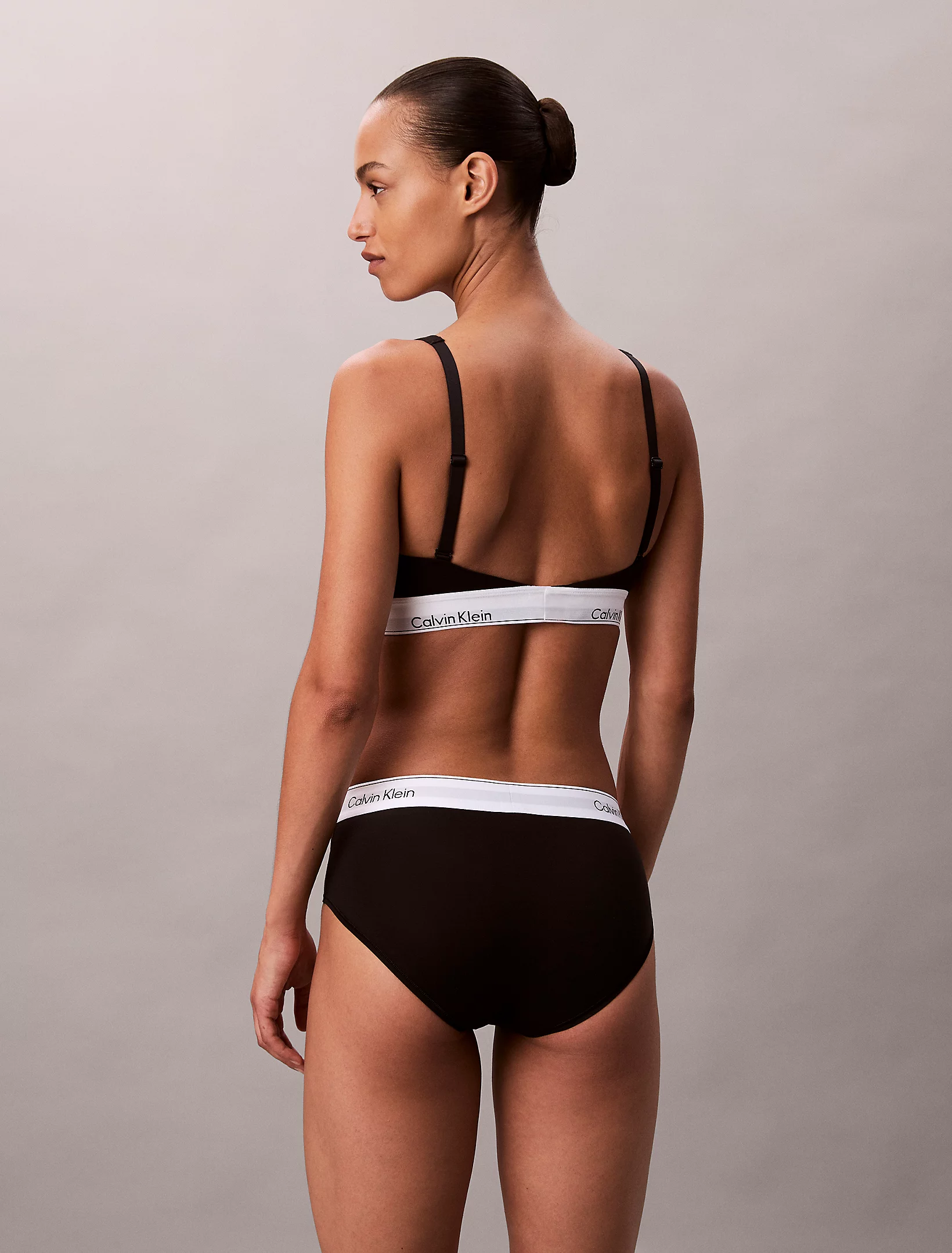
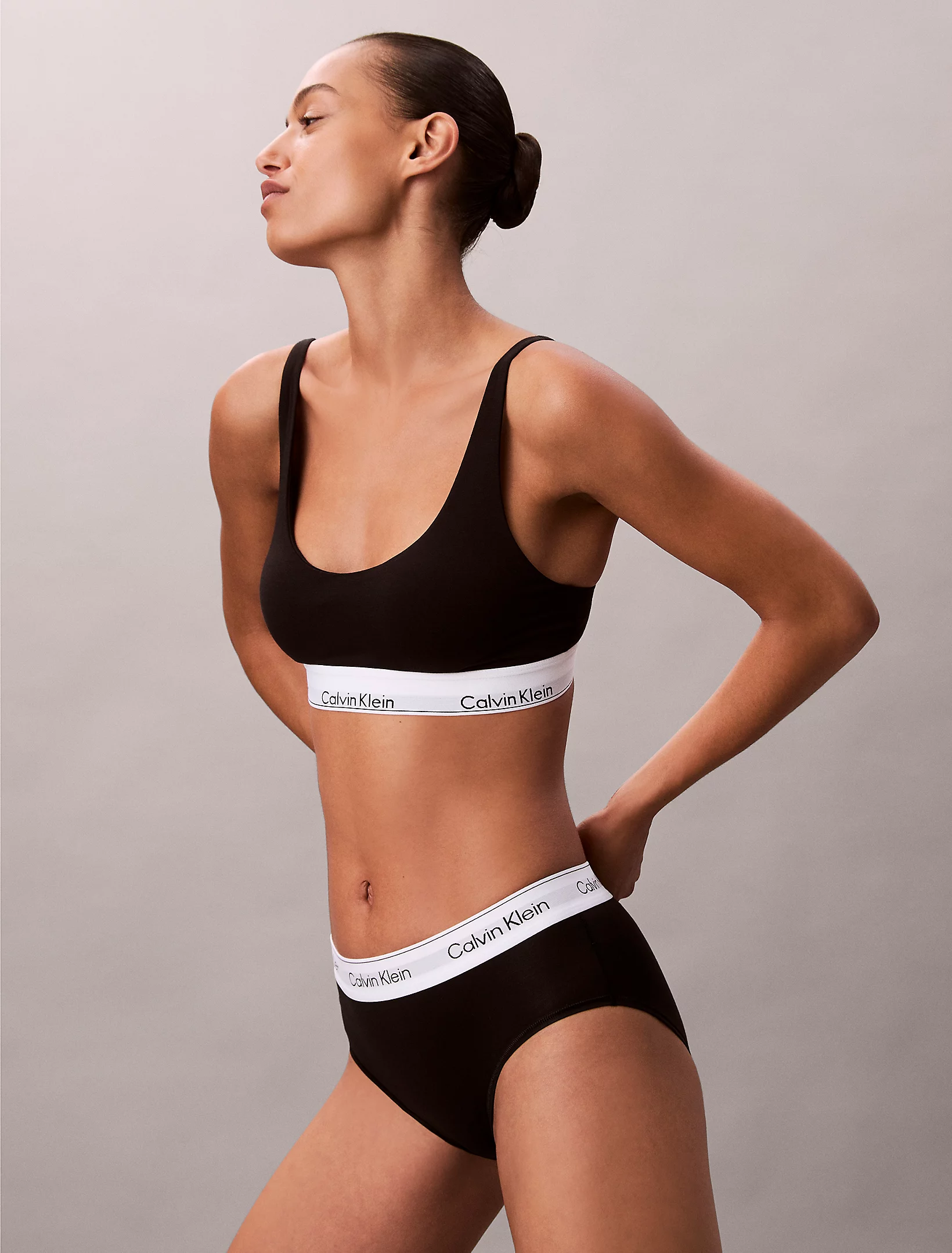
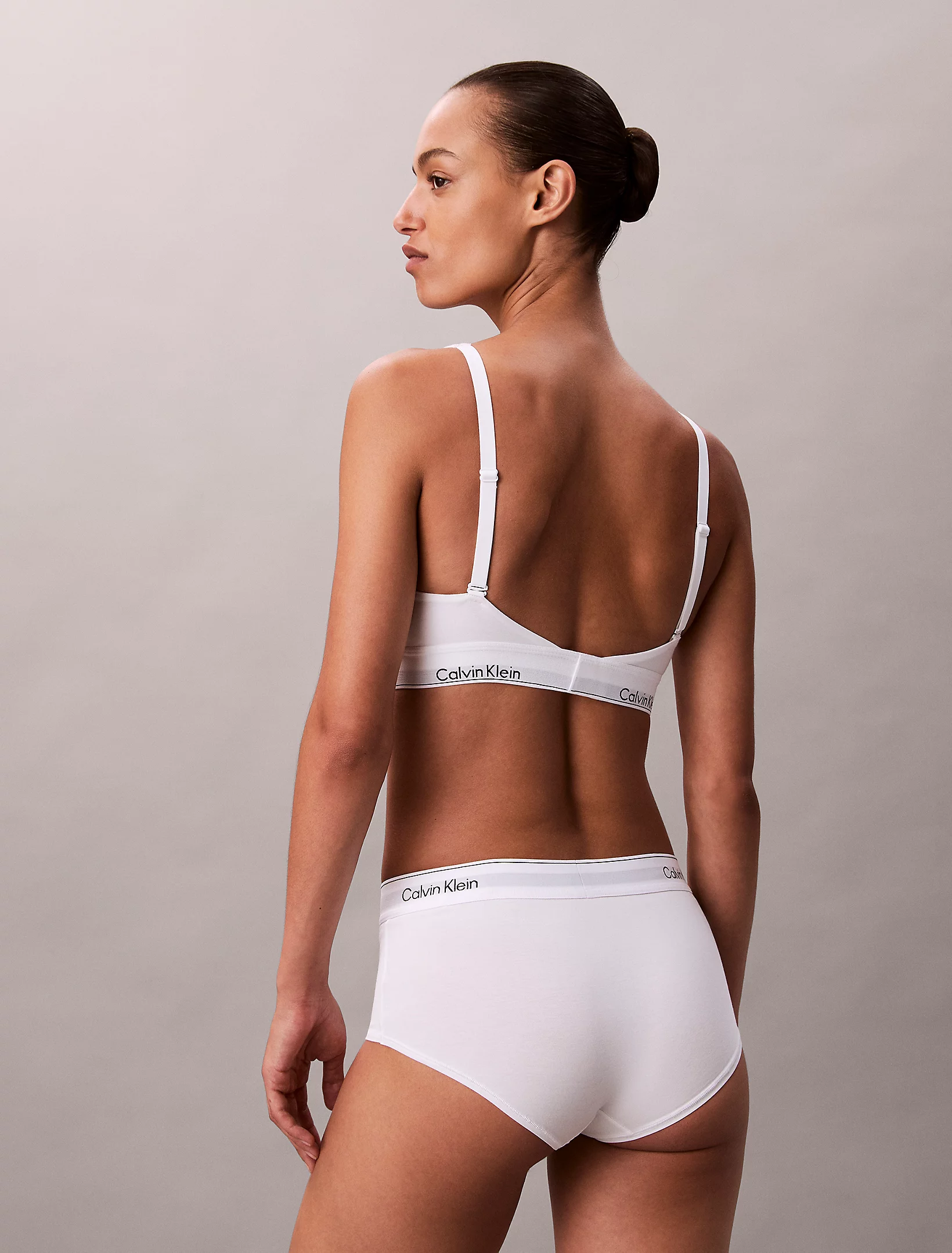
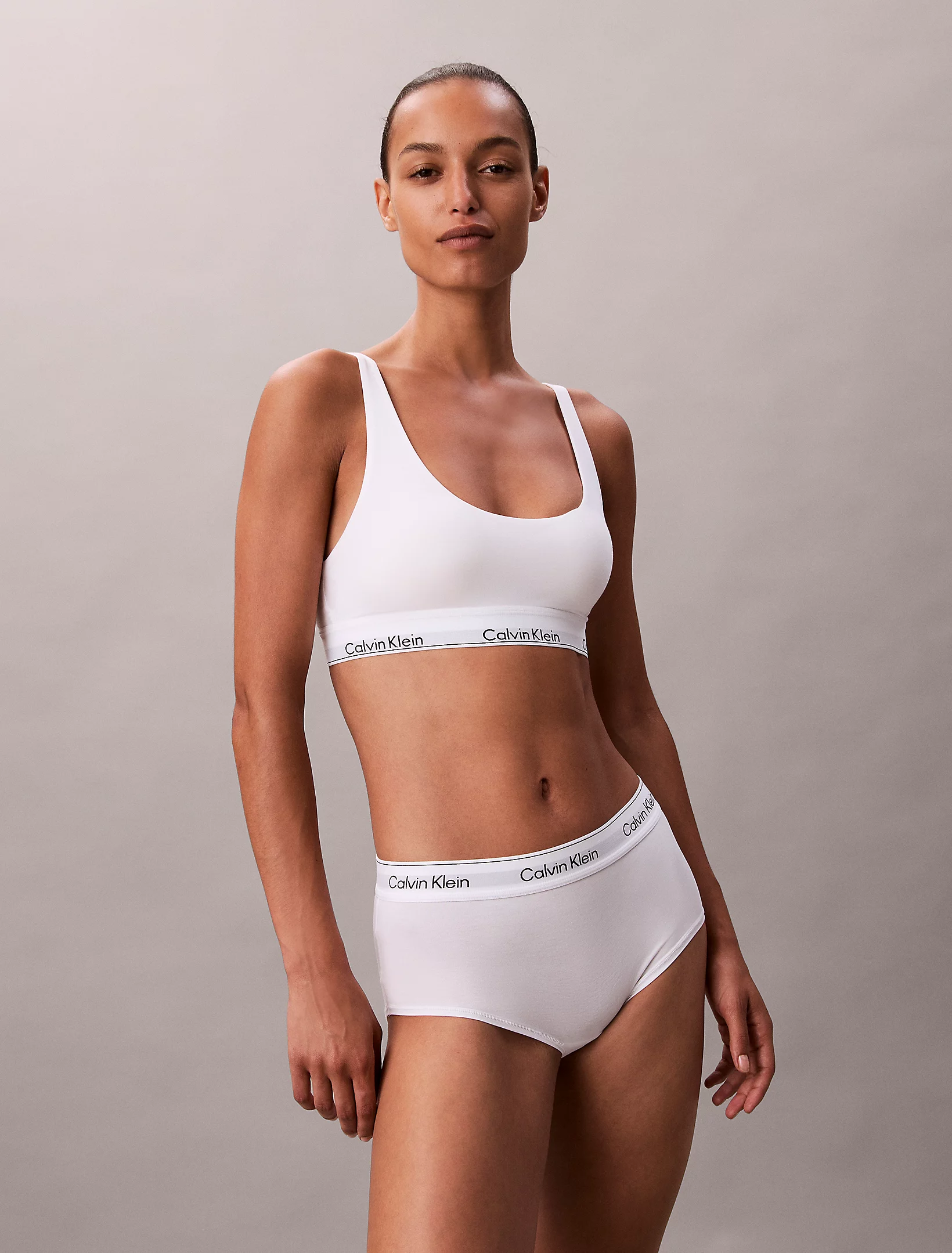
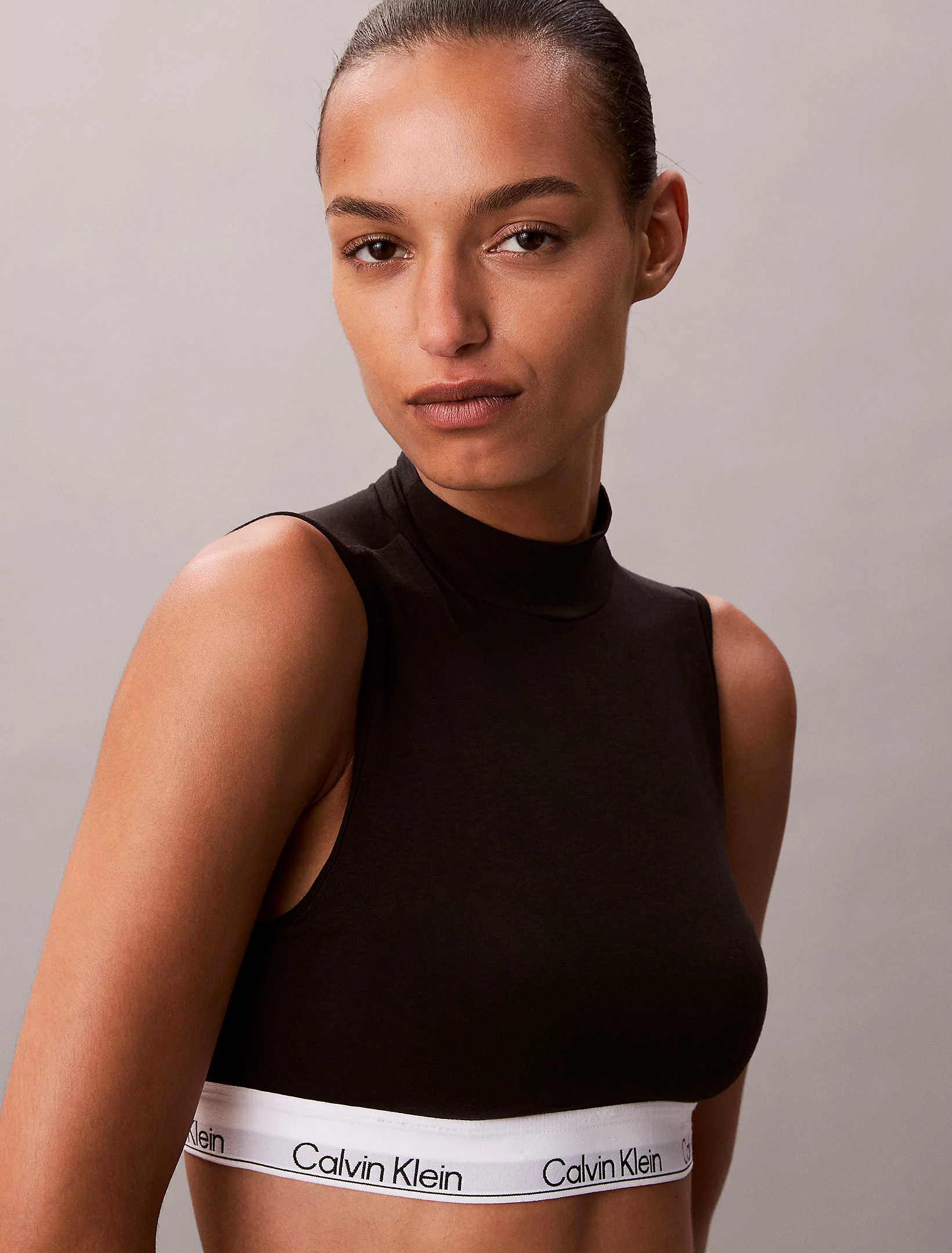
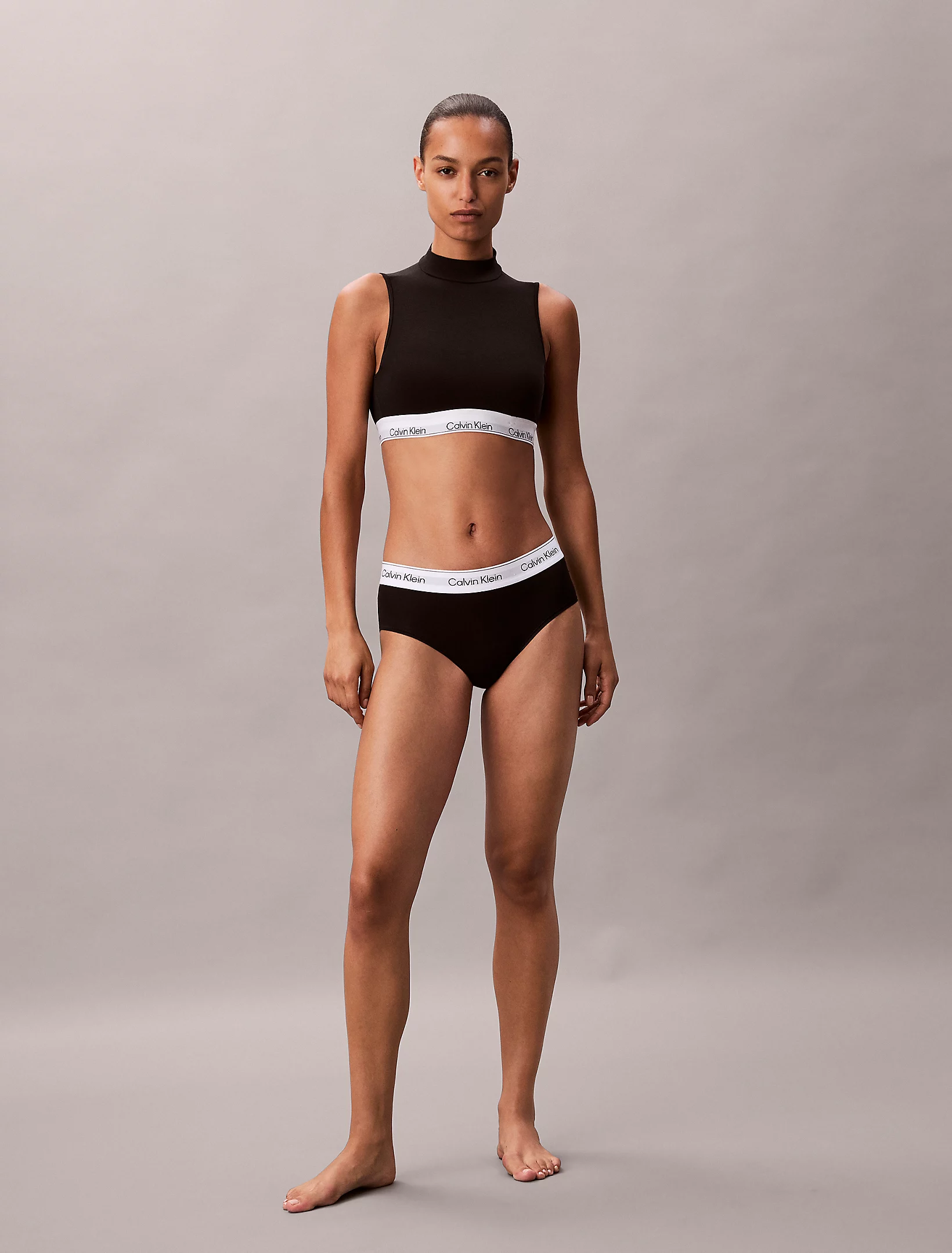
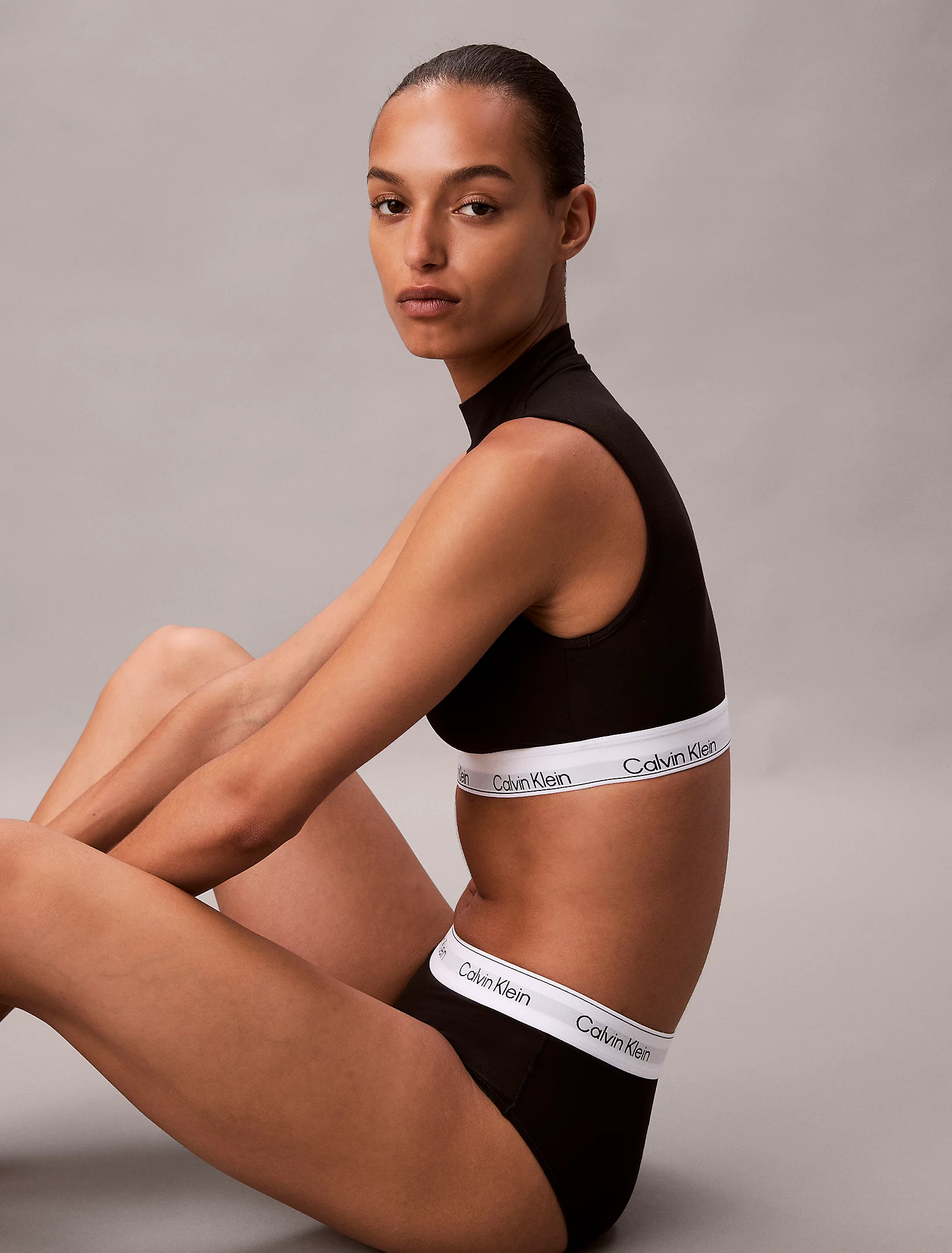
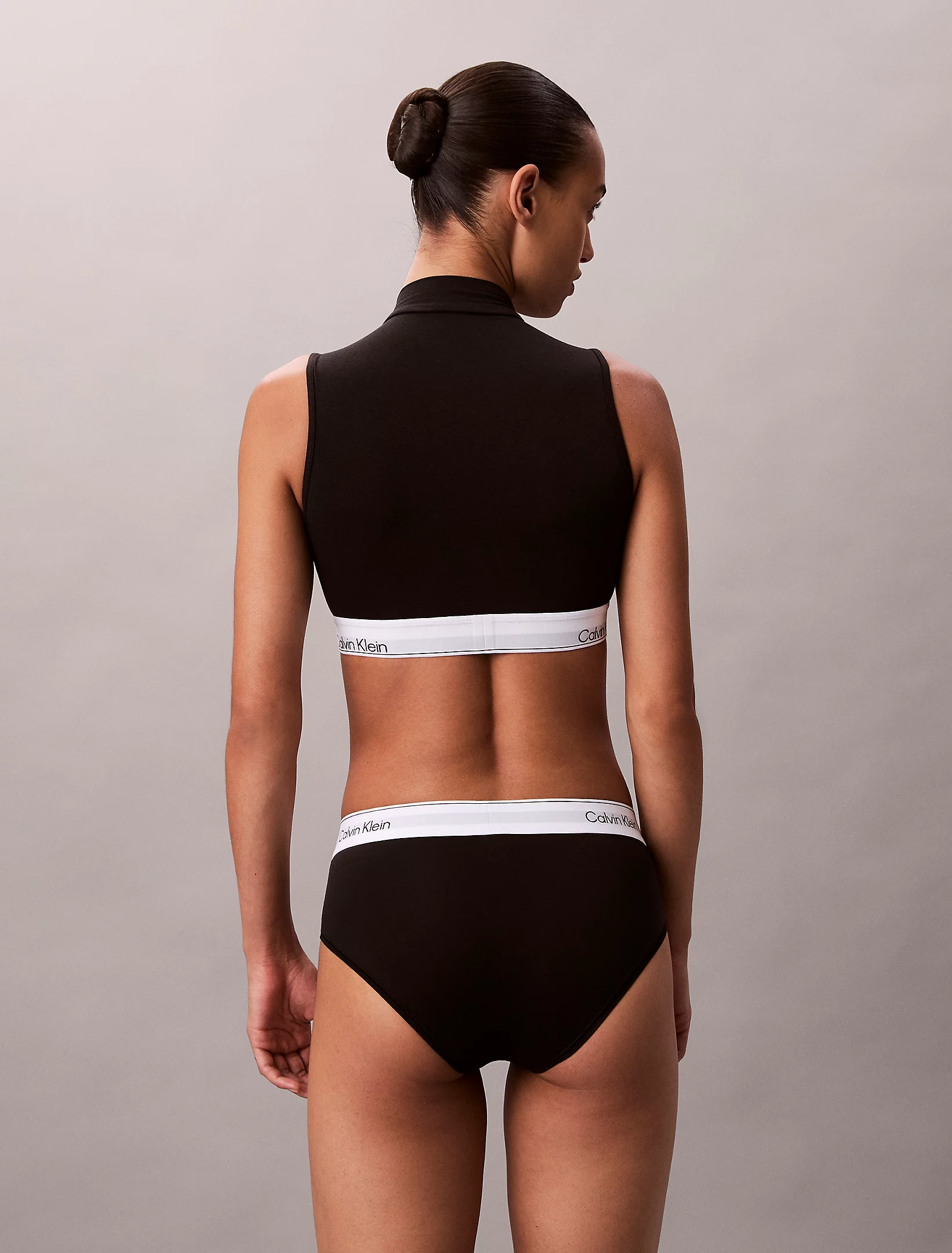
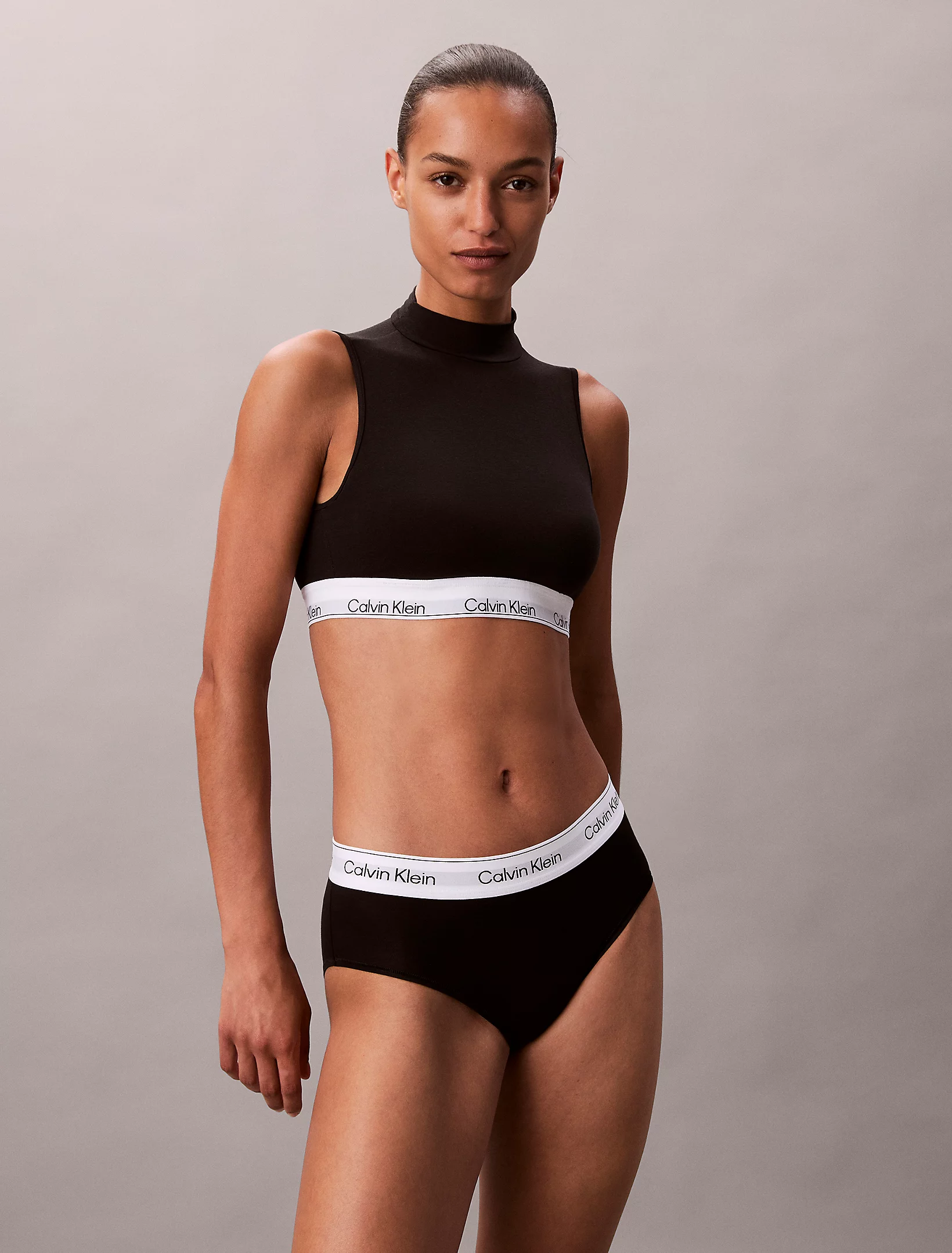
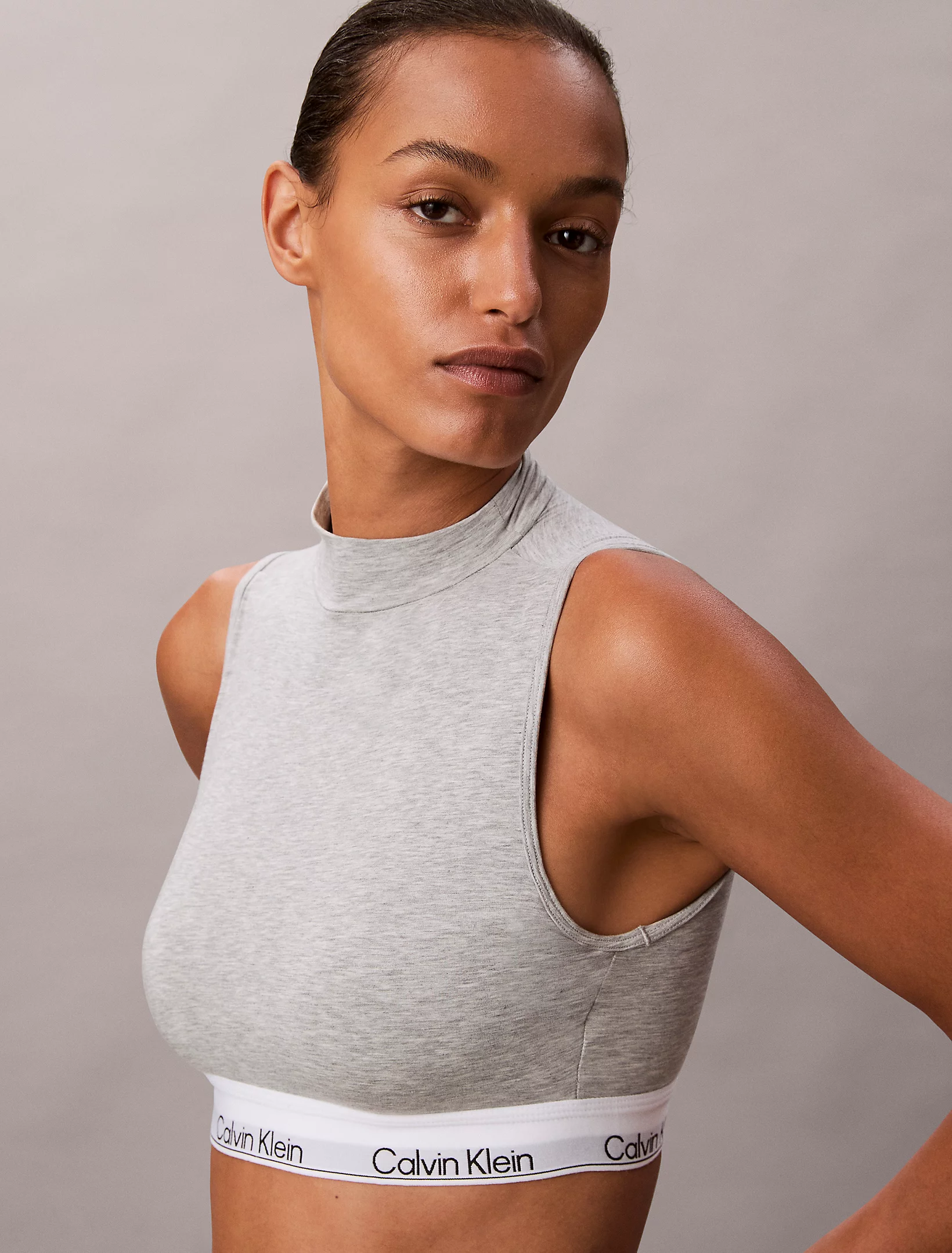
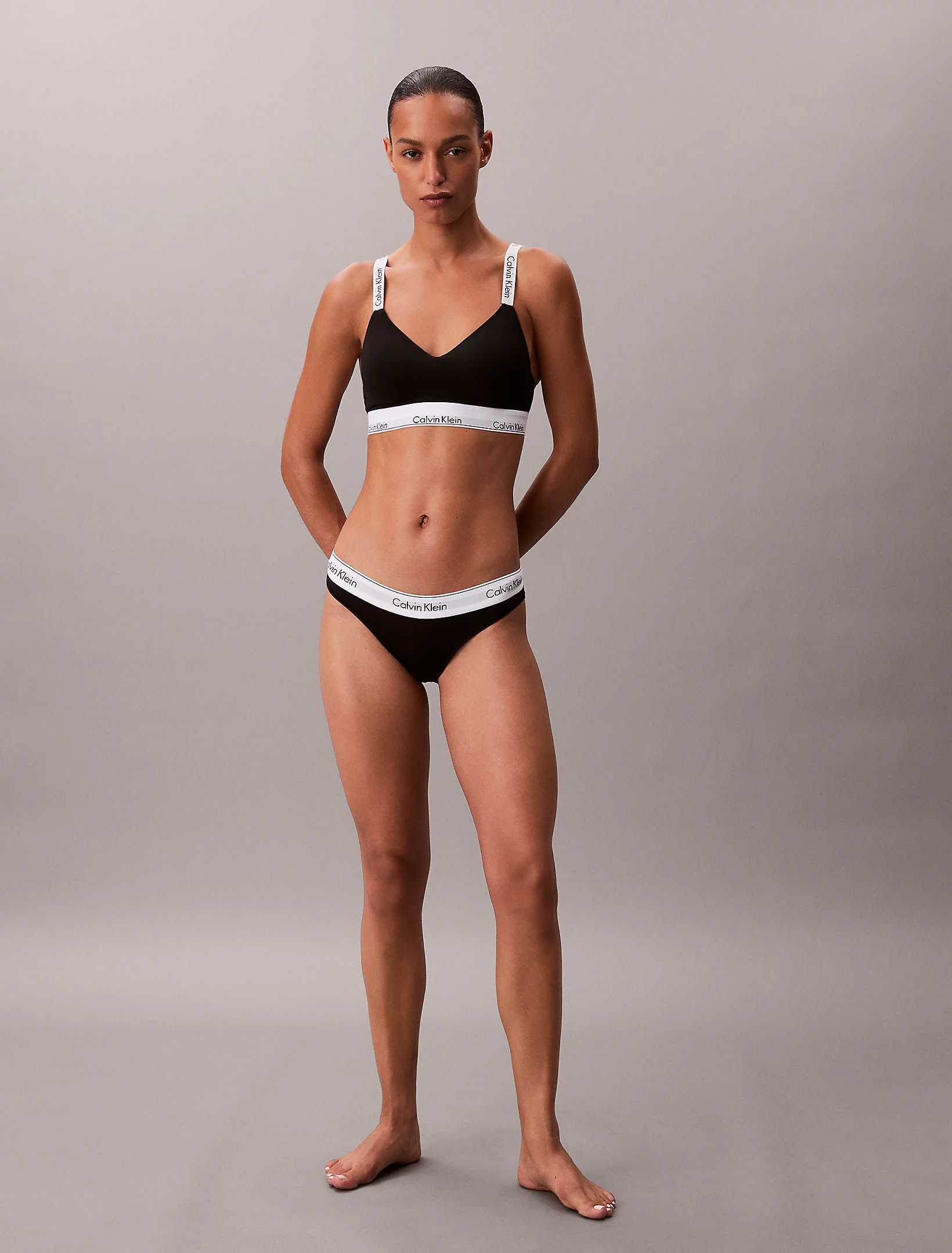
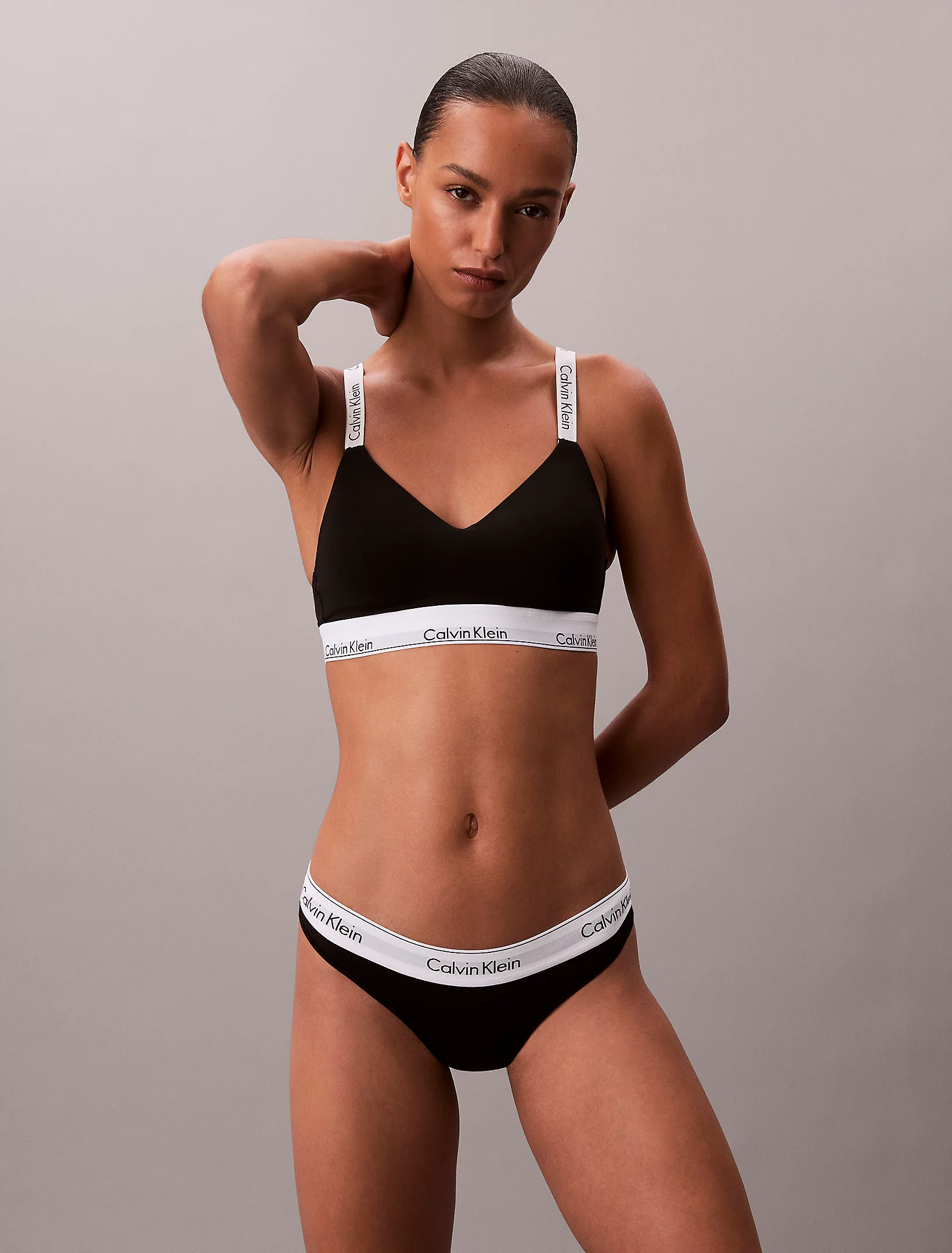
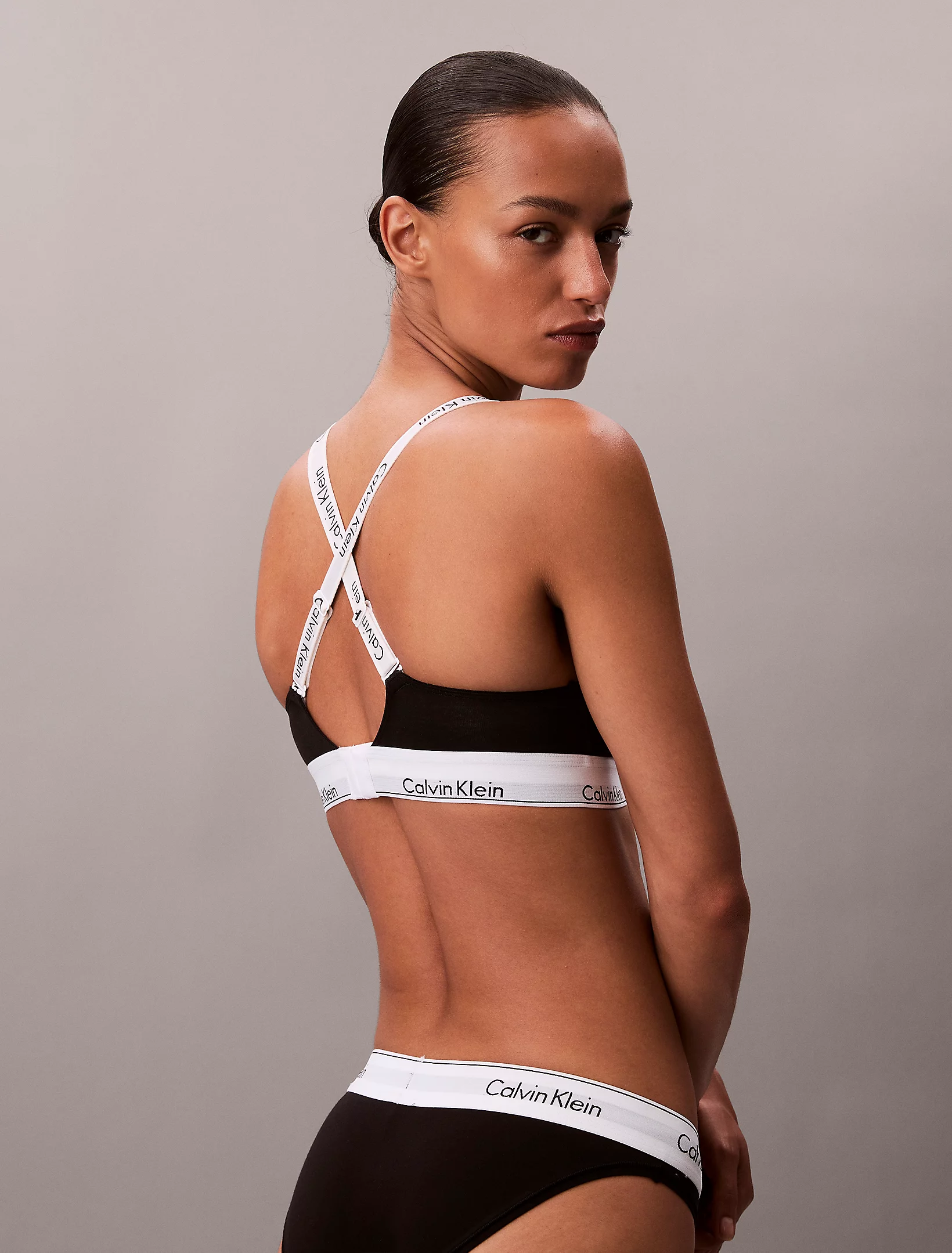
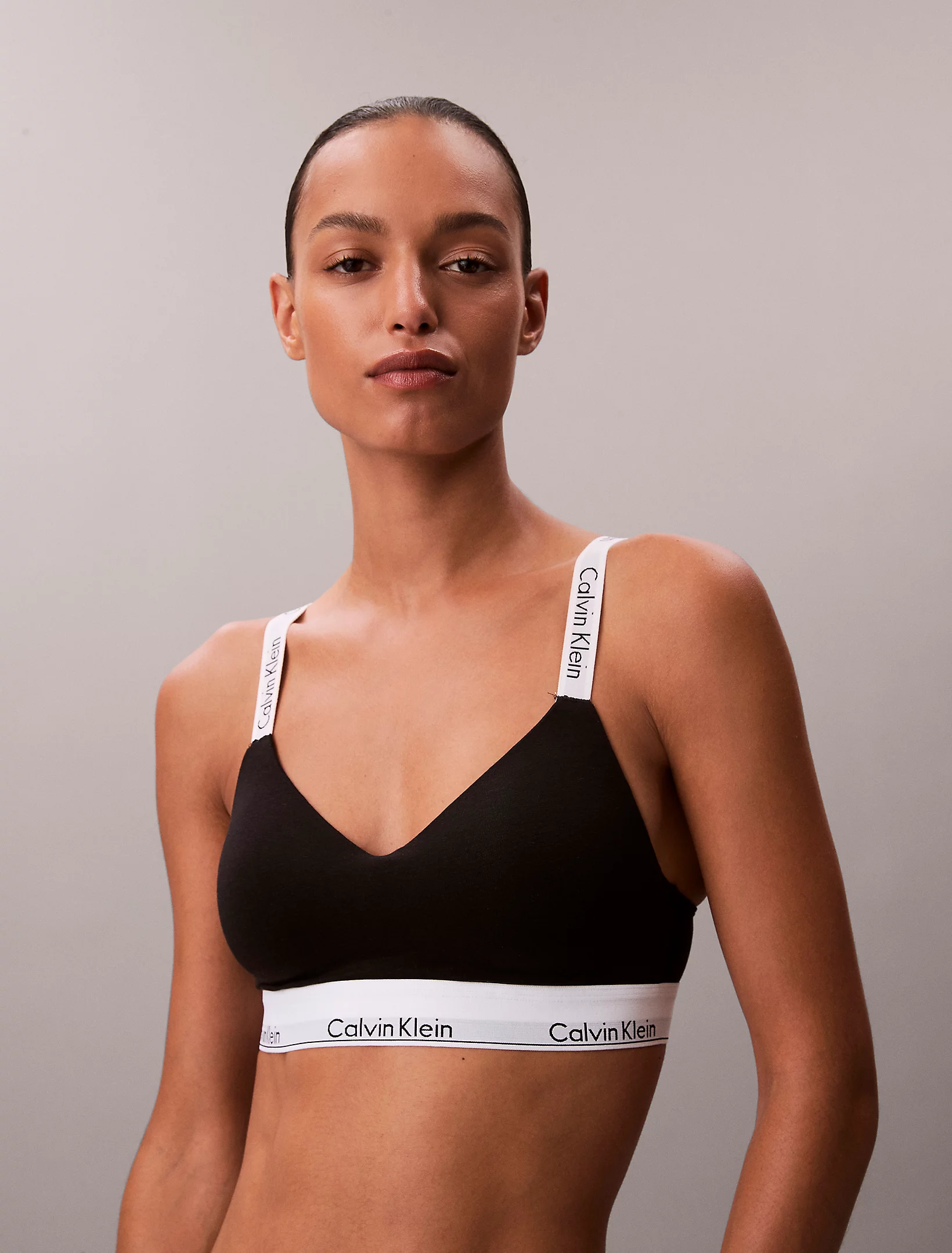
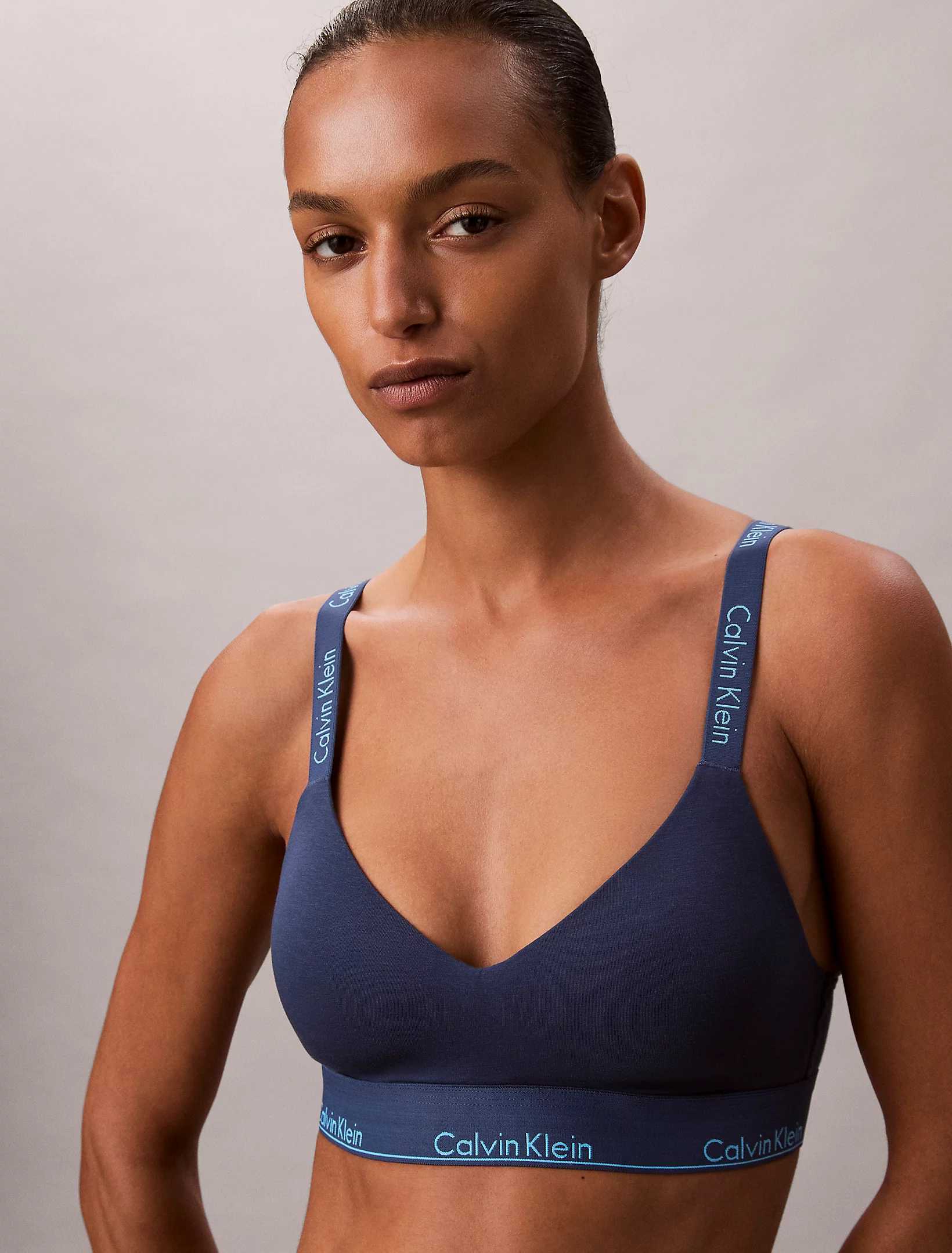
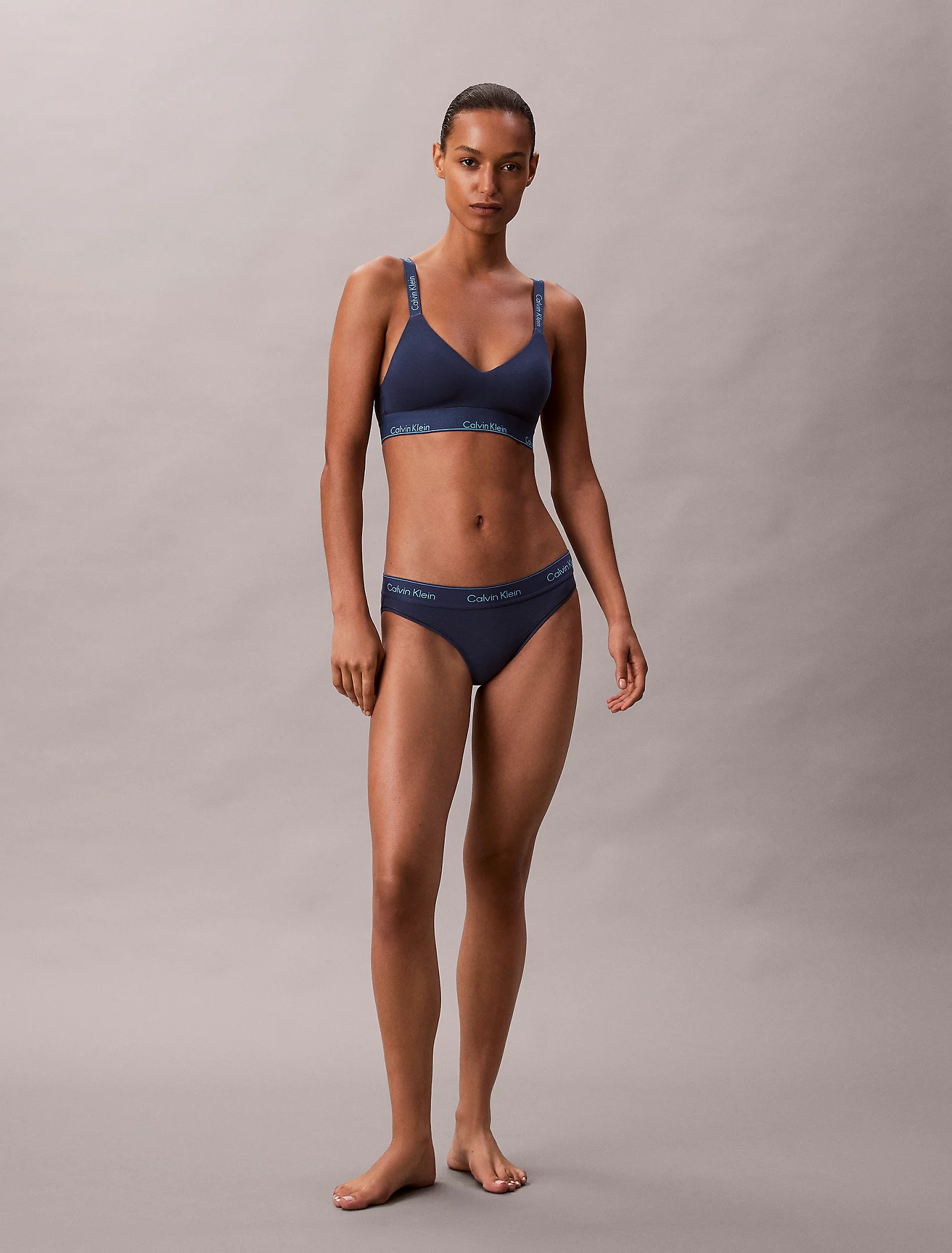
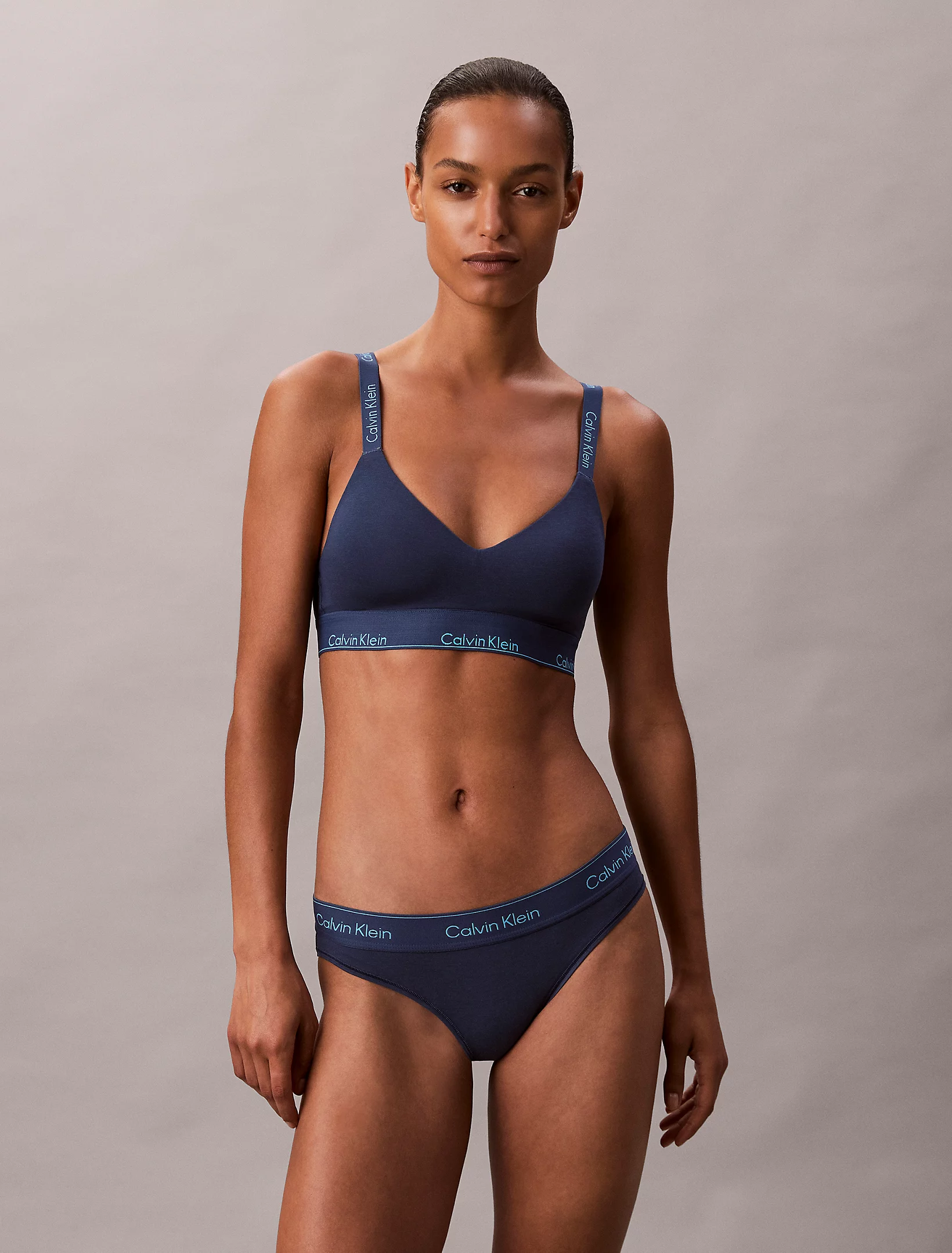
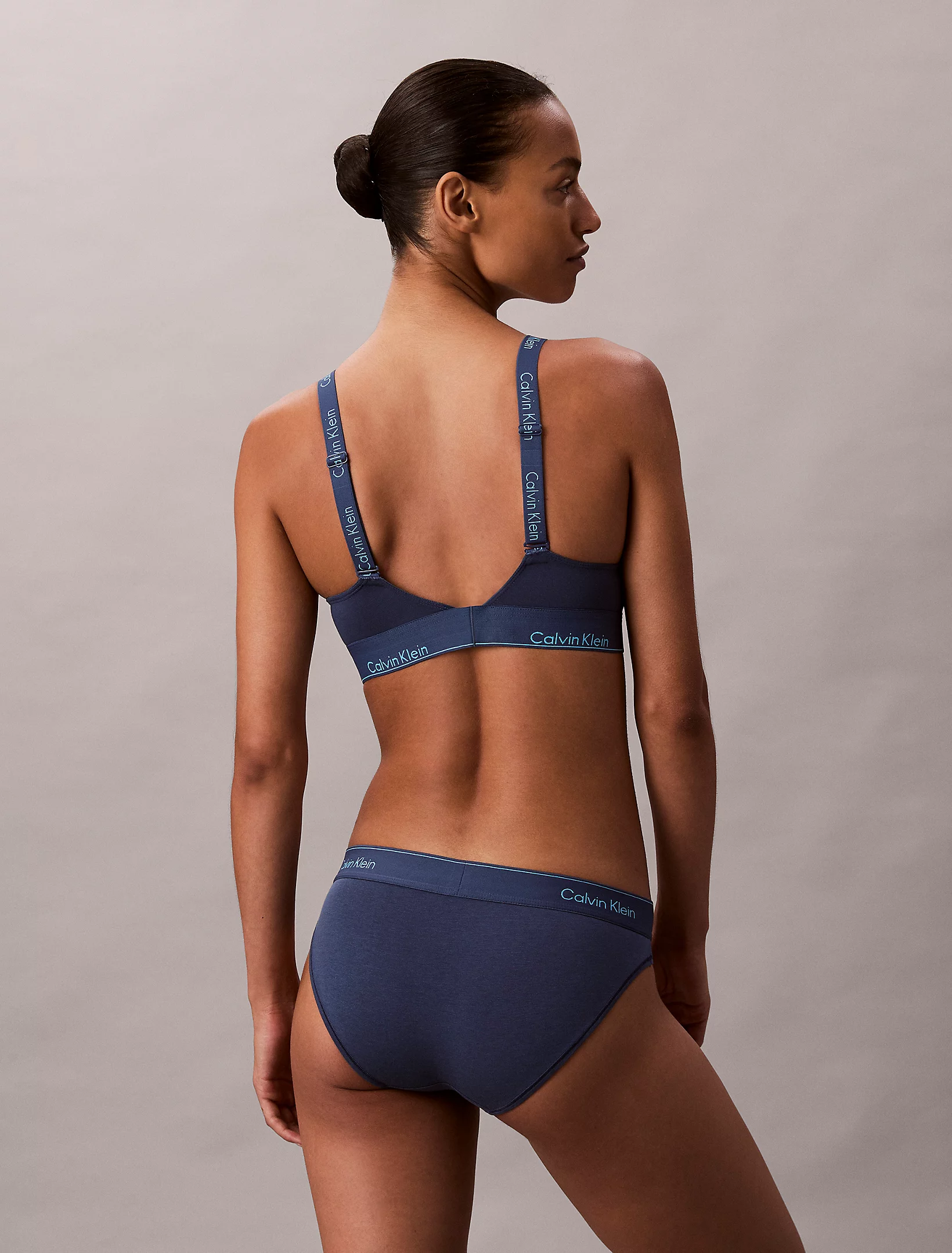
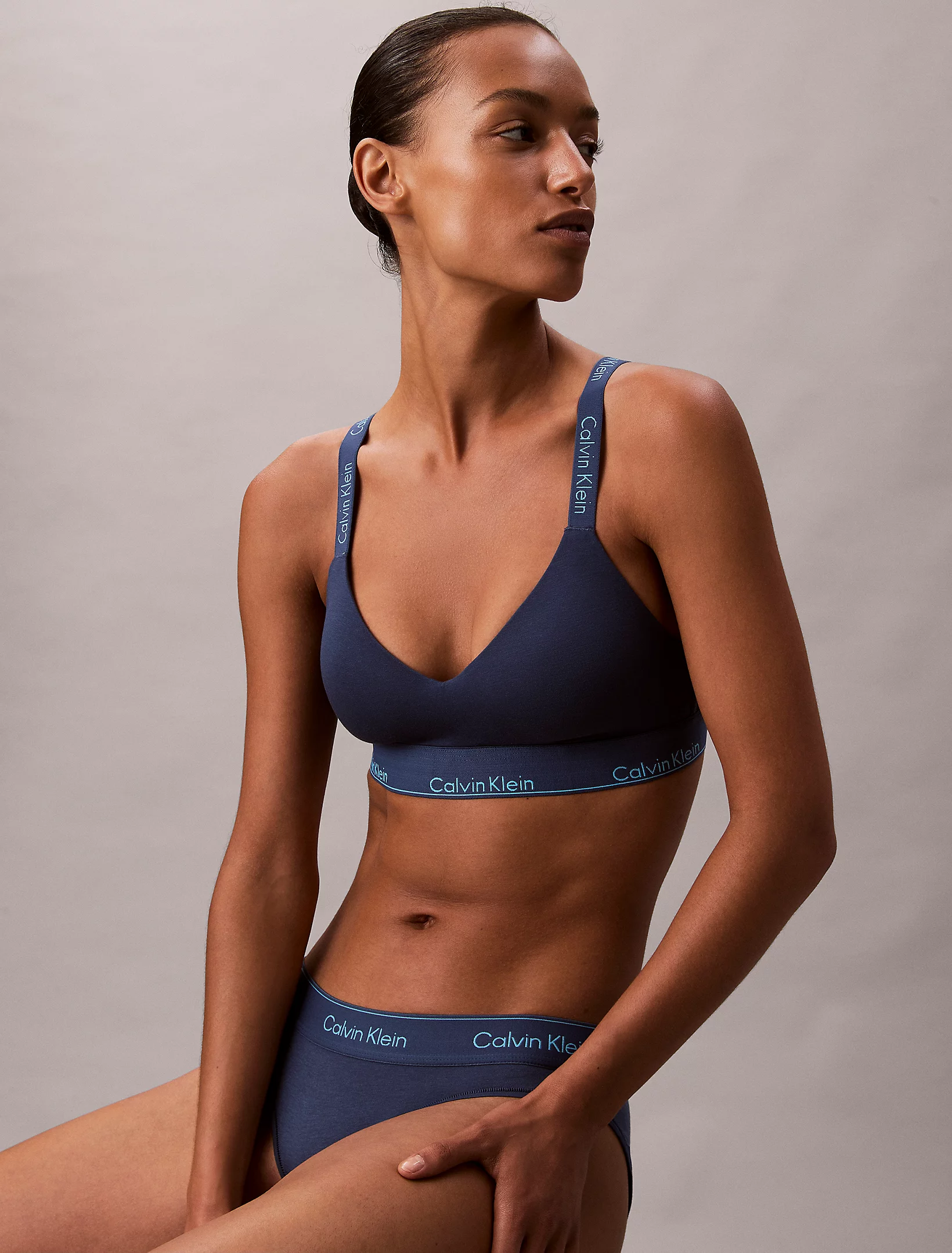
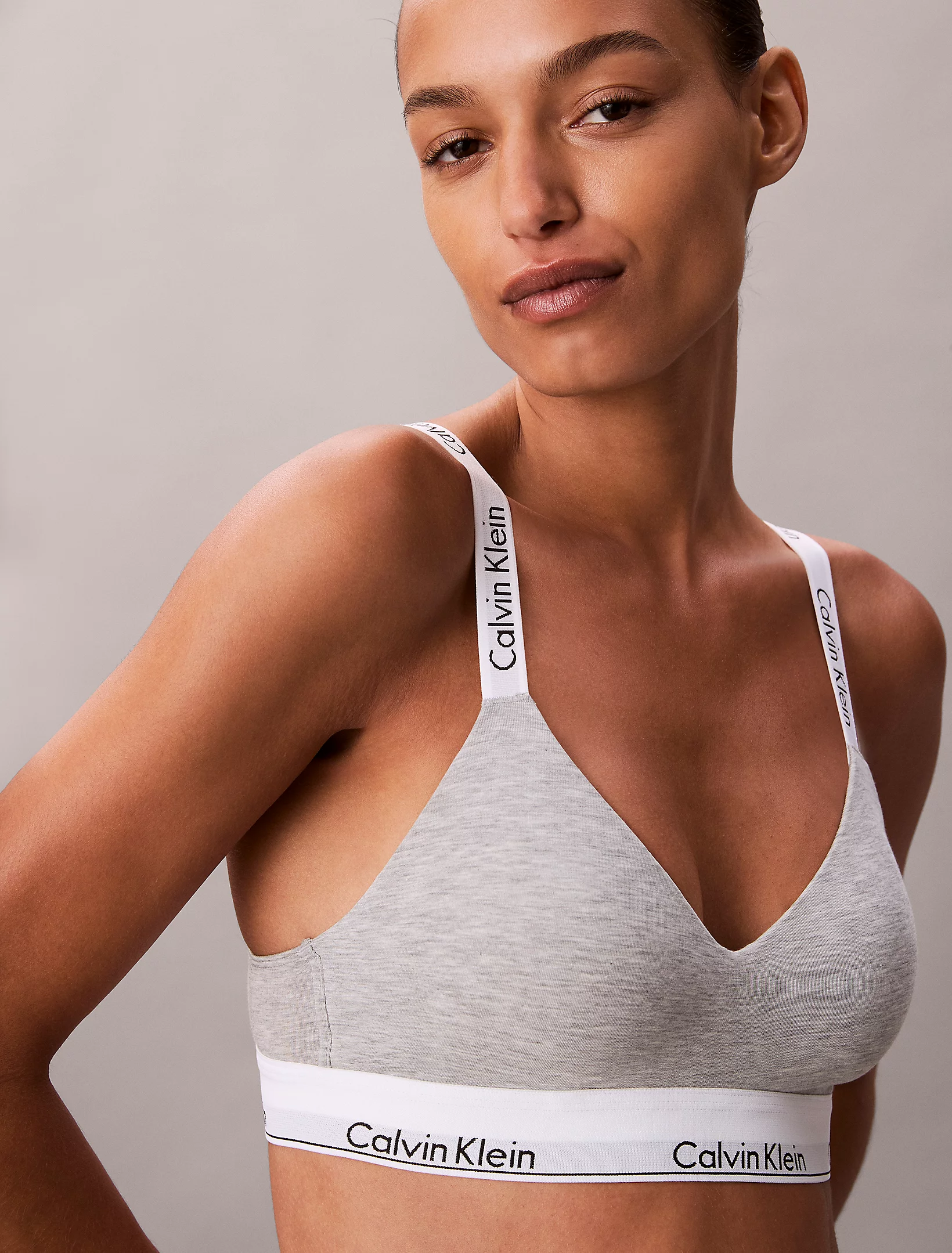
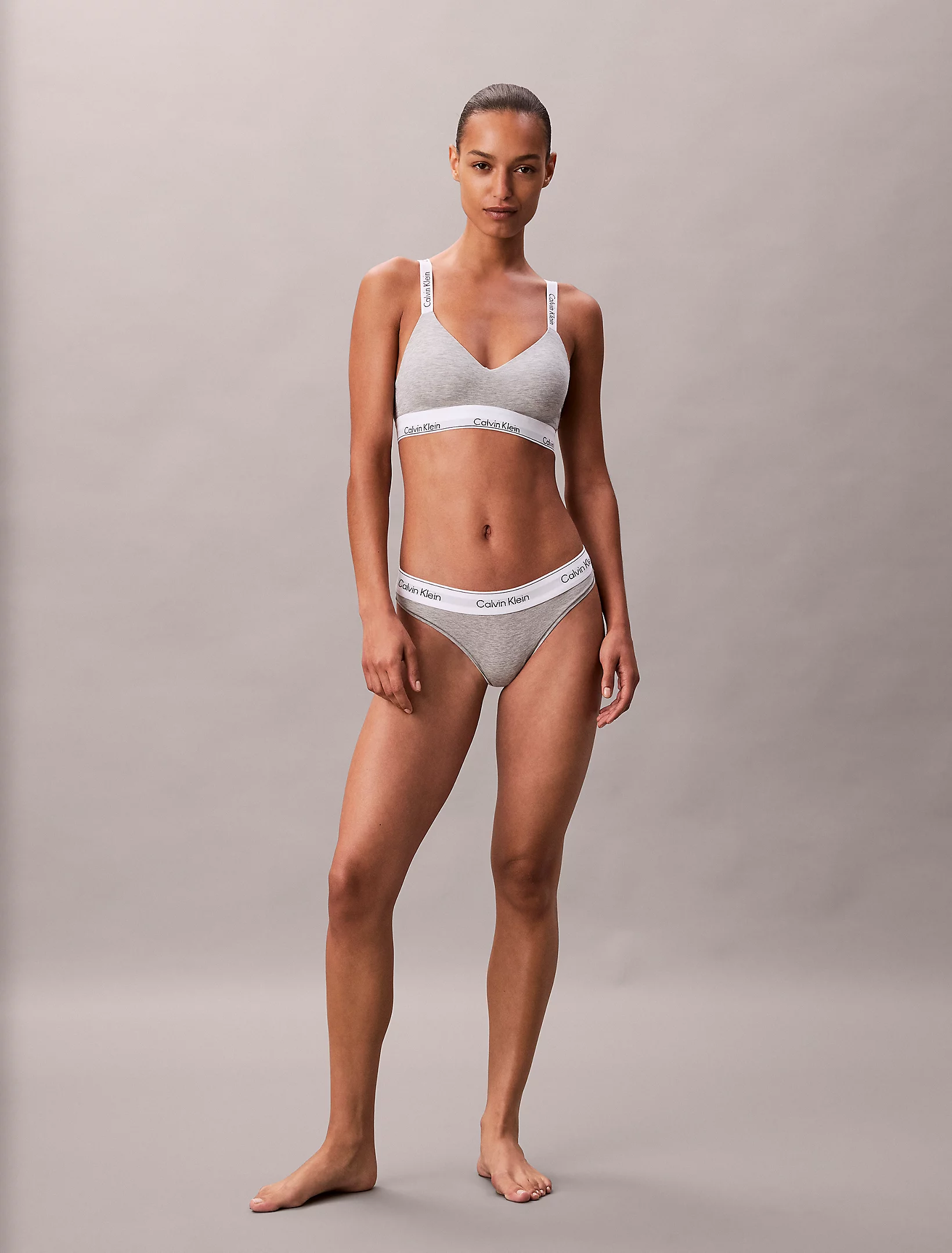
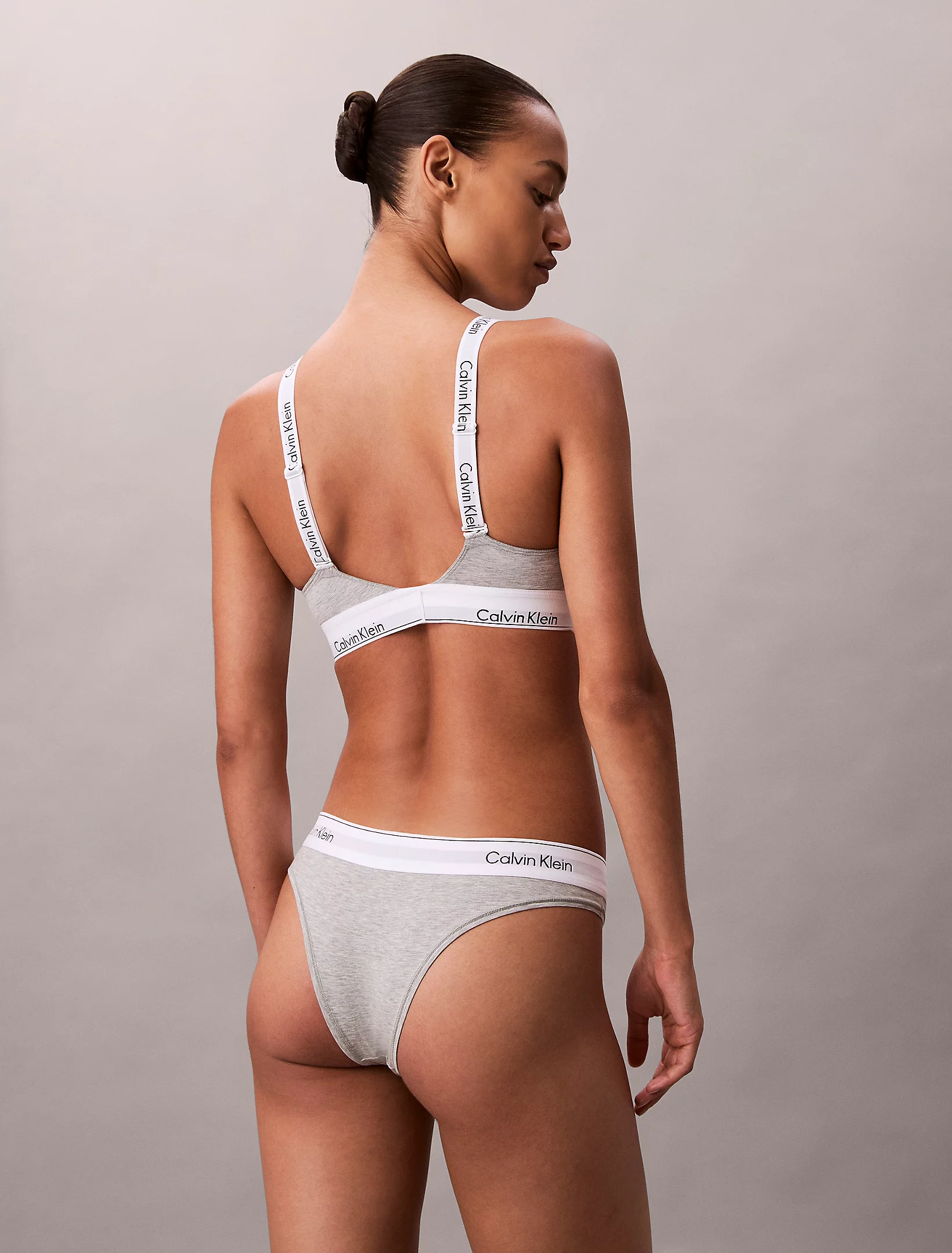
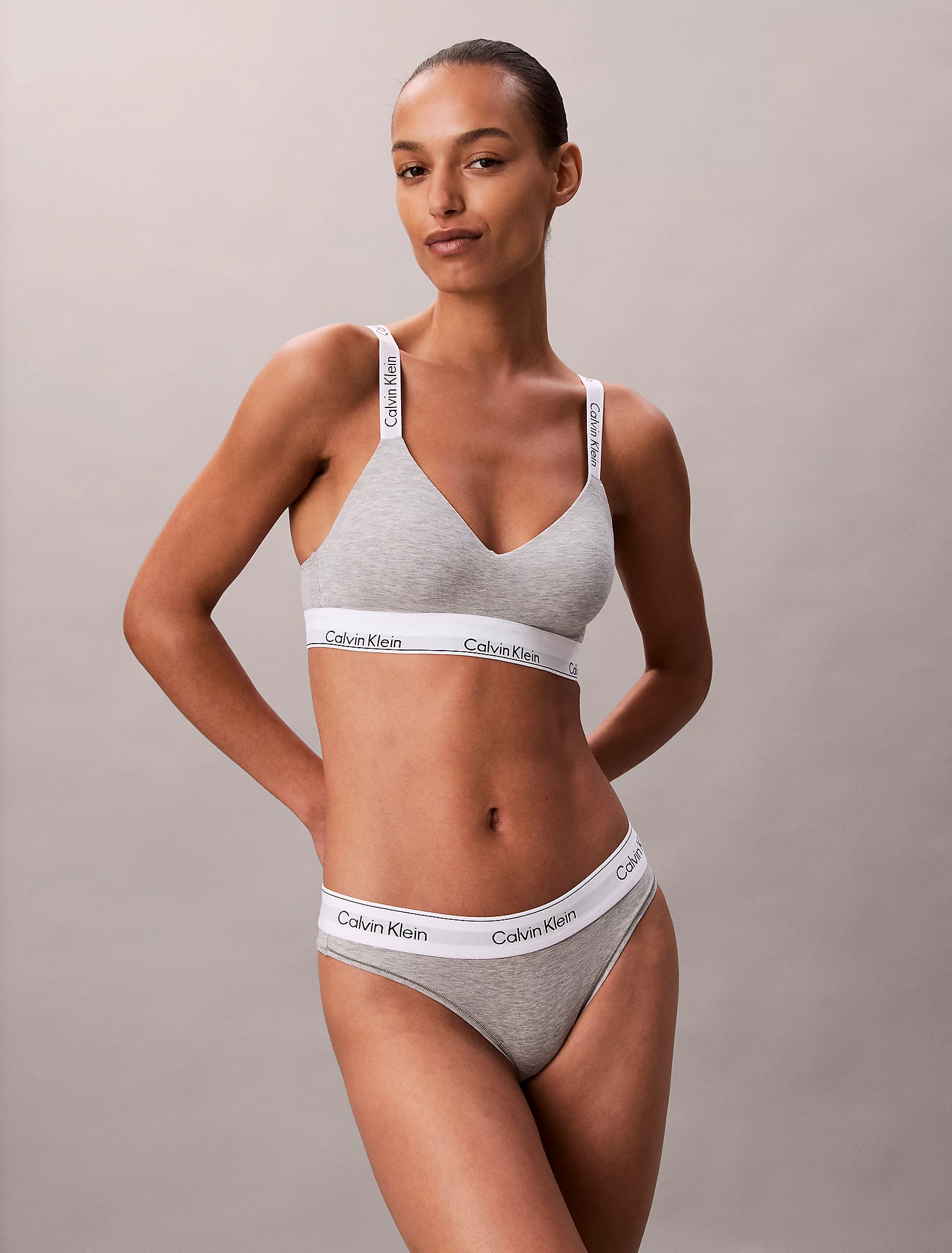
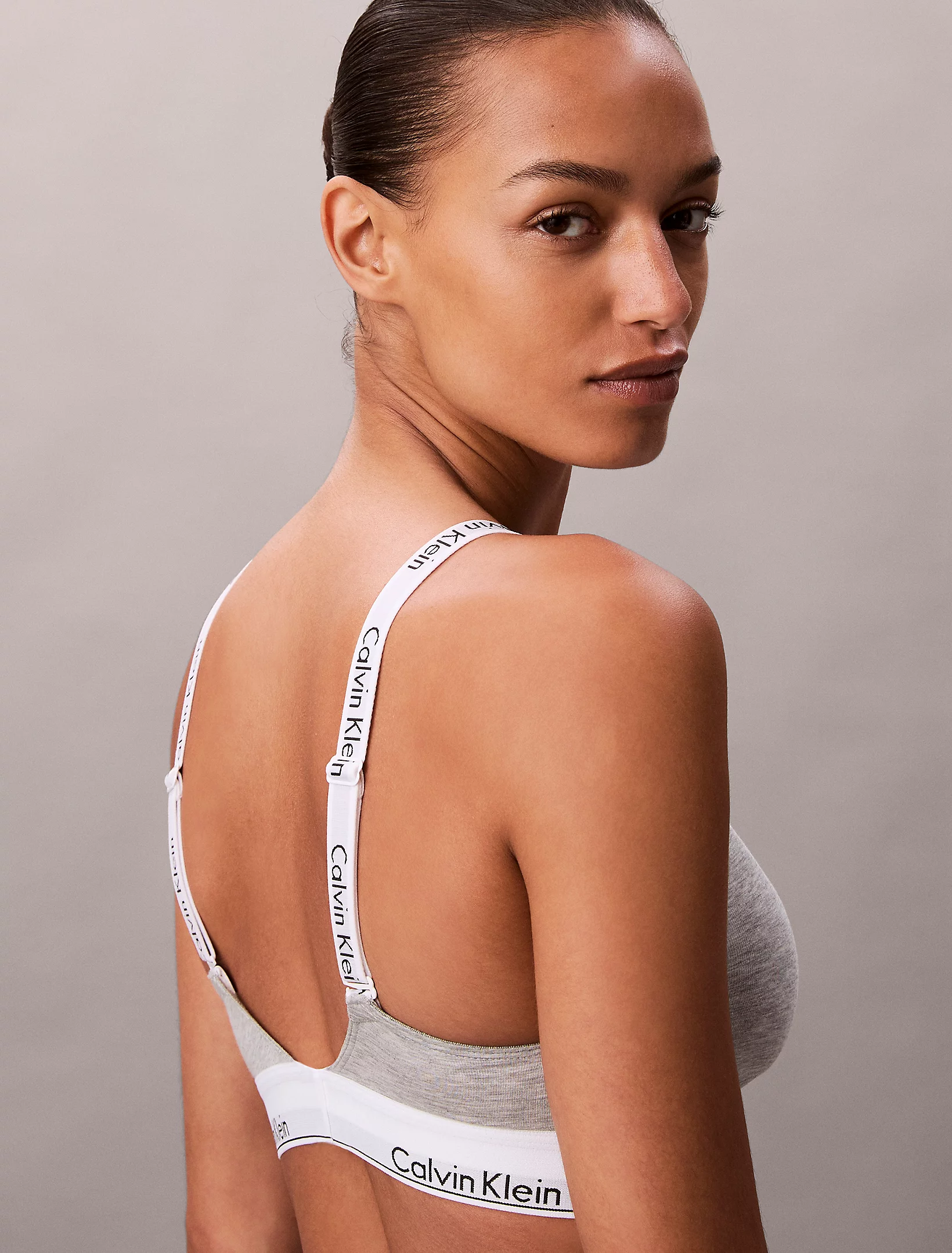
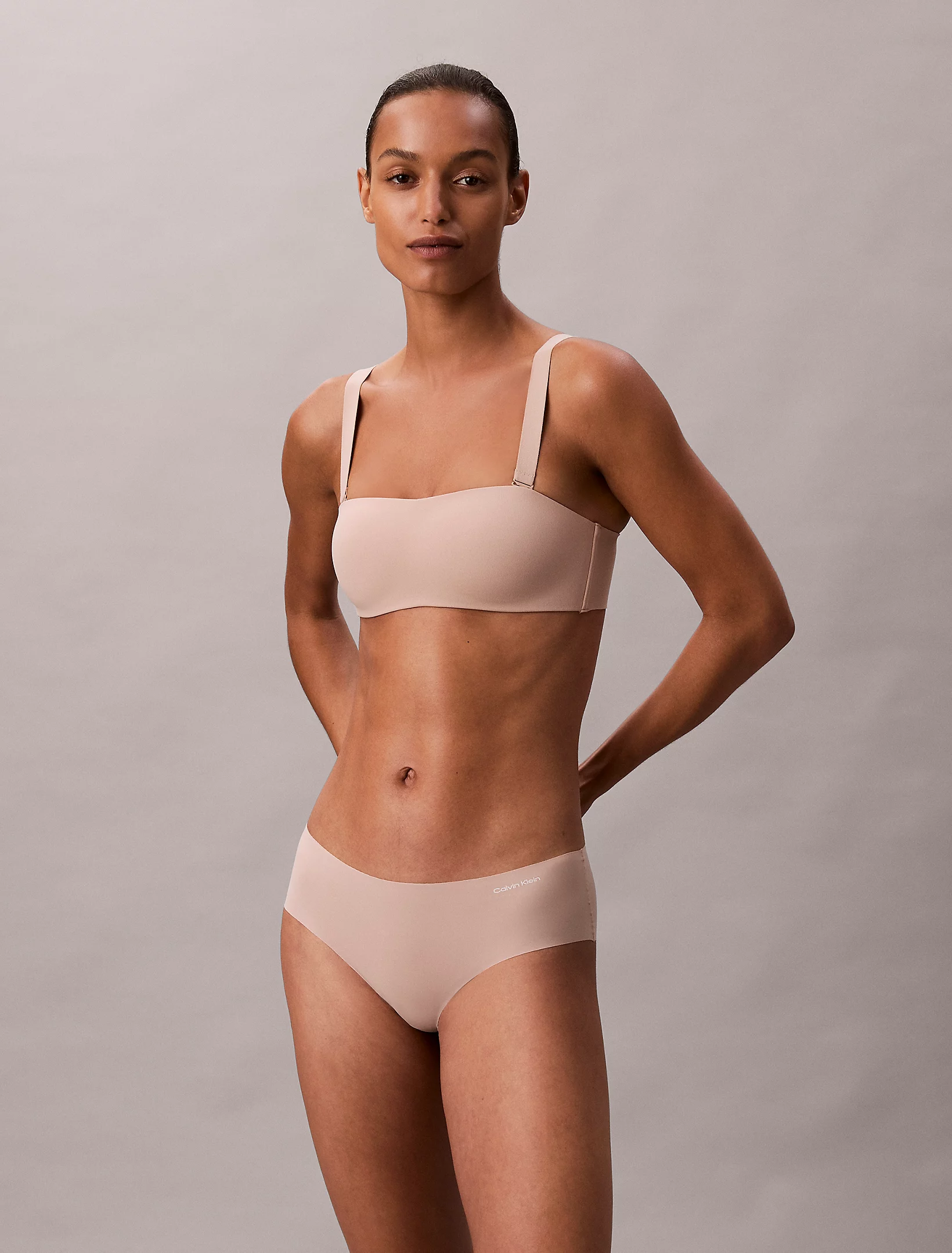
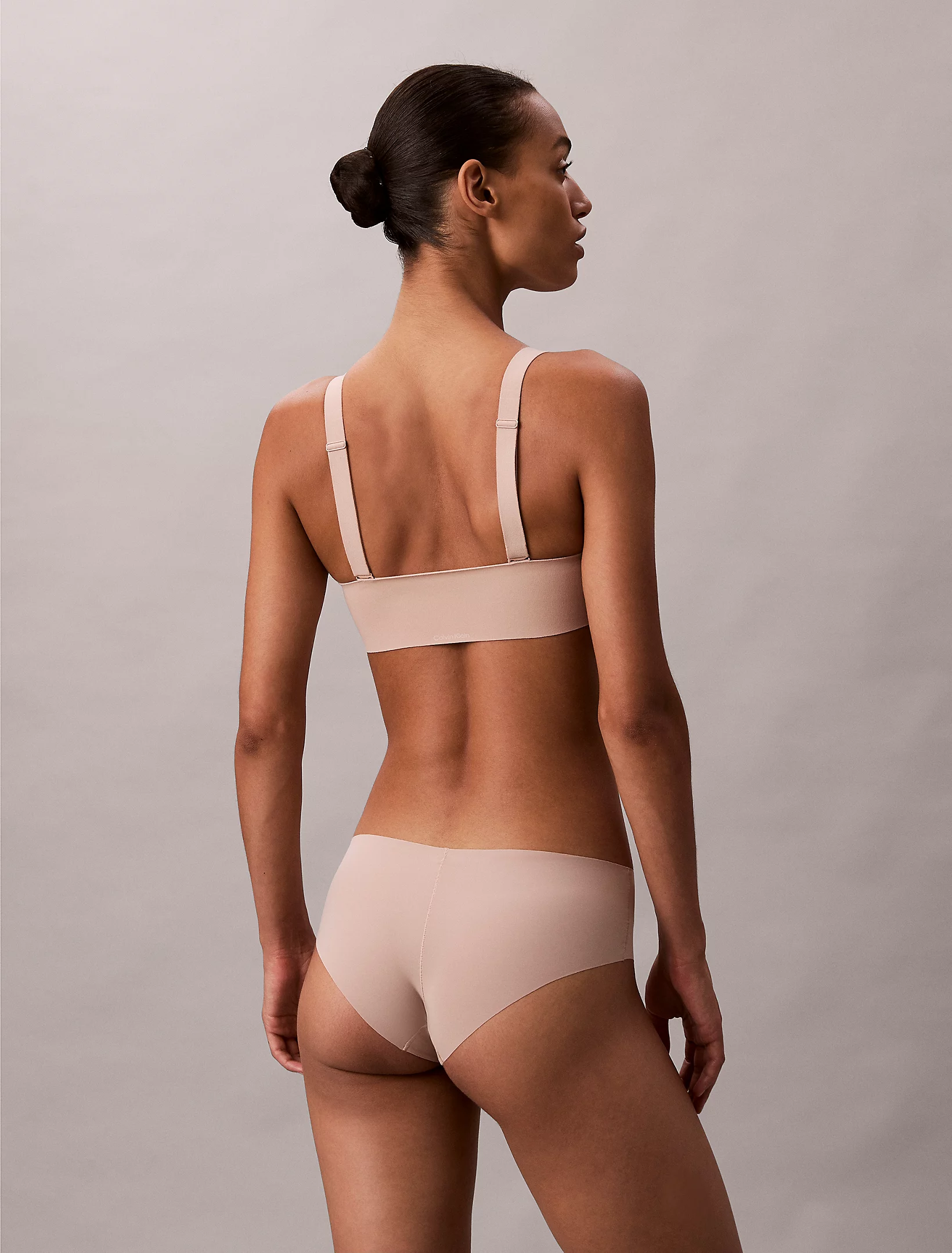
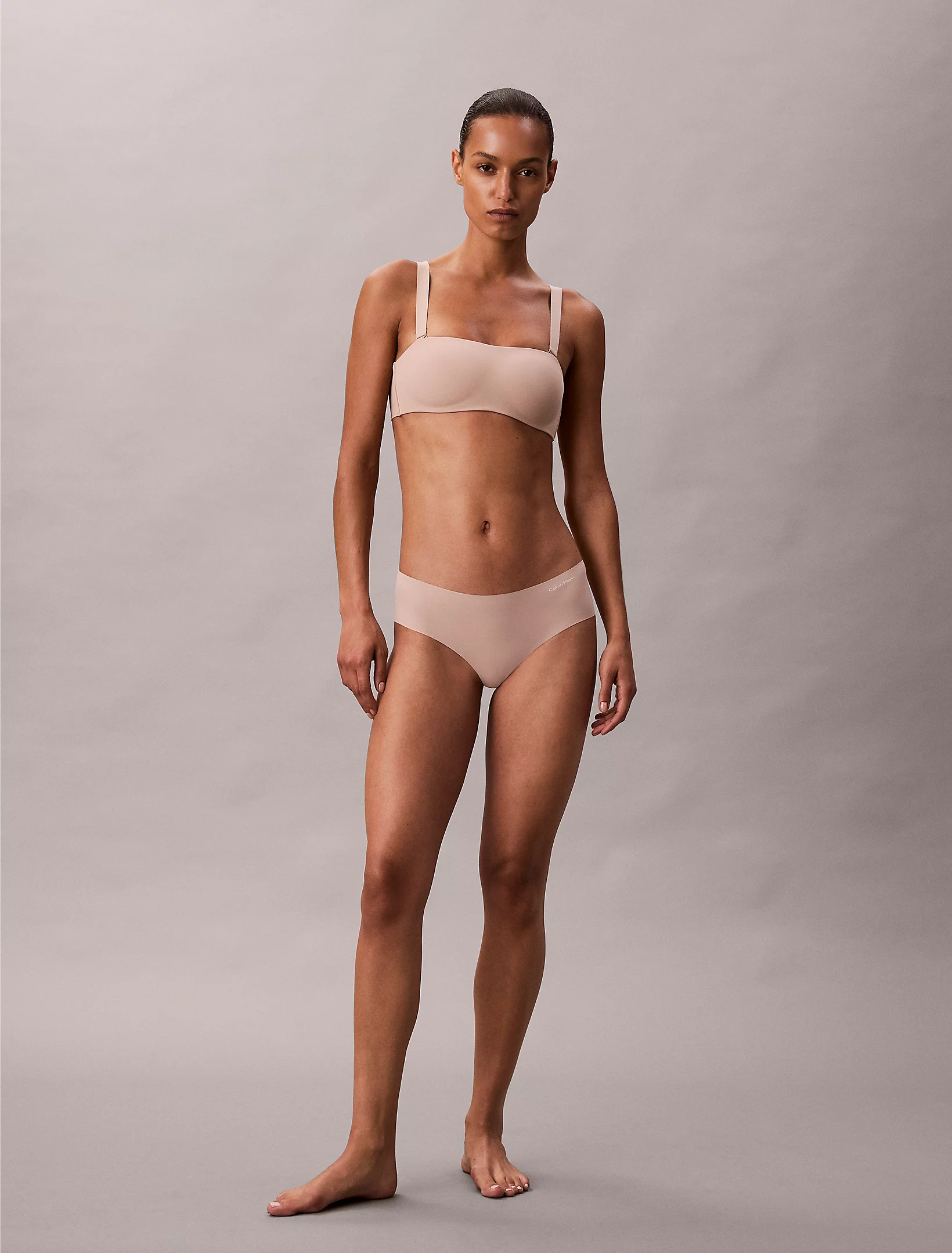
Calvin Klein vid NW-CALVIN-.mp4
a60f79f906ca4478f05d1a0b.mp4
Nikol - Modelwerk (video is from 2023) Nicolla Nikolova 6.mp4
Calvin Klein vid NW-CALVIN-.mp4
Account
Search
Configure browser push notifications
Chrome (Android)
- Tap the lock icon next to the address bar.
- Tap Permissions → Notifications.
- Adjust your preference.
Chrome (Desktop)
- Click the padlock icon in the address bar.
- Select Site settings.
- Find Notifications and adjust your preference.
Safari (iOS 16.4+)
- Ensure the site is installed via Add to Home Screen.
- Open Settings App → Notifications.
- Find your app name and adjust your preference.
Safari (macOS)
- Go to Safari → Preferences.
- Click the Websites tab.
- Select Notifications in the sidebar.
- Find this website and adjust your preference.
Edge (Android)
- Tap the lock icon next to the address bar.
- Tap Permissions.
- Find Notifications and adjust your preference.
Edge (Desktop)
- Click the padlock icon in the address bar.
- Click Permissions for this site.
- Find Notifications and adjust your preference.
Firefox (Android)
- Go to Settings → Site permissions.
- Tap Notifications.
- Find this site in the list and adjust your preference.
Firefox (Desktop)
- Open Firefox Settings.
- Search for Notifications.
- Find this site in the list and adjust your preference.


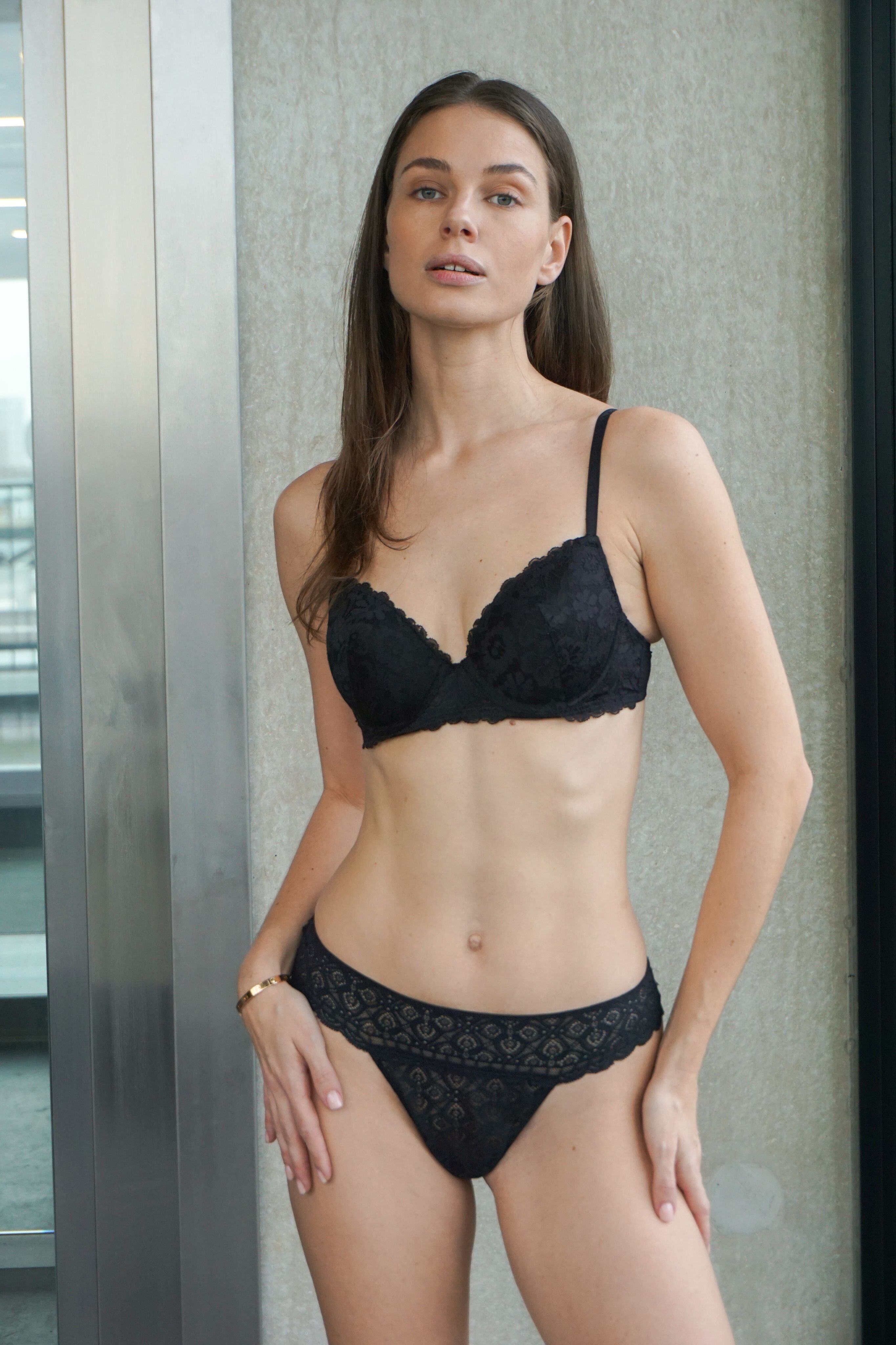
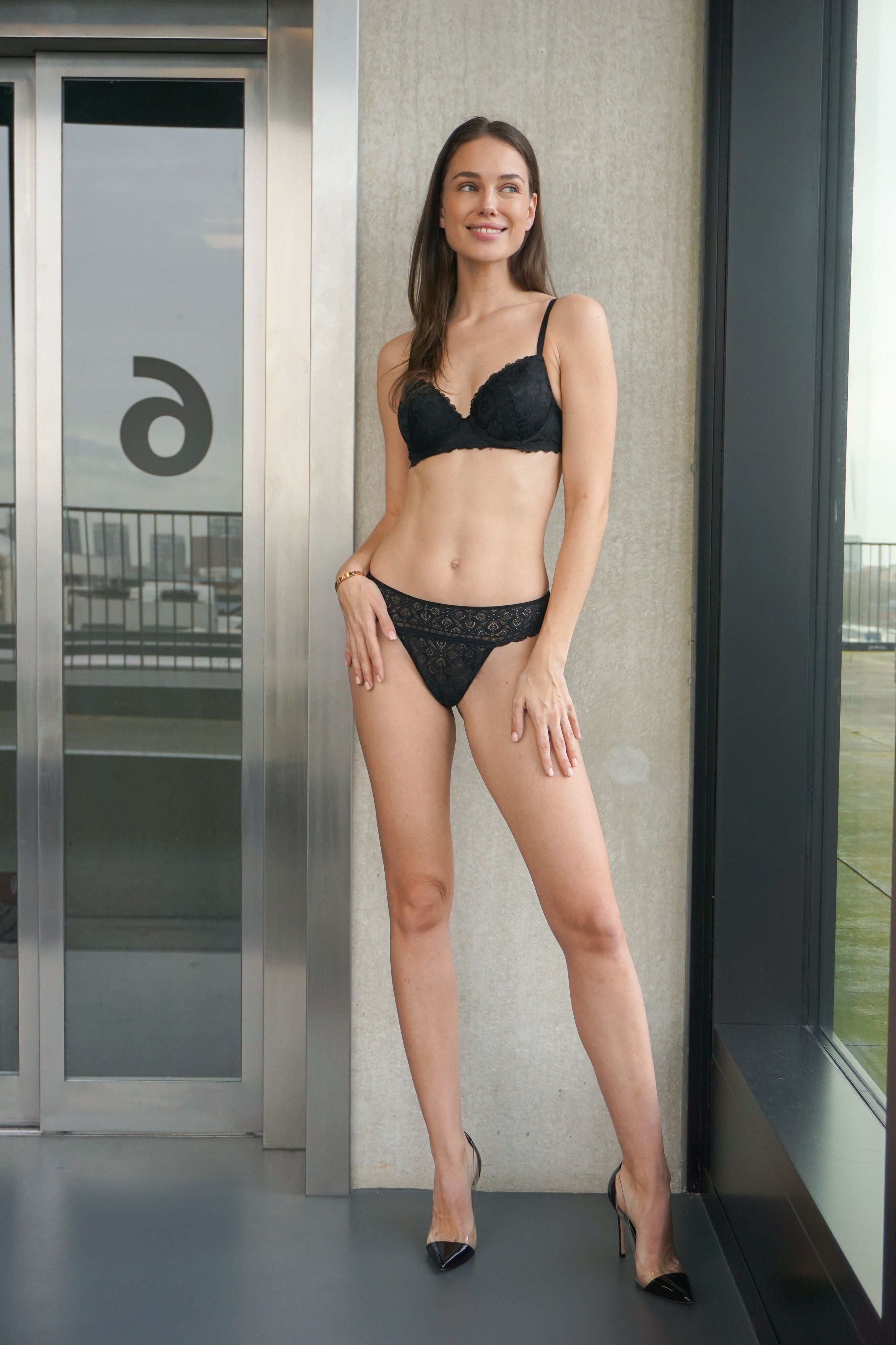
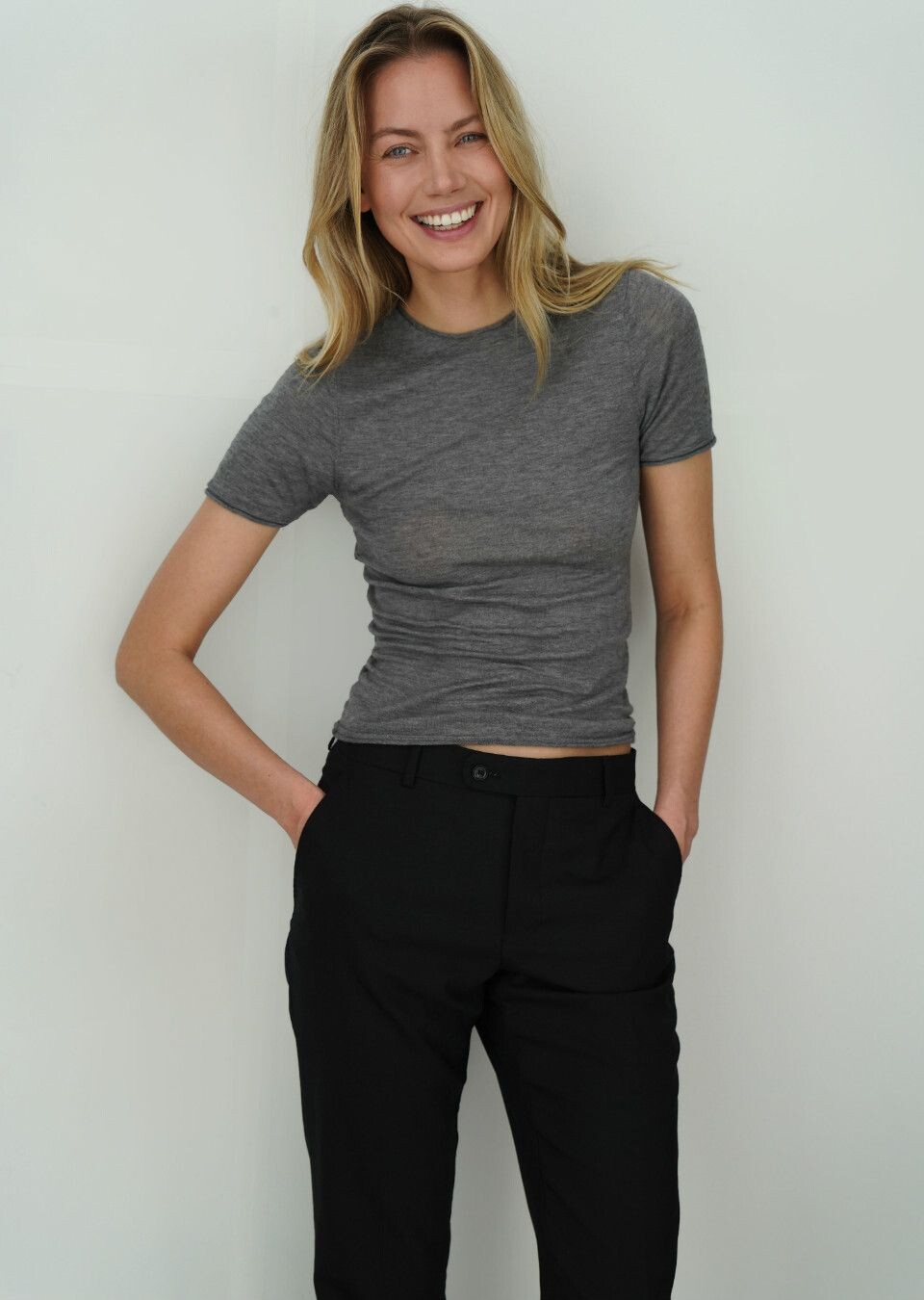
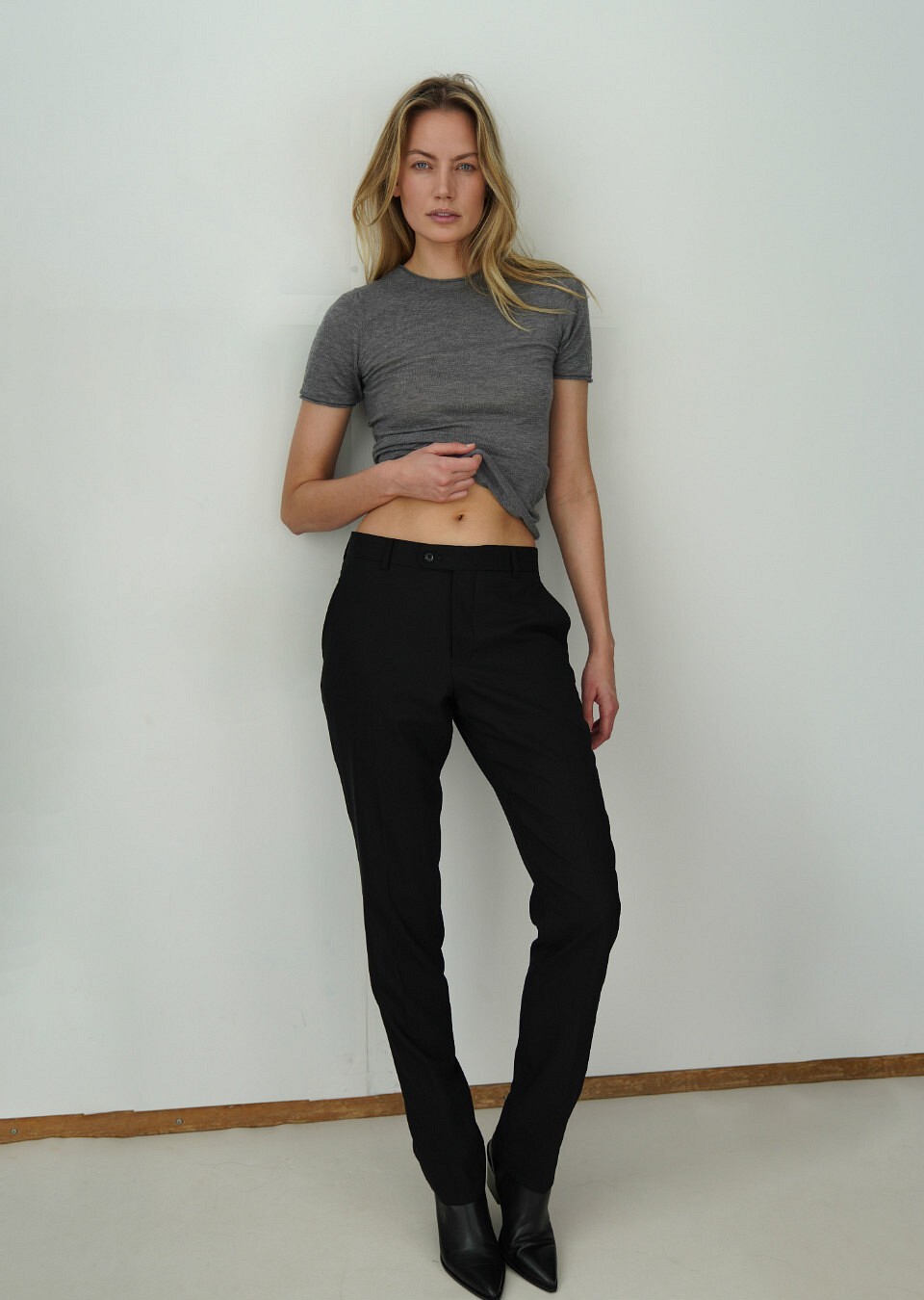
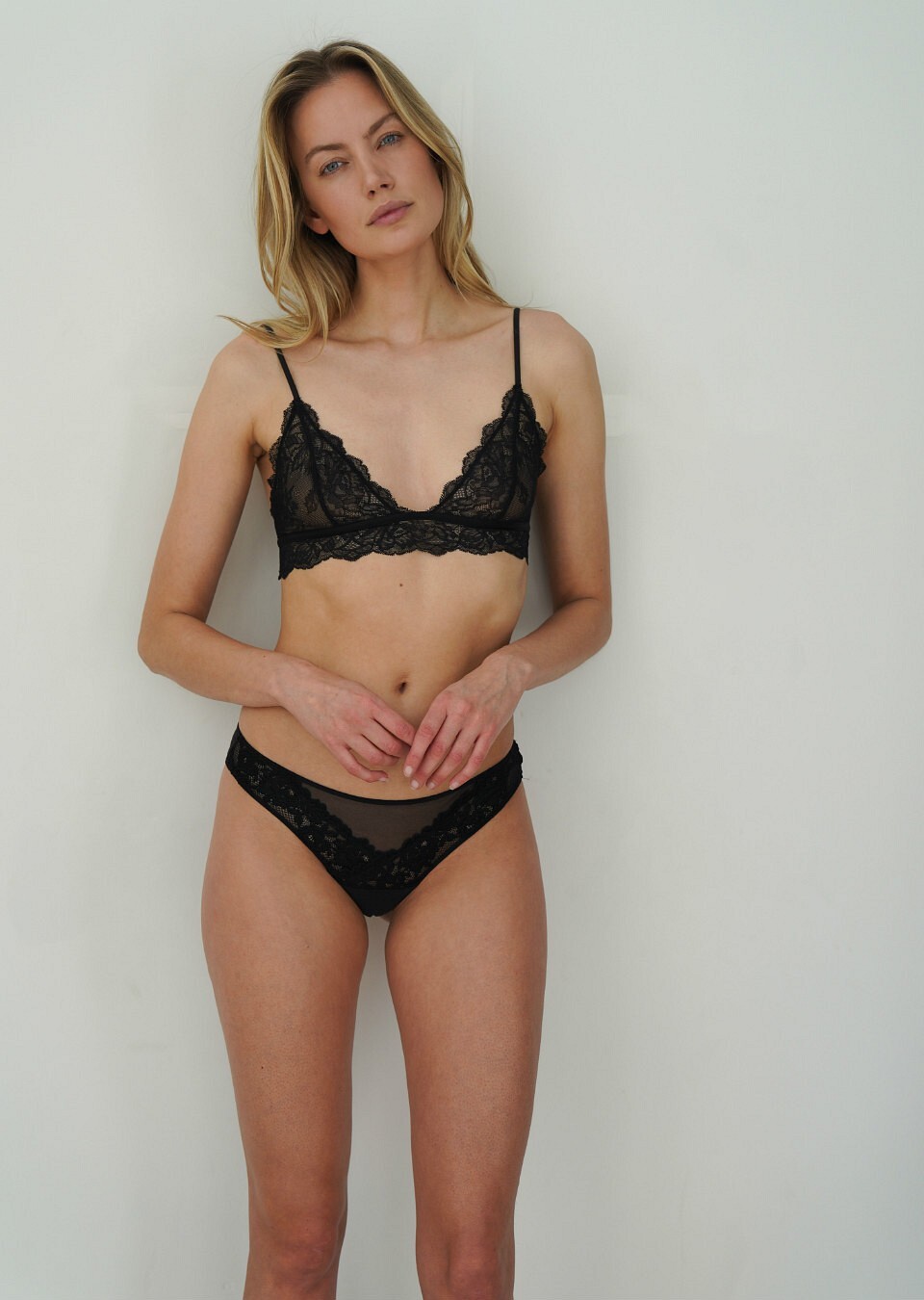
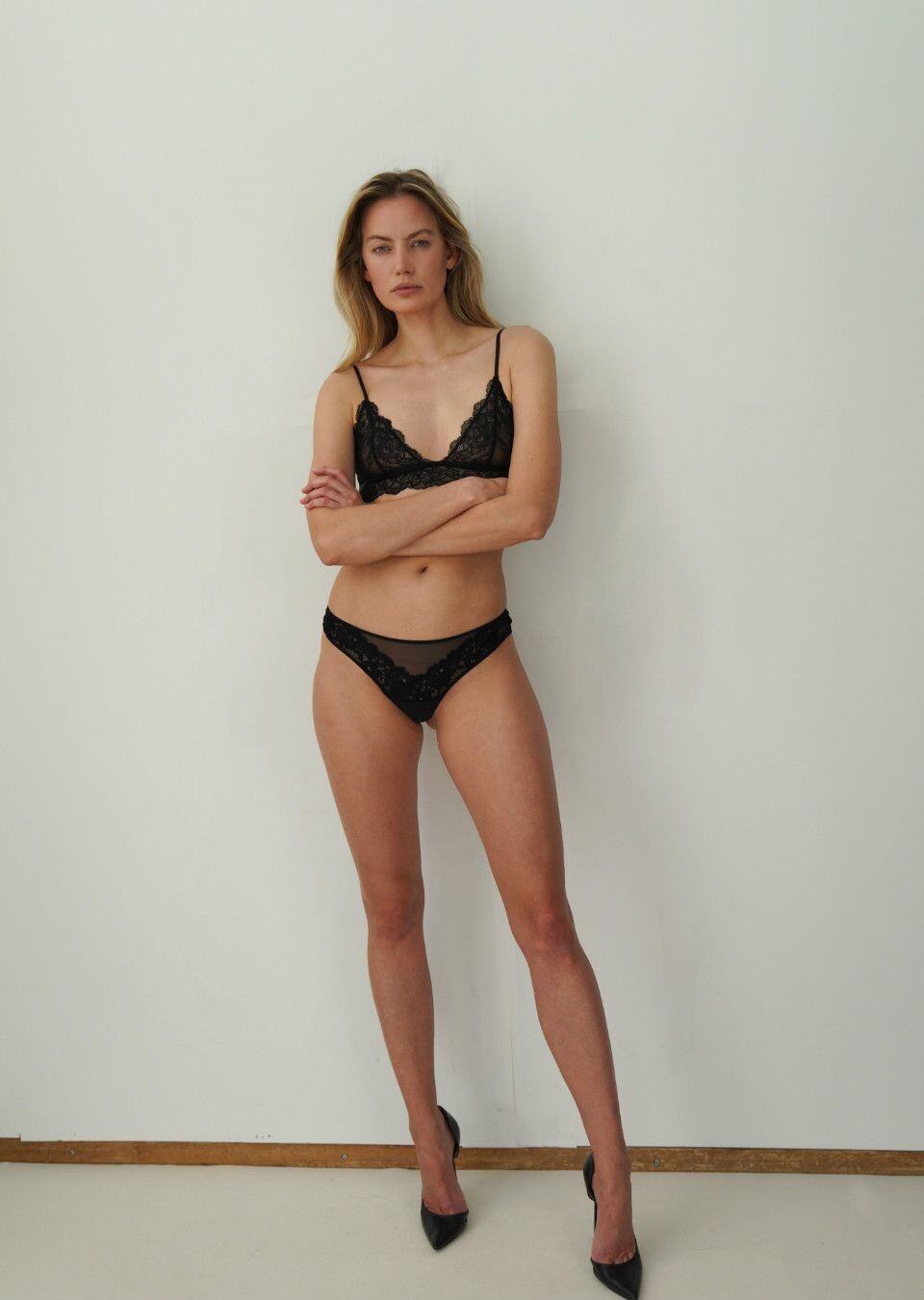


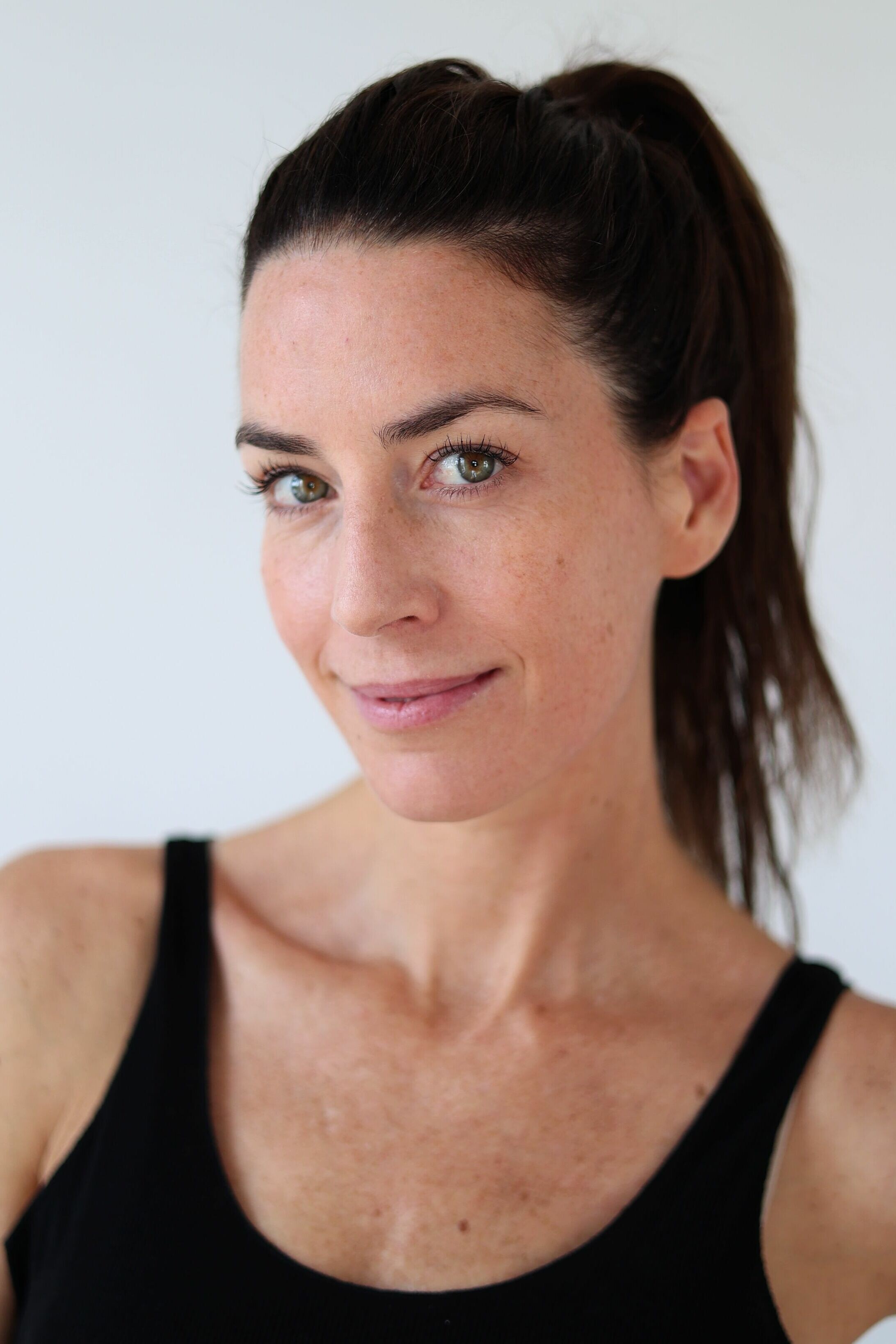
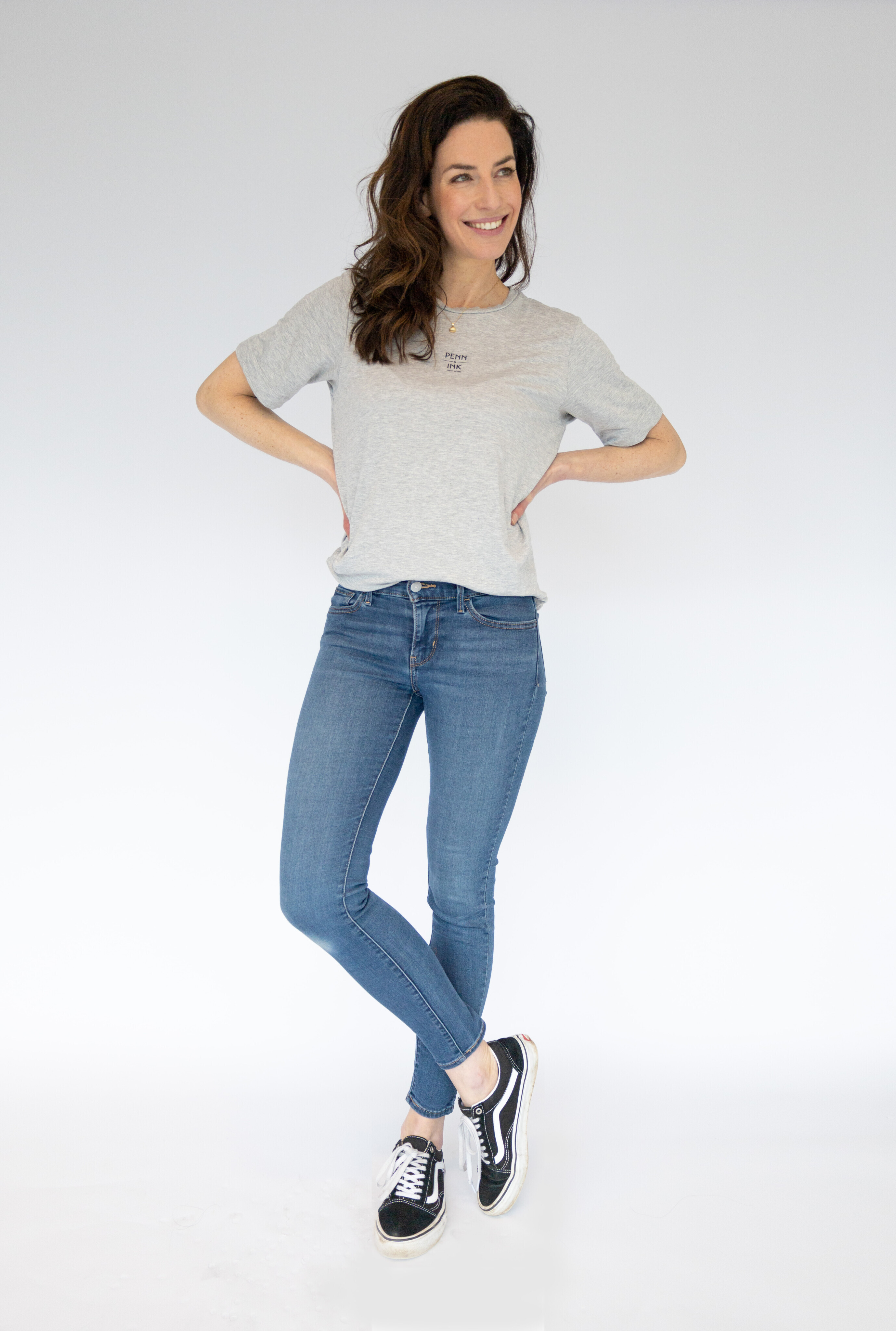
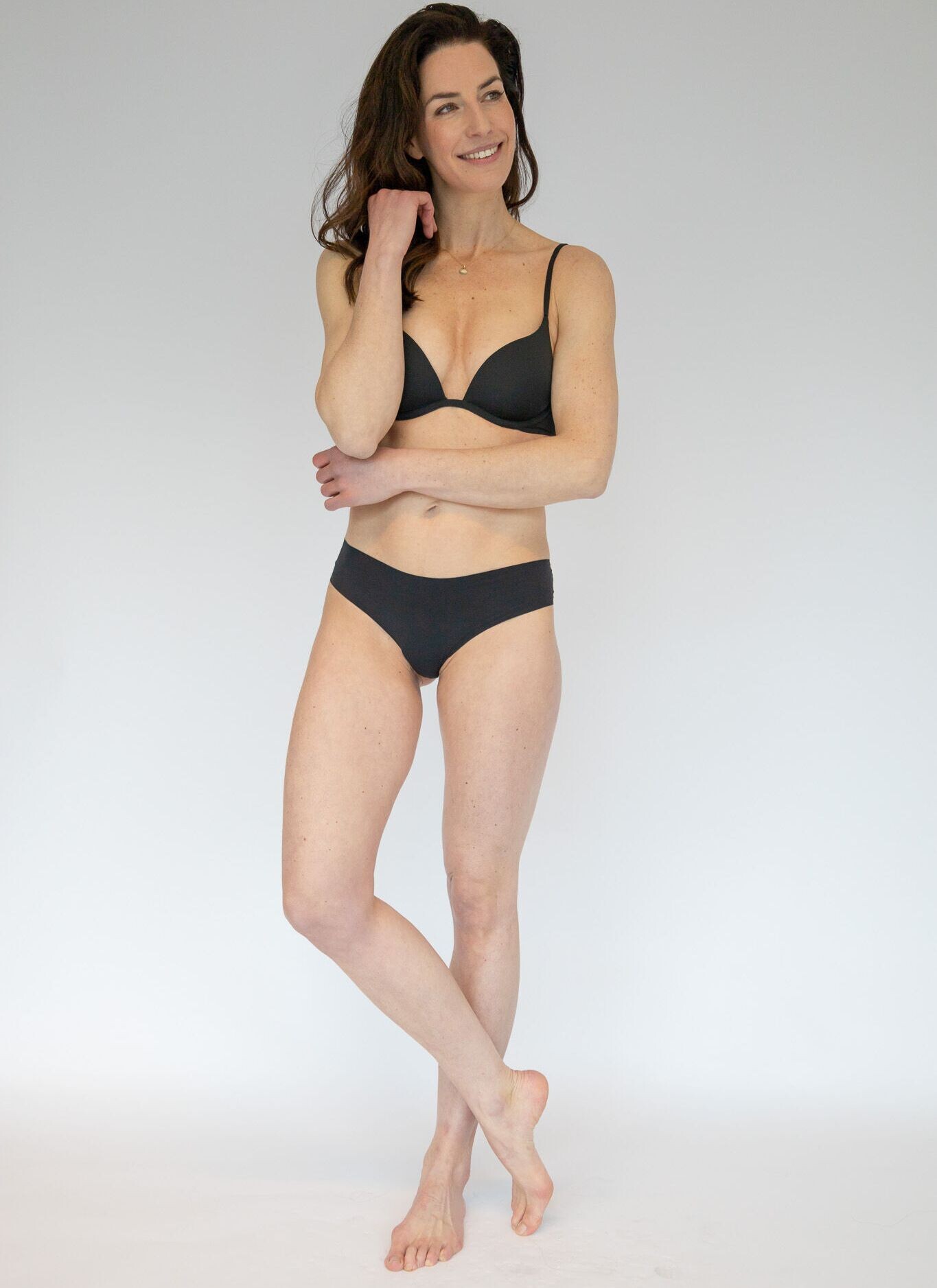

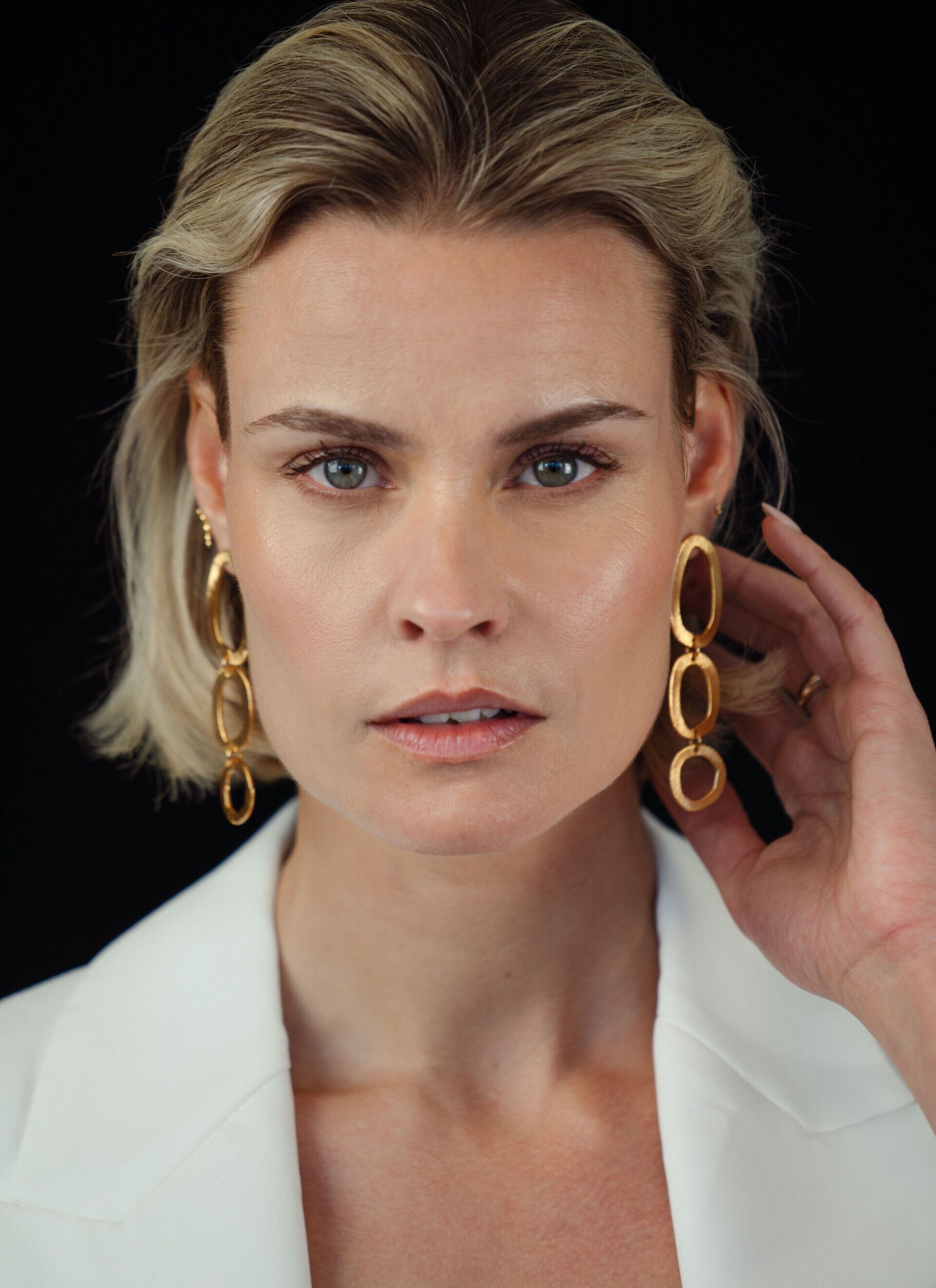


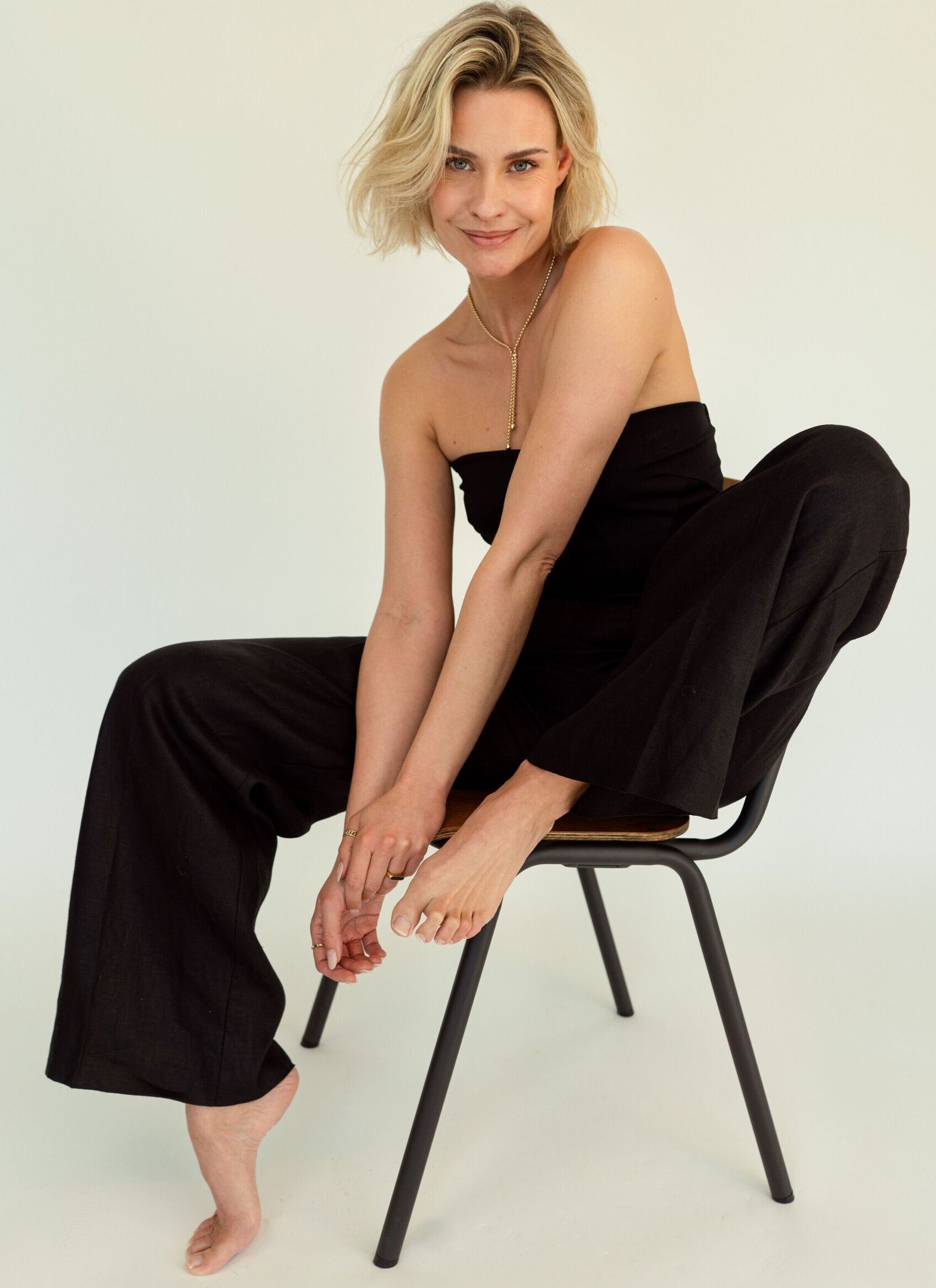

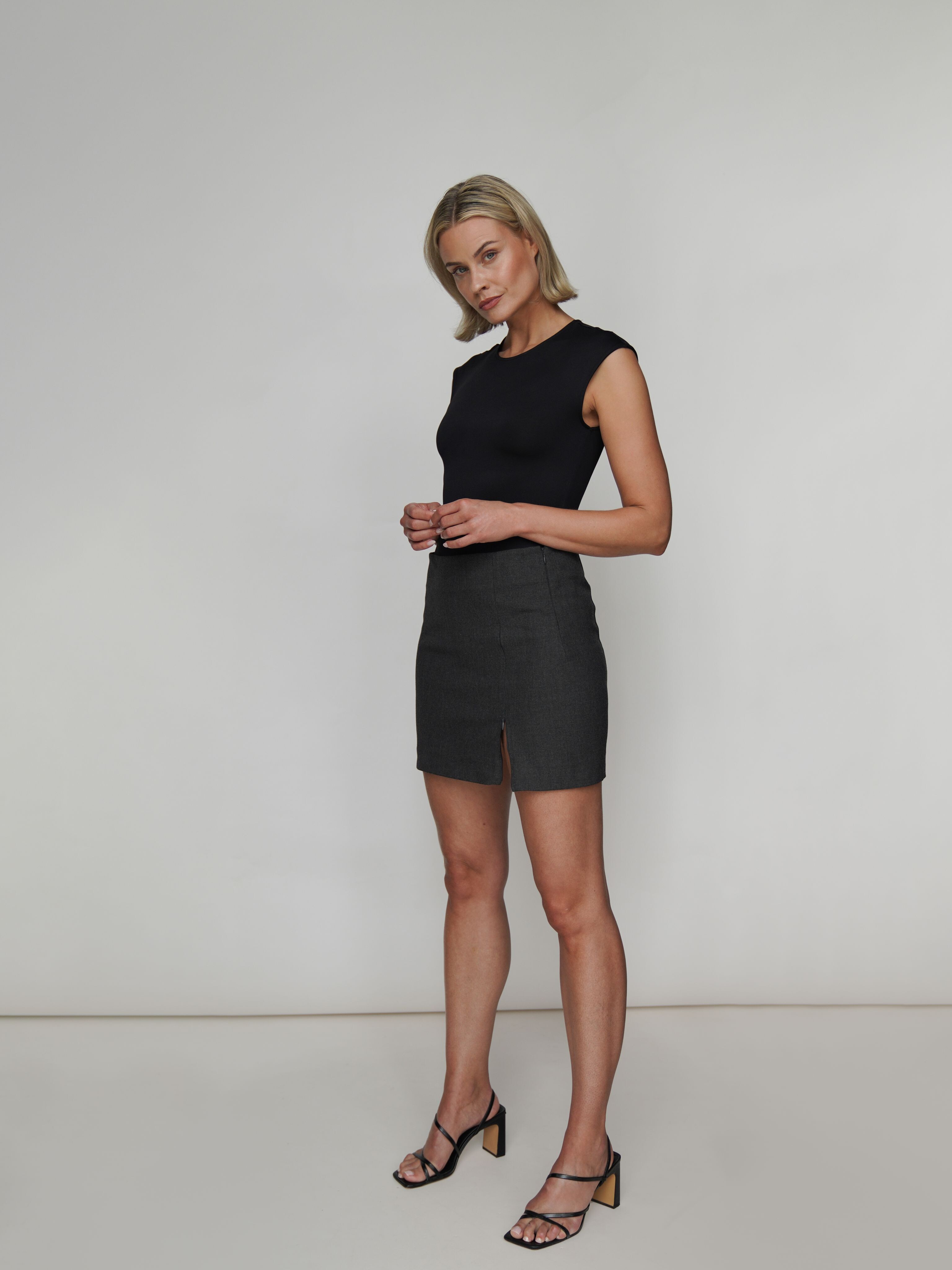
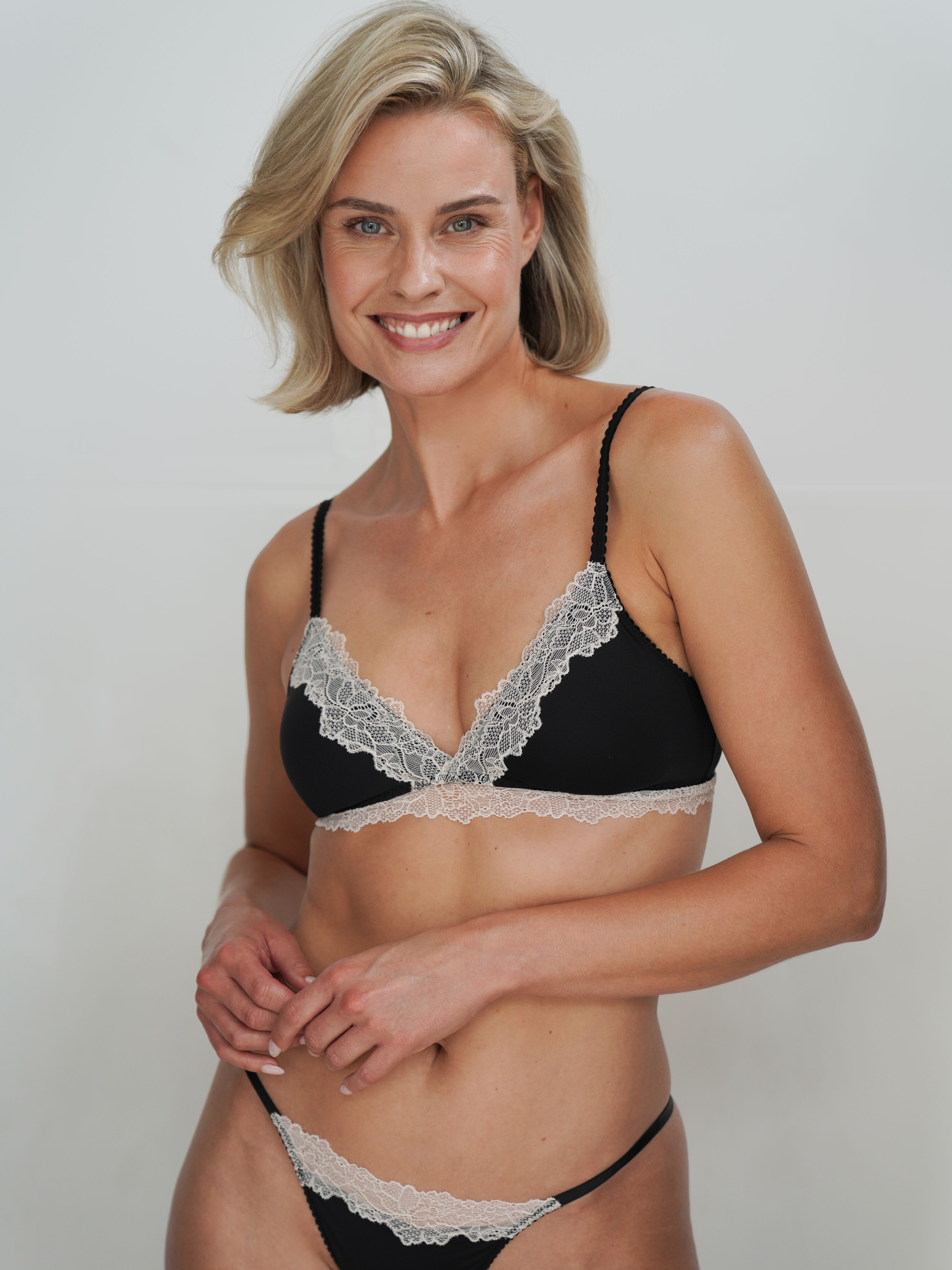
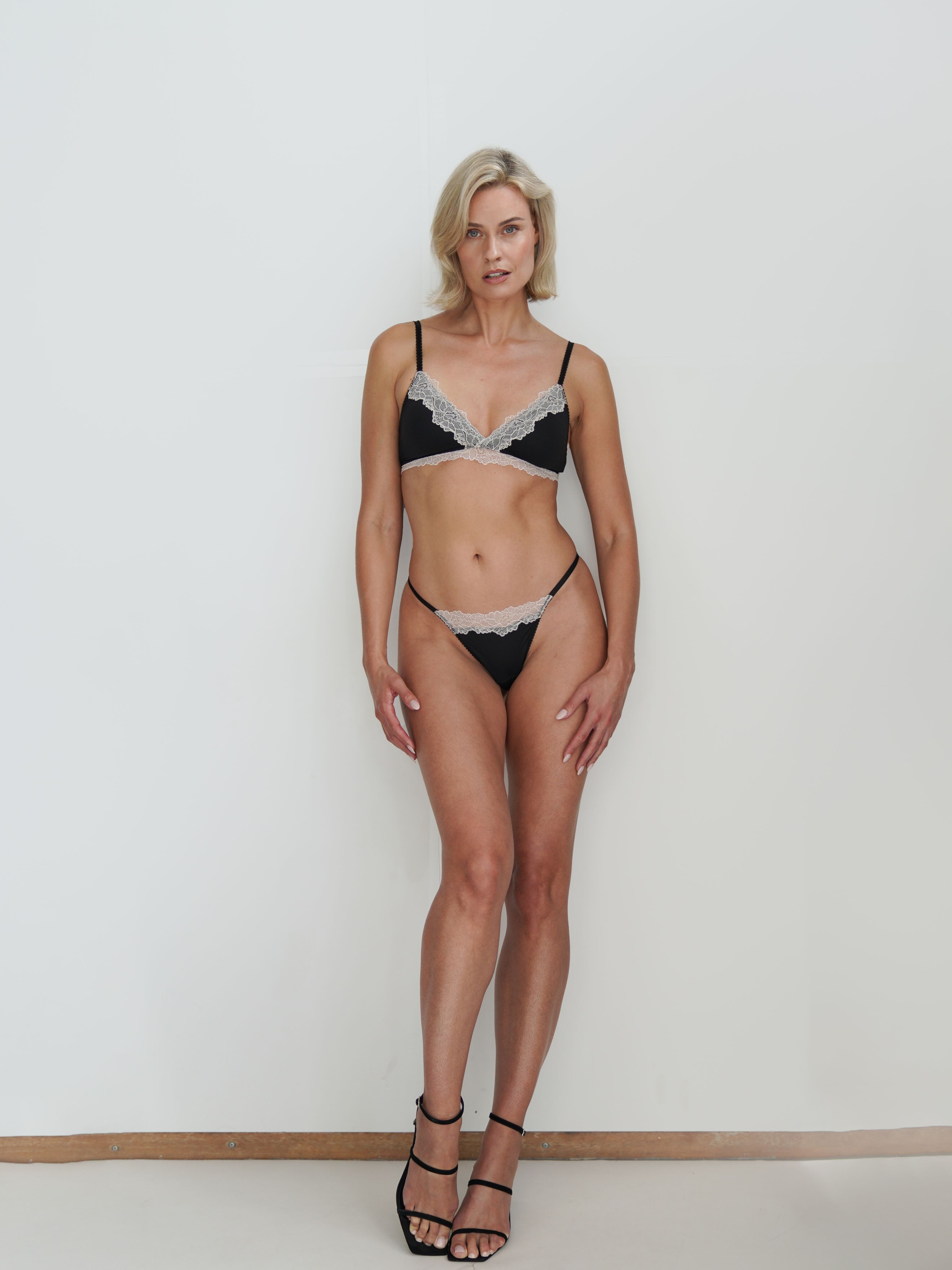

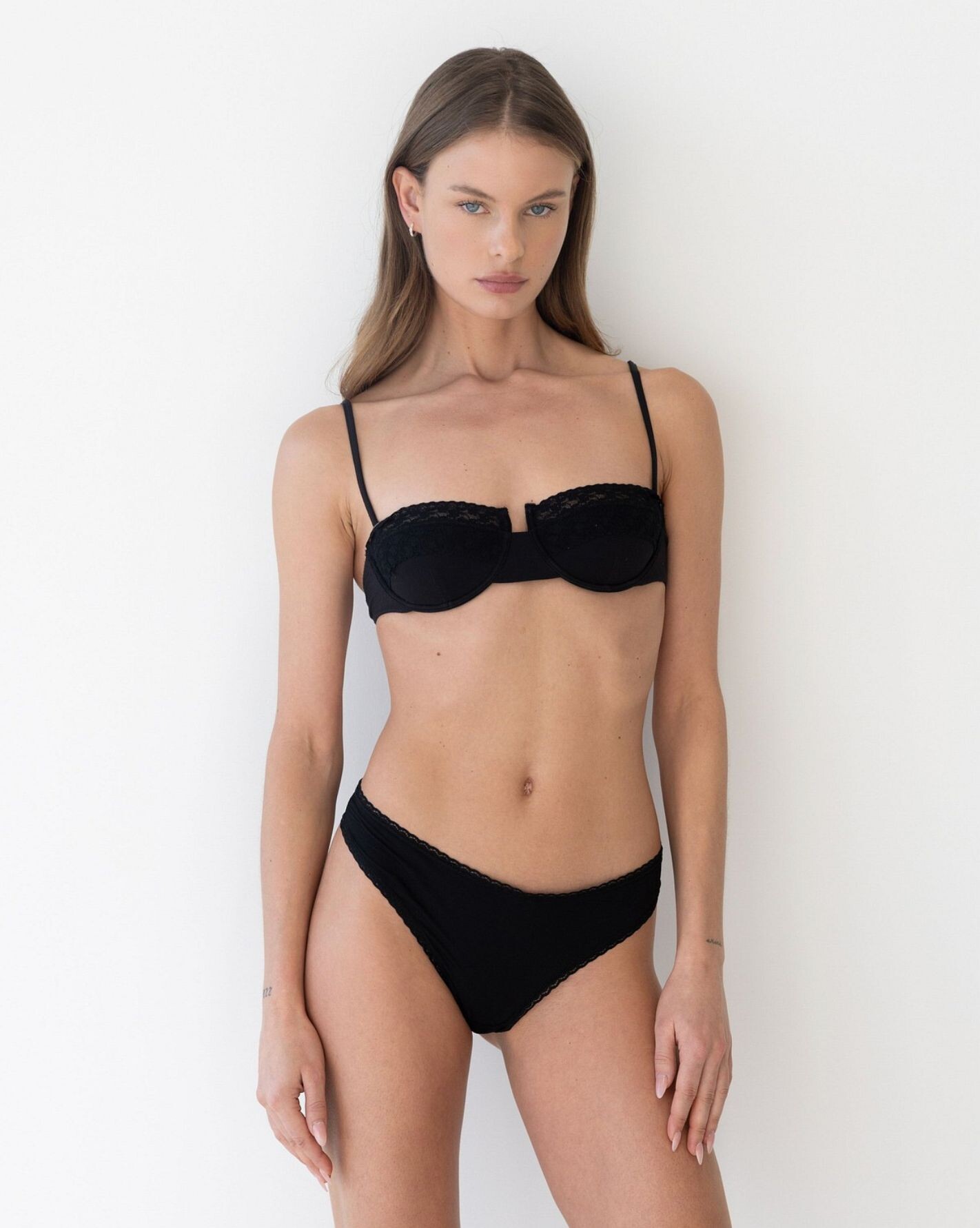
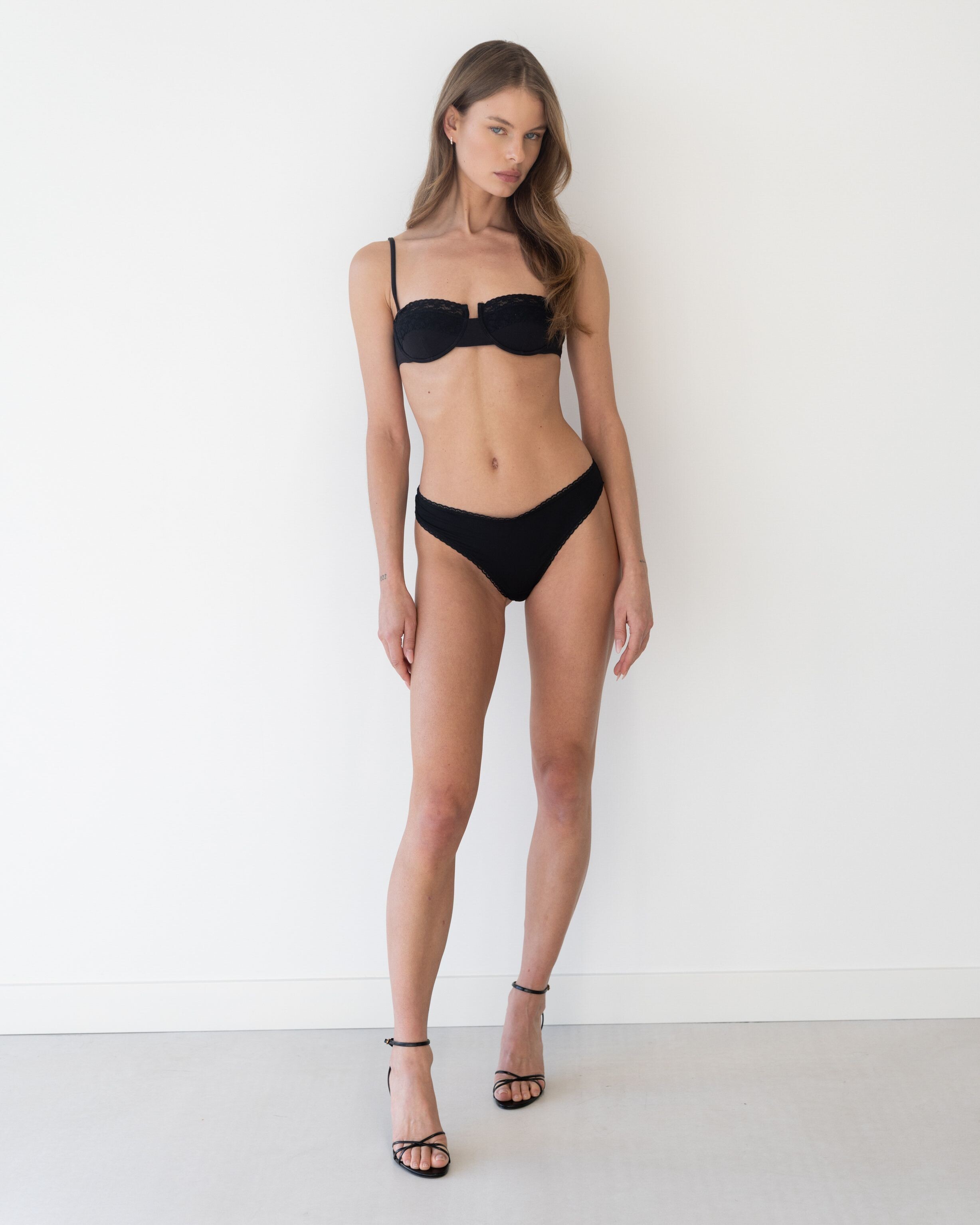


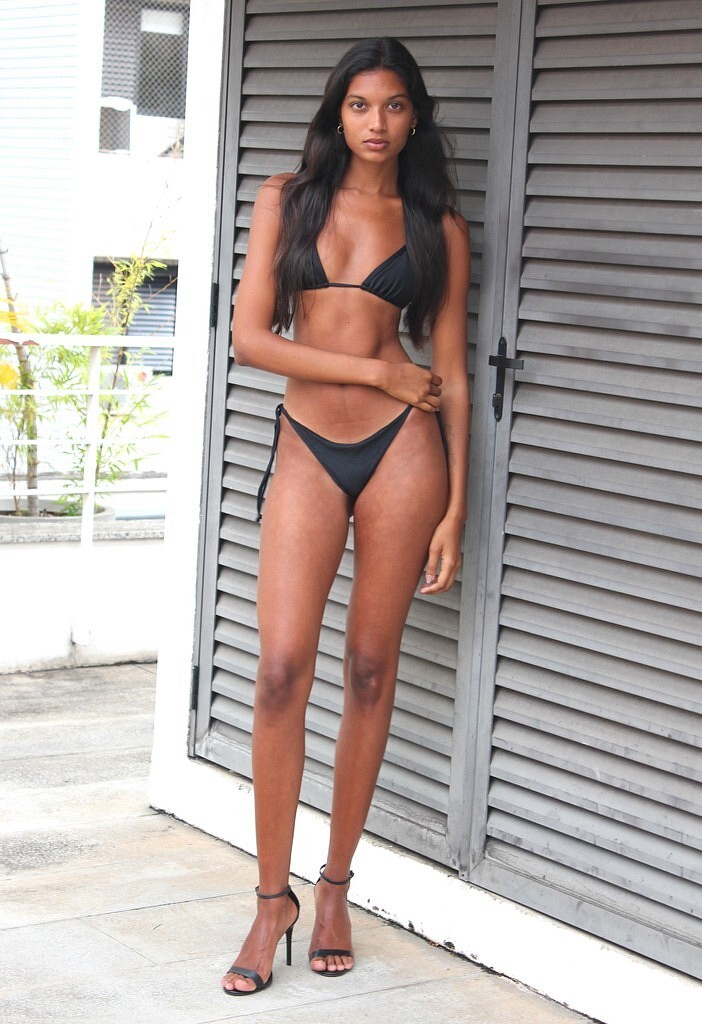
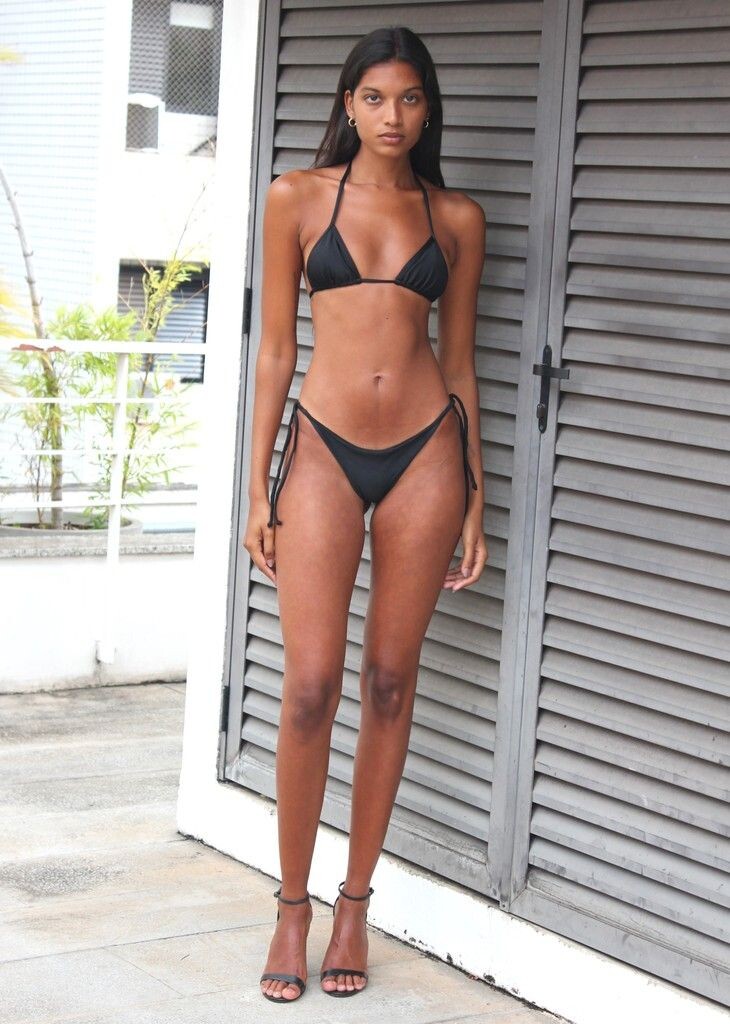


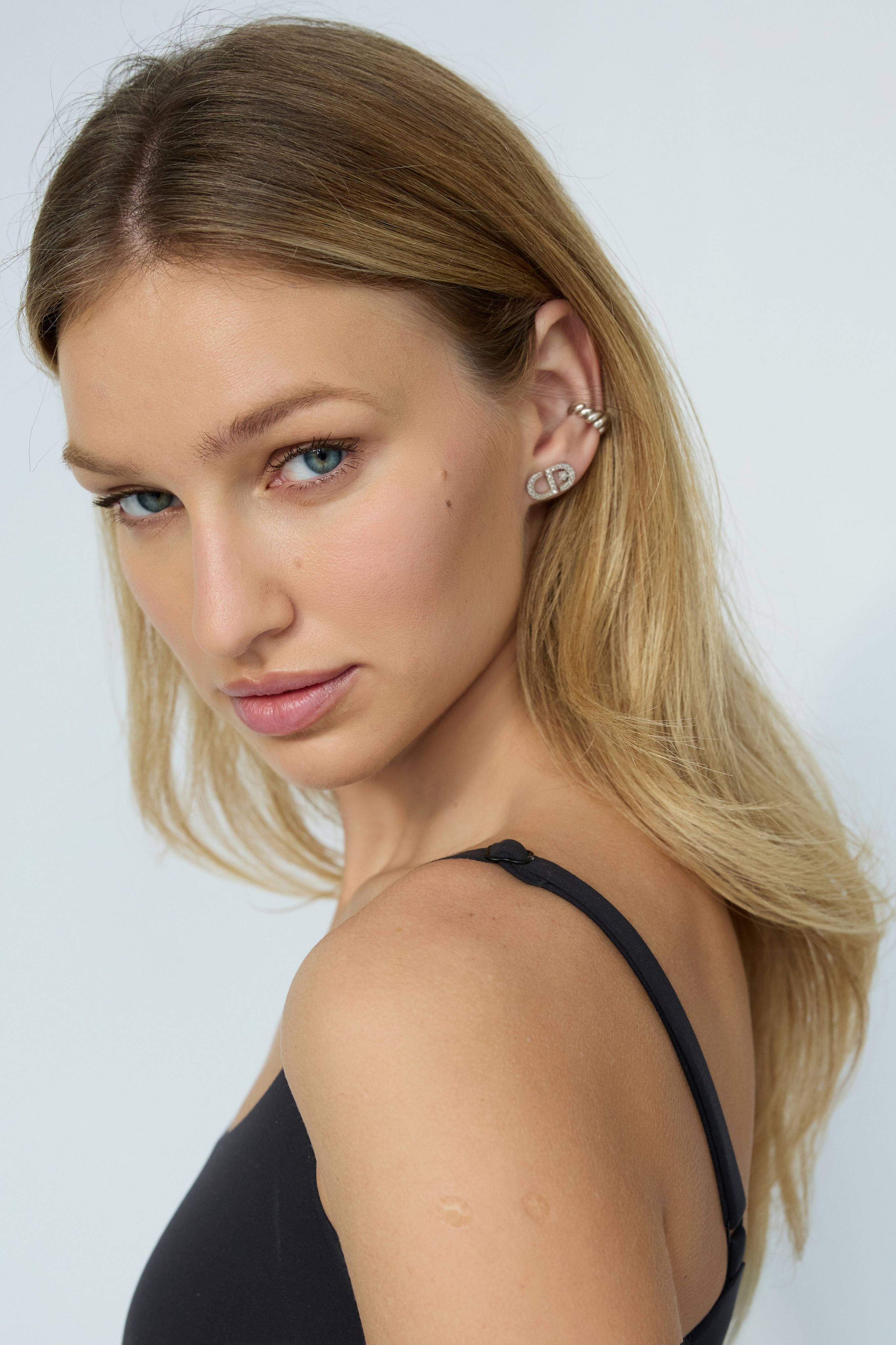
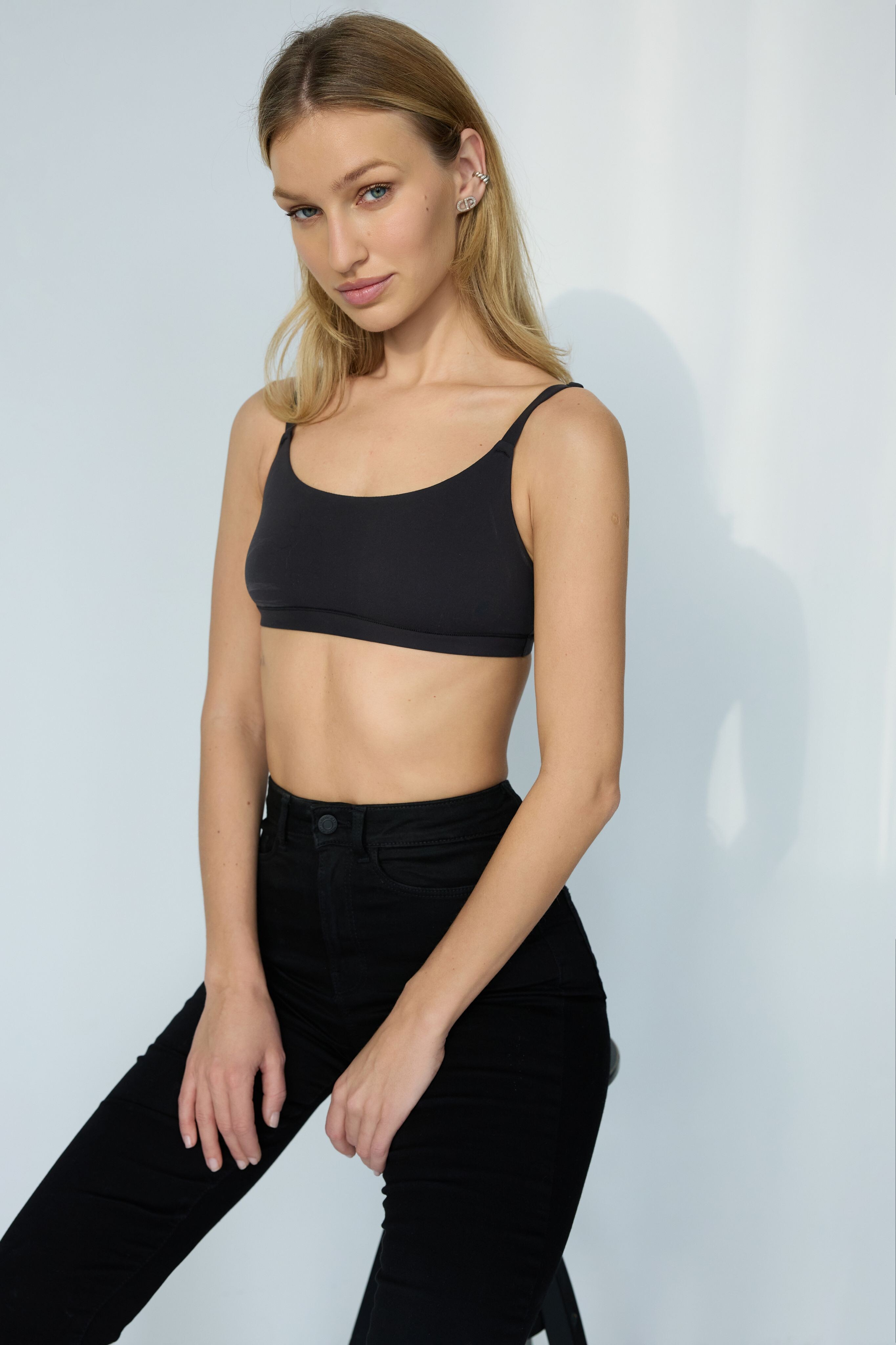
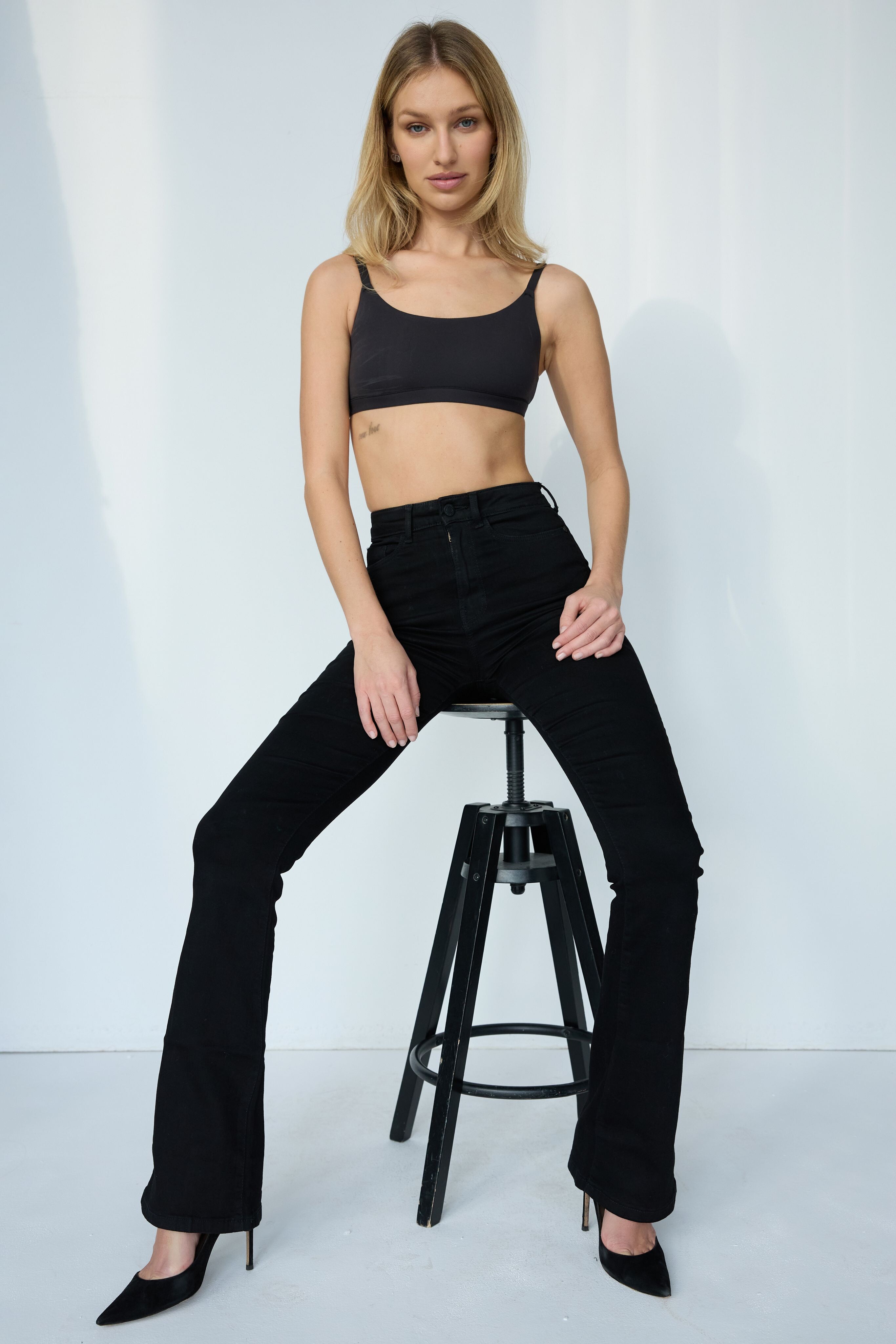


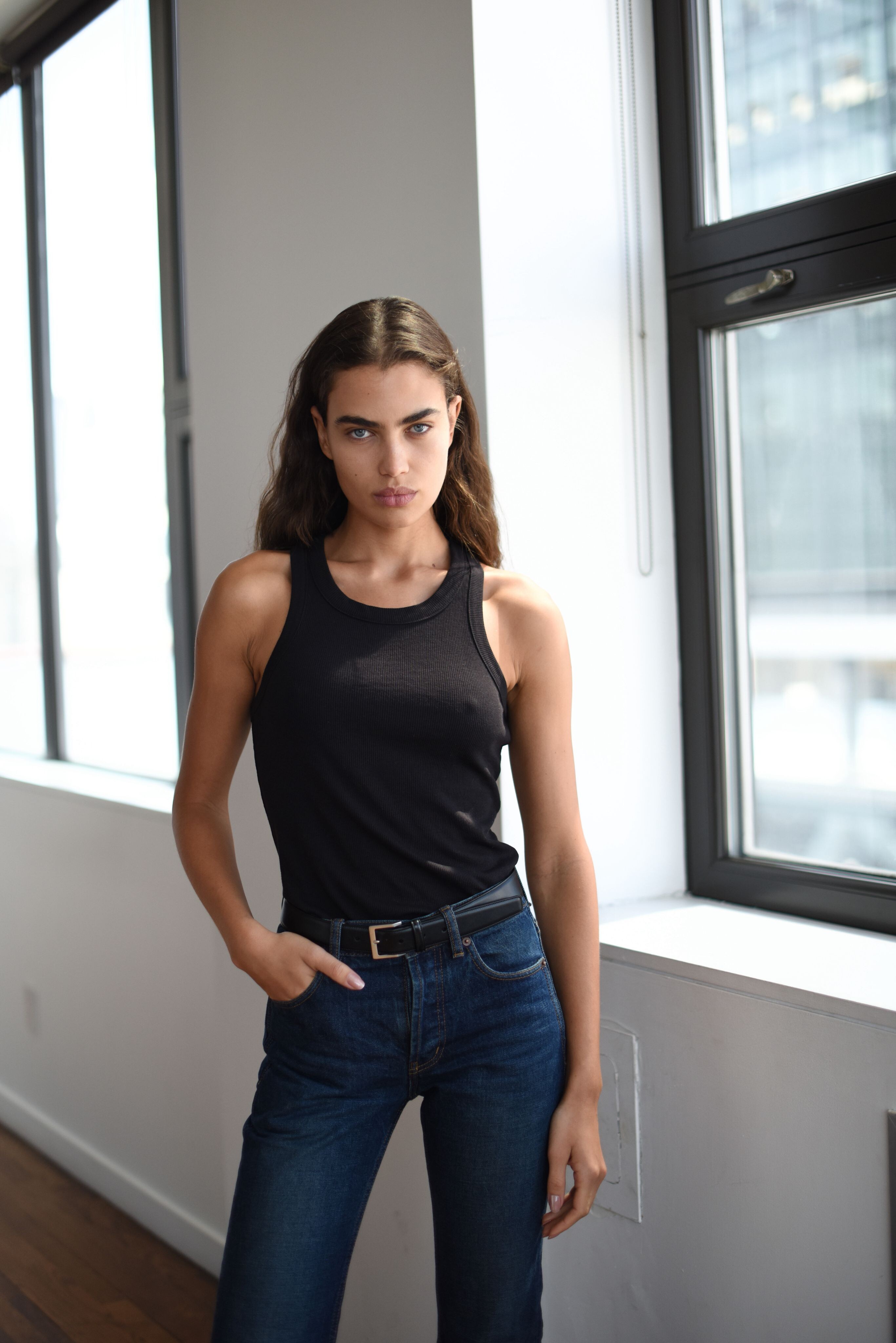
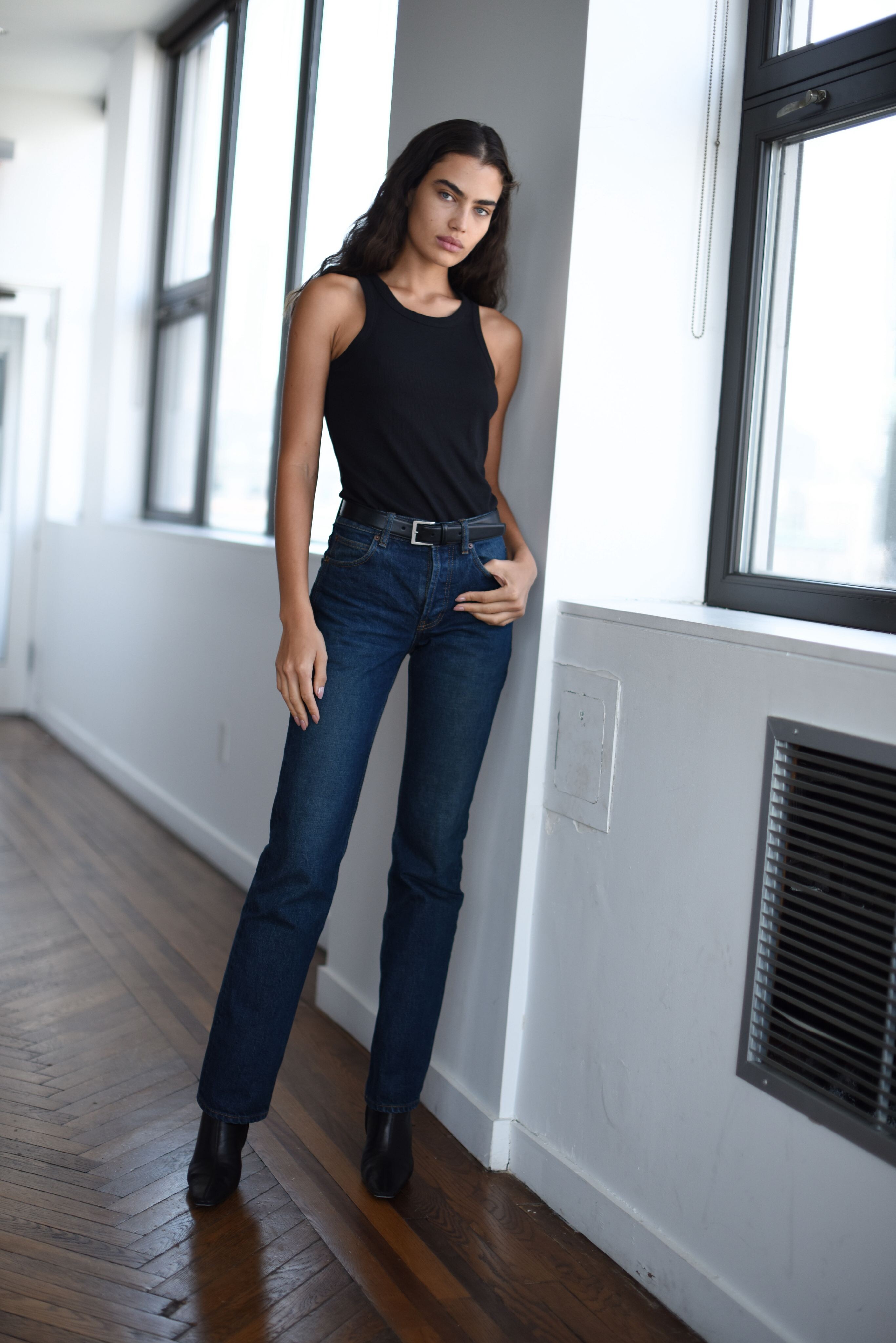

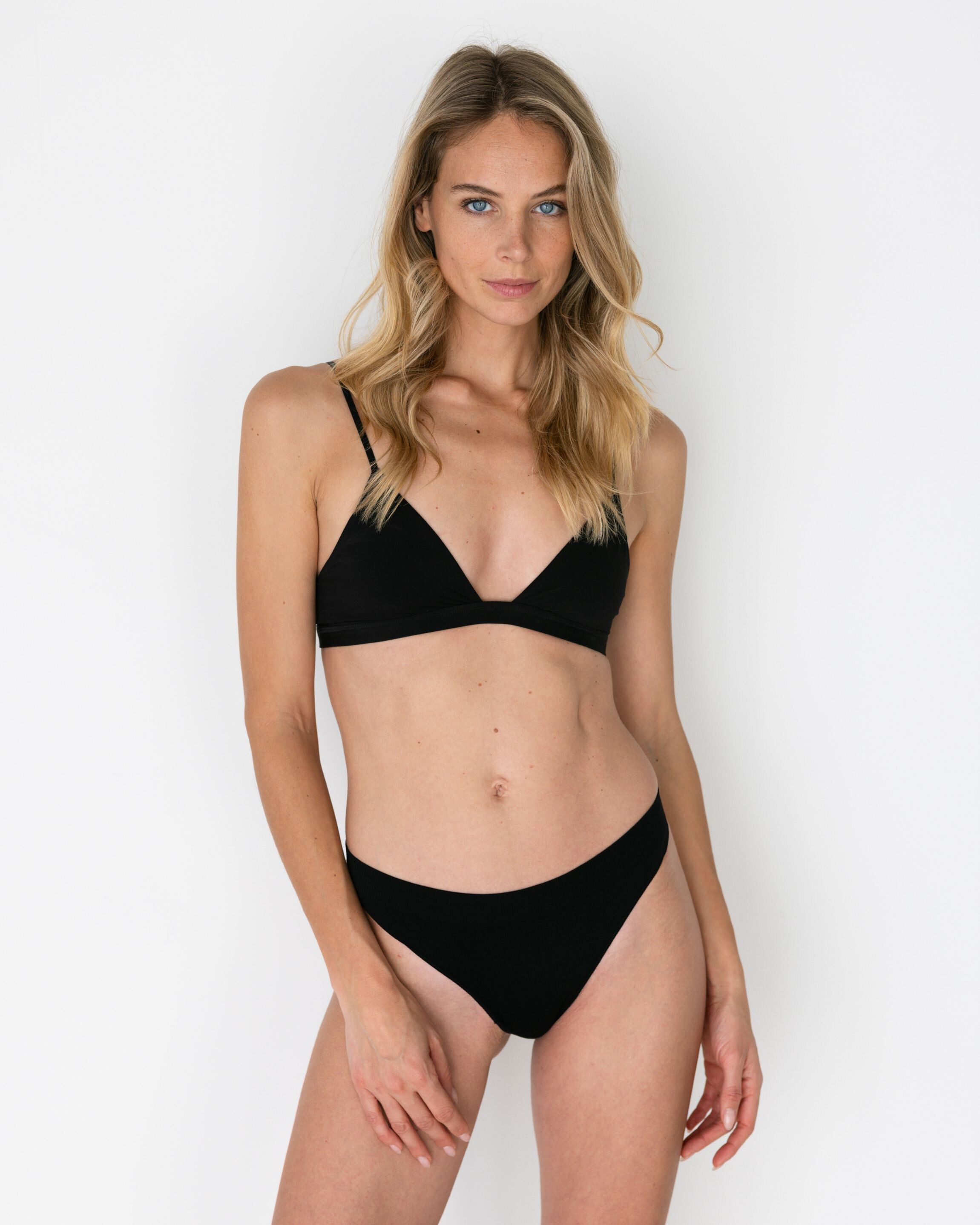
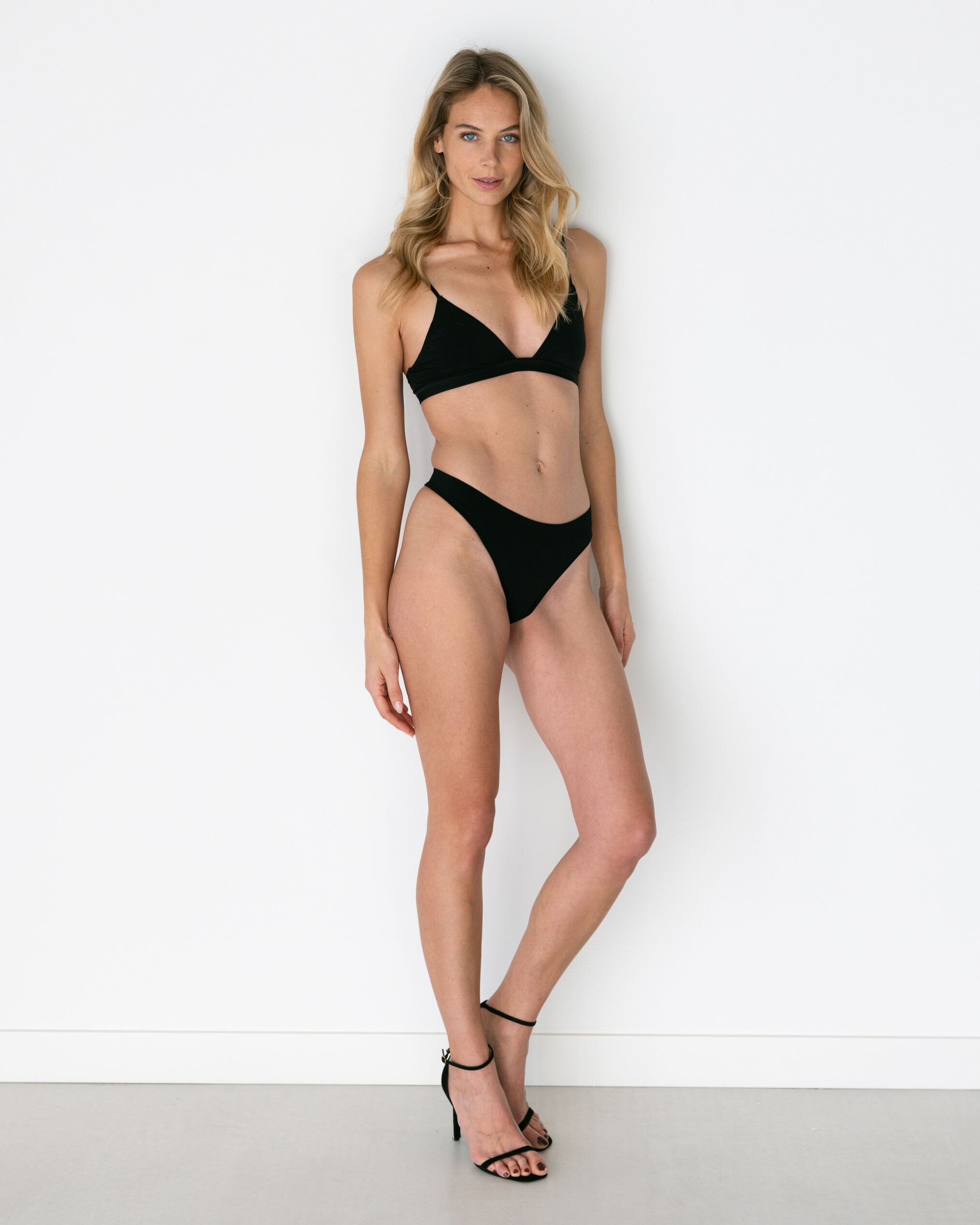
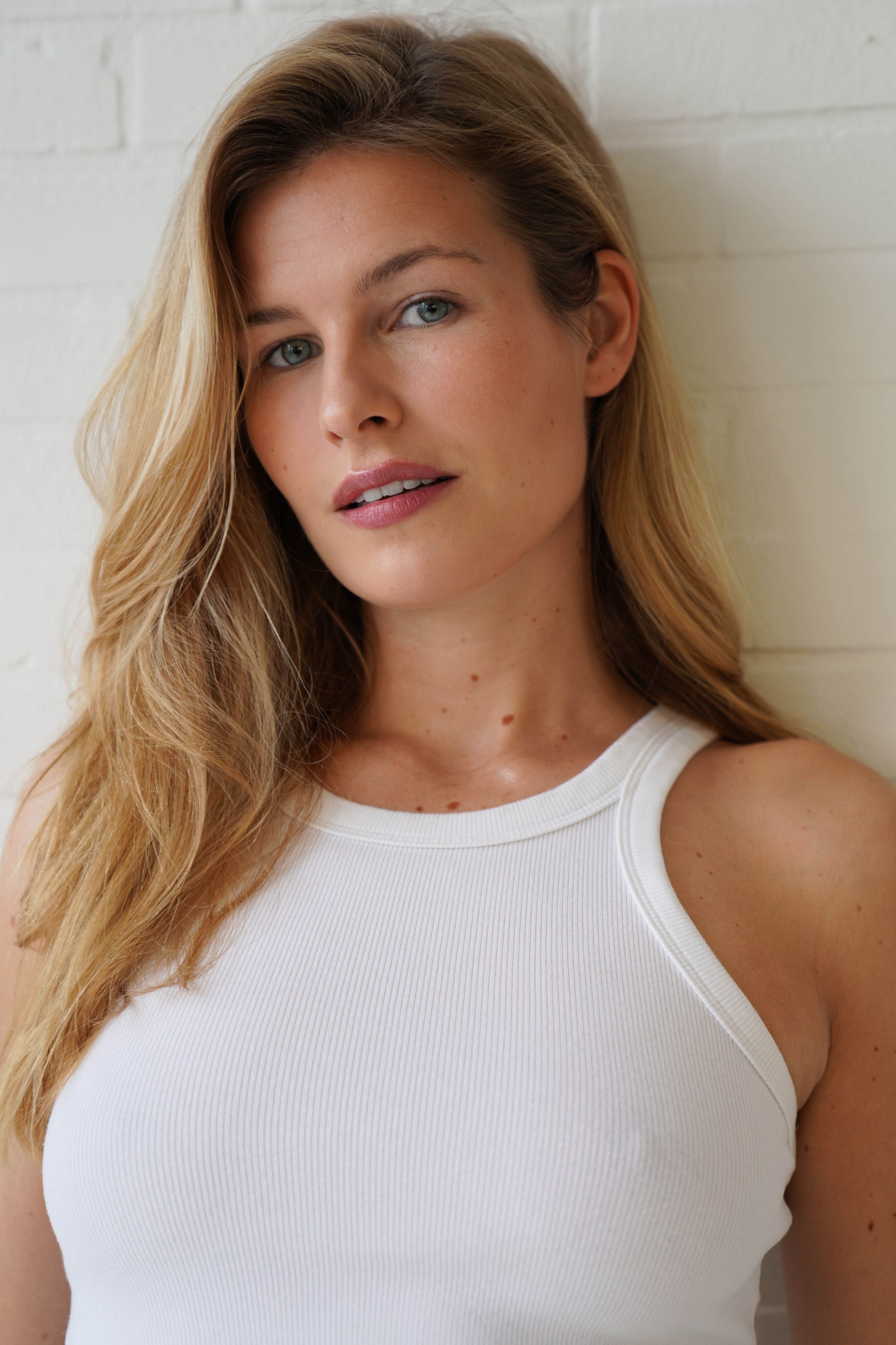
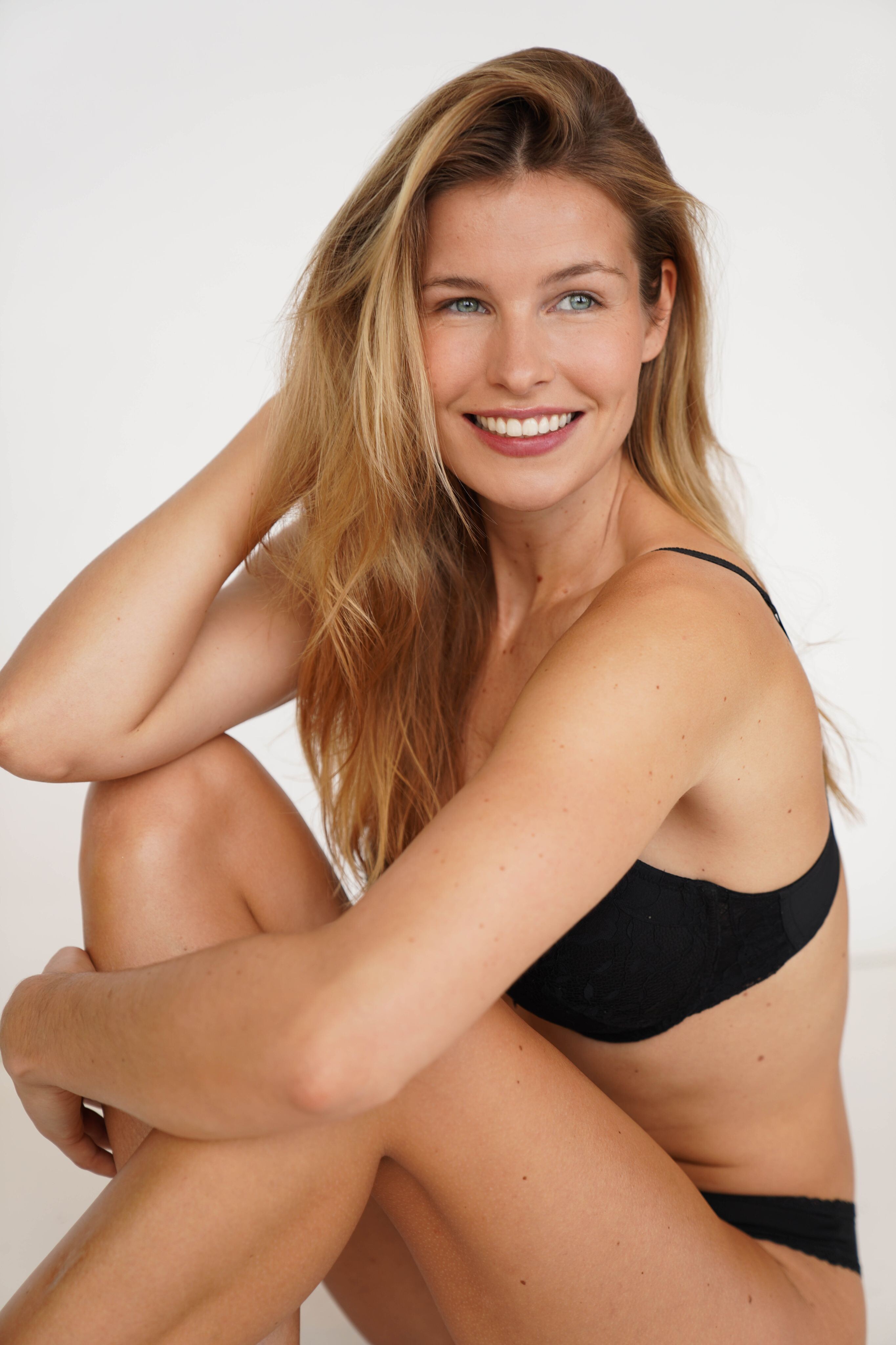
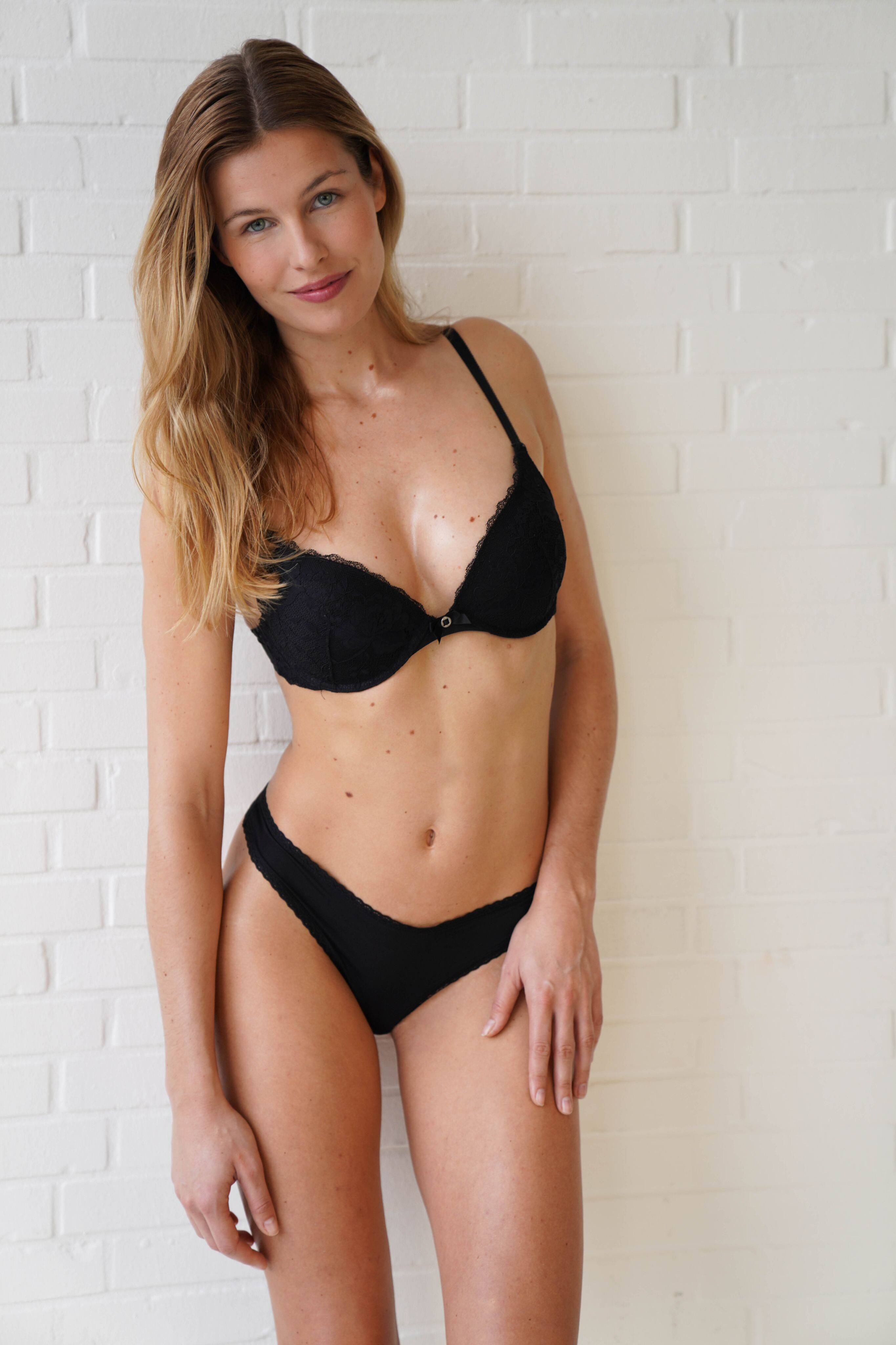
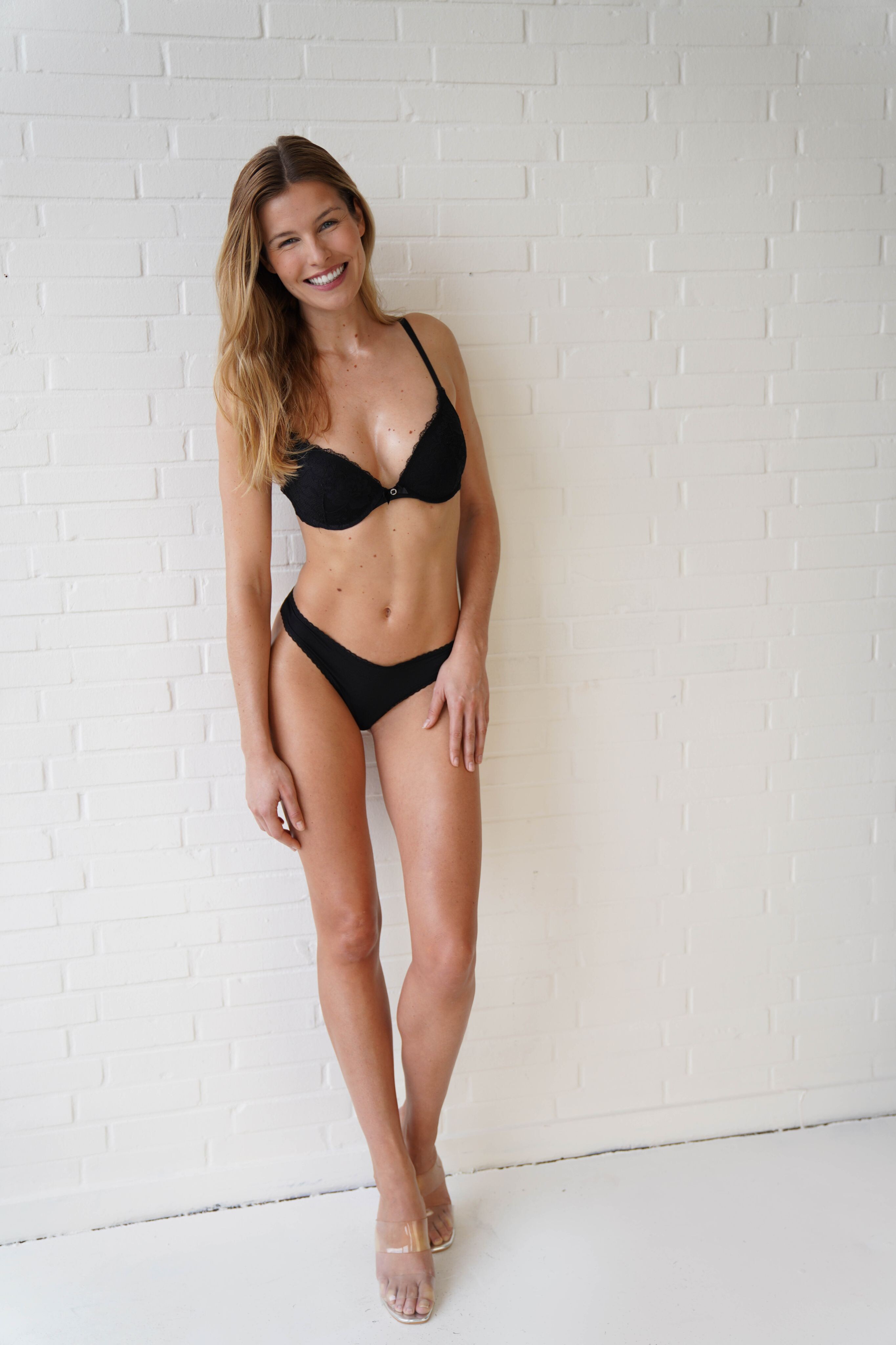

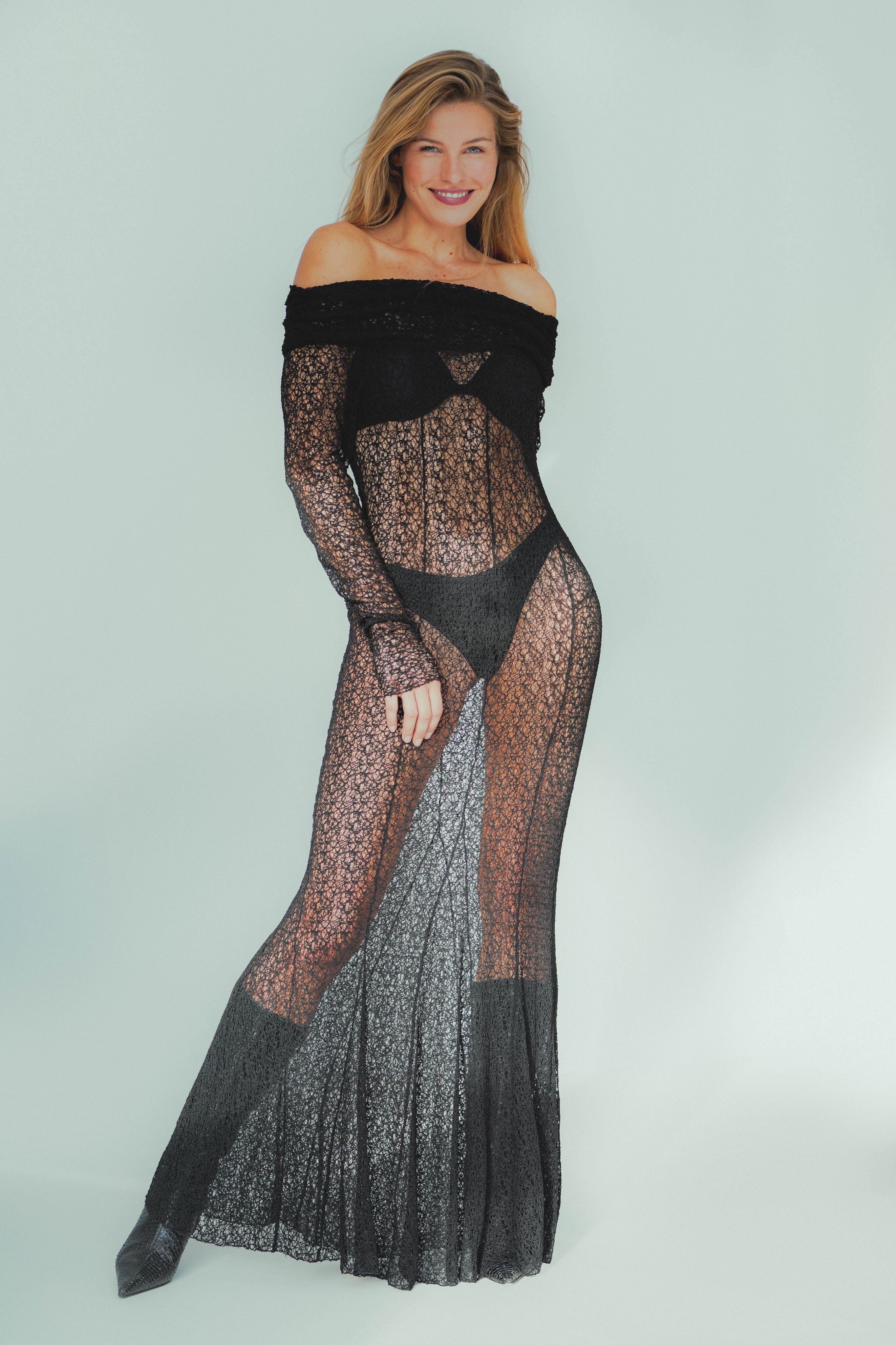
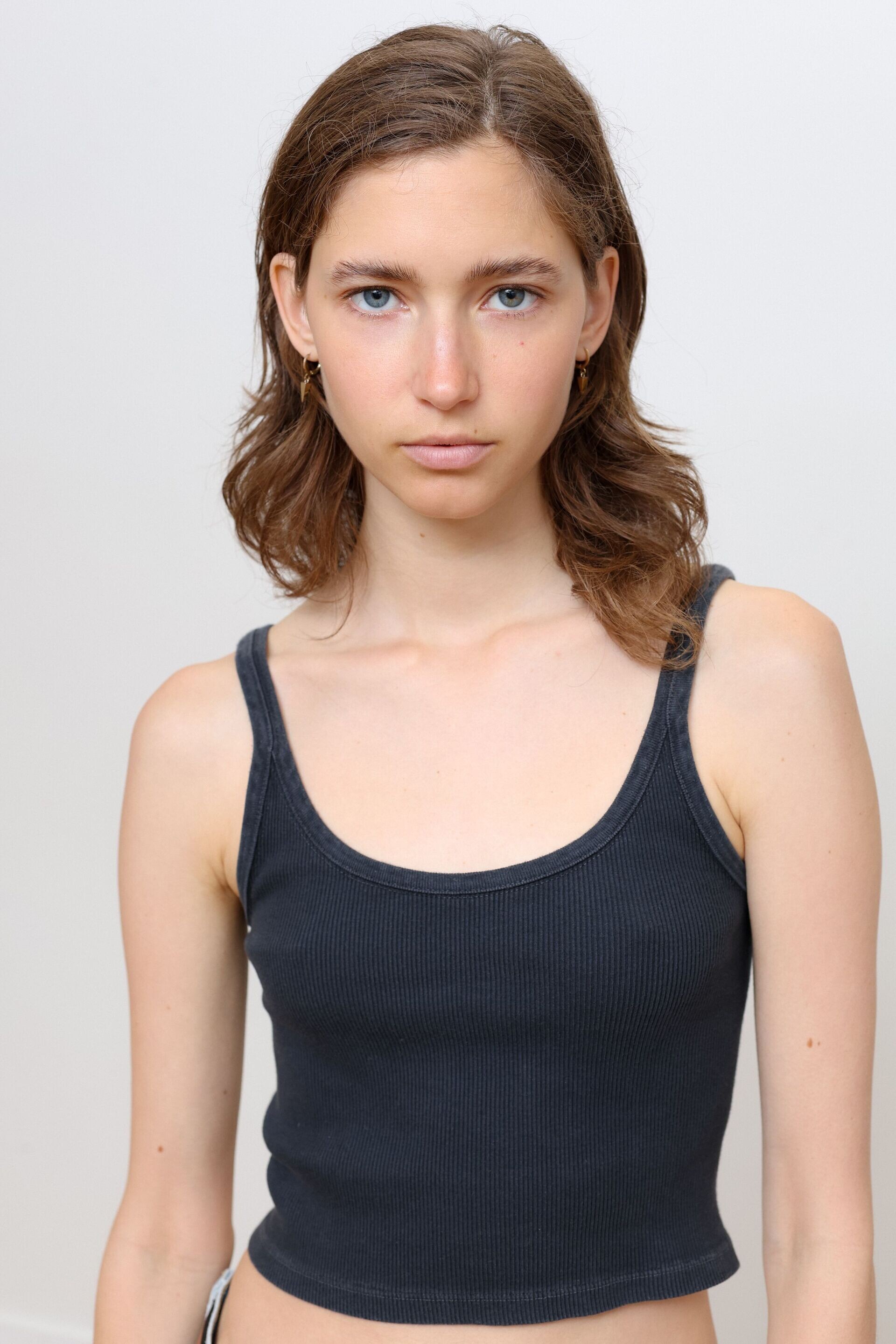






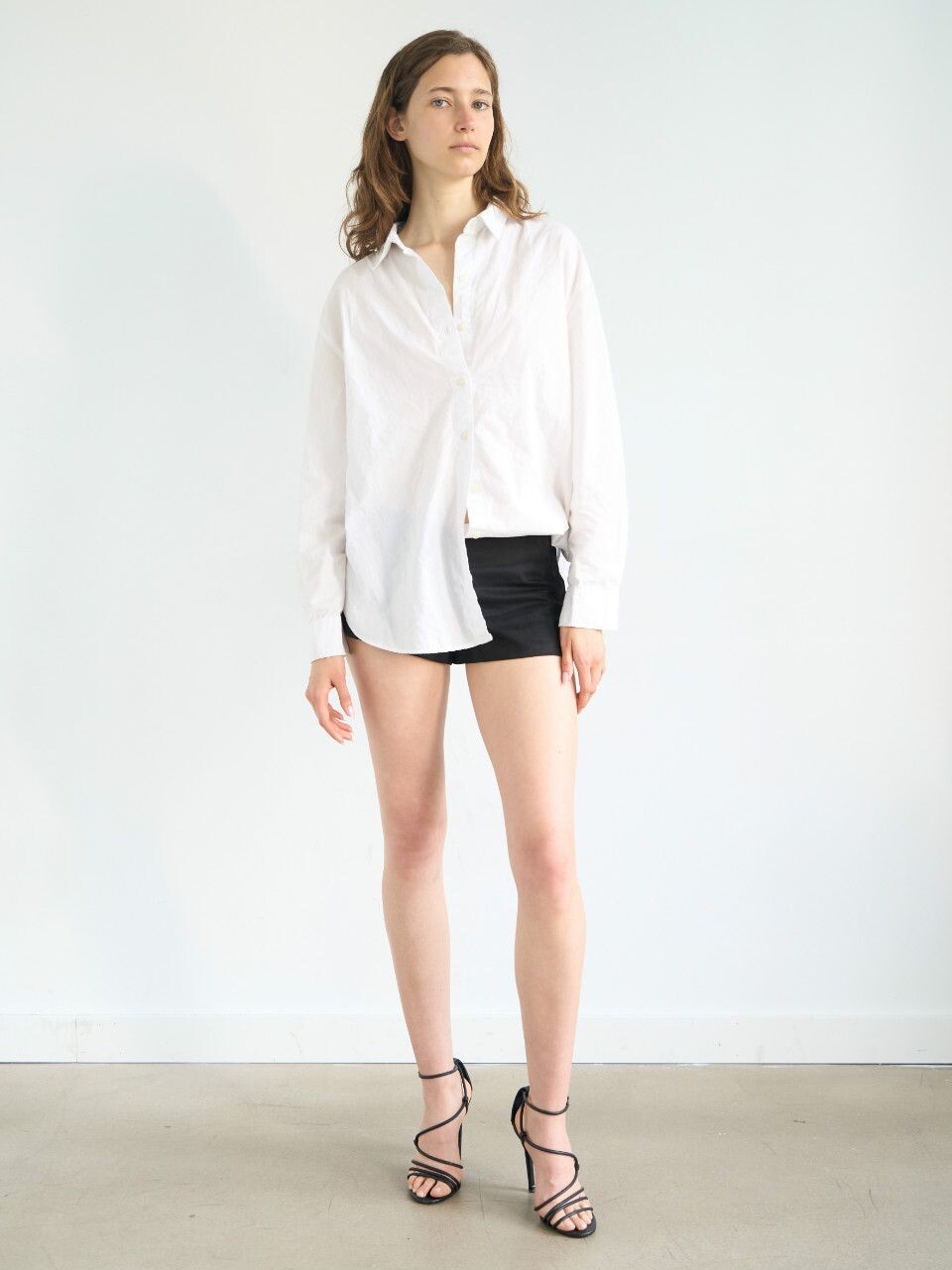
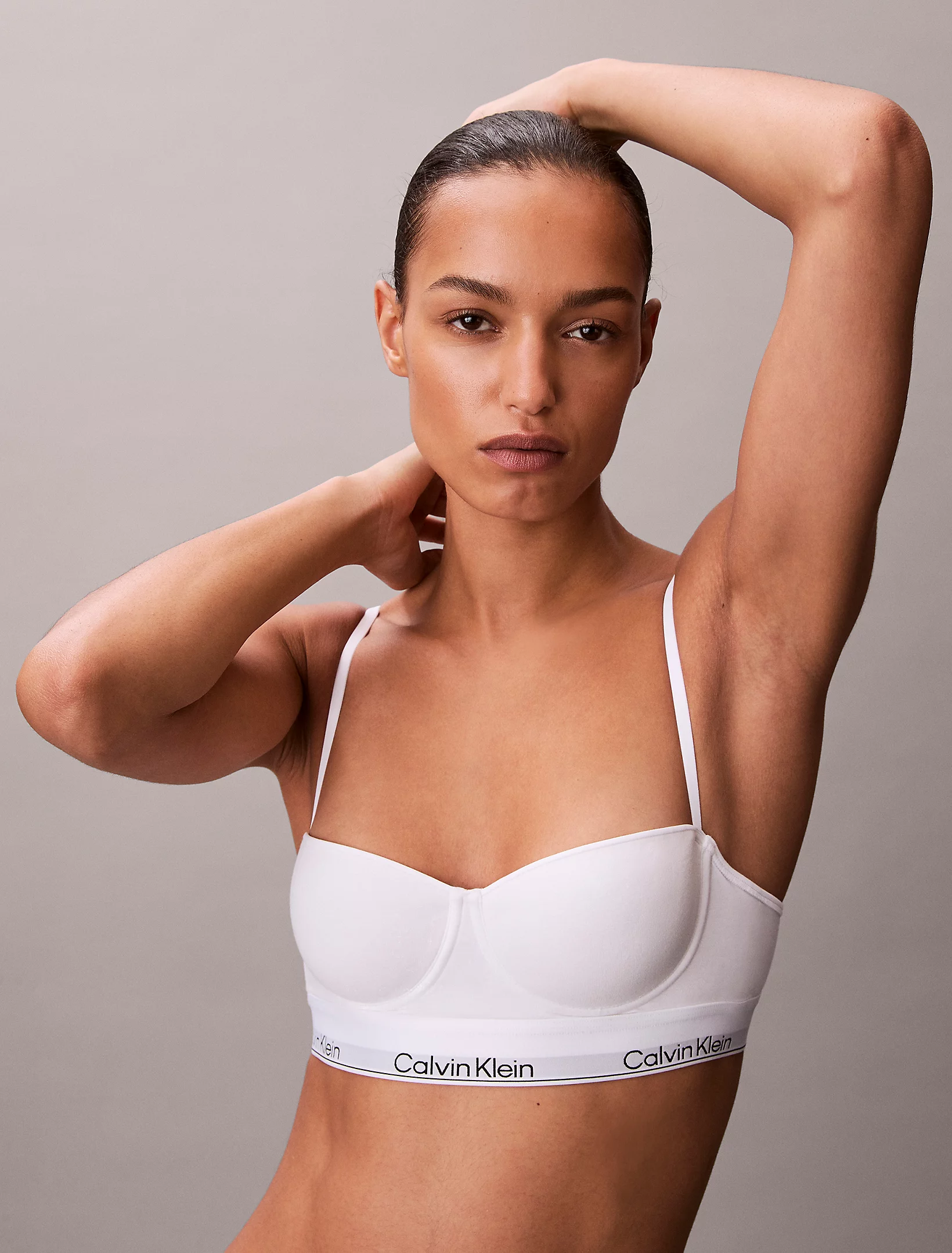
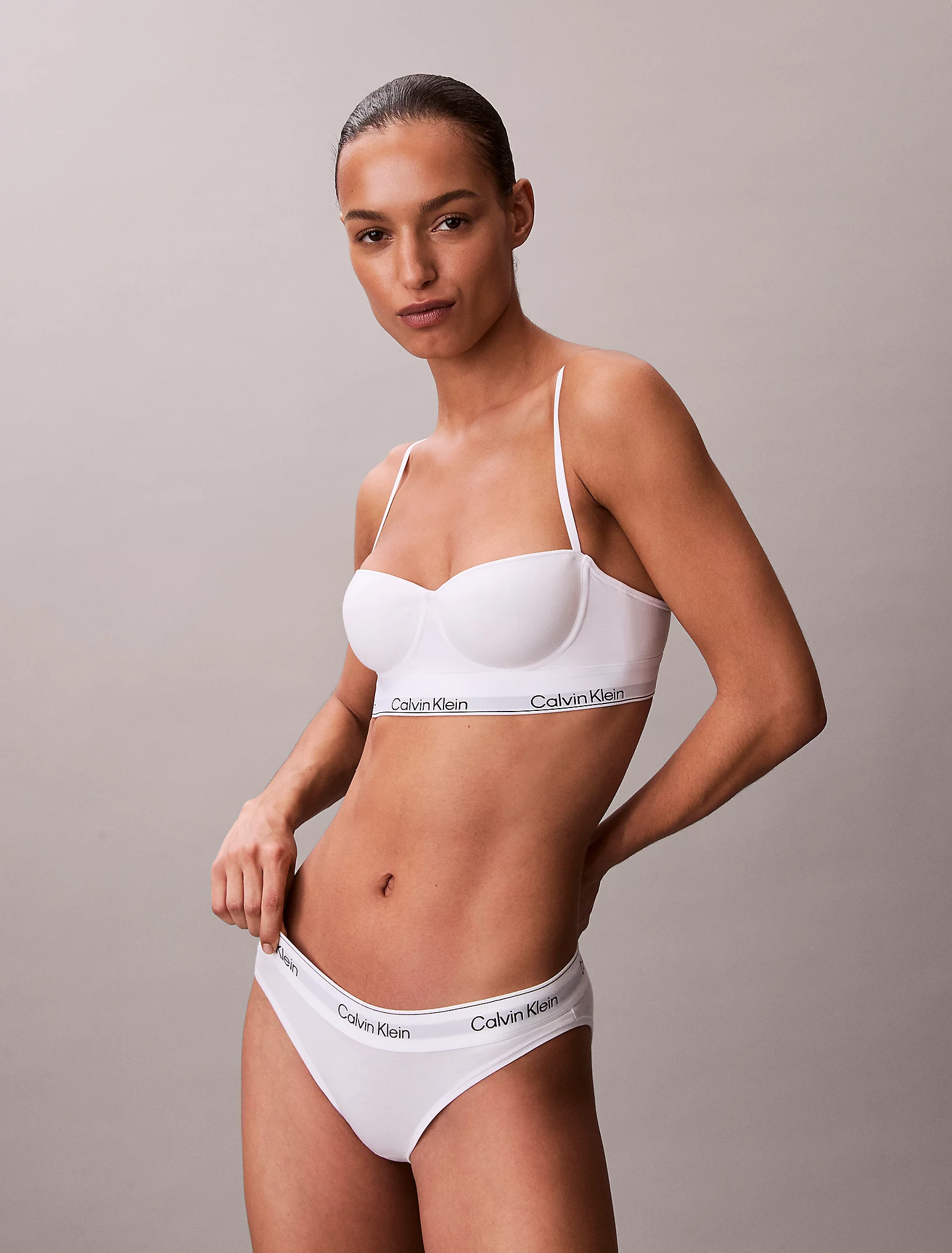
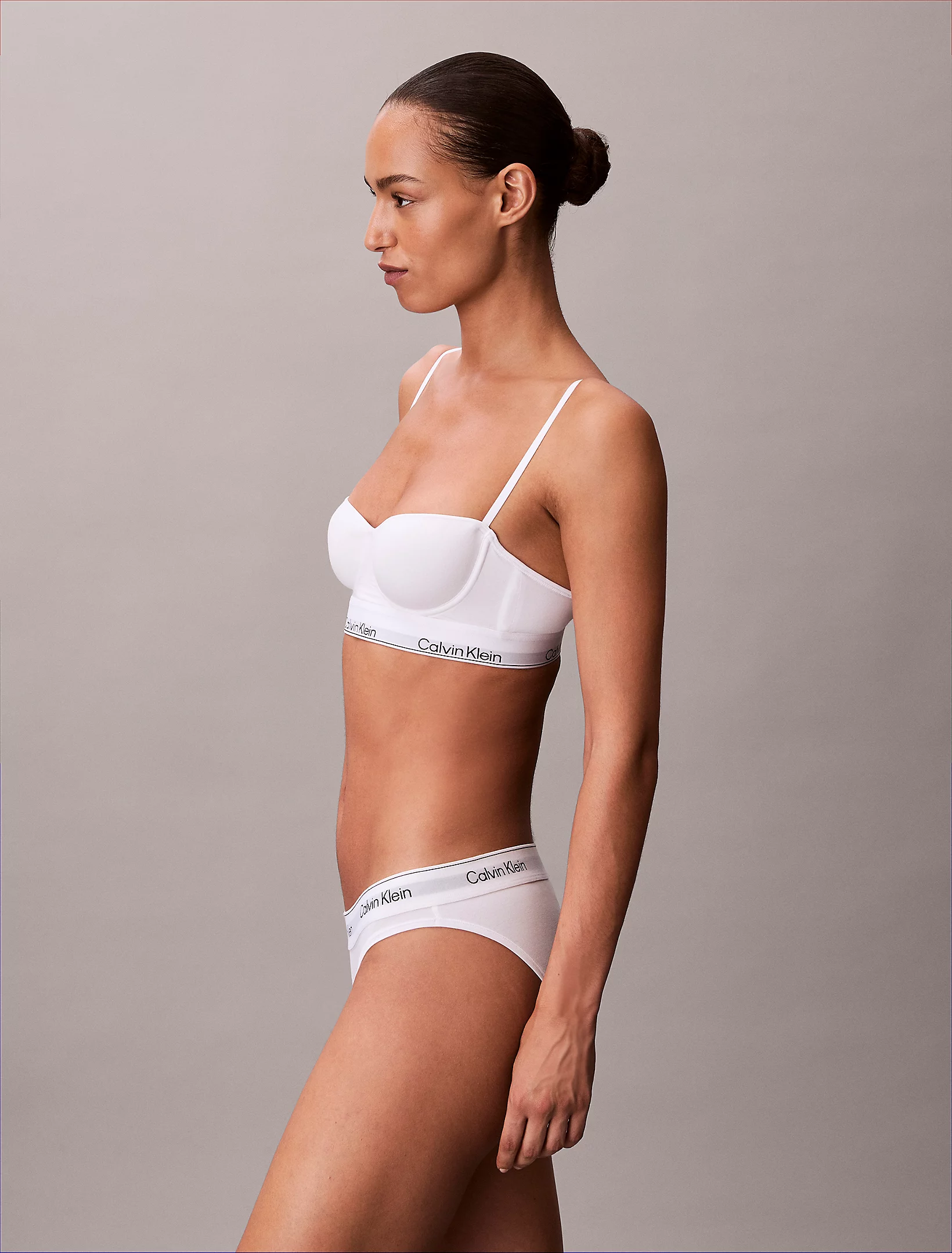
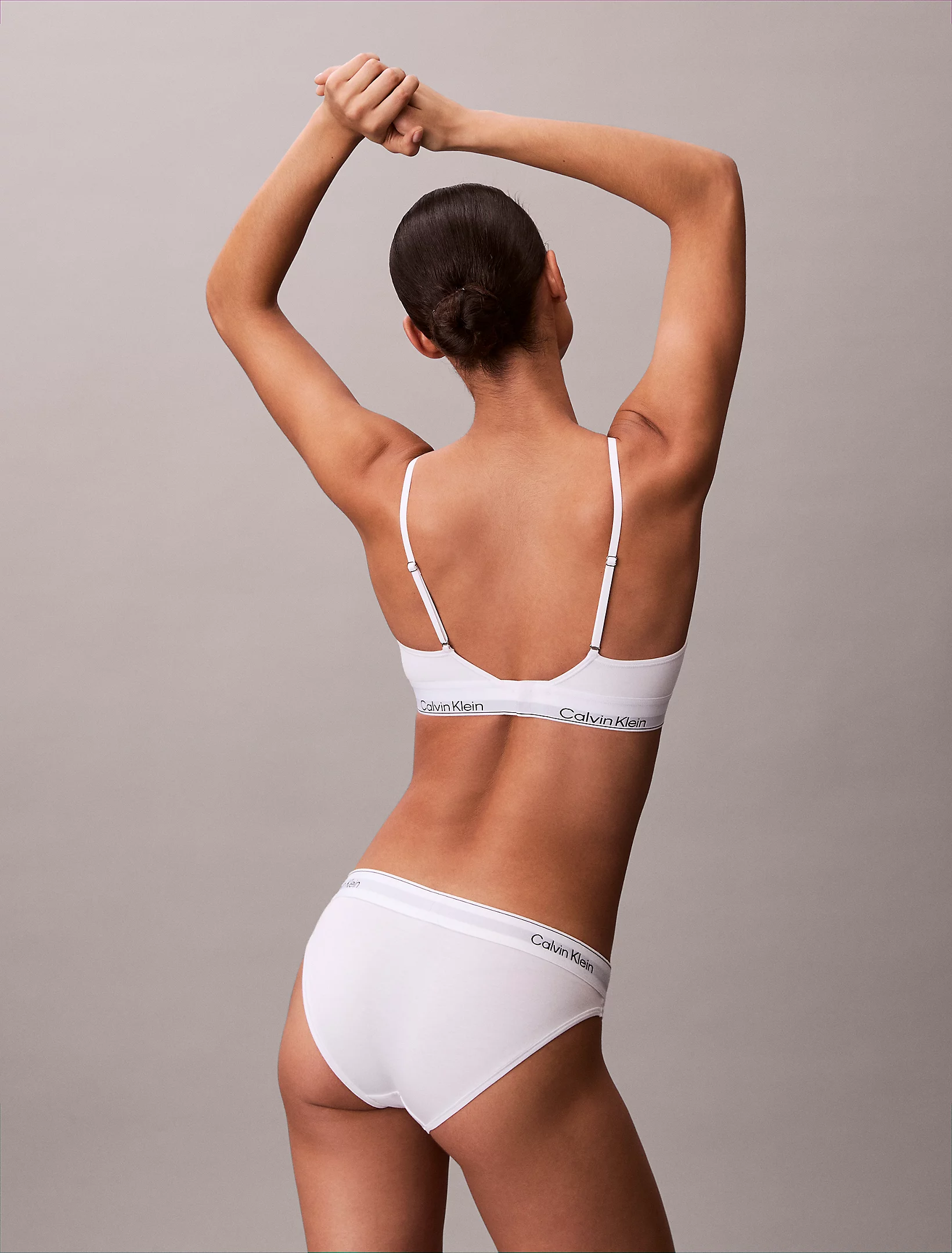
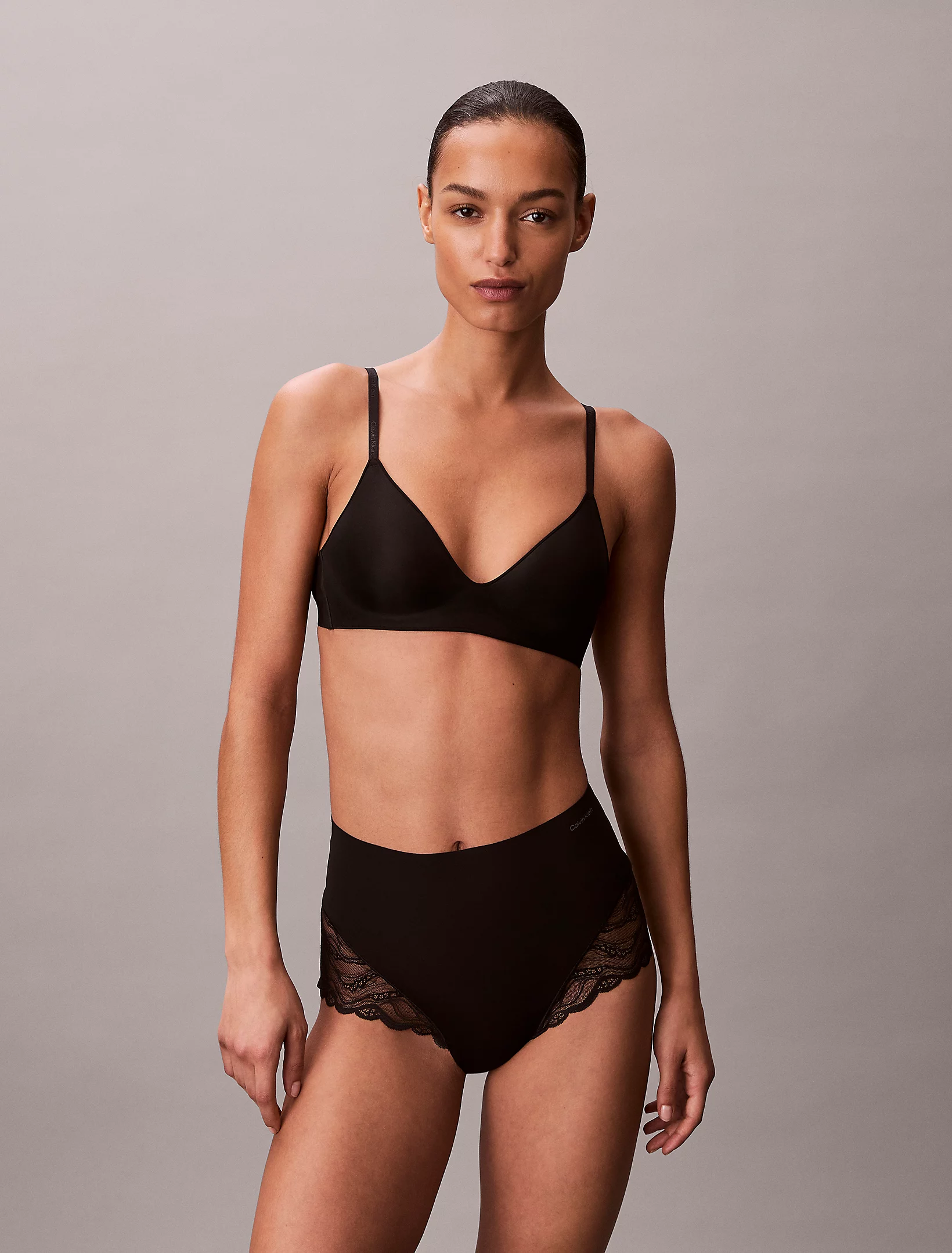
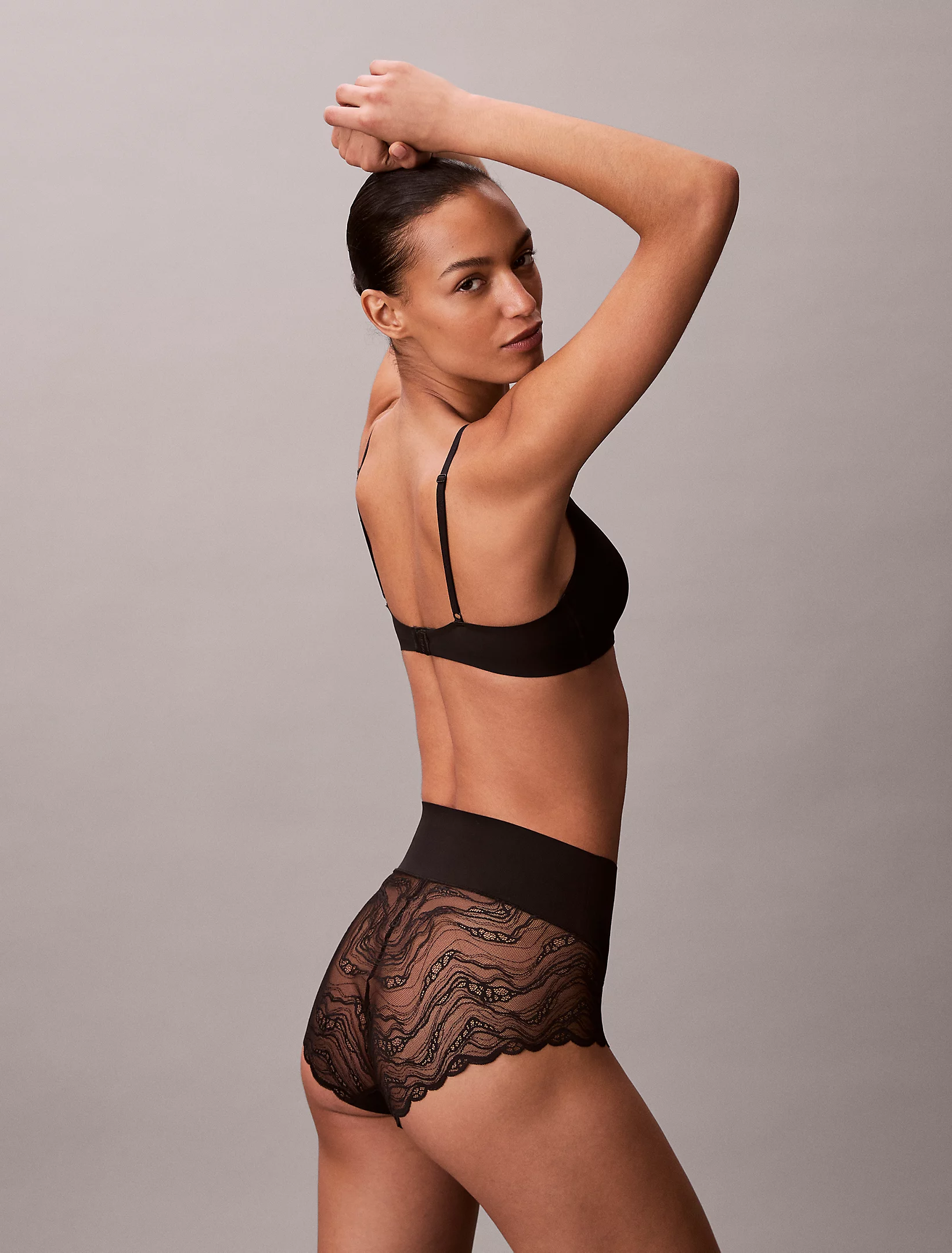
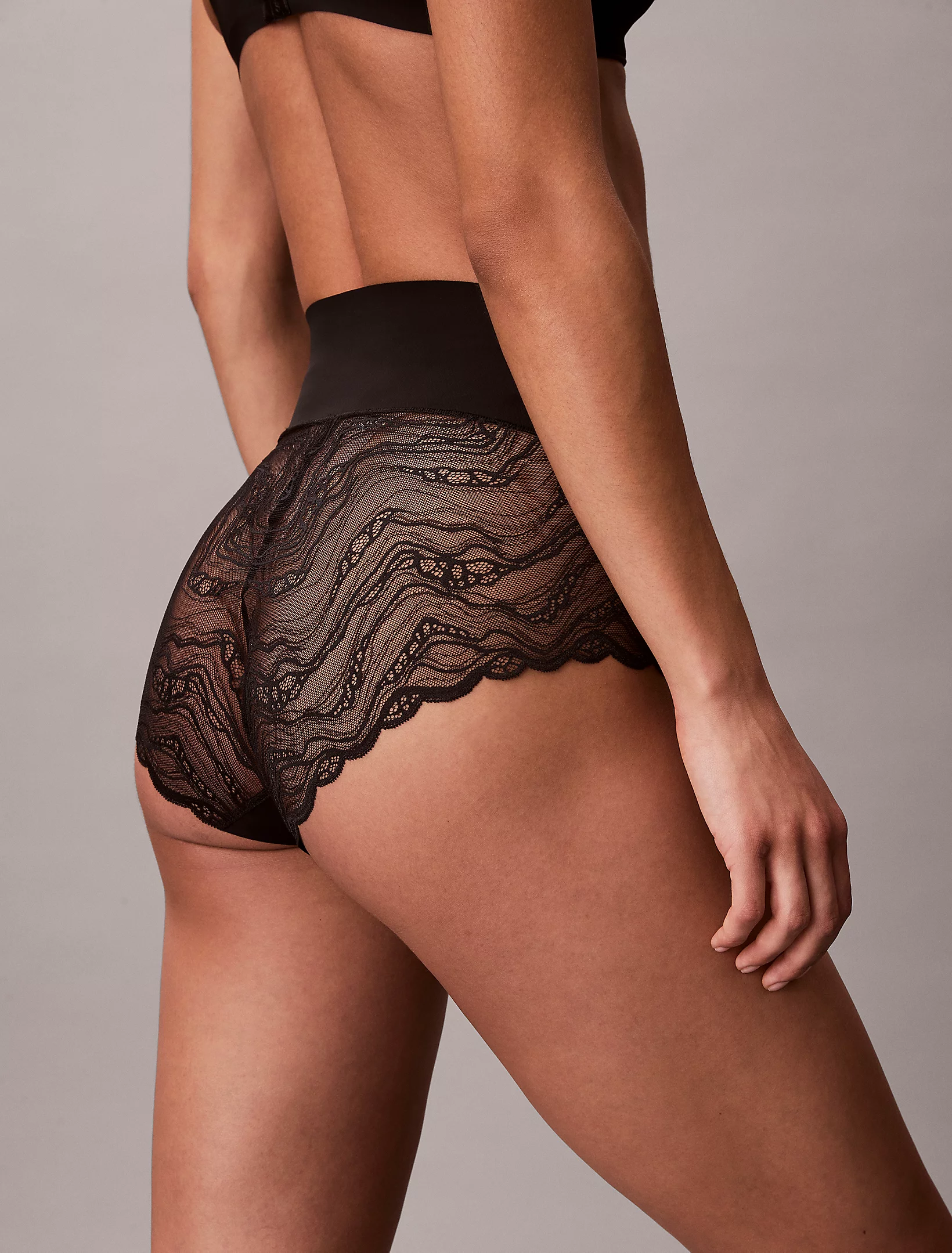
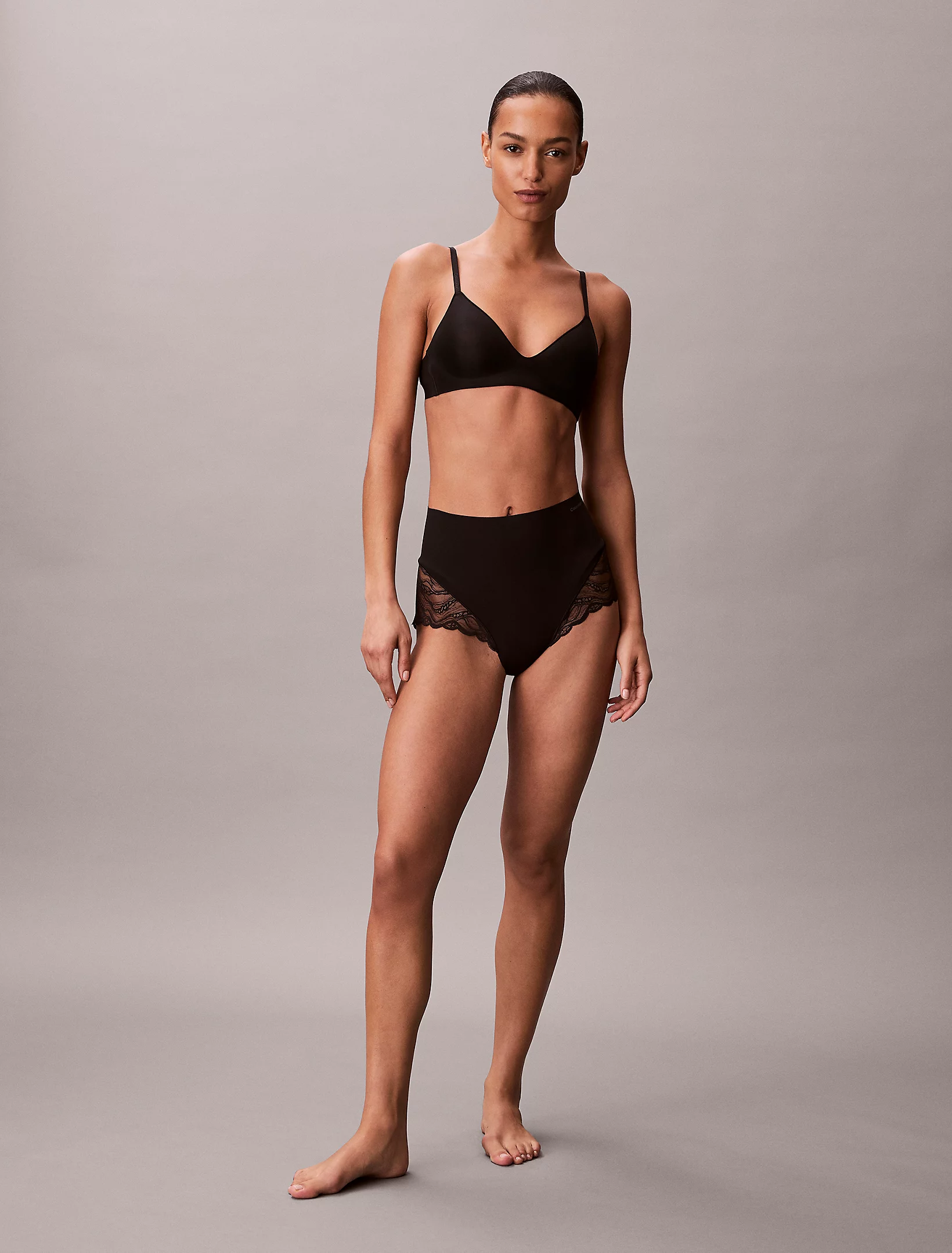
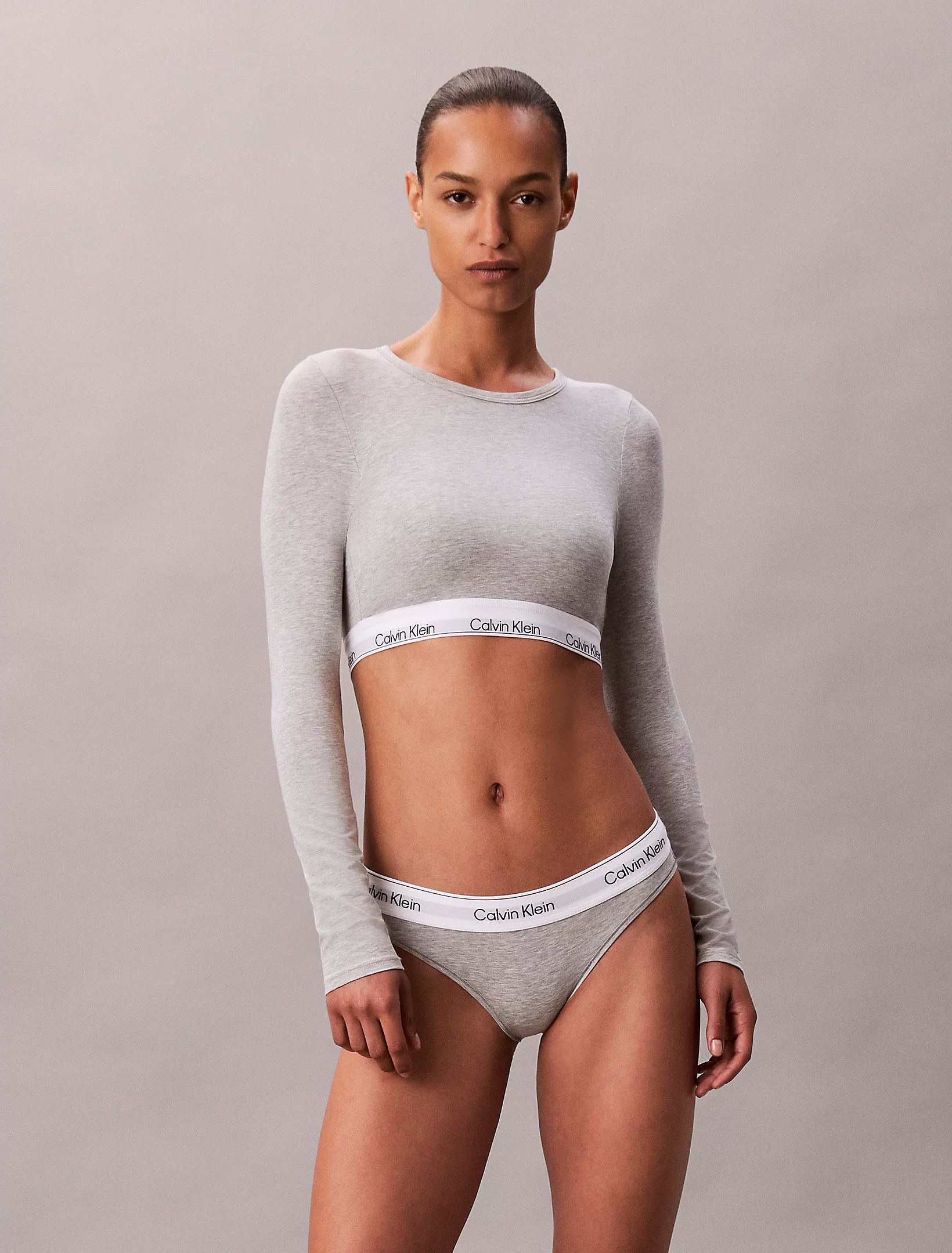
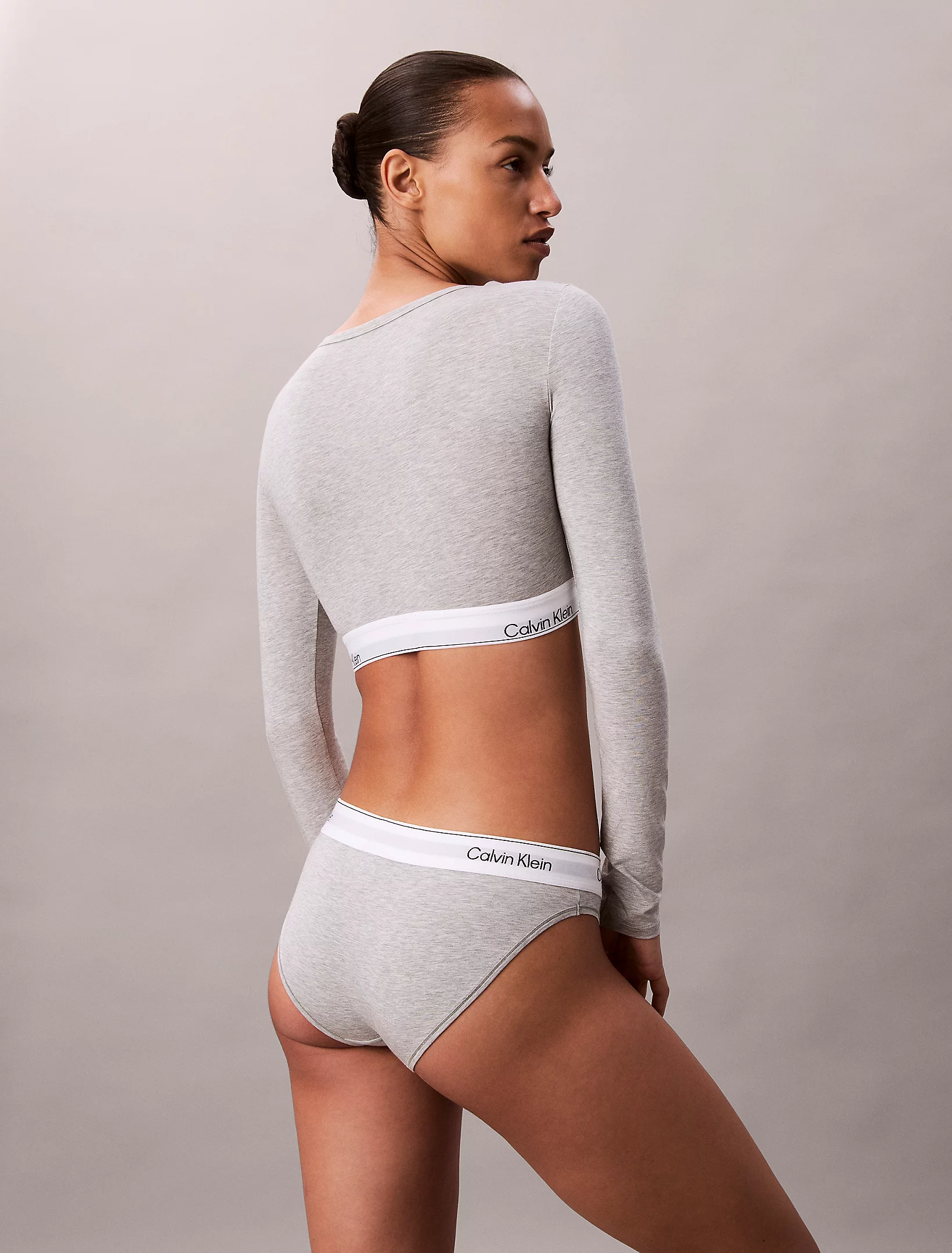
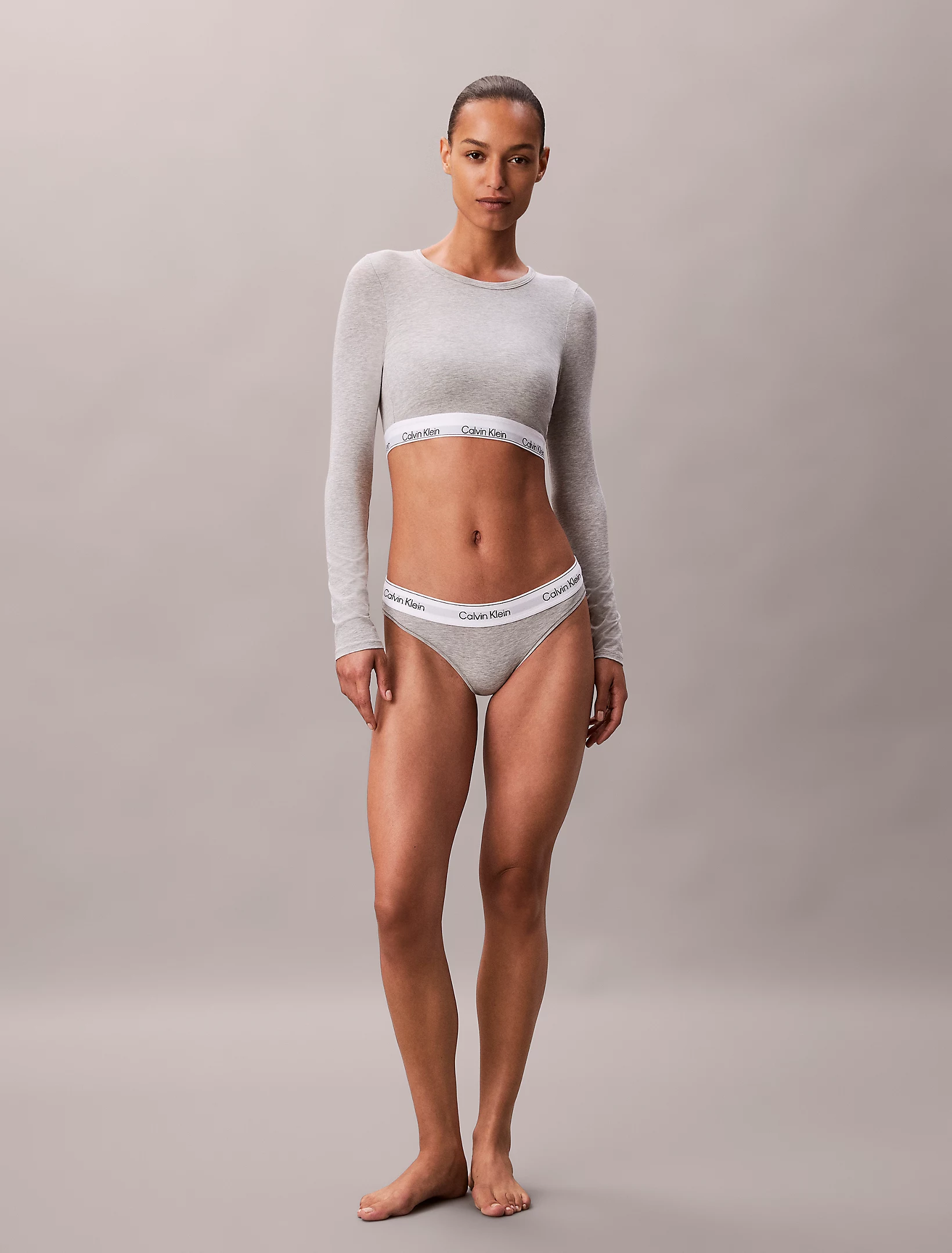
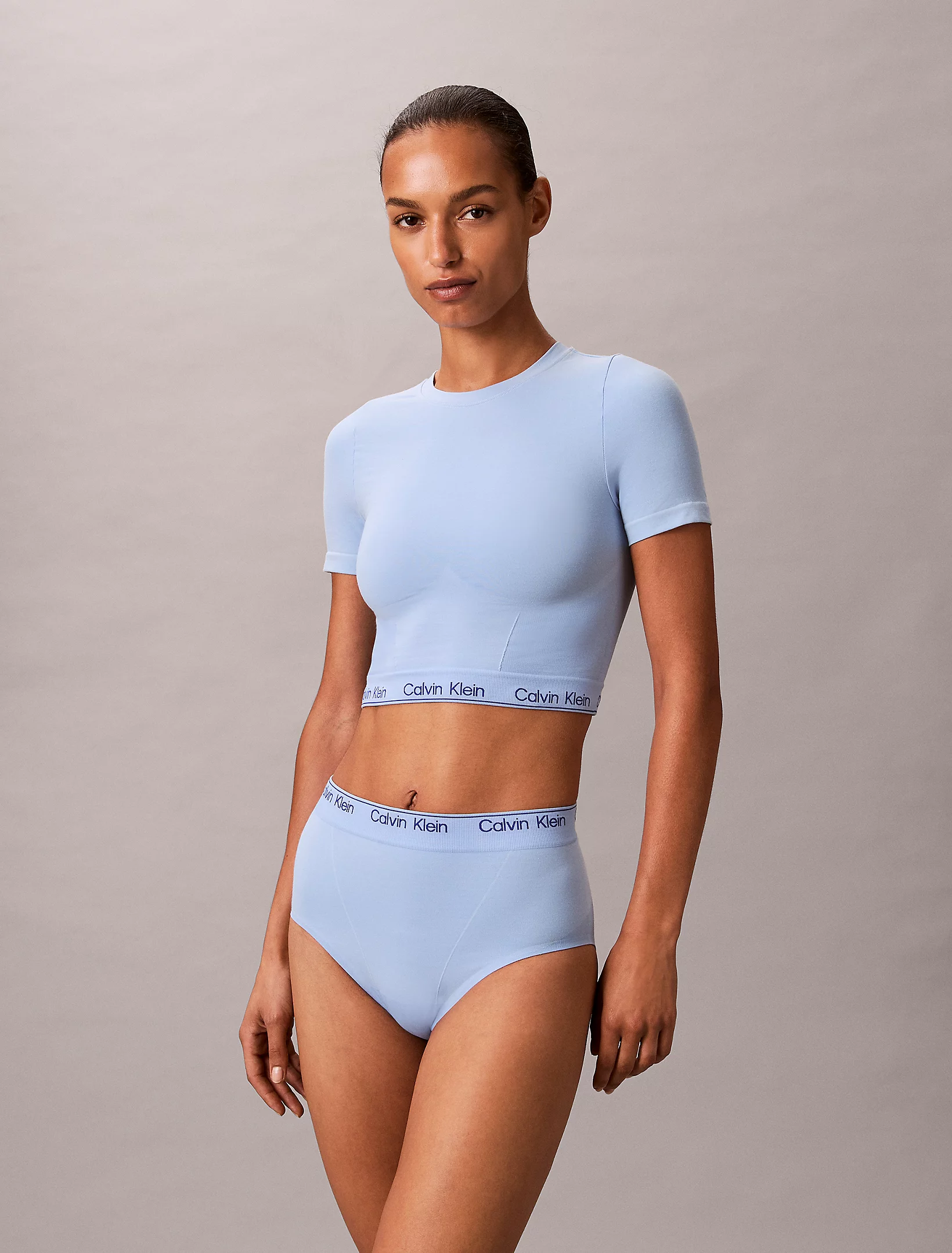
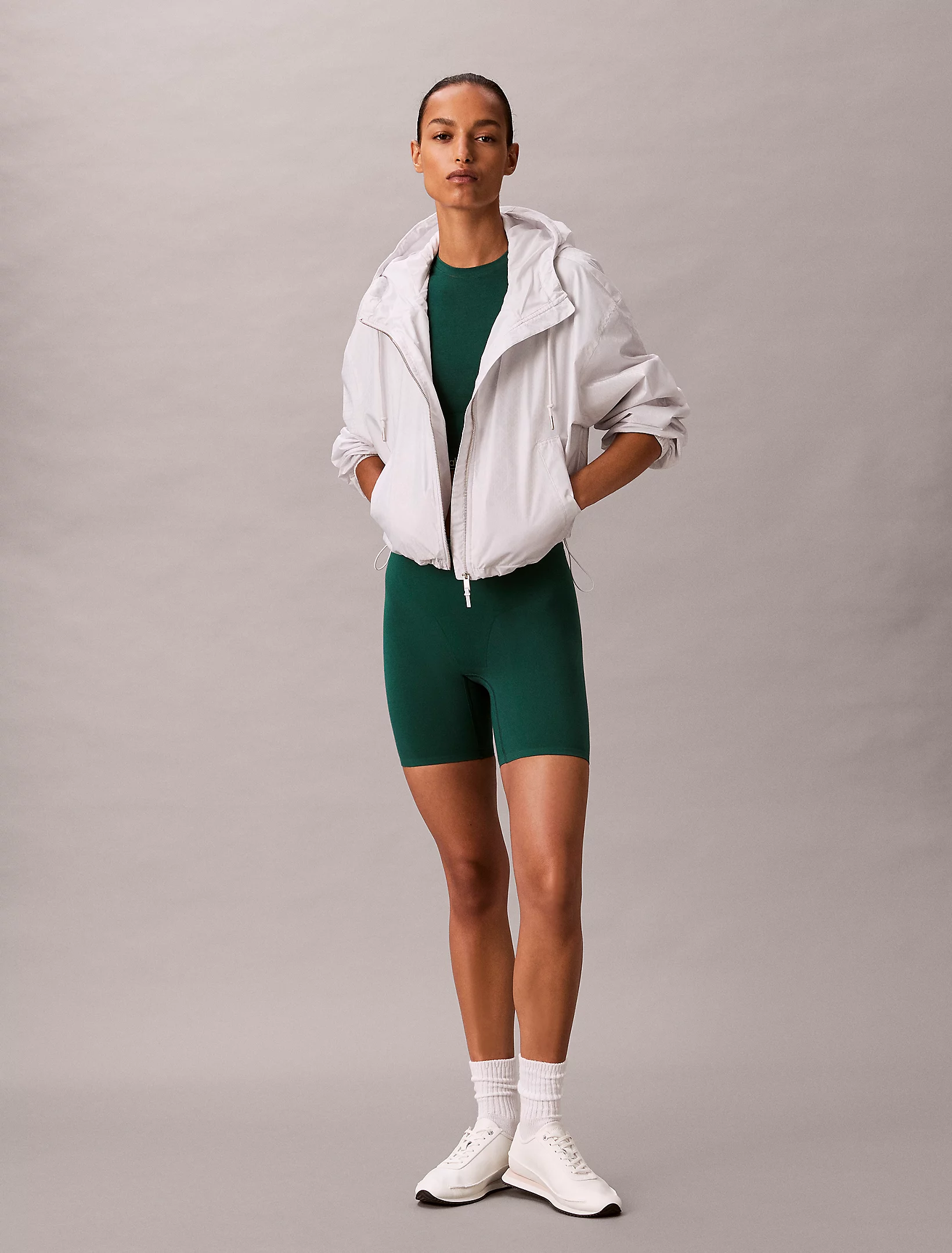
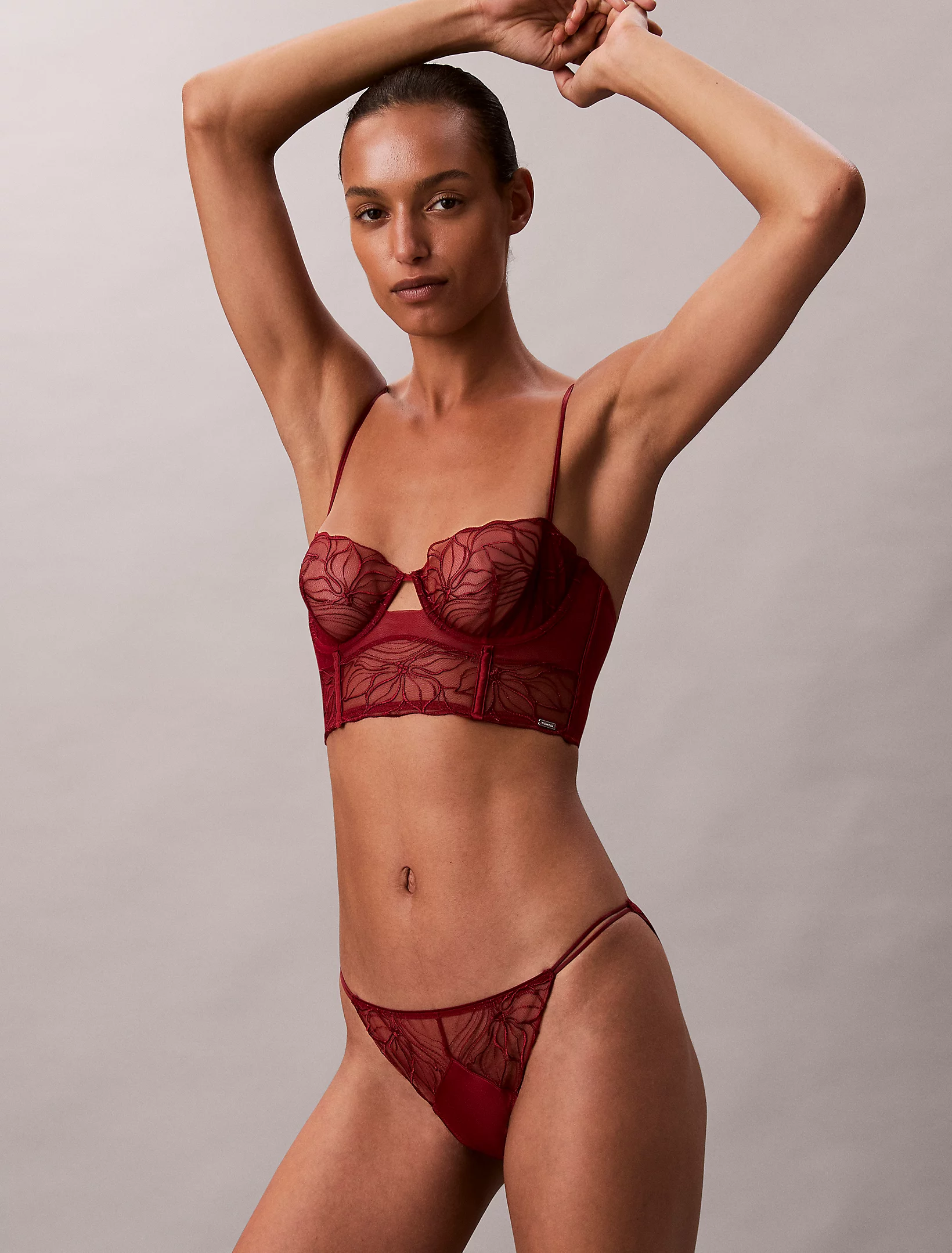
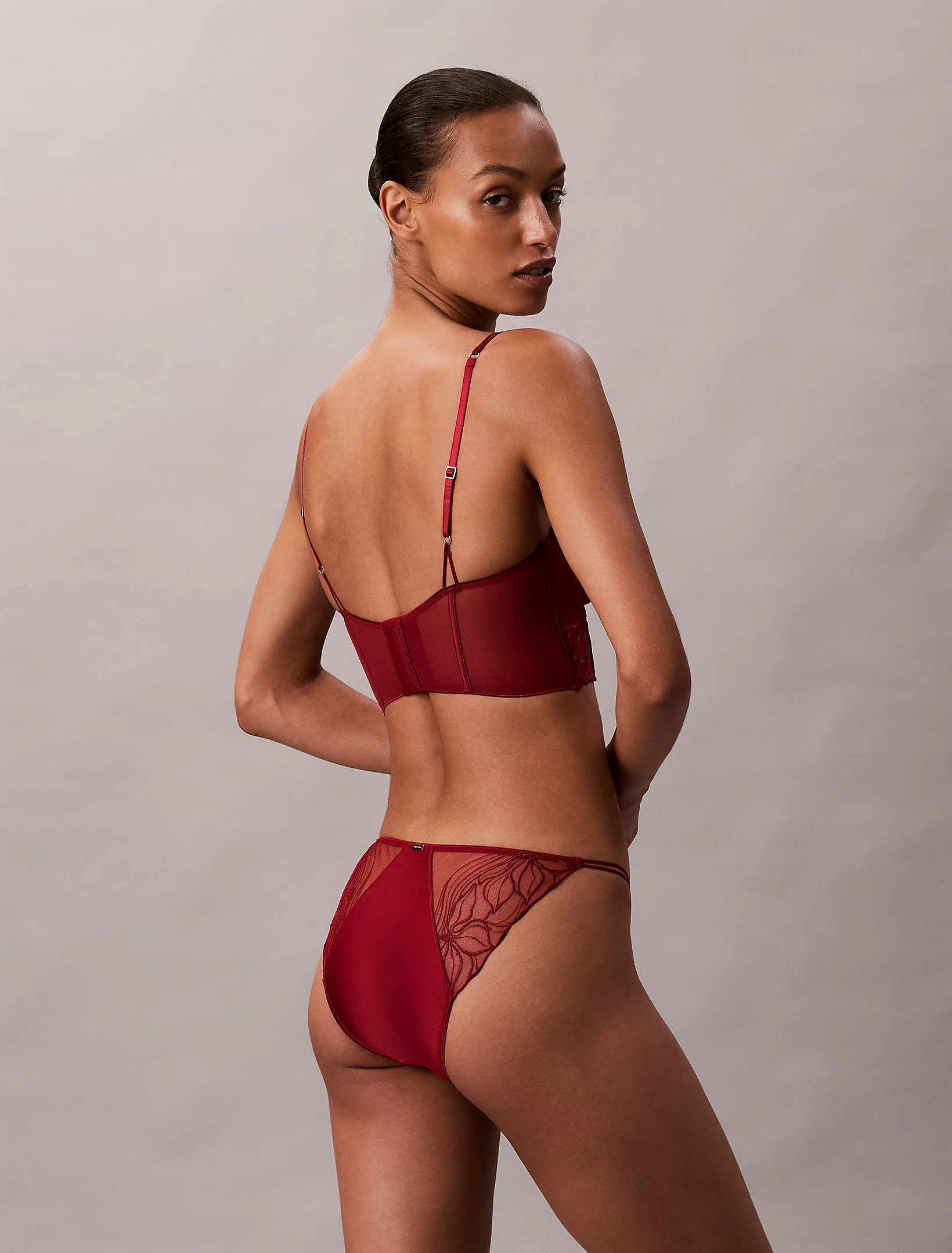
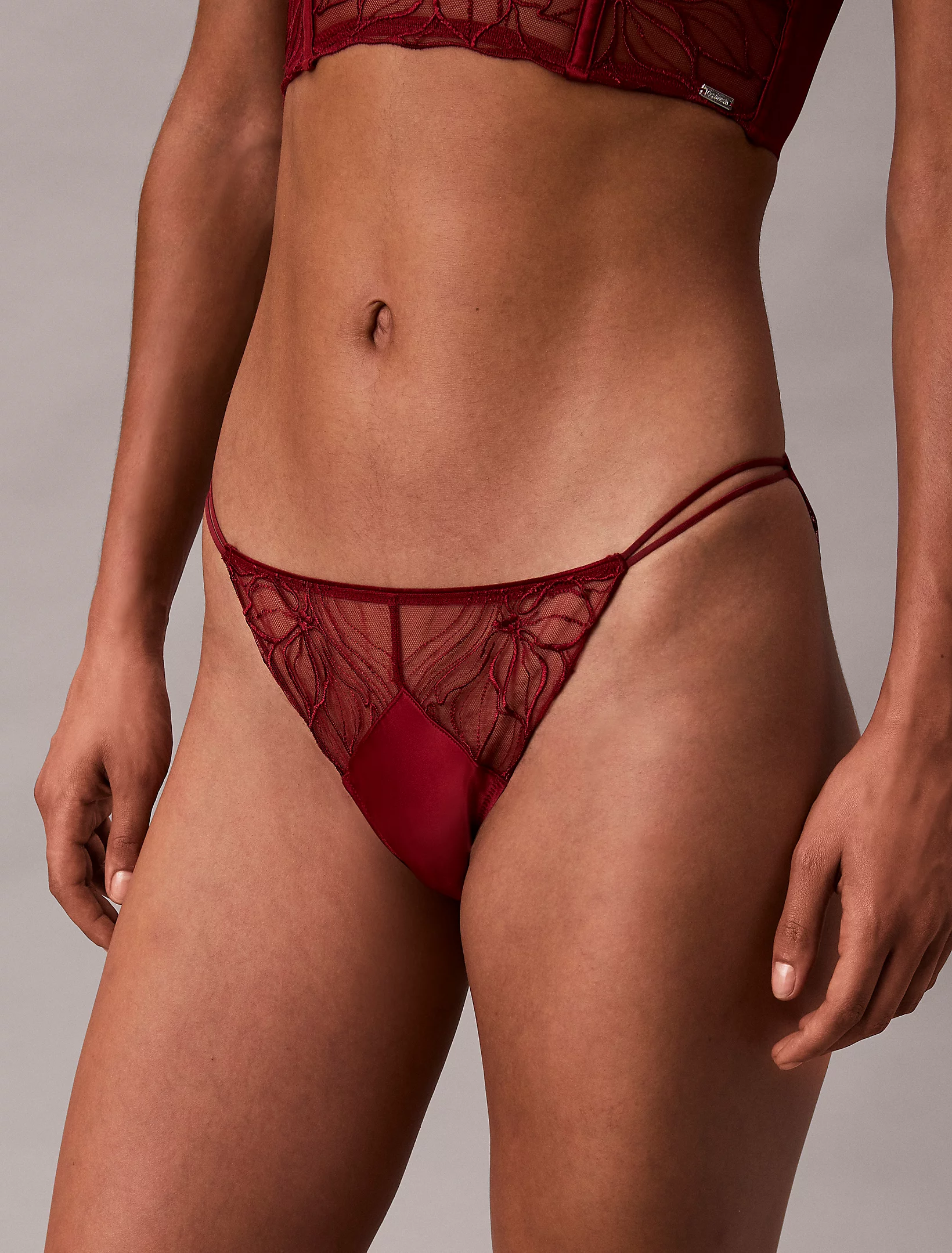
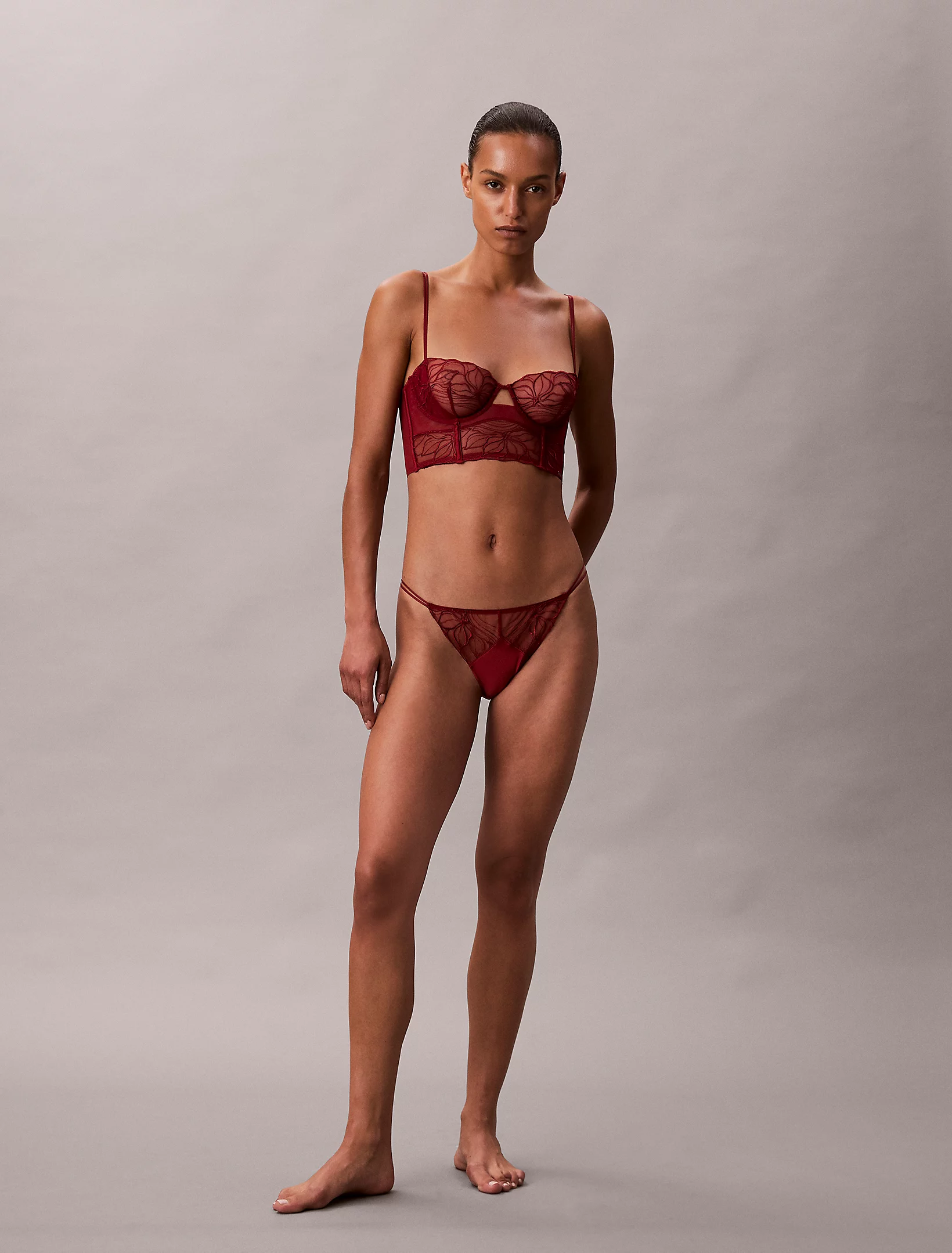
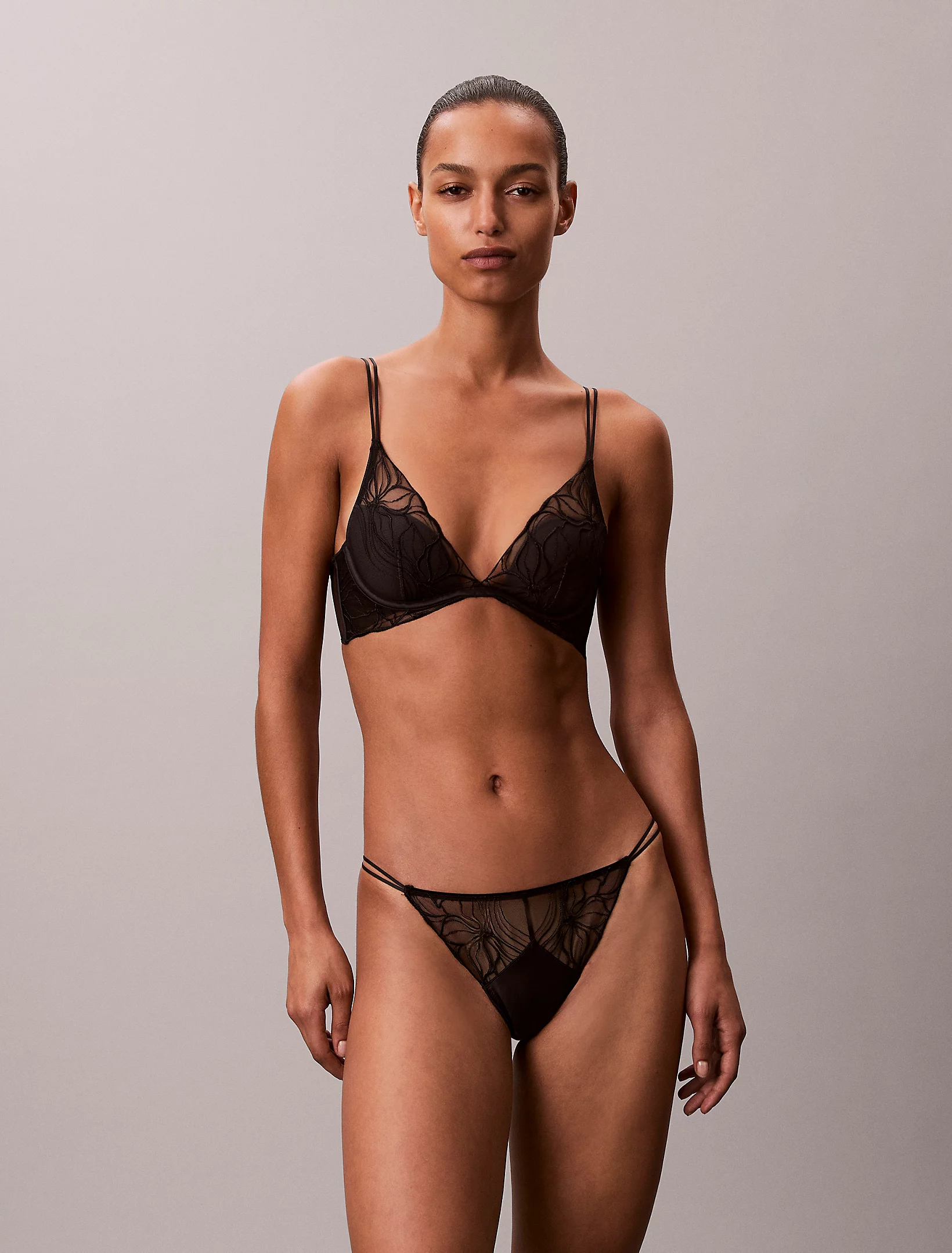
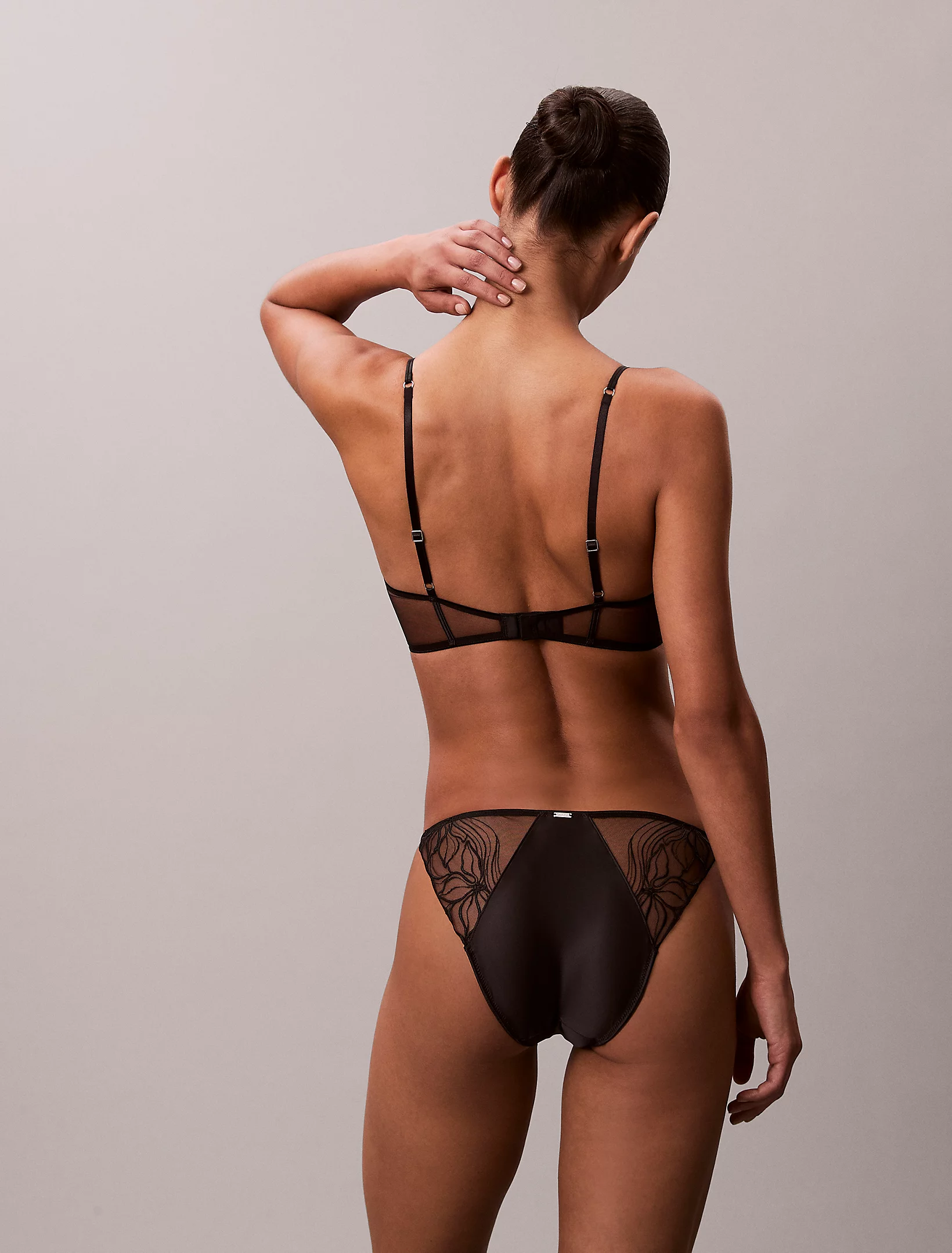
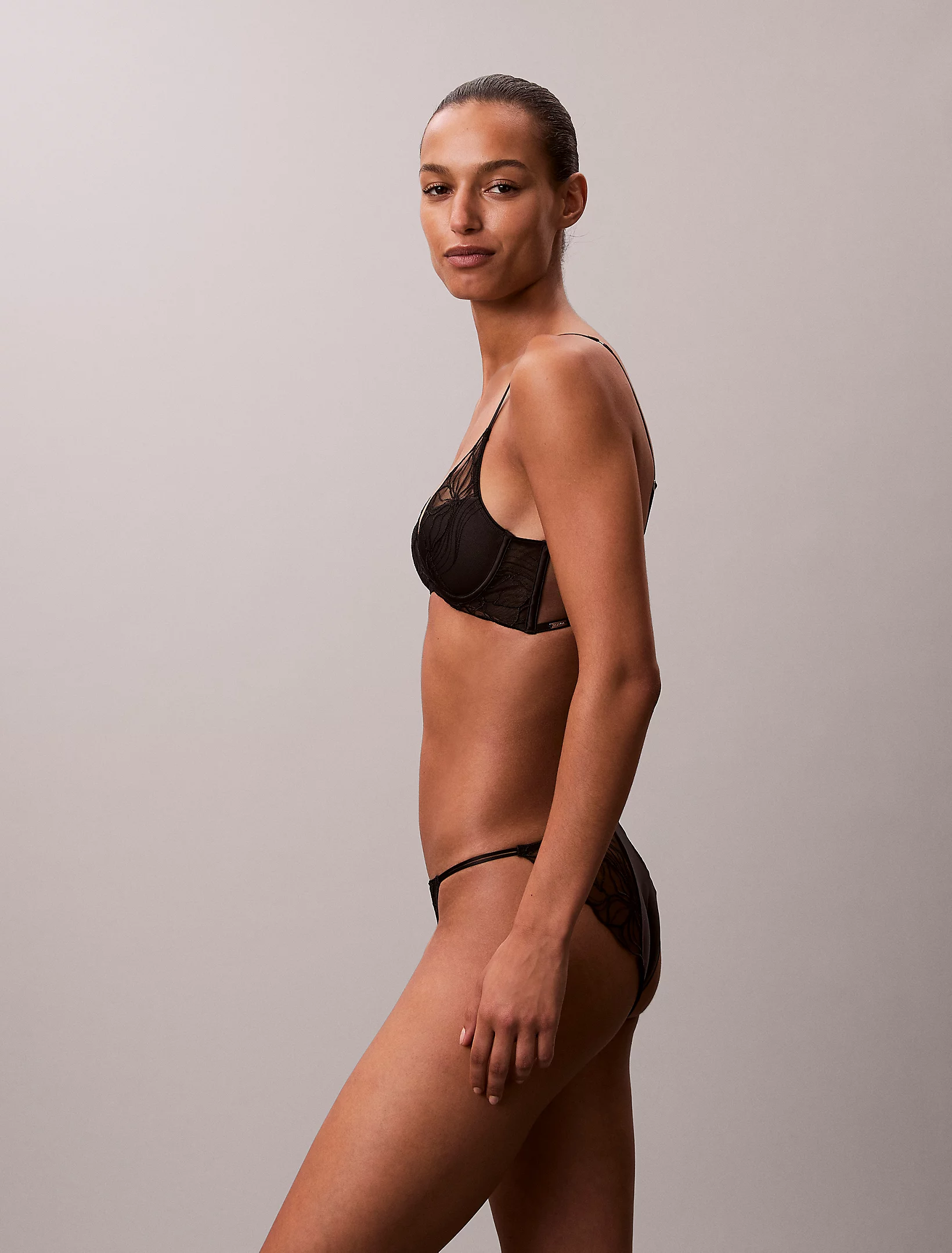
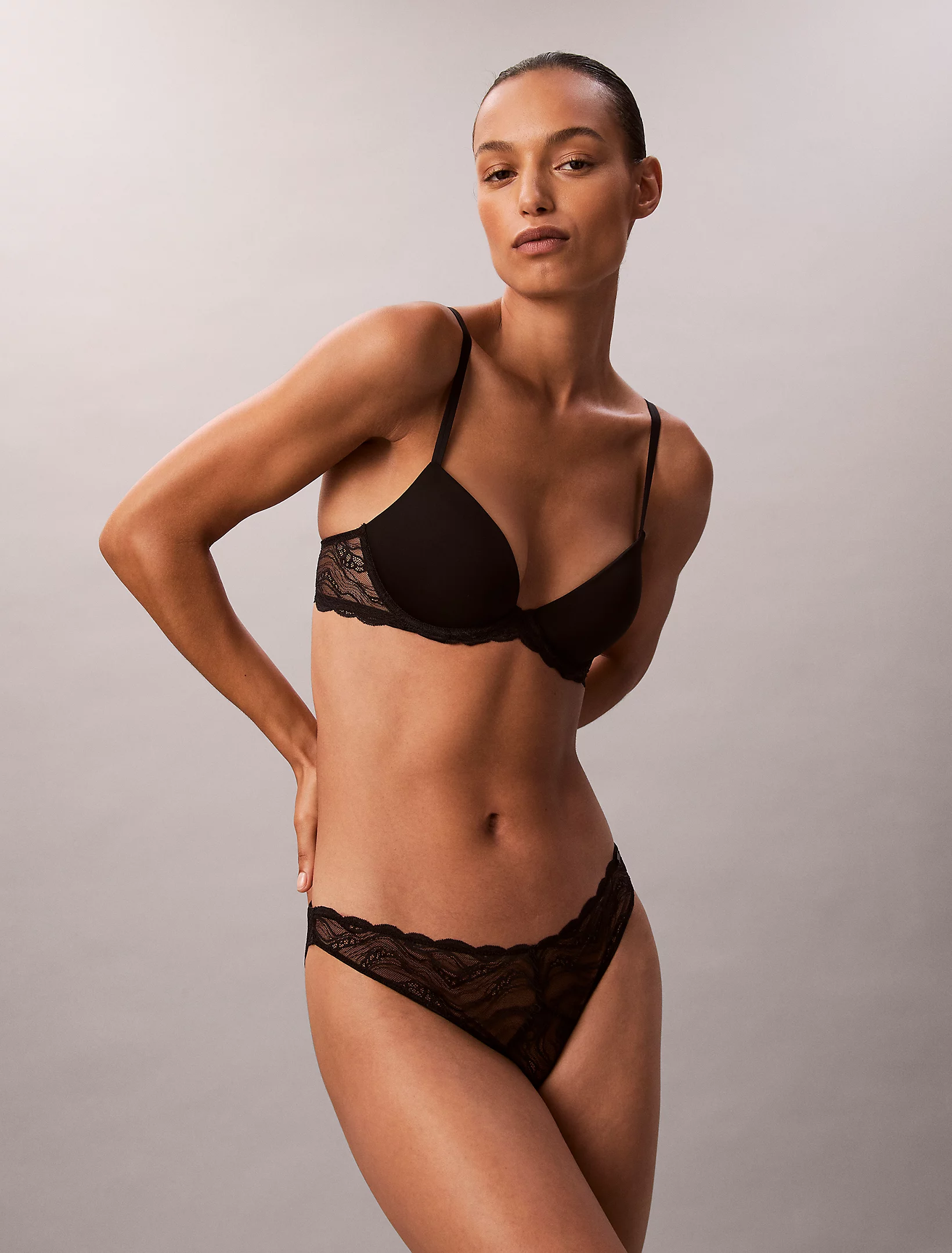
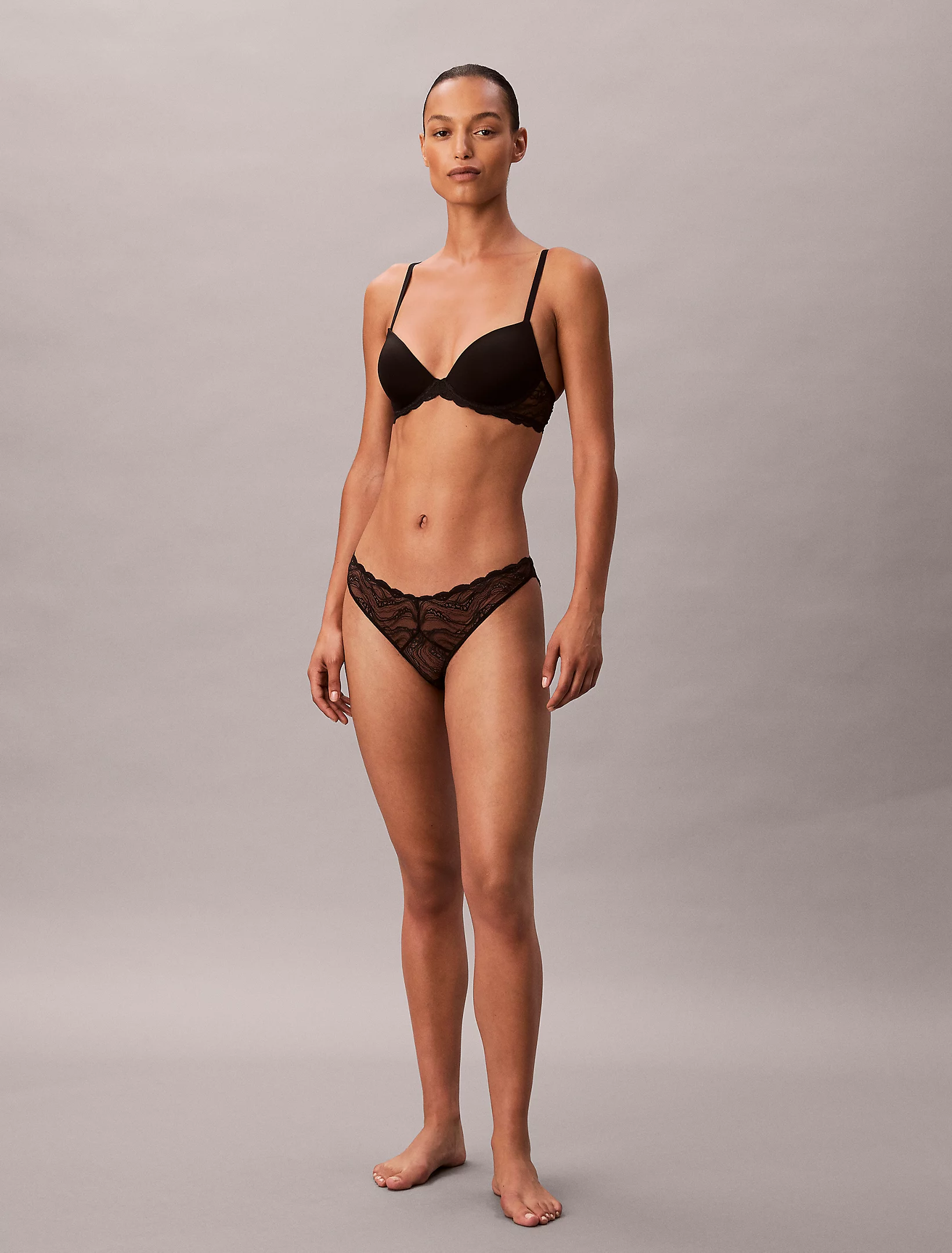
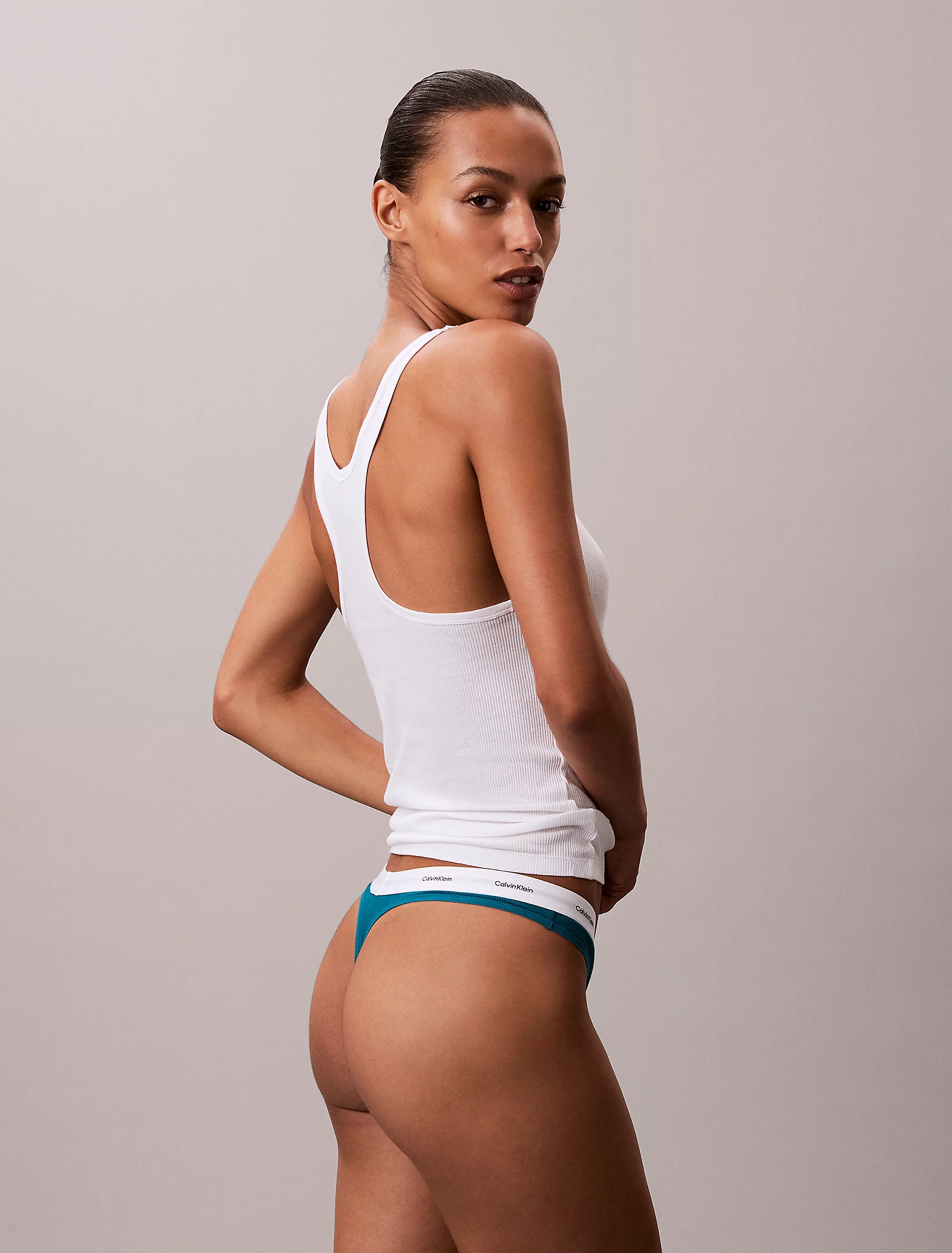
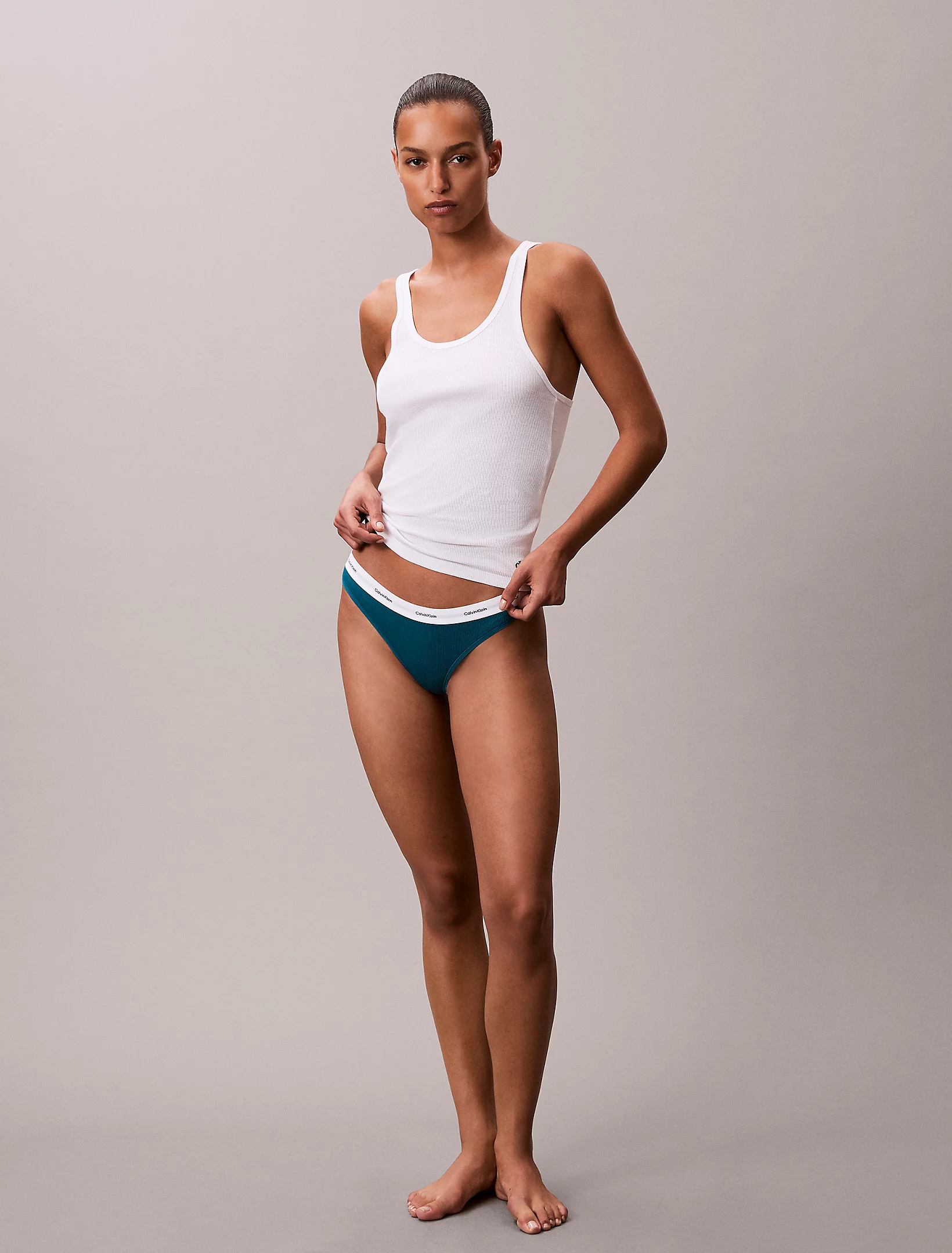
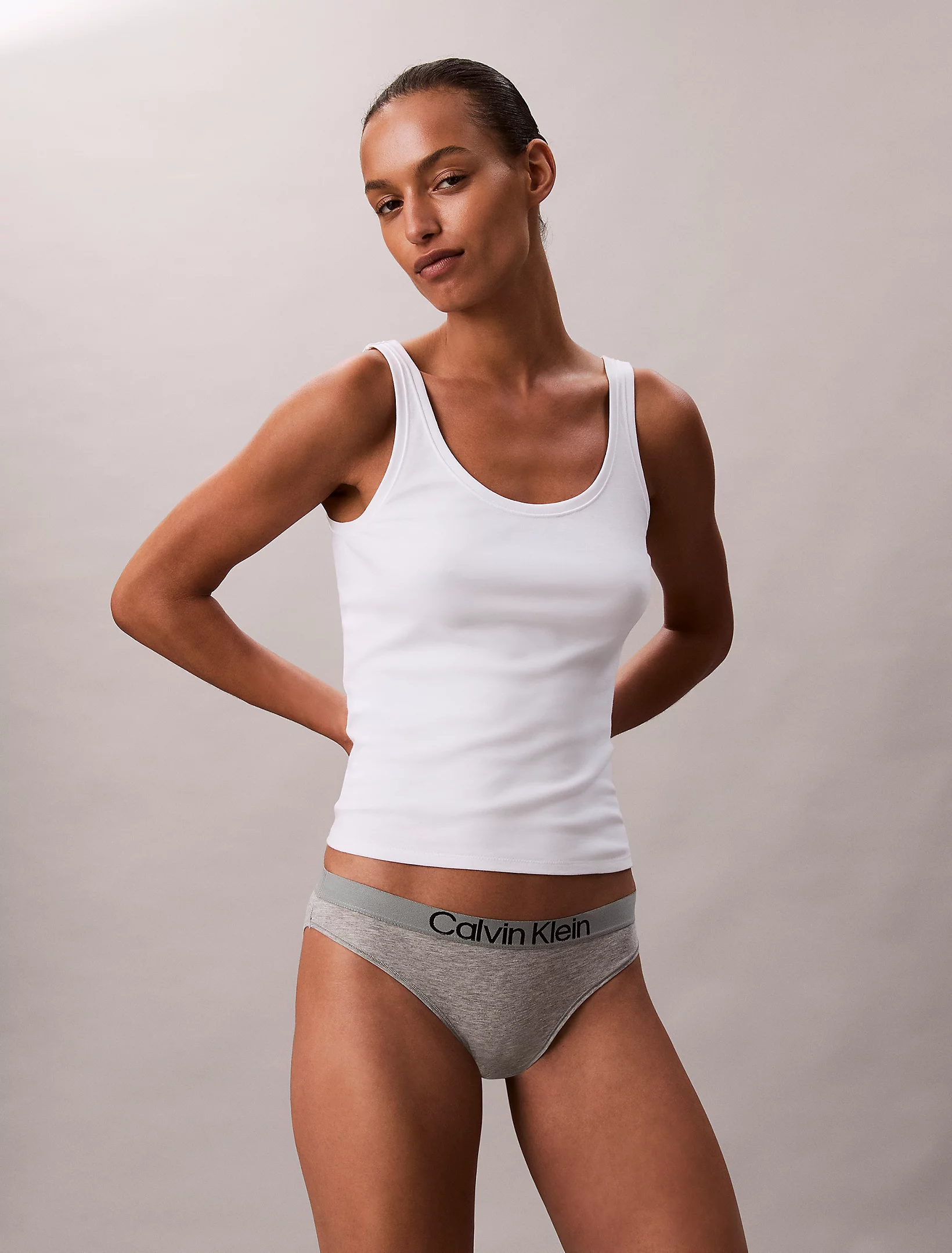
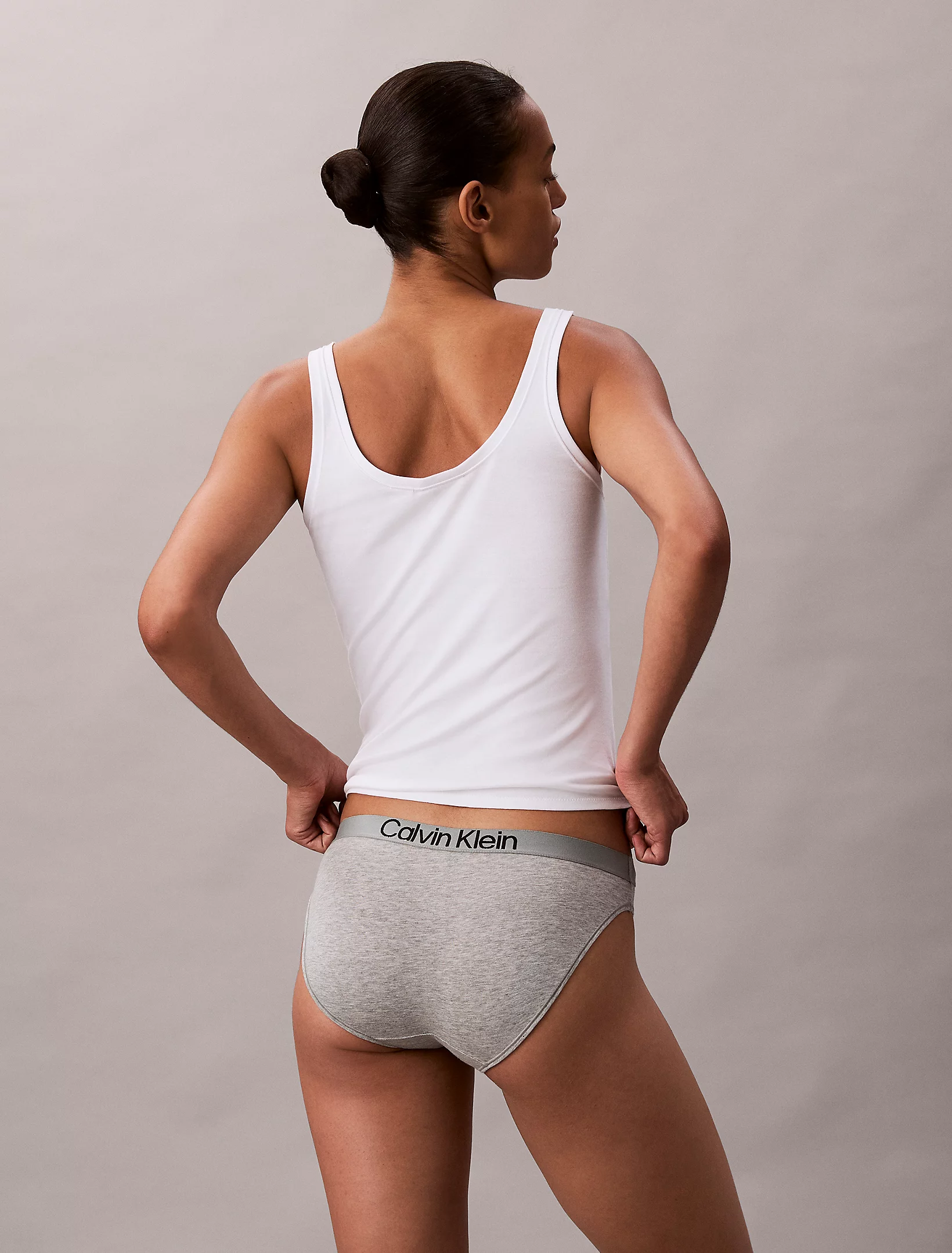
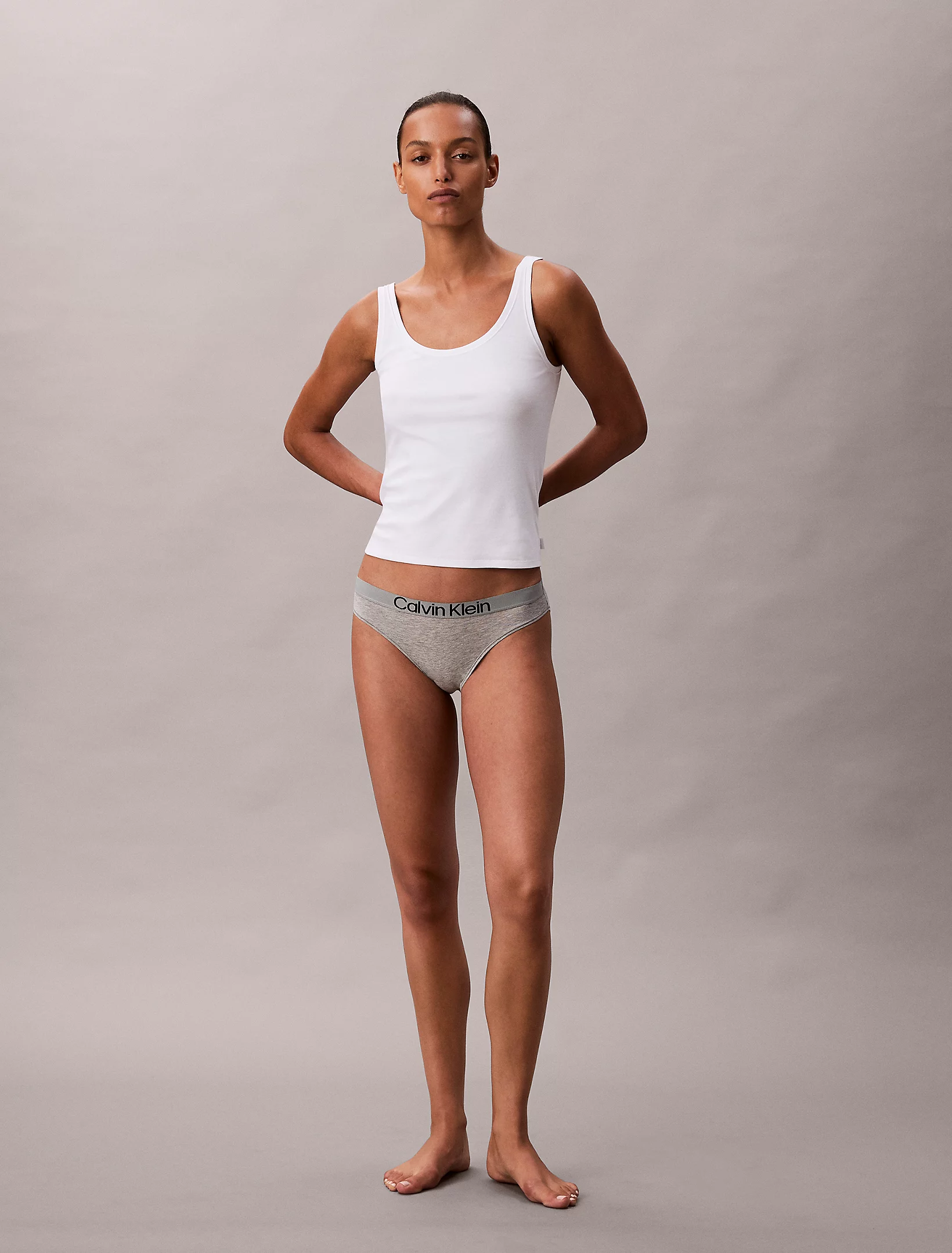
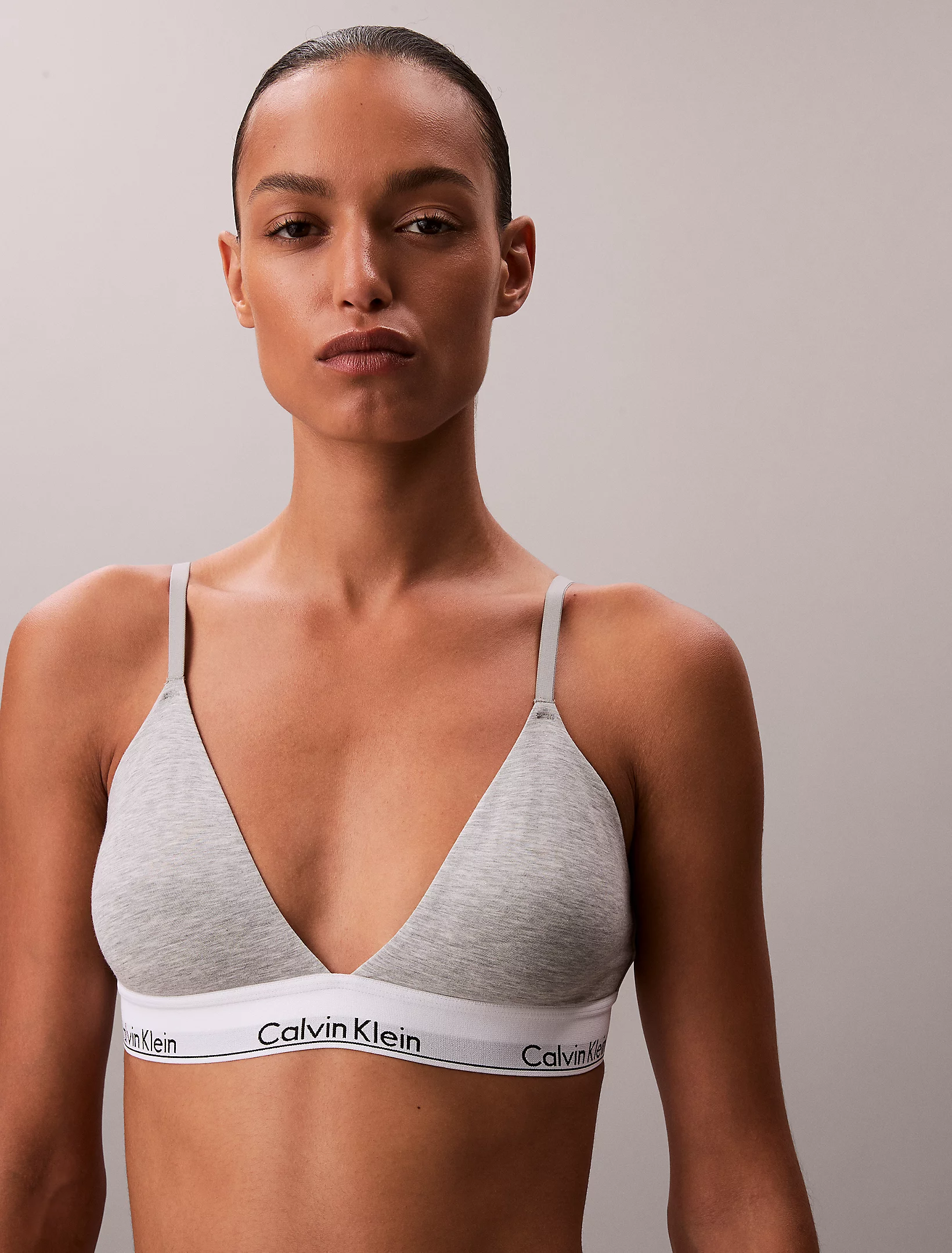


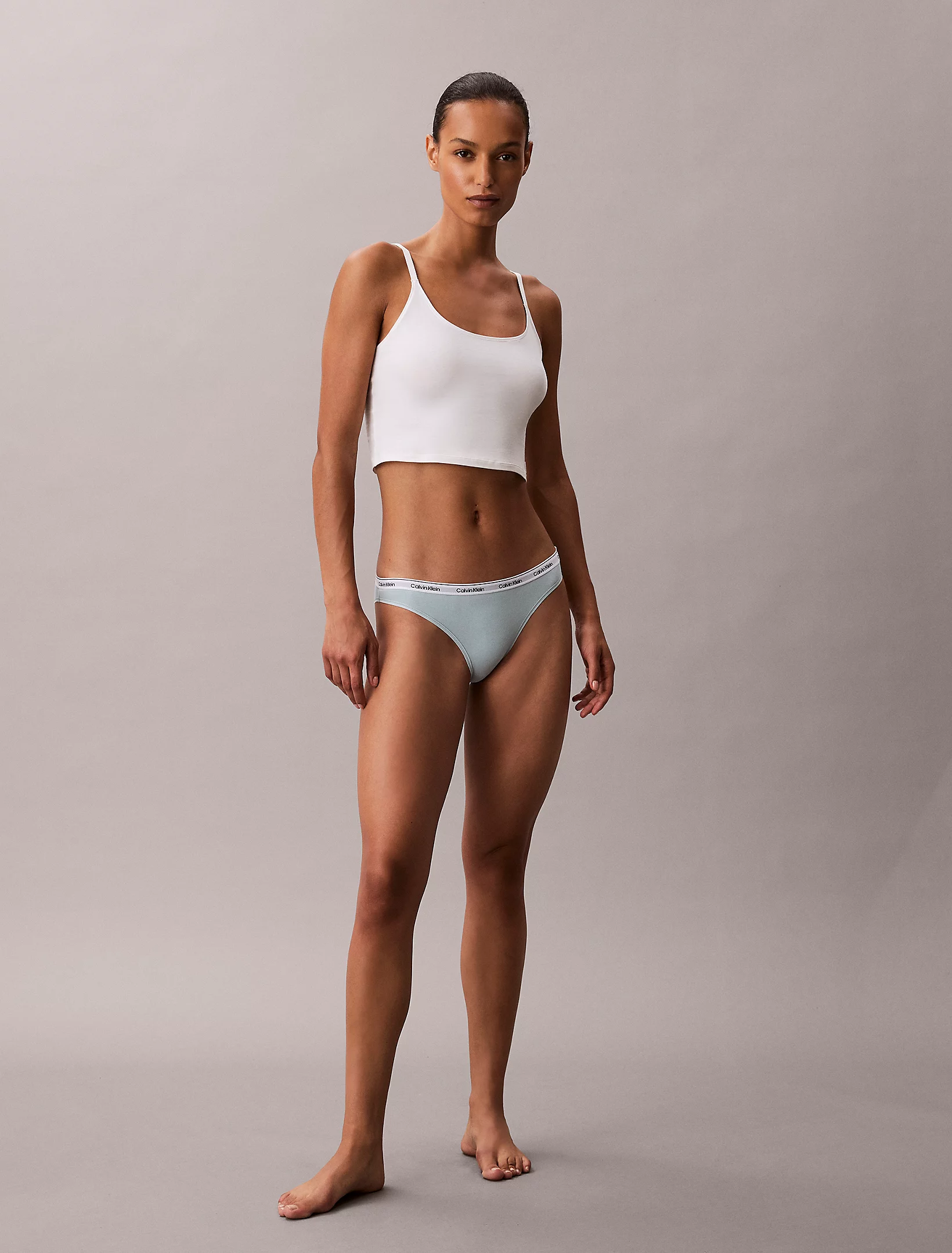
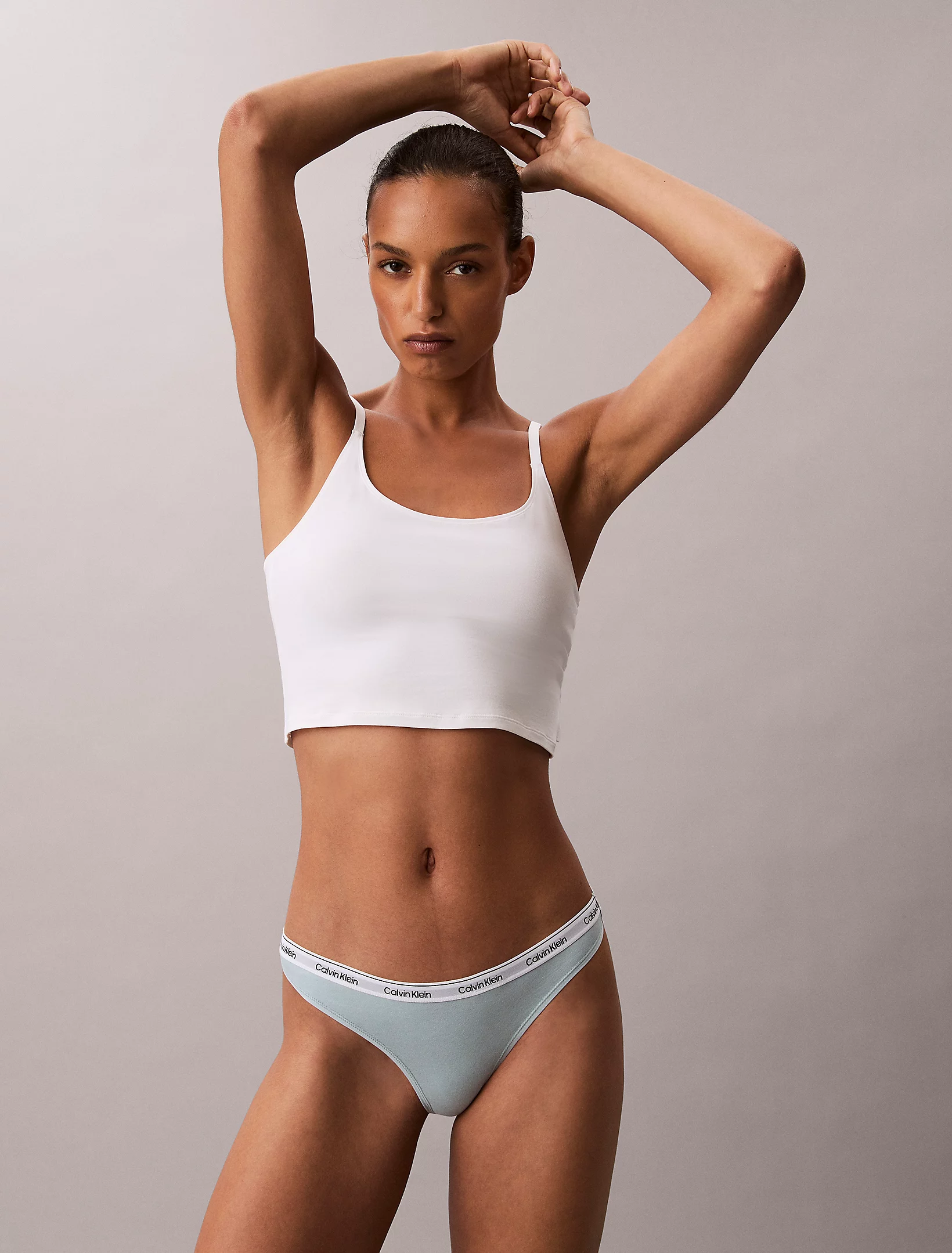
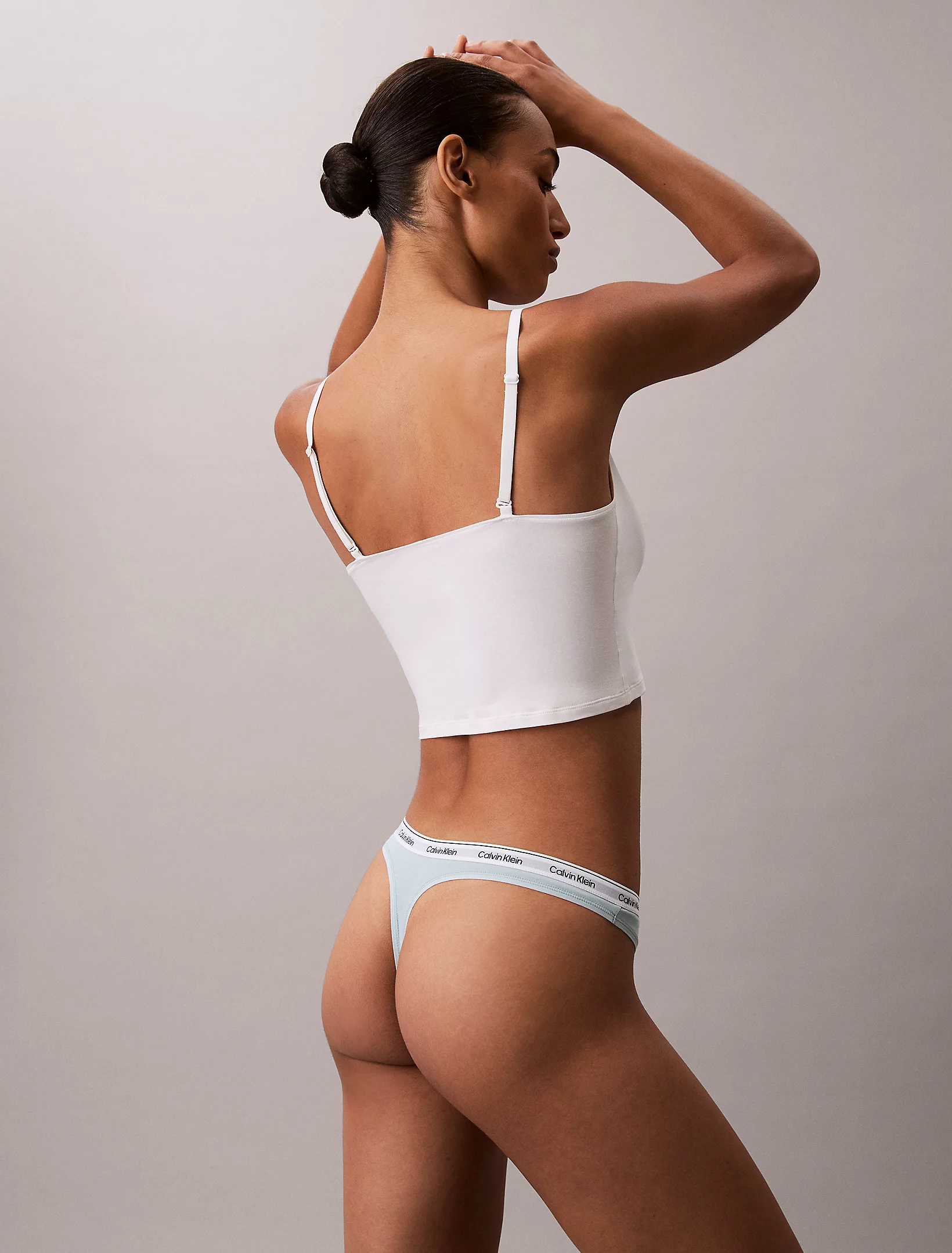
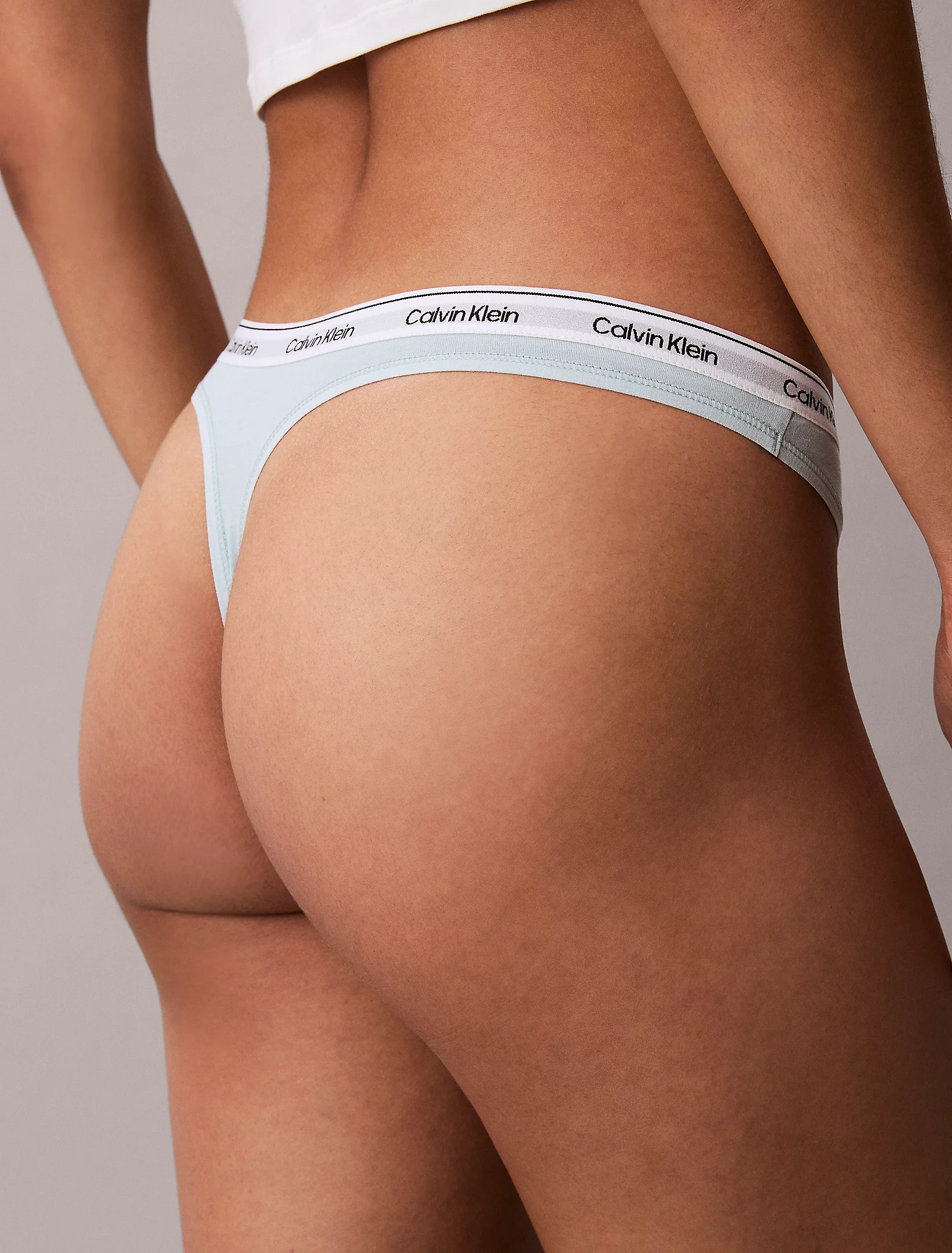

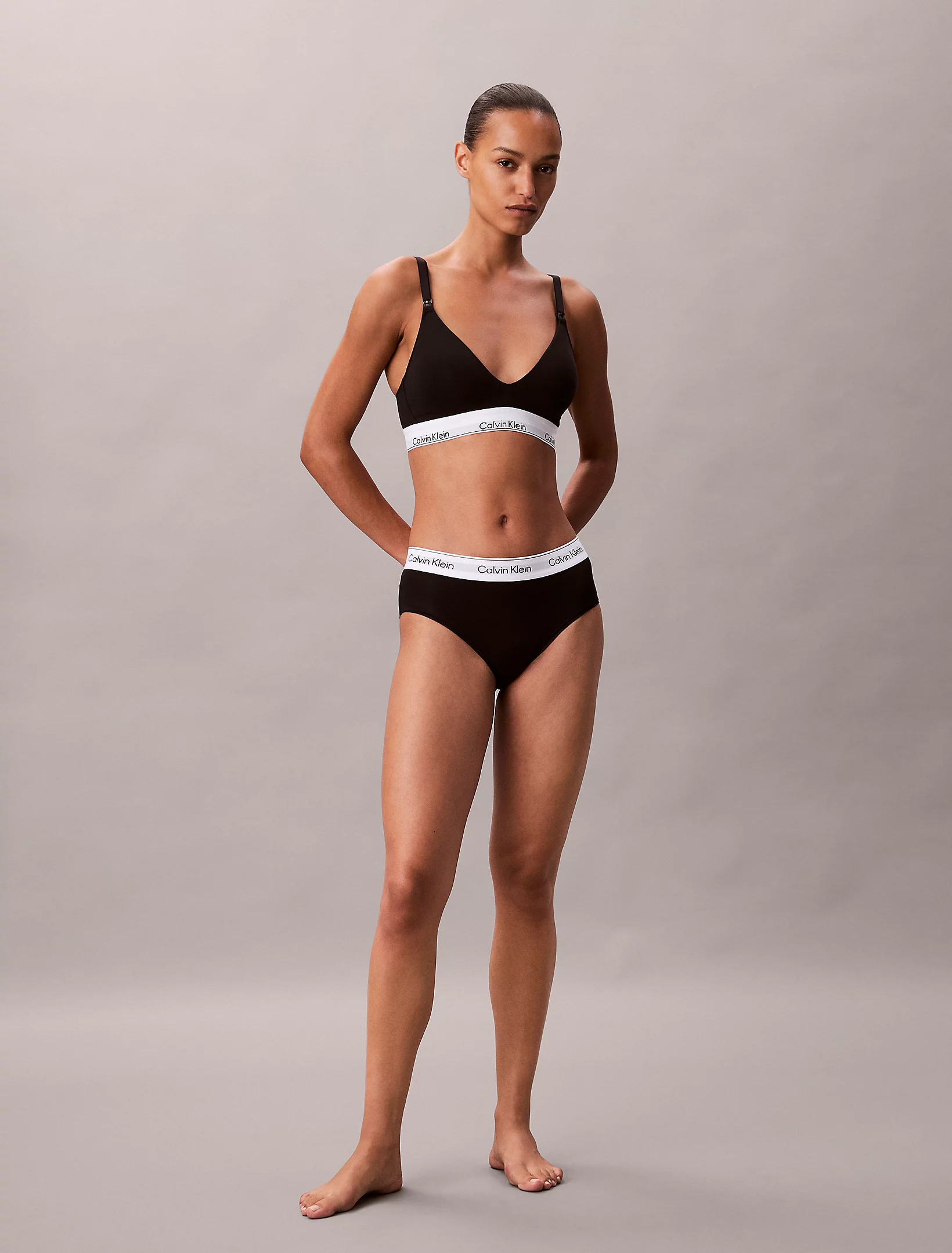
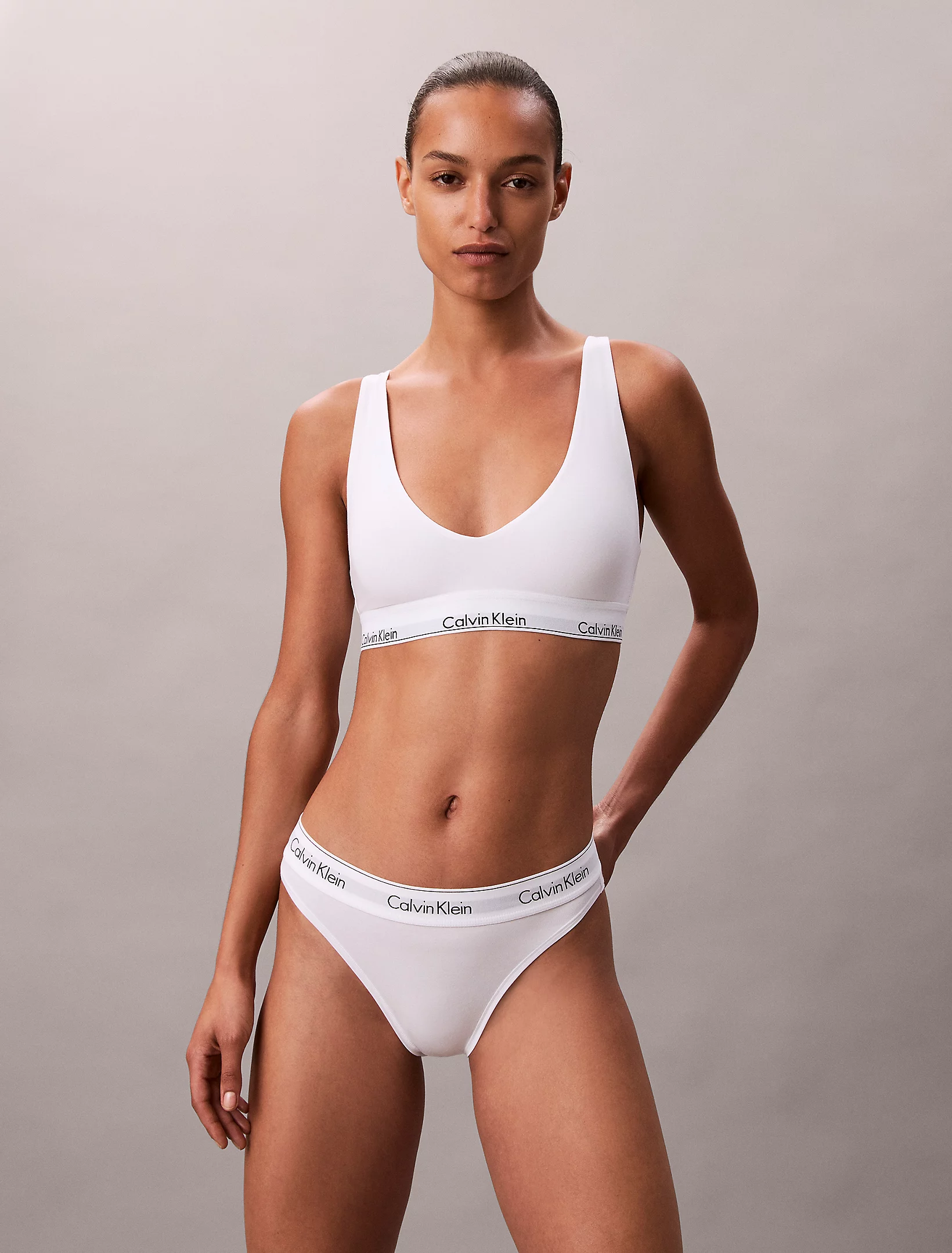
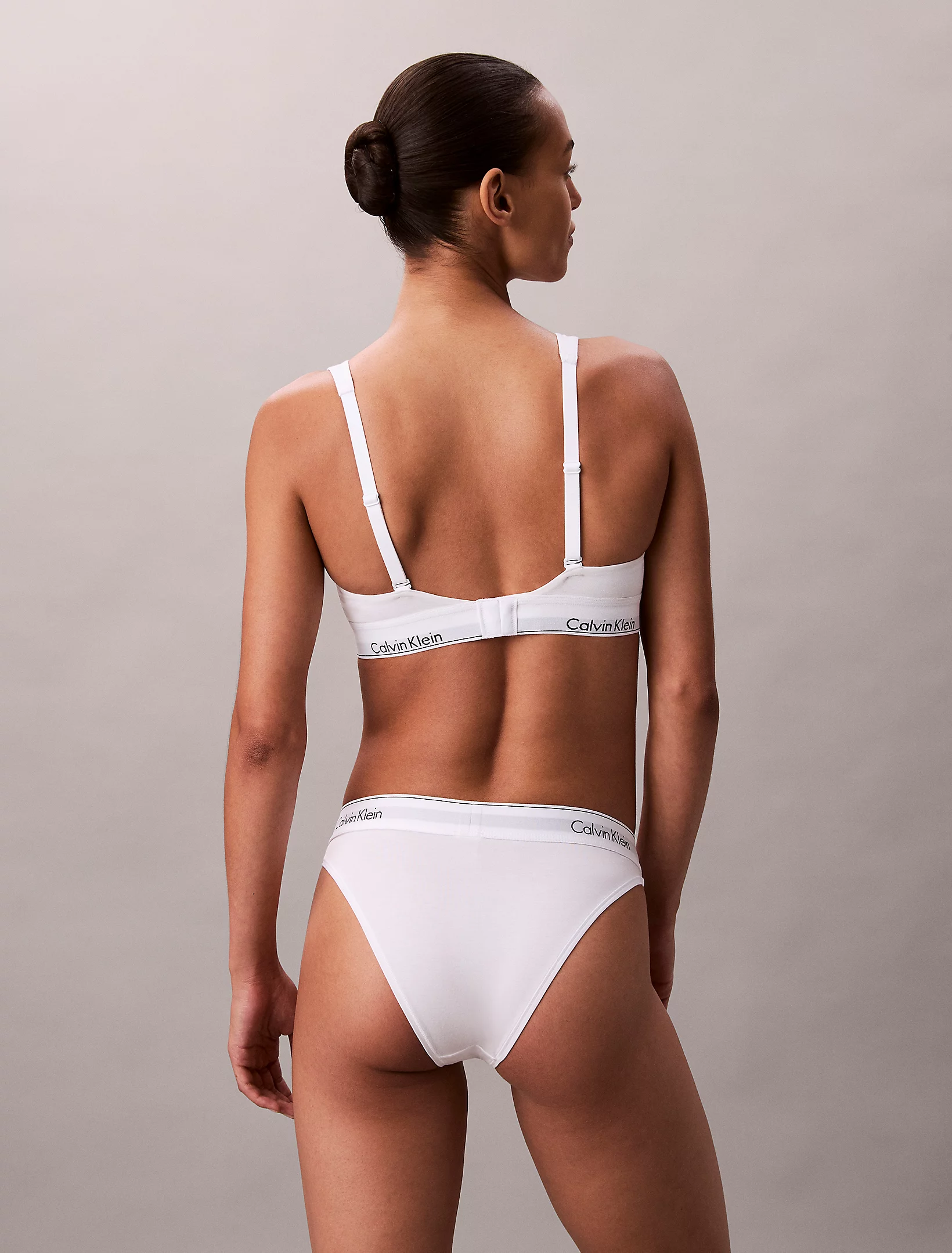
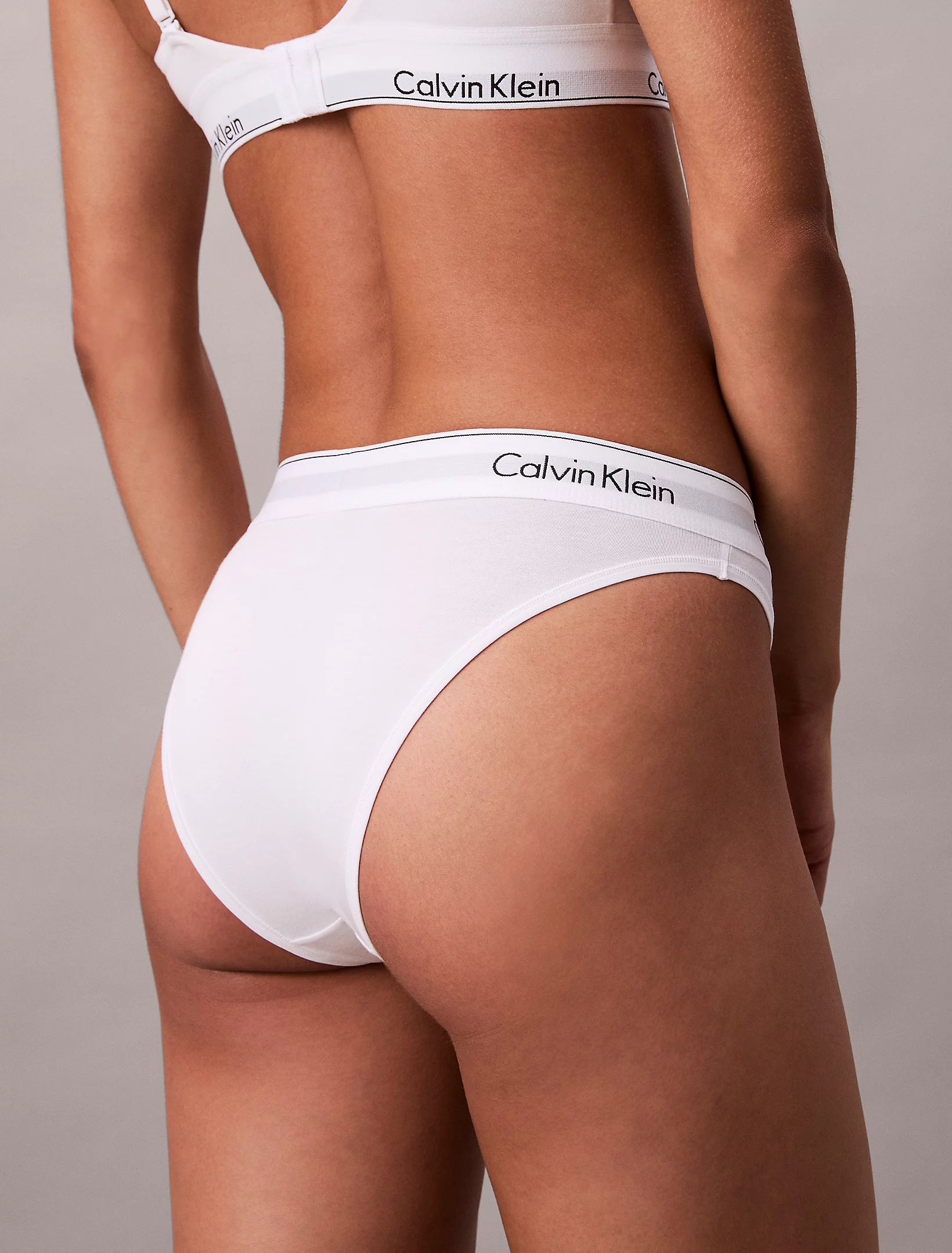
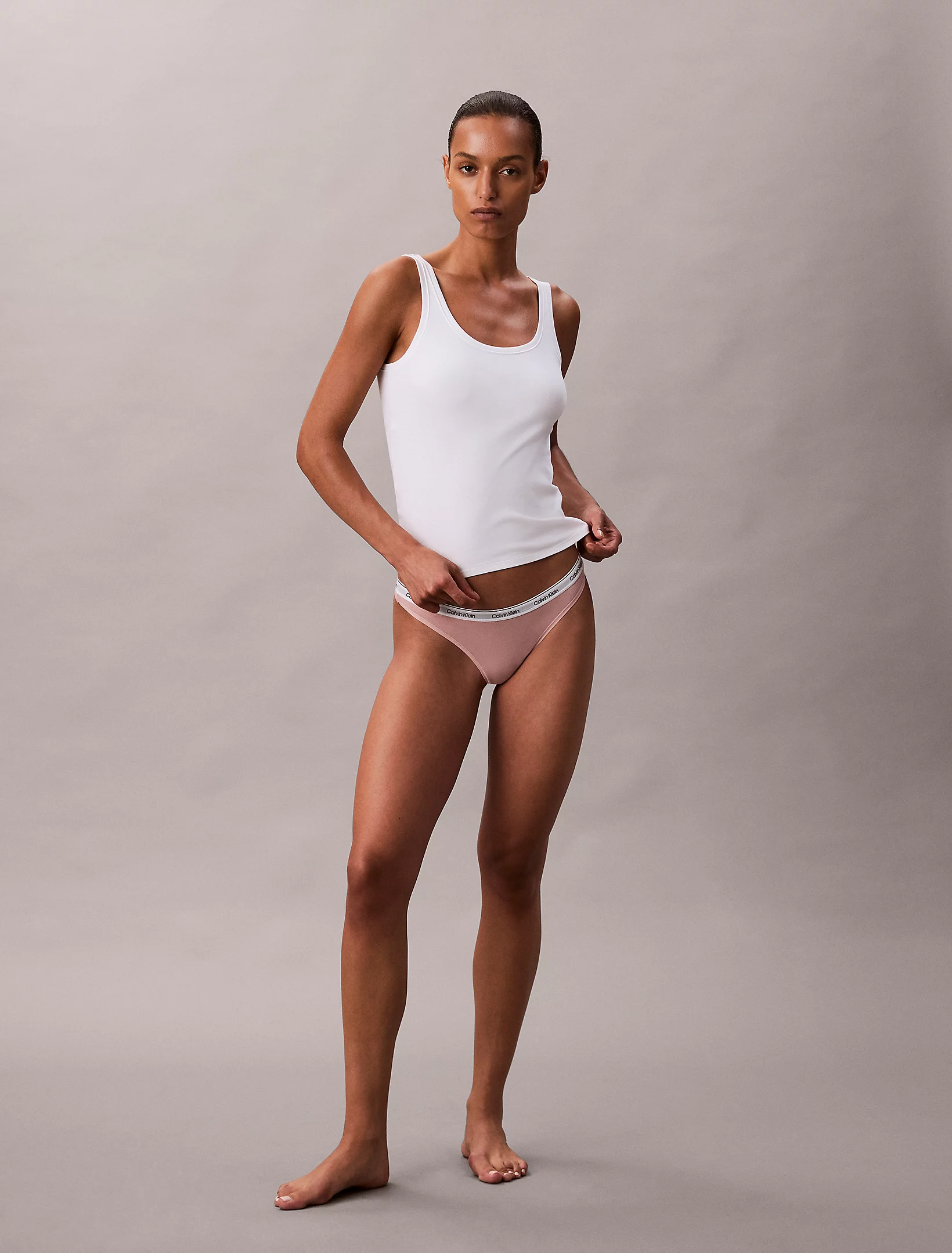
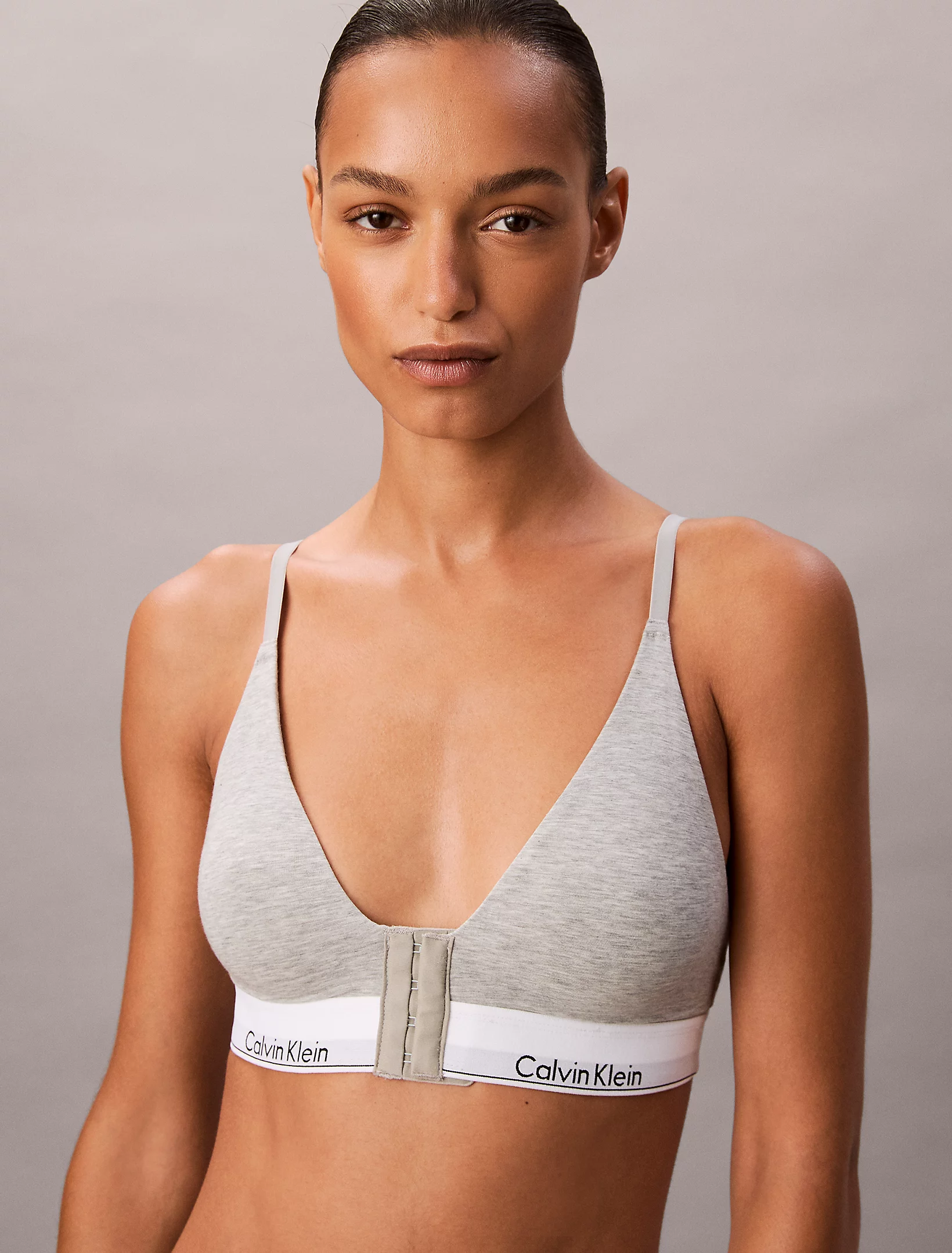
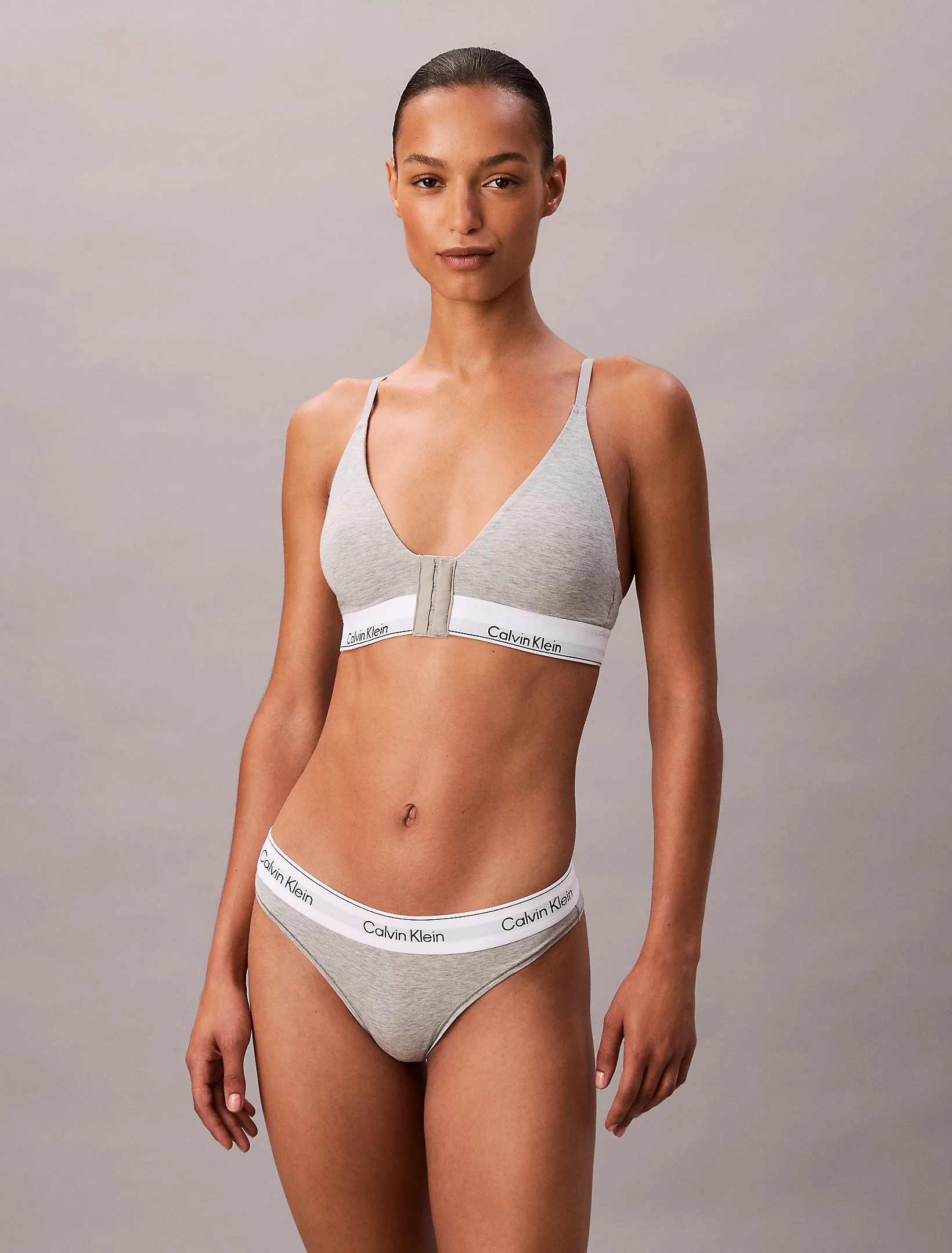
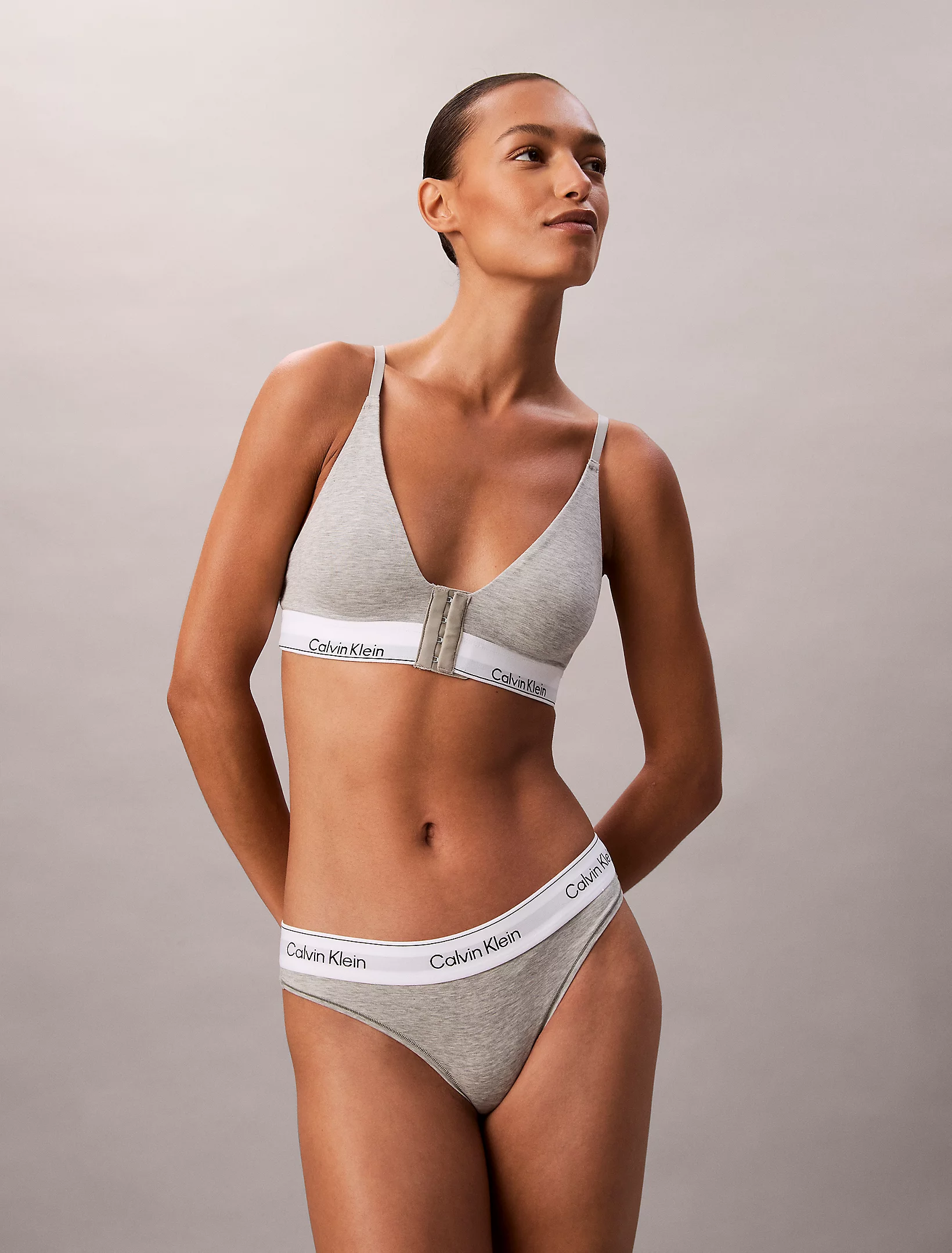
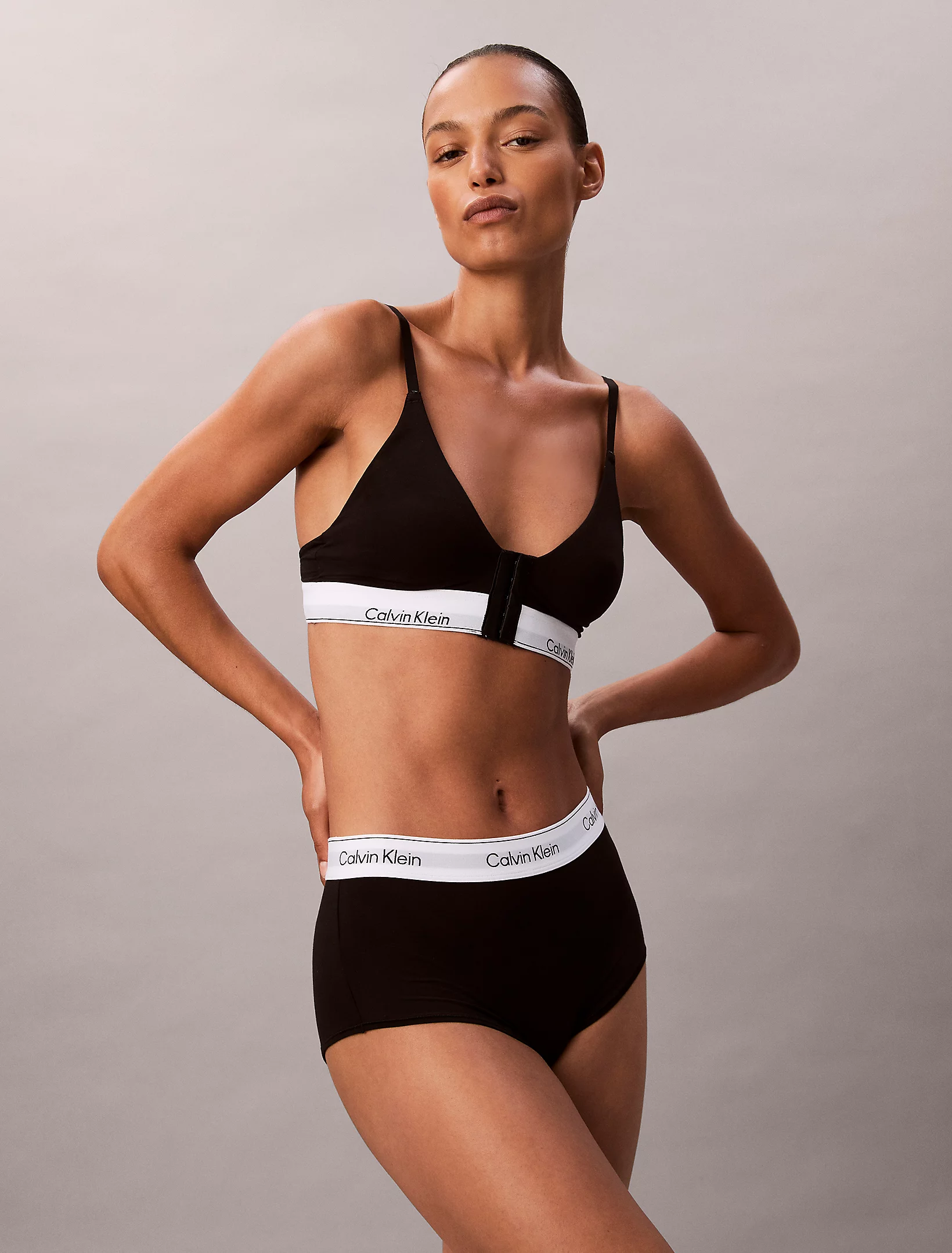
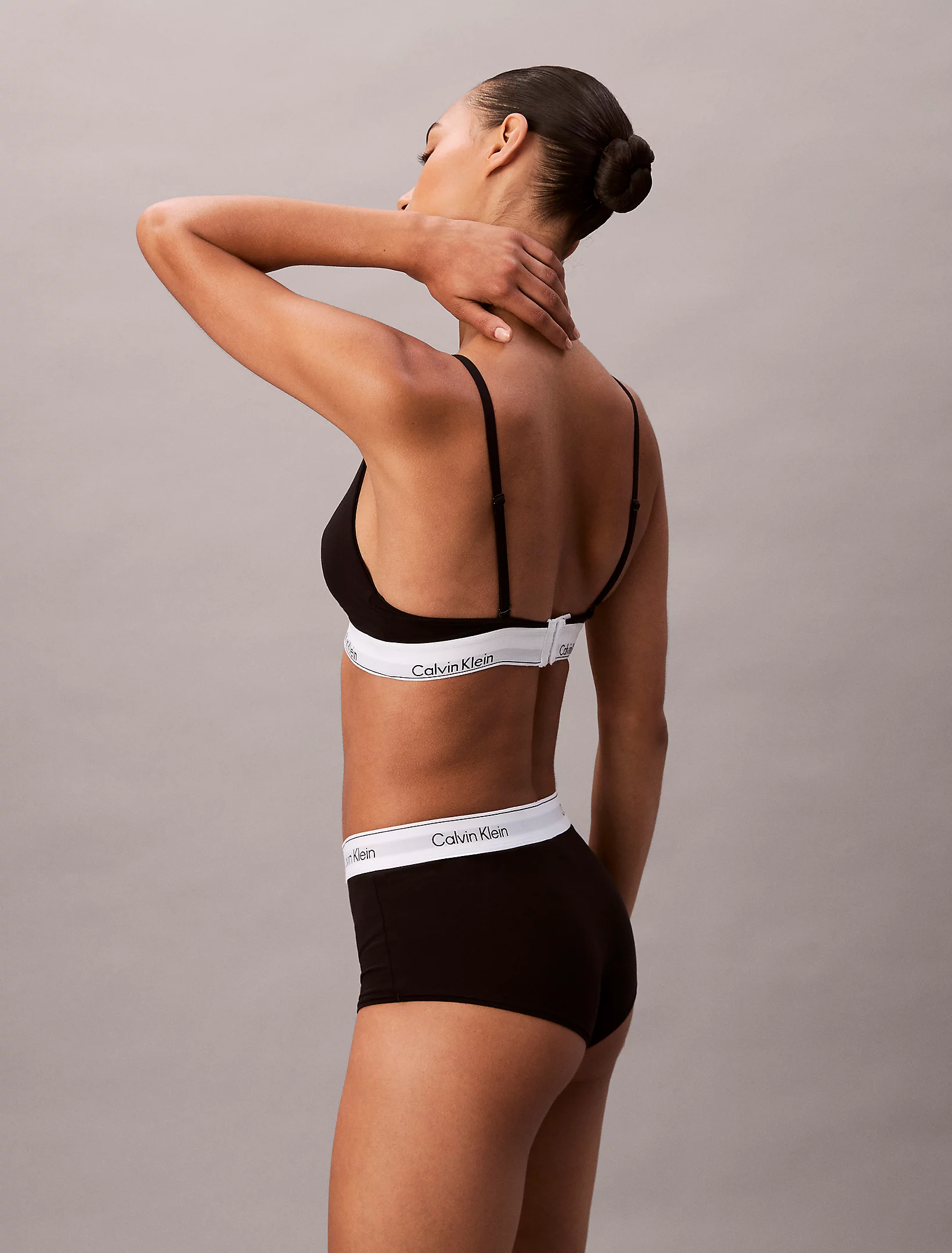
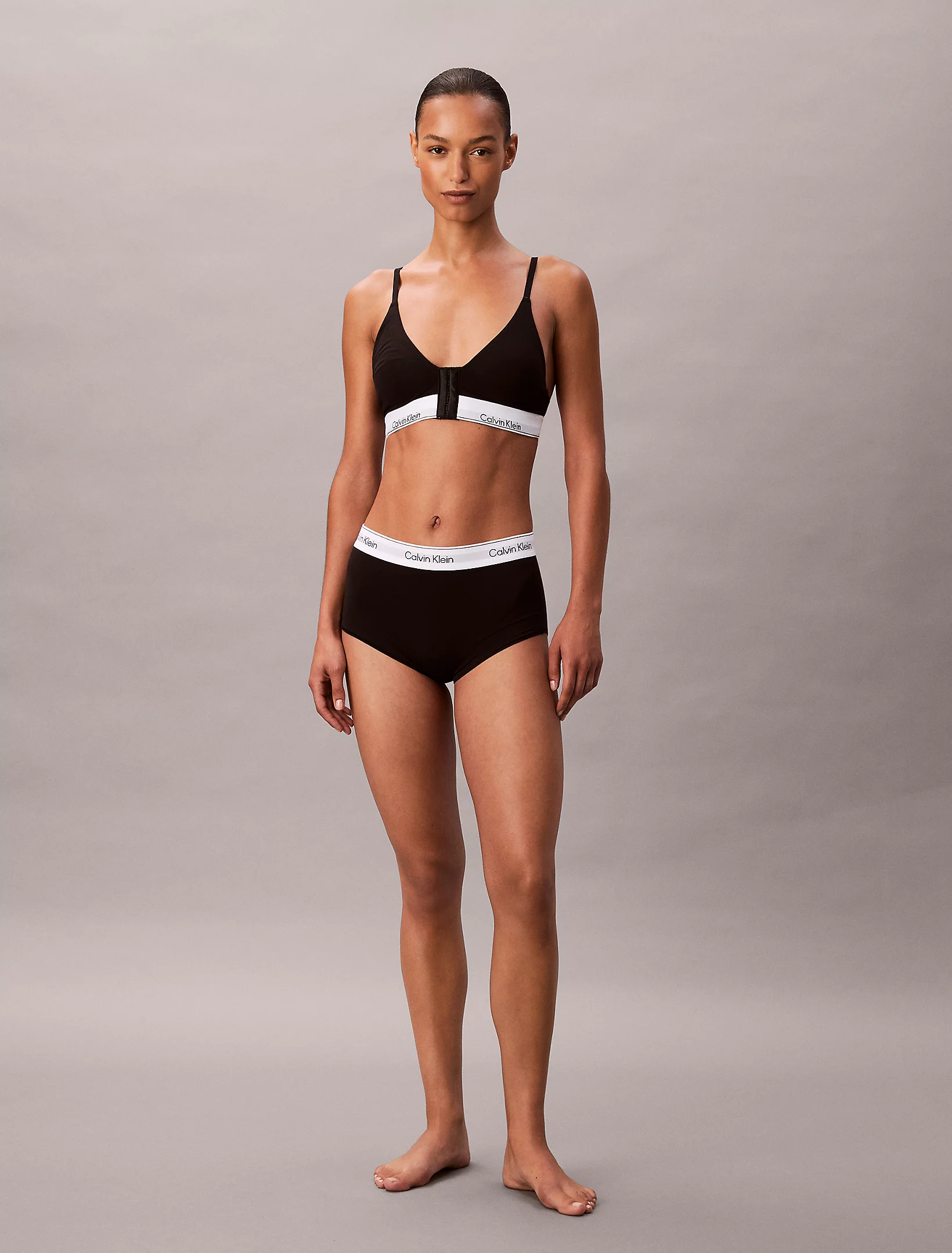
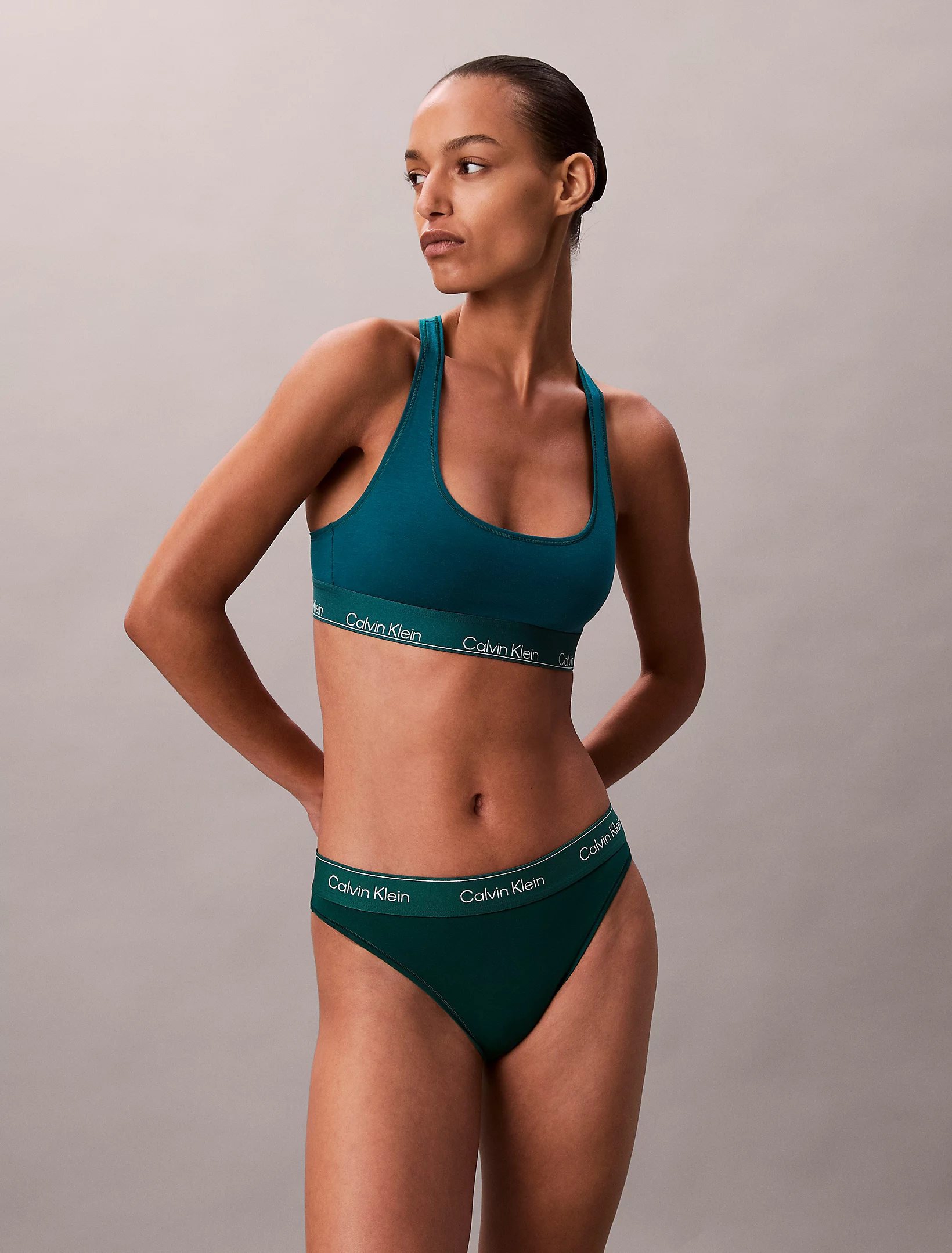
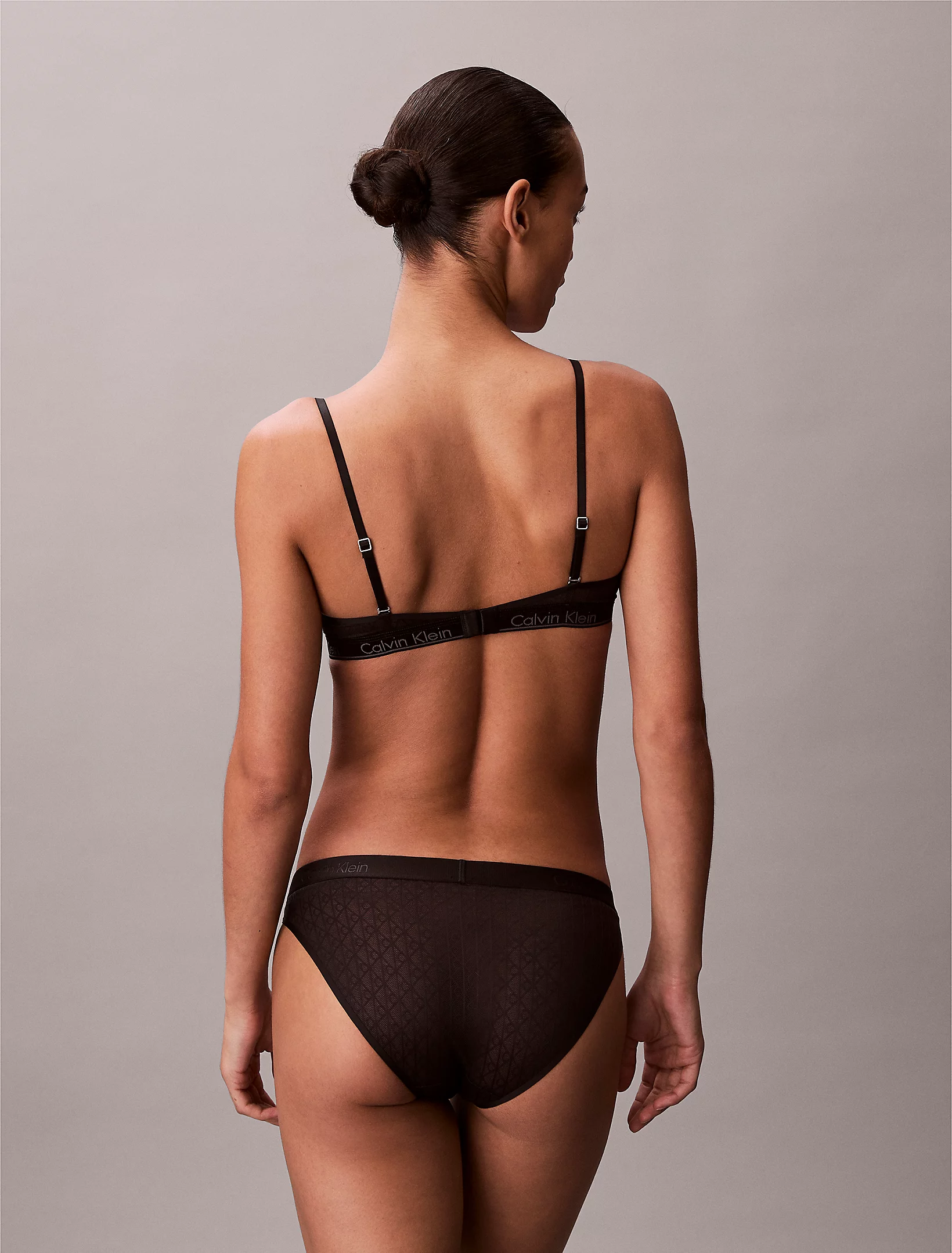
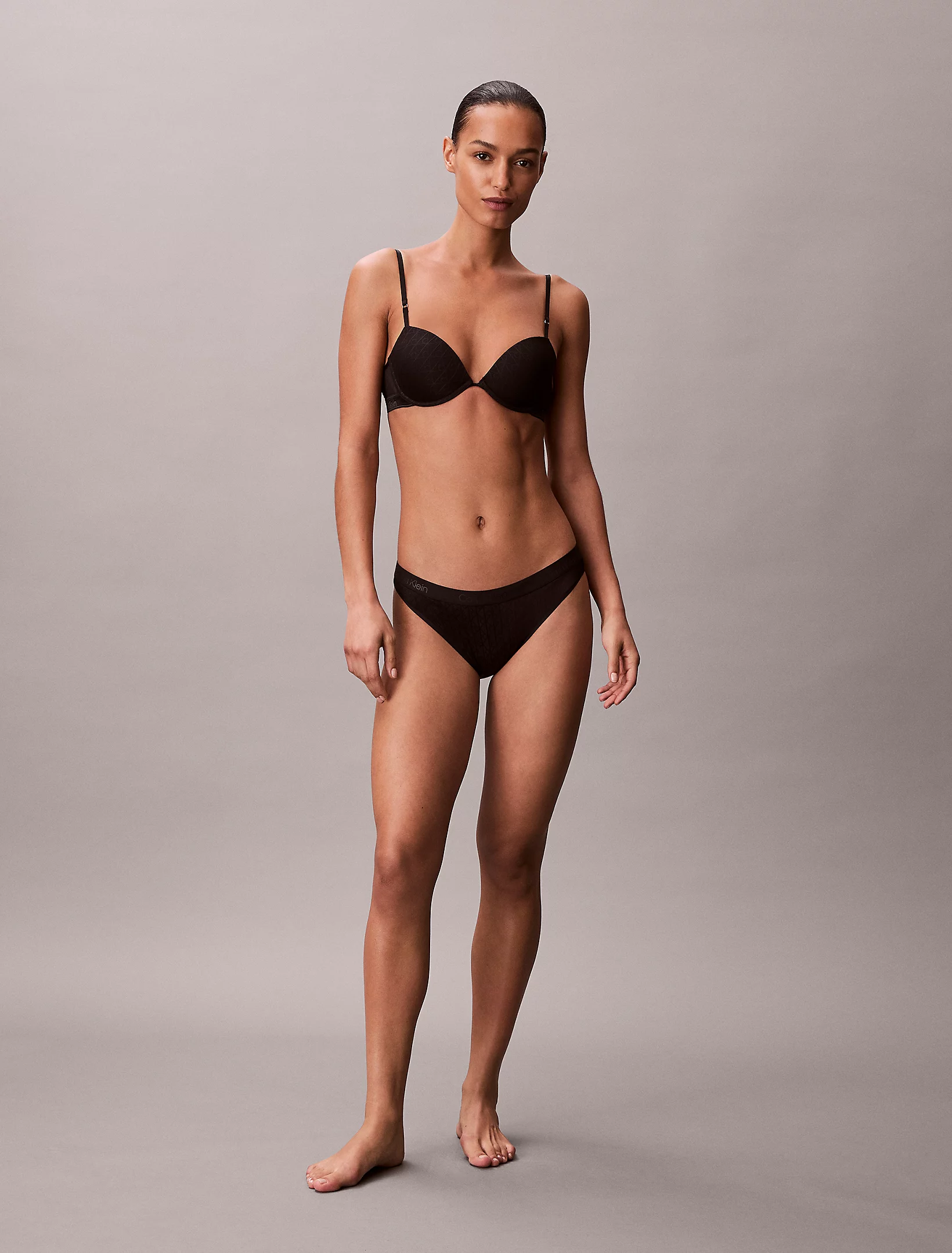
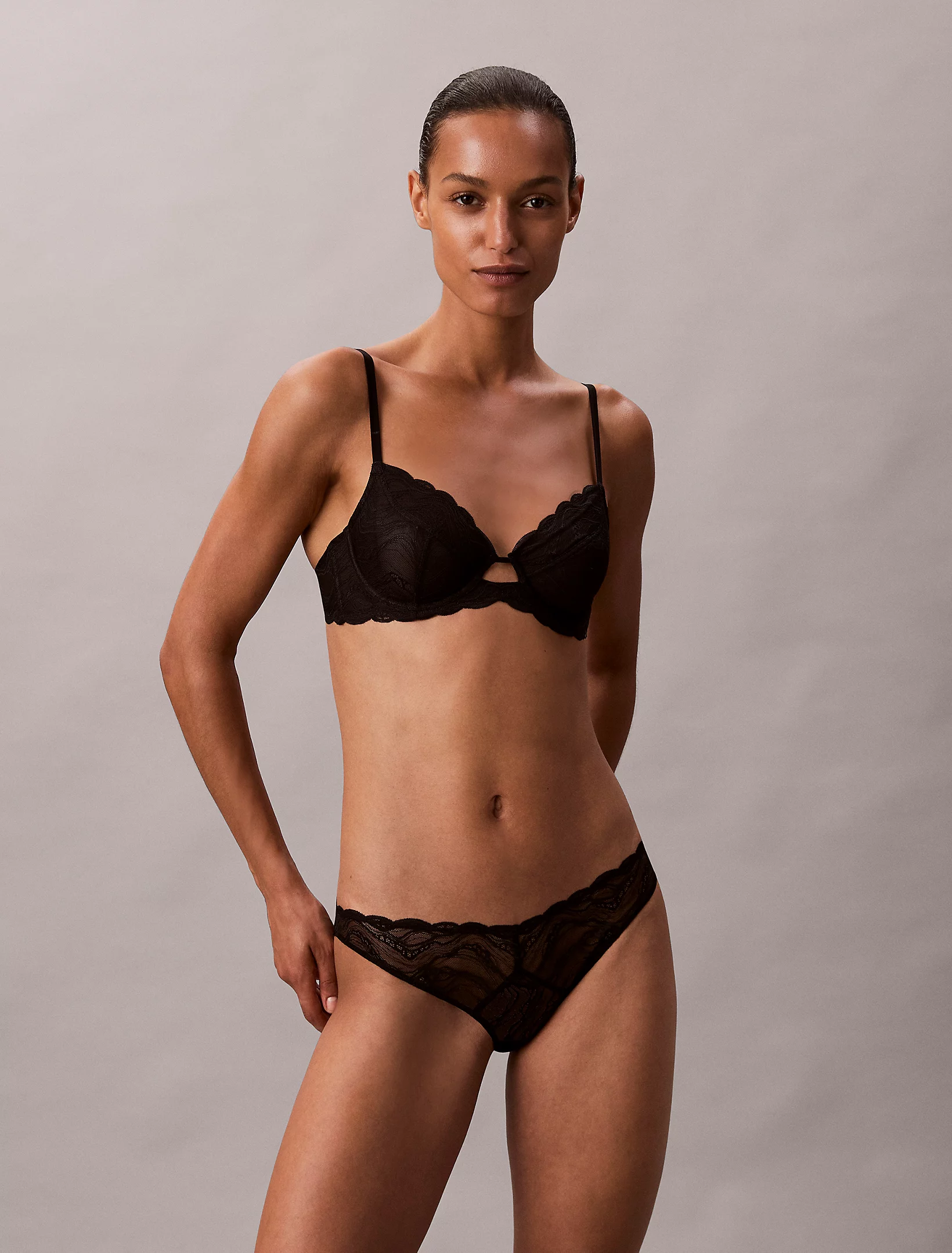
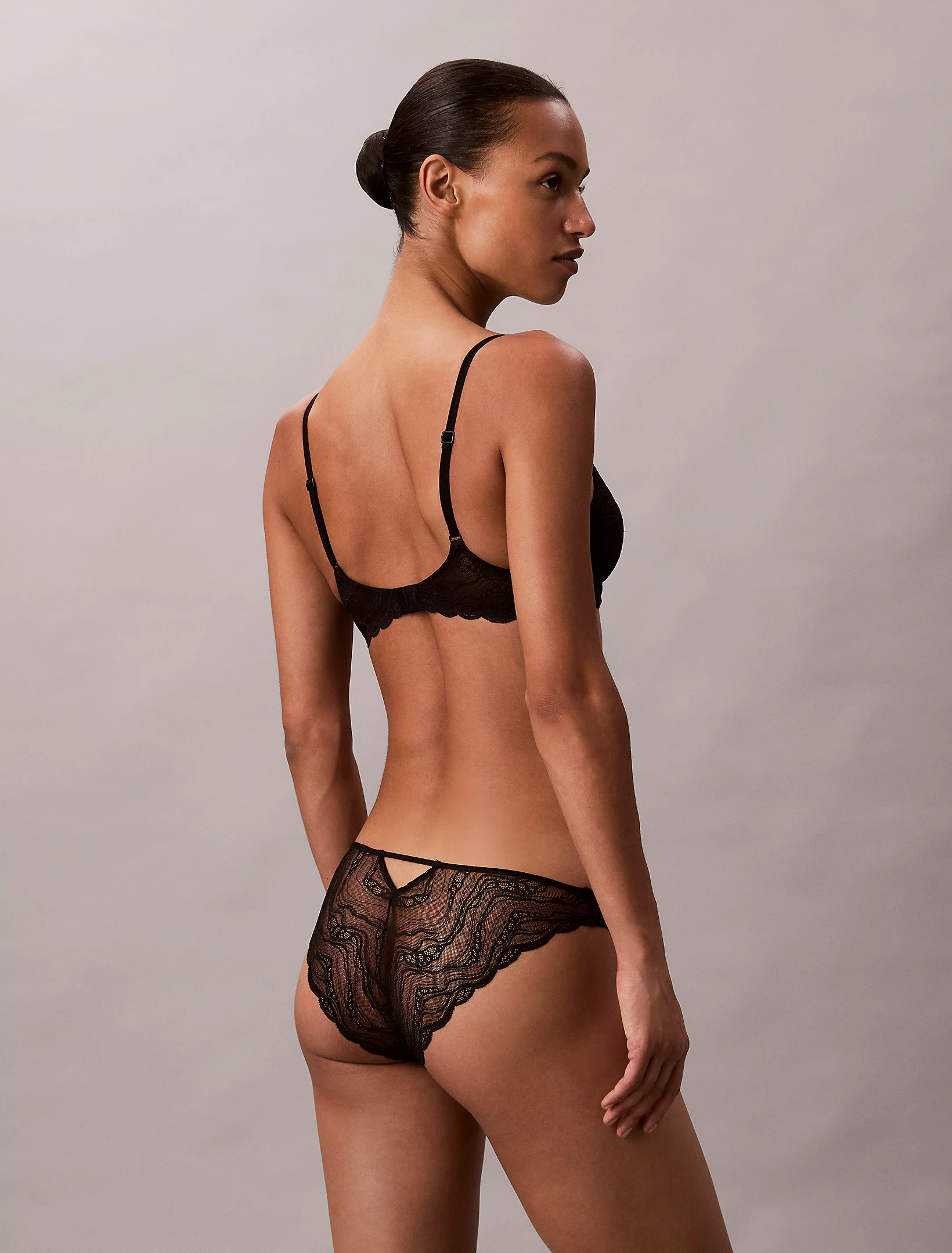


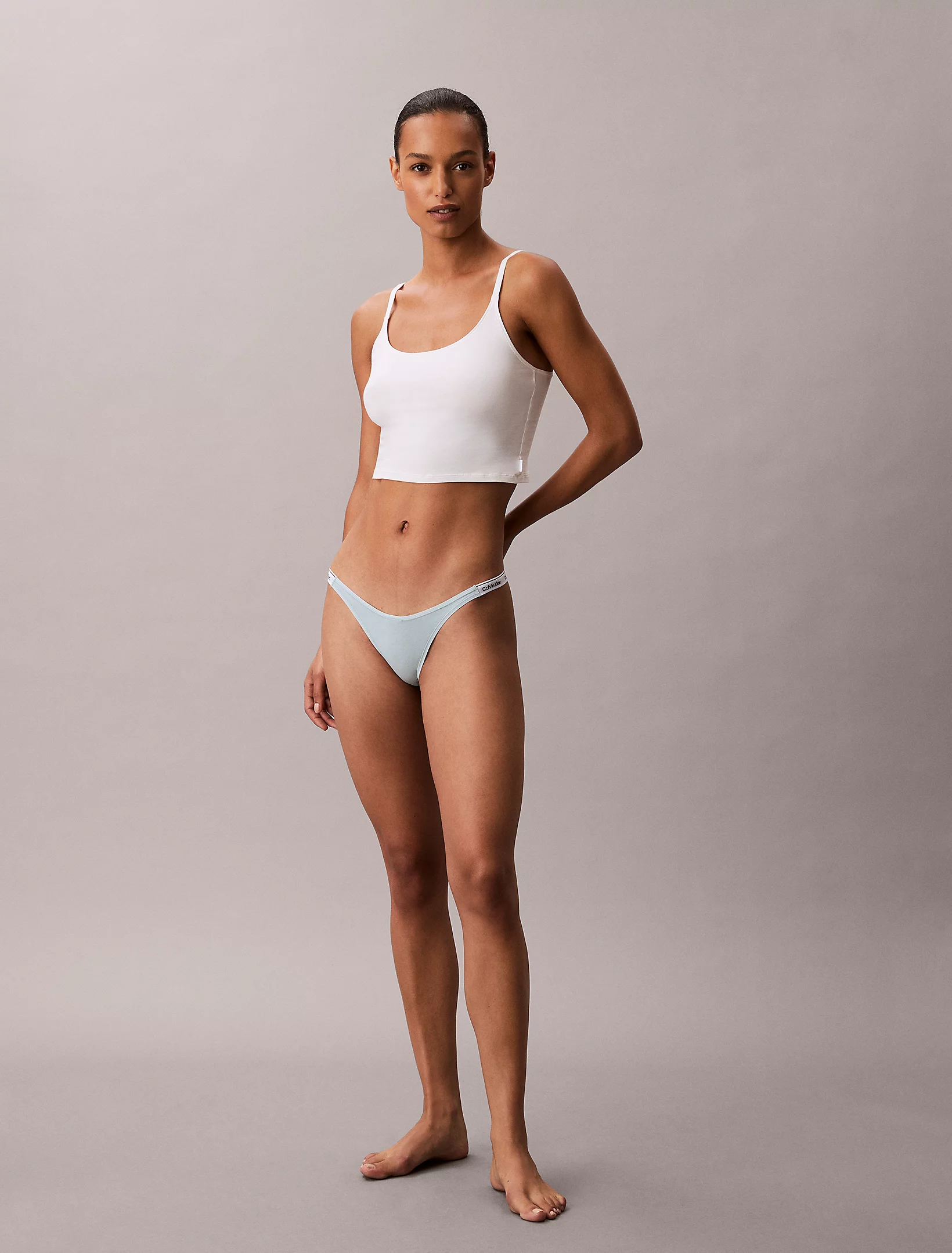

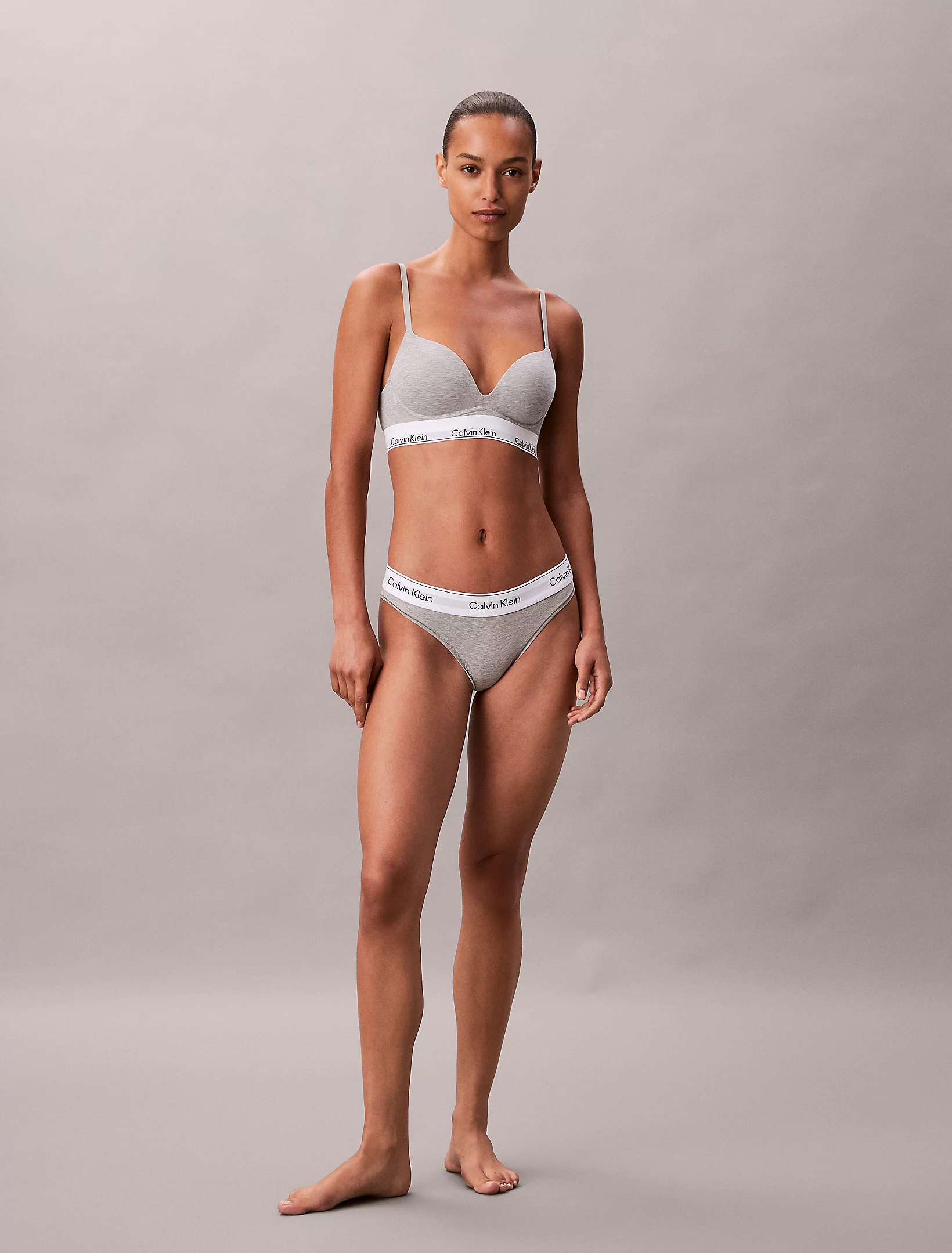
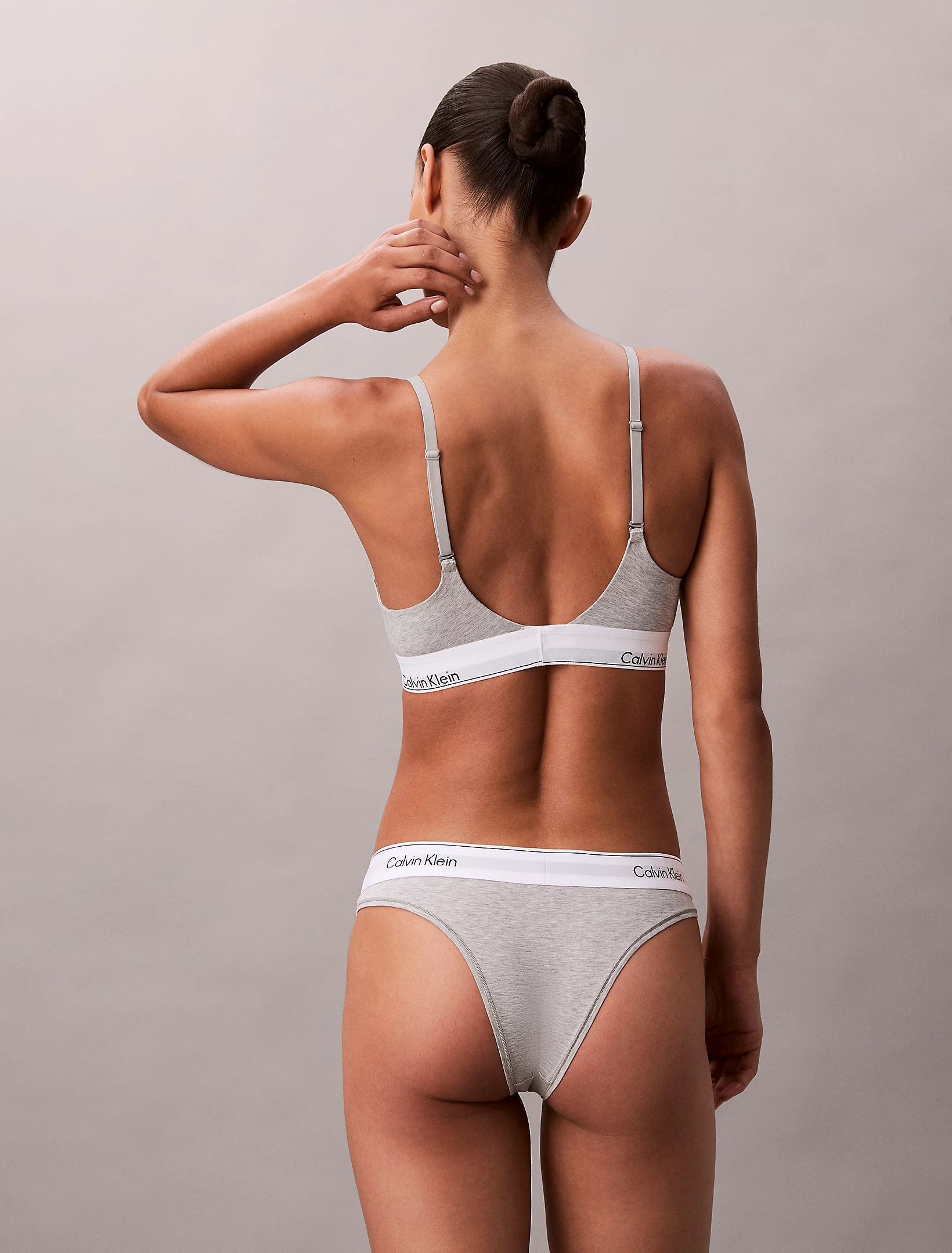
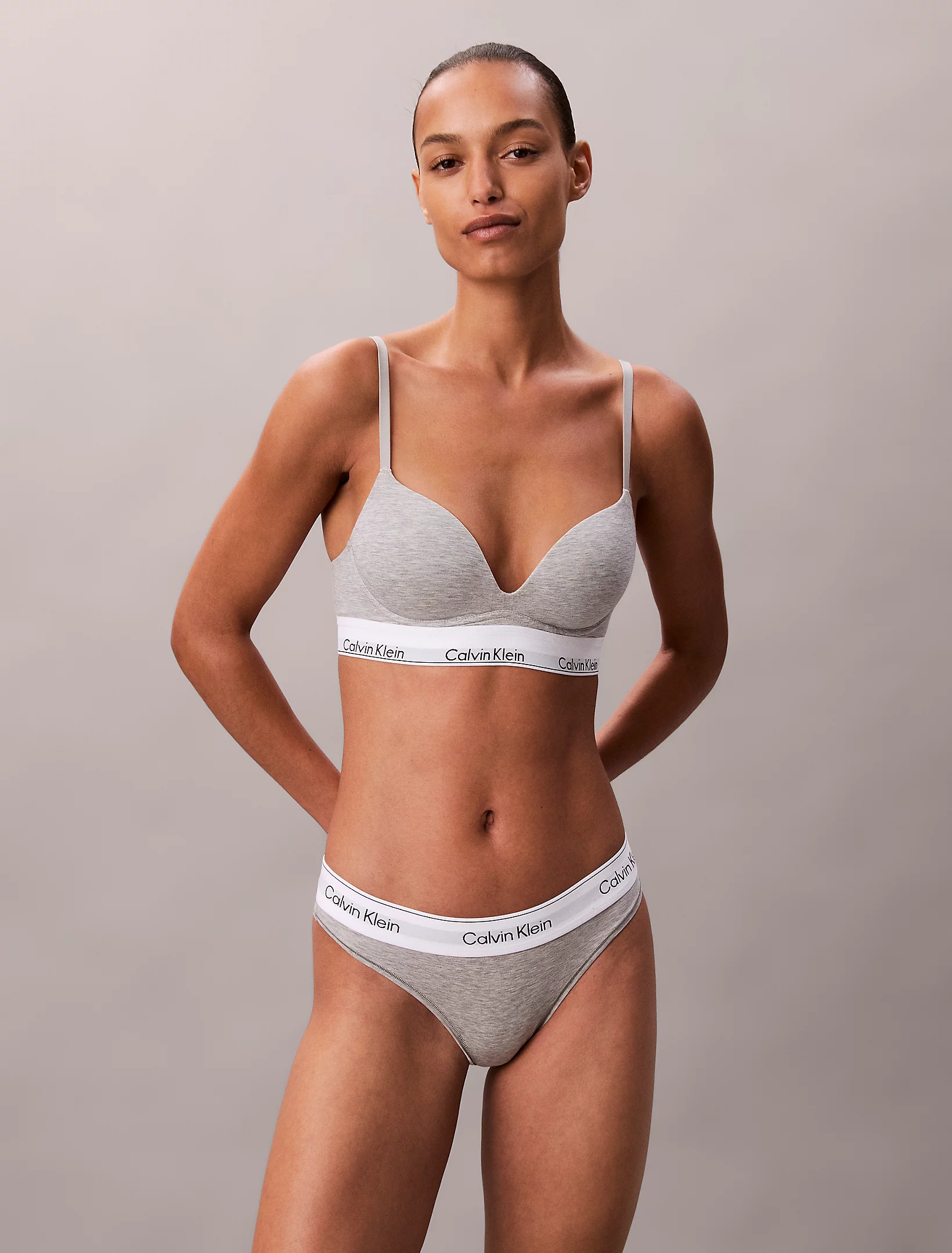
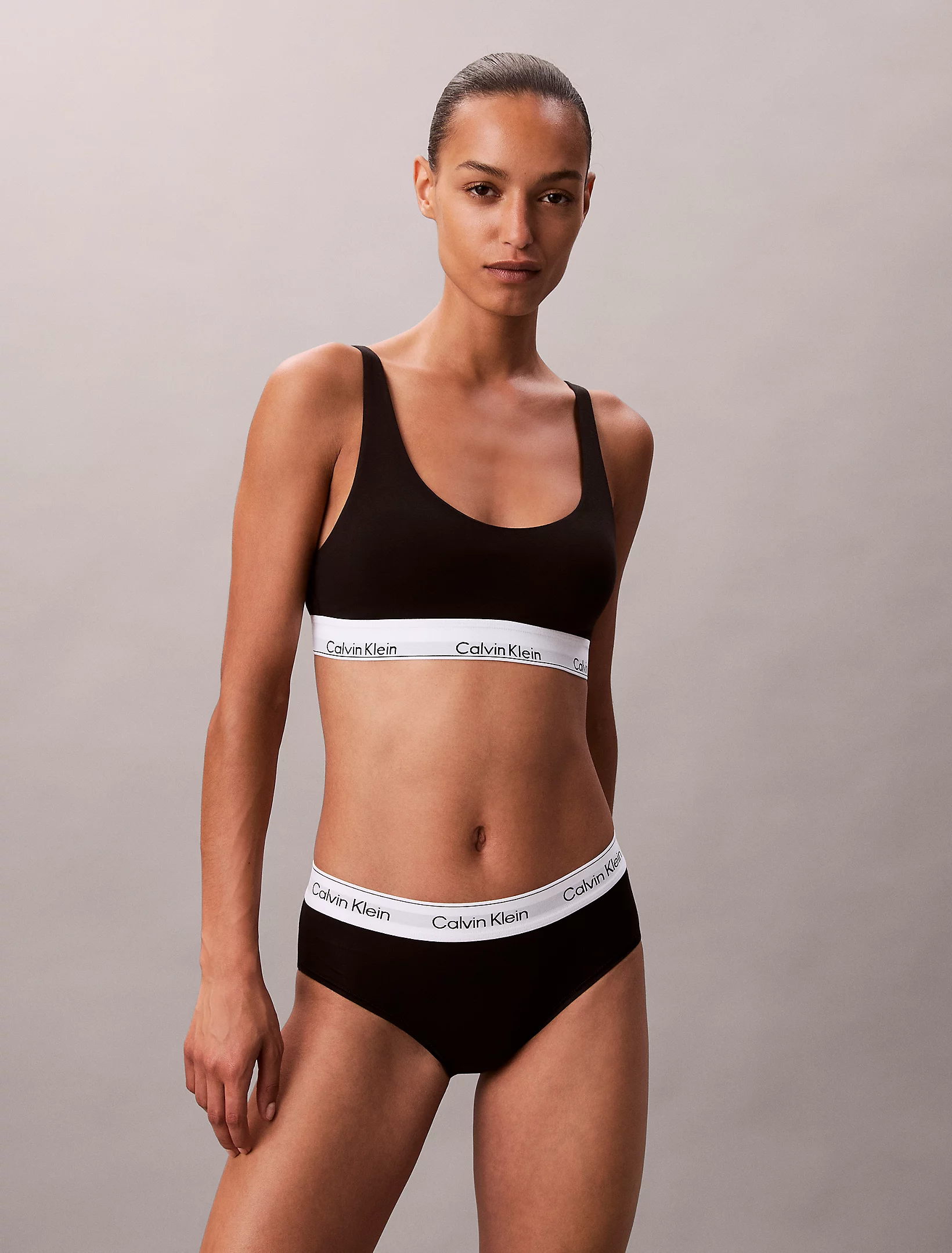
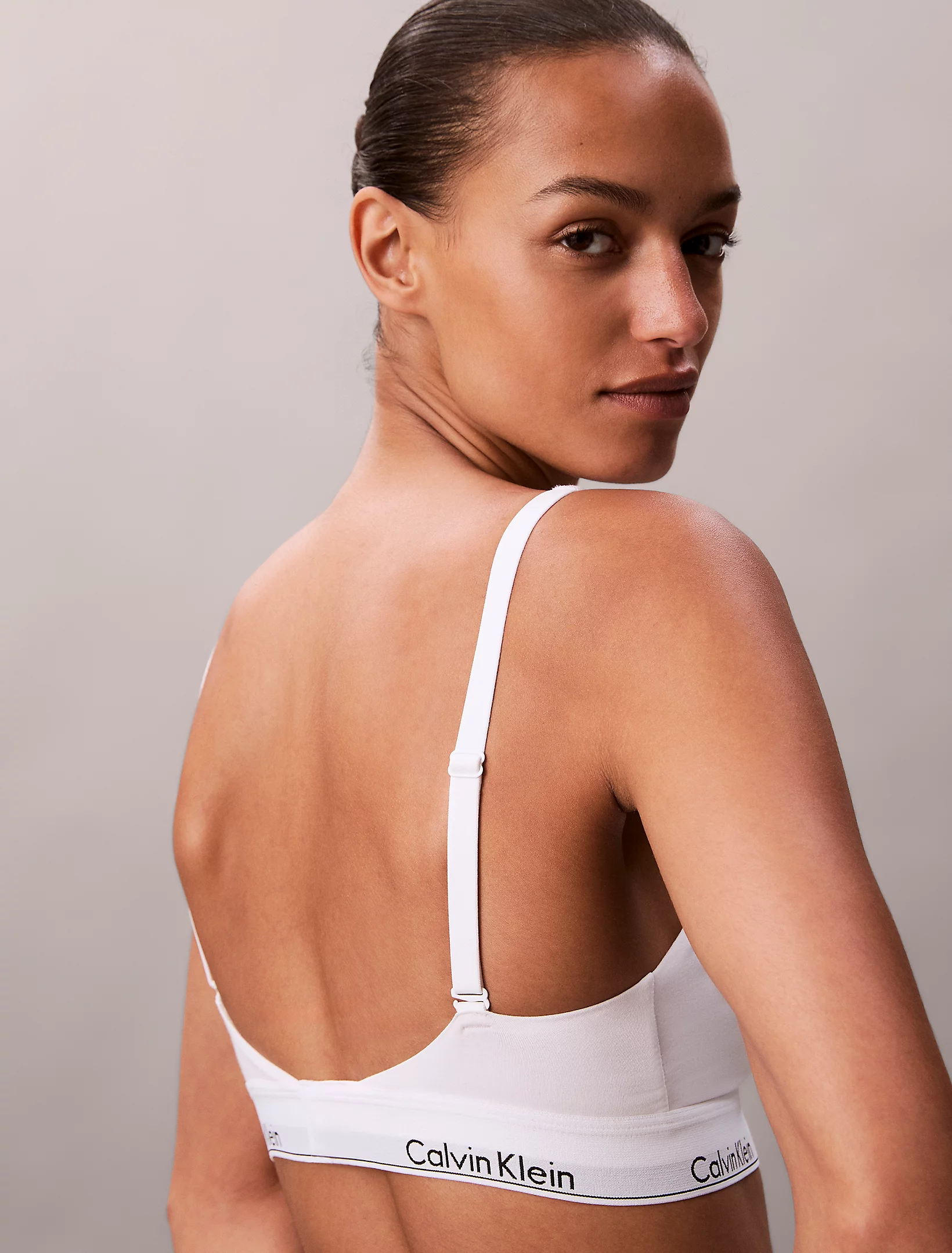
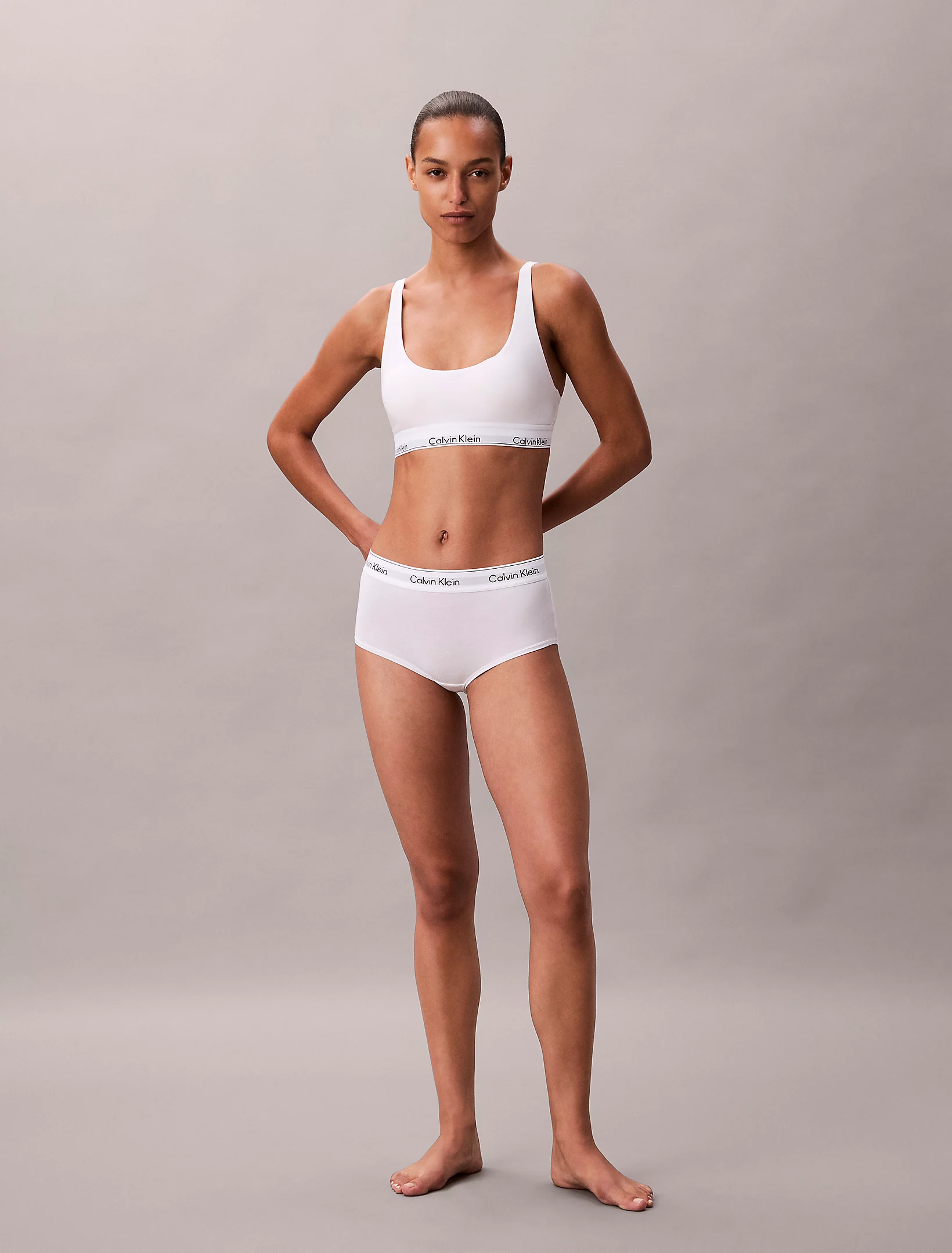
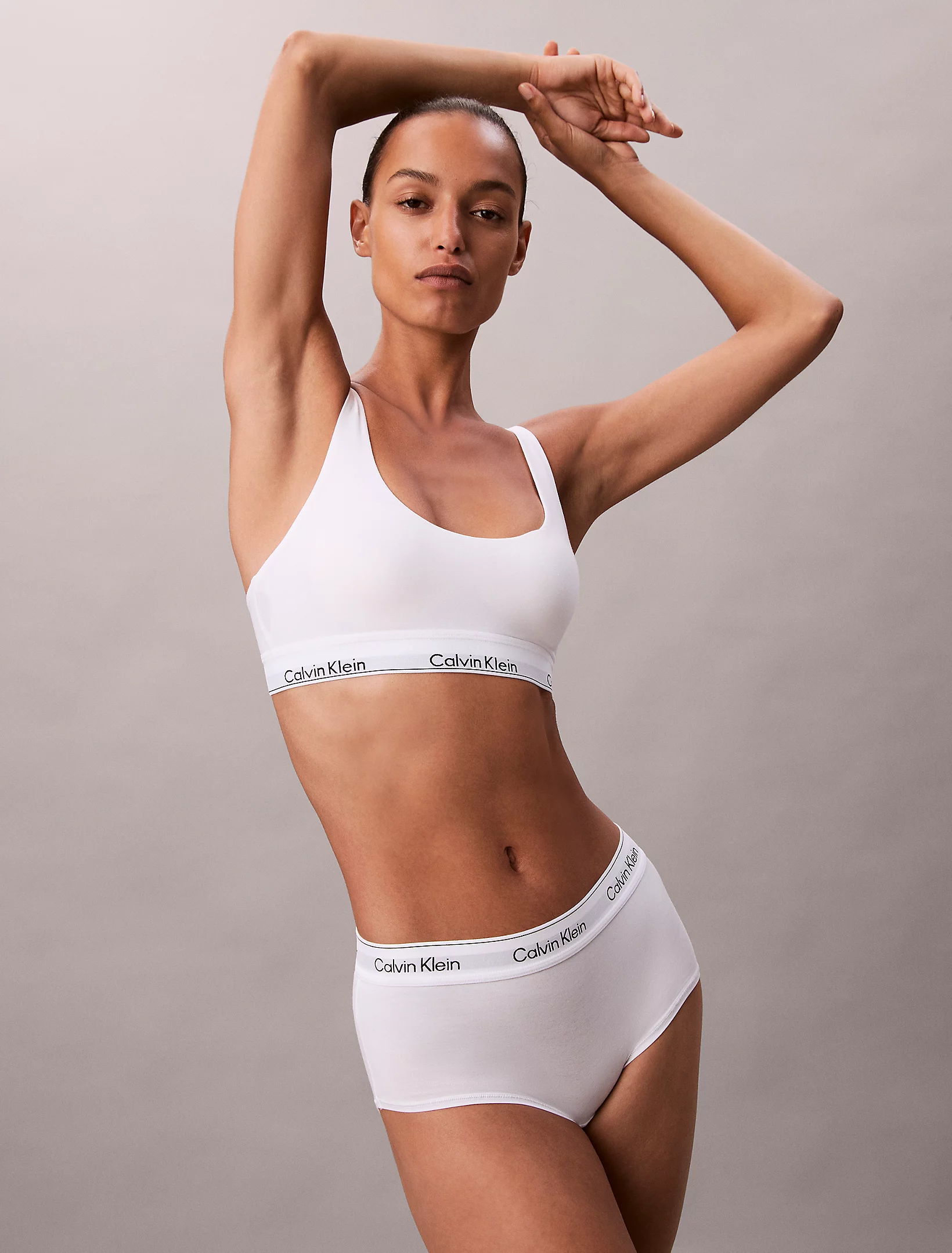
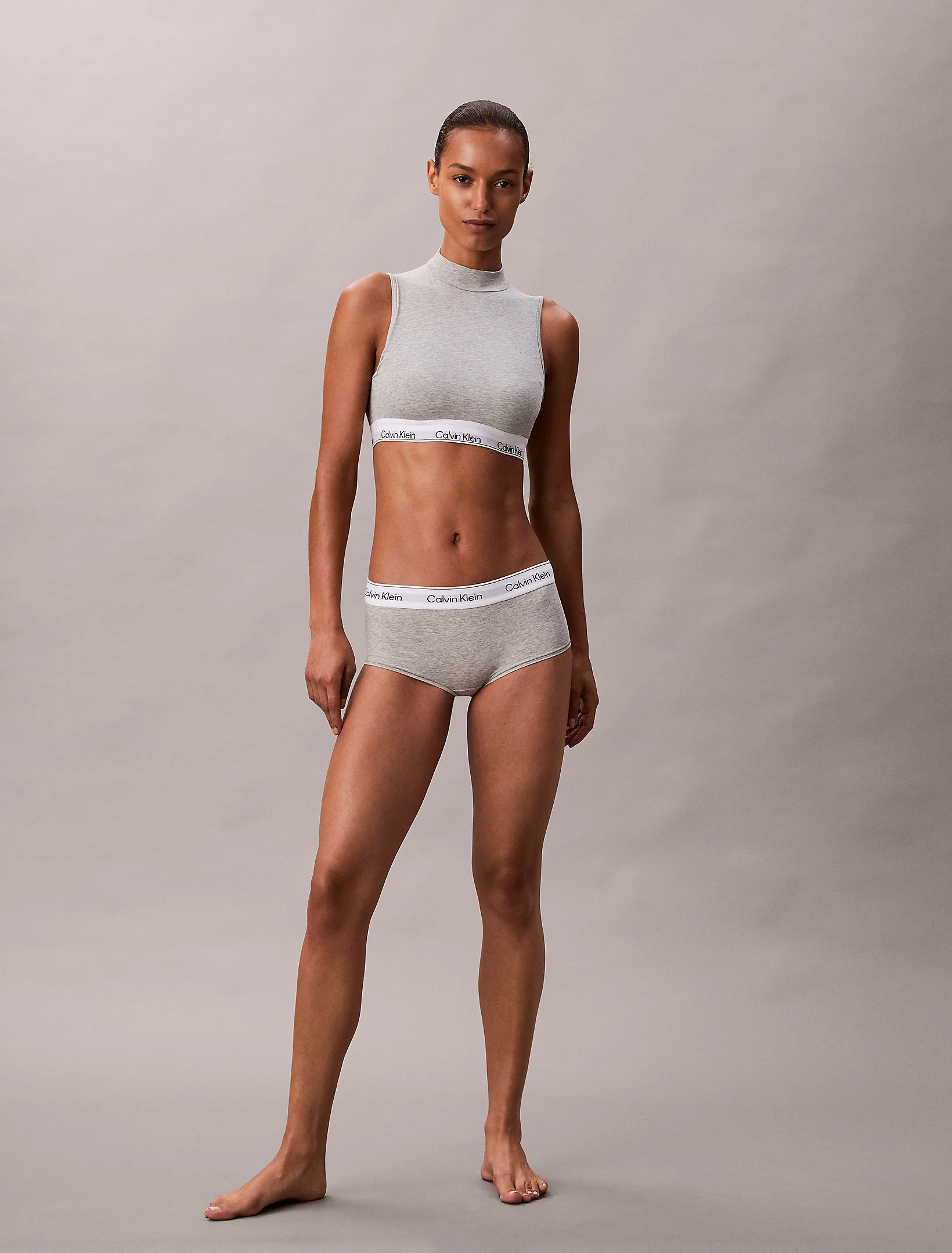
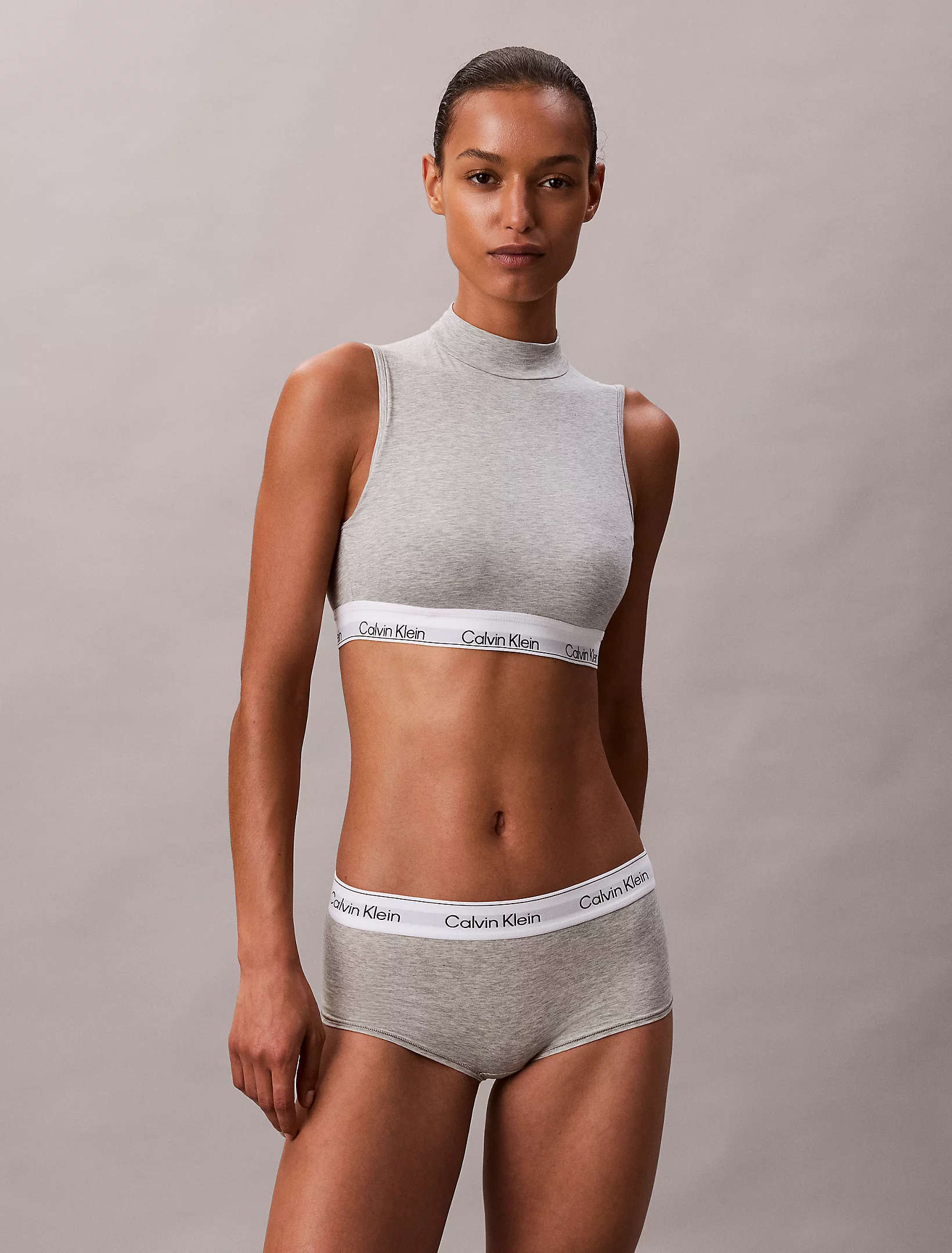
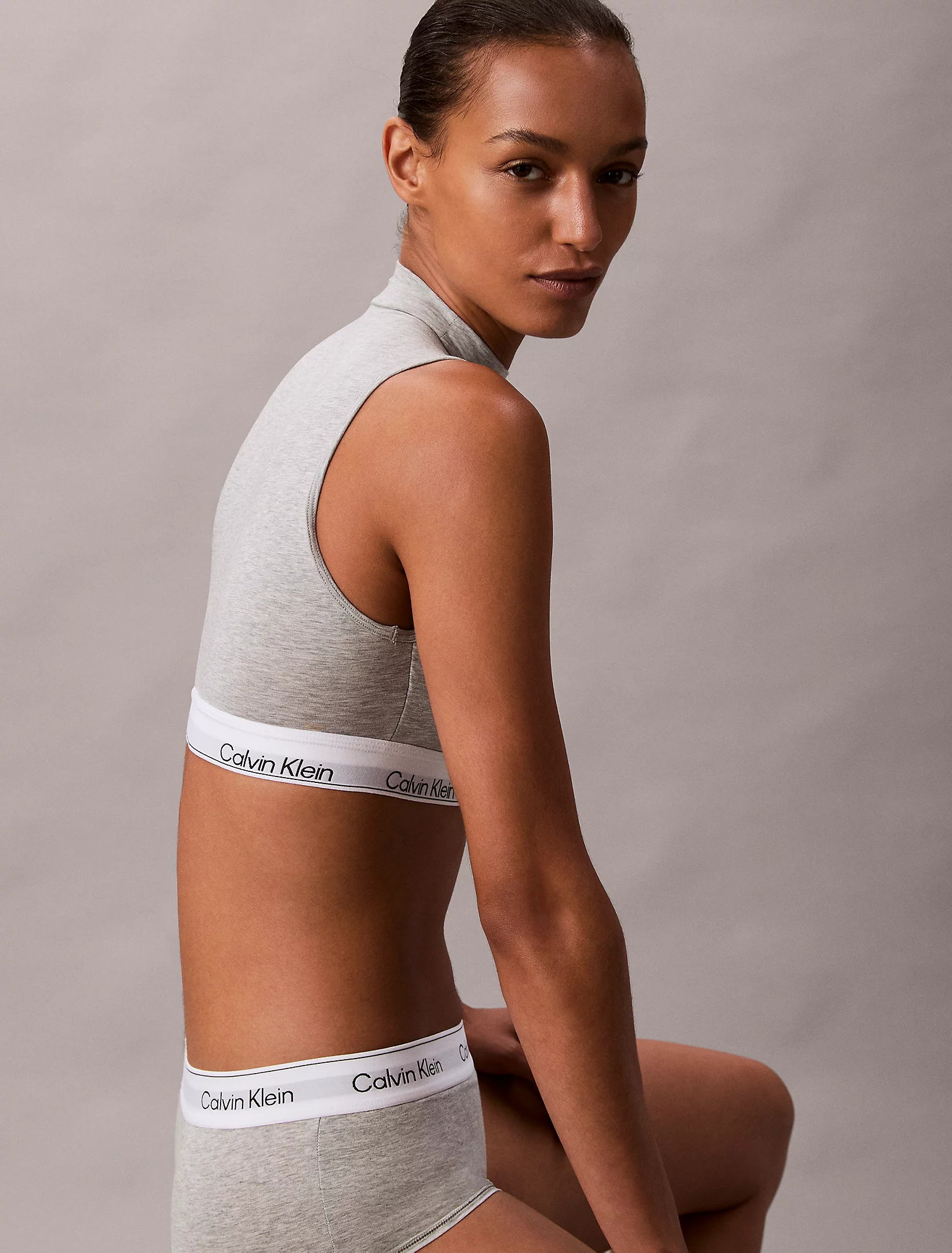
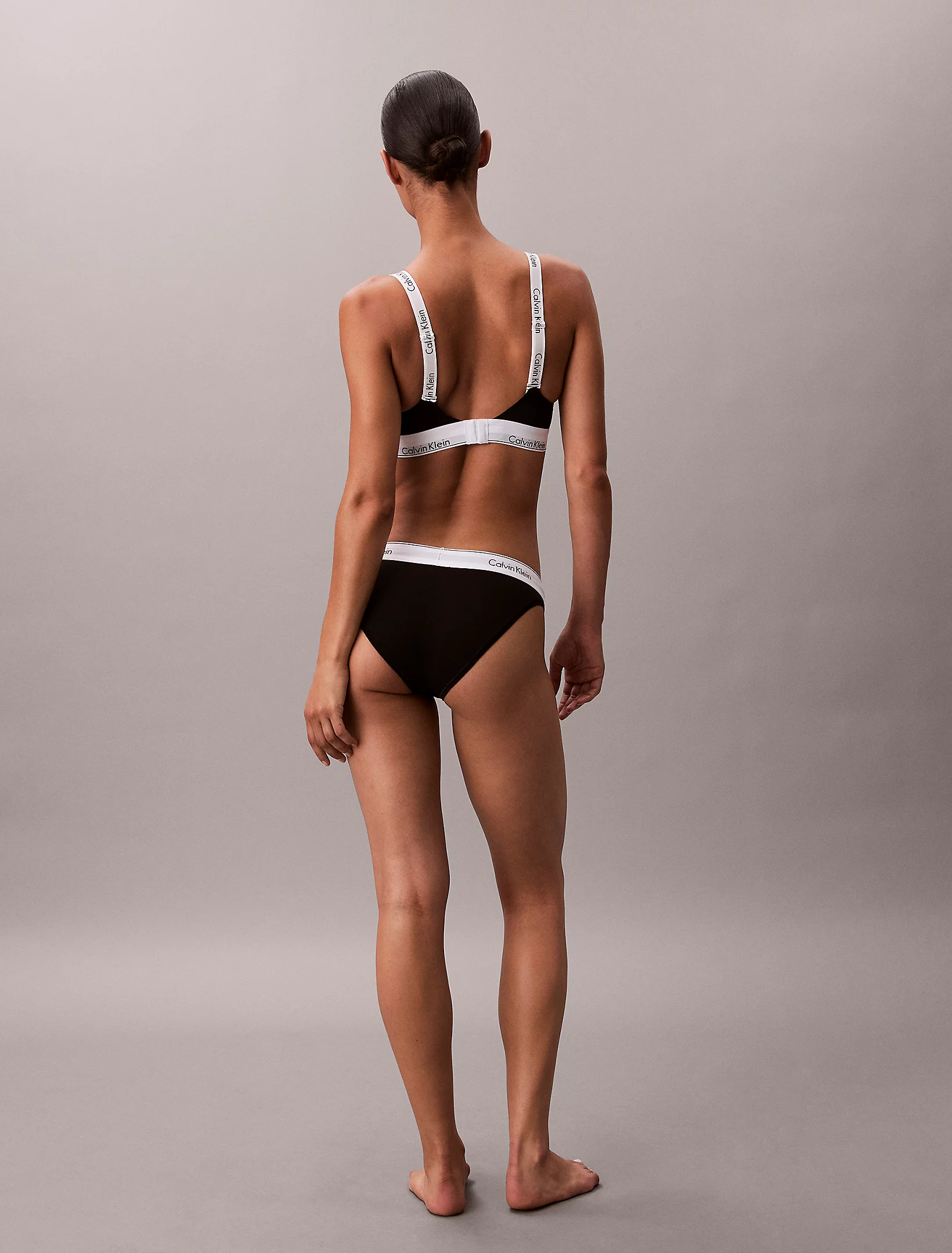
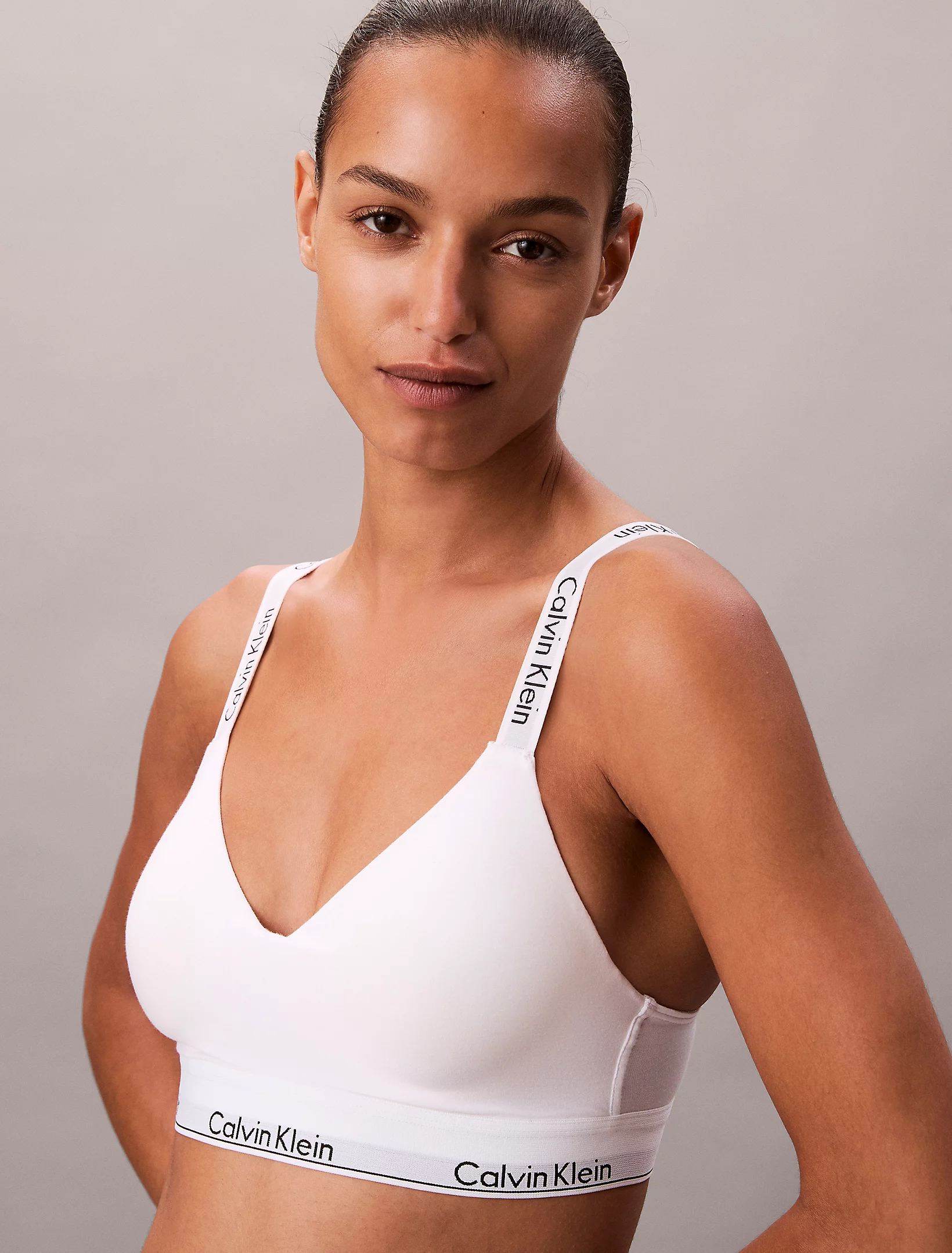
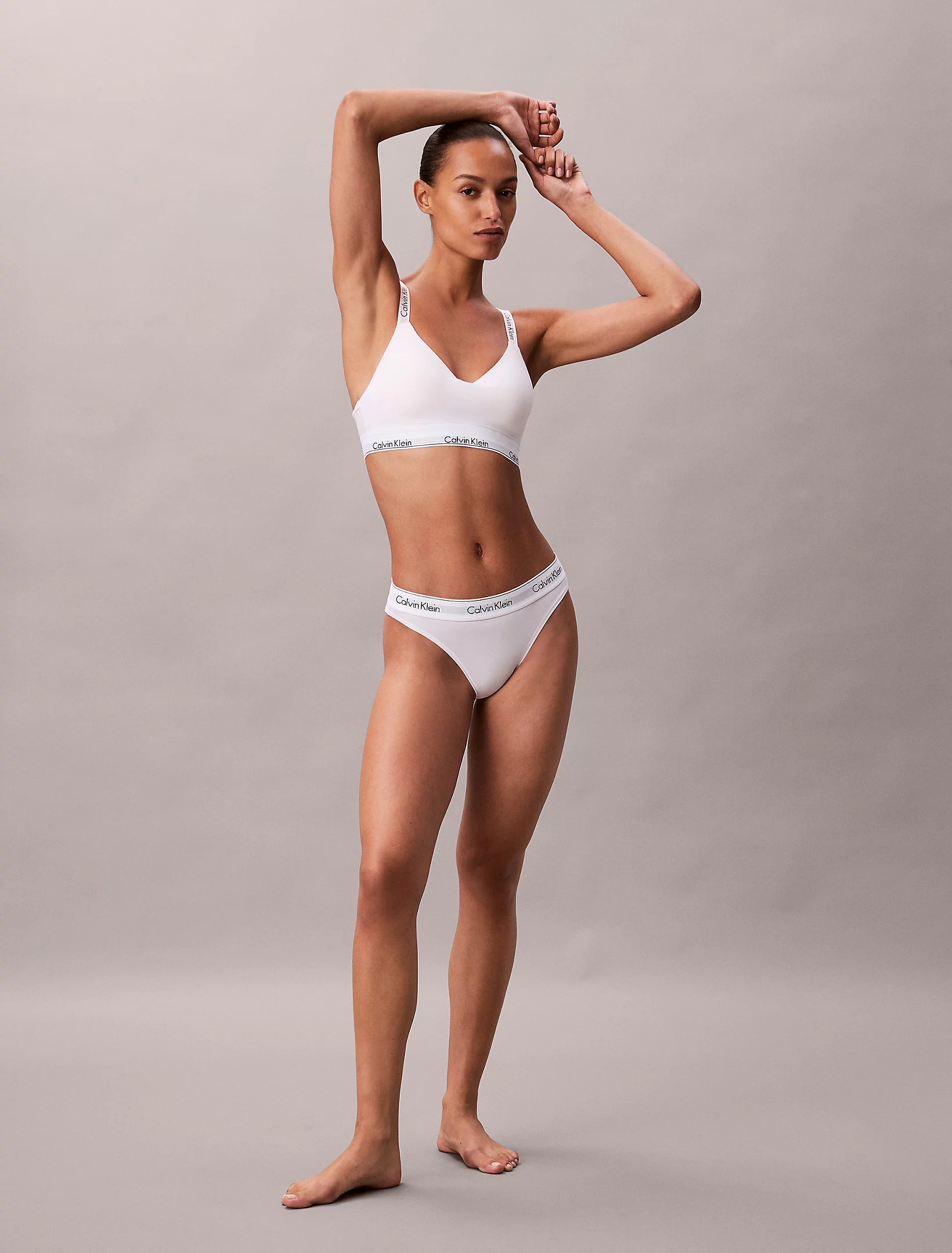
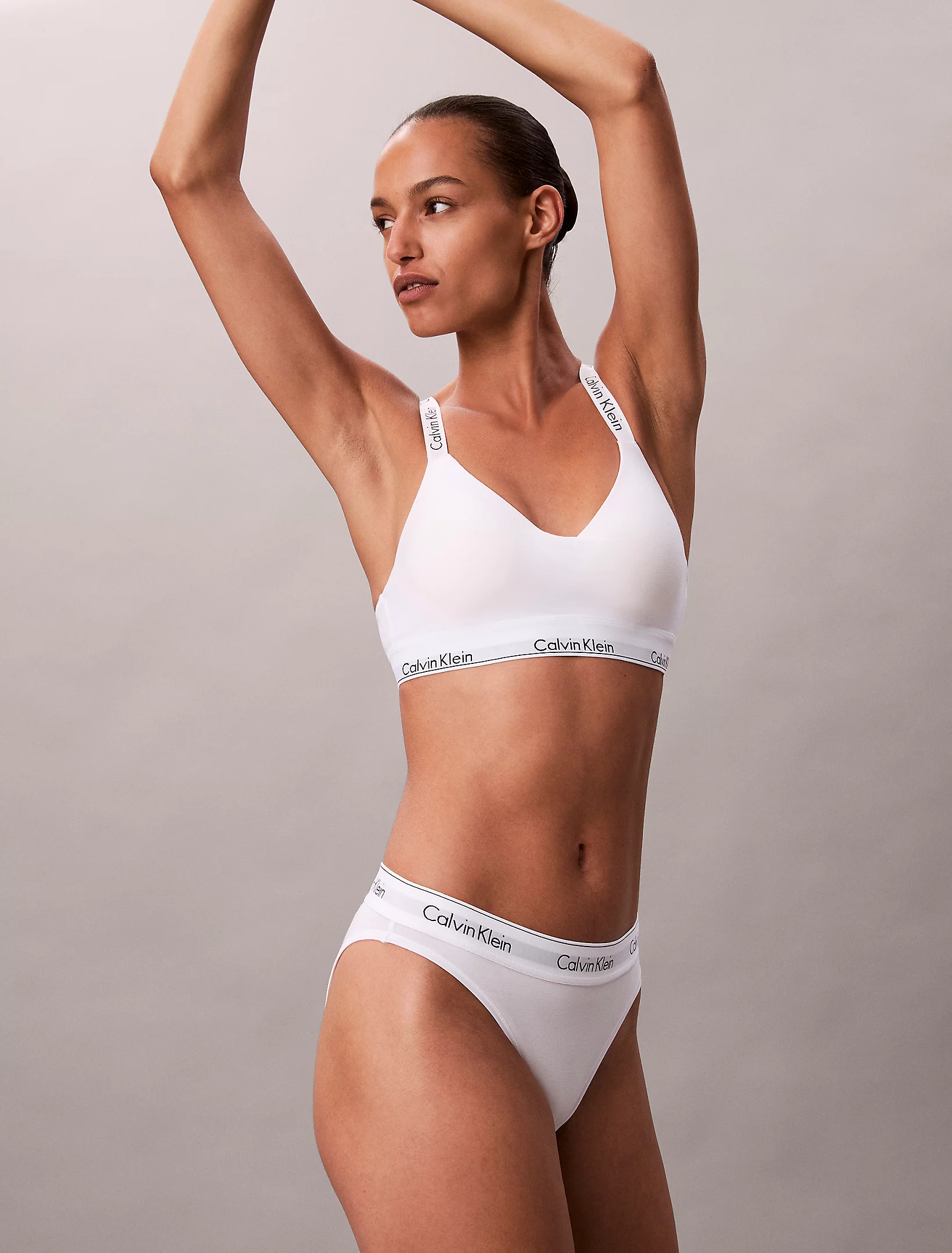
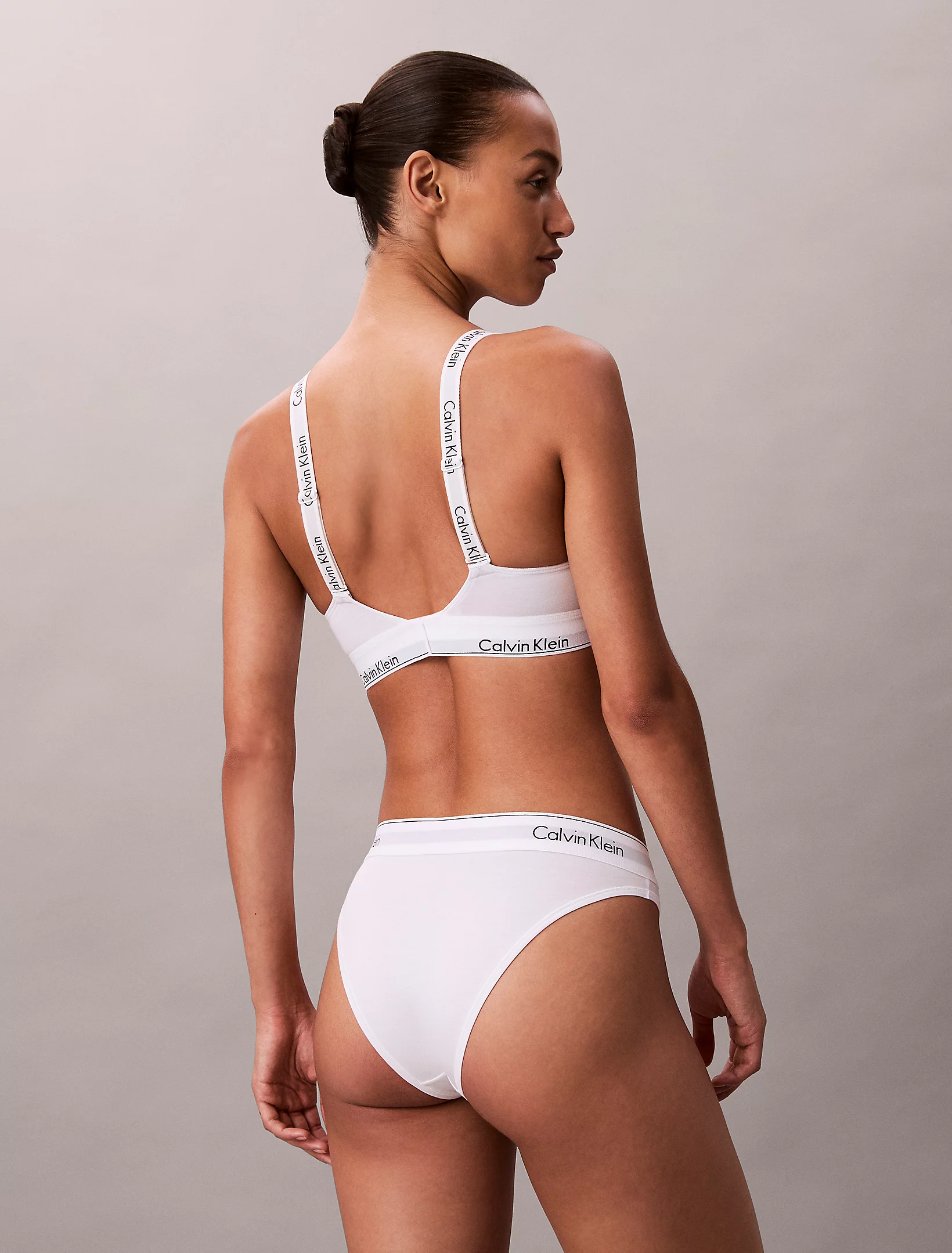



.webp.c23d225330cc8d863167281f6a55d49e.webp)
.webp.43c78d332967ddda5fd4616ff481dcc4.webp)
.webp.c5cfb6c94daa6f8dfd029694b282ca50.webp)