Skip to content
View in the app

A better way to browse. Learn more.

Bellazon

A full-screen app on your home screen with push notifications, badges and more.

To install this app on iOS and iPadOS
  1. Tap the Share icon in Safari
  2. Scroll the menu and tap Add to Home Screen.
  3. Tap Add in the top-right corner.
To install this app on Android
  1. Tap the 3-dot menu (⋮) in the top-right corner of the browser.
  2. Tap Add to Home screen or Install app.
  3. Confirm by tapping Install.

hfgl

Members
  • Joined

  • Last visited

  1. Eltoredo started following hfgl
  2. You're the best, thank you so much
  3. Who is this please? From instagram.
  4. Thank you!
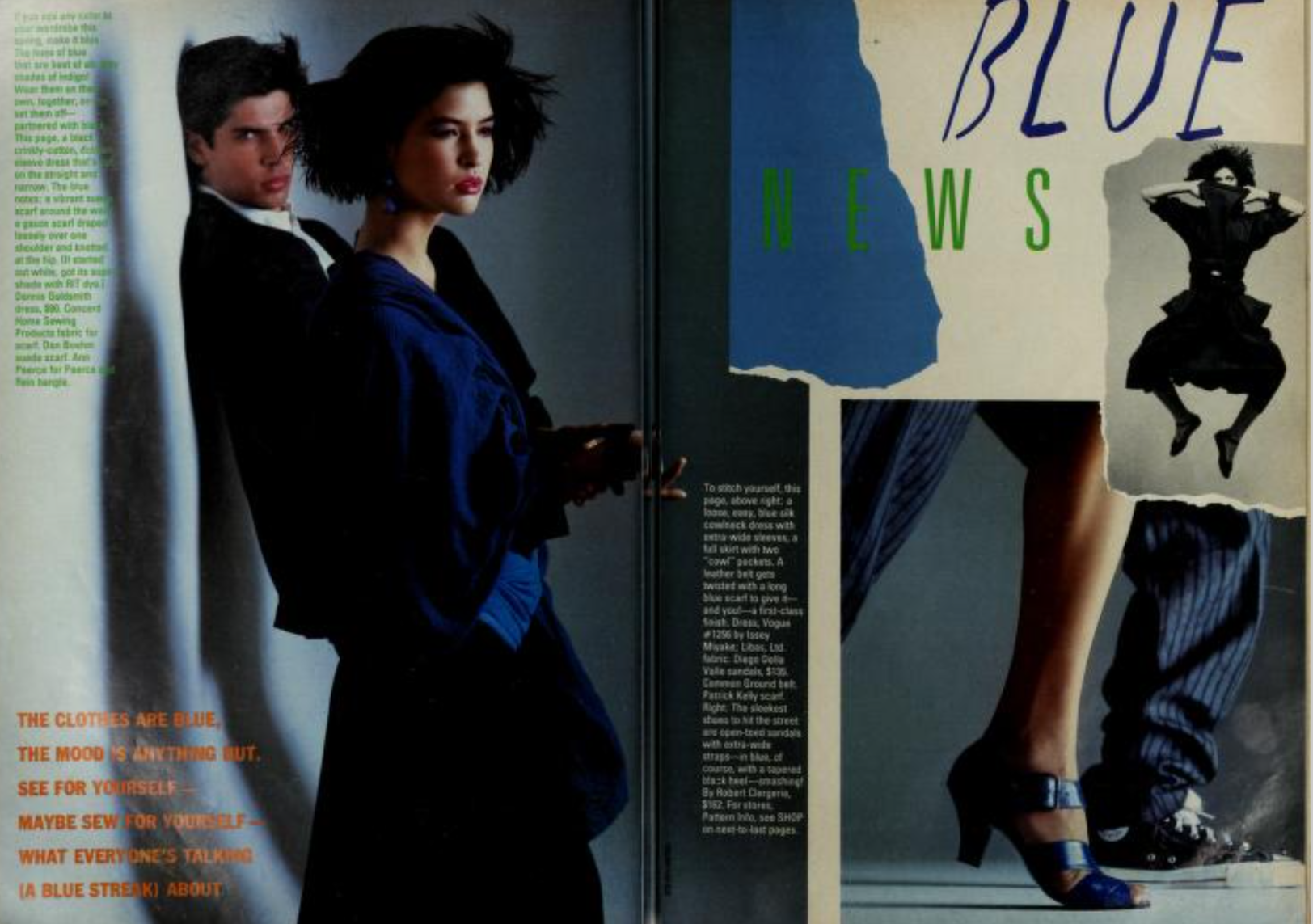
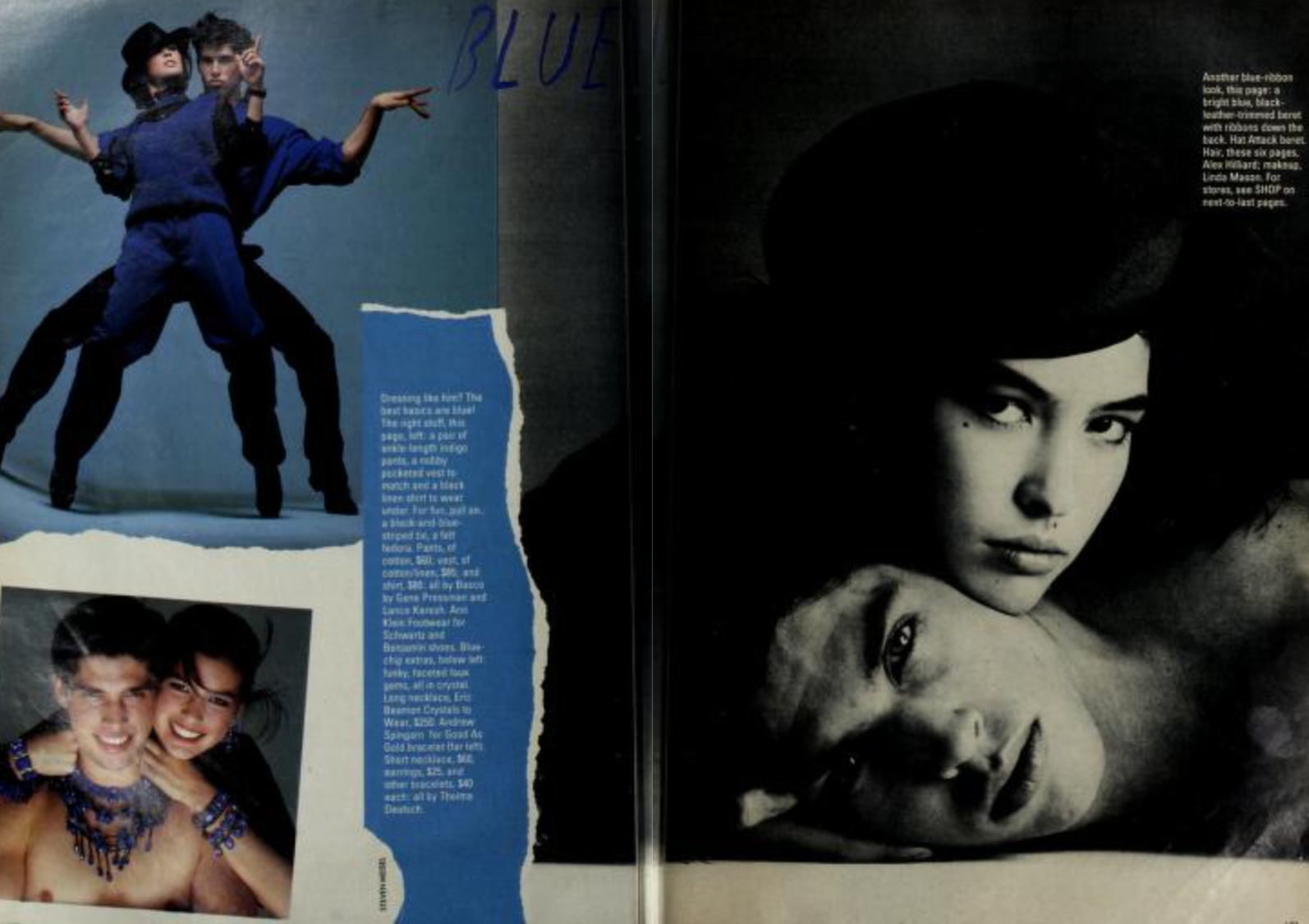
  5. What is her name please? Mademoiselle April 1984
  6. hfgl started following Vintage Model IDs
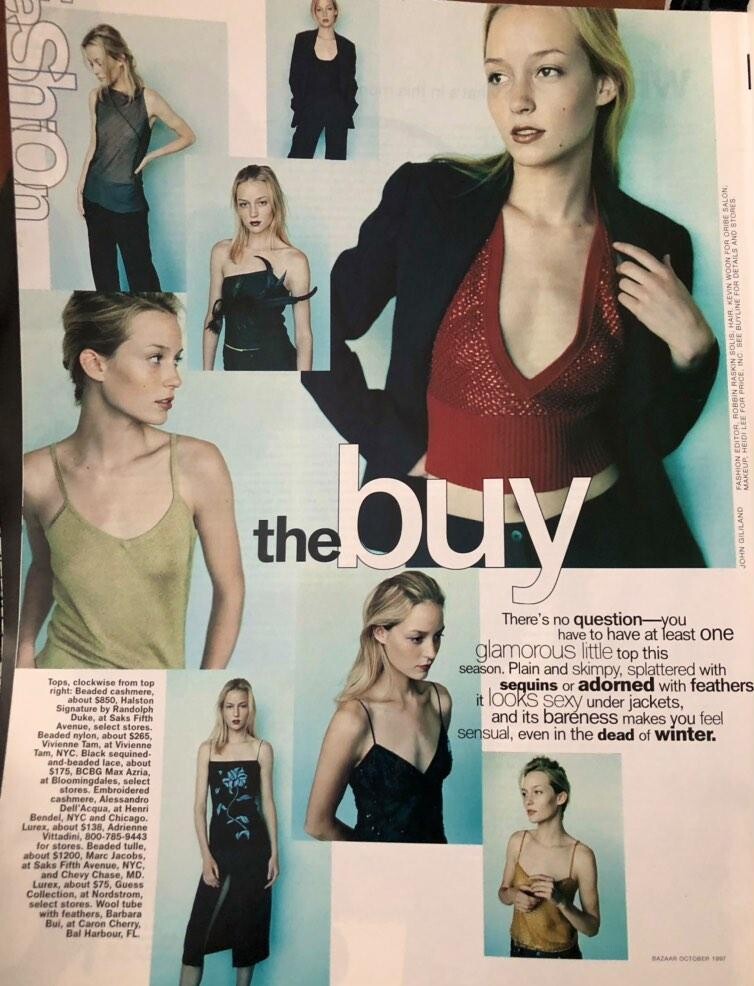
  7. From Harper's Bazaar, mid to late 90's. Source, strangecurrecies on insta.
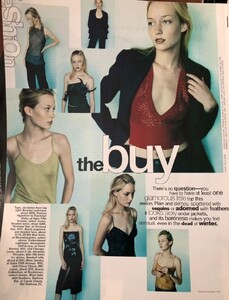
  8. Does anyone have an Ed from Vogue UK by Steven Klein with Audrey?
  9. Love "RITMO DE COLOR" and BLANCO Y NEGRO thank you @missparker7 and @RocketQueen
  10. You post the most amazing rare stuff, @Rocket Queen thank you!!
  11. hfgl replied to RocketQueen's topic in Archives
    Leilani Bishops?
  12. Wonderful thread, thank you everybody.
  13. hfgl started following RocketQueen
  14. I wish there was more posts in this thread, i really miss Jane magazine.

Account

Navigation

Search

Search

Configure browser push notifications

Chrome (Android)
  1. Tap the lock icon next to the address bar.
  2. Tap Permissions → Notifications.
  3. Adjust your preference.
Chrome (Desktop)
  1. Click the padlock icon in the address bar.
  2. Select Site settings.
  3. Find Notifications and adjust your preference.