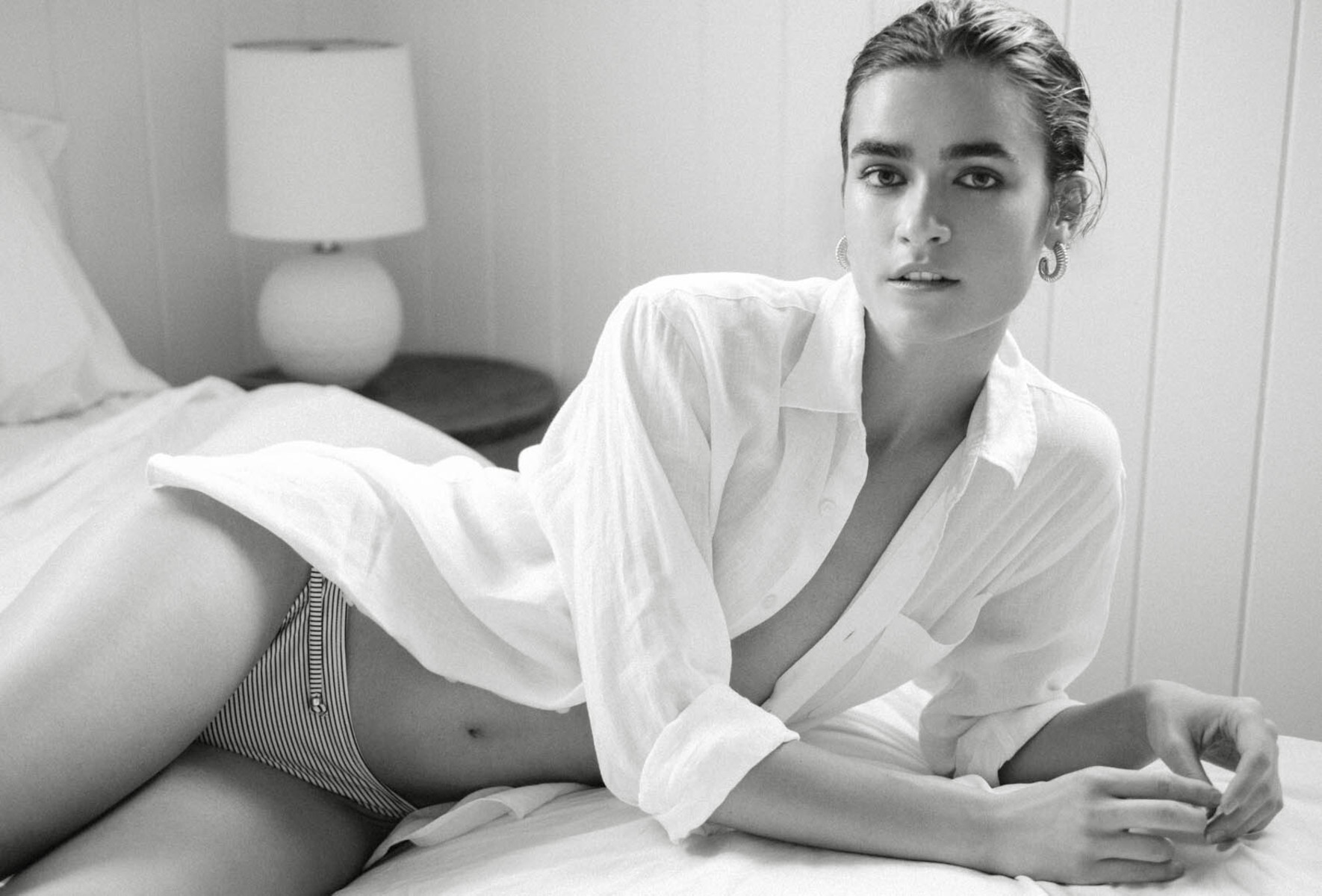
Molonlave7
Members
-
Joined
-
Last visited
Everything posted by Molonlave7
-
 In several Tik Tok videos, she is very talented in sewing clothes handmade. 🧵 🪡
 -
Correct and thank you ☺️
-
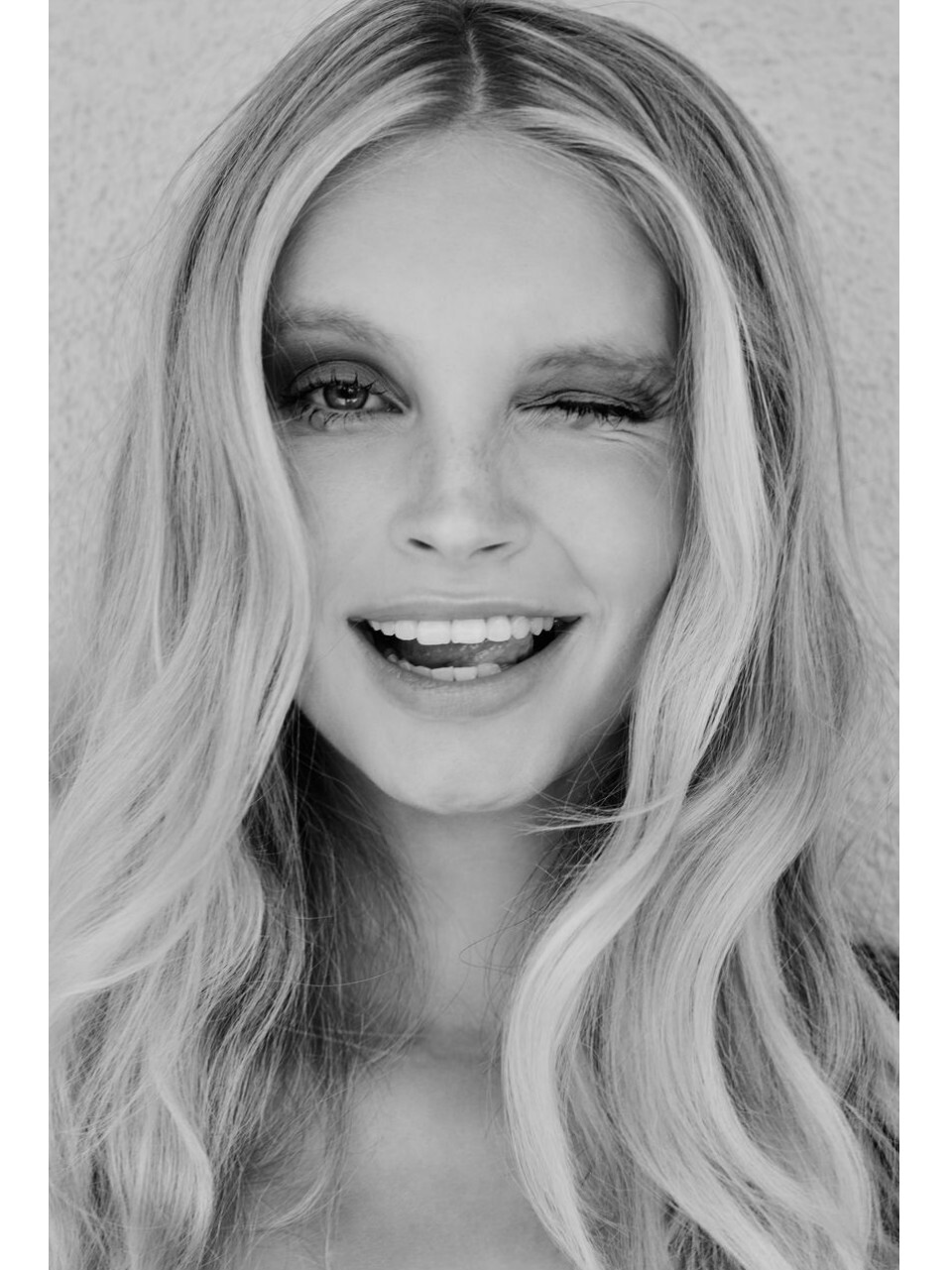
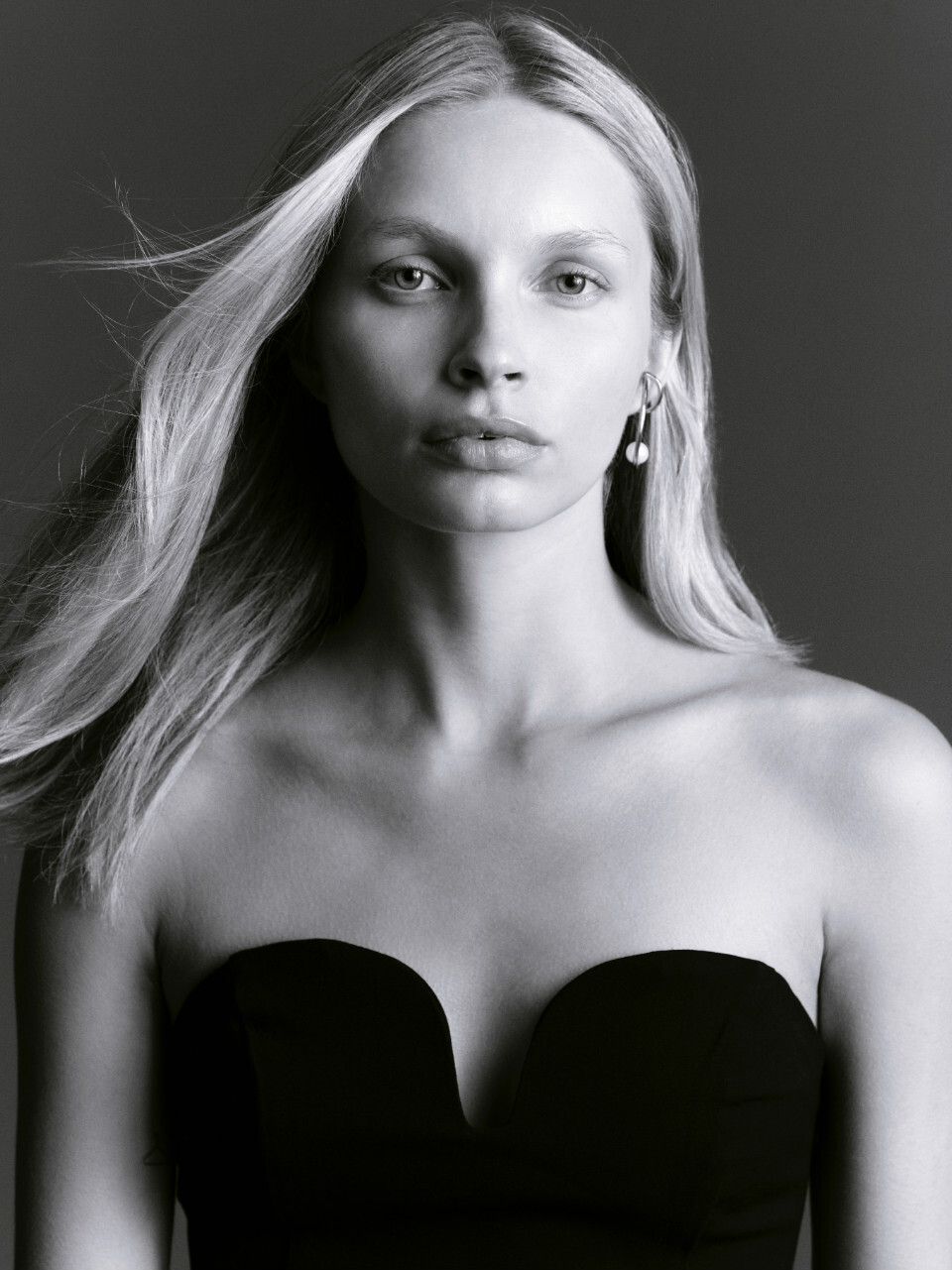
No one knows who she is?
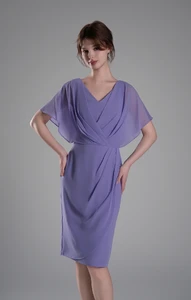
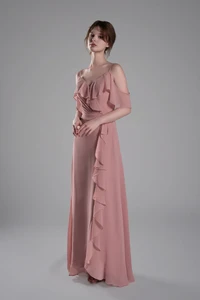
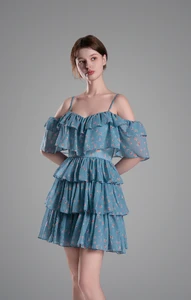
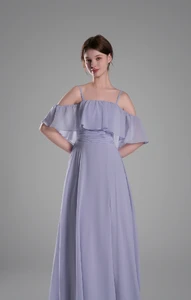 She looks a little like Christina Turlington
bump
Bump
I remember her from Mortal Kombat, great actress and a fine looking woman!
Bump
I believe she is from Kazakhstan 🇰🇿
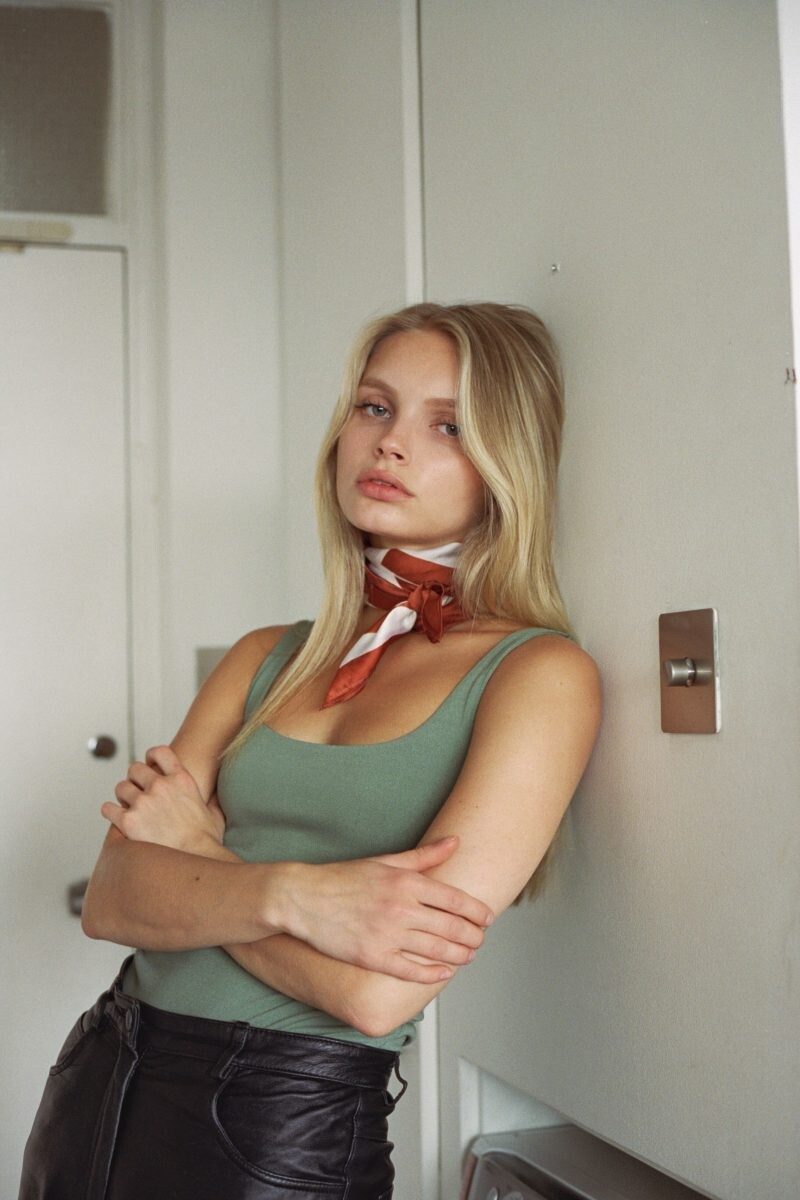
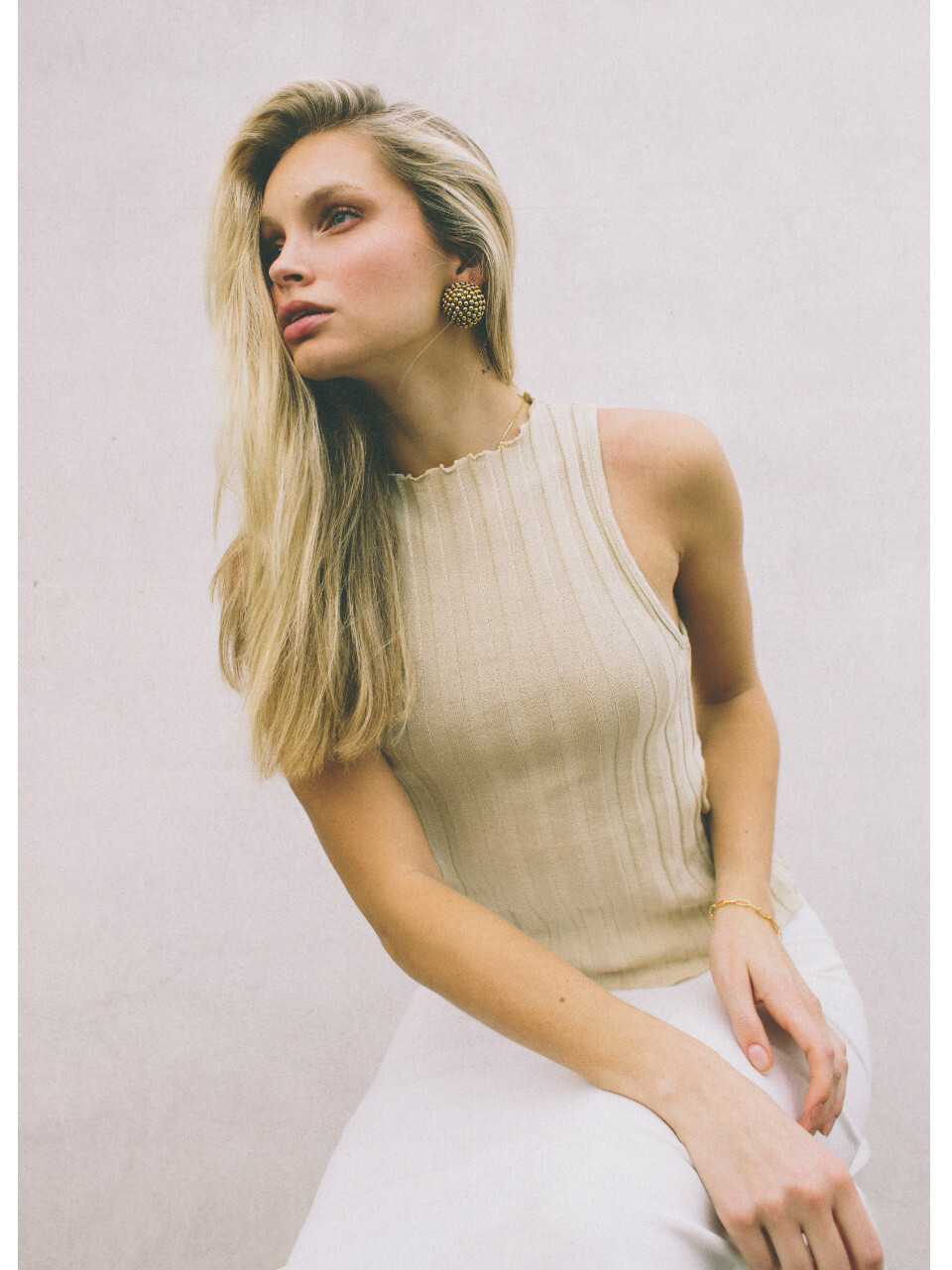
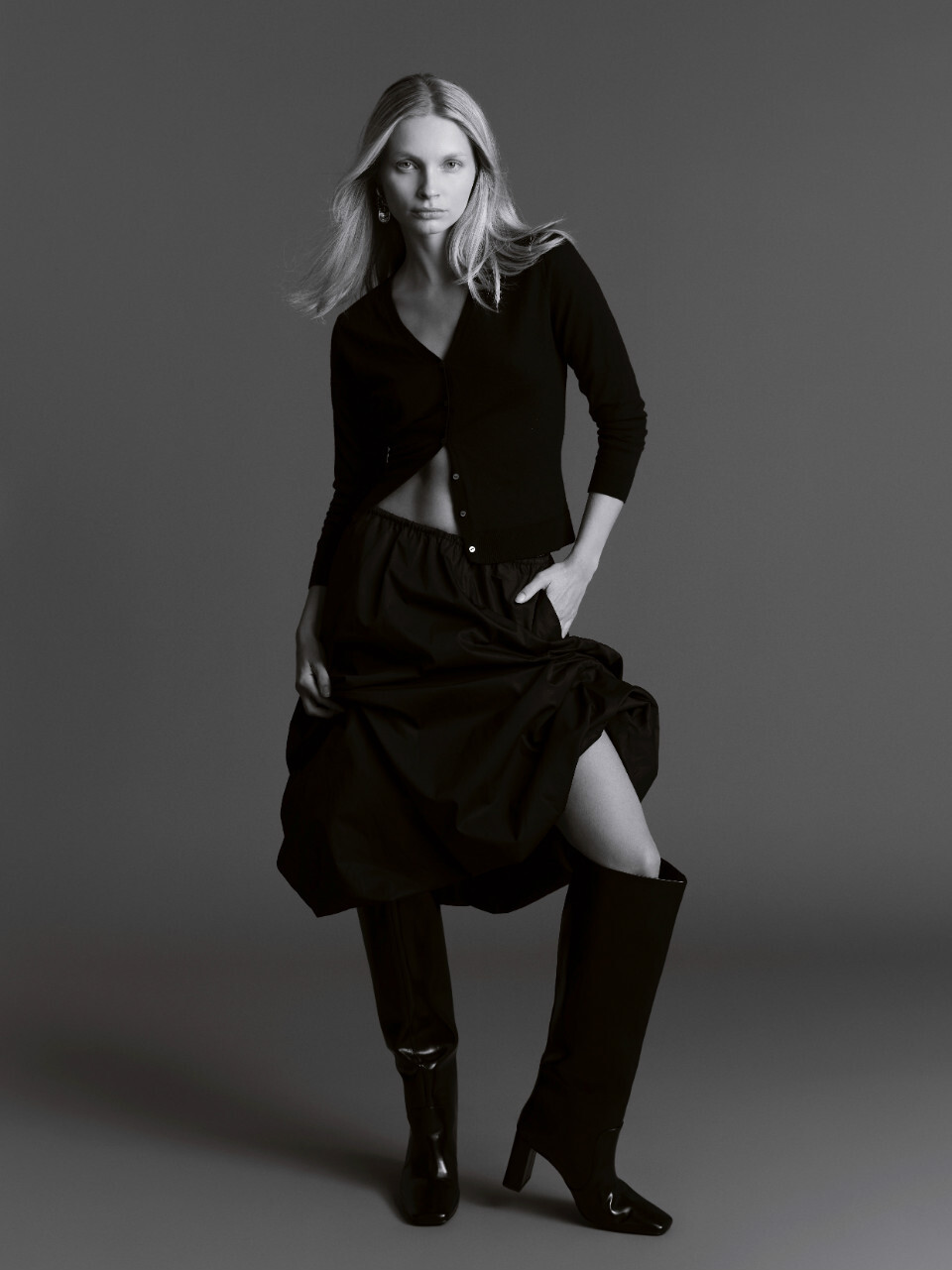
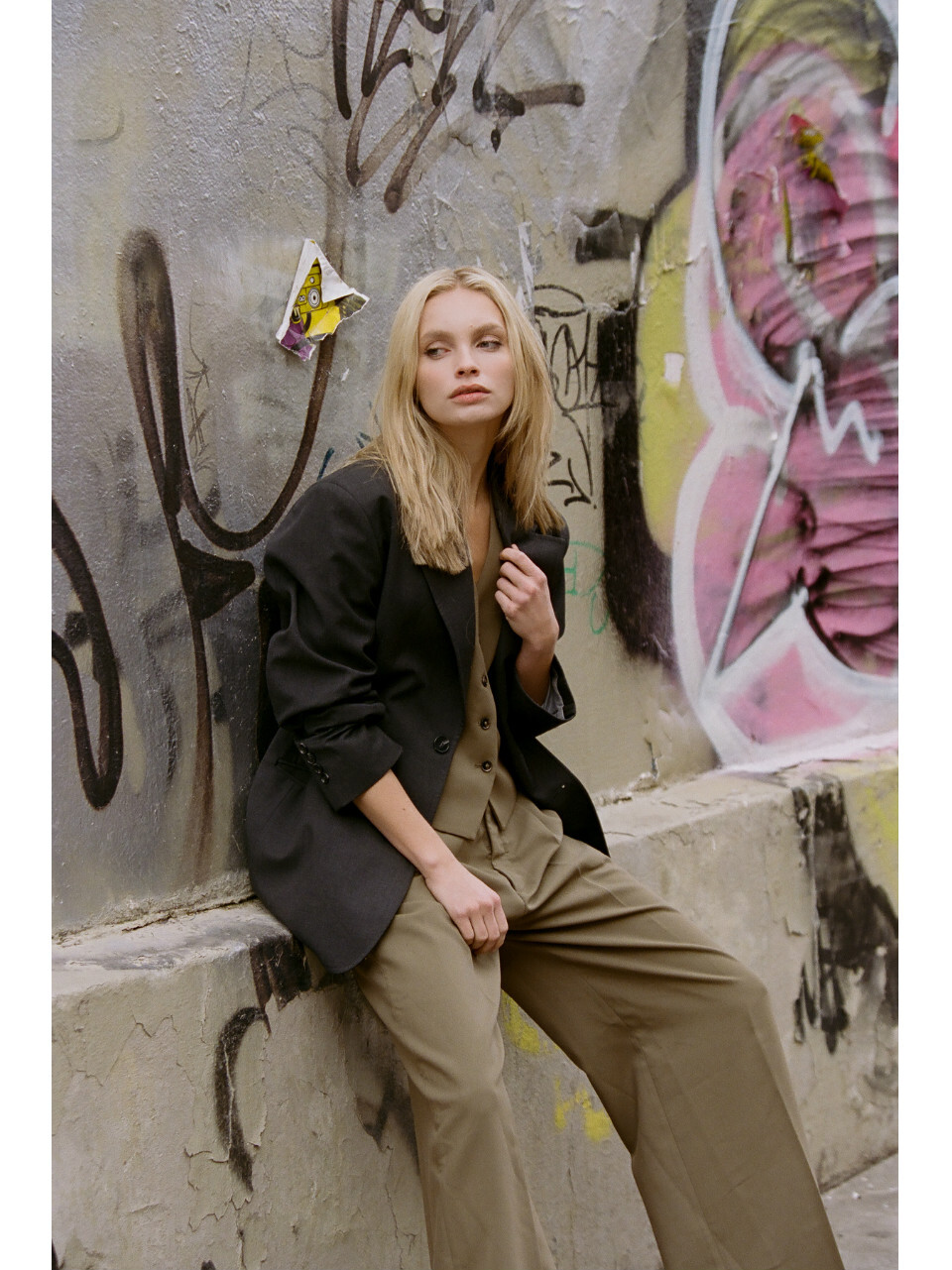
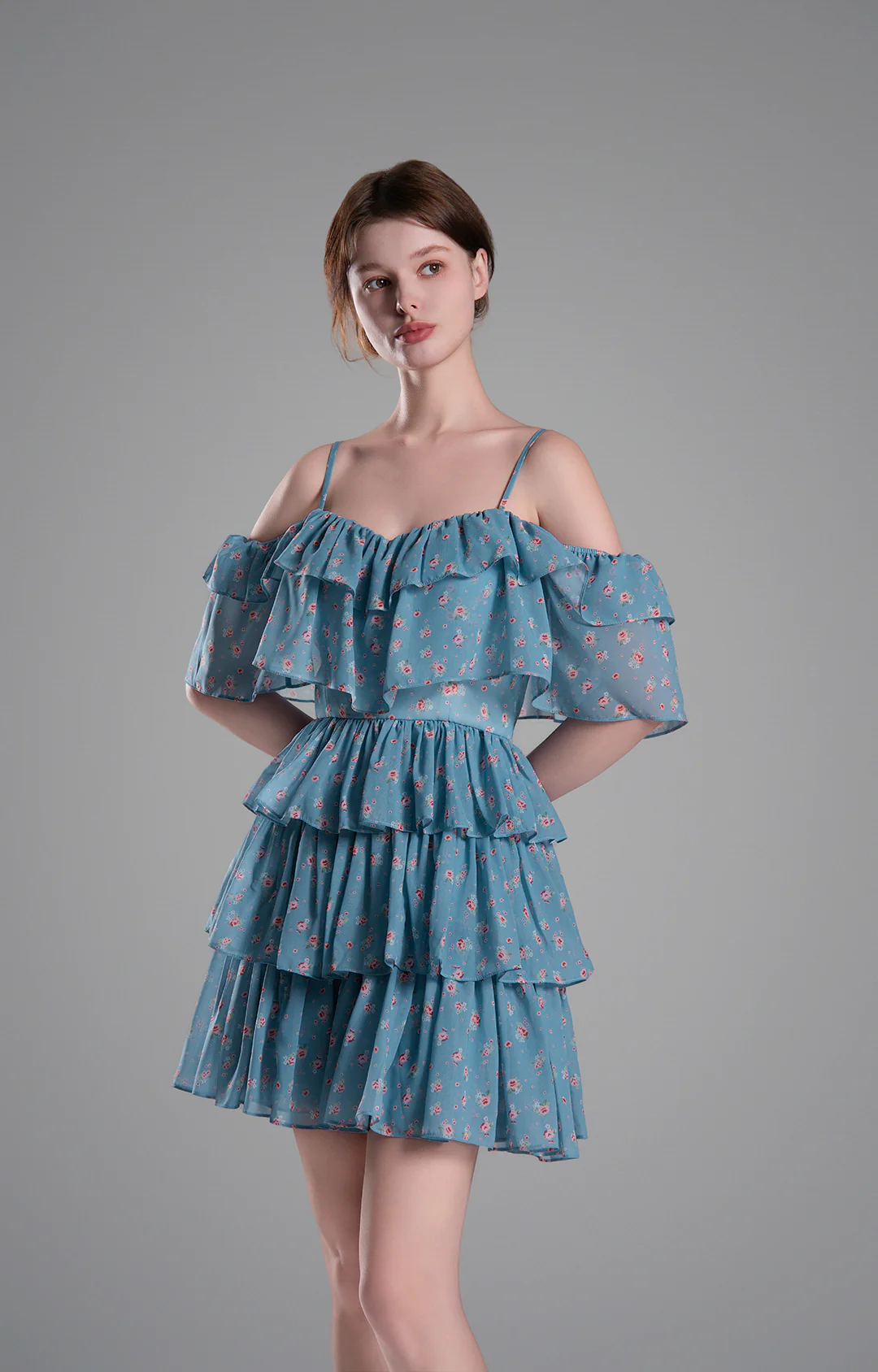
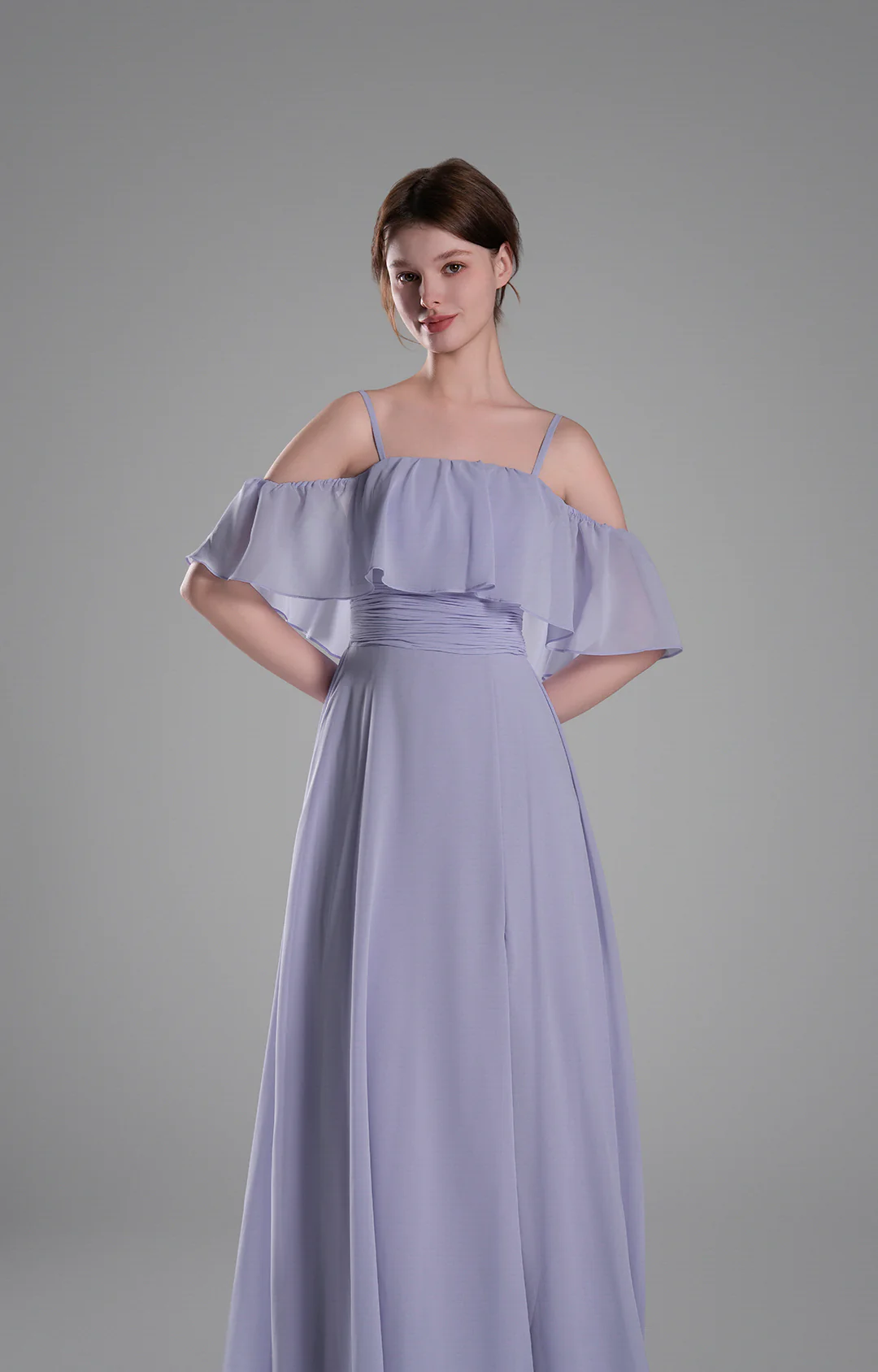
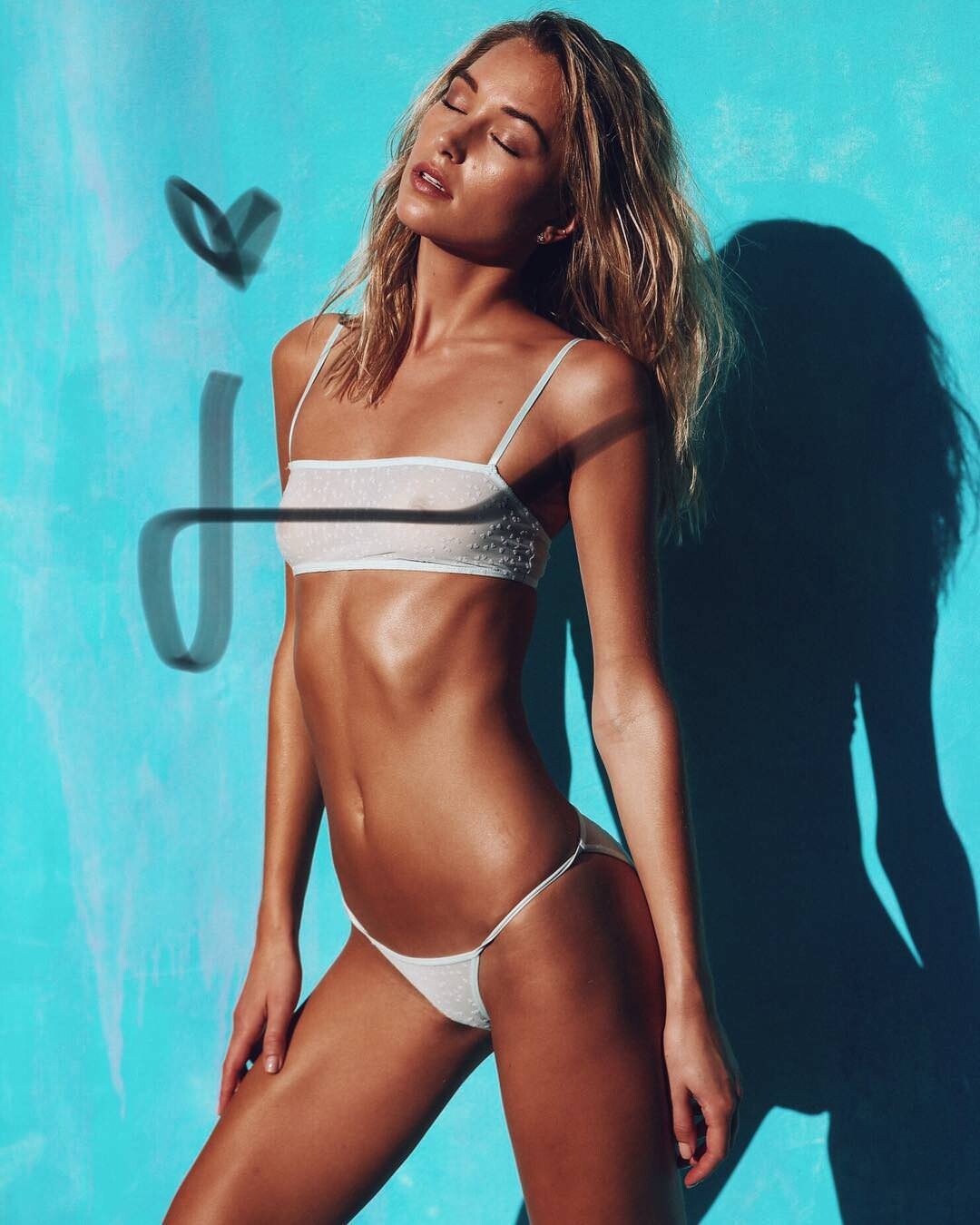
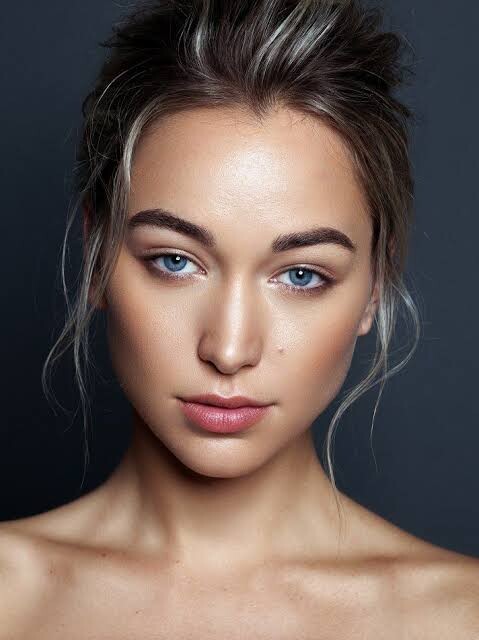
Name of this model?
She looks a little like Christina Turlington
bump
Bump
I remember her from Mortal Kombat, great actress and a fine looking woman!
Bump
I believe she is from Kazakhstan 🇰🇿
Name of this model?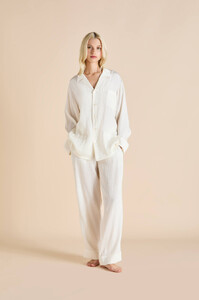
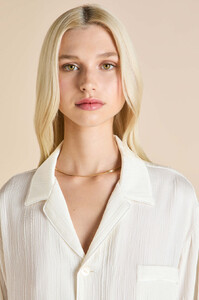 Bump
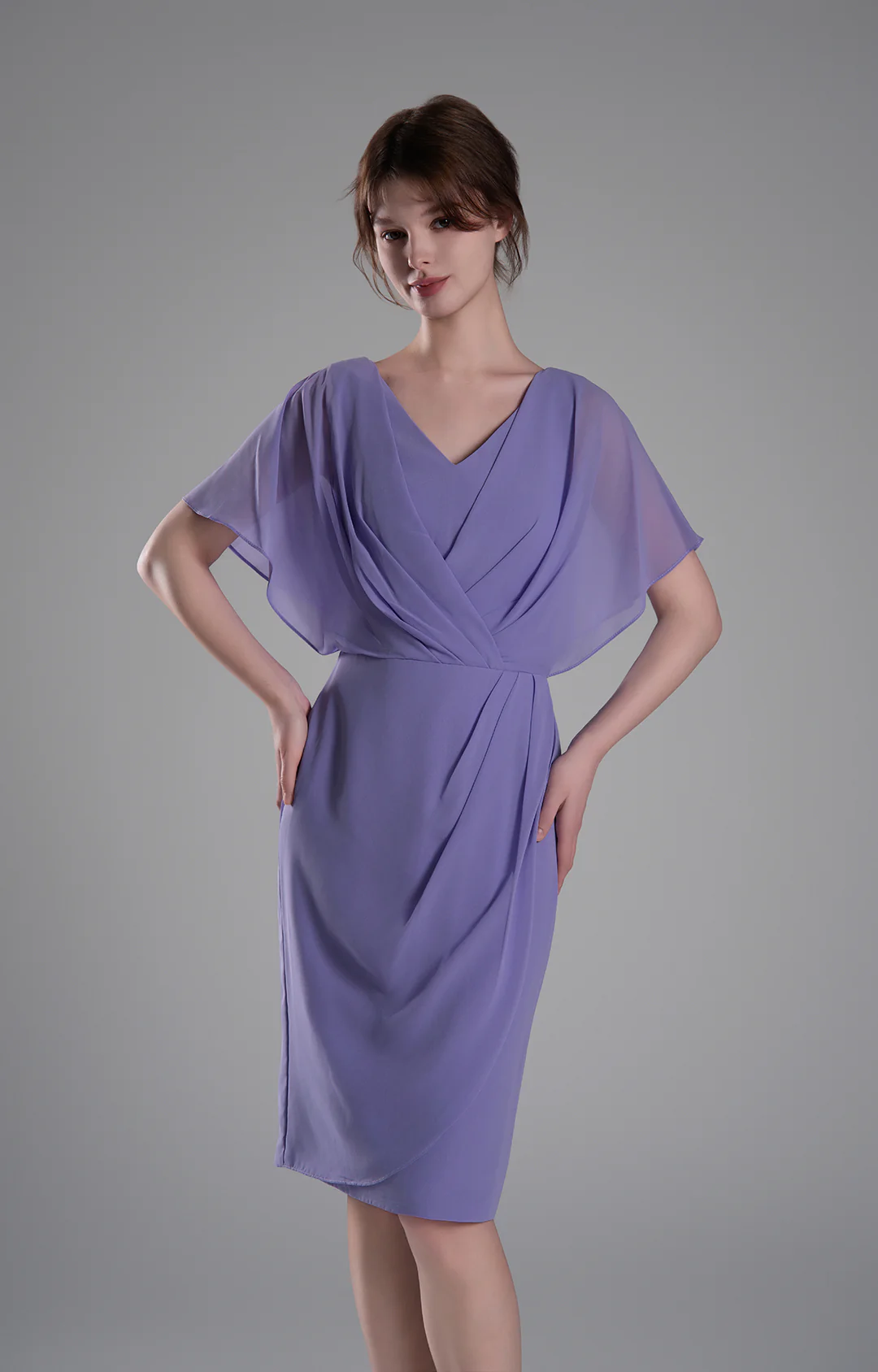
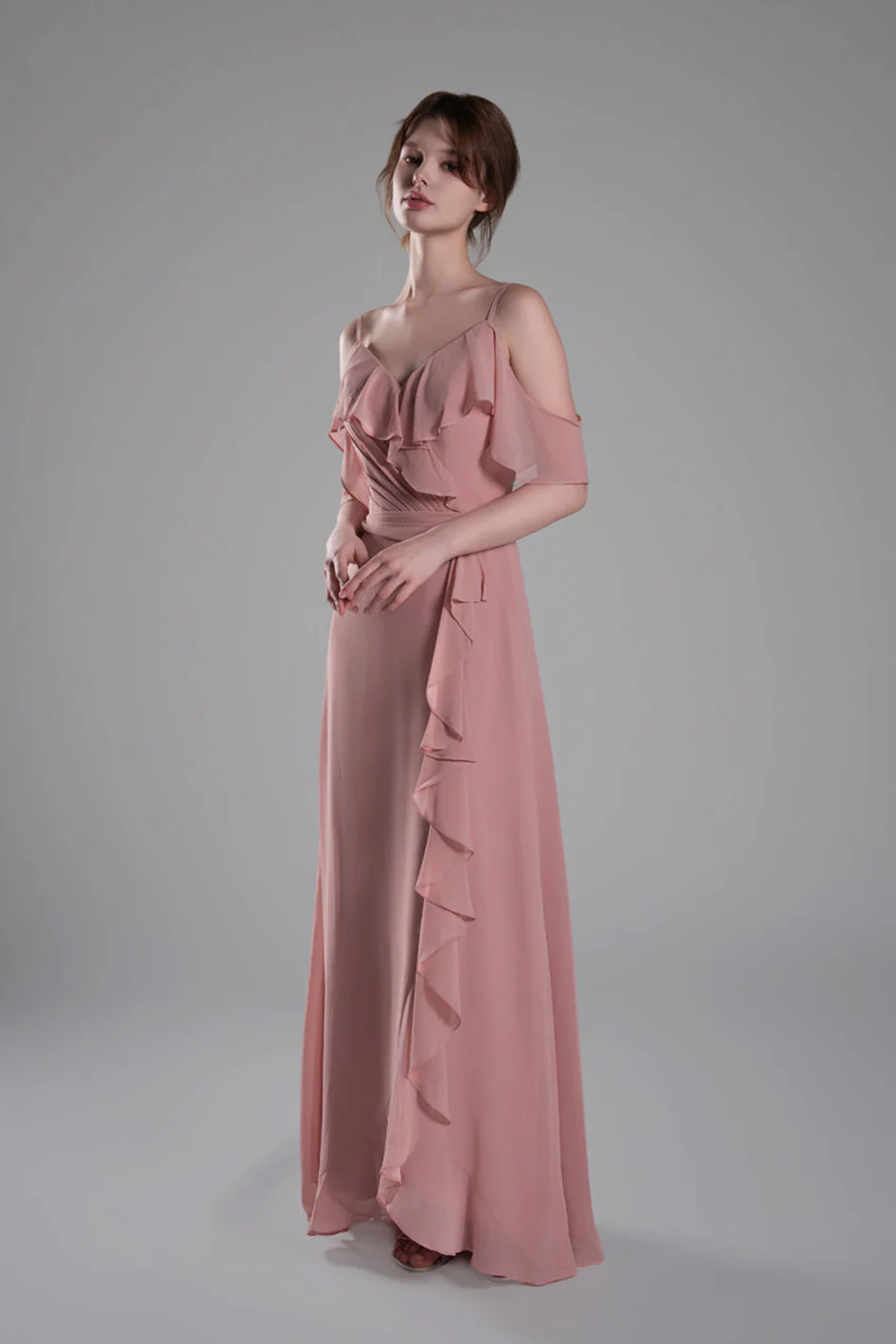
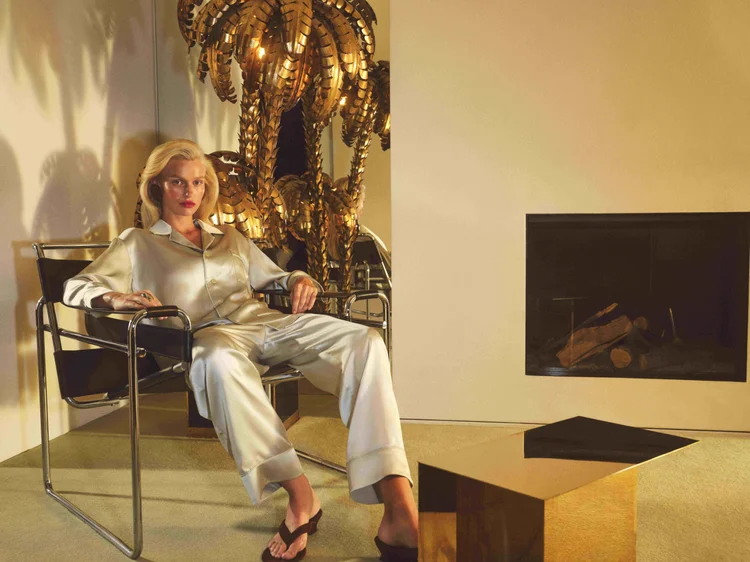
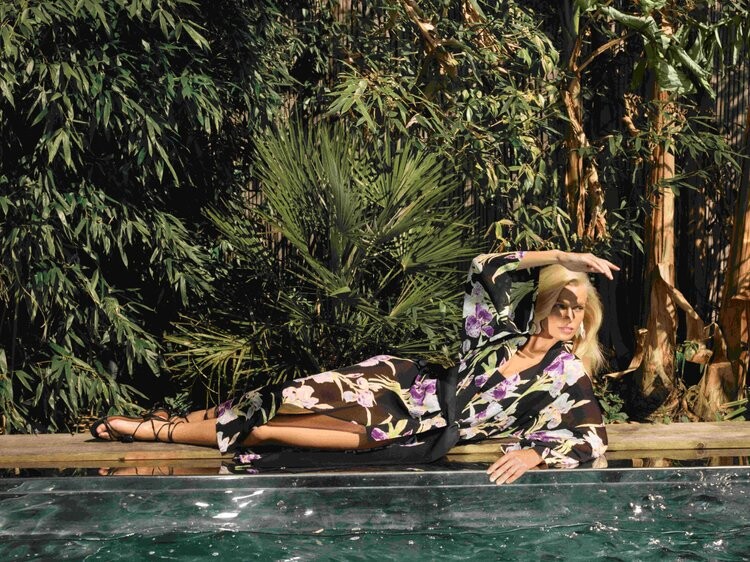
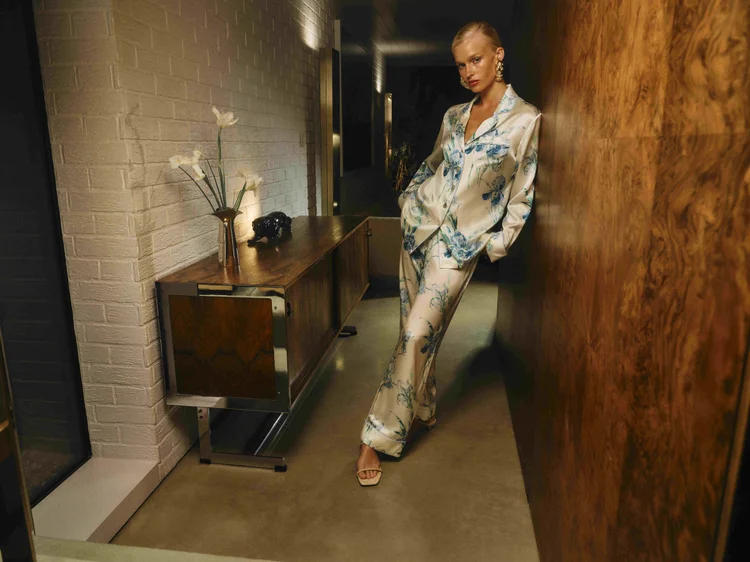
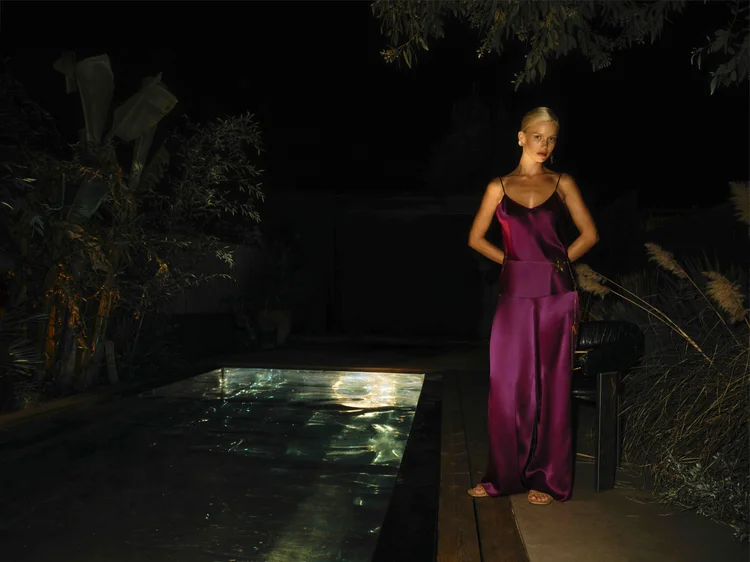
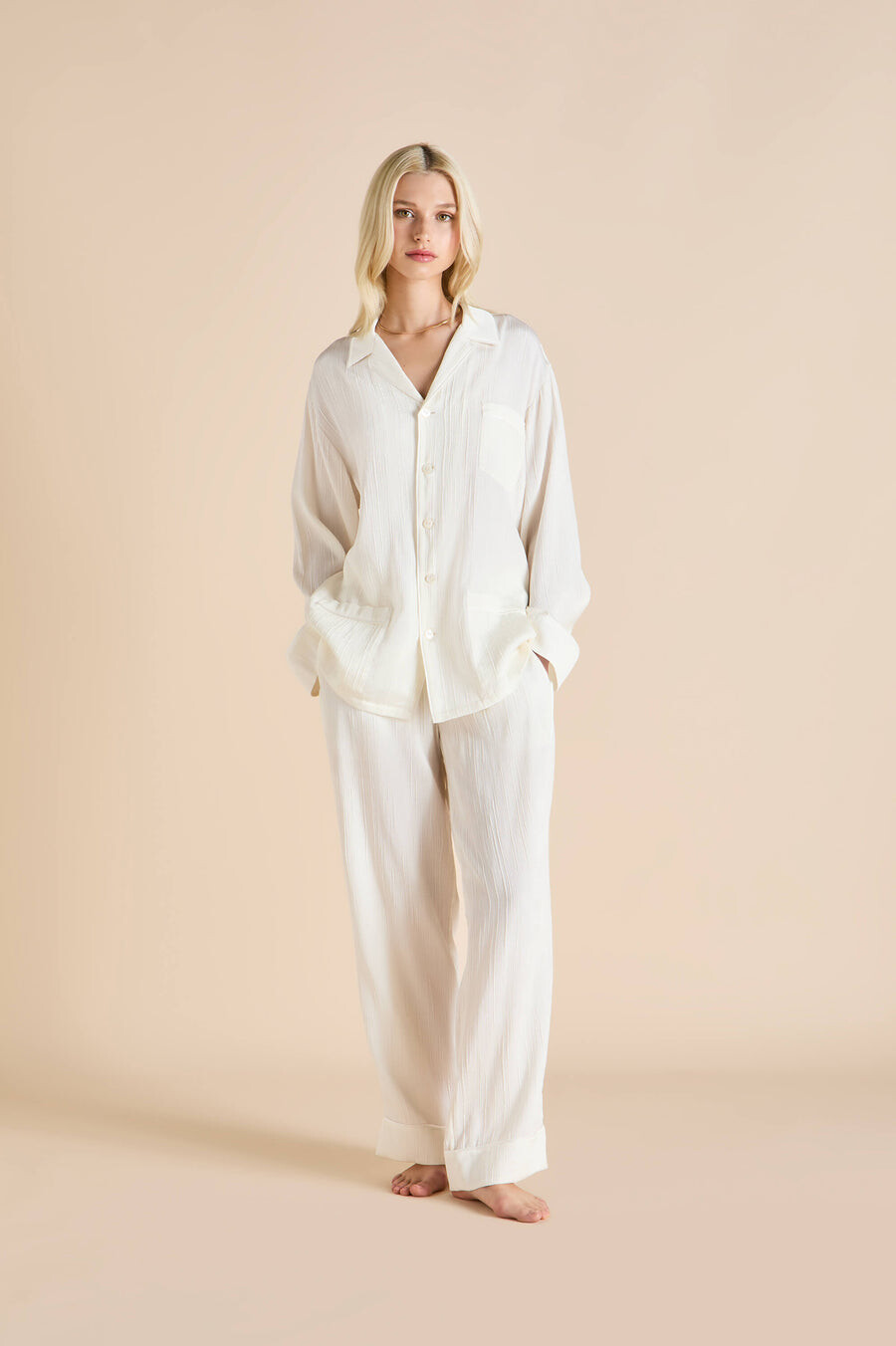
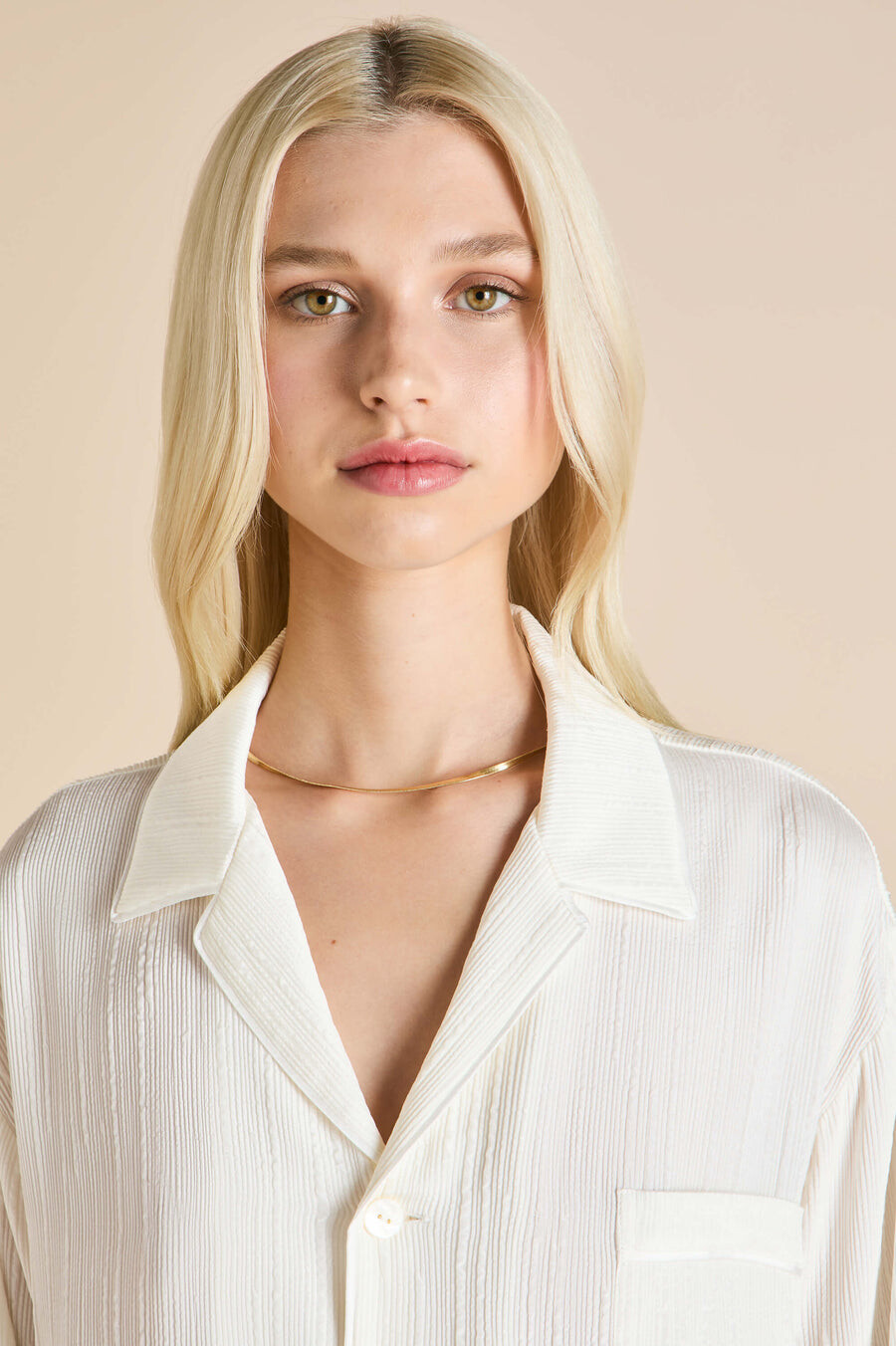
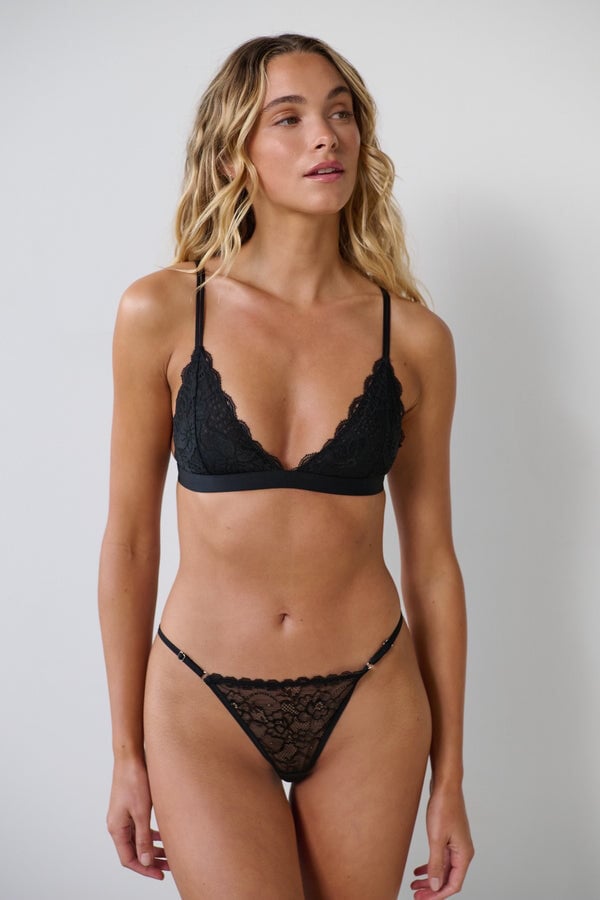
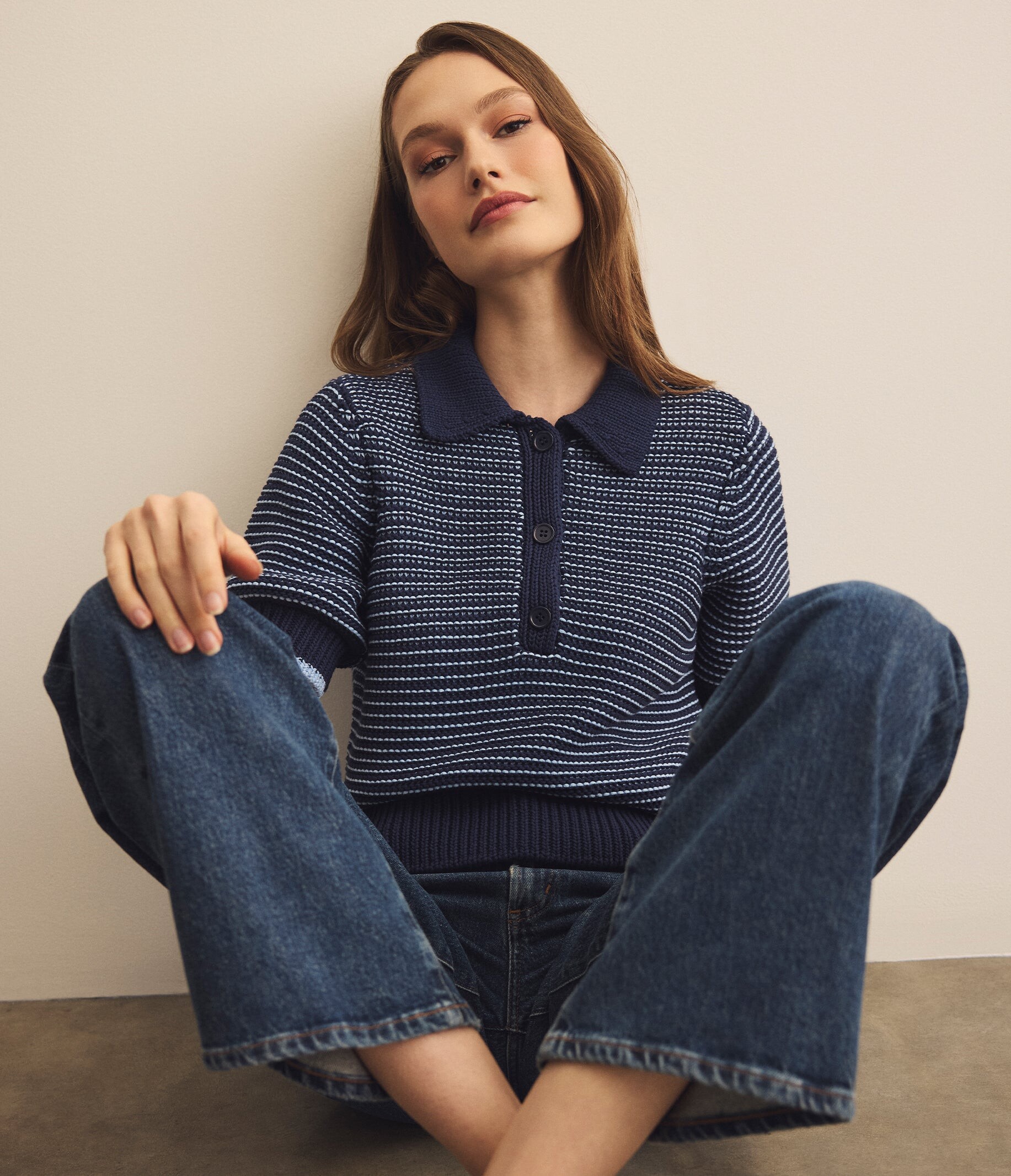
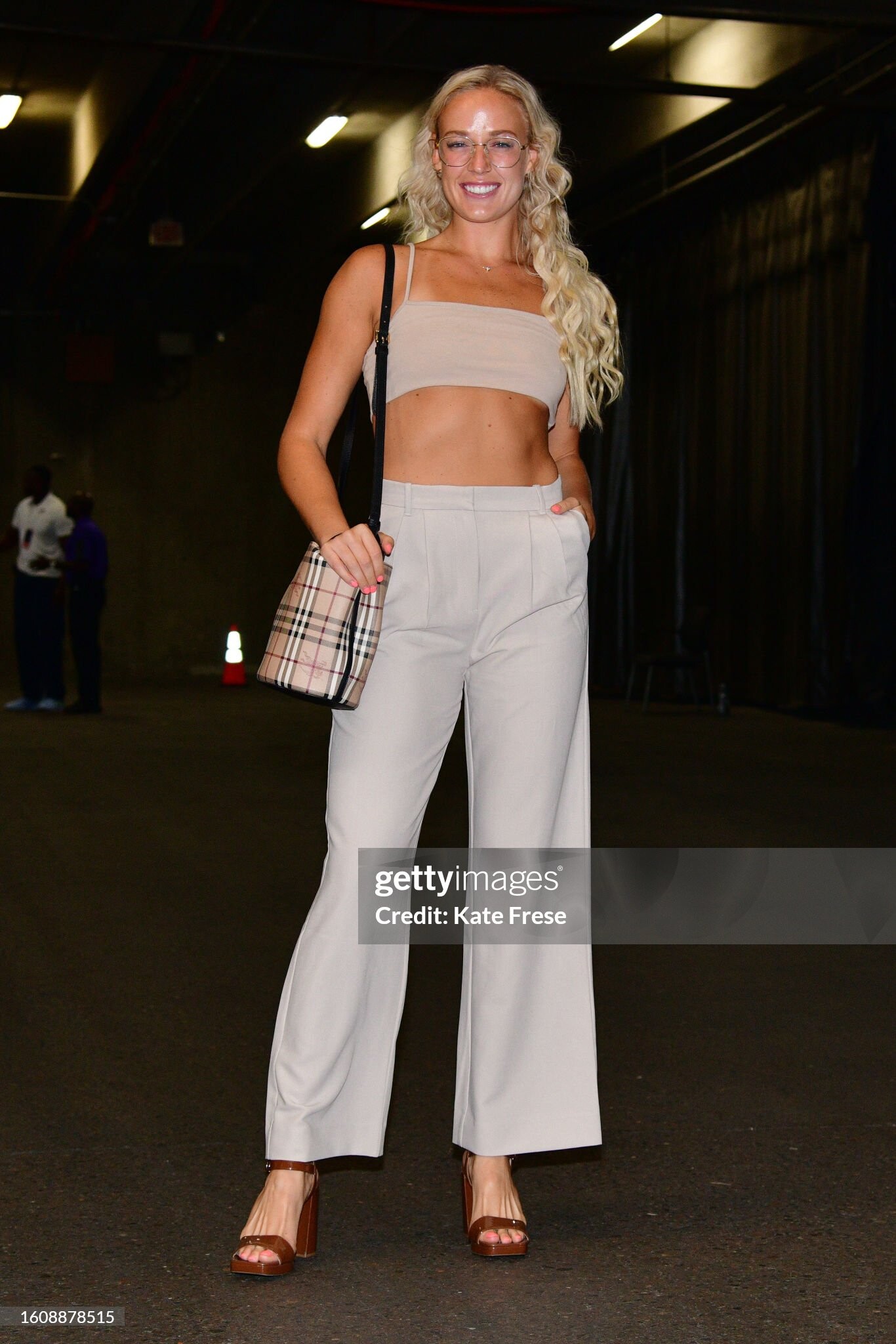
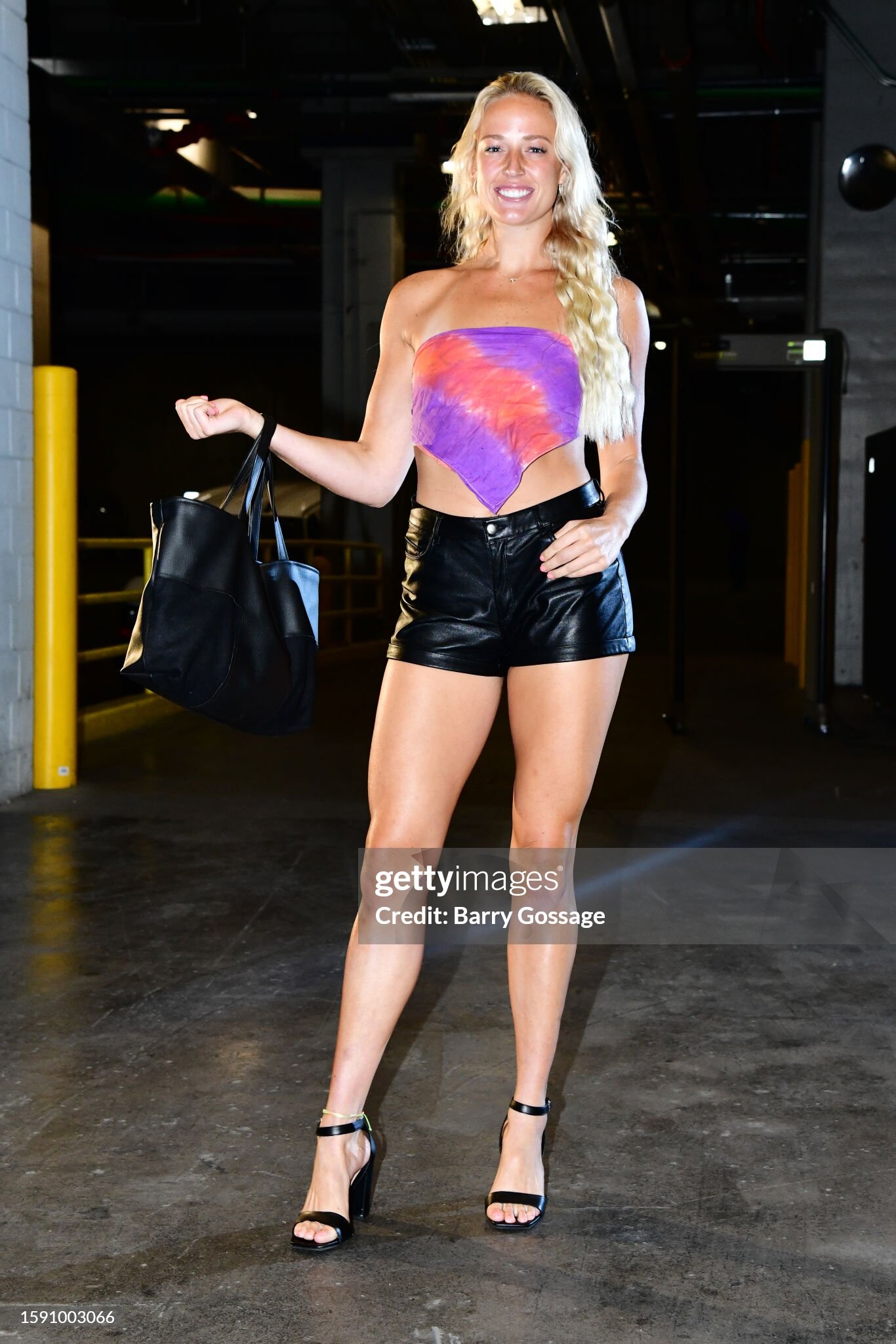
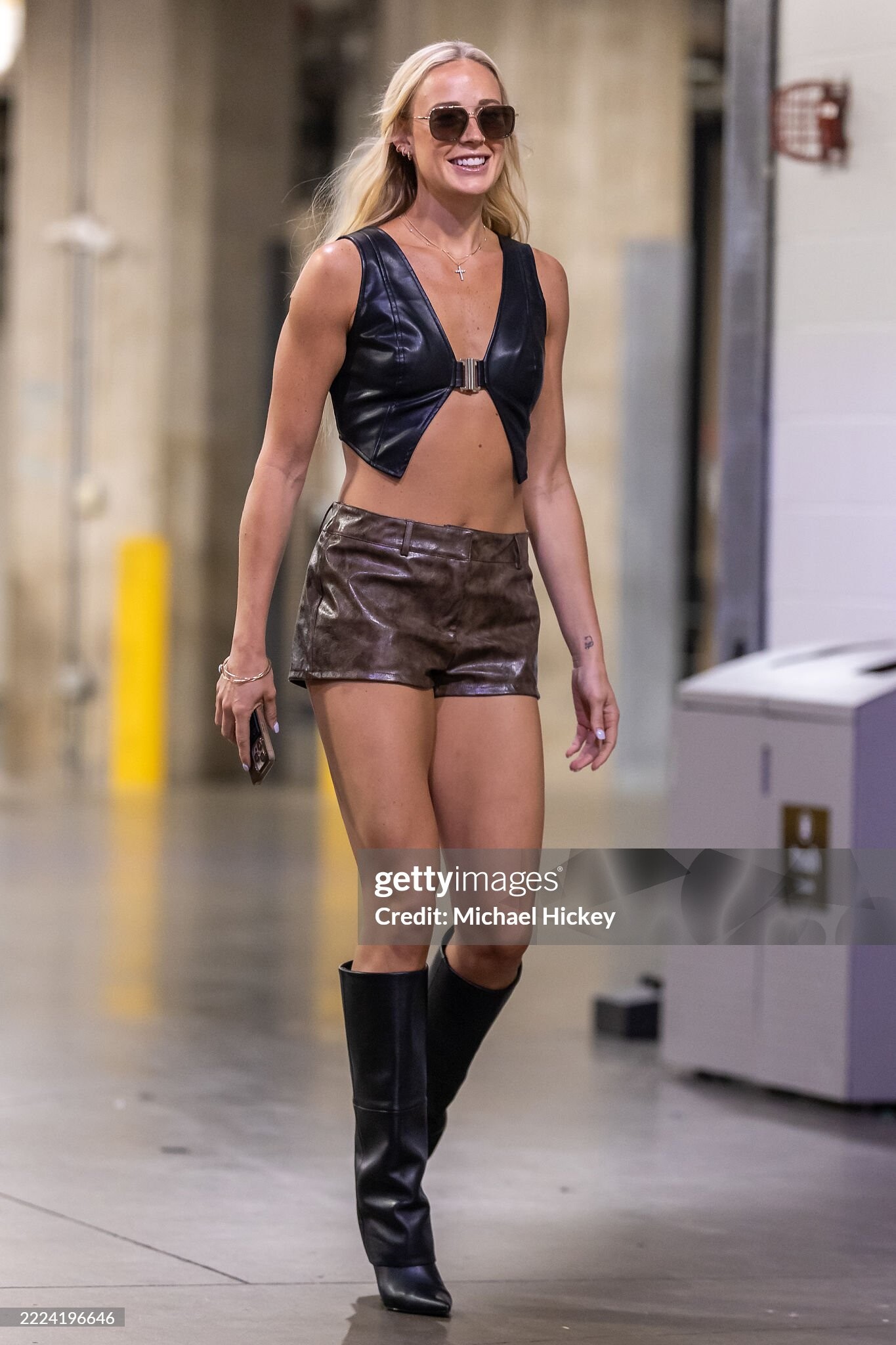
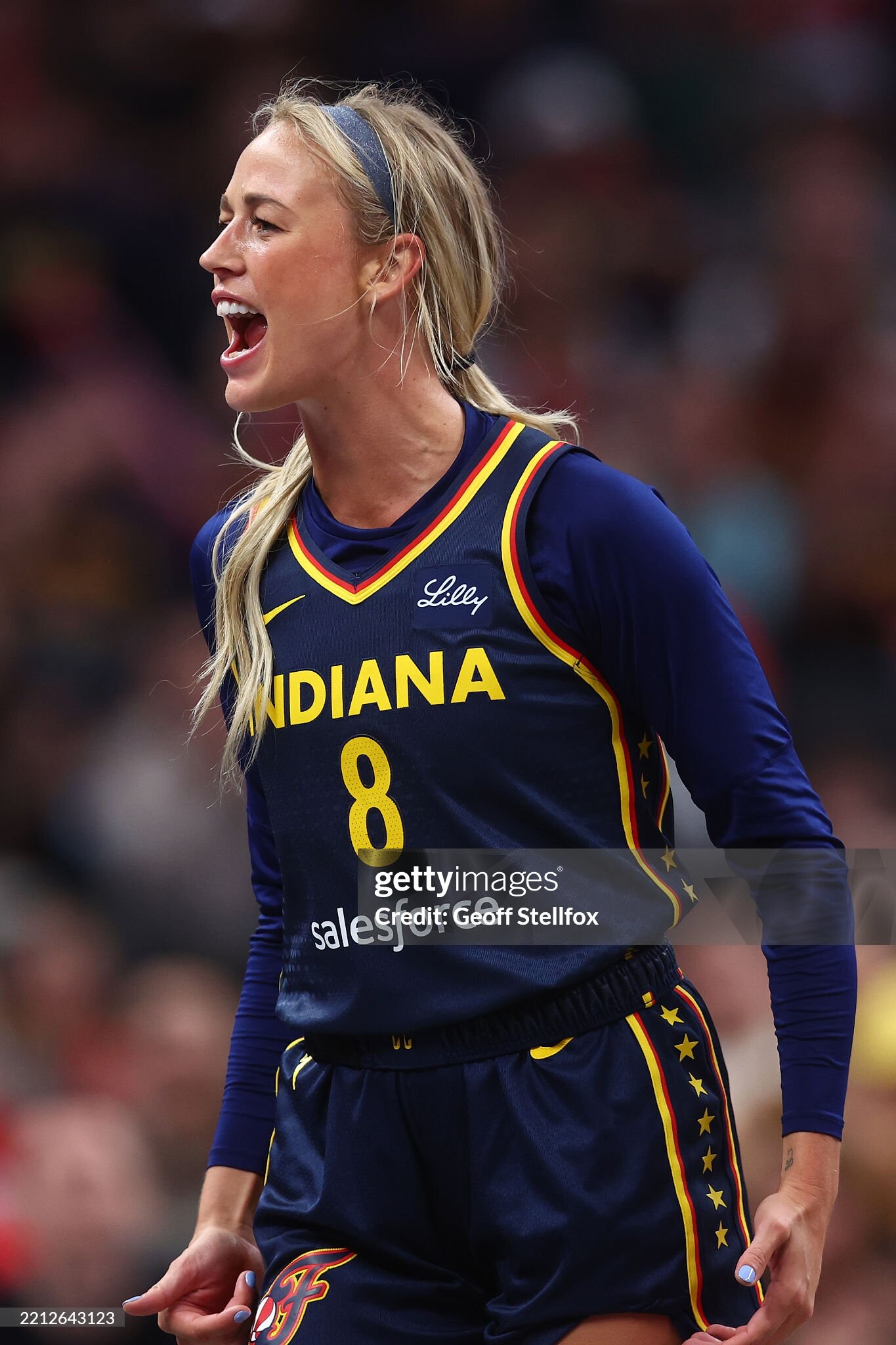
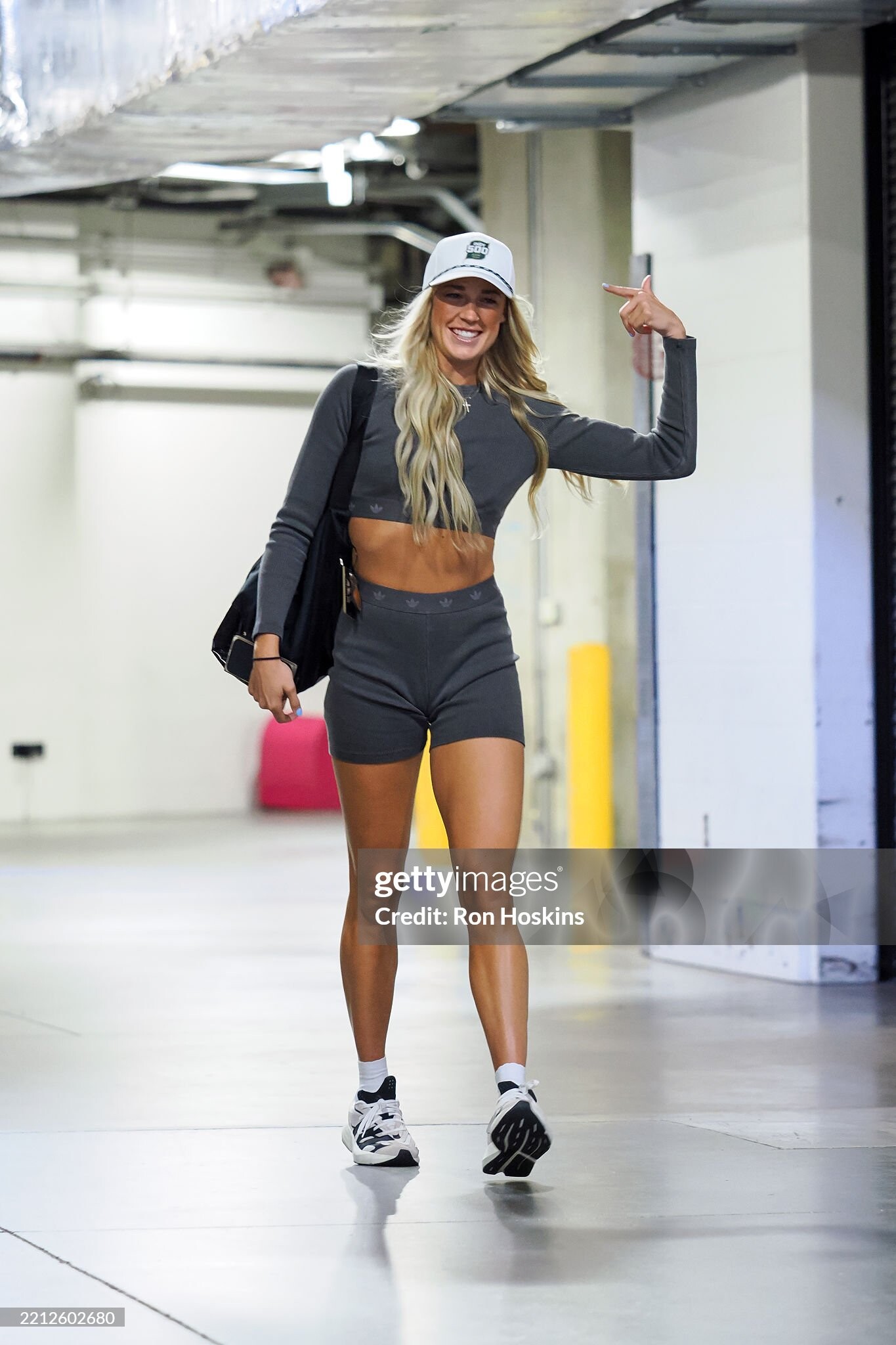
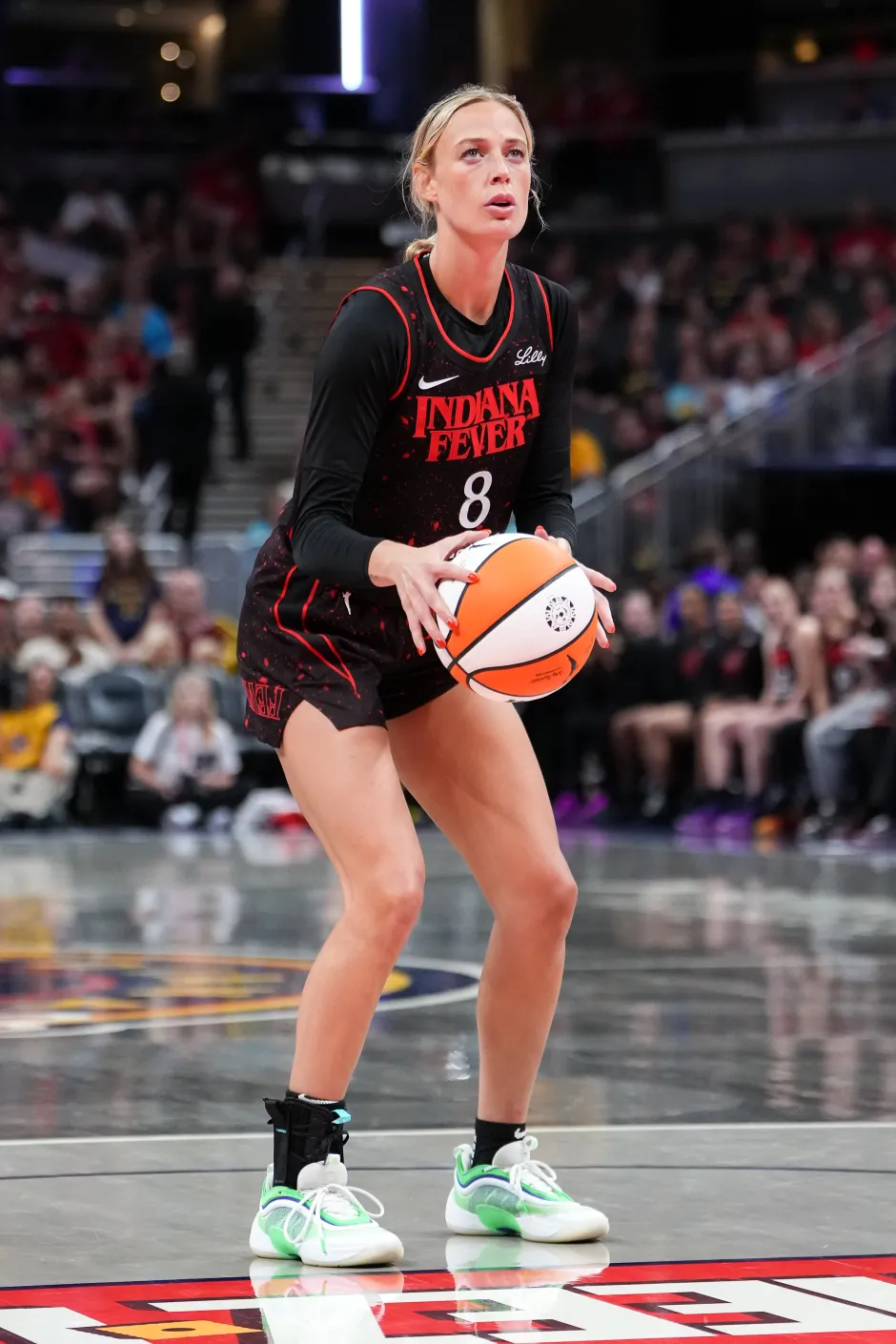
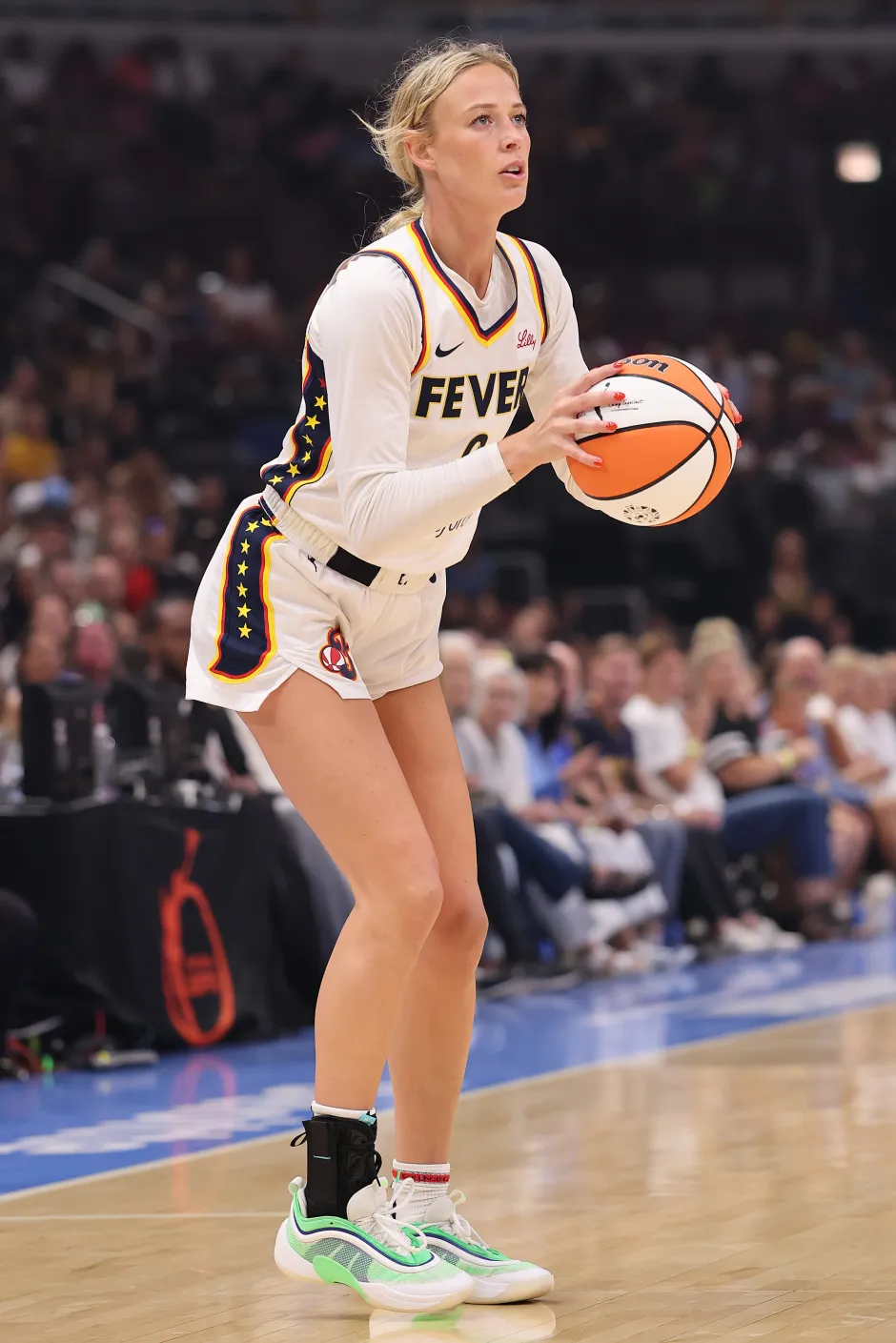
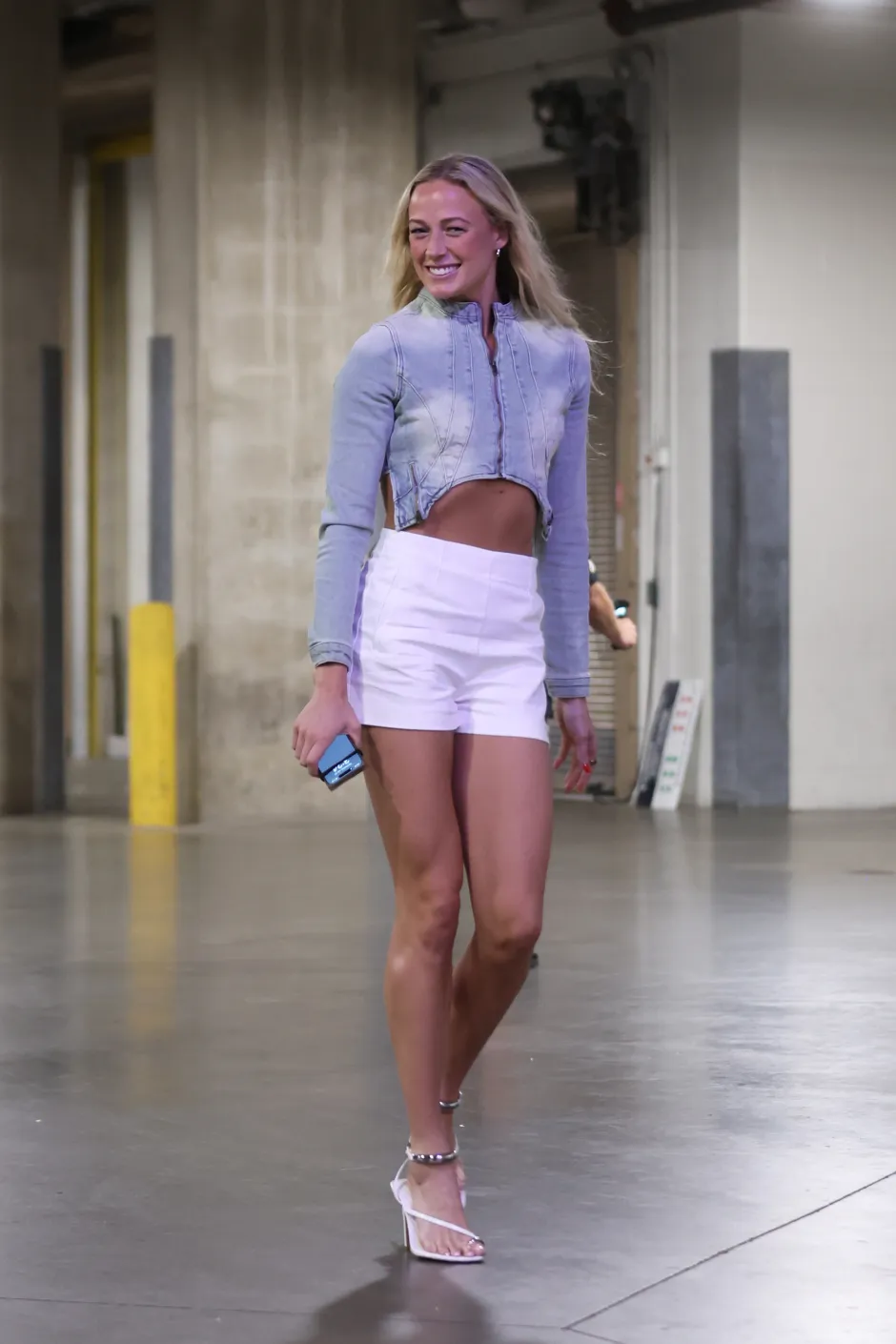
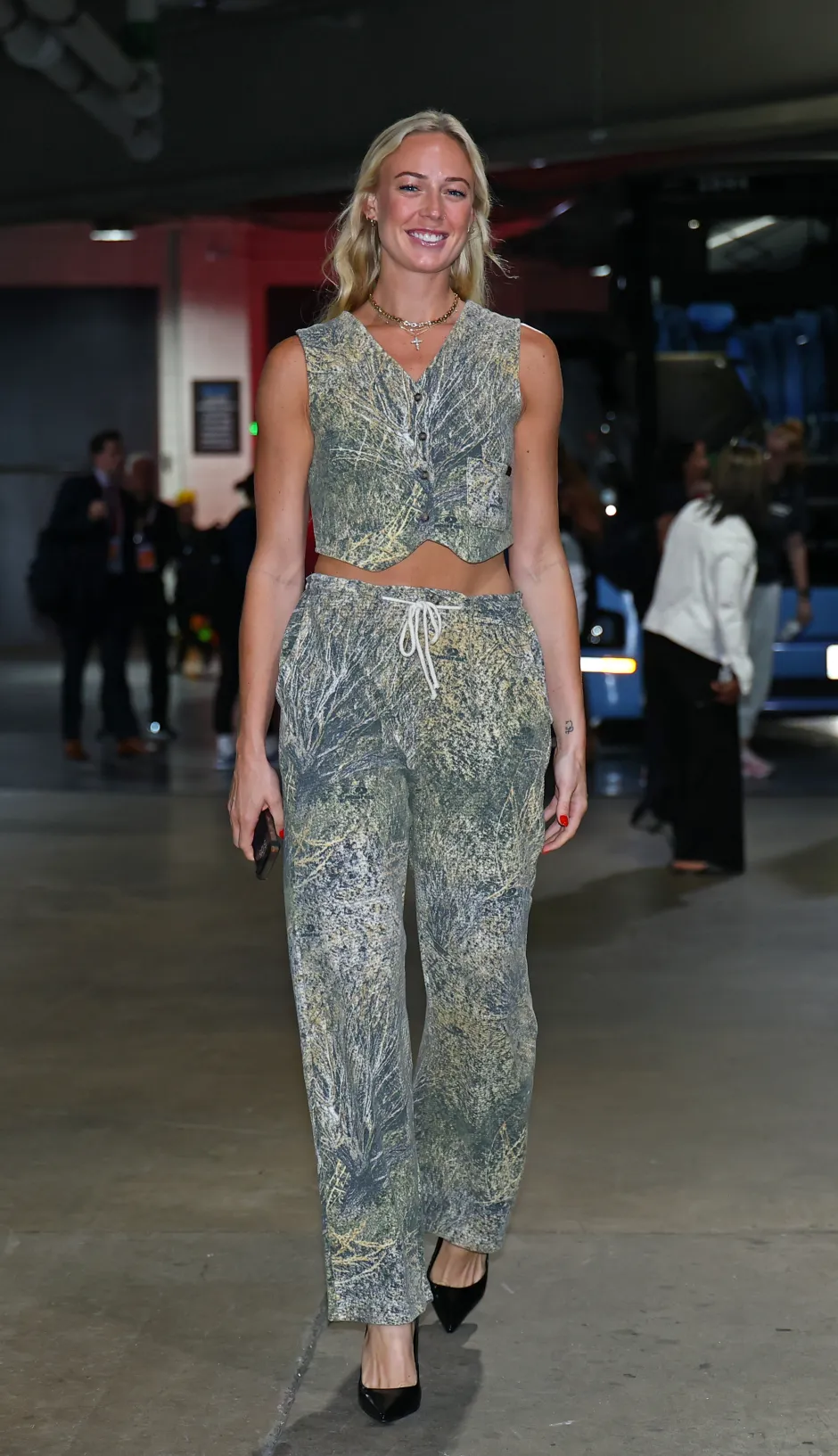
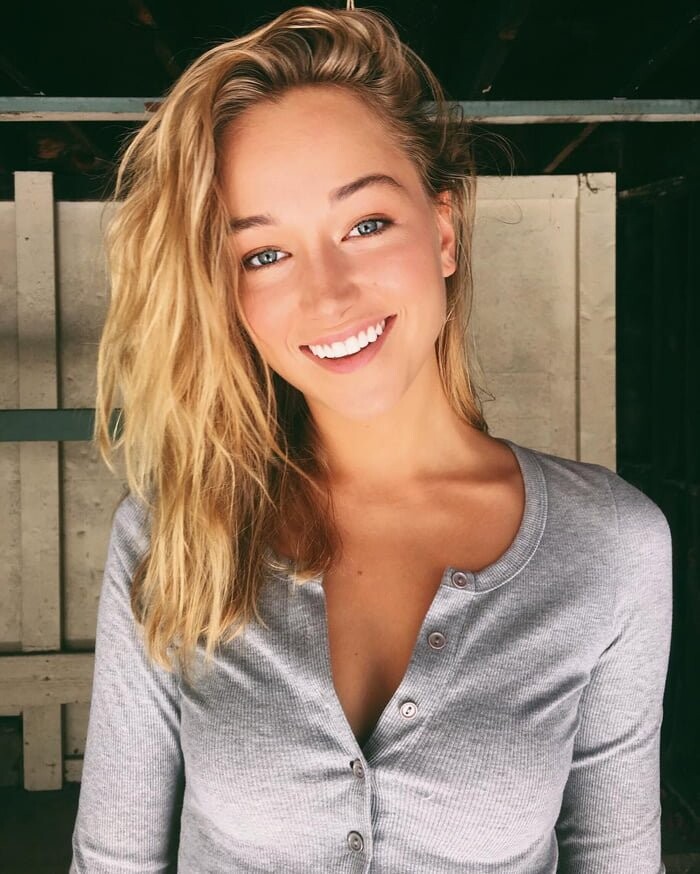
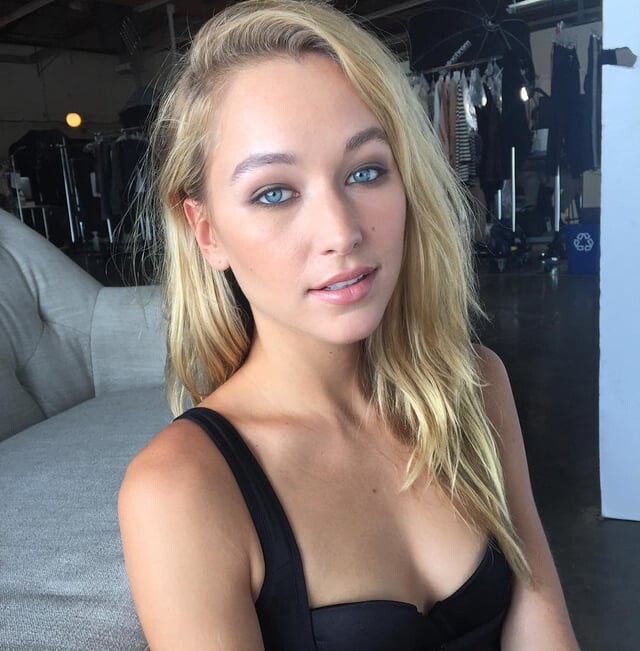
What about her?
Bump
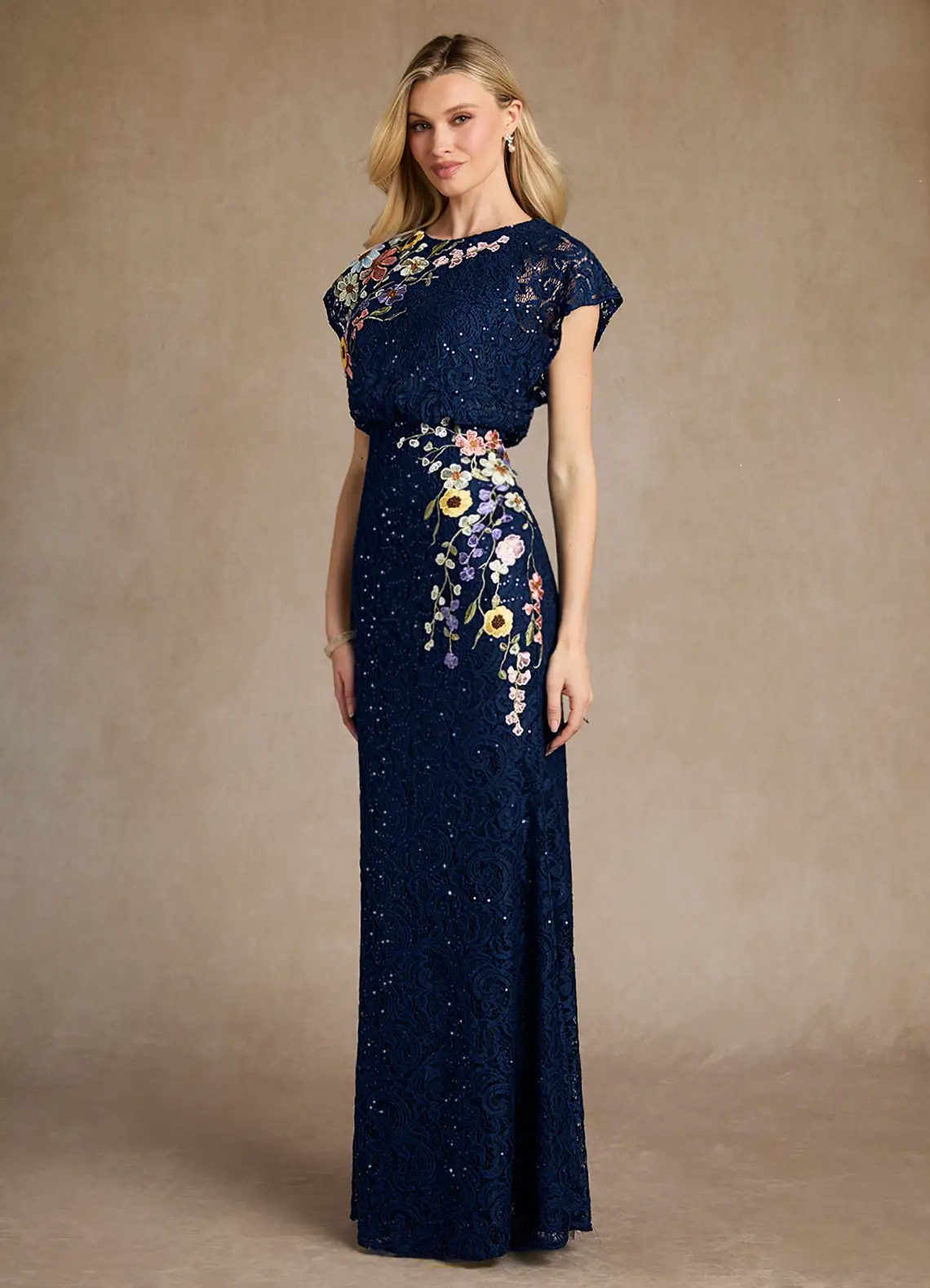
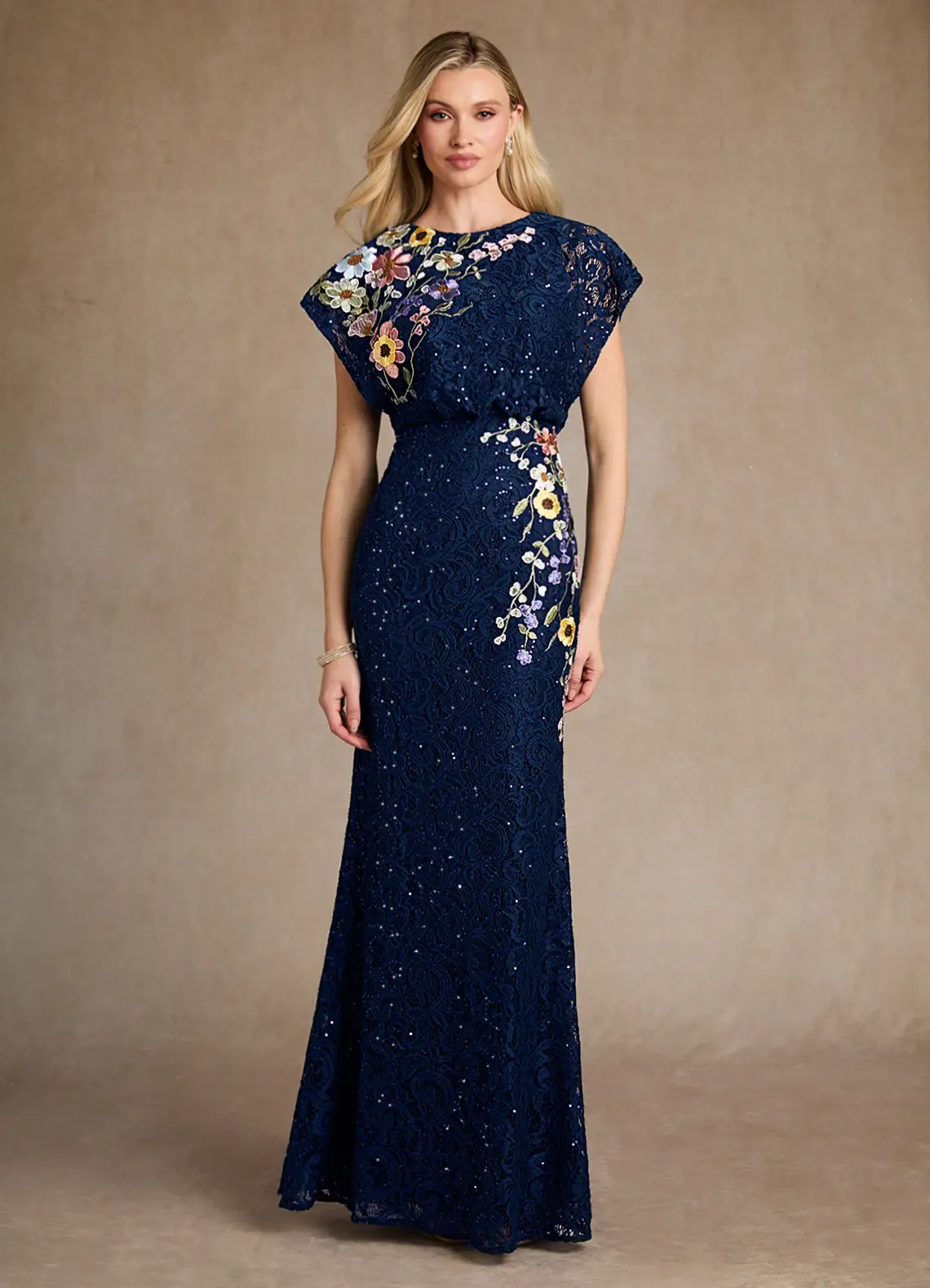
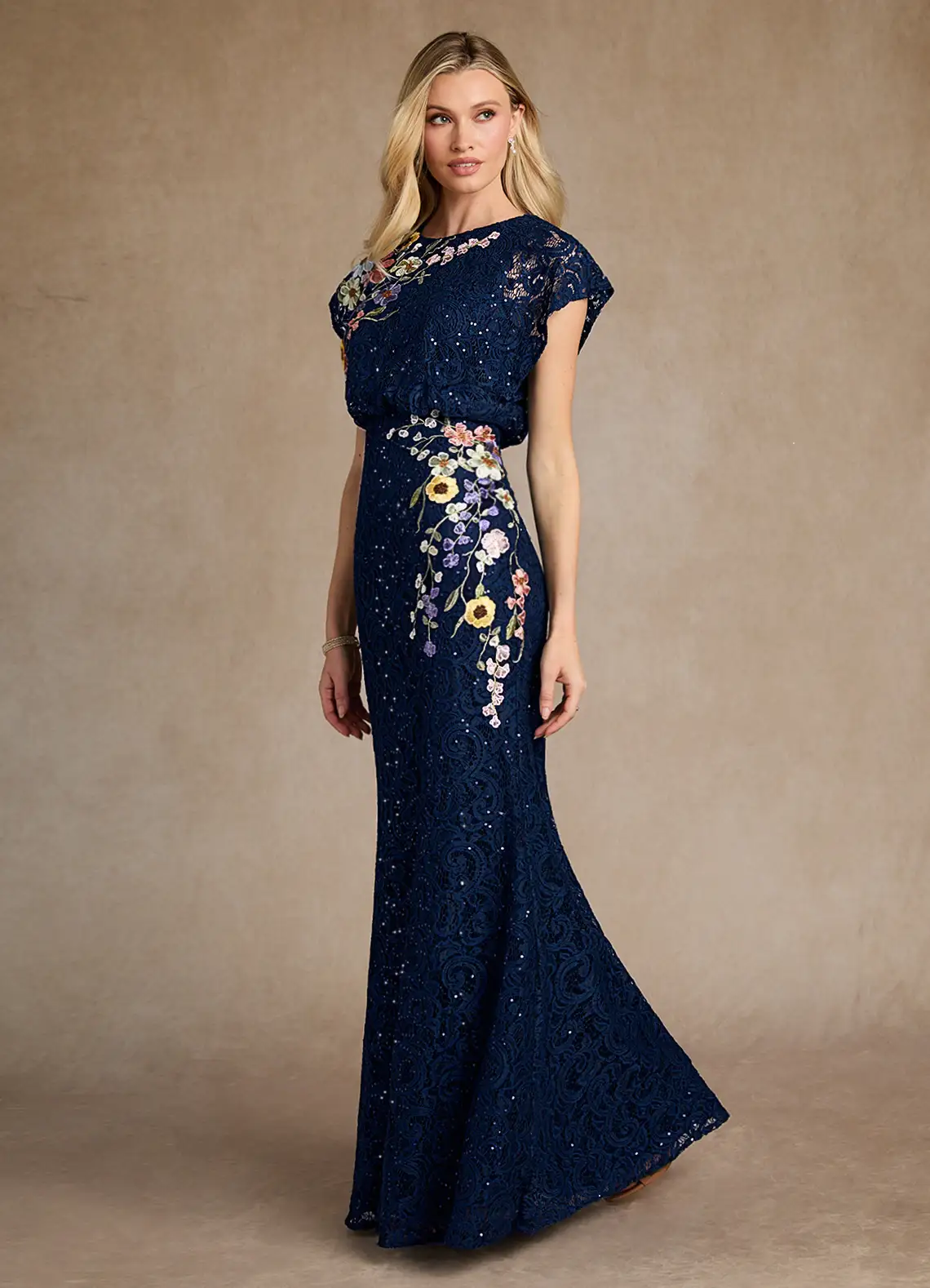
What about her?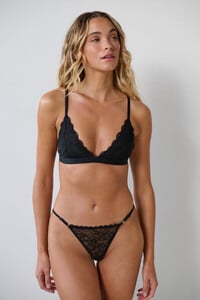
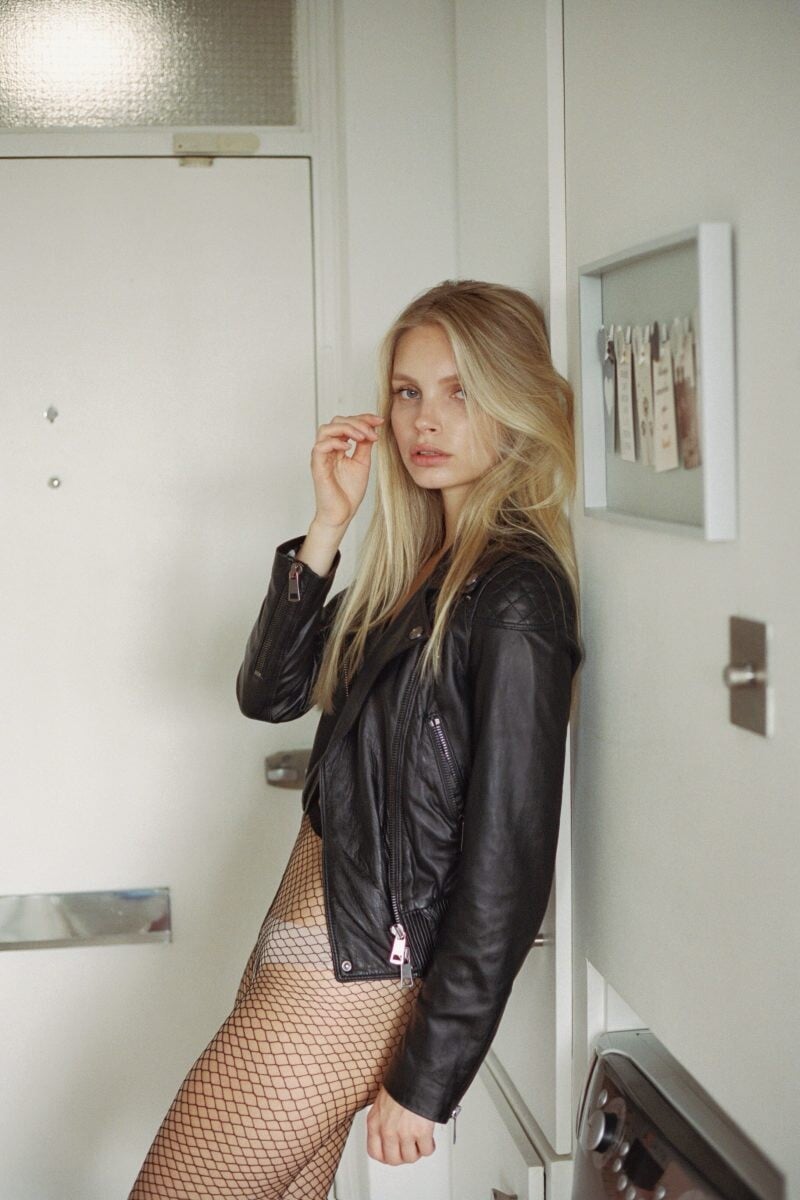
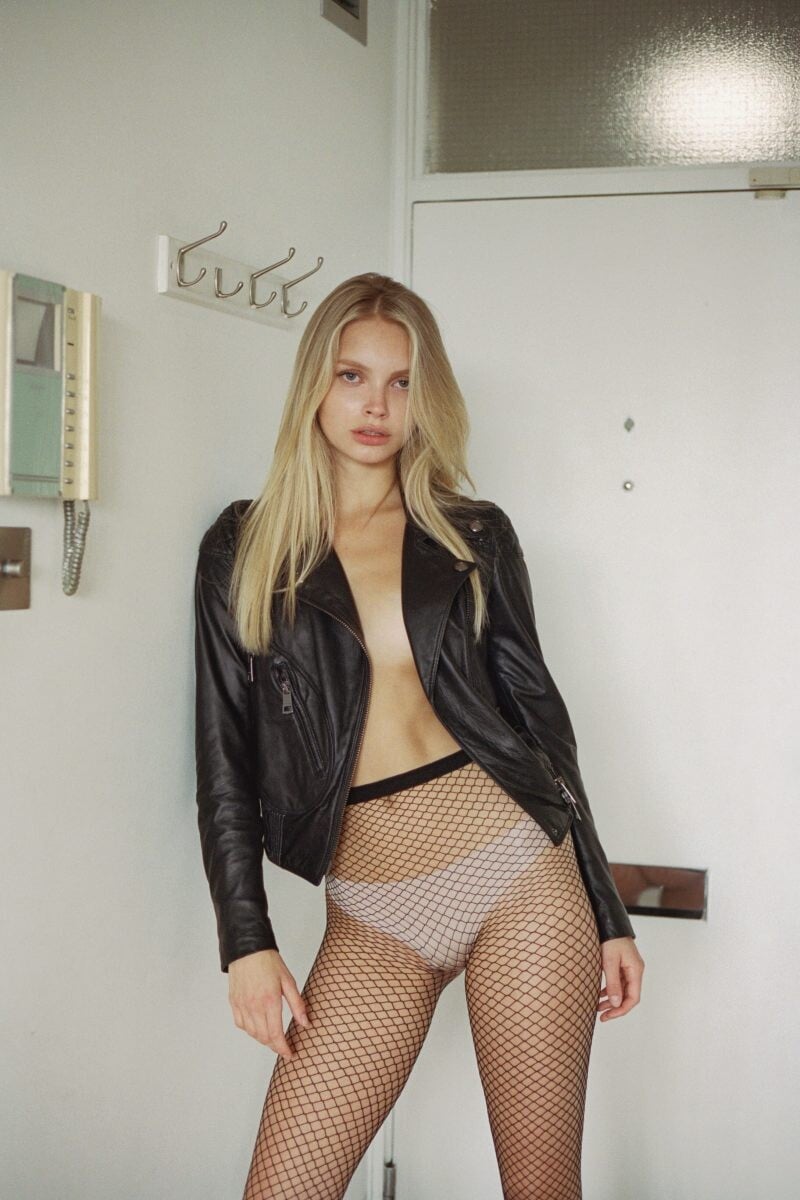

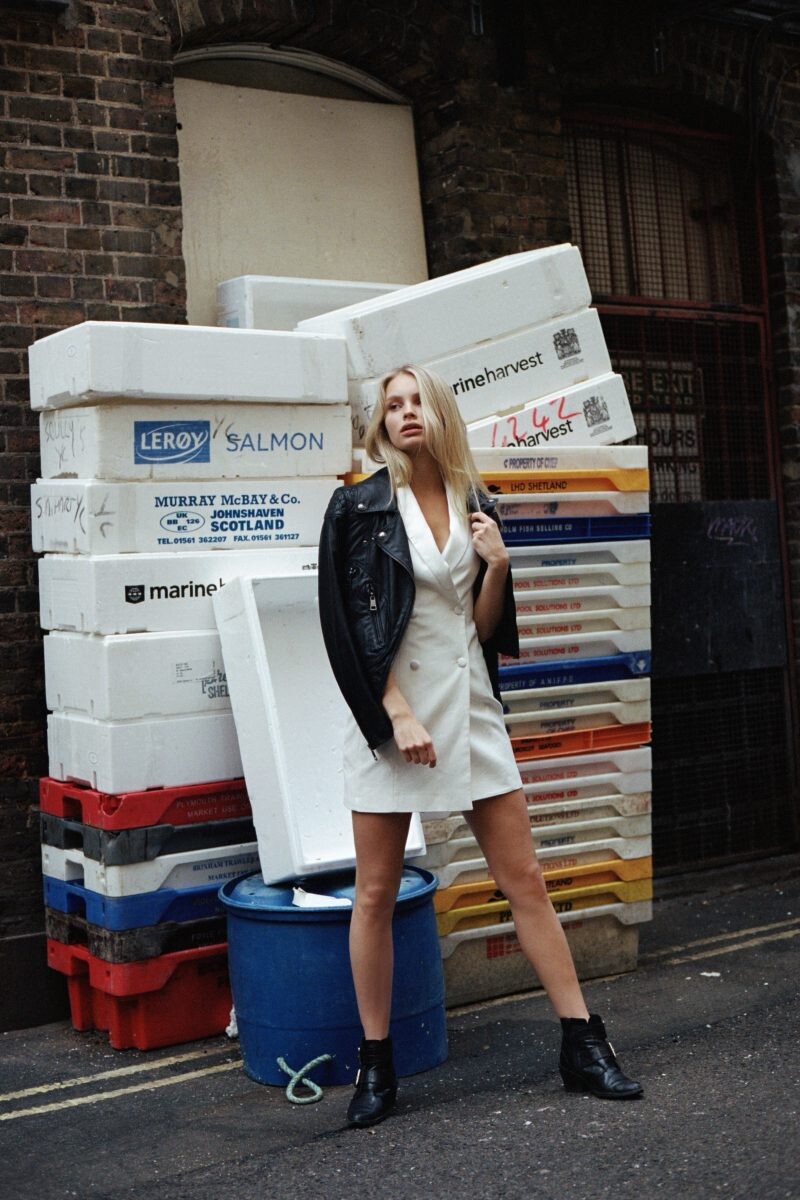



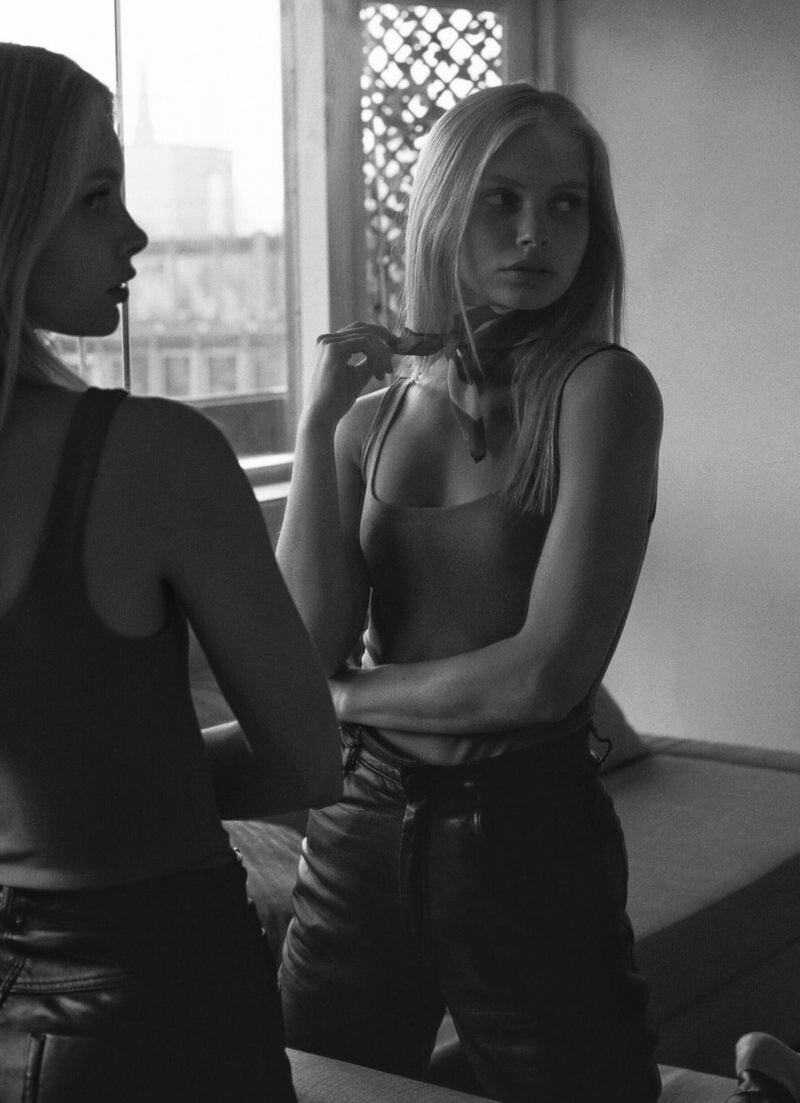


.jpeg.b188118fe55851f50089e43578889aaa.jpeg)

.jpeg.d7fb5879654aa9e6b365675b6cd2a958.jpeg)






Account
Navigation
Search
Configure browser push notifications
Chrome (Android)
- Tap the lock icon next to the address bar.
- Tap Permissions → Notifications.
- Adjust your preference.
Chrome (Desktop)
- Click the padlock icon in the address bar.
- Select Site settings.
- Find Notifications and adjust your preference.
Safari (iOS 16.4+)
- Ensure the site is installed via Add to Home Screen.
- Open Settings App → Notifications.
- Find your app name and adjust your preference.
Safari (macOS)
- Go to Safari → Preferences.
- Click the Websites tab.
- Select Notifications in the sidebar.
- Find this website and adjust your preference.
Edge (Android)
- Tap the lock icon next to the address bar.
- Tap Permissions.
- Find Notifications and adjust your preference.
Edge (Desktop)
- Click the padlock icon in the address bar.
- Click Permissions for this site.
- Find Notifications and adjust your preference.
Firefox (Android)
- Go to Settings → Site permissions.
- Tap Notifications.
- Find this site in the list and adjust your preference.
Firefox (Desktop)
- Open Firefox Settings.
- Search for Notifications.
- Find this site in the list and adjust your preference.