

Molonlave7
Members
-
Joined
-
Last visited
Everything posted by Molonlave7
-

-
-
Edit
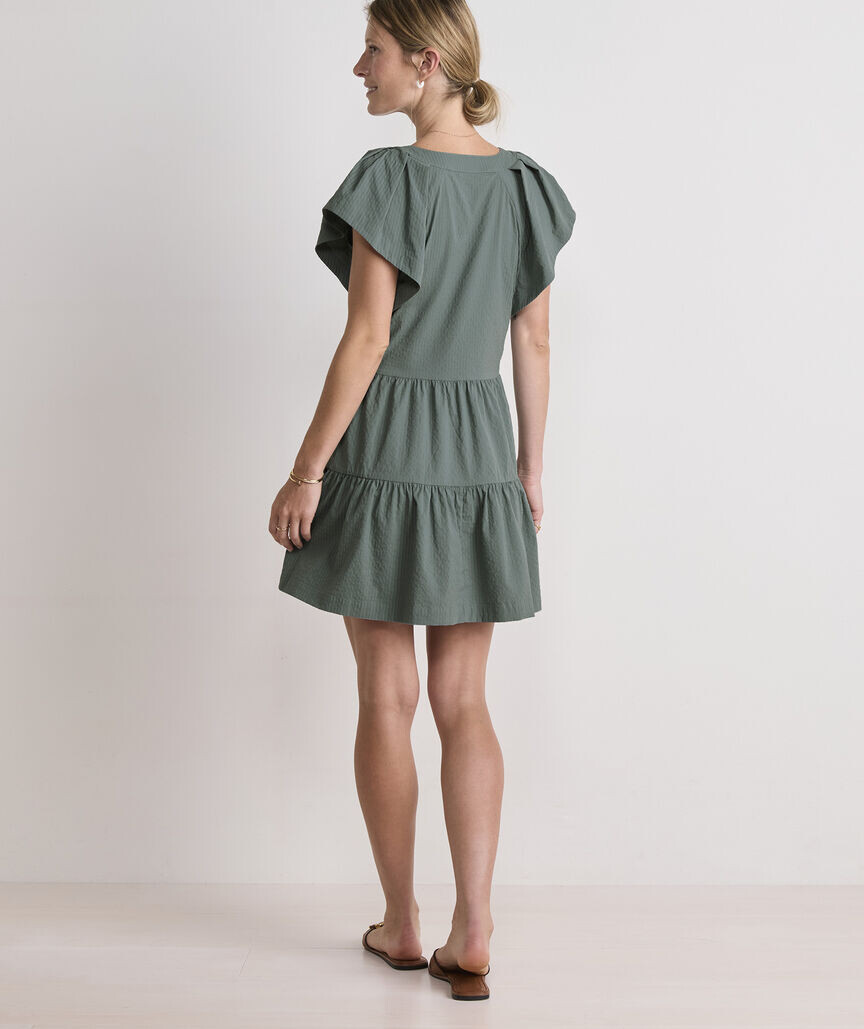
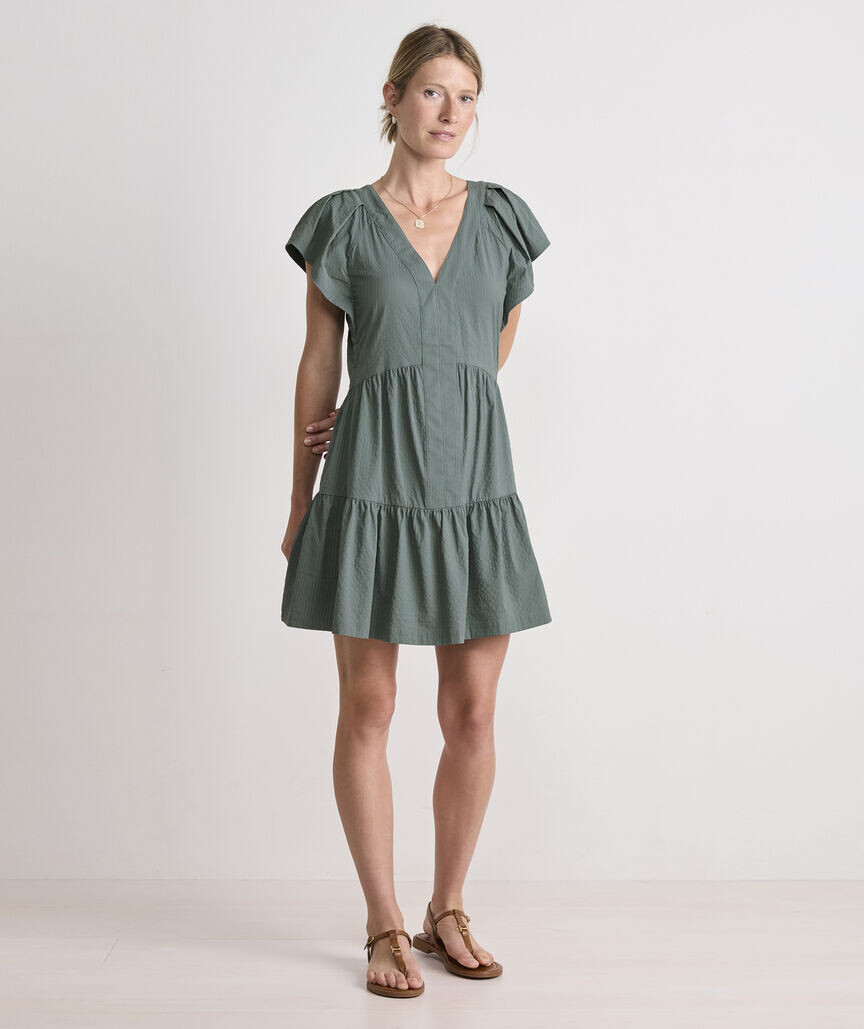
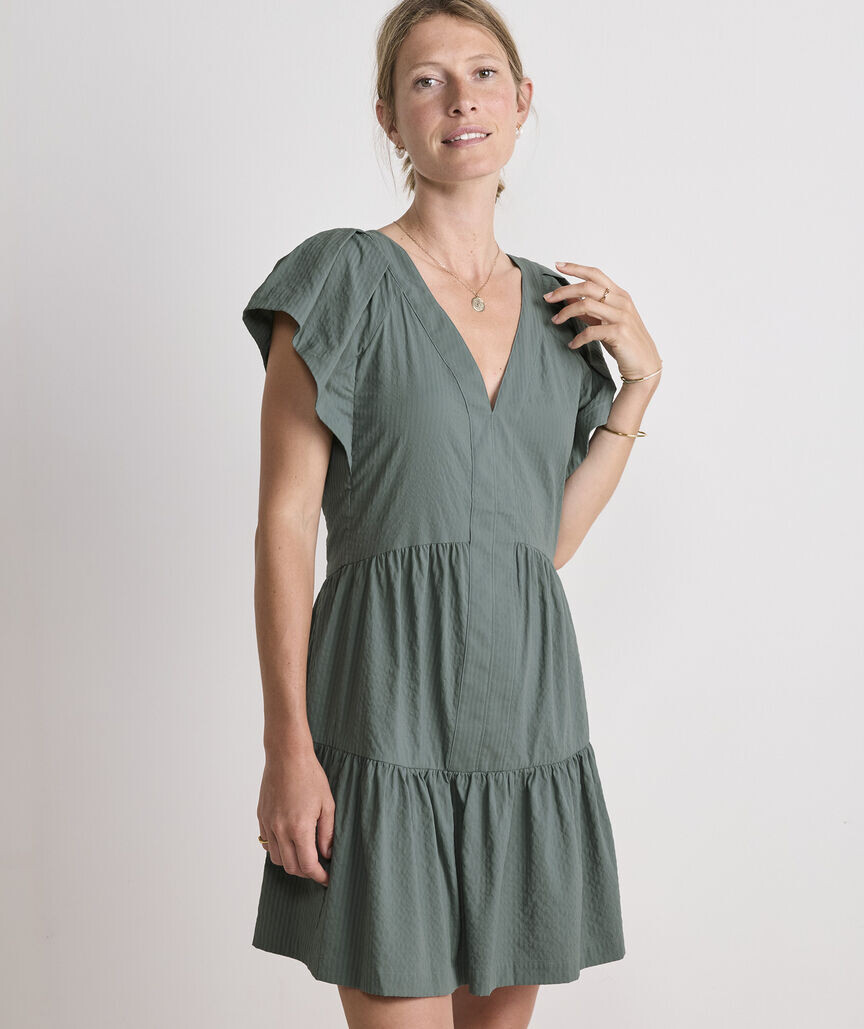
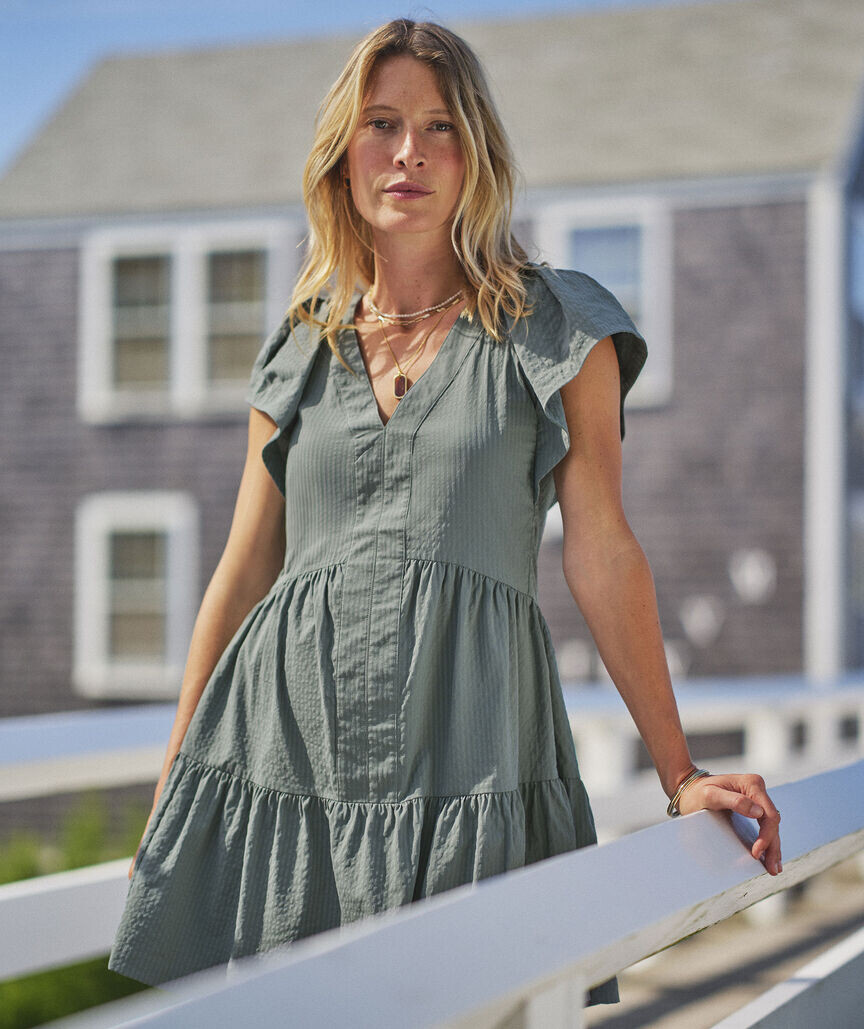
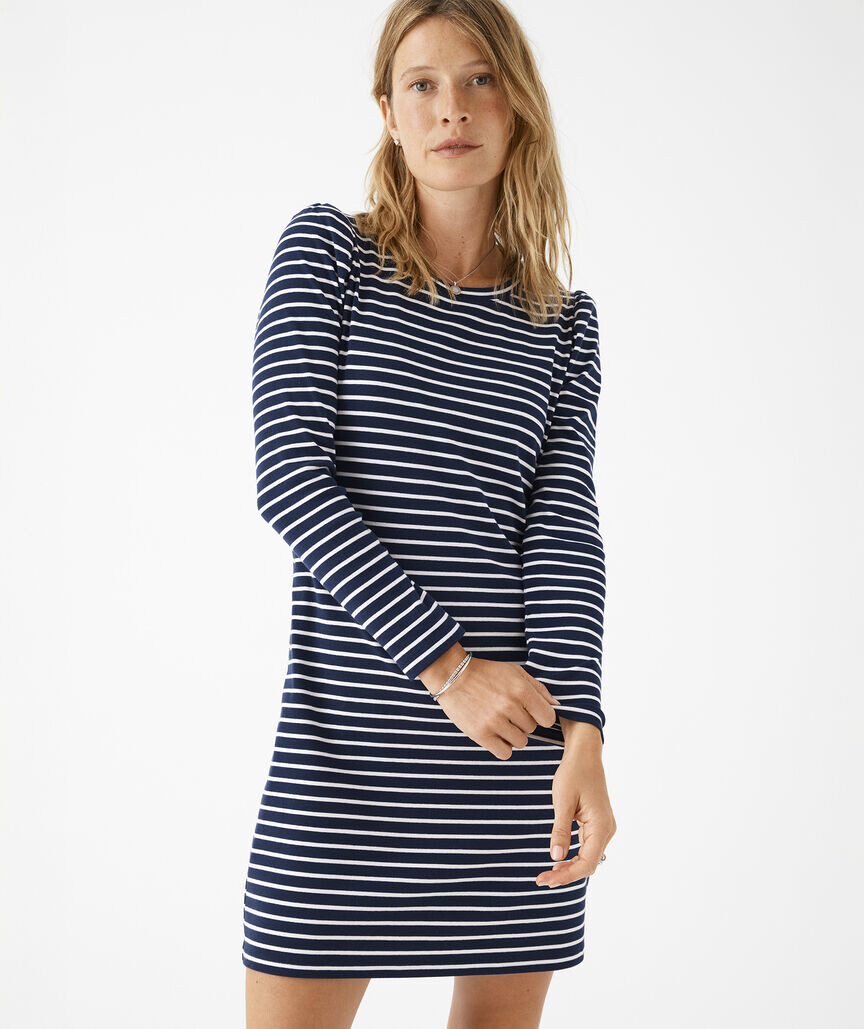
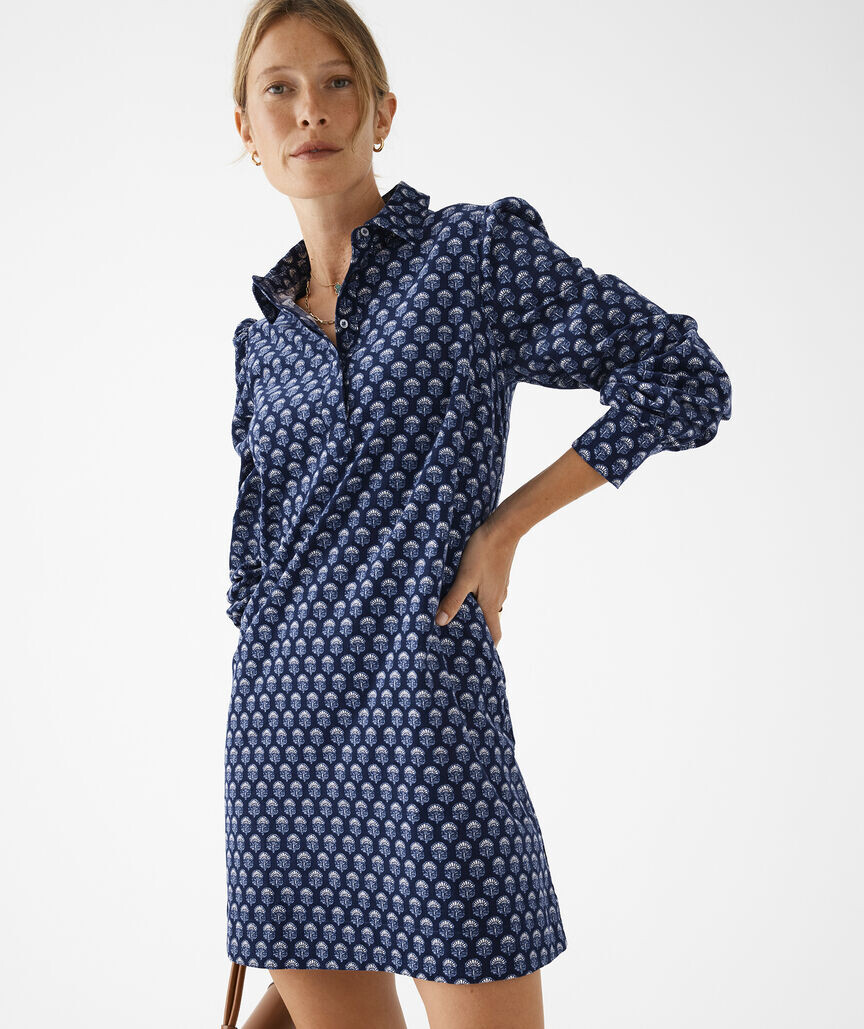
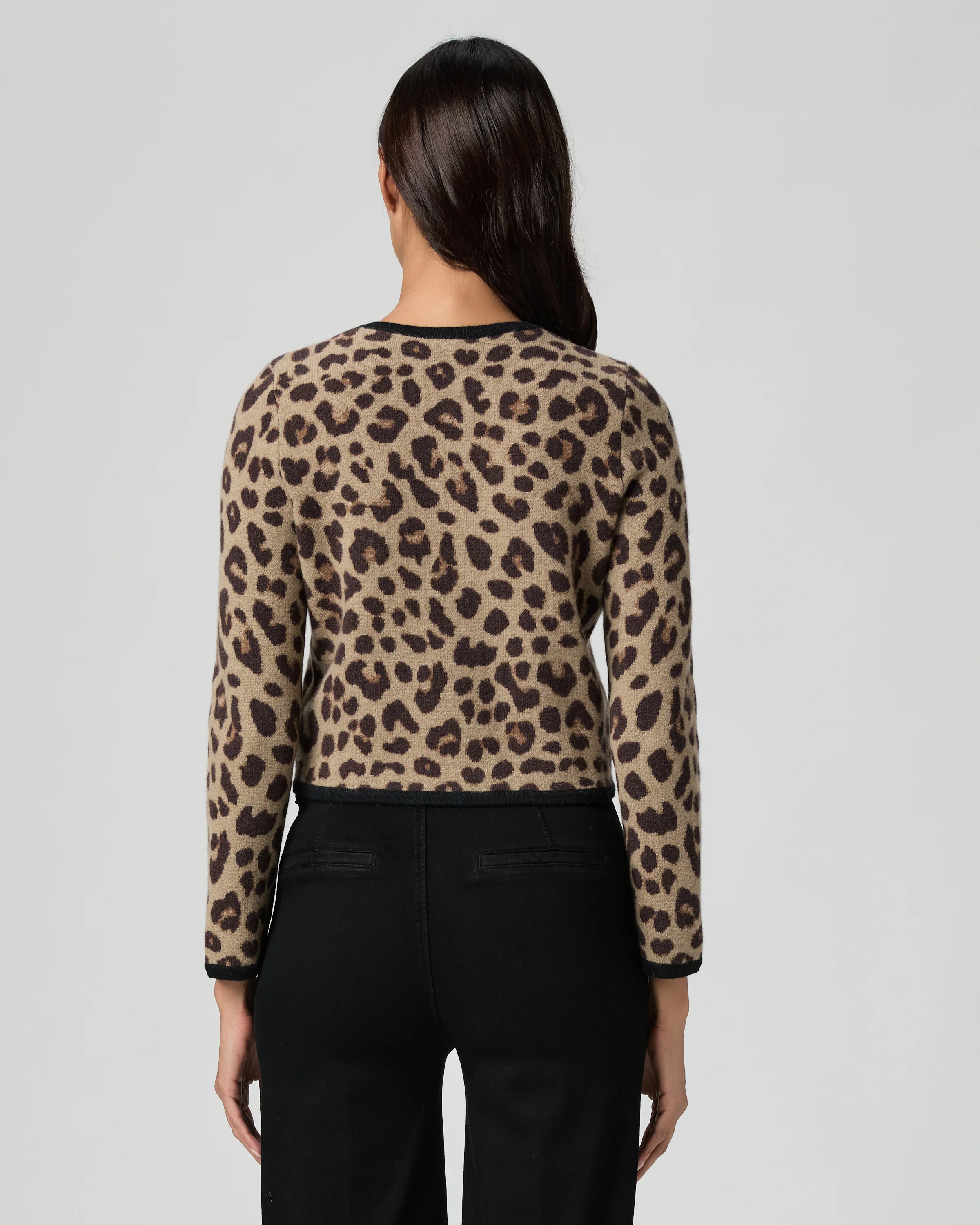
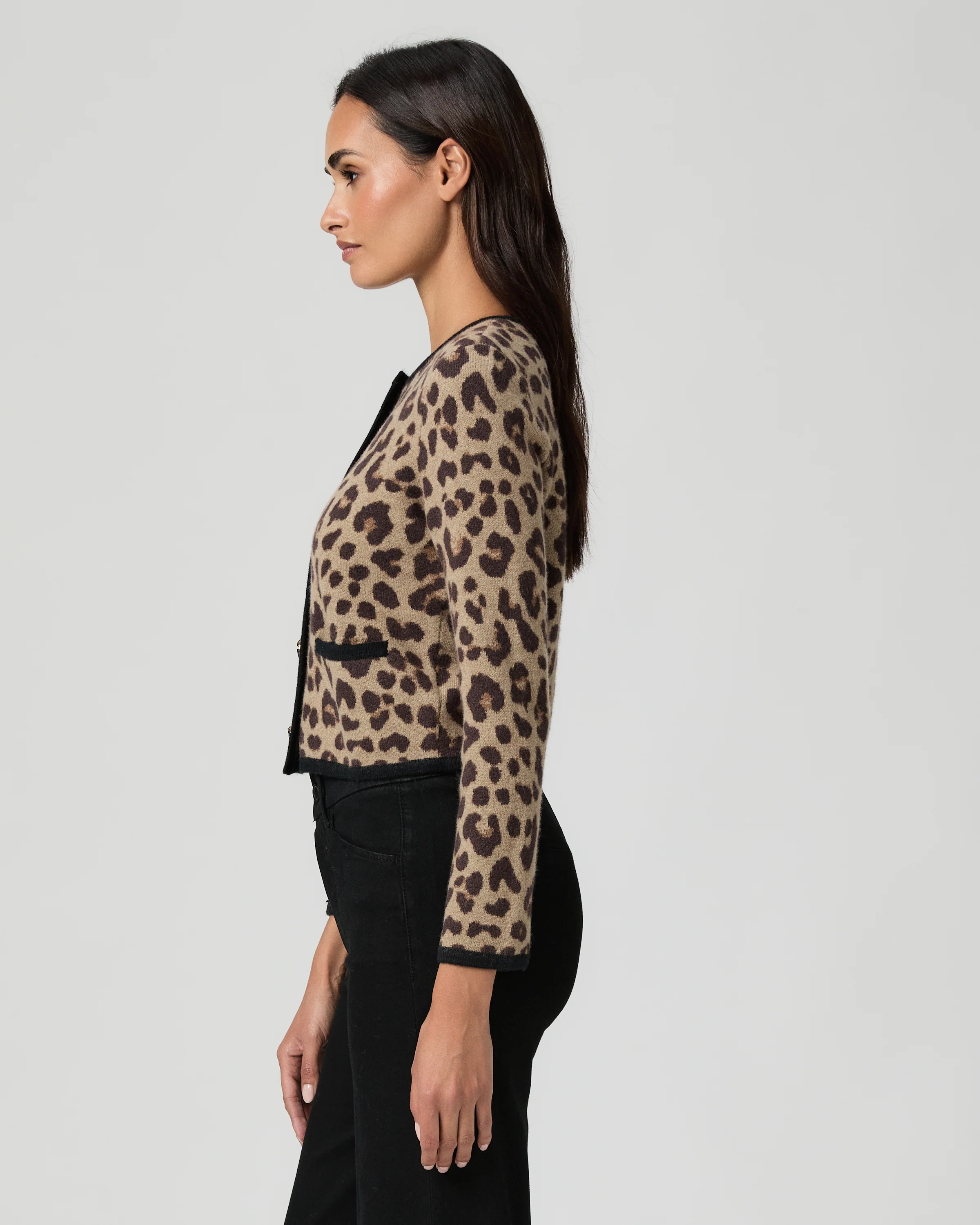
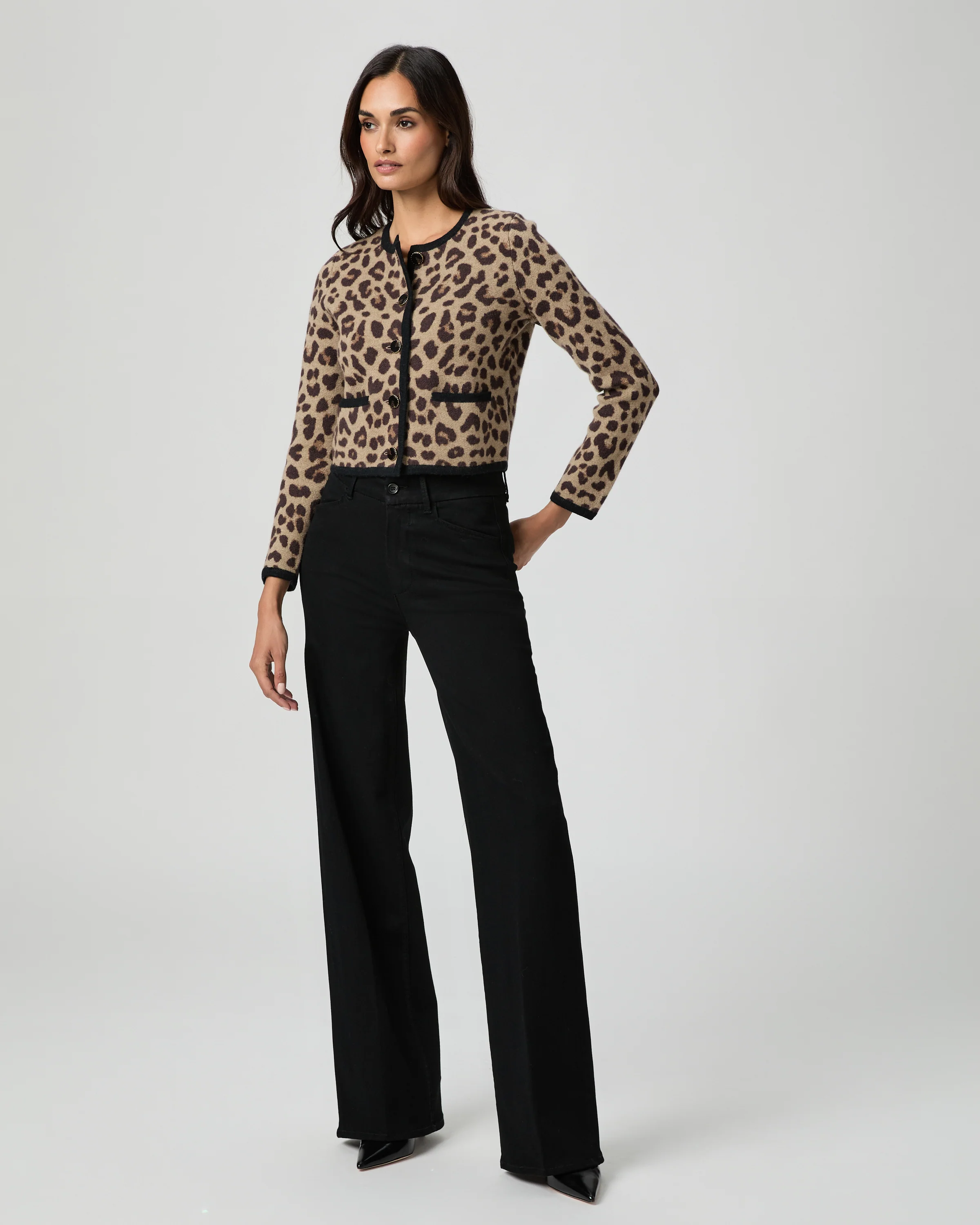
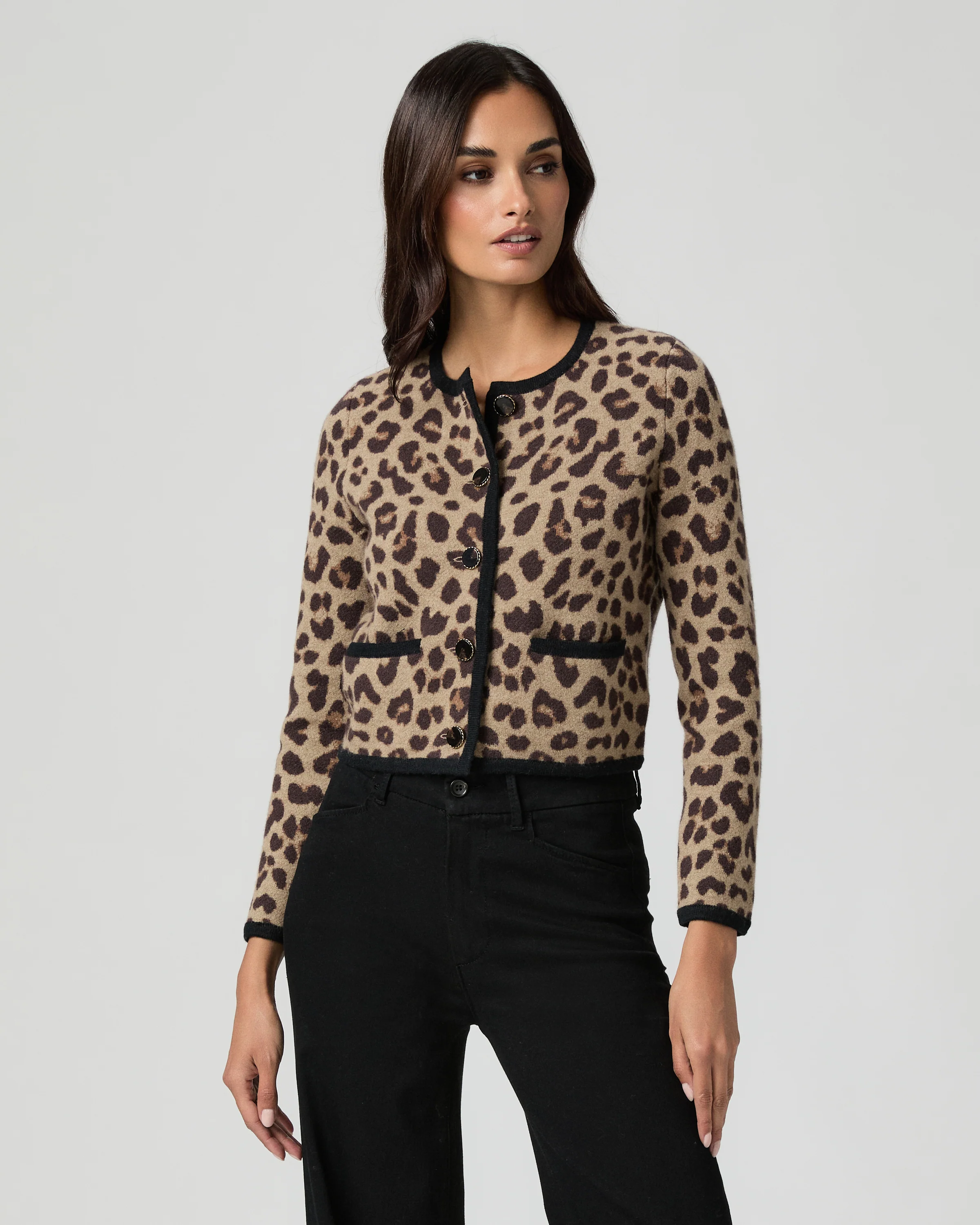
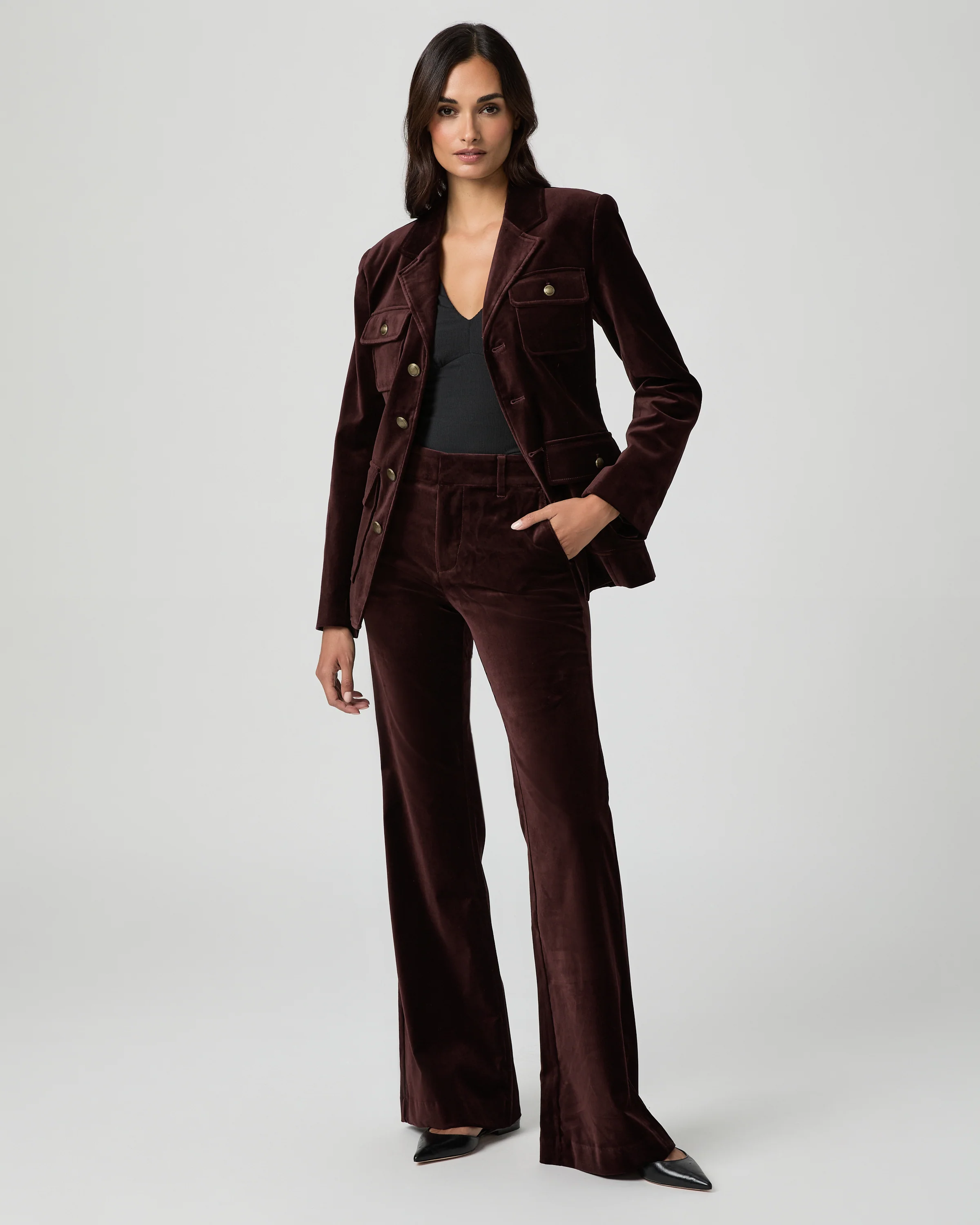
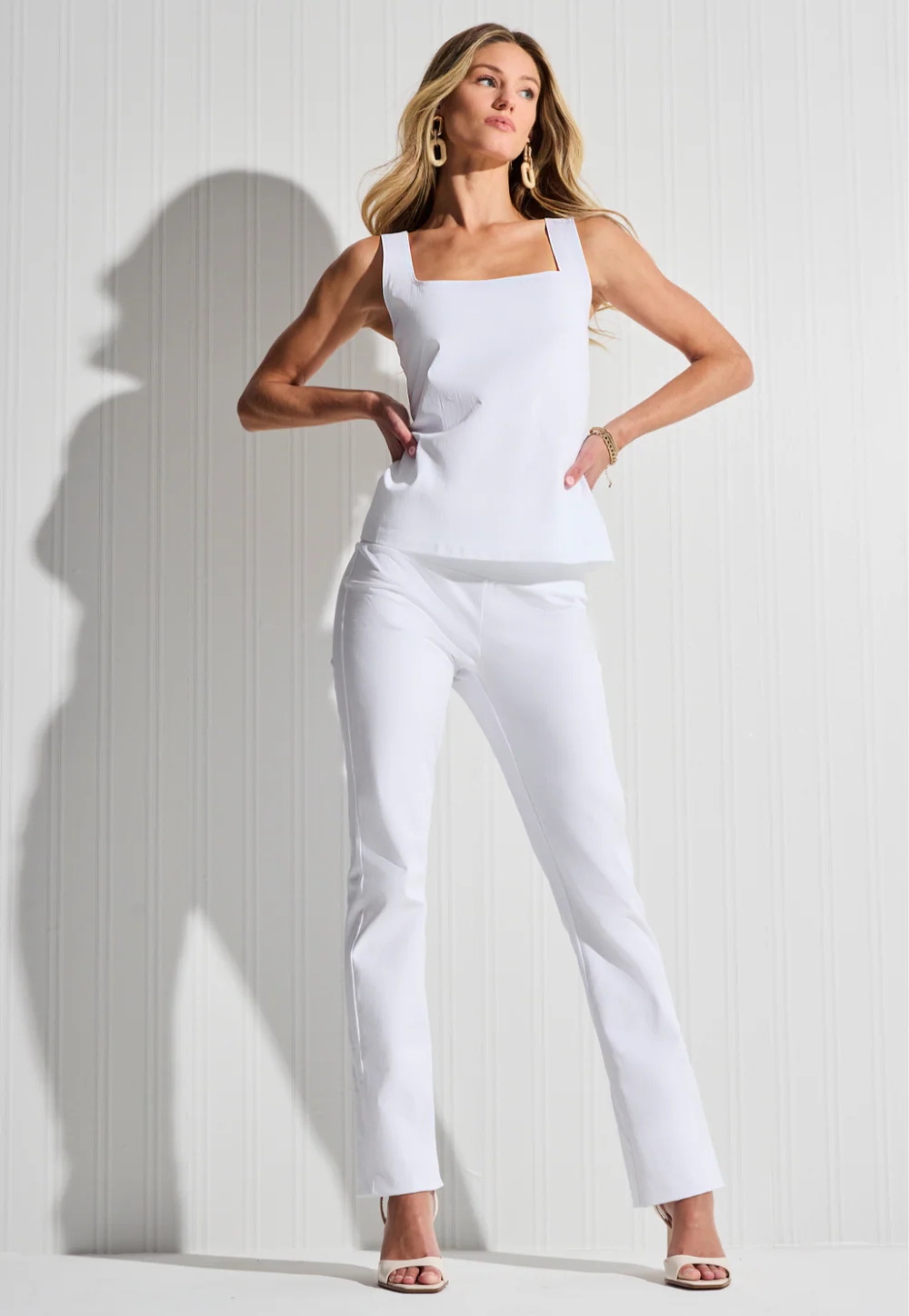
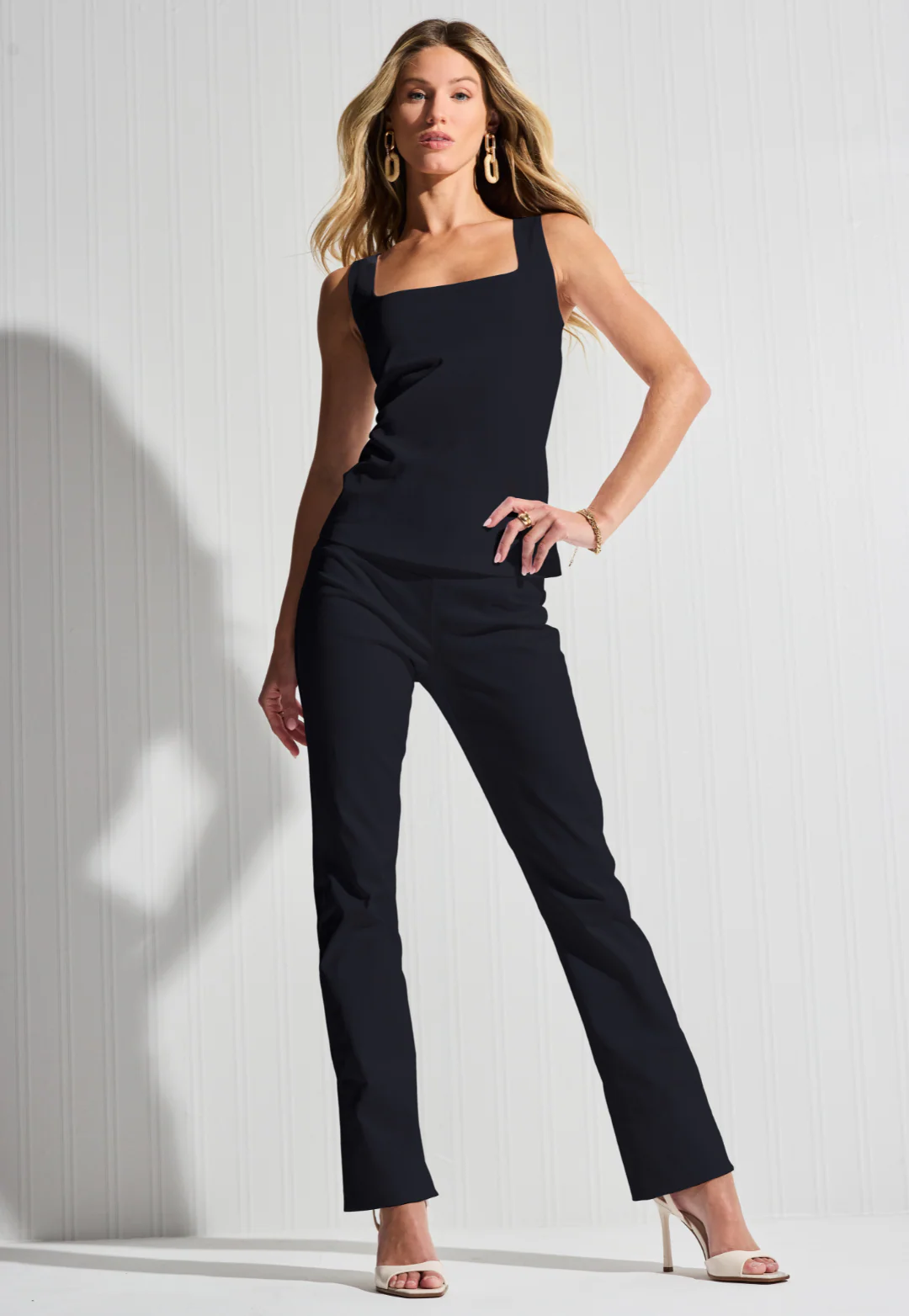
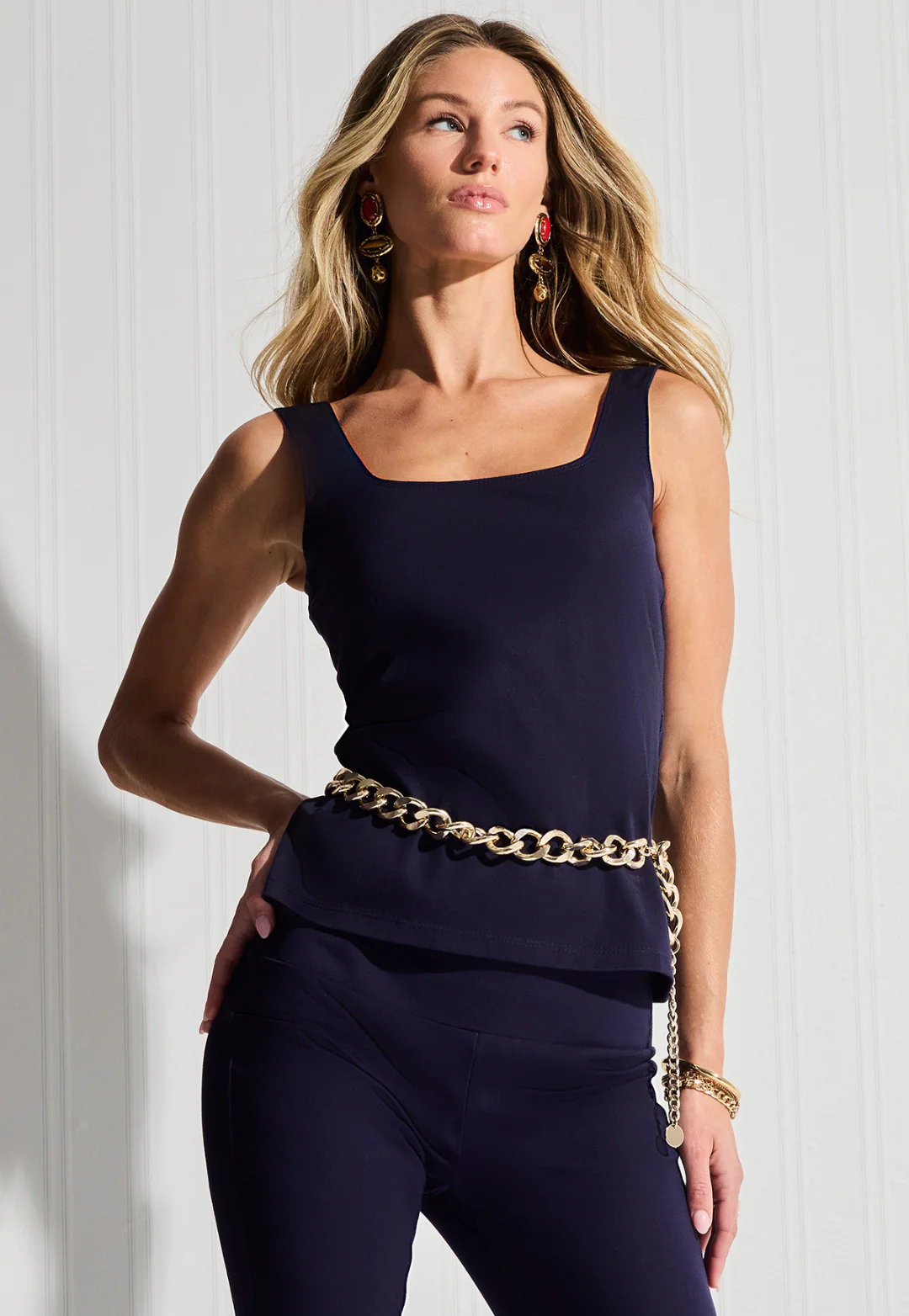
From Vineyard Vines




 Found this one from a front cover in Facebook
bump
Here is one from Vineyard Vines
Found this one from a front cover in Facebook
bump
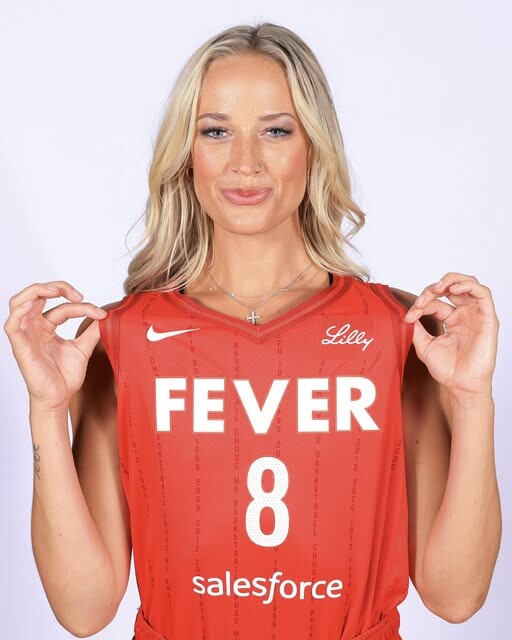
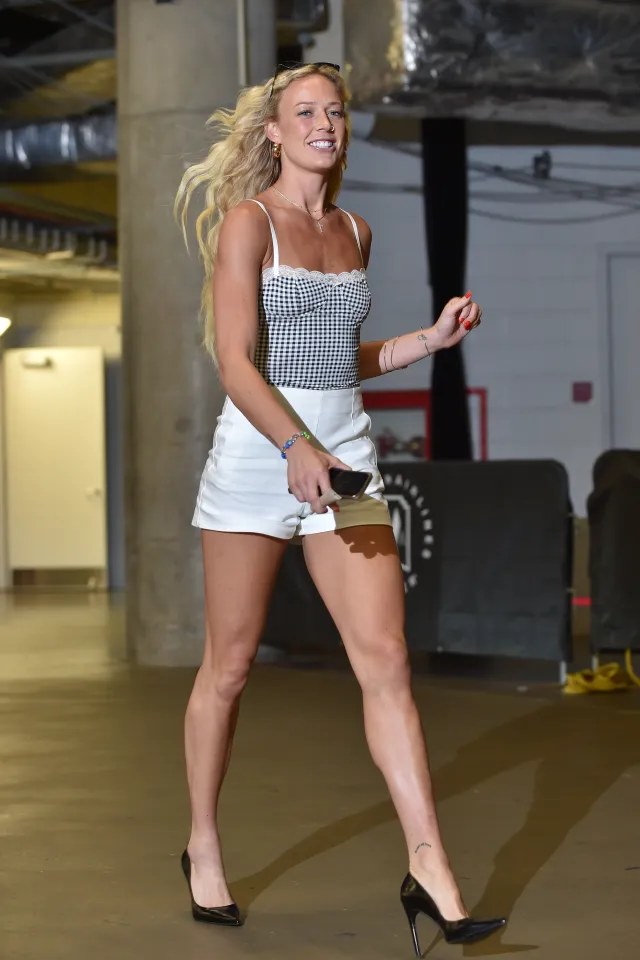
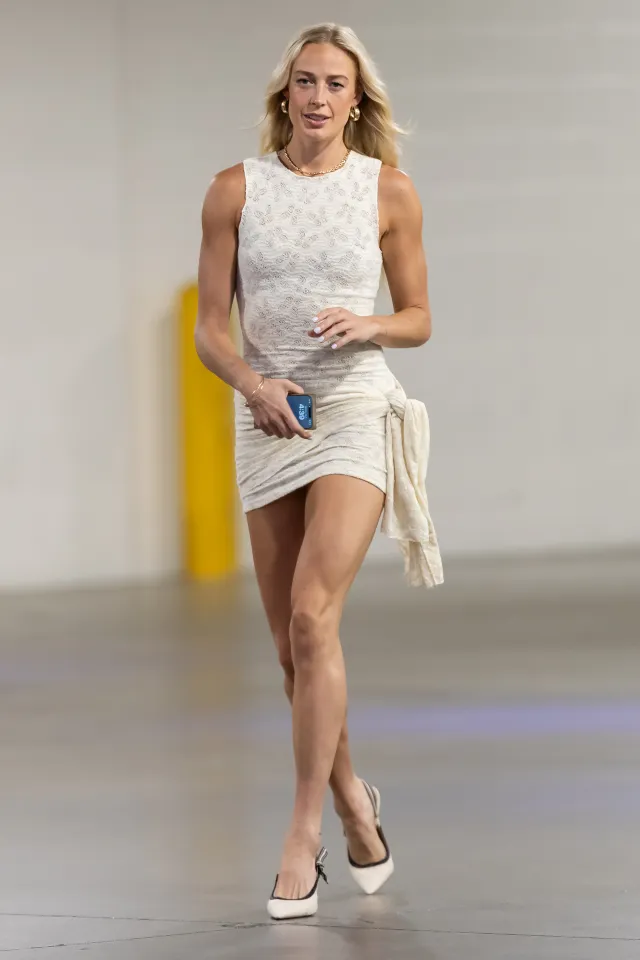
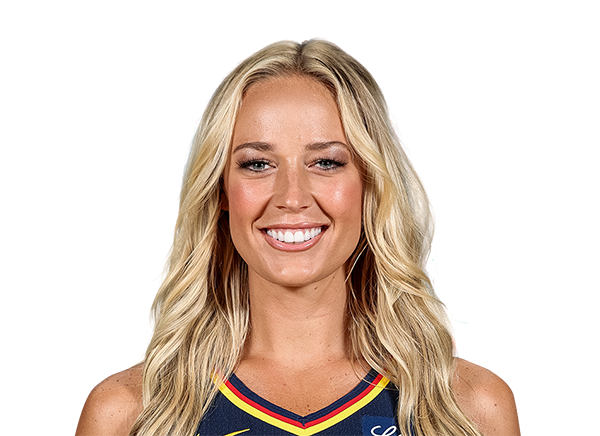
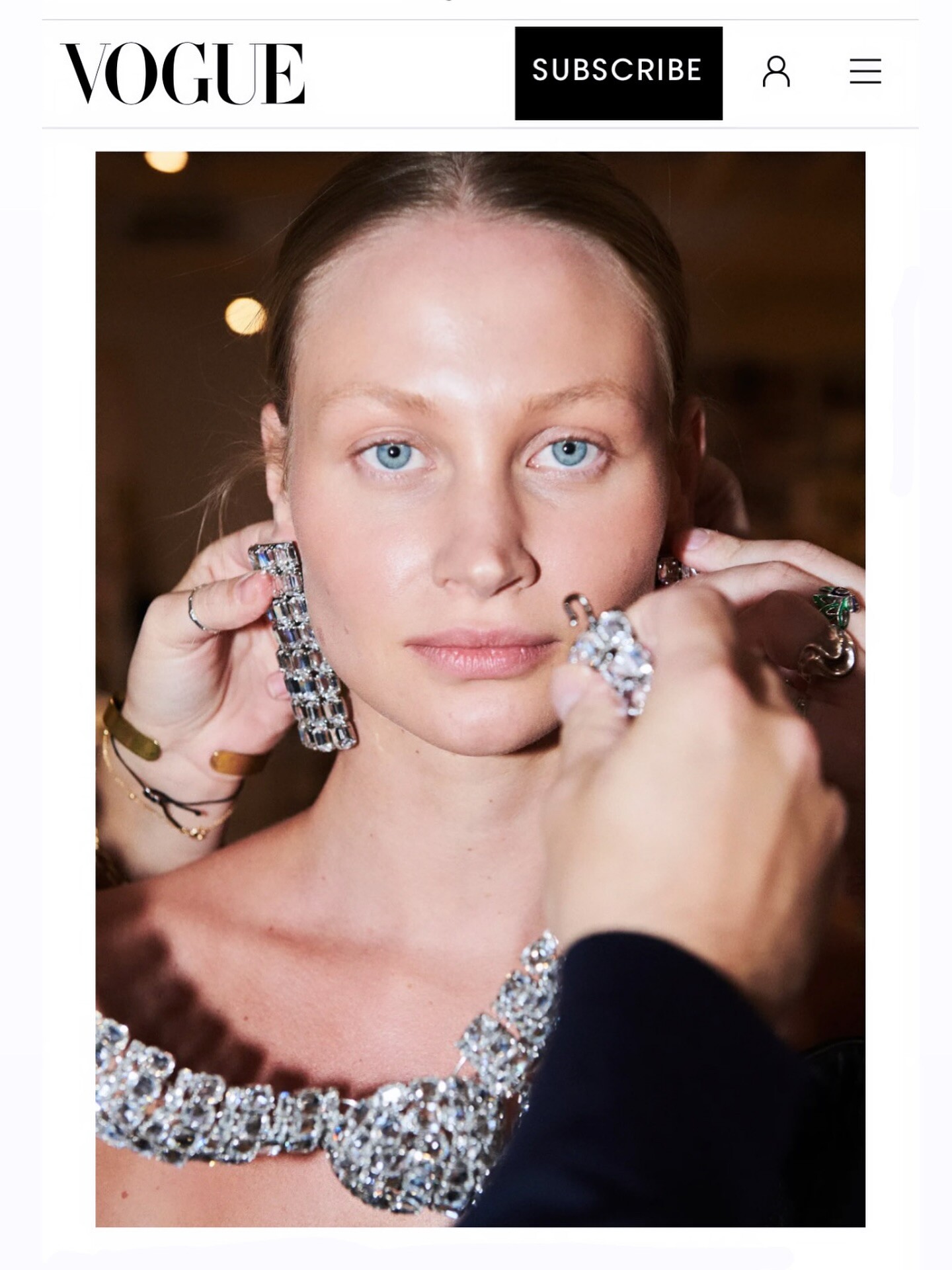
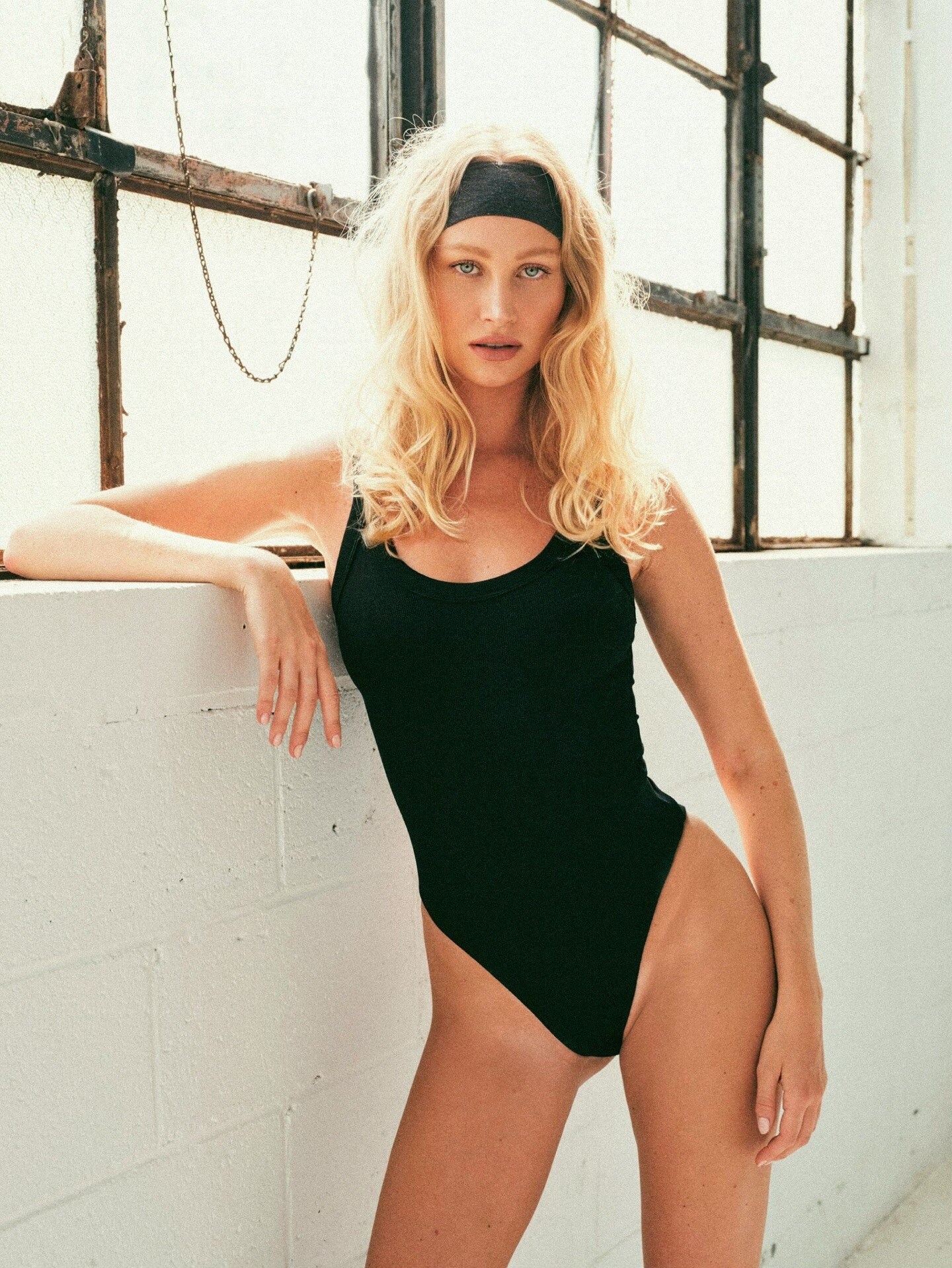
Here is one from Vineyard Vines American basketball player Born: August 16, 1996 (age 29 years), Columbia, Missouri USA Current team: Indiana Fever (#8 / Guard) Height: 6′ 1″ Education: Rock Bridge High School/Missouri (College) Listed weight: 165 lb (75 kg) League: WNBA Playing career: 2019–present In my opinion, the most beautiful woman in the league. She looks like a legit model.







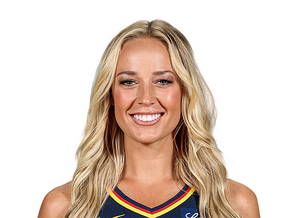 Instagram
.thumb.jpg.7399687fada730e9941c345449dc03e1.jpg)
.thumb.jpg.792013ae171504efab1d860bb9293ae1.jpg)
.thumb.jpg.ff8cae4b94f759b282b49a1d98206f23.jpg)
.thumb.jpg.b37d7bec70f0a30e06410af745cf443d.jpg)






 Thank you kind sir!
NEXT!!!
Thank you kind sir!
NEXT!!! Those models I posted happens to be the ones I follow on Instagram. Like as if I should know them by now.
👍👍👍
🥰❤️😘 My dream girl!
Those models I posted happens to be the ones I follow on Instagram. Like as if I should know them by now.
👍👍👍
🥰❤️😘 My dream girl!






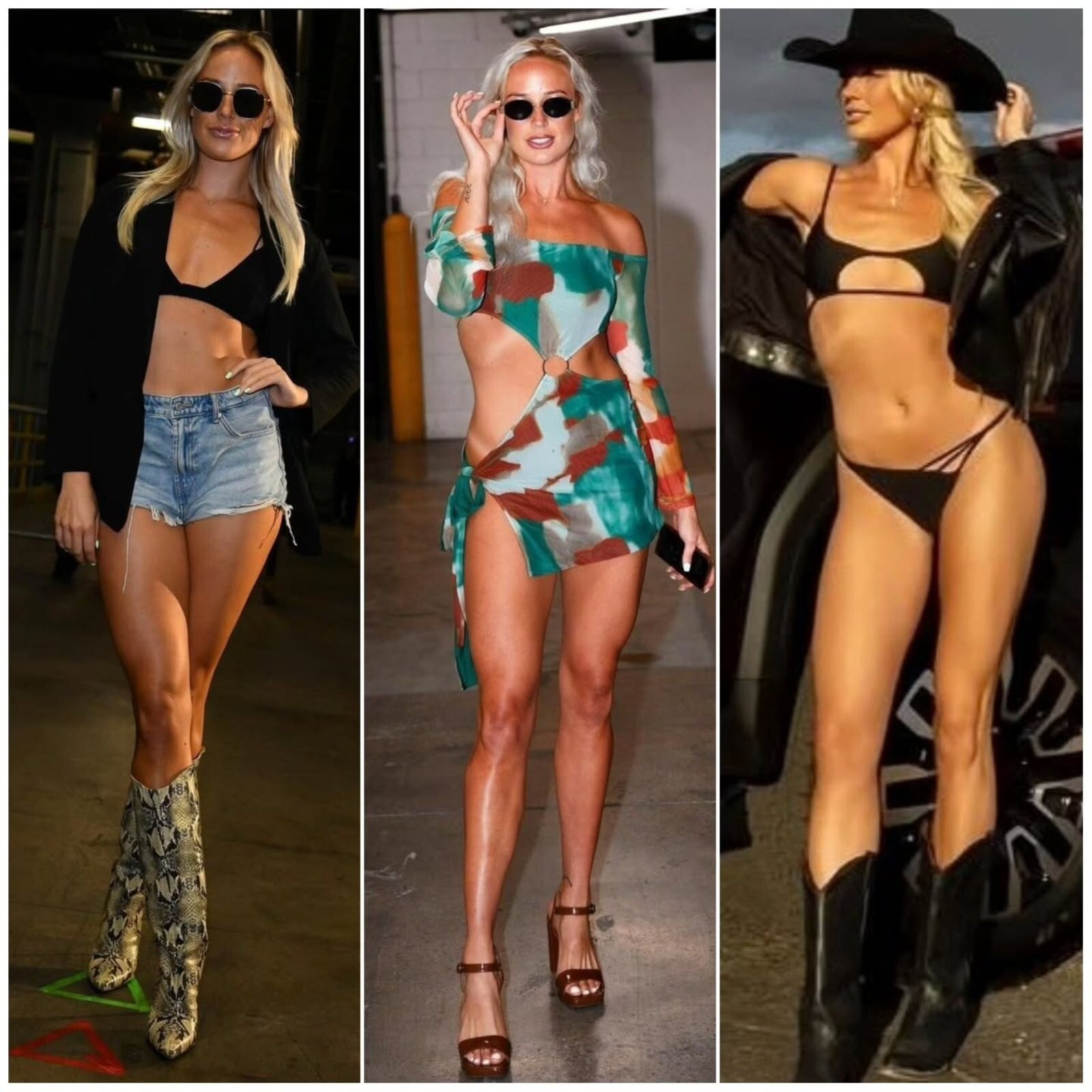
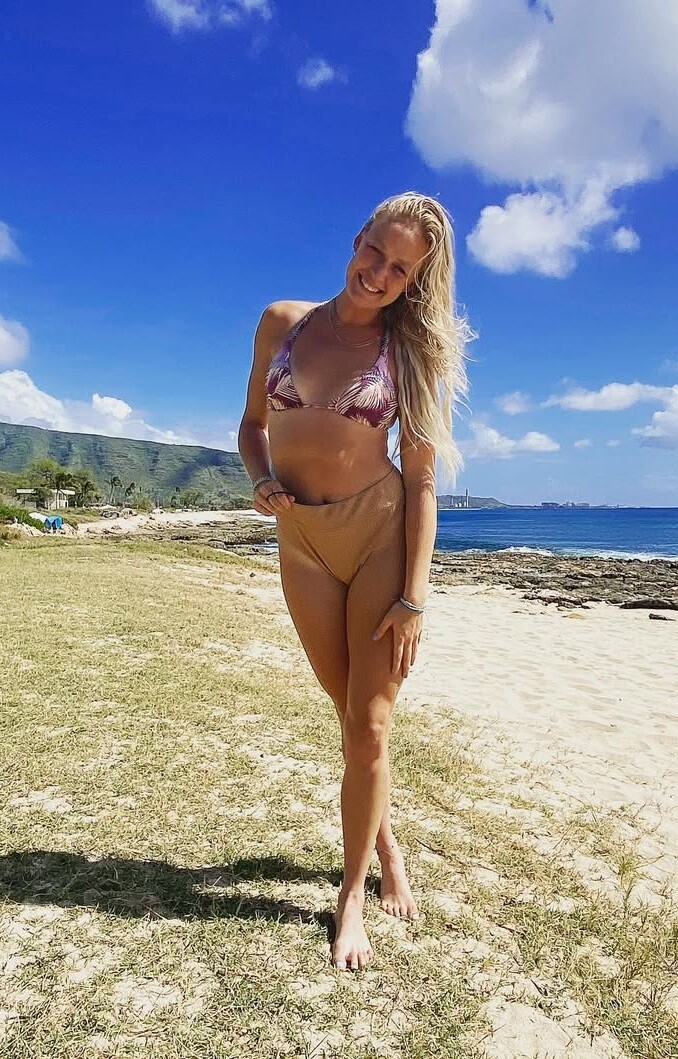
.jpeg.beb01d892c225dca112e98bd70c8e4be.jpeg)
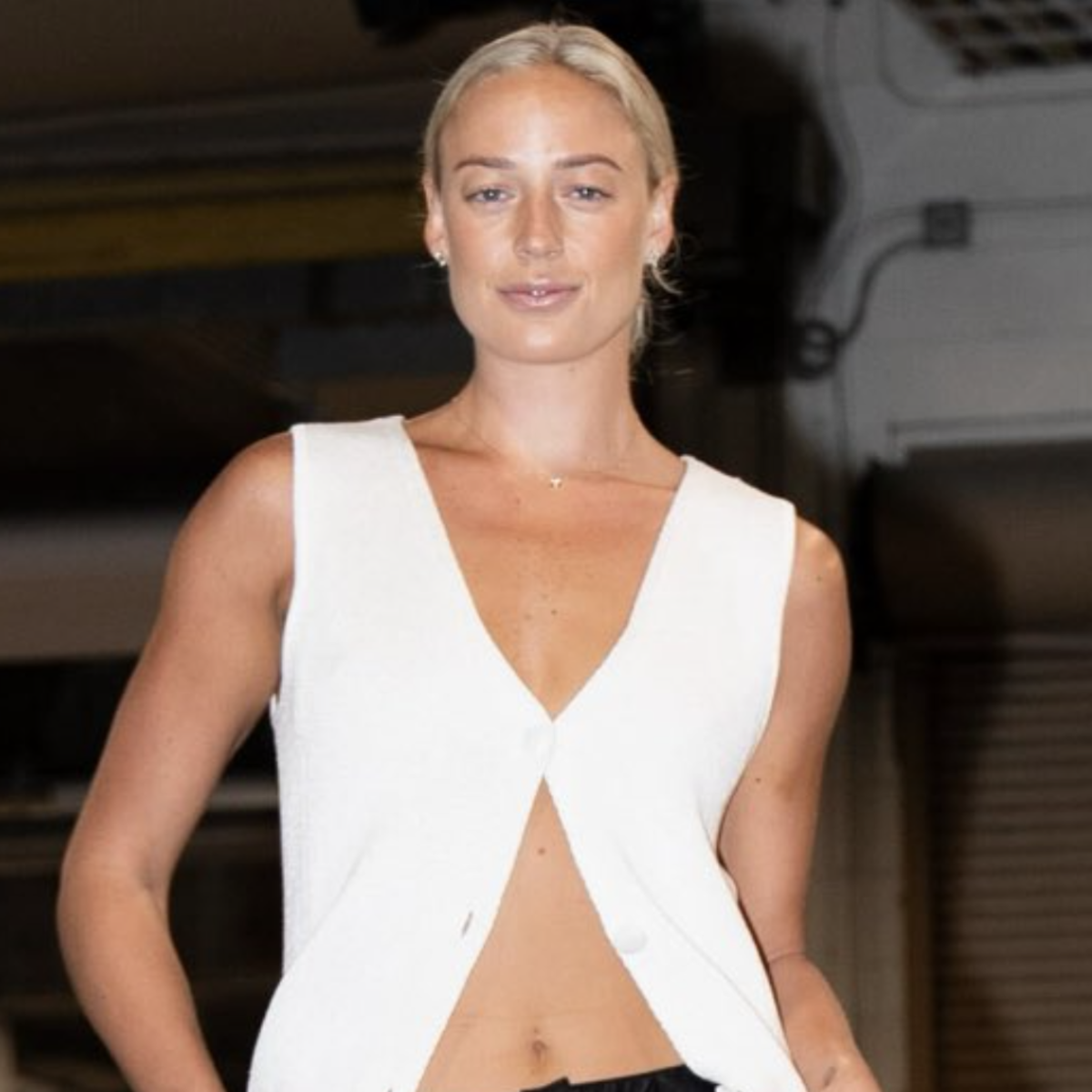
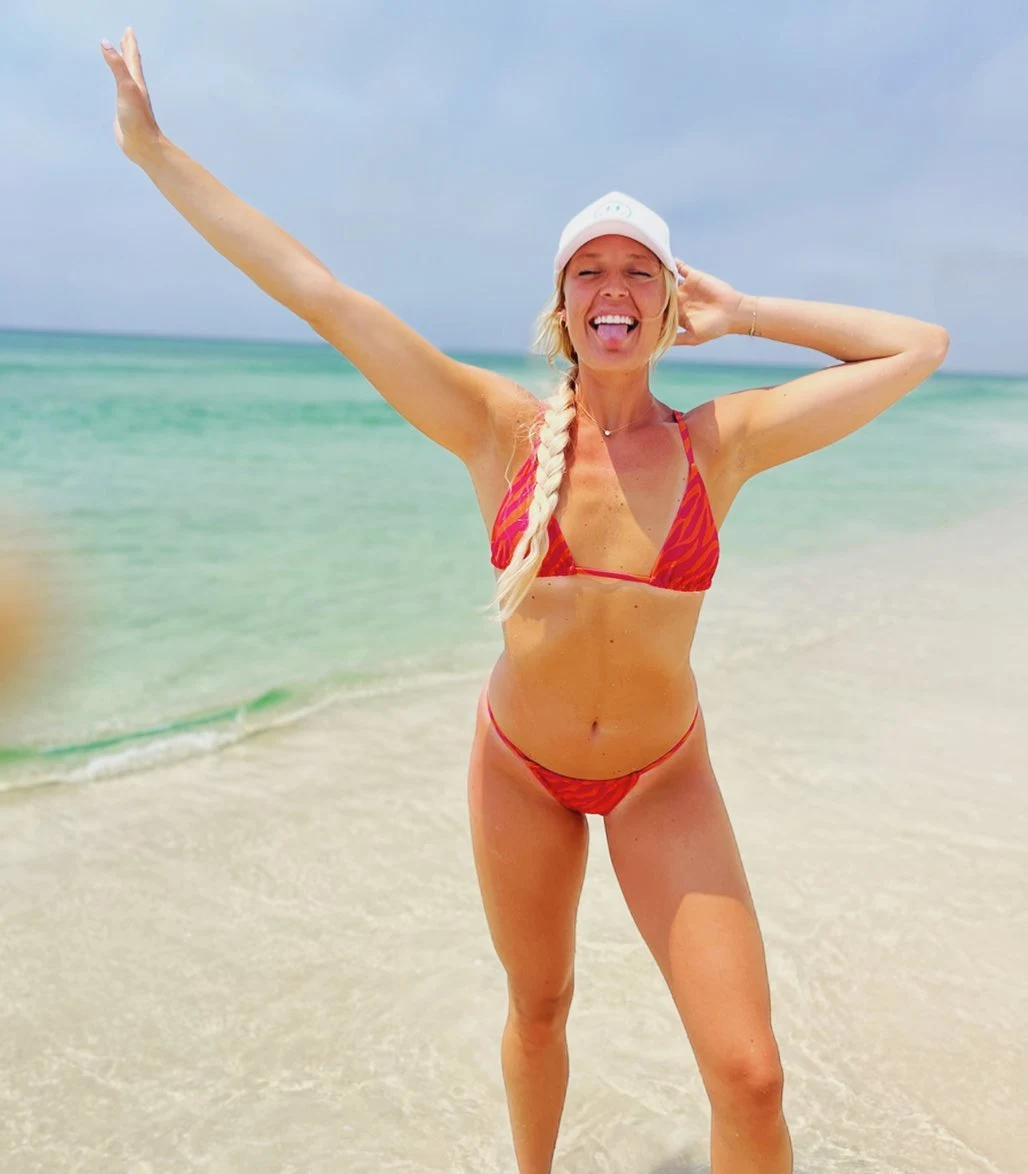
.jpeg.b88792fbde4bf3143ce89553f4eb4613.jpeg)


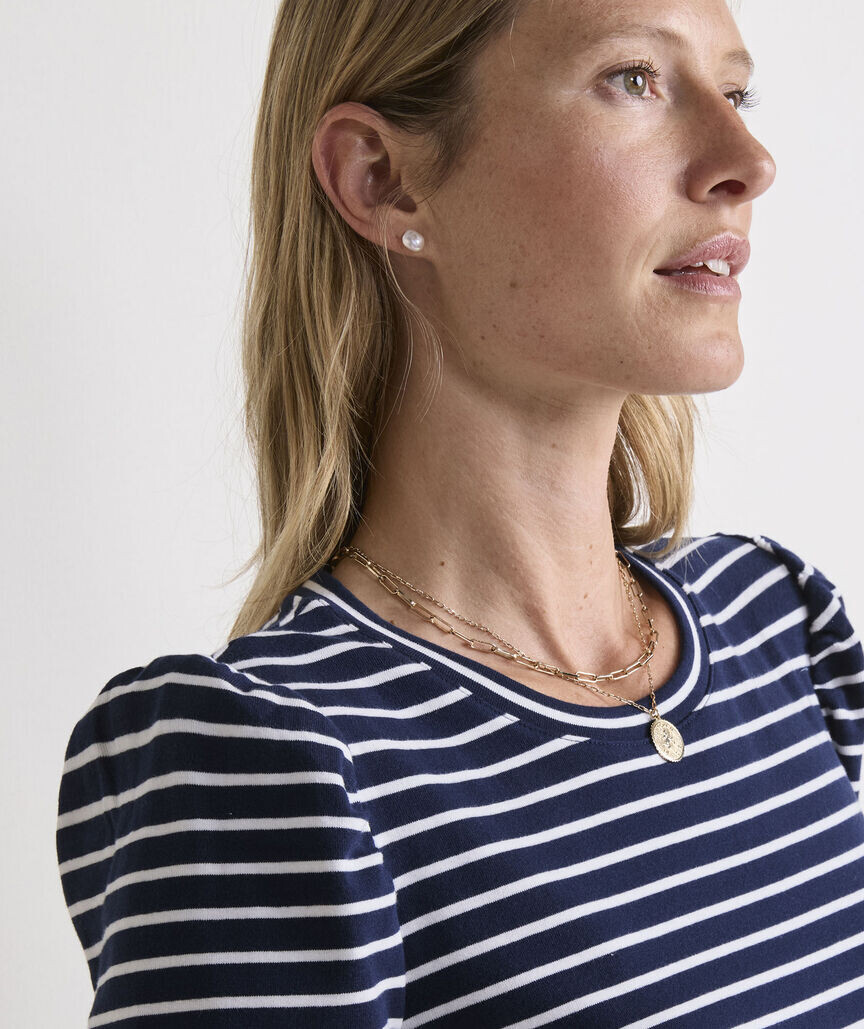
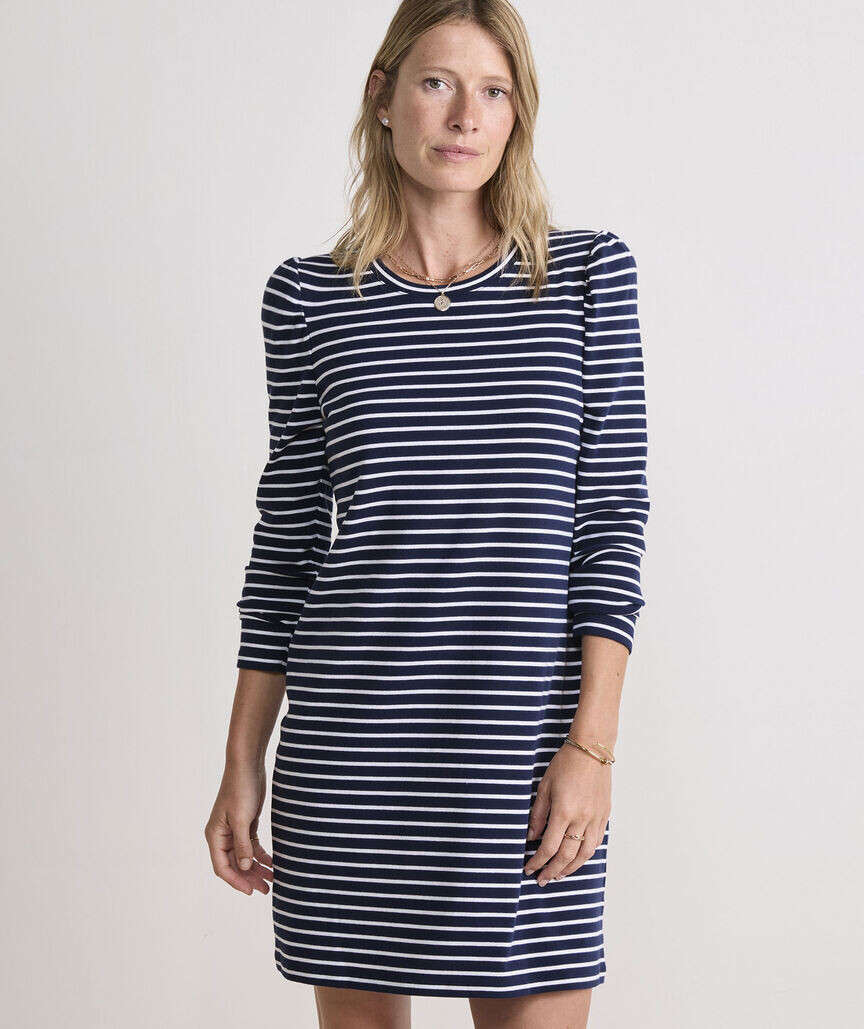
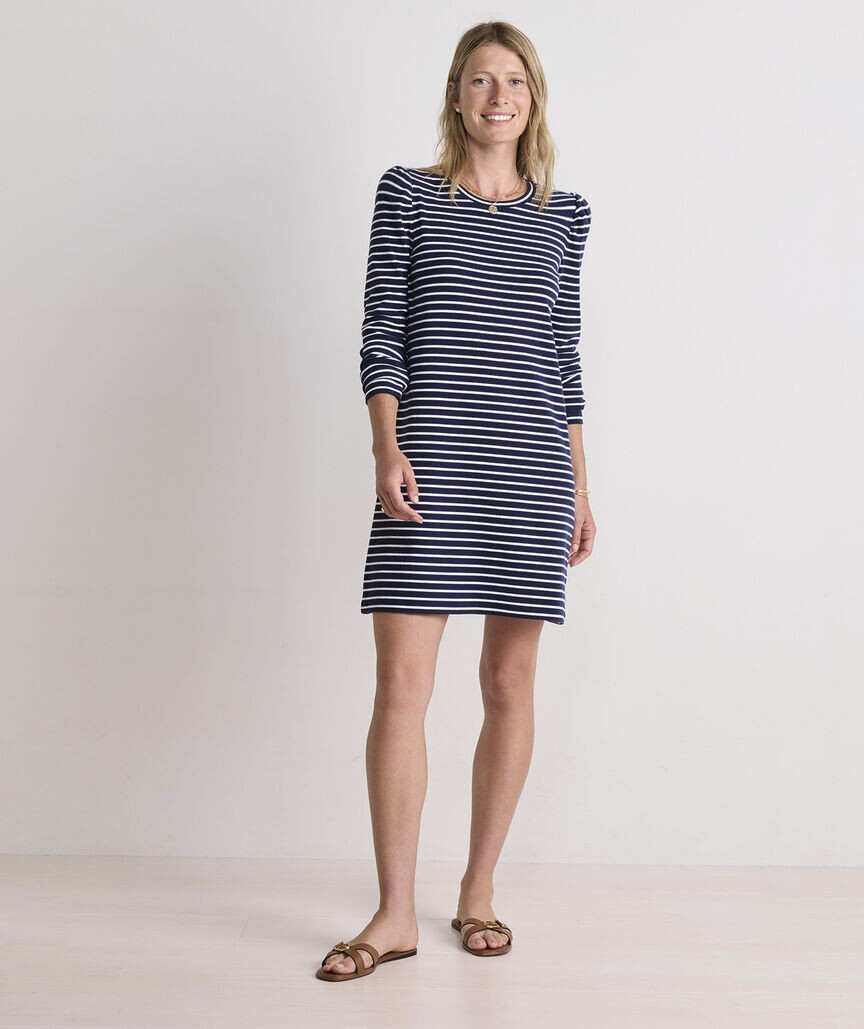





.jpg.96666b9aef0fe007eae61fc4eca33f6e.jpg)
.jpg.bc4b6785eebfa40d290606033132e0fa.jpg)
.jpg.96cbe5aac0bfecfa9306211fb49d60f8.jpg)
.jpg.e1ad5ef2411fd40b7d95943fbff27322.jpg)

















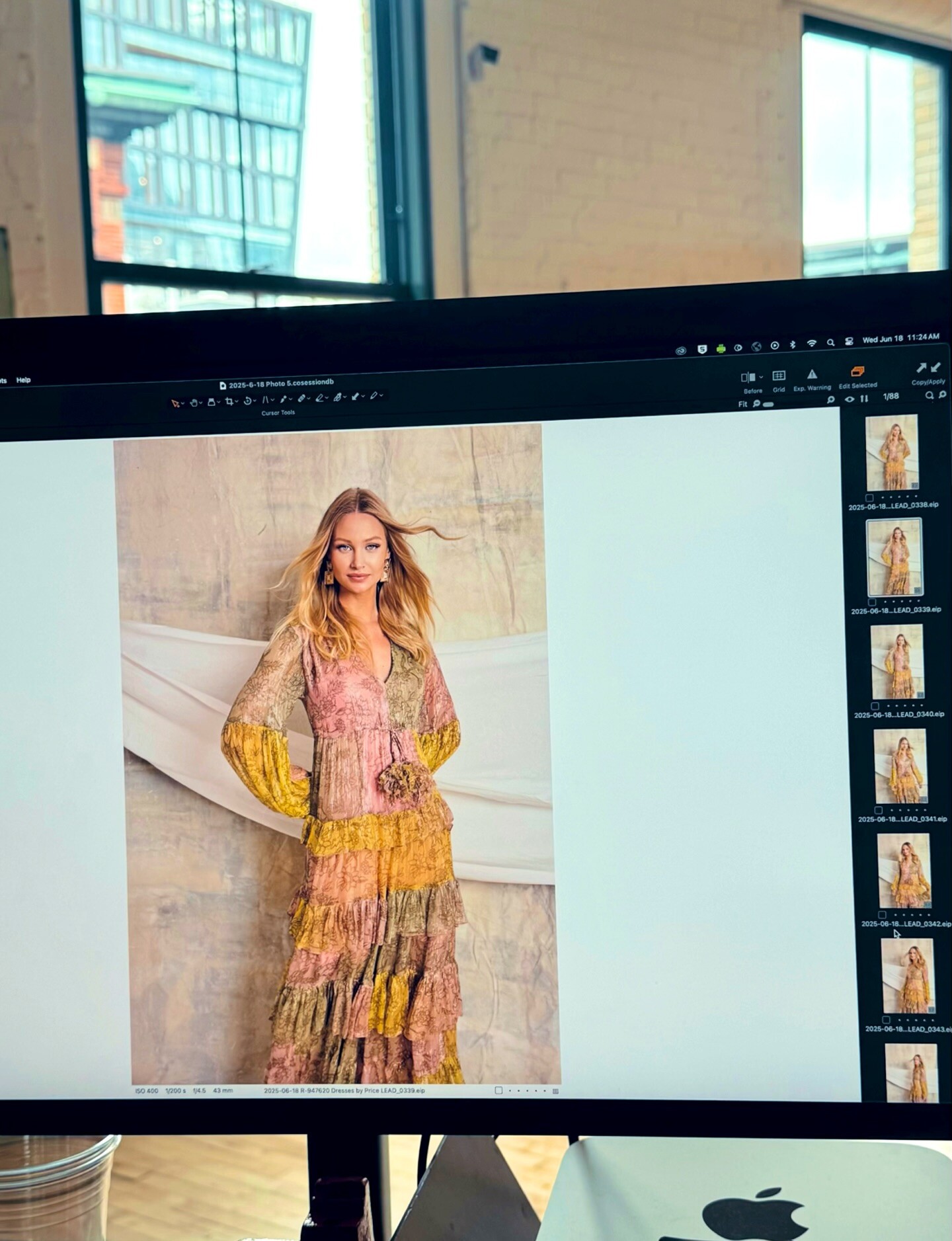



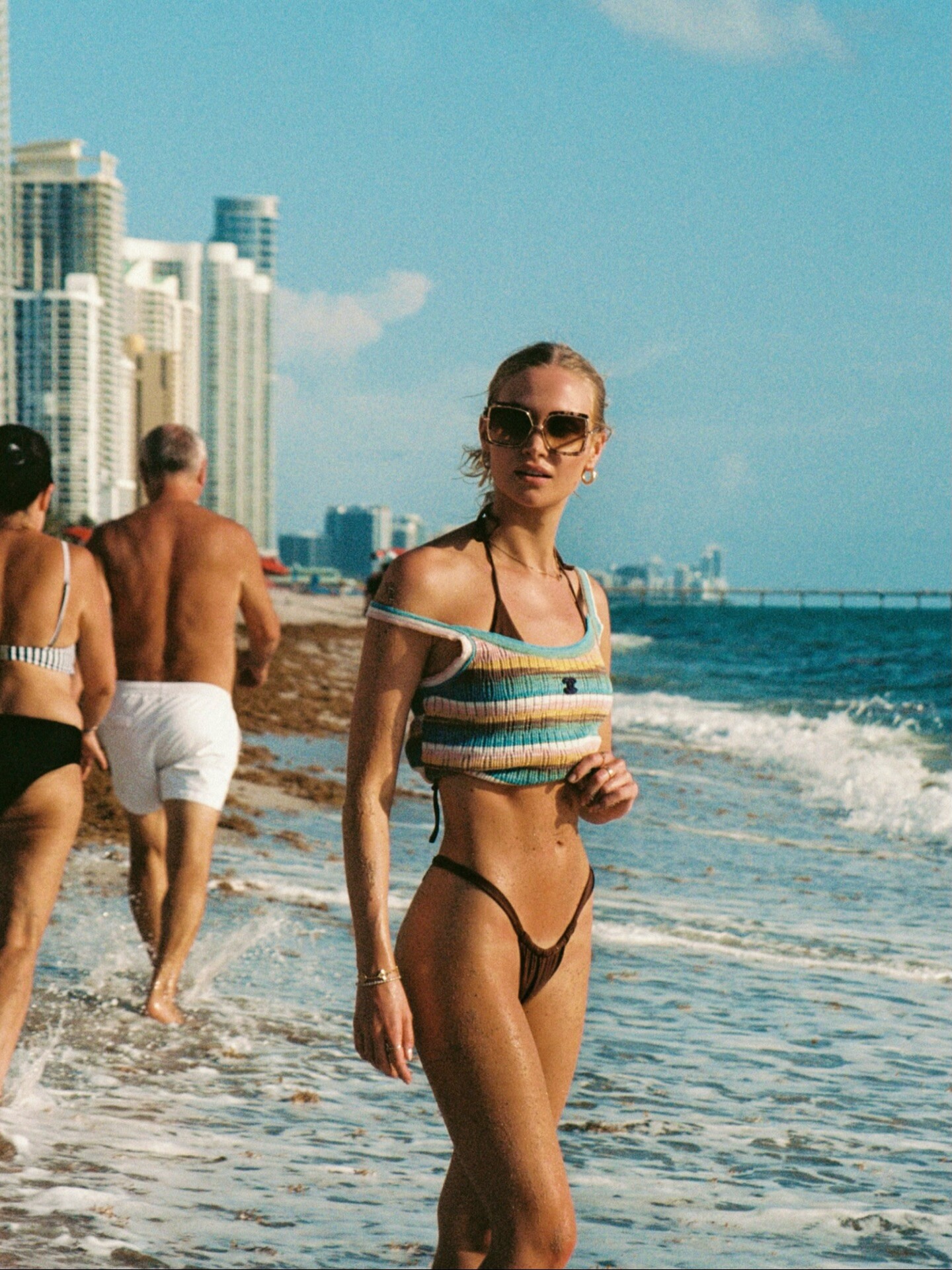


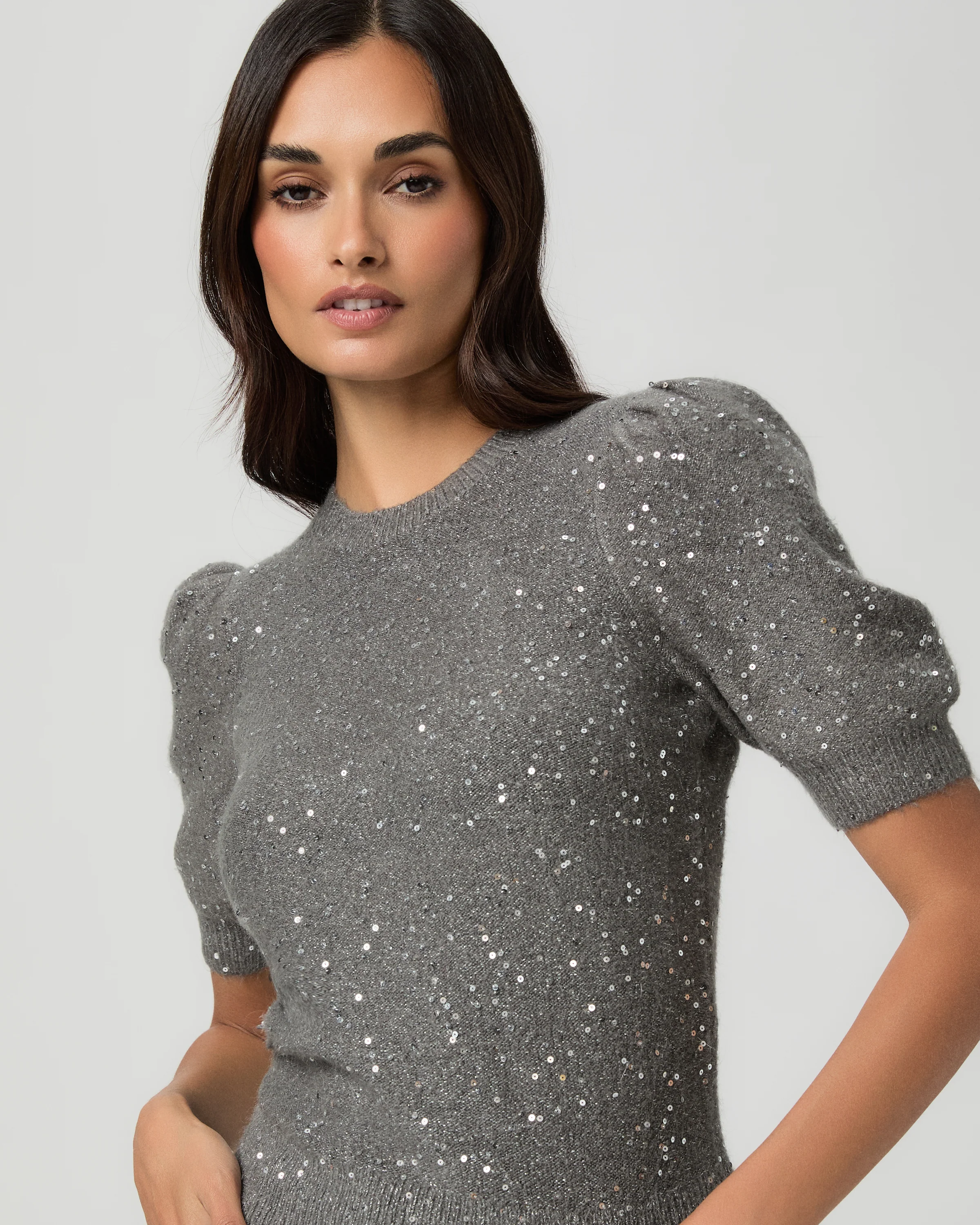
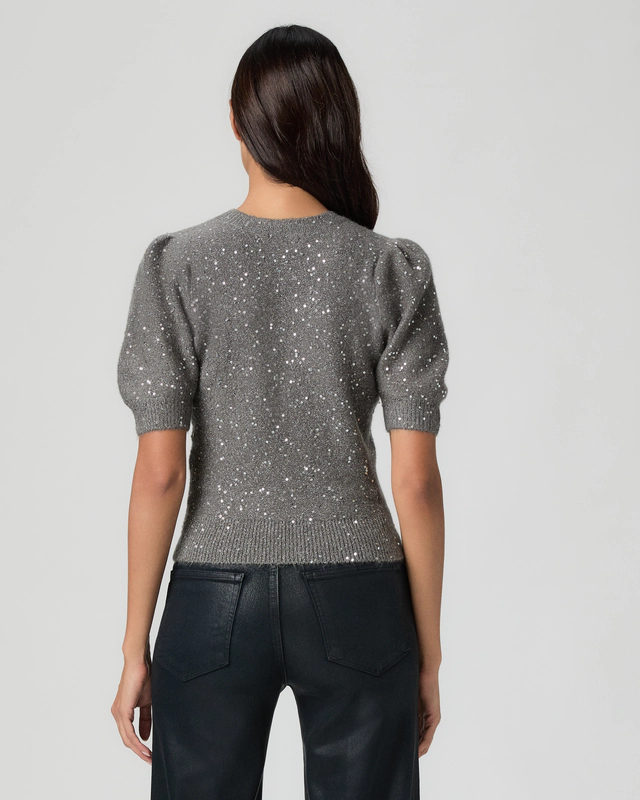
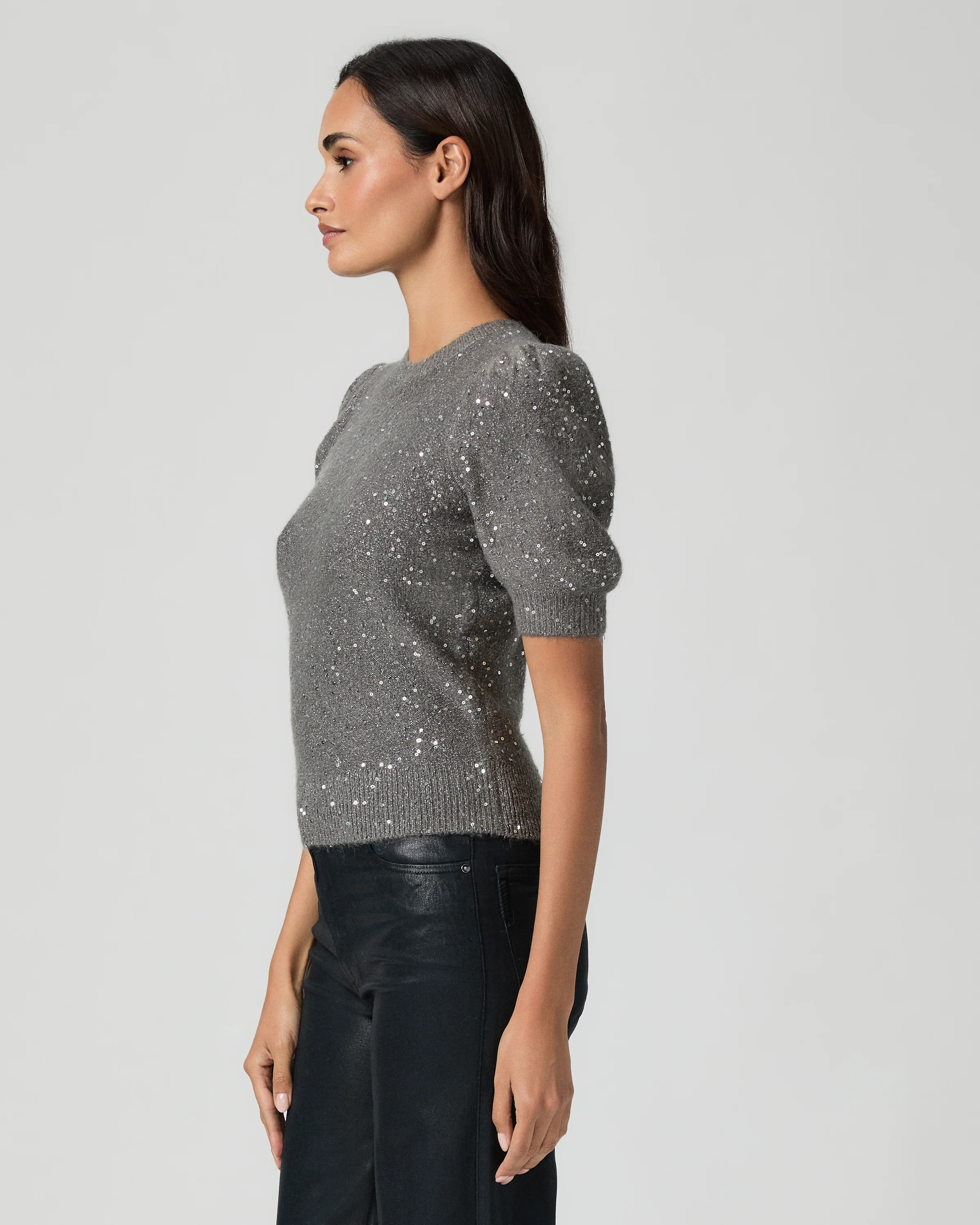
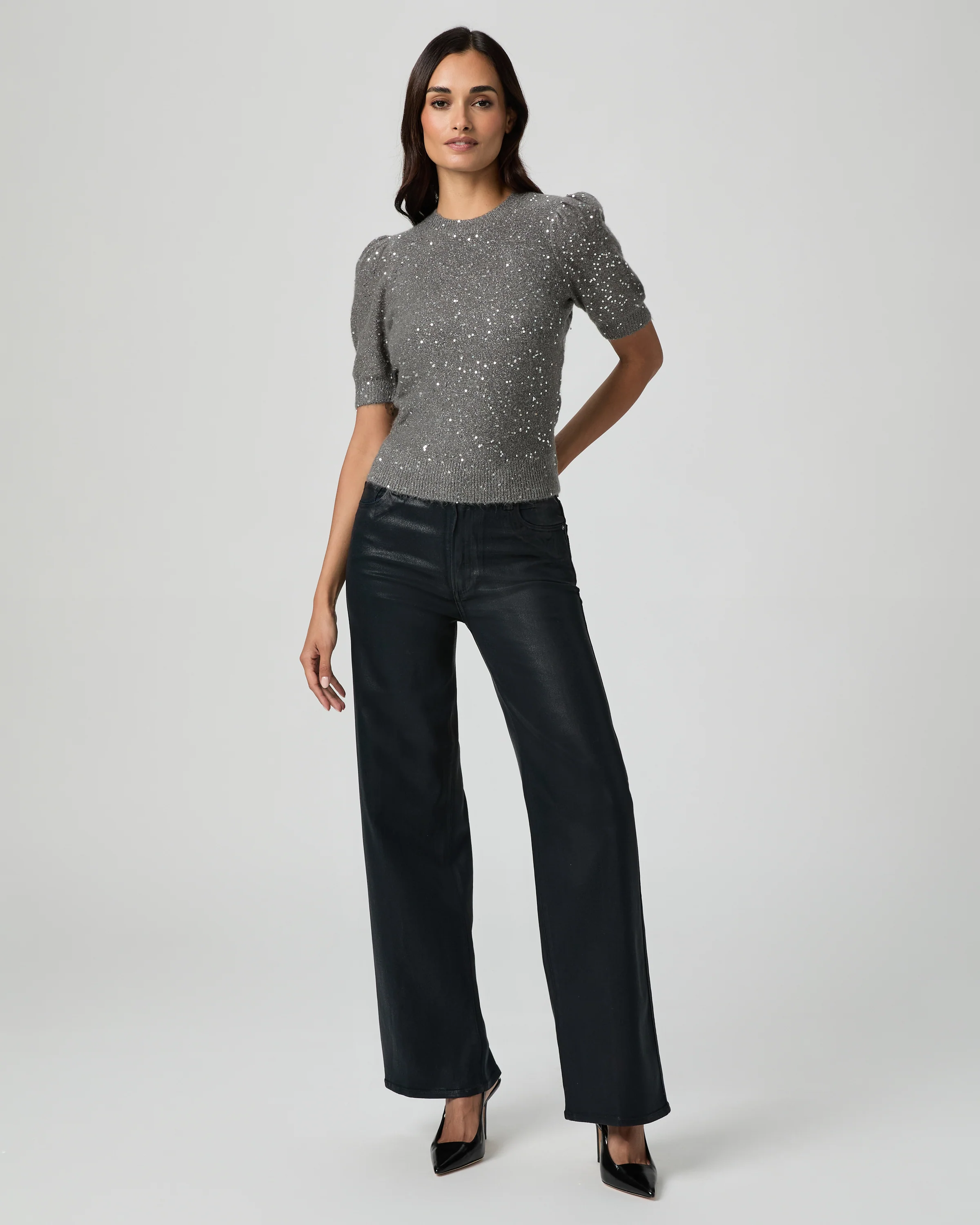
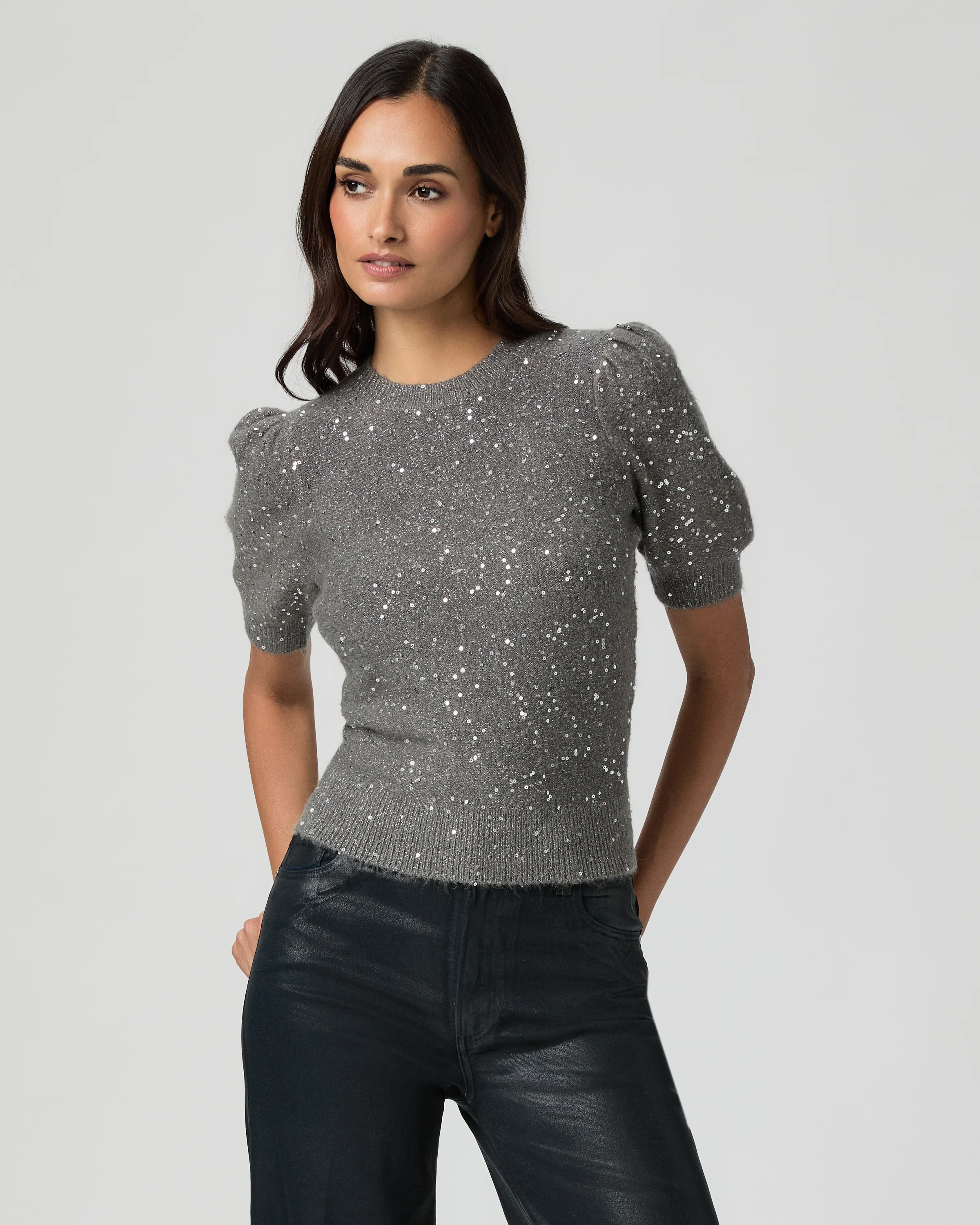
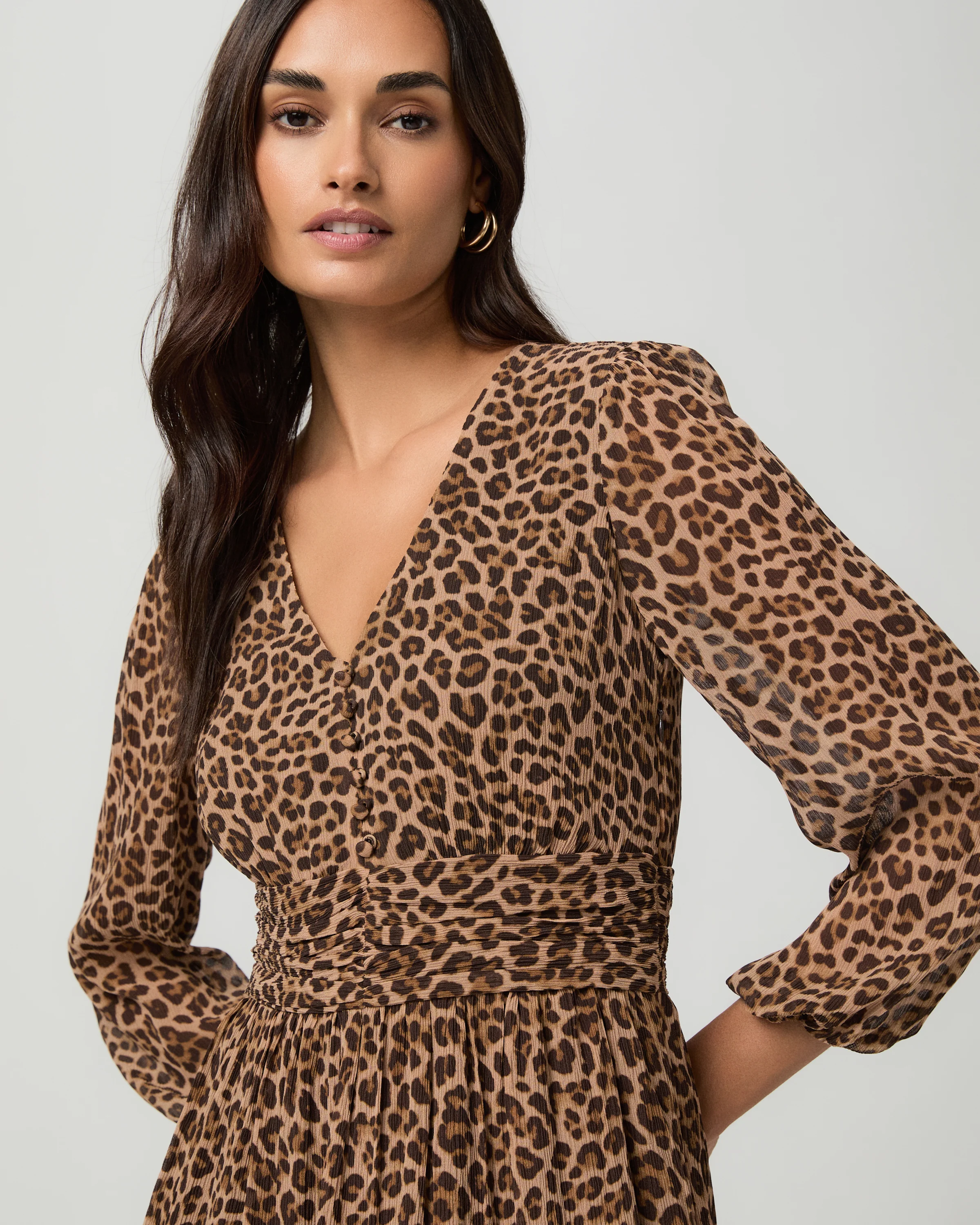
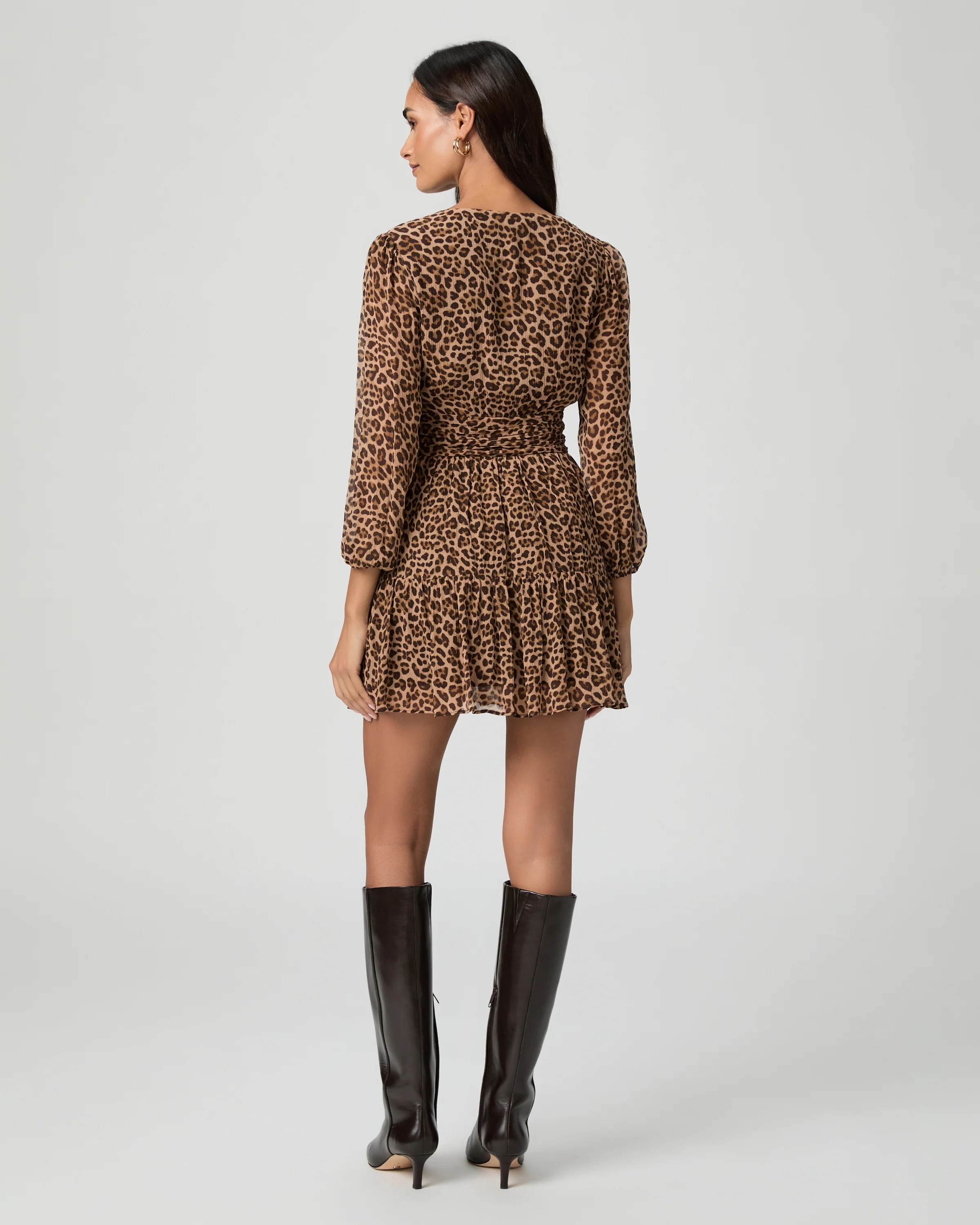
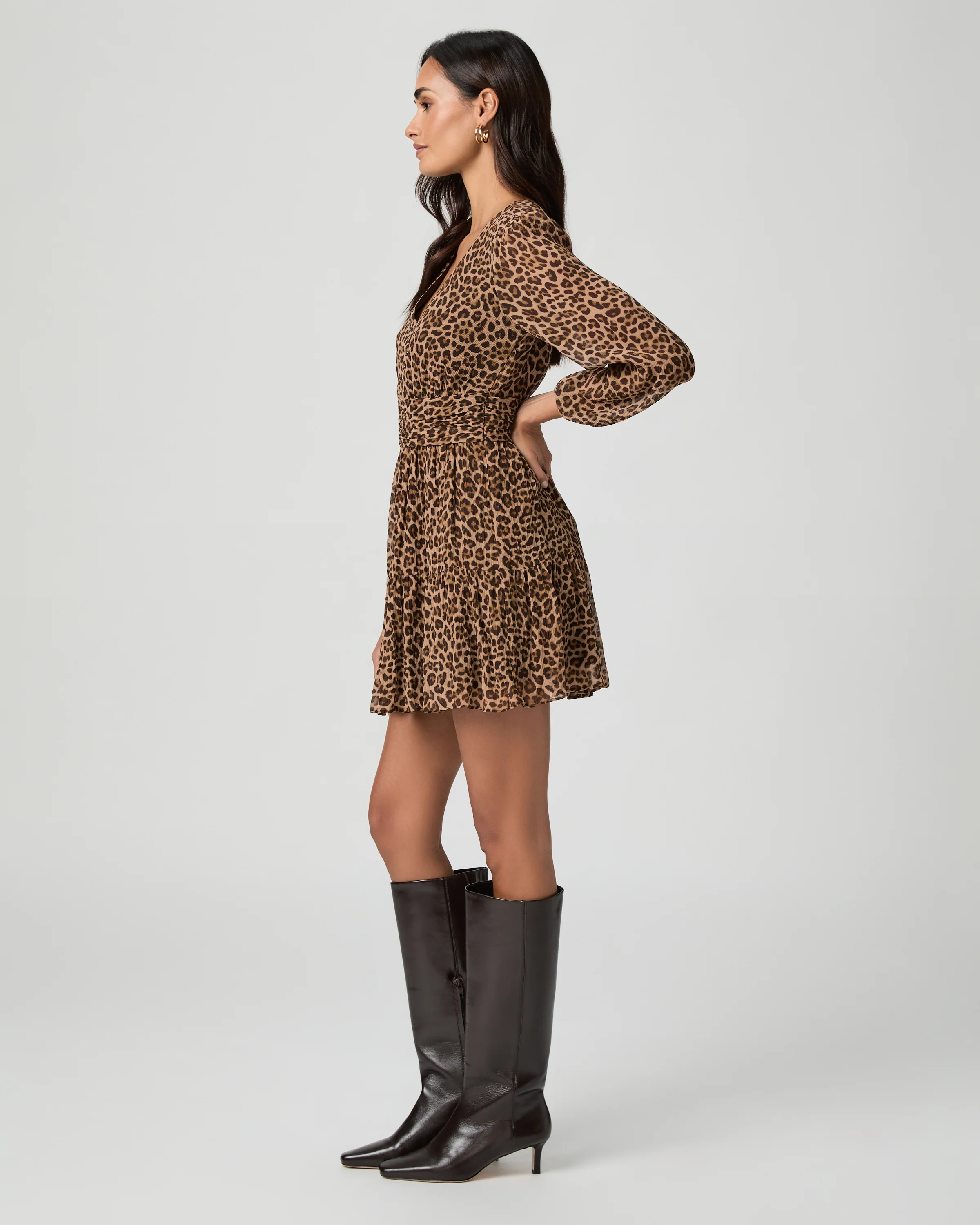
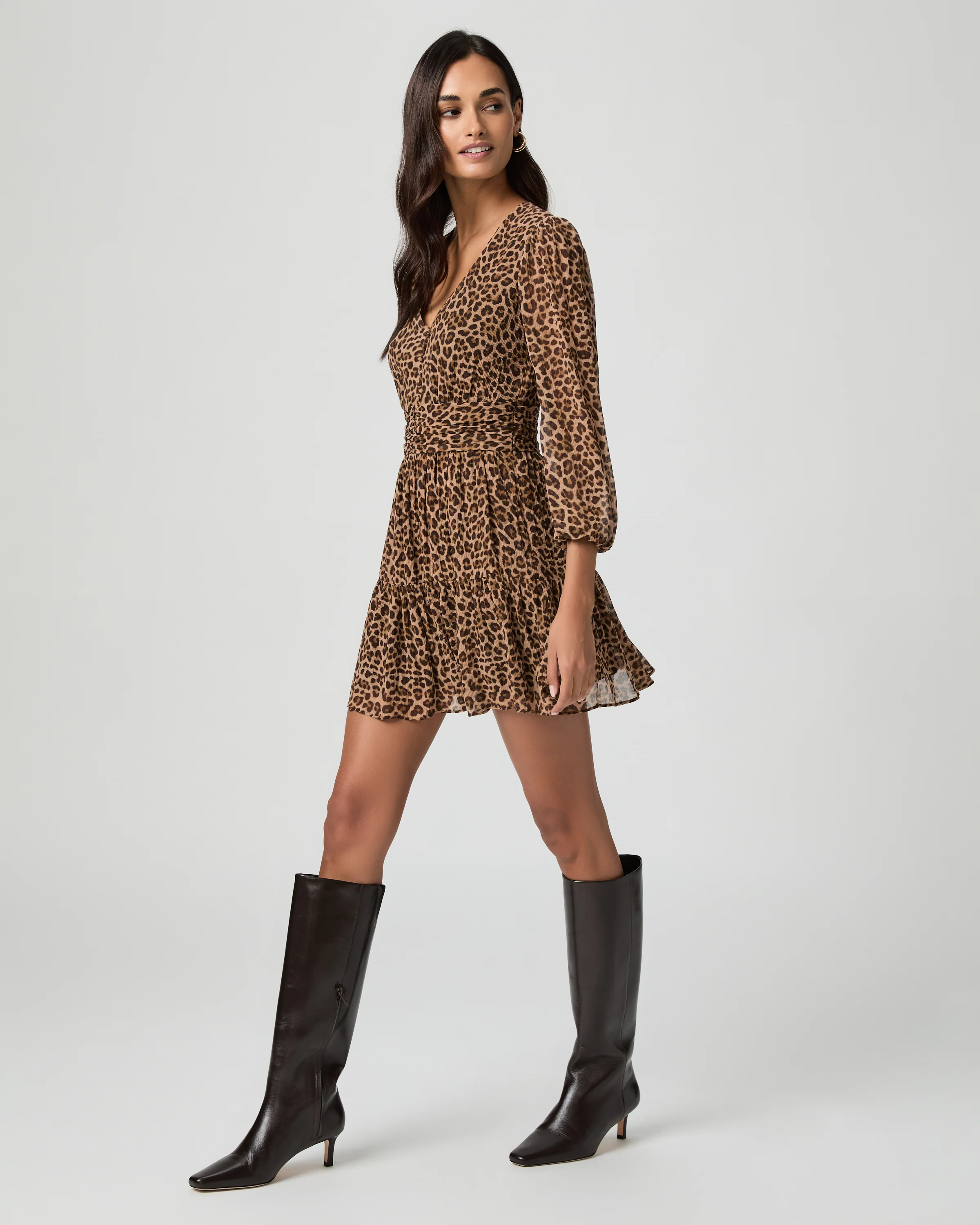
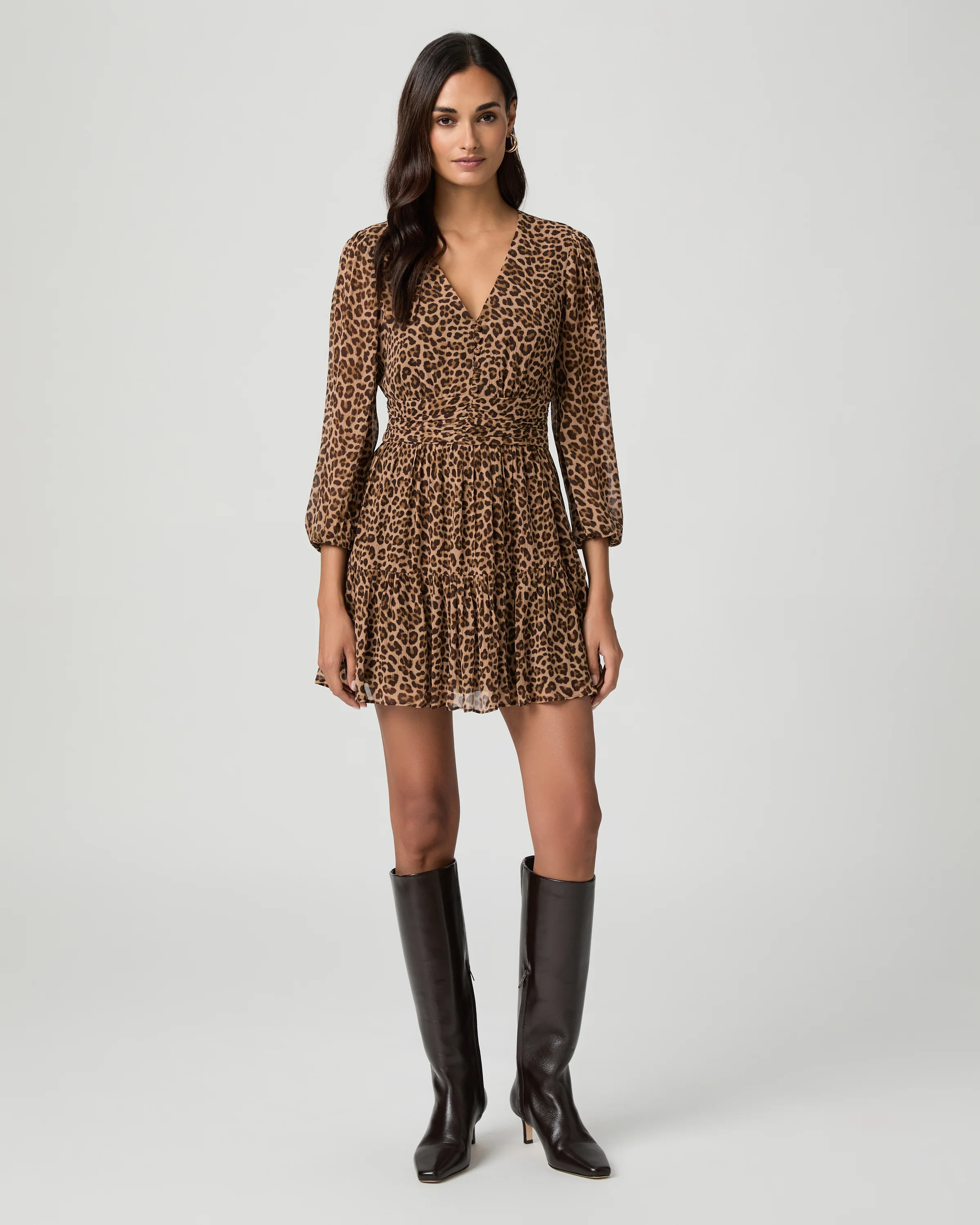
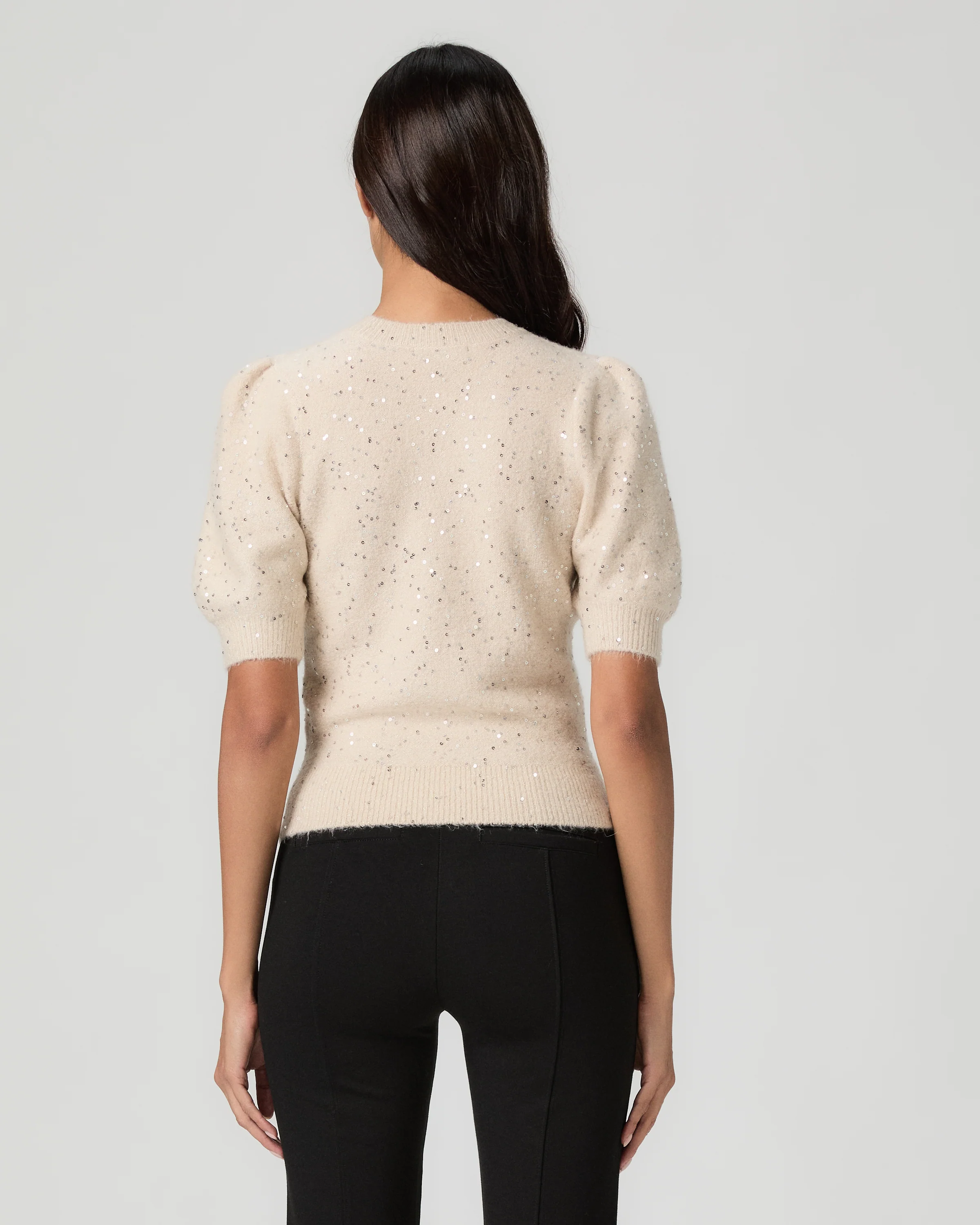
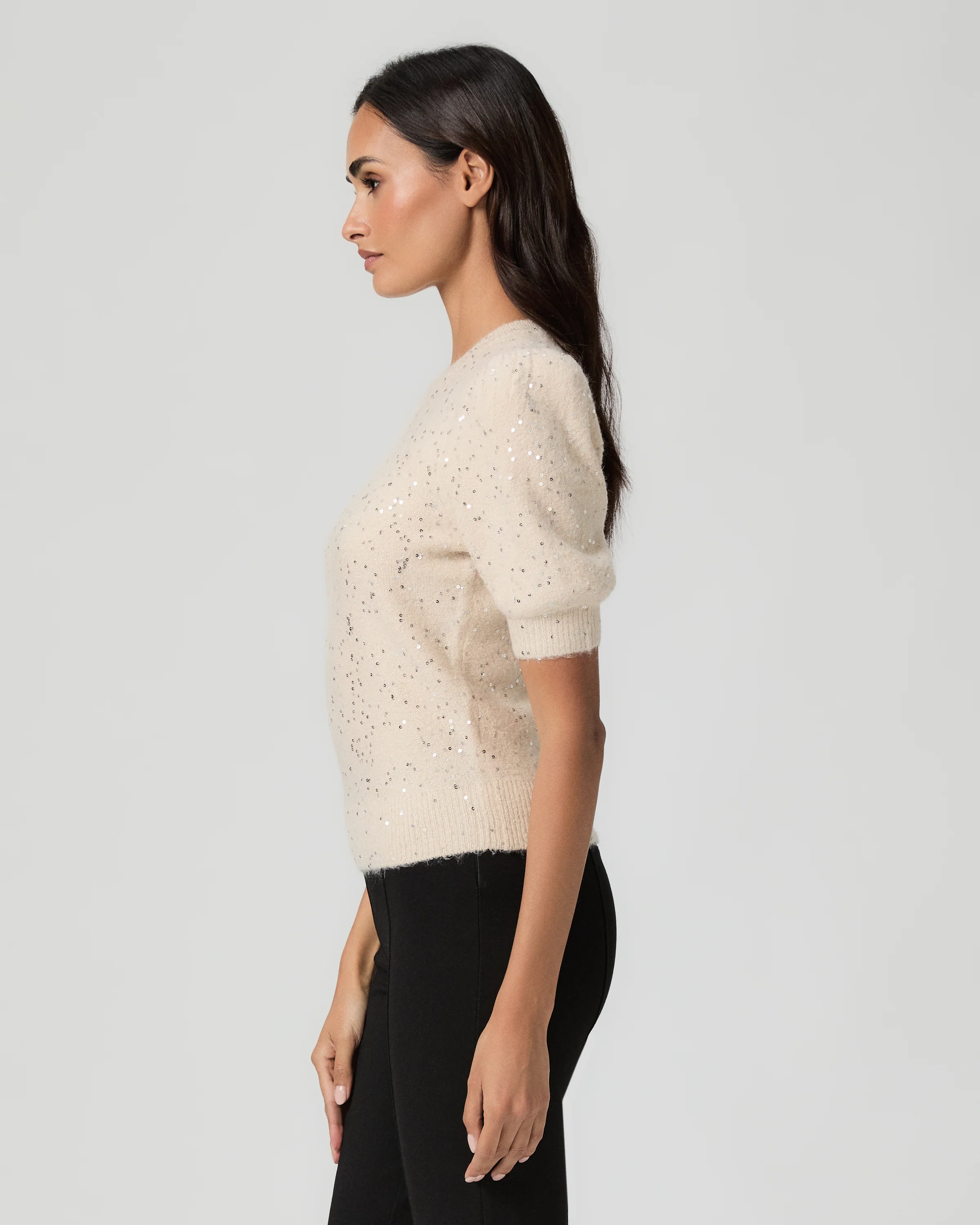
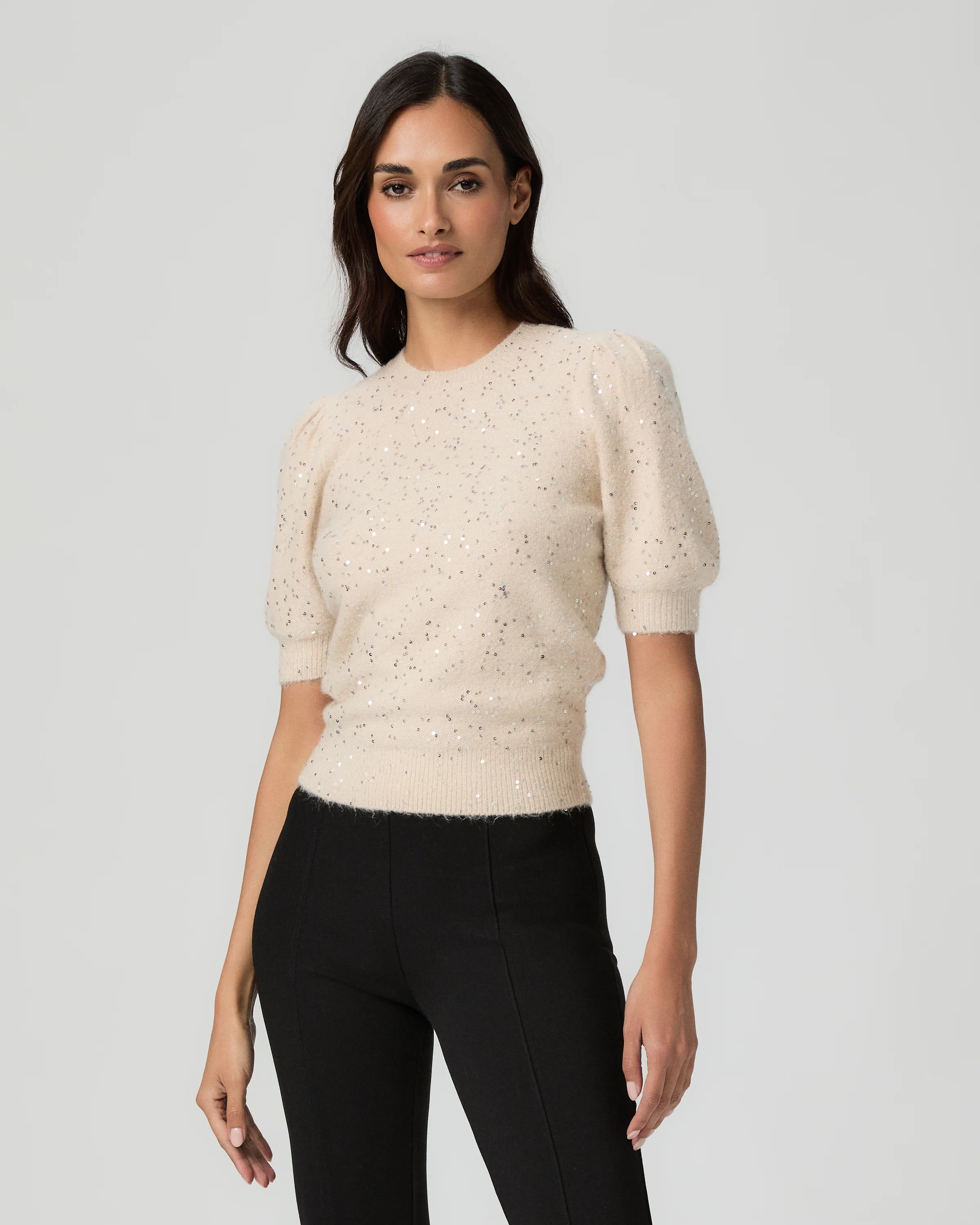
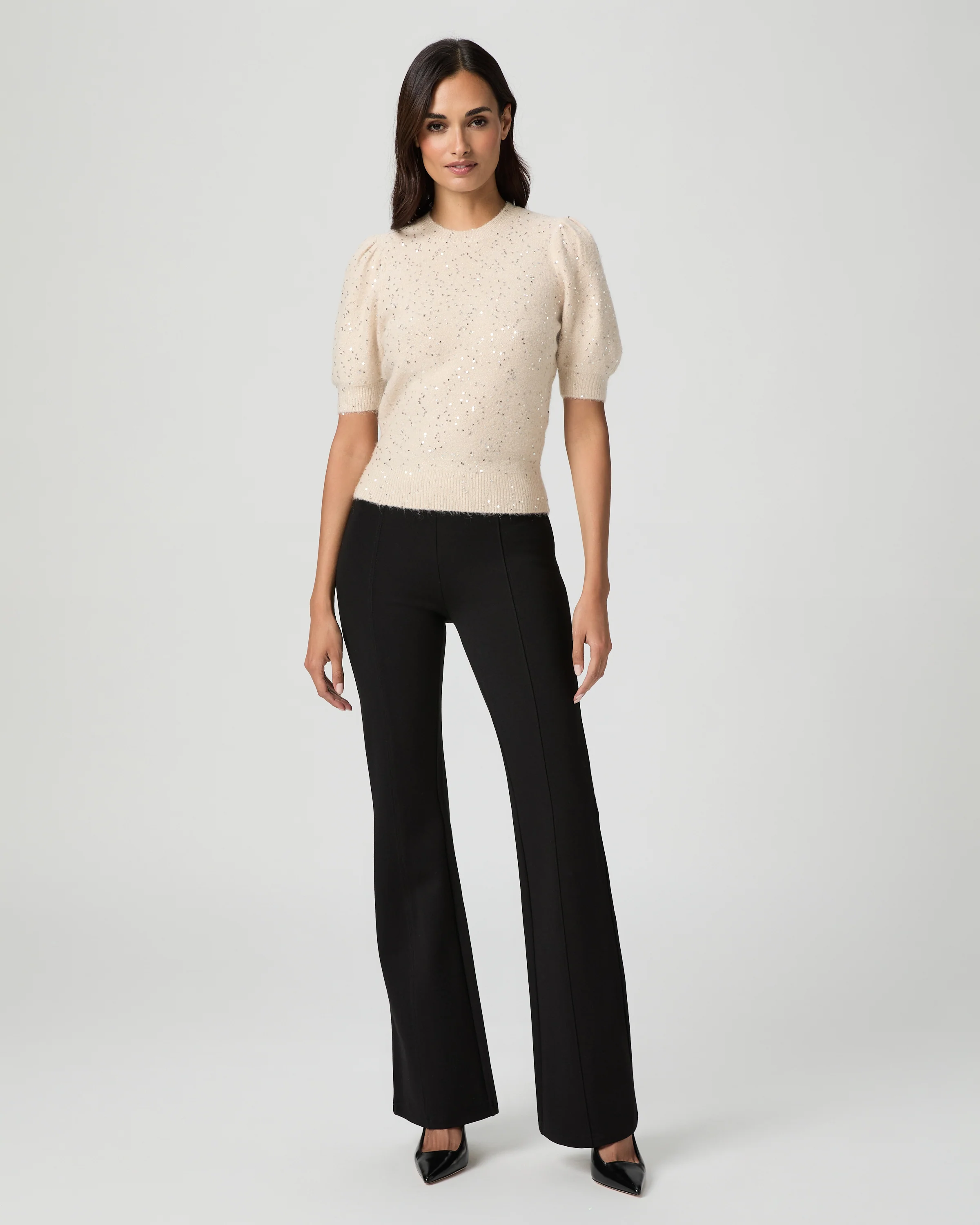
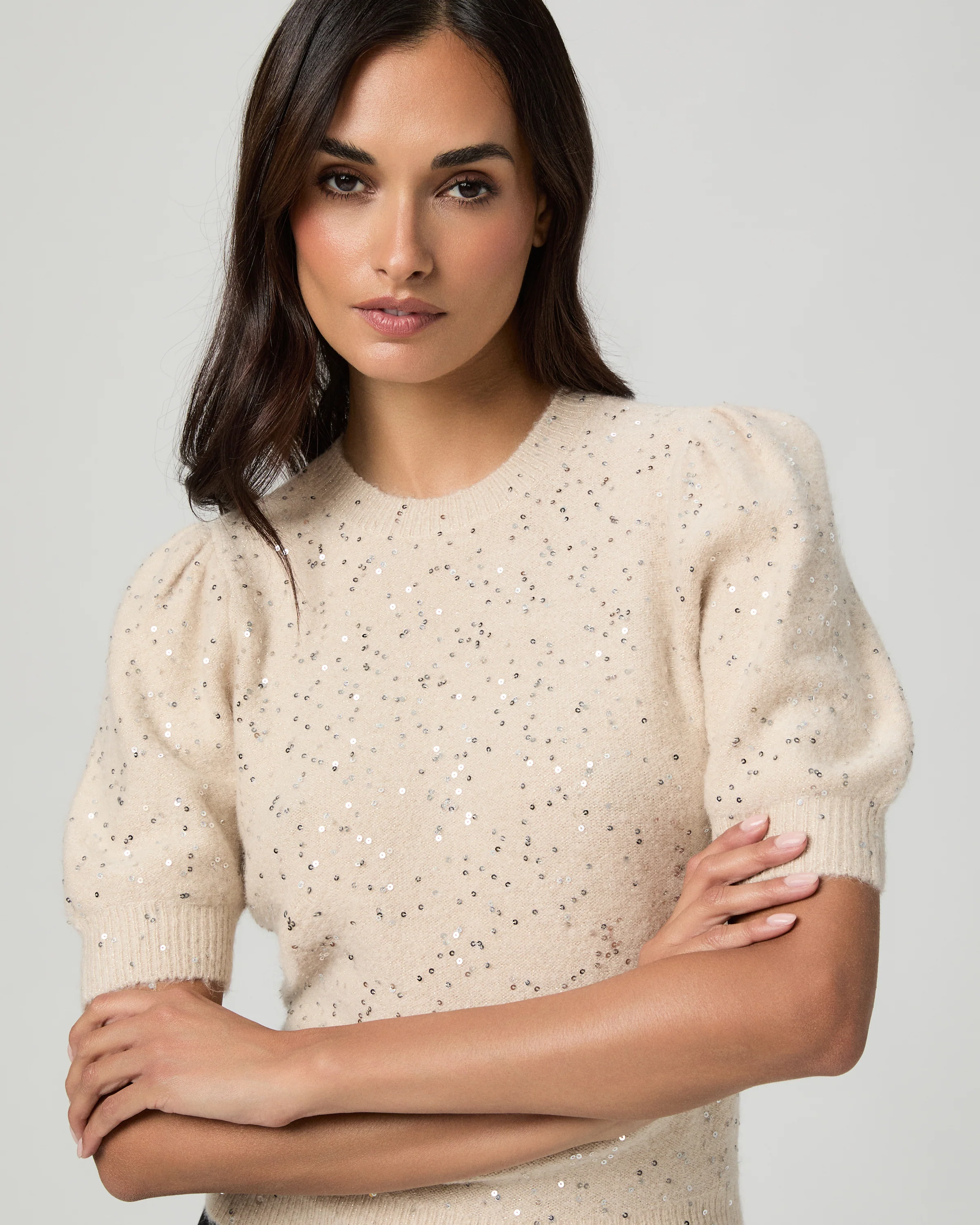

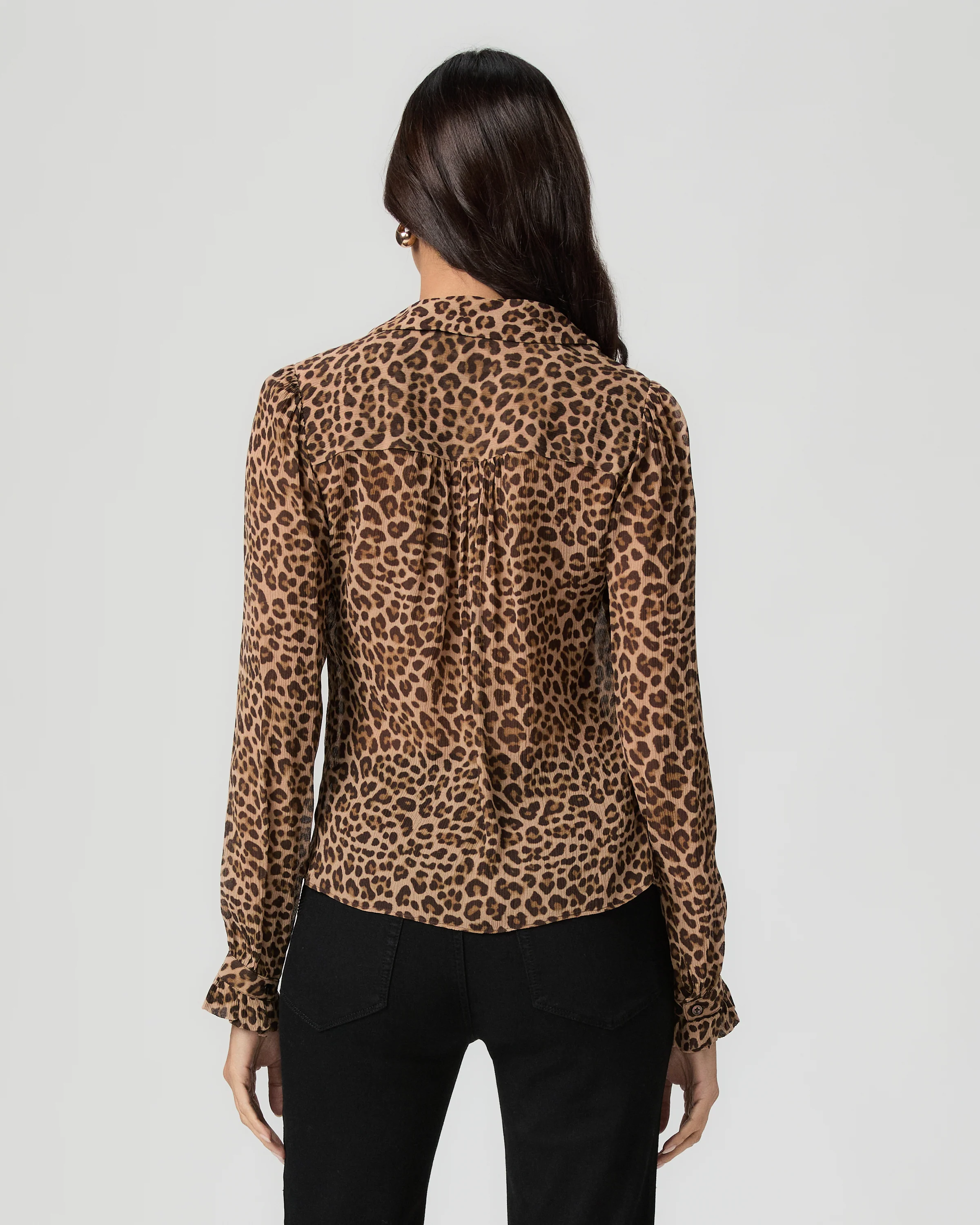
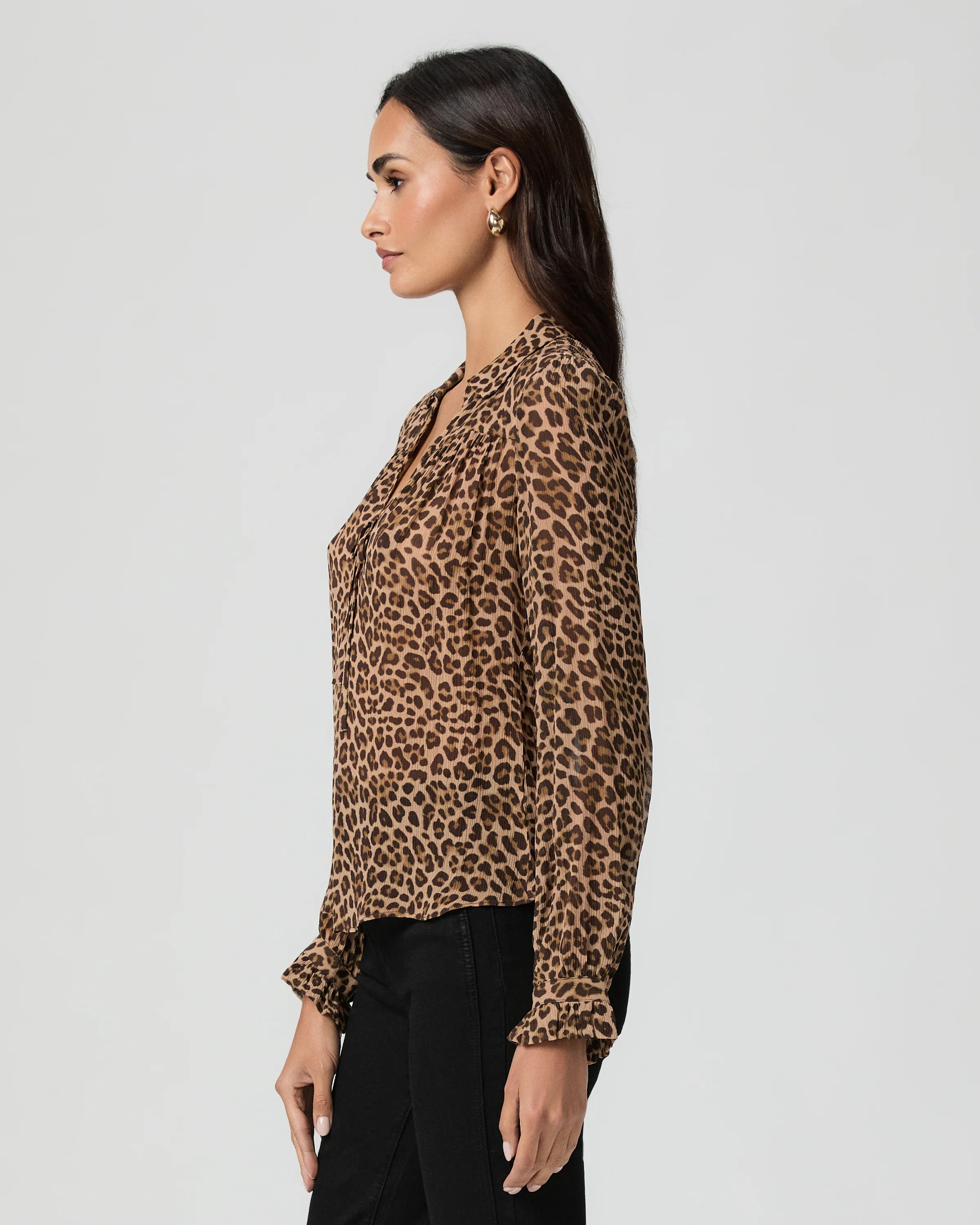
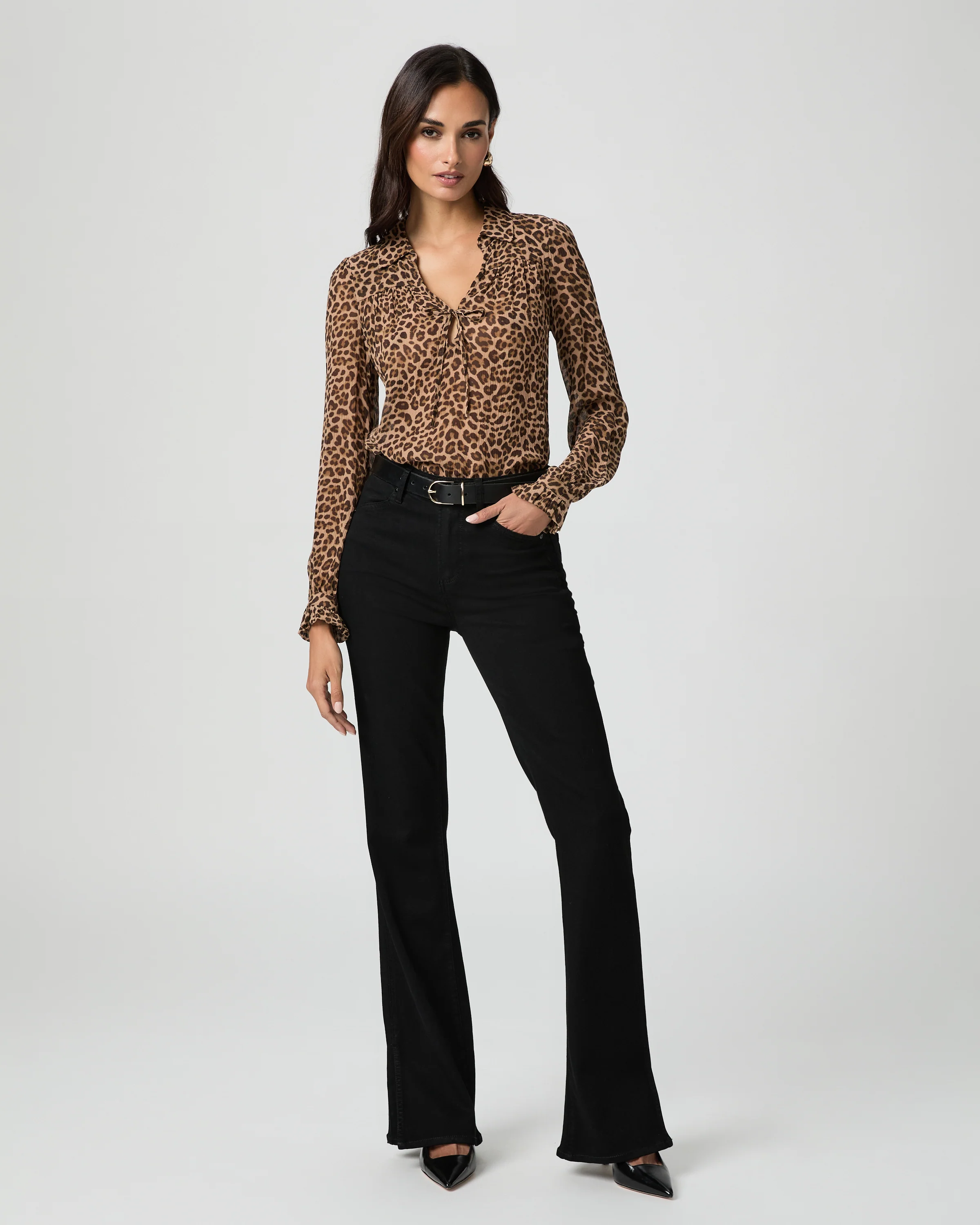
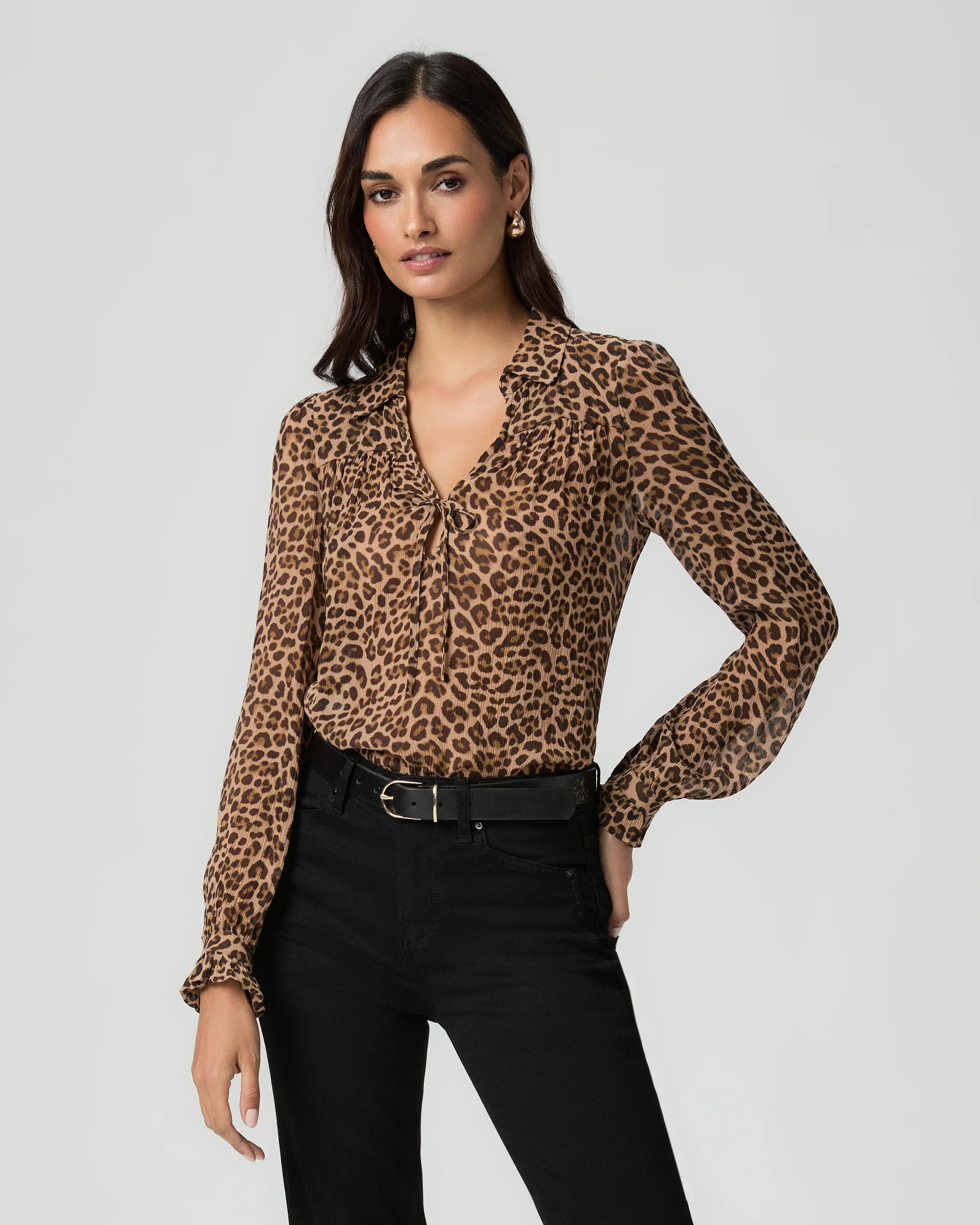
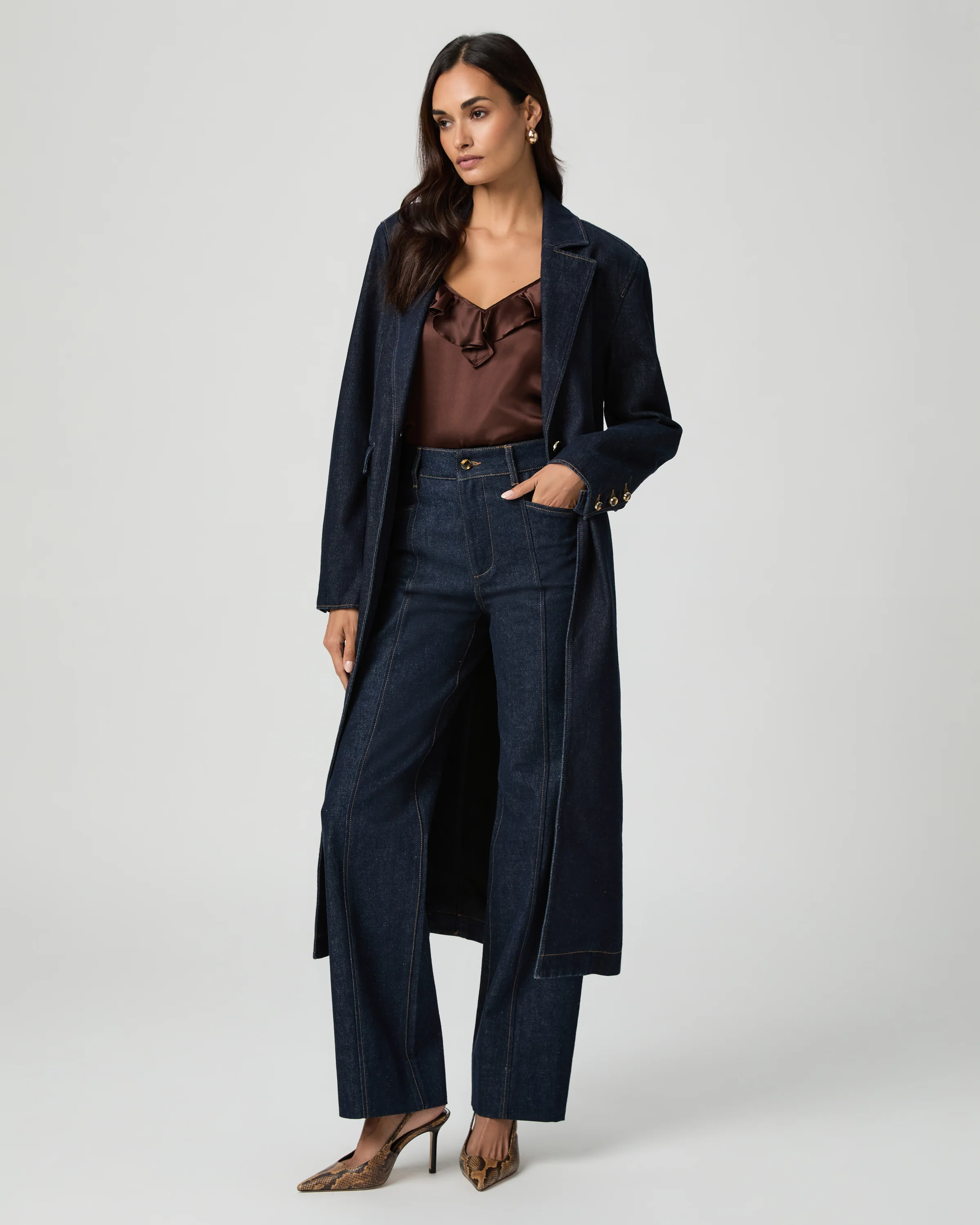
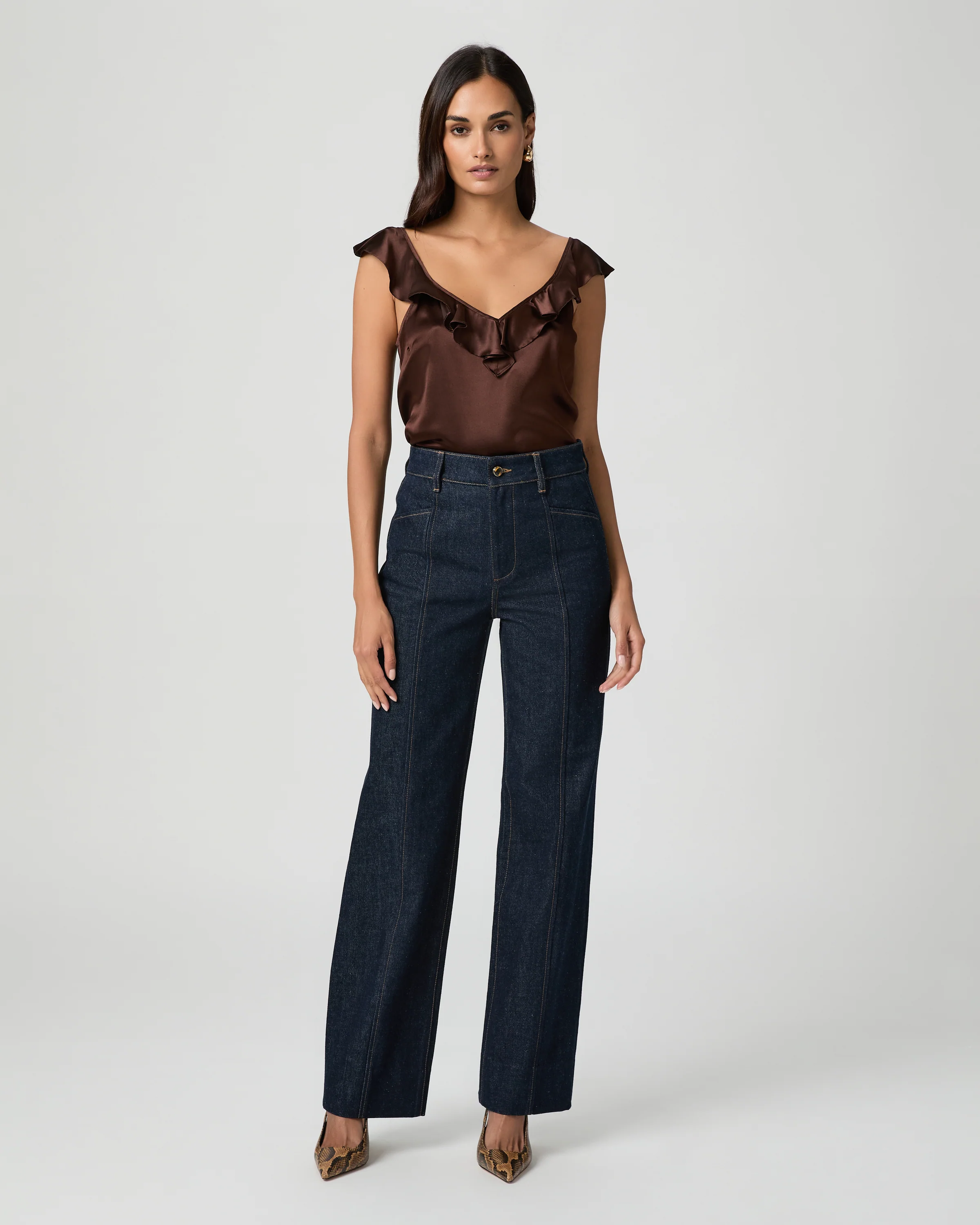
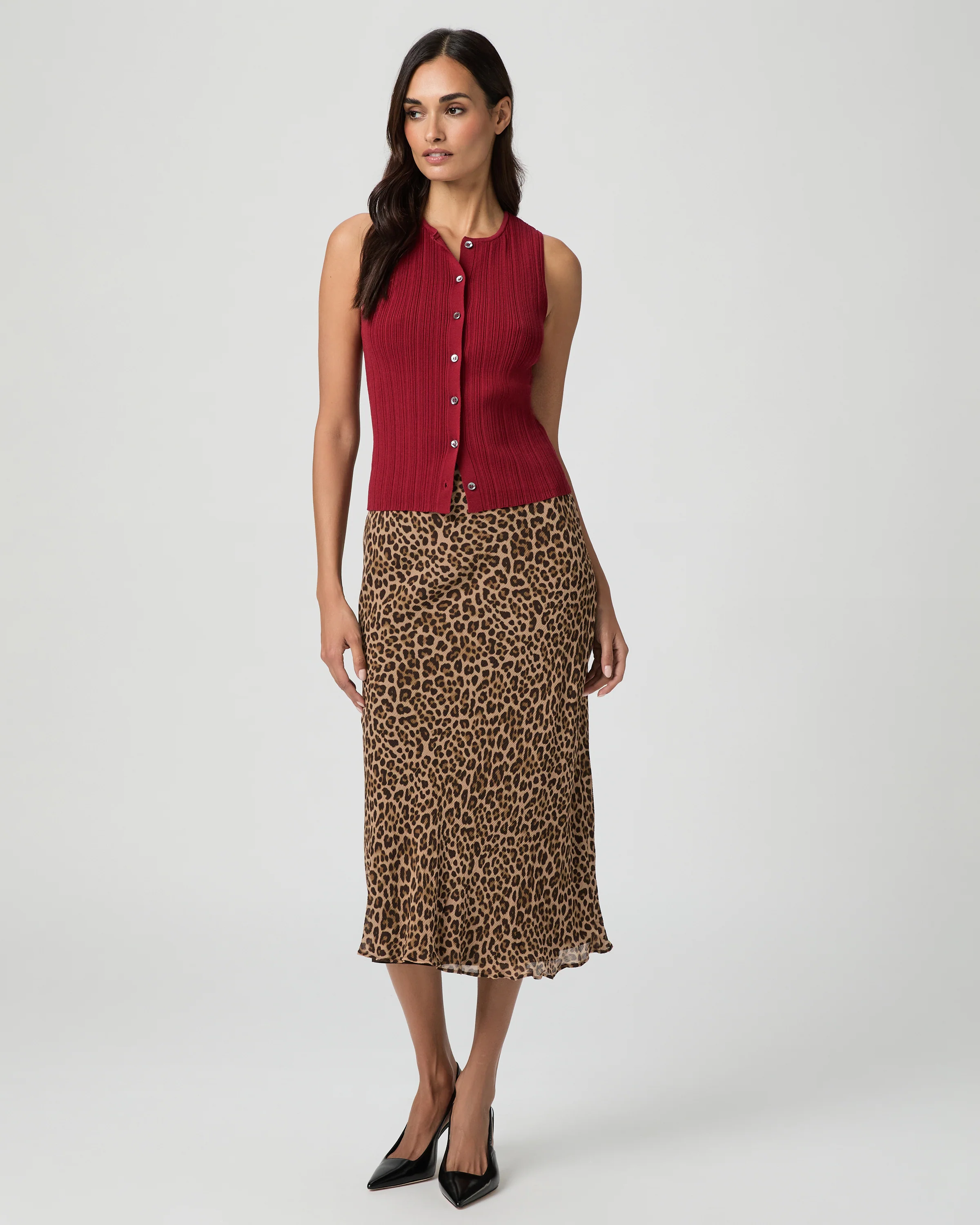

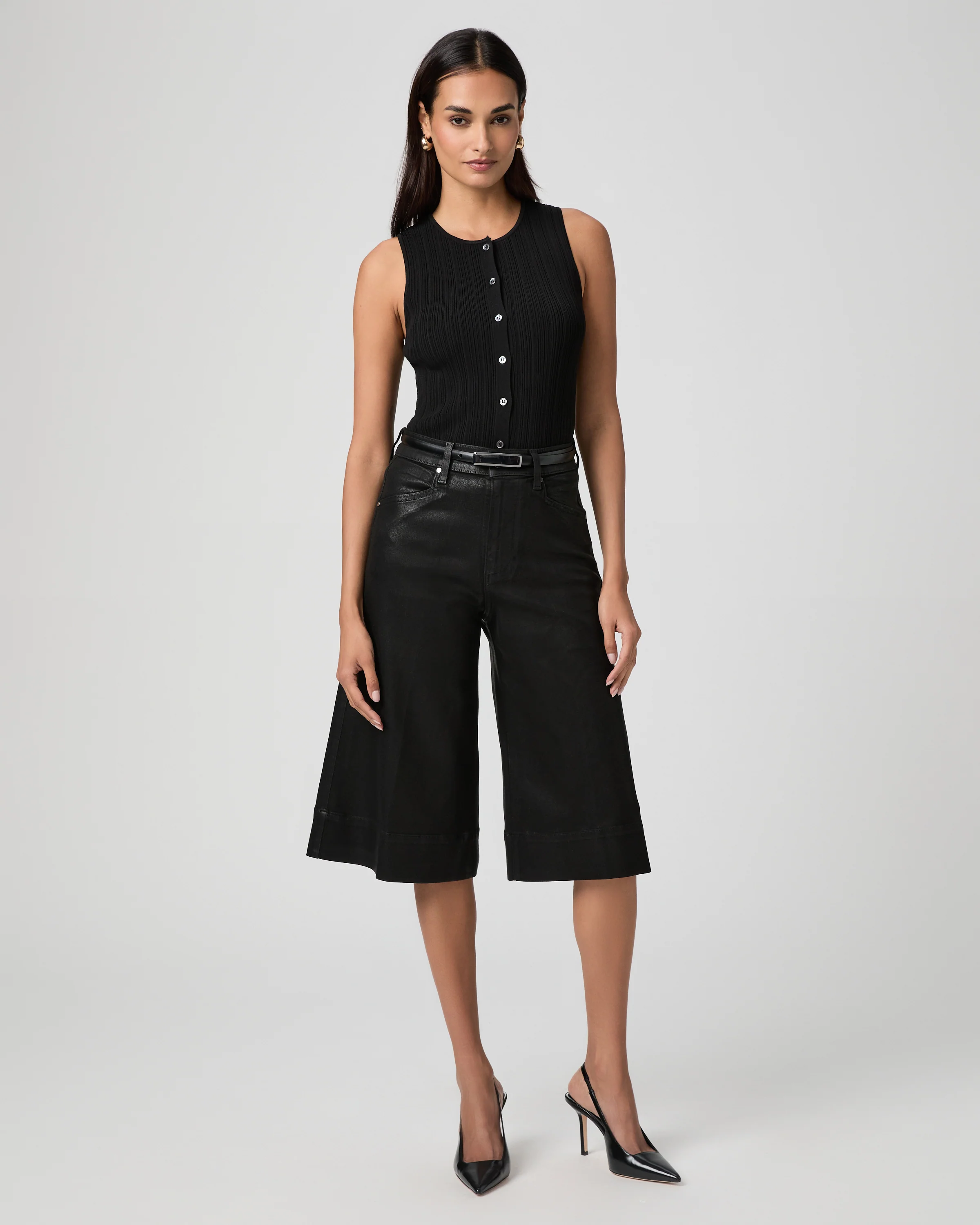
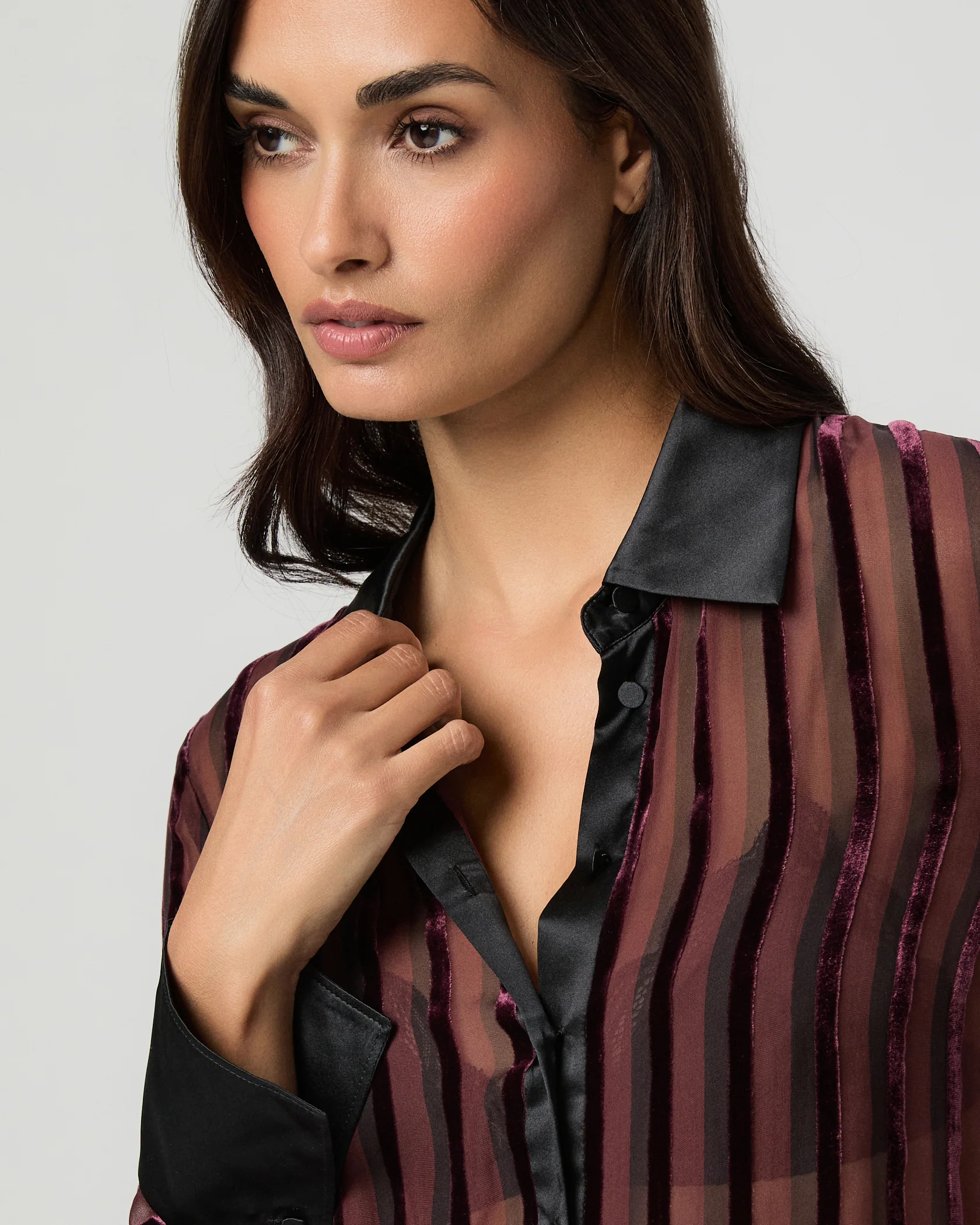
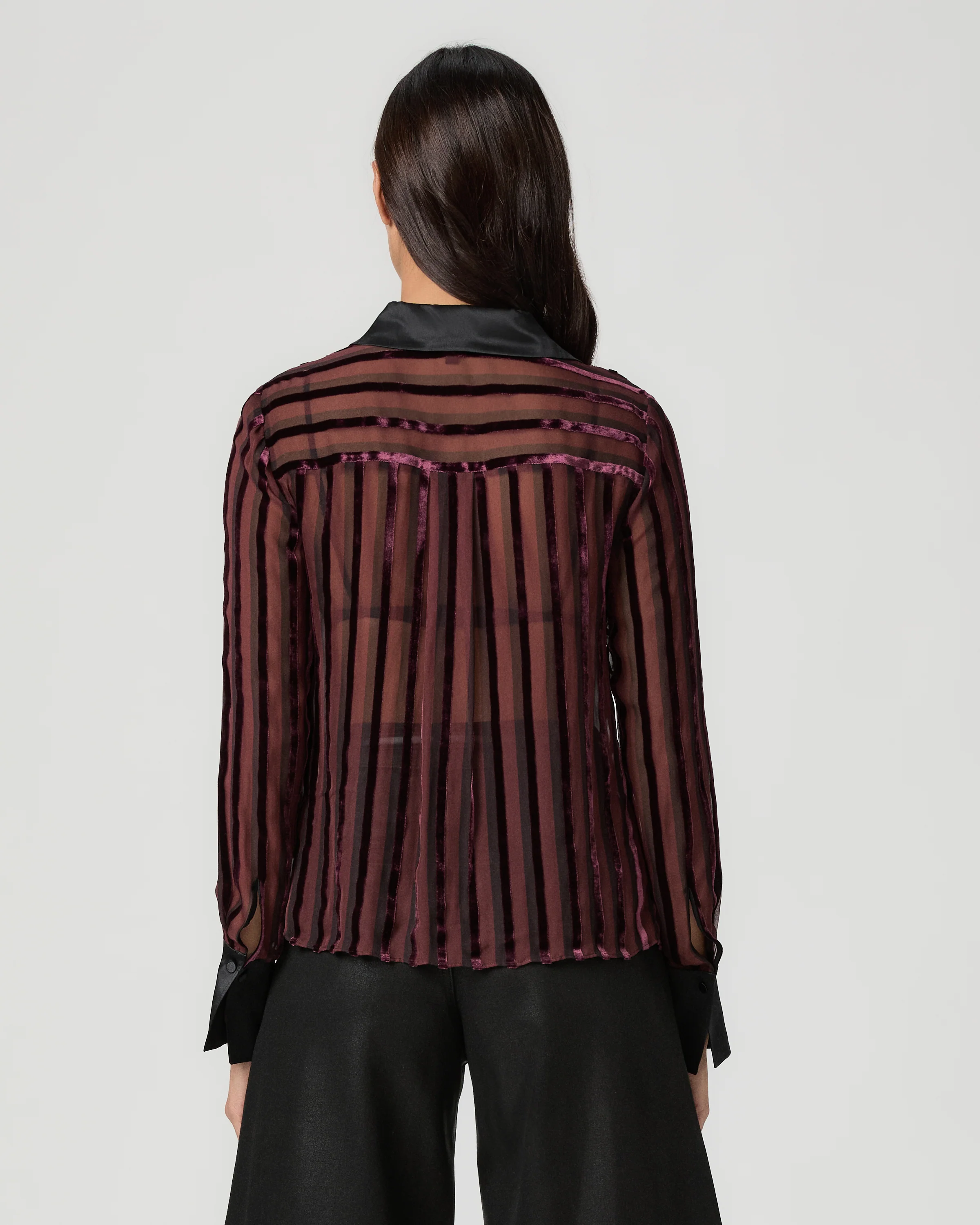
.webp.2e65a3b5f14936de41e3038355a8a143.webp)
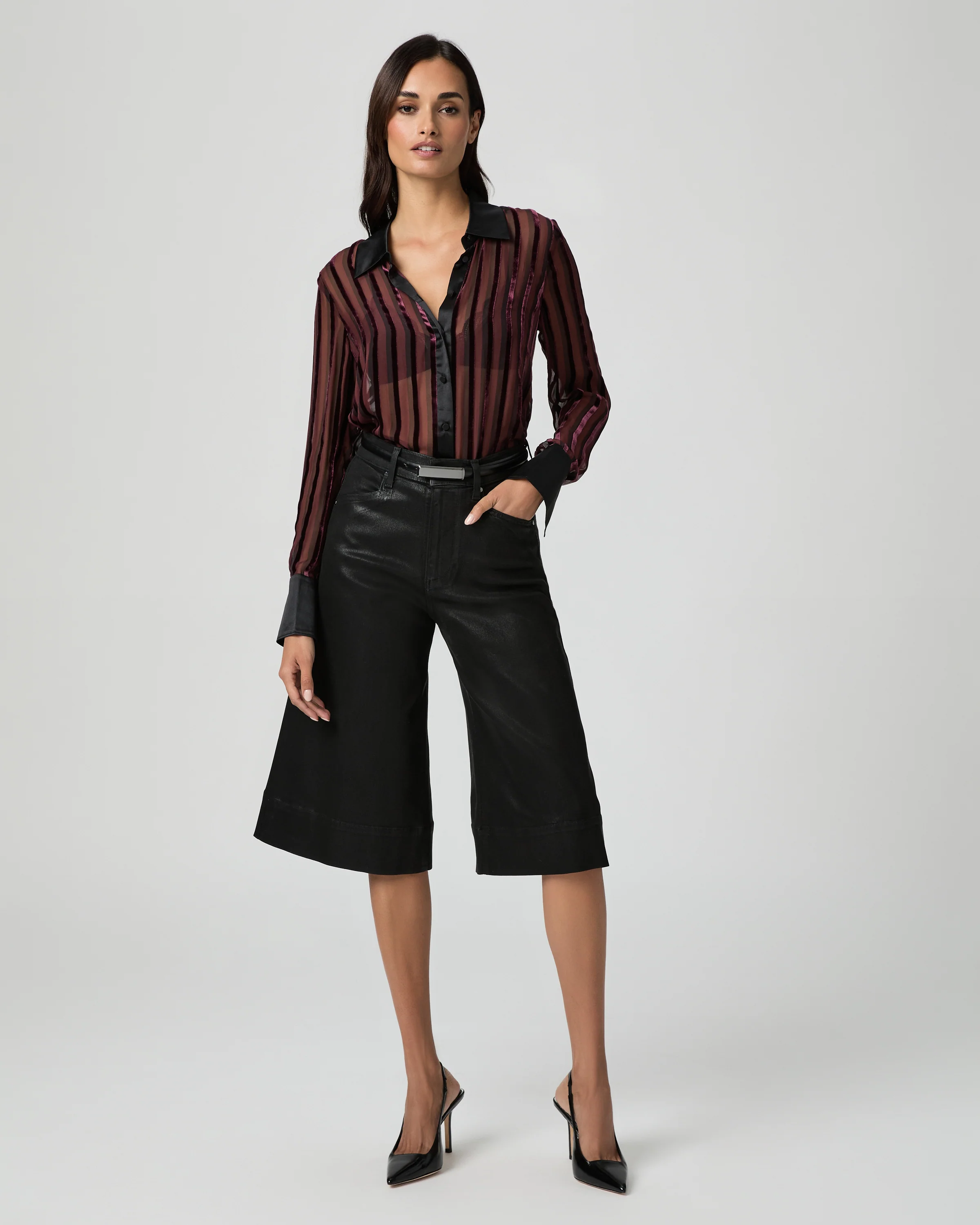
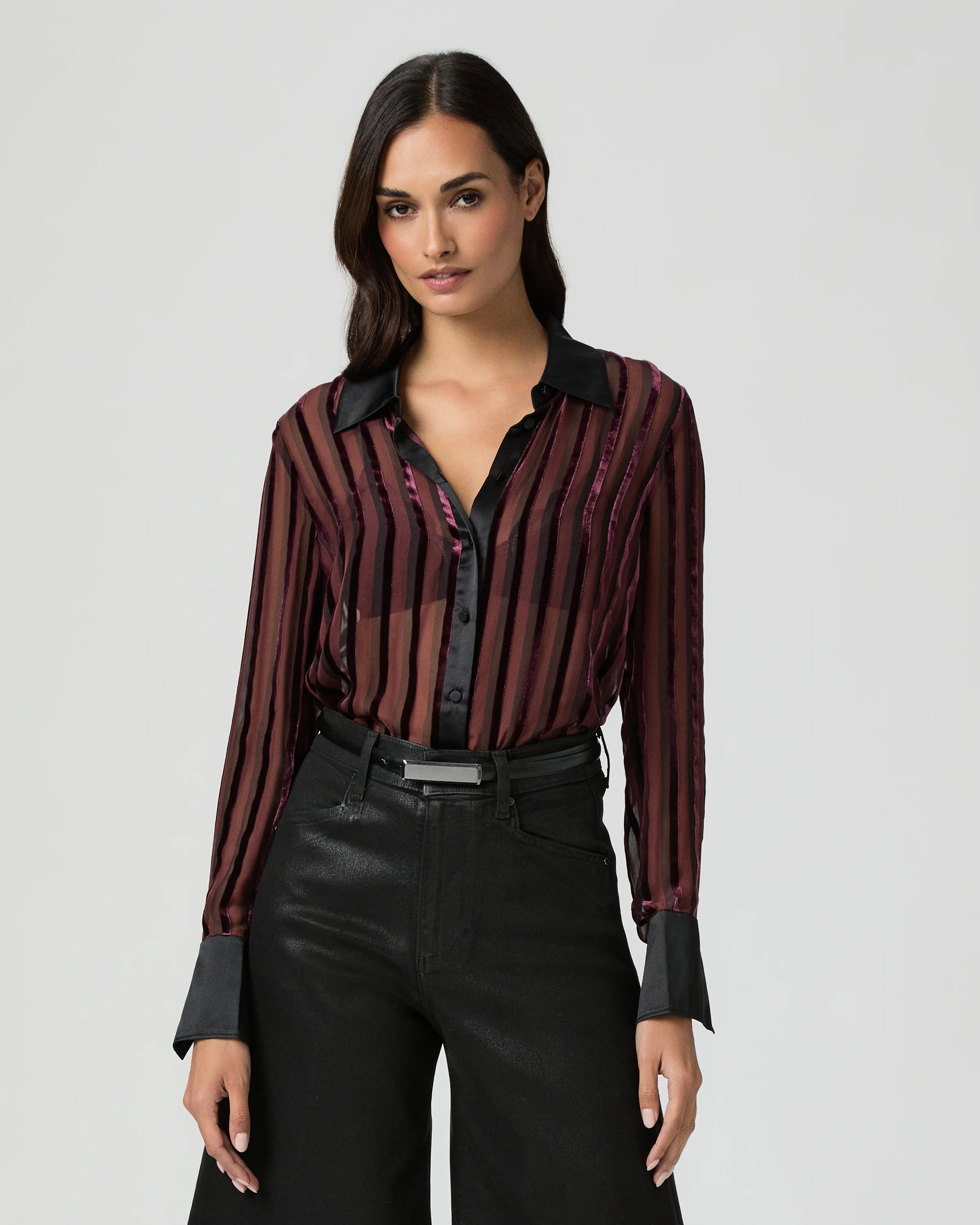
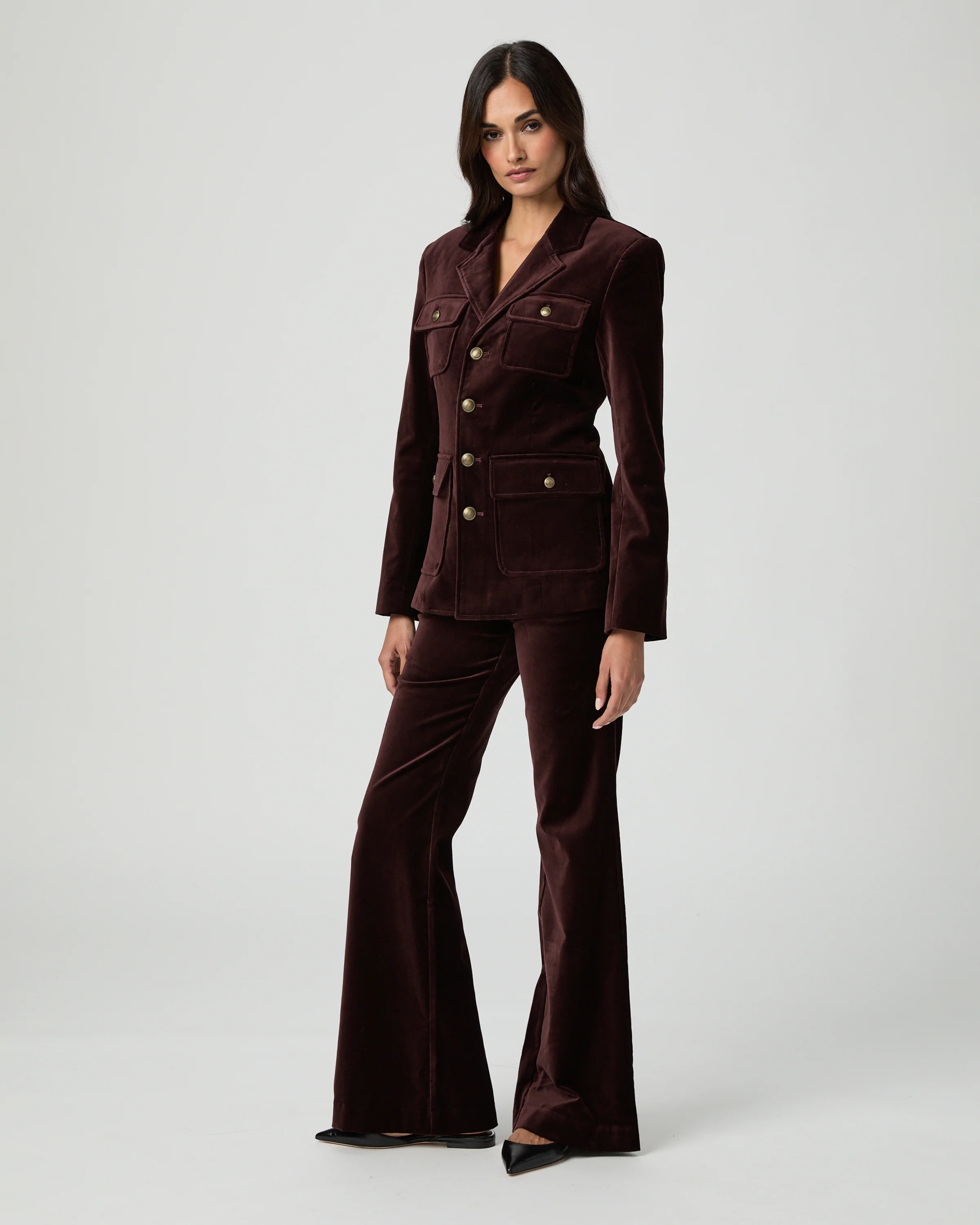

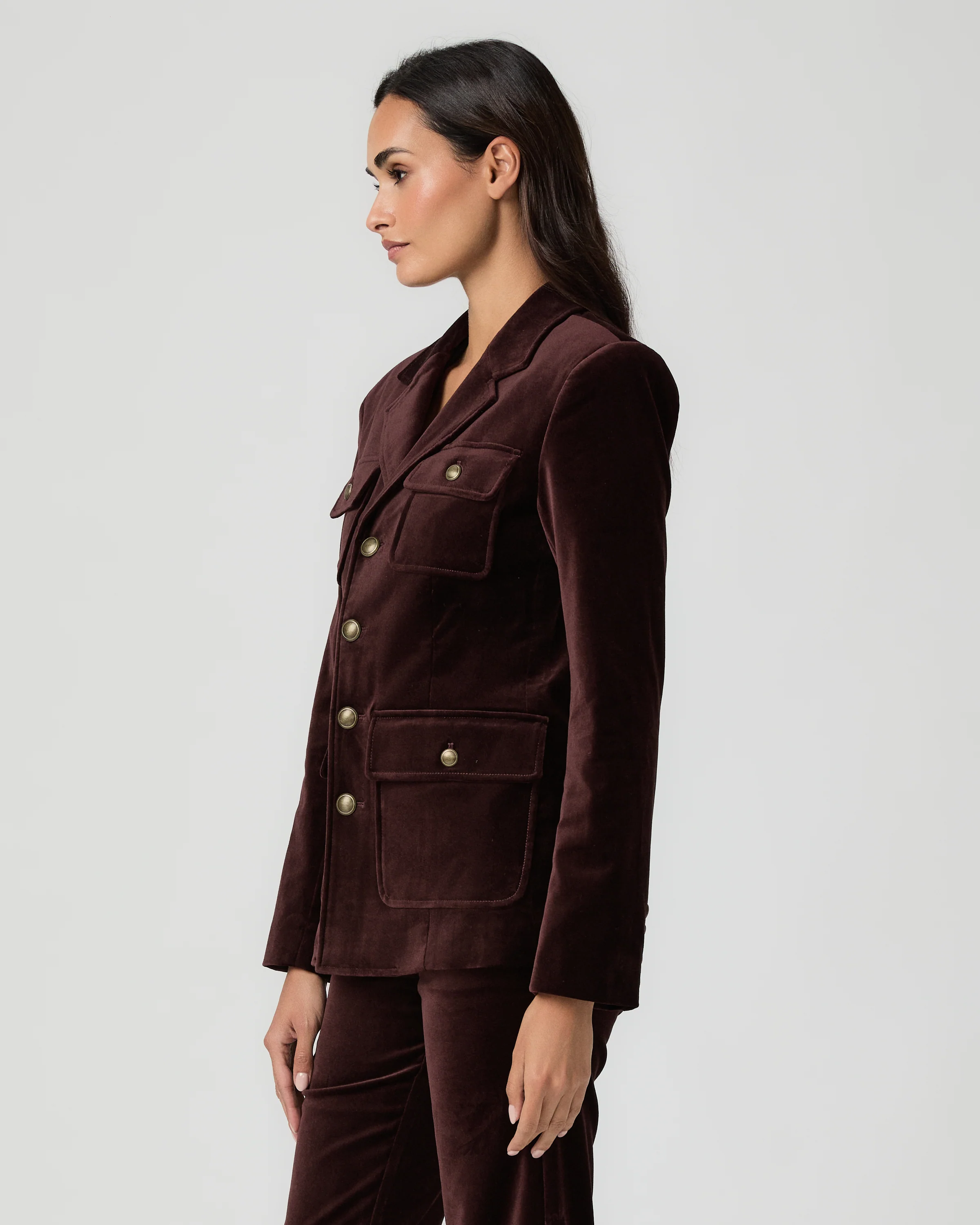
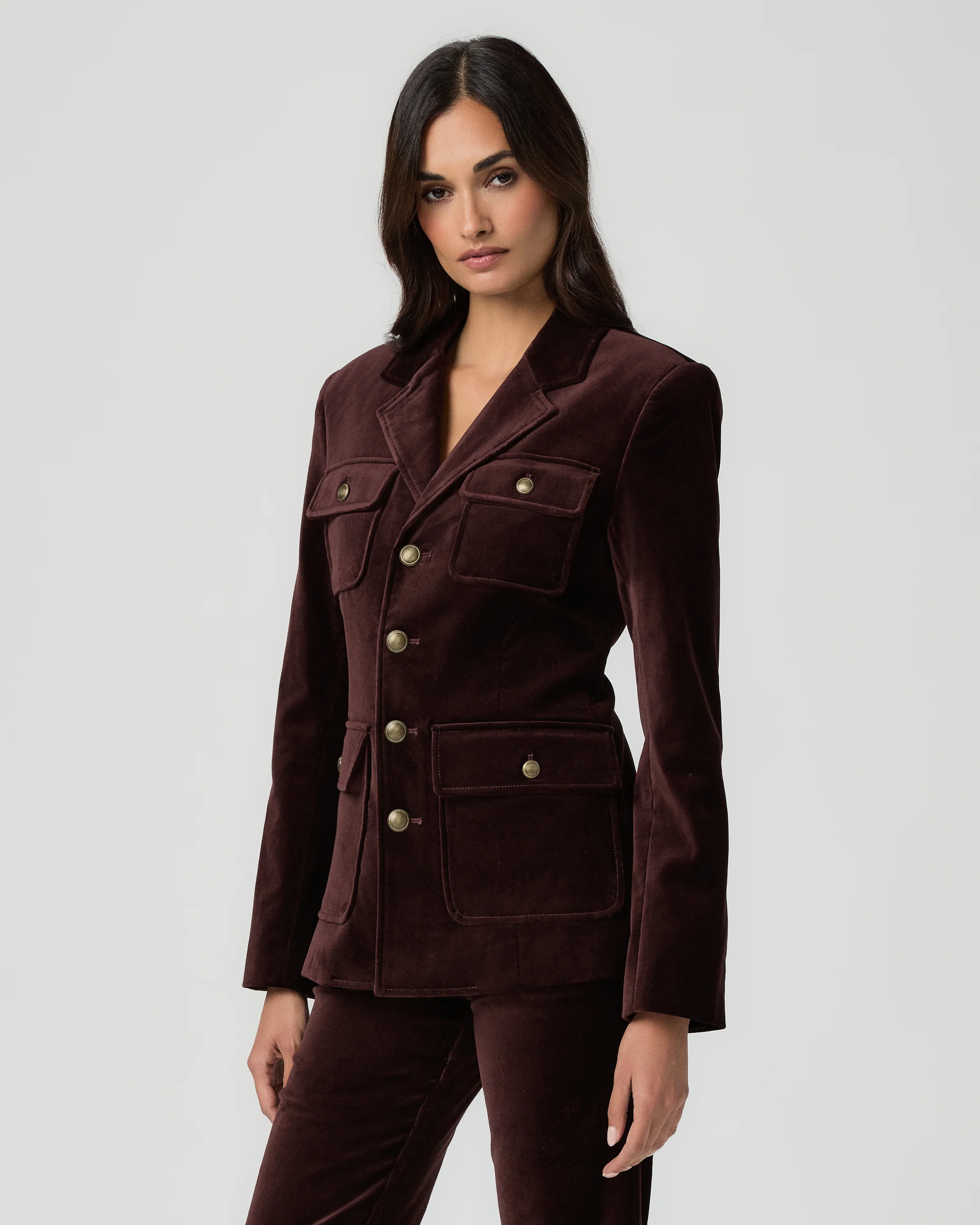

Account
Navigation
Search
Configure browser push notifications
Chrome (Android)
- Tap the lock icon next to the address bar.
- Tap Permissions → Notifications.
- Adjust your preference.
Chrome (Desktop)
- Click the padlock icon in the address bar.
- Select Site settings.
- Find Notifications and adjust your preference.
Safari (iOS 16.4+)
- Ensure the site is installed via Add to Home Screen.
- Open Settings App → Notifications.
- Find your app name and adjust your preference.
Safari (macOS)
- Go to Safari → Preferences.
- Click the Websites tab.
- Select Notifications in the sidebar.
- Find this website and adjust your preference.
Edge (Android)
- Tap the lock icon next to the address bar.
- Tap Permissions.
- Find Notifications and adjust your preference.
Edge (Desktop)
- Click the padlock icon in the address bar.
- Click Permissions for this site.
- Find Notifications and adjust your preference.
Firefox (Android)
- Go to Settings → Site permissions.
- Tap Notifications.
- Find this site in the list and adjust your preference.
Firefox (Desktop)
- Open Firefox Settings.
- Search for Notifications.
- Find this site in the list and adjust your preference.