

Molonlave7
Members
-
Joined
-
Last visited
Everything posted by Molonlave7
-
 Linkmodels International



























-
Your welcome, I accidently posted the first three images that was an AVIF format and was told not to post those. The best way to upload those images is to go to websites where you can upload the images to become a PNG or other formats.
-
You are not allow to post avif or jijf links You have to post the pictures from other links from jpg, jpeg, web, etc.
-
-
What a woman! 🥰😘❤️
-
-
-
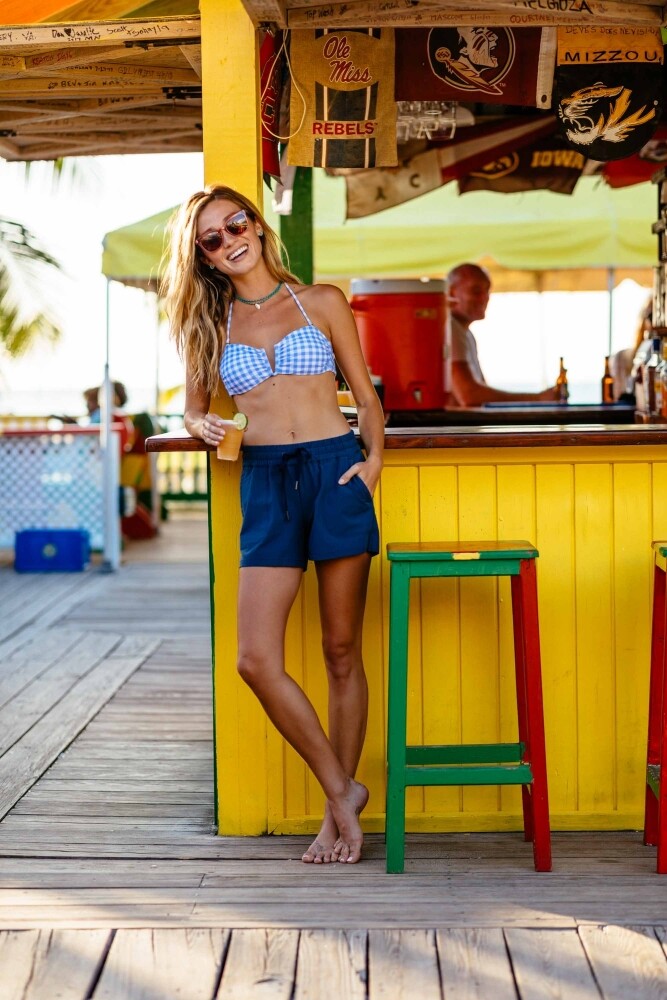
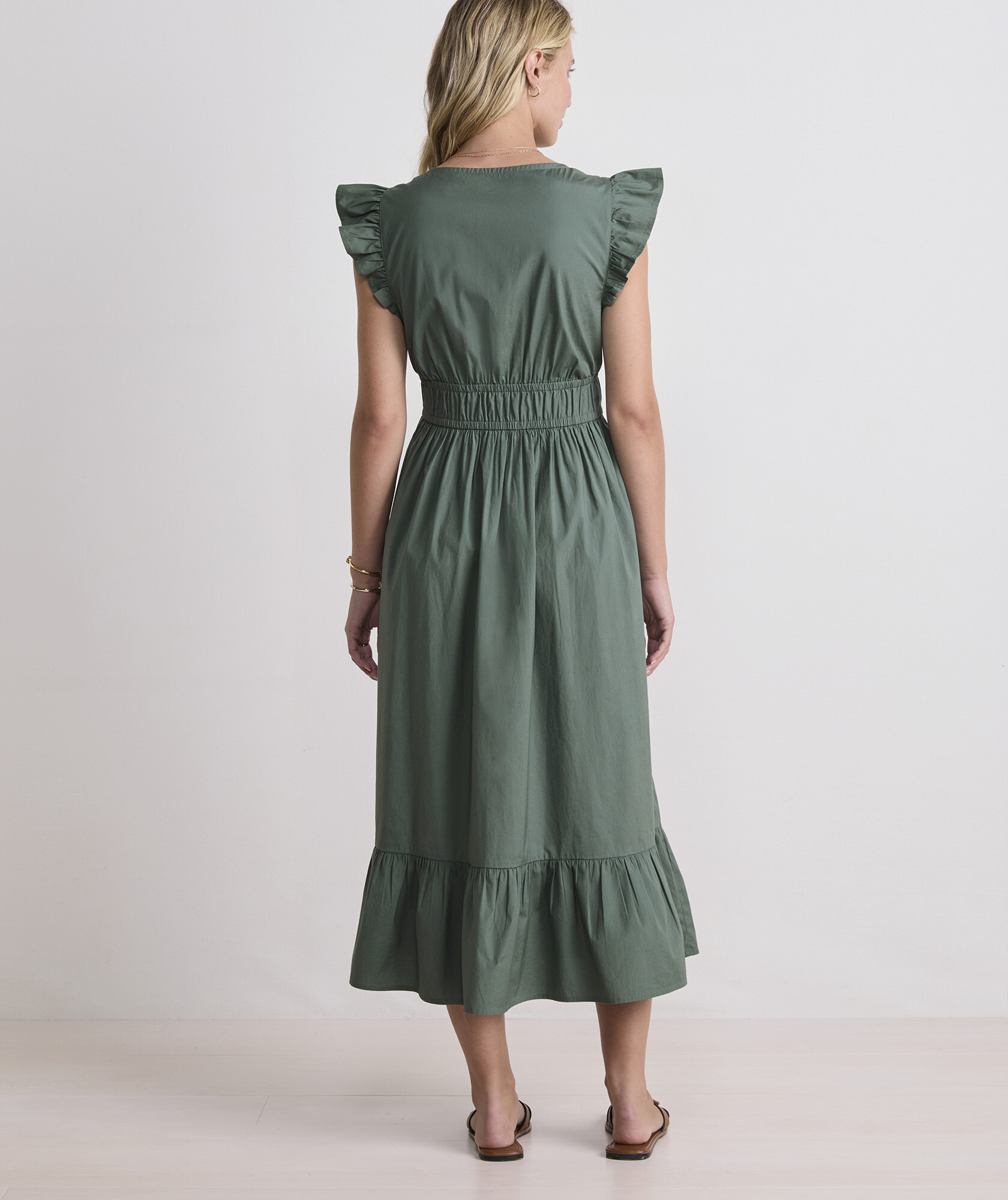
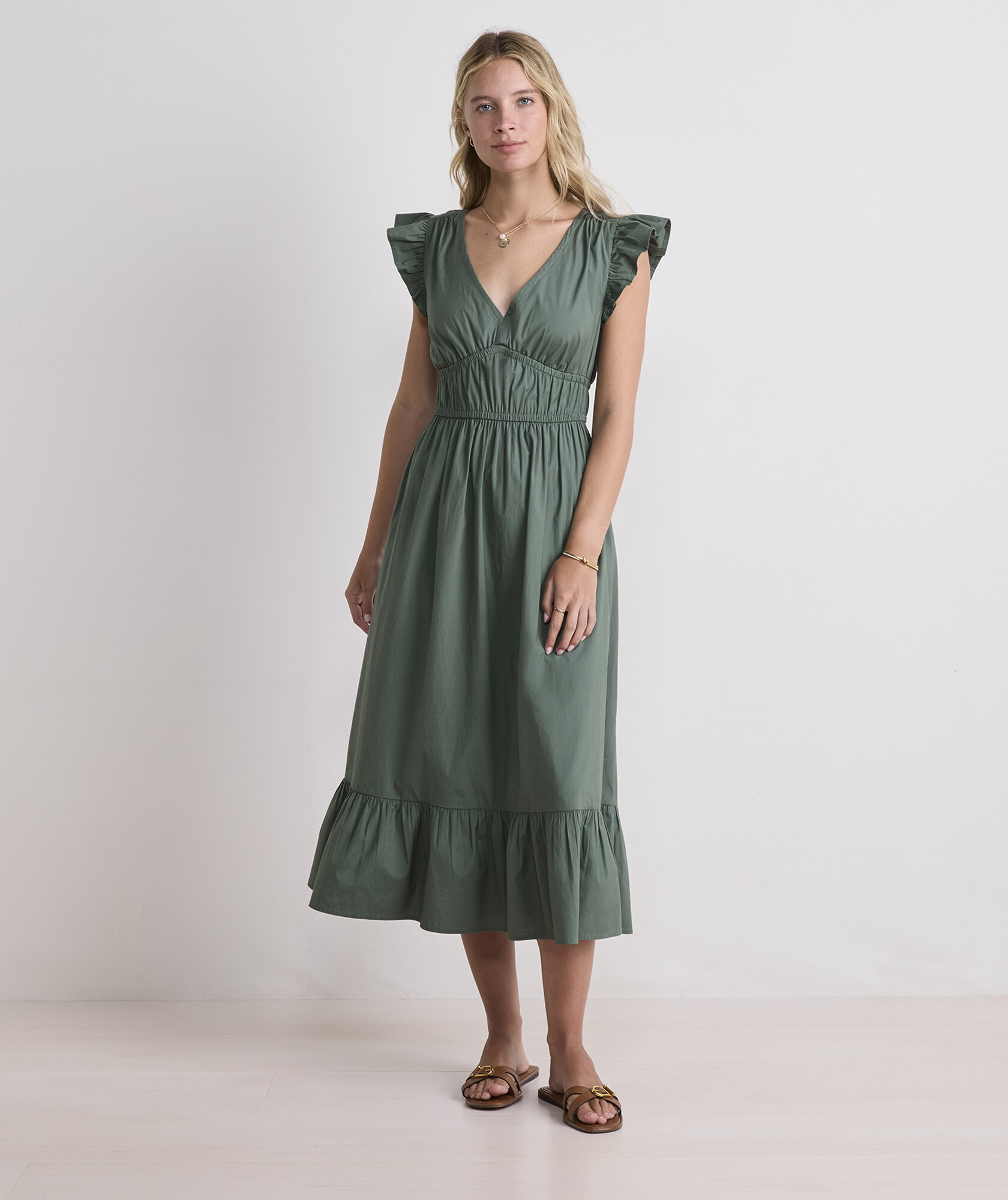
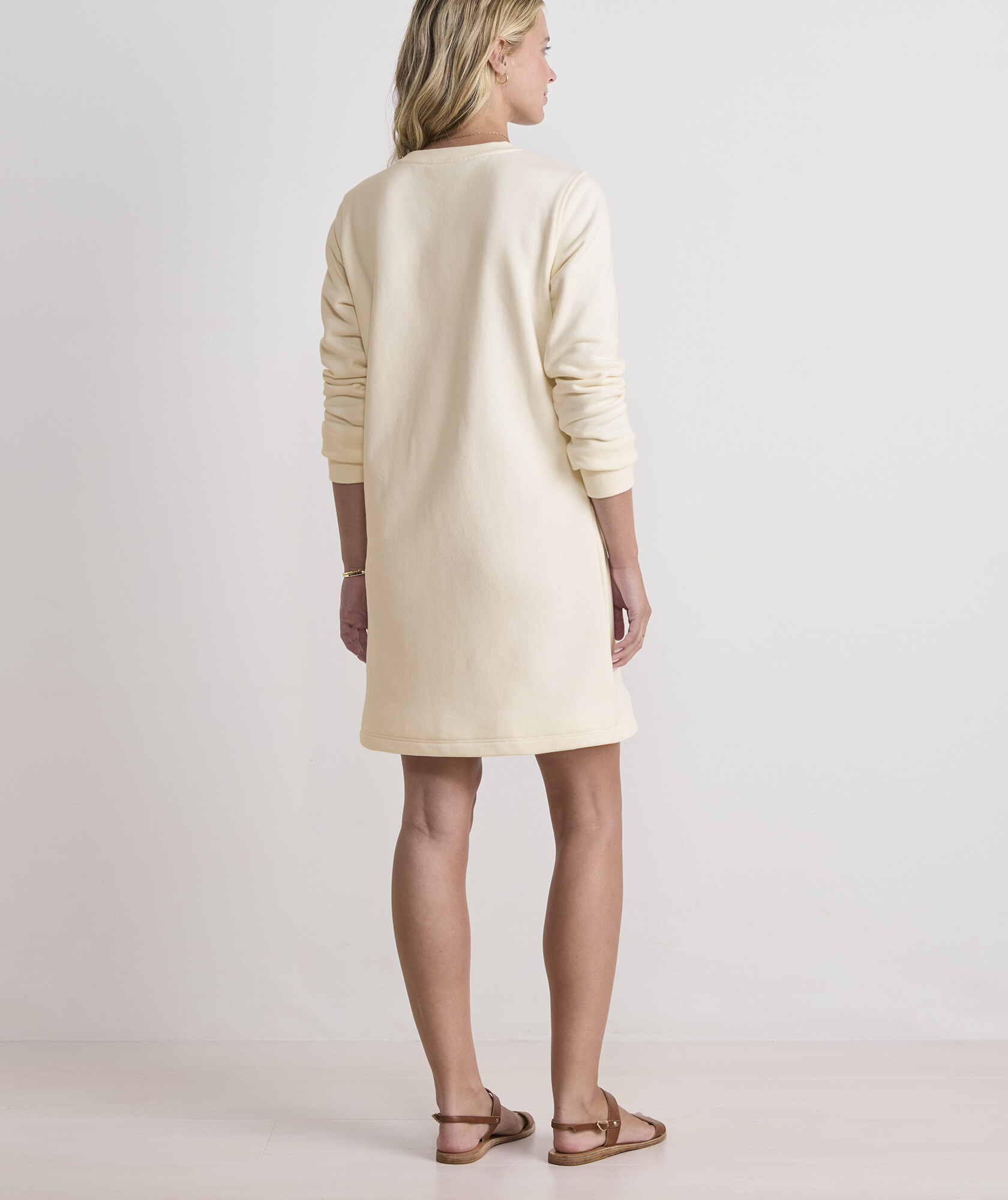
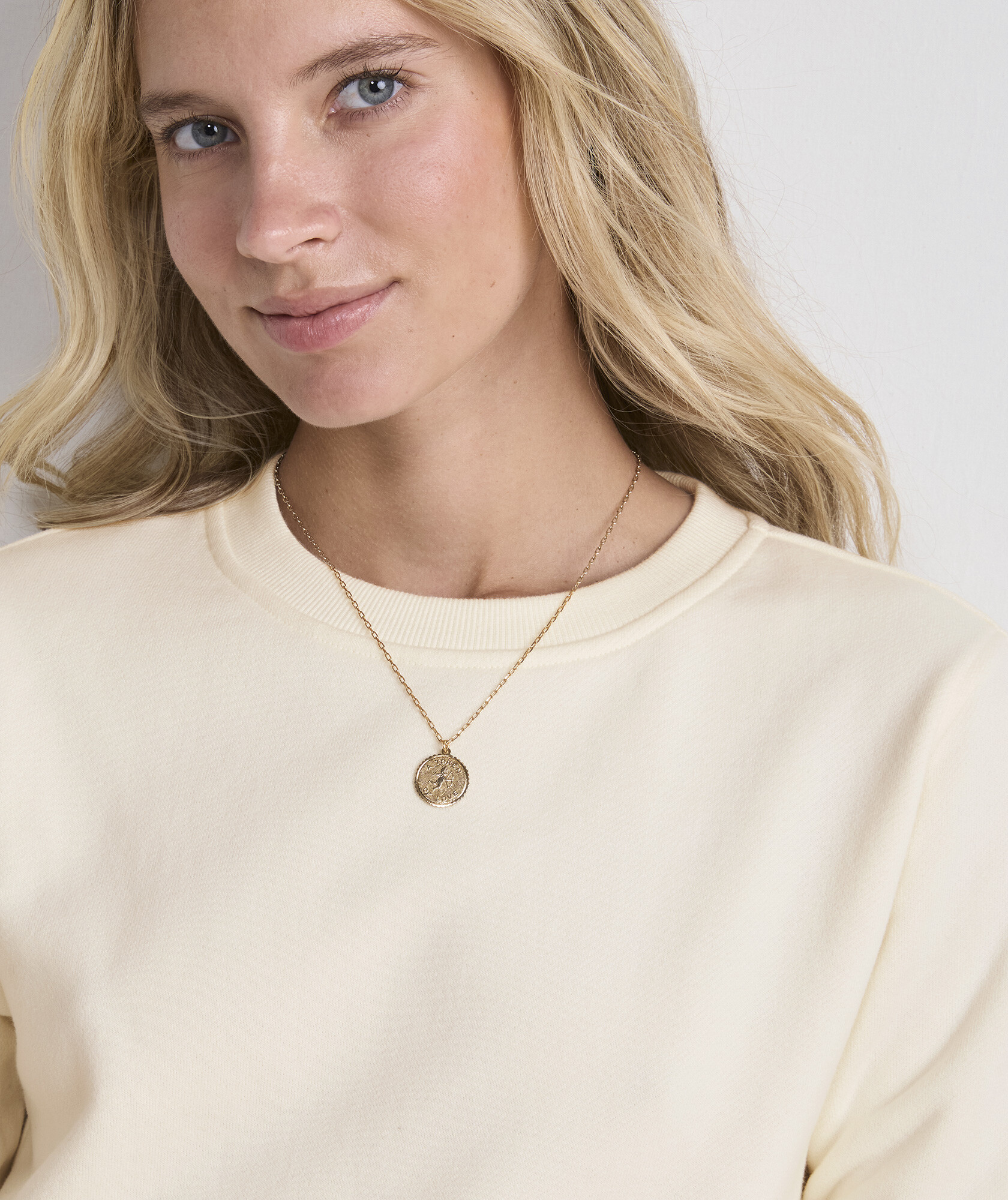
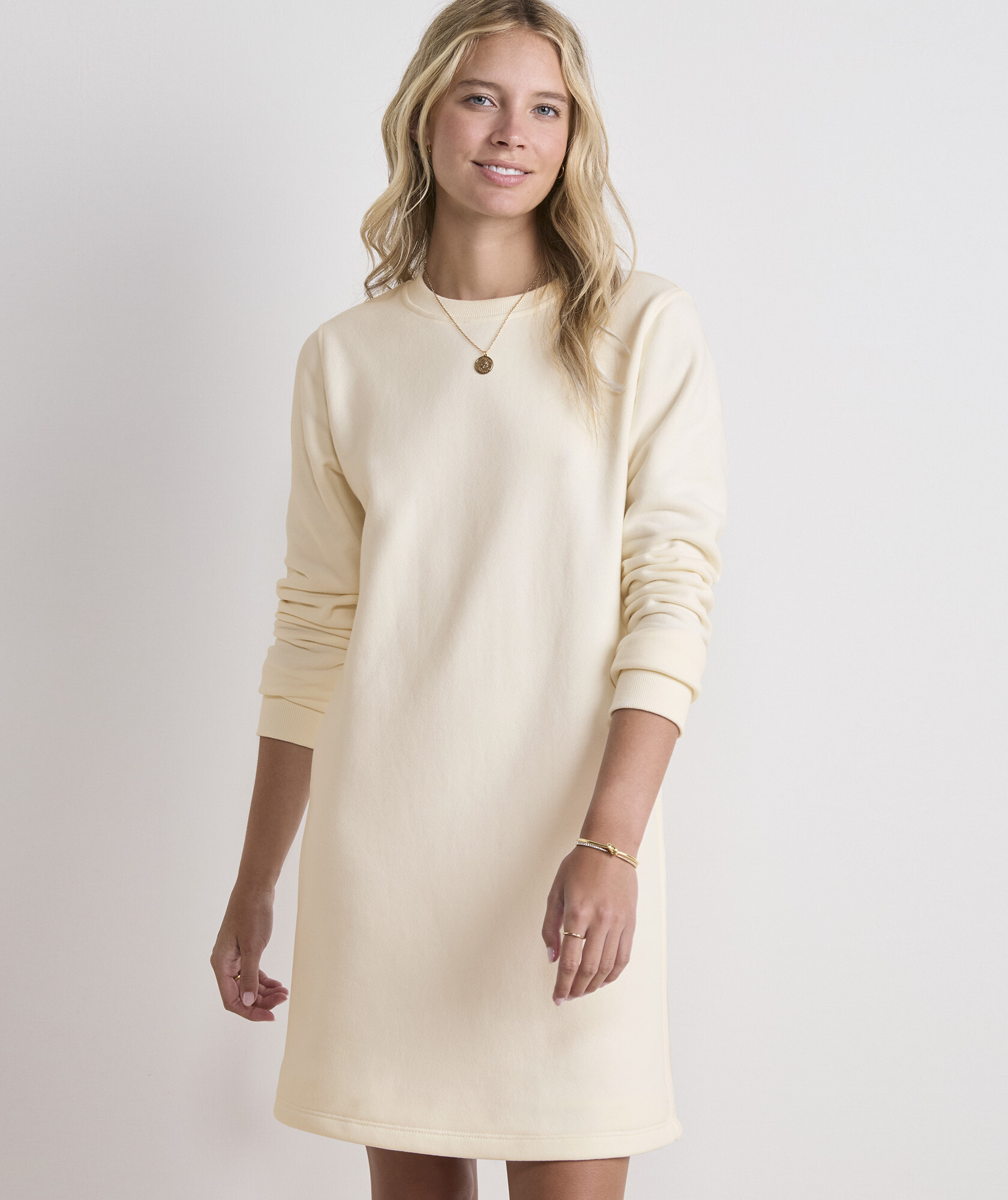
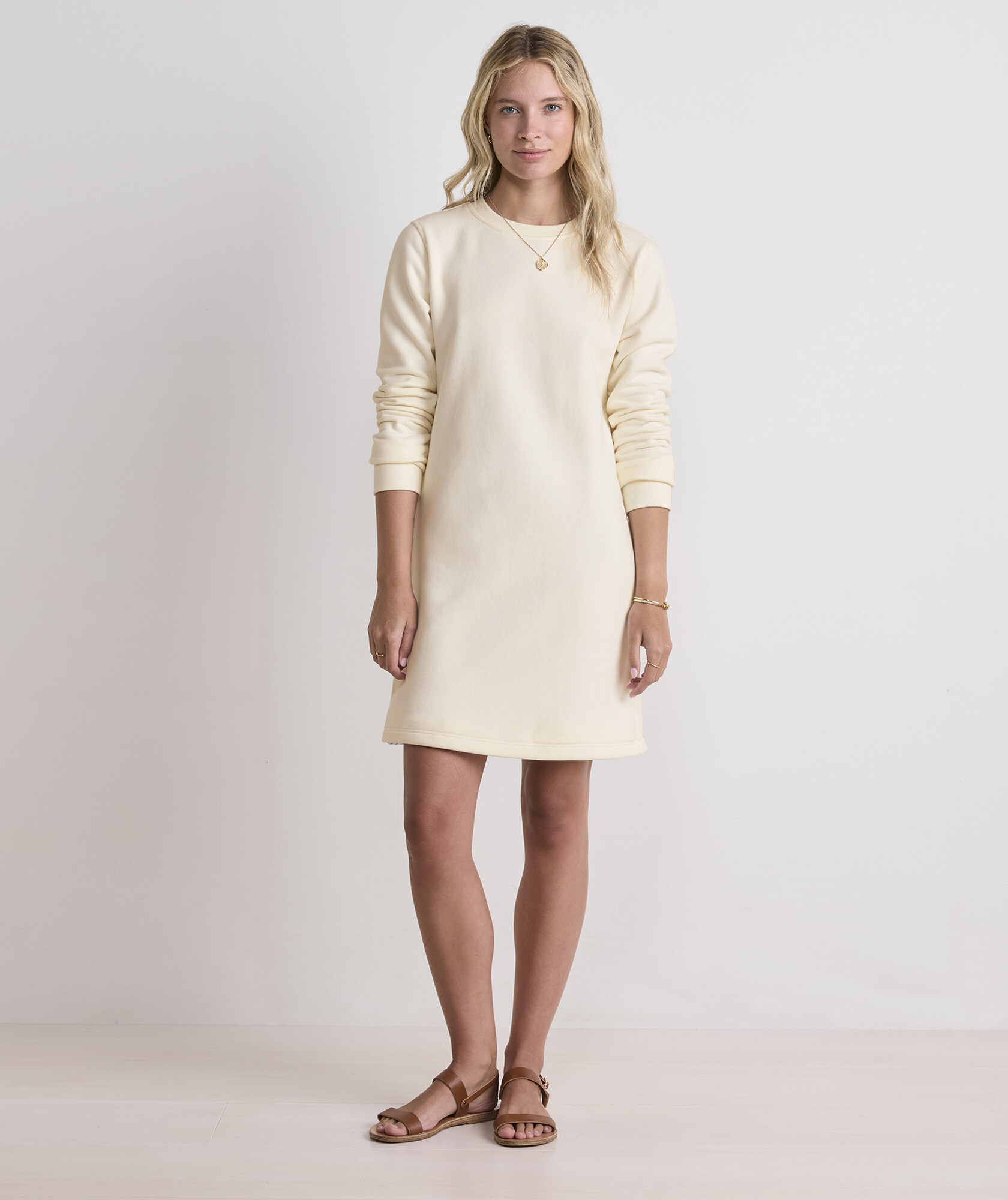
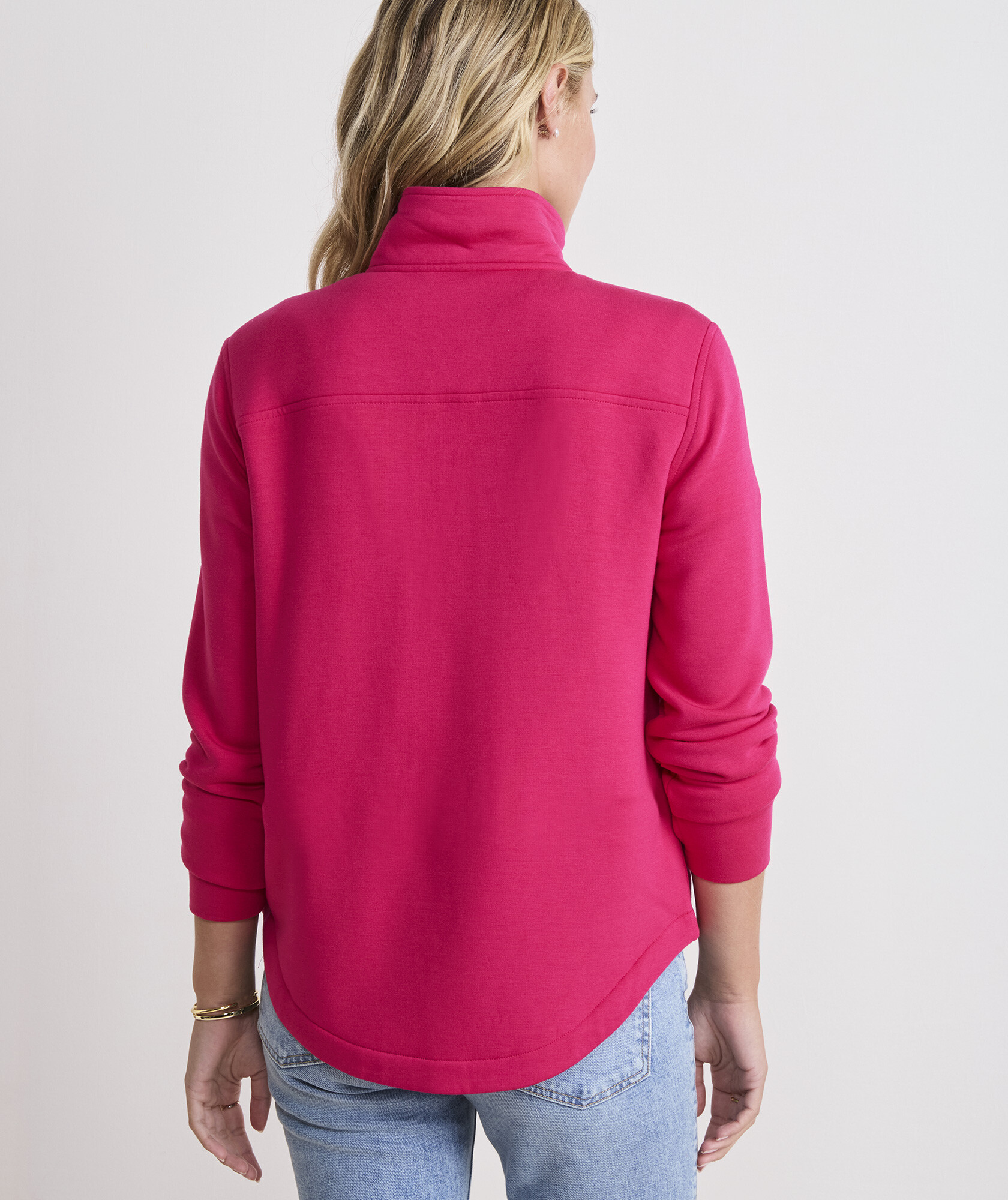
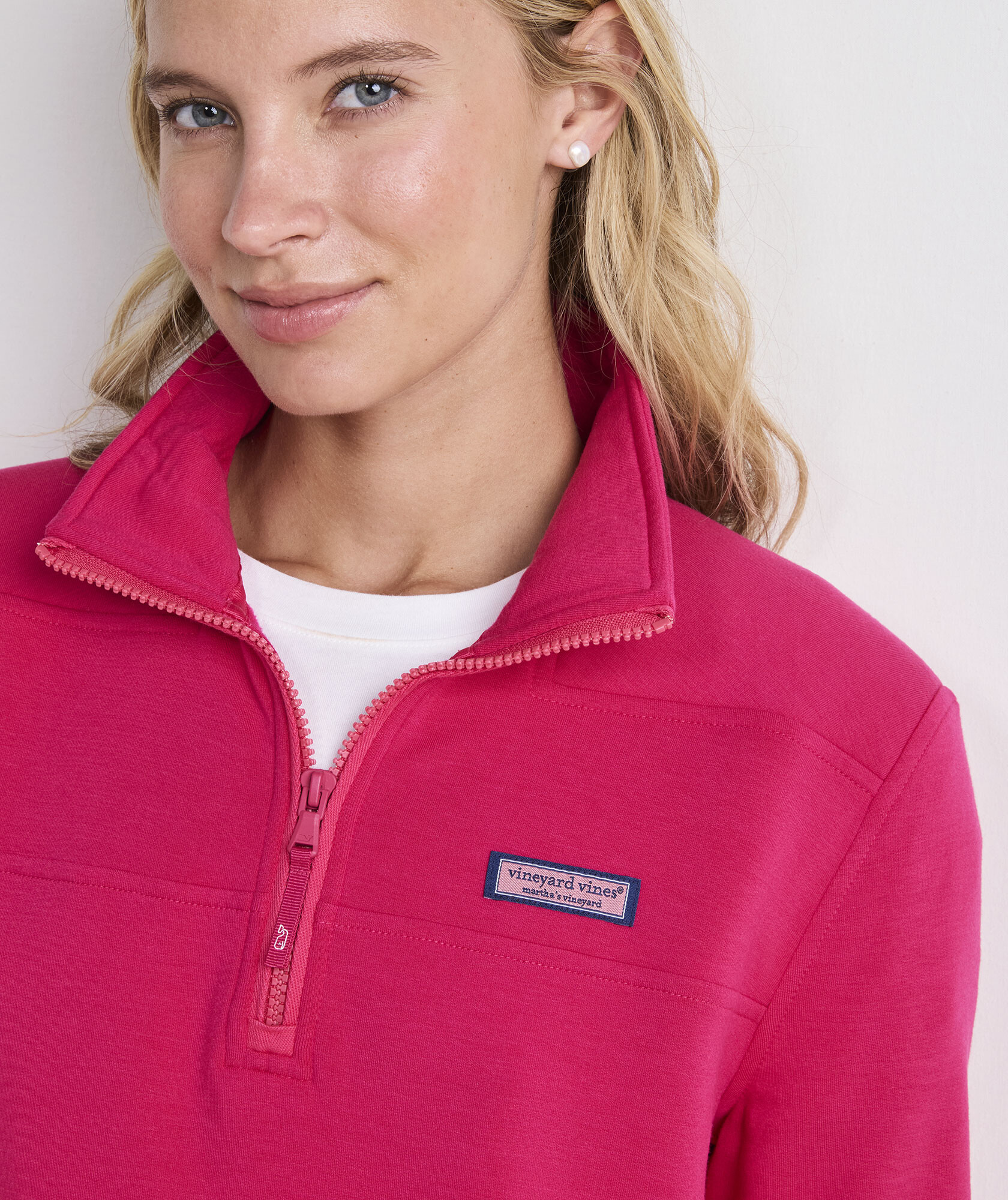
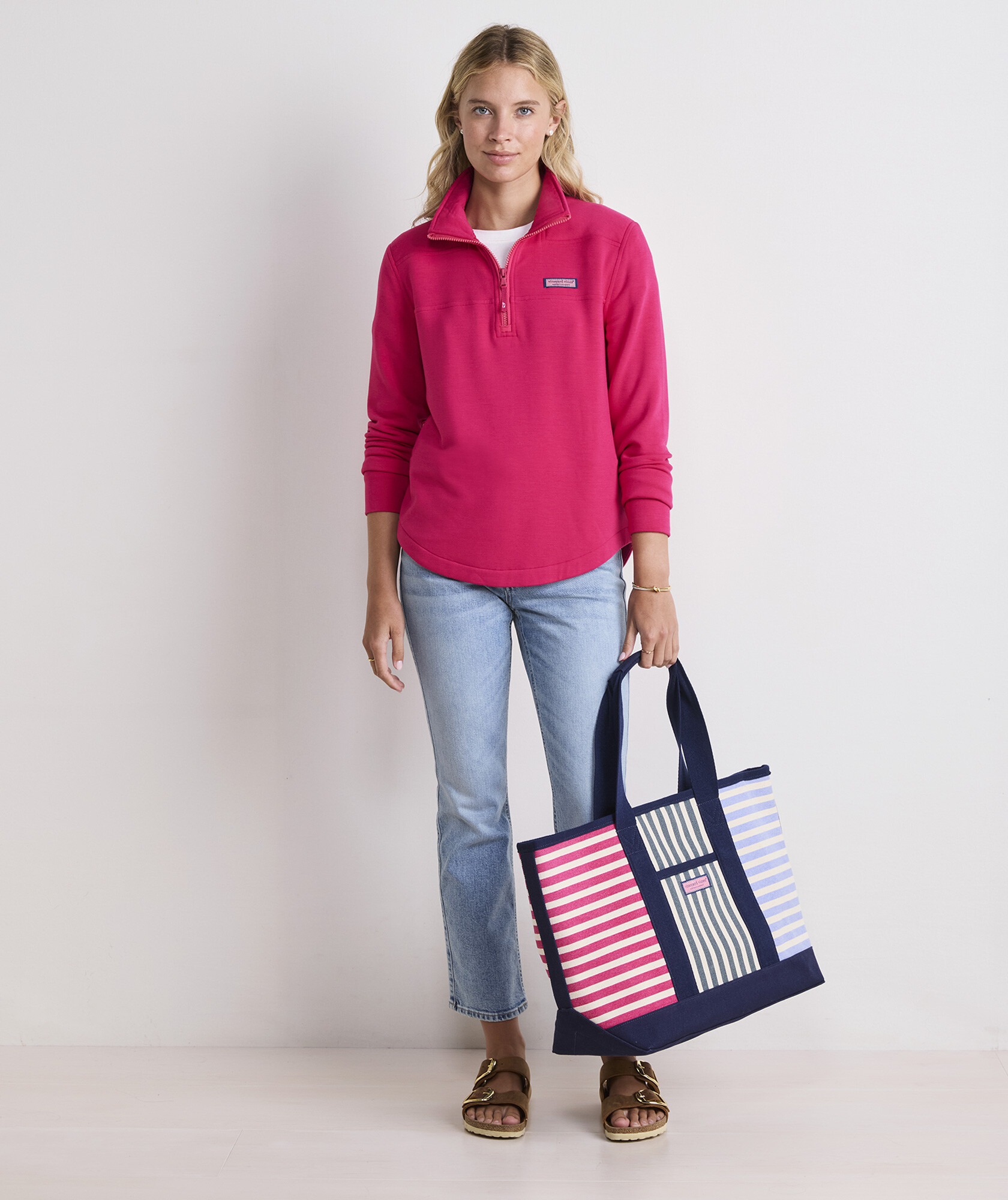
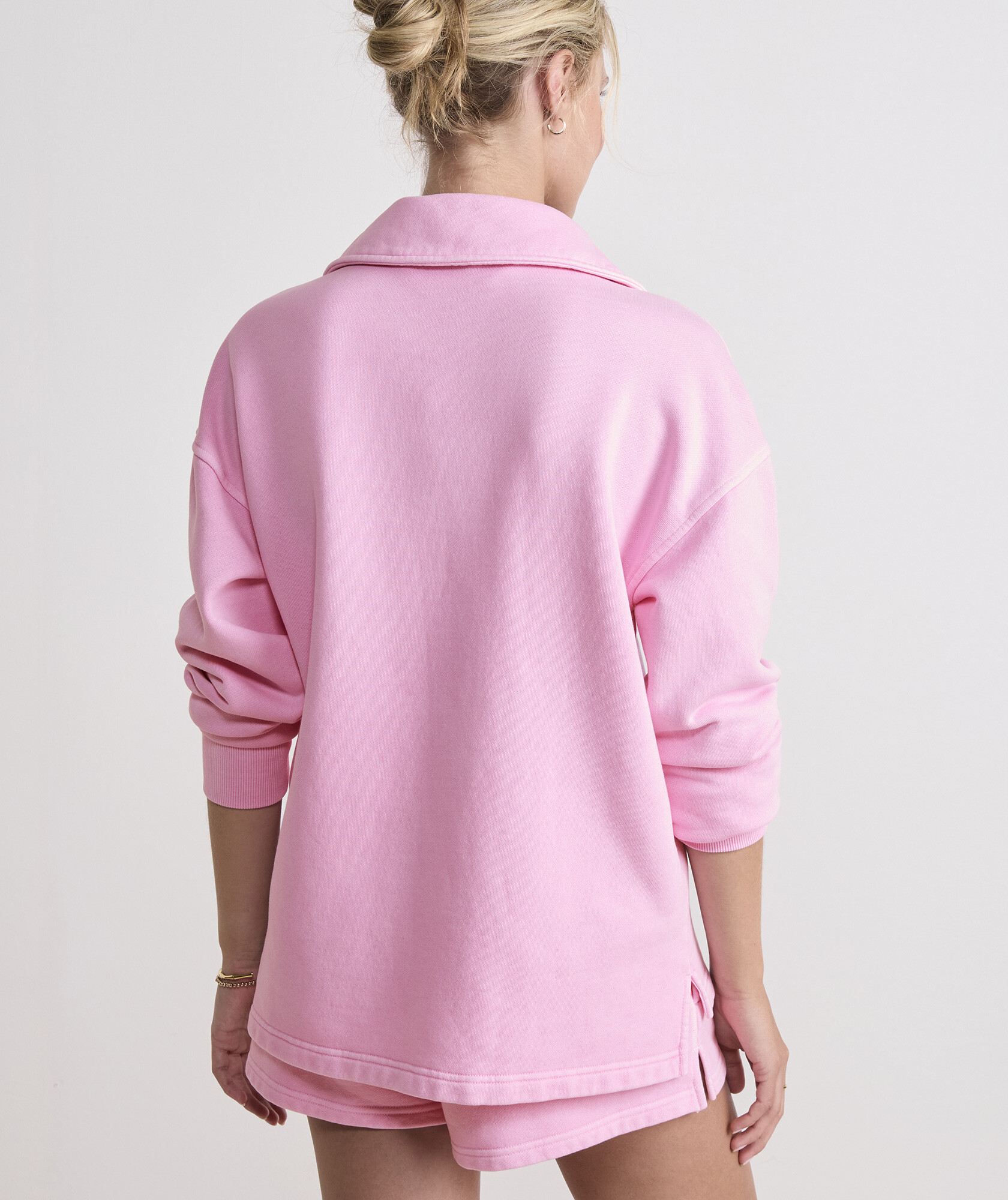
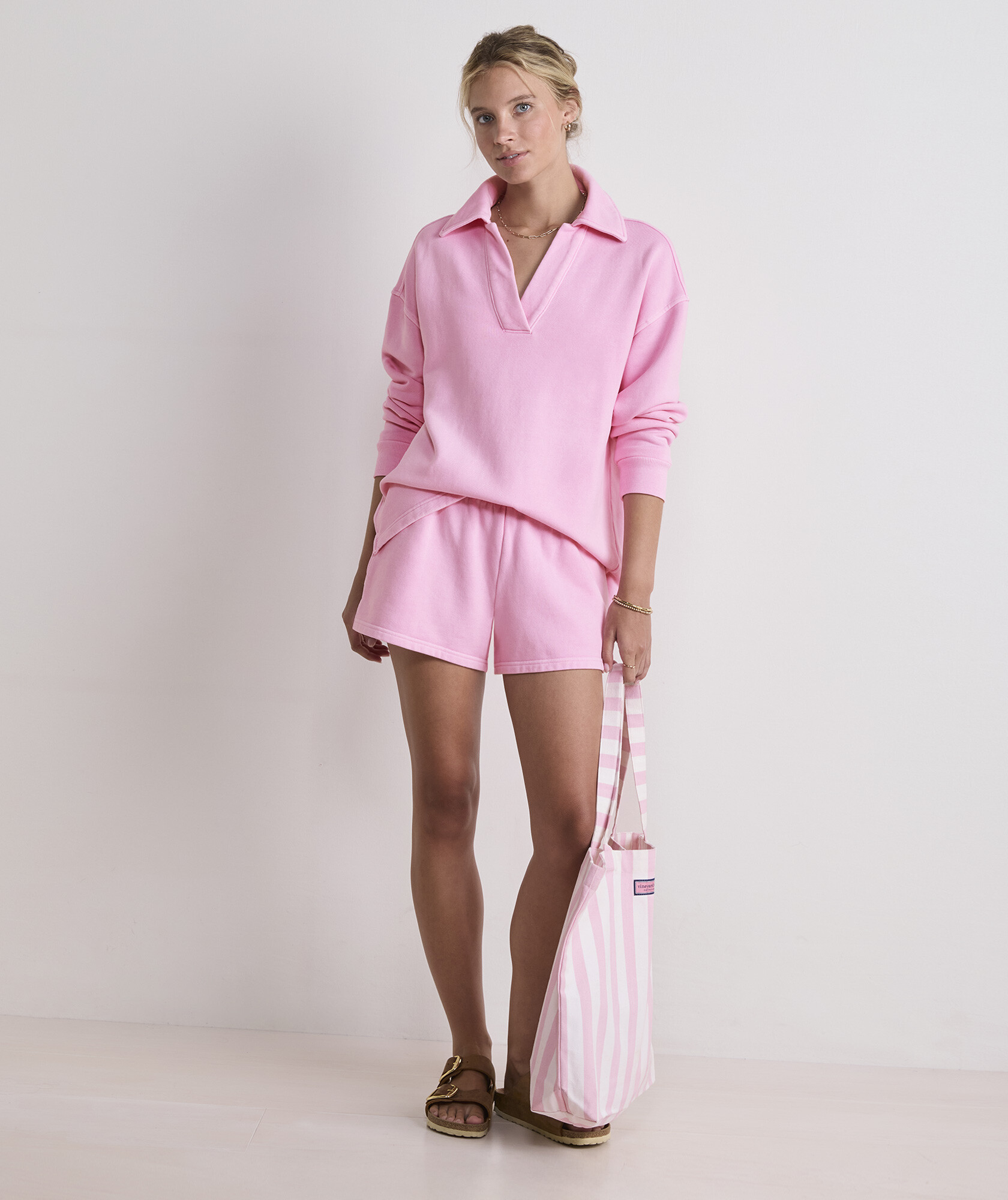
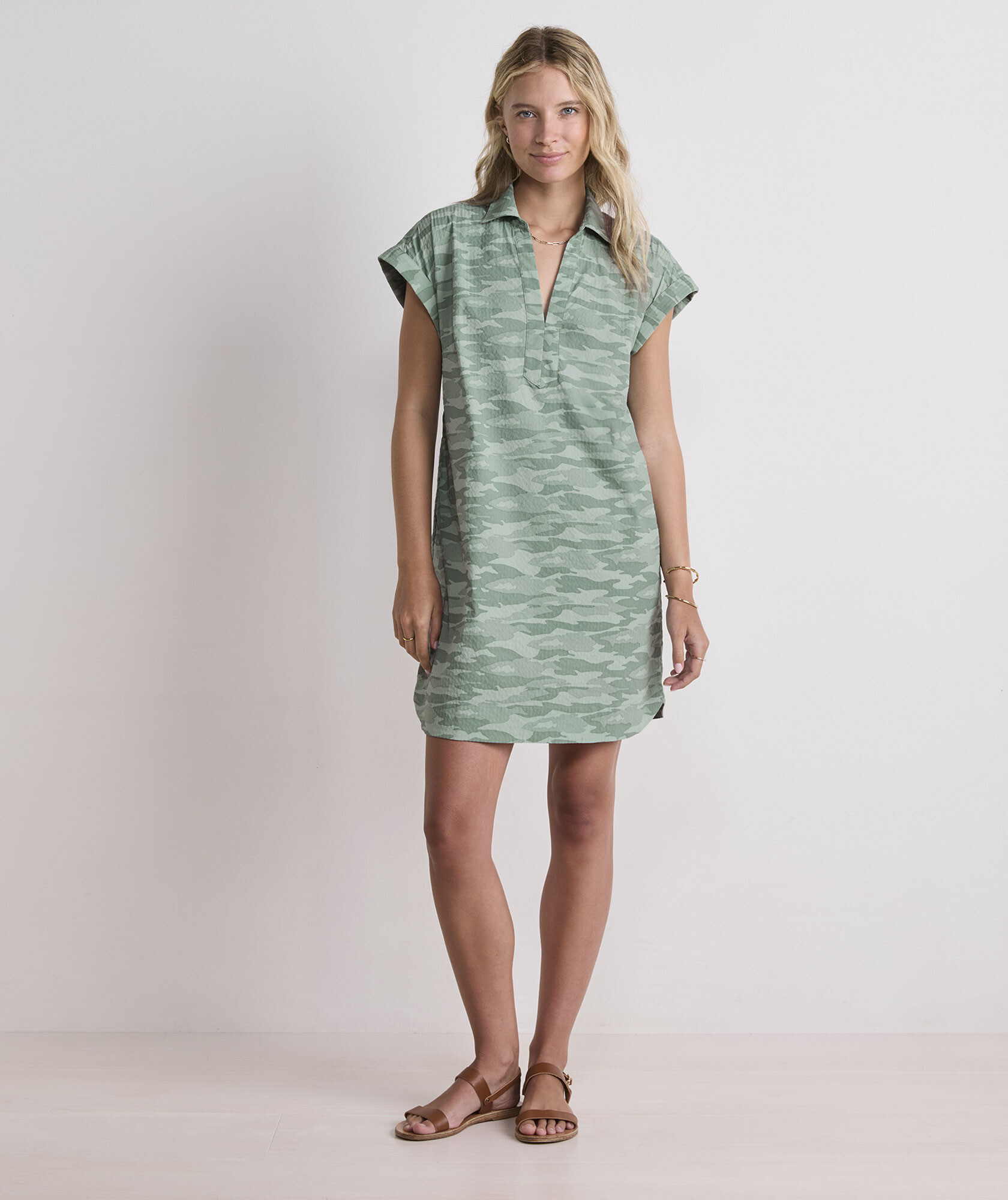
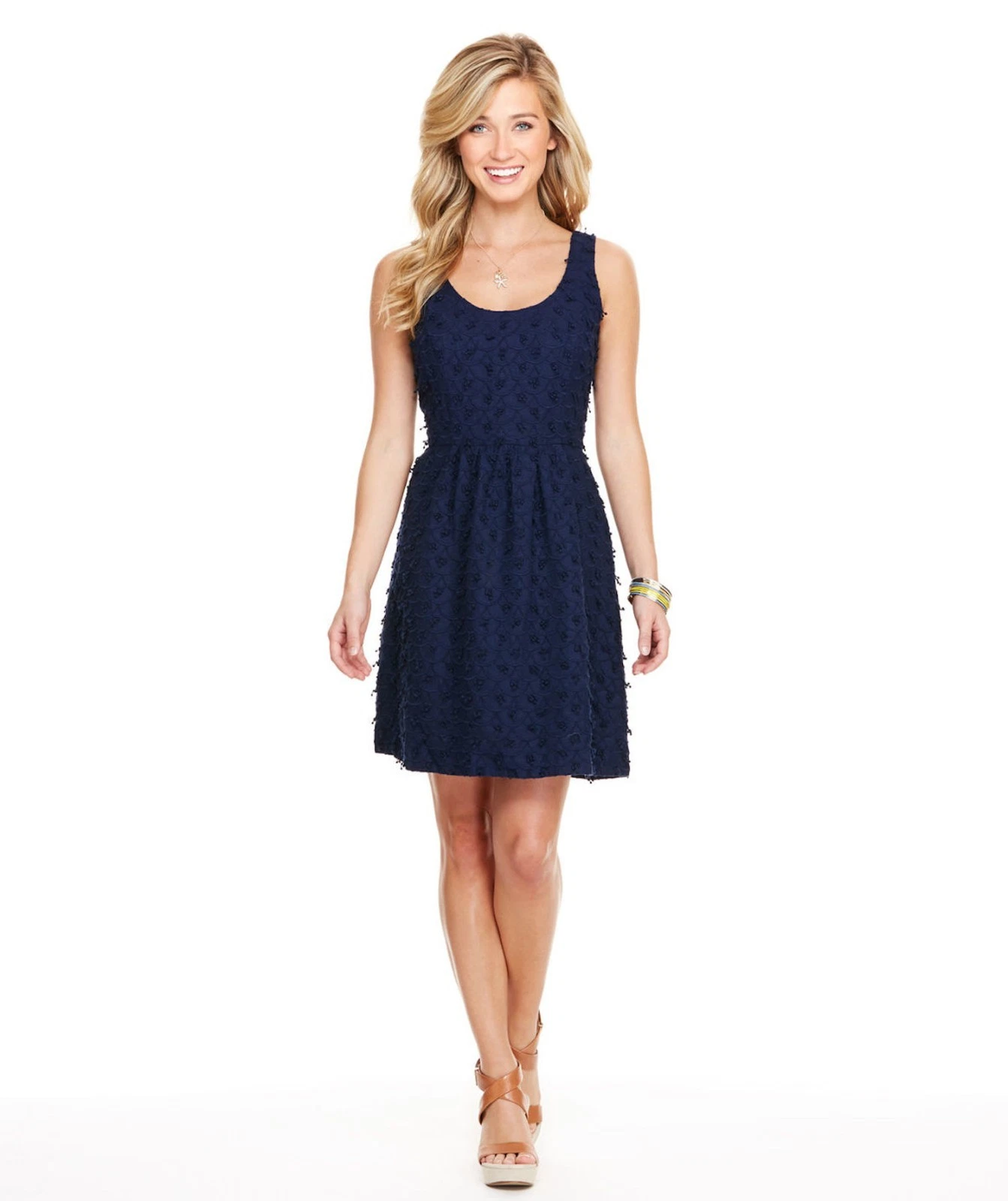
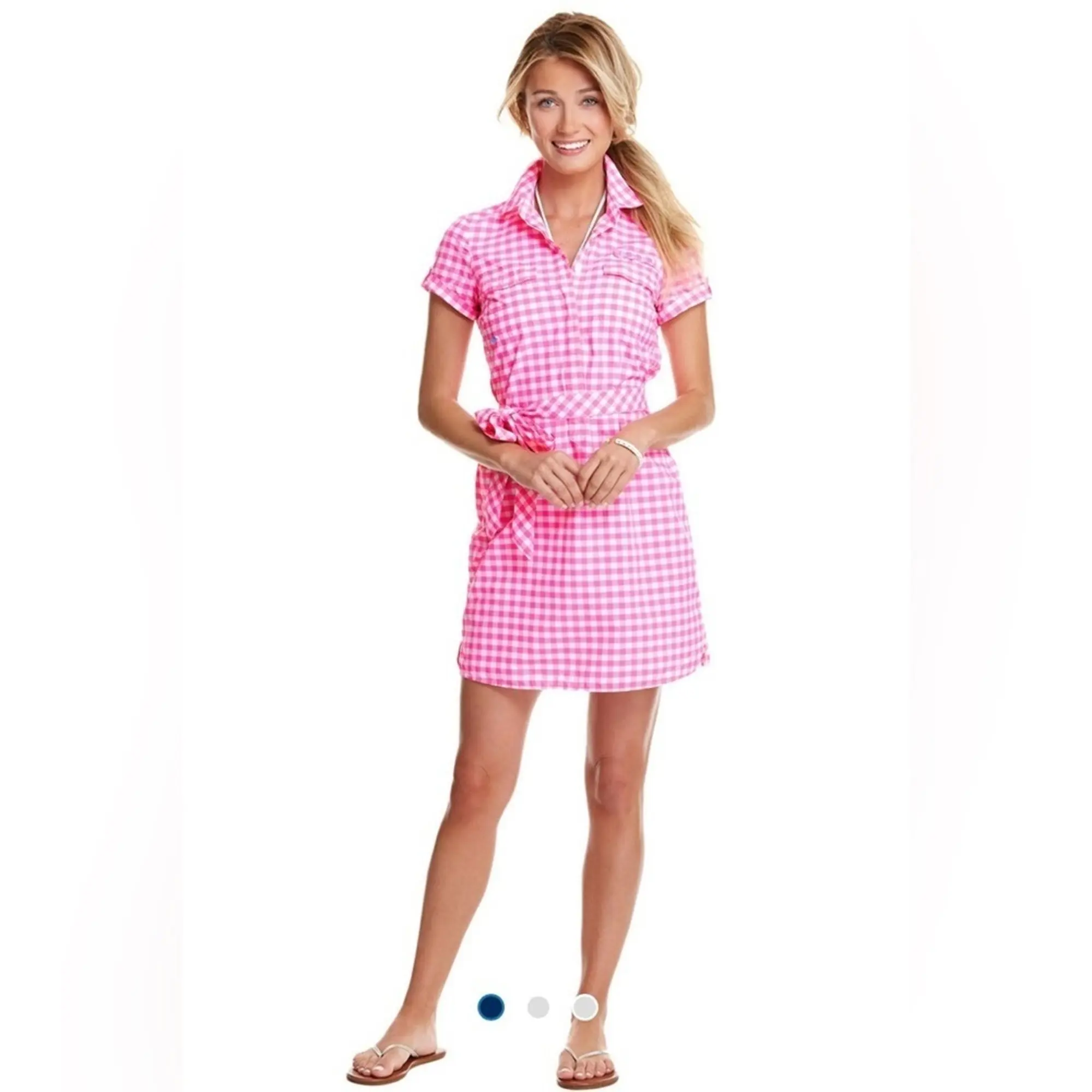
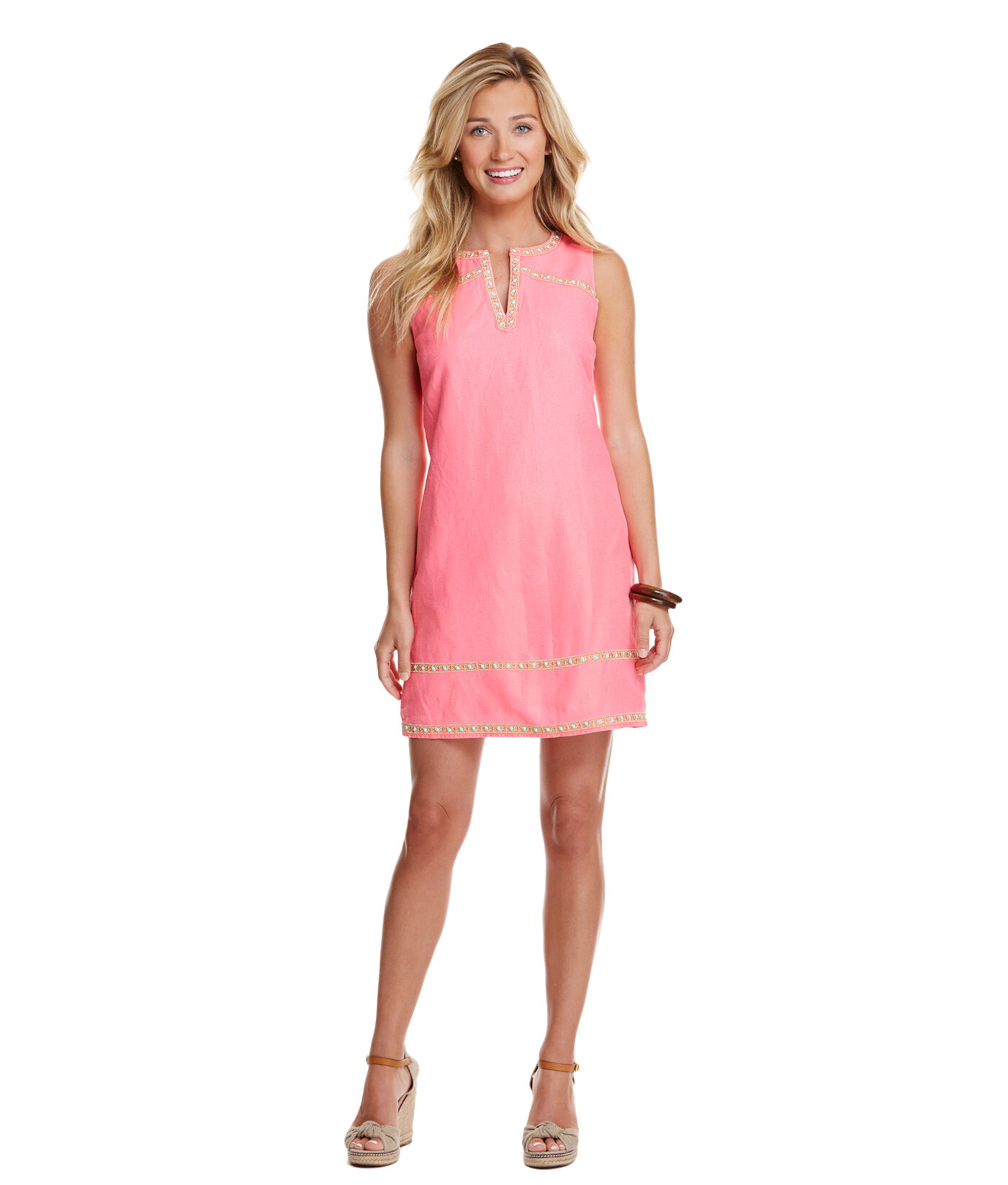
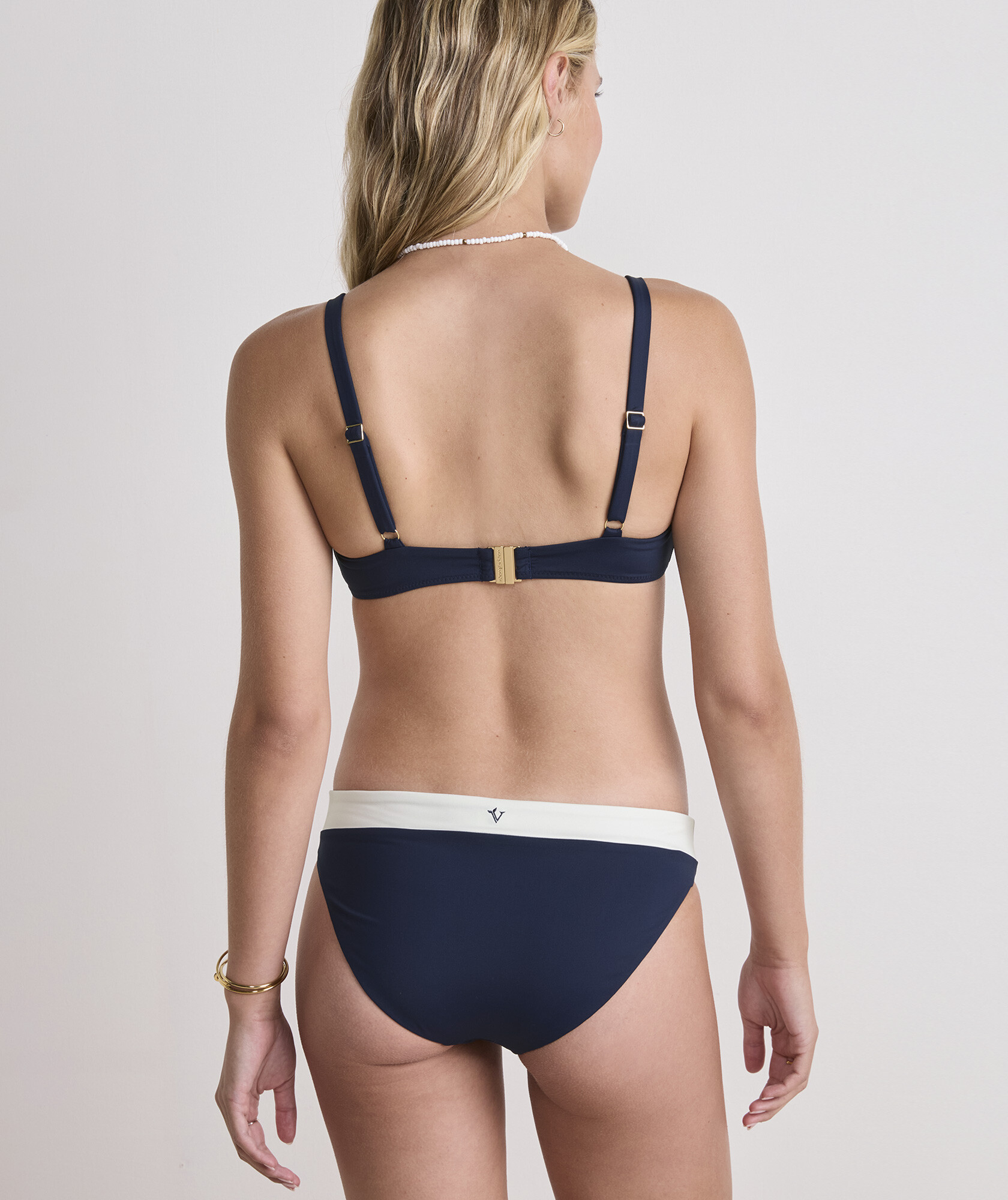
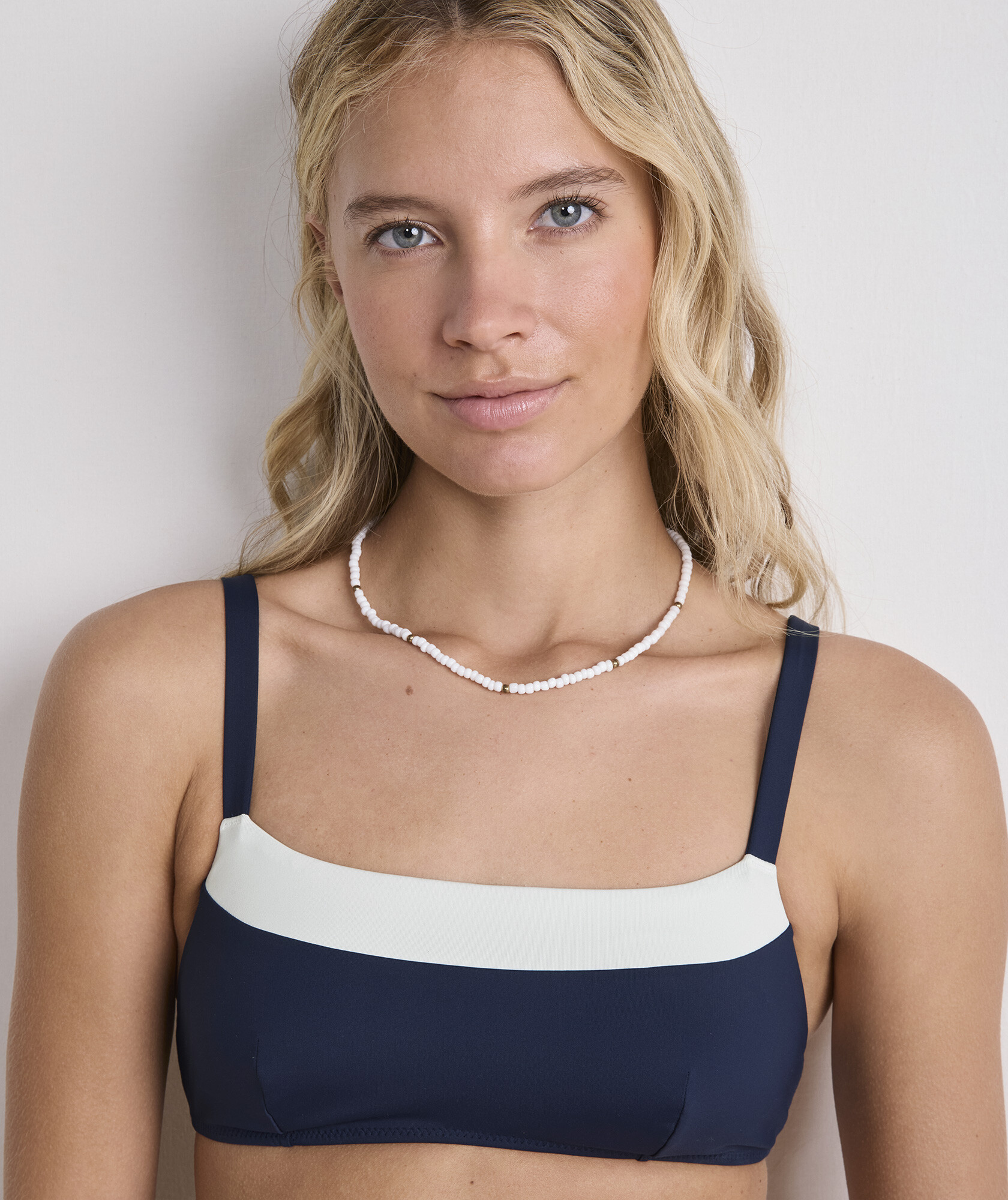
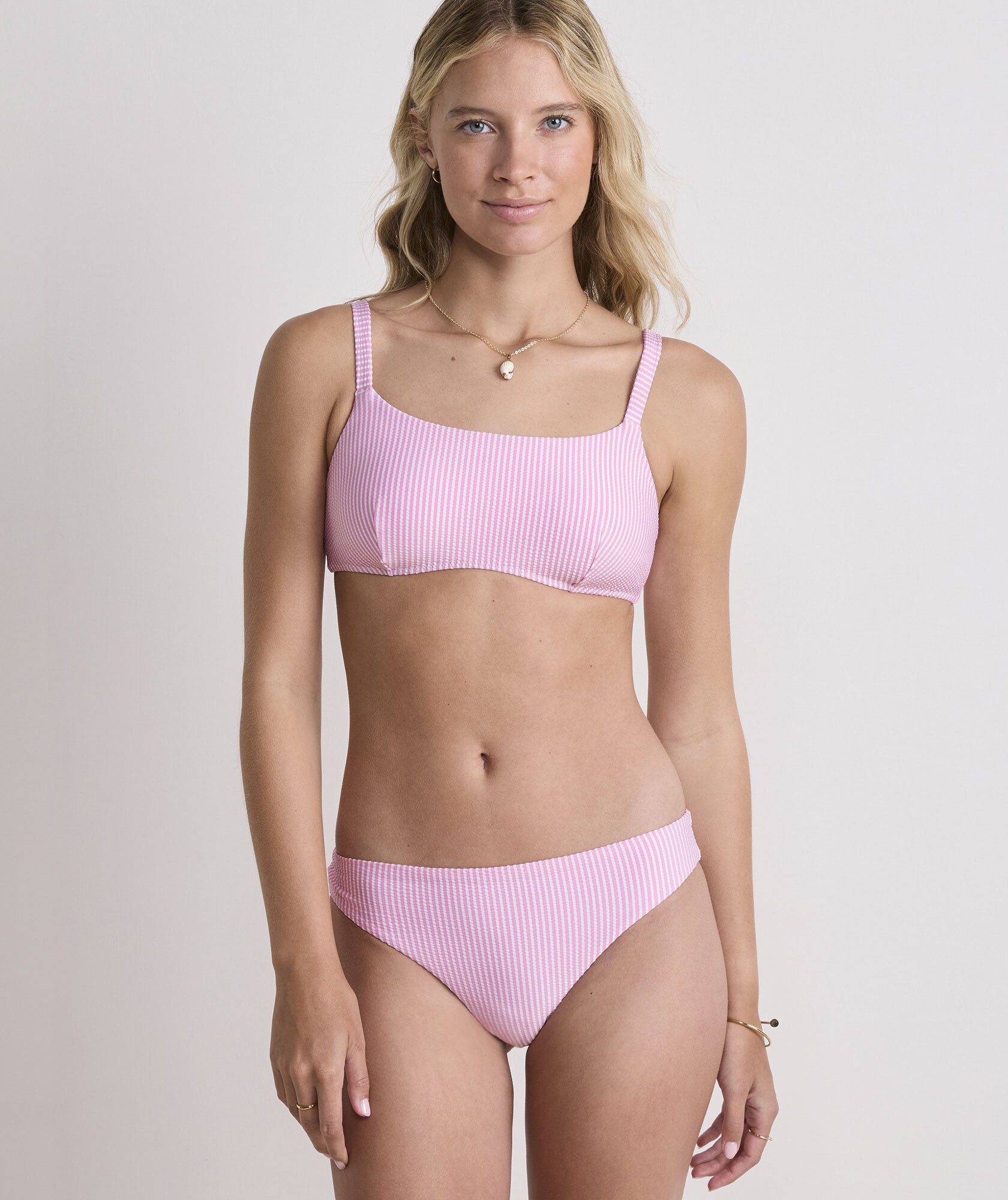
Old pictures from Vineyard Vines
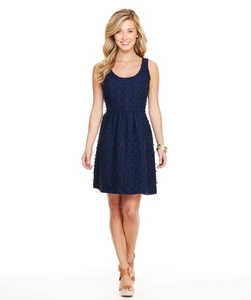

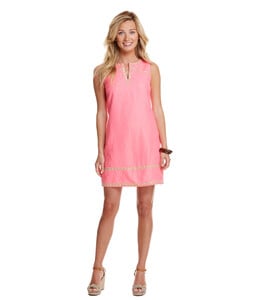
-
-
Thank you!
-
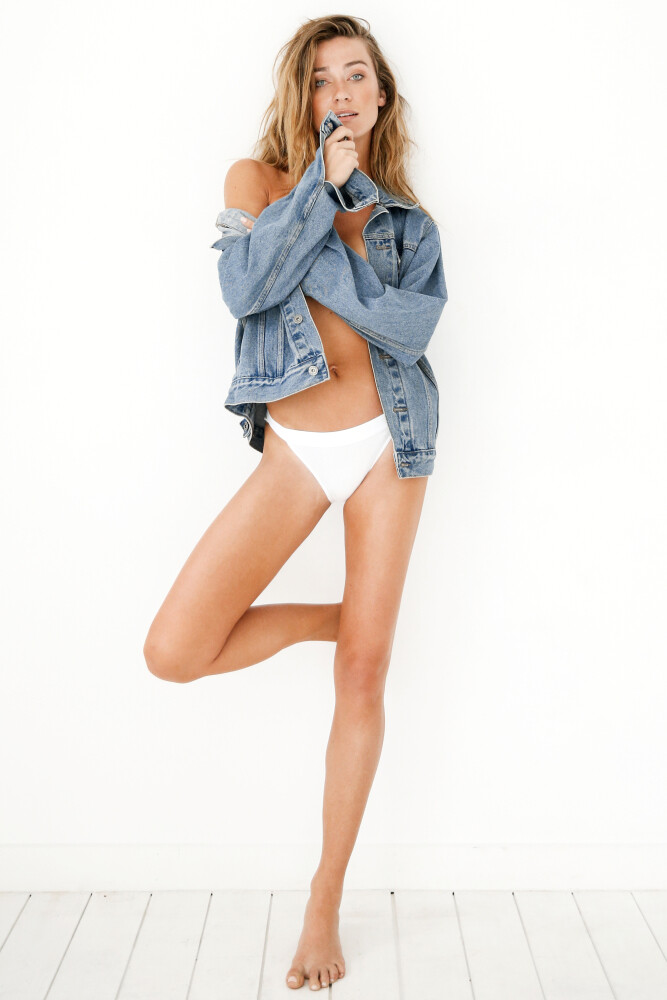
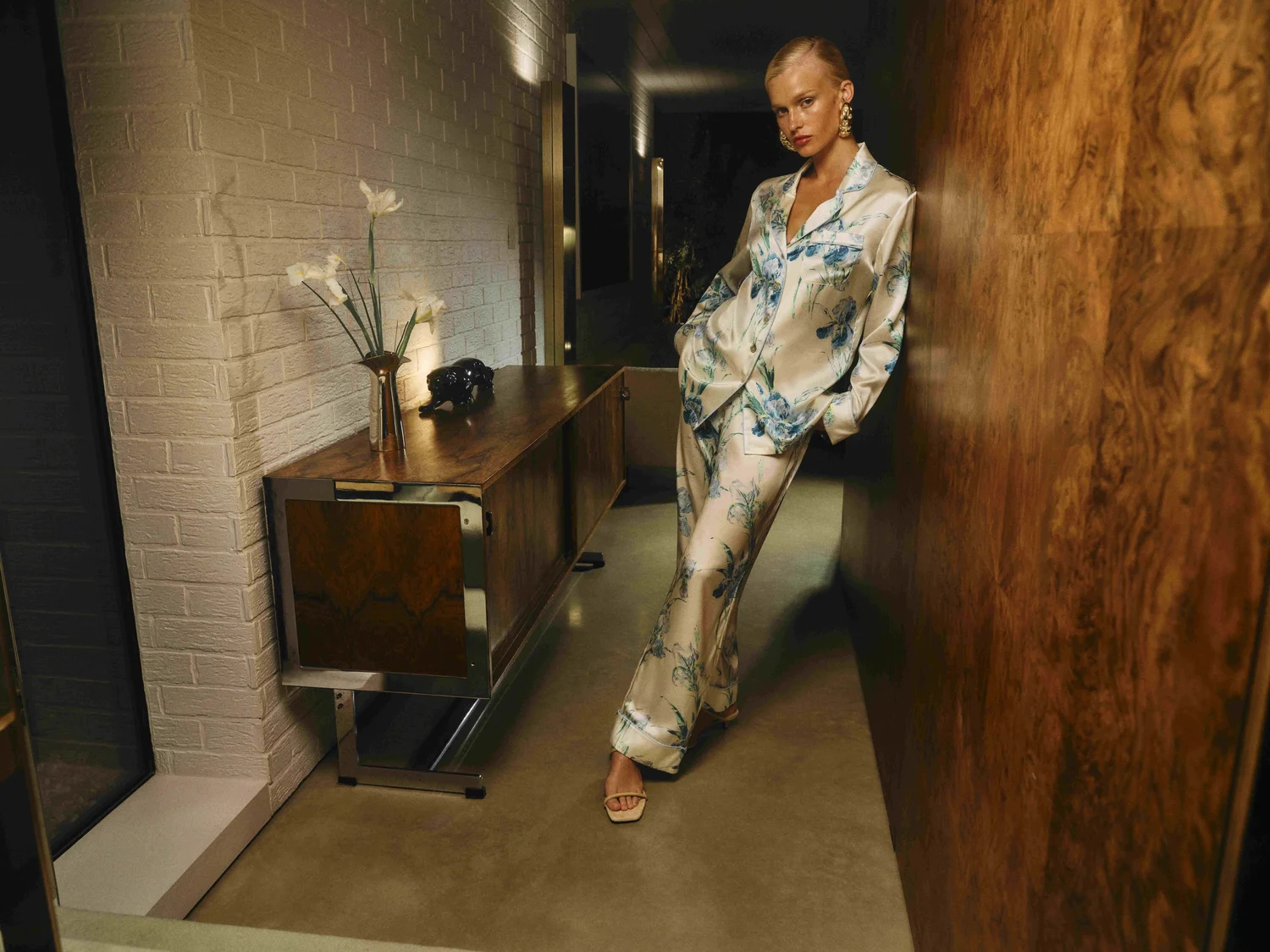
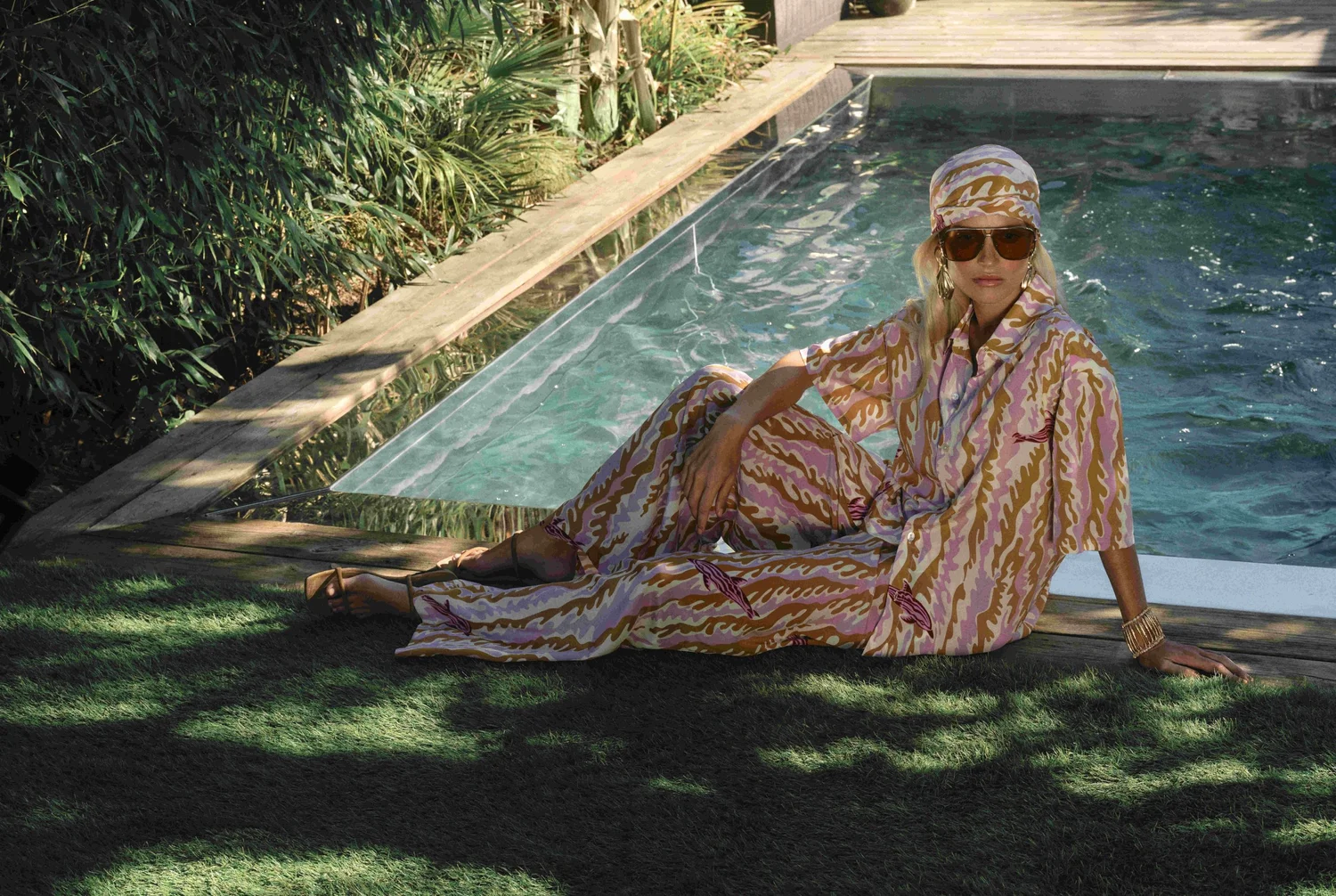
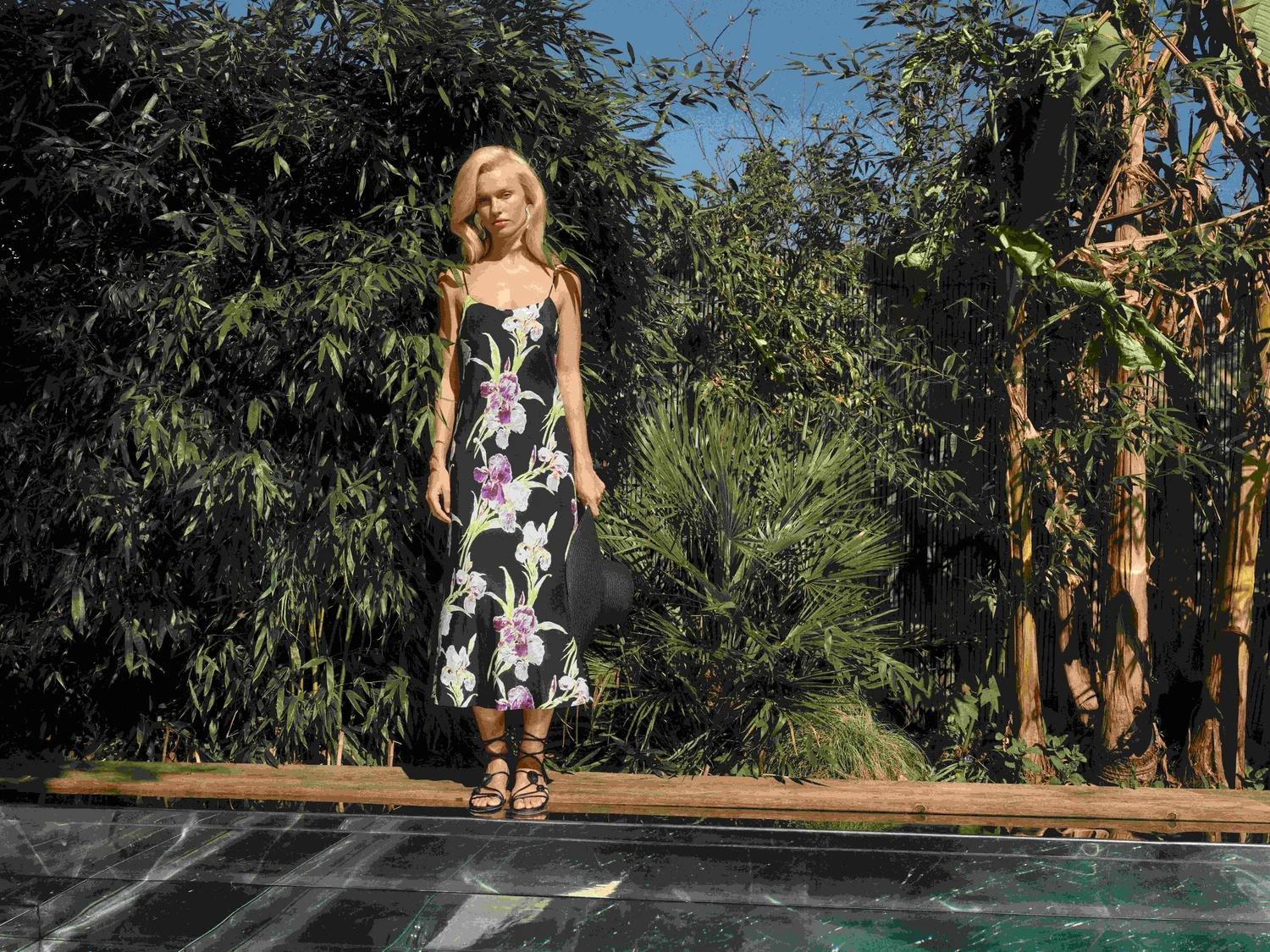
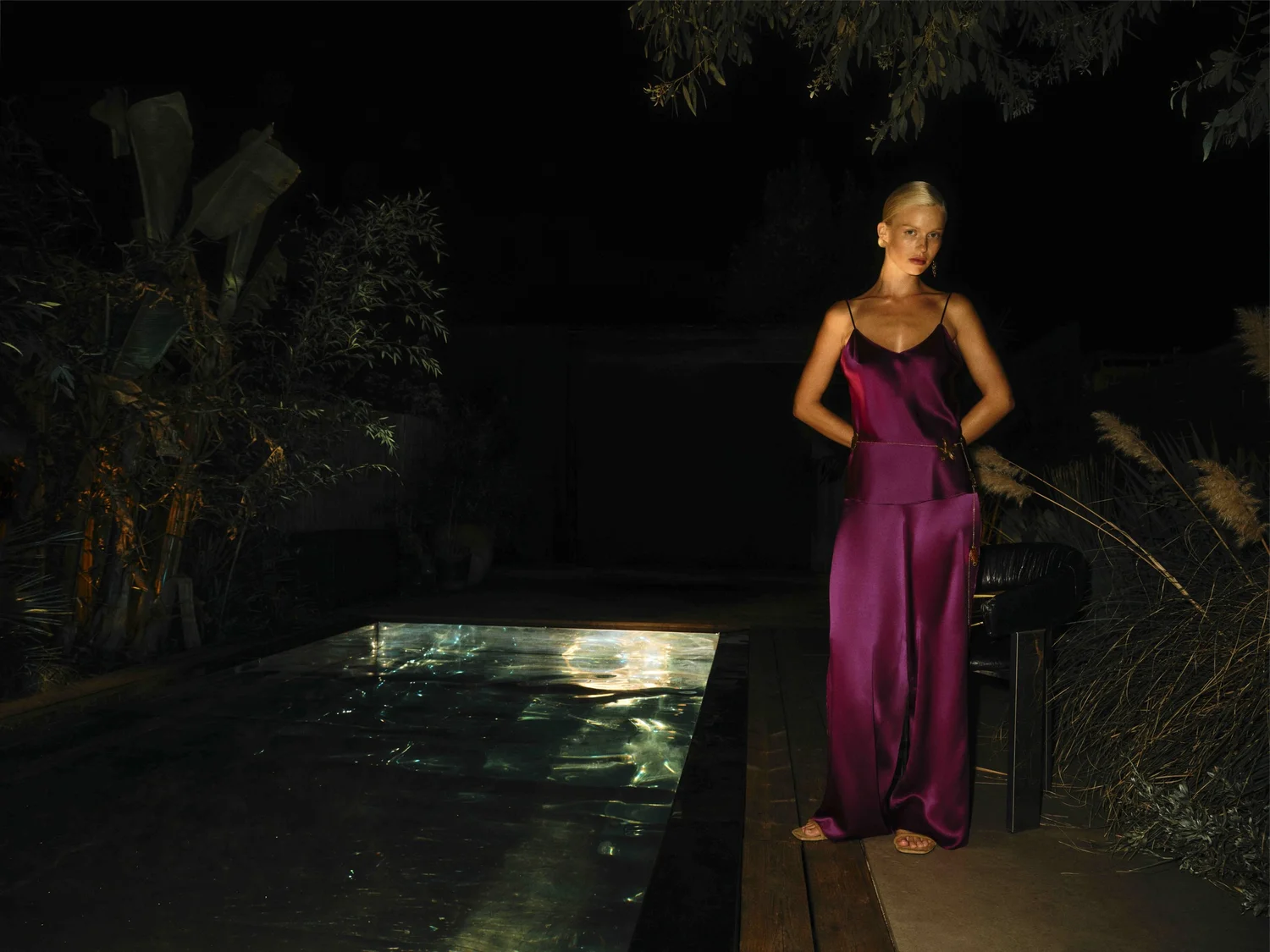
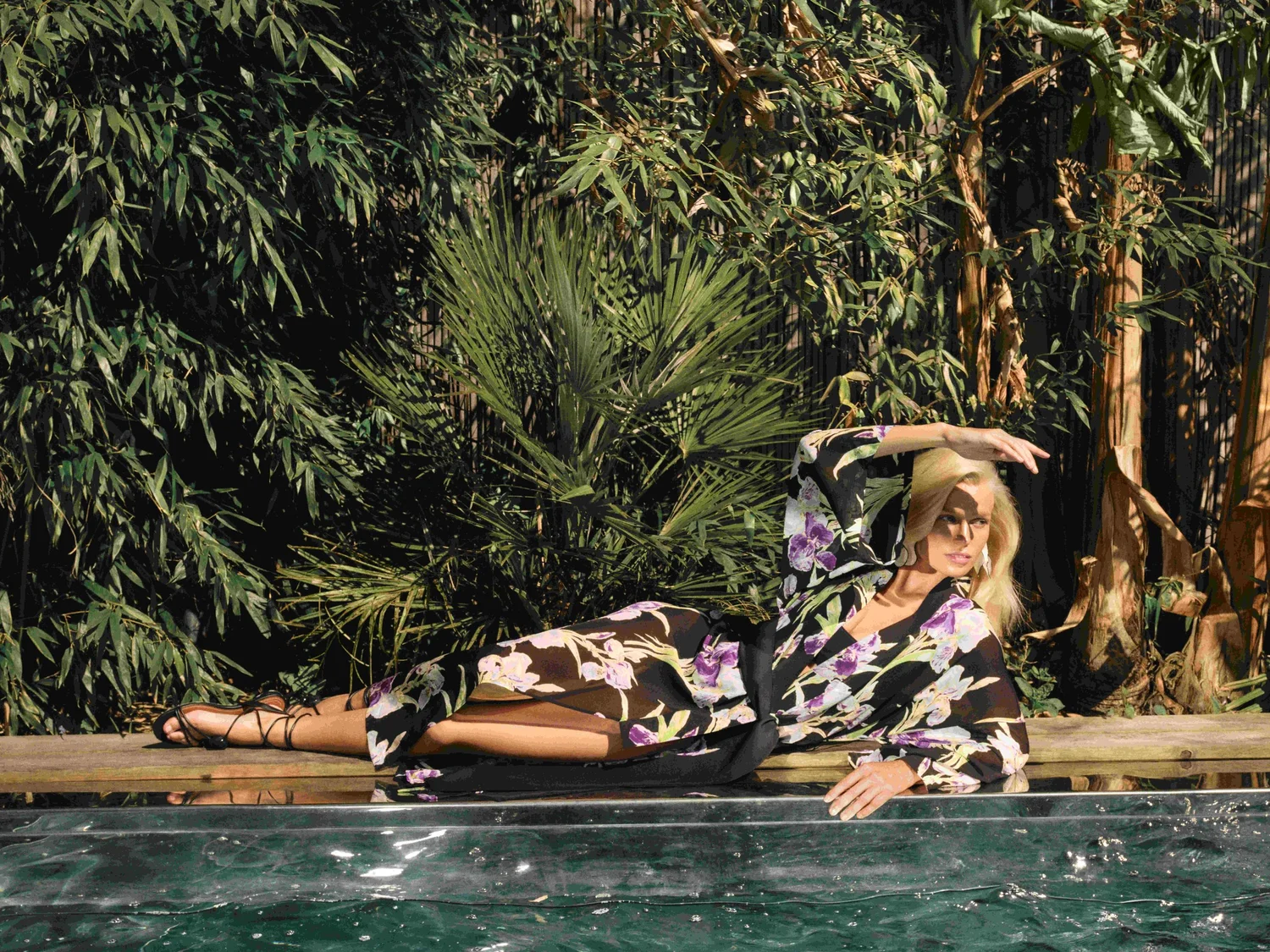
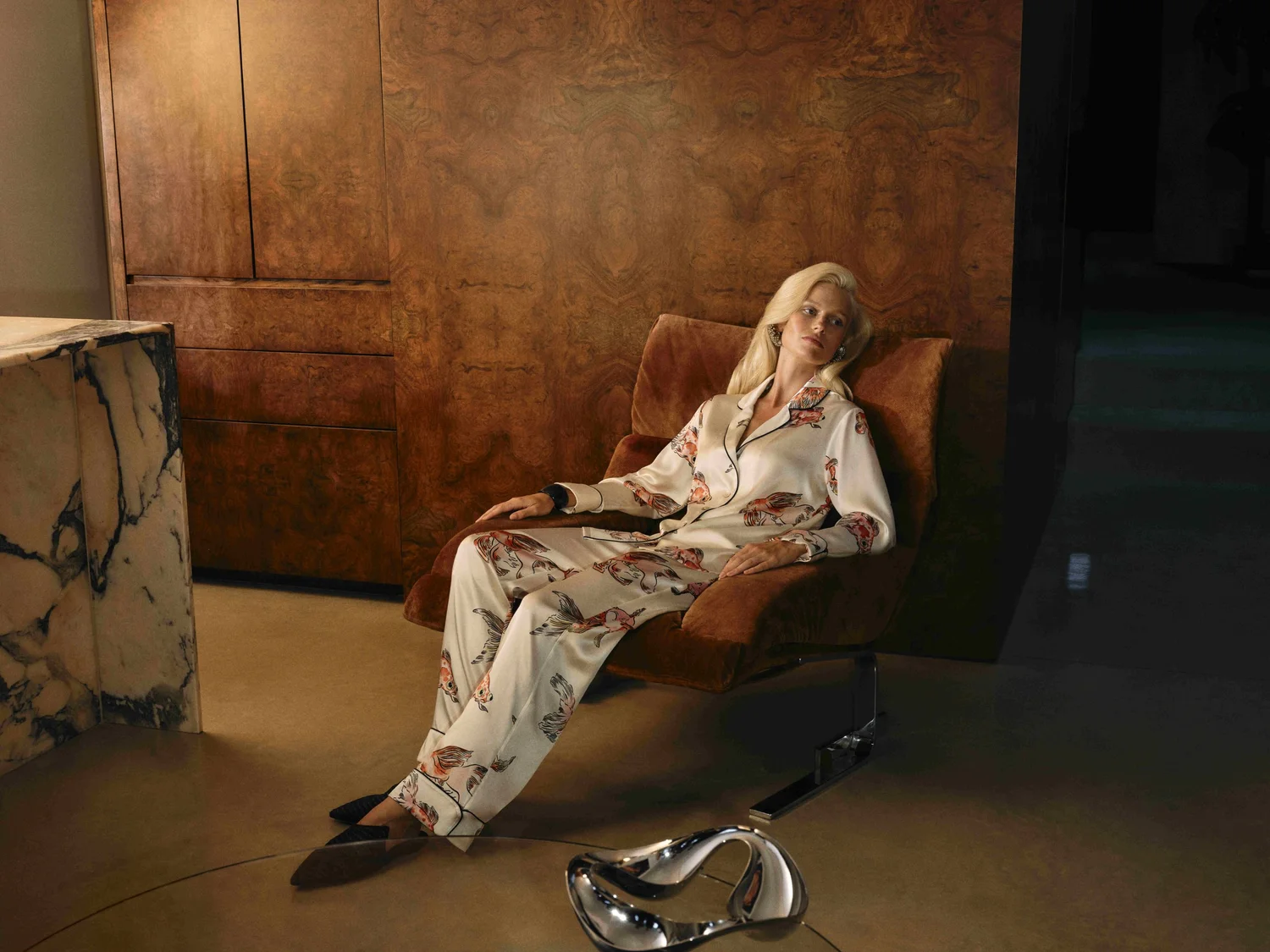
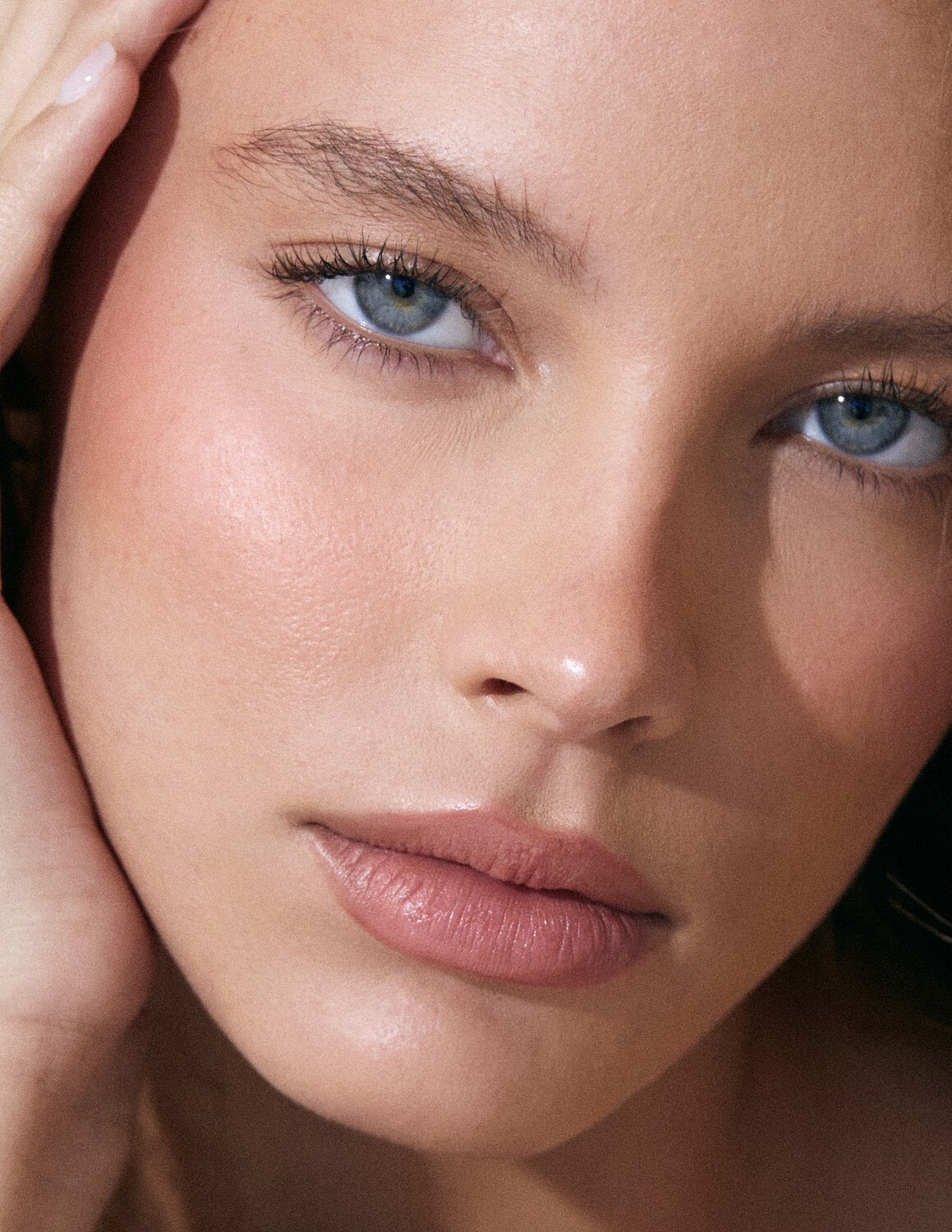
More pics of this model from Olivia Von Halle Still waiting for an ID





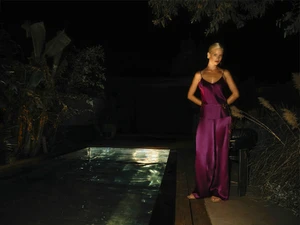

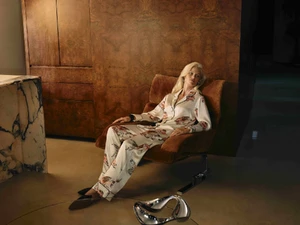 Bump
First time I have seen her was from Vineyard Vines. She is so beautiful! ❤️ ♥️
Bump
Her name?
Bump
First time I have seen her was from Vineyard Vines. She is so beautiful! ❤️ ♥️
Bump
Her name?

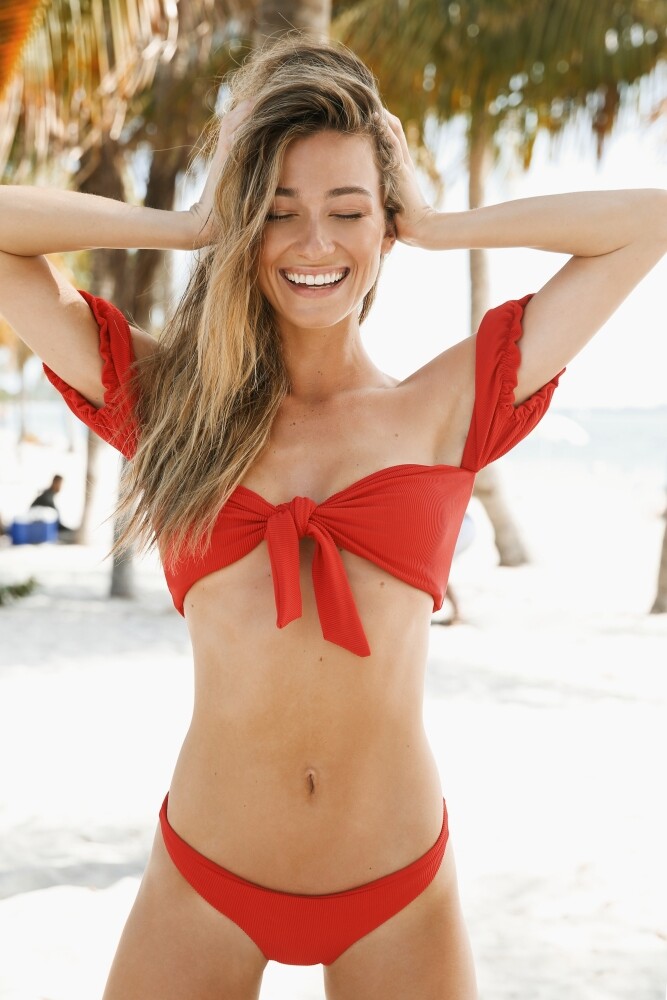
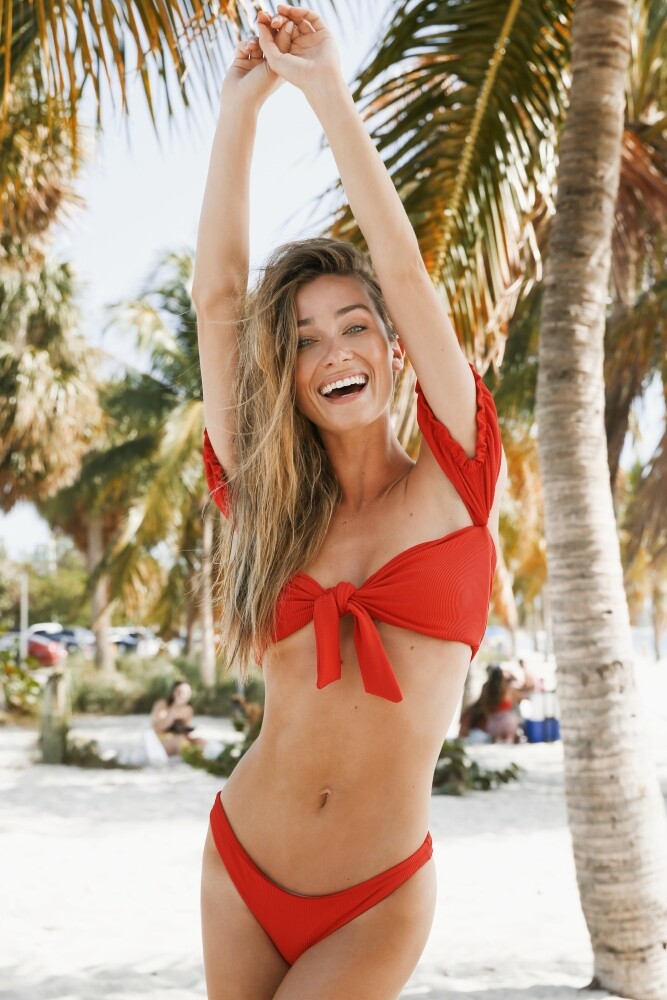
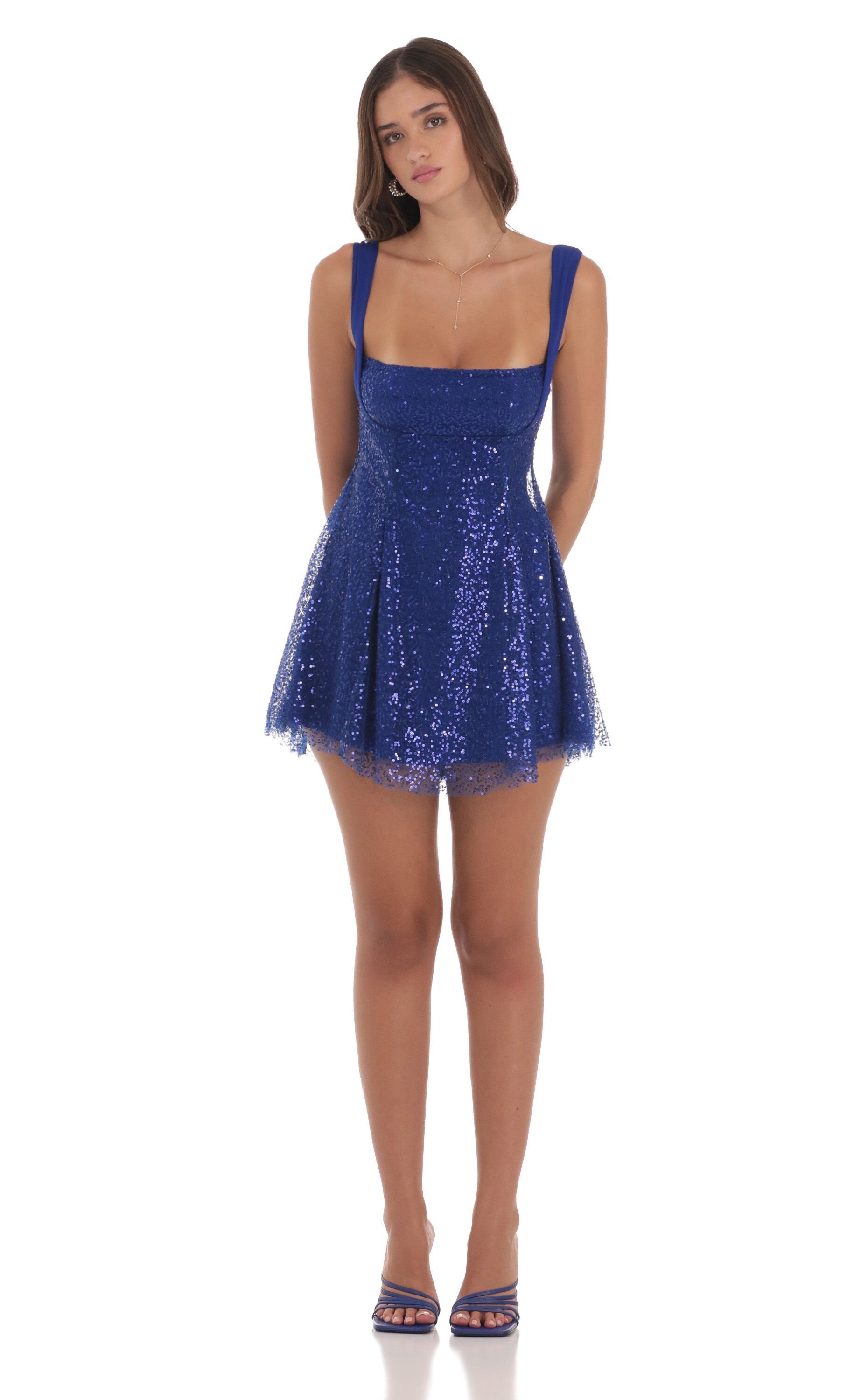
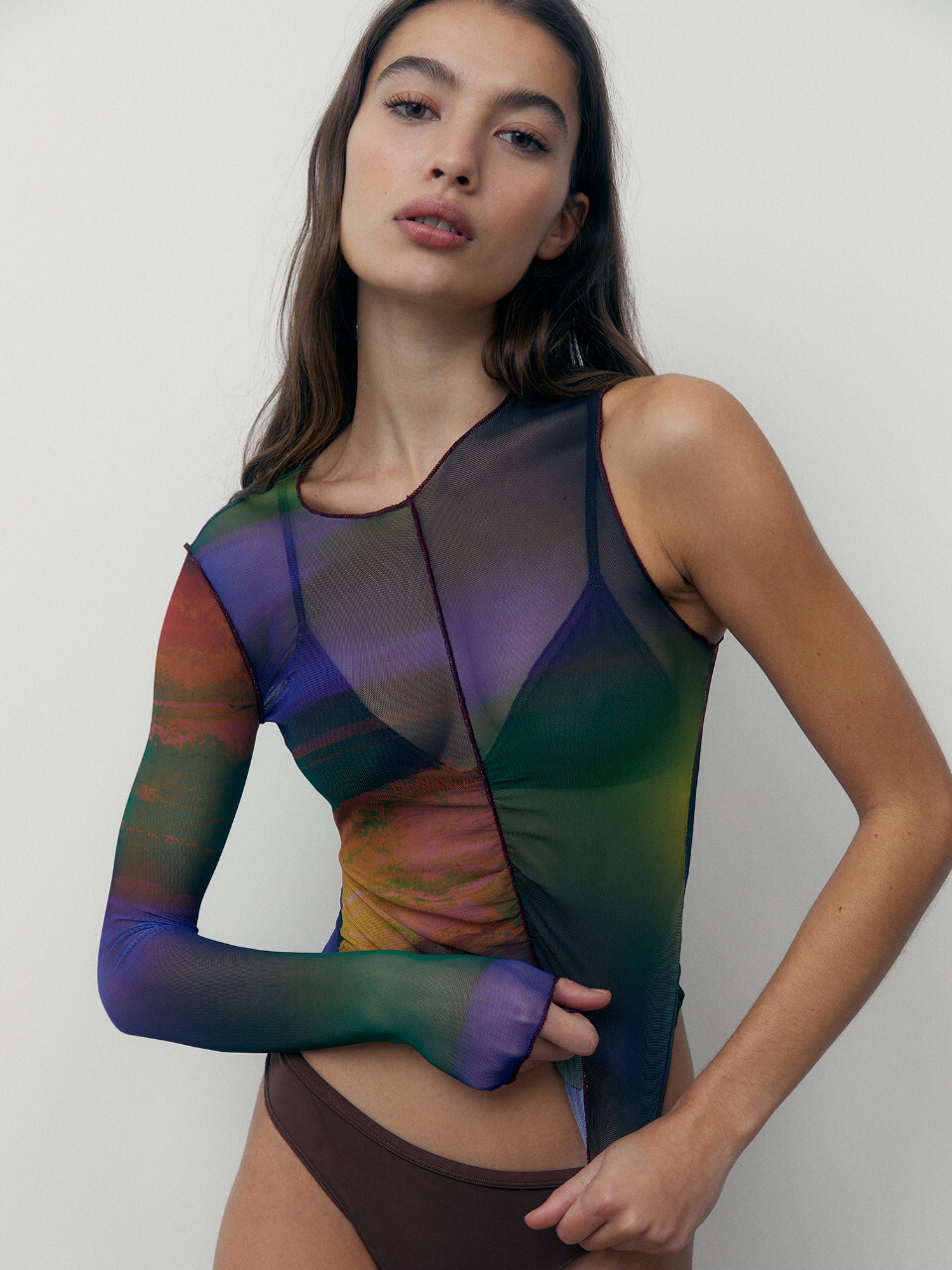
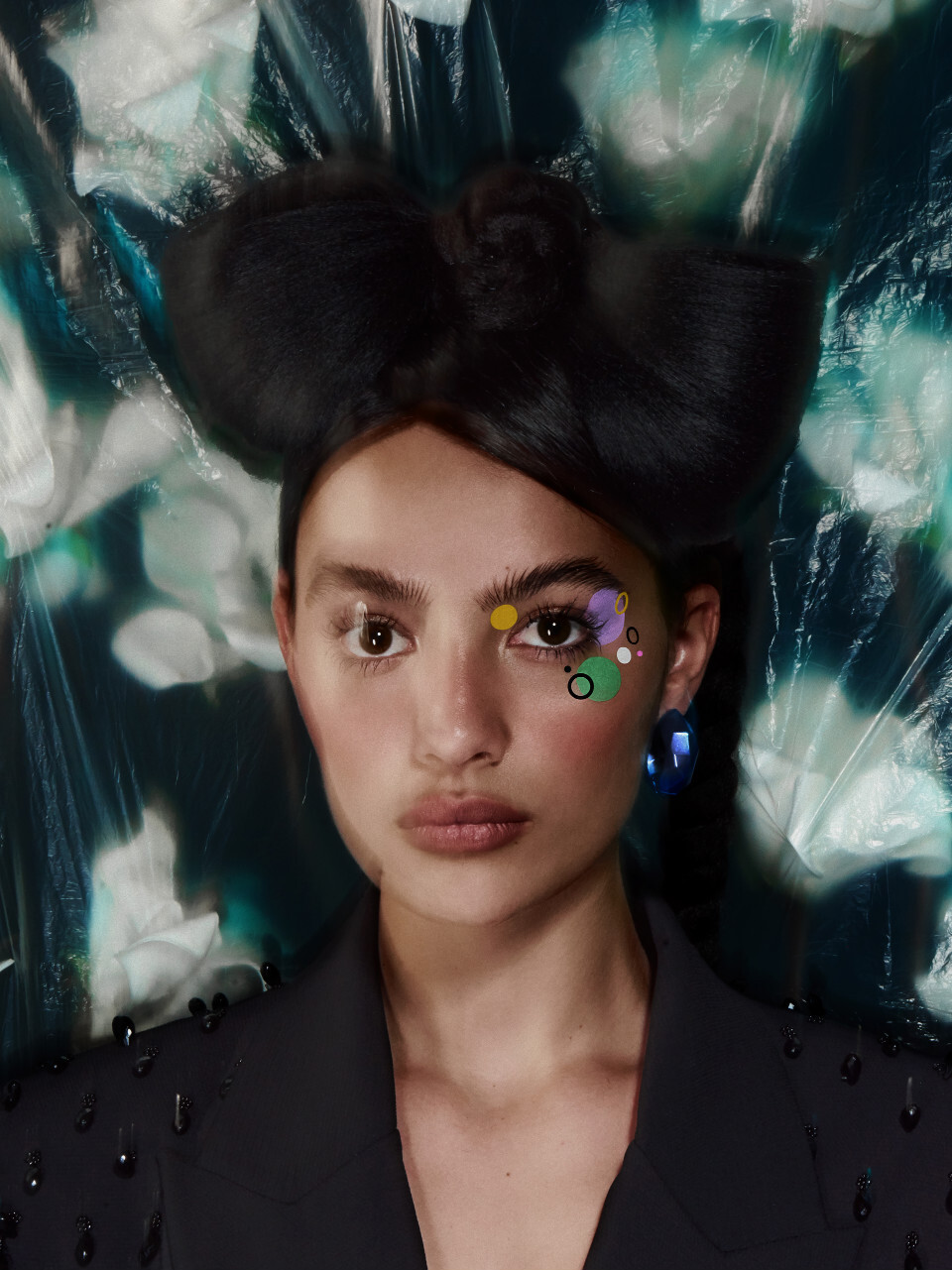
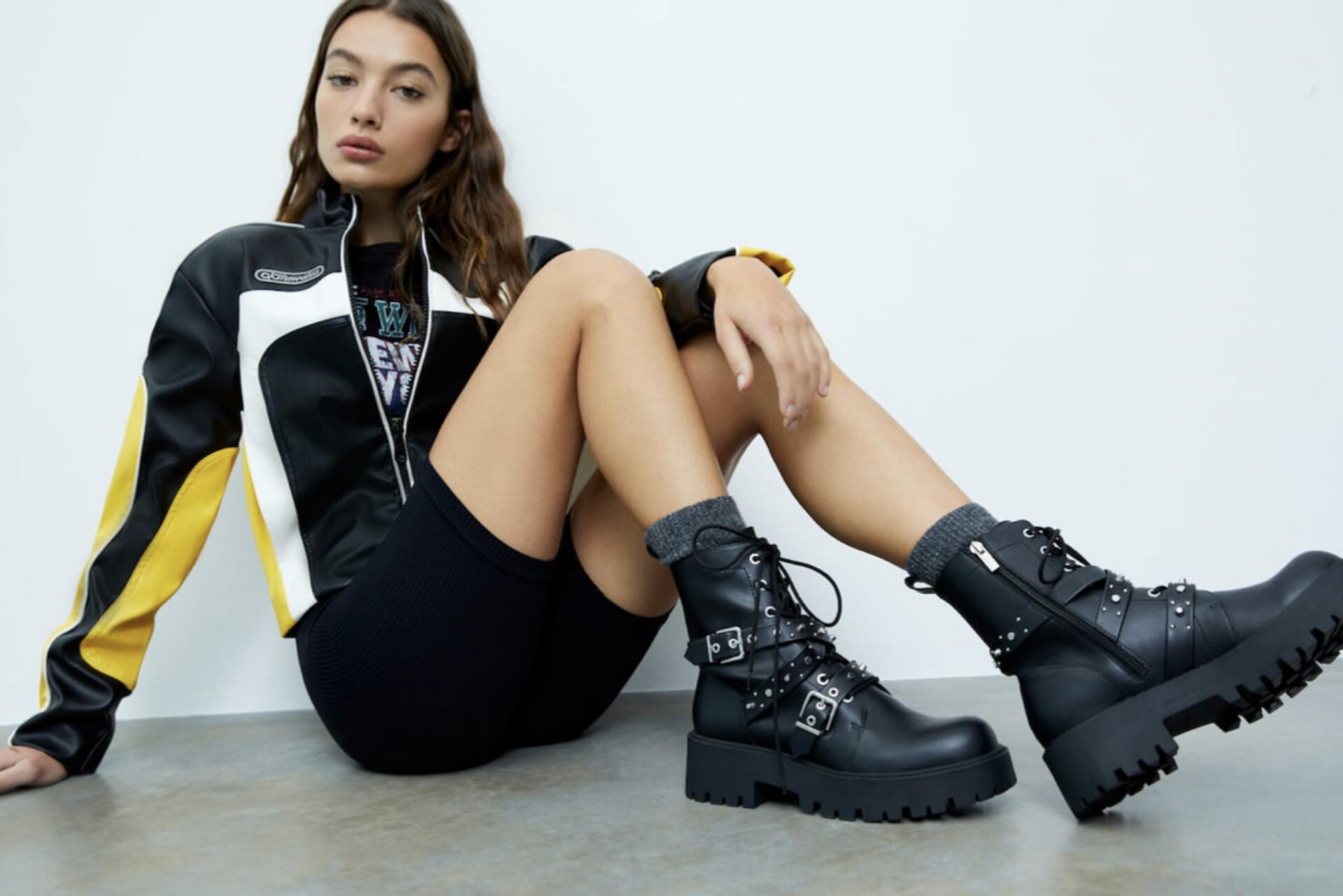
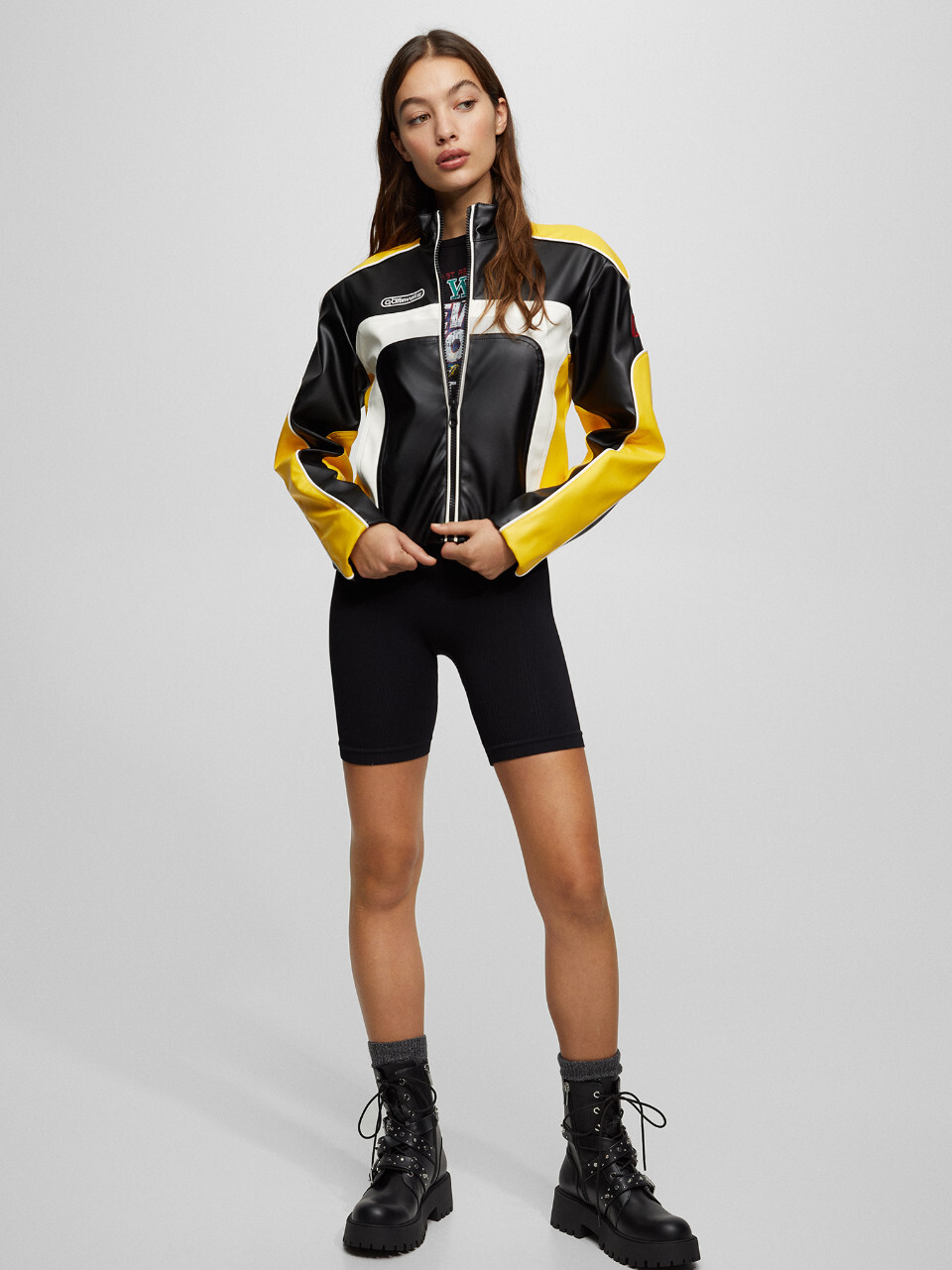
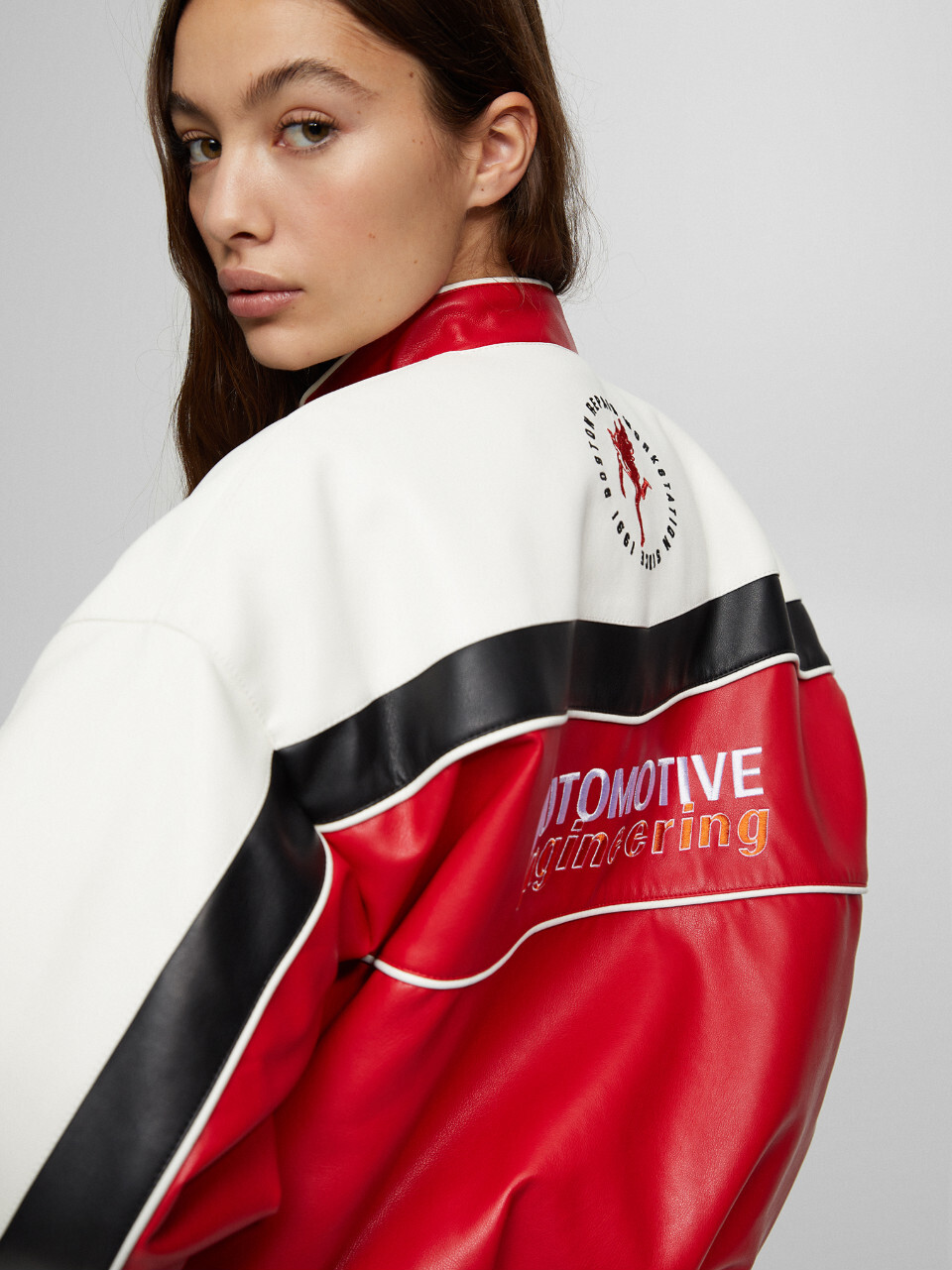
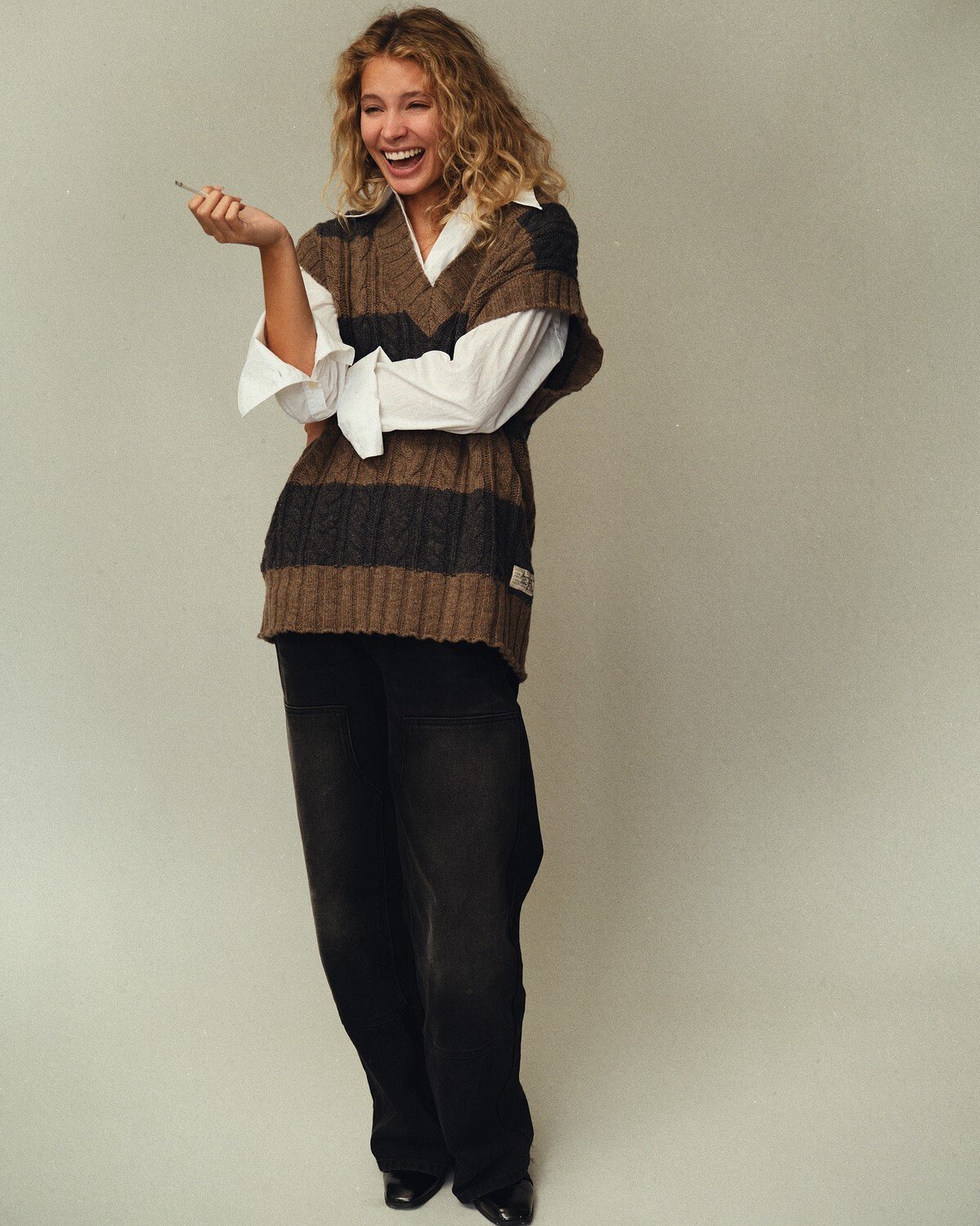
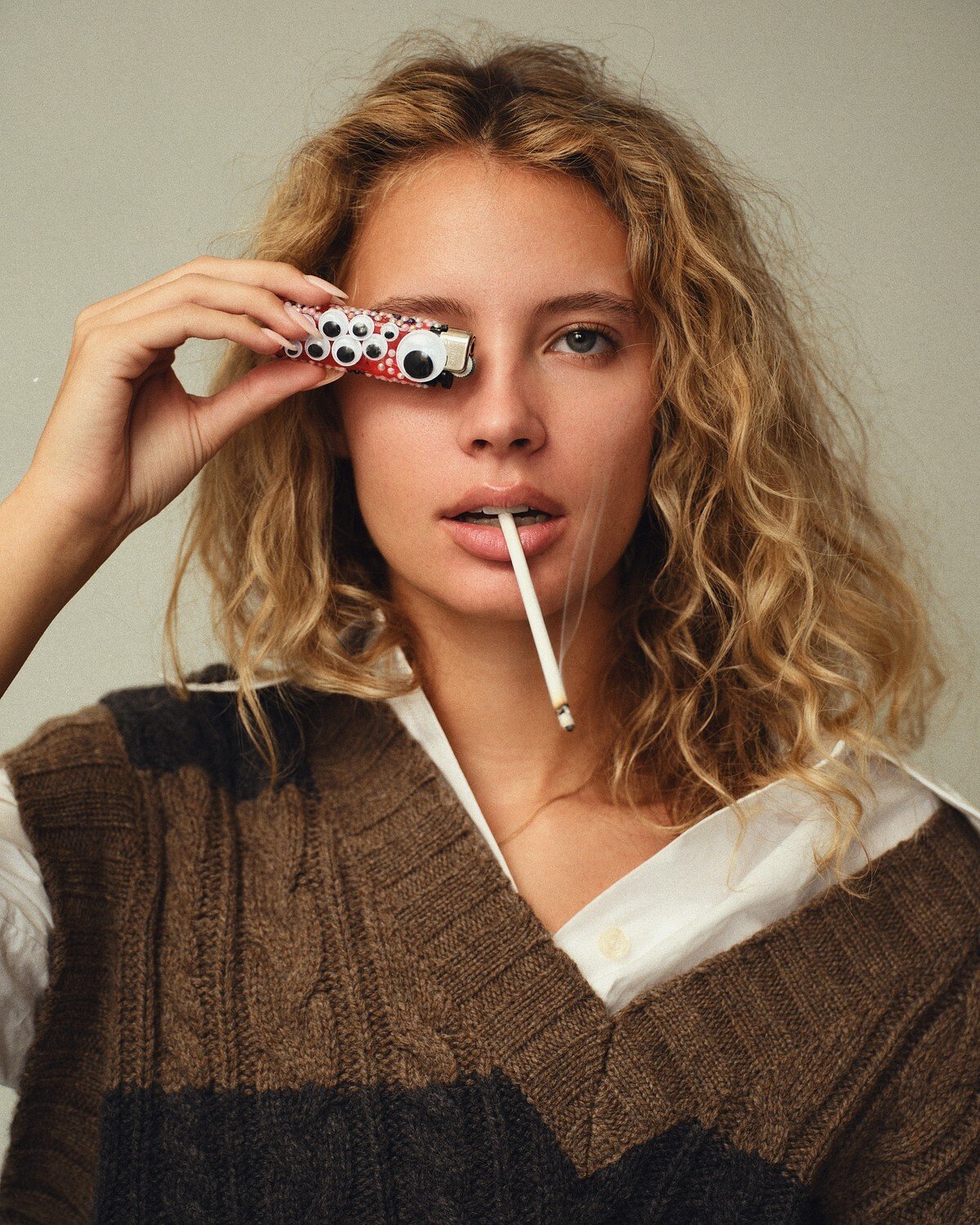
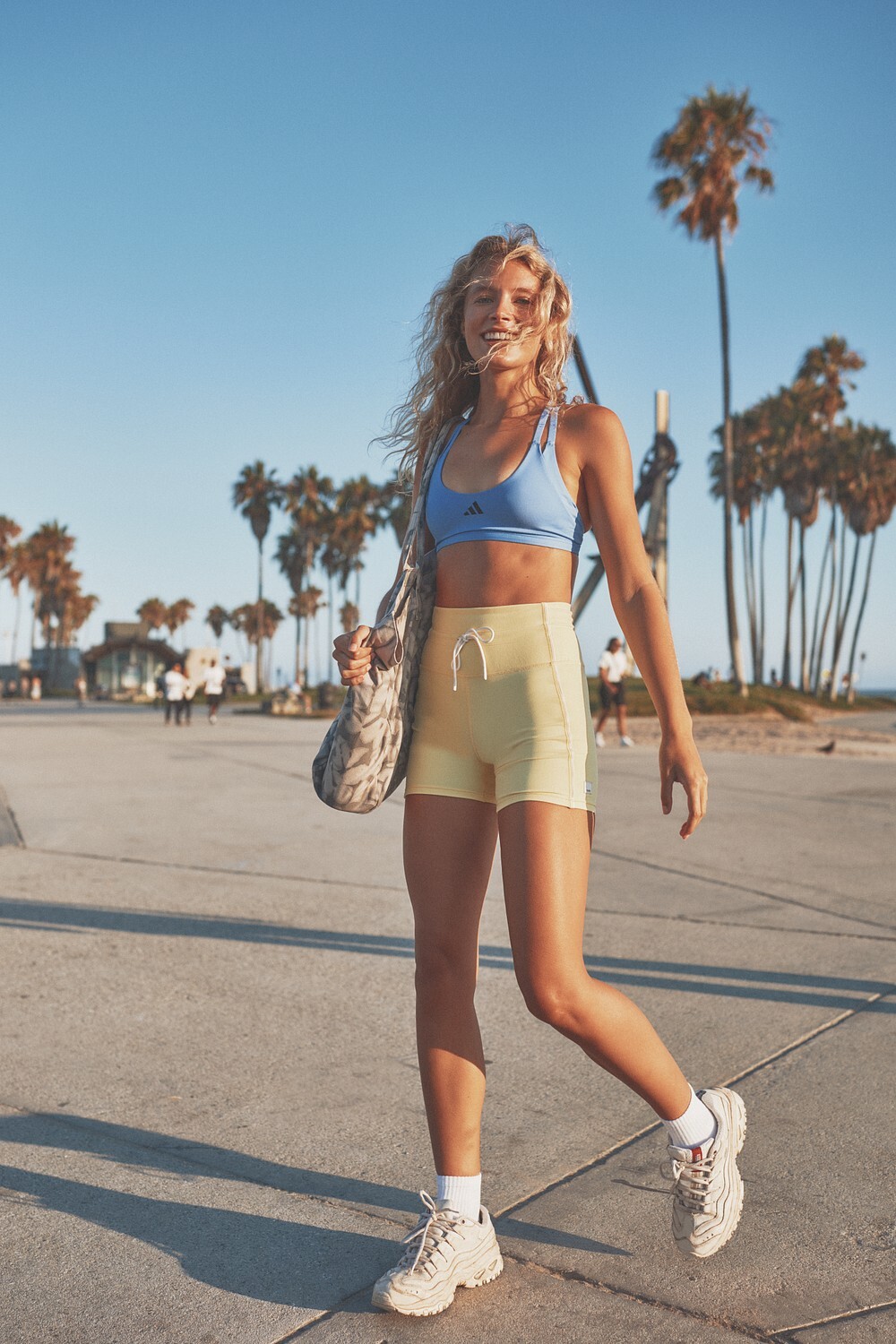
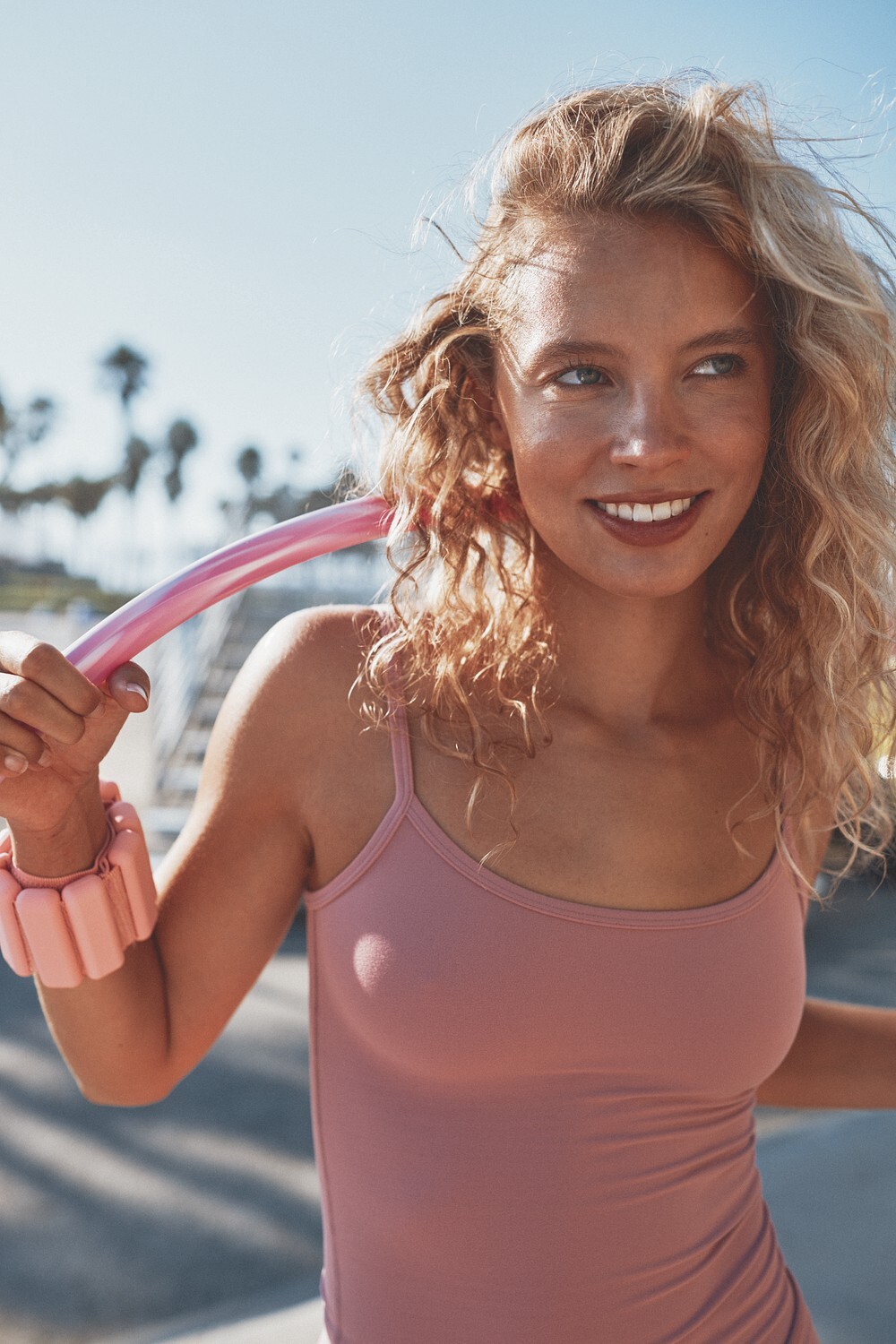
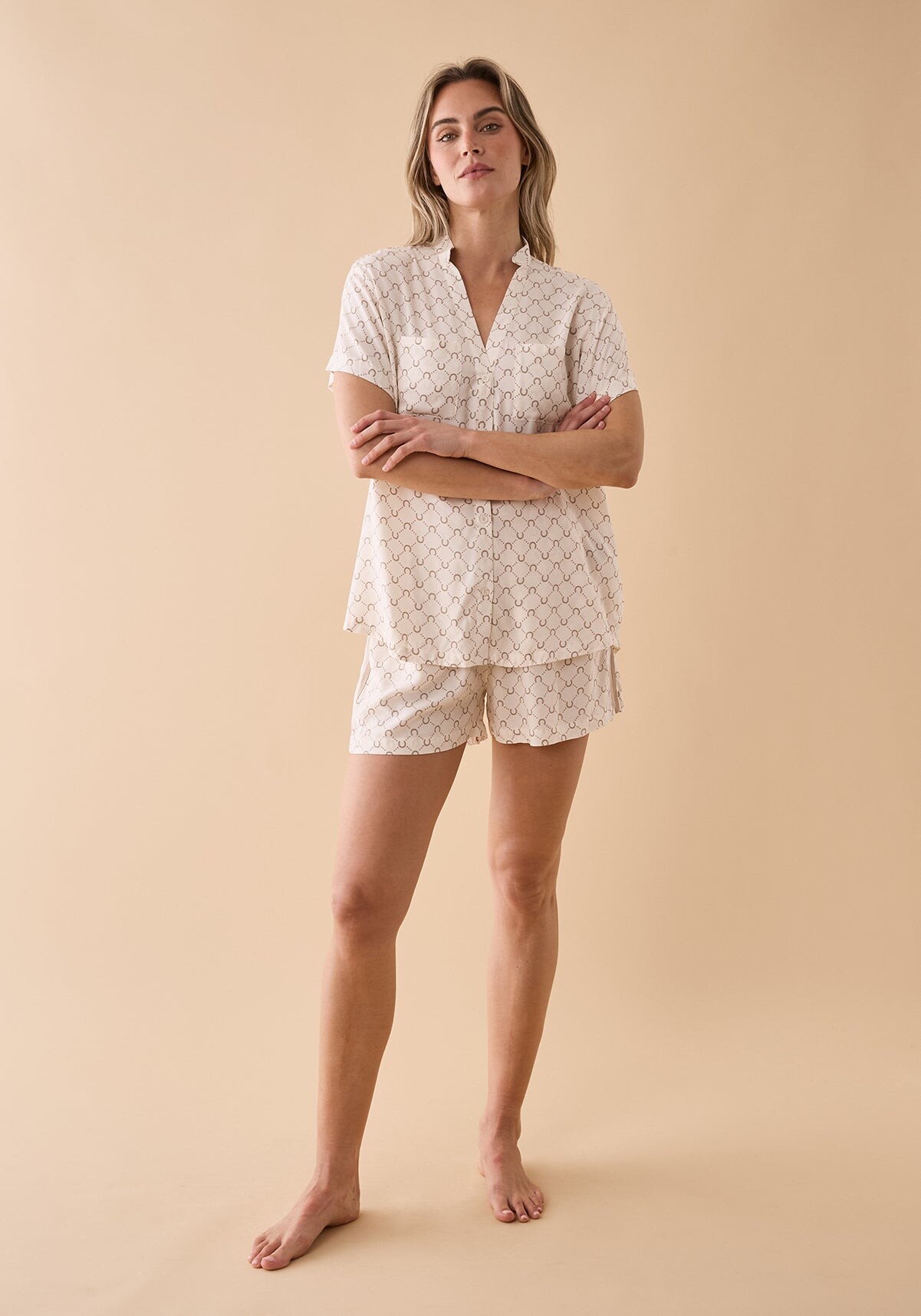
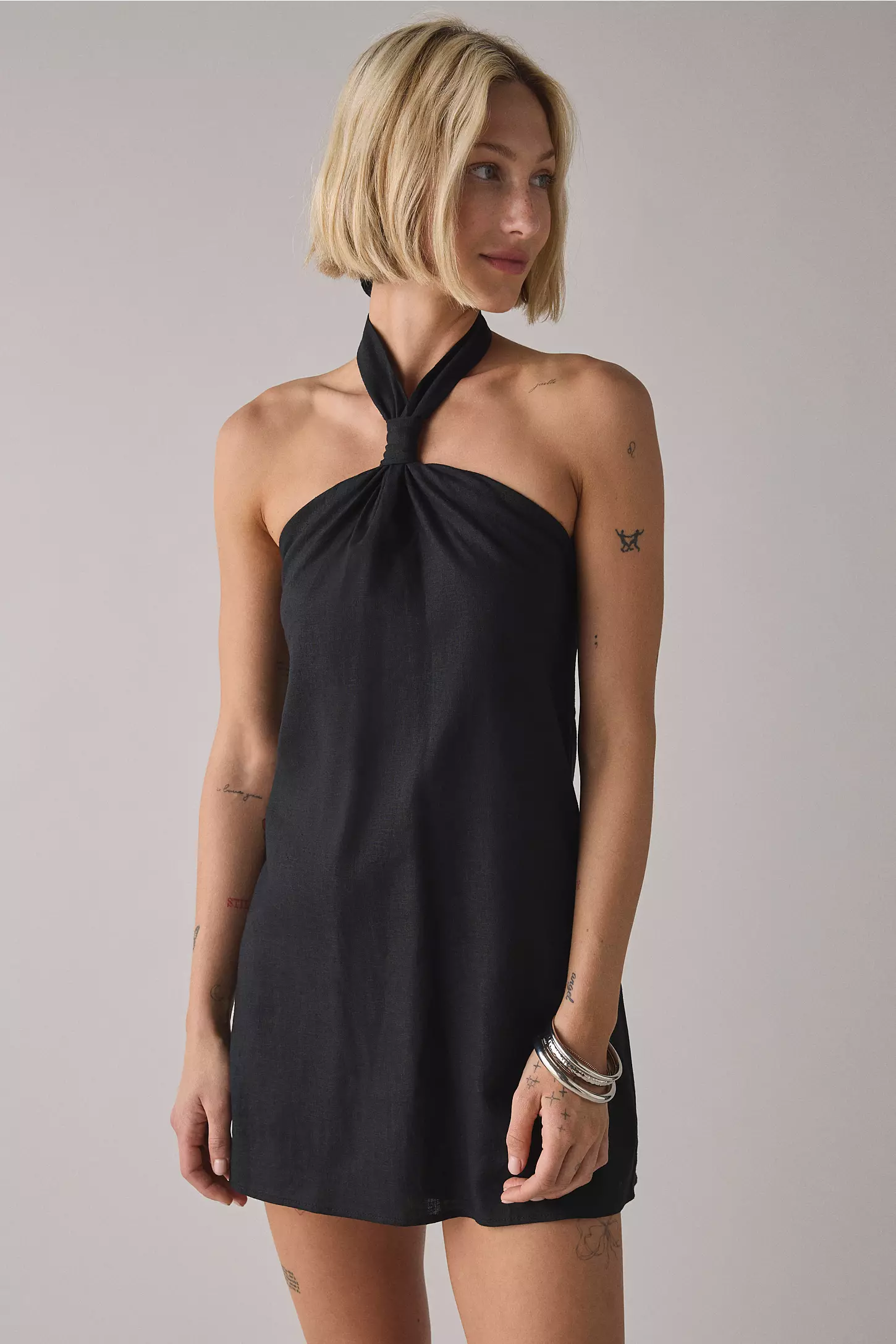
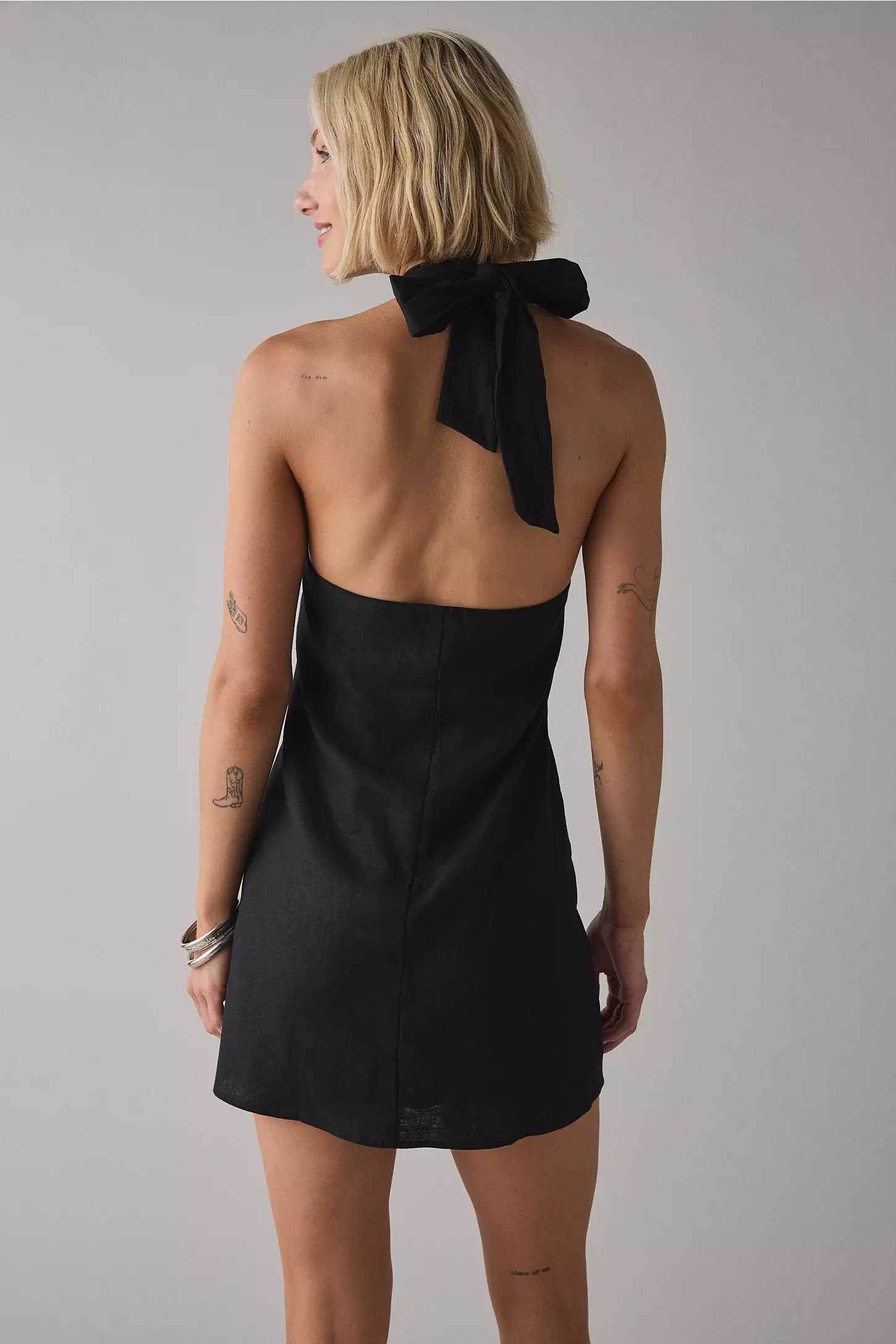
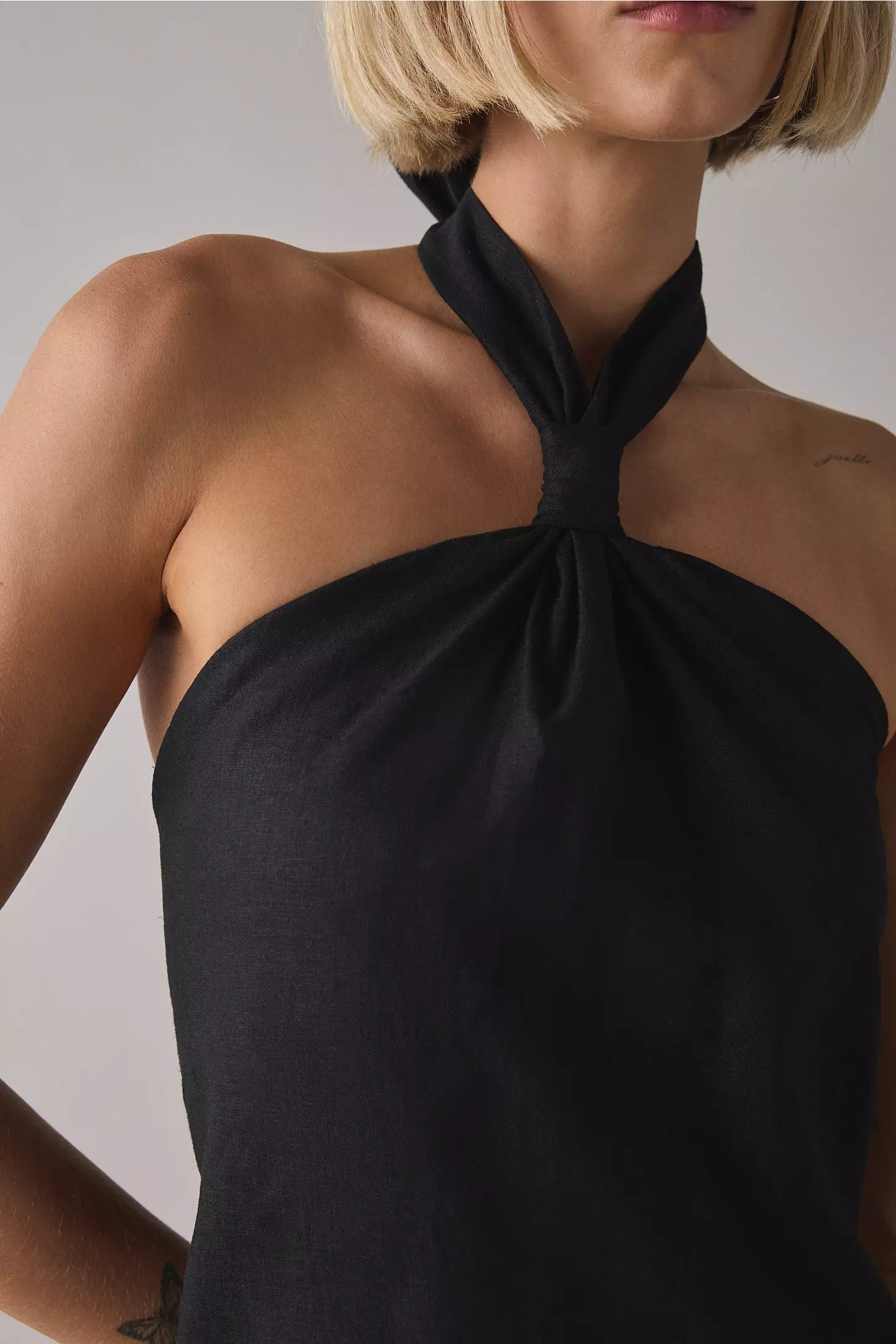
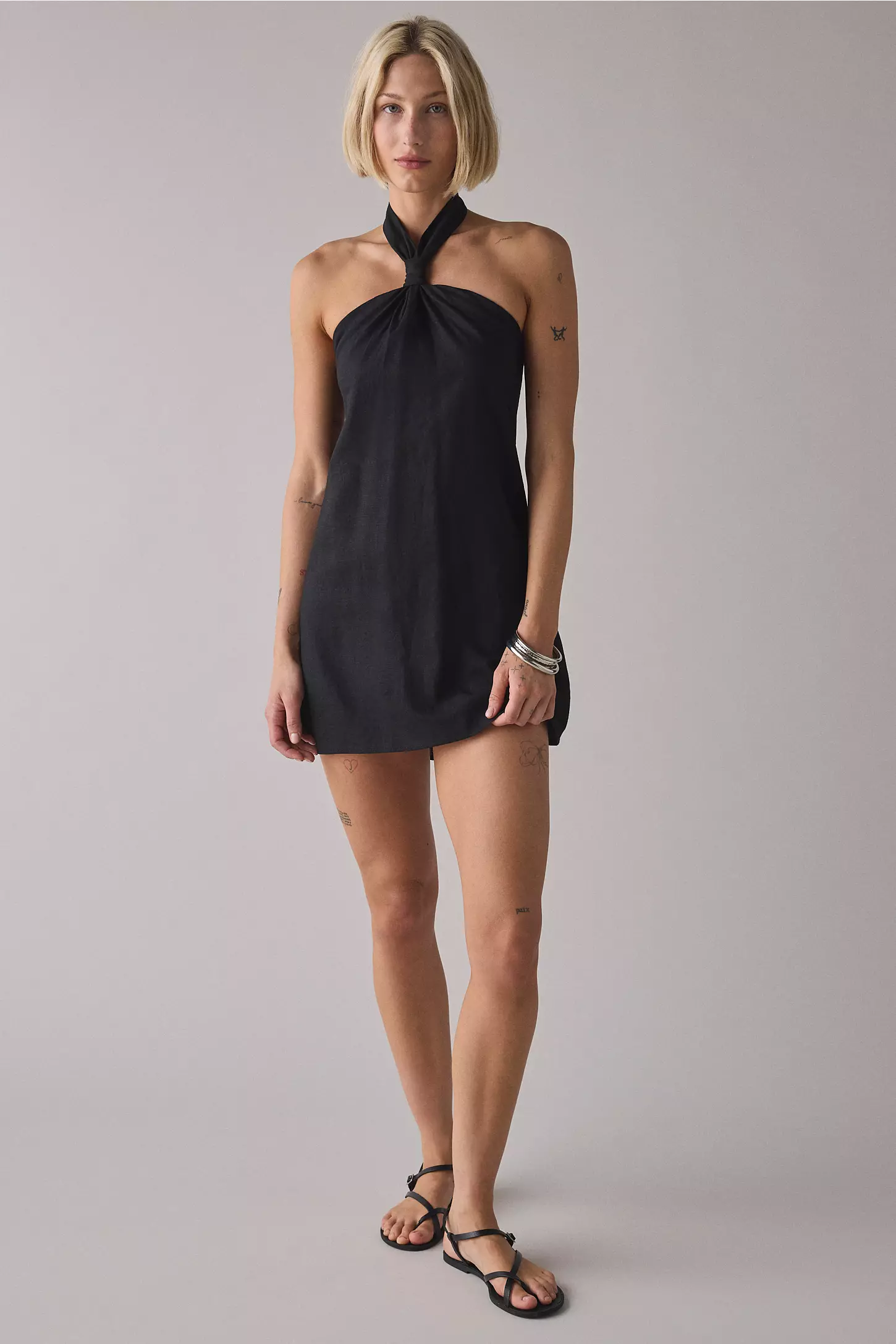
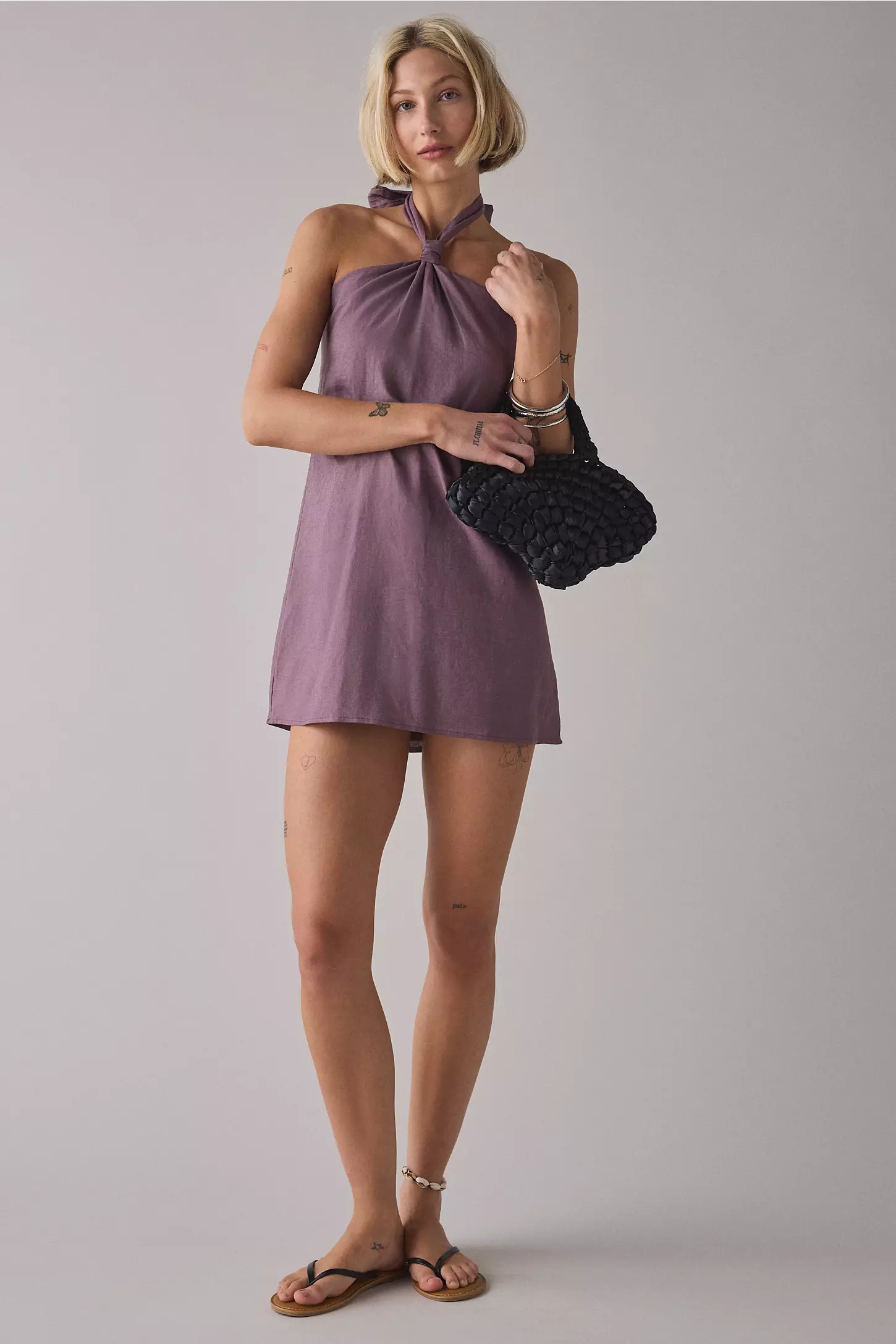
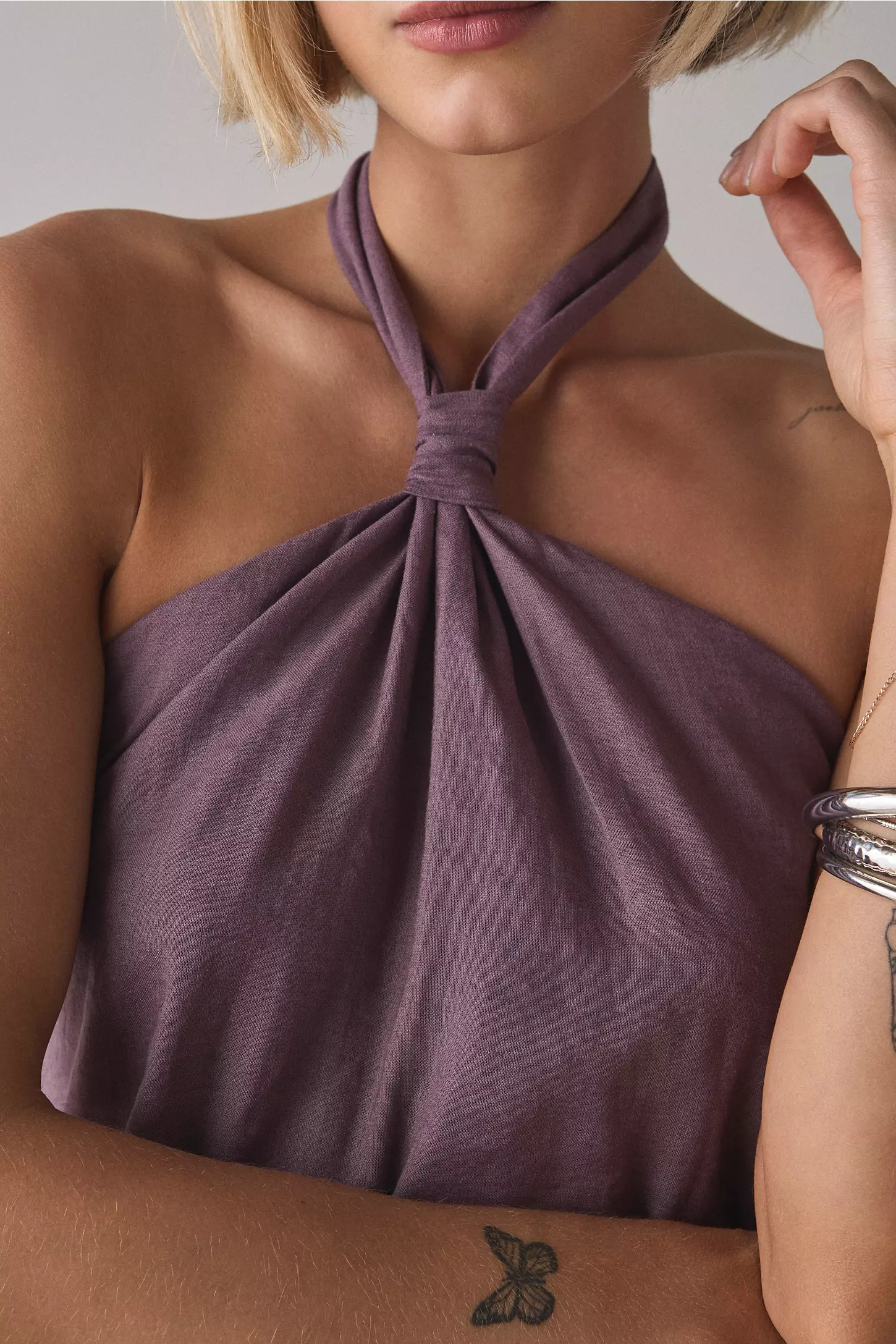
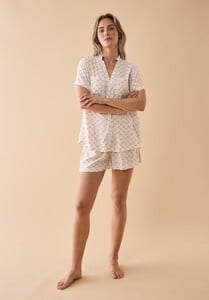 Latest pics from Urban Outfitters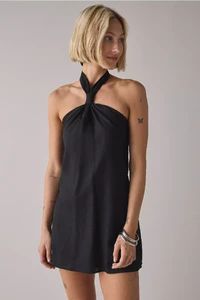
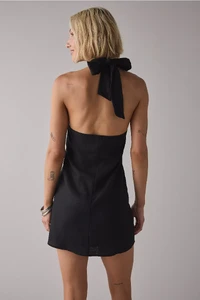
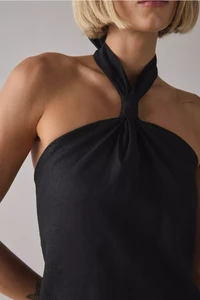
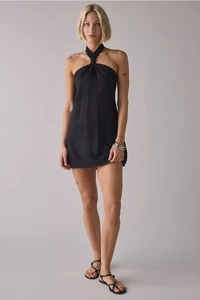



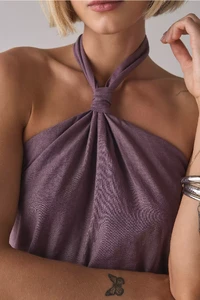 It is her! Thanks!






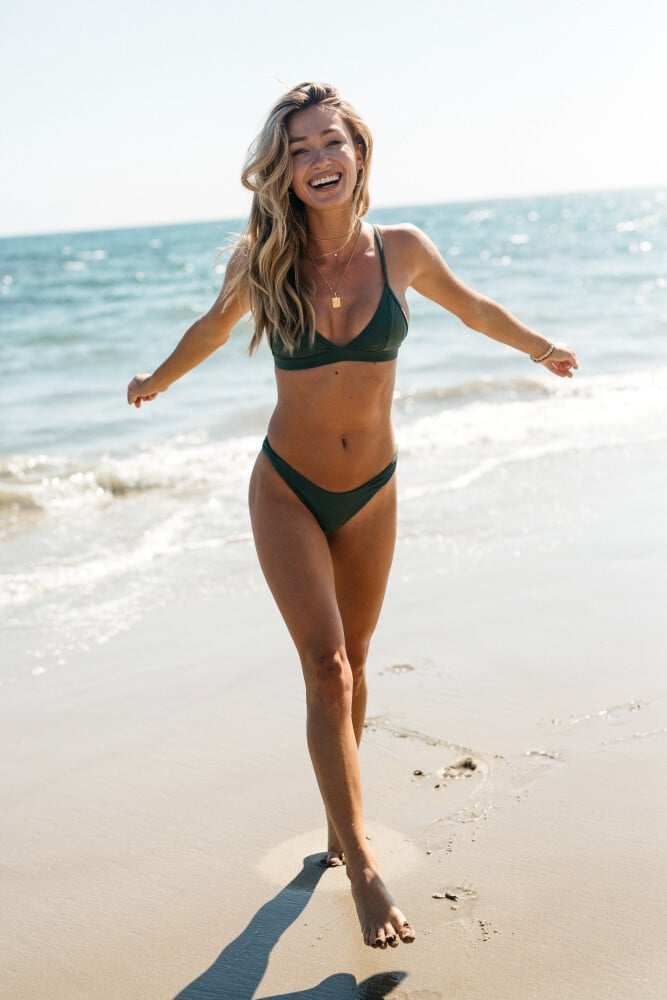
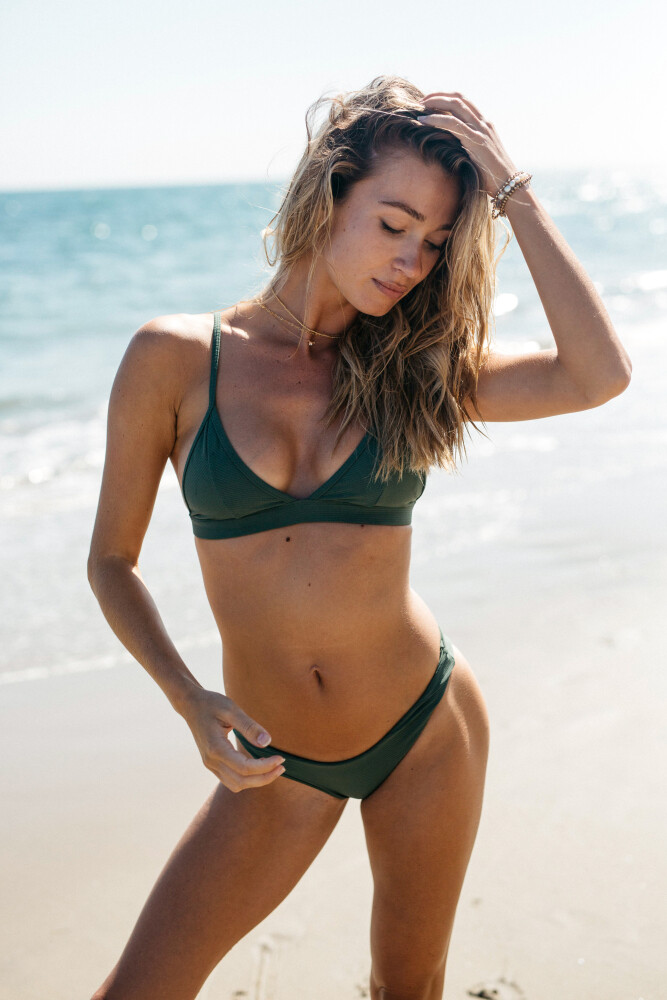




















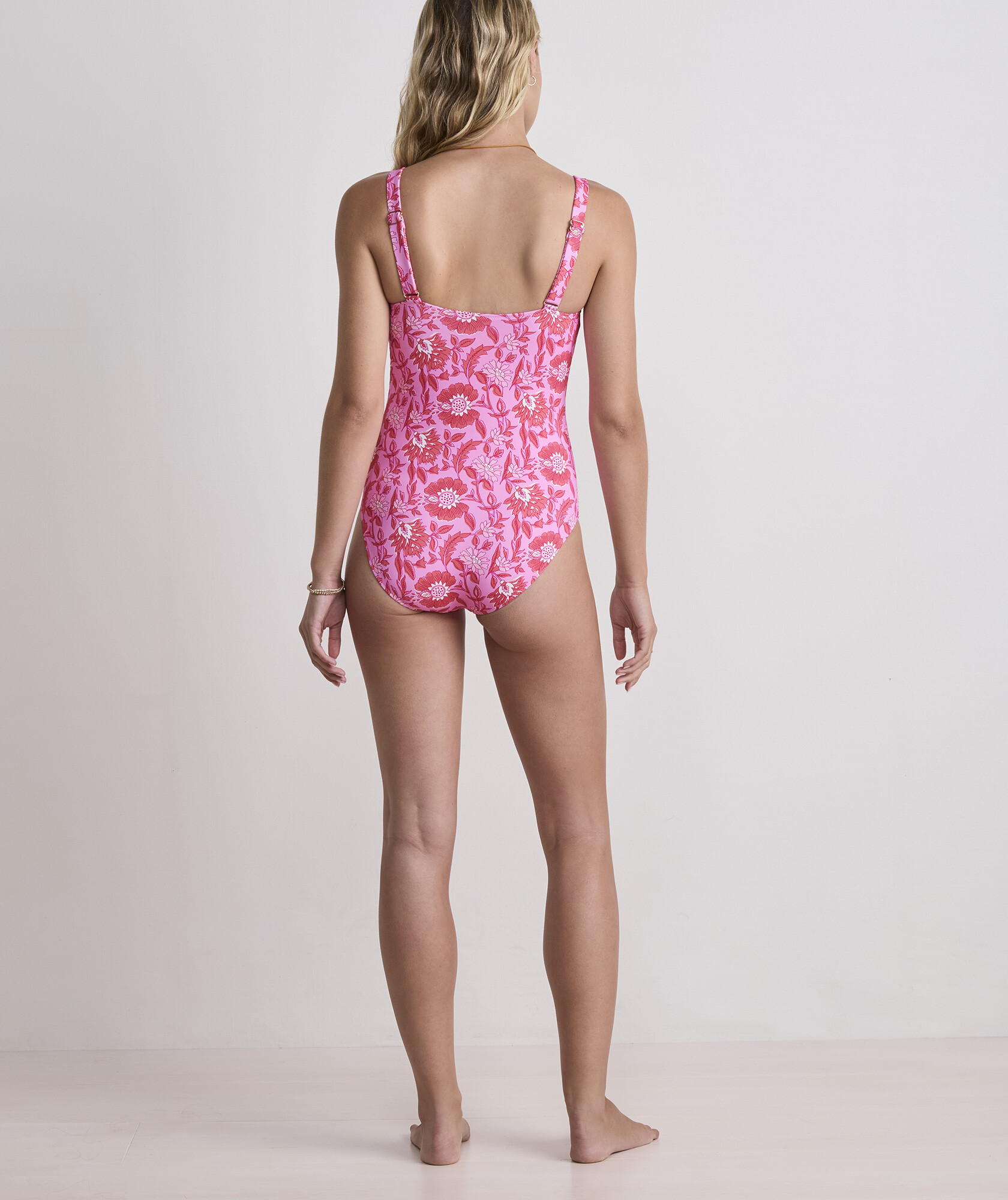
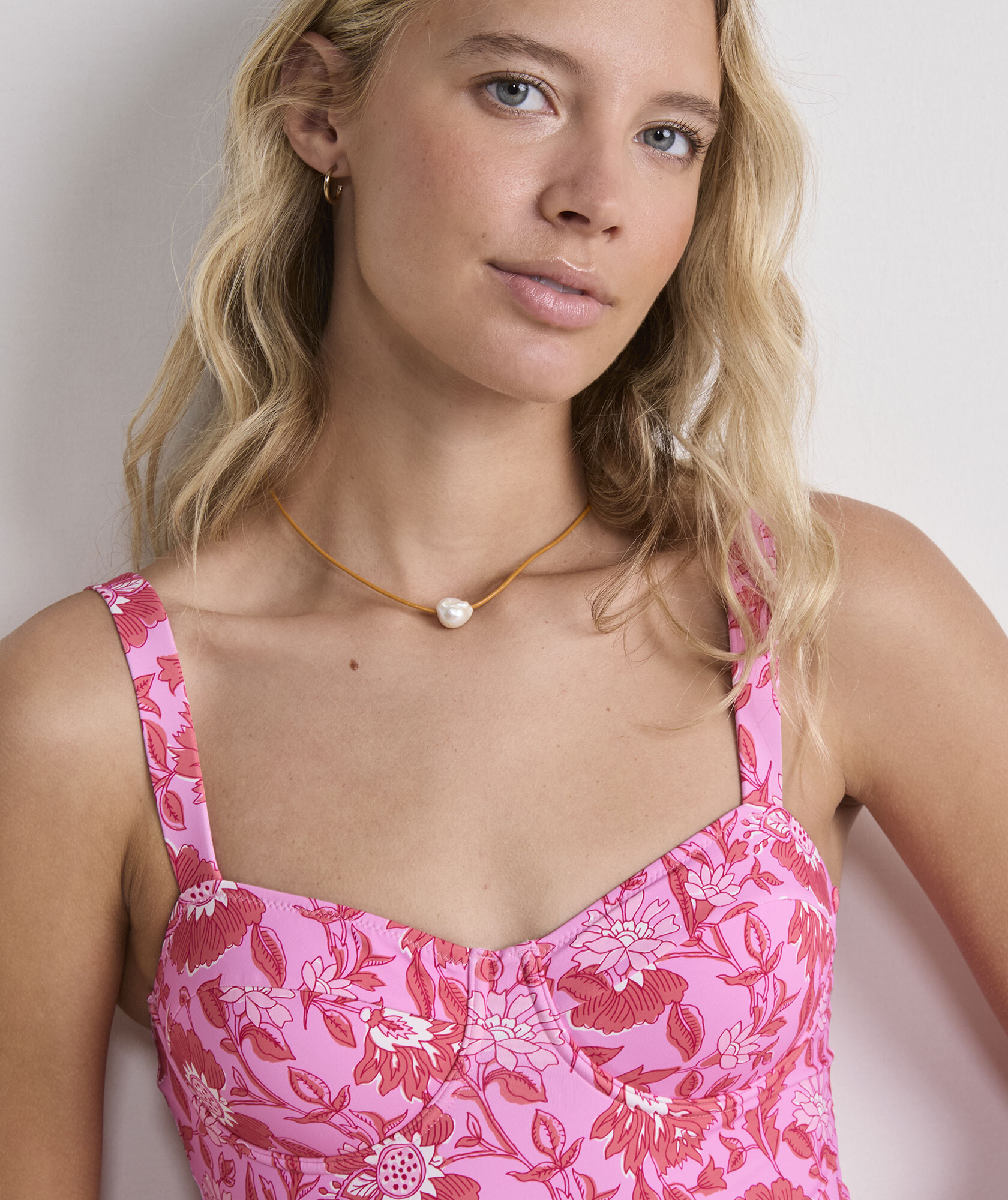
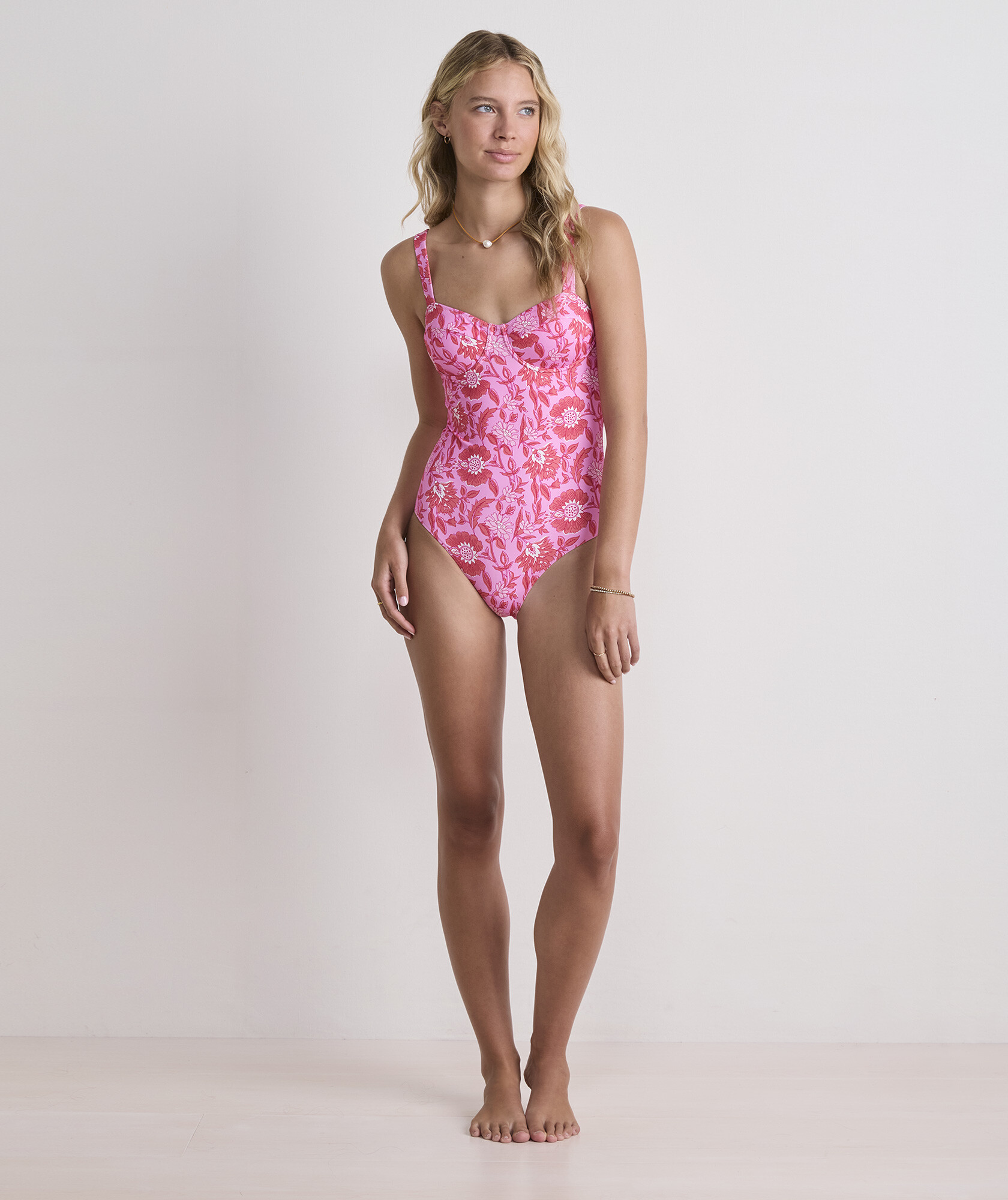
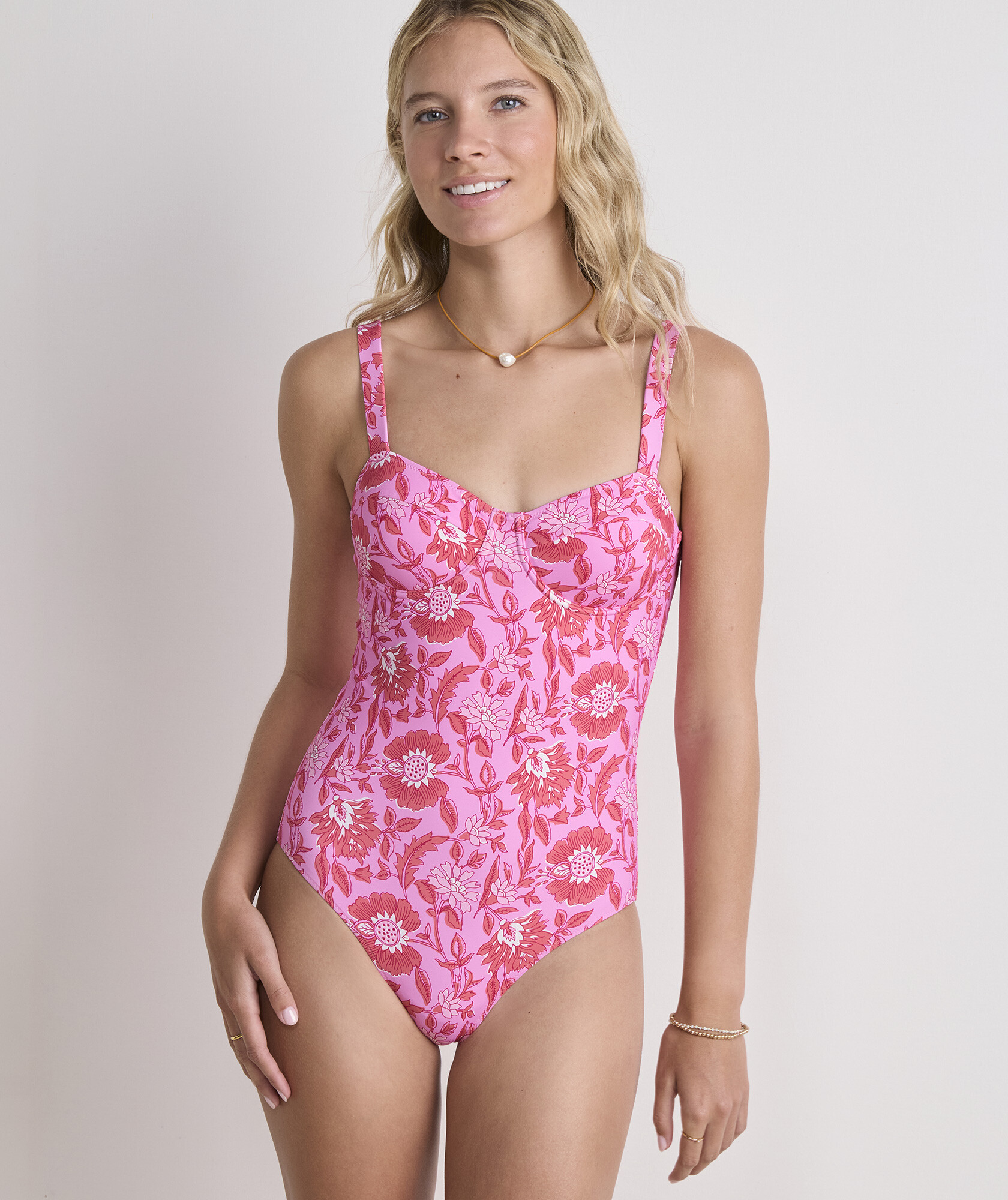
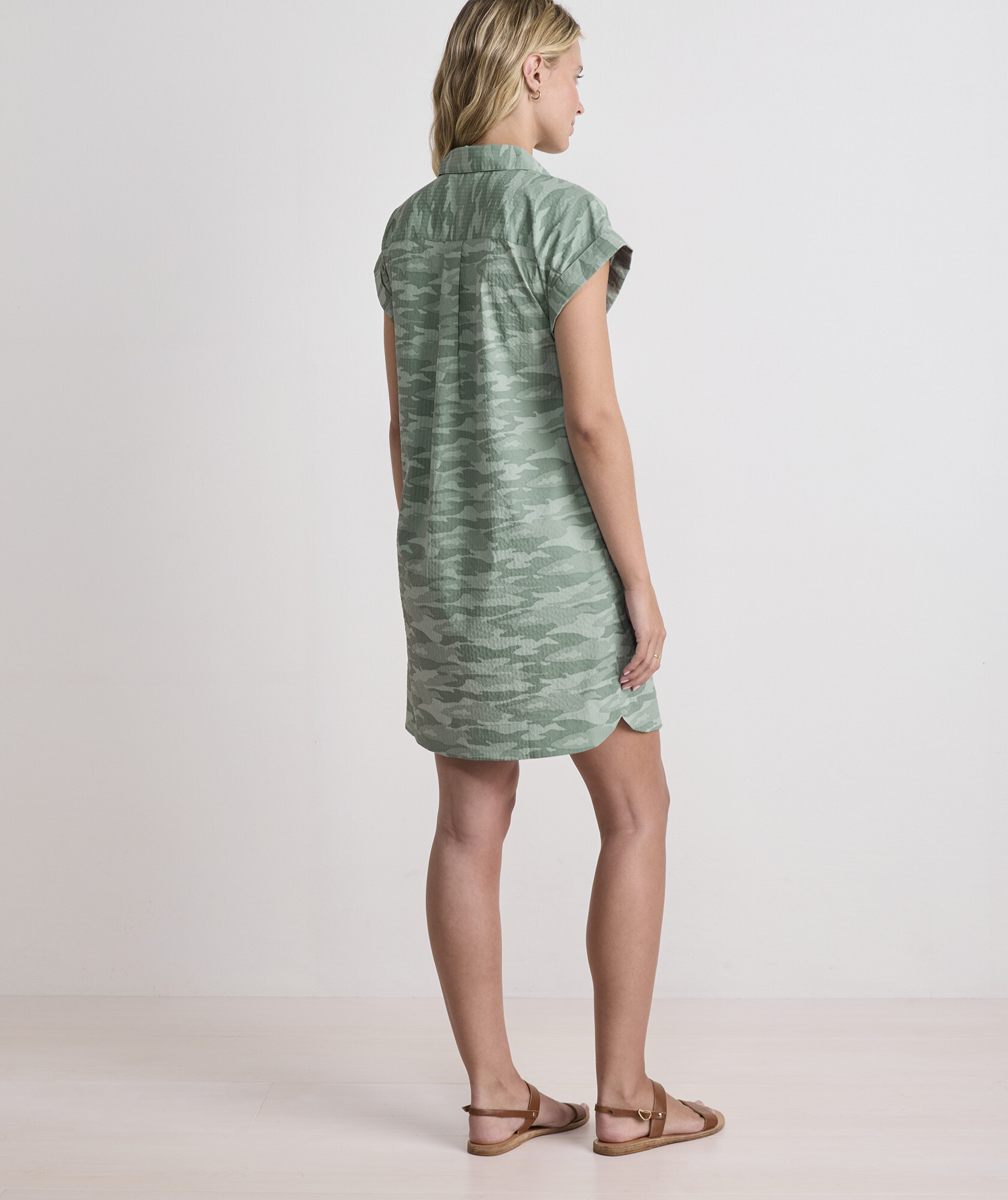
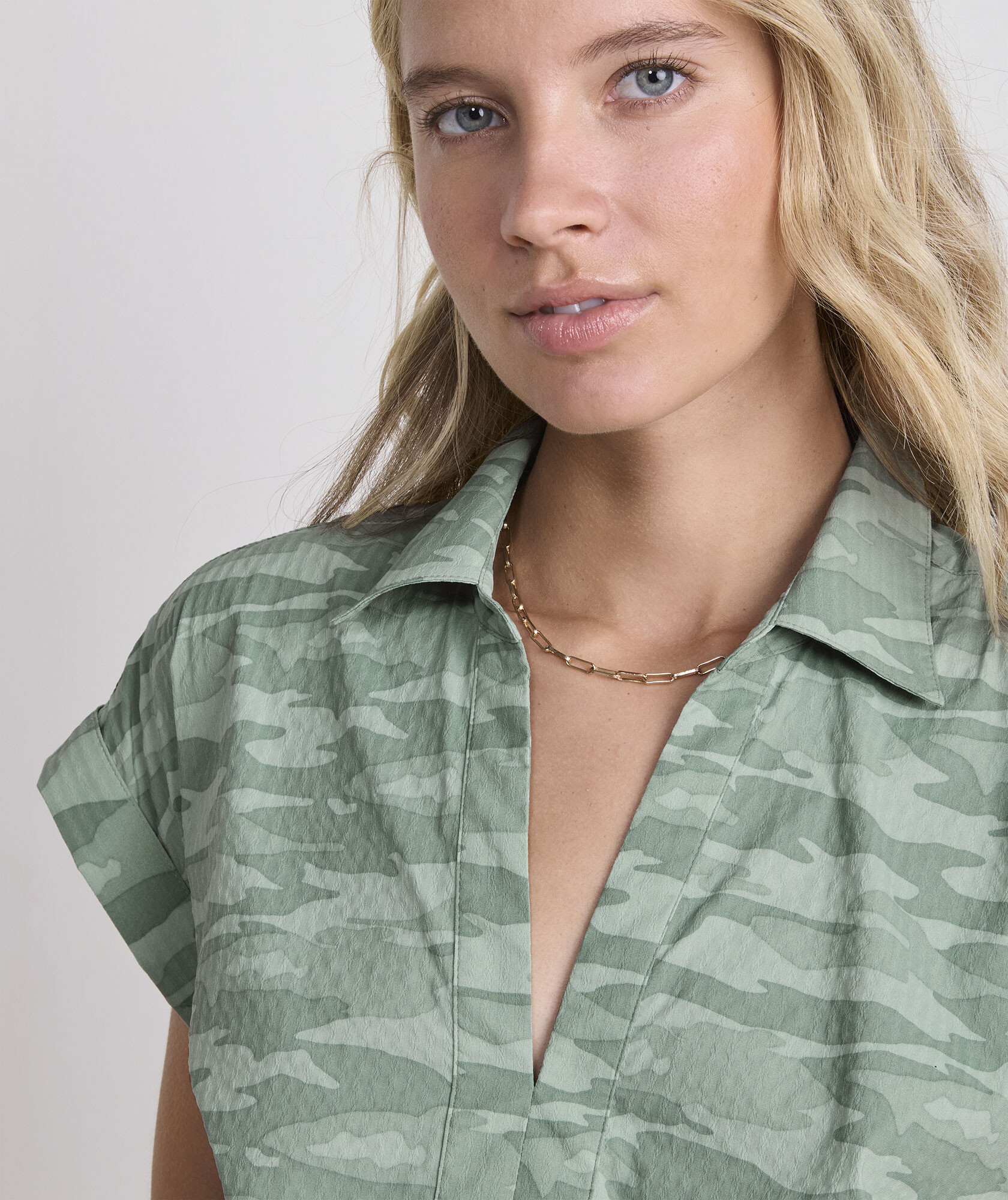
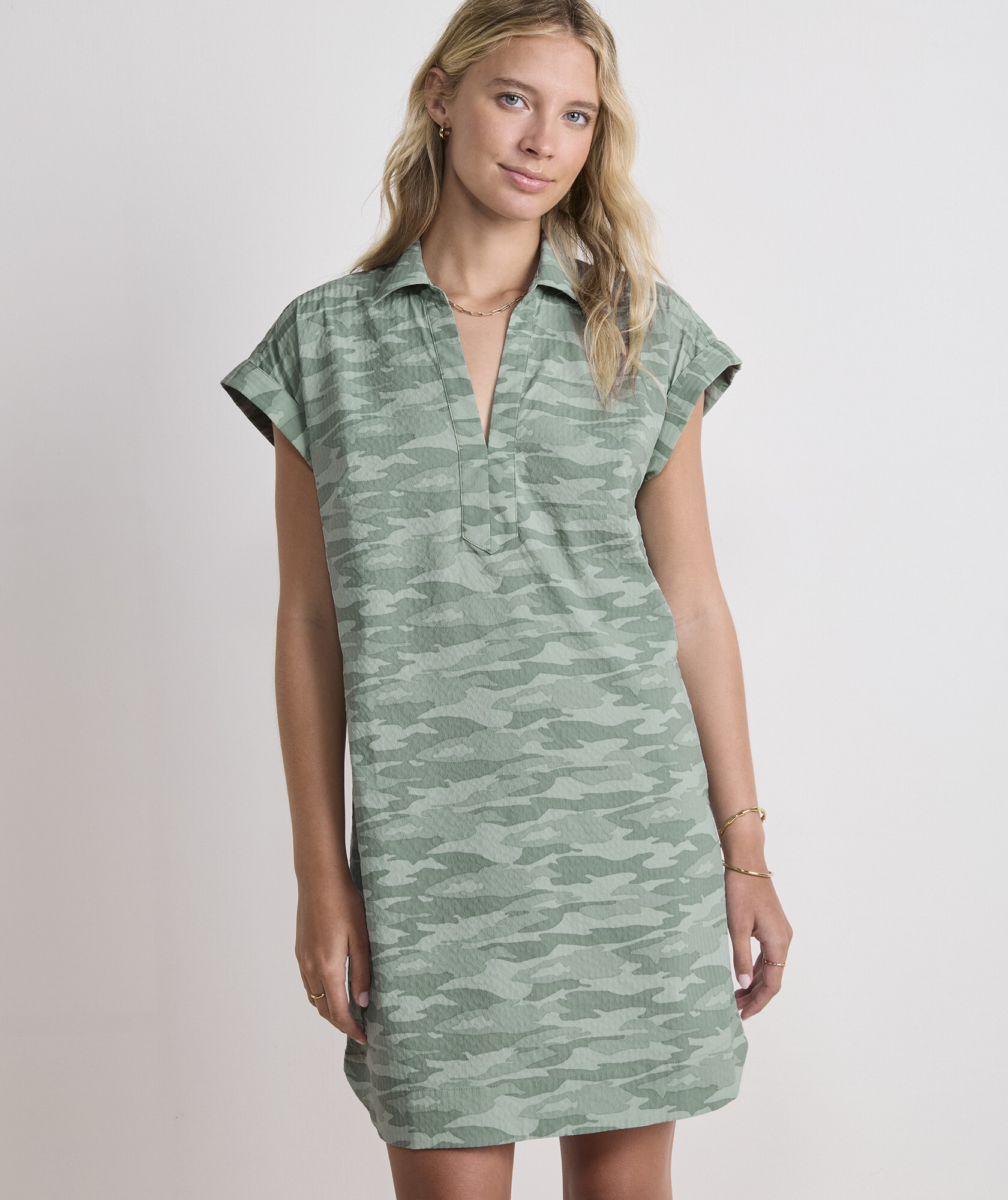
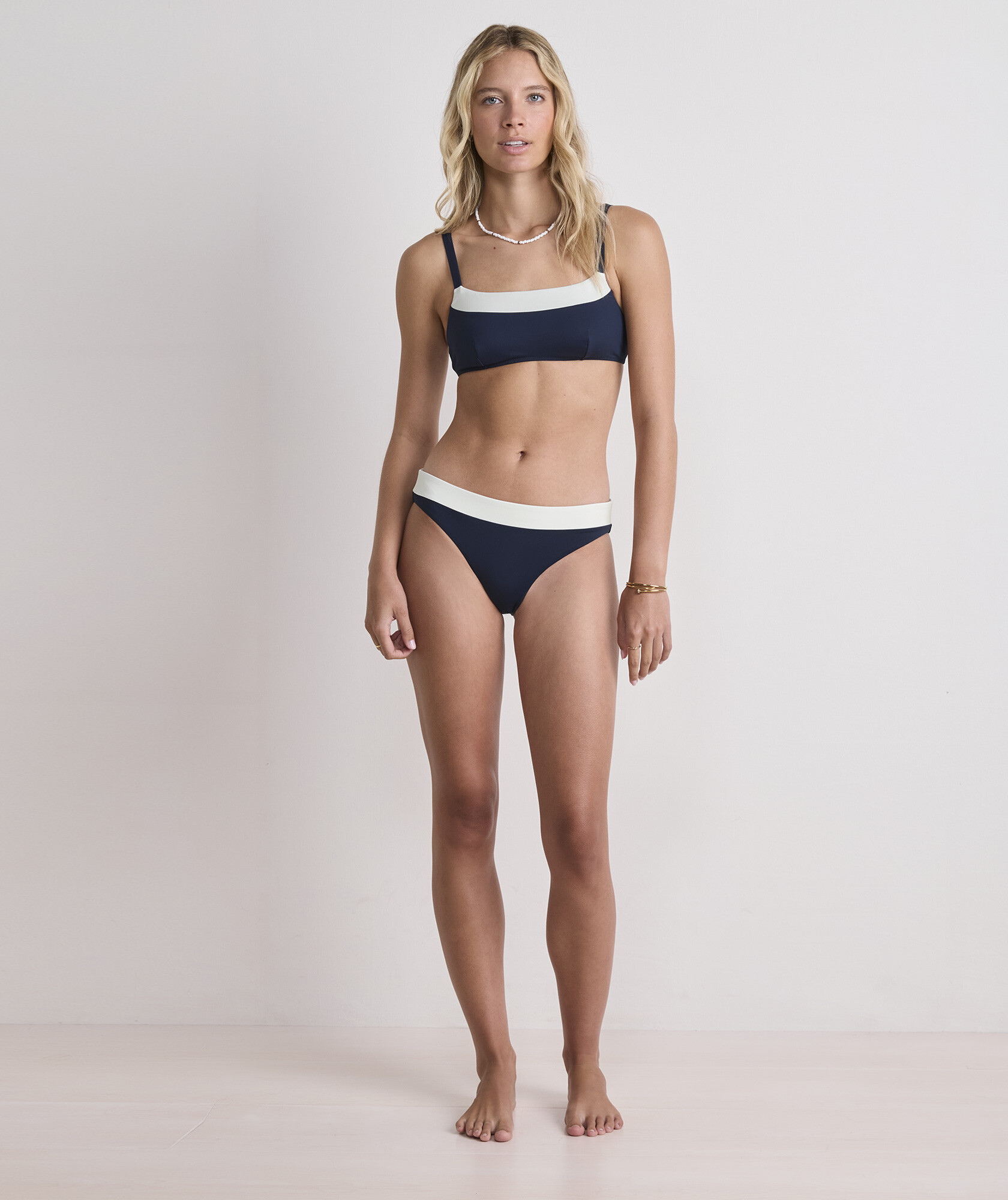
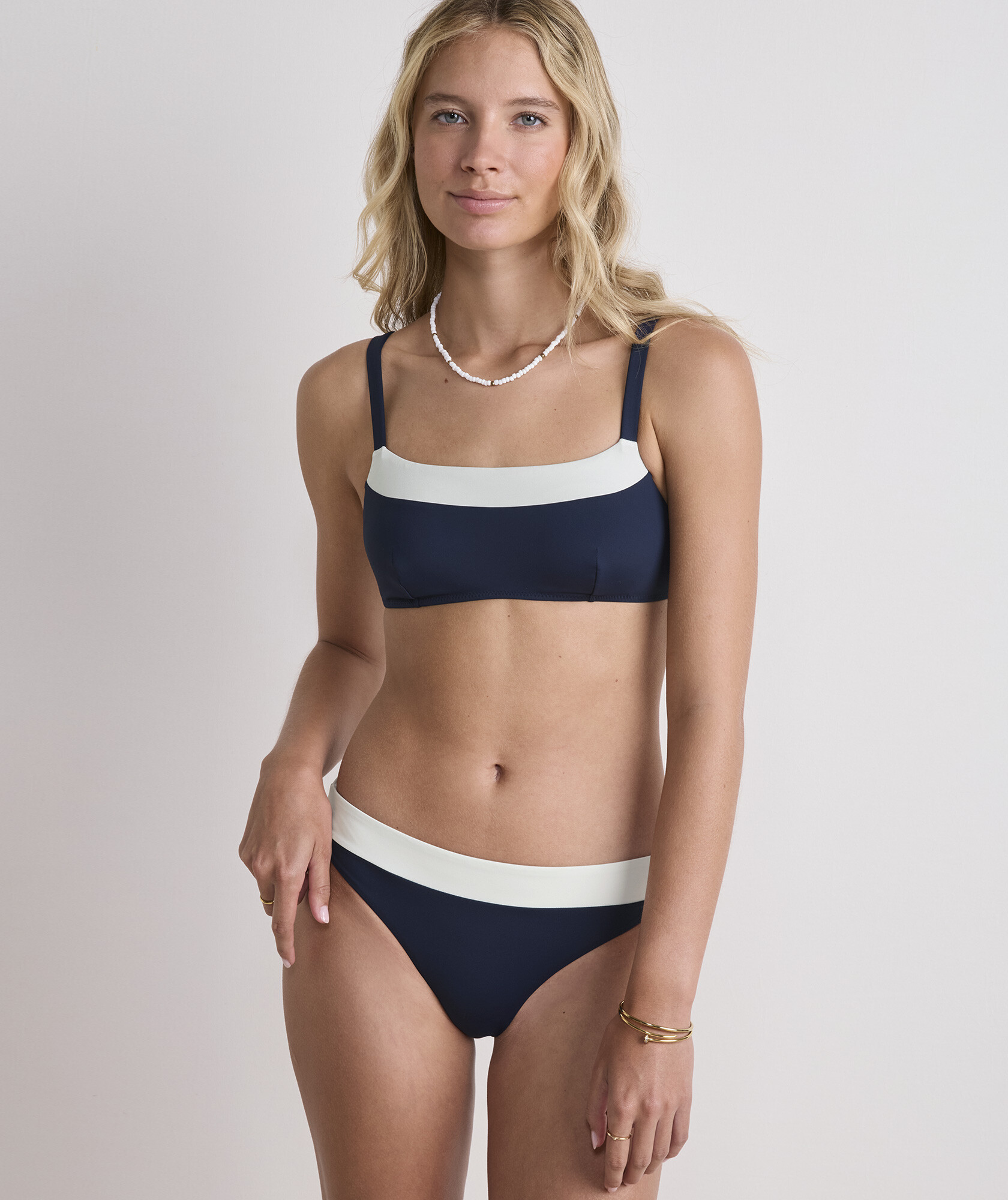
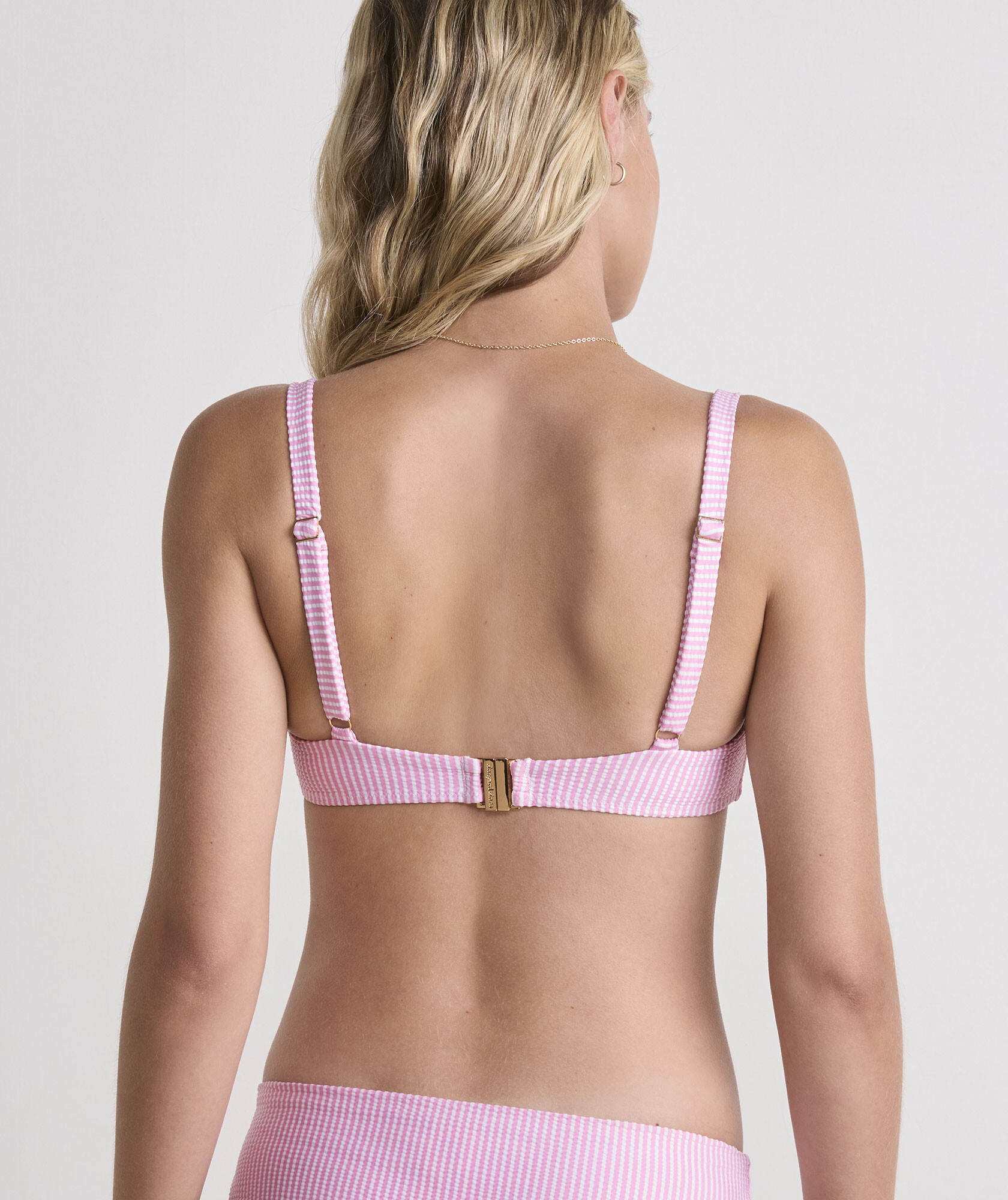
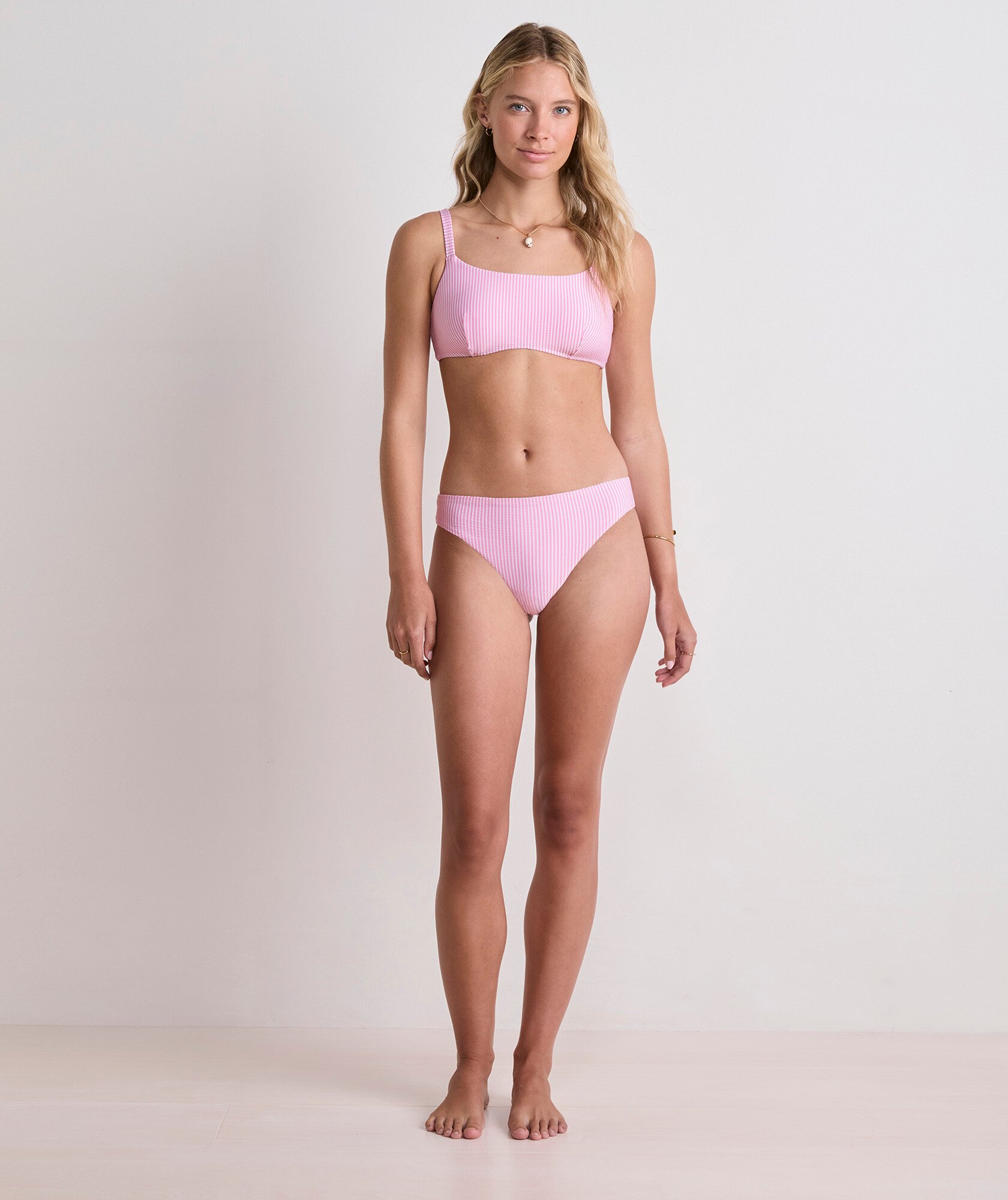
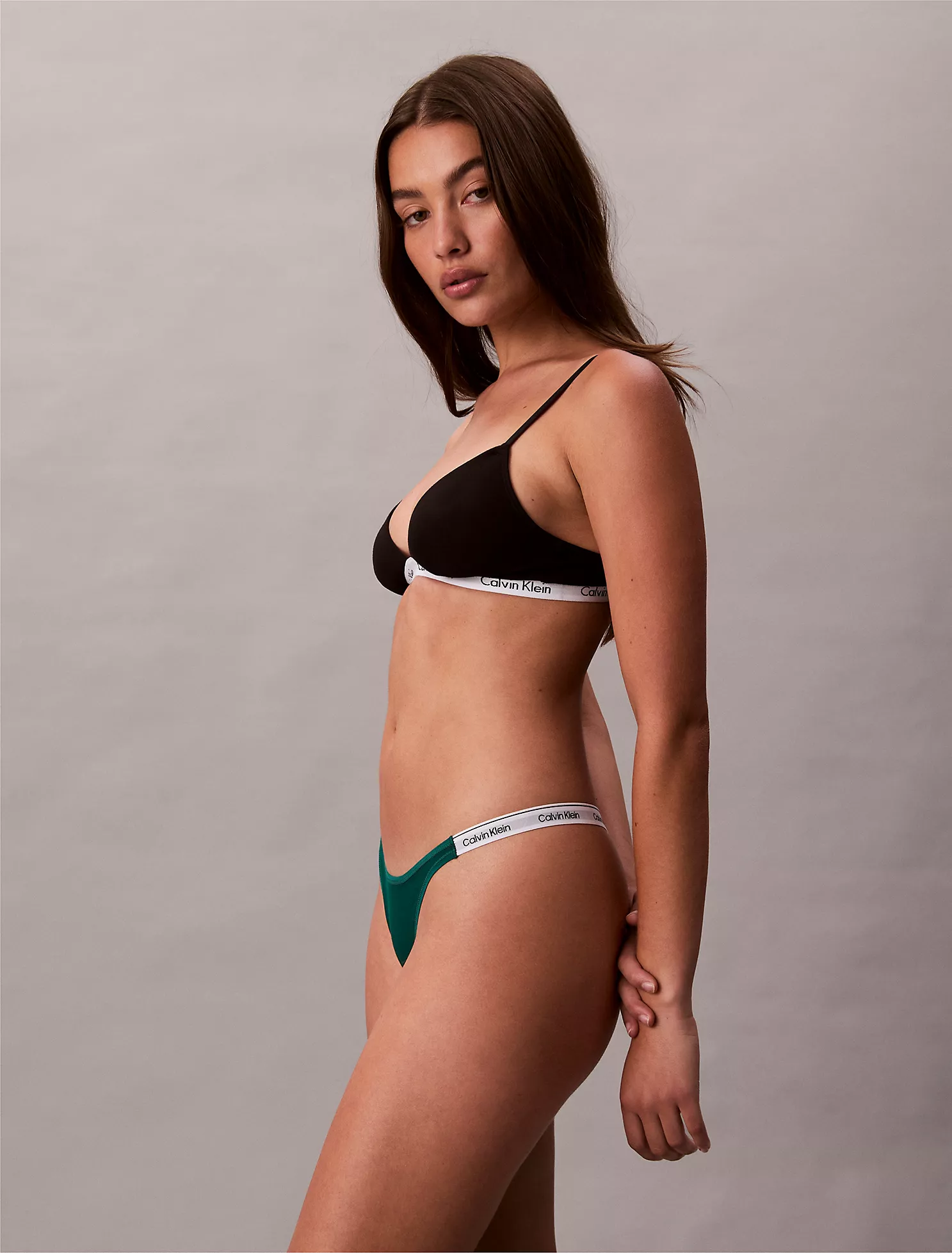
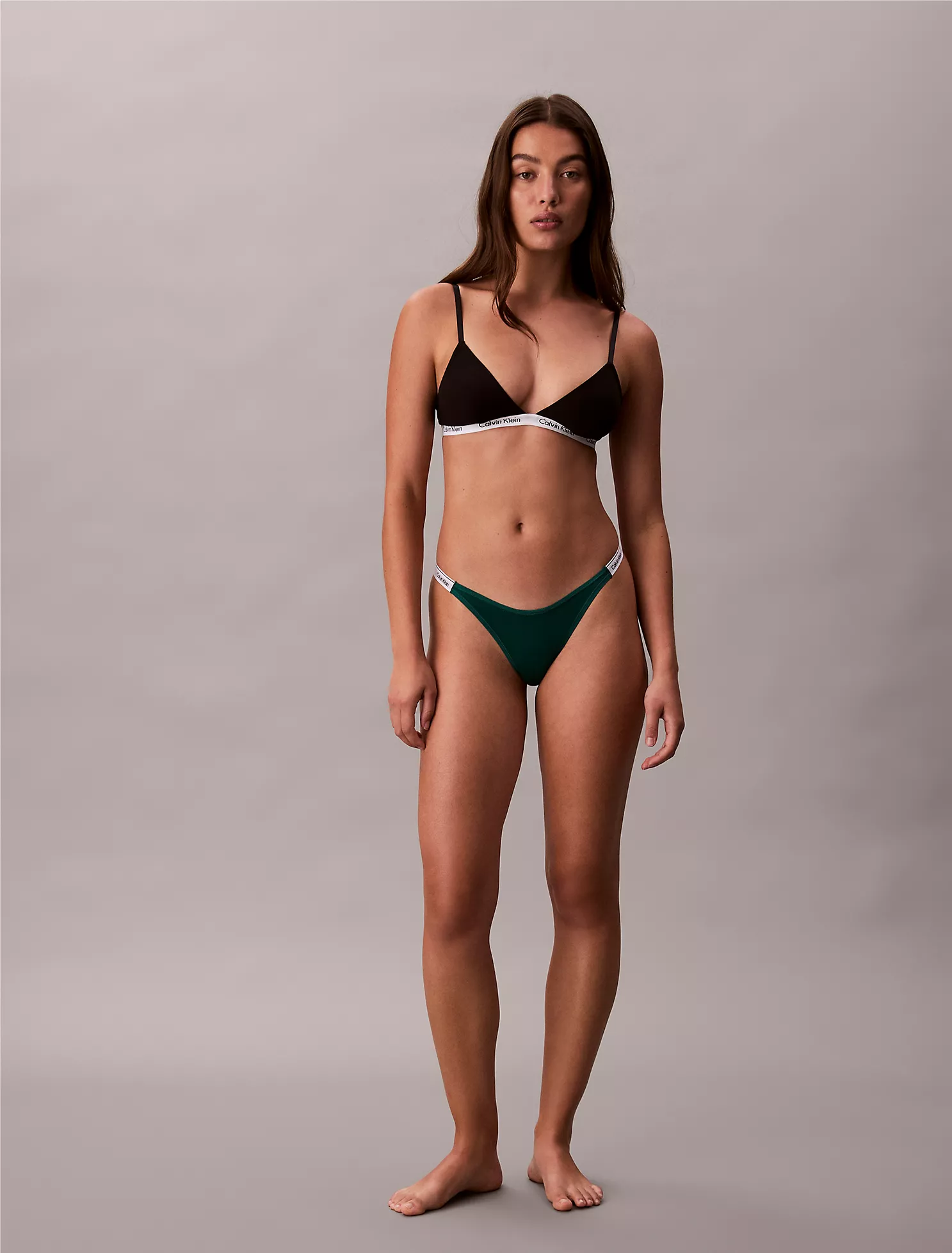
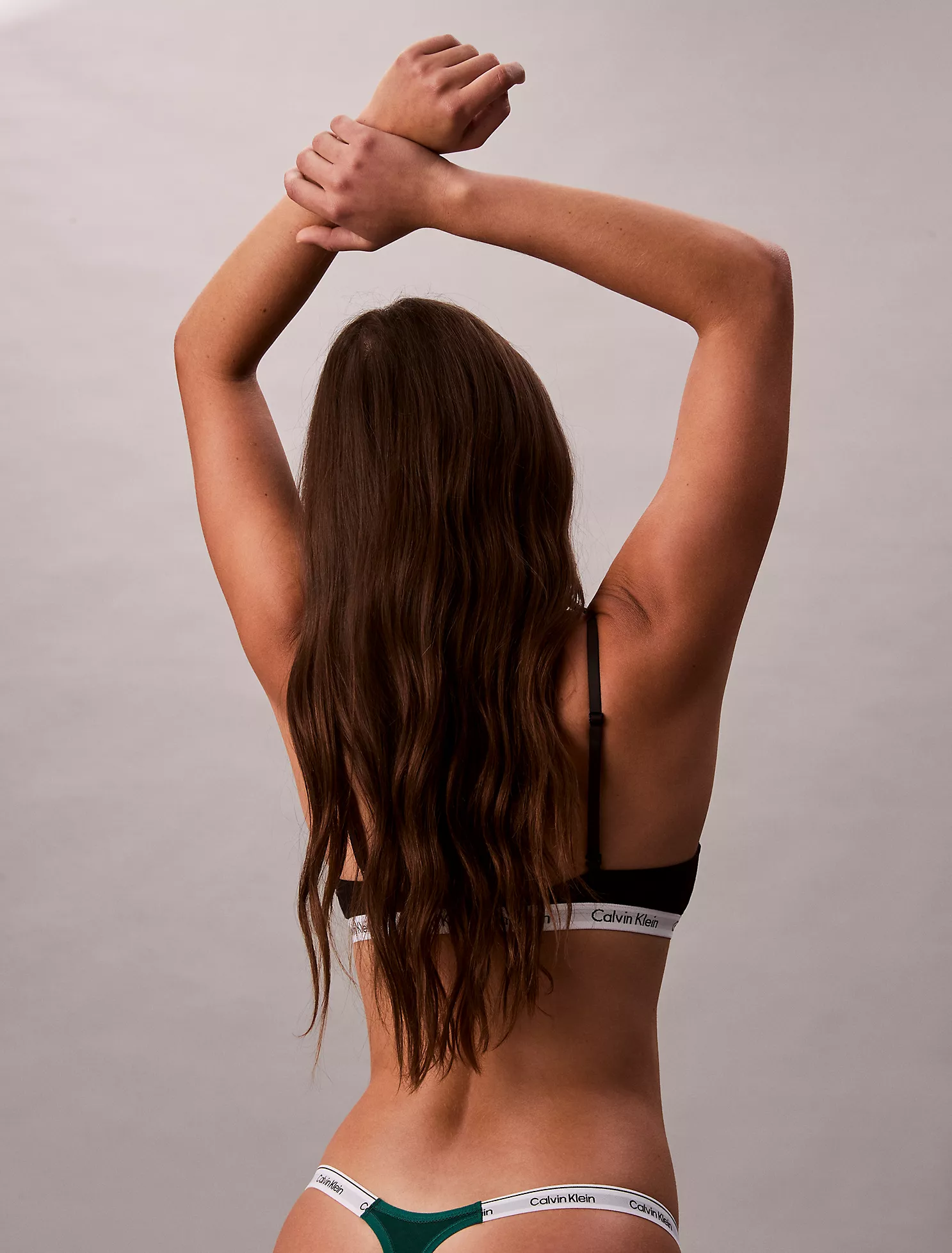
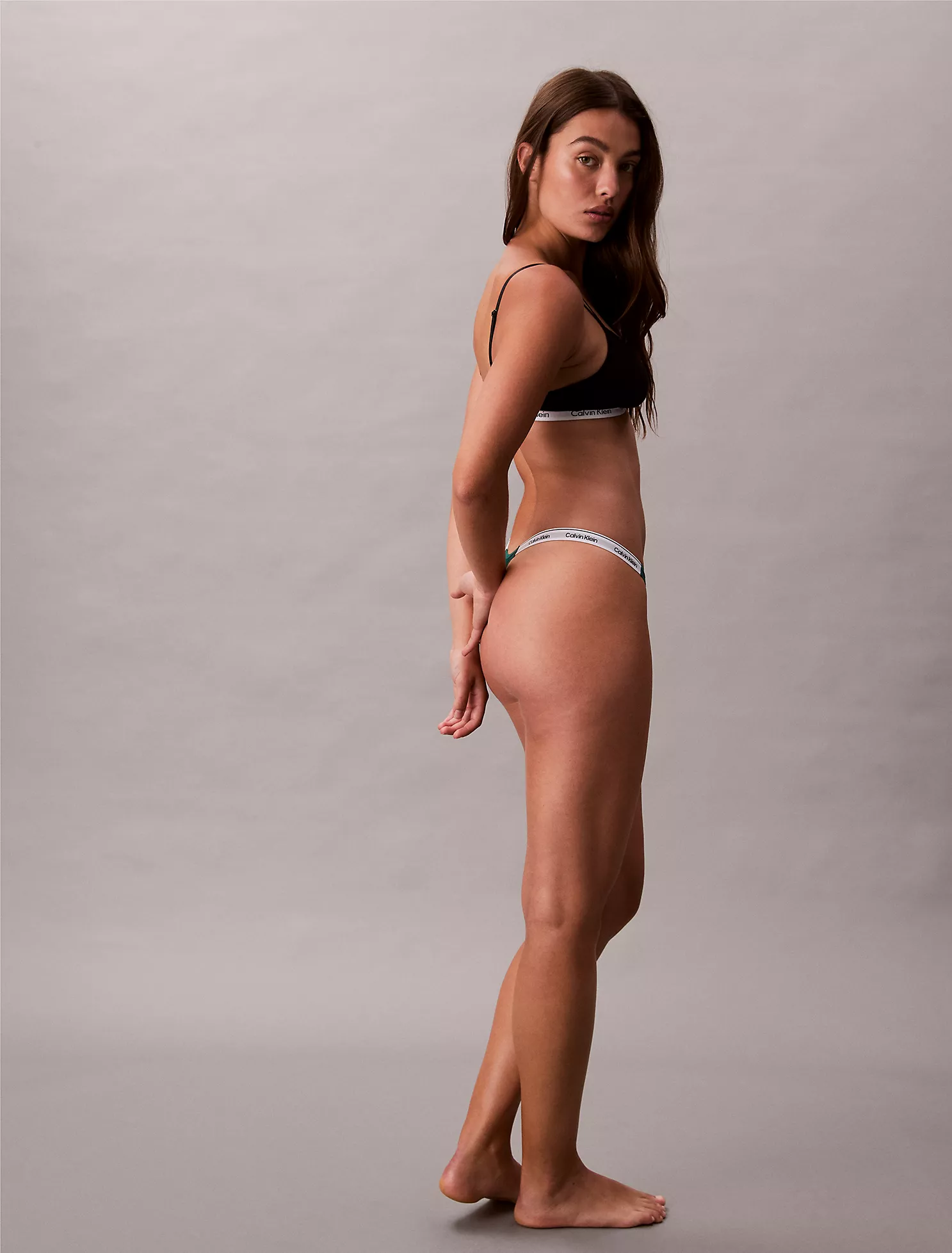
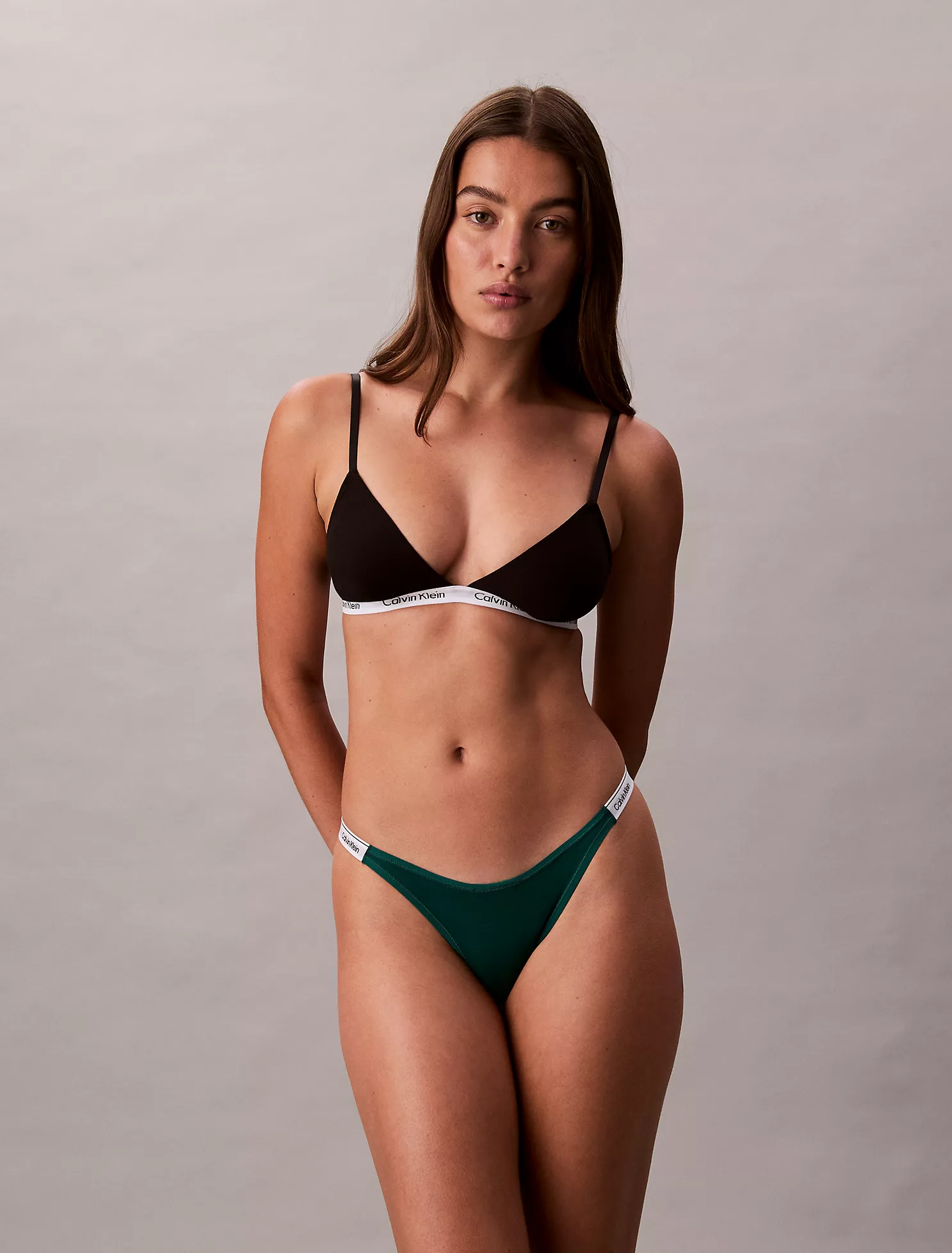
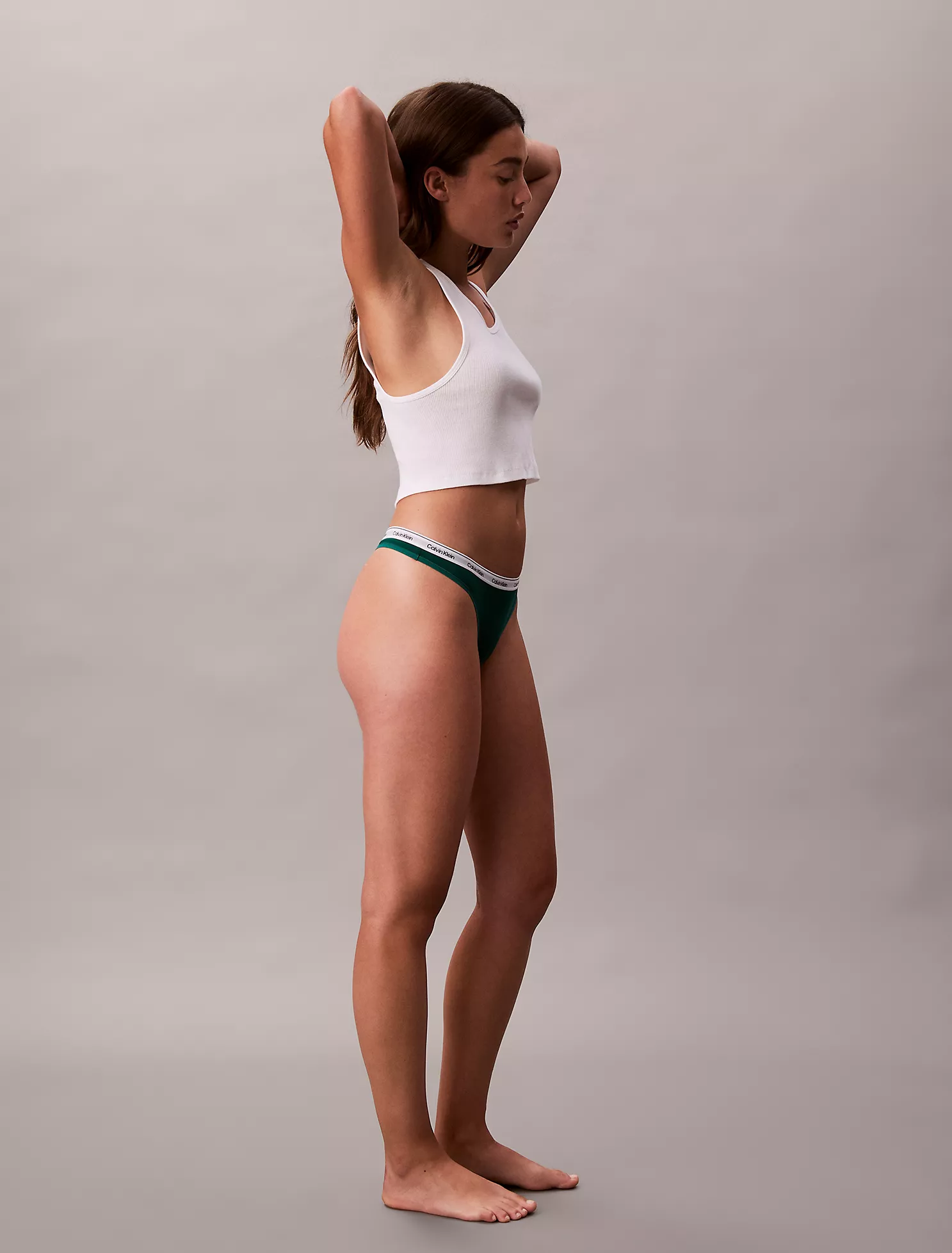

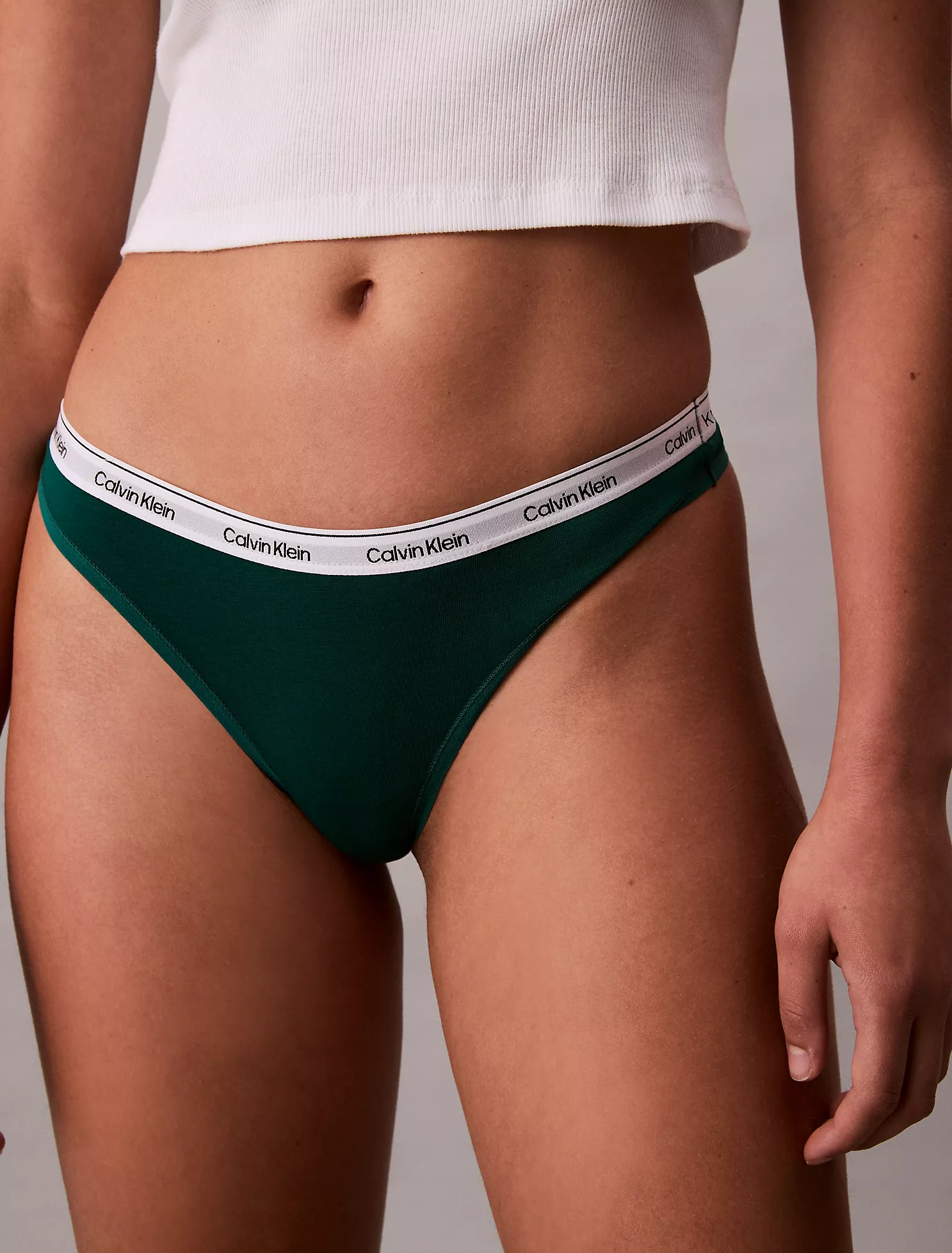
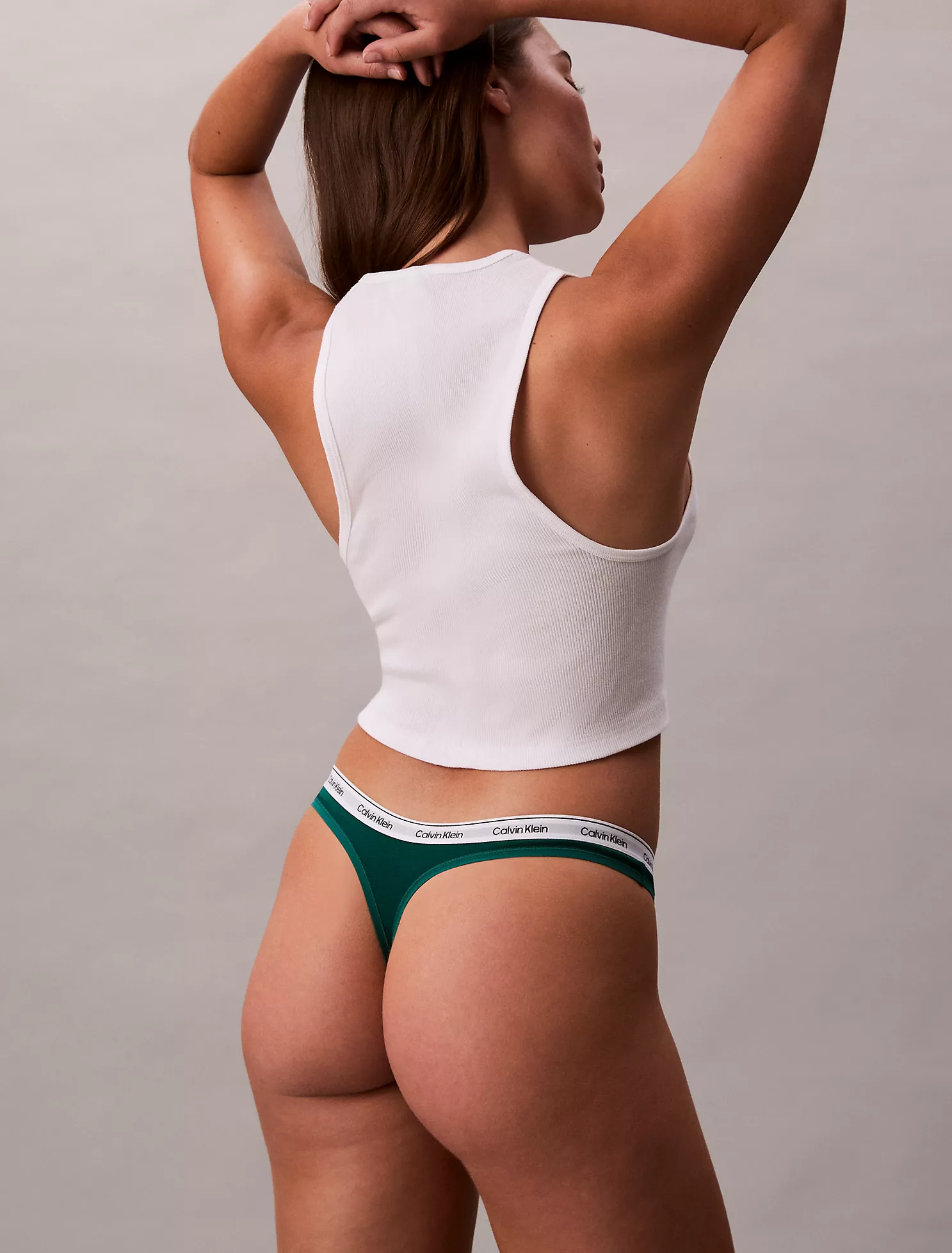
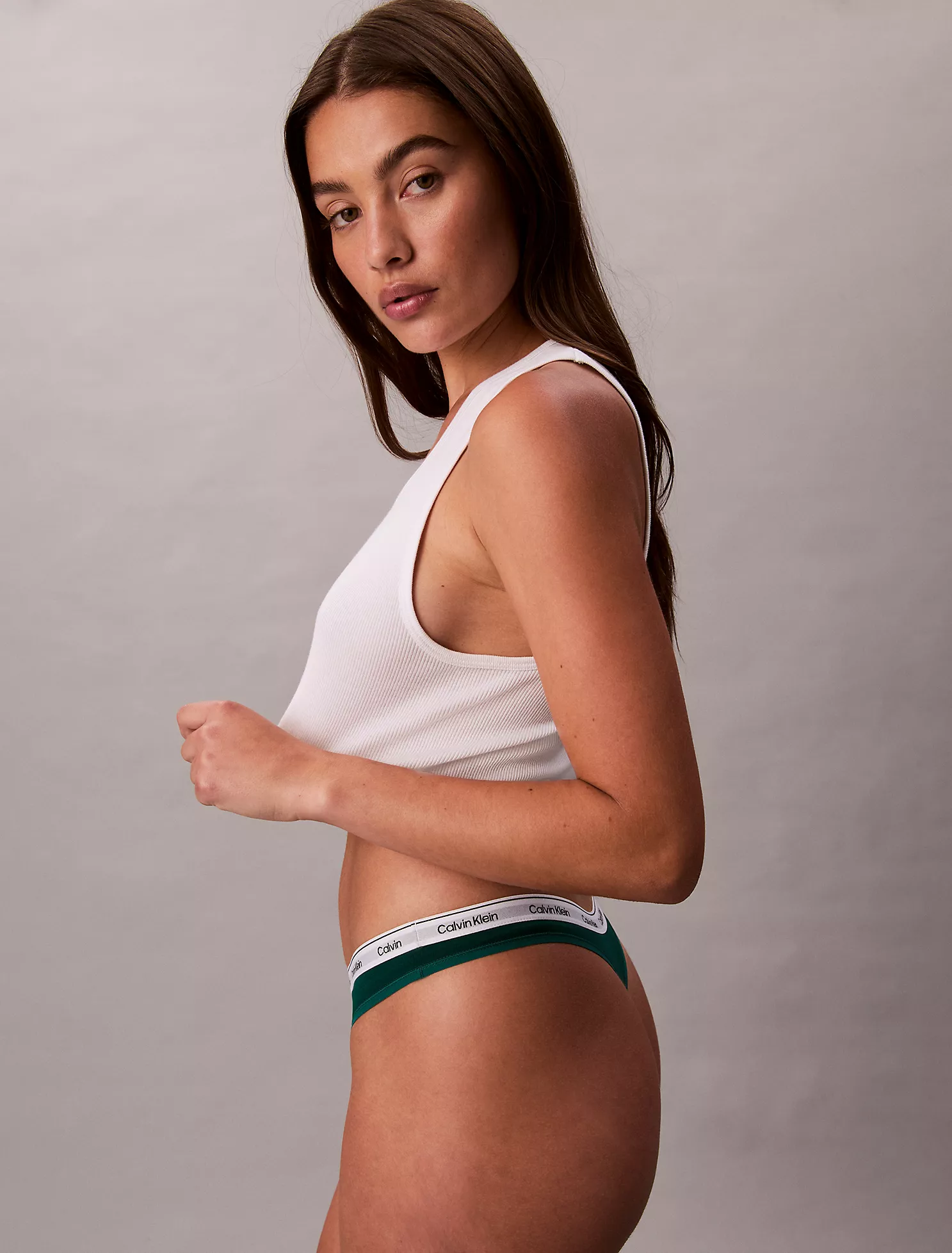
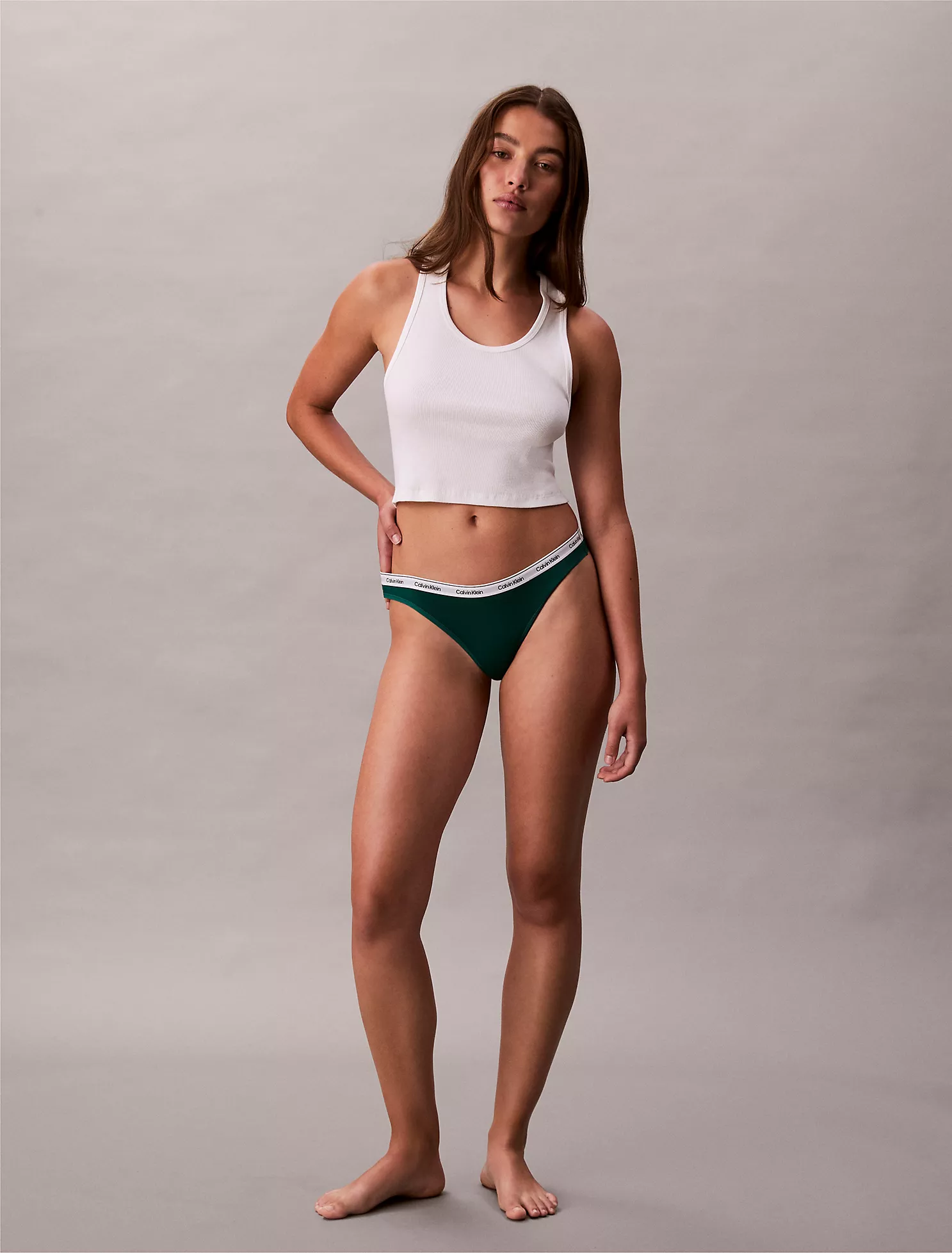
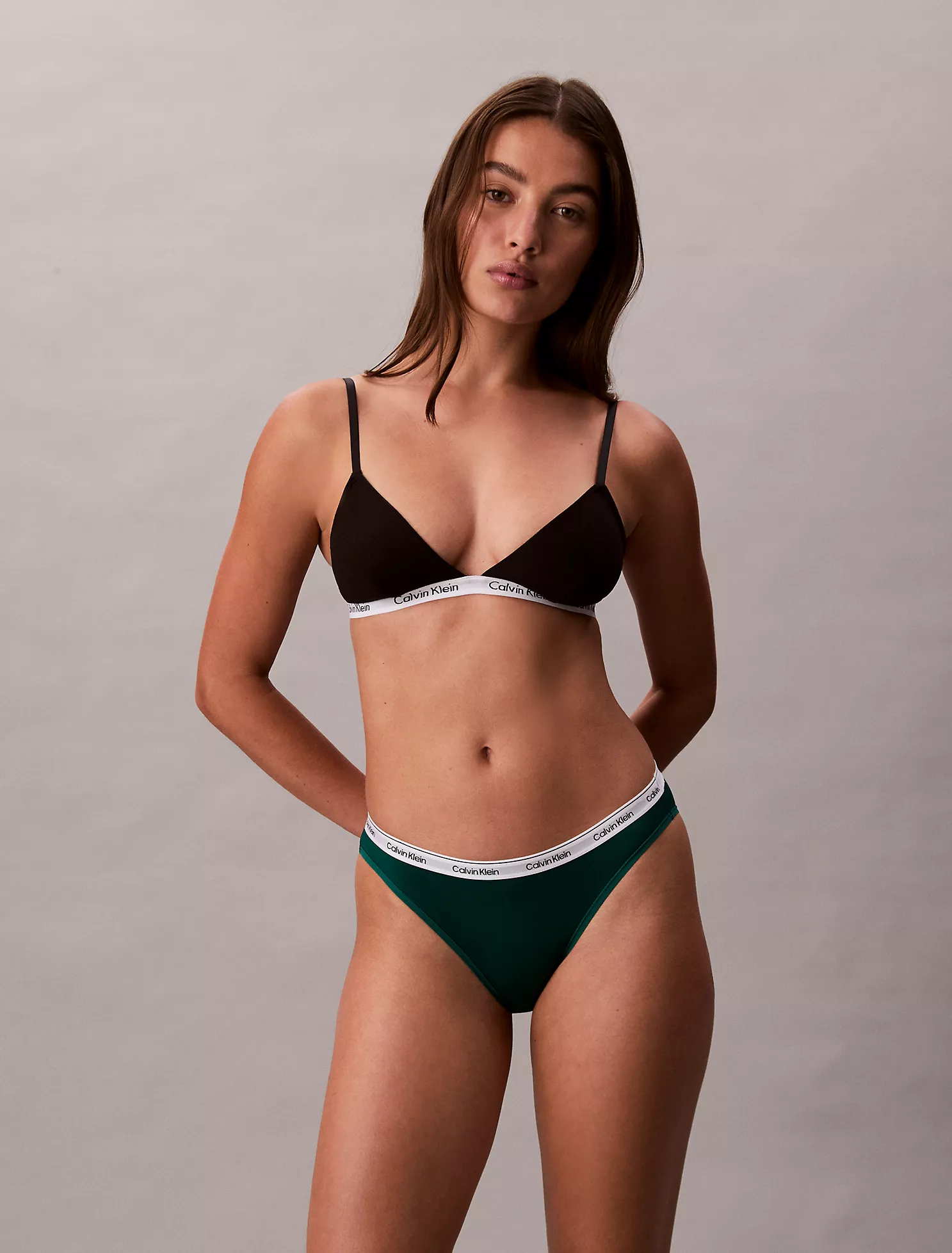
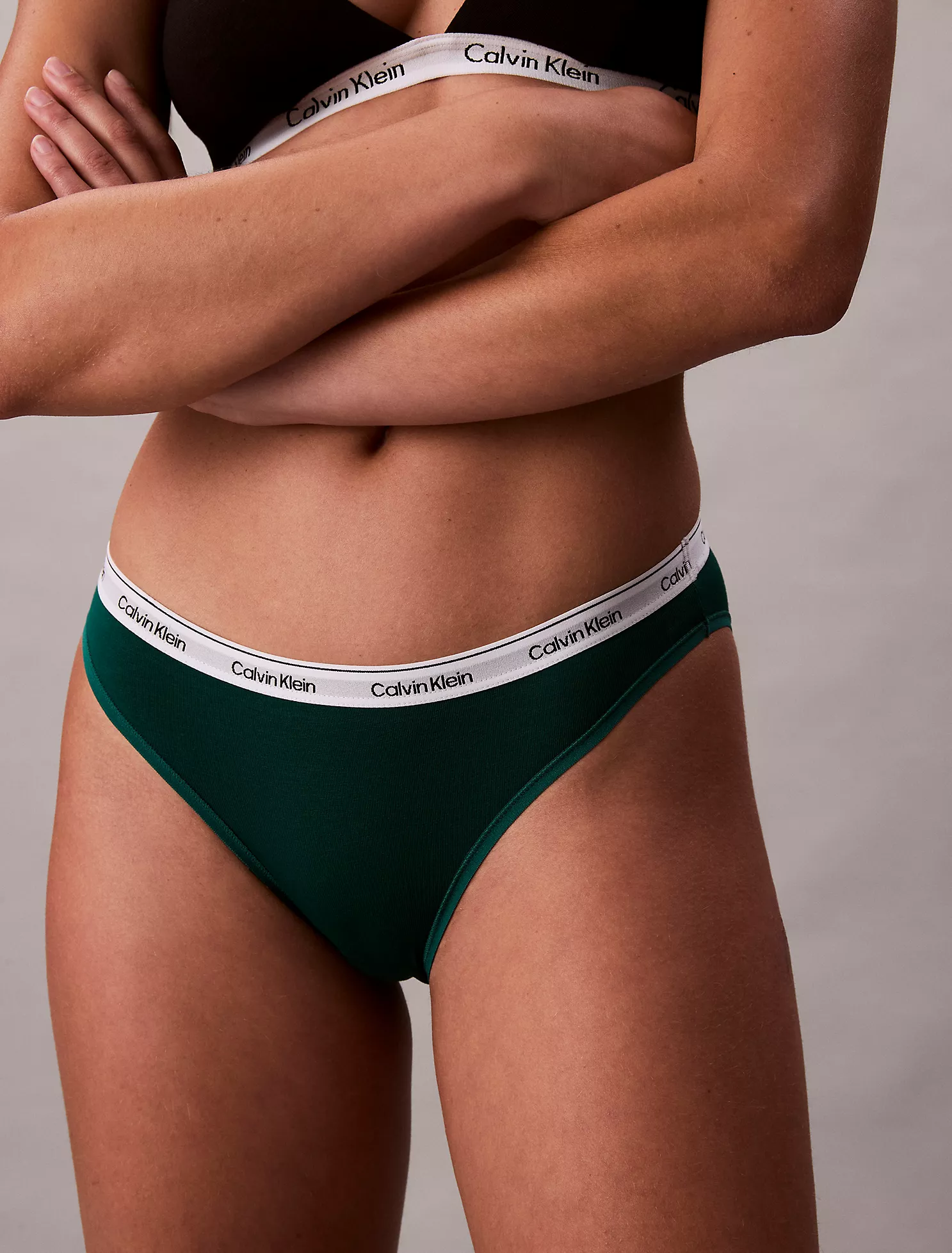
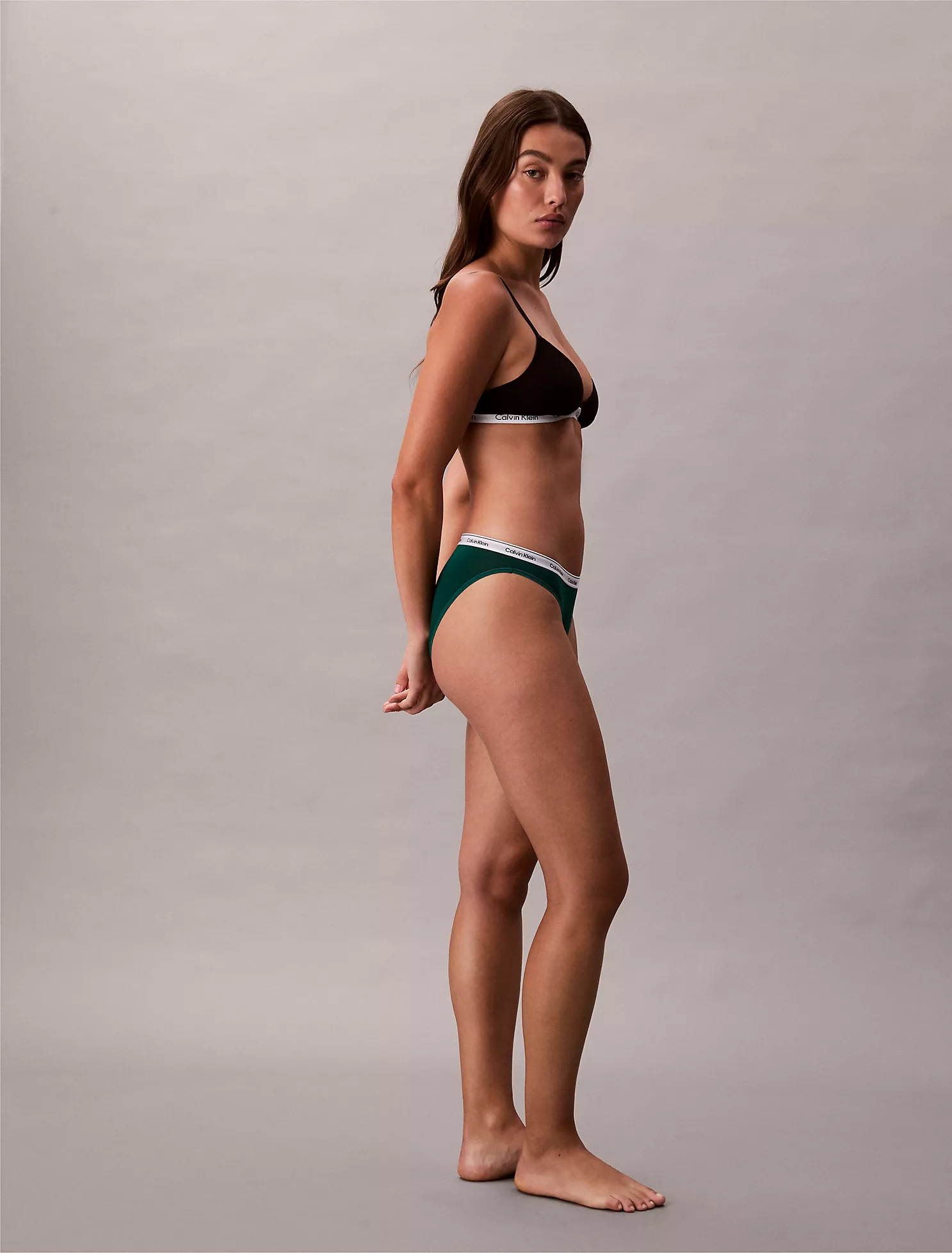
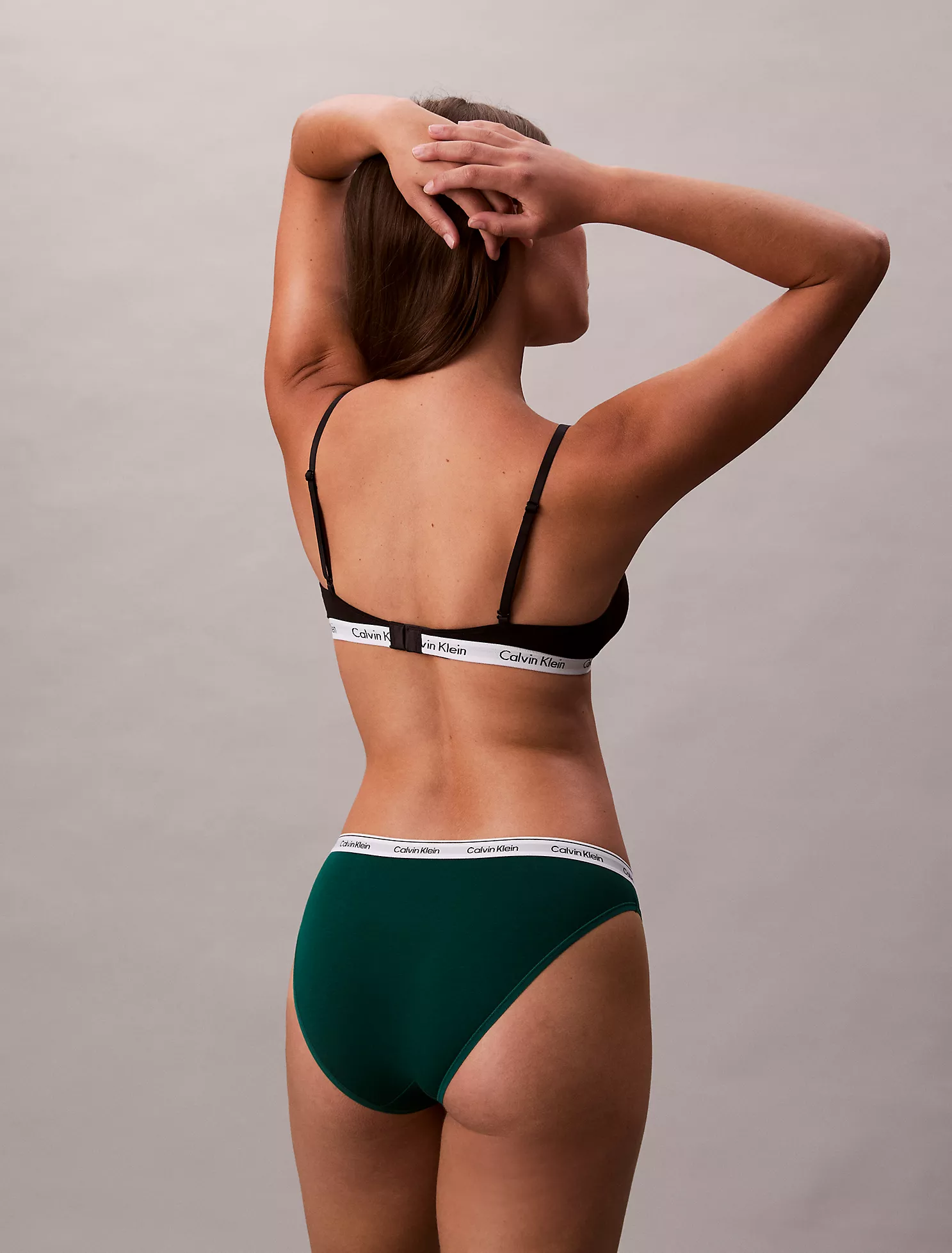
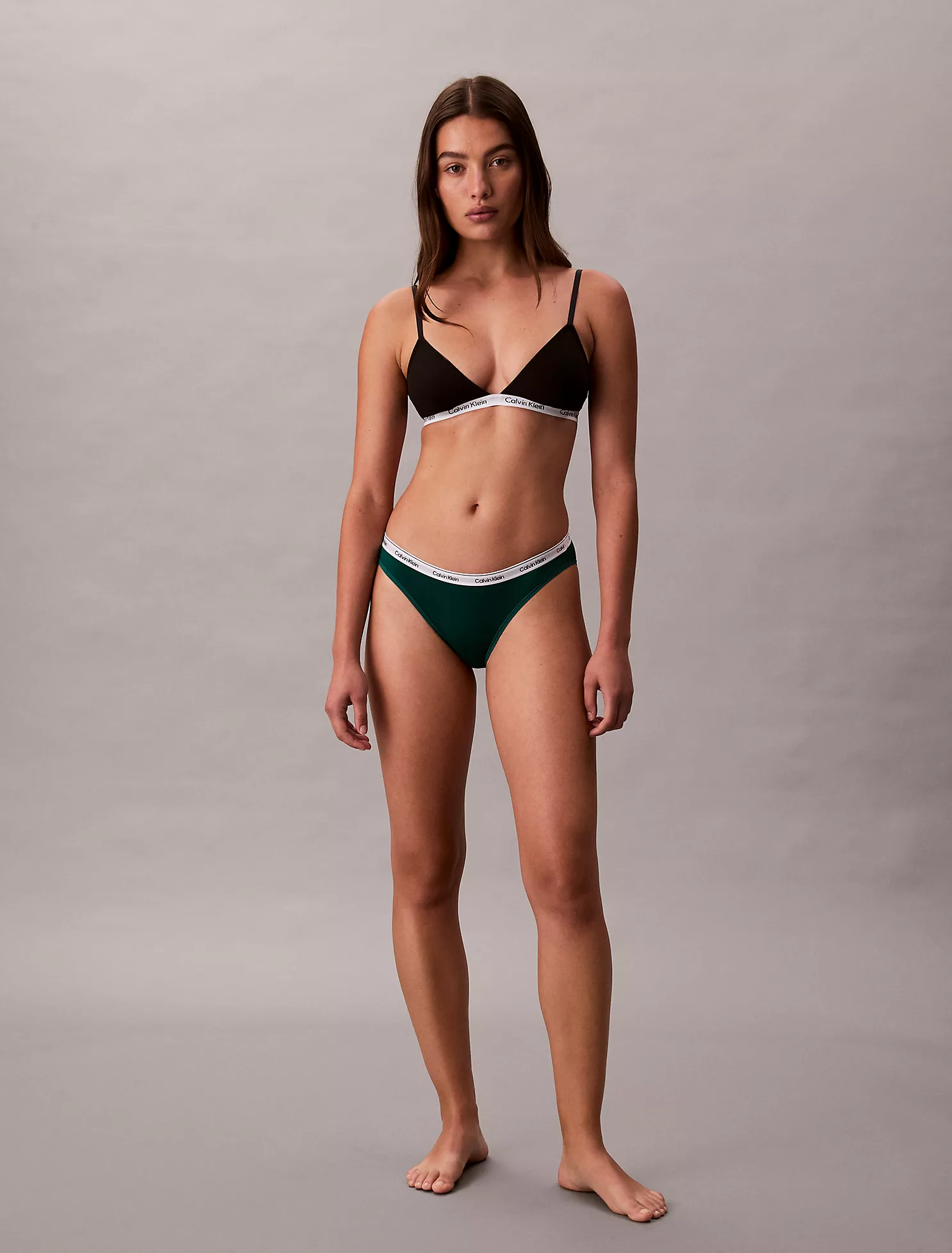
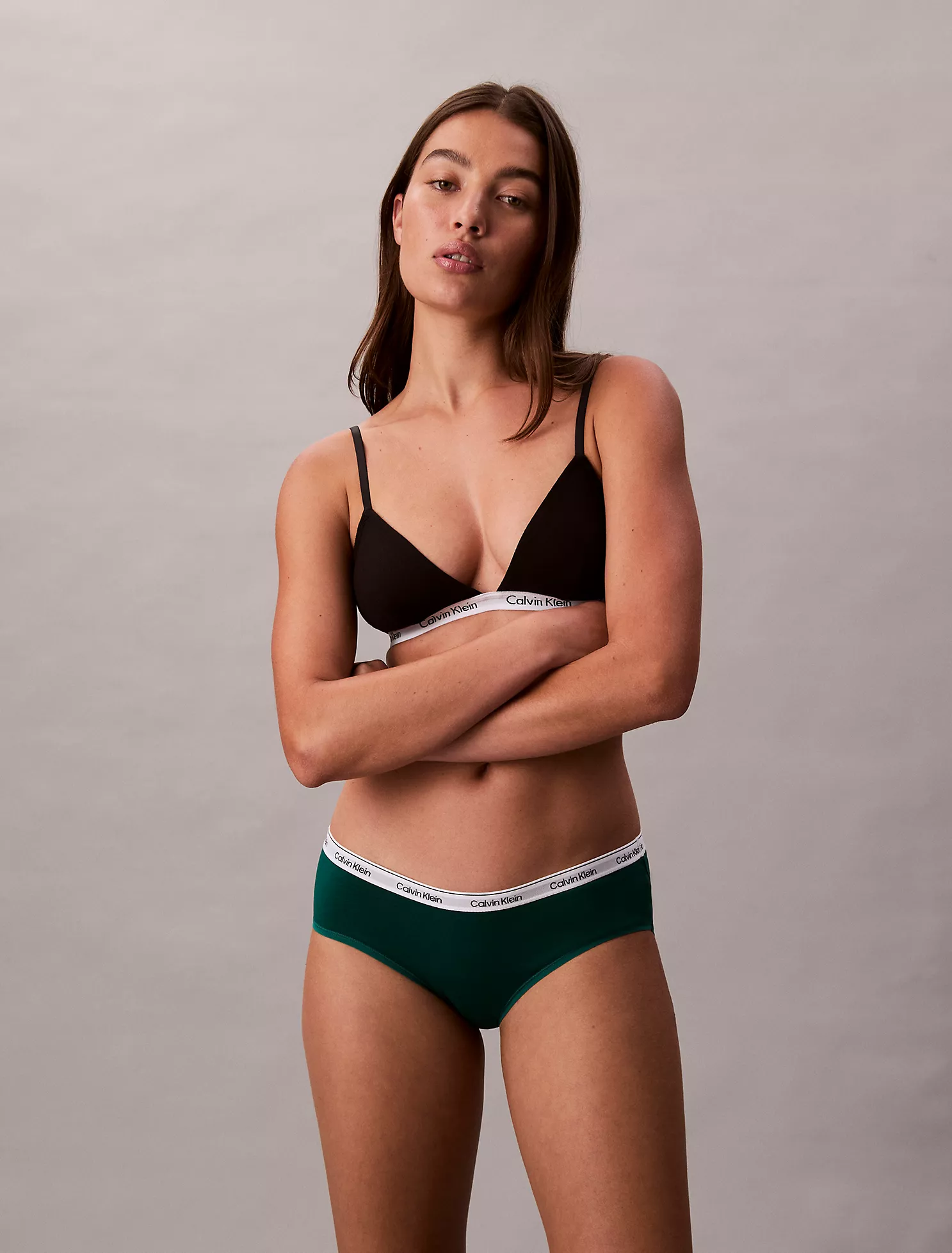
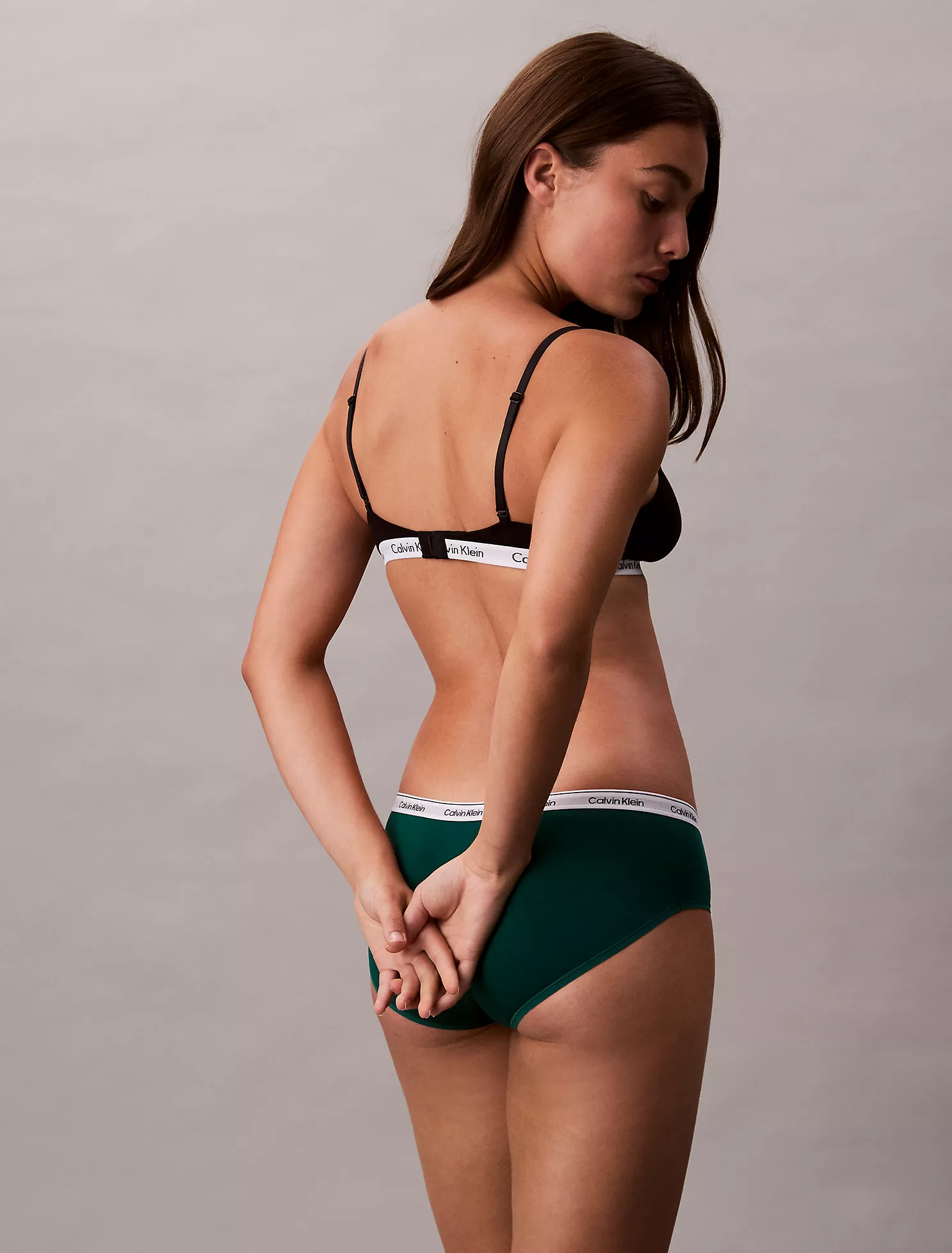
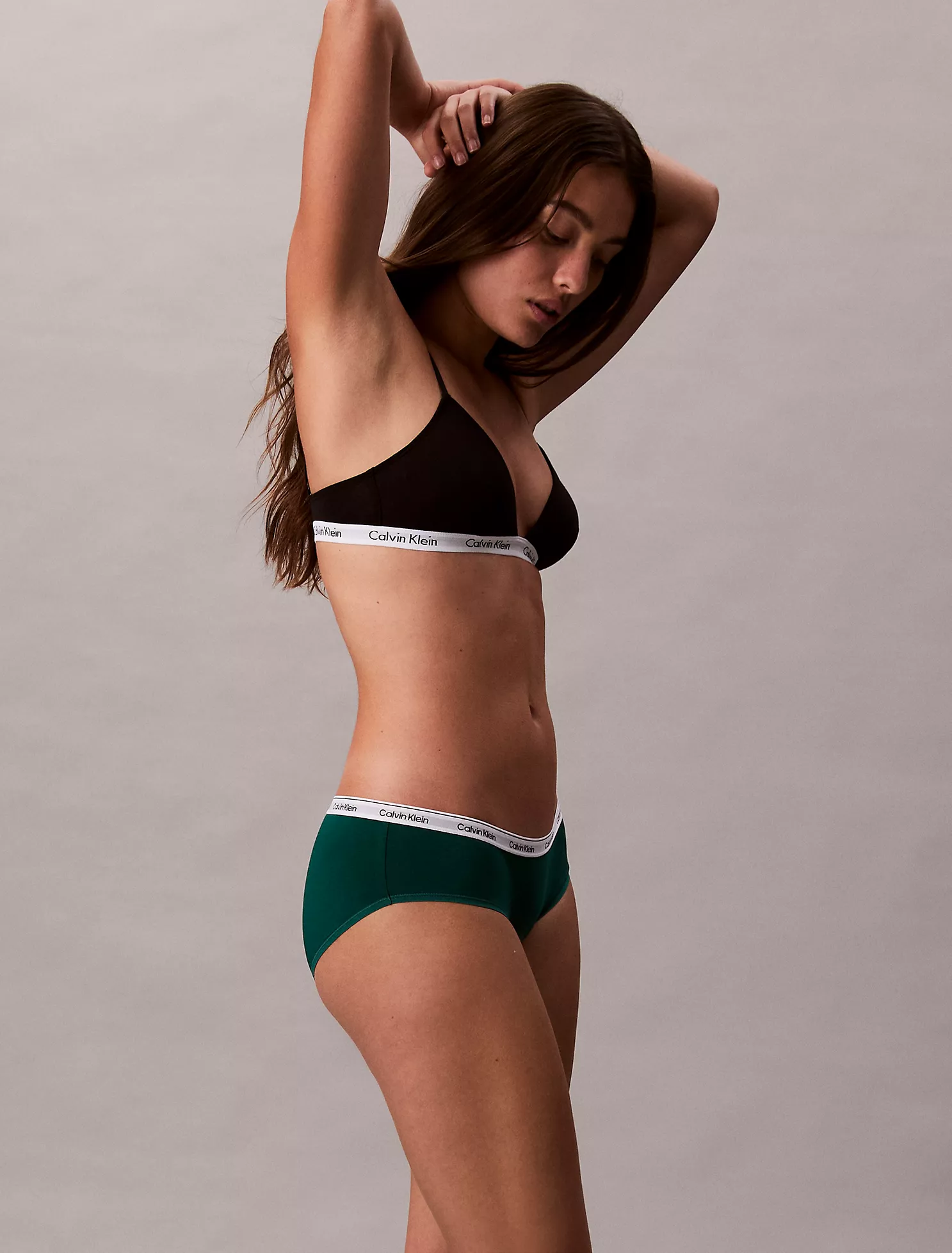

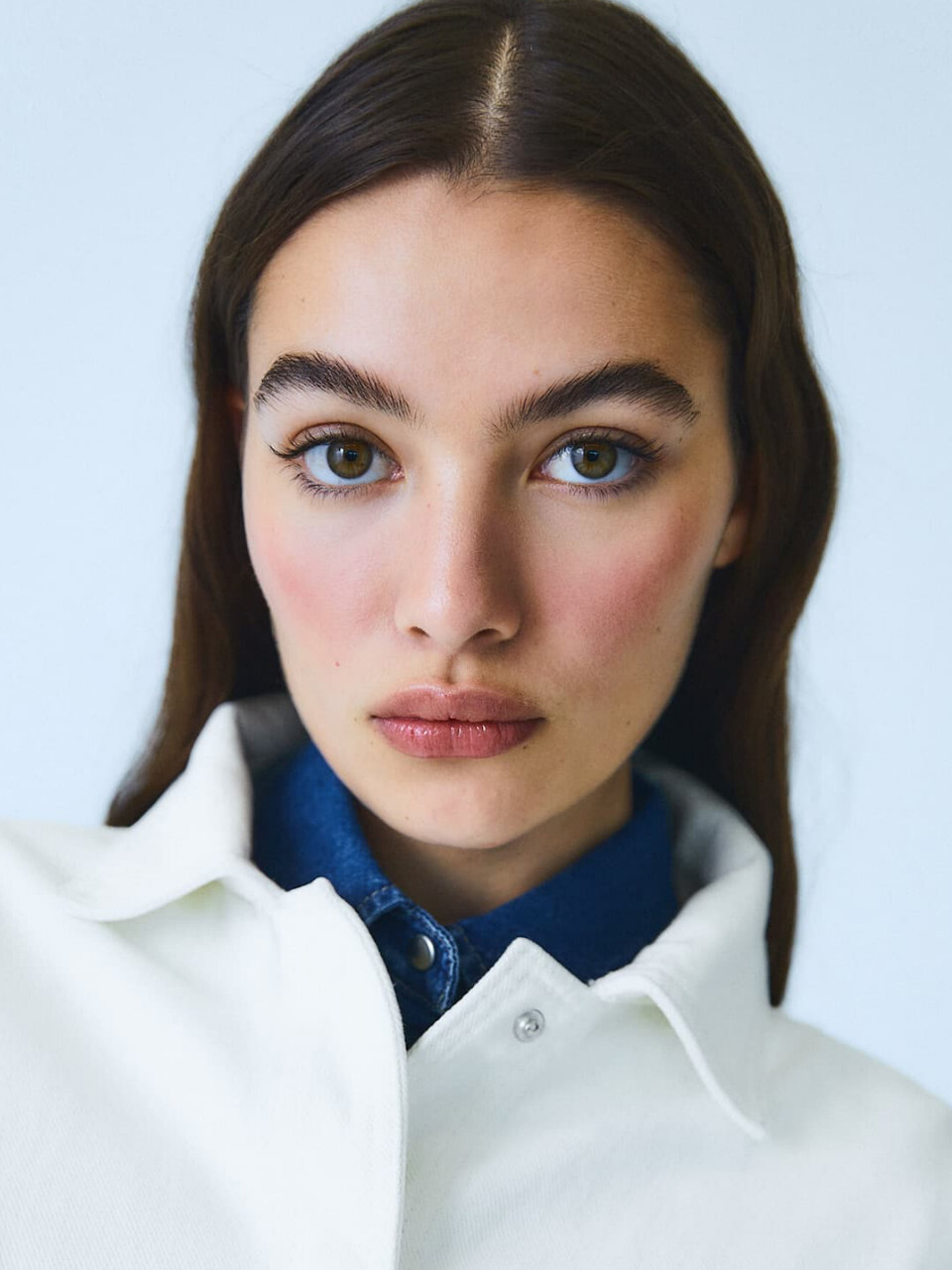









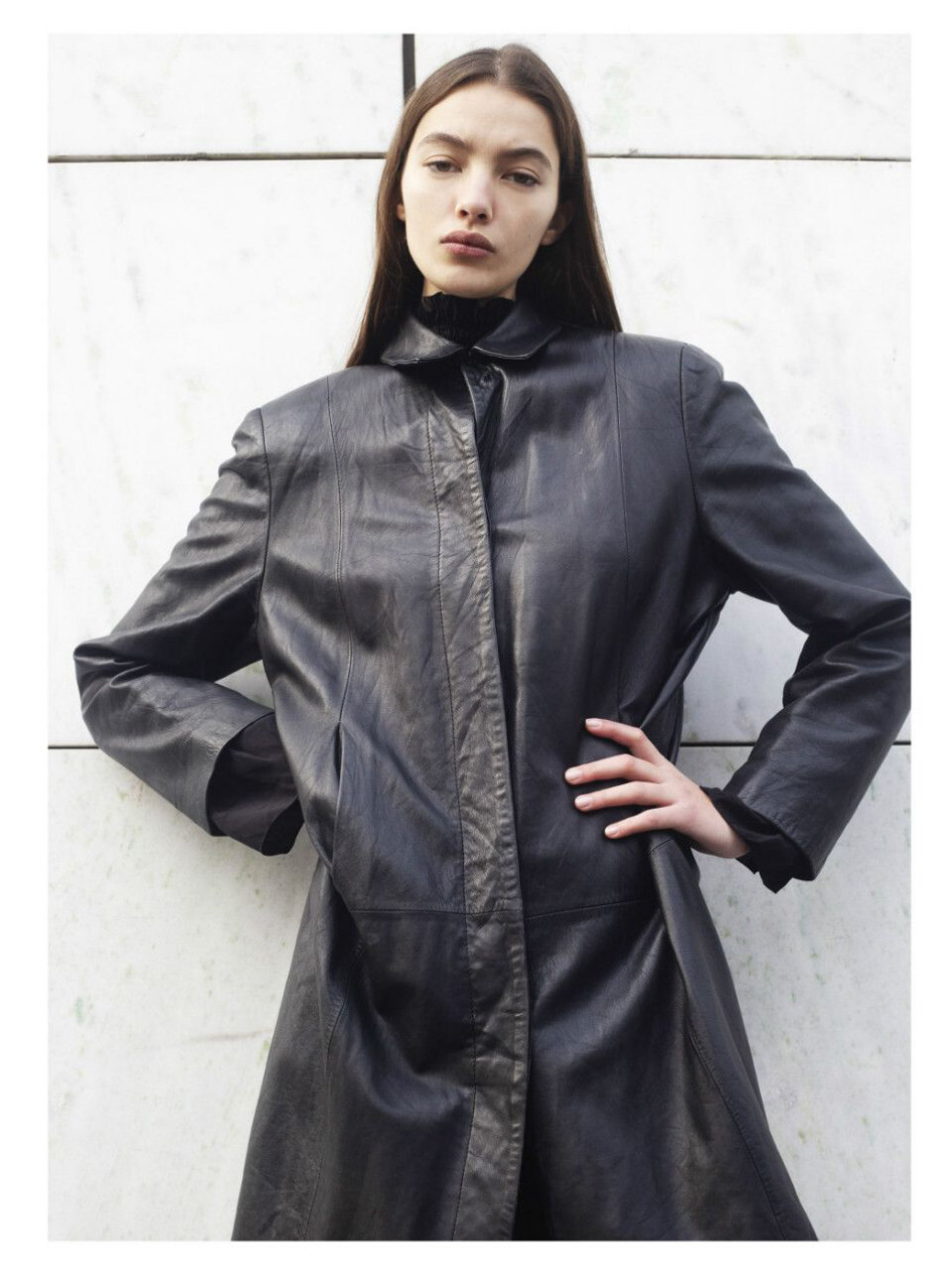
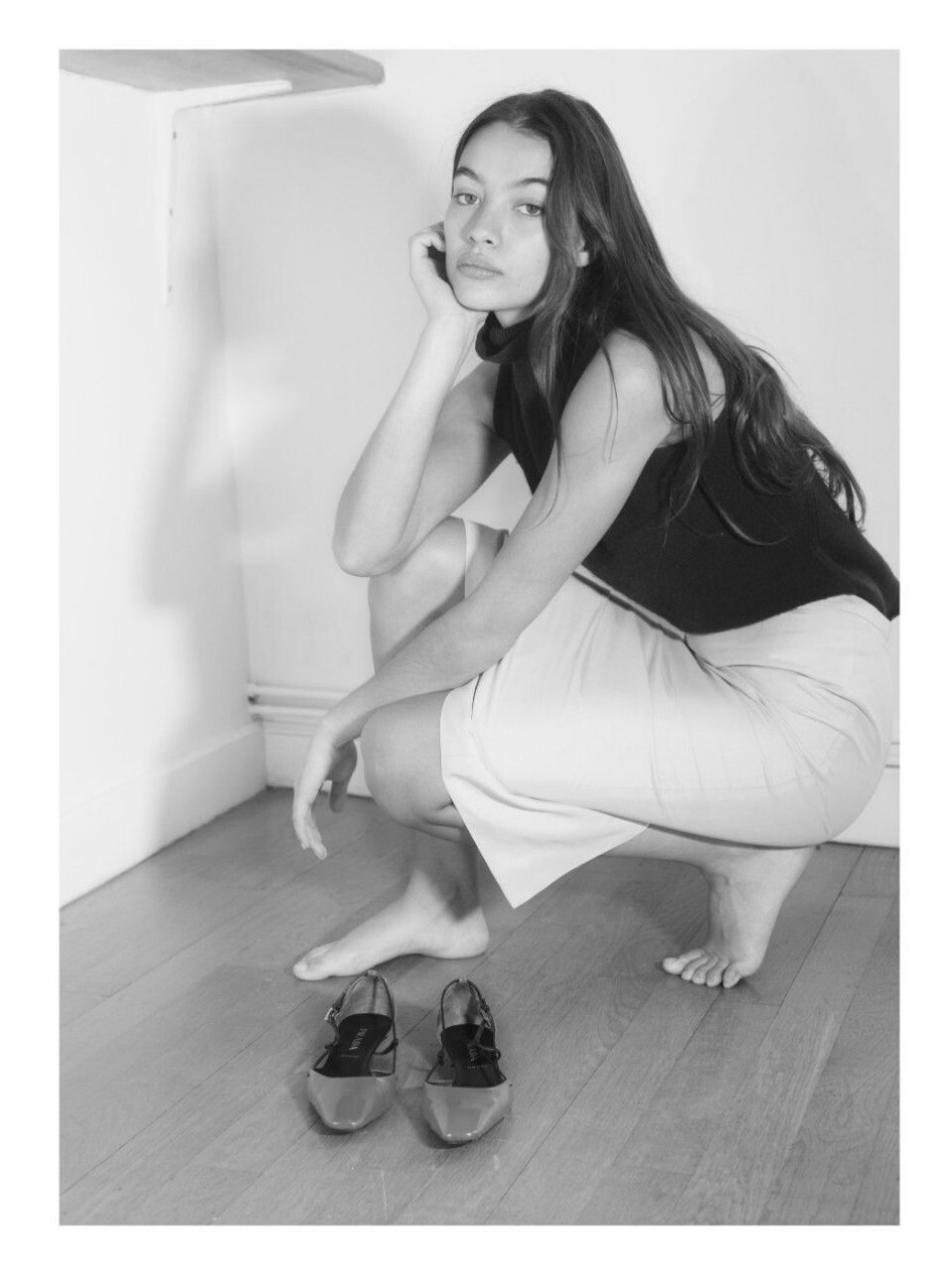


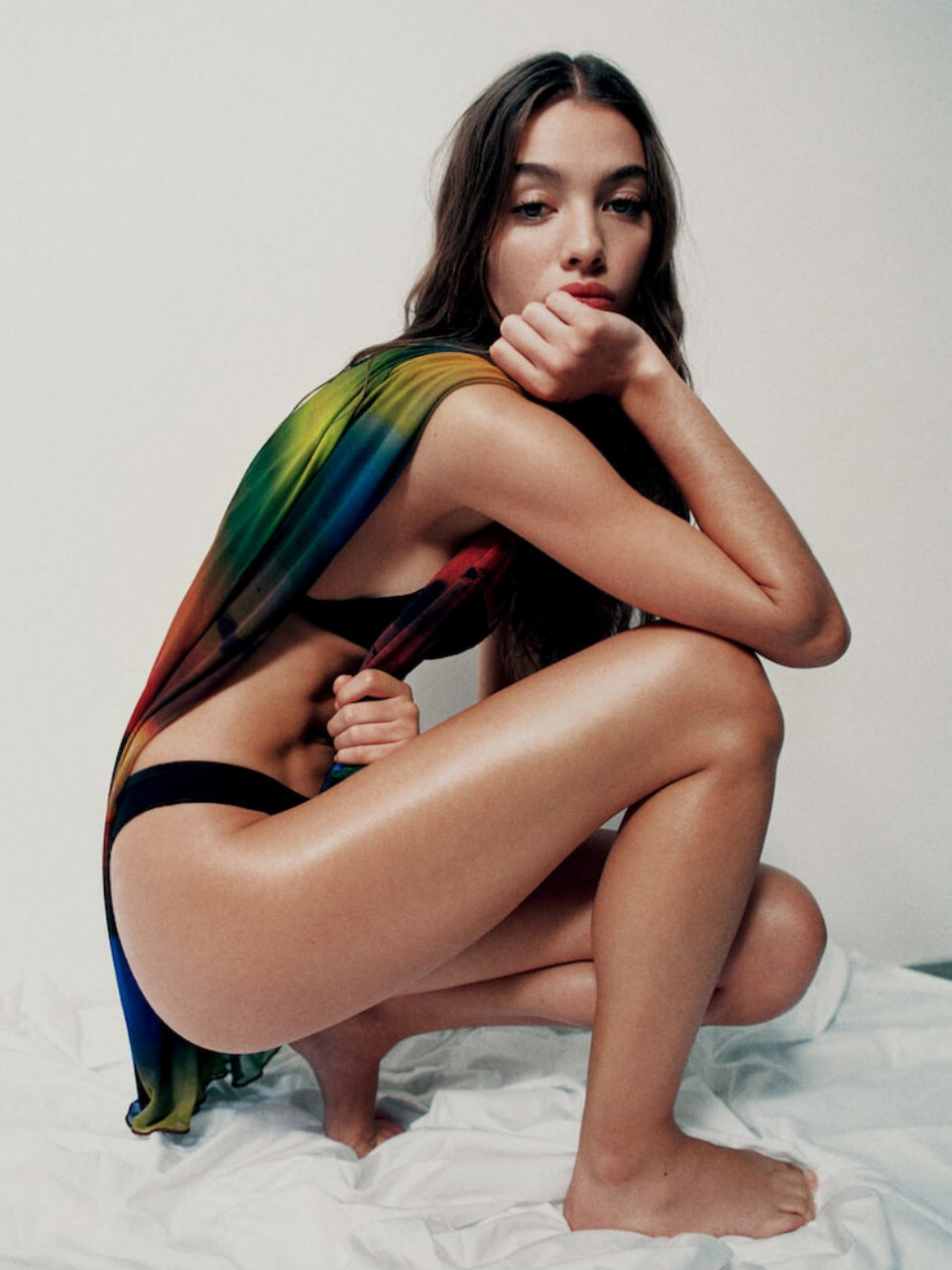










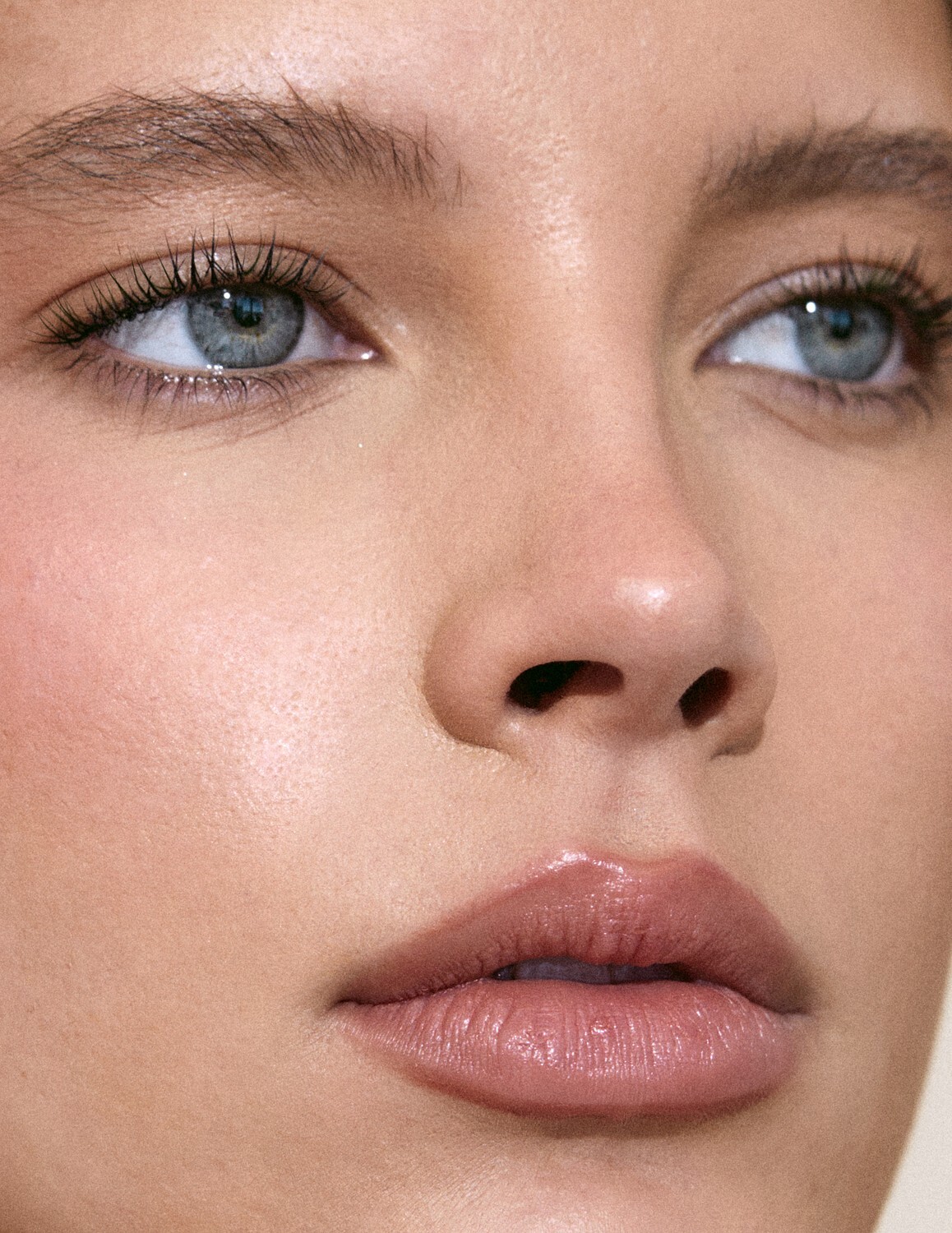
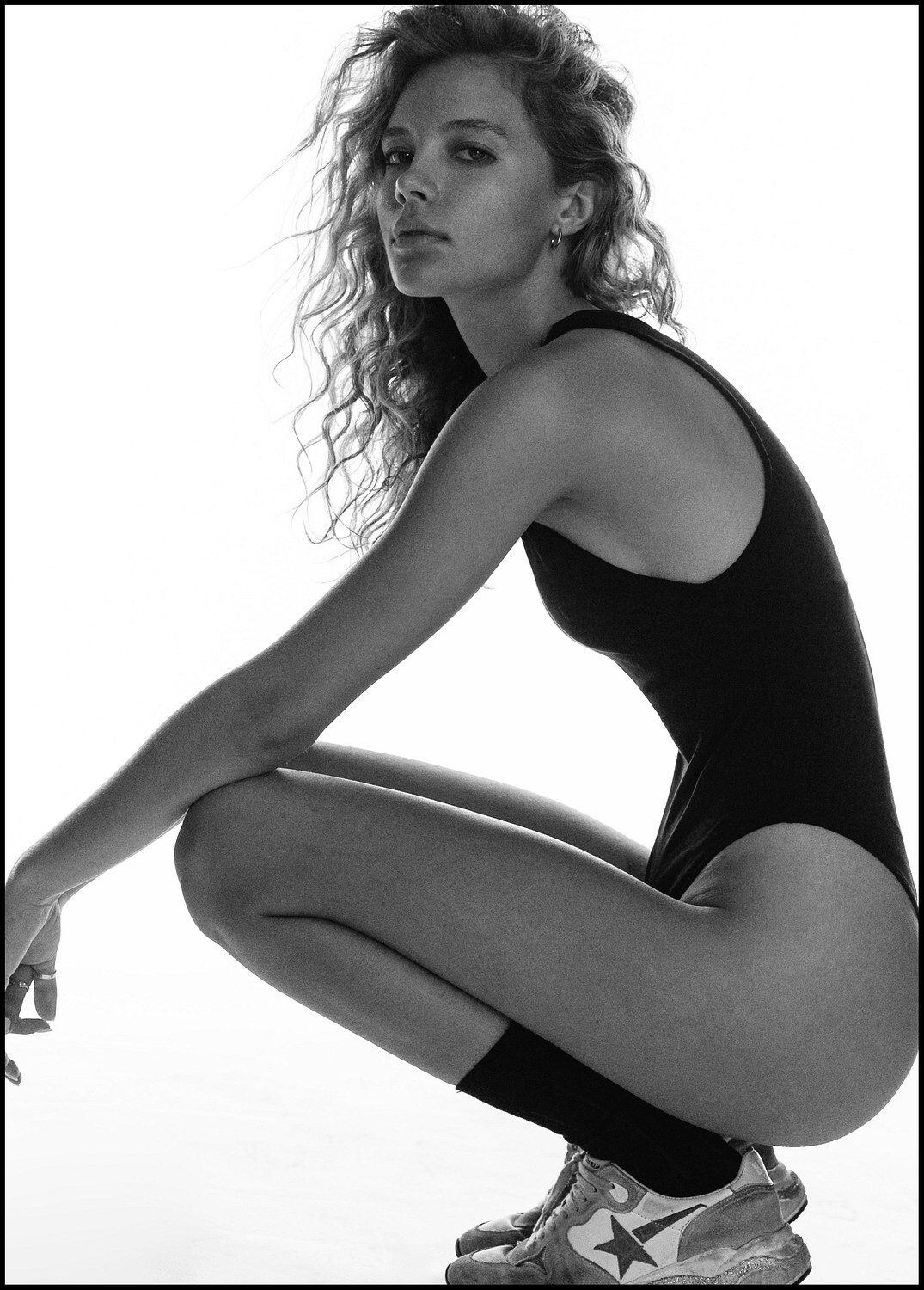

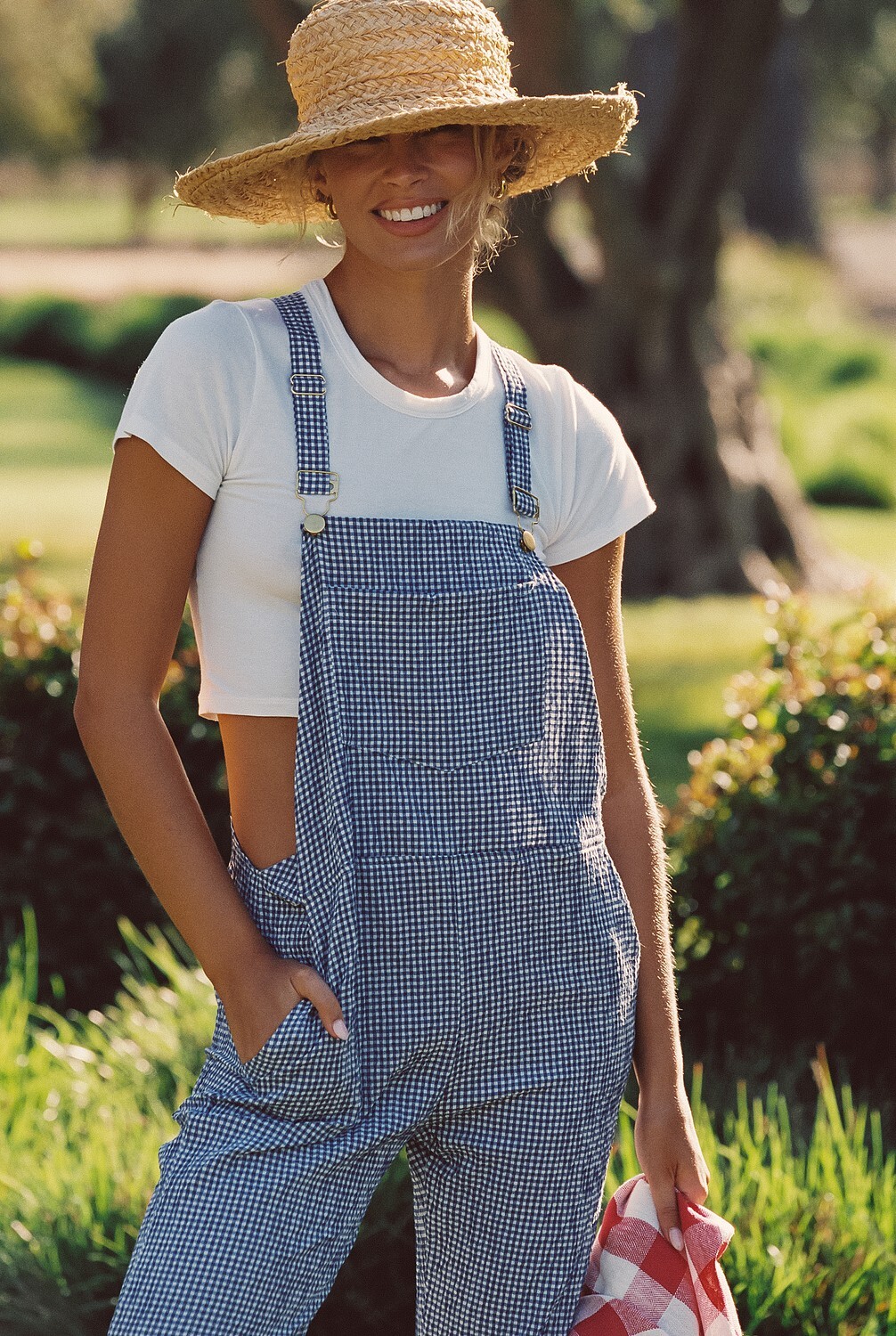






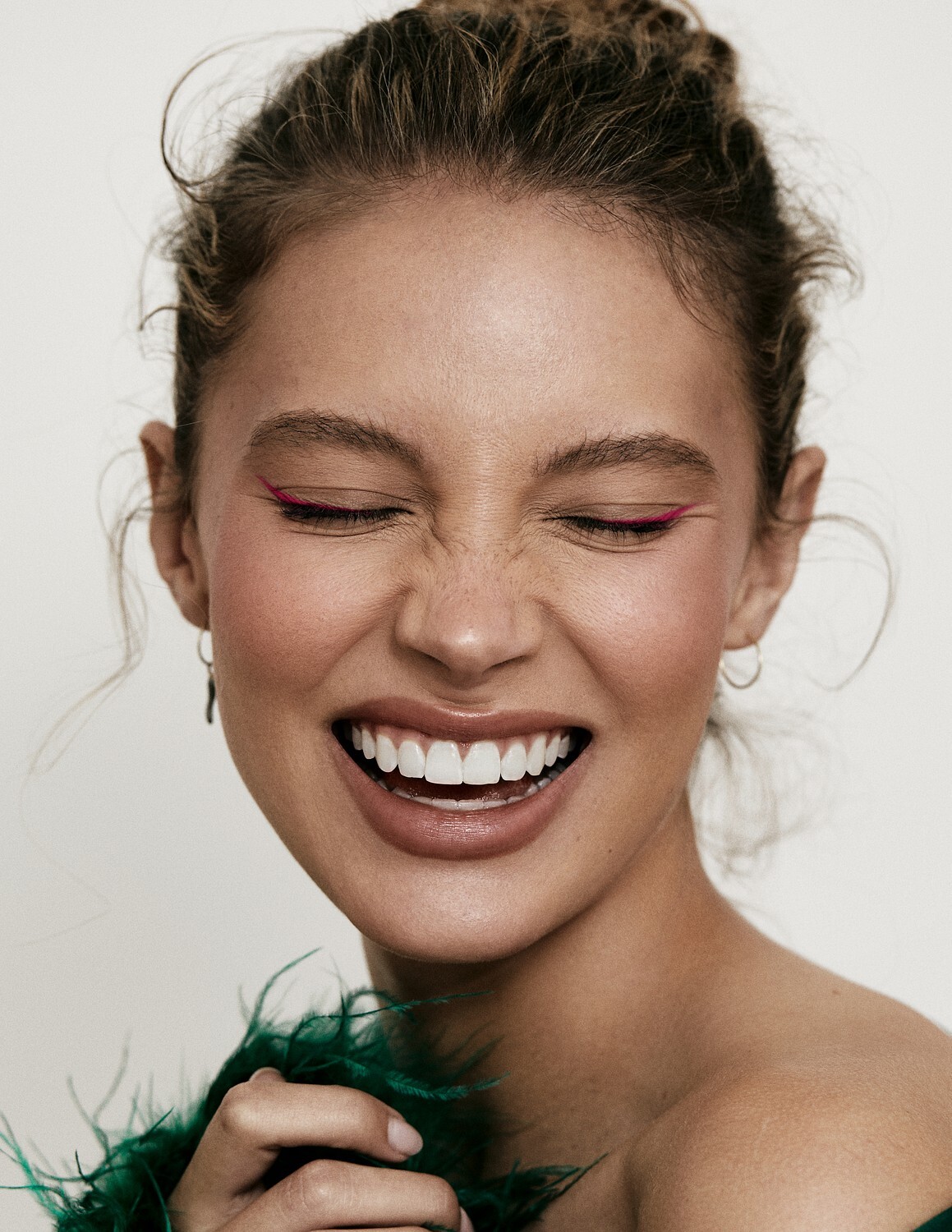
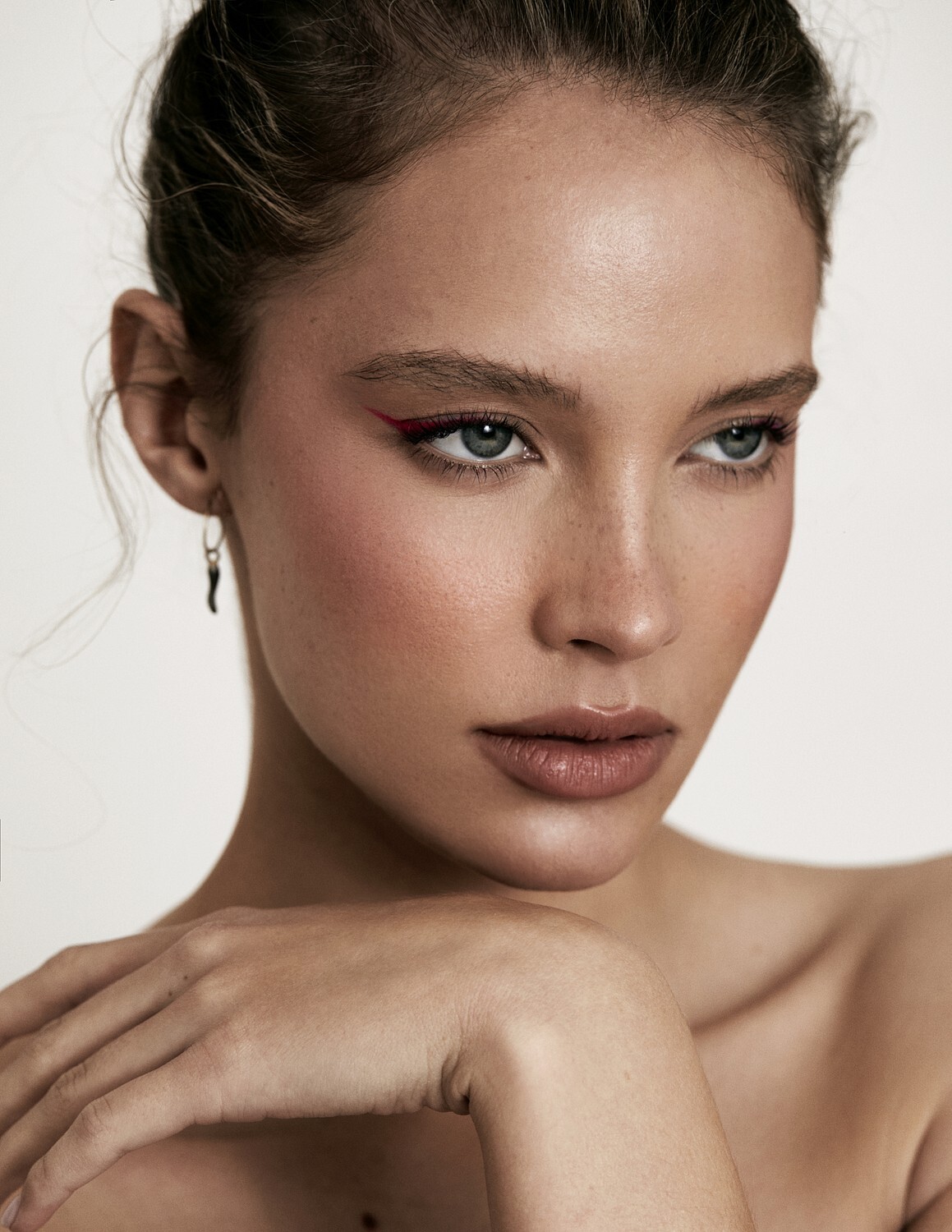
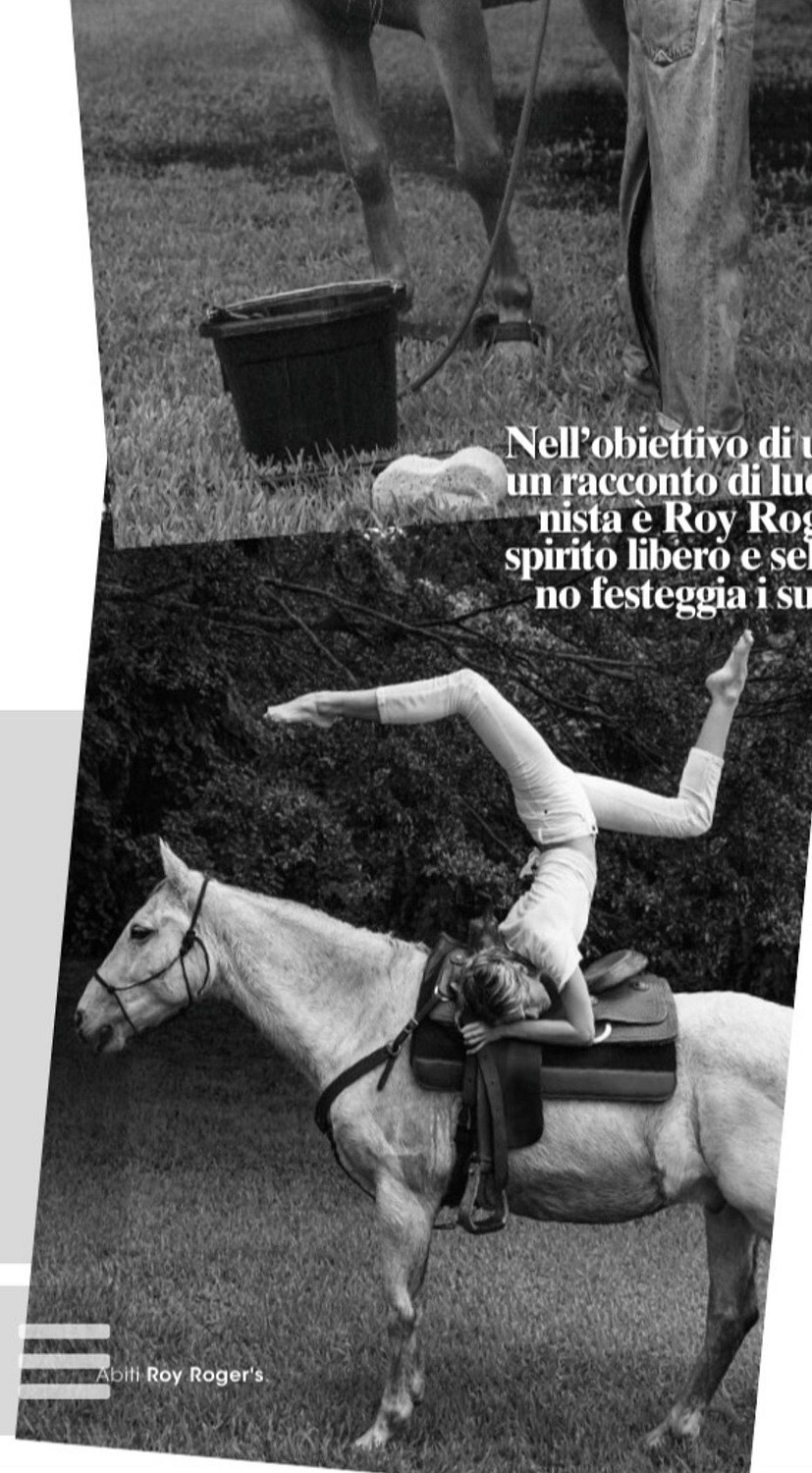
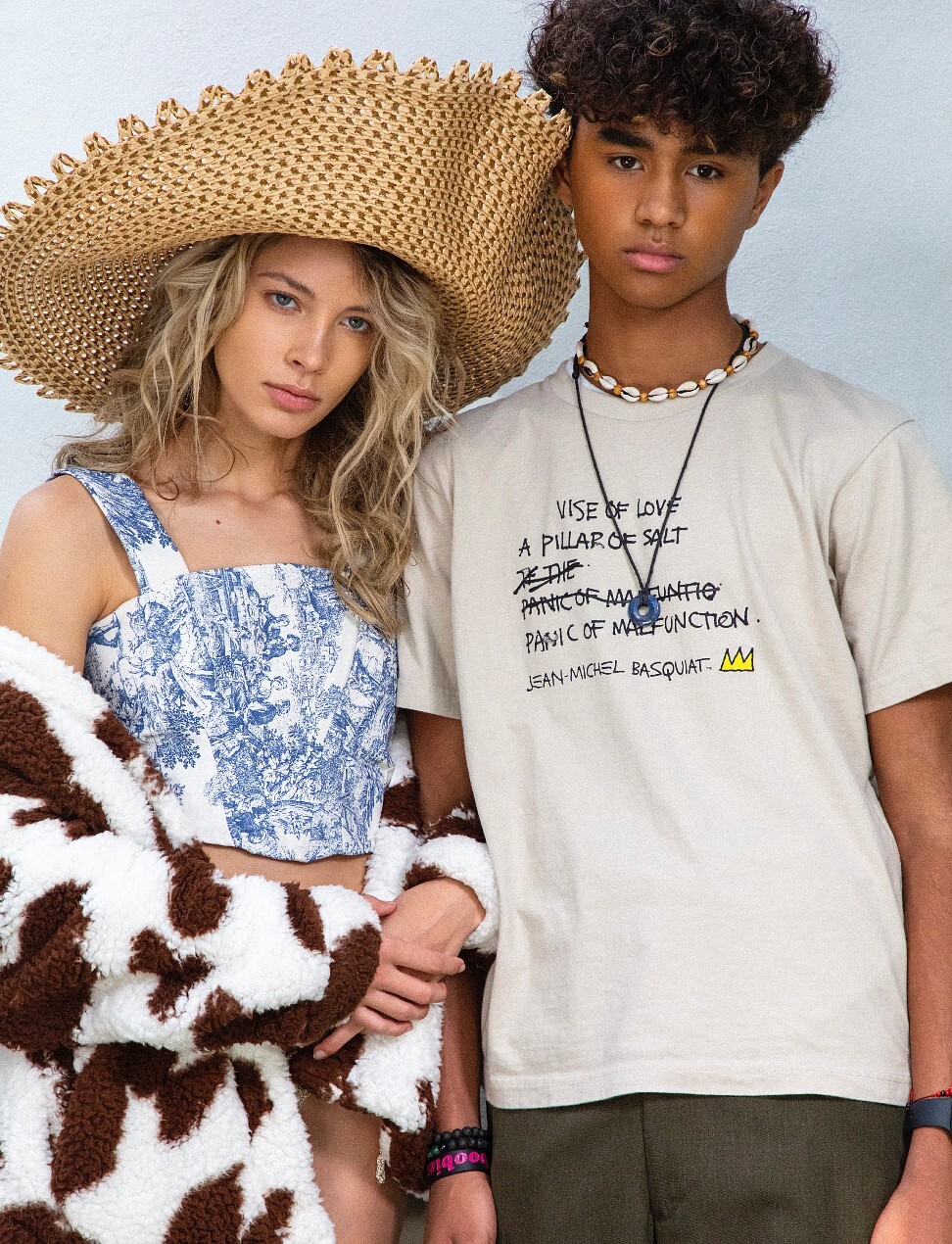
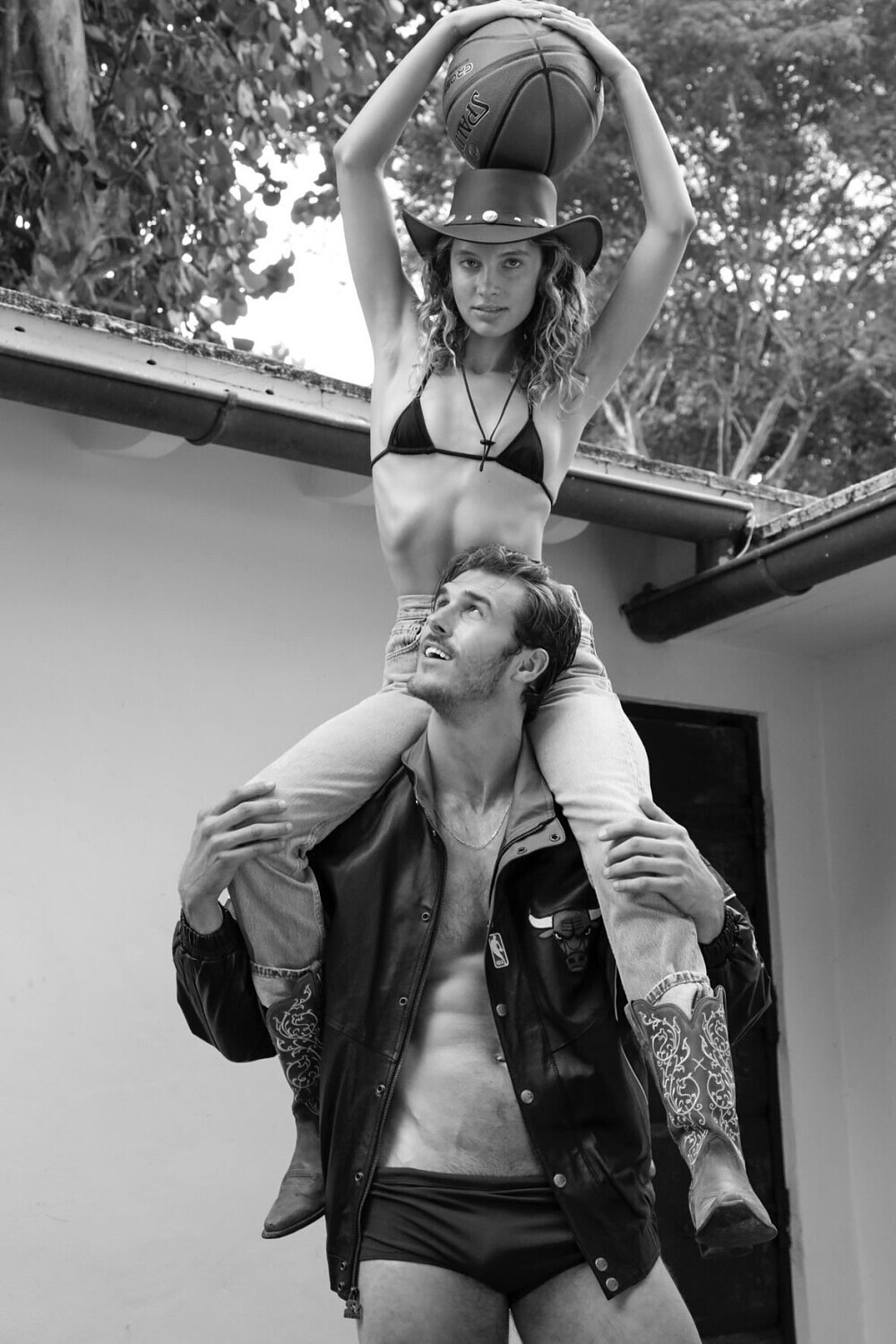

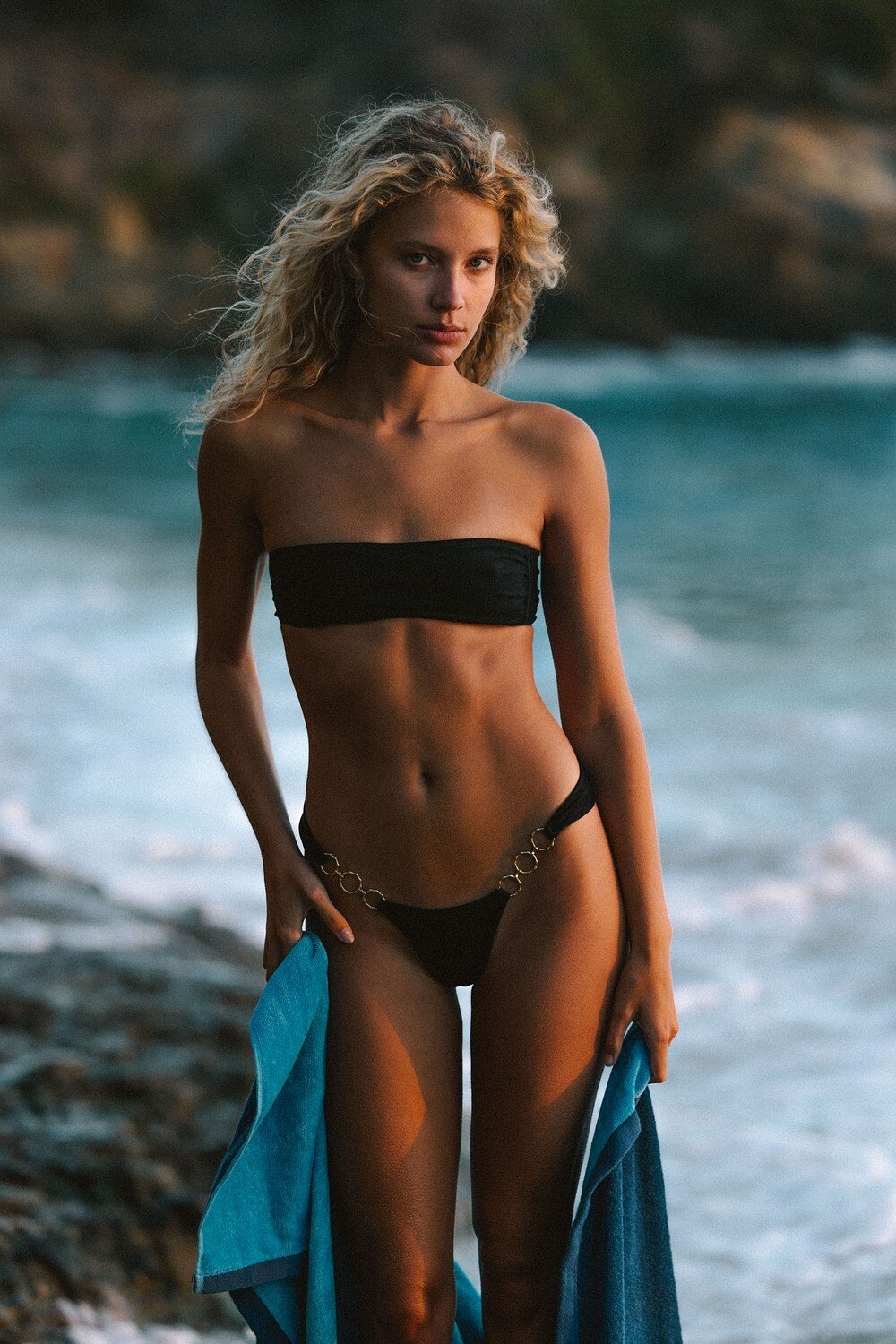
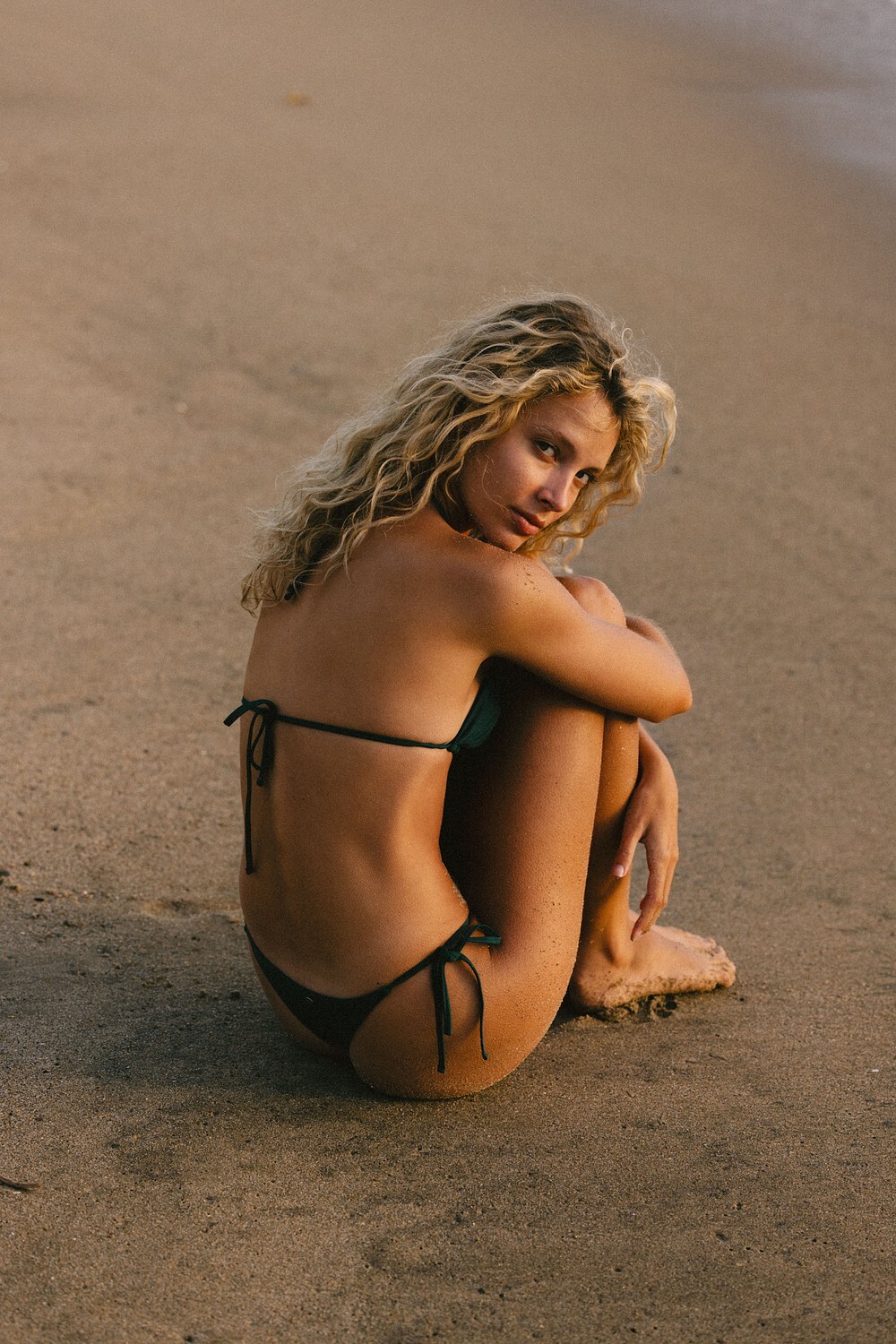

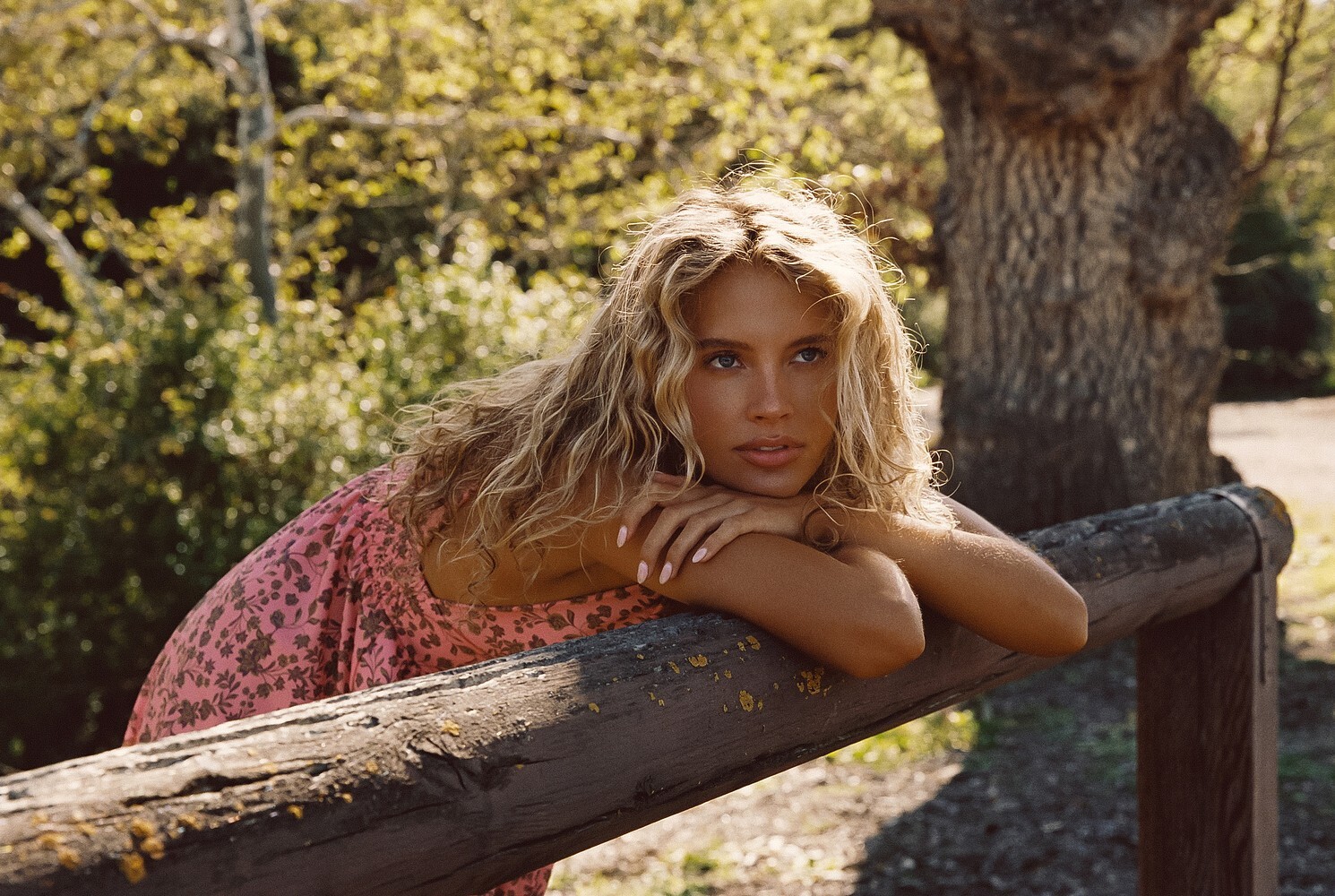

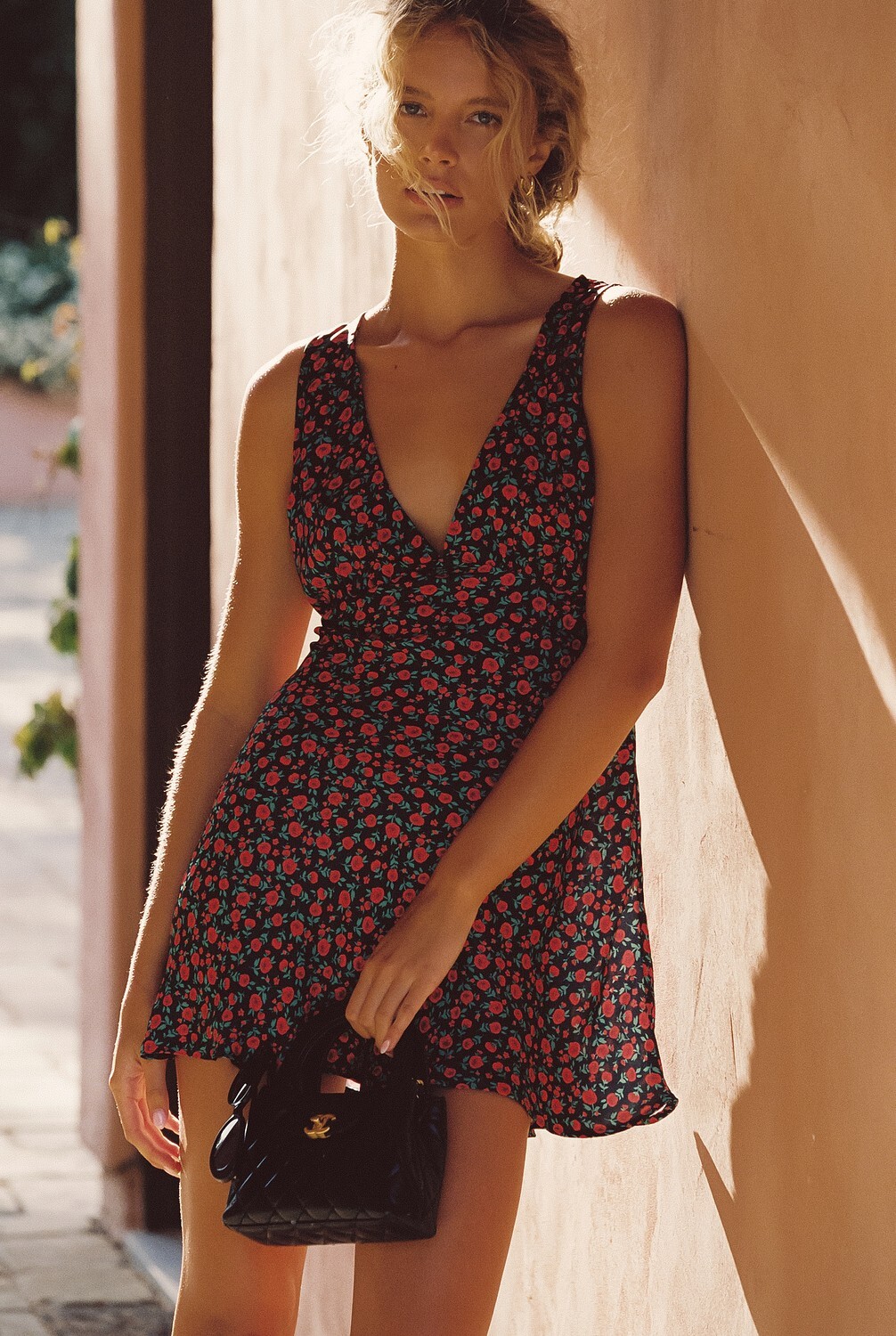


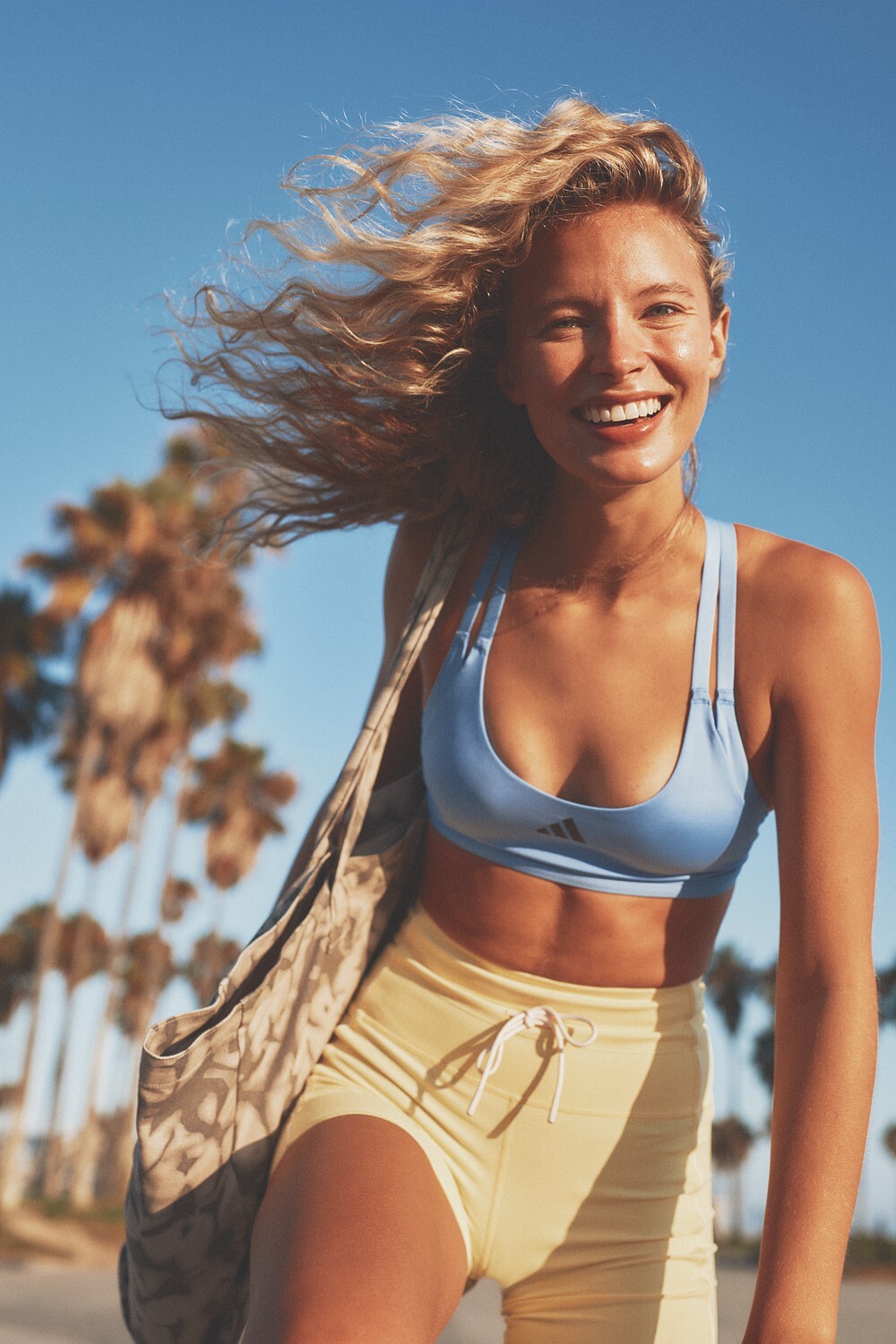
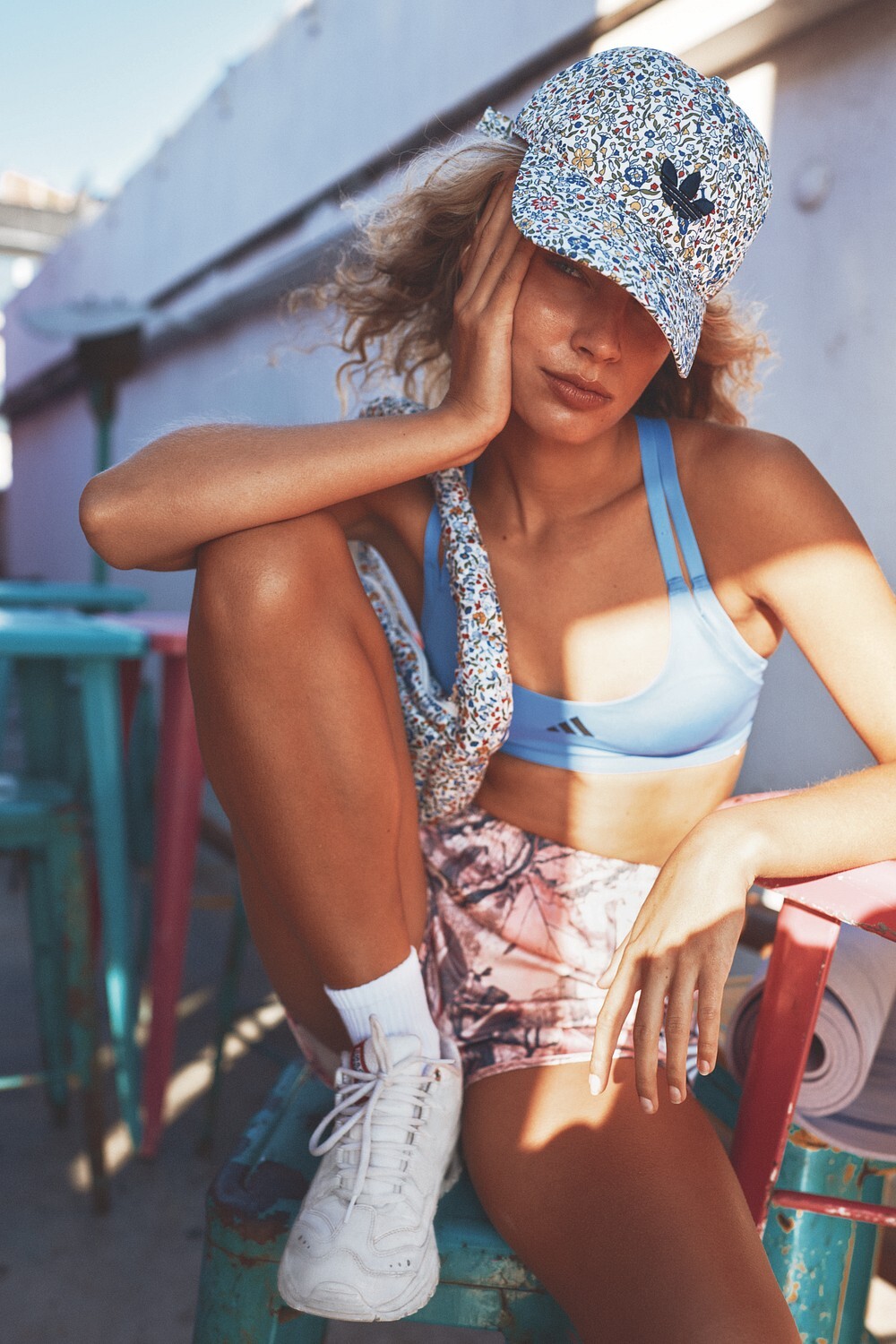

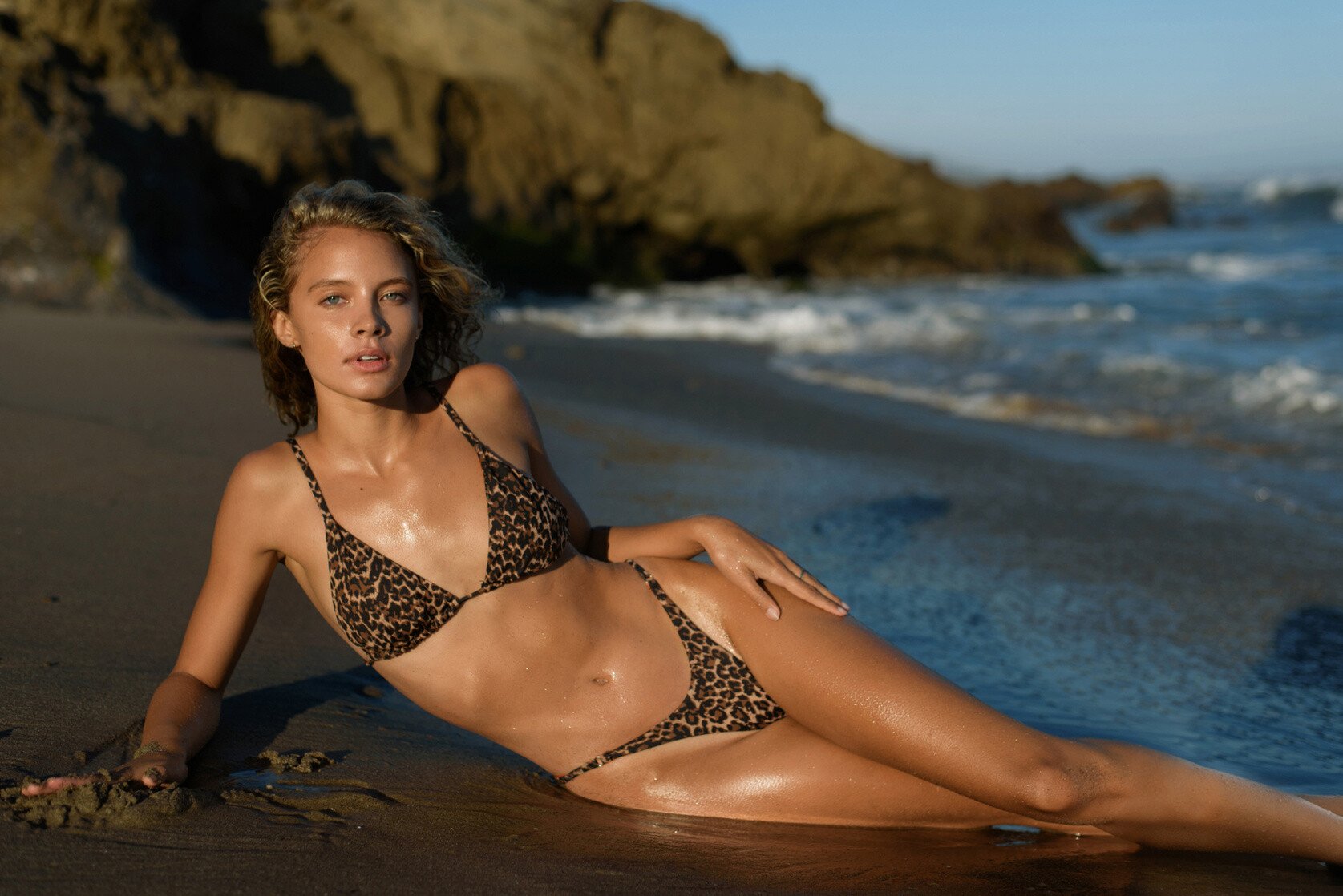
.jpg.778b5a4d188ed2aa6a0ee97136a11e4d.jpg)
.jpg.7411a1c4ef1aabafcf6b67e6843c7404.jpg)
.jpg.a02c5e783b95d1b01e20086bd0bd429a.jpg)
.jpg.8cd9c057903fd4e62d9e0d1479497842.jpg)
.jpg.c99130c5a9f3977eb7d6810ad72bb79d.jpg)
.jpg.3b257fe107b898c6d176a3e01c8bb3dd.jpg)
.jpg.02735a4cfb37fae33c3e675a17eb0b93.jpg)
.jpg.0530218ee8f14dfb31ec5c6bdb8bd9f5.jpg)
.jpg.a7de02aef0ce90a1bb8b5e8895a9bd4f.jpg)
.jpg.ae22bddff3f0a0c1f59fe117b8d9a9b9.jpg)
.jpg.a6b2267d8aa3942854eddae25da79562.jpg)
.jpg.289b363468fa18b98768752bbe96e8b7.jpg)
.jpg.4b1dd92dbb5eb11aec60283786af7297.jpg)
.jpg.599082d40b1175944babb160a8b814cf.jpg)
.jpg.74c0be8ec0348dfc831184f3cba95a43.jpg)

.jpg.b9389f7b4a5d76ae4fe6894bb2cb9555.jpg)





Account
Navigation
Search
Configure browser push notifications
Chrome (Android)
- Tap the lock icon next to the address bar.
- Tap Permissions → Notifications.
- Adjust your preference.
Chrome (Desktop)
- Click the padlock icon in the address bar.
- Select Site settings.
- Find Notifications and adjust your preference.
Safari (iOS 16.4+)
- Ensure the site is installed via Add to Home Screen.
- Open Settings App → Notifications.
- Find your app name and adjust your preference.
Safari (macOS)
- Go to Safari → Preferences.
- Click the Websites tab.
- Select Notifications in the sidebar.
- Find this website and adjust your preference.
Edge (Android)
- Tap the lock icon next to the address bar.
- Tap Permissions.
- Find Notifications and adjust your preference.
Edge (Desktop)
- Click the padlock icon in the address bar.
- Click Permissions for this site.
- Find Notifications and adjust your preference.
Firefox (Android)
- Go to Settings → Site permissions.
- Tap Notifications.
- Find this site in the list and adjust your preference.
Firefox (Desktop)
- Open Firefox Settings.
- Search for Notifications.
- Find this site in the list and adjust your preference.