

Dayrell
Members
-
Joined
-
Last visited
Everything posted by Dayrell
-


- 23 replies
-
- 00s
- 2000s
- 2000s model
- 90s
-
Tagged with:

- 23 replies
-
- 00s
- 2000s
- 2000s model
- 90s
-
Tagged with:

- 23 replies
-
- 00s
- 2000s
- 2000s model
- 90s
-
Tagged with:



- 23 replies
-
- 00s
- 2000s
- 2000s model
- 90s
-
Tagged with:

- 23 replies
-
- 00s
- 2000s
- 2000s model
- 90s
-
Tagged with:
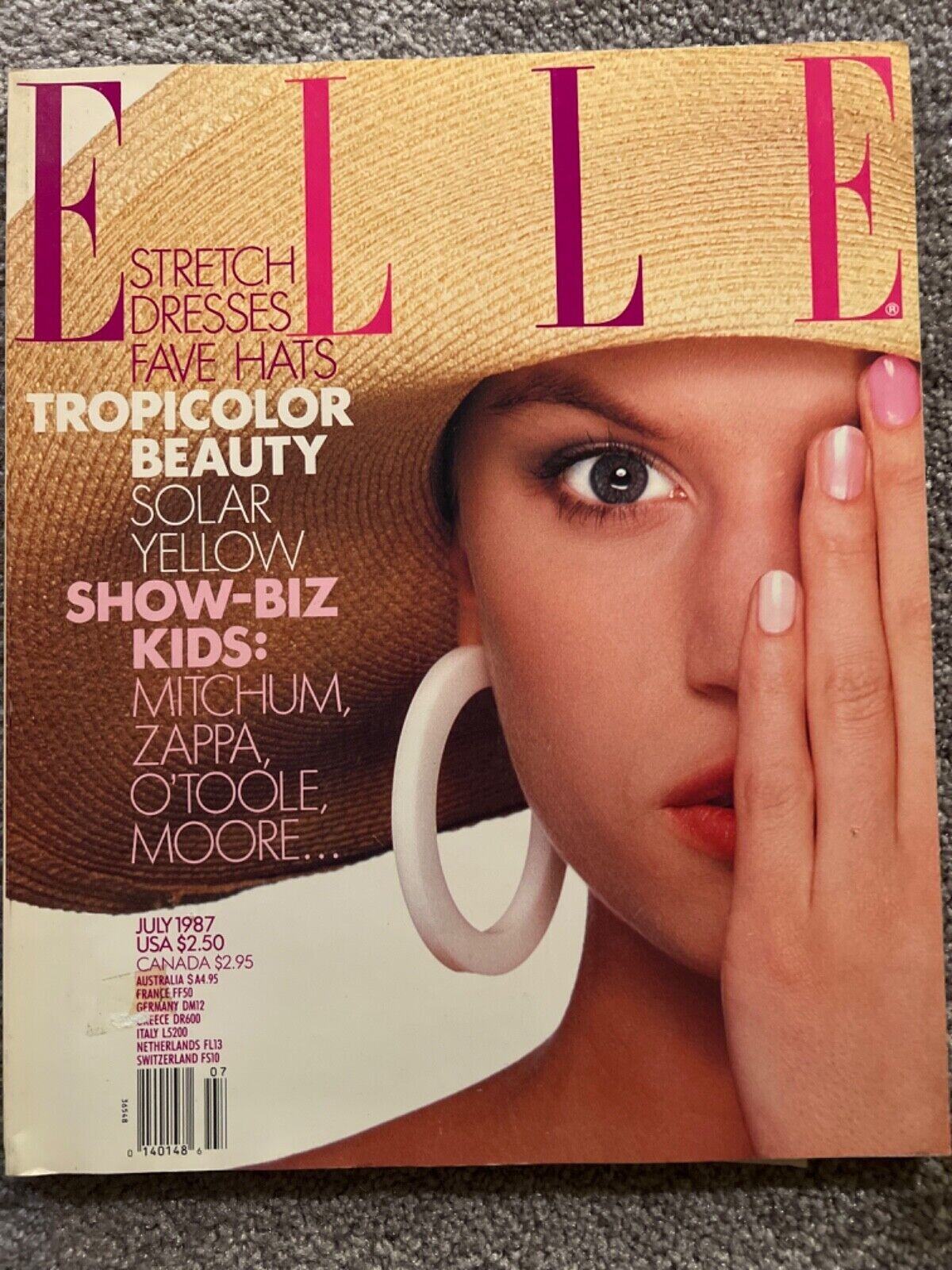
Elle USA, 87 new French magazine
 Marie Claire China


 Thanks @missparker7
new to me, thanks. She reminds me of Cheryl Tiegs
Thanks my friend!
Thanks my dear @RocketQueen for so many IDs. Gray Flagg is so beautiful, she is like a doll. She have a thread?
Thanks my dear friend for IDs. And another case of different surname: Kirat for me is Kirat Young
Thanks @tarsier41 for these IDs
wow, a lot of covers. I have so many girls in the same situation...😥
Thanks my friend. Why I can´t ID Talisa???? By the way, I have a diferent surname for Clotilde - Clotilde Holby
Cosmopolitan Spain 91
Thanks @missparker7
new to me, thanks. She reminds me of Cheryl Tiegs
Thanks my friend!
Thanks my dear @RocketQueen for so many IDs. Gray Flagg is so beautiful, she is like a doll. She have a thread?
Thanks my dear friend for IDs. And another case of different surname: Kirat for me is Kirat Young
Thanks @tarsier41 for these IDs
wow, a lot of covers. I have so many girls in the same situation...😥
Thanks my friend. Why I can´t ID Talisa???? By the way, I have a diferent surname for Clotilde - Clotilde Holby
Cosmopolitan Spain 91















.jpg.d9d7791b5f36bf8c962c323860dafd2f.jpg)
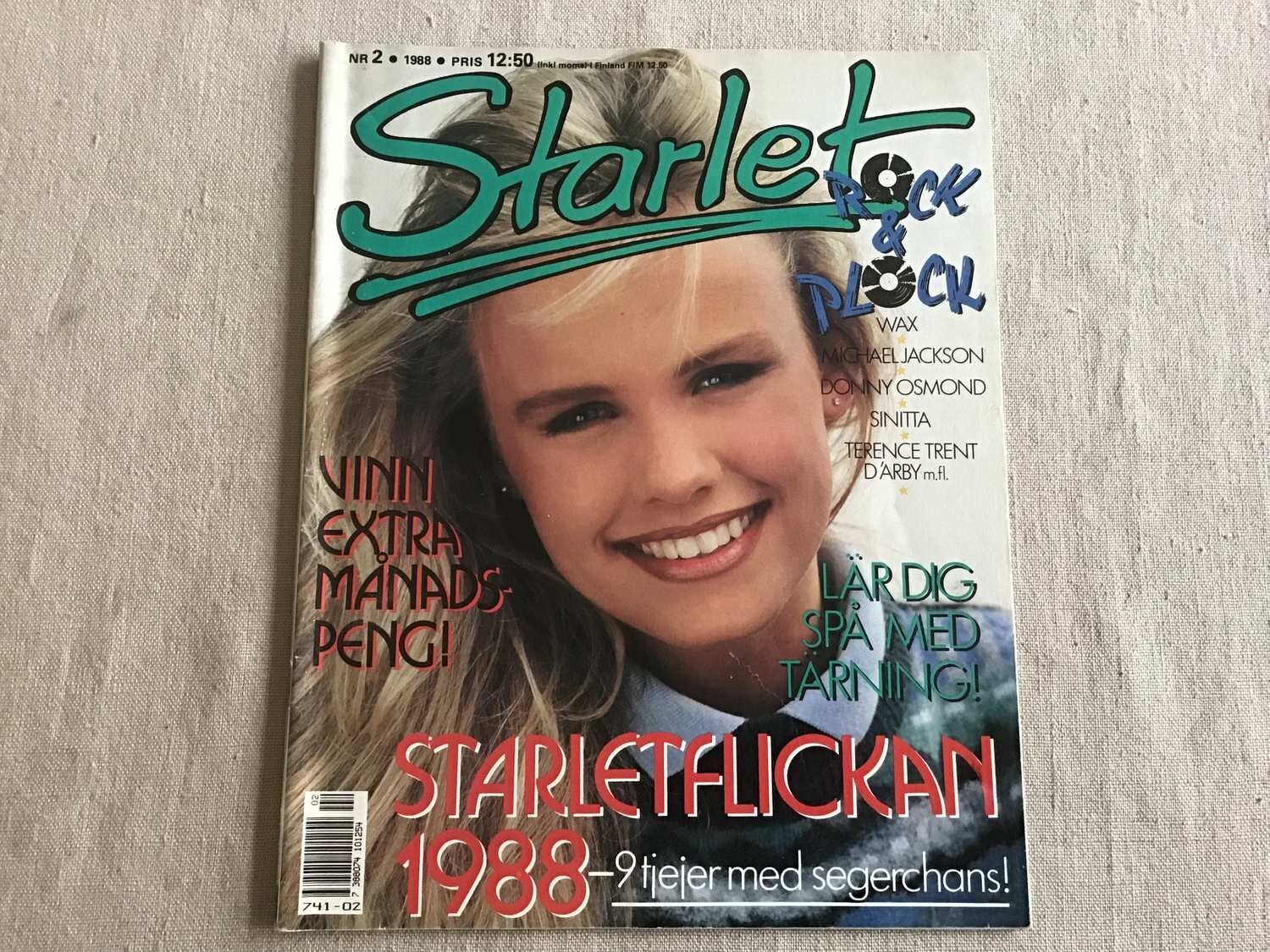
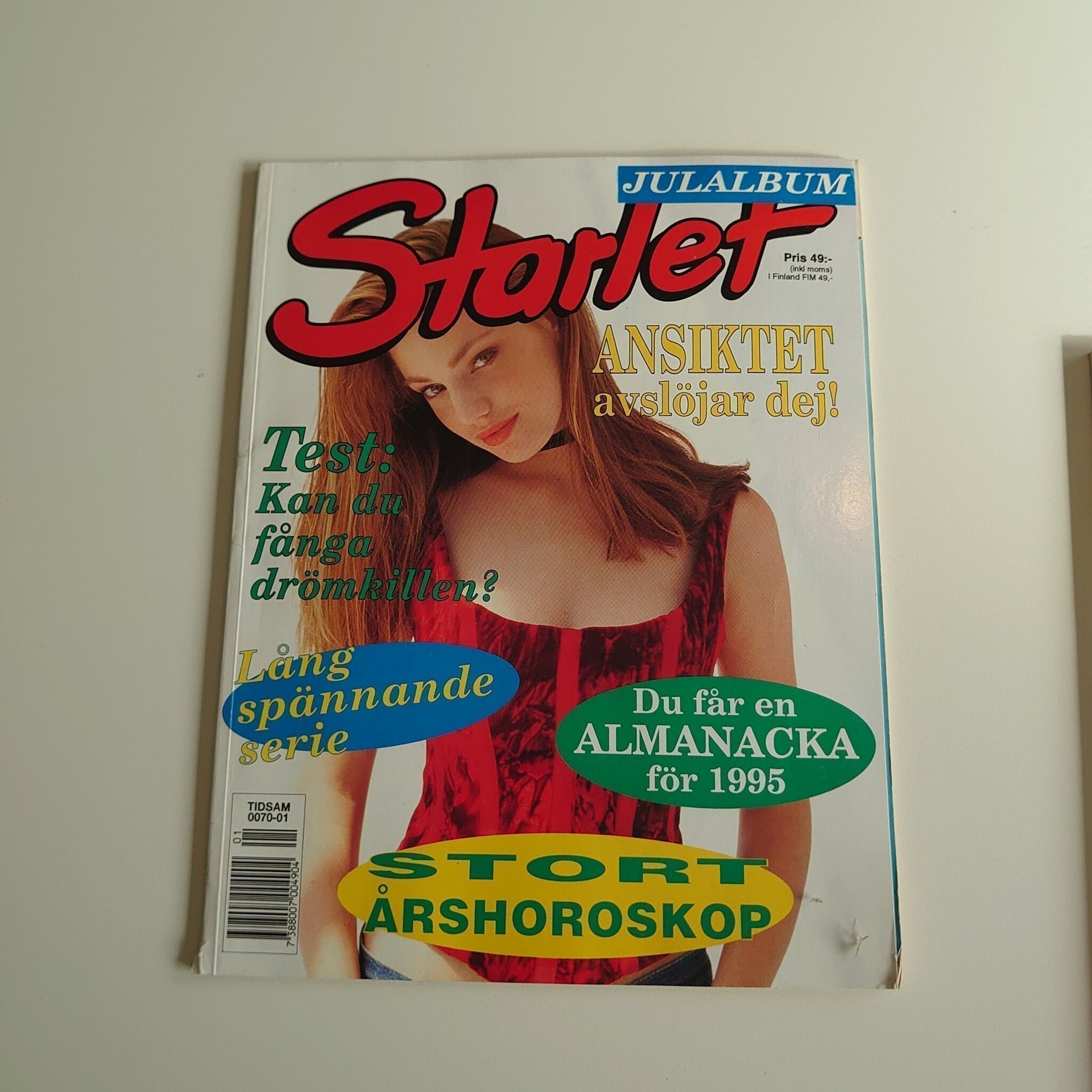


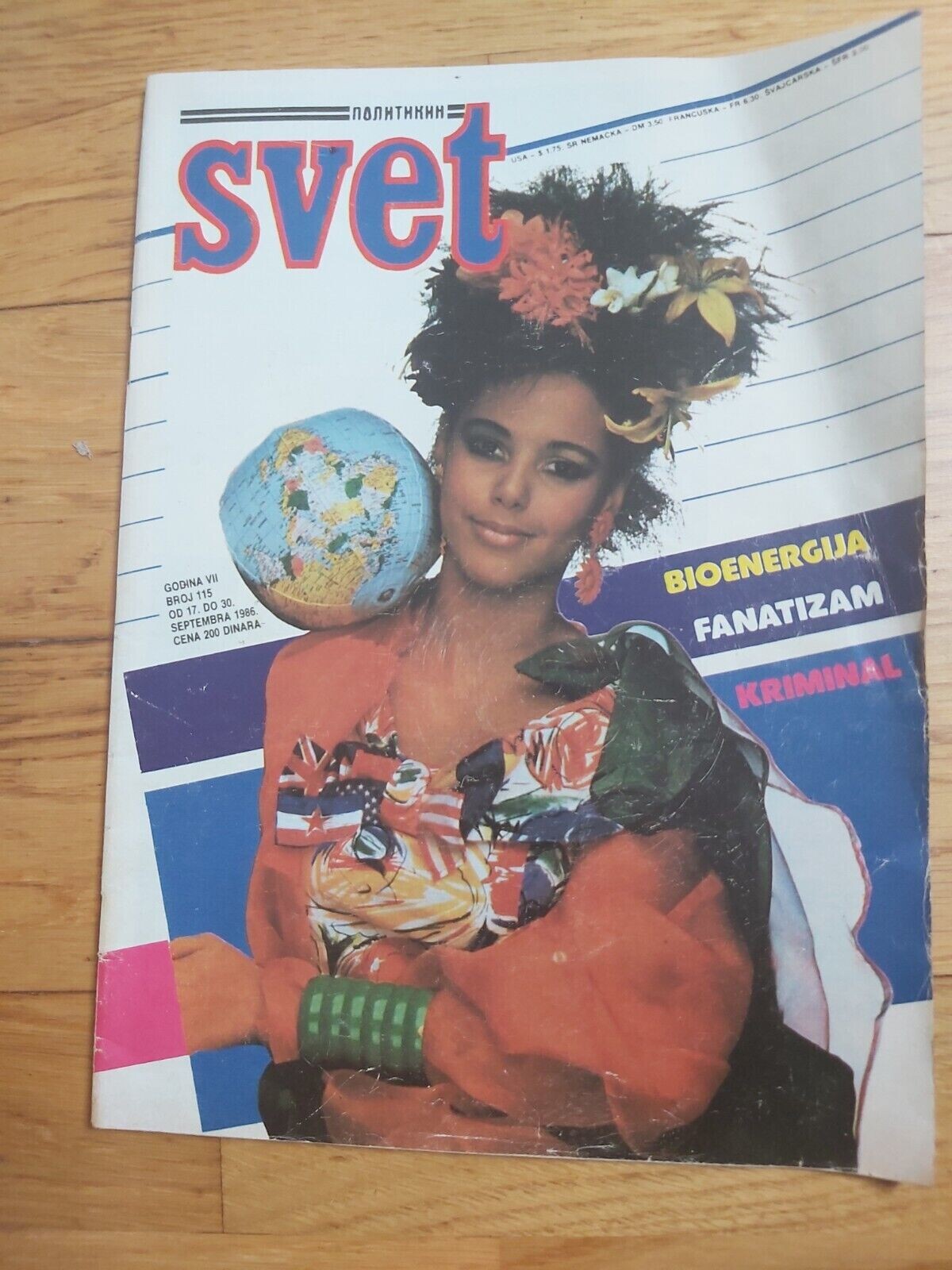


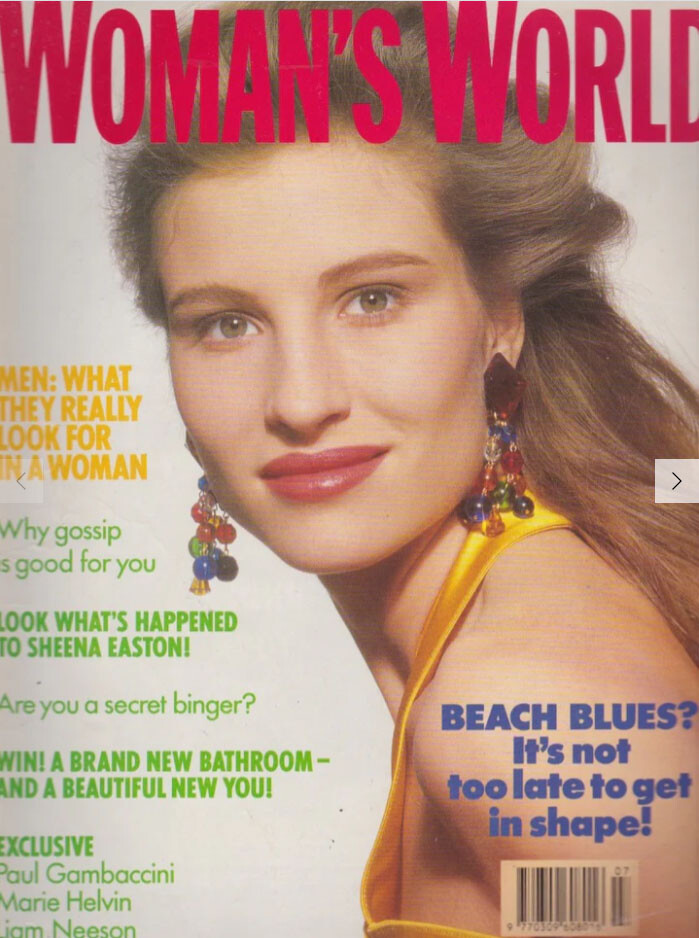

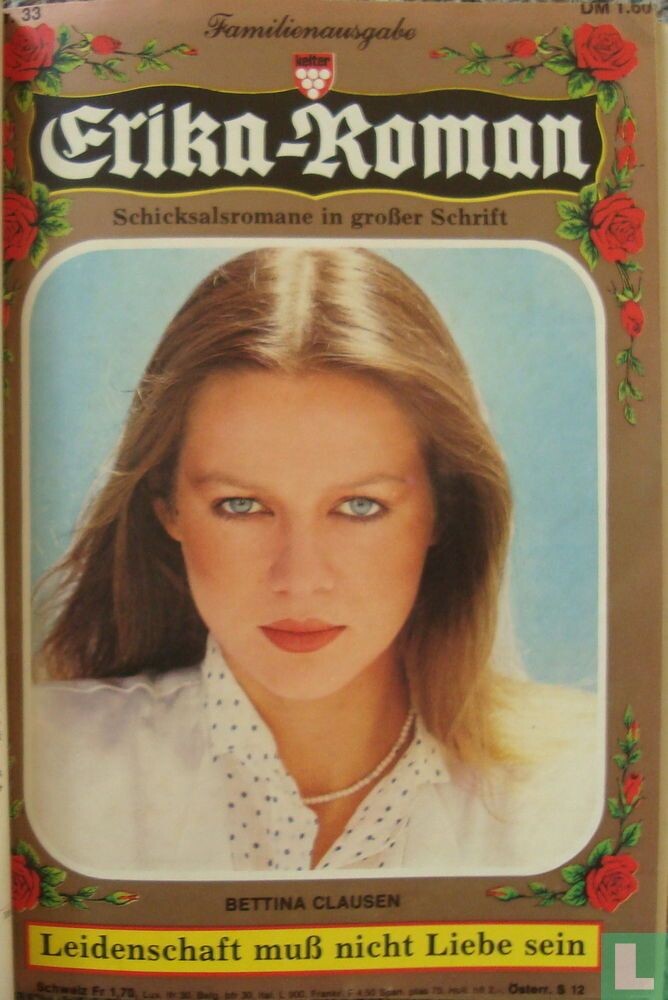



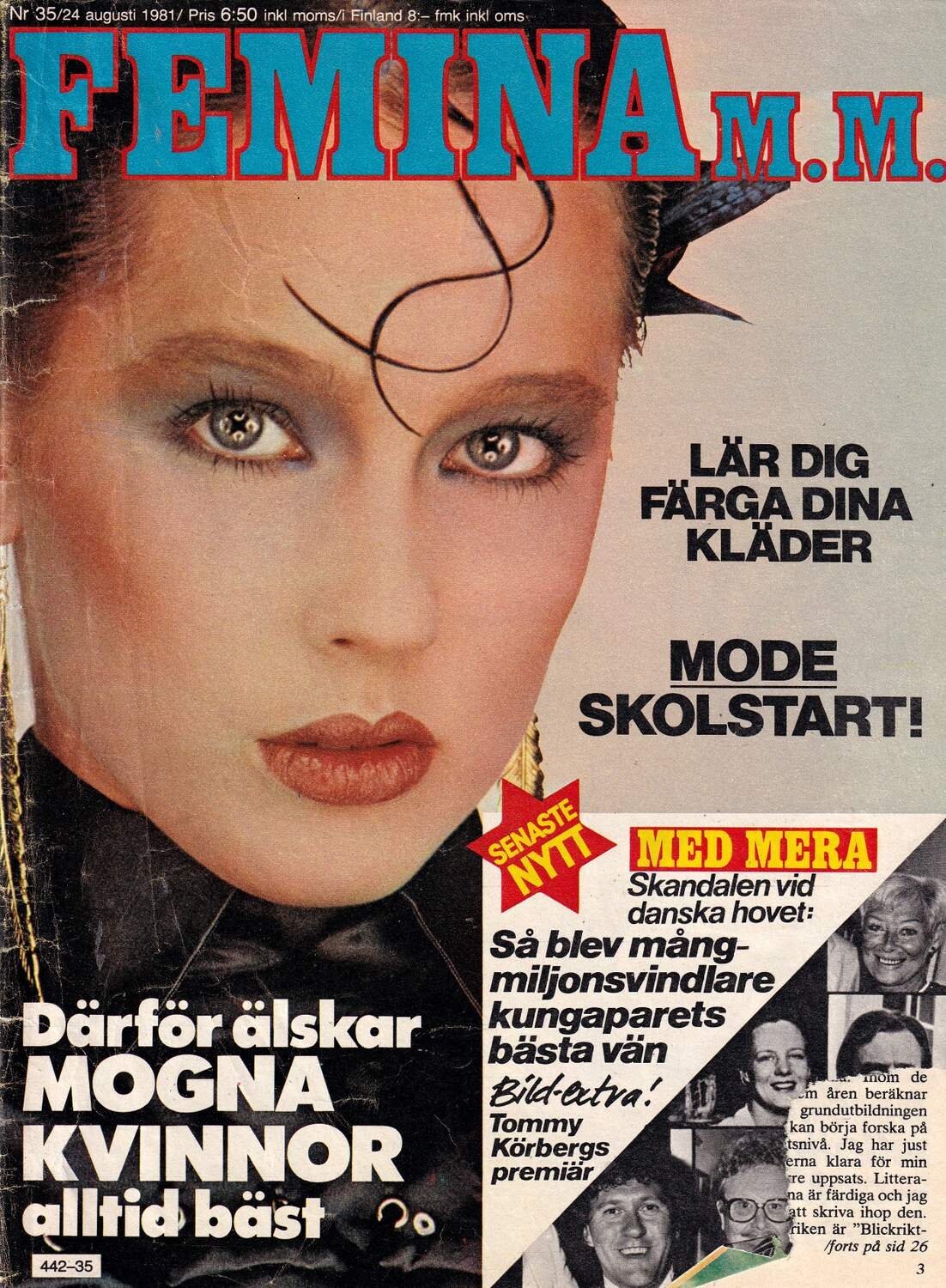


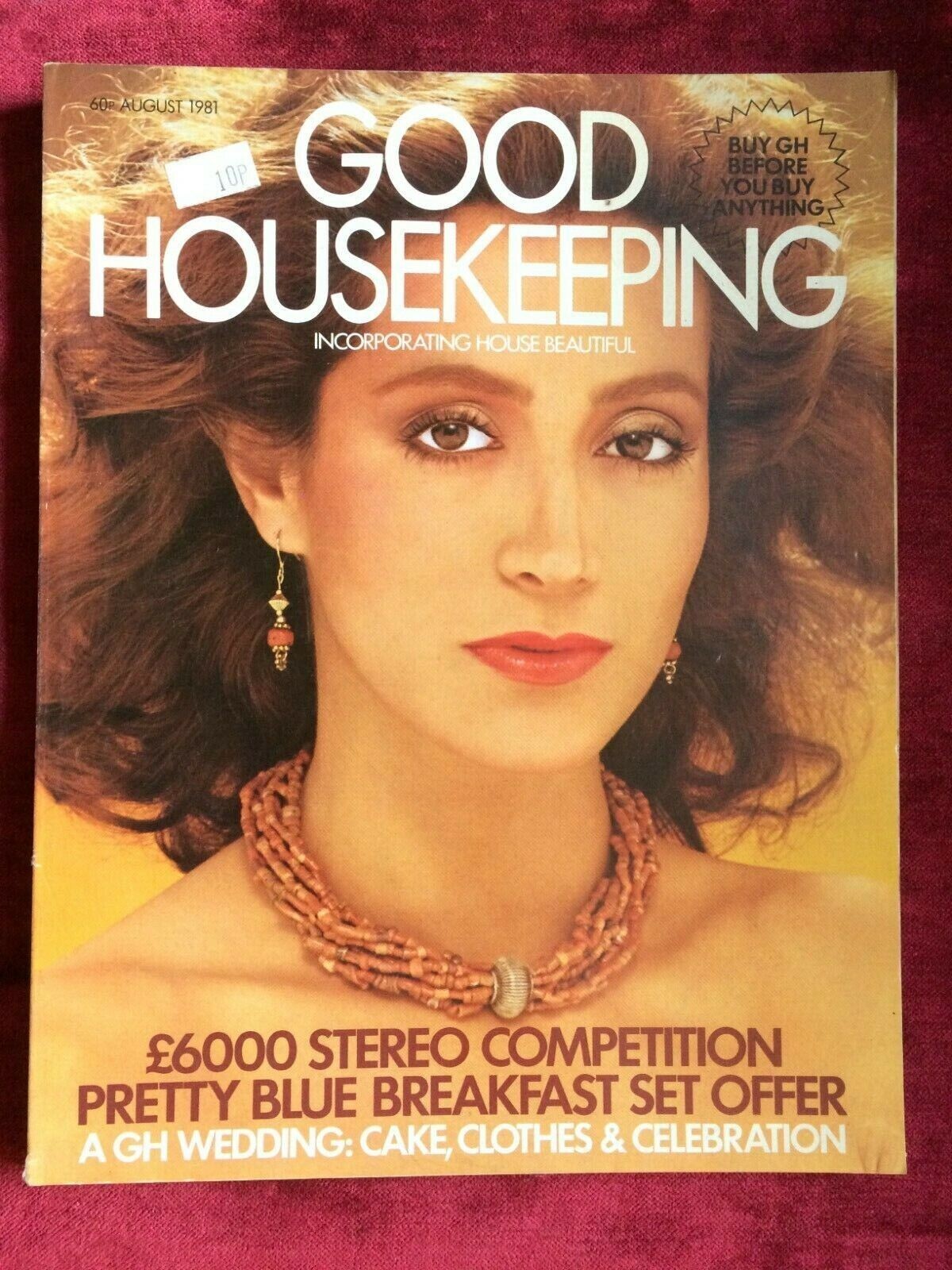

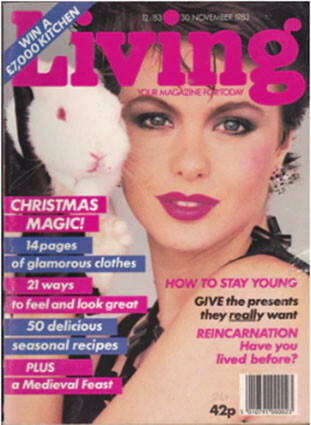
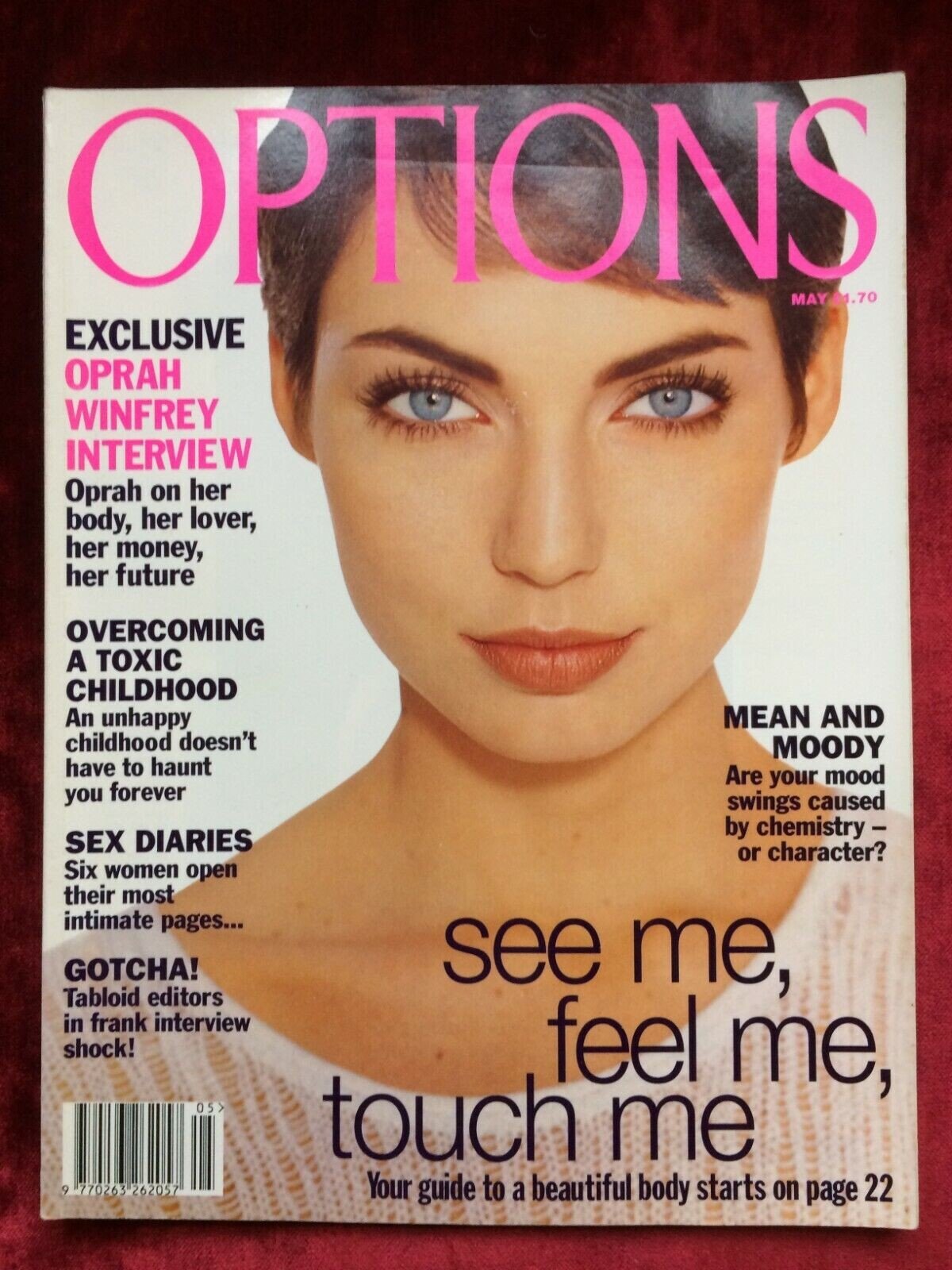
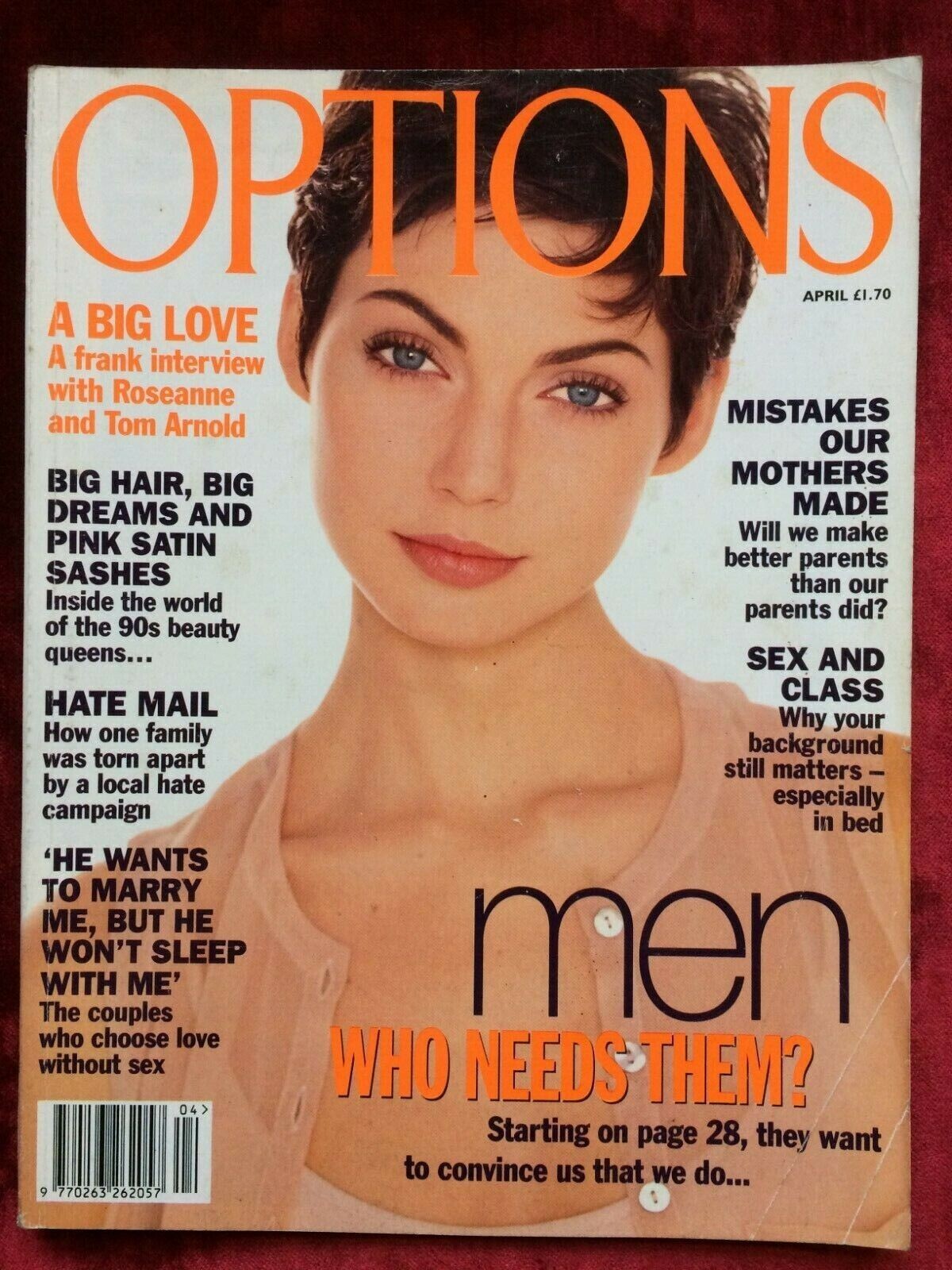




.jpg.8598b4b75a1e2bf968703fe720688c07.jpg)




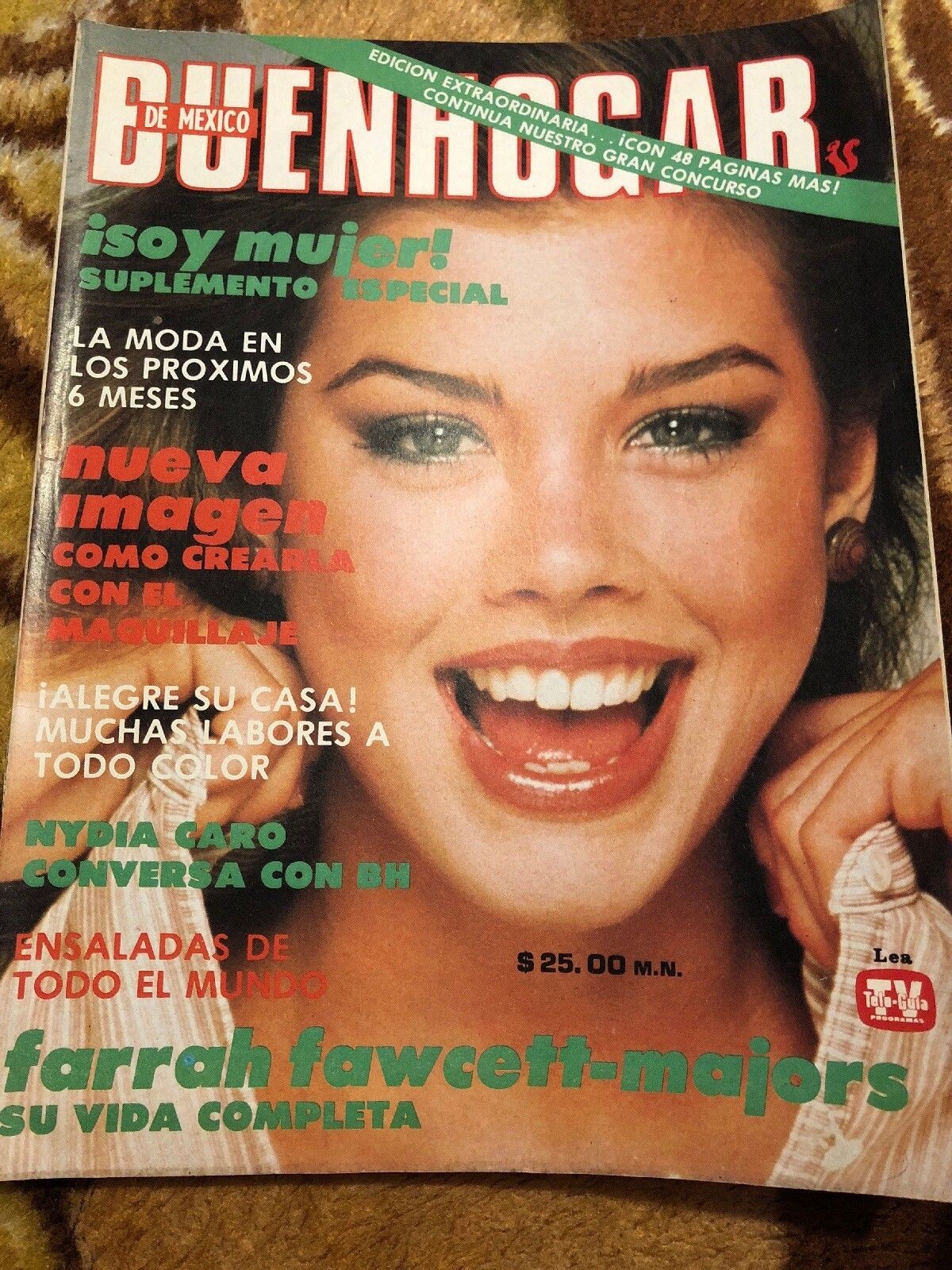






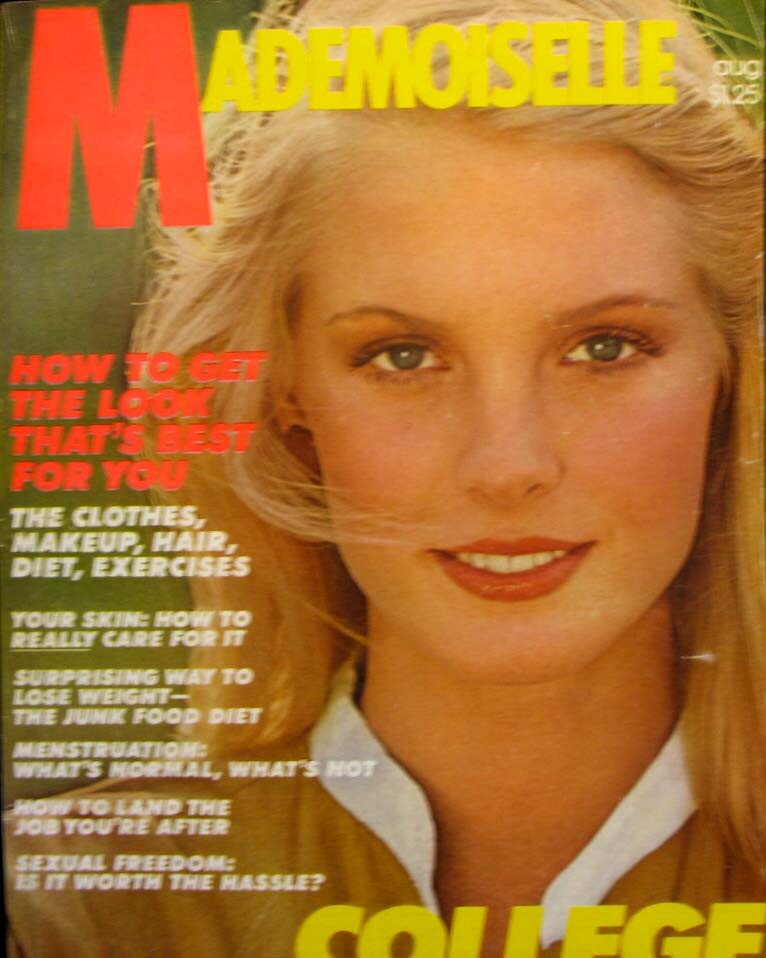


Account
Navigation
Search
Configure browser push notifications
Chrome (Android)
- Tap the lock icon next to the address bar.
- Tap Permissions → Notifications.
- Adjust your preference.
Chrome (Desktop)
- Click the padlock icon in the address bar.
- Select Site settings.
- Find Notifications and adjust your preference.
Safari (iOS 16.4+)
- Ensure the site is installed via Add to Home Screen.
- Open Settings App → Notifications.
- Find your app name and adjust your preference.
Safari (macOS)
- Go to Safari → Preferences.
- Click the Websites tab.
- Select Notifications in the sidebar.
- Find this website and adjust your preference.
Edge (Android)
- Tap the lock icon next to the address bar.
- Tap Permissions.
- Find Notifications and adjust your preference.
Edge (Desktop)
- Click the padlock icon in the address bar.
- Click Permissions for this site.
- Find Notifications and adjust your preference.
Firefox (Android)
- Go to Settings → Site permissions.
- Tap Notifications.
- Find this site in the list and adjust your preference.
Firefox (Desktop)
- Open Firefox Settings.
- Search for Notifications.
- Find this site in the list and adjust your preference.