

Dayrell
Members
-
Joined
-
Last visited
Everything posted by Dayrell
-
 I think is Eugenia in Vital, but I don´t see Georgina in Gioia
 -
Wow dear @RocketQueen this is amazing, a lot of IDs and a hot new name. Thanks!!!!!!
-
Wow, this is a fantastic idea @Martial
-
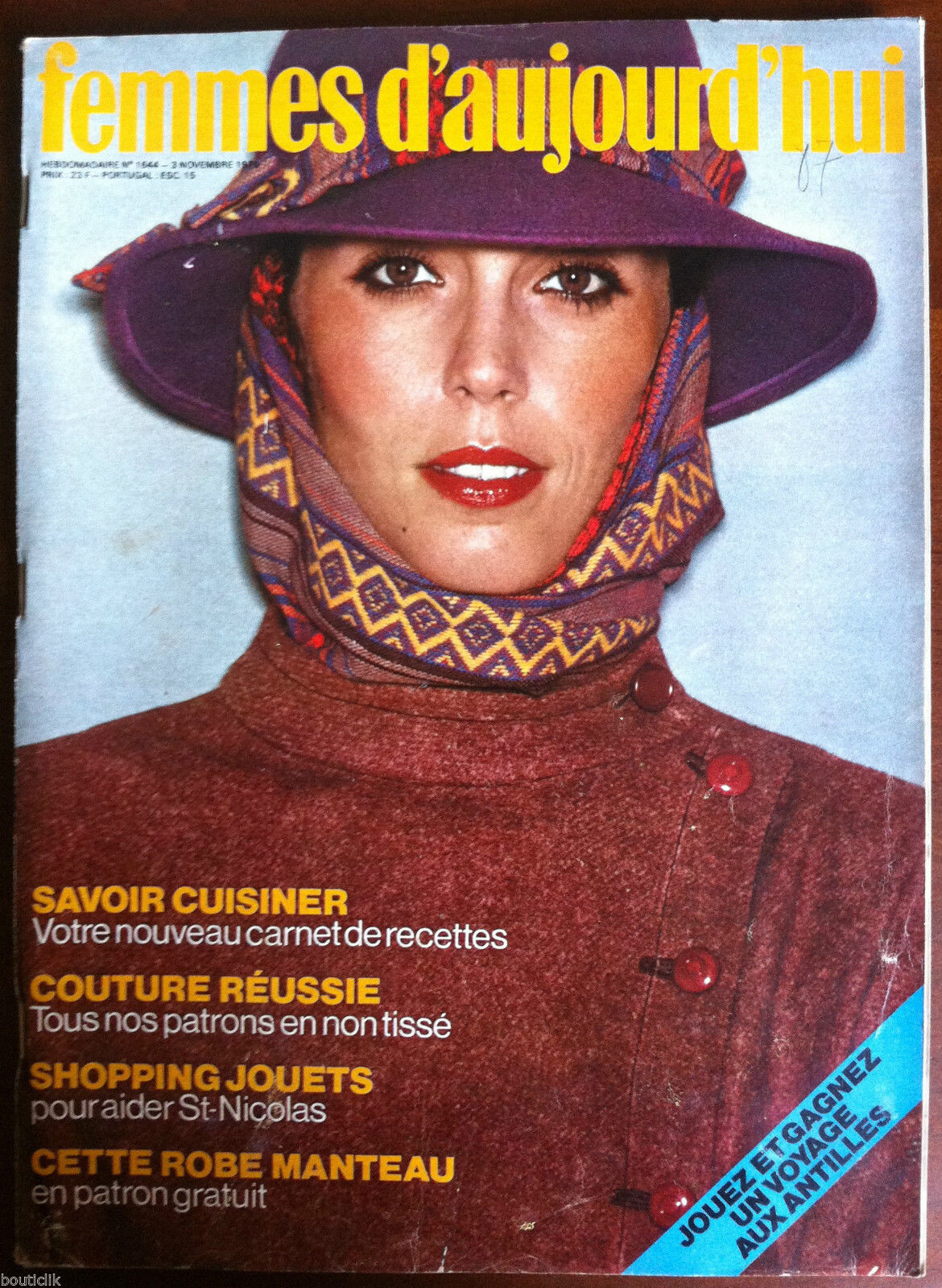
Vis a Vis magazine, France, 1990

-
magazine Plateia, Portugal

-
great covers @Chirkomania
No, not exactly new. Her Insta: https://www.instagram.com/chaos/?hl=pt-br I don´t know wich country is this for.
Thanks @Martial, great job
She is so beautiful. Thanks John for these amazing covers!
Chaos 69 magazine
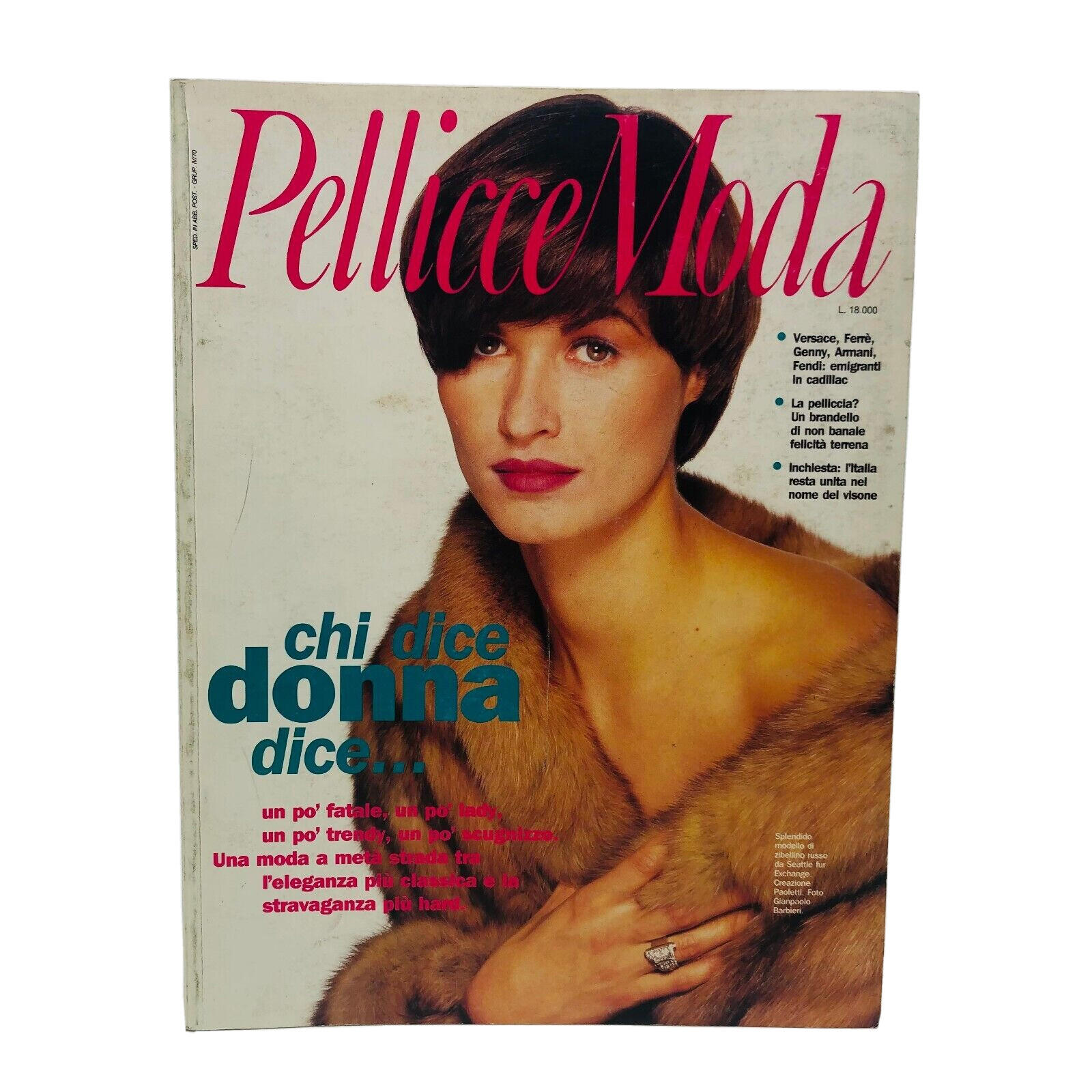
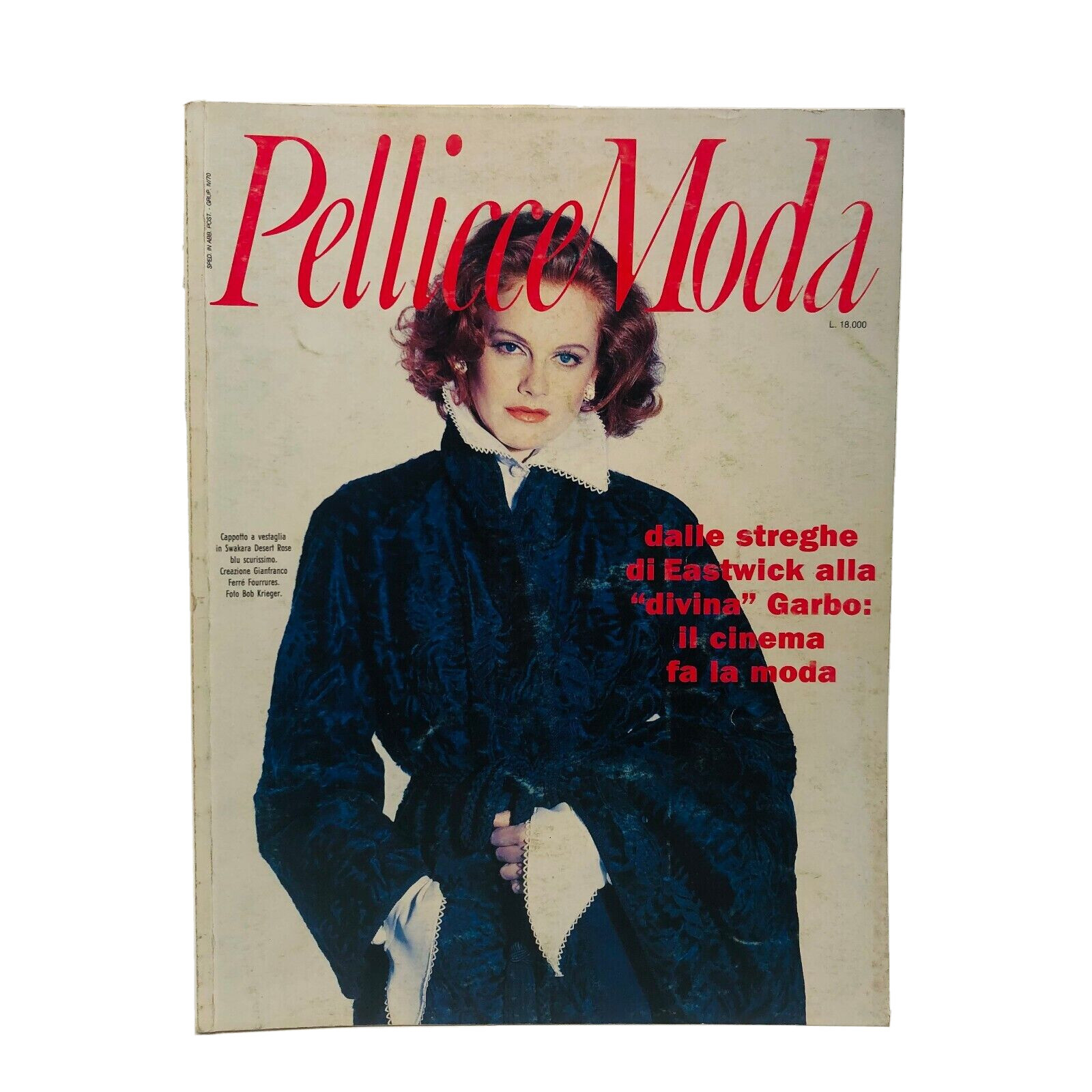
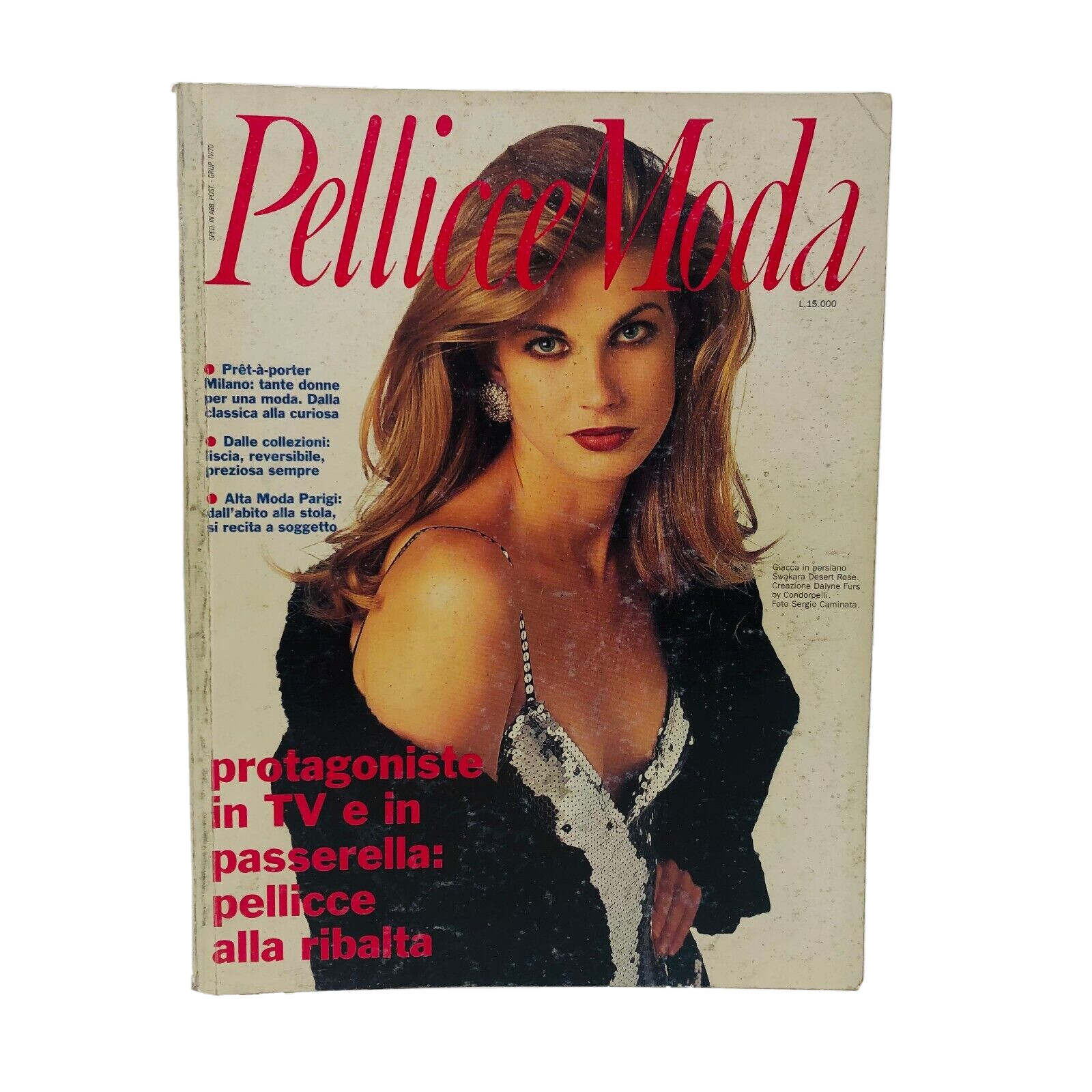
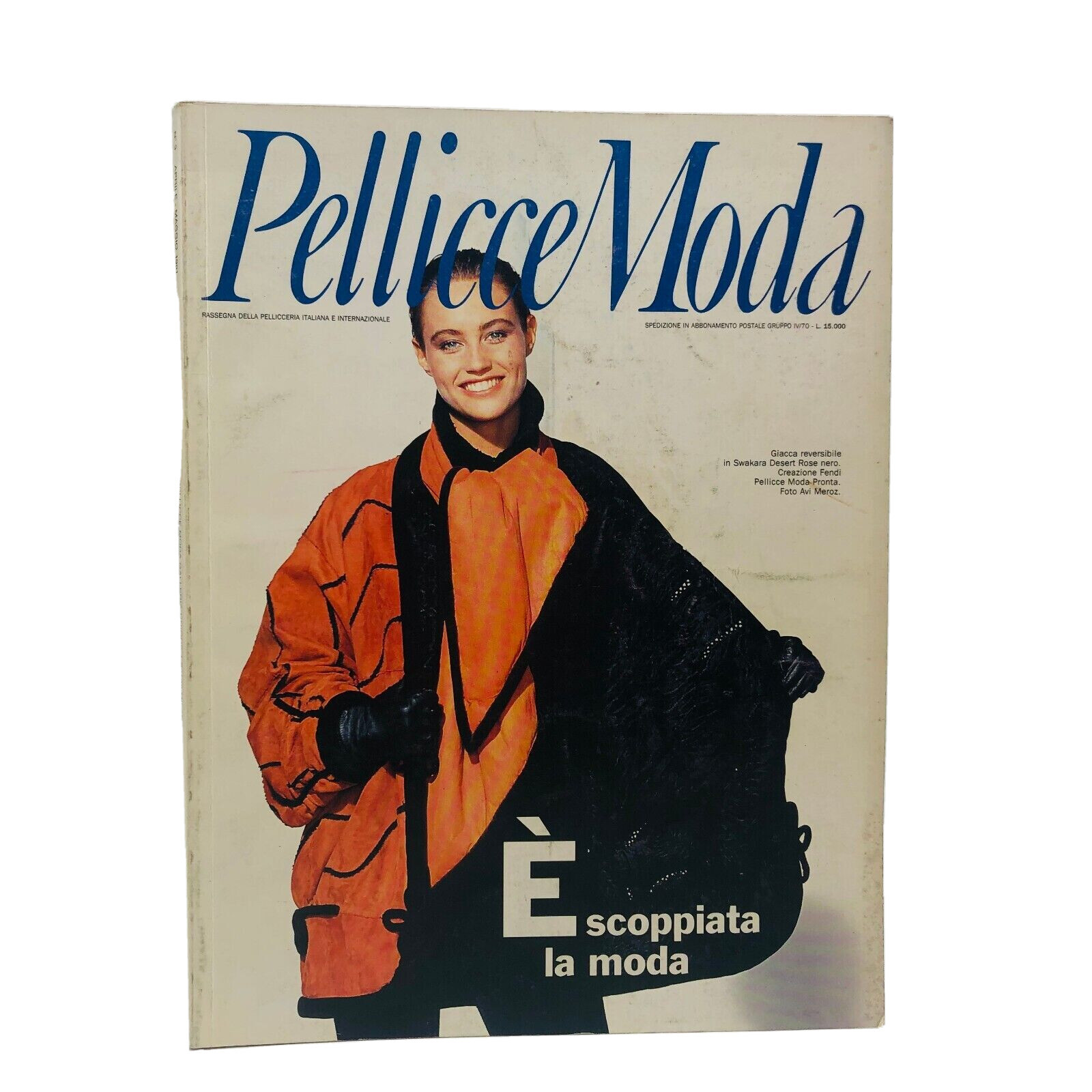
 pellicce moda 98-99
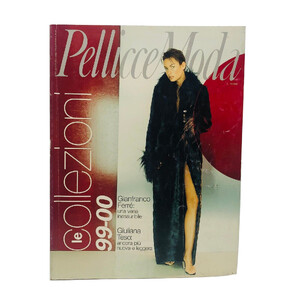 pellicce moda 92-93-94
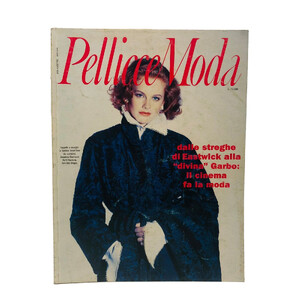

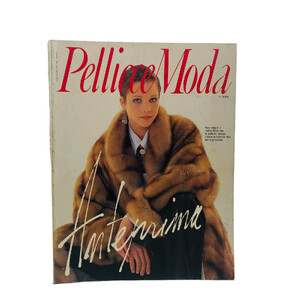 pellicce moda 91
 pellicce moda 90



 pellicce moda 88

 Thanks @Albatrosdu17
I agree with @missparker7, this girl looks like Lise Brand
Great, I love new names
😂 I think Lisa is a very popular name in this magazine....Thanks @BlueAcadia for these IDs
Thanks @Albatrosdu17
I agree with @missparker7, this girl looks like Lise Brand
Great, I love new names
😂 I think Lisa is a very popular name in this magazine....Thanks @BlueAcadia for these IDs































Account
Navigation
Search
Configure browser push notifications
Chrome (Android)
- Tap the lock icon next to the address bar.
- Tap Permissions → Notifications.
- Adjust your preference.
Chrome (Desktop)
- Click the padlock icon in the address bar.
- Select Site settings.
- Find Notifications and adjust your preference.
Safari (iOS 16.4+)
- Ensure the site is installed via Add to Home Screen.
- Open Settings App → Notifications.
- Find your app name and adjust your preference.
Safari (macOS)
- Go to Safari → Preferences.
- Click the Websites tab.
- Select Notifications in the sidebar.
- Find this website and adjust your preference.
Edge (Android)
- Tap the lock icon next to the address bar.
- Tap Permissions.
- Find Notifications and adjust your preference.
Edge (Desktop)
- Click the padlock icon in the address bar.
- Click Permissions for this site.
- Find Notifications and adjust your preference.
Firefox (Android)
- Go to Settings → Site permissions.
- Tap Notifications.
- Find this site in the list and adjust your preference.
Firefox (Desktop)
- Open Firefox Settings.
- Search for Notifications.
- Find this site in the list and adjust your preference.