

Everything posted by Dayrell
-
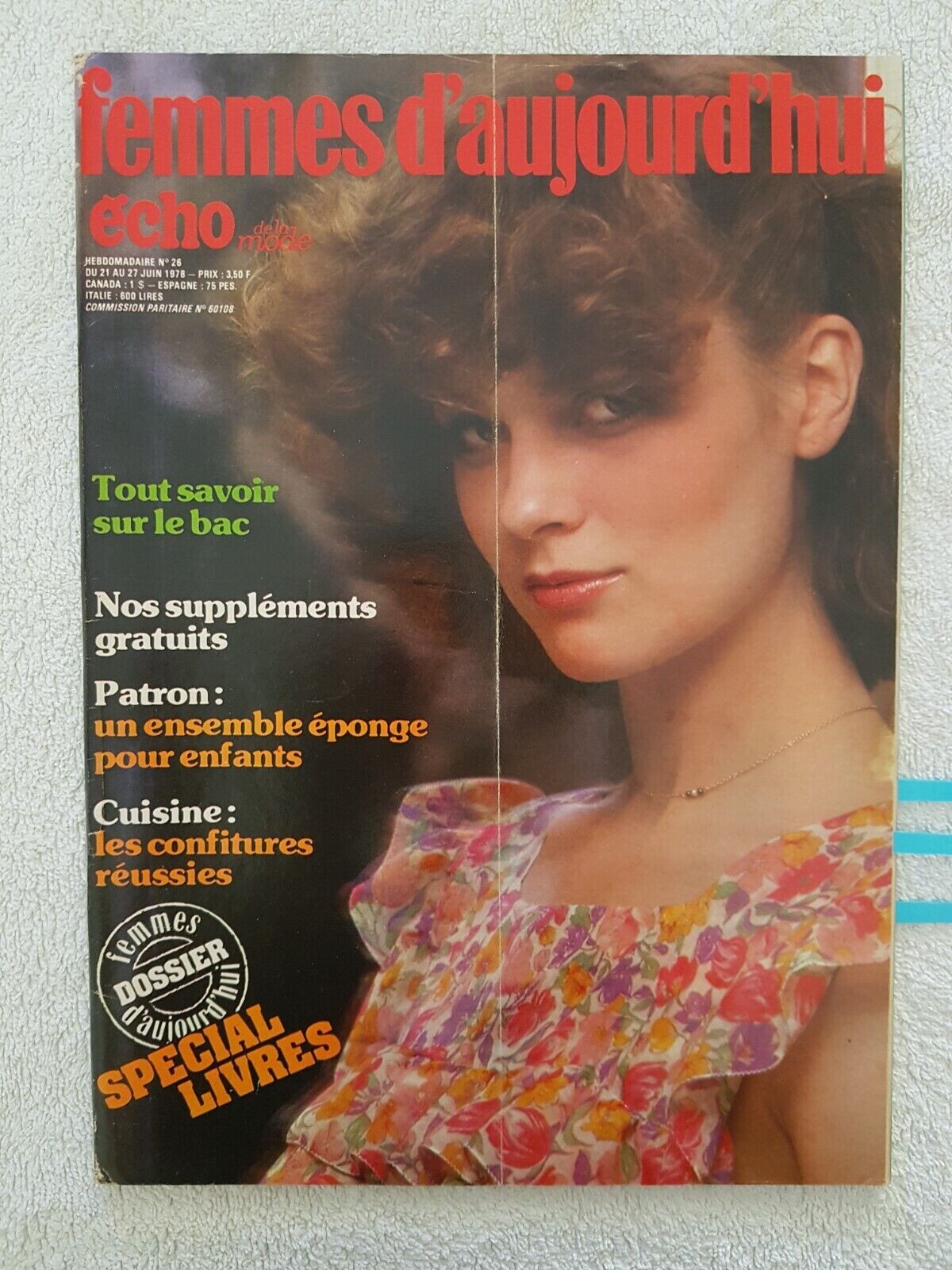
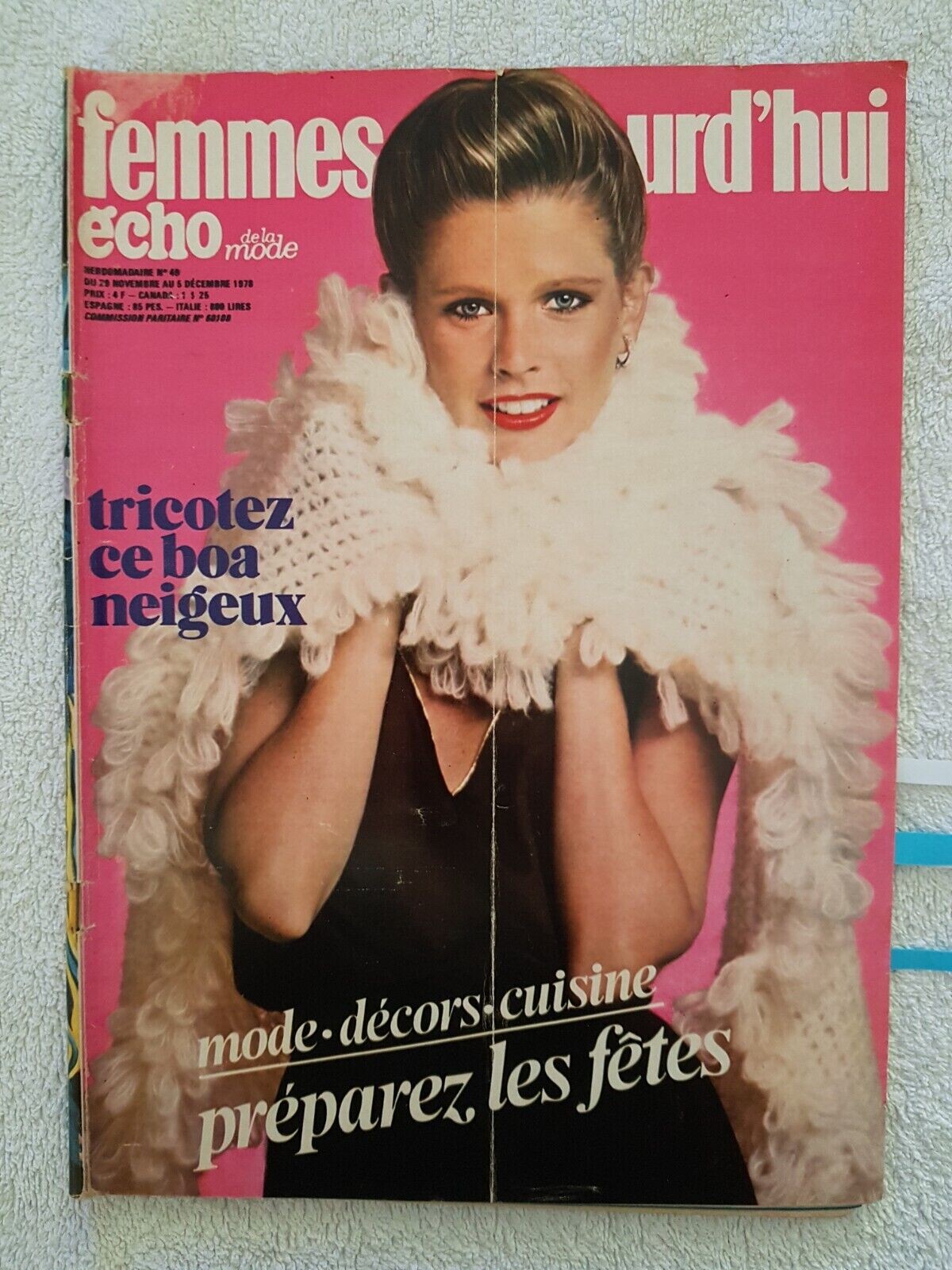
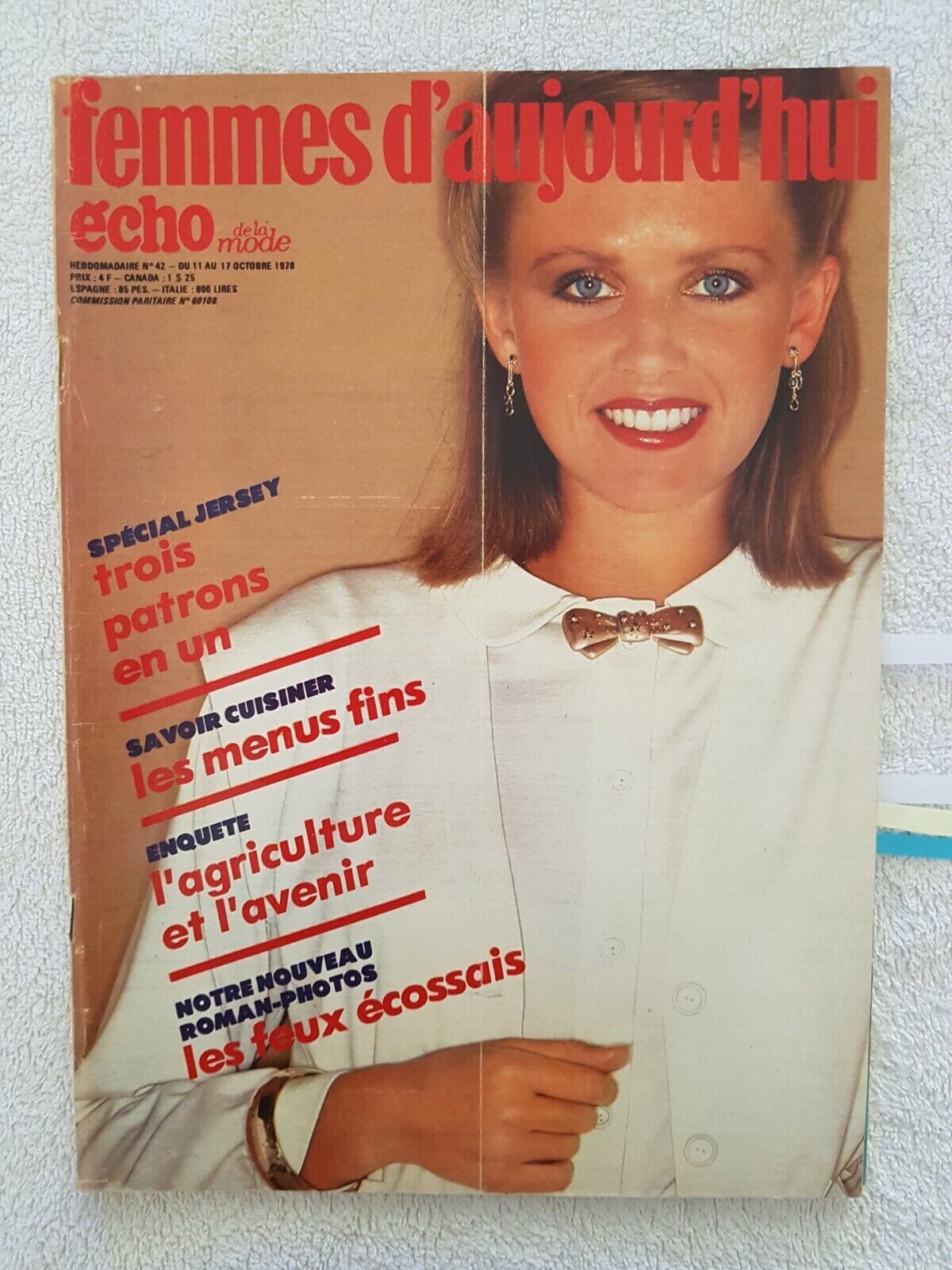
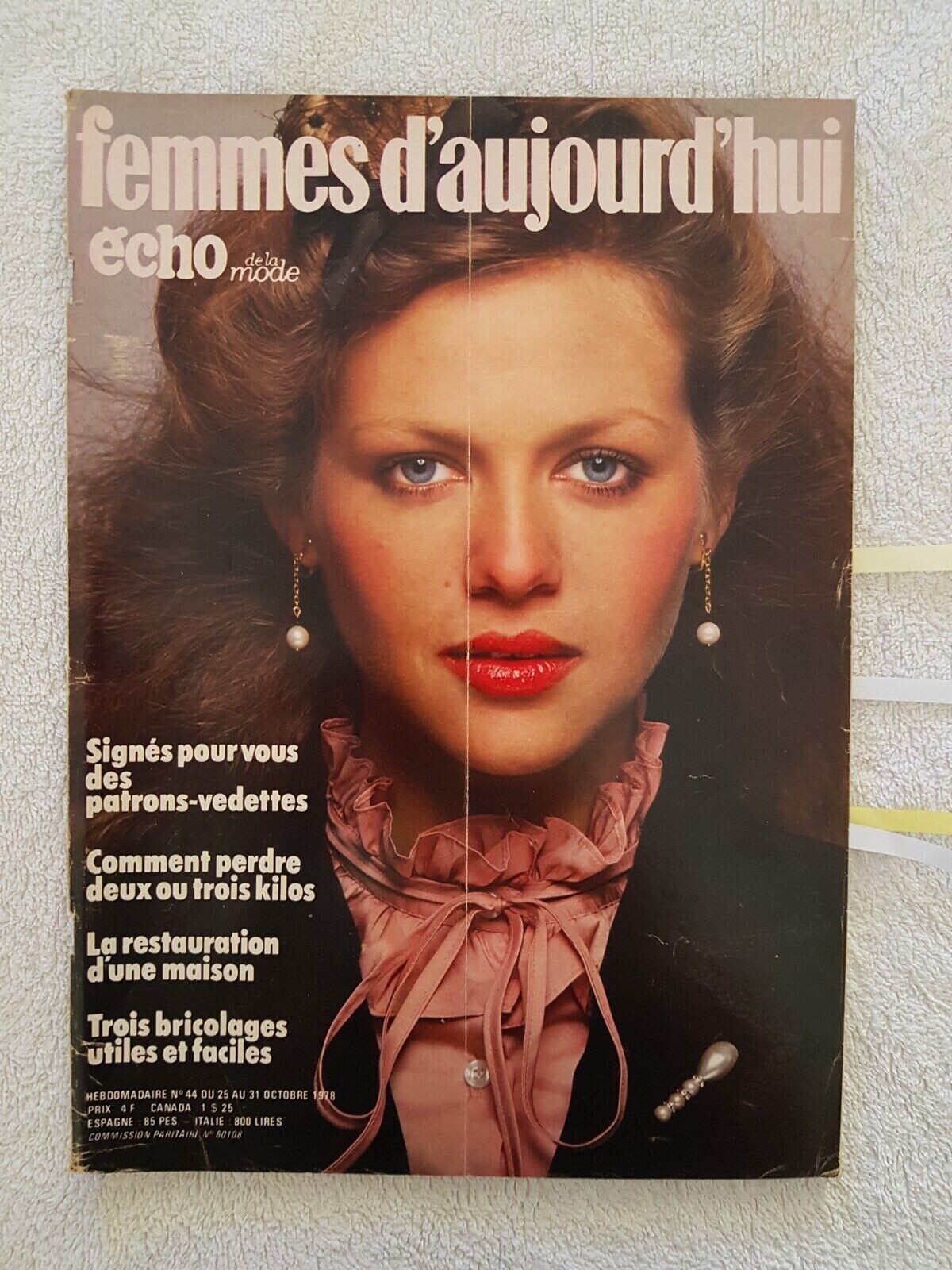
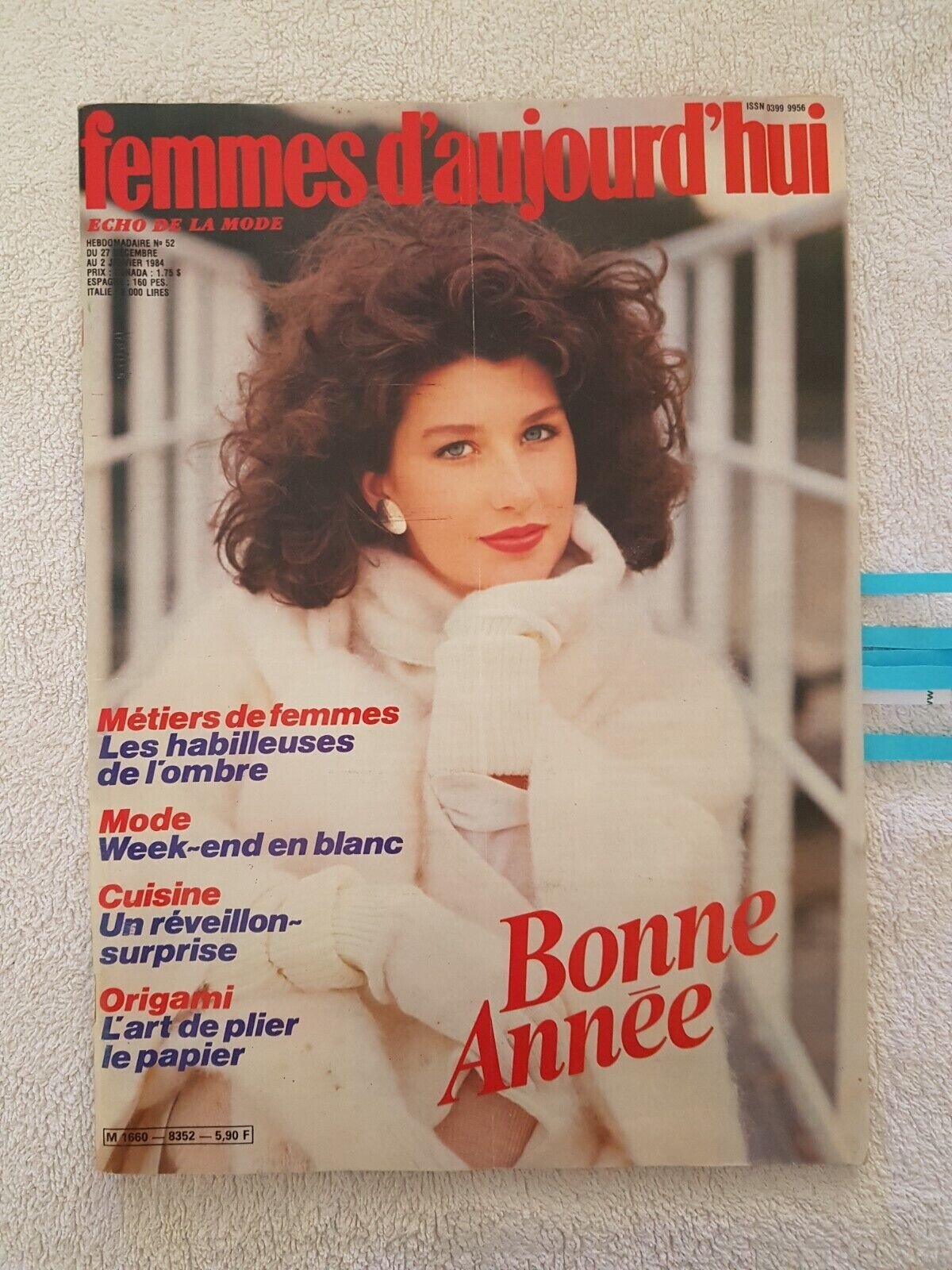
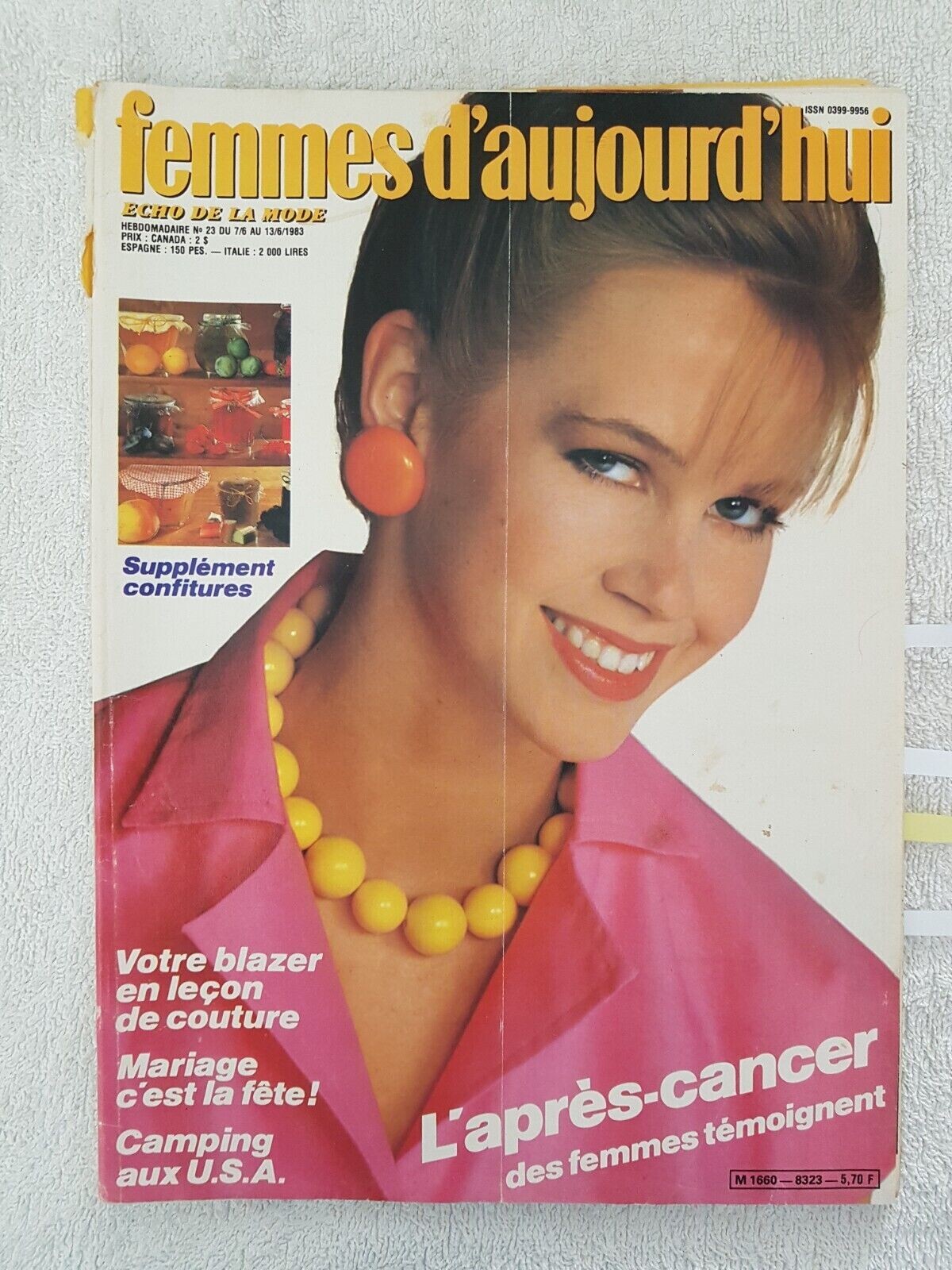
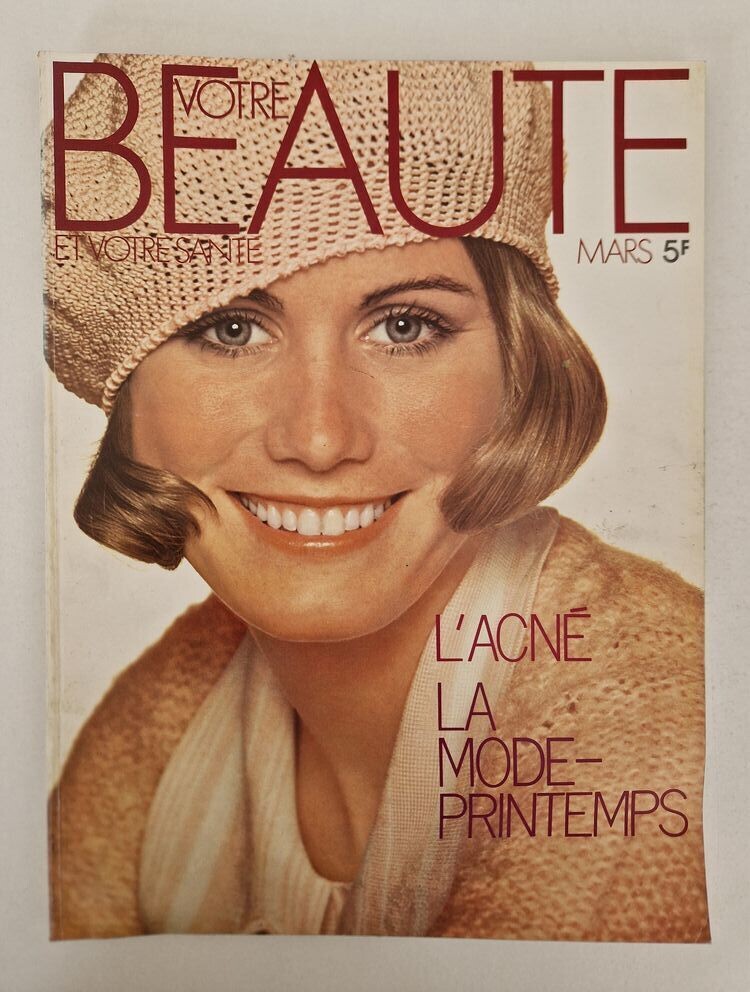
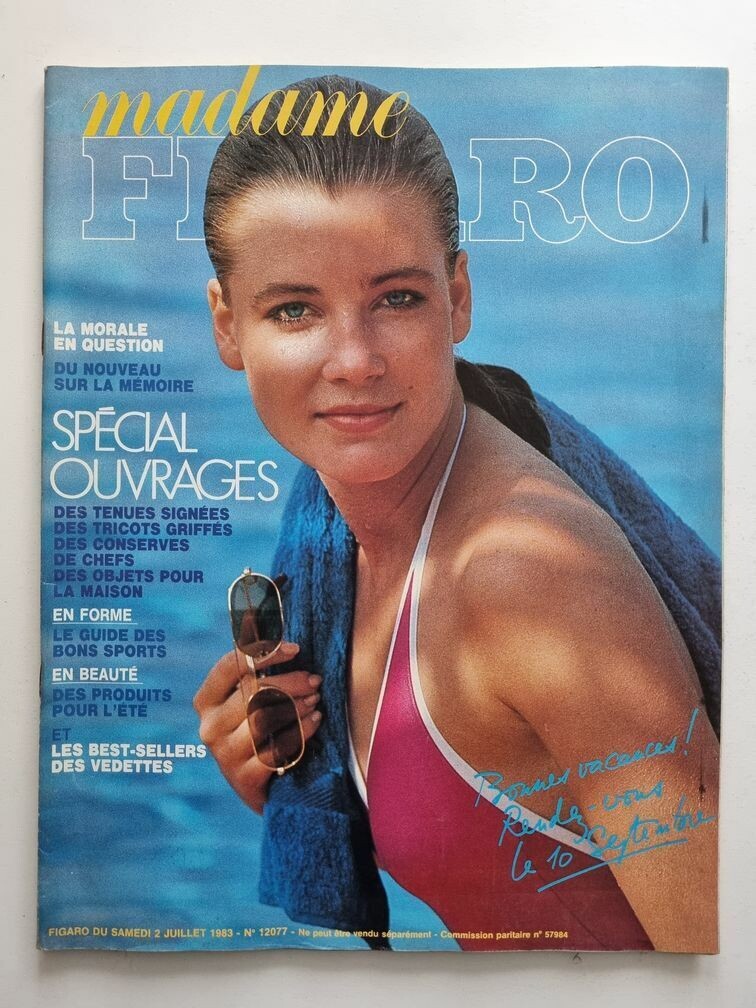
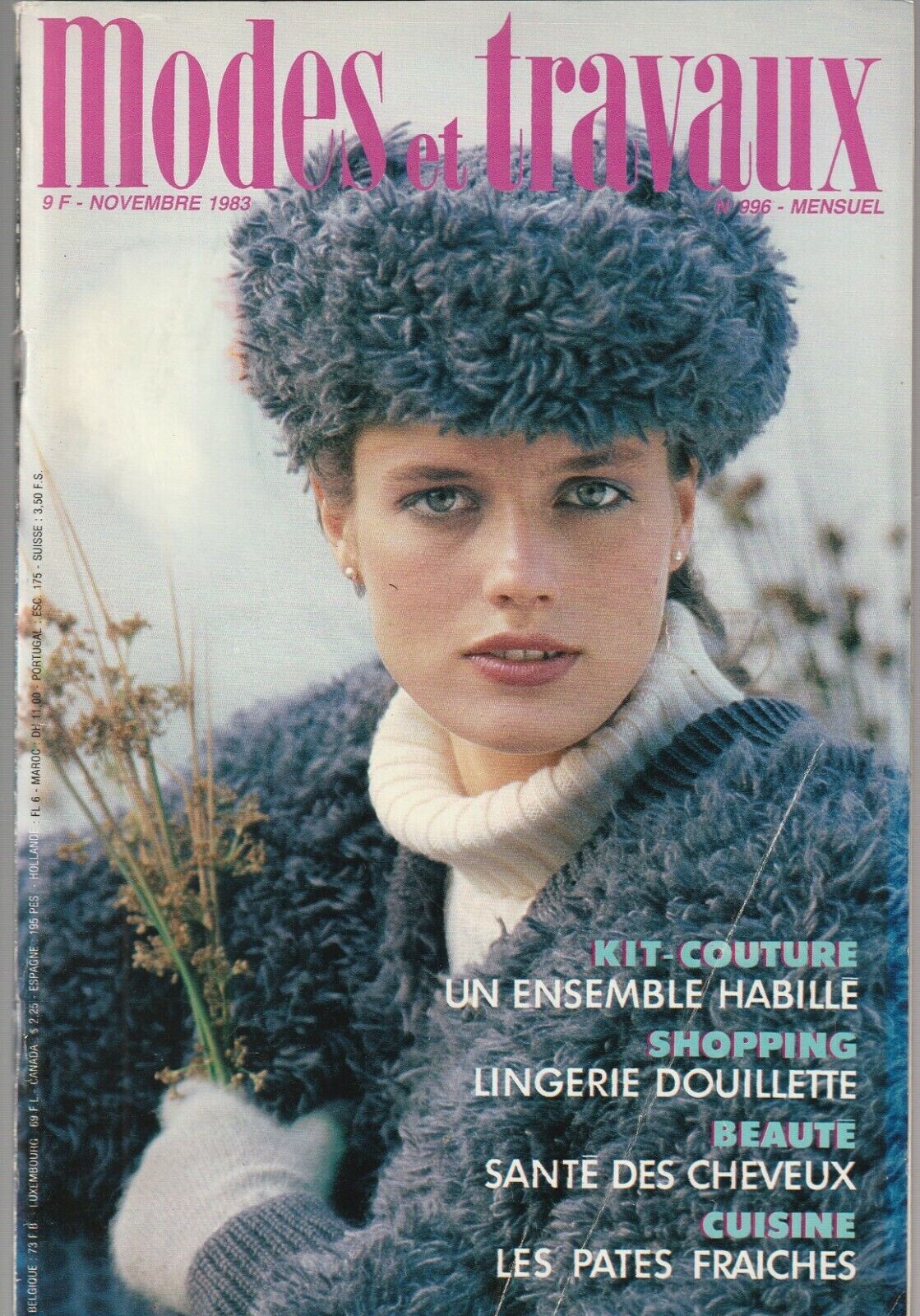
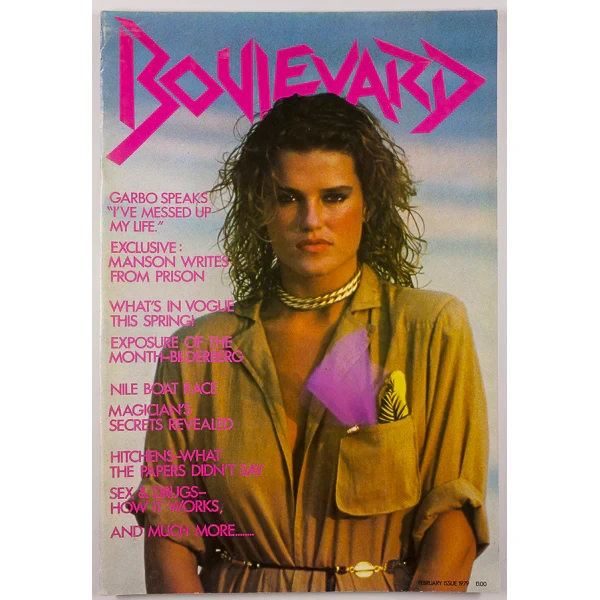
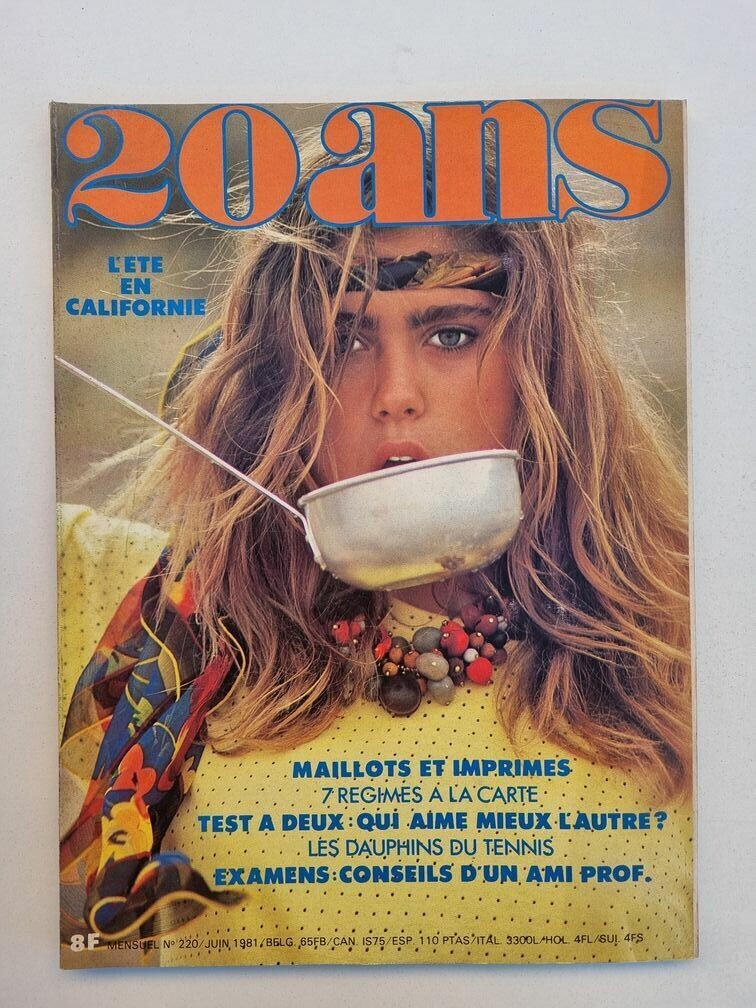
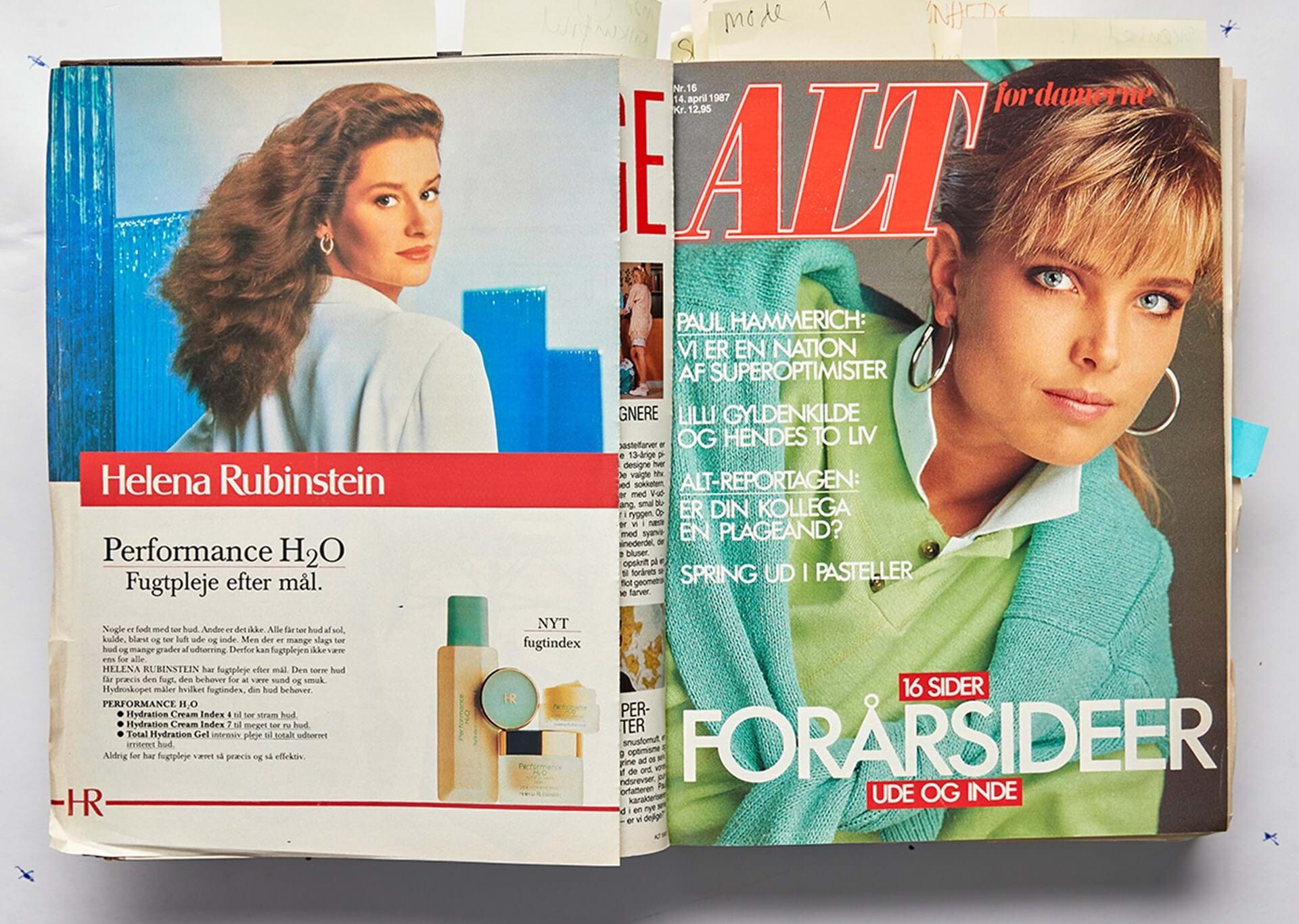
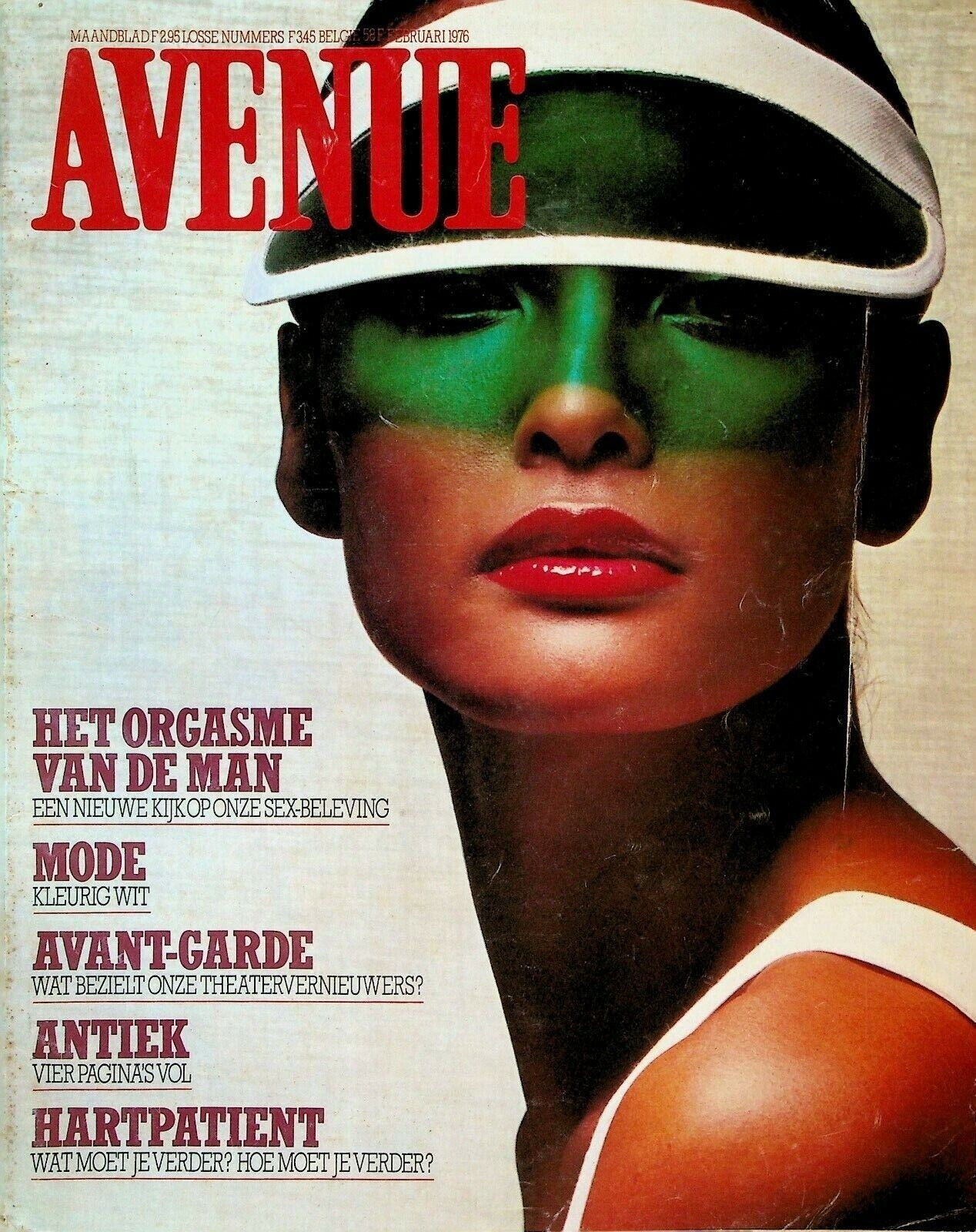
 Femmes d'Aujourd'Hui magazines











 Thanks @Simon70 and @RocketQueen for new IDs
This team is unstoppable
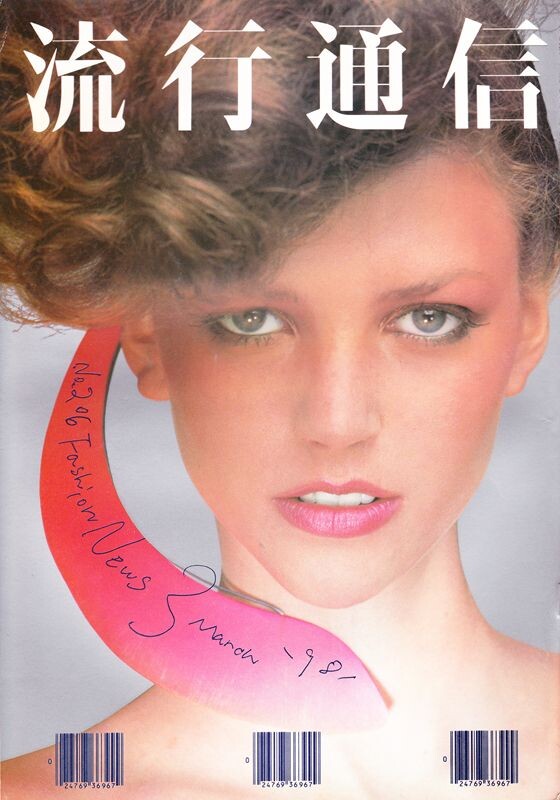
Bazaar Arabia cover
Thanks @Simon70 and @RocketQueen for new IDs
This team is unstoppable
Bazaar Arabia cover thanks @Slimanw
Ok, everyone except ones! By the way, who are your favorites my dear?
Yes, I always speechless with @RocketQueen. This girl is an ID Factory
I think Renee is everyone's favorite. She is like an angel. When I saw this cover, I thought of her, but I thought I was wrong, because it's so hard to find something new. Fans have found it all
Thanks @Ingmari for your help. By the way, I love Gudrun
I love Michelle Weweje, she is so beautiful
Thanks my friend for so many Ids. It´s so frustrating never knowing wich one in in the picture
Thanks John @jal718
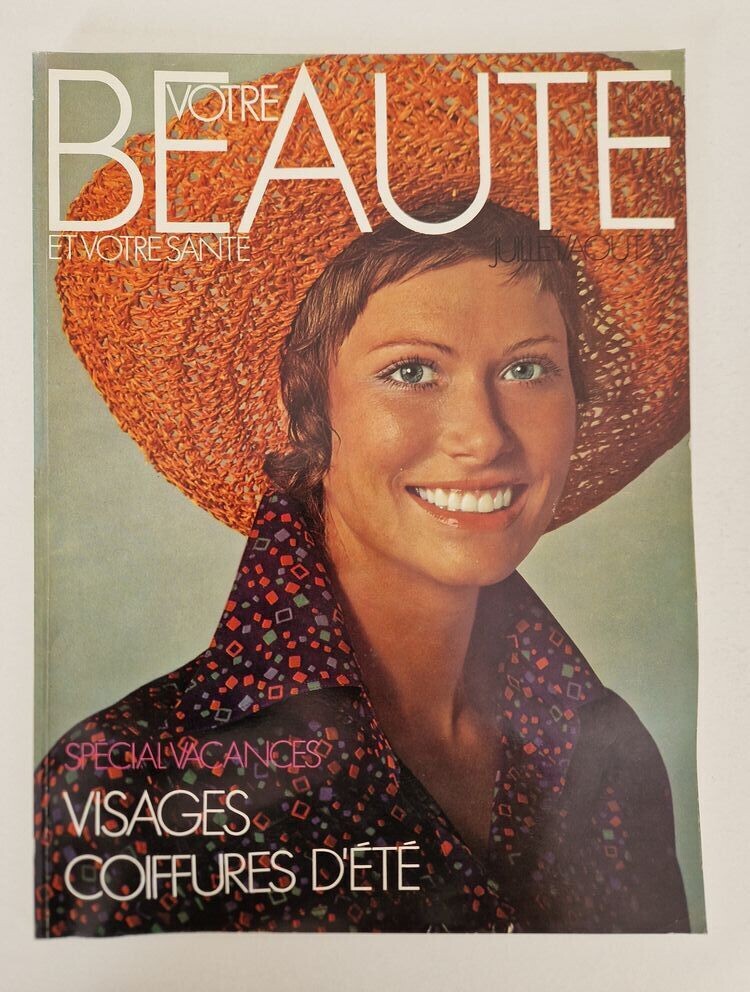
new french Elle
thanks @Slimanw
Ok, everyone except ones! By the way, who are your favorites my dear?
Yes, I always speechless with @RocketQueen. This girl is an ID Factory
I think Renee is everyone's favorite. She is like an angel. When I saw this cover, I thought of her, but I thought I was wrong, because it's so hard to find something new. Fans have found it all
Thanks @Ingmari for your help. By the way, I love Gudrun
I love Michelle Weweje, she is so beautiful
Thanks my friend for so many Ids. It´s so frustrating never knowing wich one in in the picture
Thanks John @jal718
new french Elle Beautiful, thanks @missparker7














































































Account
Navigation
Search
Configure browser push notifications
Chrome (Android)
- Tap the lock icon next to the address bar.
- Tap Permissions → Notifications.
- Adjust your preference.
Chrome (Desktop)
- Click the padlock icon in the address bar.
- Select Site settings.
- Find Notifications and adjust your preference.
Safari (iOS 16.4+)
- Ensure the site is installed via Add to Home Screen.
- Open Settings App → Notifications.
- Find your app name and adjust your preference.
Safari (macOS)
- Go to Safari → Preferences.
- Click the Websites tab.
- Select Notifications in the sidebar.
- Find this website and adjust your preference.
Edge (Android)
- Tap the lock icon next to the address bar.
- Tap Permissions.
- Find Notifications and adjust your preference.
Edge (Desktop)
- Click the padlock icon in the address bar.
- Click Permissions for this site.
- Find Notifications and adjust your preference.
Firefox (Android)
- Go to Settings → Site permissions.
- Tap Notifications.
- Find this site in the list and adjust your preference.
Firefox (Desktop)
- Open Firefox Settings.
- Search for Notifications.
- Find this site in the list and adjust your preference.