Jump to content
View in the app

A better way to browse. Learn more.

Bellazon

A full-screen app on your home screen with push notifications, badges and more.

To install this app on iOS and iPadOS
  1. Tap the Share icon in Safari
  2. Scroll the menu and tap Add to Home Screen.
  3. Tap Add in the top-right corner.
To install this app on Android
  1. Tap the 3-dot menu (⋮) in the top-right corner of the browser.
  2. Tap Add to Home screen or Install app.
  3. Confirm by tapping Install.

Dayrell

Members
  • Joined

  • Last visited

Everything posted by Dayrell

  1. Beautiful girl, thanks @Enrico_sw
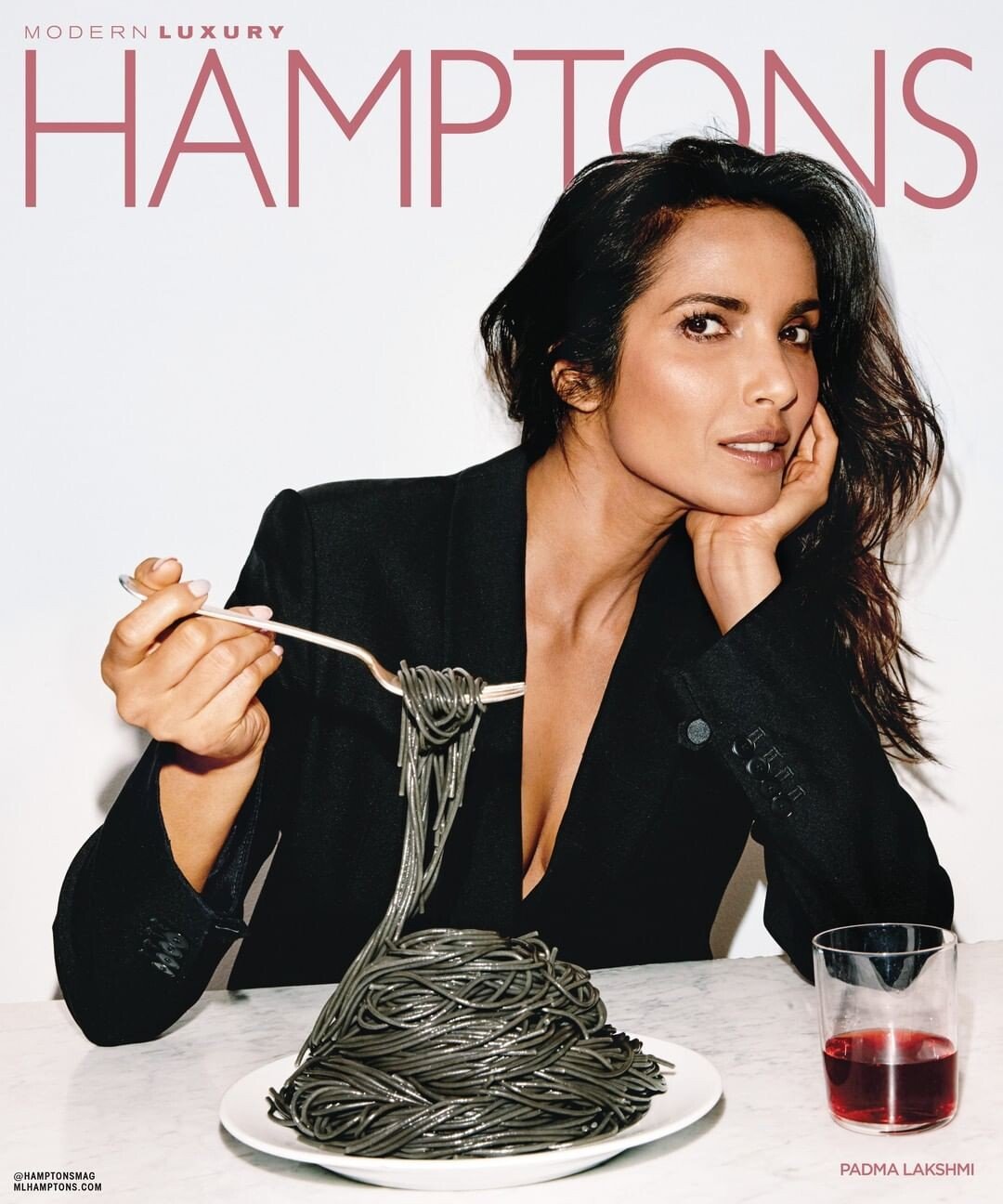
  2. new Hamptons magazine
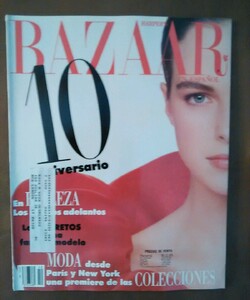
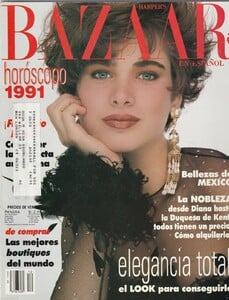
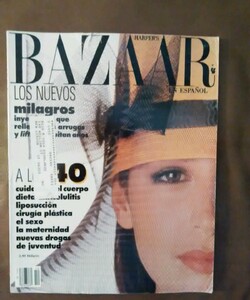
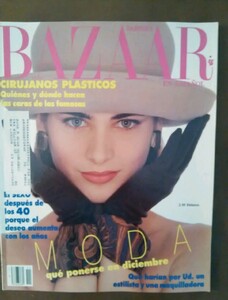
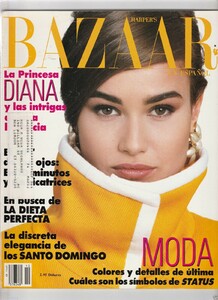
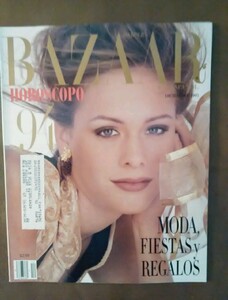
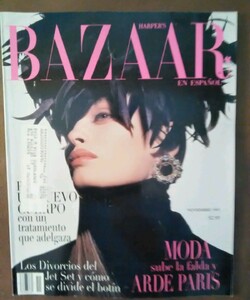
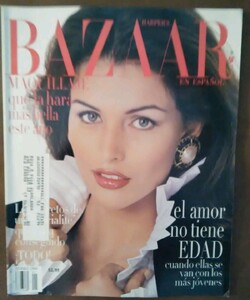
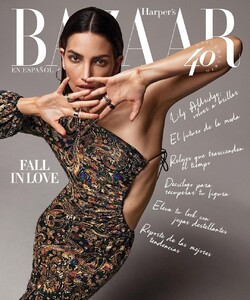
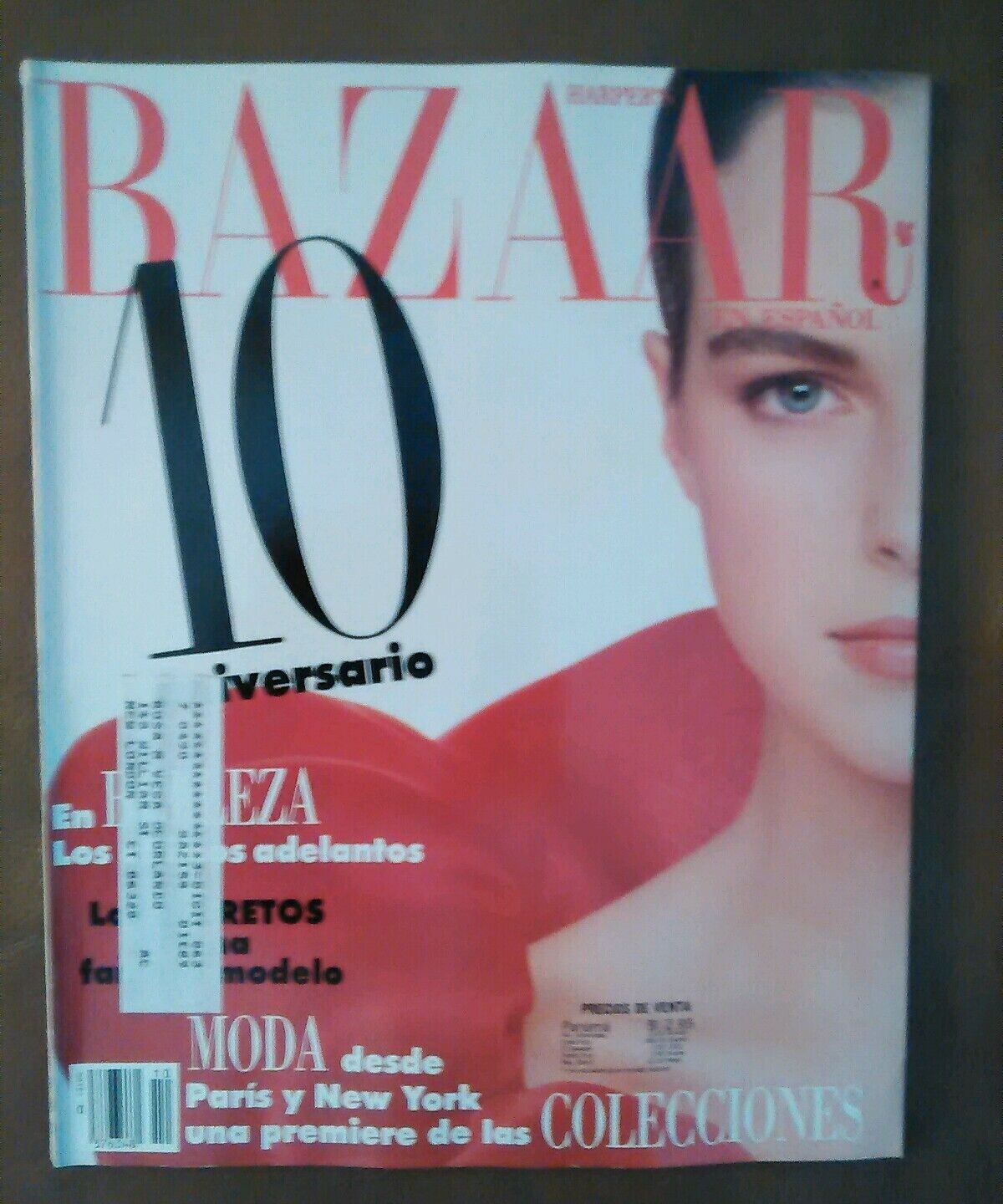
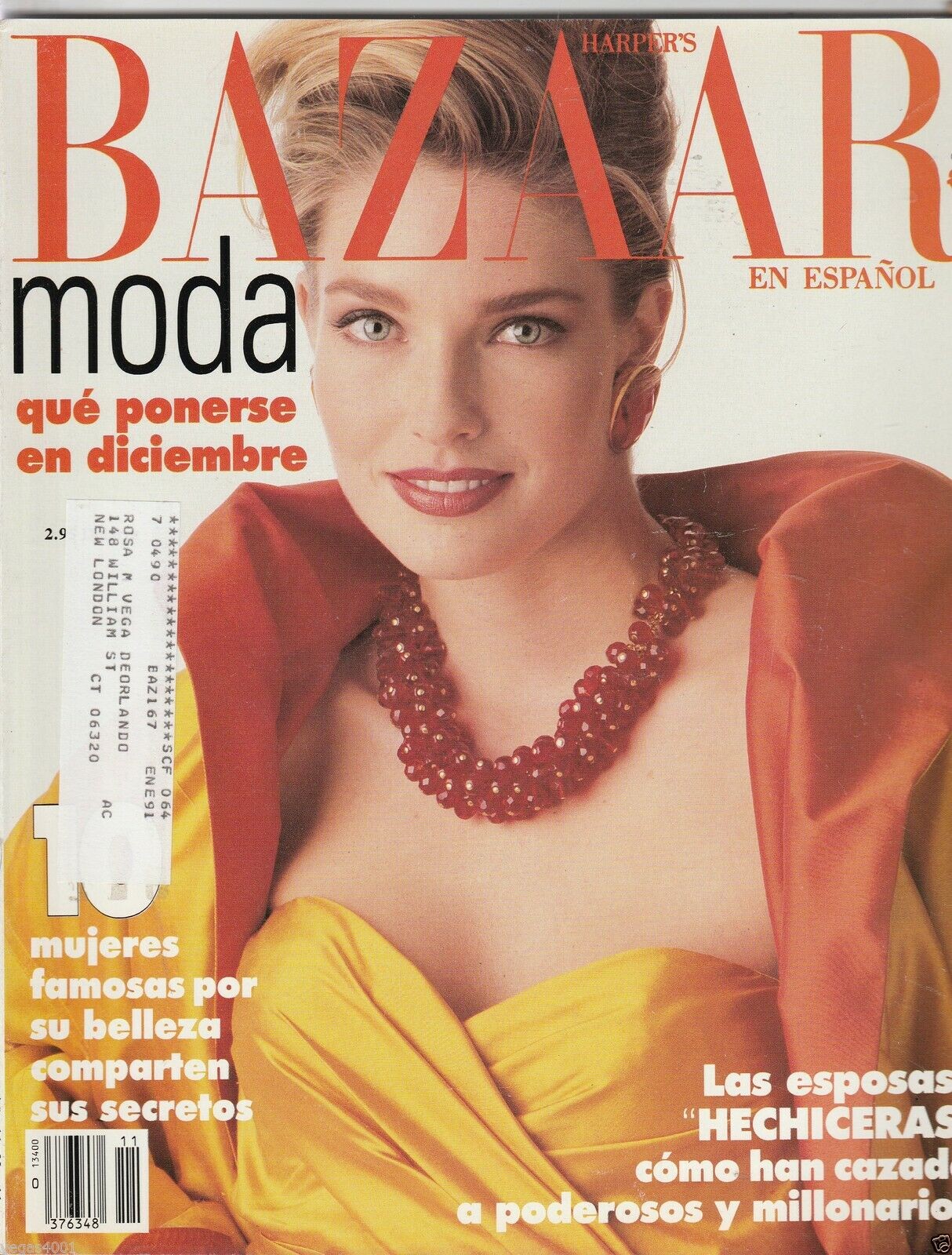
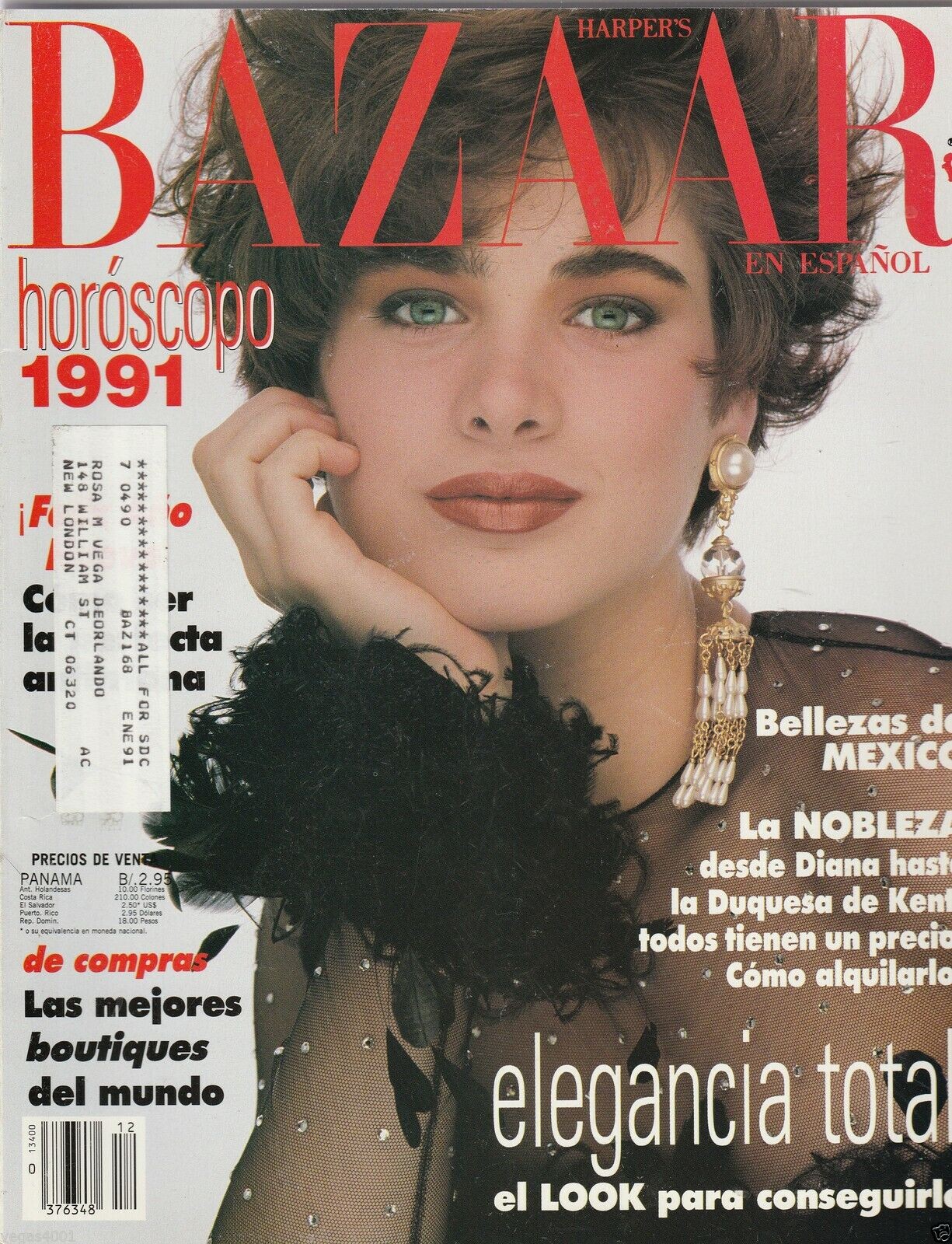
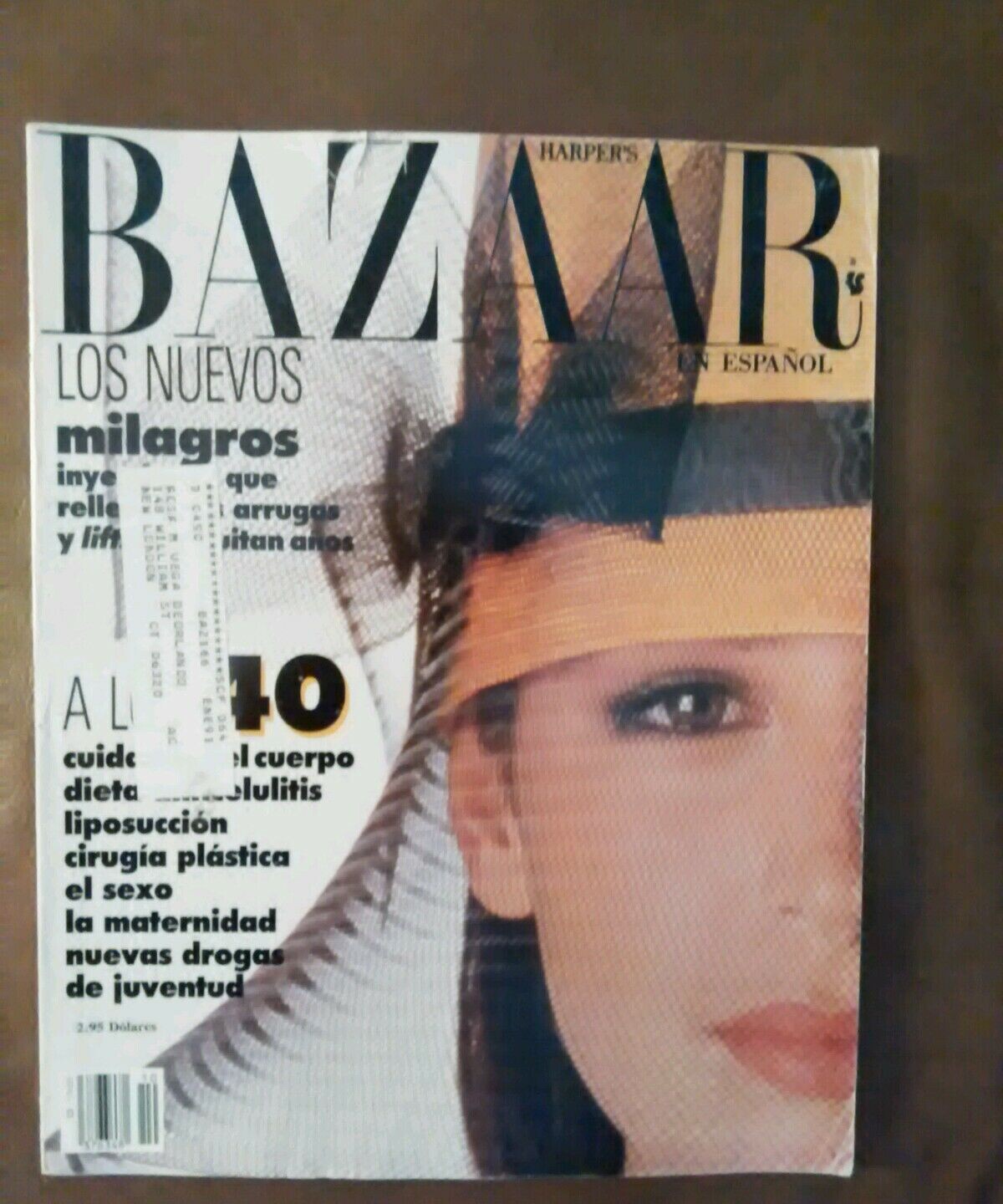
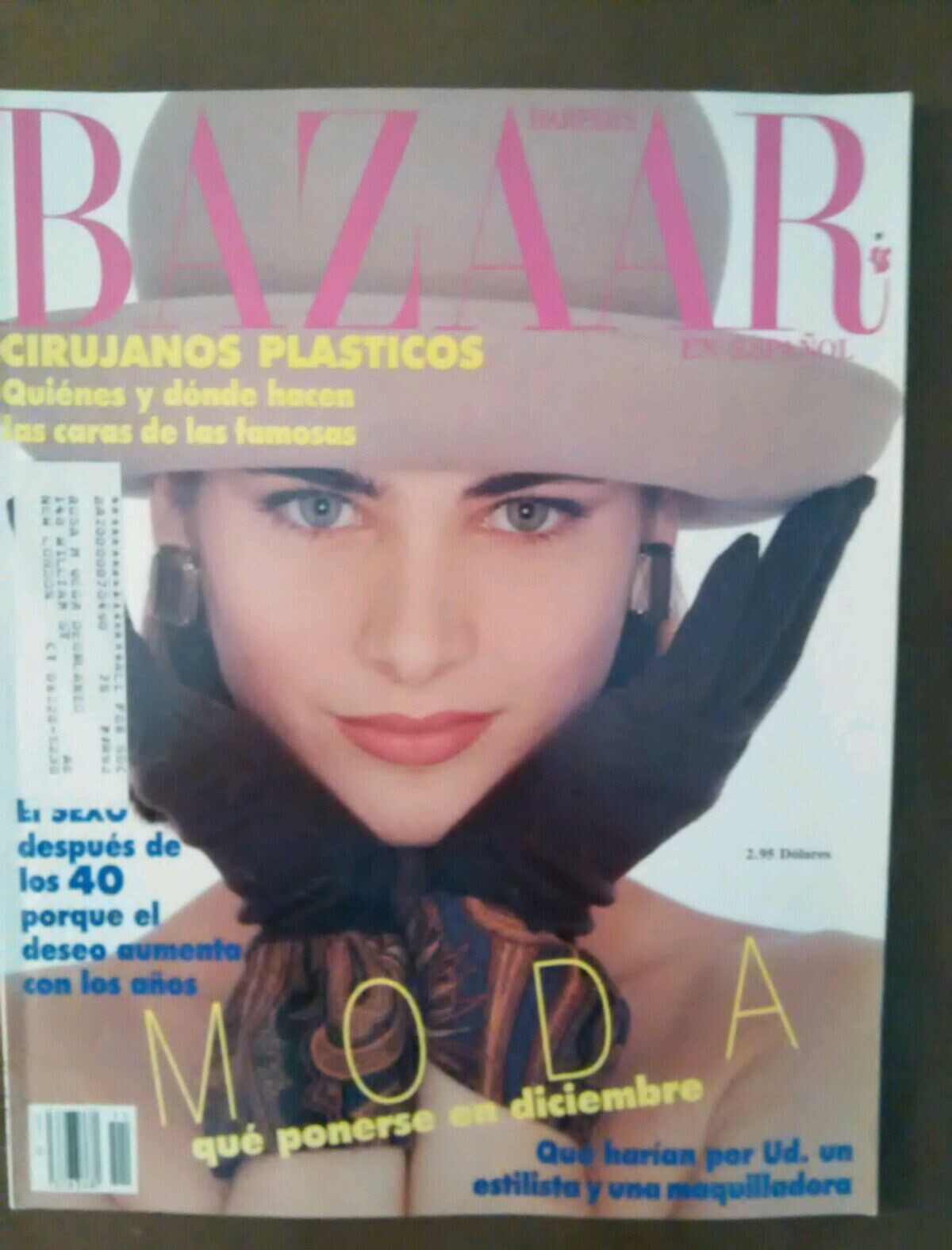
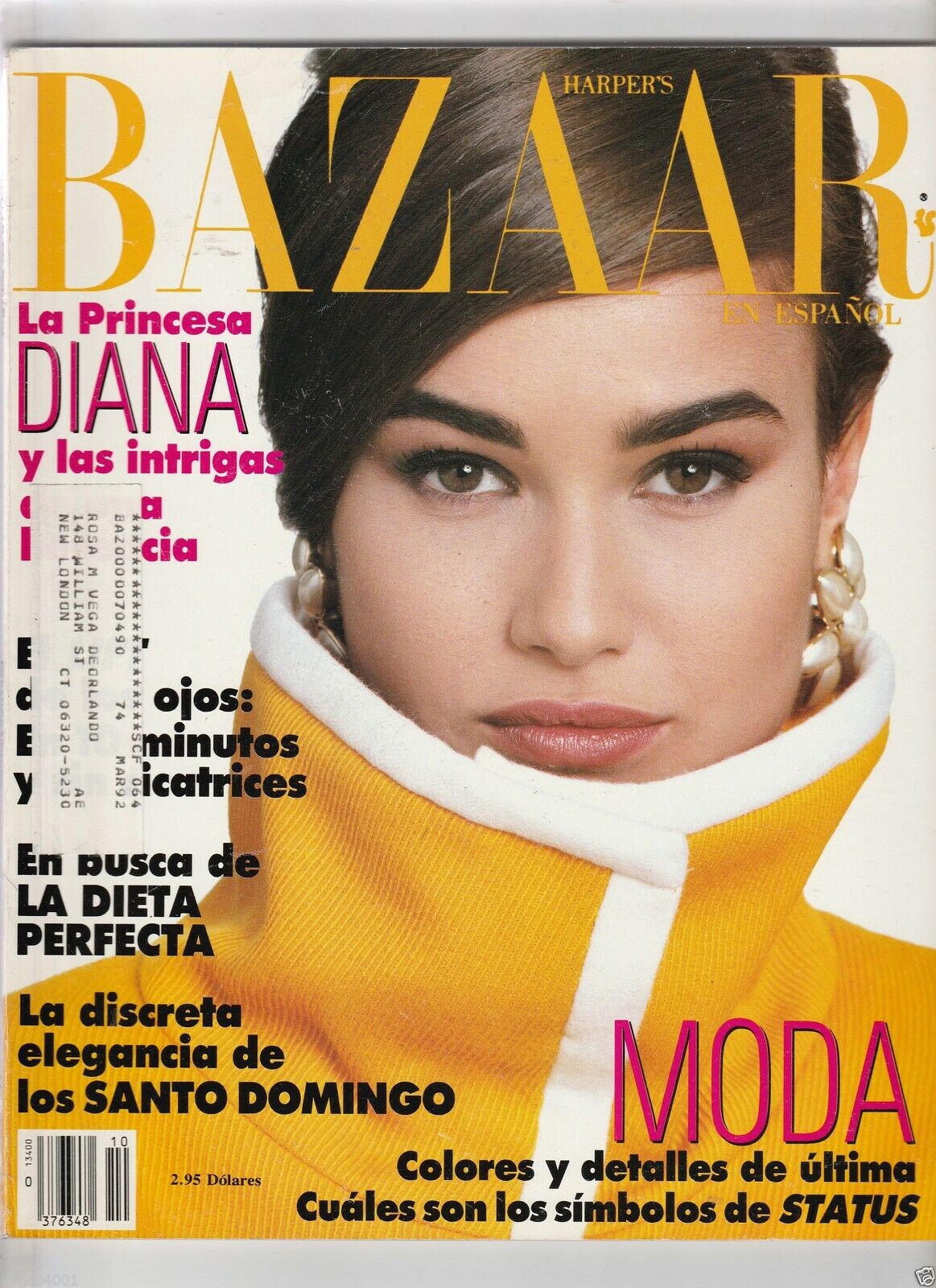
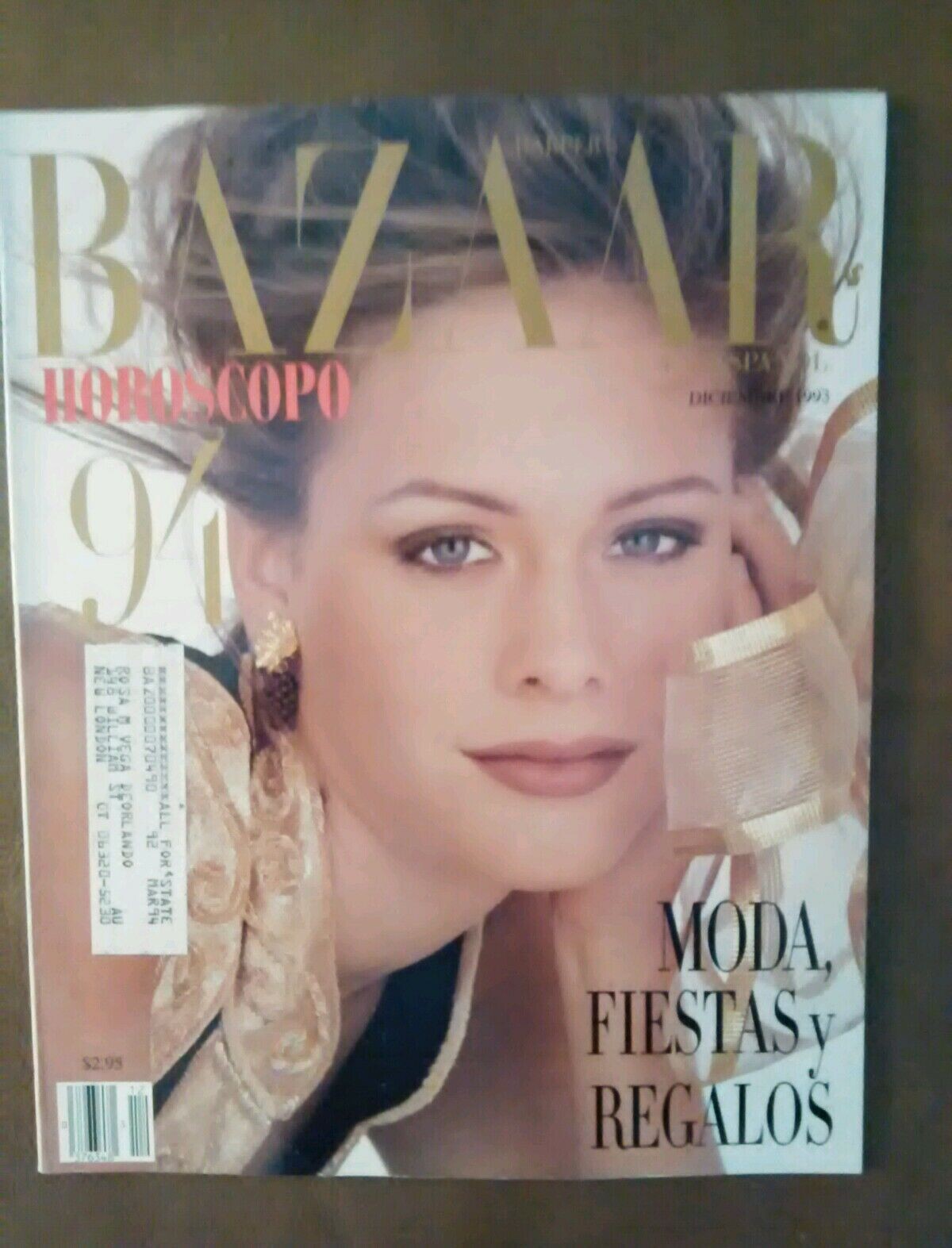
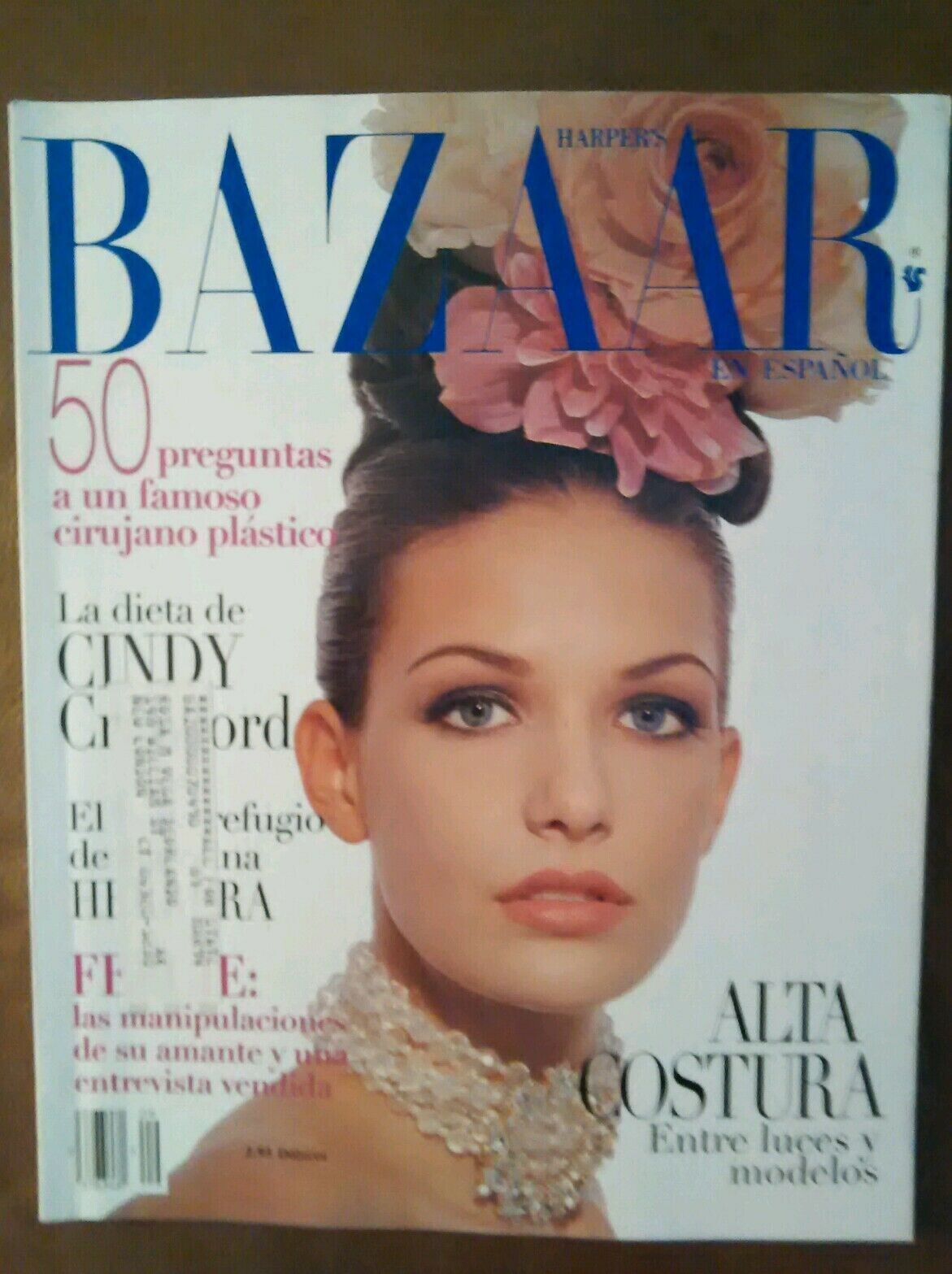
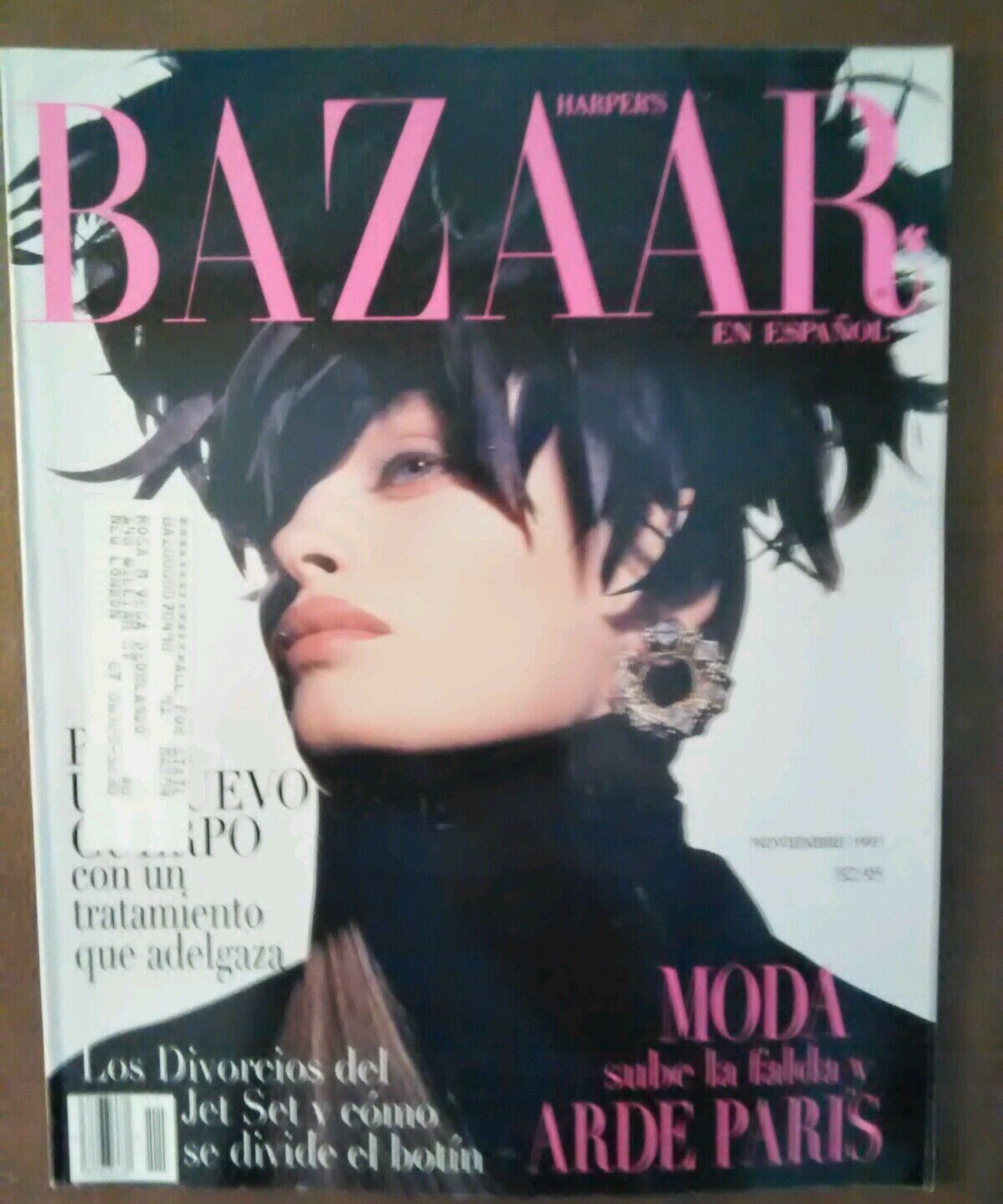
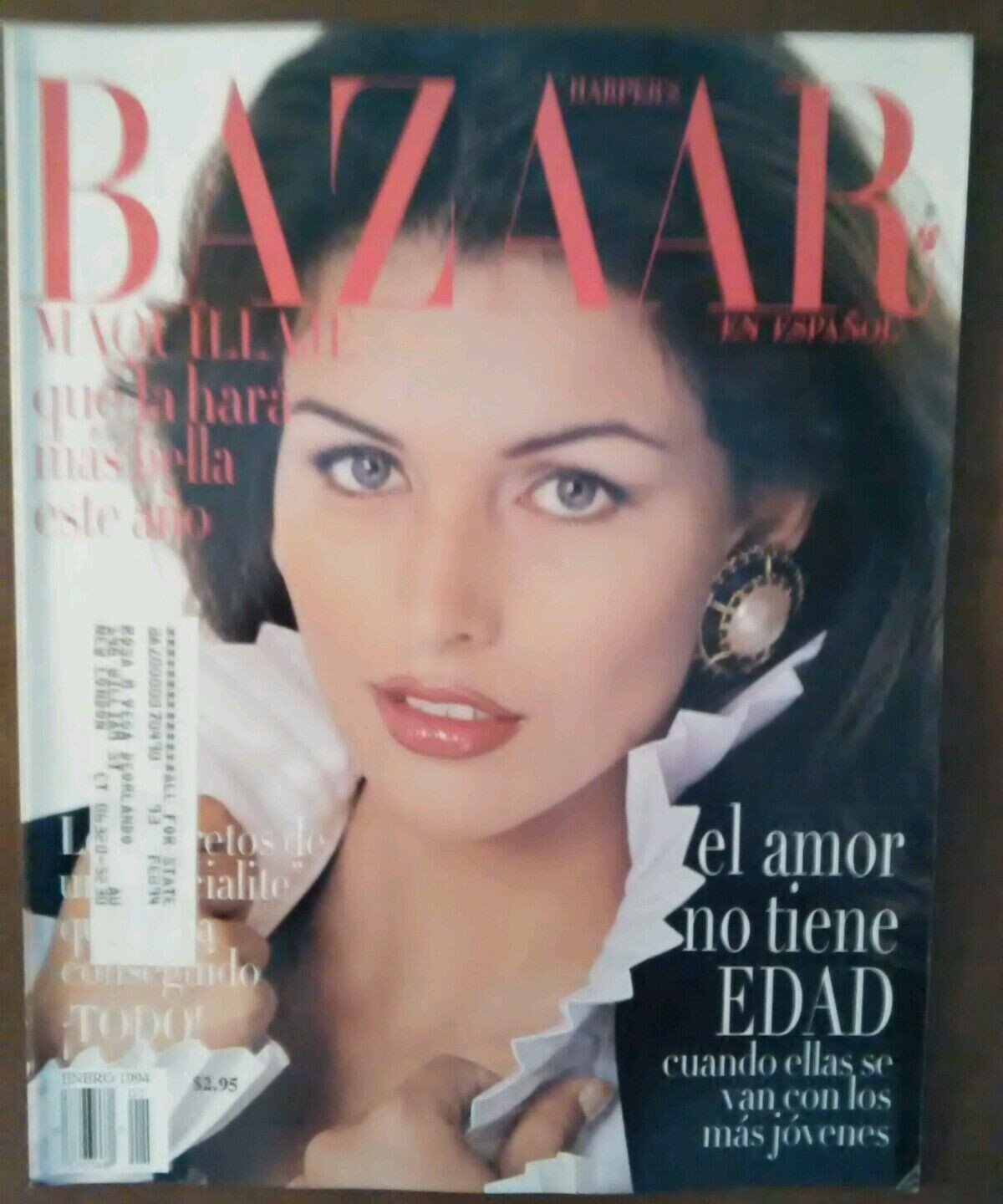
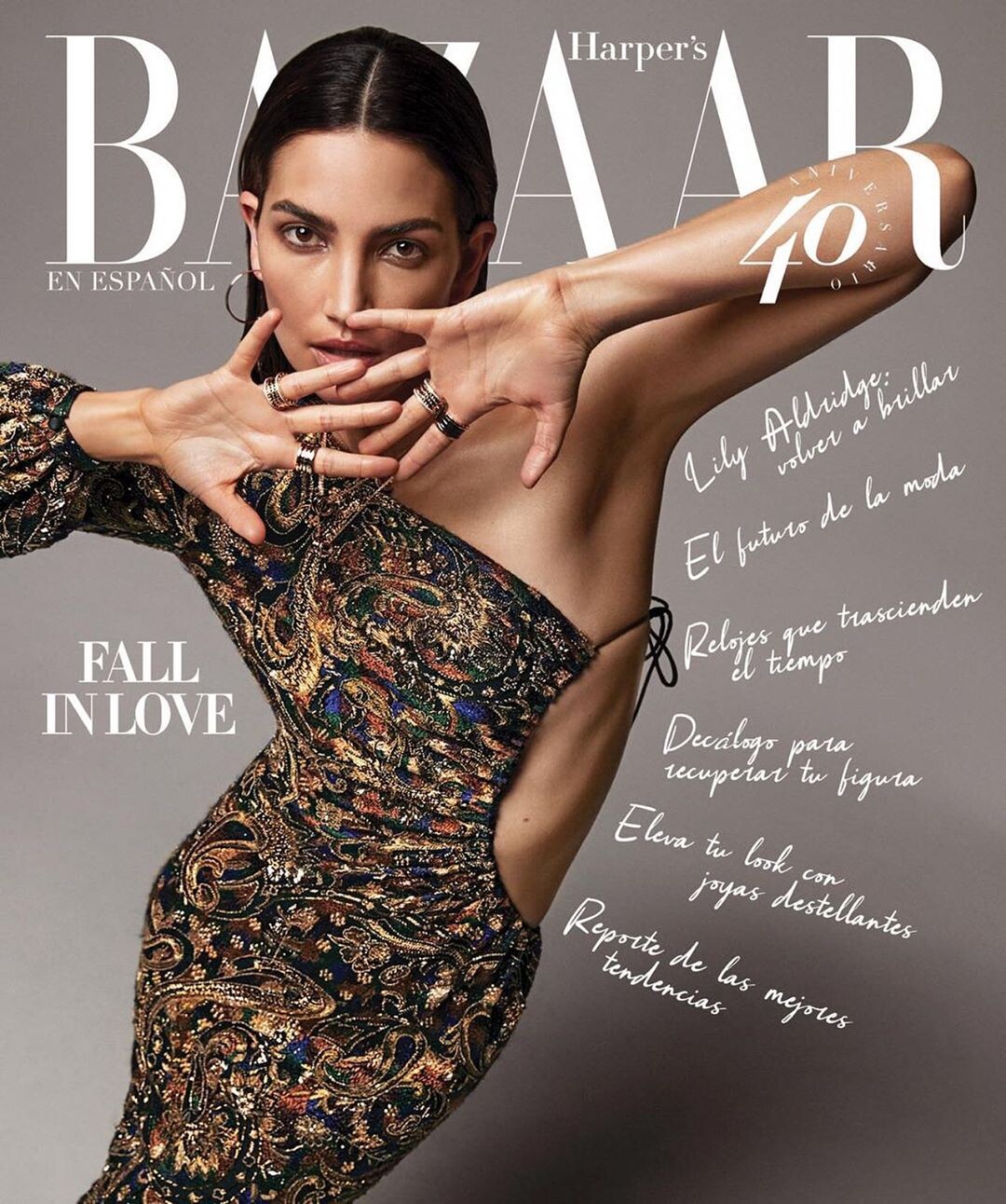
  3. Latin America Bazaar
  4. some girls in those covers looks like Catherine Ahnel, but I don´t know because of the dates. She still working in the 90`s?
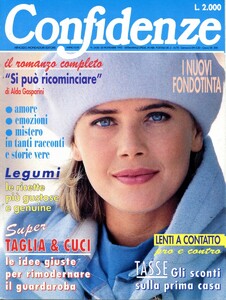
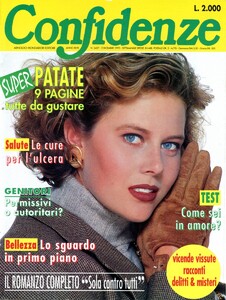
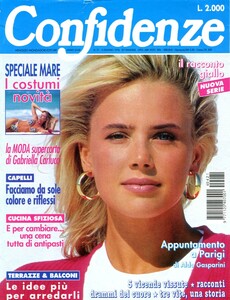
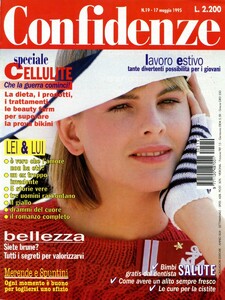
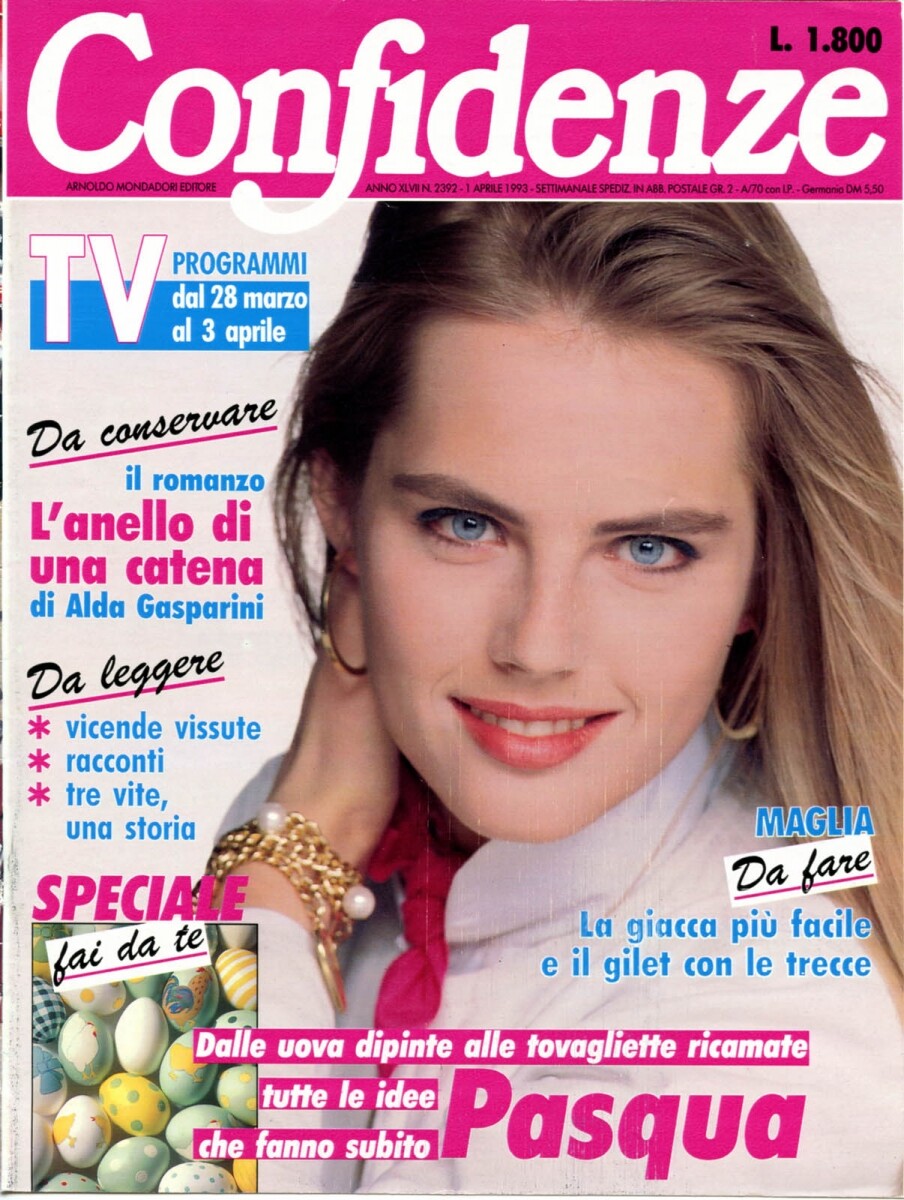
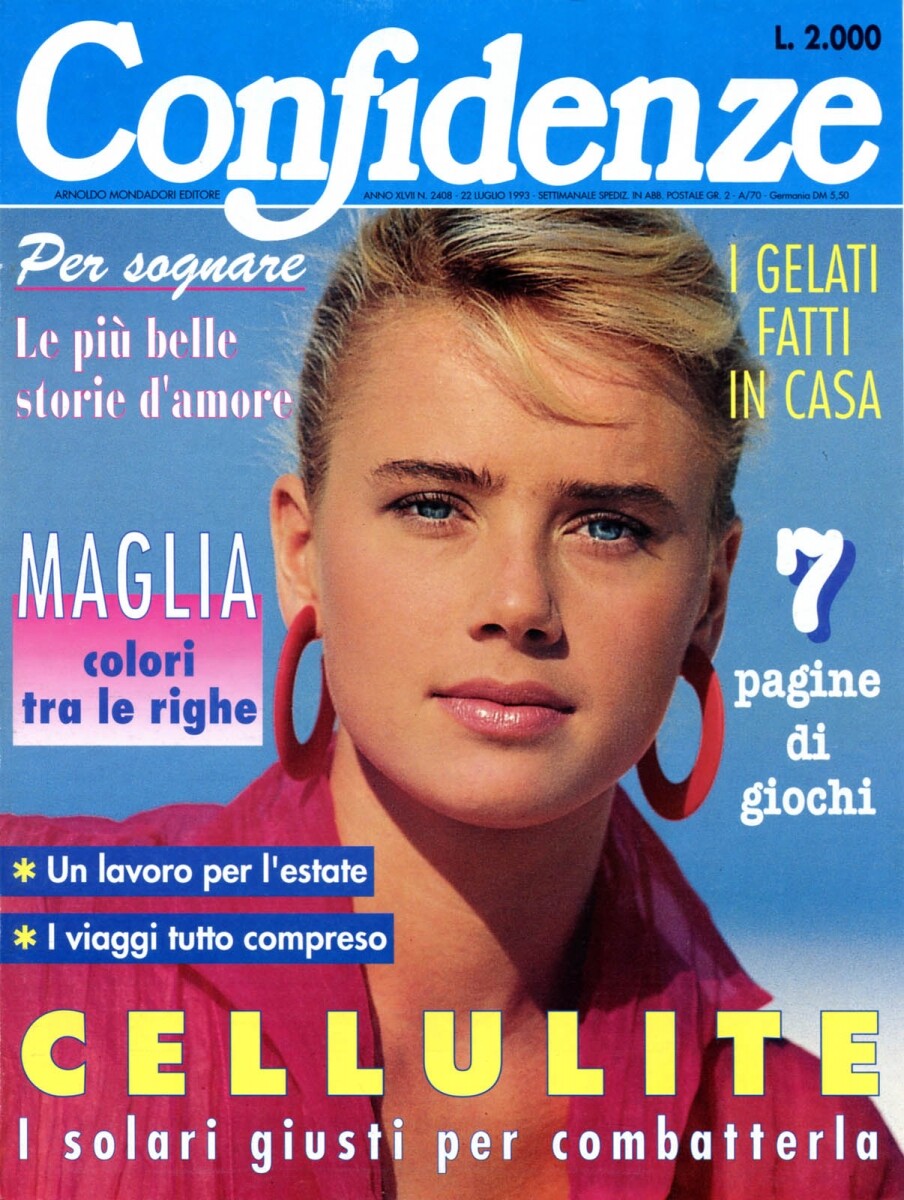
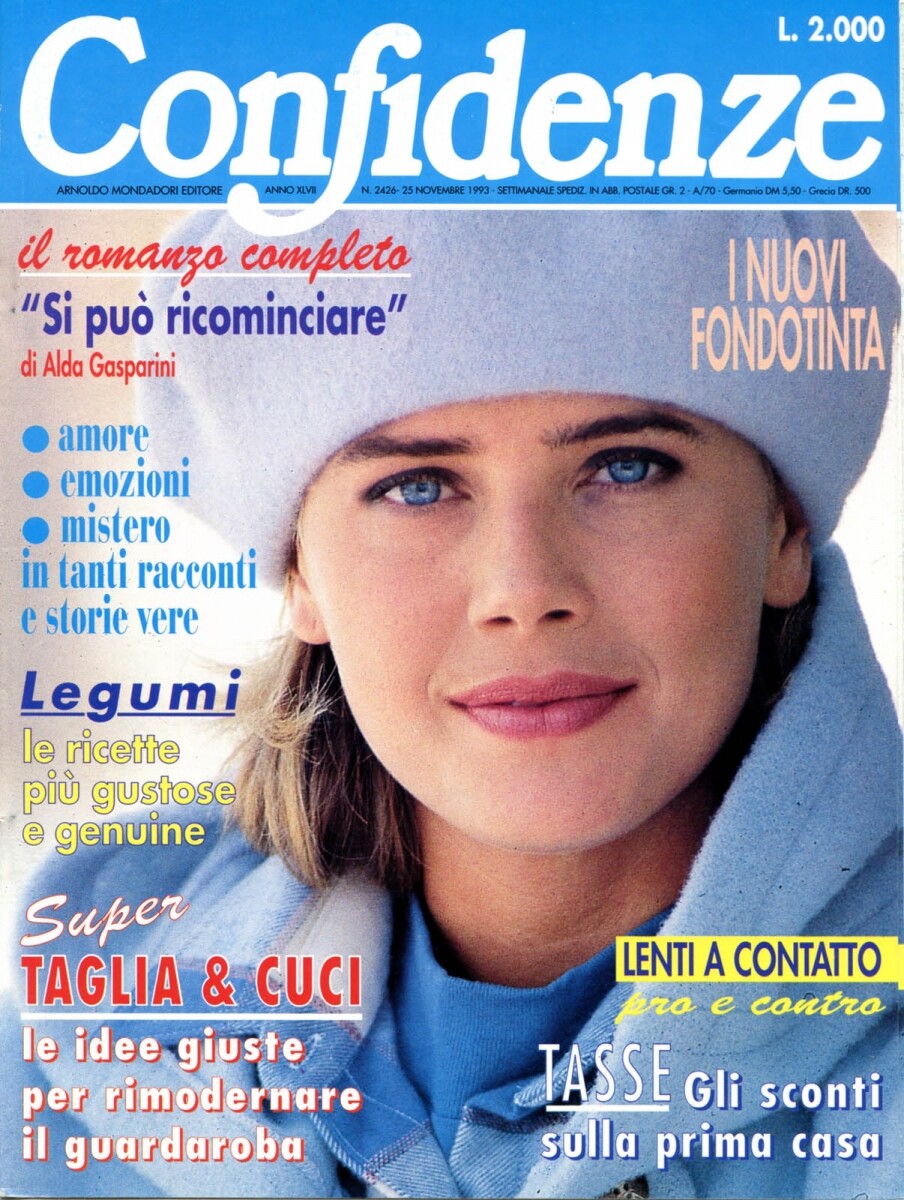
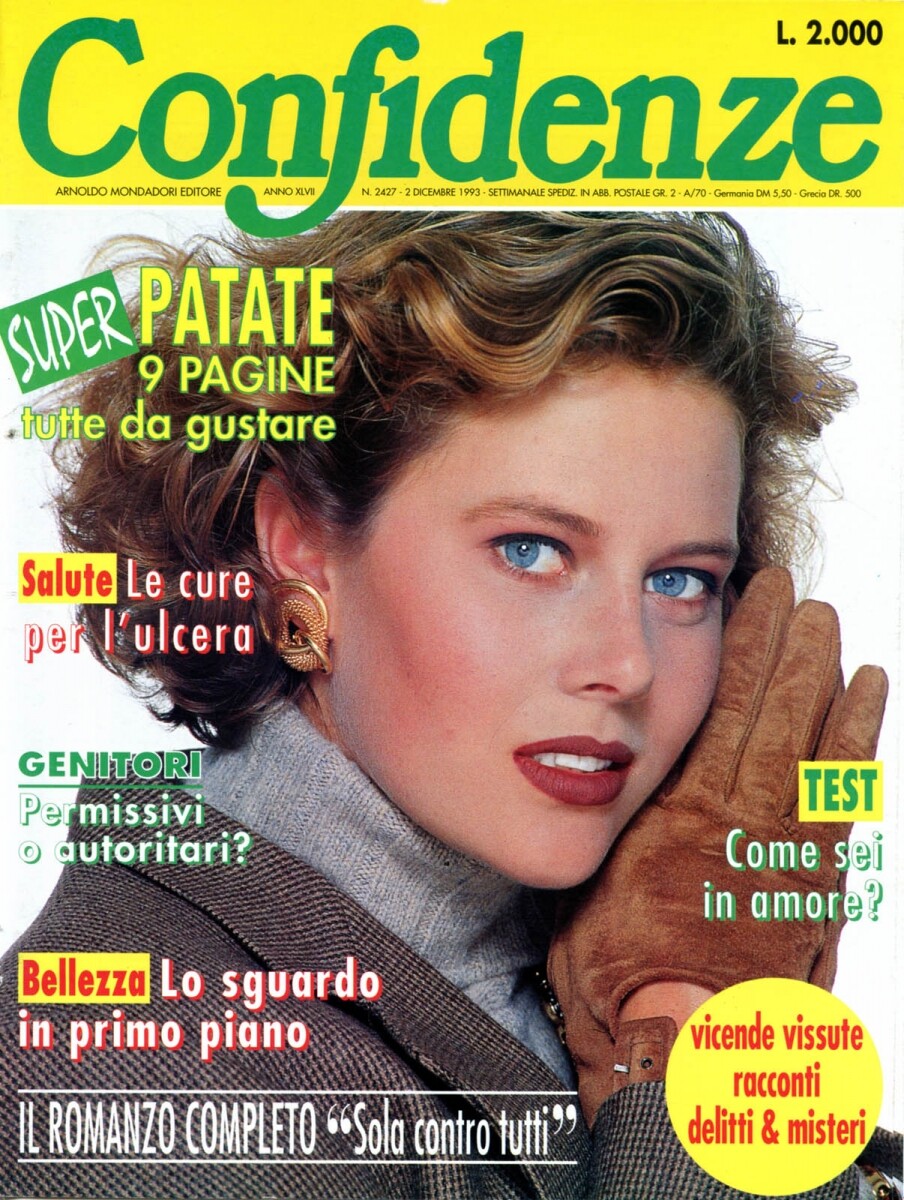
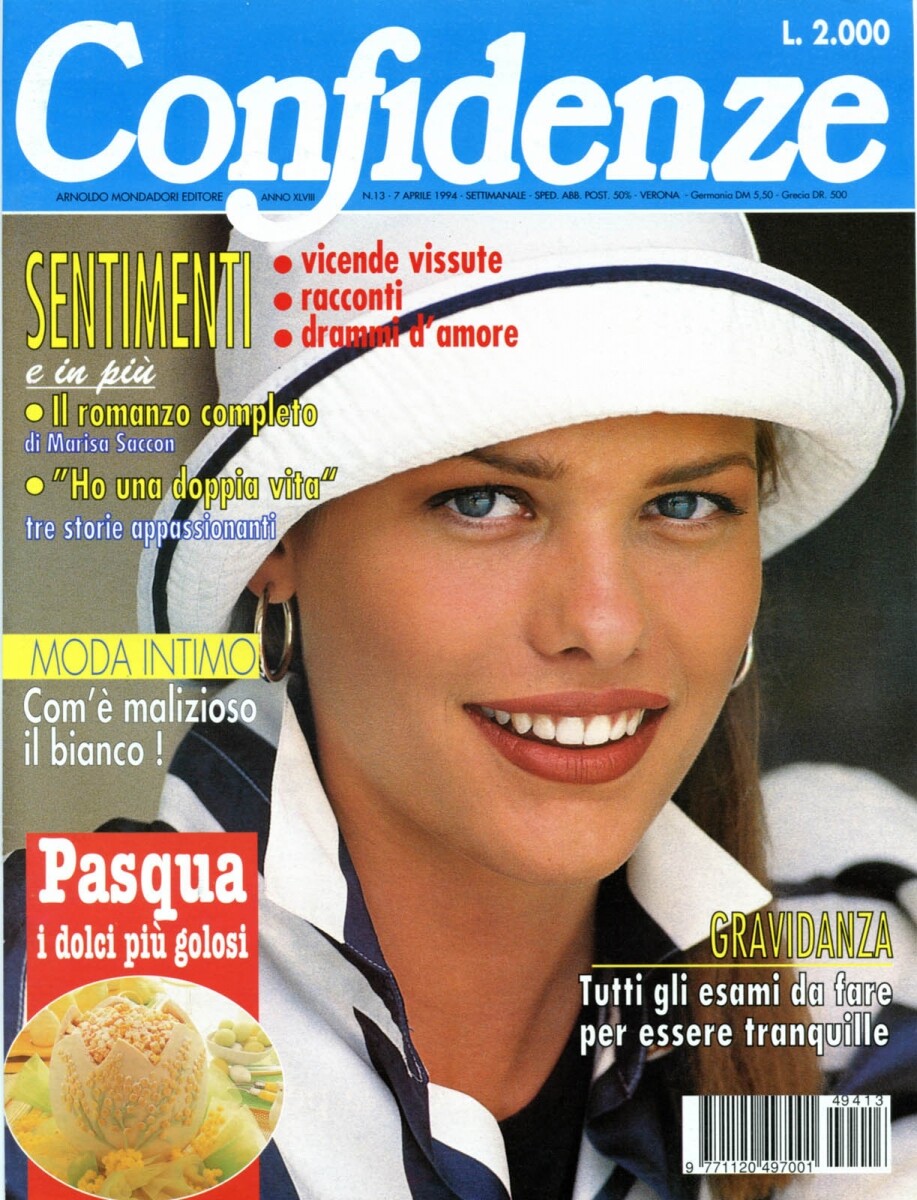
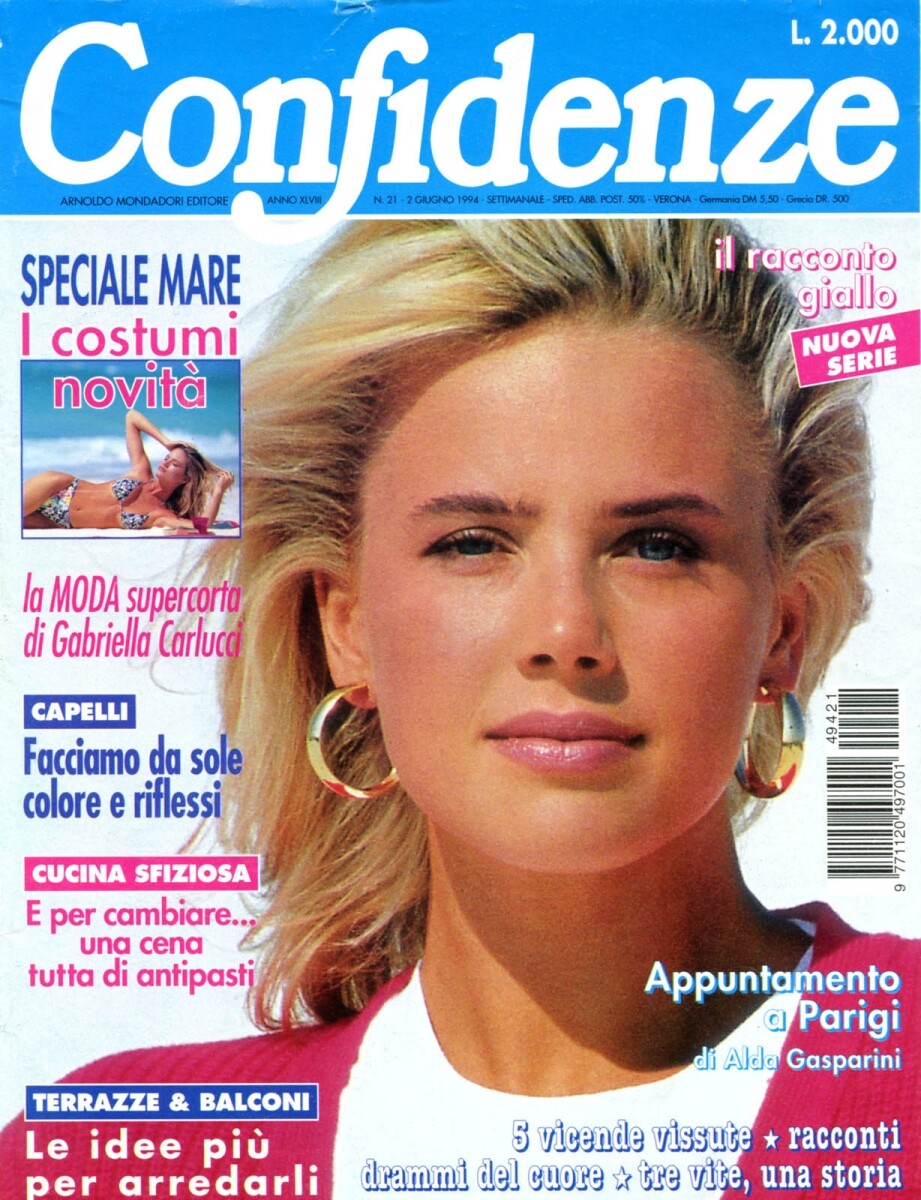
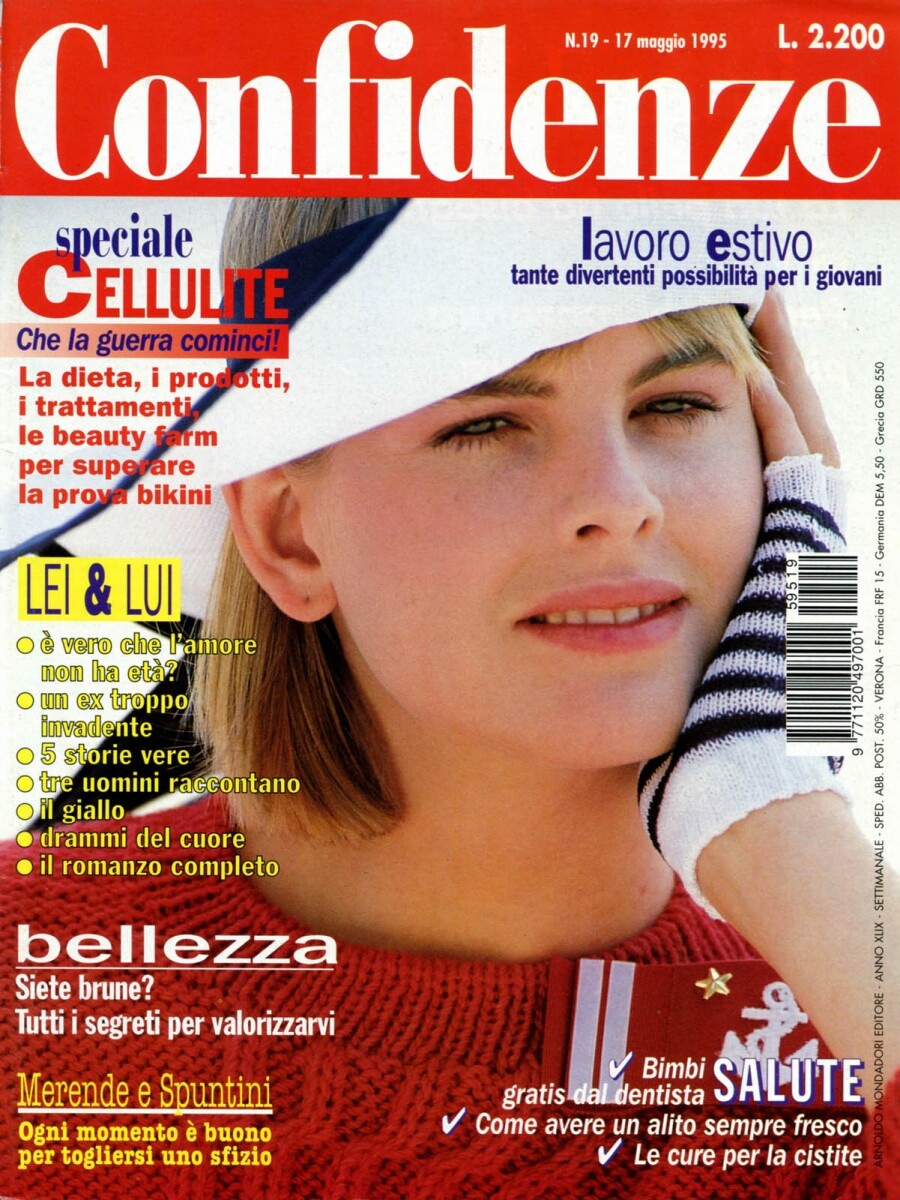
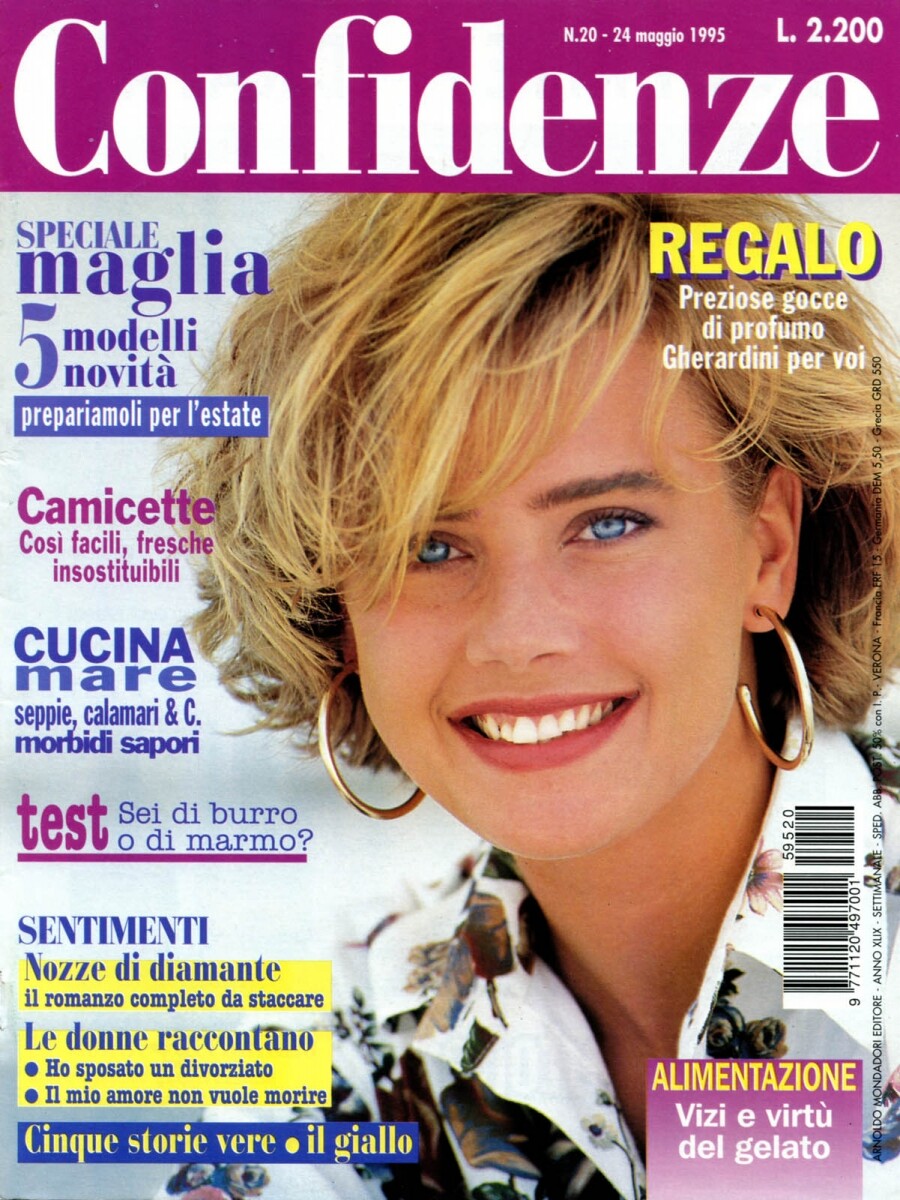
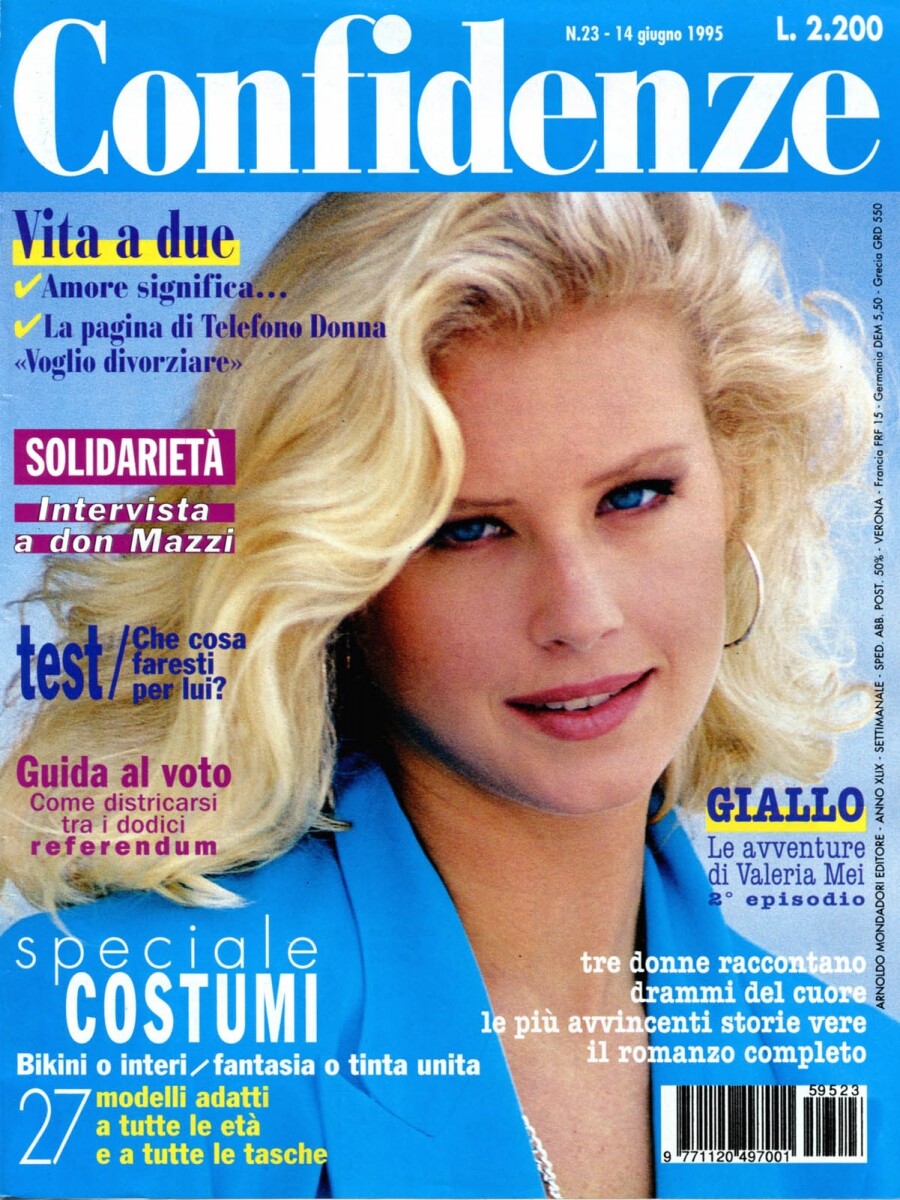
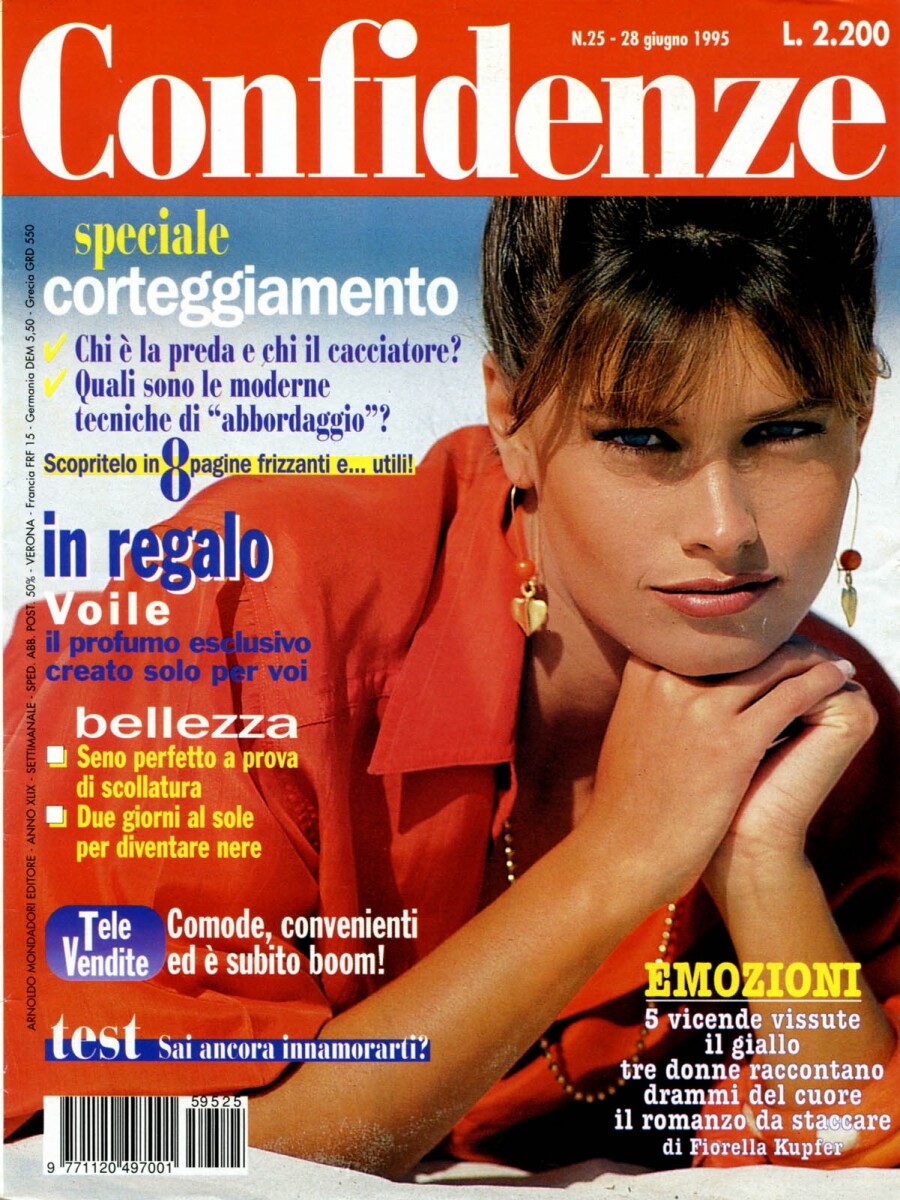
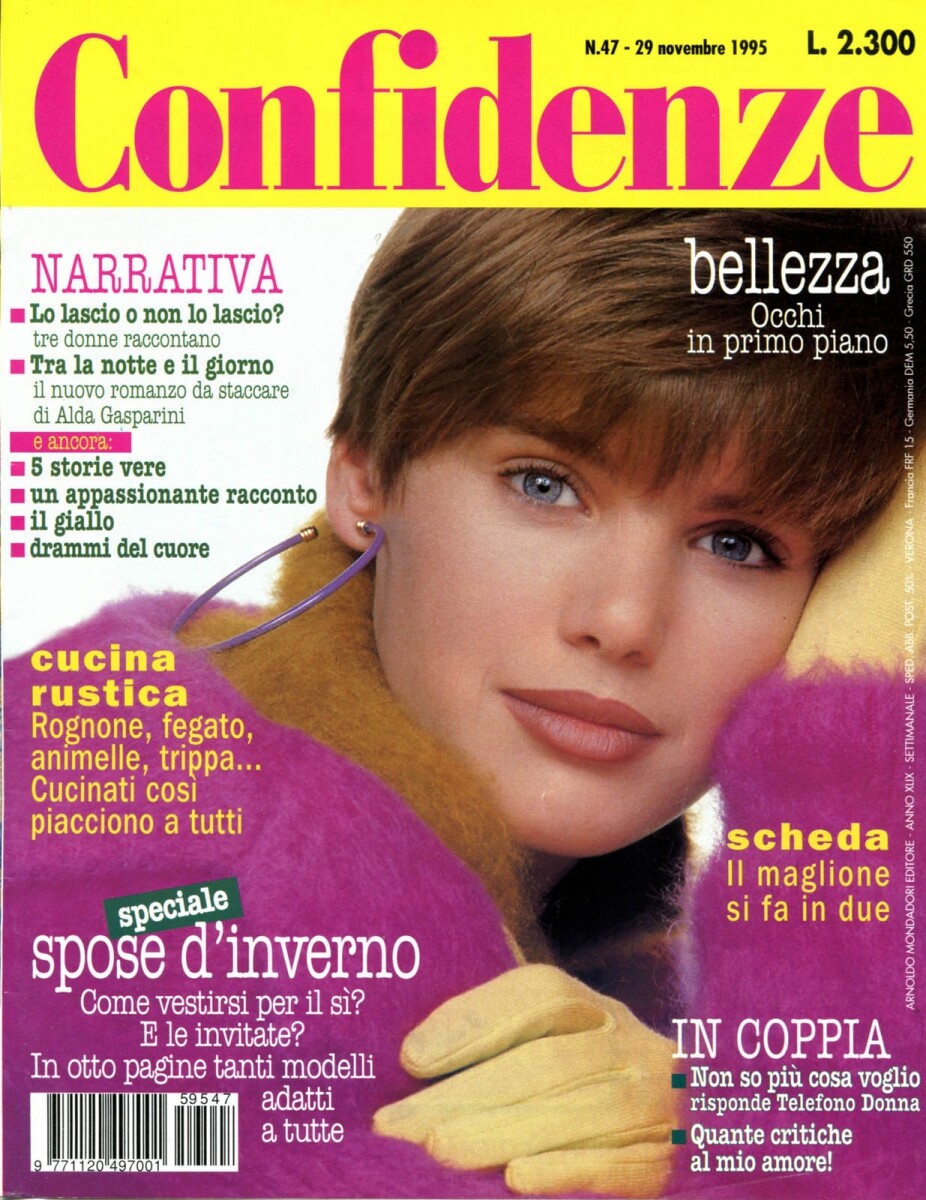
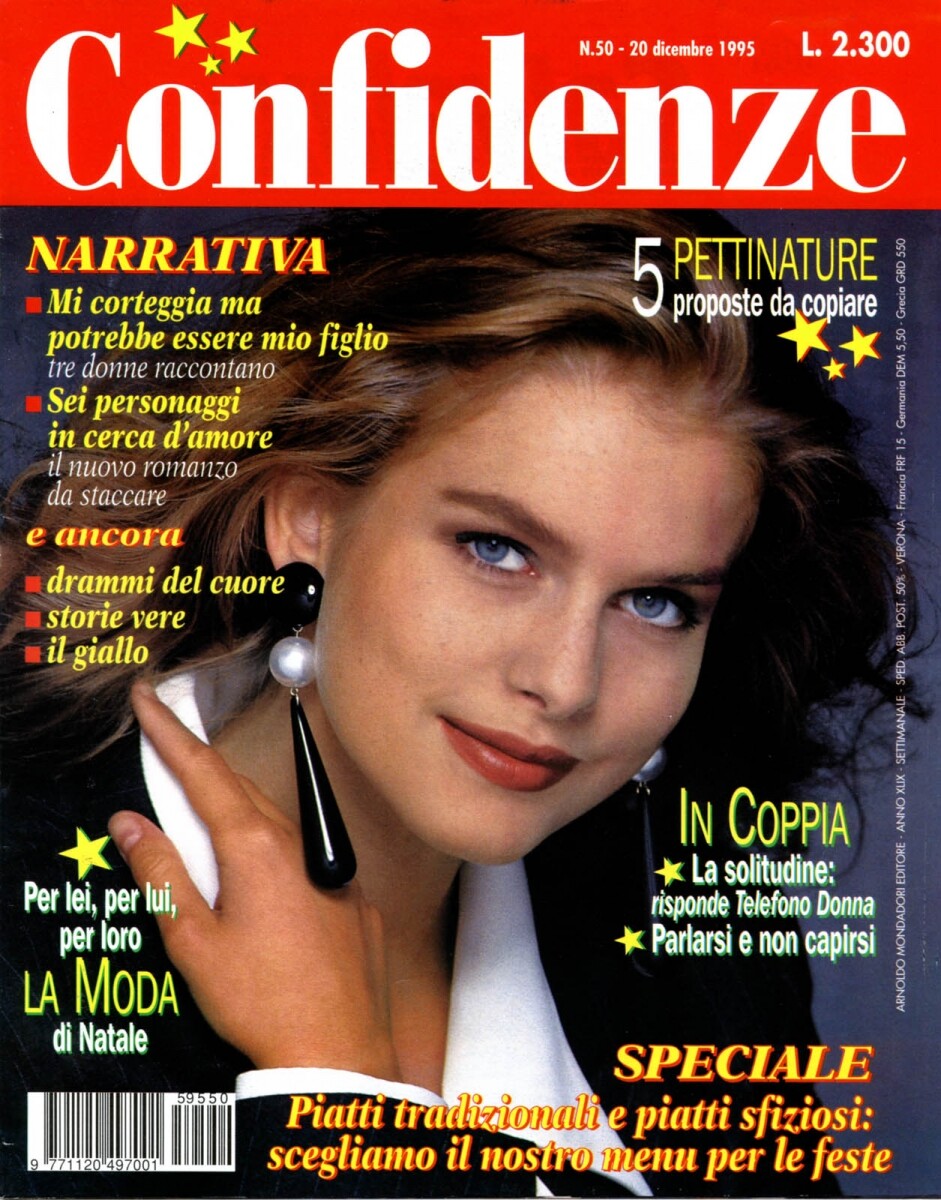
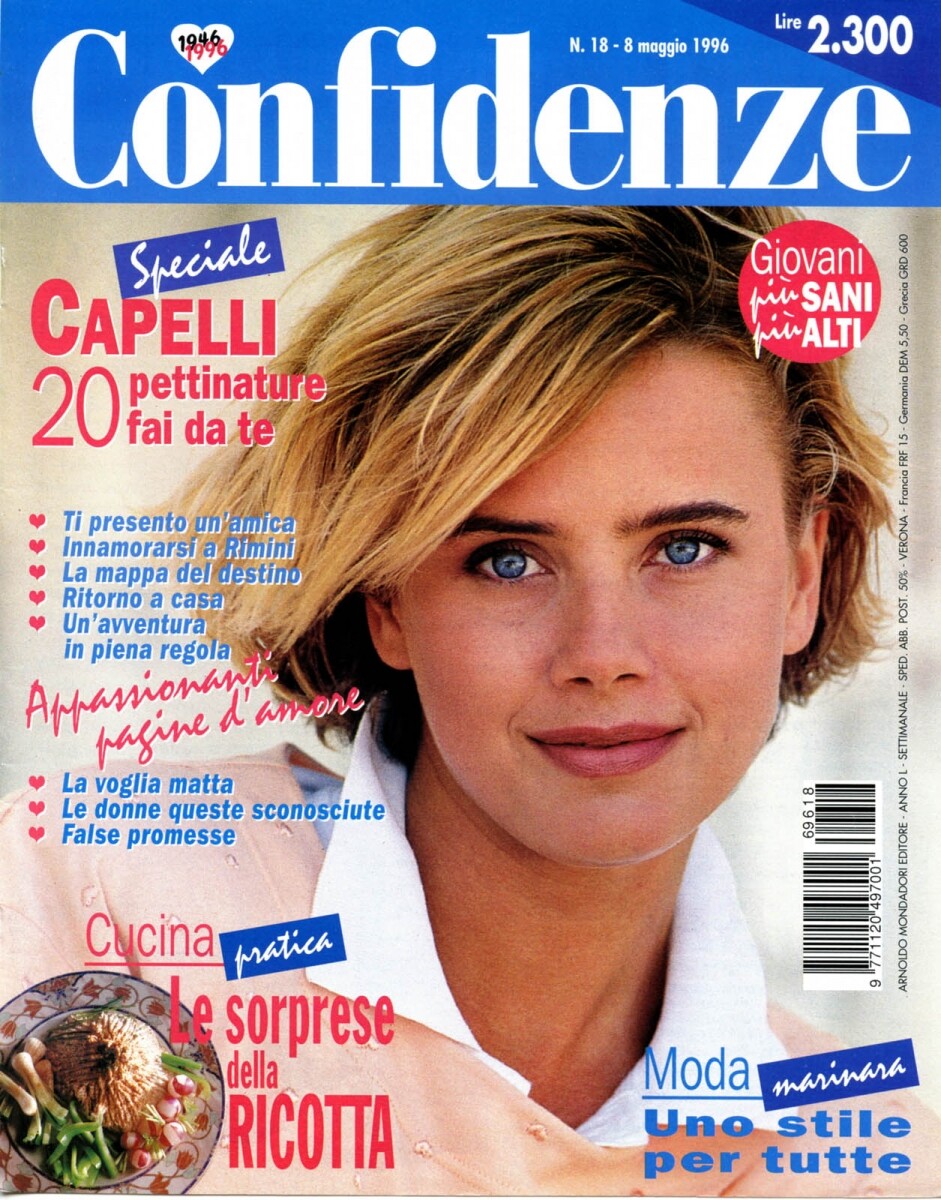
  5. More covers, the dates in the name of the files Italian Confidenze

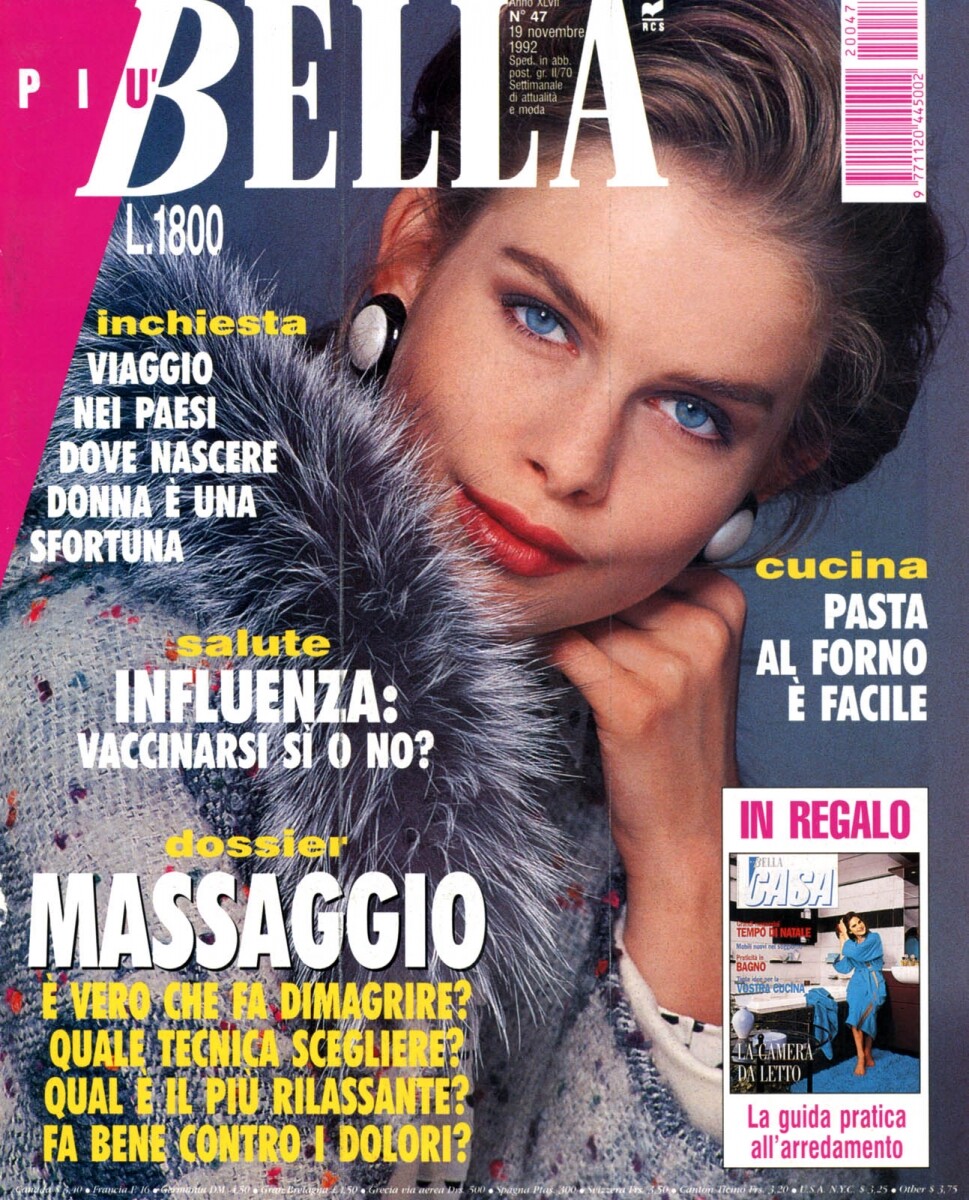
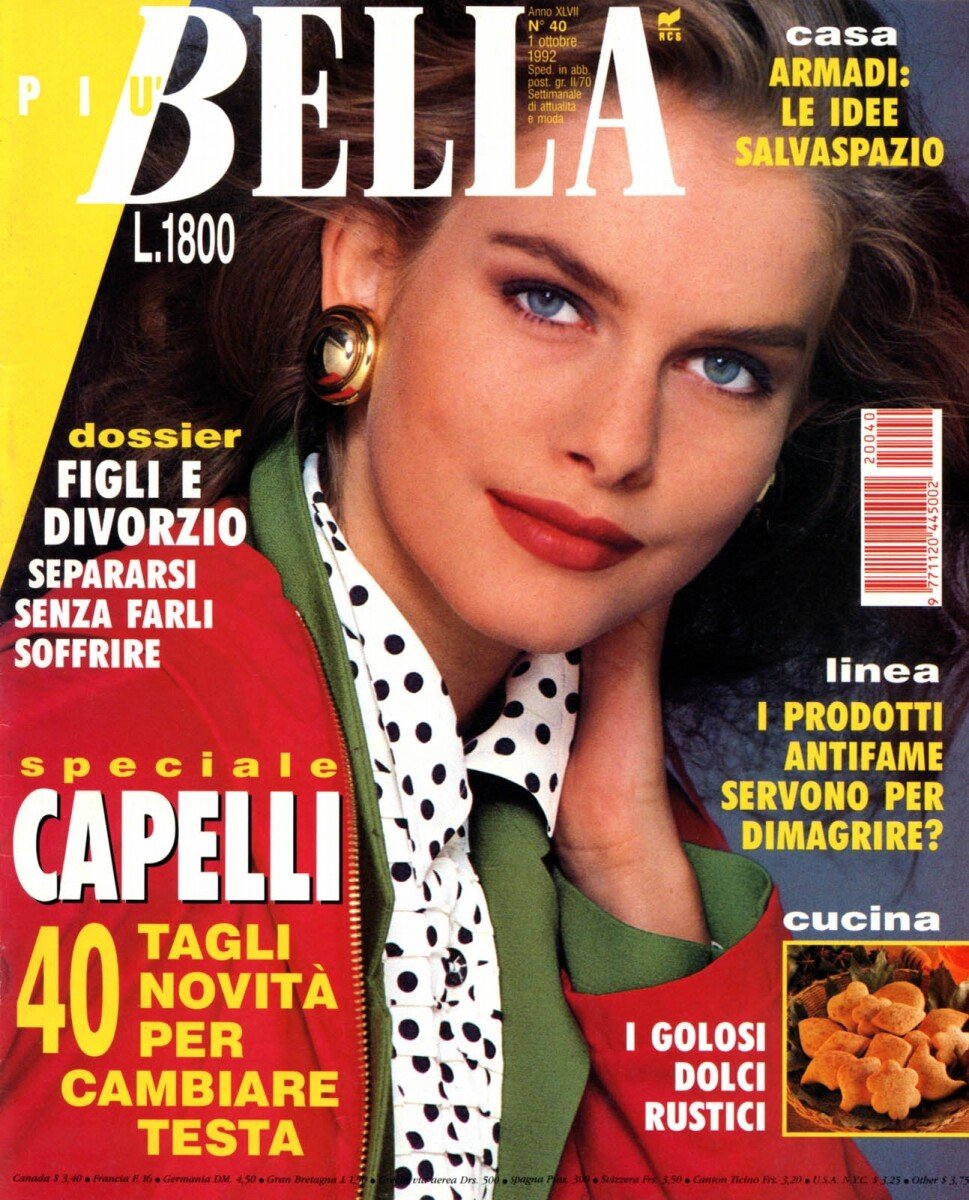
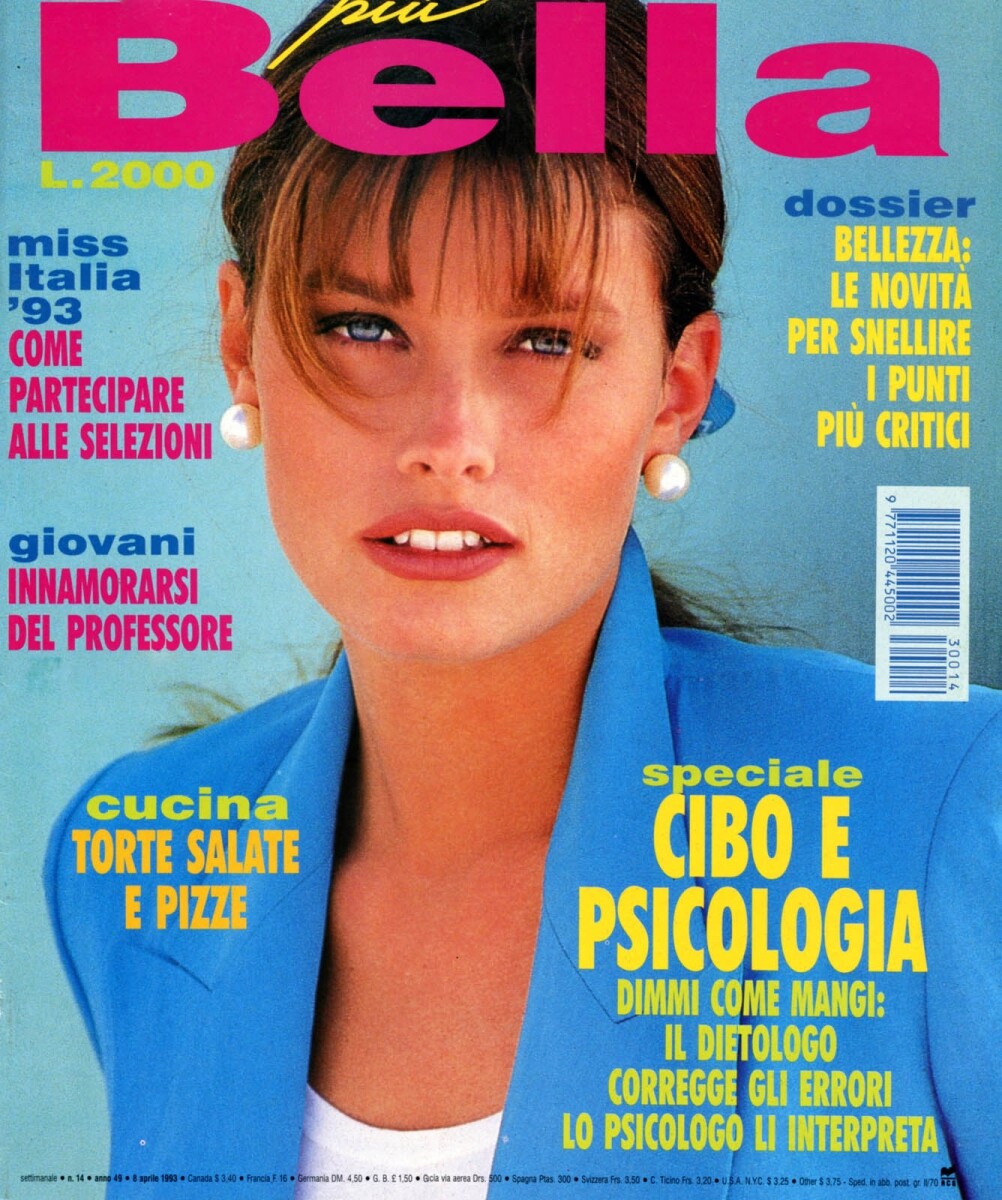
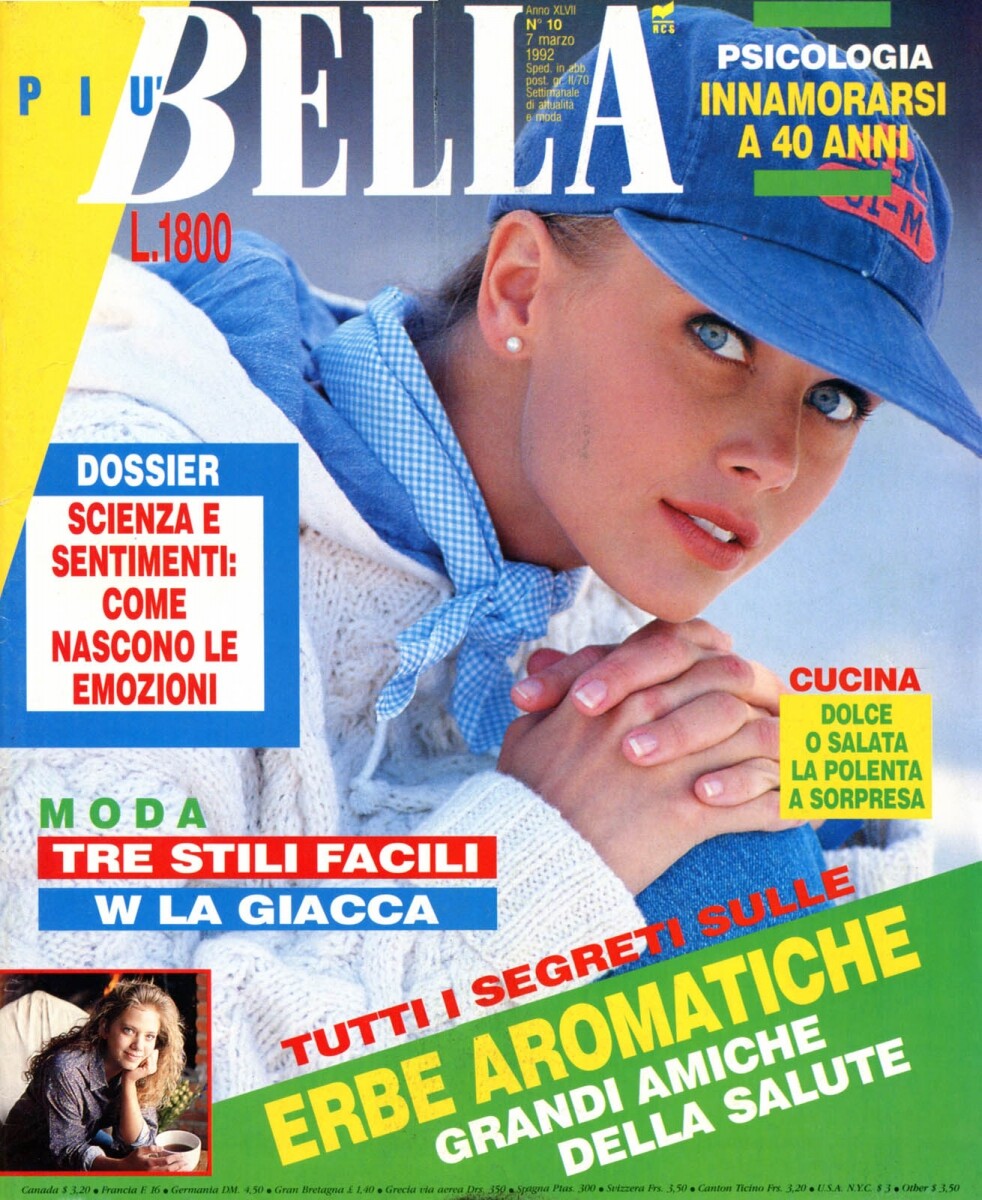
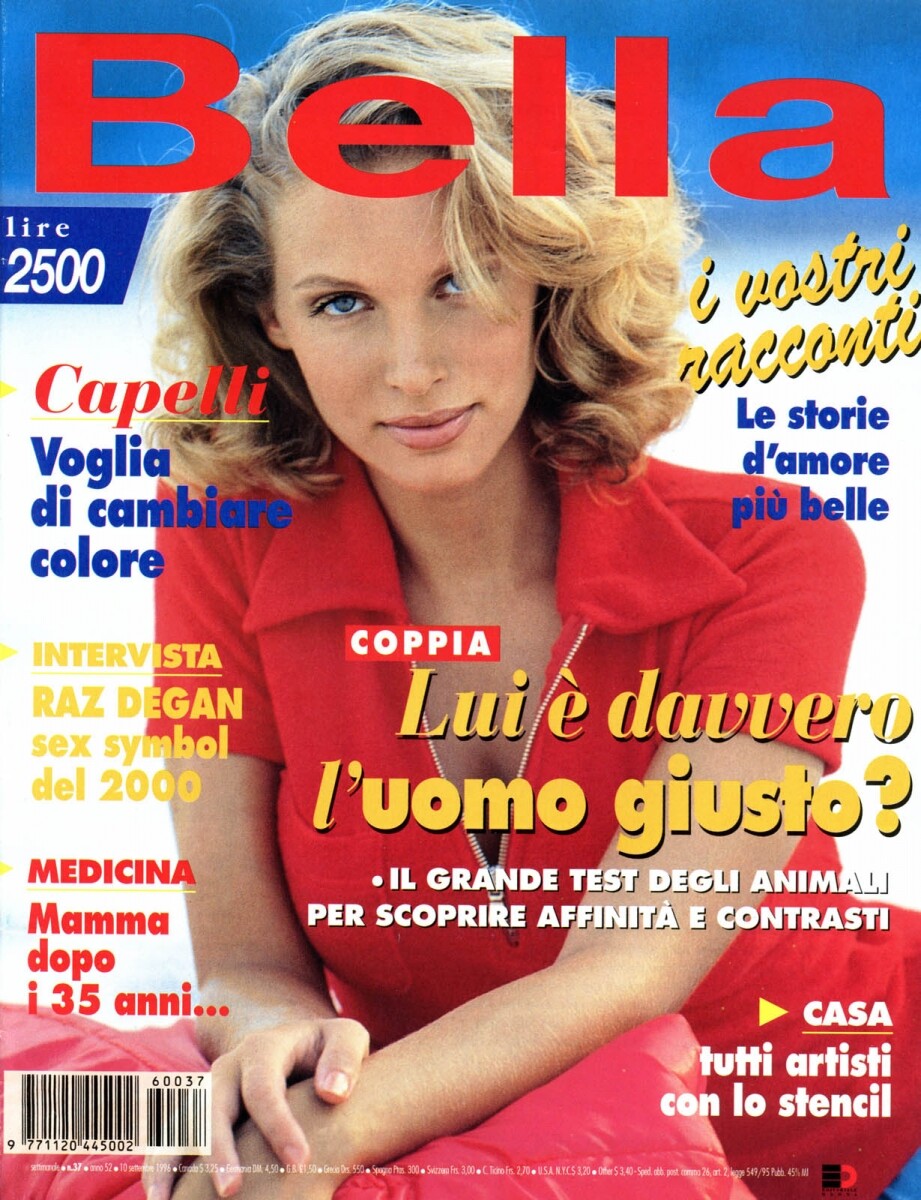
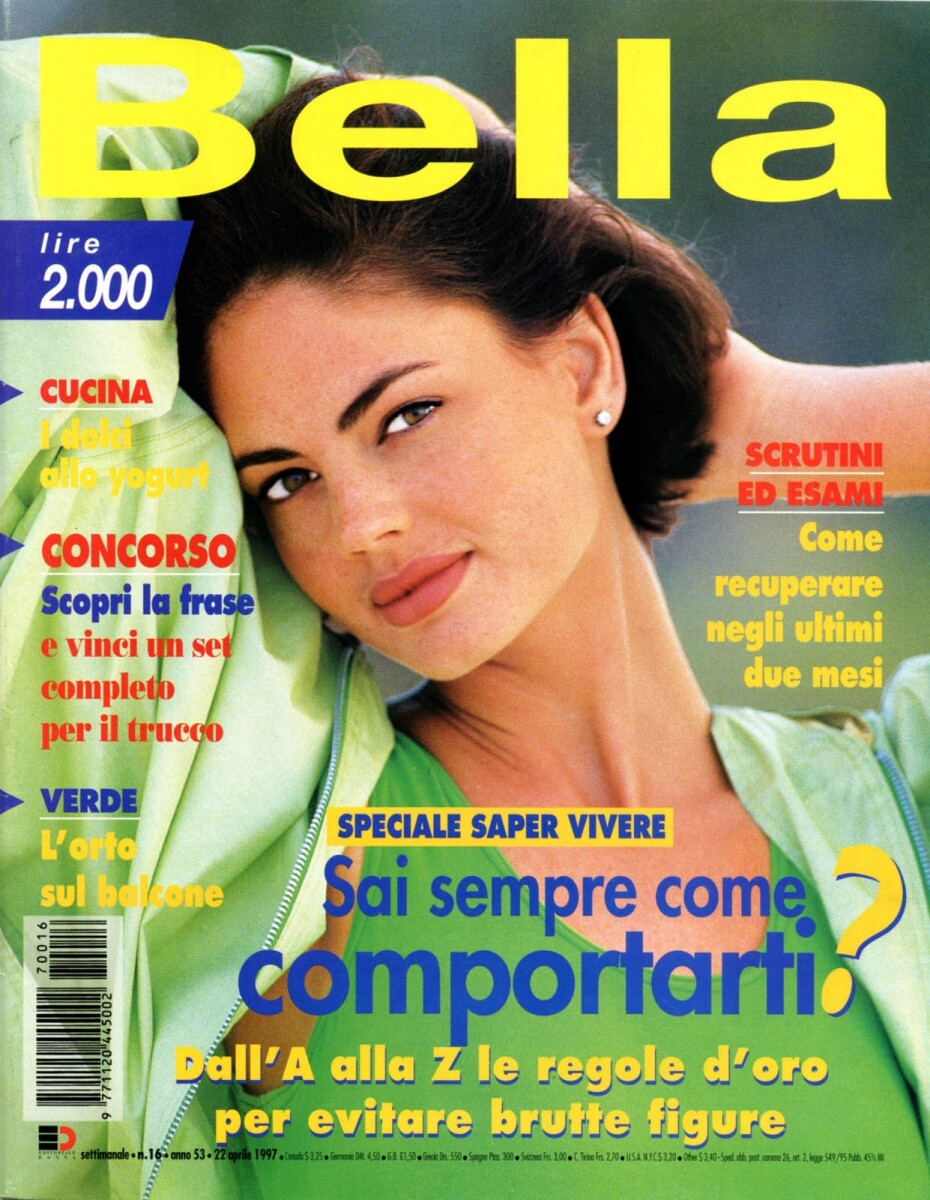
  6. Bella, Italia
  7. Bella, Italia
  8. thanks @Chirkomania and @missparker7. Another covers soon
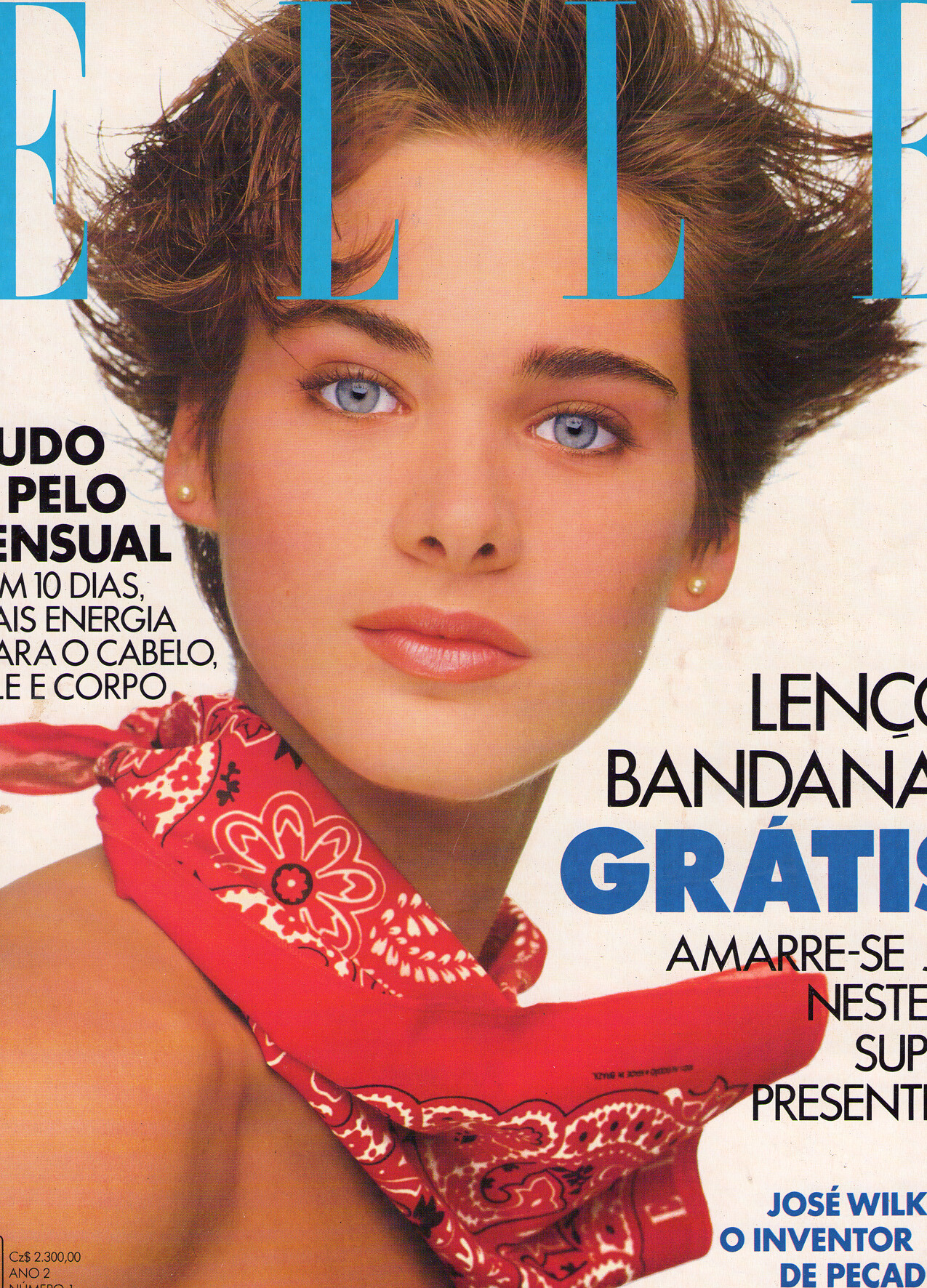
  9. Did you see these covers? I have many covers from 80´s and 90´s I can´t ID. Maybe the people can and we can find more treasures...
  10. Great collection. Is Patricia your favorite @Calypso Angel?
  11. Never saw before. Amazing!
  12. Bazaar Latin America
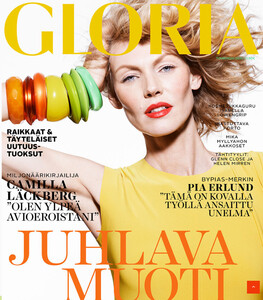
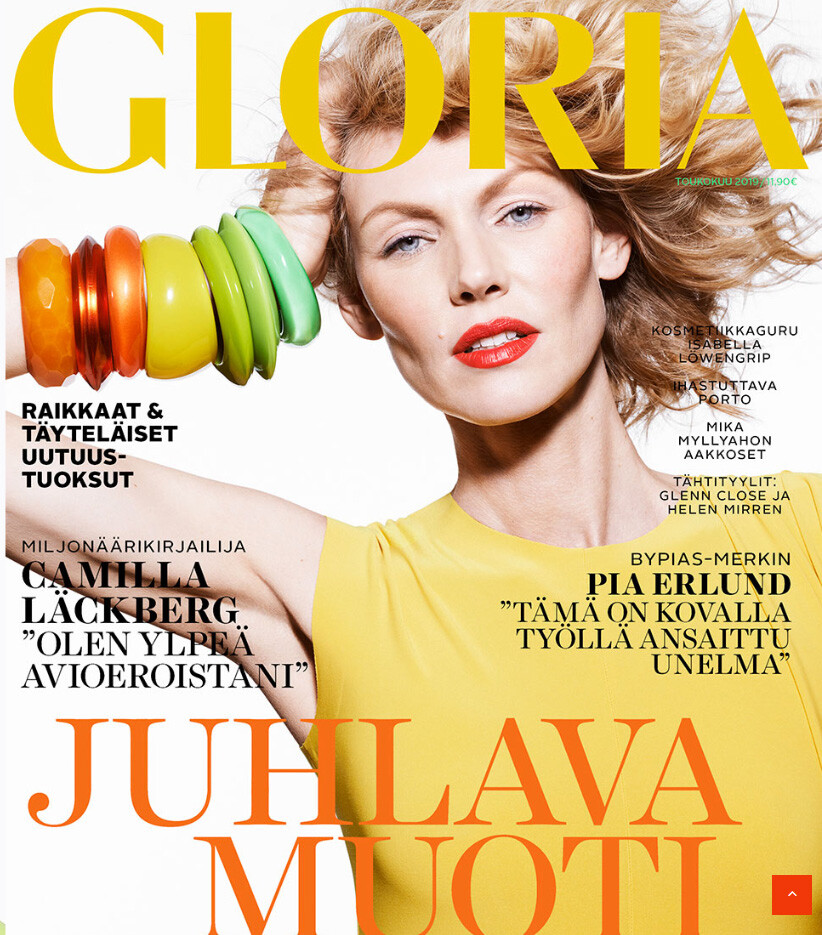
  13. finish magazine Gloria
  14. Wow, this is so unexpected. Thanks @Chirkomania
  15. Wow, sorry, my mistake!
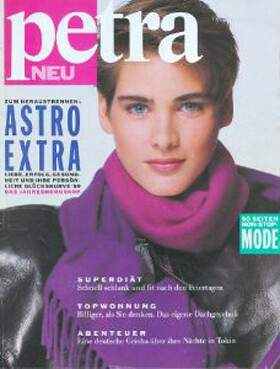
  16. Petra Germany
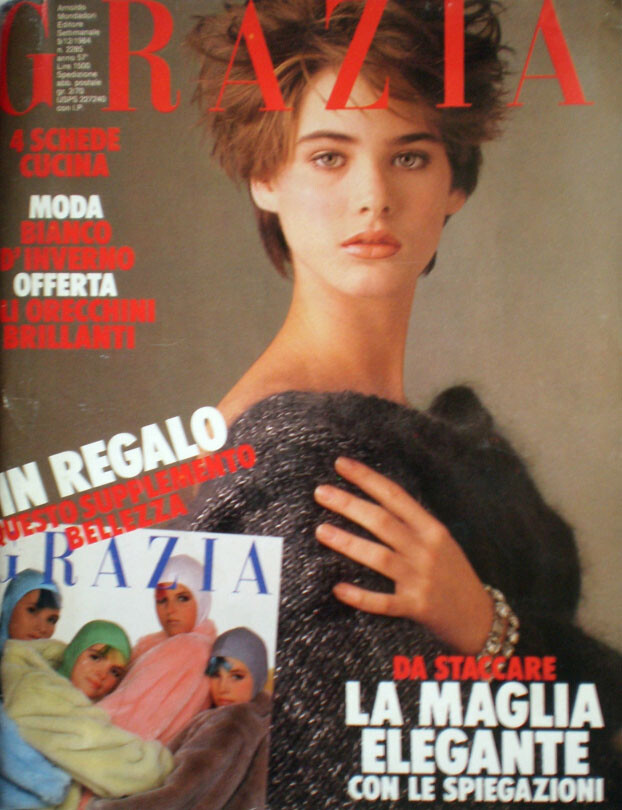
  17. Grazia Italia
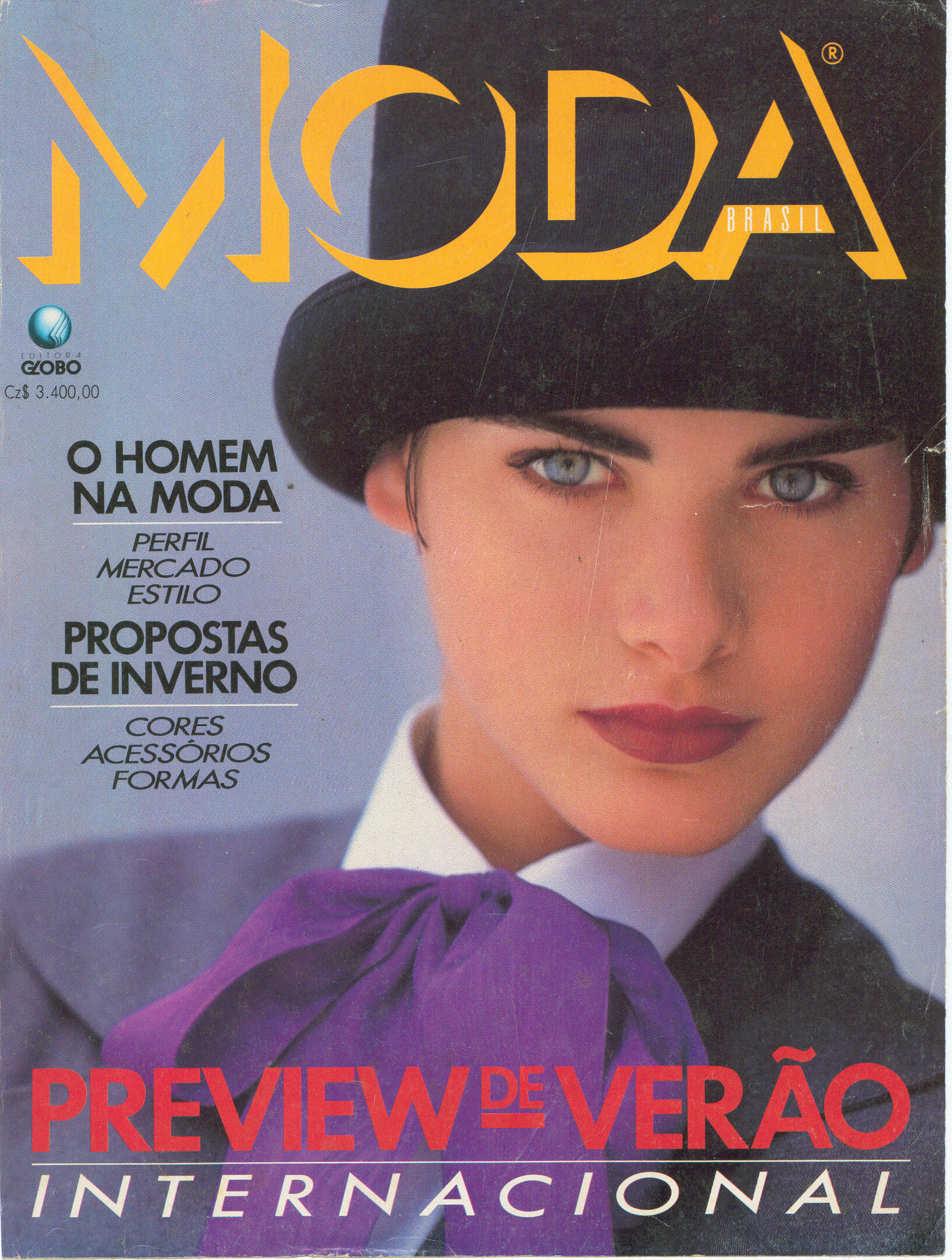
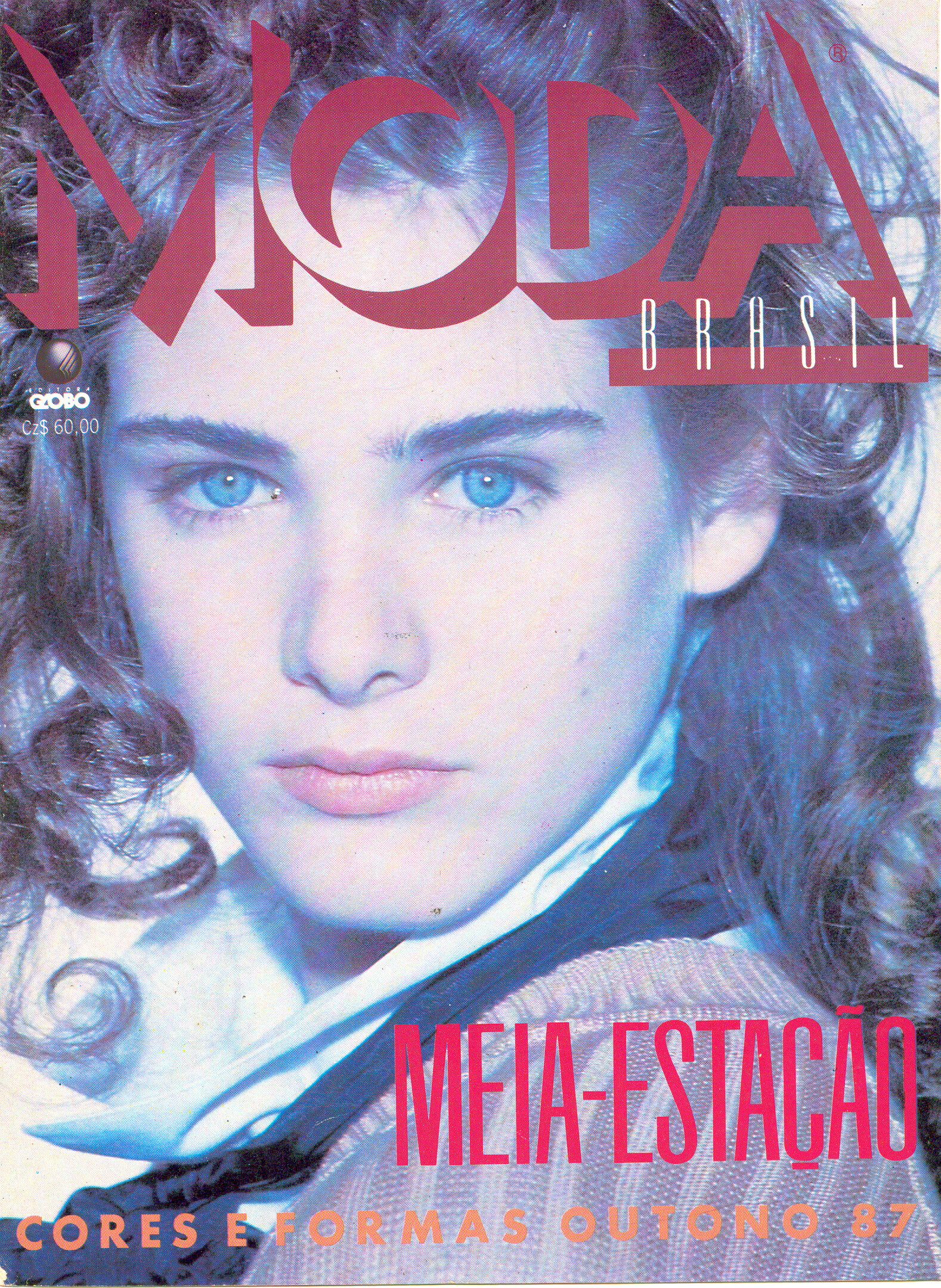
  18. She is brazilian
  19. new Woman Spain
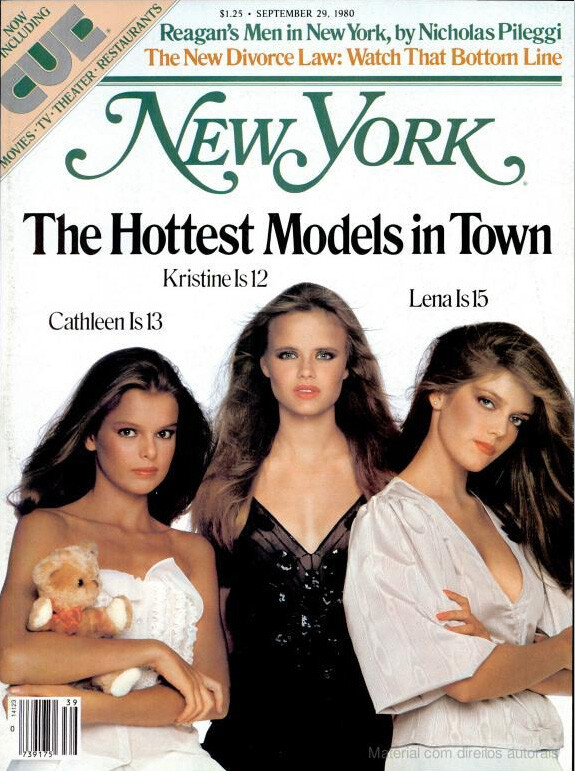
  20. New York magazine
  21. Wow, Julia Valet. Thanks Fletch. And thanks Kim

Account

Navigation

Search

Configure browser push notifications

Chrome (Android)
  1. Tap the lock icon next to the address bar.
  2. Tap Permissions → Notifications.
  3. Adjust your preference.
Chrome (Desktop)
  1. Click the padlock icon in the address bar.
  2. Select Site settings.
  3. Find Notifications and adjust your preference.