danny-19
Members
-
Joined
Everything posted by danny-19
-
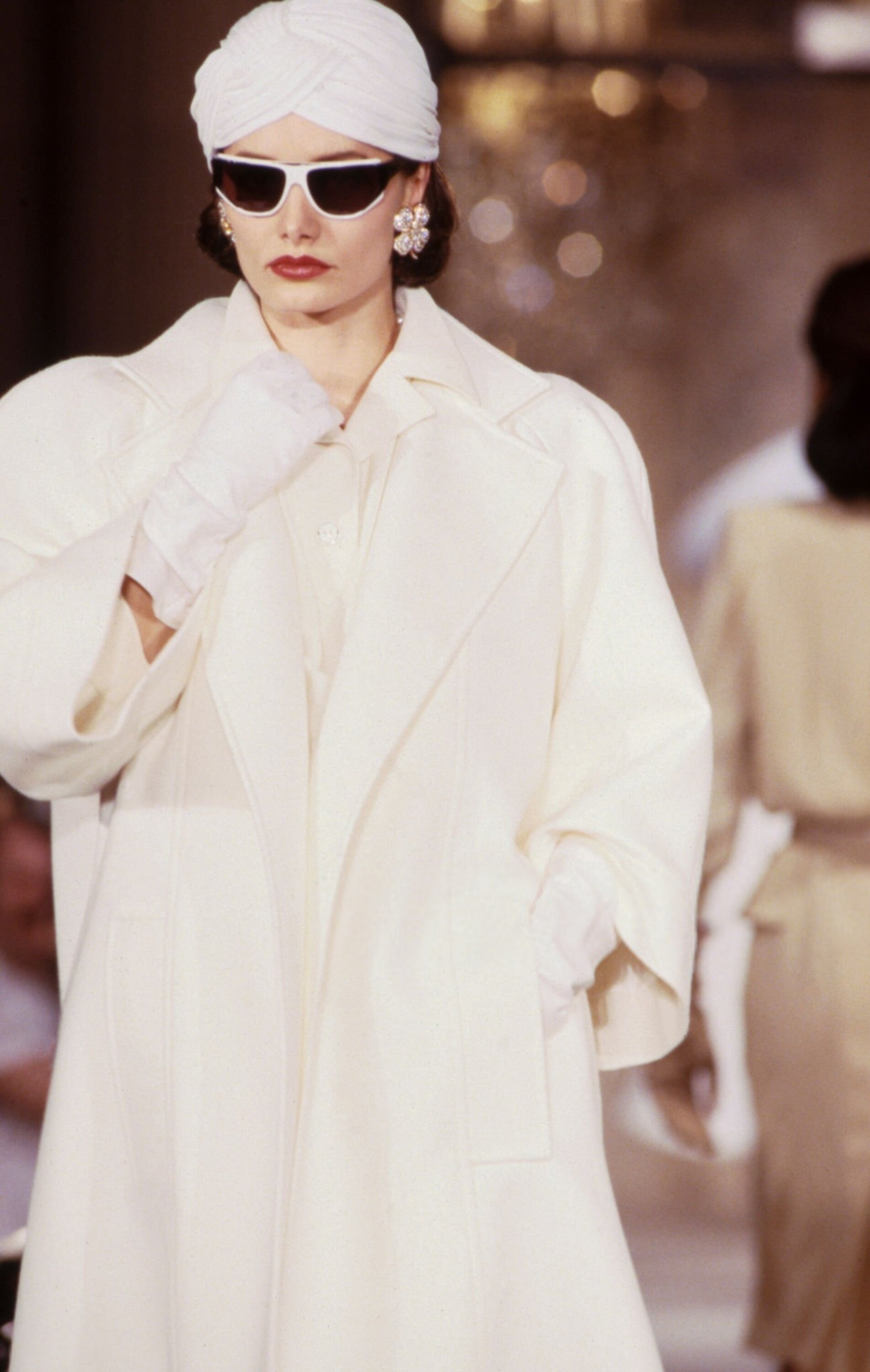
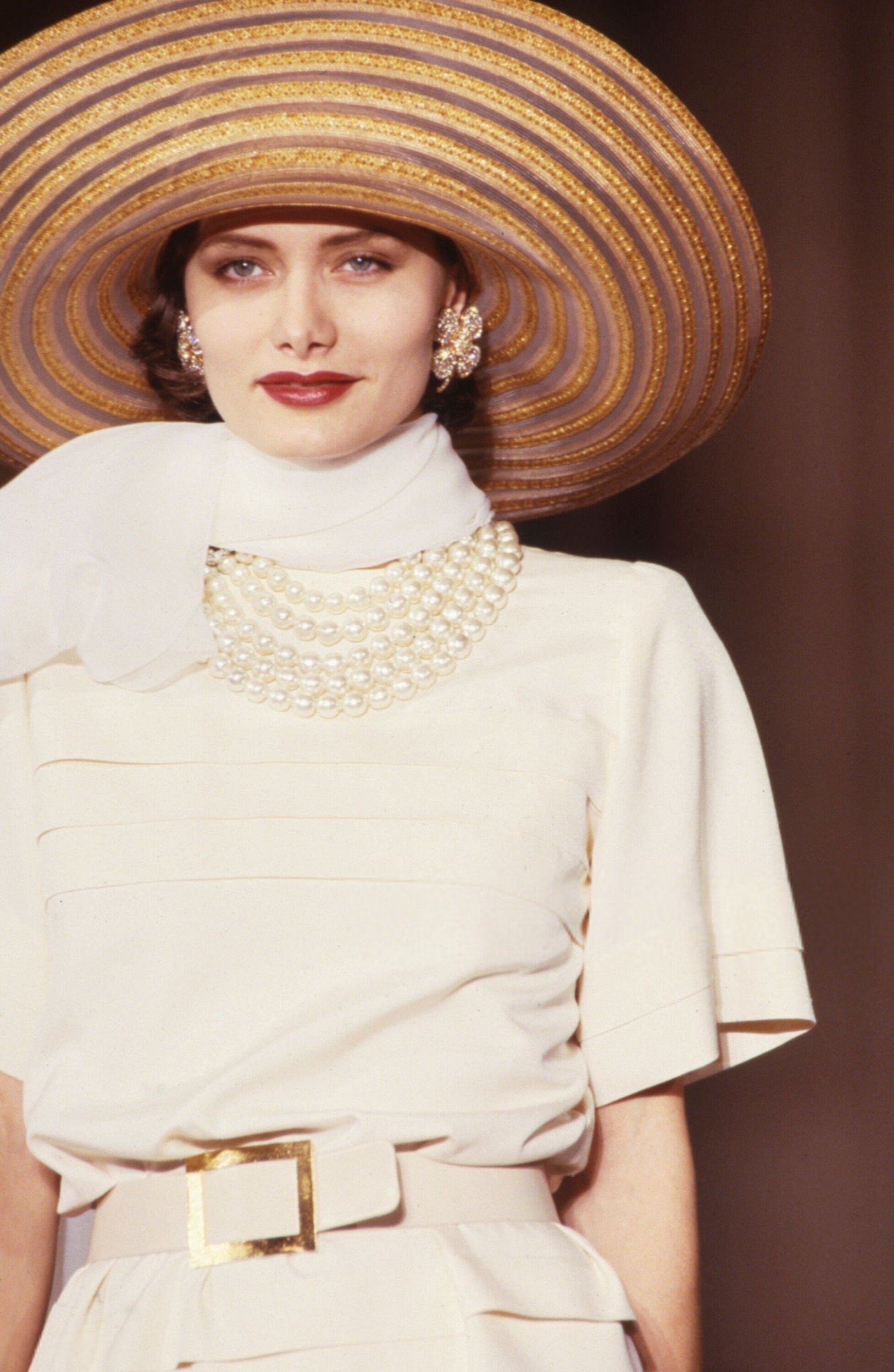
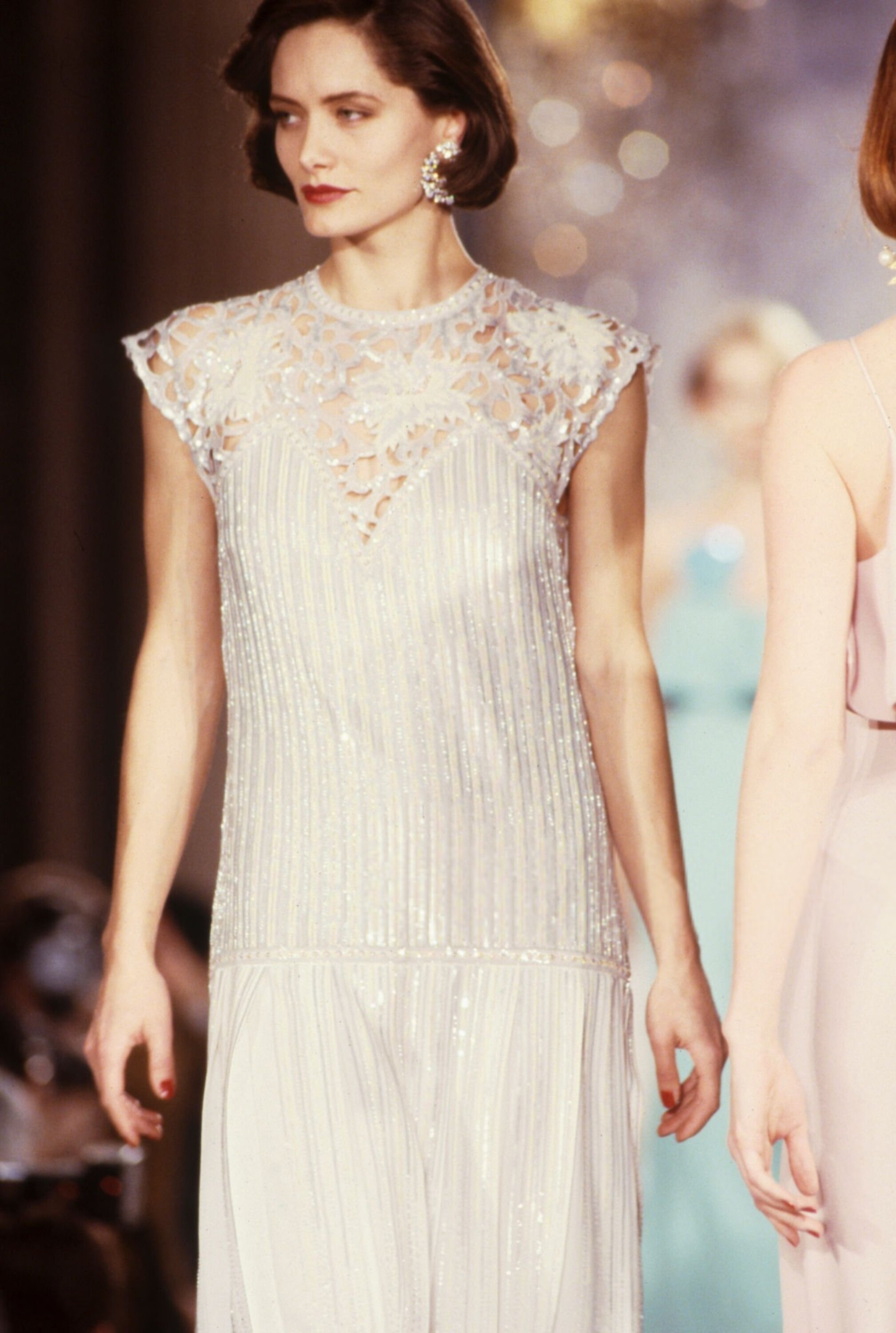
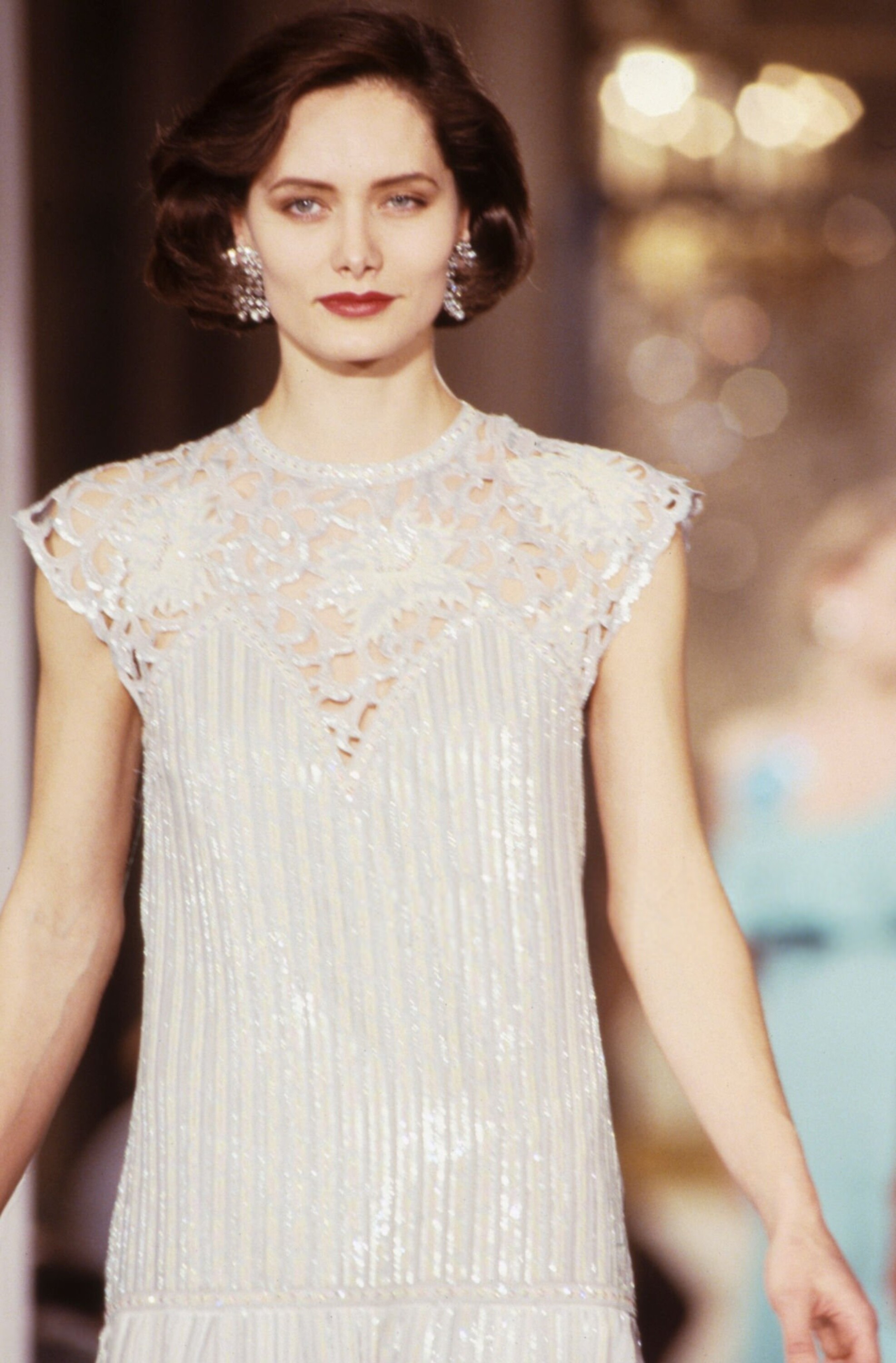
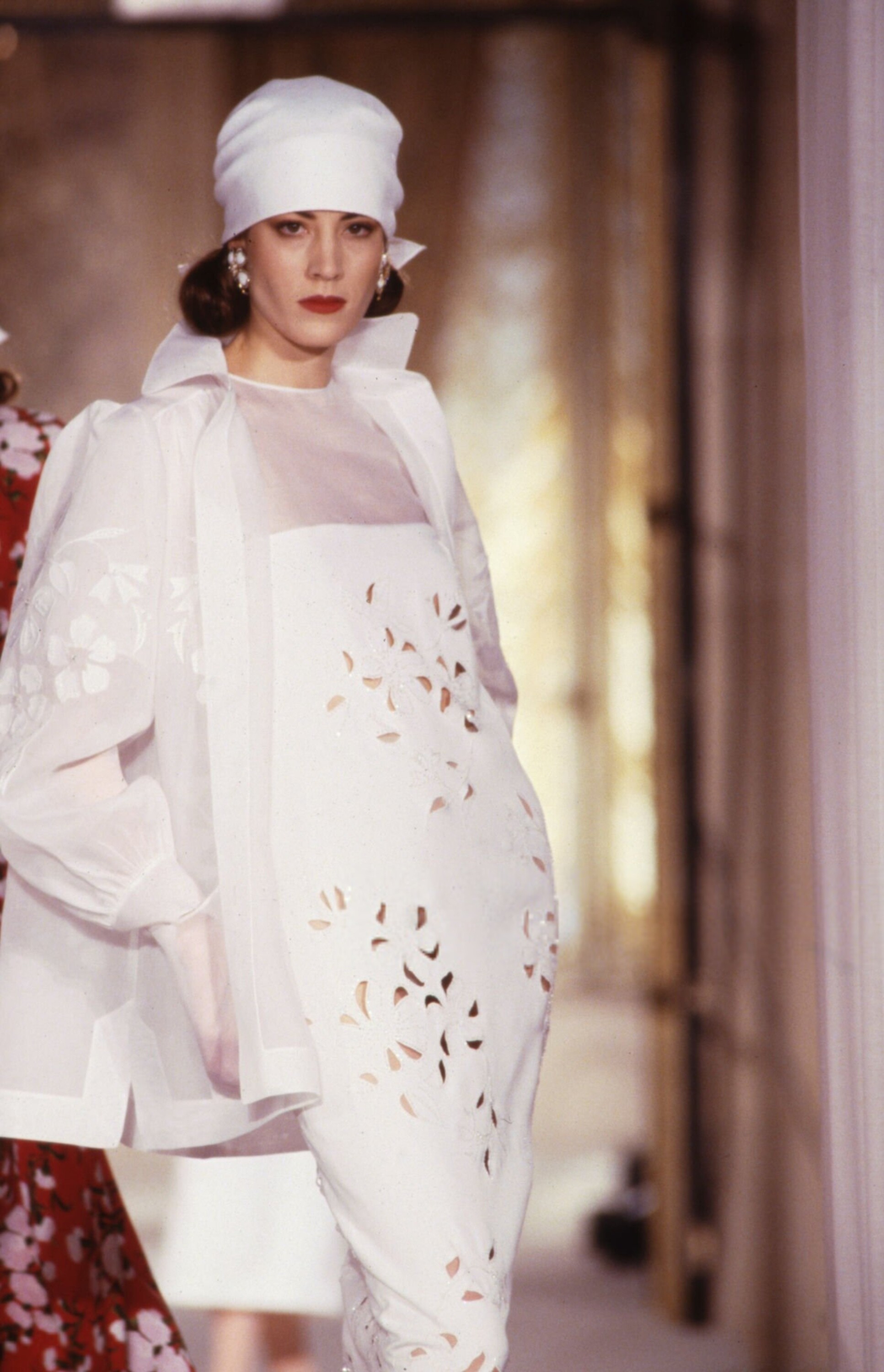
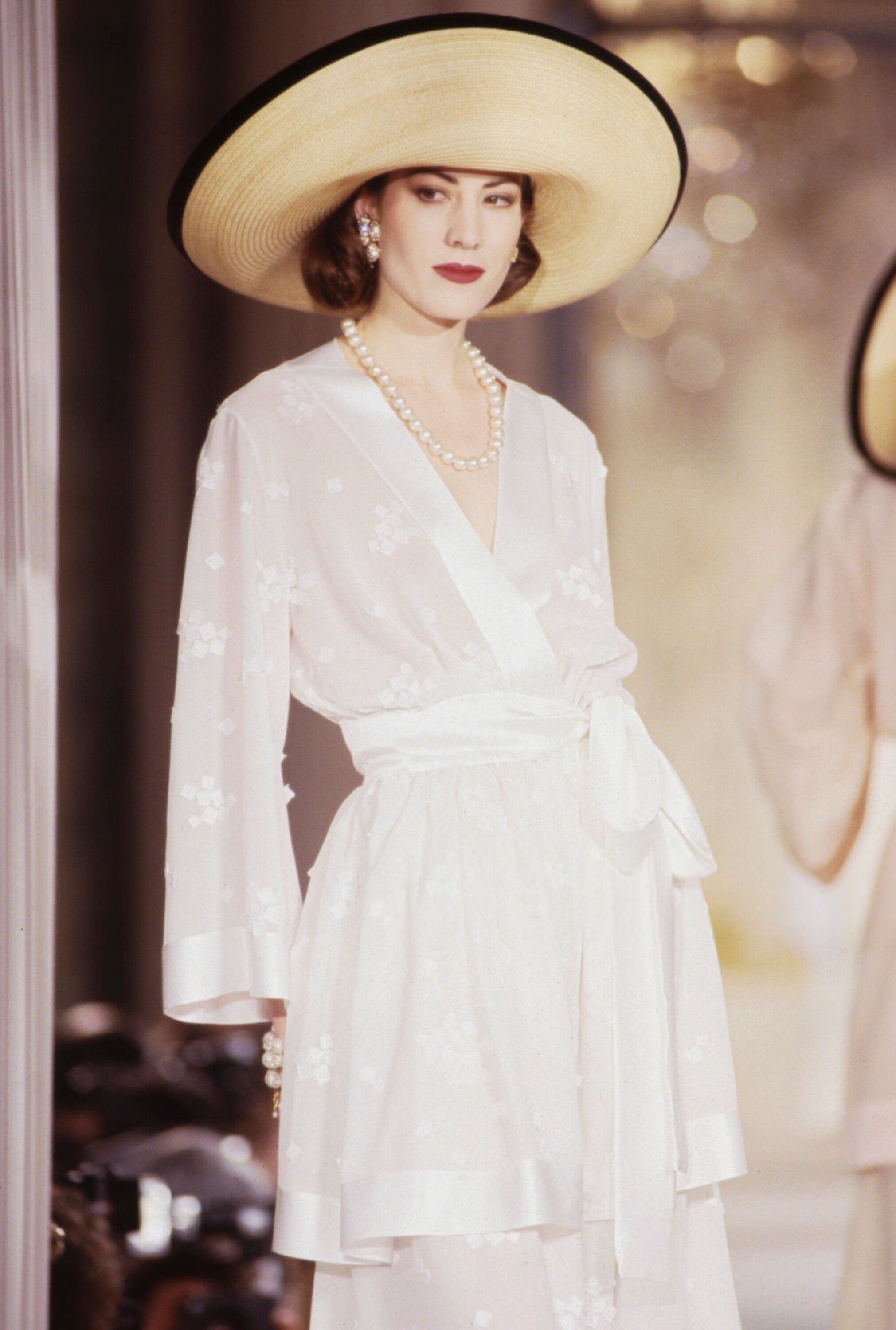
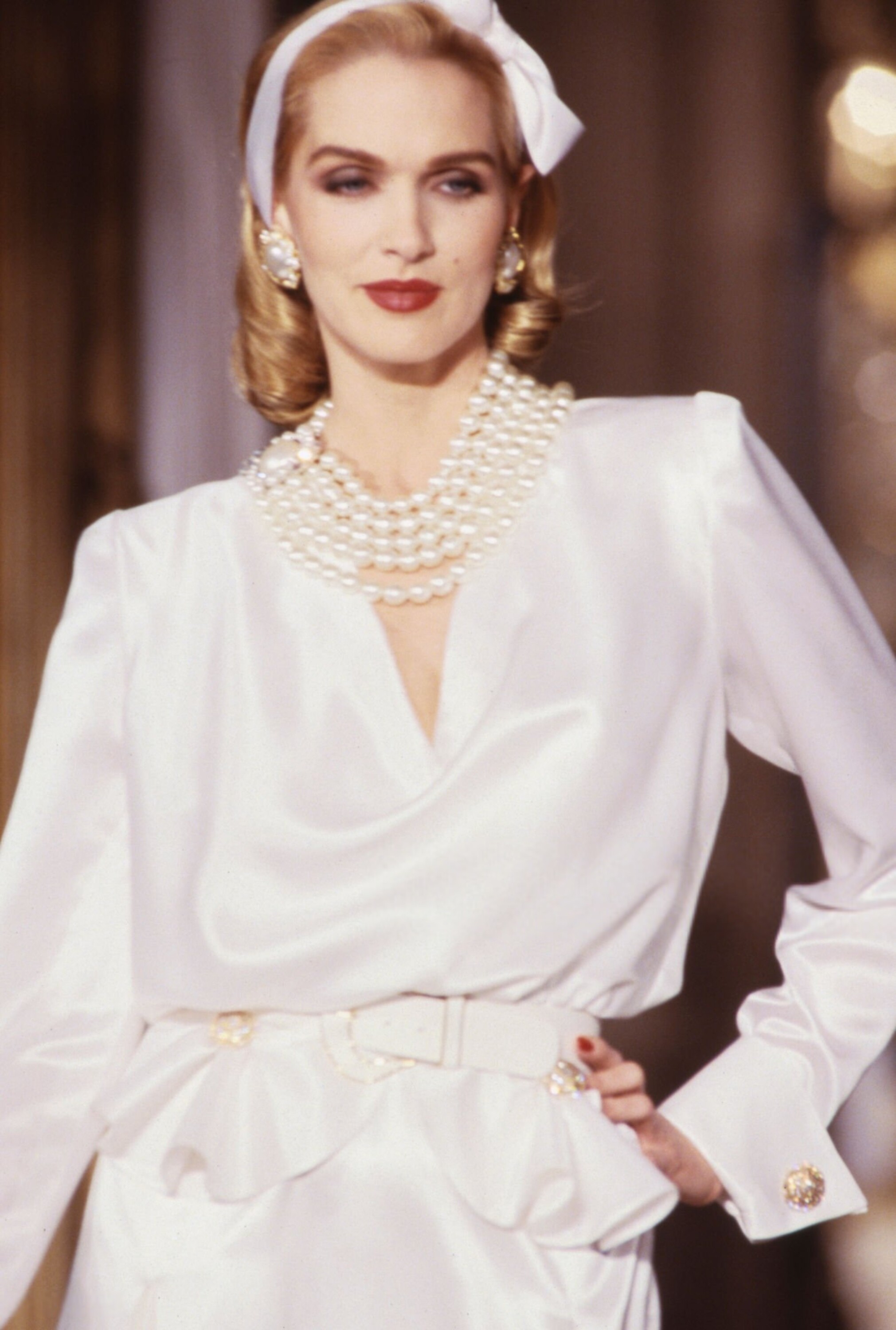
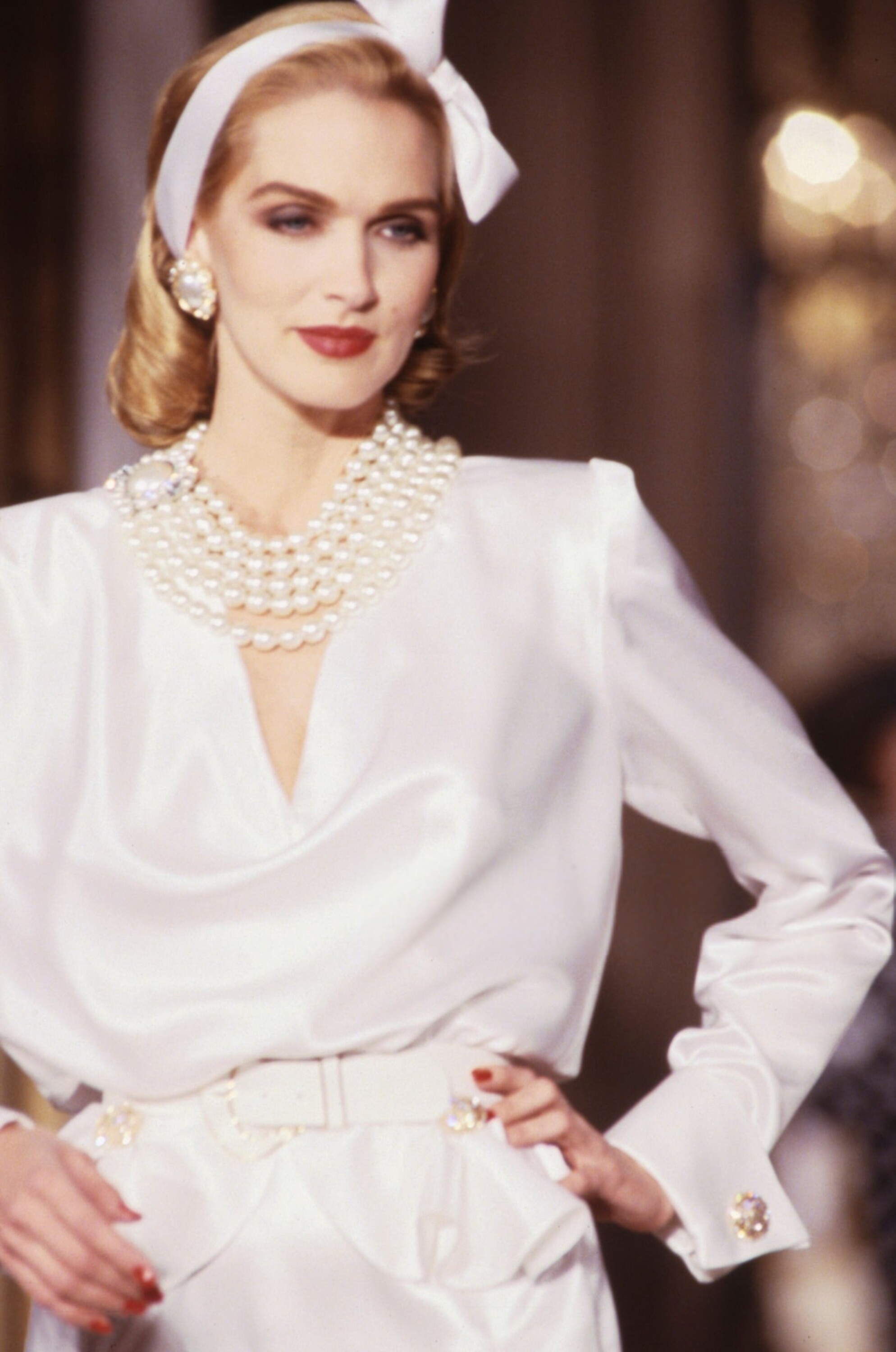
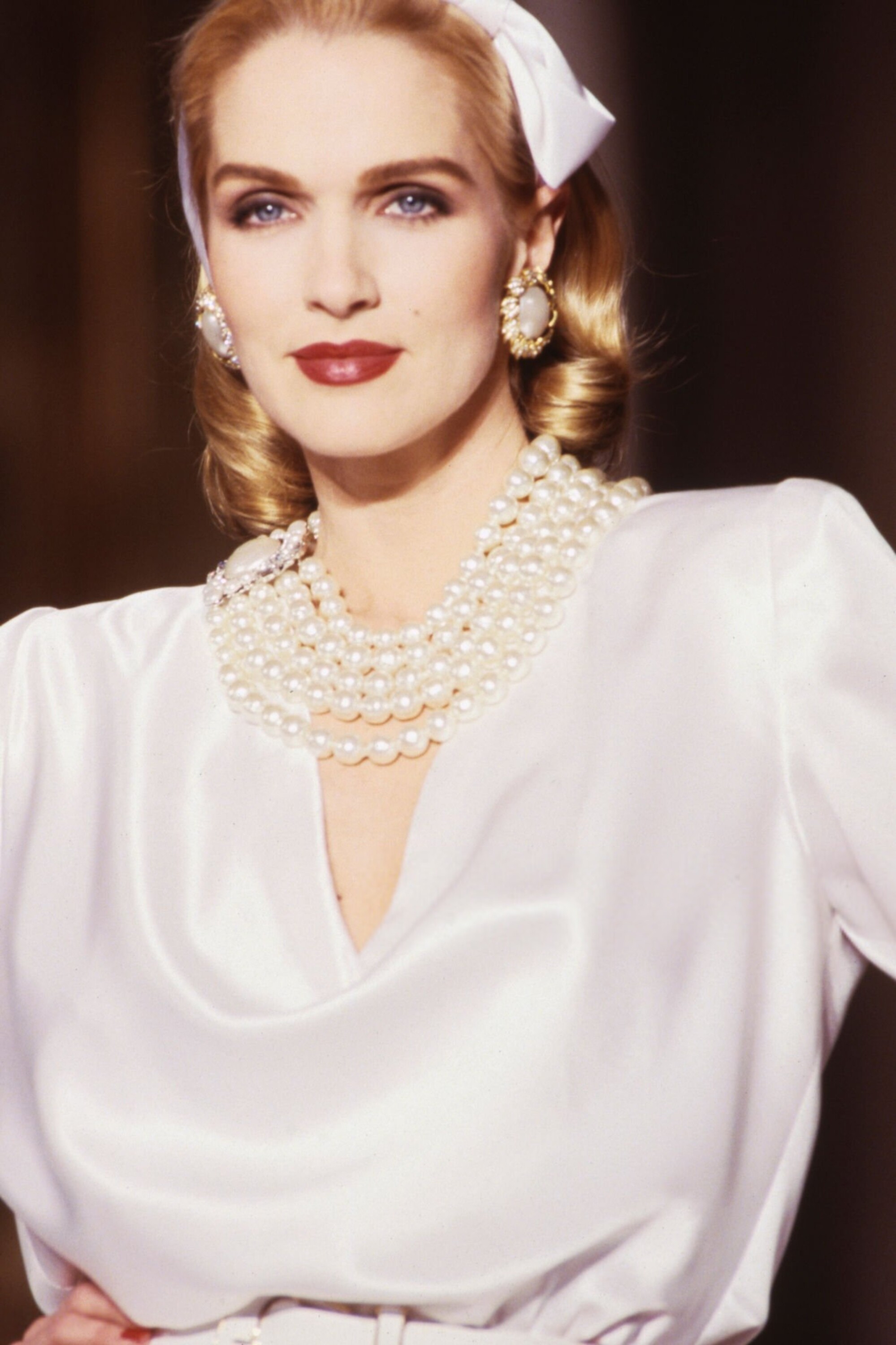
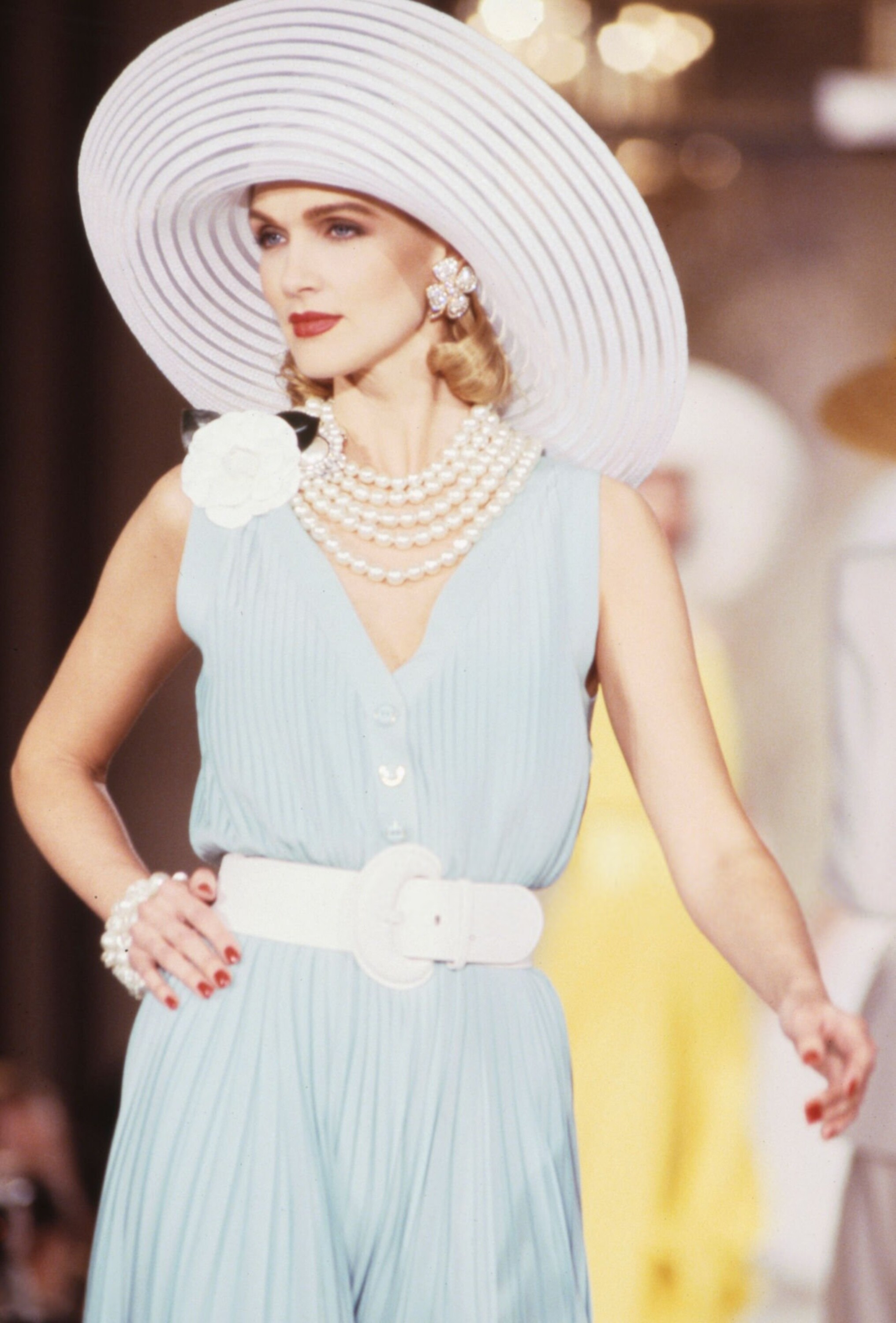
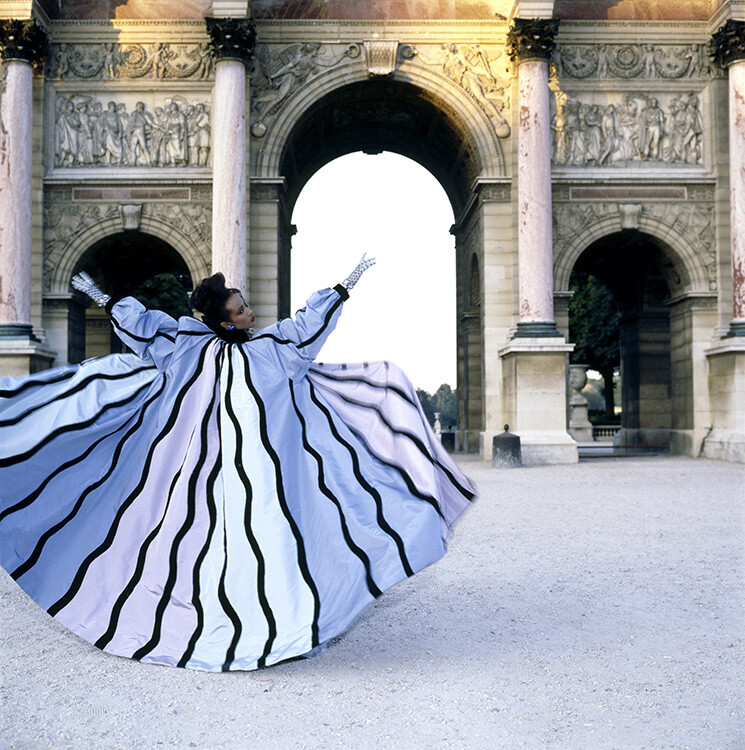
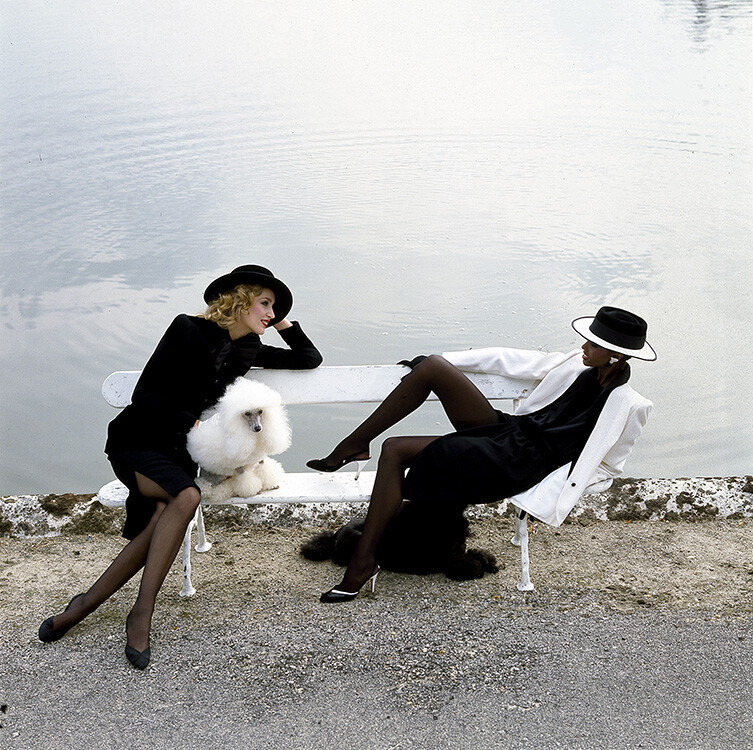
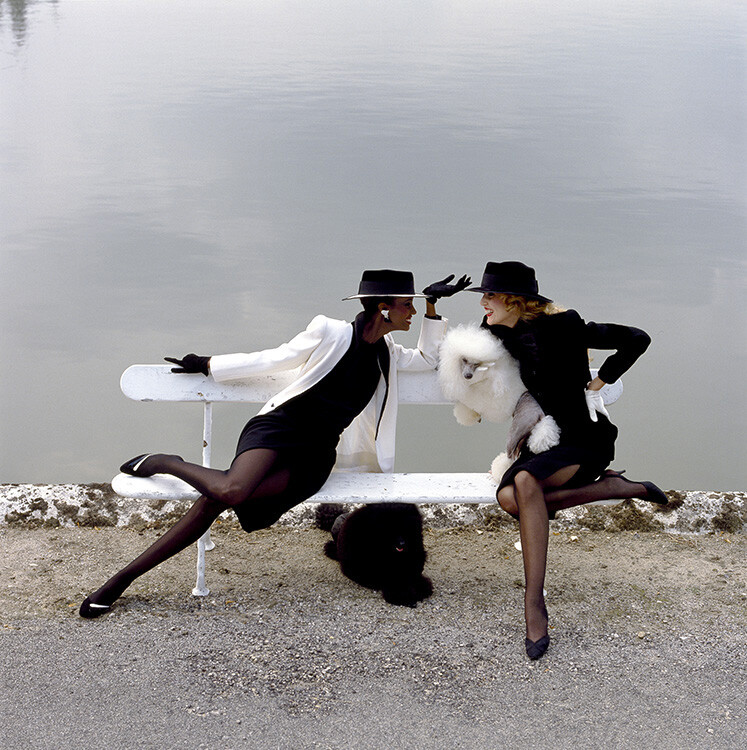
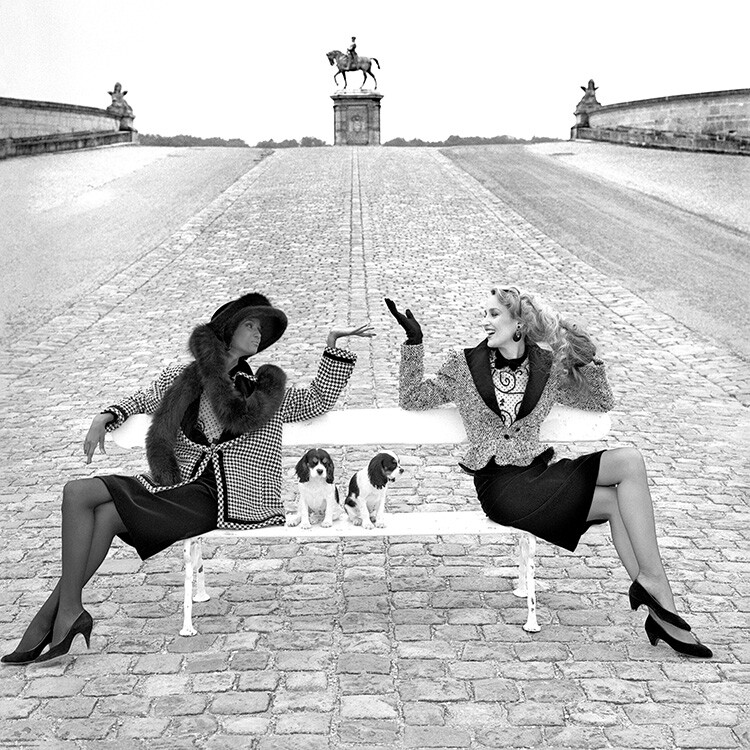
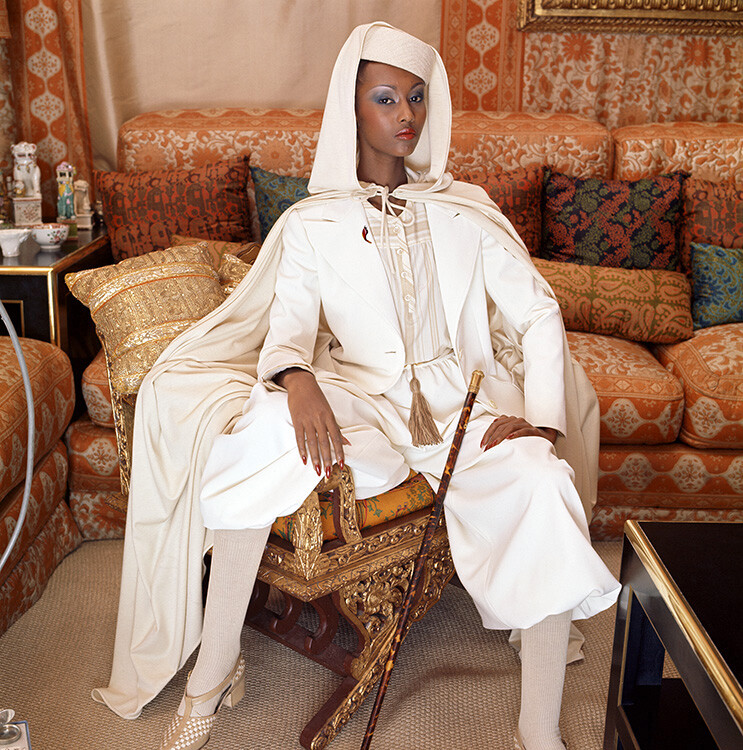
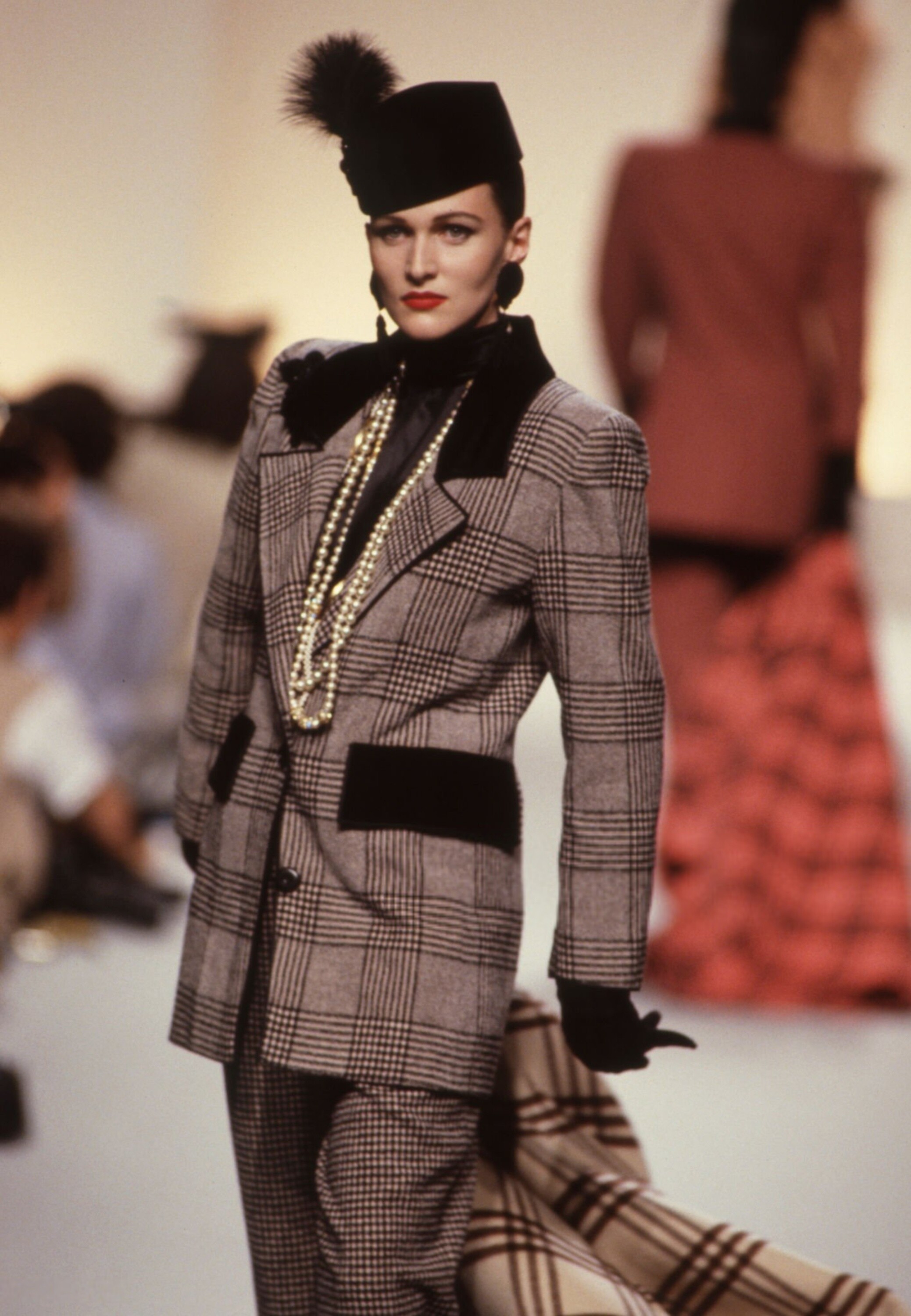
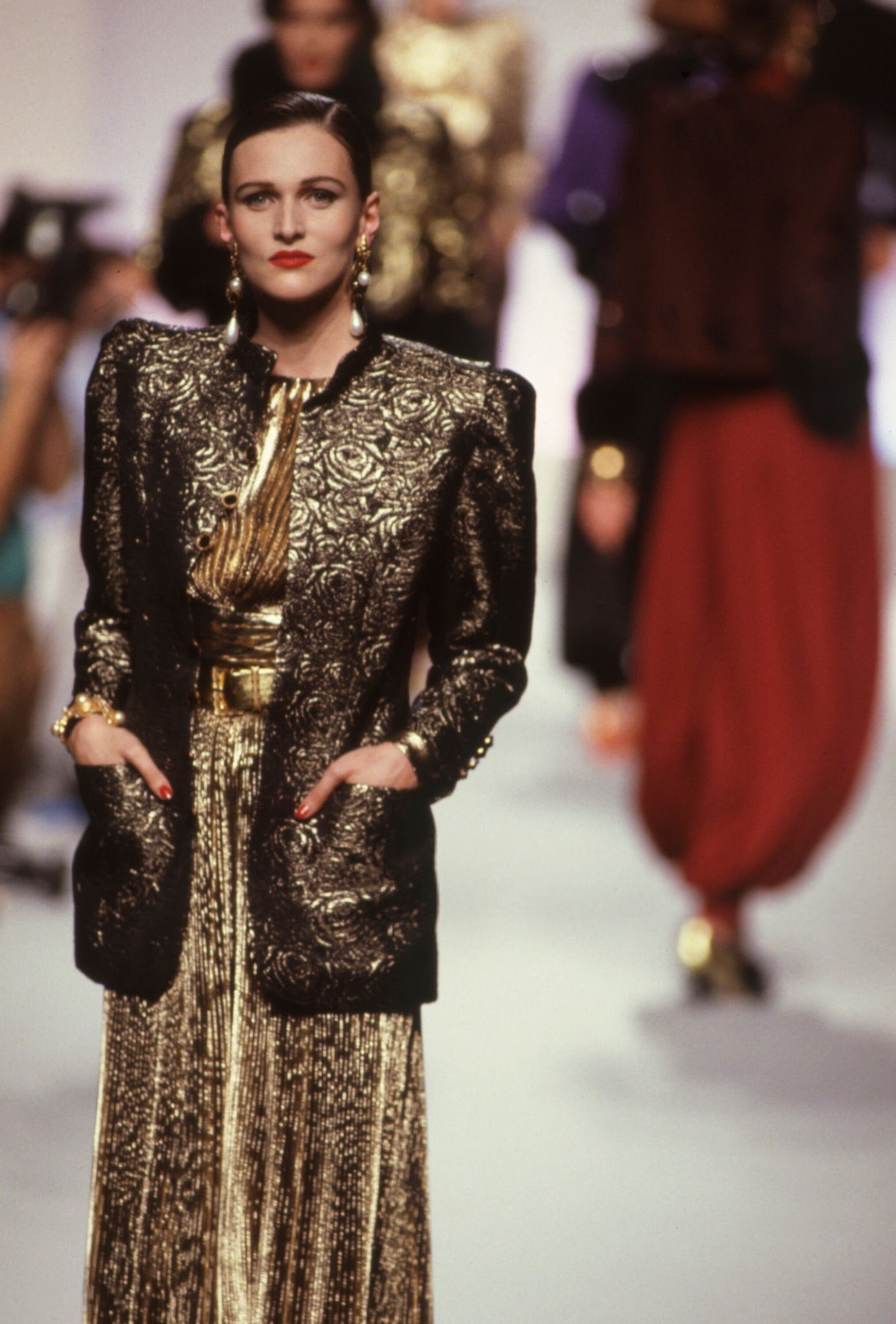
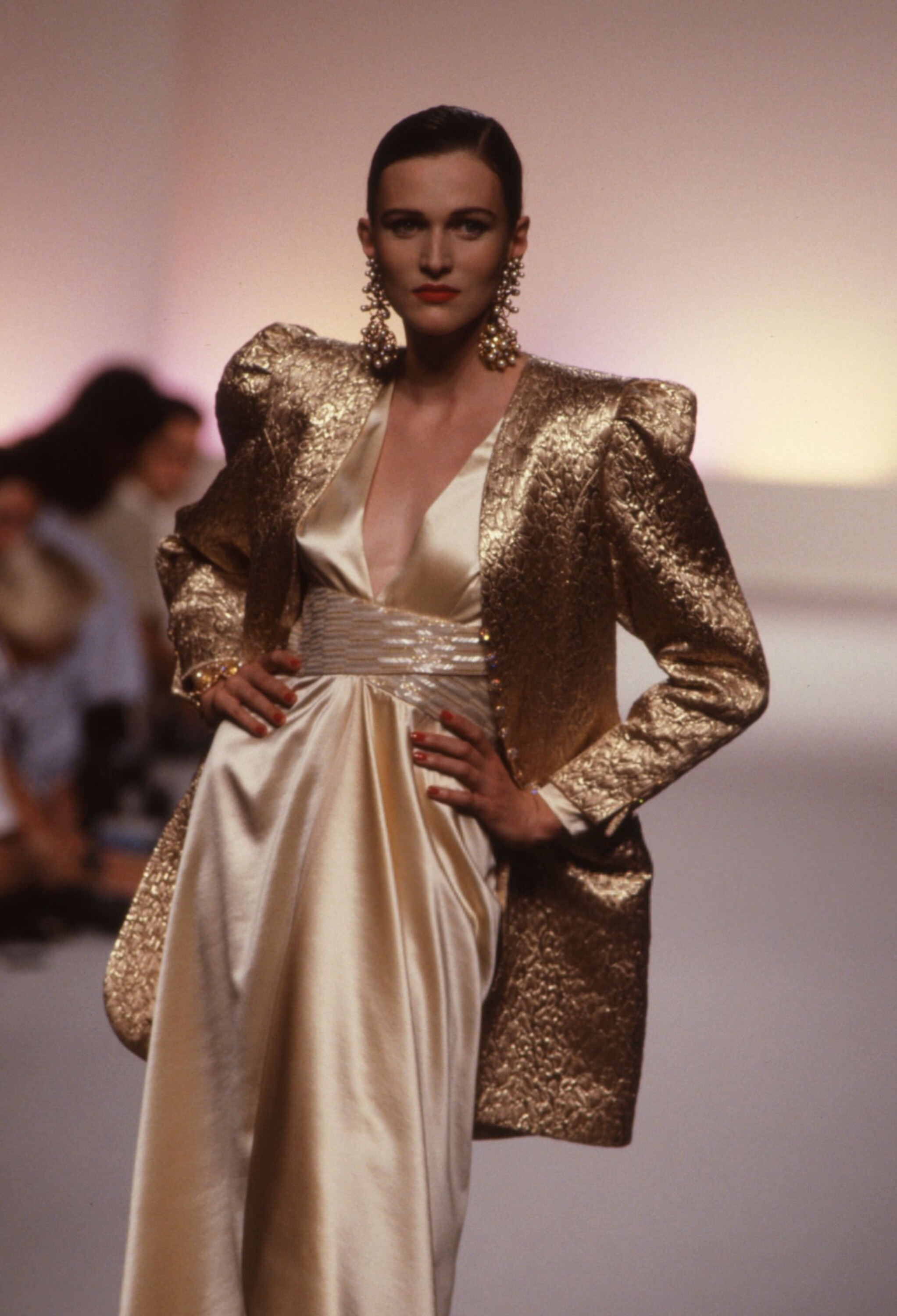
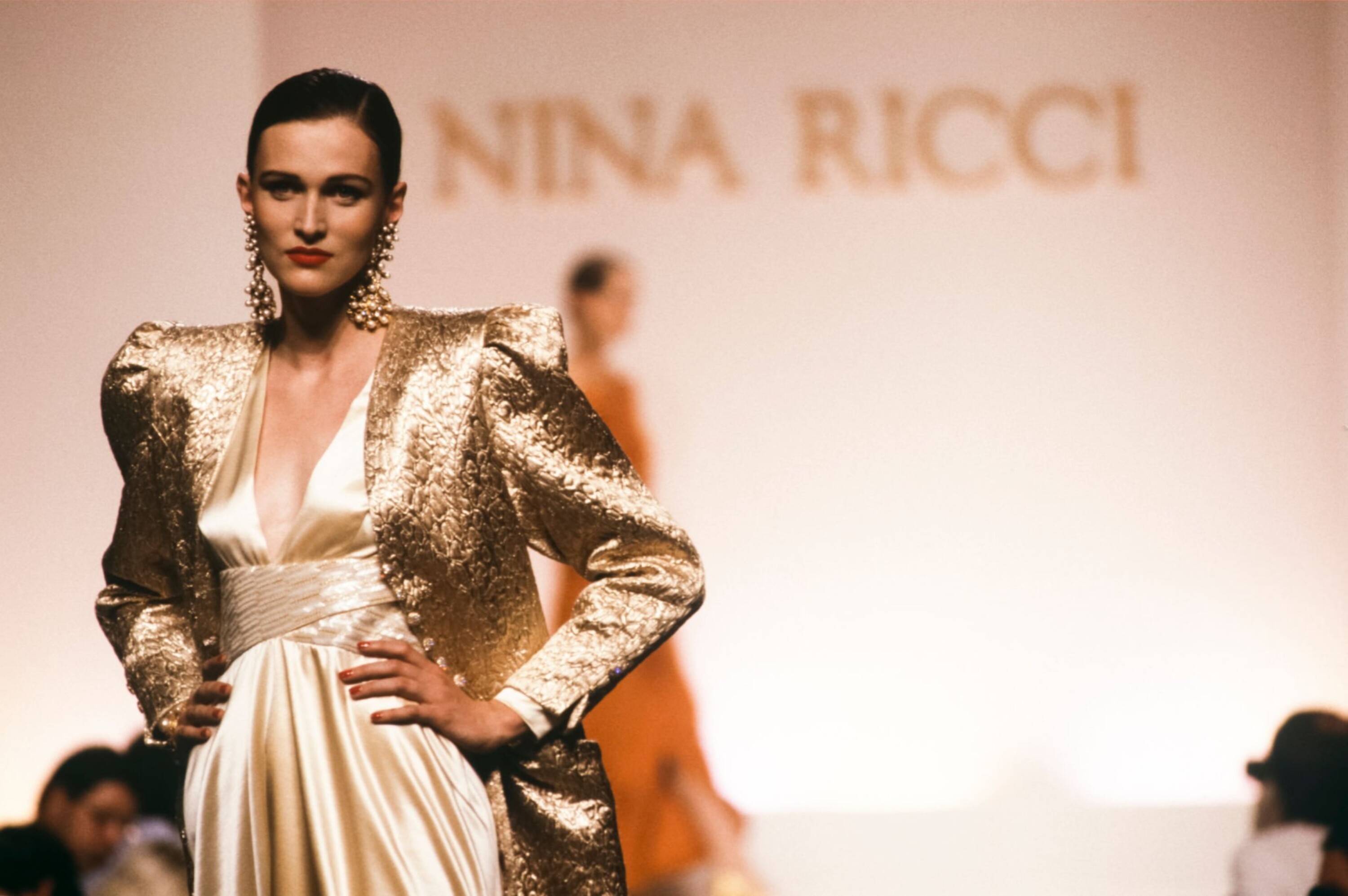
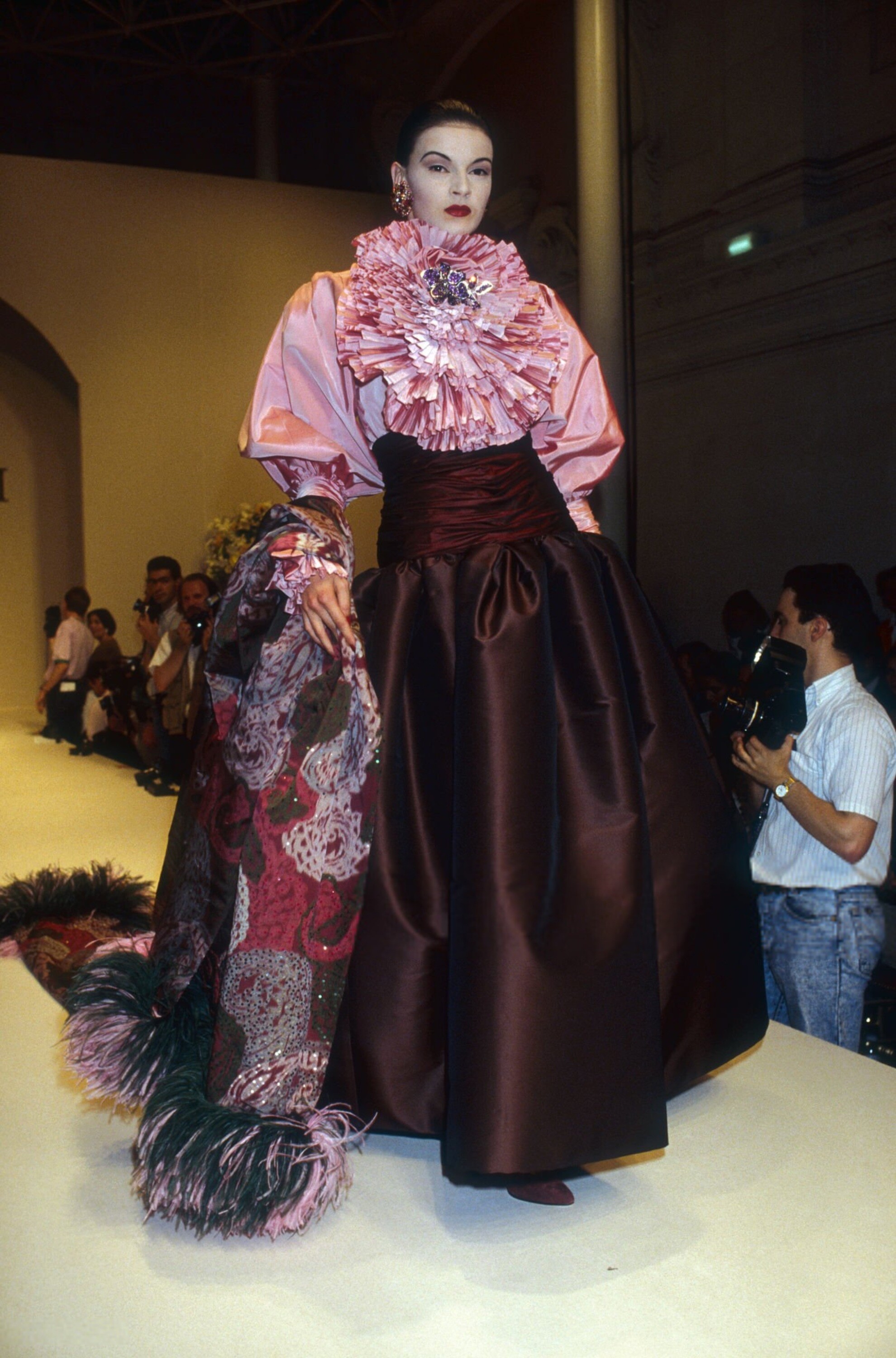
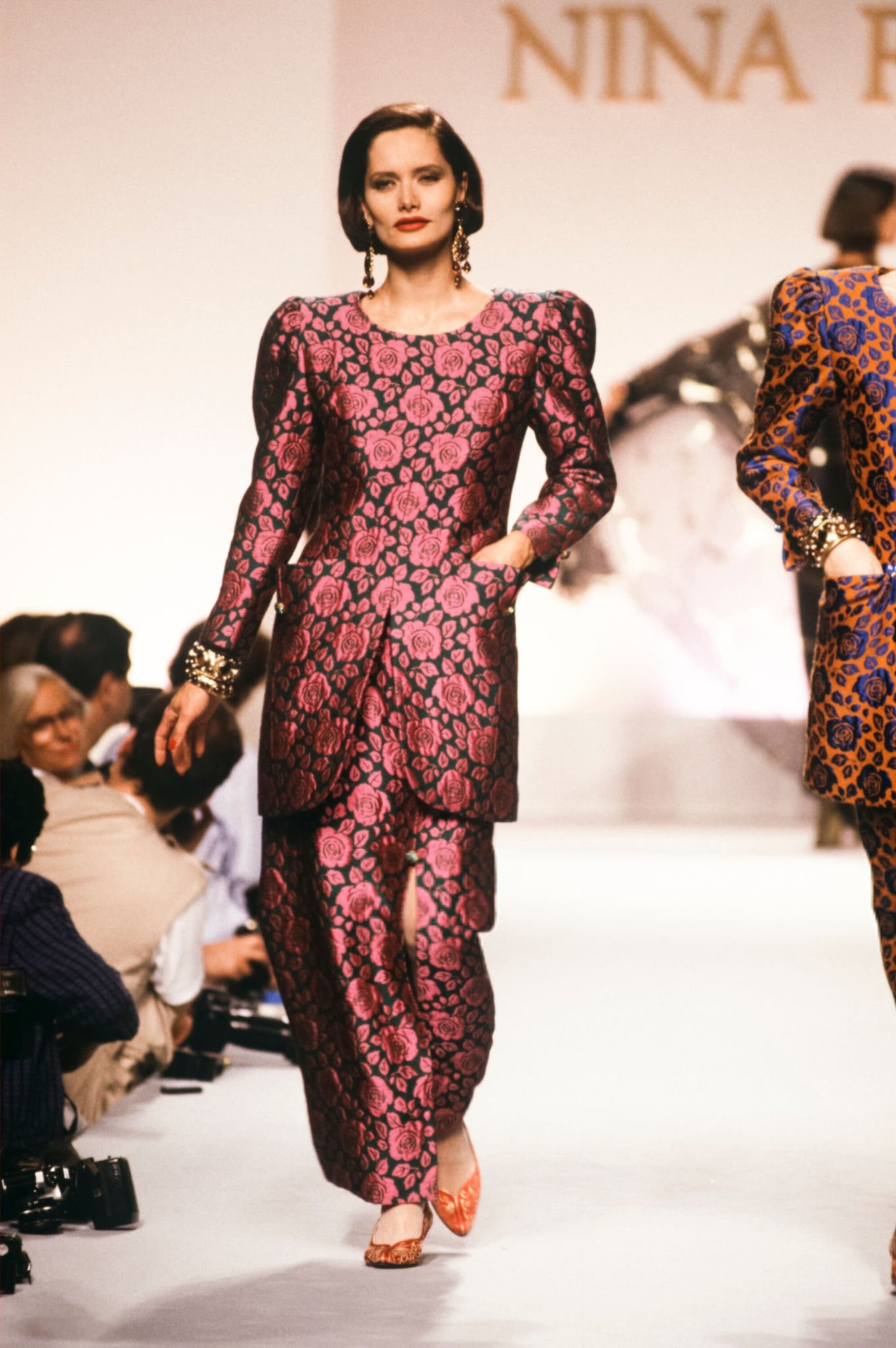
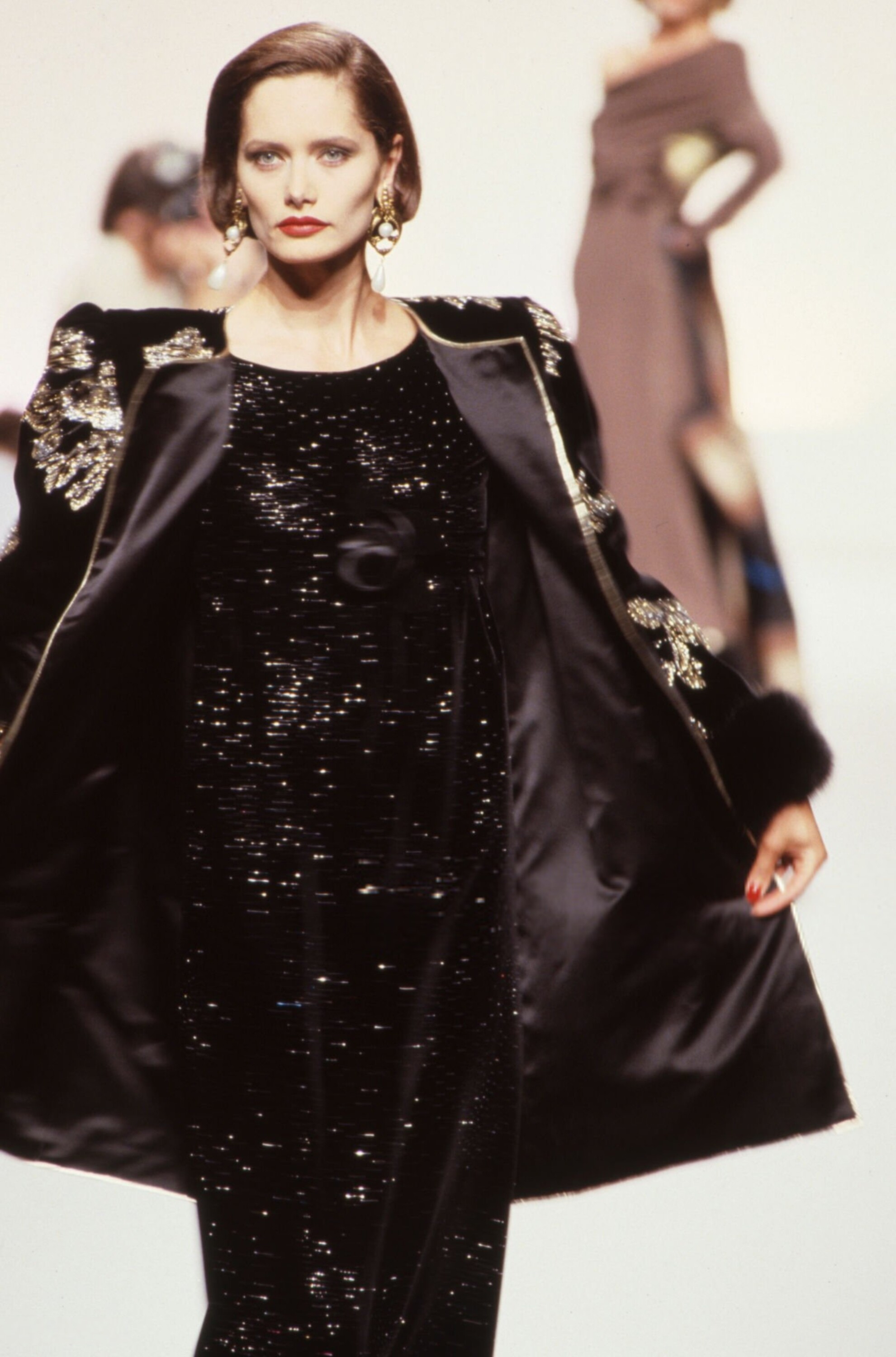
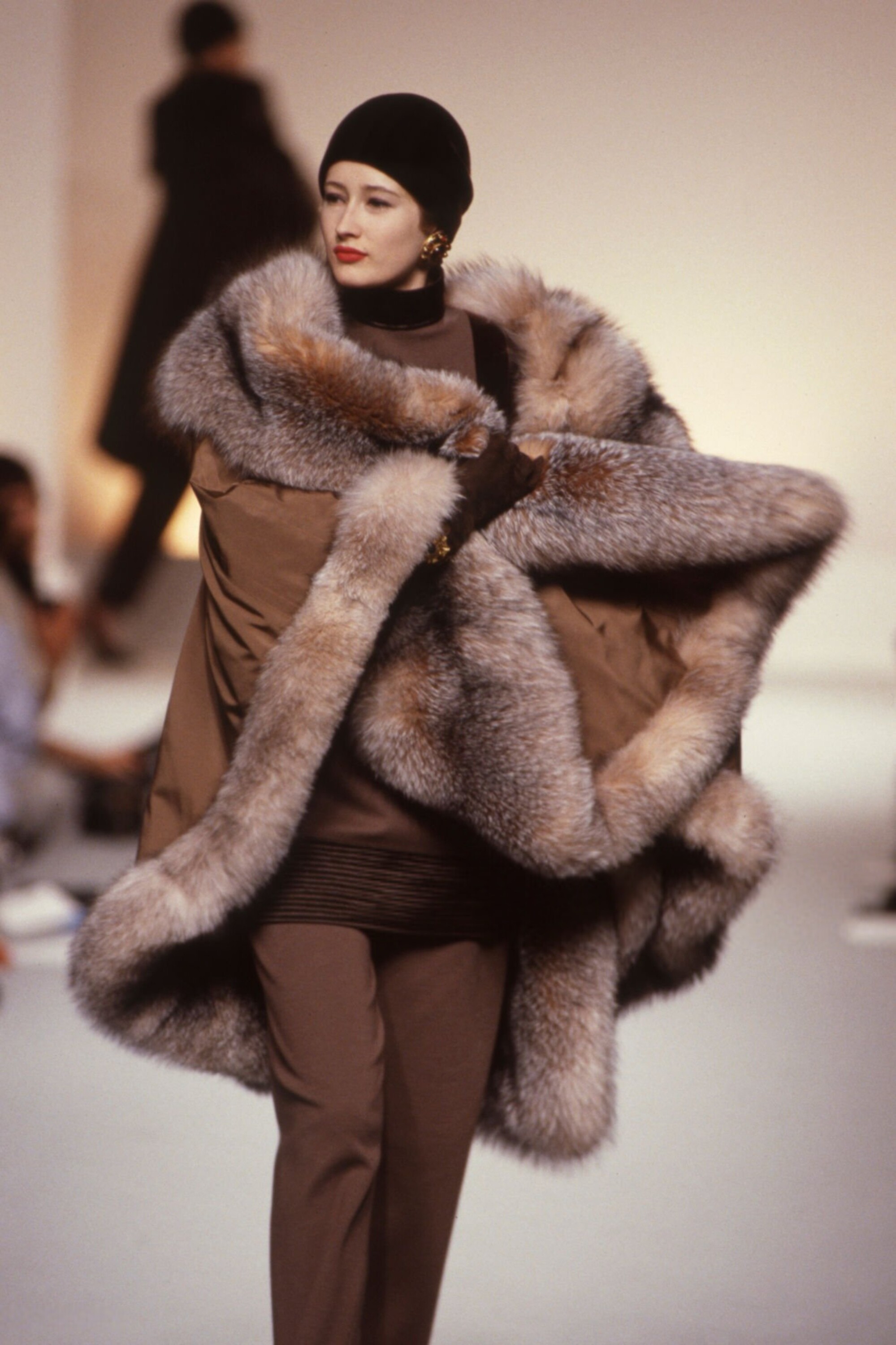
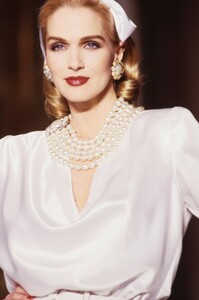
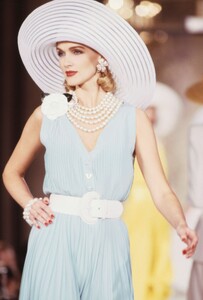
 Nina Ricci S/S 1989 Haute Couture: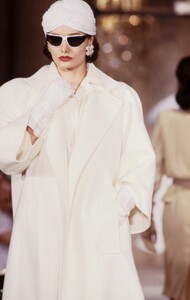

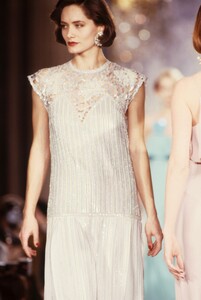
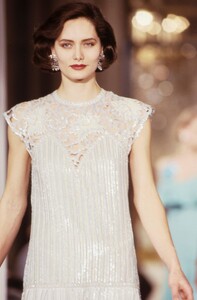
-
-
Nina Ricci S/S 1989 Haute Couture:
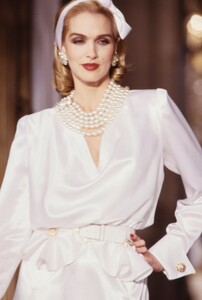
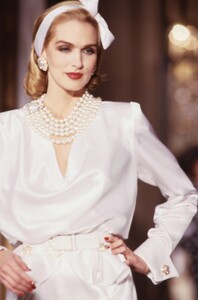
-
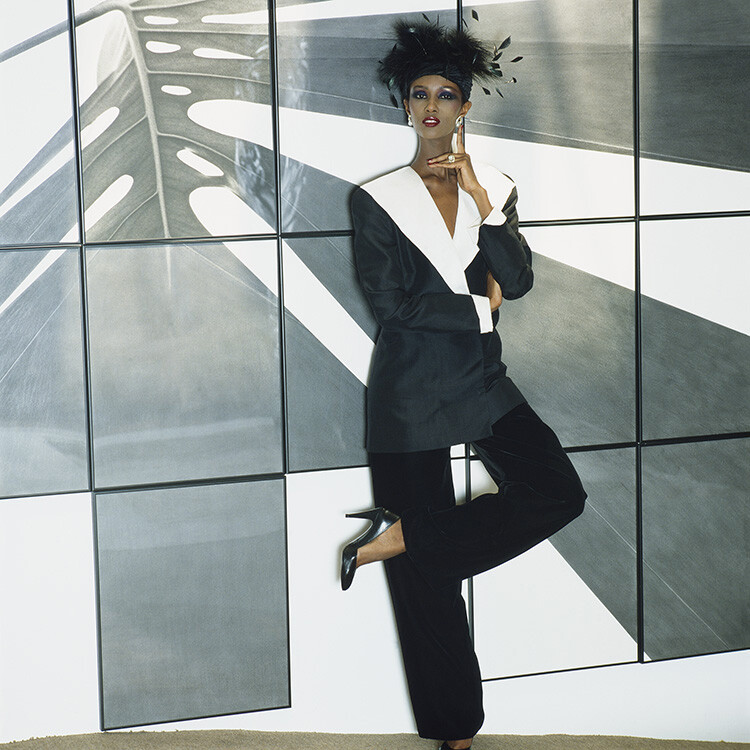
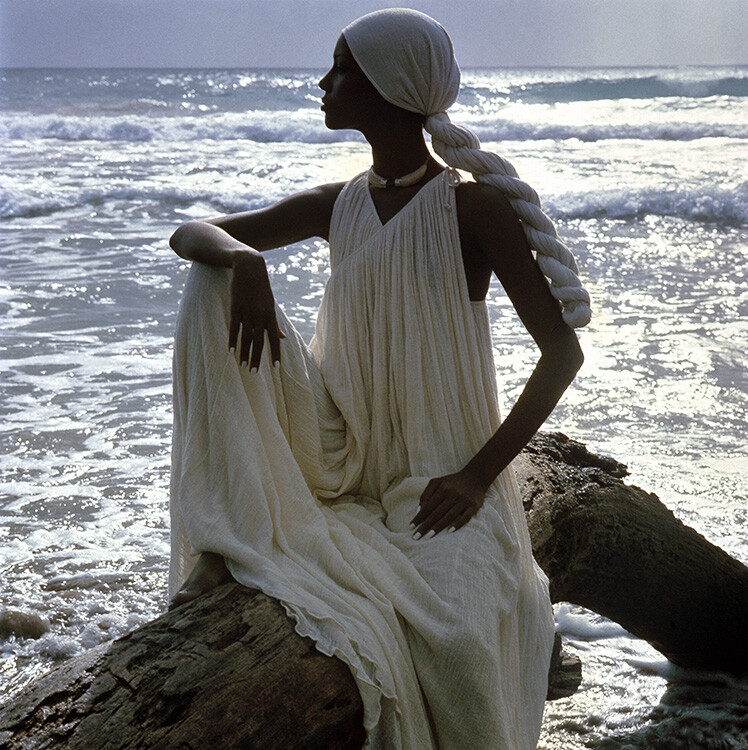
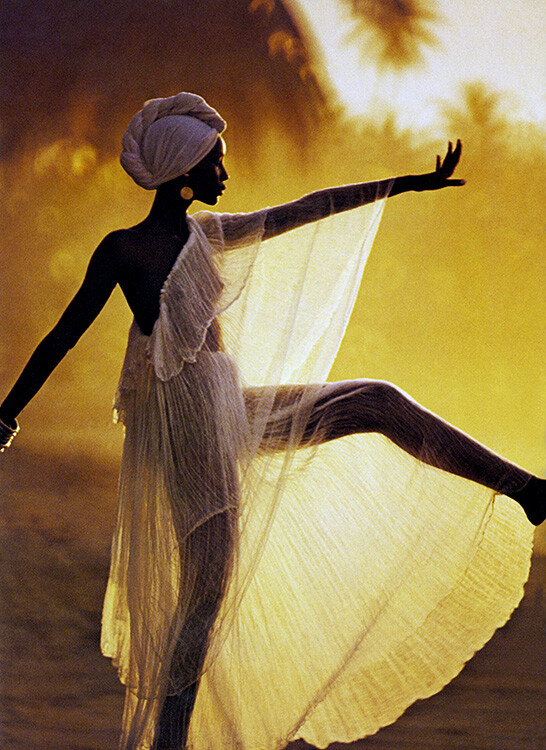
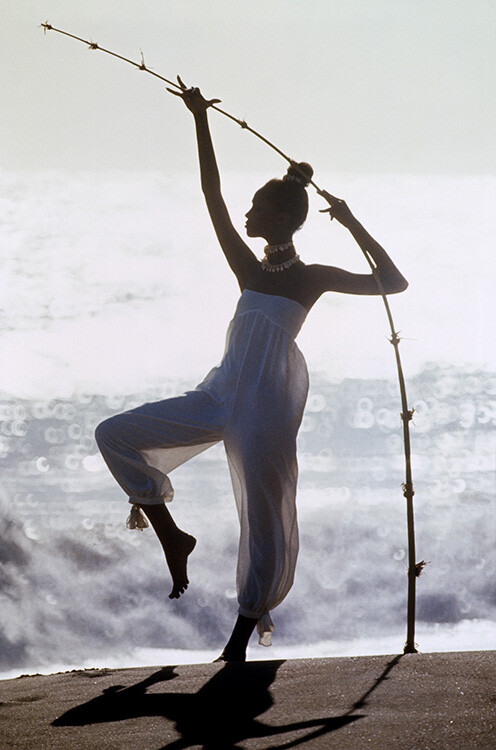
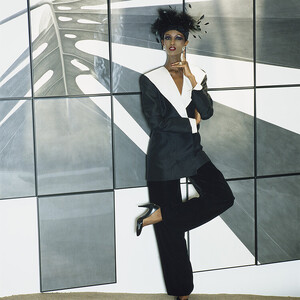
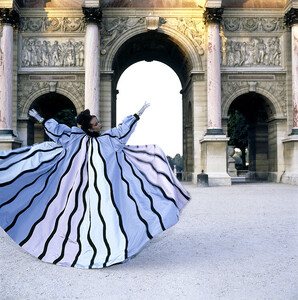
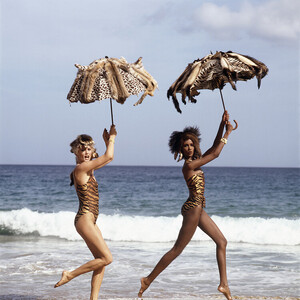
Iman by Norman Parkinson For Town & Country, October 1983: For Harper's Bazaar France, September 1984: For Town & Country in 1989, with Anna Anderson:
-
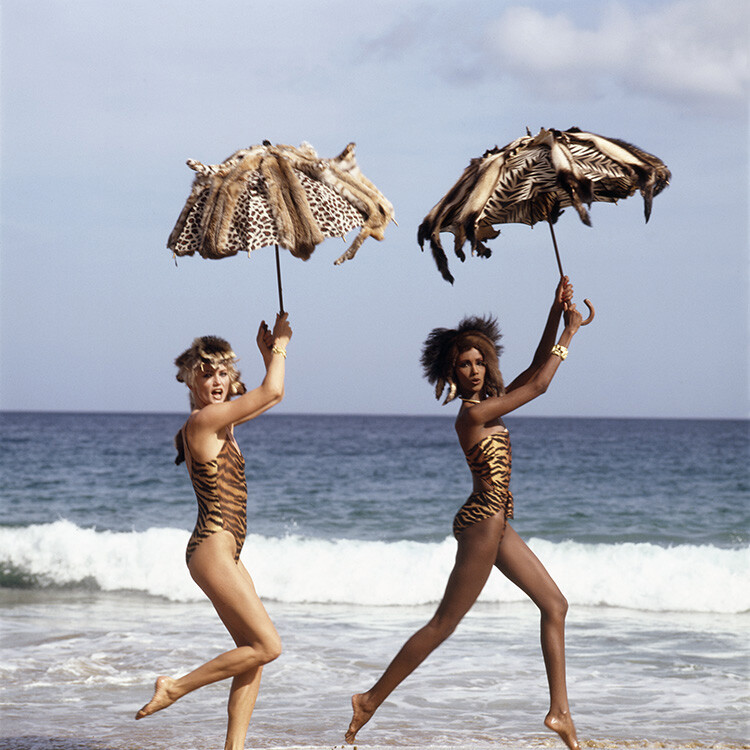
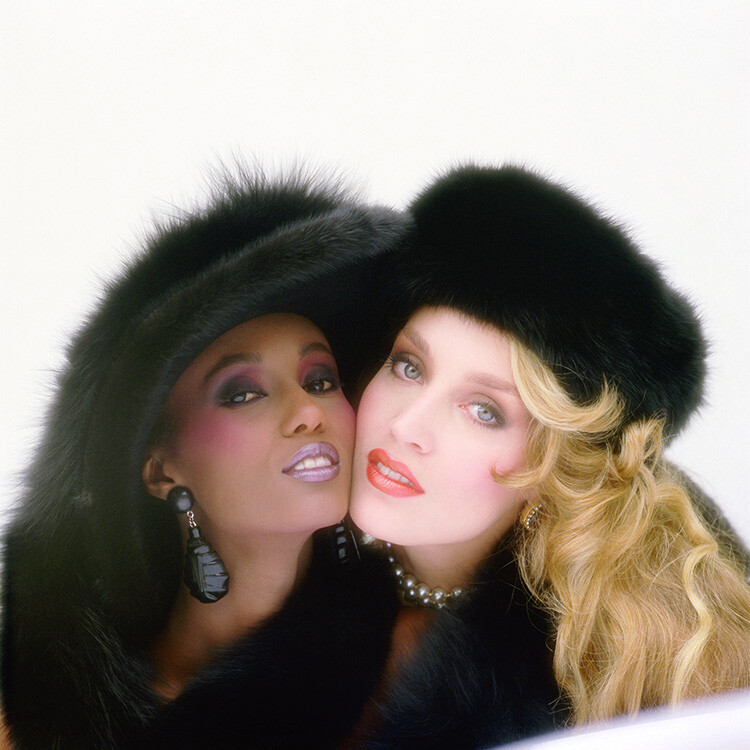
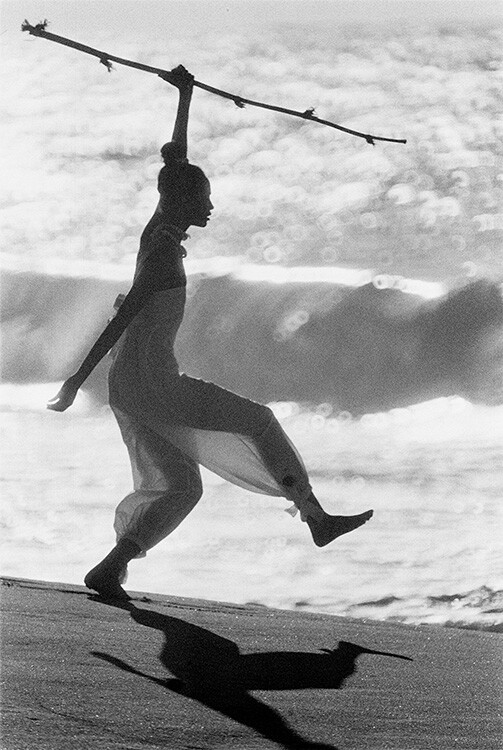
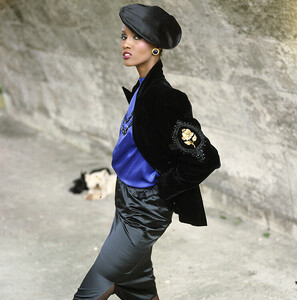
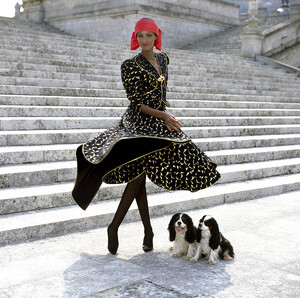
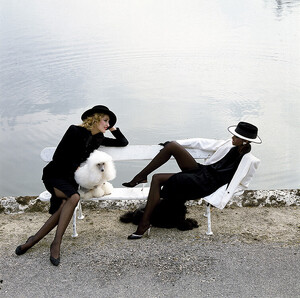
Iman by Norman Parkinson For Vogue Paris, Spring & September 1982, with Jerry Hall:
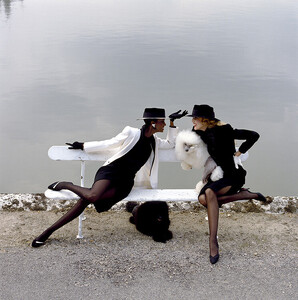
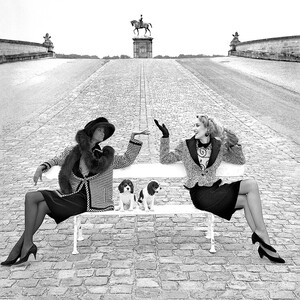
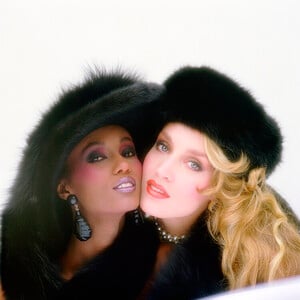
-
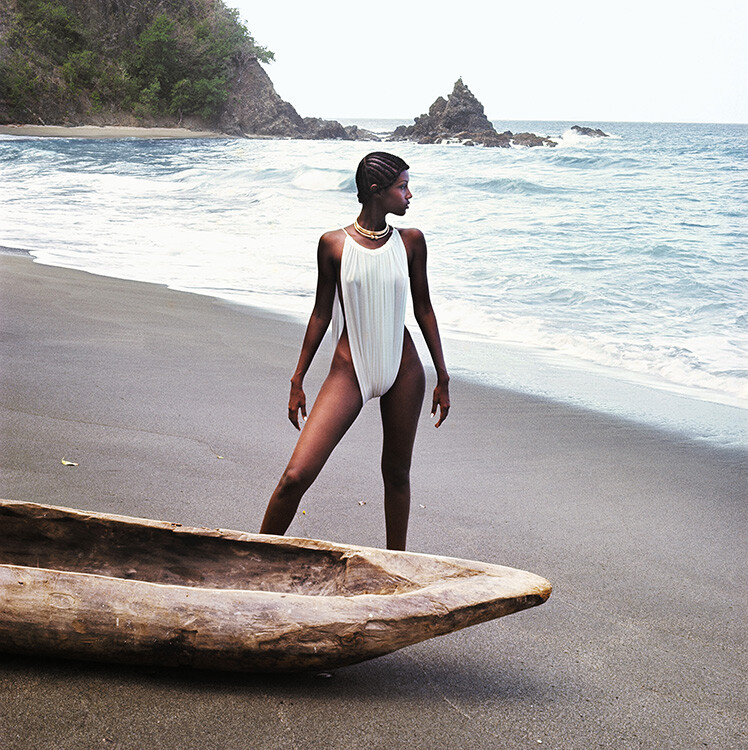
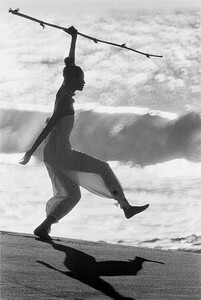
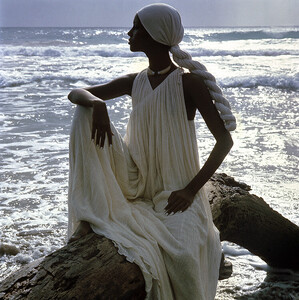
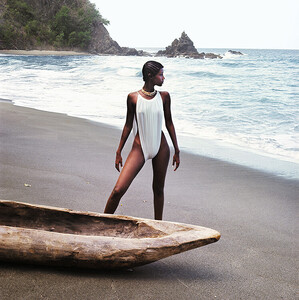
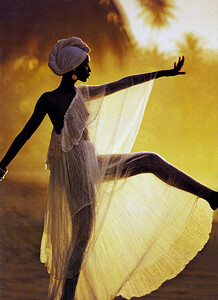
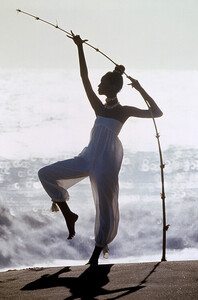
Iman by Norman Parkinson For Vogue Italia, shot in March 1976: For Vogue UK, May 1976:
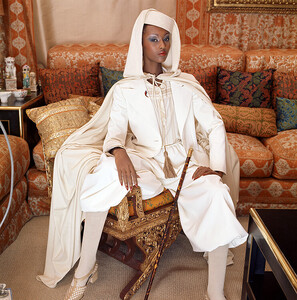
-
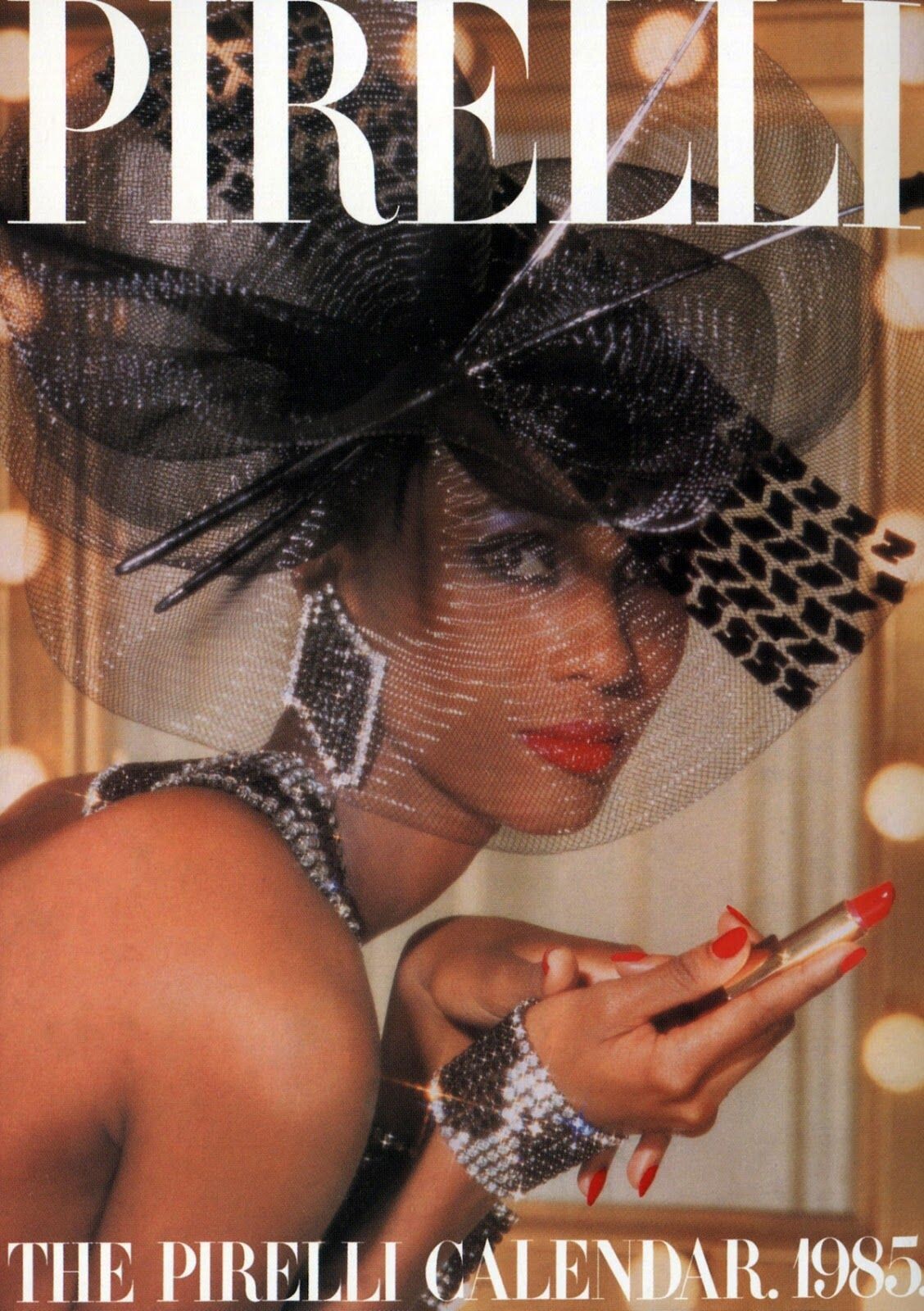
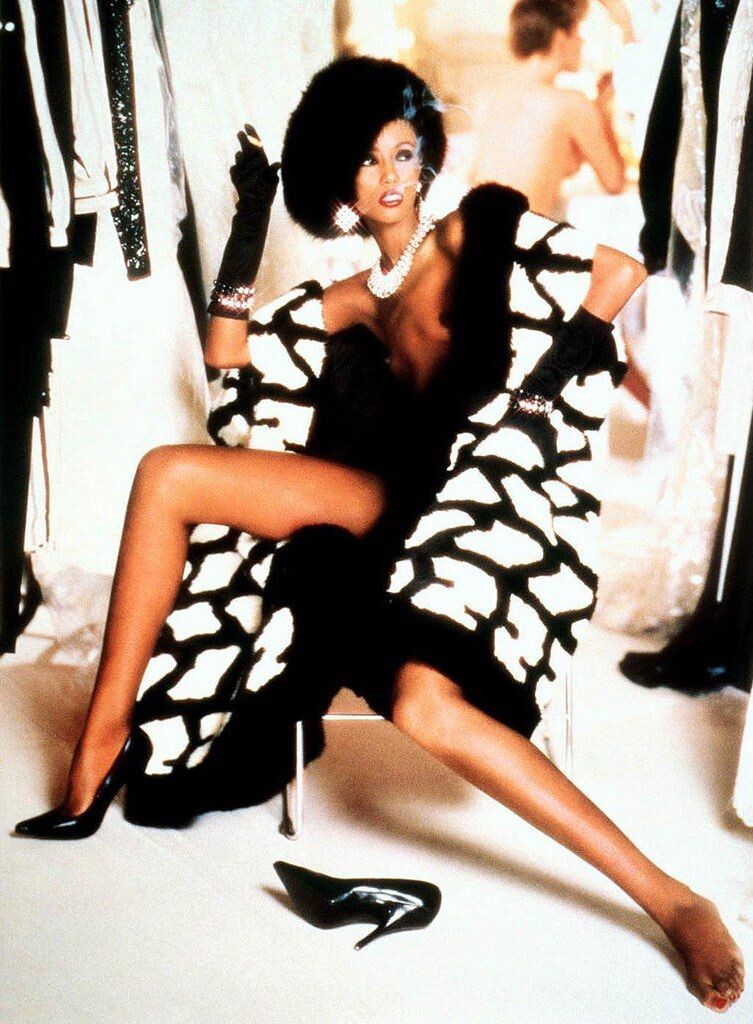
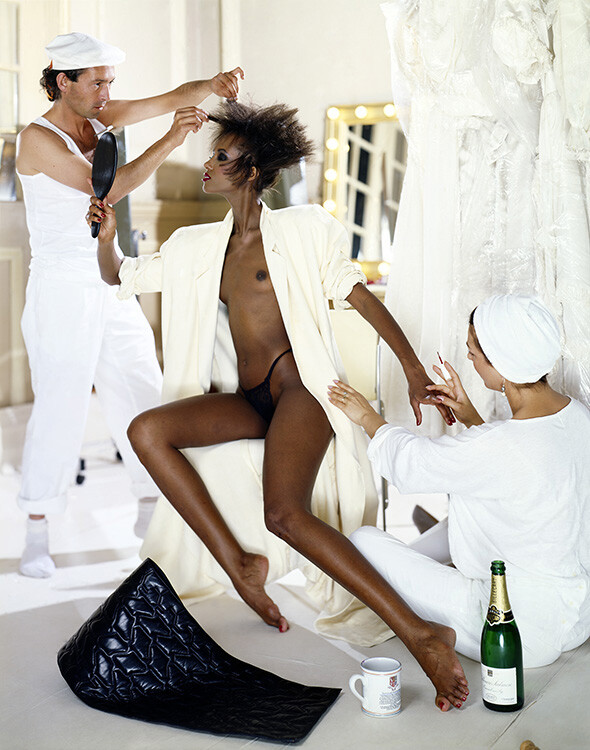
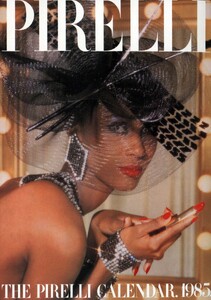
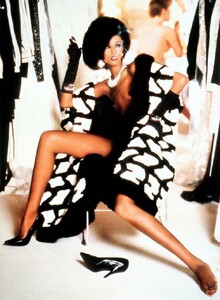
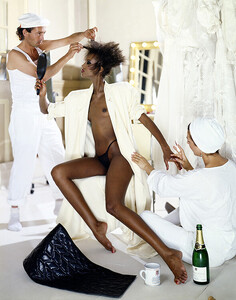
Pirelli calendar 1985 by Norman Parkinson WARNING: NUDITY
-
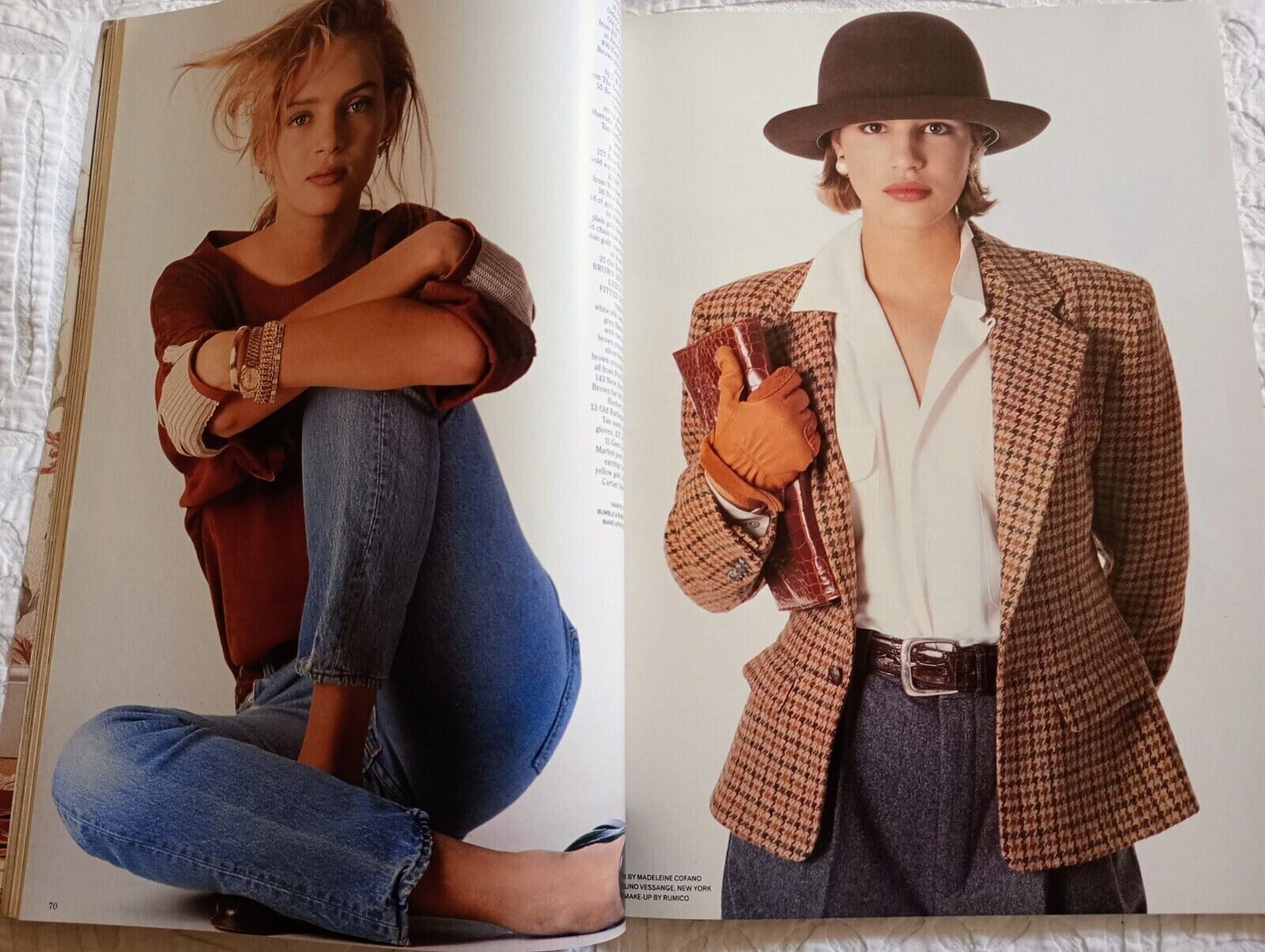
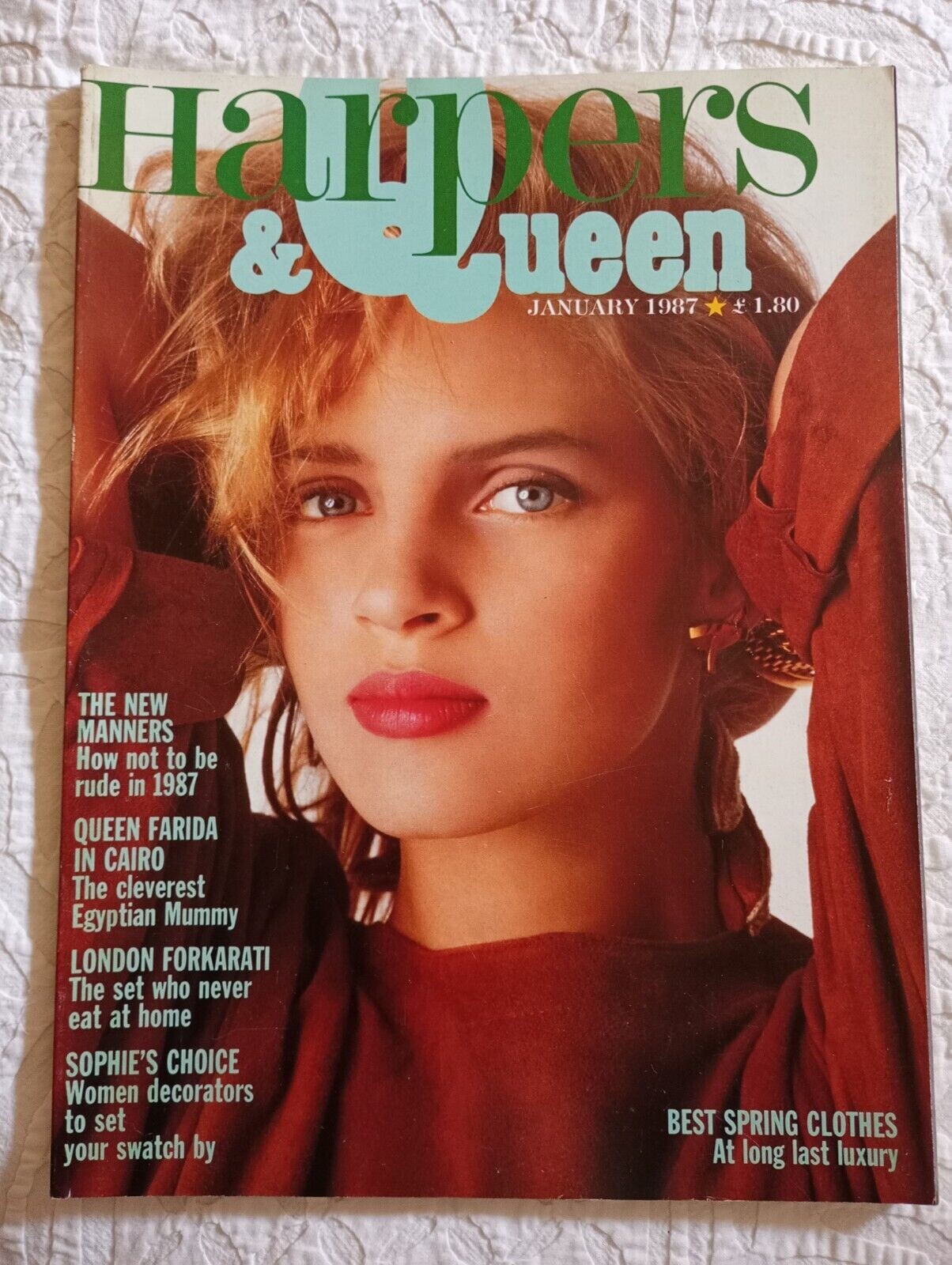
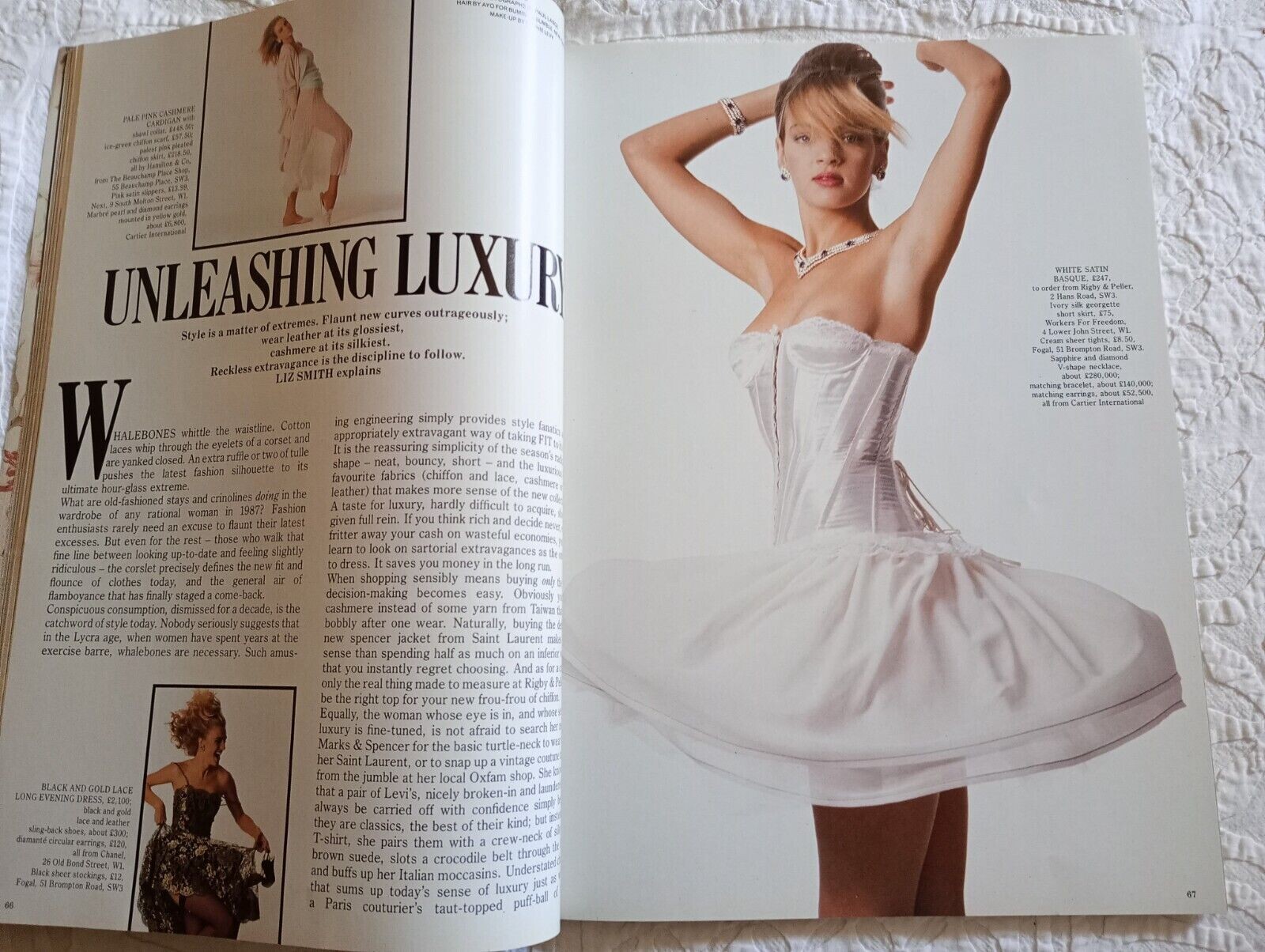
Harper's & Queen January 1987 - with Uma Thurman hellylove35 @ ebay
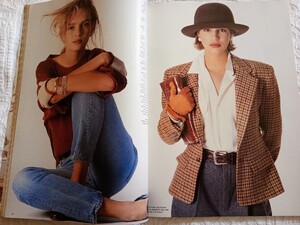
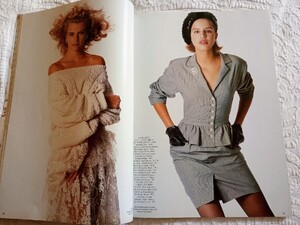
-
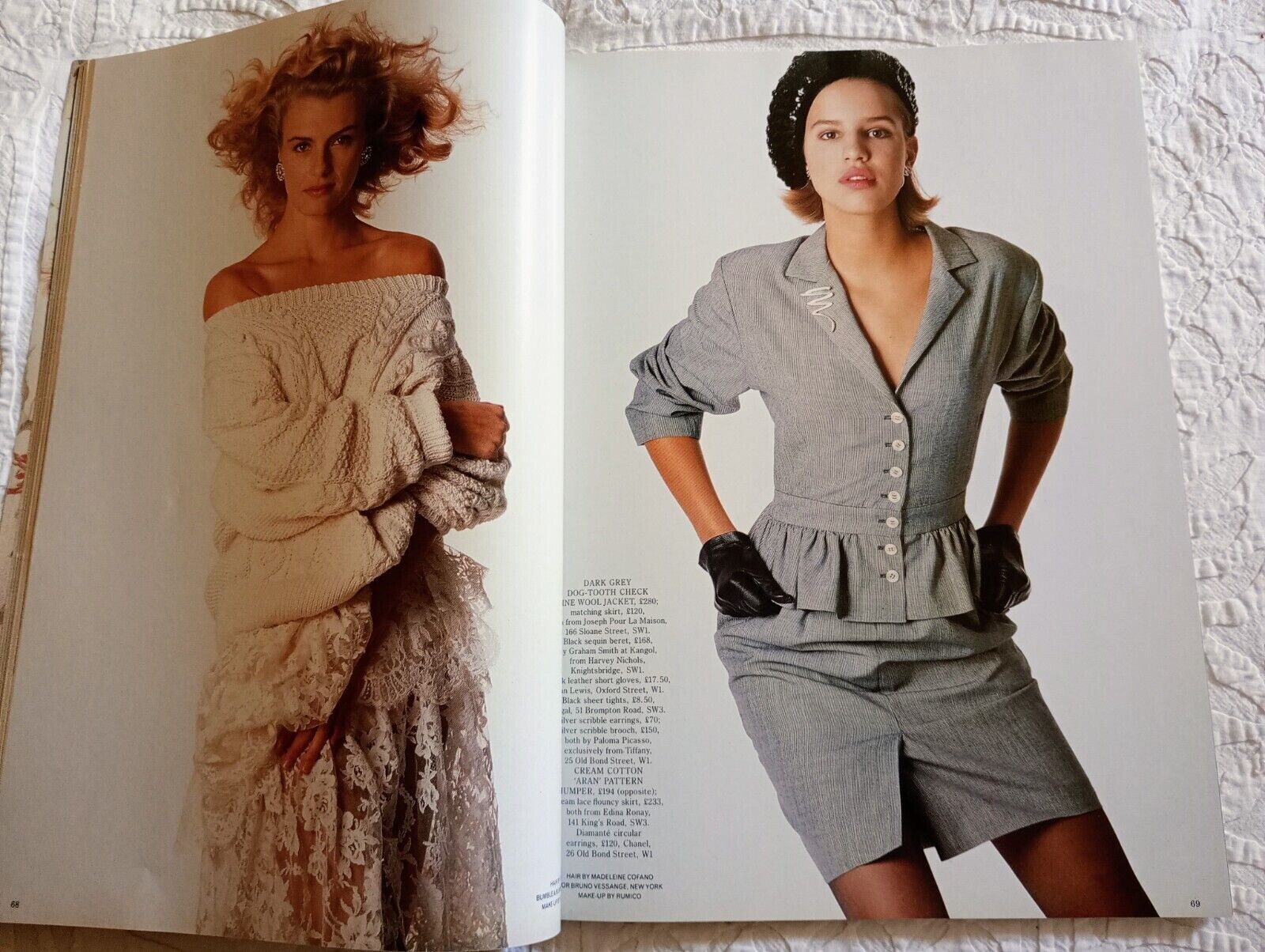
Harper's & Queen January 1987 WARNING: NUDITY also showing Anate Tanander hellylove35 @ ebay
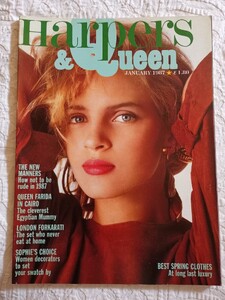
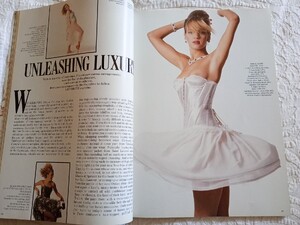
-
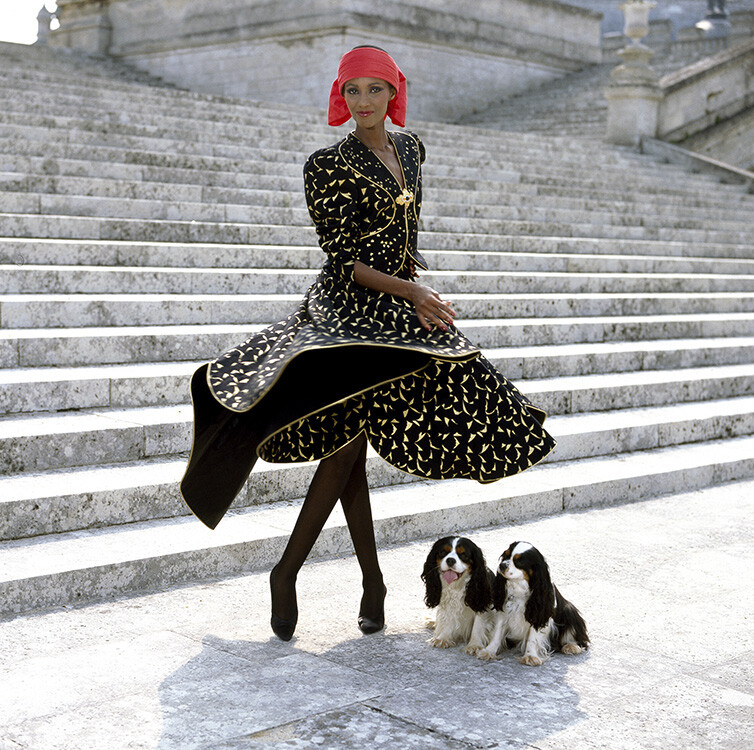
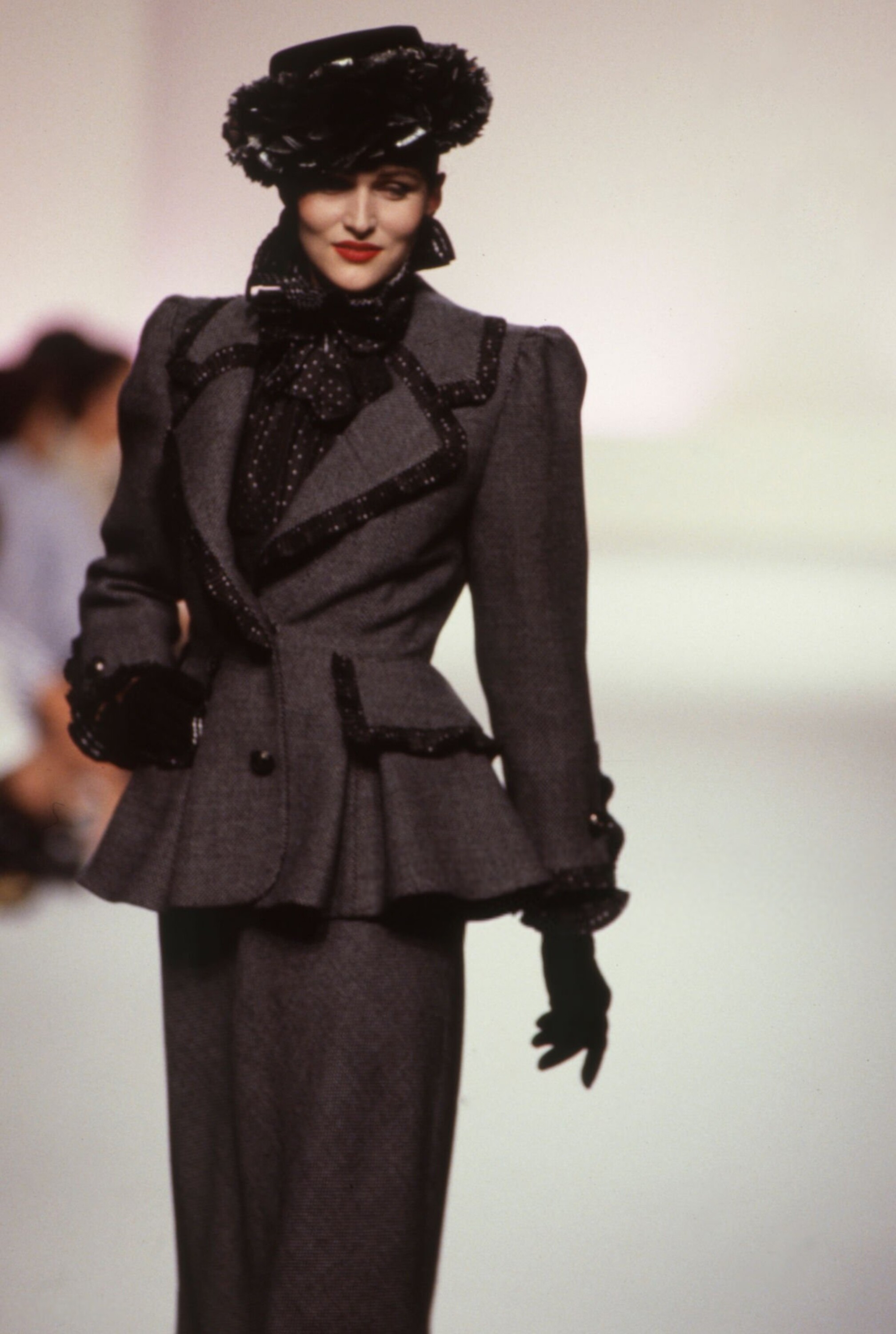
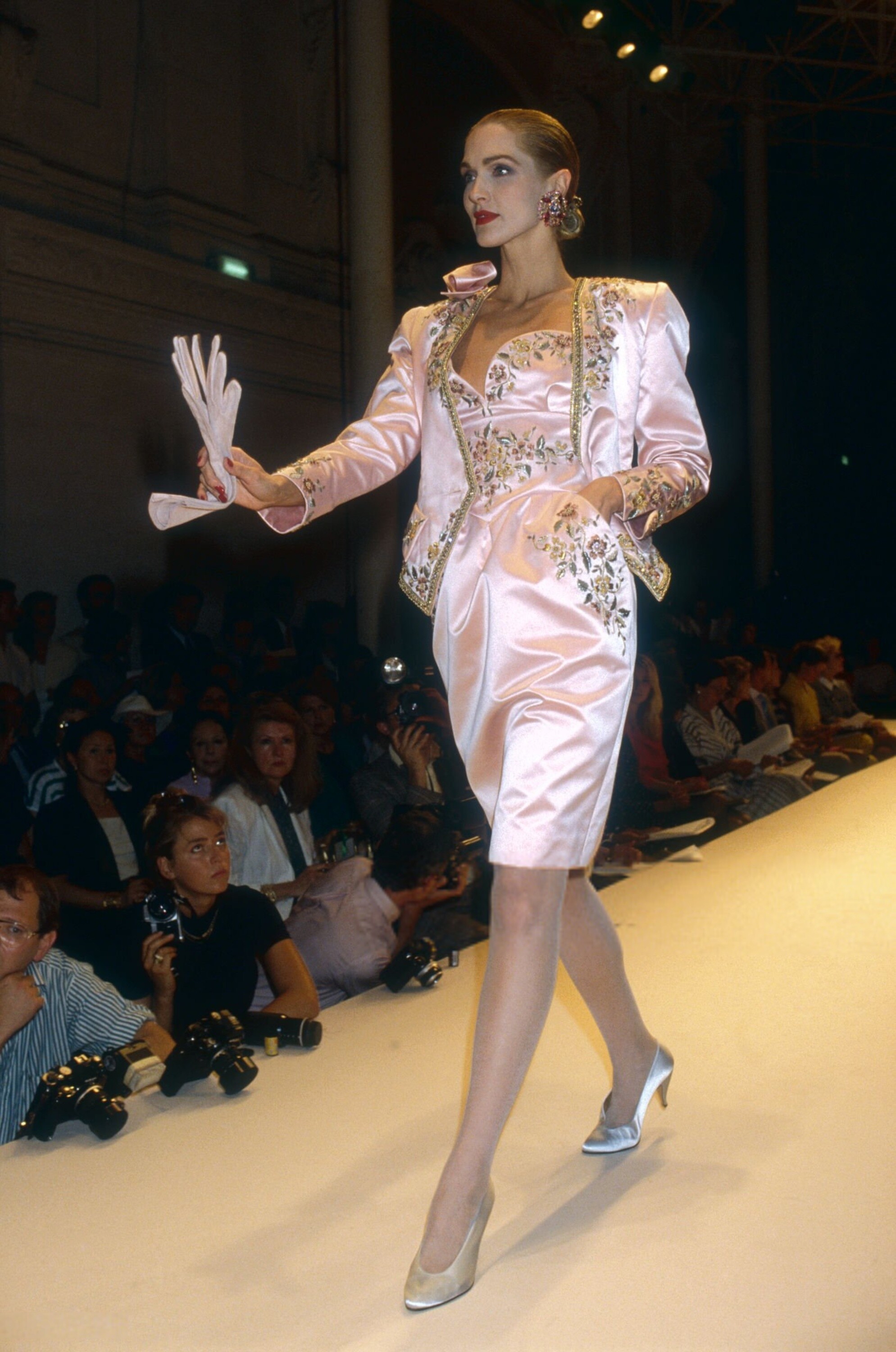
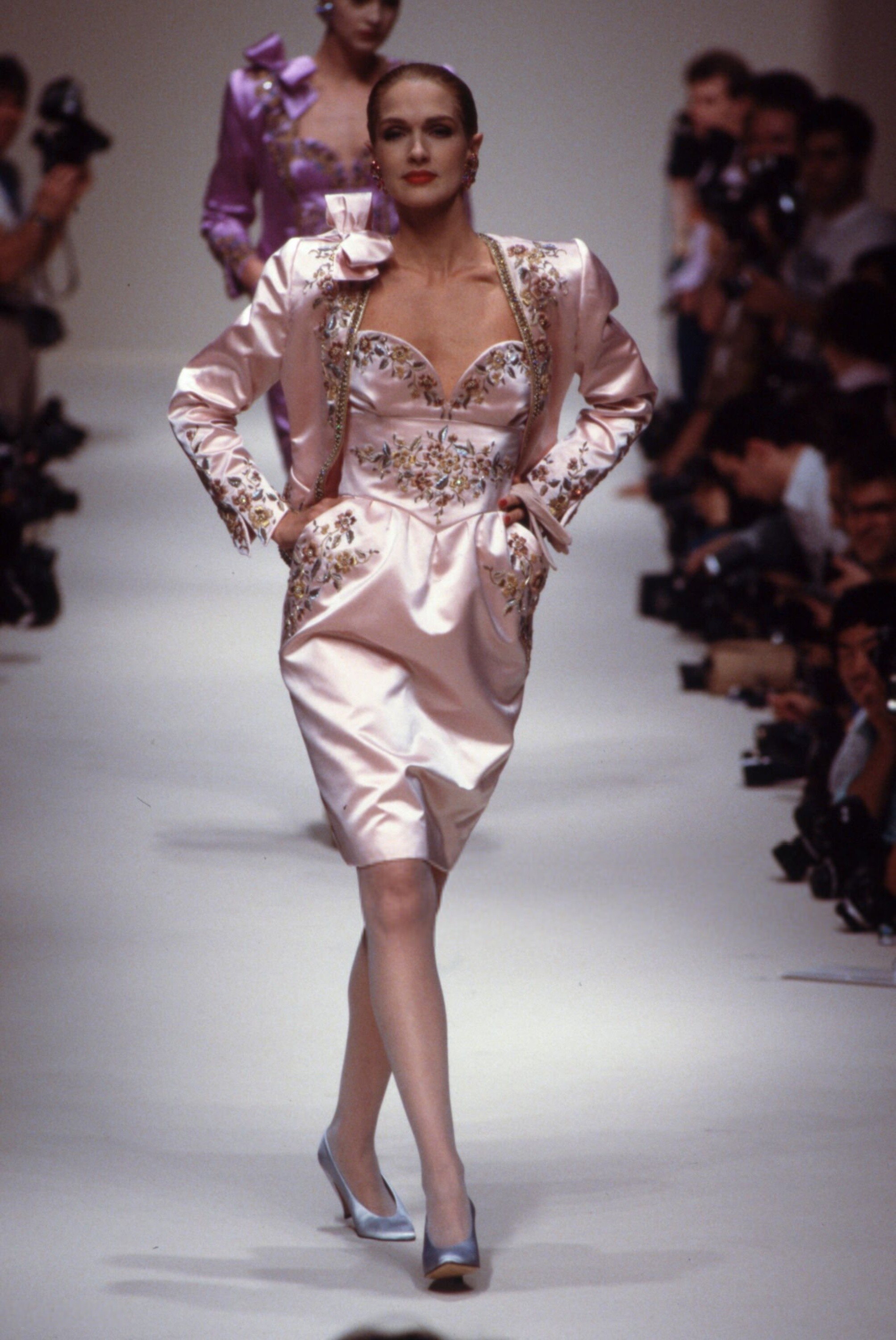
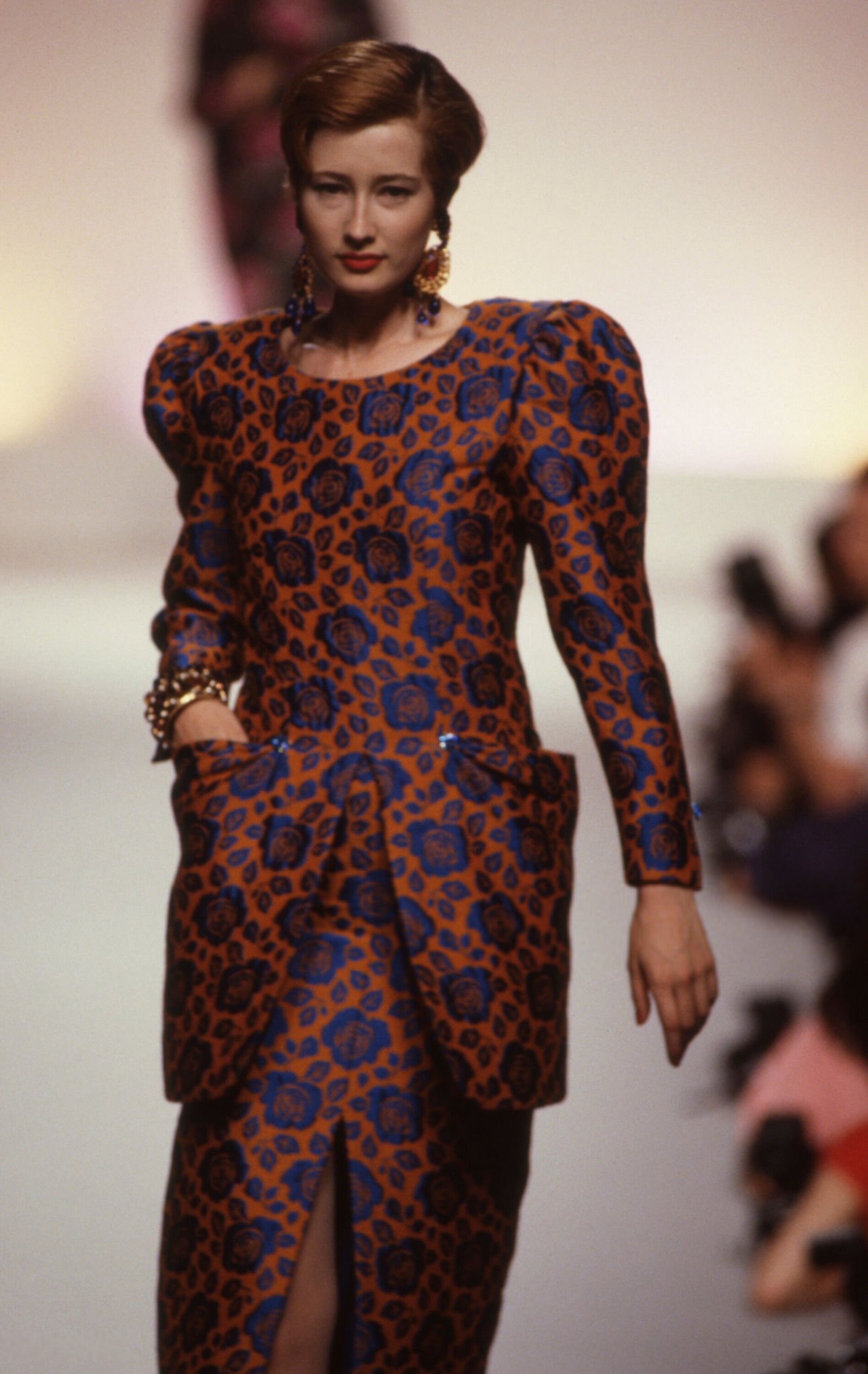
Nina Ricci F/W 1988 Haute Couture:
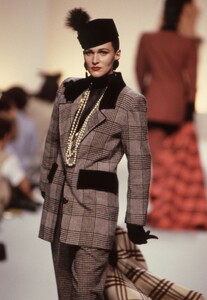
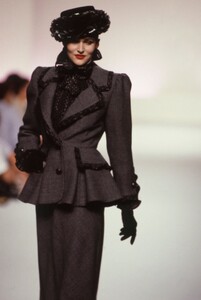
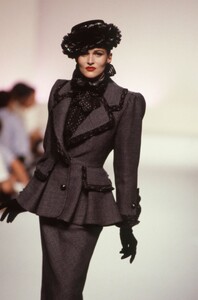
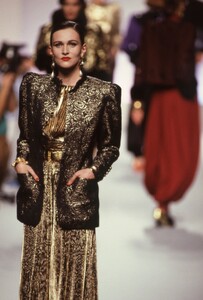
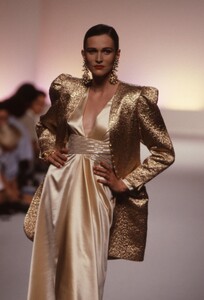
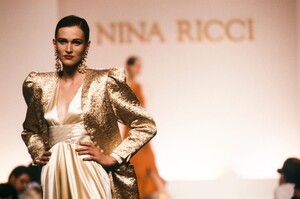
-
-
Nina Ricci F/W 1988 Haute Couture:
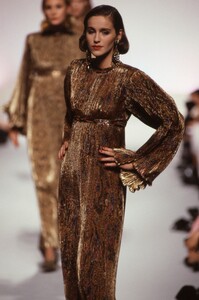
-
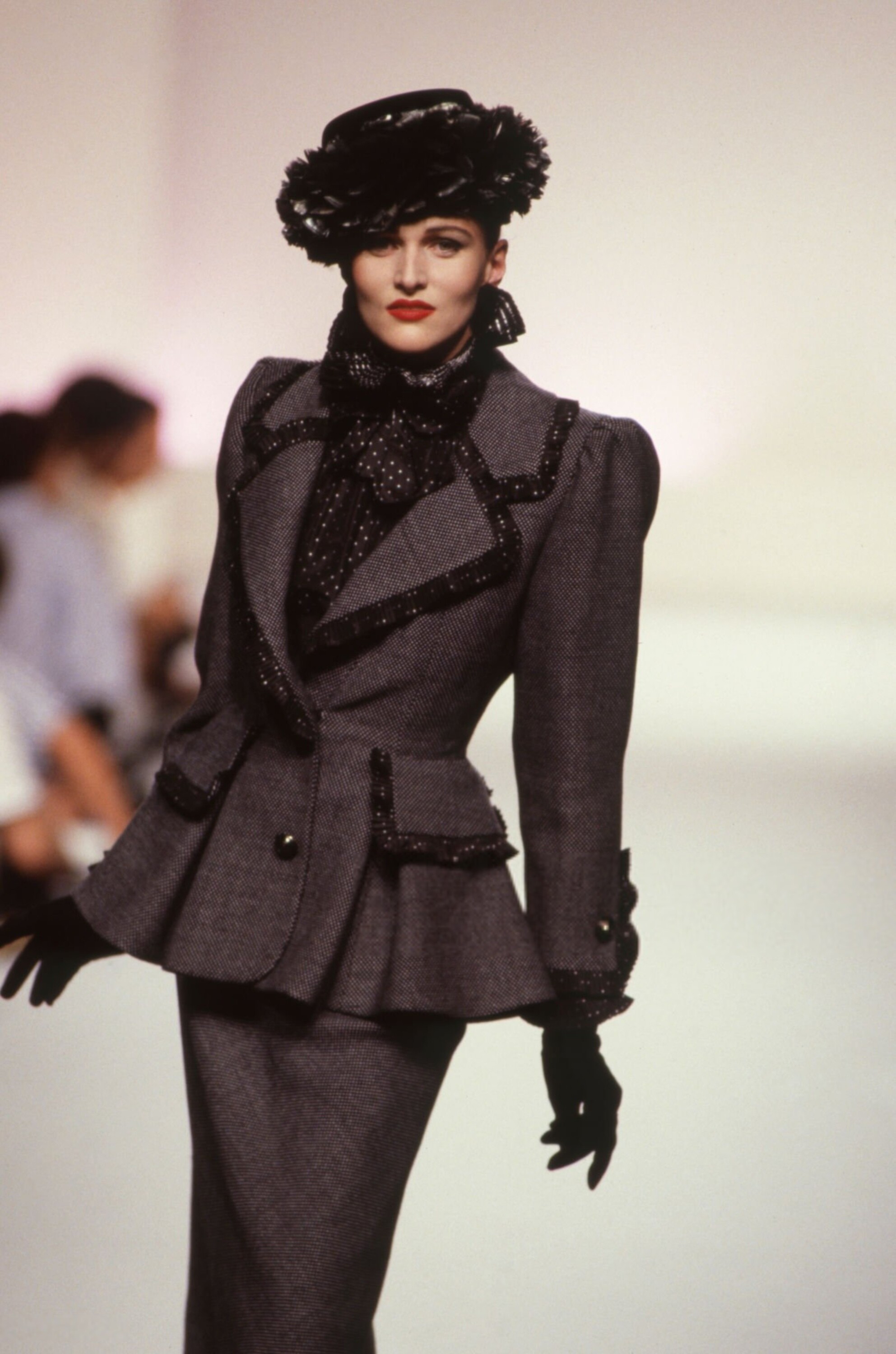
What a great ad Nina Ricci F/W 1988 Haute Couture:
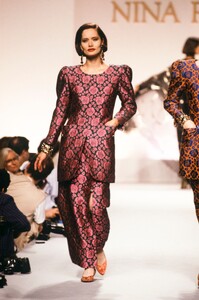
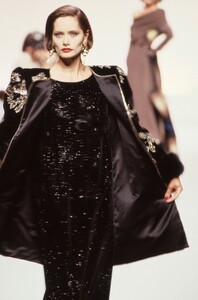
-
Nina Ricci F/W 1988 Haute Couture:
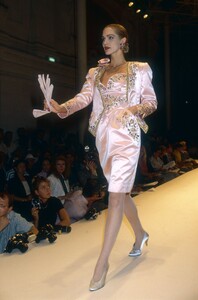
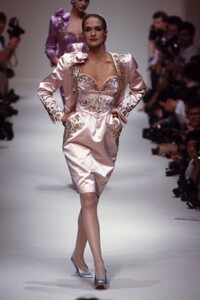
-
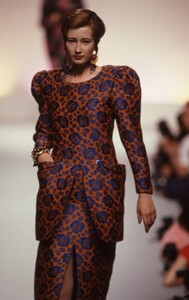
Nina Ricci F/W 1988 Haute Couture:
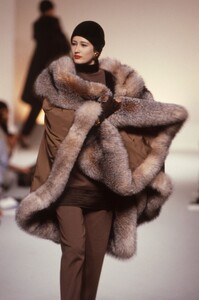
-
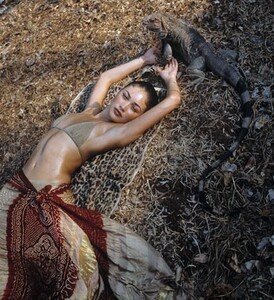
Photo by Christian Moser christianmoser.com
-
-
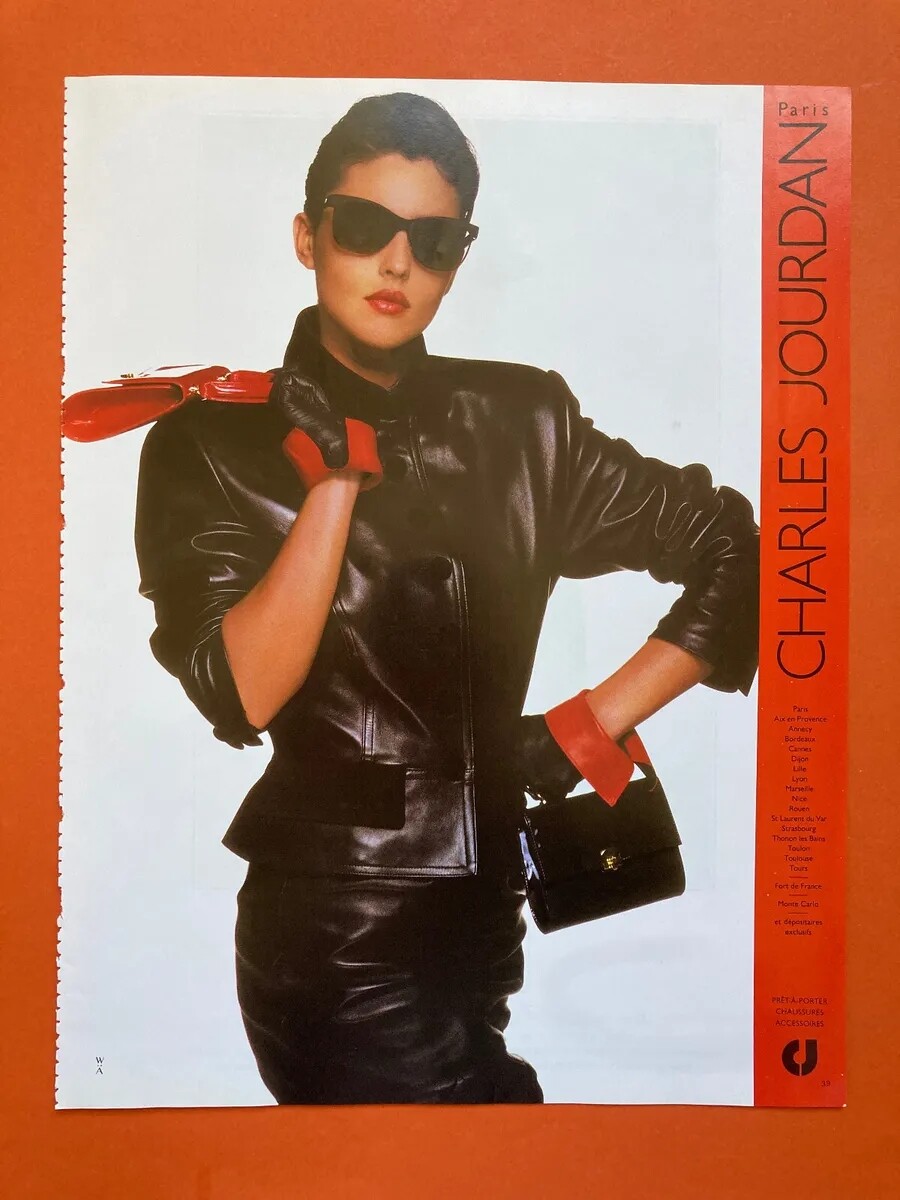
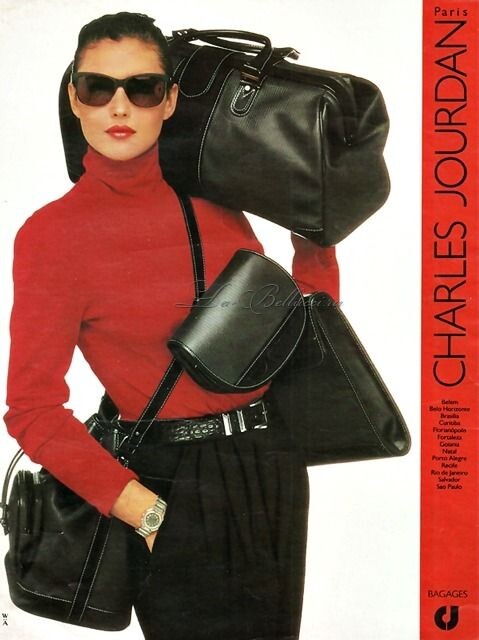
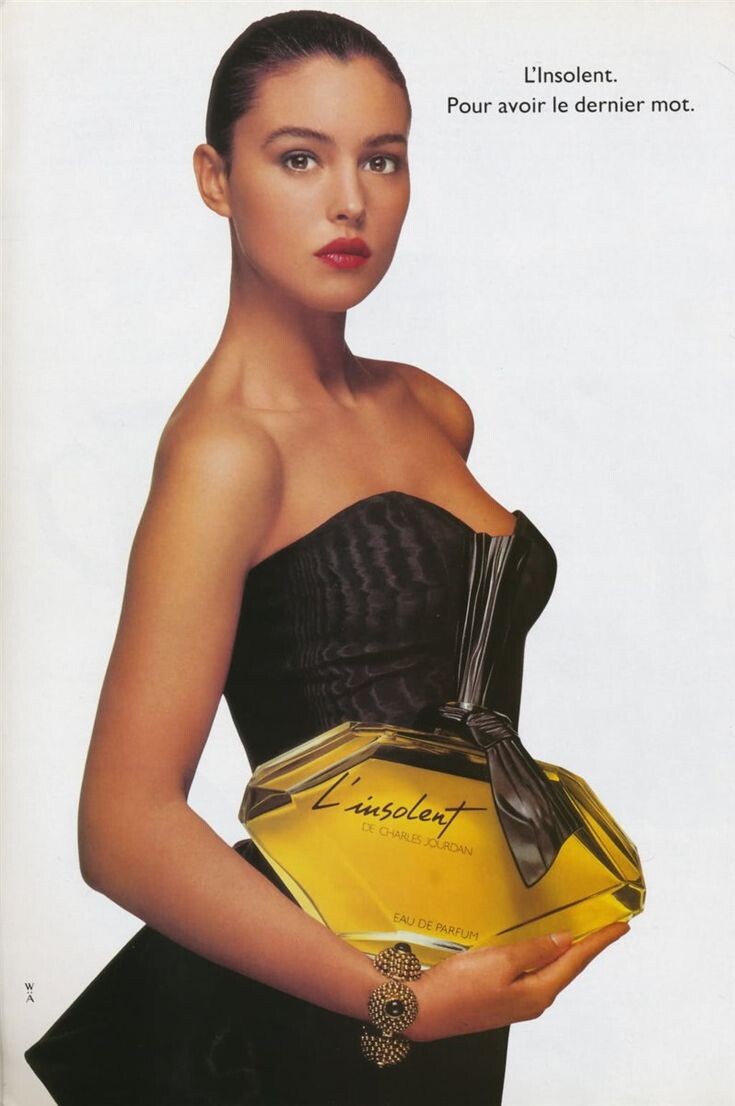
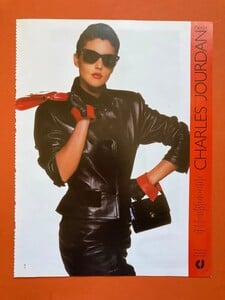
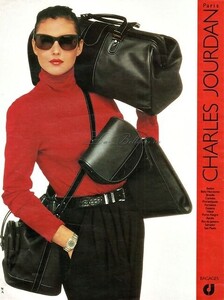
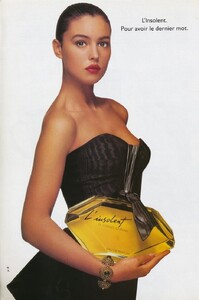
Charles Jourdan ads 1988: for search engine: L'Insolent
-
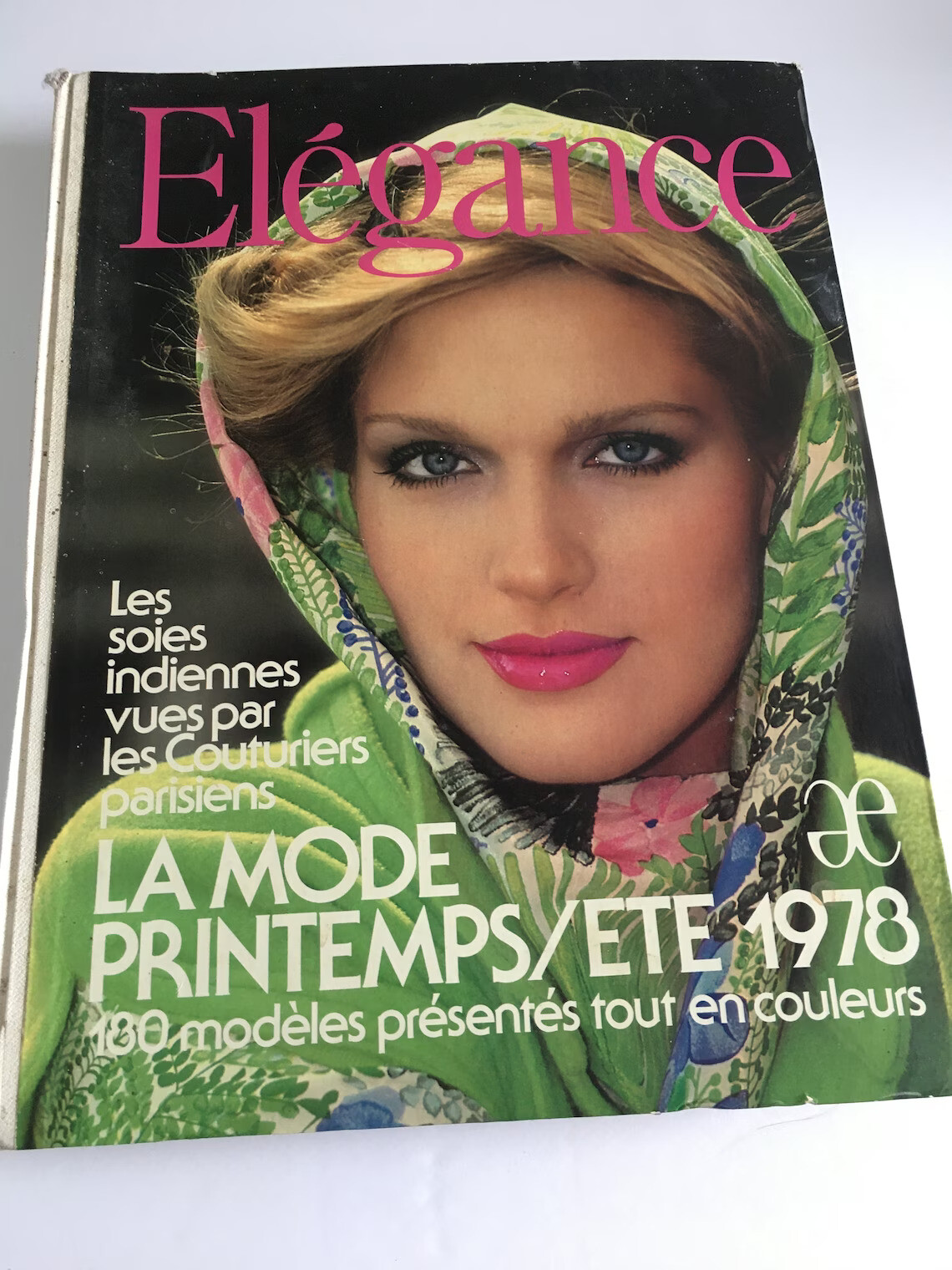
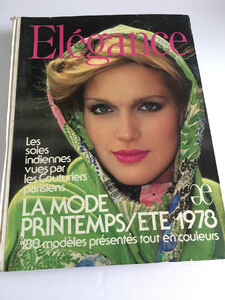
Thank you so much for sharing! Looks like a great article, so many amazing models! I wish I knew Italian (Google Translate will do fine though) On the cover of Elegance, 1978: etsy
-
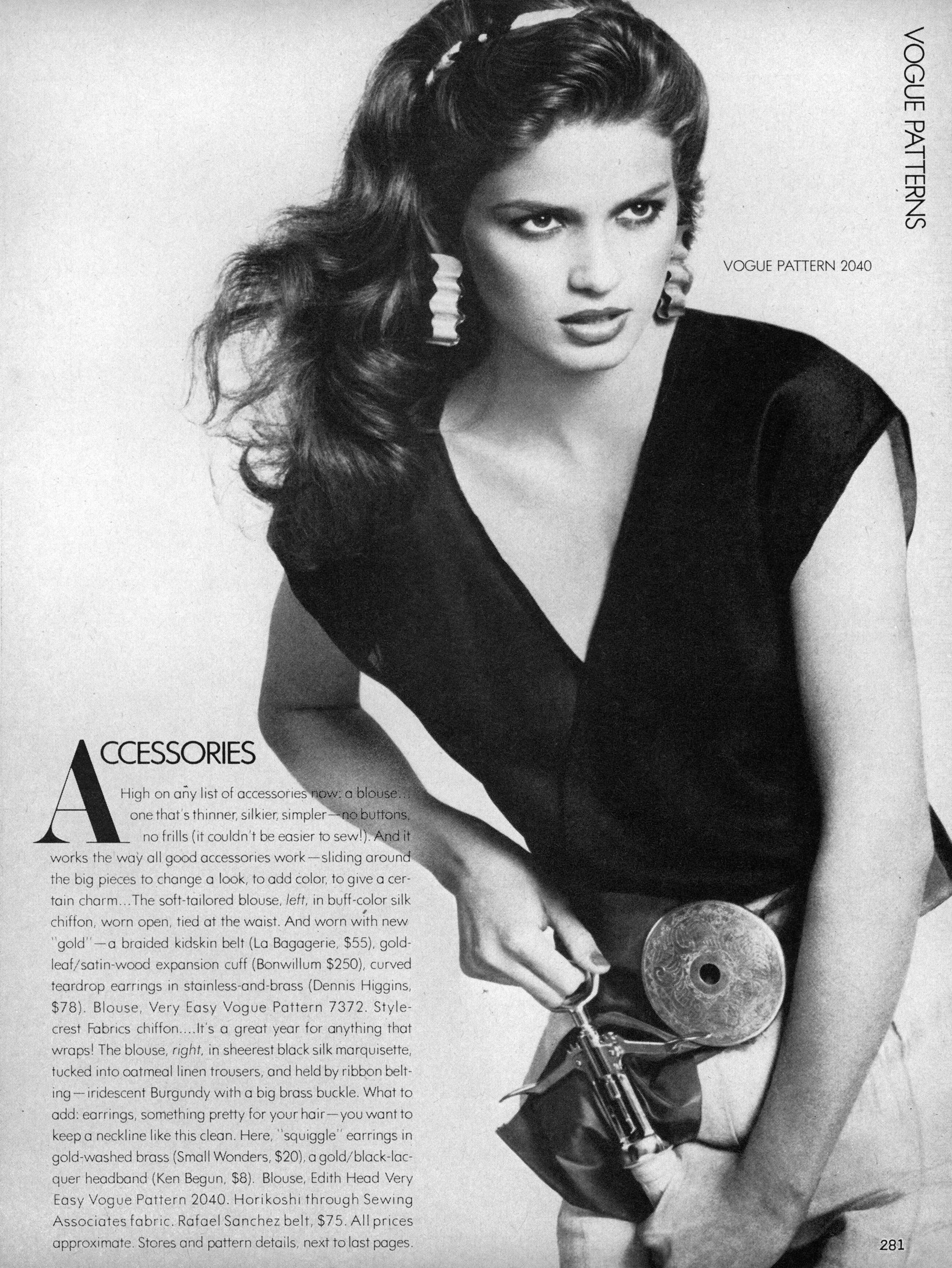
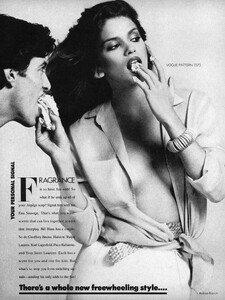
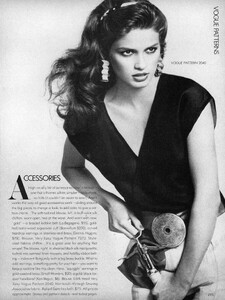
Vogue US May 1979 "Your Personal Signal" Photographer: Andrea Blanch Hair: Bob Fink Make-up: George Newell justaguy @ tfs
-
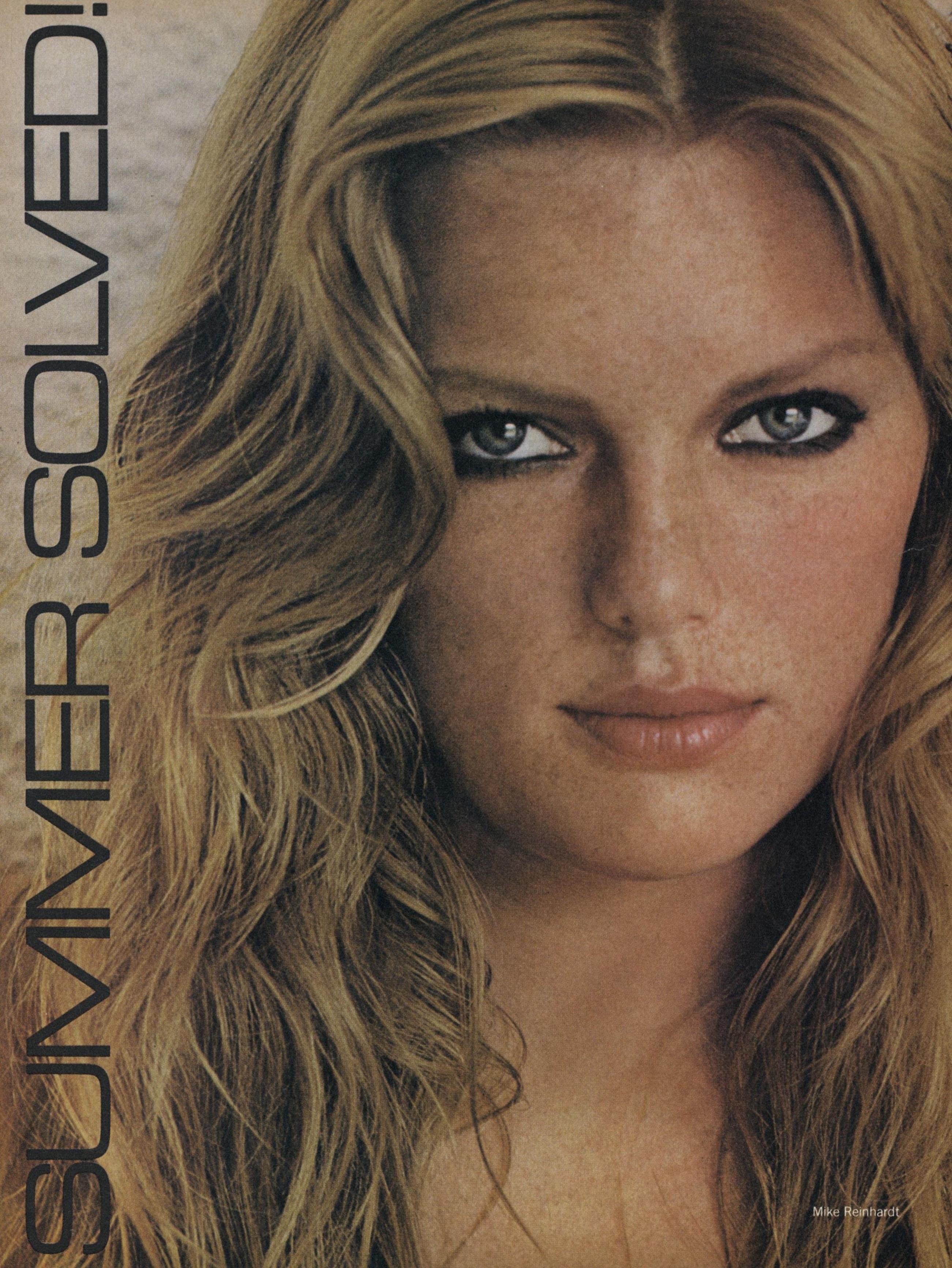
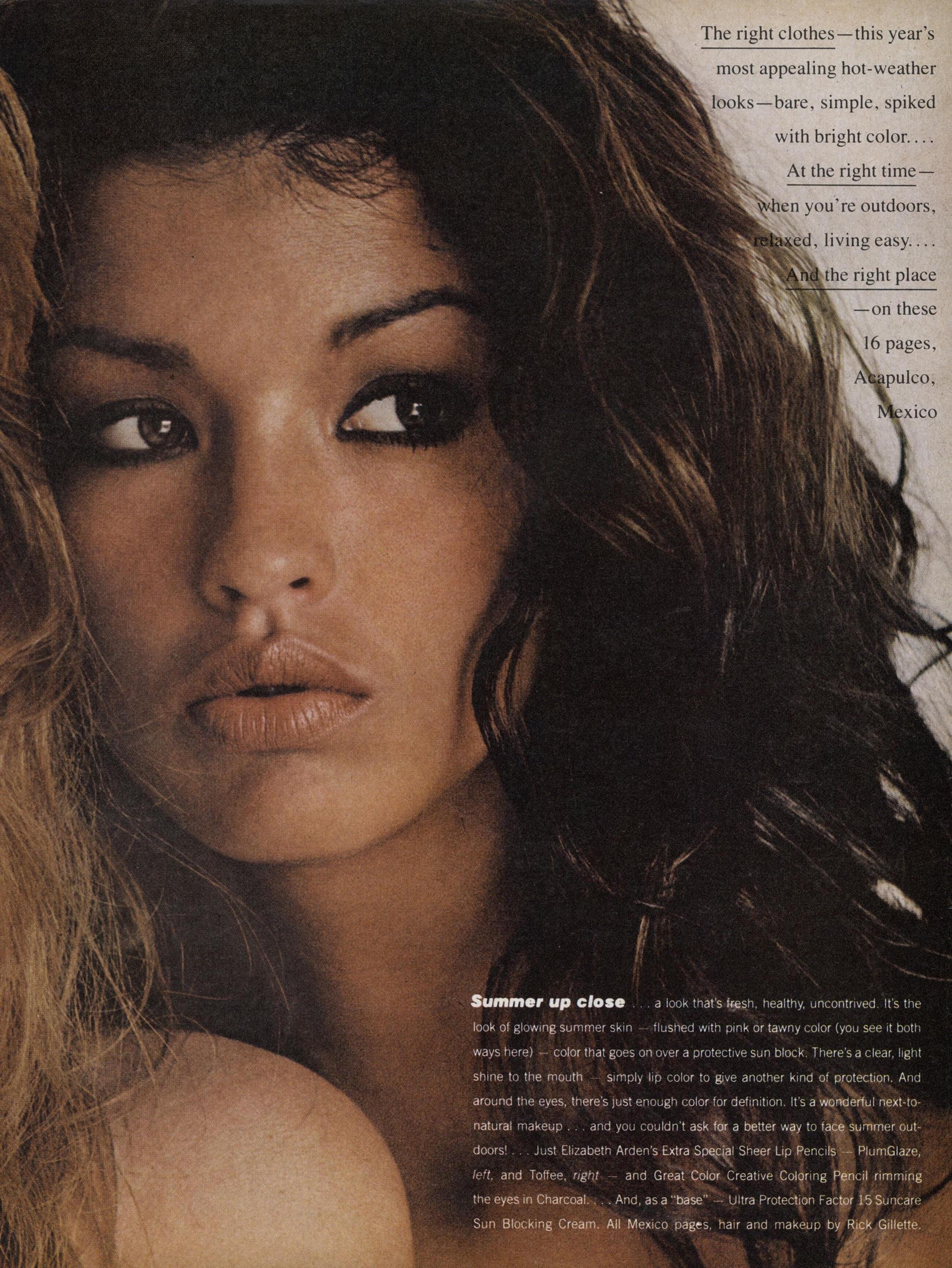
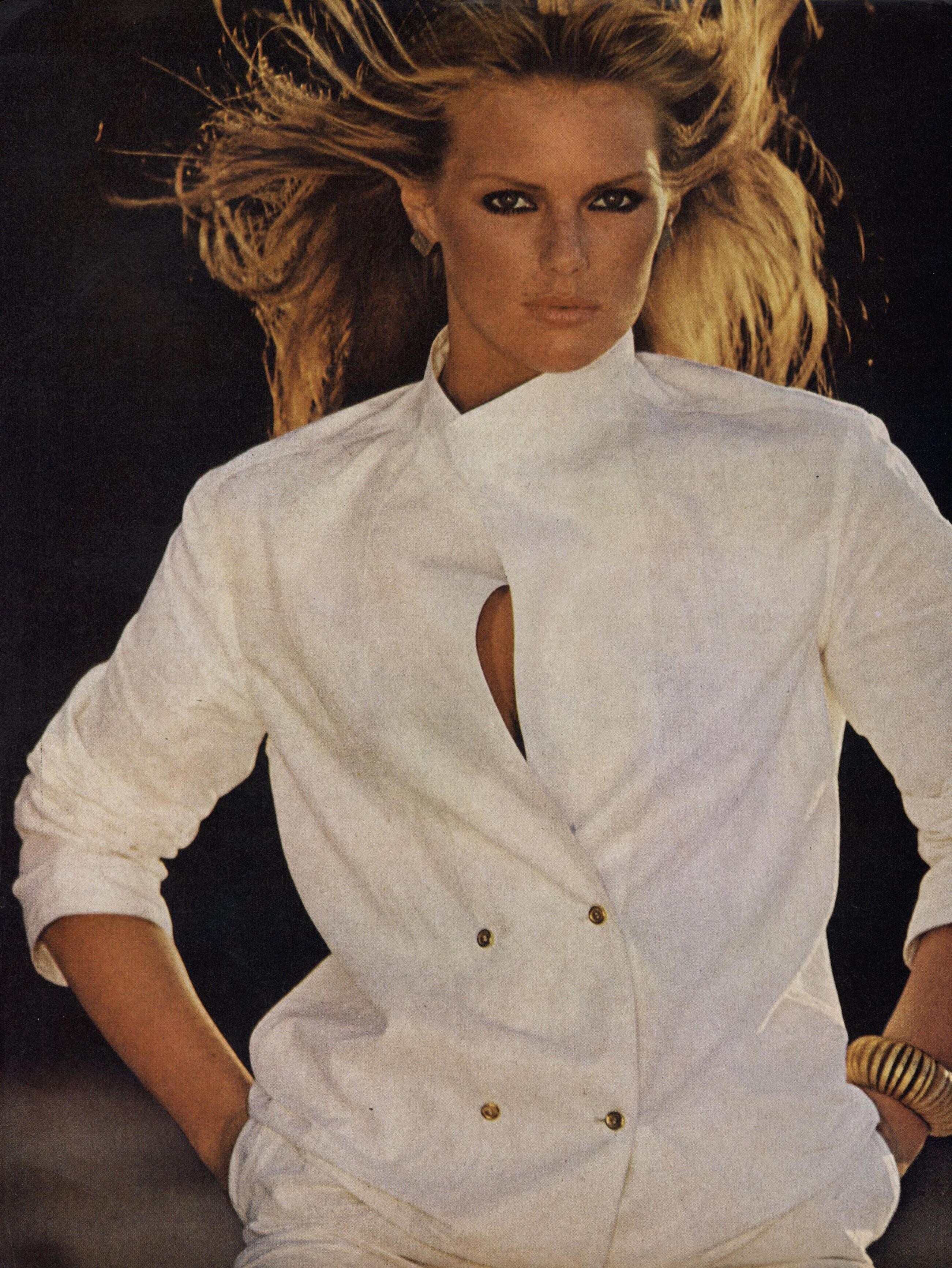
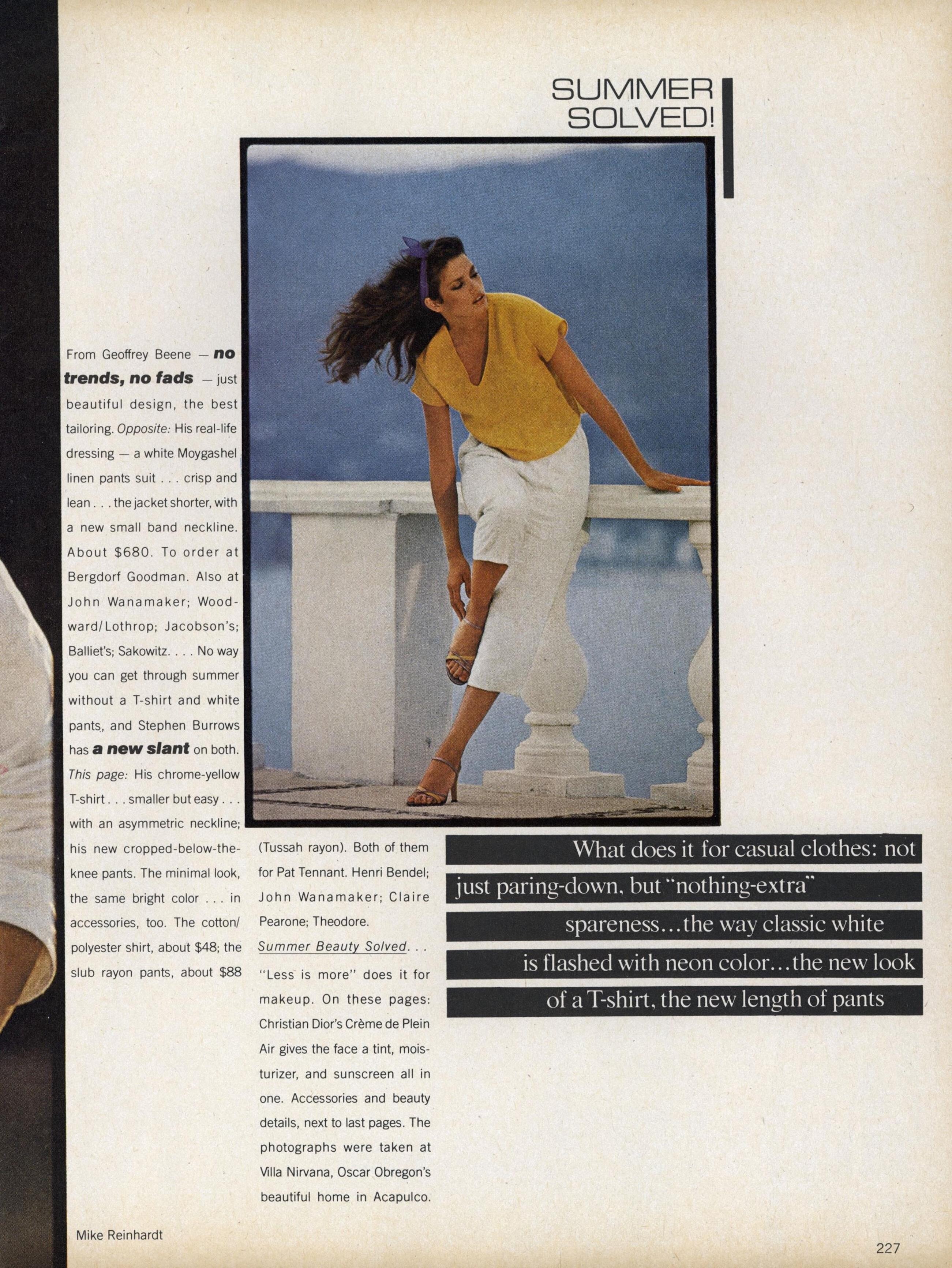
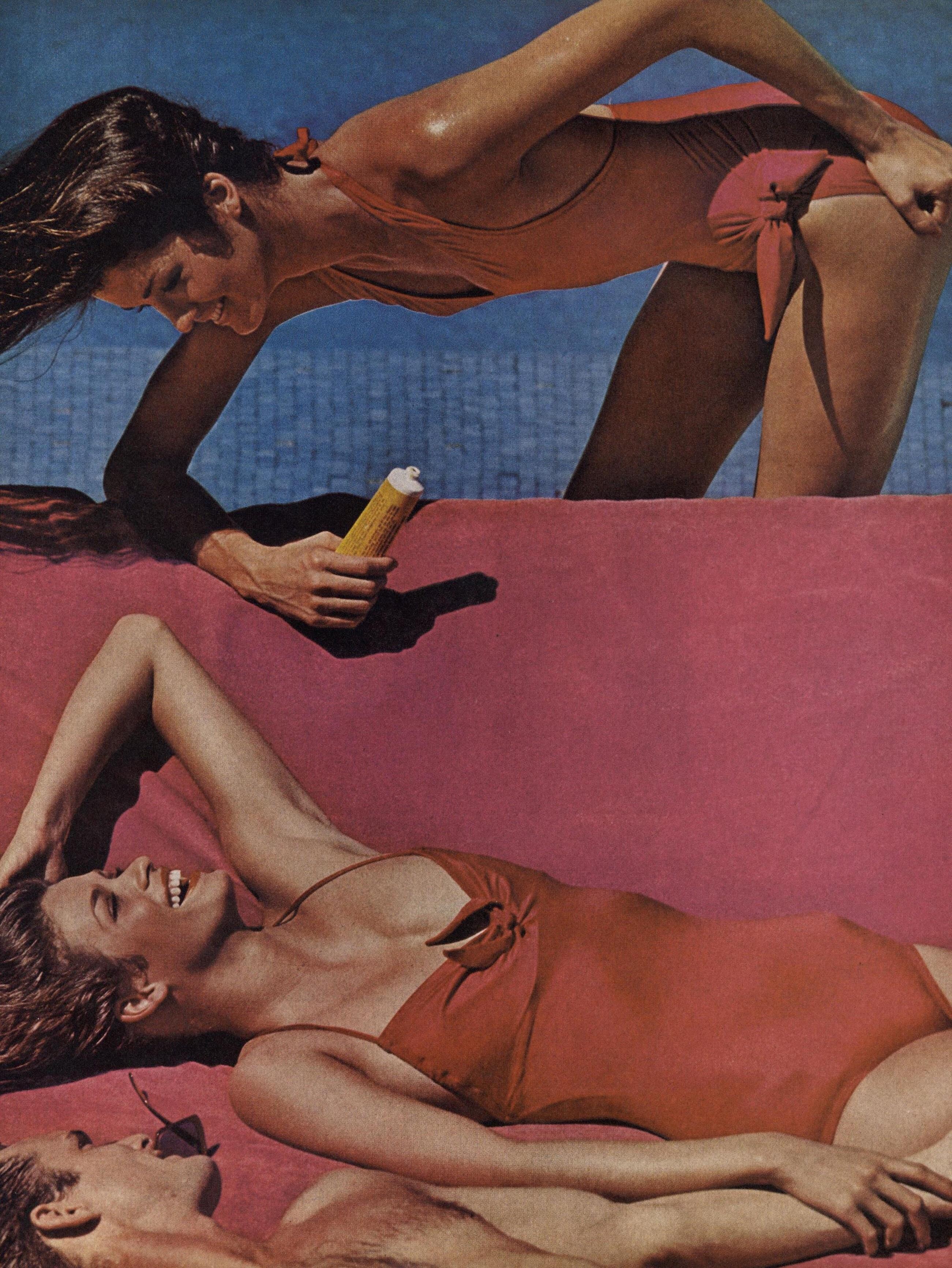
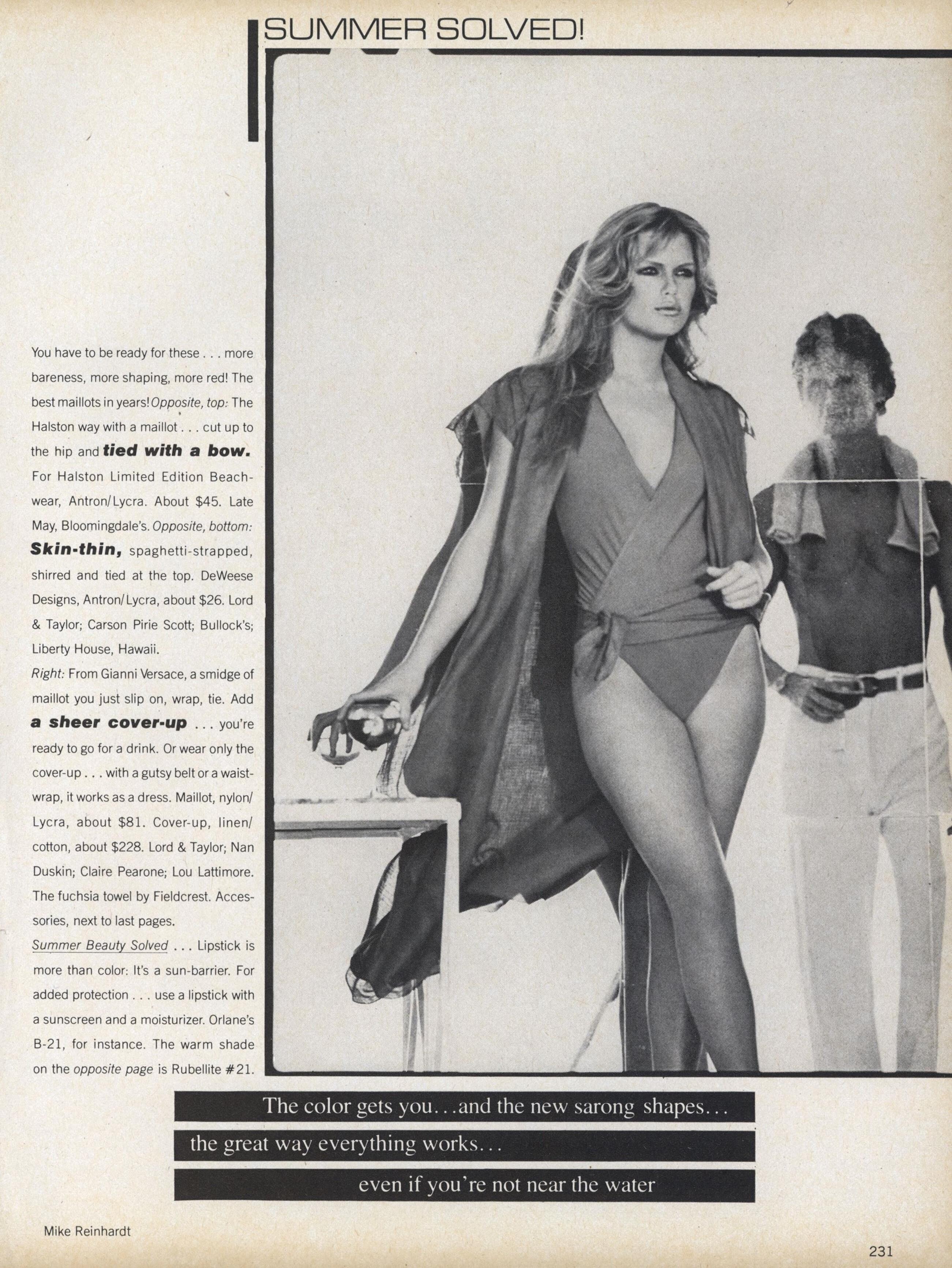
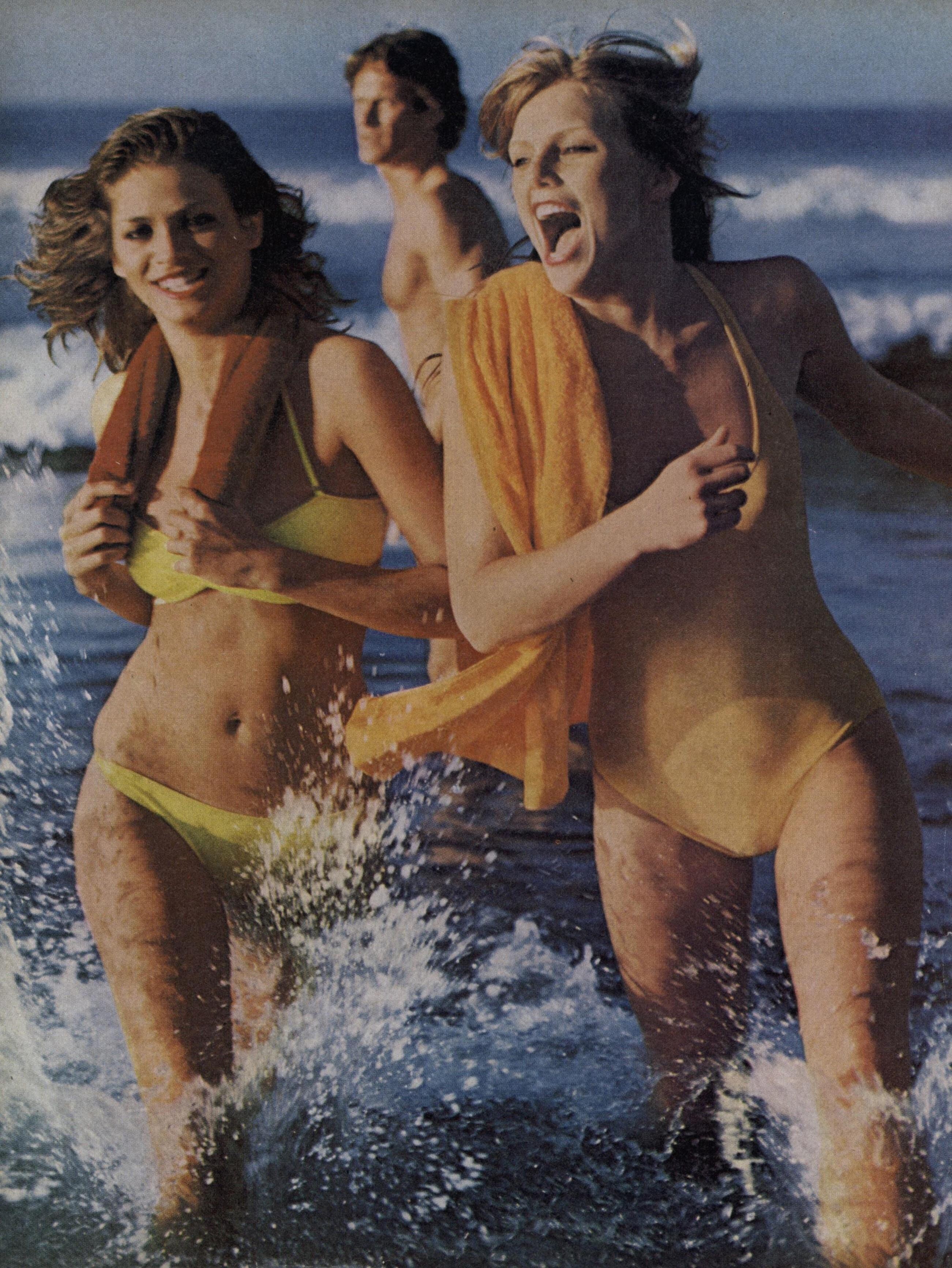
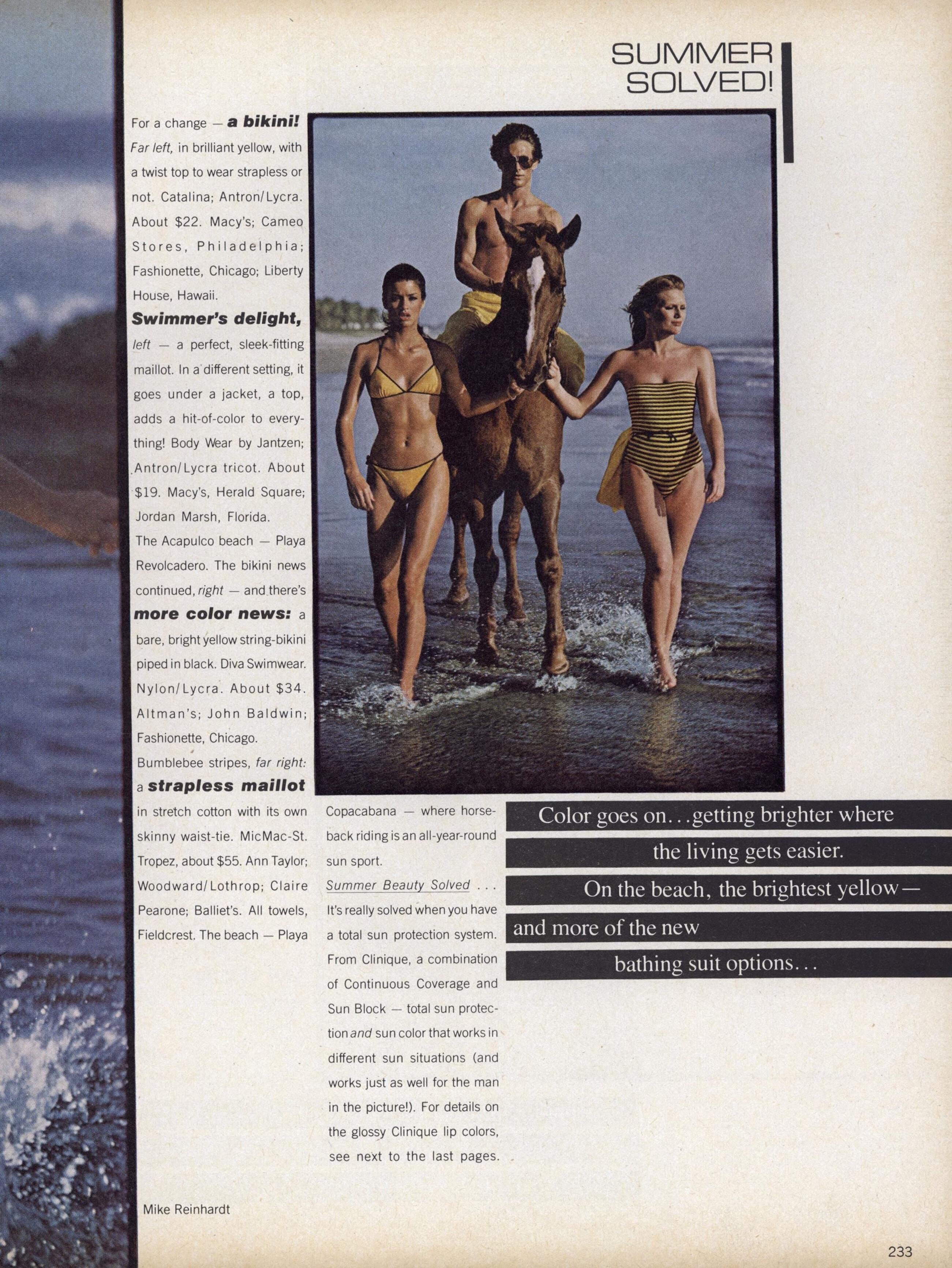
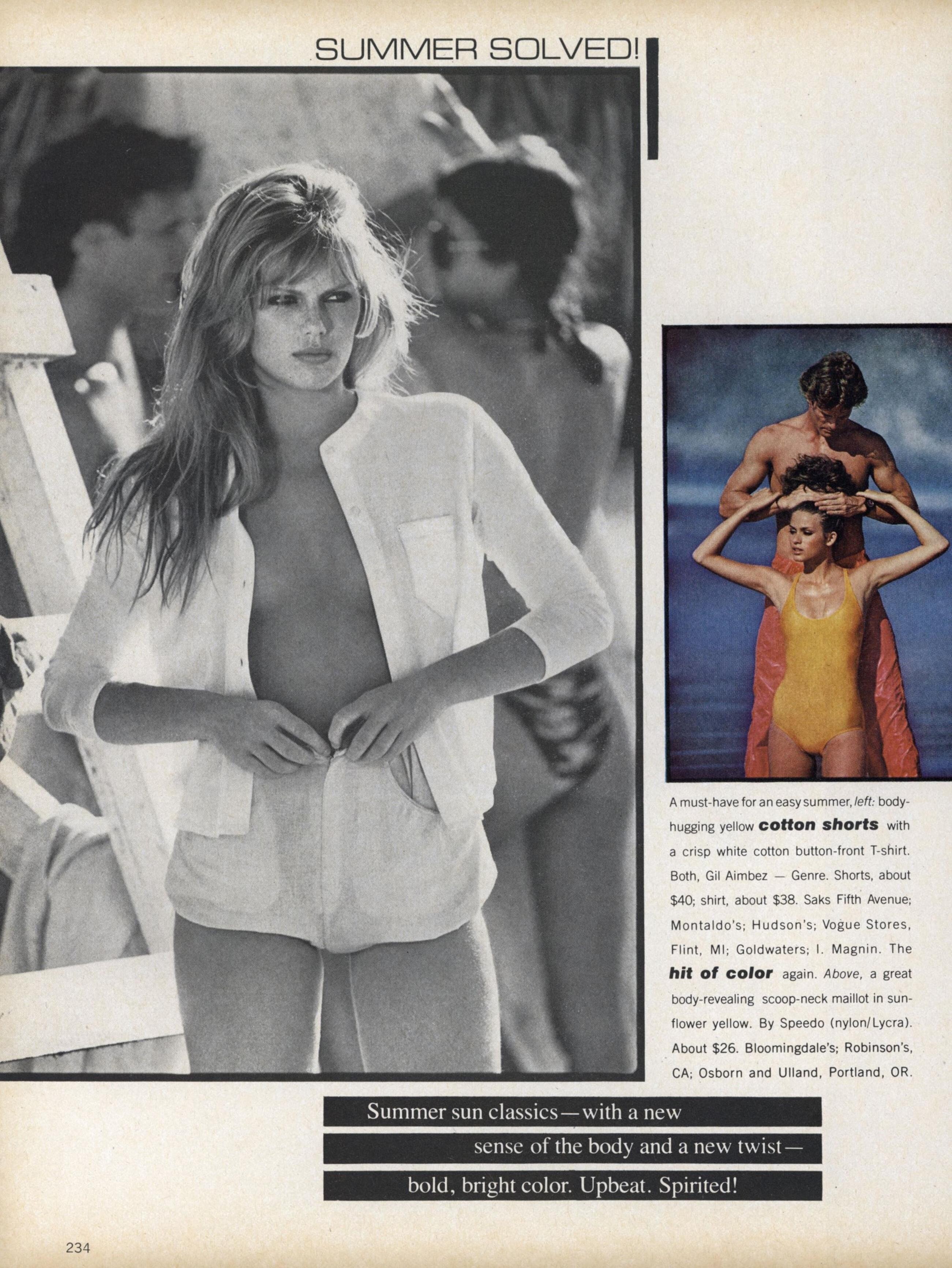
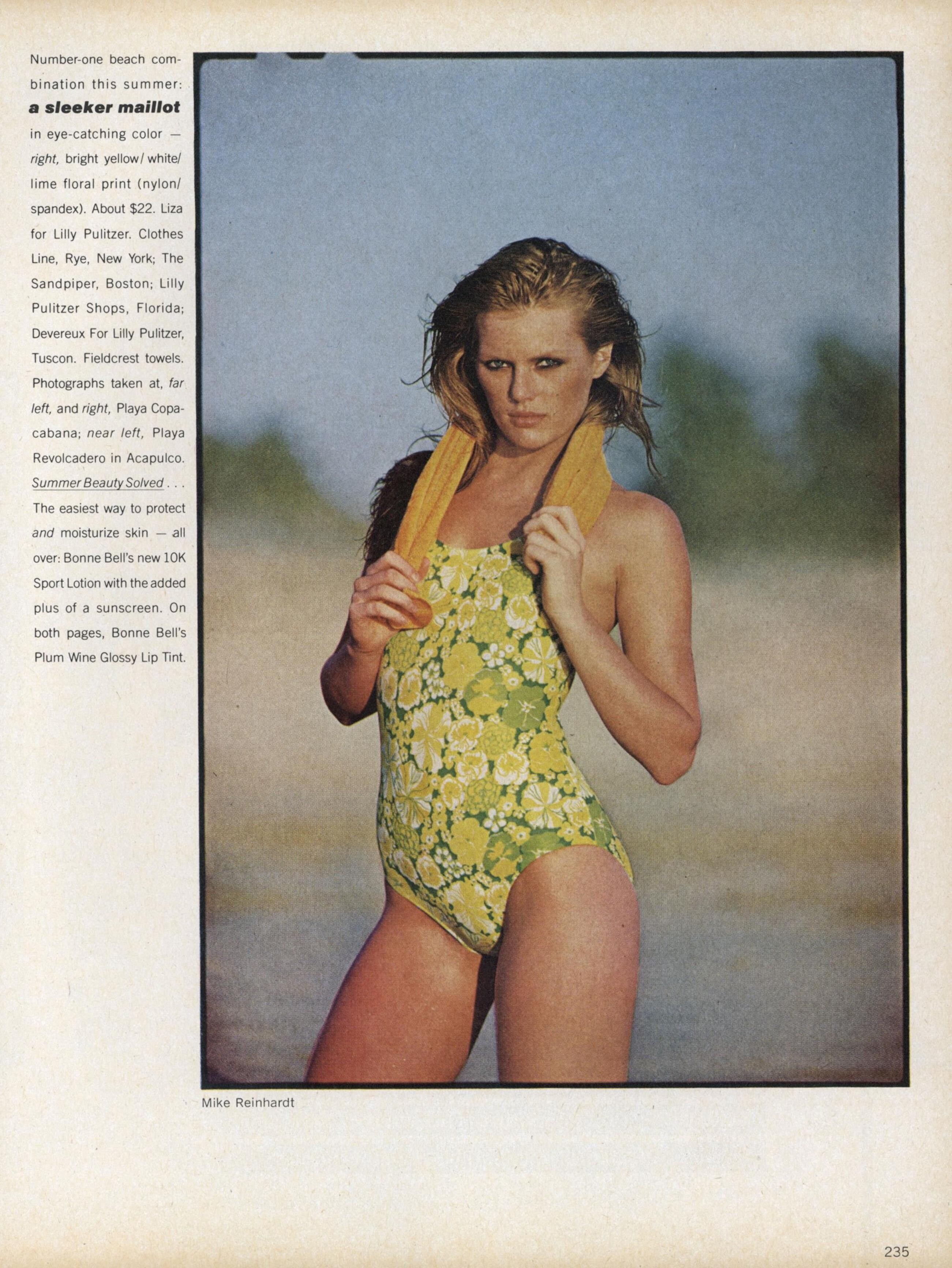
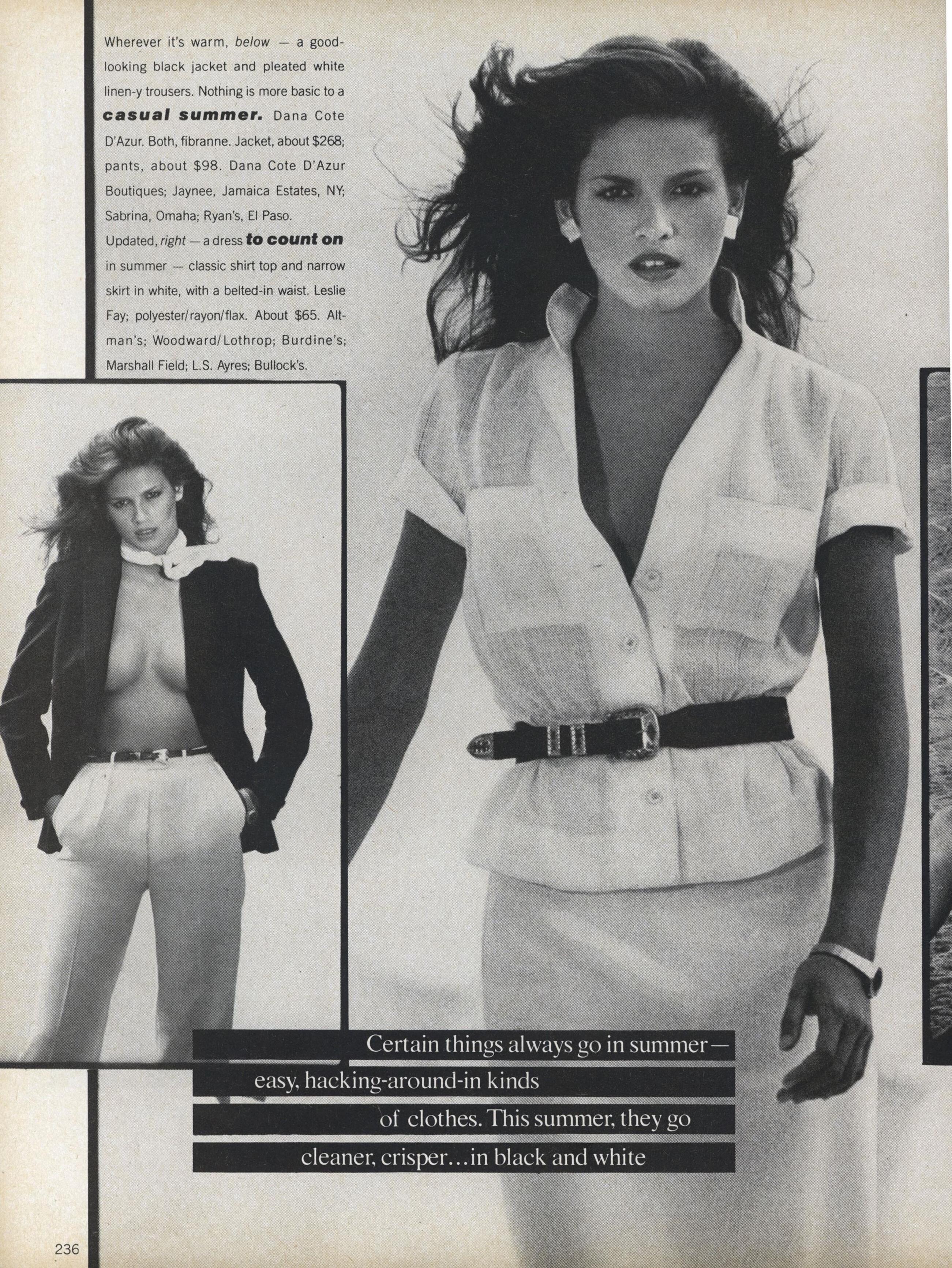
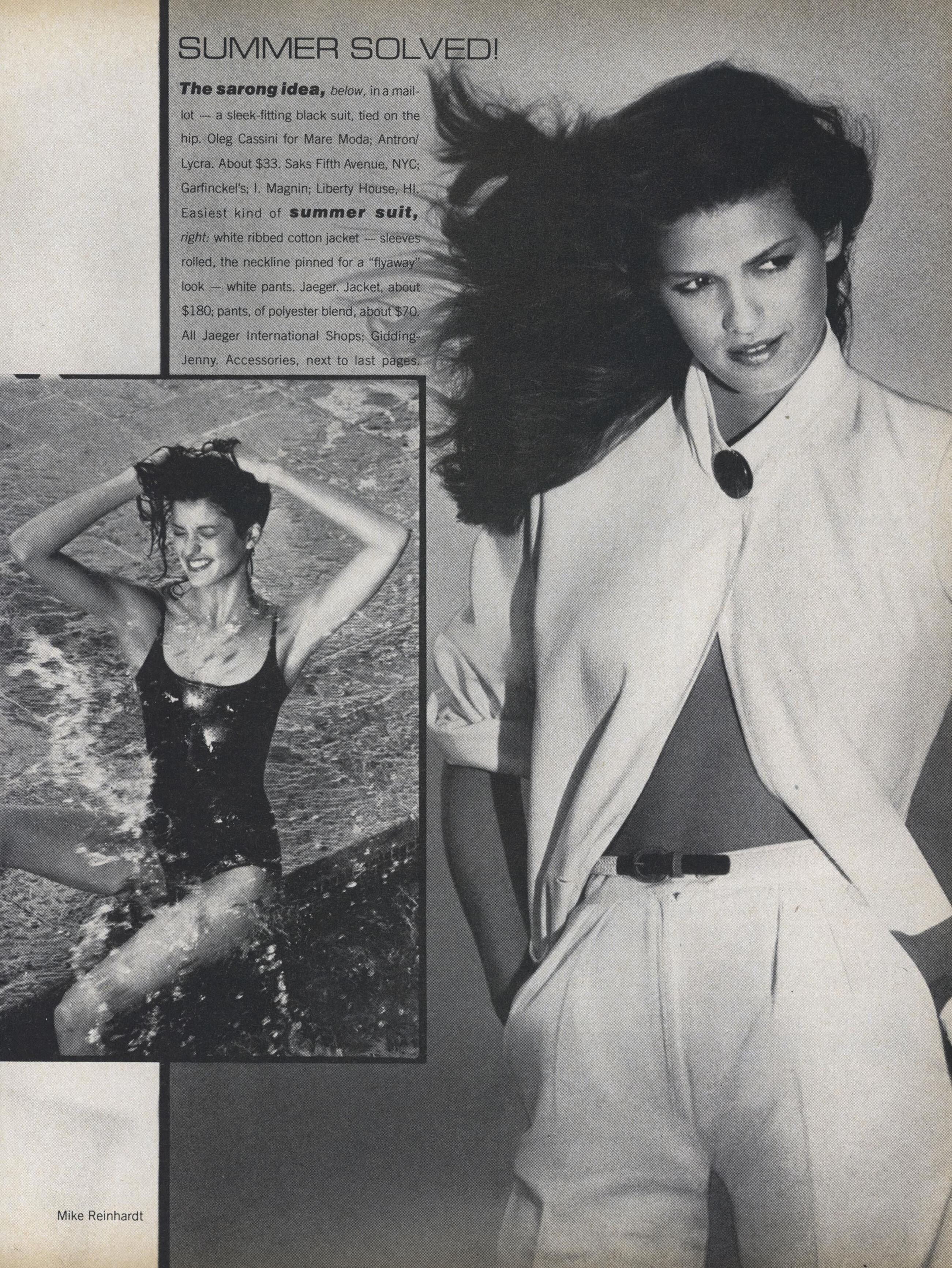
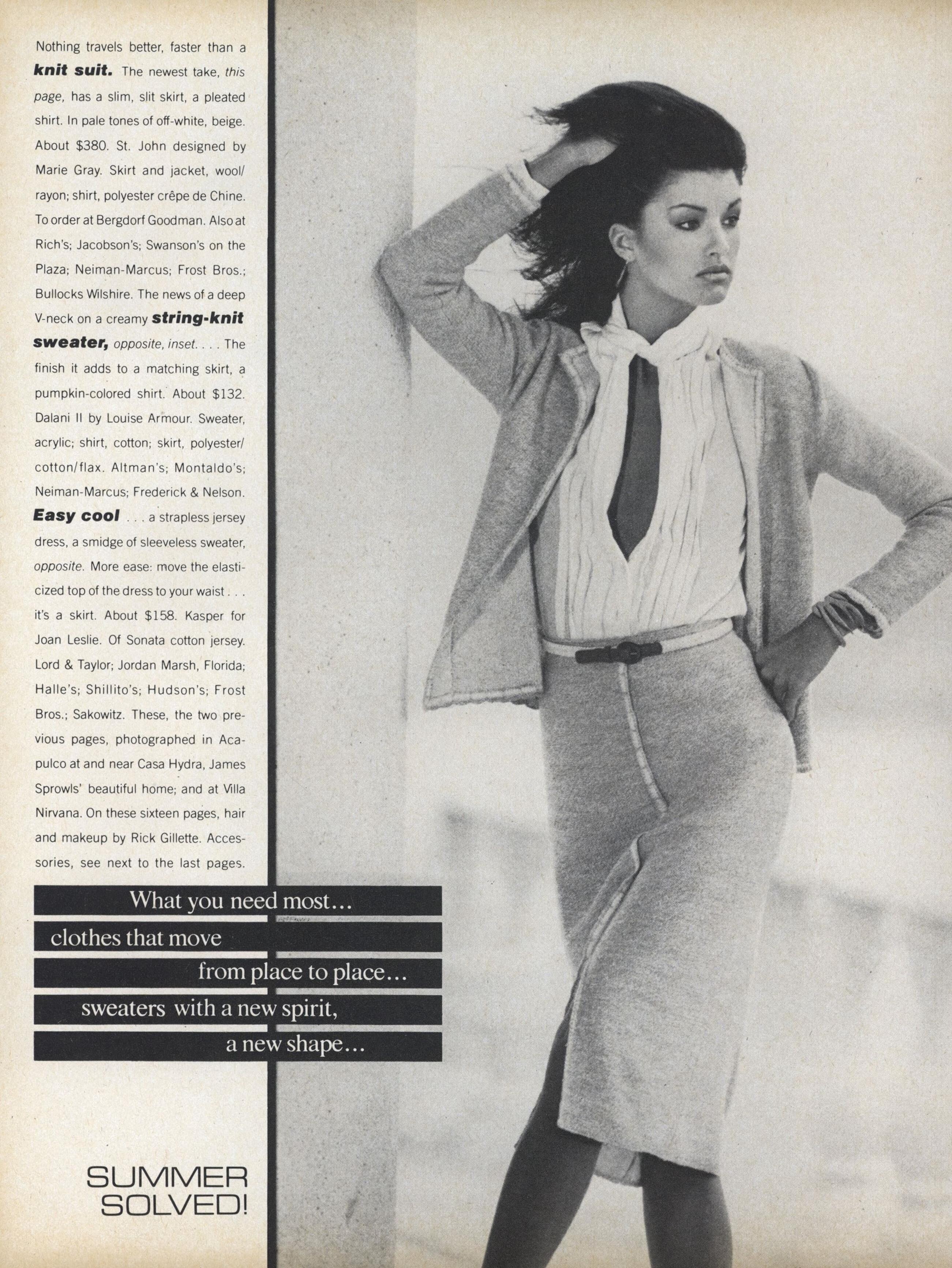
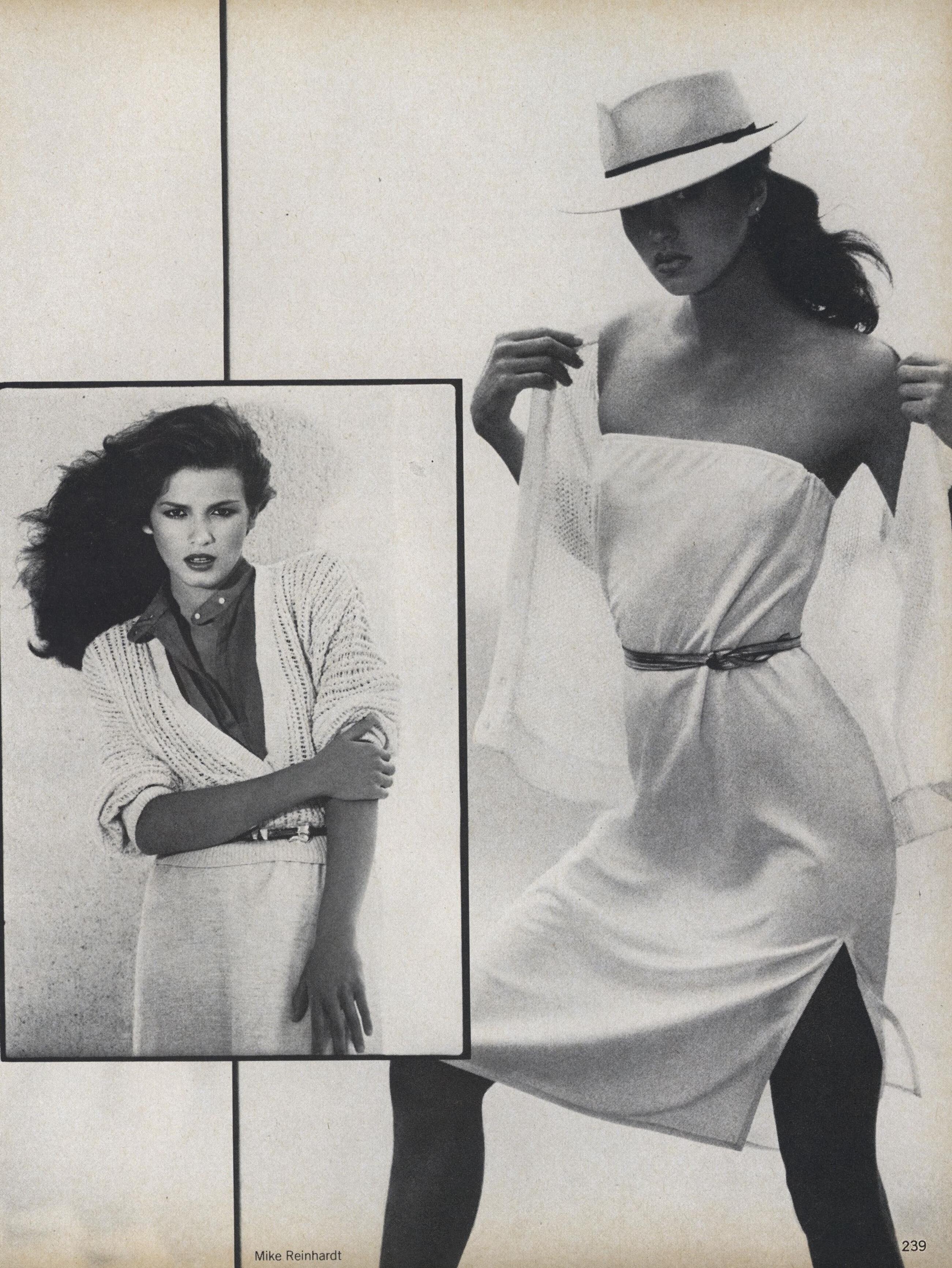
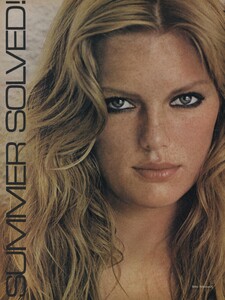
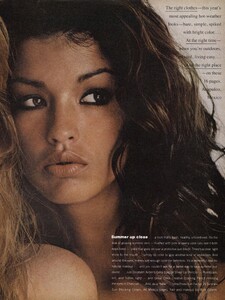
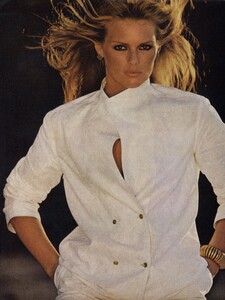
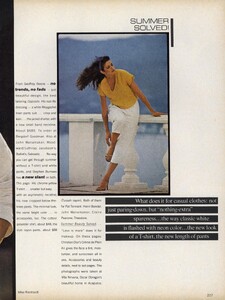
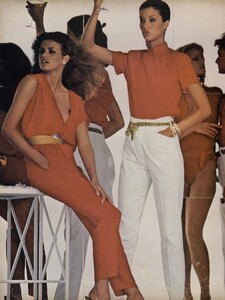
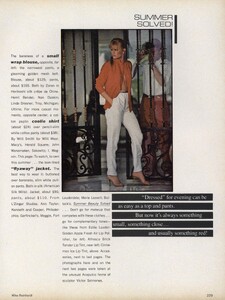
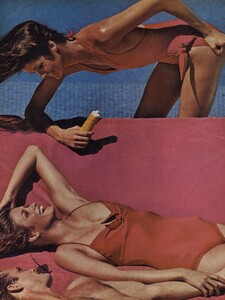
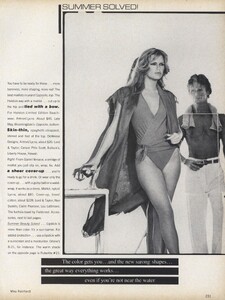
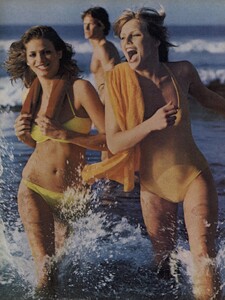
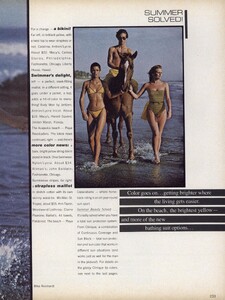
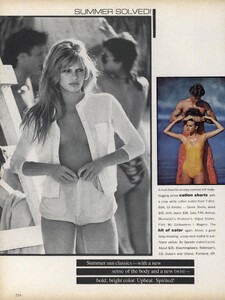
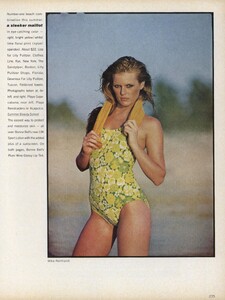
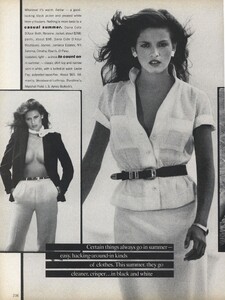
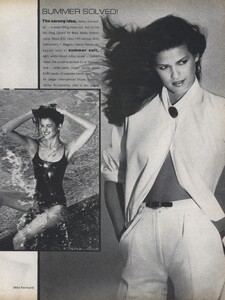
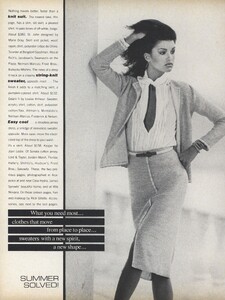
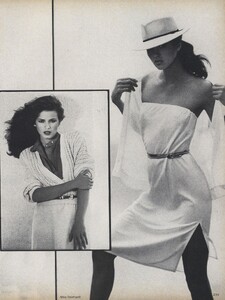
Vogue US May 1979 "Summer Solved!" Photographer: Michael Reinhardt (as Mike Reinhardt) Editor: Jade Hobson Hair & Make-up: Rick Gillette Models: Patti Hansen, Janice Dickinson, Gia Carangi, Michael Holder justaguy @ tfs
-
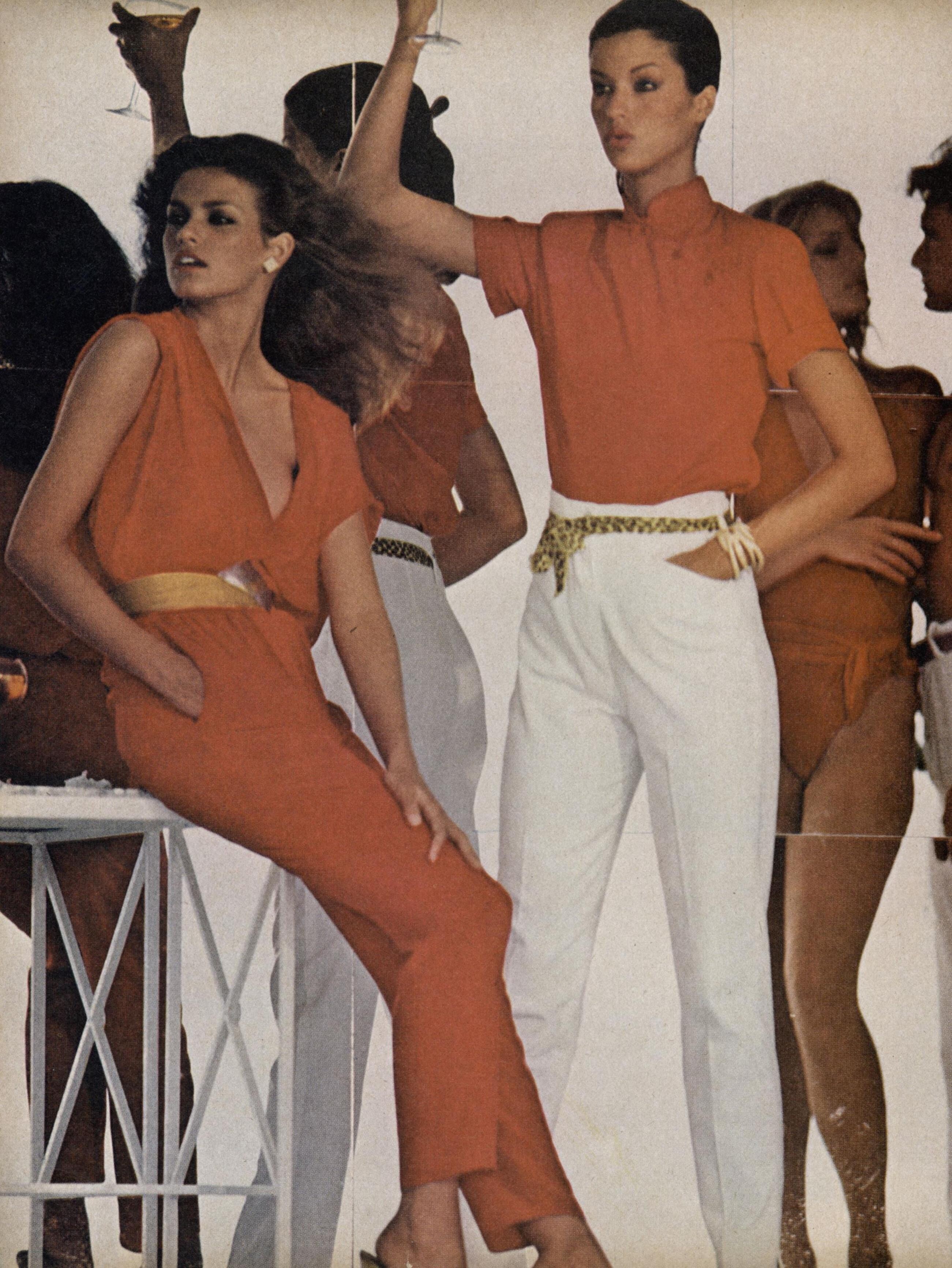
Vogue US May 1979 "Summer Solved!" Photographer: Michael Reinhardt (as Mike Reinhardt) Editor: Jade Hobson Hair & Make-up: Rick Gillette Models: Patti Hansen, Janice Dickinson, Gia Carangi, Michael Holder justaguy @ tfs
-
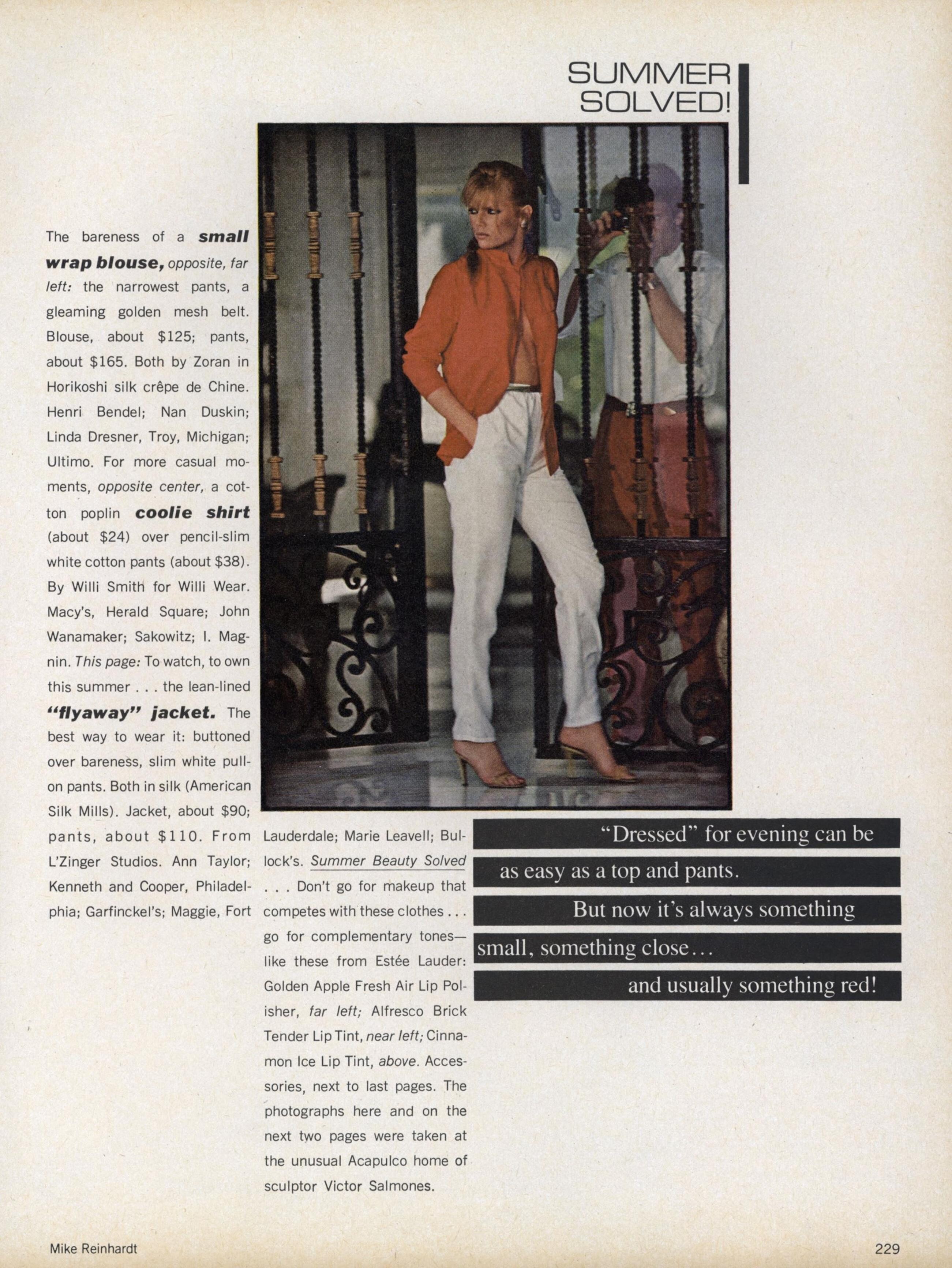
Vogue US May 1979 "Summer Solved!" Photographer: Michael Reinhardt (as Mike Reinhardt) Editor: Jade Hobson Hair & Make-up: Rick Gillette Models: Patti Hansen, Janice Dickinson, Gia Carangi, Michael Holder justaguy @ tfs
-
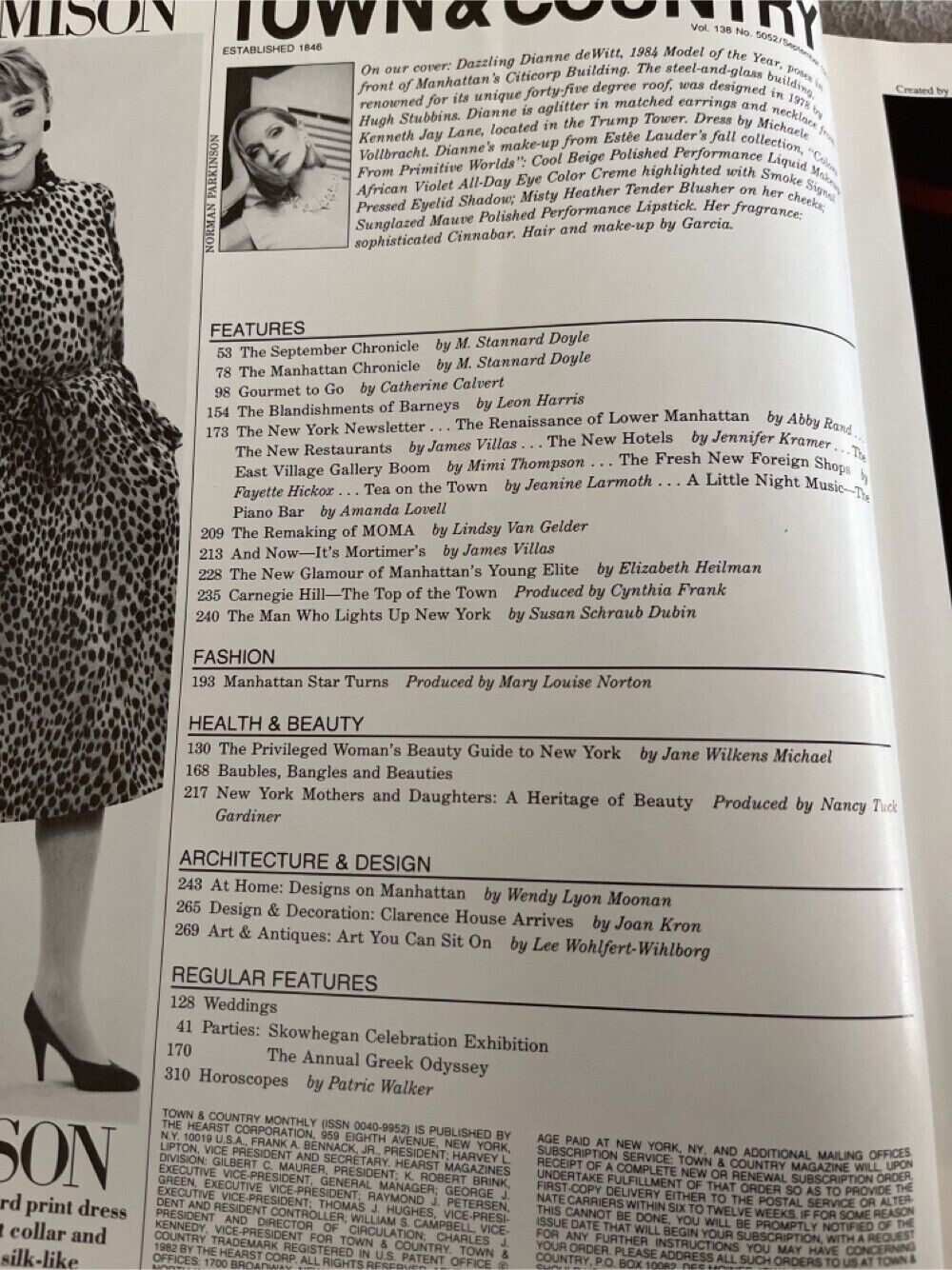
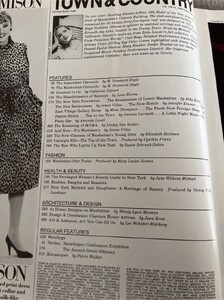
Town & Country September 1984 Photographer: Norman Parkinson It is mentioned in the cover credits that Diane is 1984 Model of the Year, but I couldn't find what organisation held the contest. snap by estatesalegems @ ebay
-
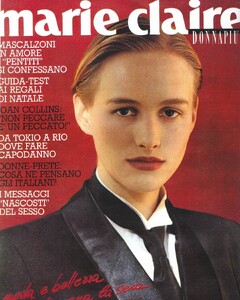
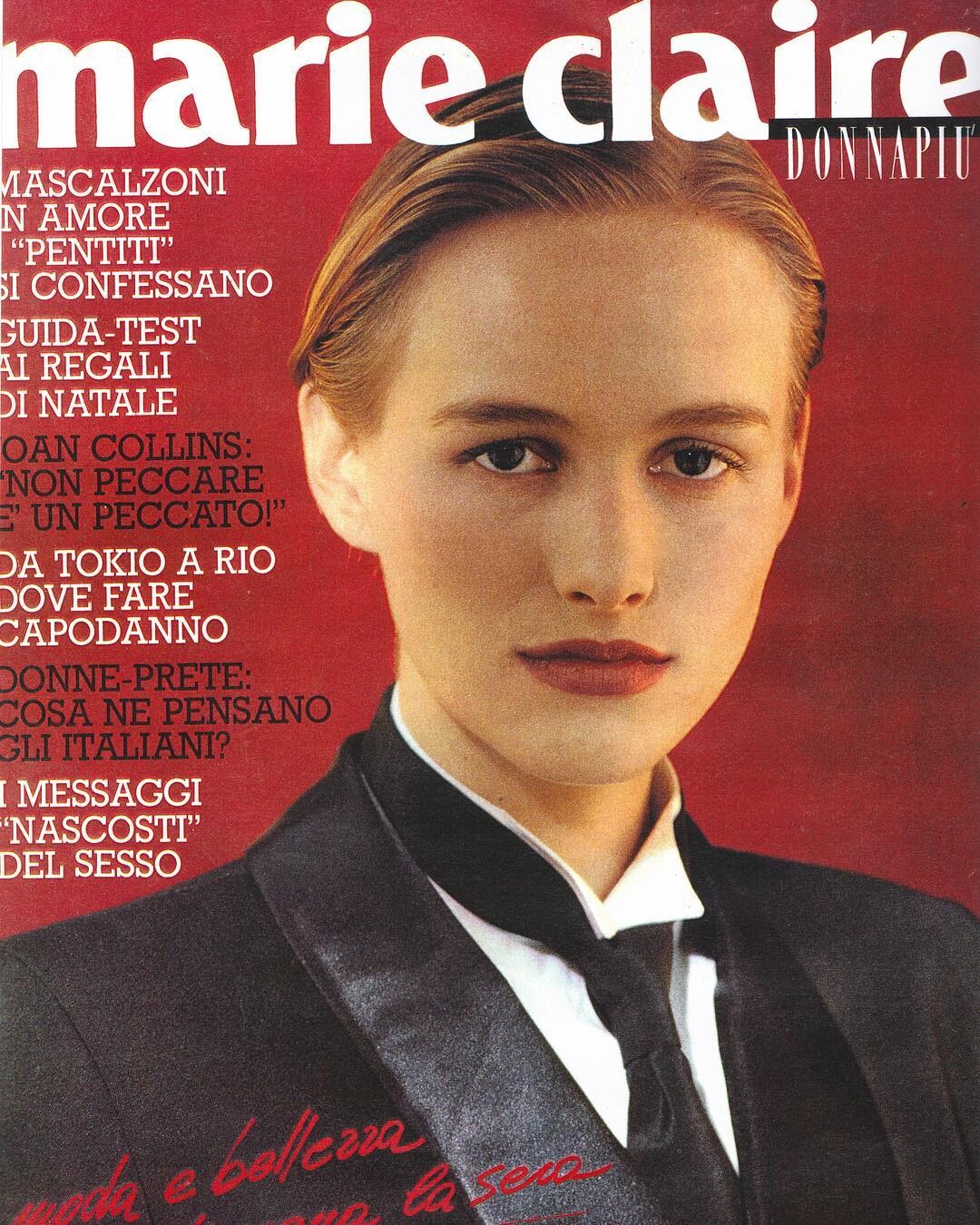
Marie Claire Italia 1988 Photographer: Christian Moser Couldn't find month, Xandra in her instagram credits this cover as her first one