danny-19
Members
-
Joined
Everything posted by danny-19
-
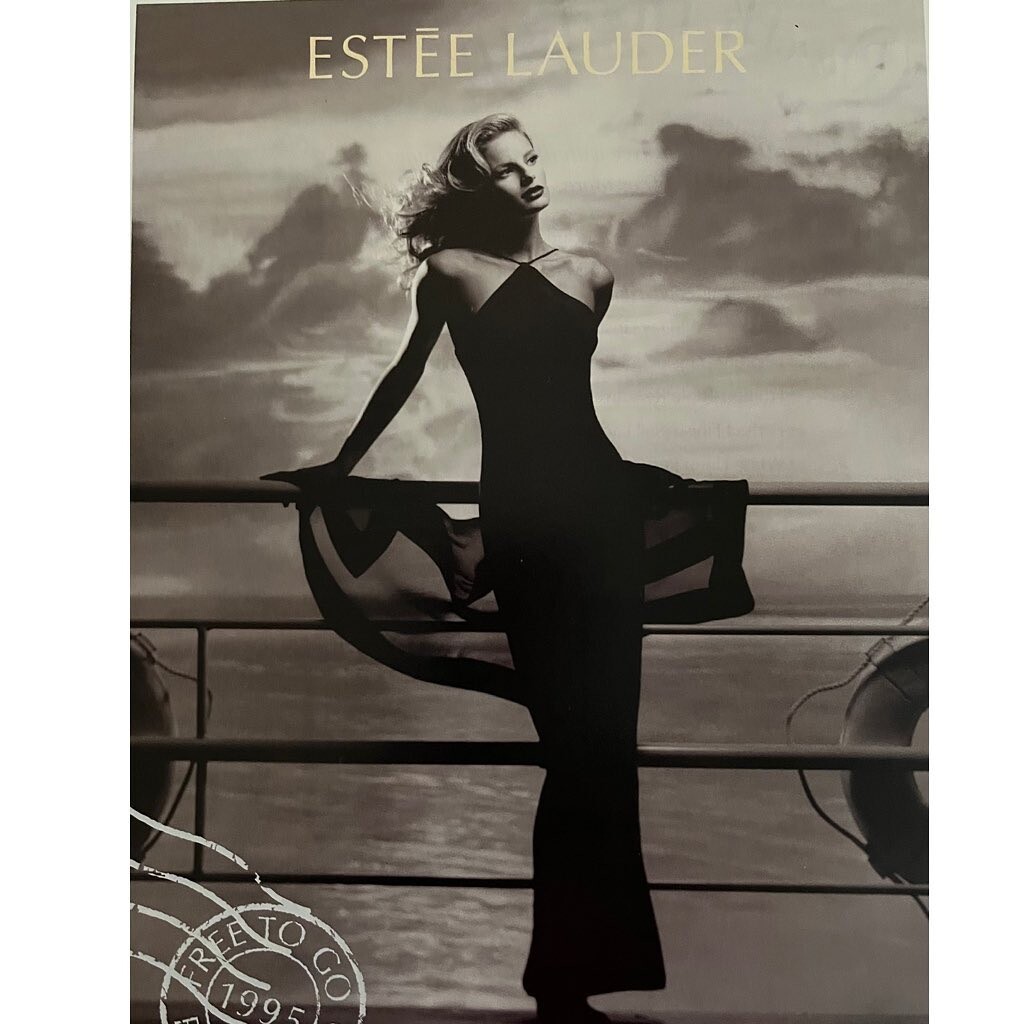
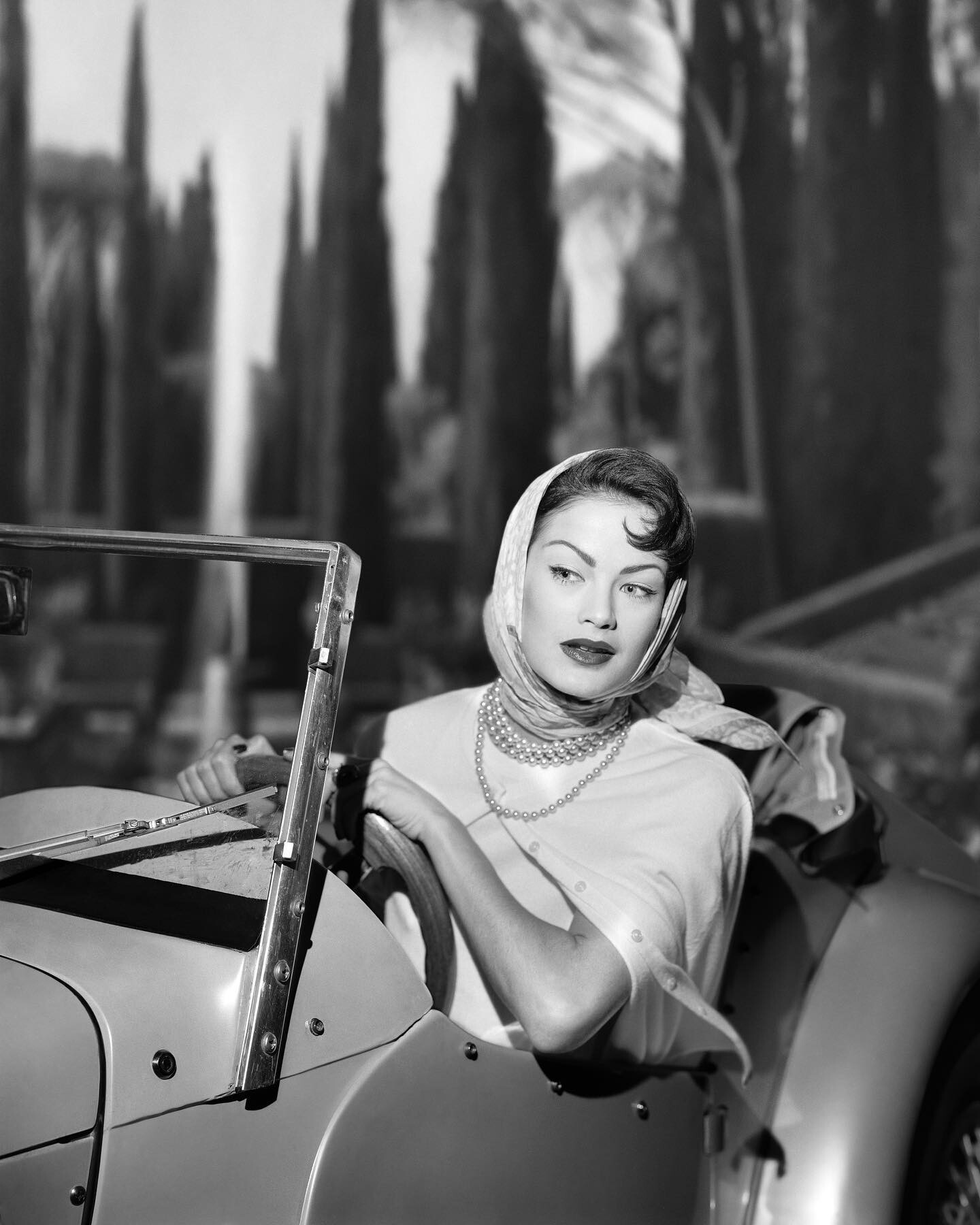
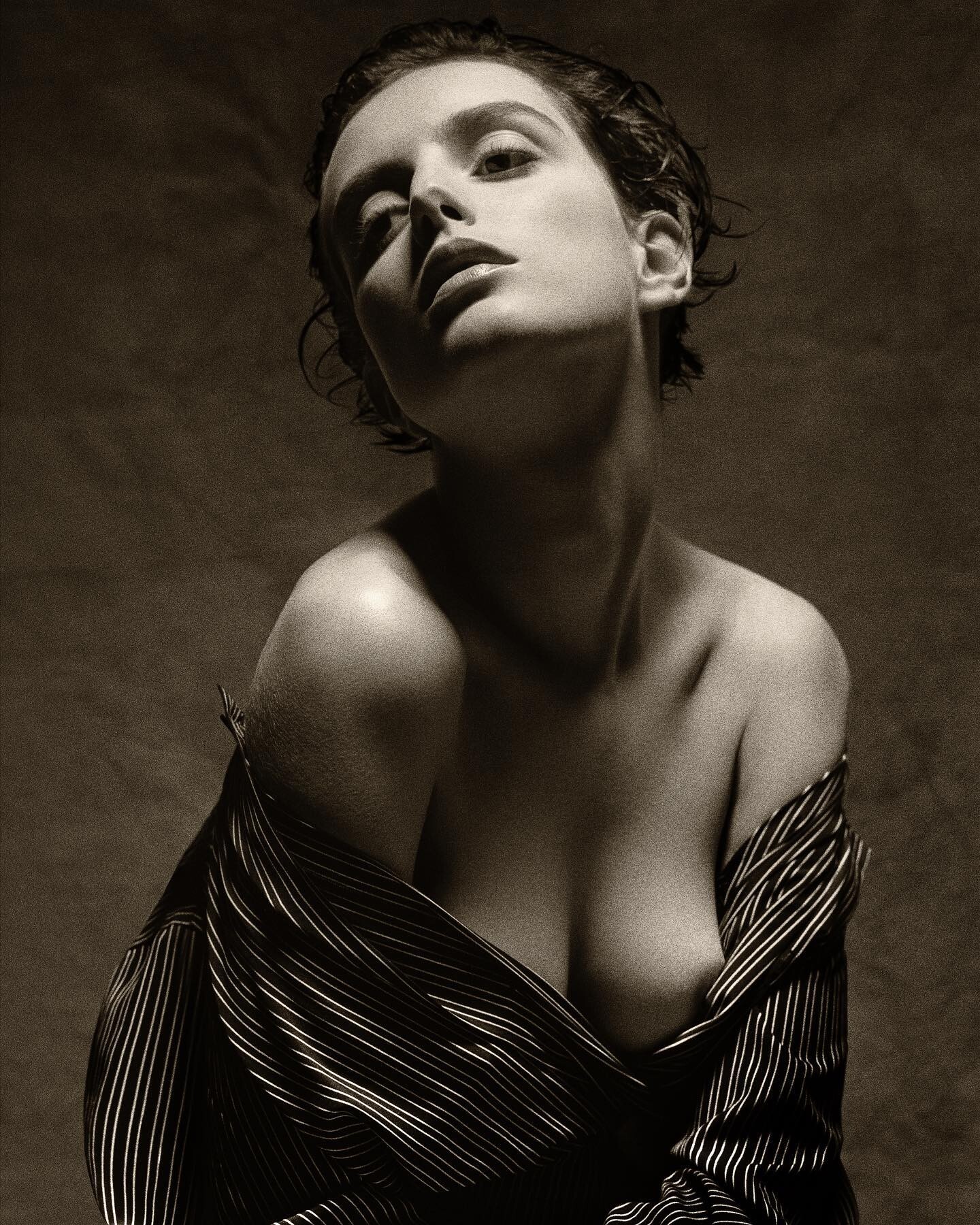
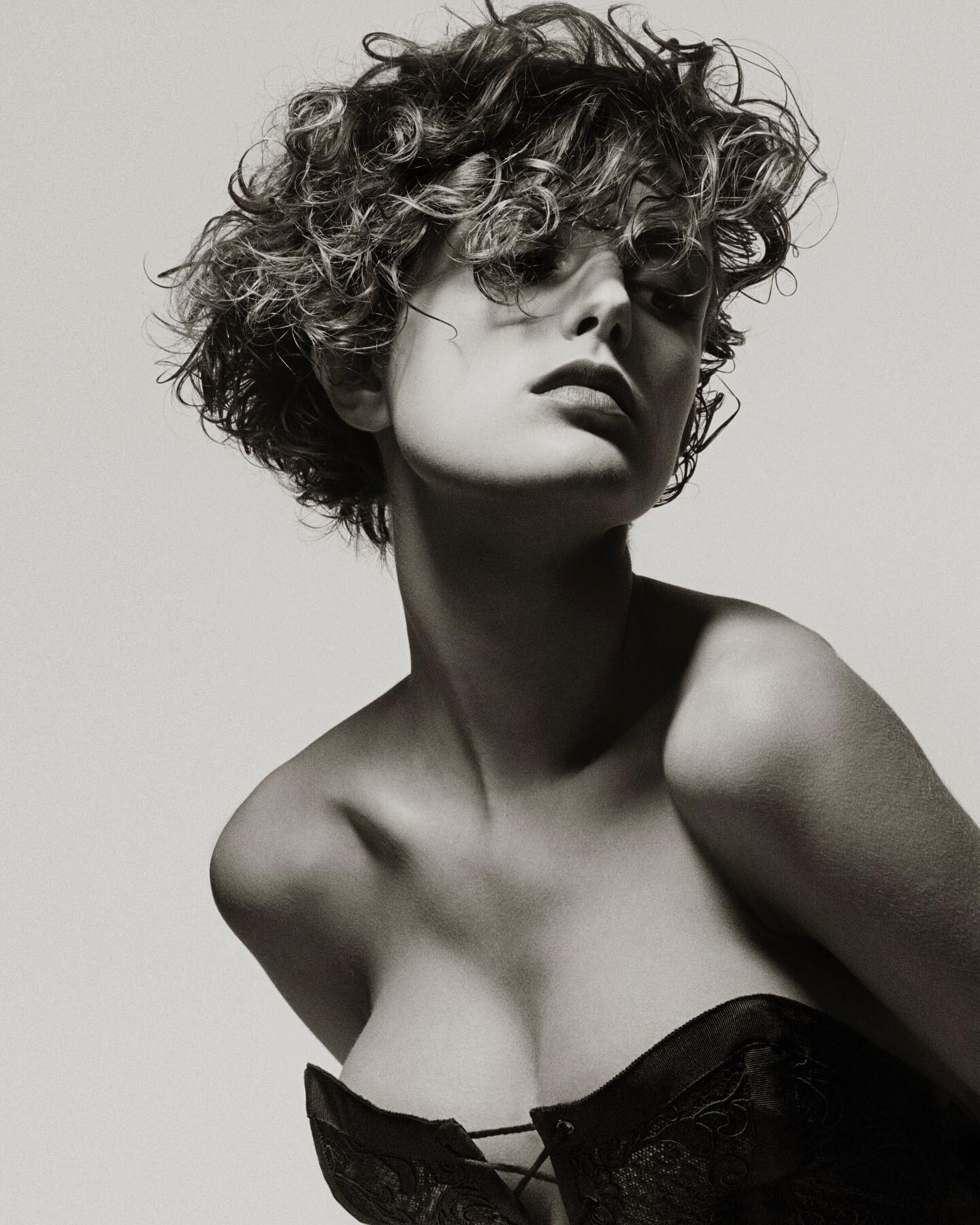
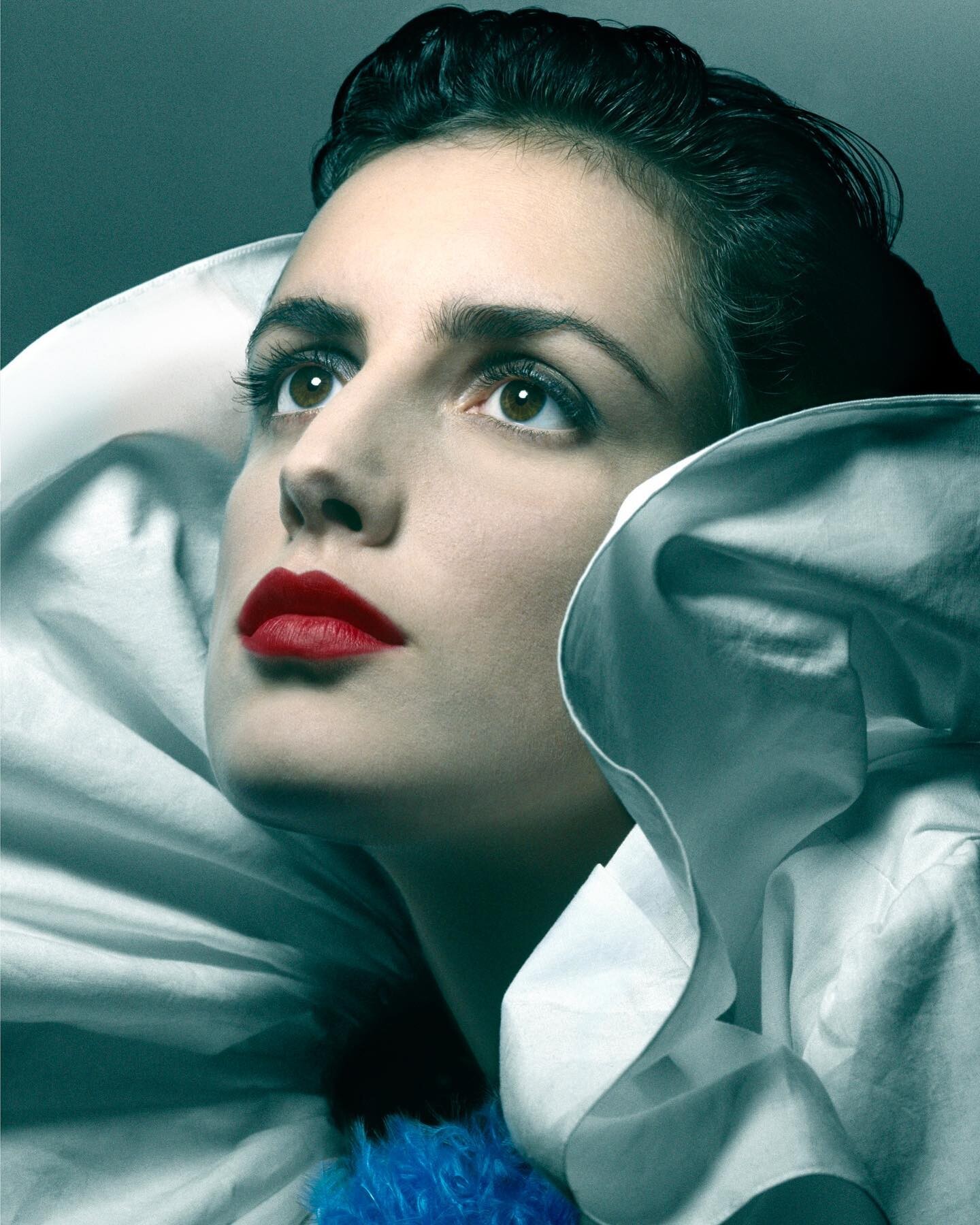
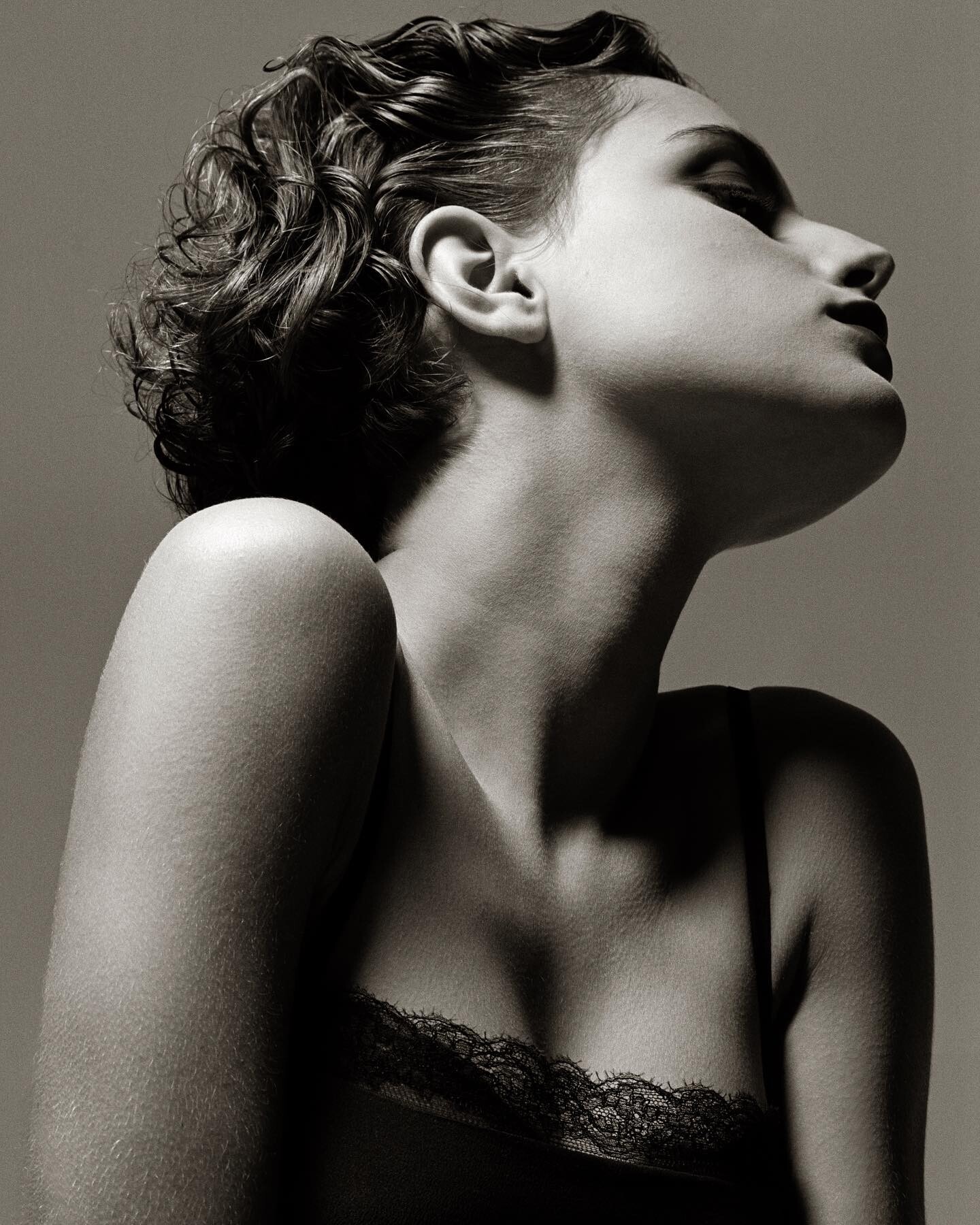
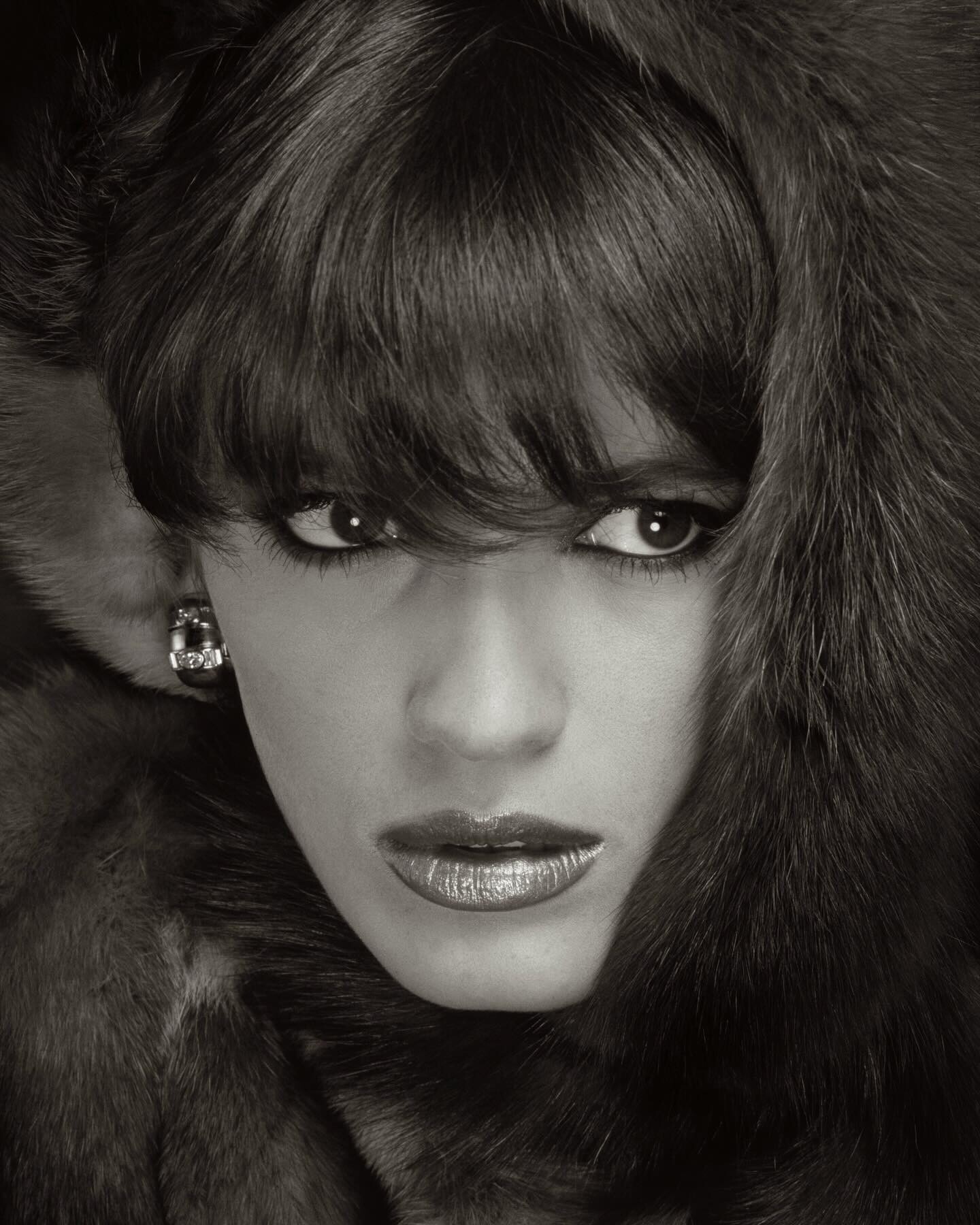
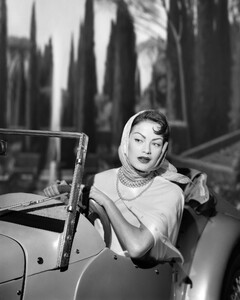
 Estee Lauder 1995 ad by Albert Watson Makeup by Sandy Linter; hair by John Sahag "This is right before Estée Lauder found Elizabeth Hurley" - credit to Sandy's IG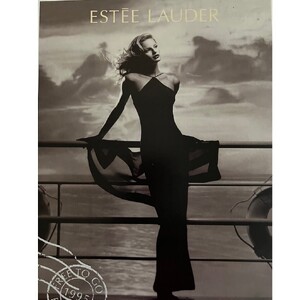
-
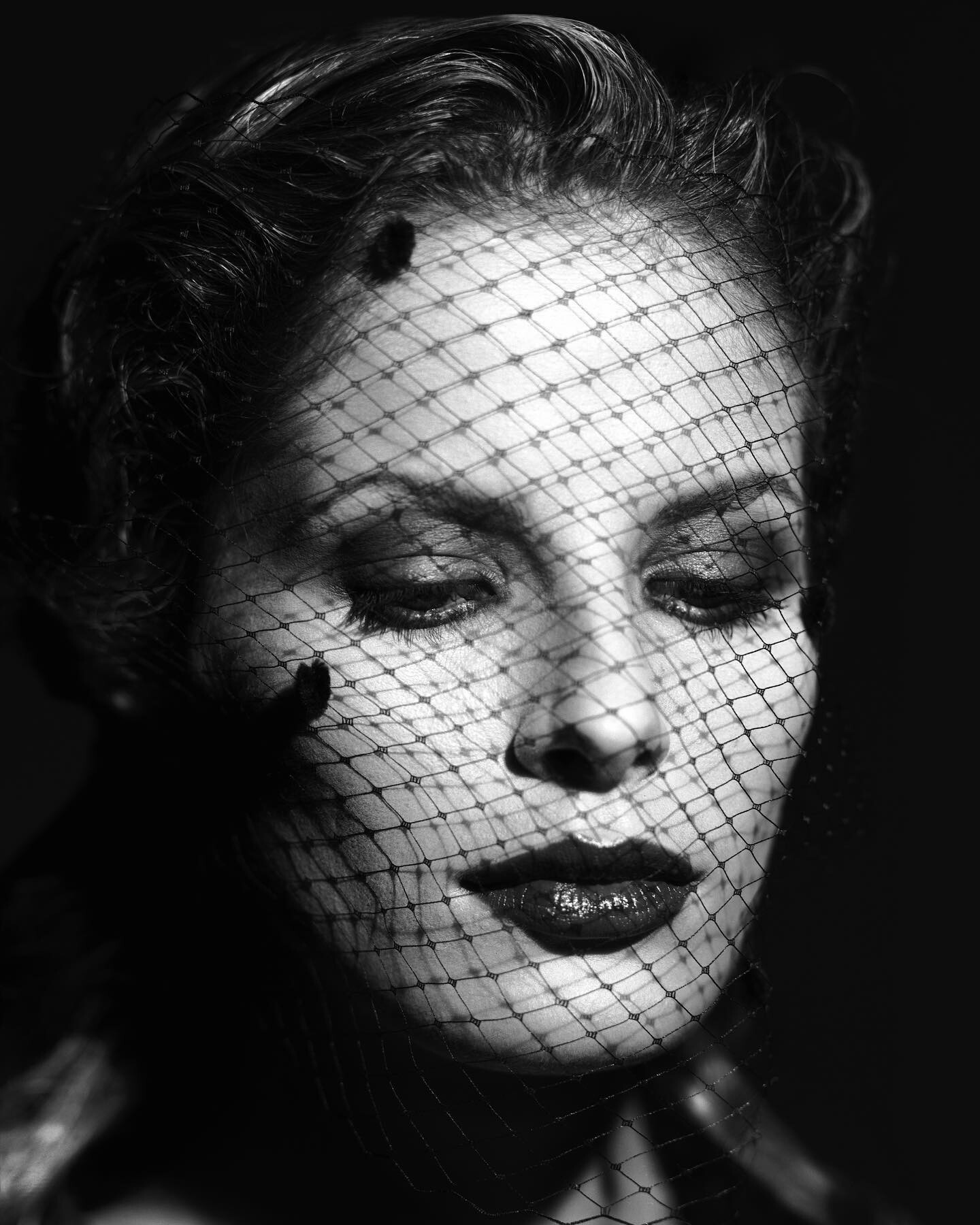
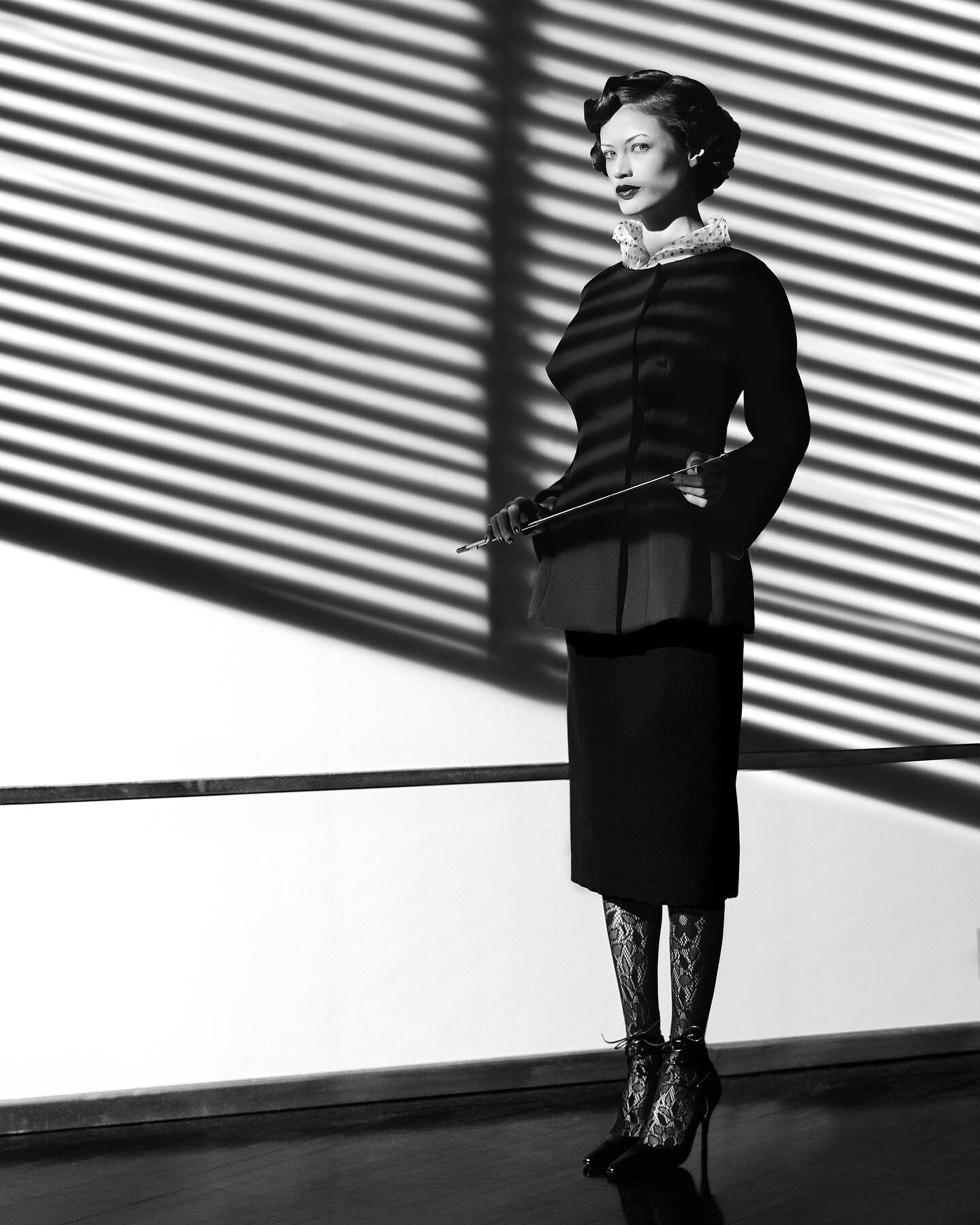
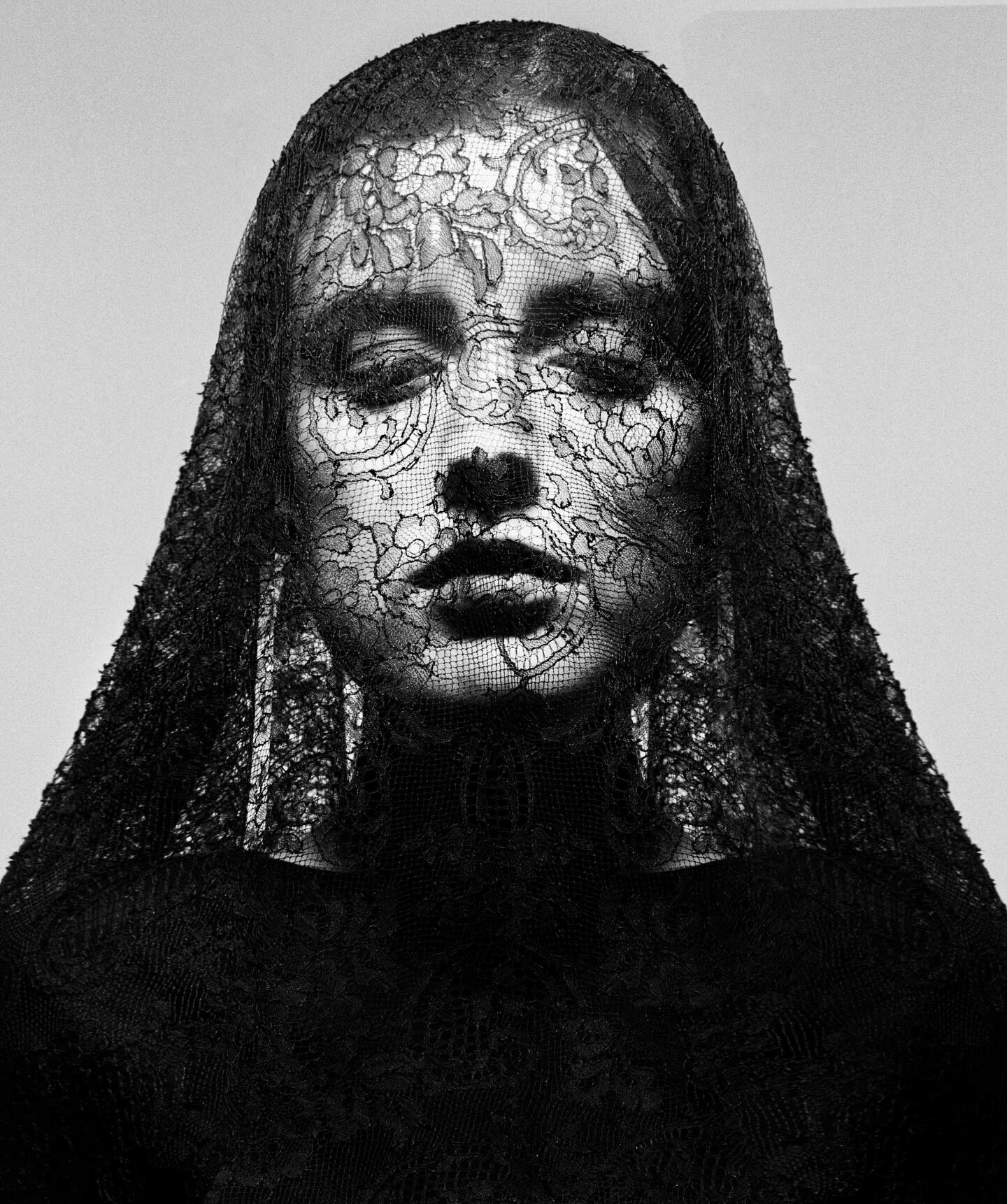
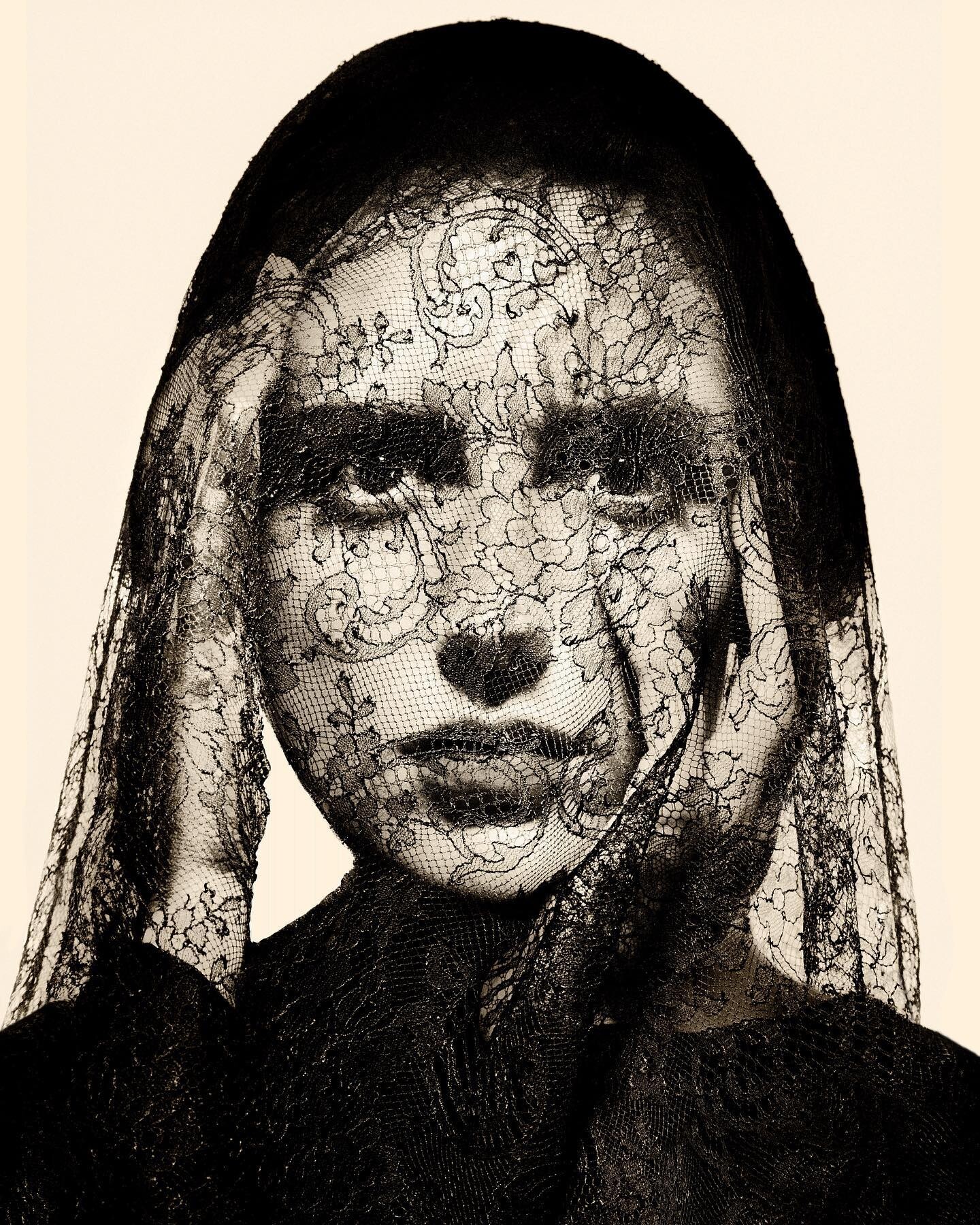
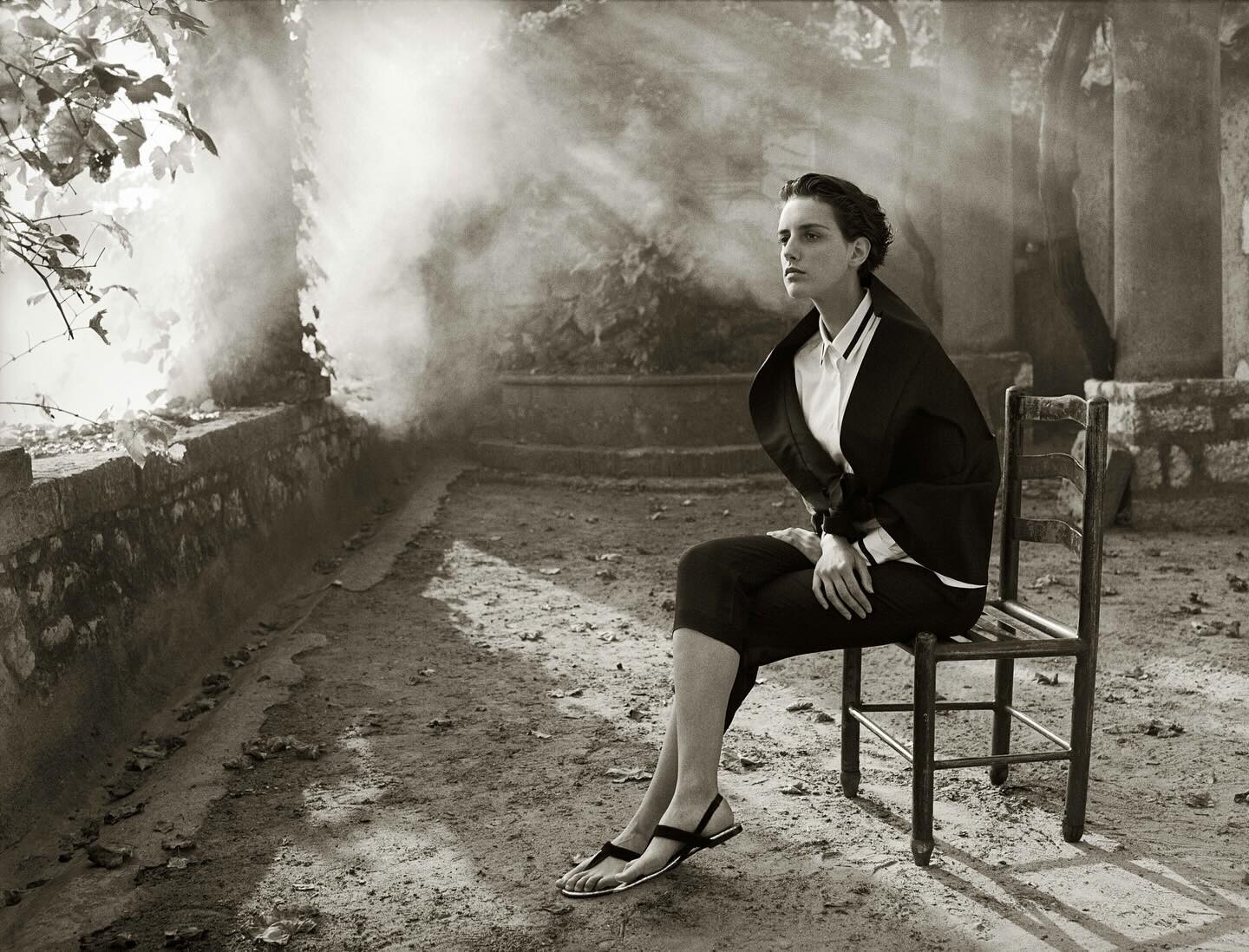
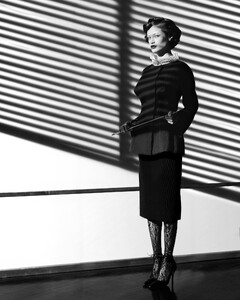
Anja by Albert Watson, outtakes from a film noir-inspired beautification campaign on NYC Subway cars. Makeup by Sandy Linter; hair by John Sahag; styling by Freddie Leiba
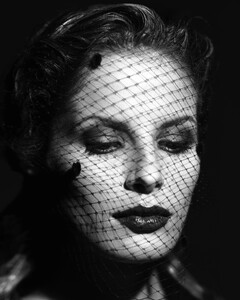
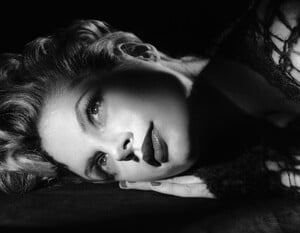
-
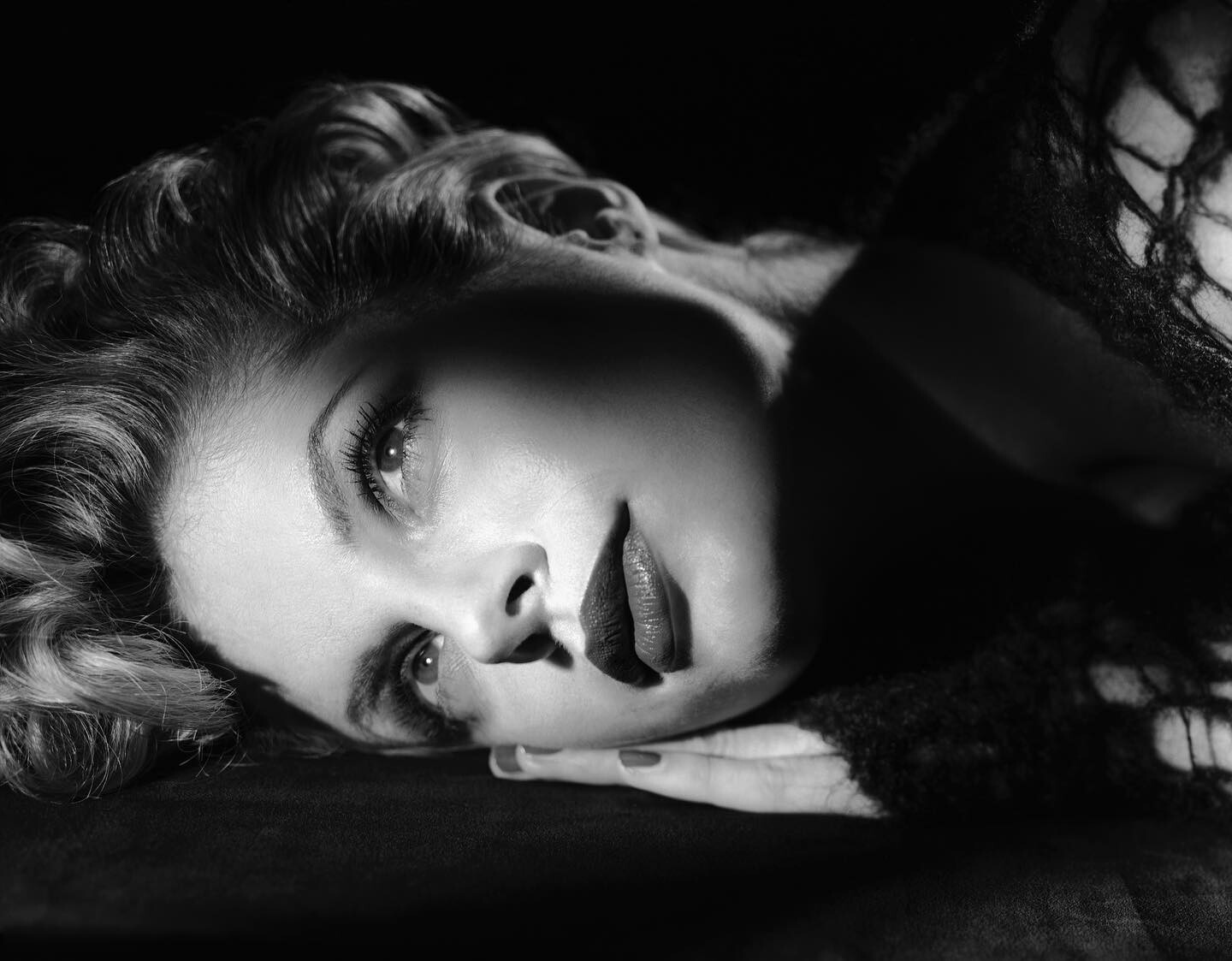
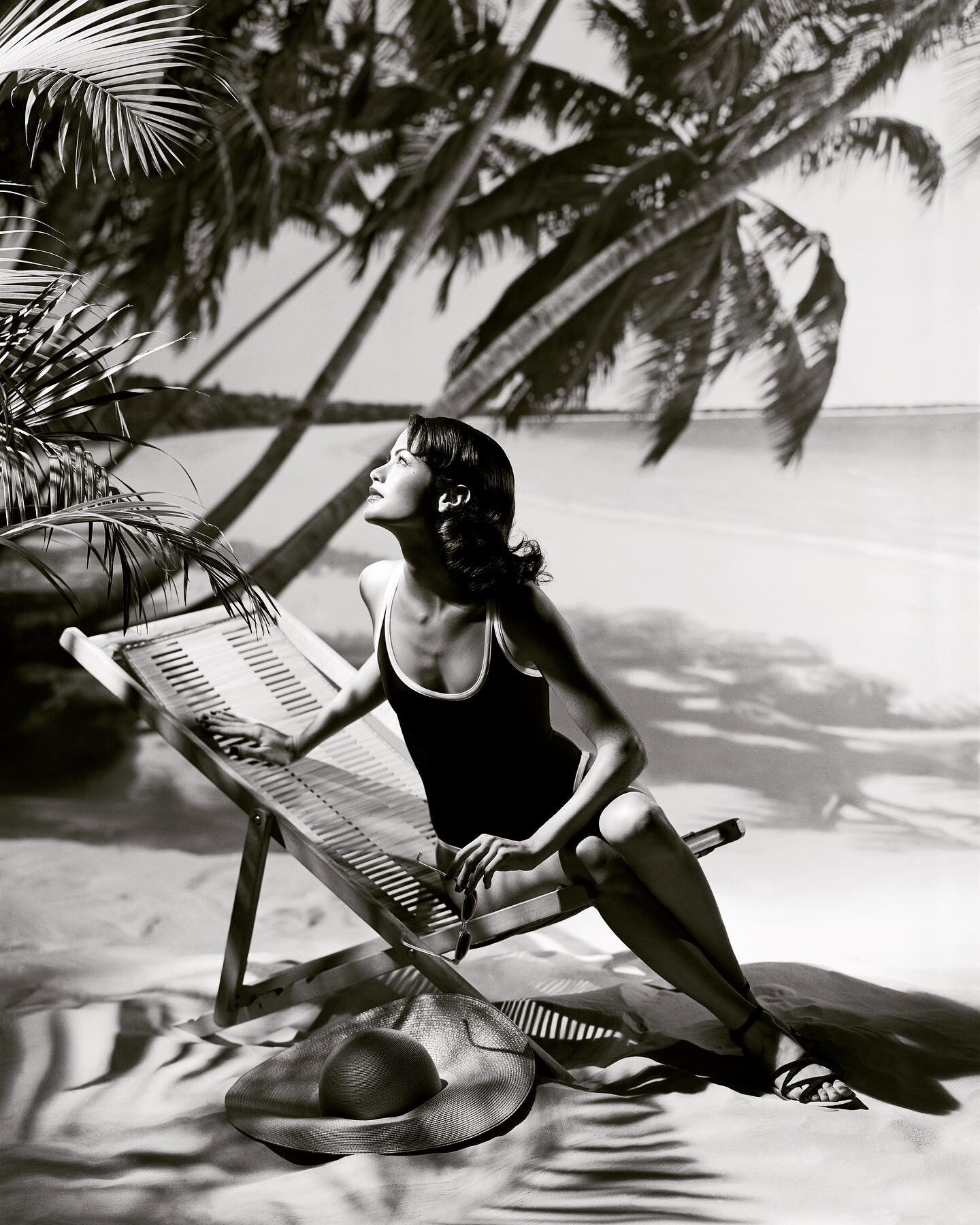
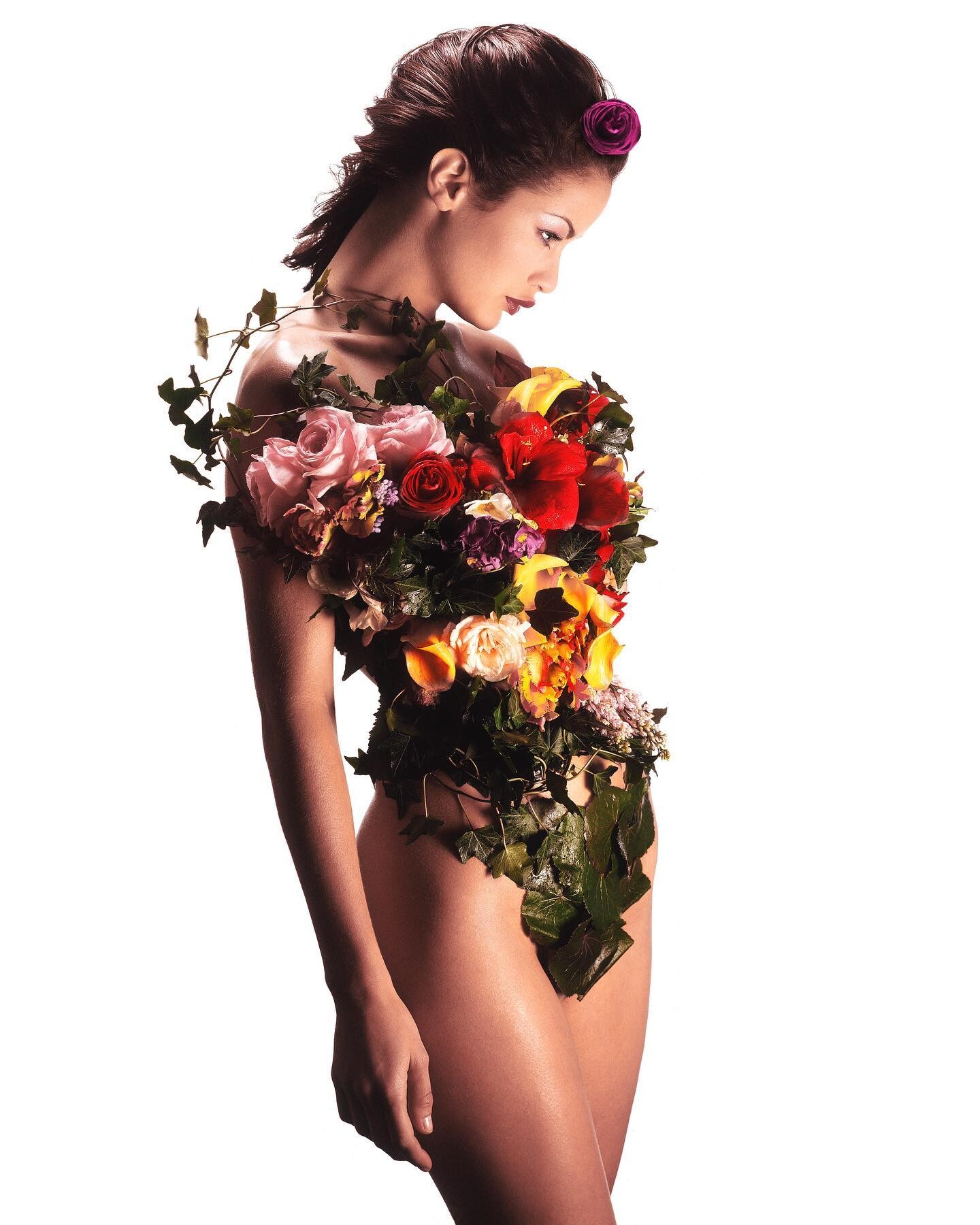
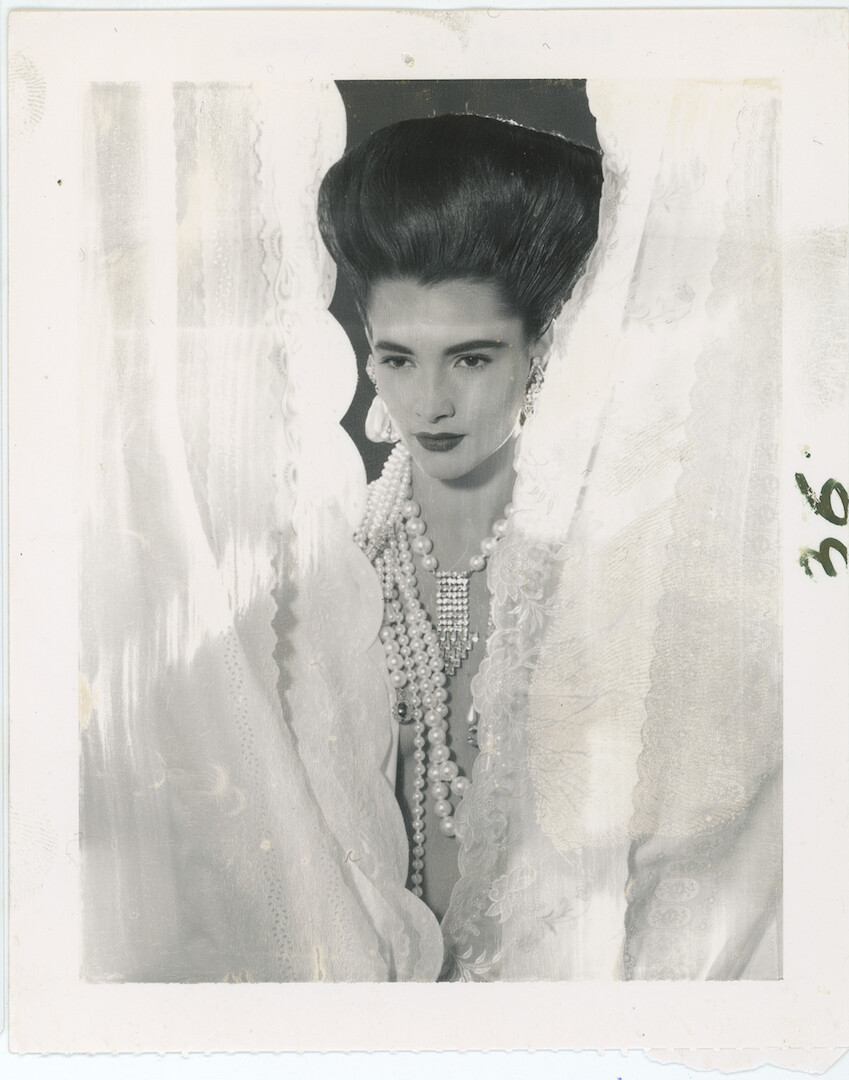
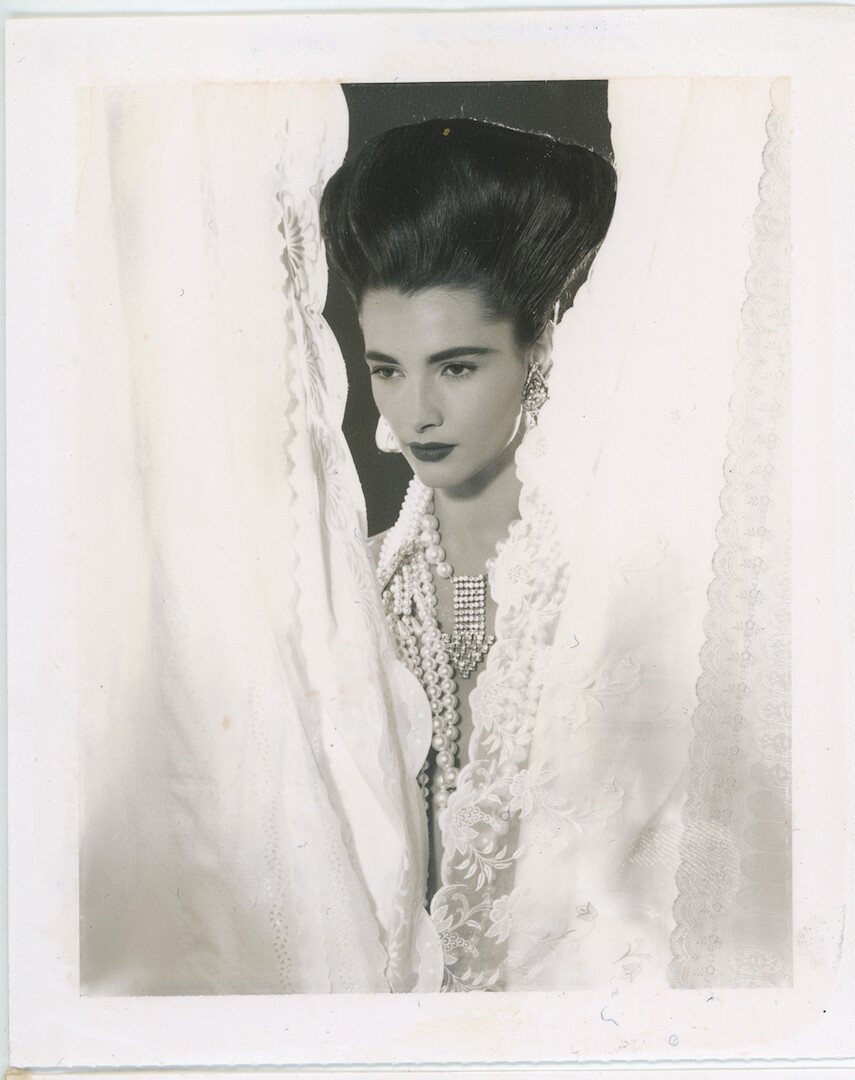
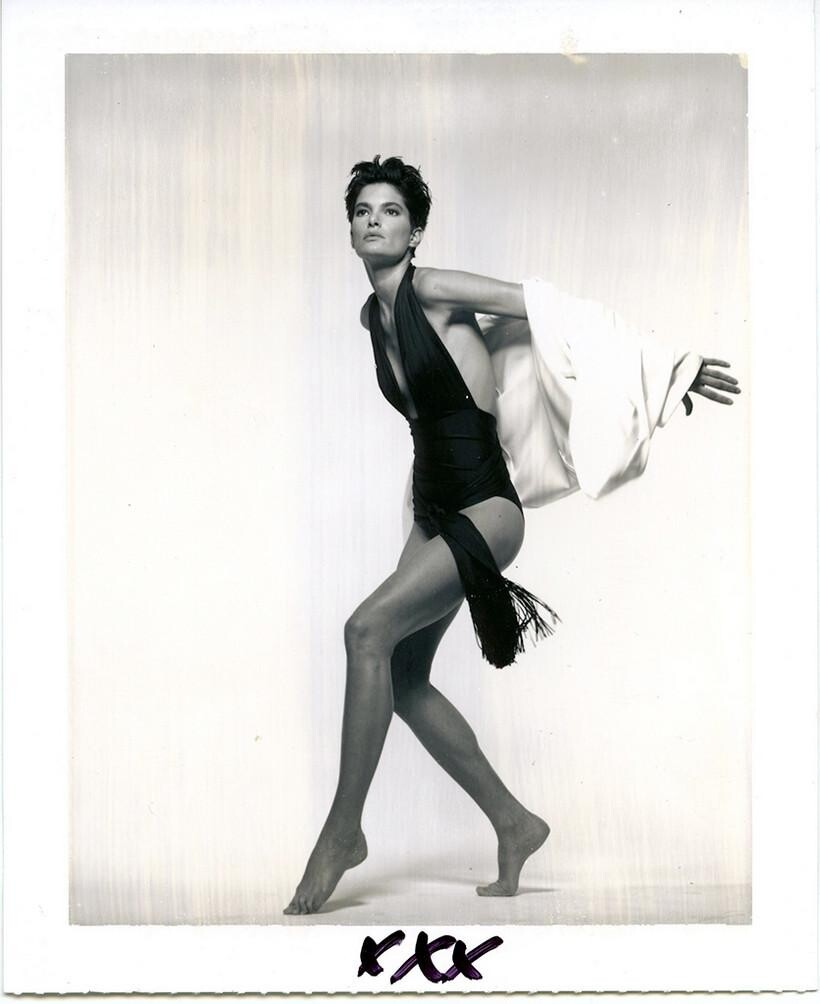
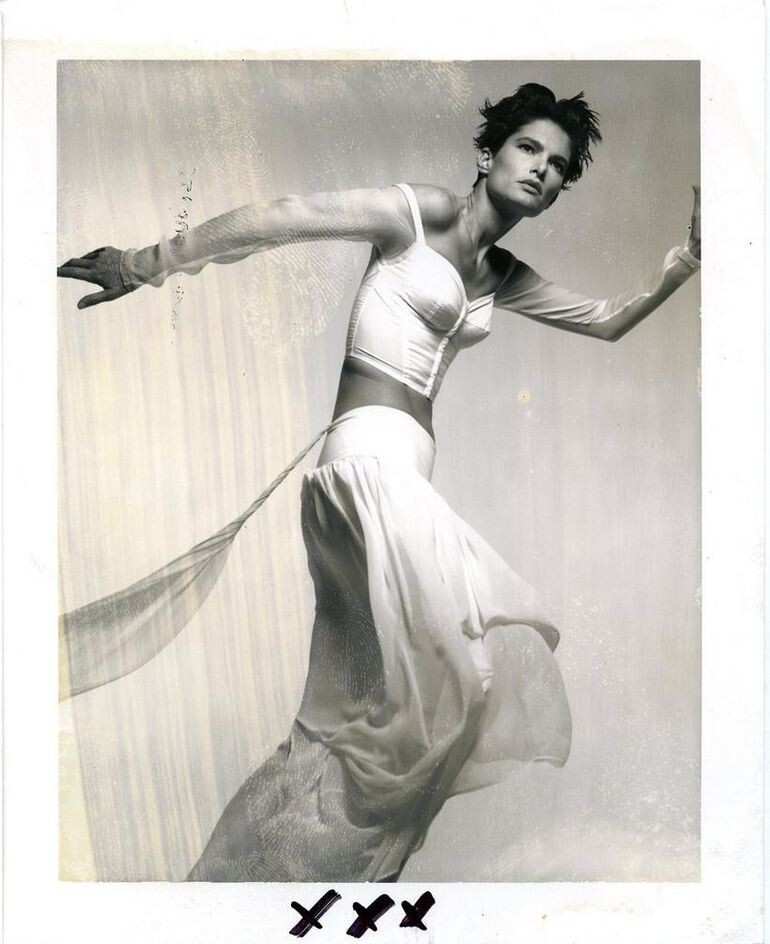
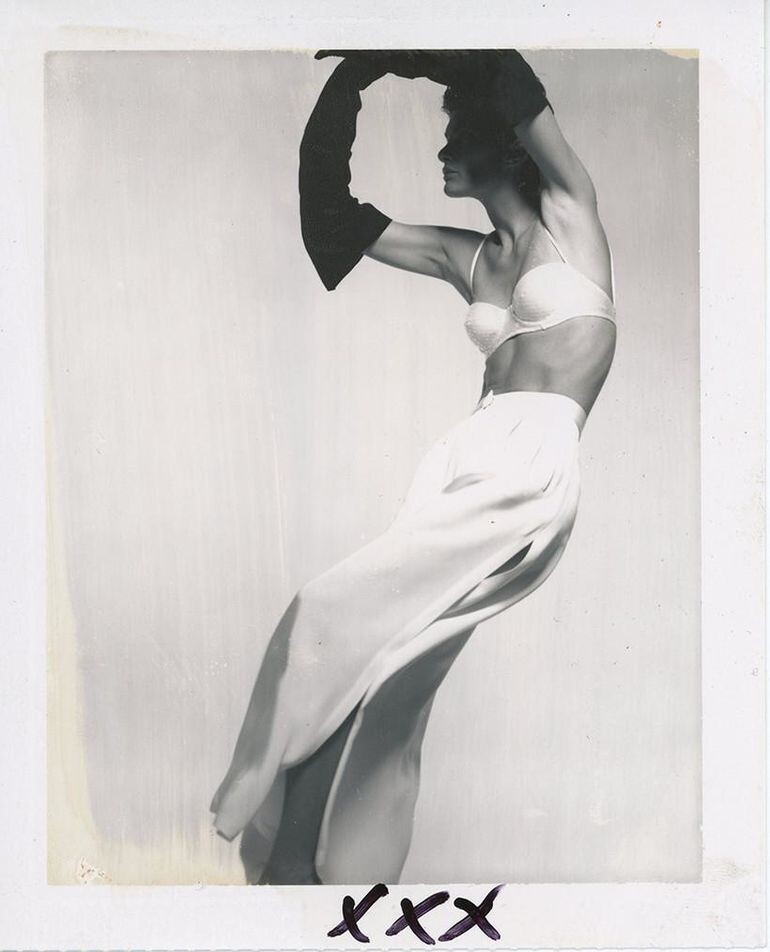
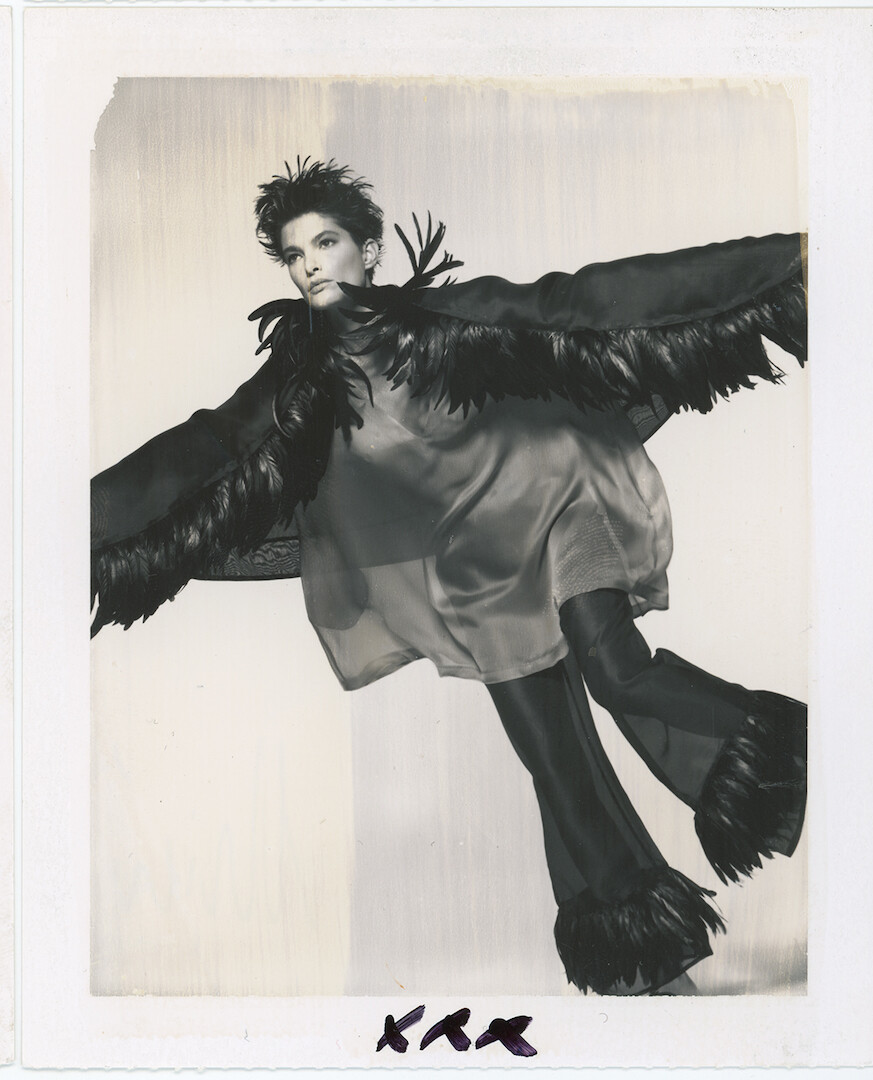
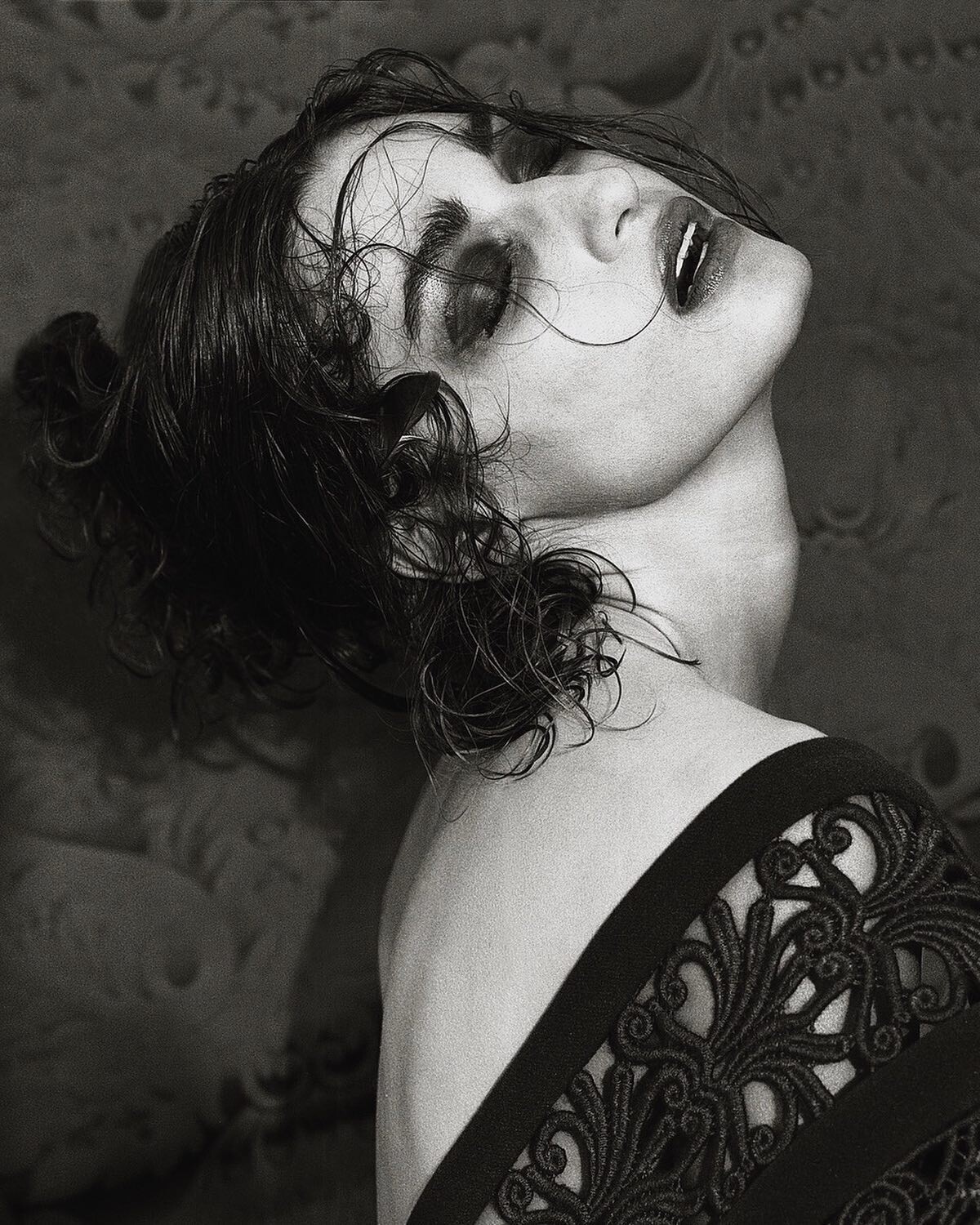
Outtakes from Albert Watson shoots, some were previously posted in lower resolution. Estee Lauder, 1995 Hair by John Sahag; makeup by Mark Hayles Vogue Paris, 1997
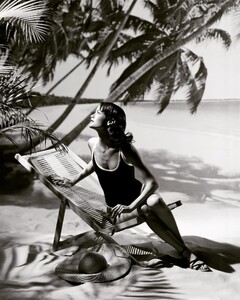
-
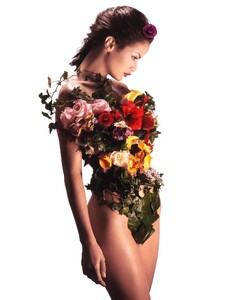
An outtake from NY mag shoot by Albert Watson, 1995 (reposting in higher resolution):
-
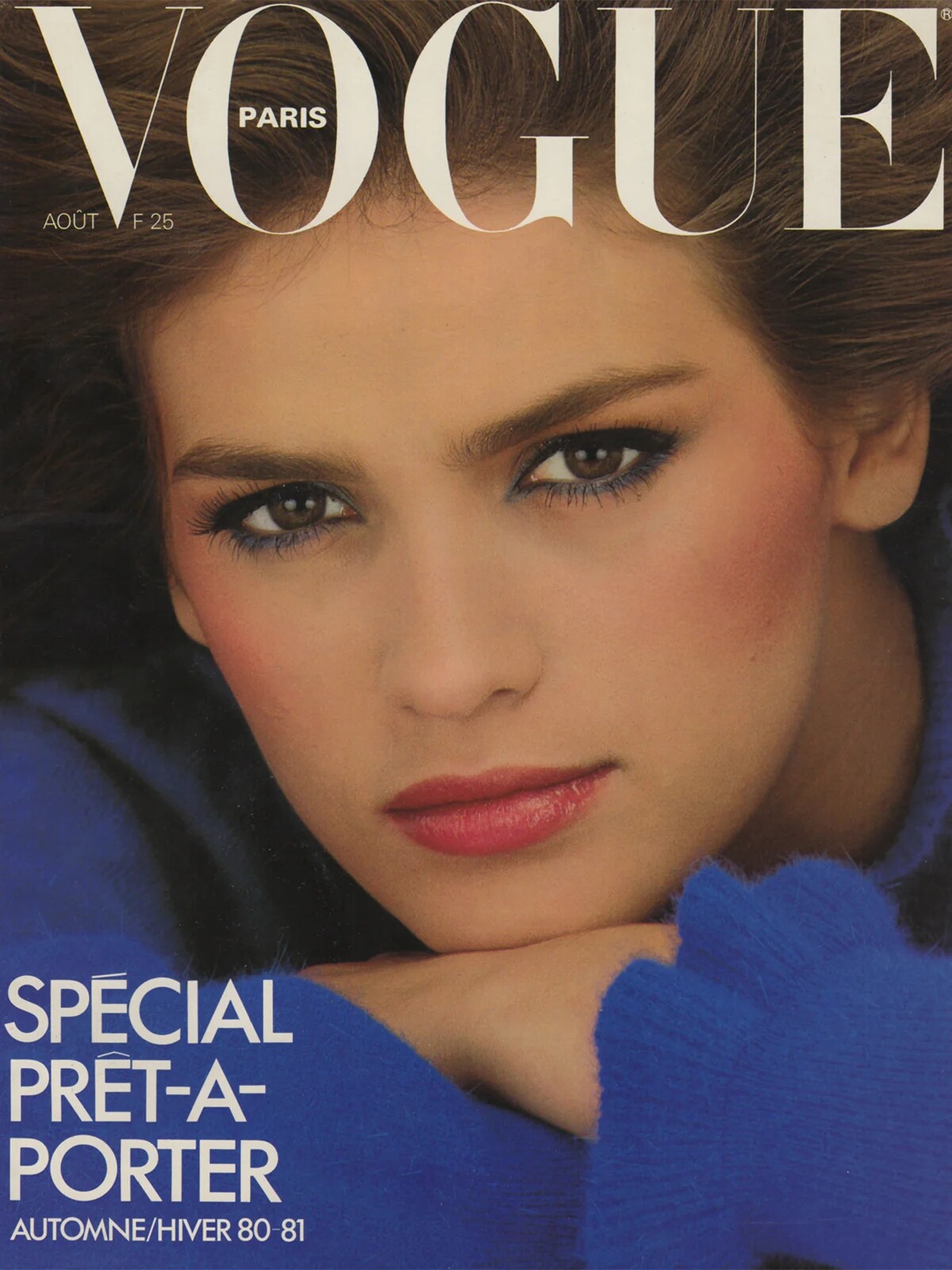
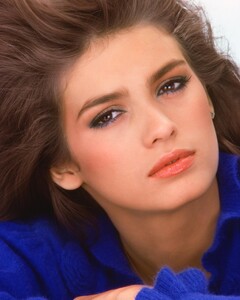
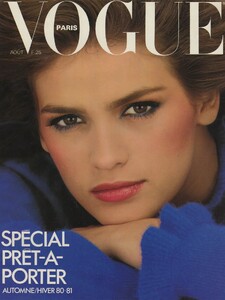
An outtake from a covershoot for Vogue Paris August 1980 by Albert Watson:
-
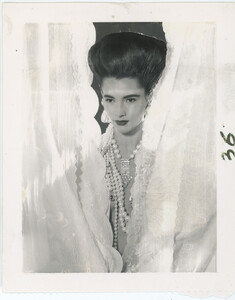
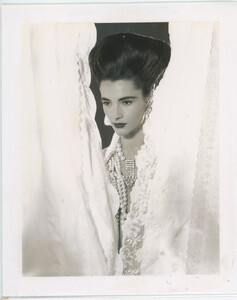
Two more by Gian Paolo Barbieri for Interview, 1986: 29artsinprogress
-
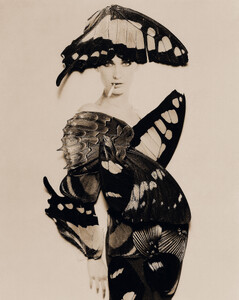
Looks like Claude by Giovanni Gastel, 1992:
-
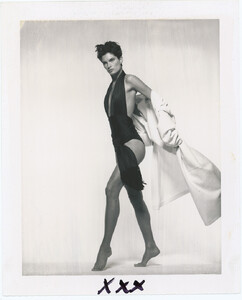
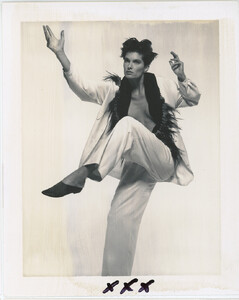
By Gian Paolo Barbieri, 1991: 29artsinprogress
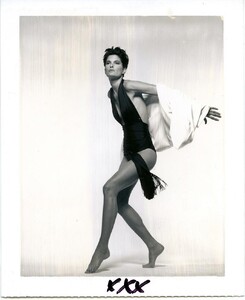
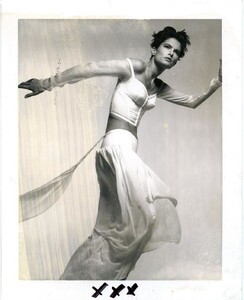
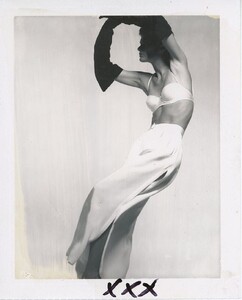
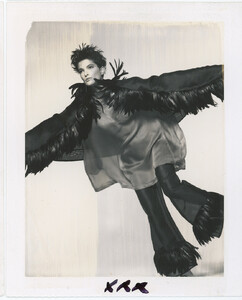
-
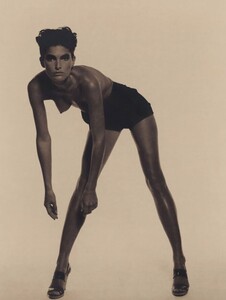
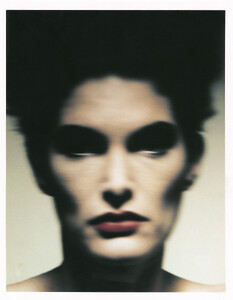
Lynne by Giovanni Gastel for Vogue Spain March 1990 WARNING: NUDITY
-
+ Steevie Van Der Veen
-
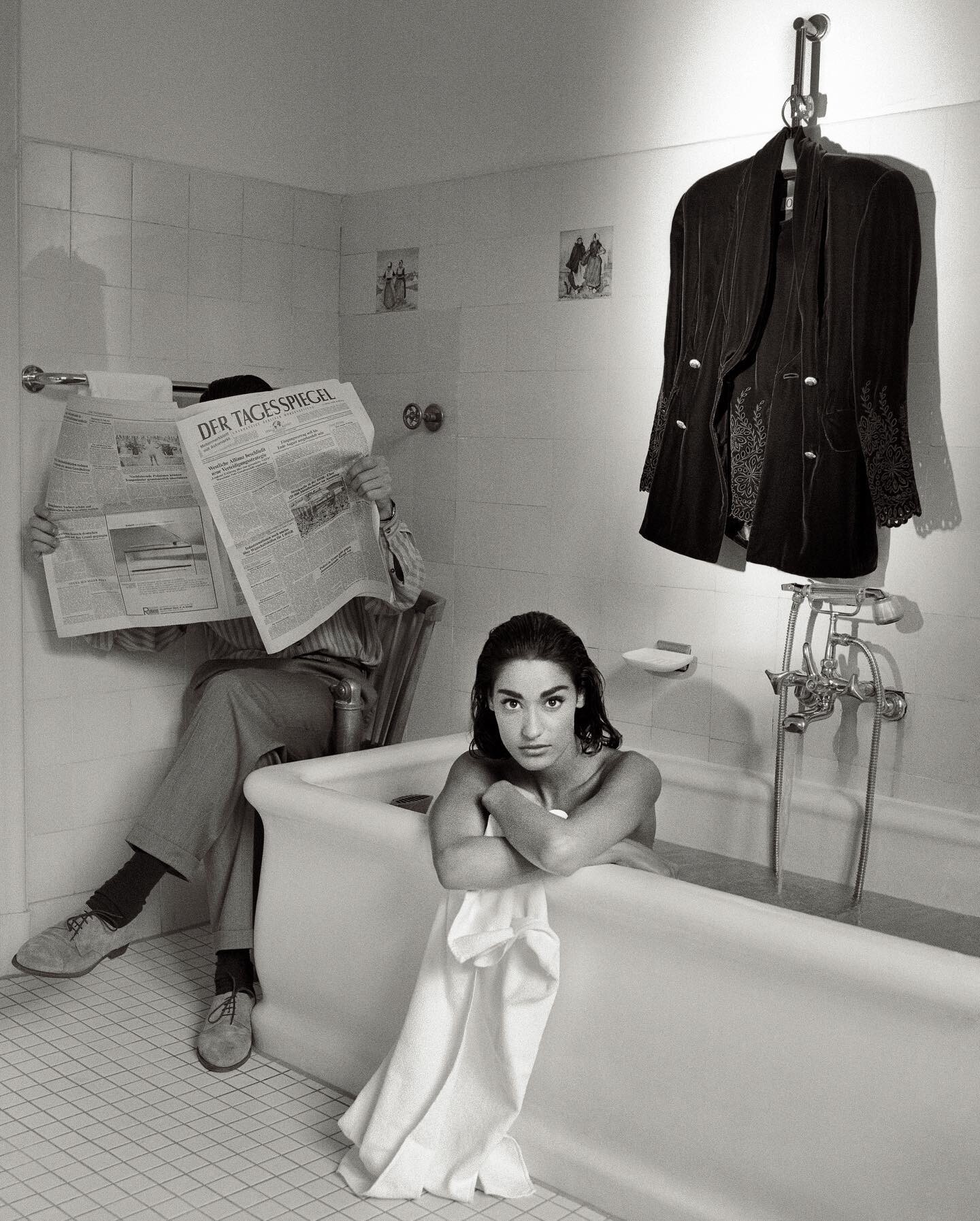
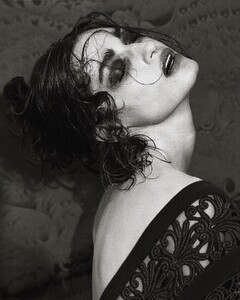
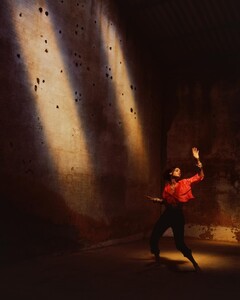
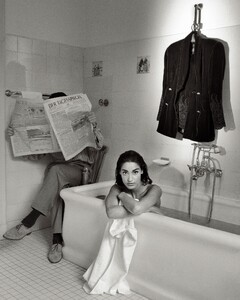
Yvette by Albert Watson, previously unpublished from shoots for Stern and Marie Claire Germany, 1990:
-
What an interesting question! I love Elton and love this song, but it seems I never paid much attention to the music video and the model in it. Not to mention I never saw Yasmeen Ghauri there. No, she definitely doesn't look like Yasmeen to me and she does look more like Yvette for sure. But it is very confusing, in such cases you don't know what to doubt - your eyes or the official information. Either Yasmeen's face has changed so much since the shooting of this video or the credits are wrong.
-
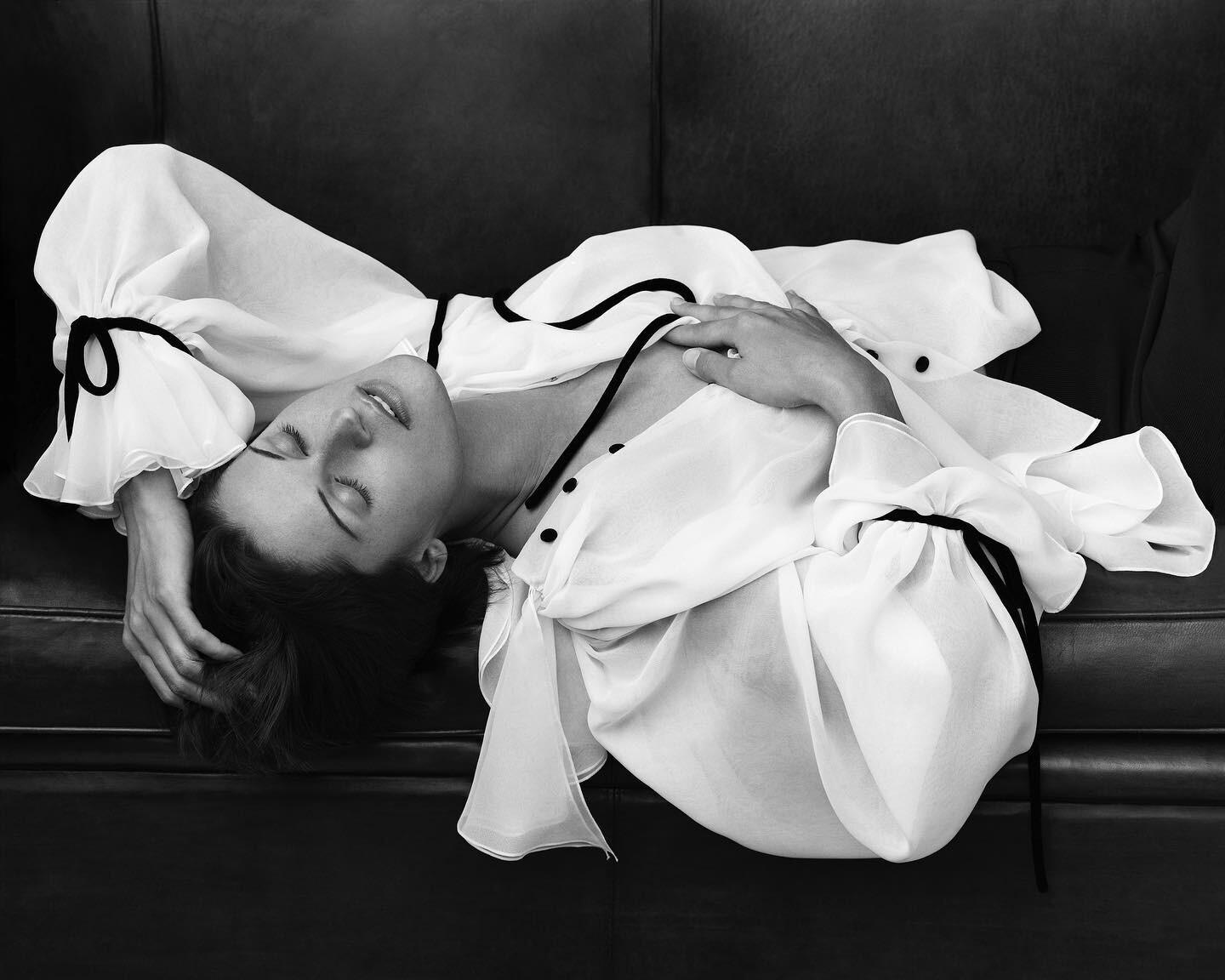
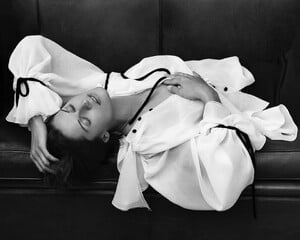
Outtakes from Albert Watson's shoot for Vogue UK August 1993:
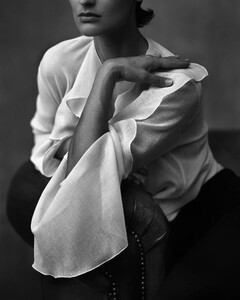
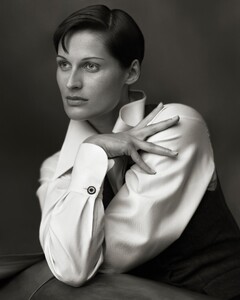
-
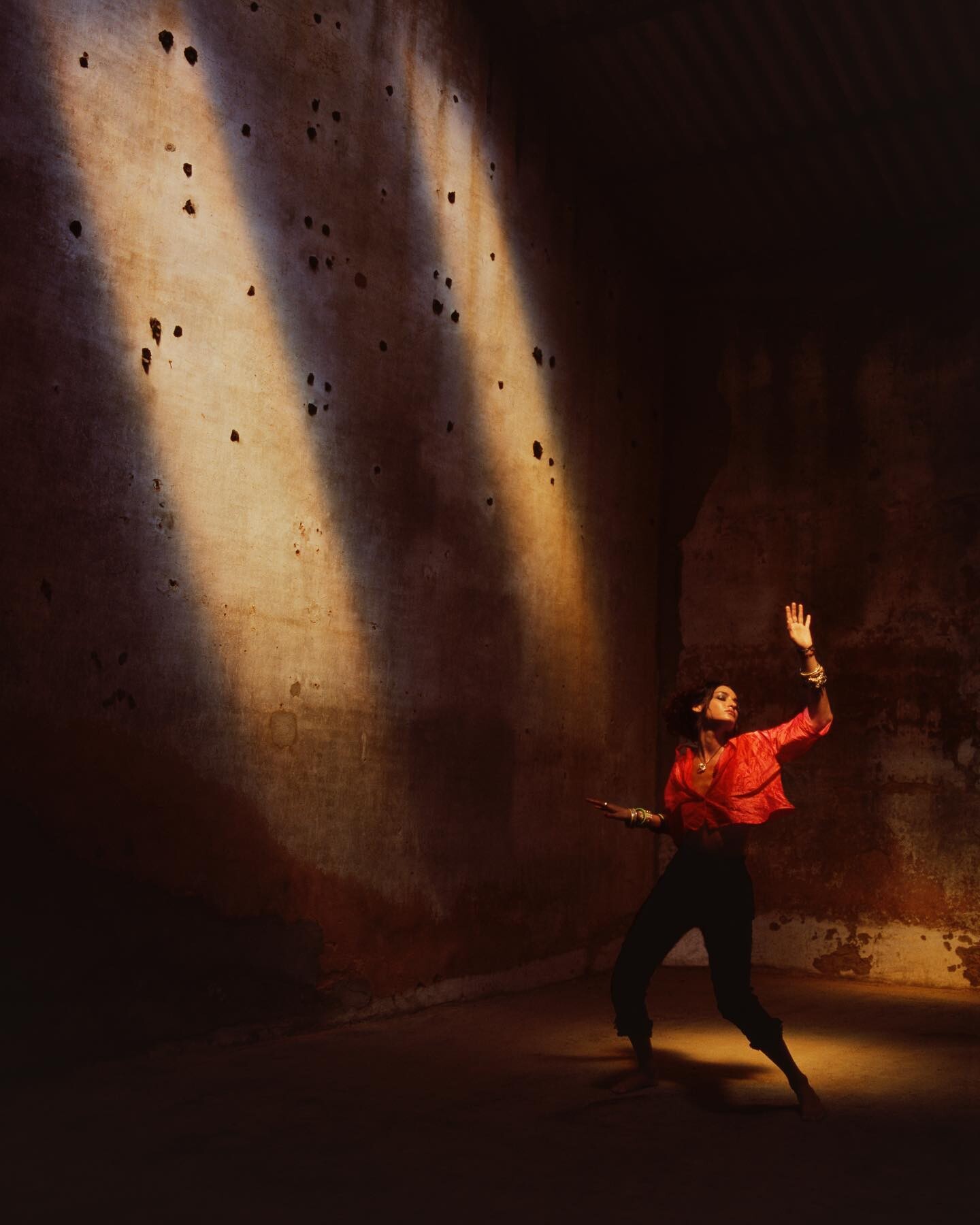
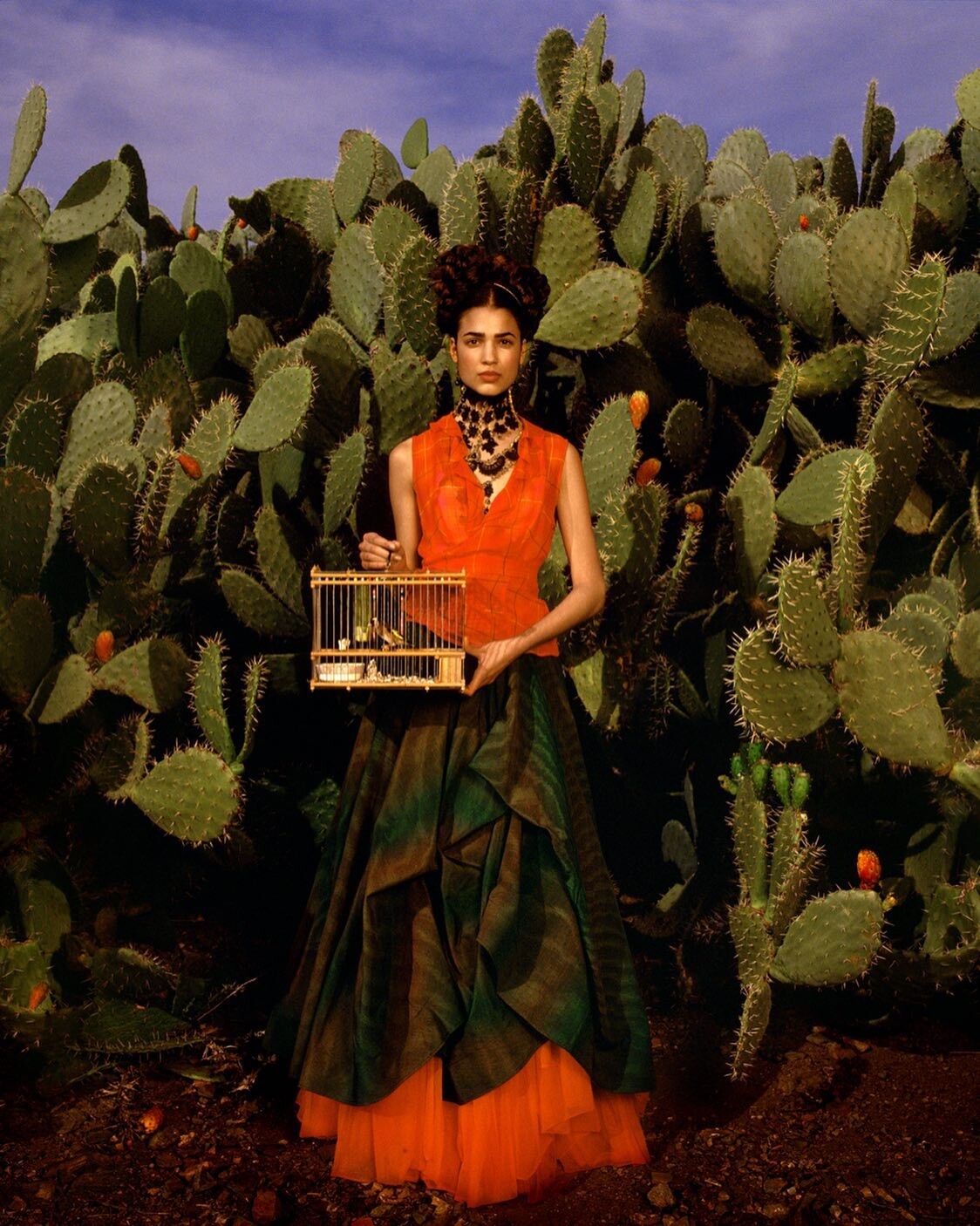
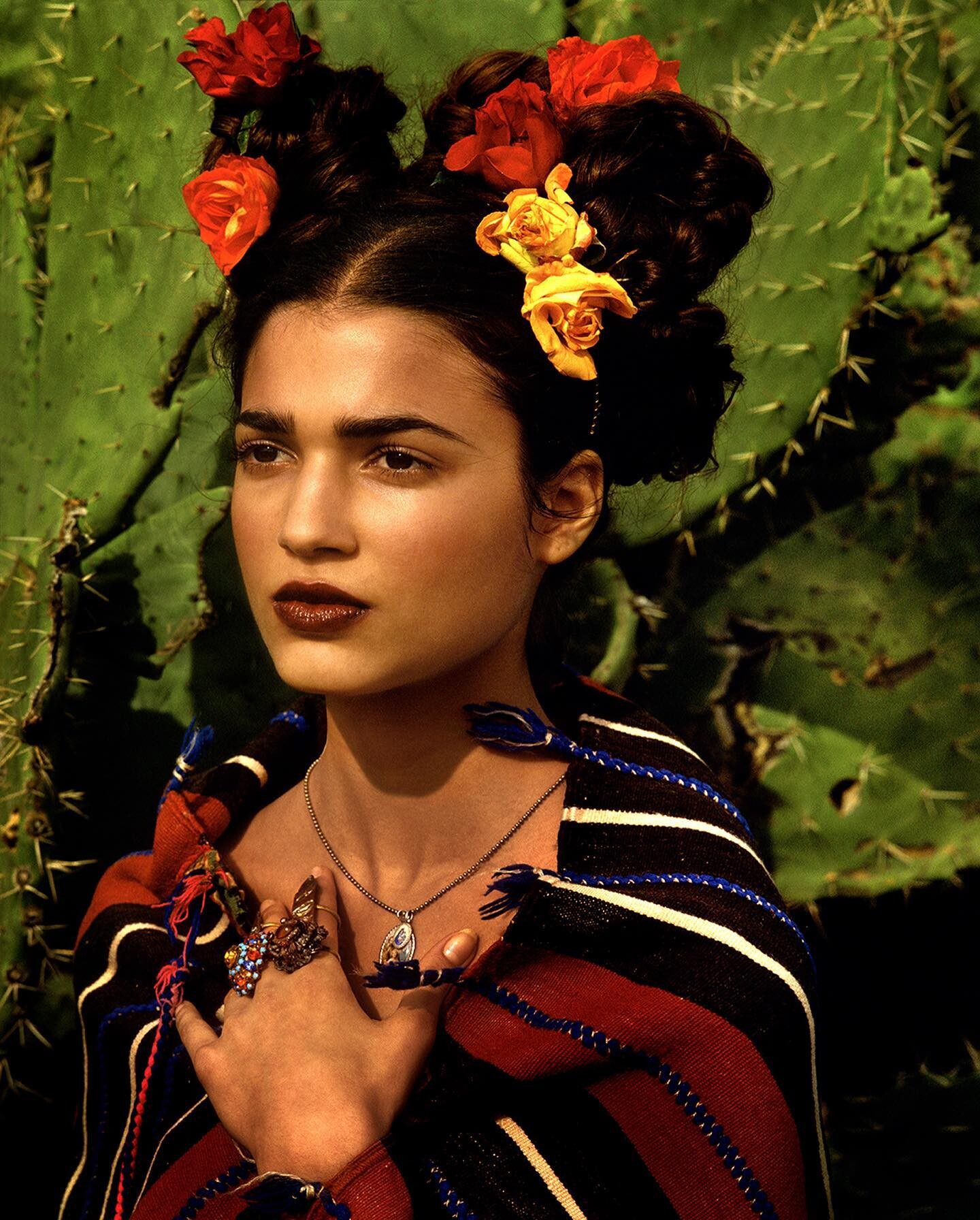
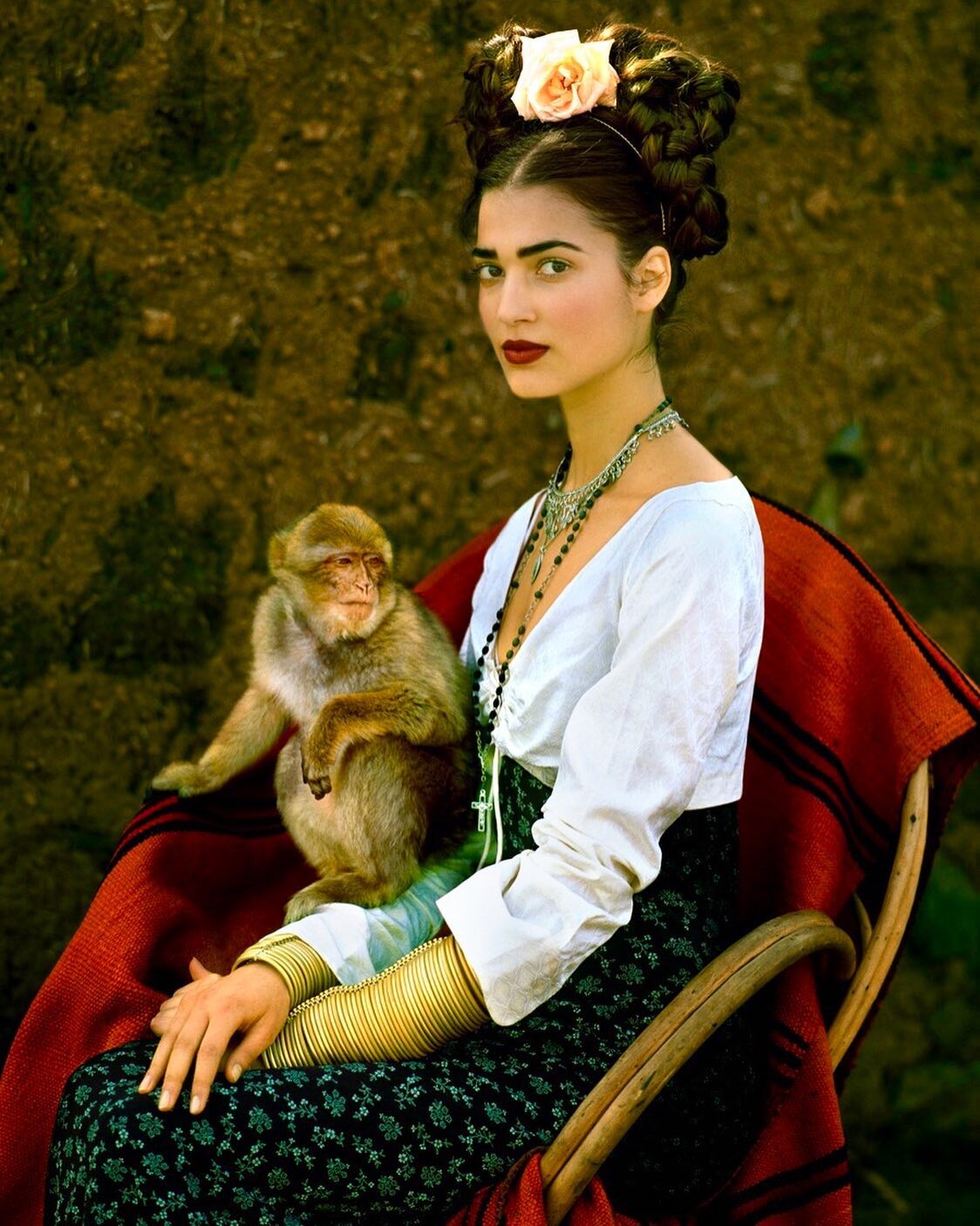
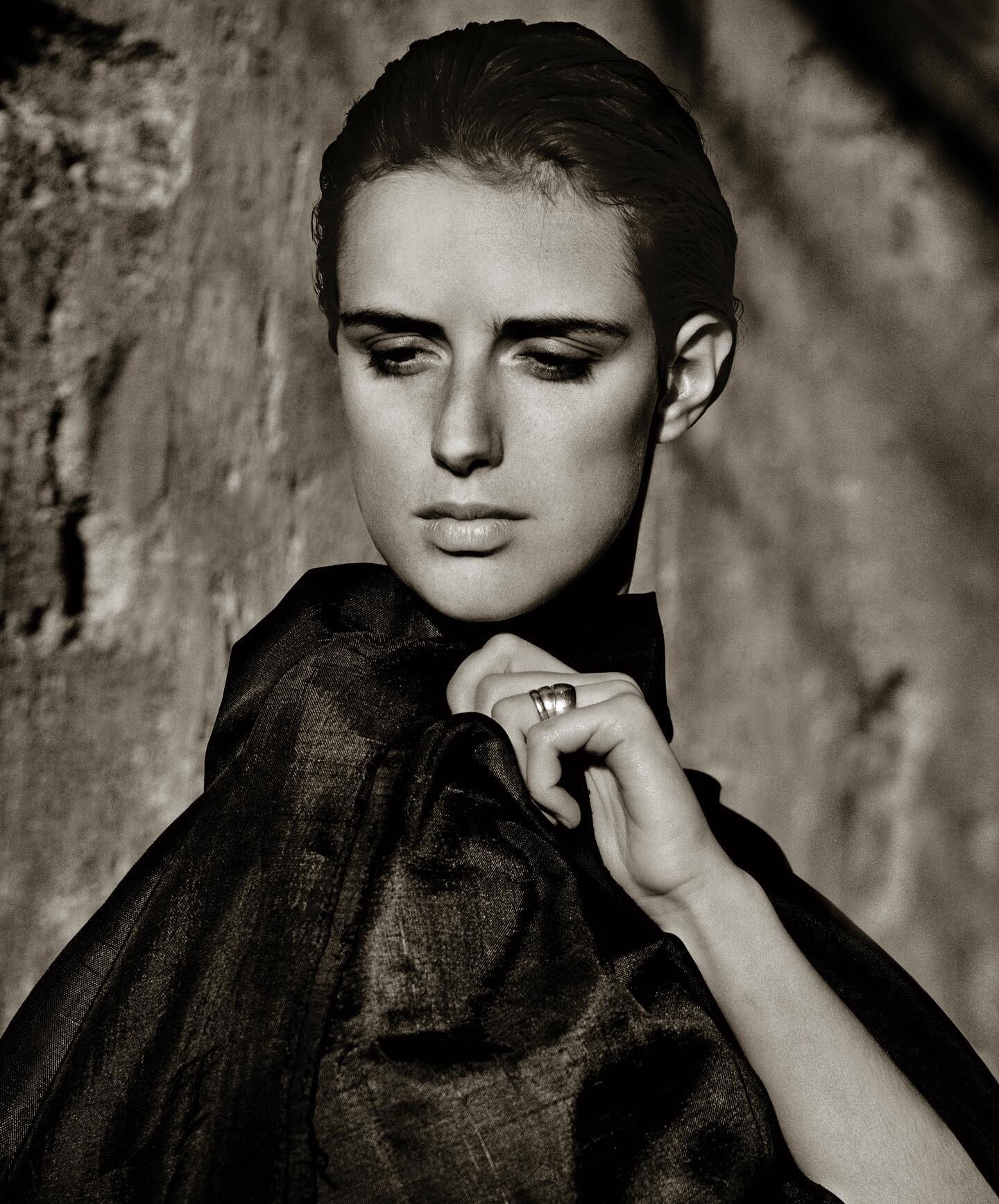
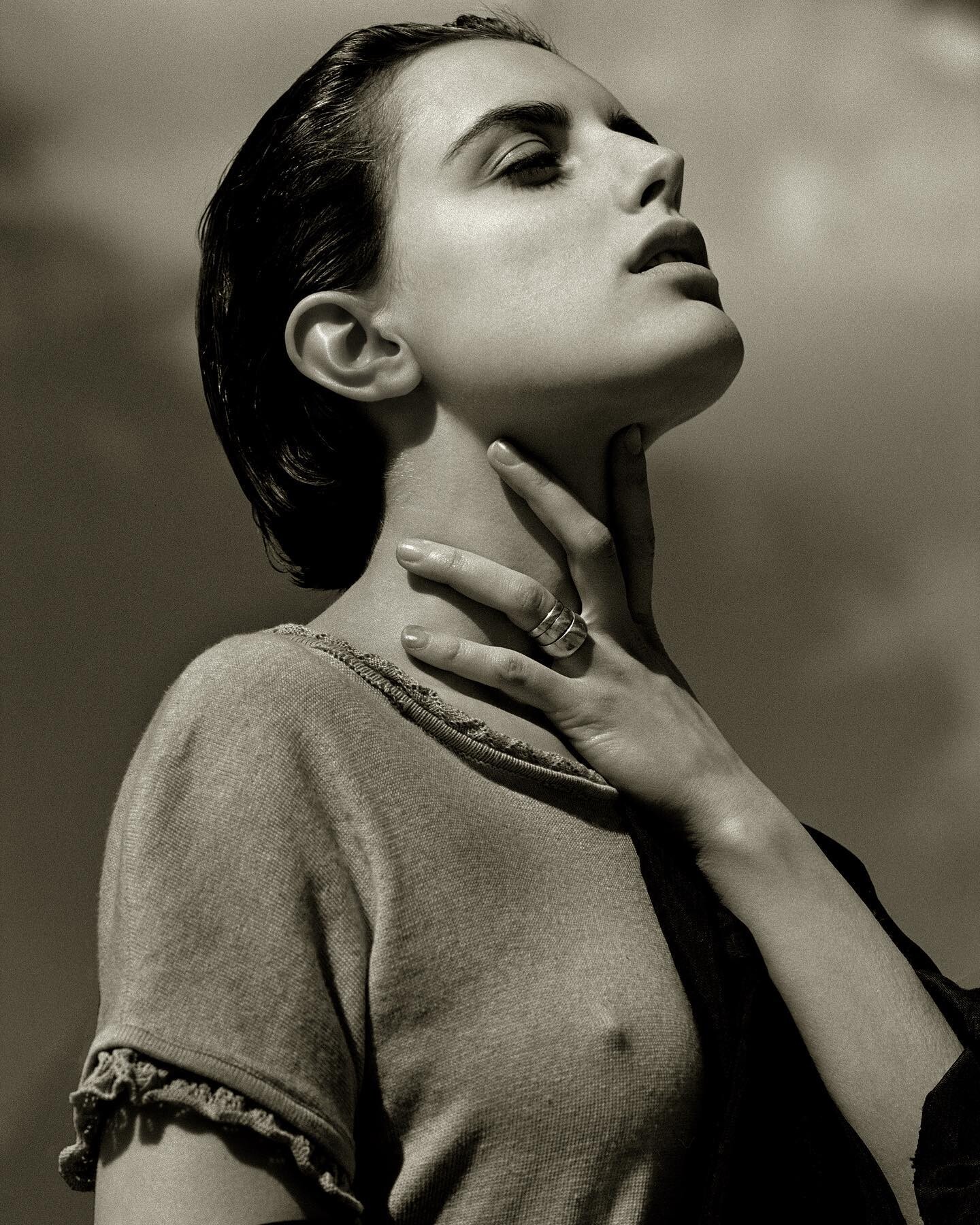
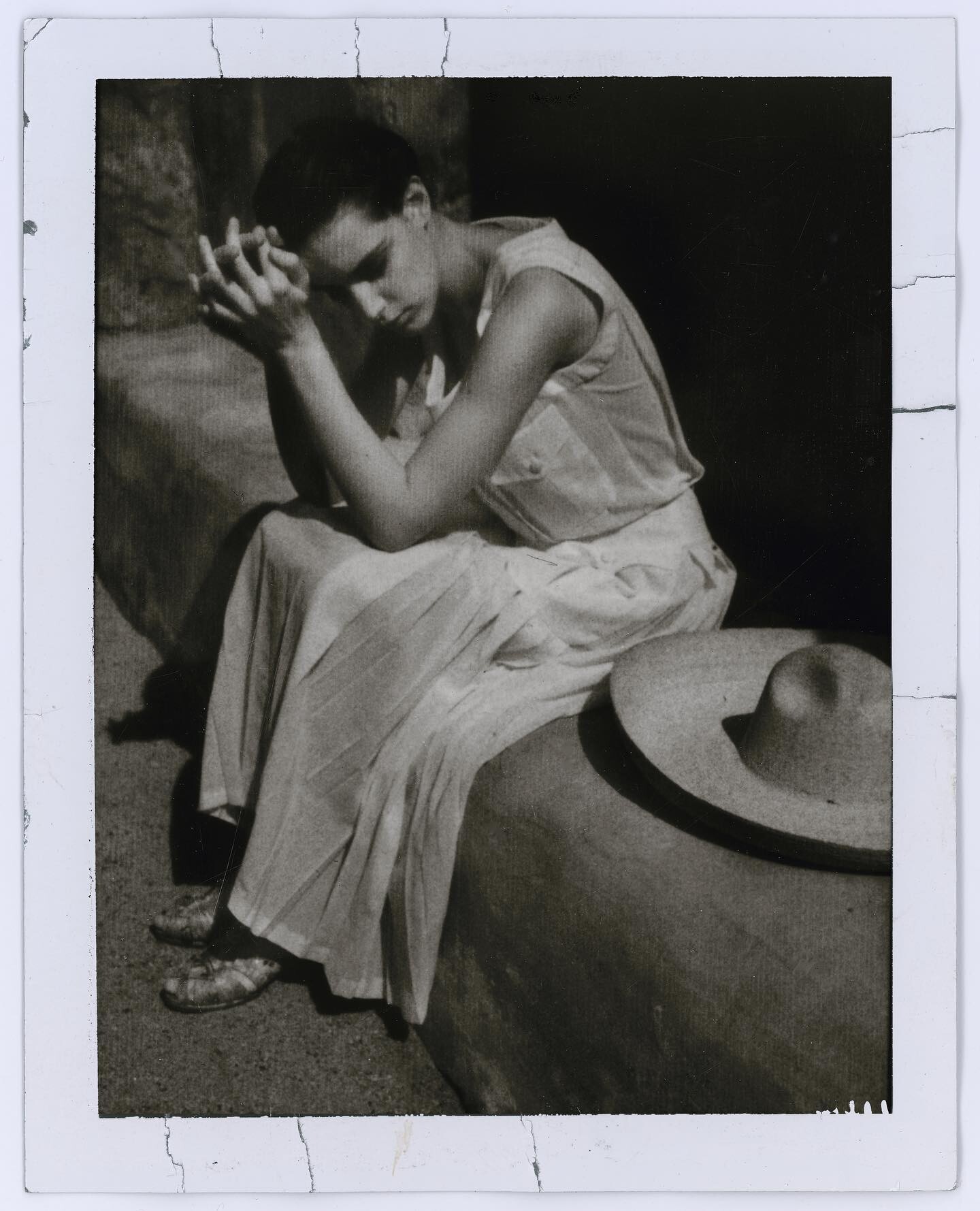
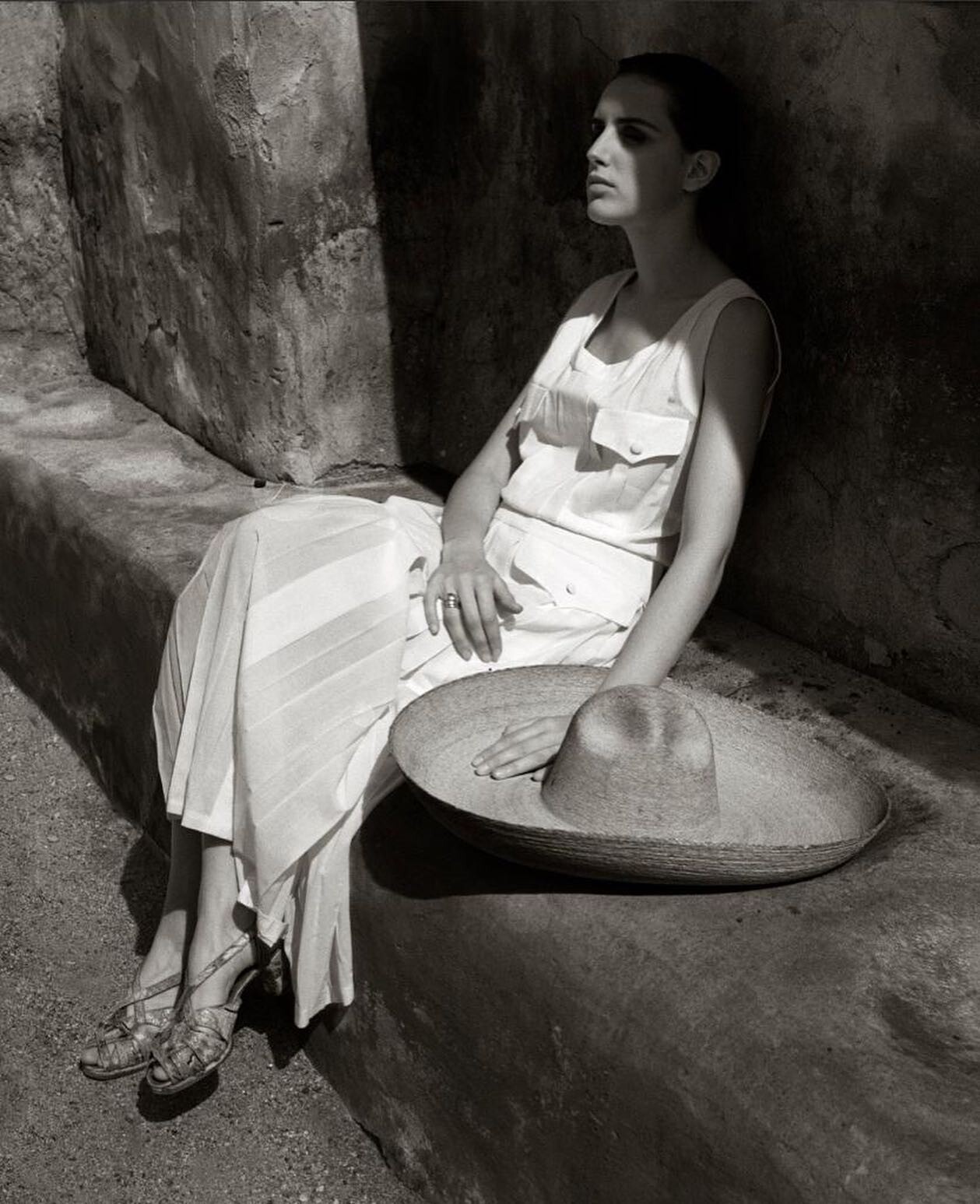
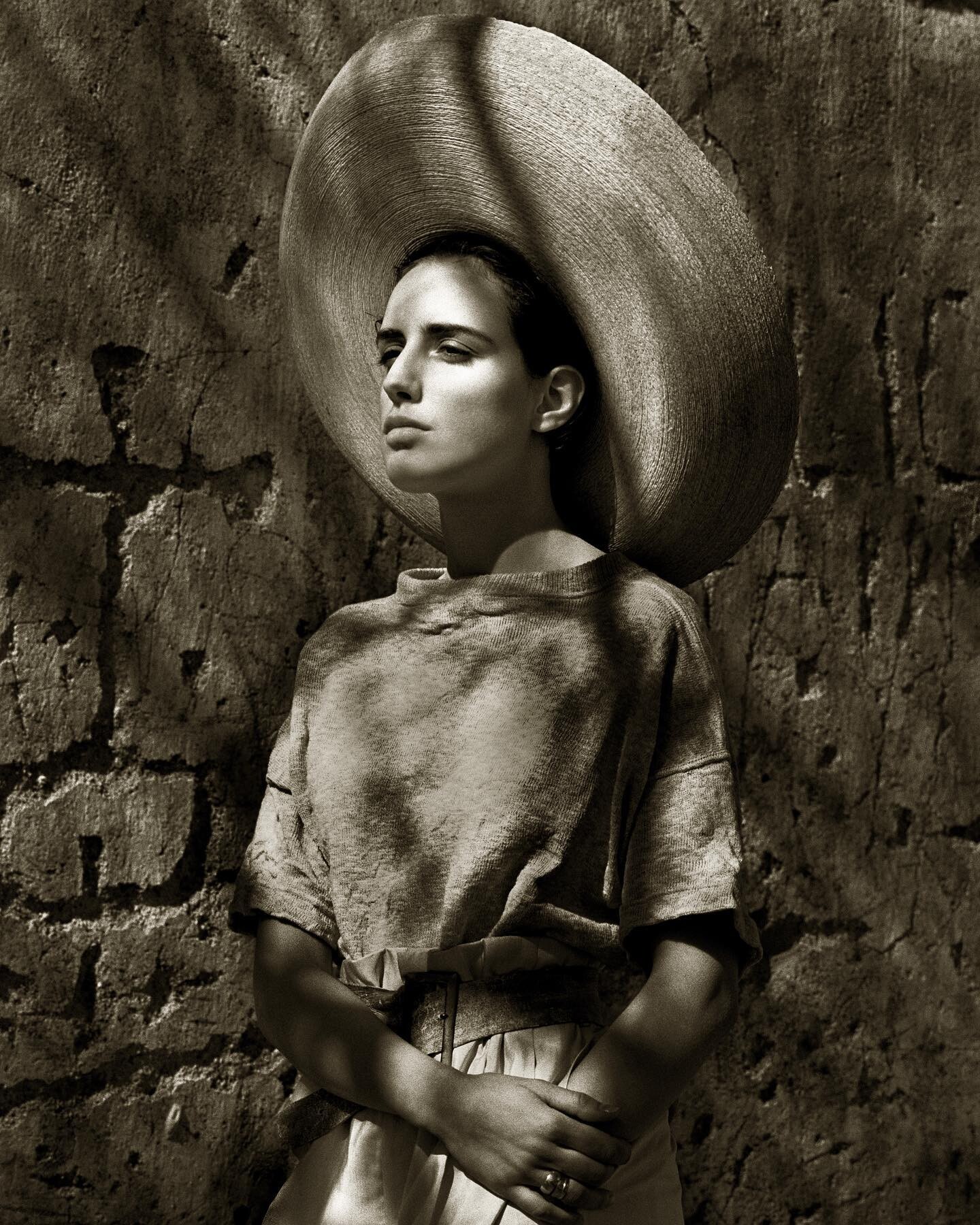
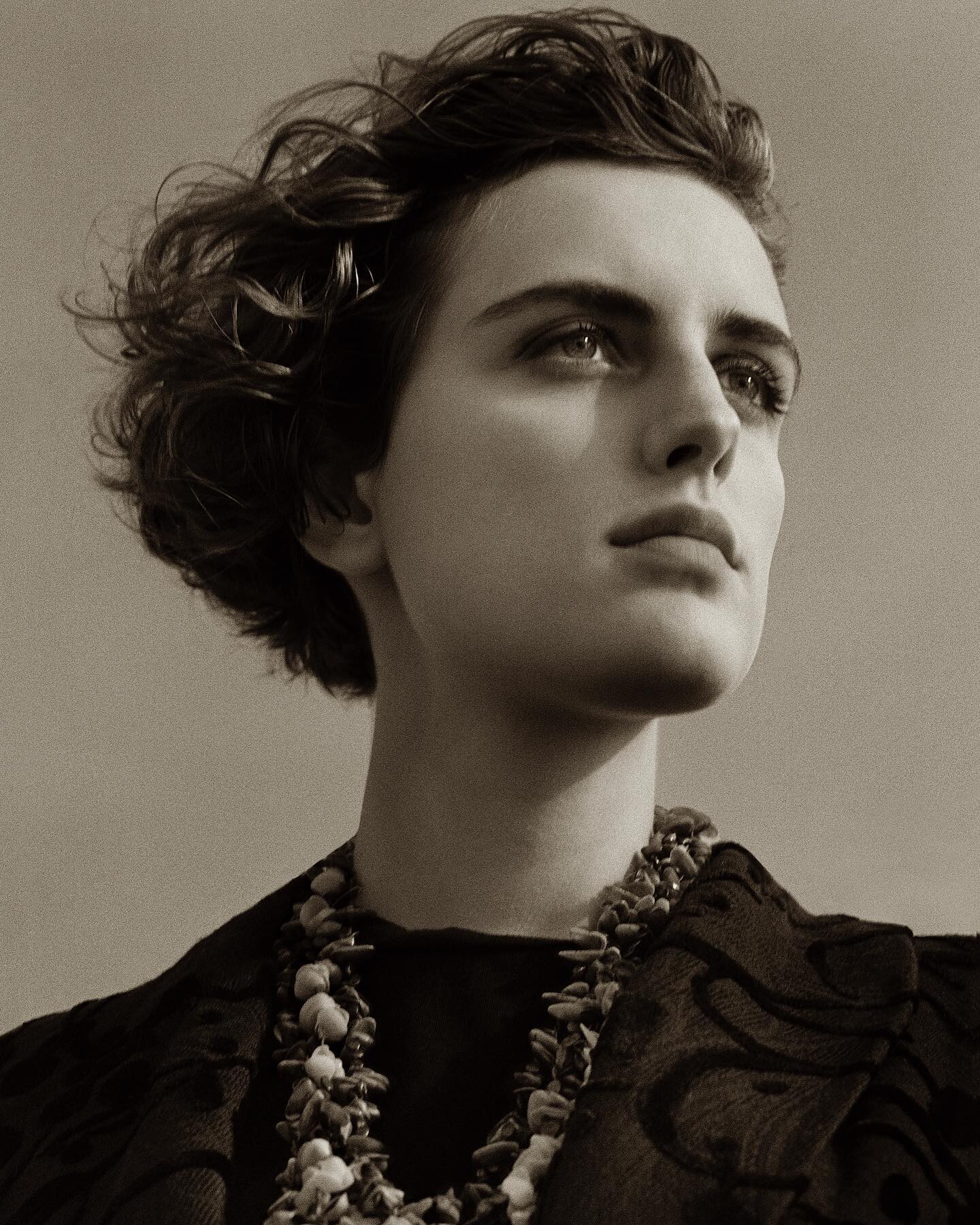
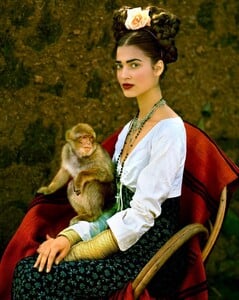
Teresa by Albert Watson in a Frida Kahlo inspired shoot for Vogue Germany, 1998:
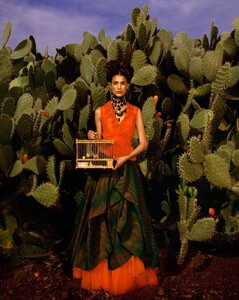
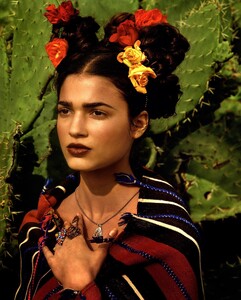
-
-
Thank you SO MUCH for all of your gorgeous eds with Monica I wish there was more content with her in this ed, I can't believe they gave this beauty only two pages and not the whole shoot
-
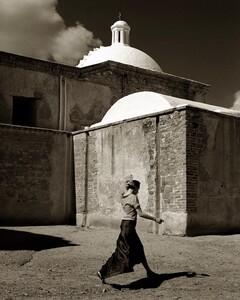
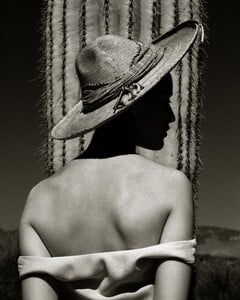
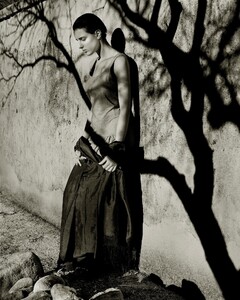
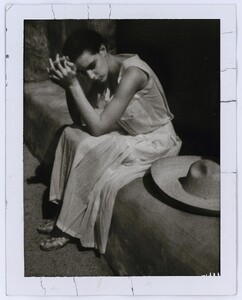
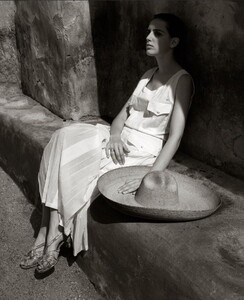
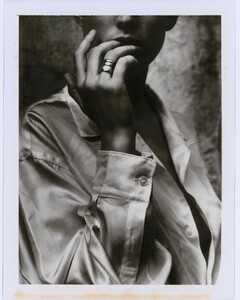
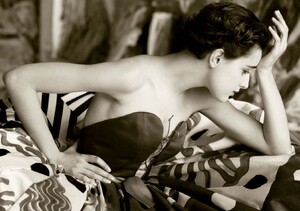
Outtakes from Albert Watson's shoots for Vogue Italia, 1988 WARNING: SLIGHT NUDITY WARNING: NUDITY
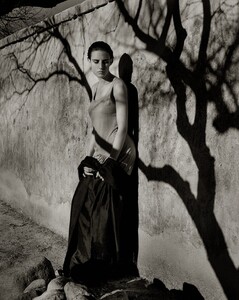
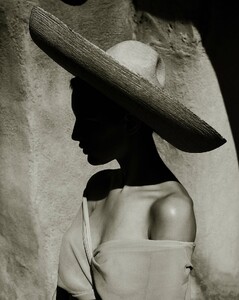
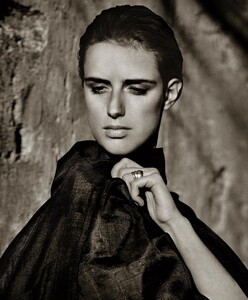
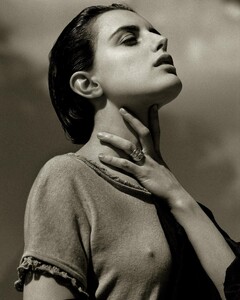
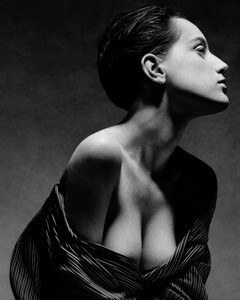
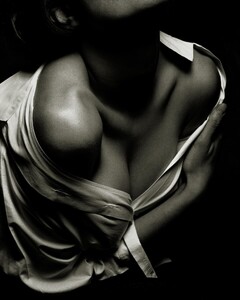
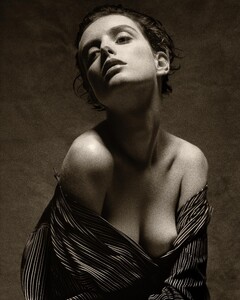
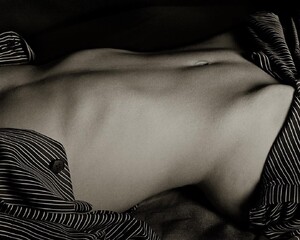
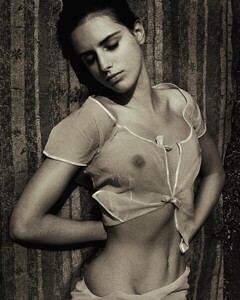
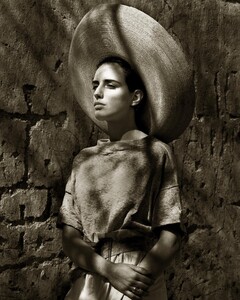
-
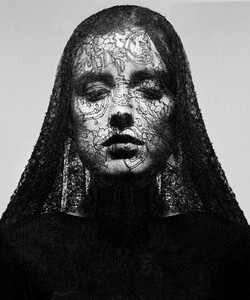
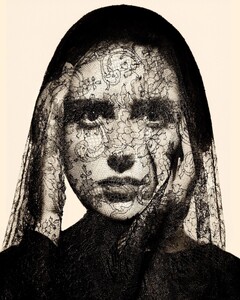
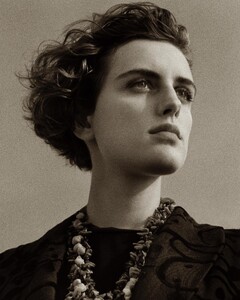
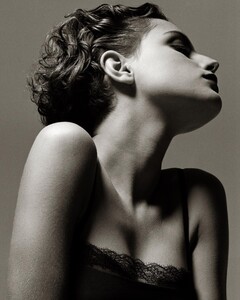
Outtakes from Albert Watson's shoots for Vogue Italia, 1987:
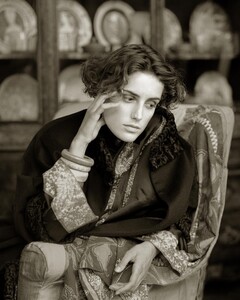
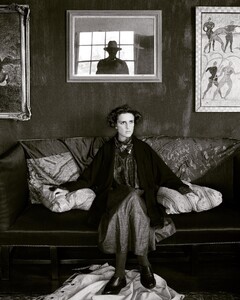
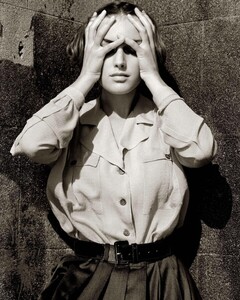
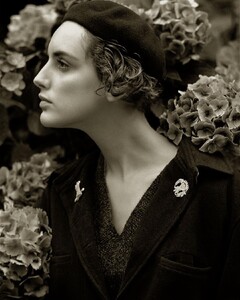
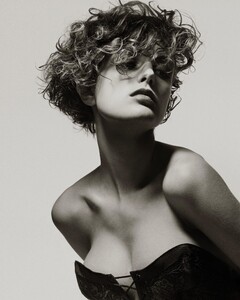
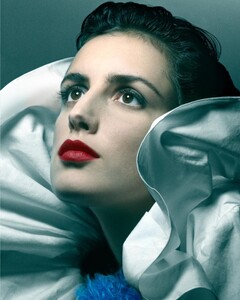
-
-
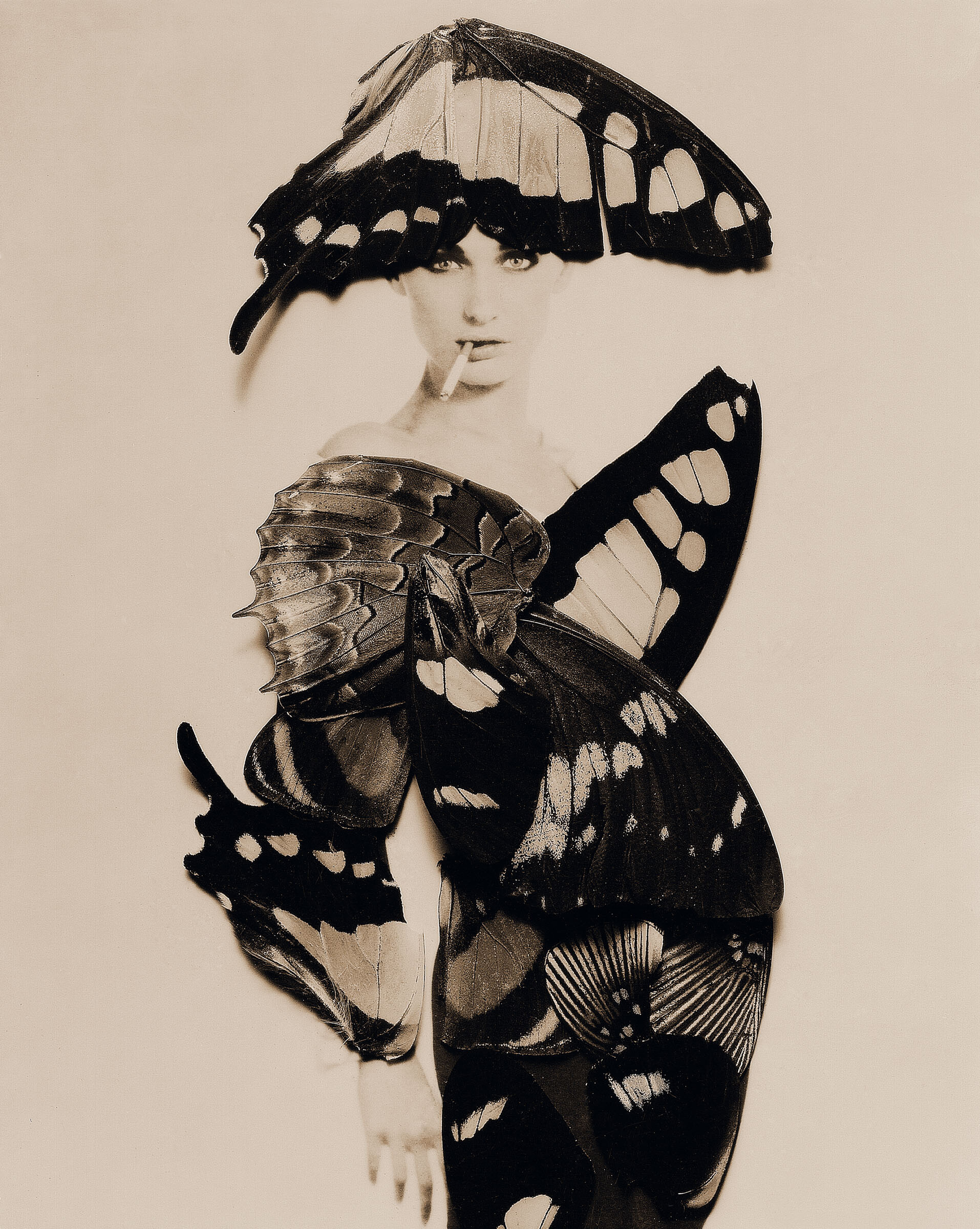
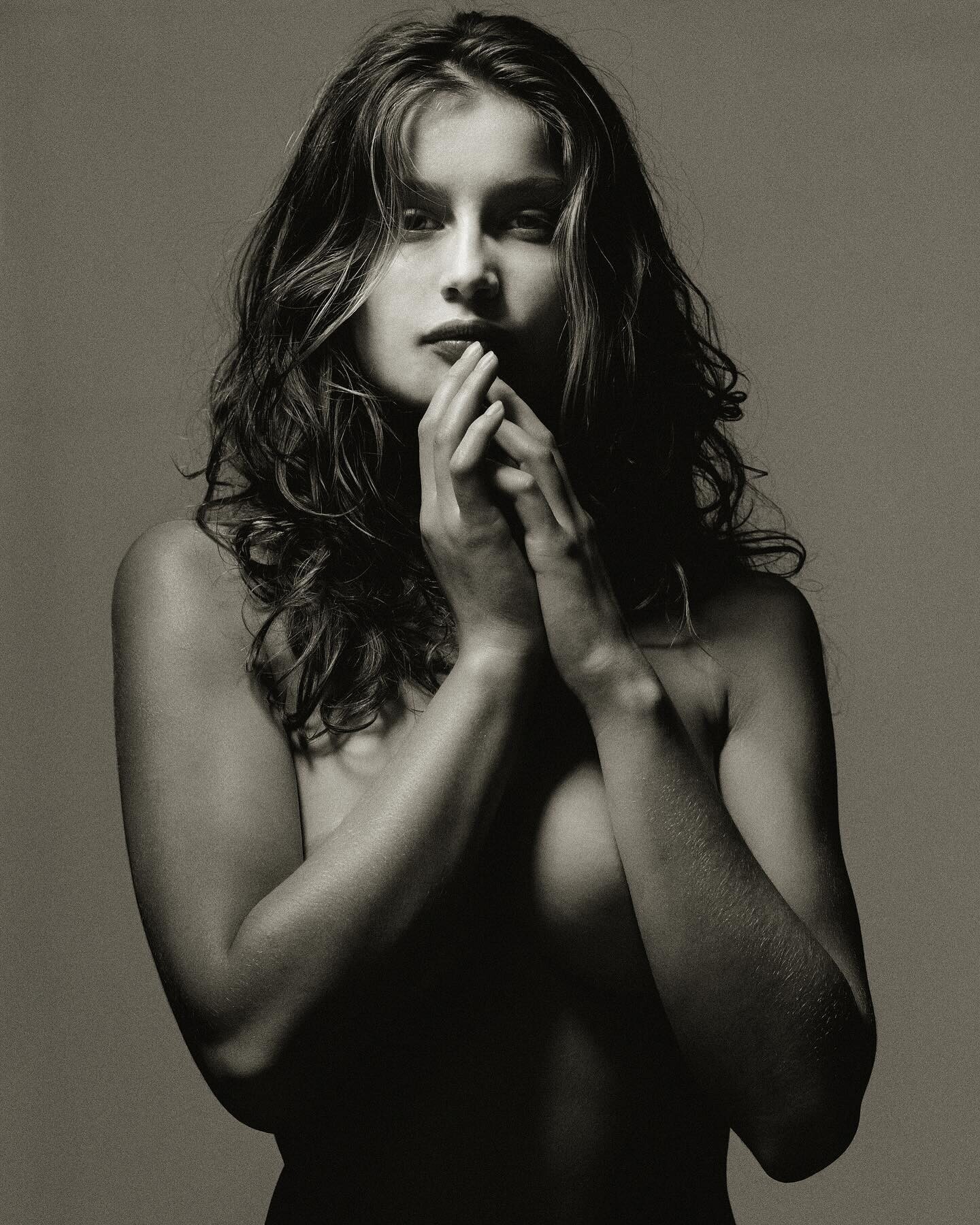
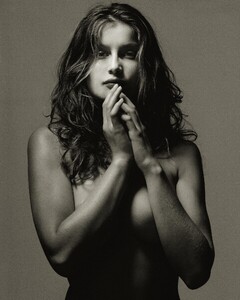
There was a discussion in this topic years ago about this picture being fake. Not fake for sure. It was even featured in Albert Watson's book "UFO: Unified Fashion Objectives". Albert took this photo at his old West Village studio as part of a lighting test after a full day shooting Laetitia for a Ralph Lauren ad campaign in the Hamptons.
-
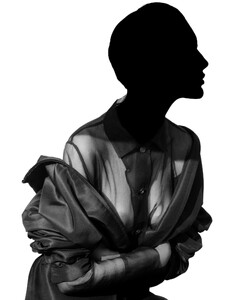
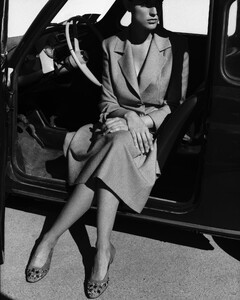
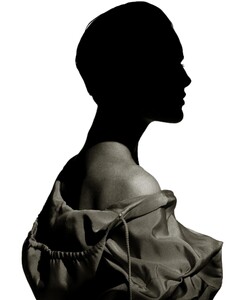
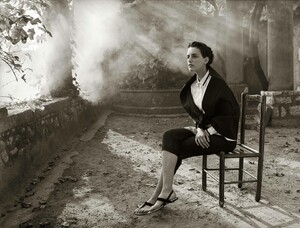
Outtakes from Albert Watson's shoot for Prada, 1988:
-
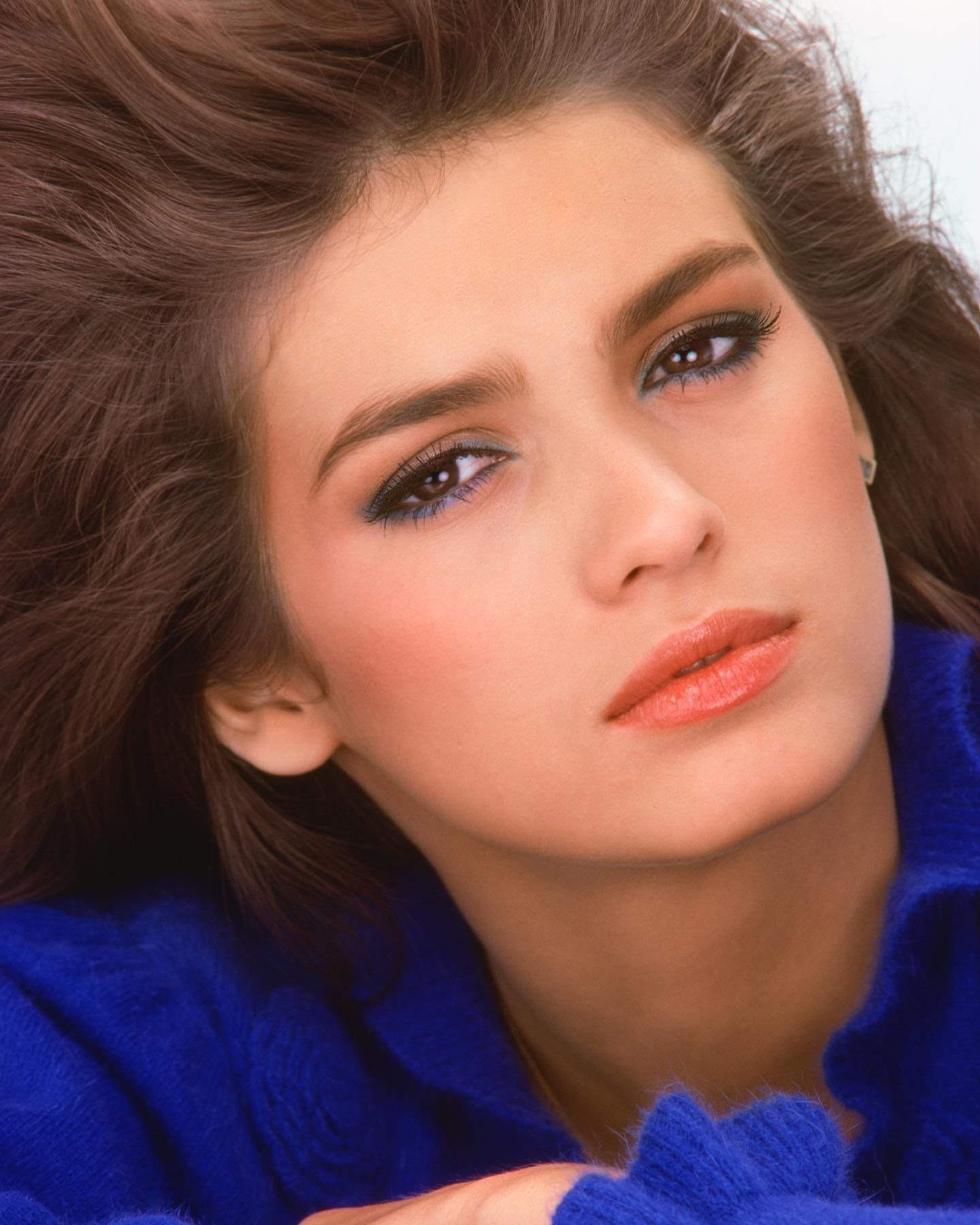
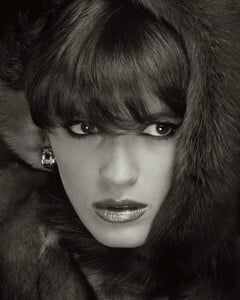
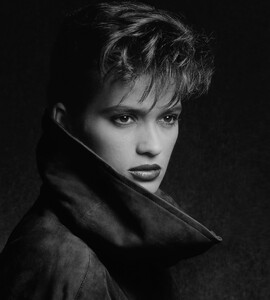
Gia by Albert Watson: New York, 1983 Previously unpublished from a shoot for German Vogue Hair by Raymond Camacho; makeup by Fran Cooper
-
Gattinoni 1991 (not sure about the season) Estetica #274 (May 1991) scanned by fender and originally posted in Anna Bayle's topic
-
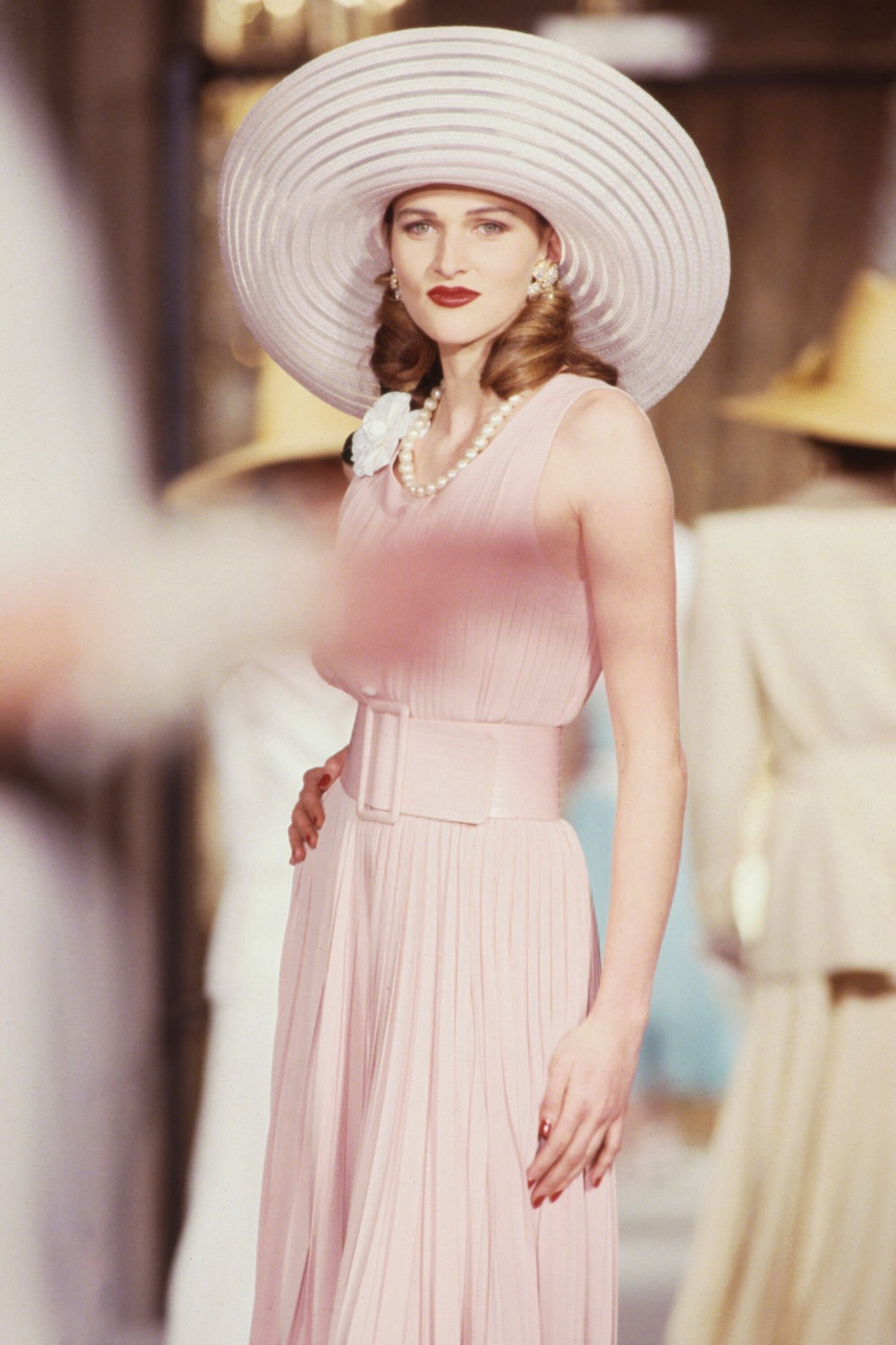
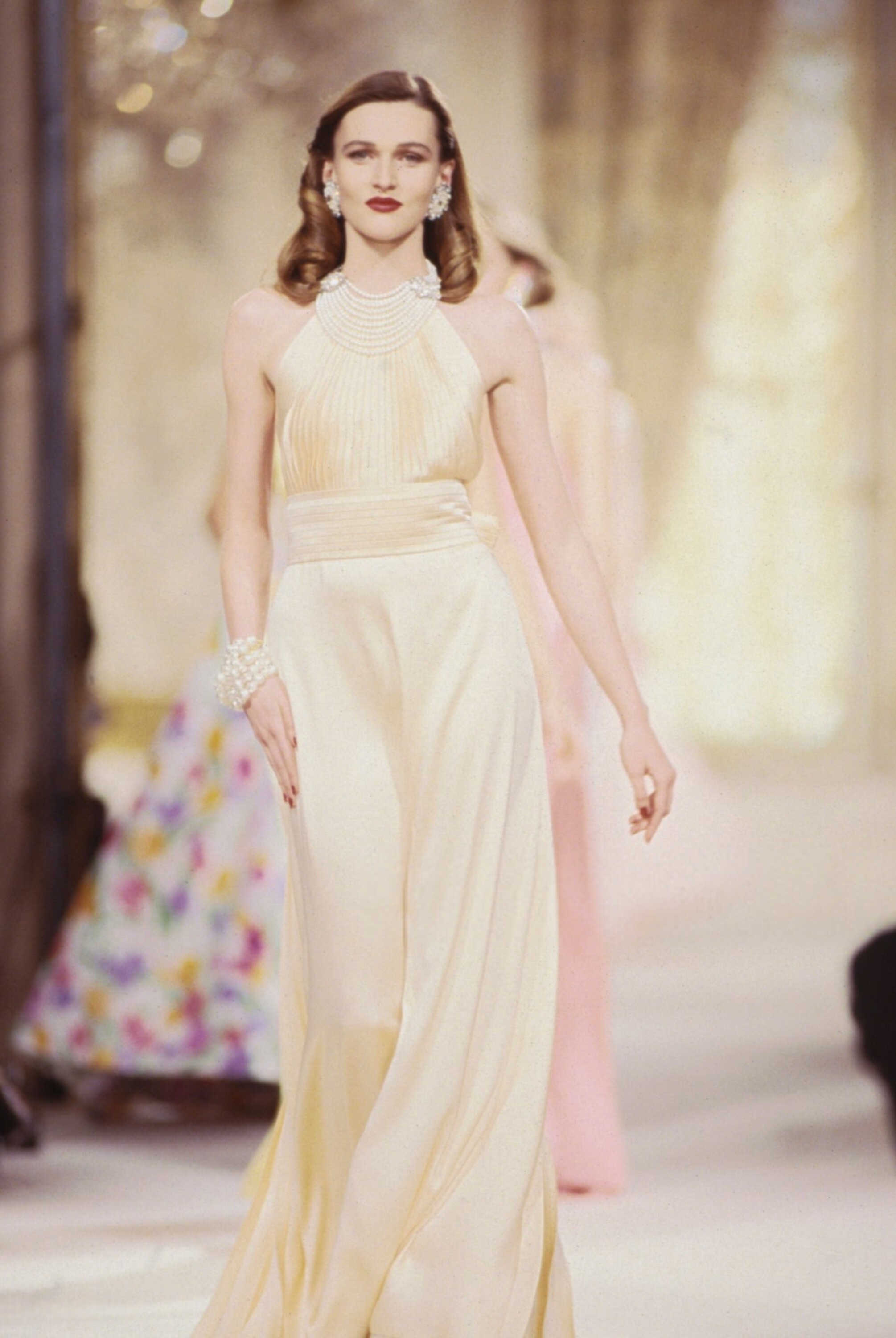
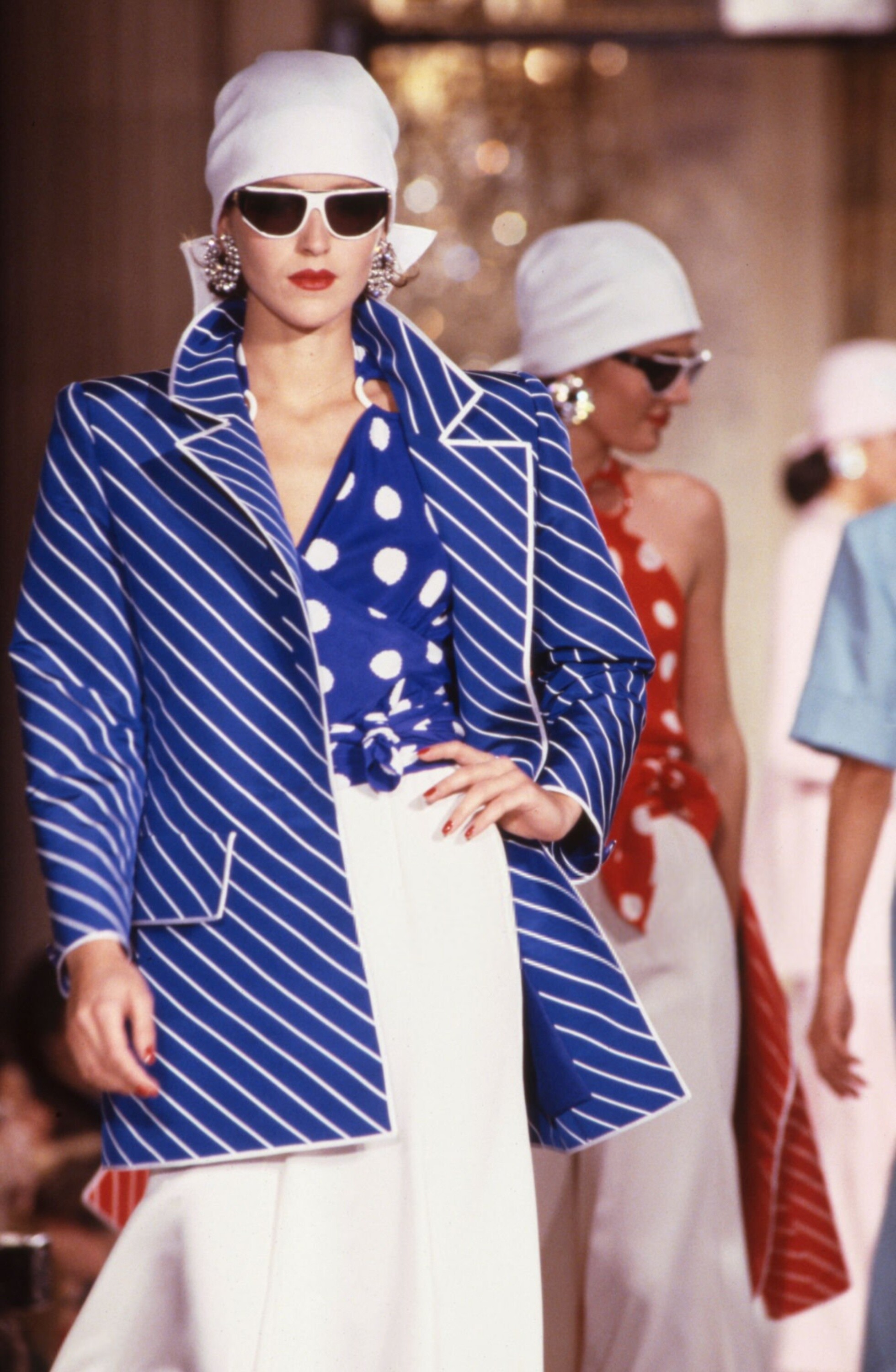
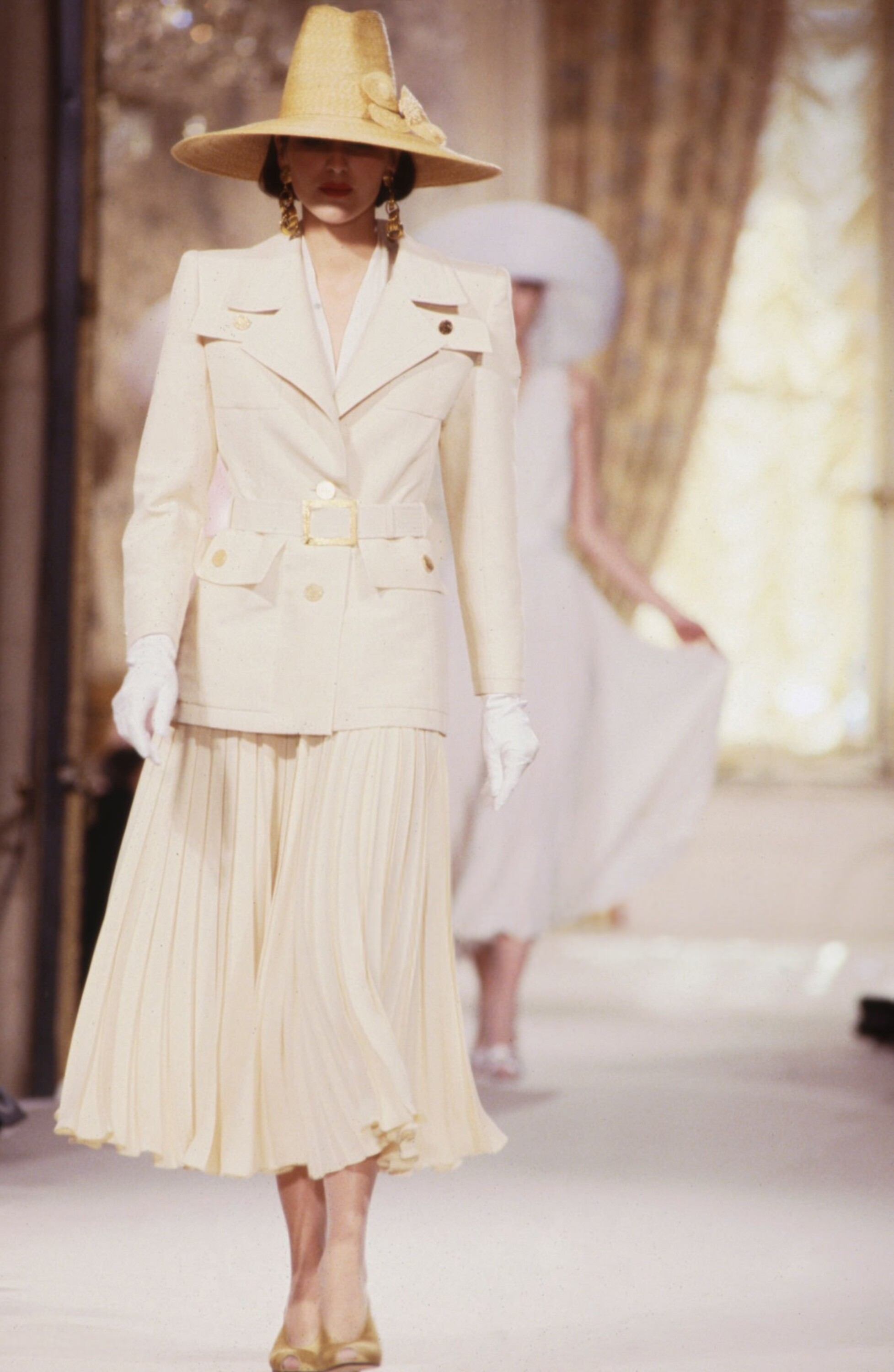
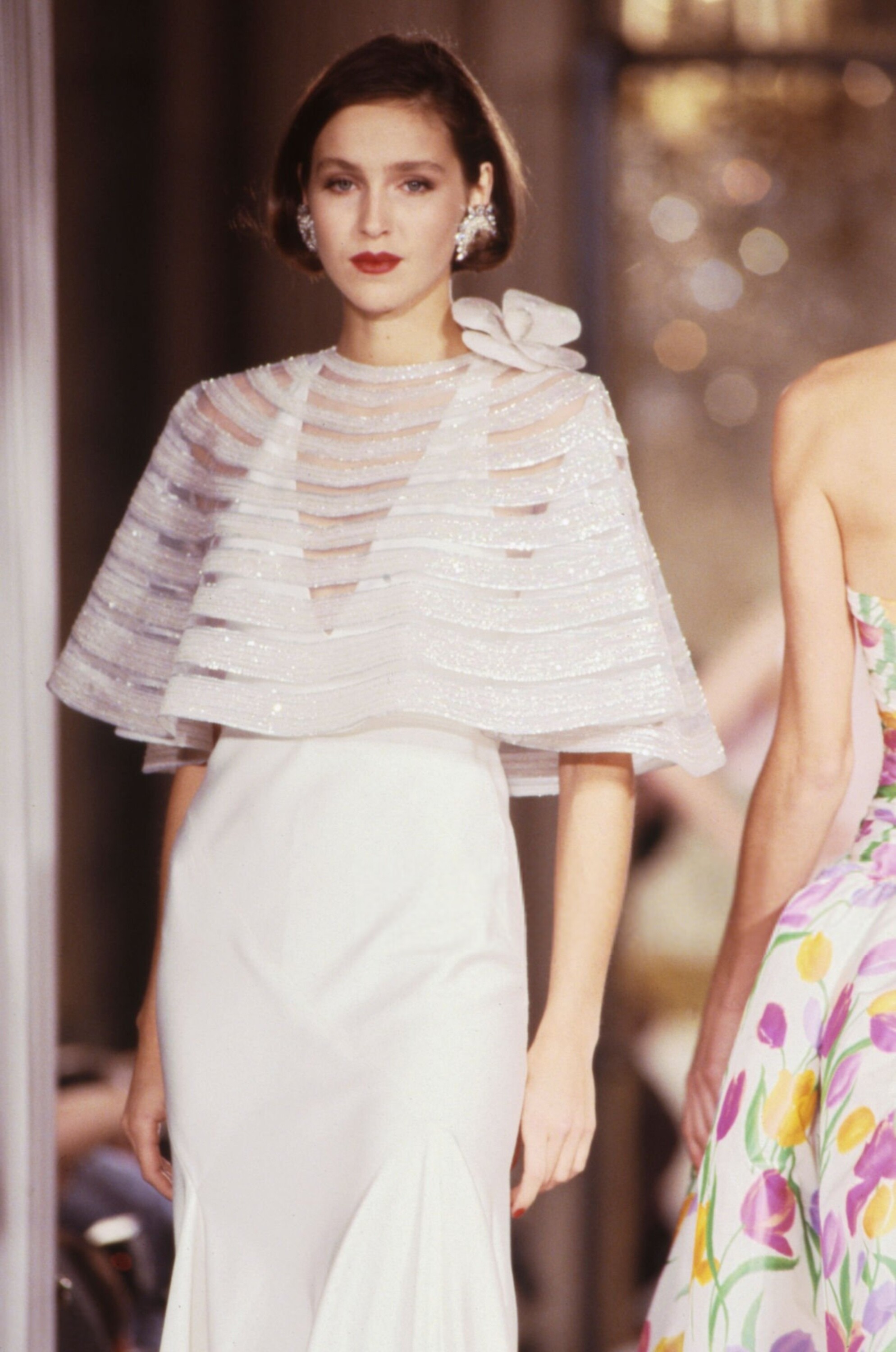
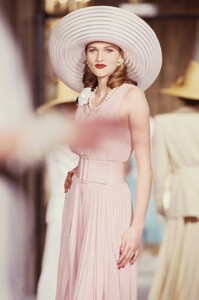
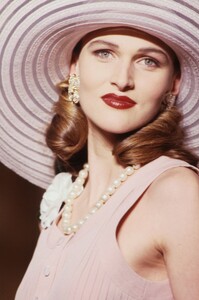
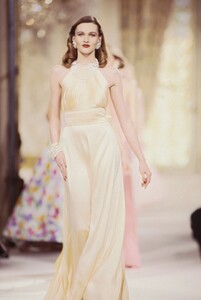
Nina Ricci S/S 1989 Haute Couture:
-
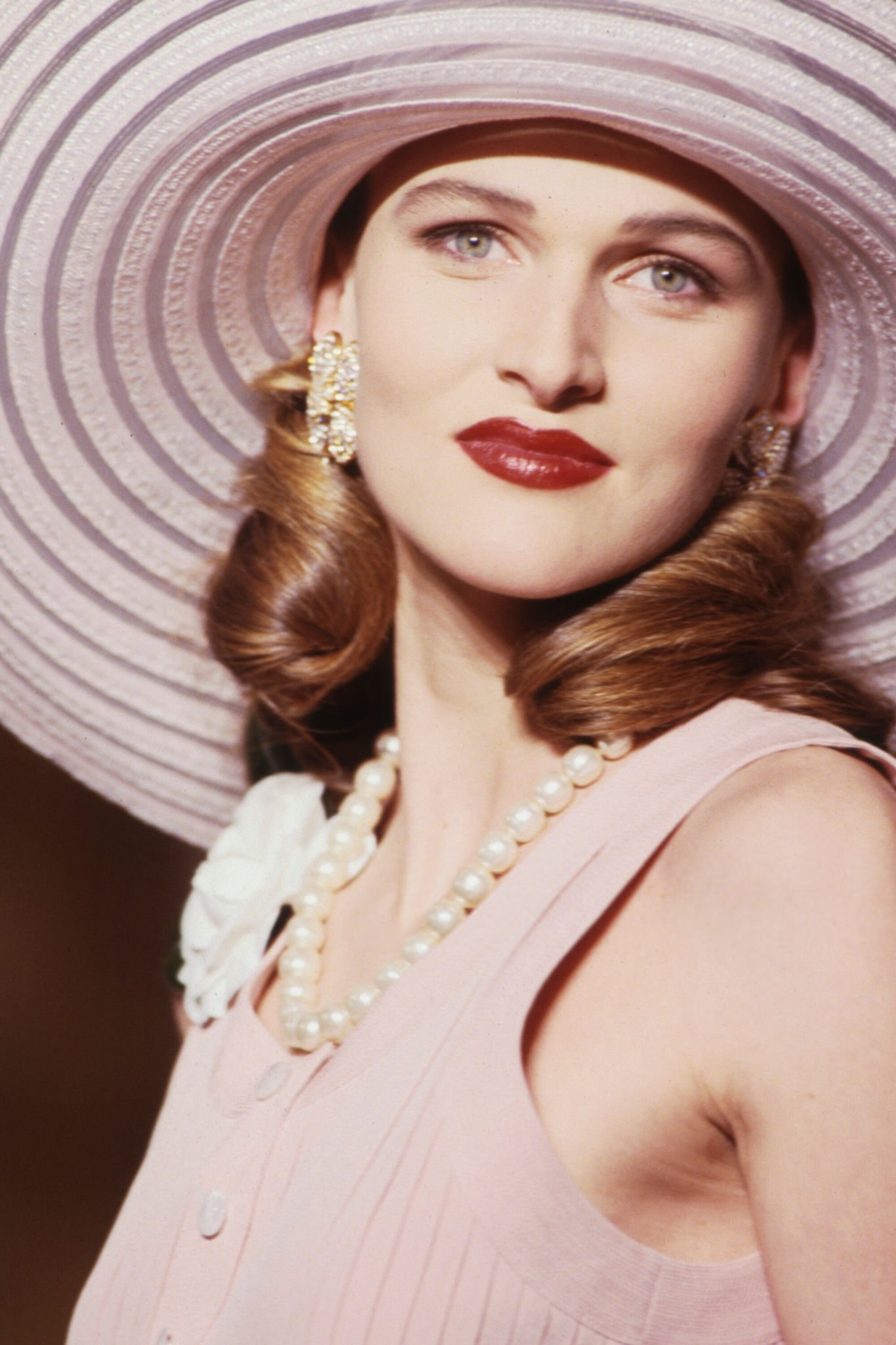
Nina Ricci S/S 1989 Haute Couture: