
sanja
Members
-
Joined
-
Last visited
Everything posted by sanja
-
 Immortal model management Slovenia HEIGHT 179 / CHEST 82 / WAIST 61 / HIPS 89 / SHOES 38 / HAIR BROWN / EYES BROWN
-
-
-
-
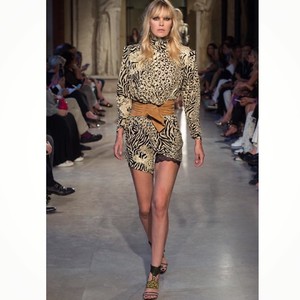
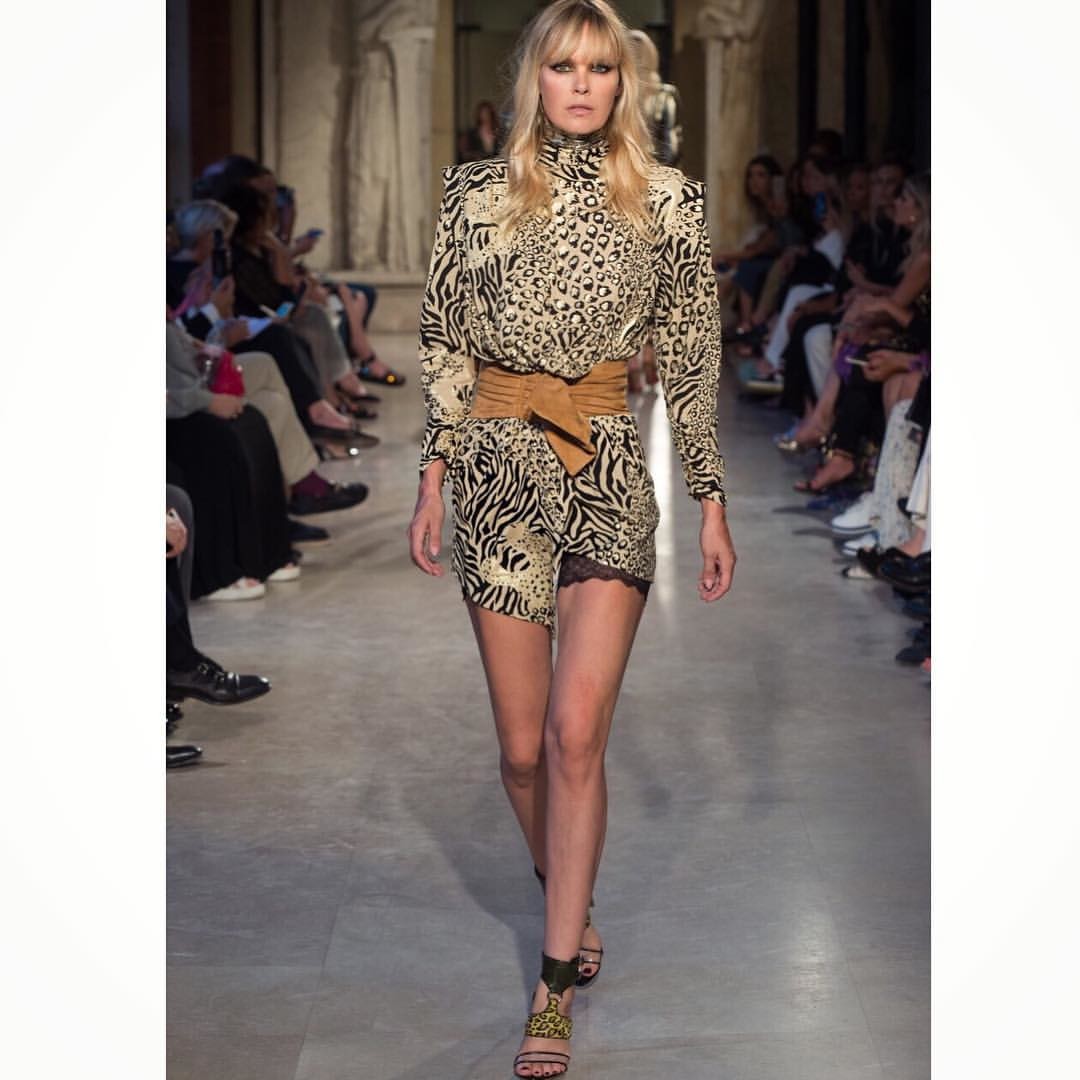
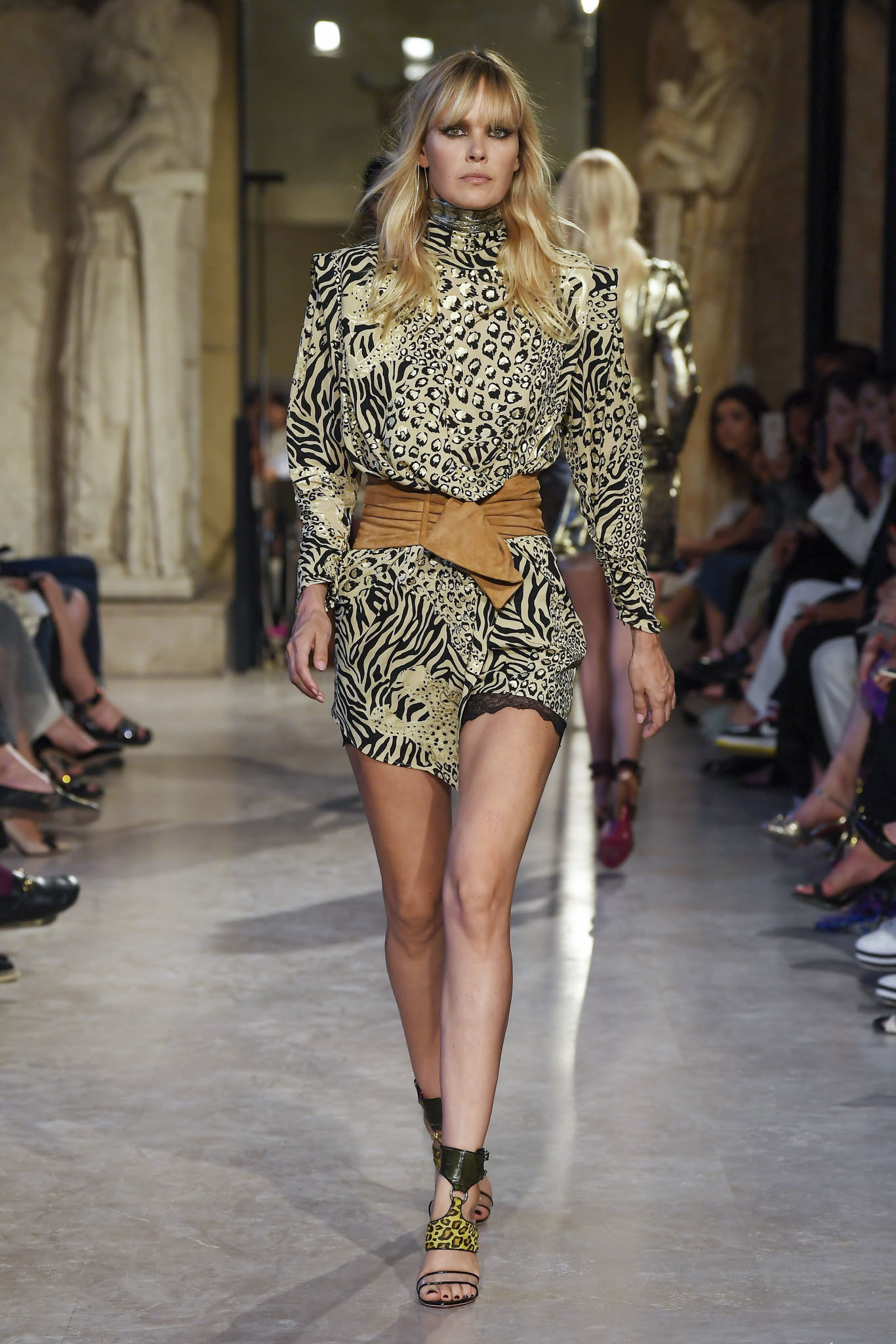
Peter Dundas resort 2019


-
-
-
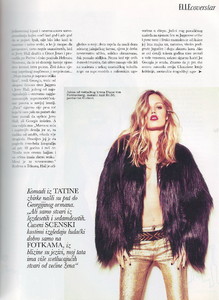
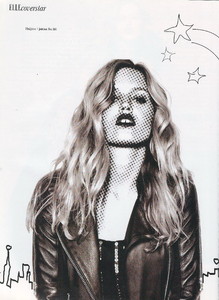
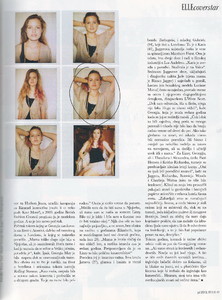
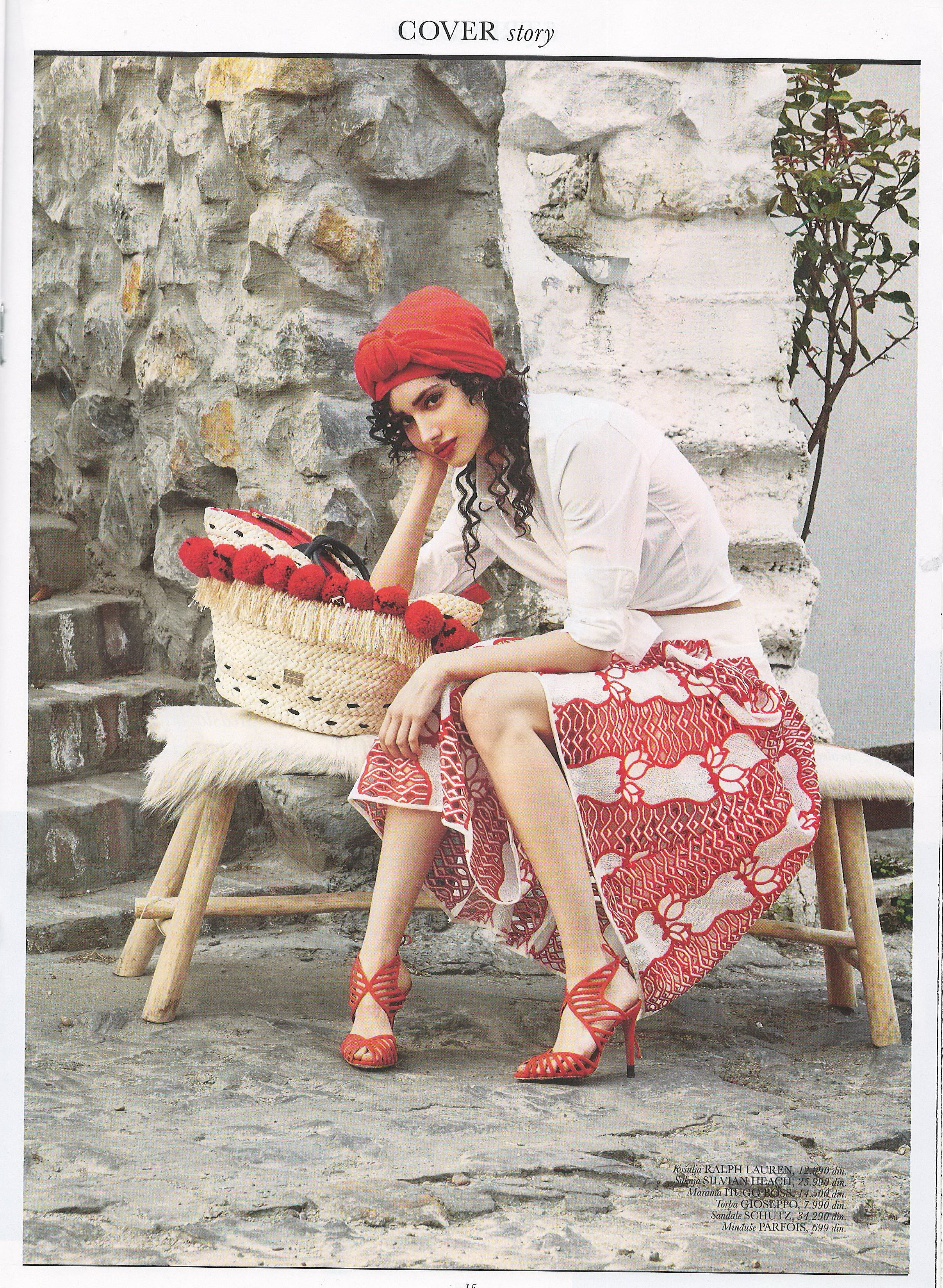
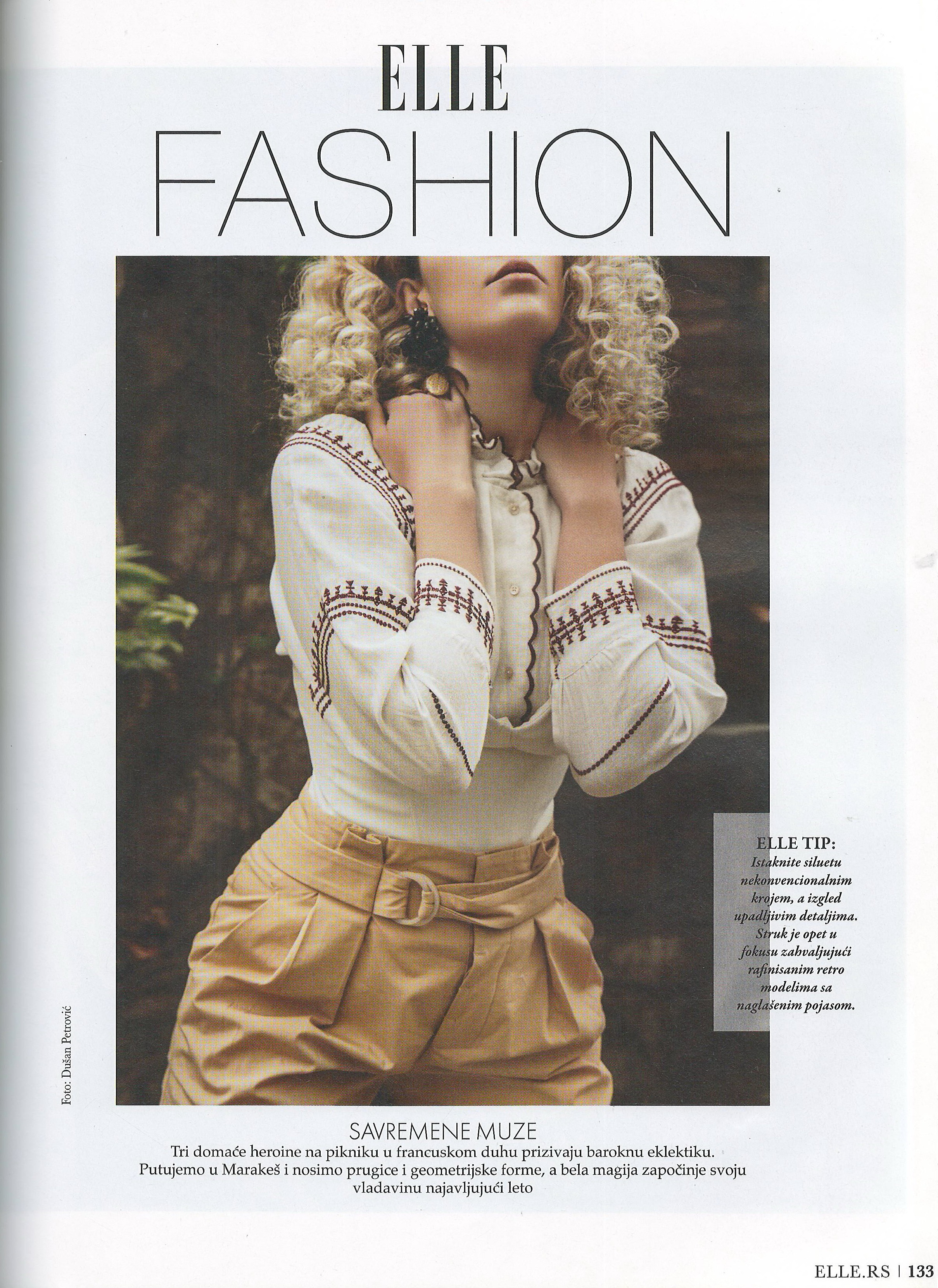
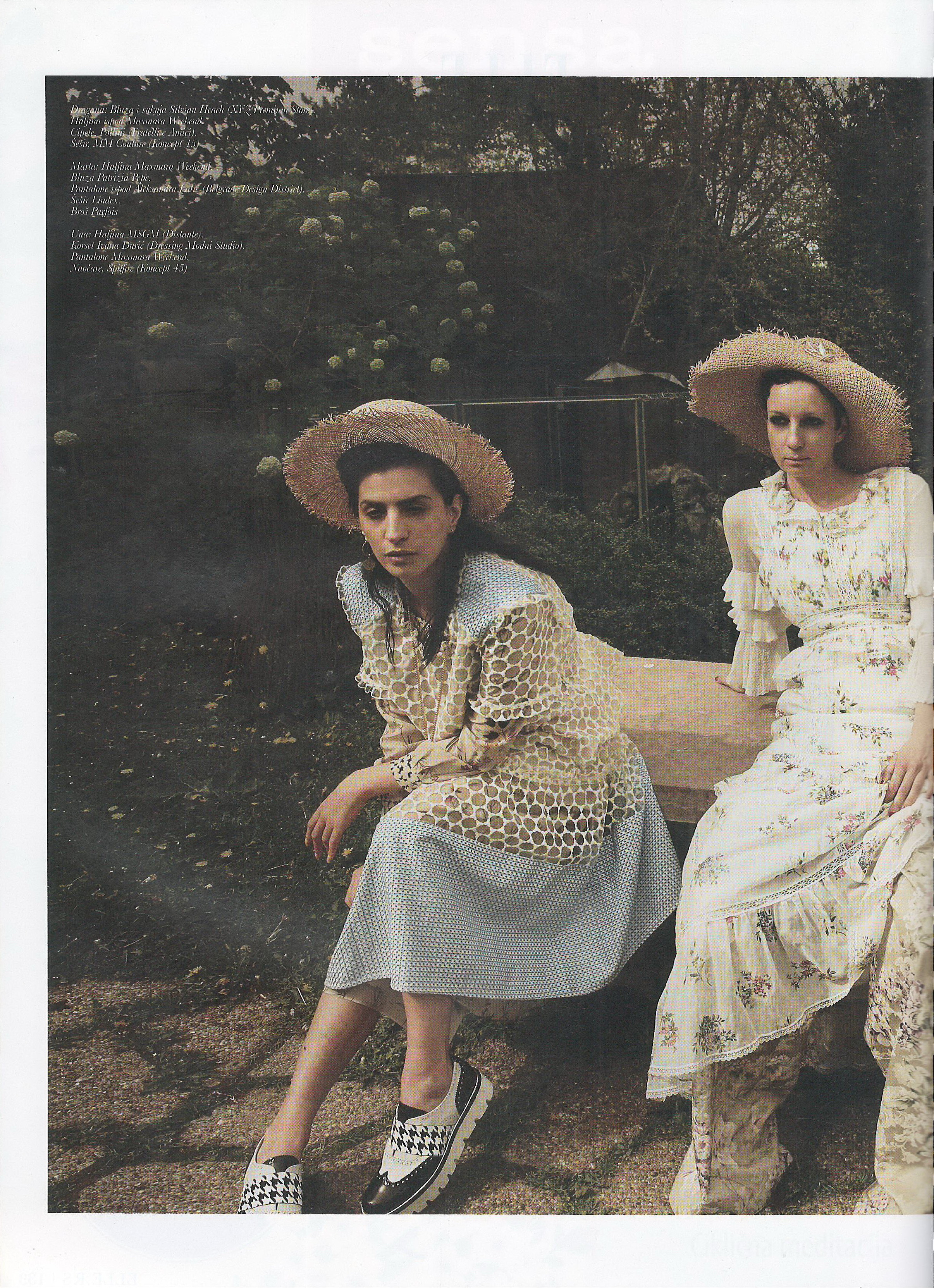
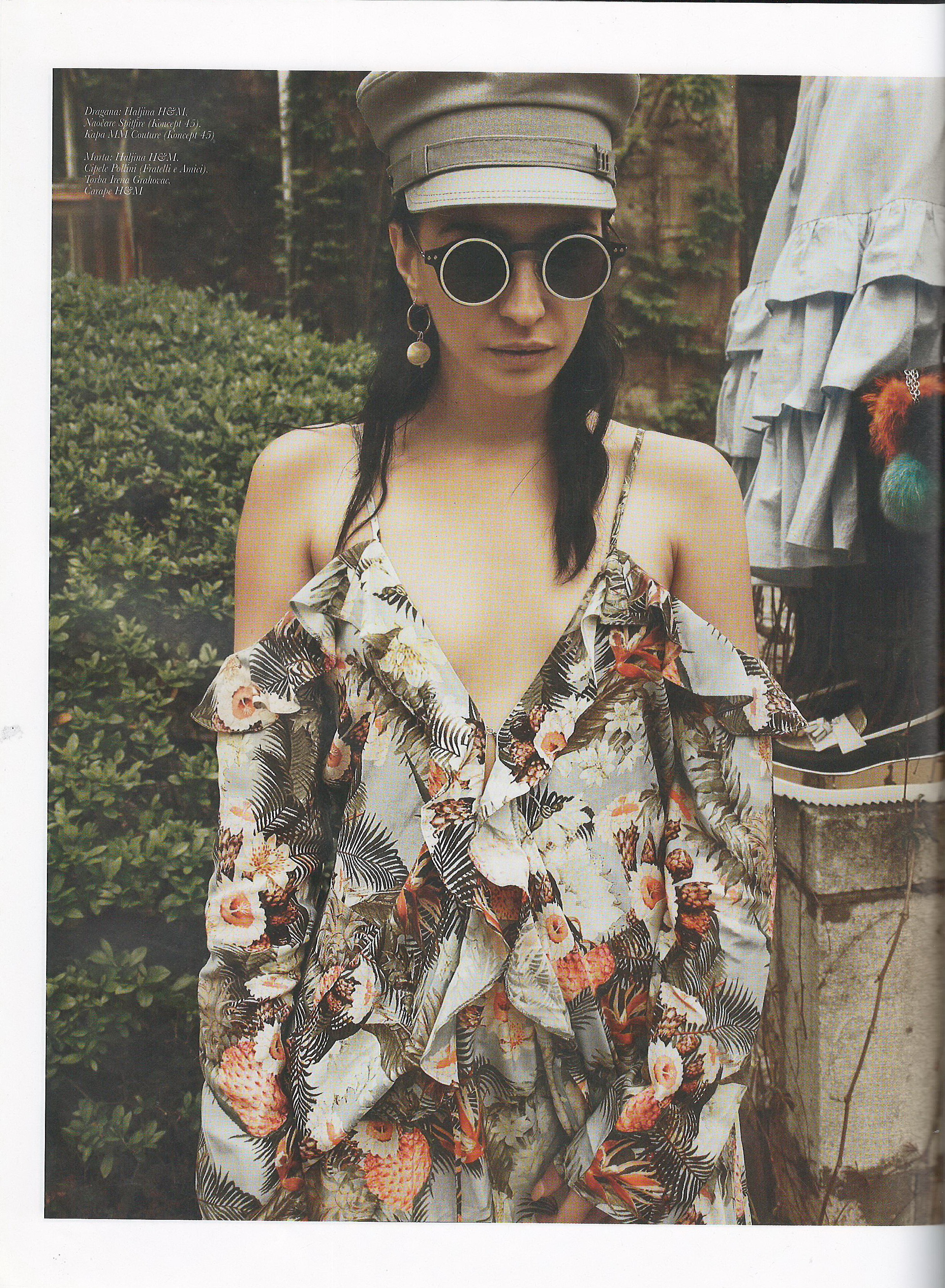
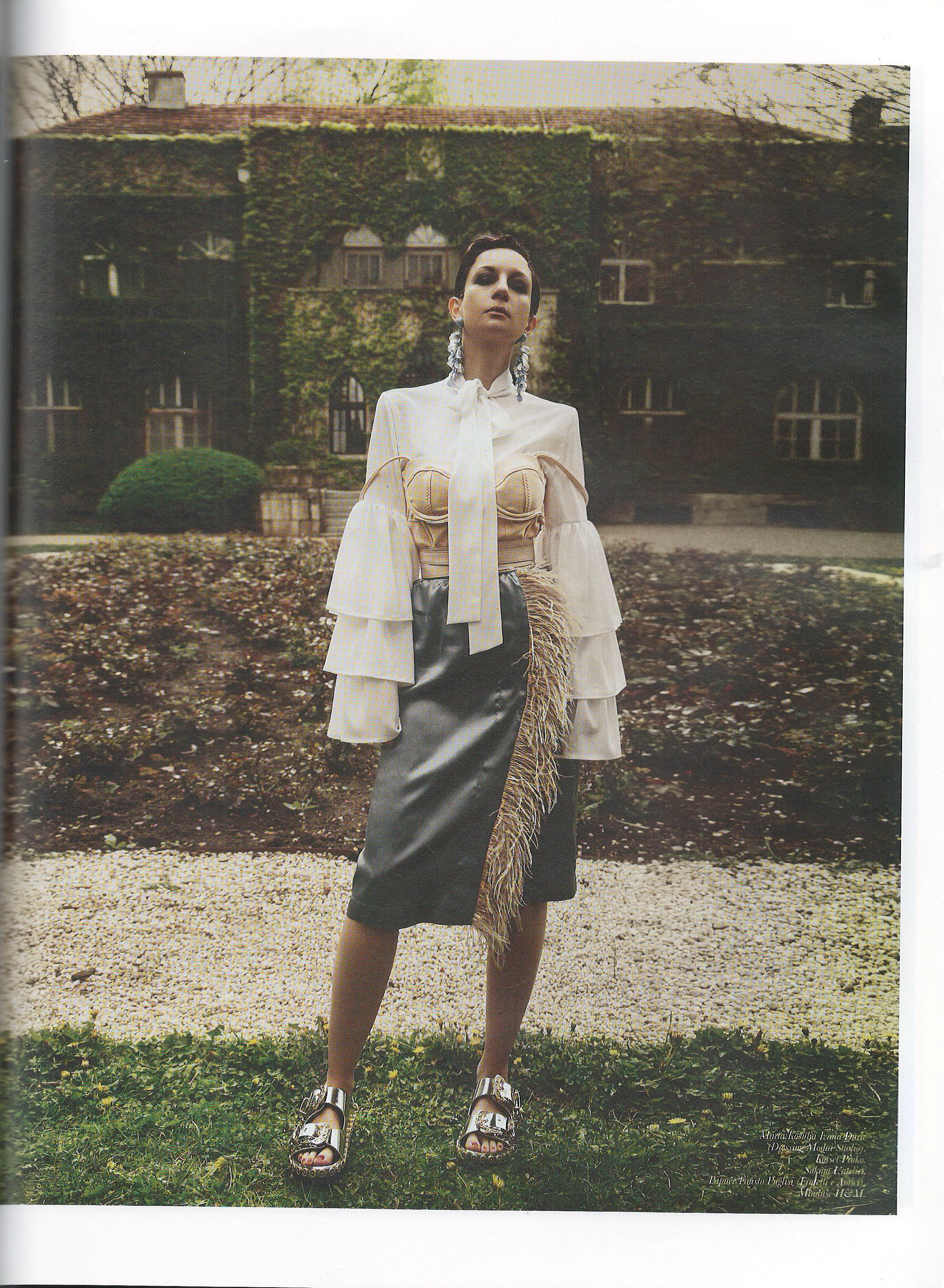
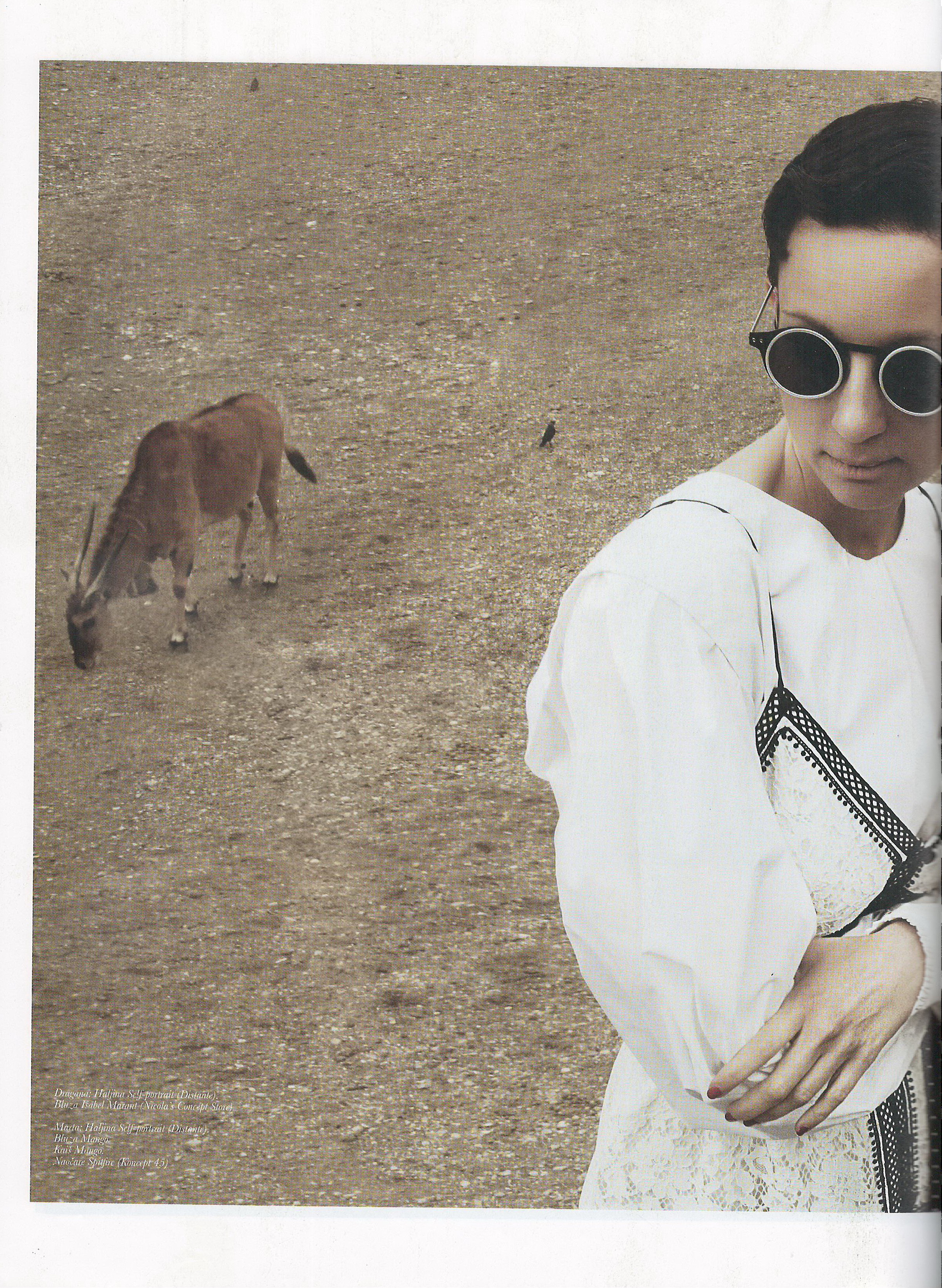
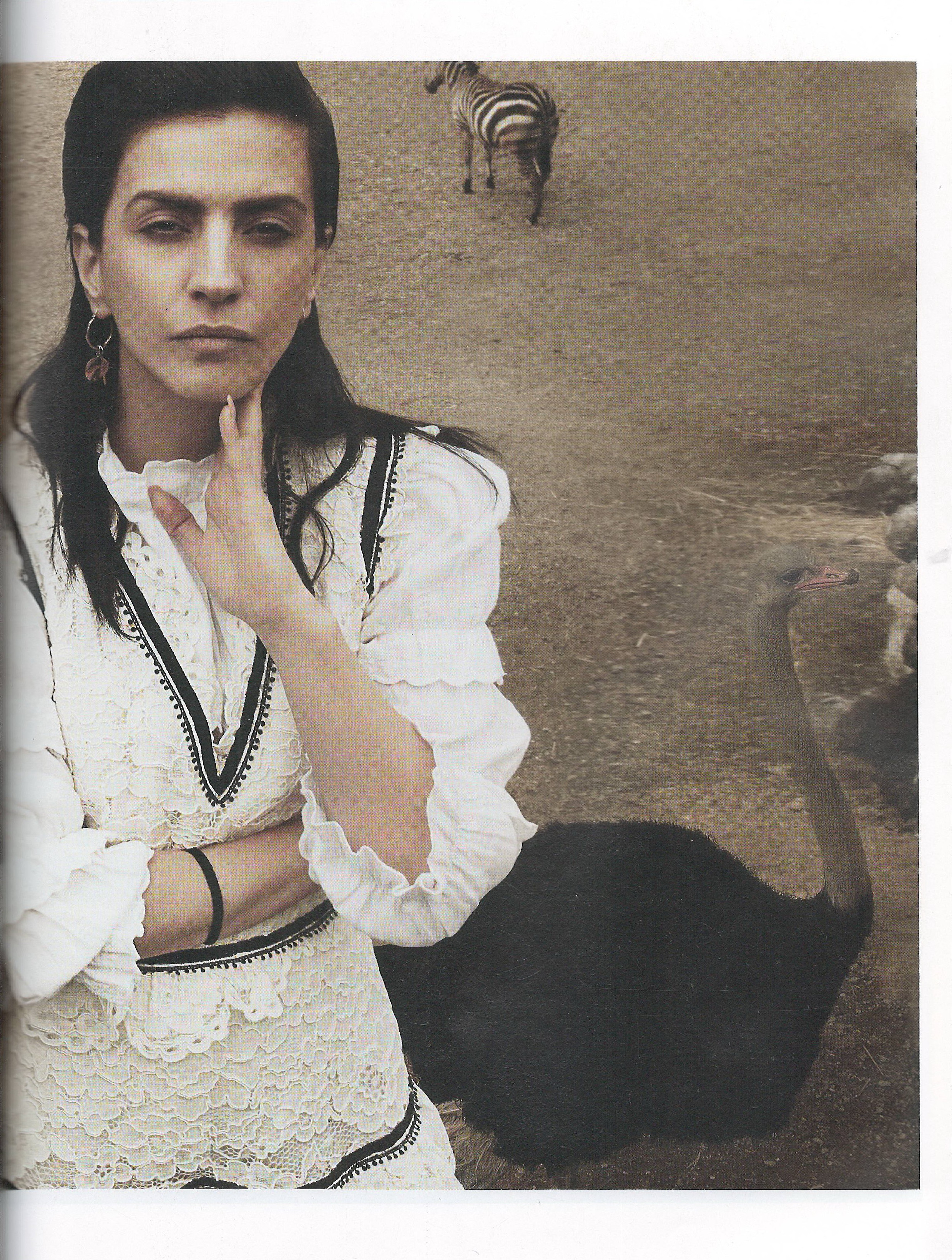
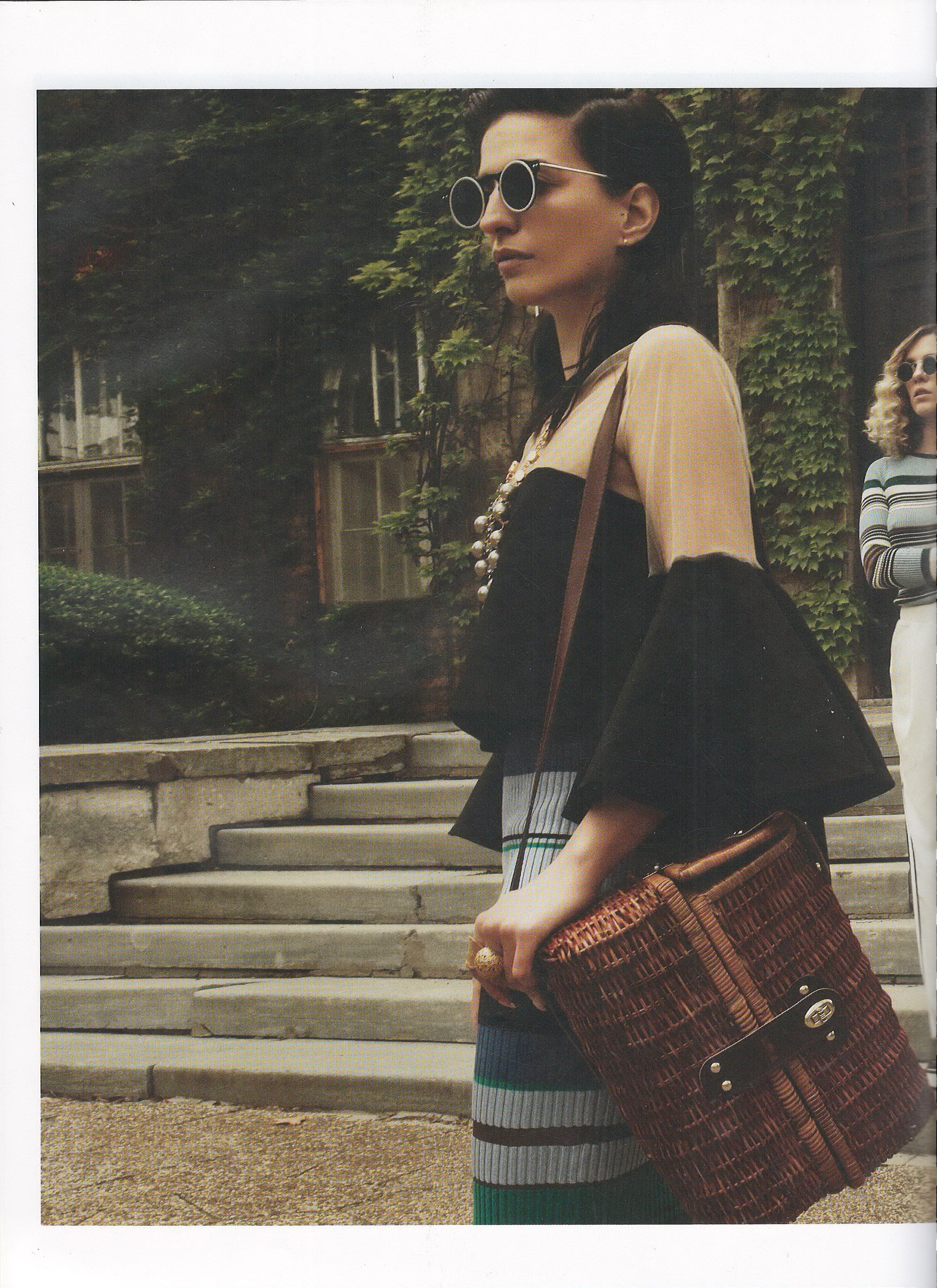
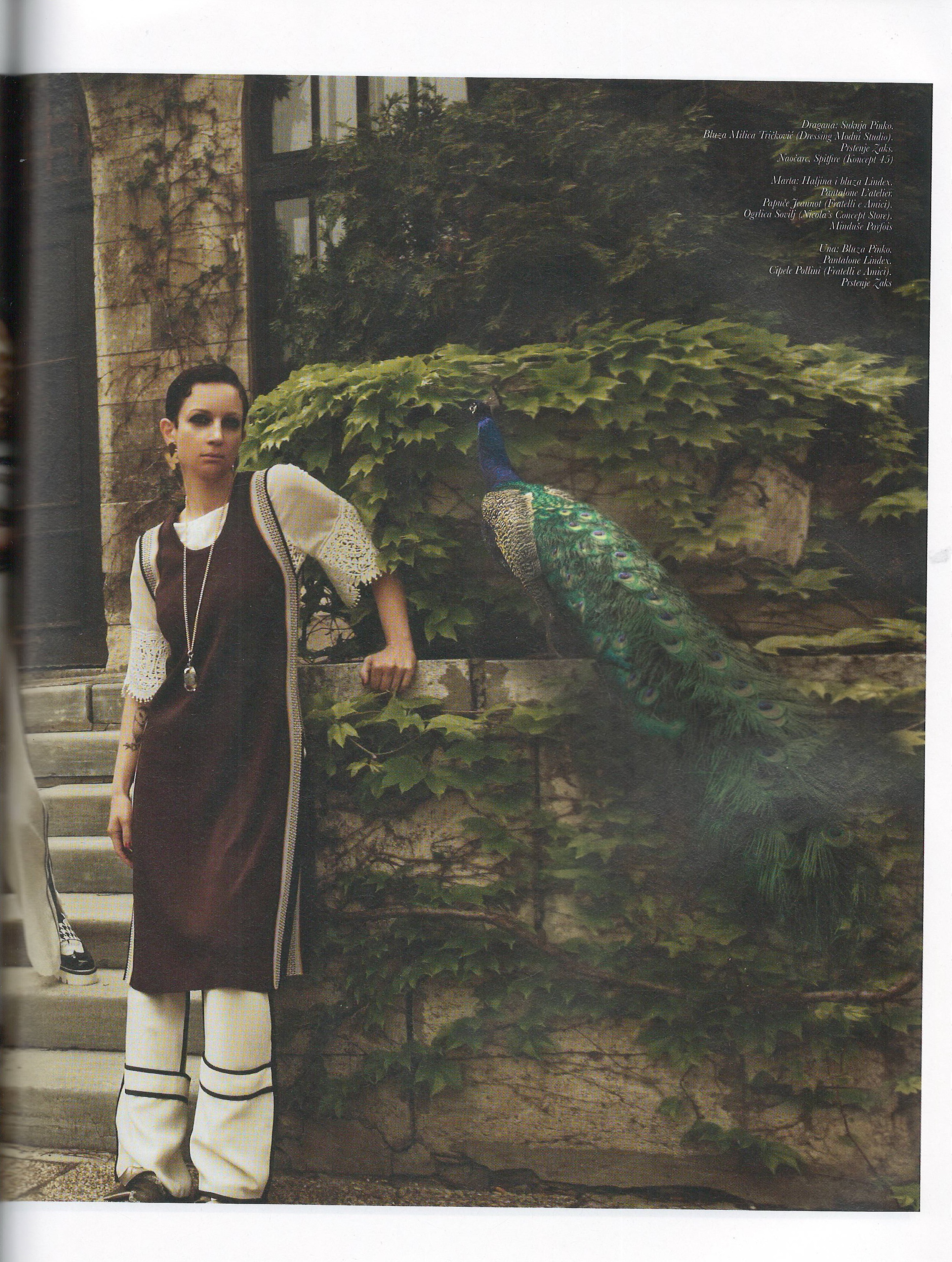
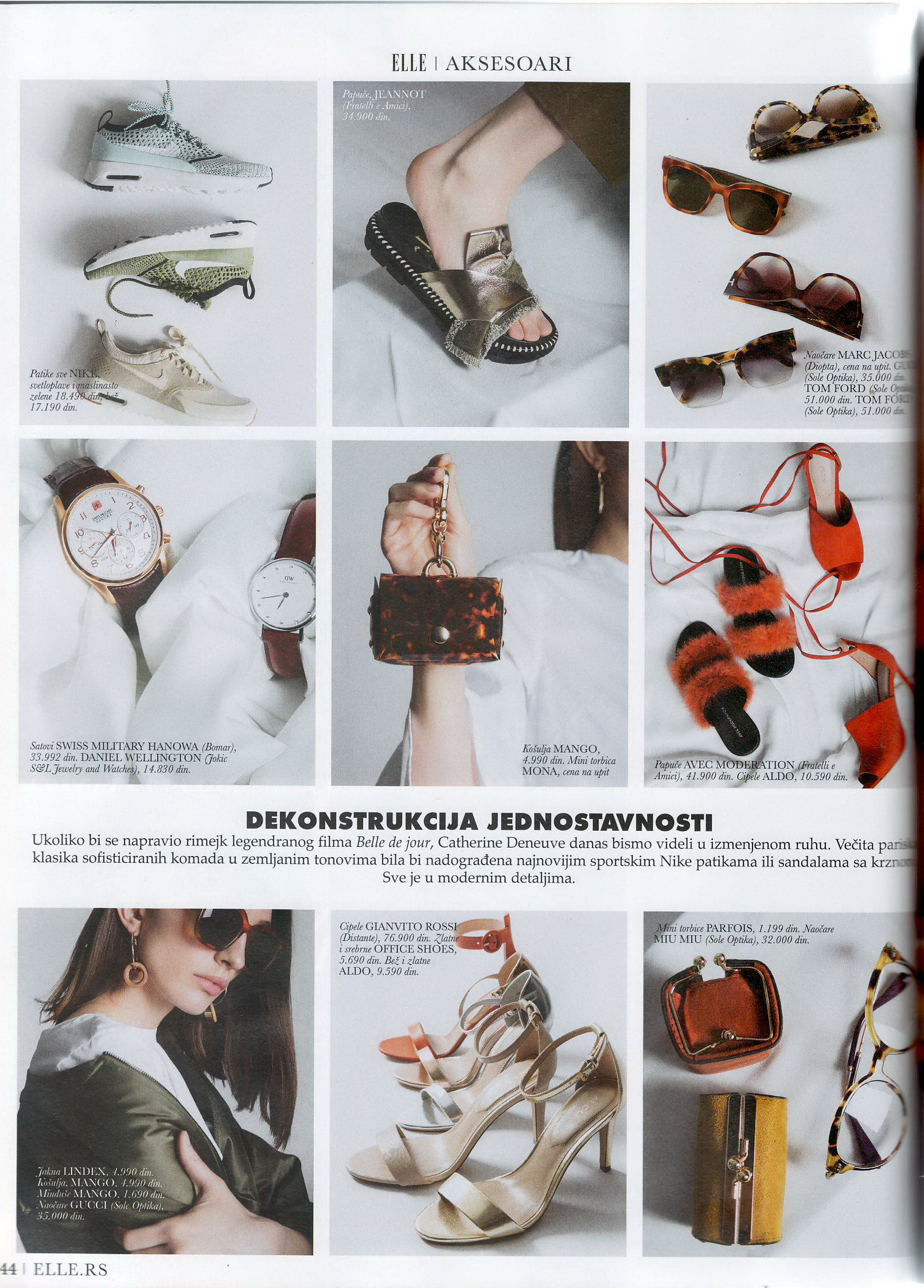
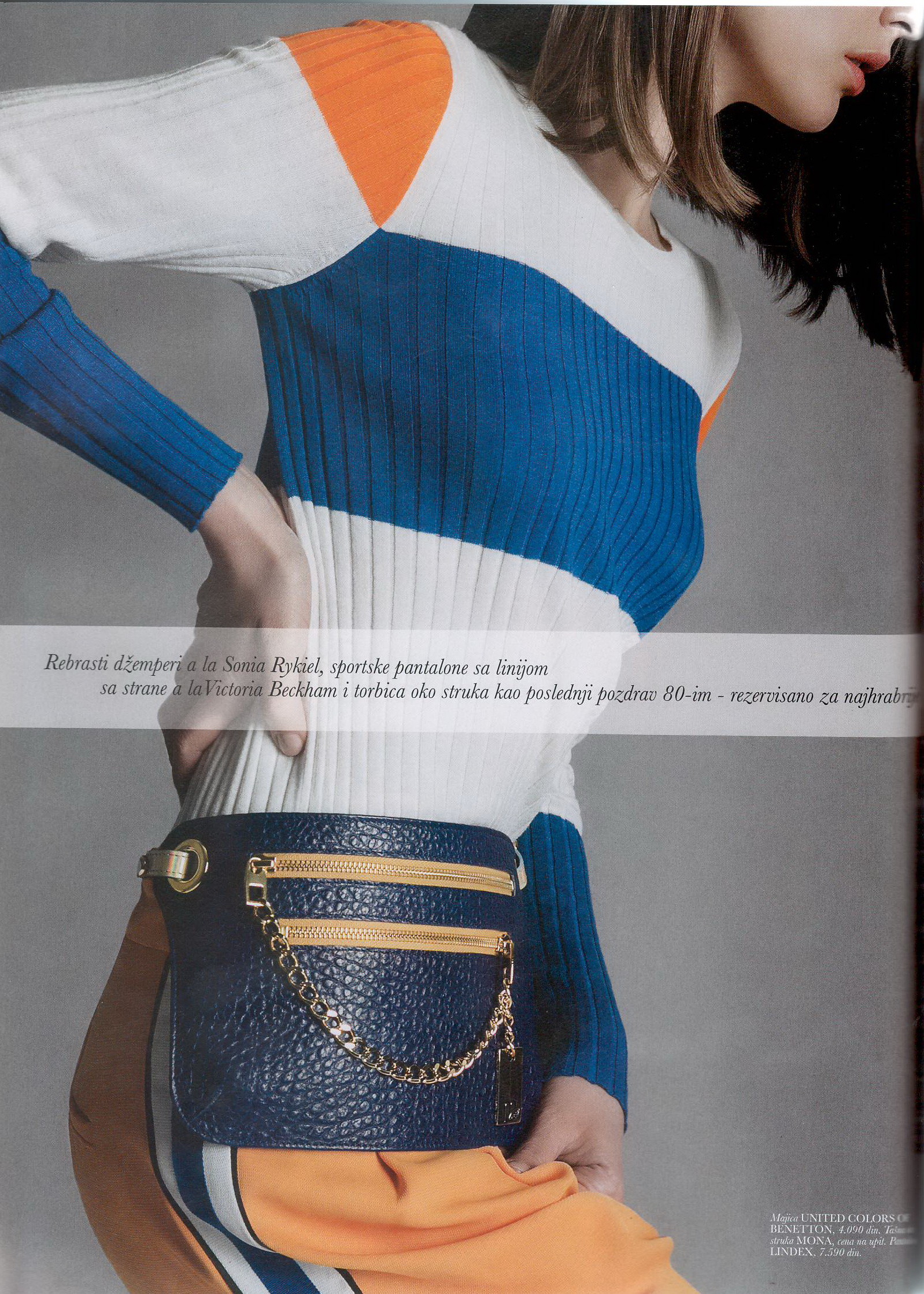
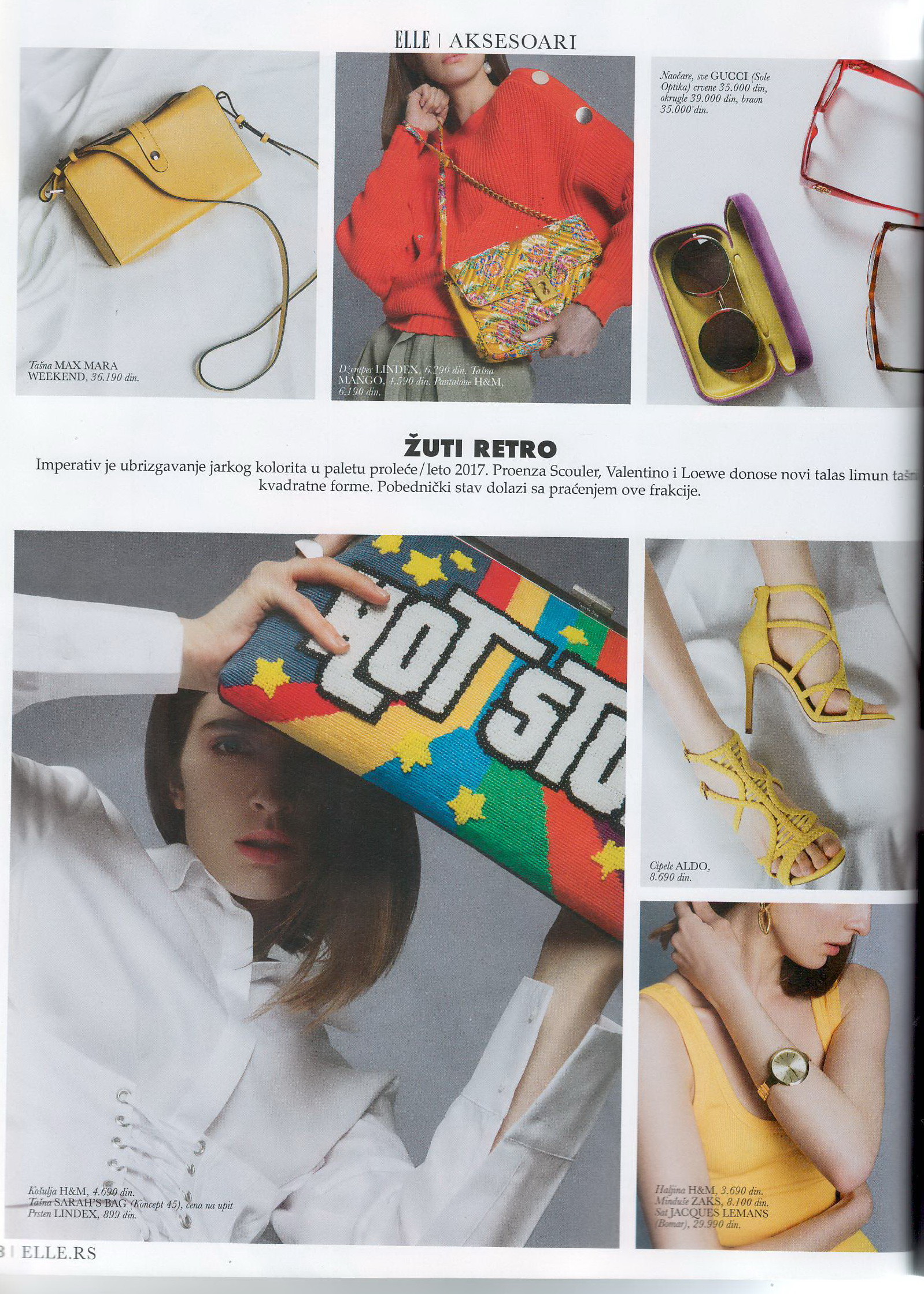
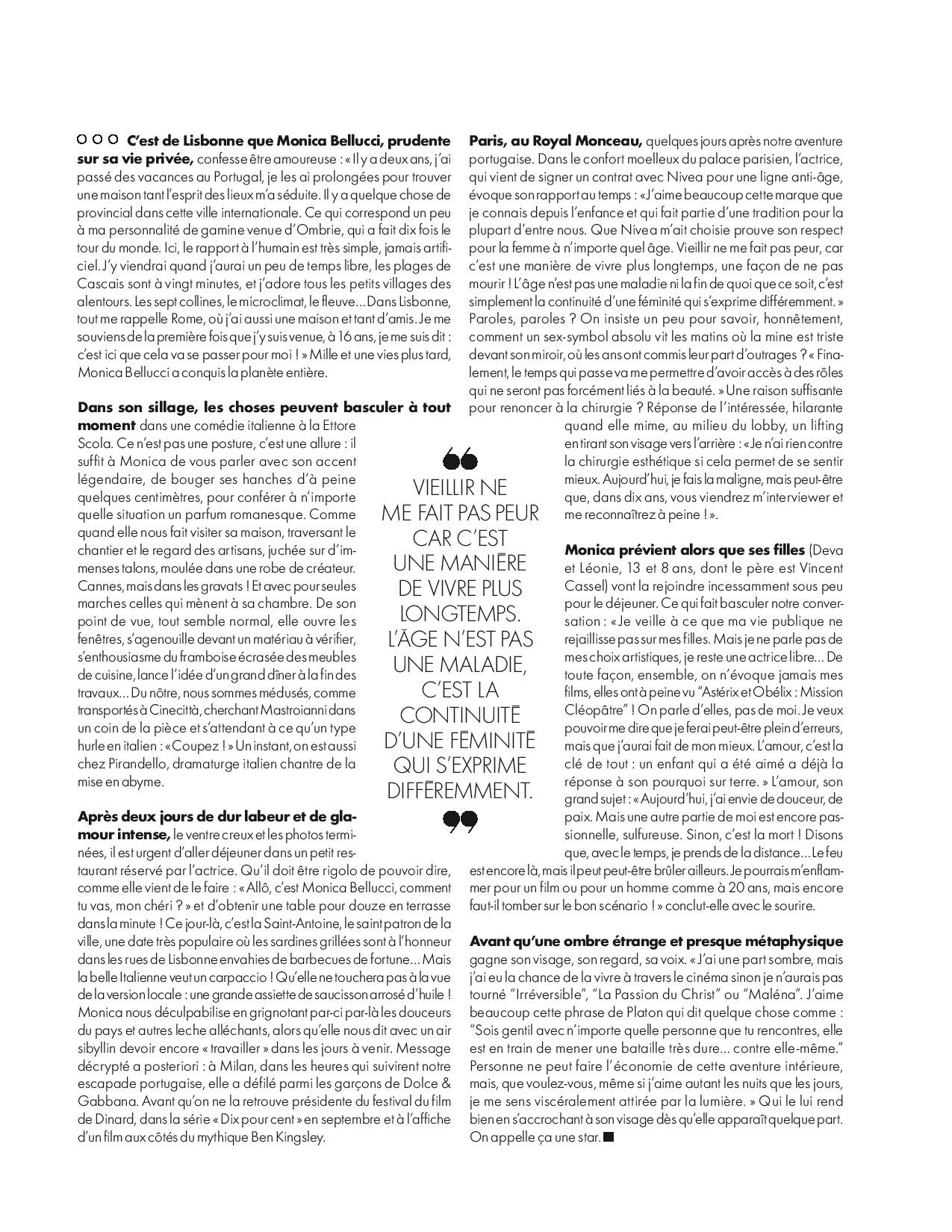
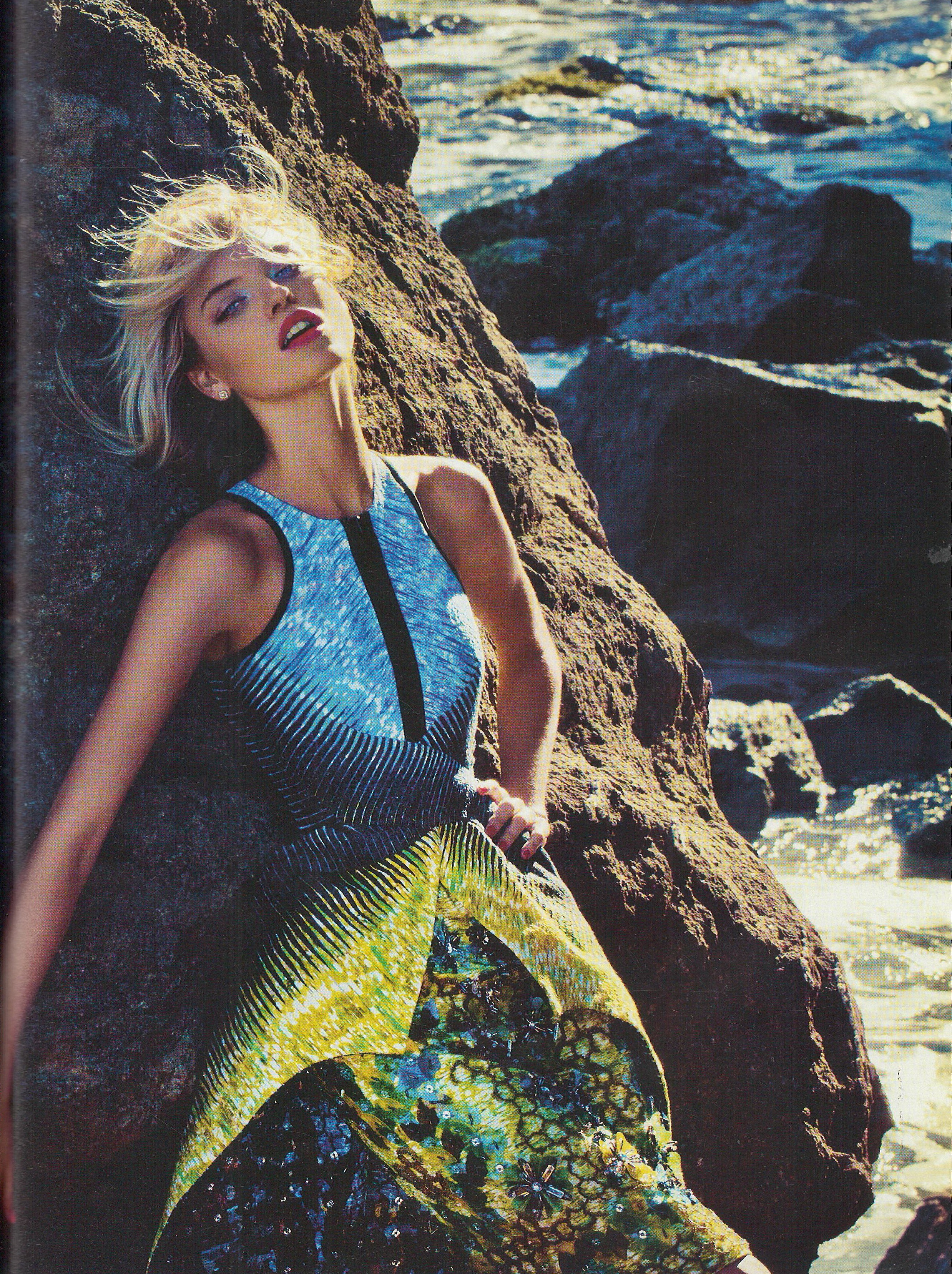
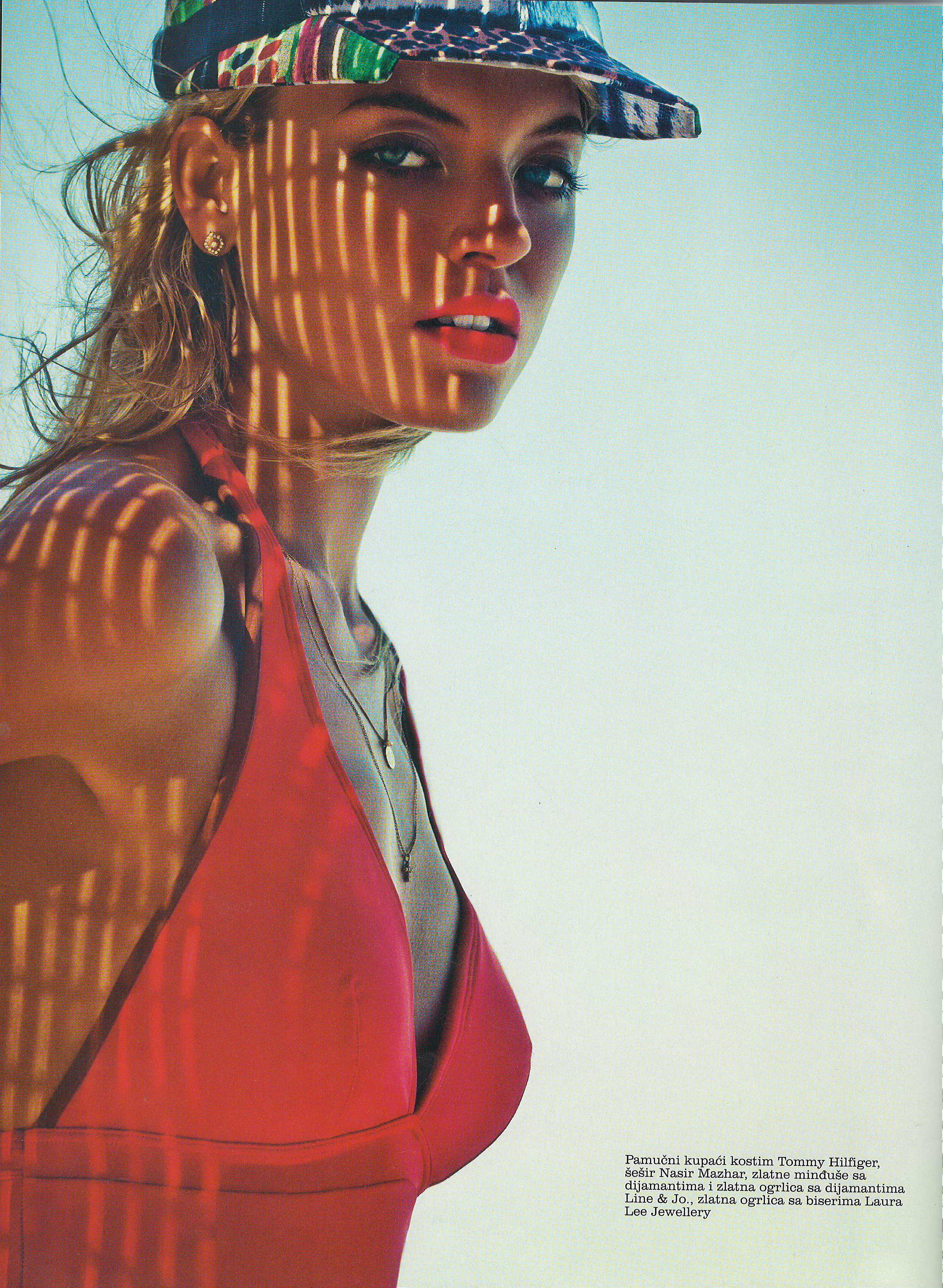
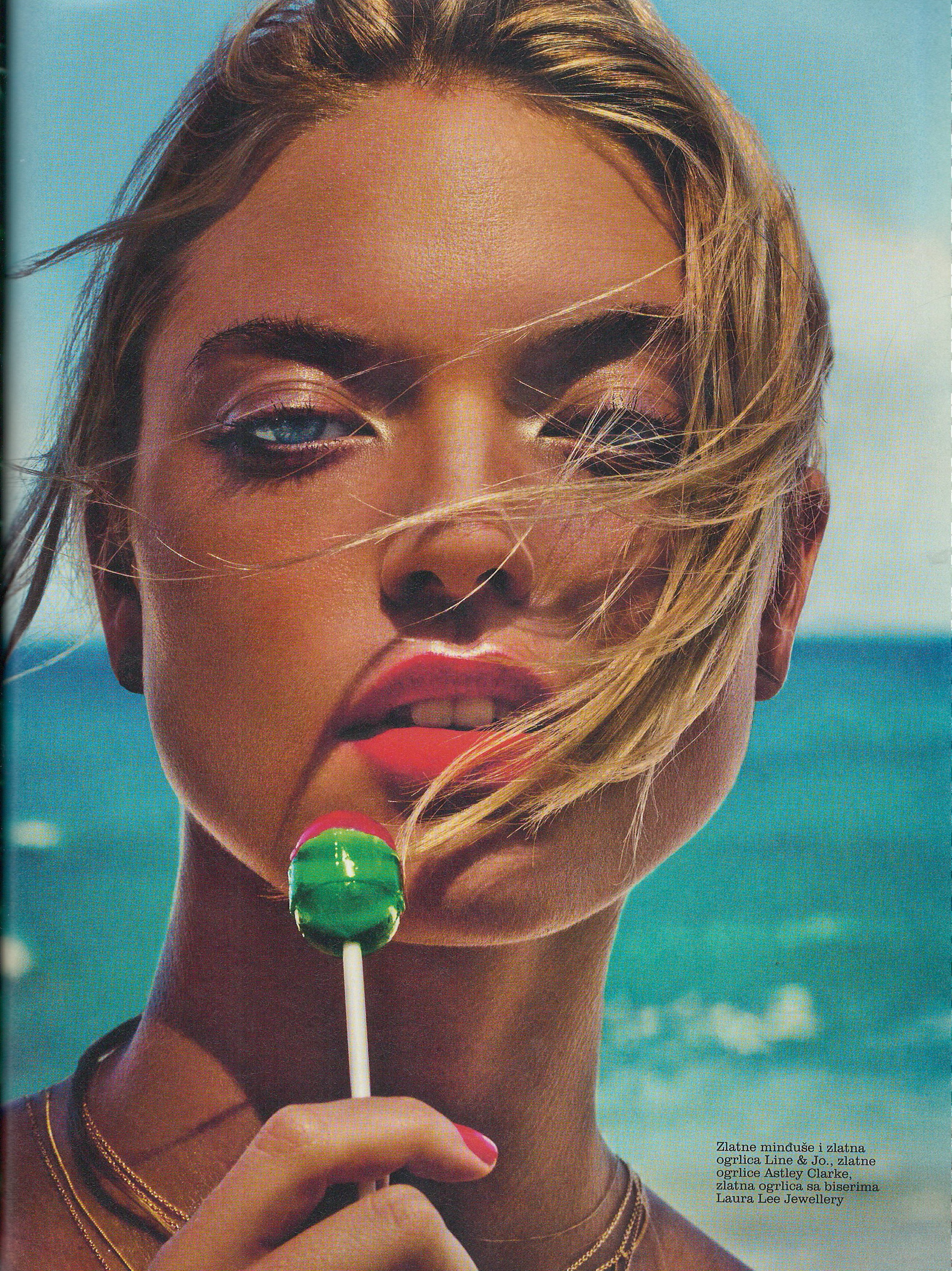
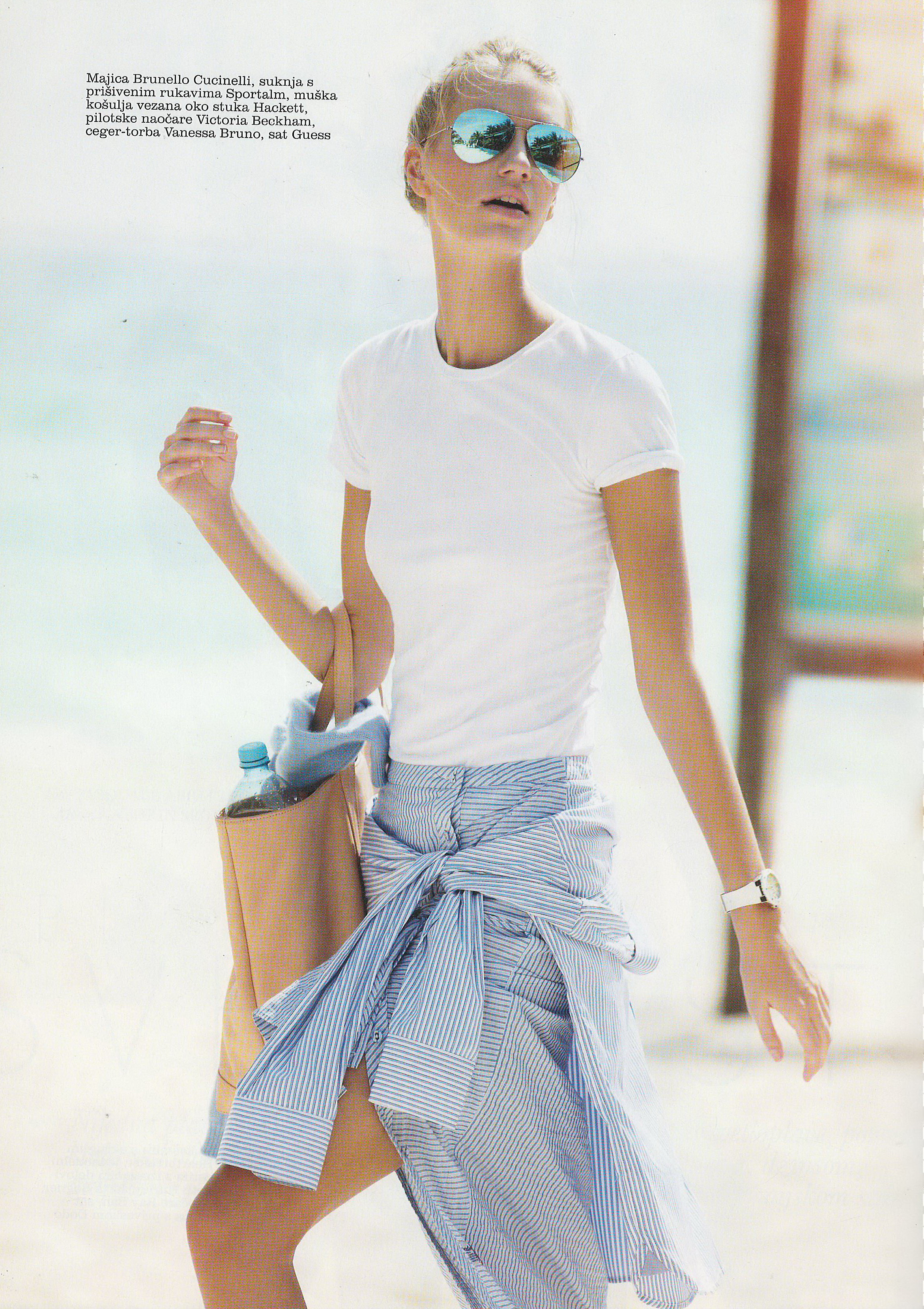
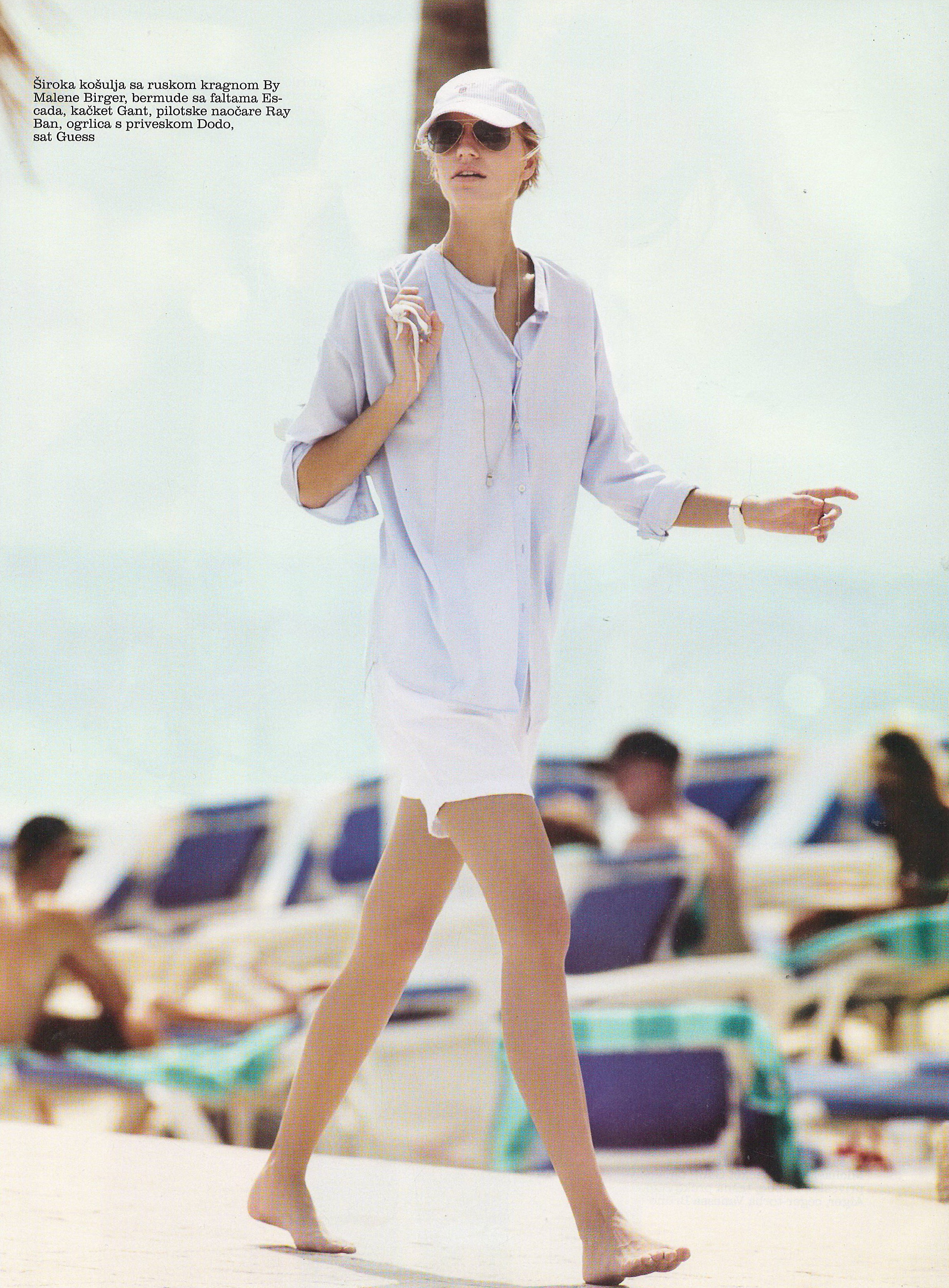
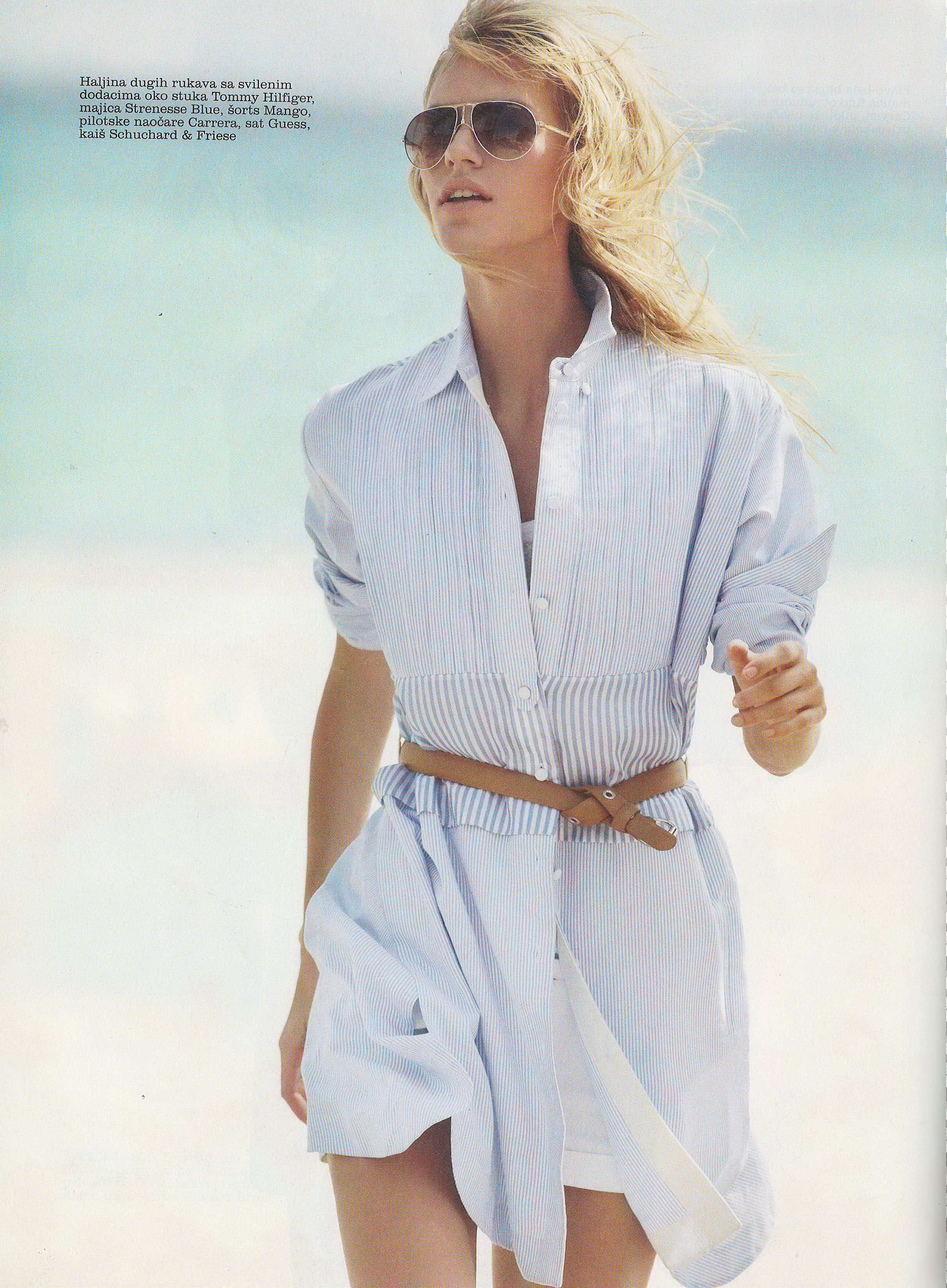
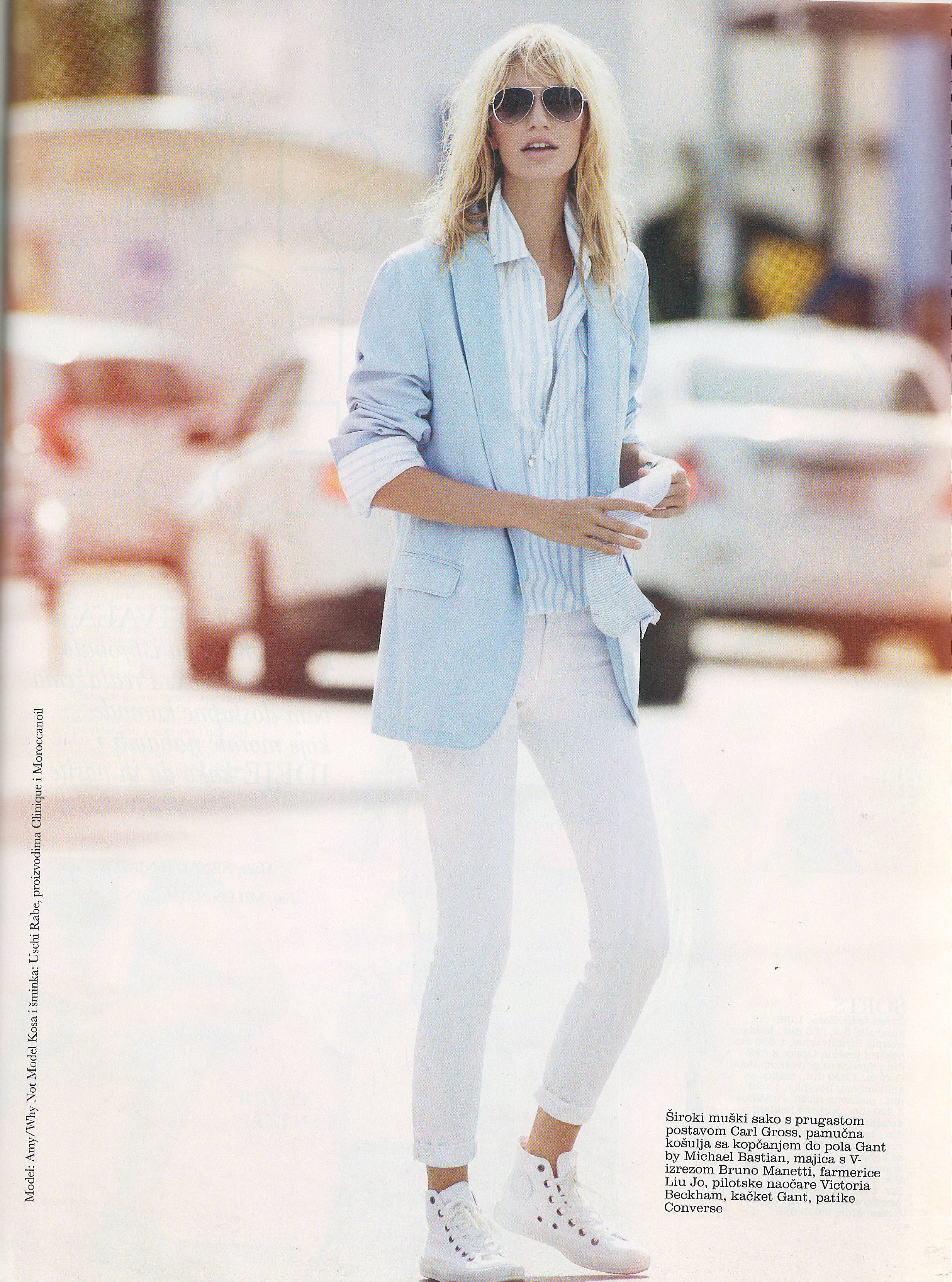
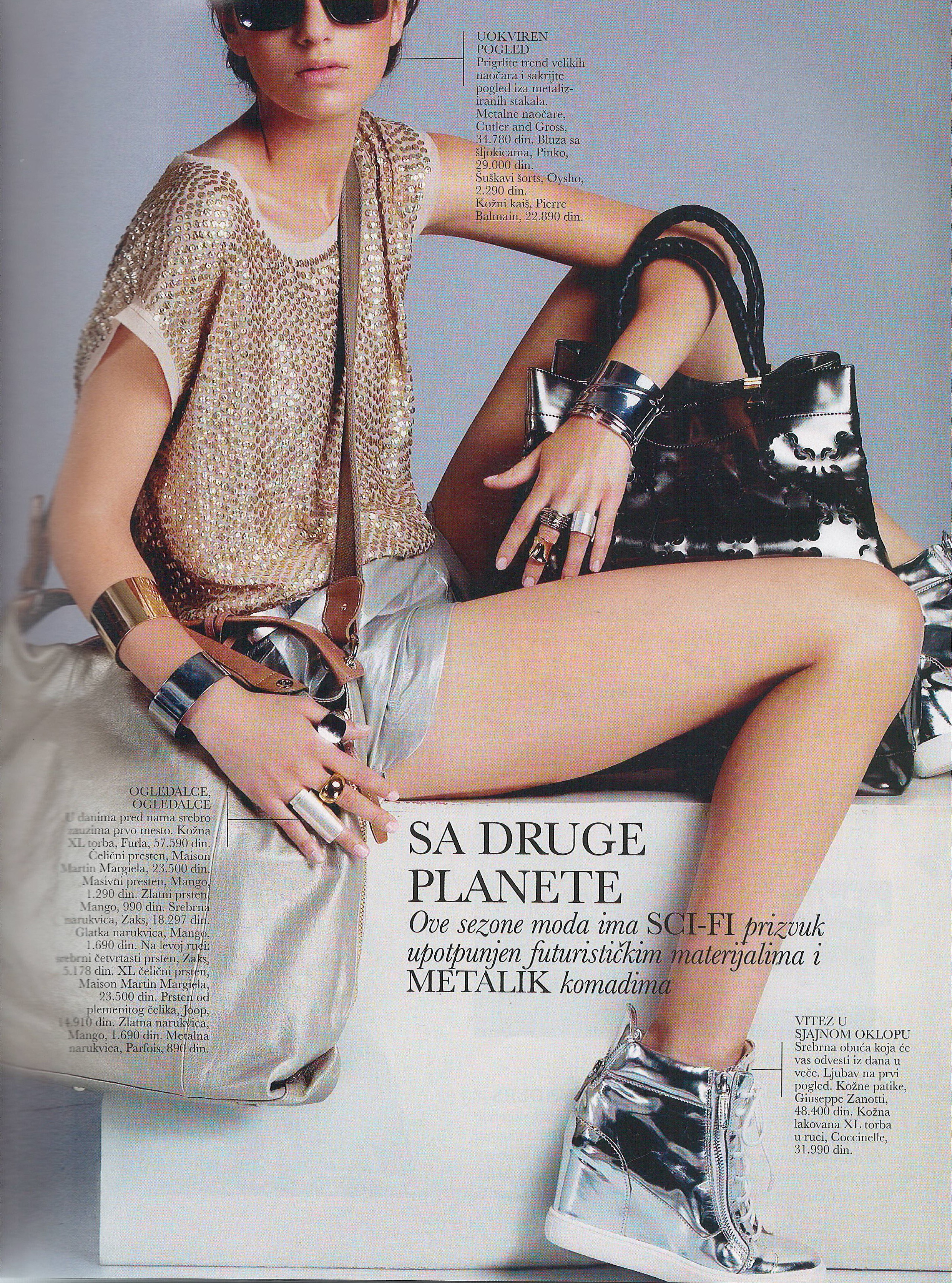
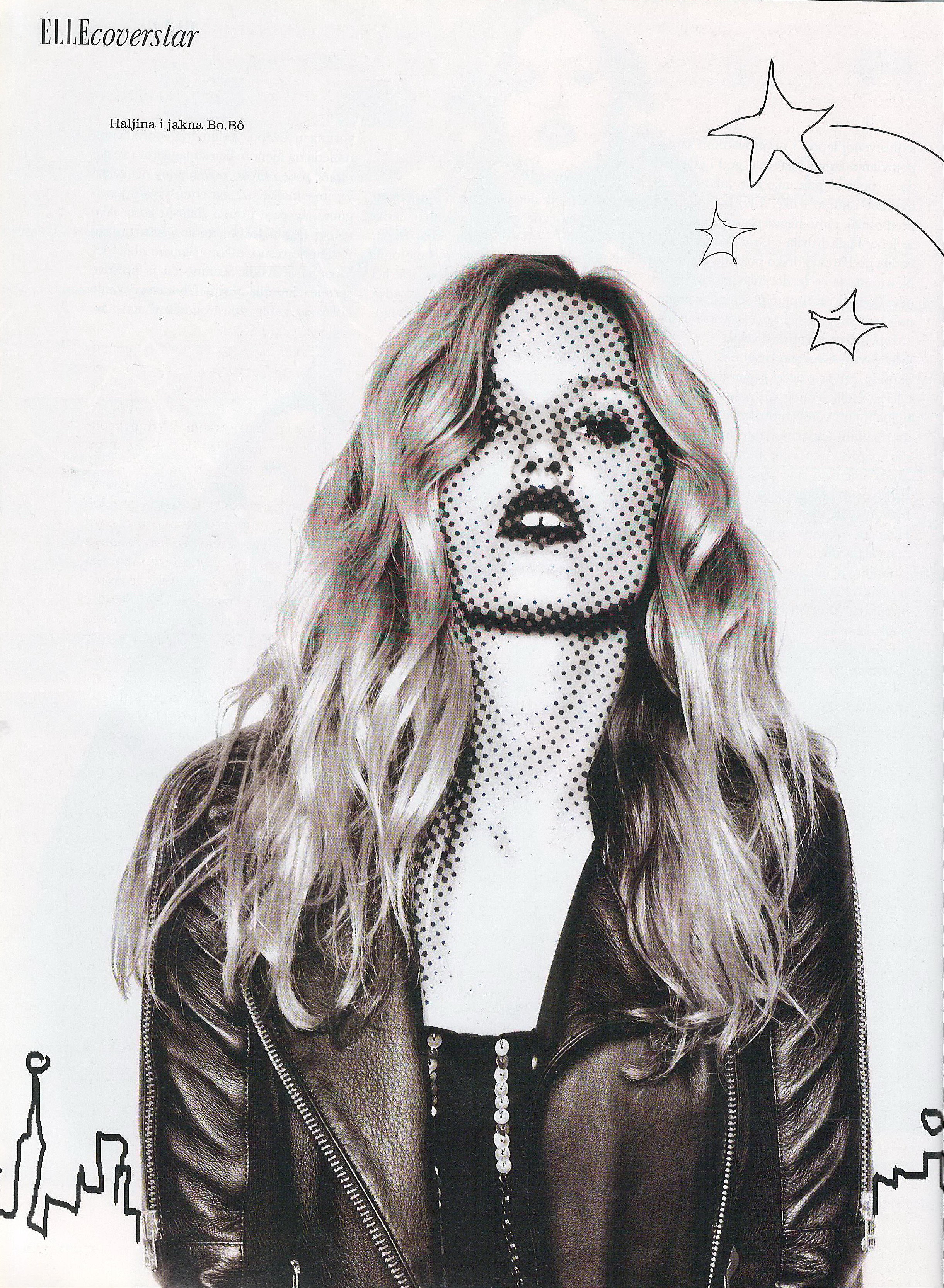
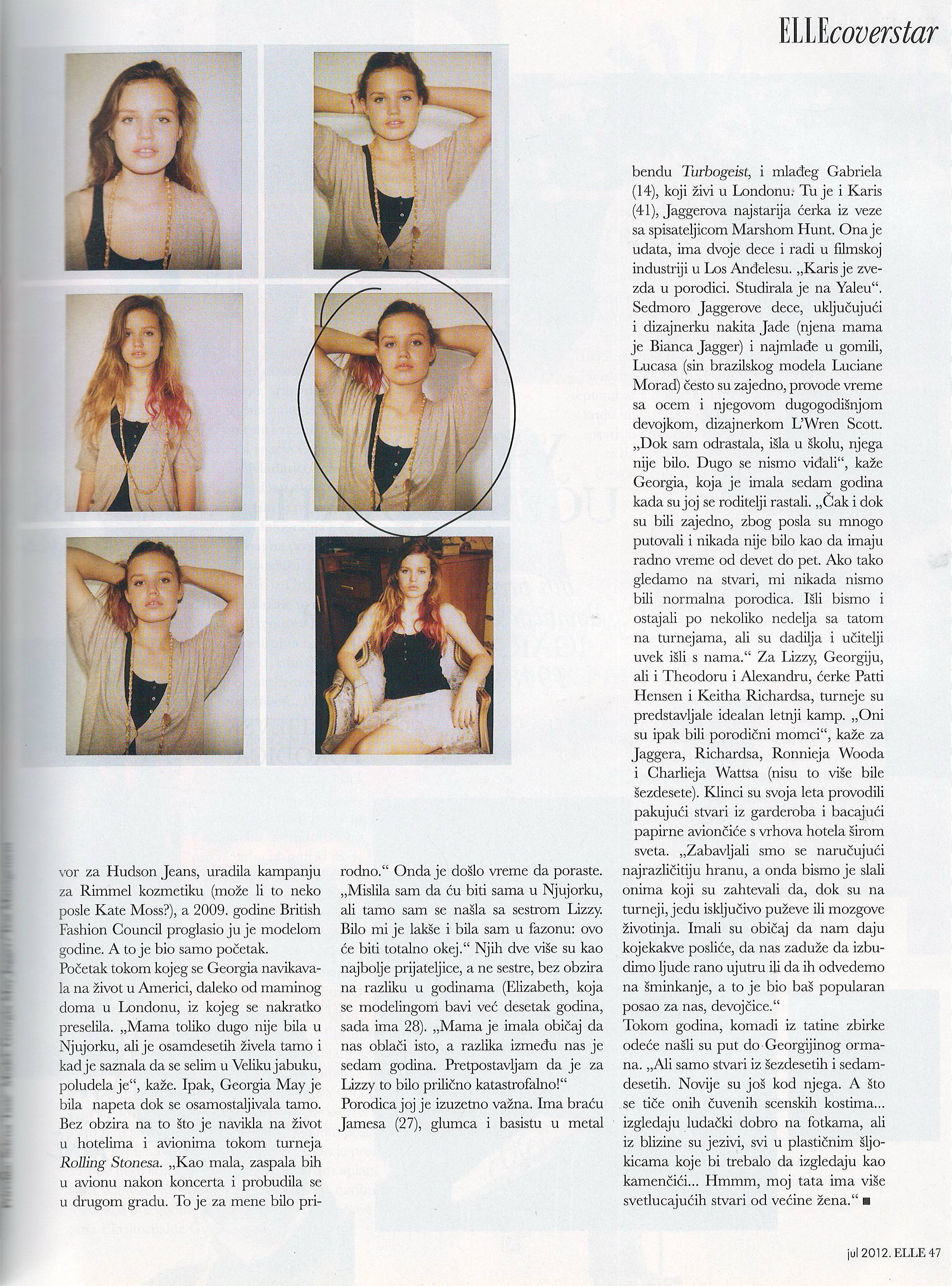
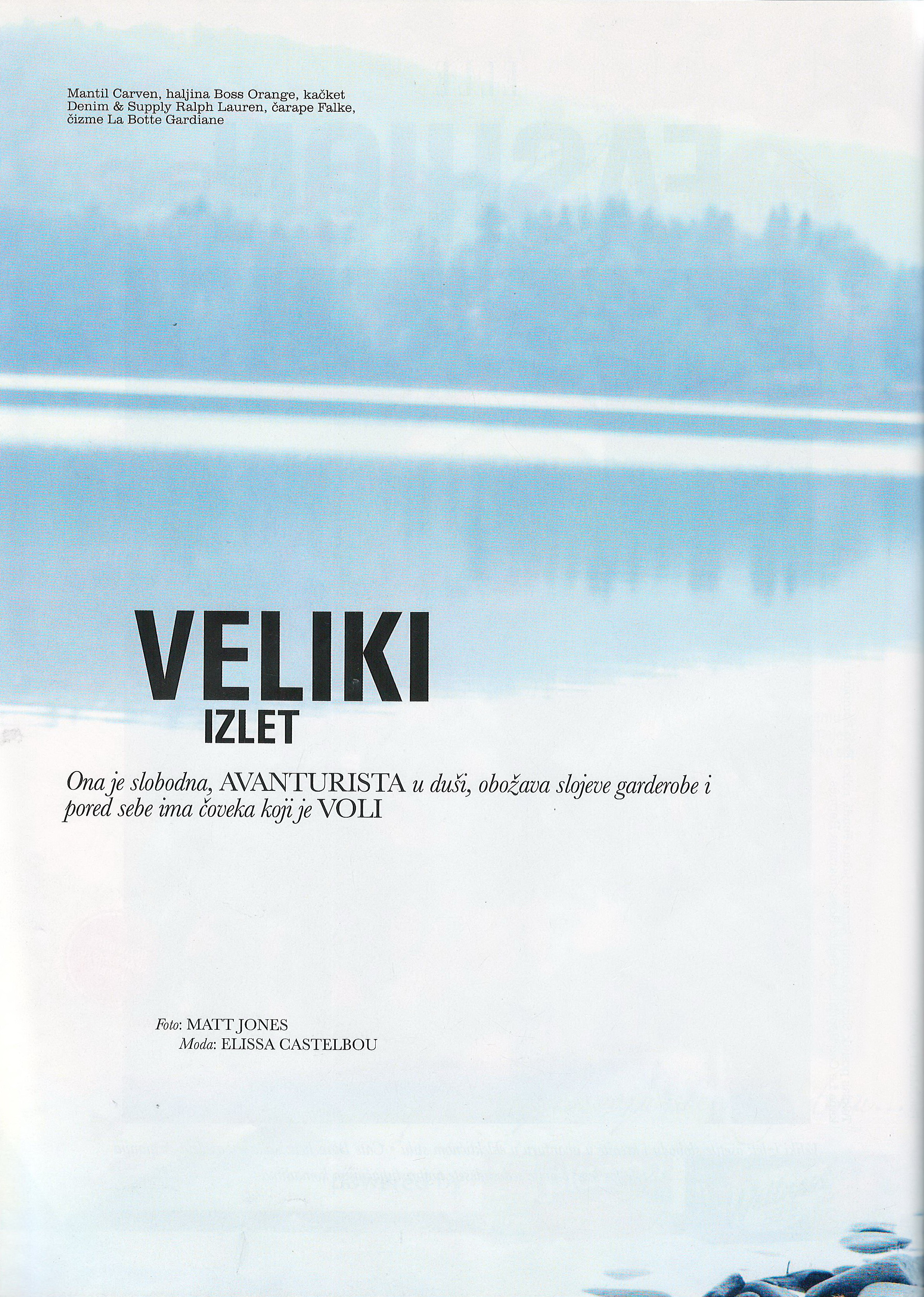
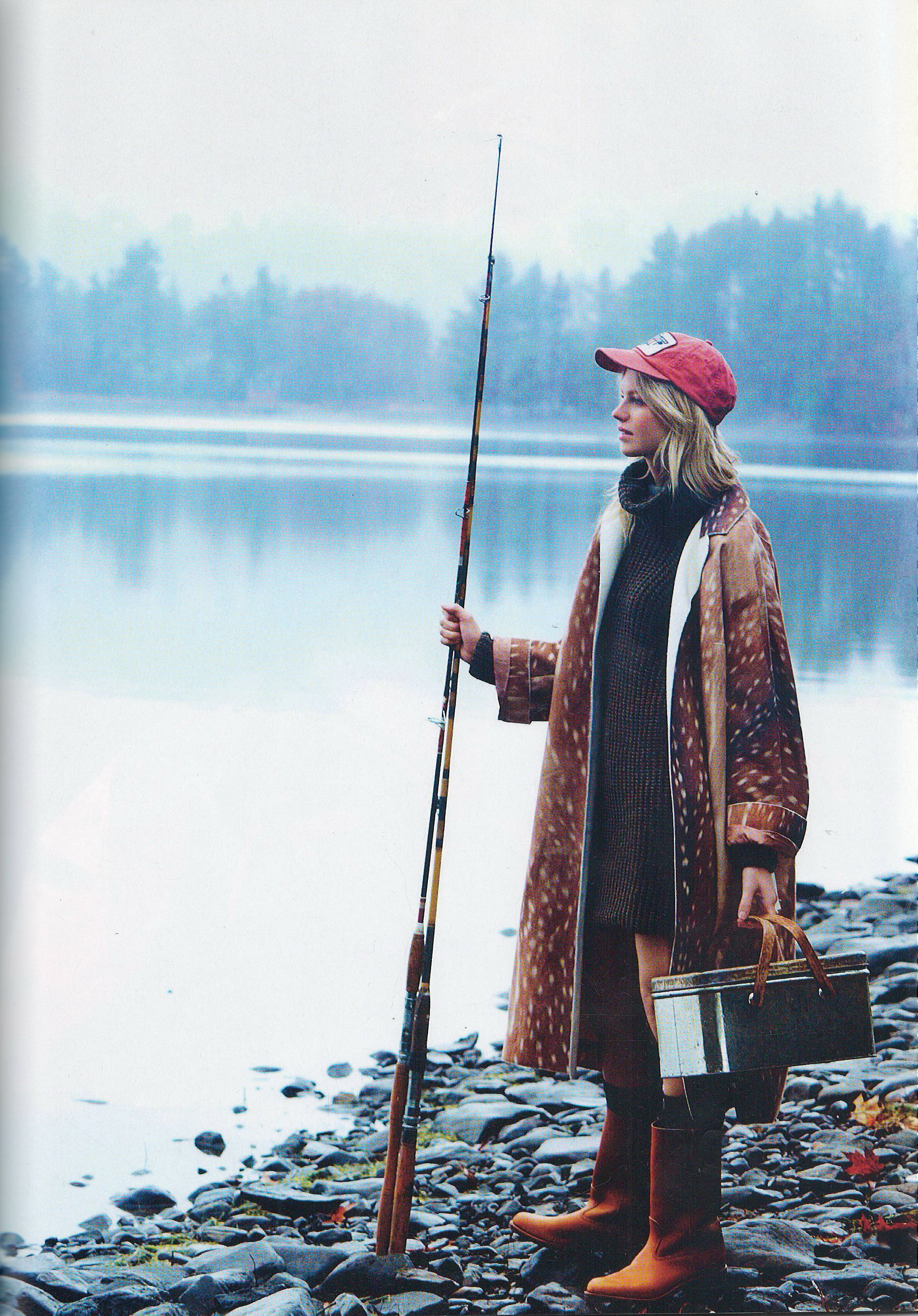
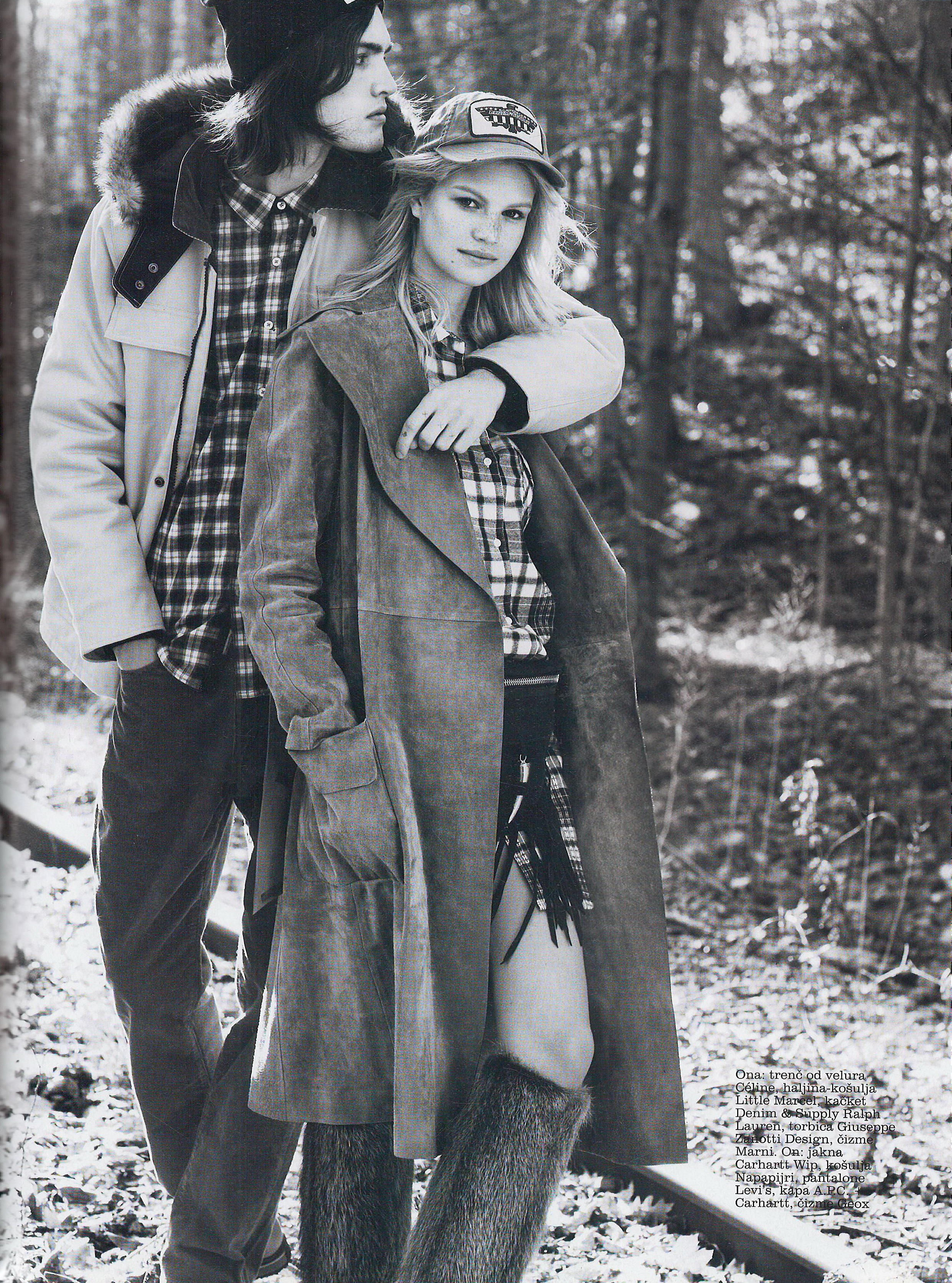
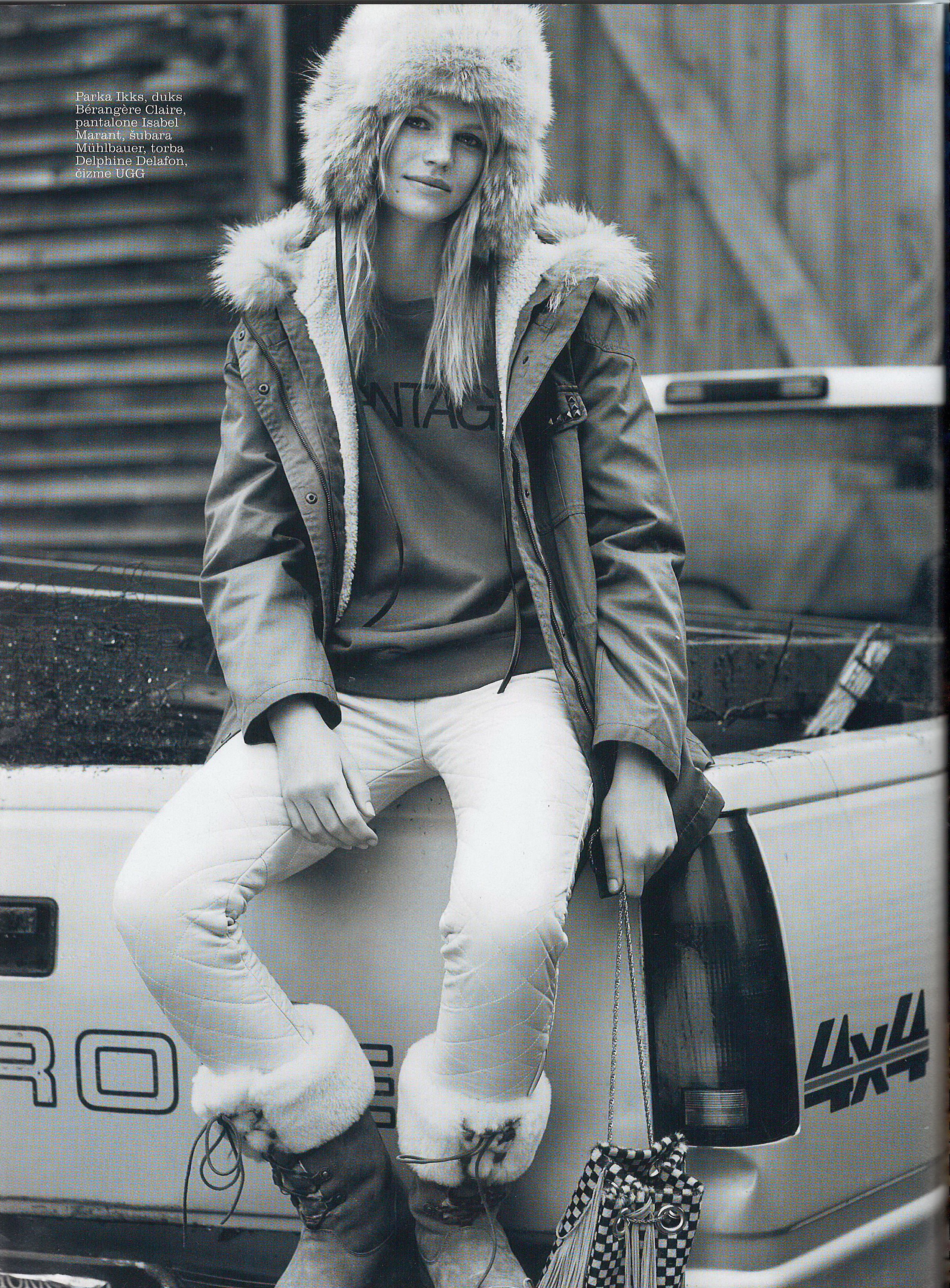
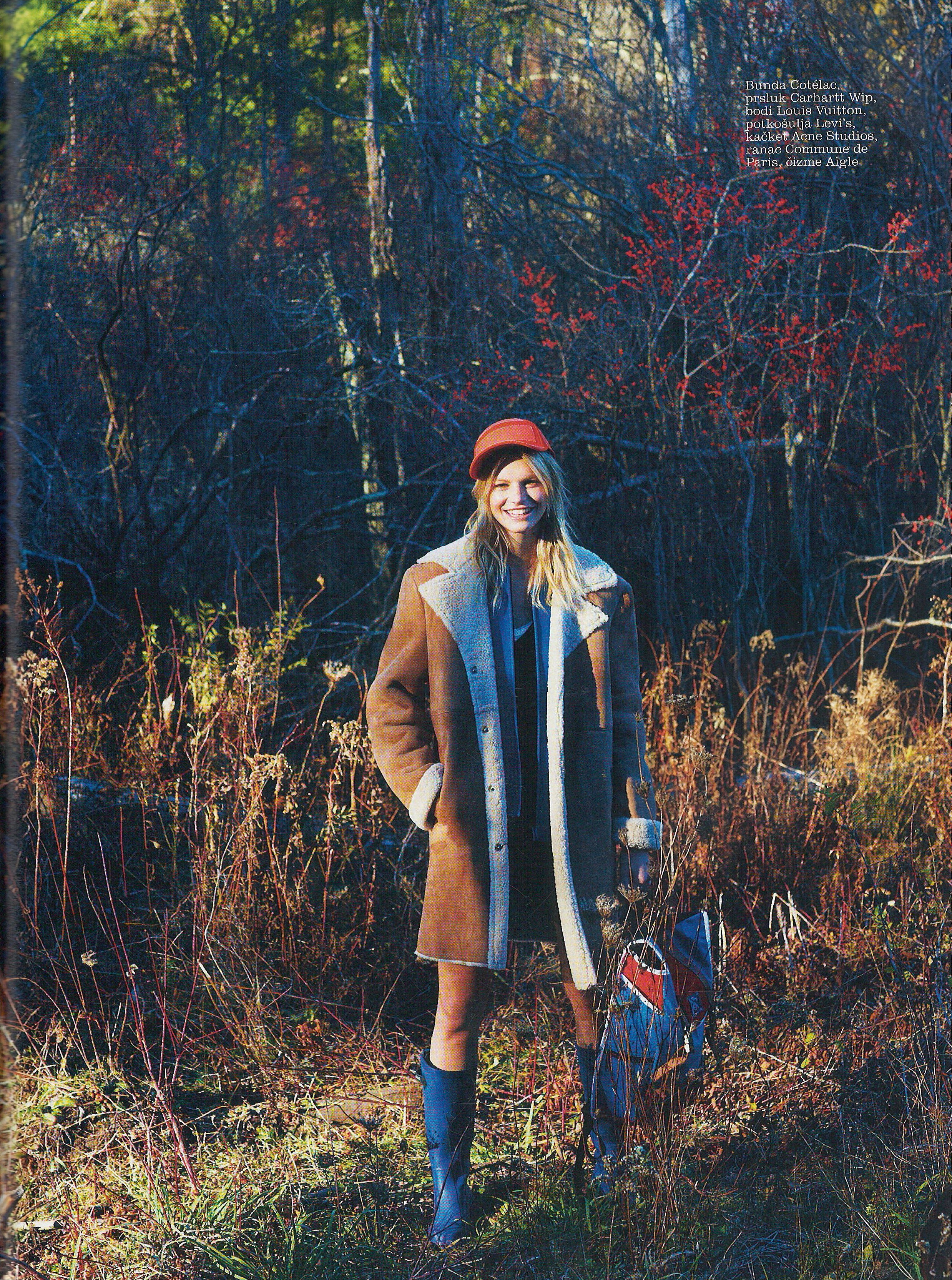
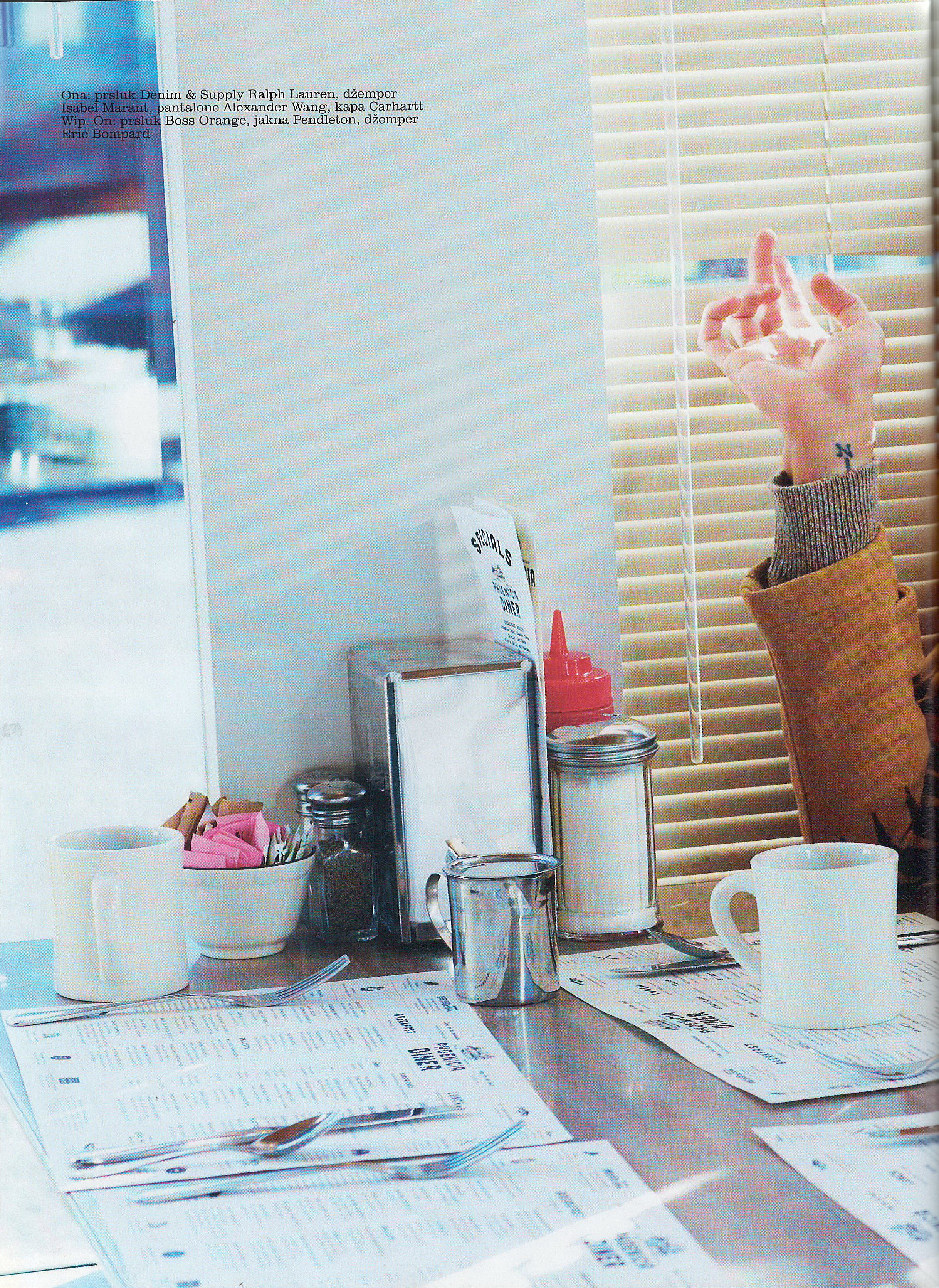
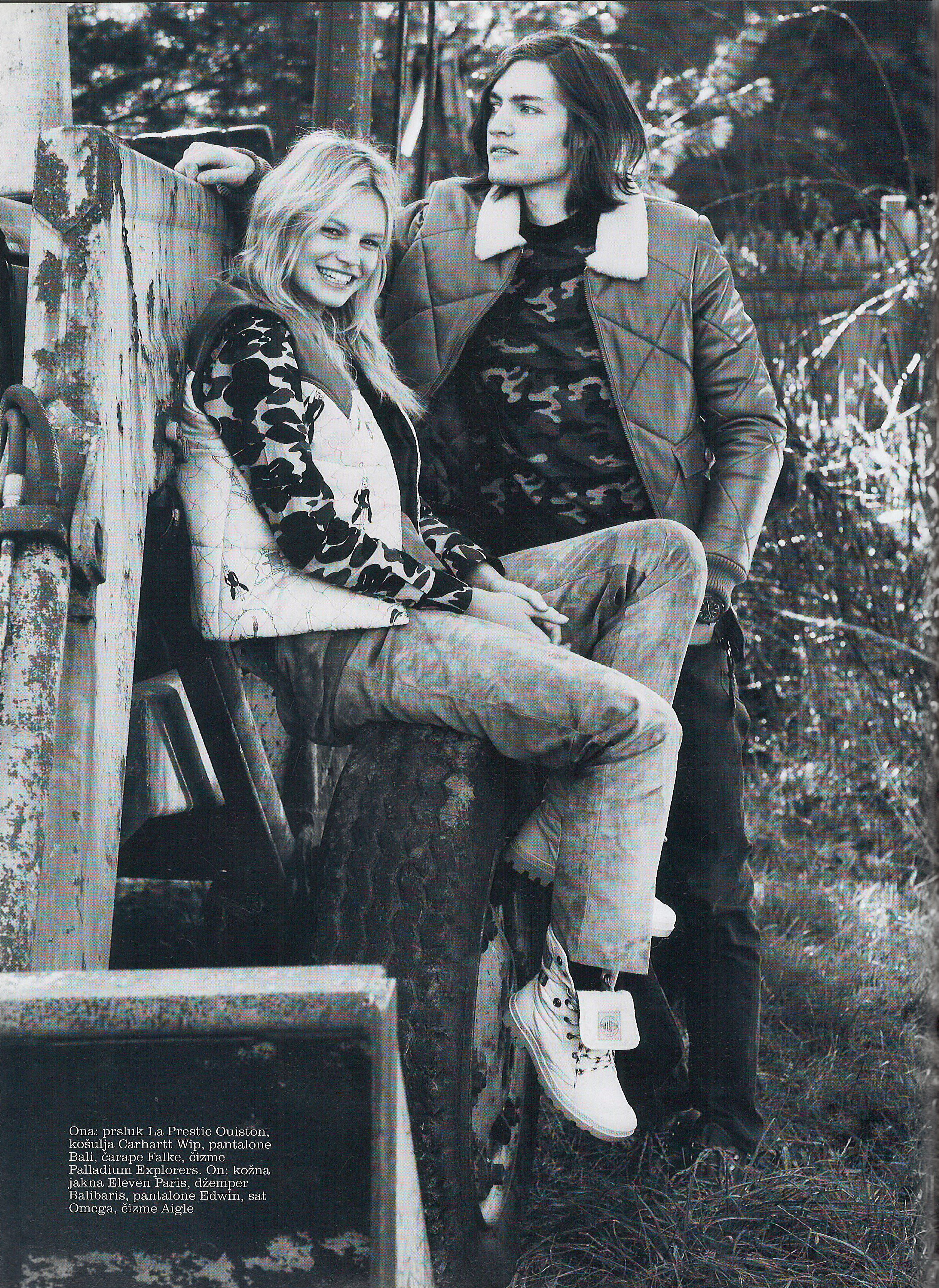
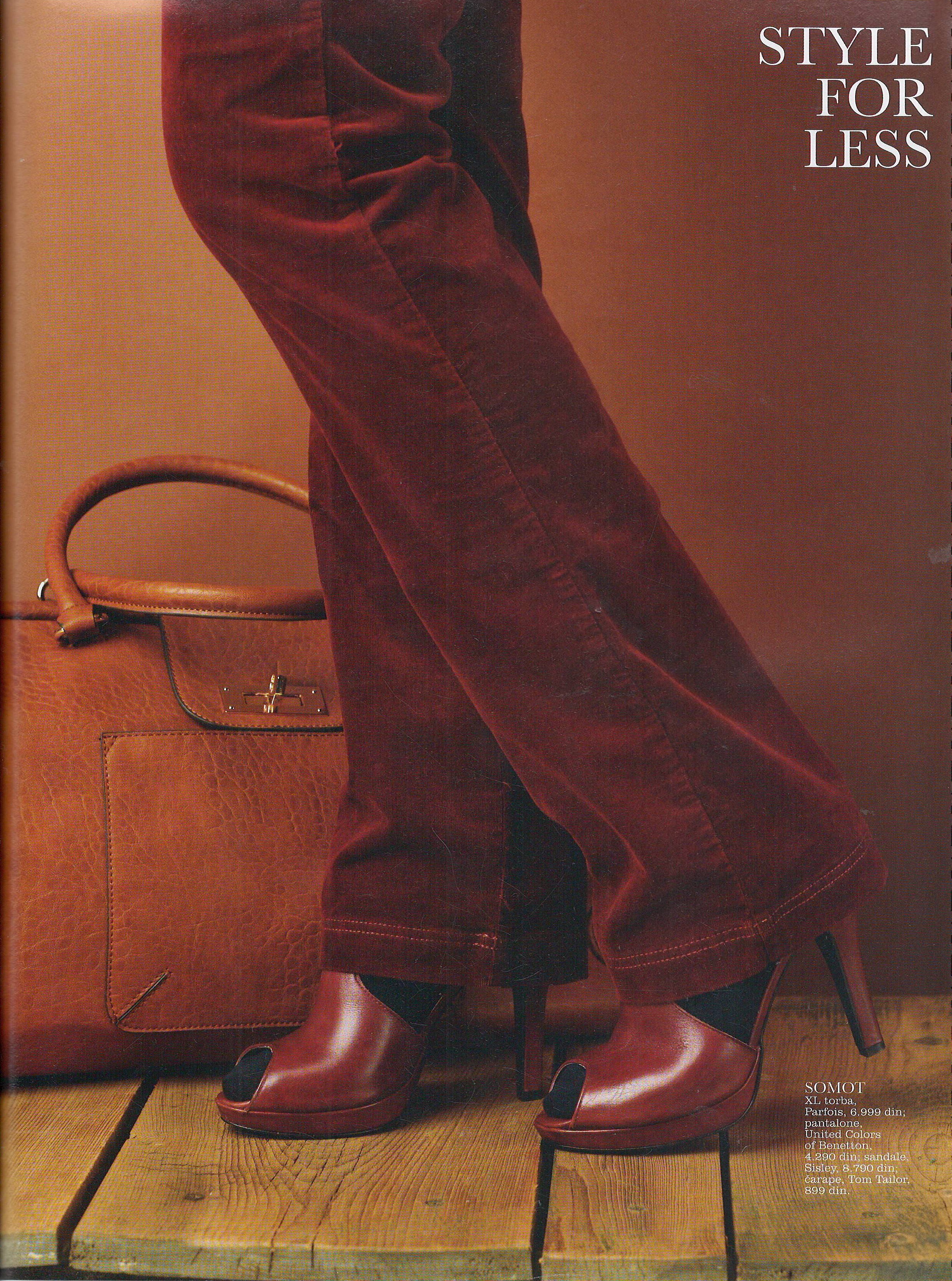
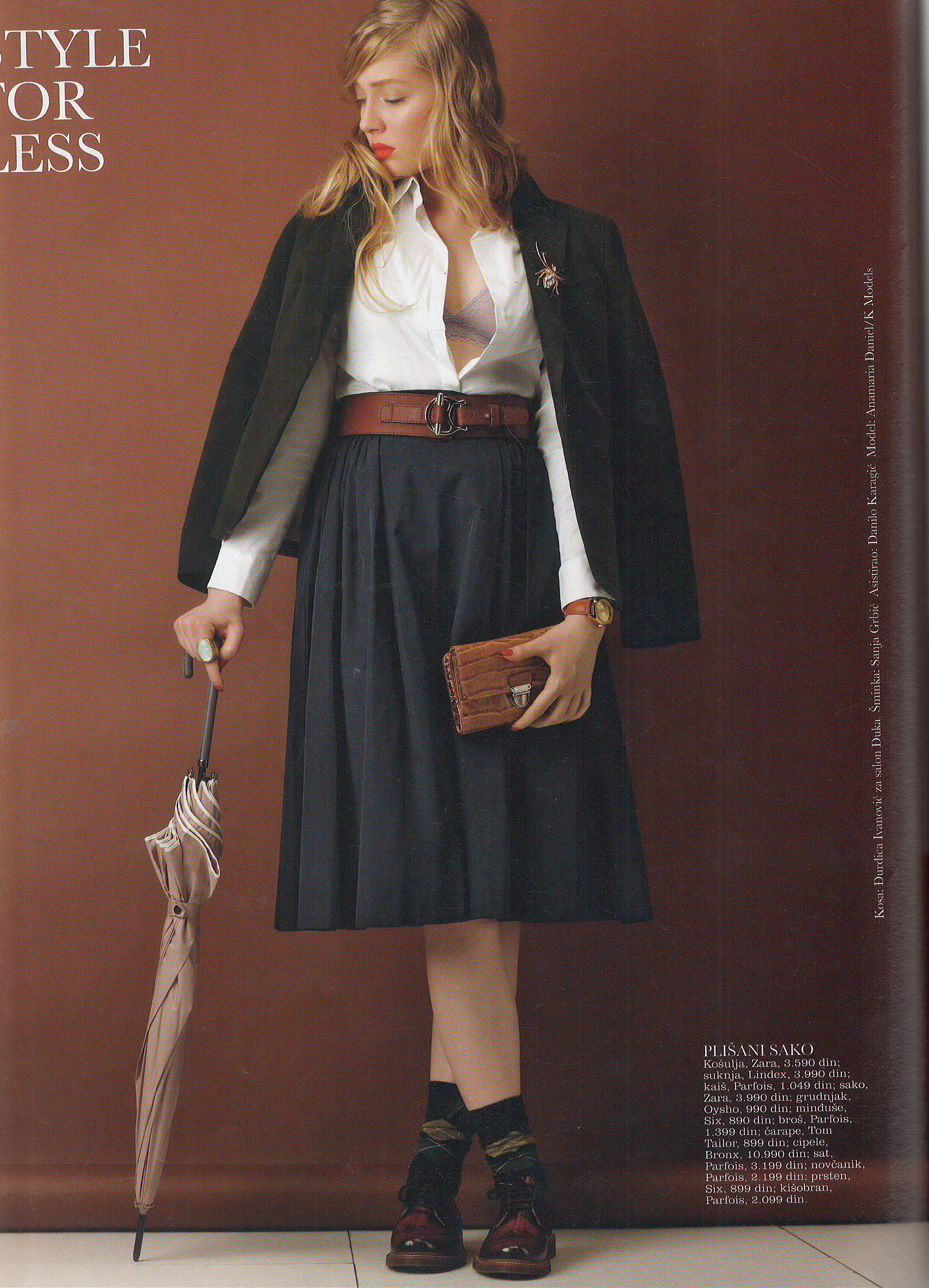
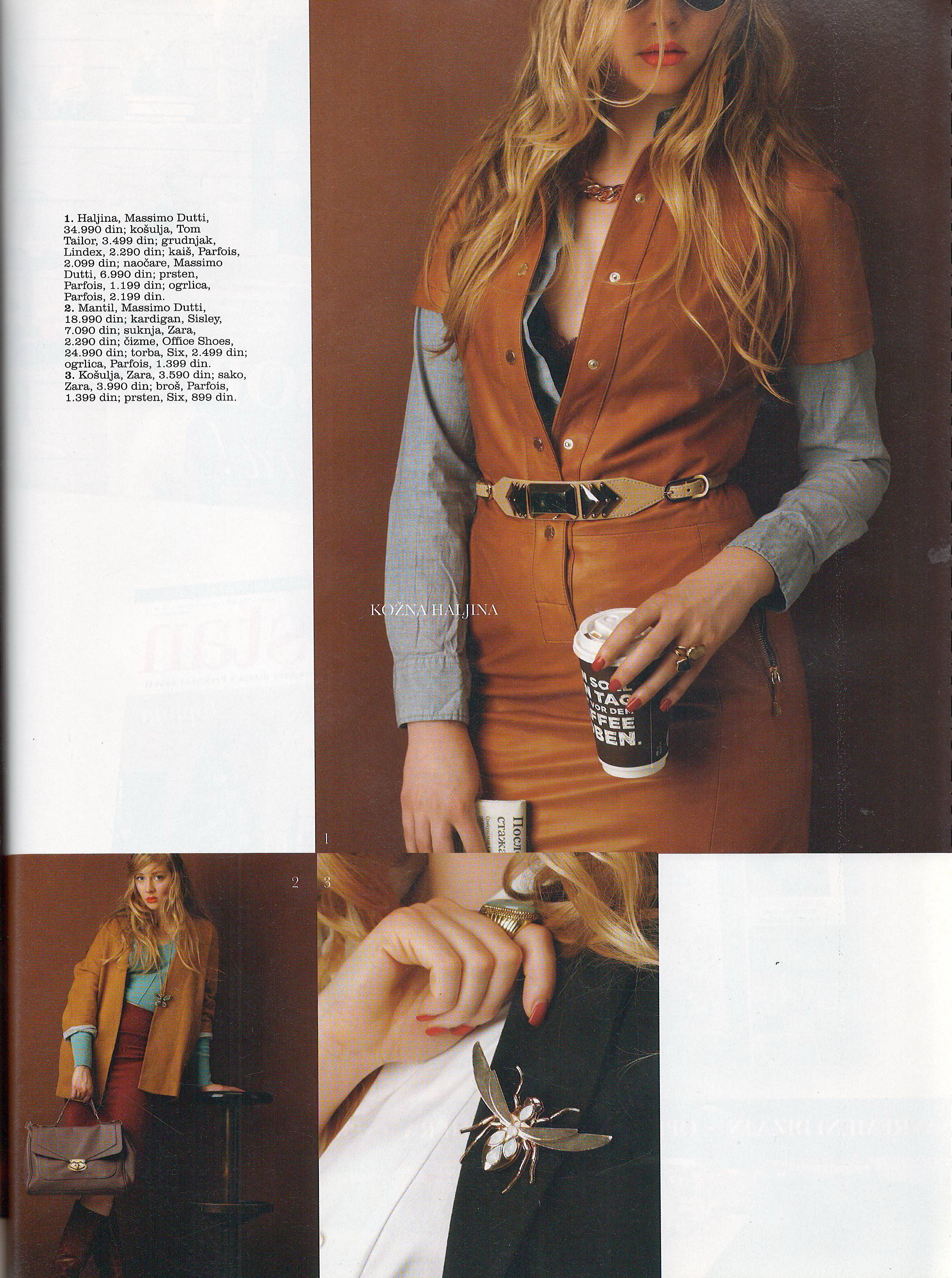
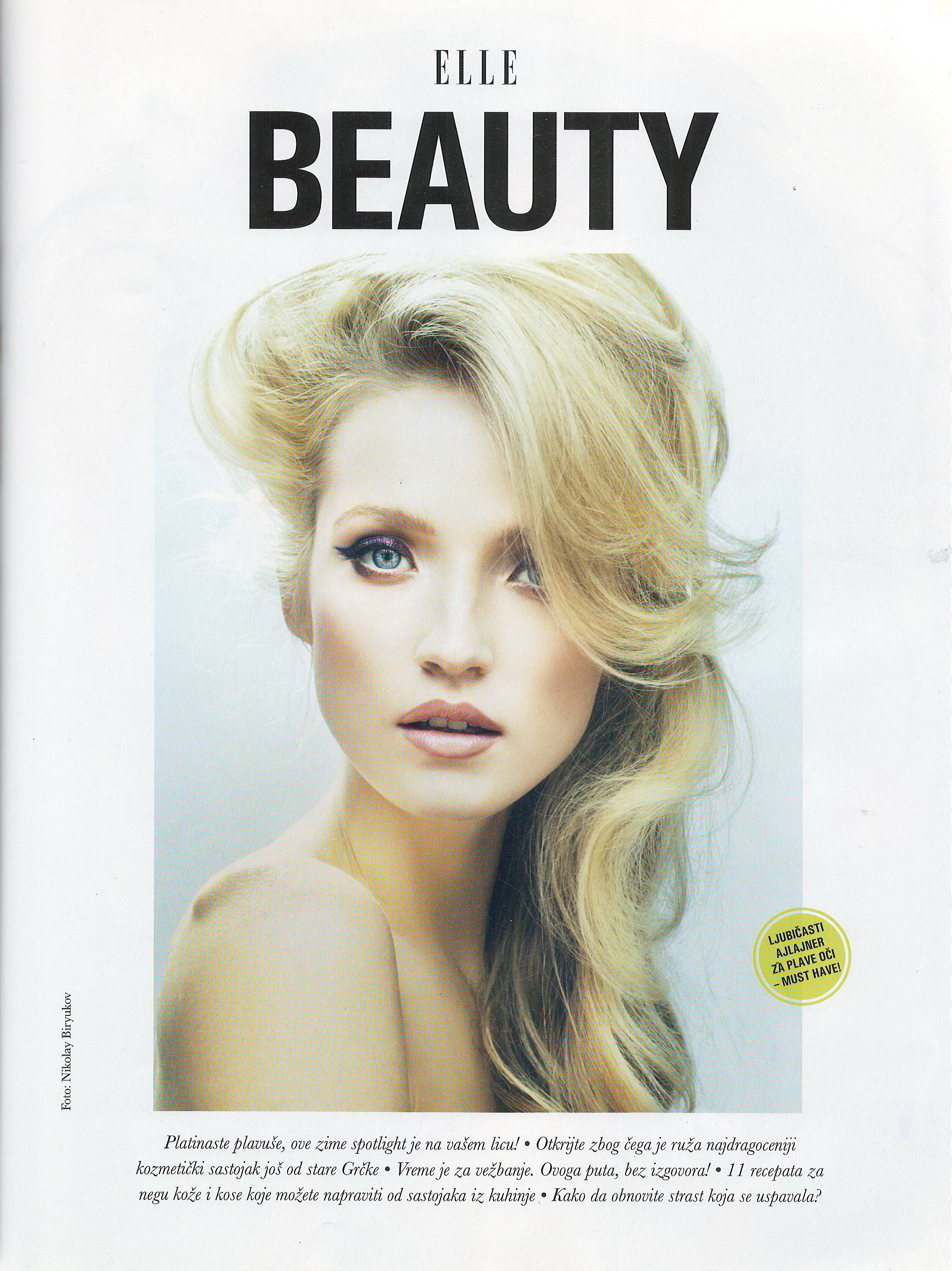
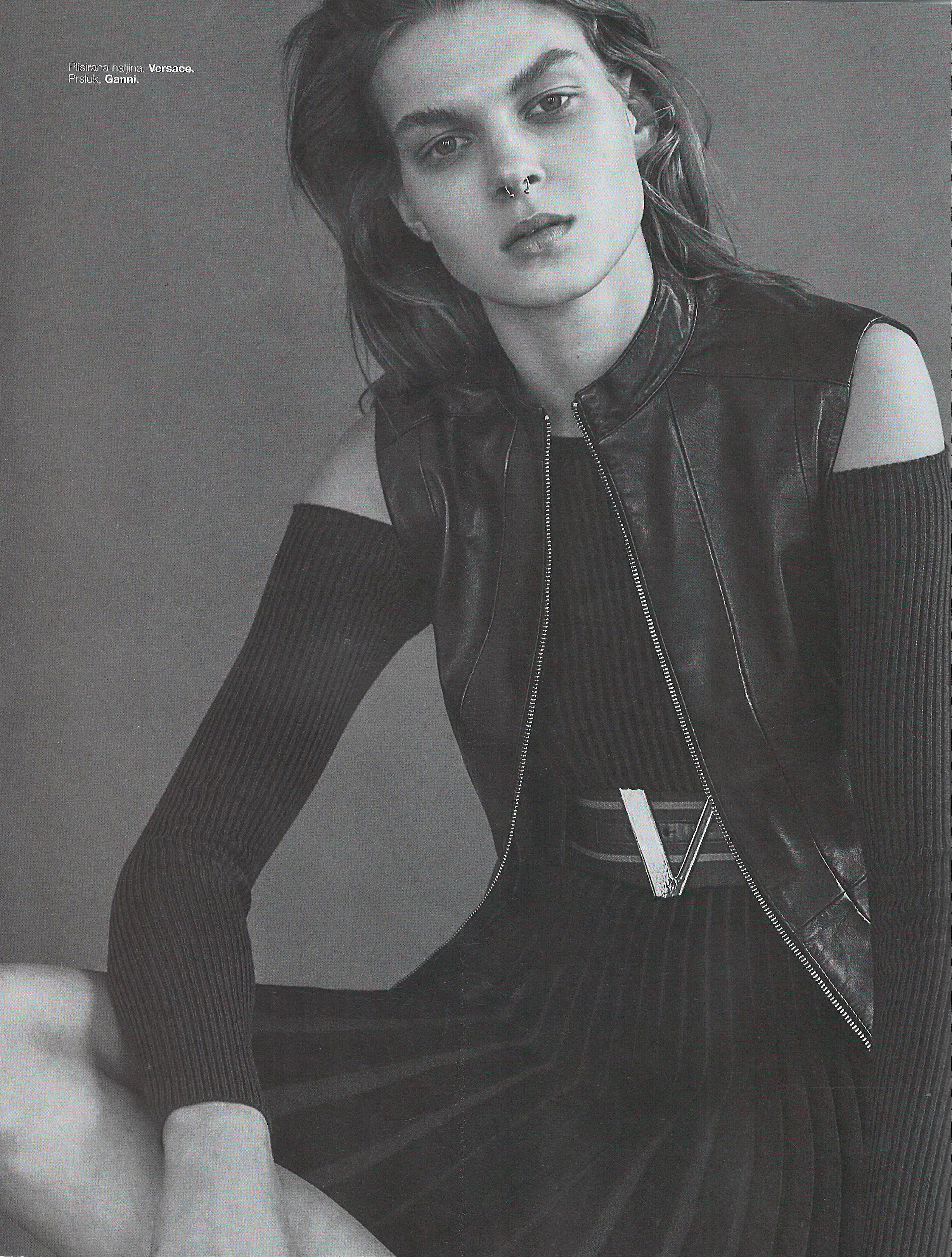
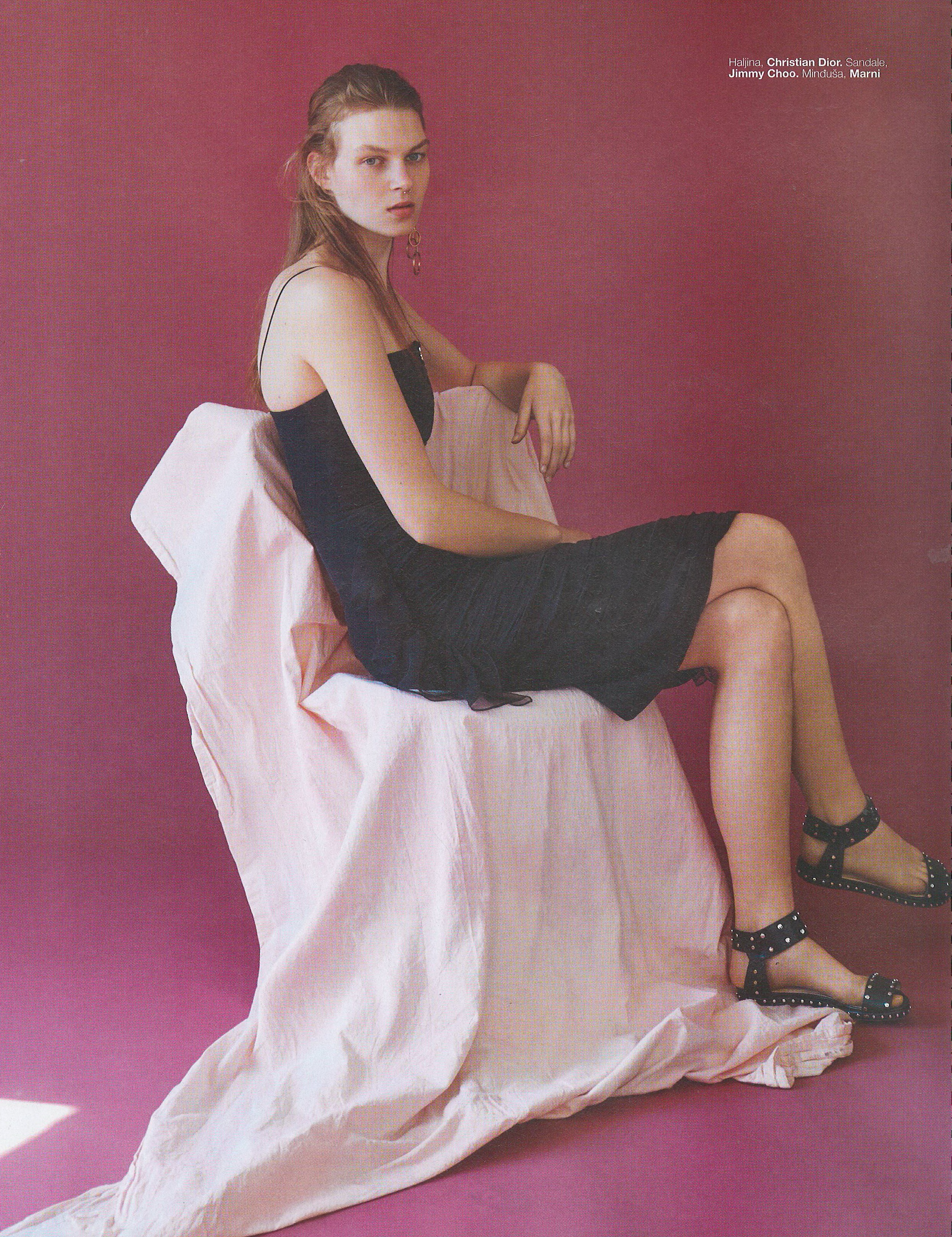
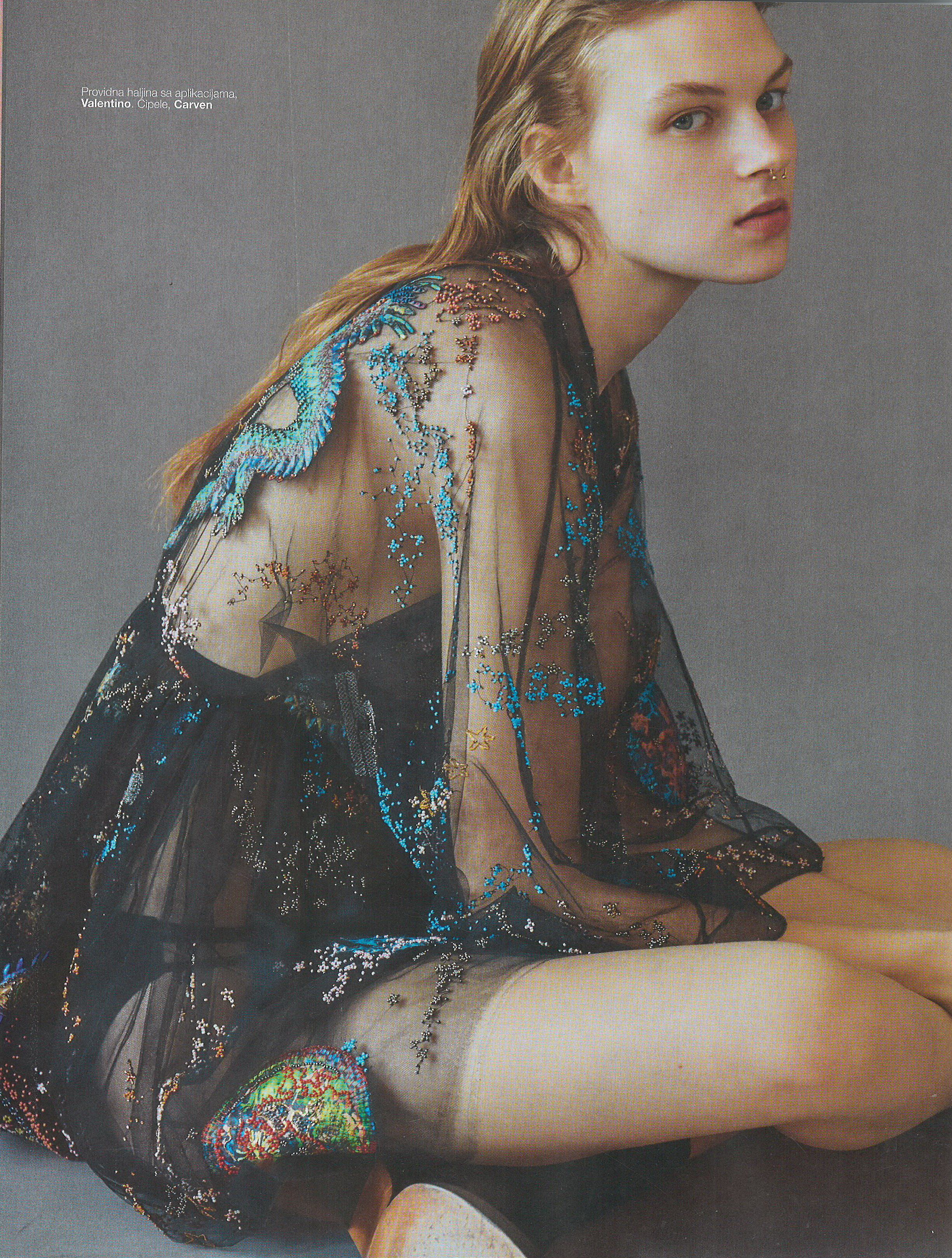
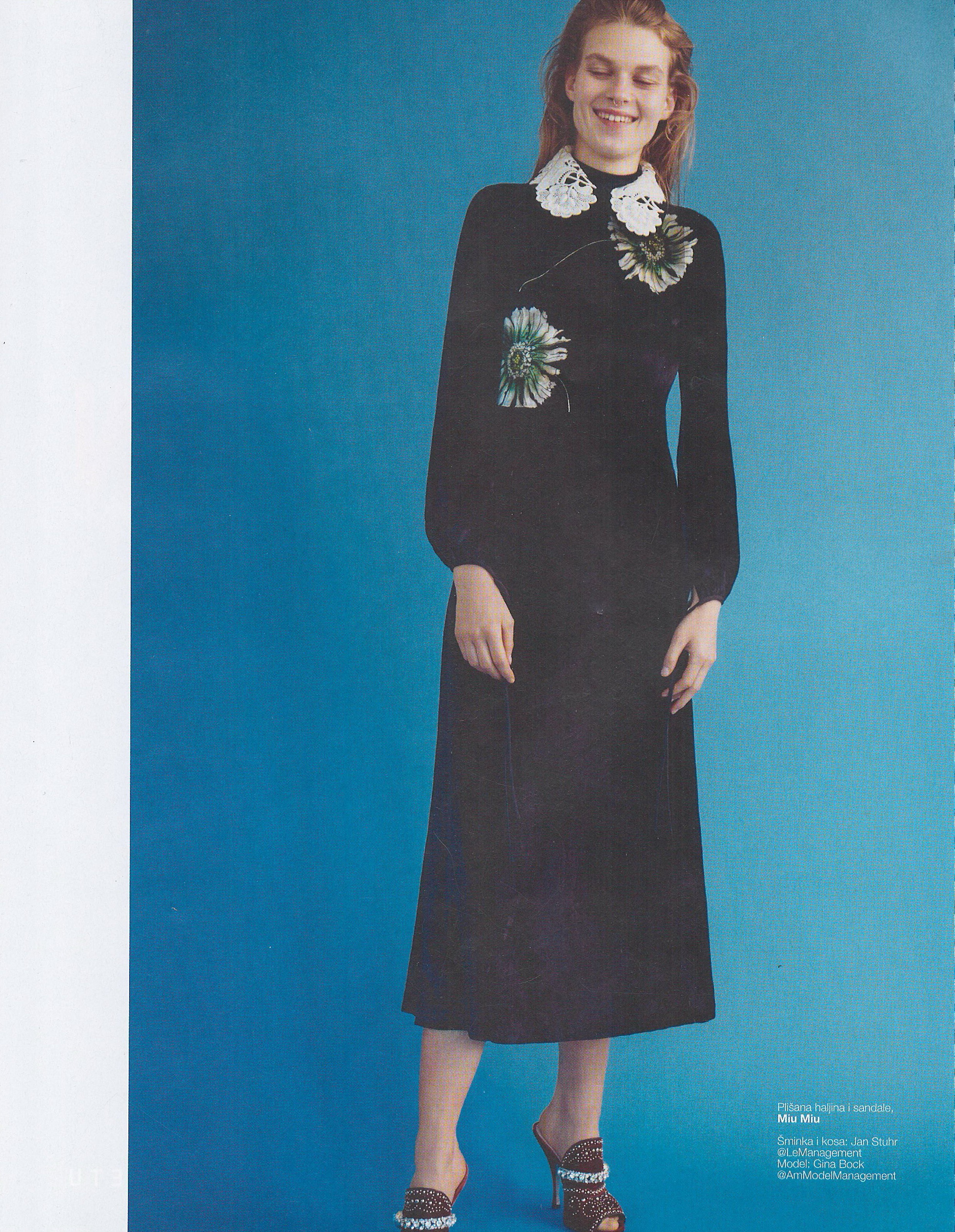
Elle Serbia July 2012 Scanned by me






-
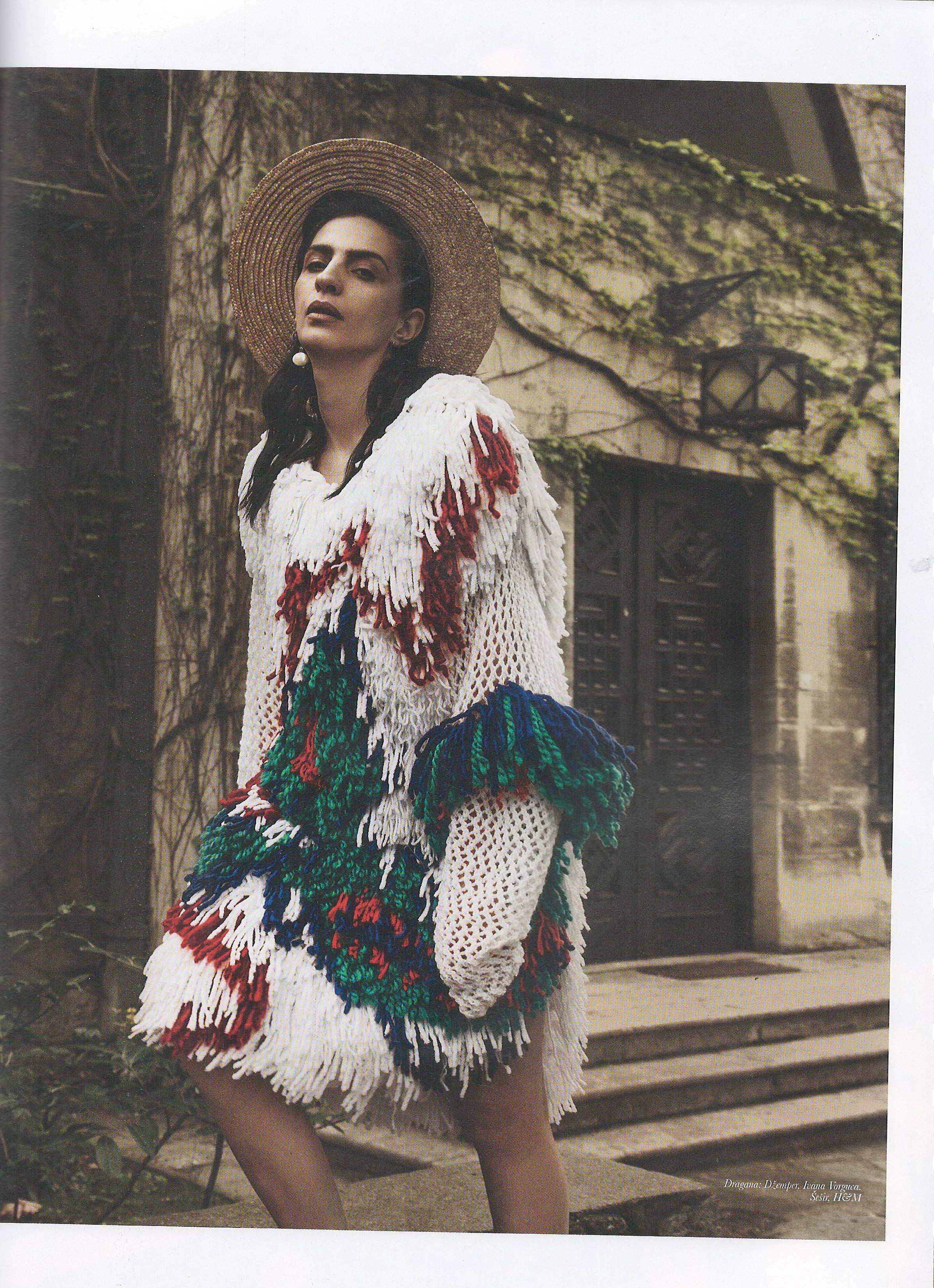
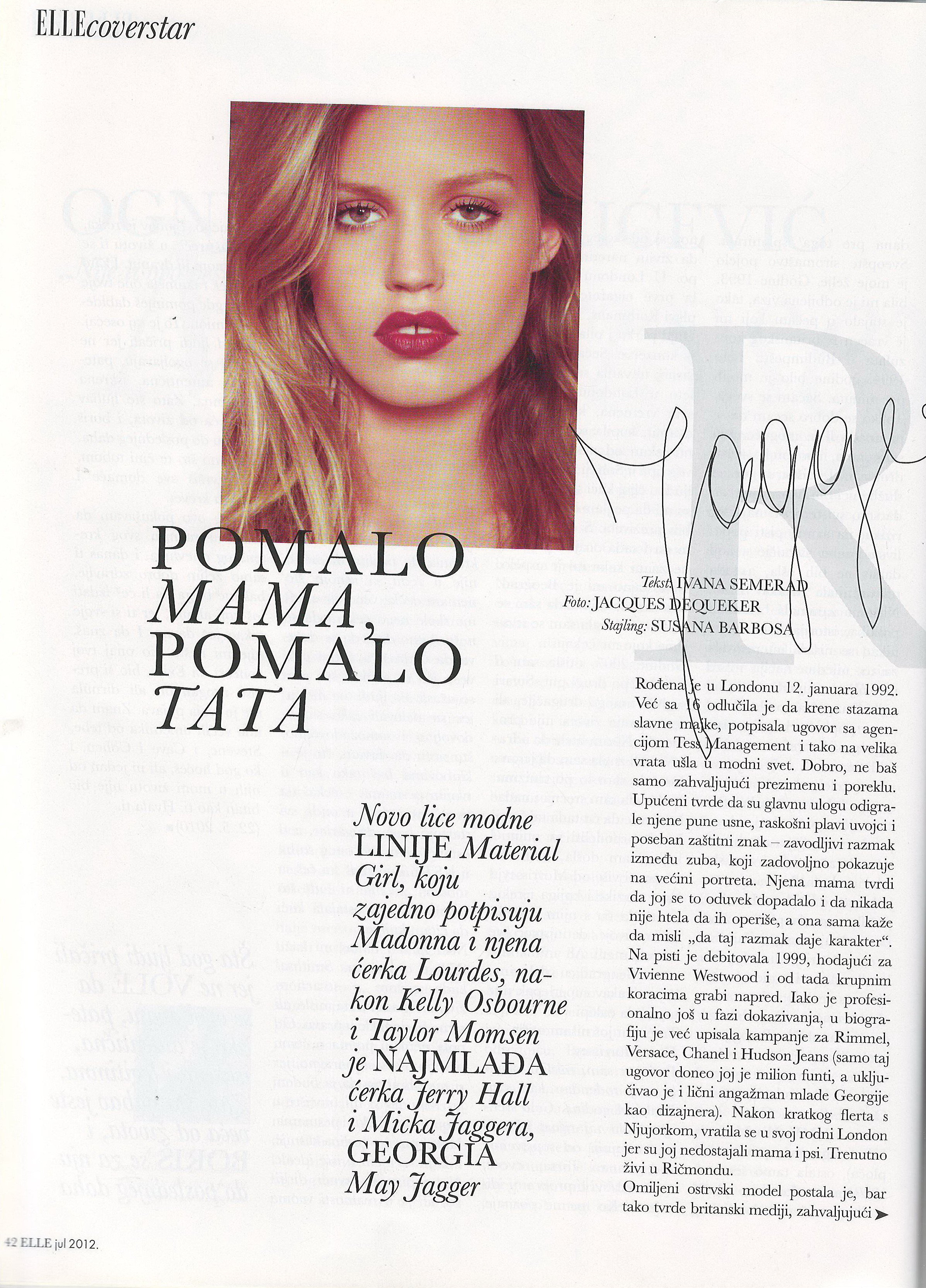
Elle Serbia July 2012 Scanned by me













-
-
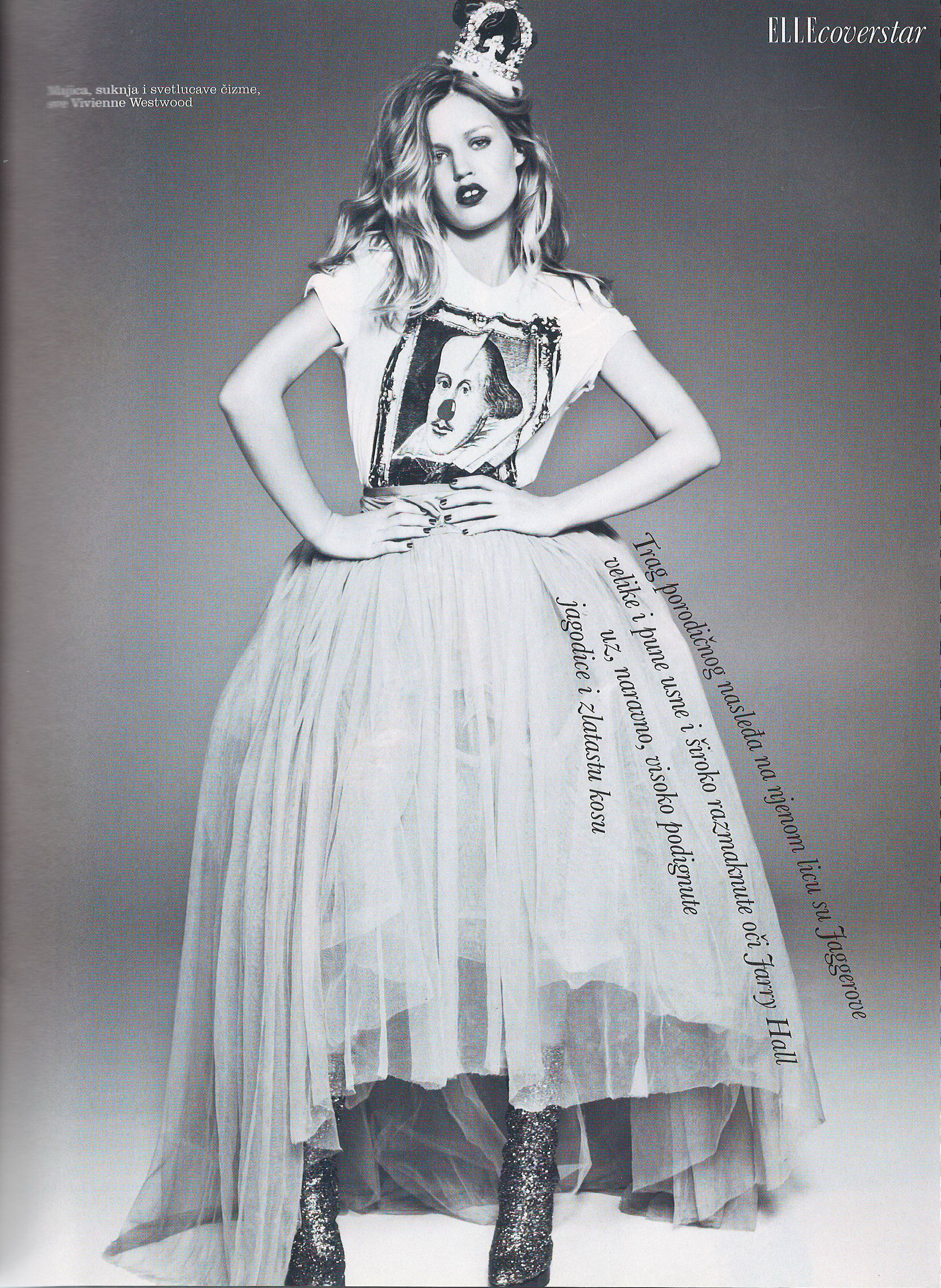
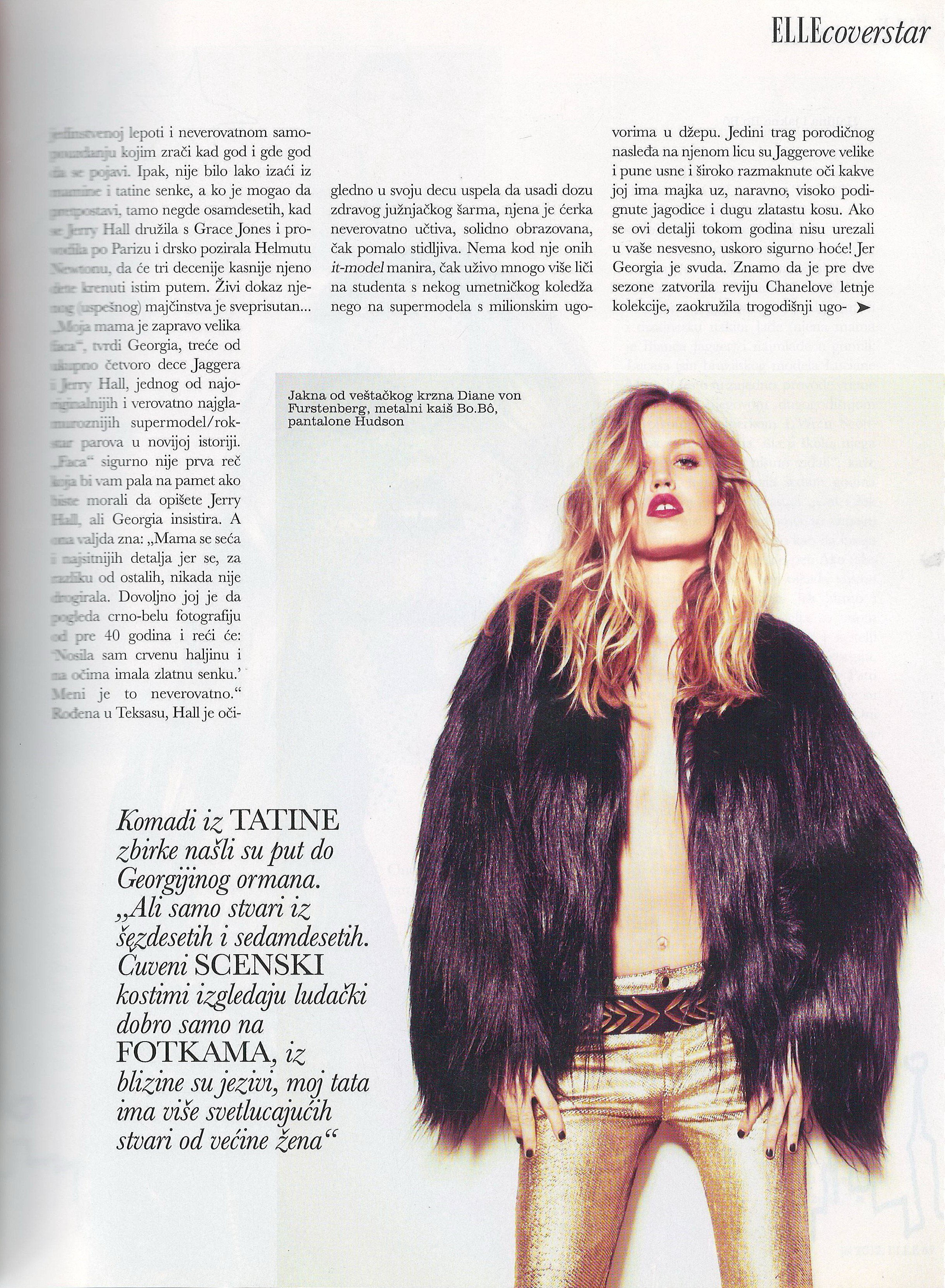
Elle Serbia July 2012 Scanned by me





-
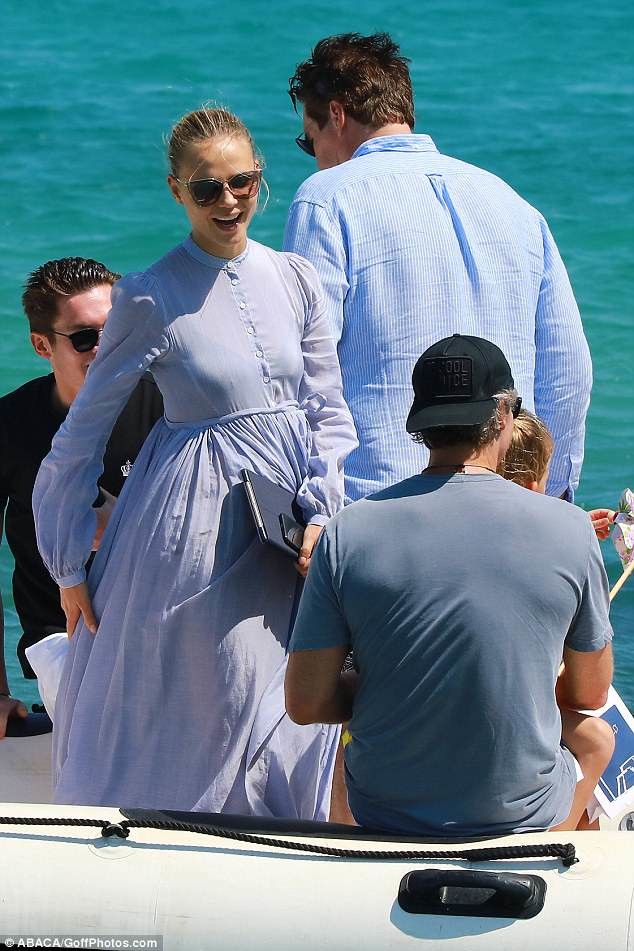
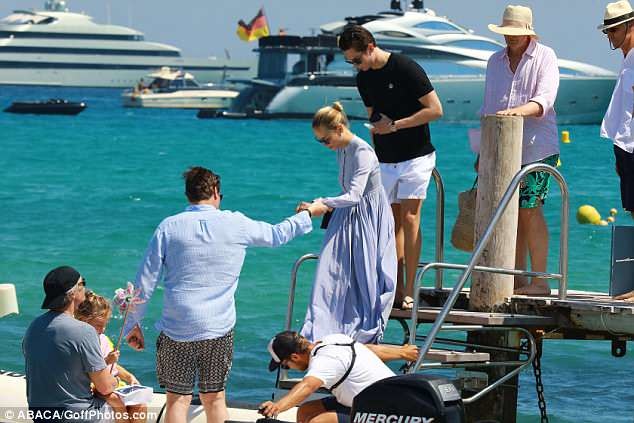
Natasha in St Tropez 30 June 2018 Natasha in St Tropez 26 June 2018
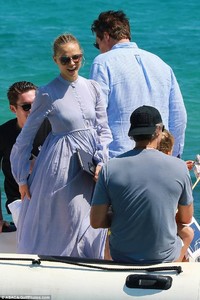



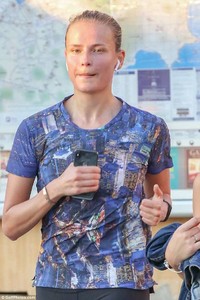
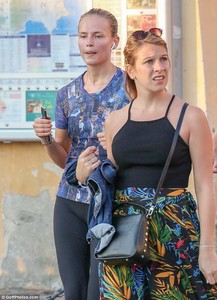
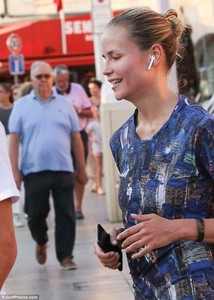

-
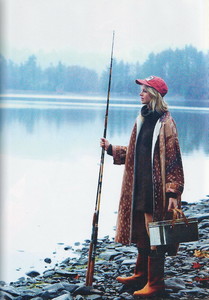
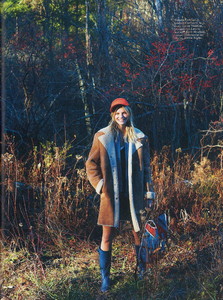
Elle Portugal January 2003 HQ scans Scanned by me



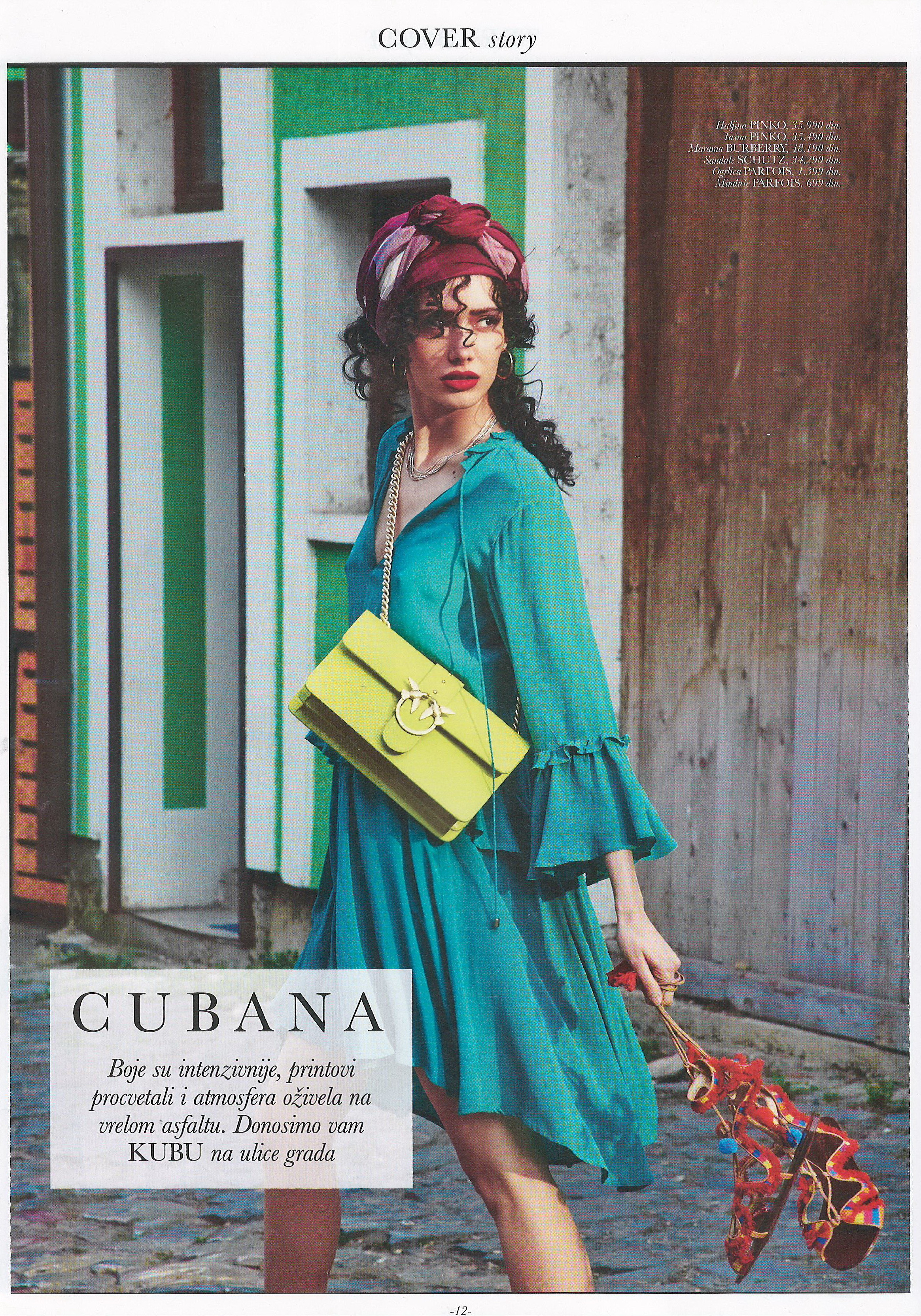
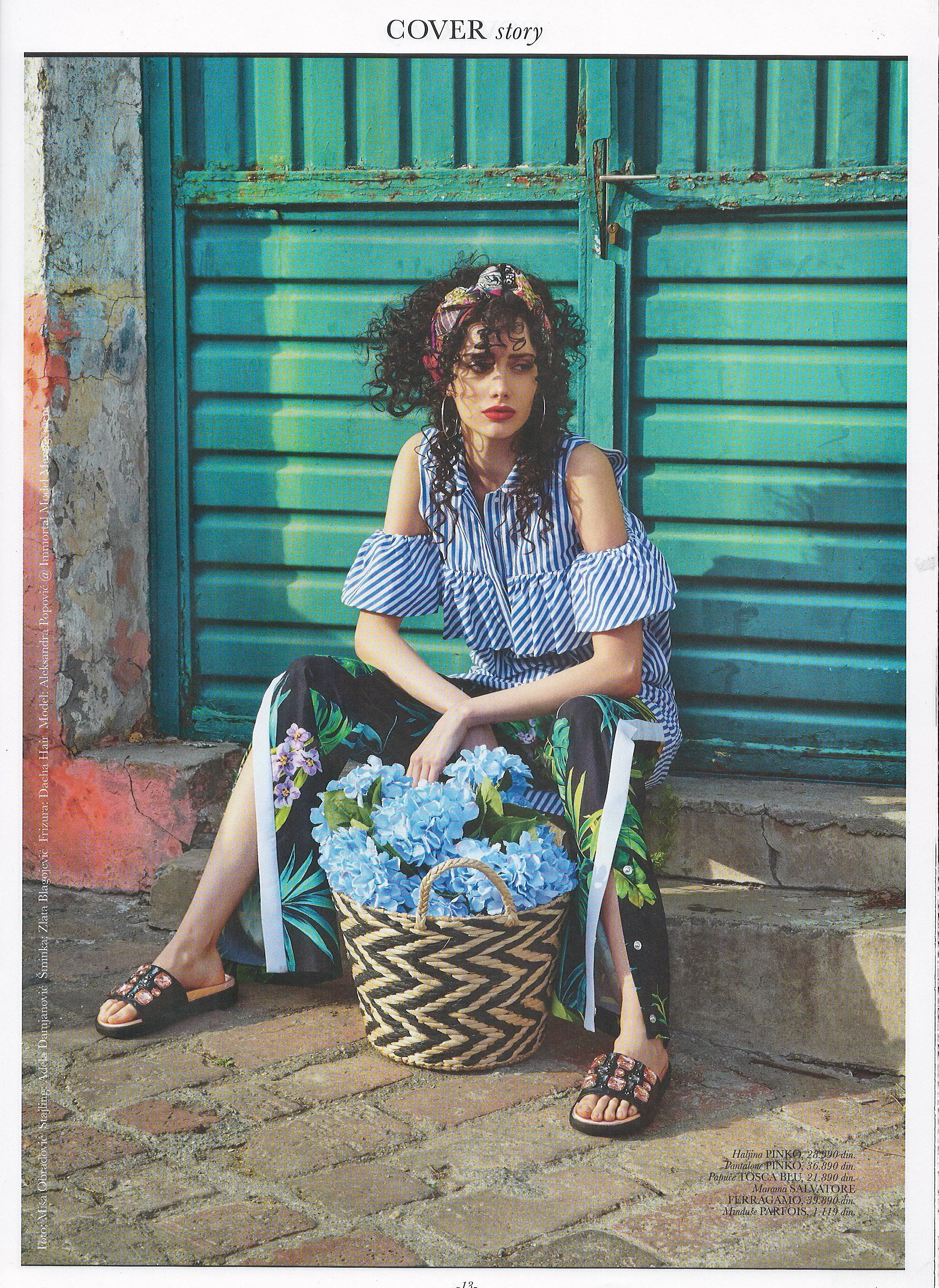
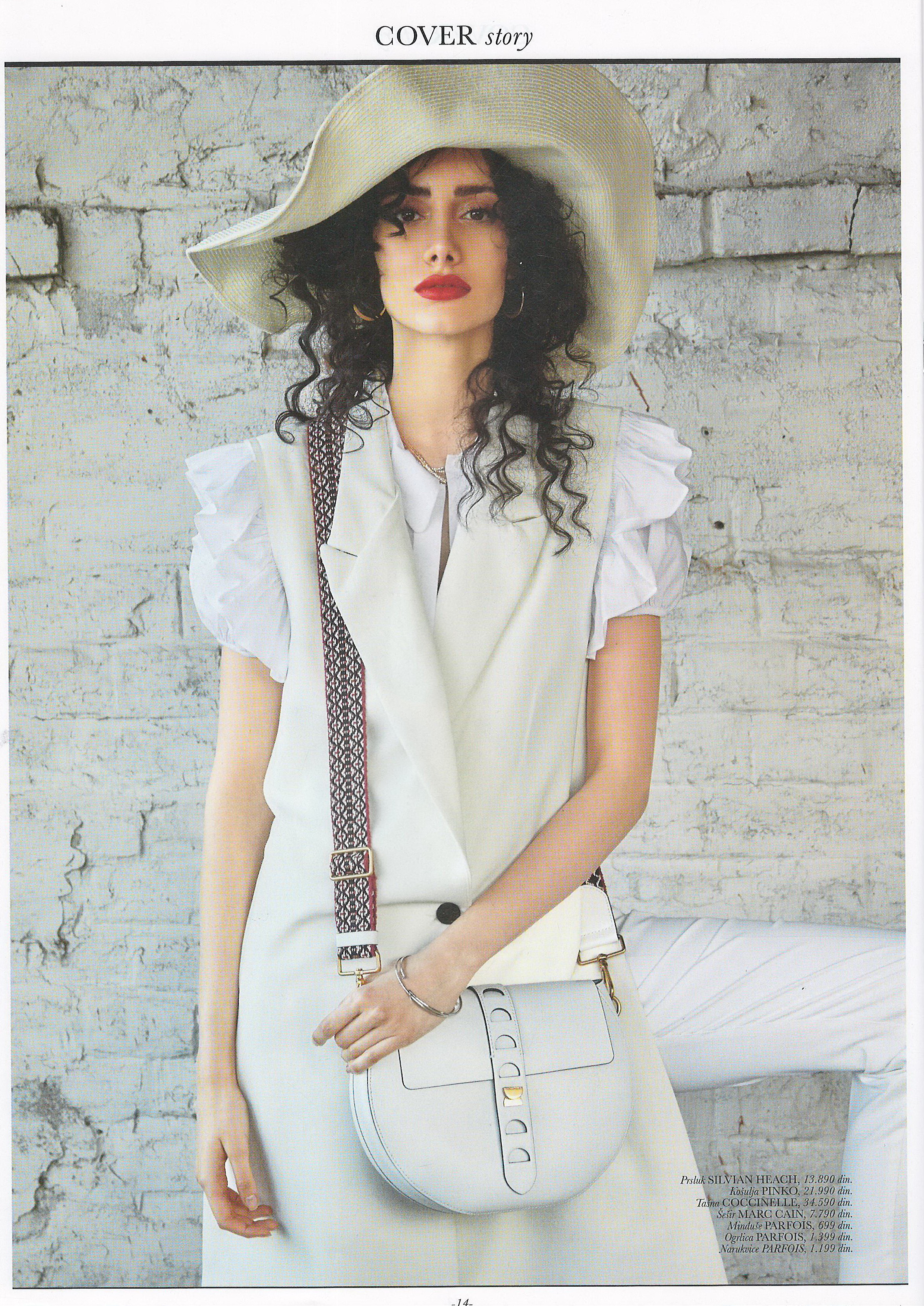
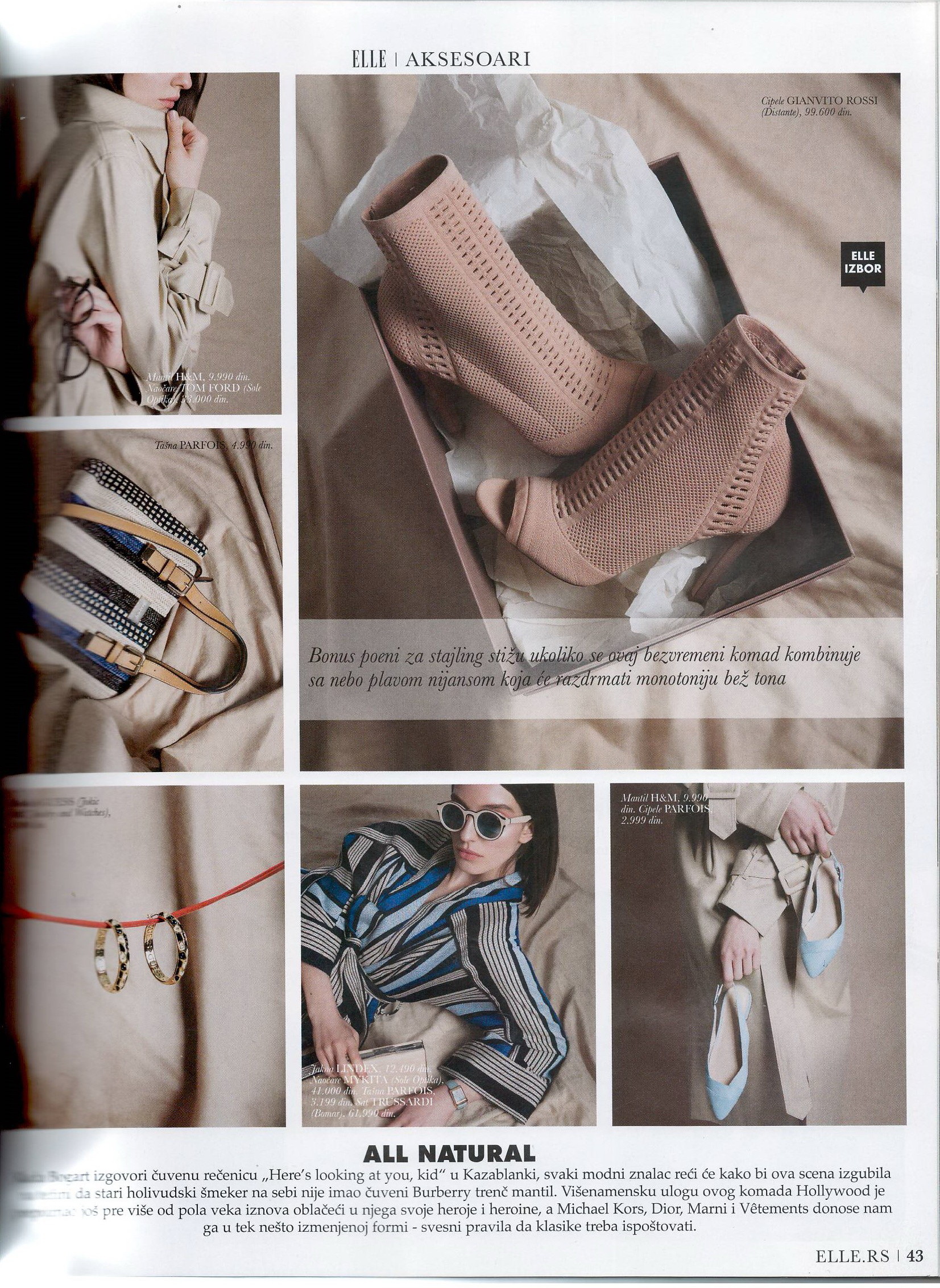
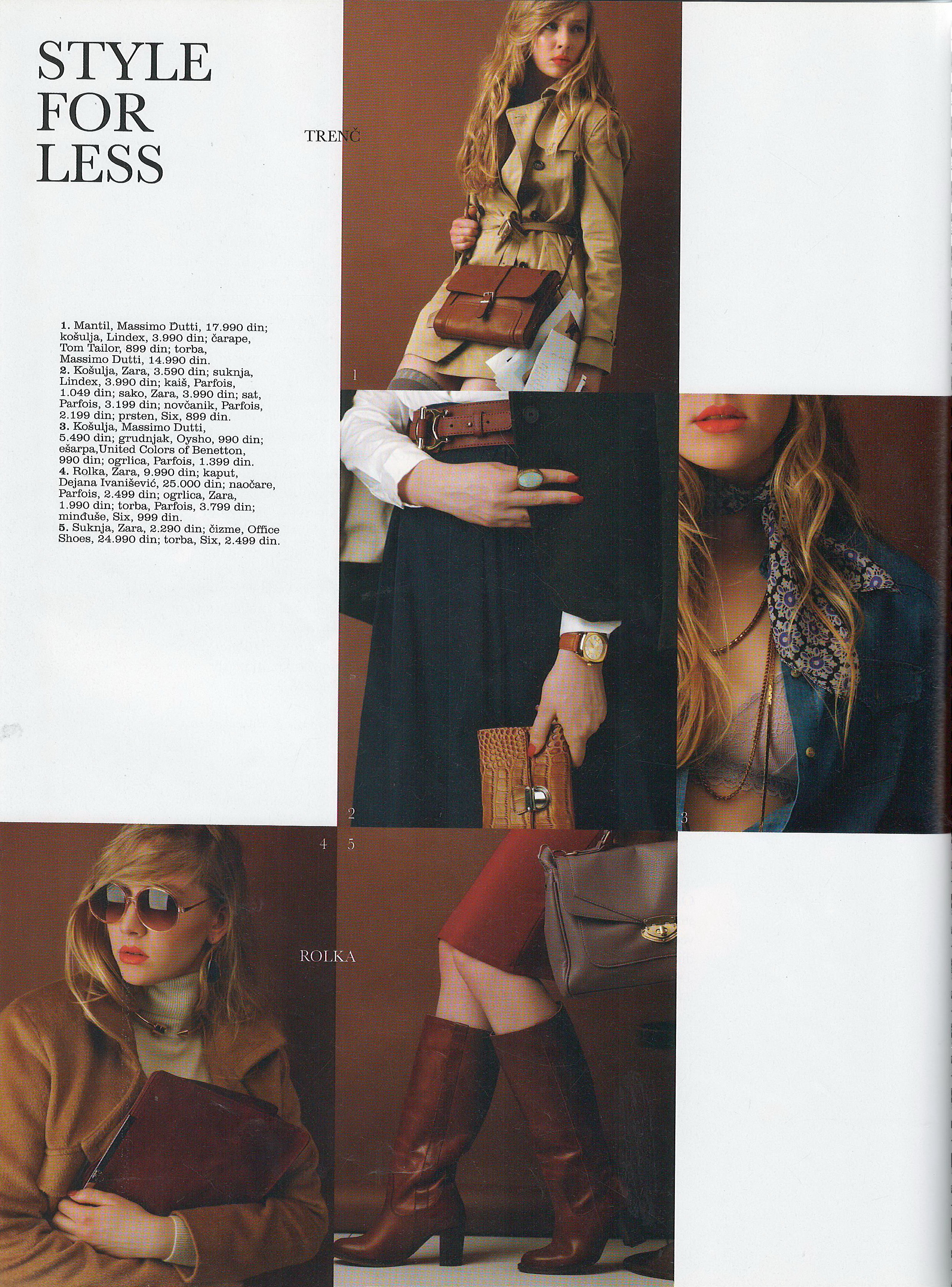
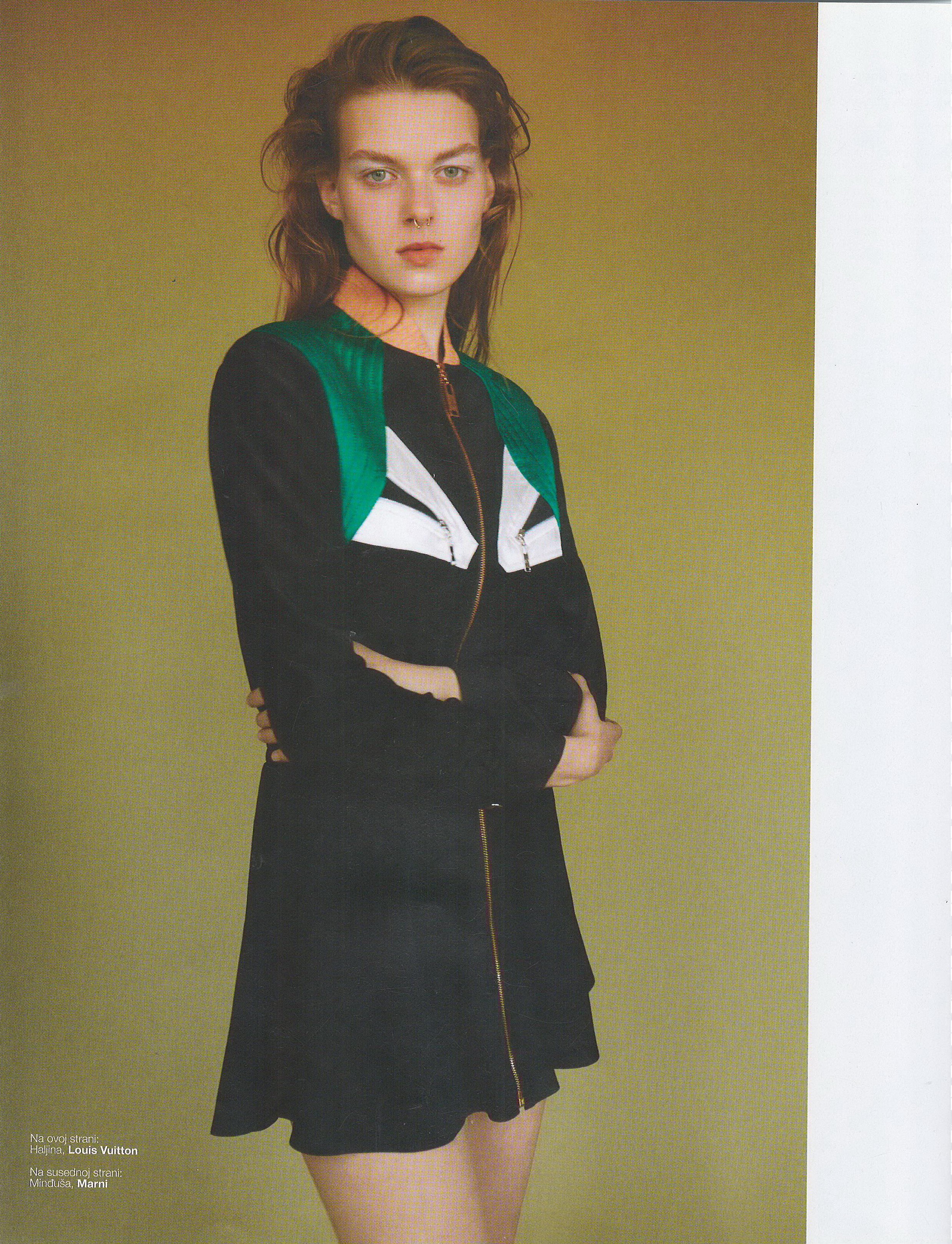
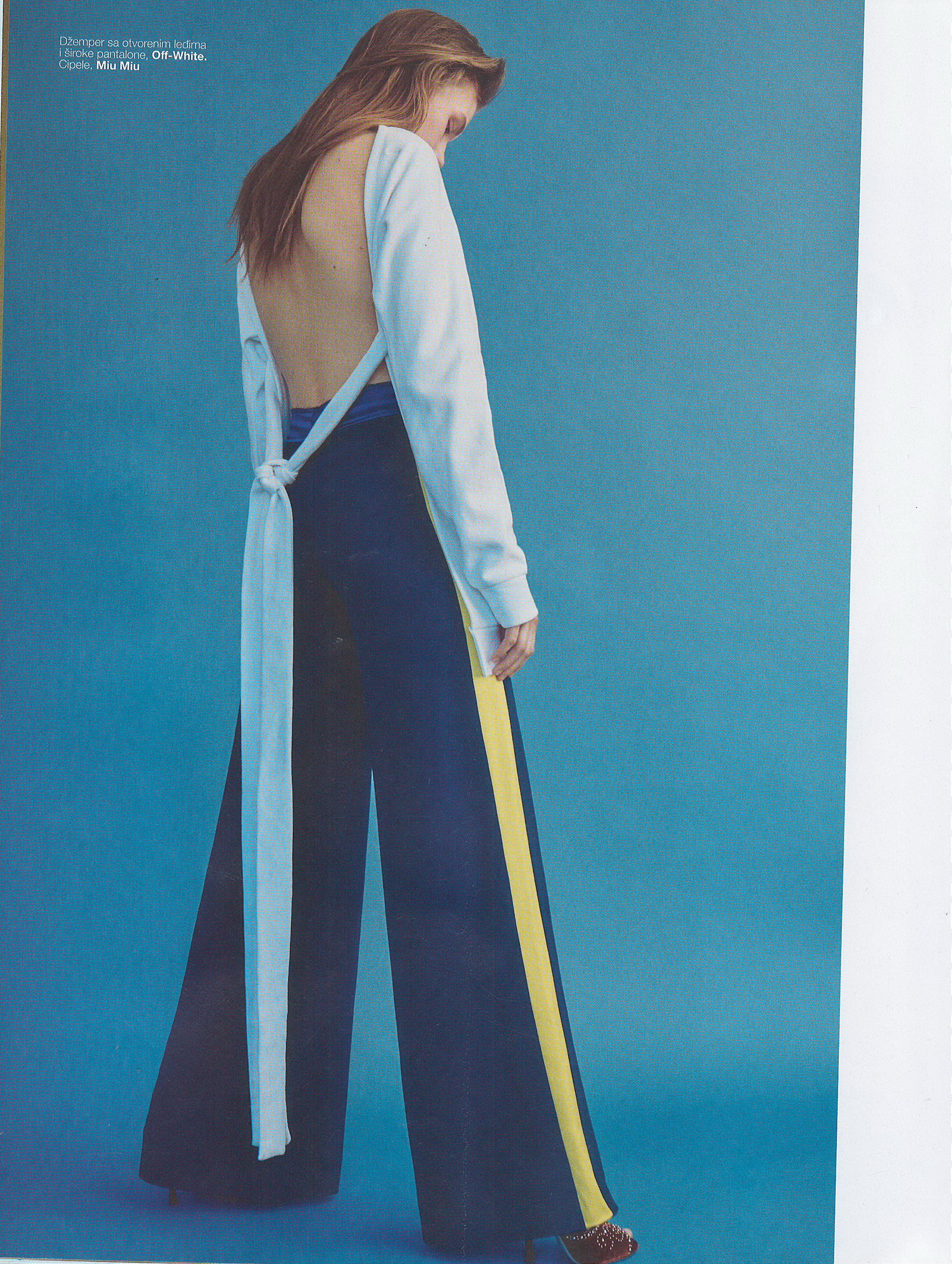
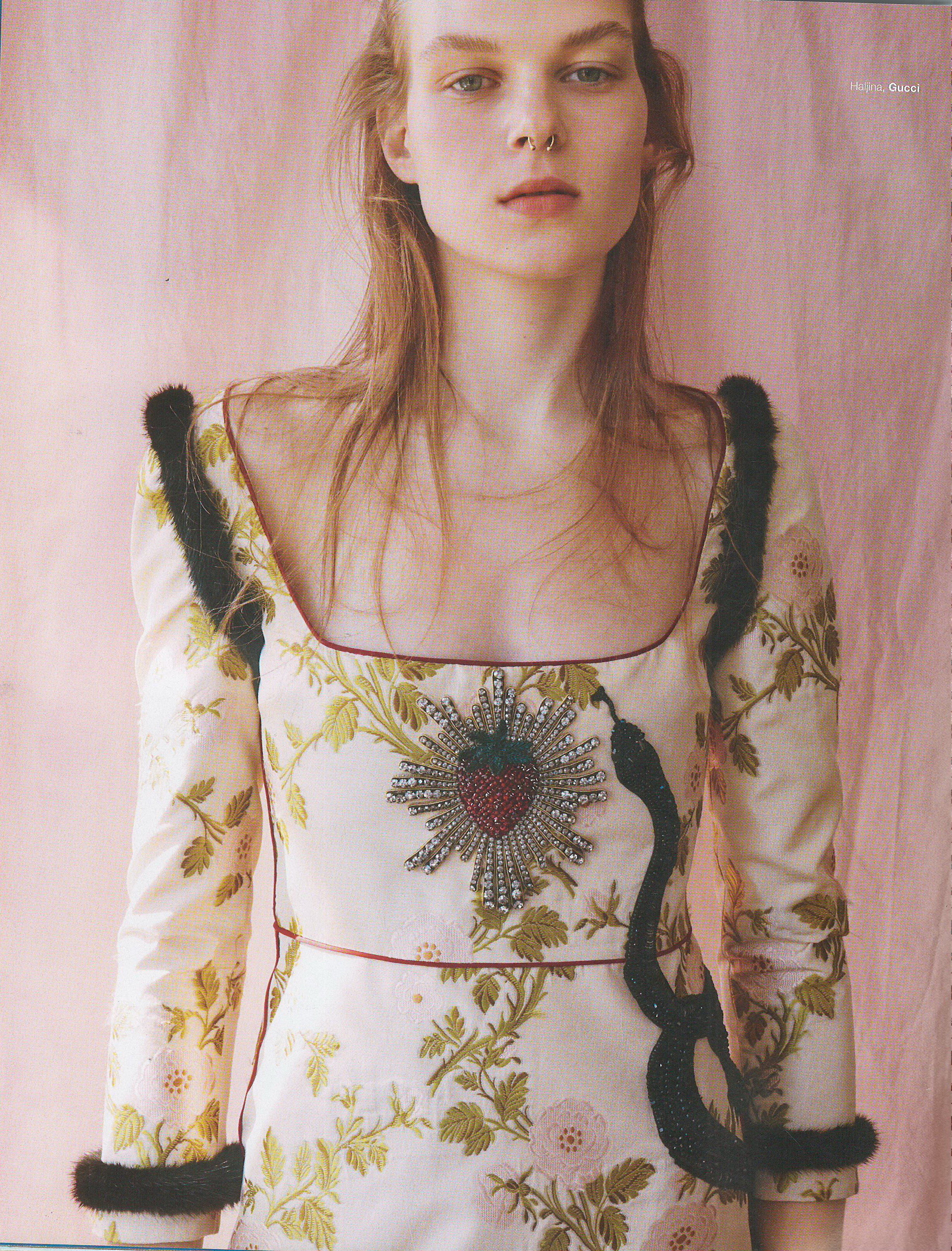
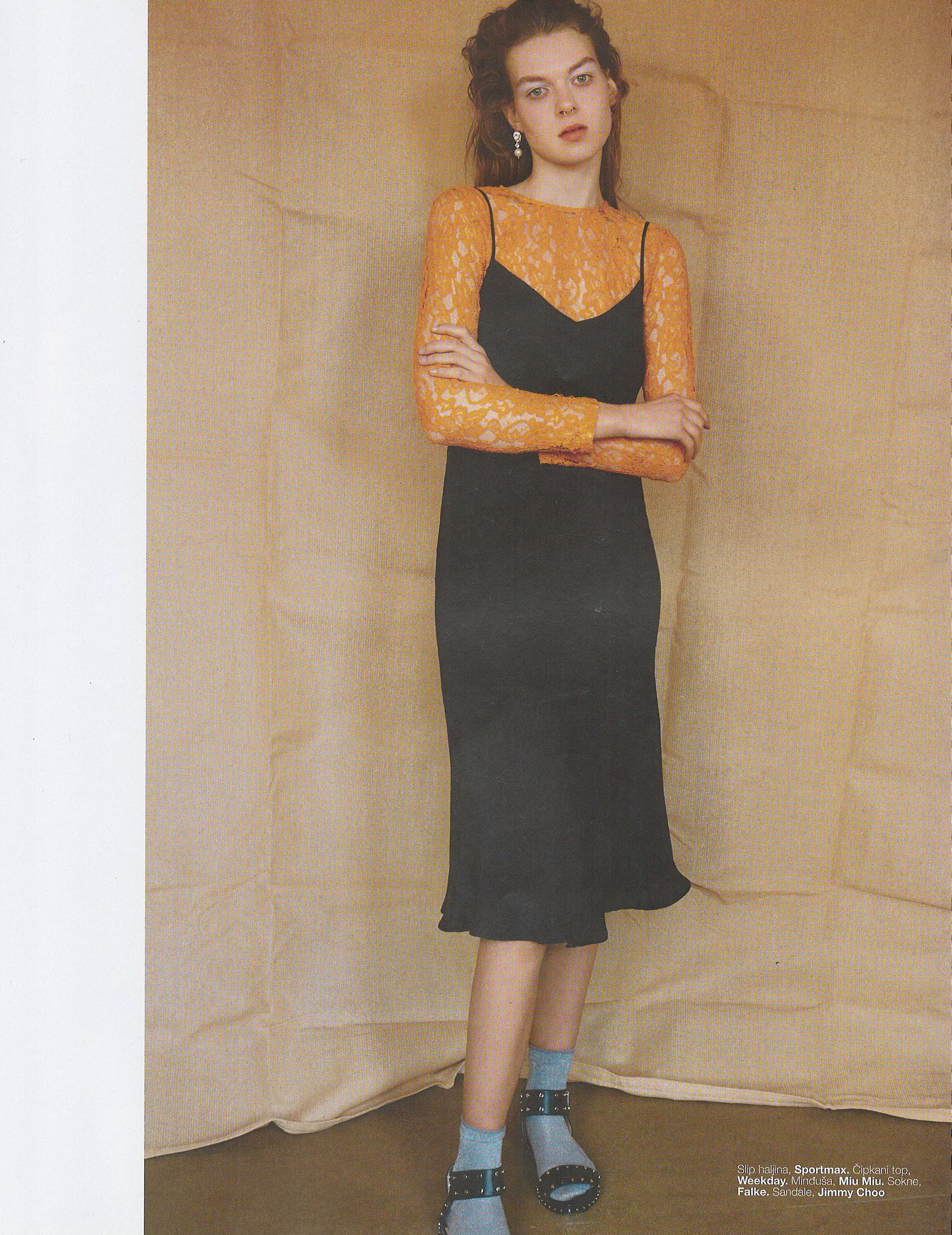
 Elle Serbia July 2016 Scanned by me


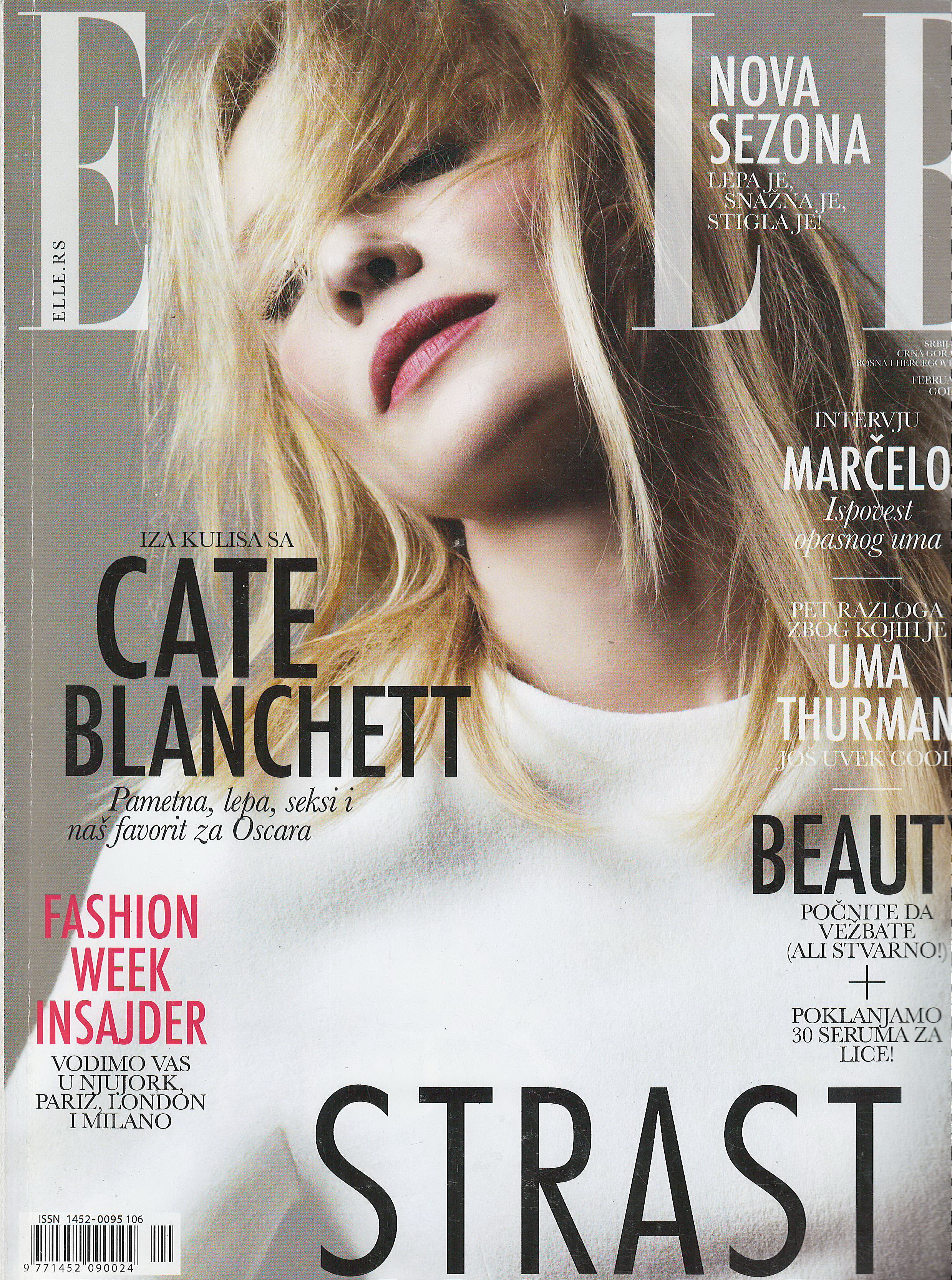
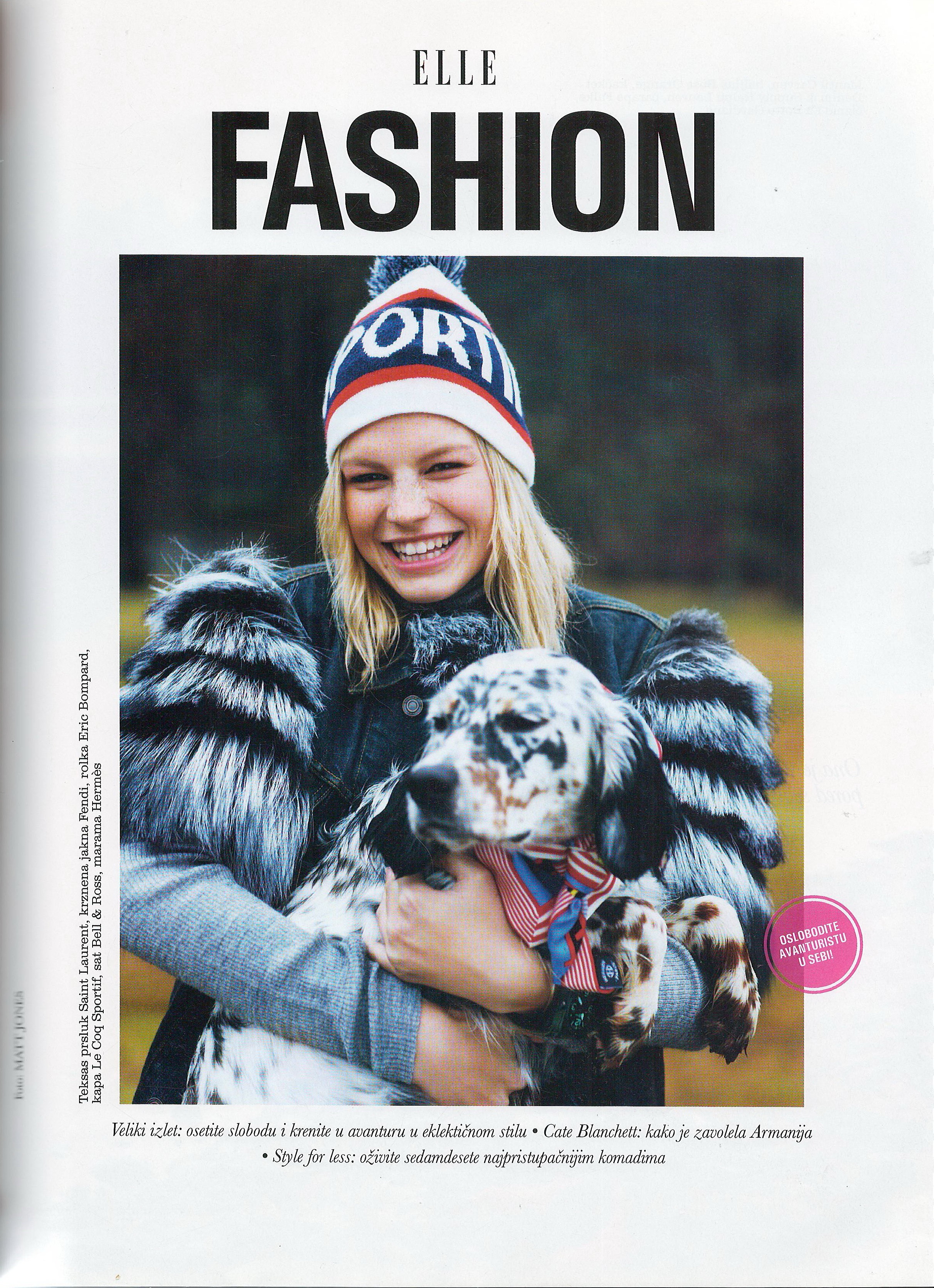
 Elle Serbia February 2014 Scanned by me






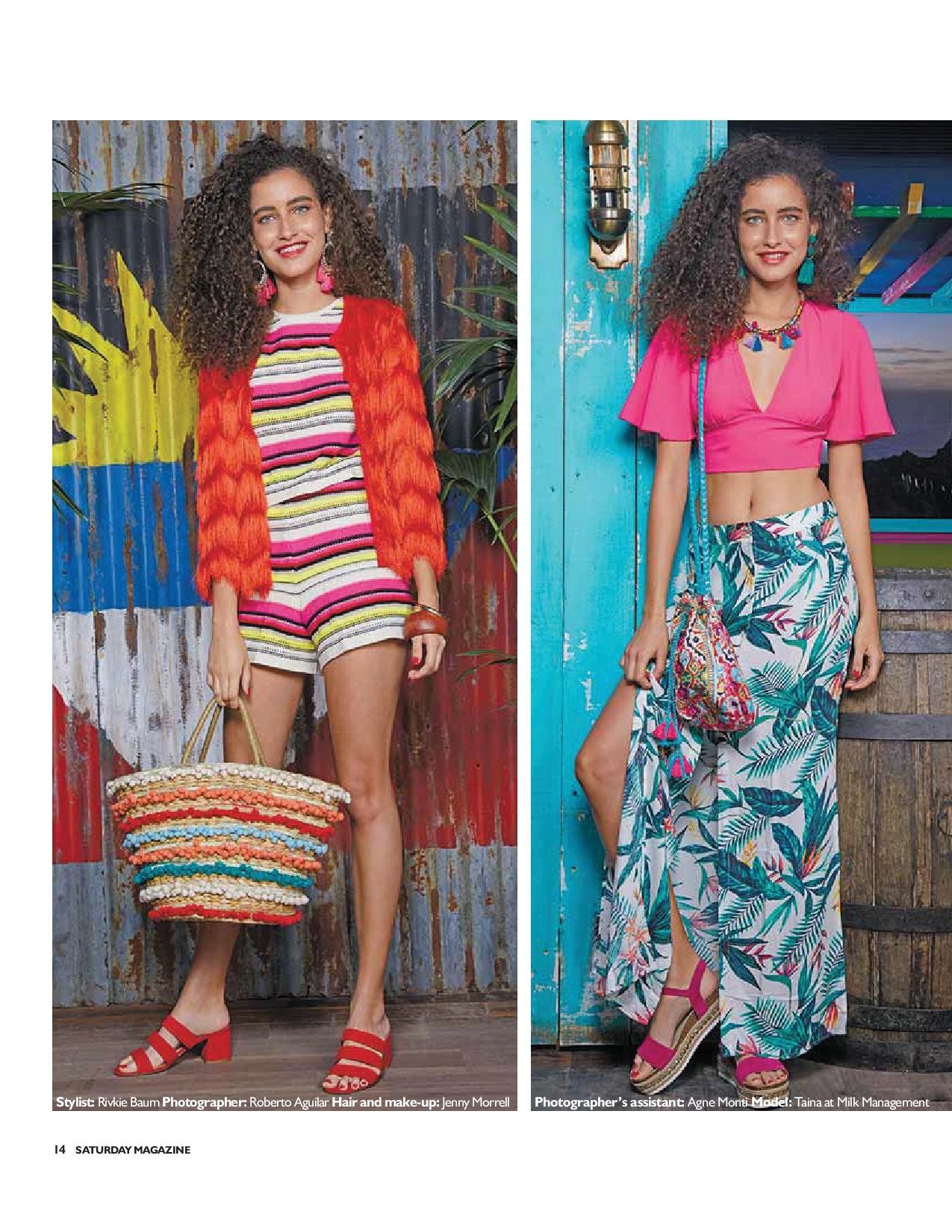
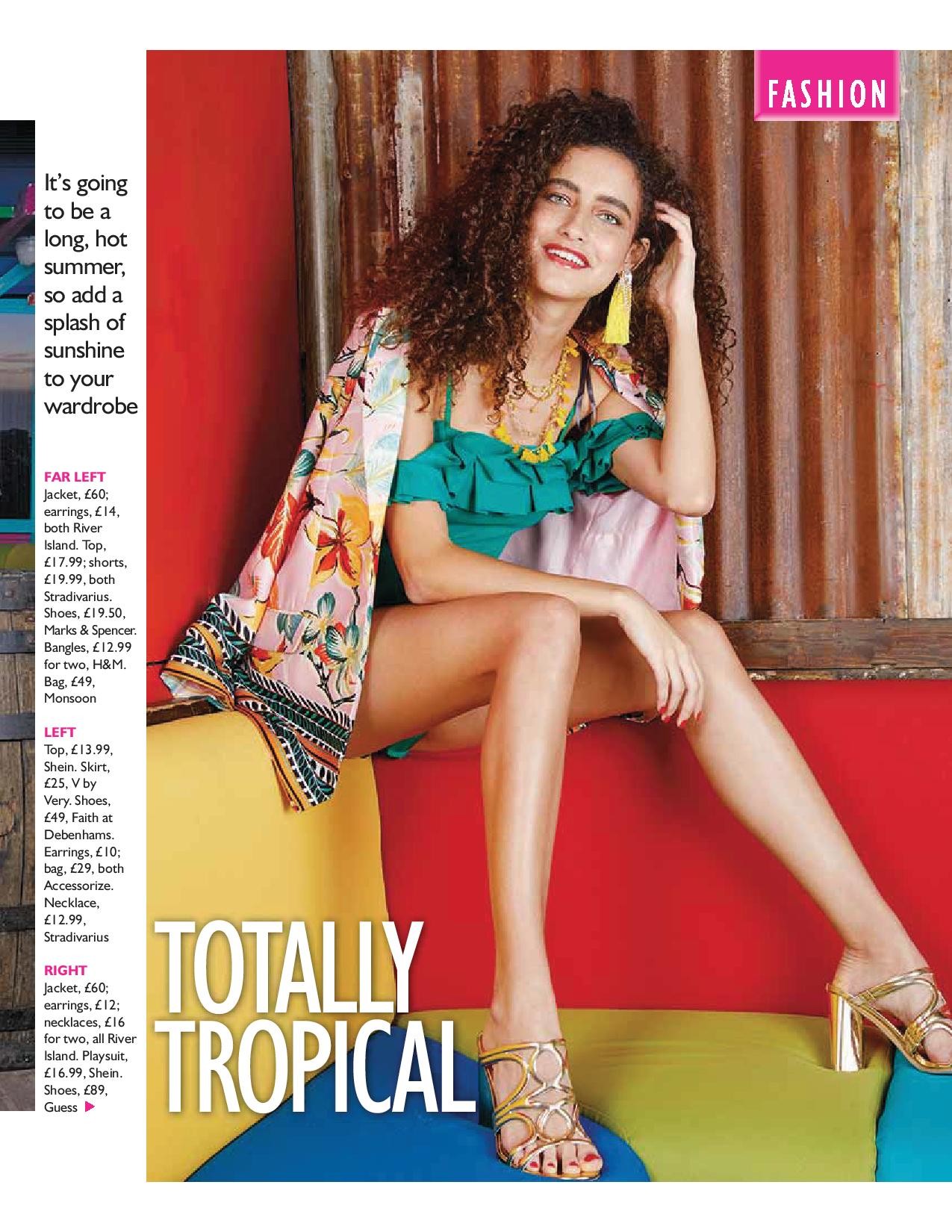
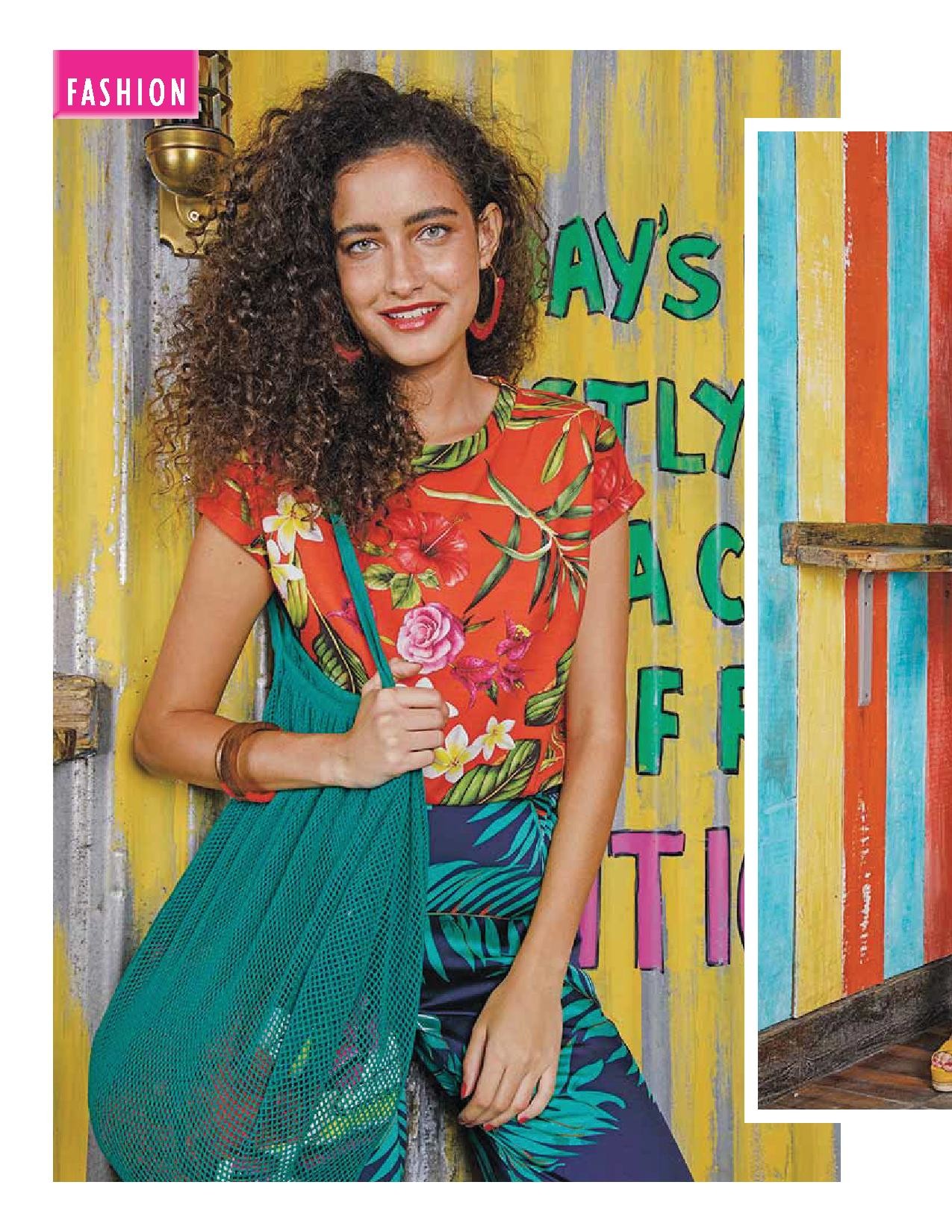
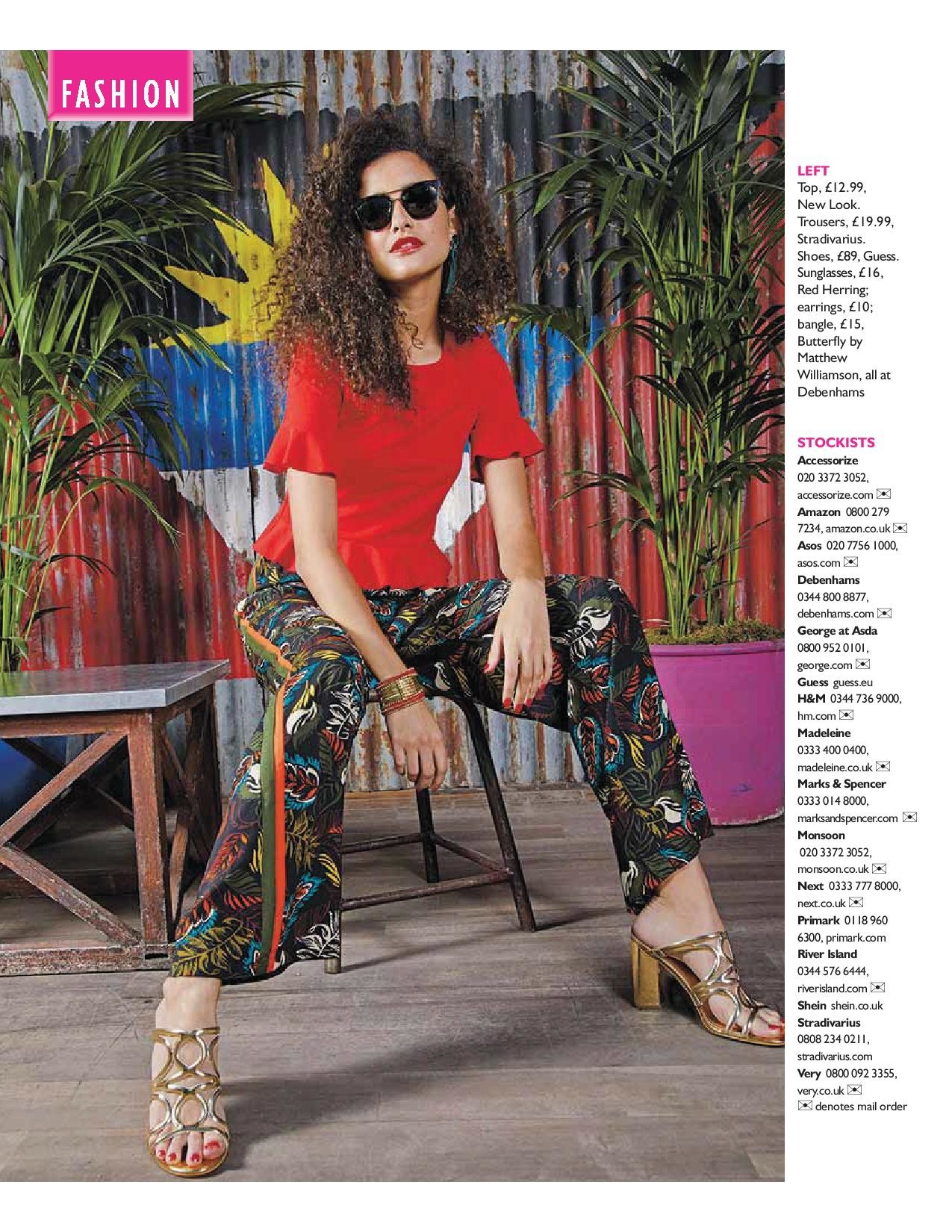
 Saturday daily express 30 June 2018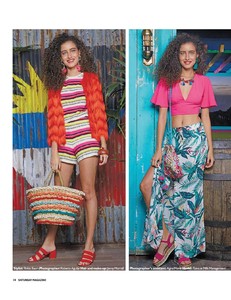
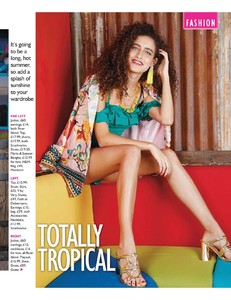
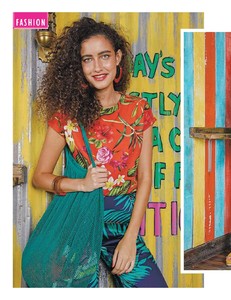

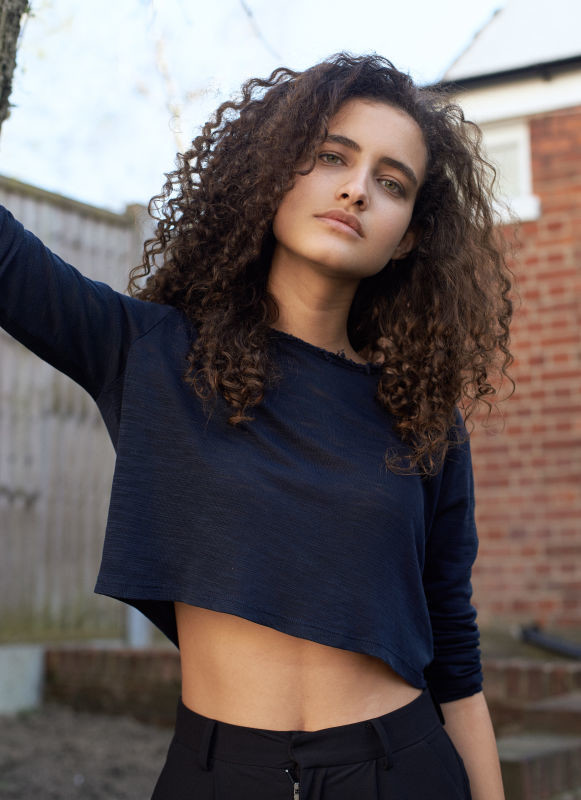
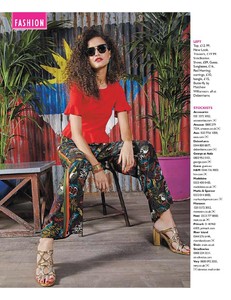 Milk model management UK Height : 179 cm / 5'10.5" Bust : 81 cm / 32" Waist : 62 cm / 24.5" Hips : 89 cm / 35" Shoe : 7.0 UK Hair : Brown Eyes : Green 2K
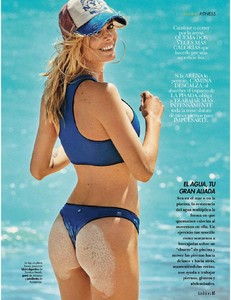
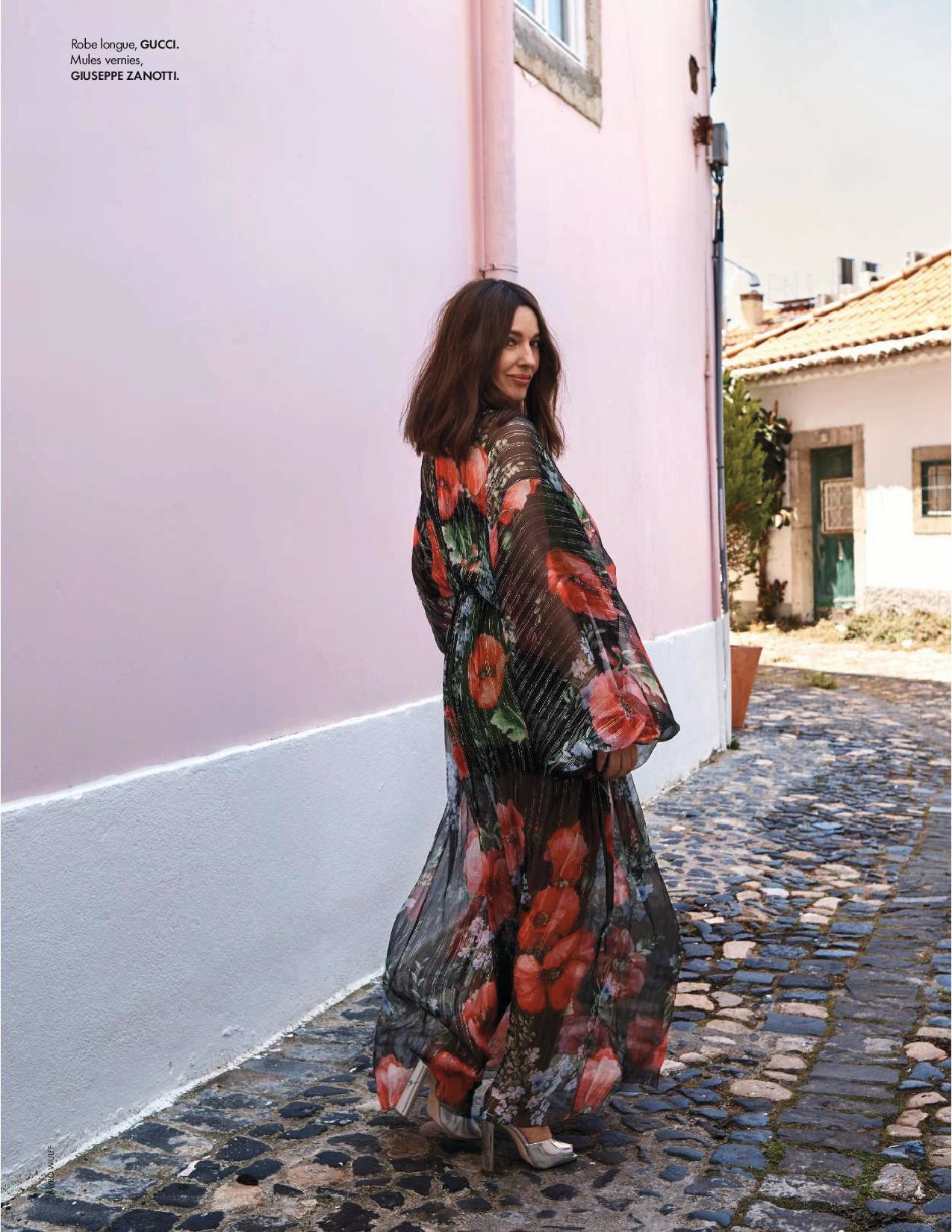
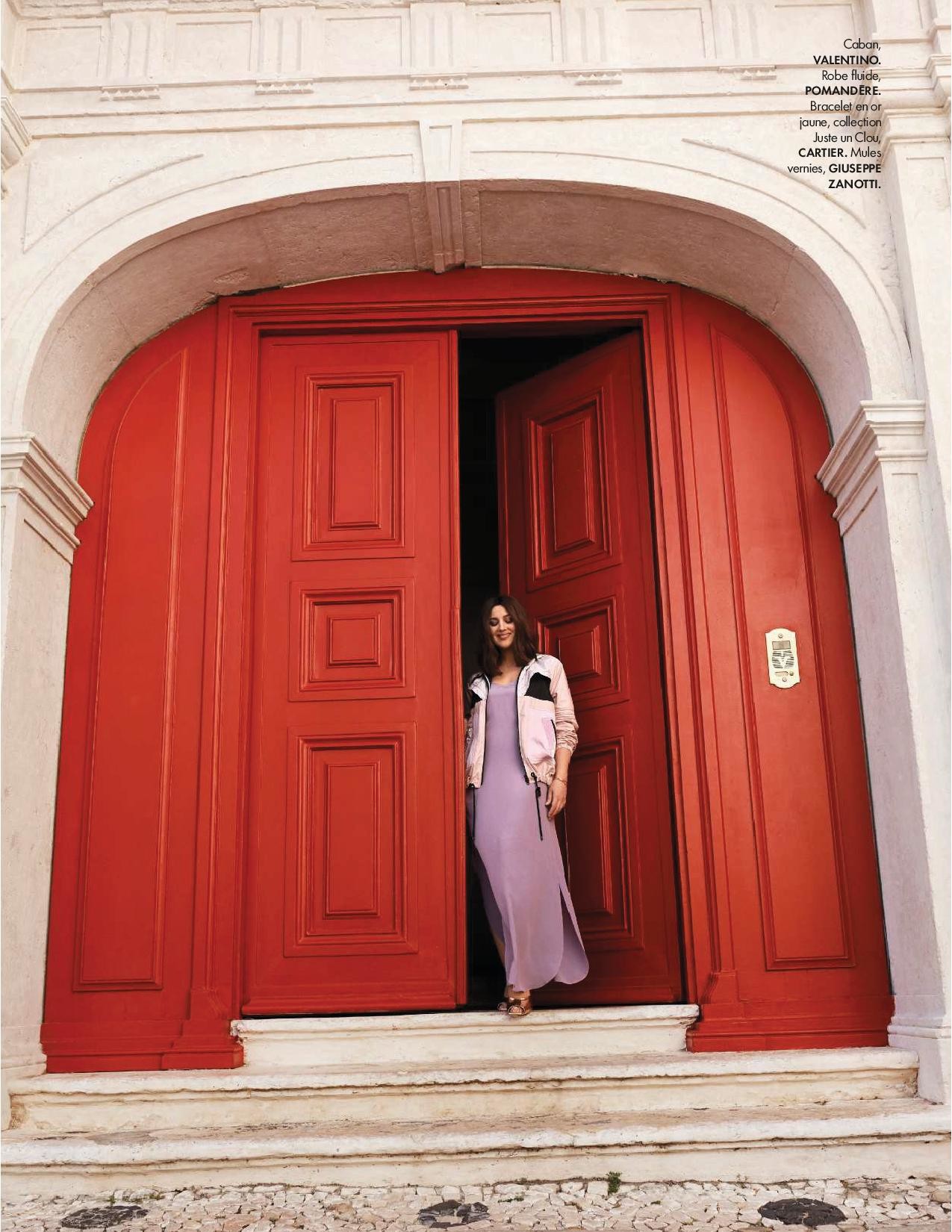
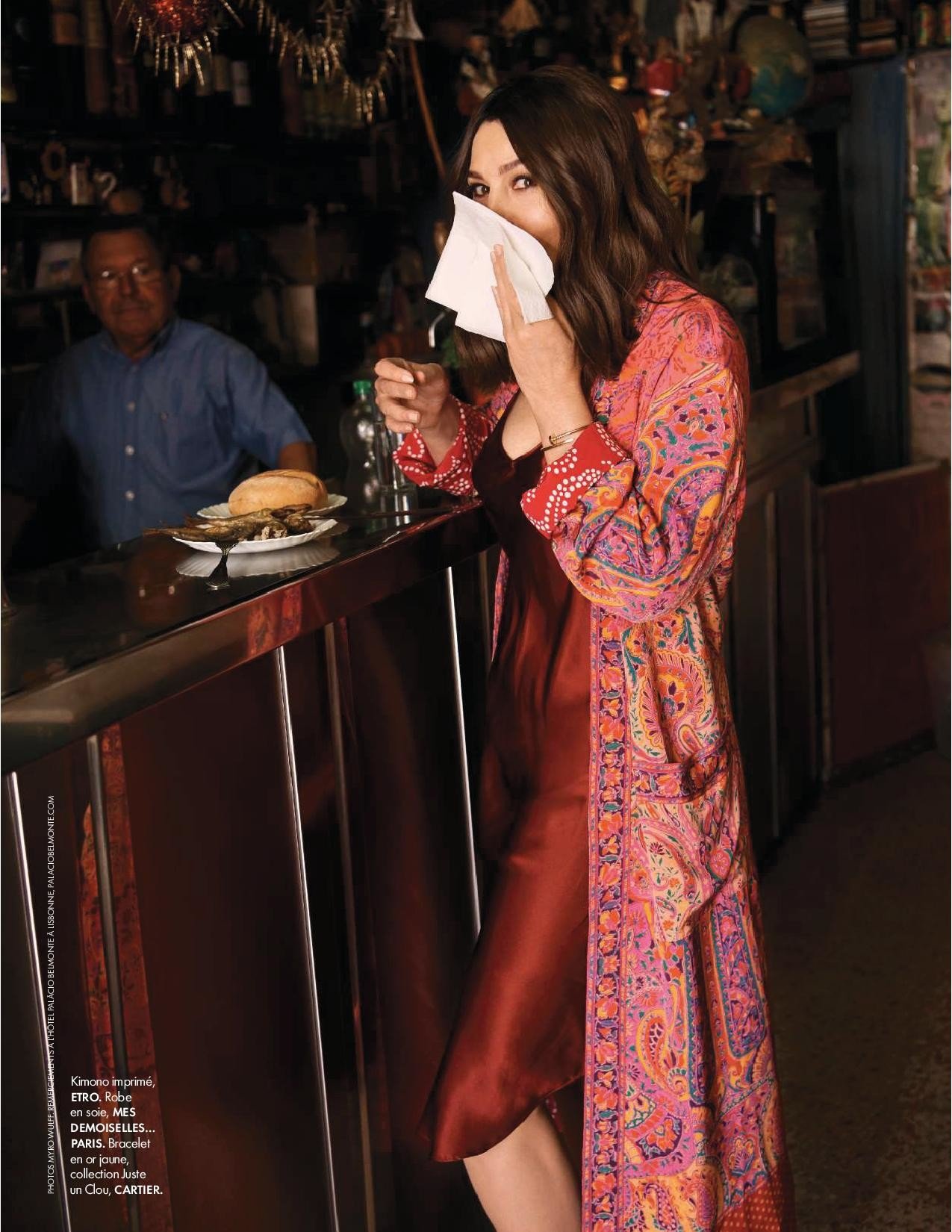
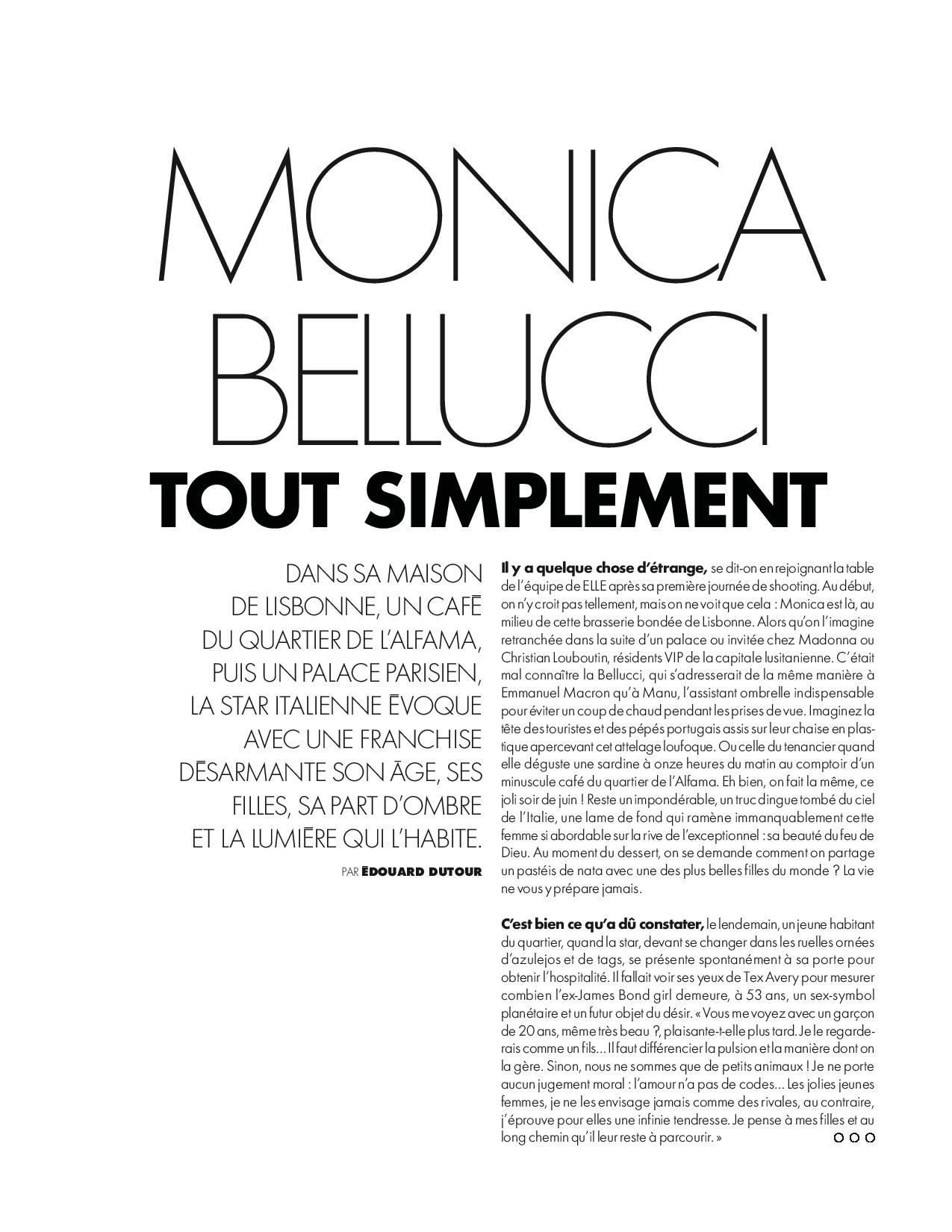
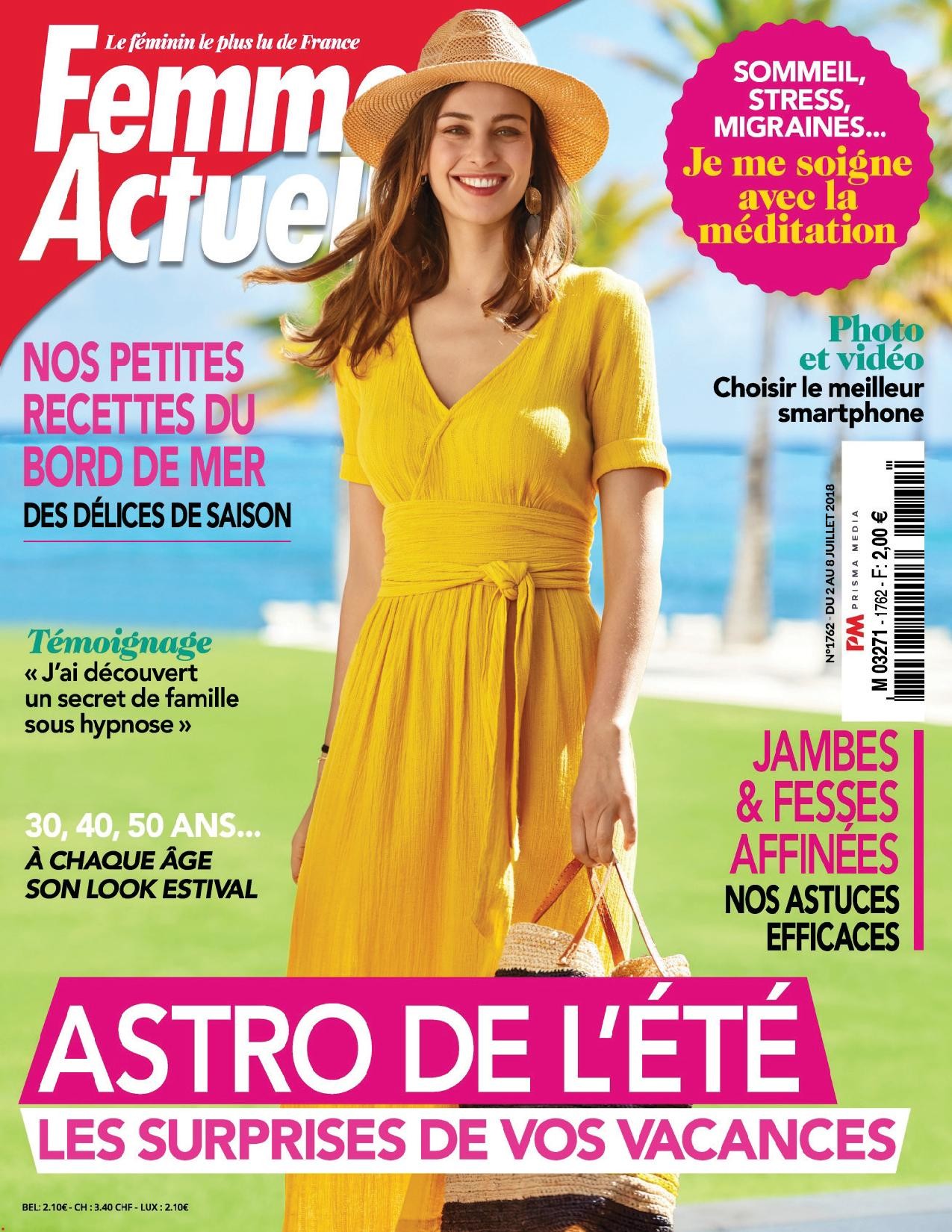
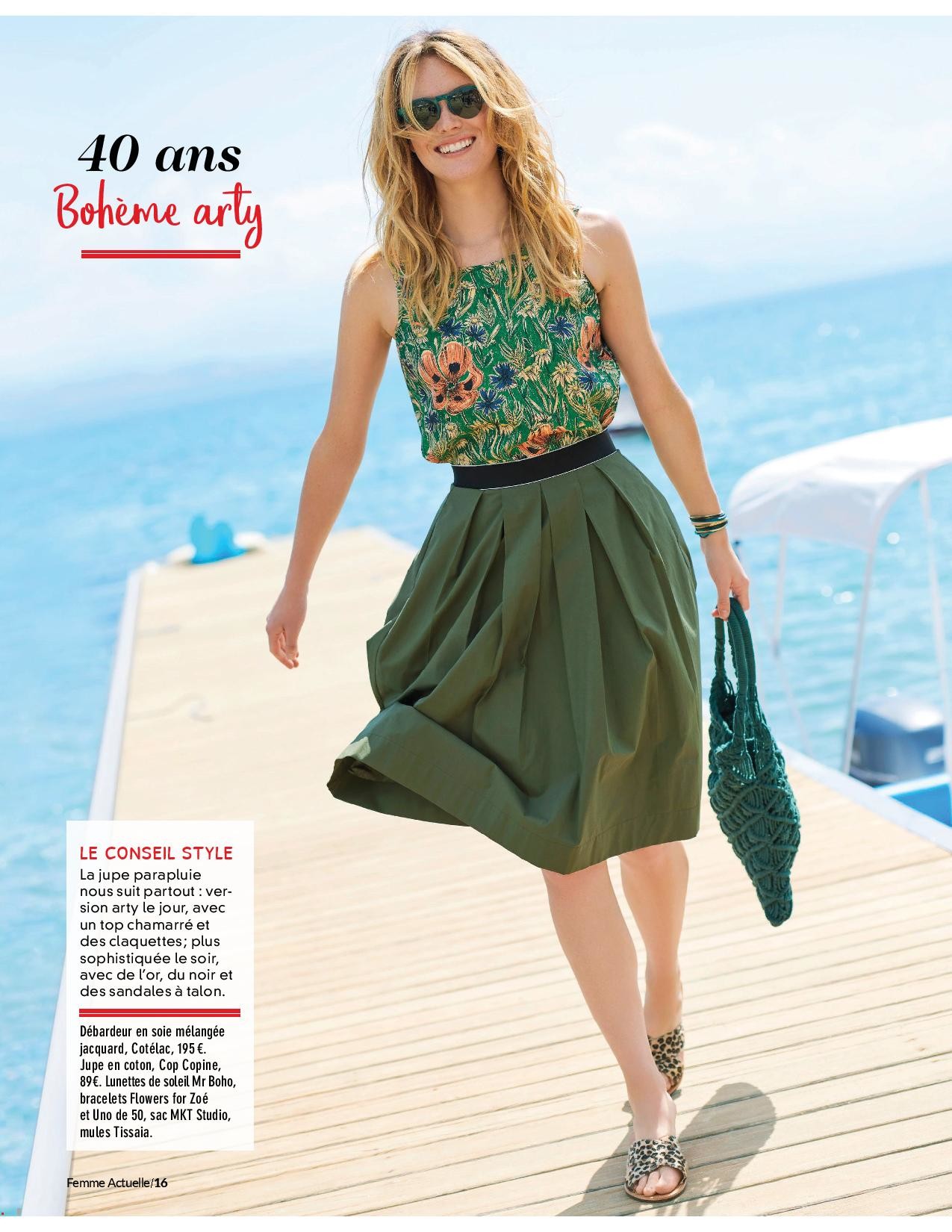
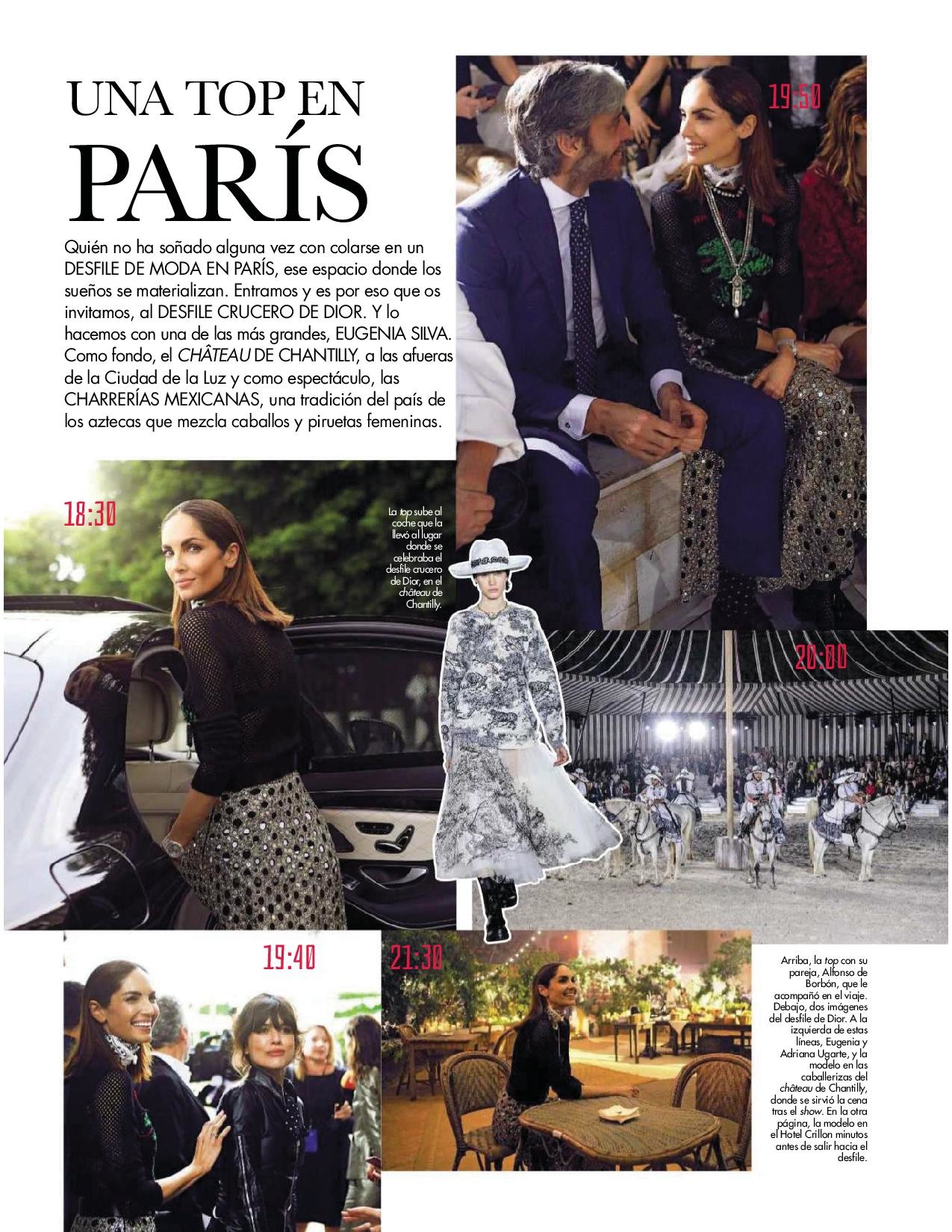
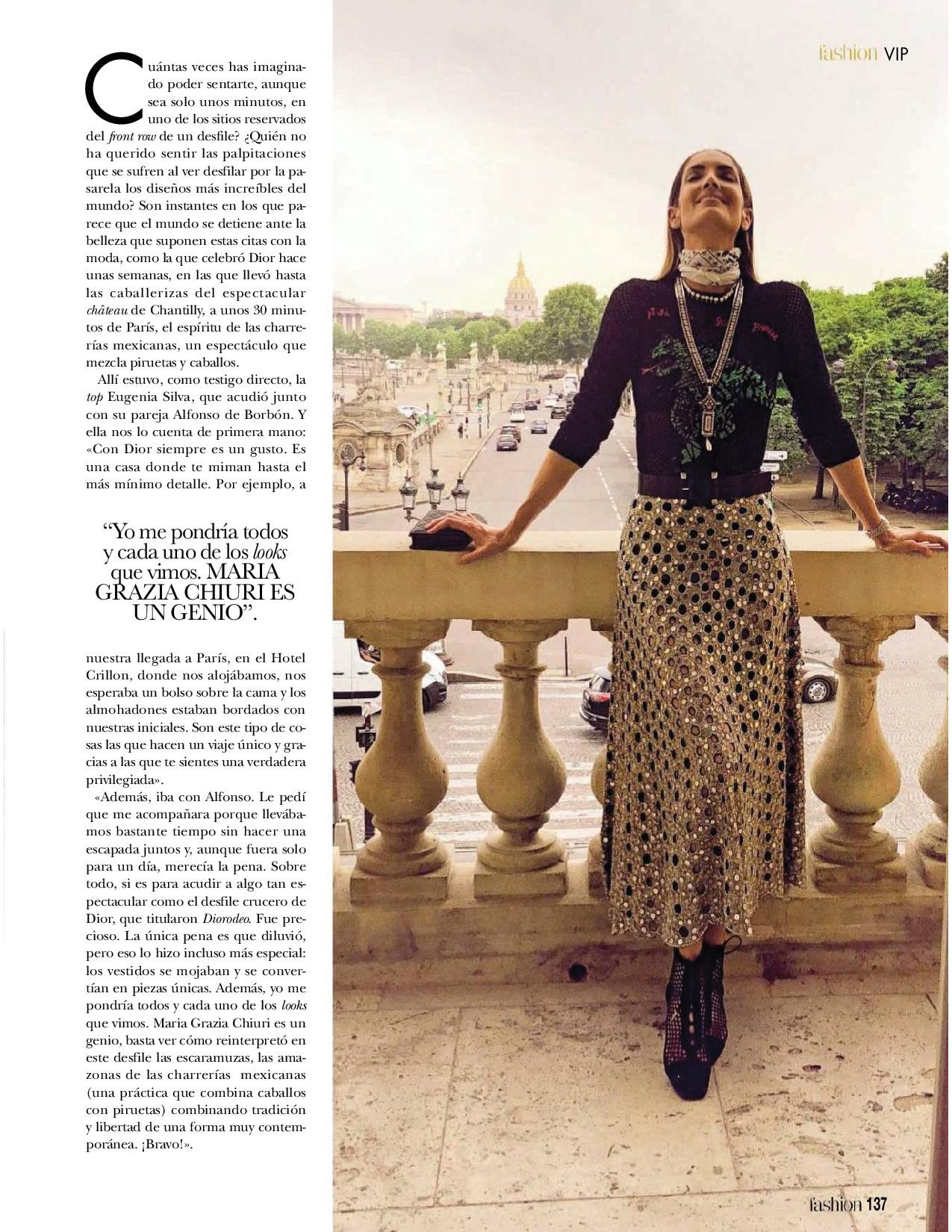
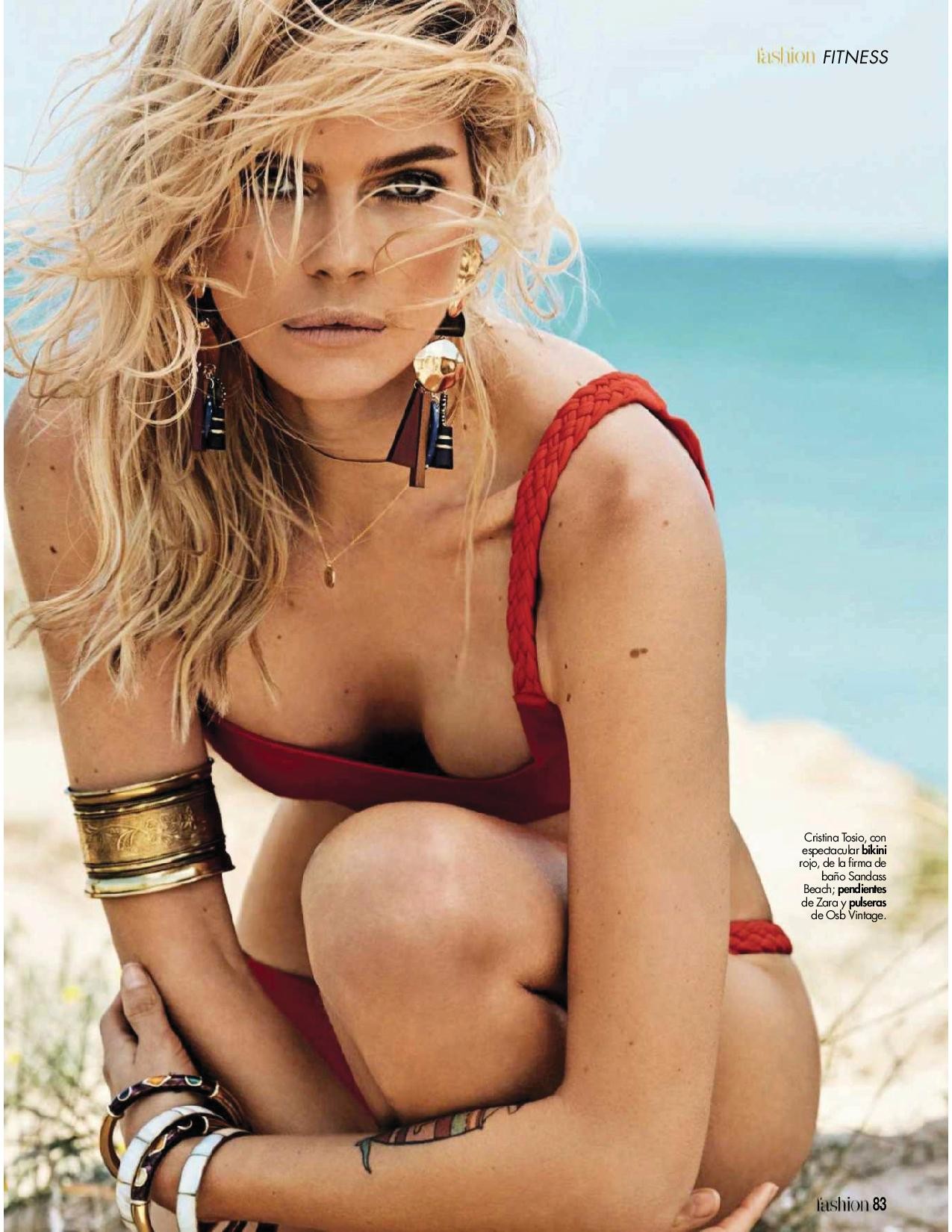
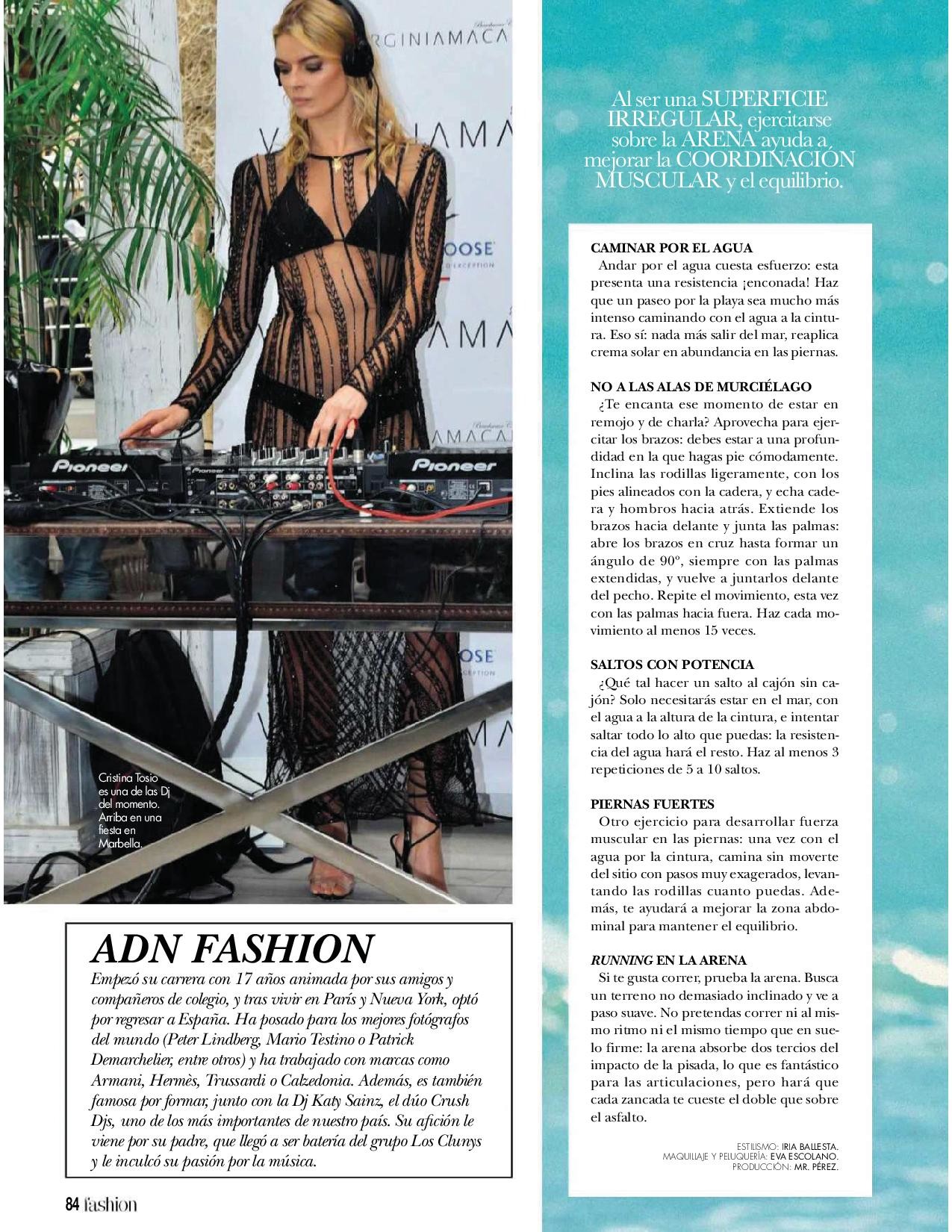
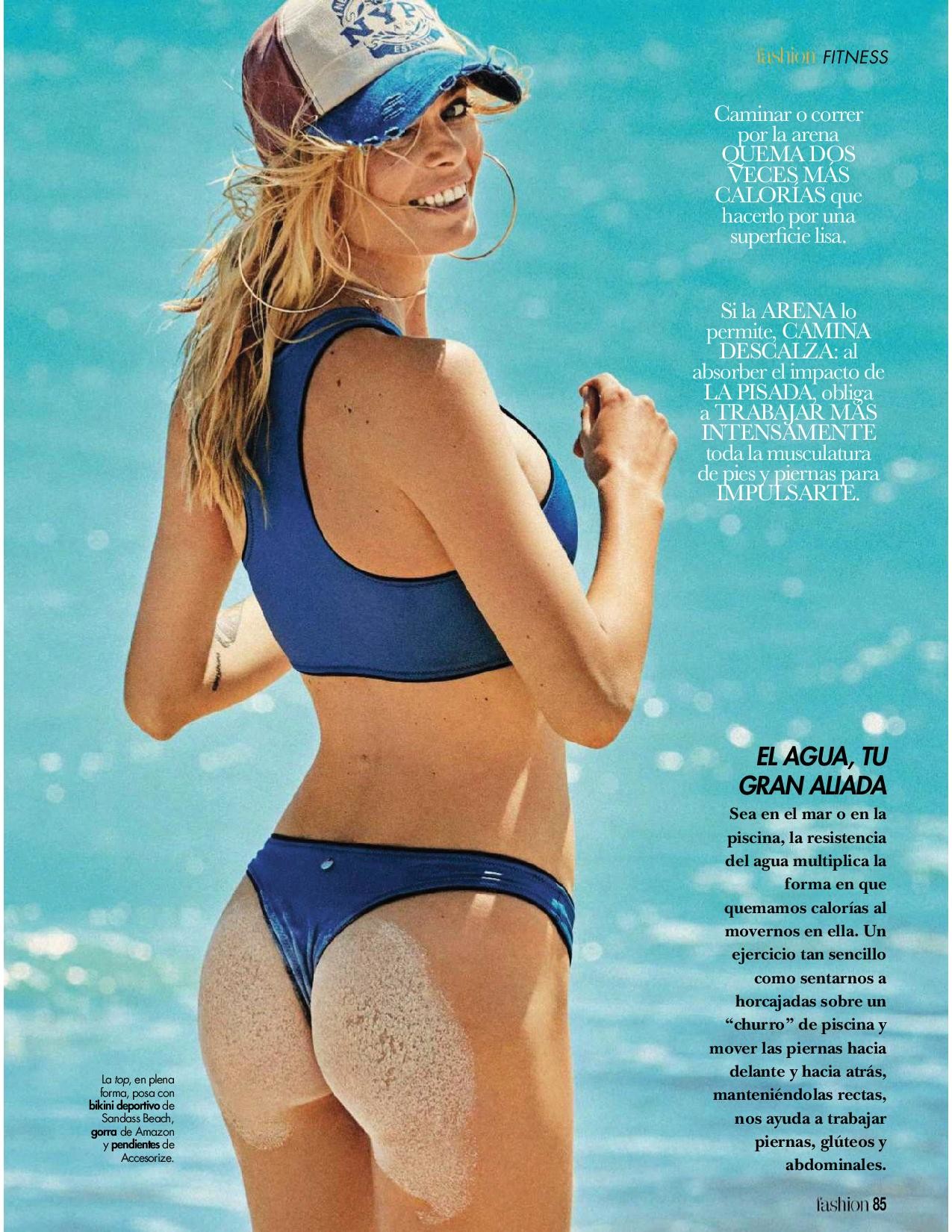
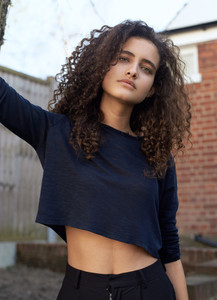 Hola fashion Spain July 2018

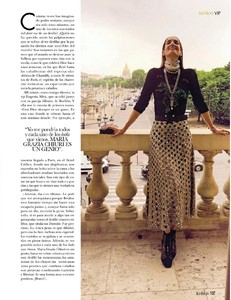 Hola fashion Spain July 2018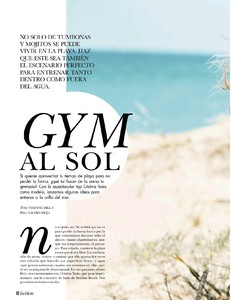
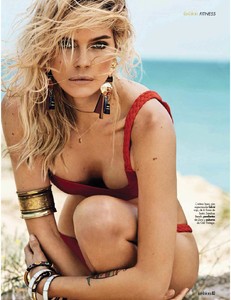
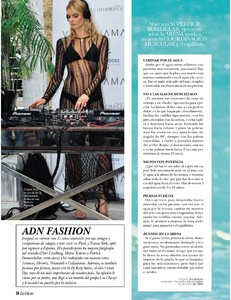




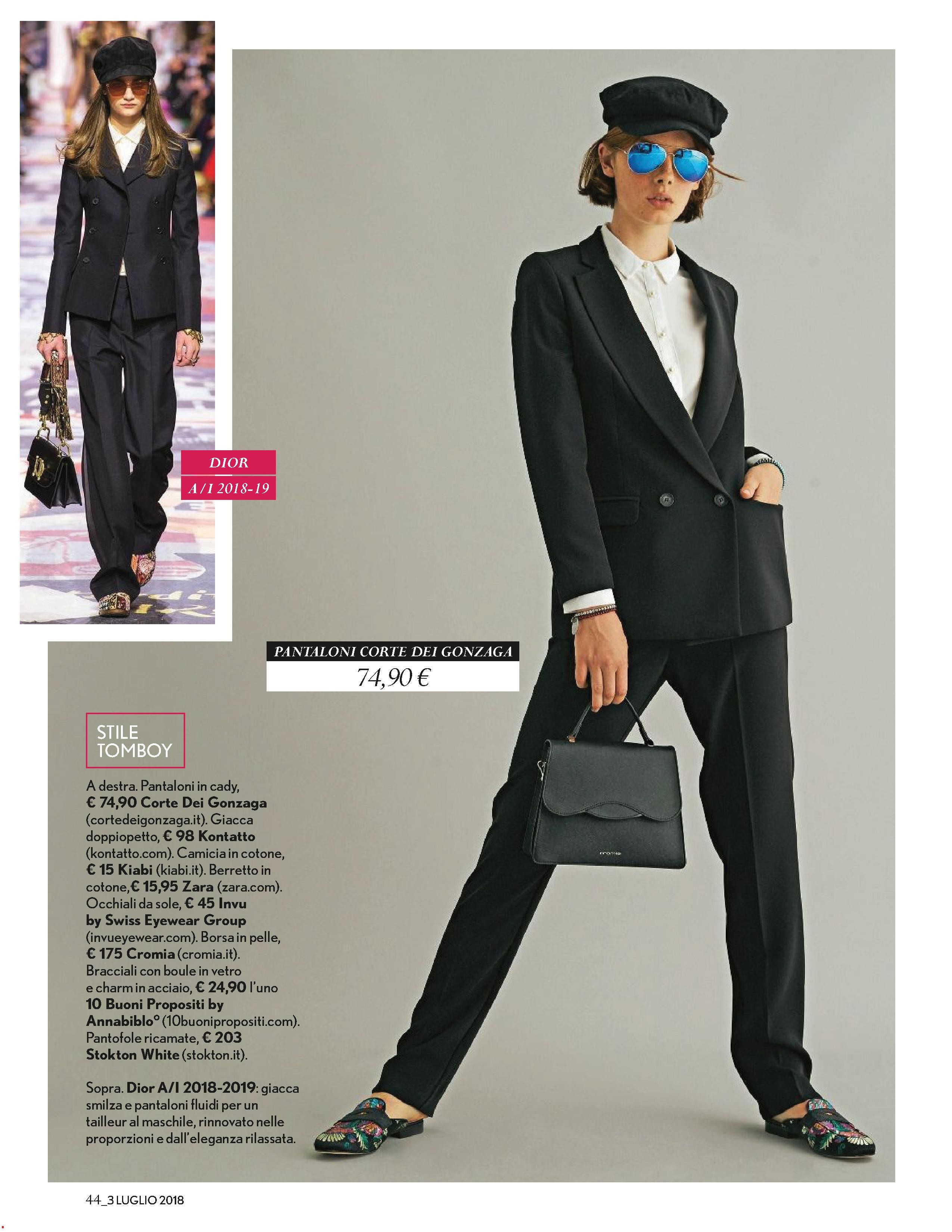
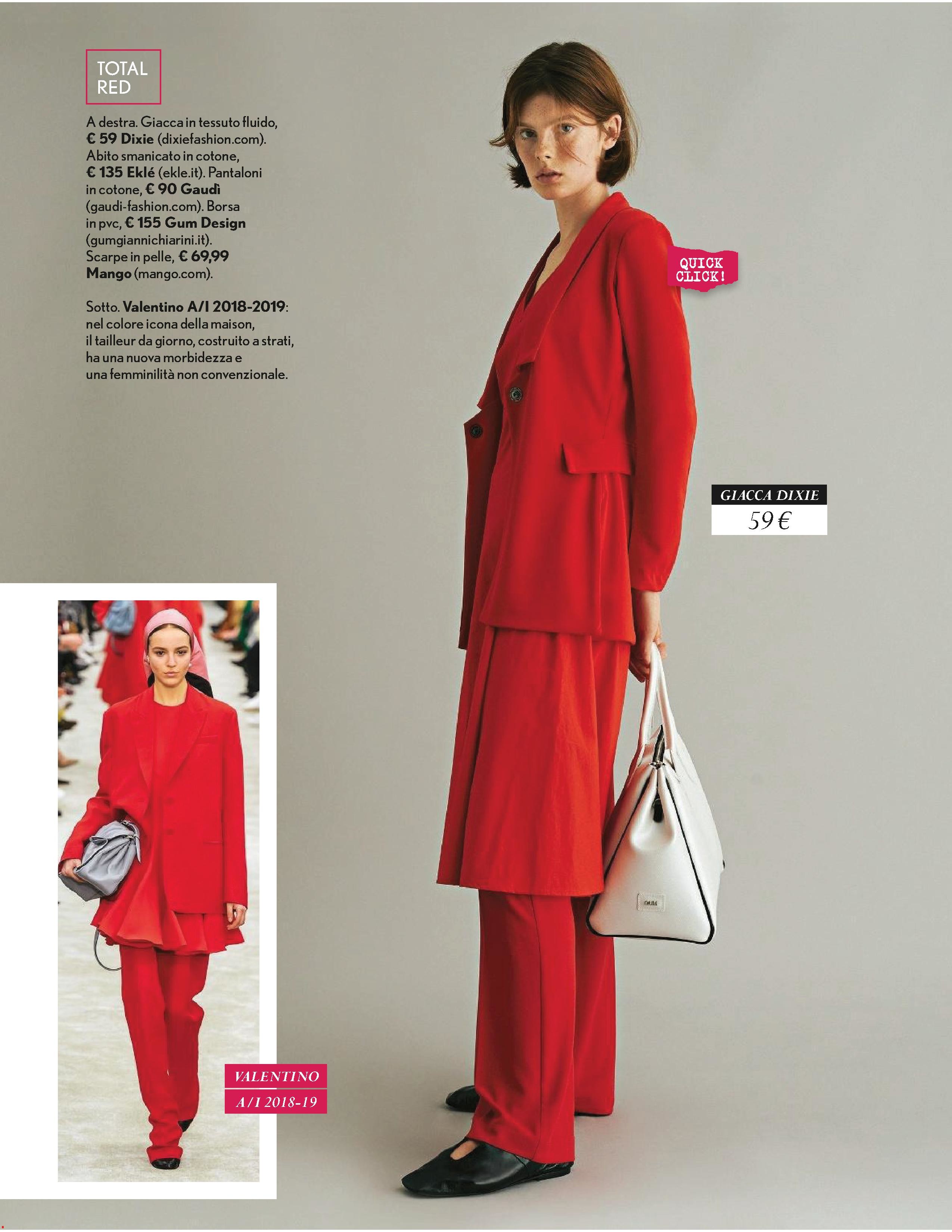
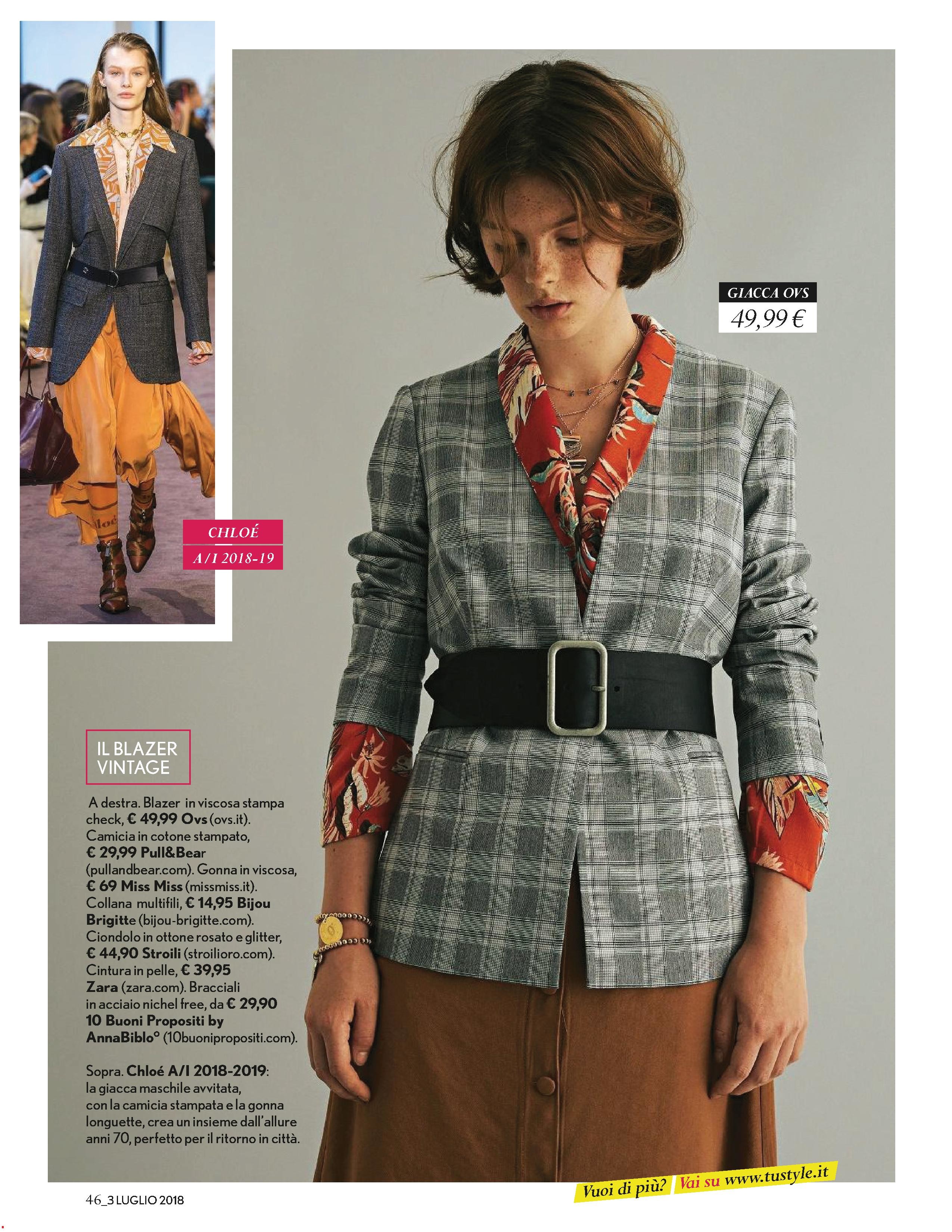
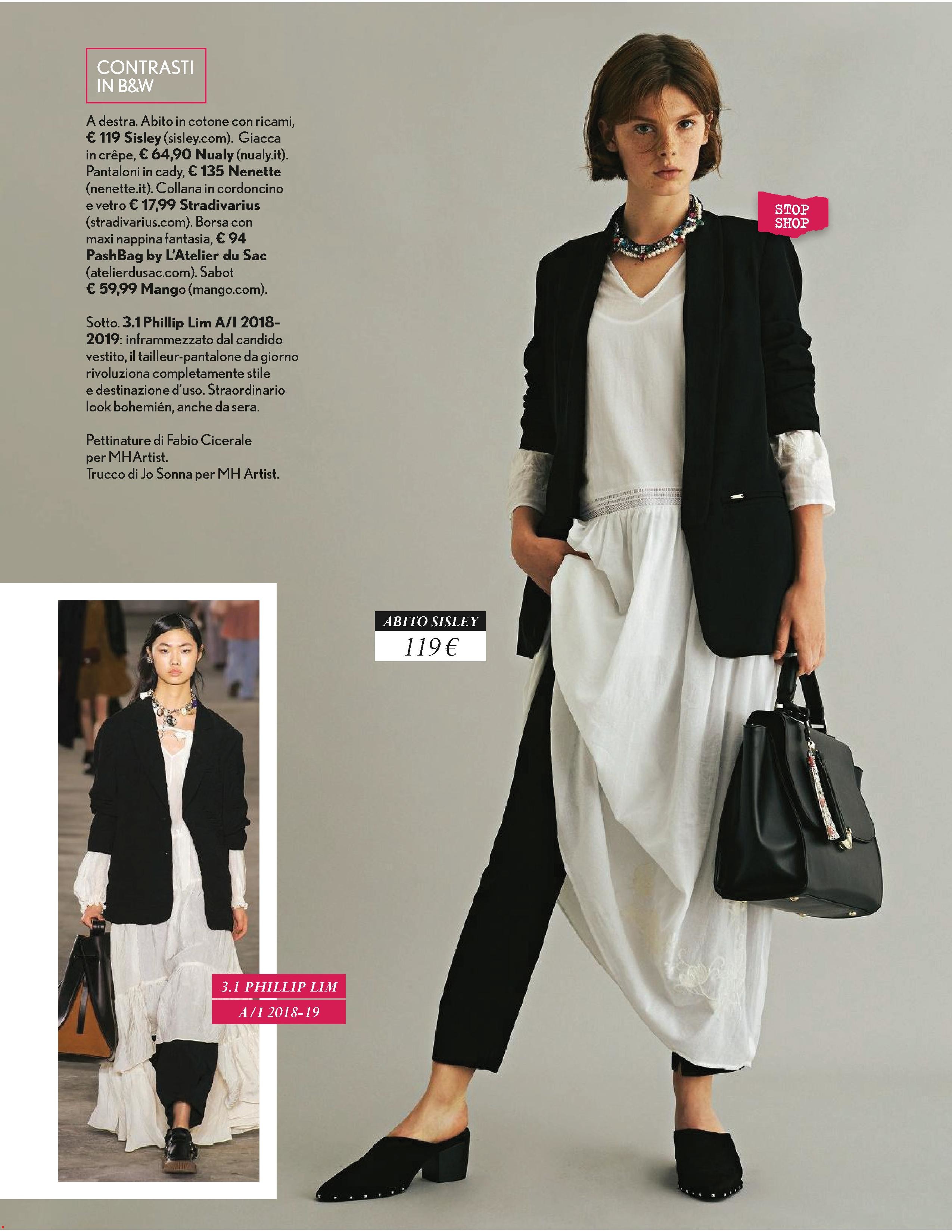
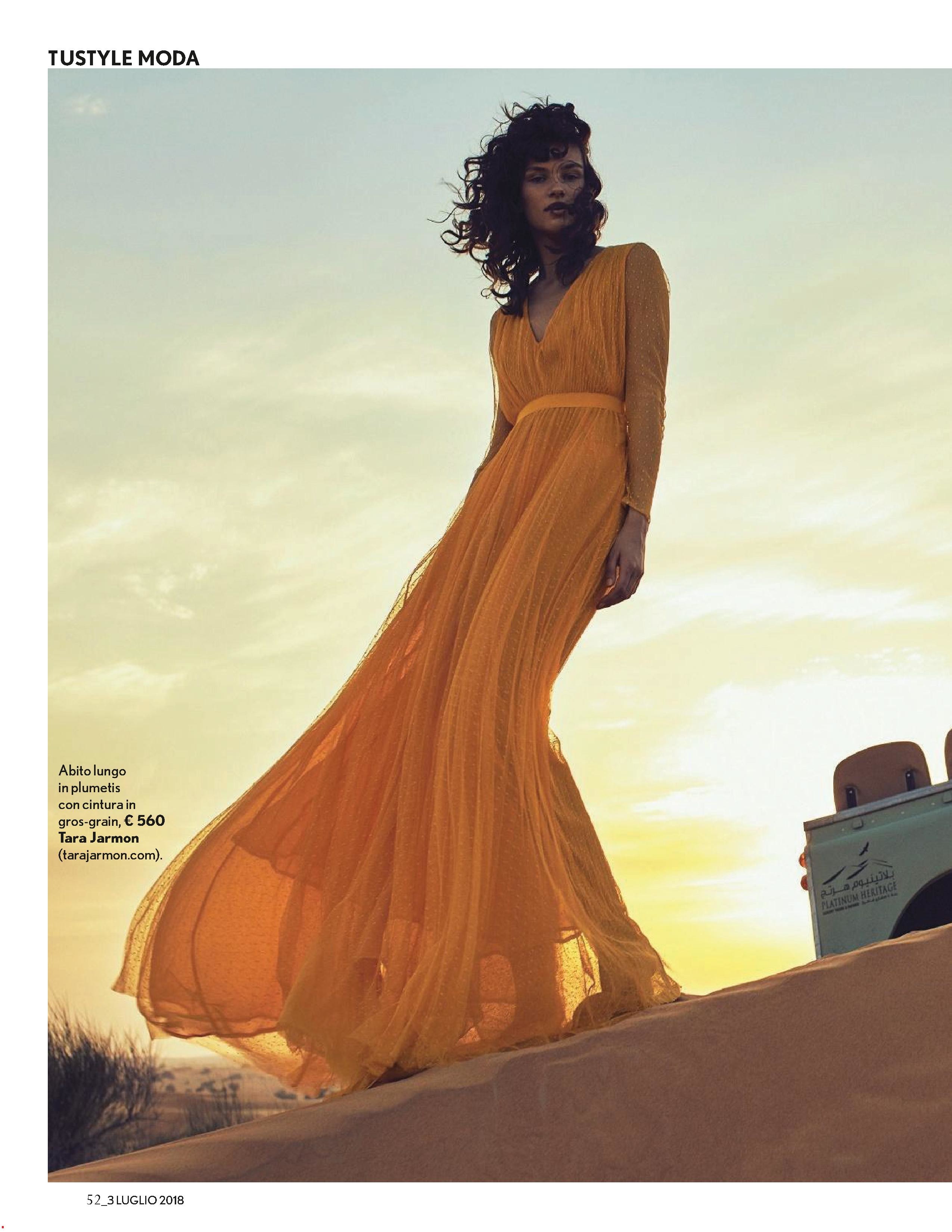

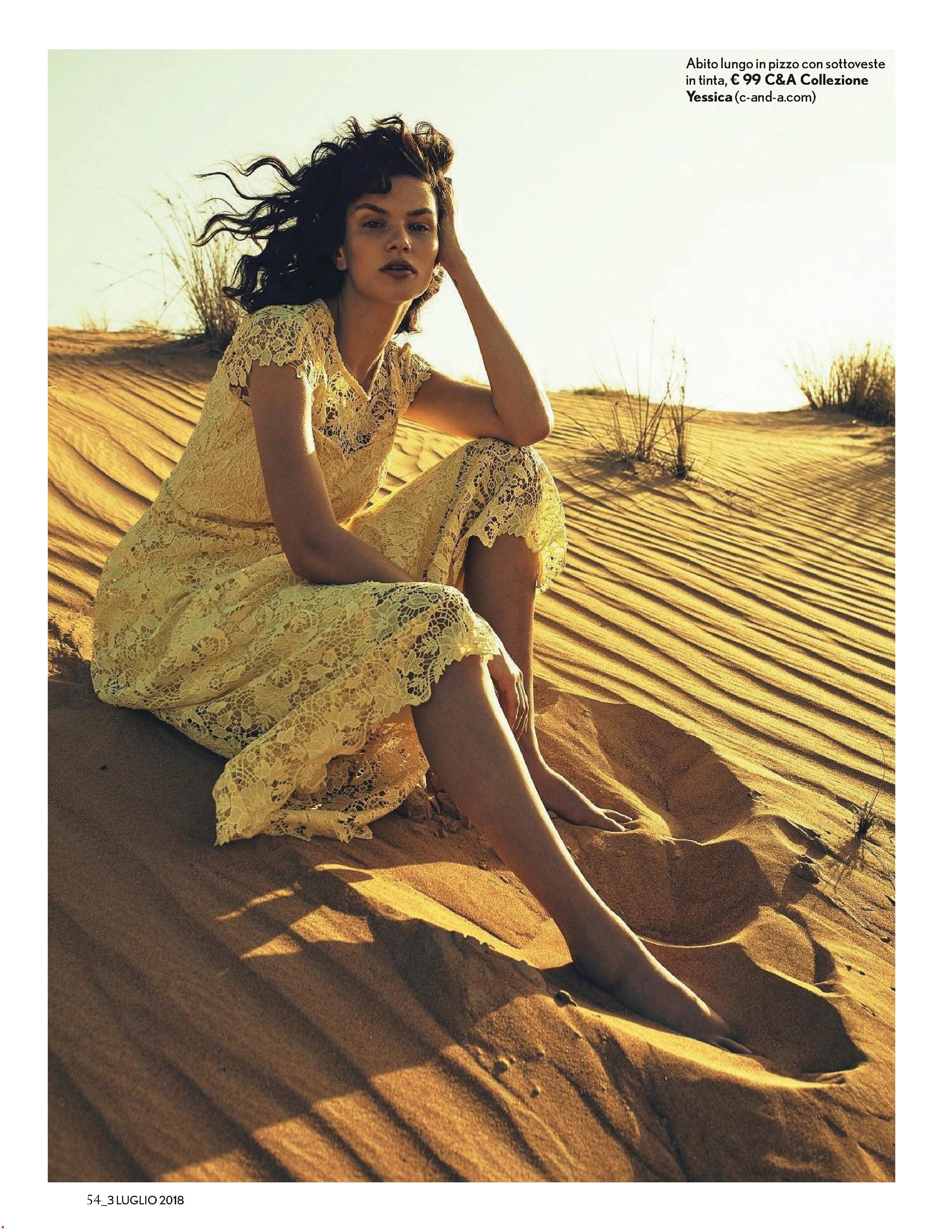
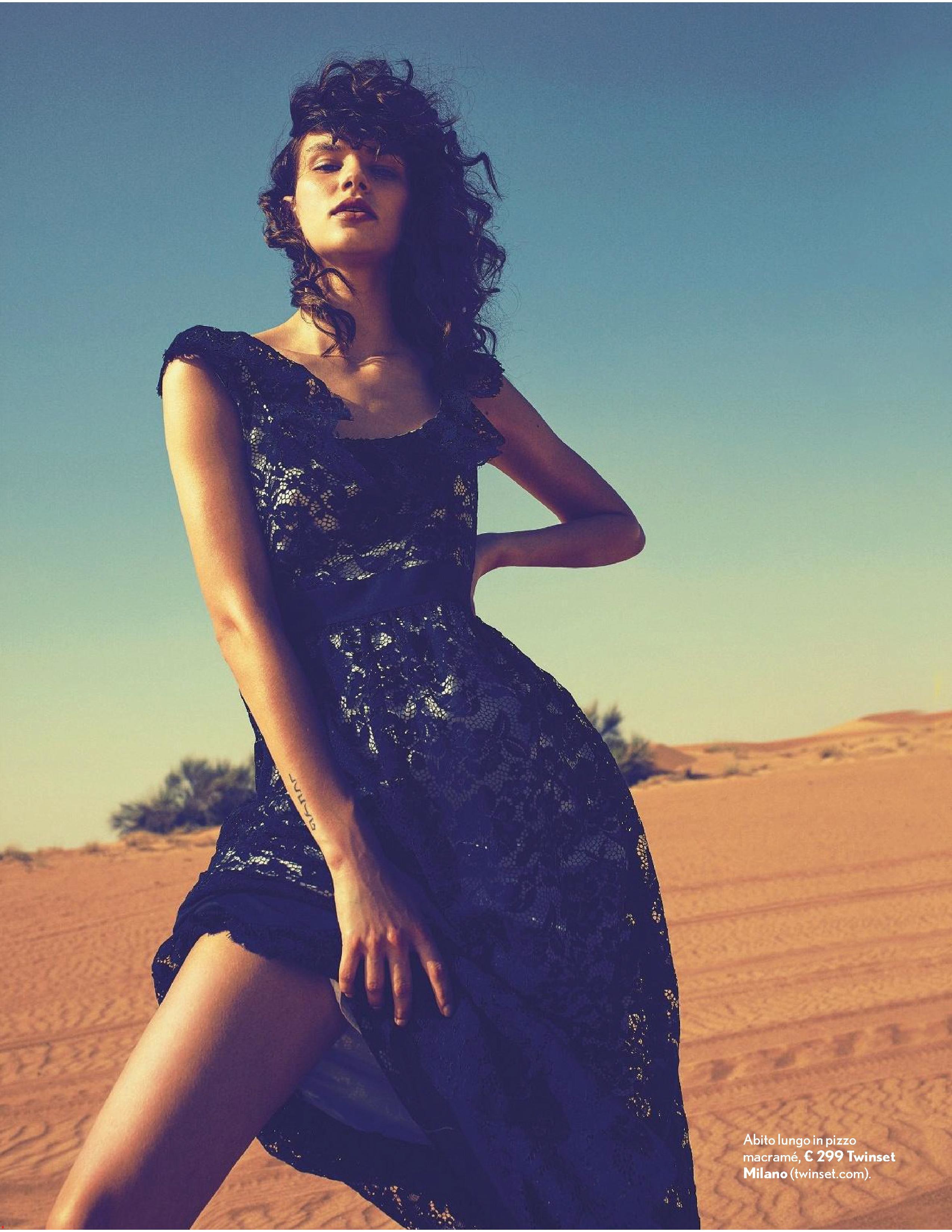
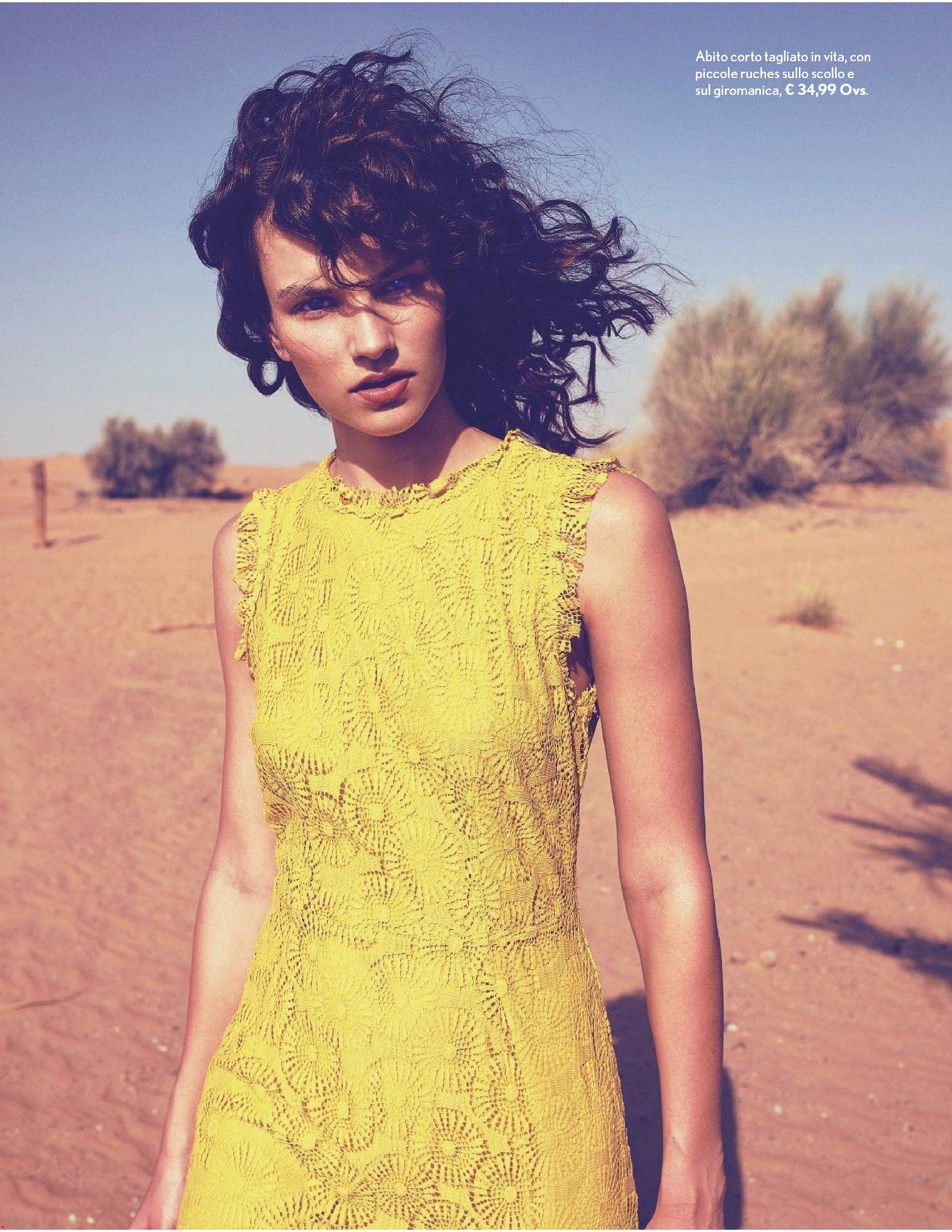
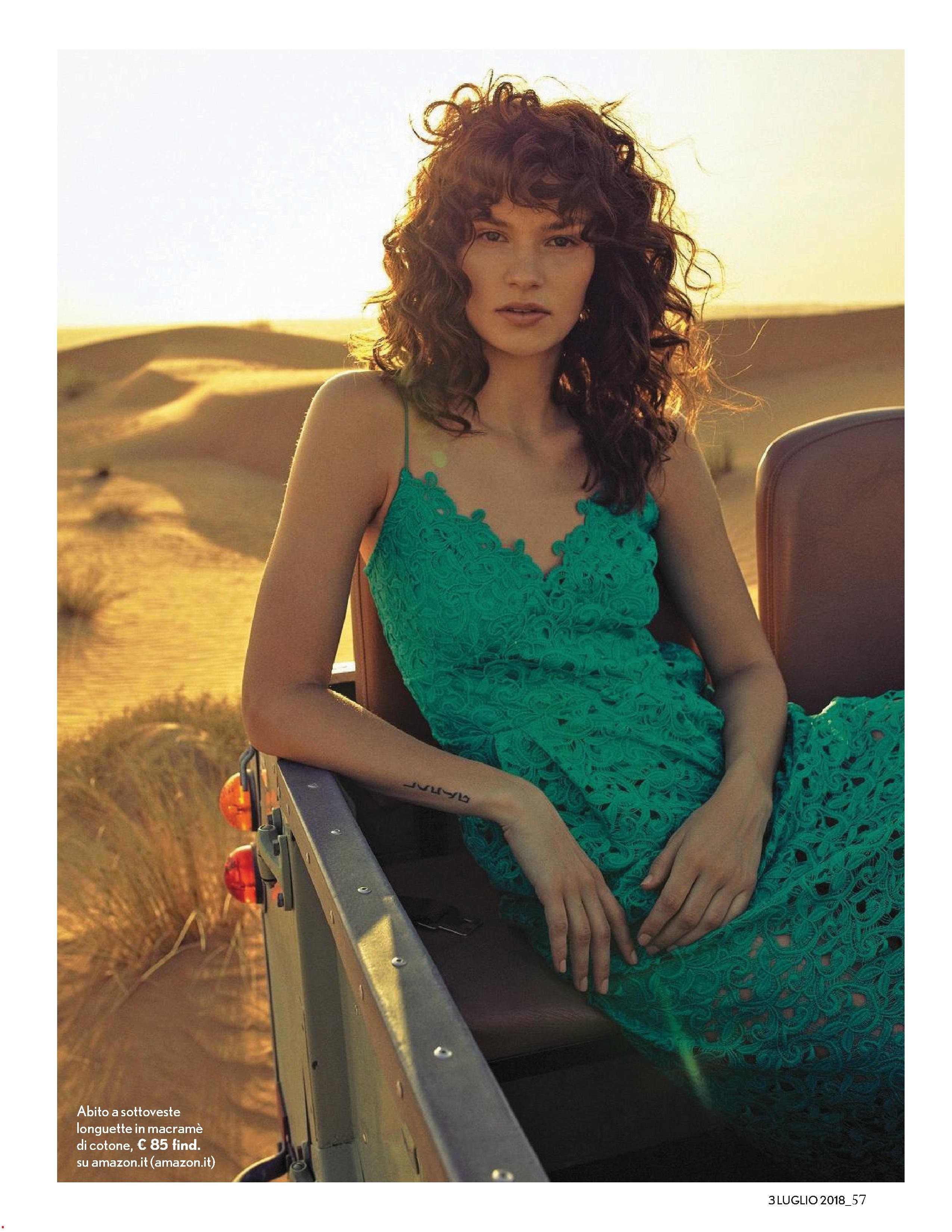
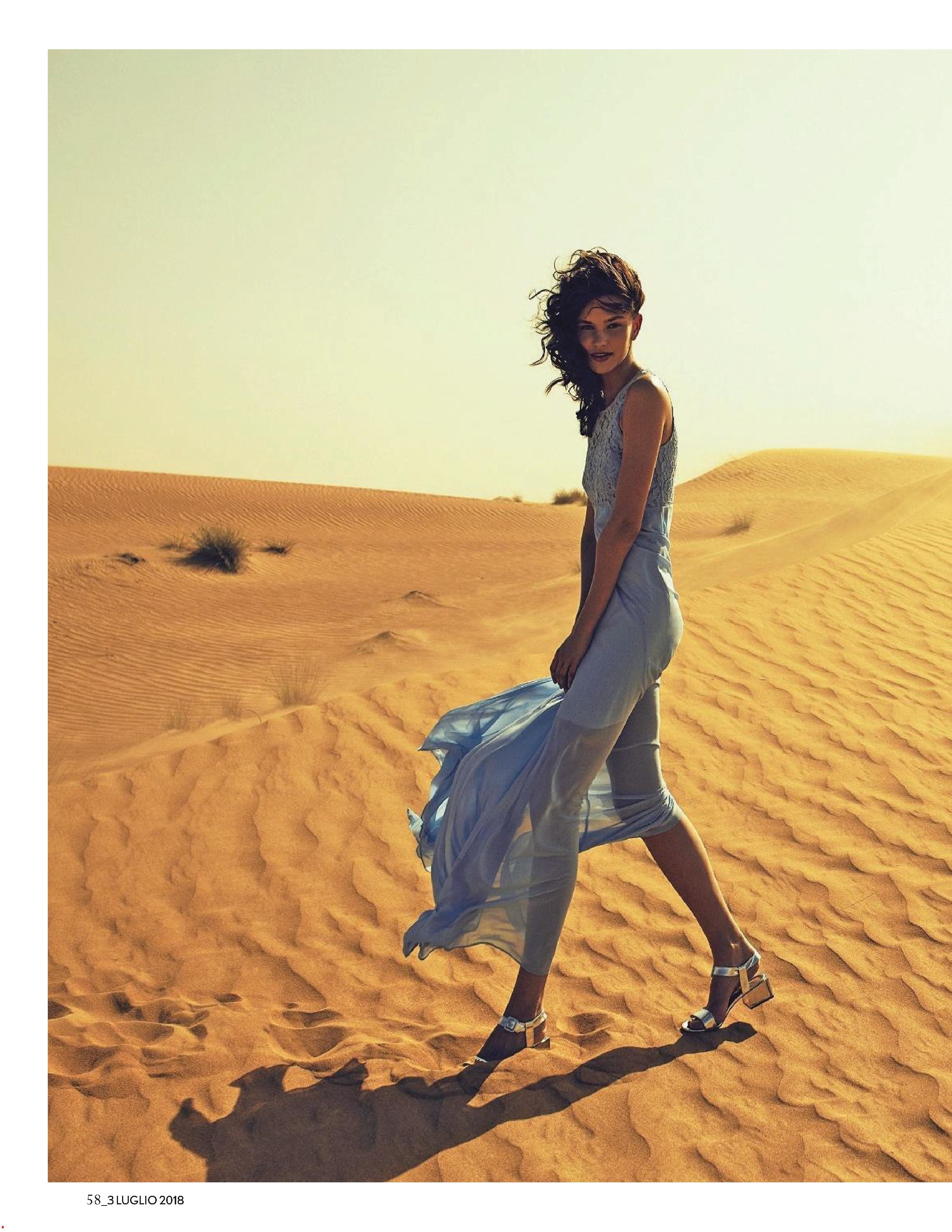
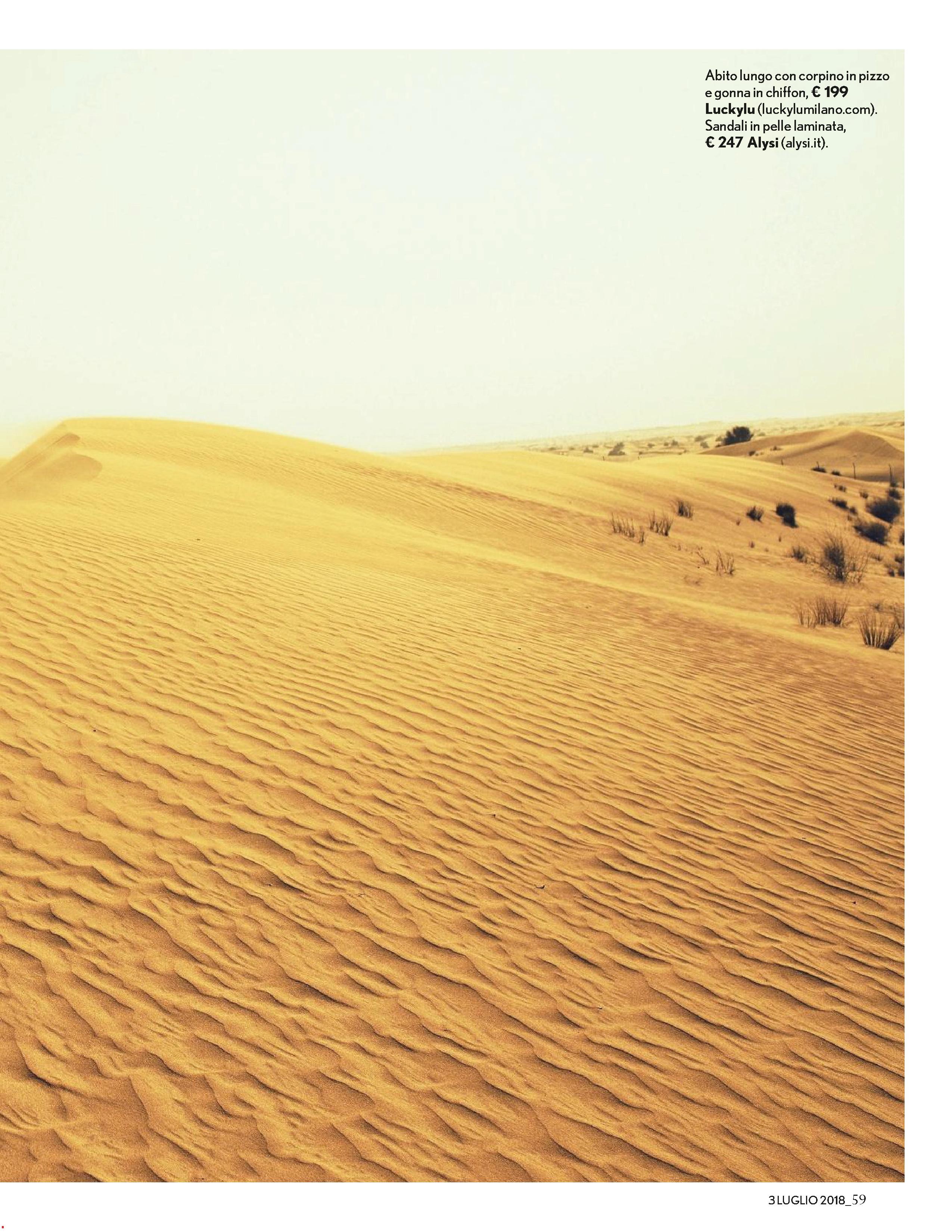

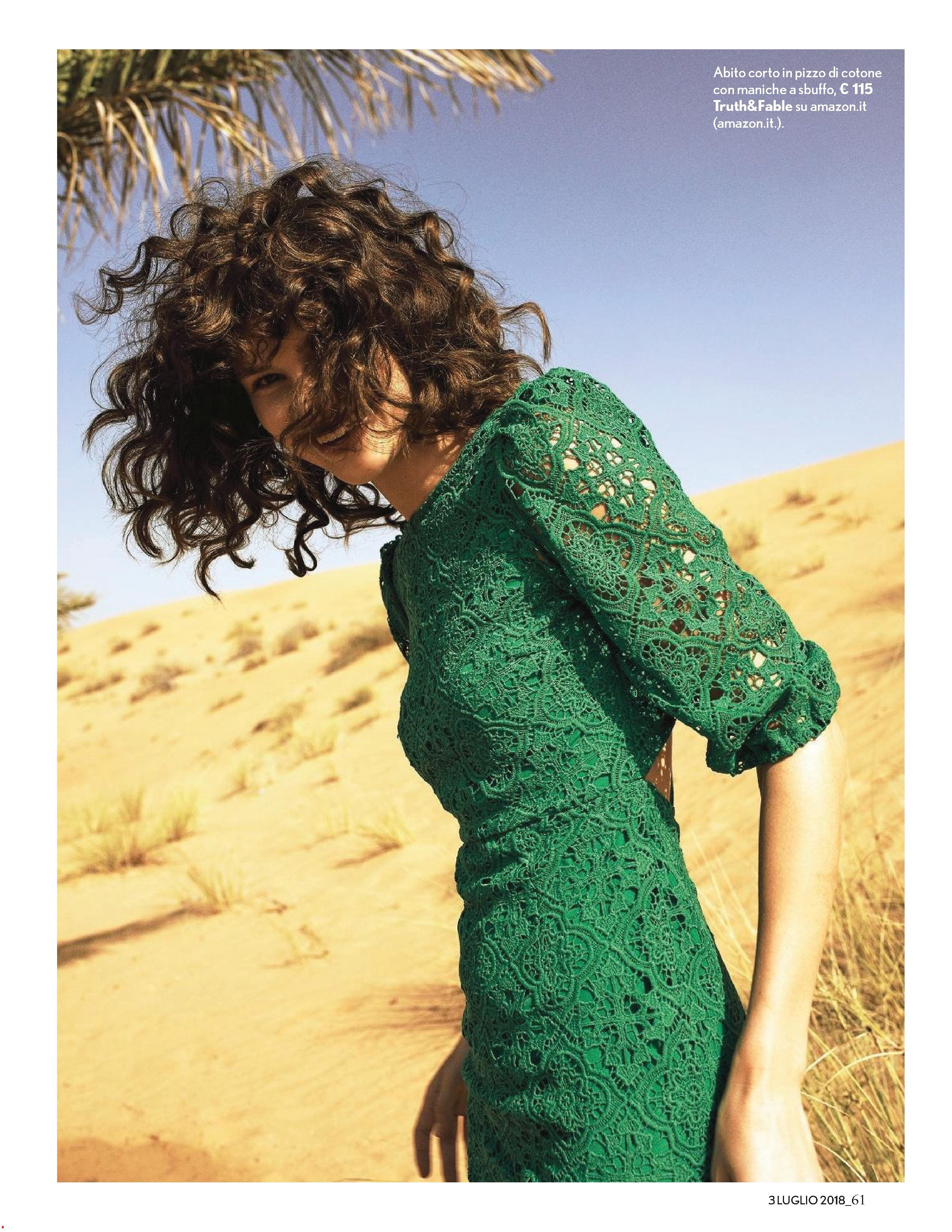
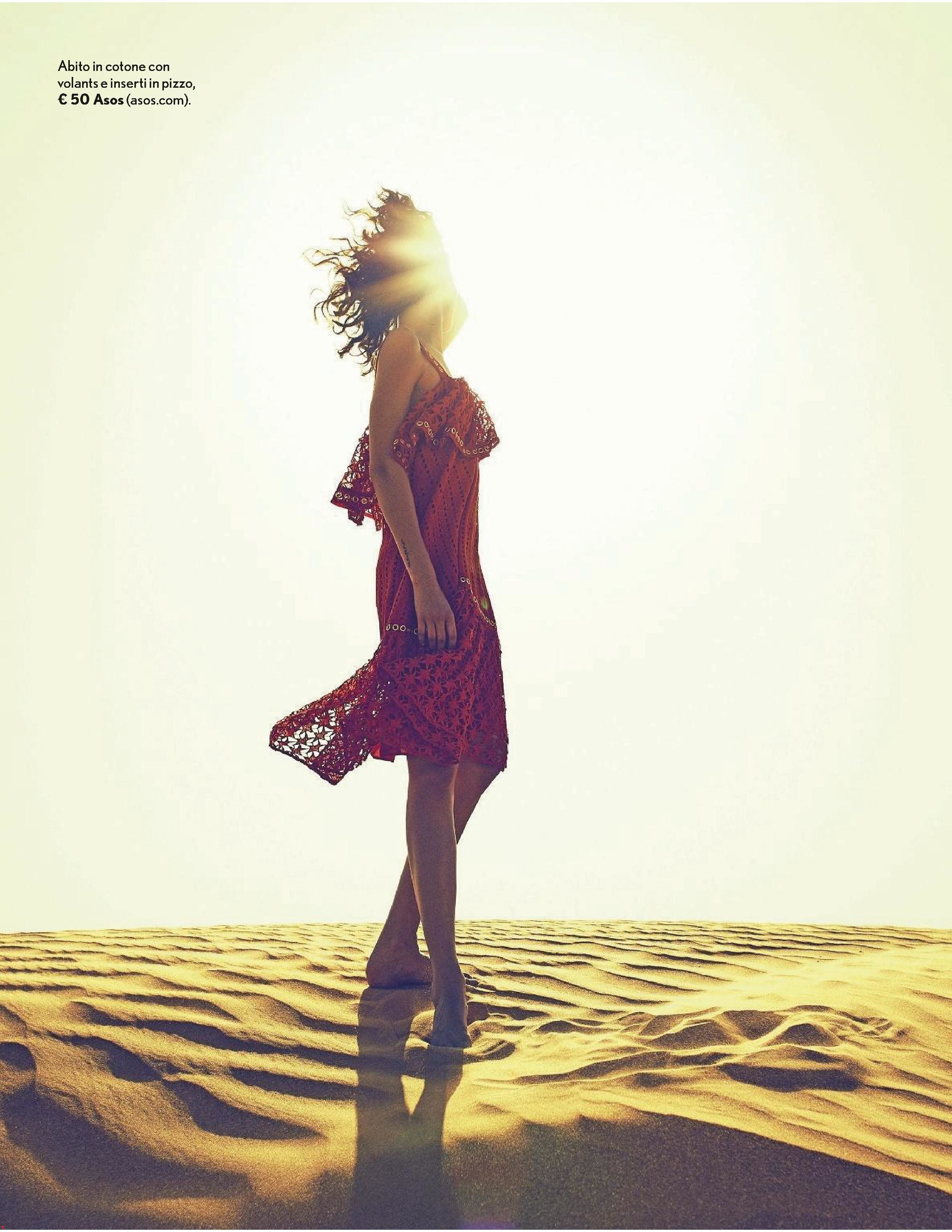
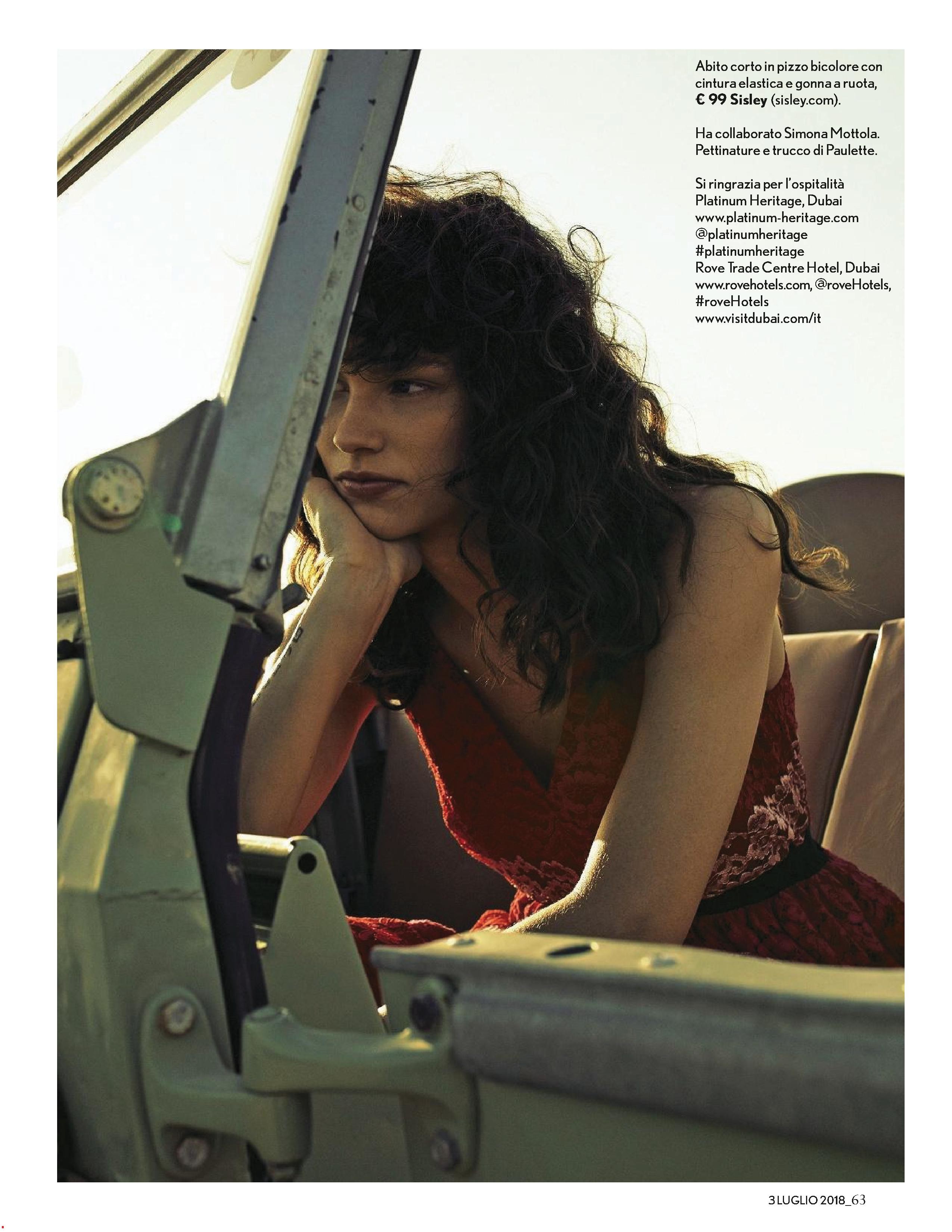
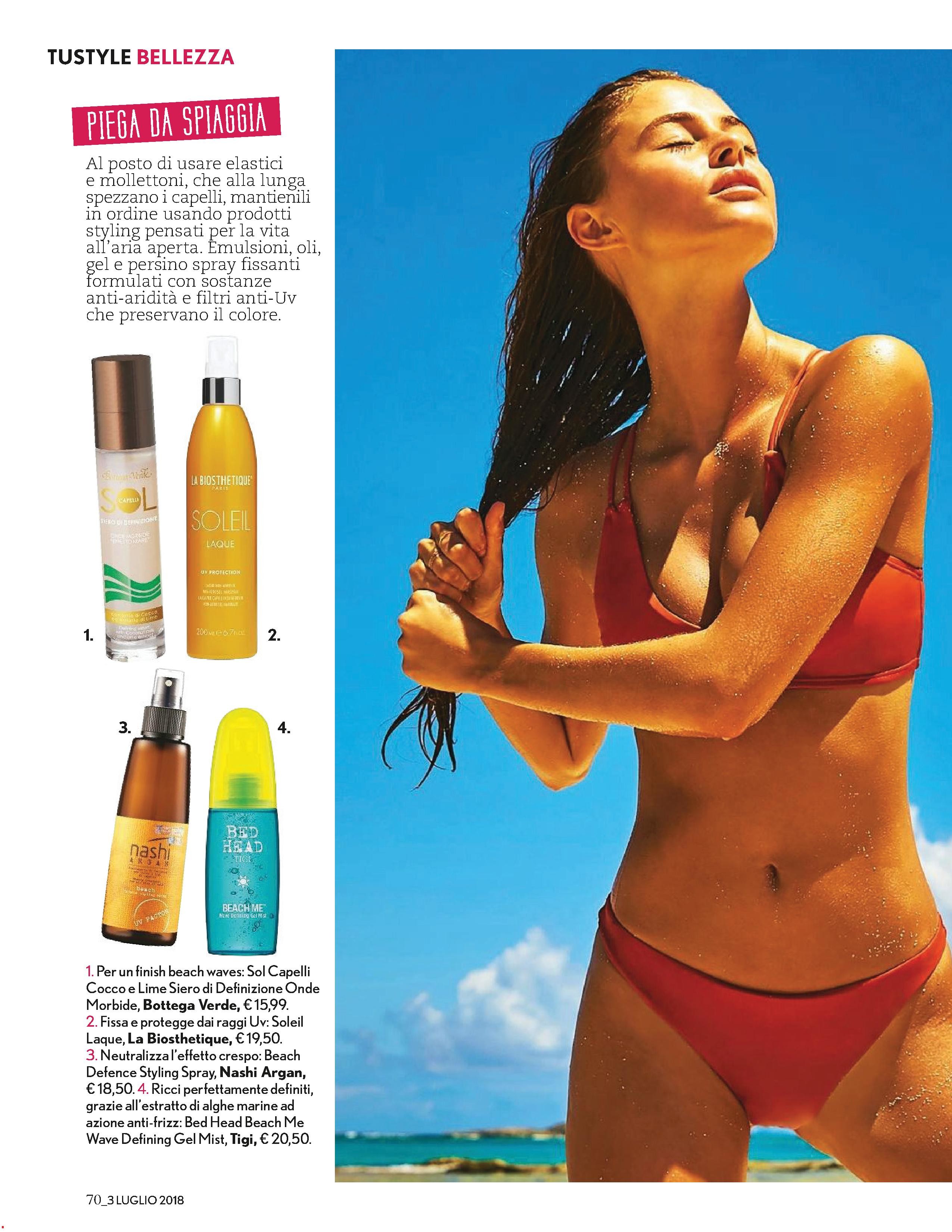
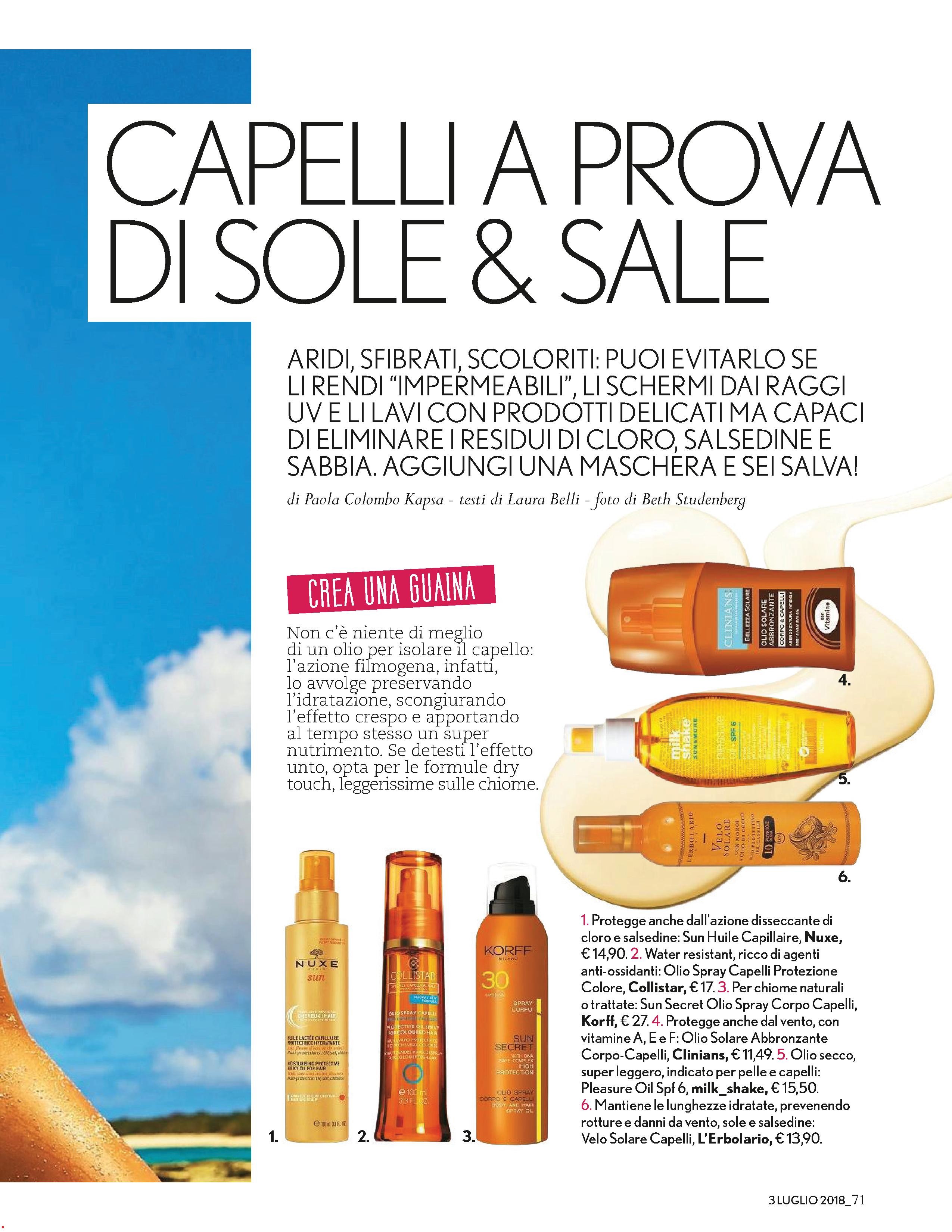
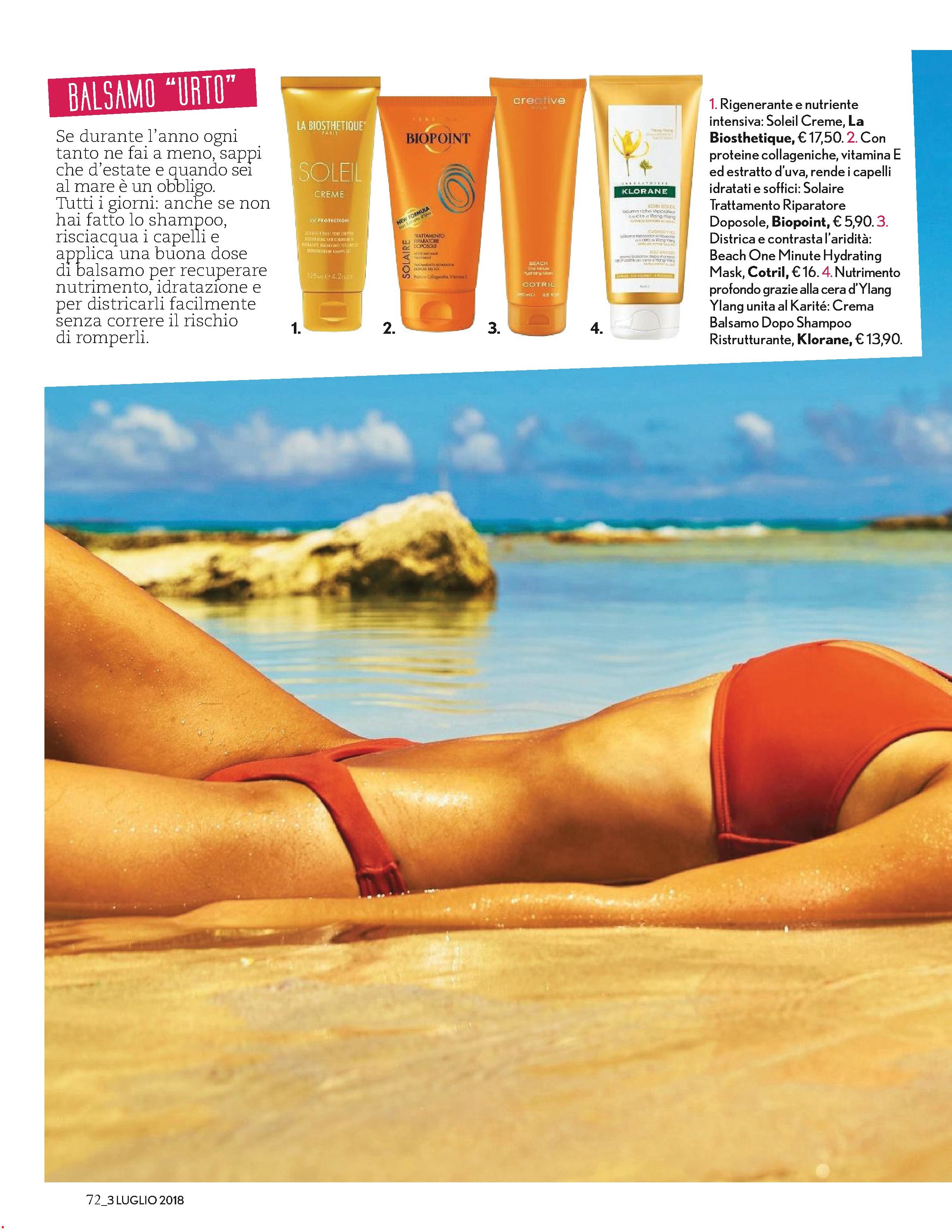
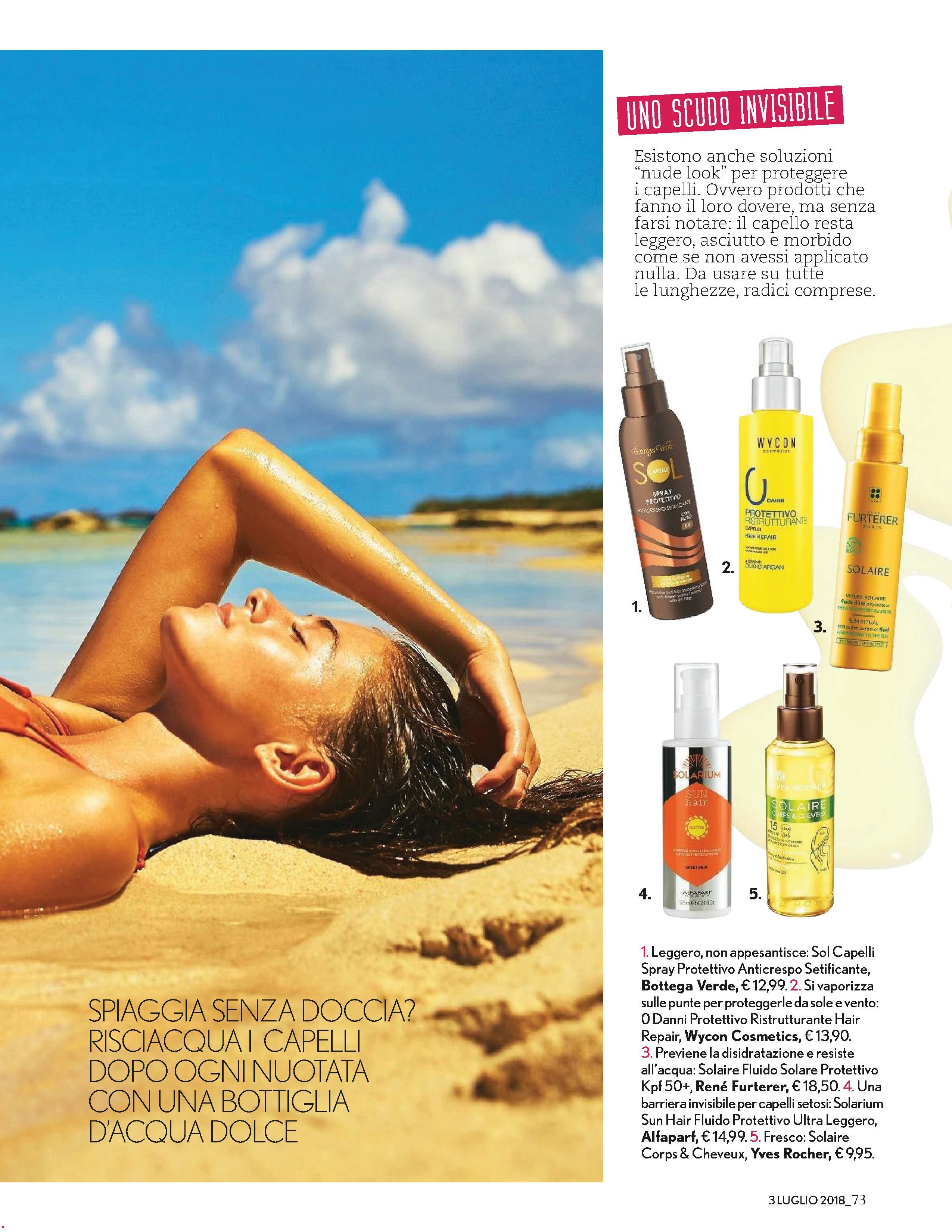
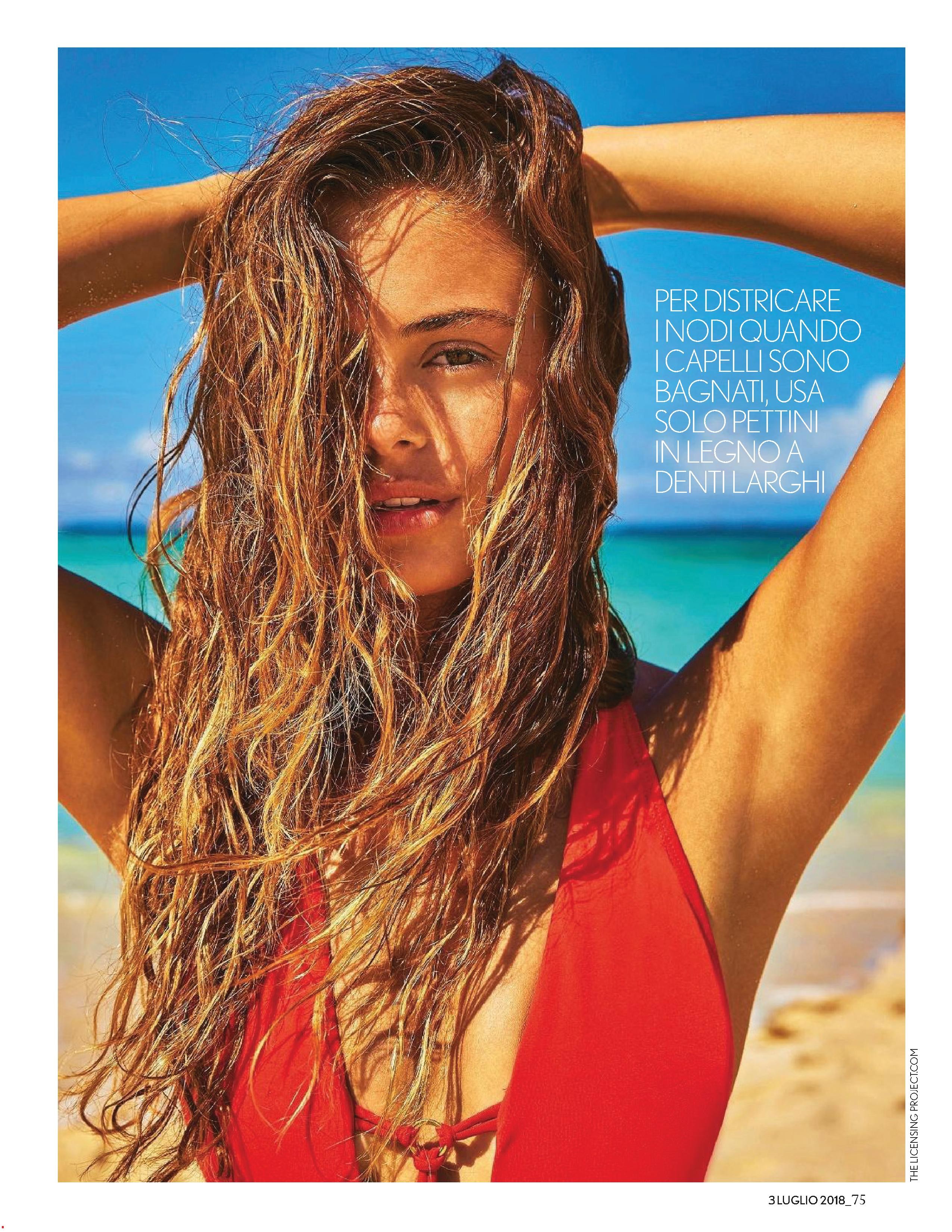
.jpg.20917293c9fd3f7fbee310e8694be298.jpg)
.jpg.b08336ba003ee956b040c80e493207f4.jpg)
.jpg.007e0562e20d874f11f8db3b3ba7a13f.jpg)
.jpg.8c590adf2cc3421b93ae2b9539f68763.jpg)
.jpg.307993e69c21360e996f69fefa824dbf.jpg)
.JPG.f663c3121e63291ab8b034b2b7cc366c.JPG)
.JPG.0a3d29208c5d0f114e59d62a8337fa53.JPG)
.JPG.6b86340c125217cd35f8669c1b45434f.JPG)
.JPG.839e22301d08f822c24f2b470b19a11d.JPG)
.JPG.cf3d475a5cdd15b76477fda17180183c.JPG)
.JPG.6a151902bbaf170dbe3de92ed159271e.JPG)





















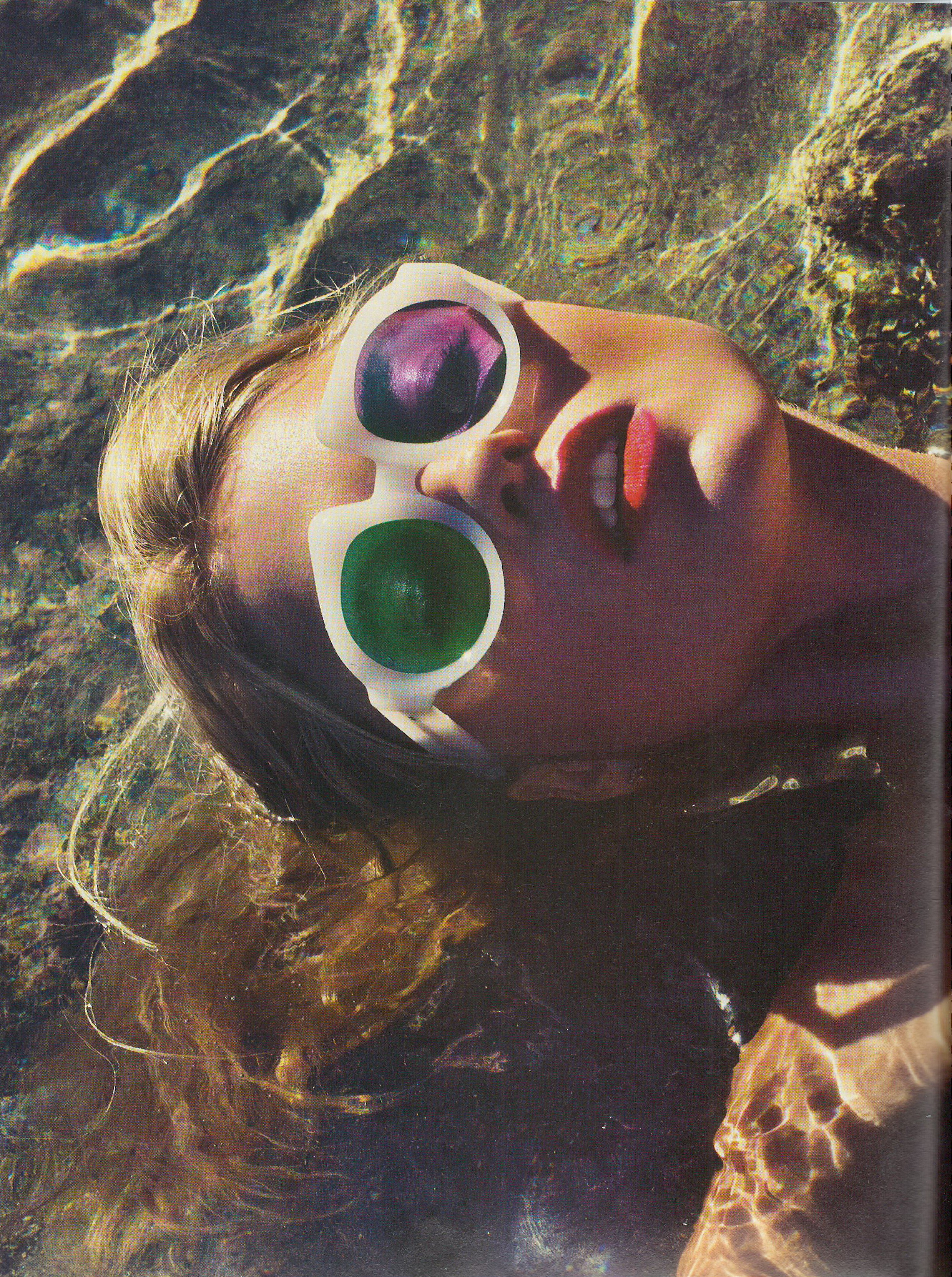
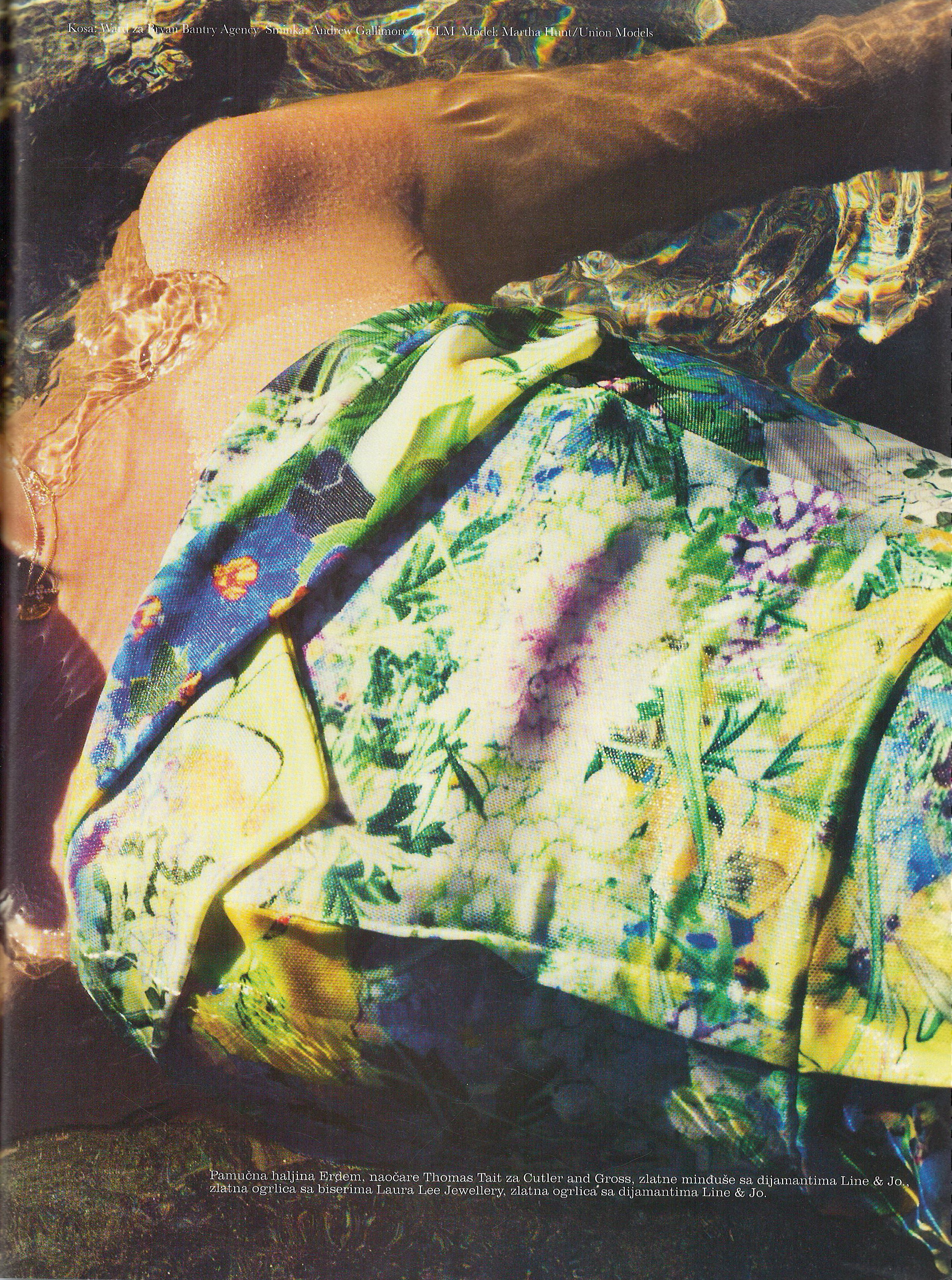
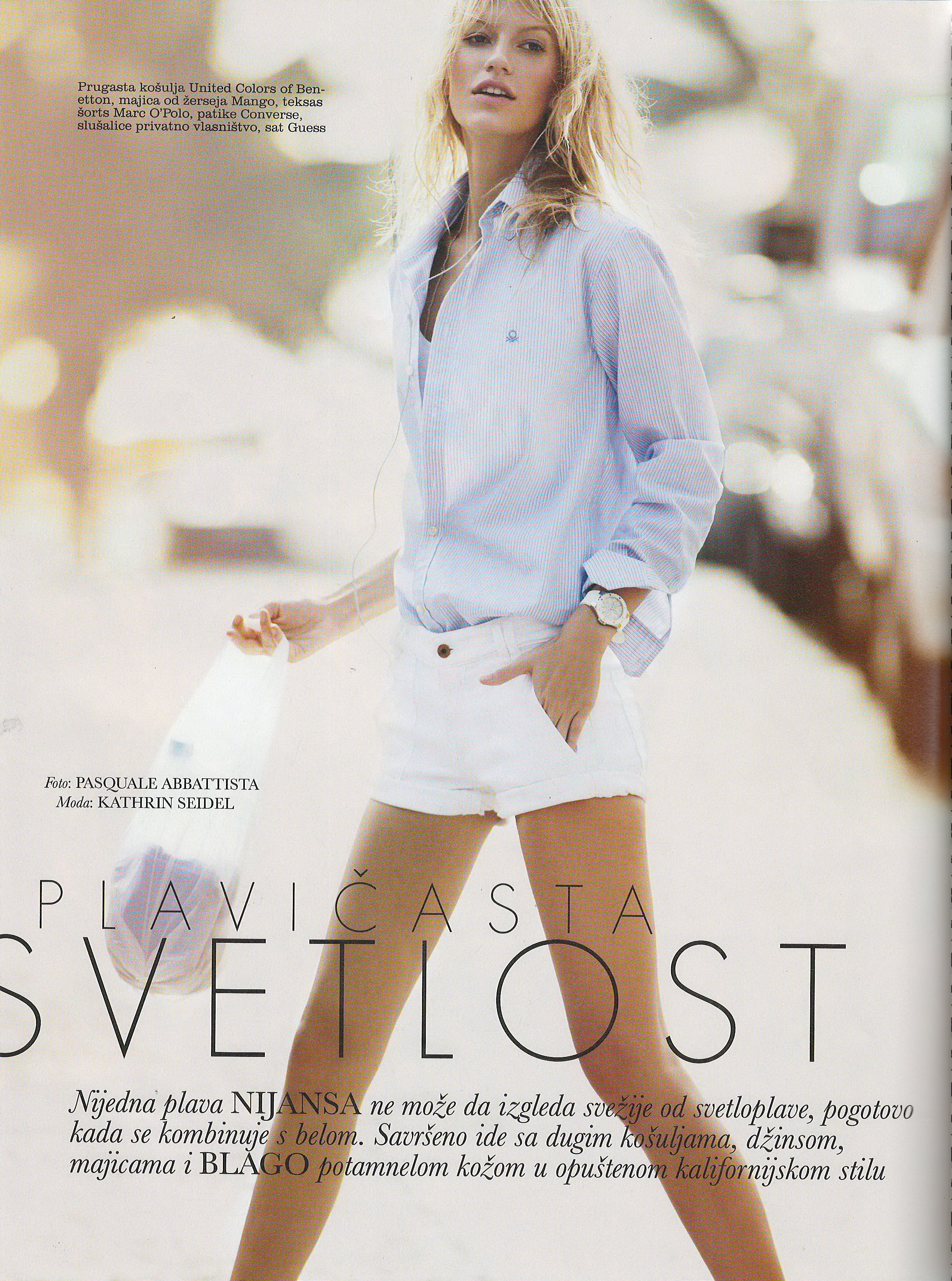
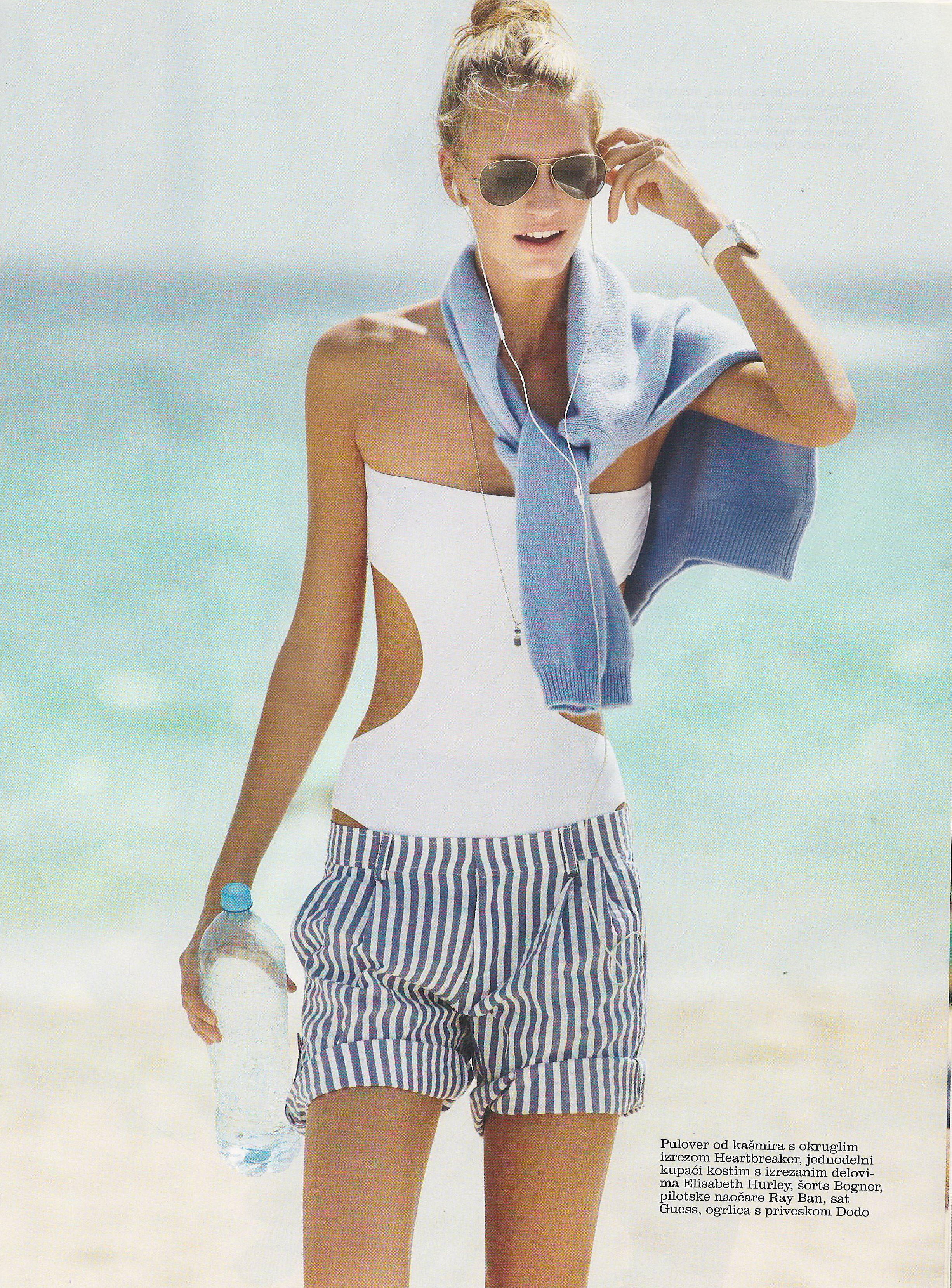














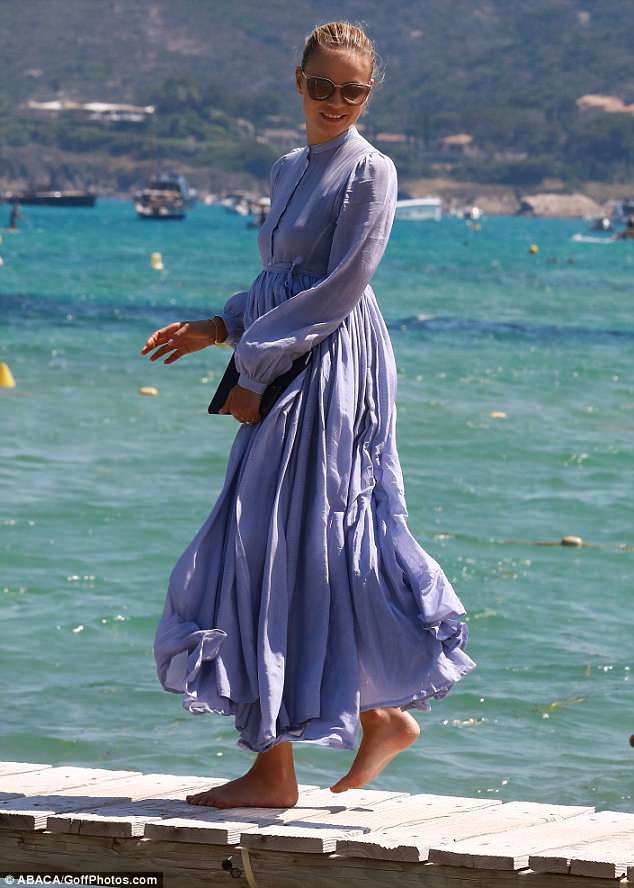
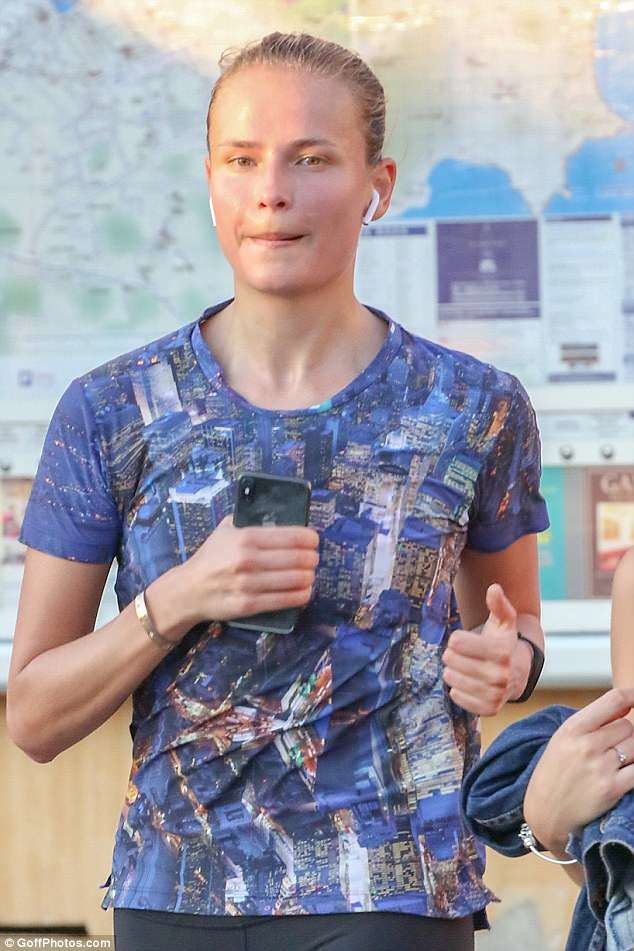
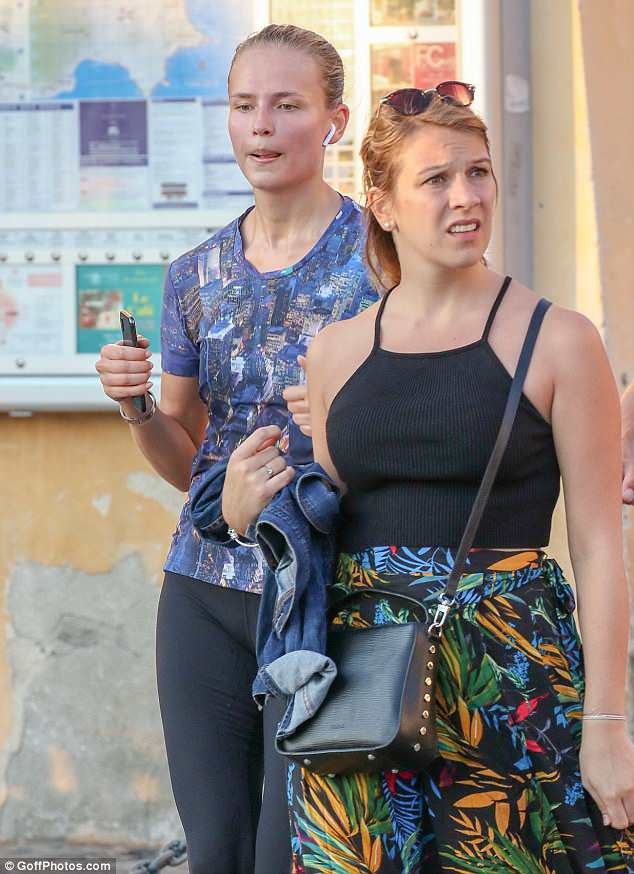
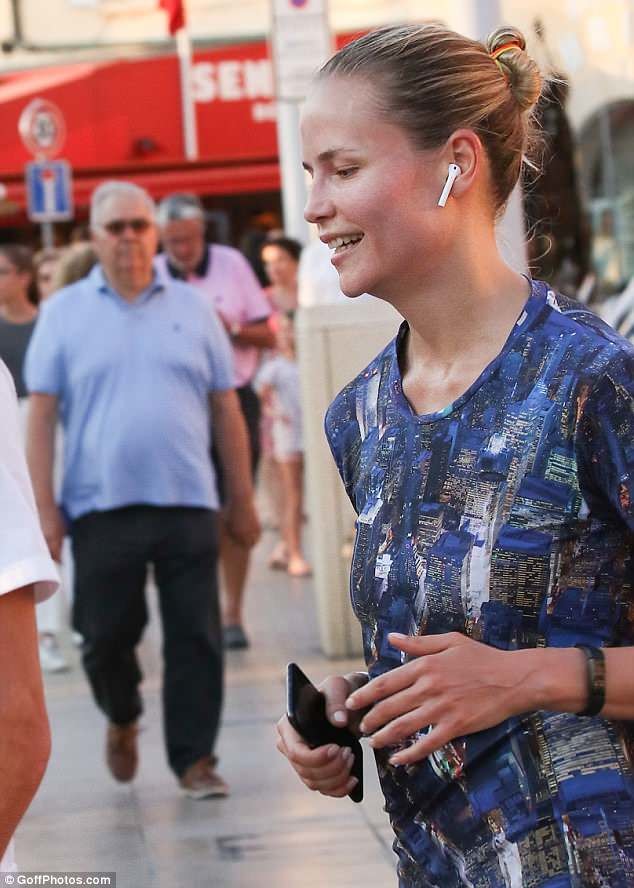























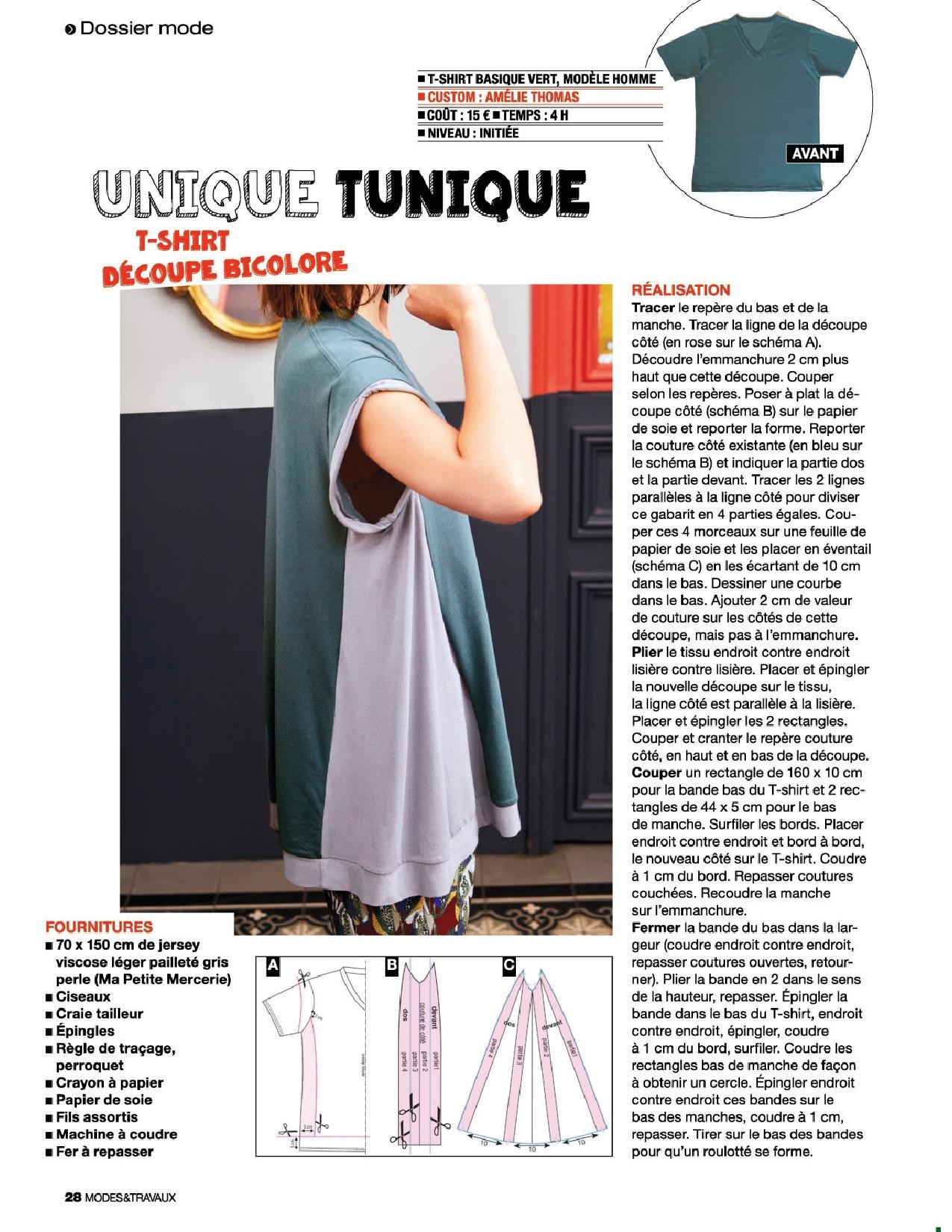
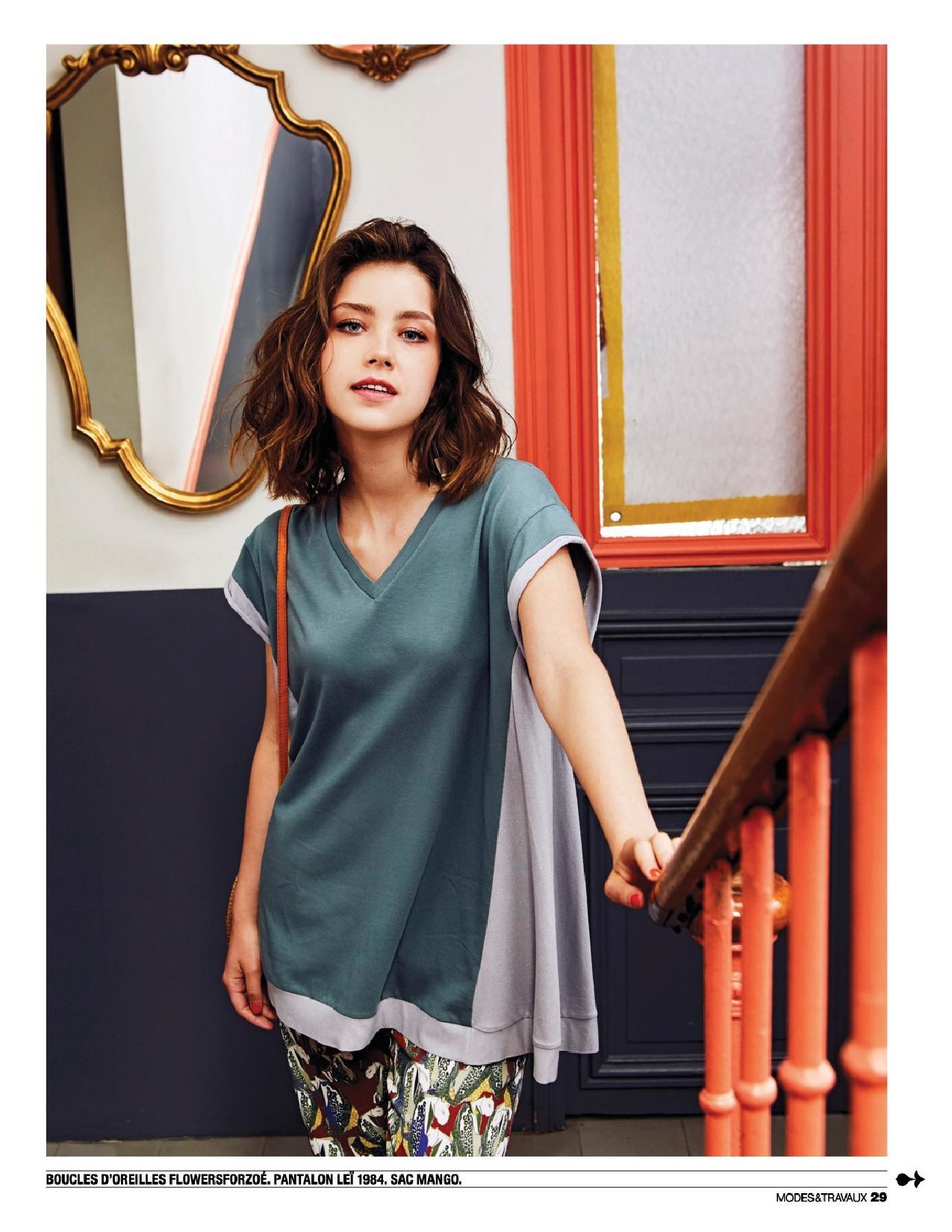
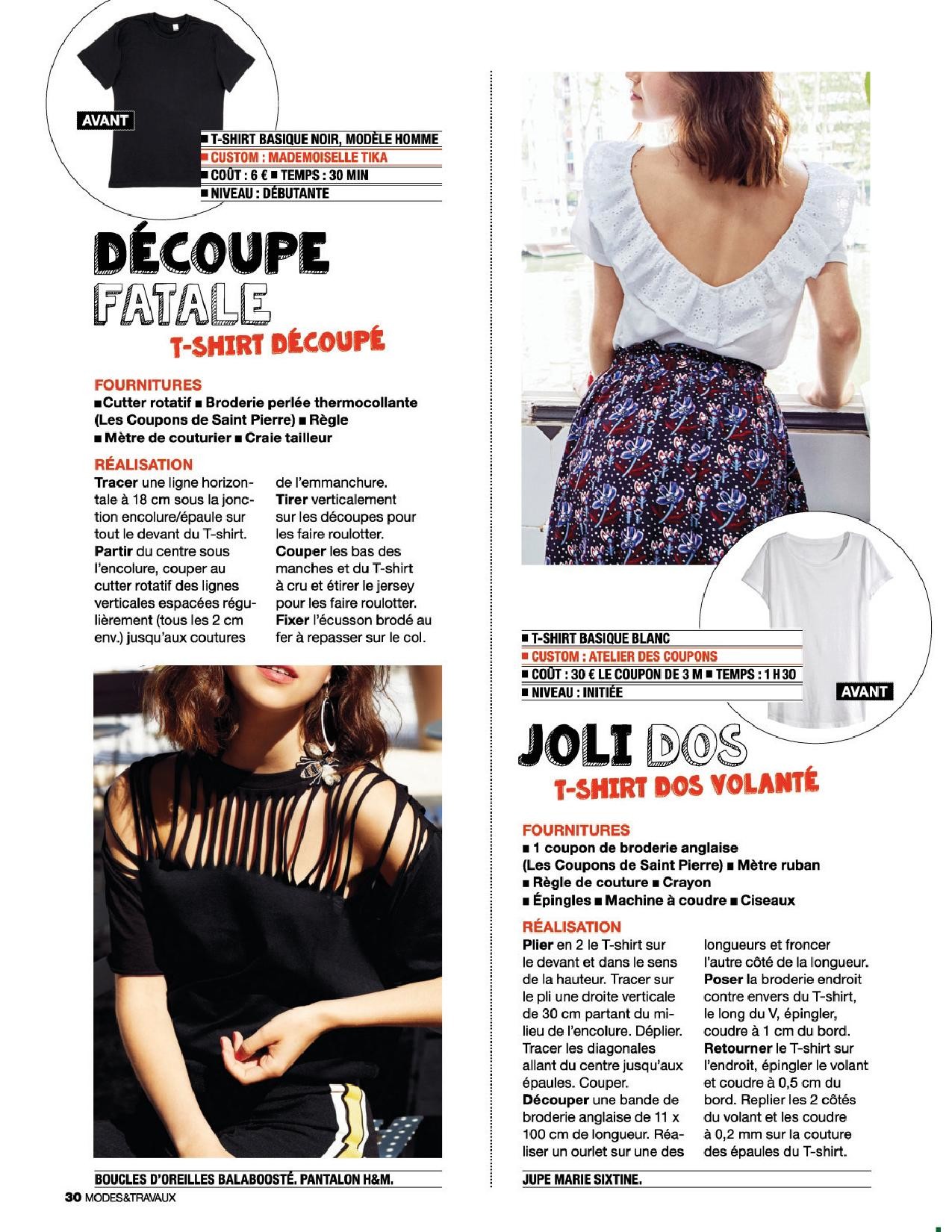
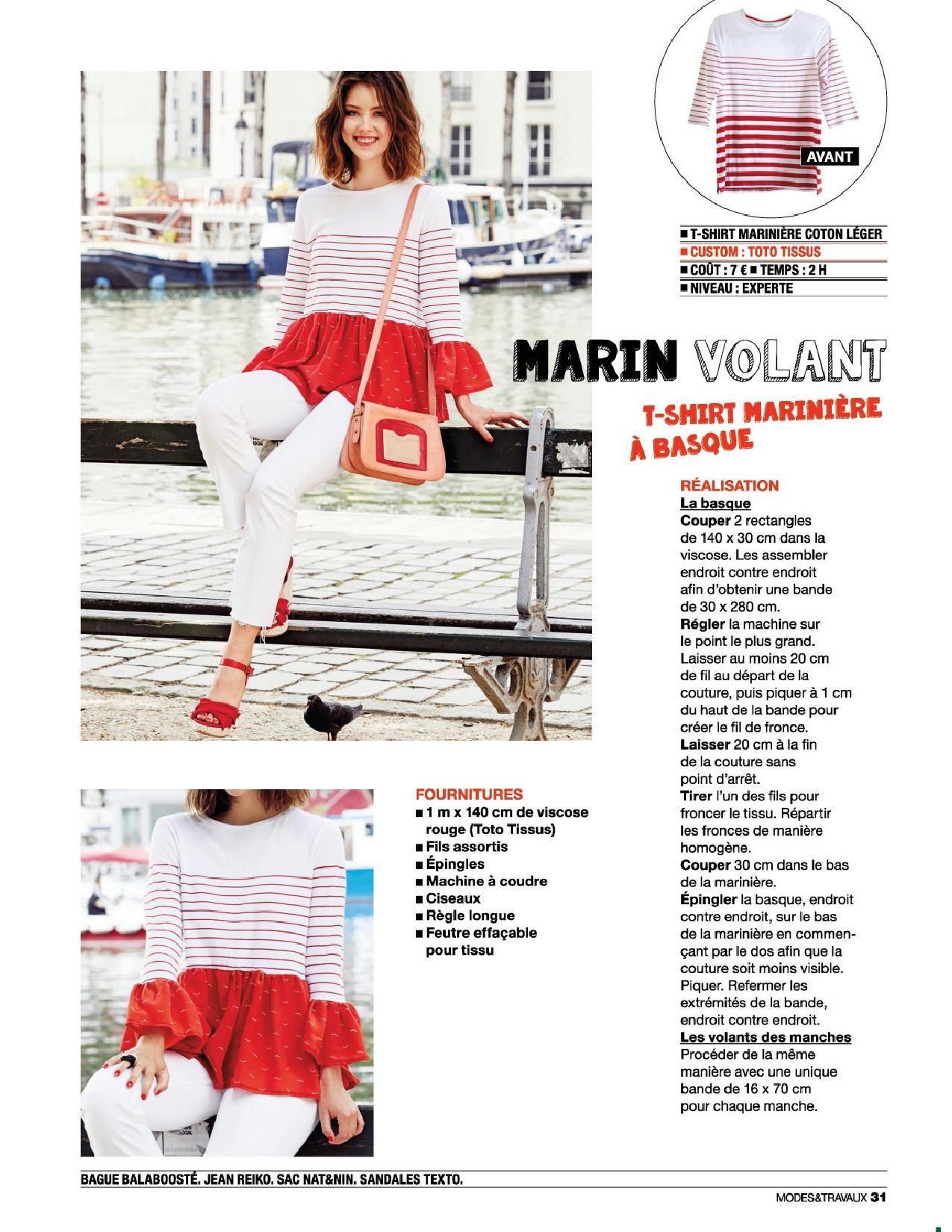
Account
Navigation
Search
Configure browser push notifications
Chrome (Android)
- Tap the lock icon next to the address bar.
- Tap Permissions → Notifications.
- Adjust your preference.
Chrome (Desktop)
- Click the padlock icon in the address bar.
- Select Site settings.
- Find Notifications and adjust your preference.
Safari (iOS 16.4+)
- Ensure the site is installed via Add to Home Screen.
- Open Settings App → Notifications.
- Find your app name and adjust your preference.
Safari (macOS)
- Go to Safari → Preferences.
- Click the Websites tab.
- Select Notifications in the sidebar.
- Find this website and adjust your preference.
Edge (Android)
- Tap the lock icon next to the address bar.
- Tap Permissions.
- Find Notifications and adjust your preference.
Edge (Desktop)
- Click the padlock icon in the address bar.
- Click Permissions for this site.
- Find Notifications and adjust your preference.
Firefox (Android)
- Go to Settings → Site permissions.
- Tap Notifications.
- Find this site in the list and adjust your preference.
Firefox (Desktop)
- Open Firefox Settings.
- Search for Notifications.
- Find this site in the list and adjust your preference.