

Matt!
Members
-
Joined
-
Last visited
Everything posted by Matt!
-
 IMO Barbie was frickin' awesome..also the box-office numbers don't lie (also also 8 Oscar nominations including one win)
 -
What's wrong with her now? 🤨
-
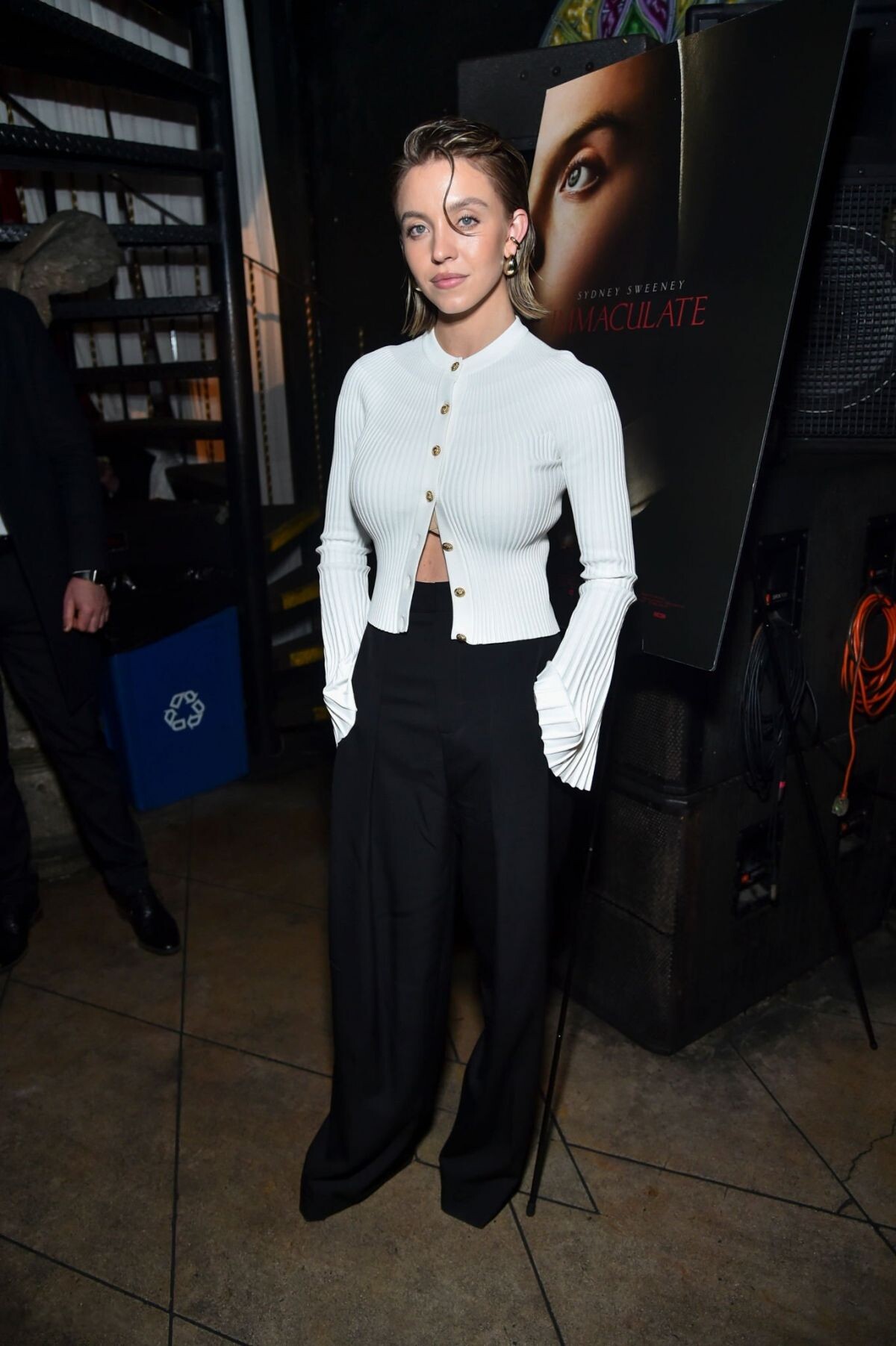
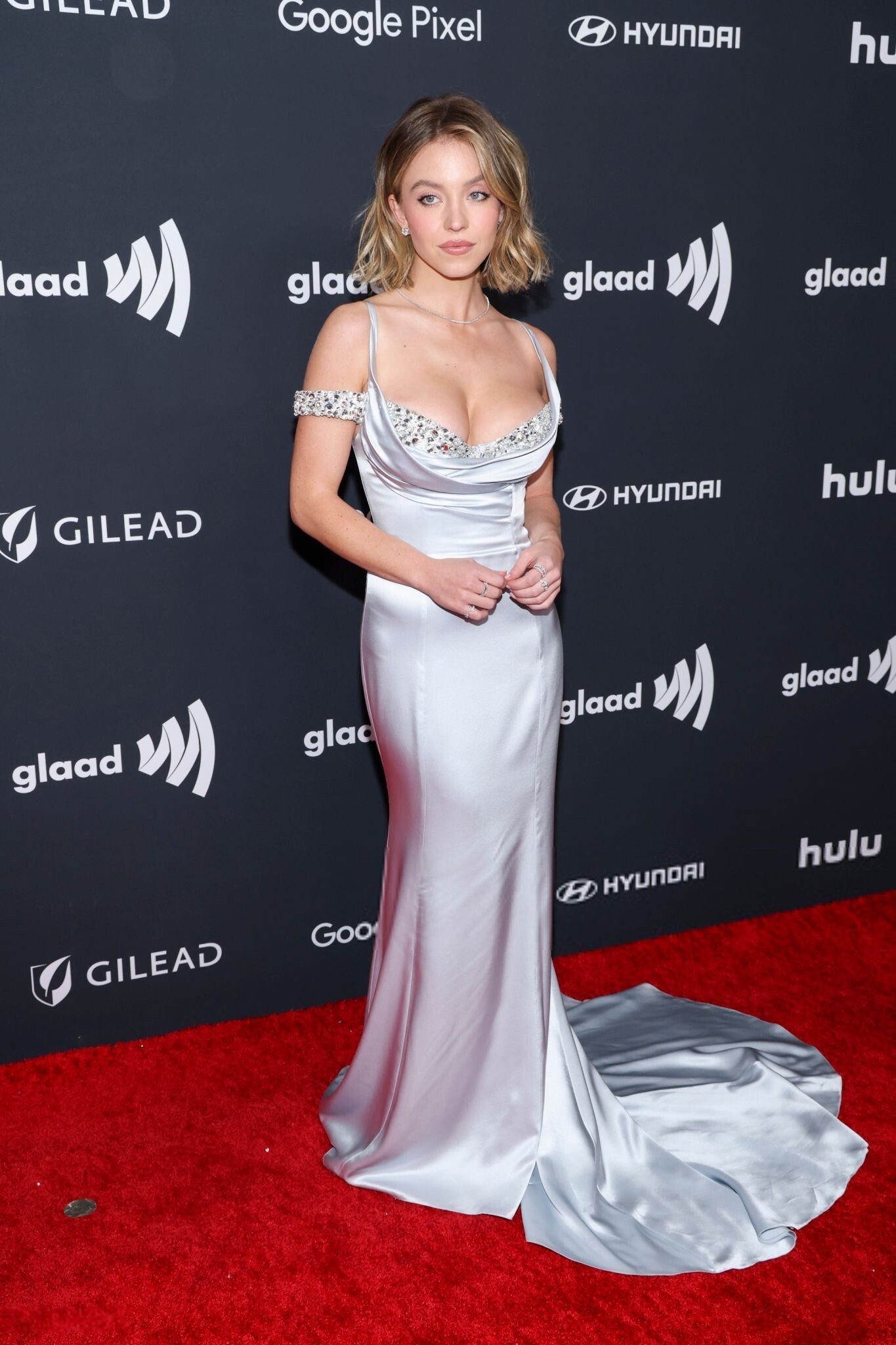
I like her new hair, it looks cute on her!
-
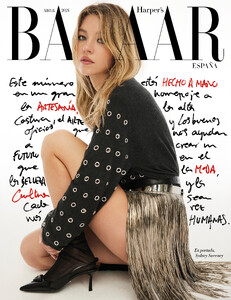
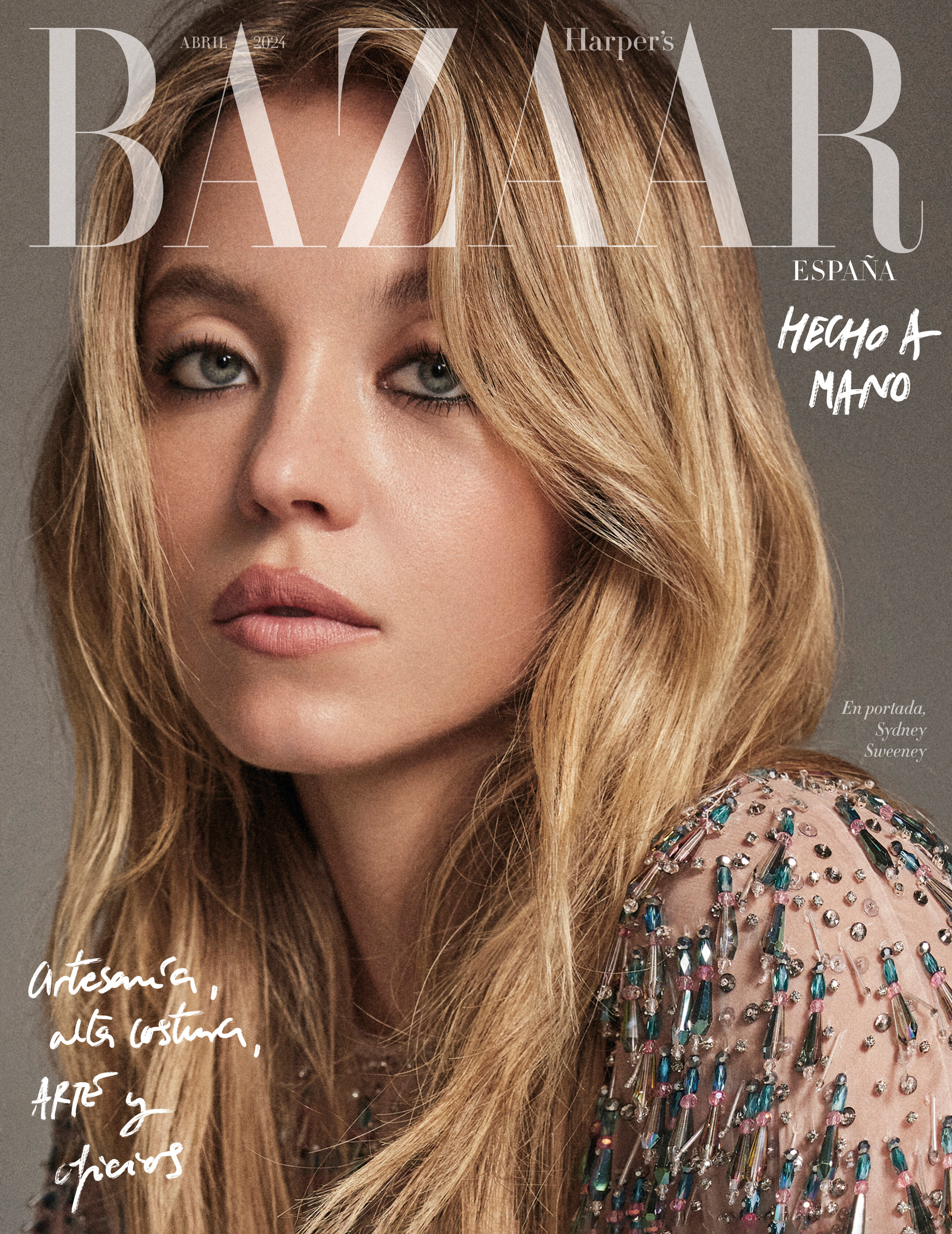
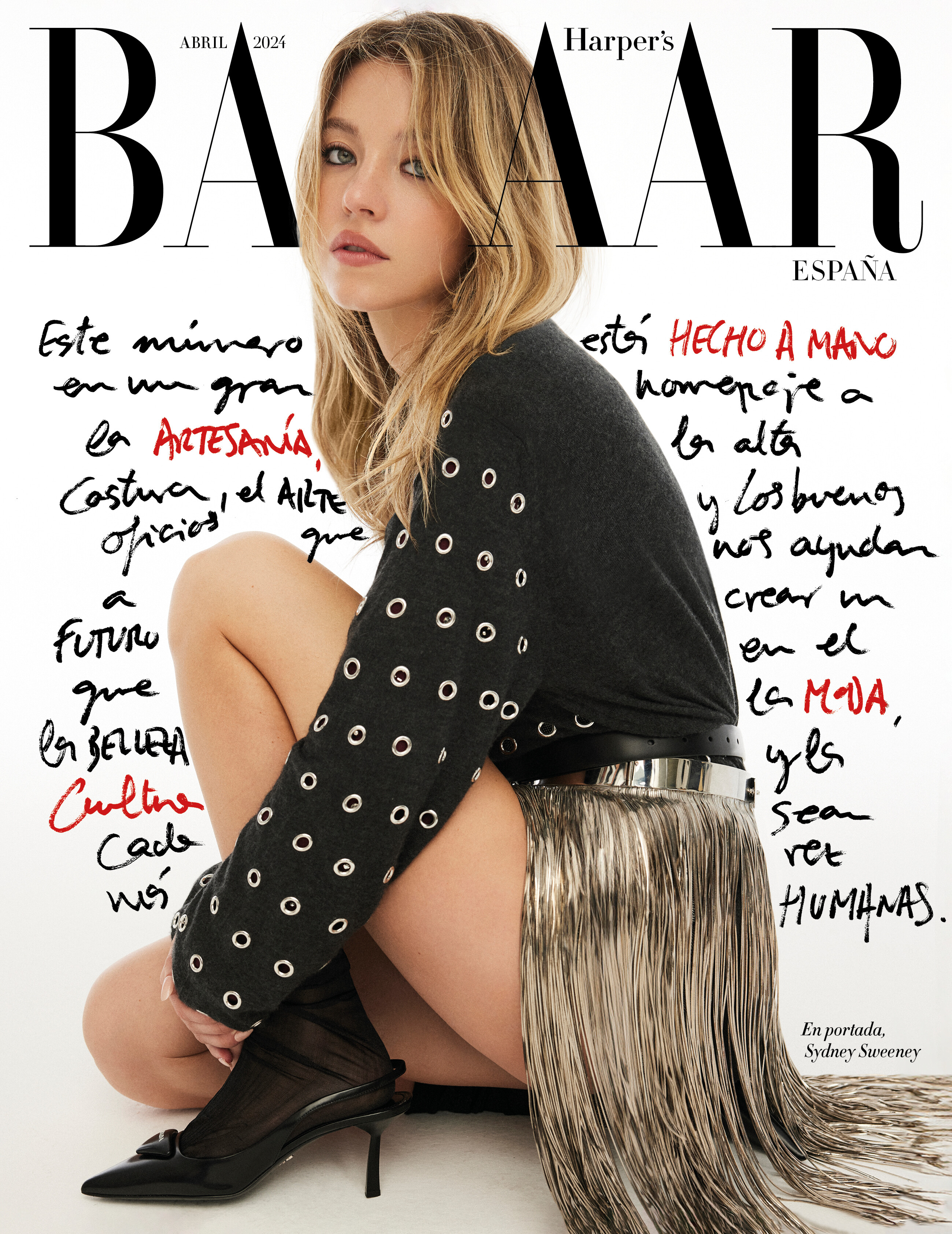
Harper's Bazaar España https://www.harpersbazaar.com/es/cultura/ocio/a60230979/sydney-sweeney-portada-abril-harpers-bazaar/

 The movie was so good, we need part 3 ASAP. I see, I see.
















































Account
Search
Configure browser push notifications
Chrome (Android)
- Tap the lock icon next to the address bar.
- Tap Permissions → Notifications.
- Adjust your preference.
Chrome (Desktop)
- Click the padlock icon in the address bar.
- Select Site settings.
- Find Notifications and adjust your preference.
Safari (iOS 16.4+)
- Ensure the site is installed via Add to Home Screen.
- Open Settings App → Notifications.
- Find your app name and adjust your preference.
Safari (macOS)
- Go to Safari → Preferences.
- Click the Websites tab.
- Select Notifications in the sidebar.
- Find this website and adjust your preference.
Edge (Android)
- Tap the lock icon next to the address bar.
- Tap Permissions.
- Find Notifications and adjust your preference.
Edge (Desktop)
- Click the padlock icon in the address bar.
- Click Permissions for this site.
- Find Notifications and adjust your preference.
Firefox (Android)
- Go to Settings → Site permissions.
- Tap Notifications.
- Find this site in the list and adjust your preference.
Firefox (Desktop)
- Open Firefox Settings.
- Search for Notifications.
- Find this site in the list and adjust your preference.