

Matt!
Members
-
Joined
-
Last visited
Everything posted by Matt!
-
 Also... Denis Villeneuve's 'Dune 3' Is in Development https://www.vulture.com/article/dune-part-three.html
-
You serious, overhyped?! Everything about it was so good. You nailed the visuals and atmosphere parts though, those were amazing...especially the sounds effects. I believe its gonna be available to stream soon so I can't watch it again. Spoiler ahead:
-
Looks like she's recovering, which is great news.

-
Gorgie Ph. Michaela Halse









 Barbarella The Players Table w/ Halsey (Love Halsey) Eden w/ Ana de Armas (Love Ana)
I'm an idiot, I thought it's the real thing. Should've read the description first = "Watch the 'FAN (CONCEPT) Trailer Concept' For Stranger Things - Season 5 (2025)"
Happy Easter for those who celebrate it!
Sydney Sweeney Is Looking Forward To Using Sex As A Weapon In 'Barbarella' Remake https://www.outkick.com/culture/sydney-sweeney-barbarella-remake
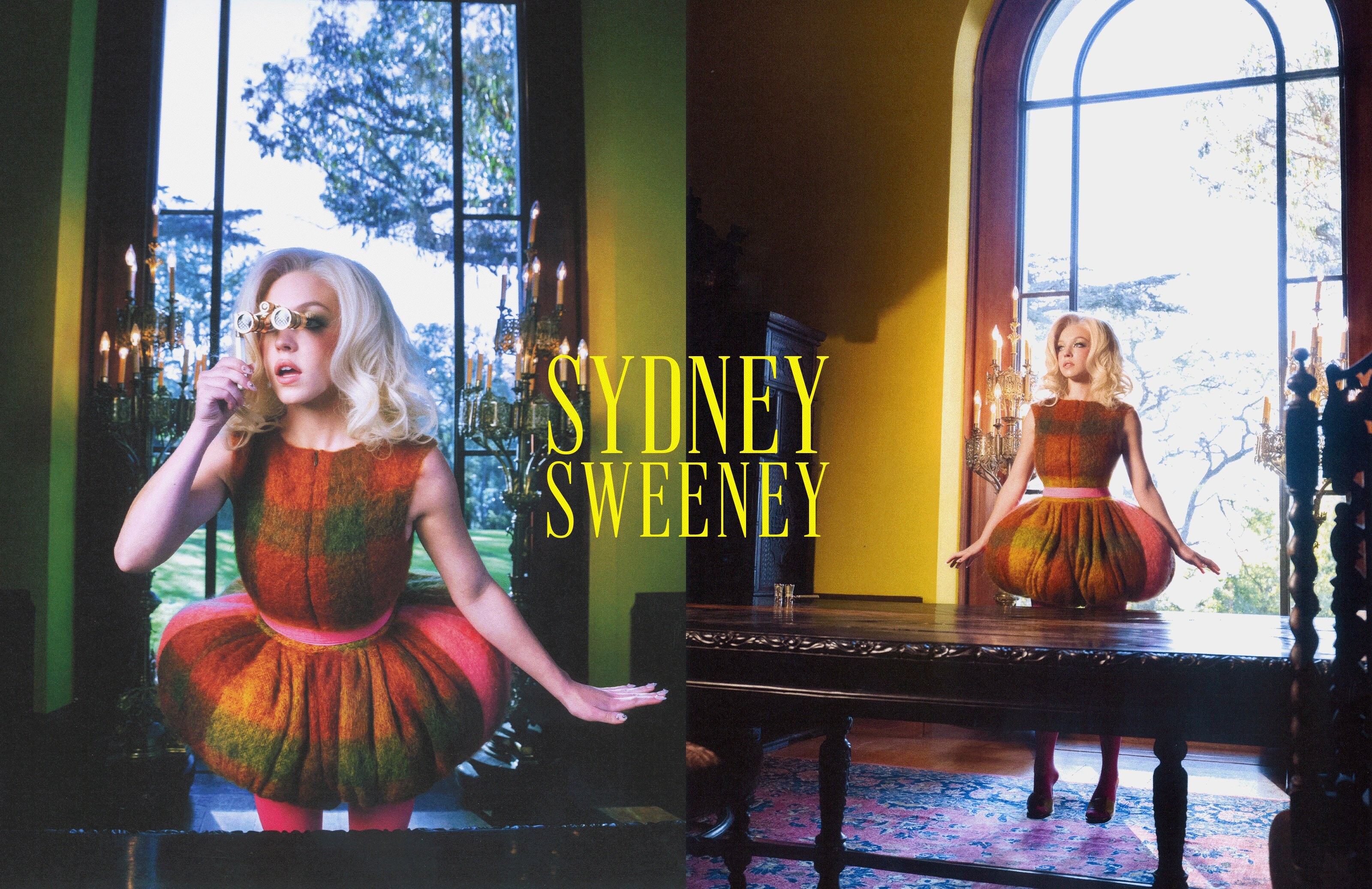
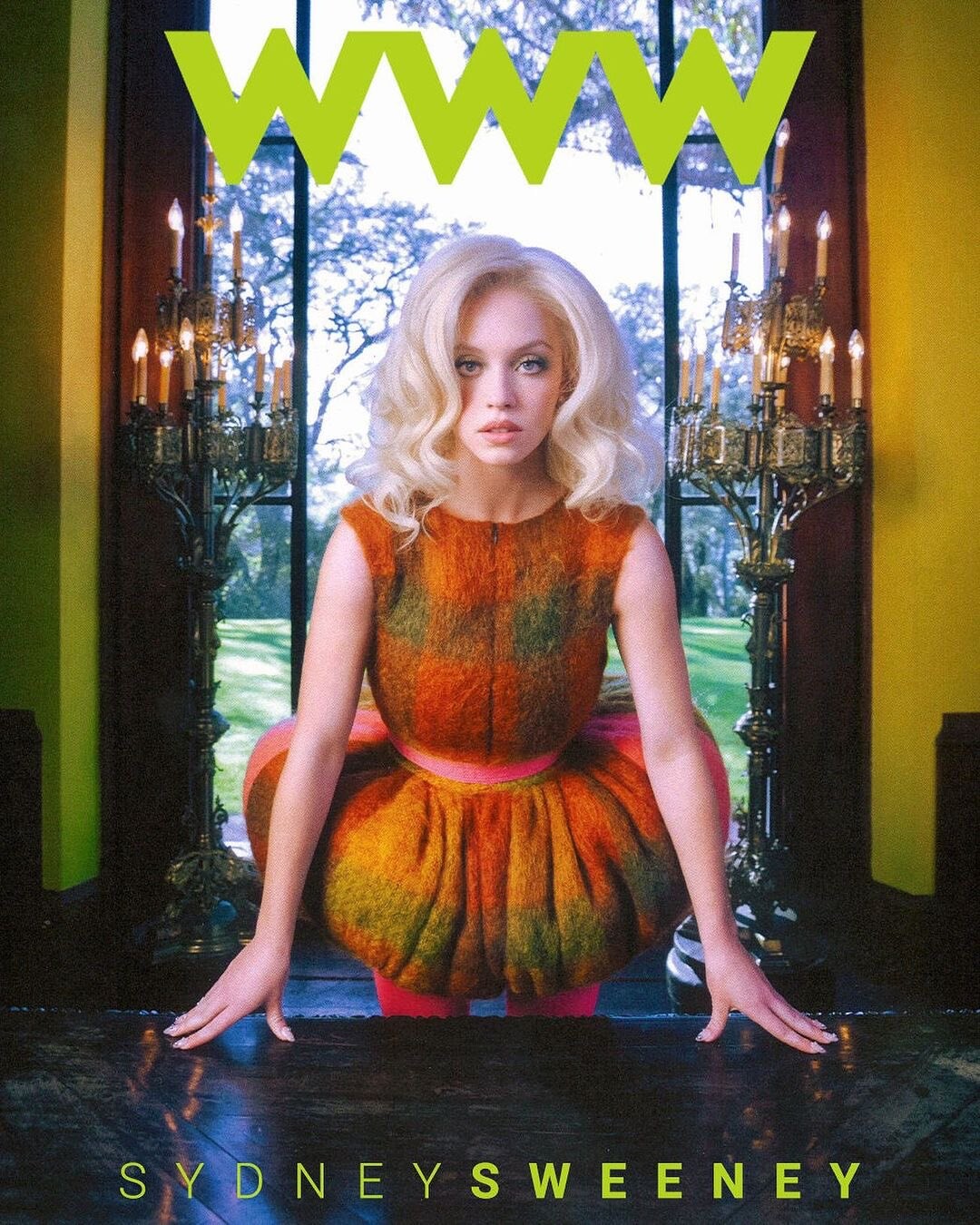
Who What Wear April 2024 https://www.whowhatwear.com/uk/fashion/celebrity/sydney-sweeney-immaculate-interview
Barbarella The Players Table w/ Halsey (Love Halsey) Eden w/ Ana de Armas (Love Ana)
I'm an idiot, I thought it's the real thing. Should've read the description first = "Watch the 'FAN (CONCEPT) Trailer Concept' For Stranger Things - Season 5 (2025)"
Happy Easter for those who celebrate it!
Sydney Sweeney Is Looking Forward To Using Sex As A Weapon In 'Barbarella' Remake https://www.outkick.com/culture/sydney-sweeney-barbarella-remake
Who What Wear April 2024 https://www.whowhatwear.com/uk/fashion/celebrity/sydney-sweeney-immaculate-interview


















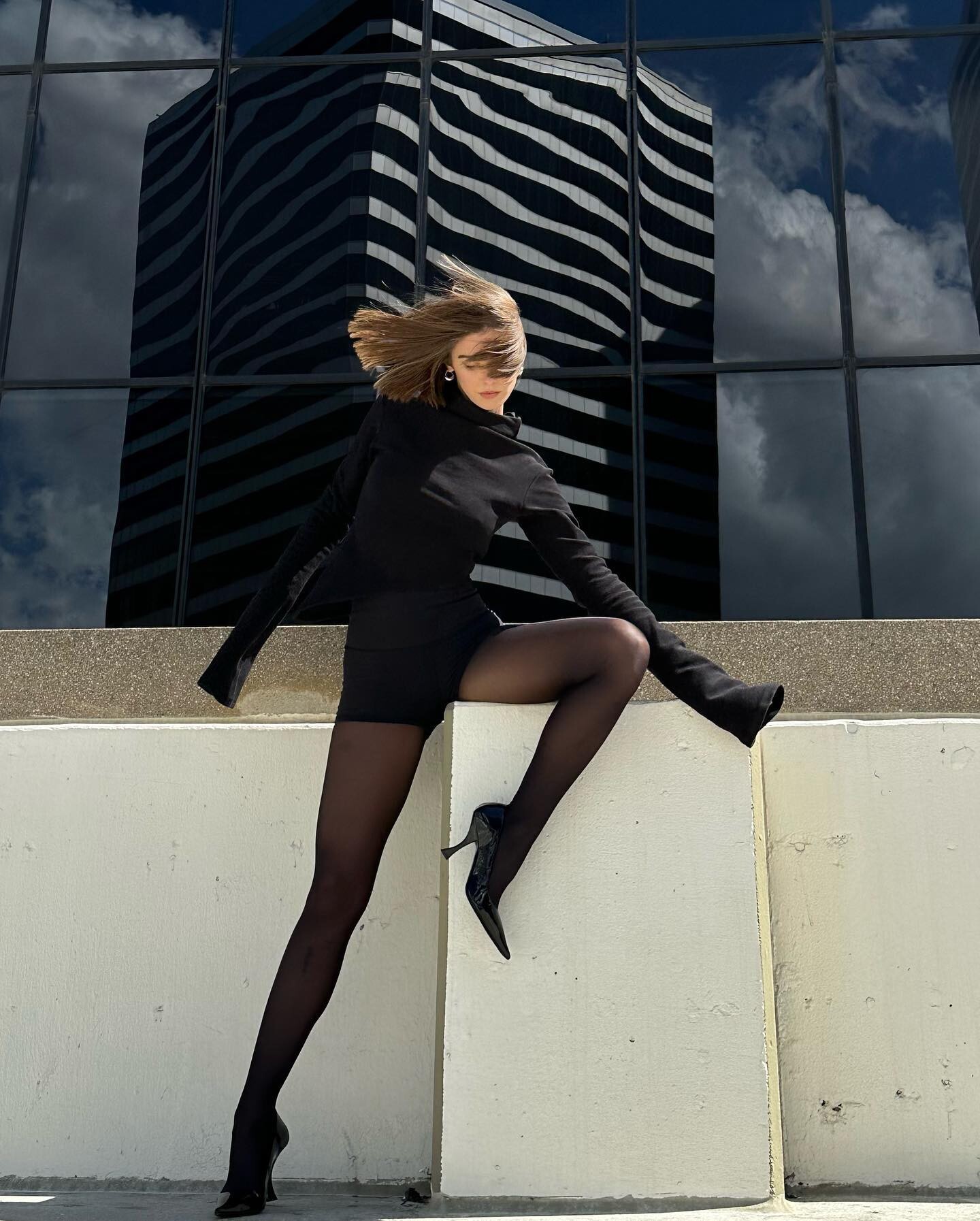
 WeWoreWhat


 Holy ***, this idiot had one job.
It's now streaming on Disney+ and Hulu! Mmm, well it was good in its very twisted way, but yeah I'd recommend it.
Holy ***, this idiot had one job.
It's now streaming on Disney+ and Hulu! Mmm, well it was good in its very twisted way, but yeah I'd recommend it.




































































Account
Search
Configure browser push notifications
Chrome (Android)
- Tap the lock icon next to the address bar.
- Tap Permissions → Notifications.
- Adjust your preference.
Chrome (Desktop)
- Click the padlock icon in the address bar.
- Select Site settings.
- Find Notifications and adjust your preference.
Safari (iOS 16.4+)
- Ensure the site is installed via Add to Home Screen.
- Open Settings App → Notifications.
- Find your app name and adjust your preference.
Safari (macOS)
- Go to Safari → Preferences.
- Click the Websites tab.
- Select Notifications in the sidebar.
- Find this website and adjust your preference.
Edge (Android)
- Tap the lock icon next to the address bar.
- Tap Permissions.
- Find Notifications and adjust your preference.
Edge (Desktop)
- Click the padlock icon in the address bar.
- Click Permissions for this site.
- Find Notifications and adjust your preference.
Firefox (Android)
- Go to Settings → Site permissions.
- Tap Notifications.
- Find this site in the list and adjust your preference.
Firefox (Desktop)
- Open Firefox Settings.
- Search for Notifications.
- Find this site in the list and adjust your preference.