

Matt!
Members
-
Joined
-
Last visited
Everything posted by Matt!
-
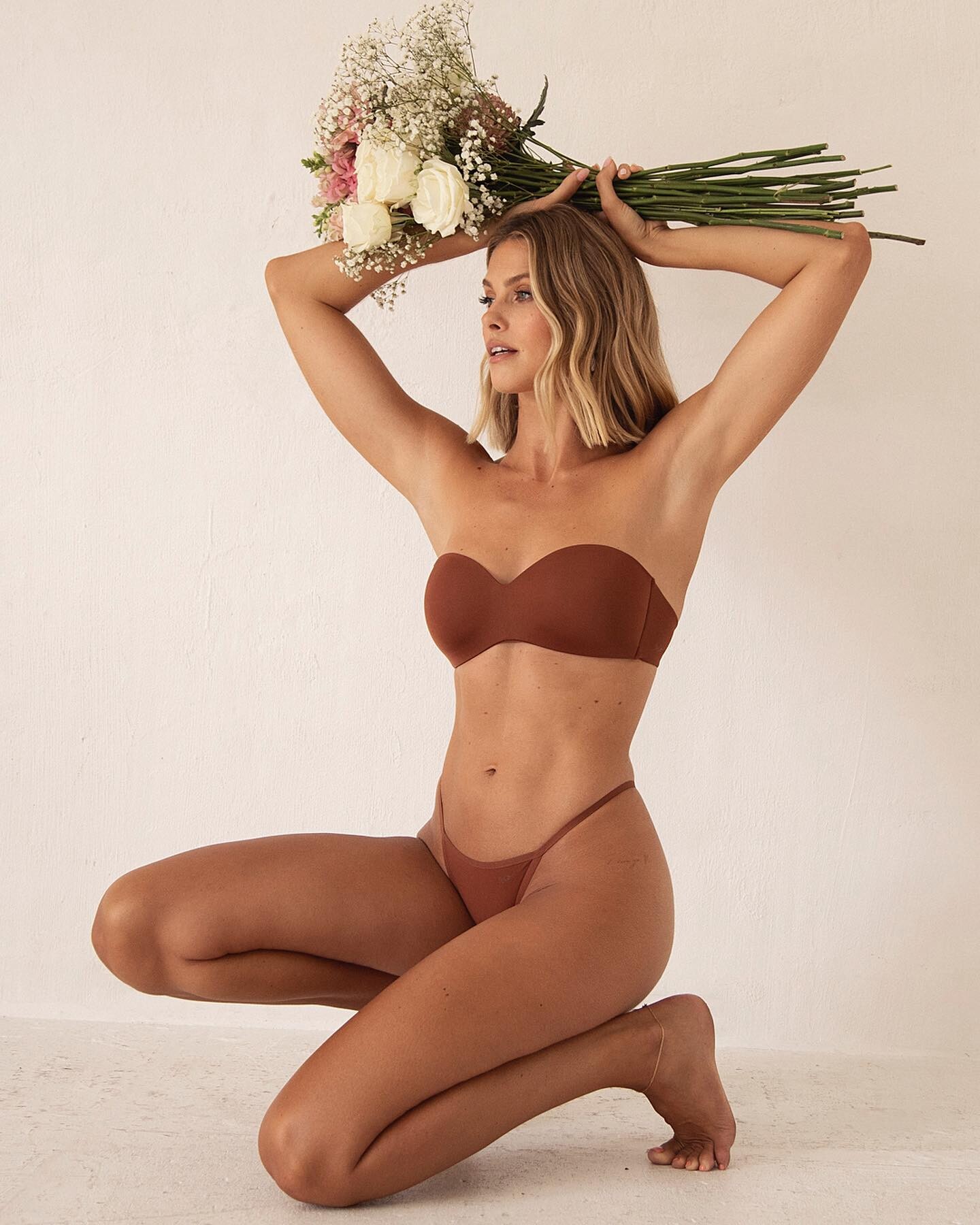
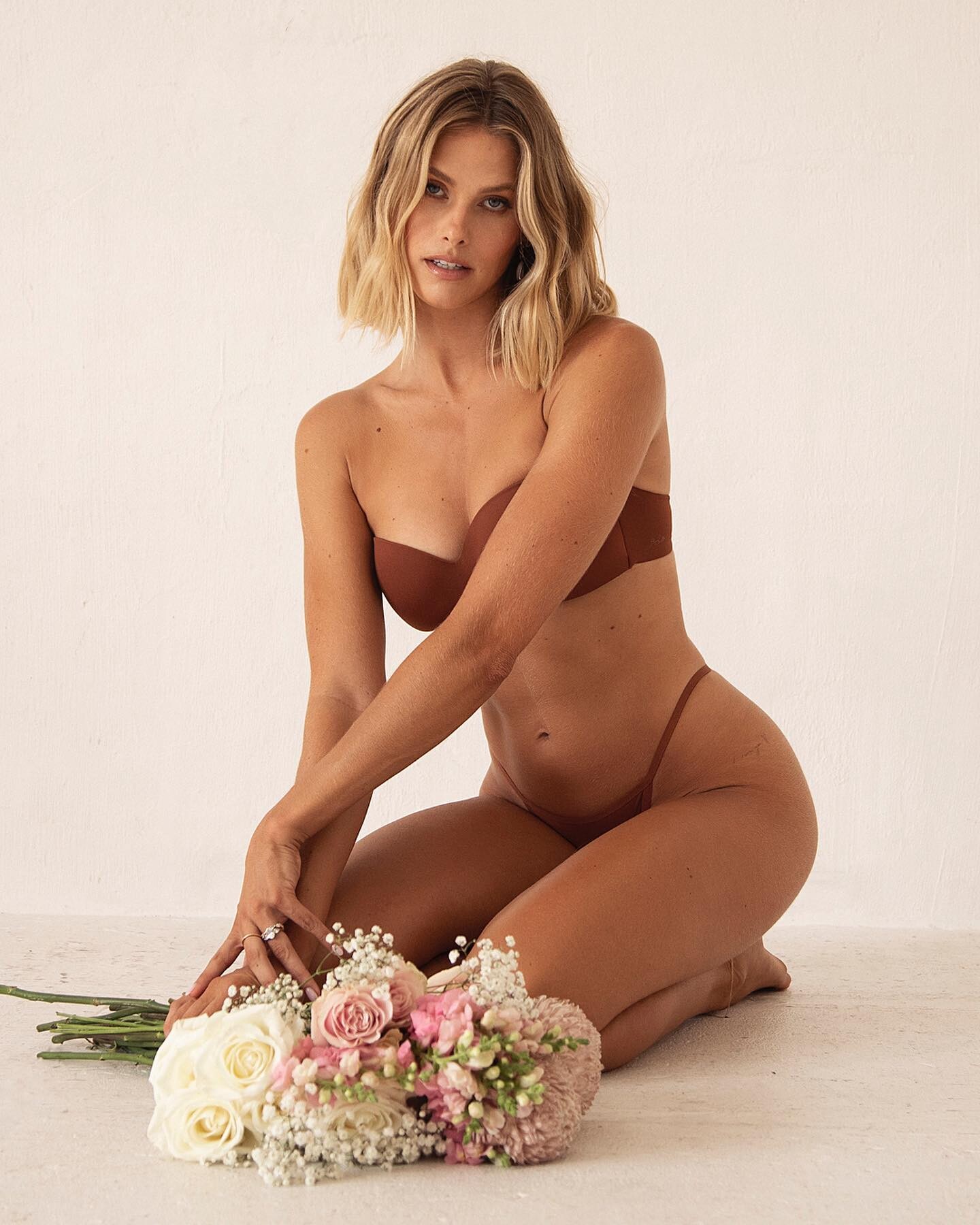
 Mars The Label
 -
Ph. Zoe Karssen

 ^
Congrats!
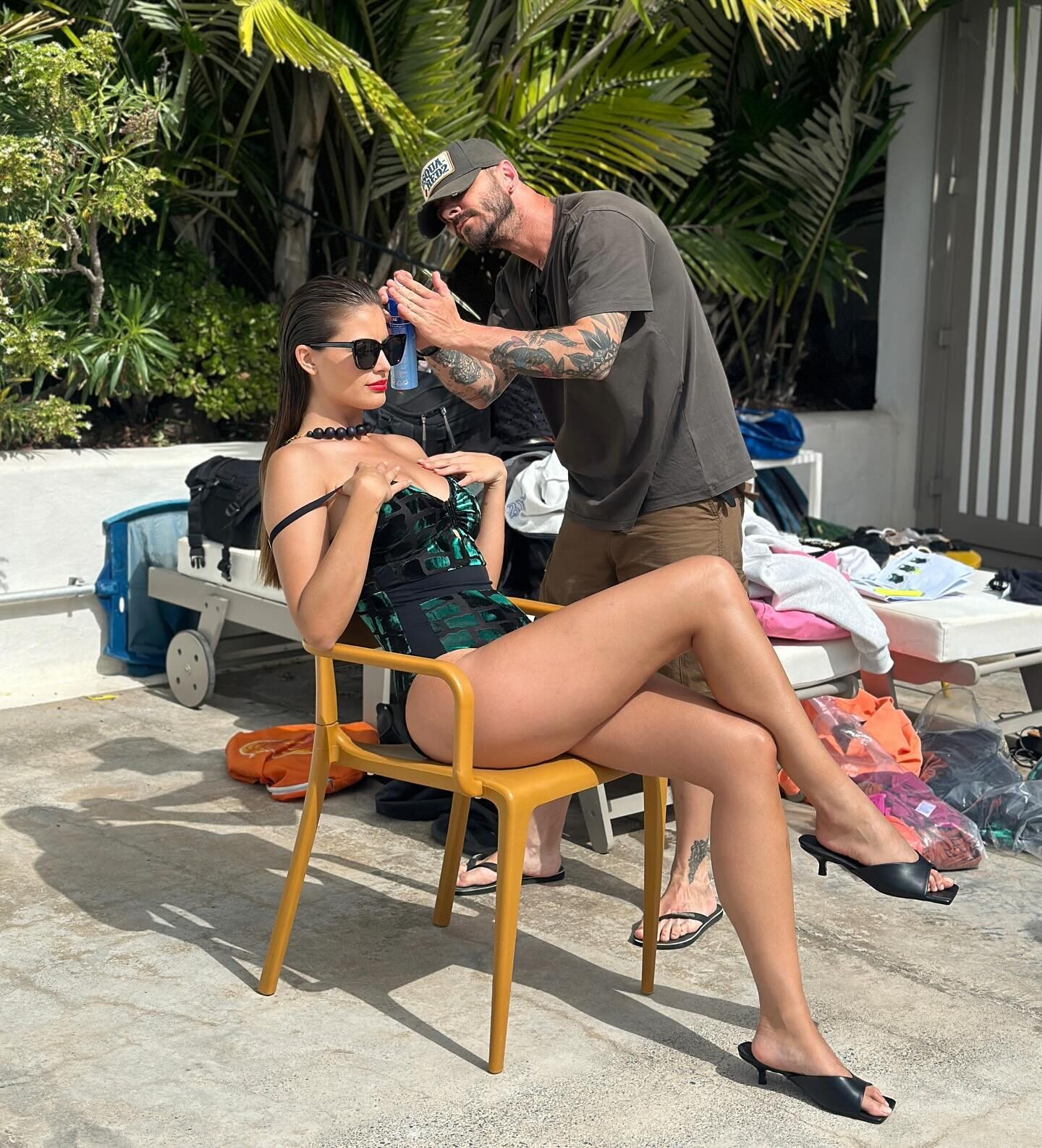
Ph. Kate Davis-Macleod
^
Congrats!
Ph. Kate Davis-Macleod




 Nothing wrong with his performance, but personally I didn't like the movie. The title should've been "Napoleon and Josephine" as the movie was focusing more on their relationship than the Napoleonic Wars. @Enrico_sw can confirm?
That's just sad. "Not pretty and can't act" that lady needs to get her eyes checked out.
Thank you @Kane!
Nothing wrong with his performance, but personally I didn't like the movie. The title should've been "Napoleon and Josephine" as the movie was focusing more on their relationship than the Napoleonic Wars. @Enrico_sw can confirm?
That's just sad. "Not pretty and can't act" that lady needs to get her eyes checked out.
Thank you @Kane!













































Account
Search
Configure browser push notifications
Chrome (Android)
- Tap the lock icon next to the address bar.
- Tap Permissions → Notifications.
- Adjust your preference.
Chrome (Desktop)
- Click the padlock icon in the address bar.
- Select Site settings.
- Find Notifications and adjust your preference.
Safari (iOS 16.4+)
- Ensure the site is installed via Add to Home Screen.
- Open Settings App → Notifications.
- Find your app name and adjust your preference.
Safari (macOS)
- Go to Safari → Preferences.
- Click the Websites tab.
- Select Notifications in the sidebar.
- Find this website and adjust your preference.
Edge (Android)
- Tap the lock icon next to the address bar.
- Tap Permissions.
- Find Notifications and adjust your preference.
Edge (Desktop)
- Click the padlock icon in the address bar.
- Click Permissions for this site.
- Find Notifications and adjust your preference.
Firefox (Android)
- Go to Settings → Site permissions.
- Tap Notifications.
- Find this site in the list and adjust your preference.
Firefox (Desktop)
- Open Firefox Settings.
- Search for Notifications.
- Find this site in the list and adjust your preference.