Matt!
Members
-
Joined
-
Last visited
Everything posted by Matt!
-
 Oh man, that sucks. Hope she gets better soon.
 -
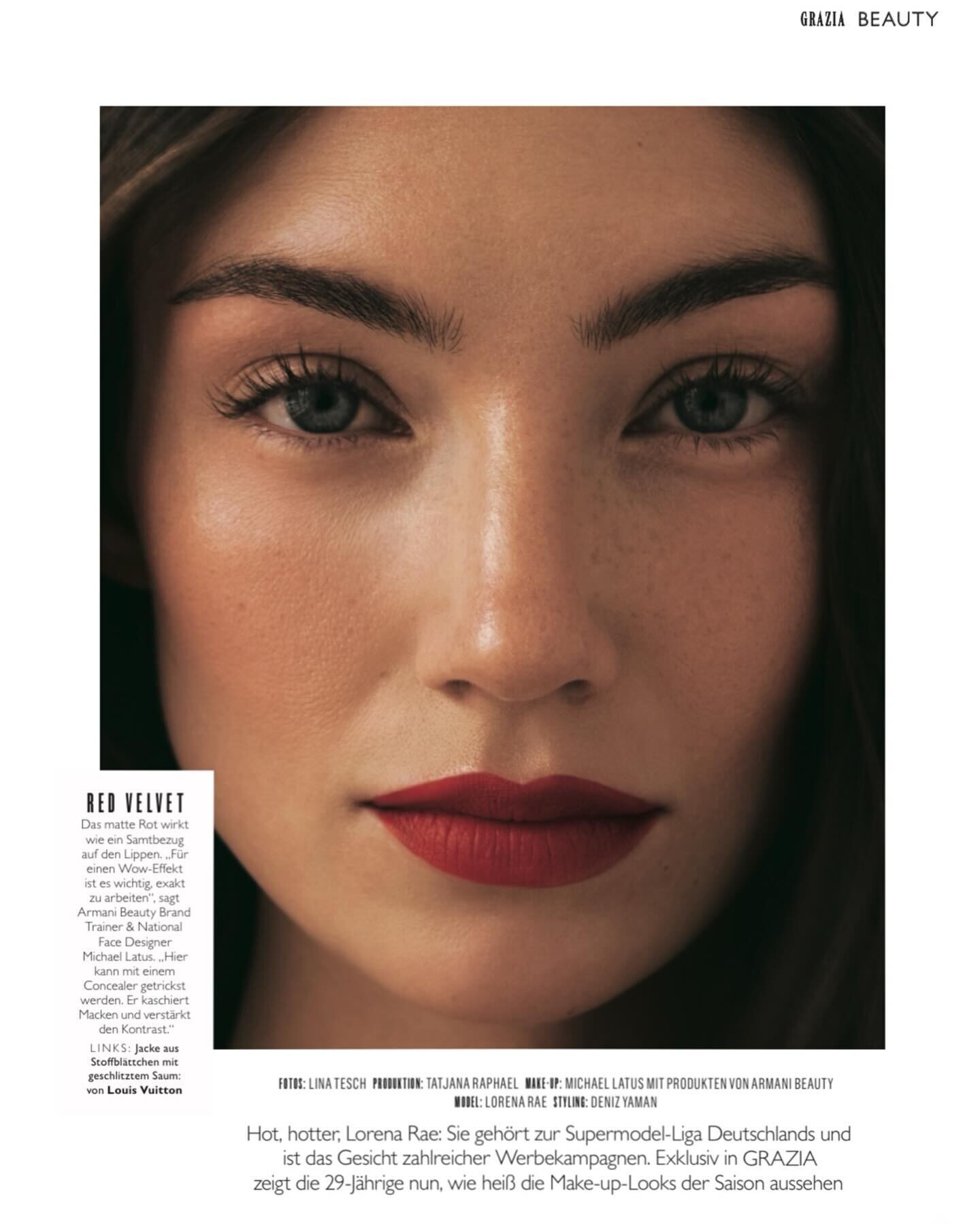
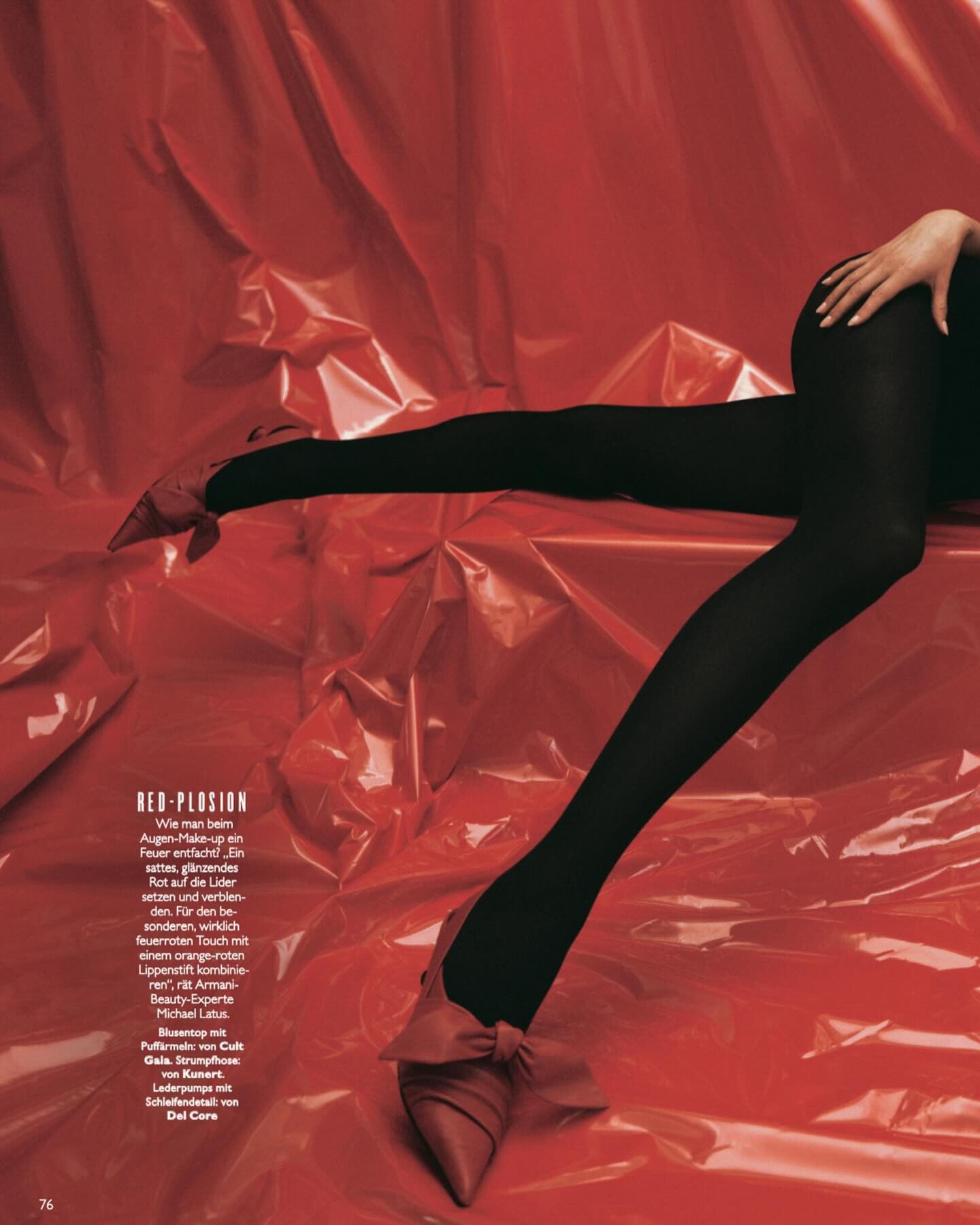
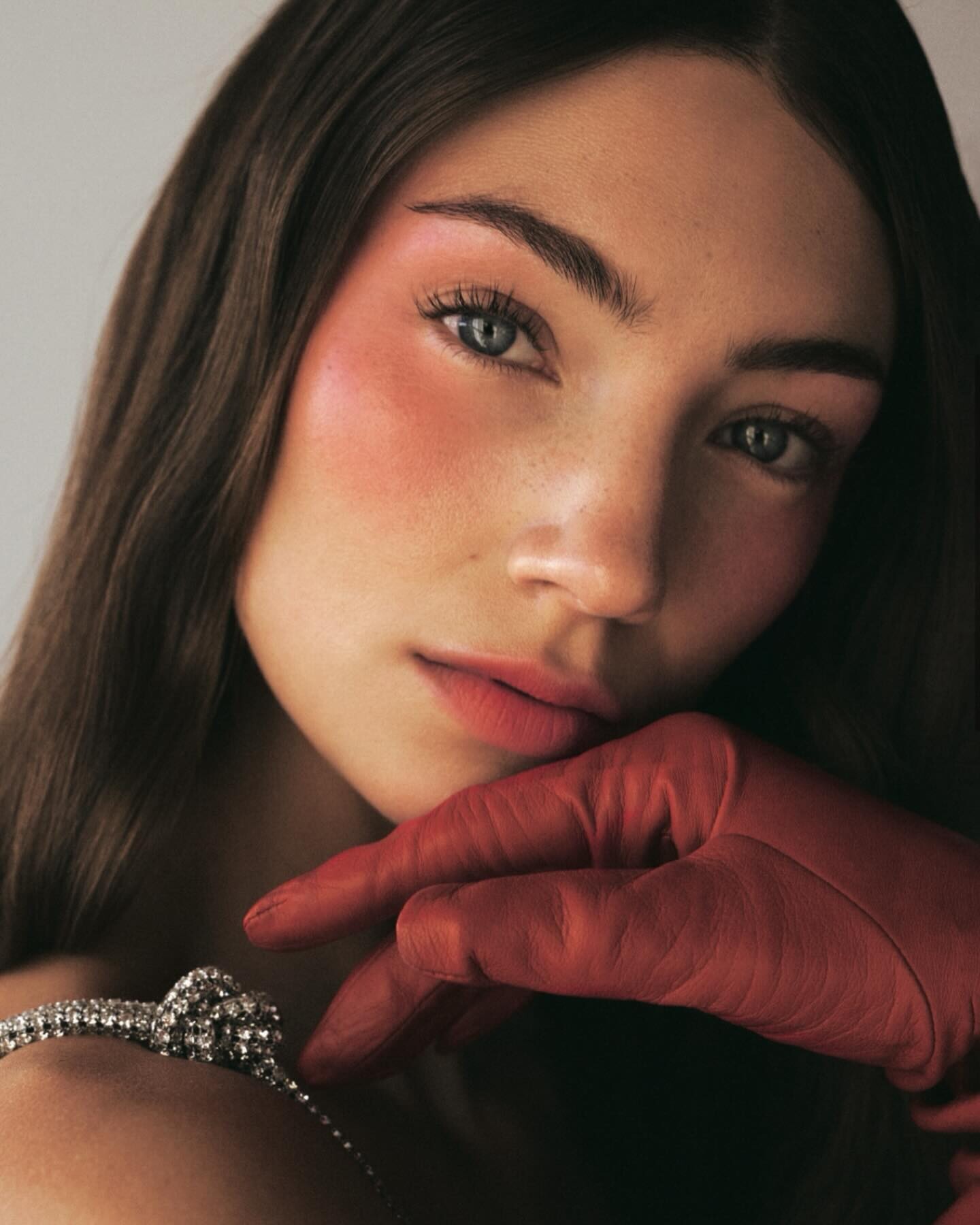
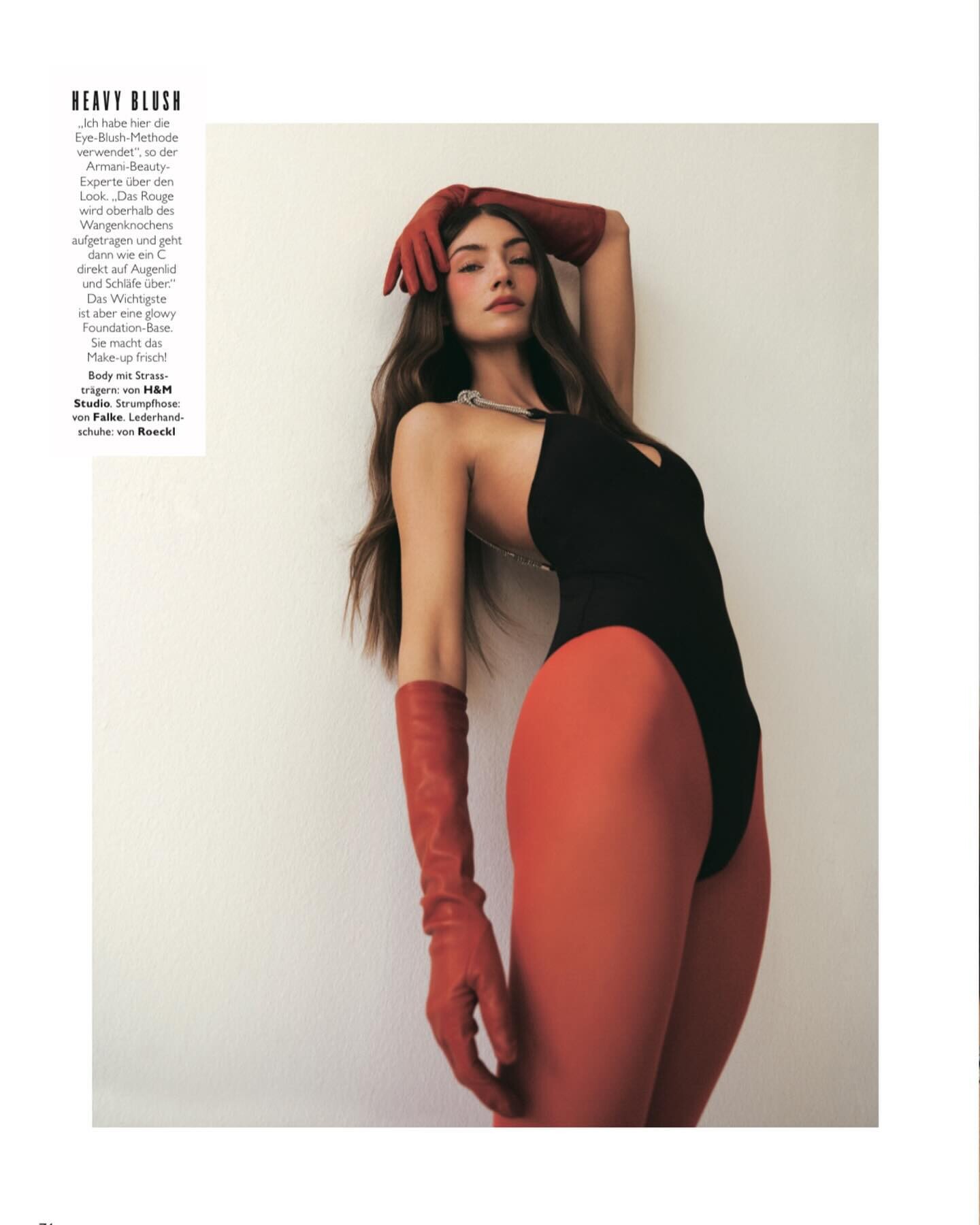
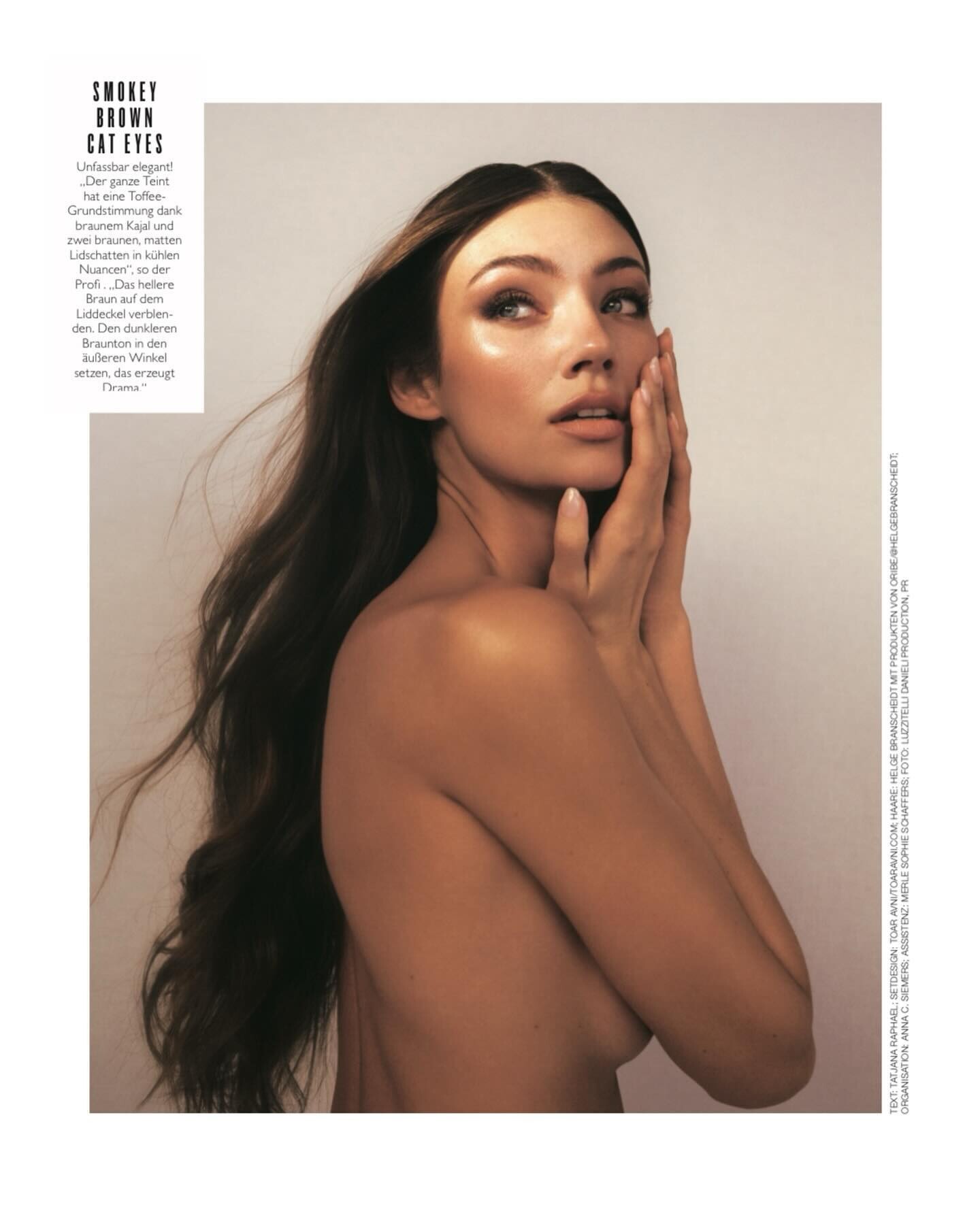
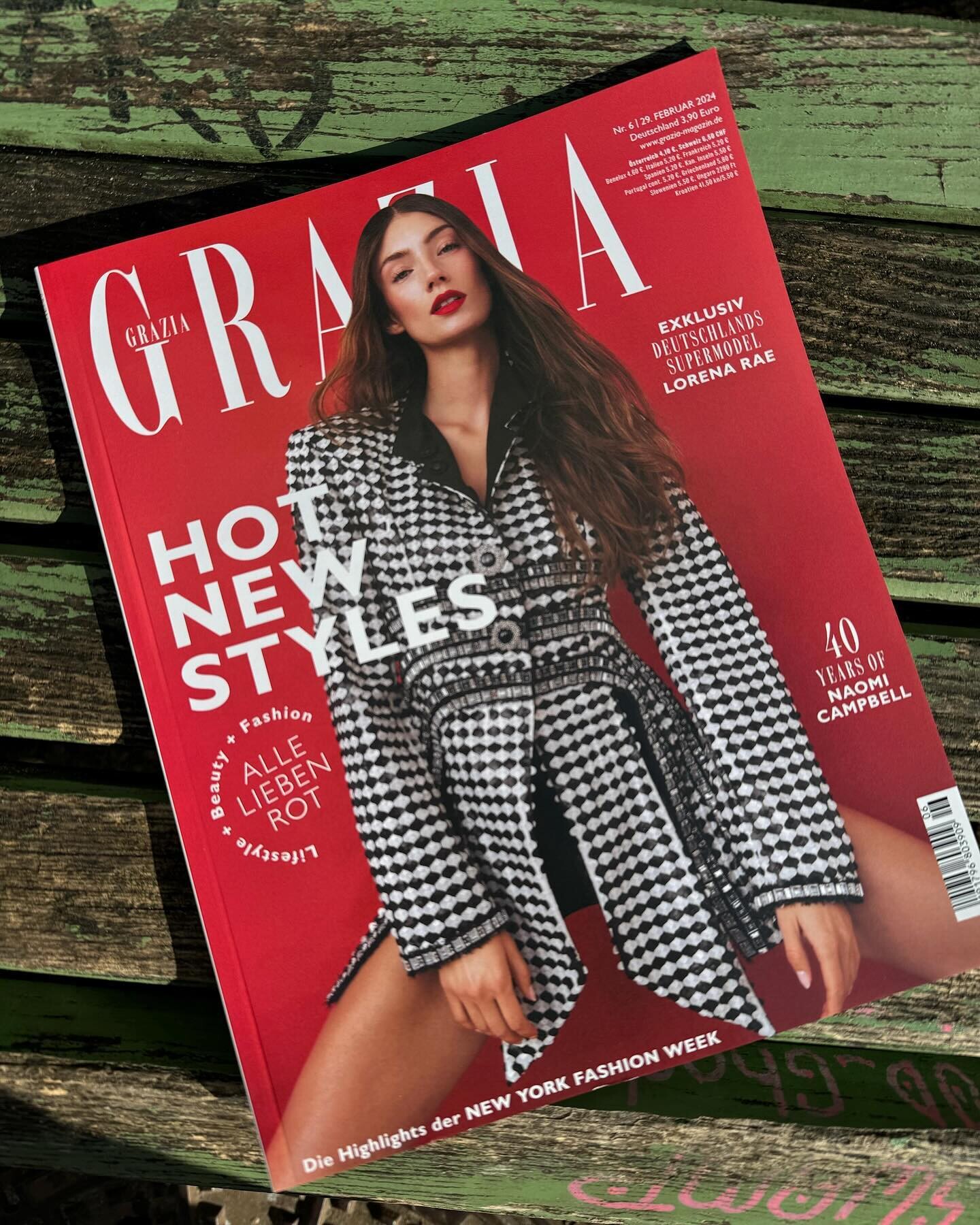
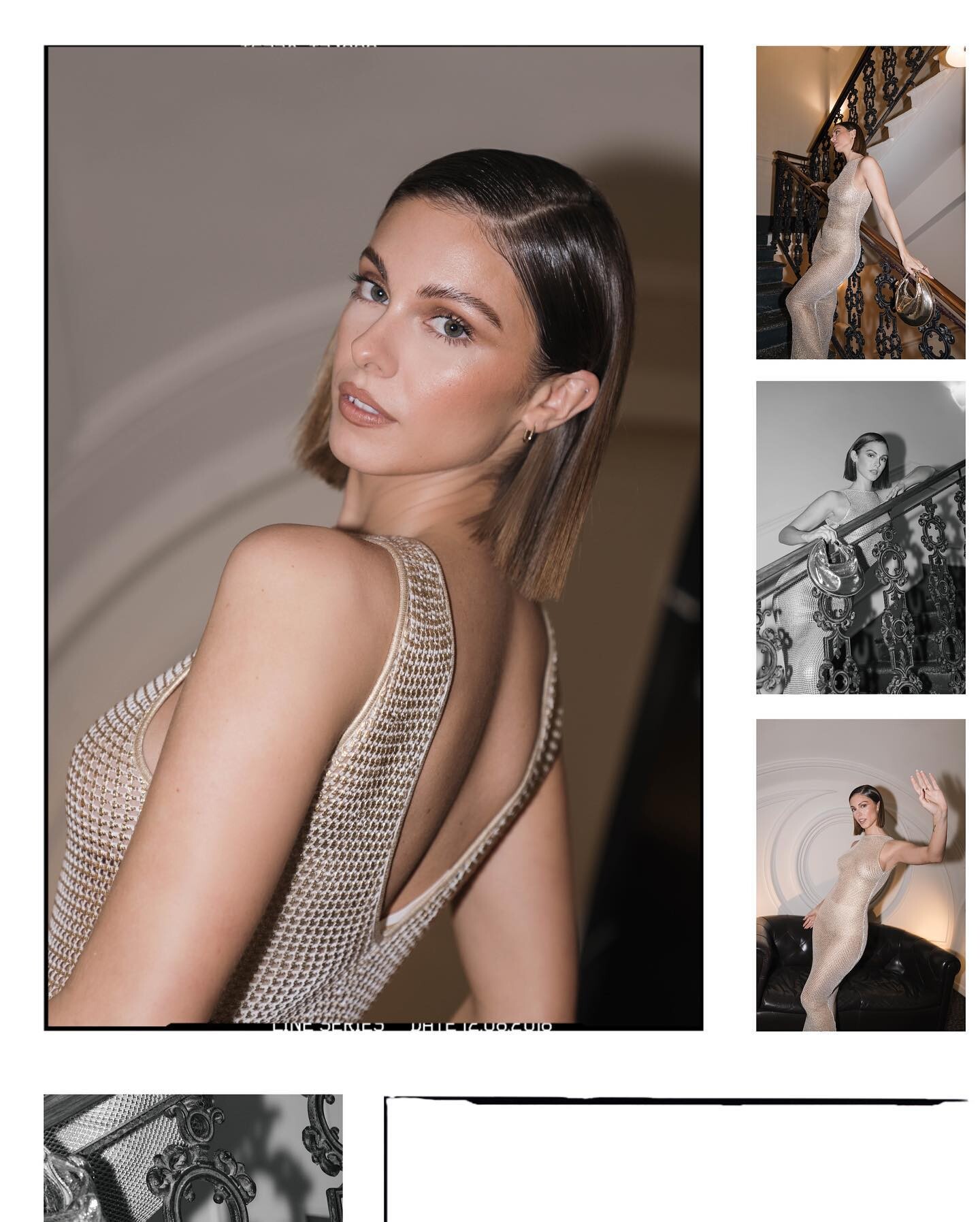
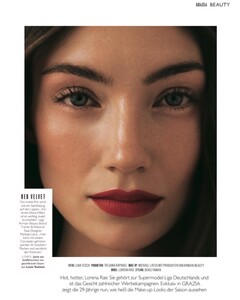
GRAZIA Germany February 2024 ph. Lina Tesch







-
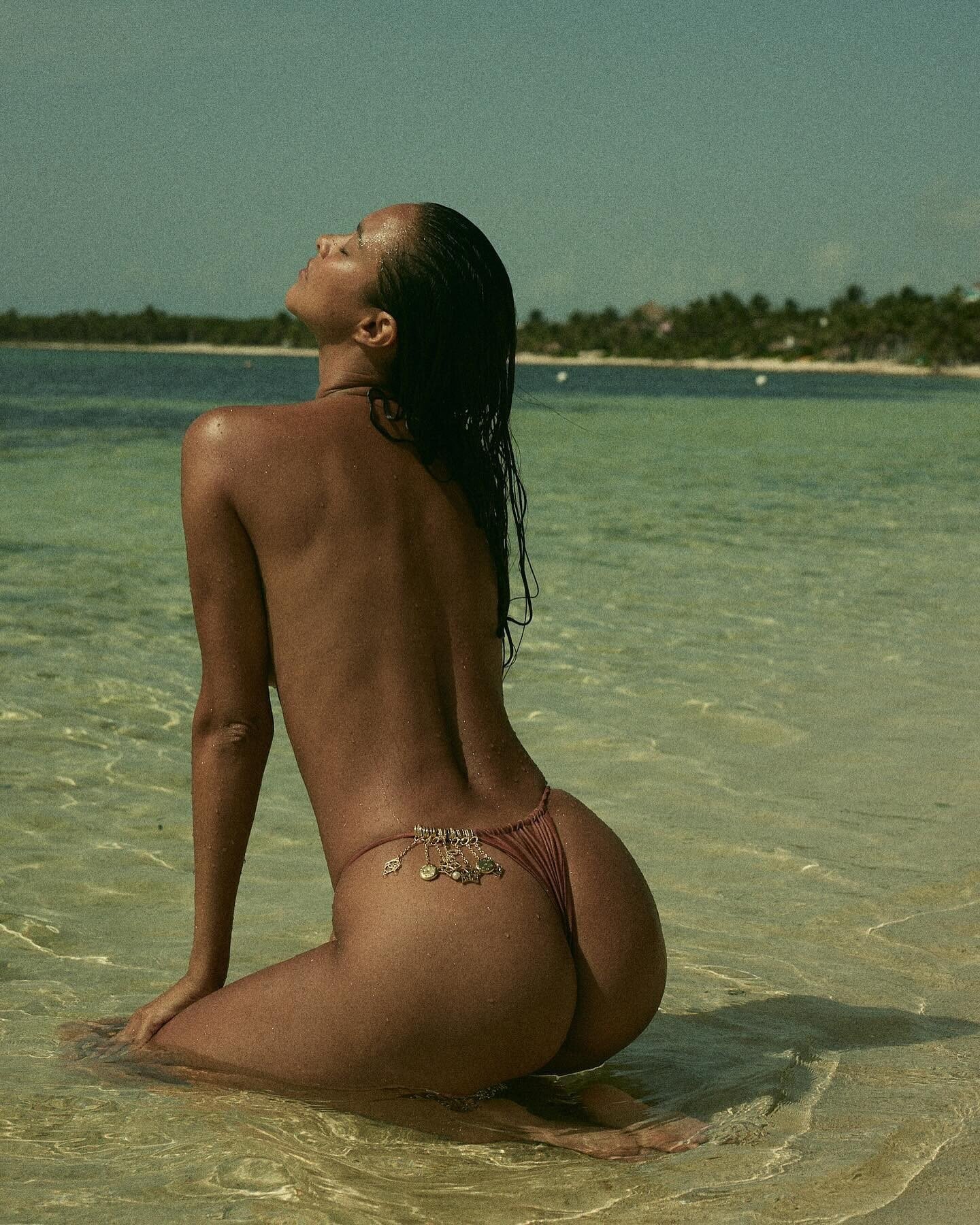
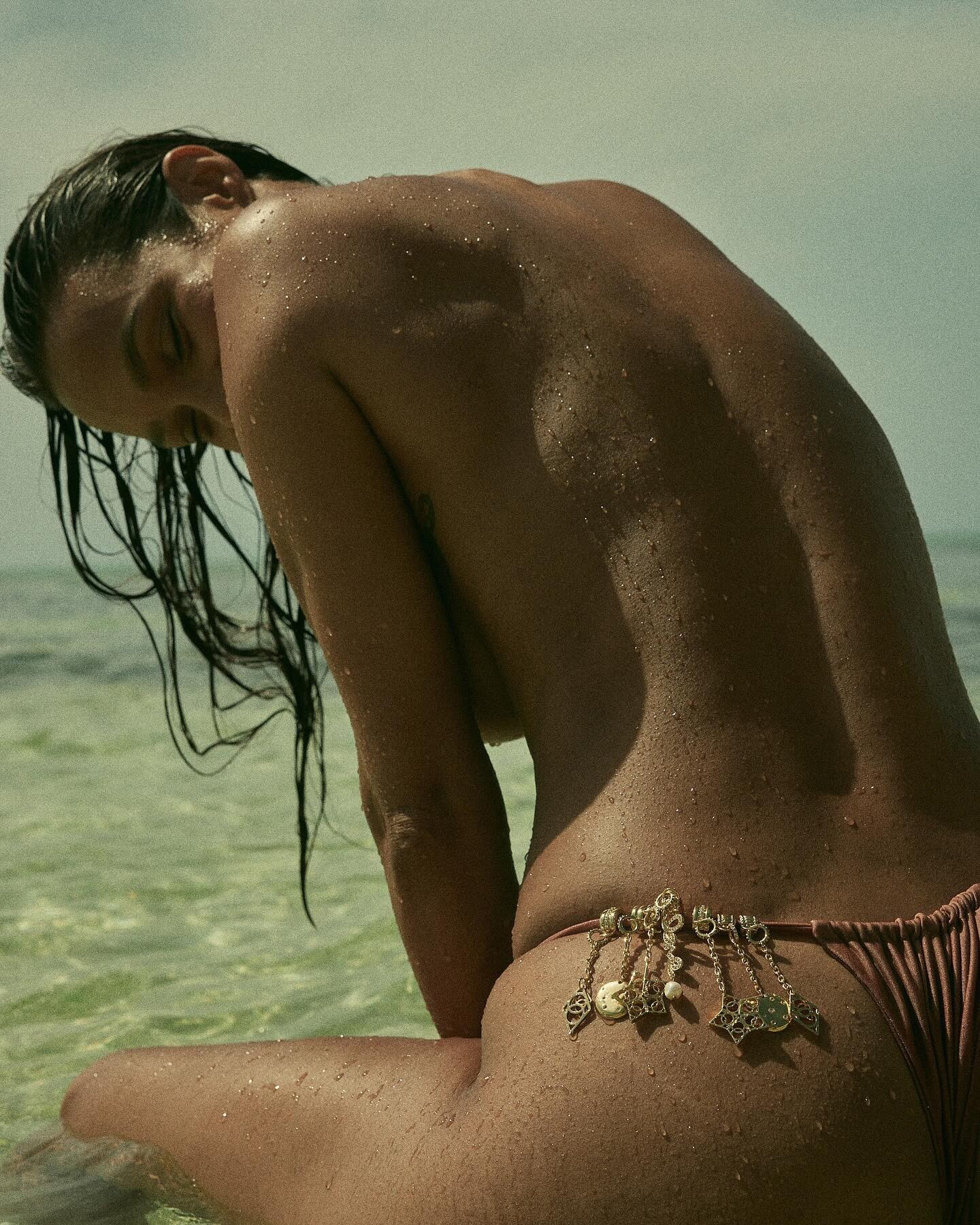
https://www.instagram.com/p/C37wVeoLC3P/?img_index=1 Anyone know what happened to her?
-
Homesinstagram2024-2-29-15_43.604story.mp4.f4a98d9eb014db296061f25a8f3f806f.mp4
-
ELLE Magazine (US)
Account
Search
Configure browser push notifications
Chrome (Android)
- Tap the lock icon next to the address bar.
- Tap Permissions → Notifications.
- Adjust your preference.
Chrome (Desktop)
- Click the padlock icon in the address bar.
- Select Site settings.
- Find Notifications and adjust your preference.
Safari (iOS 16.4+)
- Ensure the site is installed via Add to Home Screen.
- Open Settings App → Notifications.
- Find your app name and adjust your preference.
Safari (macOS)
- Go to Safari → Preferences.
- Click the Websites tab.
- Select Notifications in the sidebar.
- Find this website and adjust your preference.
Edge (Android)
- Tap the lock icon next to the address bar.
- Tap Permissions.
- Find Notifications and adjust your preference.
Edge (Desktop)
- Click the padlock icon in the address bar.
- Click Permissions for this site.
- Find Notifications and adjust your preference.
Firefox (Android)
- Go to Settings → Site permissions.
- Tap Notifications.
- Find this site in the list and adjust your preference.
Firefox (Desktop)
- Open Firefox Settings.
- Search for Notifications.
- Find this site in the list and adjust your preference.