tigerrr
Members
-
Joined
-
Last visited
Everything posted by tigerrr
-
https://youtu.be/uchUefYCjOQ?si=1m0SSmIj_LkIUAI-
-
BAILEE MADISON and McKaley Miller Arrives at New York Knicks Game at Madison Square Garden 11/05/2025




-
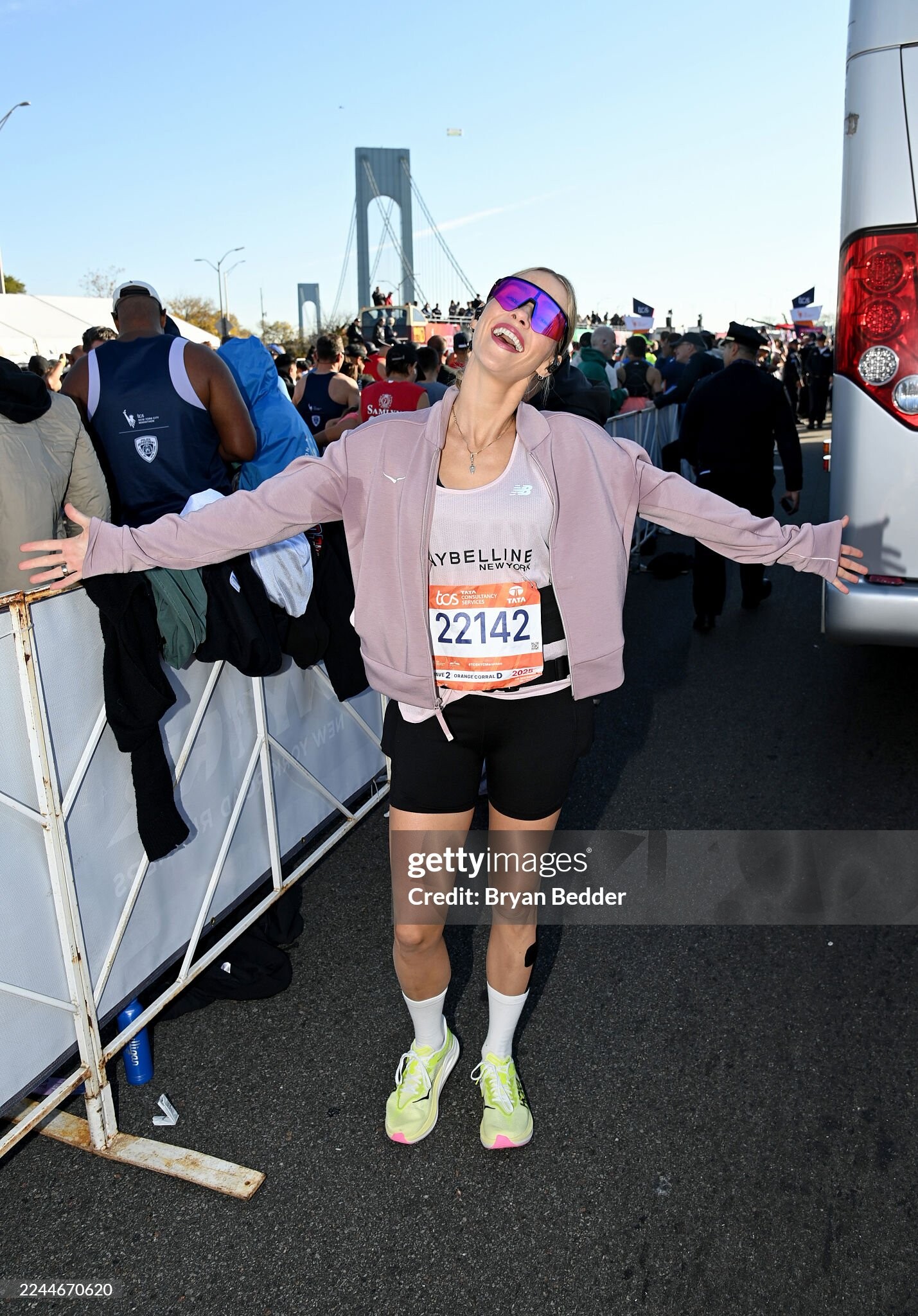
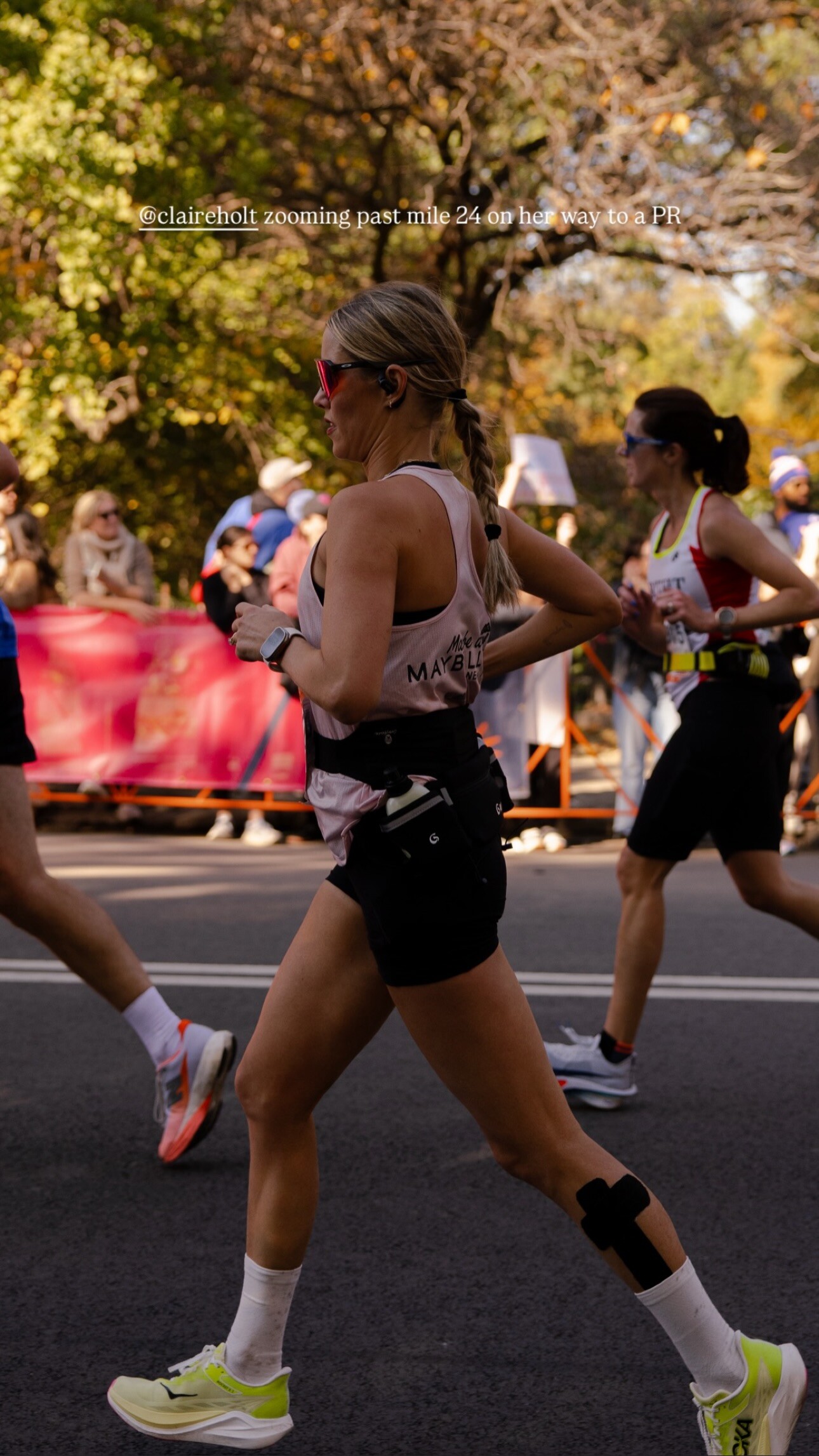
Claire Holt poses at the start of the 2025 New York City Marathon on November 02, 2025 in New York


 CRISTIN MILIOTI at In Your Dreams Premiere at Egyptian Theatre in Hollywood 10/28/2025


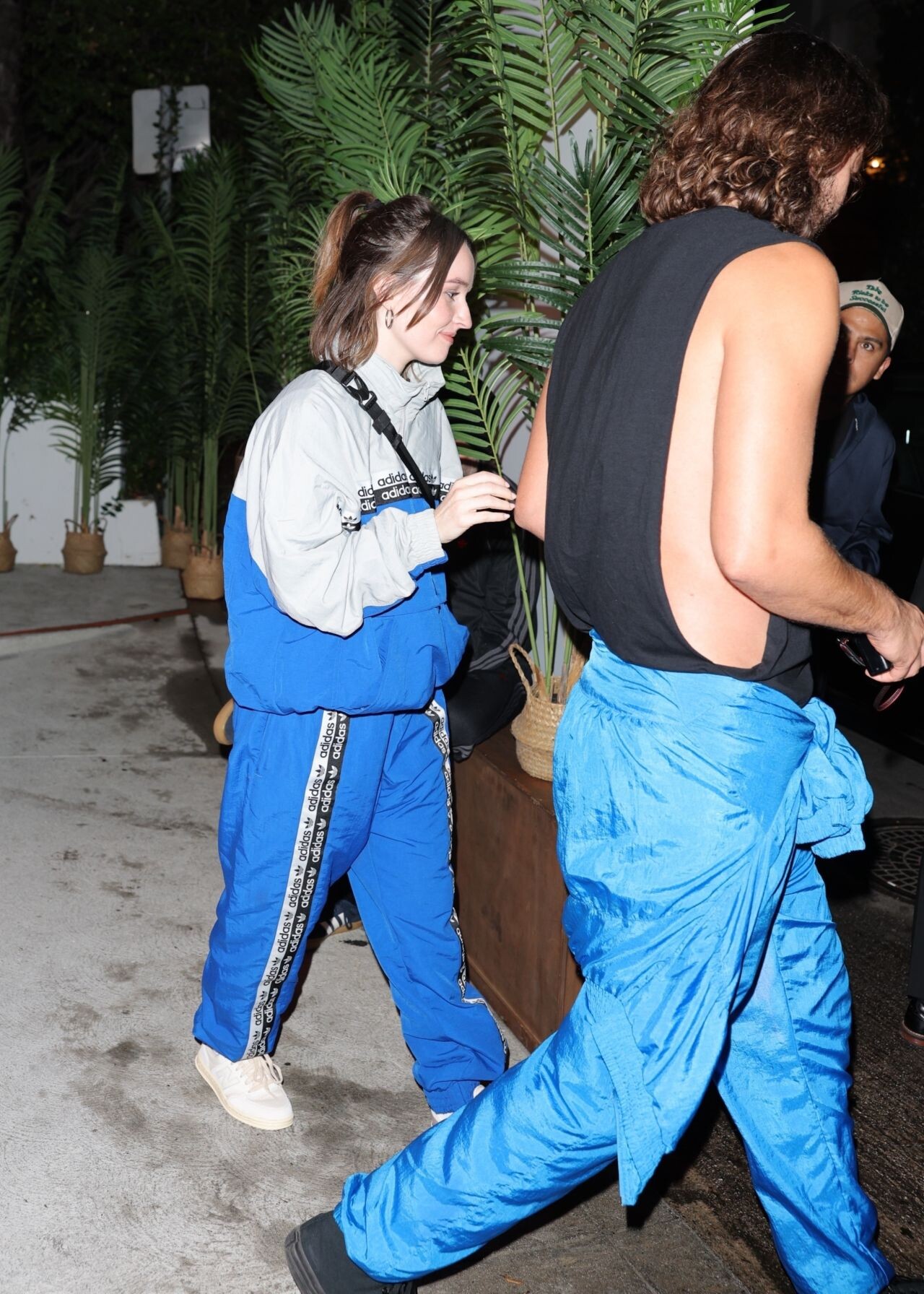
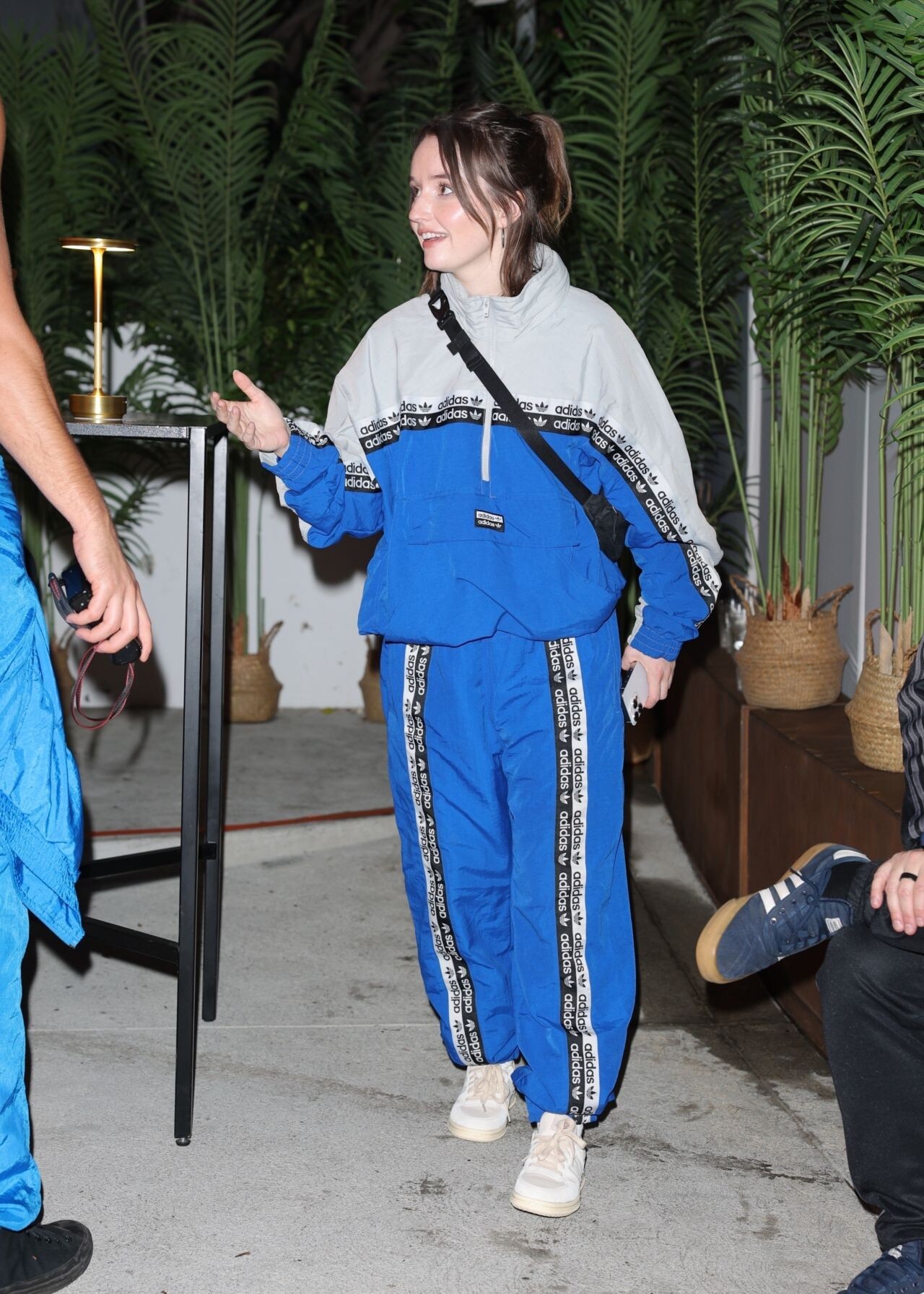
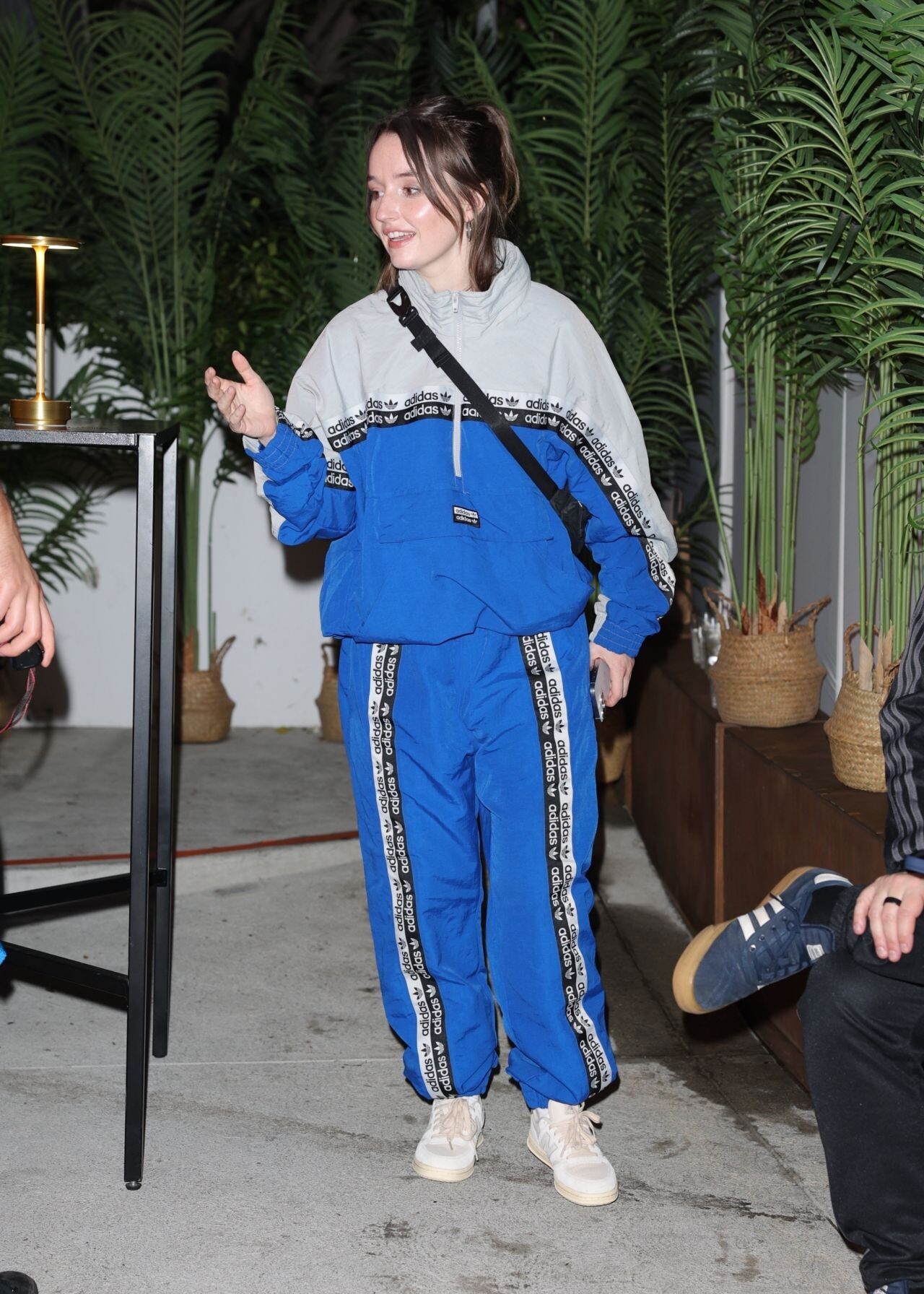
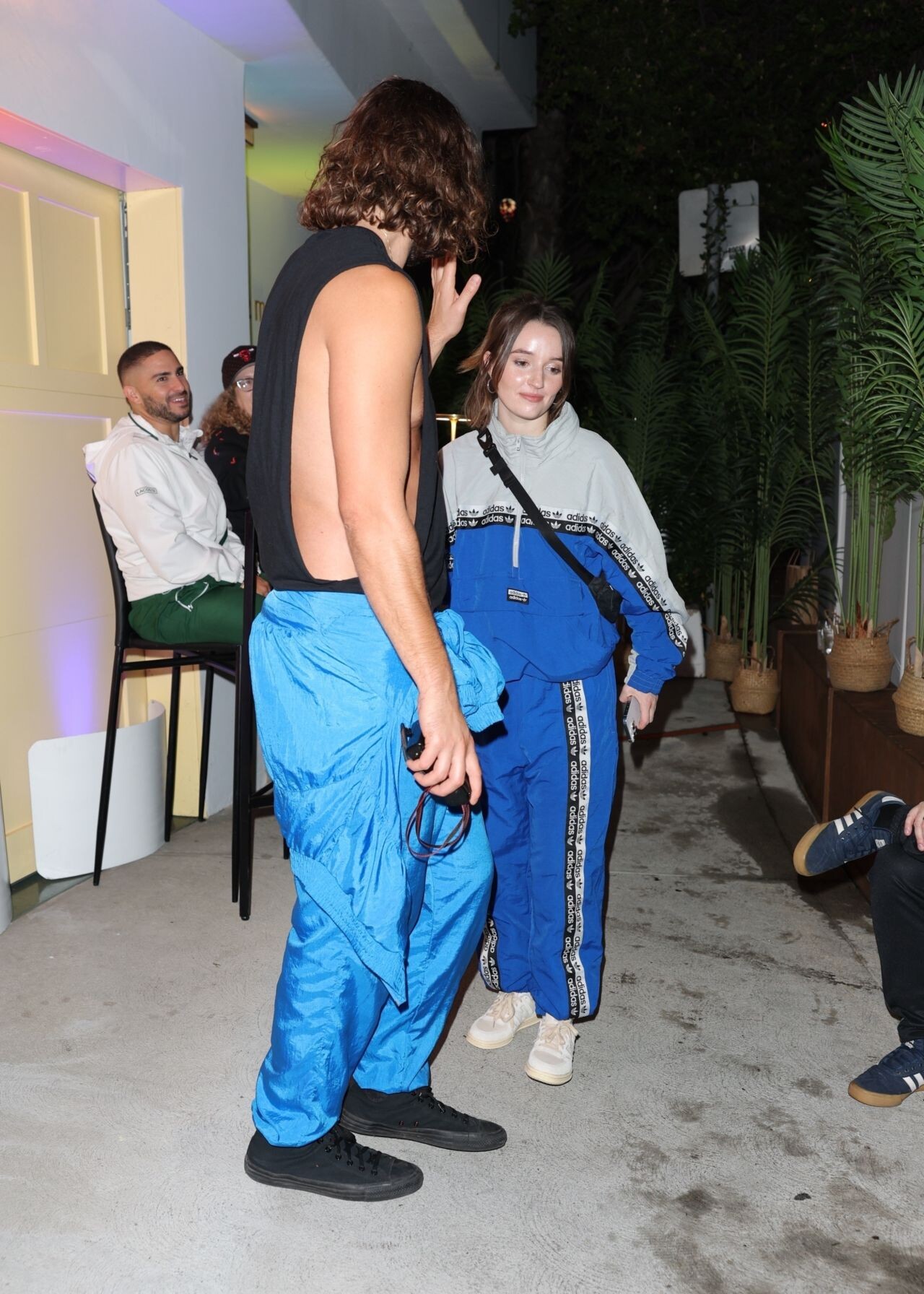
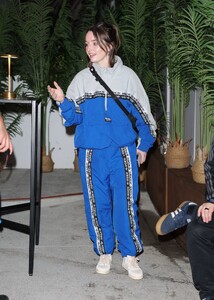
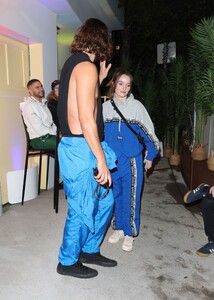
 Kaitlyn Dever wore a blue and gray tracksuit with patterned stripes and white sneakers at Vas J Morgan’s Halloween Party in Los Angeles, October 2025.

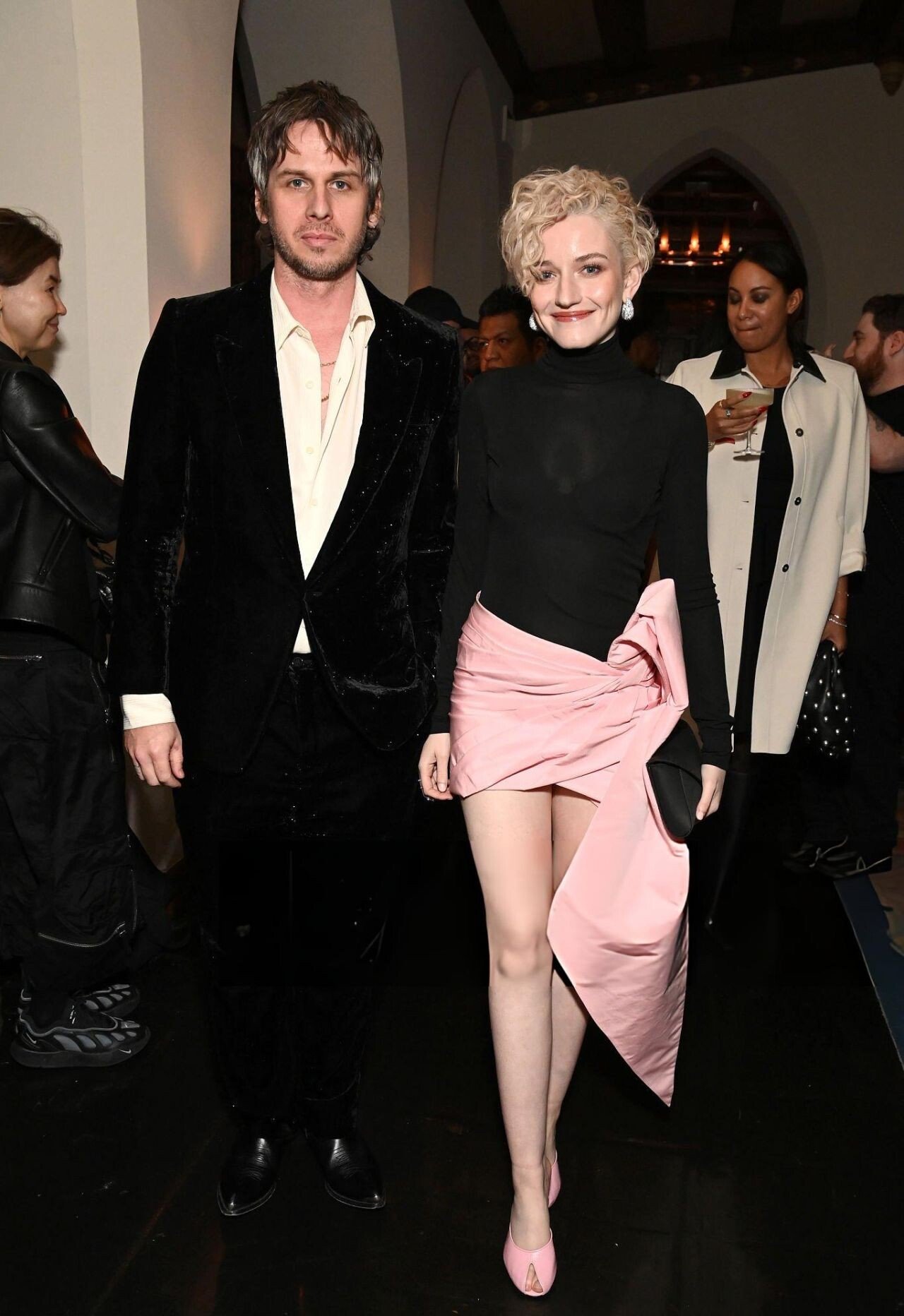
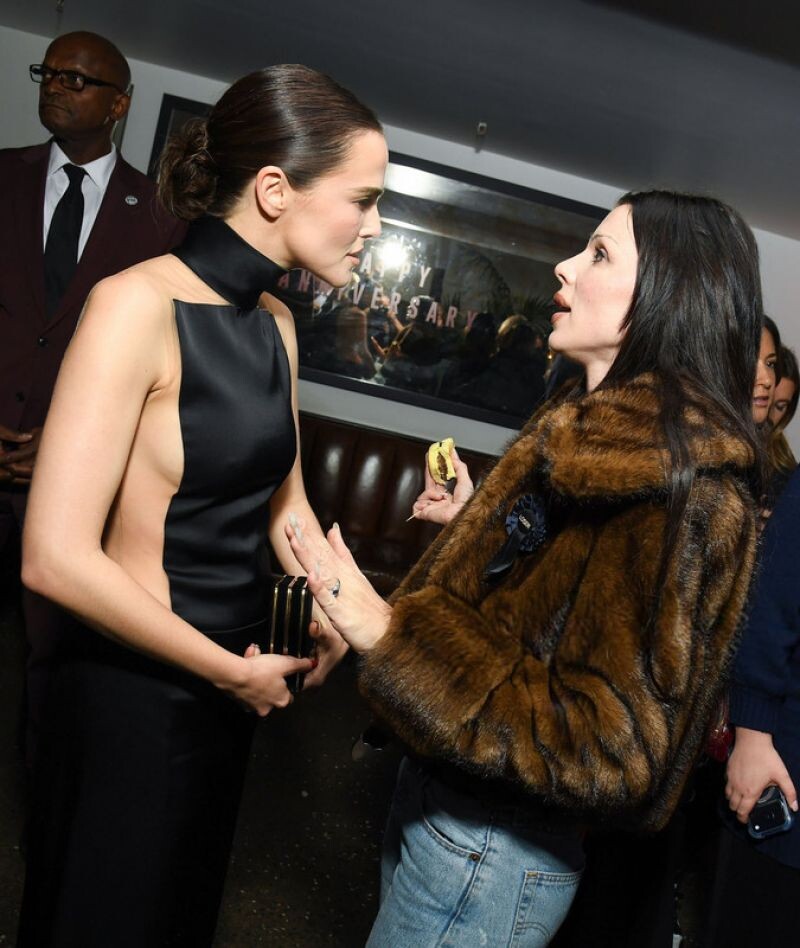
 Julia Garner attended the Vogue World: Hollywood 2025 afterparty at Chateau Marmont in Los Angeles on October 26, wearing a striking Area Spring 2026 ensemble paired with Jude the Brand Date Pumps and a Tyler Ellis satin pouchette clutch, delivering a sculptural celebrity event look with editorial edge.
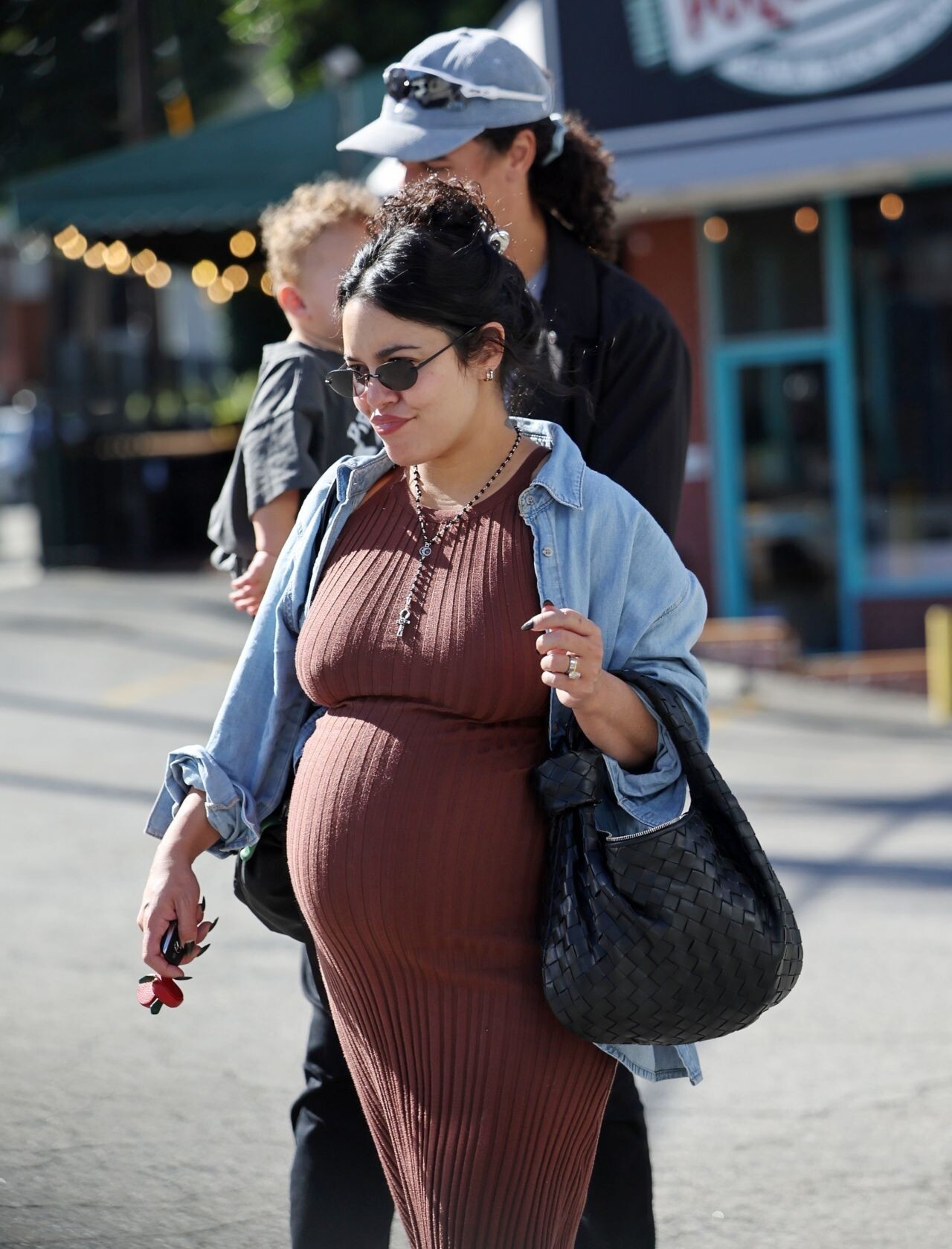
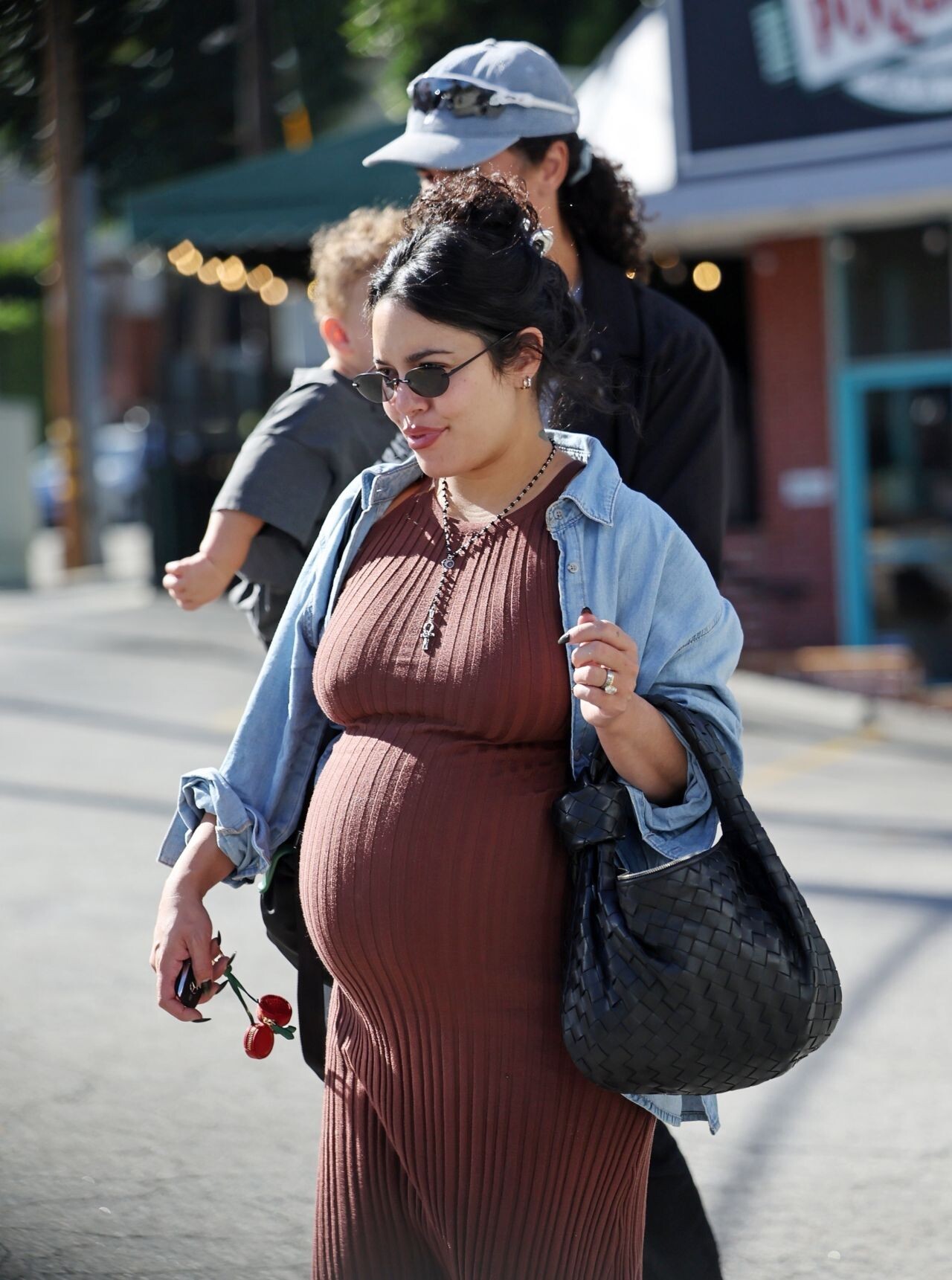
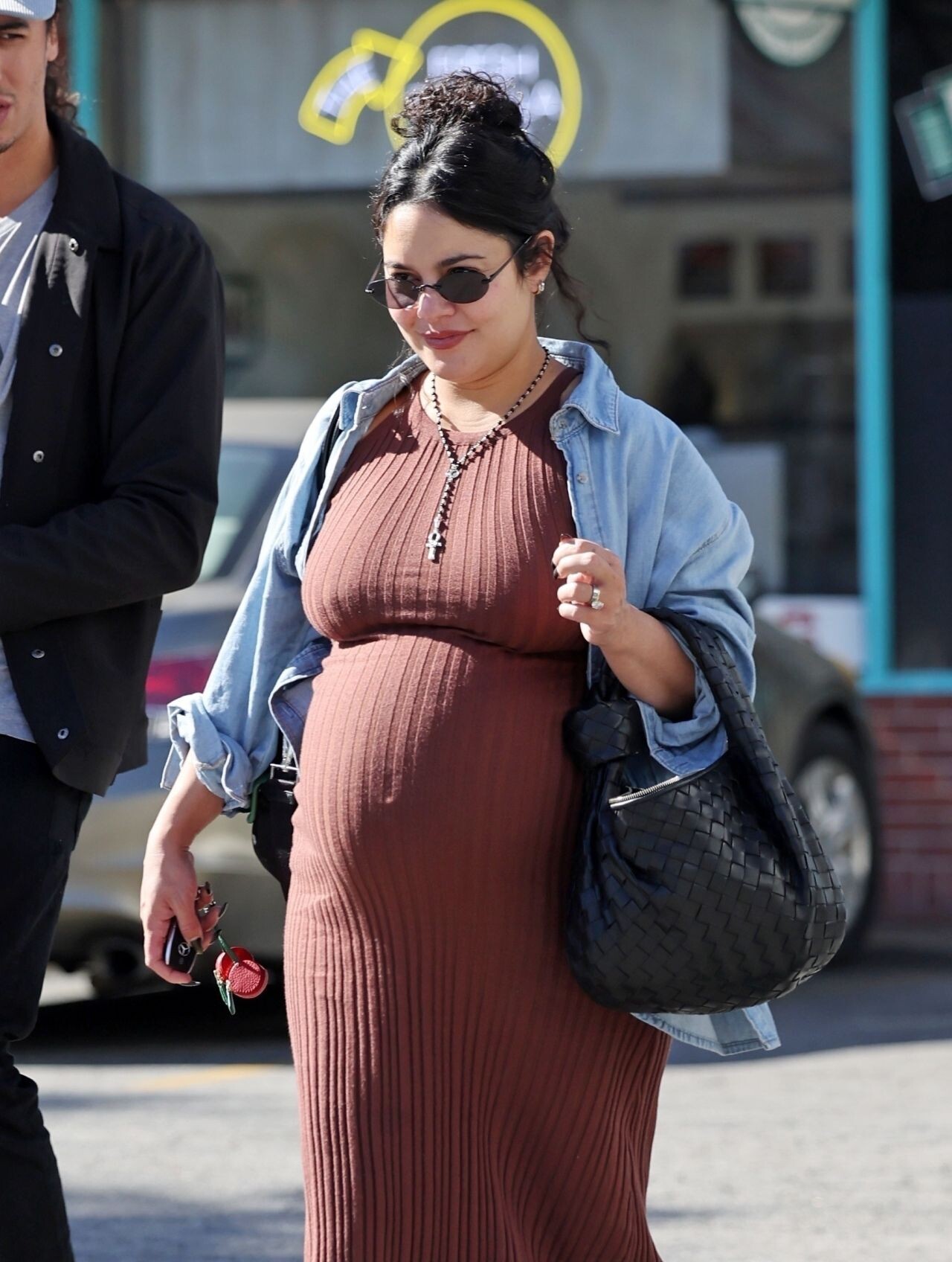
 Vanessa Hudgens was spotted in Los Angeles on October 17, 2025, stepping out for a family breakfast in a chic off‑duty look.

 Camila Mendes wore a navy sleeveless zip-up top with matching pants at Vas J Morgan’s Halloween Party in Los Angeles on October 24, 2025.





Account
Search
Configure browser push notifications
Chrome (Android)
- Tap the lock icon next to the address bar.
- Tap Permissions → Notifications.
- Adjust your preference.
Chrome (Desktop)
- Click the padlock icon in the address bar.
- Select Site settings.
- Find Notifications and adjust your preference.
Safari (iOS 16.4+)
- Ensure the site is installed via Add to Home Screen.
- Open Settings App → Notifications.
- Find your app name and adjust your preference.
Safari (macOS)
- Go to Safari → Preferences.
- Click the Websites tab.
- Select Notifications in the sidebar.
- Find this website and adjust your preference.
Edge (Android)
- Tap the lock icon next to the address bar.
- Tap Permissions.
- Find Notifications and adjust your preference.
Edge (Desktop)
- Click the padlock icon in the address bar.
- Click Permissions for this site.
- Find Notifications and adjust your preference.
Firefox (Android)
- Go to Settings → Site permissions.
- Tap Notifications.
- Find this site in the list and adjust your preference.
Firefox (Desktop)
- Open Firefox Settings.
- Search for Notifications.
- Find this site in the list and adjust your preference.