Everything posted by tigerrr
-
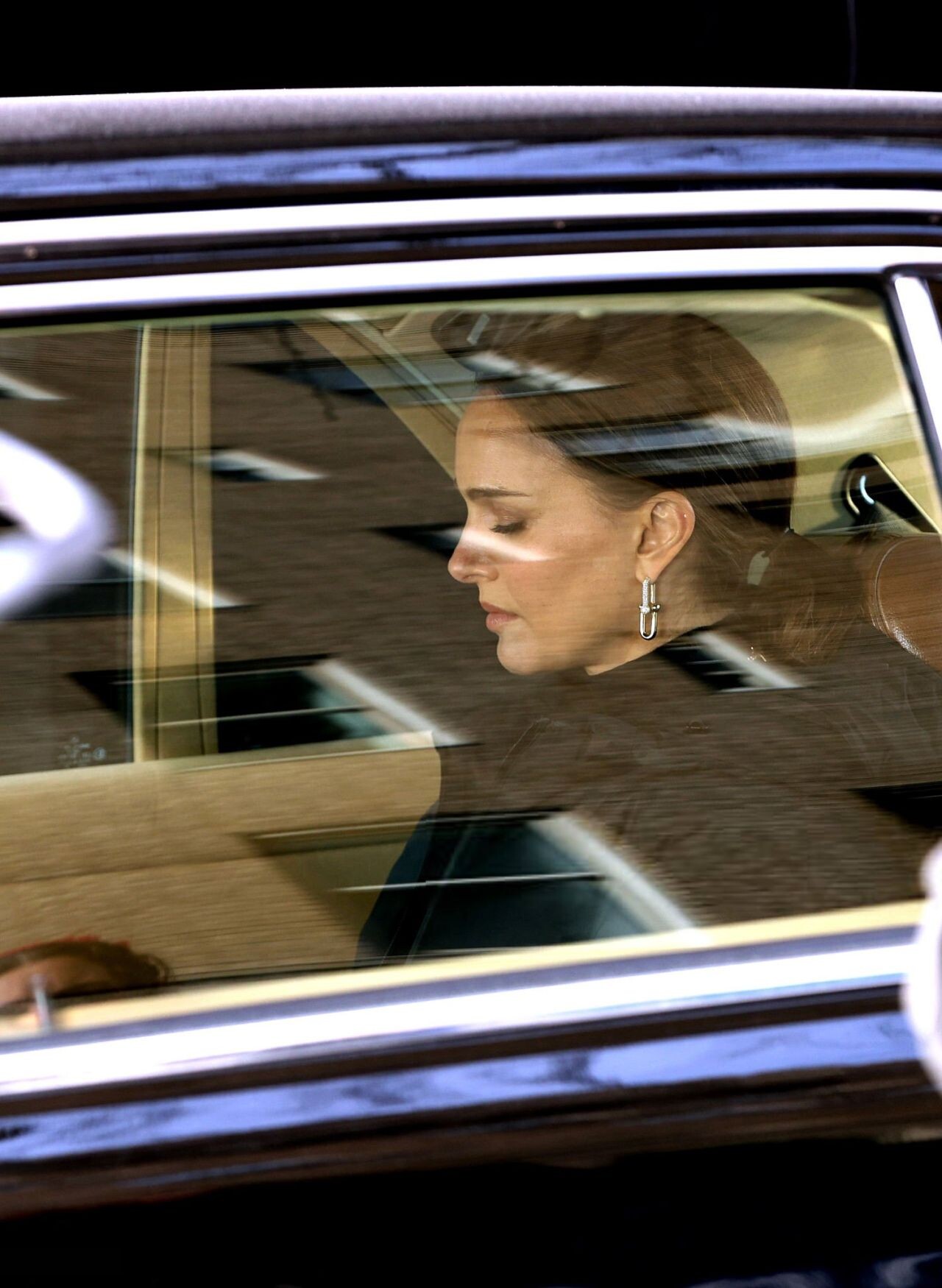
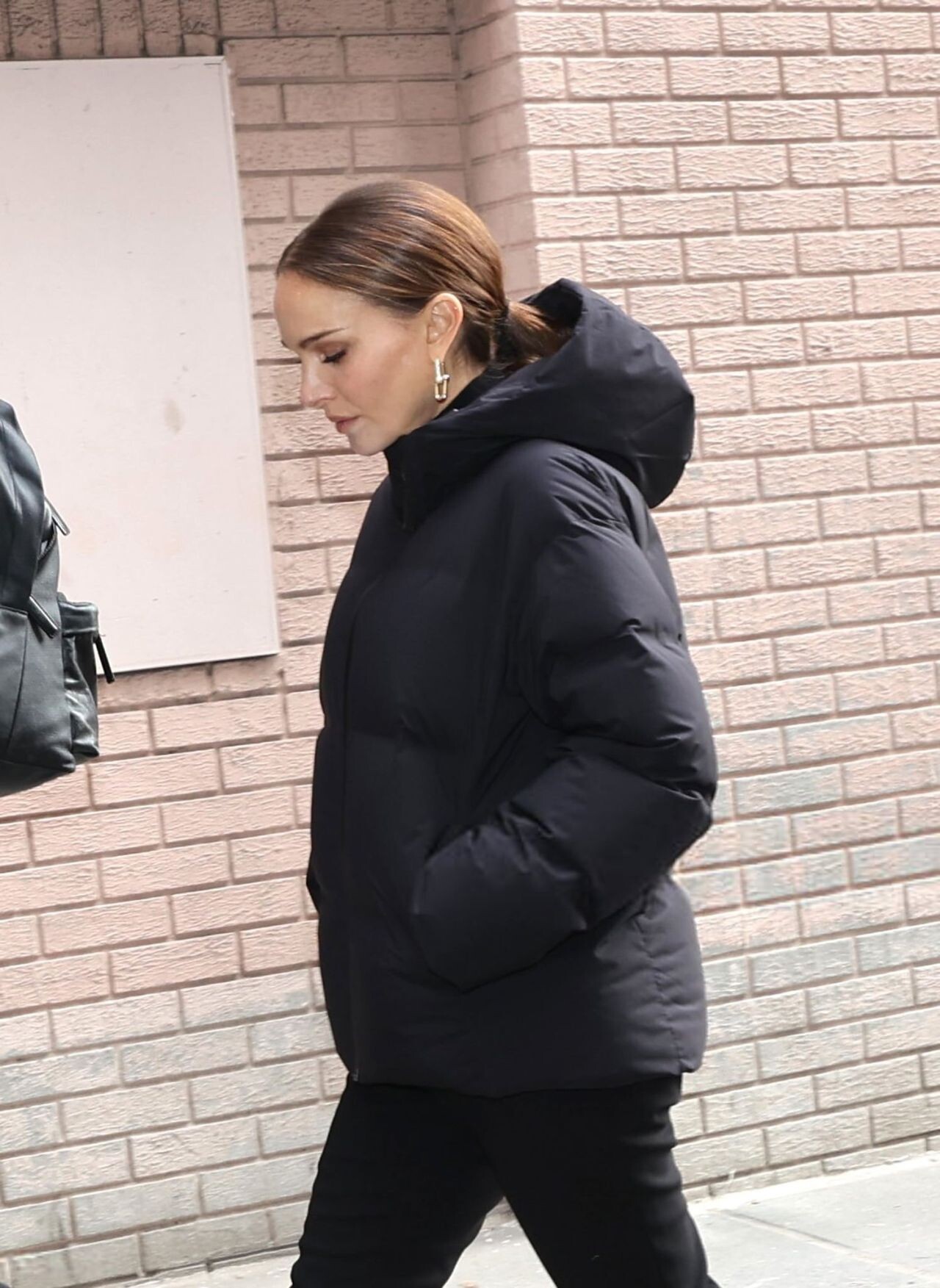
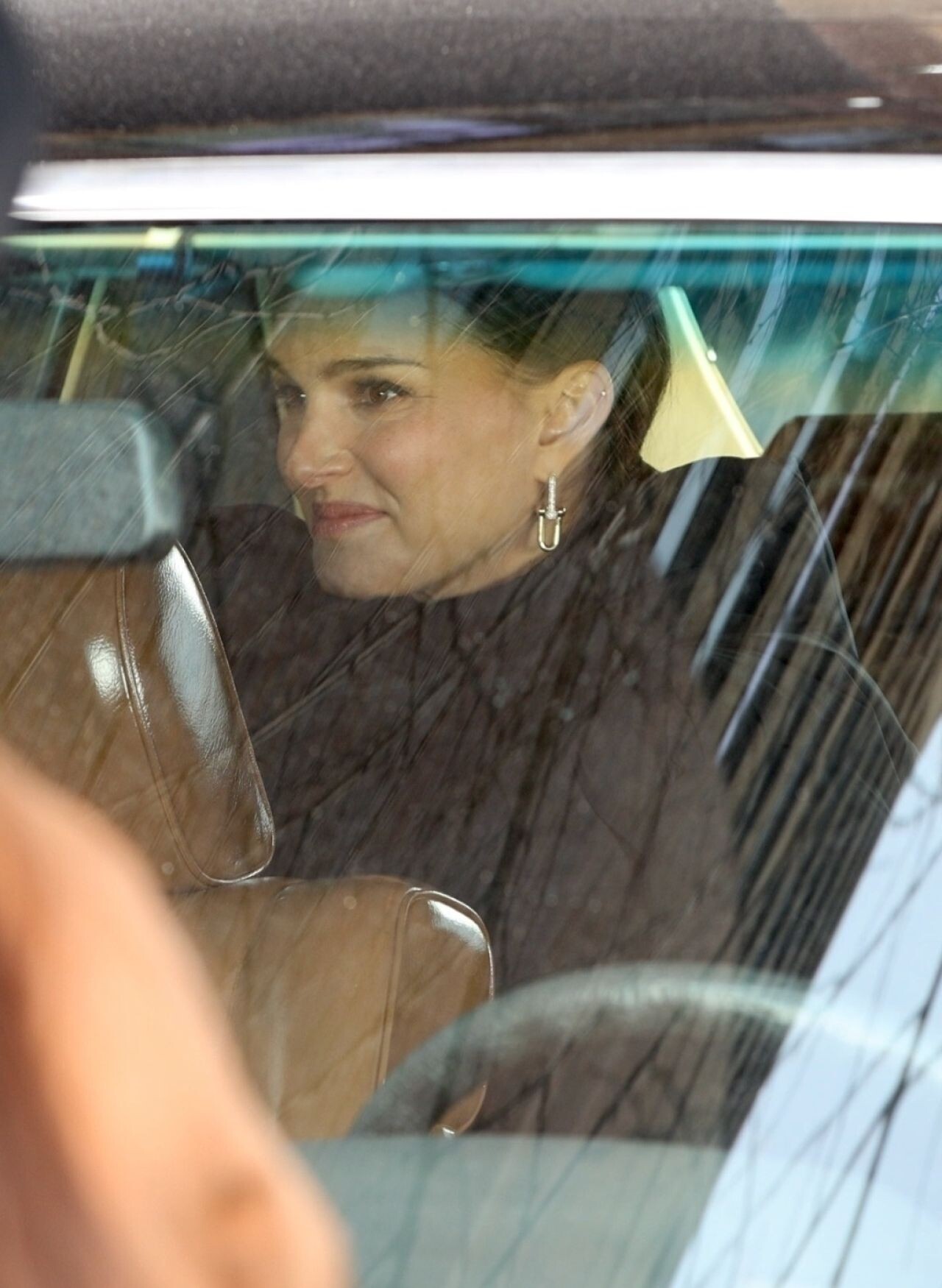
 Natalie Portman wore Tiffany & Co. Hardwear jewelry while filming a commercial in Central Park, New York City on January 22, 2026.






 Cristin Milioti wore a black leather jacket and dark shirt during a Deadline Studio photoshoot at the Sundance Film Festival in January 2026.
 Jenna Ortega, Cathy Yan, and Natalie Portman posed for a stylish group portrait at the Los Angeles Times studio during the 2026 Sundance Film Festival.

 Kaitlyn Dever of "See You When I See You" is photographed for Los Angeles Times on January 26, 2026 in Park City, Utah
 ZOEY DEUTCH at 83rd Annual Golden Globe Awards in Beverly Hills 01/11/2026





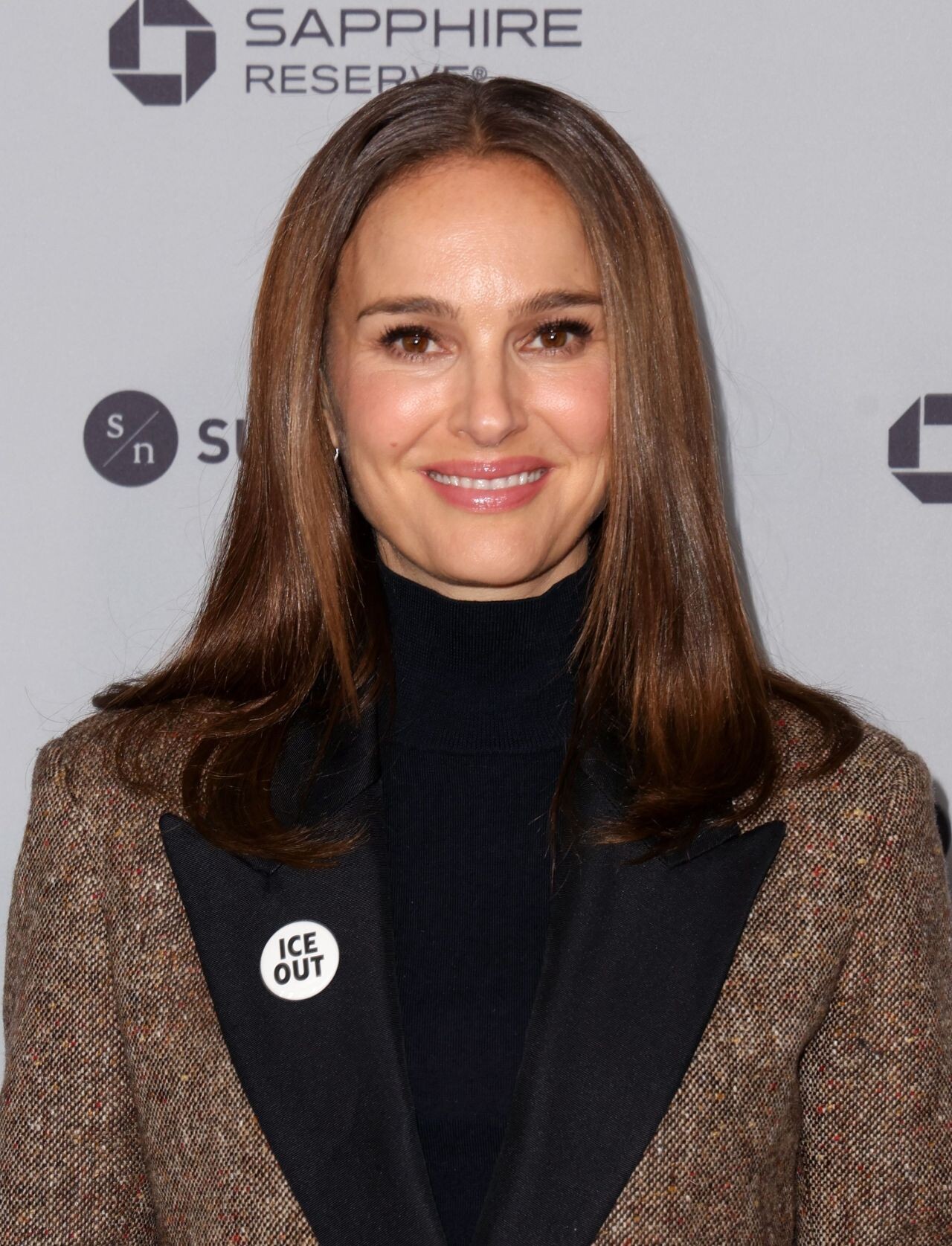
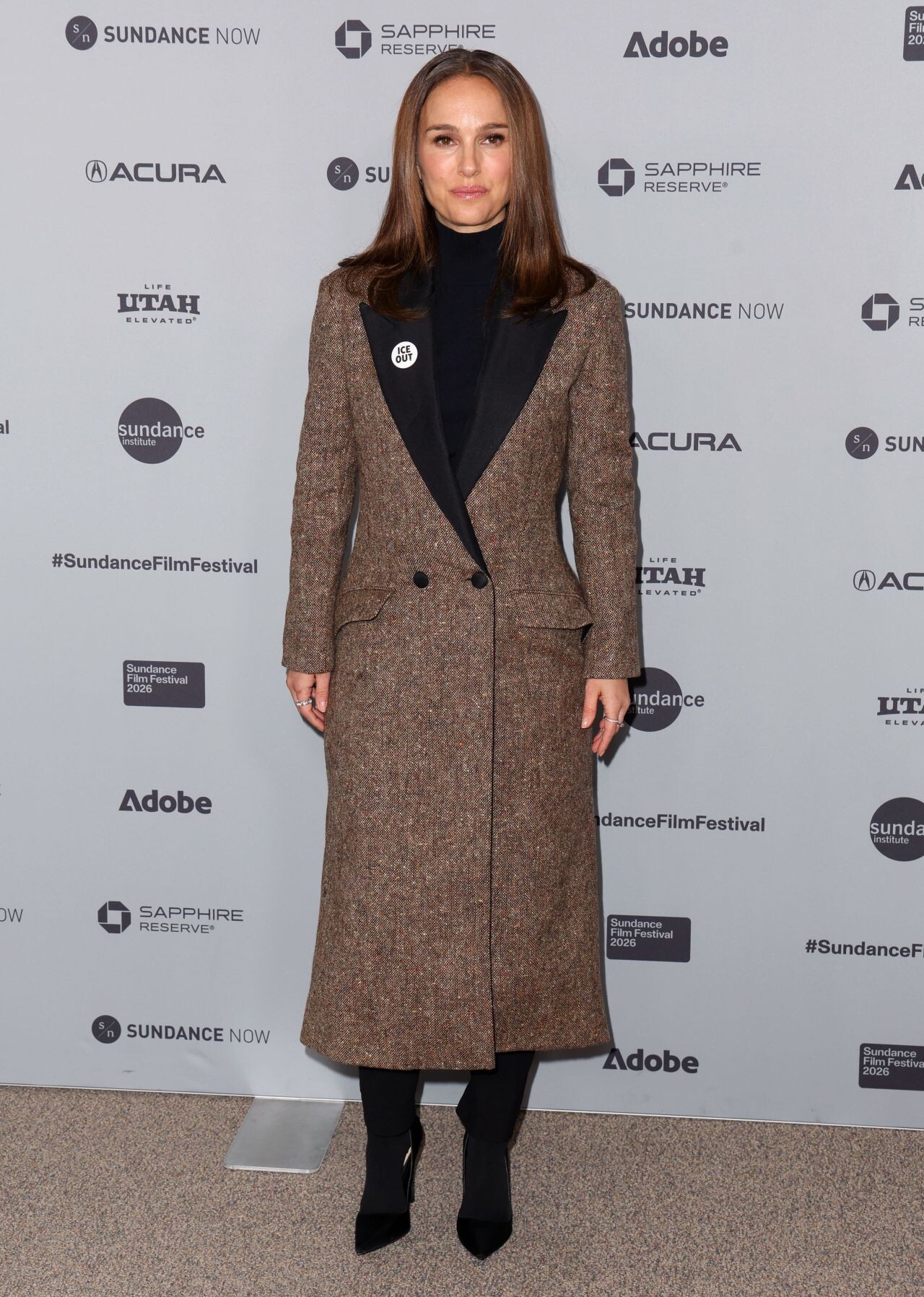
 Natalie Portman wore a structured long coat and black heels at The Gallerist premiere during the 2026 Sundance Film Festival in Utah.







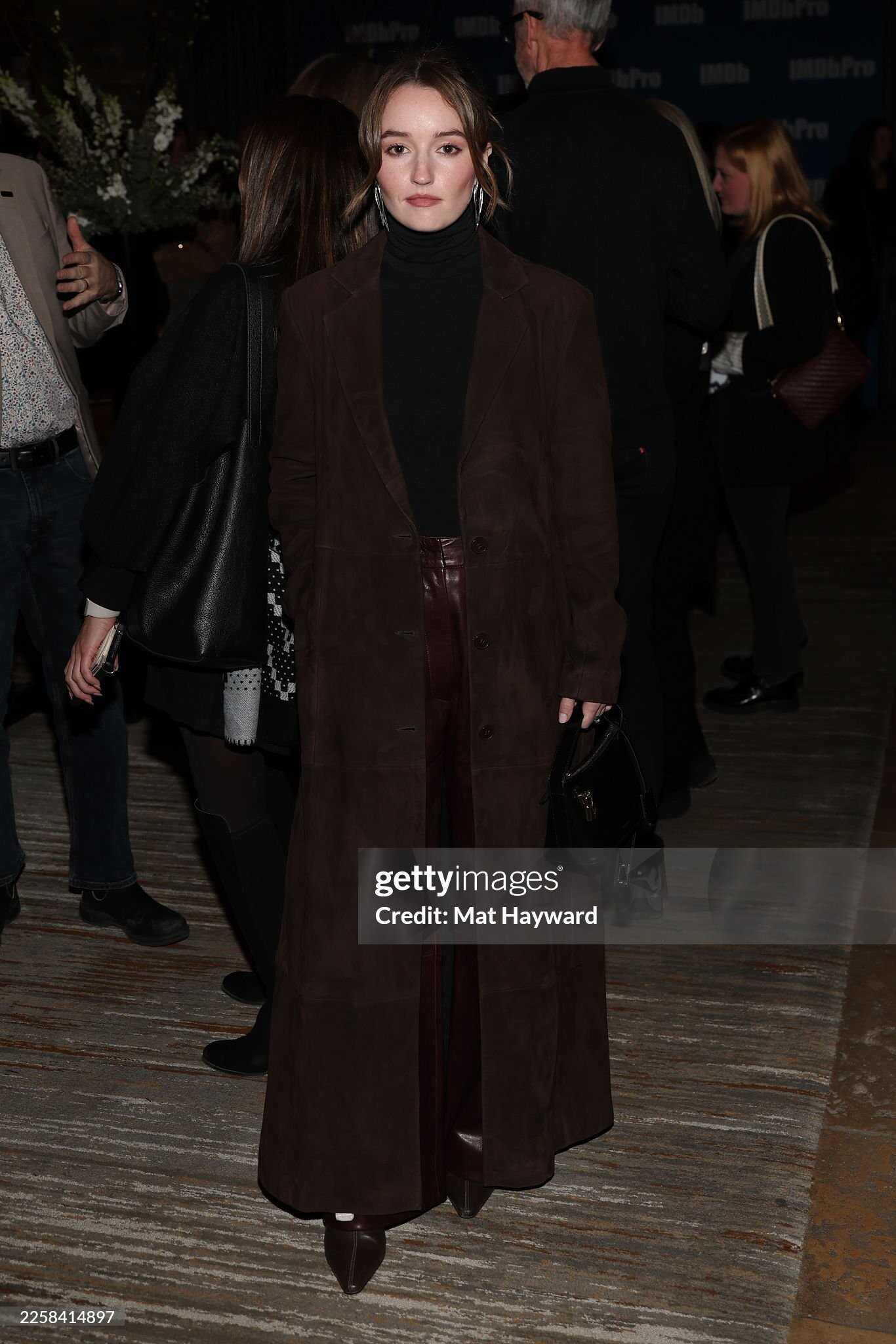
 Kaitlyn Dever attends the IMDb and IMDbPro Filmmaker Celebration Dinner Party at RIME at The St. Regis Deer Valley on January 26, 2026 in Park City, Utah



 Kaitlyn Dever visit the Arby's Cinema Center for the “Gail Daughtry and the Celebrity Sex Pass” afterparty on January 25, 2026 in Park City, Utah





 CRISTIN MILIOTI at Buddy Premiere at 2026 Sundance Film Festival 01/22/2026
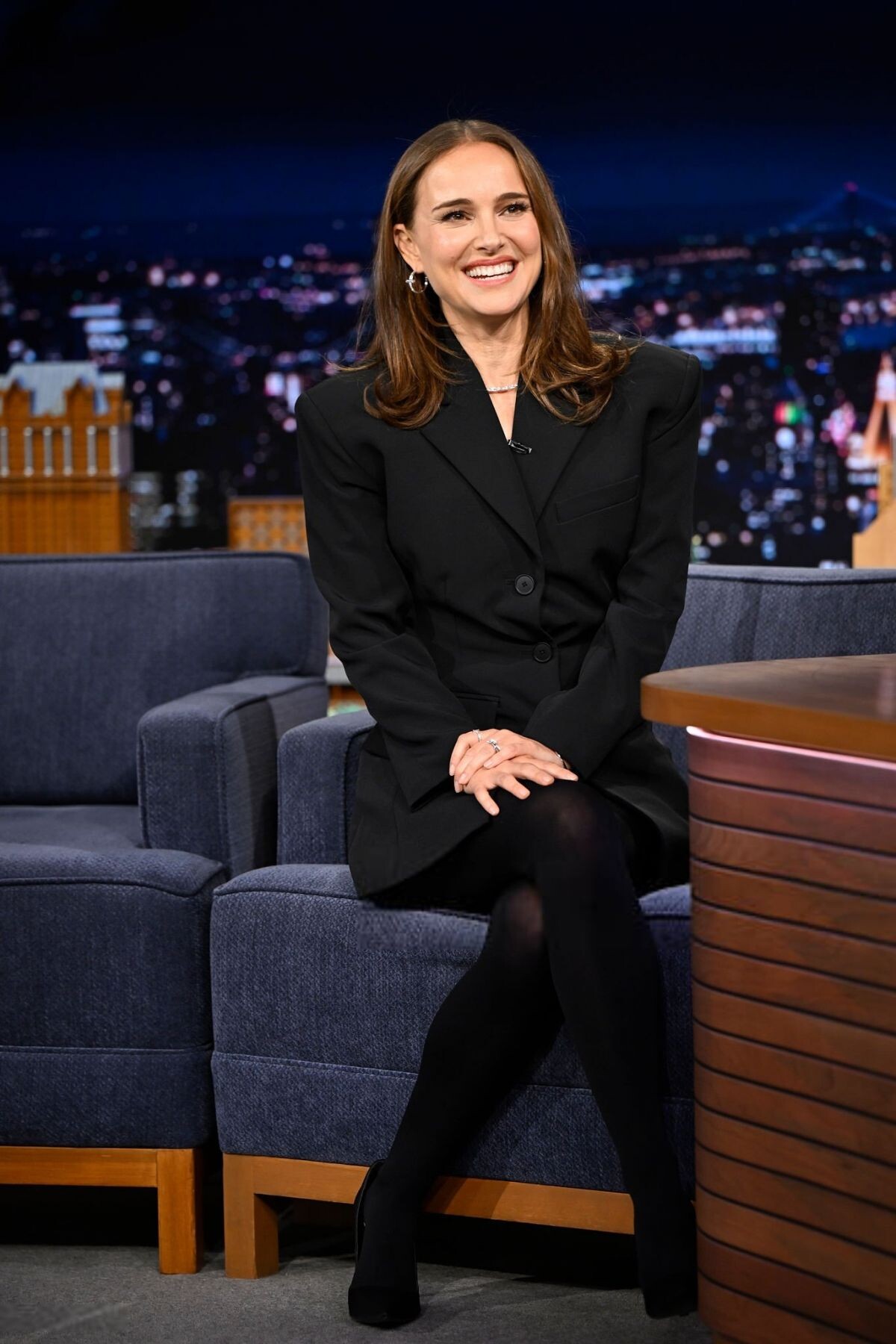
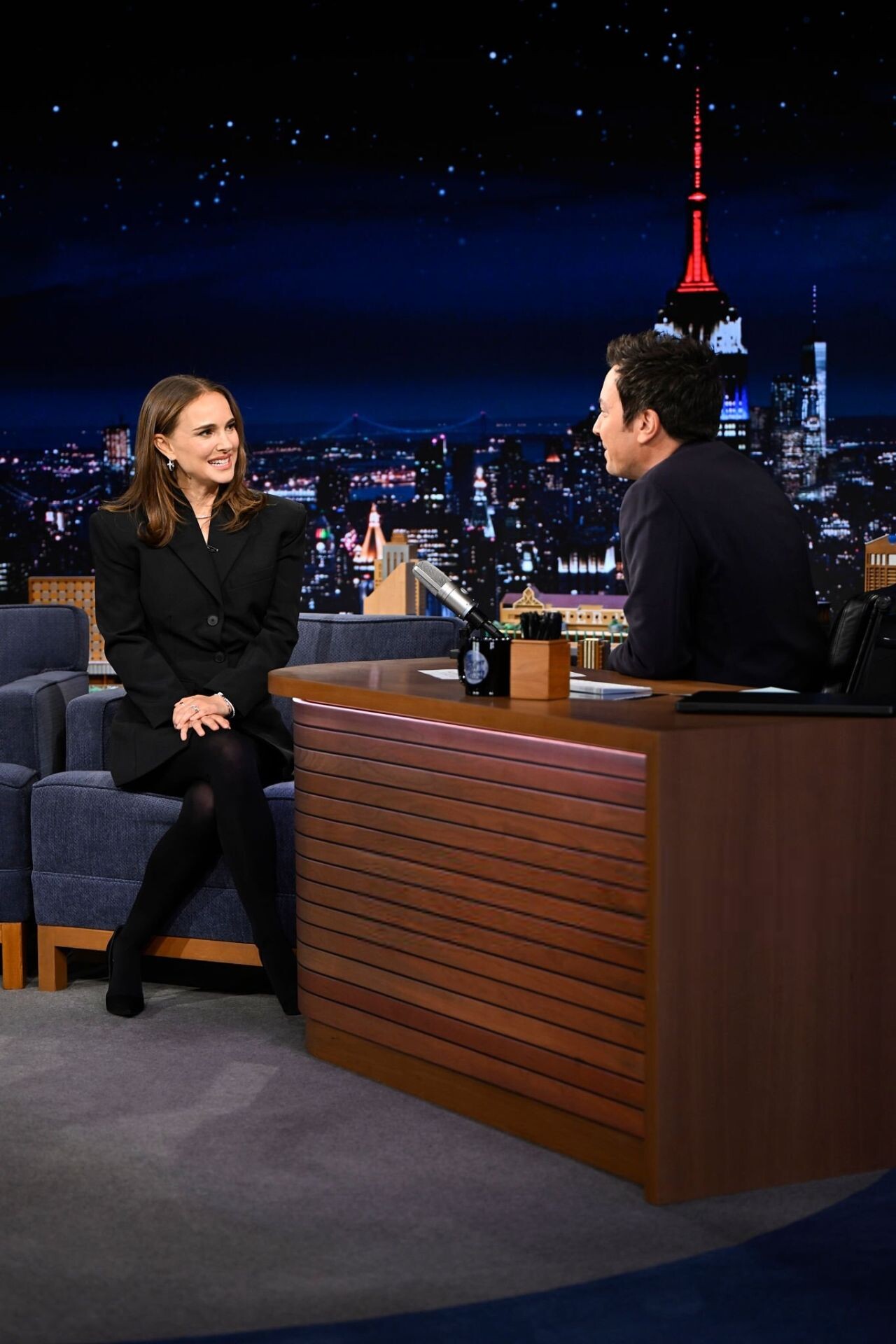
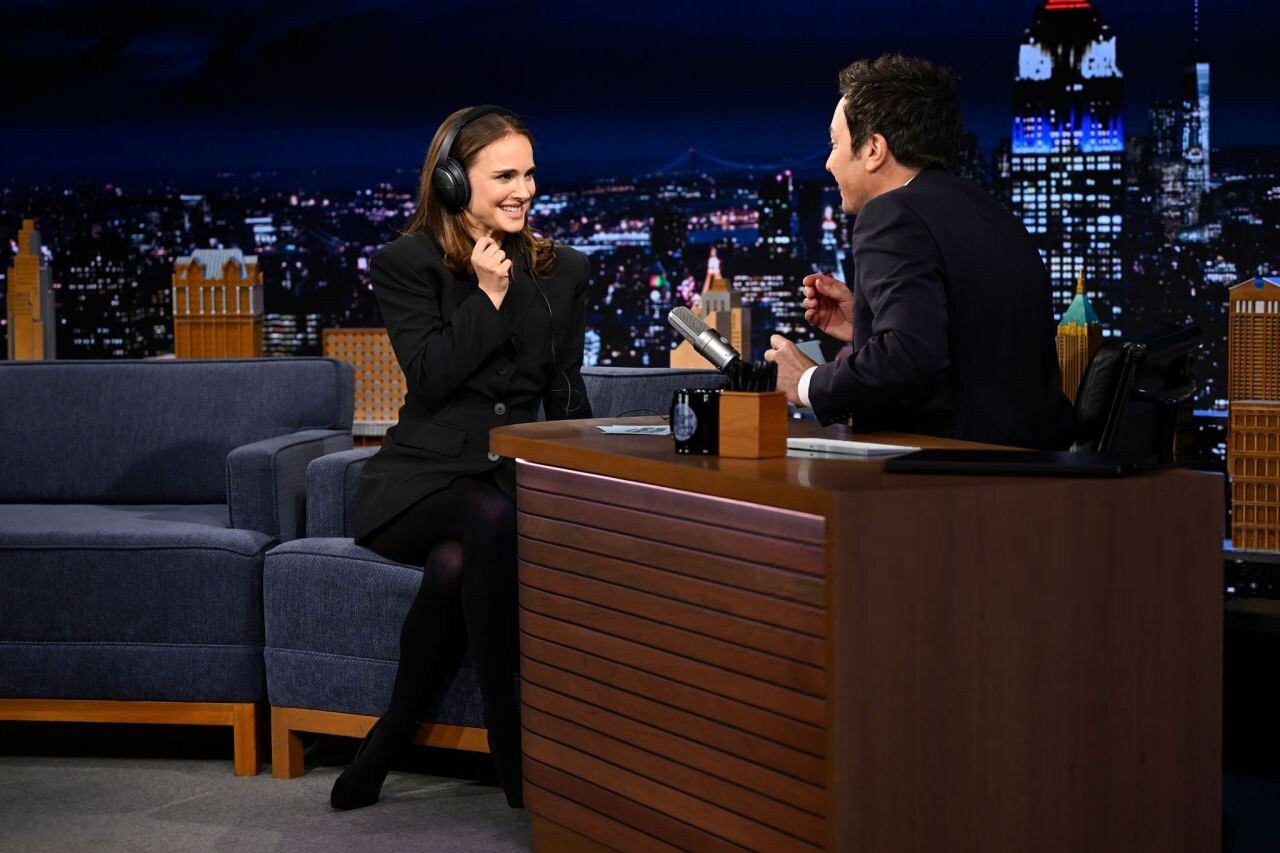
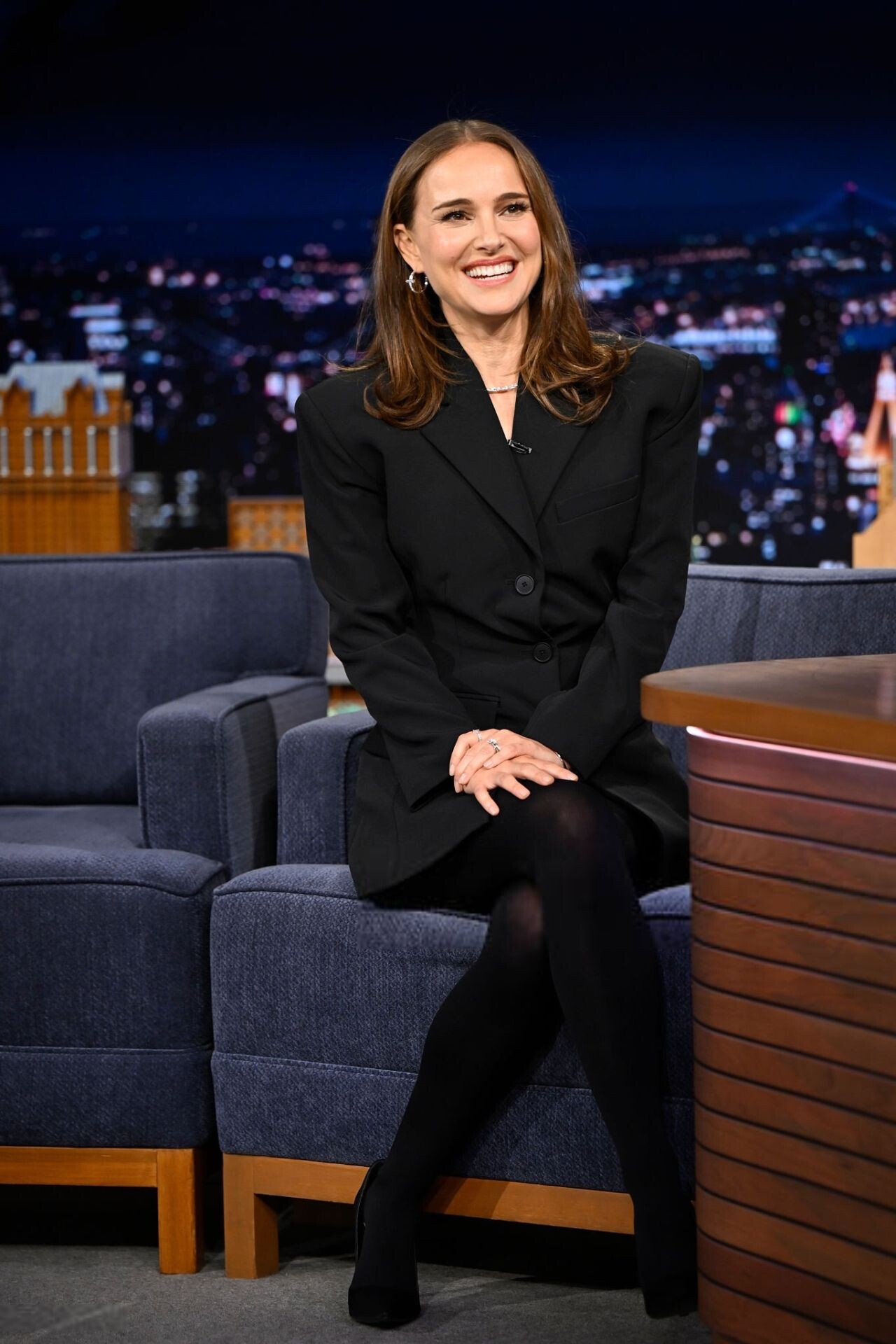
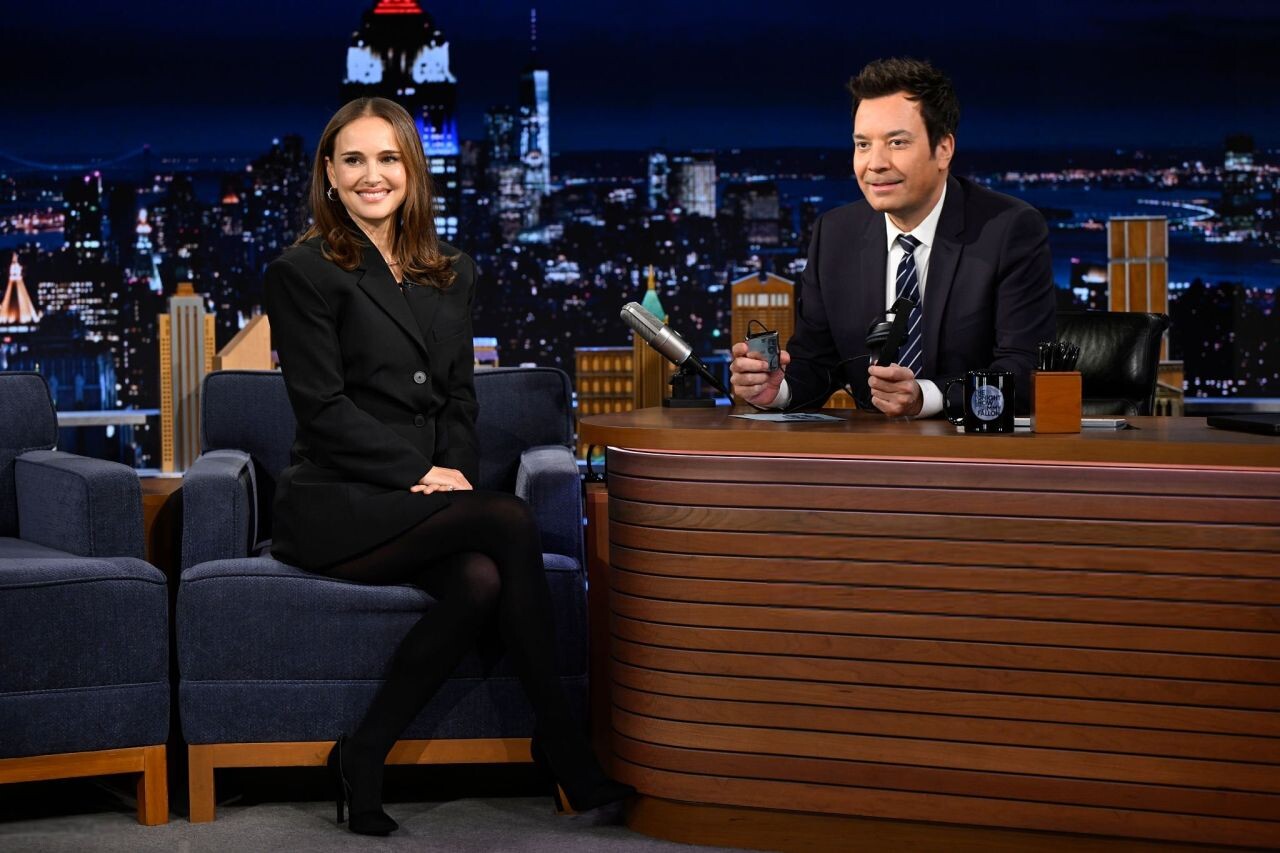
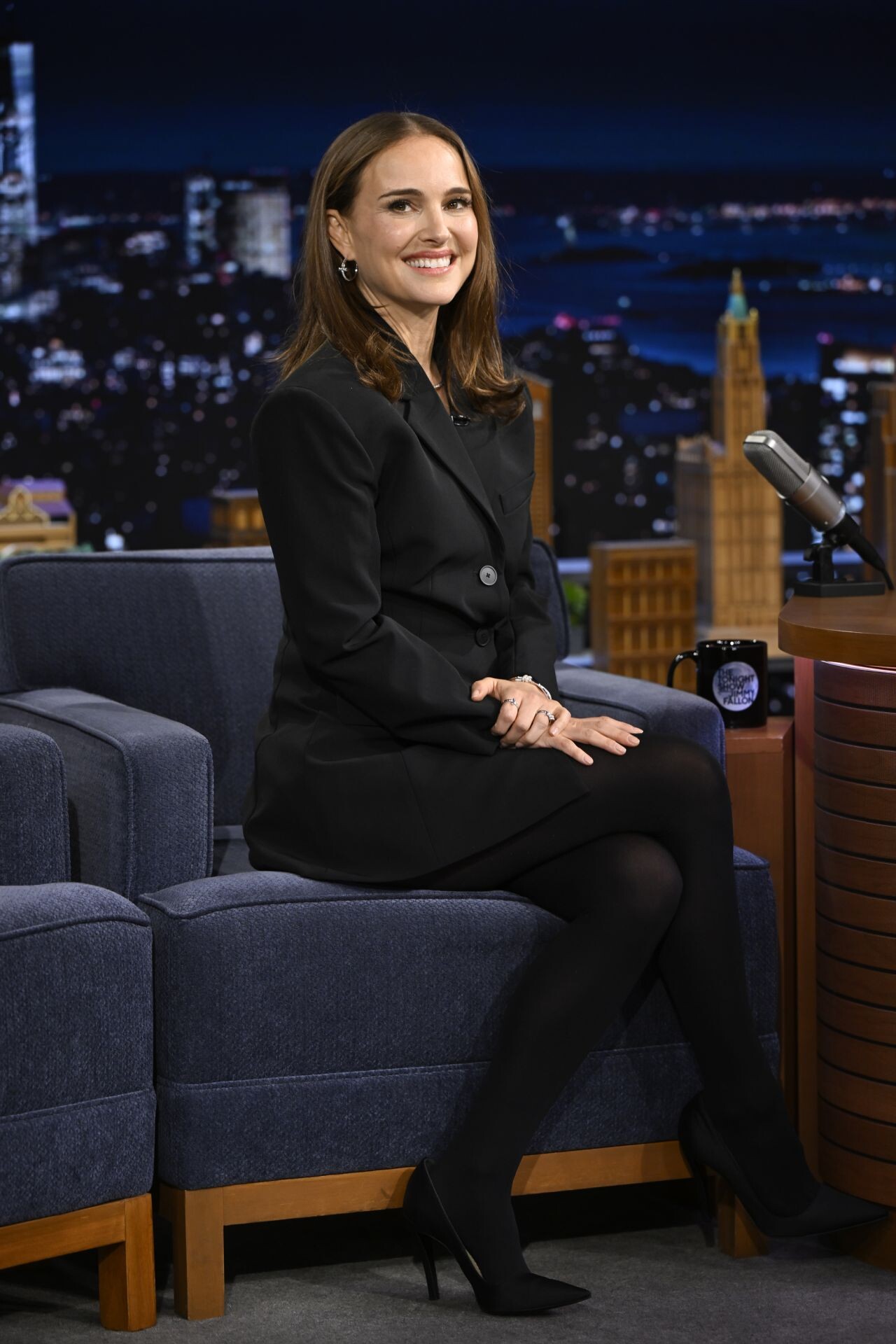
 Natalie Portman during an interview with host Jimmy Fallon on Wednesday, January 21, 2026





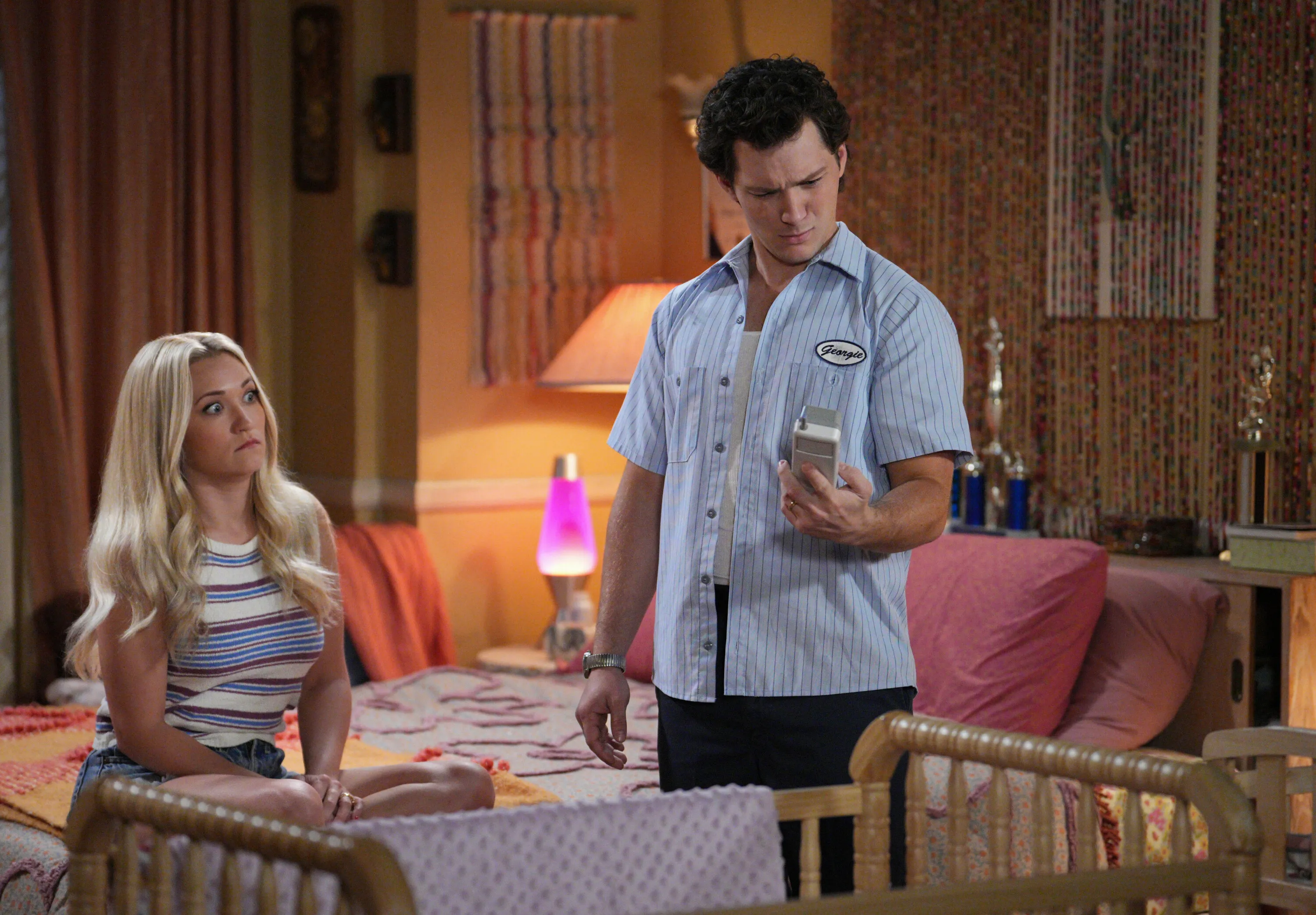
 Screenpics "George and Mandy'























































































Account
Search
Configure browser push notifications
Chrome (Android)
- Tap the lock icon next to the address bar.
- Tap Permissions → Notifications.
- Adjust your preference.
Chrome (Desktop)
- Click the padlock icon in the address bar.
- Select Site settings.
- Find Notifications and adjust your preference.
Safari (iOS 16.4+)
- Ensure the site is installed via Add to Home Screen.
- Open Settings App → Notifications.
- Find your app name and adjust your preference.
Safari (macOS)
- Go to Safari → Preferences.
- Click the Websites tab.
- Select Notifications in the sidebar.
- Find this website and adjust your preference.
Edge (Android)
- Tap the lock icon next to the address bar.
- Tap Permissions.
- Find Notifications and adjust your preference.
Edge (Desktop)
- Click the padlock icon in the address bar.
- Click Permissions for this site.
- Find Notifications and adjust your preference.
Firefox (Android)
- Go to Settings → Site permissions.
- Tap Notifications.
- Find this site in the list and adjust your preference.
Firefox (Desktop)
- Open Firefox Settings.
- Search for Notifications.
- Find this site in the list and adjust your preference.