andrescampanaoasis
Members
-
Joined
-
Last visited
-
INSTAGRAM POST & STORIES













-
INSTAGRAM POST & STORIES

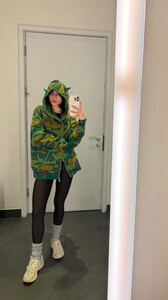


-
-
INSTAGRAM POST & STORIES








-
INSTAGRAM POST & STORIES

-
INSTAGRAM POST & STORIES

-
INSTAGRAM POST & STORIES

-
INSTAGRAM POST & STORIES


-
INSTAGRAM POST & STORIES
-
-
INSTAGRAM POST & STORIES





-
INSTAGRAM POST & STORIES
-
INSTAGRAM POST & STORIES





-
-
INSTAGRAM POST & STORIES