tigerrr
Members
-
Joined
-
Last visited
Everything posted by tigerrr
-
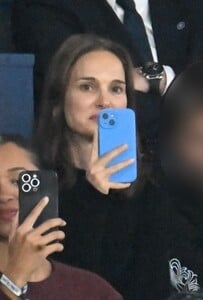
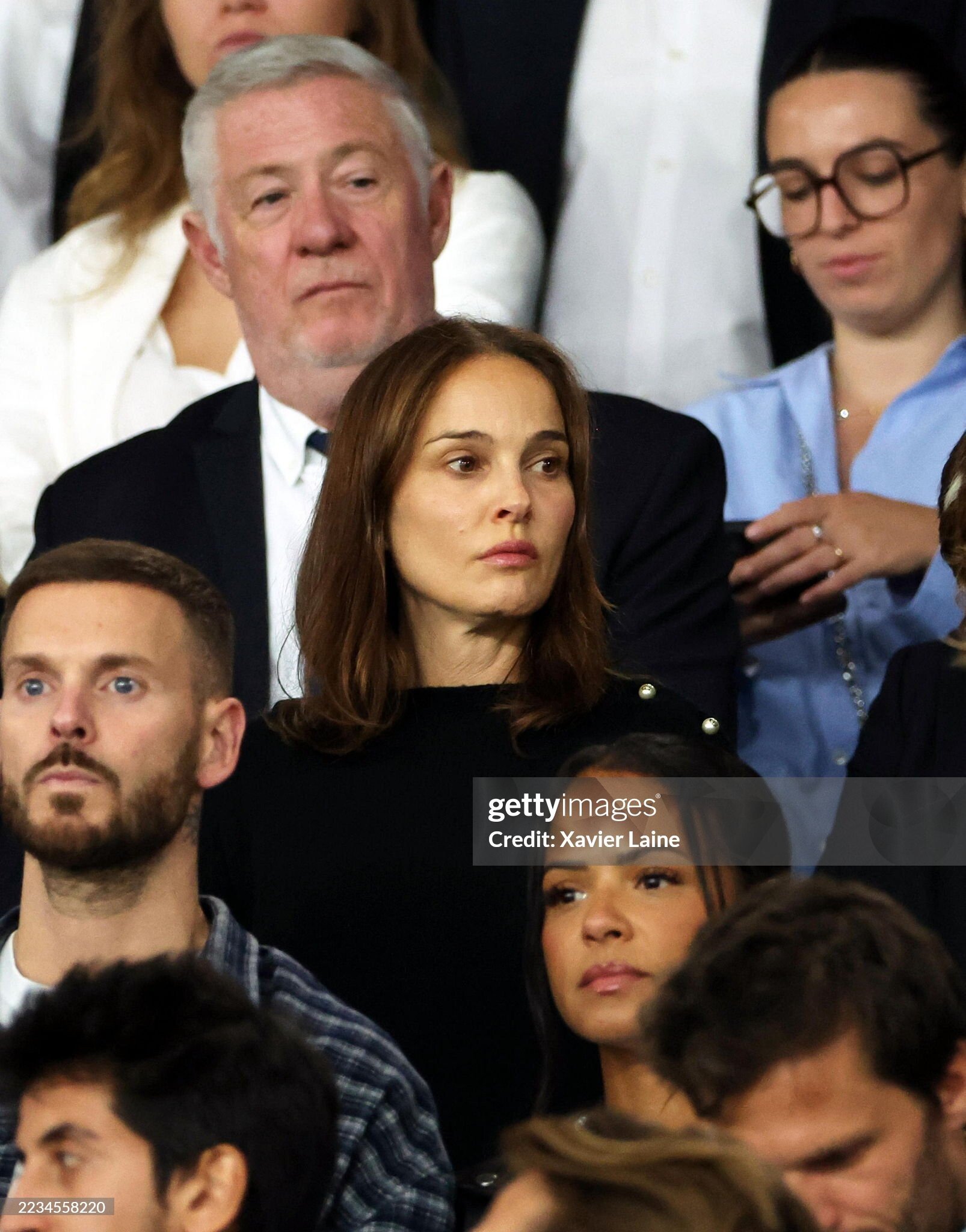
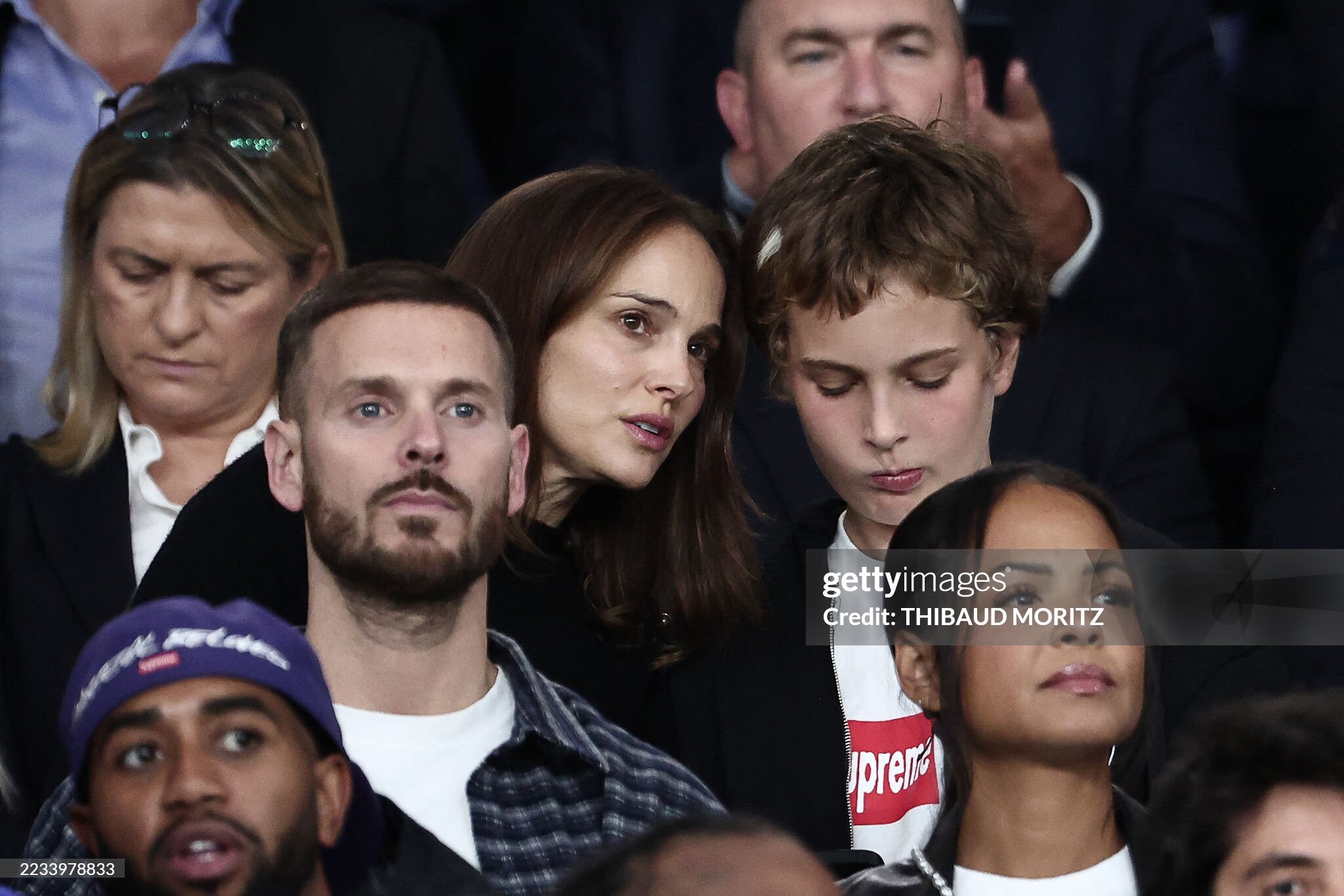
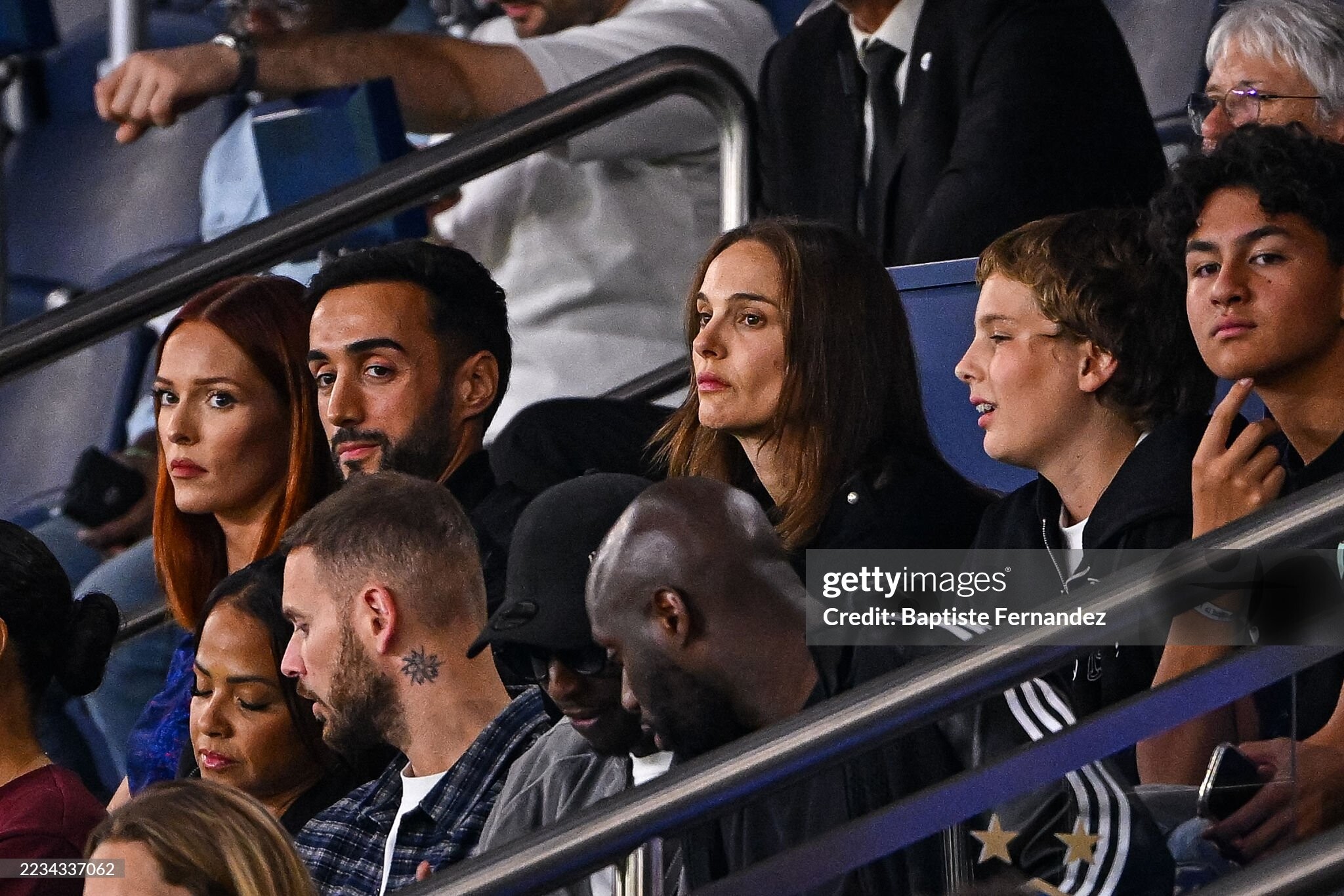
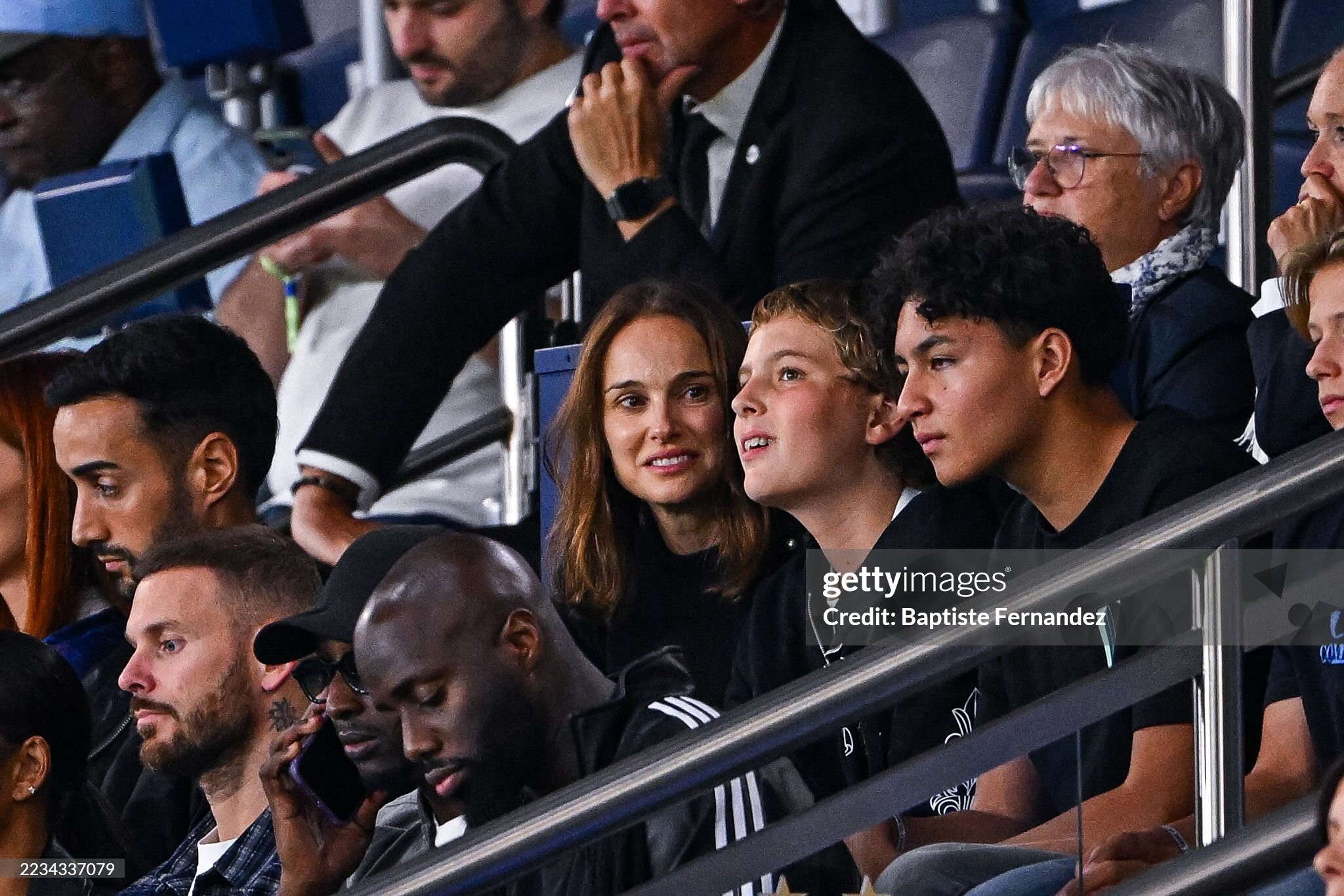
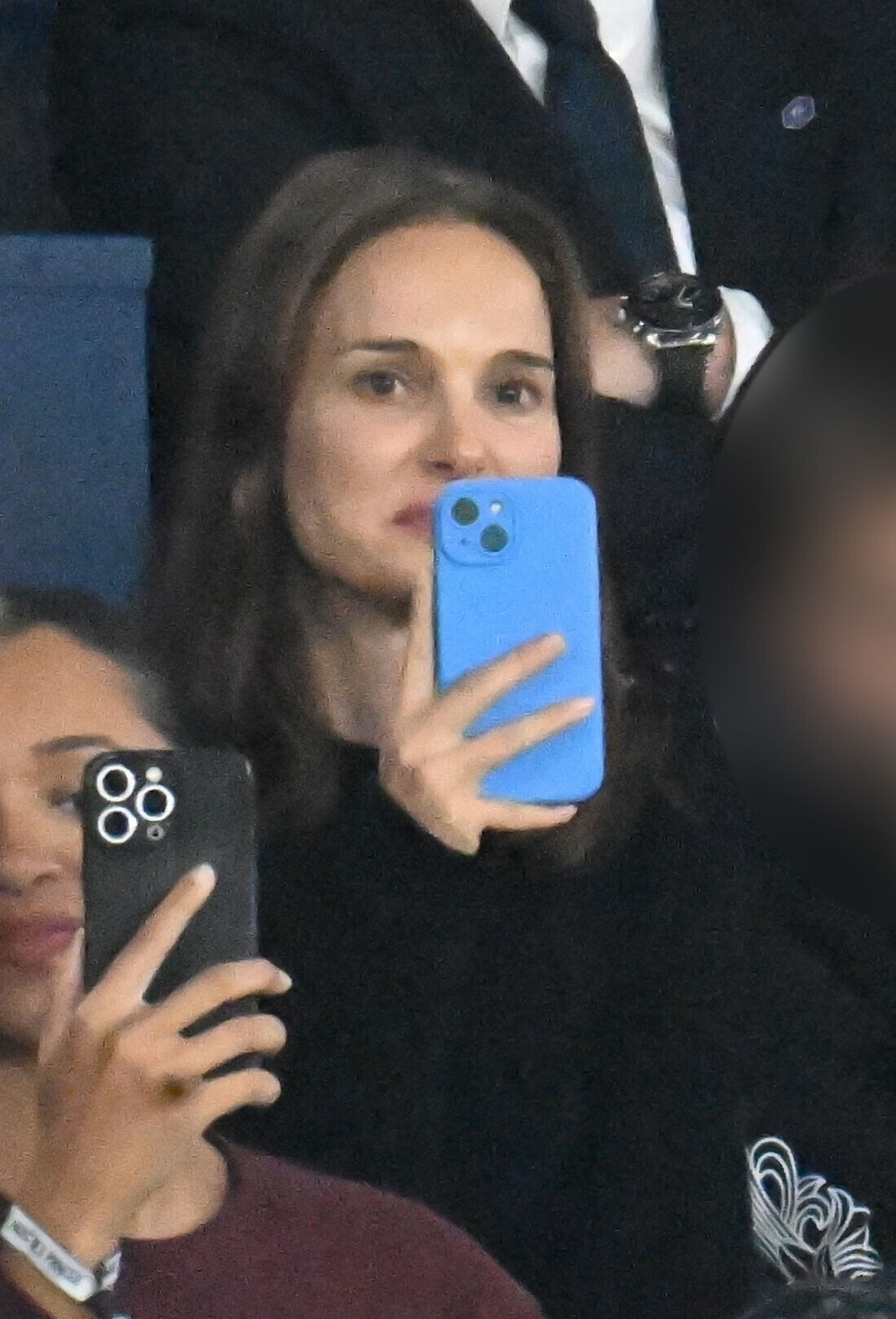
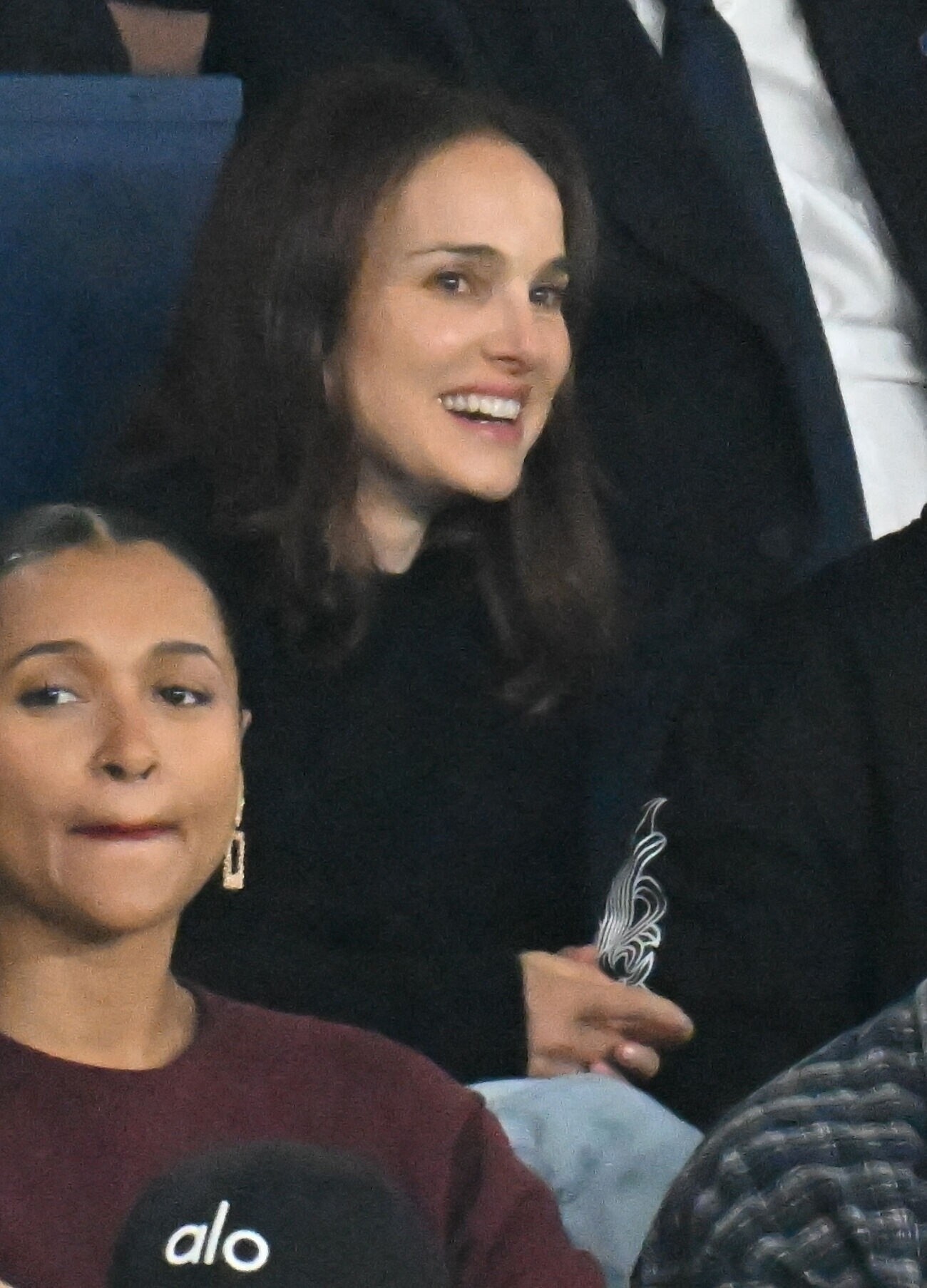
Natalie Portman reacts during the FIFA World Cup 2026 qualifier -Group H match between France and Iceland at Parc des Princes on September 09, 2025 in Paris







-
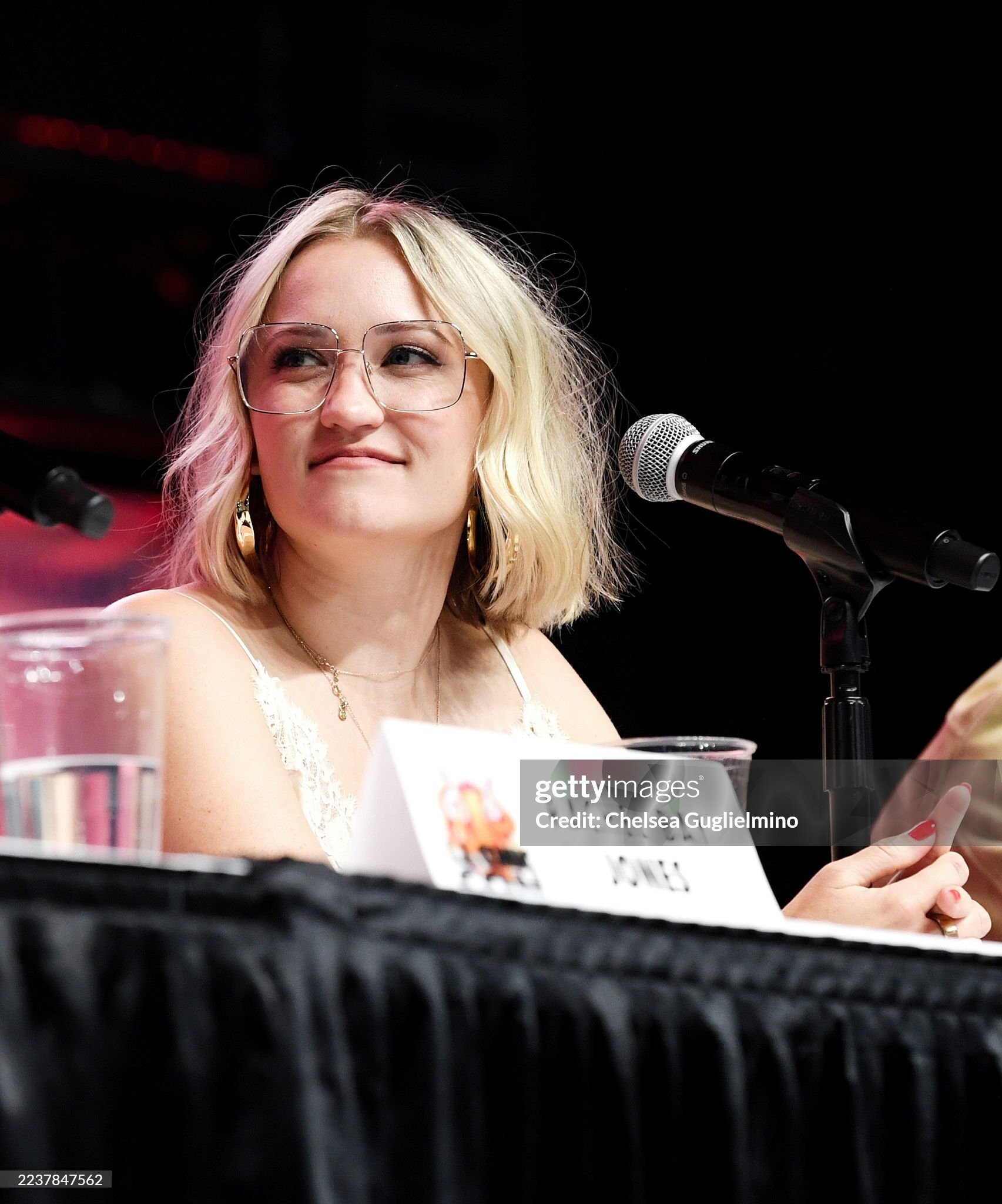
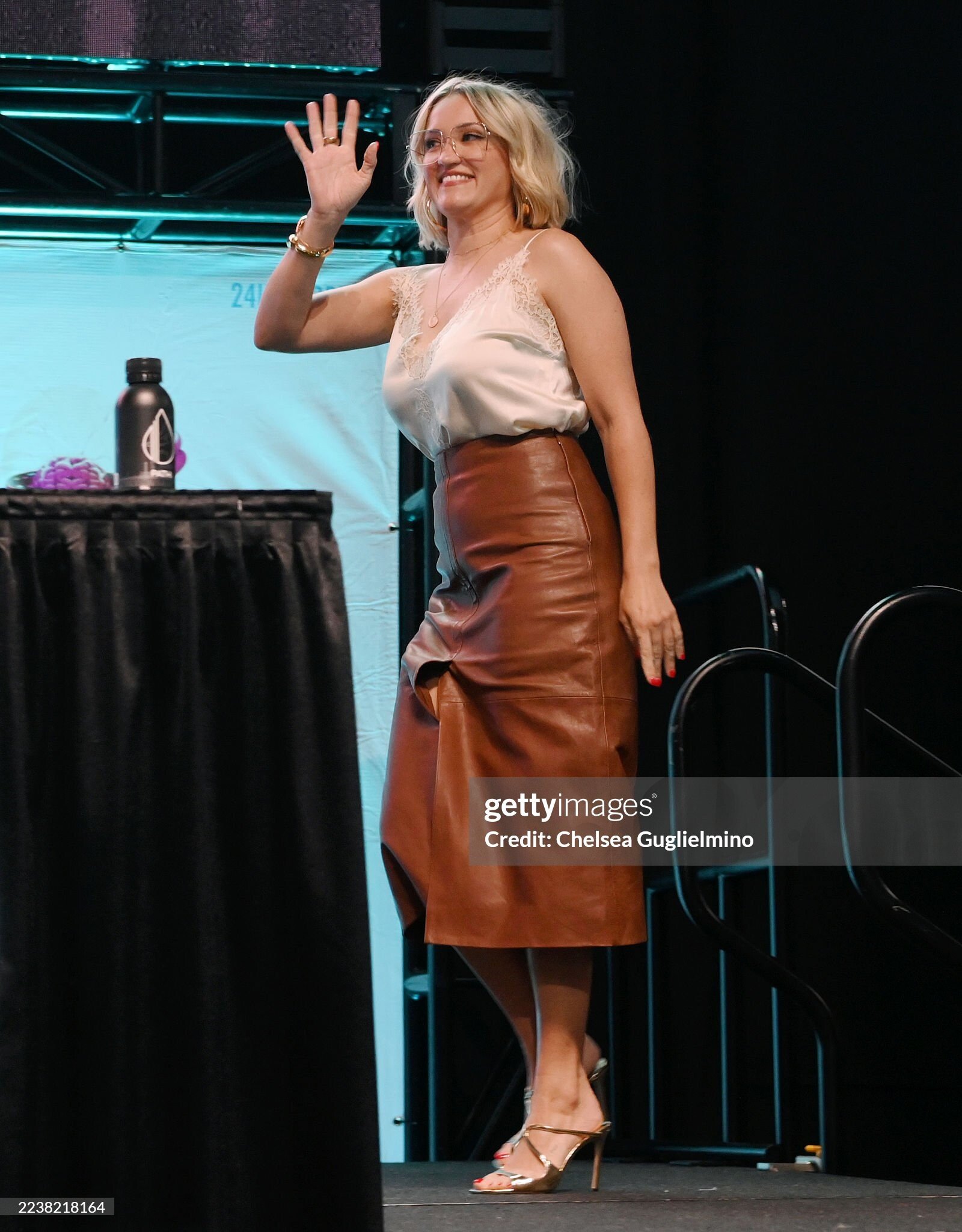
Emily Osment attends the "Georgie & Mandy’s First Marriage" season 2 premiere screening and panel with the cast at 2025 Los Angeles Comic Con at Los Angeles Convention Center on September 27, 2025 in Los Angeles





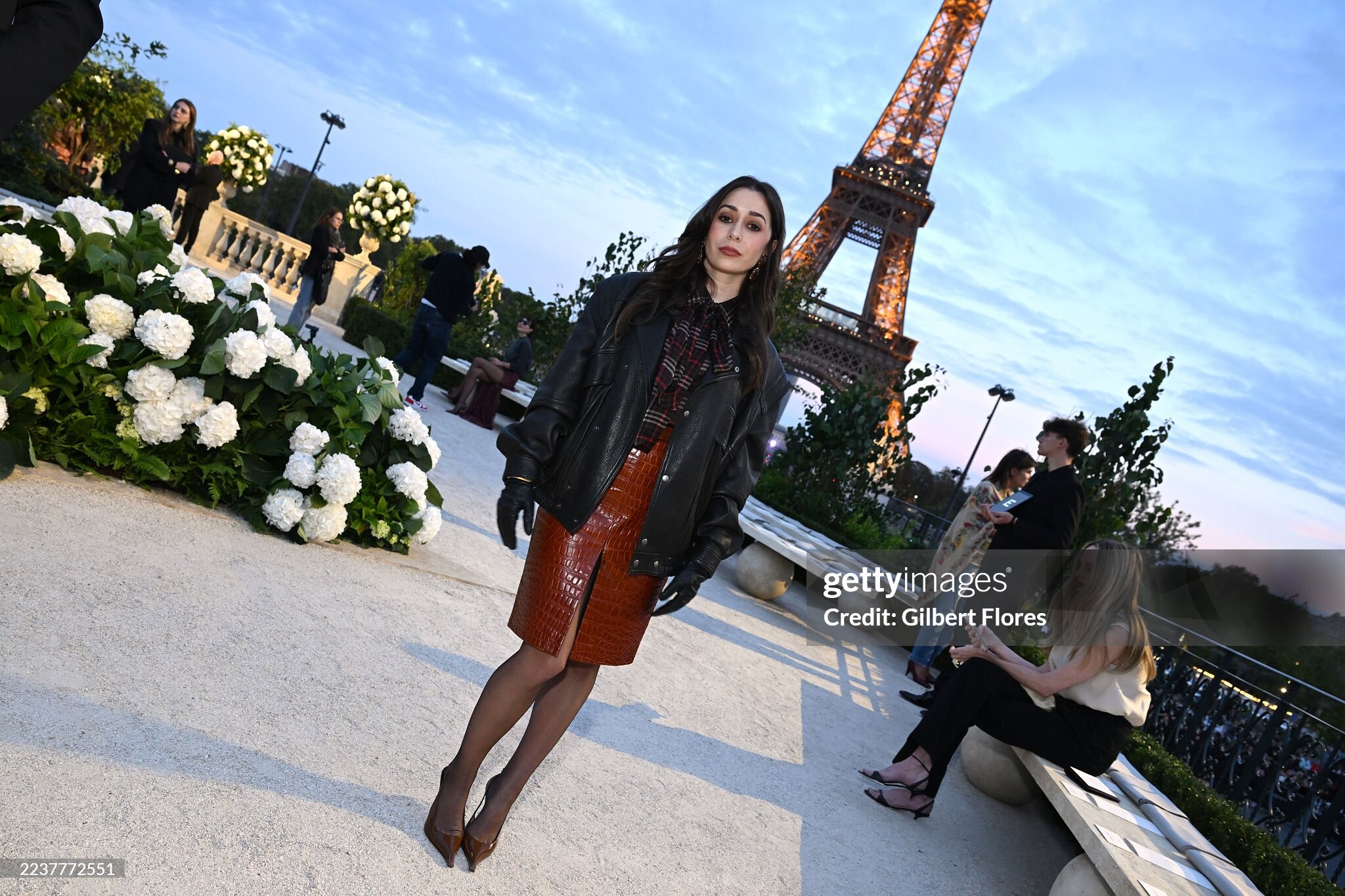
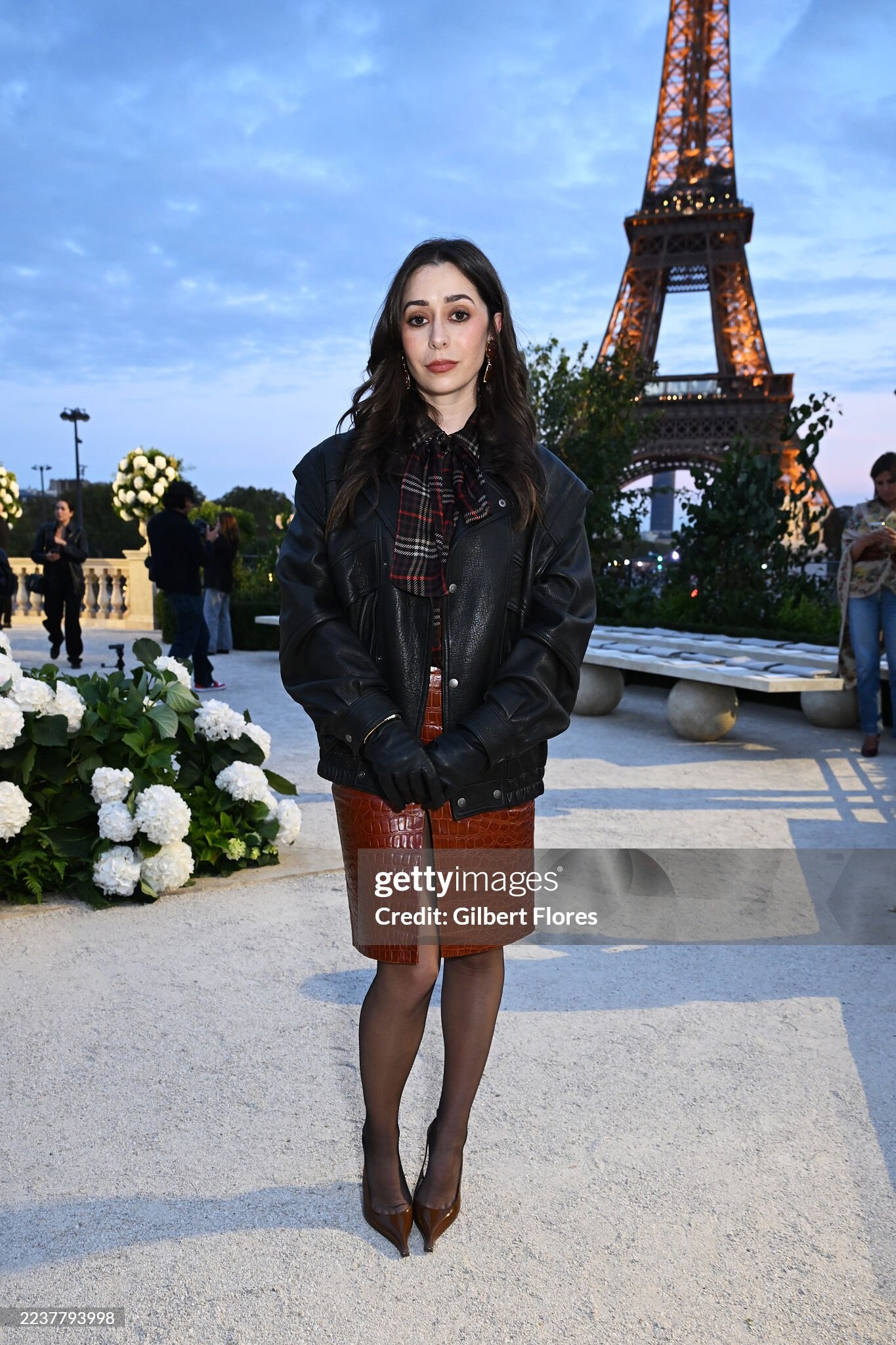
 Cristin Milioti at the Saint Laurent fashion show as part of Spring/Summer 2026 Paris Fashion Week held at Fontaine du Trocadéro on September 29, 2025 in Paris





.thumb.jpg.eee803a3c3fe31c59595fe684a086039.jpg) Mikey Madison, Jisoo at the Christian Dior fashion show as part of Spring/Summer 2026 Paris Fashion Week held at Les Tuileries on October 01, 2025 in Paris
Mikey Madison, Jisoo at the Christian Dior fashion show as part of Spring/Summer 2026 Paris Fashion Week held at Les Tuileries on October 01, 2025 in Paris



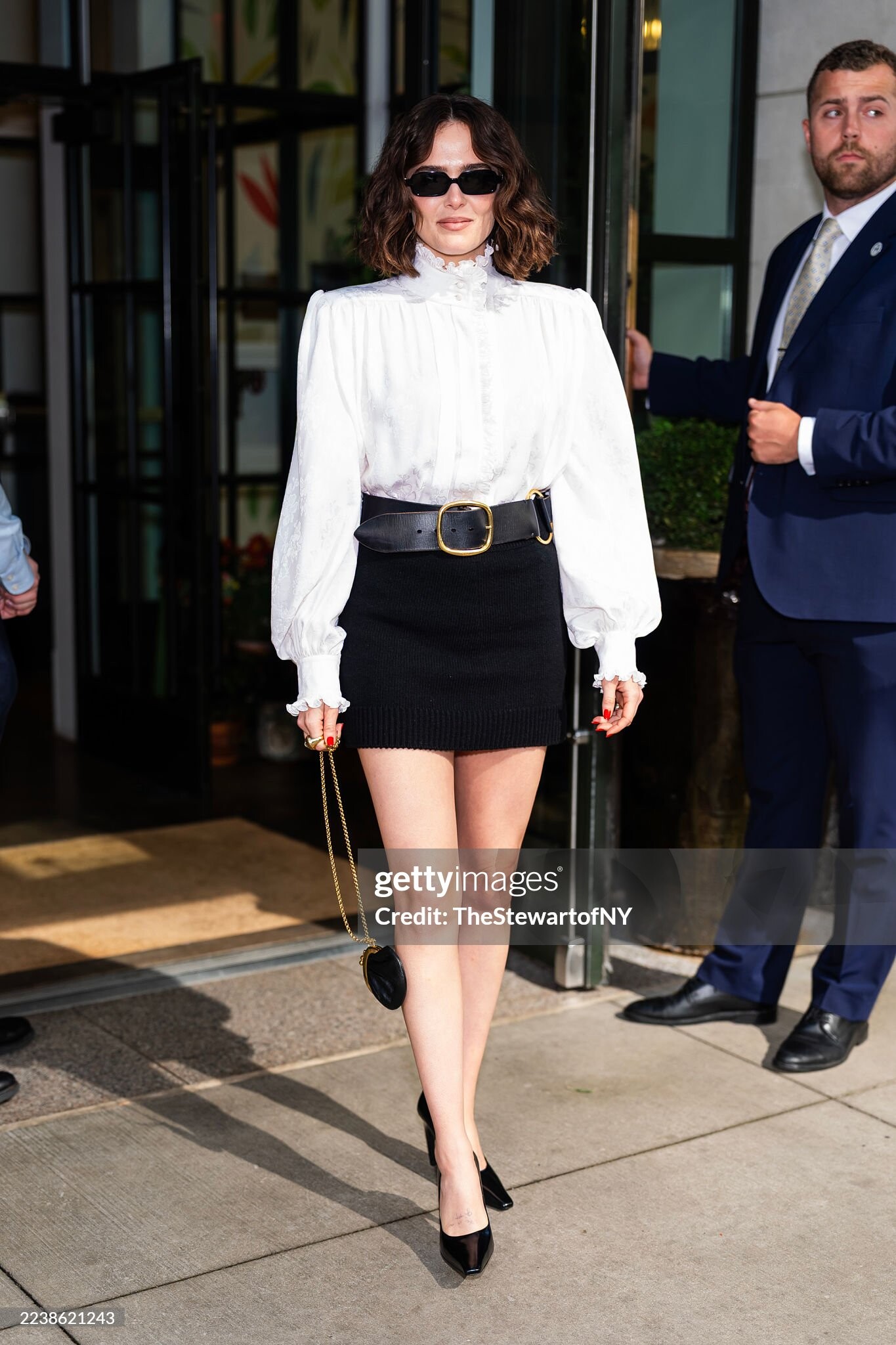
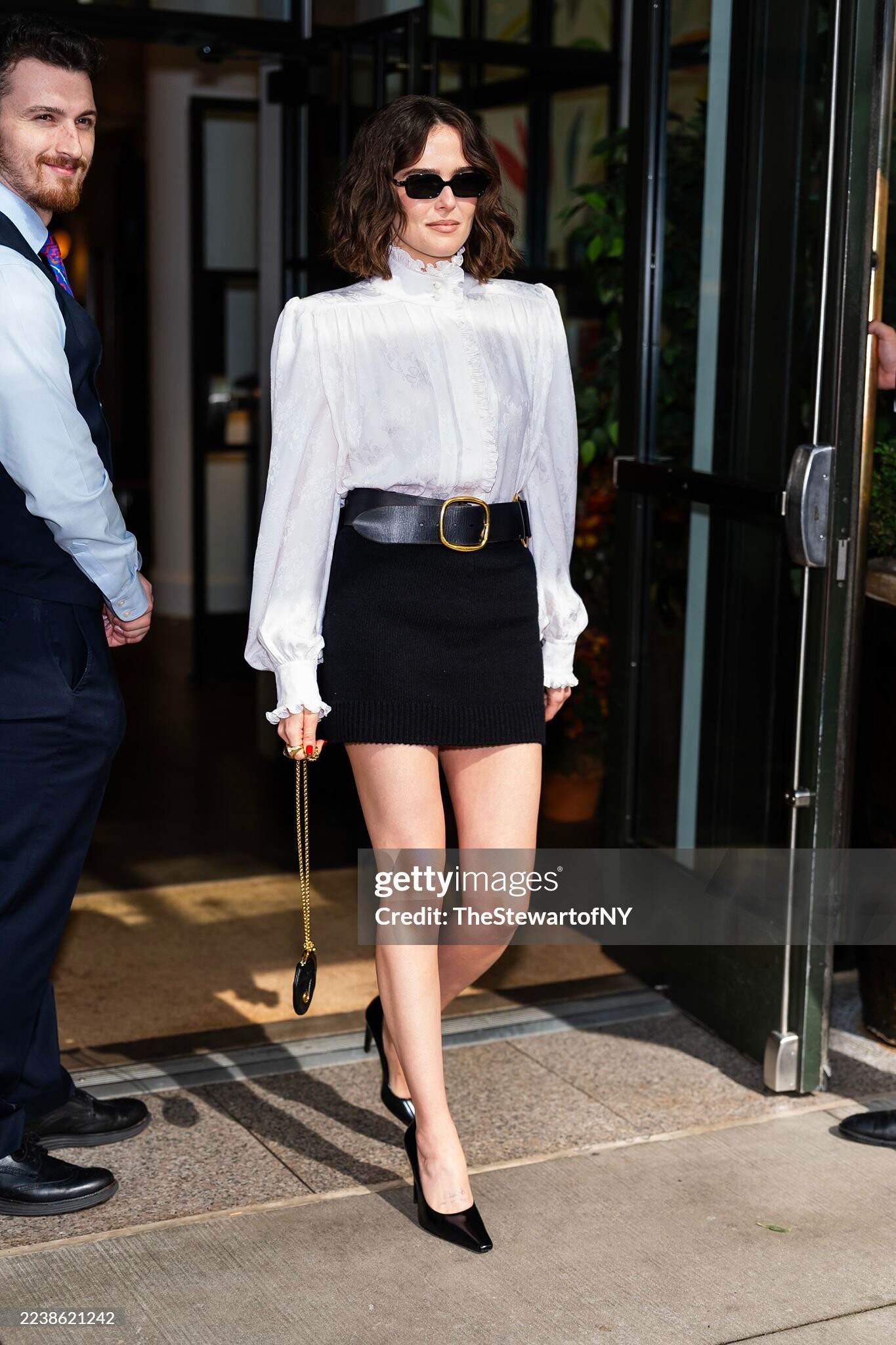
 Zoey Deutch is seen in Midtown on October 01, 2025 in New York City.





 Stories AQM_7dig5Flb3YlTA-wyWv3URytSyaAOC88ym6UFLmBvHfkQc5hjdnZAZ4HYzqSR-x1blLBCk07YyKPBc3dGkmFZzdgRqUf5WqARhV4..mp4
Account
Search
Configure browser push notifications
Chrome (Android)
- Tap the lock icon next to the address bar.
- Tap Permissions → Notifications.
- Adjust your preference.
Chrome (Desktop)
- Click the padlock icon in the address bar.
- Select Site settings.
- Find Notifications and adjust your preference.
Safari (iOS 16.4+)
- Ensure the site is installed via Add to Home Screen.
- Open Settings App → Notifications.
- Find your app name and adjust your preference.
Safari (macOS)
- Go to Safari → Preferences.
- Click the Websites tab.
- Select Notifications in the sidebar.
- Find this website and adjust your preference.
Edge (Android)
- Tap the lock icon next to the address bar.
- Tap Permissions.
- Find Notifications and adjust your preference.
Edge (Desktop)
- Click the padlock icon in the address bar.
- Click Permissions for this site.
- Find Notifications and adjust your preference.
Firefox (Android)
- Go to Settings → Site permissions.
- Tap Notifications.
- Find this site in the list and adjust your preference.
Firefox (Desktop)
- Open Firefox Settings.
- Search for Notifications.
- Find this site in the list and adjust your preference.












.jpg.75c88aa32ab0d8318fa444ecc2aefdcf.jpg)