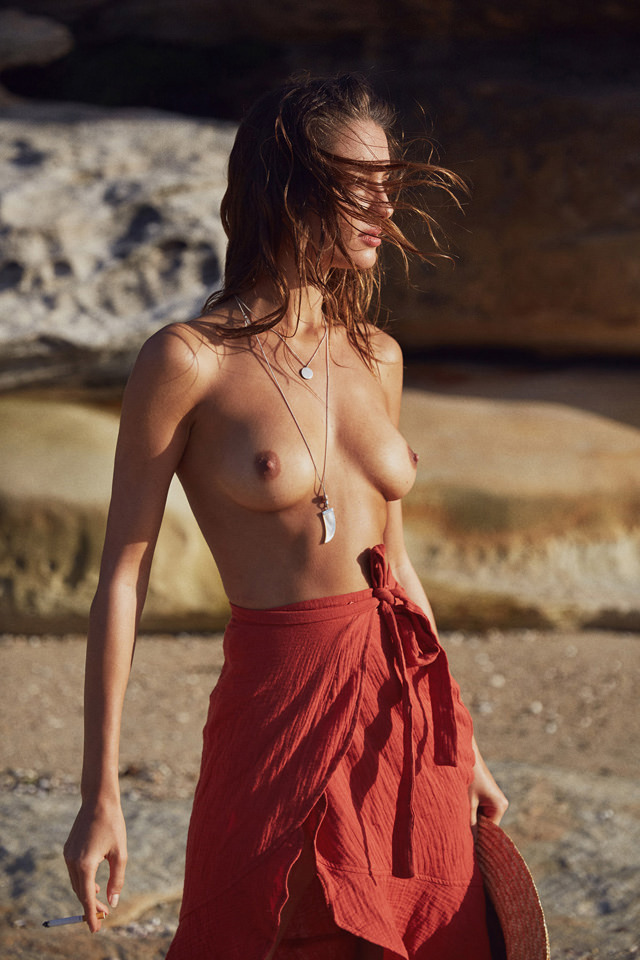
Modelove
Members
-
Joined
Everything posted by Modelove
-
IG Story of passmorepics 17476542_478042269194031_7339903352844582912_n.mp4 18676277_316745615421285_2845734485813624832_n.mp4



-
https://scontent-dft4-3.cdninstagram.com/t50.2886-16/17885626_1846147475650167_8401840914498060288_n.mp4
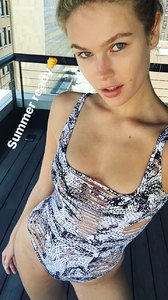
 Adam Mont

 IG Story 05.21.17
 John Ellis

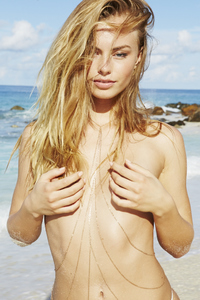
 GOSEE Magazine by Antoine Verglas





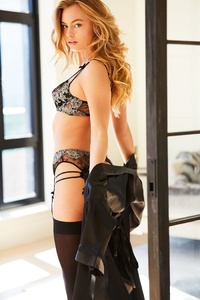
 Caitlin Mitchell Studio










 2017-05-20 17.21.35 1519167464997841394_915522010.mp4 Version Ig Story 17743448_473702416299770_525219159647191040_n.mp4
 From her IG Story 18030555_1446105968788486_7800725417828024320_n.mp4 13715943_1697366690278147_3958252176505044992_n.mp4 13059251_157389571464394_6611440426580705280_n.mp4

 Cameron Mackie +4 WARNING: NUDITY

 MAMACITA!
 IG Story 05.19.17 1518412641717852846_2515169.mp4 1518578558737296593_2515169.mp4
Account
Navigation
Search
Configure browser push notifications
Chrome (Android)
- Tap the lock icon next to the address bar.
- Tap Permissions → Notifications.
- Adjust your preference.
Chrome (Desktop)
- Click the padlock icon in the address bar.
- Select Site settings.
- Find Notifications and adjust your preference.
Safari (iOS 16.4+)
- Ensure the site is installed via Add to Home Screen.
- Open Settings App → Notifications.
- Find your app name and adjust your preference.
Safari (macOS)
- Go to Safari → Preferences.
- Click the Websites tab.
- Select Notifications in the sidebar.
- Find this website and adjust your preference.
Edge (Android)
- Tap the lock icon next to the address bar.
- Tap Permissions.
- Find Notifications and adjust your preference.
Edge (Desktop)
- Click the padlock icon in the address bar.
- Click Permissions for this site.
- Find Notifications and adjust your preference.
Firefox (Android)
- Go to Settings → Site permissions.
- Tap Notifications.
- Find this site in the list and adjust your preference.
Firefox (Desktop)
- Open Firefox Settings.
- Search for Notifications.
- Find this site in the list and adjust your preference.