
Modelove
Members
-
Joined
Everything posted by Modelove
-
What is the source?
-
https://instagram.felp1-1.fna.fbcdn.net/t50.2886-16/19027708_1770998836472934_4549615778130821120_n.mp4
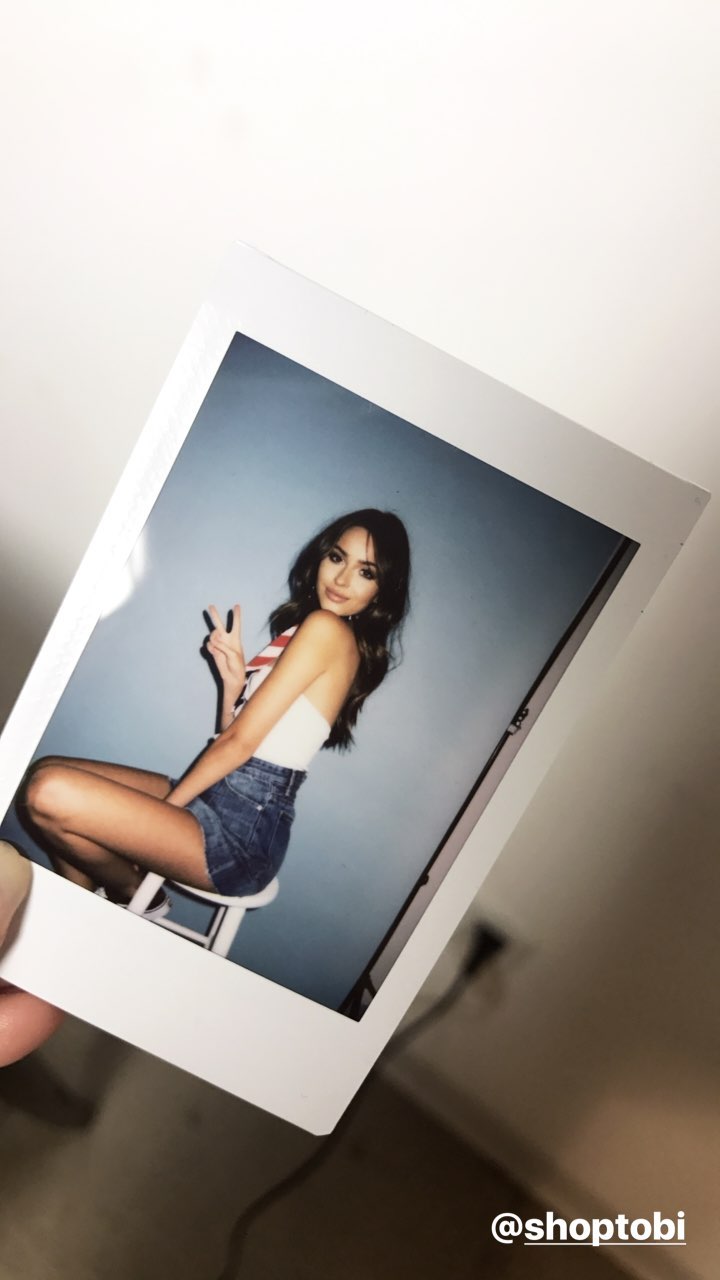
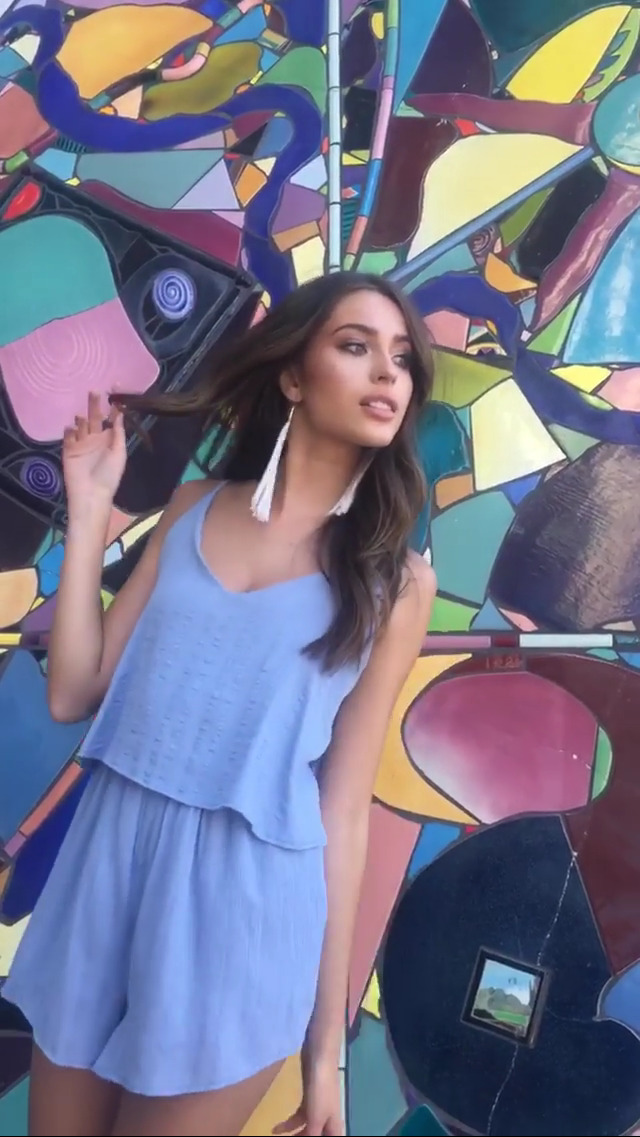
IG Story Photoshoot with Tobi 19638756_320216328415790_8048040269070729216_n.mp4 19632393_1432256360153802_8643957352074051584_n.mp4 17095052_471634619836854_6541601526748545024_n.mp4 19571629_663728710495201_2830779577192677376_n.mp4 14214102_1865598223766479_7678495166889459712_n.mp4 19558243_121409071793199_124235957716123648_n.mp4






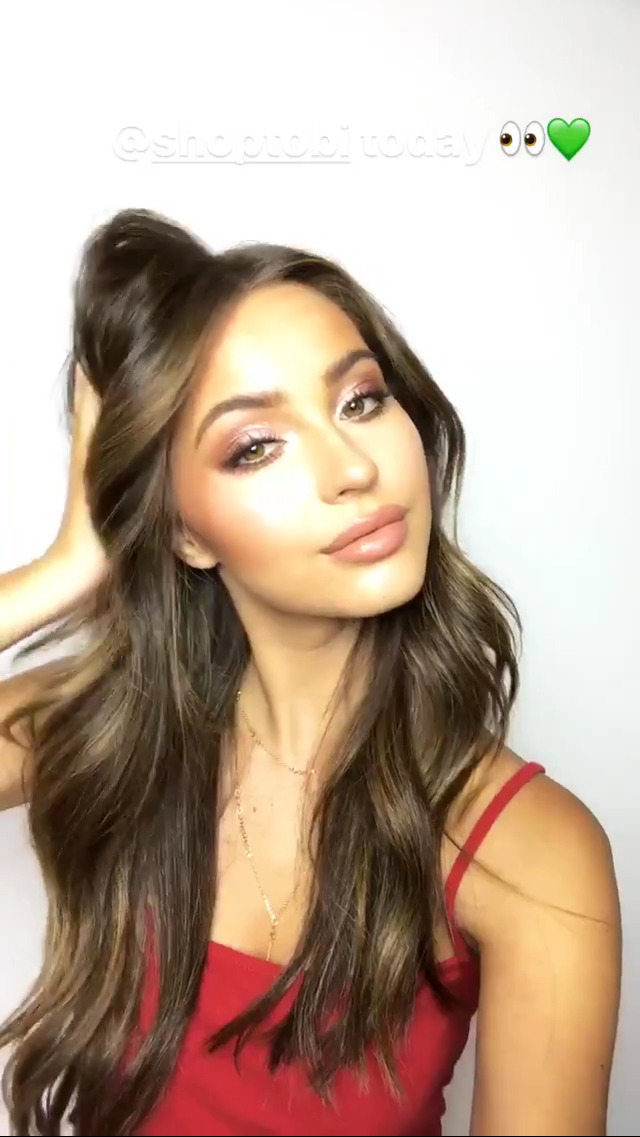
 IG Story 19639348_1689541944685546_4743204879172894720_n.mp4 17094578_318362555274913_5986281453879558144_n.mp4 19631771_1227016250742541_3902809165235486720_n.mp4

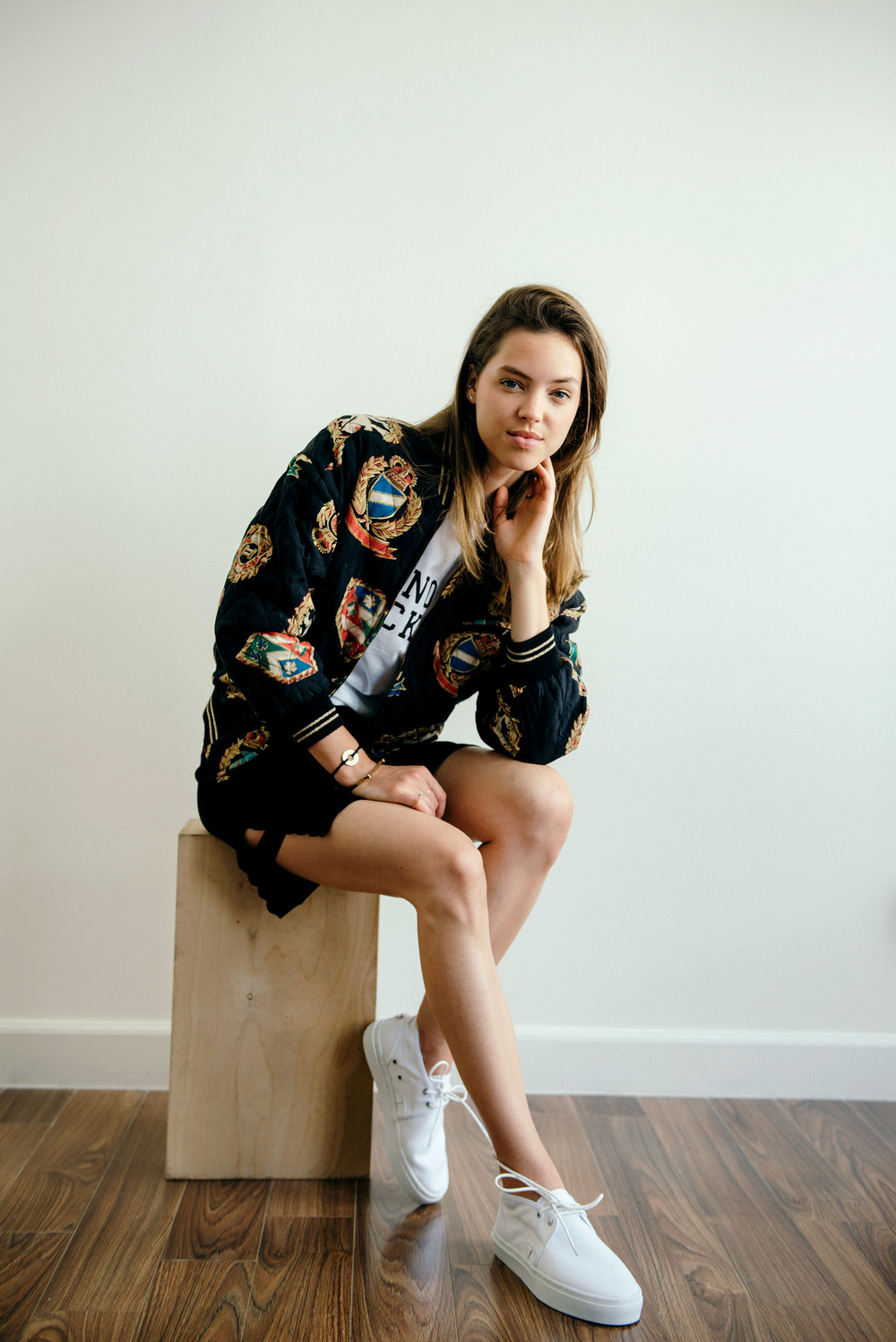
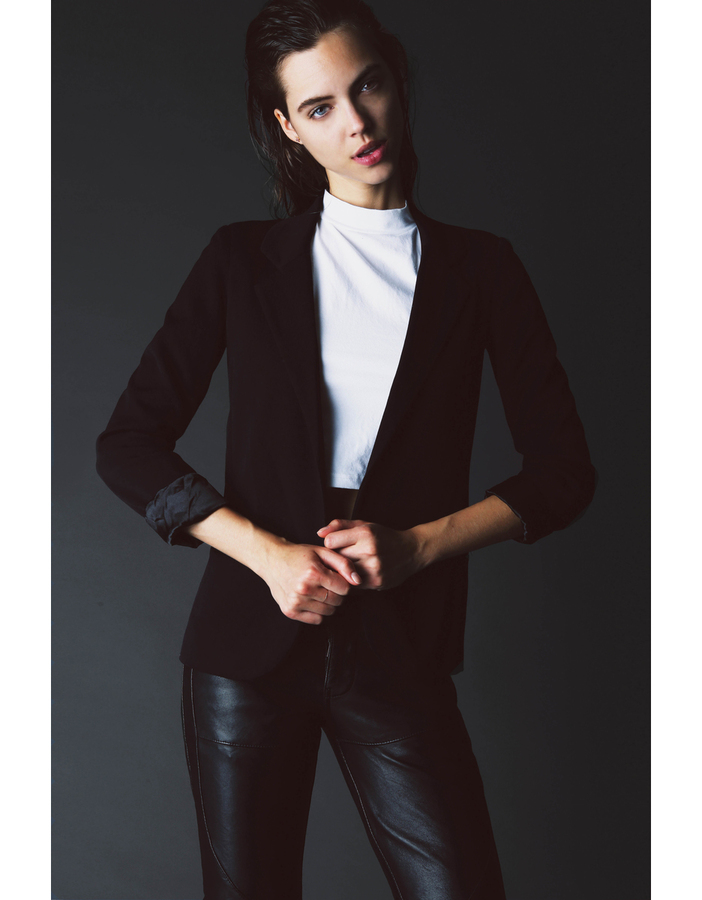
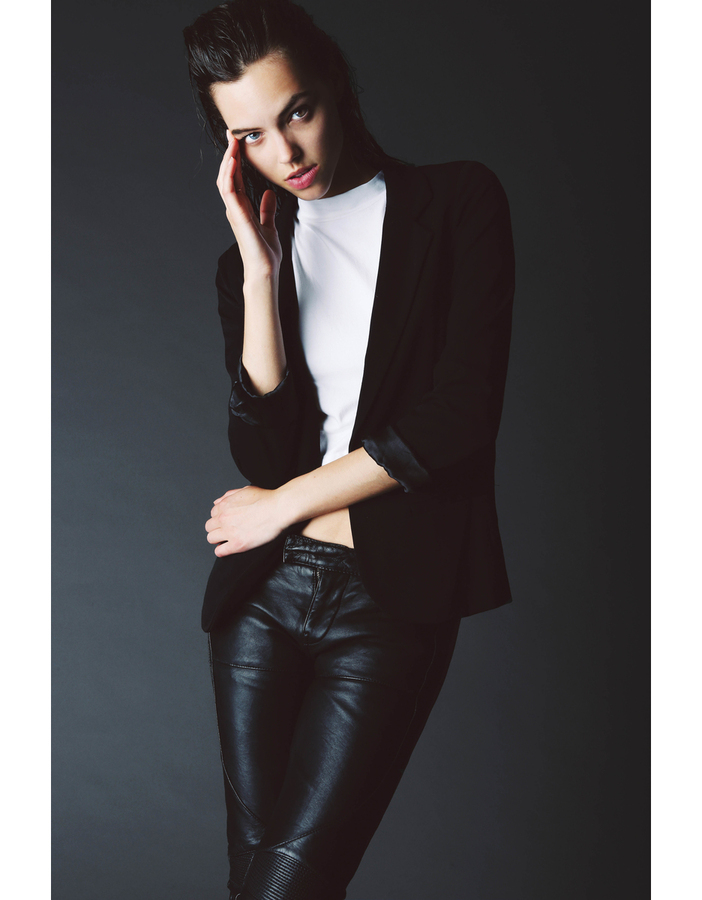
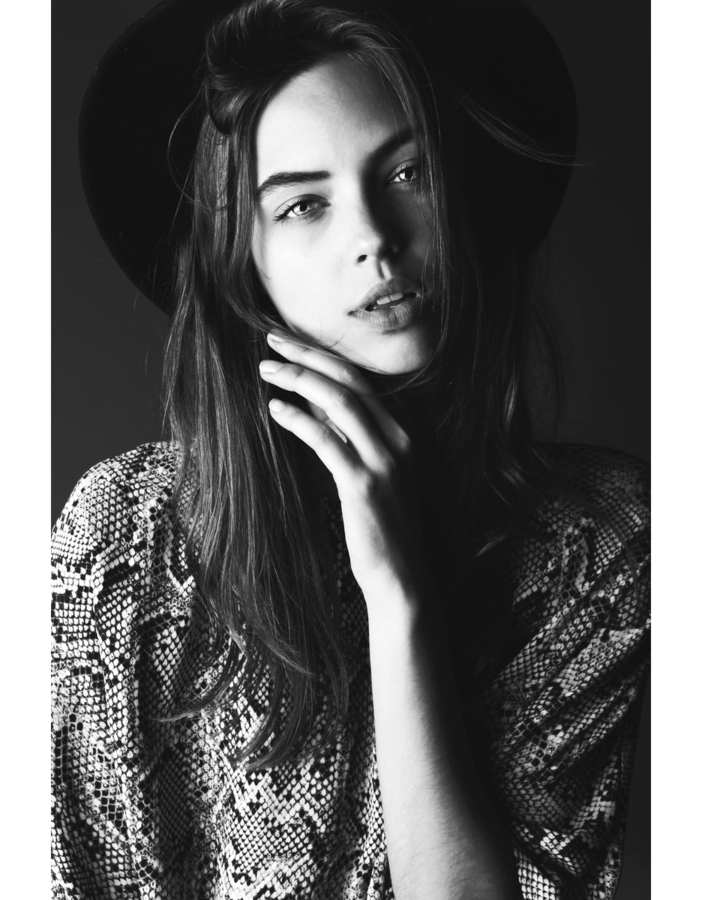
 Portafolio from LA Models




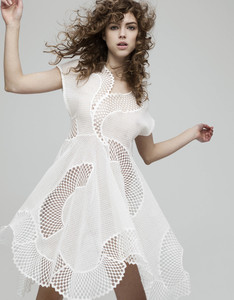


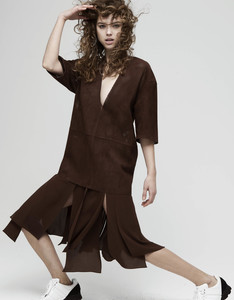





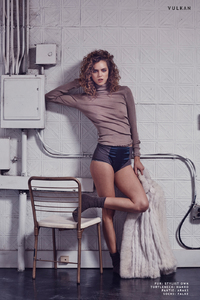
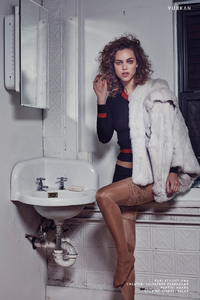
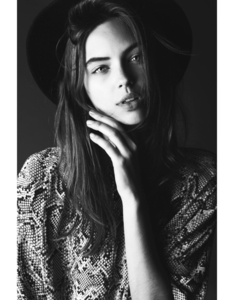
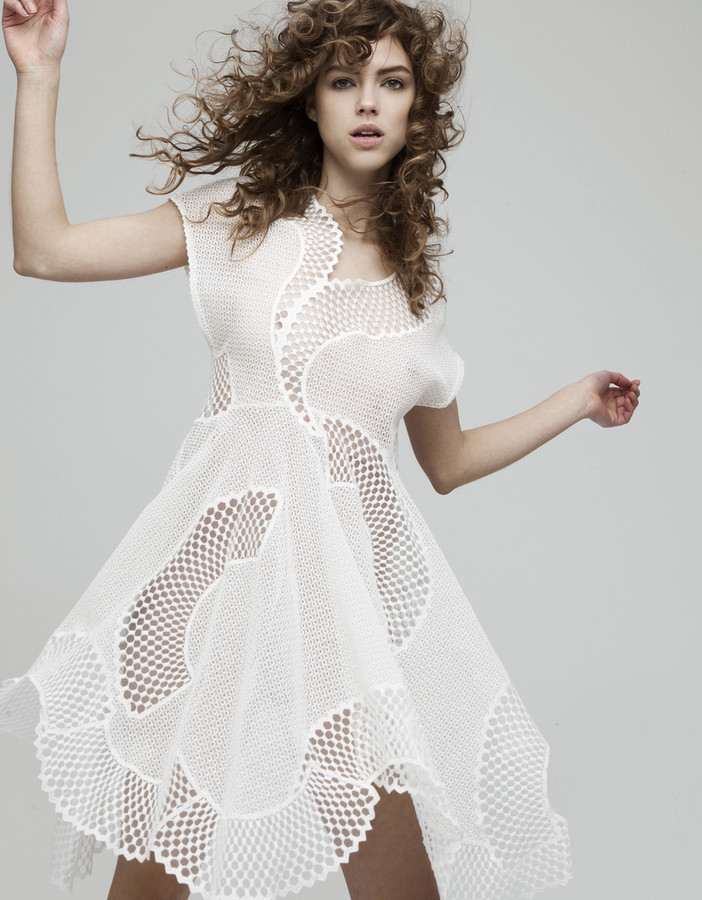
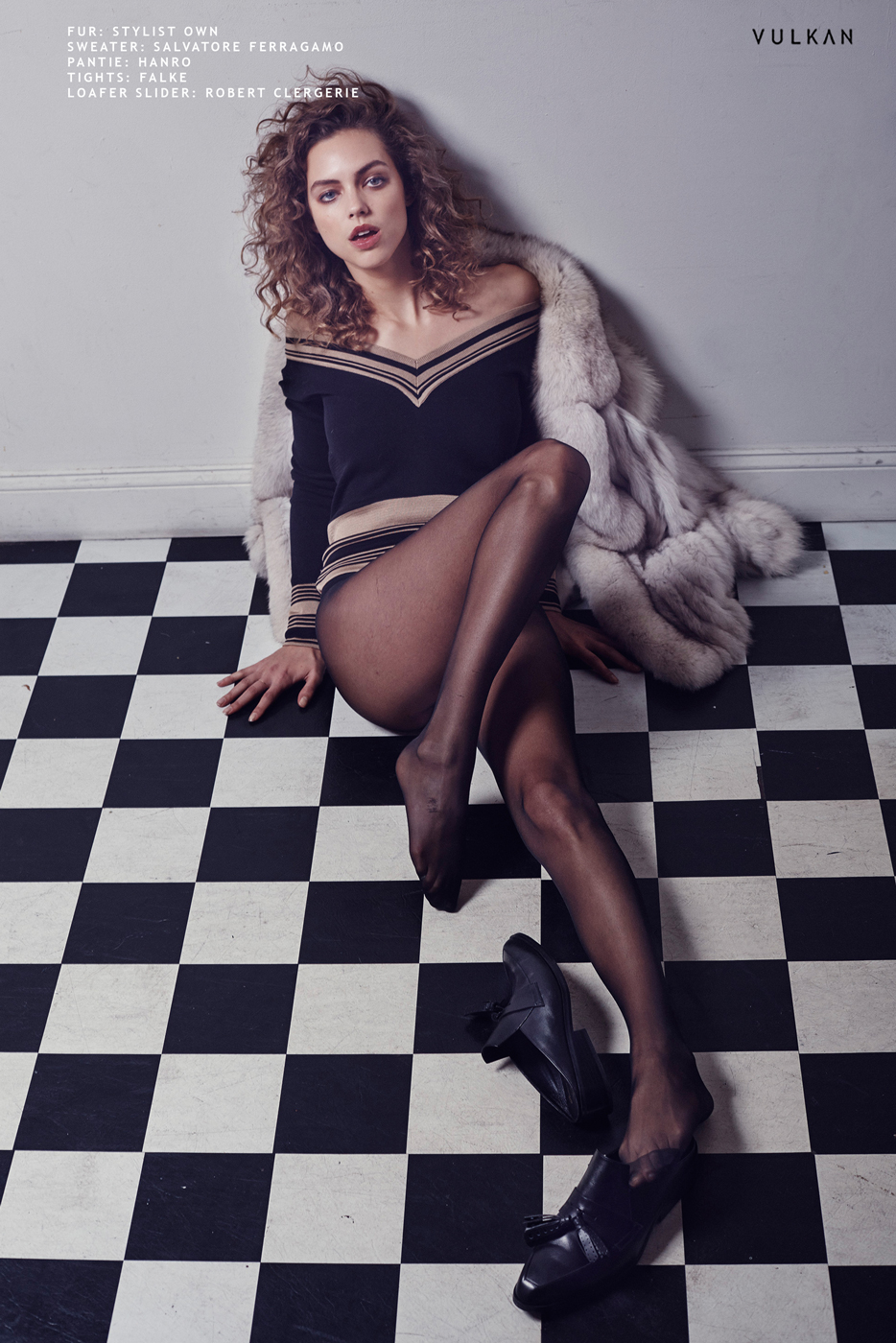
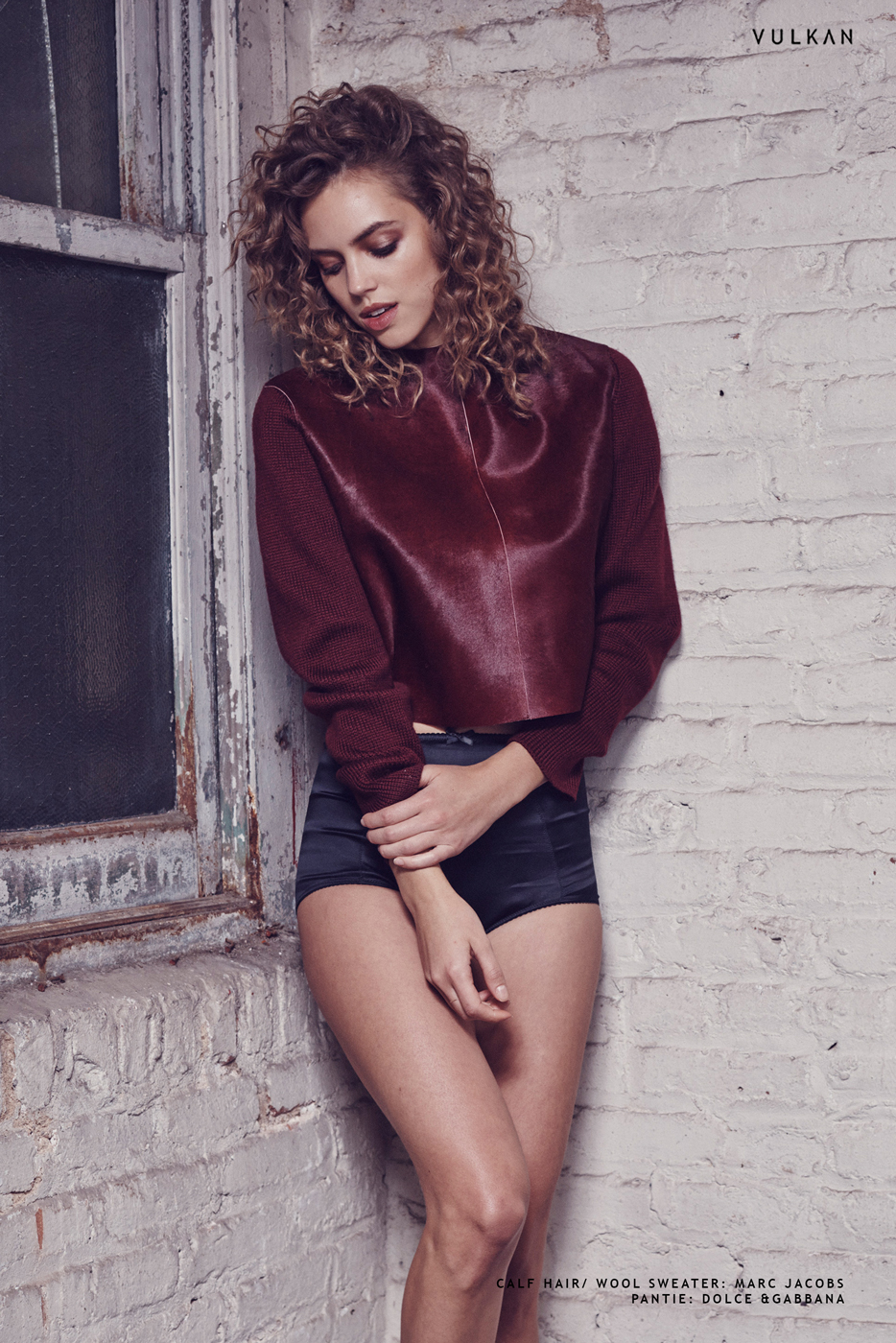
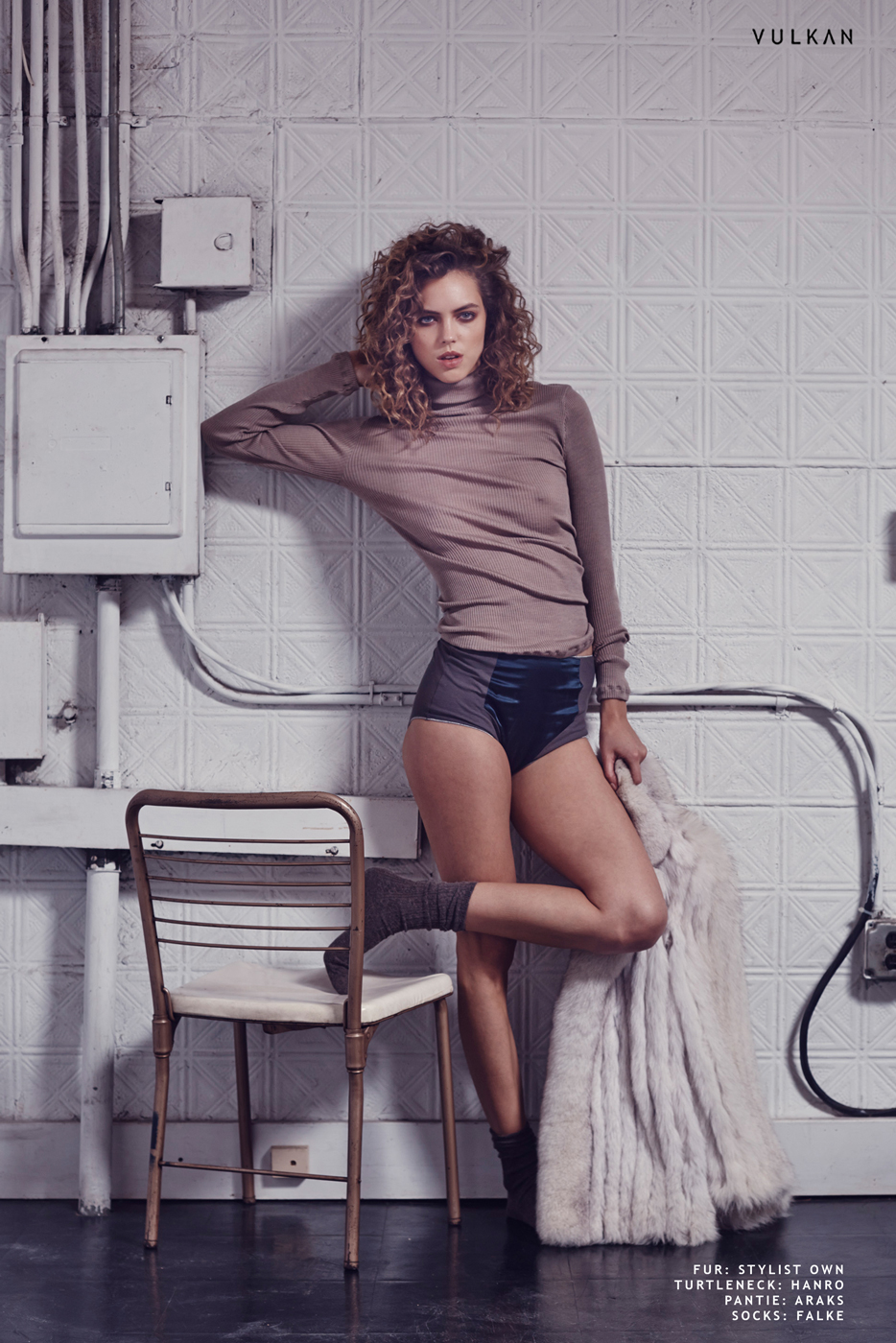
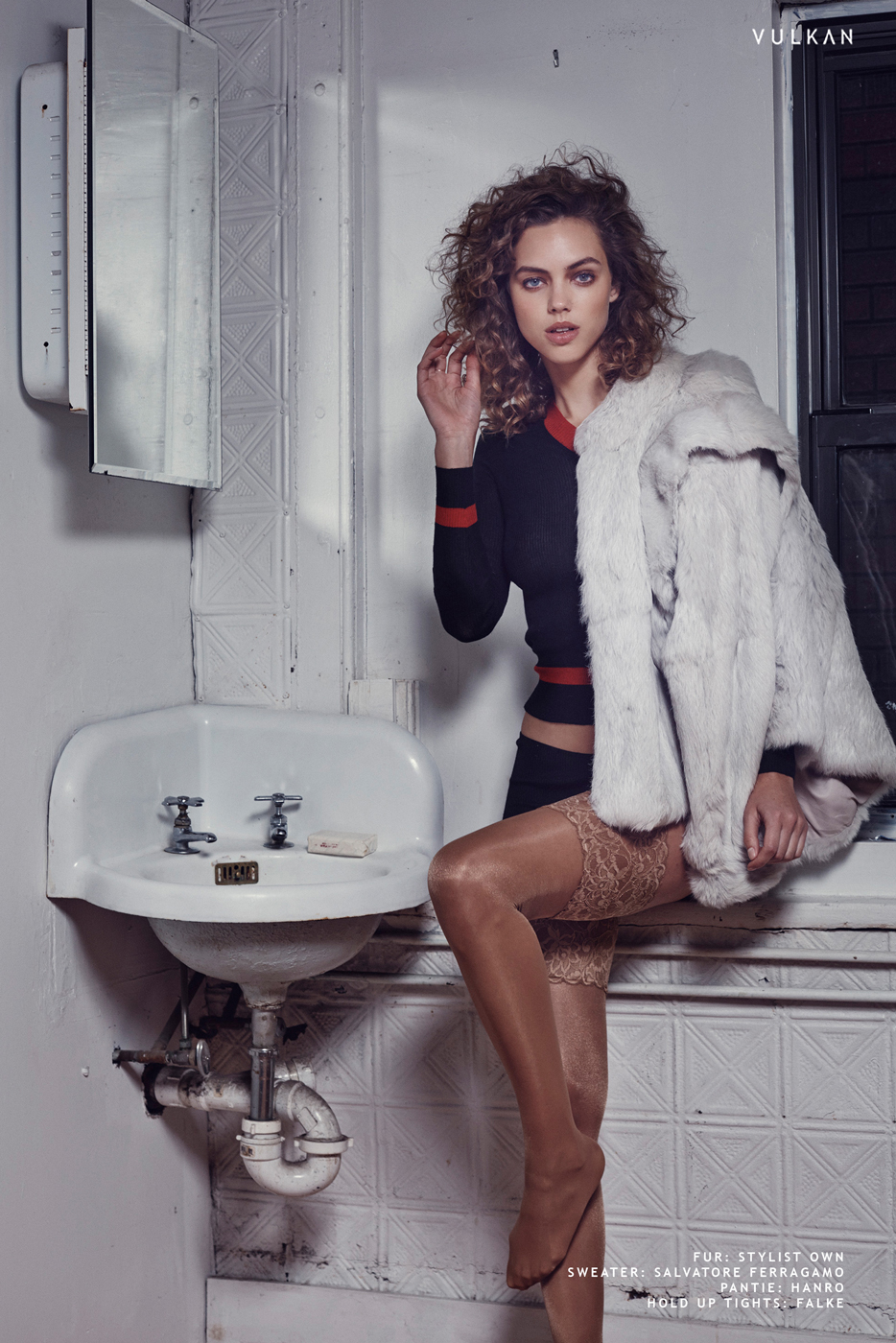
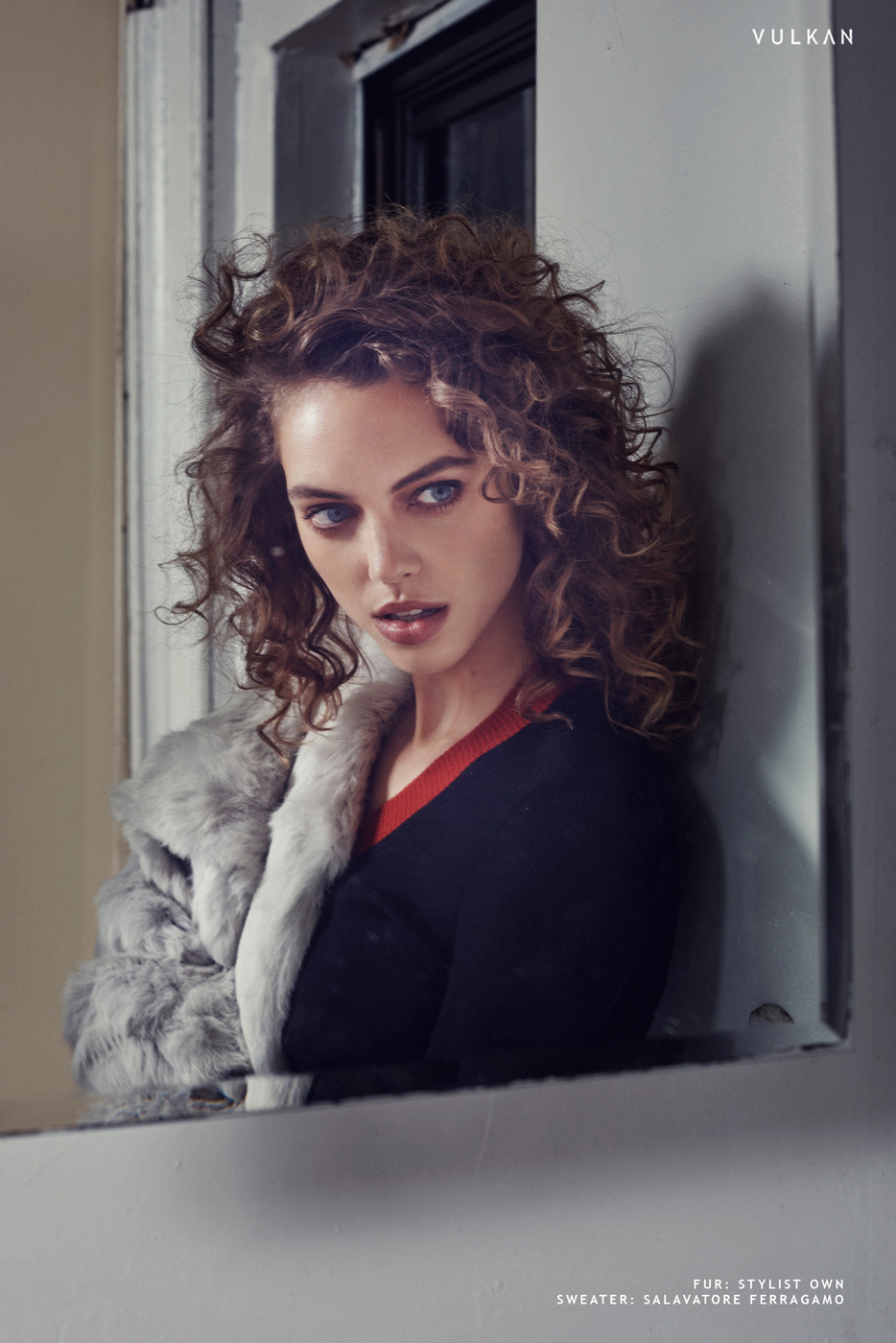
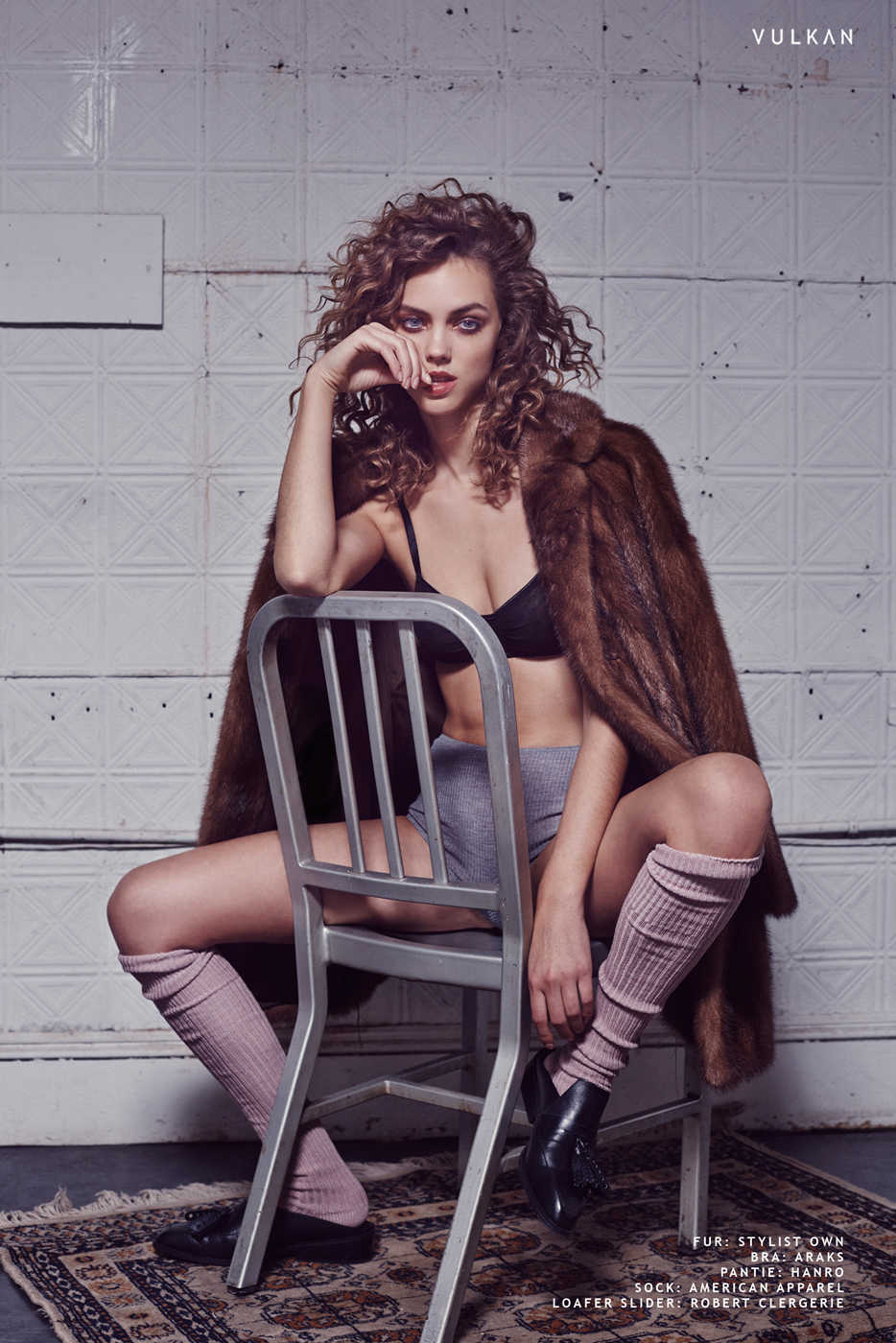
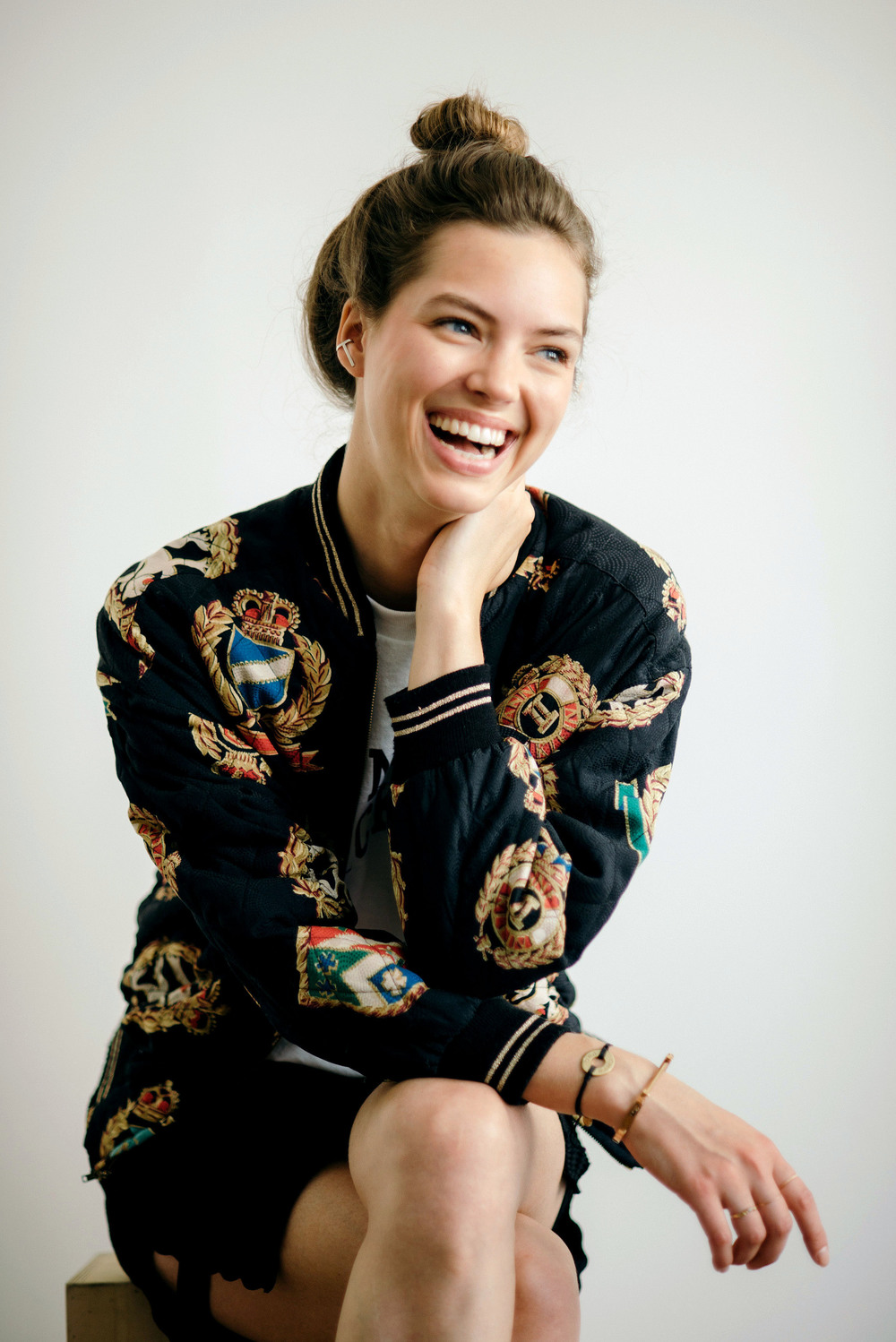
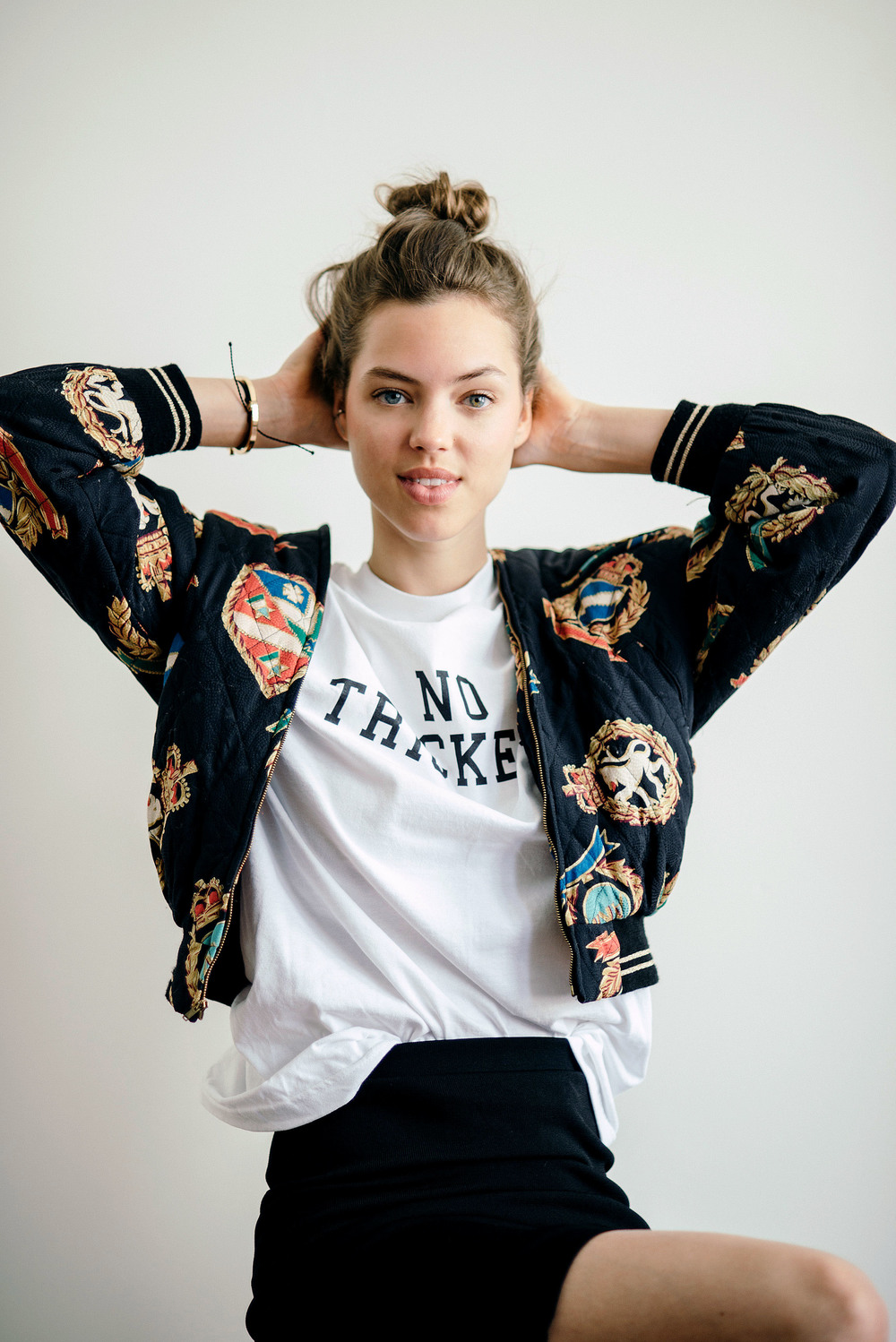
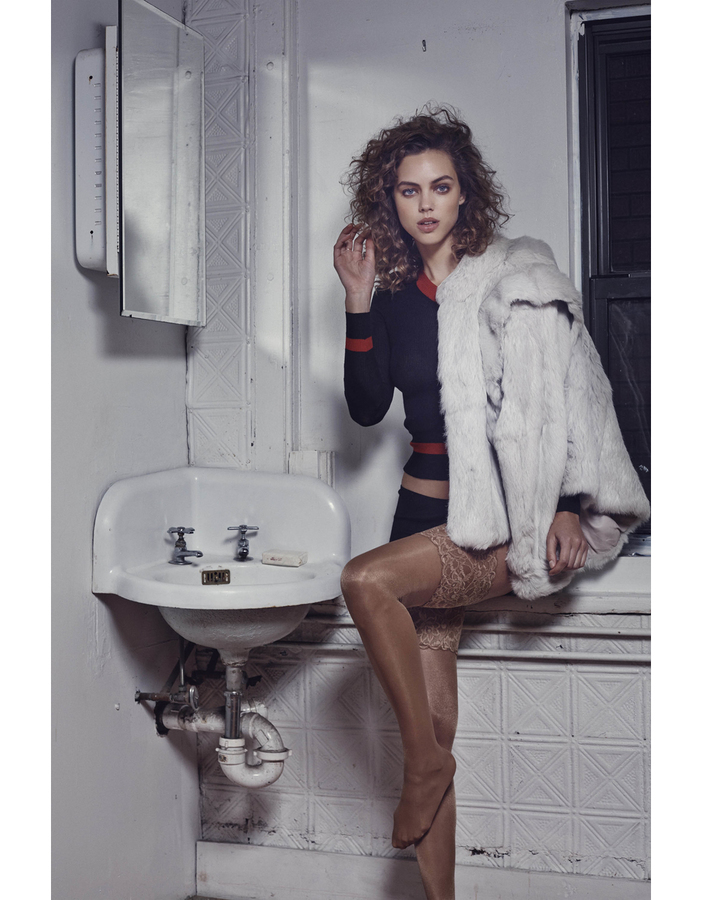
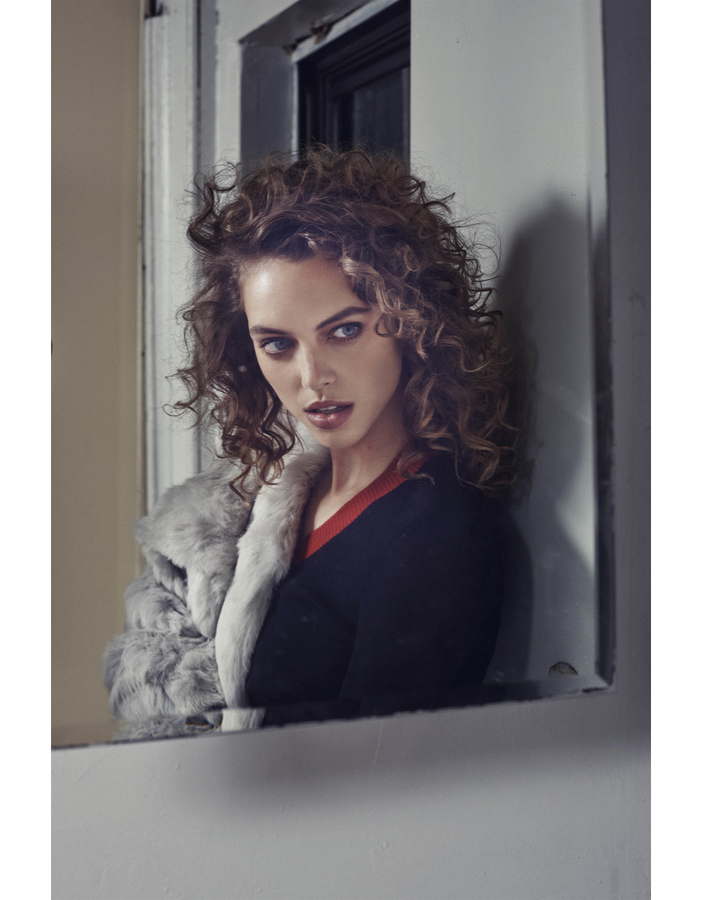
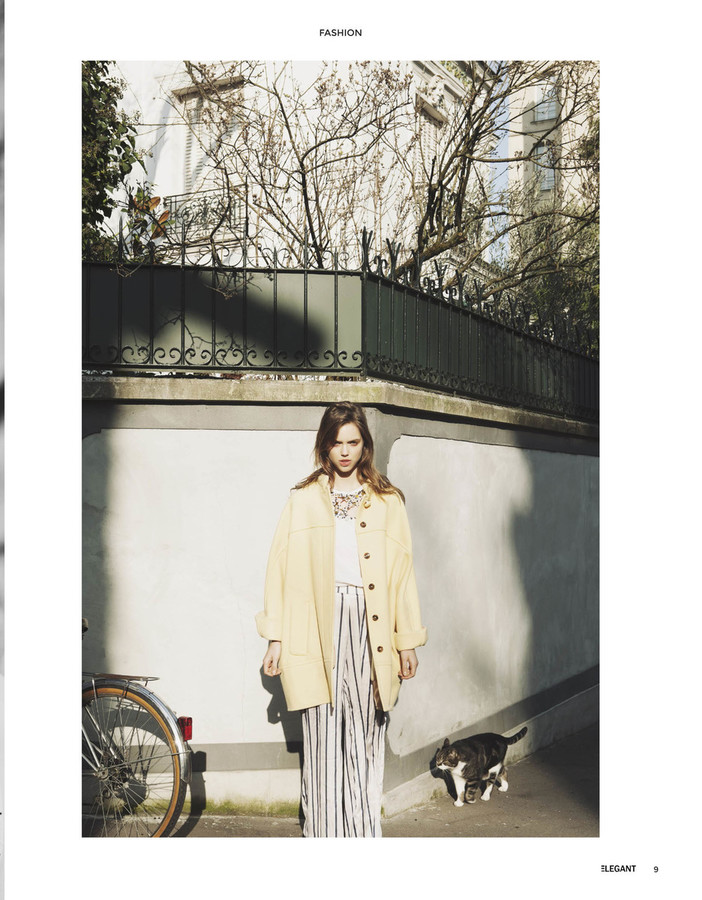
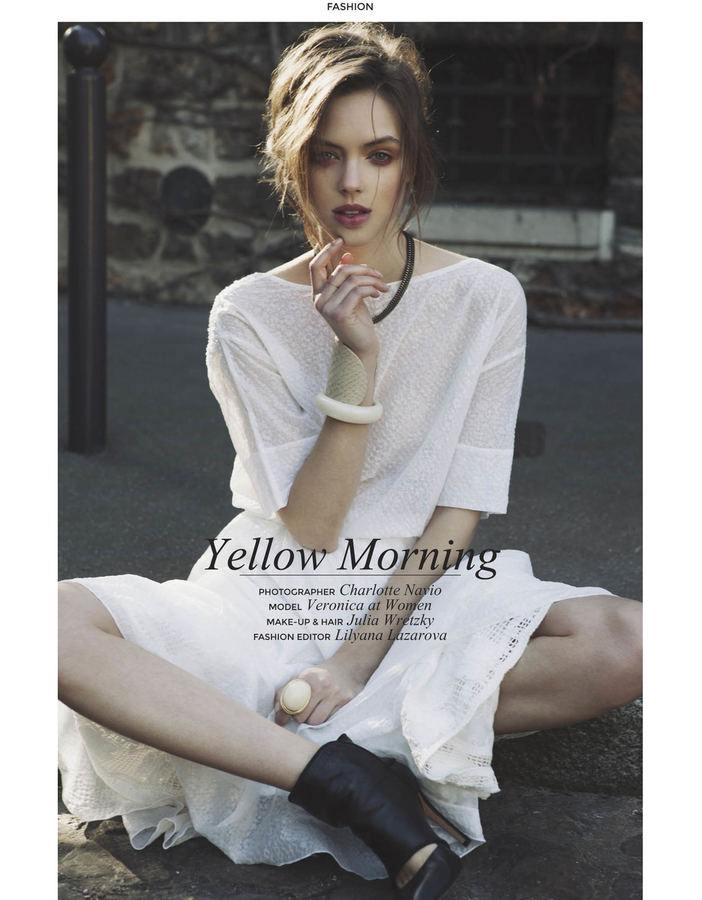
 Vulkan Magazine DECEMBER 2015 Model: Veronica Zoppolo Photographer: Joe Ferrucci Stylist: Ashley Temple Hair: Tim Aylward Make-up: Michael Chua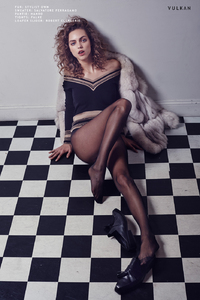
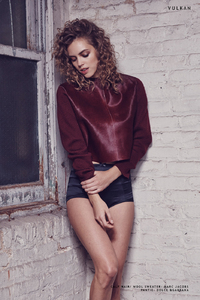



 Diane Abapo for Suspend Magazine

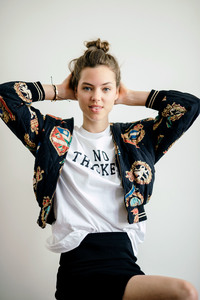






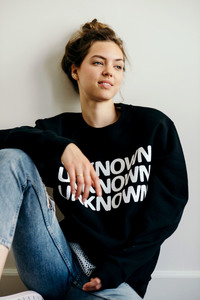
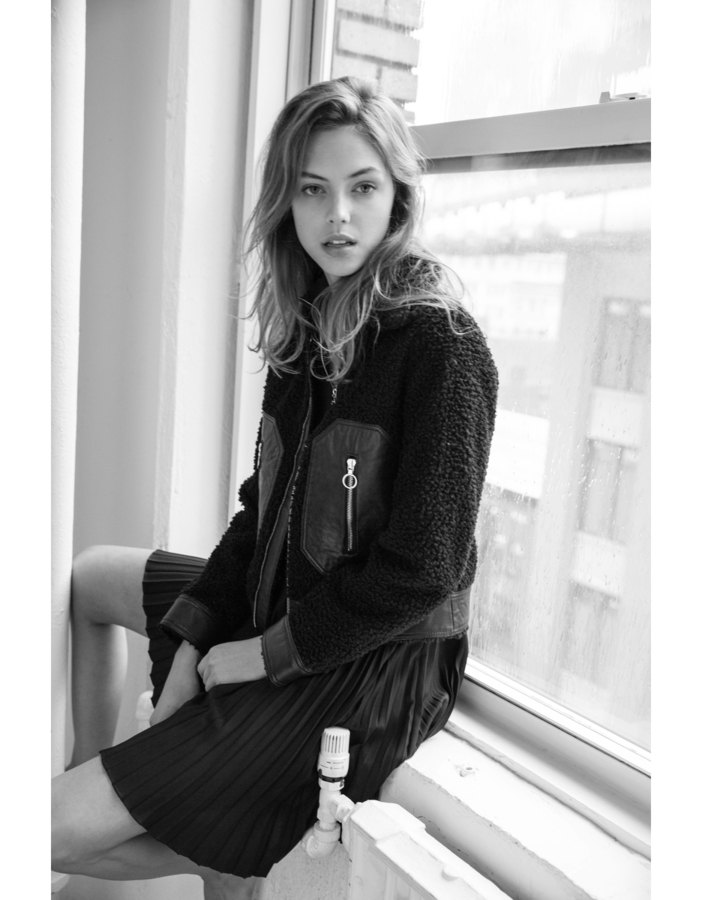
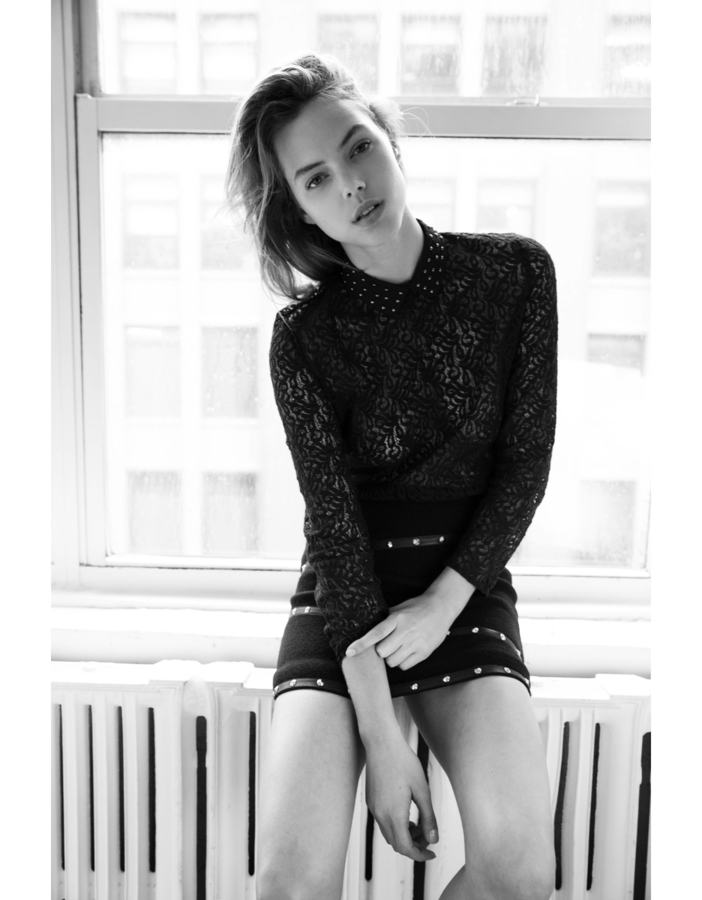
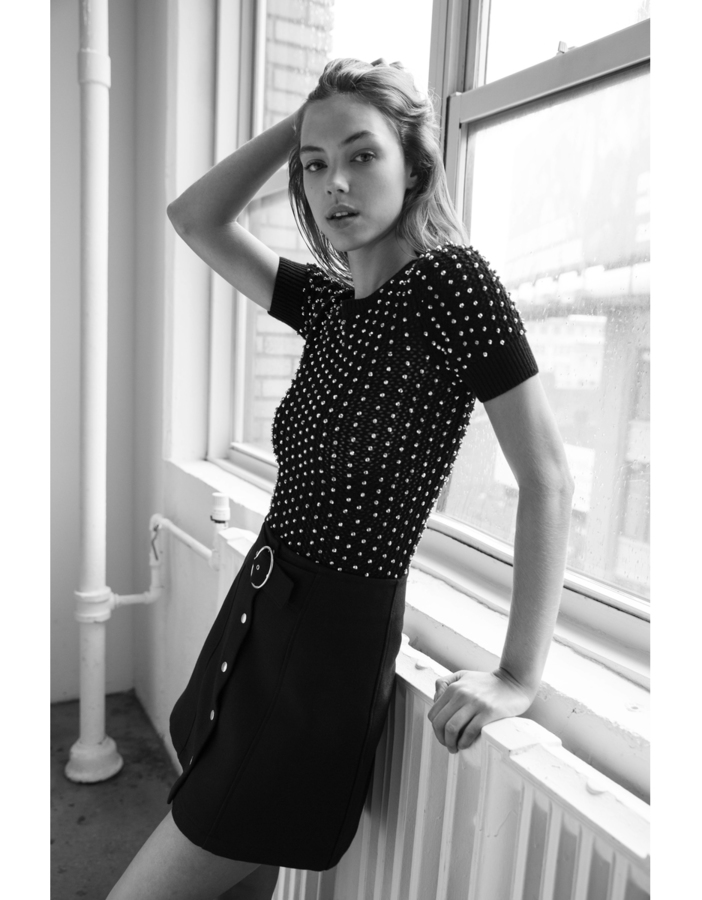
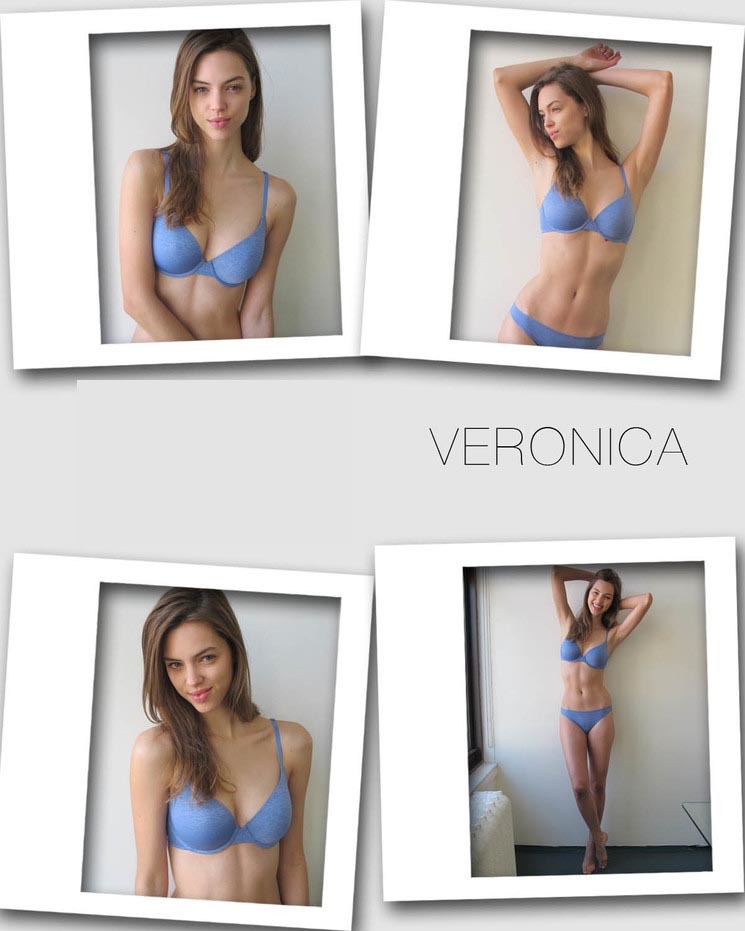
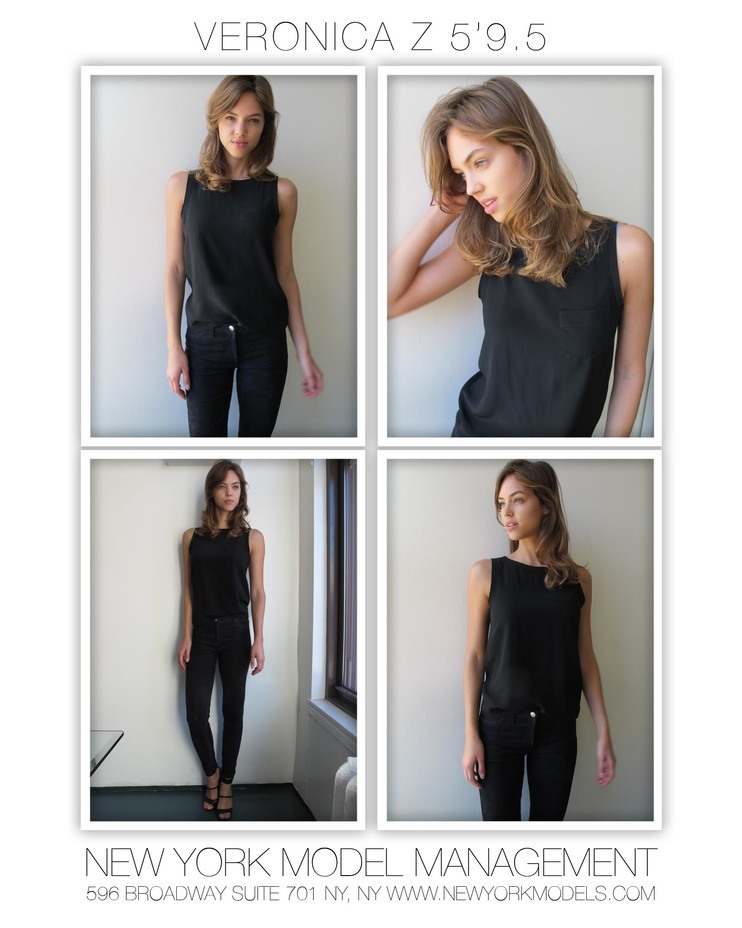
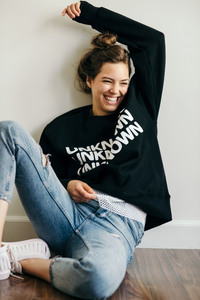 Portafolio from New York Models Digitals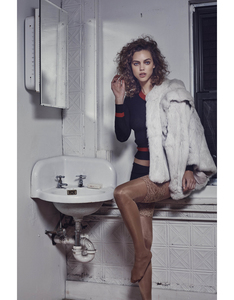
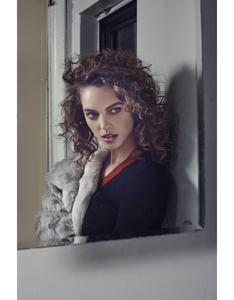


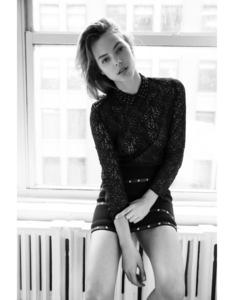
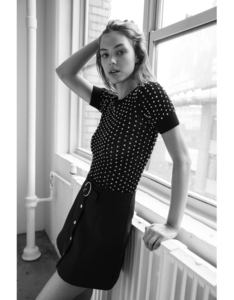
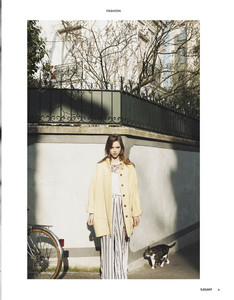
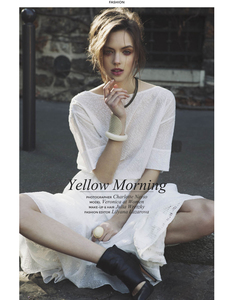
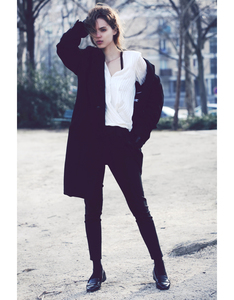
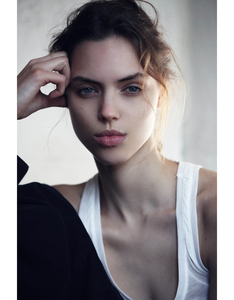
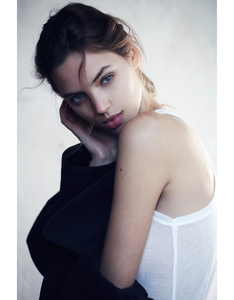
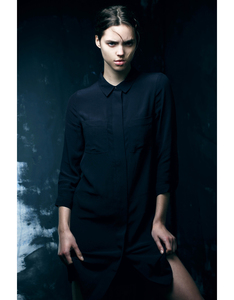



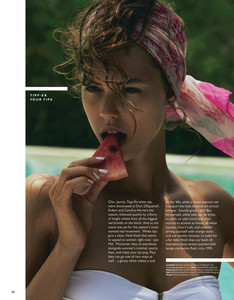

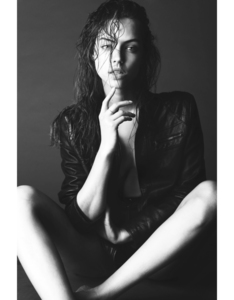
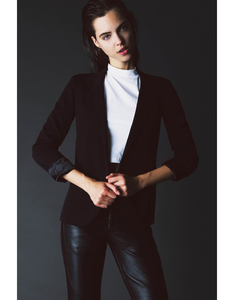
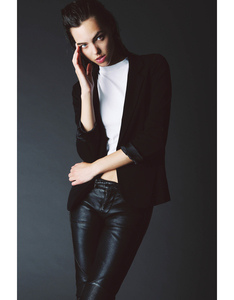







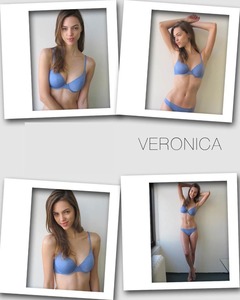
 Three more

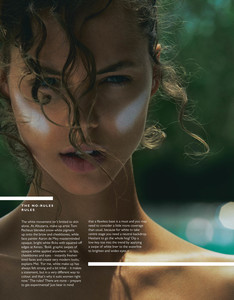
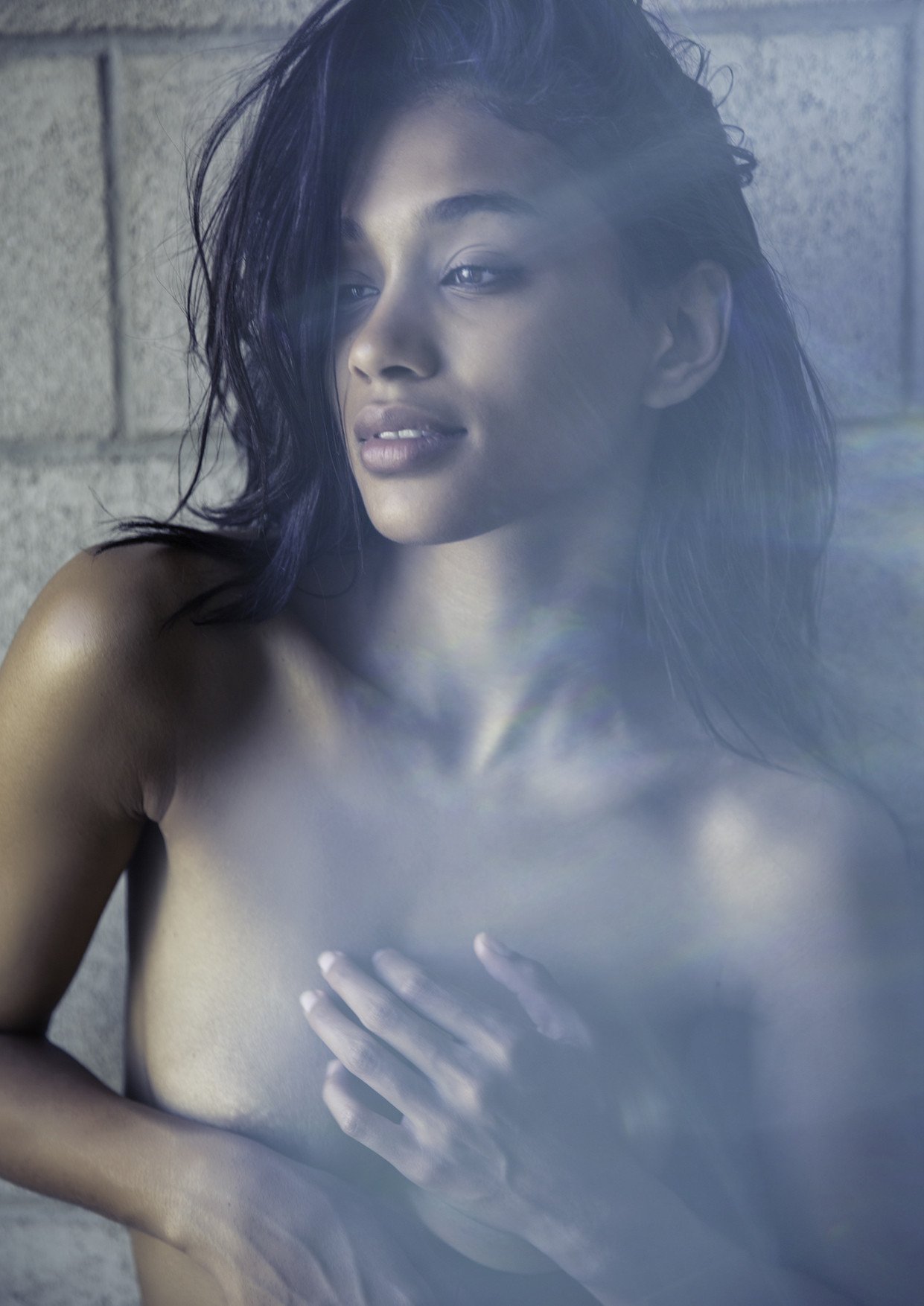
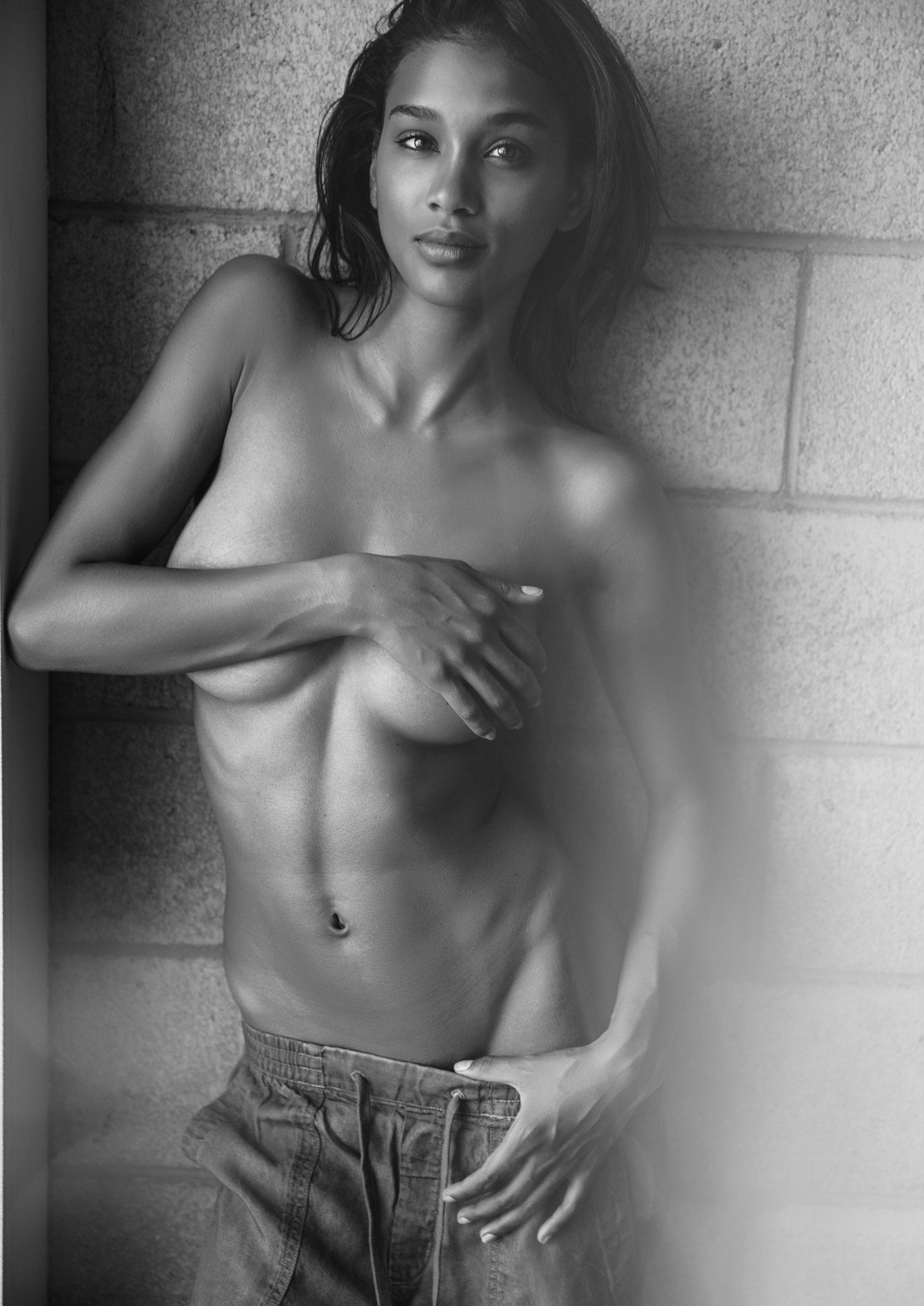
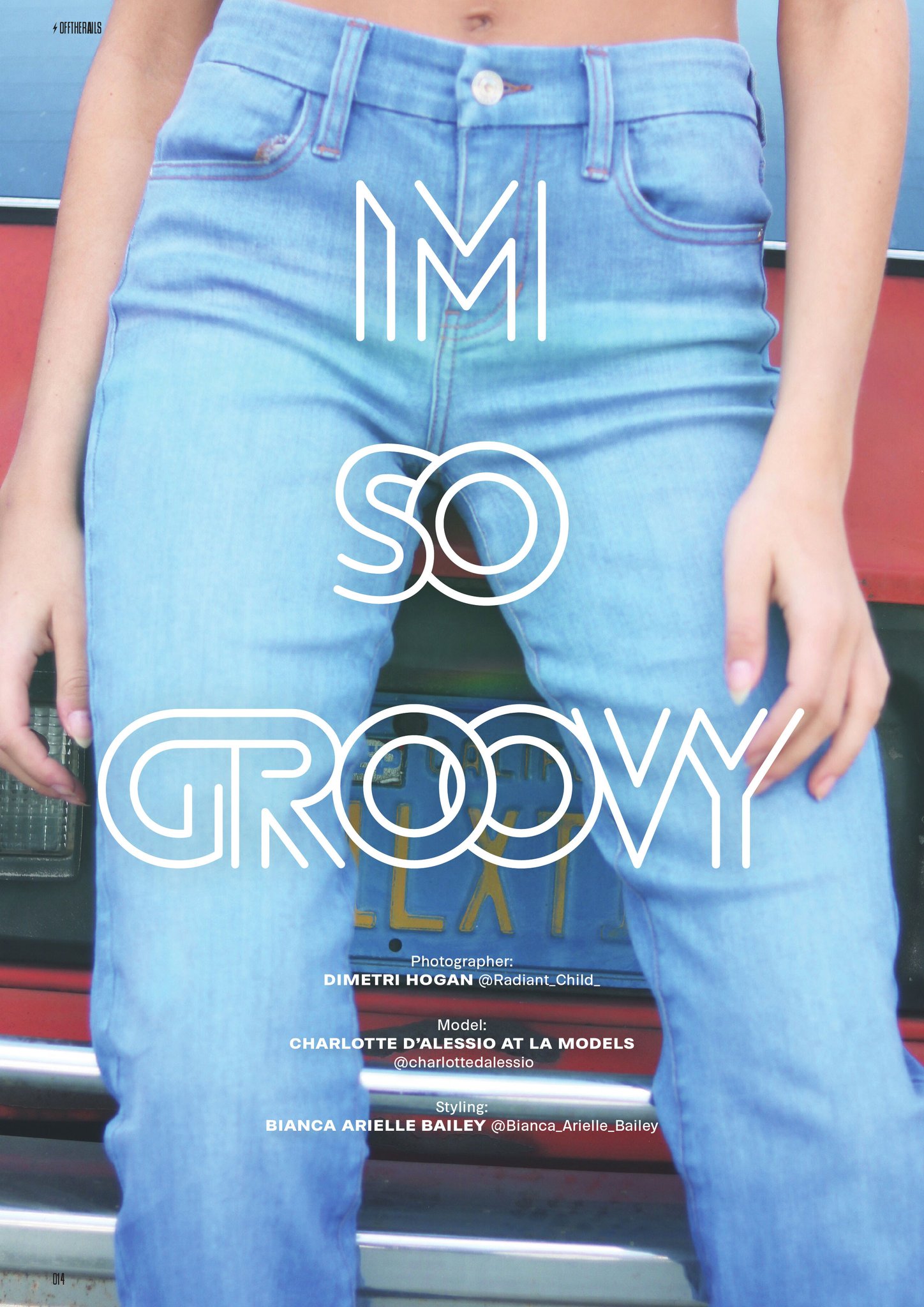
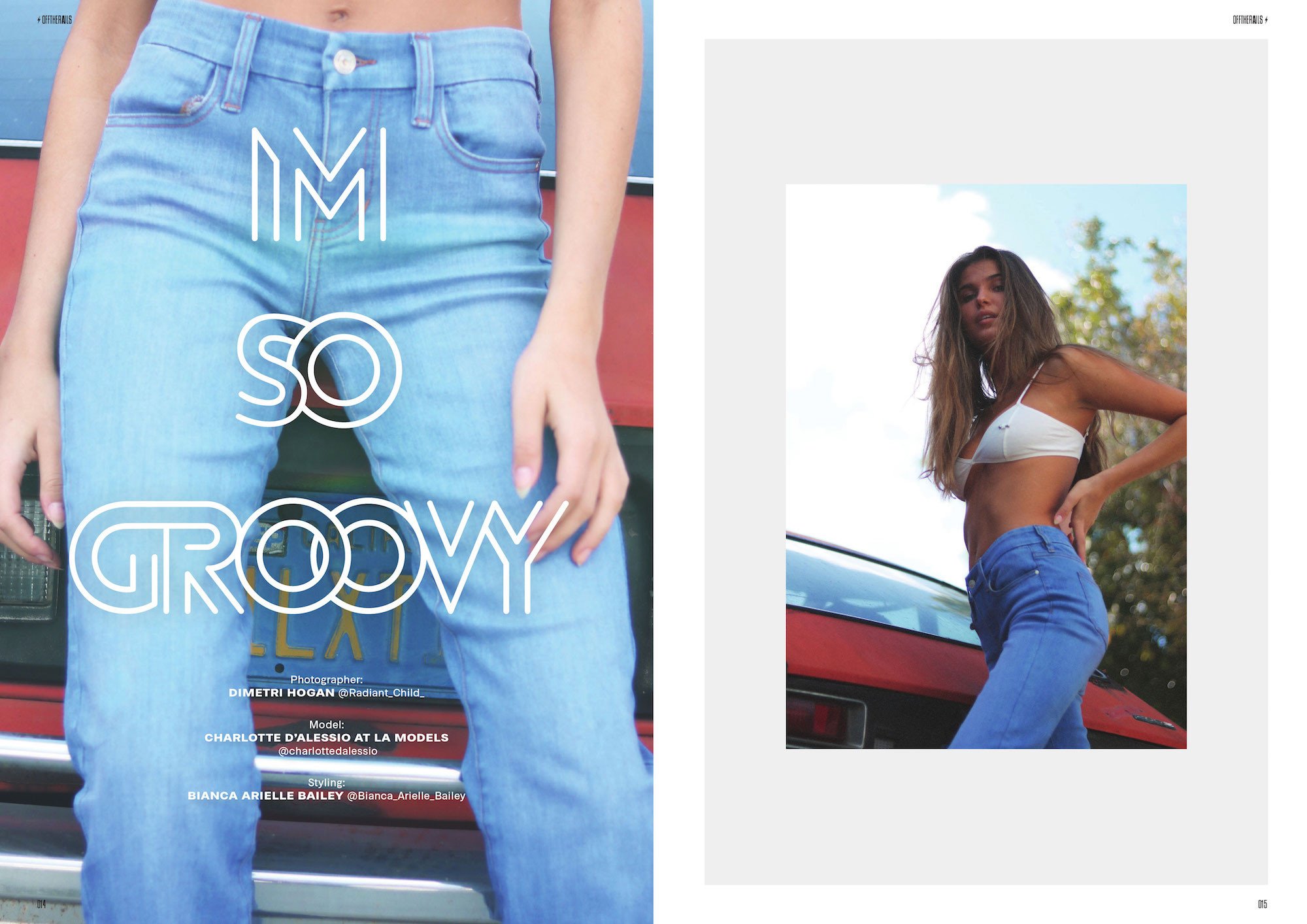
 Coastal Outlaw by Travis McCormick – Off The Rails Magazine
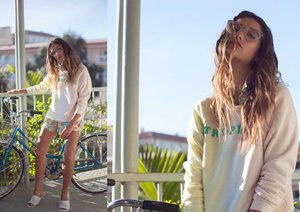

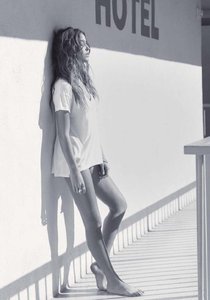



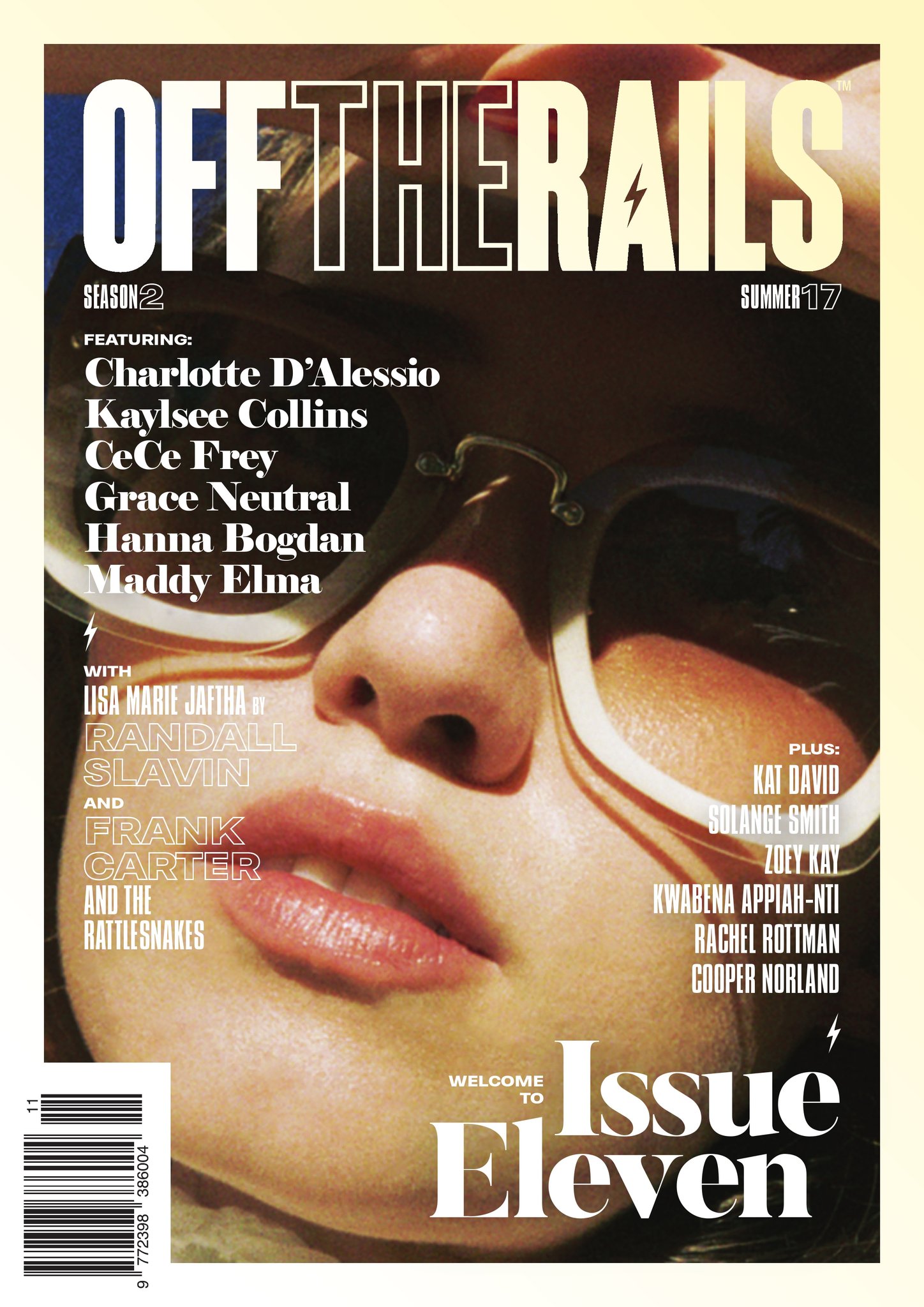
 Of the Rails Magazine Preview of Issue 11
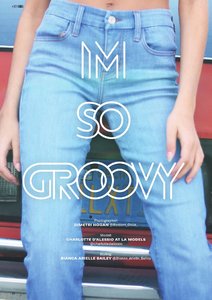

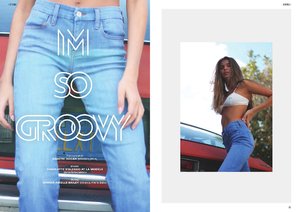
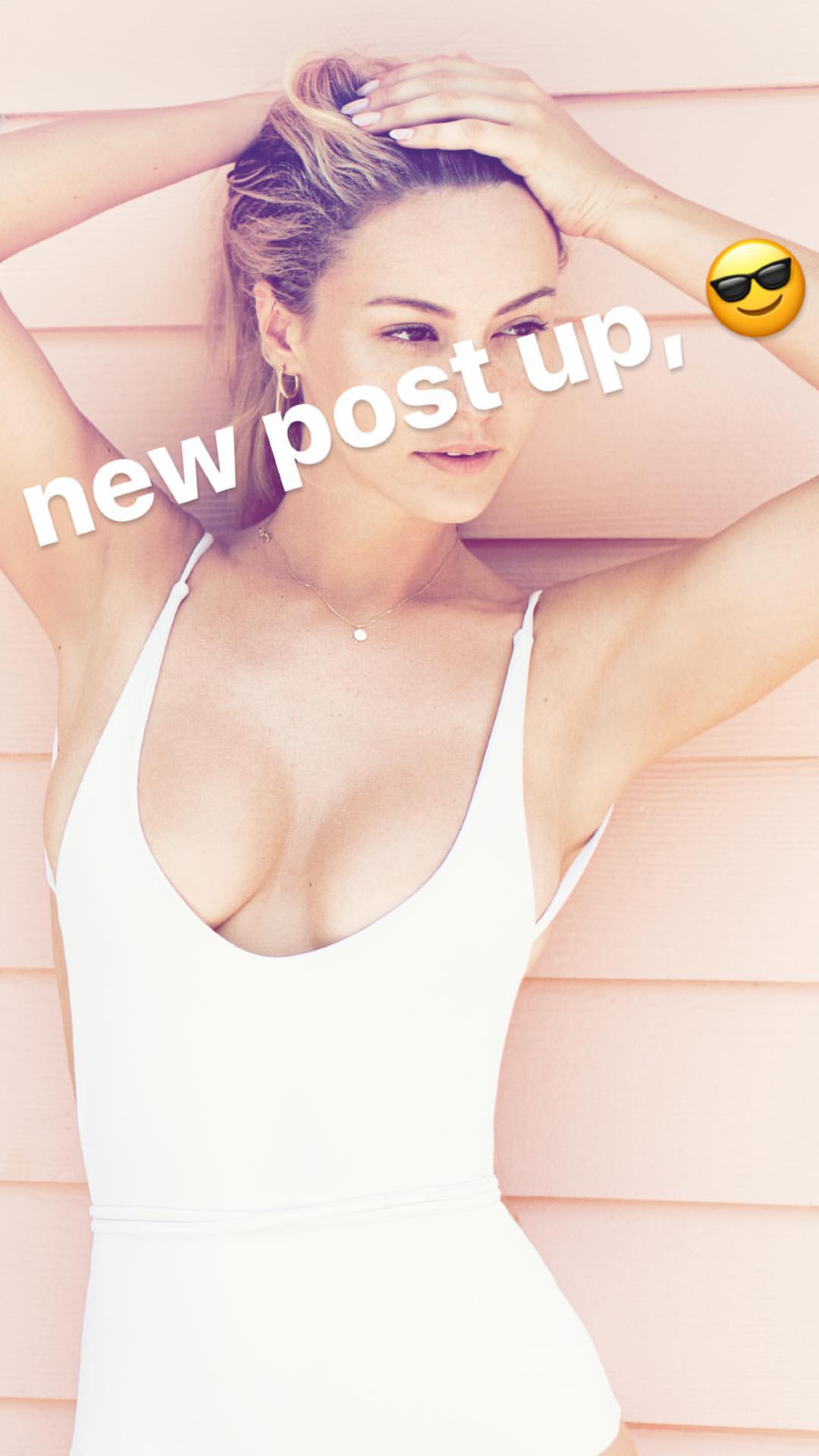
 Ig Story (06.28.17)
 Ig Story (06.28.06)
 She has not appeared in the magazine before
She appers on playboy soon!
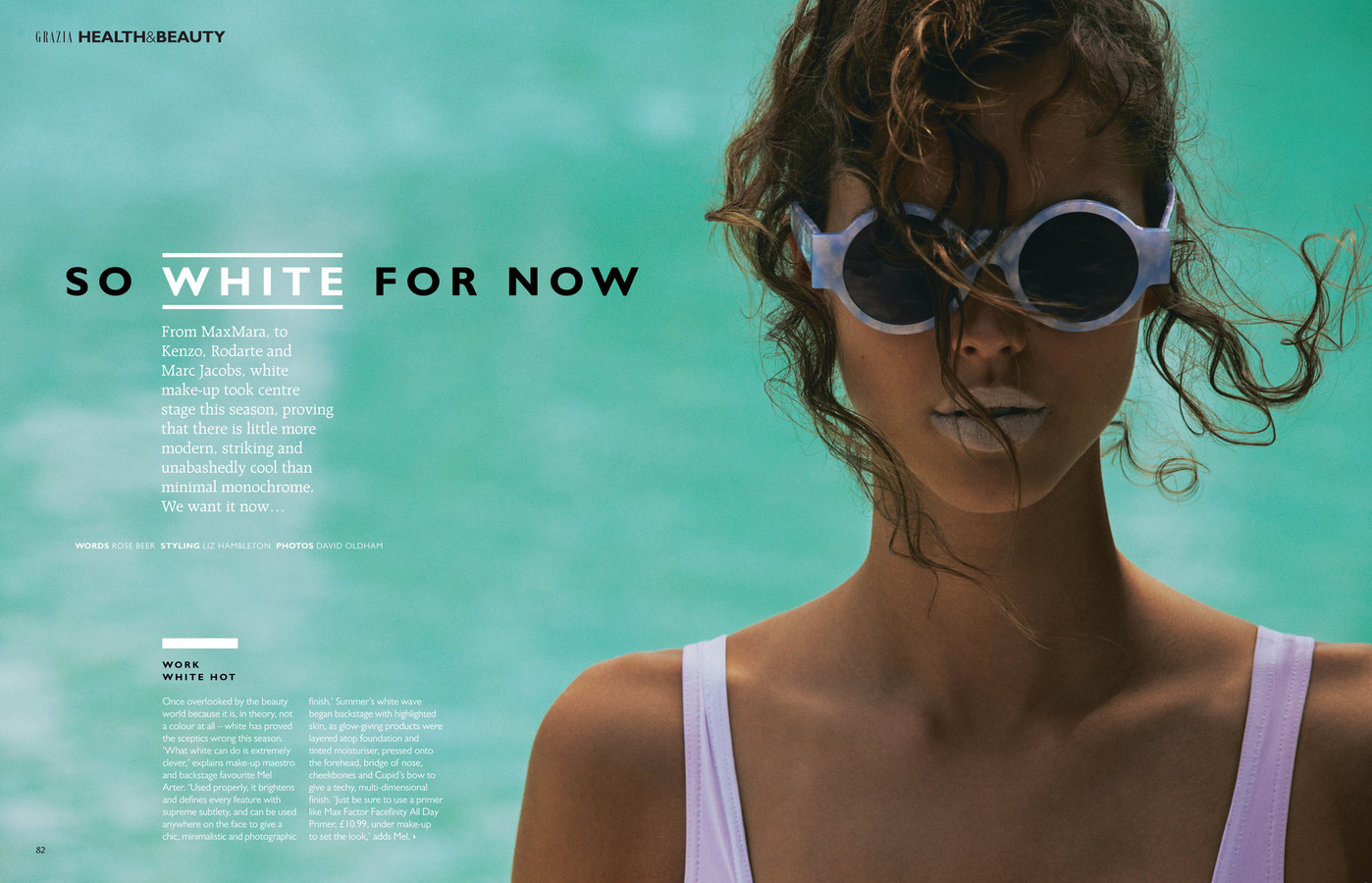
You are wrong the one that appears is Elizabeth Hurley https://models.com/Work/grazia-italy-grazia-italy-june-2017-cover It's July
She has not appeared in the magazine before
She appers on playboy soon!
You are wrong the one that appears is Elizabeth Hurley https://models.com/Work/grazia-italy-grazia-italy-june-2017-cover It's July




























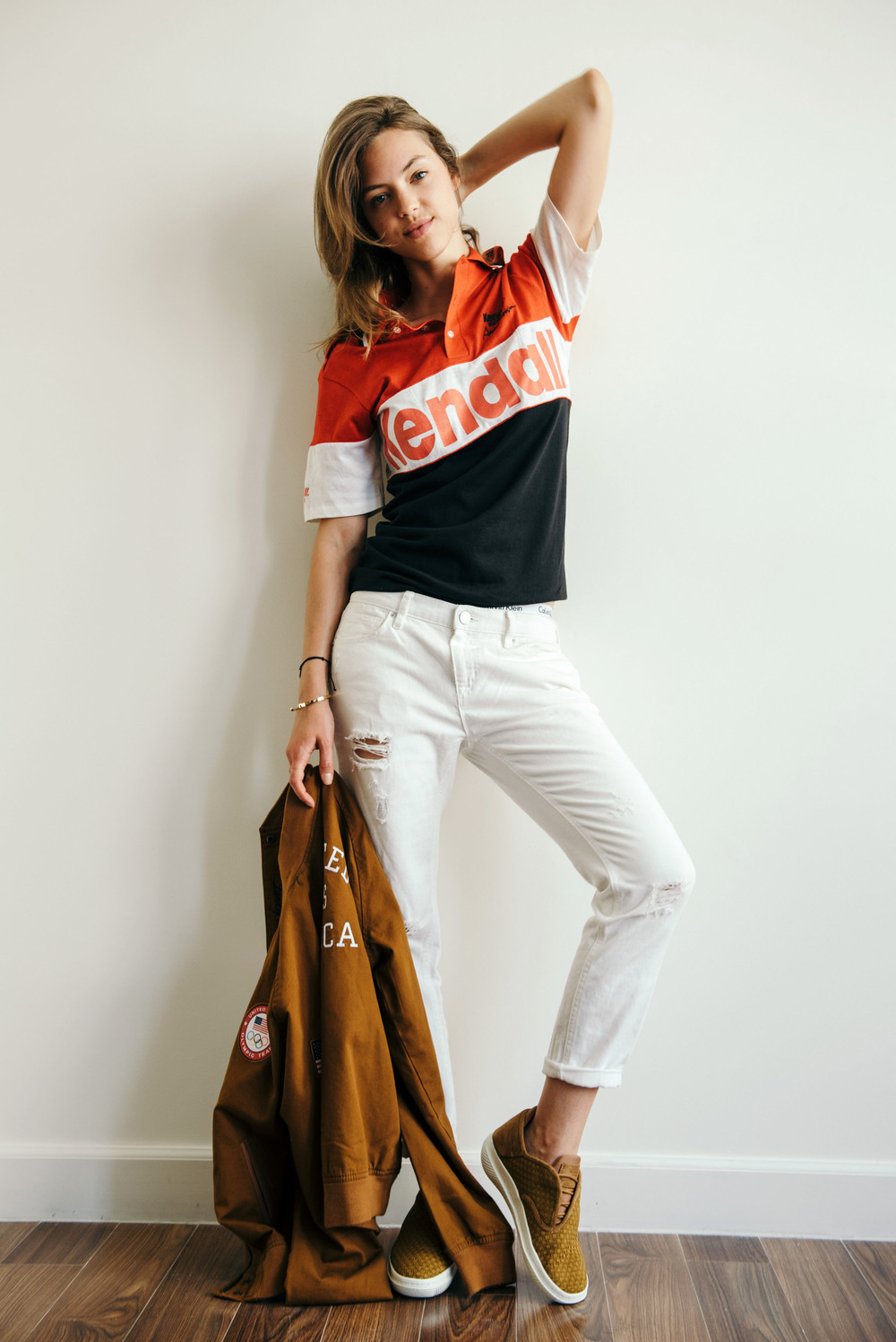

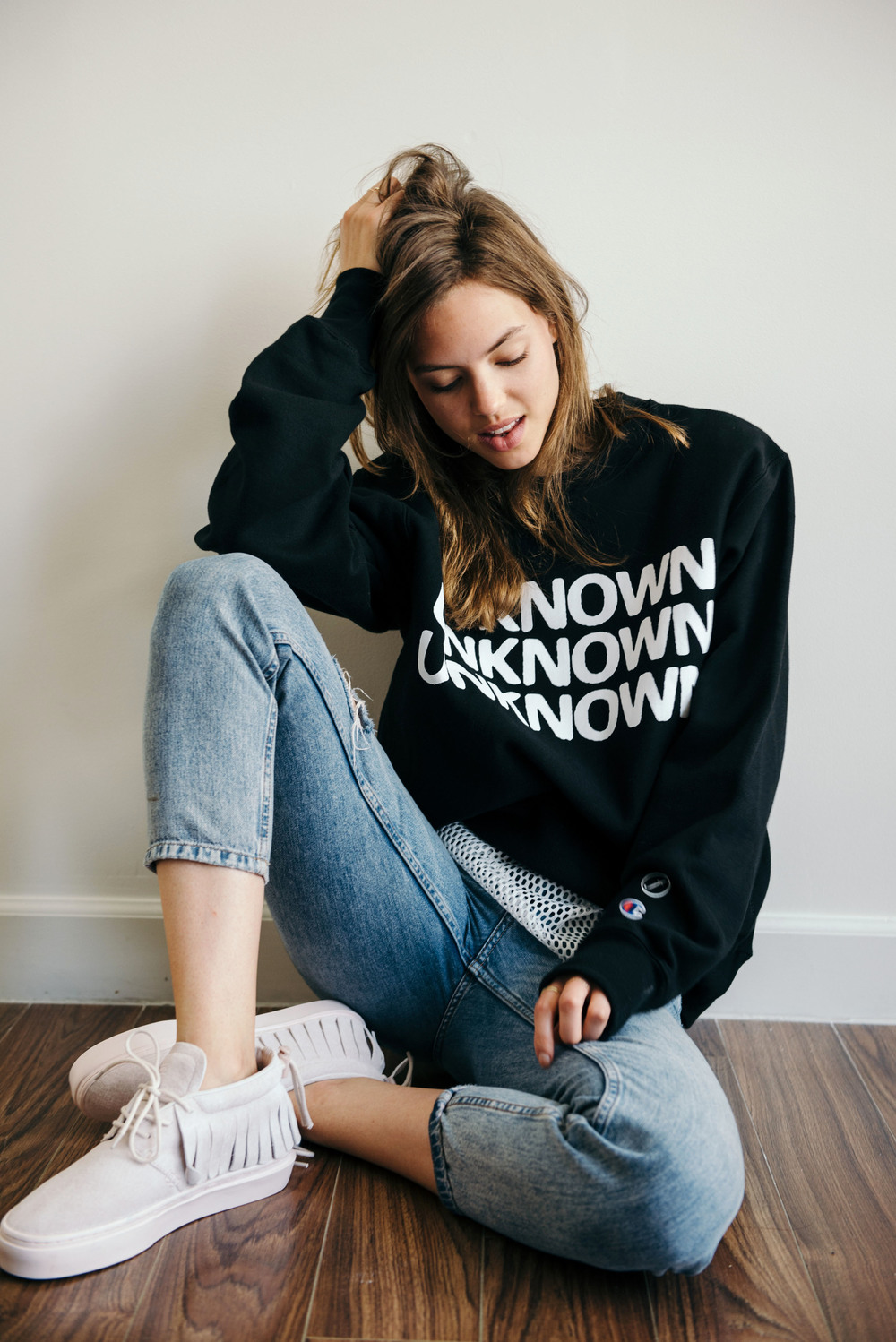
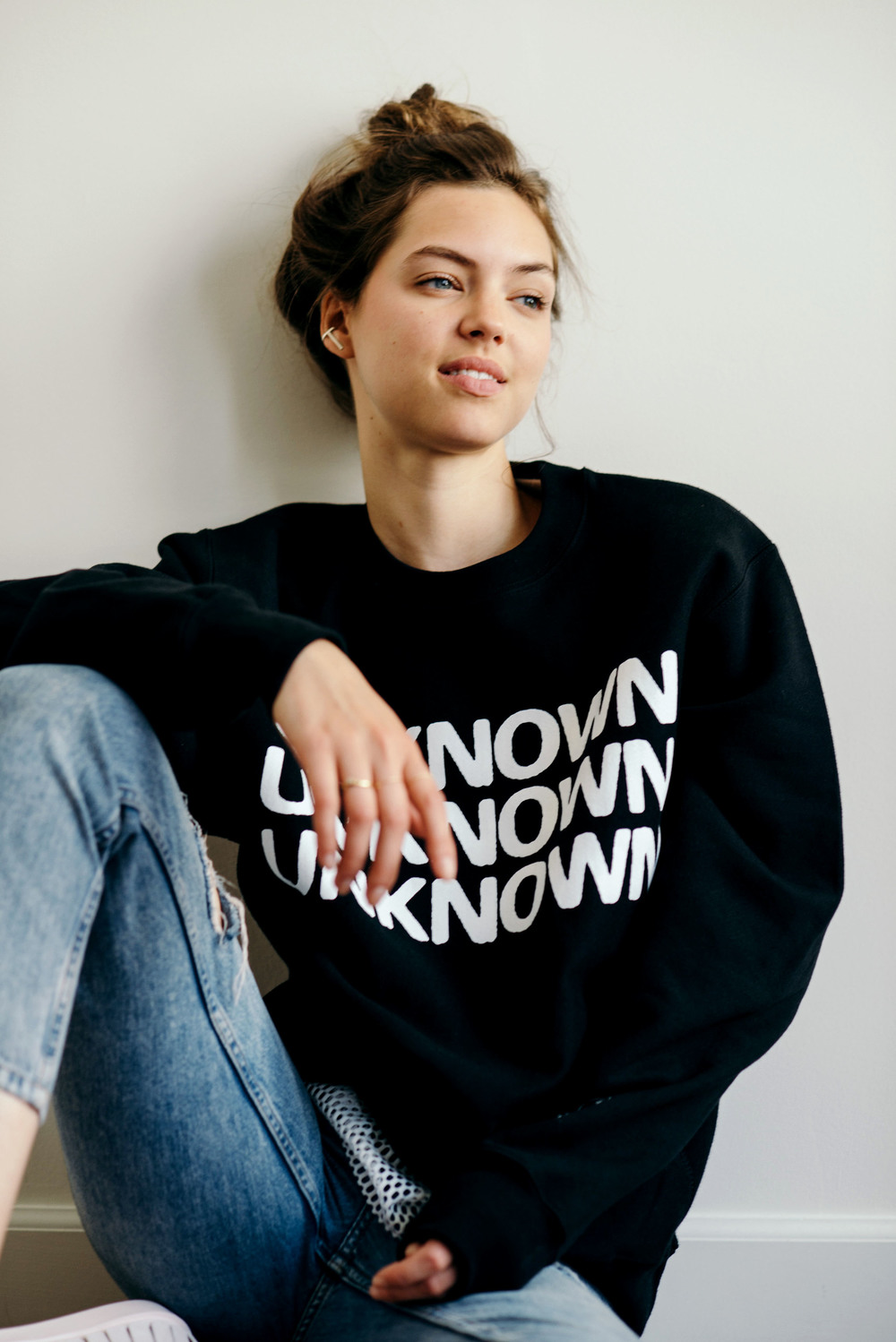
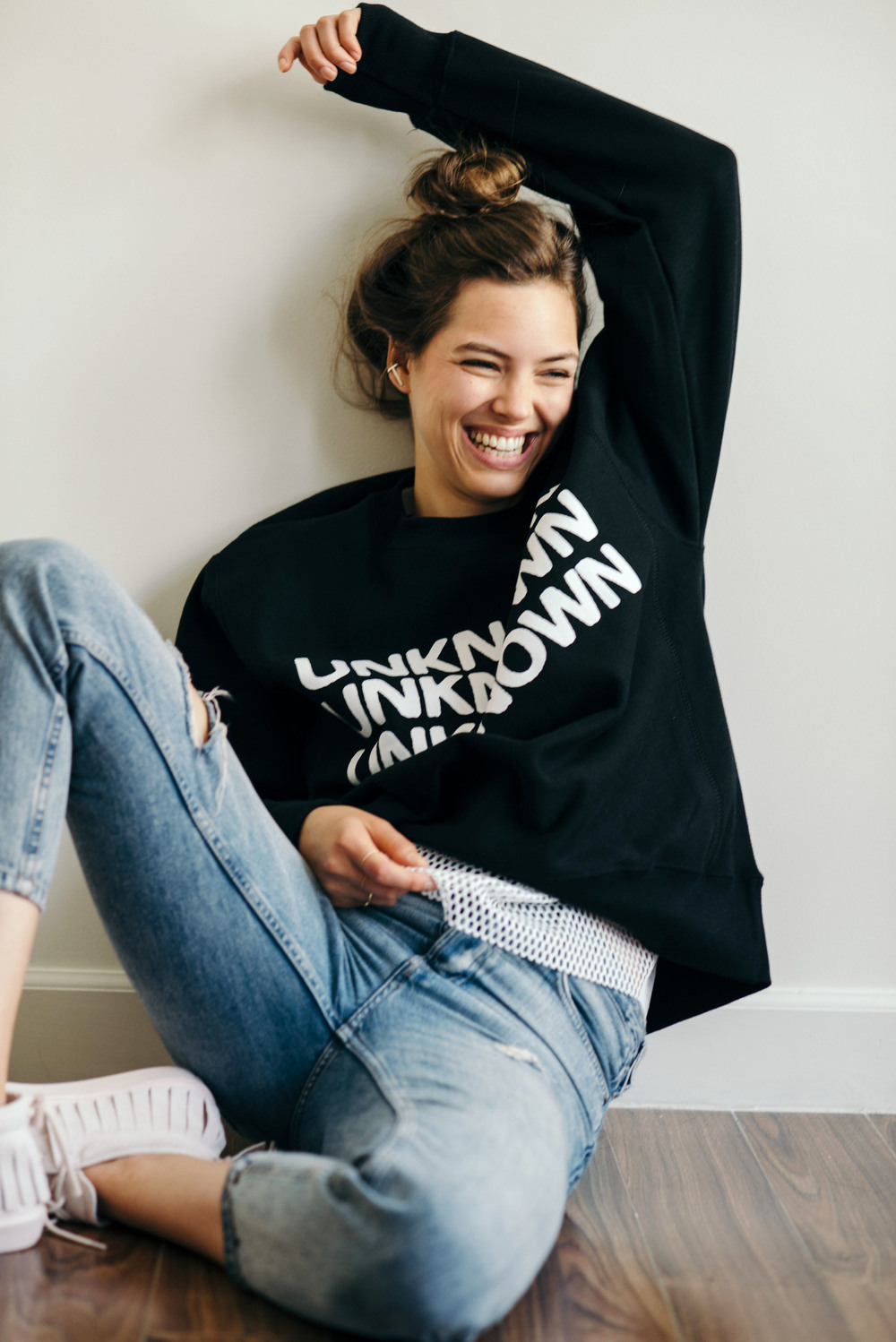

















Account
Navigation
Search
Configure browser push notifications
Chrome (Android)
- Tap the lock icon next to the address bar.
- Tap Permissions → Notifications.
- Adjust your preference.
Chrome (Desktop)
- Click the padlock icon in the address bar.
- Select Site settings.
- Find Notifications and adjust your preference.
Safari (iOS 16.4+)
- Ensure the site is installed via Add to Home Screen.
- Open Settings App → Notifications.
- Find your app name and adjust your preference.
Safari (macOS)
- Go to Safari → Preferences.
- Click the Websites tab.
- Select Notifications in the sidebar.
- Find this website and adjust your preference.
Edge (Android)
- Tap the lock icon next to the address bar.
- Tap Permissions.
- Find Notifications and adjust your preference.
Edge (Desktop)
- Click the padlock icon in the address bar.
- Click Permissions for this site.
- Find Notifications and adjust your preference.
Firefox (Android)
- Go to Settings → Site permissions.
- Tap Notifications.
- Find this site in the list and adjust your preference.
Firefox (Desktop)
- Open Firefox Settings.
- Search for Notifications.
- Find this site in the list and adjust your preference.