
Modelove
Members
-
Joined
Everything posted by Modelove
-
Just one no alredy posted. I keep it in the post
-
More of this

















 One more pic of website
 Natasha | Honey Birdette MP4 | 1280x720 | 00:17 | 4.1 MB Natasha Honey Birdette.mp4 Tyla | Honey Birdette MP4 | 1280x720 | 00:19 | 5.1 MB Tyla Honey Birdette.mp4
















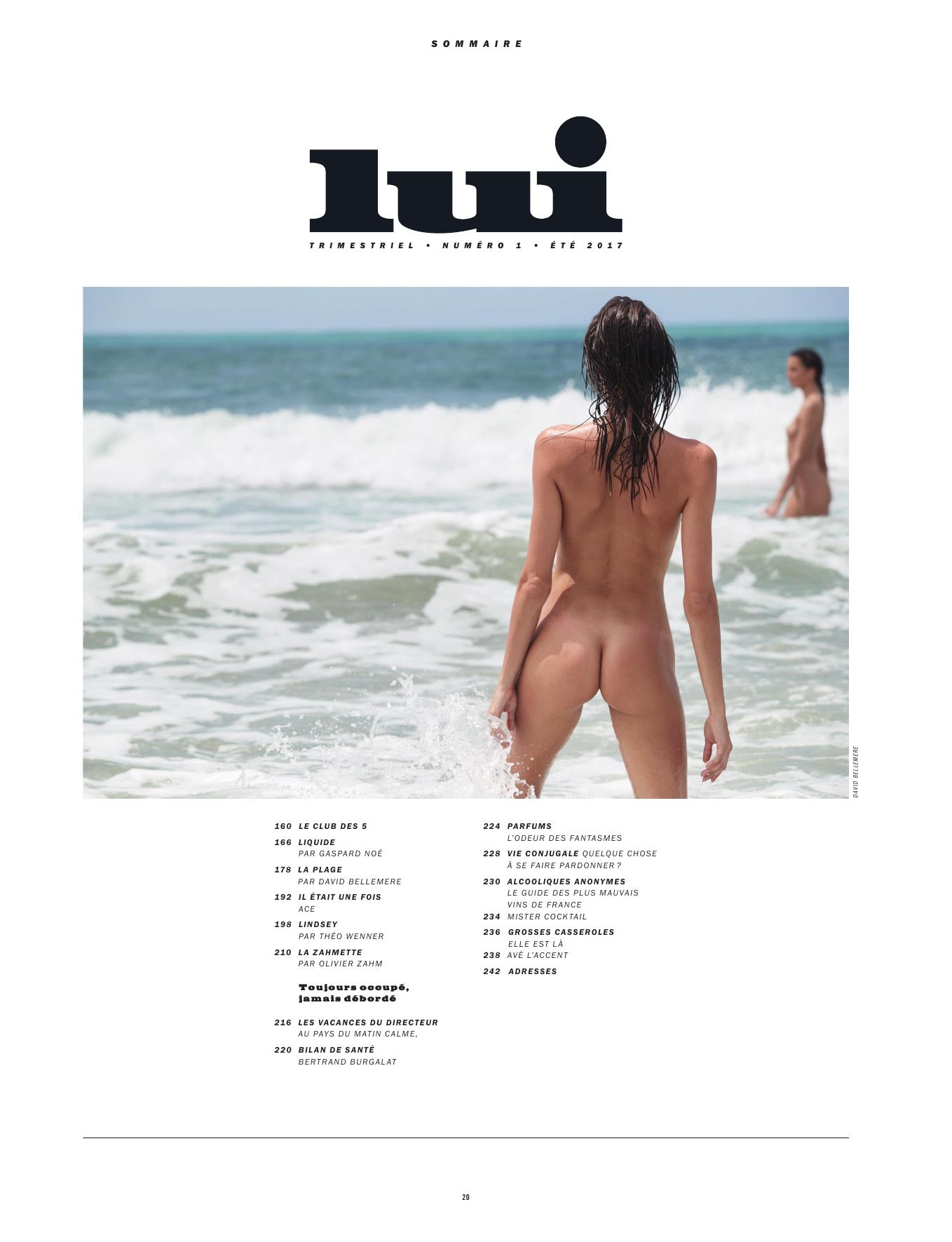
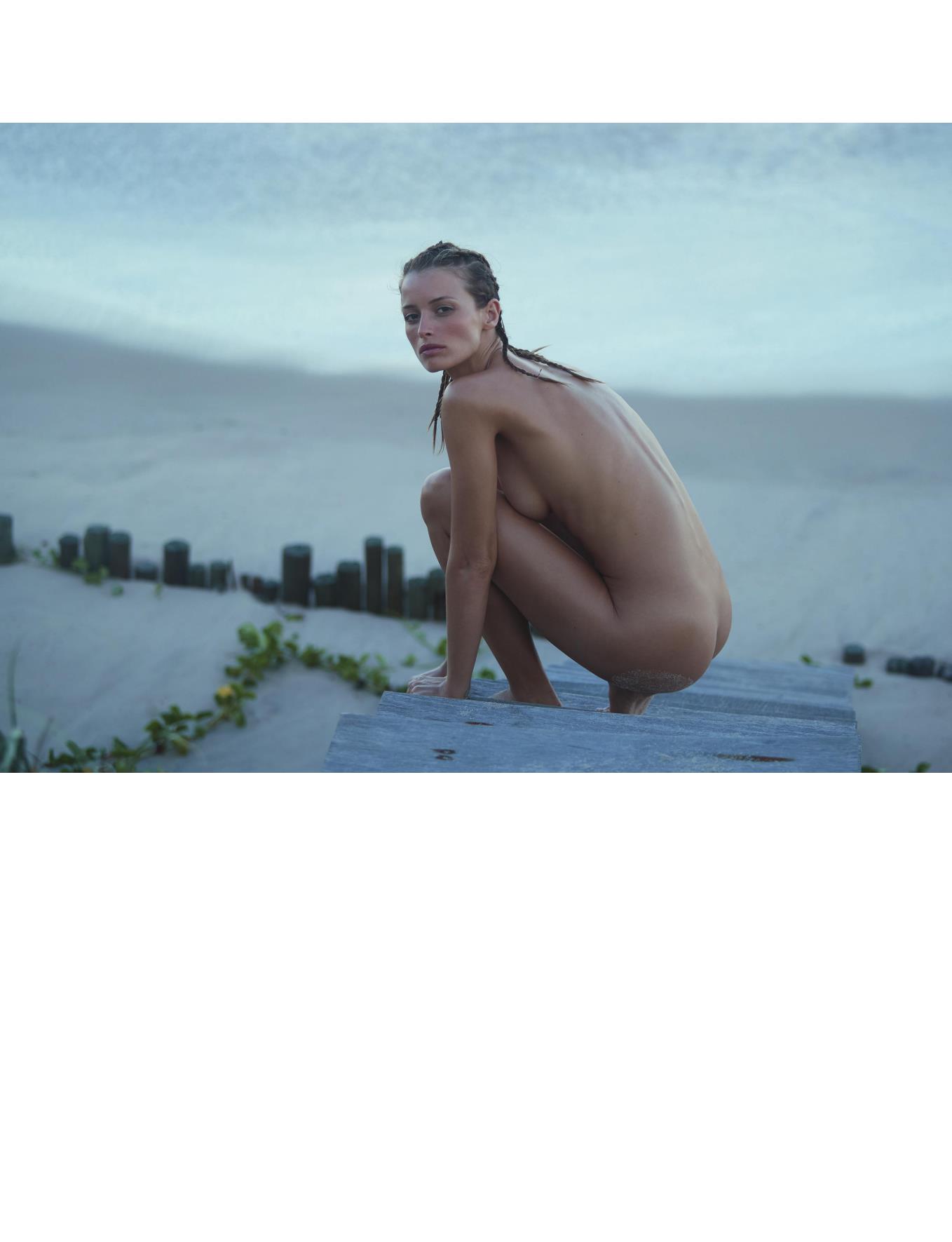
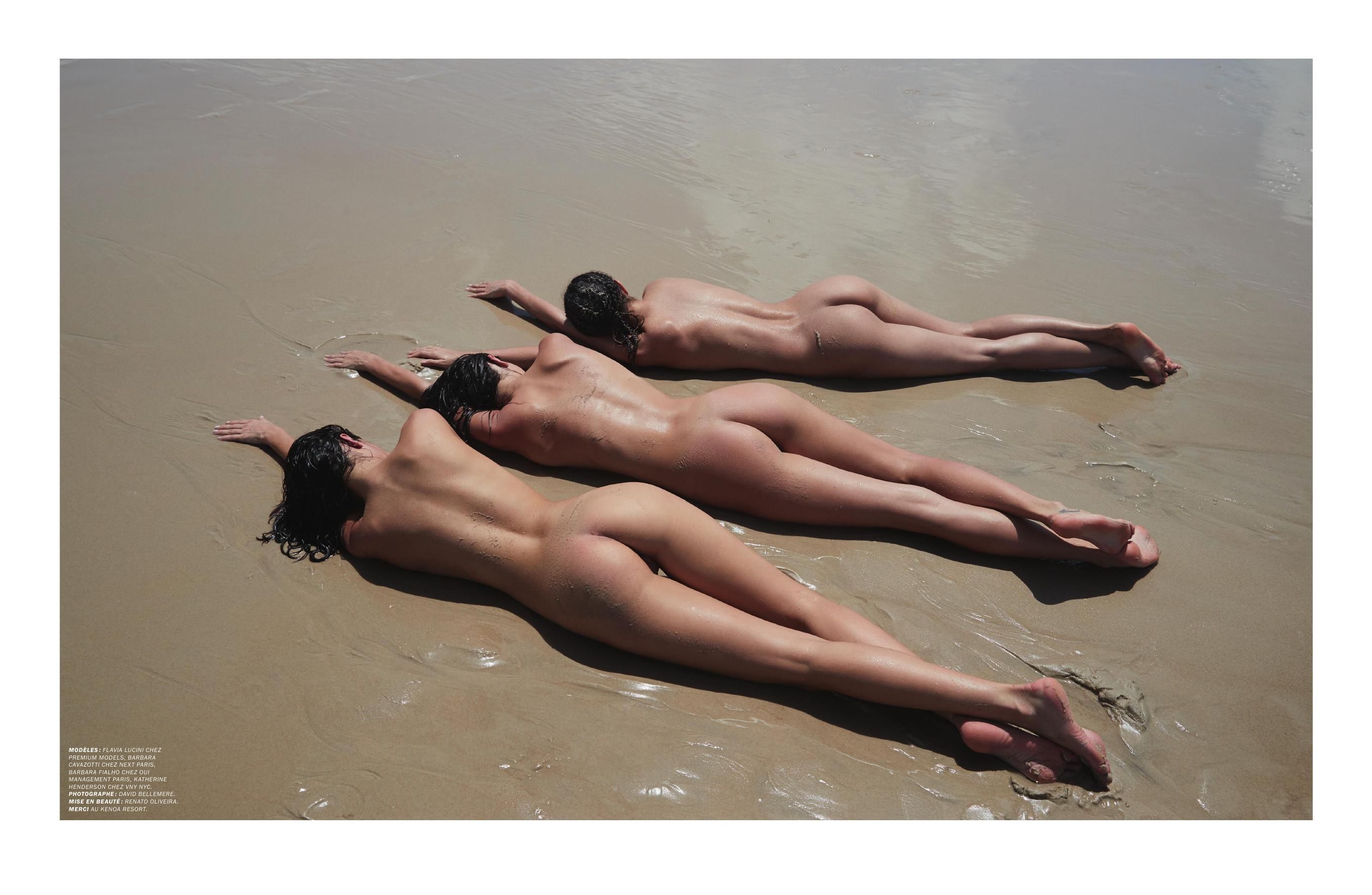
 LUI Magazine (Summer 2017) by David Bellemere Nudity
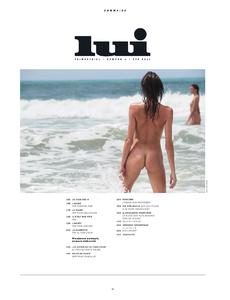










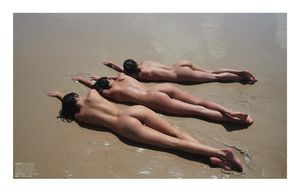 Ig Story (06.23.17)
 Adds from MC2 Model Management










 IG: itszandriatheis Digitals






















 Ig story (06.22.17)
 + 1 from IG
Adam Mont's tumblr
+ 1 from IG
Adam Mont's tumblr






























































































_3.jpg.b36905103bd448cc1c57737e63de0557.jpg)













-1.jpg.f387cfb220b0dd65030f1d3a7cc84597.jpg)
-2.jpg.47a8a1e9ccc406e22ece6c84eb3c8925.jpg)



























-1.jpg.62c9da154db7f42a6dfcb01163132afa.jpg)
-2.jpg.a2f3927f84274420a2da76cb60e57612.jpg)







































Account
Navigation
Search
Configure browser push notifications
Chrome (Android)
- Tap the lock icon next to the address bar.
- Tap Permissions → Notifications.
- Adjust your preference.
Chrome (Desktop)
- Click the padlock icon in the address bar.
- Select Site settings.
- Find Notifications and adjust your preference.
Safari (iOS 16.4+)
- Ensure the site is installed via Add to Home Screen.
- Open Settings App → Notifications.
- Find your app name and adjust your preference.
Safari (macOS)
- Go to Safari → Preferences.
- Click the Websites tab.
- Select Notifications in the sidebar.
- Find this website and adjust your preference.
Edge (Android)
- Tap the lock icon next to the address bar.
- Tap Permissions.
- Find Notifications and adjust your preference.
Edge (Desktop)
- Click the padlock icon in the address bar.
- Click Permissions for this site.
- Find Notifications and adjust your preference.
Firefox (Android)
- Go to Settings → Site permissions.
- Tap Notifications.
- Find this site in the list and adjust your preference.
Firefox (Desktop)
- Open Firefox Settings.
- Search for Notifications.
- Find this site in the list and adjust your preference.