Skip to content

*Bronx_Bomber*

Members
  • Joined

  • Last visited

  1. Eltoredo started following *Bronx_Bomber*
  2. *Bronx_Bomber* changed their profile photo
  3. Mohtashim Khan started following *Bronx_Bomber*
  4. Enrico_sw started following *Bronx_Bomber*
  5. Limerlight started following *Bronx_Bomber*
  6. *Bronx_Bomber* replied to a post in a topic in General Talk
    Listening to music
  7. Spending Easter with my mom and having a wickedly delicious brunch !
  8. A insanely zany, crazy-funny video called " The Easter Bunny Hates You " on YouTube
  9. Brown Sugar Parfum by Fresh
  10. Good-hearted, kind people
  11. Yes - it relaxes me and I love to eat ! Are you enjoying the day so far ?
  12. *Bronx_Bomber* replied to a post in a topic in Music
    The New Pollution - Beck
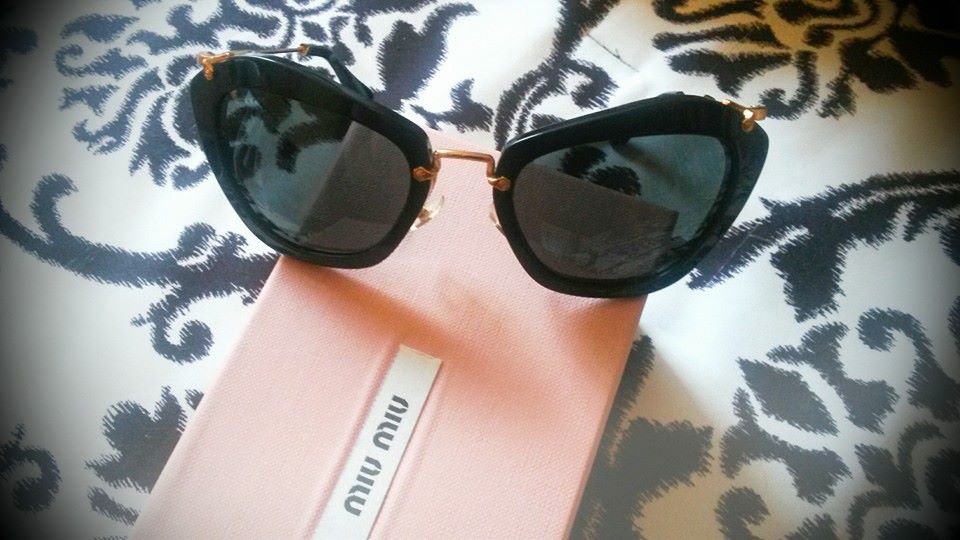
  13. These sublime lil' beauties
  14. *Bronx_Bomber* replied to a post in a topic in Music
    Rhythm - A Tribe Called Quest
  15. *Bronx_Bomber* replied to a post in a topic in General Talk
    Listening to music and having a wonderful, relaxing day.
  16. A tiramisu frappuccino
  17. *Bronx_Bomber* replied to a post in a topic in Music
    Mind Power - A Tribe Called Quest
  18. Should I pour another glass of red, sparkling moscato ?
  19. *Bronx_Bomber* replied to a post in a topic in General Talk
    Browsing BZ, which I rarely do.
  20. A lovely magazine rack made out of banana leaf.

Account

Navigation

Search

Search

Configure browser push notifications

Chrome (Android)
  1. Tap the lock icon next to the address bar.
  2. Tap Permissions → Notifications.
  3. Adjust your preference.
Chrome (Desktop)
  1. Click the padlock icon in the address bar.
  2. Select Site settings.
  3. Find Notifications and adjust your preference.