All Activity
- Past hour
-

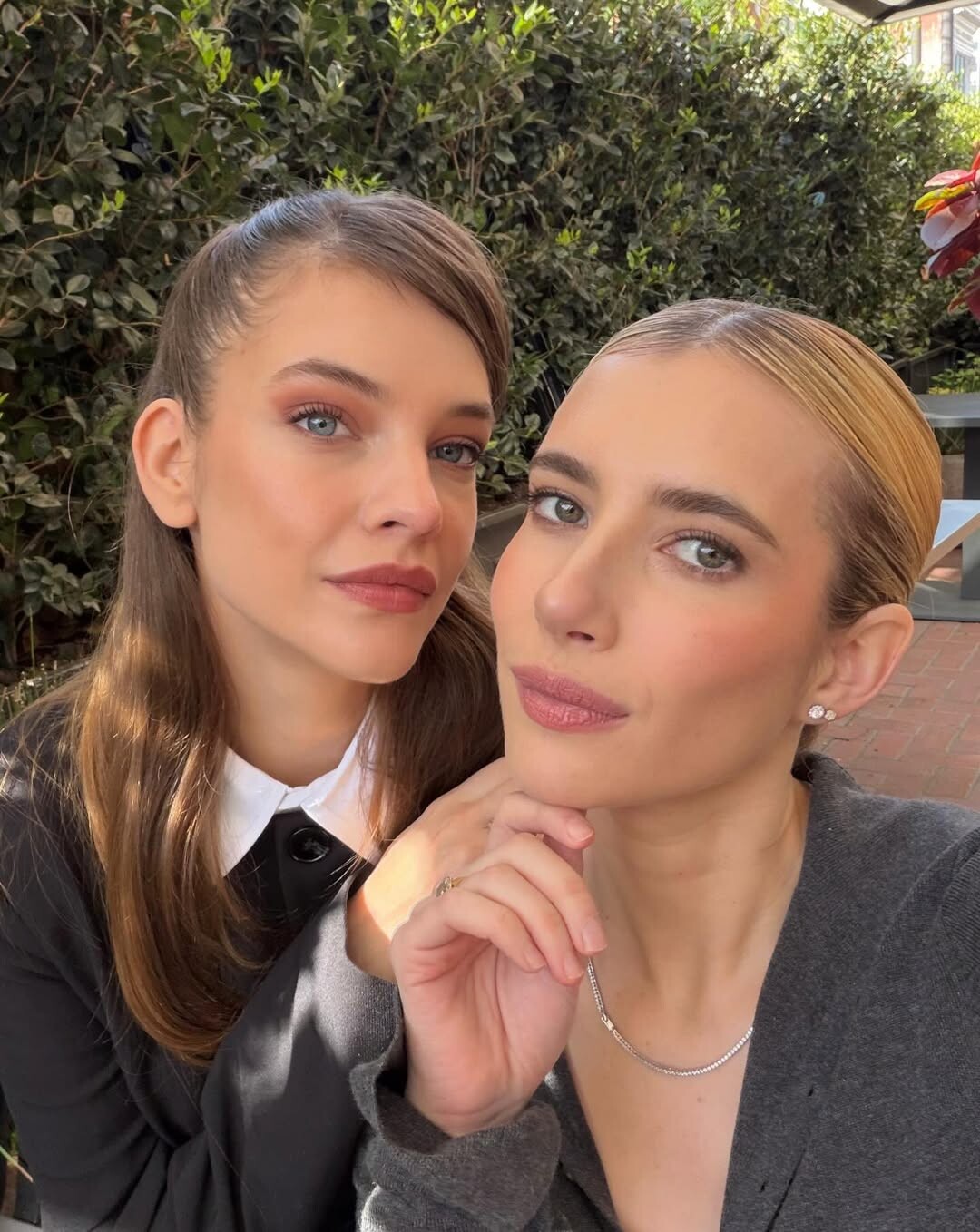
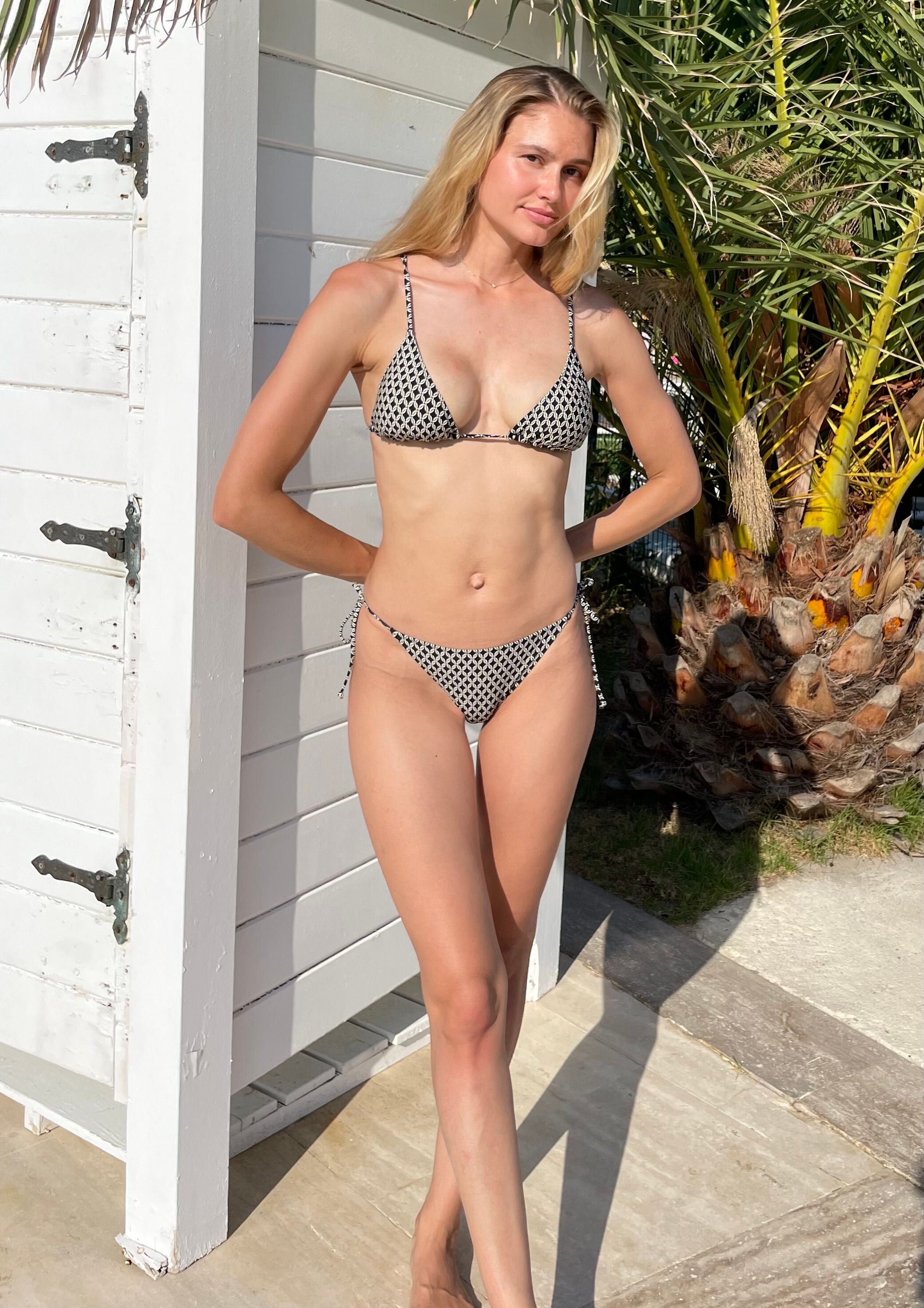
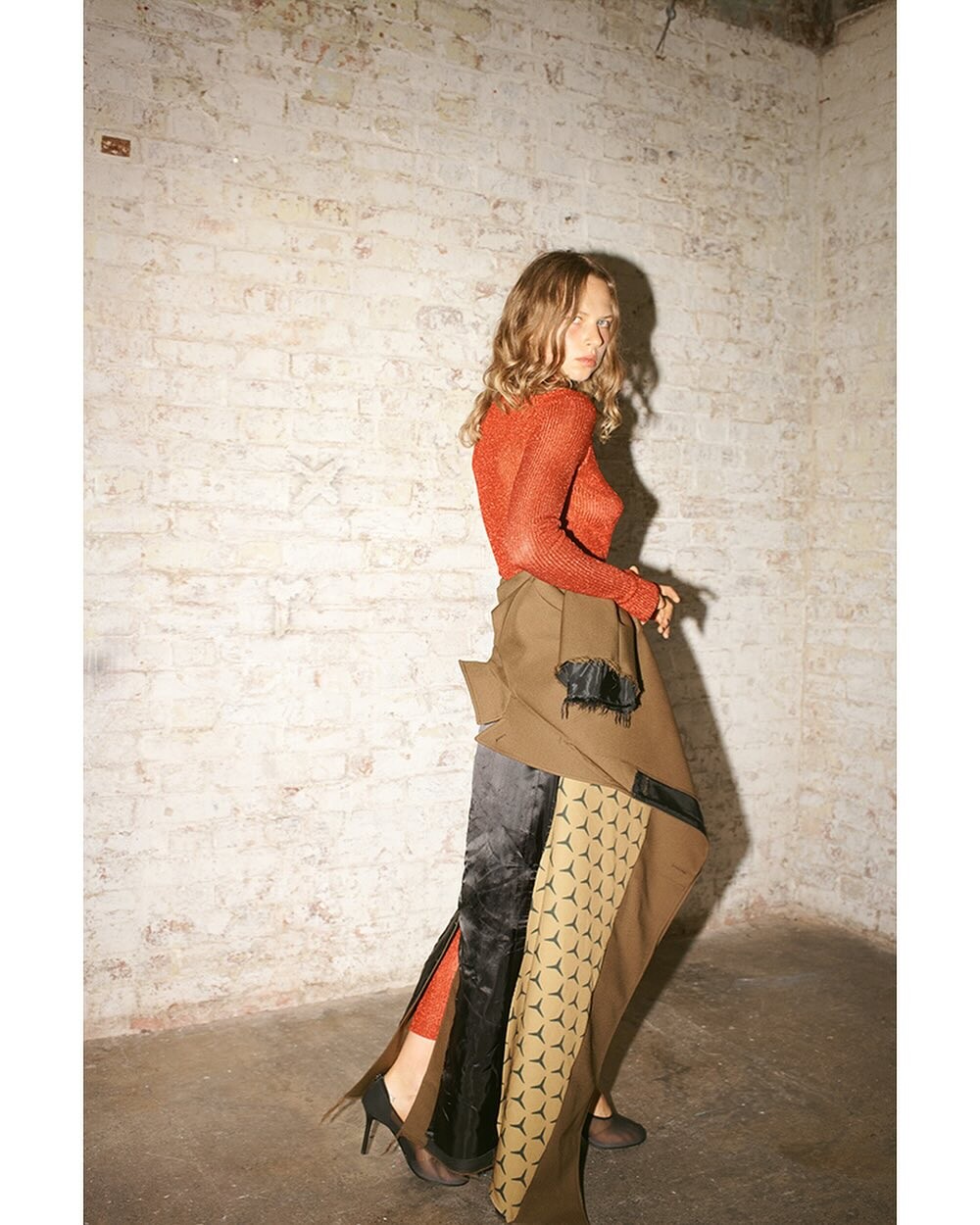
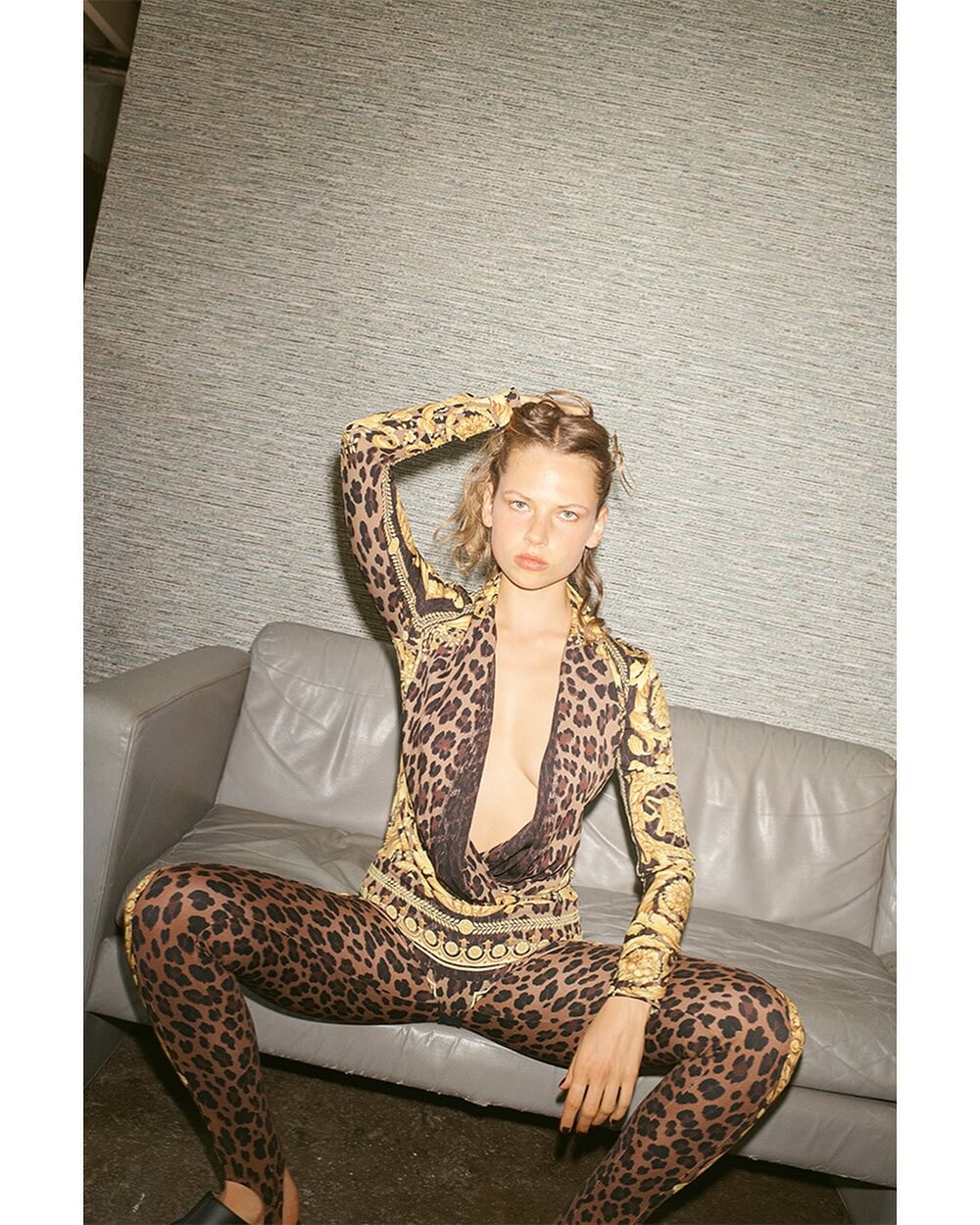
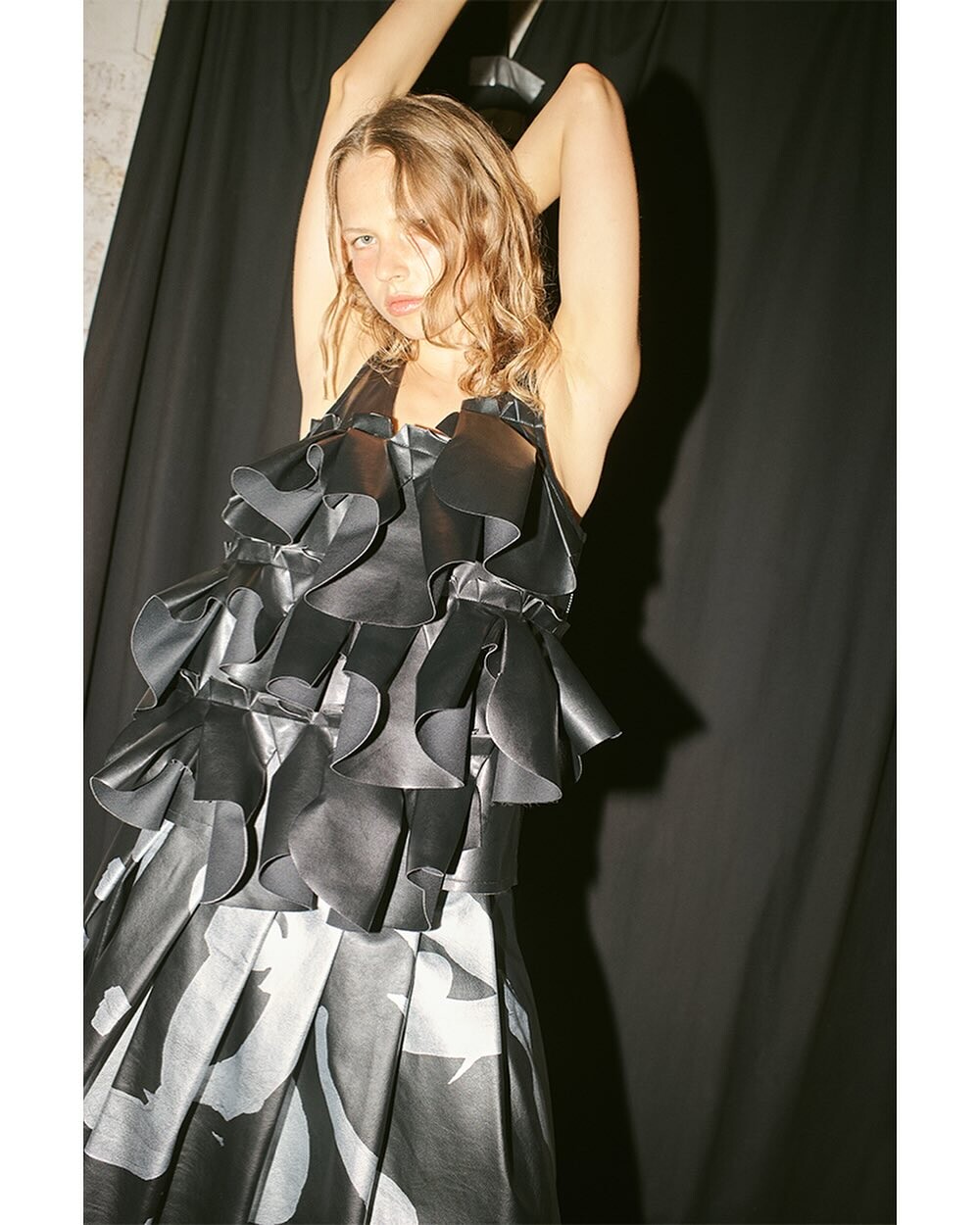
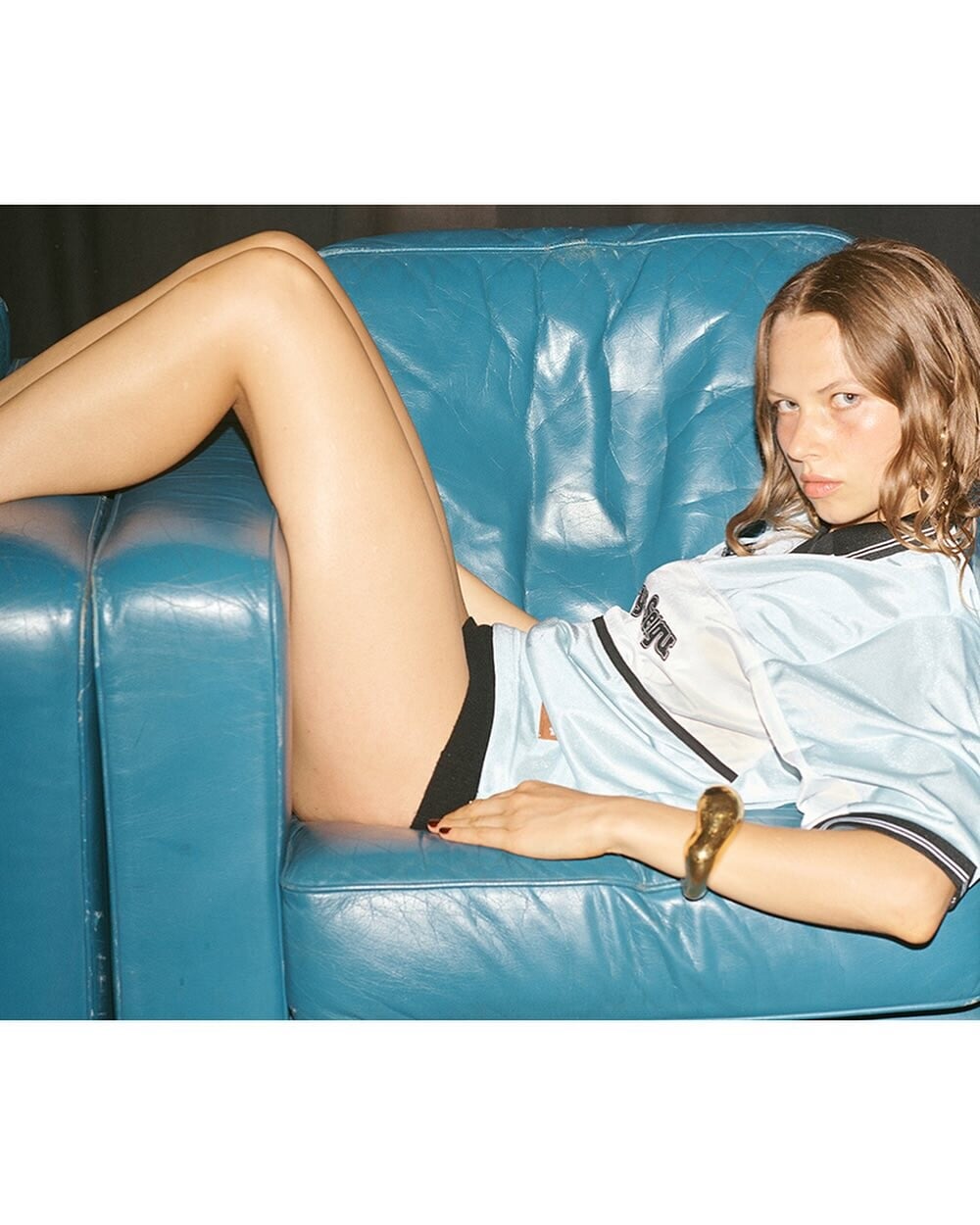
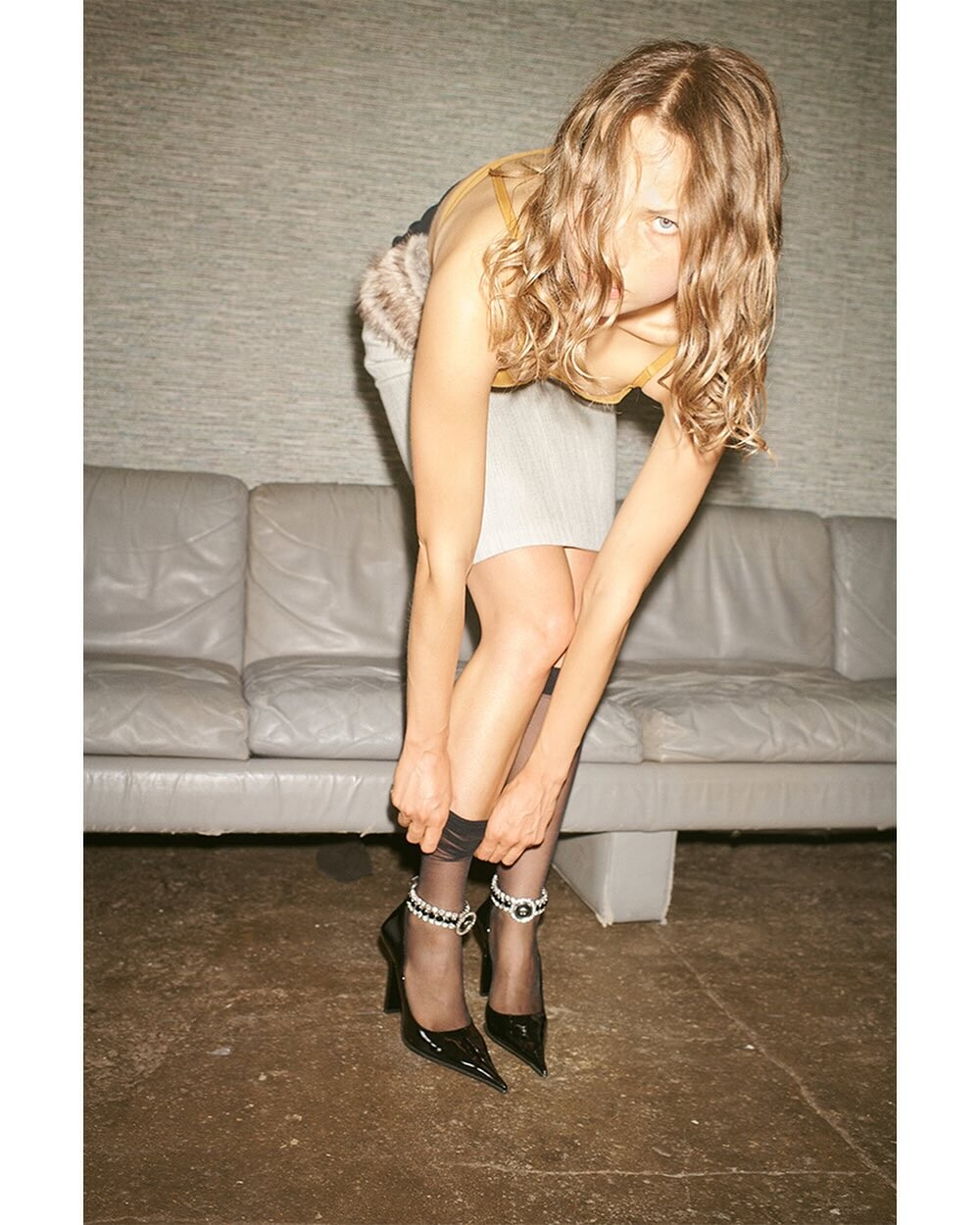
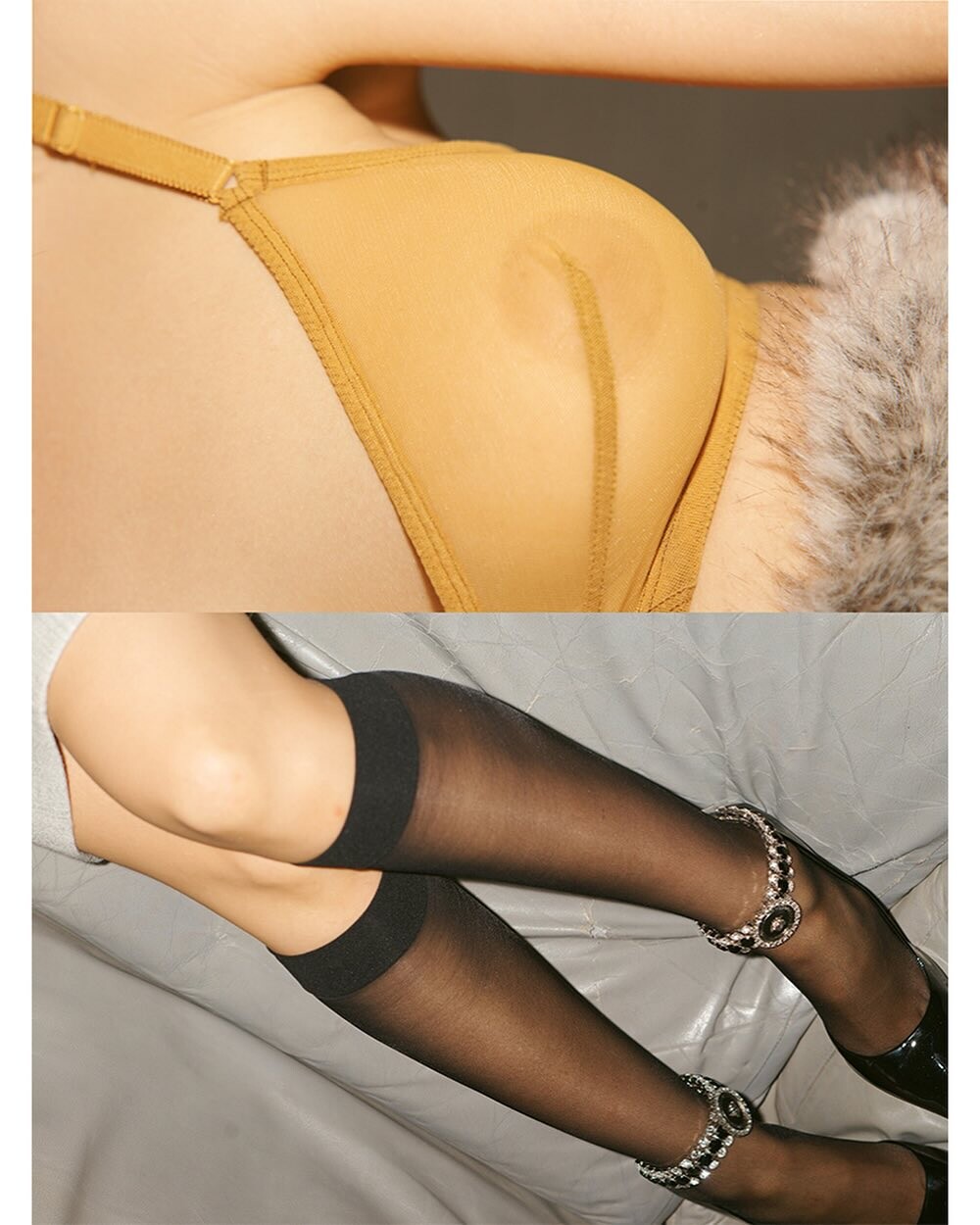
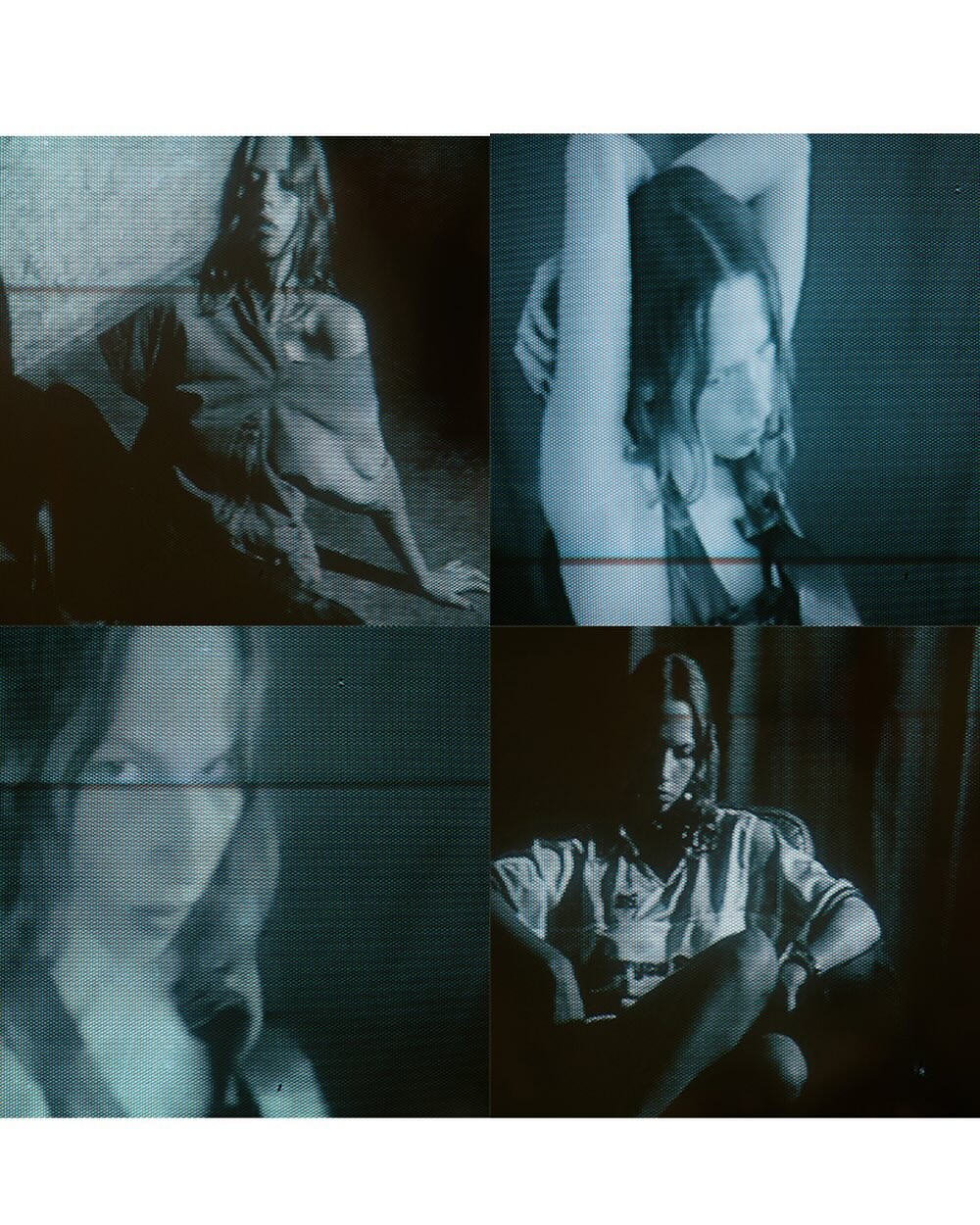
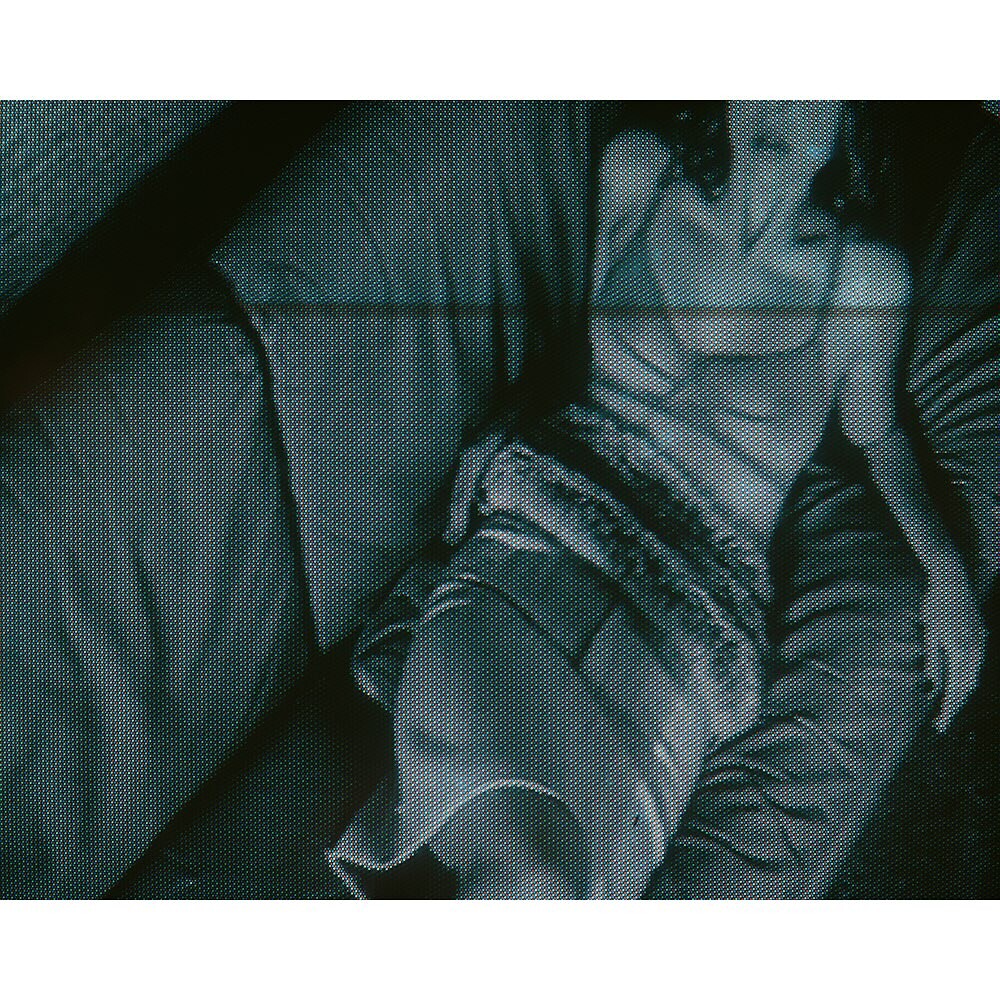
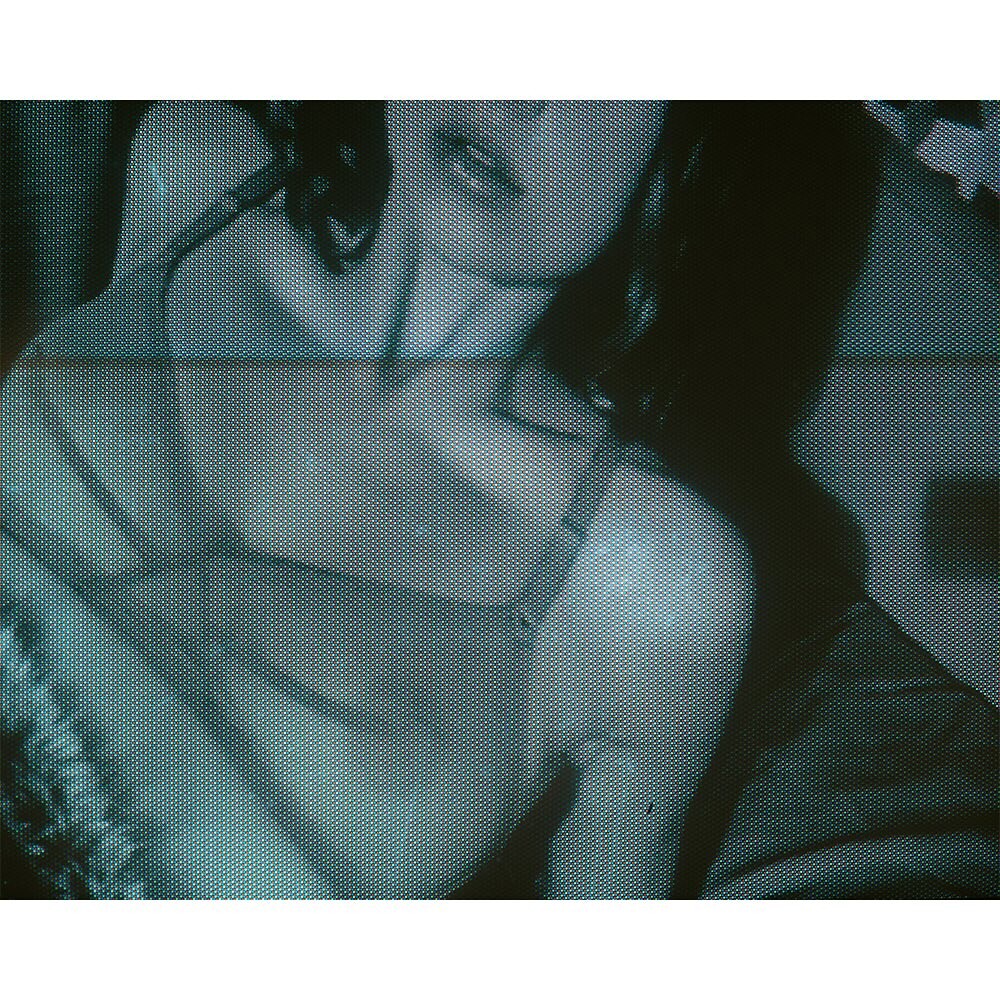
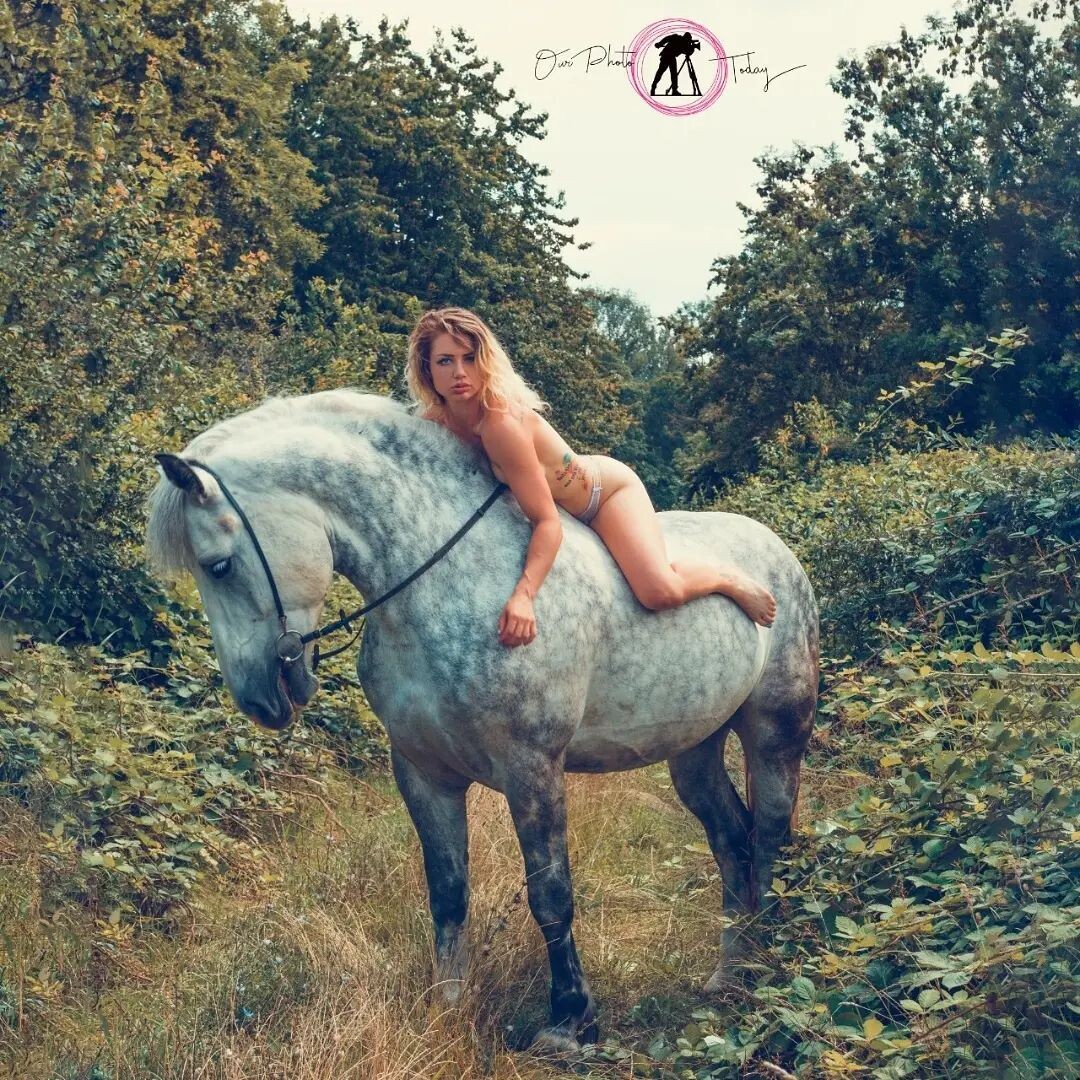
.jpg.91a442a28eefe71ce808482fb582e949.thumb.jpg.1046b26a6fa95921deb9b06d12f40e21.jpg) anaantic https://www.instagram.com/p/DUxm1BNjKHA/?igsh=eW1zMHlmcjNmcDRx
anaantic https://www.instagram.com/p/DUxm1BNjKHA/?igsh=eW1zMHlmcjNmcDRx


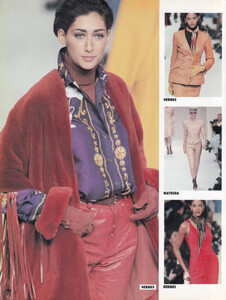
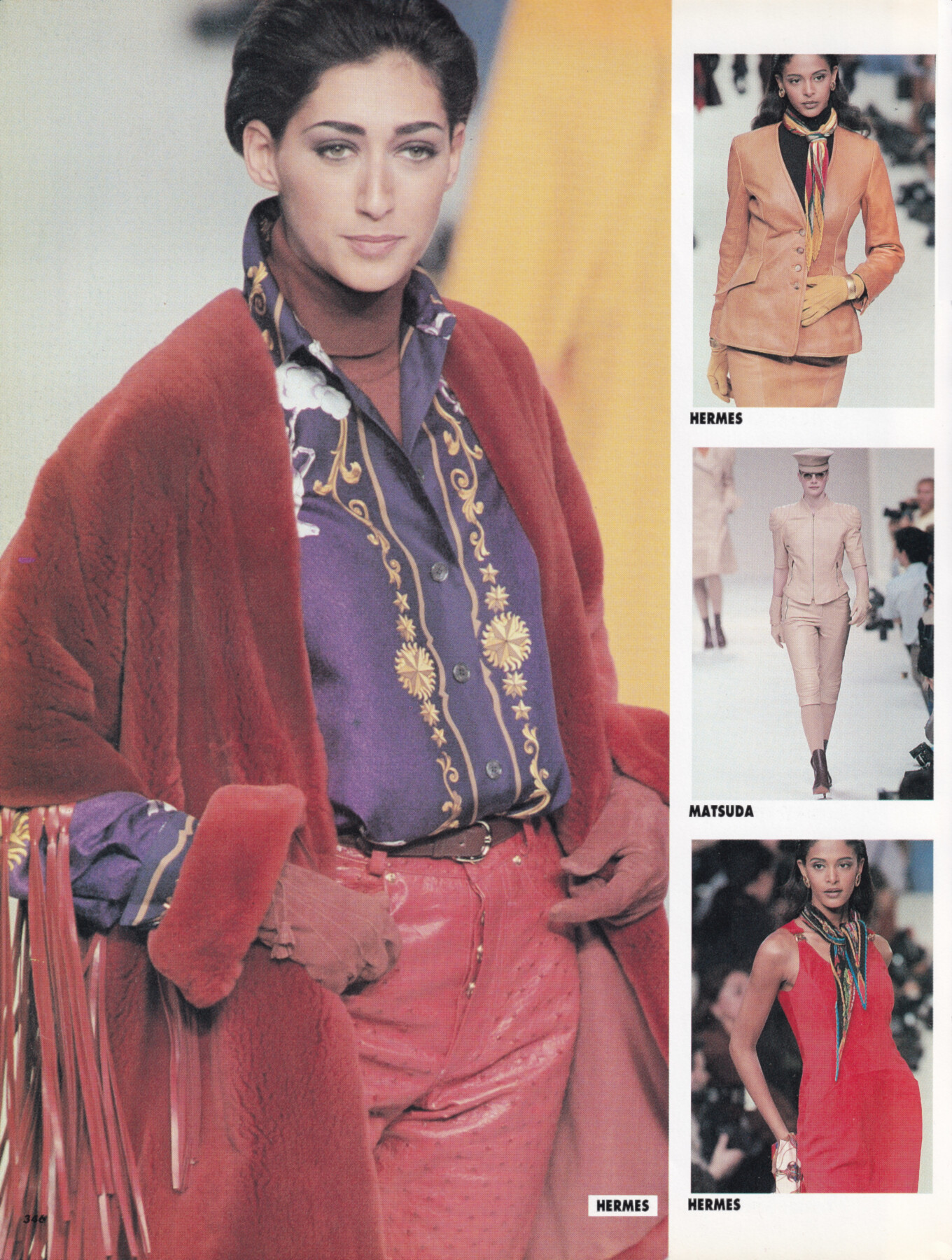
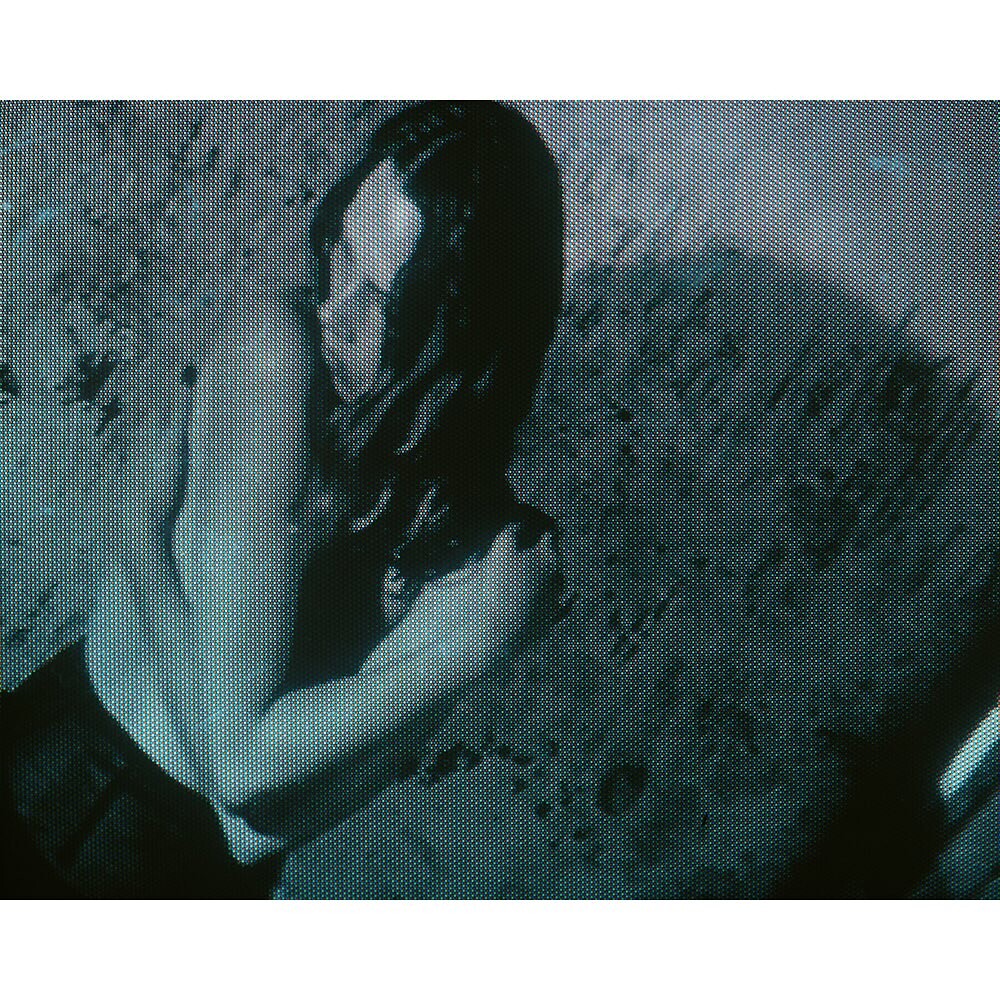
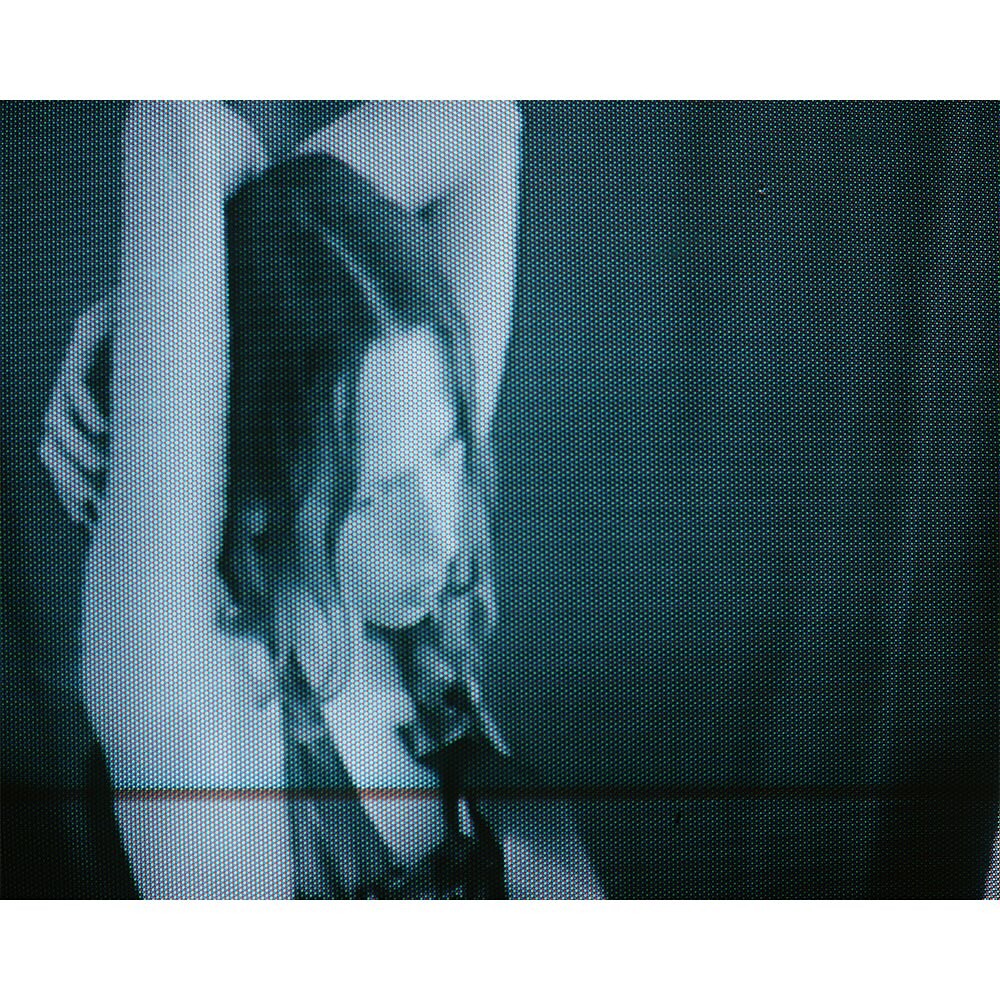
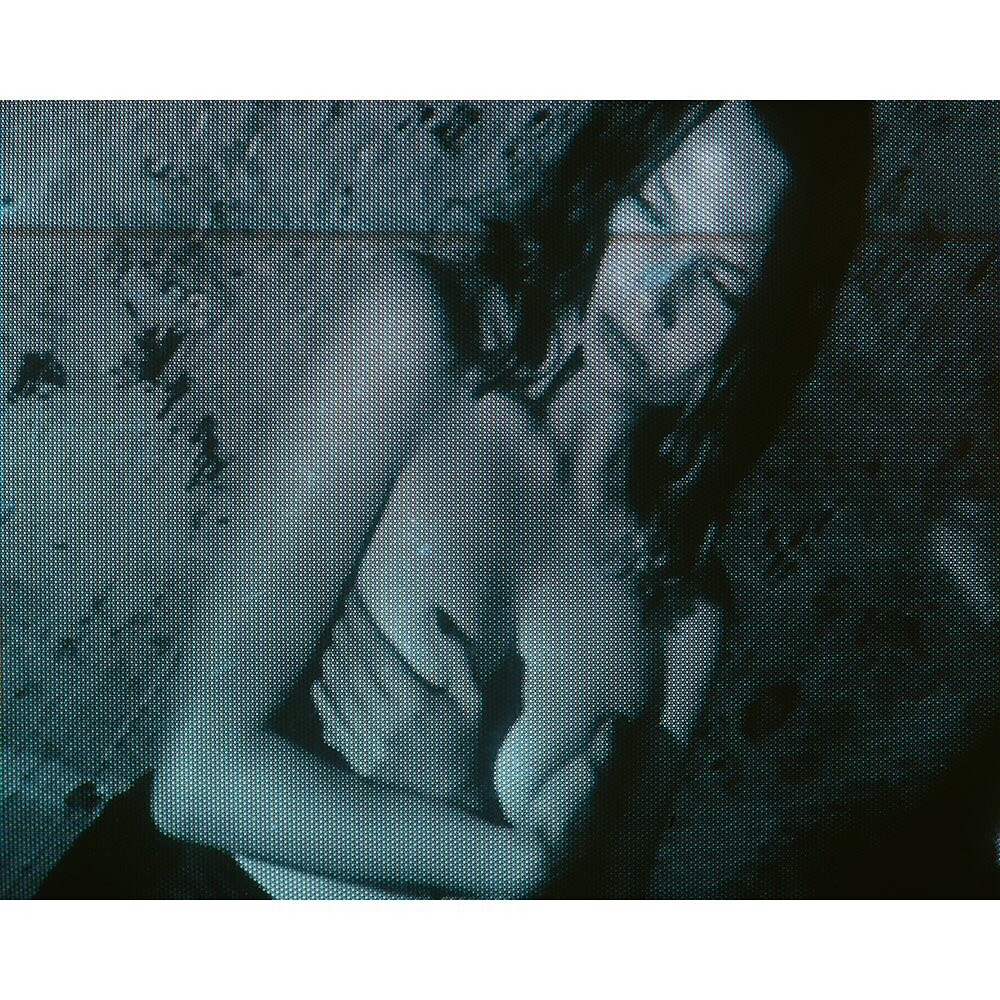
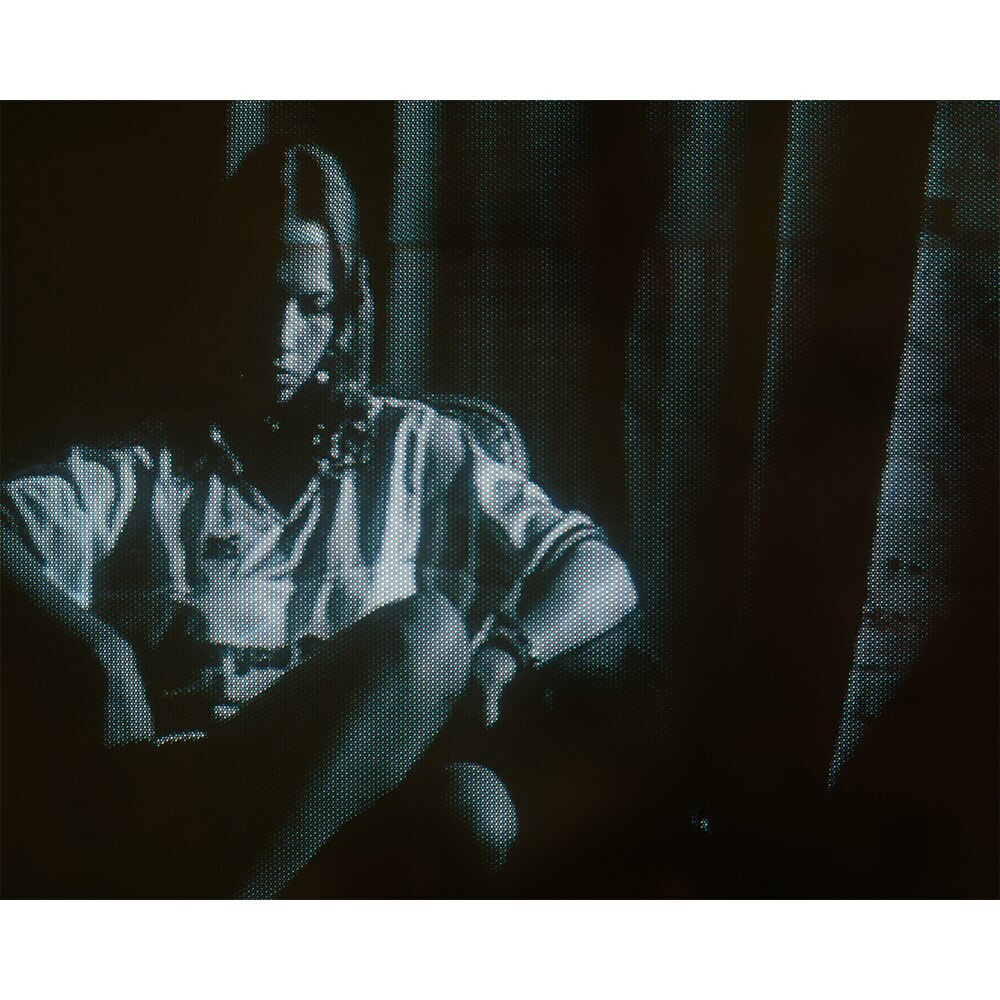
 Gisele Zelauy for Hermes, ready-to-wear, fall/winter 1991 my scan
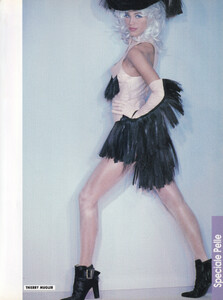
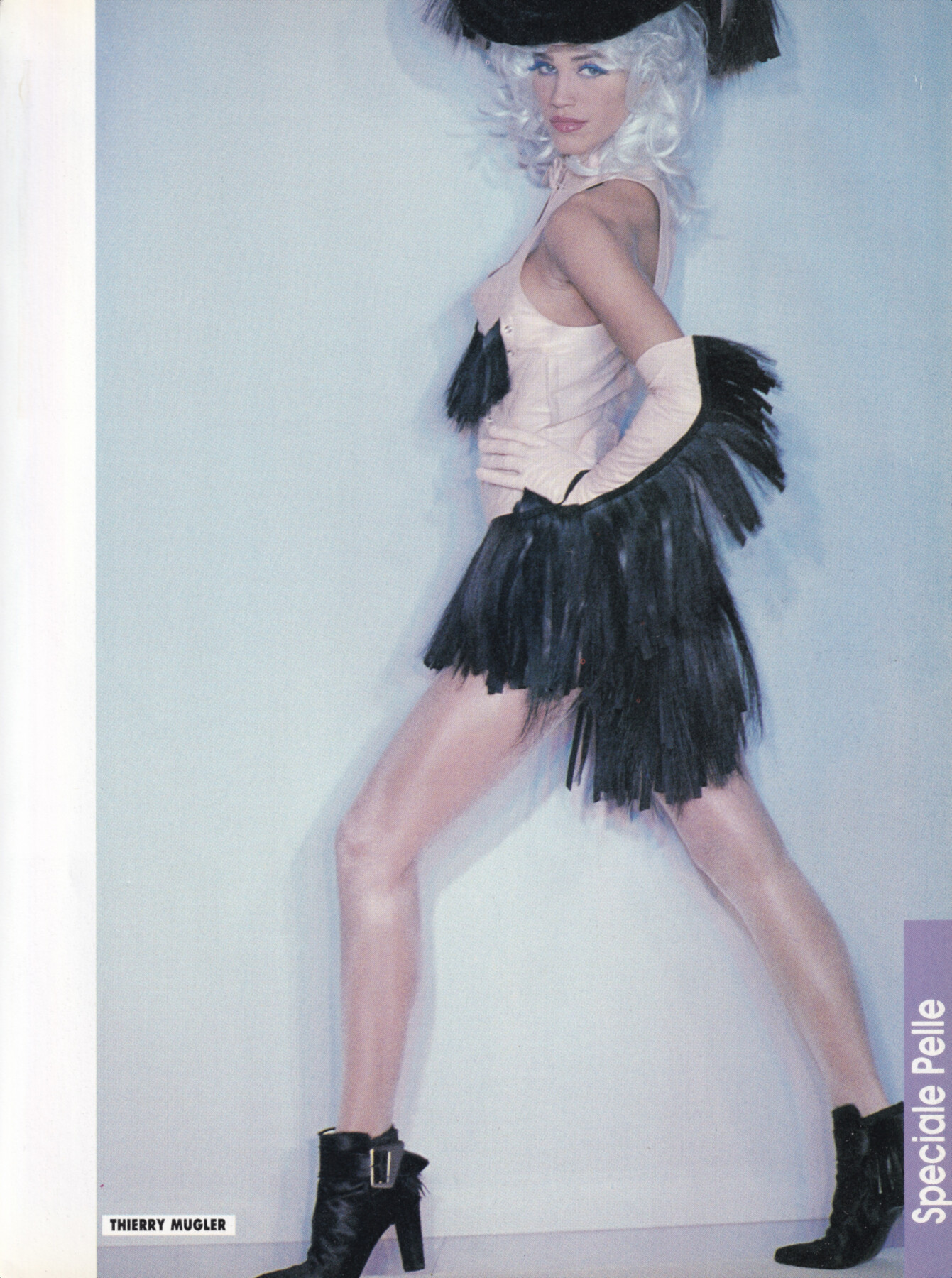
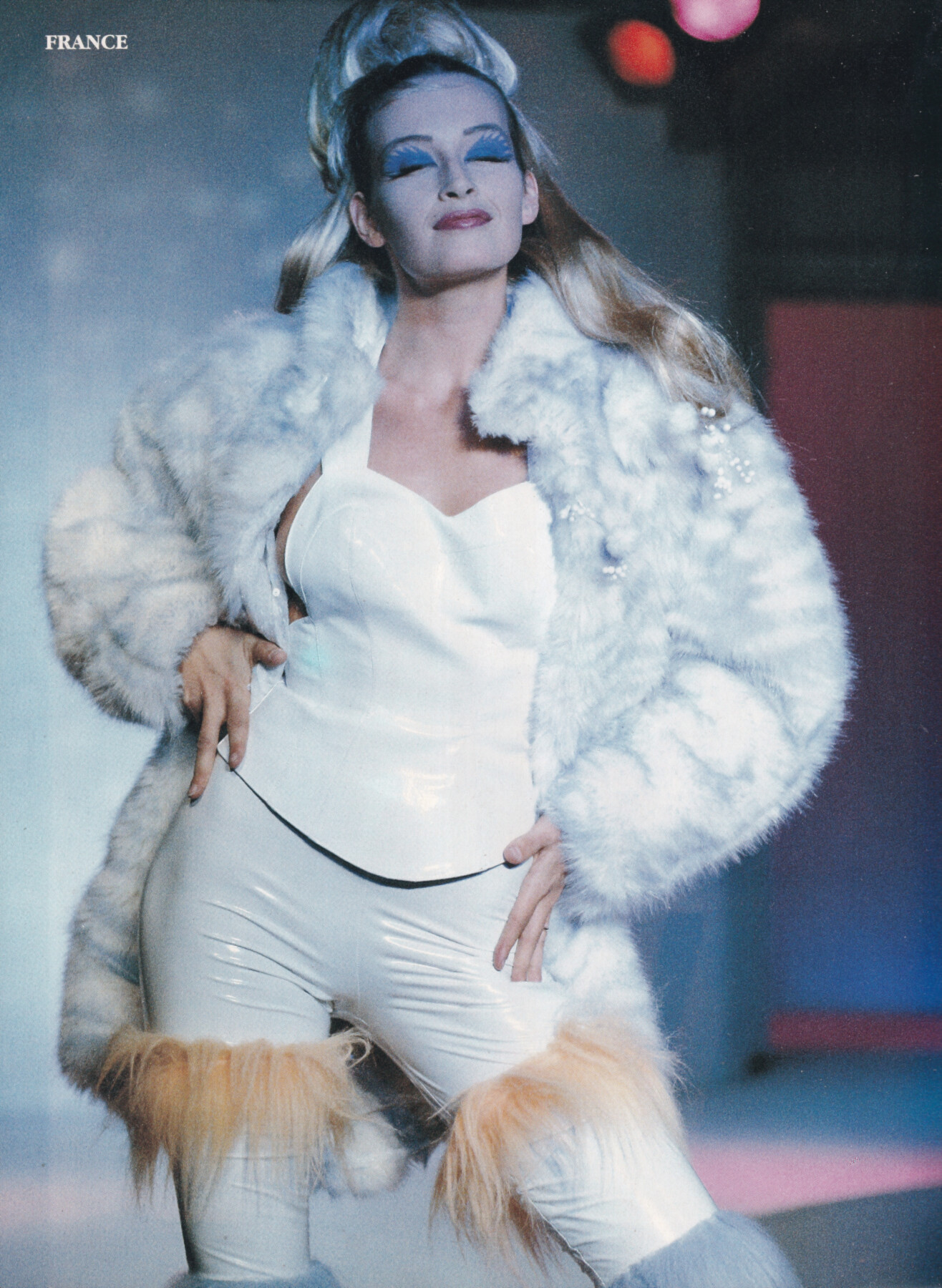
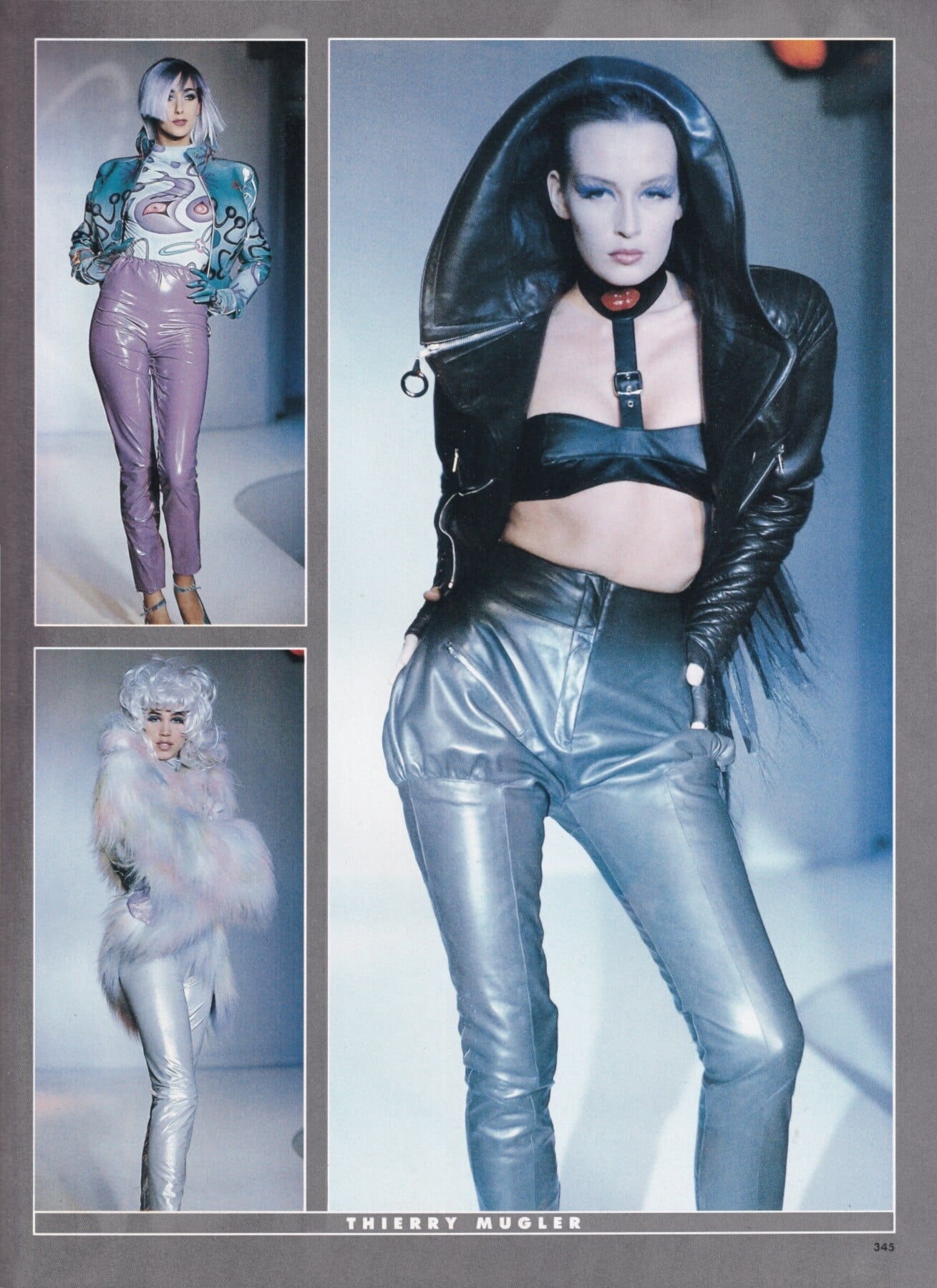
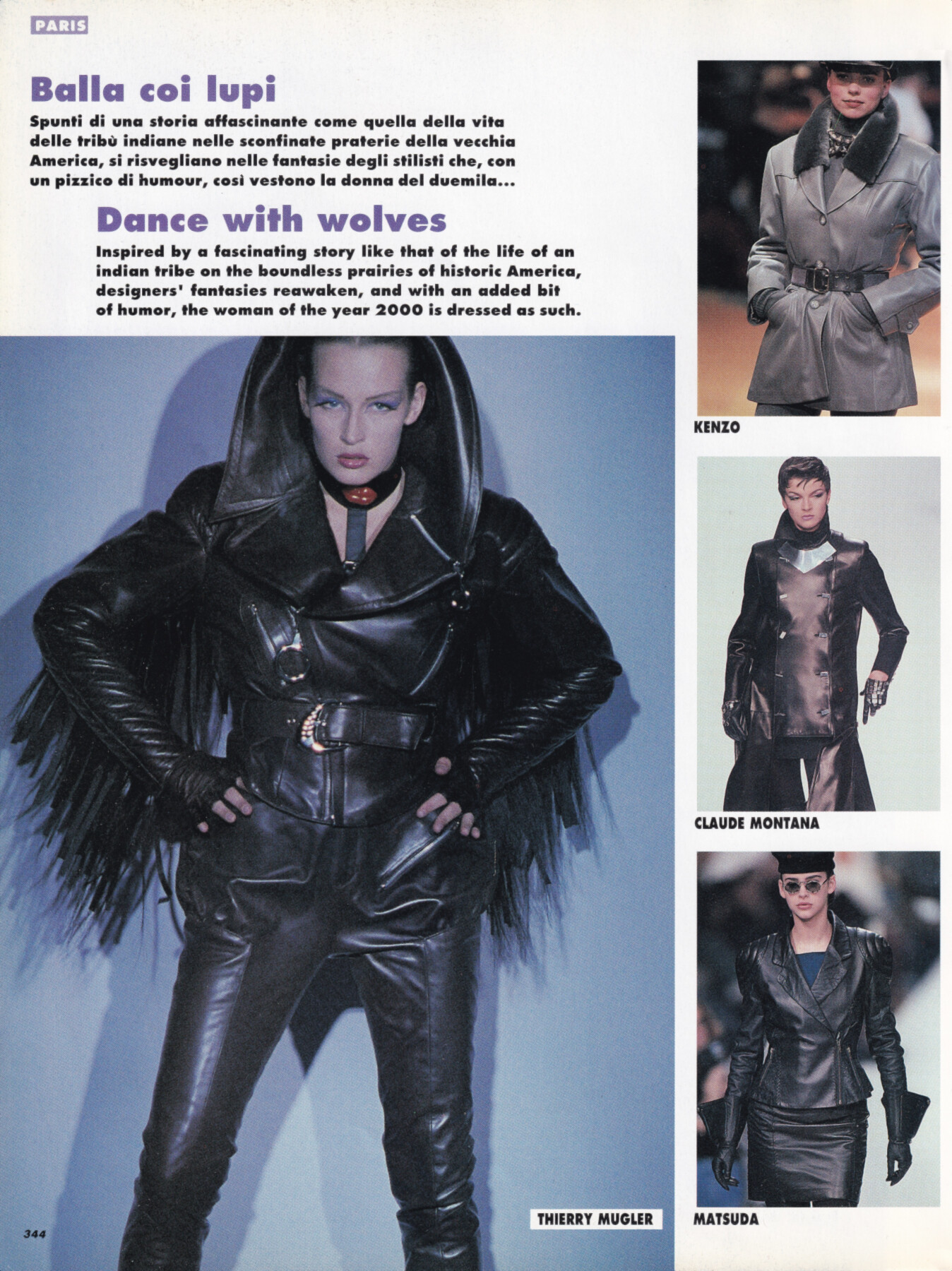
 Emma Sjoberg for Thierry Mugler, ready-to-wear, fall/winter 1991 my scan
 same as above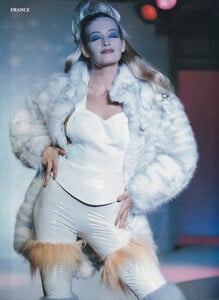
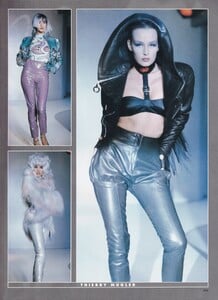
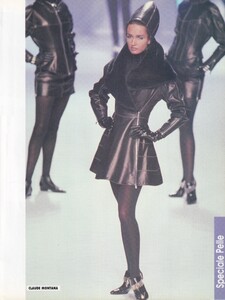
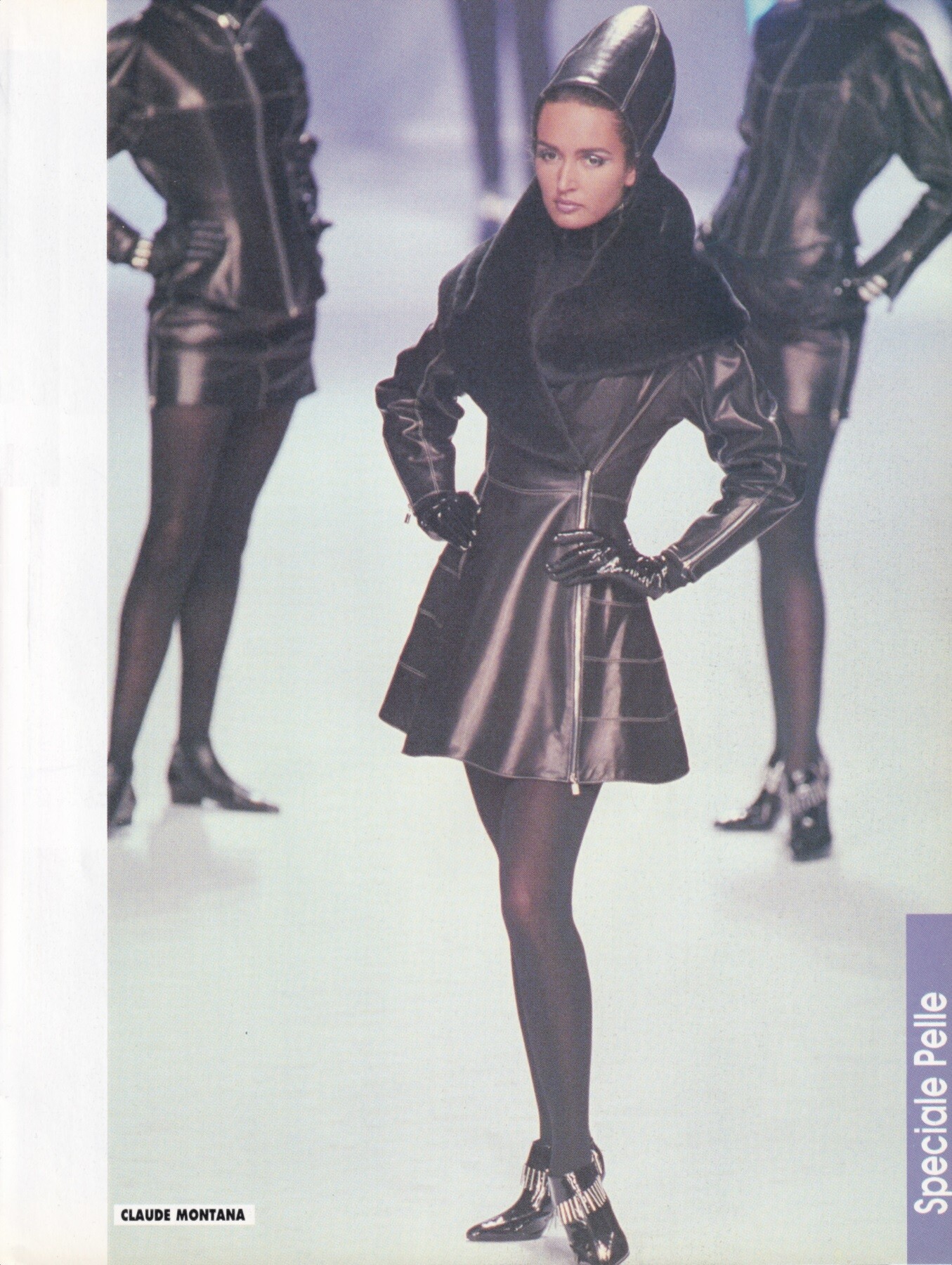
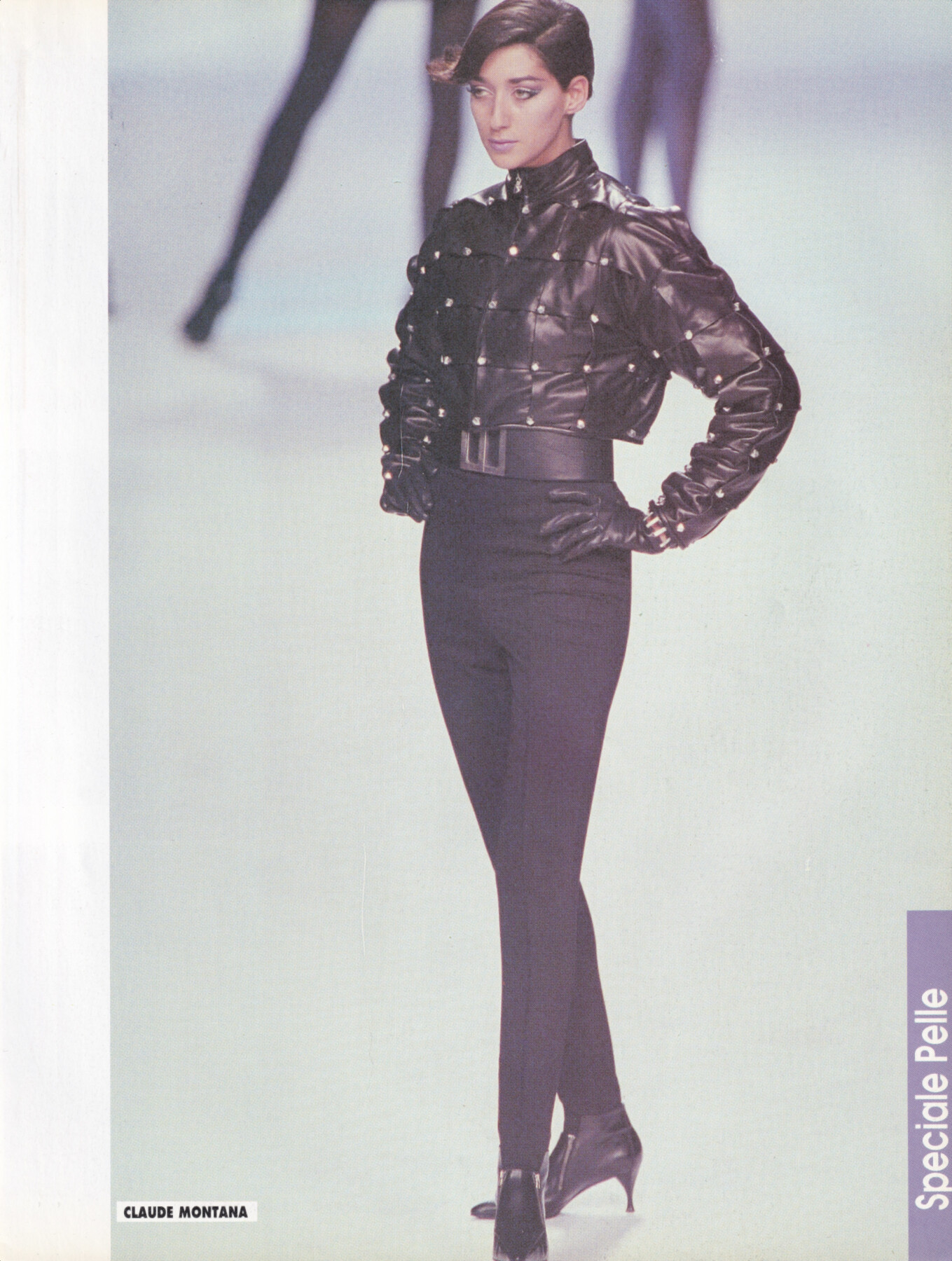
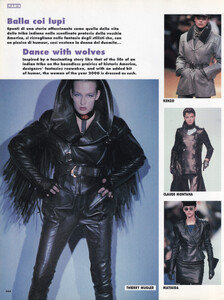 Gail Elliott for Claude Montana, ready-to-wear, fall/winter 1991 my scan
 Claudia Schiffer & Gail Elliott for Escada, 1991 my scan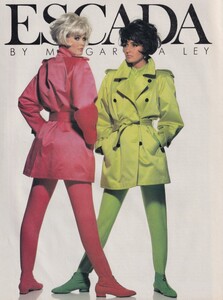
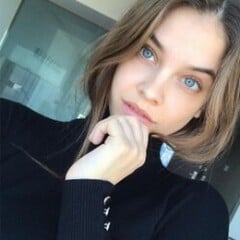
 Gisele Zelauy for Claude Montana, ready-to-wear, fall/winter 1991 my scan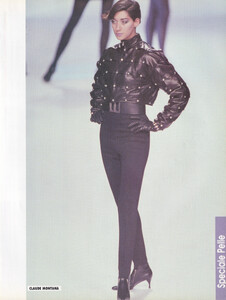
 i'm gonna bump this one more time, i'm 75% sure it's Ingrida Kraus but could do with some confirmation
- Today
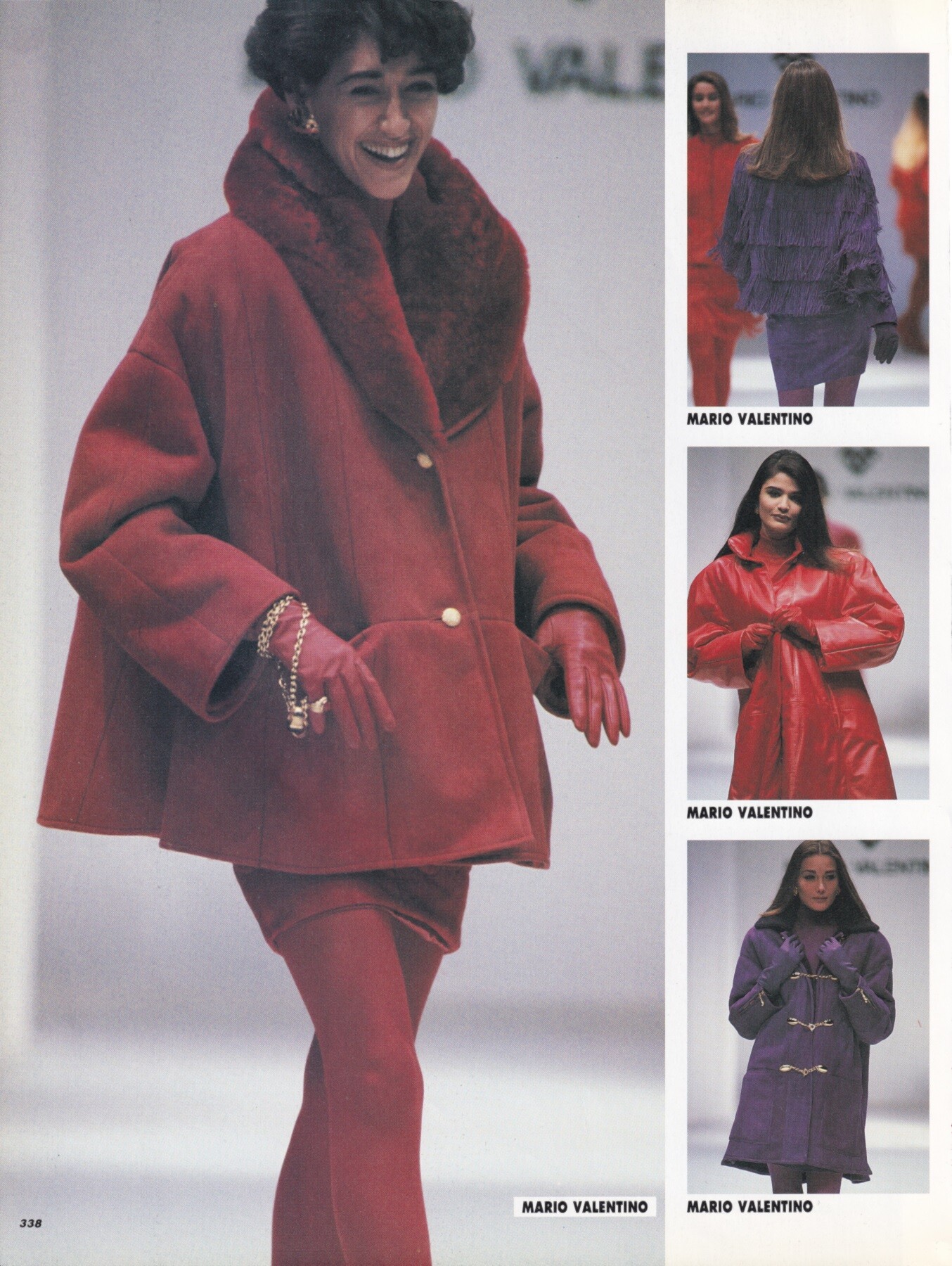
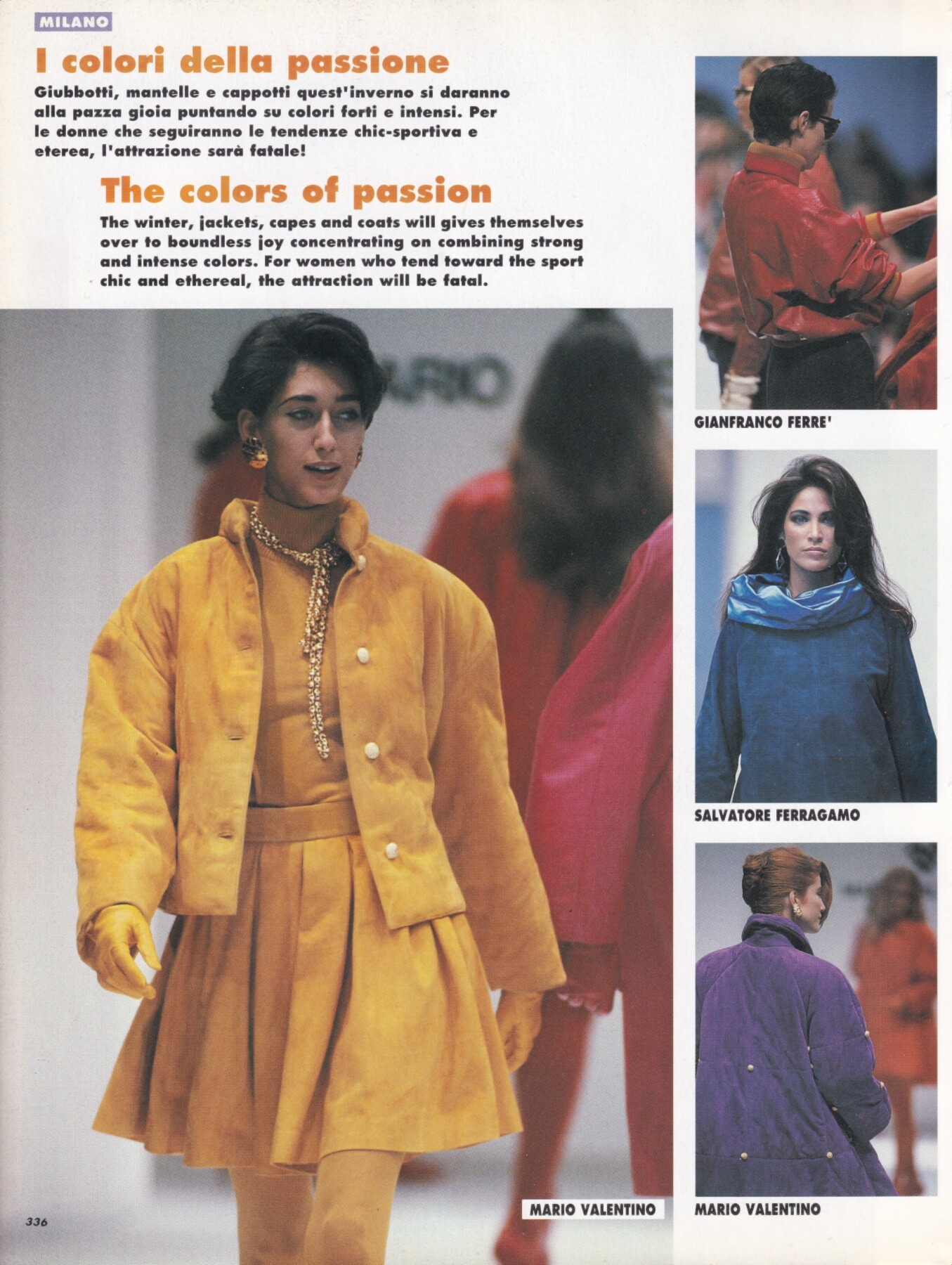
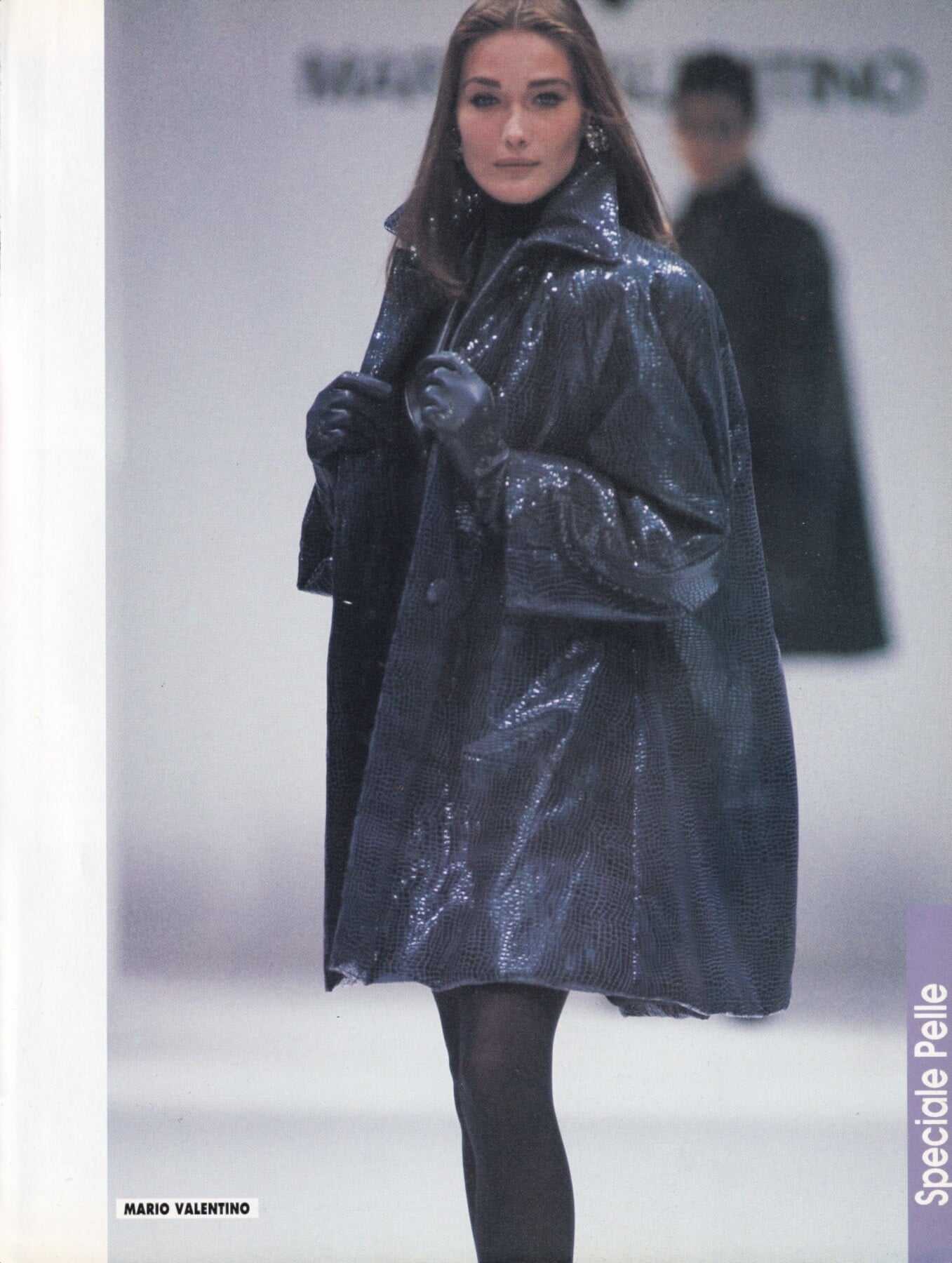
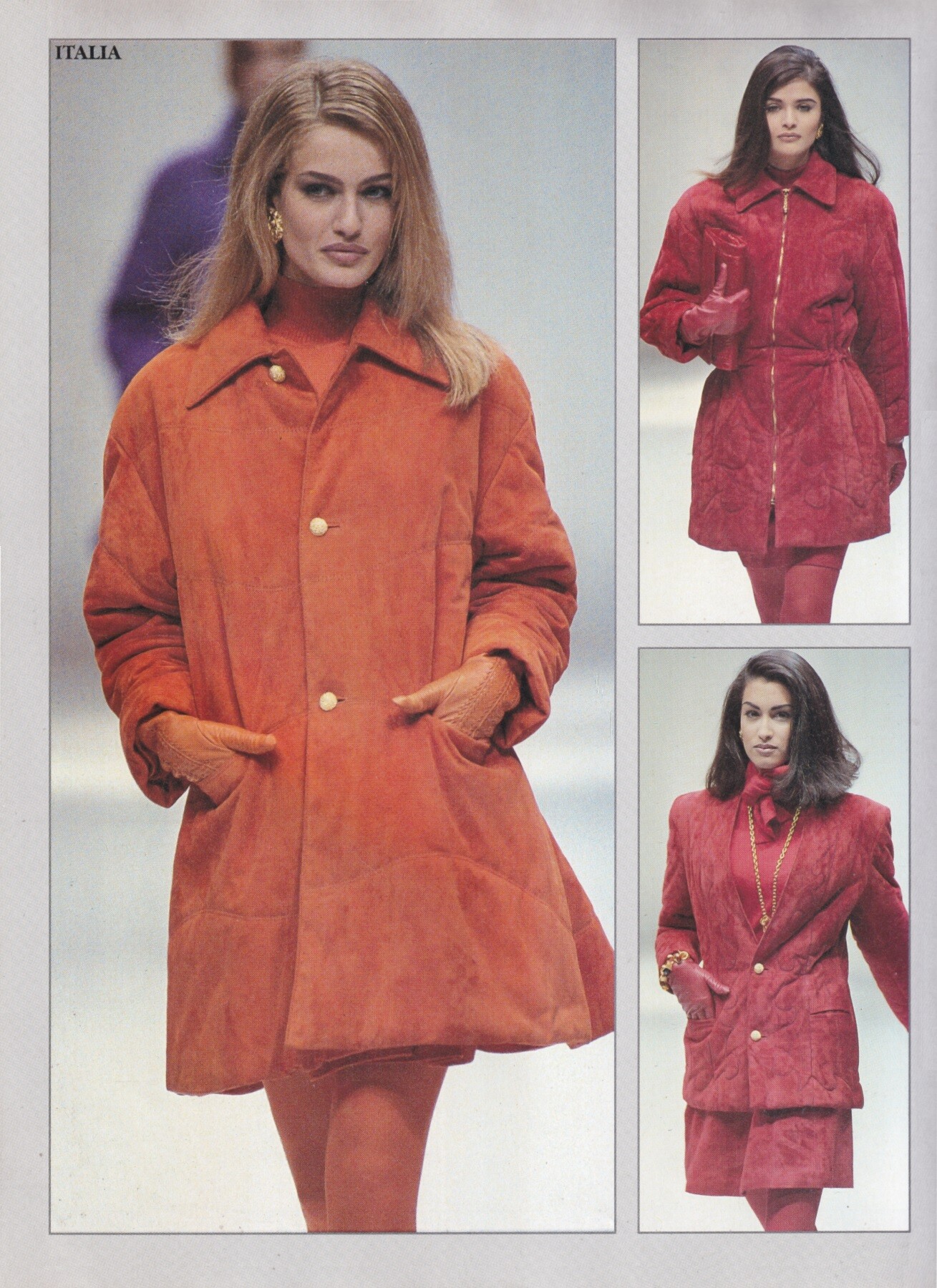
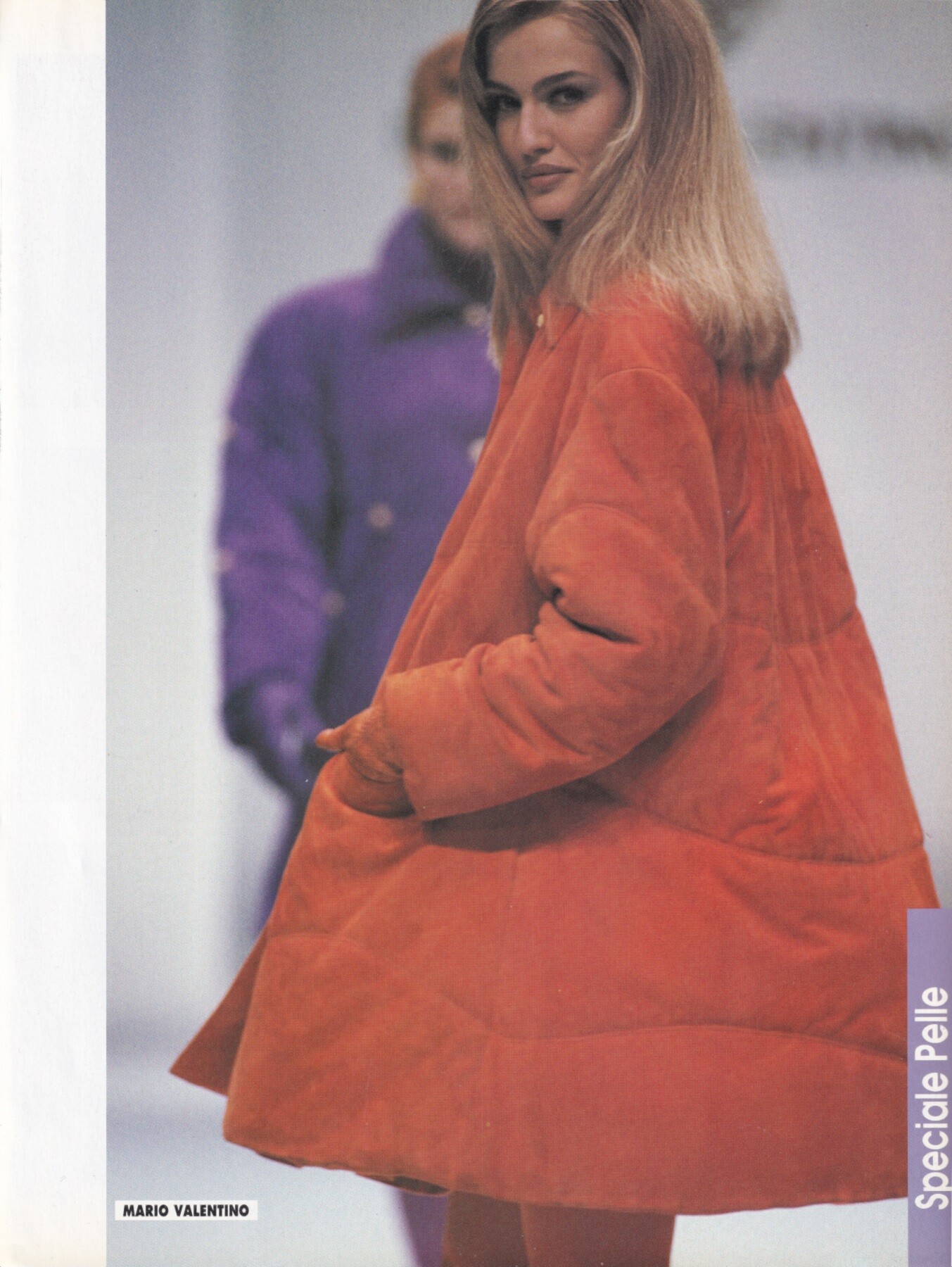
Gisele Zelauy for Mario Valentino, ready-to-wear, fall/winter 1991 my scans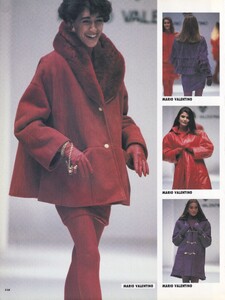

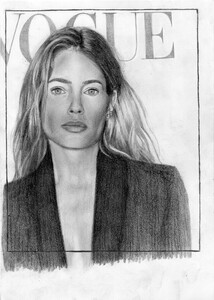
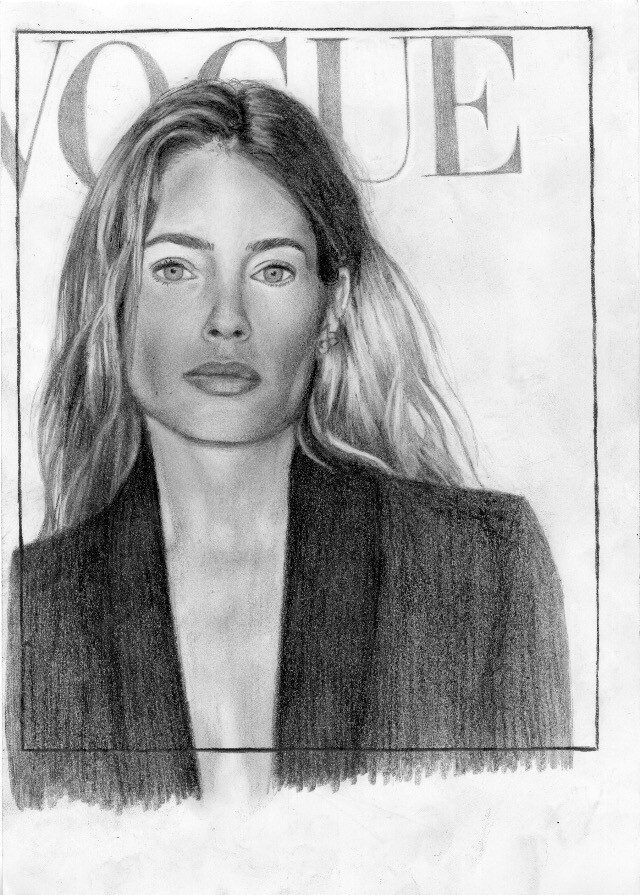
 Drawing of Doutzen Kroes from de French Vogue Cover february 2026. Page A4 with criterion. February 2026. Artist : Louis Duteil
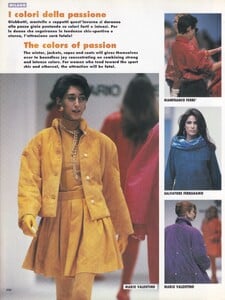
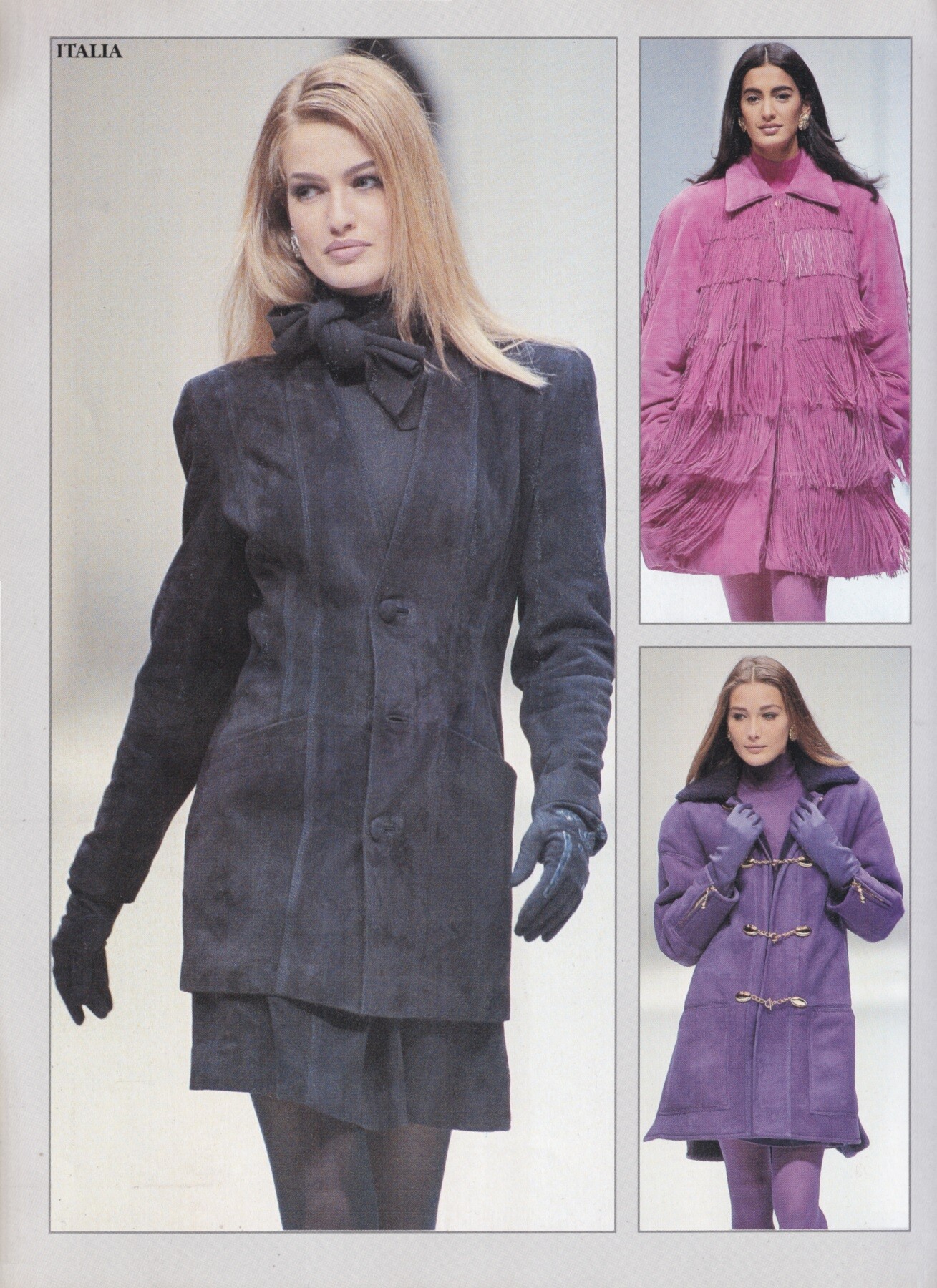
 Carla Bruni for Mario Valentino, ready-to-wear, fall/winter 1991 my scan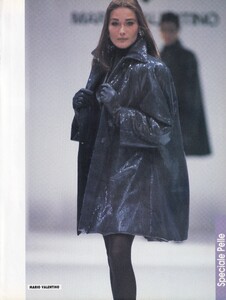
 same as above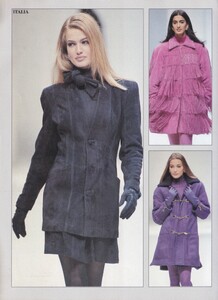
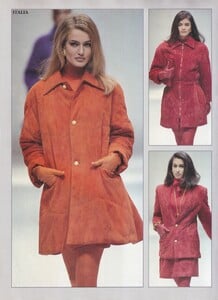
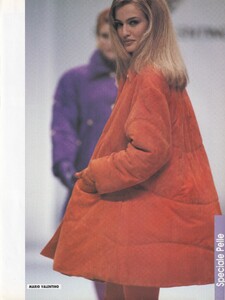

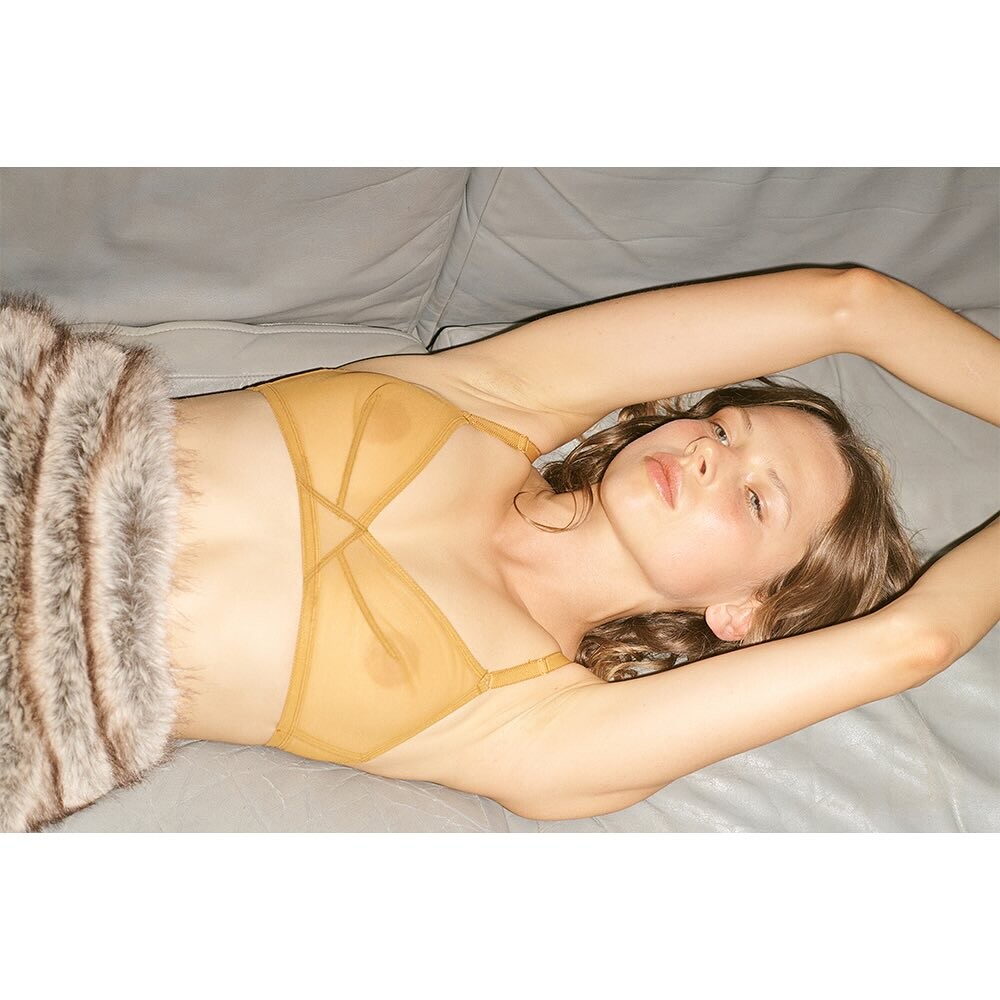
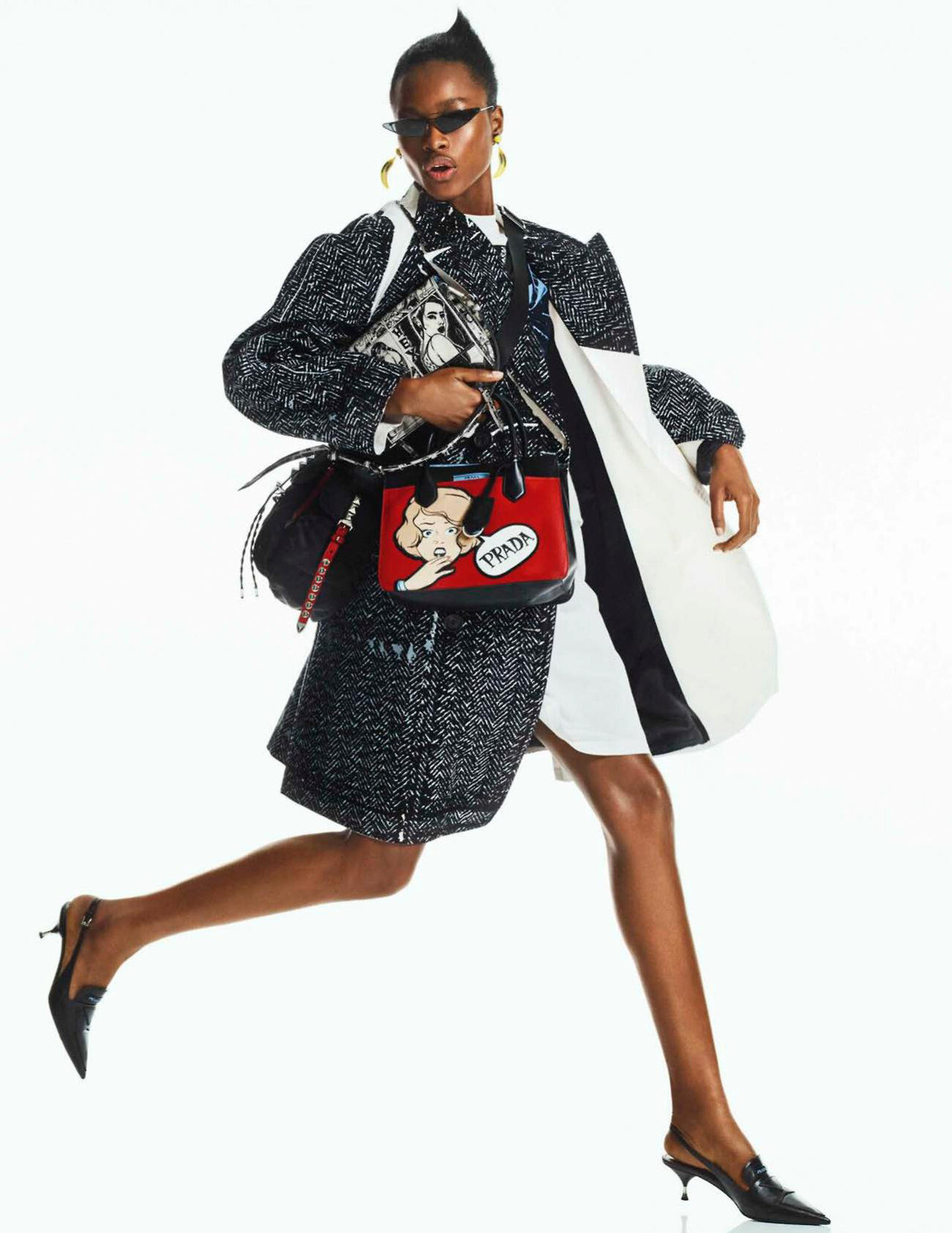
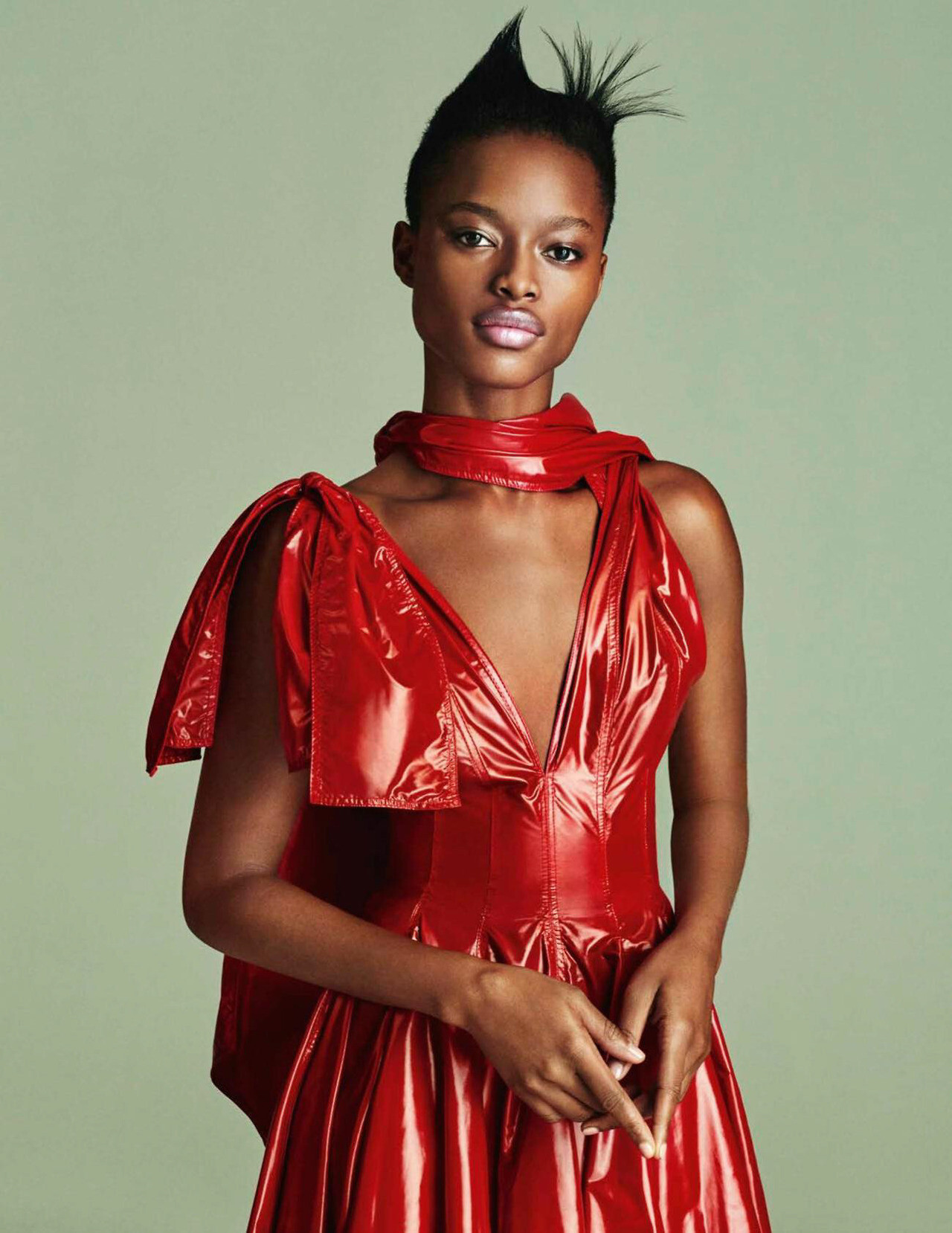
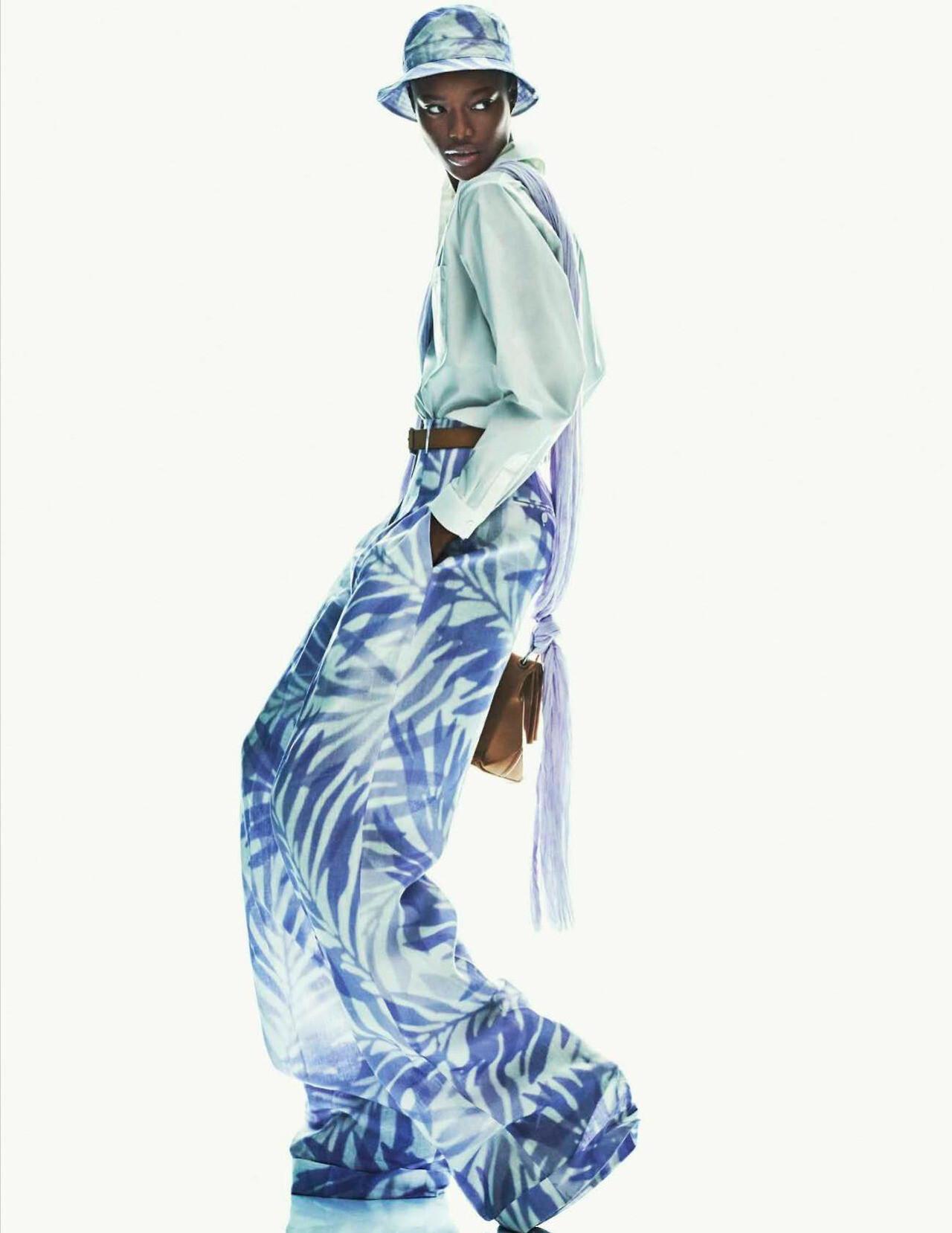
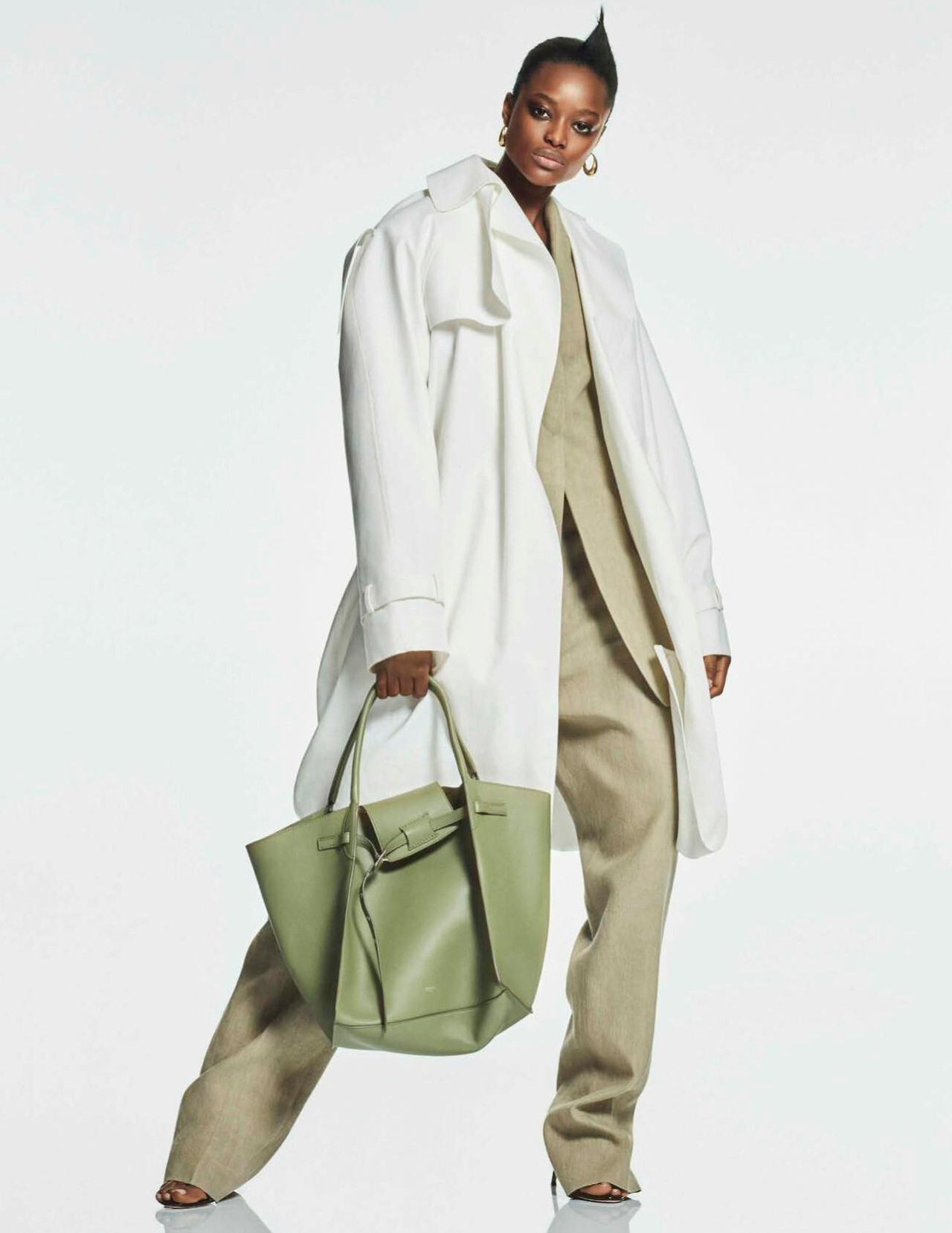
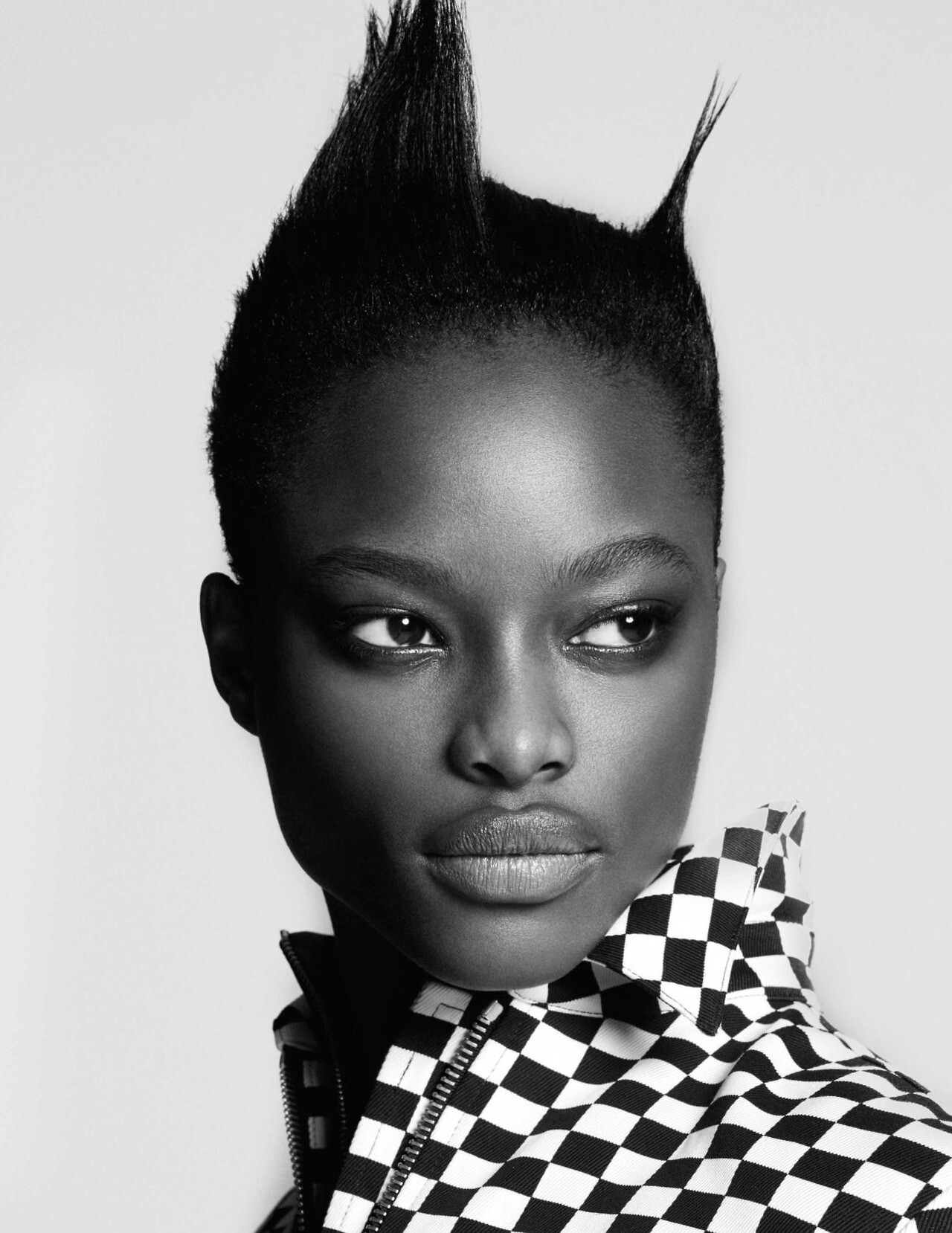
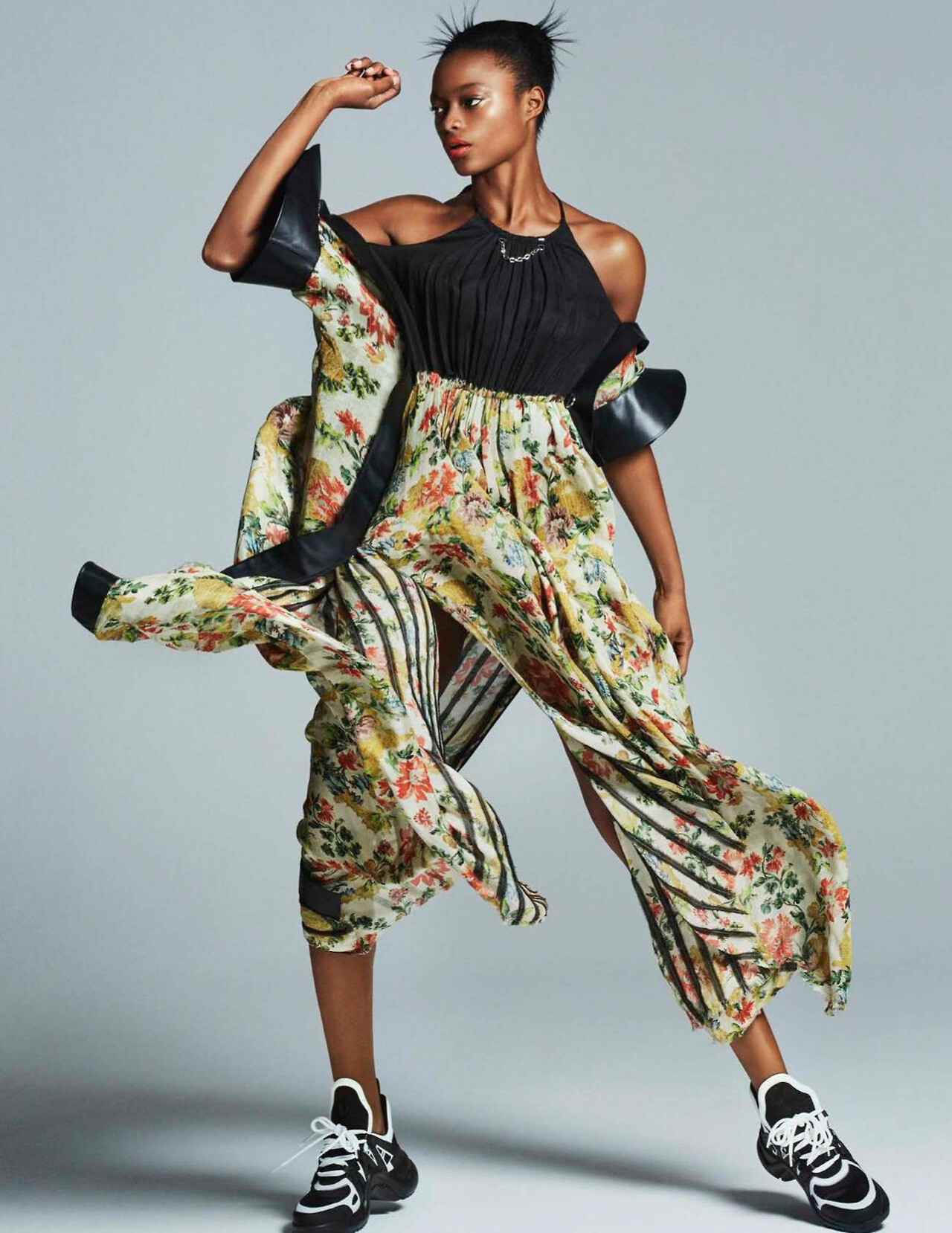
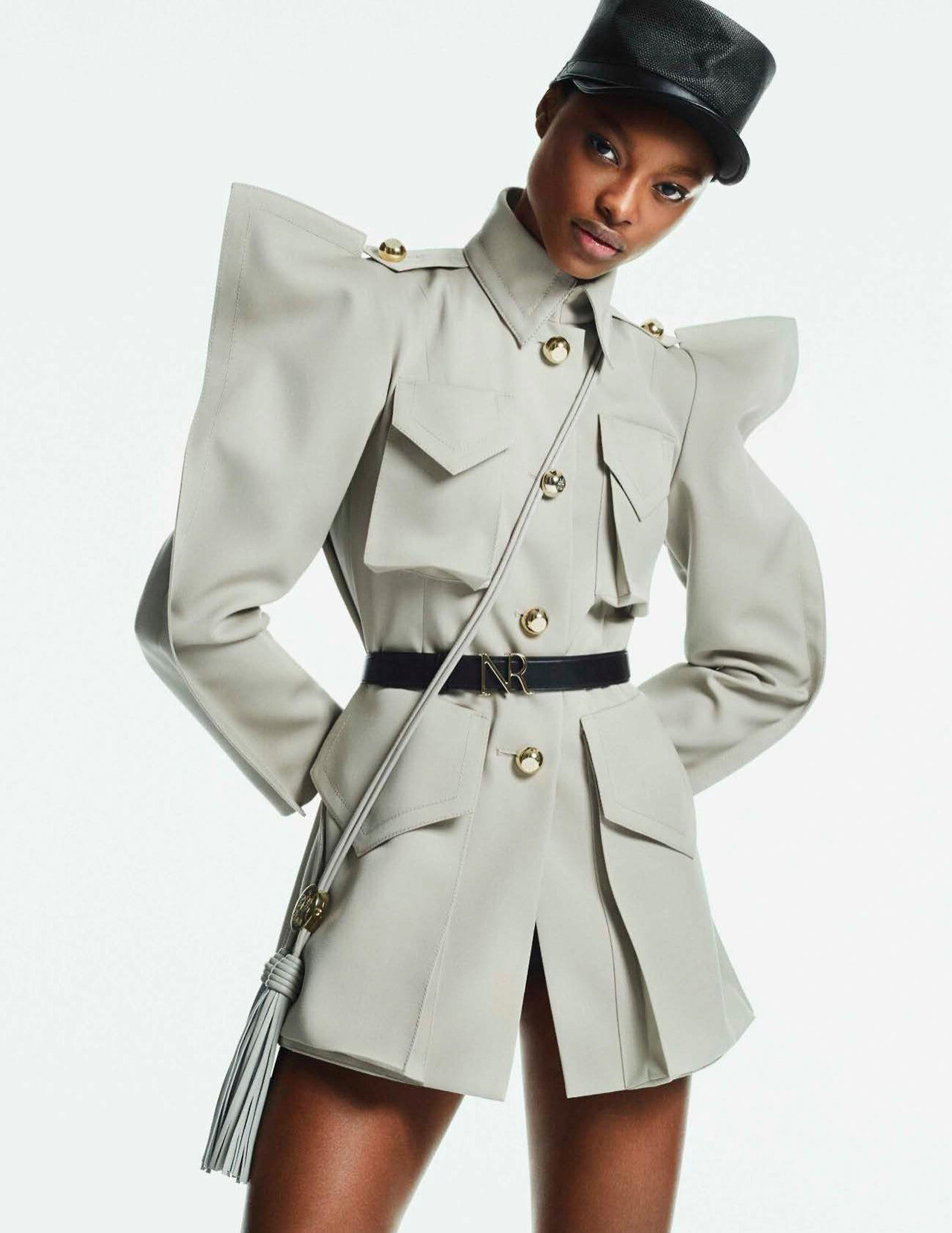
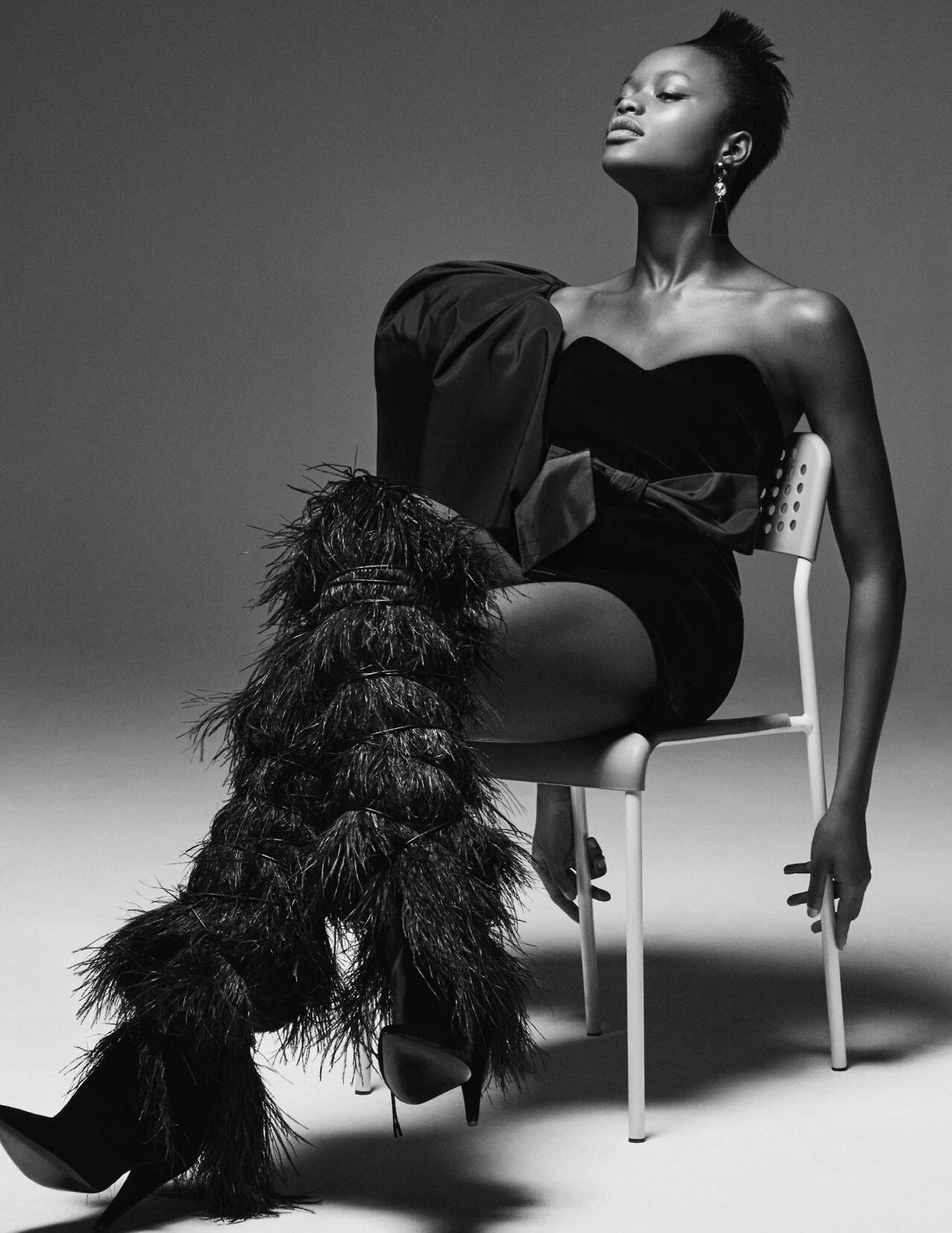
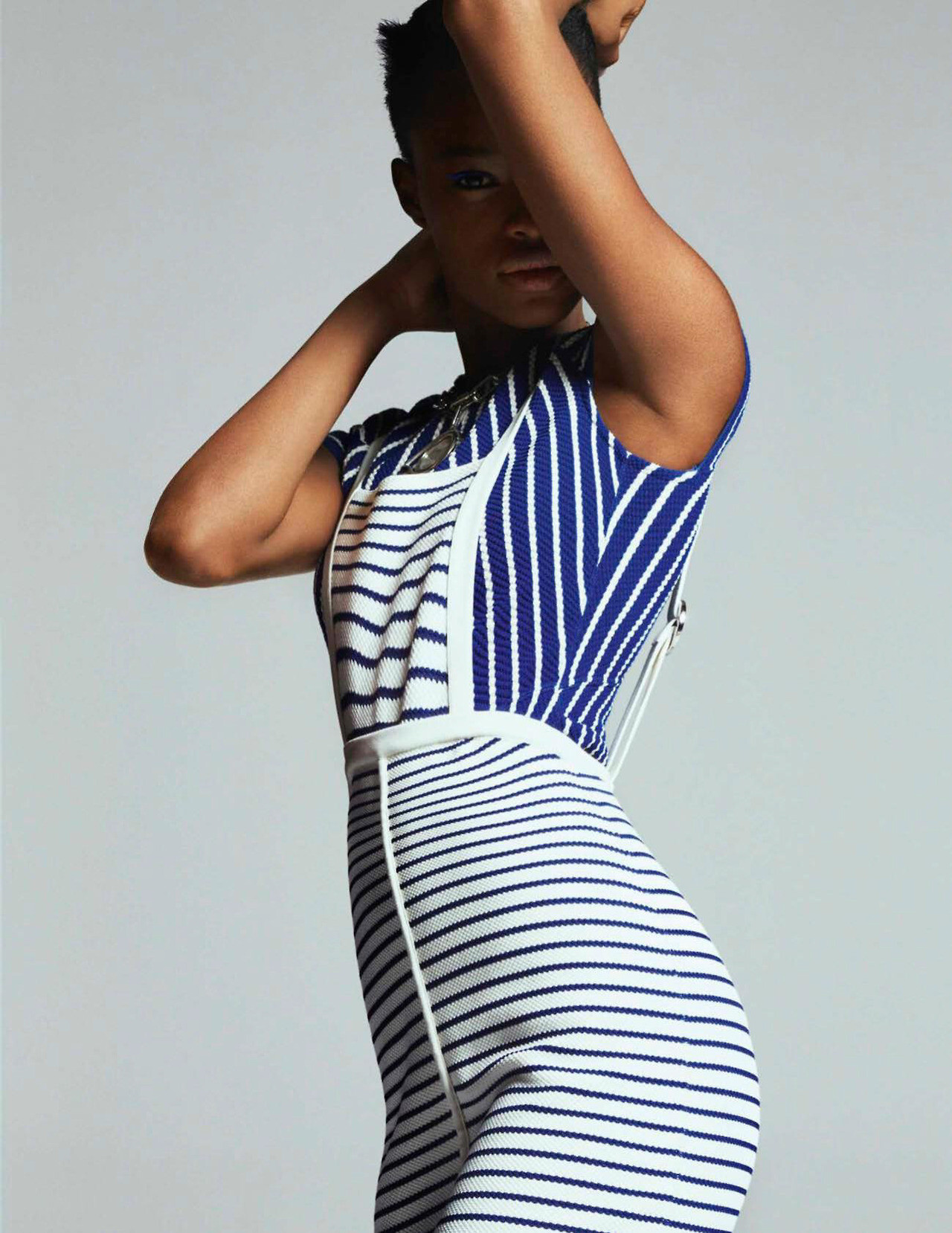
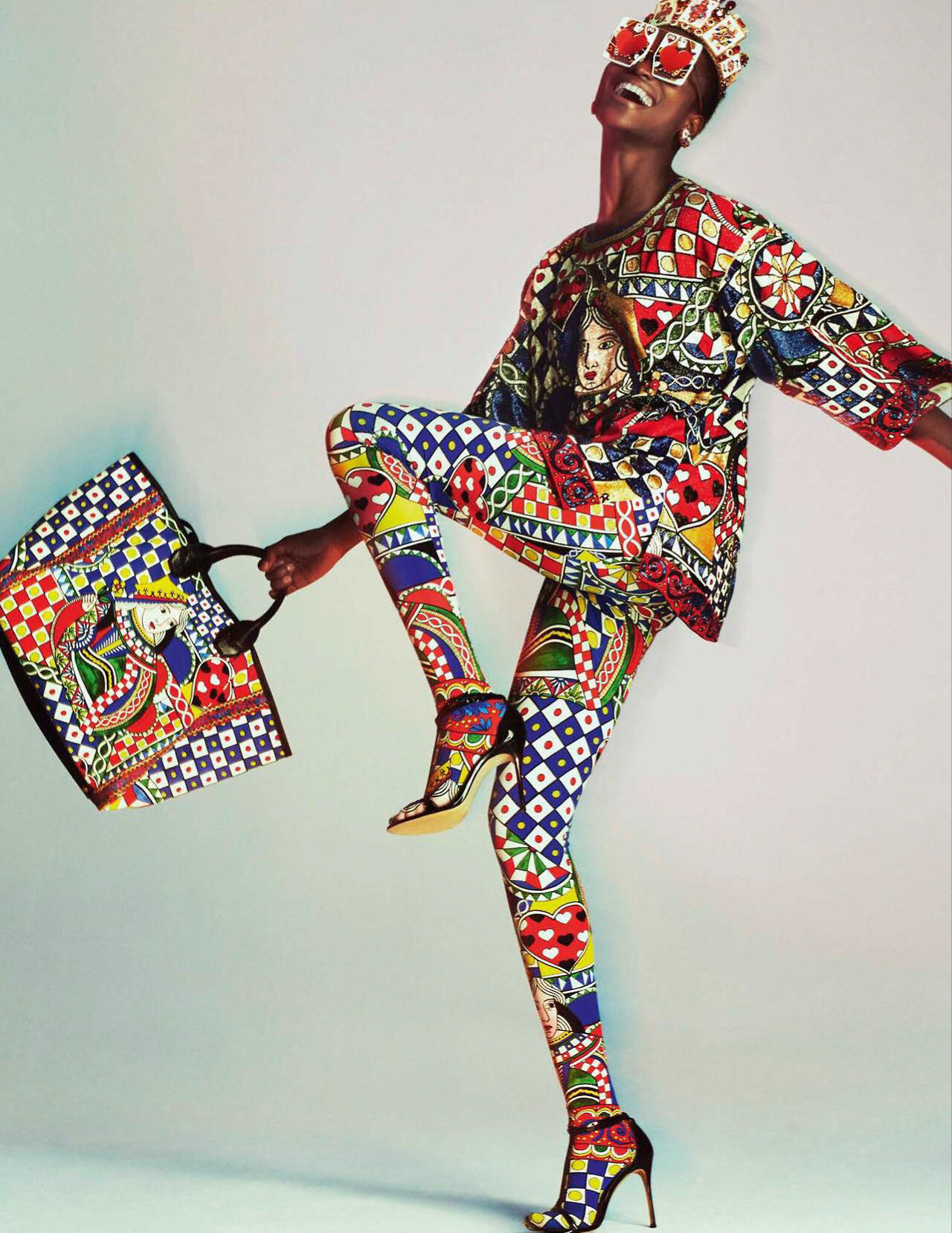
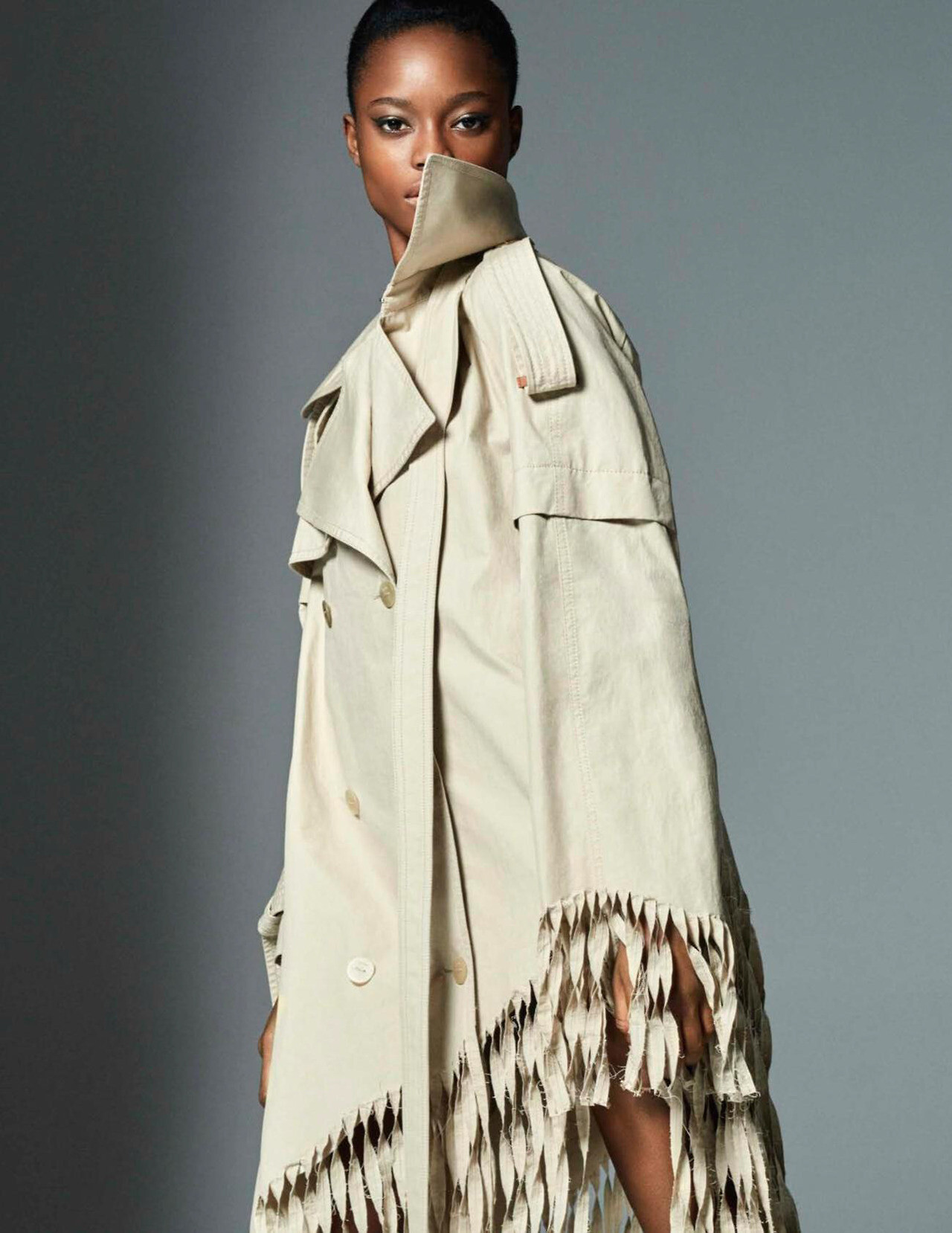
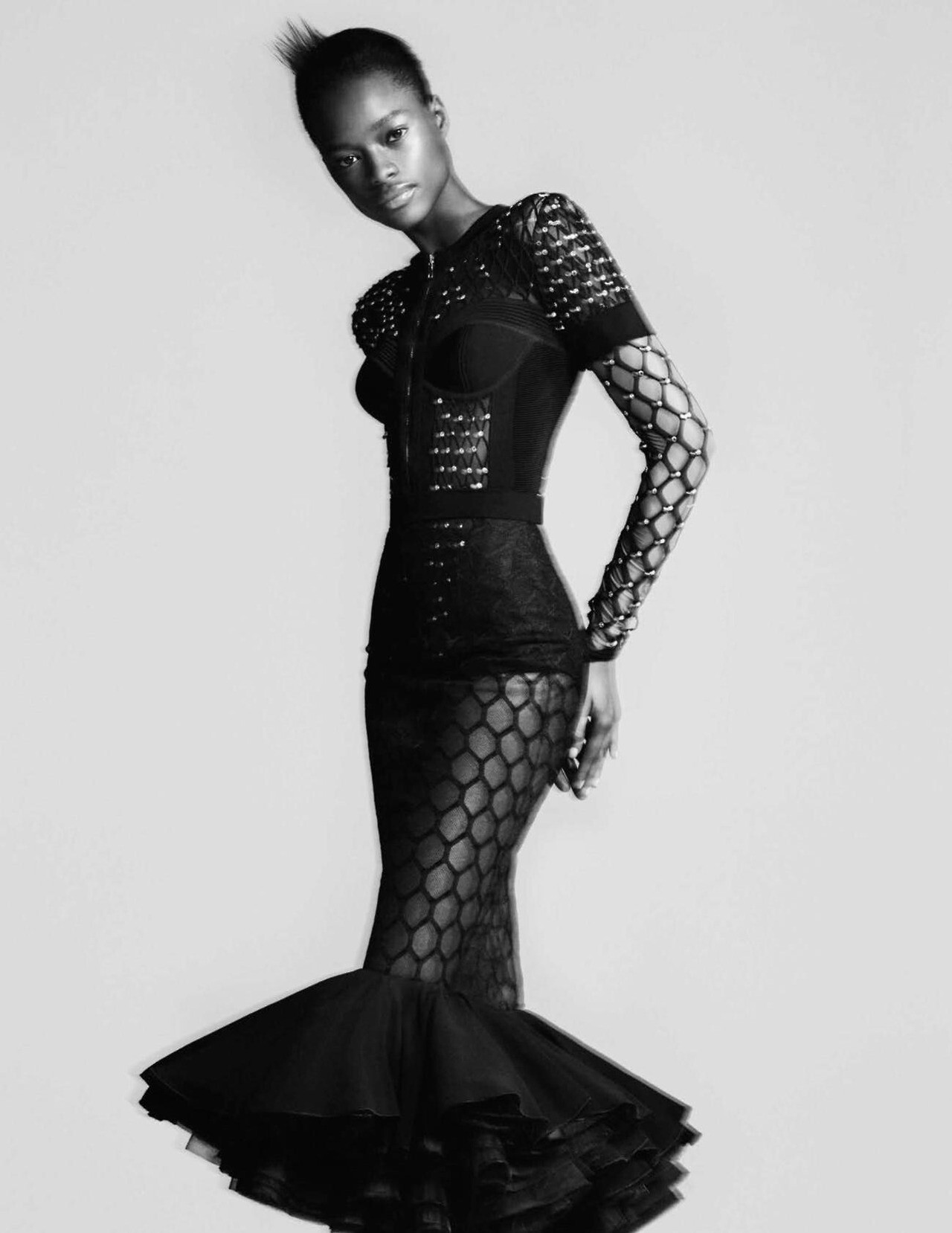
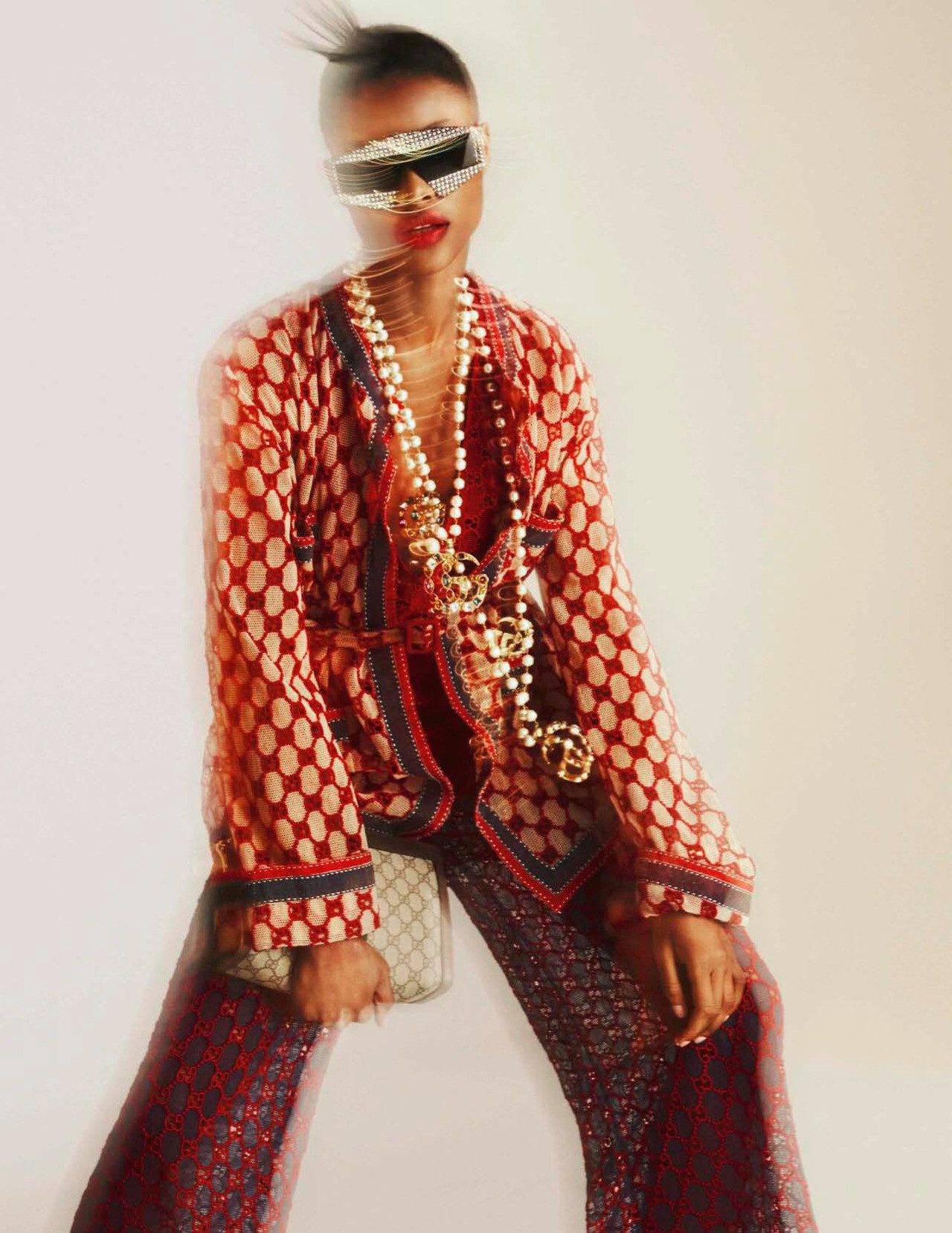
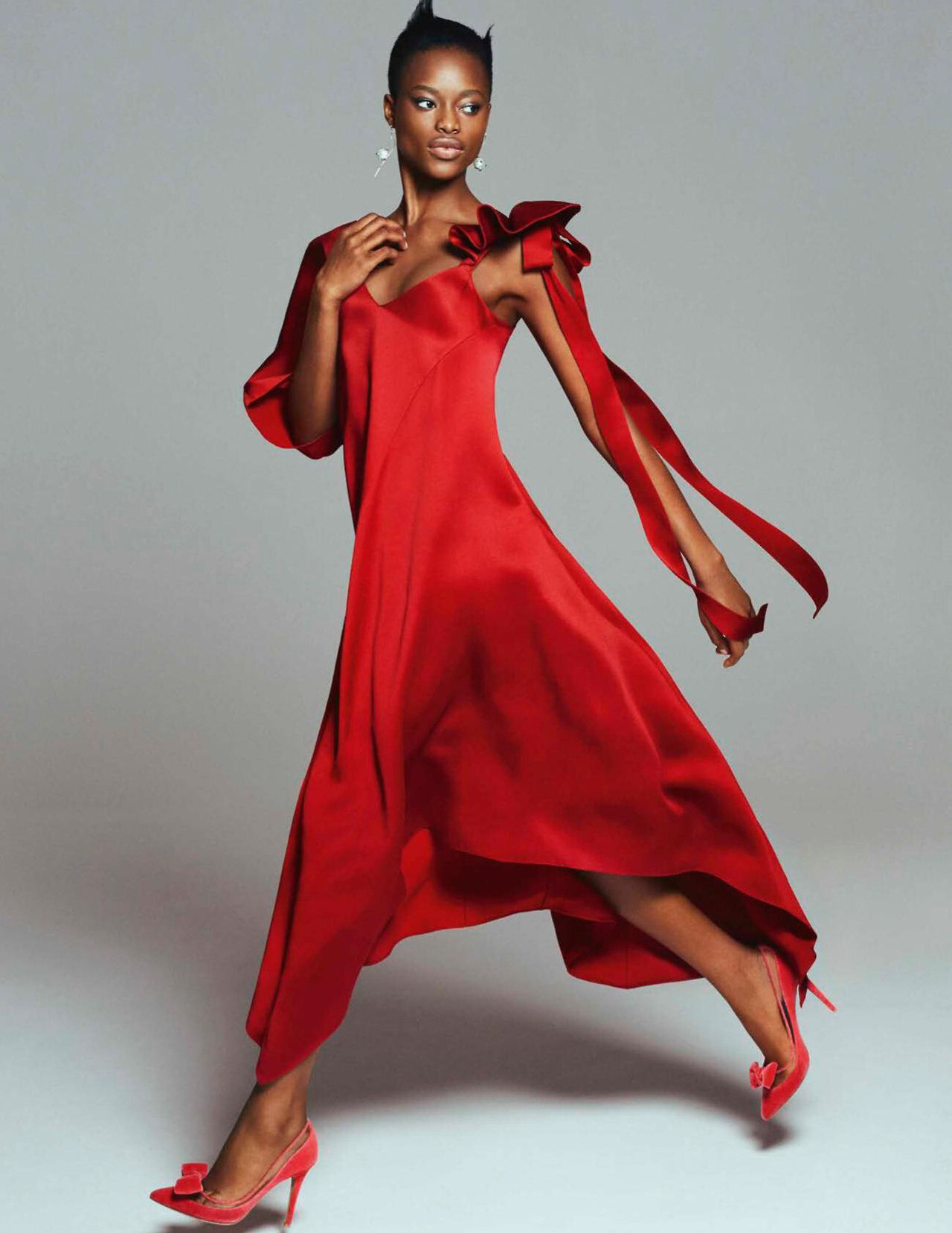
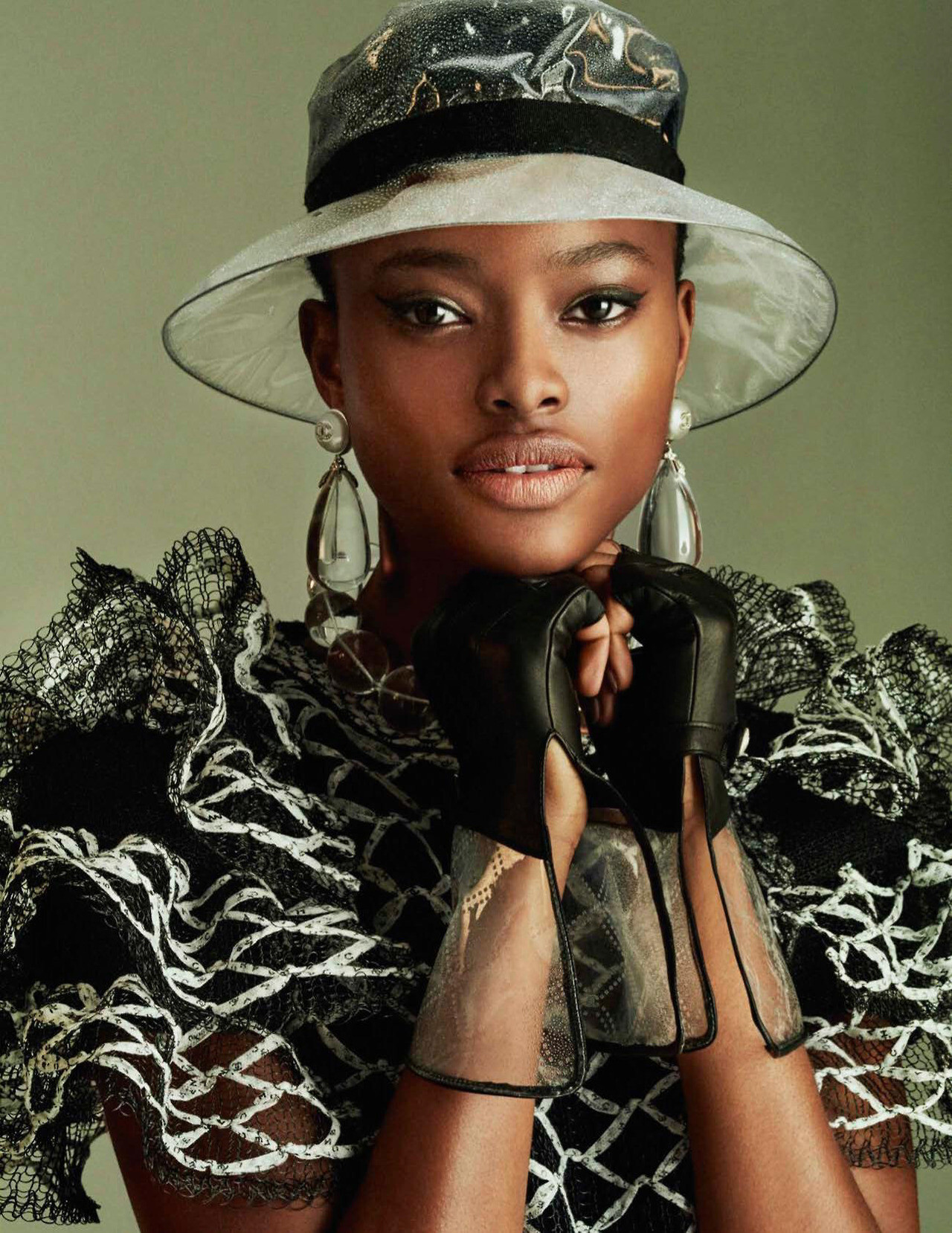
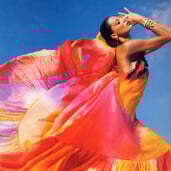 Vogue Spain February 2018 "Power" Model: Mayowa Nicholas Photographer: Txema Yeste Stylist: Juan Cebrián Hair: Ali Pirzadeh Makeup: Jurgen Braun wearesodroee.tumblr.com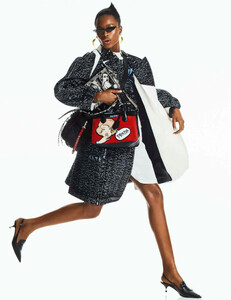
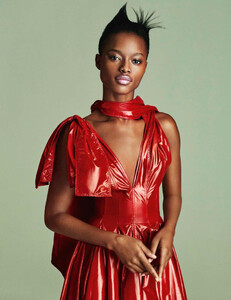
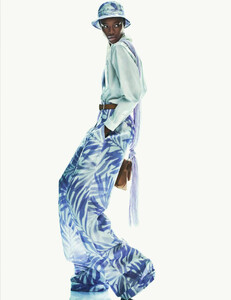
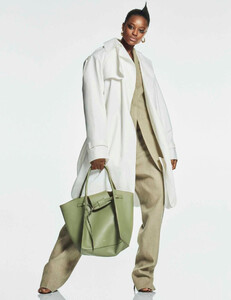
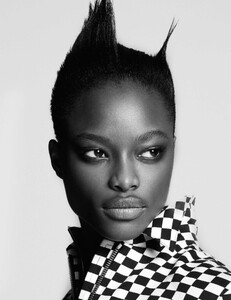
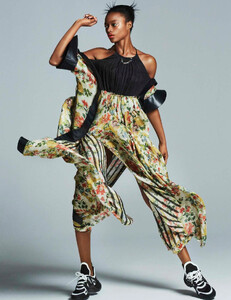
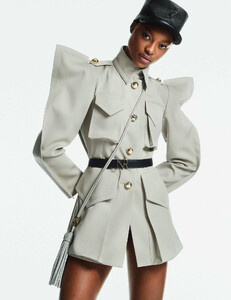
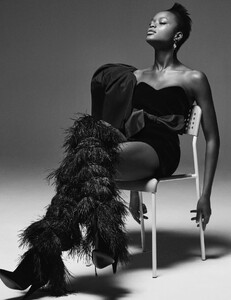
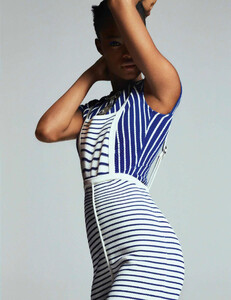
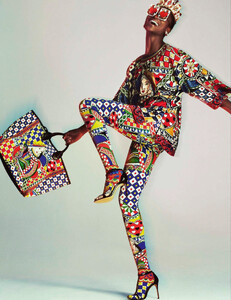
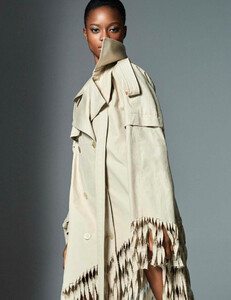
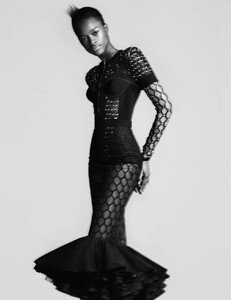
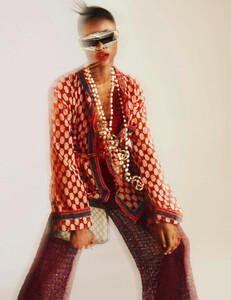
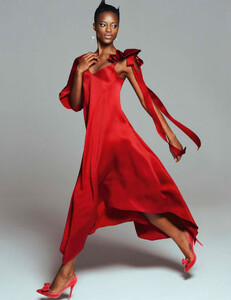
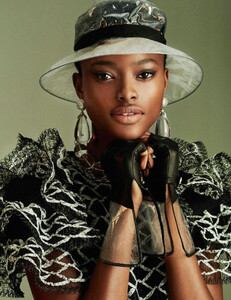
 Beautiful! ♥️ Her face at the end reminds me of her RMK campaign from 2005. She's most likely in New York because Joan is in New York. Hopefully, she is busy doing some serious studio work 📸 after skipping New York Fashion Week.
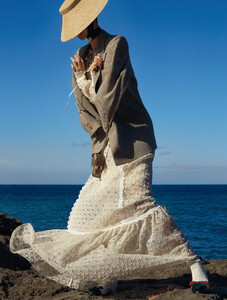
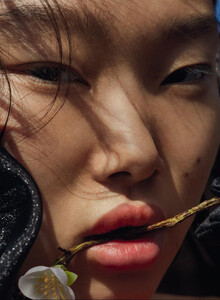
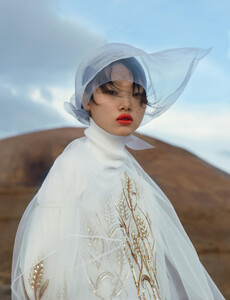
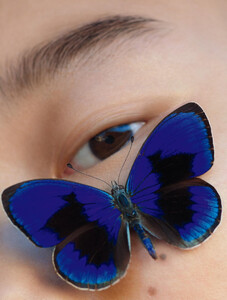
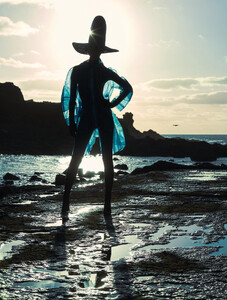
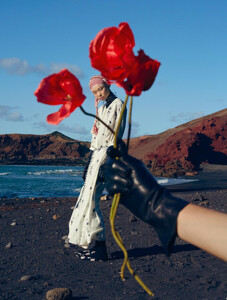
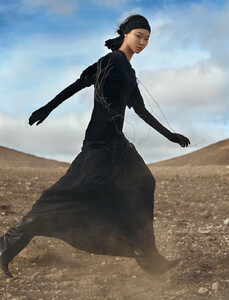
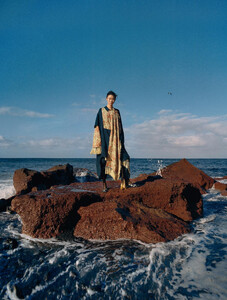
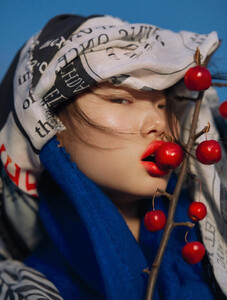
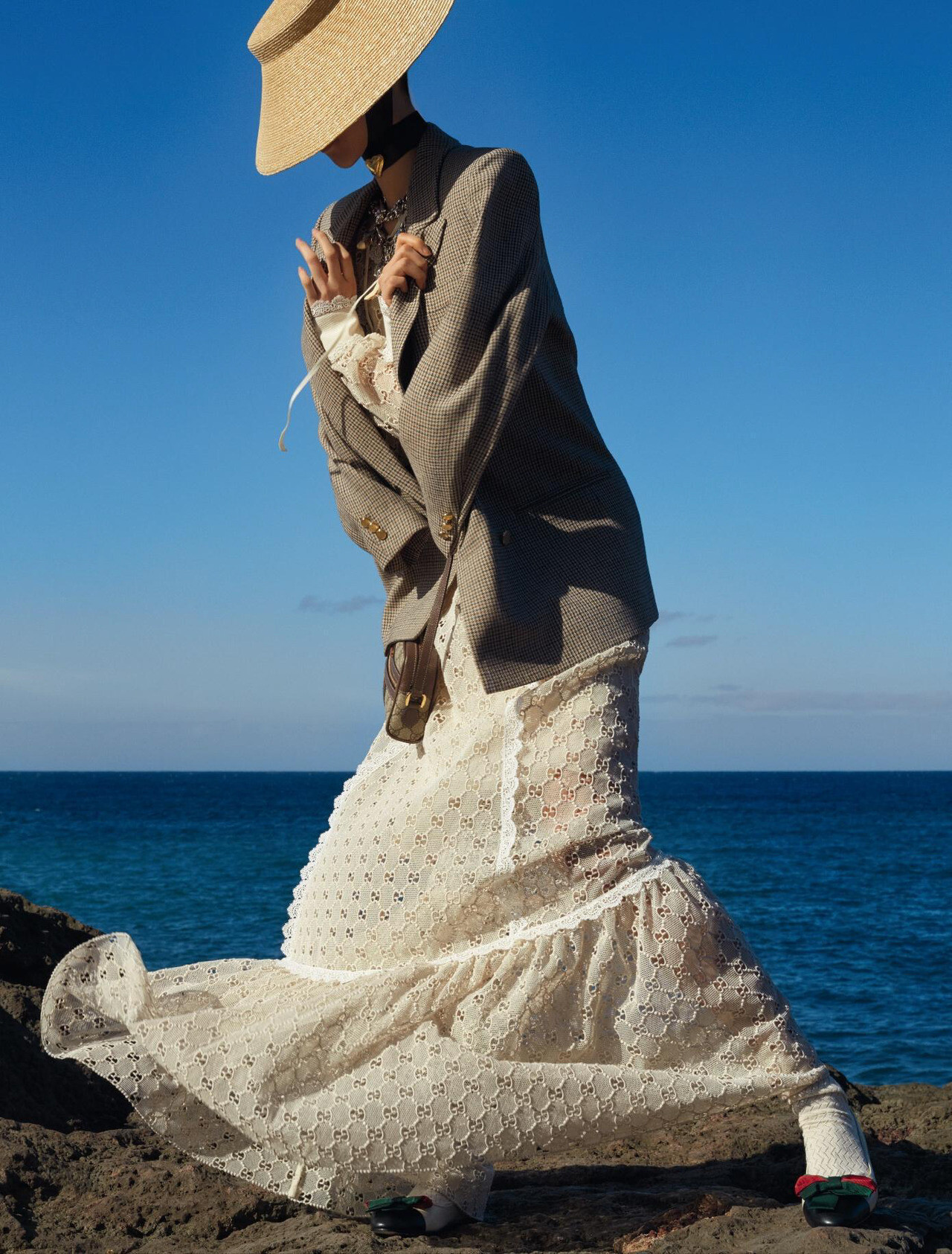
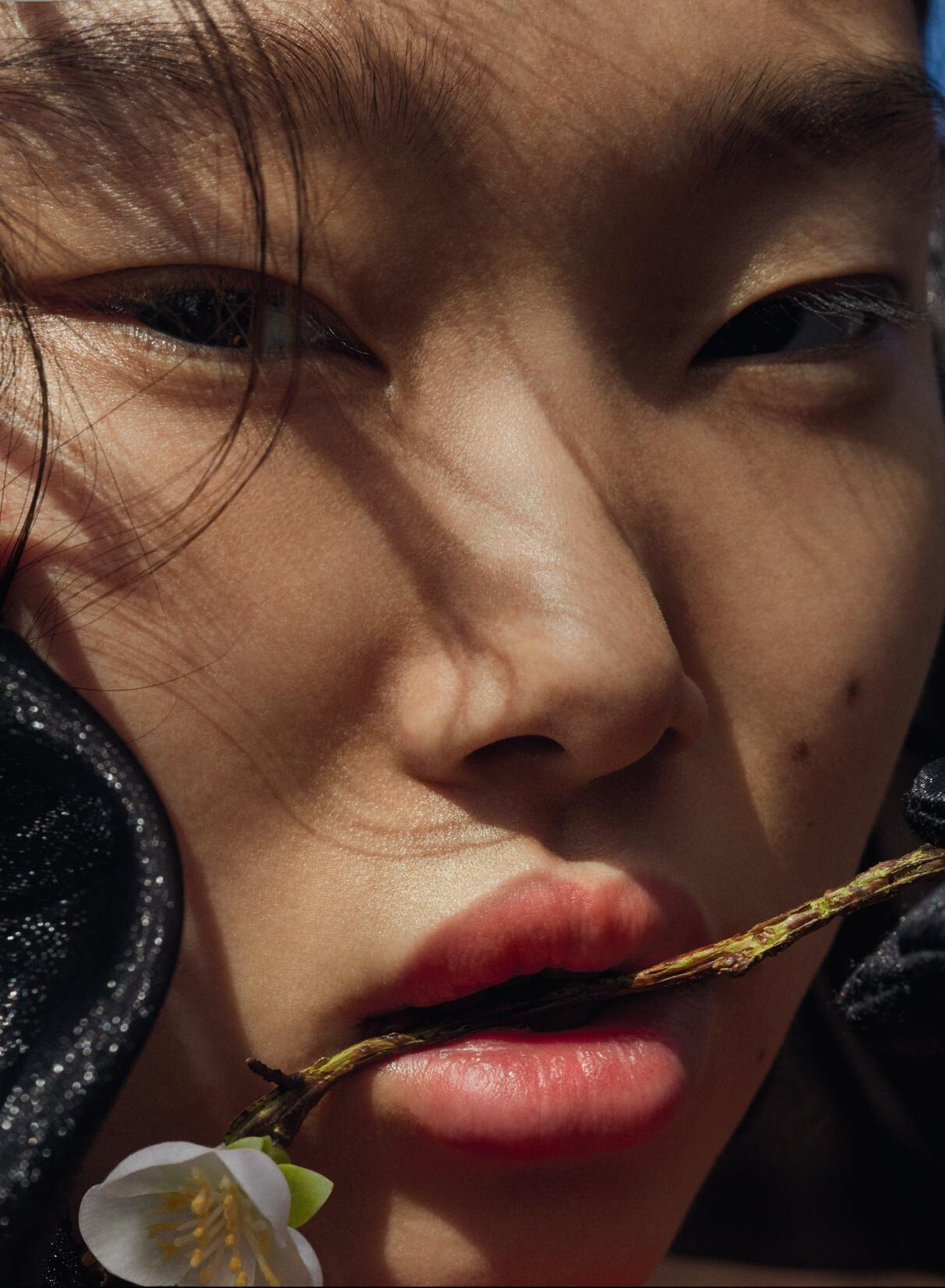
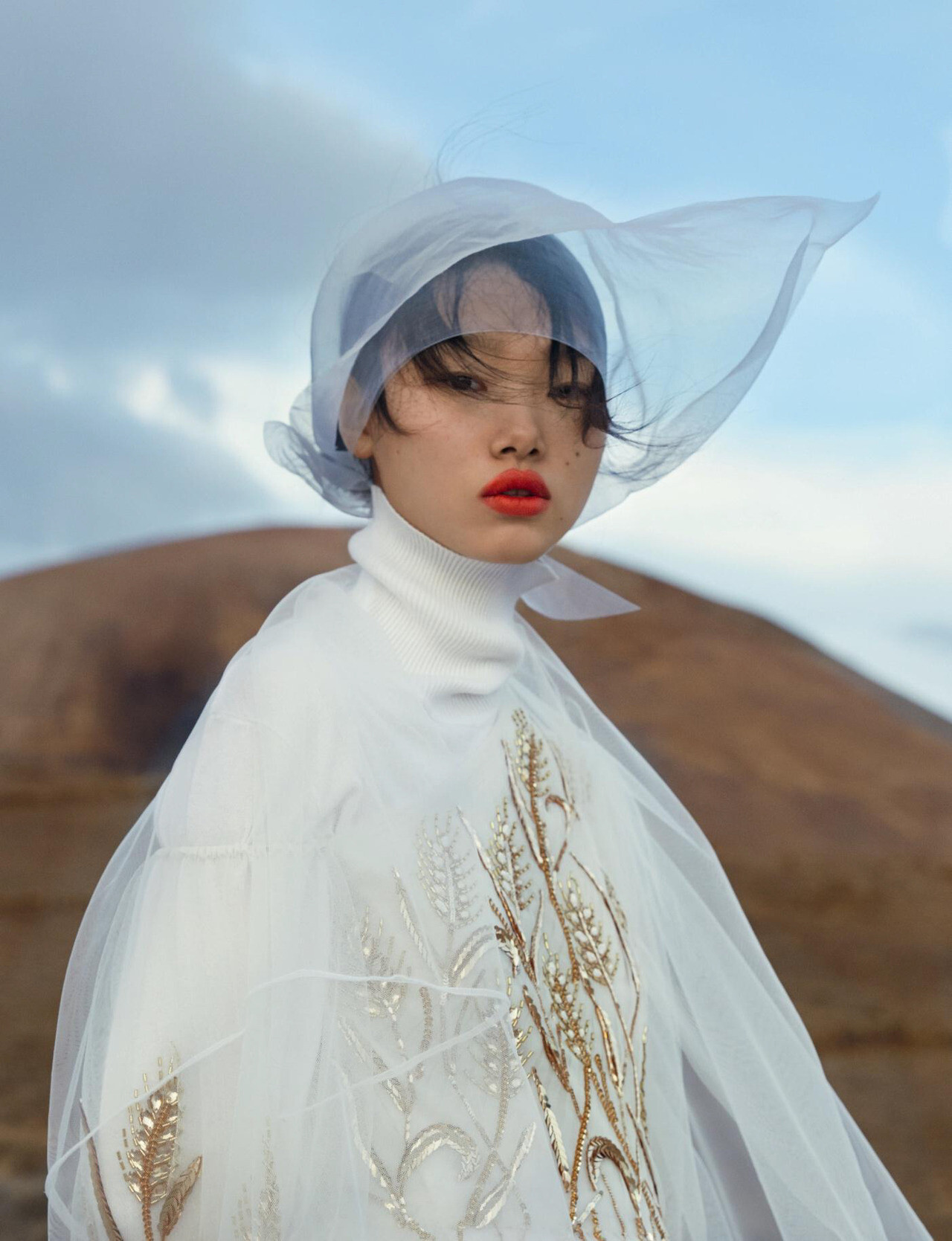
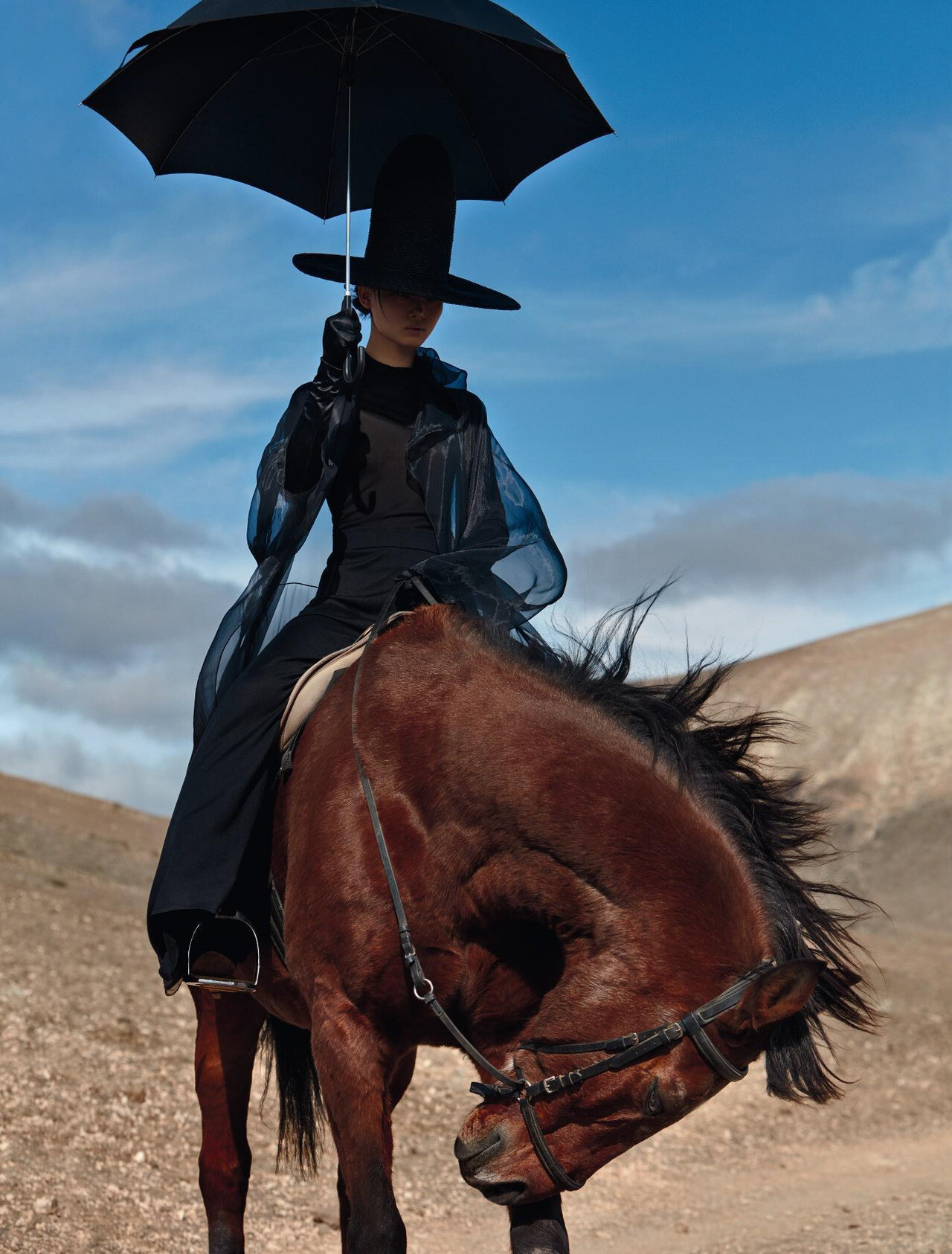
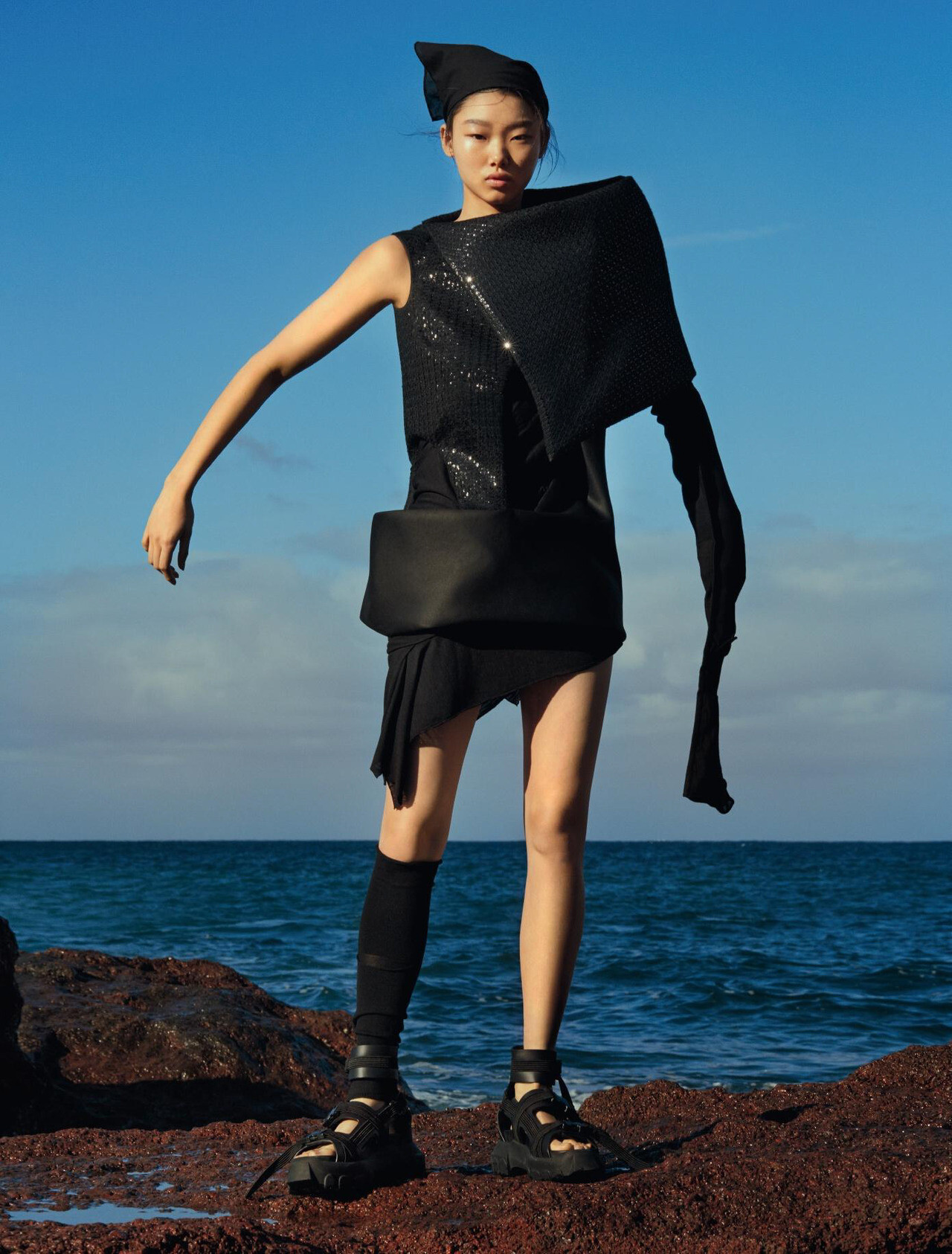
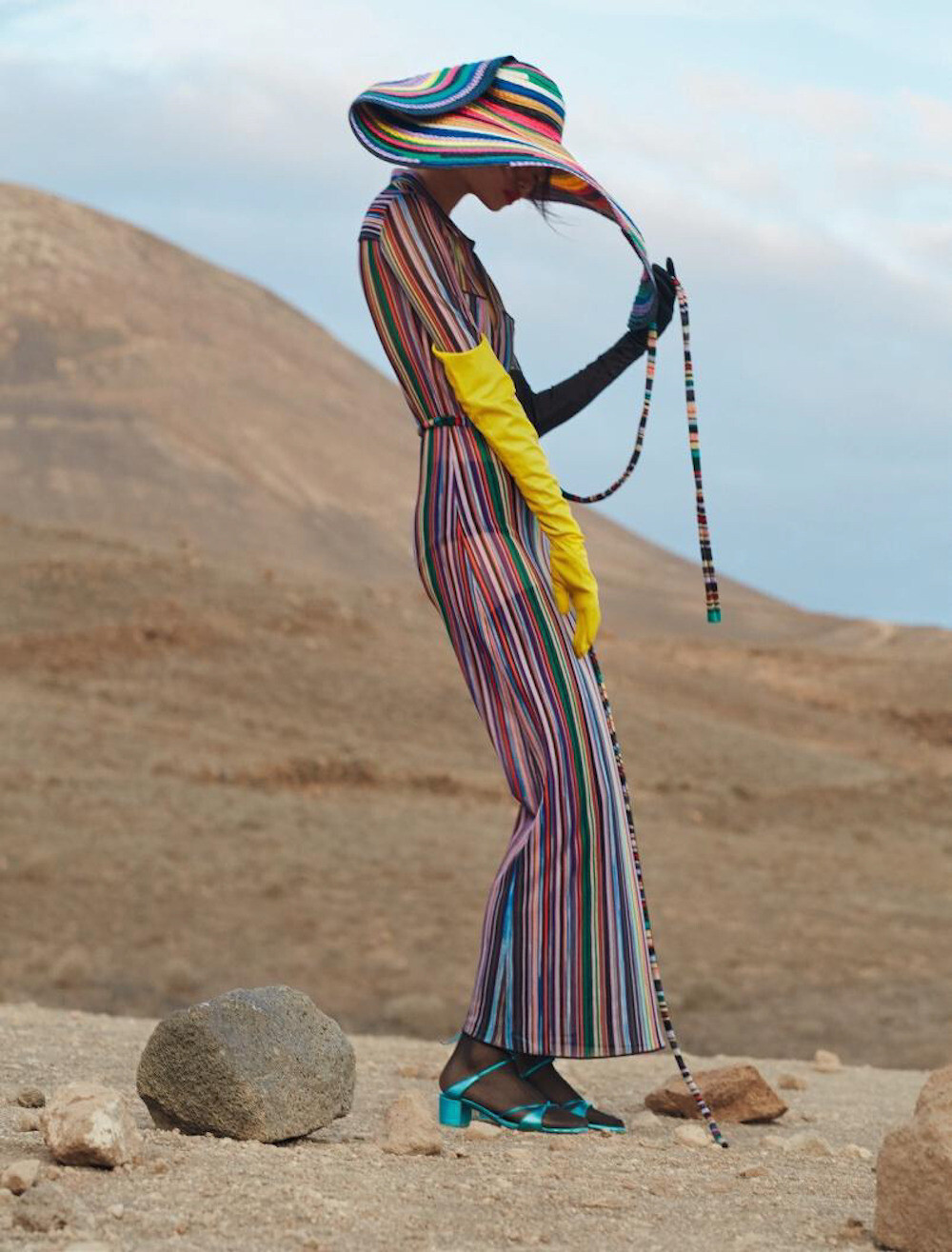
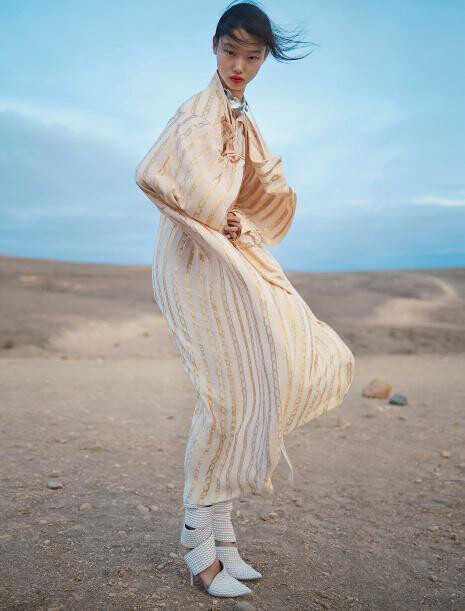
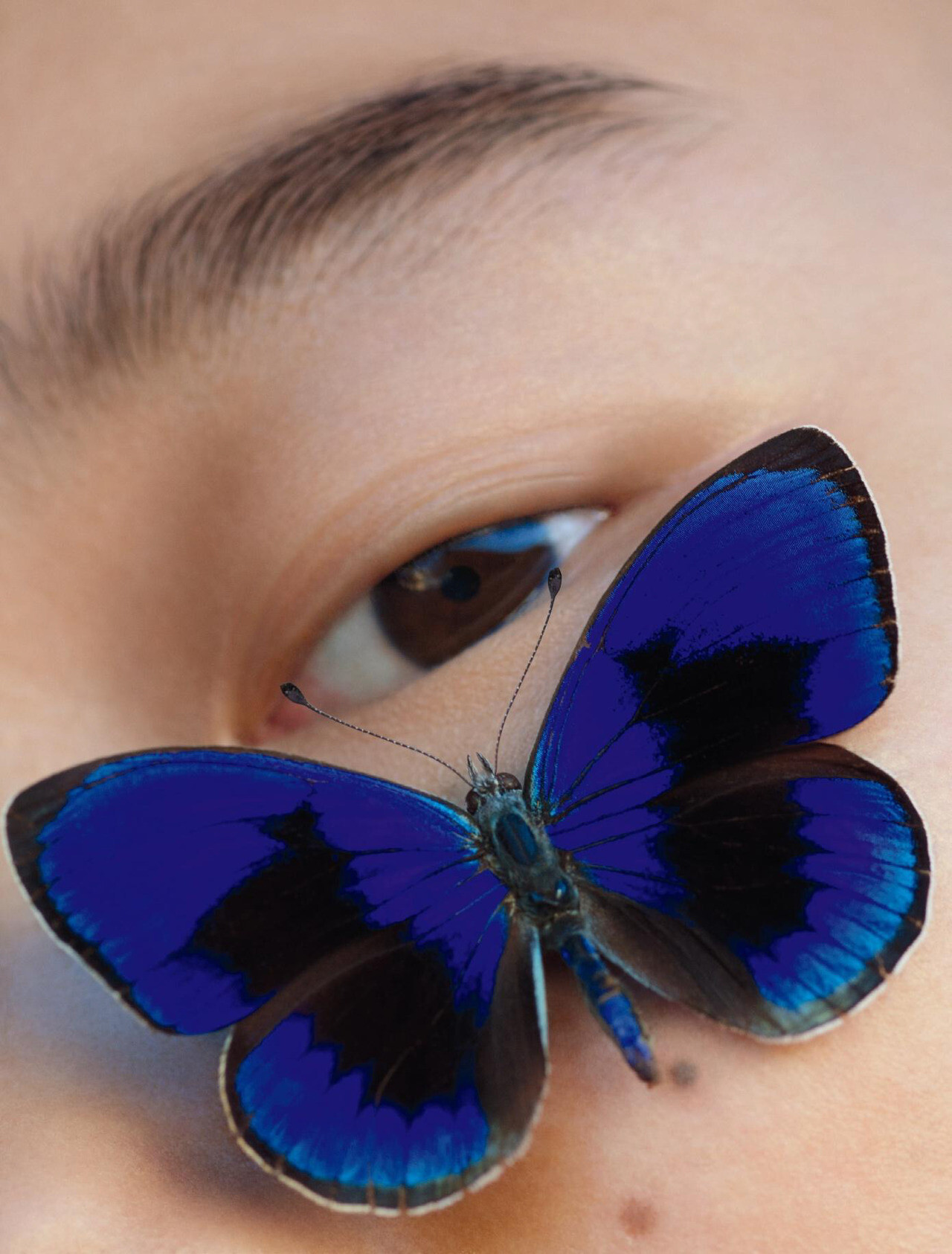
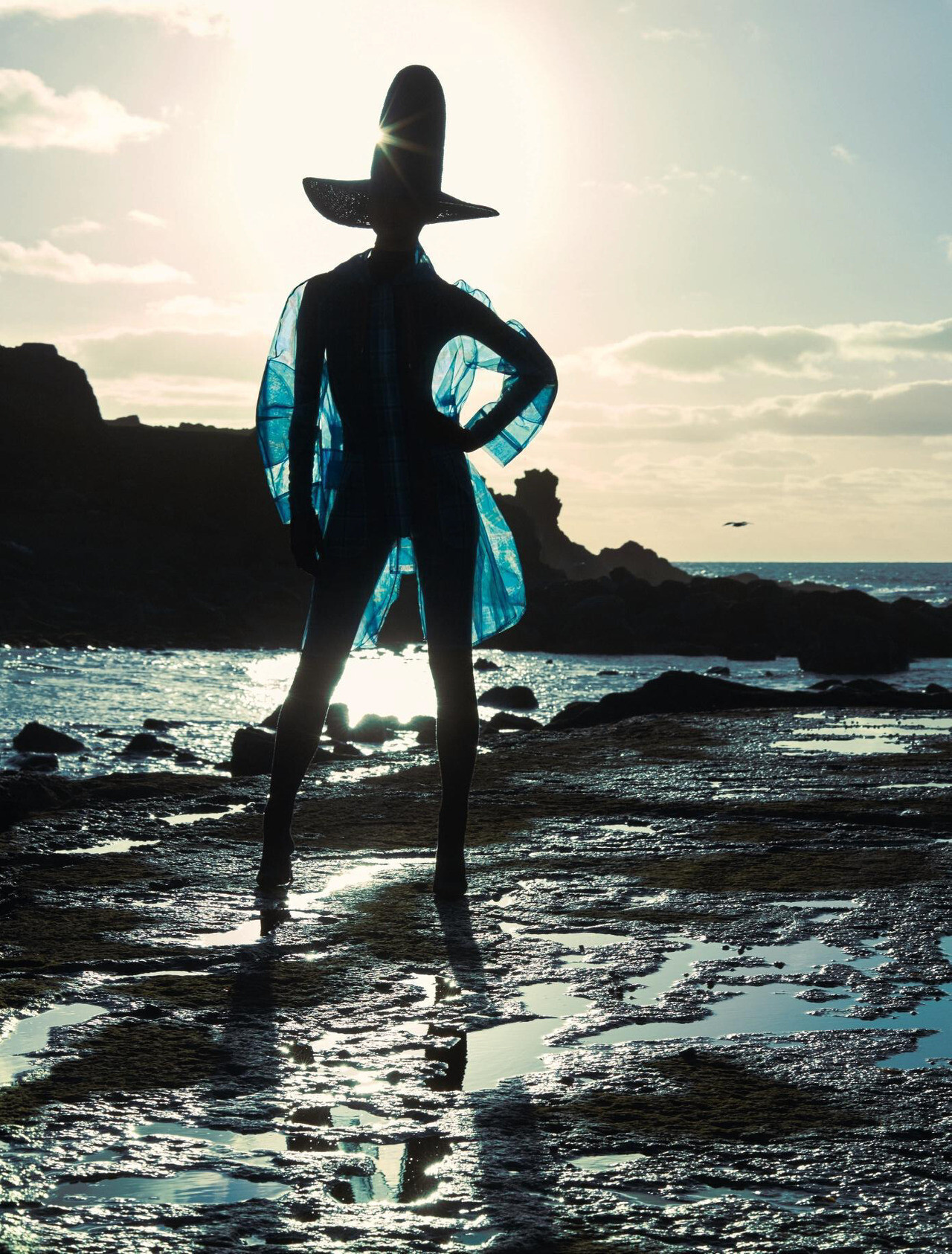
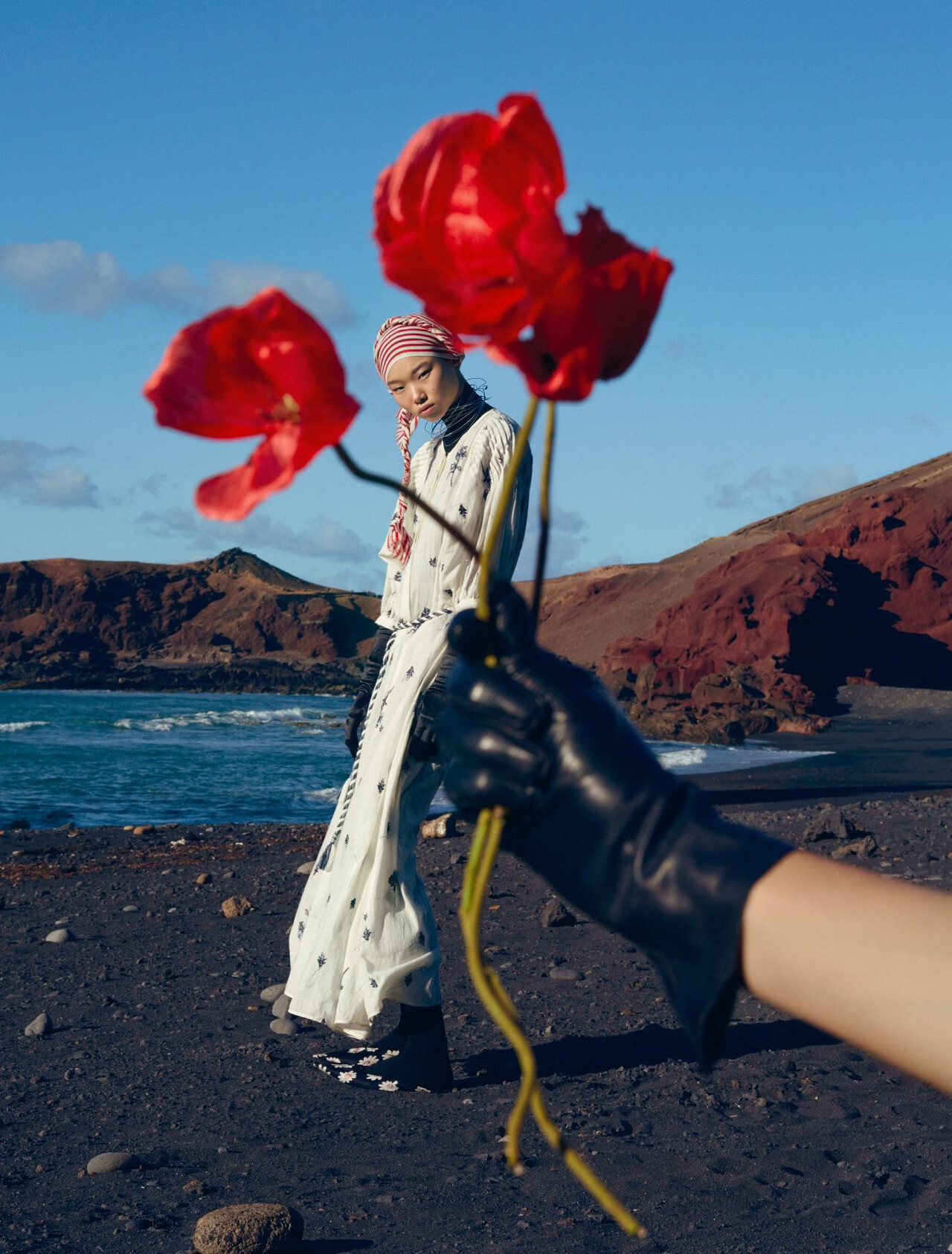
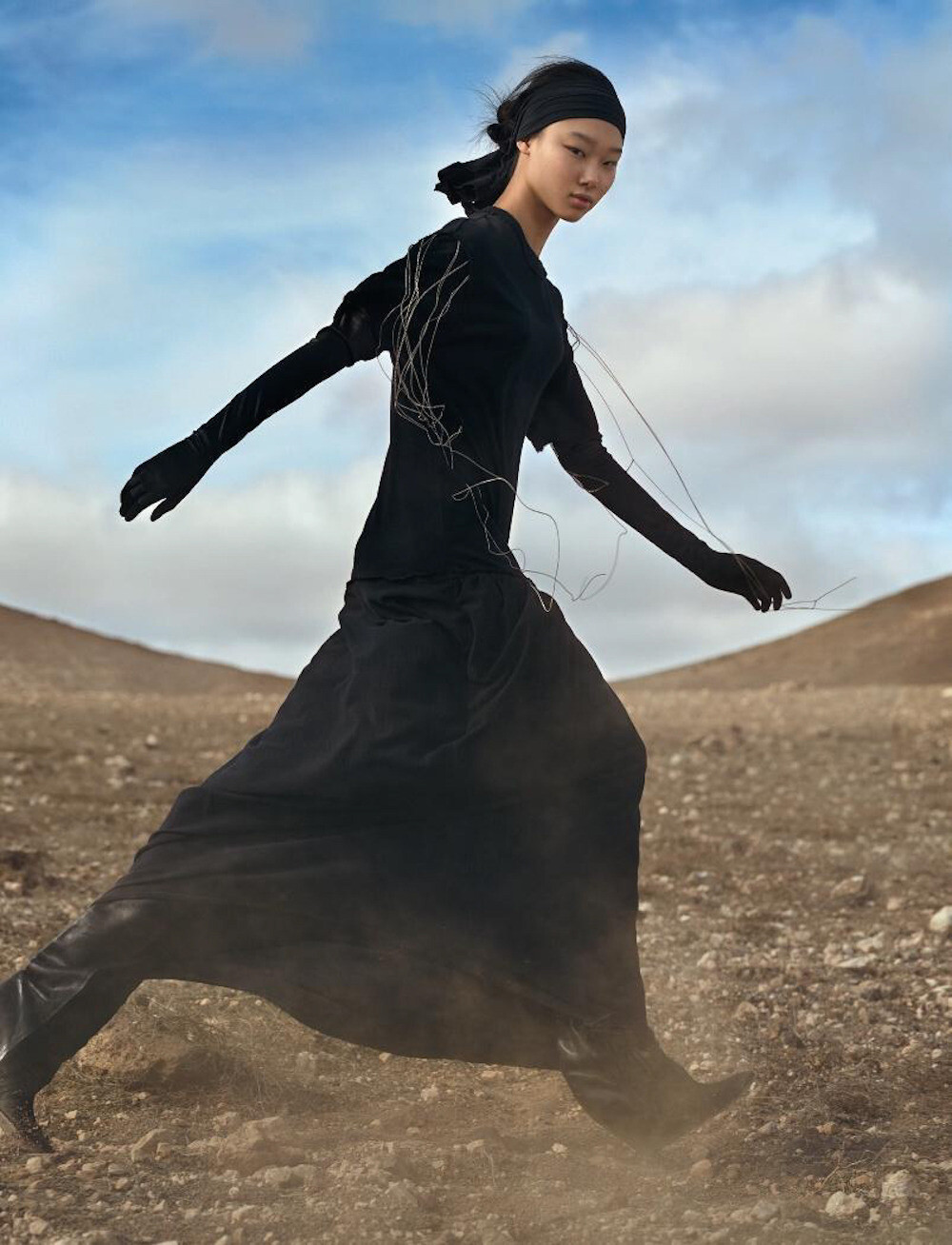
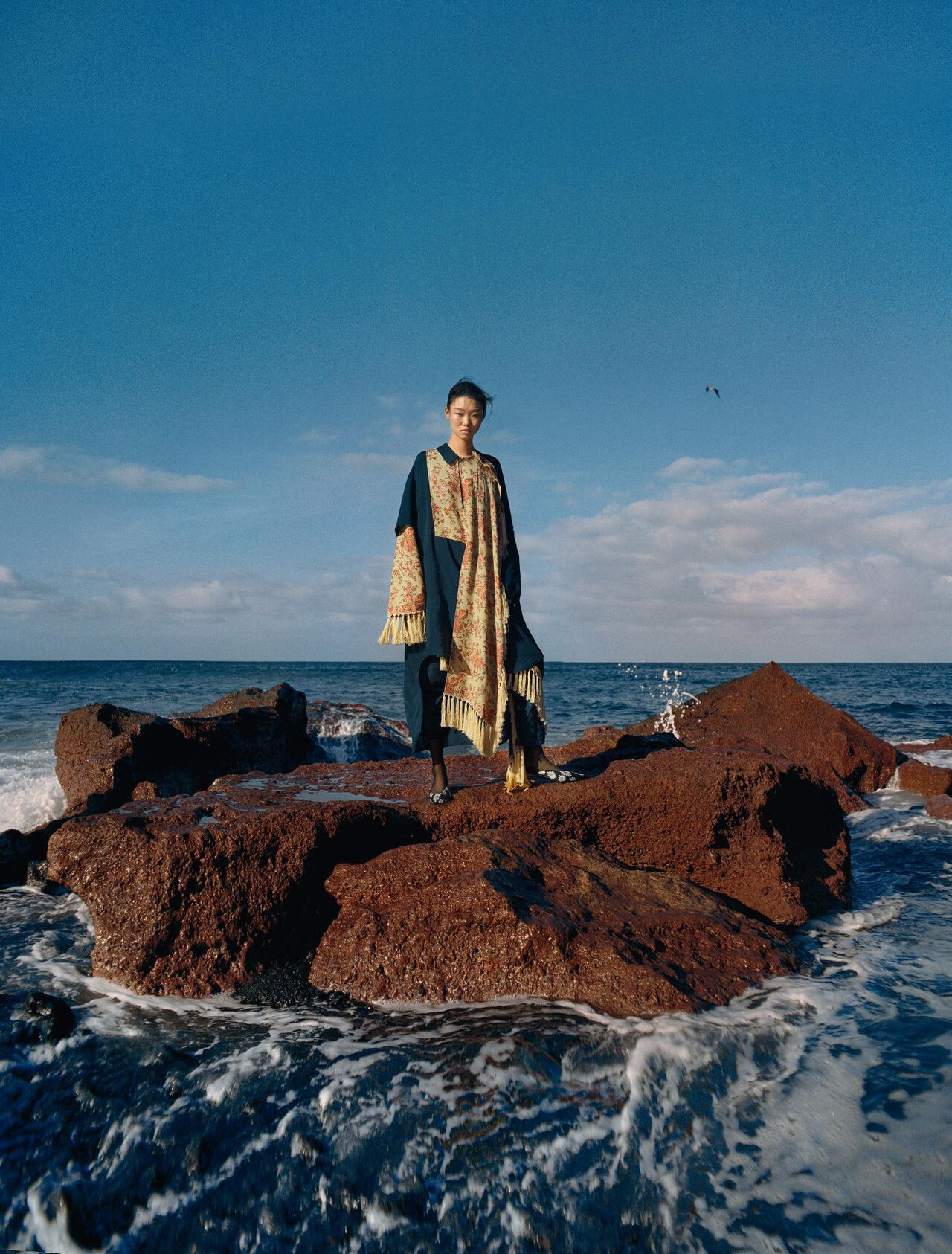
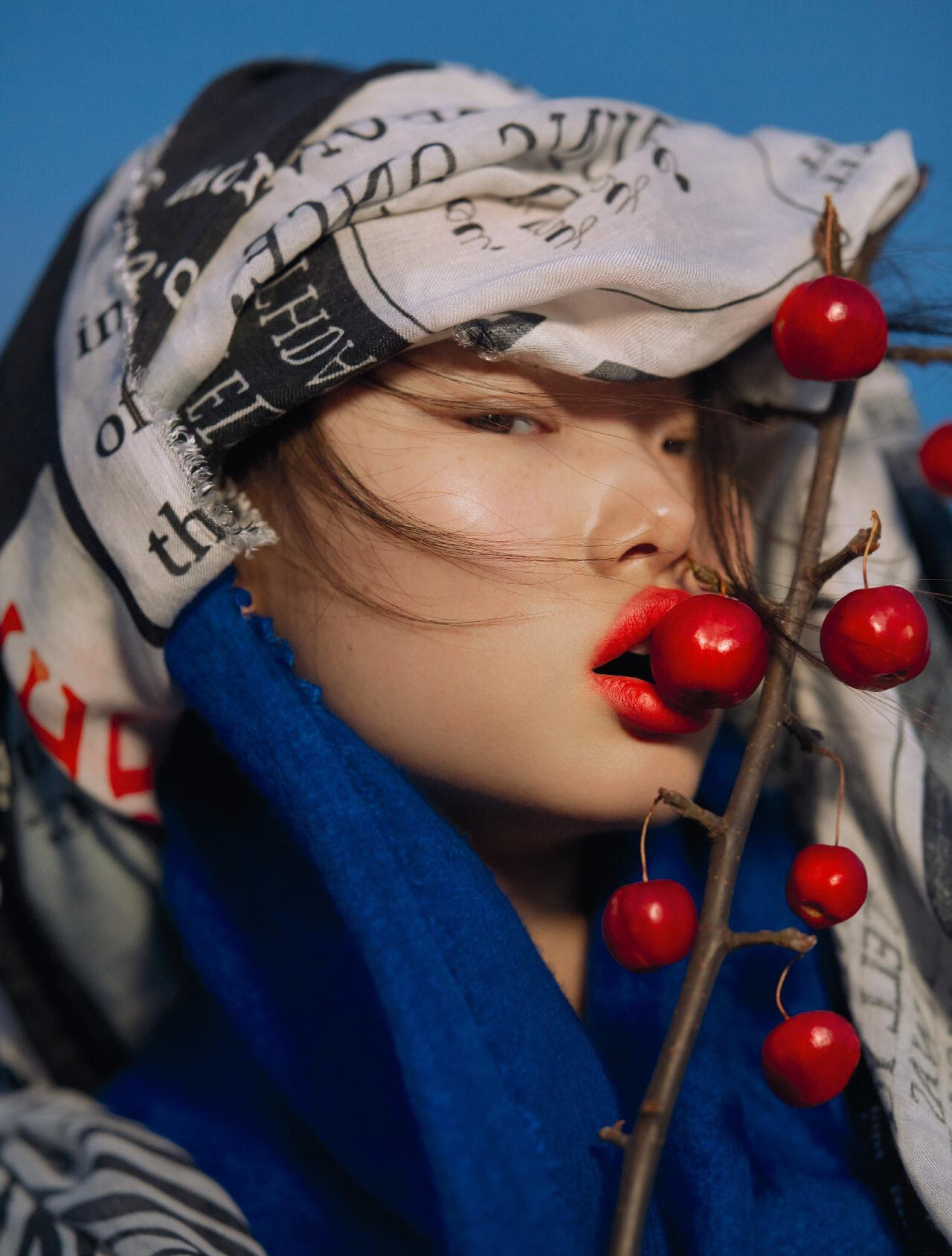
 Numéro Magazine #190 February 2018 "Madame Butterfly" Model: Yoon Young Bae Photographer: Txema Yeste Stylist: Bernat Buscato Hair & Makeup: Victor Álvarez wearesodroee.tumblr.com & Numéro #190 Digital Edition via Zorka at The Fashion Spot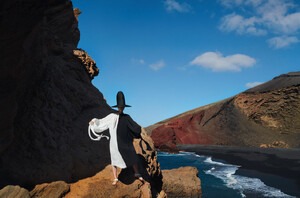
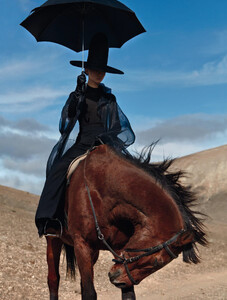
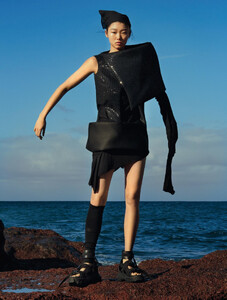
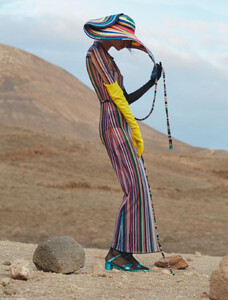
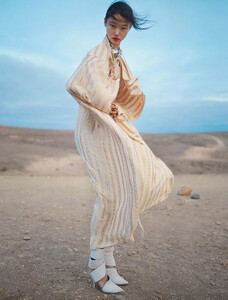


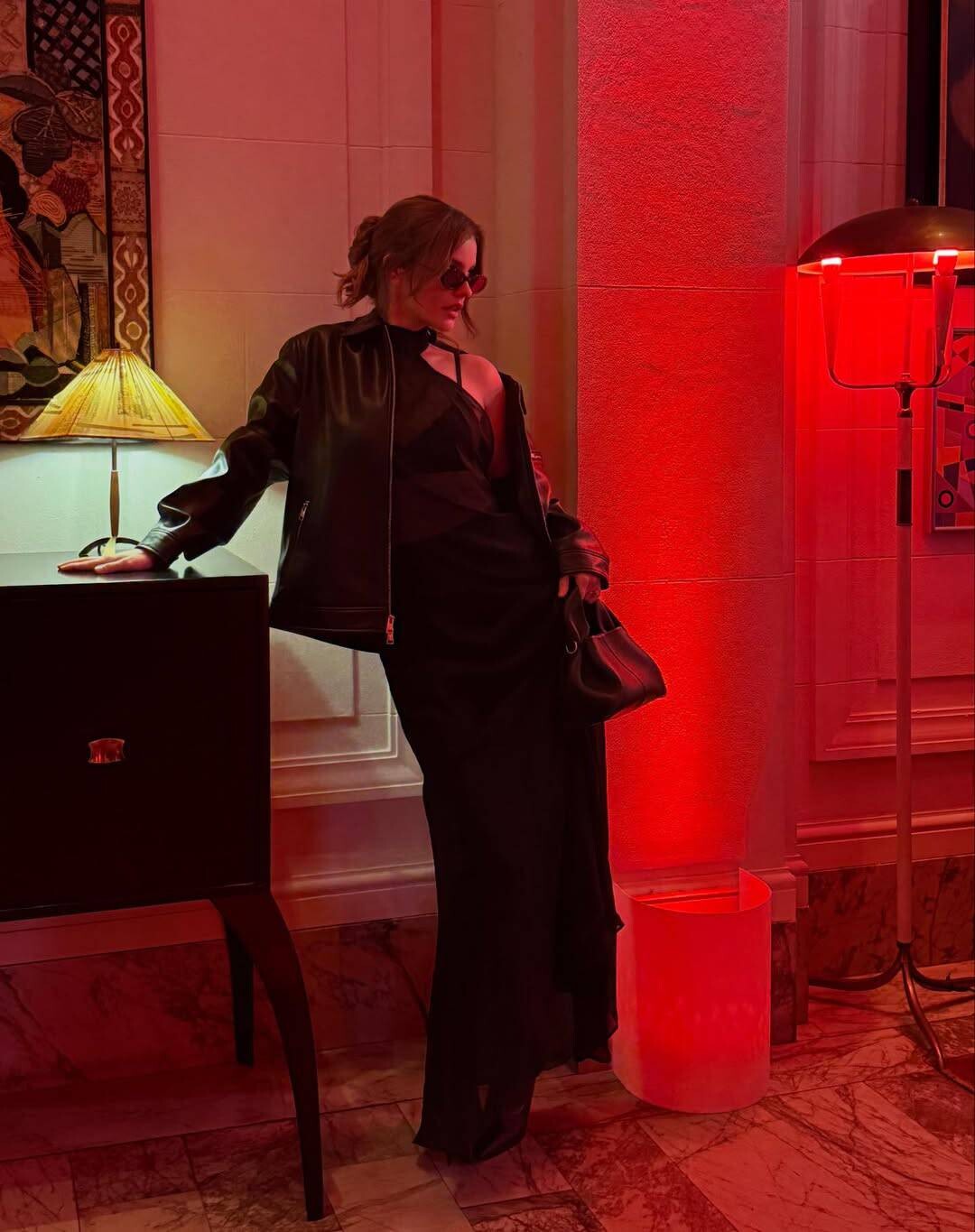

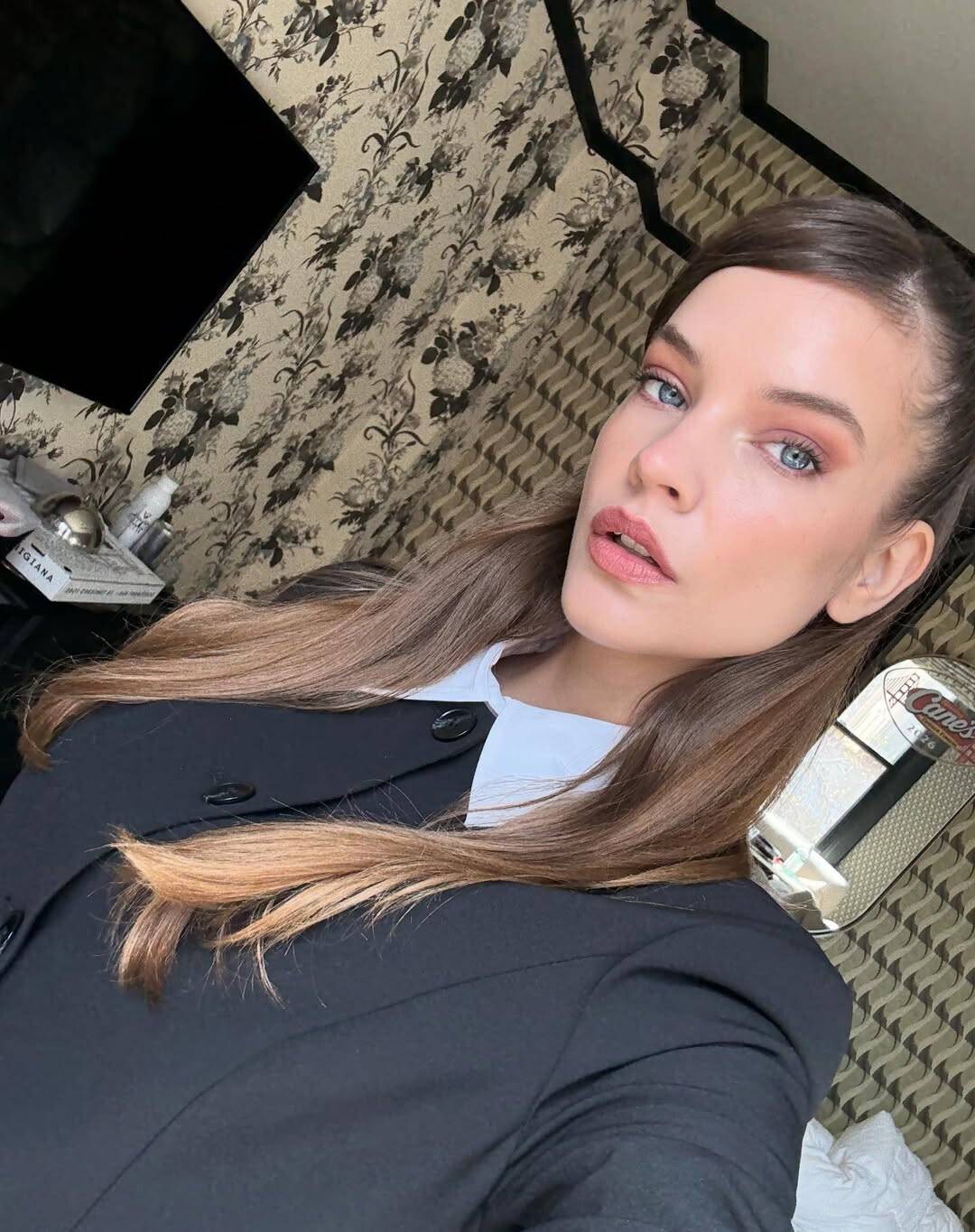
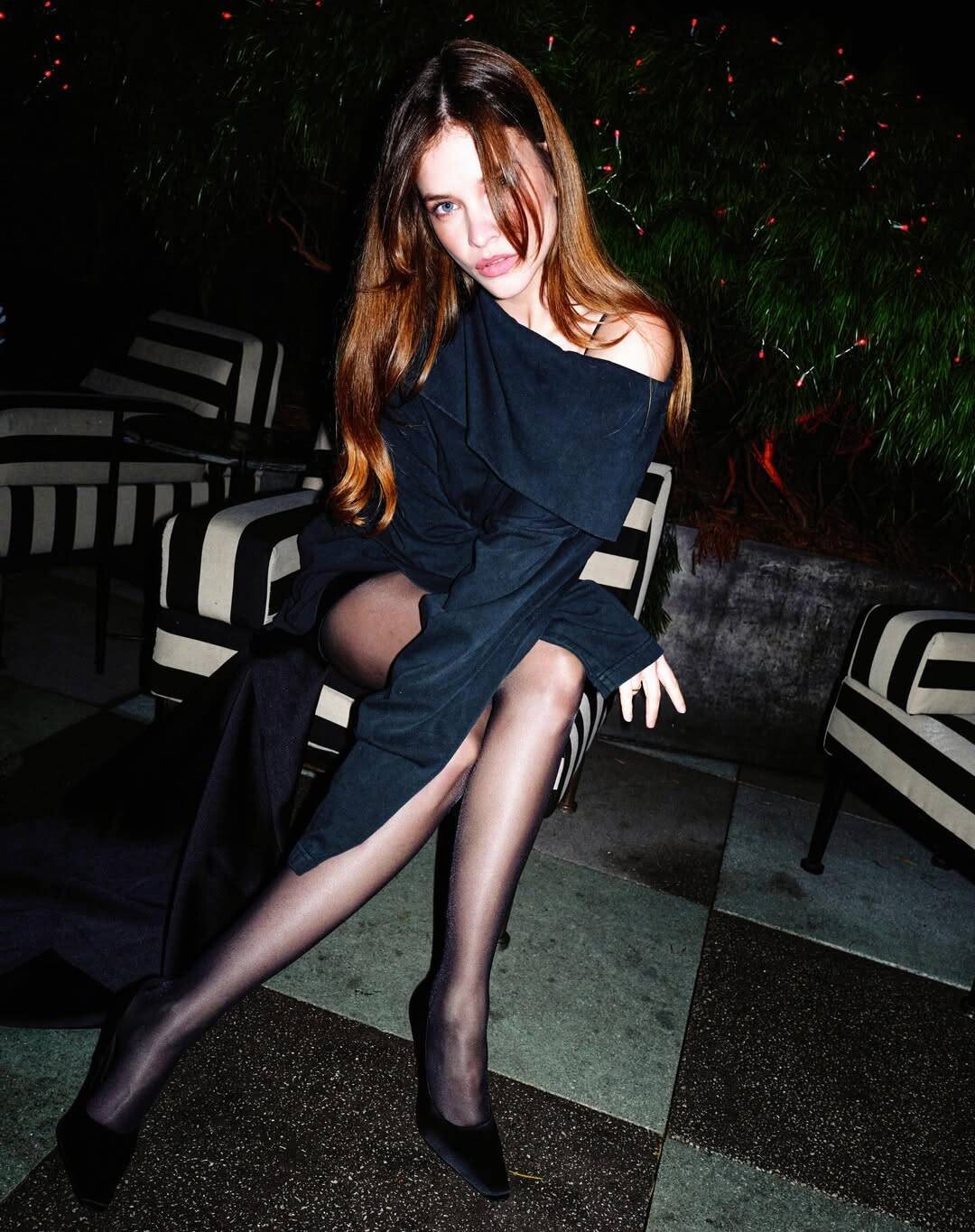
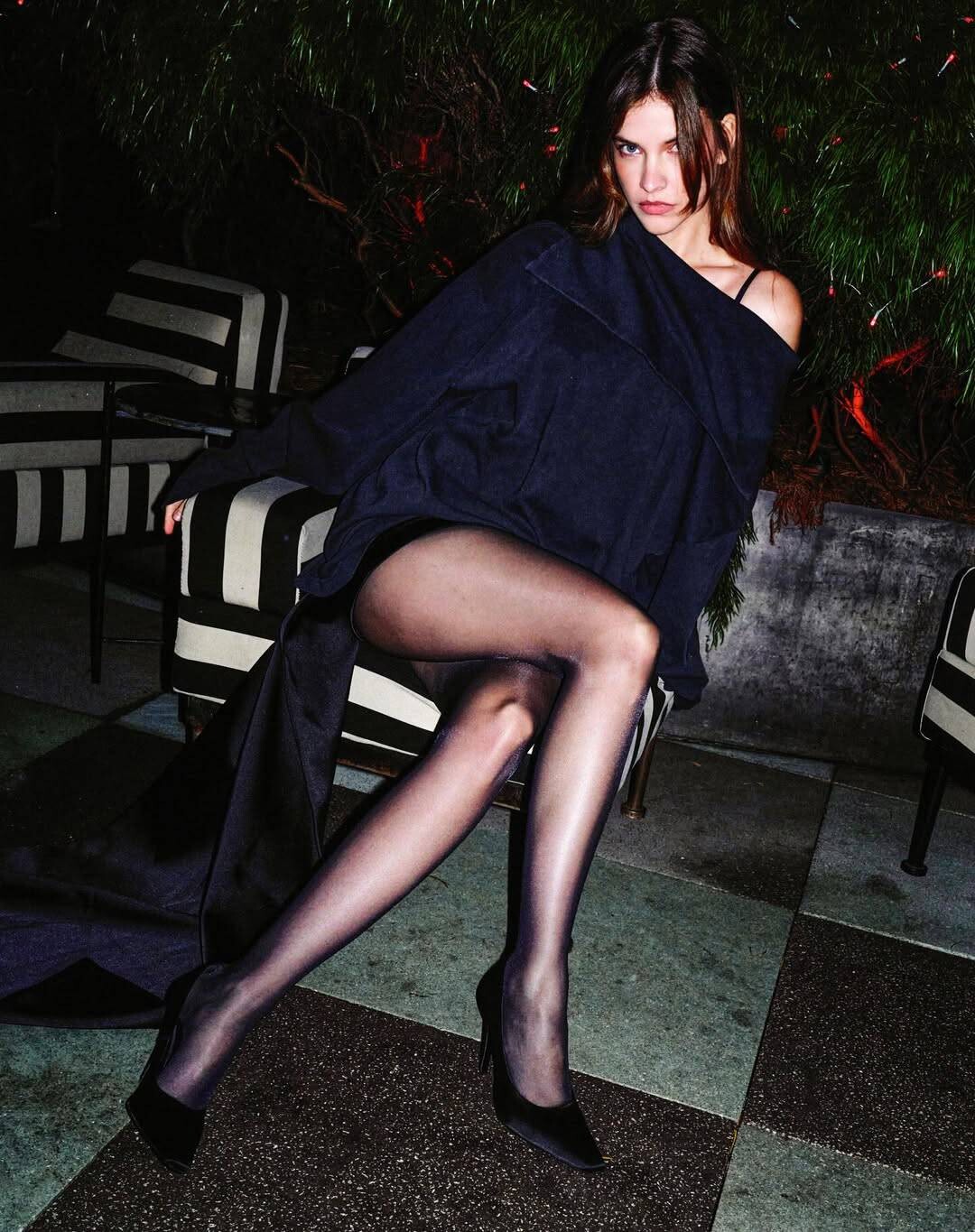
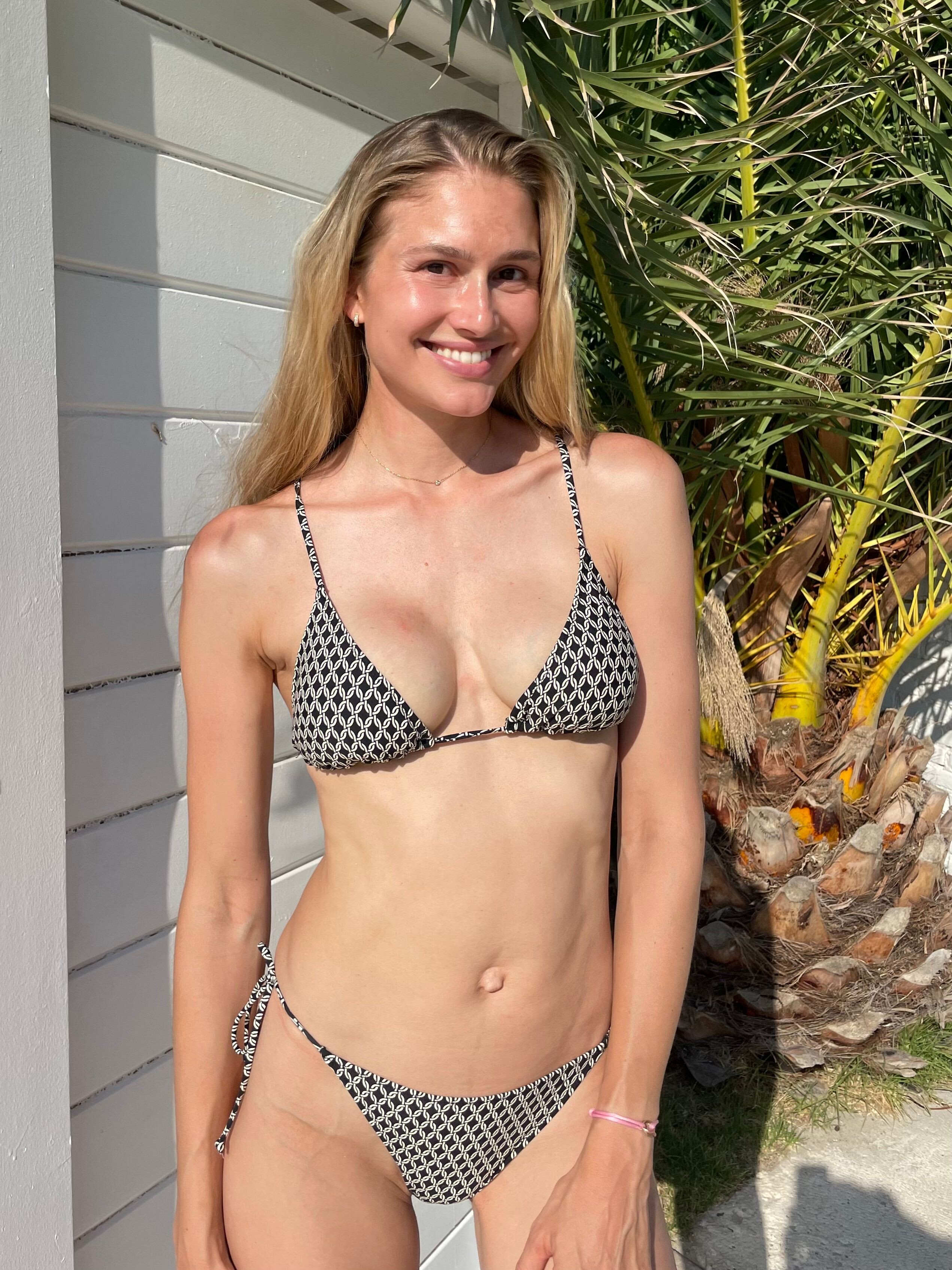
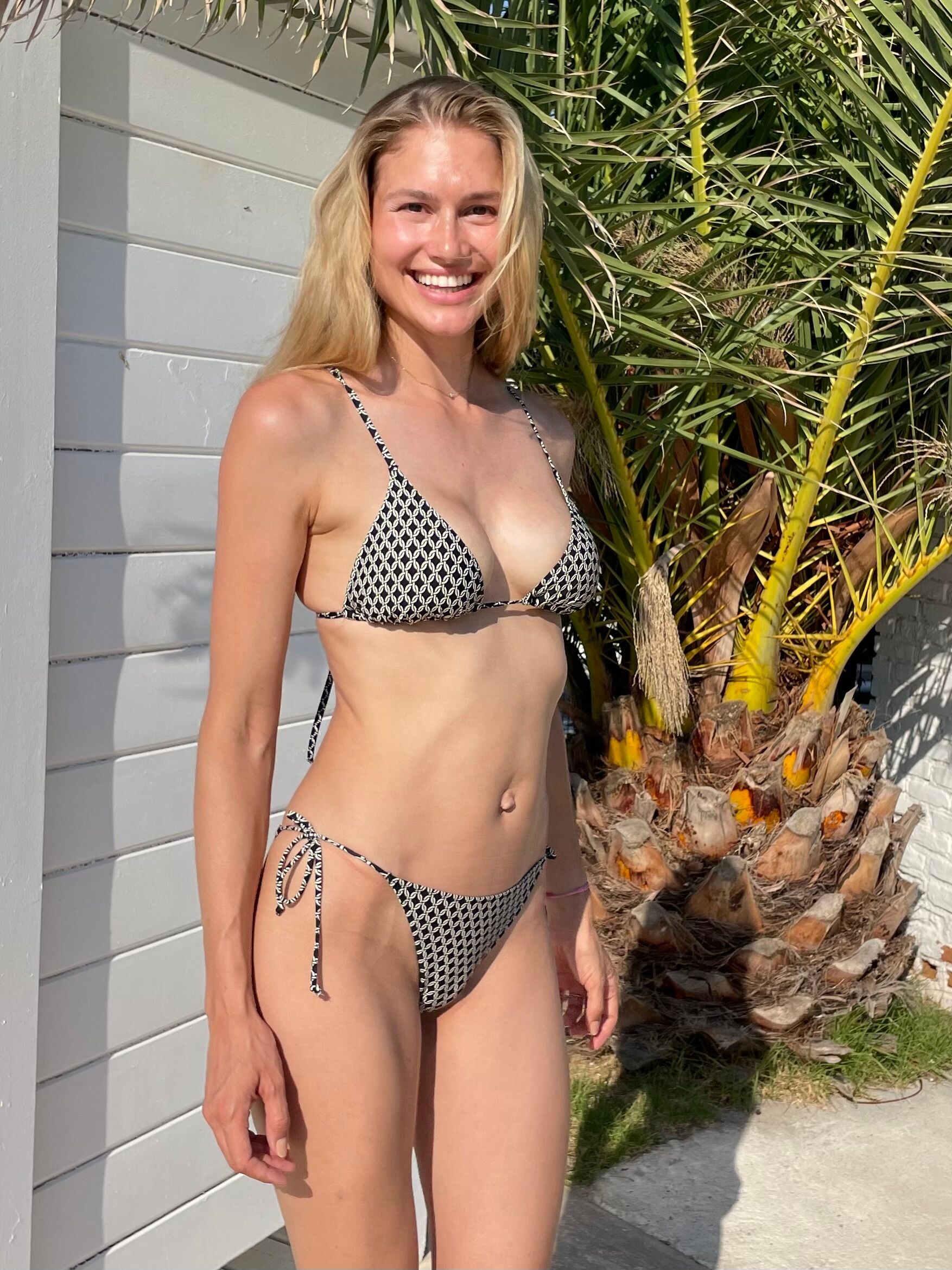
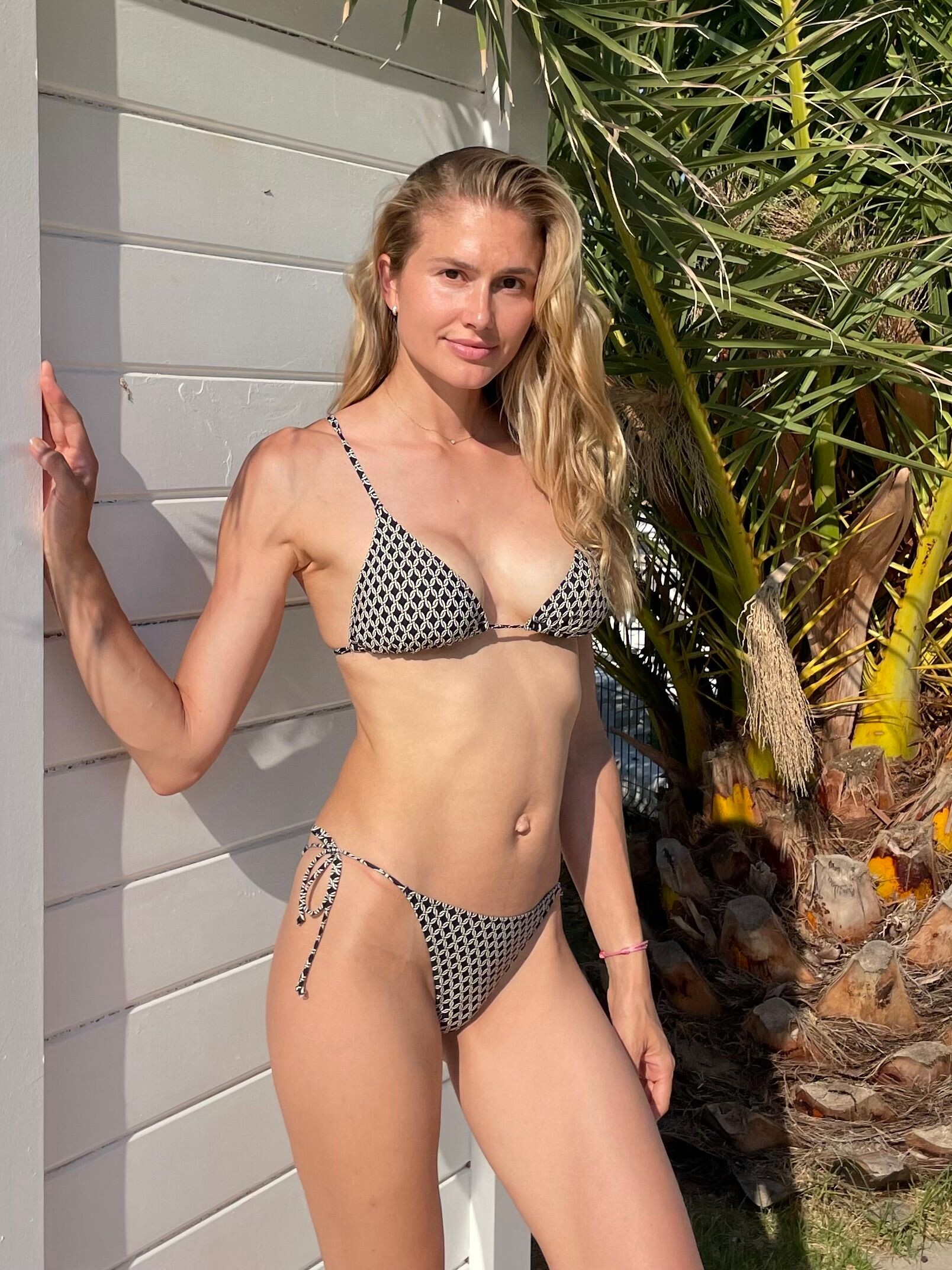
.jpg.fac95fc13204df98444e53fcf9f7cf5e.jpg)
.jpg.98a22974ff3fd8eb39f2ab64f88b8743.jpg)
.jpg.a68d5e5848cc7b6148edf690c668fc02.jpg)
.jpg.efc75f4cb0c24d27ef3a5c13b4166880.jpg)
.jpg.7bfa0bcfaa058ae814ebfc0d8d3d5a98.jpg)
.jpg.be6fda5541990717a0728562f447420b.jpg)
.jpg.443fdc4c3d1c13d83518ed802ddecdea.jpg)
.jpg.64efdd17ab8f0ed559e852d98bba4f49.jpg)
.jpg.707f79a8b7c0a9c42db83e1dfbd53f01.jpg)
.jpg.d90881d1da7cac37dd43e8ad87c0fb73.jpg)
.jpg.11415d68ae5a74f1ee584b9a0f345229.jpg)
.jpg.f7b616eaa49d9e9dbb9e8c9a0cfc4648.jpg)
.jpg.0733d52a66436e74f37eccc600c8c3d5.jpg)
.jpg.66a24150e8dd1ad2df9f8ef9dac5131c.jpg)
.jpg.a0f2a1acf83612b117fdc831e54ebd88.jpg)
.jpg.0eaae10caf334fd372e26554354481ae.jpg)
.jpg.930eeaf98553b773124befe31f65cd06.jpg)

Account
Navigation
Search
Configure browser push notifications
Chrome (Android)
- Tap the lock icon next to the address bar.
- Tap Permissions → Notifications.
- Adjust your preference.
Chrome (Desktop)
- Click the padlock icon in the address bar.
- Select Site settings.
- Find Notifications and adjust your preference.
Safari (iOS 16.4+)
- Ensure the site is installed via Add to Home Screen.
- Open Settings App → Notifications.
- Find your app name and adjust your preference.
Safari (macOS)
- Go to Safari → Preferences.
- Click the Websites tab.
- Select Notifications in the sidebar.
- Find this website and adjust your preference.
Edge (Android)
- Tap the lock icon next to the address bar.
- Tap Permissions.
- Find Notifications and adjust your preference.
Edge (Desktop)
- Click the padlock icon in the address bar.
- Click Permissions for this site.
- Find Notifications and adjust your preference.
Firefox (Android)
- Go to Settings → Site permissions.
- Tap Notifications.
- Find this site in the list and adjust your preference.
Firefox (Desktop)
- Open Firefox Settings.
- Search for Notifications.
- Find this site in the list and adjust your preference.