All Activity
- Past hour
-
 Yeah lol.
 -
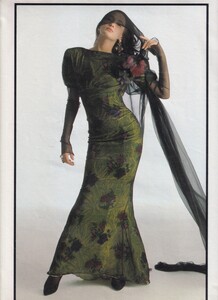
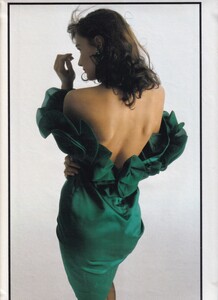
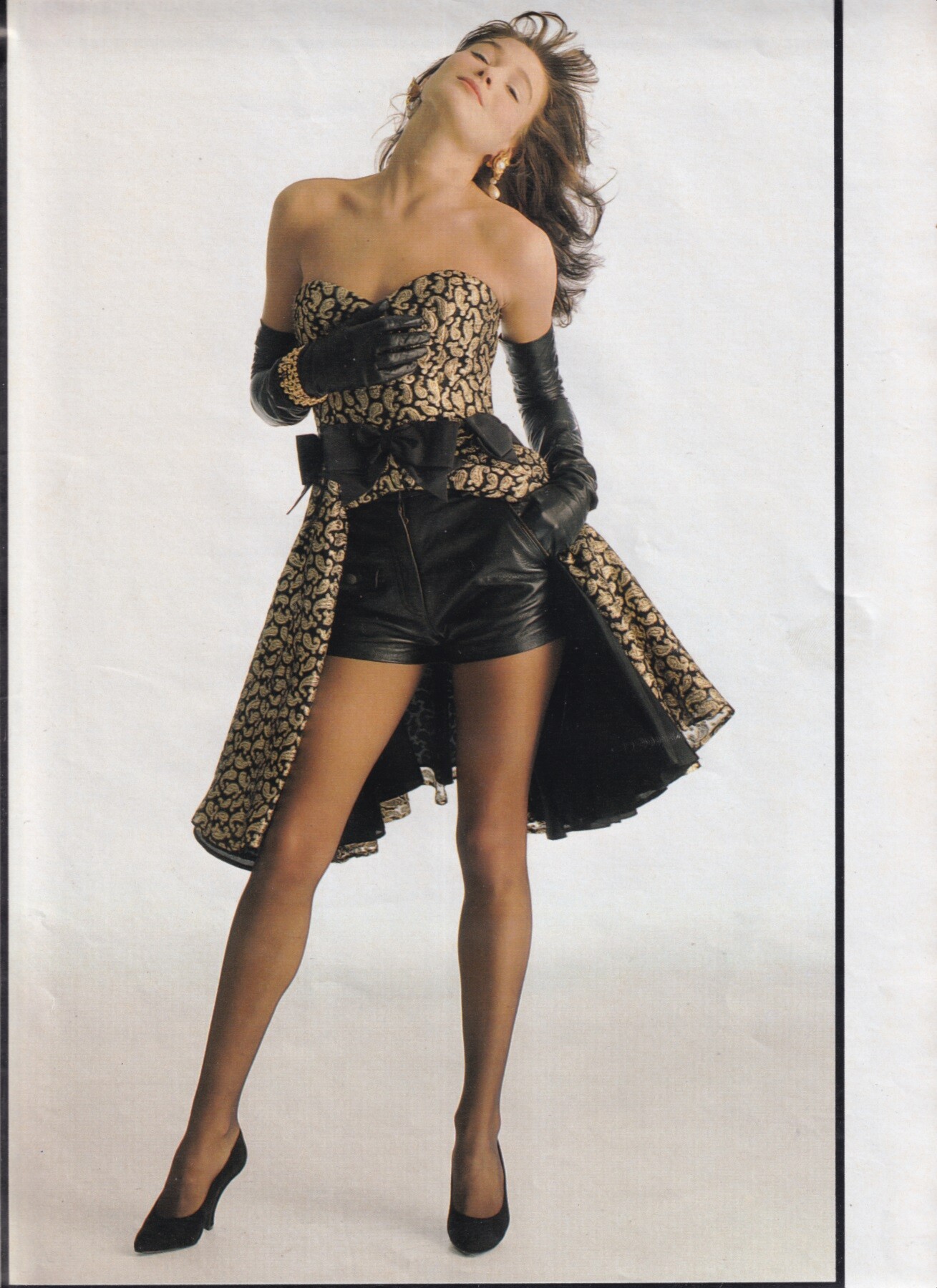
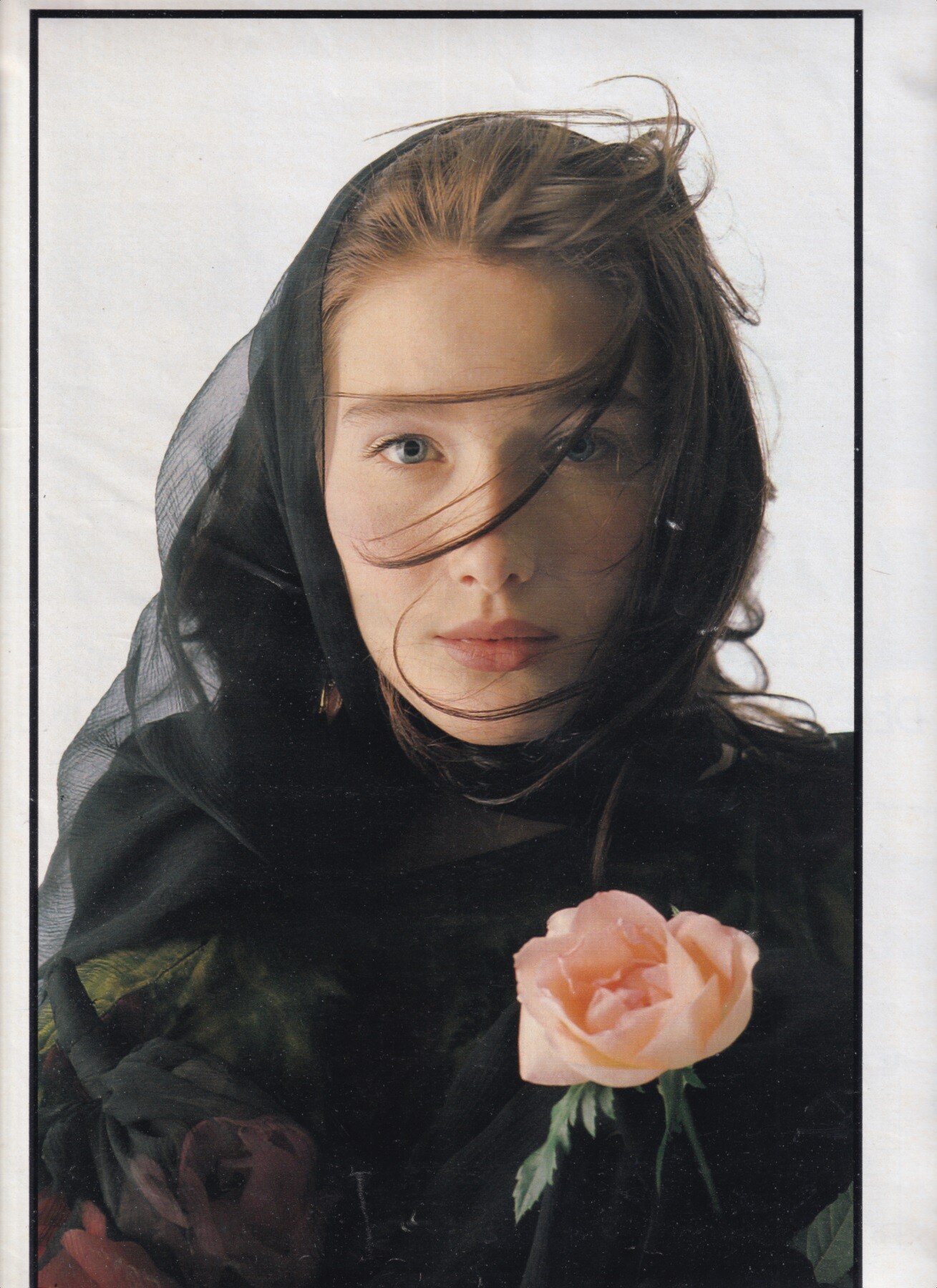
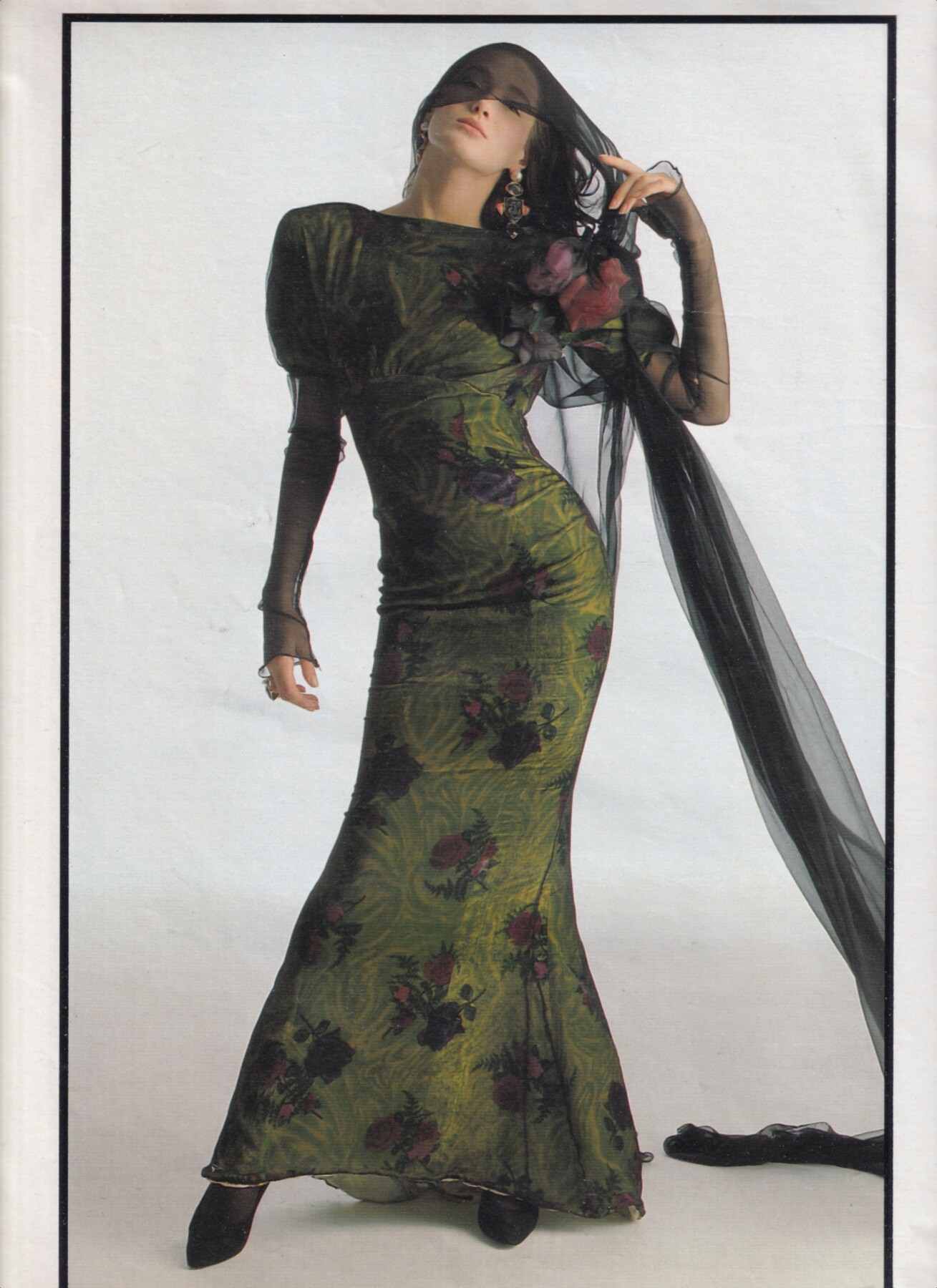
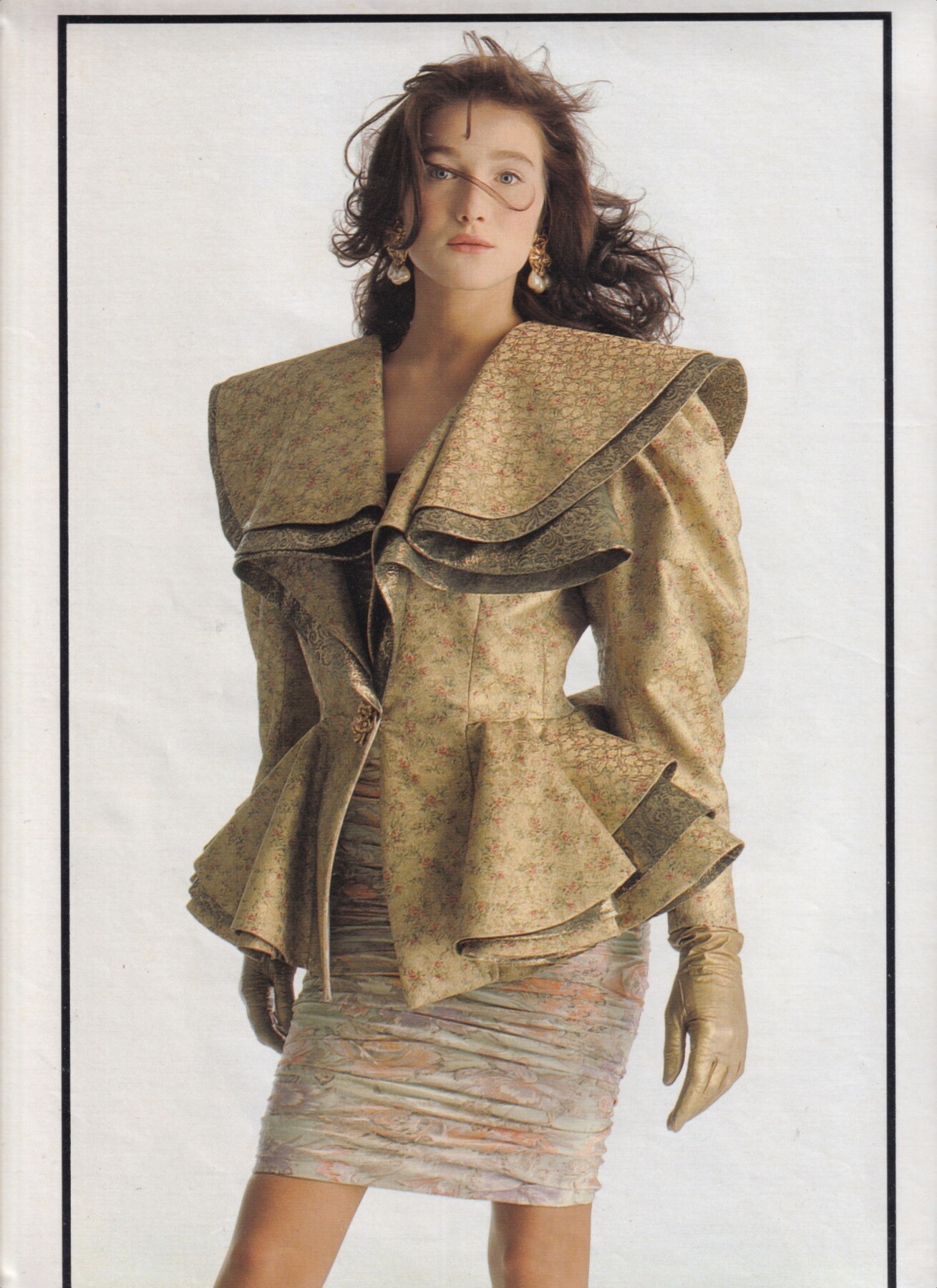
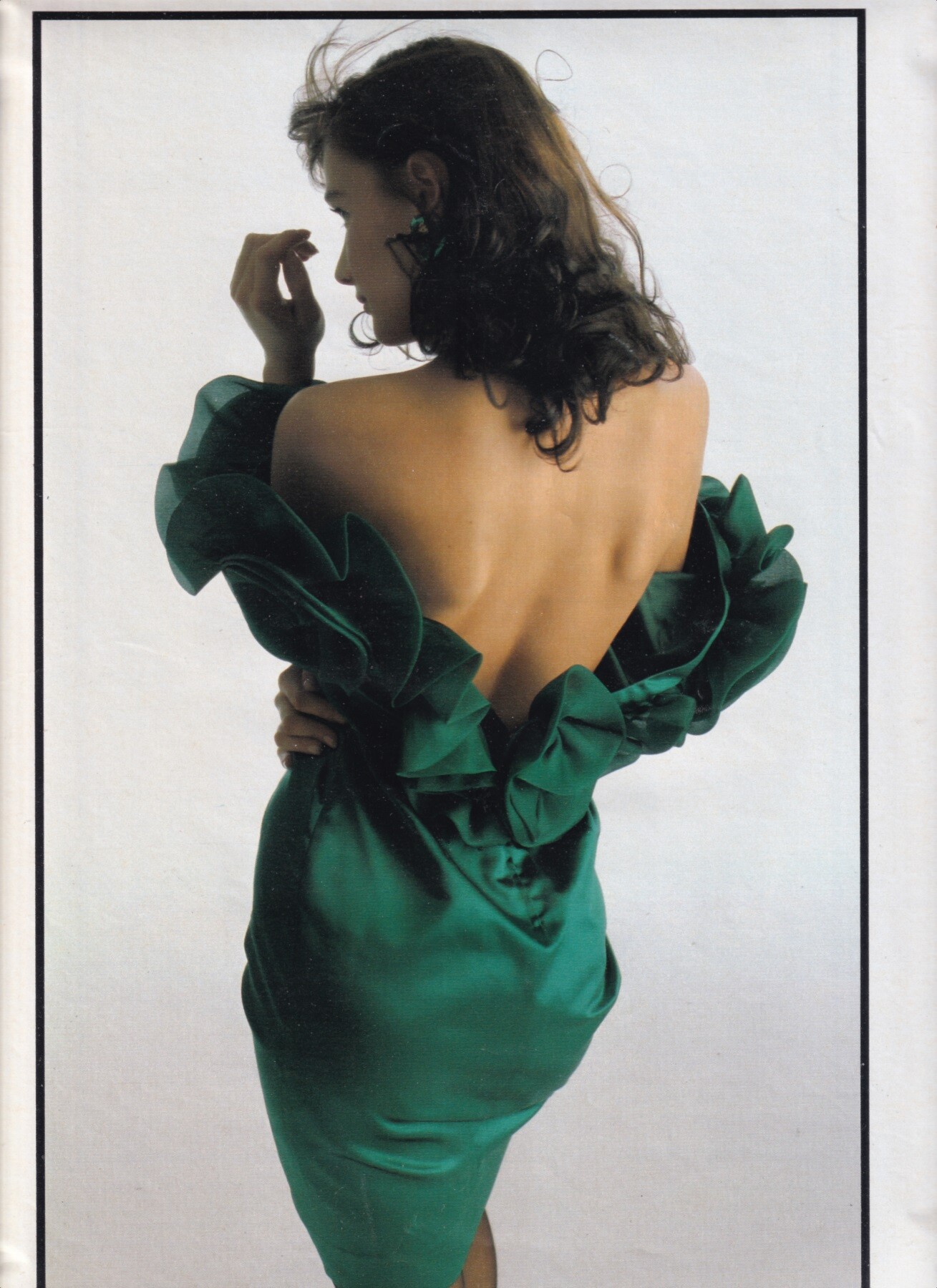
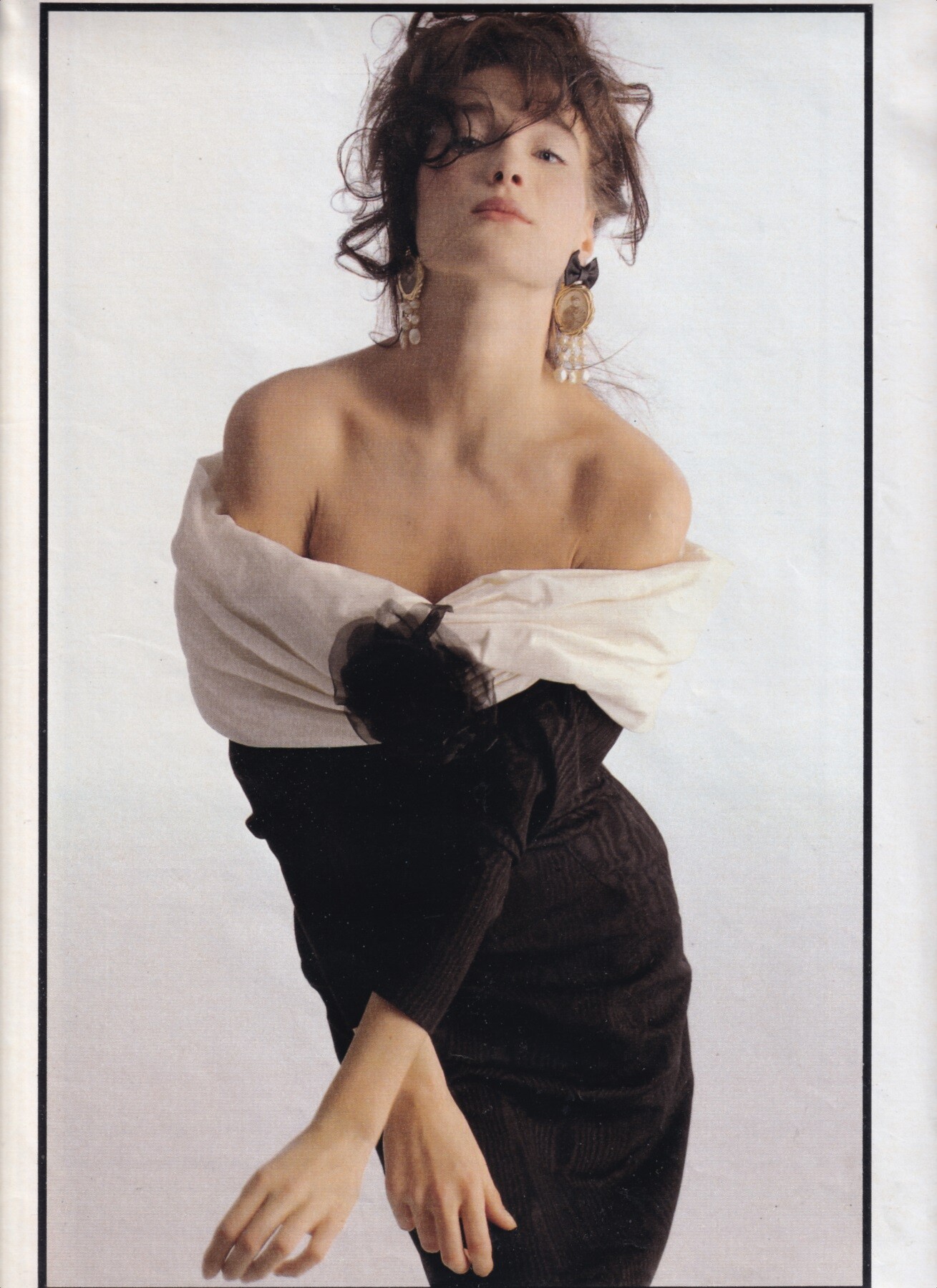
 "Dal barocco al rock-coco", Amica, January 1988 Carla Bruni by Alberto Dell'Orto my scans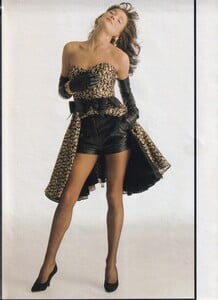



-

 walksel joined the community
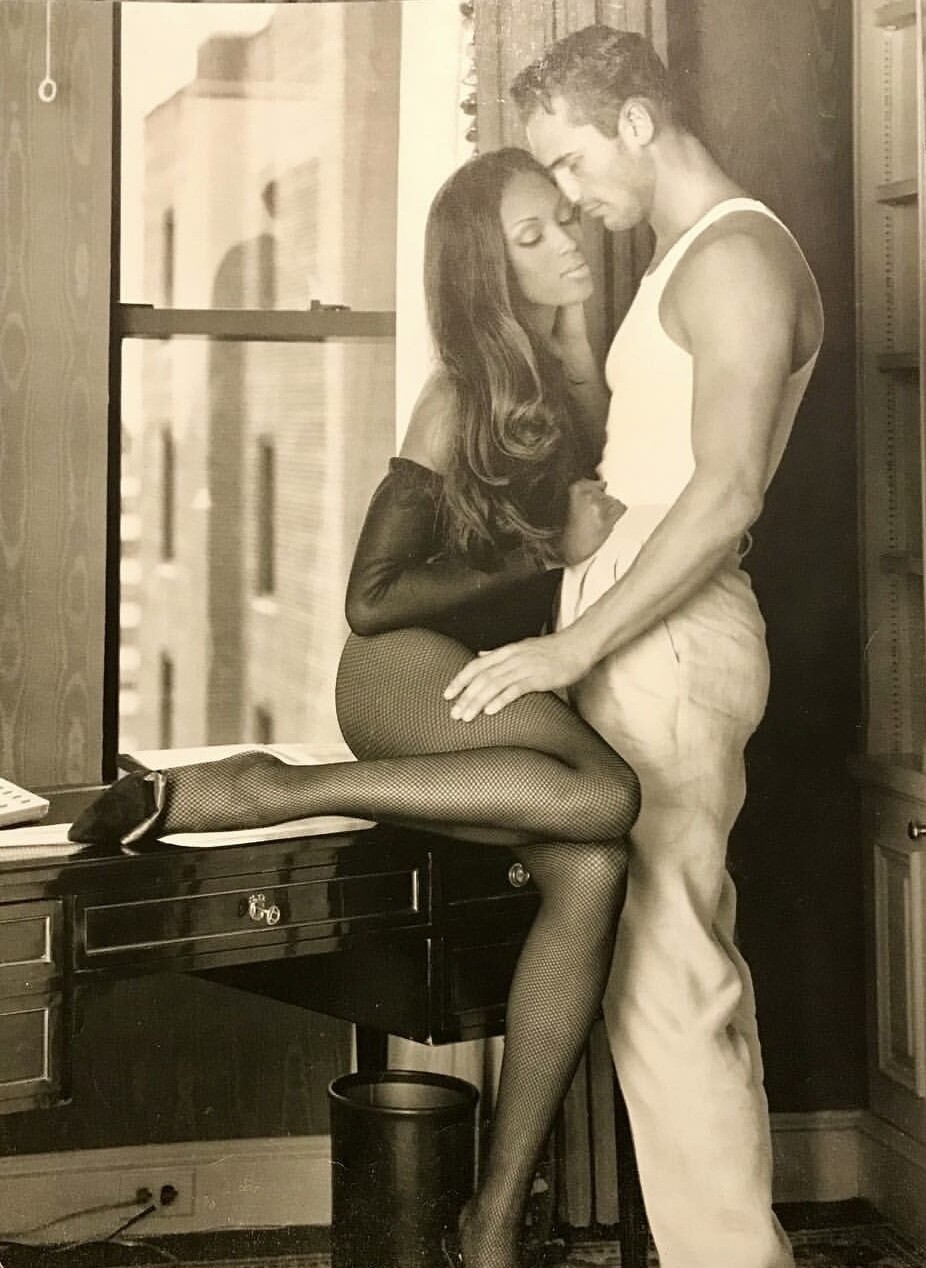
 Ok let’s revitalize this forum a little but I can deliver vintage male models only. I have no clue about recent male models 🤪 I start with the vintage male stars that have lots of pictures together with the 90s female supermodels. Something like this > Naomi & Gino (who will get a new thread soon :)
.jpg.ae5a19b79cbc4b403a7ae81fcbda55f7_cropped(2).thumb.png.bcf791fab378ac84d9176d17773d5c7e.png)
 Can’t wait to see all the upcoming pictures! She’ll look amazing, like always 😍
 Maybe from HP Spain photoshoot, not look like a VS set.

 I think this is another great find, the last photo went around a lot without an ID! 😻😻

 Thank you, I always think Werner and Mark Vanderloo just perfect 90's models ✨👑💗
 s
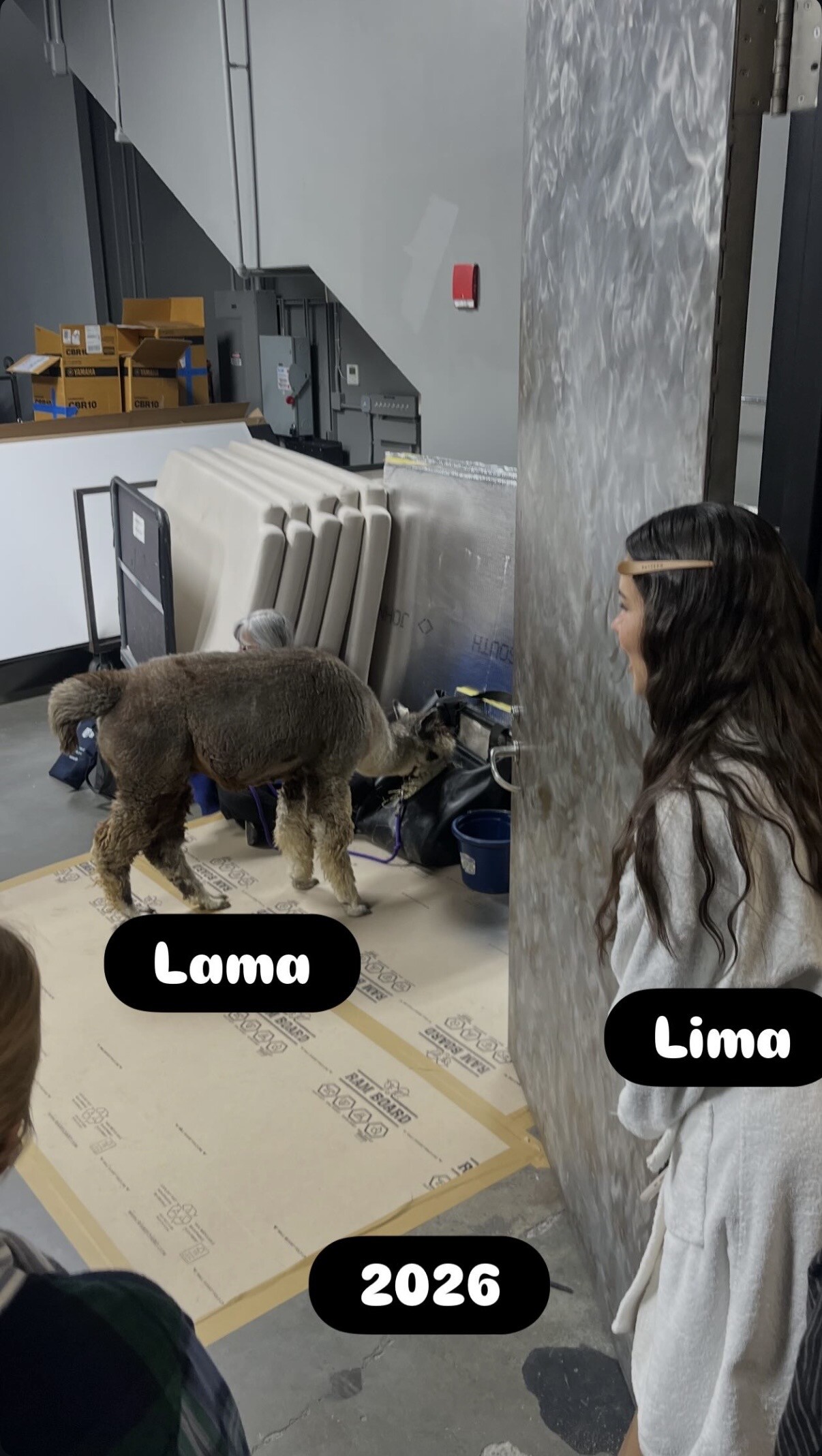
s IG story:
.thumb.jpg.b8ea6d4c5d14877f0a704f837d7a2876.jpg)

- Today

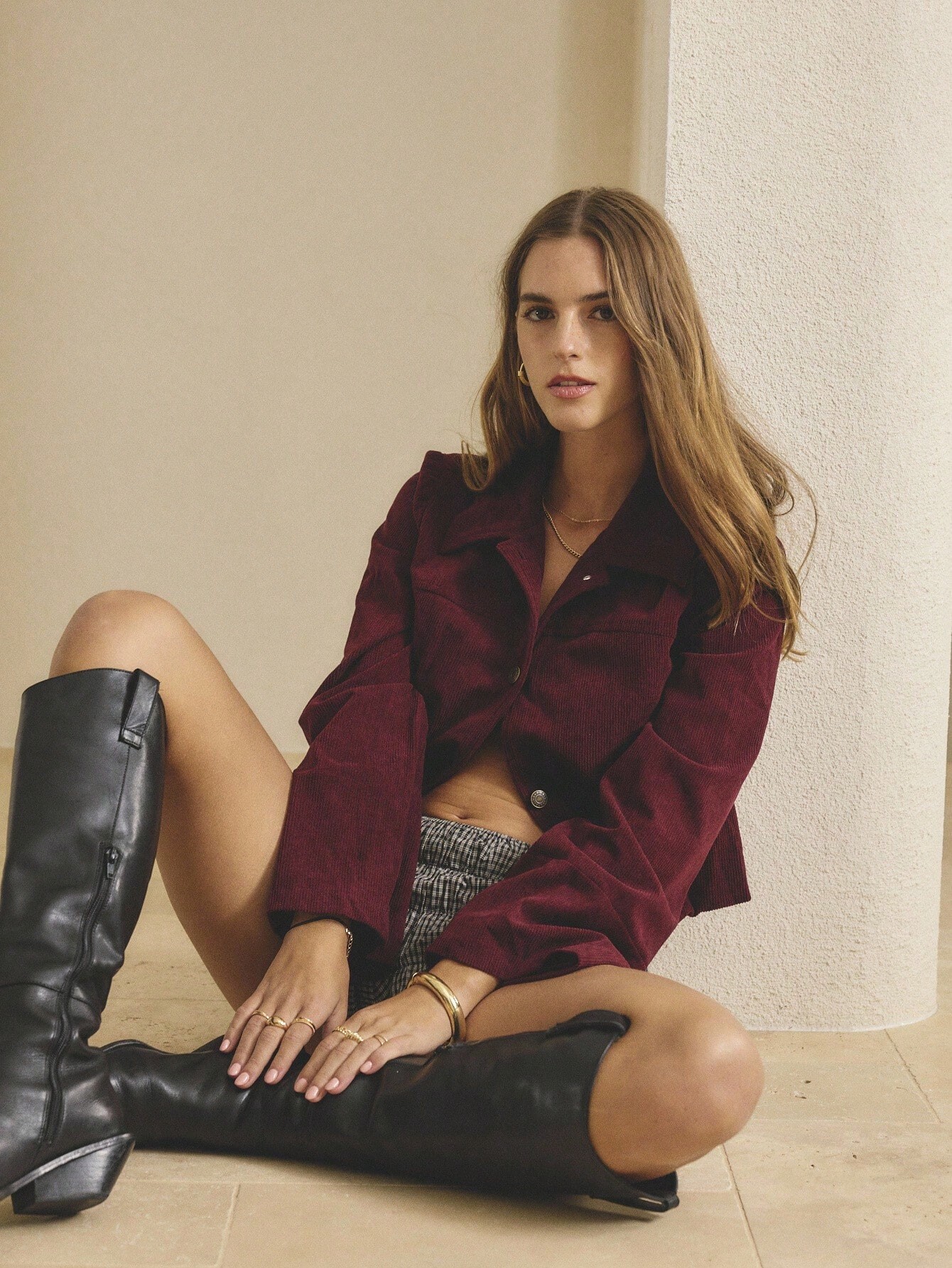
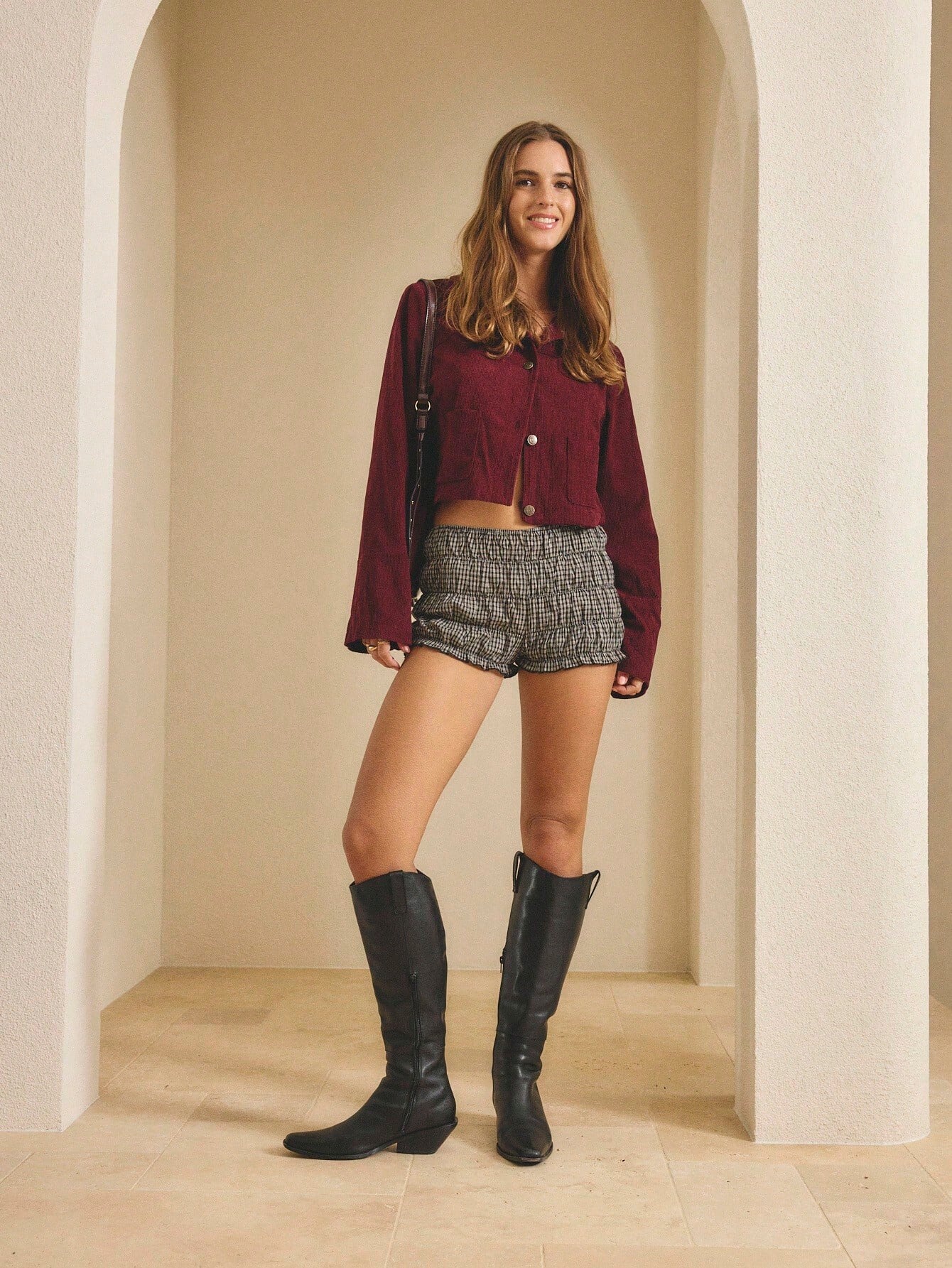
 Triangl 14717b97a8324d8f9a635625793762c2.mp4 3fc5198db4794cbf91037d144edf616e.mp4
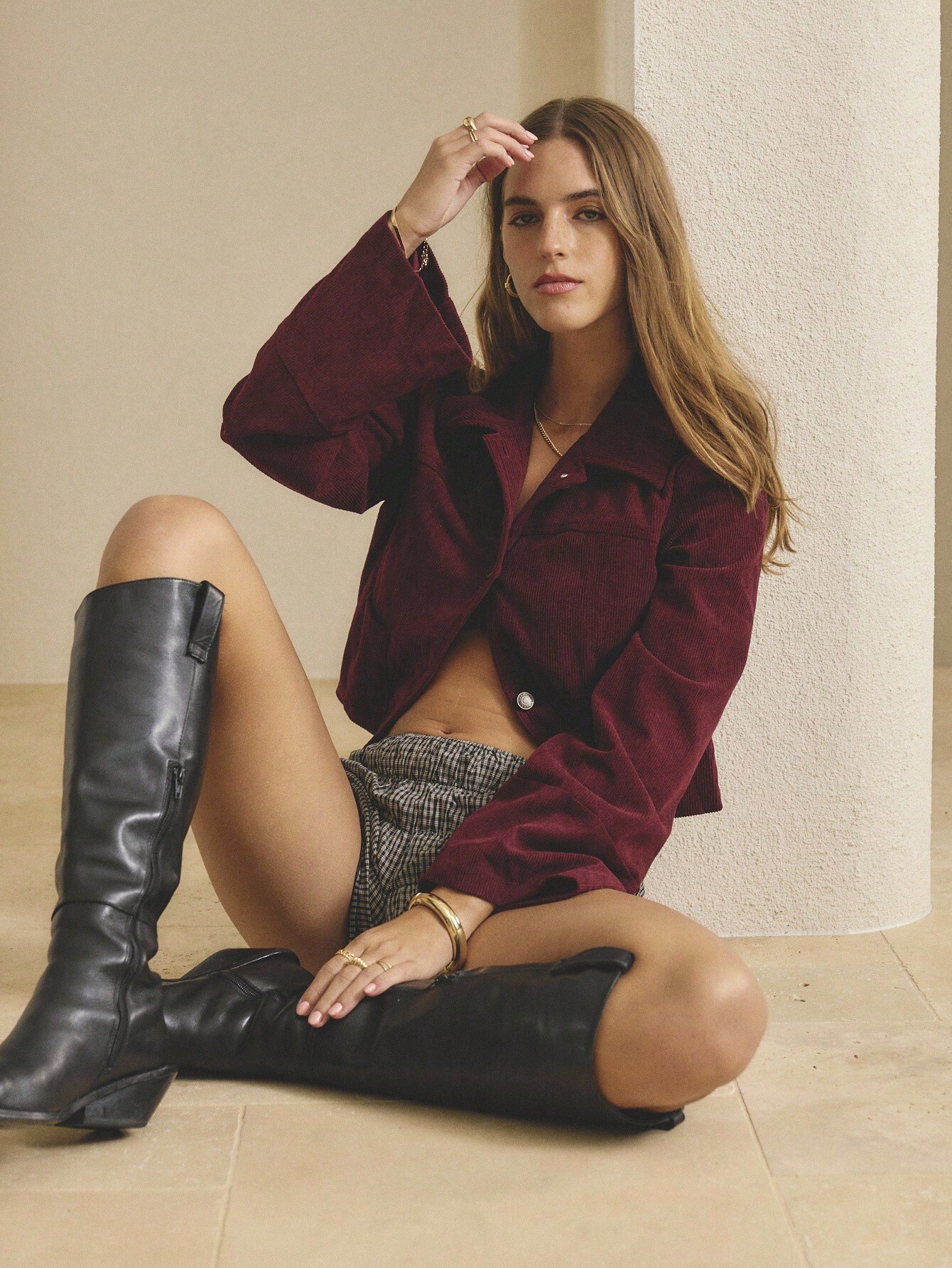
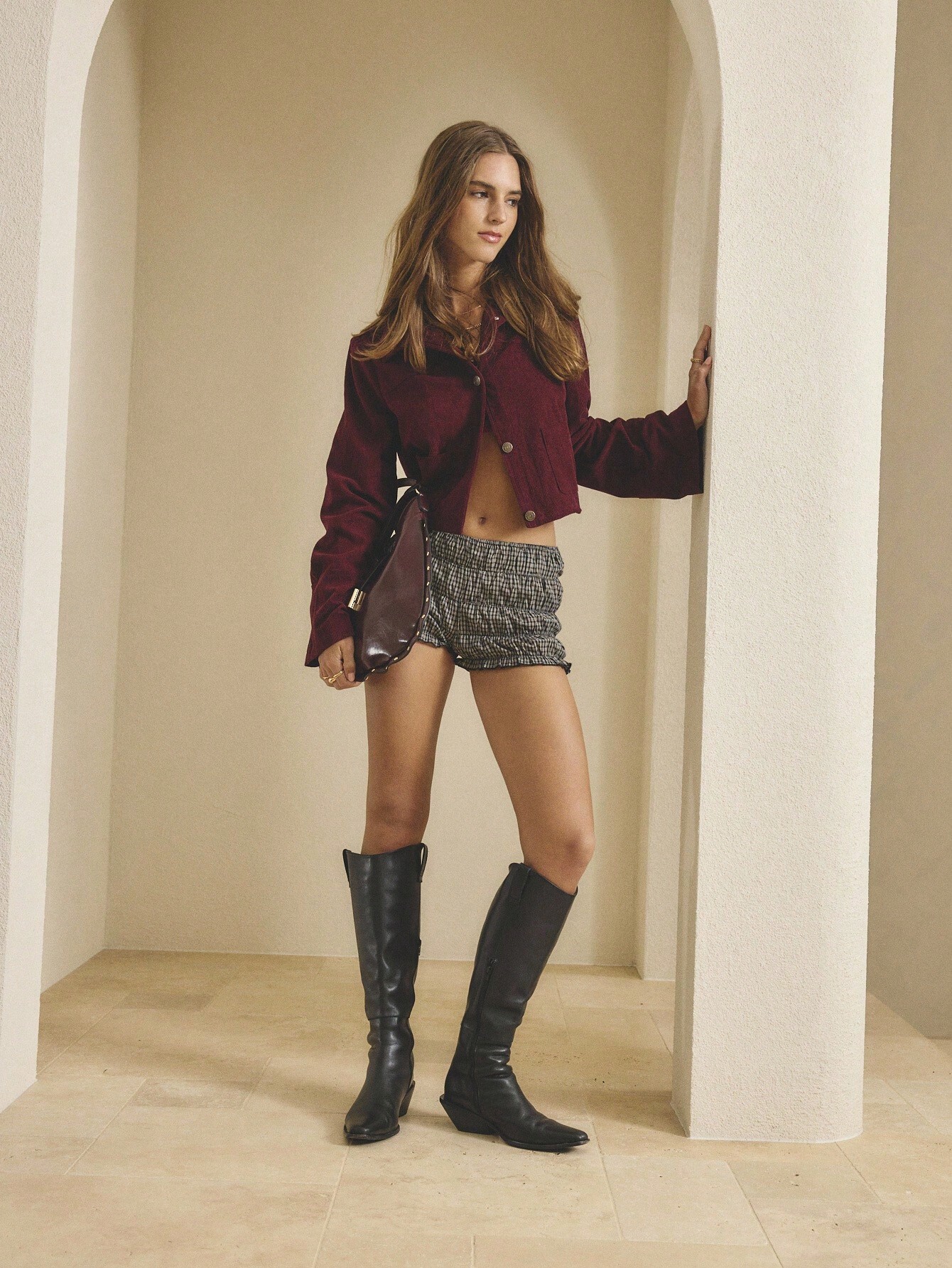
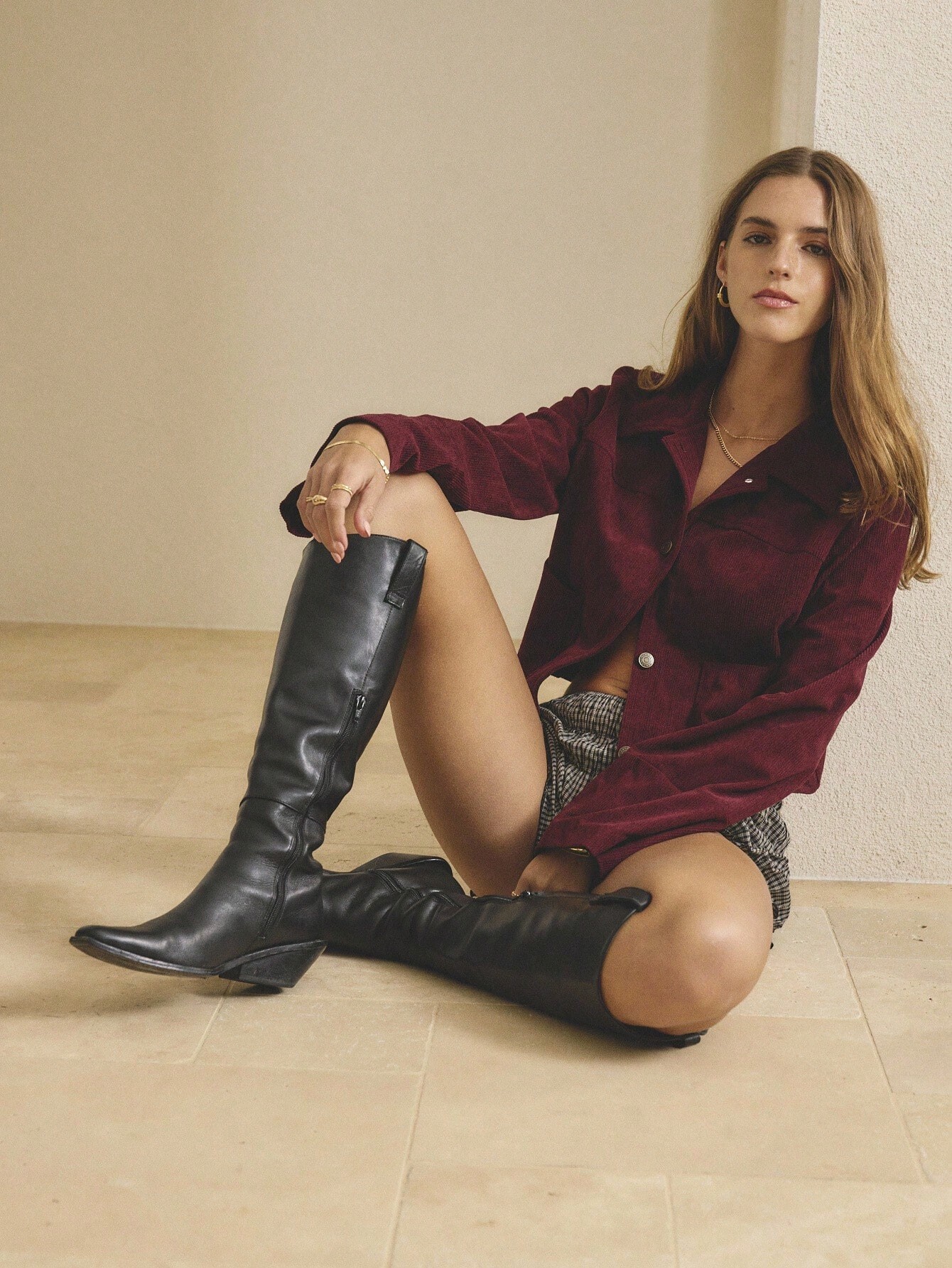
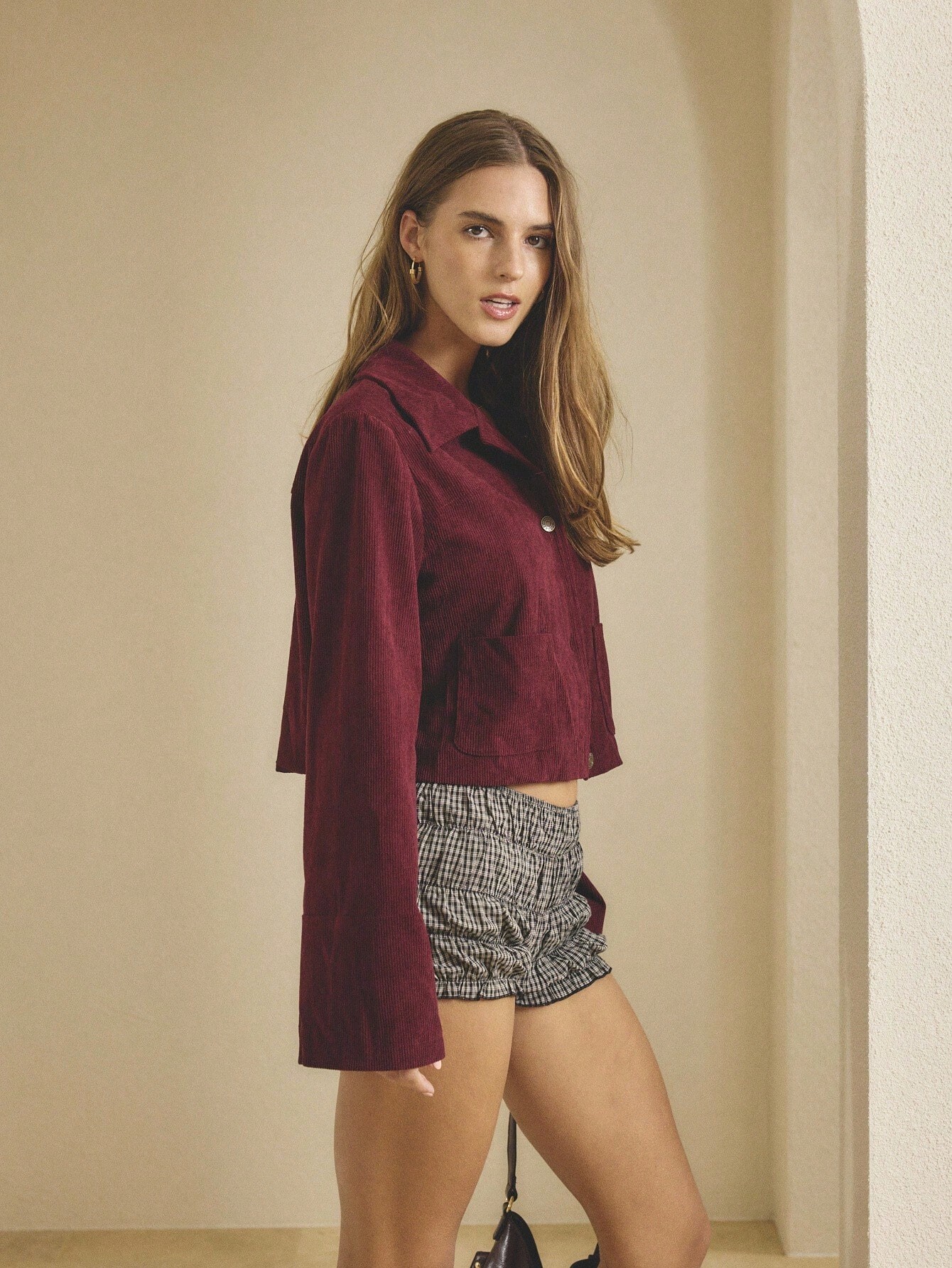
 Harper's Bazaar Spain February 2026: https://www.instagram.com/p/DTibJH6DfRv/
 Thanks for letting me know. I'll check previous posts and delete the duplicates Thanks for the heads up Sucks about the not getting paid for the extra shoots Also can you add the item name to your posts later. Would make identifying them easier in the future.

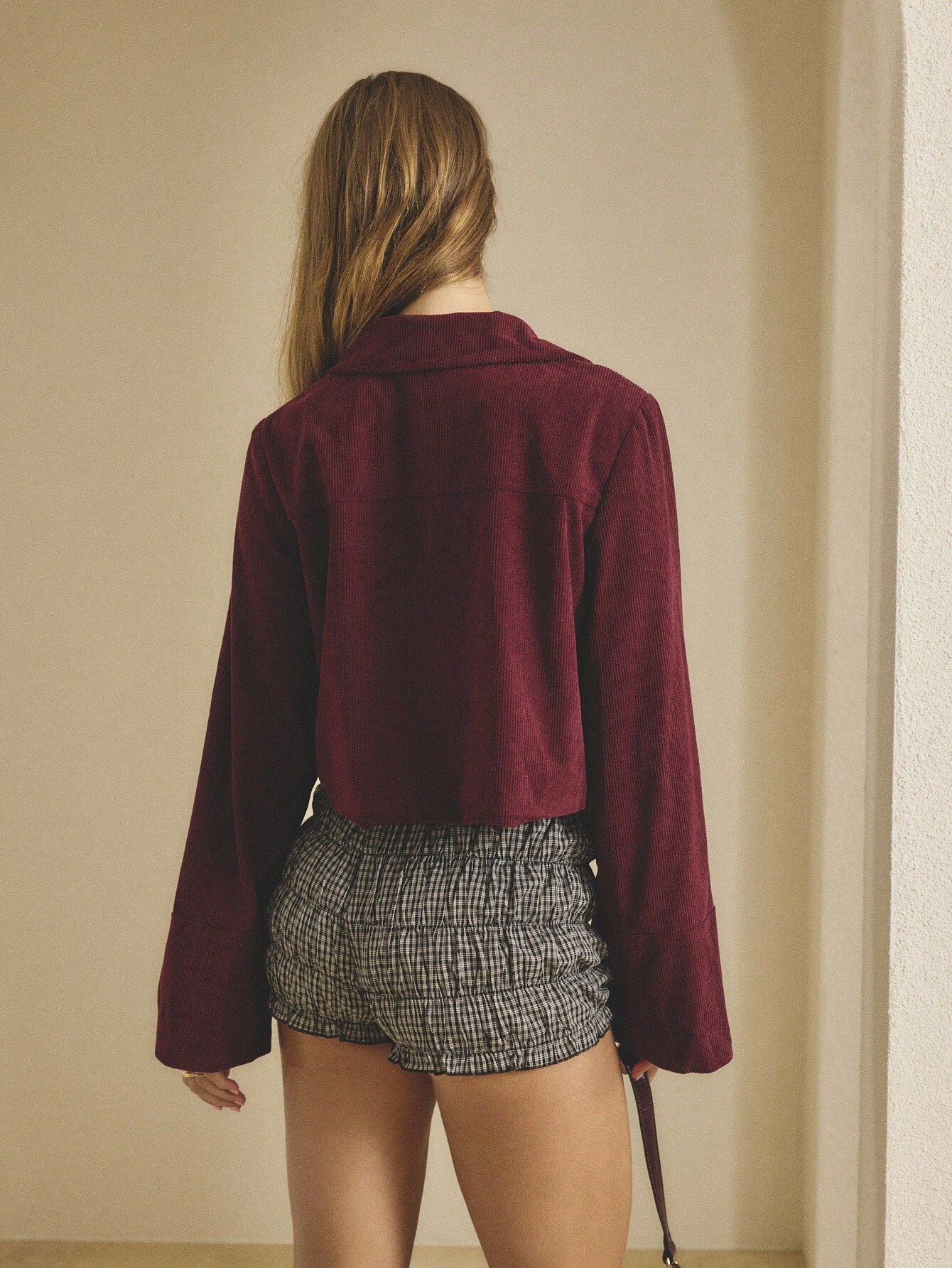
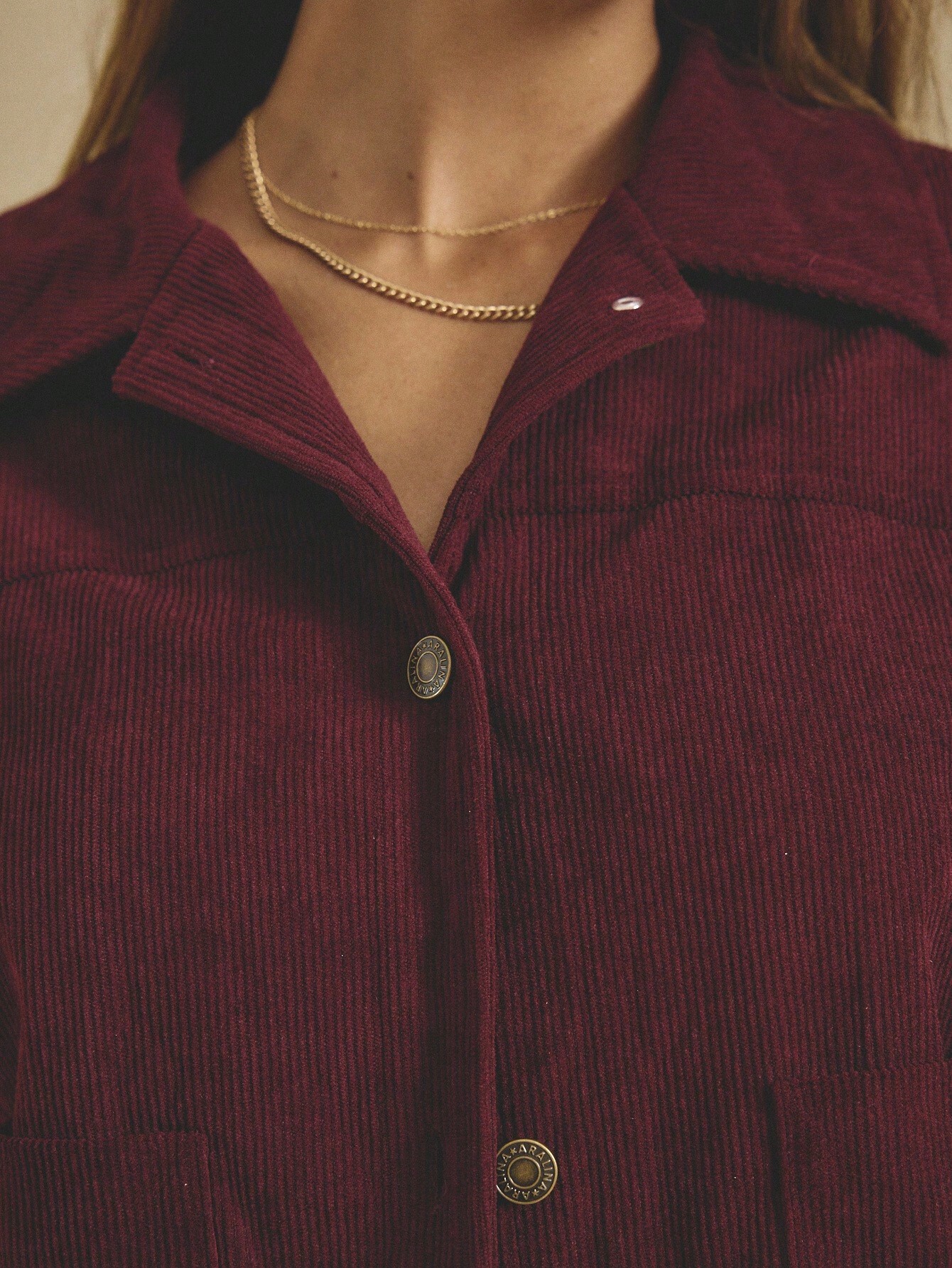

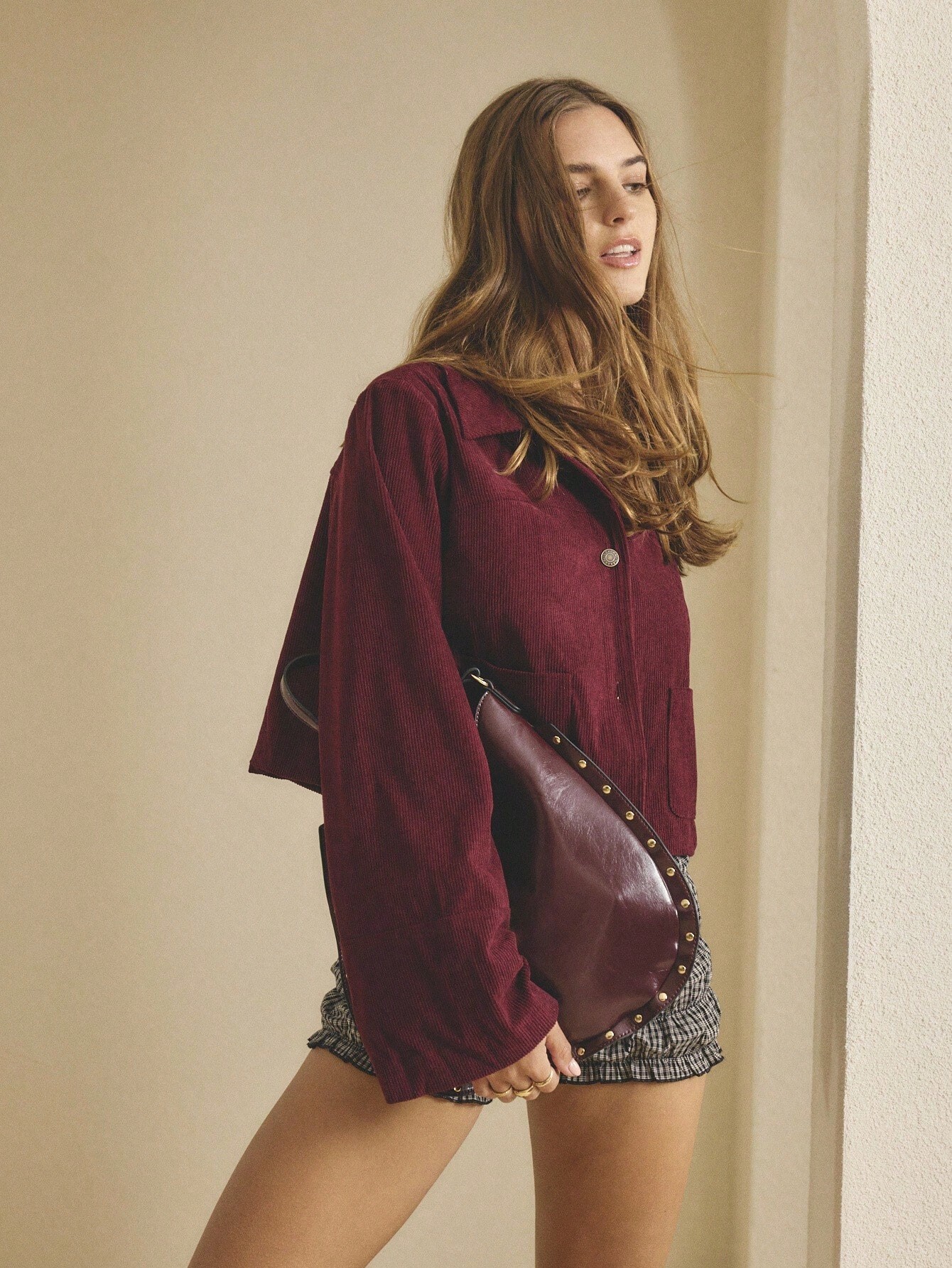





.jpg.9da8078cca0f9d9b4aa8b8815123f2f5.jpg)


Account
Search
Configure browser push notifications
Chrome (Android)
- Tap the lock icon next to the address bar.
- Tap Permissions → Notifications.
- Adjust your preference.
Chrome (Desktop)
- Click the padlock icon in the address bar.
- Select Site settings.
- Find Notifications and adjust your preference.
Safari (iOS 16.4+)
- Ensure the site is installed via Add to Home Screen.
- Open Settings App → Notifications.
- Find your app name and adjust your preference.
Safari (macOS)
- Go to Safari → Preferences.
- Click the Websites tab.
- Select Notifications in the sidebar.
- Find this website and adjust your preference.
Edge (Android)
- Tap the lock icon next to the address bar.
- Tap Permissions.
- Find Notifications and adjust your preference.
Edge (Desktop)
- Click the padlock icon in the address bar.
- Click Permissions for this site.
- Find Notifications and adjust your preference.
Firefox (Android)
- Go to Settings → Site permissions.
- Tap Notifications.
- Find this site in the list and adjust your preference.
Firefox (Desktop)
- Open Firefox Settings.
- Search for Notifications.
- Find this site in the list and adjust your preference.