All Activity
- Past hour
-
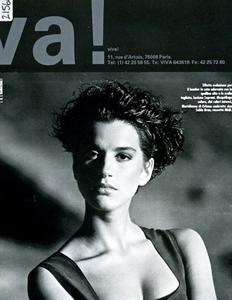
 she slightly resembles Louise Merrick, but i'm not sure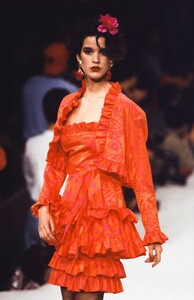
-
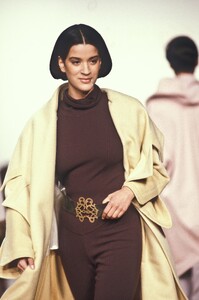
 NIENKE VAN HOFSLOT.mp4
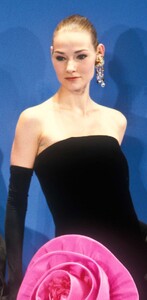
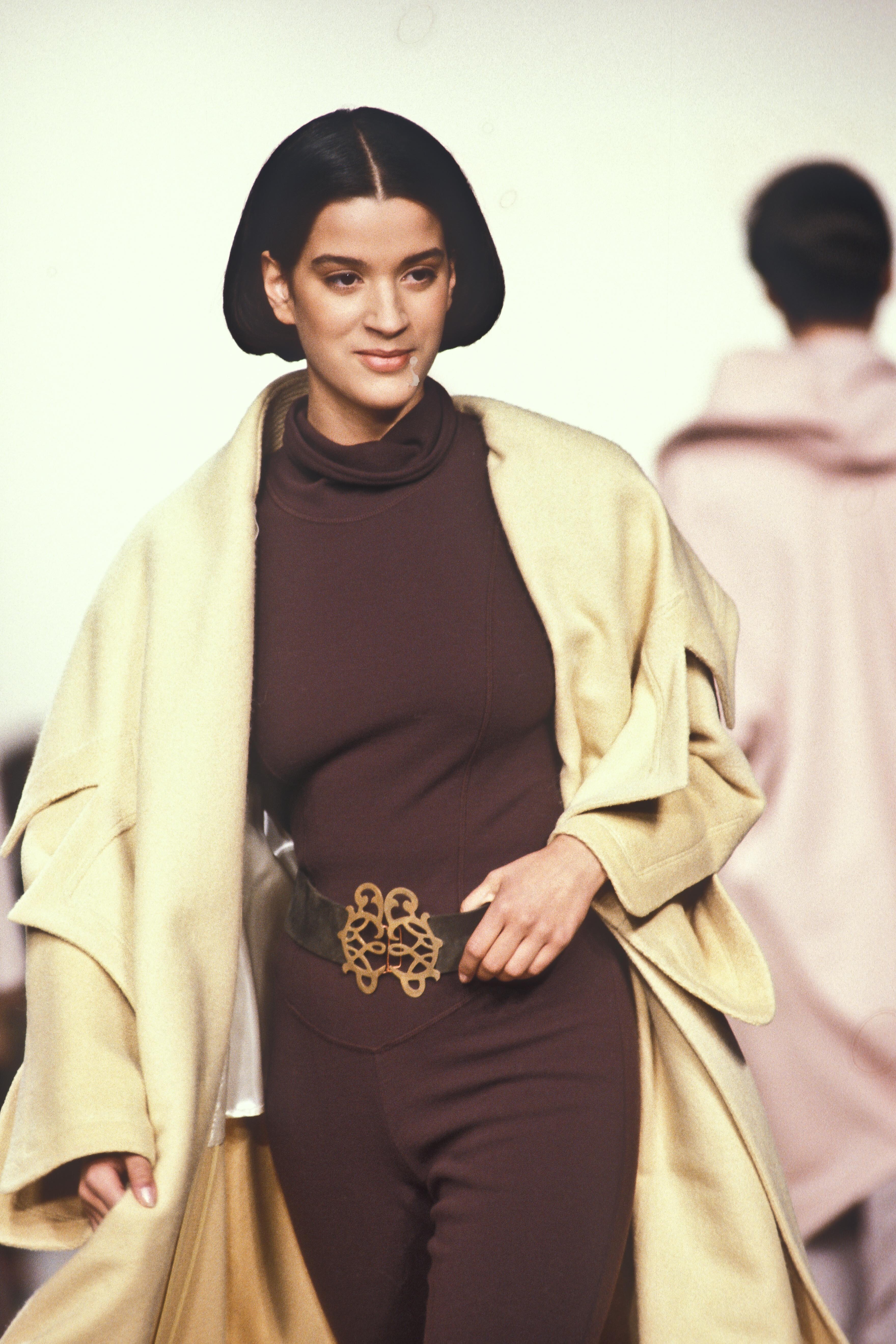
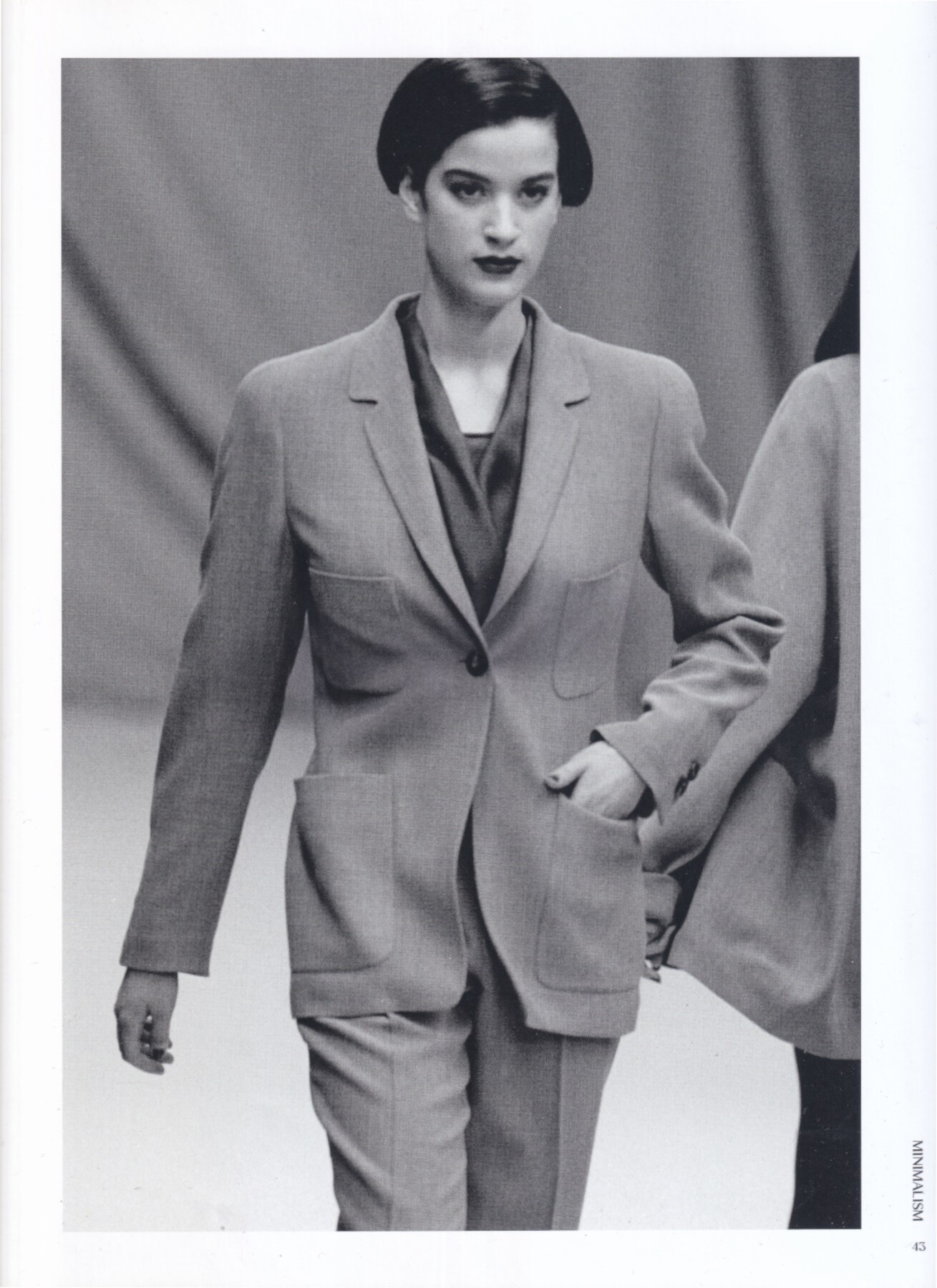
 model for Jil Sander, ready-to-wear, fall/winter 1991 my scan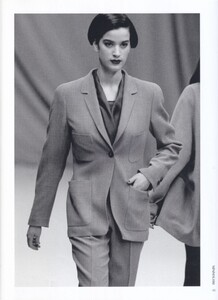


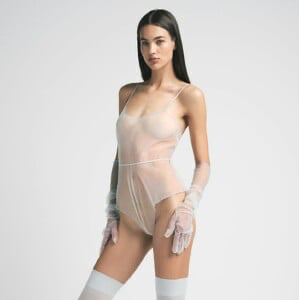
 https://models.com/models/toma-korol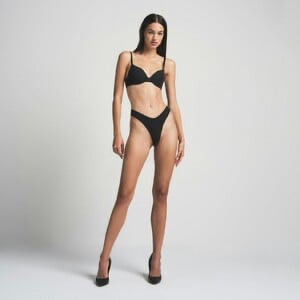
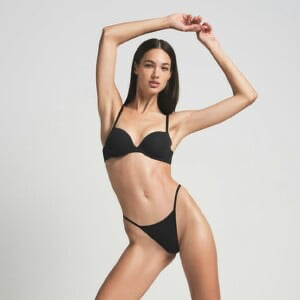
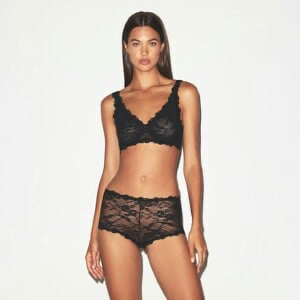
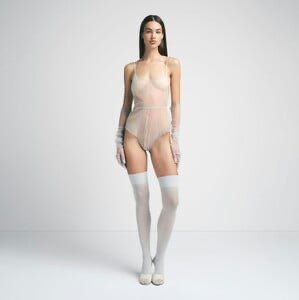
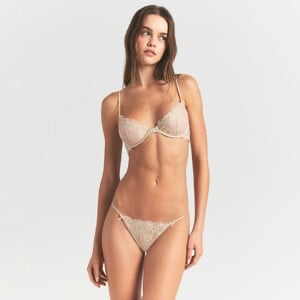
 https://models.com/models/marija-zezelj
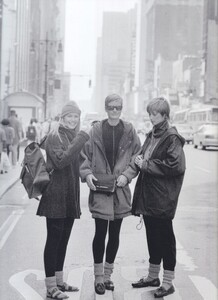
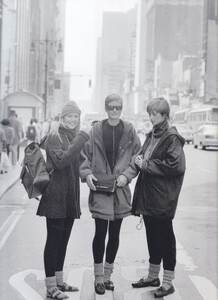
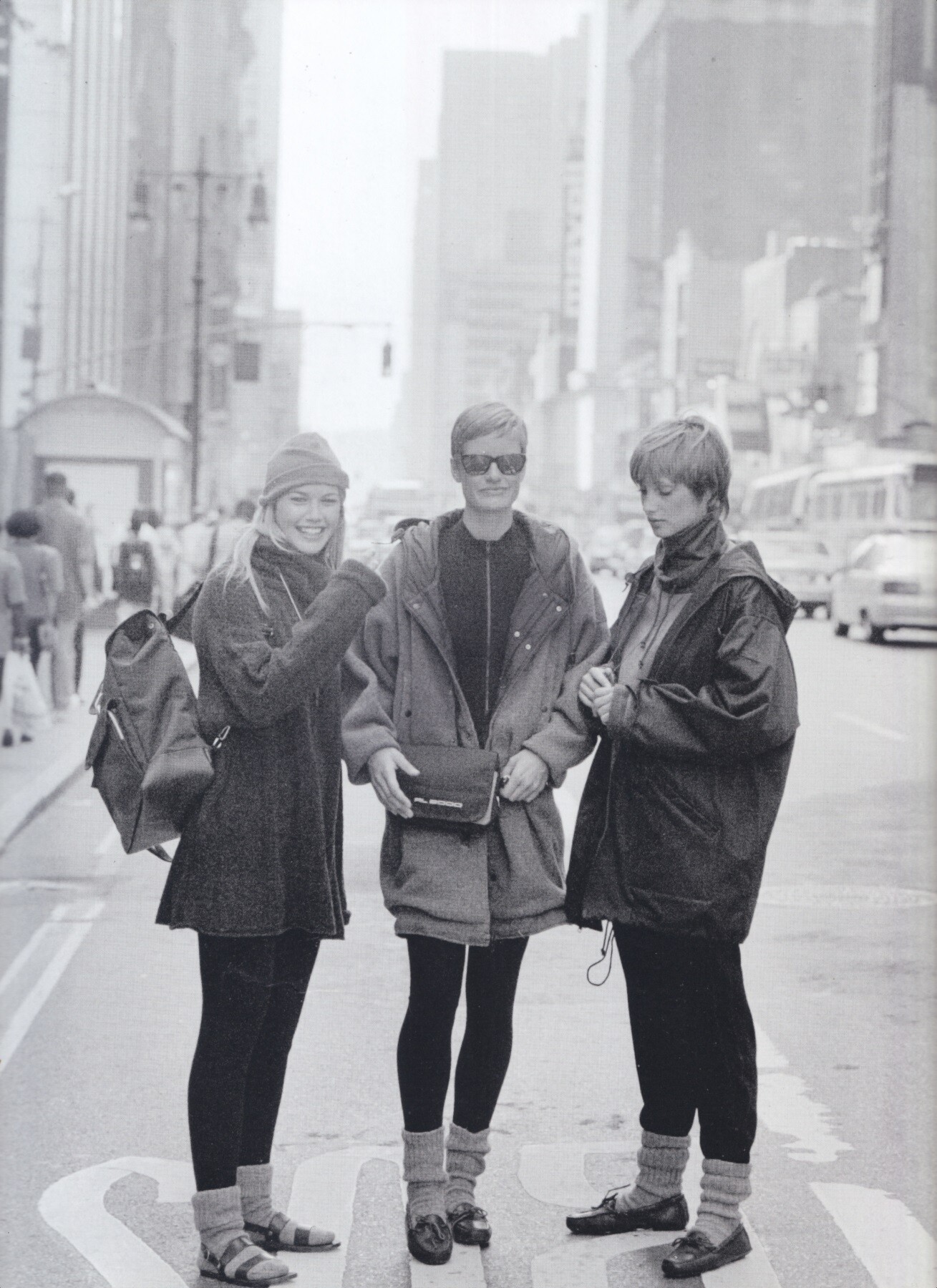
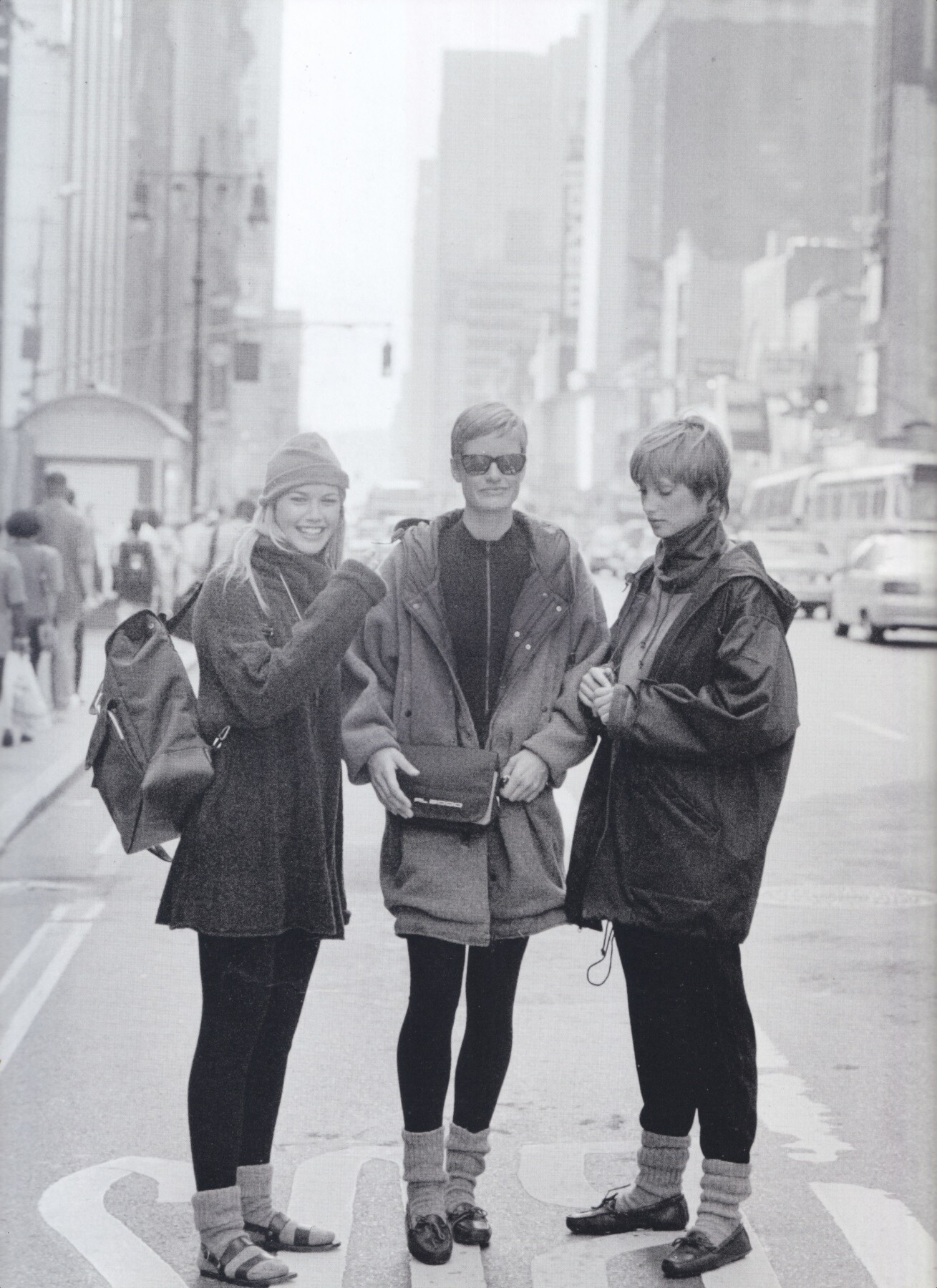
 anyone knows who are the two models with Valeria Mazza here? for Ralph Lauren, 1993
 https://models.com/models/thea-ros https://models.com/models/marie-teissonniere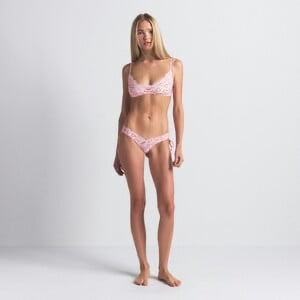
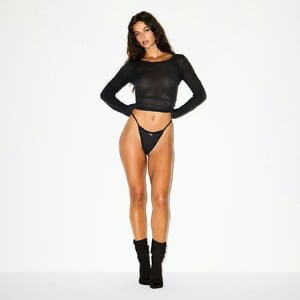
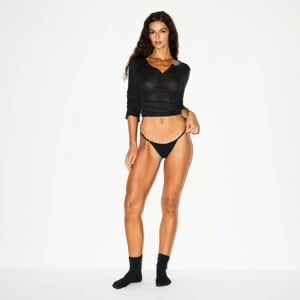
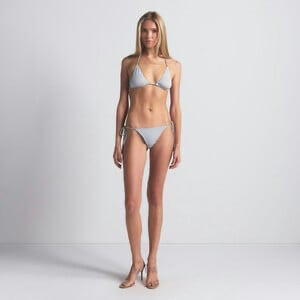
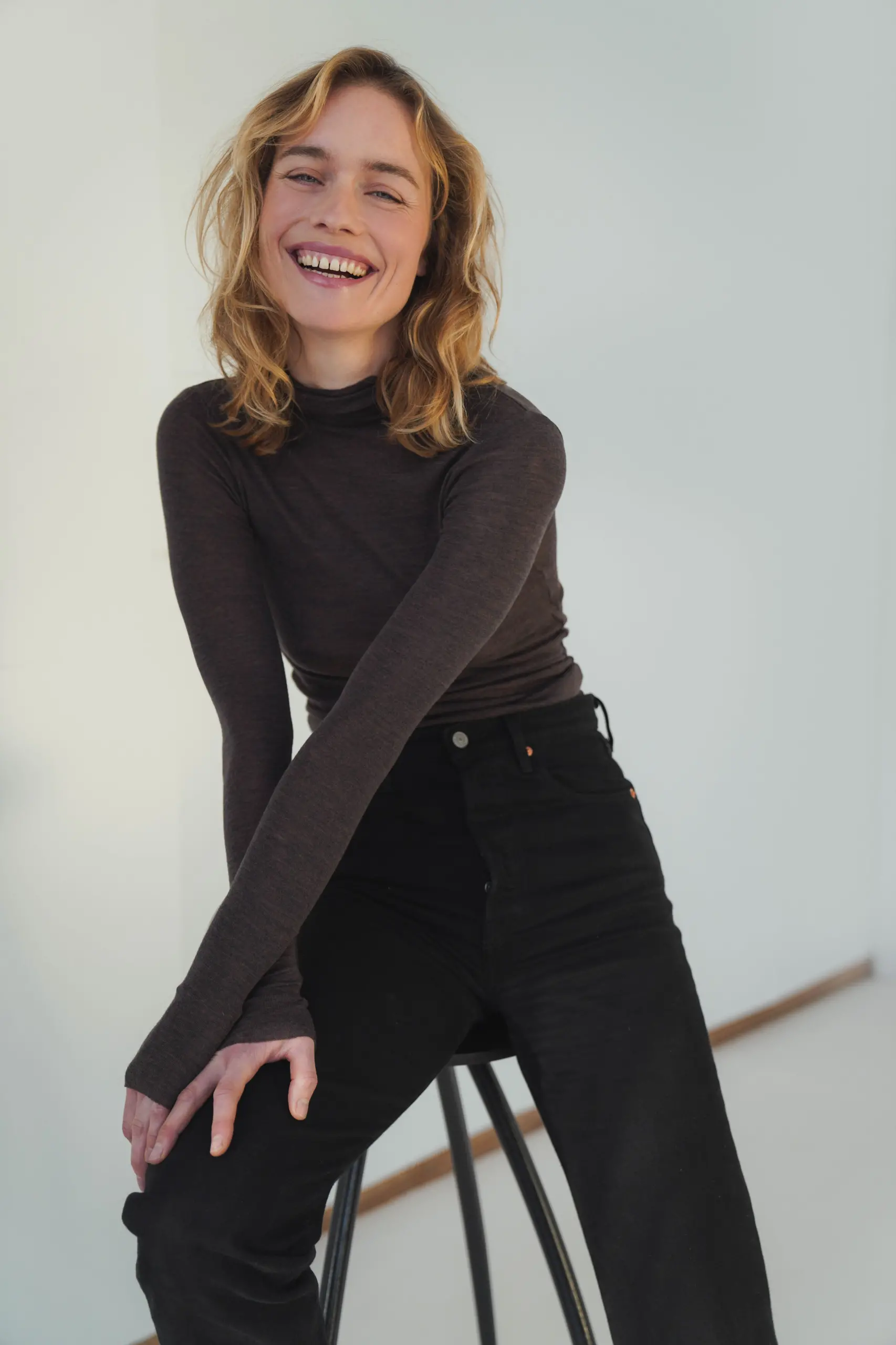
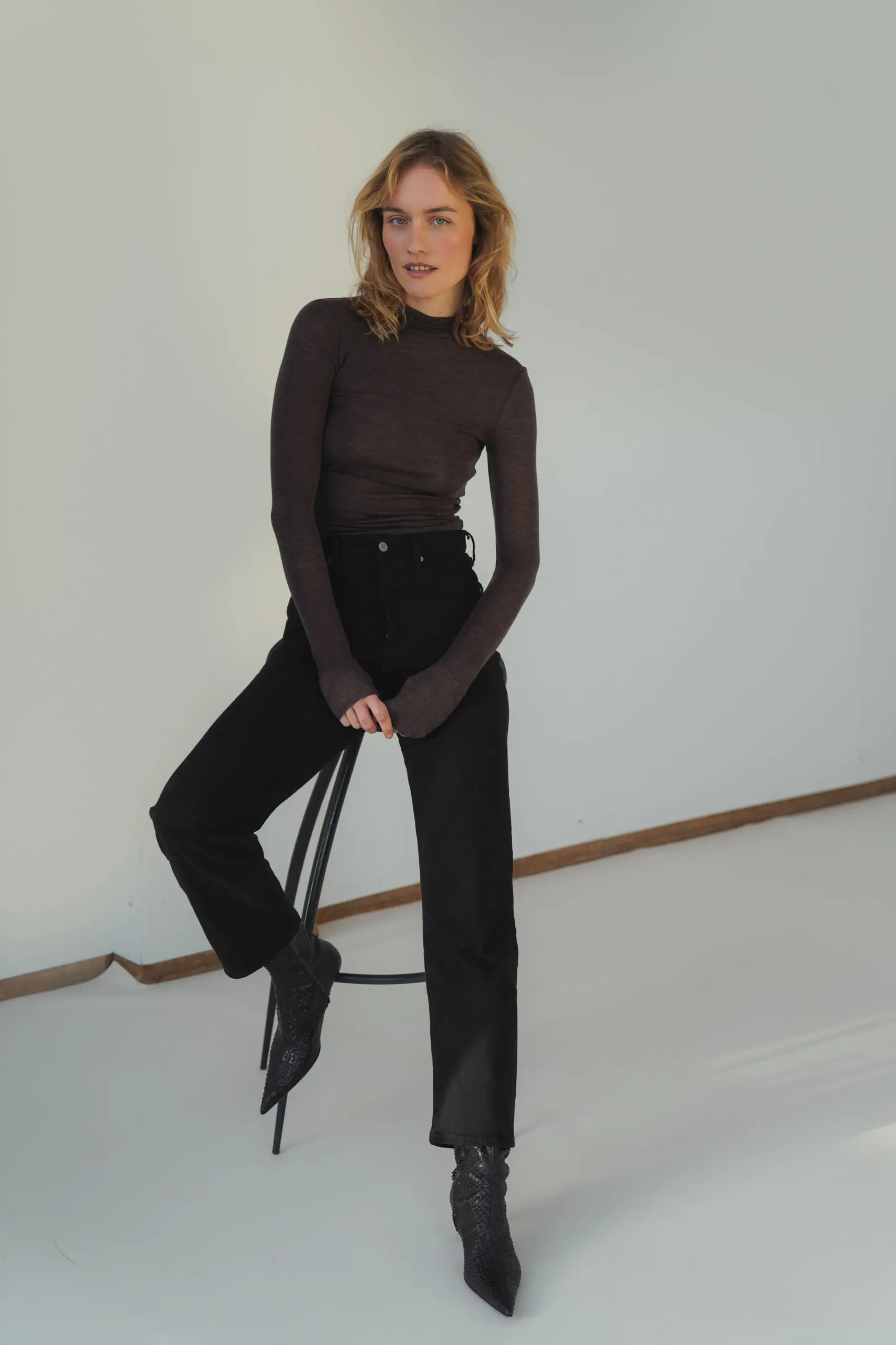
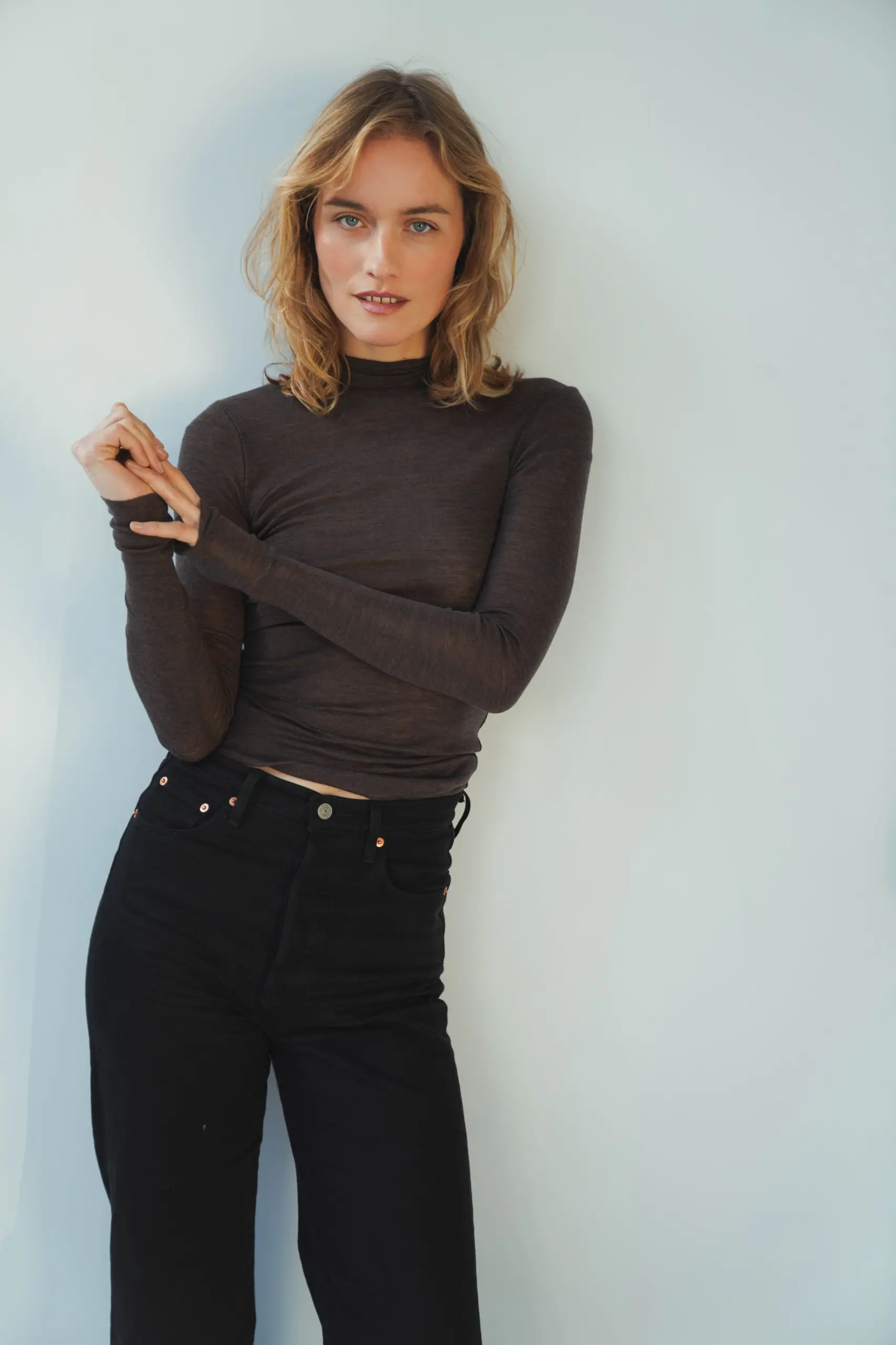
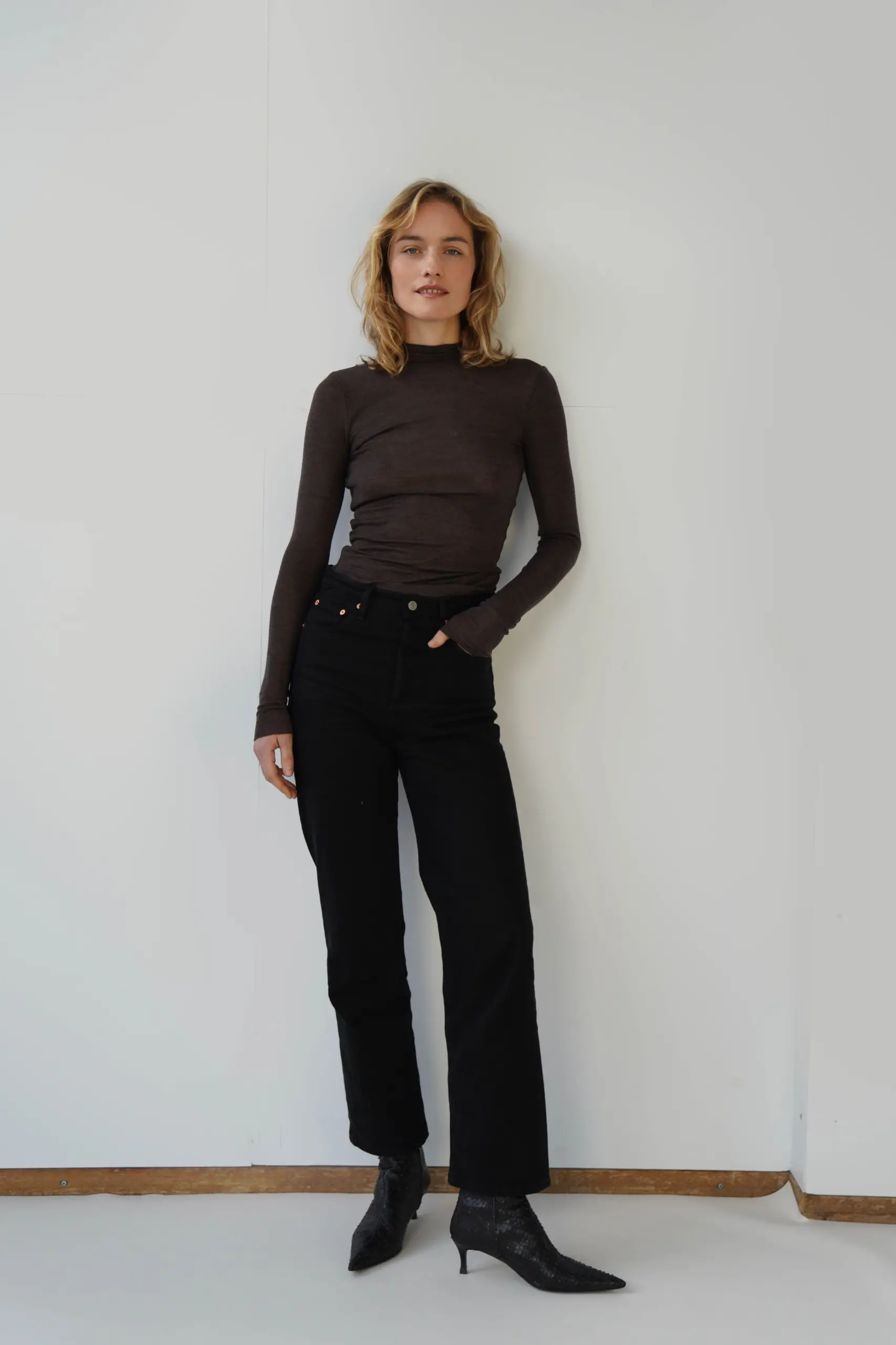
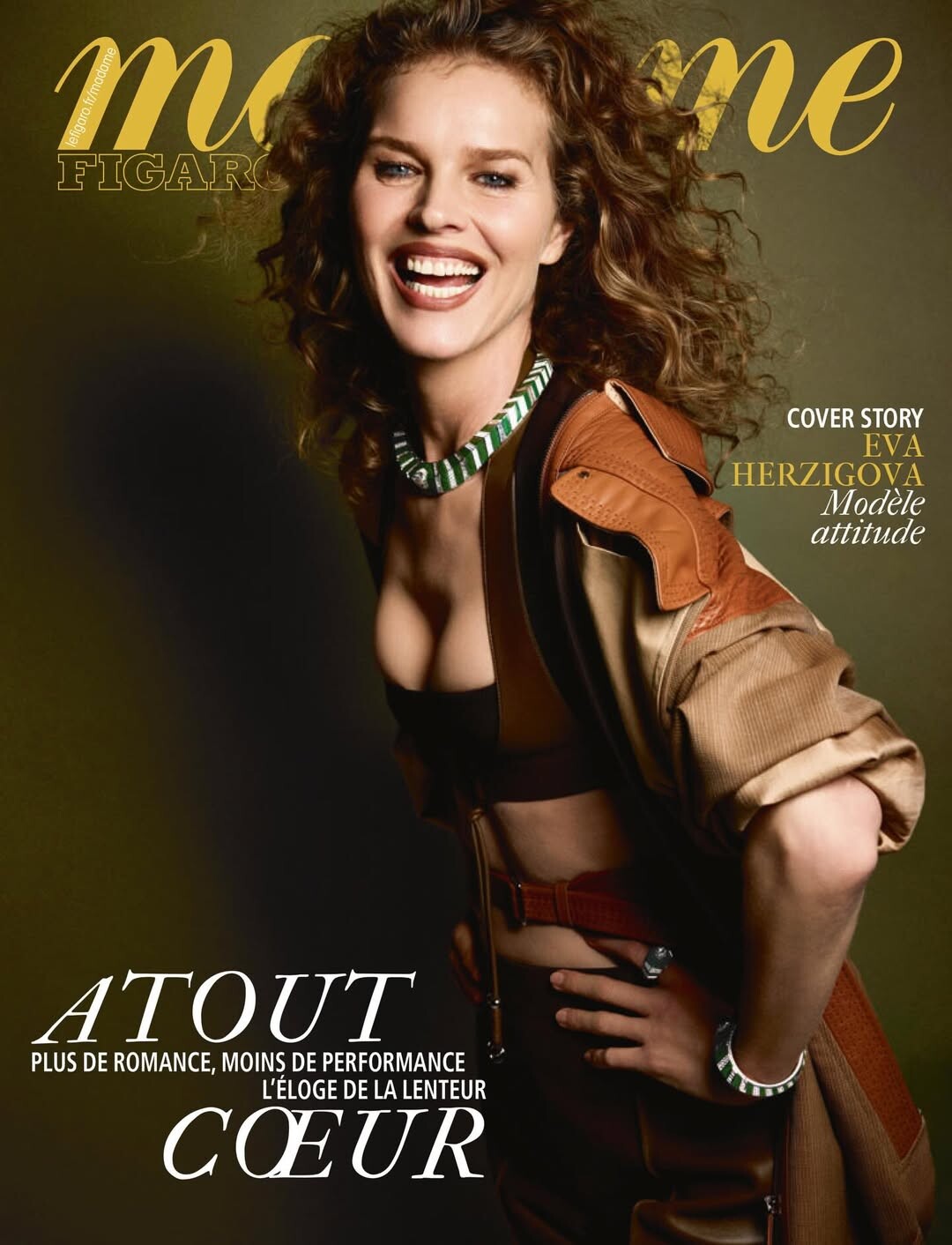
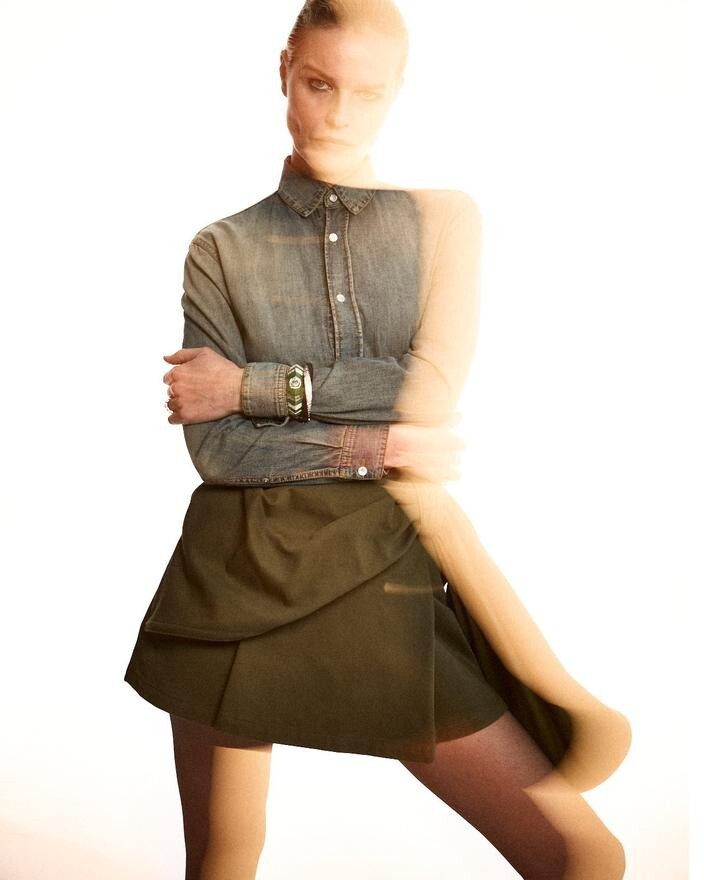
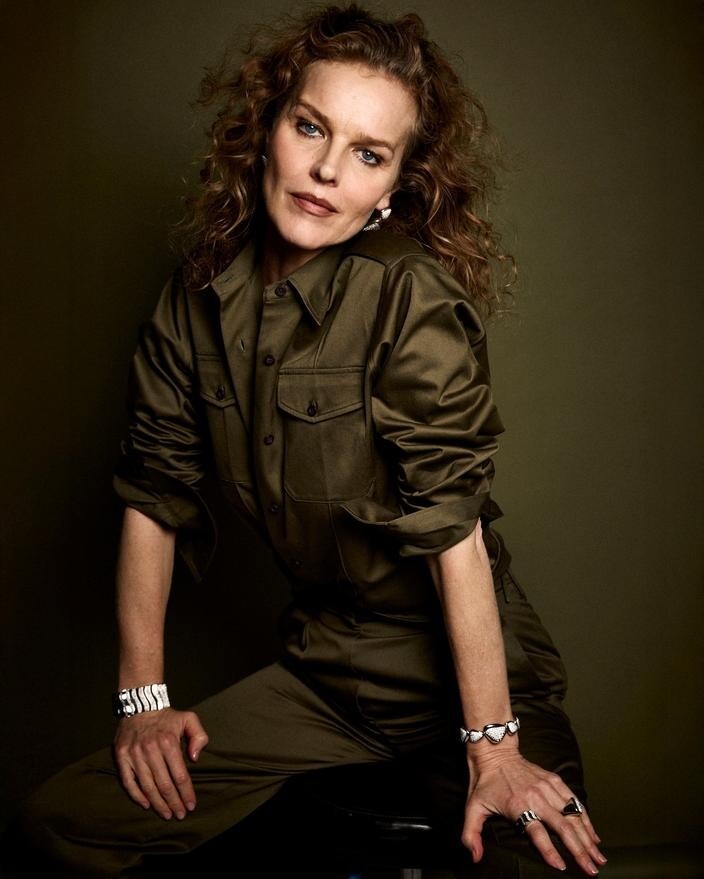
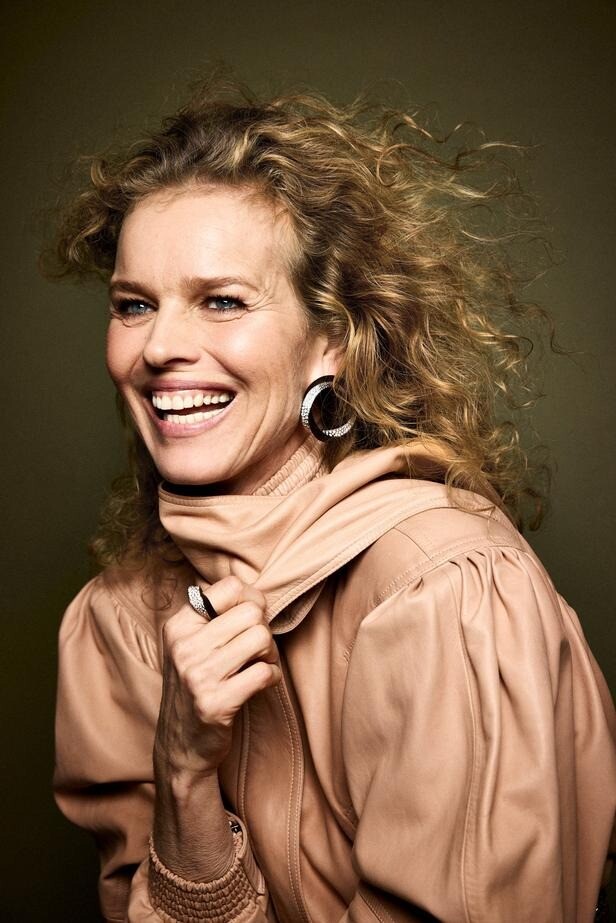
 Madame Figaro #30-01-2026 Photo : David Roemer

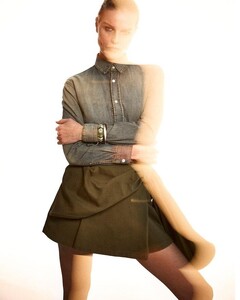
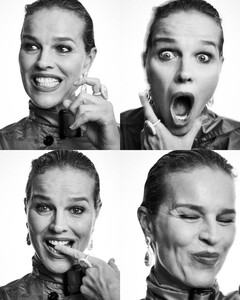
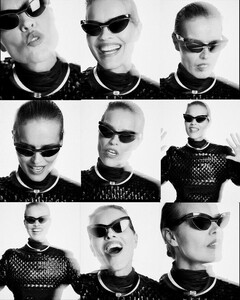
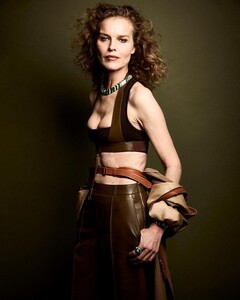



 Old house, old photos.
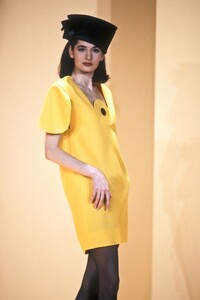
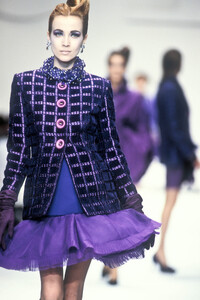
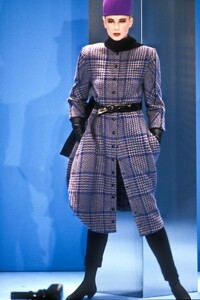
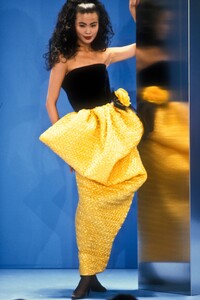
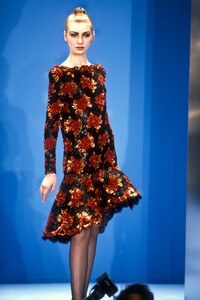
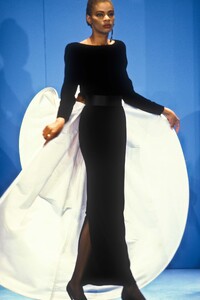
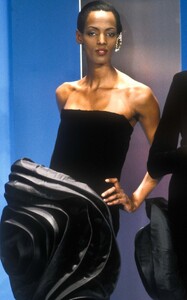
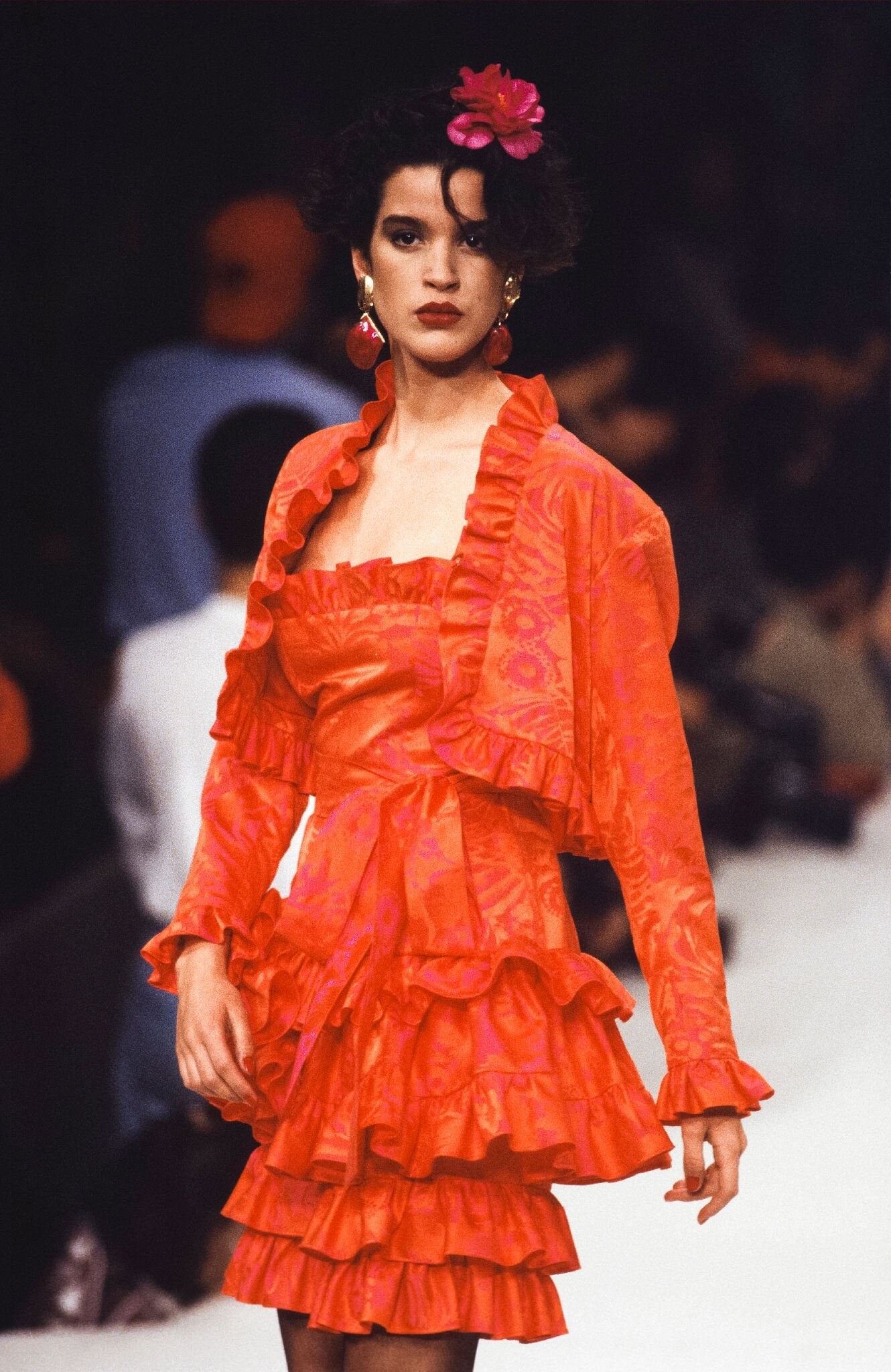
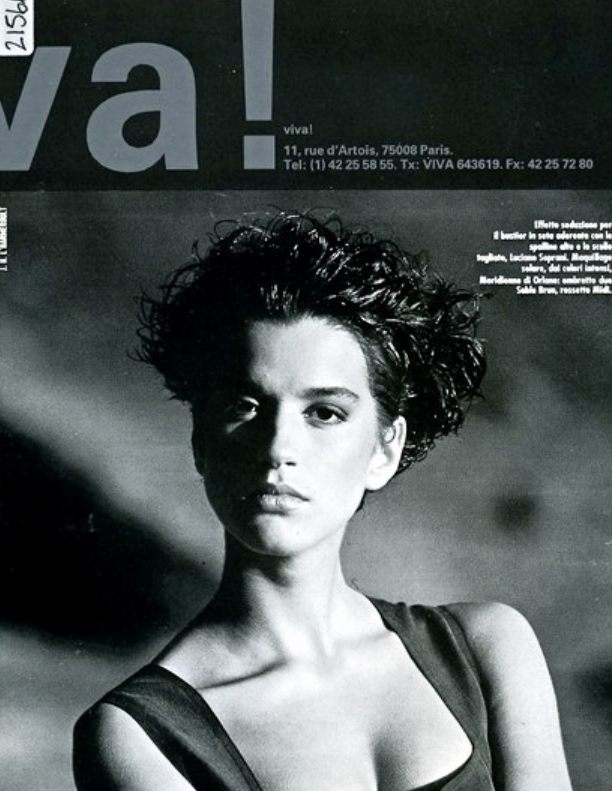
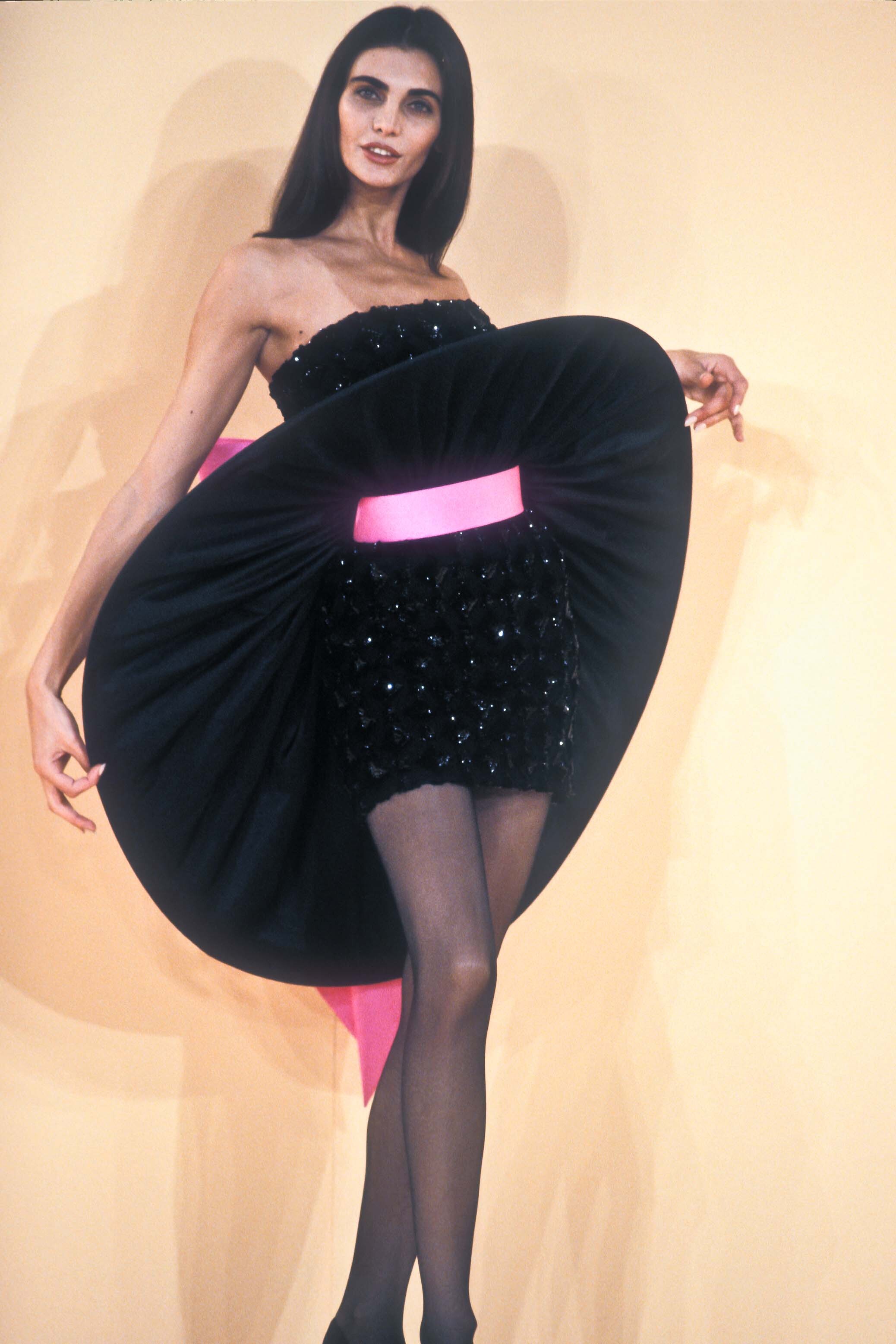
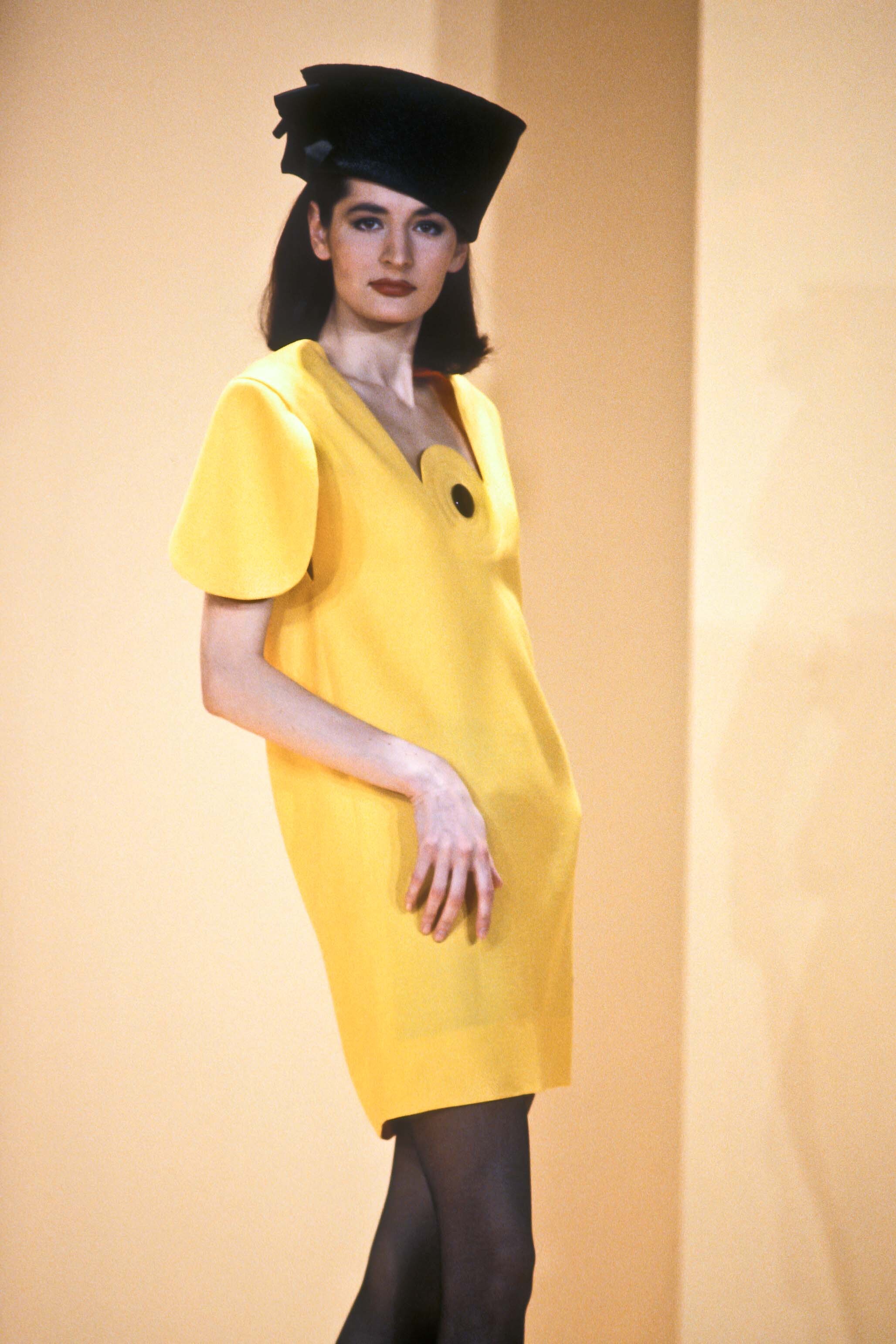
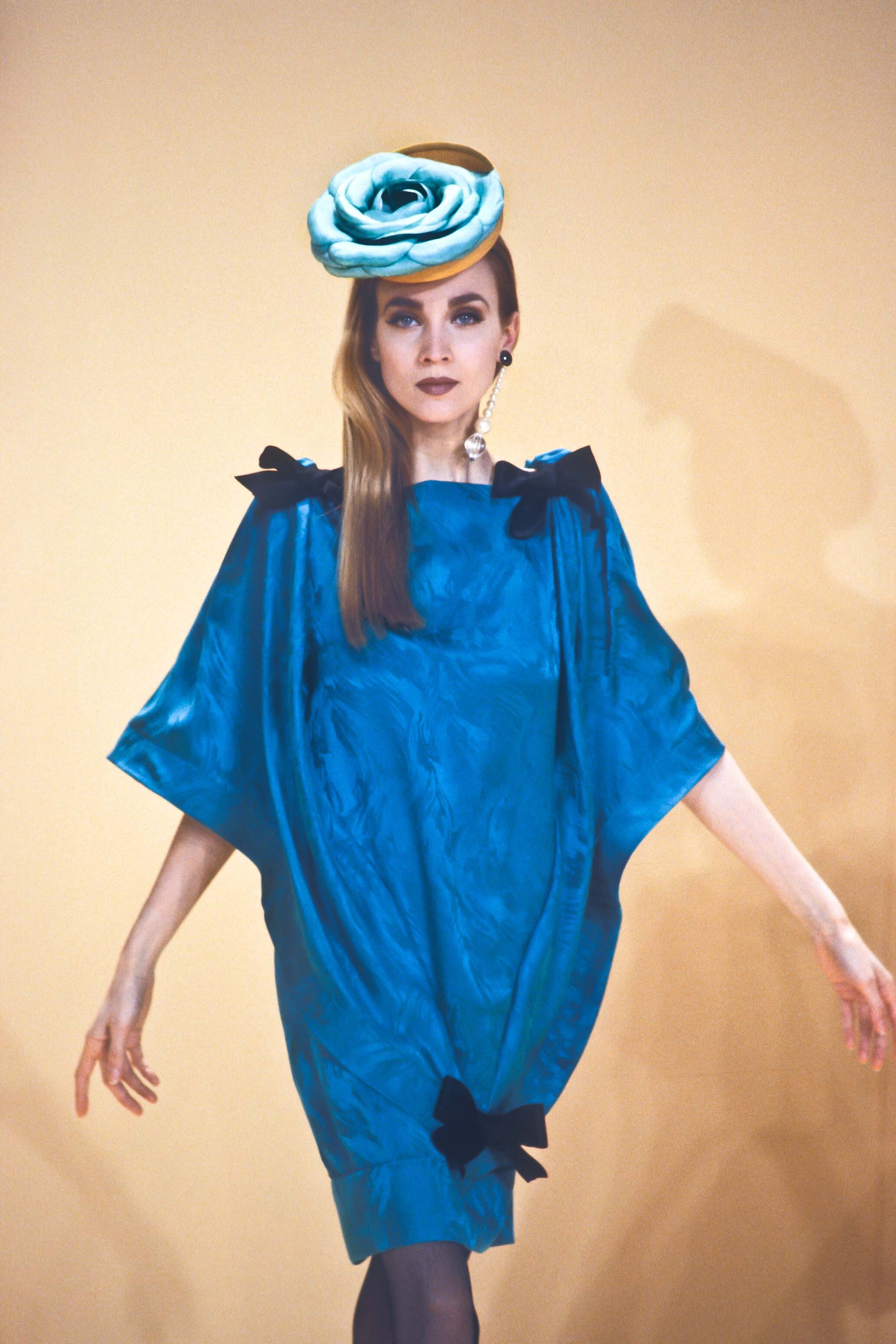
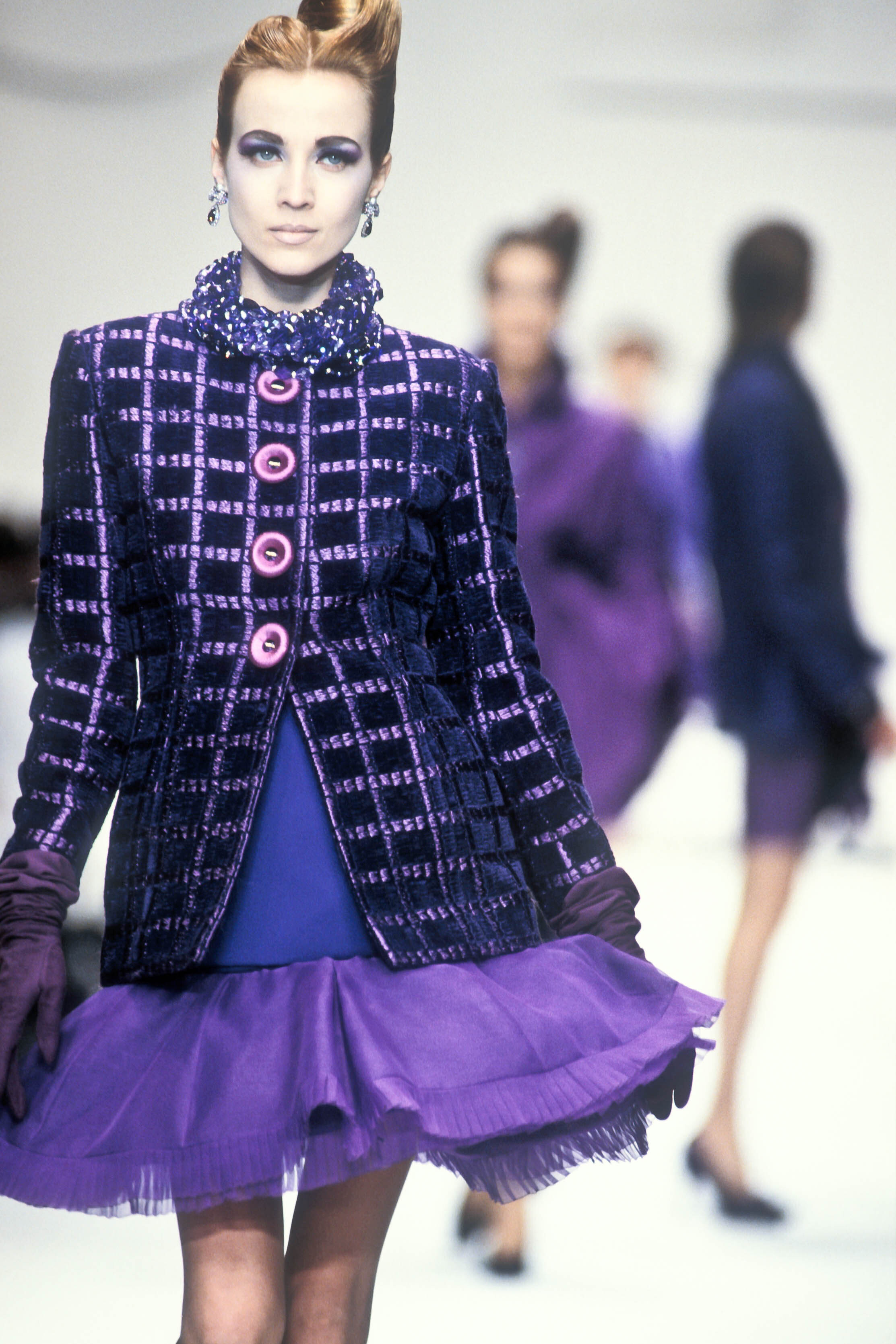
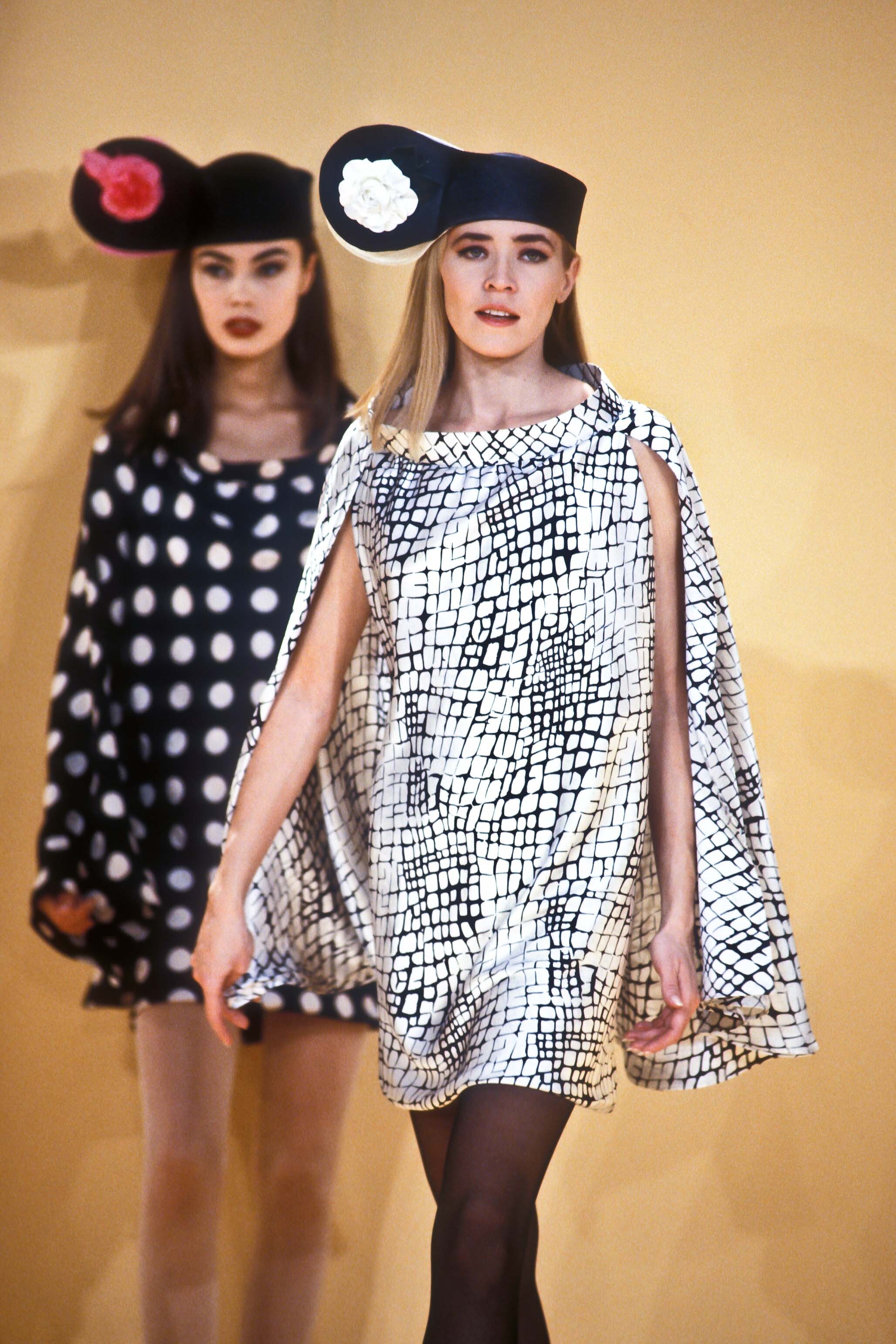
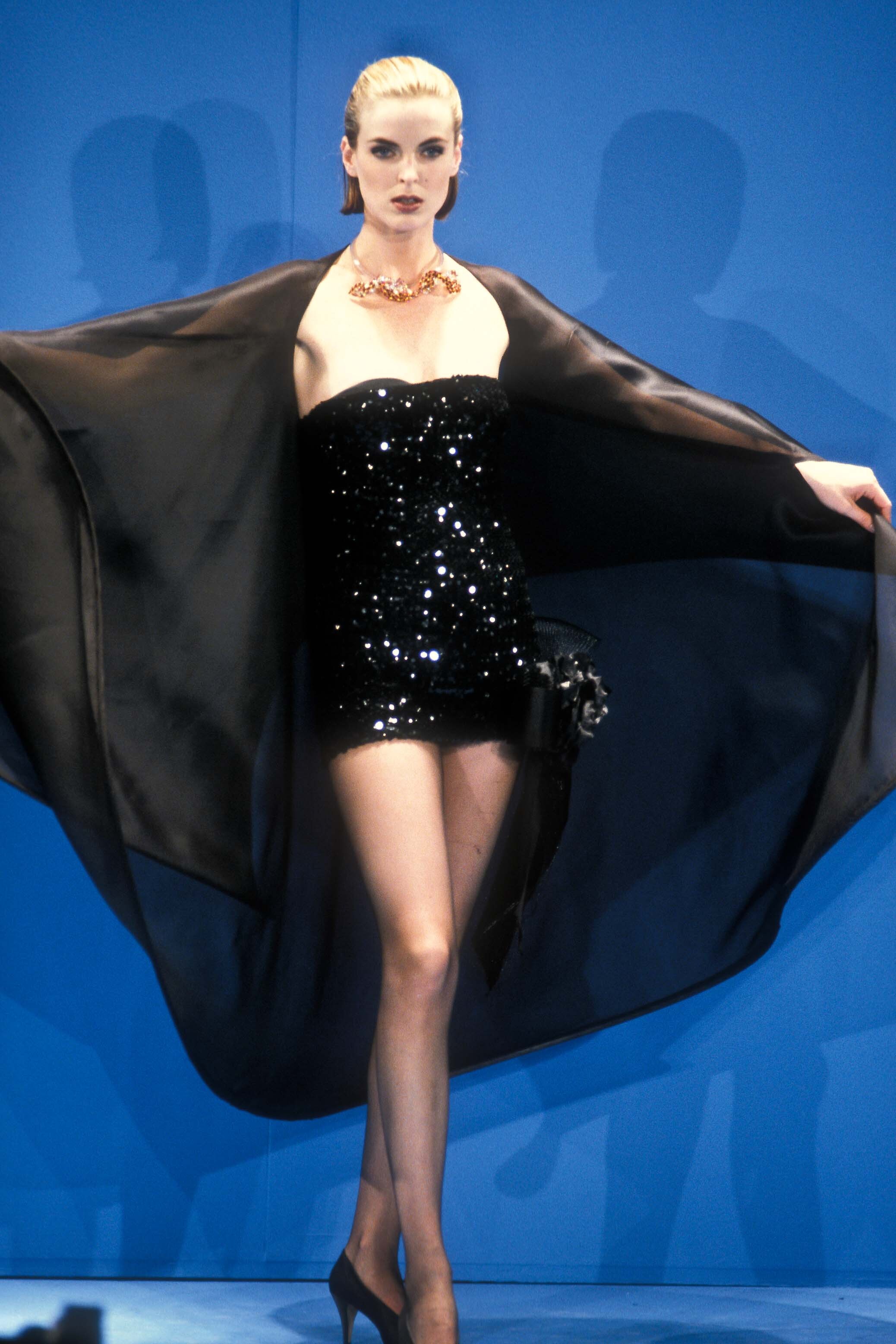
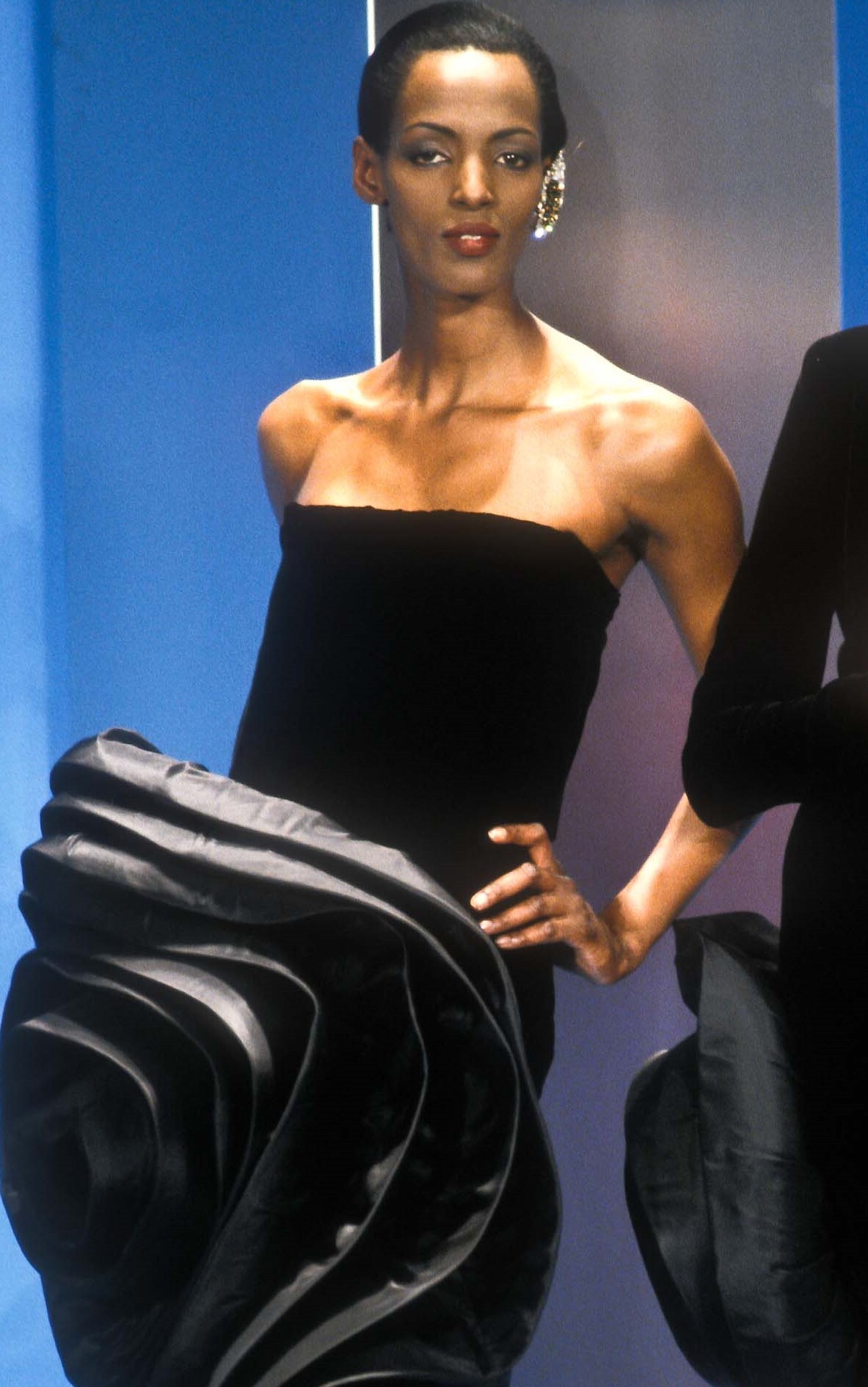
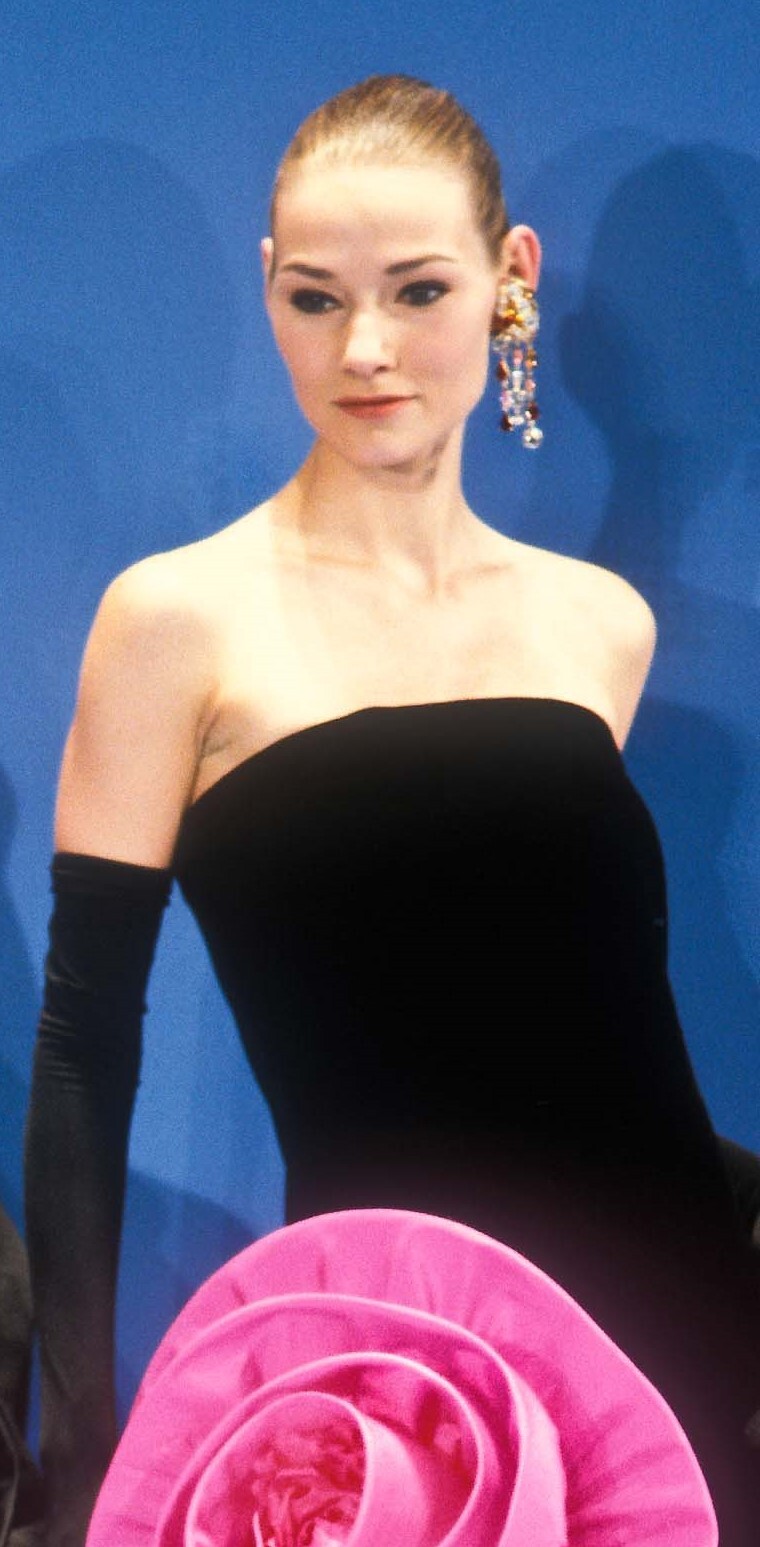
4 pierre cardin s/s 1992 models? i believe #1 was also at dior f/w 1992 rtw (see below)
Old house, old photos.
4 pierre cardin s/s 1992 models? i believe #1 was also at dior f/w 1992 rtw (see below)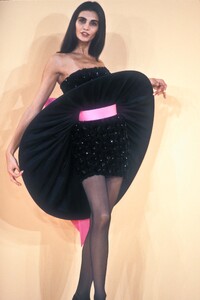


 Cool, love how you’ve already started adding models! The images and info make it really easy to see the evolution of Guess campaigns.
https://www.instagram.com/kaida_fieldhouse/?hl=en
Yeah, even though they’re old-school, the perfumes are really cool - they’ve got that classic elegance you just don’t see nowadays.
Nice collection! Vanessa Duve and Tatjana Patitz ads always have that timeless, elegant vibe. Love seeing Heather Stewart-Whyte pop up twice-she really owned those campaigns. Your scans are great quality too.
Jose ? ? Deanna Fuller Sherry Gordon Muriel Letacq ?
Cool, love how you’ve already started adding models! The images and info make it really easy to see the evolution of Guess campaigns.
https://www.instagram.com/kaida_fieldhouse/?hl=en
Yeah, even though they’re old-school, the perfumes are really cool - they’ve got that classic elegance you just don’t see nowadays.
Nice collection! Vanessa Duve and Tatjana Patitz ads always have that timeless, elegant vibe. Love seeing Heather Stewart-Whyte pop up twice-she really owned those campaigns. Your scans are great quality too.
Jose ? ? Deanna Fuller Sherry Gordon Muriel Letacq ?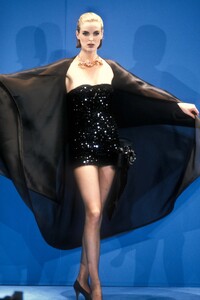
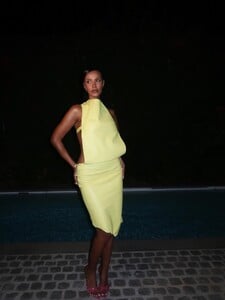
.jpg.ae5a19b79cbc4b403a7ae81fcbda55f7_cropped(2).thumb.png.bcf791fab378ac84d9176d17773d5c7e.png) Instagram Last 24hrs in yellow, 9pm tonight 📺 Video SnapInsta.to_AQN5D4YElsrGuje19i6Pe_PhL9yLWlJ5k4PX0wKJ0xDw53jpk5lp7LLgesjhx5e7twS99bVKoZ6kxIDwpsa_Xs7ZmO6mUCweiBXzMy0.mp4SnapInsta.to_AQPzyNG8uRoKSzcTUonfhz1-Iwp1pJO2W7OsXgDB3Uz2GG6PVituQ_WLVsinJgTu7mS2_R3u1Slv7T-FDq-IyLXWYFAgCw8NEbxWOvw.mp4SnapInsta.to_AQMjE5pDsAeVP4zGHNL5kvScsgox8YRbj4DW9r0P5yKZryFnTbKPj04ZVq_45tq1Lu37SdlFQ0gahWl8J3boYINkwXAudzT9sz5LlIk.mp4
Instagram Last 24hrs in yellow, 9pm tonight 📺 Video SnapInsta.to_AQN5D4YElsrGuje19i6Pe_PhL9yLWlJ5k4PX0wKJ0xDw53jpk5lp7LLgesjhx5e7twS99bVKoZ6kxIDwpsa_Xs7ZmO6mUCweiBXzMy0.mp4SnapInsta.to_AQPzyNG8uRoKSzcTUonfhz1-Iwp1pJO2W7OsXgDB3Uz2GG6PVituQ_WLVsinJgTu7mS2_R3u1Slv7T-FDq-IyLXWYFAgCw8NEbxWOvw.mp4SnapInsta.to_AQMjE5pDsAeVP4zGHNL5kvScsgox8YRbj4DW9r0P5yKZryFnTbKPj04ZVq_45tq1Lu37SdlFQ0gahWl8J3boYINkwXAudzT9sz5LlIk.mp4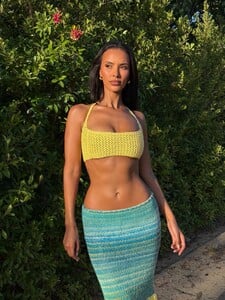



 Valeria Mazza & unknowns for Ralph Lauren, 1993 my scan
 thank you! that's both of them identified then🥳
 Surprising that nobody has used the opportunity to make this joke out of this question: As for pets, women obviously appreciate men who own a big cock! 🤪
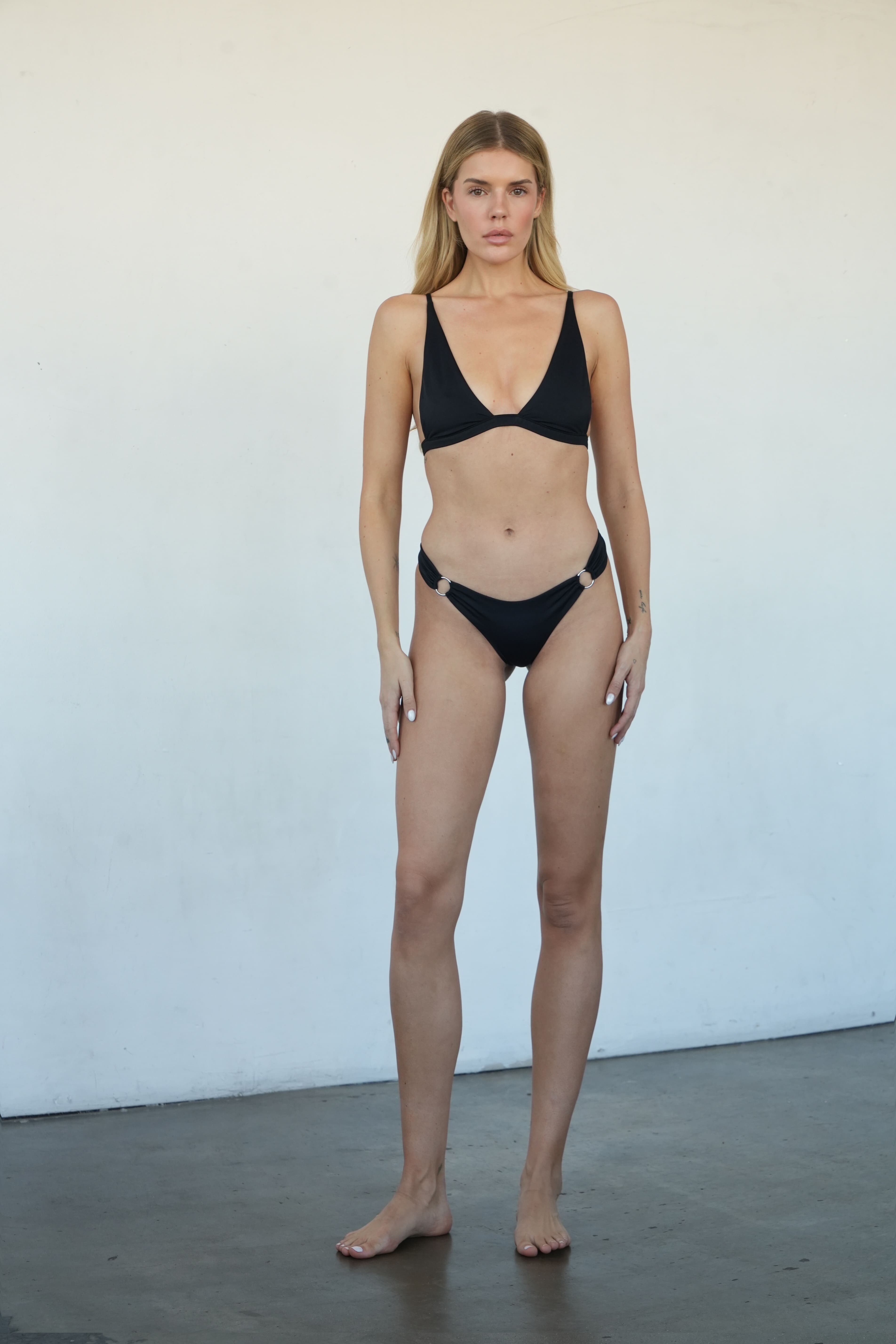
 Instagram does have pictures of this model under the companies website, just cannot find any links or tags to get her ID.


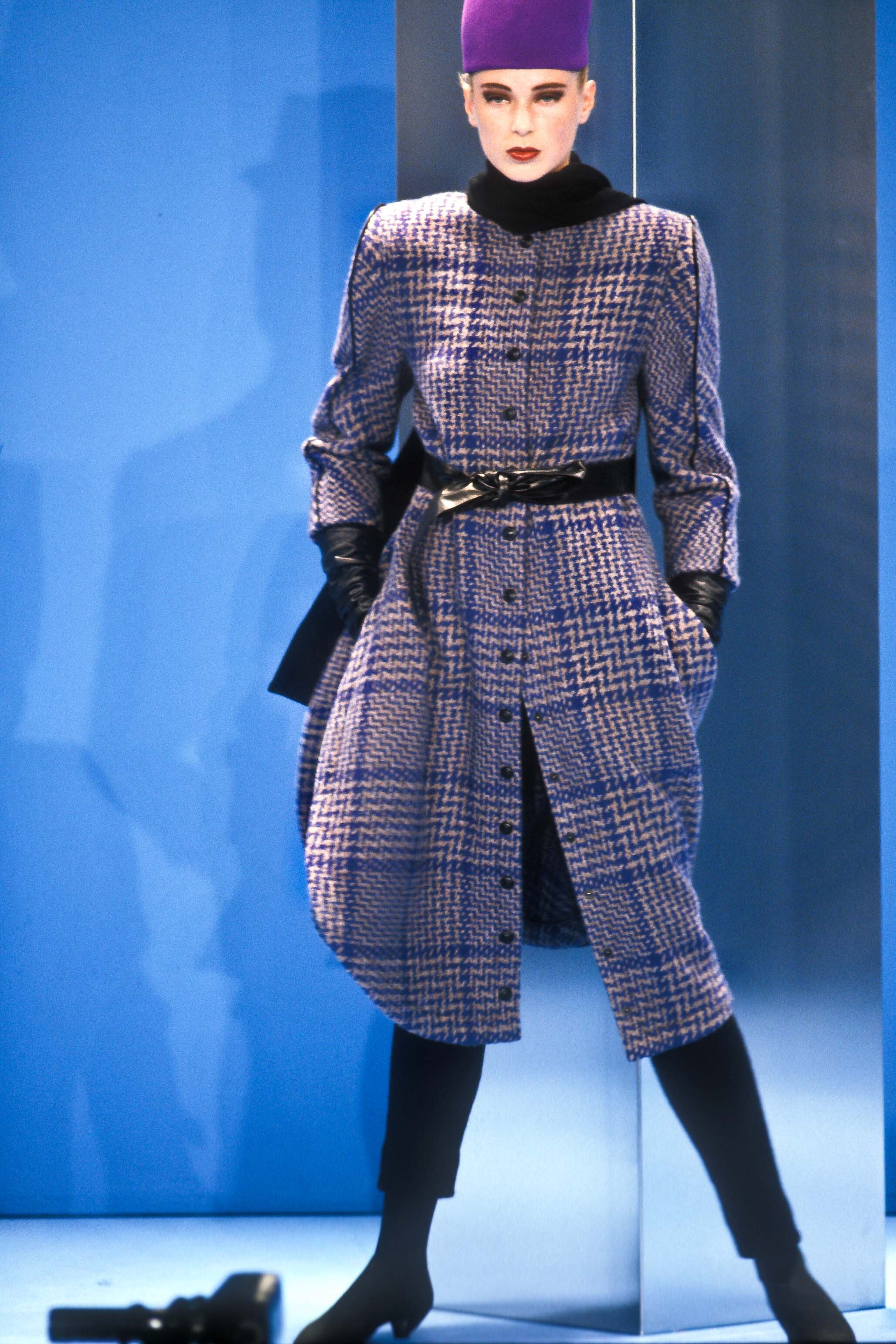
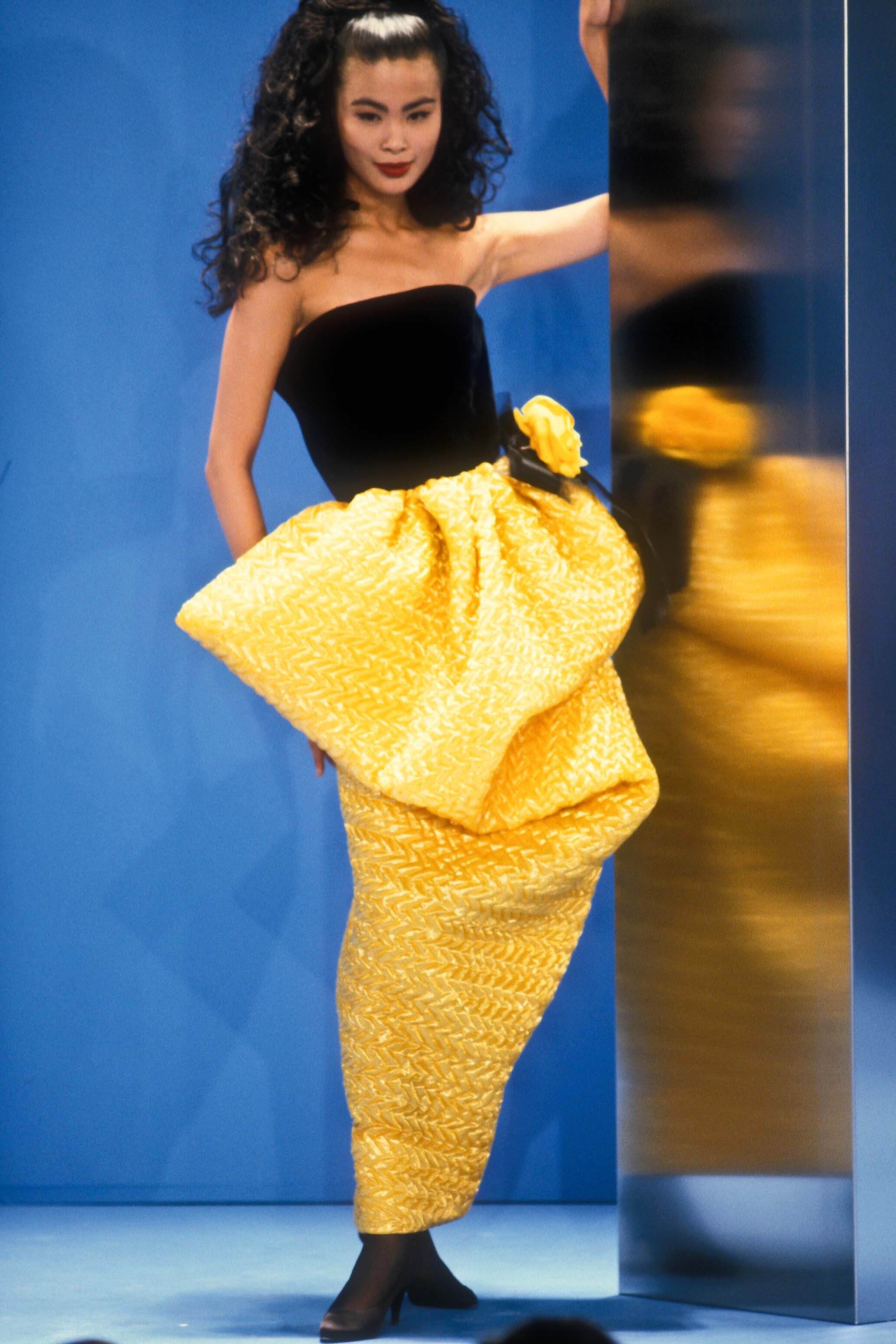
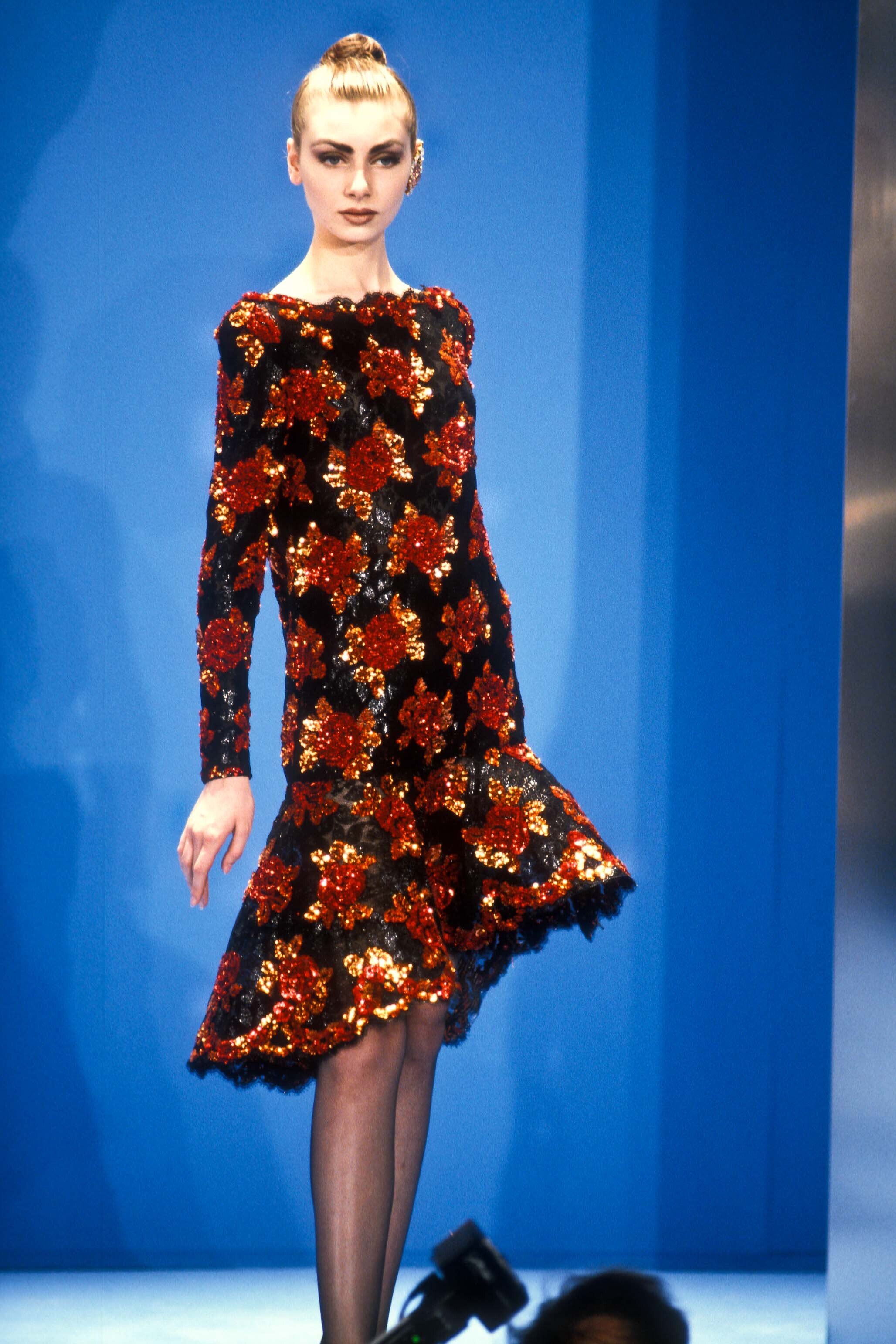
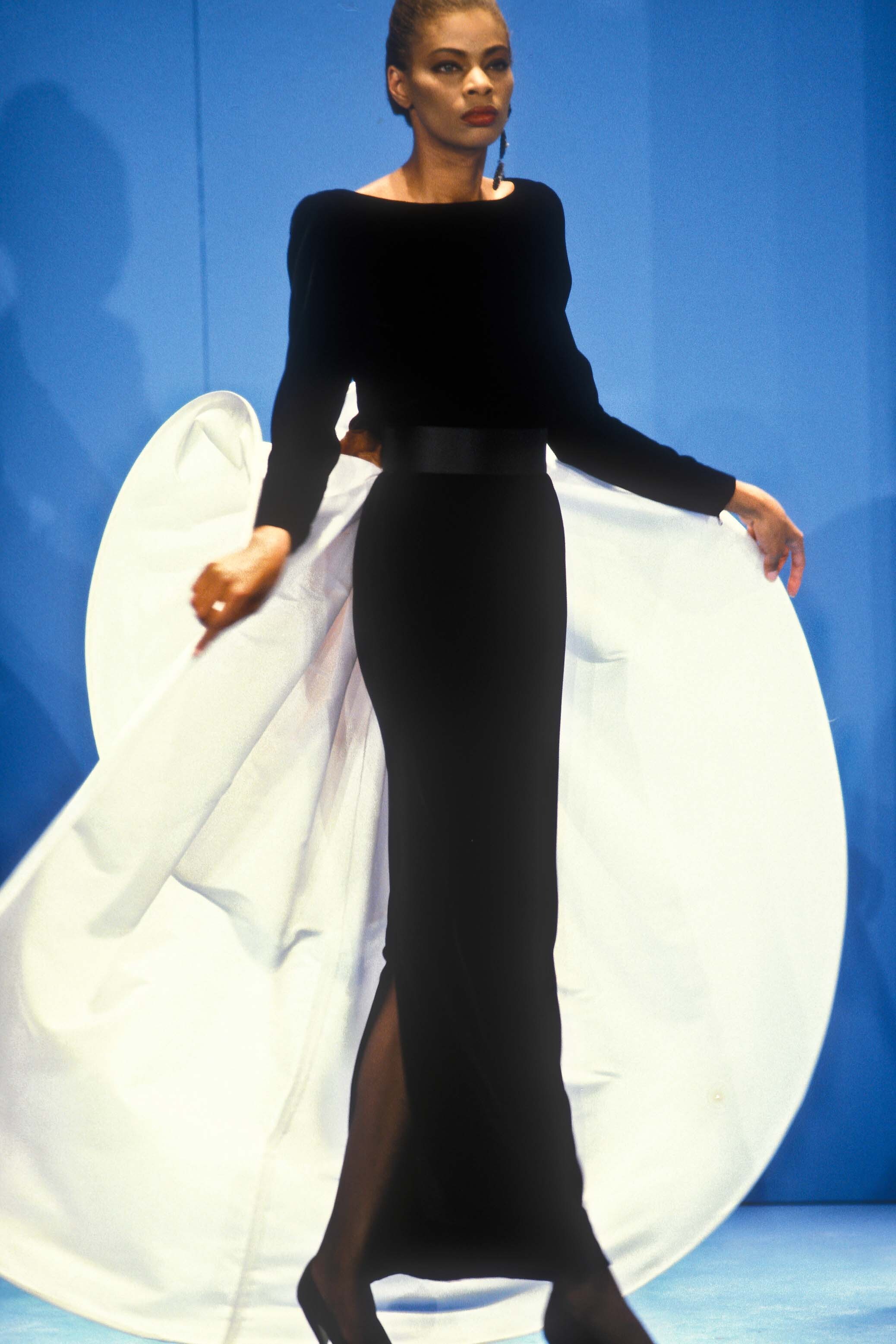
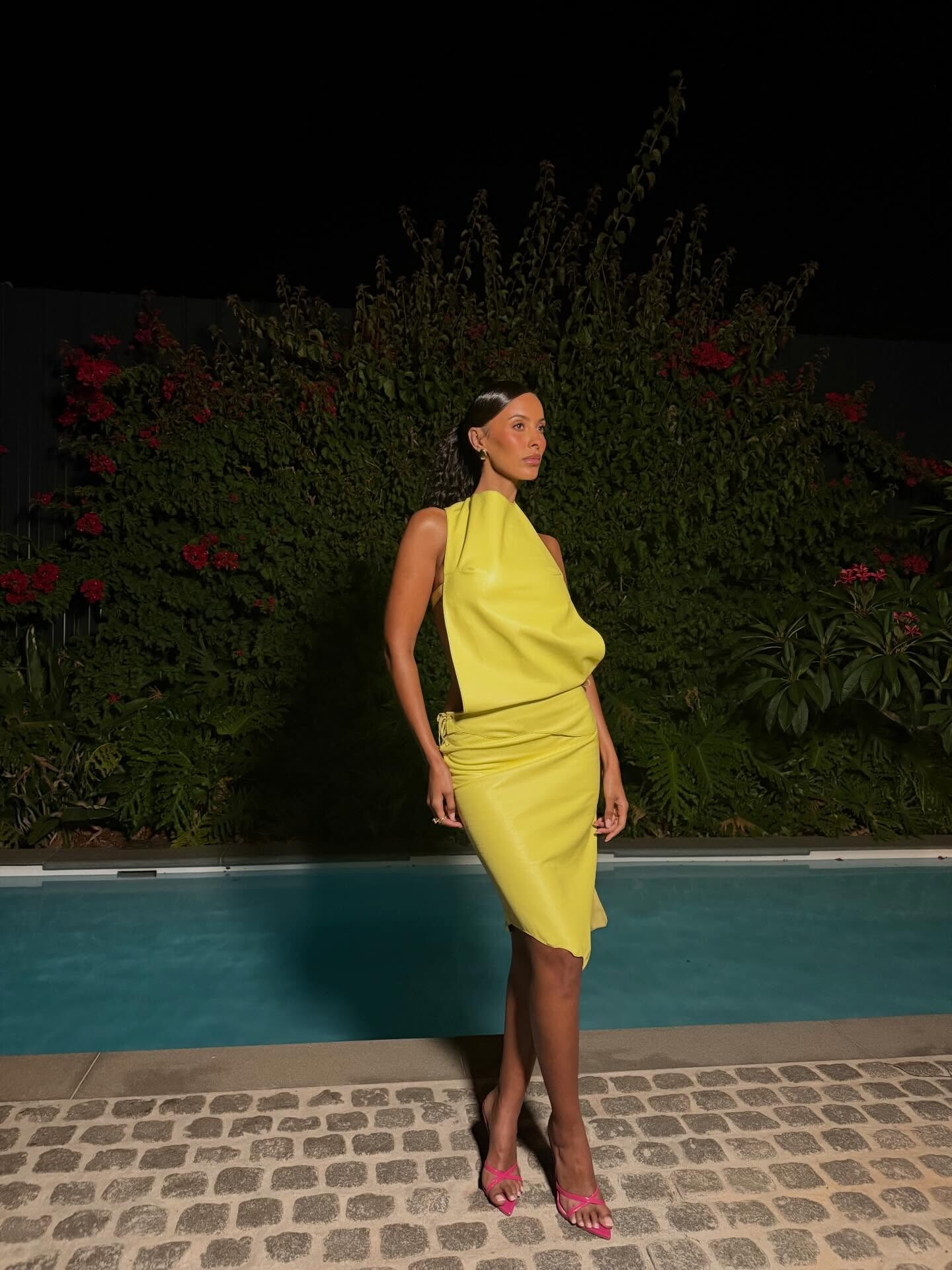
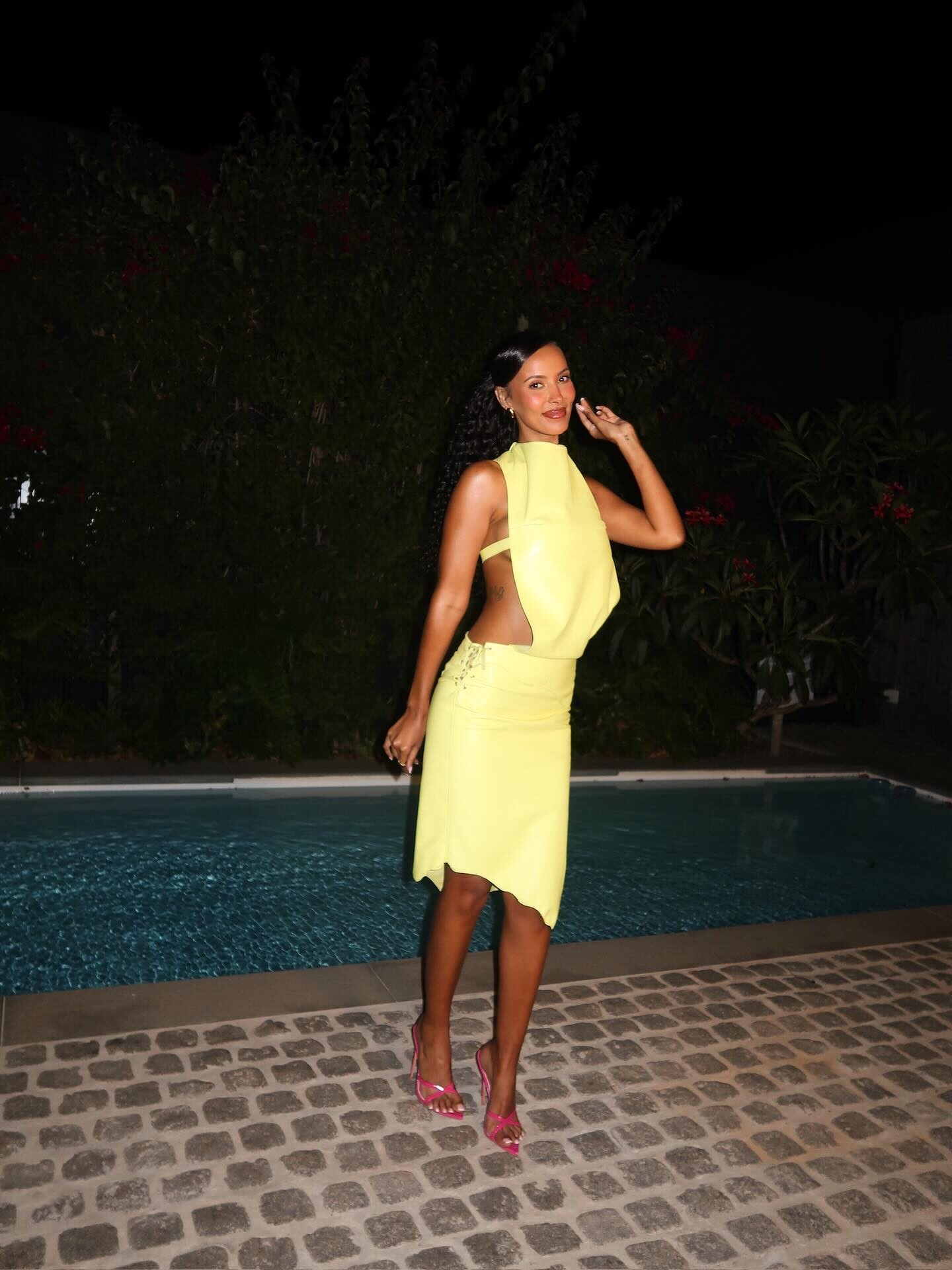
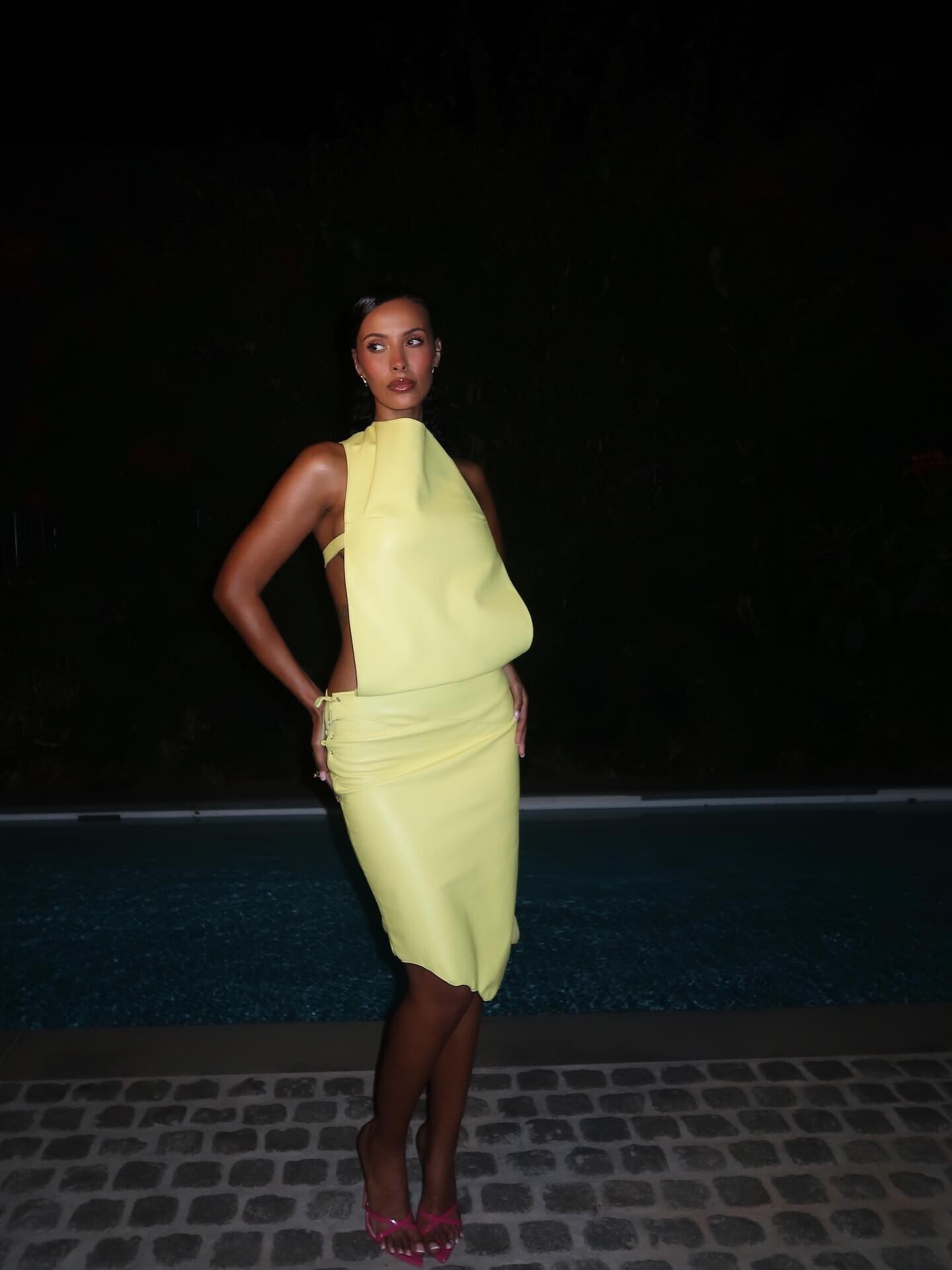
.jpg.287ed8965db0afb29a07bcd3fb445c30.jpg)
.jpg.ef88c0db01525a591ded99d20159028f.jpg)
Account
Search
Configure browser push notifications
Chrome (Android)
- Tap the lock icon next to the address bar.
- Tap Permissions → Notifications.
- Adjust your preference.
Chrome (Desktop)
- Click the padlock icon in the address bar.
- Select Site settings.
- Find Notifications and adjust your preference.
Safari (iOS 16.4+)
- Ensure the site is installed via Add to Home Screen.
- Open Settings App → Notifications.
- Find your app name and adjust your preference.
Safari (macOS)
- Go to Safari → Preferences.
- Click the Websites tab.
- Select Notifications in the sidebar.
- Find this website and adjust your preference.
Edge (Android)
- Tap the lock icon next to the address bar.
- Tap Permissions.
- Find Notifications and adjust your preference.
Edge (Desktop)
- Click the padlock icon in the address bar.
- Click Permissions for this site.
- Find Notifications and adjust your preference.
Firefox (Android)
- Go to Settings → Site permissions.
- Tap Notifications.
- Find this site in the list and adjust your preference.
Firefox (Desktop)
- Open Firefox Settings.
- Search for Notifications.
- Find this site in the list and adjust your preference.