All Activity
- Past hour
-
 Peak Performance advertisement - CliC Sweden March 1990 #1

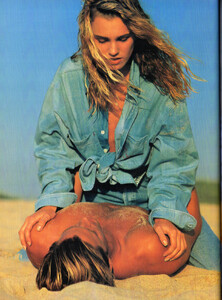

-
-

-
RENE LEZARD advertisement - CliC Sweden March 1990 #1

-
Thanks. Let´s see if we´ll find it.
-
ZOEGAs COLOMBIA advertisement - CliC Sweden March 1990 #1

-
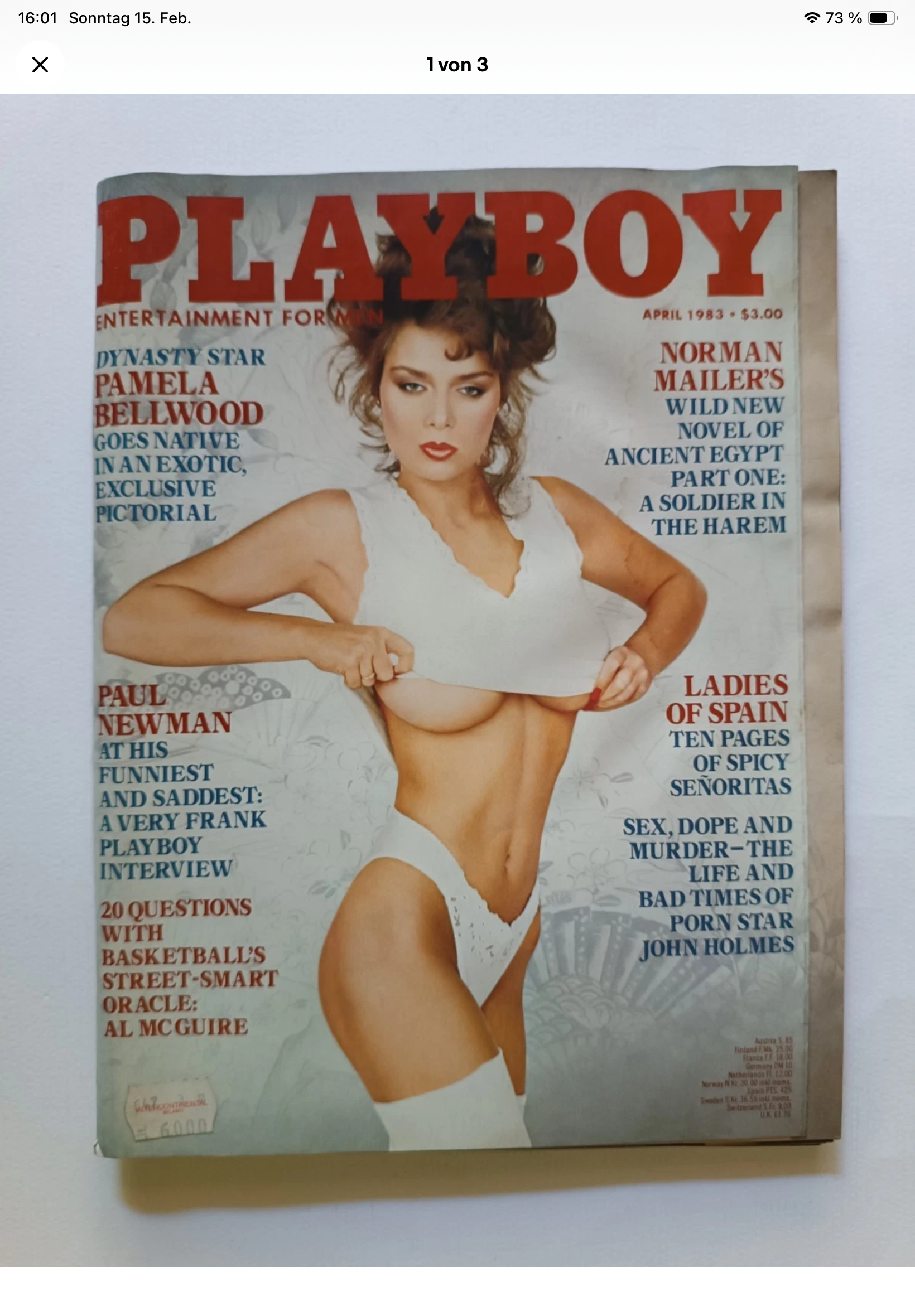
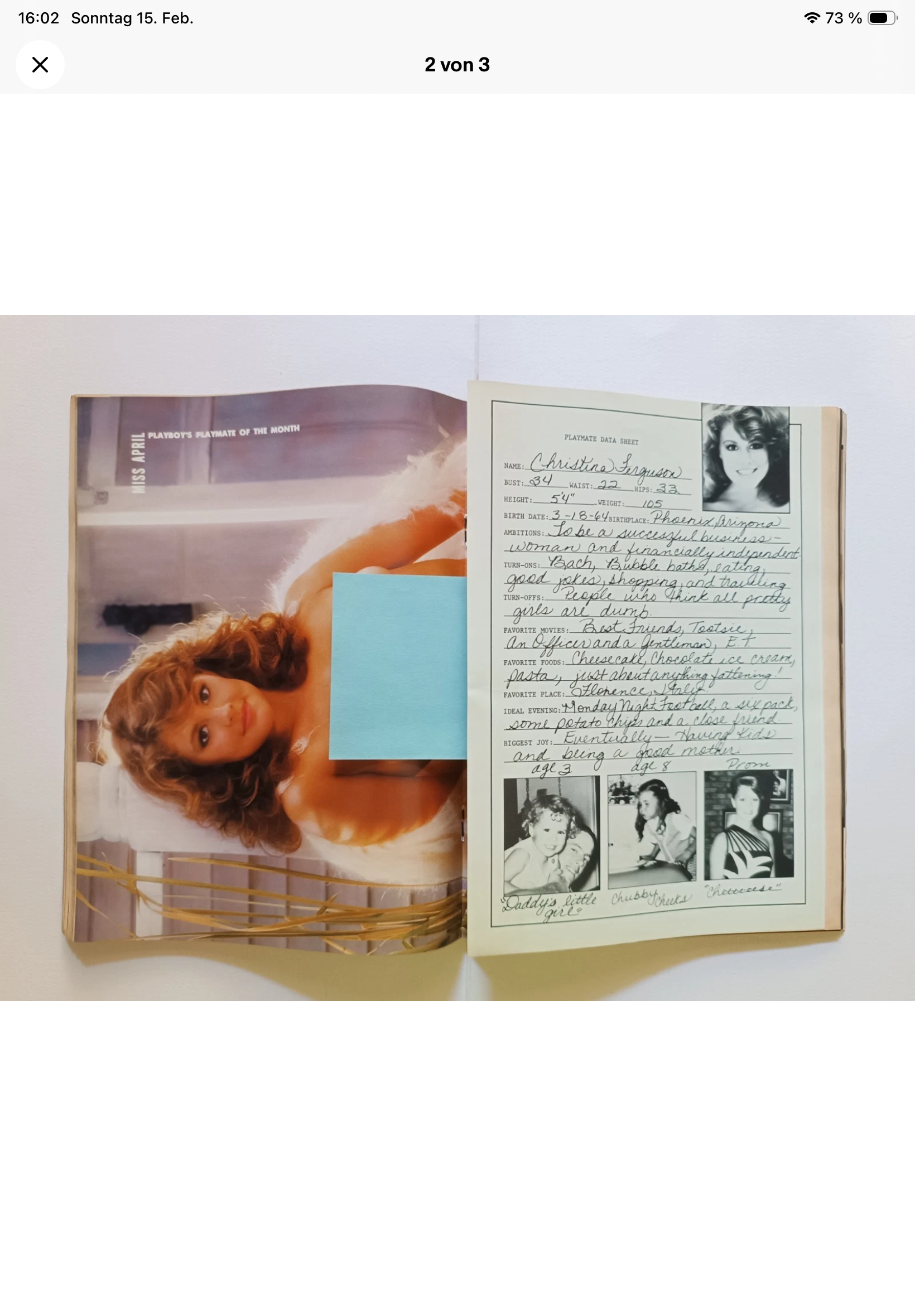
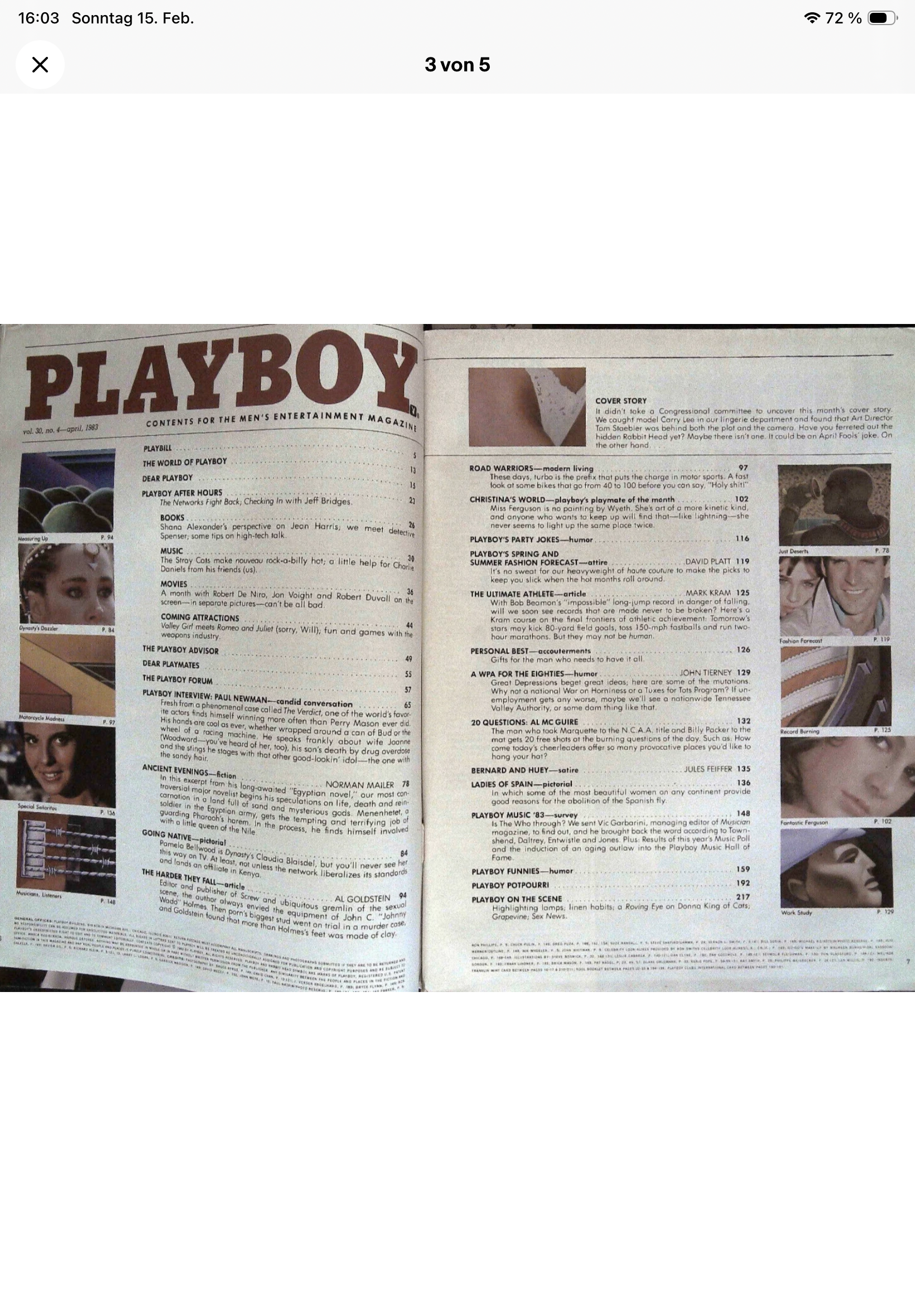
 Petra is inside this US Playboy Apr.1983 - unfortunately no pics on EBay > If we have luck then we will find Petra‘s „Playmate Datasheet“ and should then have all info of hers 😘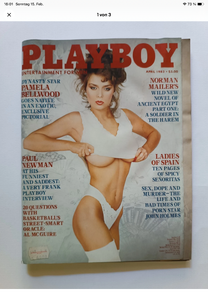
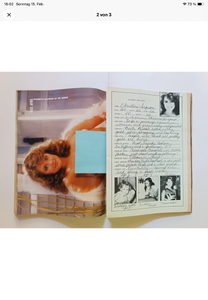
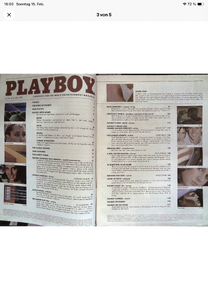
-
-
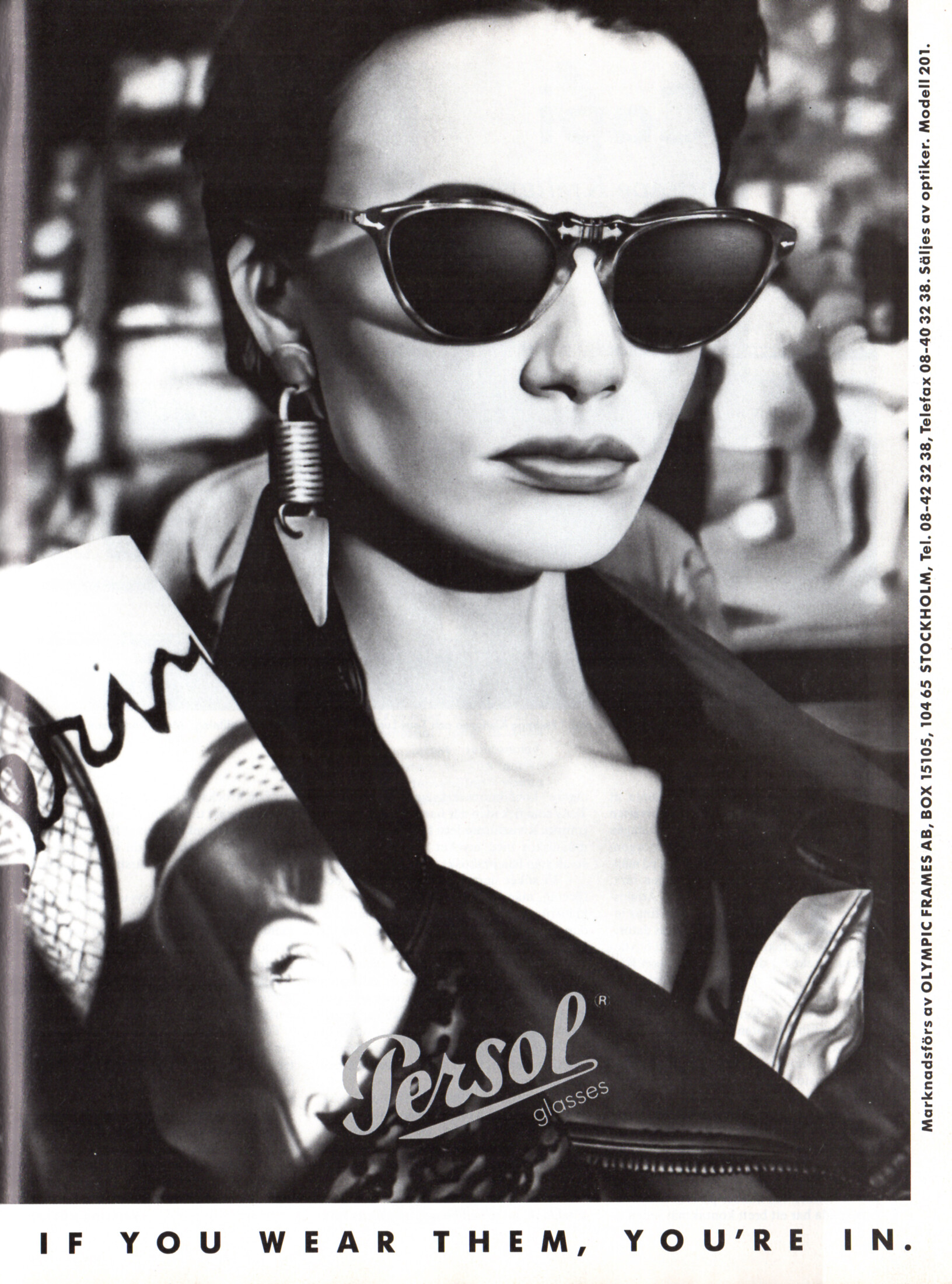
Persol glasses advertisement - CliC Sweden March 1990 #1

-
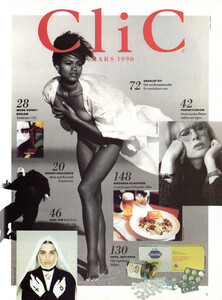
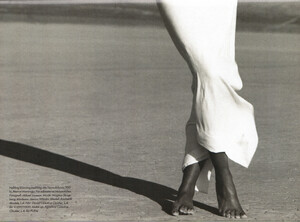
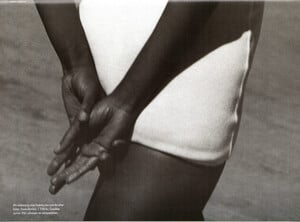
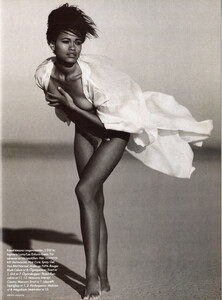
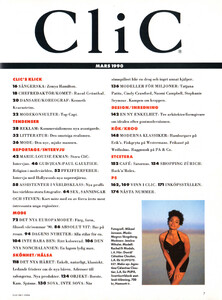
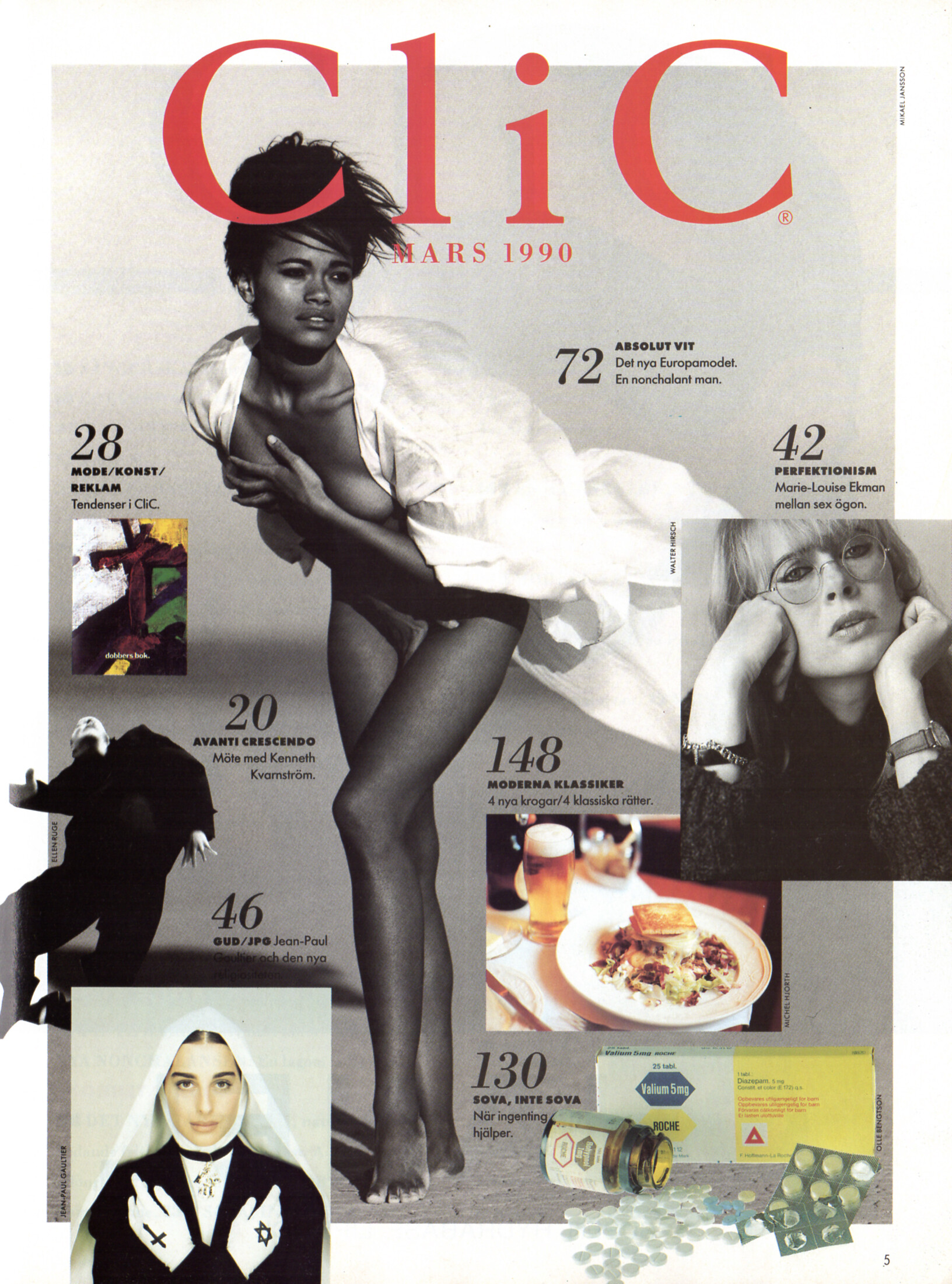
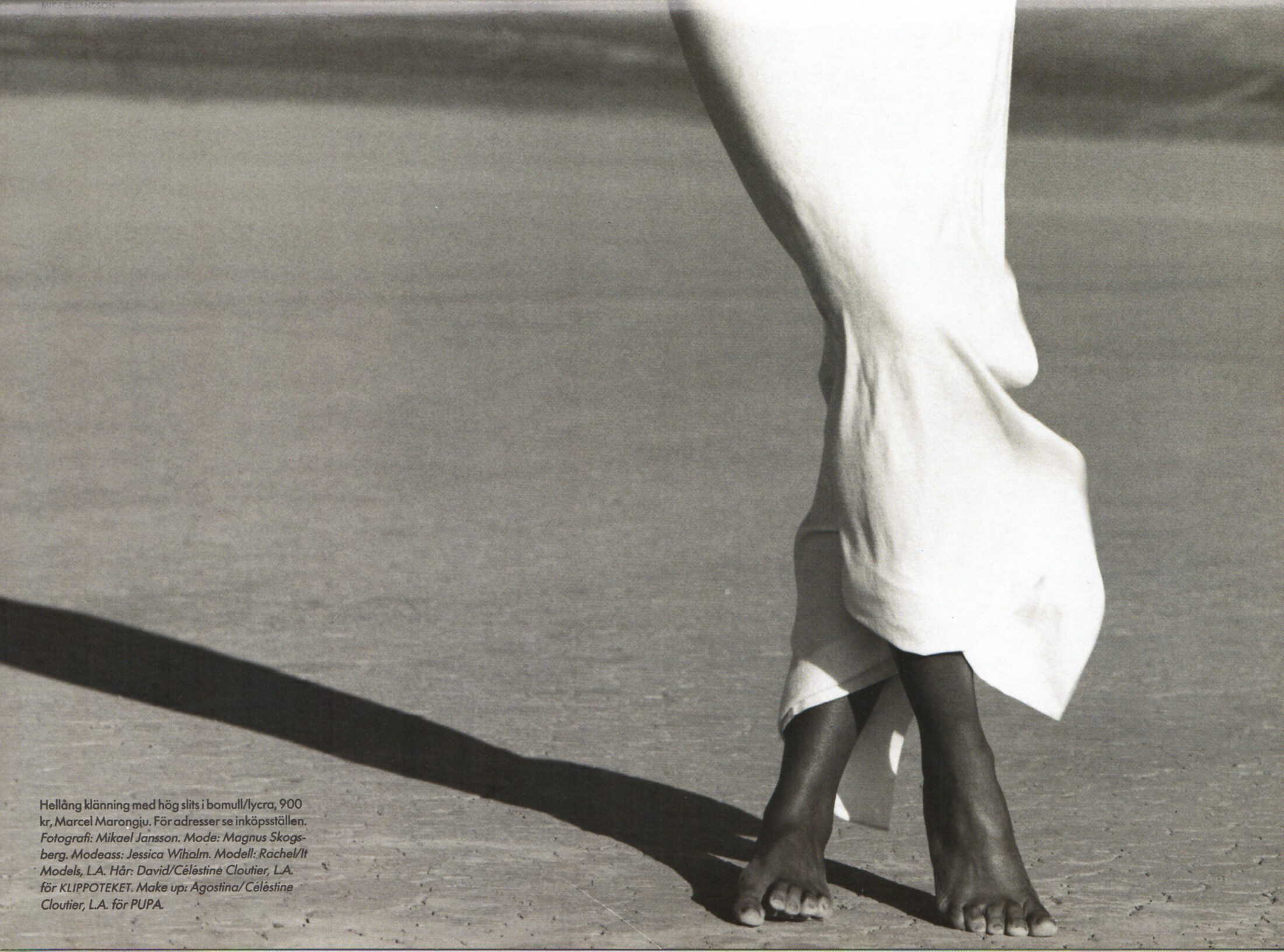
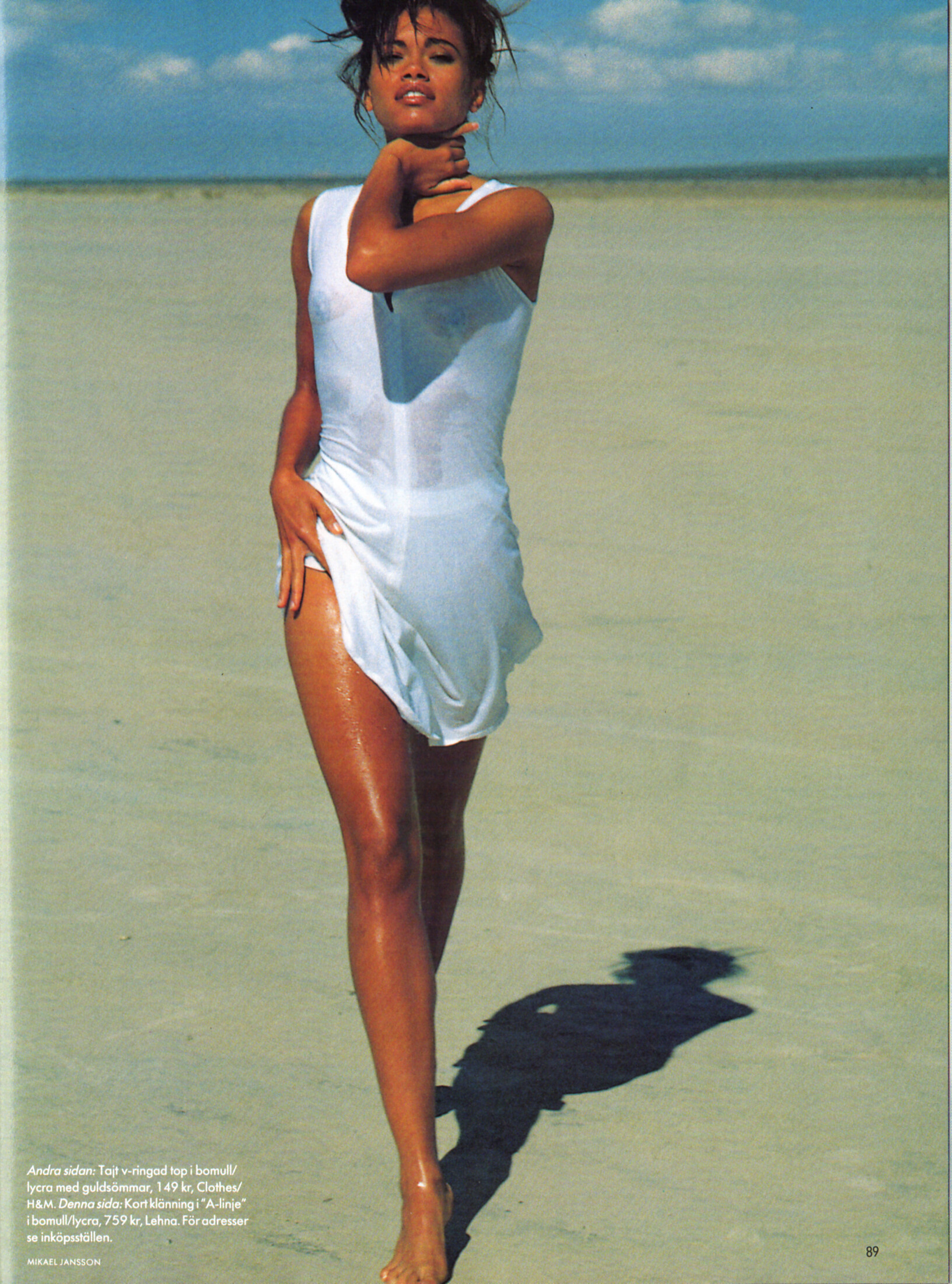
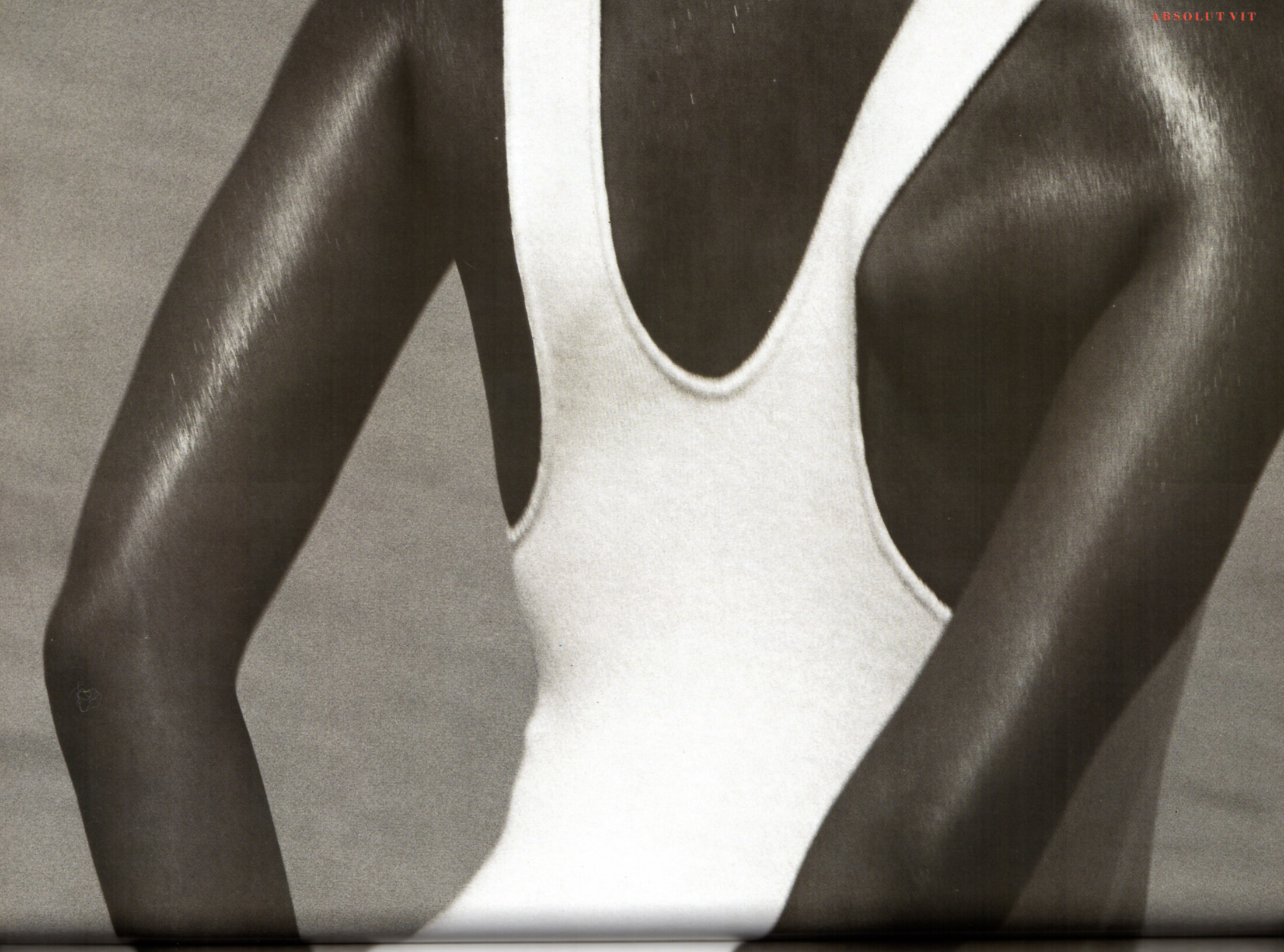
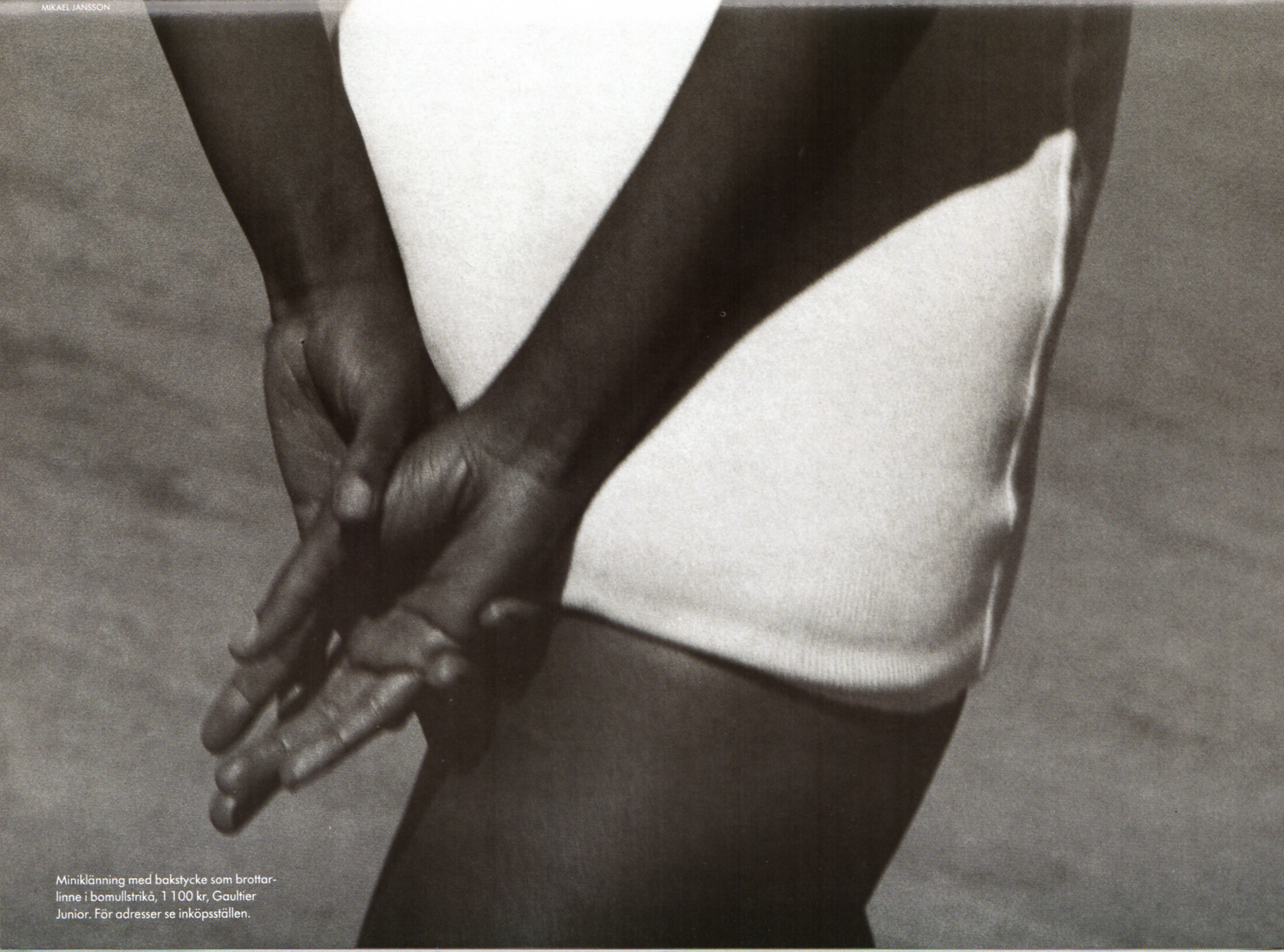
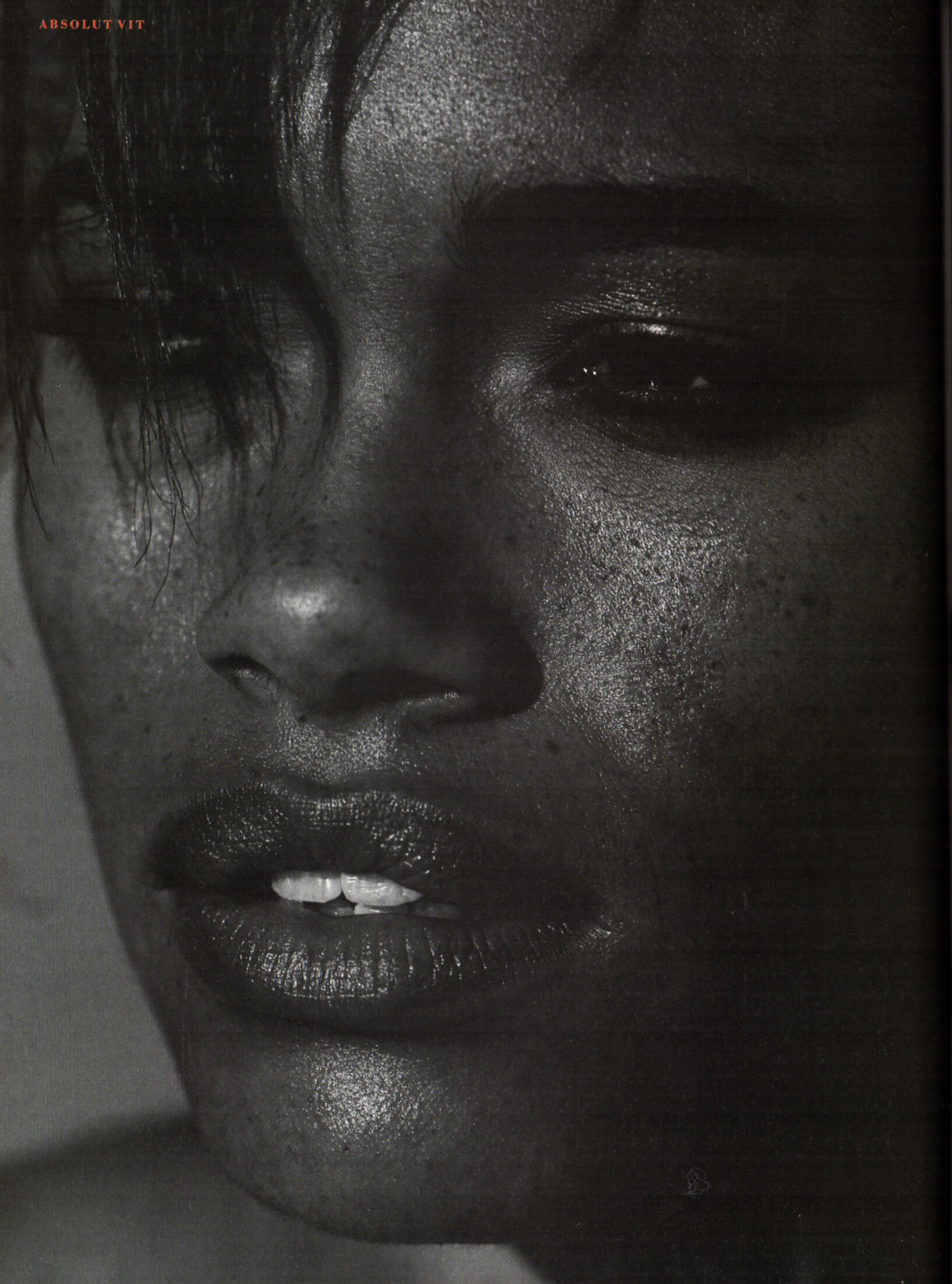
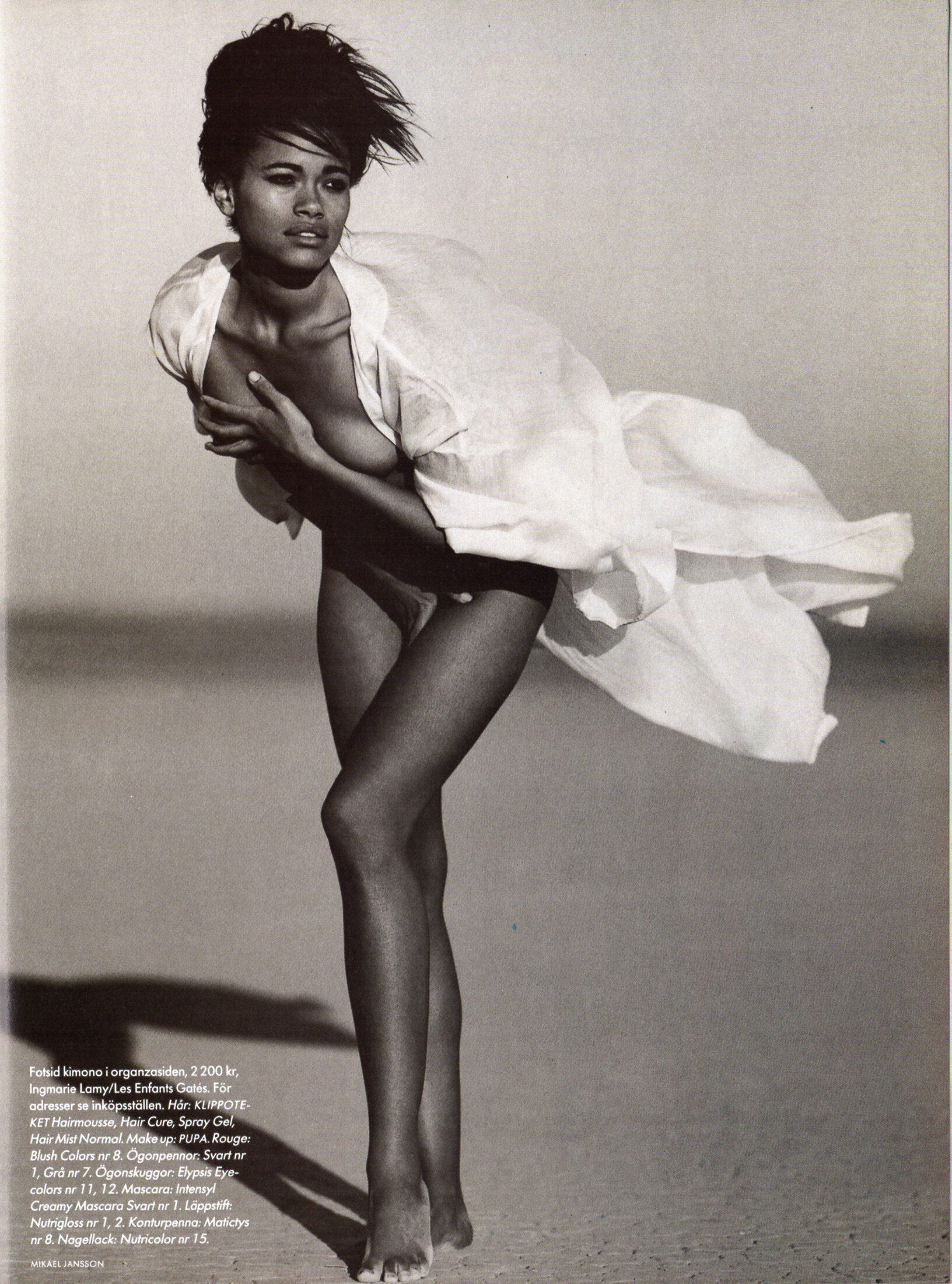
contents + "Absolut Vit" - CliC Sweden March 1990 #1 by Mikael Jansson - also showing Marie-Louise Ekman, Amira Zanageh





-
cover + cover-look CliC Sweden March 1990 #1 by Mikael Jansson

-

-
 Nice. Thank you.
Absolutely. And I like Jodie, too.
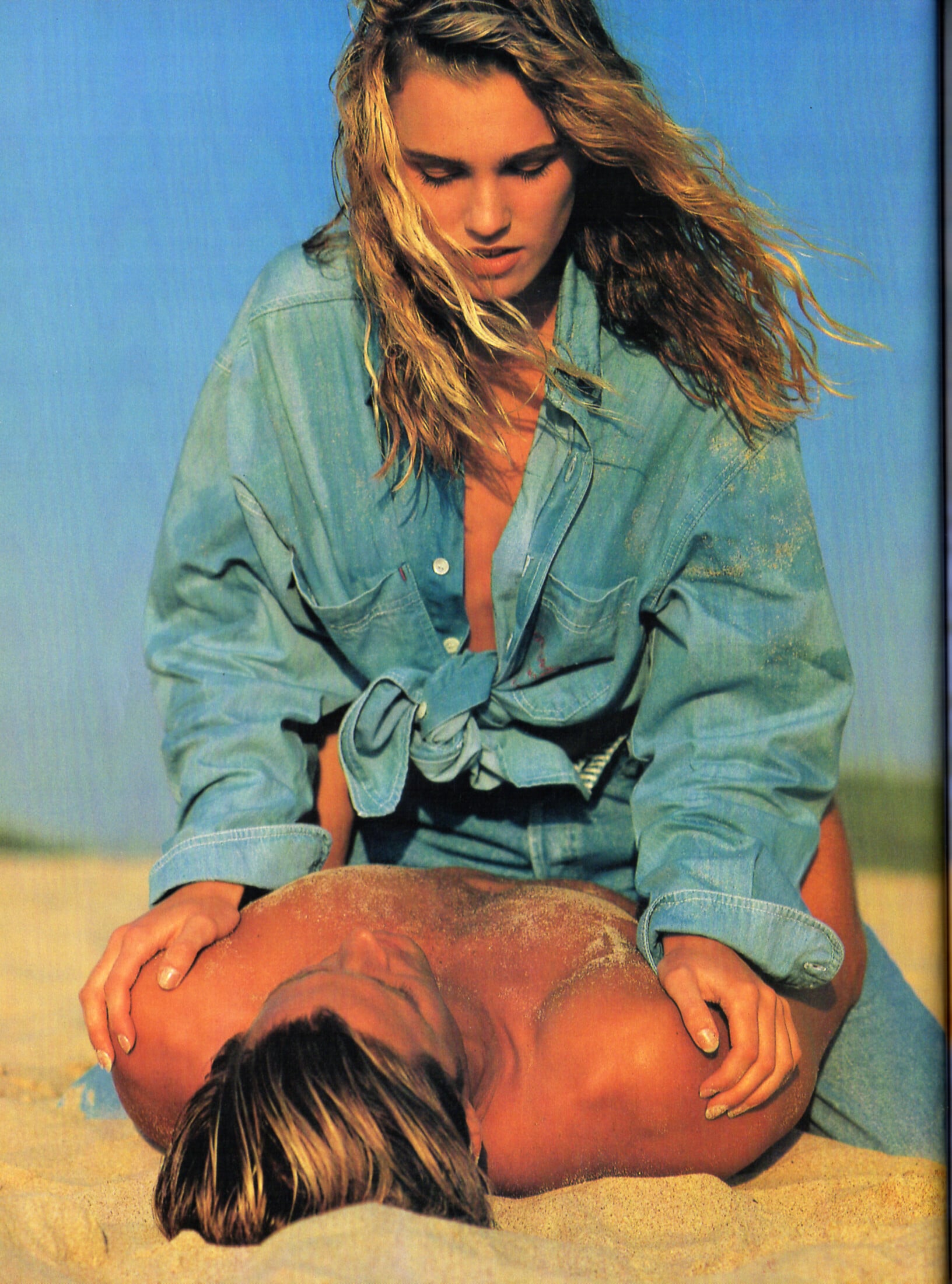
The blonde with heavy eyes is Katharina von Johnston VONsociety.com - Am Cover unserer Sommerausgabe: Katharin...Am Cover unserer Sommerausgabe: Katharina von Johnston mit ihrem Pferd Dynamic – Equipment von MAYBACH Saddlery Uhr: Reverso Jaeger-LeCoultre Foto: Paul Harris
Nice. Thank you.
Absolutely. And I like Jodie, too.
The blonde with heavy eyes is Katharina von Johnston VONsociety.com - Am Cover unserer Sommerausgabe: Katharin...Am Cover unserer Sommerausgabe: Katharina von Johnston mit ihrem Pferd Dynamic – Equipment von MAYBACH Saddlery Uhr: Reverso Jaeger-LeCoultre Foto: Paul Harris




























































































.jpg.58318f96a5175e7605efc745b54f3430.jpg)





.jpg.2b41f68be75a7dd95e6385f8f2ef3416.jpg)


.jpg.b1e3c1117cec4e49852391a2c210eddb.jpg)
.jpg.17e258b869f0df352022bc214b441cce.jpg)
.jpg.1cc00f153a84bc8c66bc108c48eea53b.jpg)

.jpg.5eb5c59ae251ab611d3558292f1a0c70.jpg)



.jpg.83ad46e1242e1675e4cc4c8b90193959.jpg)
.jpg.51e2584893b4eed83bc6c2a0c36ed934.jpg)
.jpg.06b522846caece16056986fde6061546.jpg)
.jpg.b081fb4ecc397de7820bae1cc43205c4.jpg)

Account
Navigation
Search
Configure browser push notifications
Chrome (Android)
- Tap the lock icon next to the address bar.
- Tap Permissions → Notifications.
- Adjust your preference.
Chrome (Desktop)
- Click the padlock icon in the address bar.
- Select Site settings.
- Find Notifications and adjust your preference.
Safari (iOS 16.4+)
- Ensure the site is installed via Add to Home Screen.
- Open Settings App → Notifications.
- Find your app name and adjust your preference.
Safari (macOS)
- Go to Safari → Preferences.
- Click the Websites tab.
- Select Notifications in the sidebar.
- Find this website and adjust your preference.
Edge (Android)
- Tap the lock icon next to the address bar.
- Tap Permissions.
- Find Notifications and adjust your preference.
Edge (Desktop)
- Click the padlock icon in the address bar.
- Click Permissions for this site.
- Find Notifications and adjust your preference.
Firefox (Android)
- Go to Settings → Site permissions.
- Tap Notifications.
- Find this site in the list and adjust your preference.
Firefox (Desktop)
- Open Firefox Settings.
- Search for Notifications.
- Find this site in the list and adjust your preference.