All Activity
- Past hour
-
 Olivia Rodríguez 🥰
 -

-

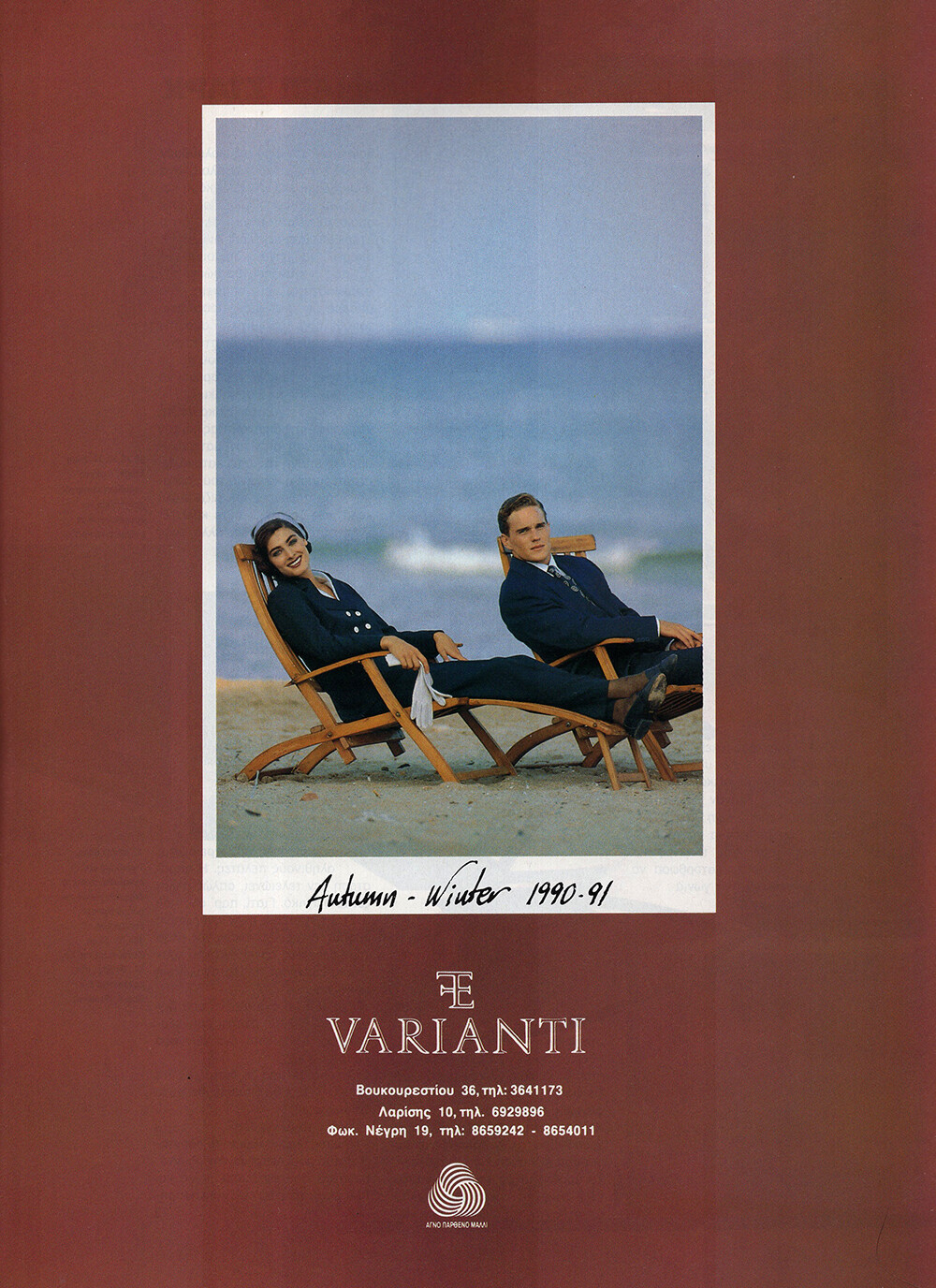
 VARIANTI 1990 - PH. UNK - MY SCAN
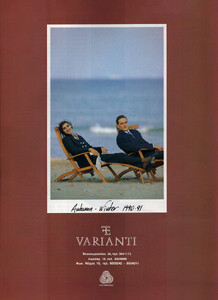 SEXFORM 1990 - PH. UNK - MY SCAN
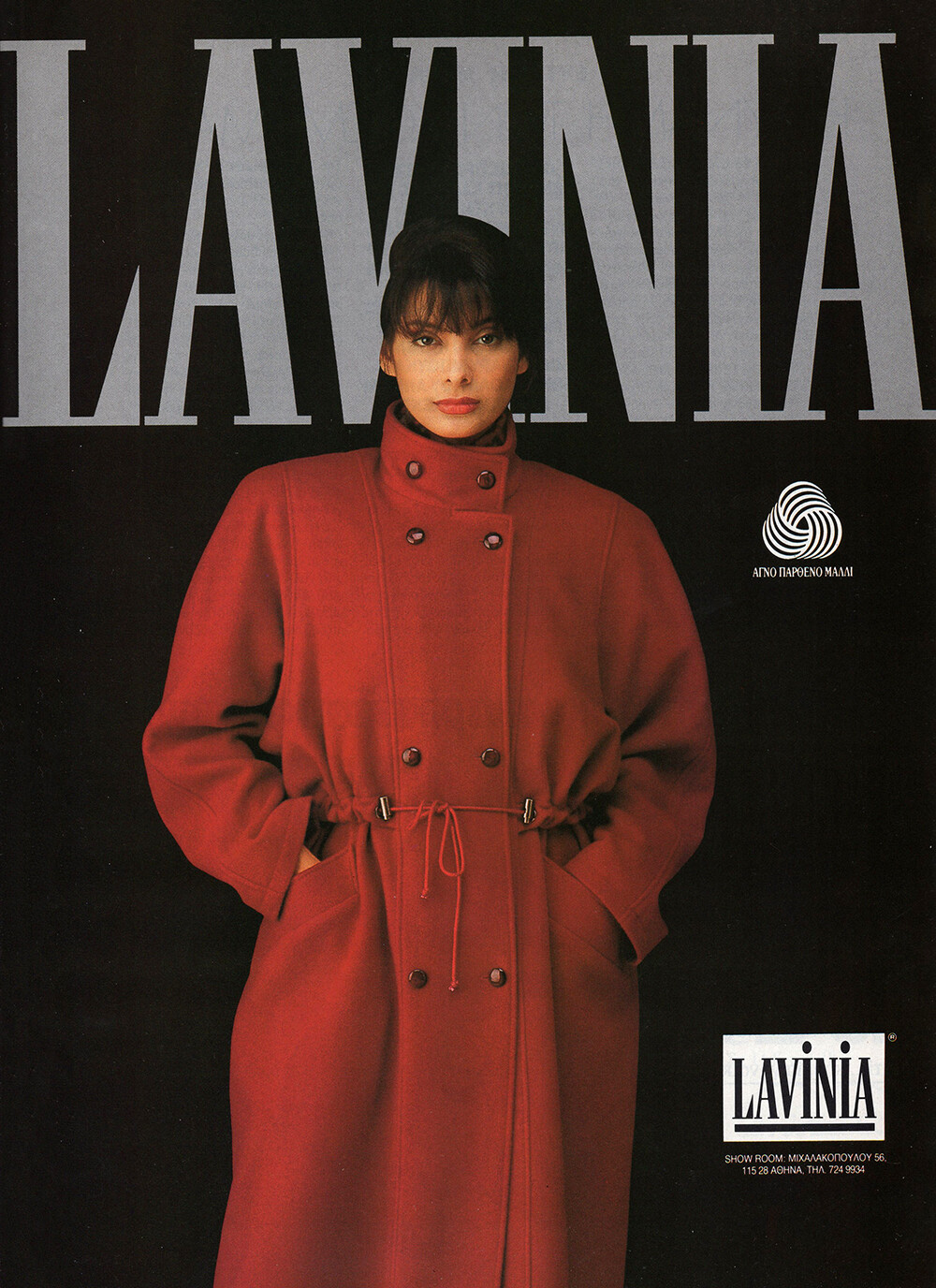
 LAVINIA 1990 - PH. UNK - MY SCAN

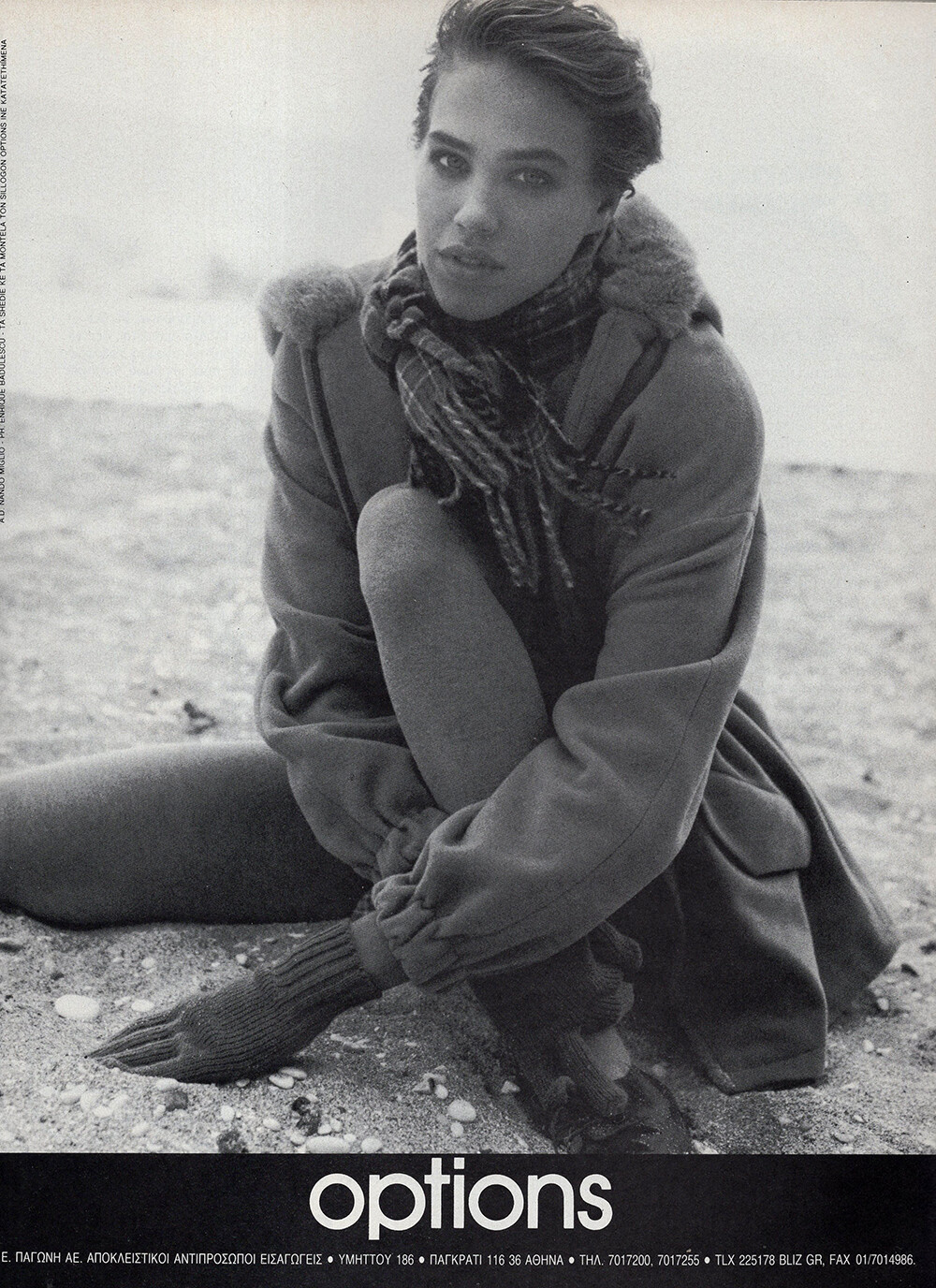
 OPTIONS 1990 - PH. UNK - MY SCAN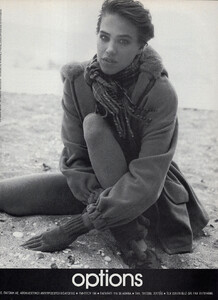
 And if you know who is this girl for Lancel please 🙏🏻 ?
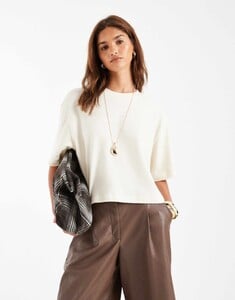
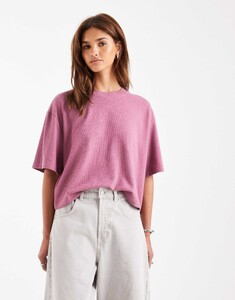
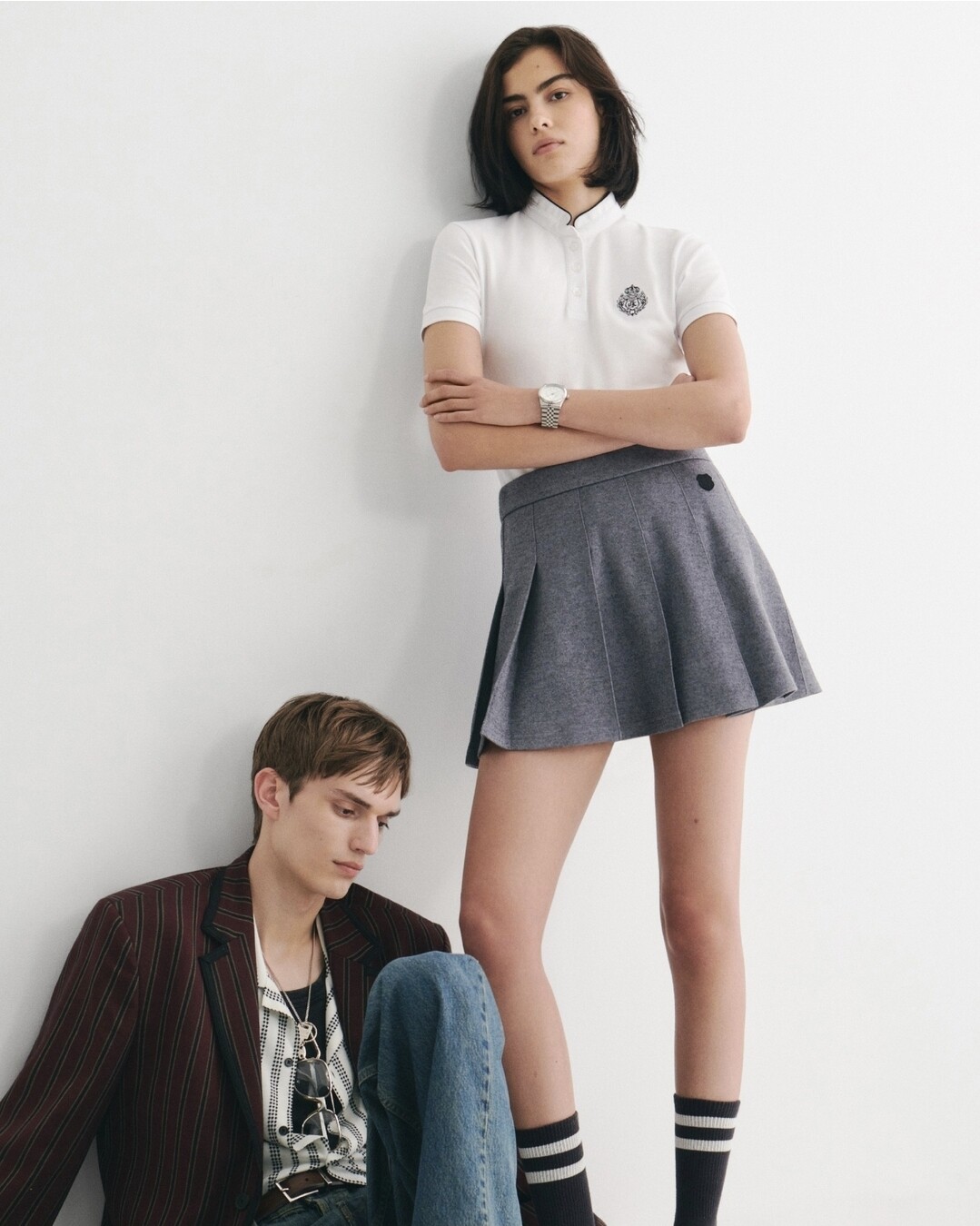
 Hello, Who are these 2 models the kooples pre fall 2024 ? Thanks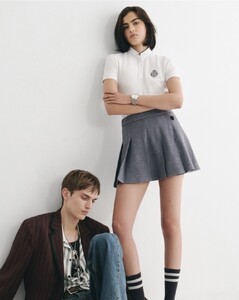
 Hey, who is she? I saw her before…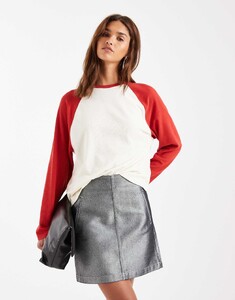
- Today
 First time I heard Sabrina talking in English, usually she just speaks French.
niko83350 joined the community
First time I heard Sabrina talking in English, usually she just speaks French.
niko83350 joined the community FWRD: MIU MIU x FWRD • We kicked off winter season in style with miumiu, celebrating with our FWRD family
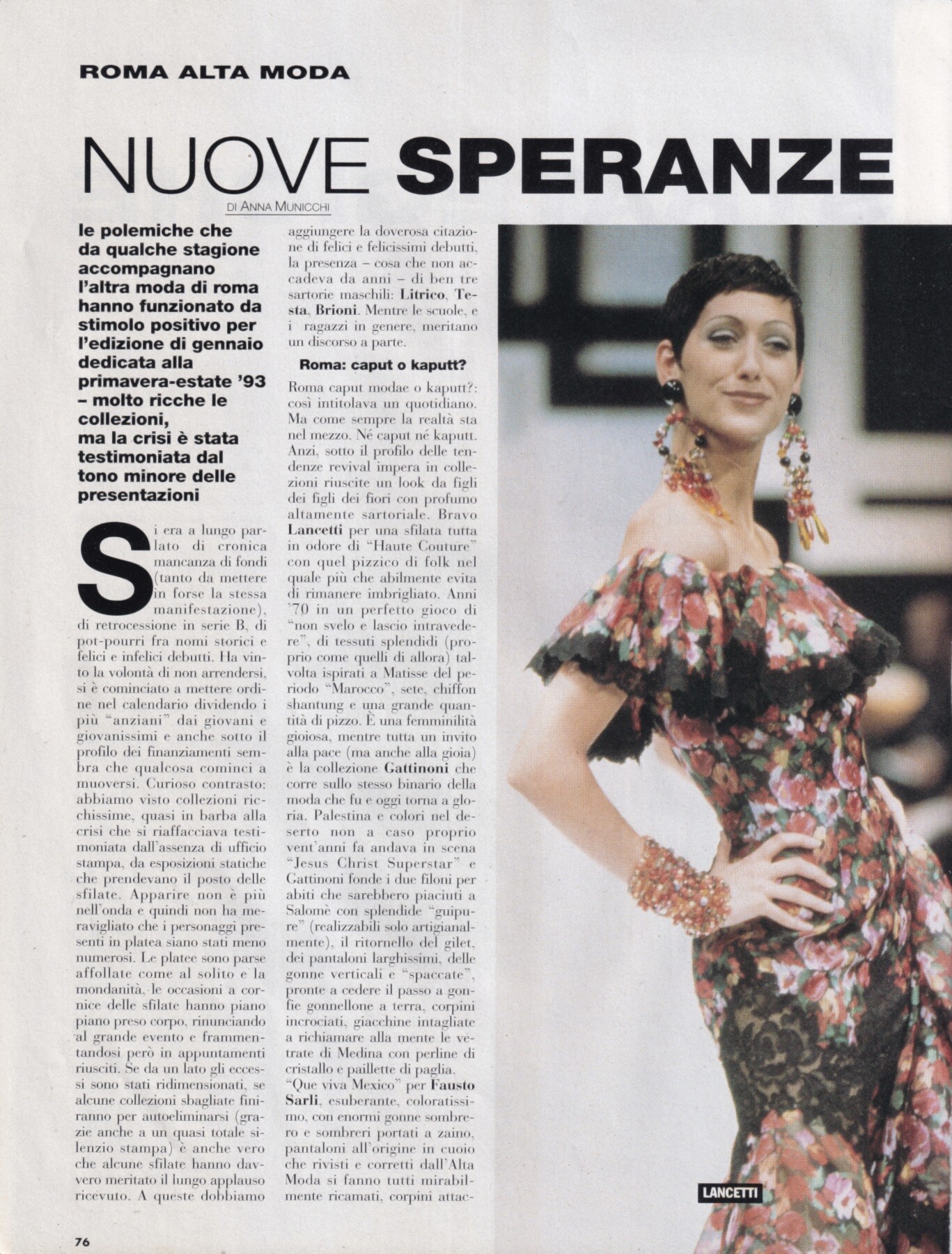
 Gisele Zelauy for Lancetti, haute-couture, spring/summer 1993 my scan
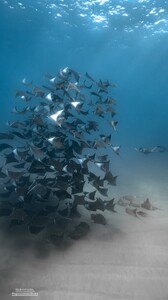
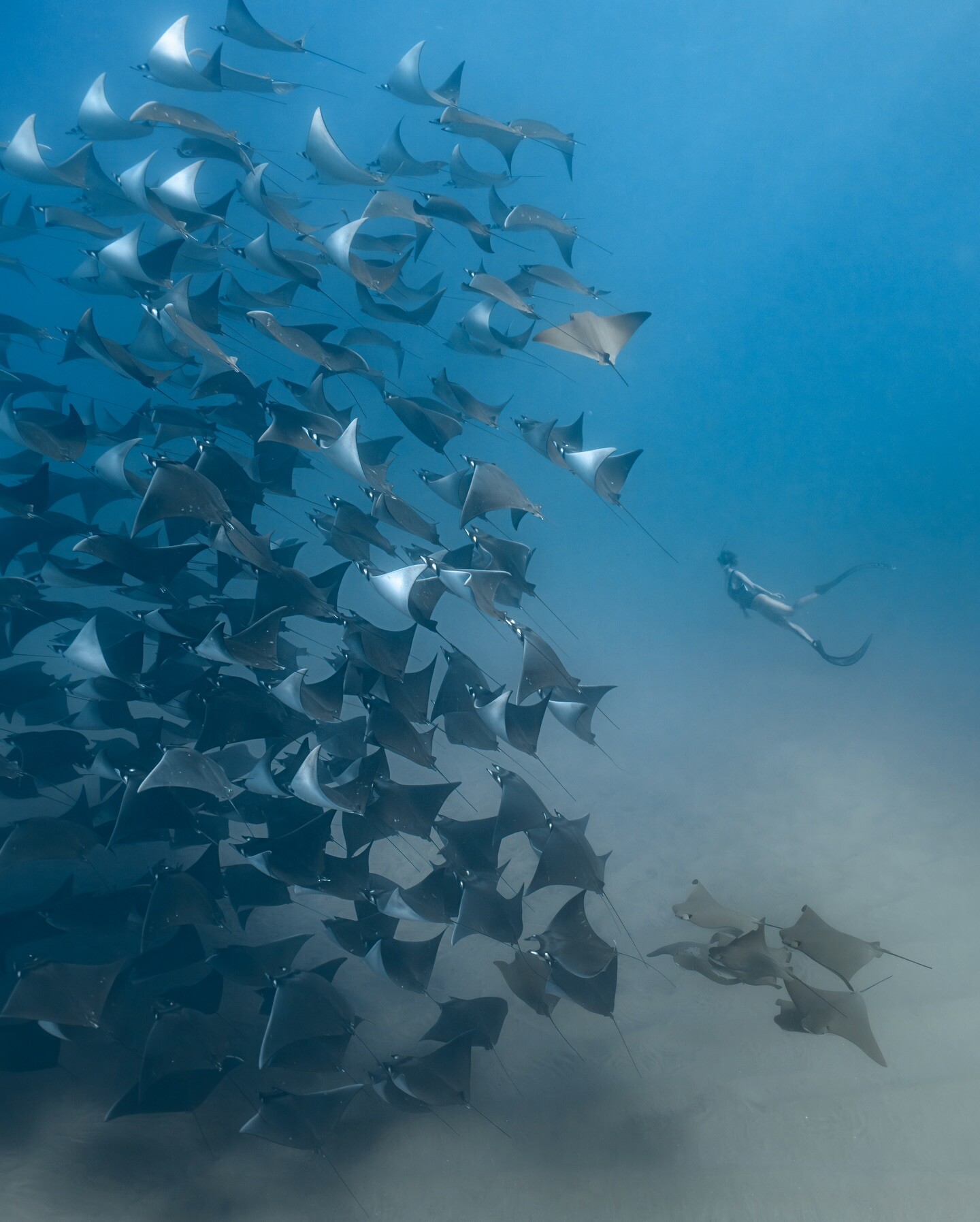
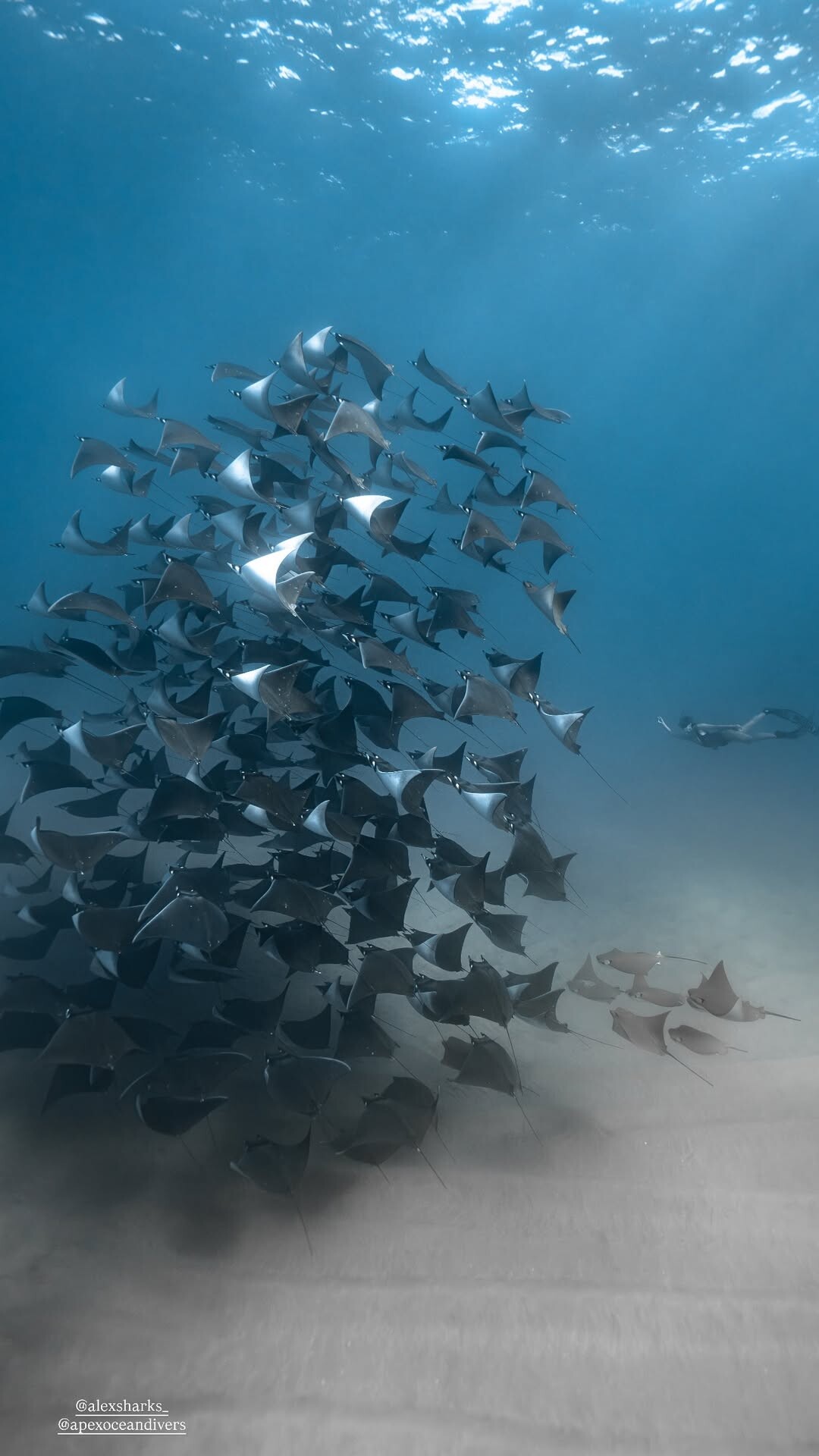
 Synchronizing forever with the ocean 🩵 Captured by alexsharks_ apexoceandivers + stories video [2025.12.20] carmellarose_DSfcCIGESwU.mp4[2025.12.20] carmellarose_3792051426894727139.mp4[2025.12.15] carmellarose_3788346293379829804.mp4[2025.12.16] carmellarose_3789146826973805653.mp4[2025.12.16] carmellarose_3789168875456884794.mp4[2025.12.17] carmellarose_3790064467498325157.mp4



 Christy Turlington for Valentino, haute-couture, spring/summer 1993 my scan
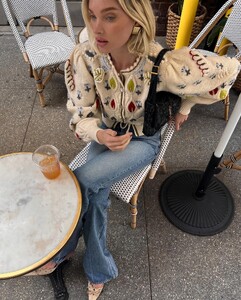
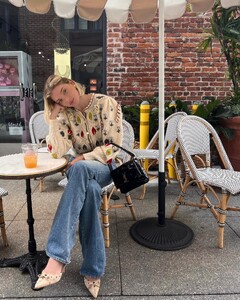
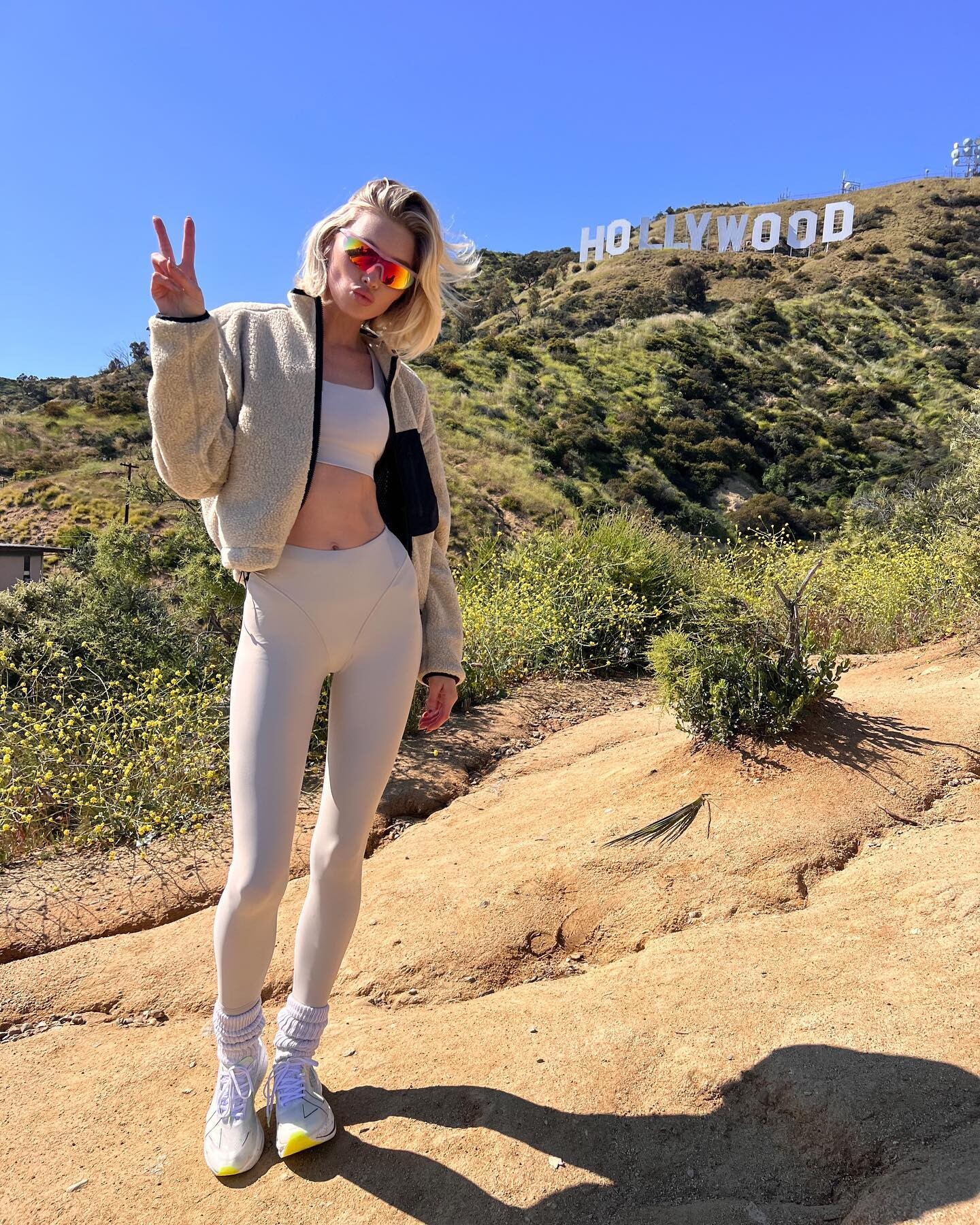
 Springy🌸💗 fwrd (05/11/2023)


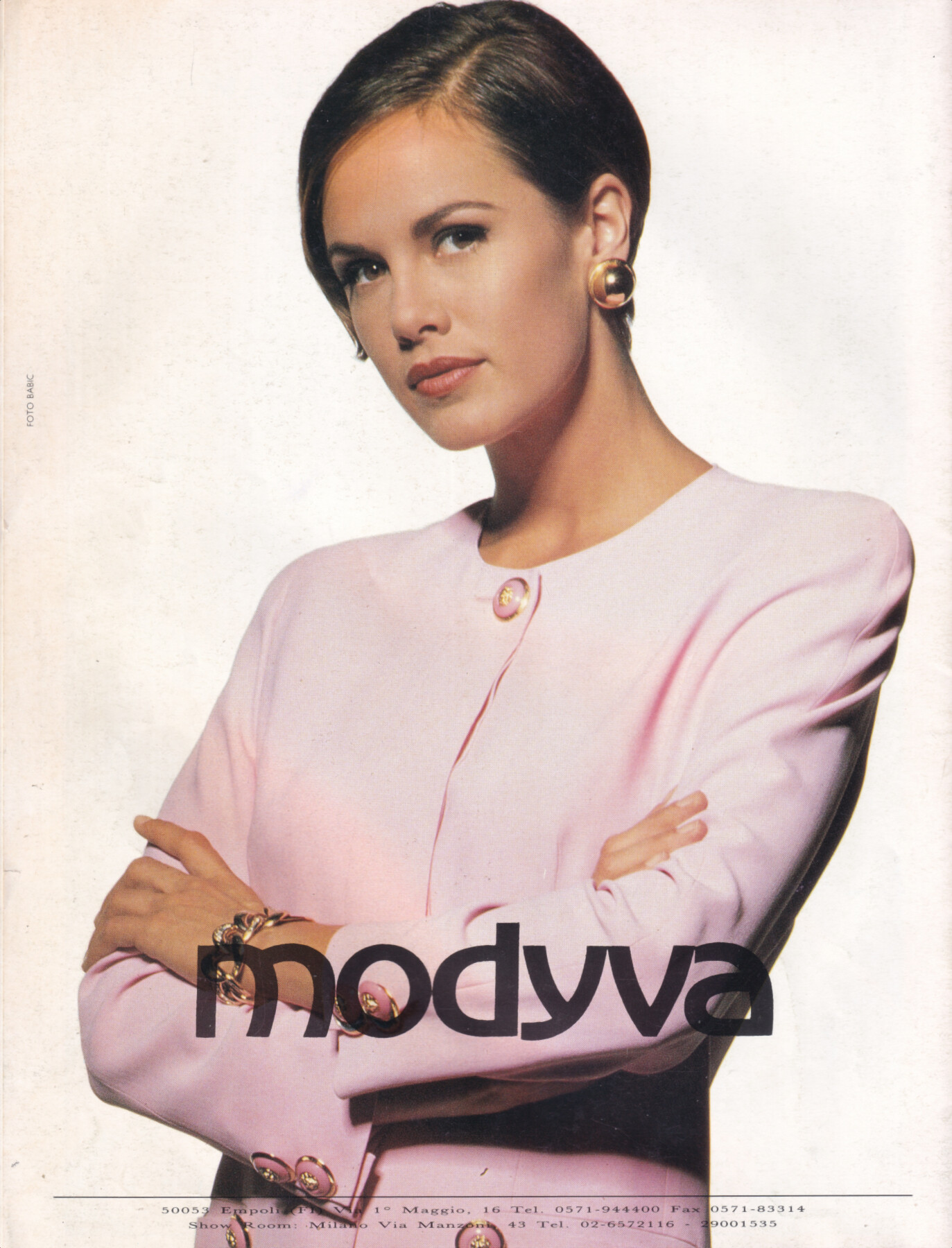
 model for Modyva, 1993, by Babic my scan
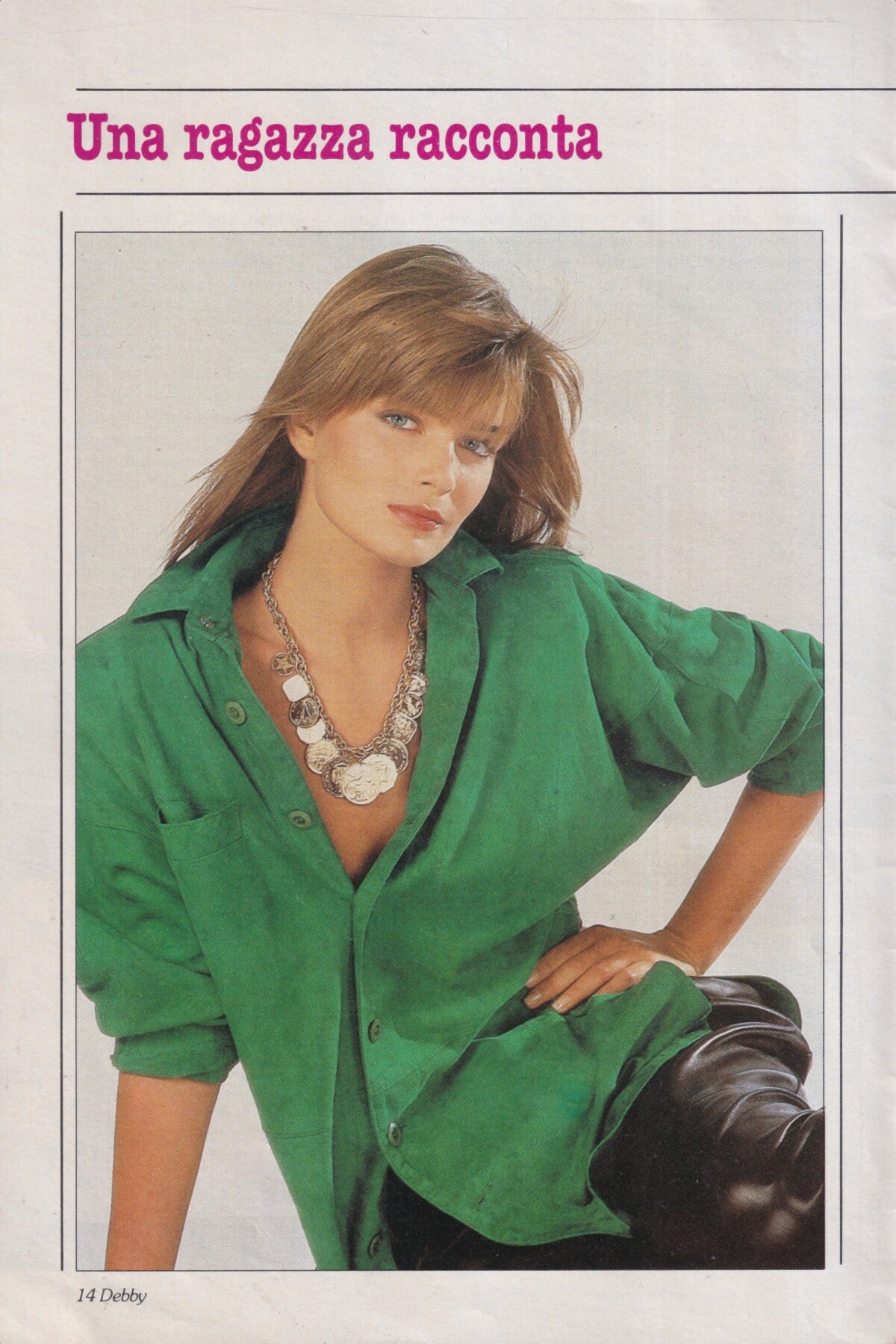
 Paulina Porizkova, 1986 my scan
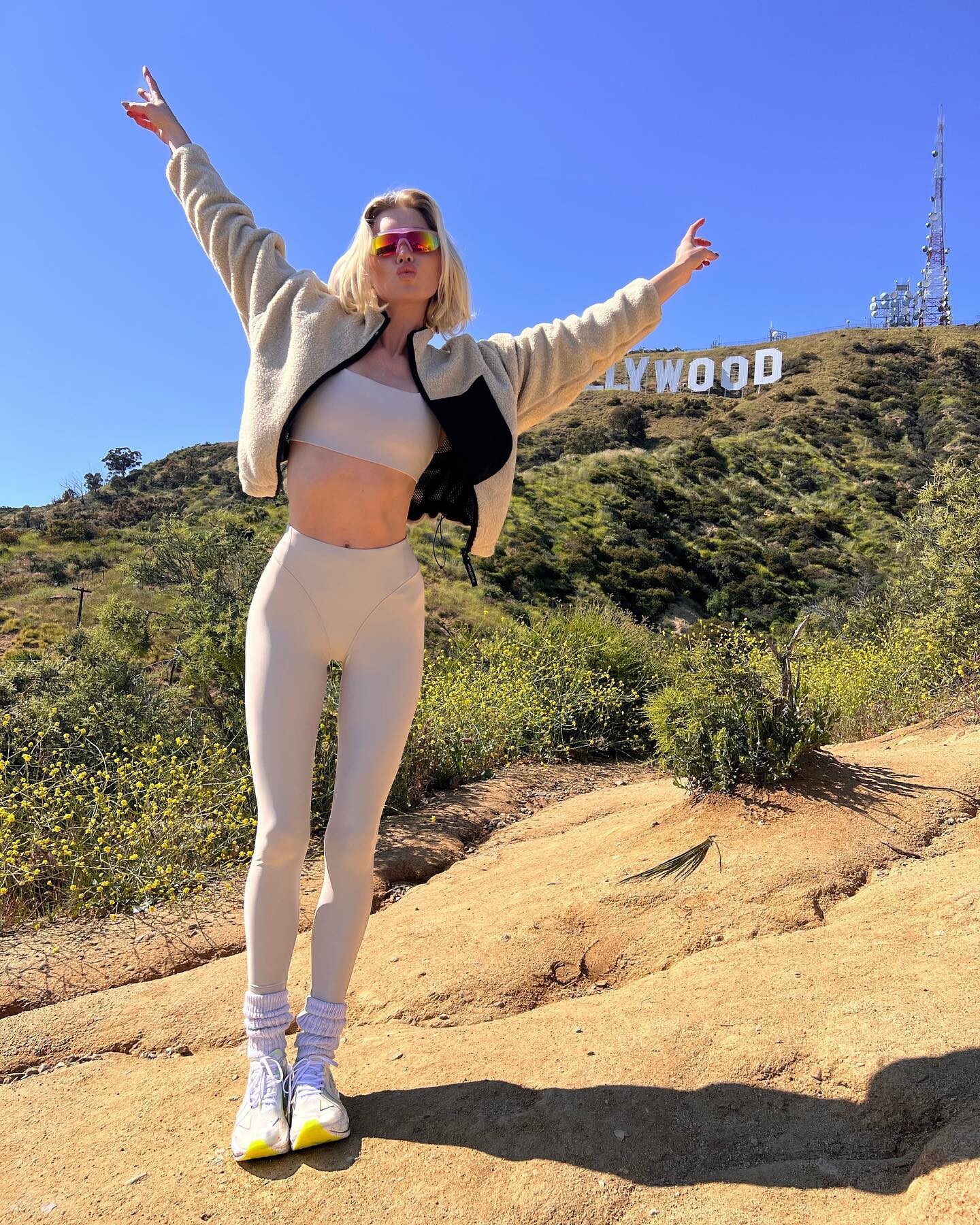
 Went for a run☀️🚀 Xteppartner xtepofficial (05/08/2023)


 This Roberto Cavalli Fall/Winter 2001 model. She seems to be undocumented everywhere & only had 1 look—If I’m not mistaken she did the website campaign this season as well


.thumb.jpeg.80cf1fc45403b8e910af6665b5bac68f.jpeg)




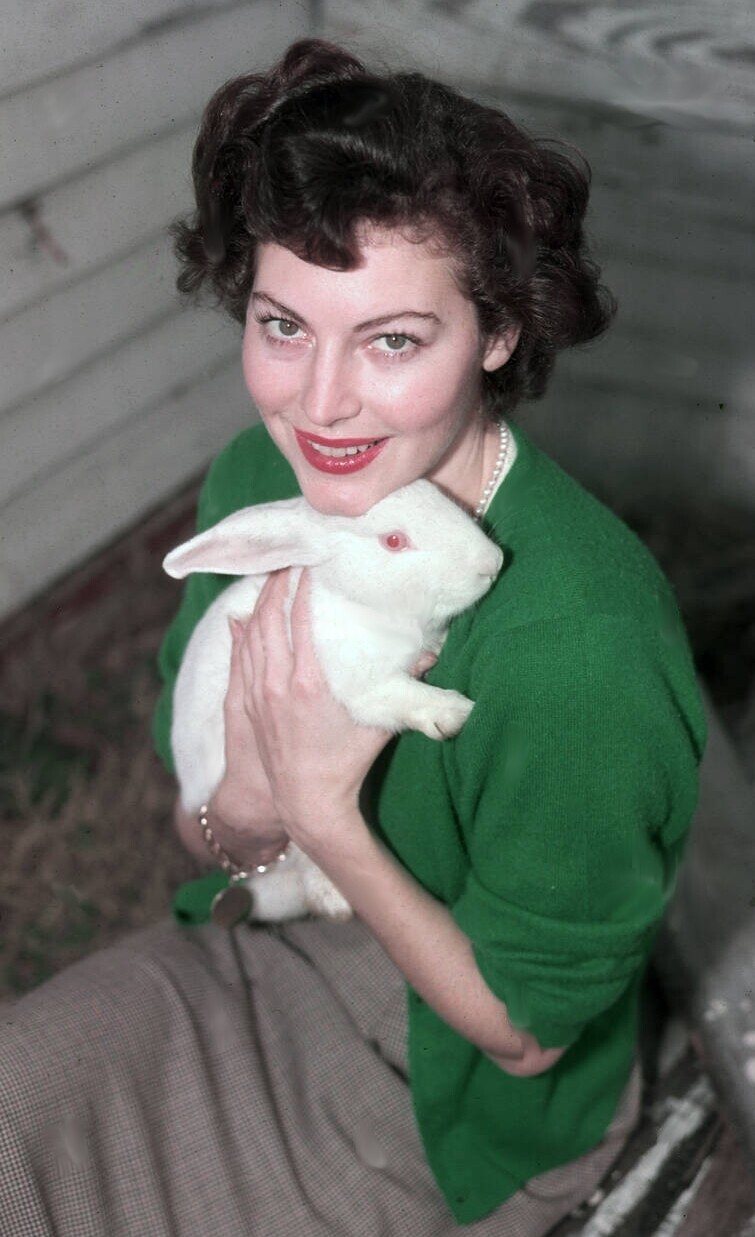
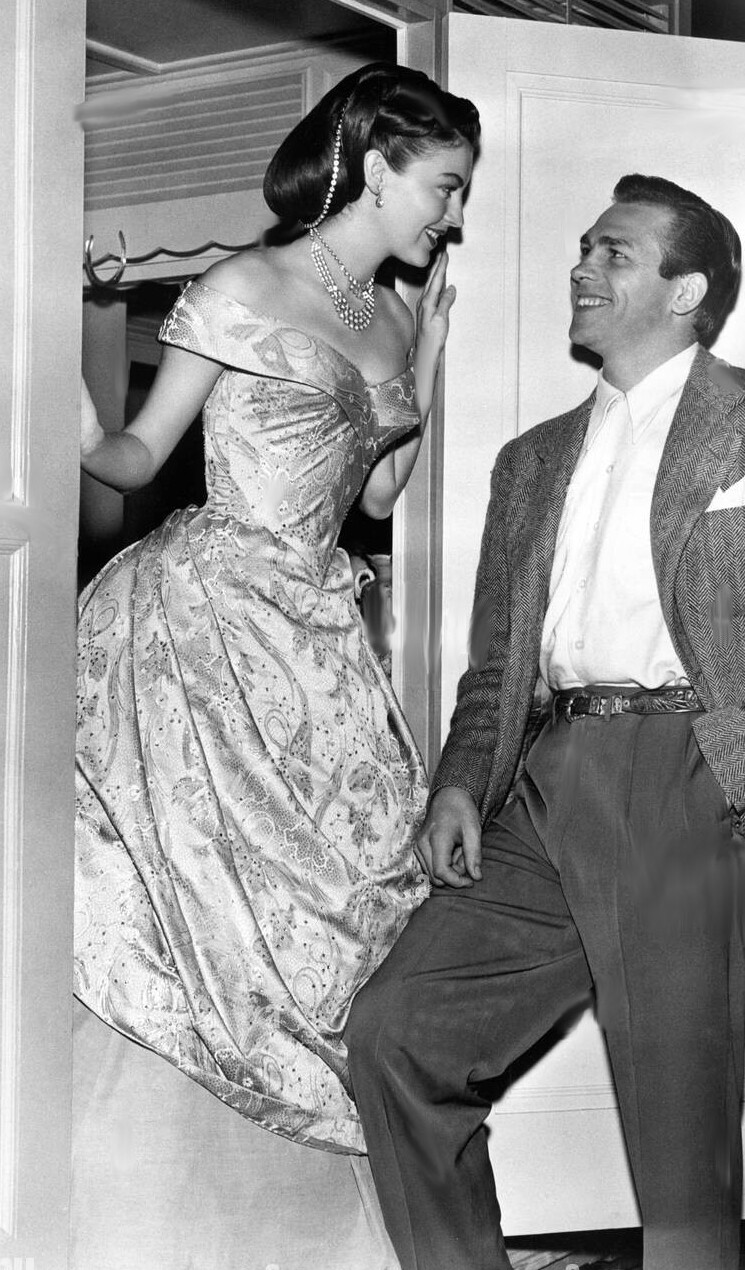
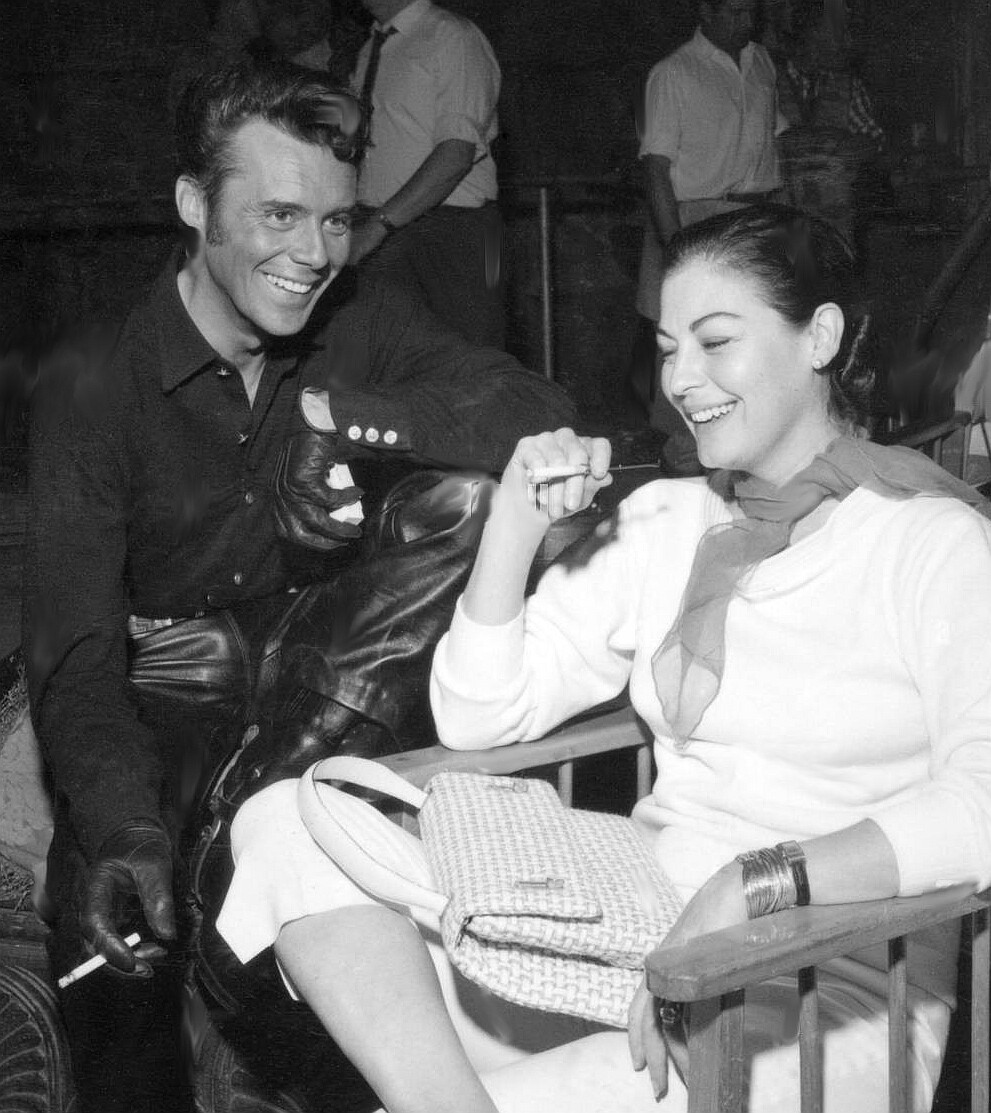



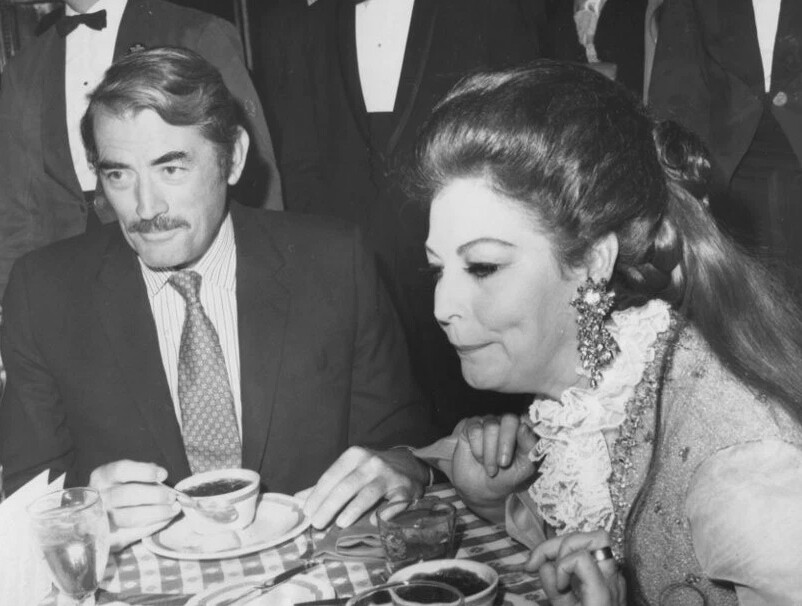
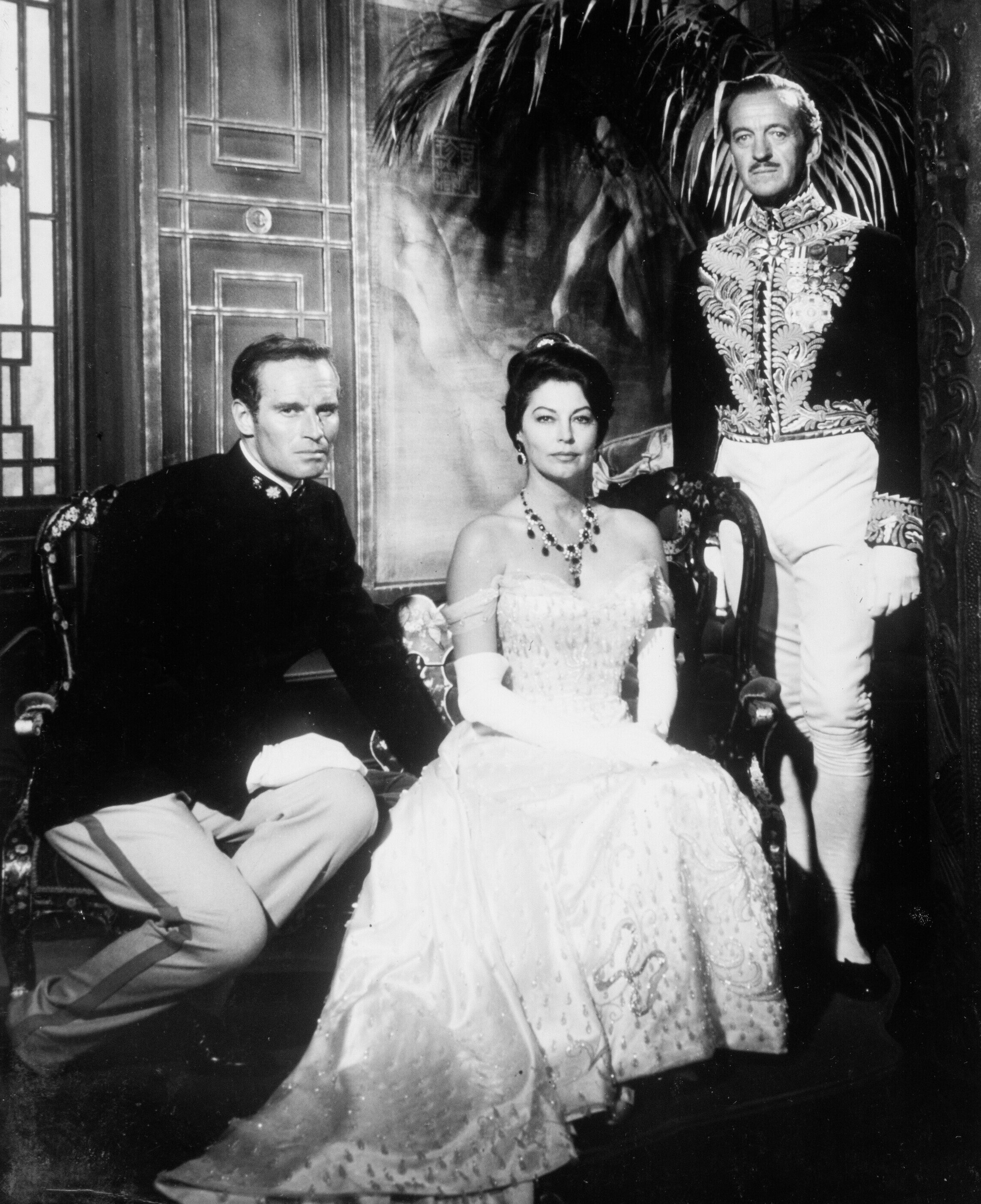
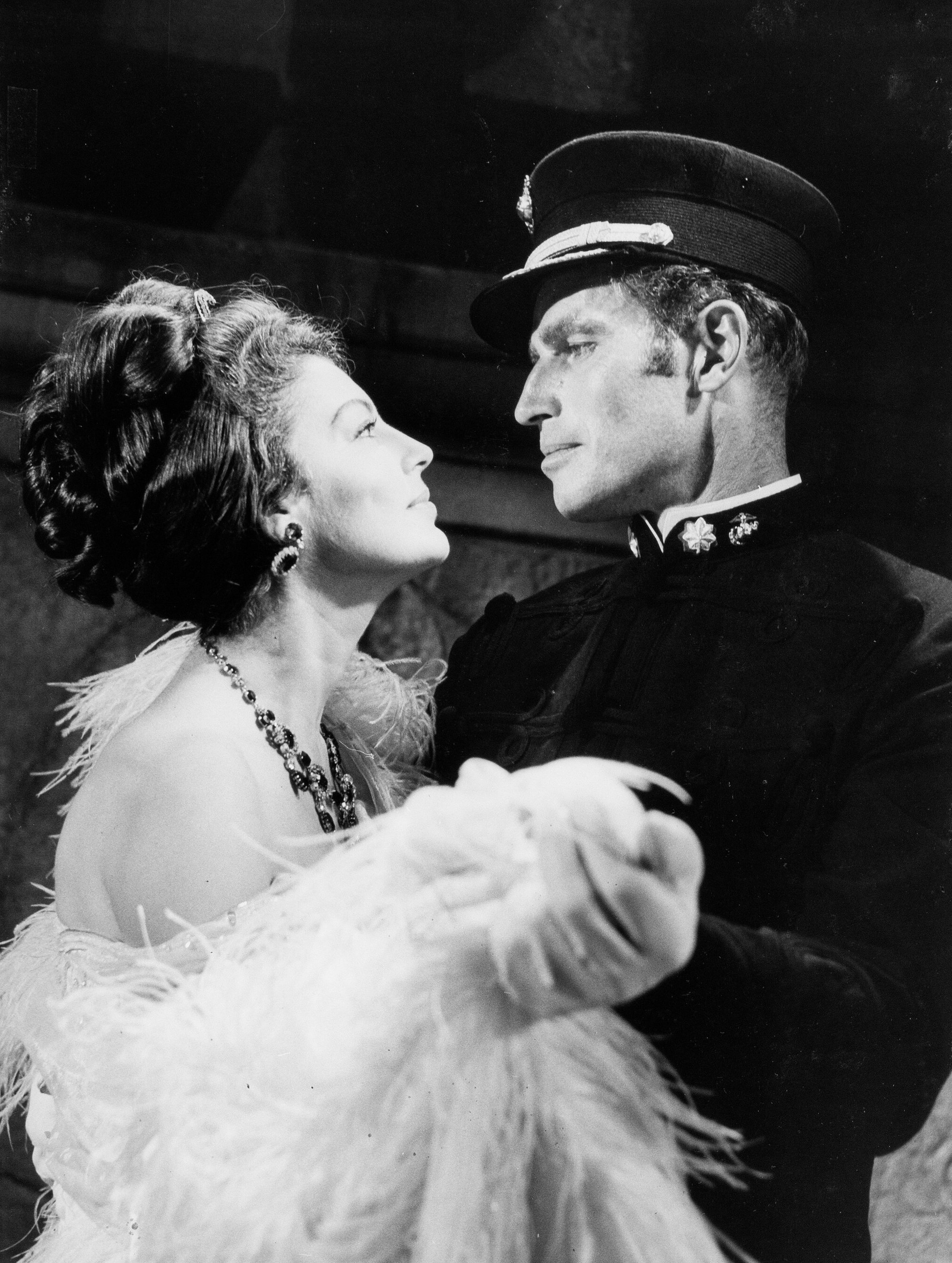


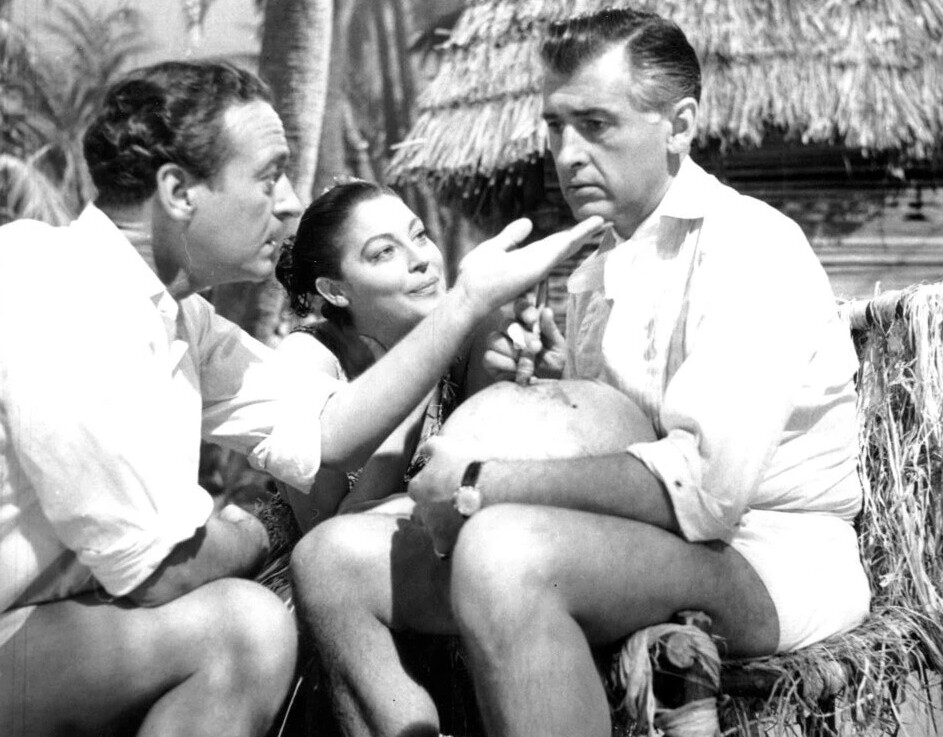

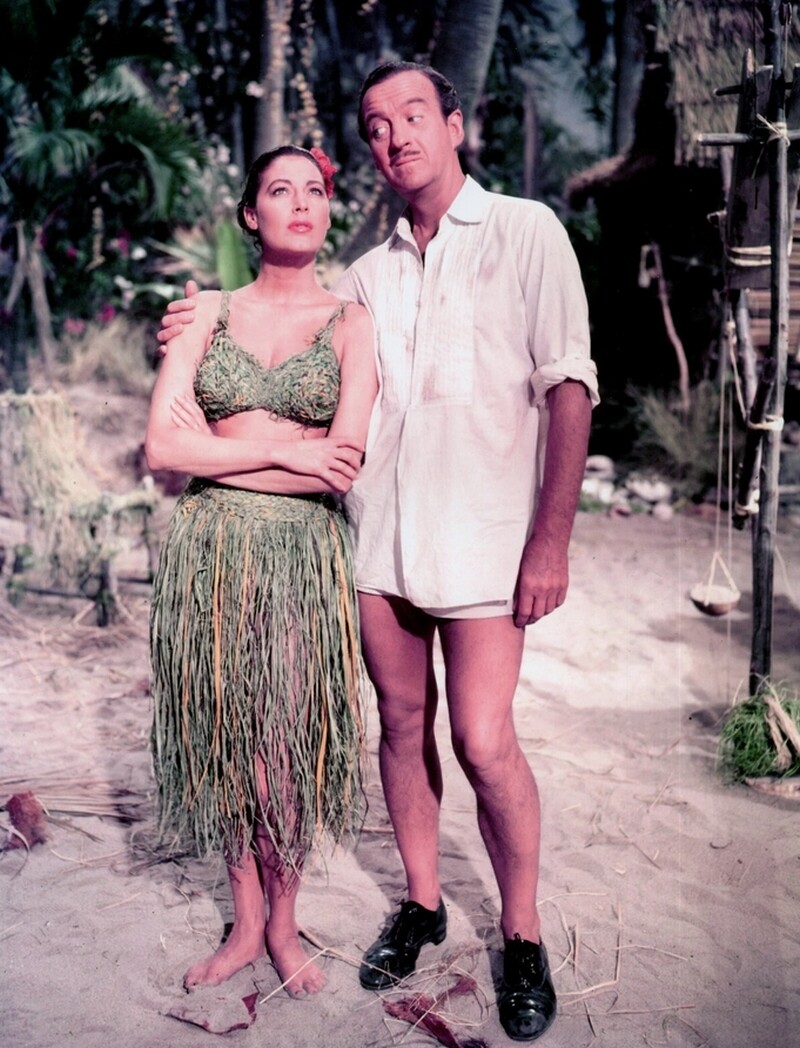












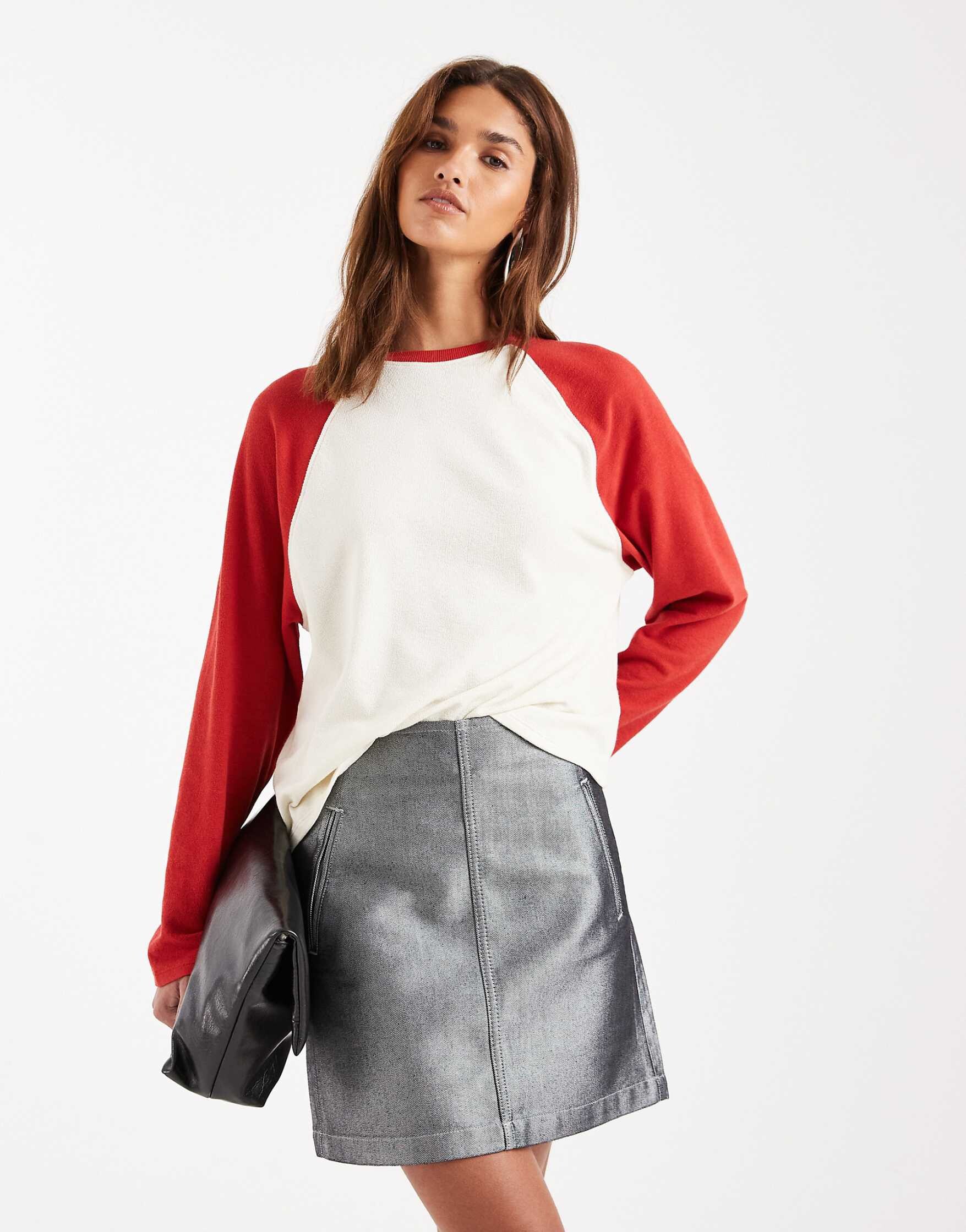
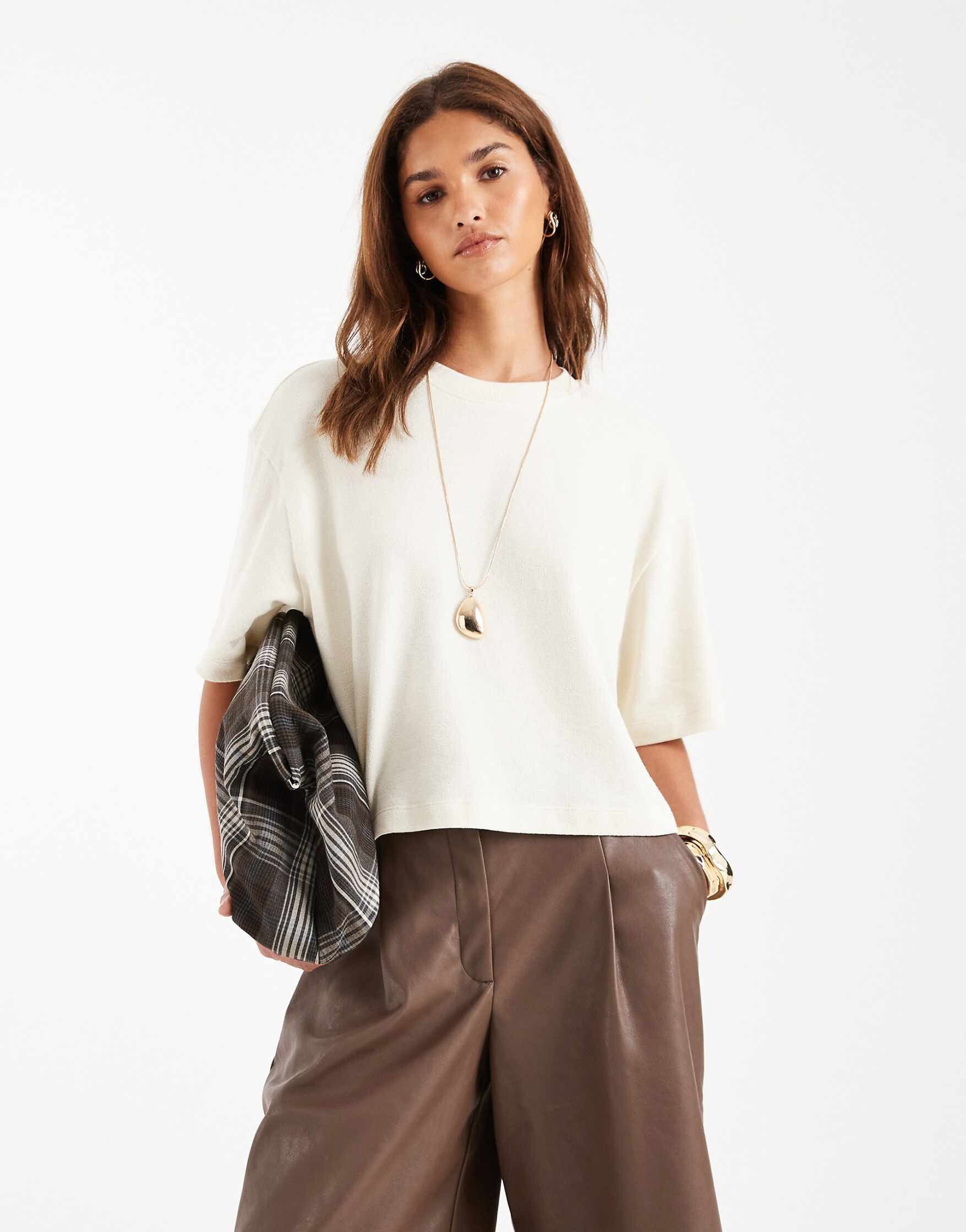
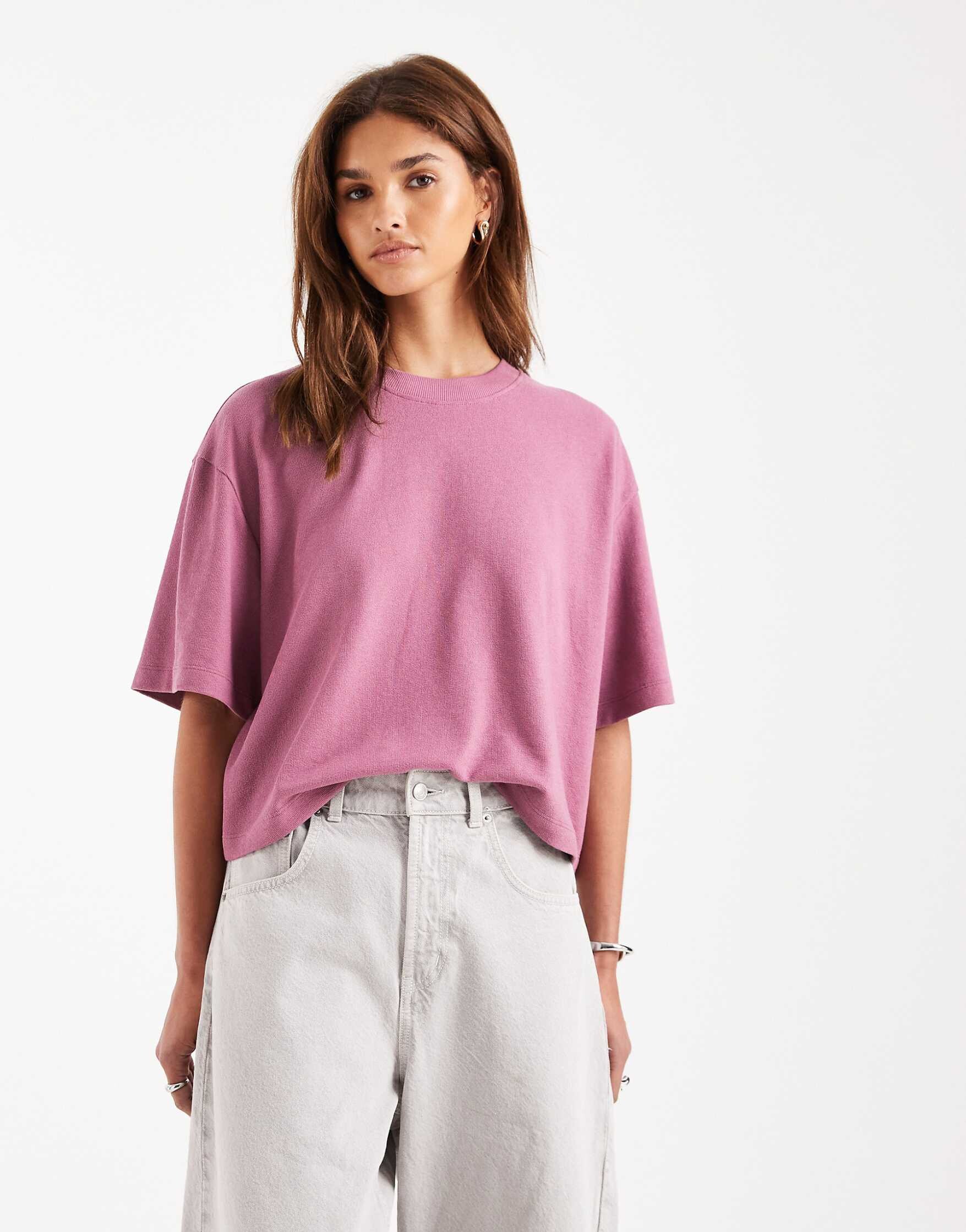
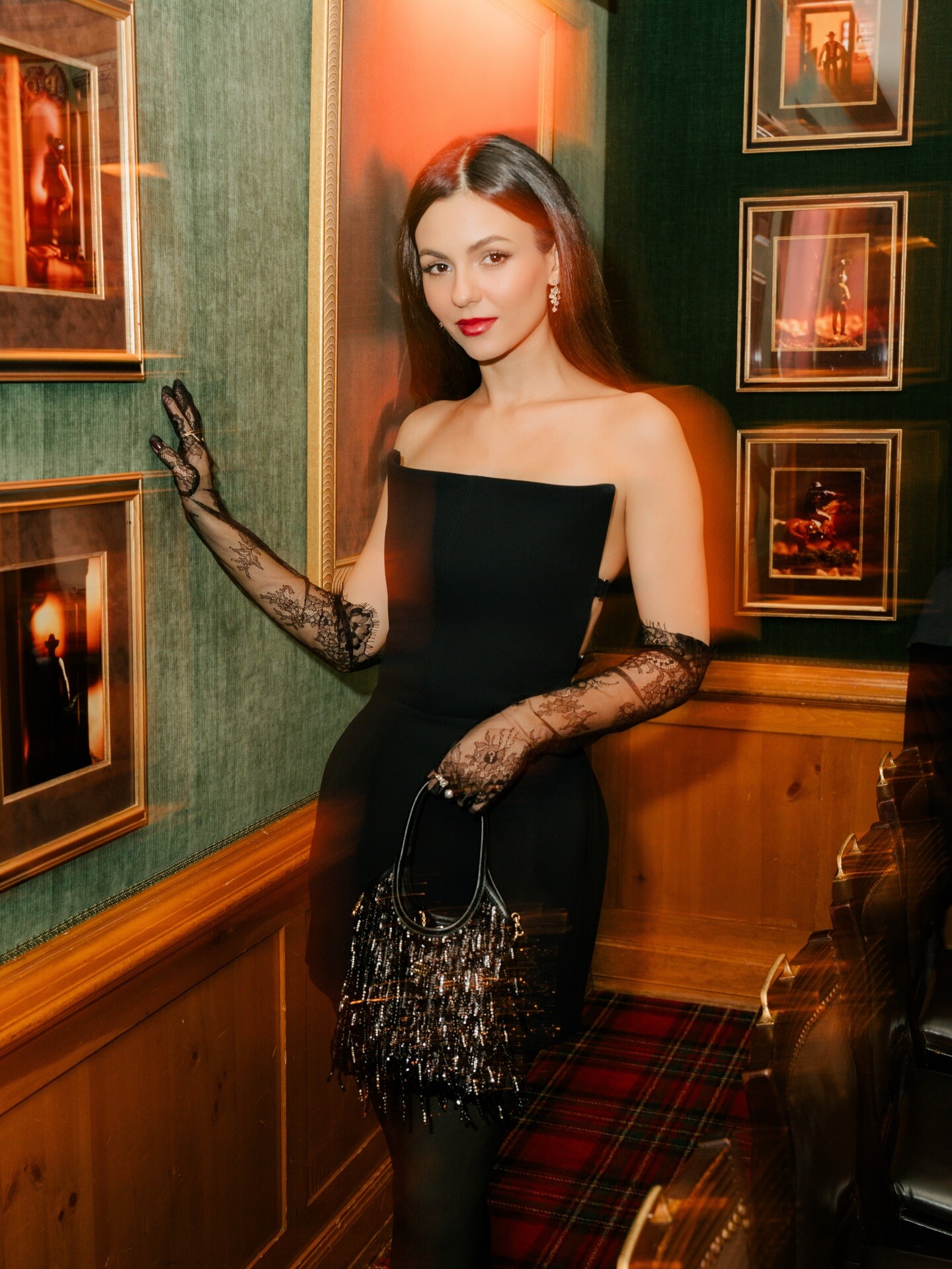



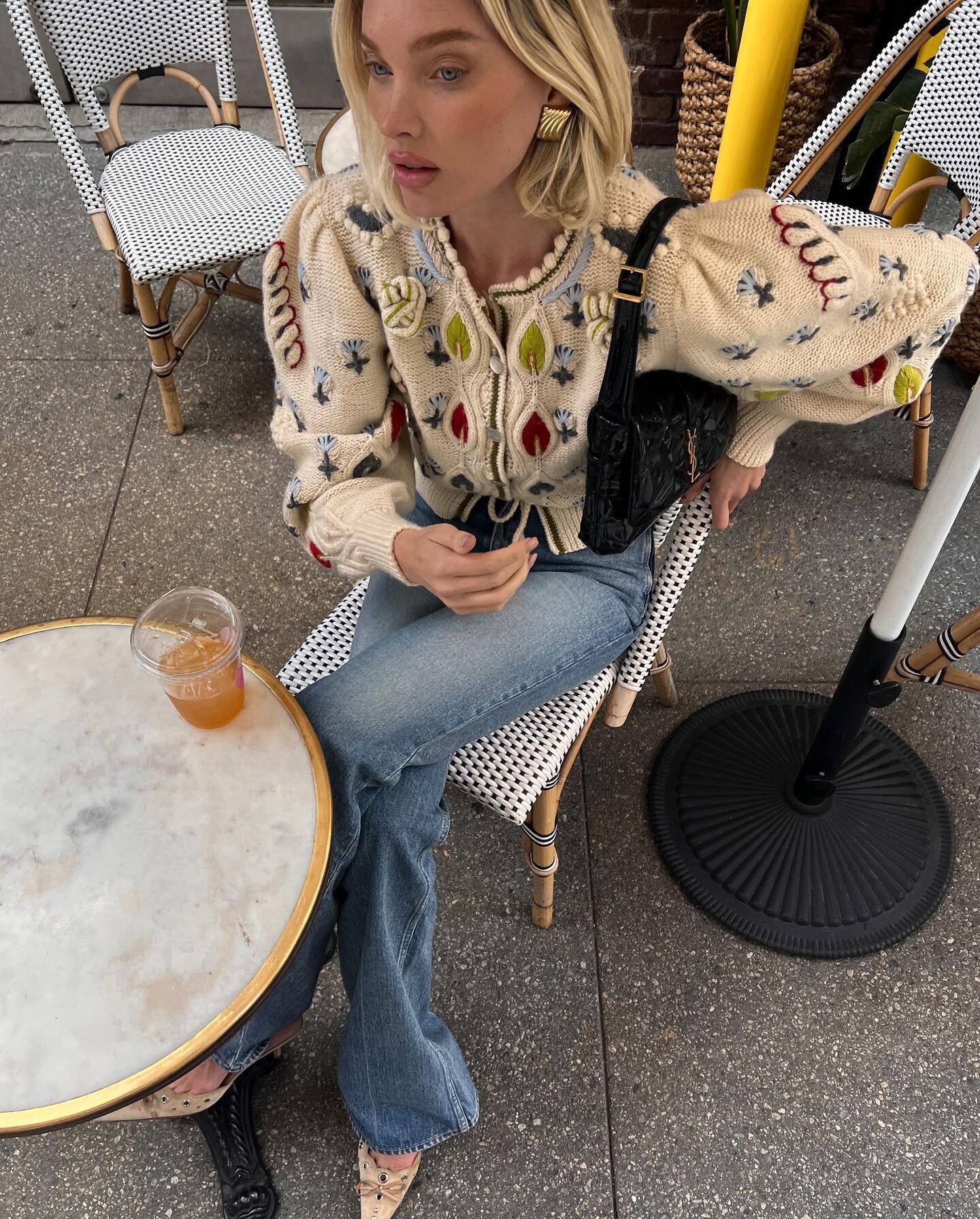
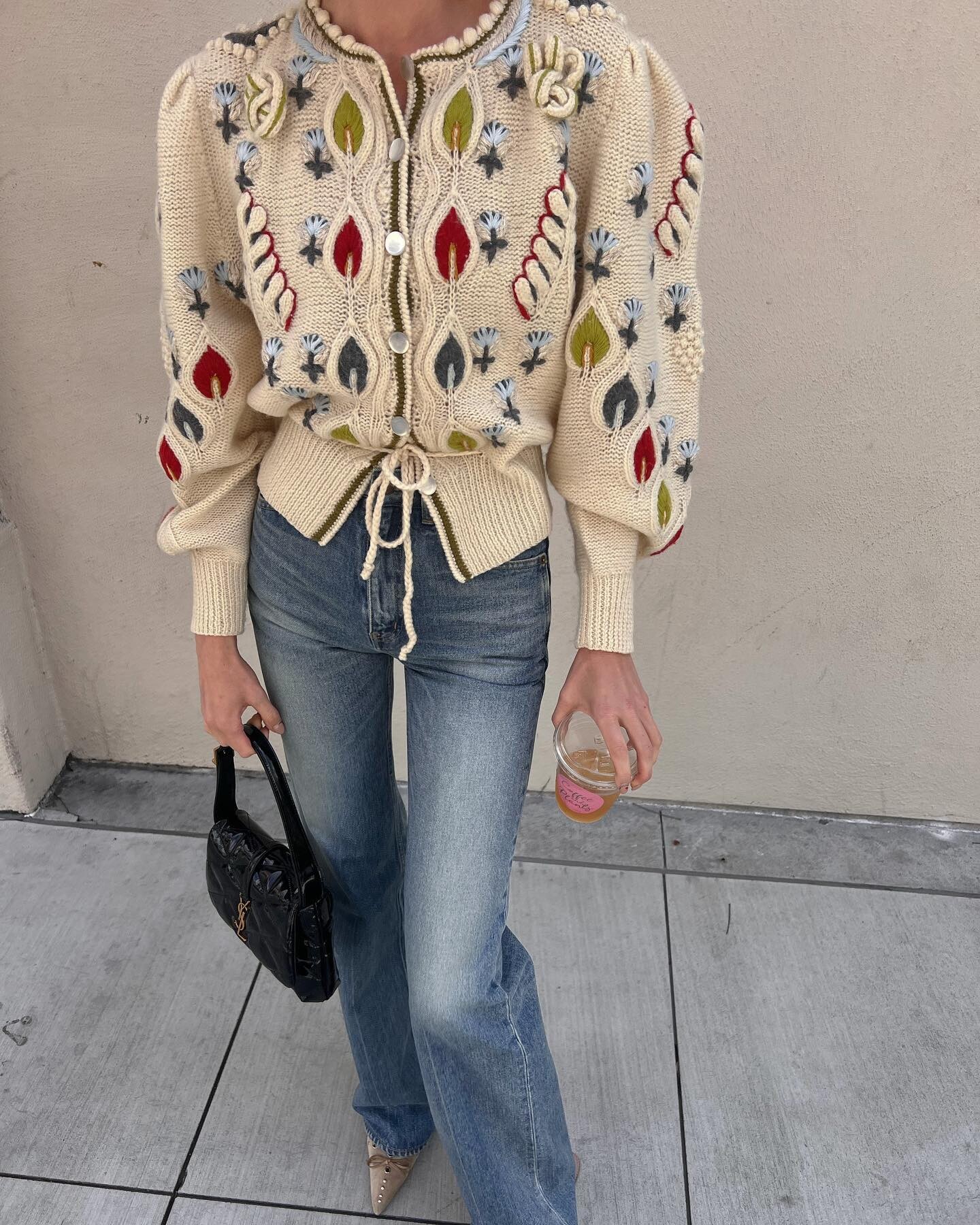
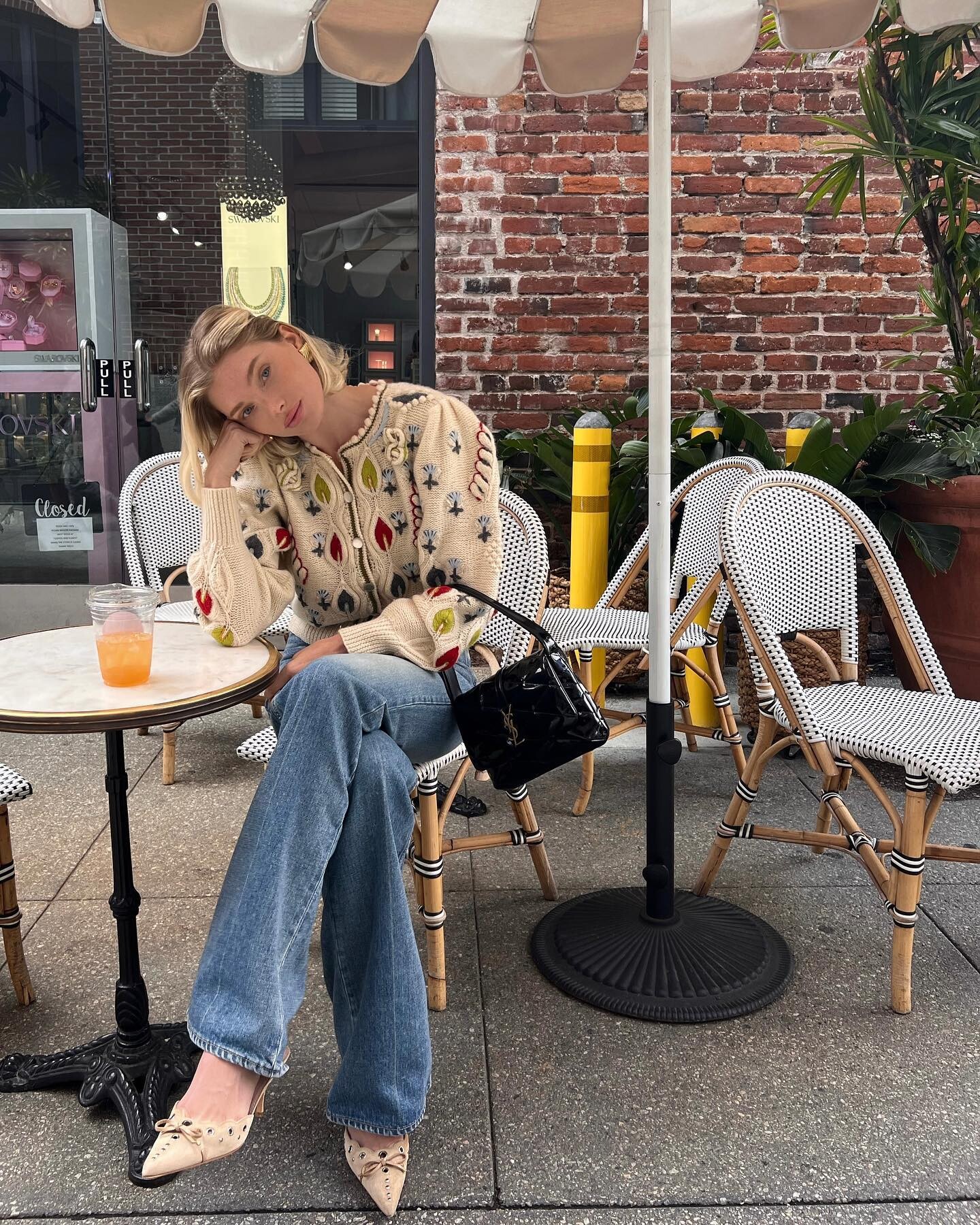
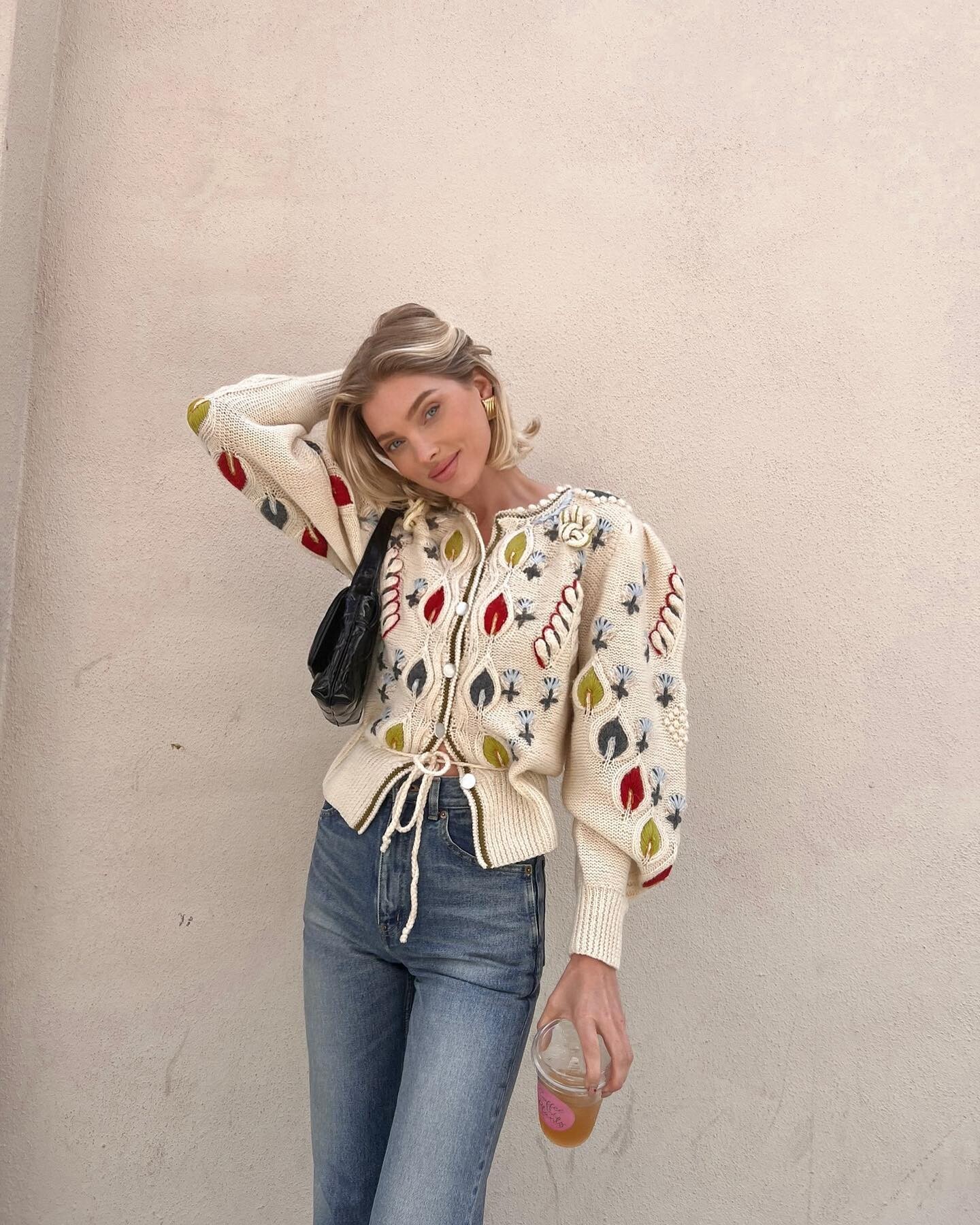





.jpeg.a3521cc291abed7cde8936d613eaecac.jpeg)

Account
Search
Configure browser push notifications
Chrome (Android)
- Tap the lock icon next to the address bar.
- Tap Permissions → Notifications.
- Adjust your preference.
Chrome (Desktop)
- Click the padlock icon in the address bar.
- Select Site settings.
- Find Notifications and adjust your preference.
Safari (iOS 16.4+)
- Ensure the site is installed via Add to Home Screen.
- Open Settings App → Notifications.
- Find your app name and adjust your preference.
Safari (macOS)
- Go to Safari → Preferences.
- Click the Websites tab.
- Select Notifications in the sidebar.
- Find this website and adjust your preference.
Edge (Android)
- Tap the lock icon next to the address bar.
- Tap Permissions.
- Find Notifications and adjust your preference.
Edge (Desktop)
- Click the padlock icon in the address bar.
- Click Permissions for this site.
- Find Notifications and adjust your preference.
Firefox (Android)
- Go to Settings → Site permissions.
- Tap Notifications.
- Find this site in the list and adjust your preference.
Firefox (Desktop)
- Open Firefox Settings.
- Search for Notifications.
- Find this site in the list and adjust your preference.