All Activity
- Past hour
-

-
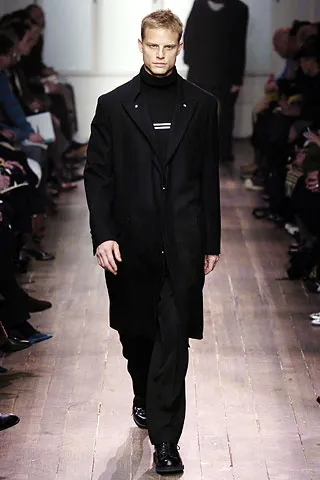
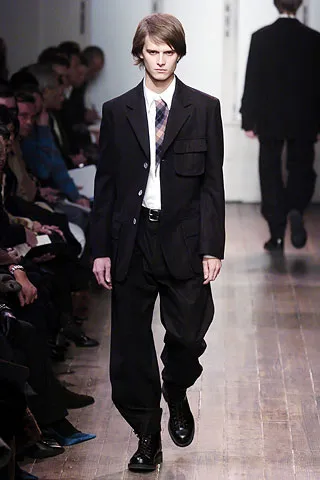
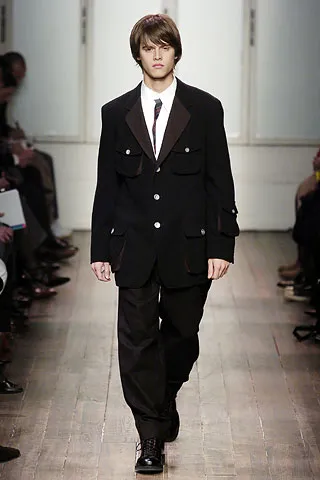
 yohji yamamoto menswear fw2005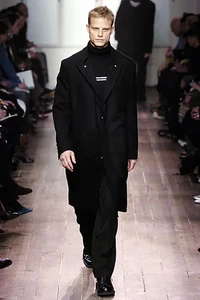
-
 Beau Society: Things I love for Valentine’s Day — BEAU SOCIETY ISSUE 072
-
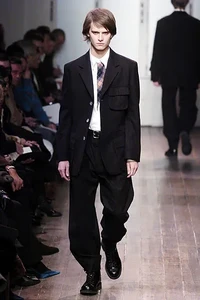
yohji yamamoto menswear fw2005
-
 Too more, source bellazon in 2011

-
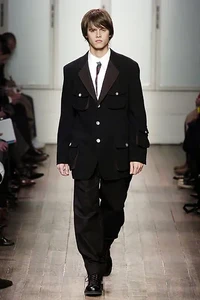
yohji yamamoto menswear fw05
-
OneOne Swim: stories


-
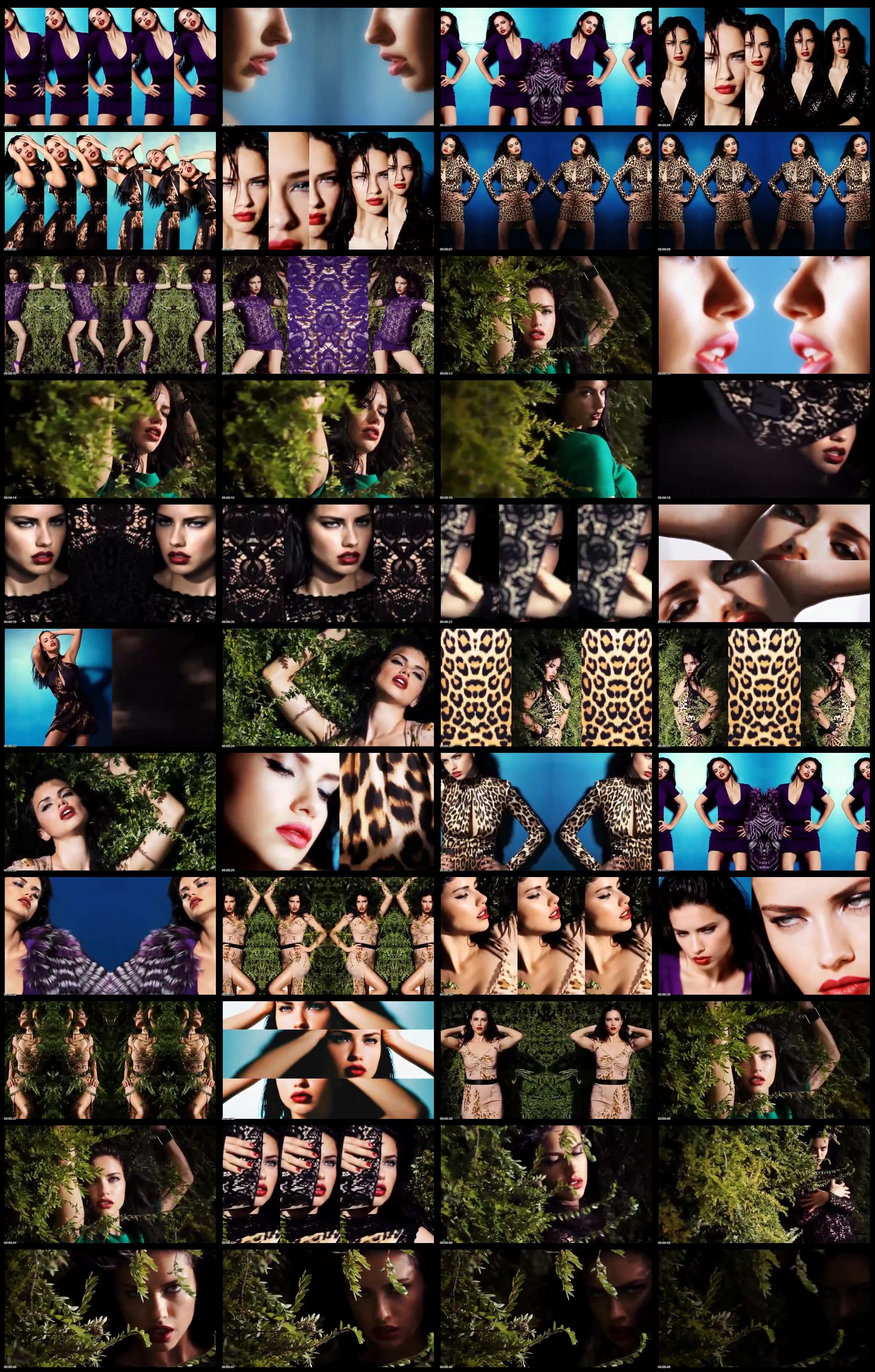
 NYFW yslbeauty 🖤 video
 Oh my he's looking so HOT here:
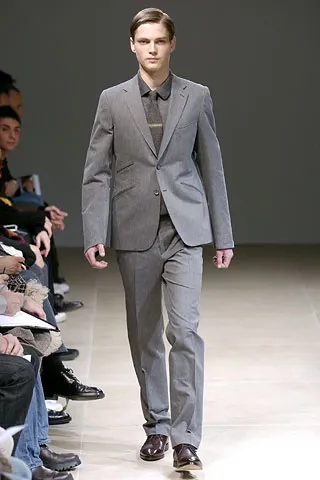
JILL SANDER MENSWEAR FALL WINTER 2005
Oh my he's looking so HOT here:
JILL SANDER MENSWEAR FALL WINTER 2005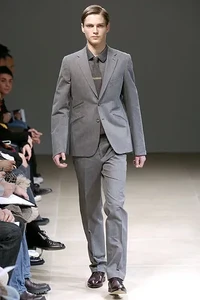
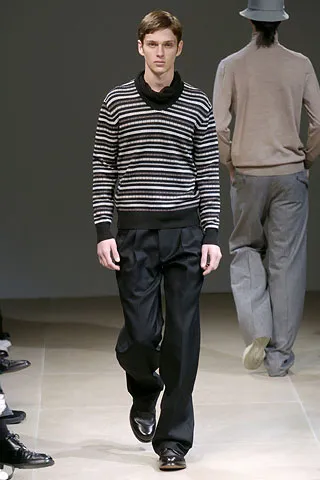
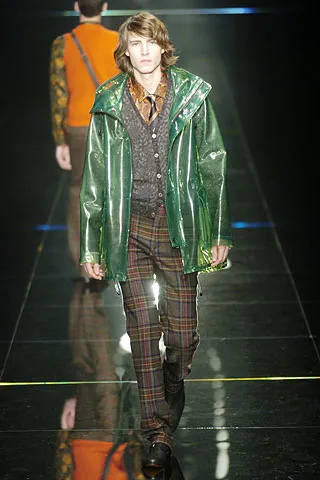
 jill sander menswear fw2005
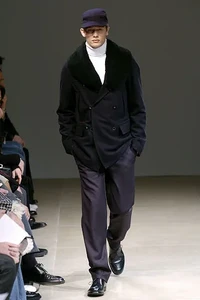 jil sander mens fw2005
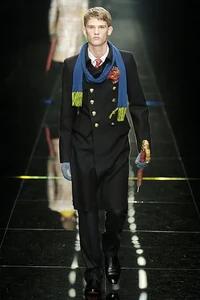
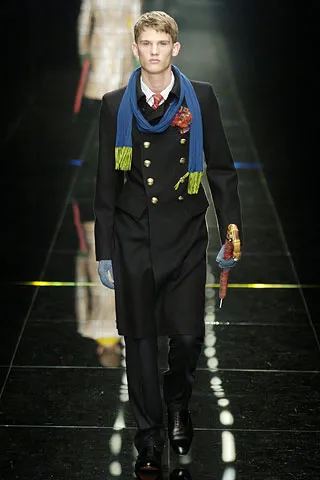
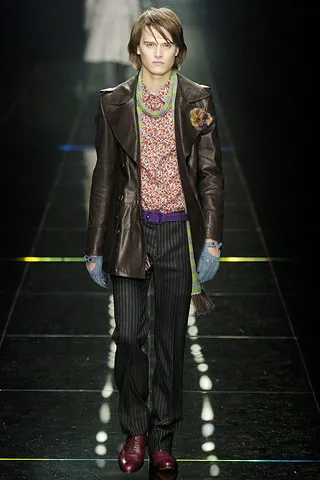
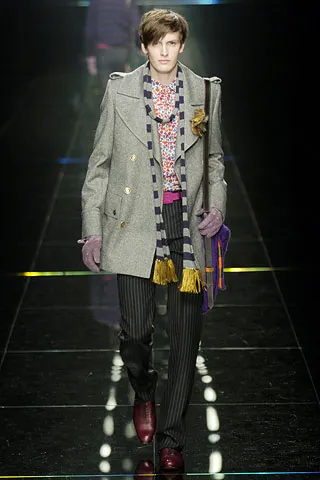
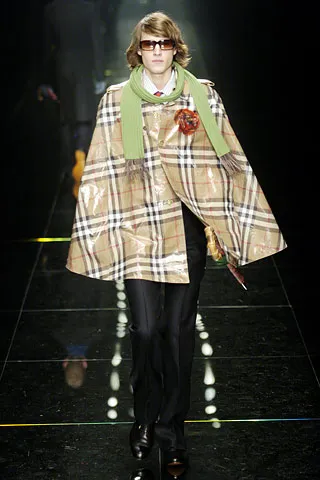
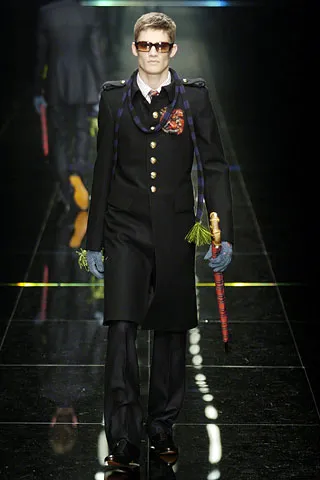
 BURBERRY MENSWEAR FALL WINTER 2005
 Sherri Hill: This is your sign to go shop at glitznash for your SherriHill Prom dress💜✨ style 57413

 burberry mens FW2005
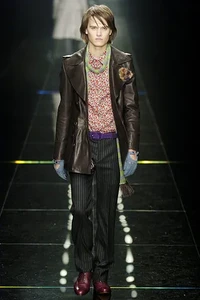 burberry menswear fw 2005
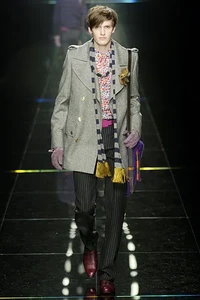 burberry menswear fw05

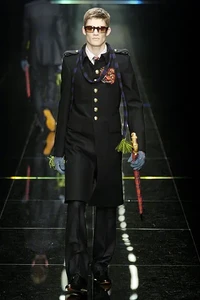
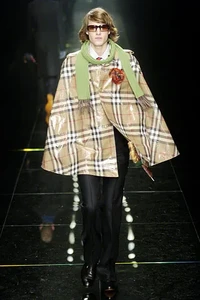 burberry menswear fw 2005

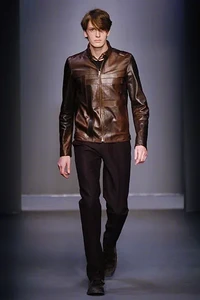
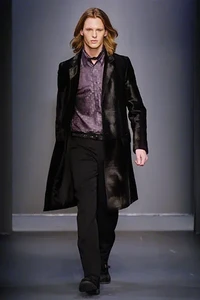
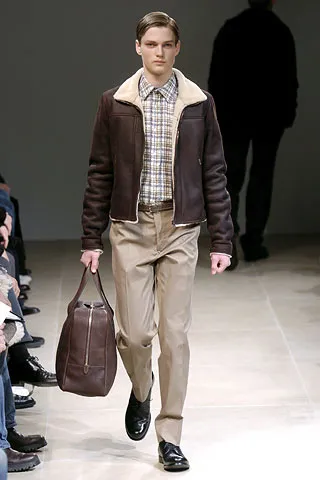
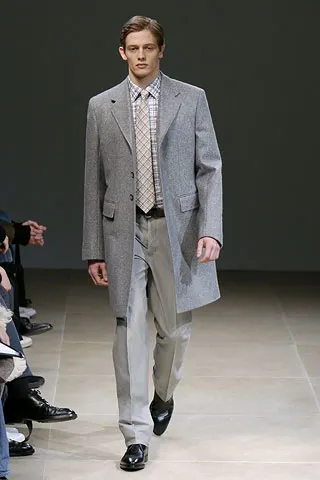
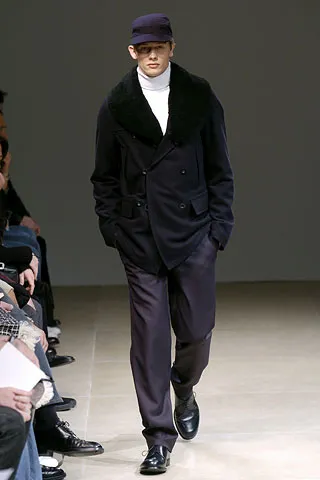
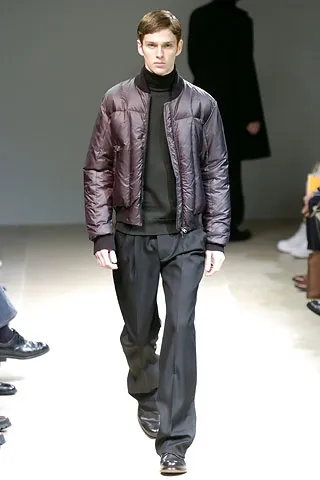
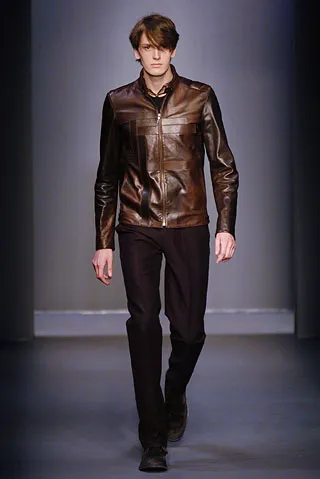
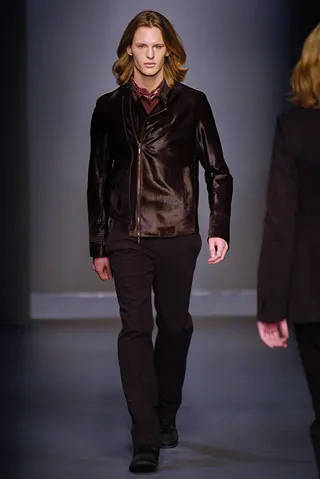
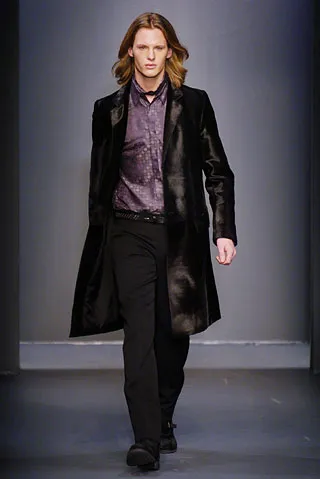
 calvin klein menswear fw 2005
 calvin klein menswear fw05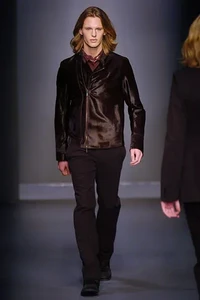
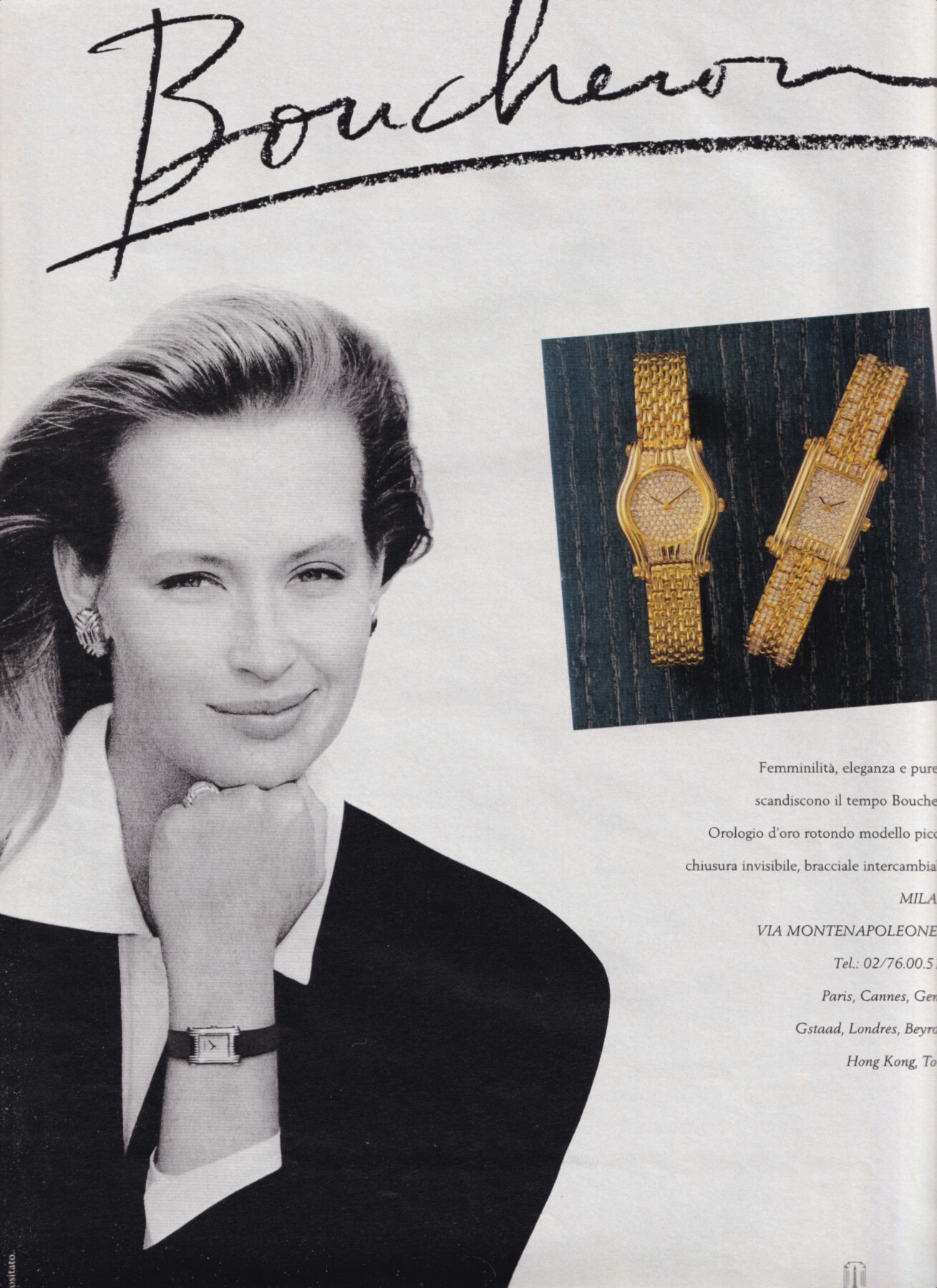
 Estelle Lefebure for Boucheron, 1990















Account
Navigation
Search
Configure browser push notifications
Chrome (Android)
- Tap the lock icon next to the address bar.
- Tap Permissions → Notifications.
- Adjust your preference.
Chrome (Desktop)
- Click the padlock icon in the address bar.
- Select Site settings.
- Find Notifications and adjust your preference.
Safari (iOS 16.4+)
- Ensure the site is installed via Add to Home Screen.
- Open Settings App → Notifications.
- Find your app name and adjust your preference.
Safari (macOS)
- Go to Safari → Preferences.
- Click the Websites tab.
- Select Notifications in the sidebar.
- Find this website and adjust your preference.
Edge (Android)
- Tap the lock icon next to the address bar.
- Tap Permissions.
- Find Notifications and adjust your preference.
Edge (Desktop)
- Click the padlock icon in the address bar.
- Click Permissions for this site.
- Find Notifications and adjust your preference.
Firefox (Android)
- Go to Settings → Site permissions.
- Tap Notifications.
- Find this site in the list and adjust your preference.
Firefox (Desktop)
- Open Firefox Settings.
- Search for Notifications.
- Find this site in the list and adjust your preference.