All Activity
- Past hour
-

-

-
Iceberg S/S01


-
 iceberg s/s 2001

 Emlak Platform joined the community
 Luck…or Something emimoore at picturepub

 approofing joined the community
 Jennifer Garner on the set of her new movie One Attempt Remaining
.thumb.jpg.b99901087a131070d14cd0c2e4ee8525.jpg)
.thumb.jpg.bfaad72ff7ec14b46cae3047e9c25a47.jpg)


 Pourmoiltd SaveVid.Net_AQP8o7LmqUuO-1SNLmZuhjsd_X72URpy0yl8XpvWqCWtPvvl_oRpS39yJUaGkTVkofs5tDAr3YWYbM32xcgTciki.mp4 SaveVid.Net_AQMVtxbozOBix64VBx9qn-sMItPkjDggUZthajEjNVhlmdg27hoBvh93eWYTIEp43-z4up0Qb1GDLPblAZqWb9cX.mp4 SaveVid.Net_AQNp7R5DlxNp4XflmsGb-O6OSN7qtNkQxPin4V28-r0AP0x8fie5FE670ZOW9mZMyOKJDf2ZQSQkeytx42Hs-t2weRciX36y0kasfXA.mp4 SaveVid.Net_AQNYGyM78wNDWJhkmRPujsmAWxxcVXNbc-J8hYlUnpvXOKzQsP0zXStC9UtHukqkMYB9bkv57m_Jx9cKf3VH3PAI.mp4
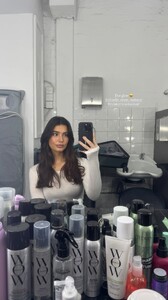 Sans complexe SaveVid.Net_AQPE6dyfHLhvftLTDjoS9Yn_-br3RXh2PGz0L_UNEyAHCA0DhVo4nIRgb6cdrGqzrVaIiQeWRfNL0tQST-jiK2uN.mp4 SaveVid.Net_AQOXMrhRQiBScpaQtWnRnrVPwNYbUdJ1v9ErwV7SOGOAs3ygilJJX0Jg3R9UC2WUgxTy96ArtuIlgrYROaRC5UStOxhWGoQwwMdpFgk.mp4 f6bdaecaeb1b409d9ab1093b7af59b32.HD-1080p-7.2Mbps-74645961.mp4




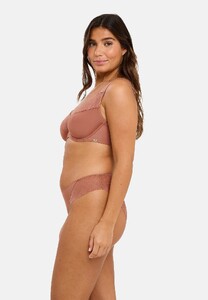
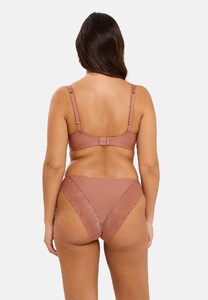

 dior s/s 2005
 Chloe bechini Philippines highlights



 Mbany Real Estate joined the community
DIOR SS2005
Mbany Real Estate joined the community
DIOR SS2005 dior ss2005
 dior ss2005
 Dior S/S2005
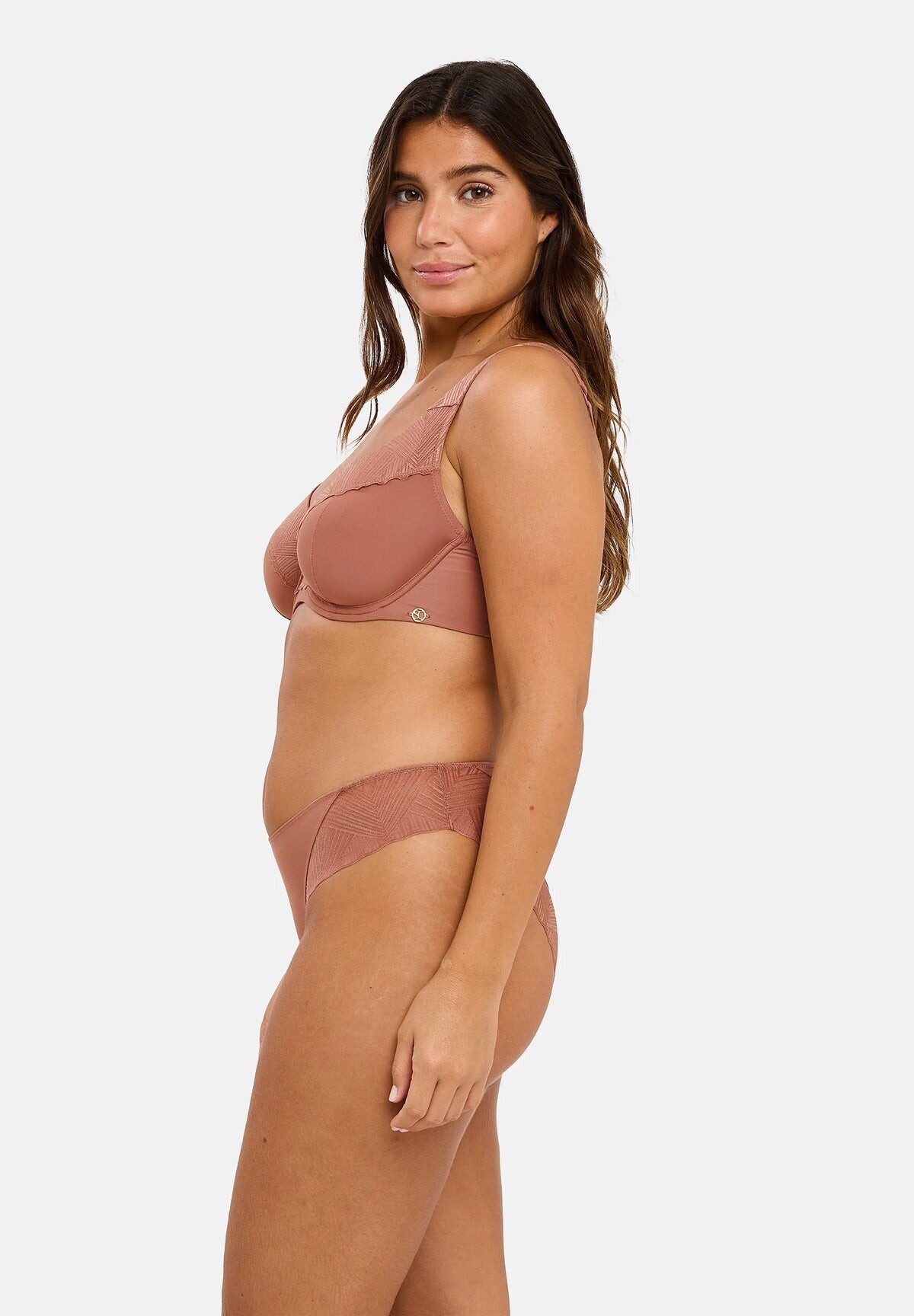
 Guess lingerie 26






 roberto cavalli lingerie momi s/s 2003




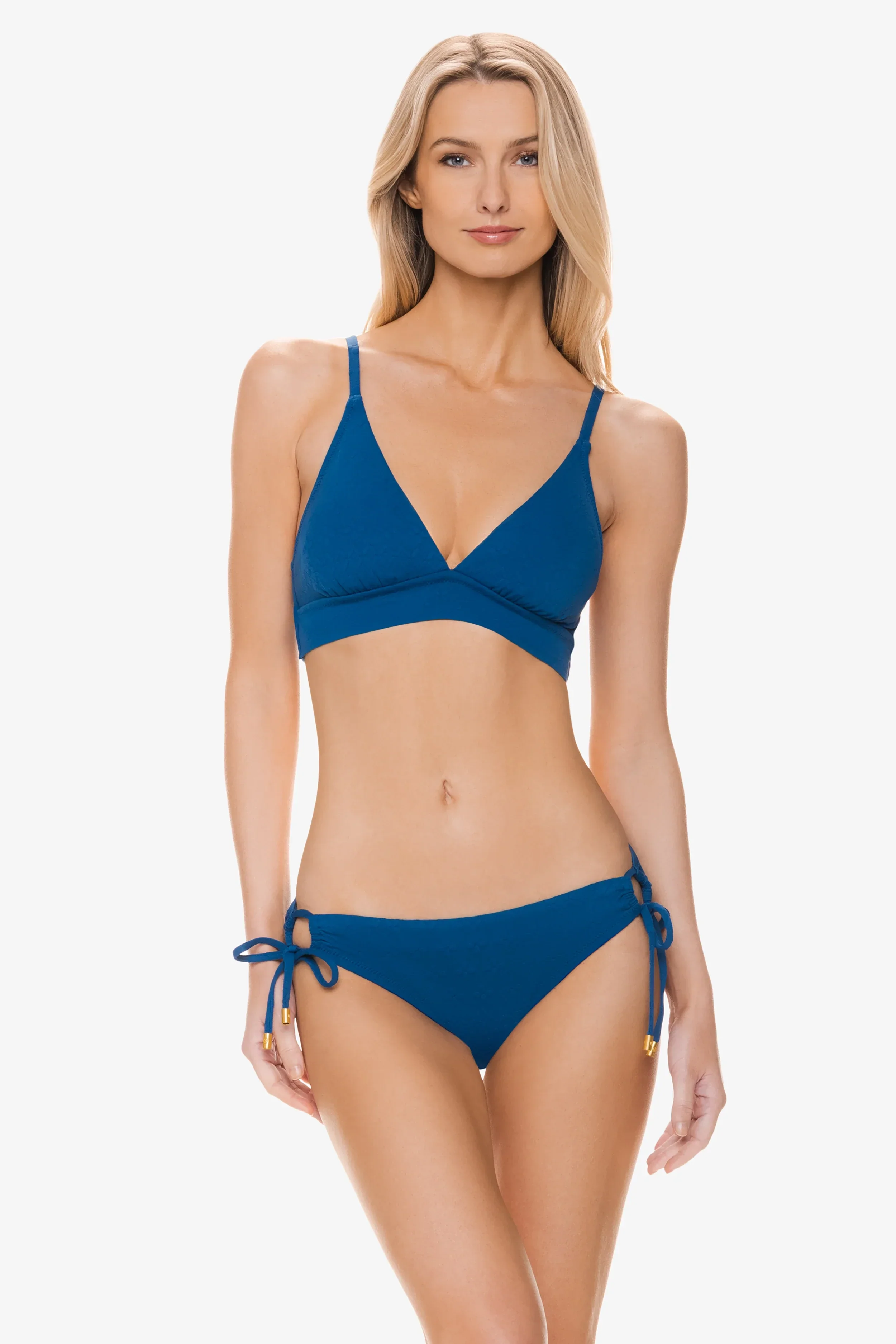
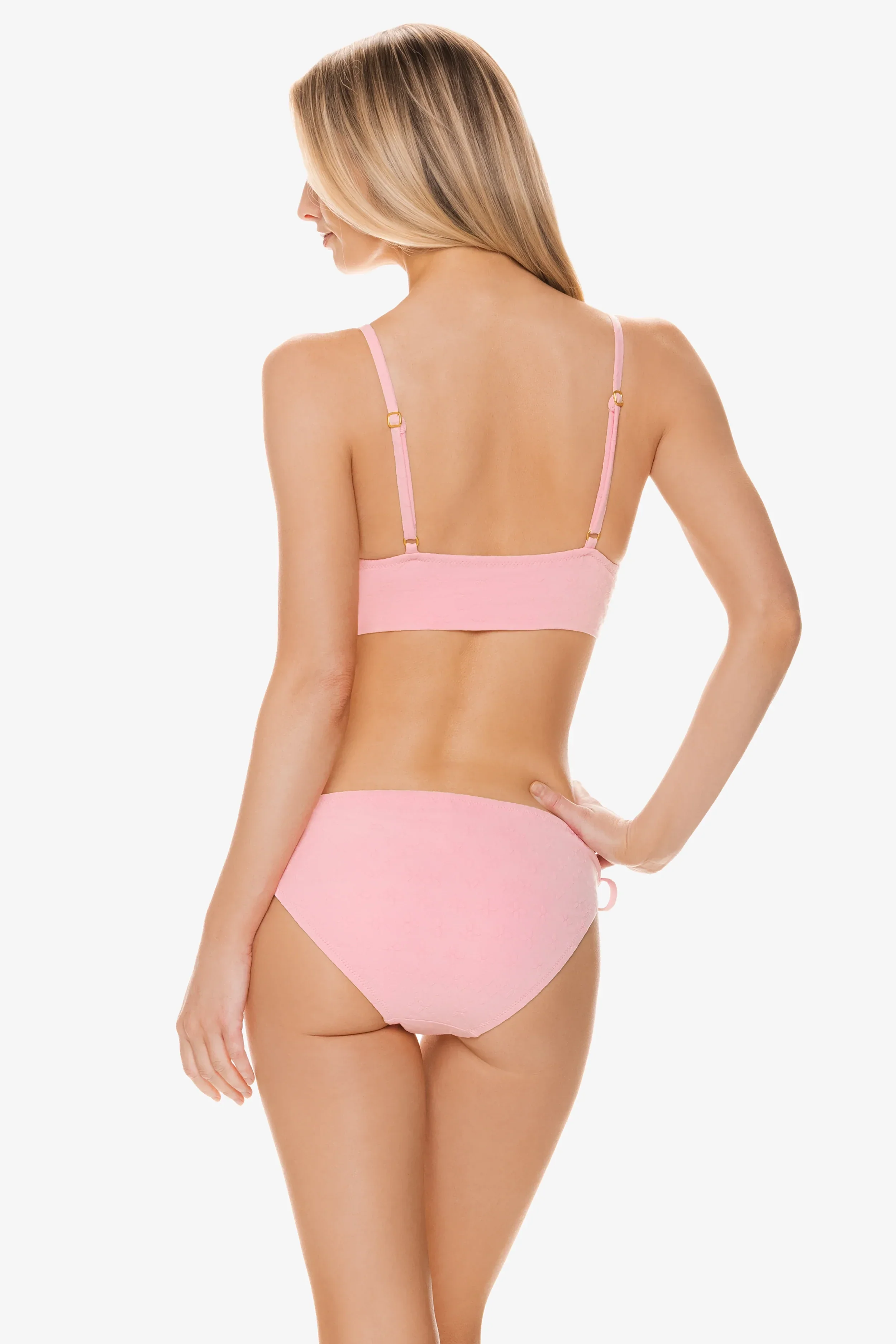

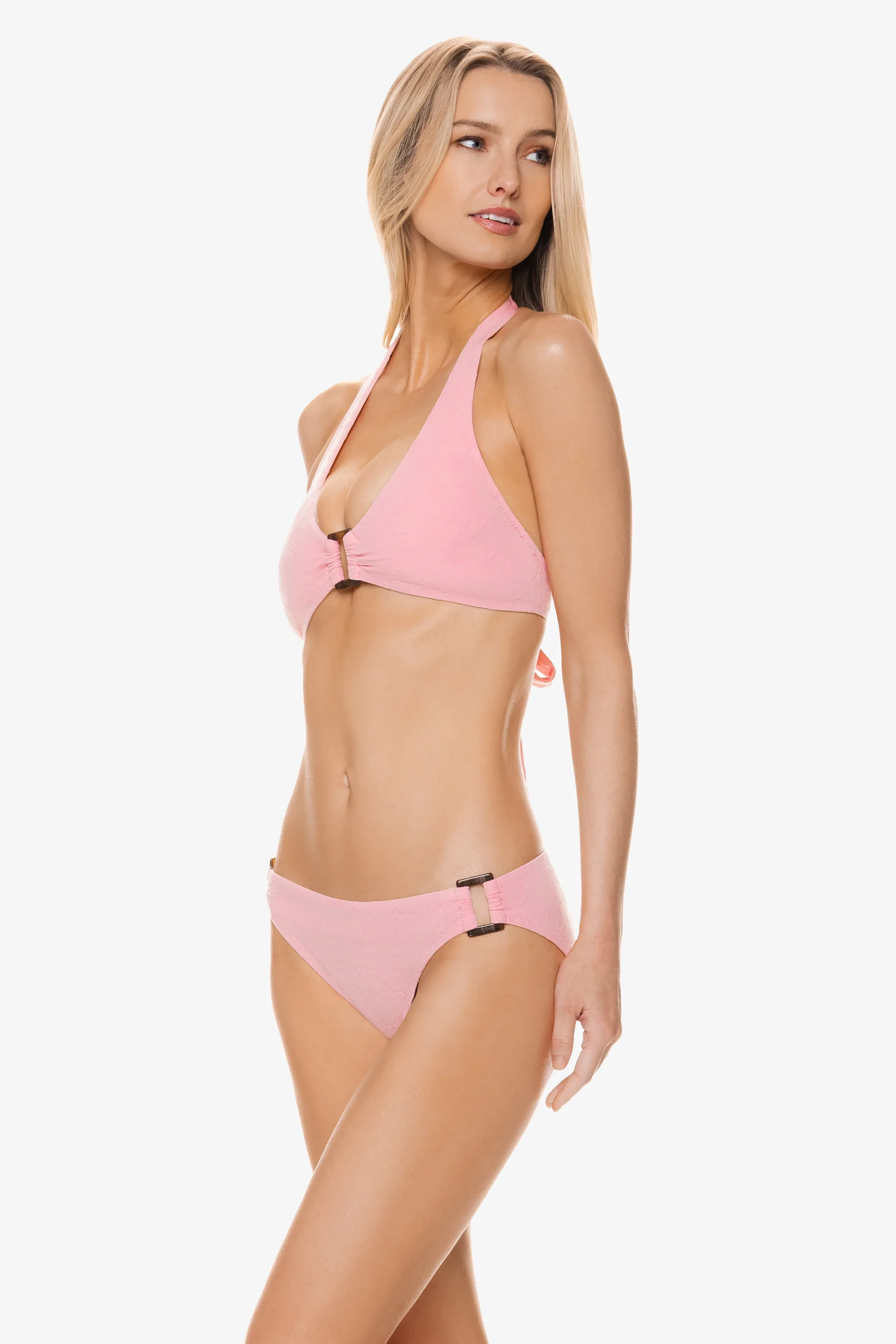

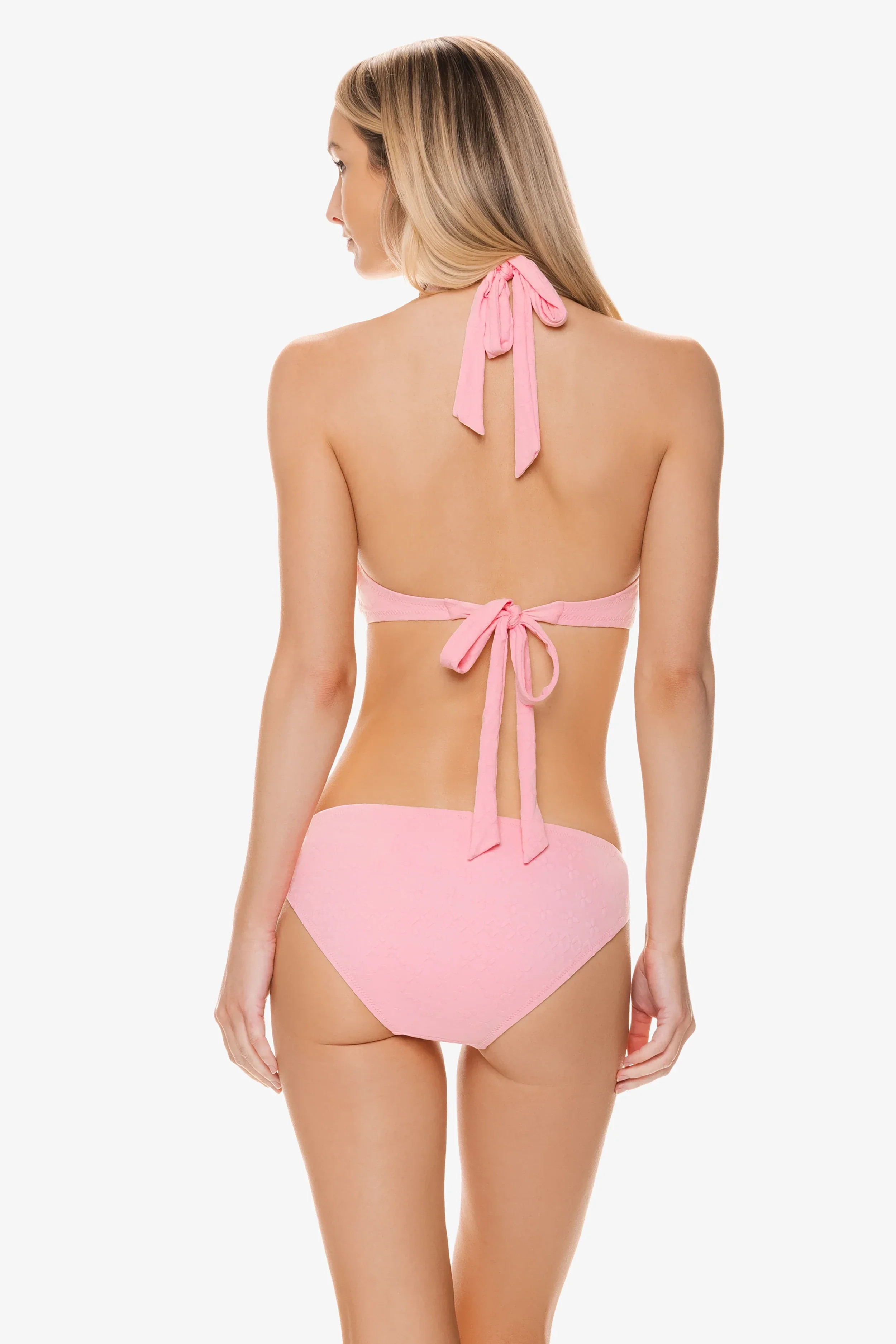

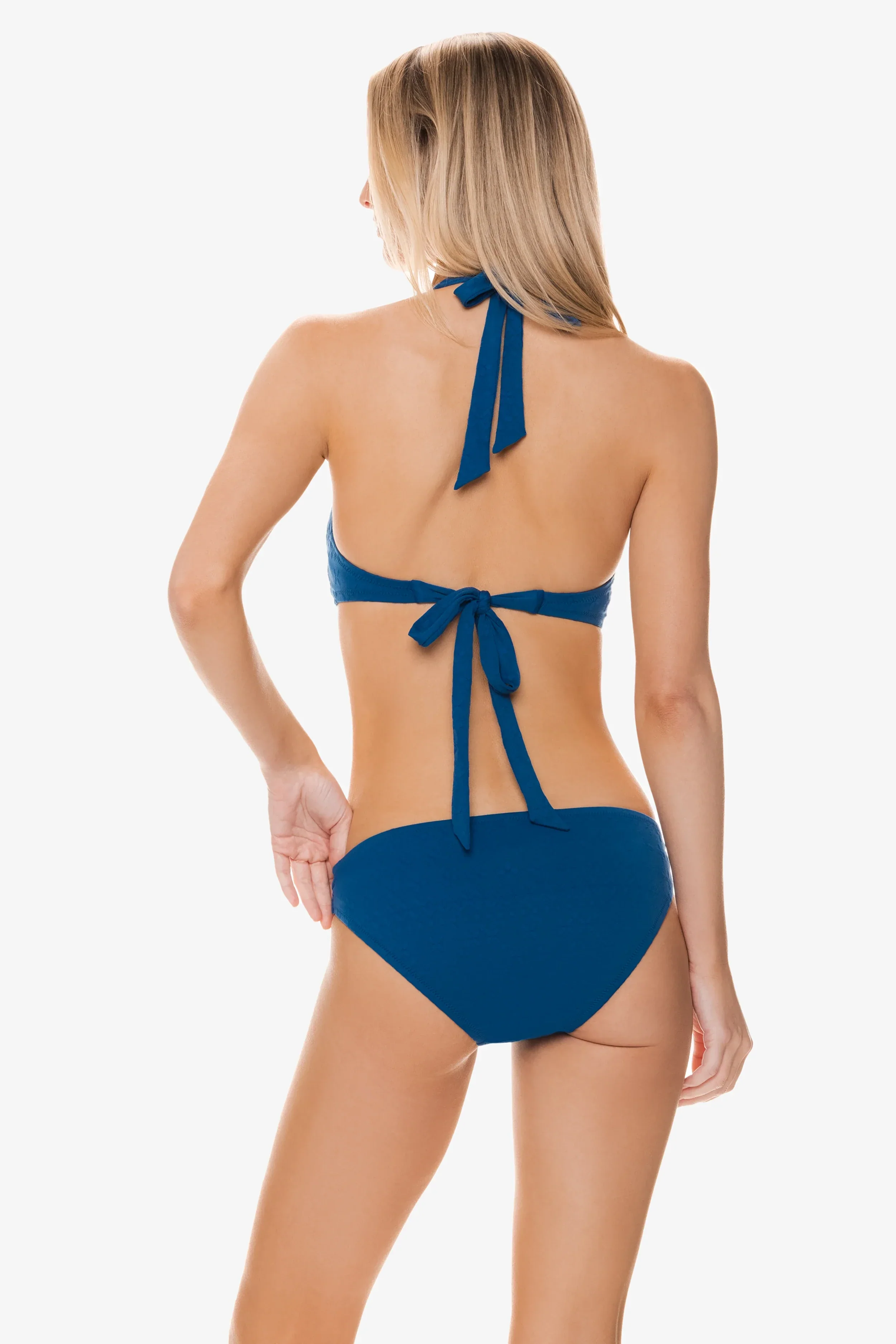
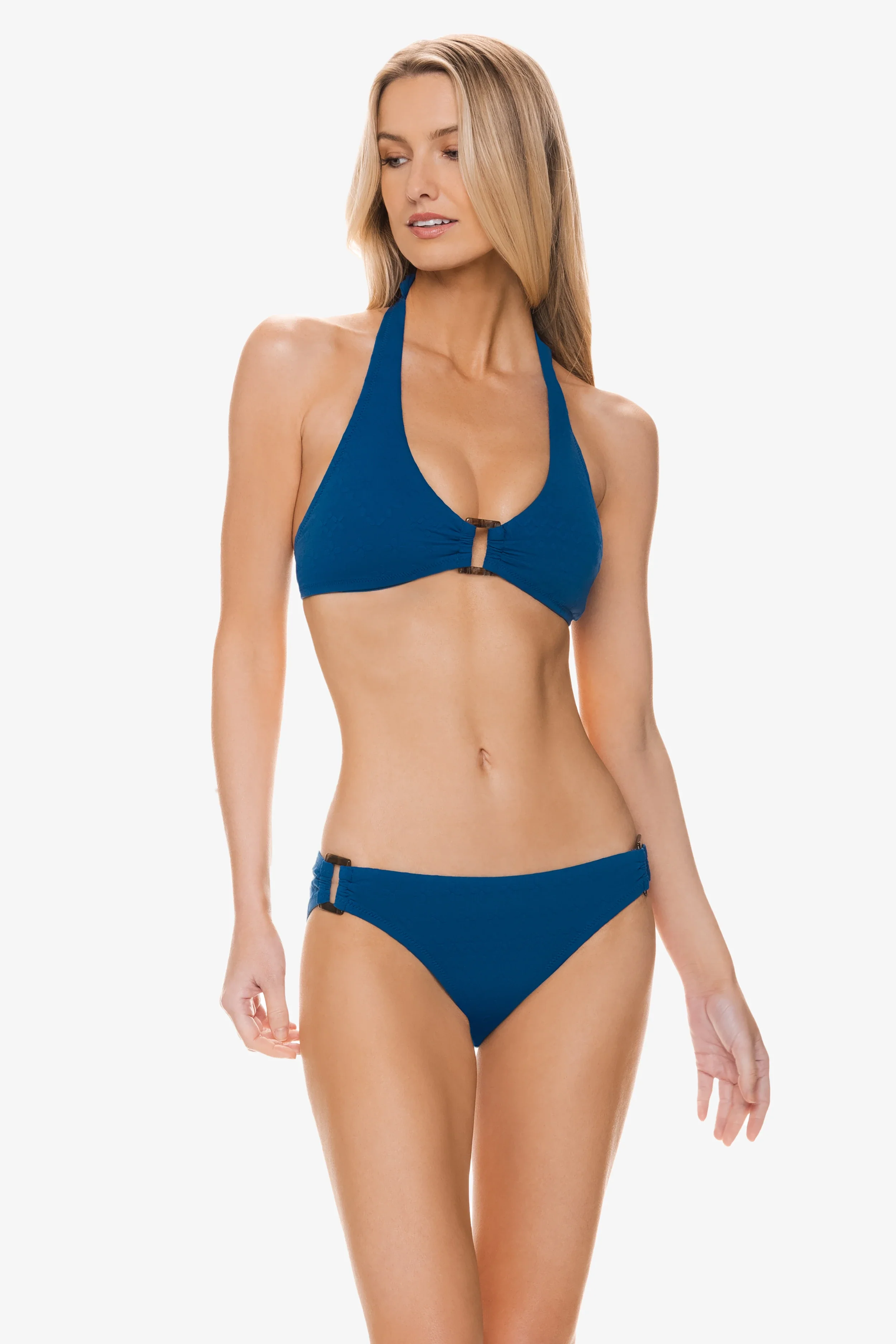

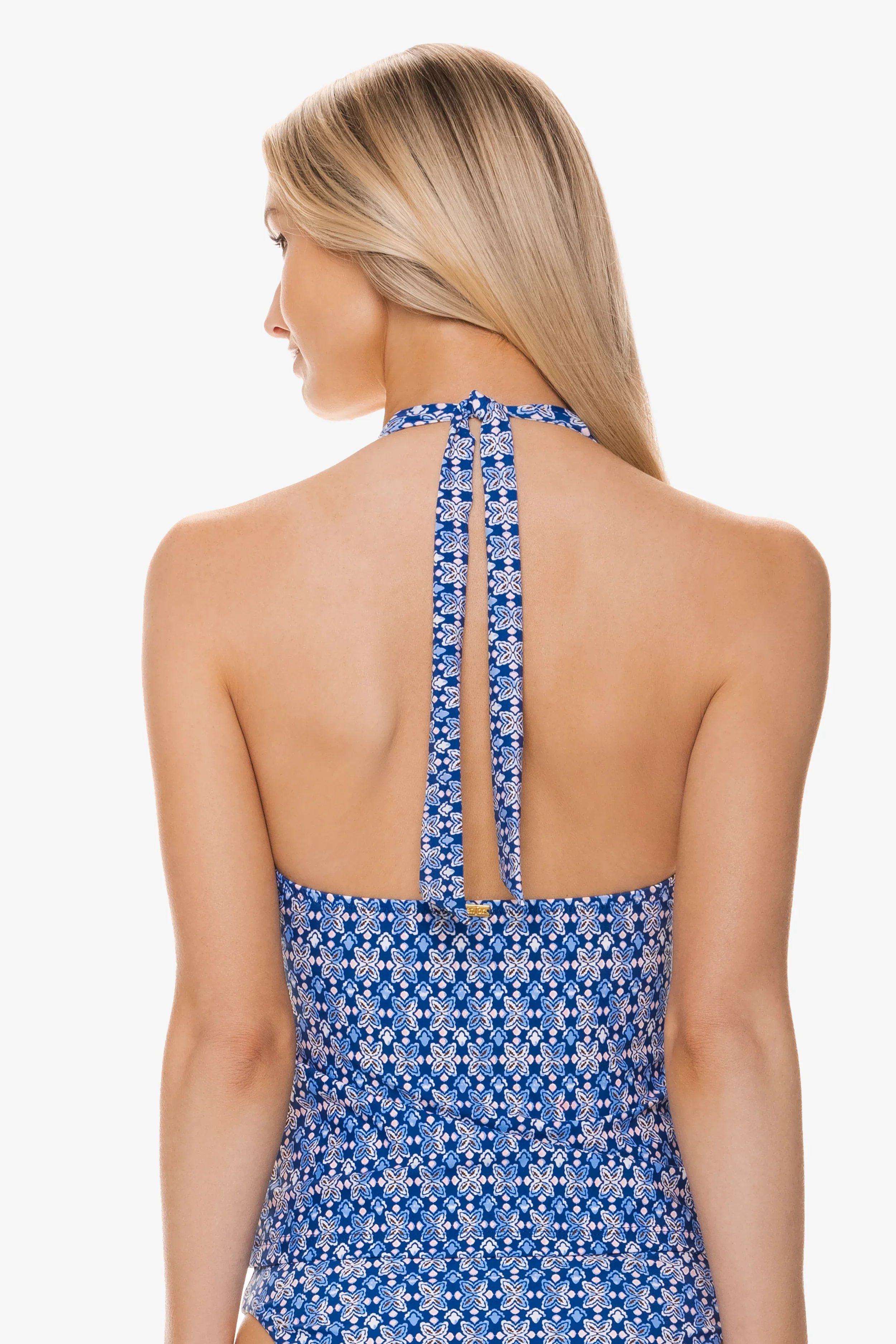





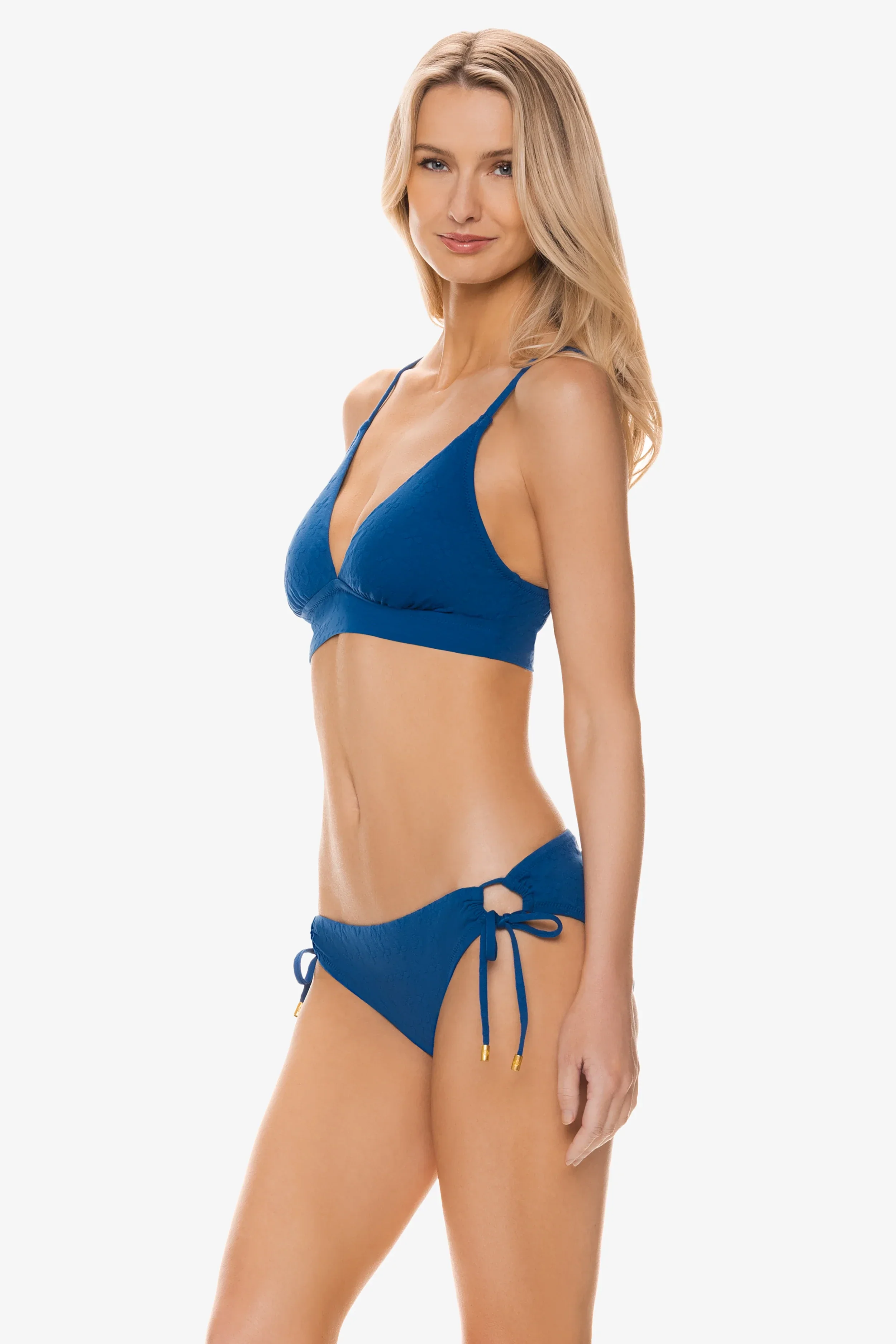
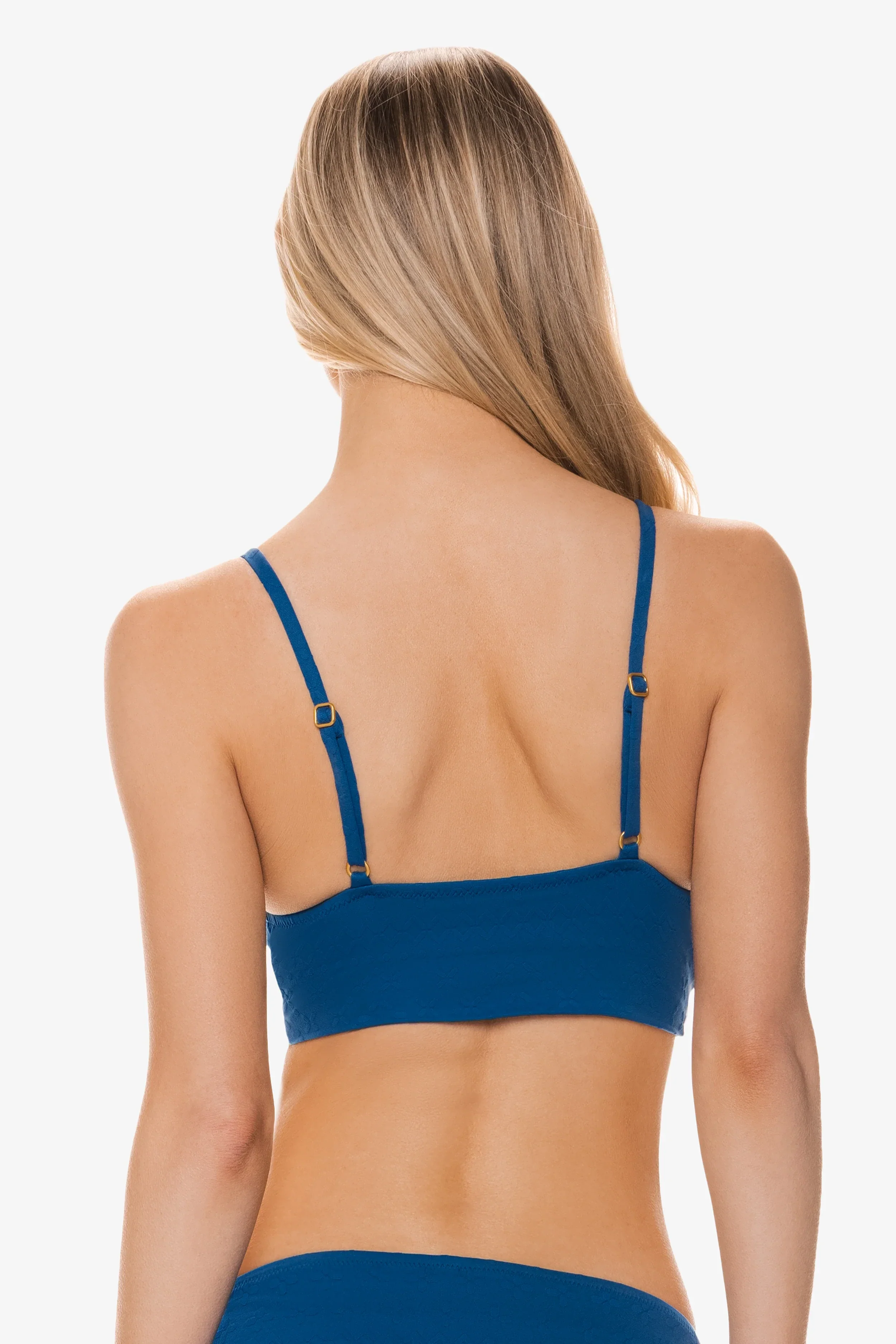









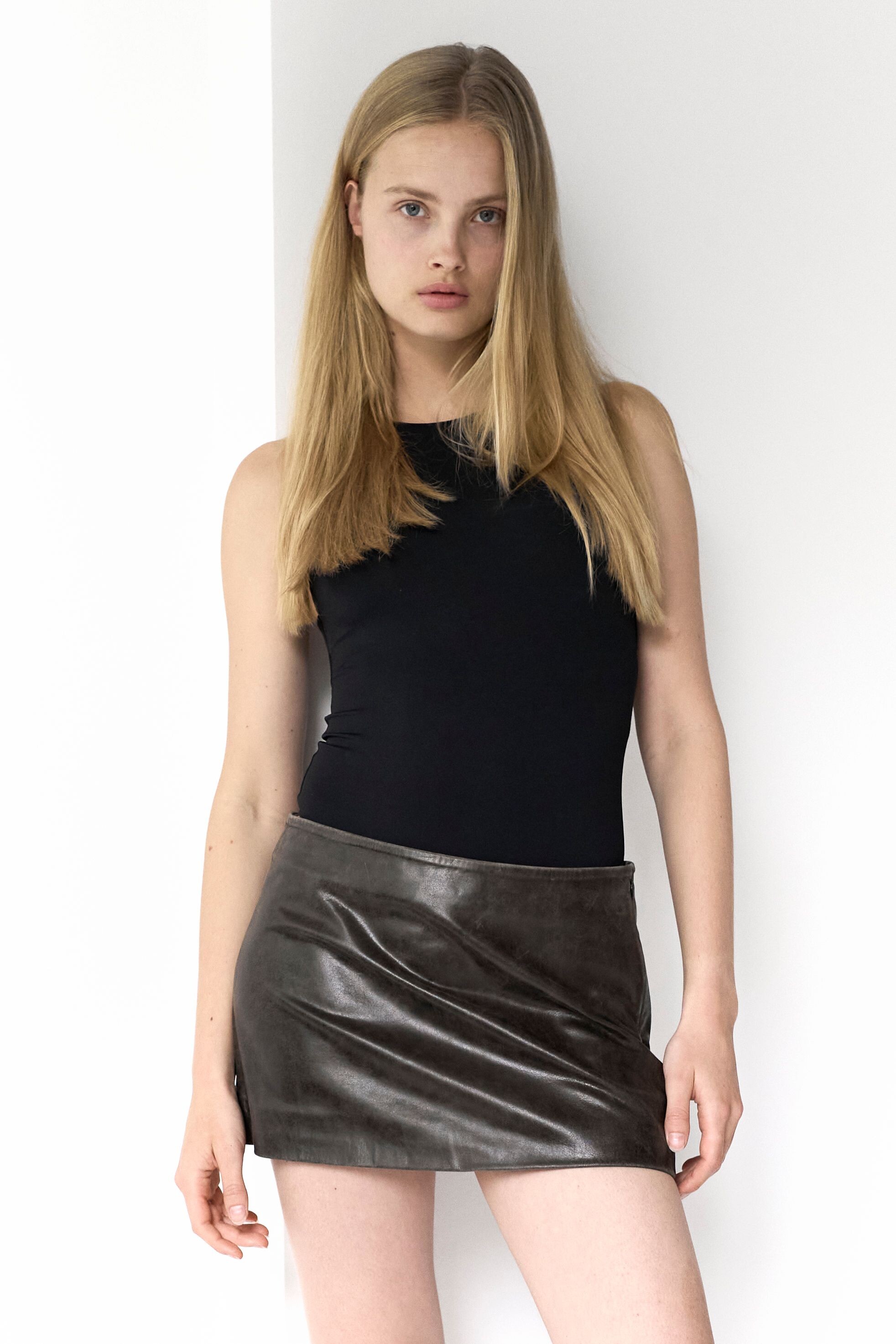






.jpg.ef9d6aa4c952ad8063c05e057c8fa782.jpg)
.jpg.0a45983ad2371edd34766c86e8a9ef7a.jpg)







































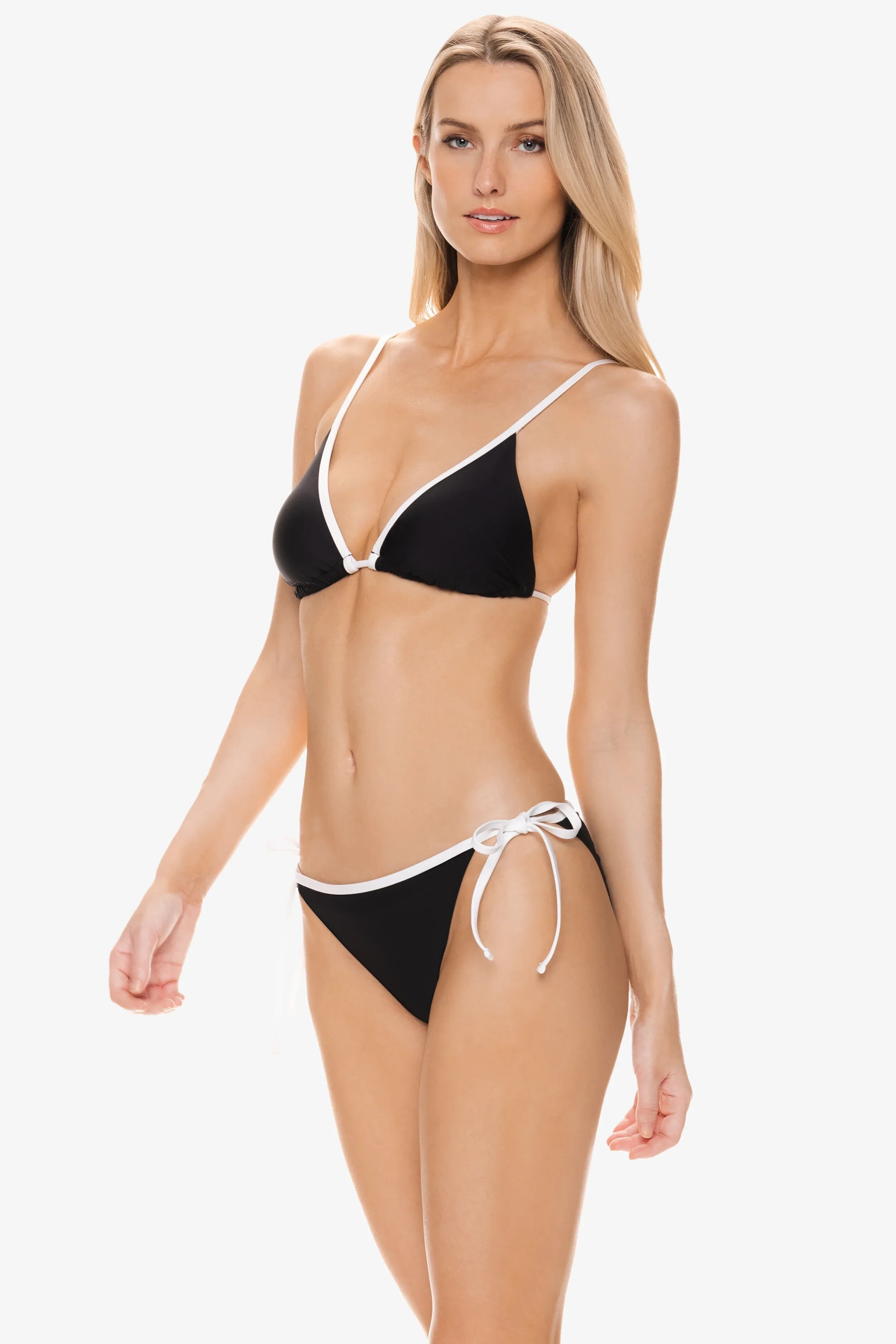

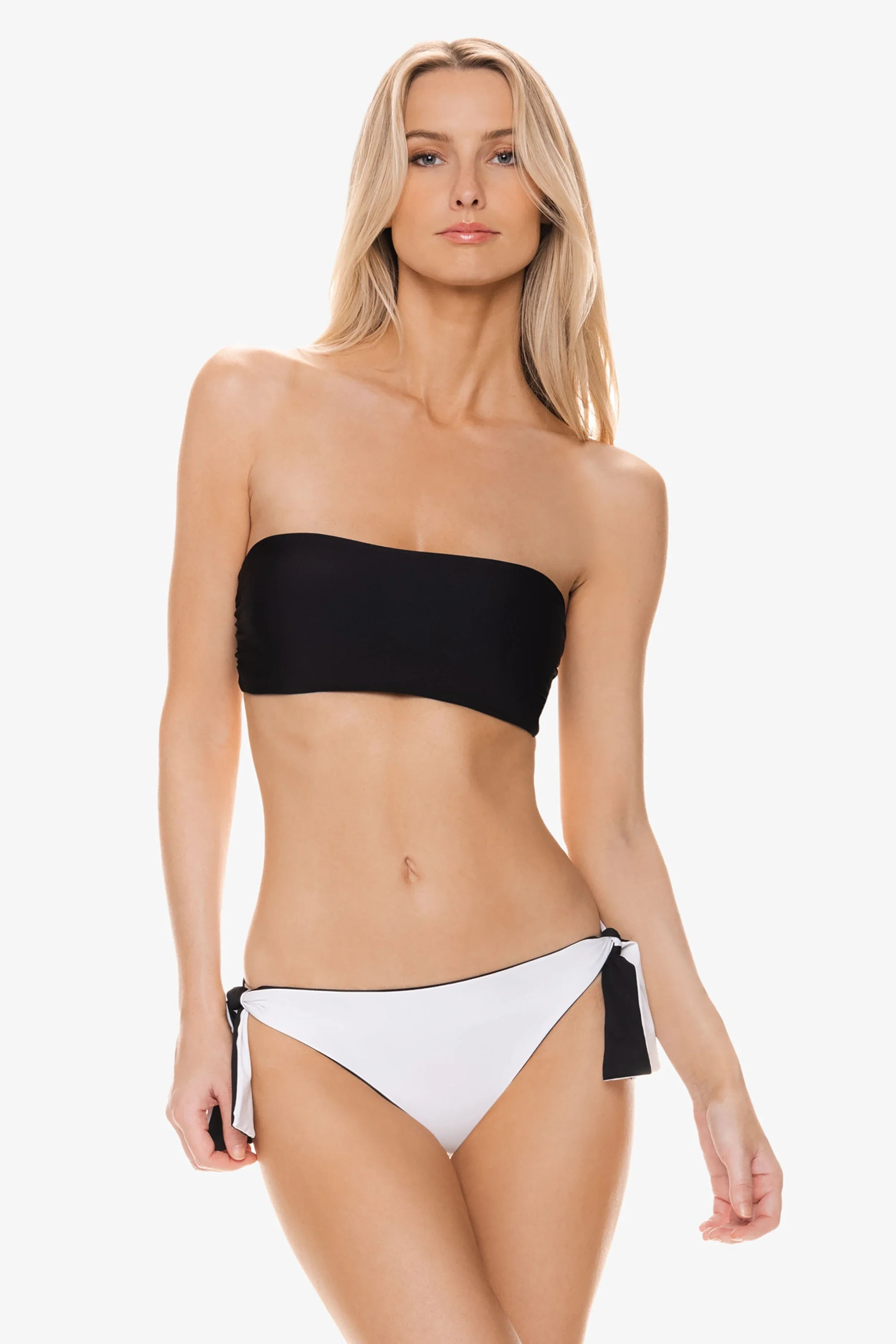
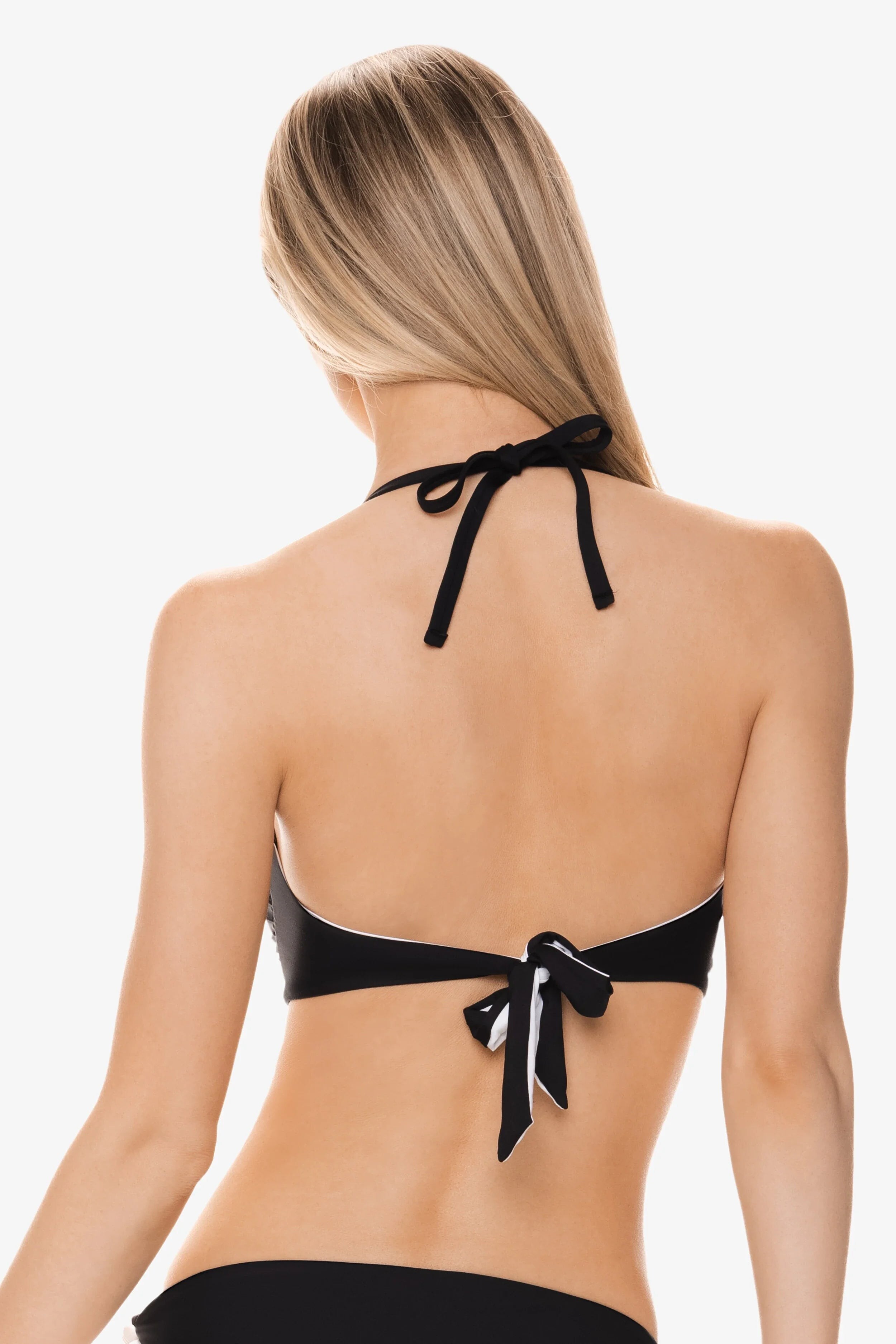
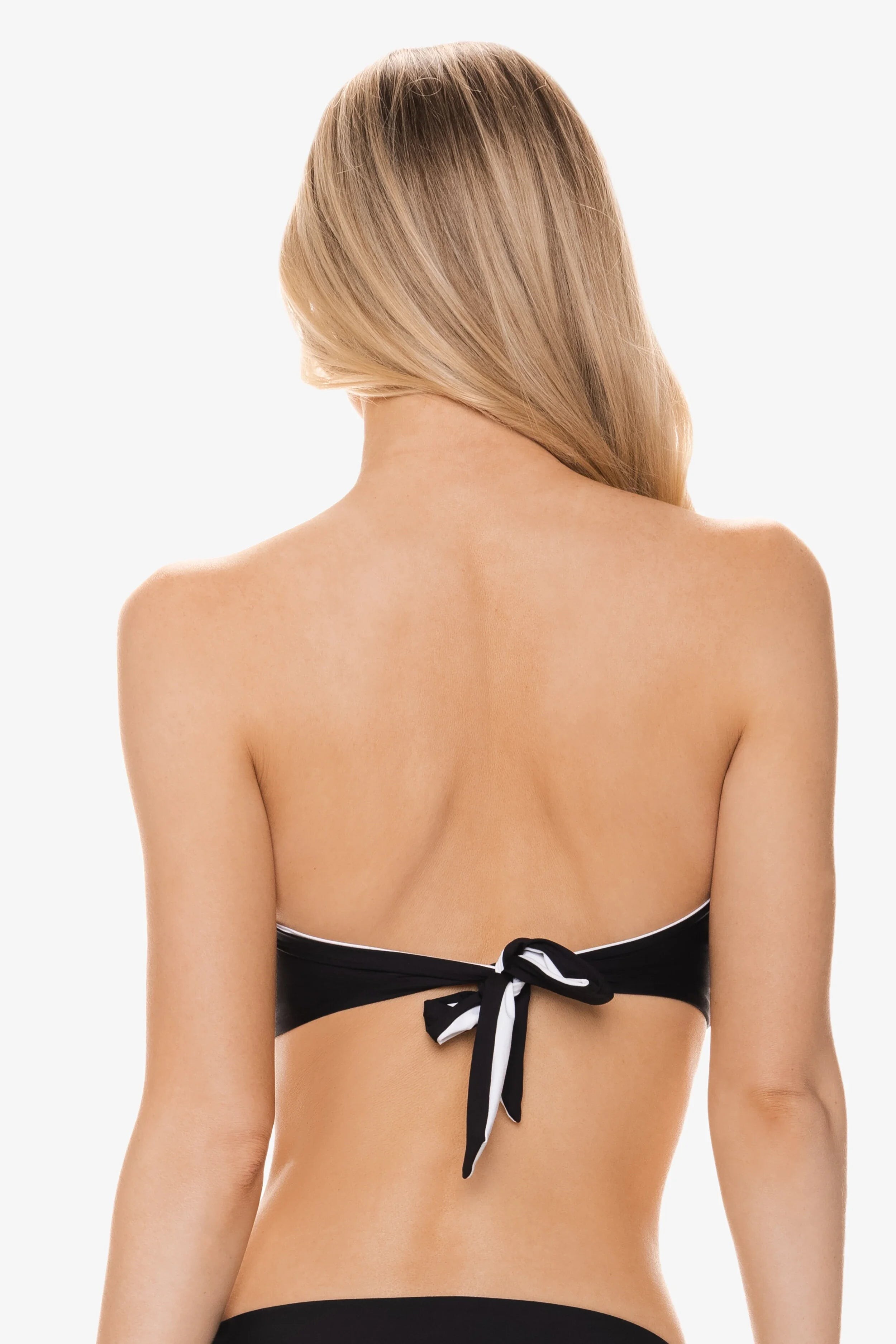


















Account
Navigation
Search
Configure browser push notifications
Chrome (Android)
- Tap the lock icon next to the address bar.
- Tap Permissions → Notifications.
- Adjust your preference.
Chrome (Desktop)
- Click the padlock icon in the address bar.
- Select Site settings.
- Find Notifications and adjust your preference.
Safari (iOS 16.4+)
- Ensure the site is installed via Add to Home Screen.
- Open Settings App → Notifications.
- Find your app name and adjust your preference.
Safari (macOS)
- Go to Safari → Preferences.
- Click the Websites tab.
- Select Notifications in the sidebar.
- Find this website and adjust your preference.
Edge (Android)
- Tap the lock icon next to the address bar.
- Tap Permissions.
- Find Notifications and adjust your preference.
Edge (Desktop)
- Click the padlock icon in the address bar.
- Click Permissions for this site.
- Find Notifications and adjust your preference.
Firefox (Android)
- Go to Settings → Site permissions.
- Tap Notifications.
- Find this site in the list and adjust your preference.
Firefox (Desktop)
- Open Firefox Settings.
- Search for Notifications.
- Find this site in the list and adjust your preference.