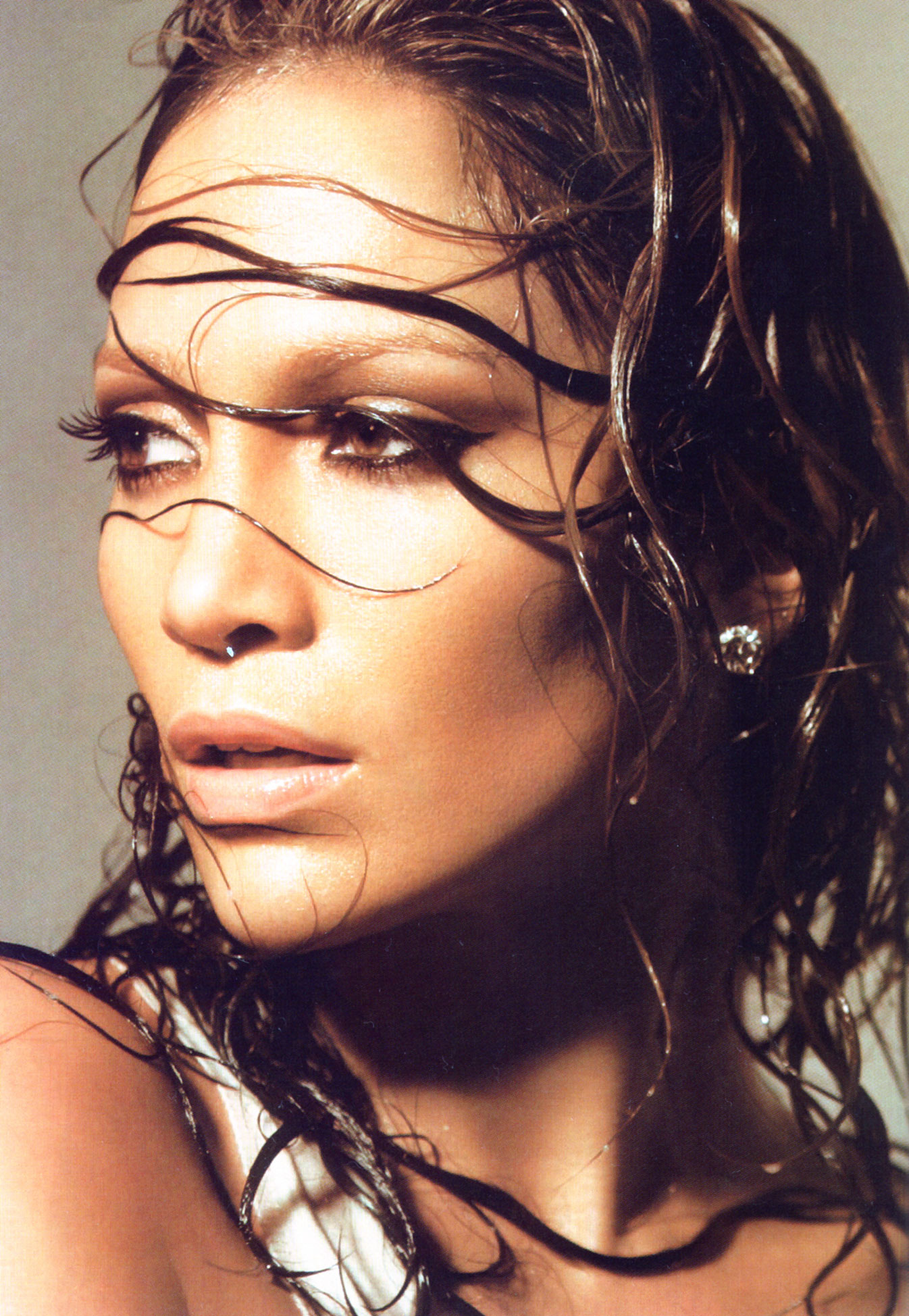
-
-
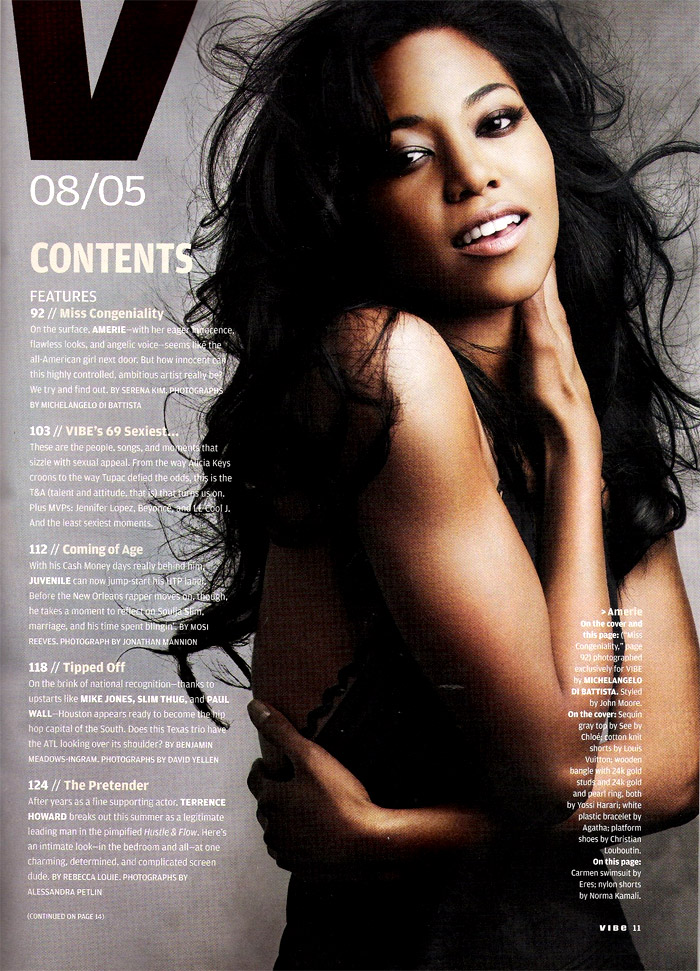
Amerie Rogers
She's a gorgeous looking woman ! Gorgeous enough in fact that i havn't even noticed a flat ass or flat boobs about her. Don't you just mean small chest small ass? Regardless of which, her ass doesn't seem soo flat to me Her body is banging !! hehe VIBE August 2005
-
Laryssa Castro
- Advertisements
-
Editorials
-
Jennifer Lopez
The cover and editorials are really nice. She's still looking good !
-
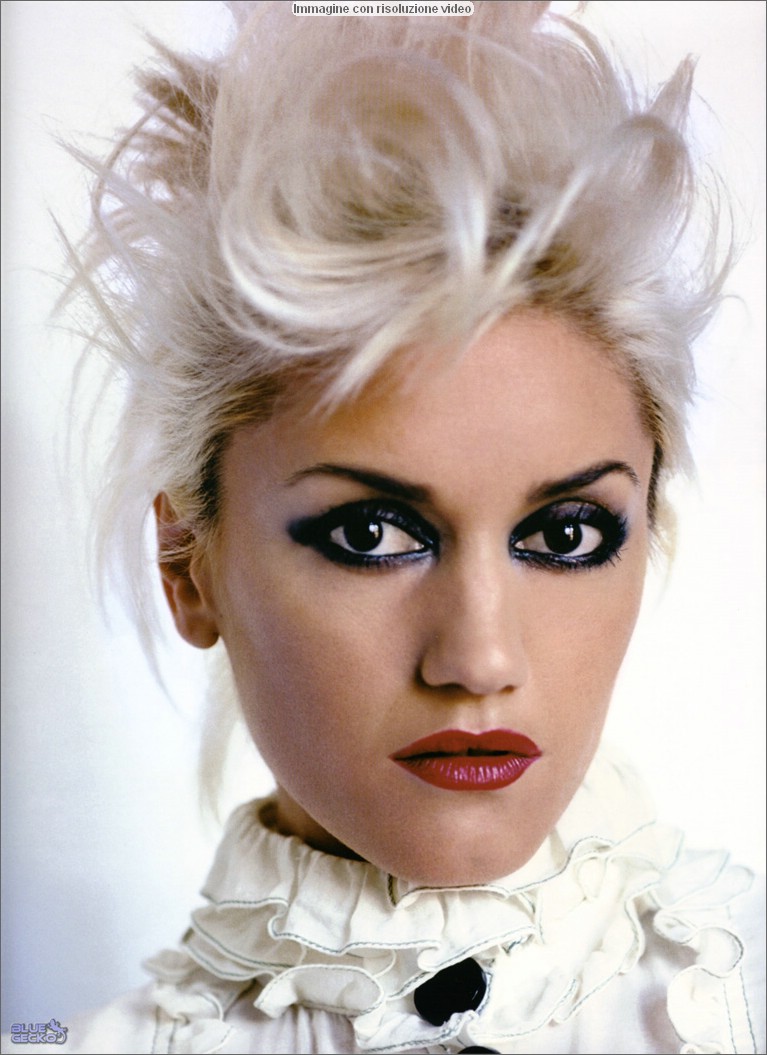
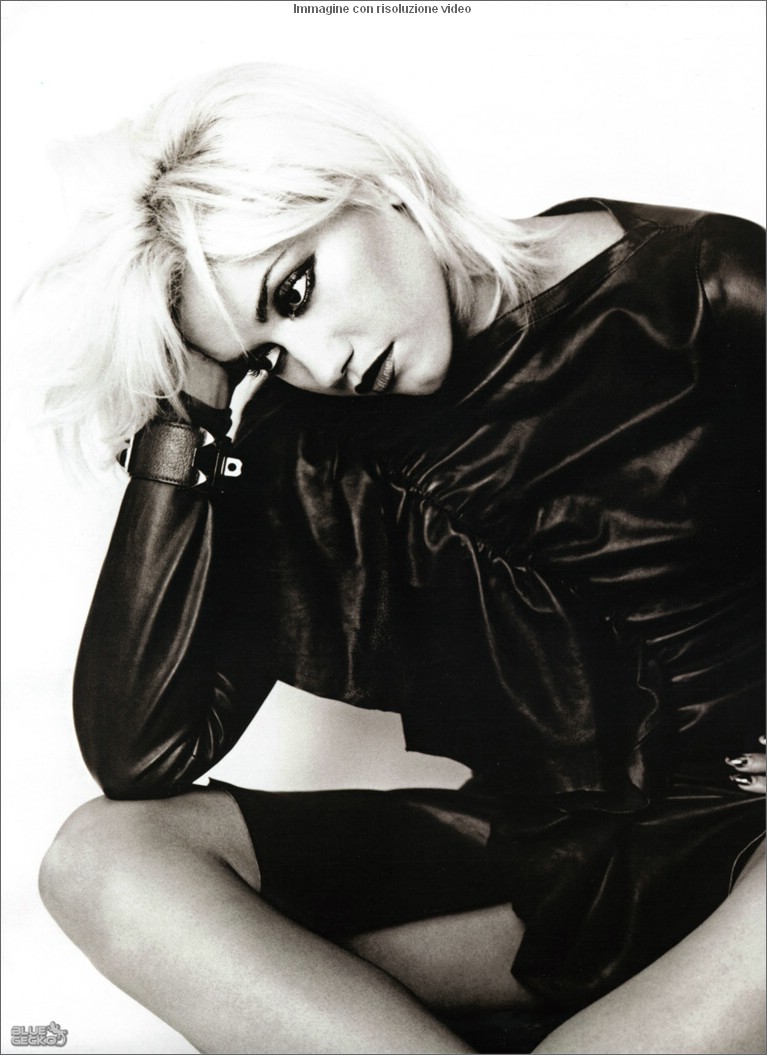
Gwen Stefani
I loved Gwen ever since No Doubt. She's fantastic and of coarse she's beautiful, i think her body is one of the most perfect out there. She's a great entertainer
-
Runway
I'm not sure if these have been posted. Apologies if they already have. Caio Gobbi Sao Paulo Fashion Week . The PlaceImage hidden for guestsSign in to view

- Hair
-
Jessica Alba
miixed i love your avatar and signature !
-
kimberly started following Jessica Alba
-
Katja Shchekina
- Laryssa Castro
- Perfect pout
Australian Model Amy Rose- Eyes
- Paris Hilton
I like Paris but i prefer Nicole over her.- Jennifer Lopez
she has a very cute smile & really nice teeth. - Laryssa Castro
kimberly
Members
-
Joined
-
Last visited
Account
Navigation
Search
Configure browser push notifications
Chrome (Android)
- Tap the lock icon next to the address bar.
- Tap Permissions → Notifications.
- Adjust your preference.
Chrome (Desktop)
- Click the padlock icon in the address bar.
- Select Site settings.
- Find Notifications and adjust your preference.
Safari (iOS 16.4+)
- Ensure the site is installed via Add to Home Screen.
- Open Settings App → Notifications.
- Find your app name and adjust your preference.
Safari (macOS)
- Go to Safari → Preferences.
- Click the Websites tab.
- Select Notifications in the sidebar.
- Find this website and adjust your preference.
Edge (Android)
- Tap the lock icon next to the address bar.
- Tap Permissions.
- Find Notifications and adjust your preference.
Edge (Desktop)
- Click the padlock icon in the address bar.
- Click Permissions for this site.
- Find Notifications and adjust your preference.
Firefox (Android)
- Go to Settings → Site permissions.
- Tap Notifications.
- Find this site in the list and adjust your preference.
Firefox (Desktop)
- Open Firefox Settings.
- Search for Notifications.
- Find this site in the list and adjust your preference.