All Activity
- Past hour
-
 Ann Lee Stills and Posters amandaseyfriedphotos.com







-

-

 beautiful face!
 ^She was in the 2020 calendar so sure, it was probably shot in 2019. You seem to have ways of finding things so maybe you can dig some more from that shoot up. I've only seen the published photos and now that BTS
 Don't strike out
 I'm on the nice list




- Today
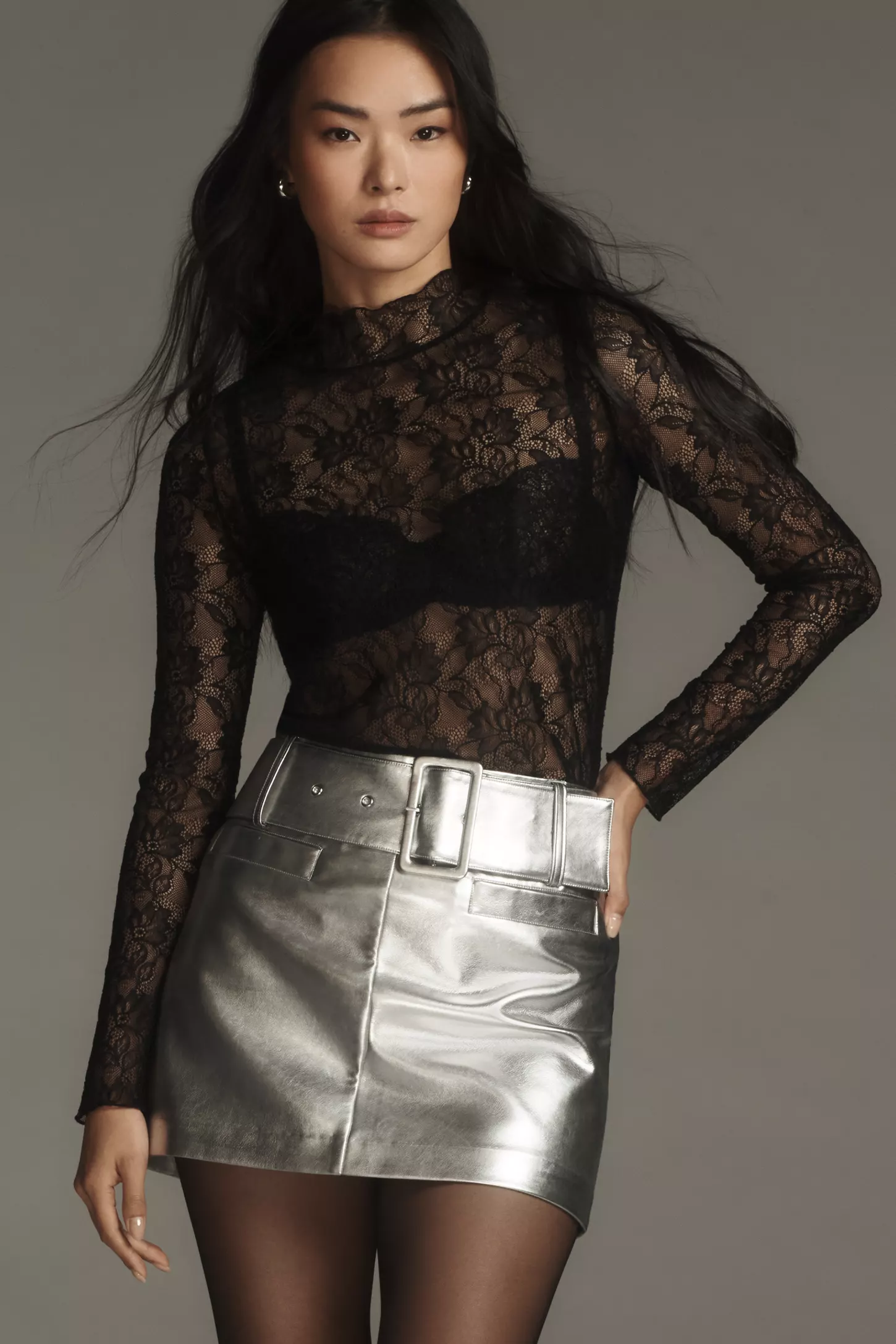
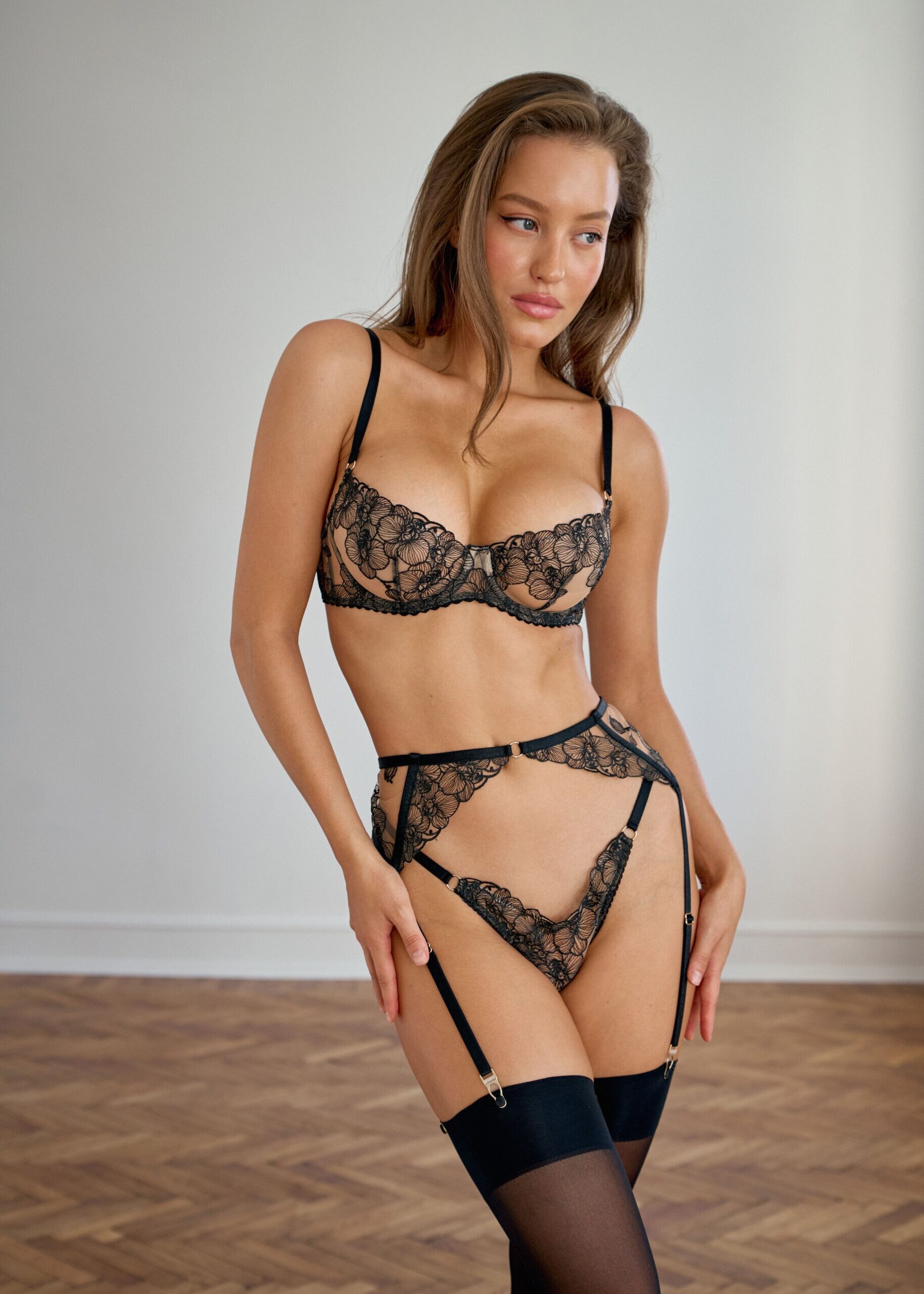
Emilie Musee lingerie model name?? Emilie Musee lingerie model name??
 Agustina CHerri







 emmaherdler StorySaver.net-emmaherdler-Video-1765639534546.mp4
 Irina Shayk Toni Garrn Celine Bethmann Chandler Bailey Karlie Kloss Paula Perez Emily Deyt-Aysage Isabella Naomi Kroon Fiona Briseno Alexa Breit Valeriya Lapidus Samaria Regalado Mara Lafontan Gillian Nation Ergi Bardhollari Mishka Silva
 Based on Maggie's face in the video I don't think it's from 2020. This looks more like when she first stated modeling in her early 20's. So this might be the highest quality we can get. But I might be mistaken.
- Yesterday
nasa astronauts still using russian craft..

















































Account
Search
Configure browser push notifications
Chrome (Android)
- Tap the lock icon next to the address bar.
- Tap Permissions → Notifications.
- Adjust your preference.
Chrome (Desktop)
- Click the padlock icon in the address bar.
- Select Site settings.
- Find Notifications and adjust your preference.
Safari (iOS 16.4+)
- Ensure the site is installed via Add to Home Screen.
- Open Settings App → Notifications.
- Find your app name and adjust your preference.
Safari (macOS)
- Go to Safari → Preferences.
- Click the Websites tab.
- Select Notifications in the sidebar.
- Find this website and adjust your preference.
Edge (Android)
- Tap the lock icon next to the address bar.
- Tap Permissions.
- Find Notifications and adjust your preference.
Edge (Desktop)
- Click the padlock icon in the address bar.
- Click Permissions for this site.
- Find Notifications and adjust your preference.
Firefox (Android)
- Go to Settings → Site permissions.
- Tap Notifications.
- Find this site in the list and adjust your preference.
Firefox (Desktop)
- Open Firefox Settings.
- Search for Notifications.
- Find this site in the list and adjust your preference.