All Activity
- Past hour
-

-
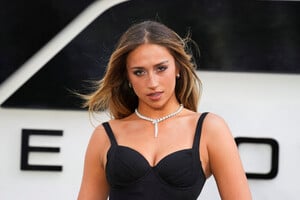
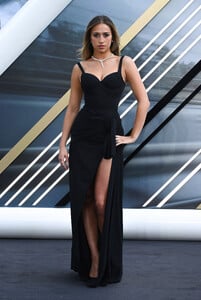
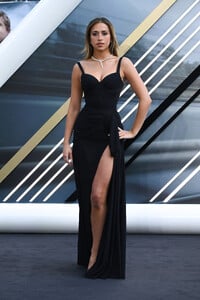
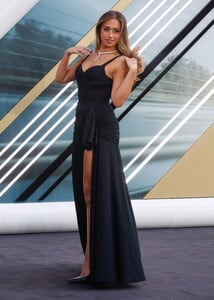
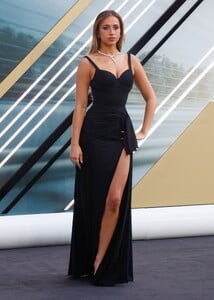
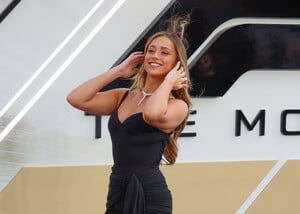
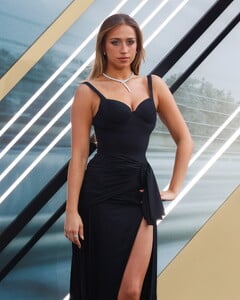
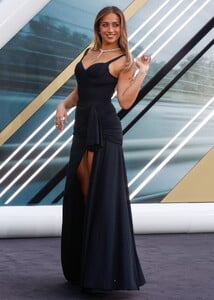
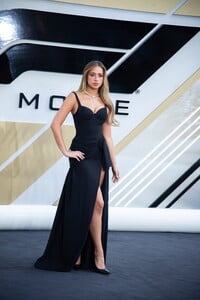
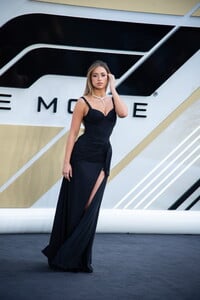
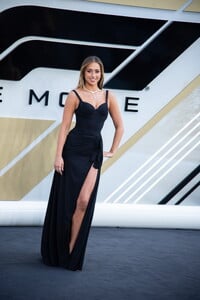
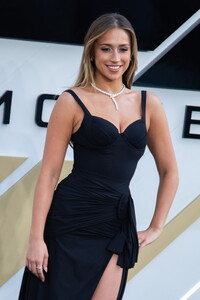
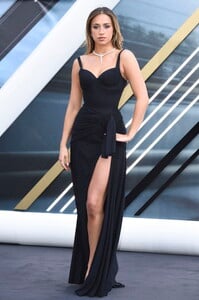
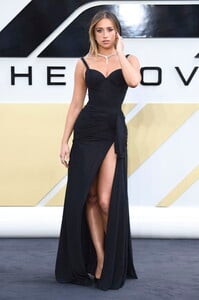
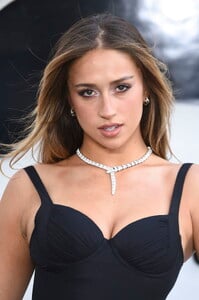
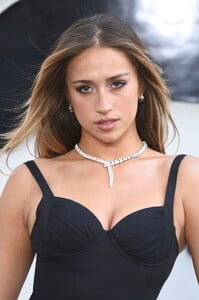
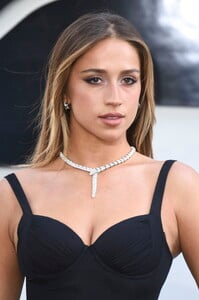
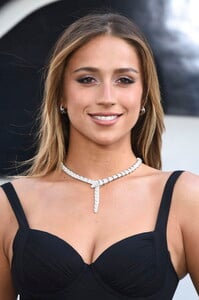
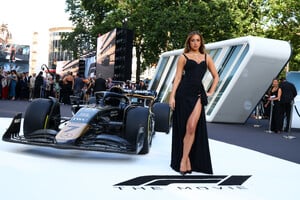
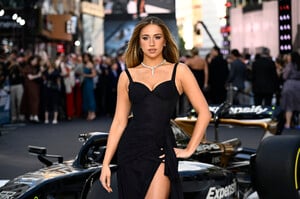
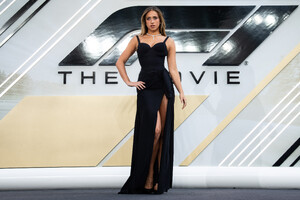
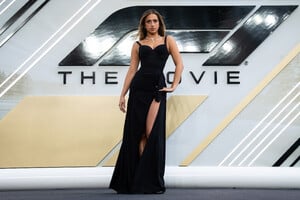
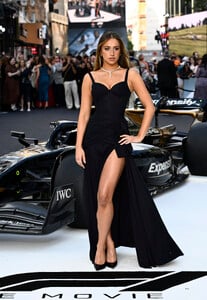
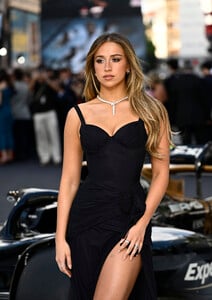
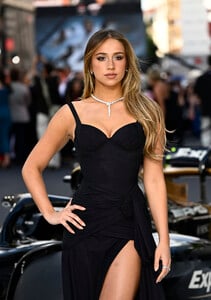
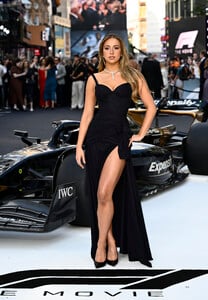
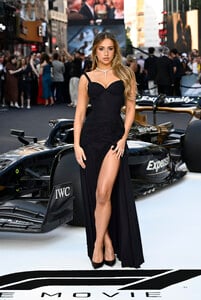
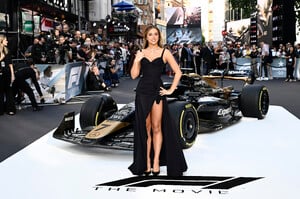
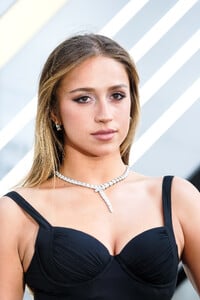
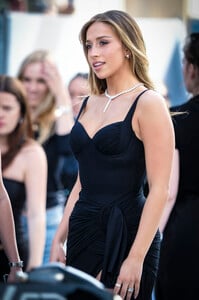
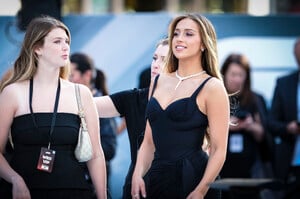
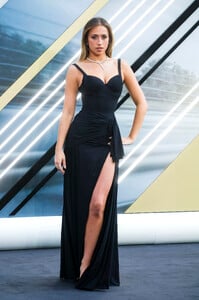
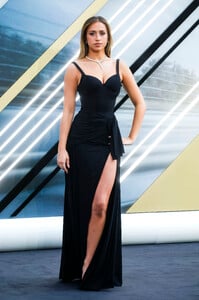
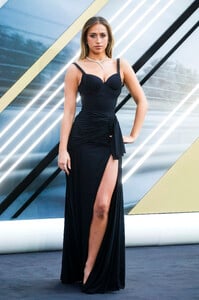
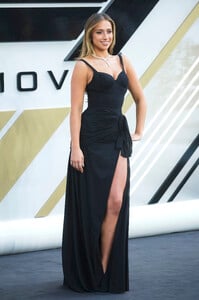
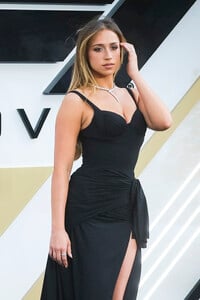
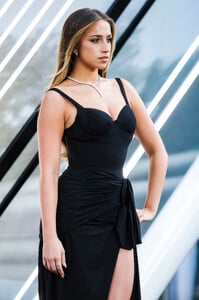
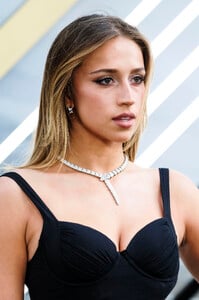
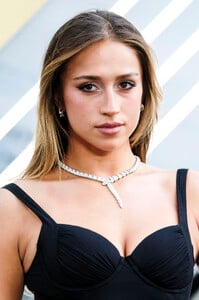
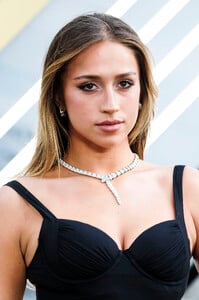
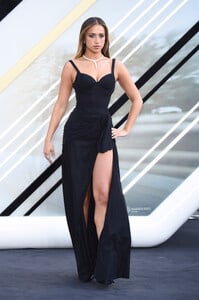
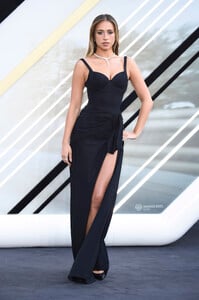
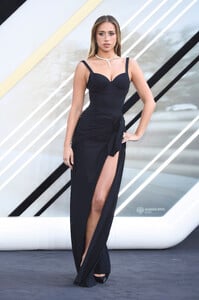
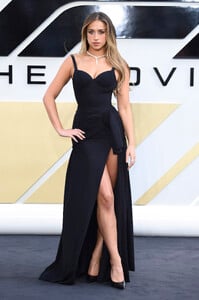
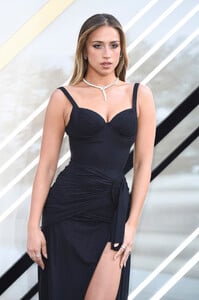
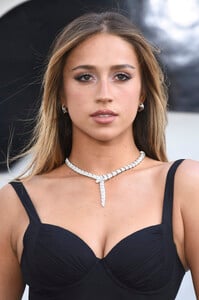
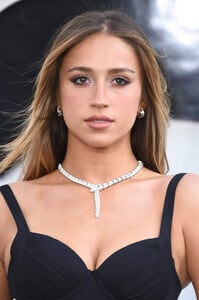
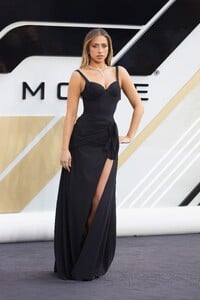
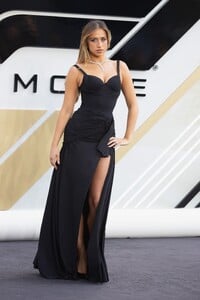
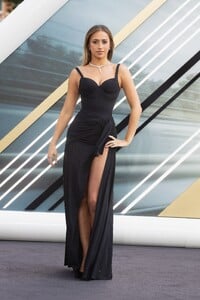
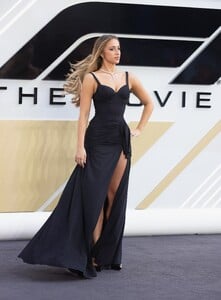
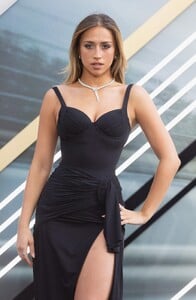
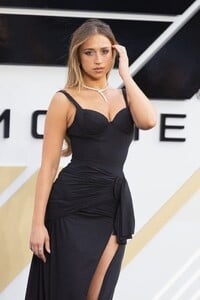
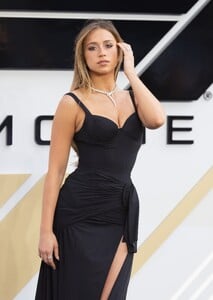
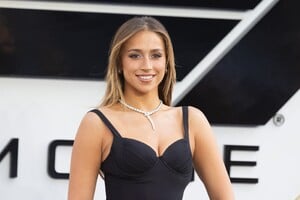
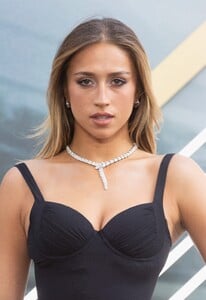
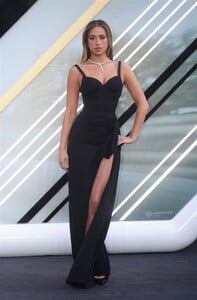
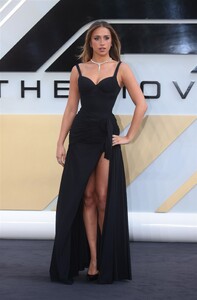
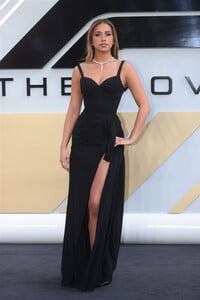
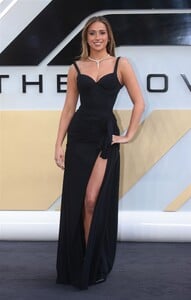
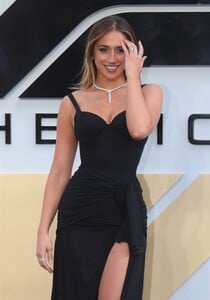
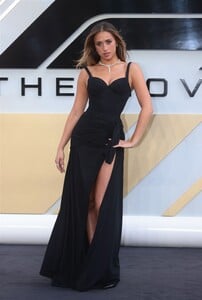
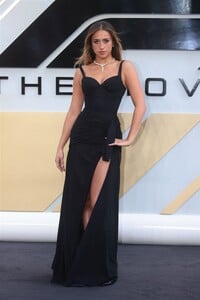
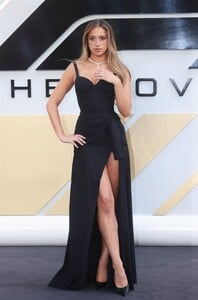
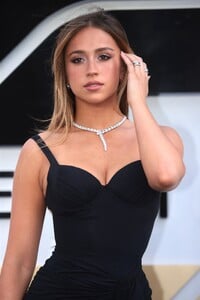
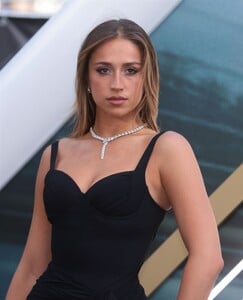
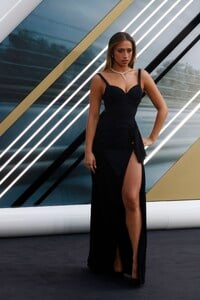
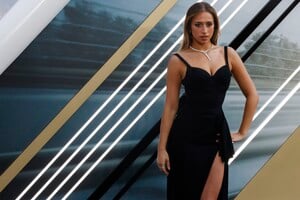
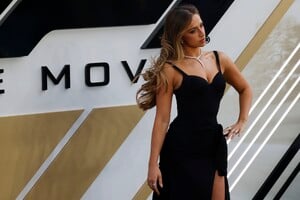
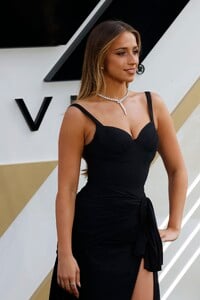
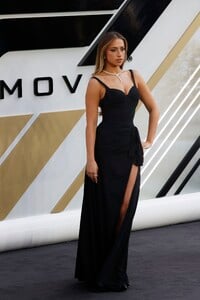
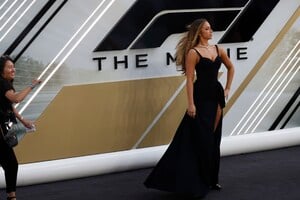
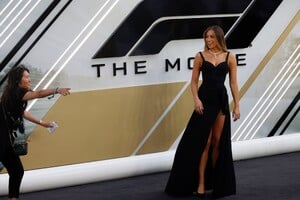
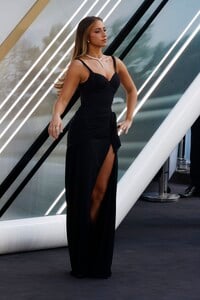
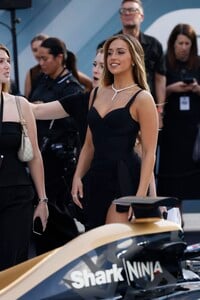
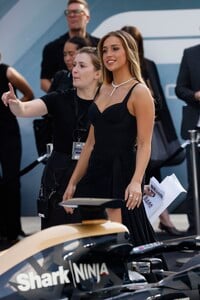
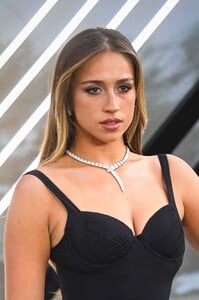
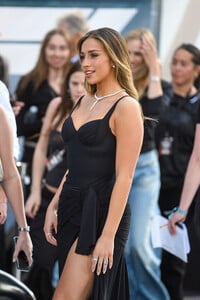
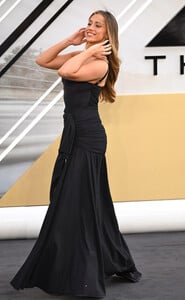
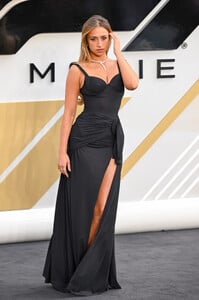
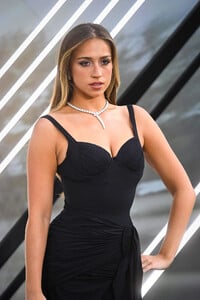
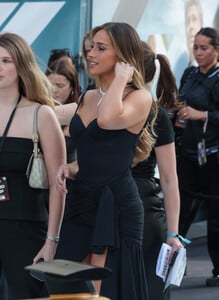
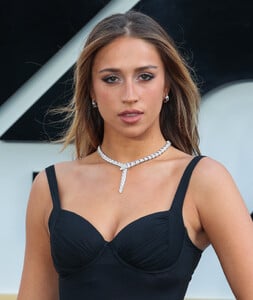
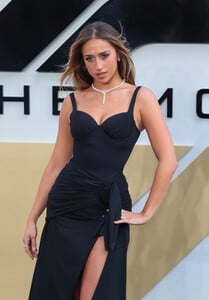
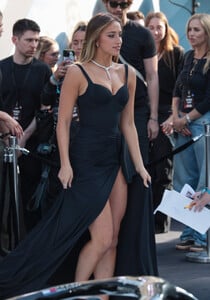
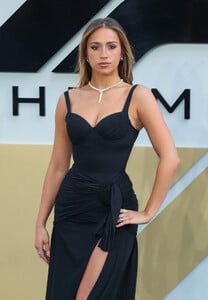
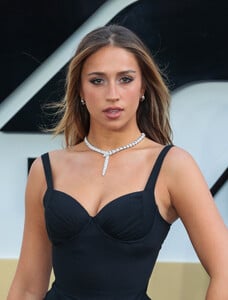
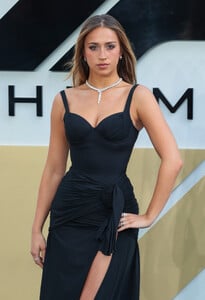
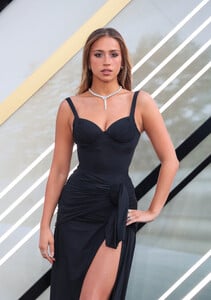
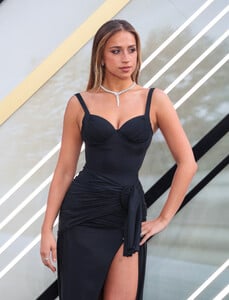
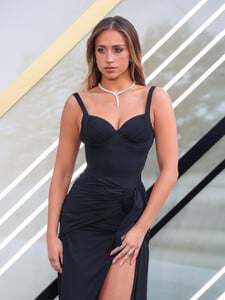
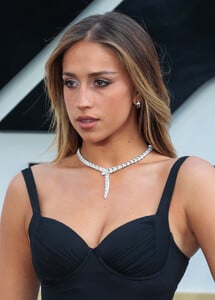
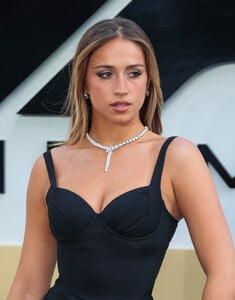
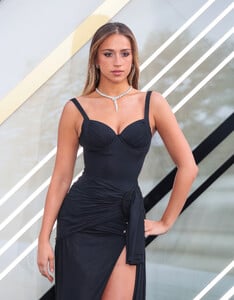
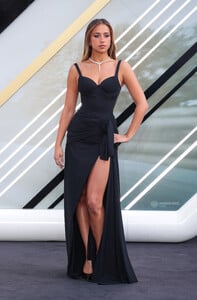
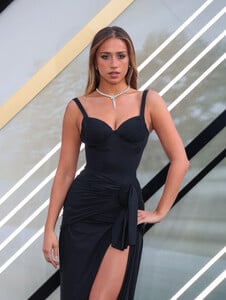
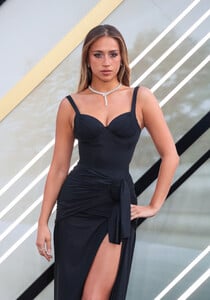
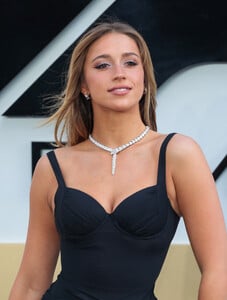
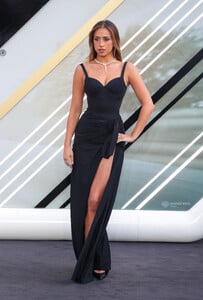
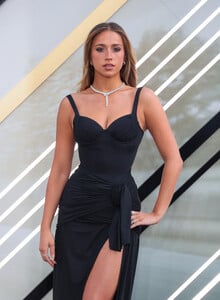
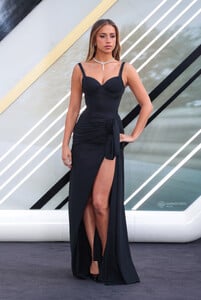
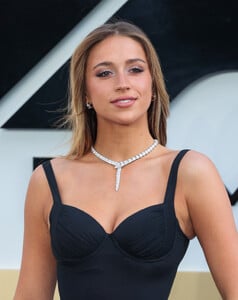
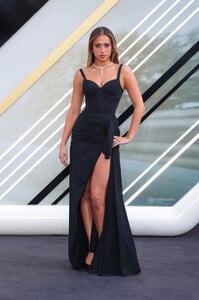
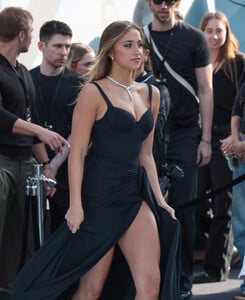
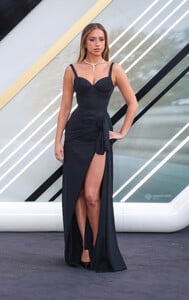
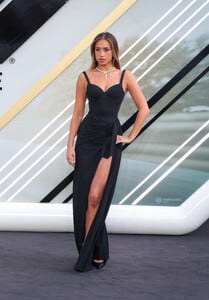
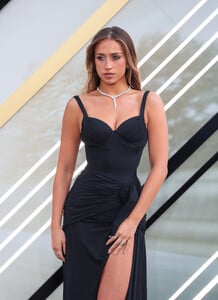
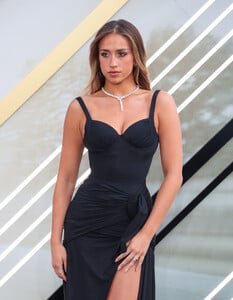
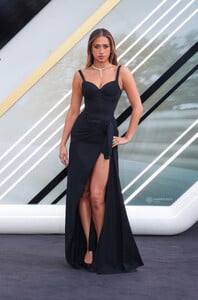
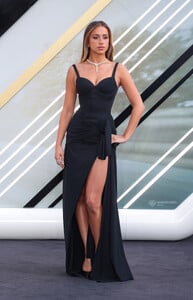
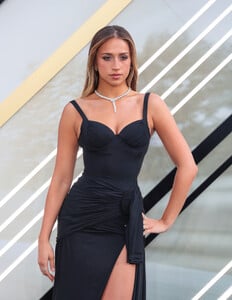
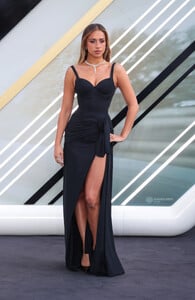
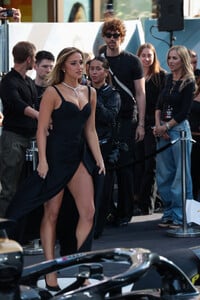
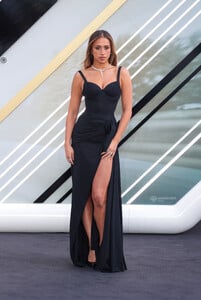
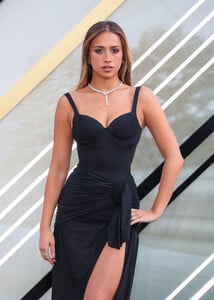
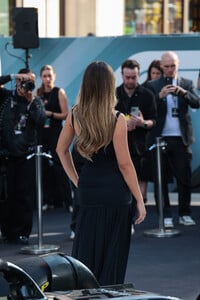
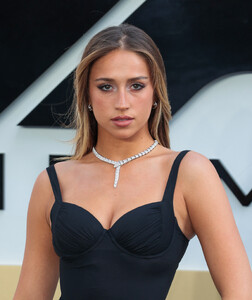
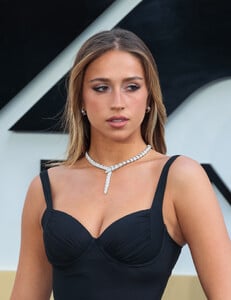
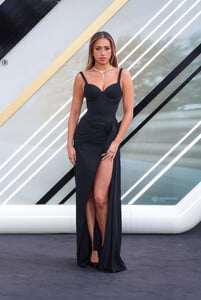
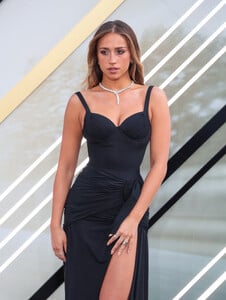
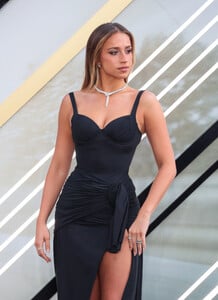
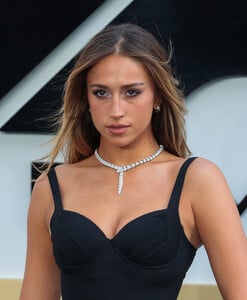
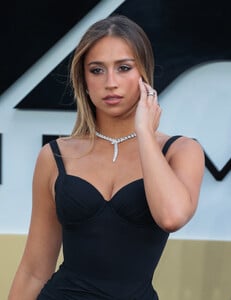
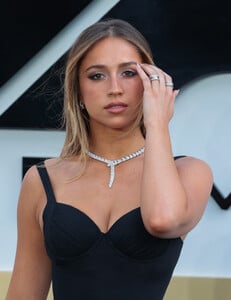
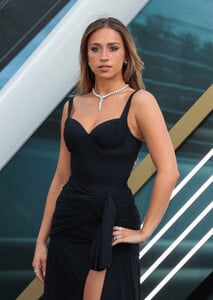
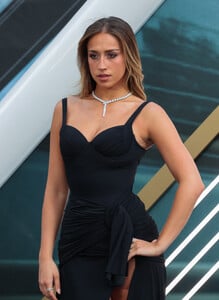
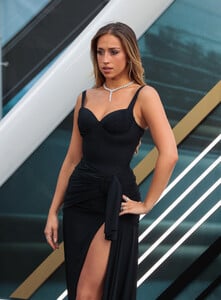
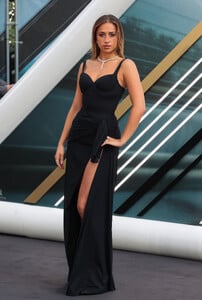
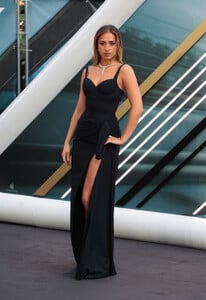
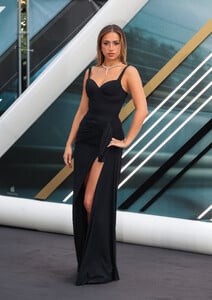
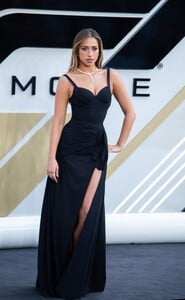
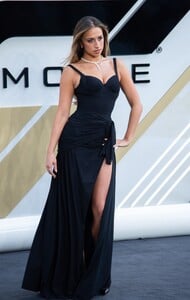
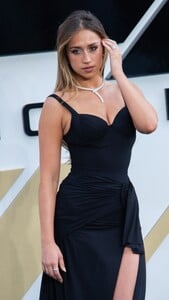
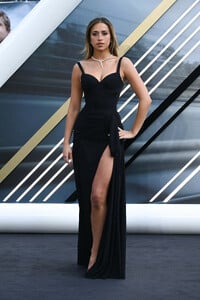
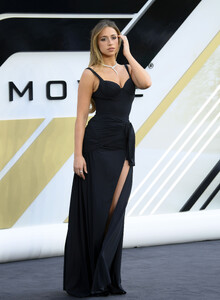
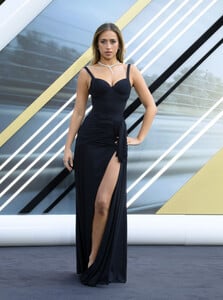
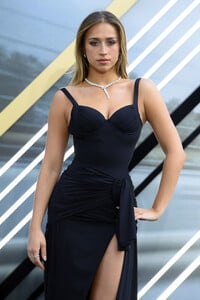
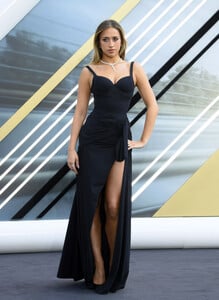
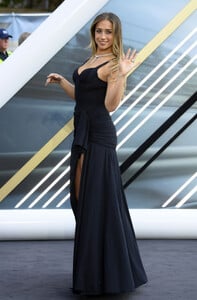
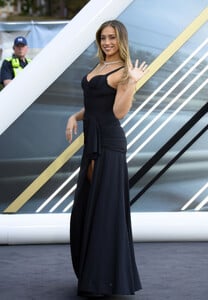
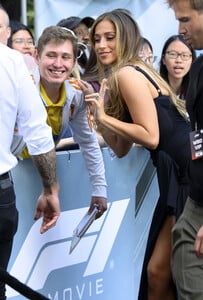
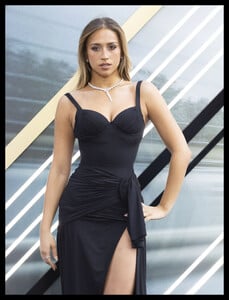
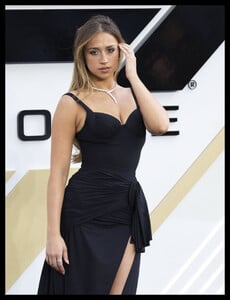
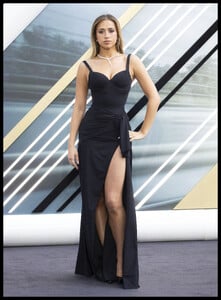
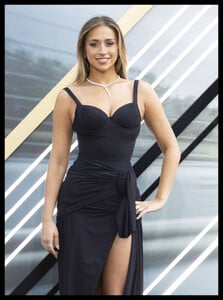
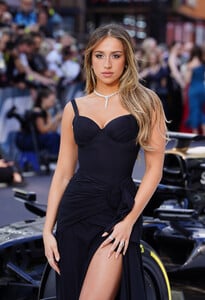
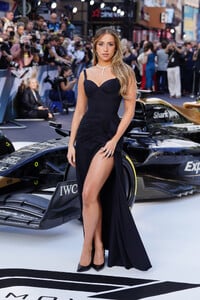
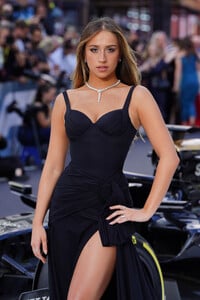
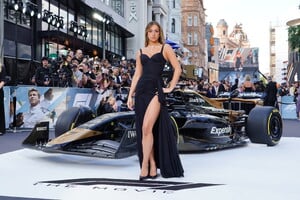
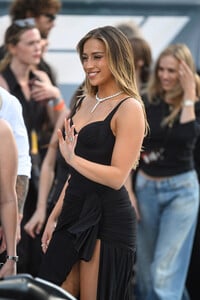
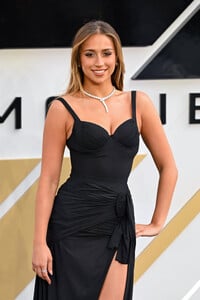
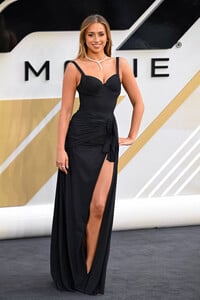
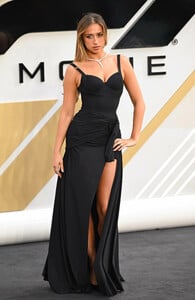
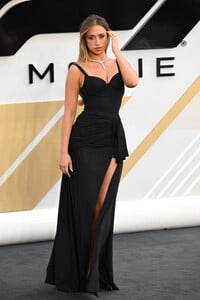
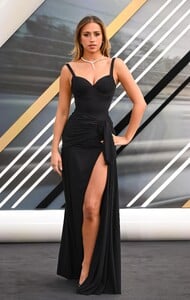
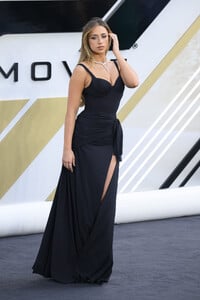
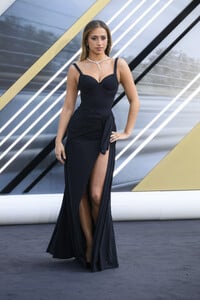
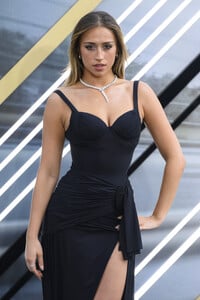
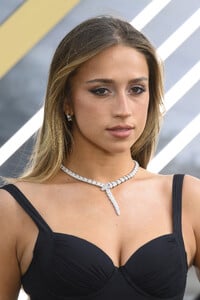
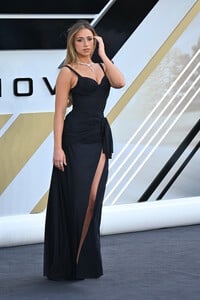
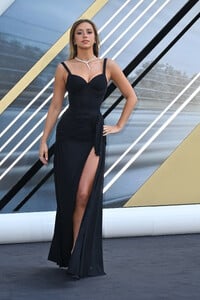
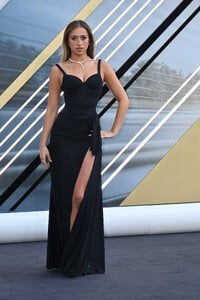
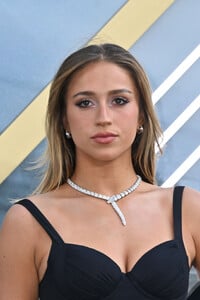
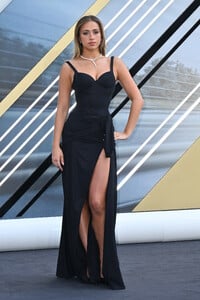
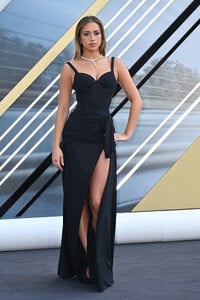
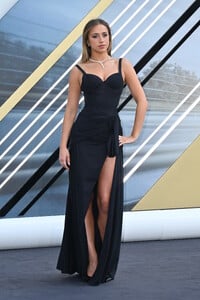
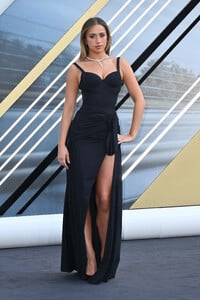
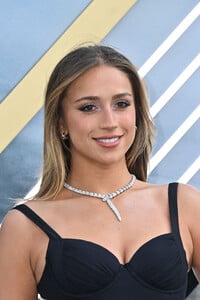
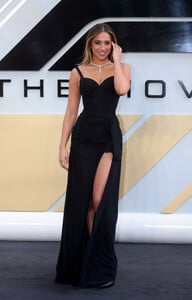
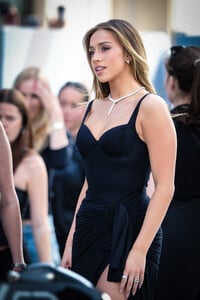
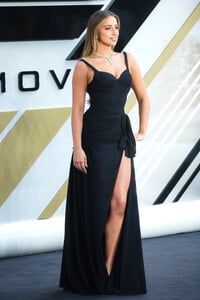
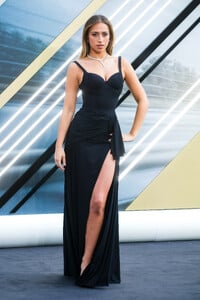
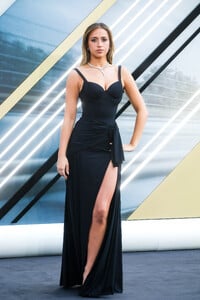
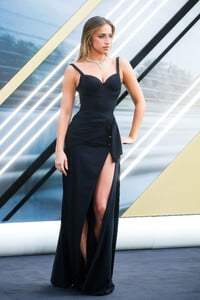
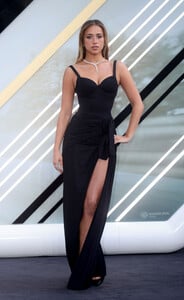
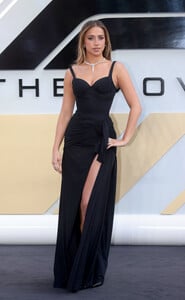
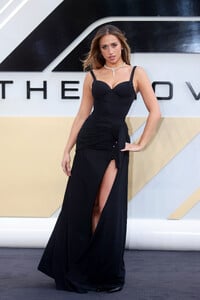
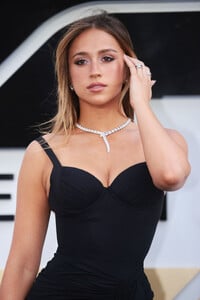
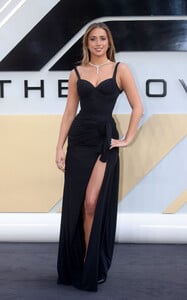
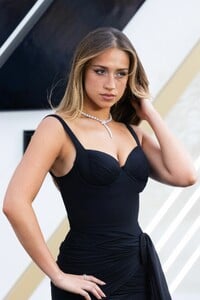
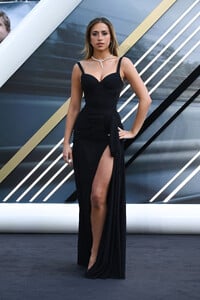
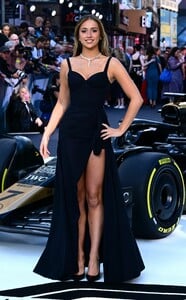
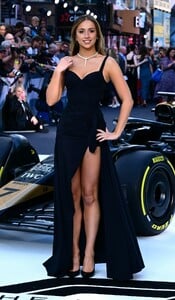
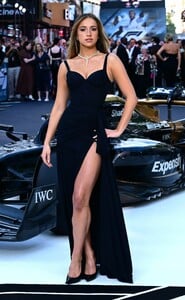
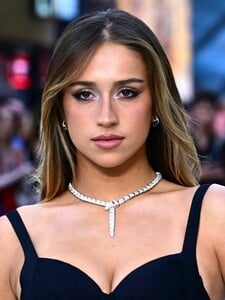
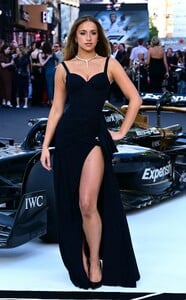
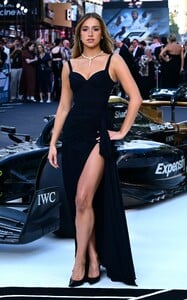
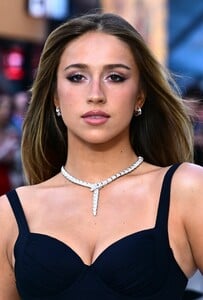
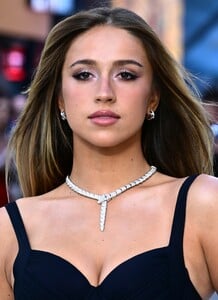
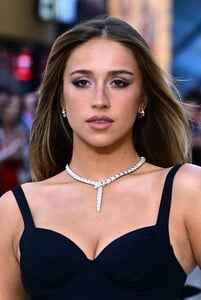
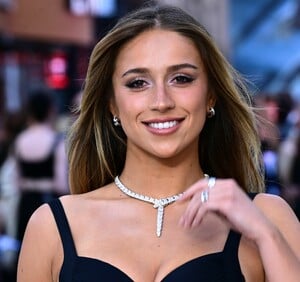
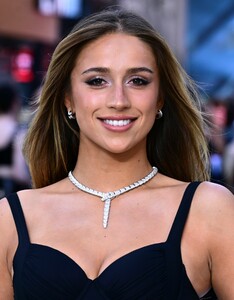
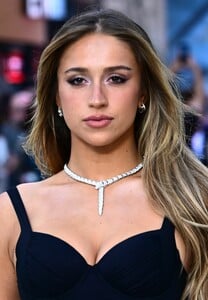
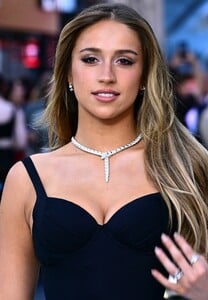
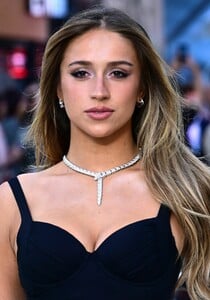
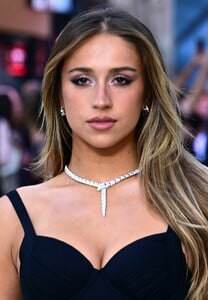
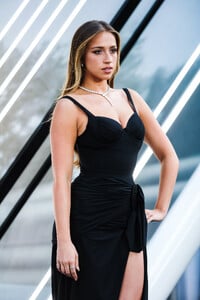
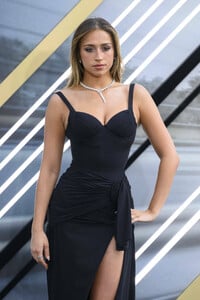
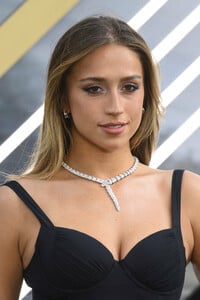
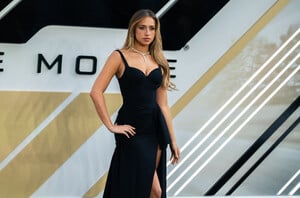
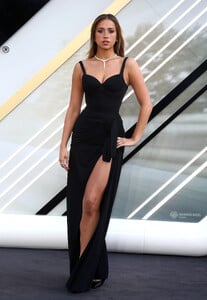
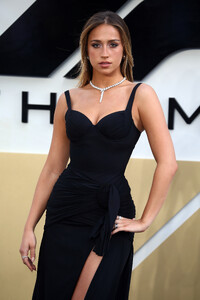
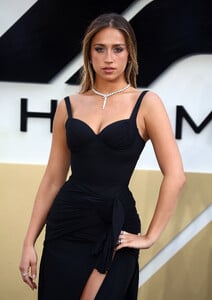
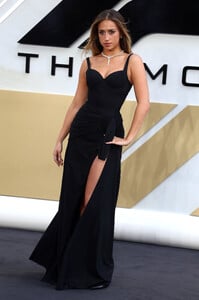
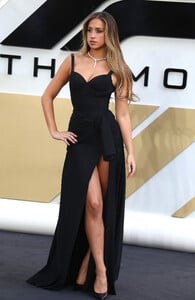
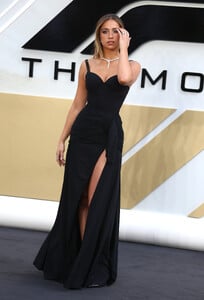
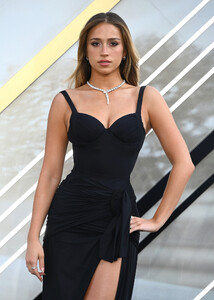
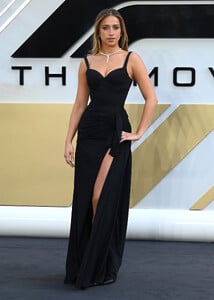
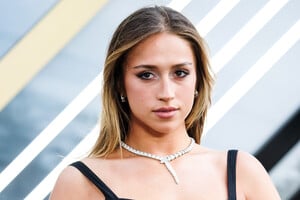
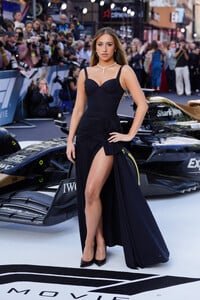
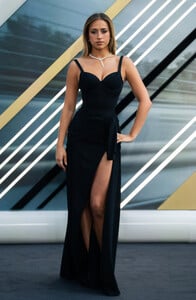
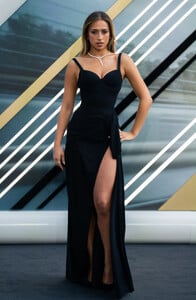
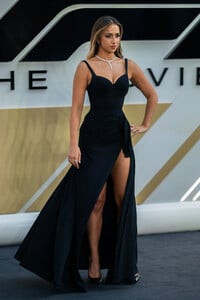
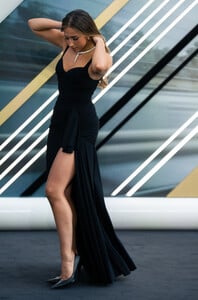
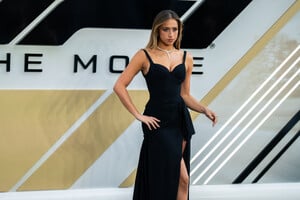
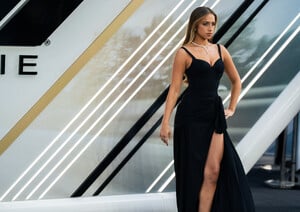
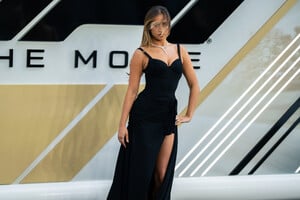
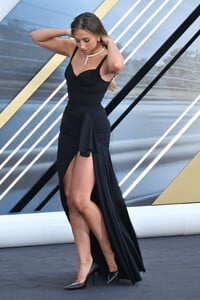
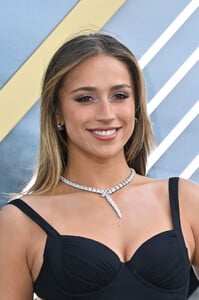
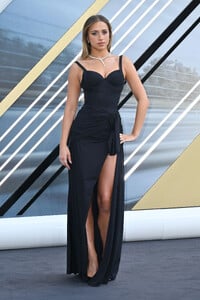
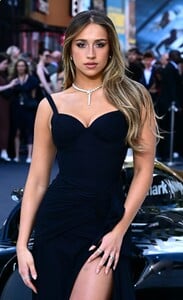
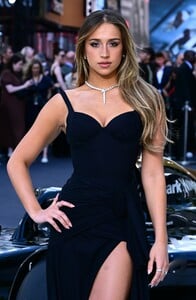
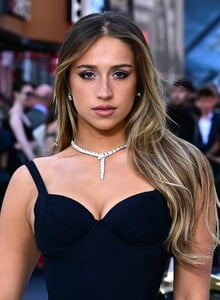
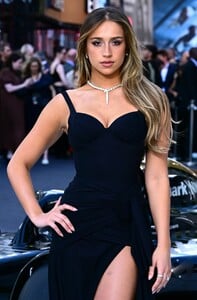
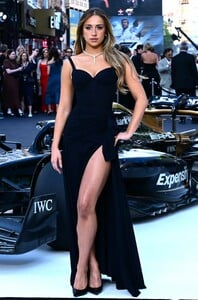
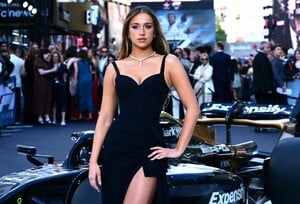
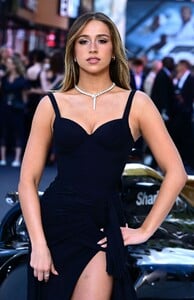
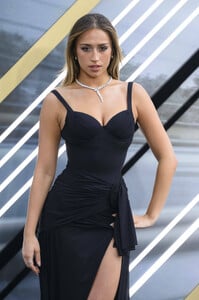
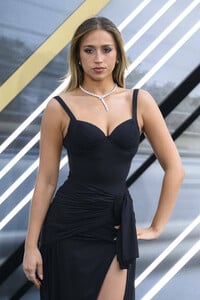
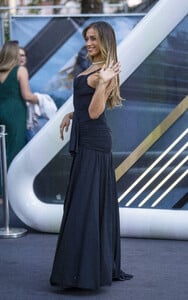
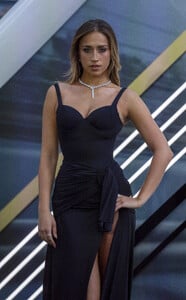
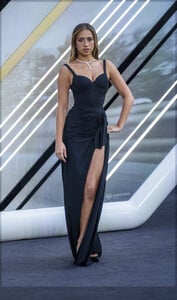
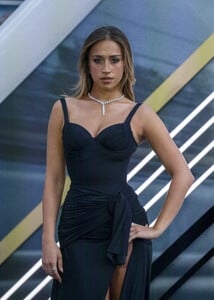
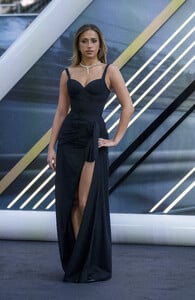
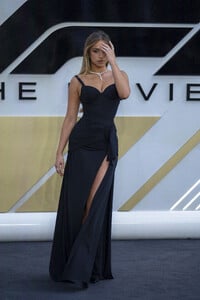
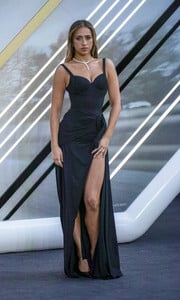
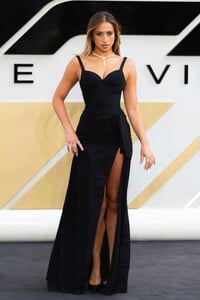
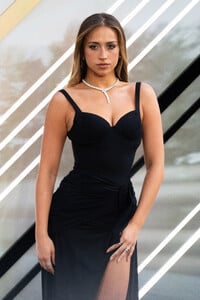
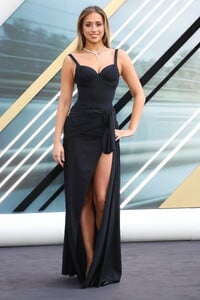
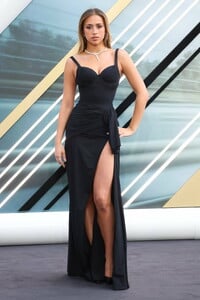
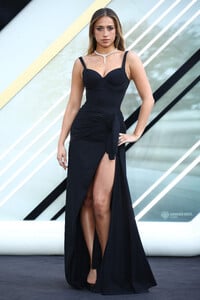
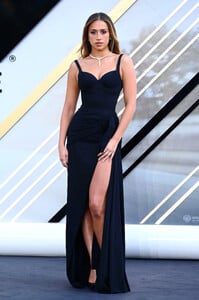
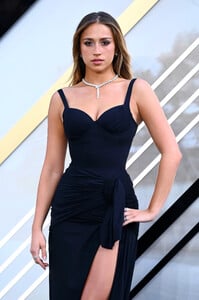
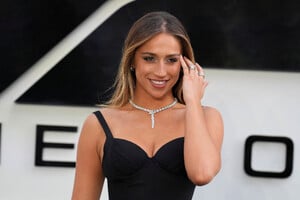
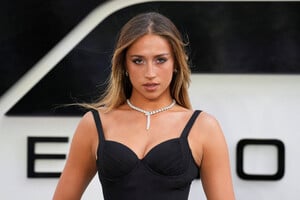
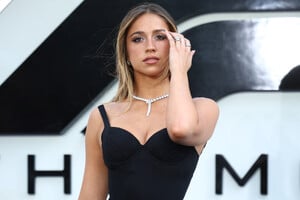
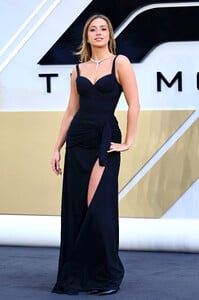
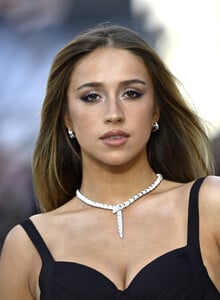
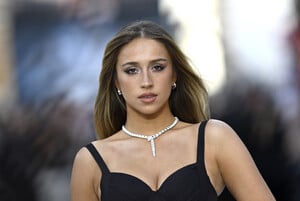
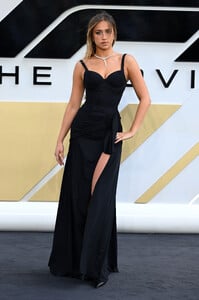
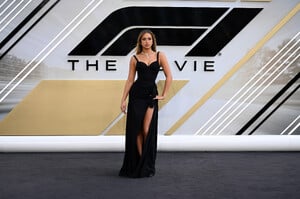
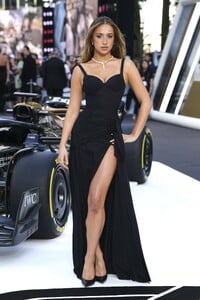
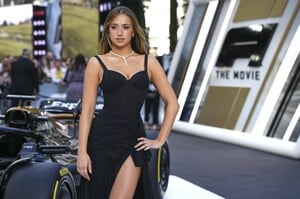
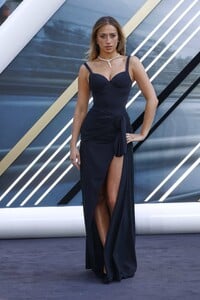
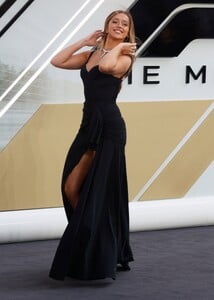
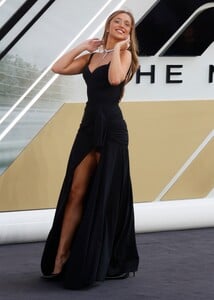
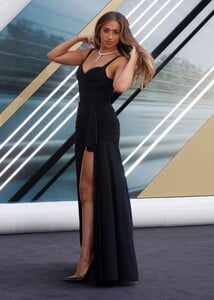
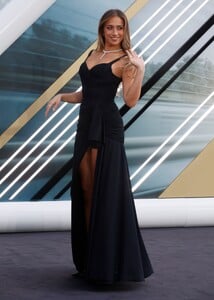
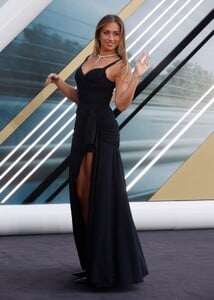
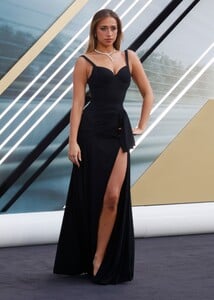
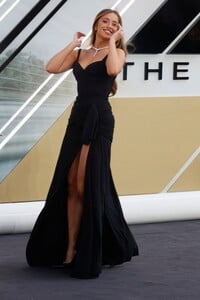
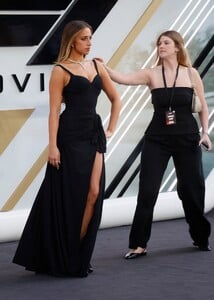
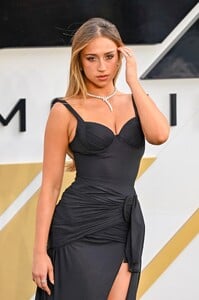
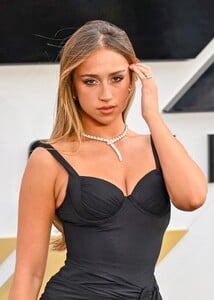
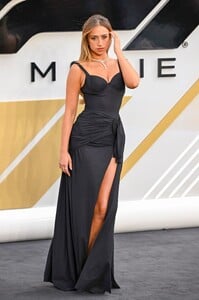
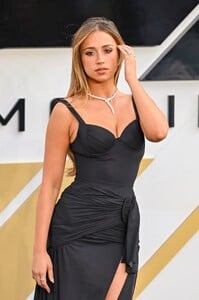
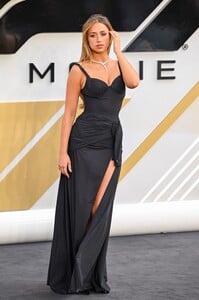
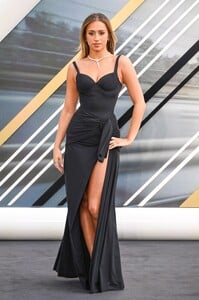
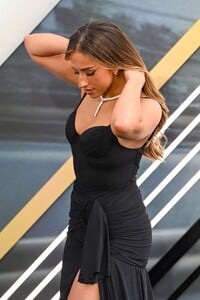
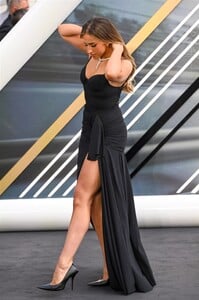
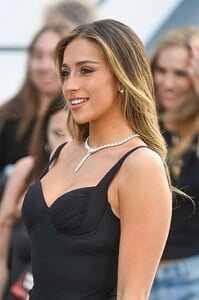
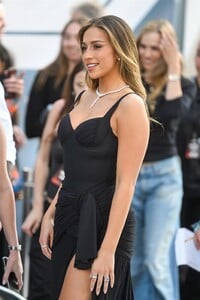
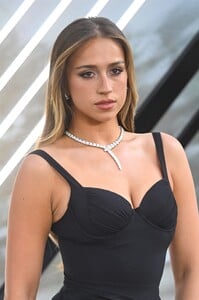
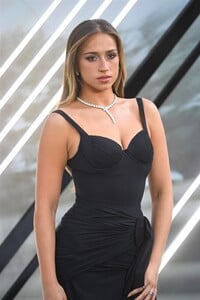
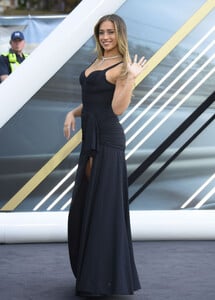
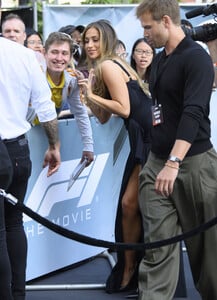
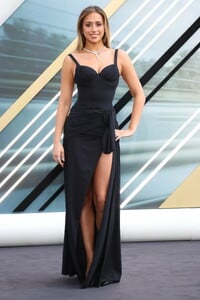
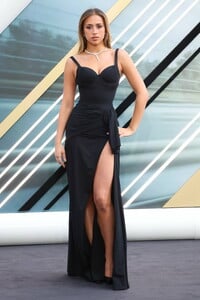
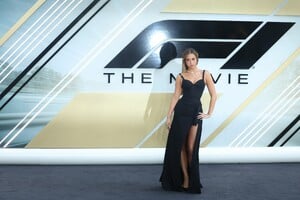
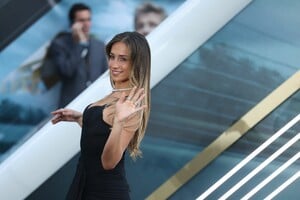
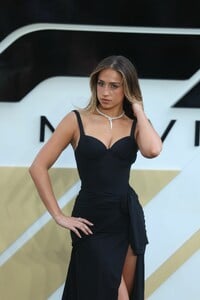
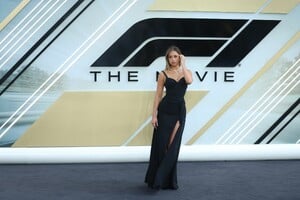
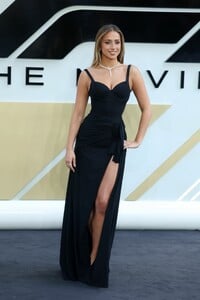
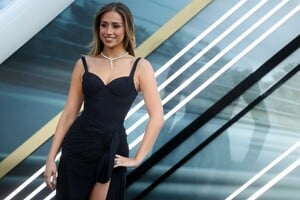
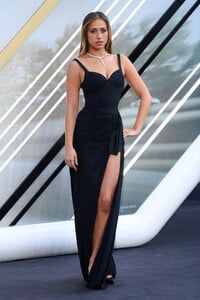
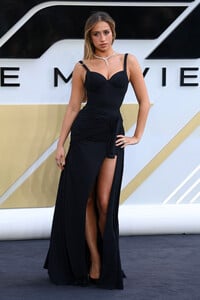
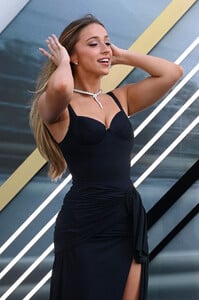
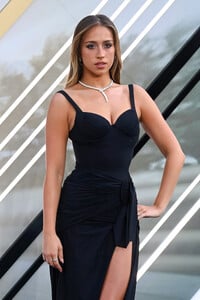
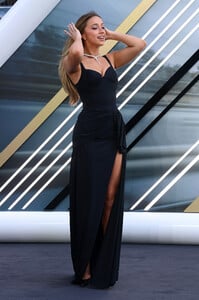
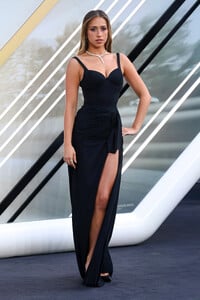
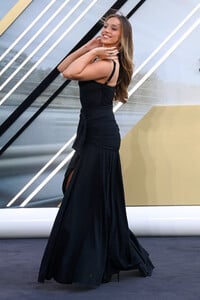
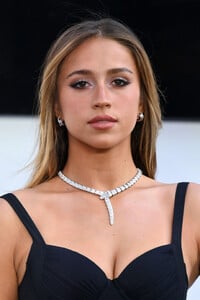
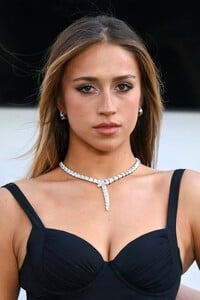
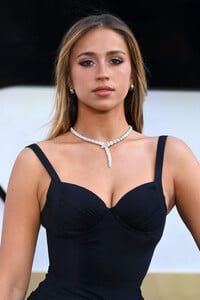
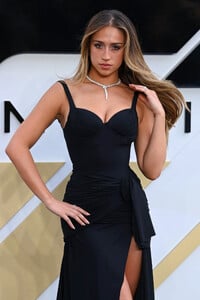
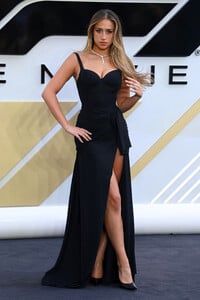
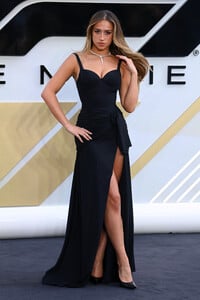
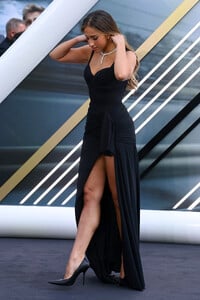
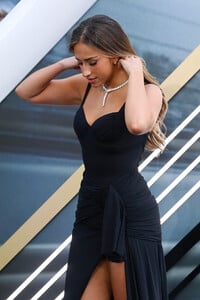
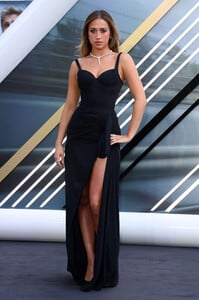
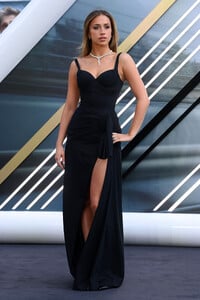
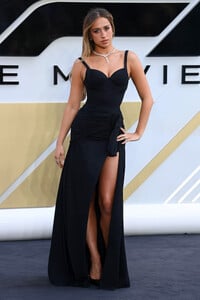
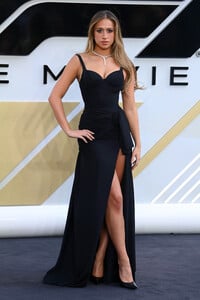
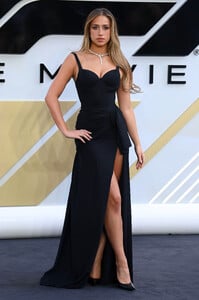
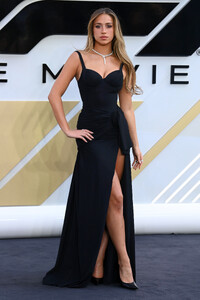
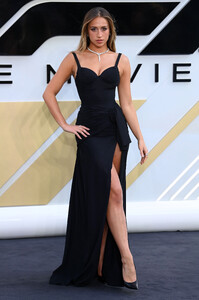
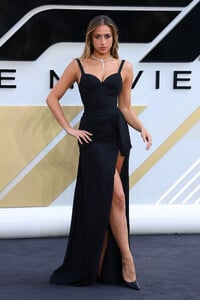
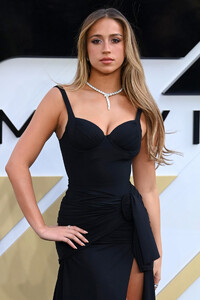
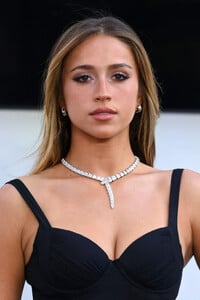
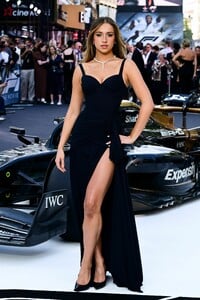
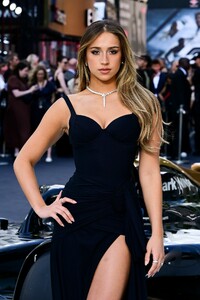
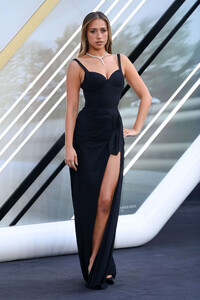
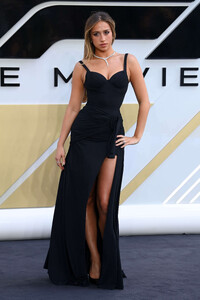
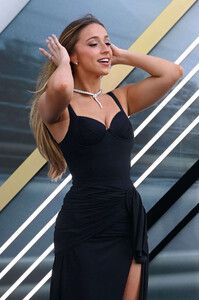
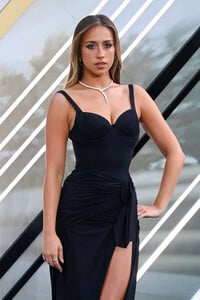
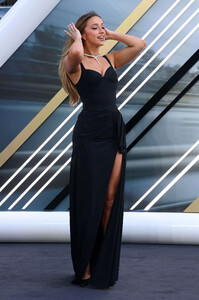
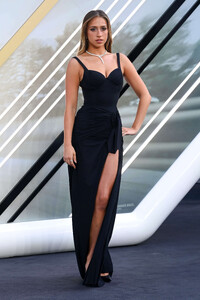
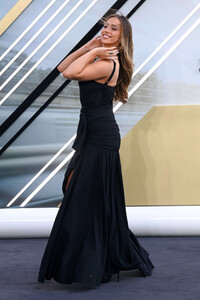
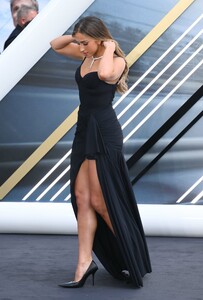
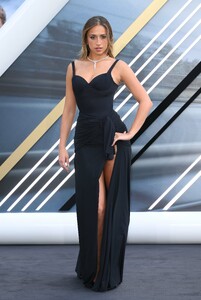
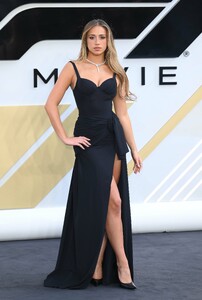
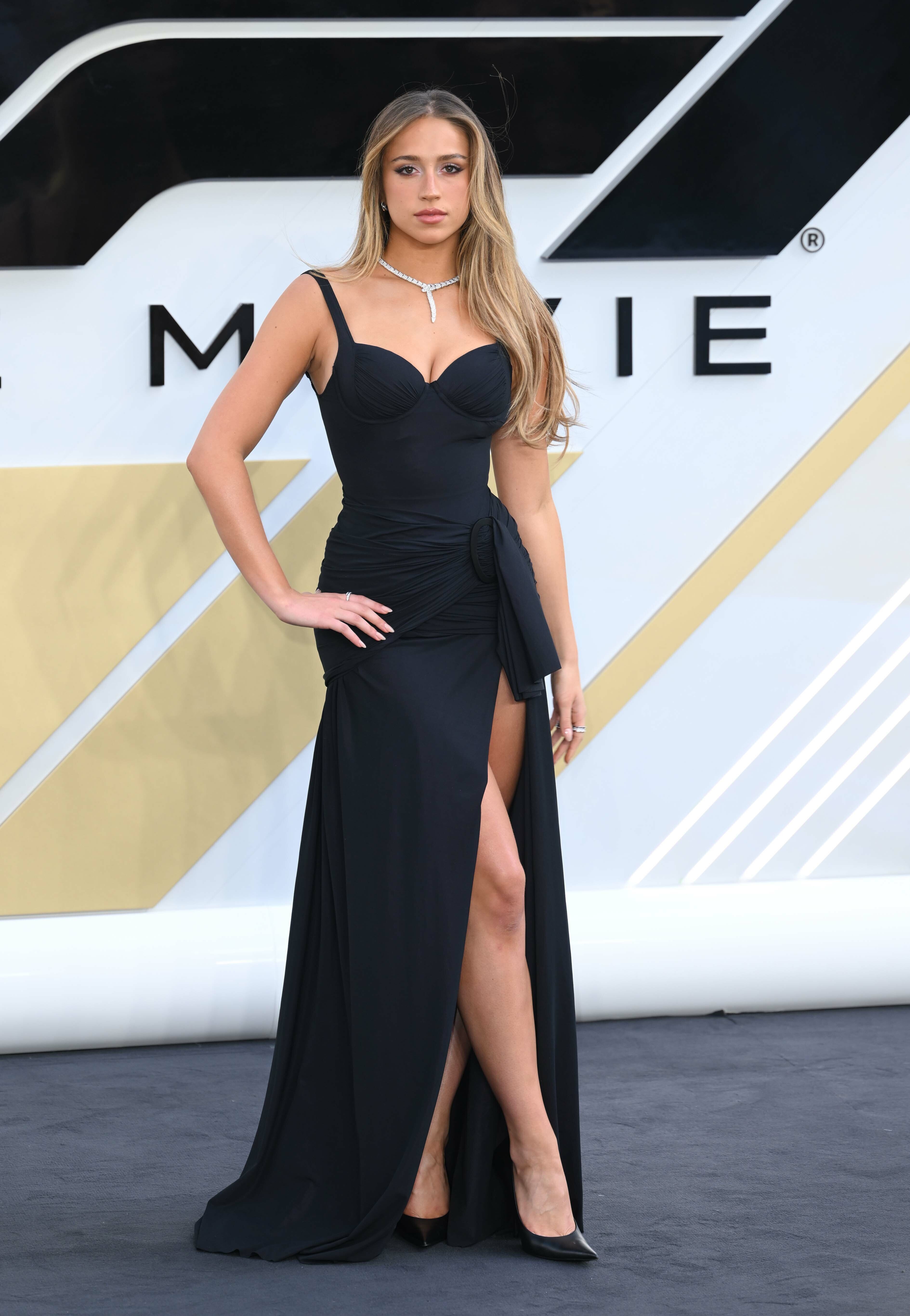
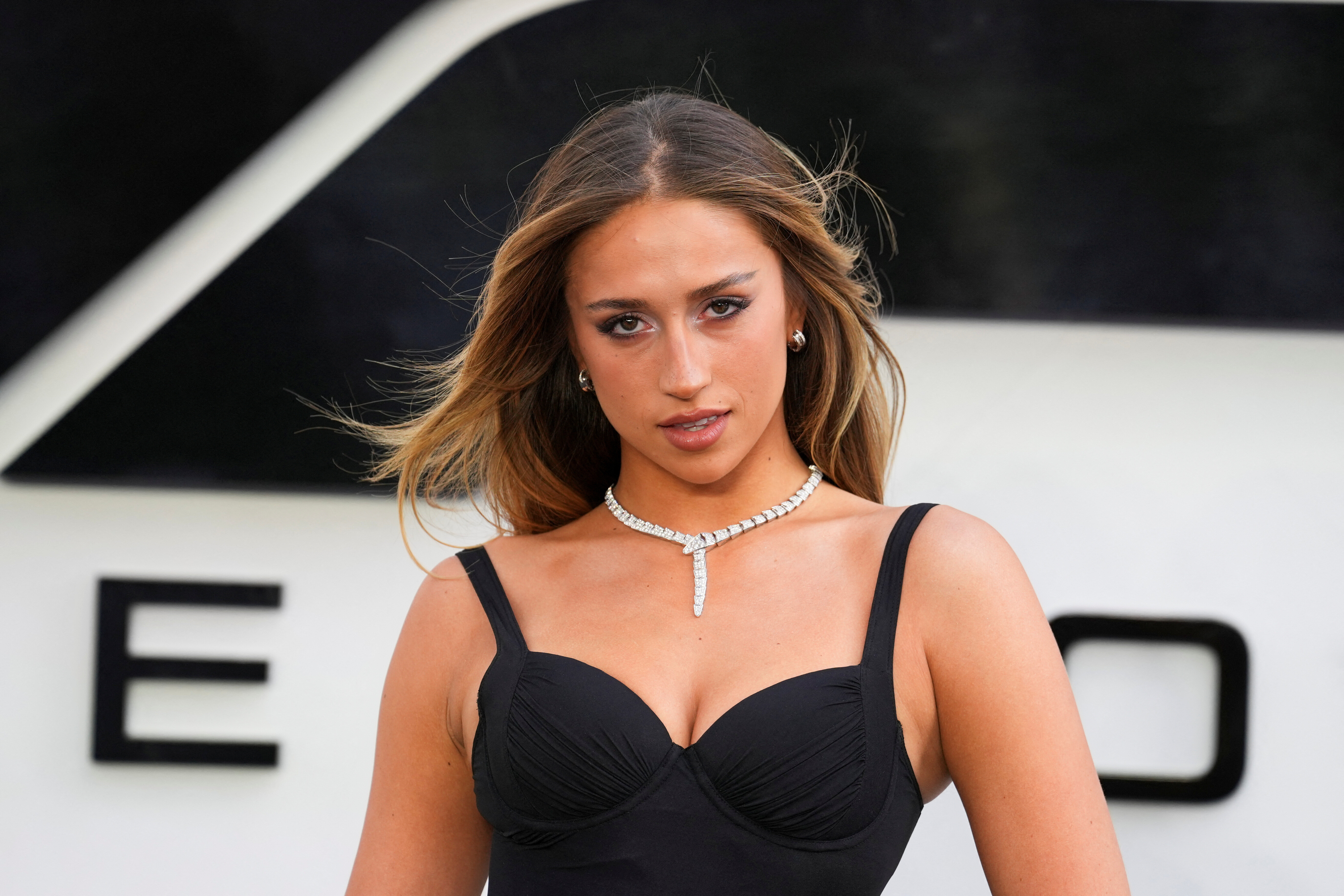
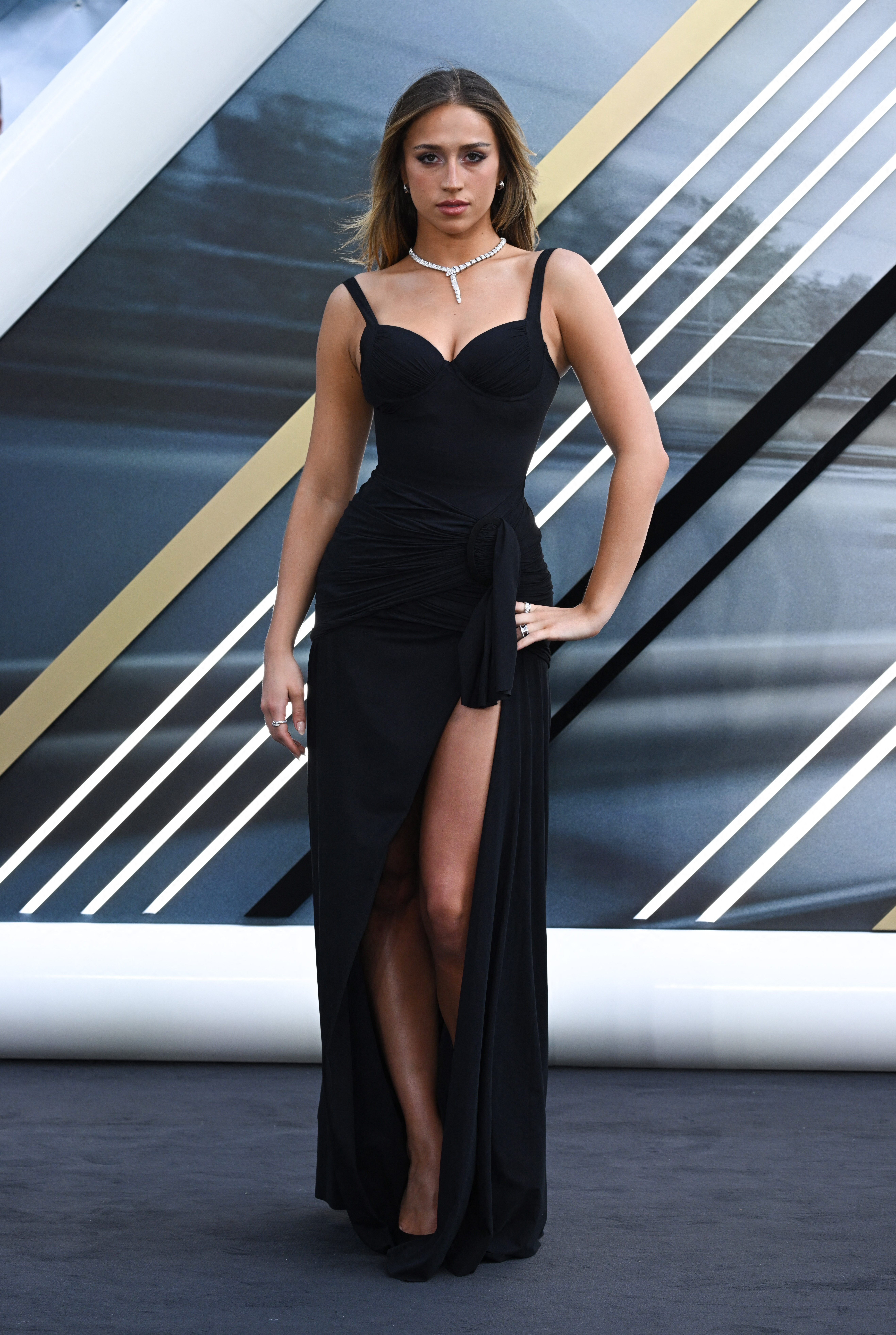
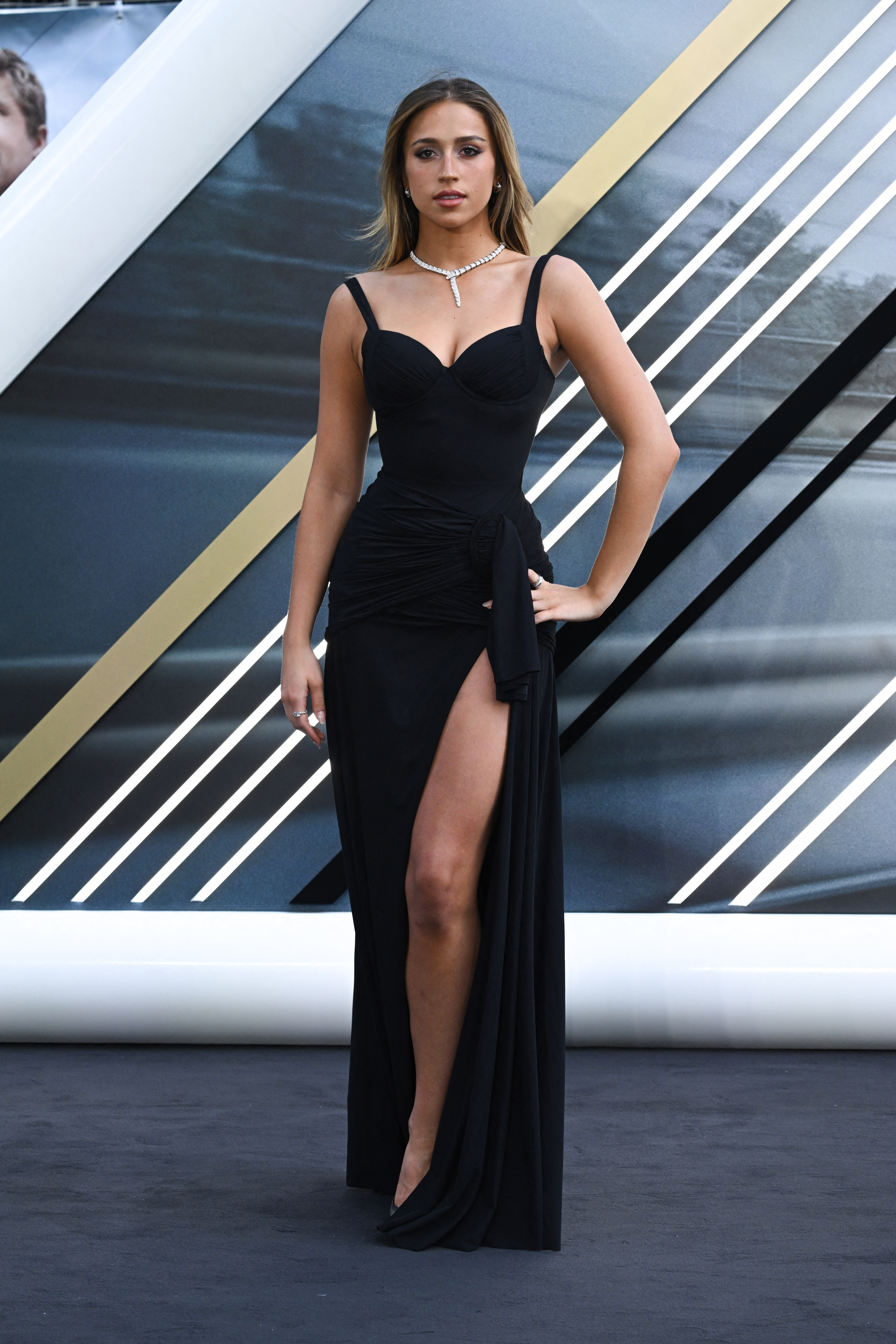
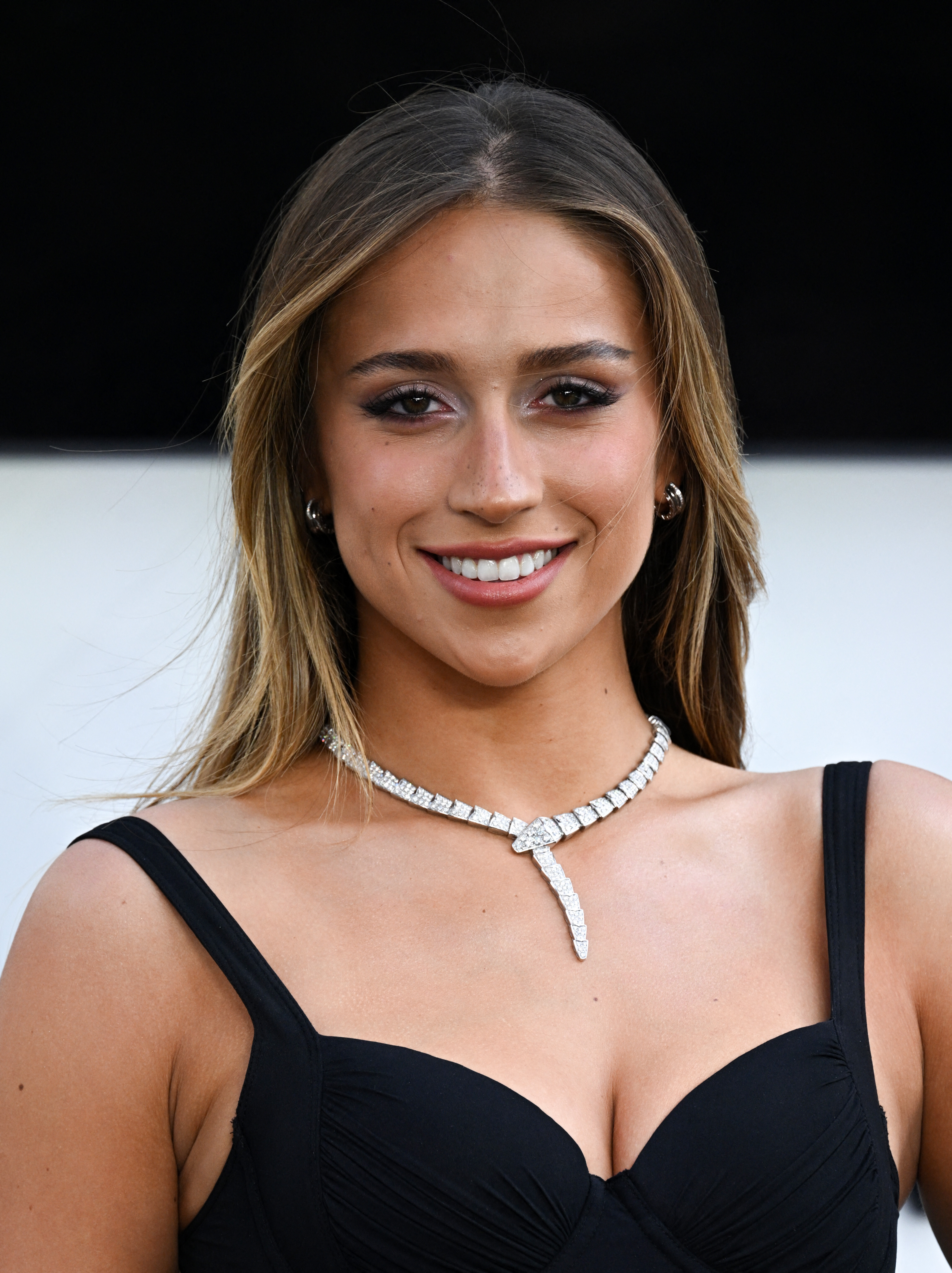
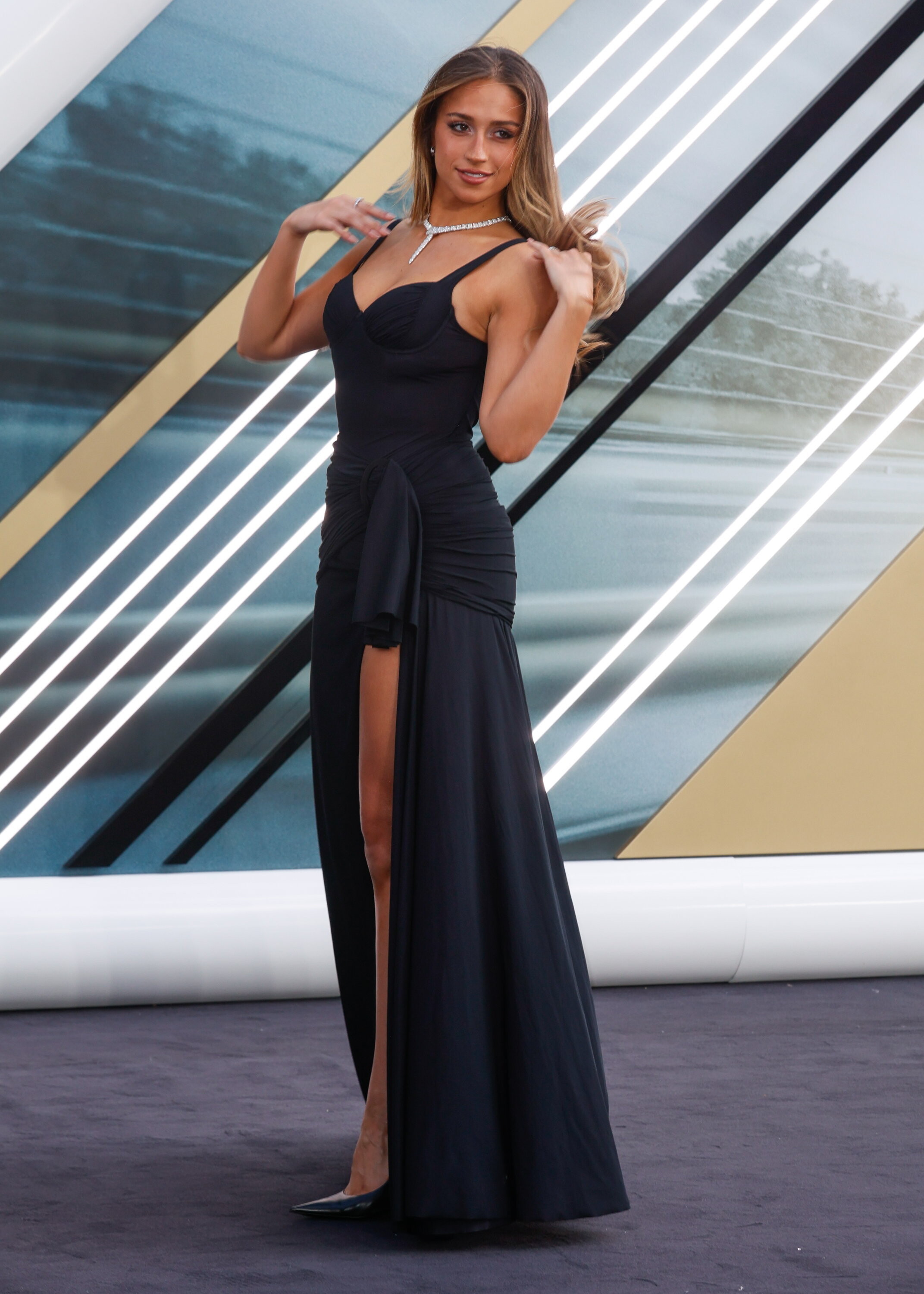
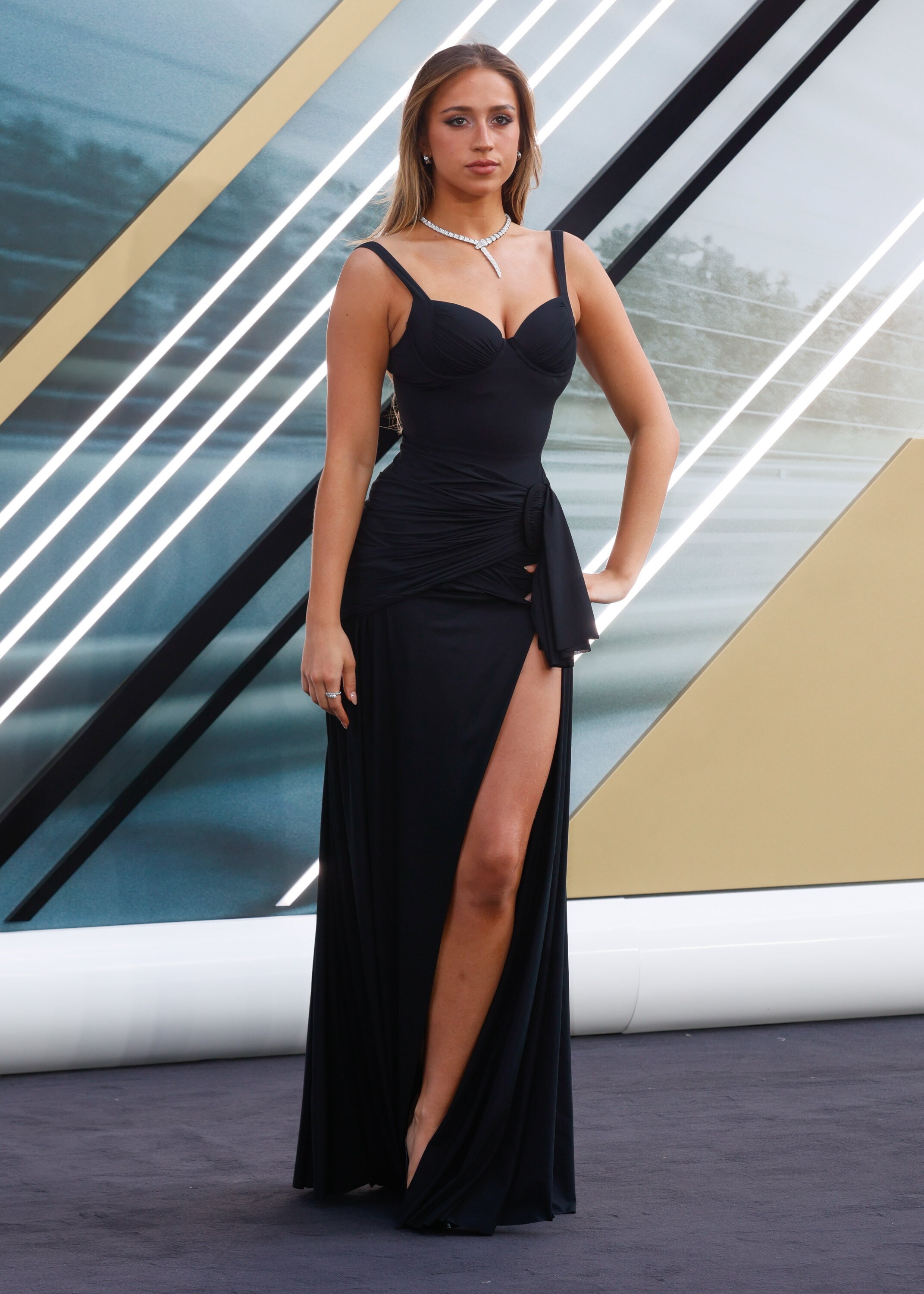
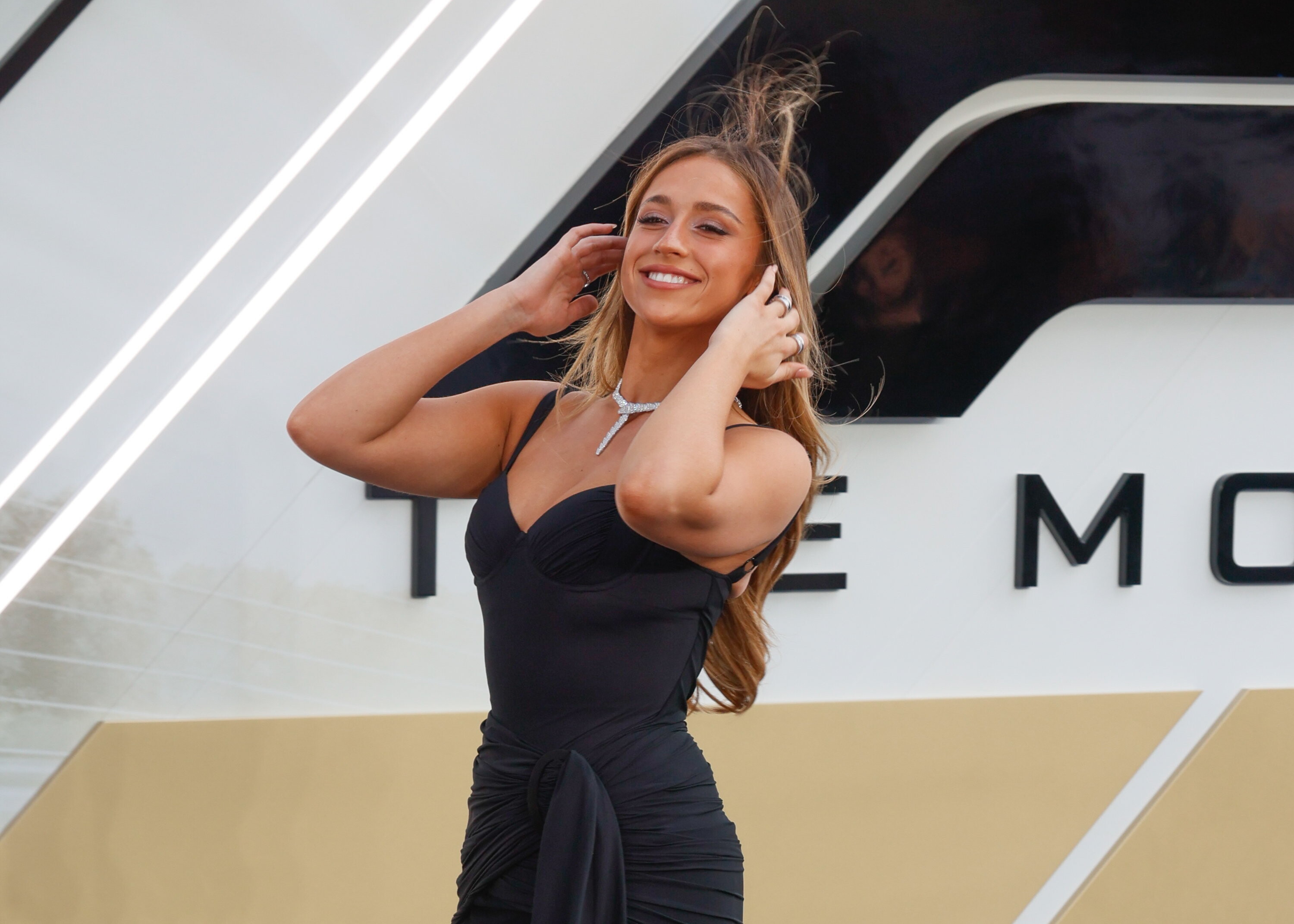
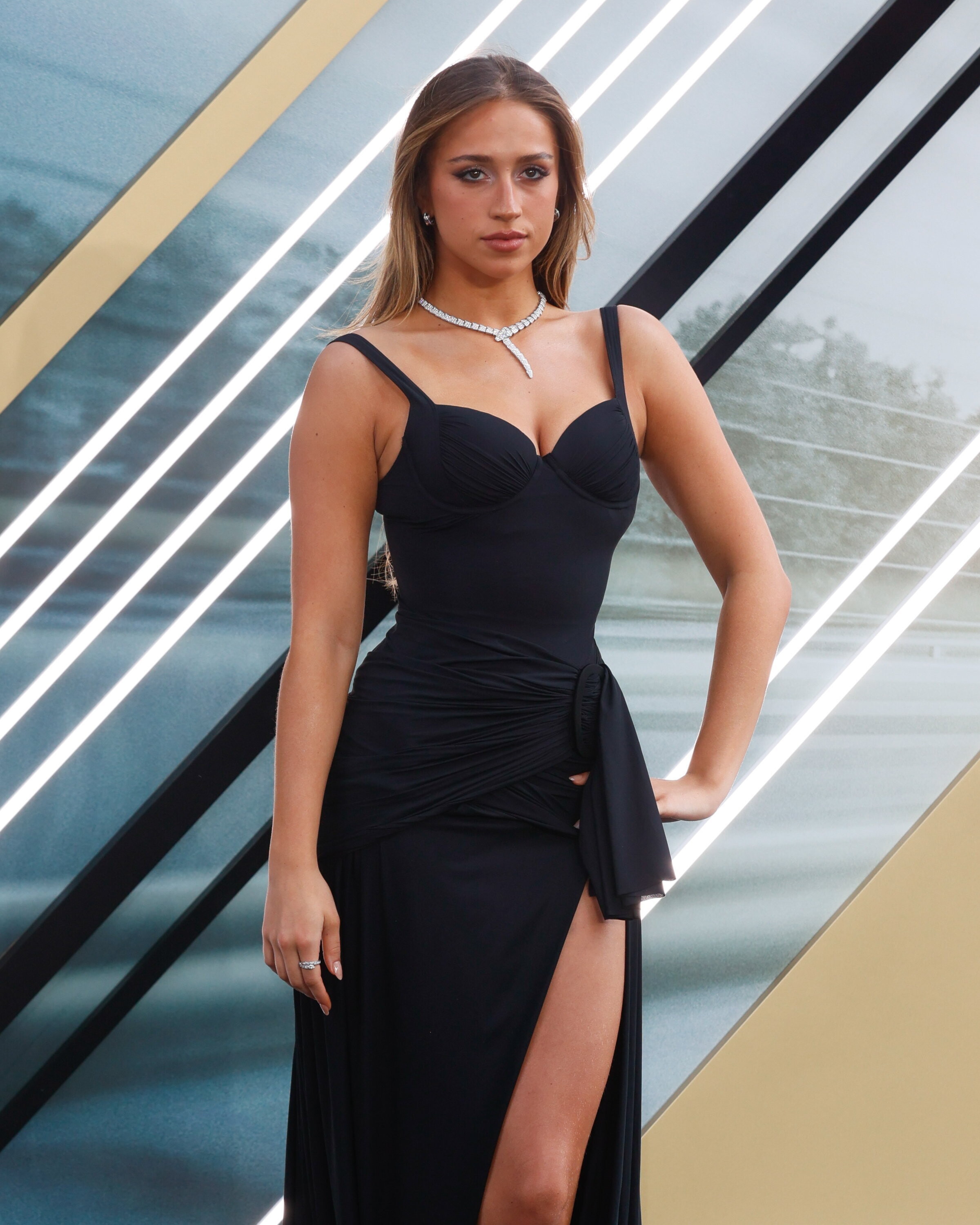
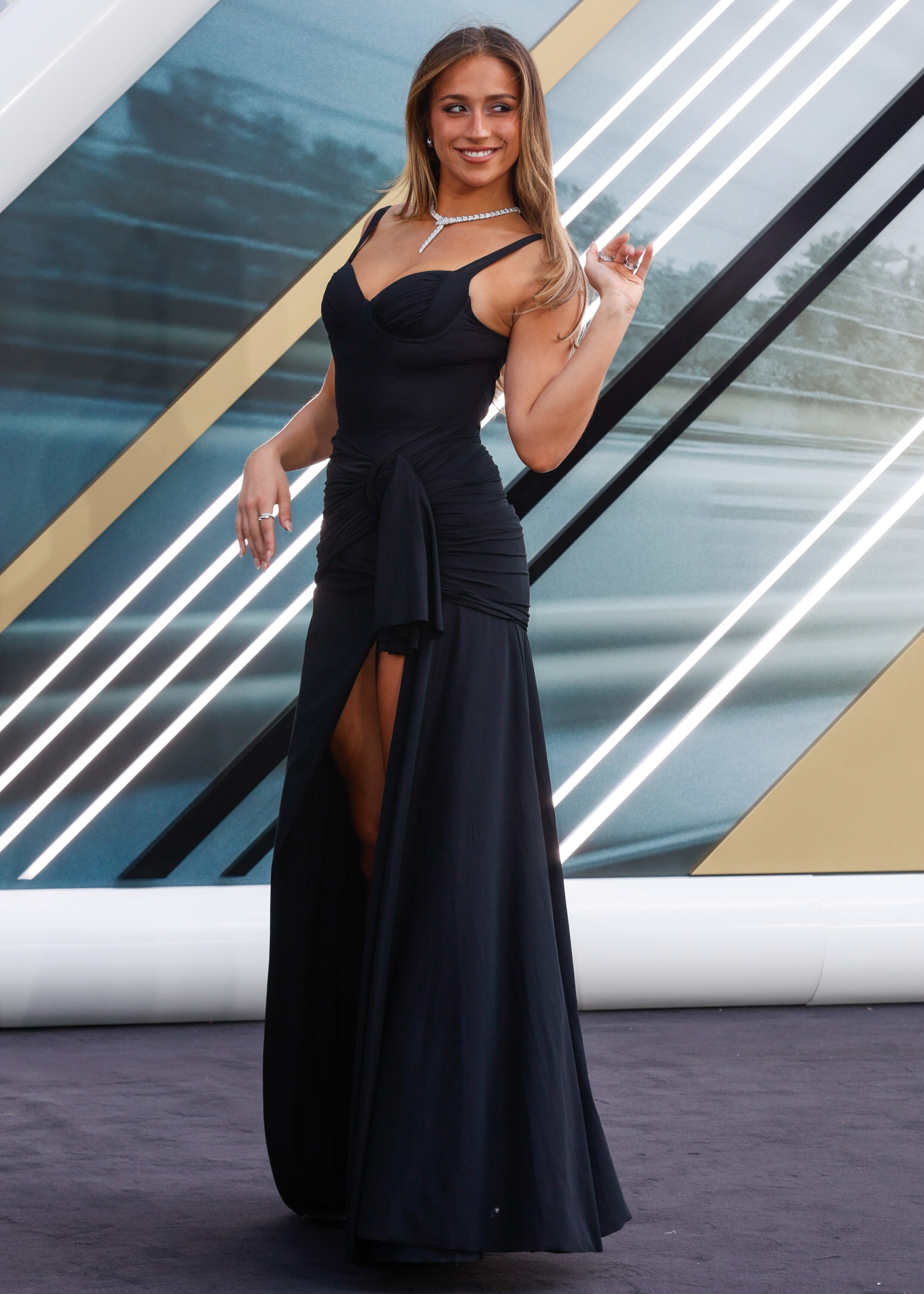
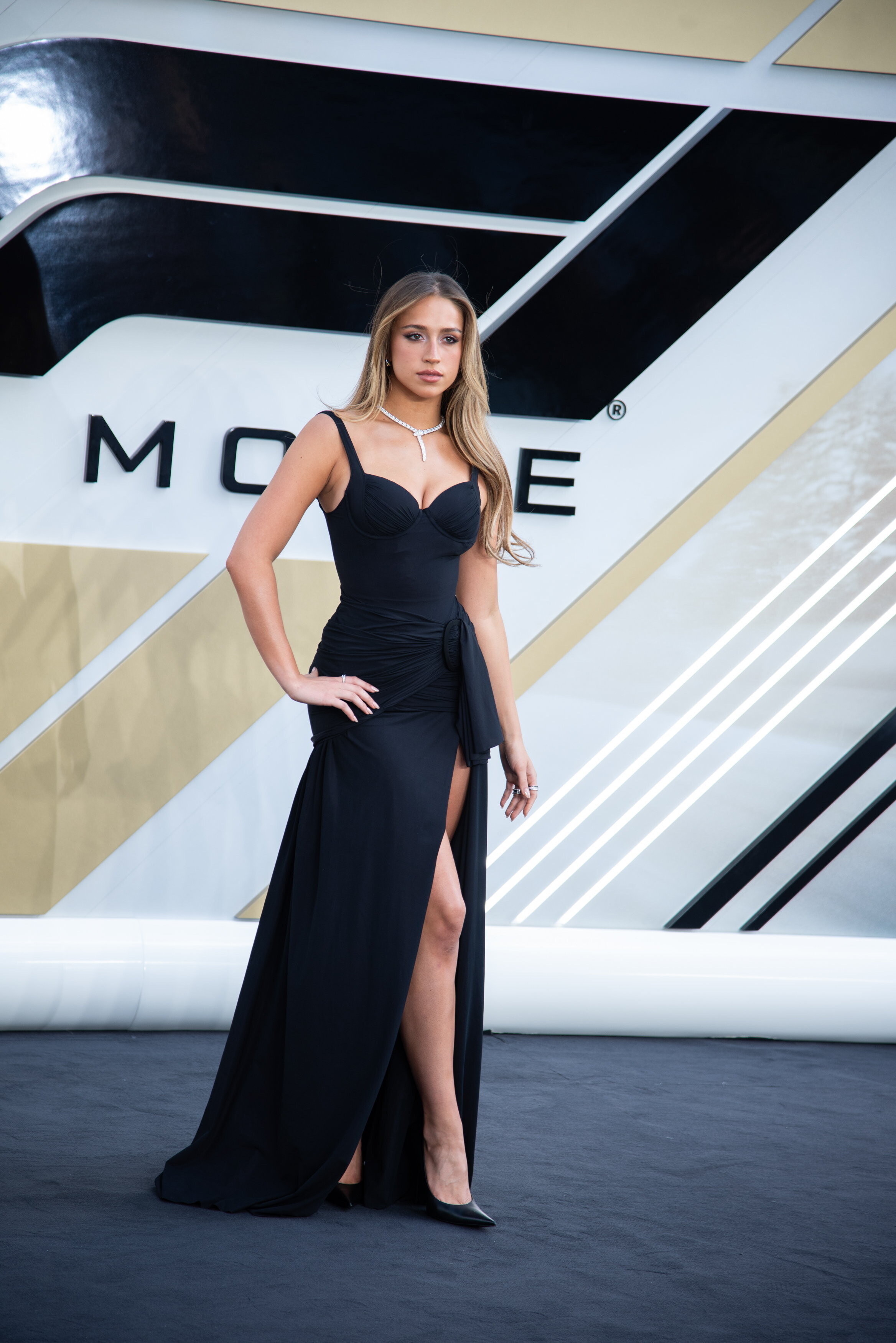
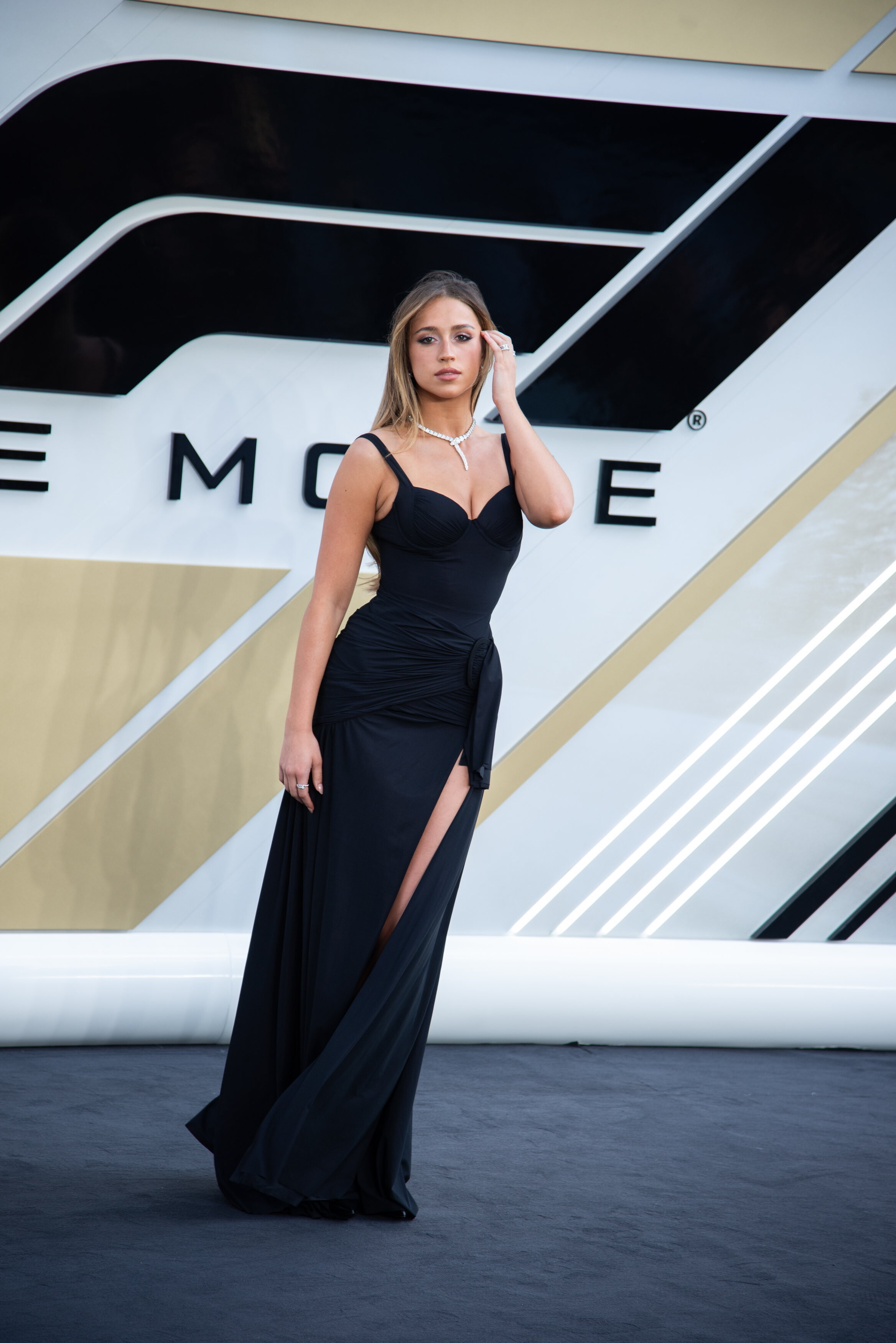
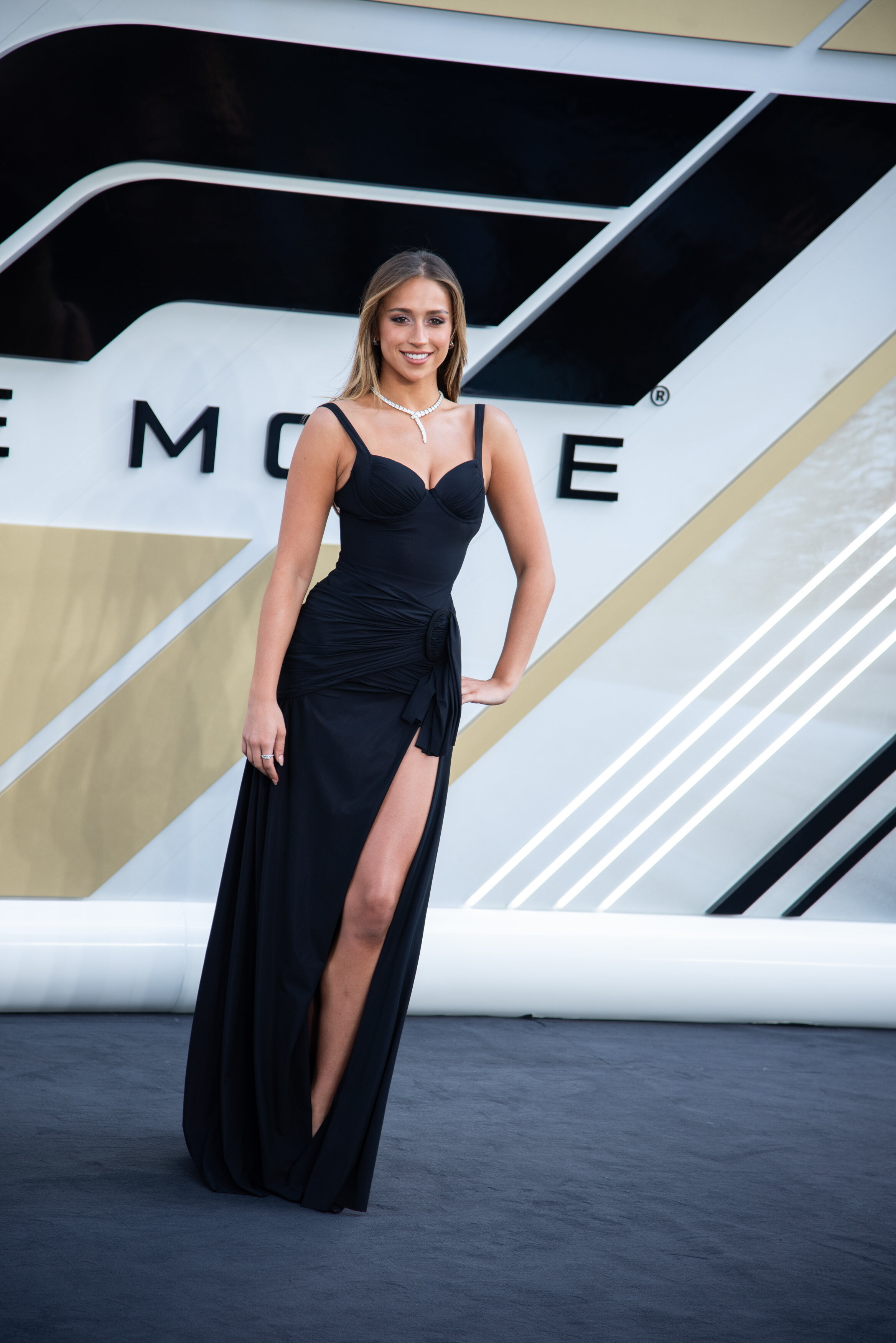
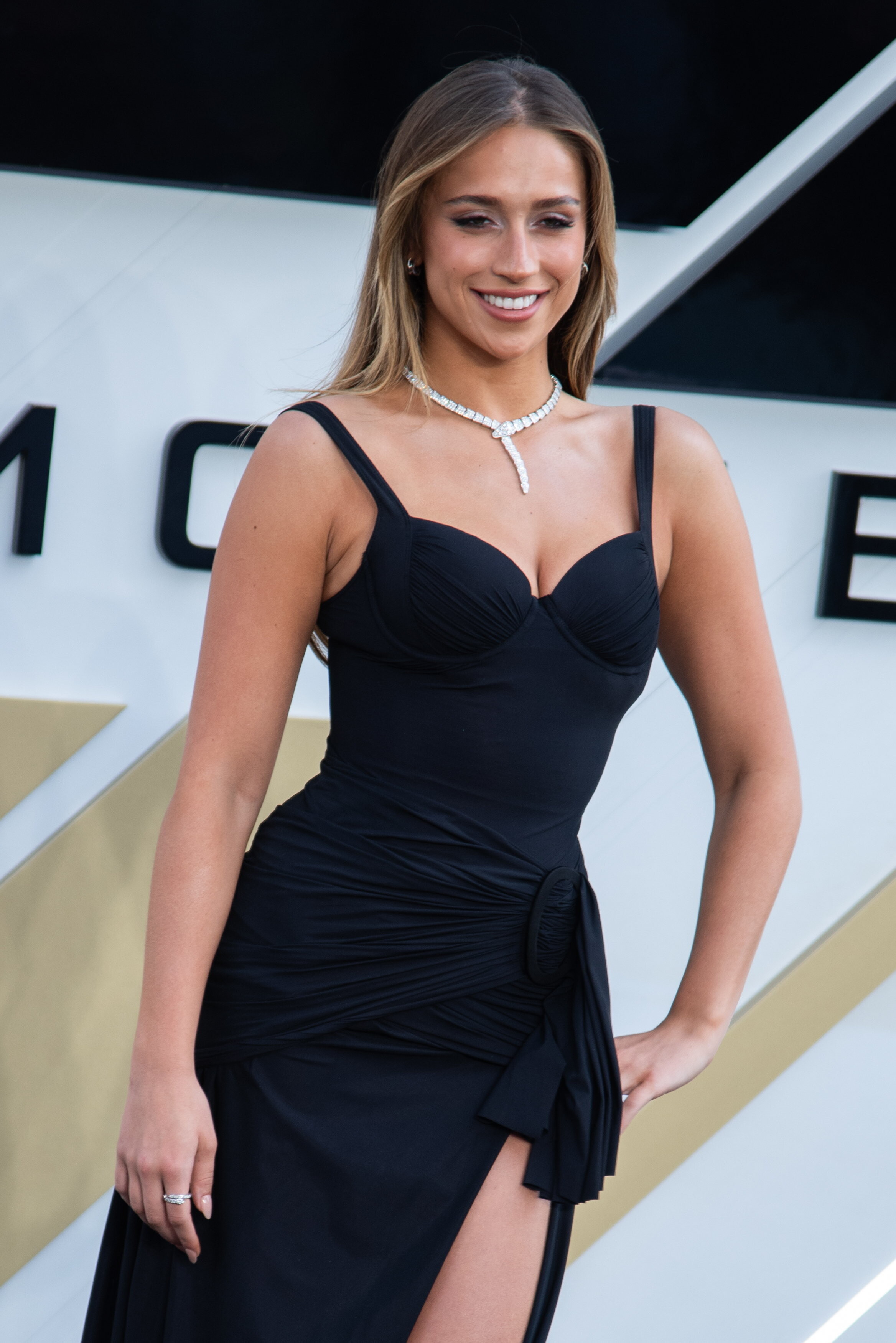
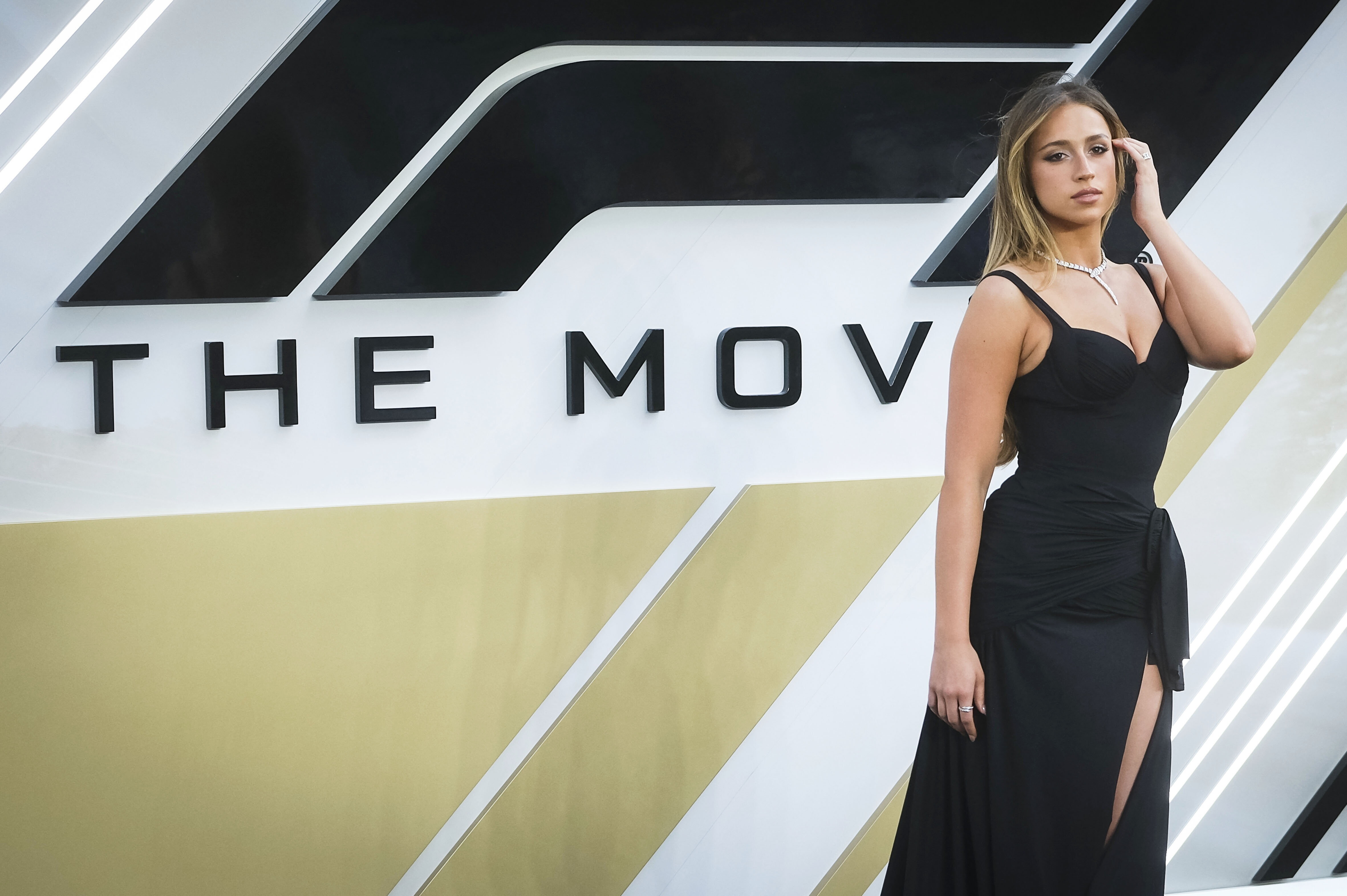
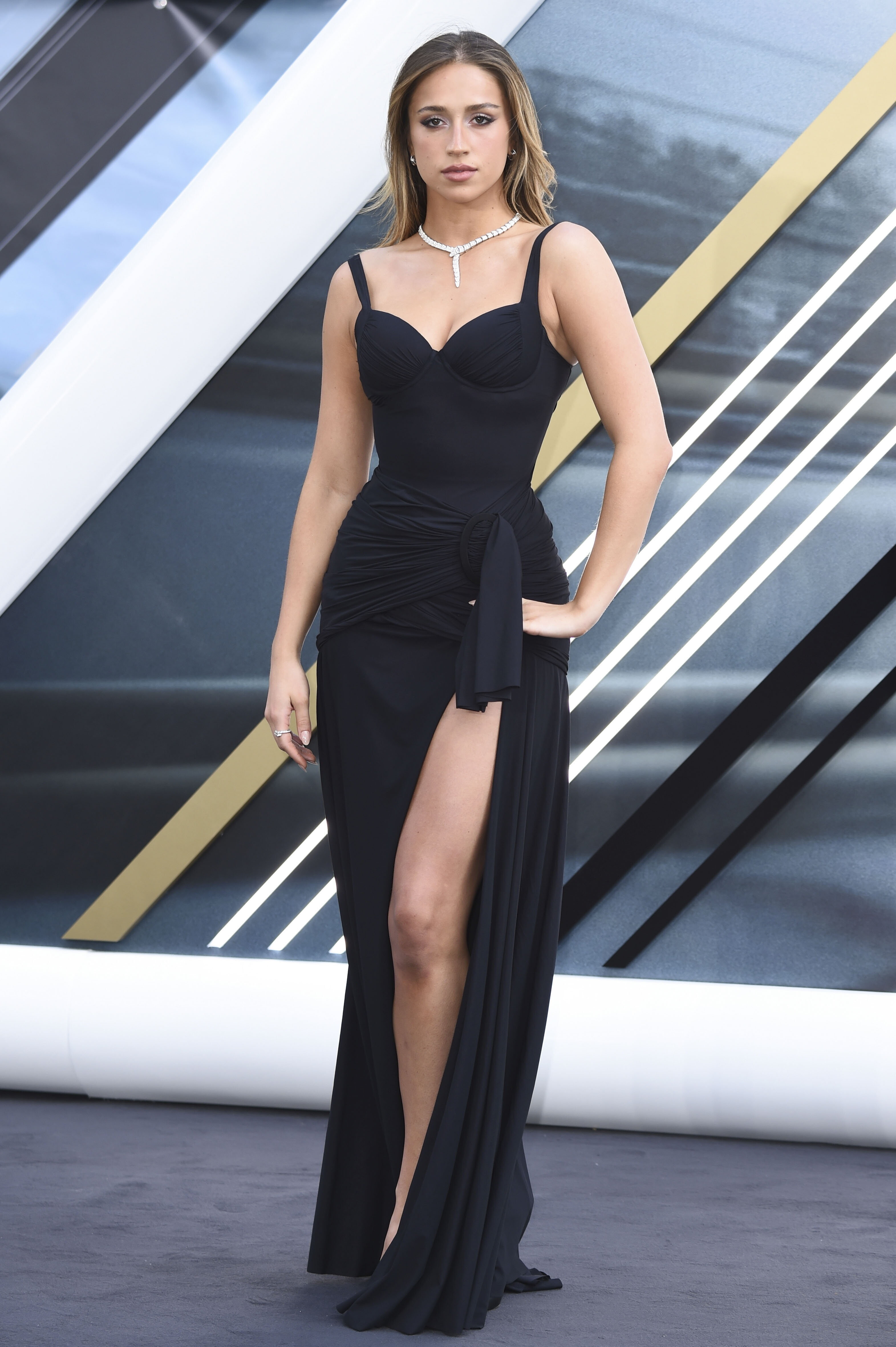
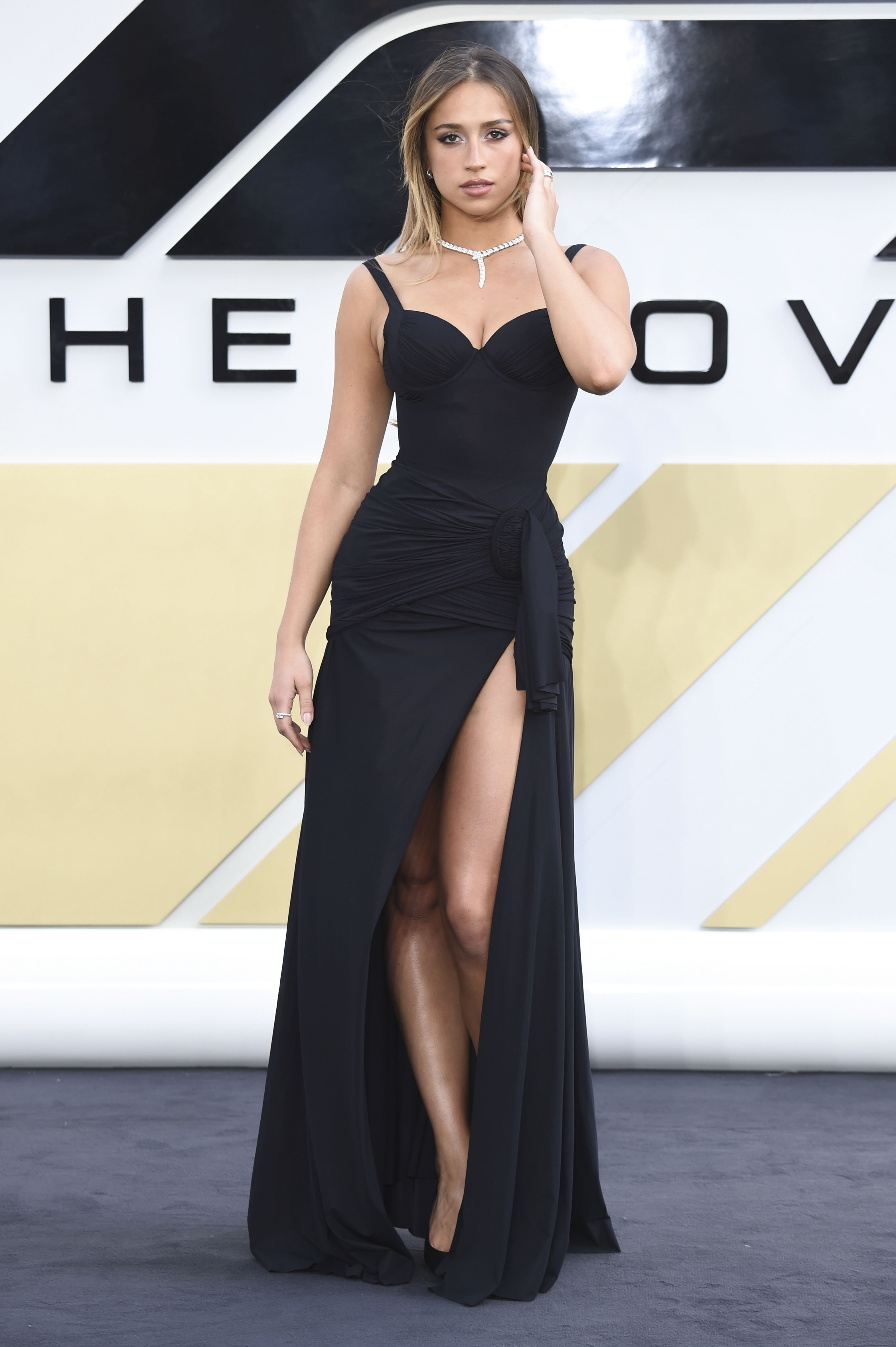
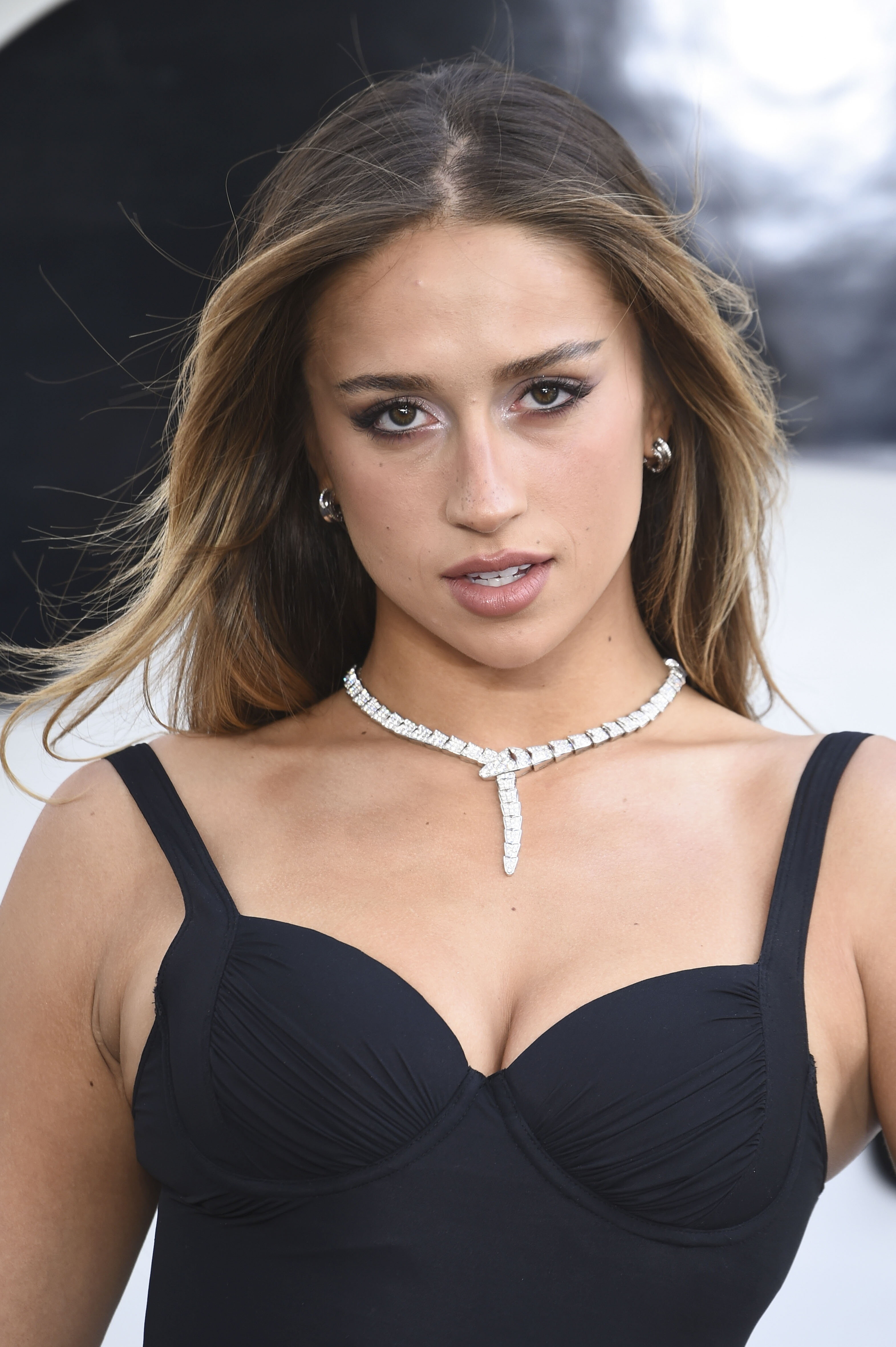
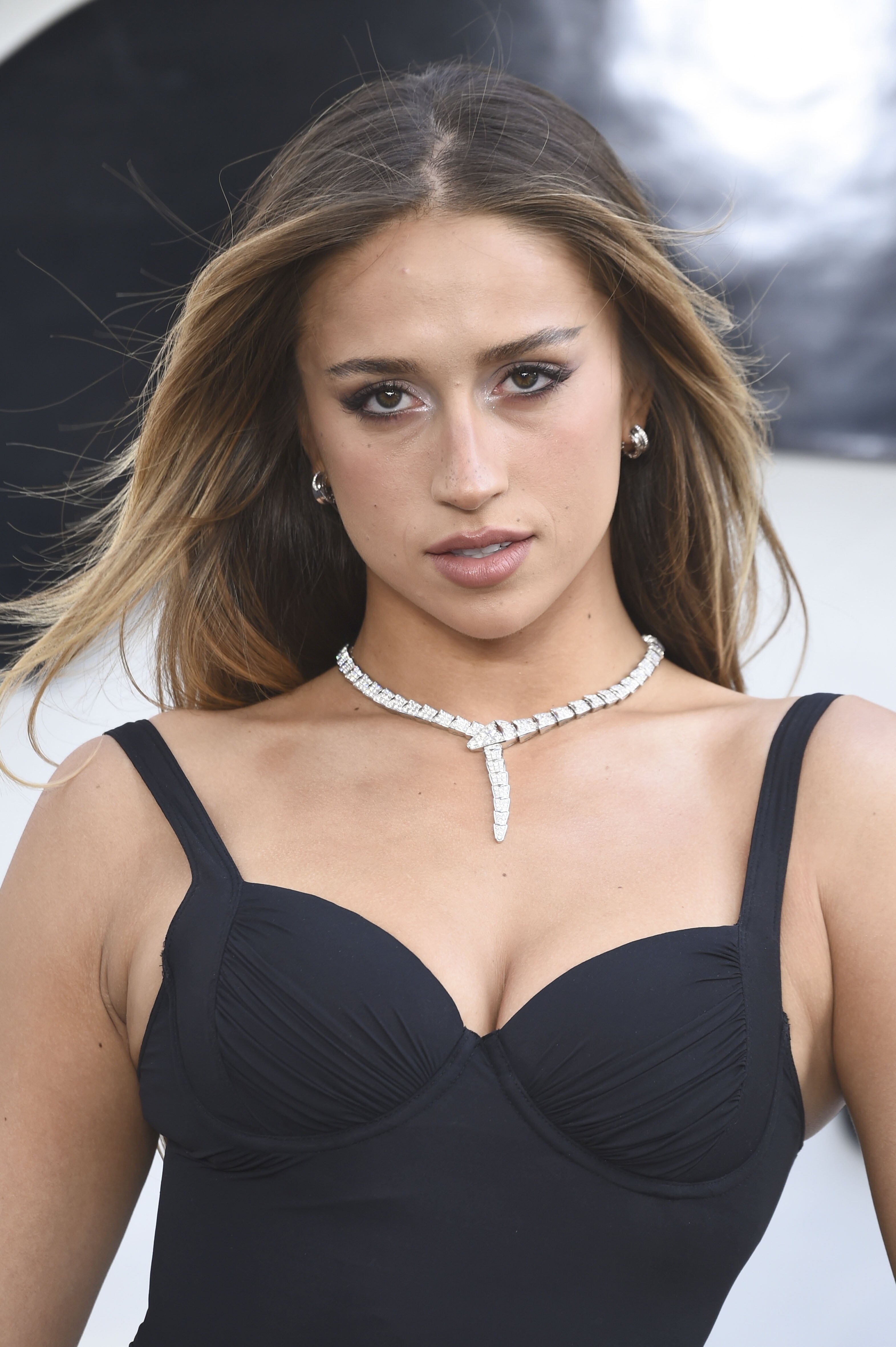
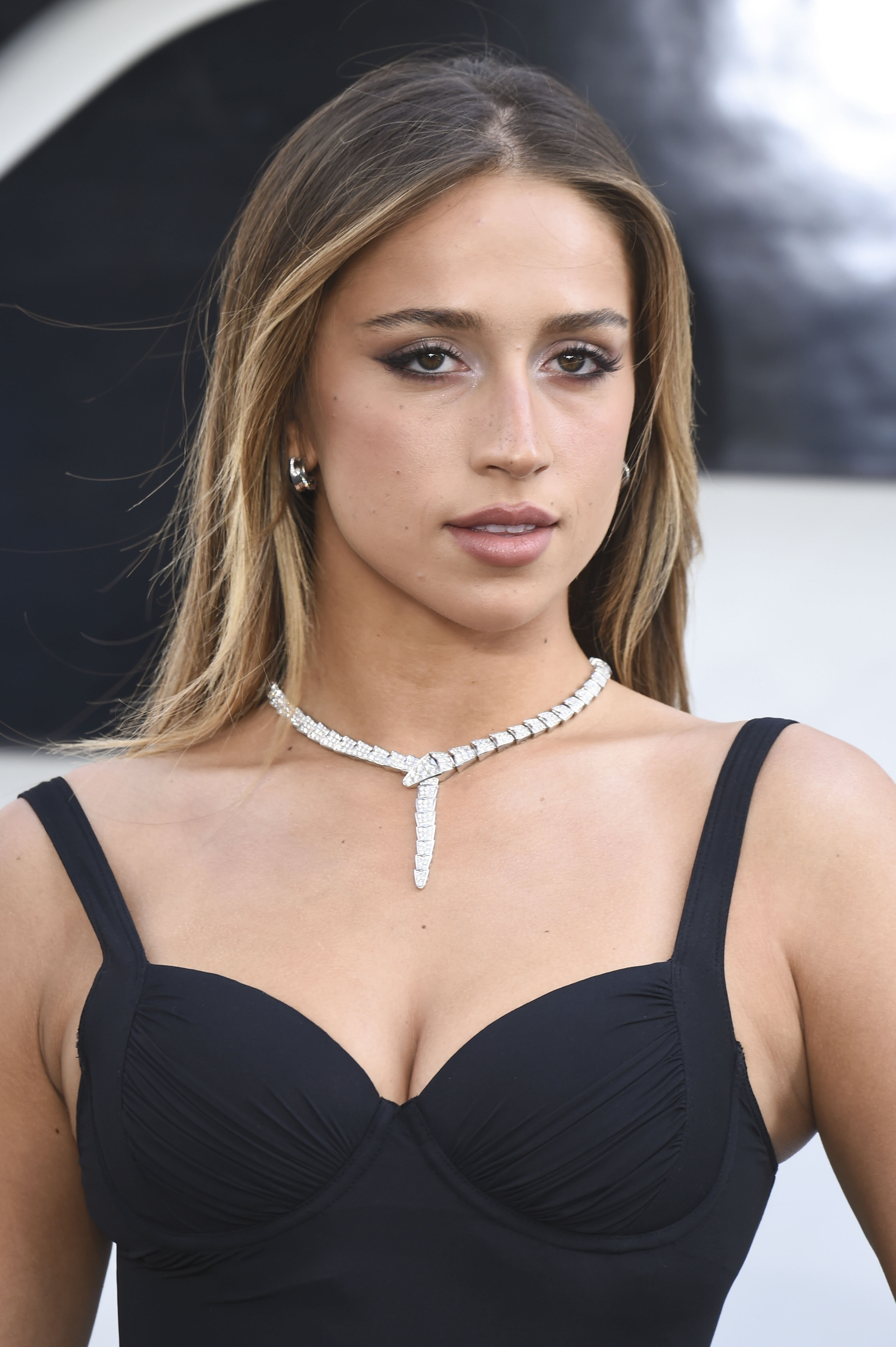
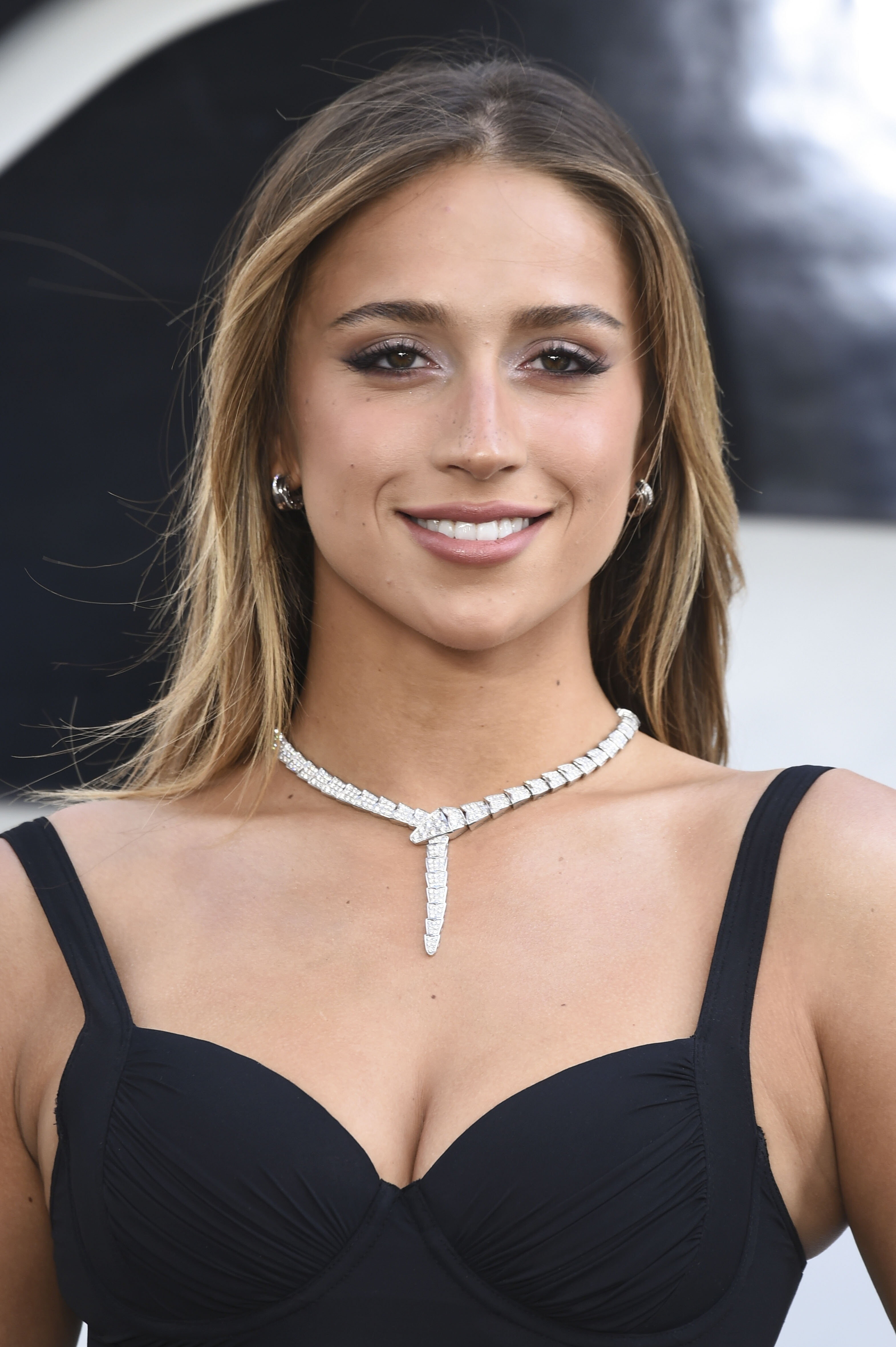
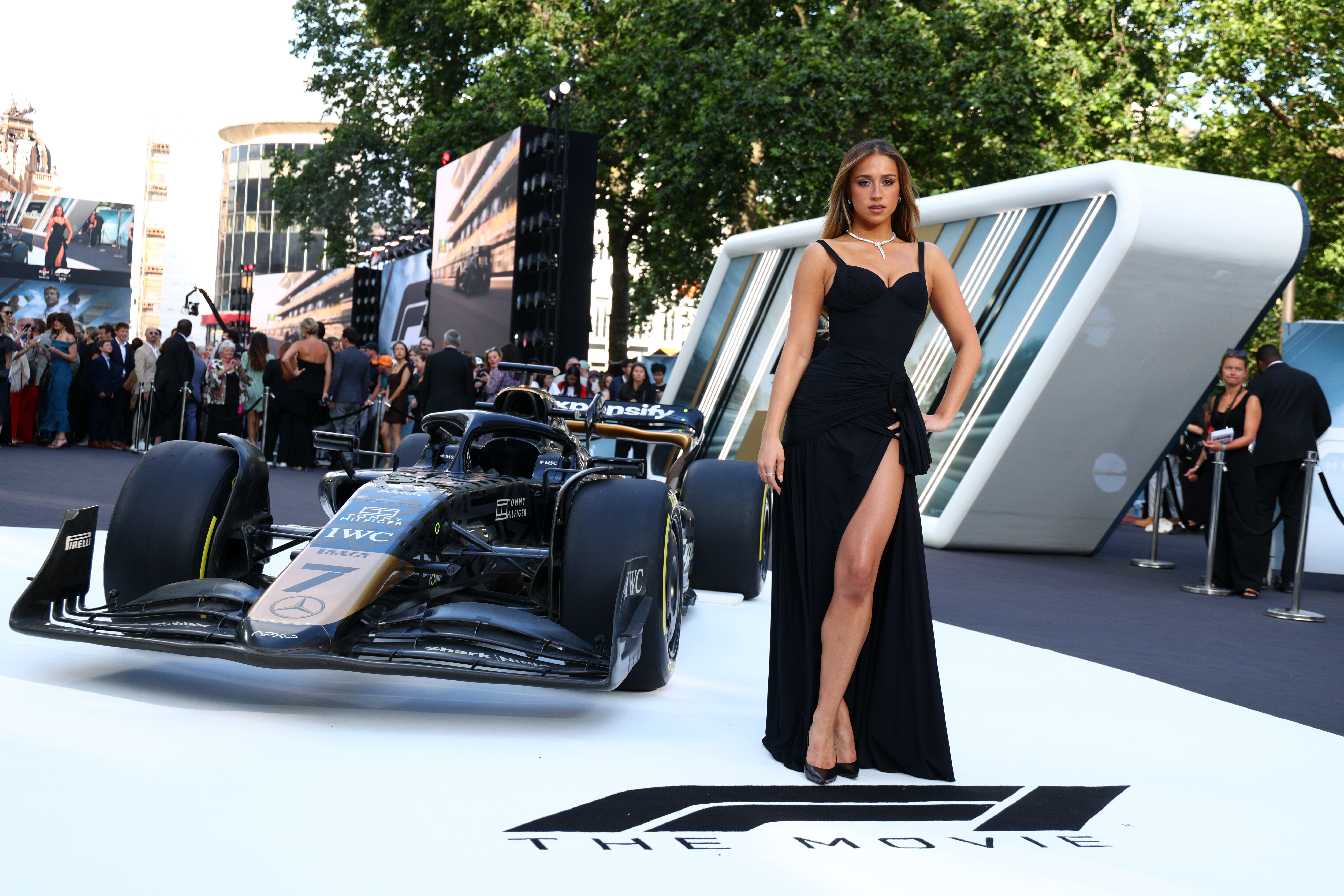
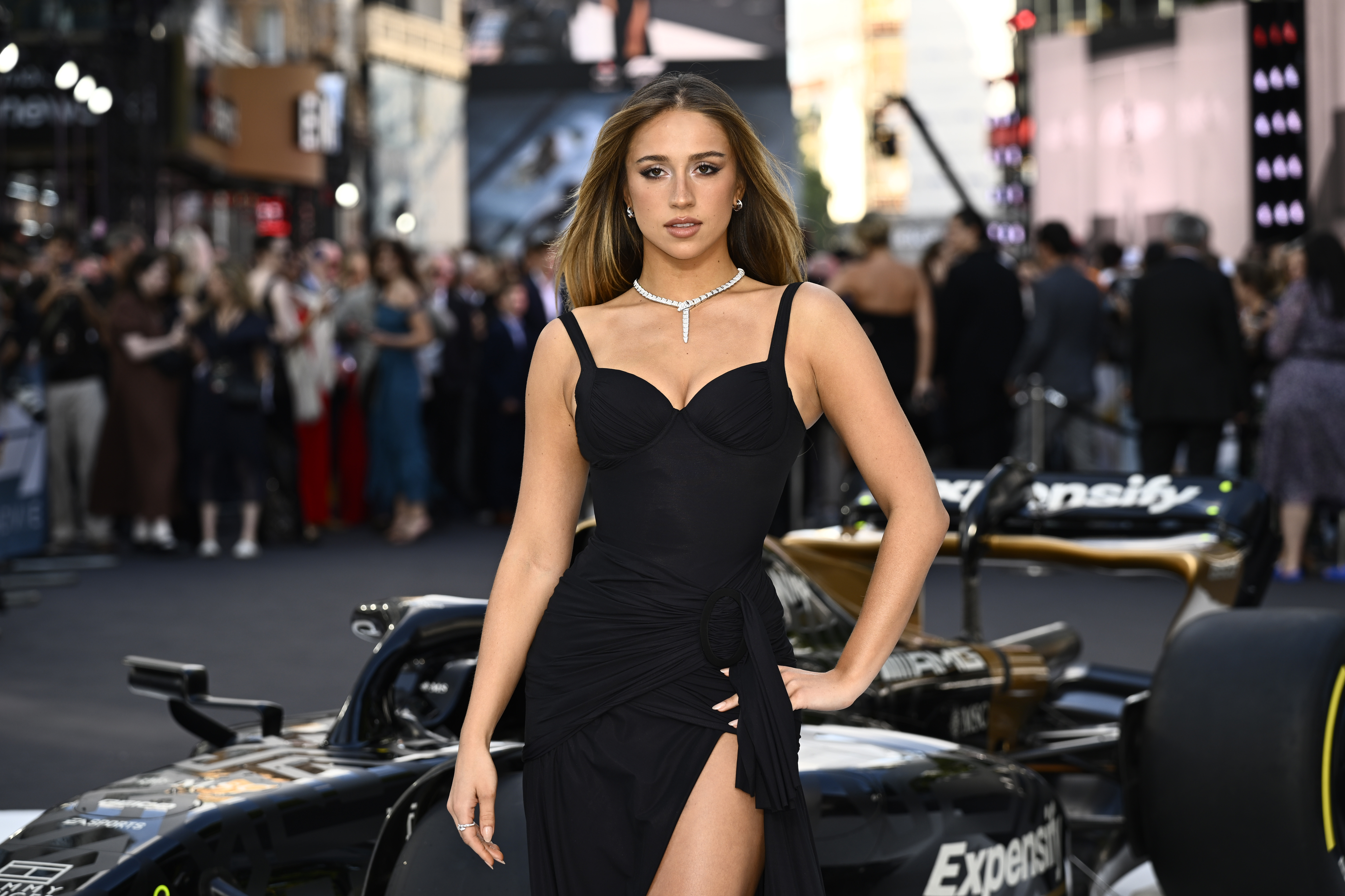
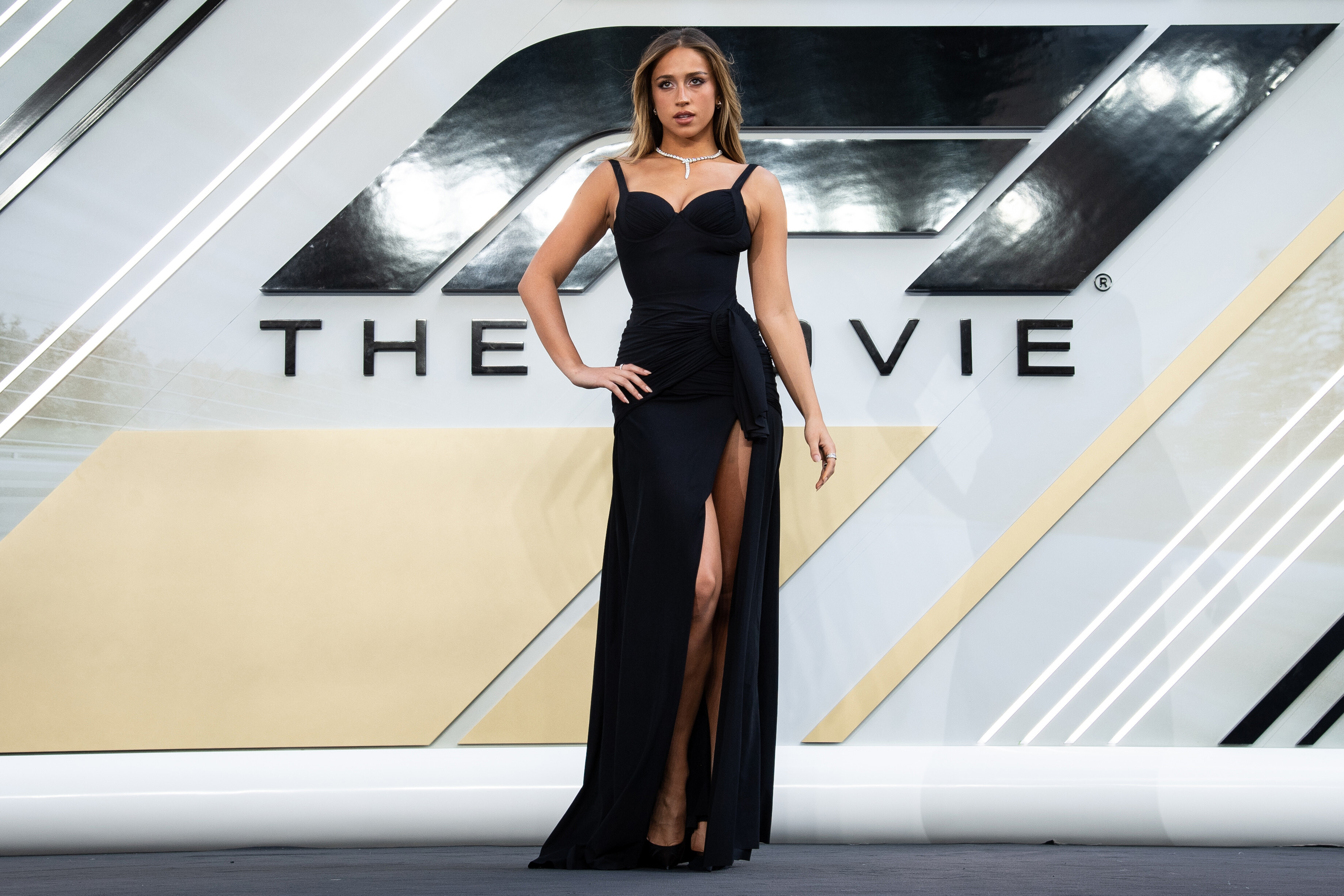
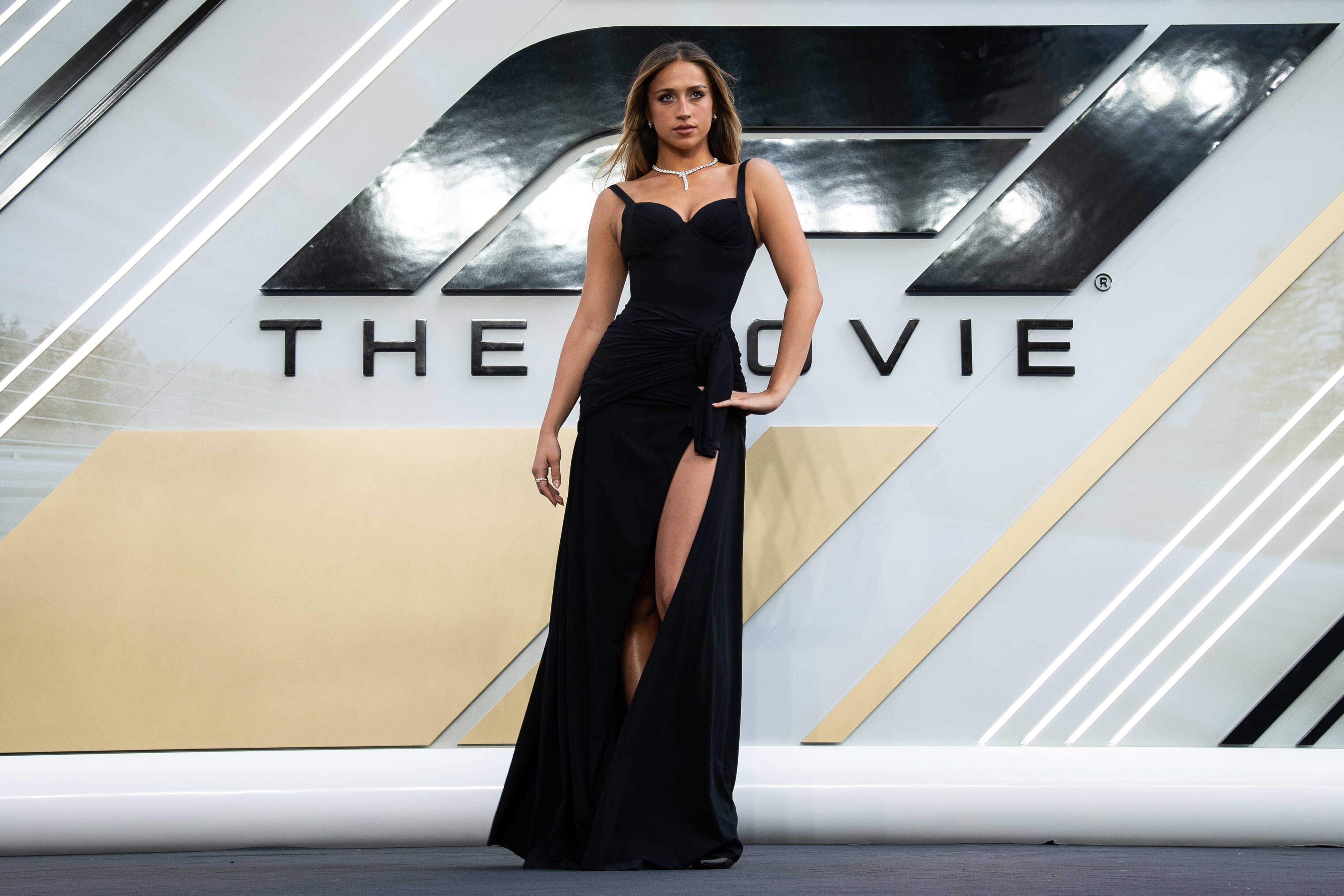
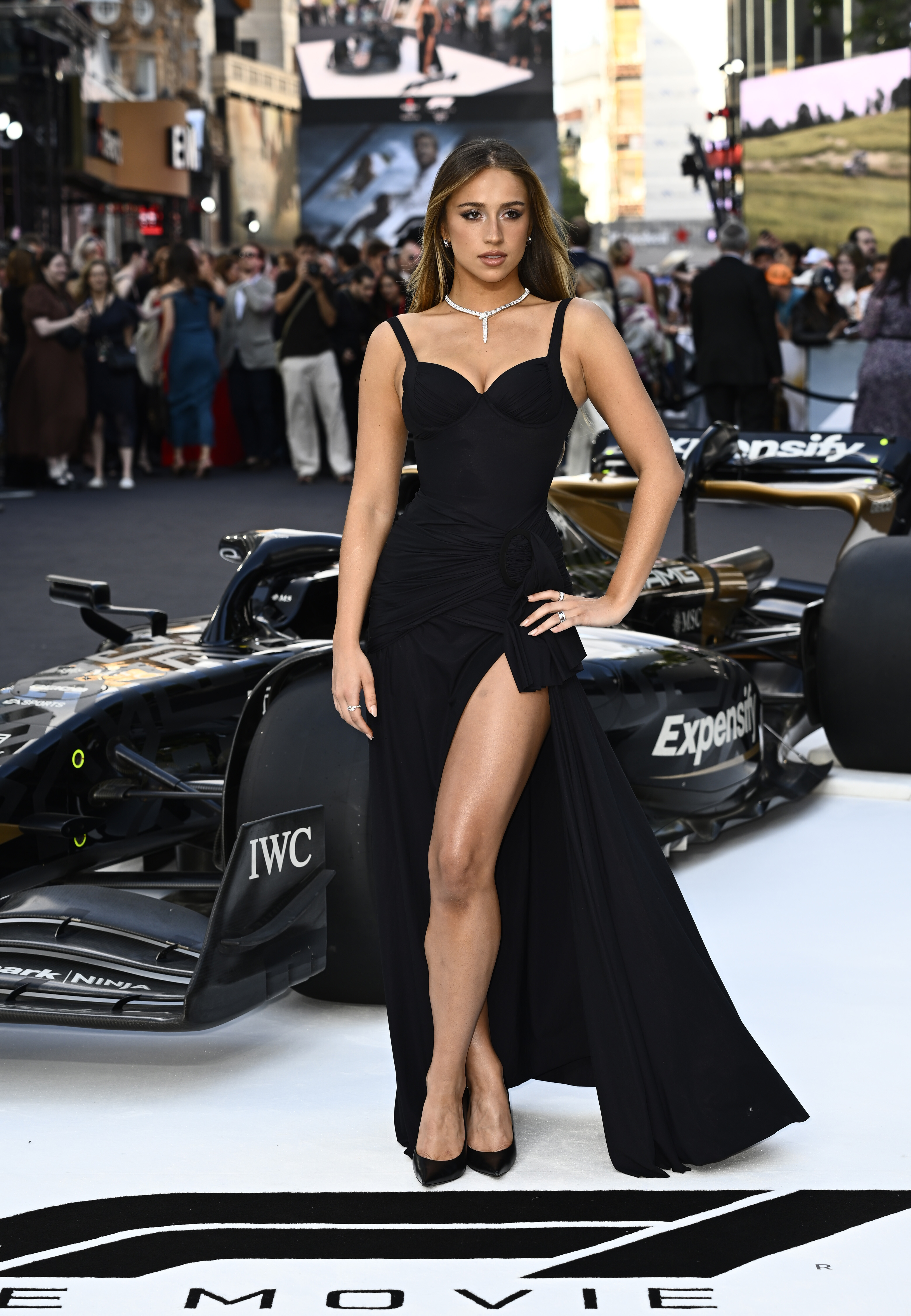
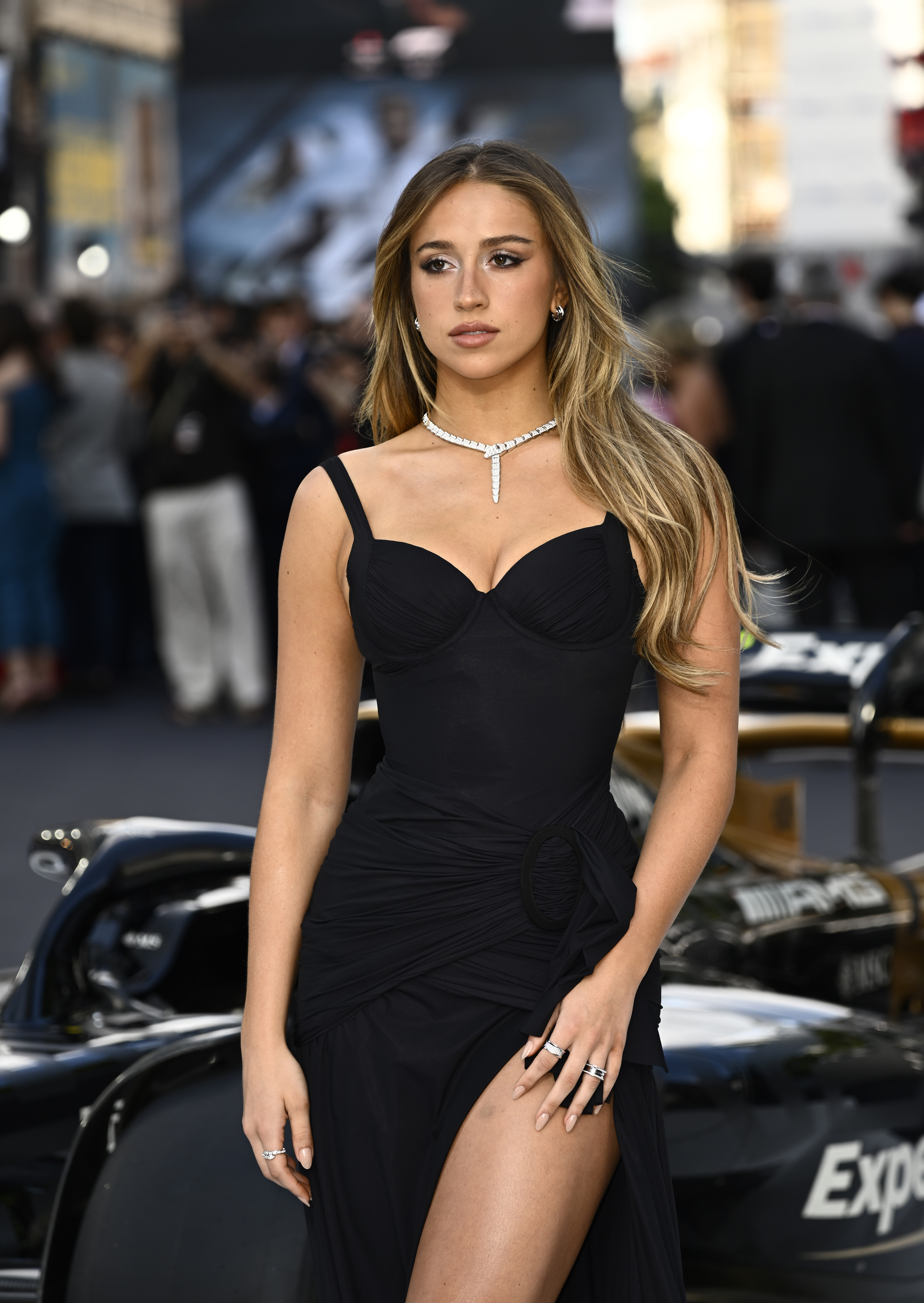
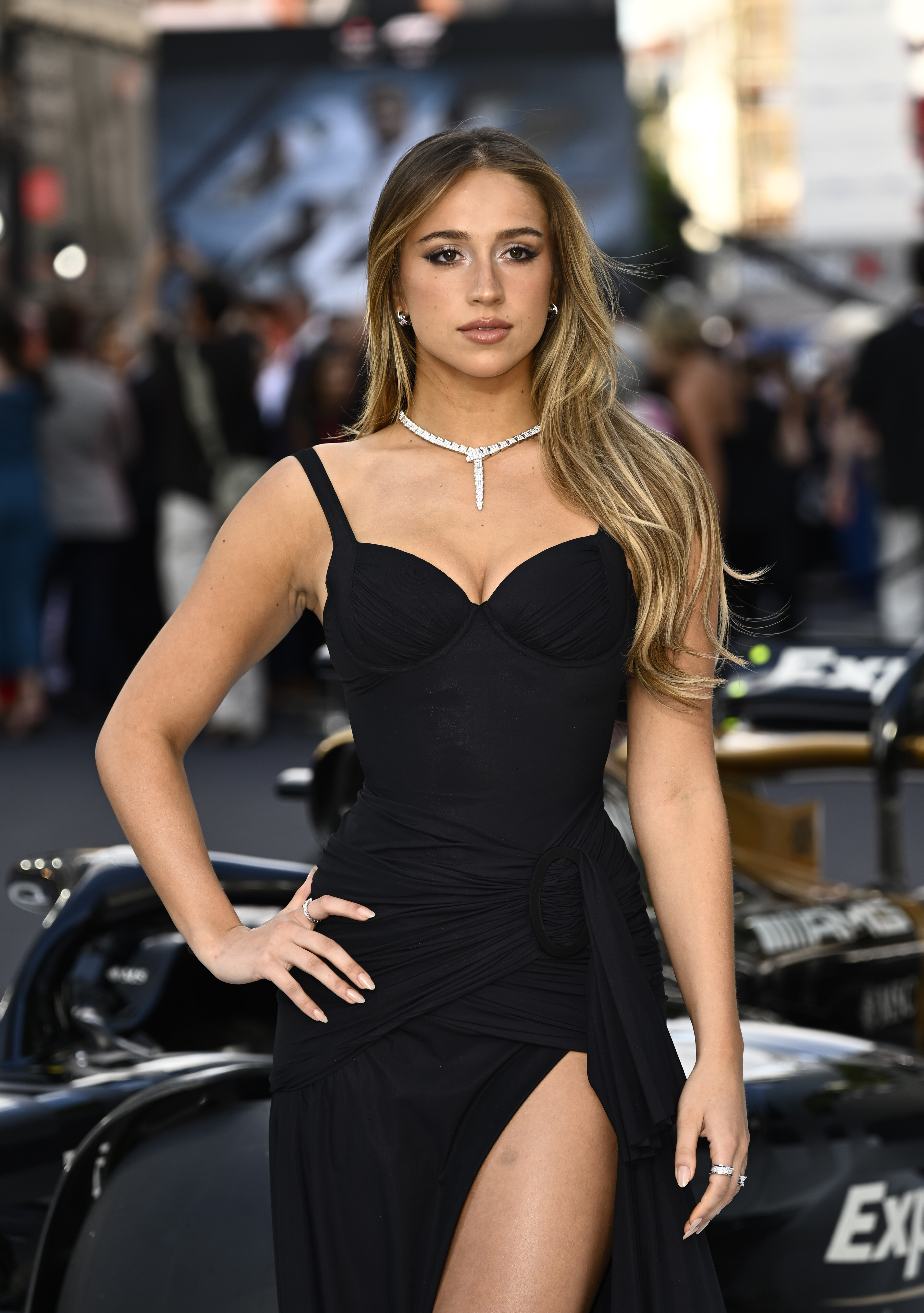
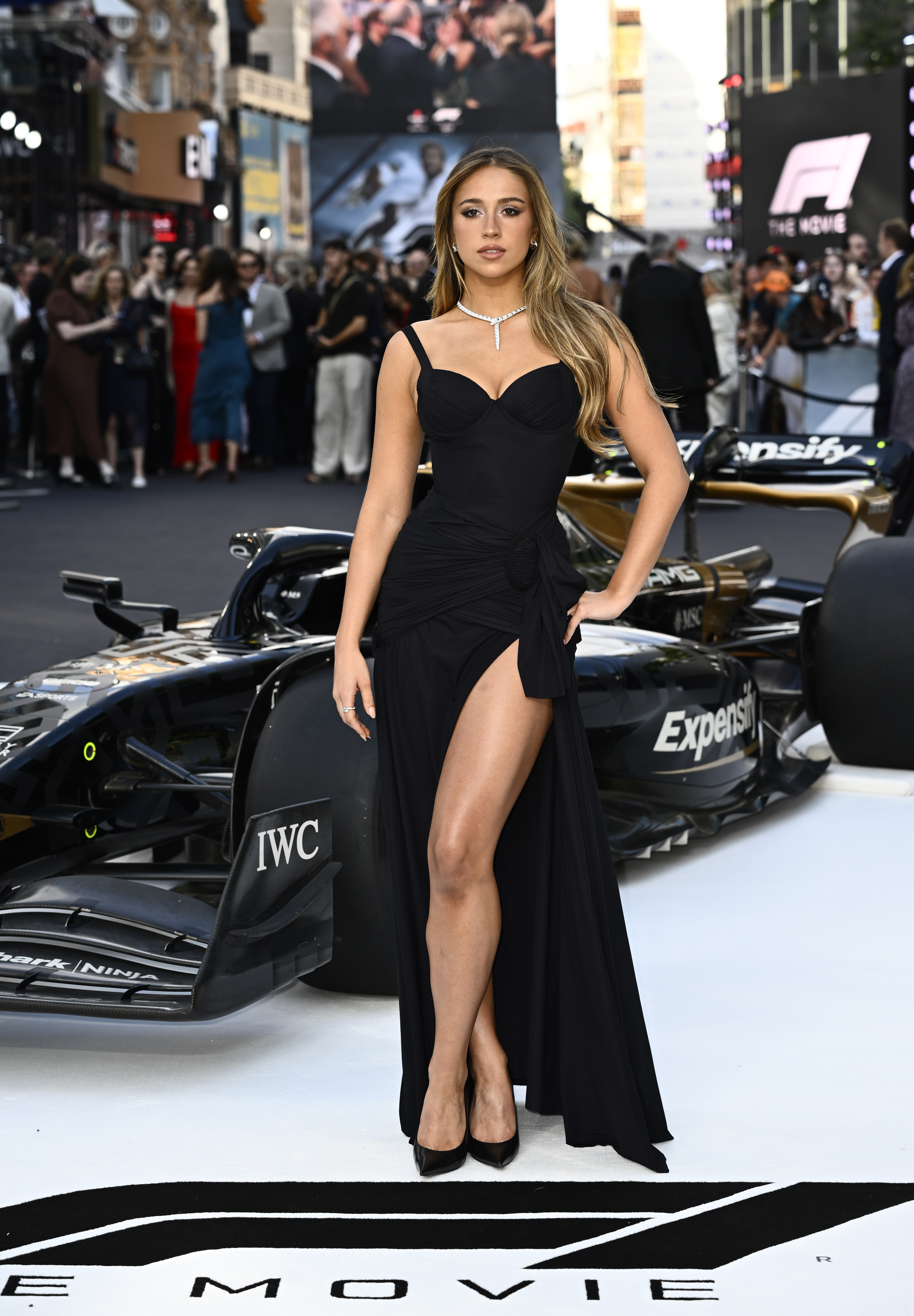
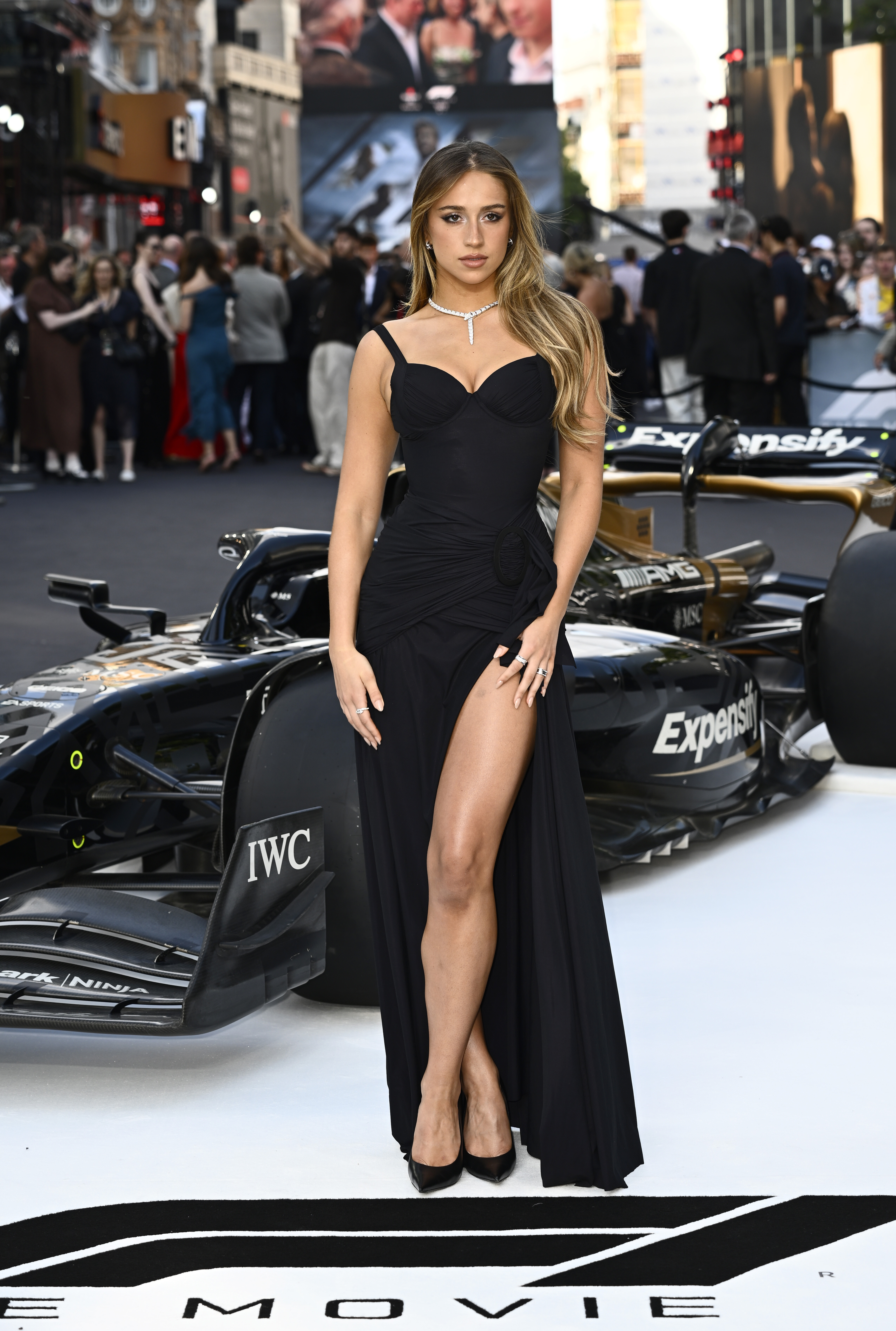
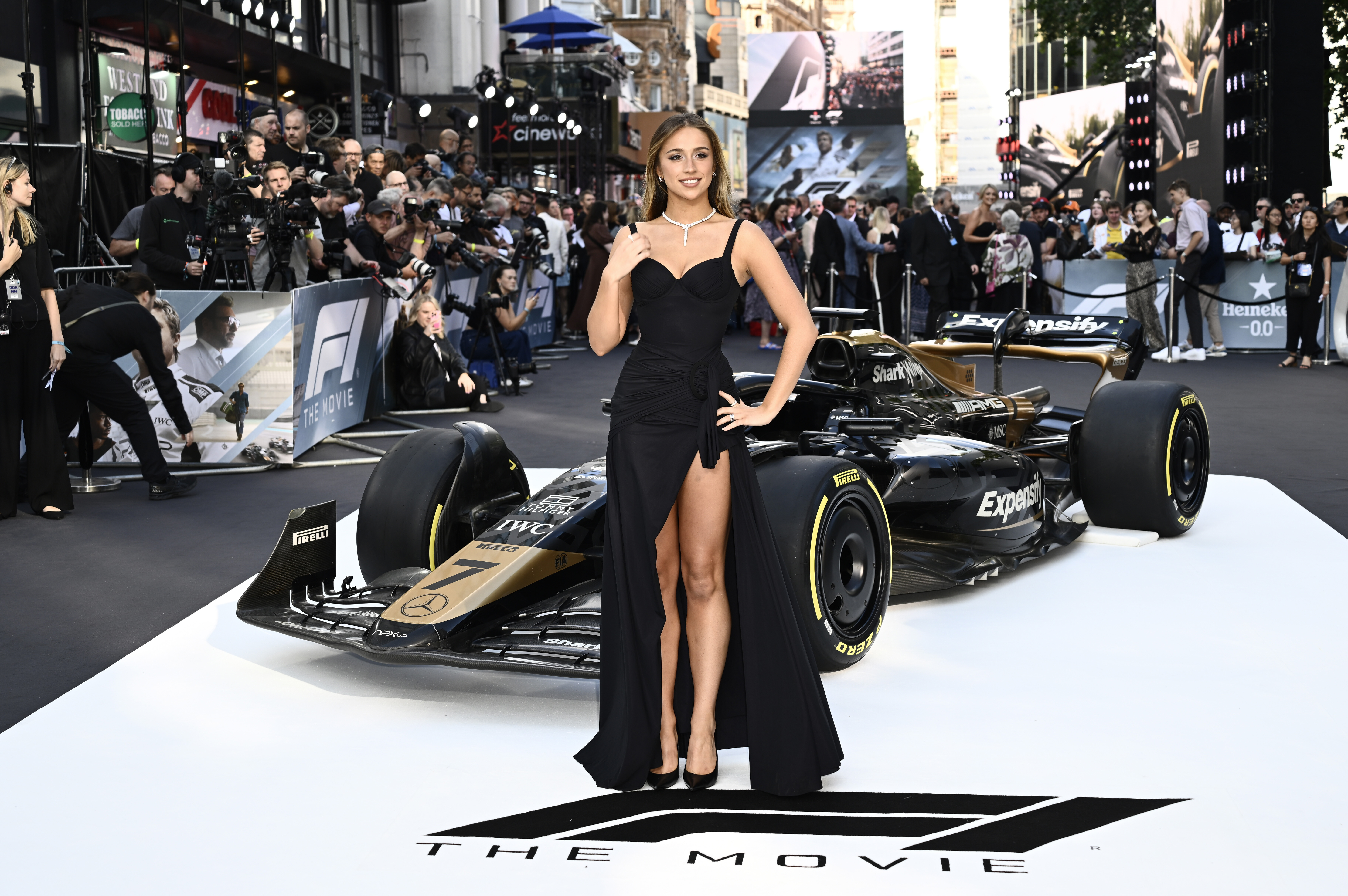
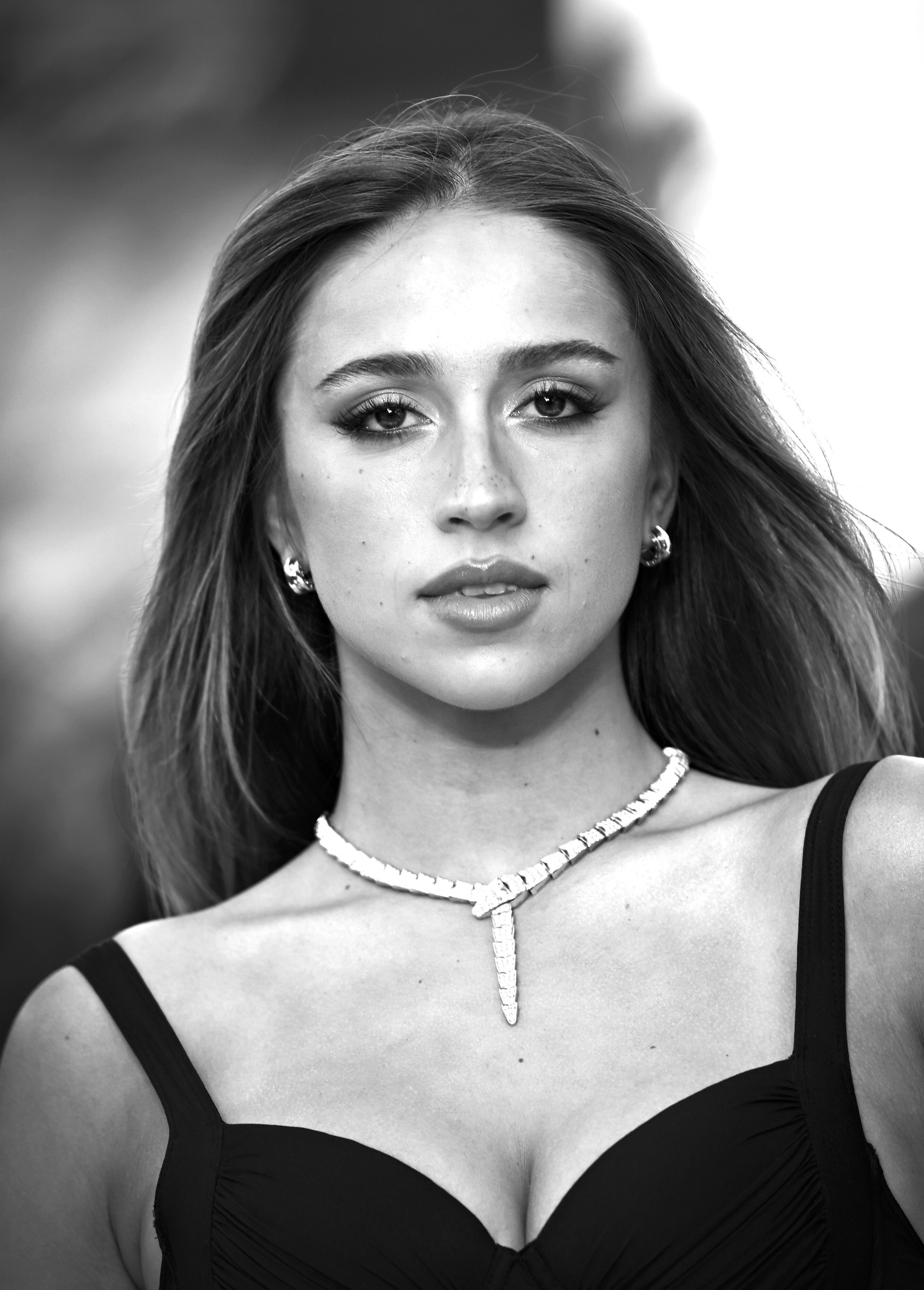
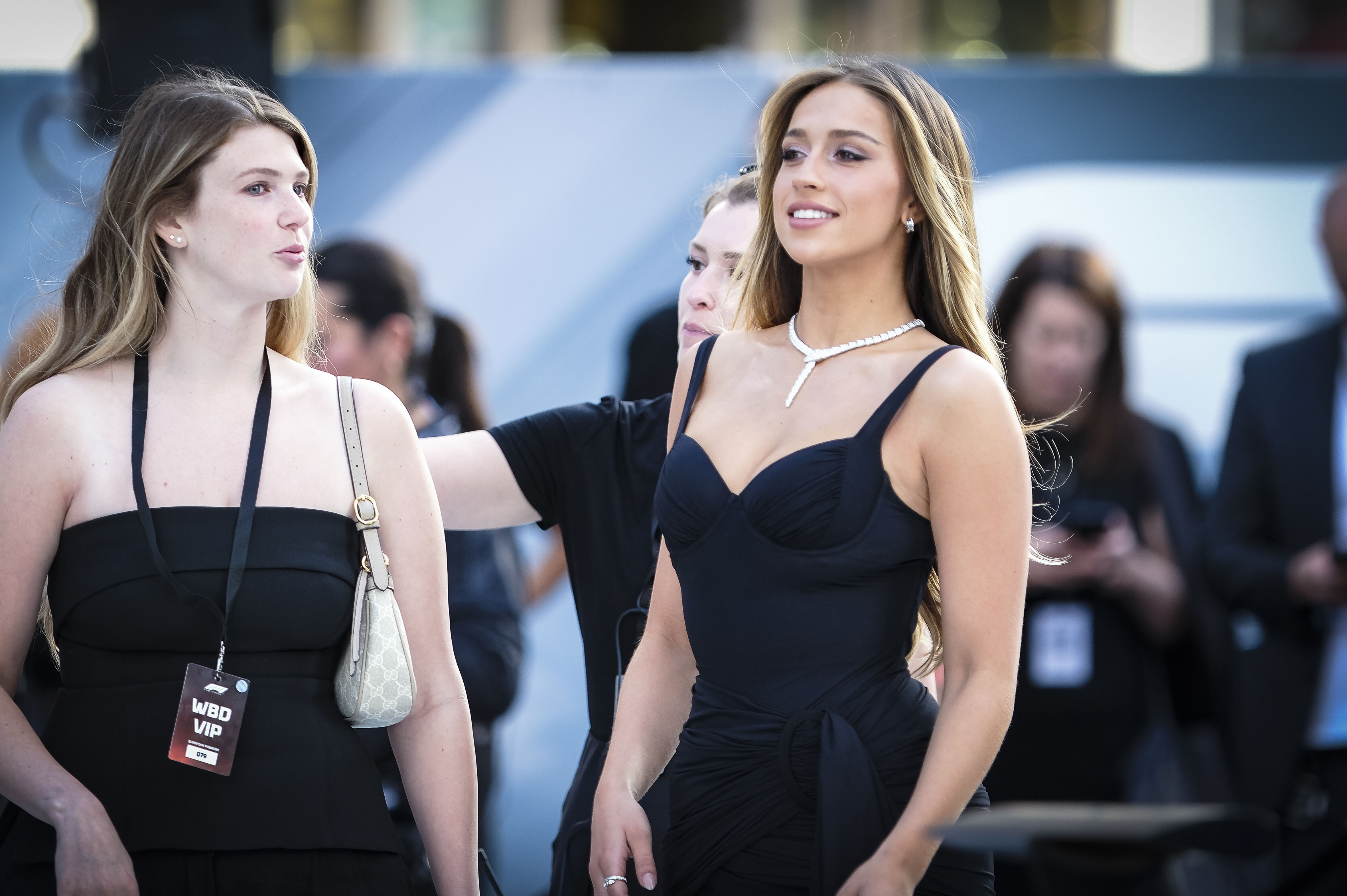
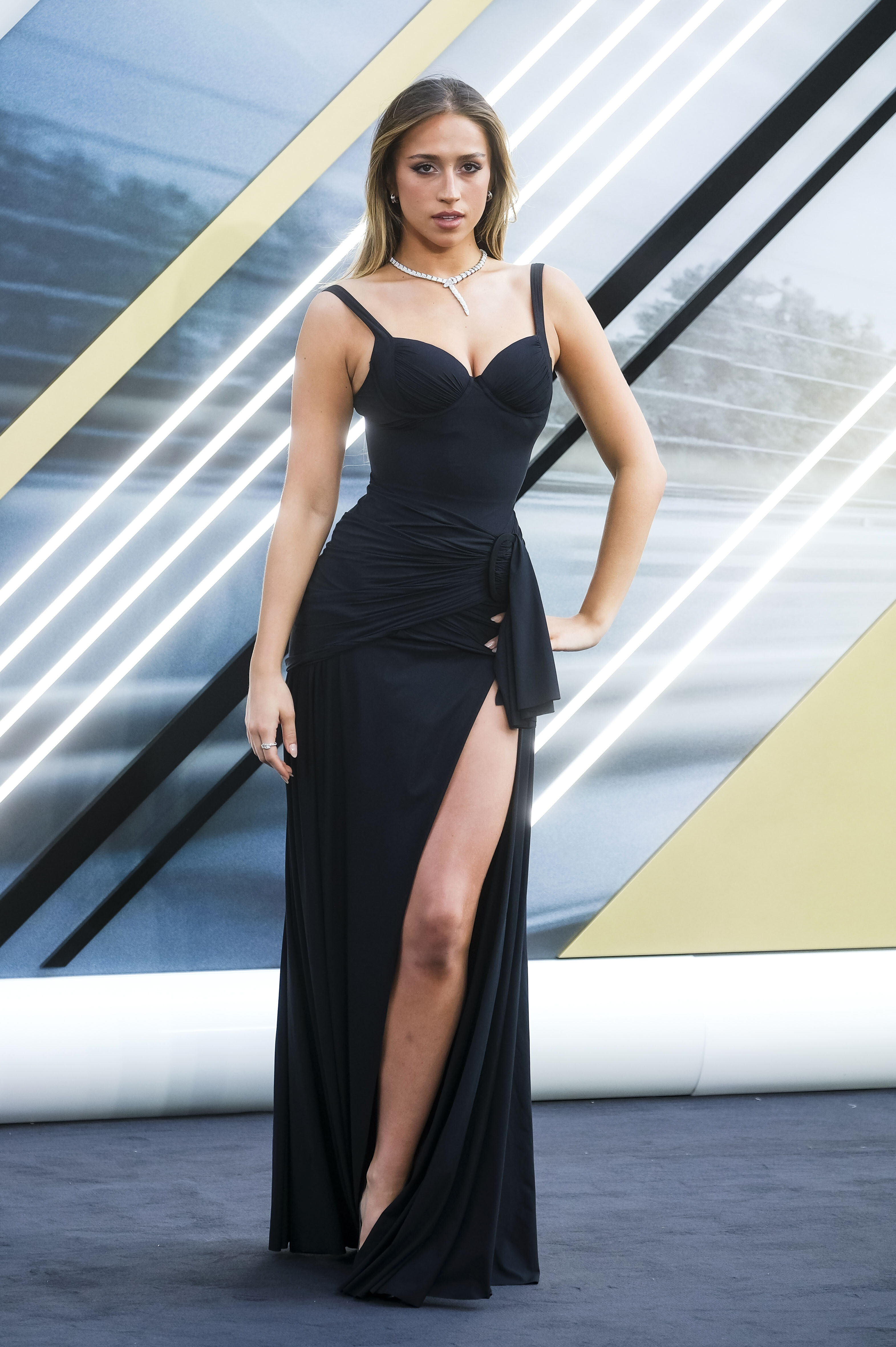
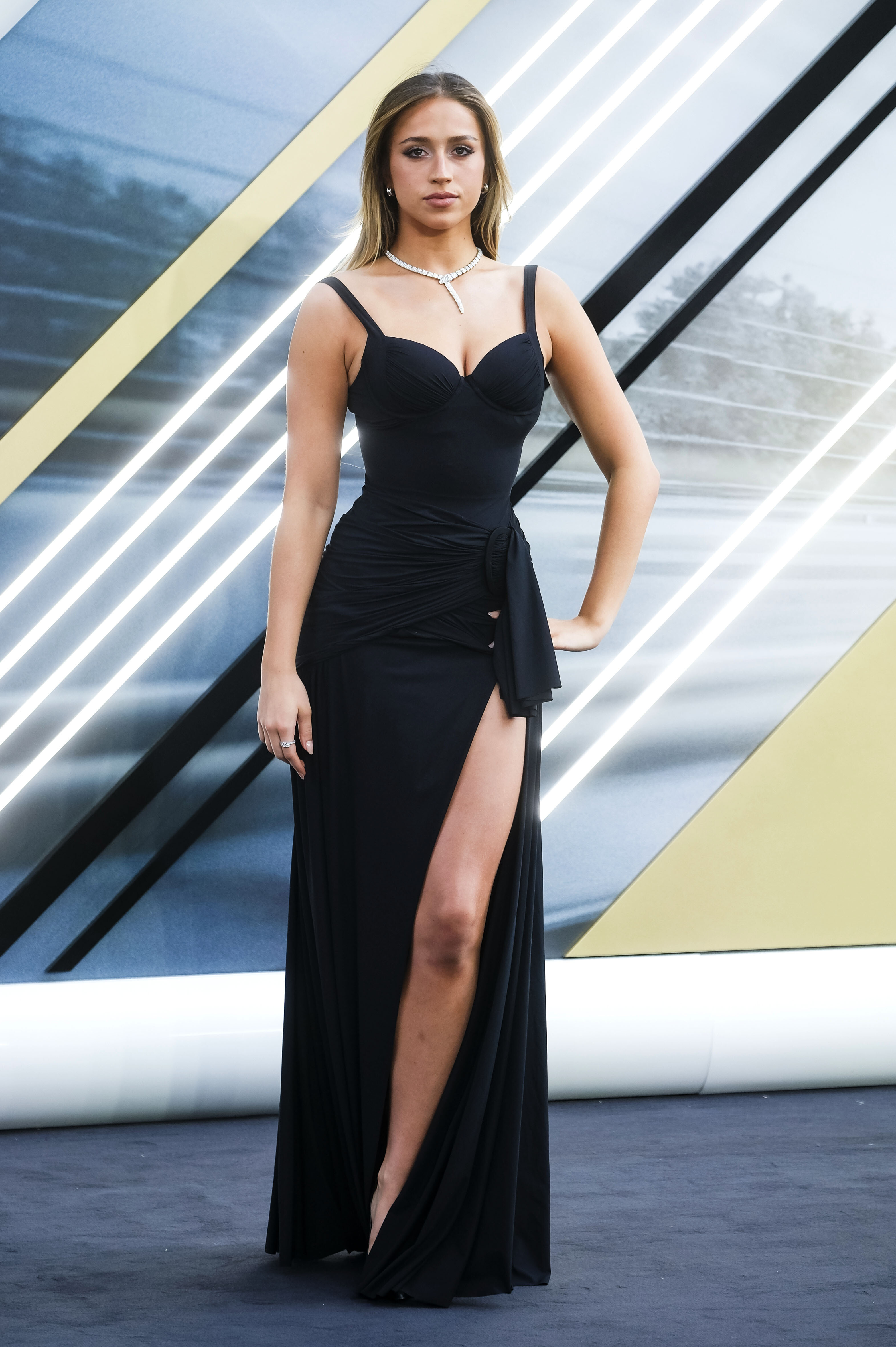
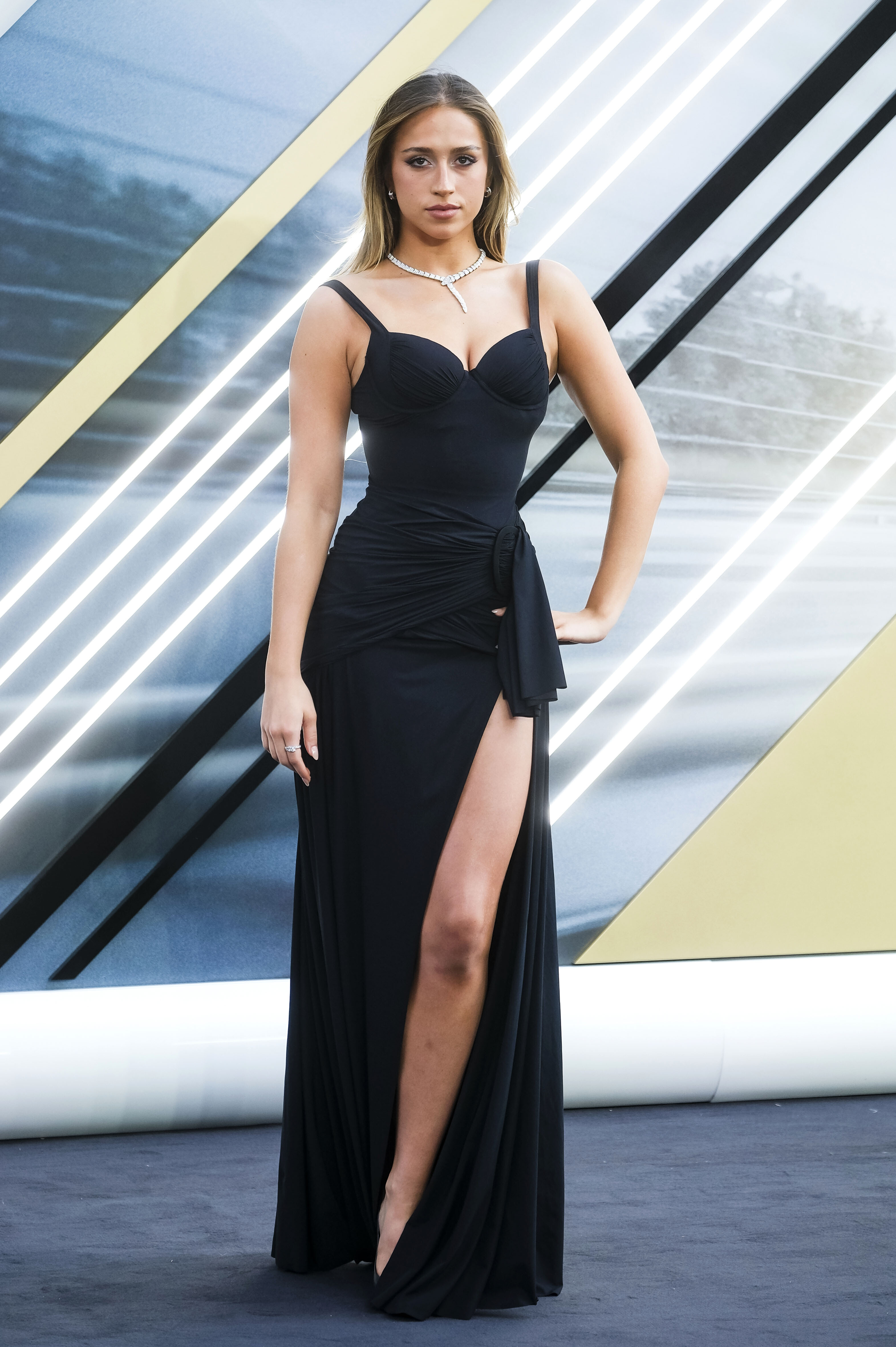
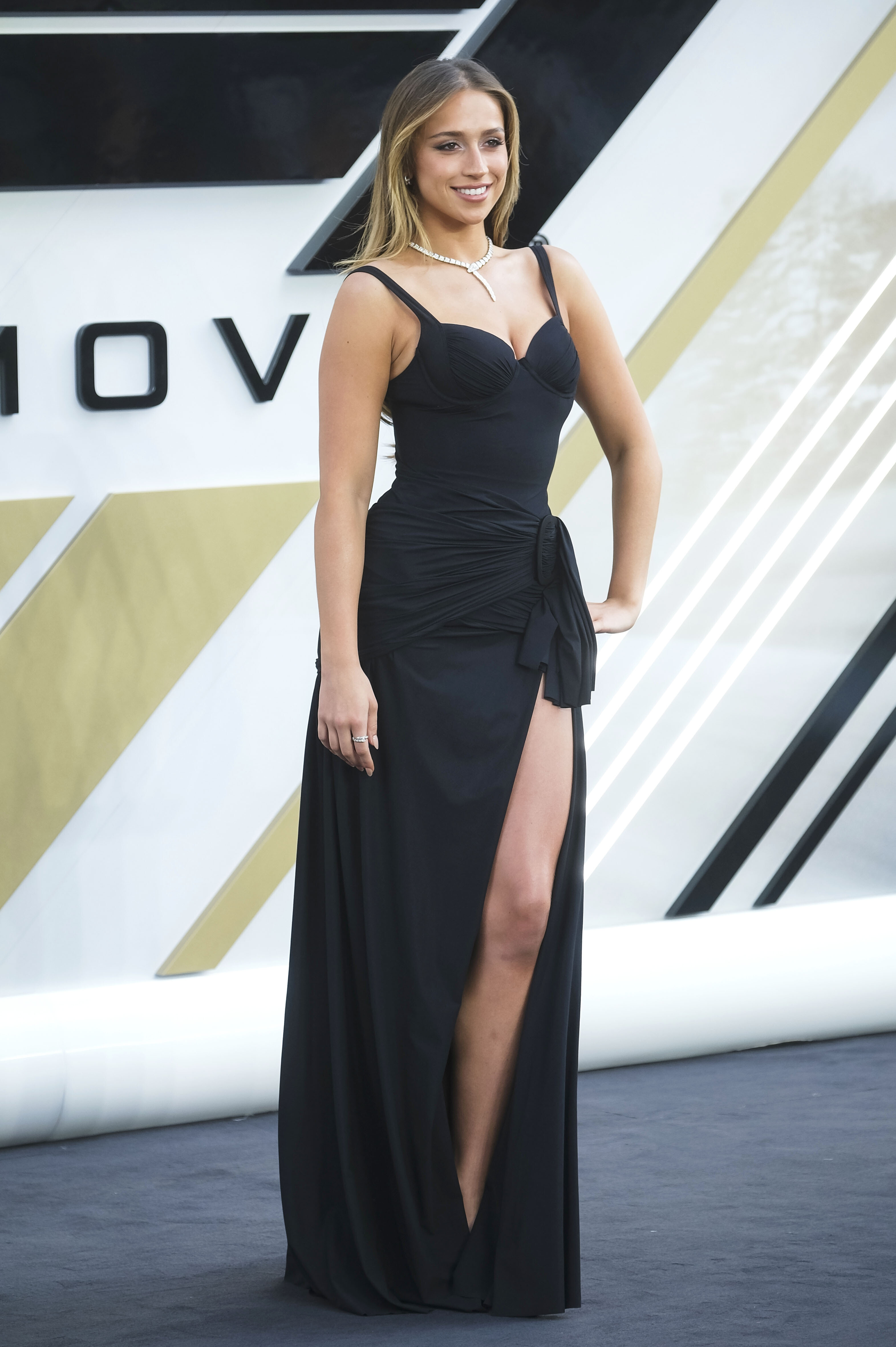
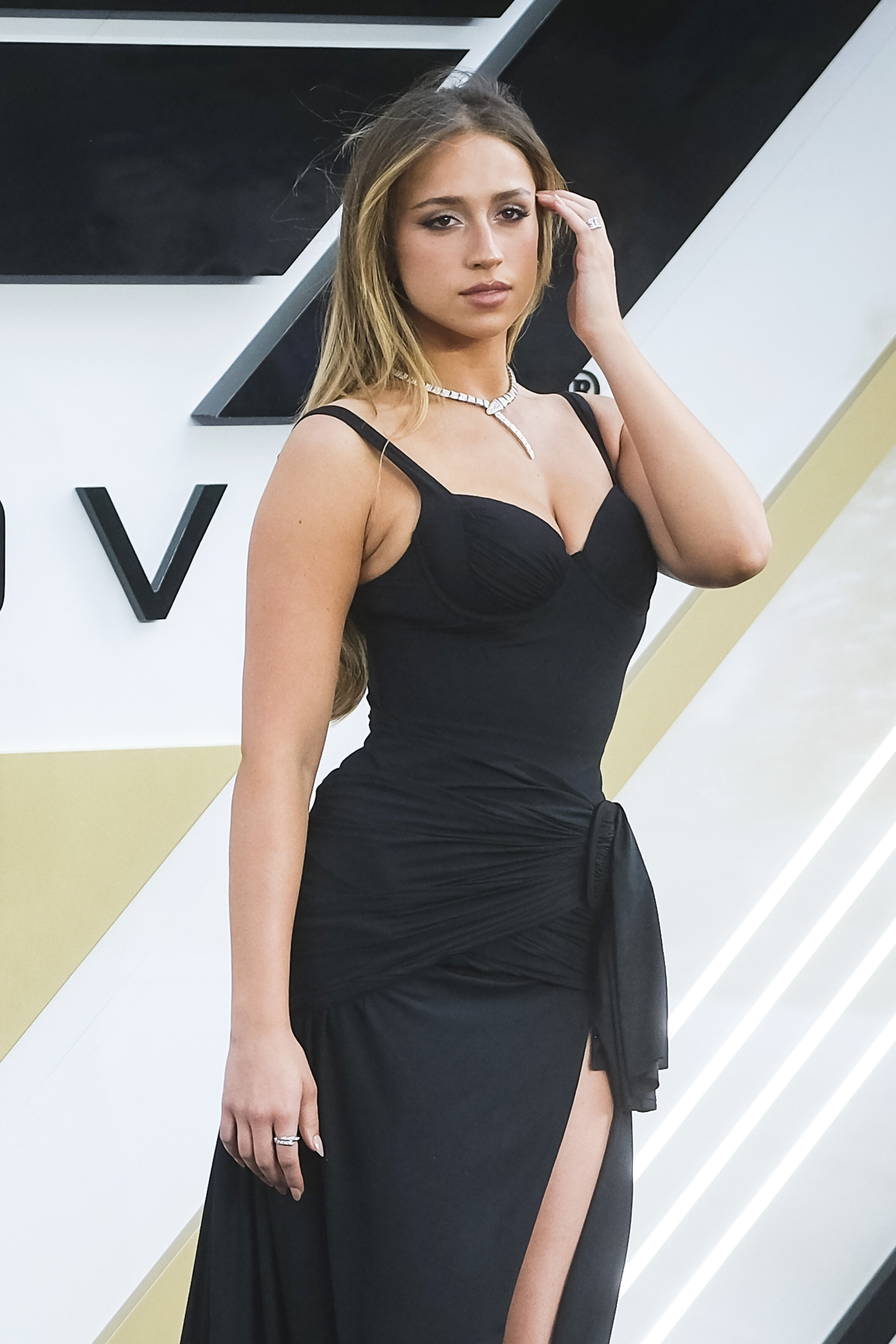
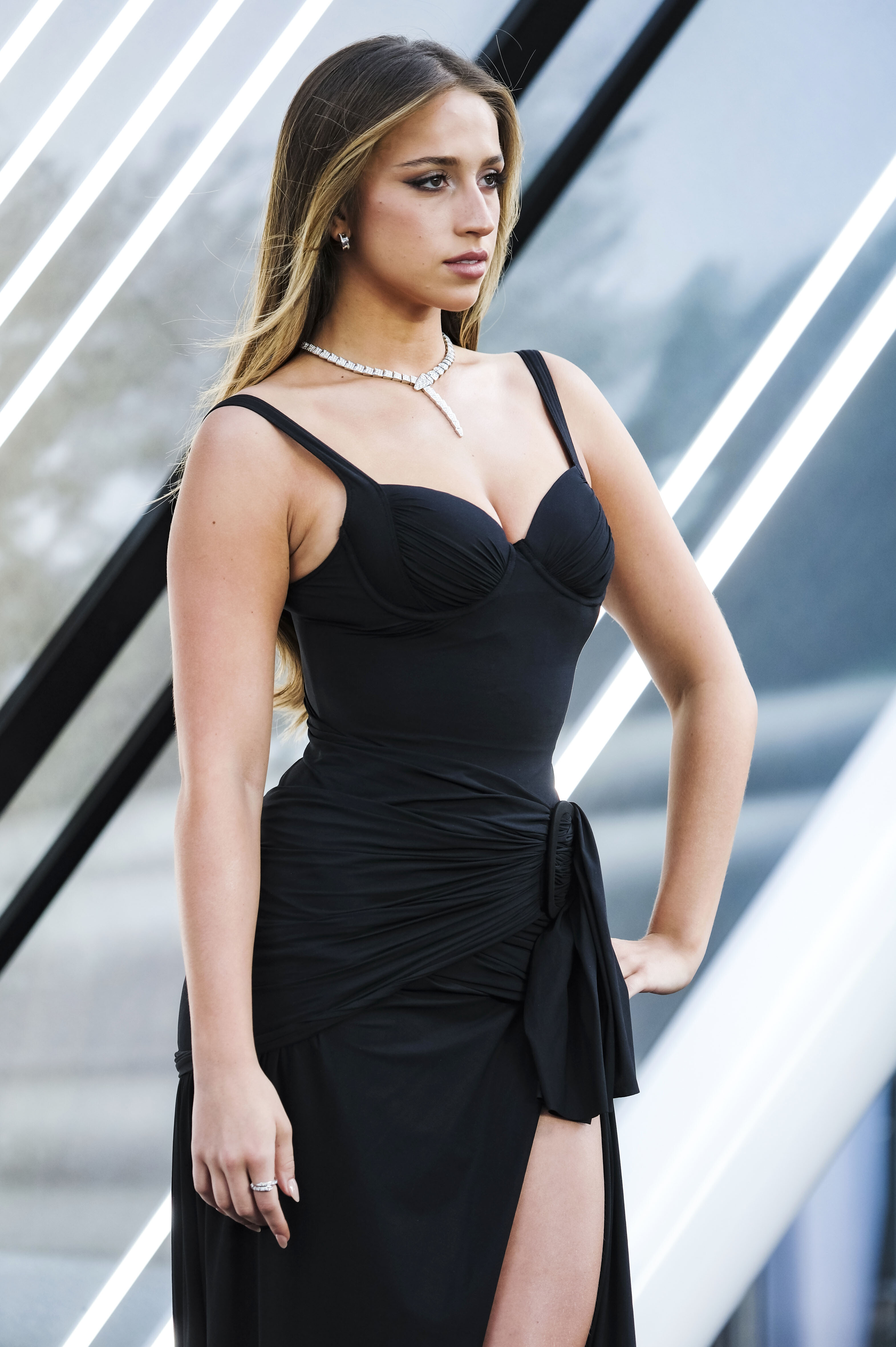
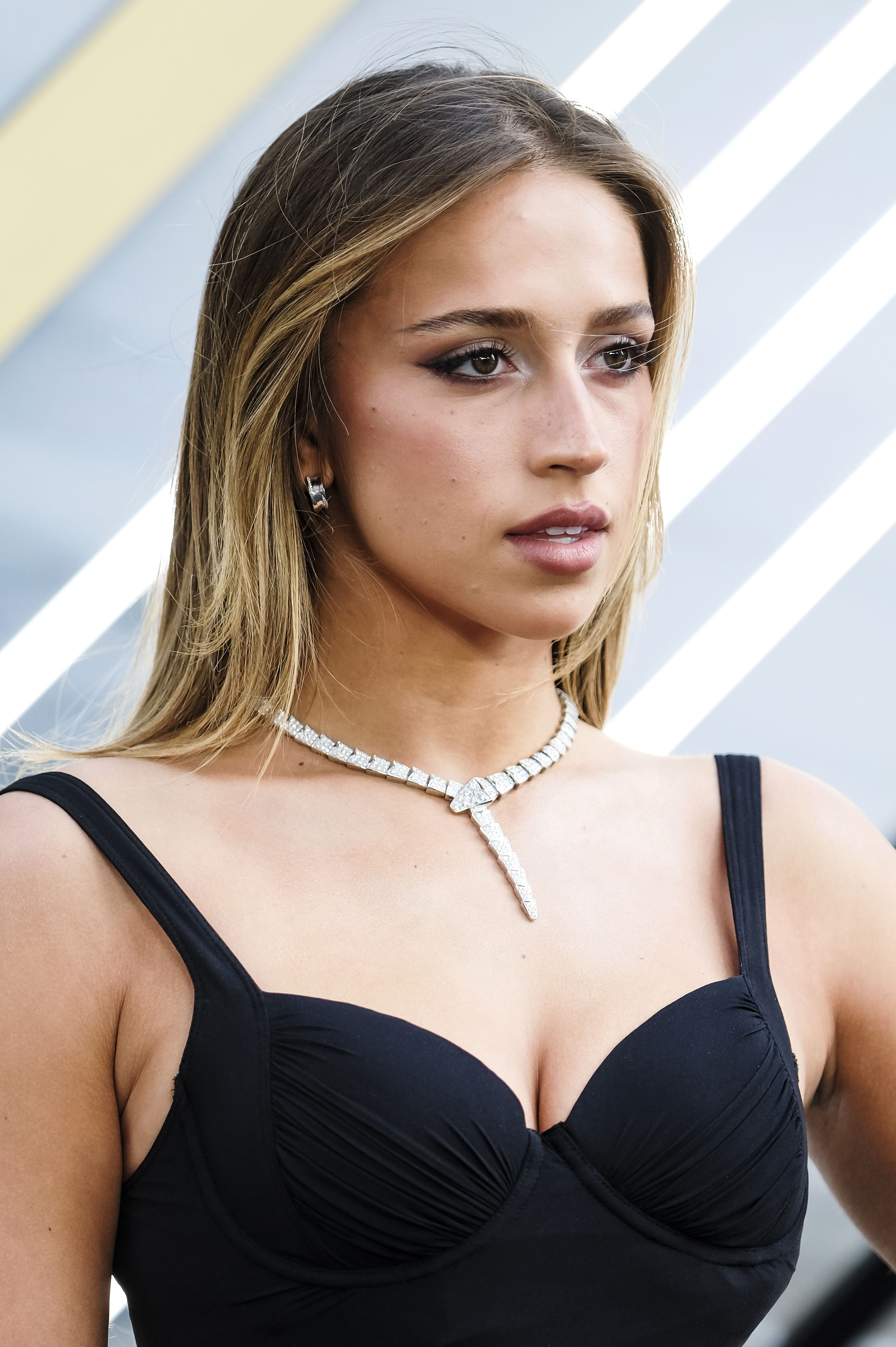
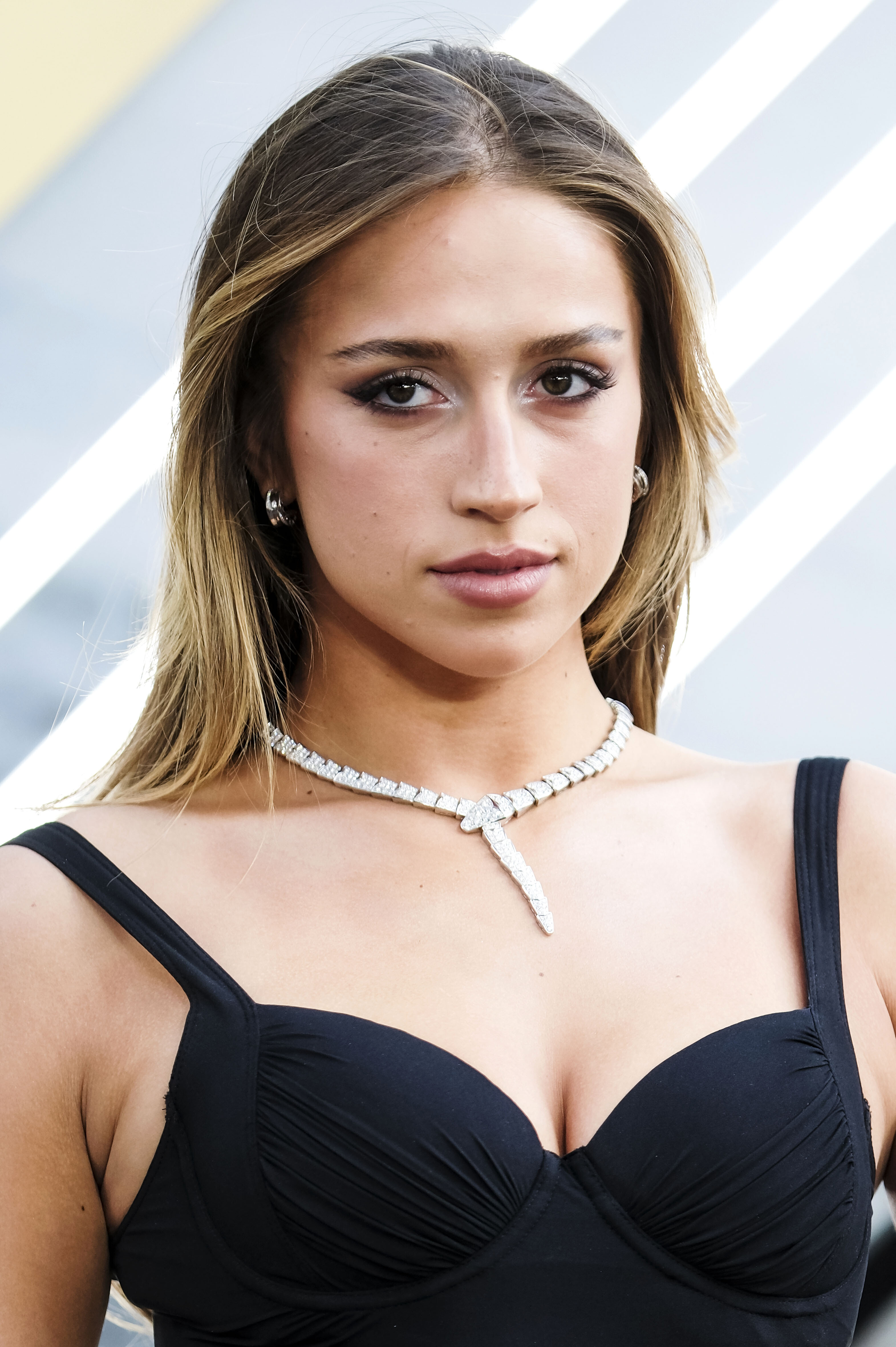
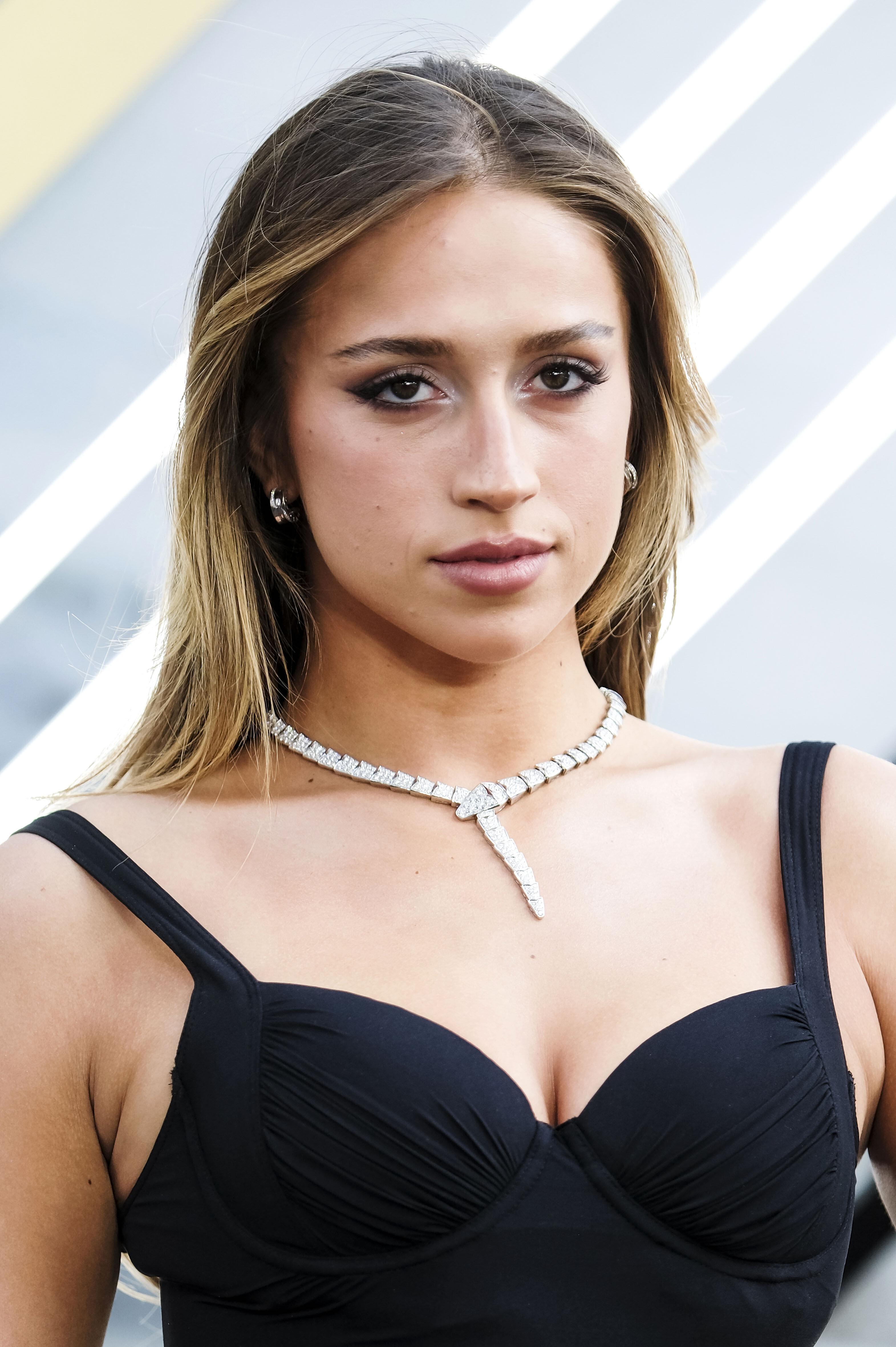
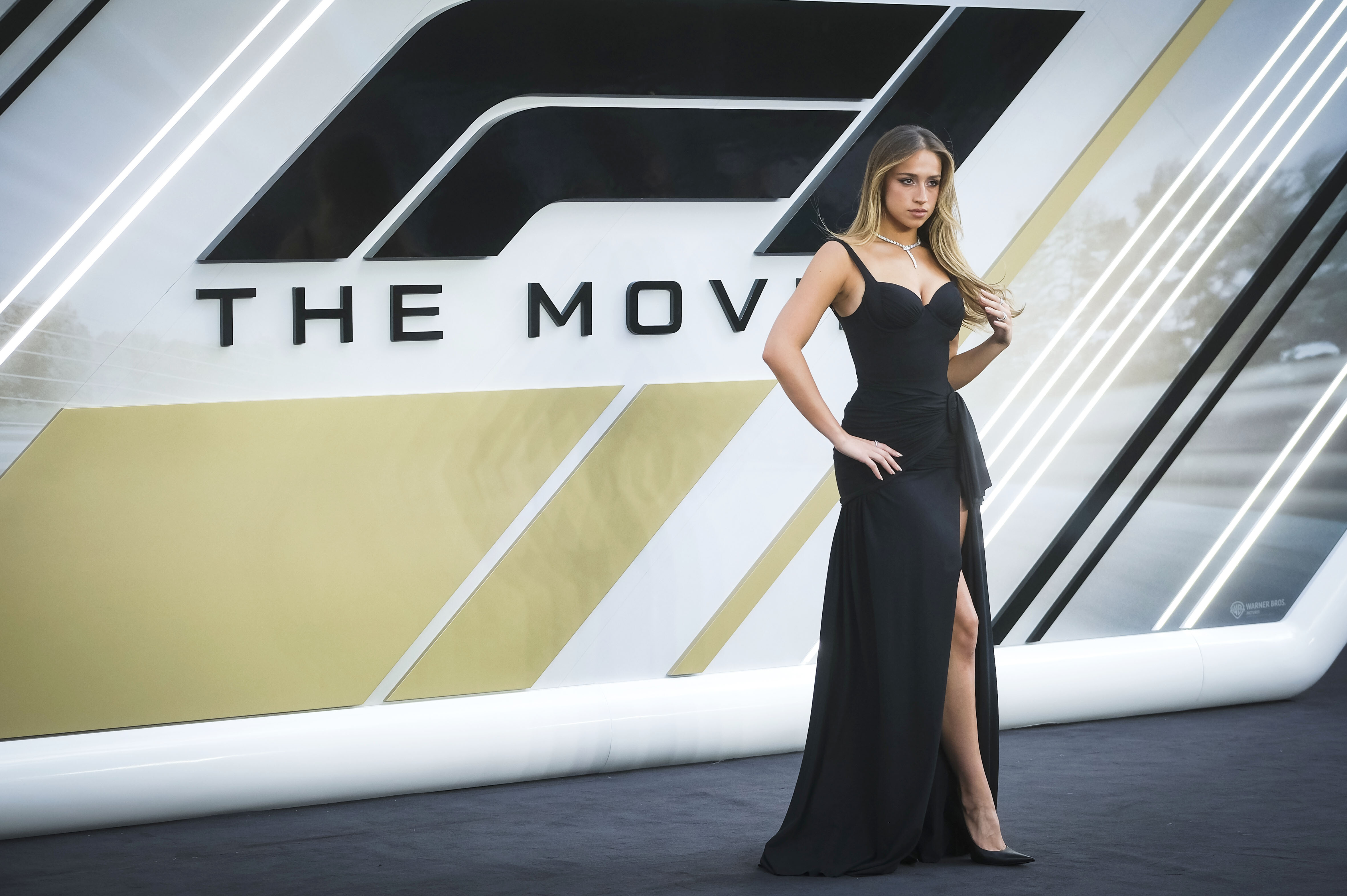
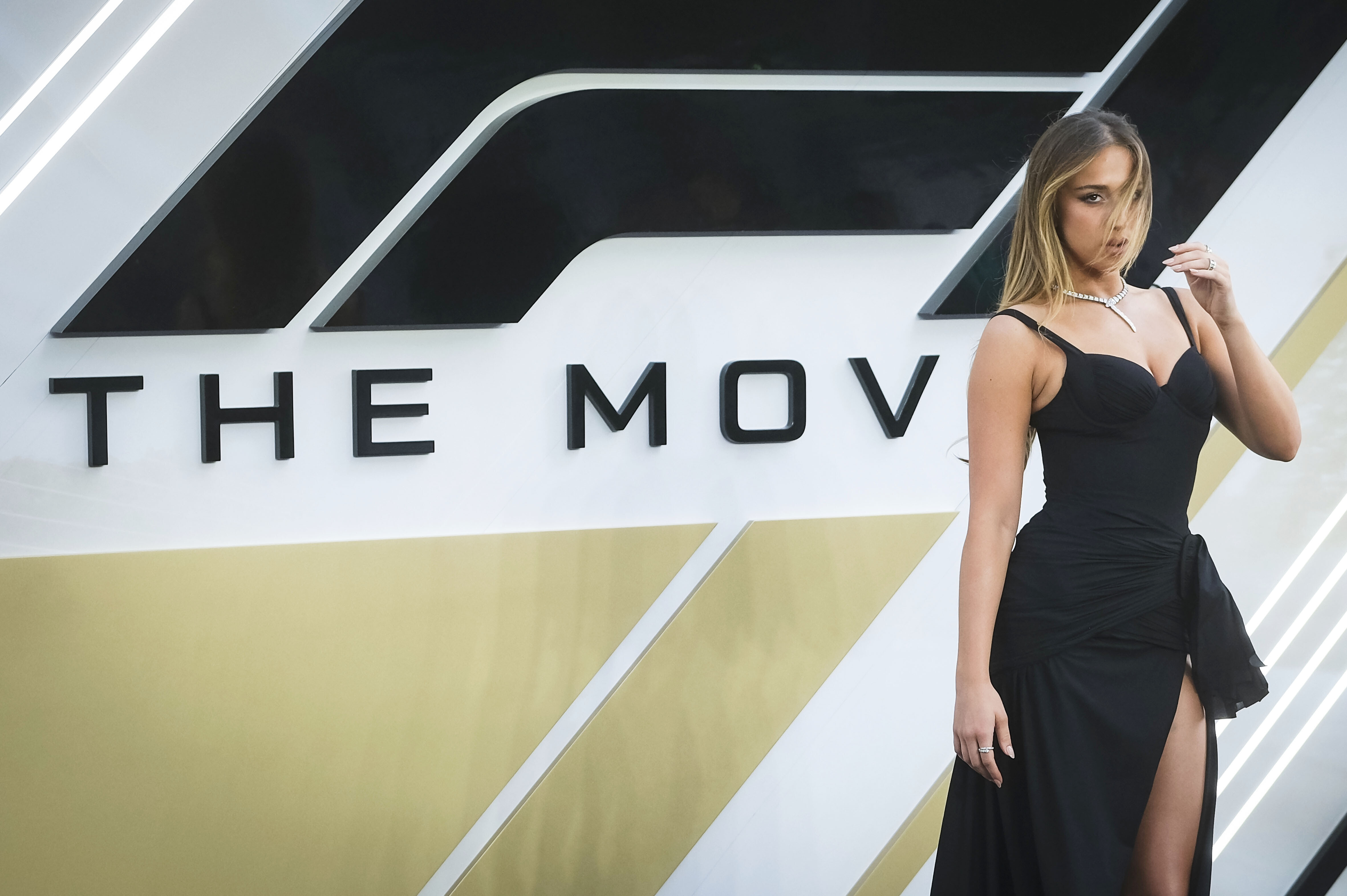
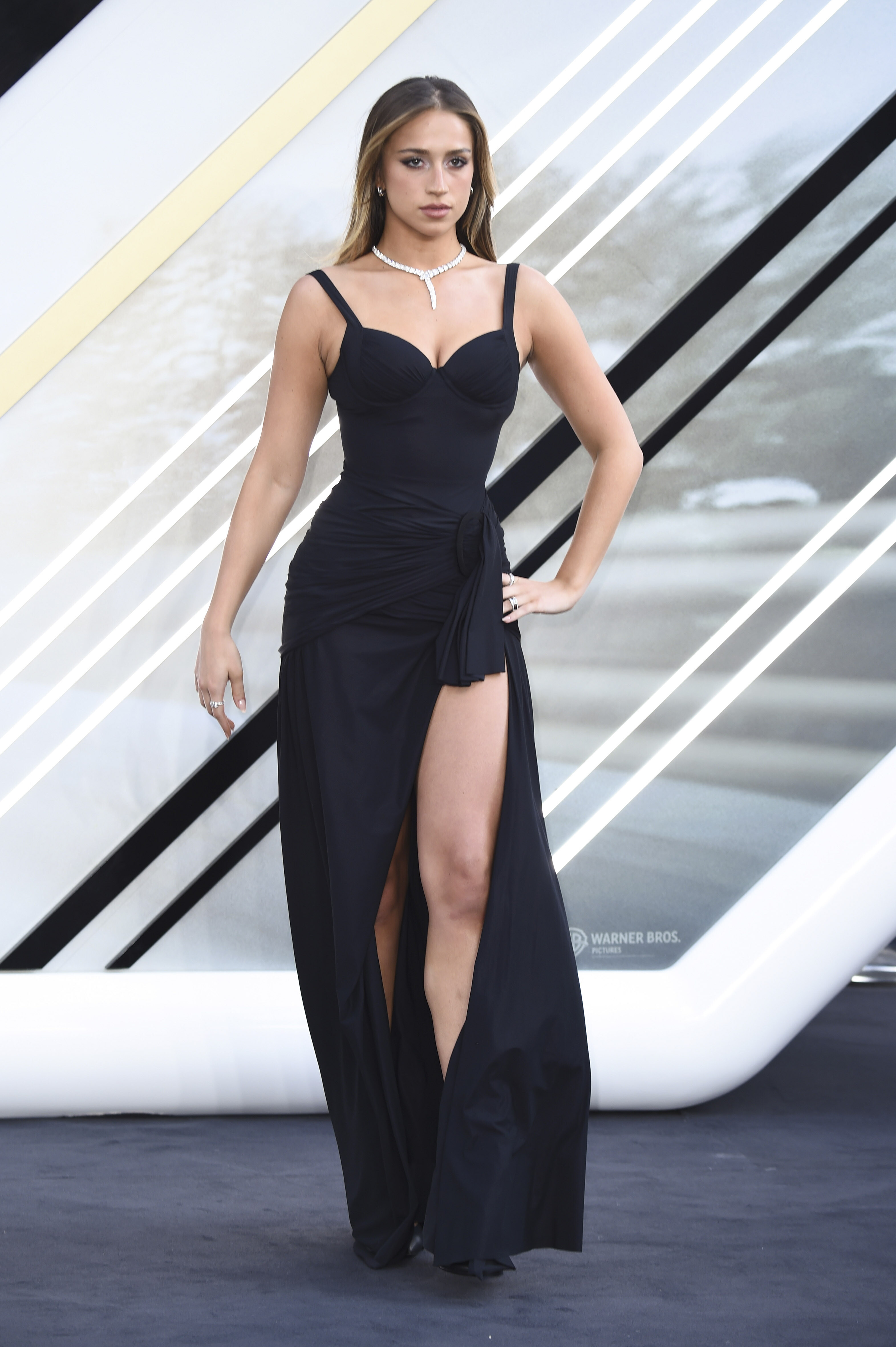
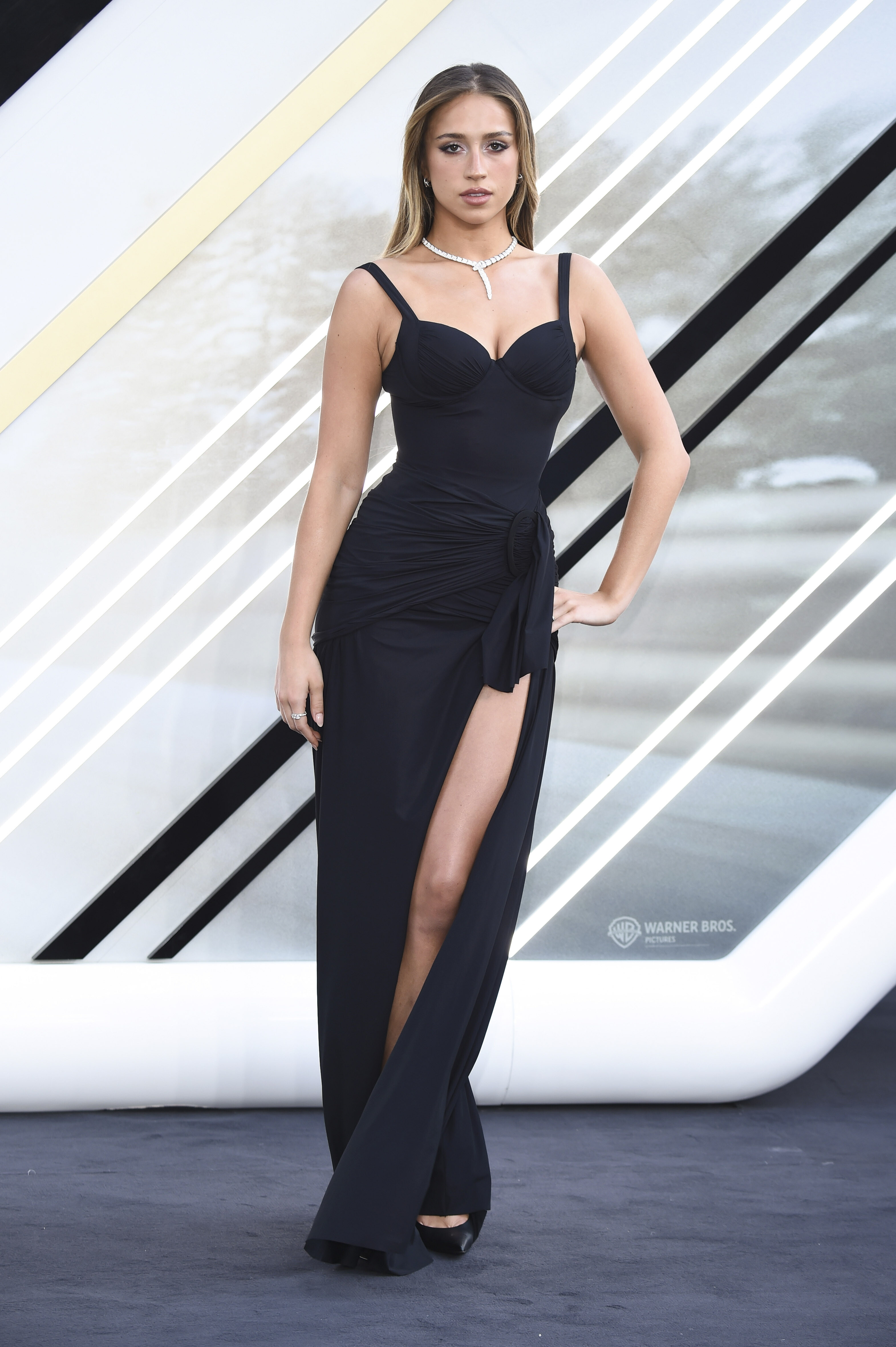
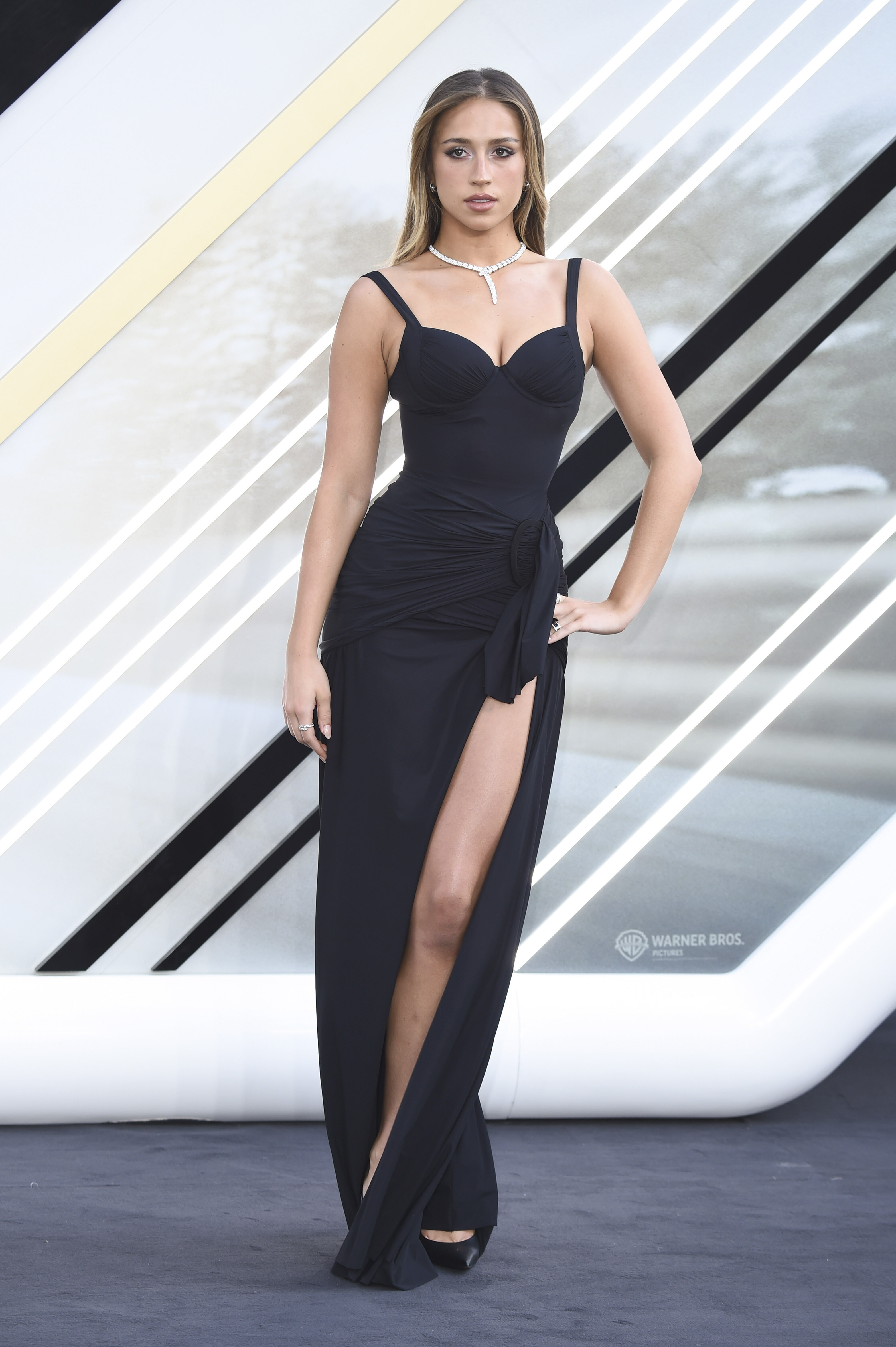
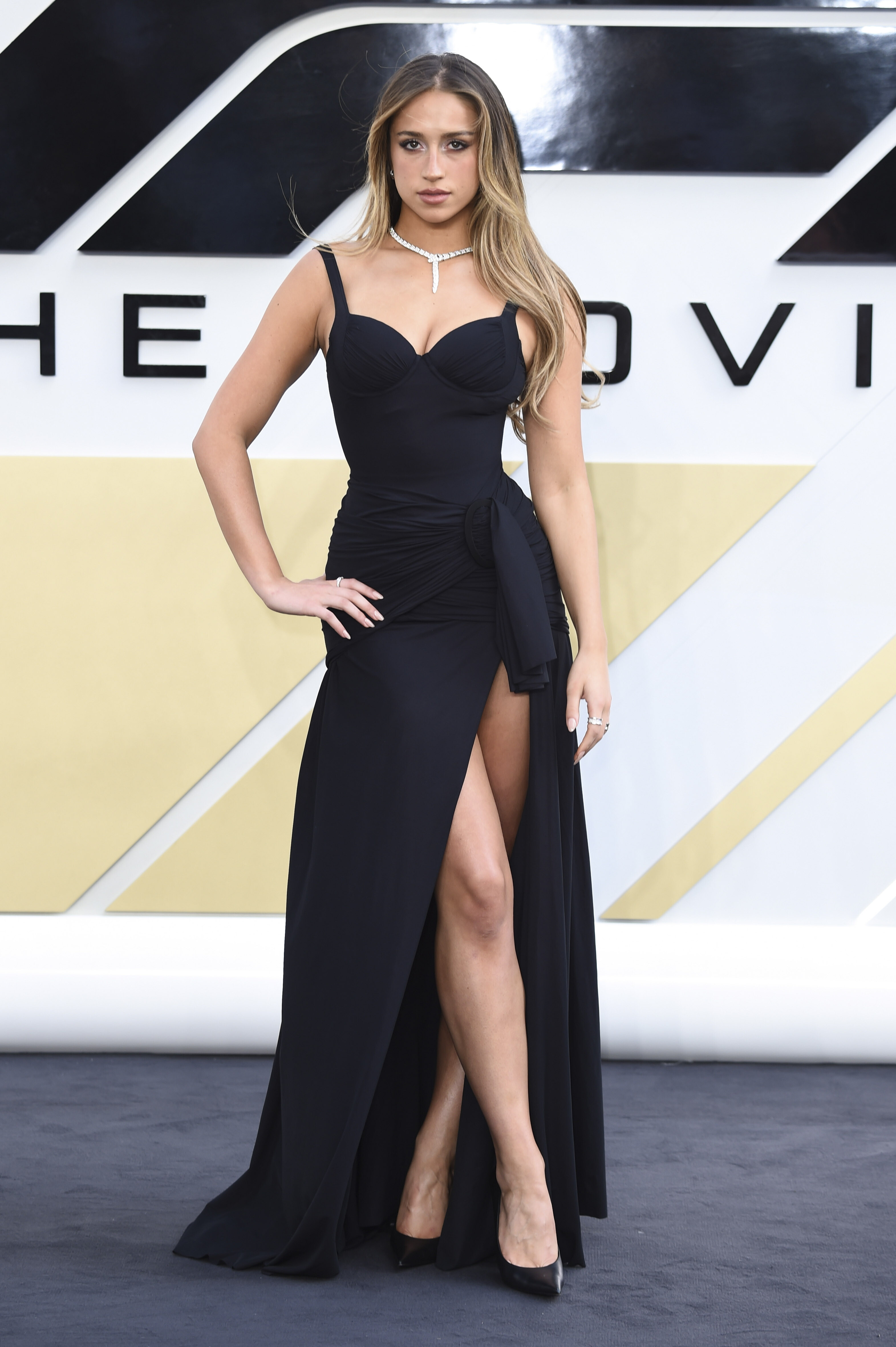
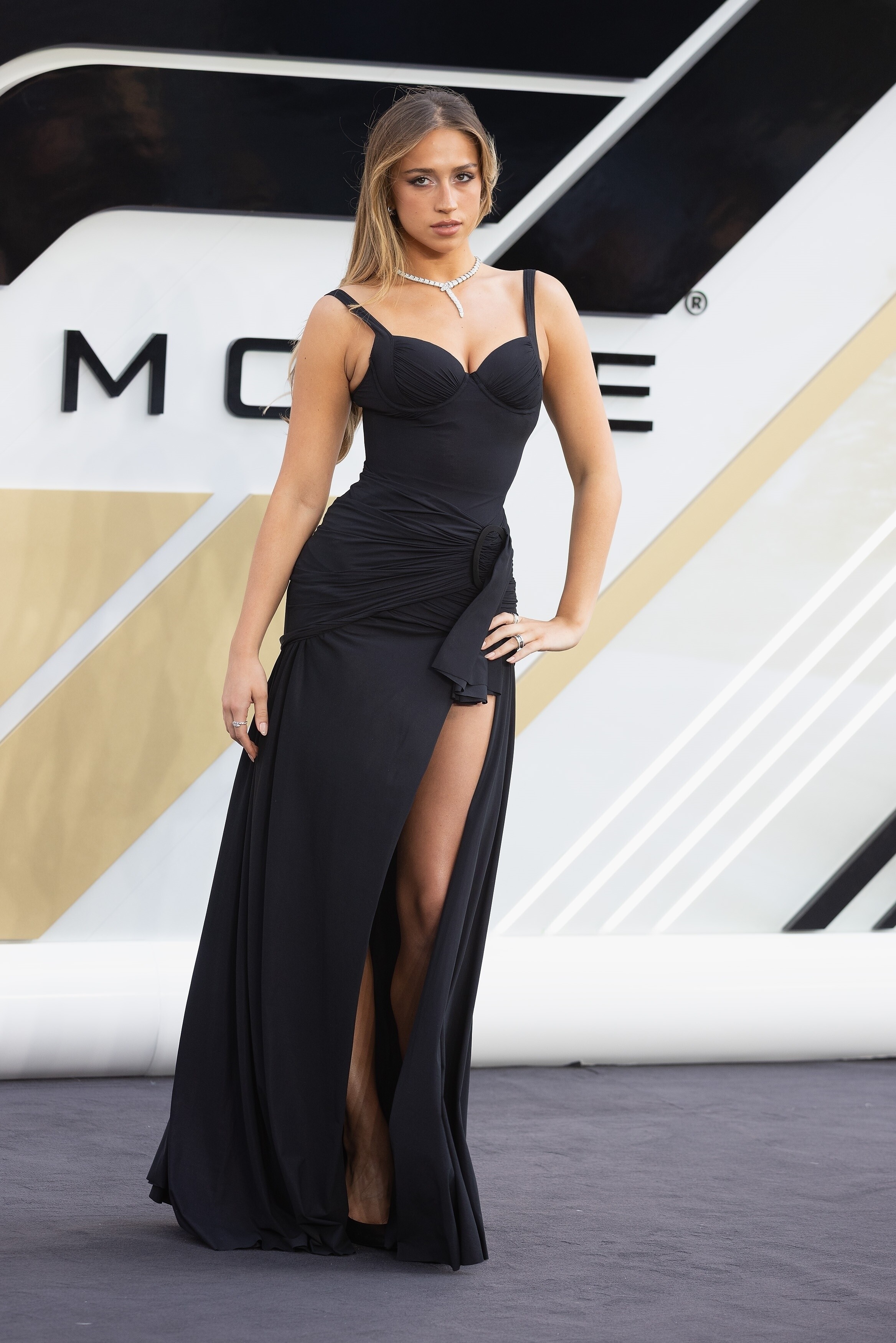
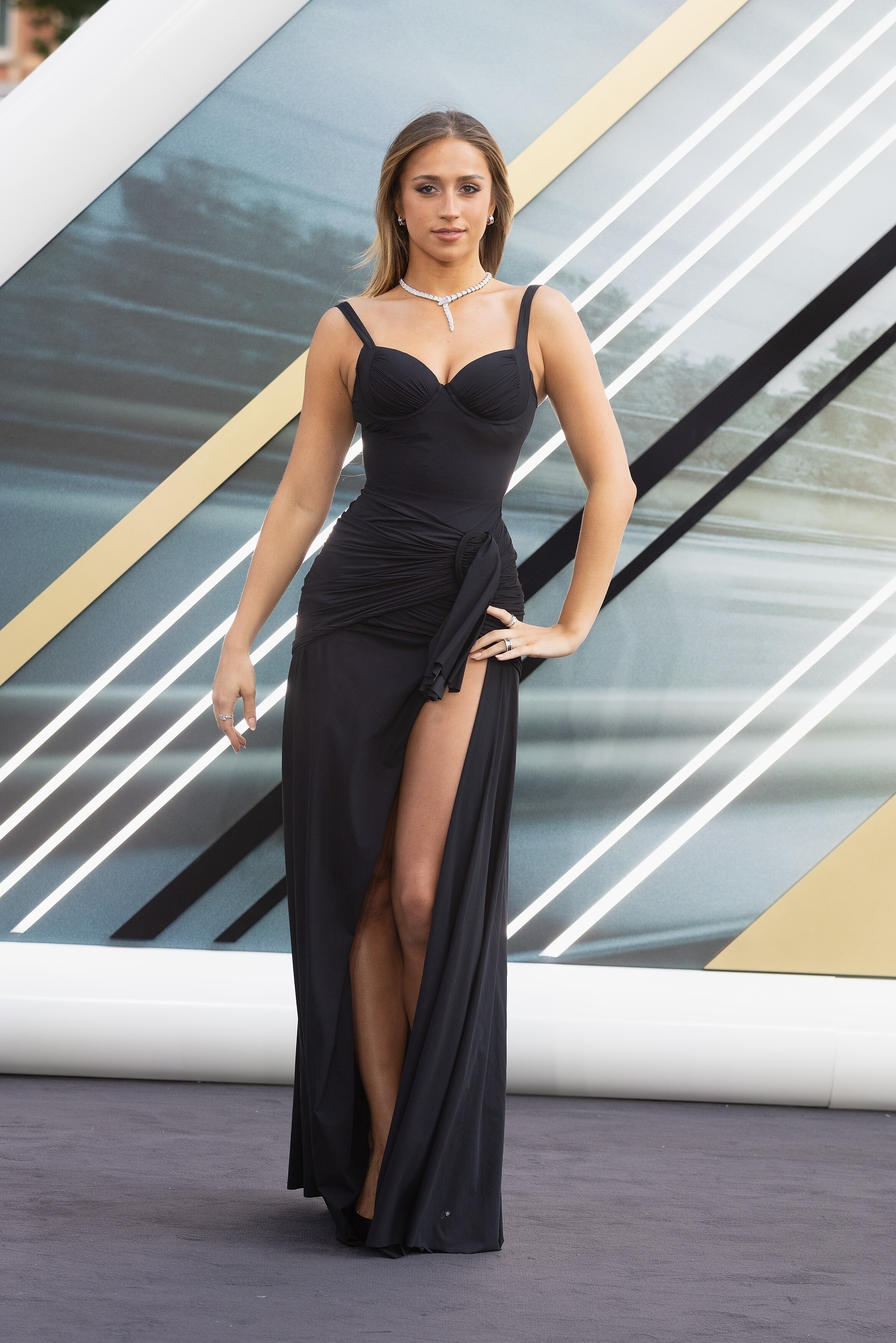
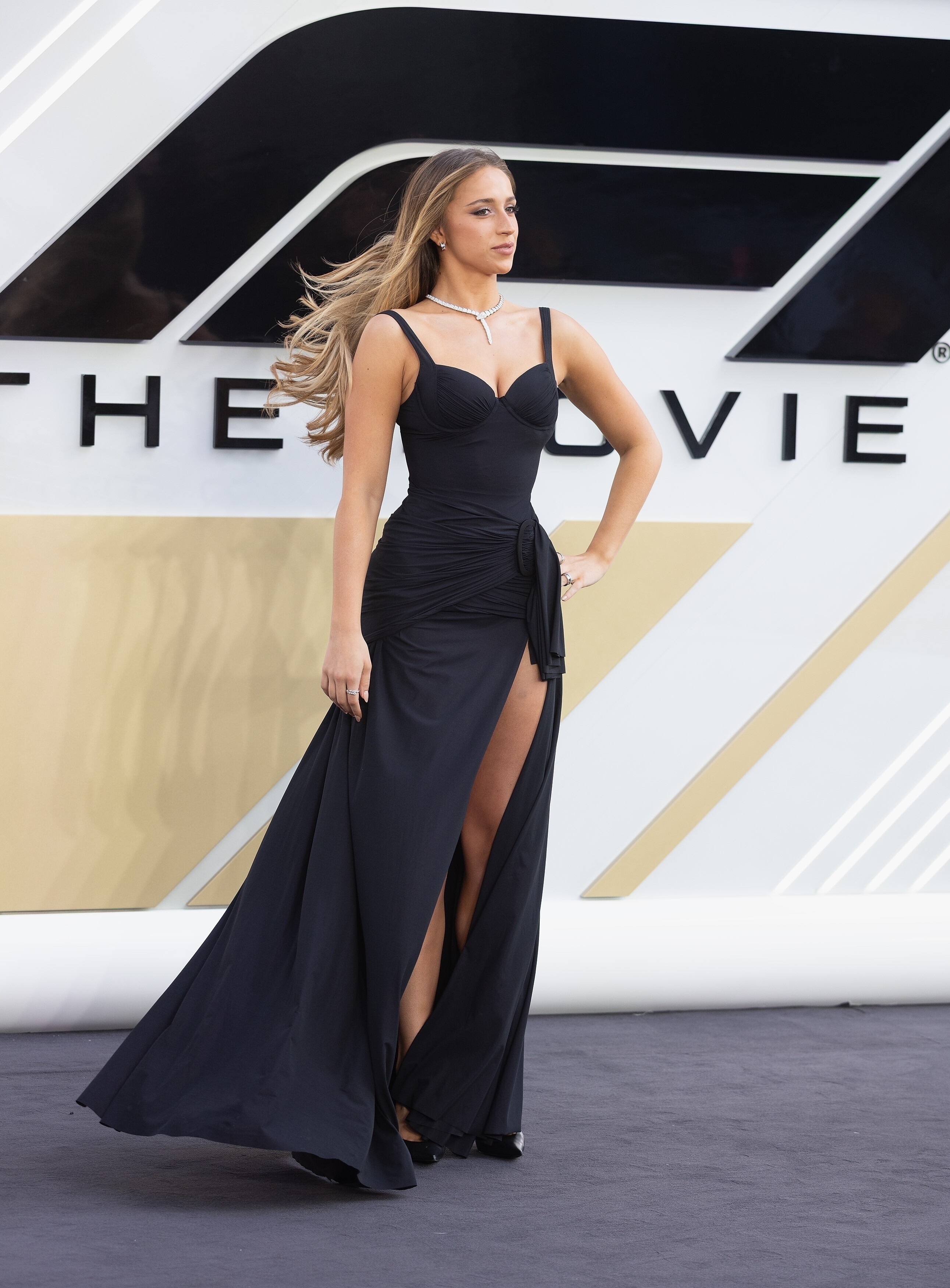
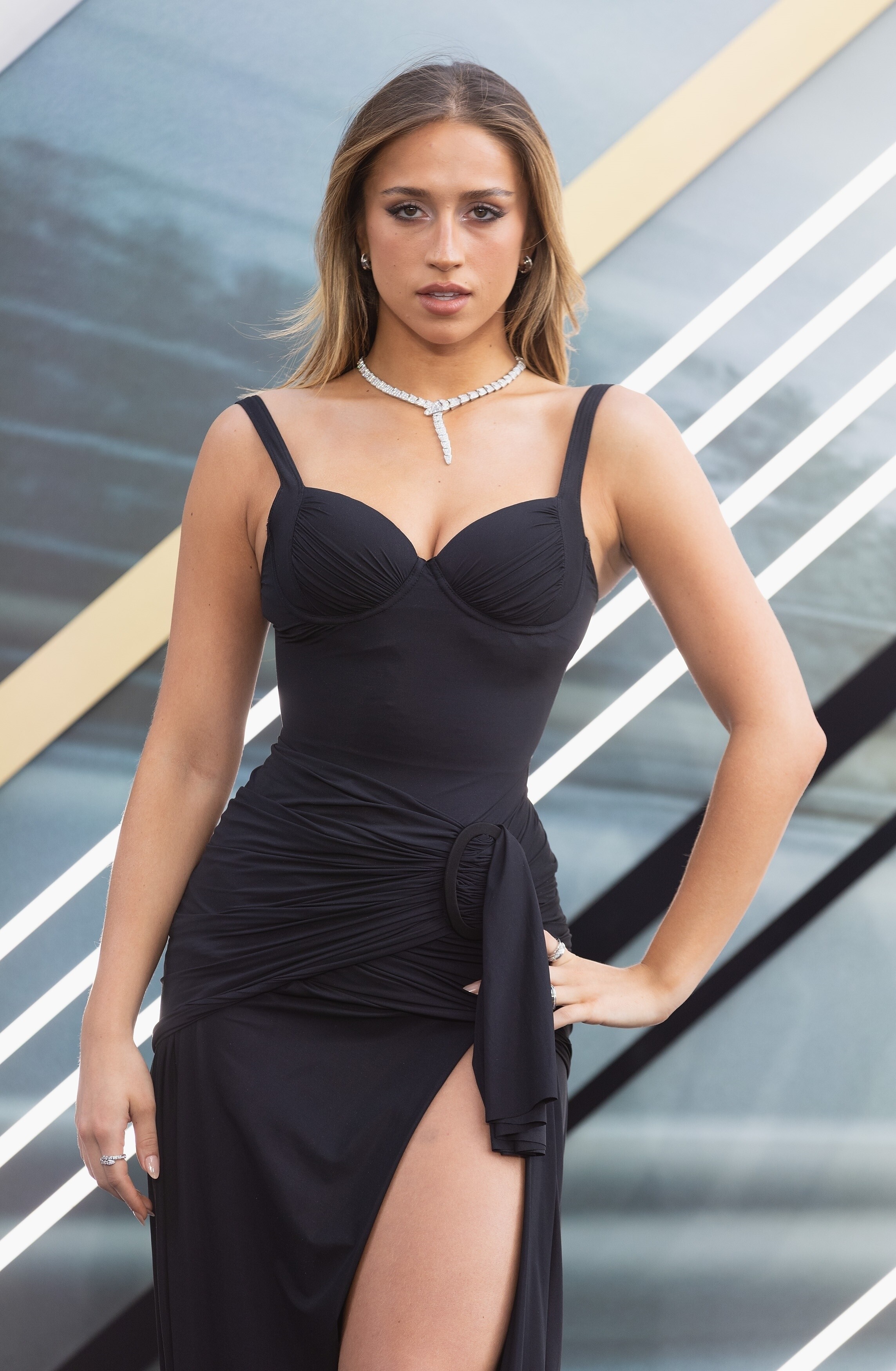
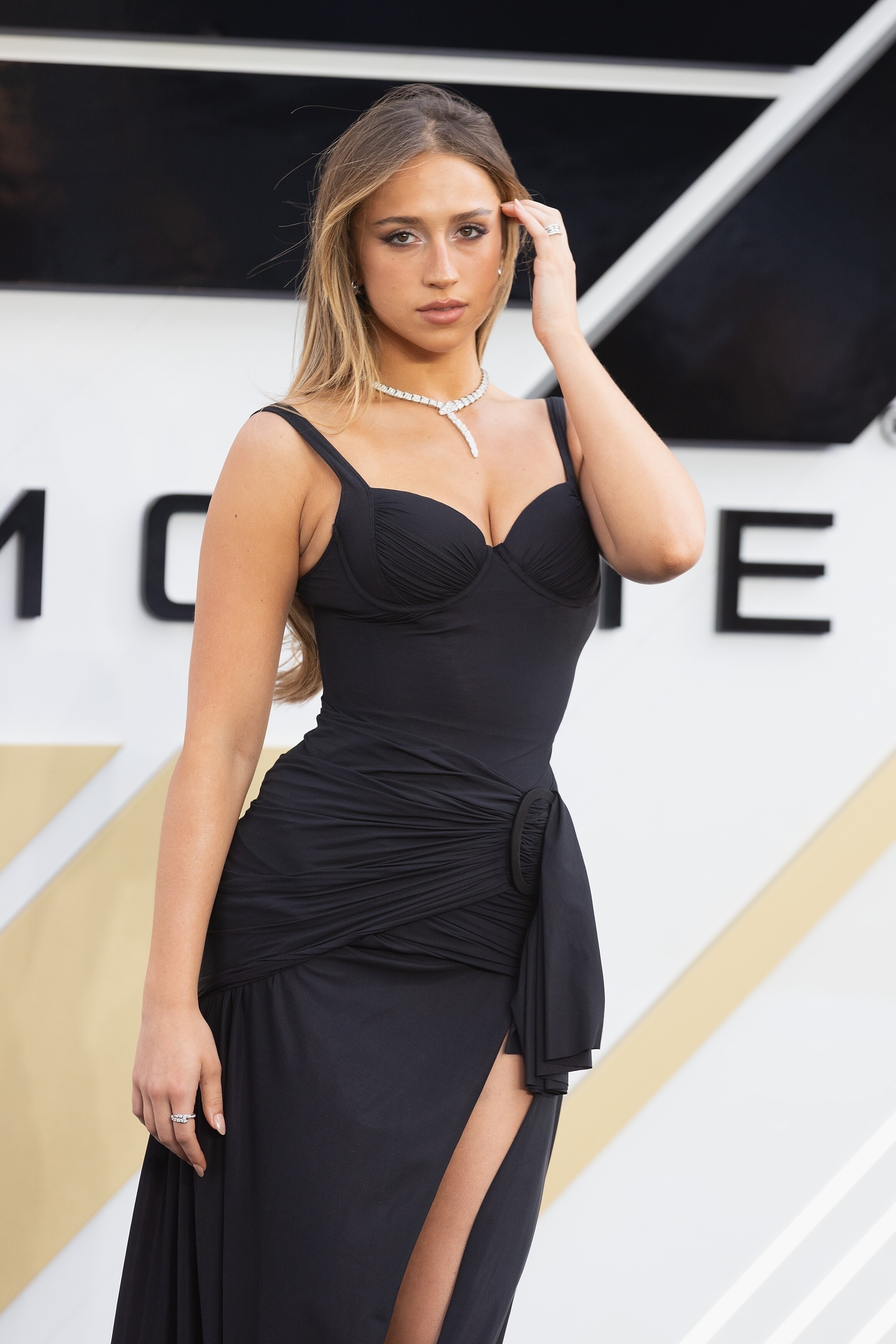
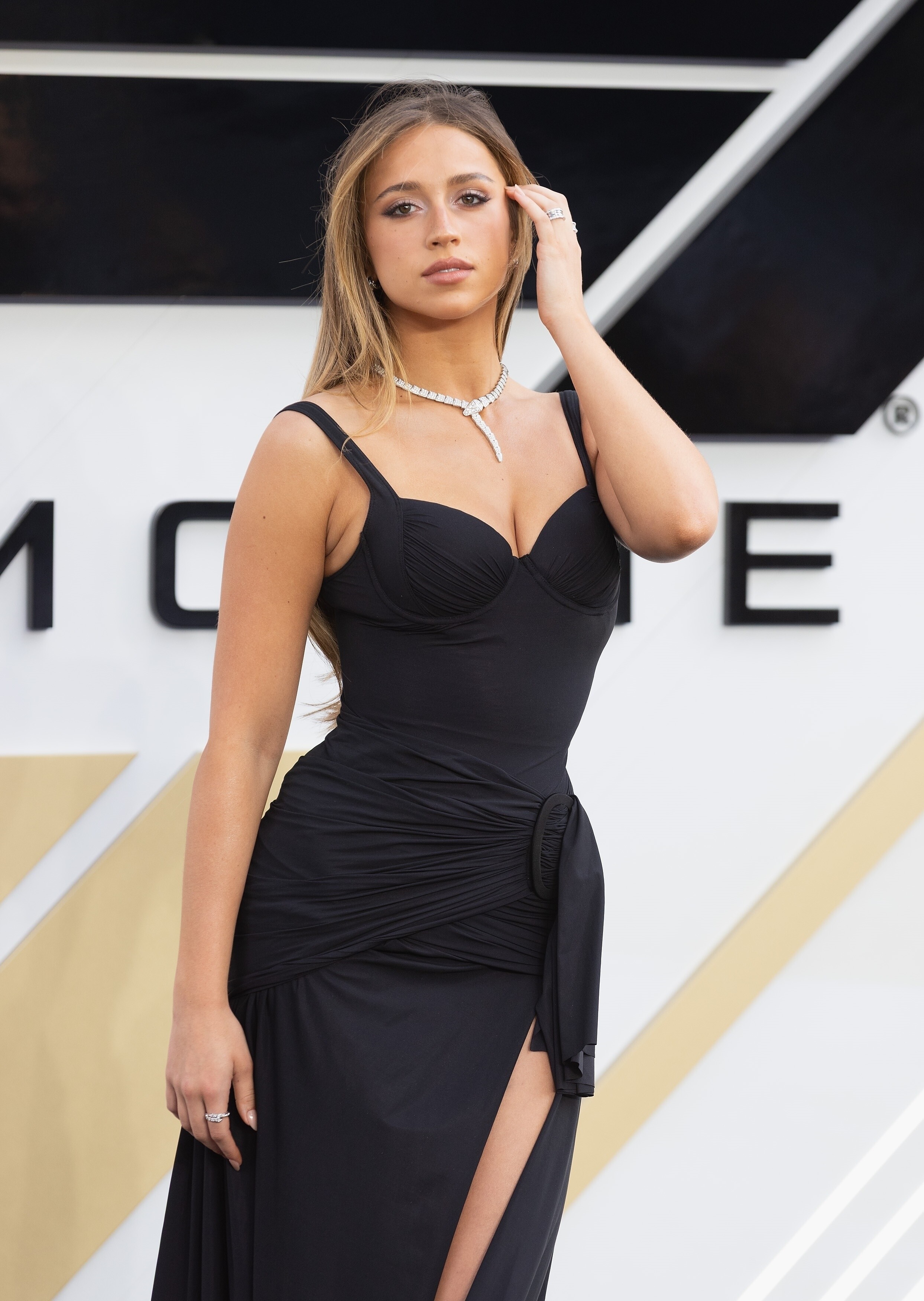
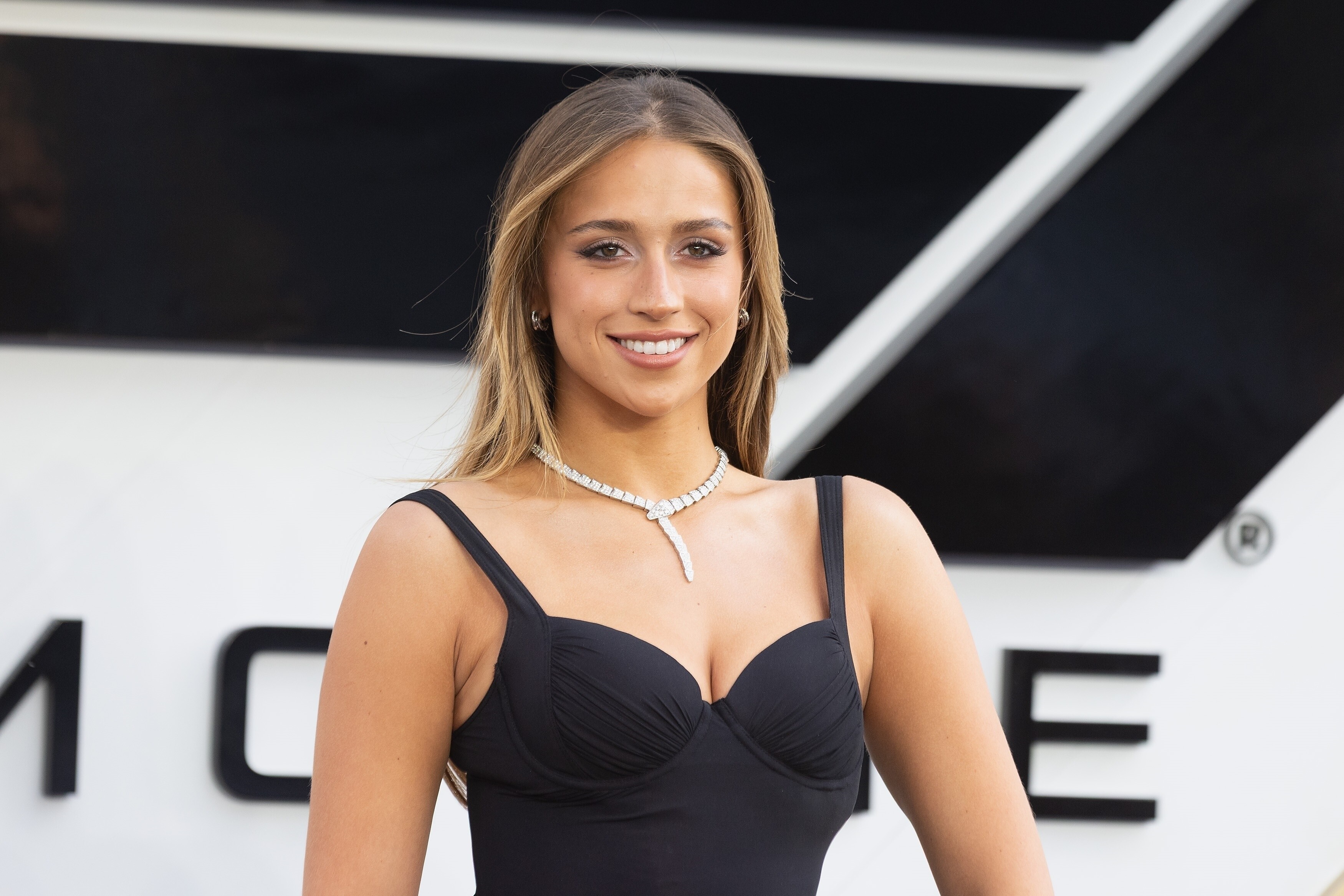
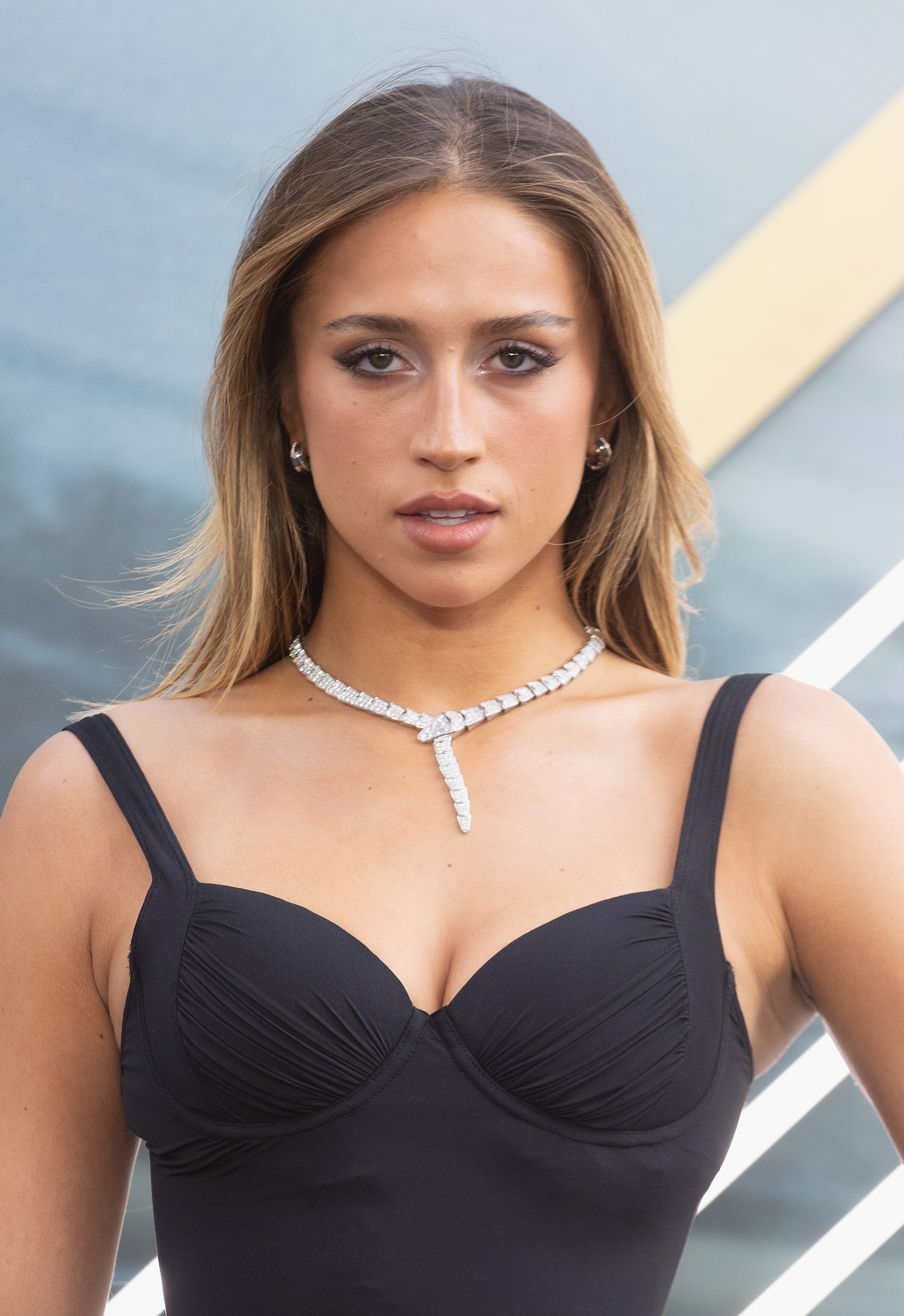
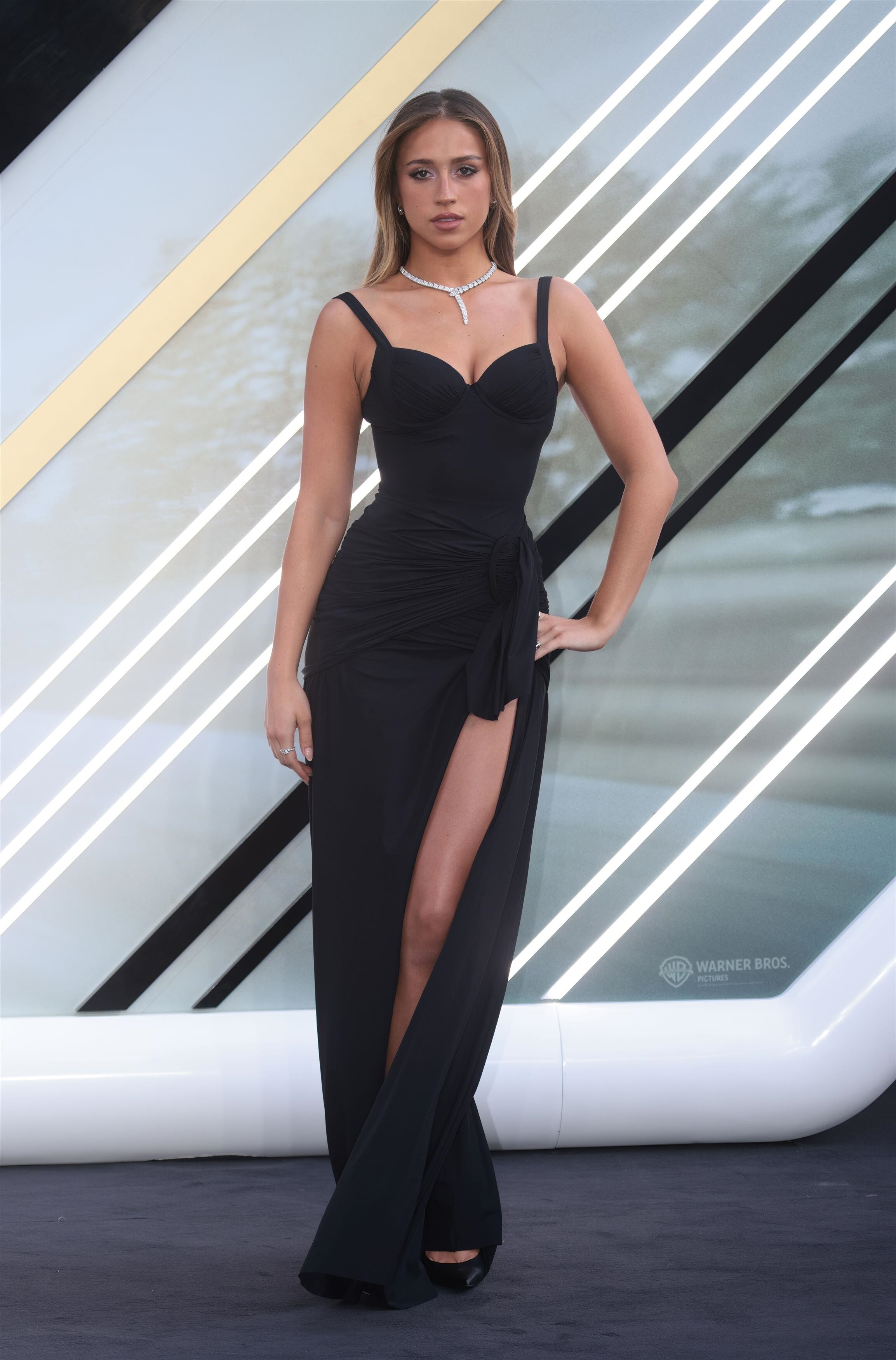
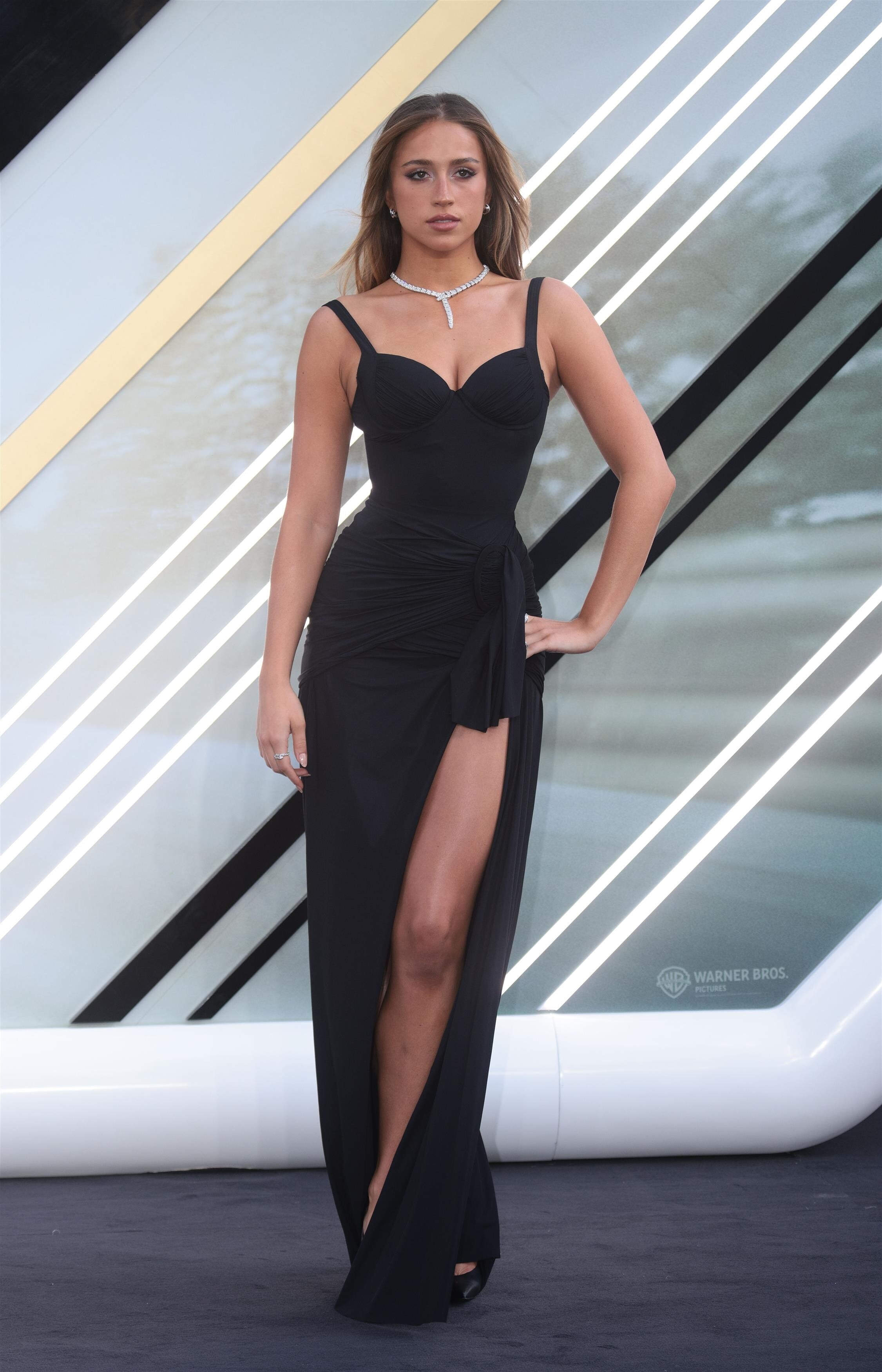
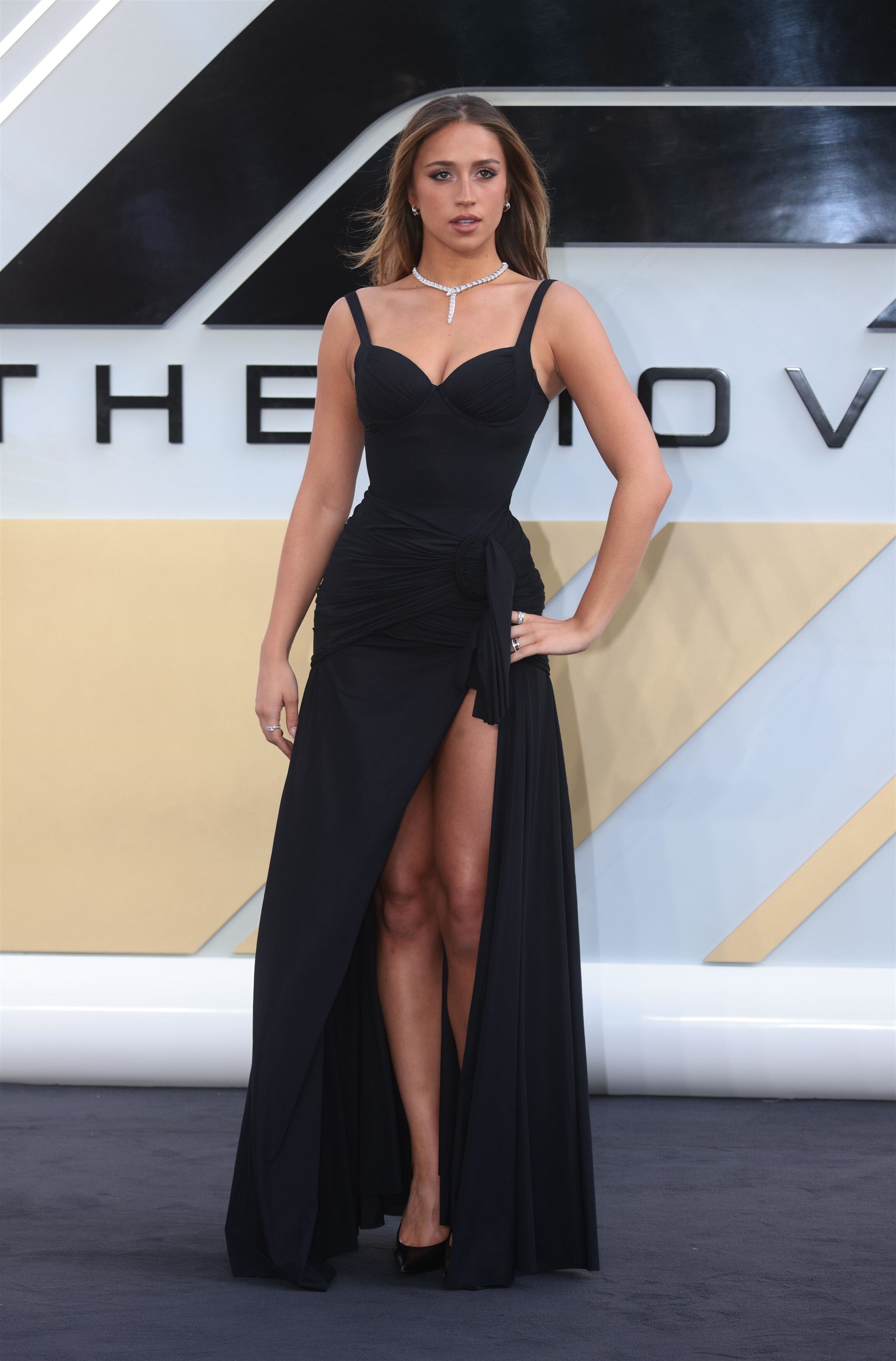
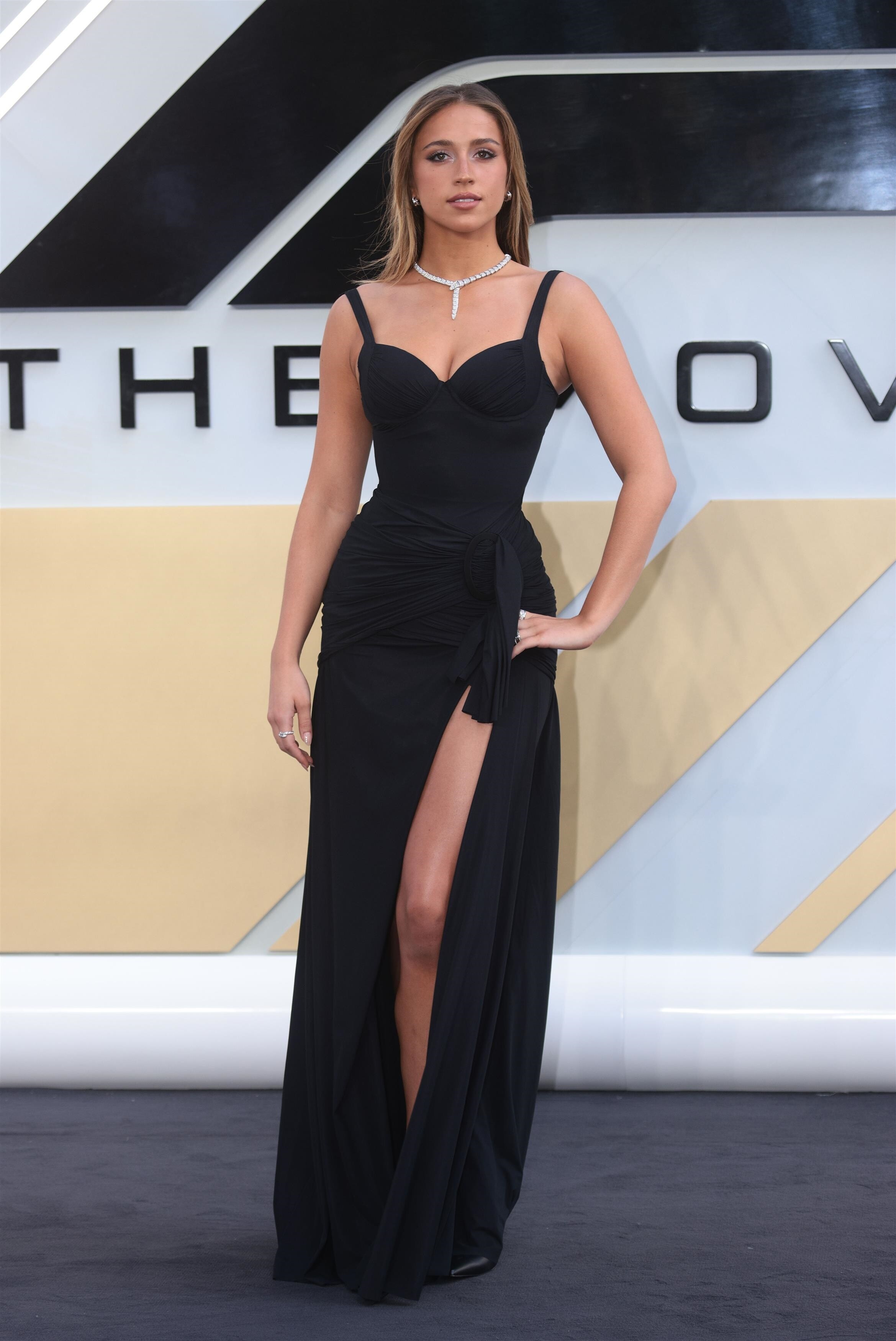
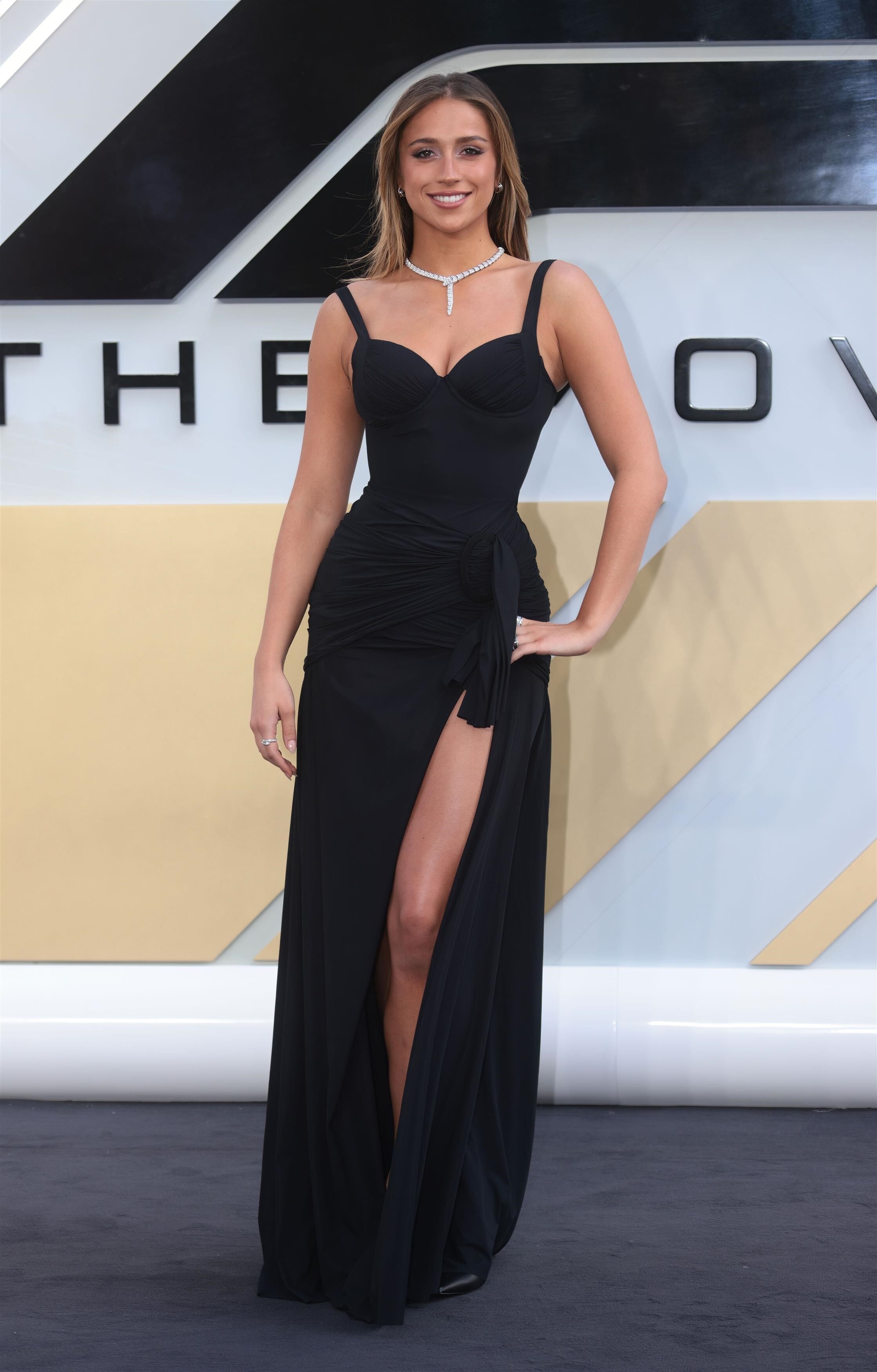
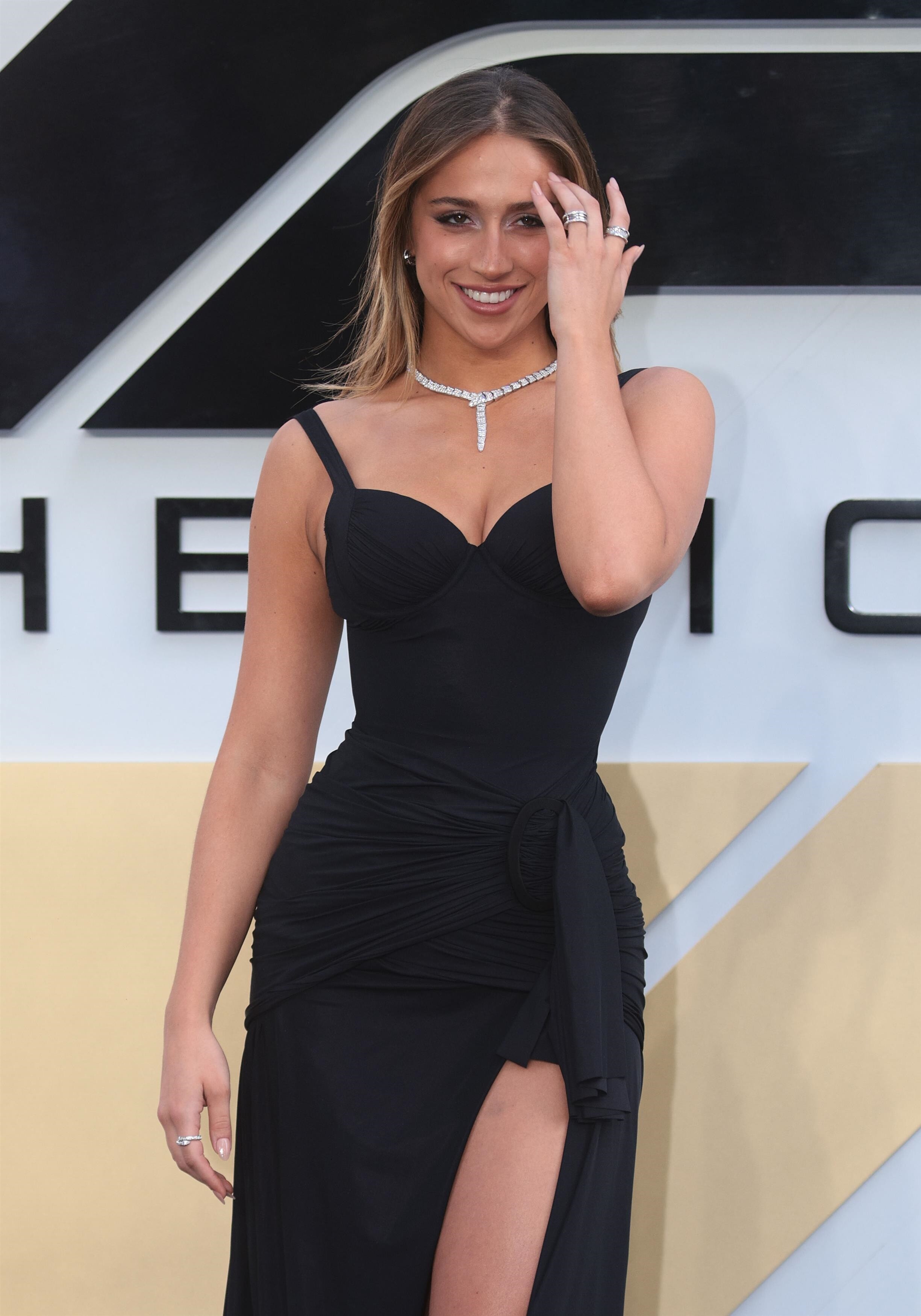
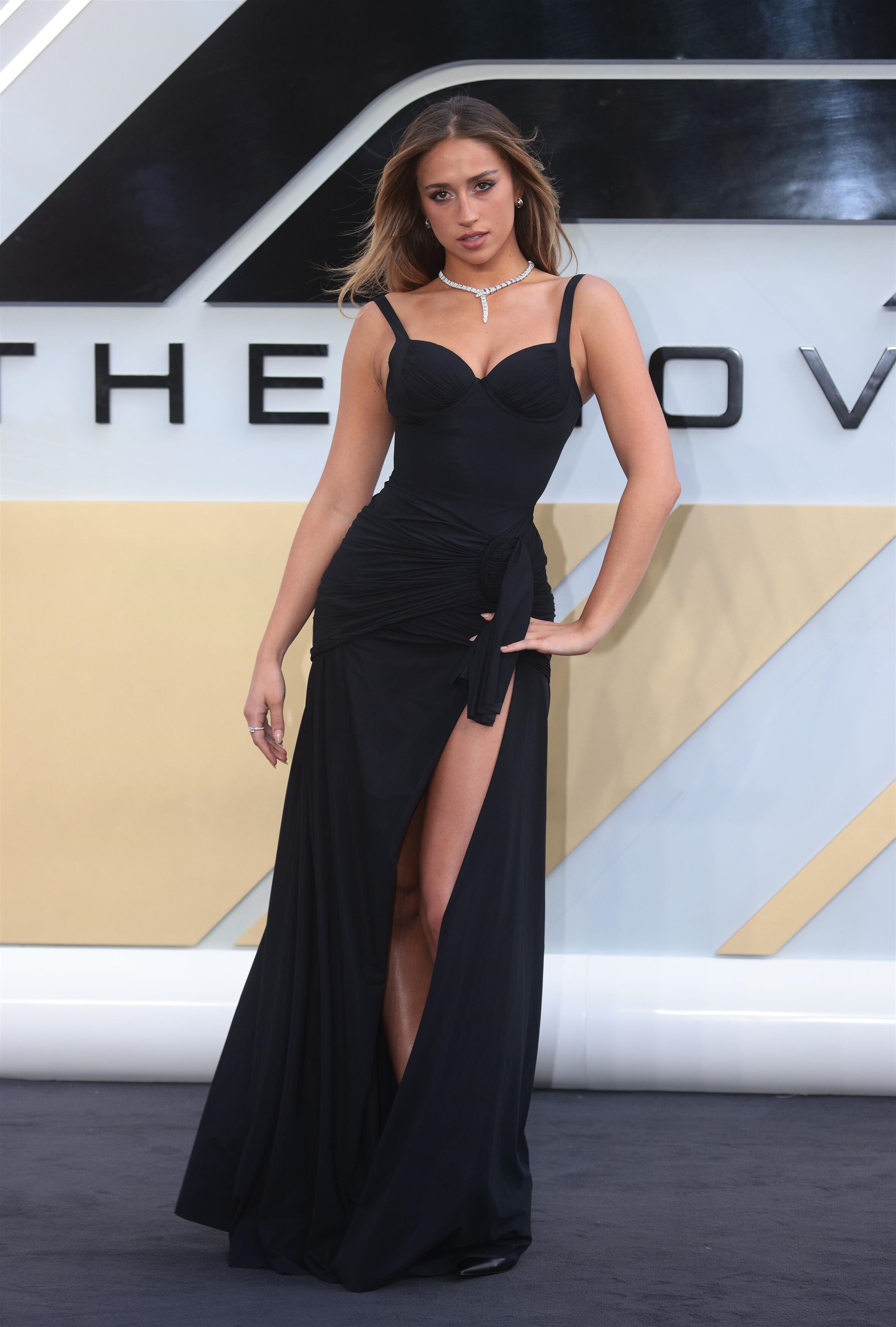
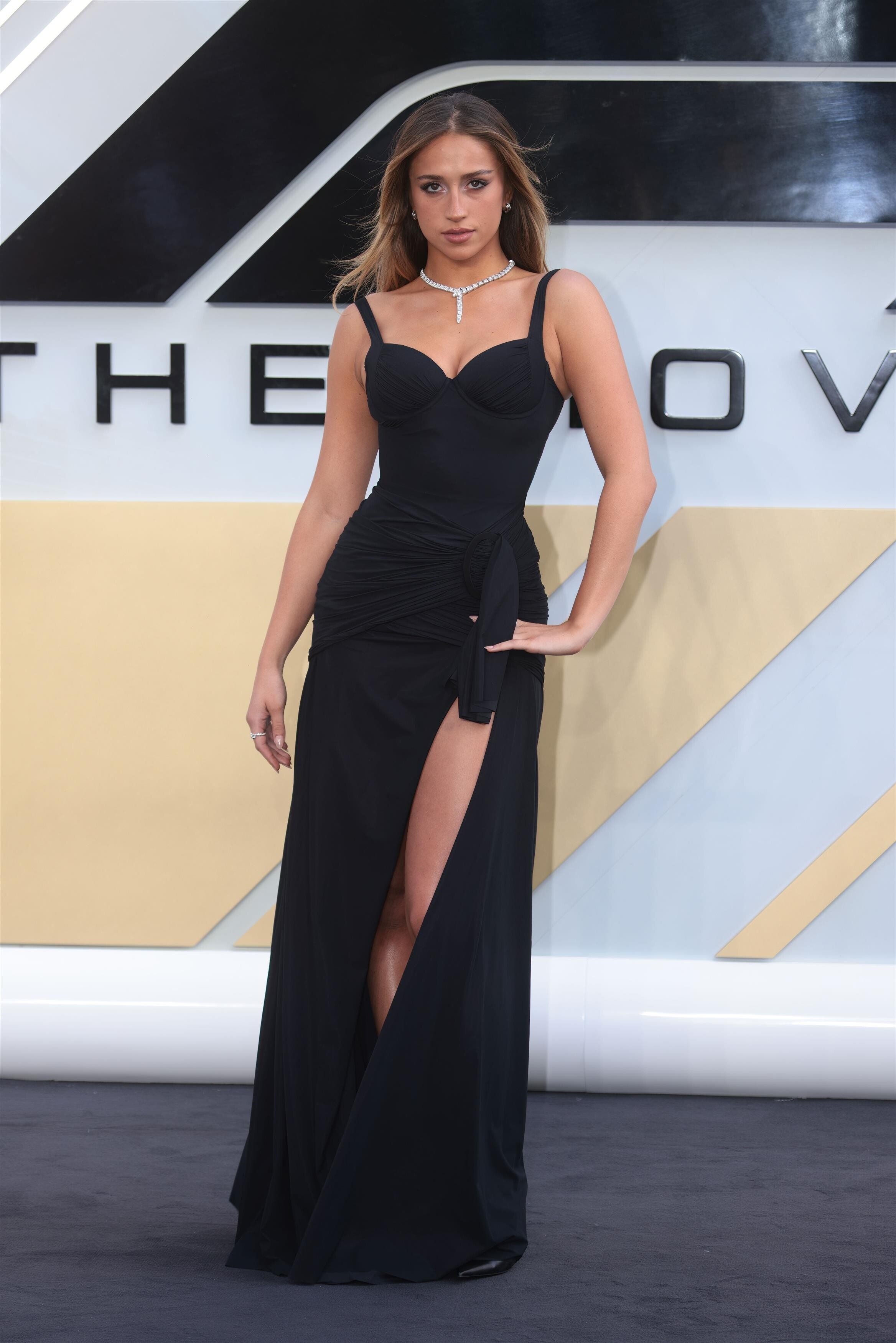
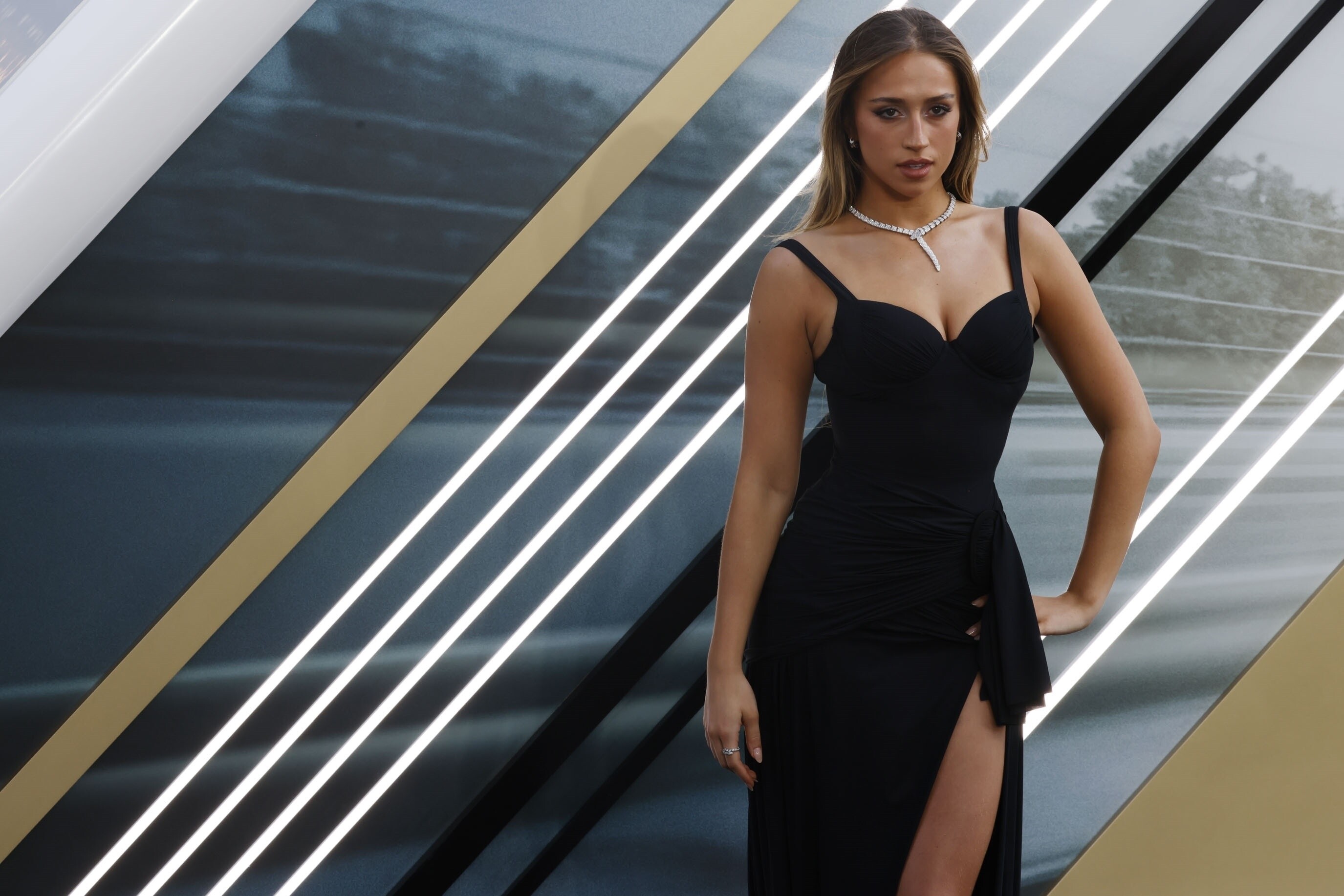
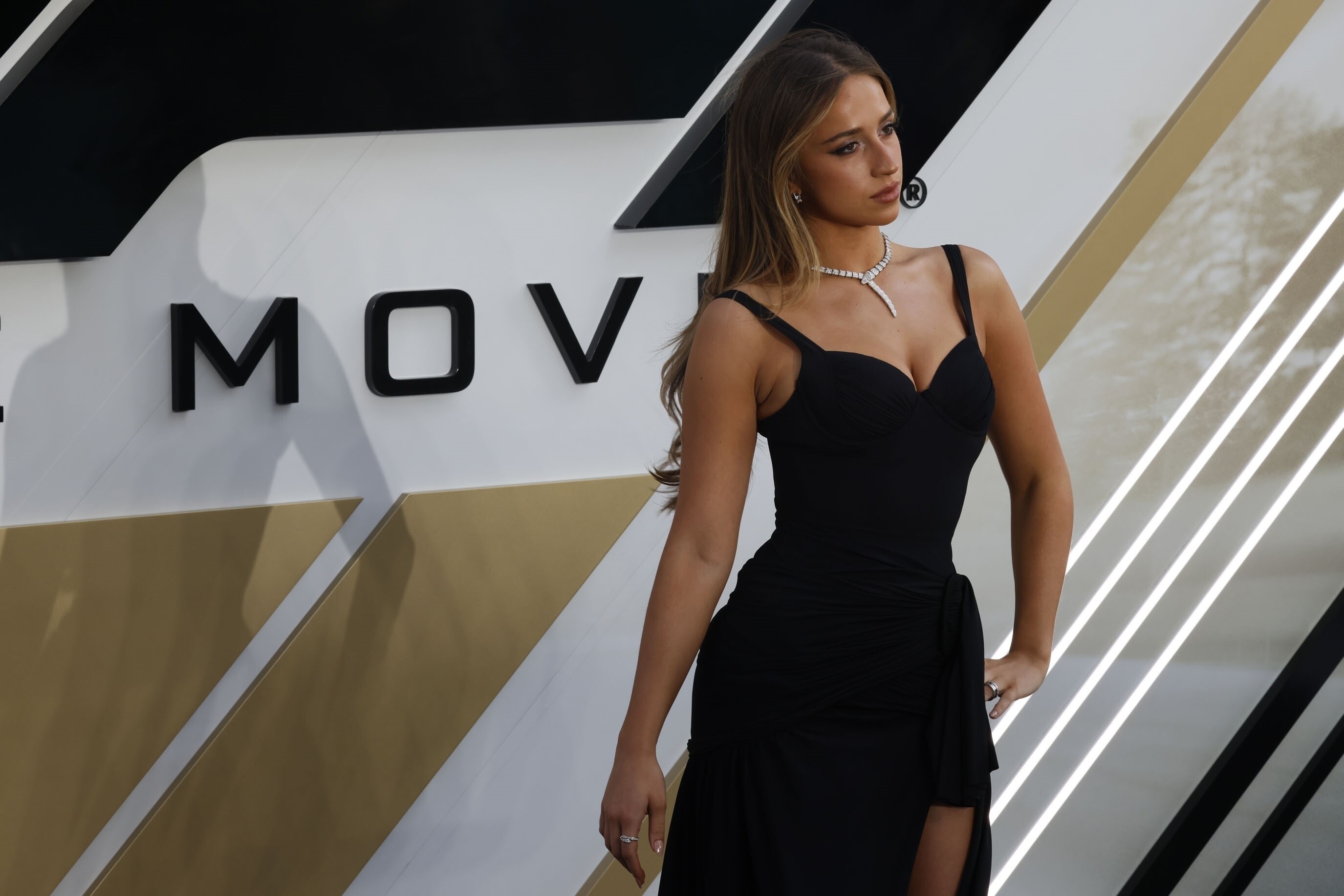
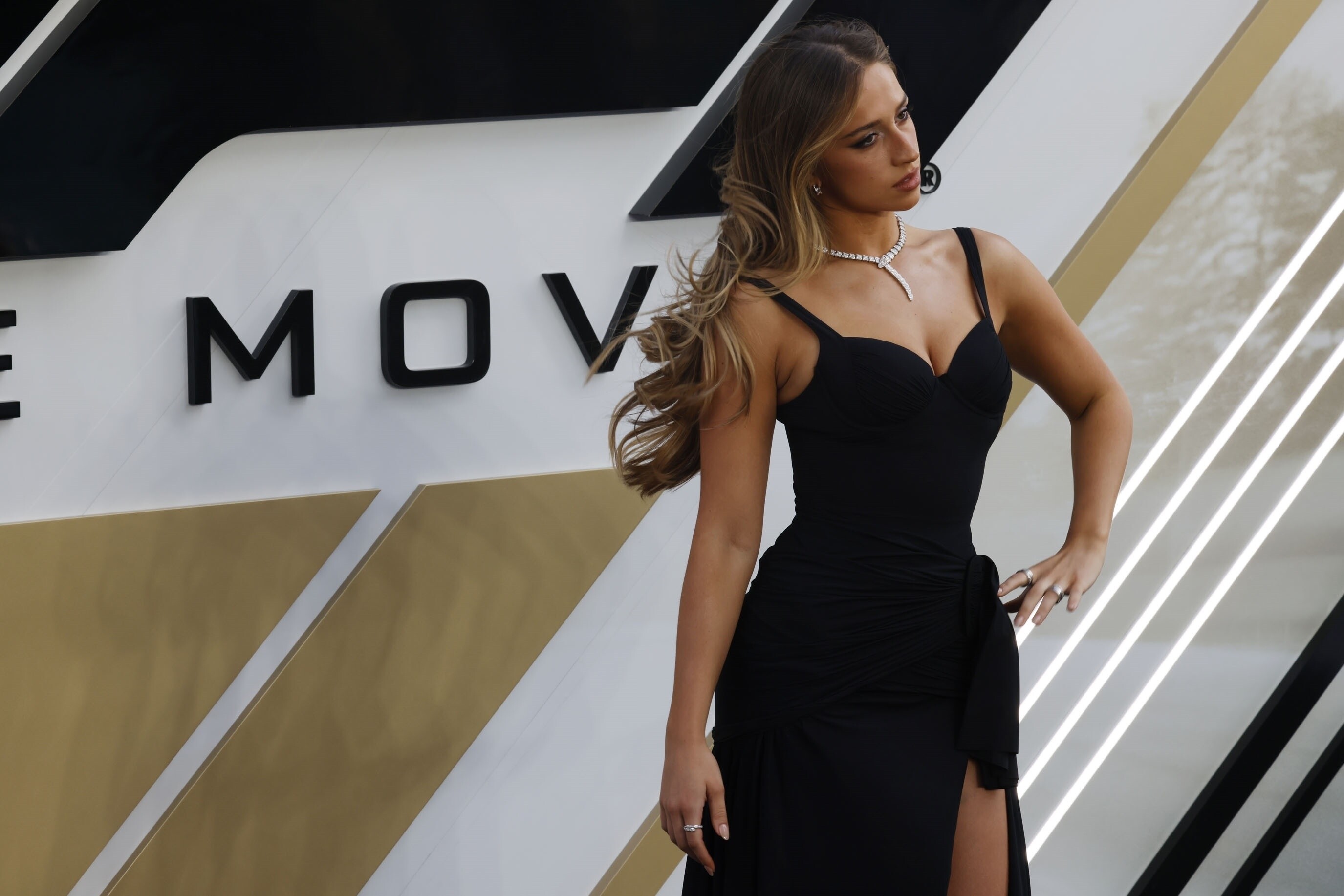
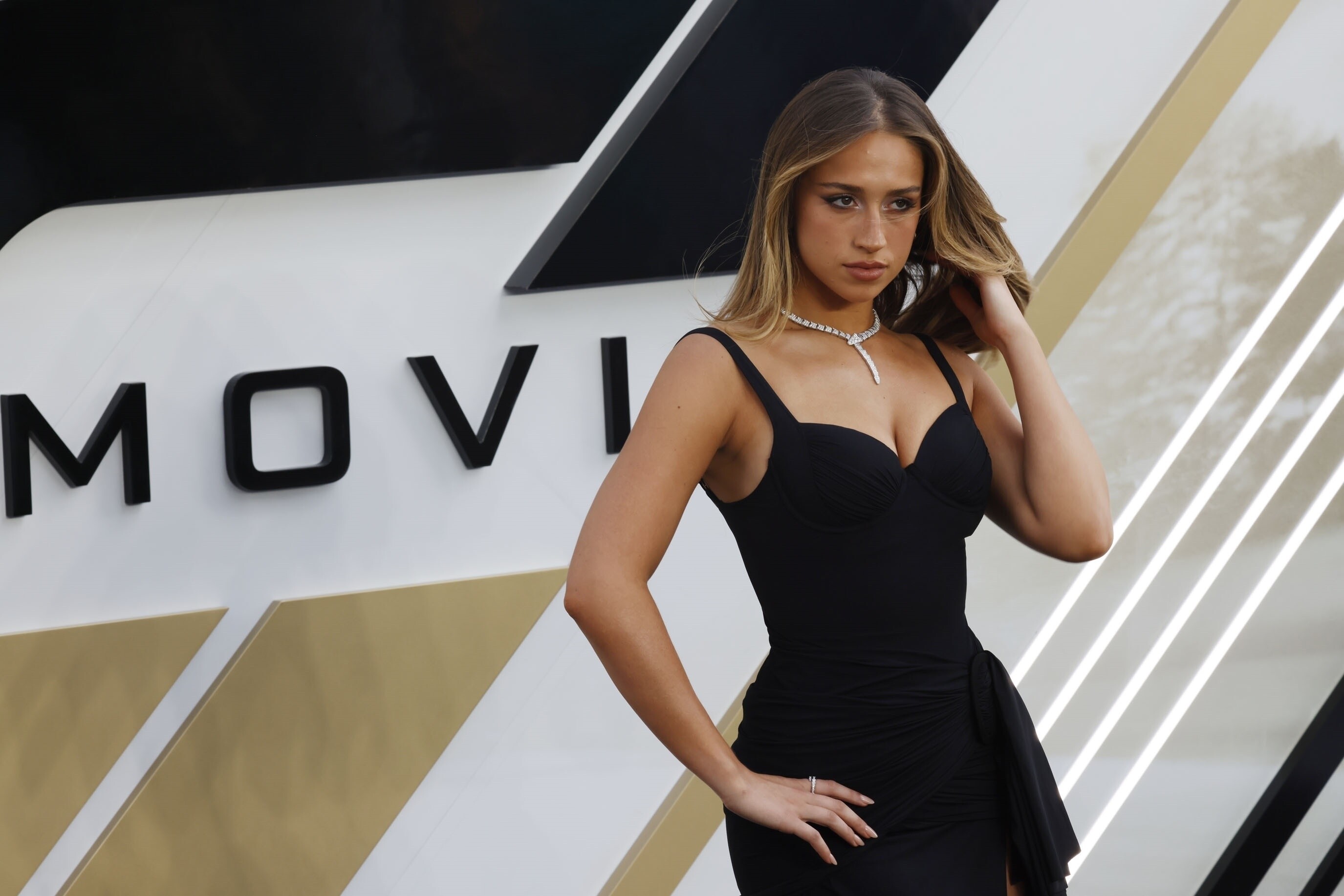
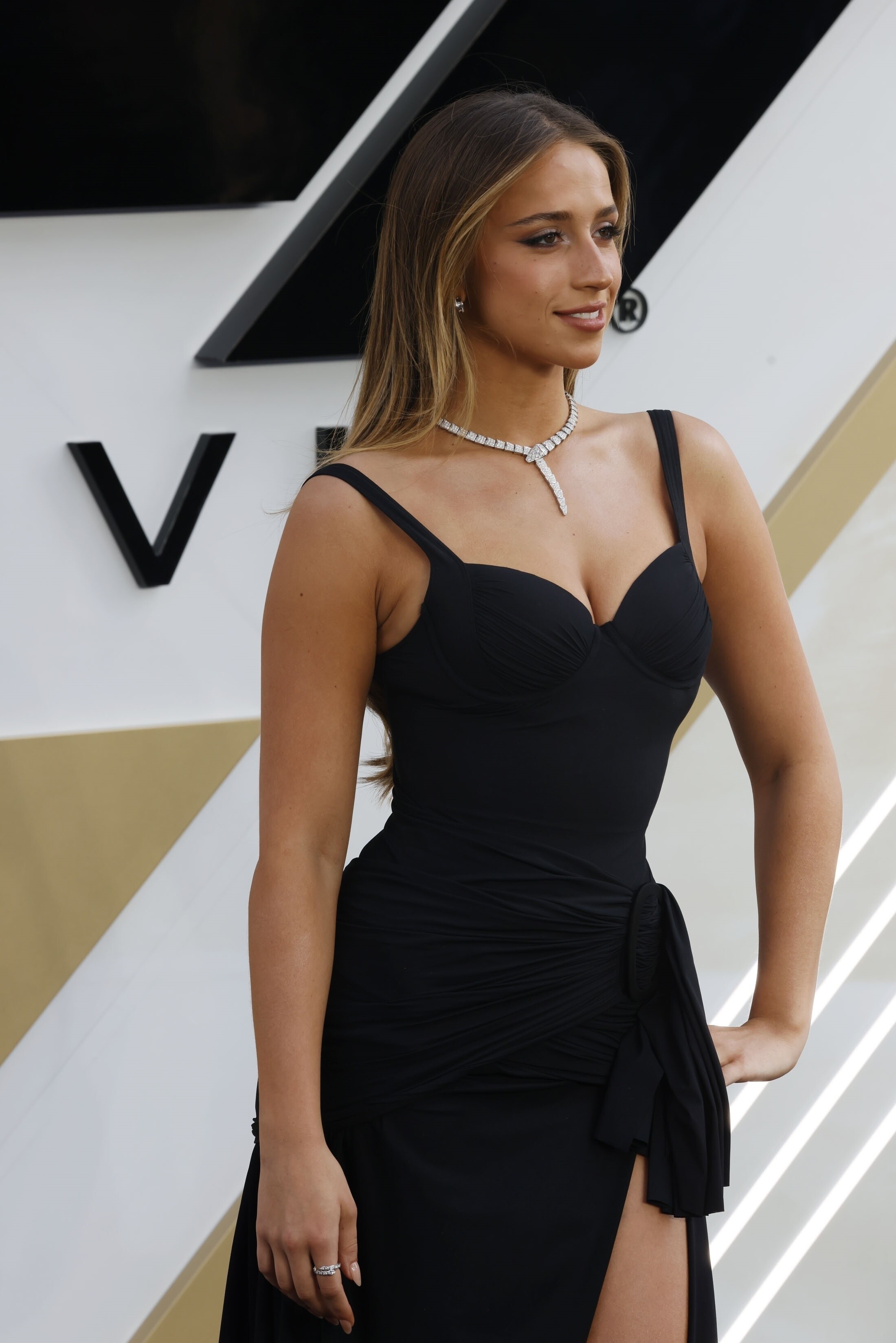
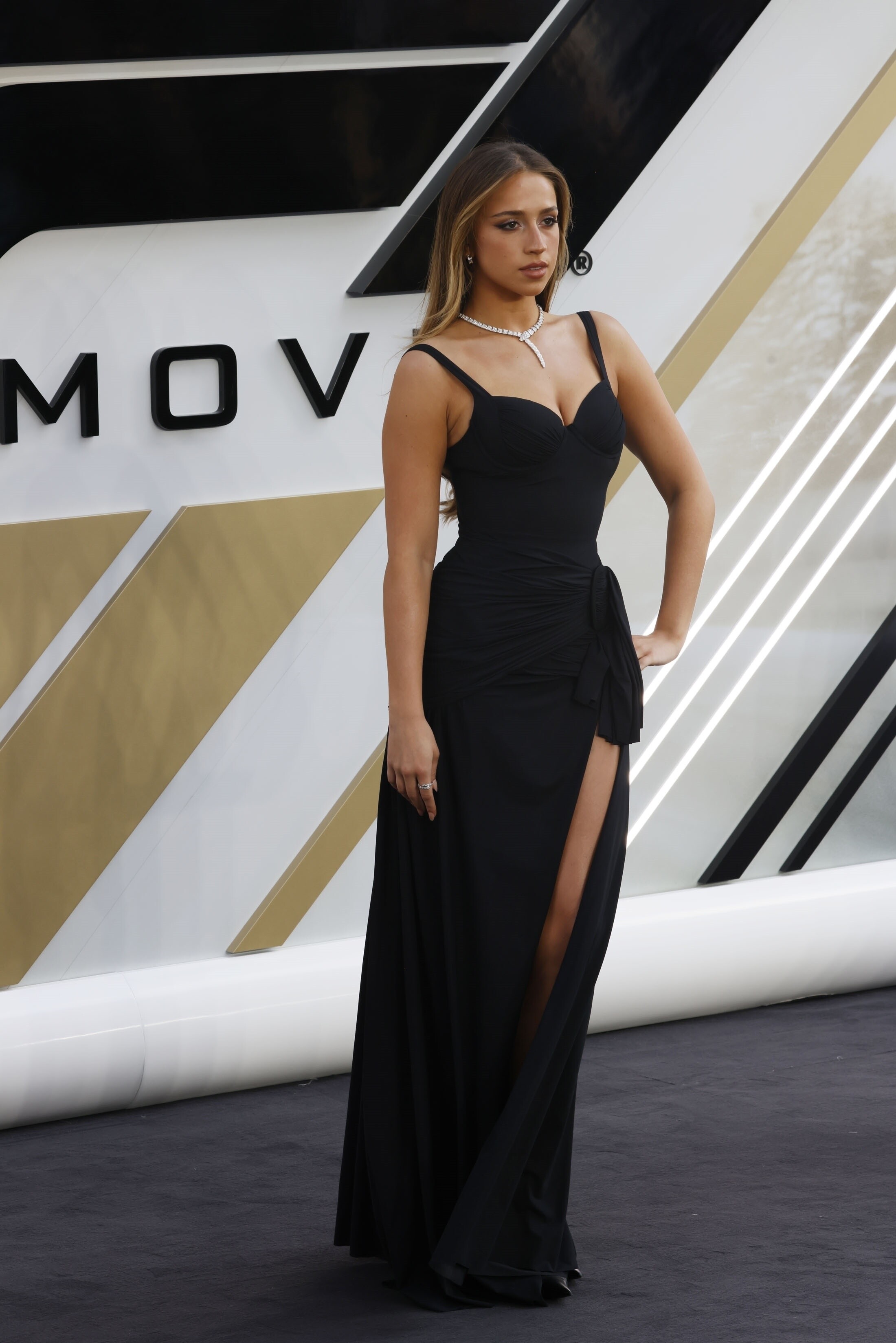
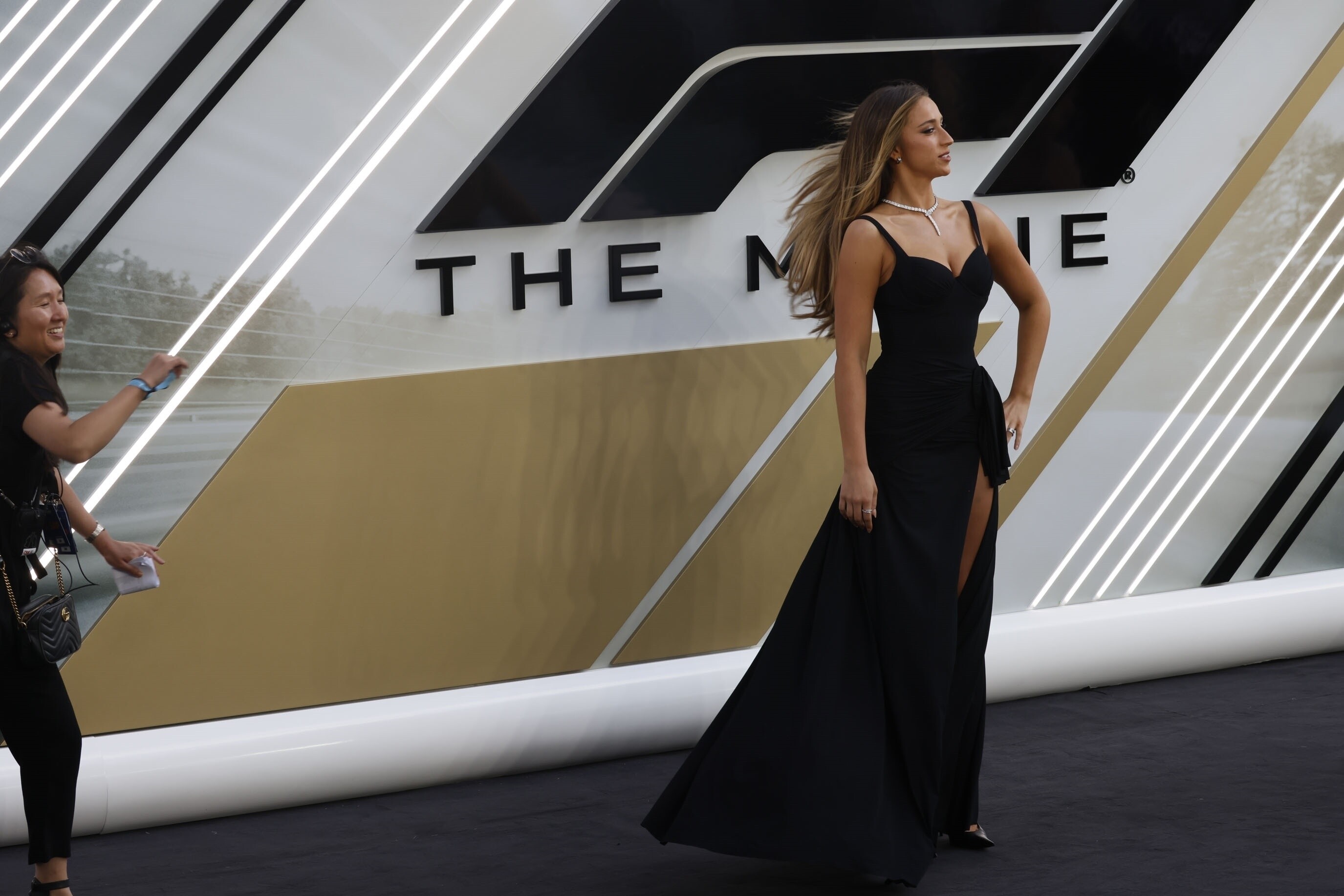
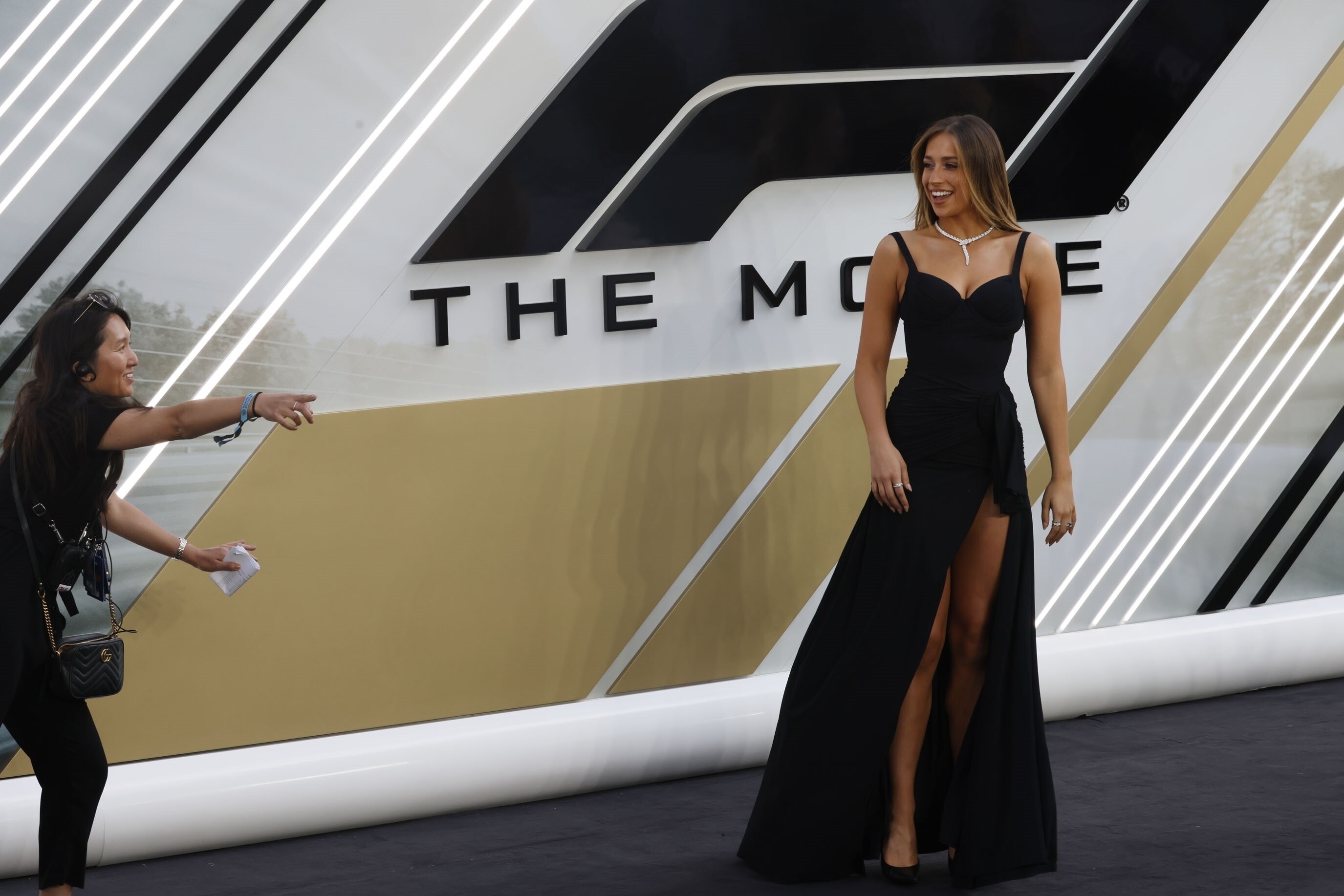
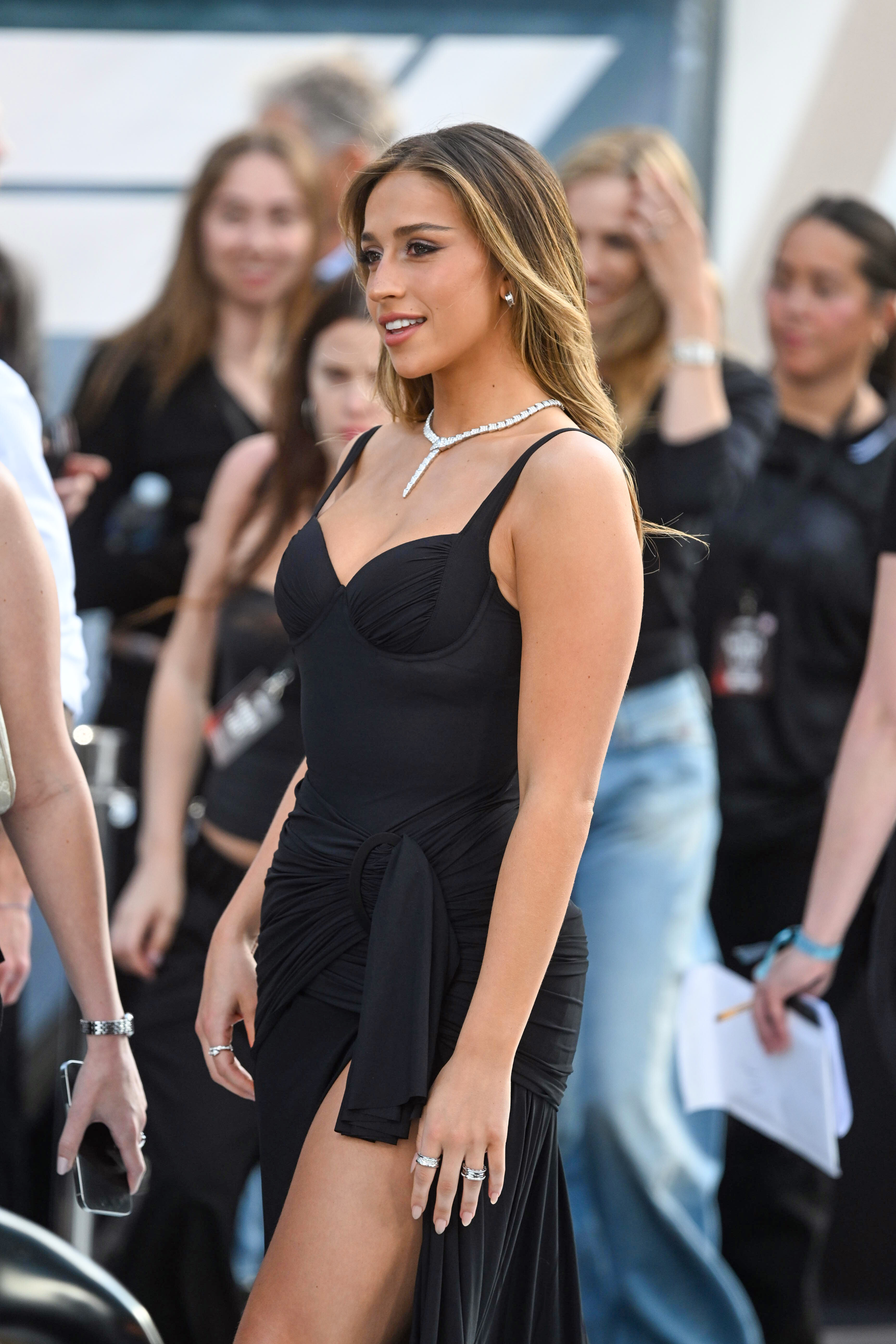
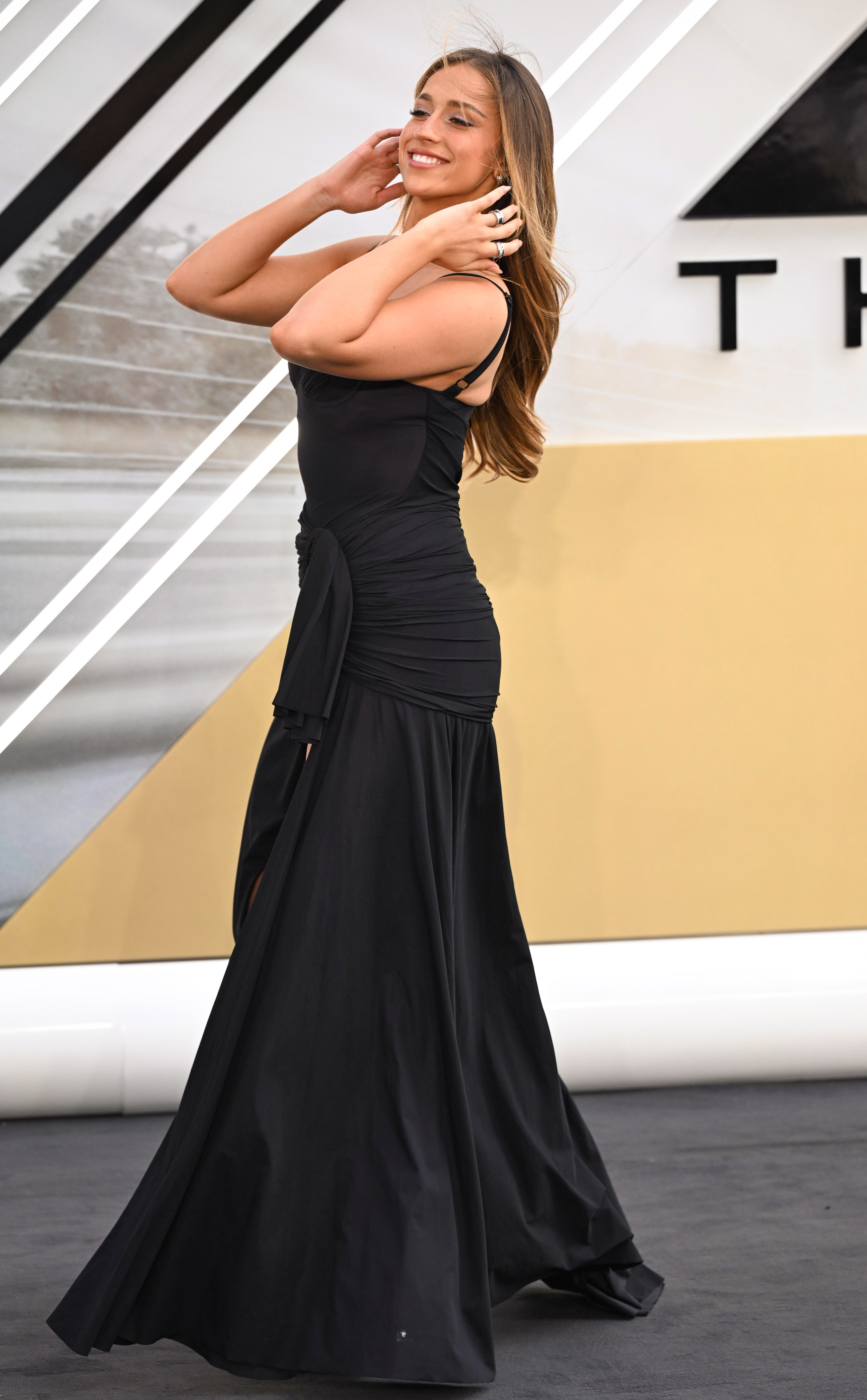
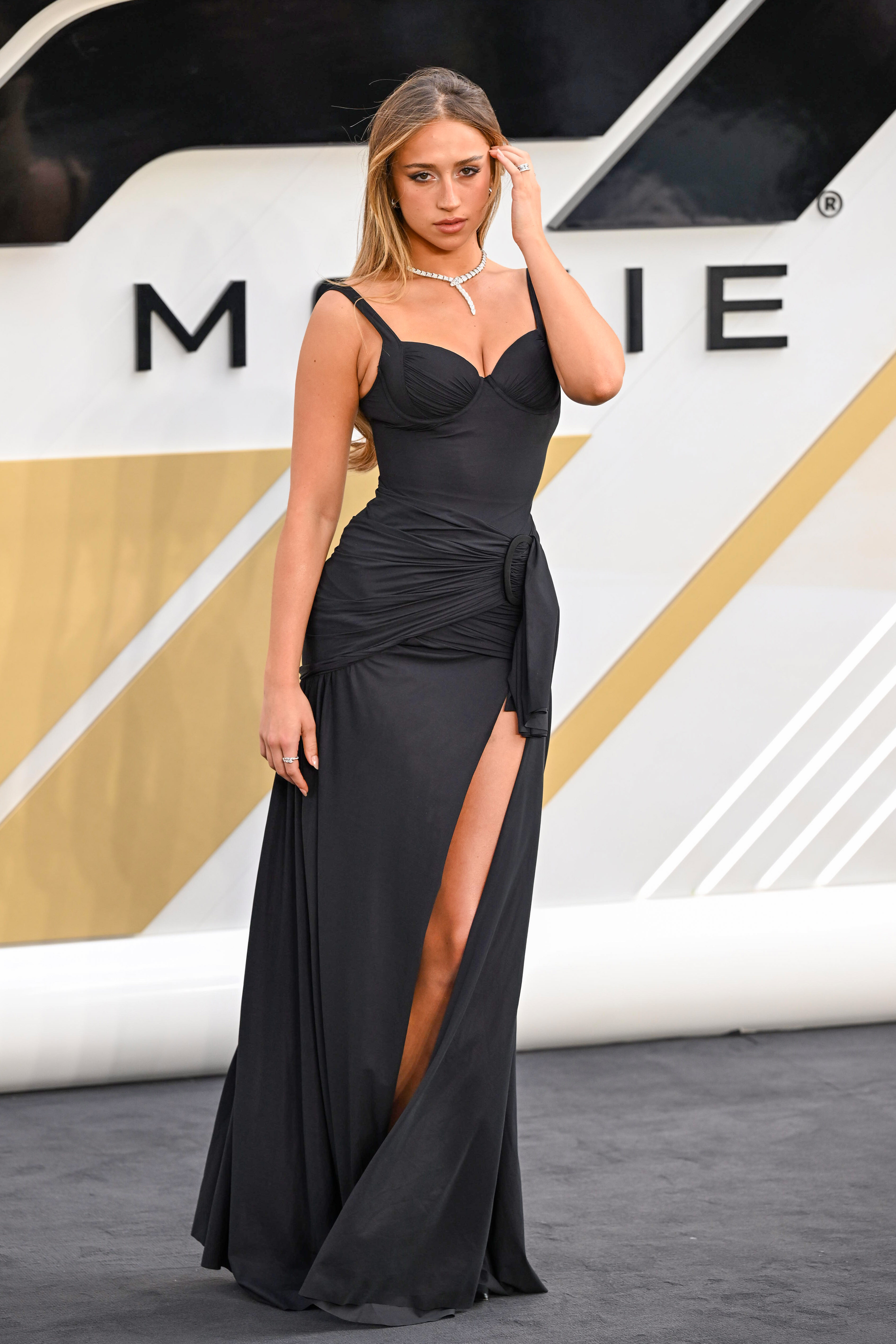
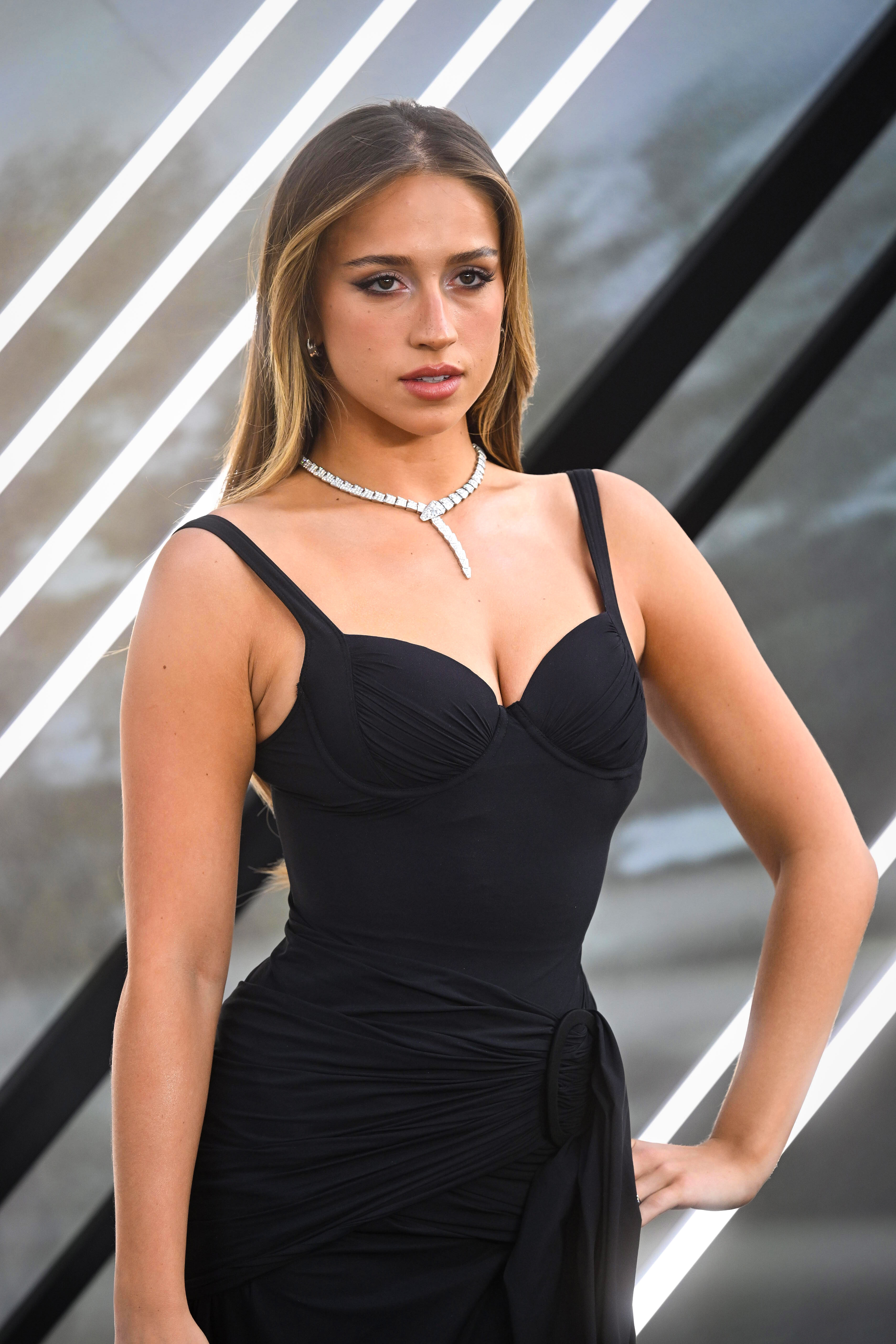
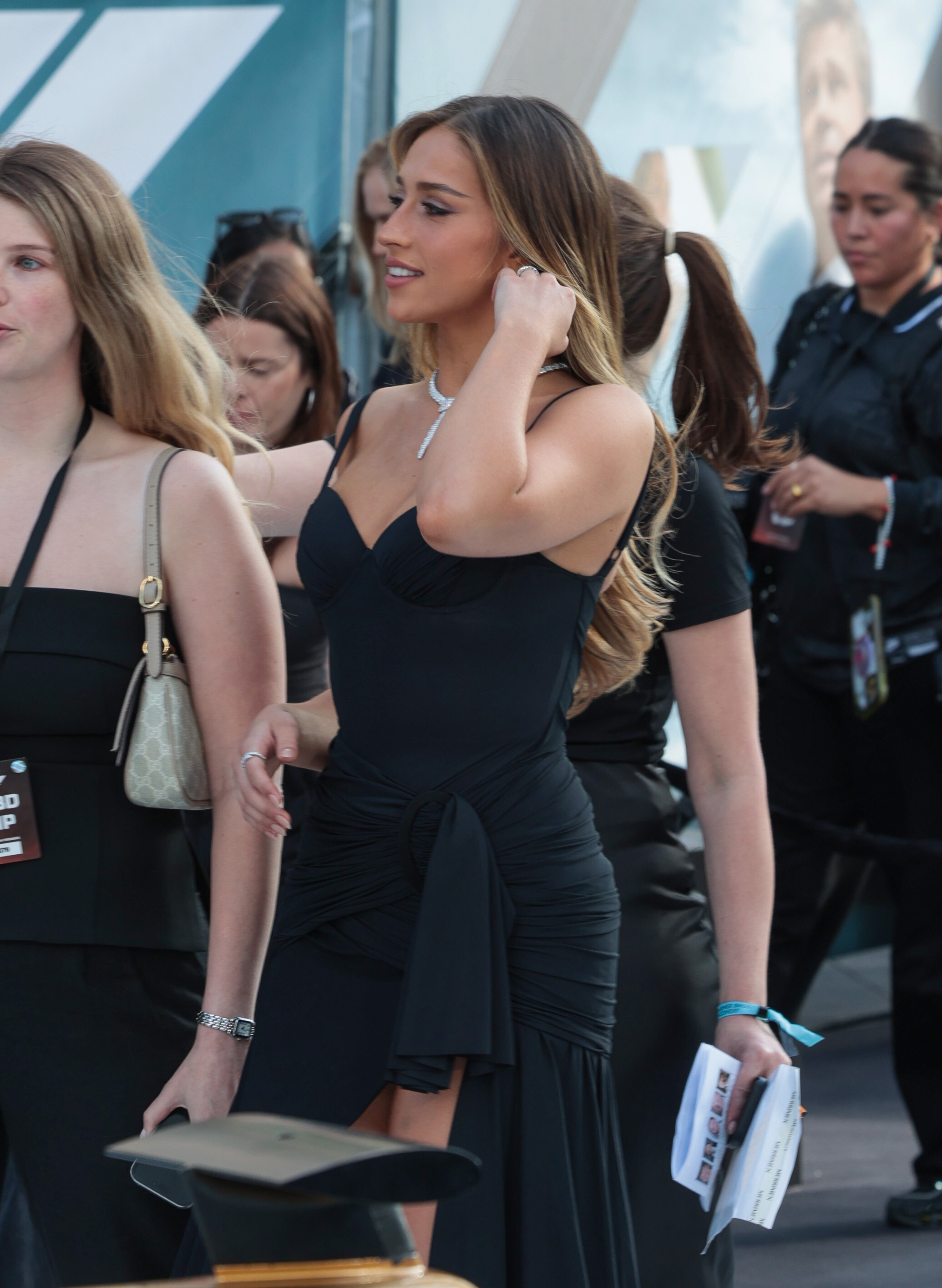
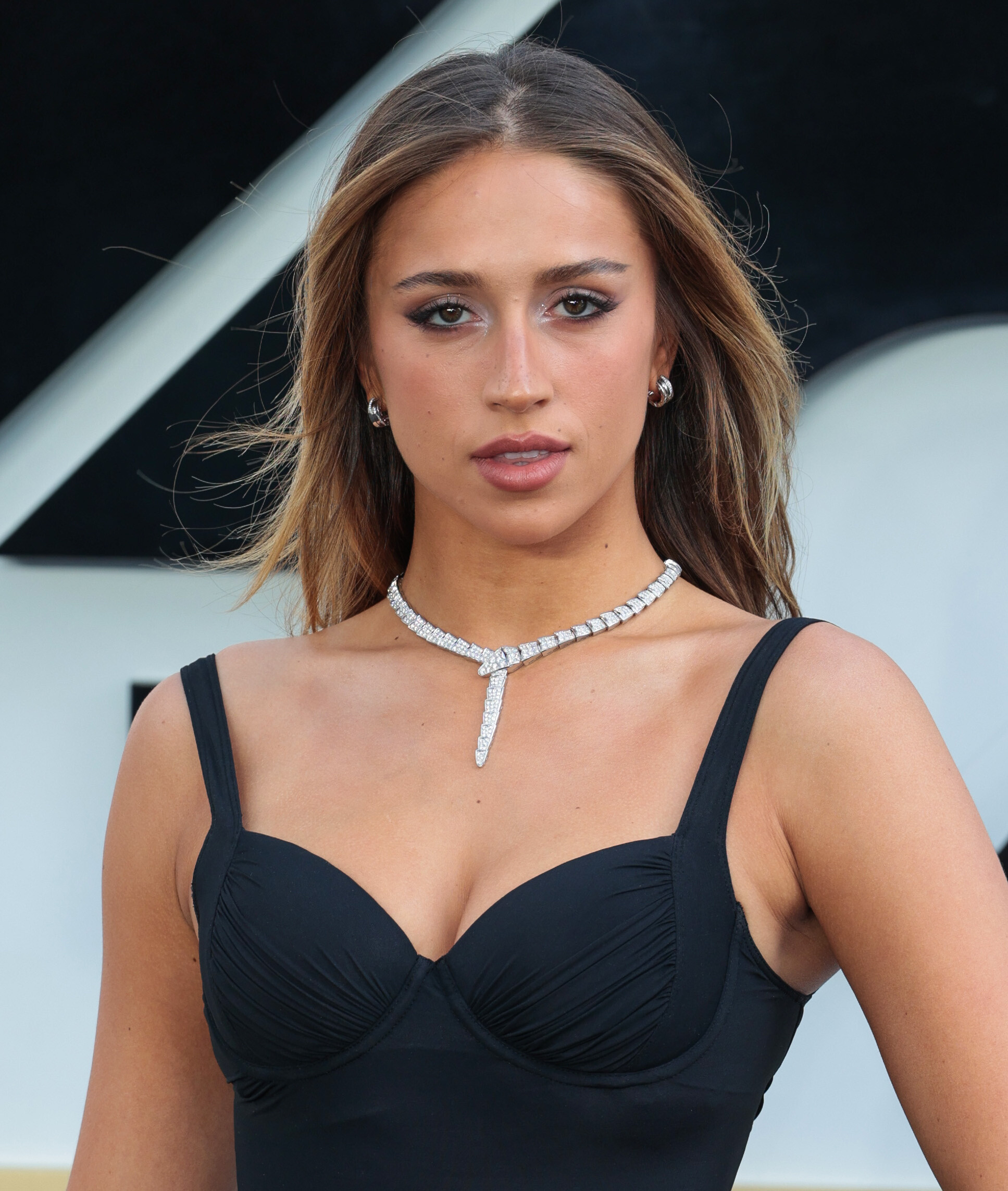
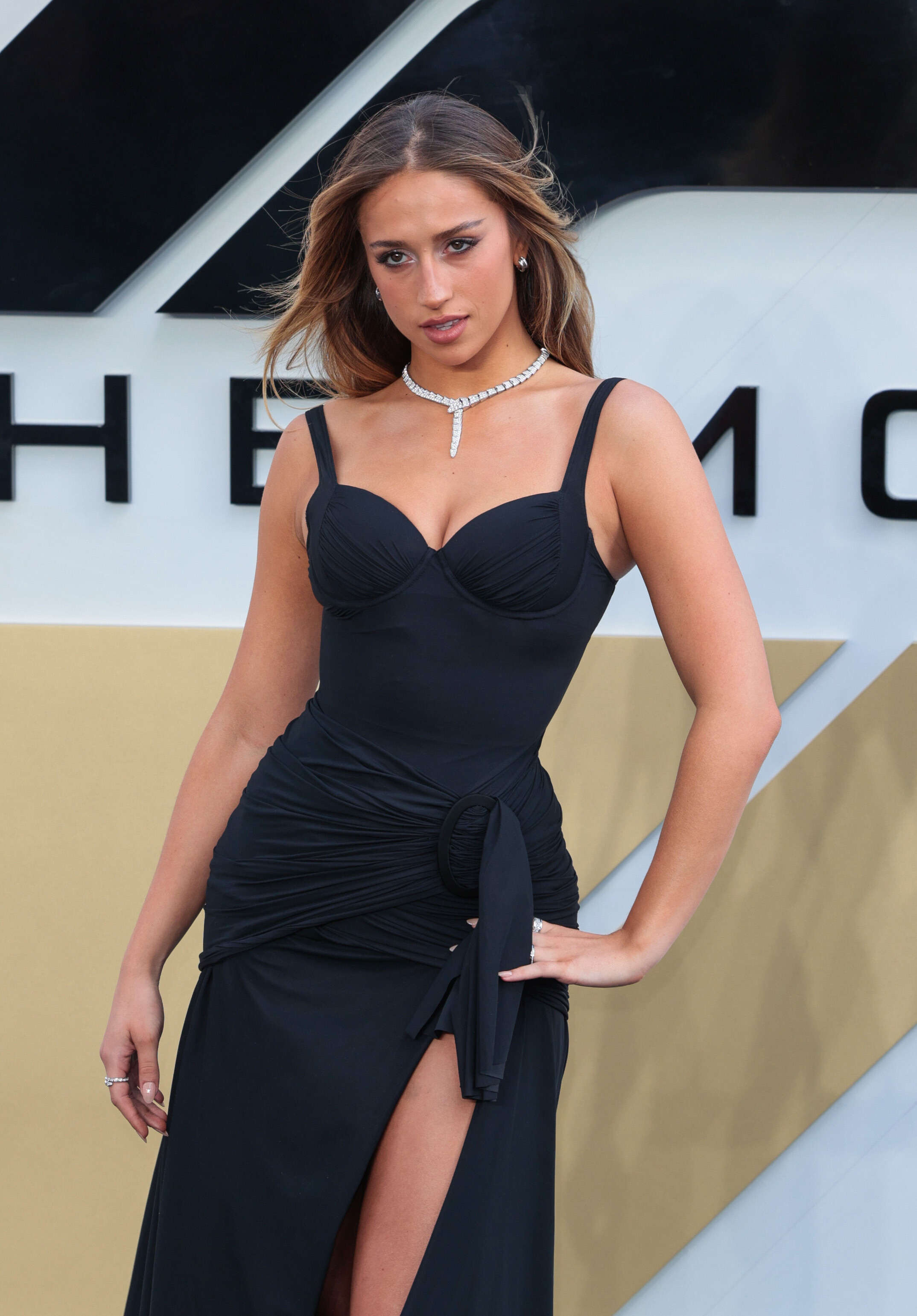
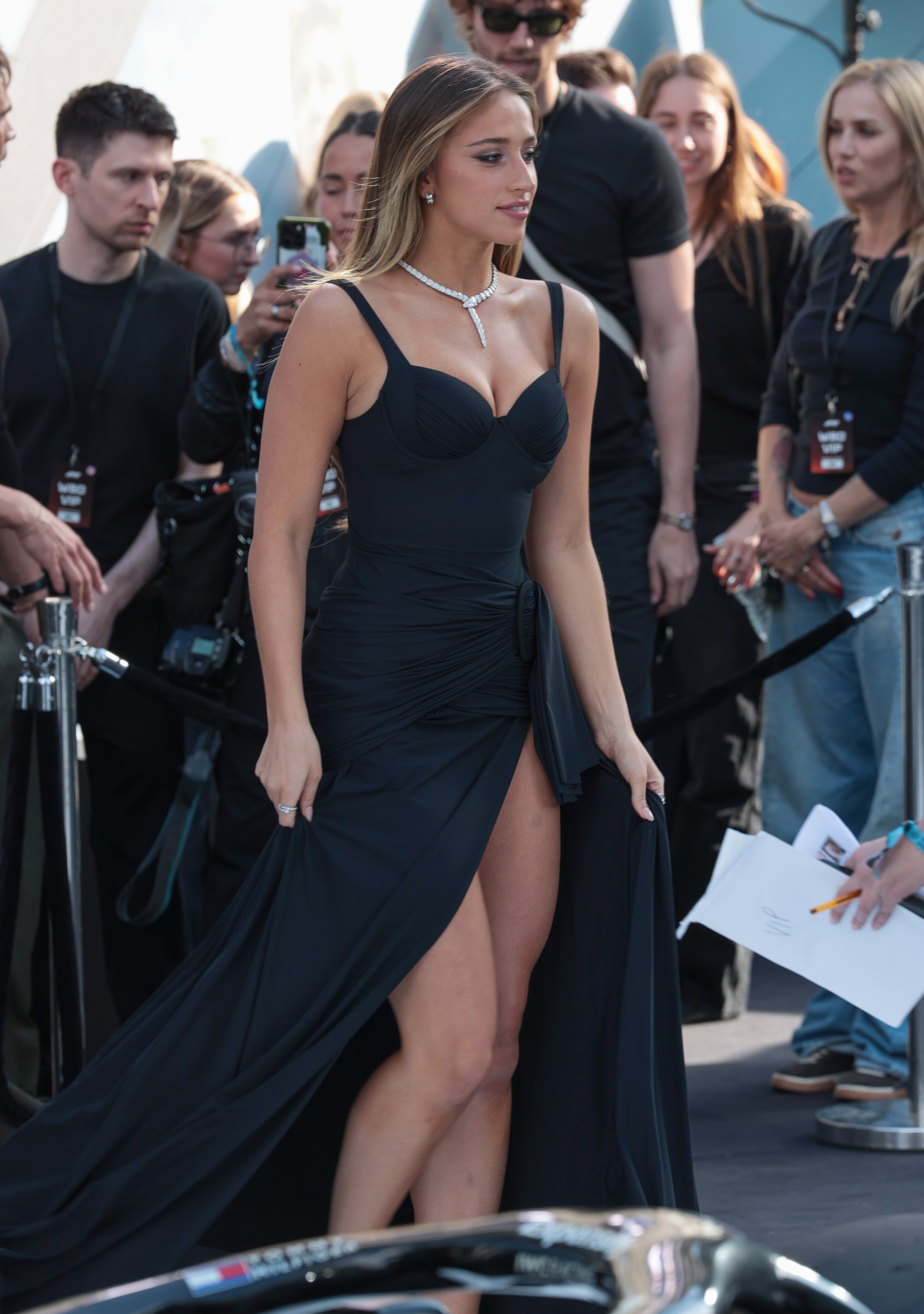
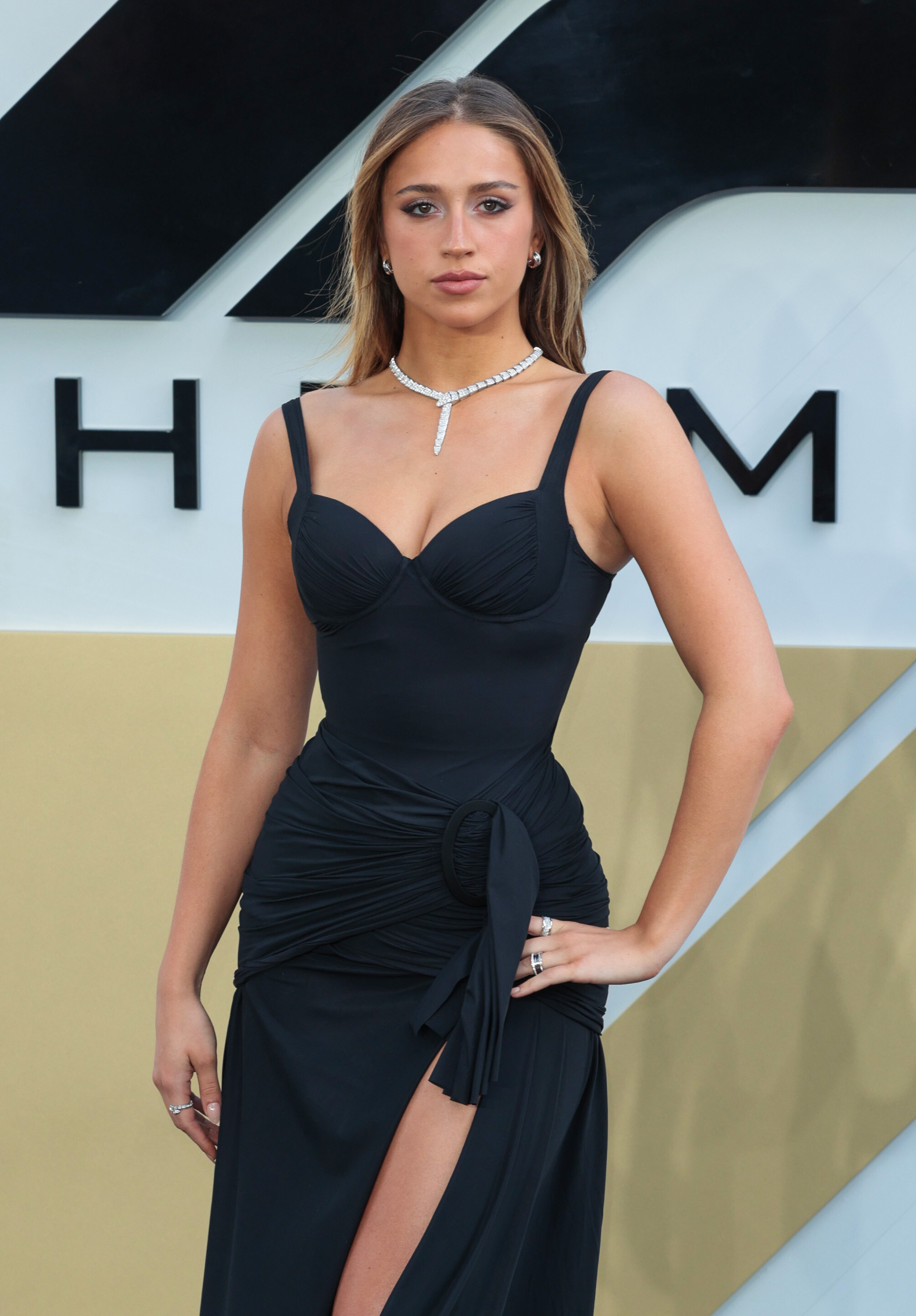
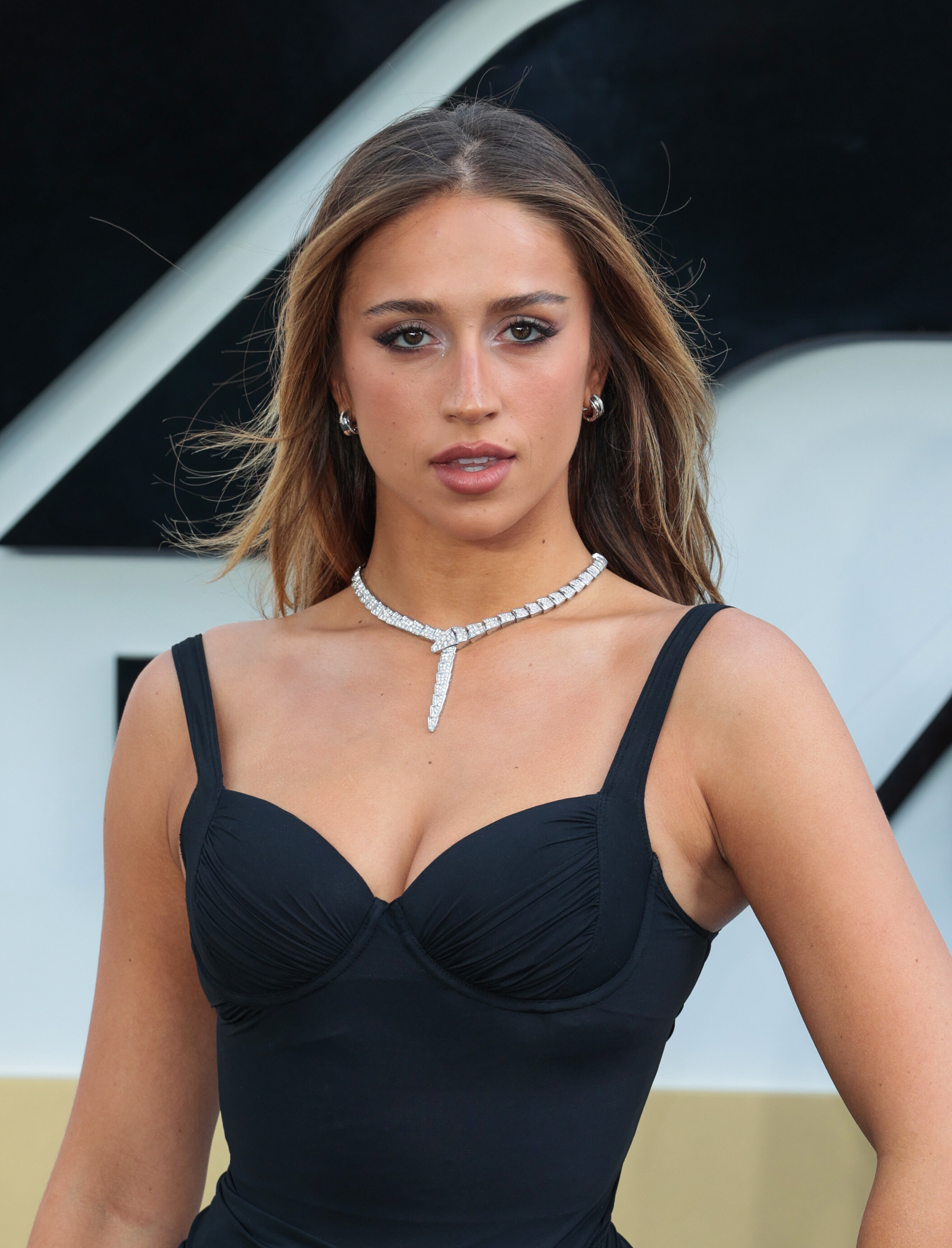
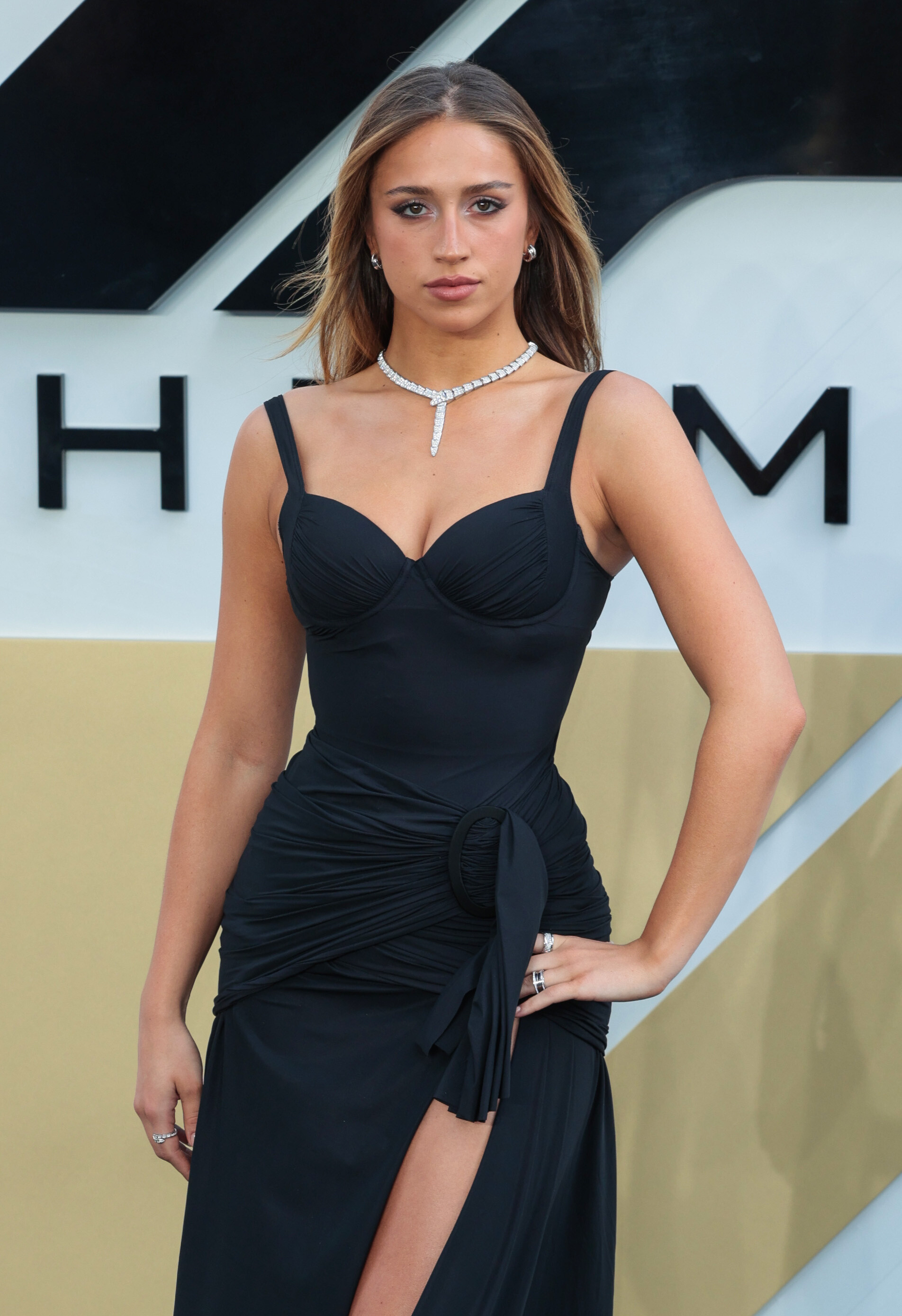
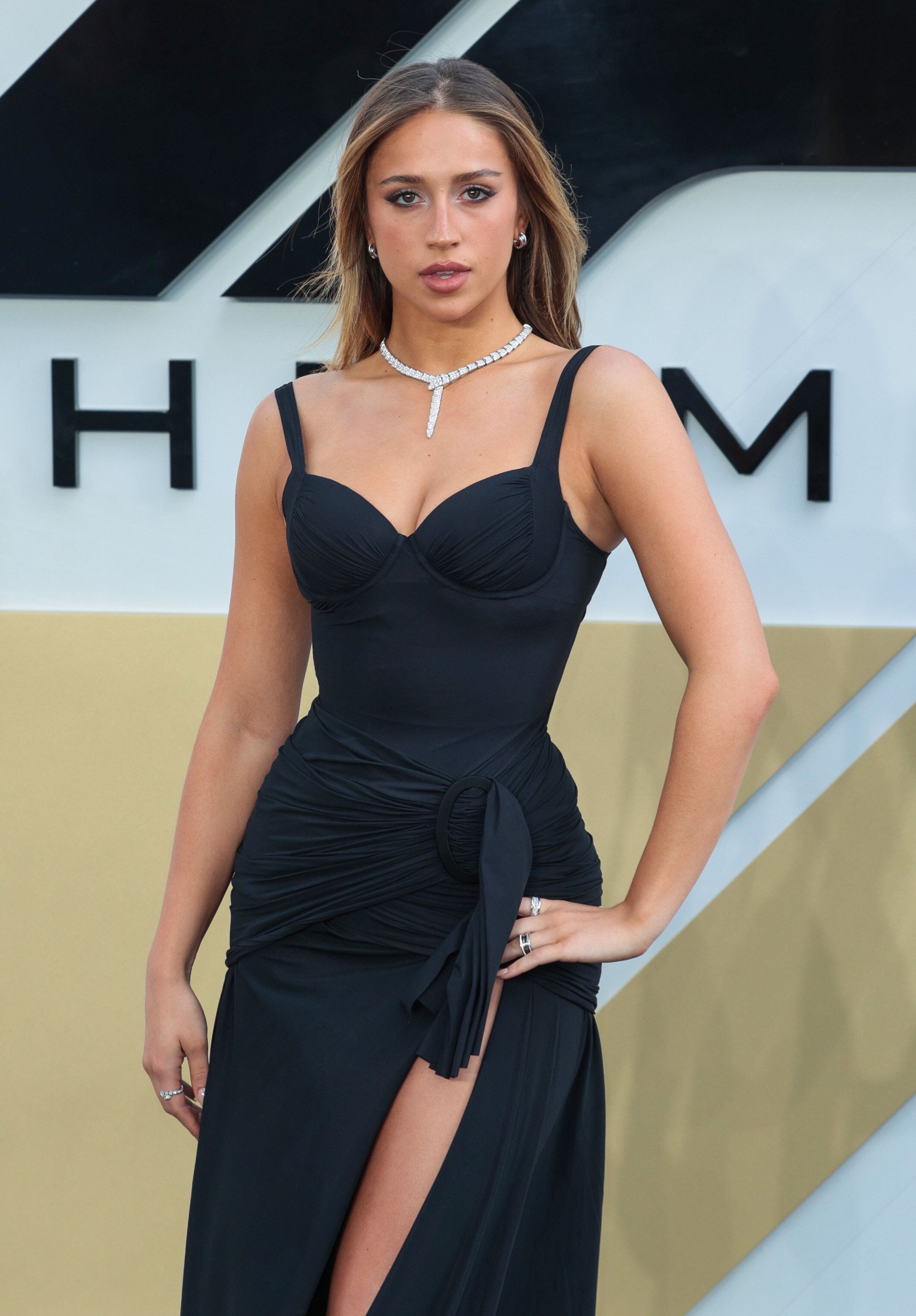
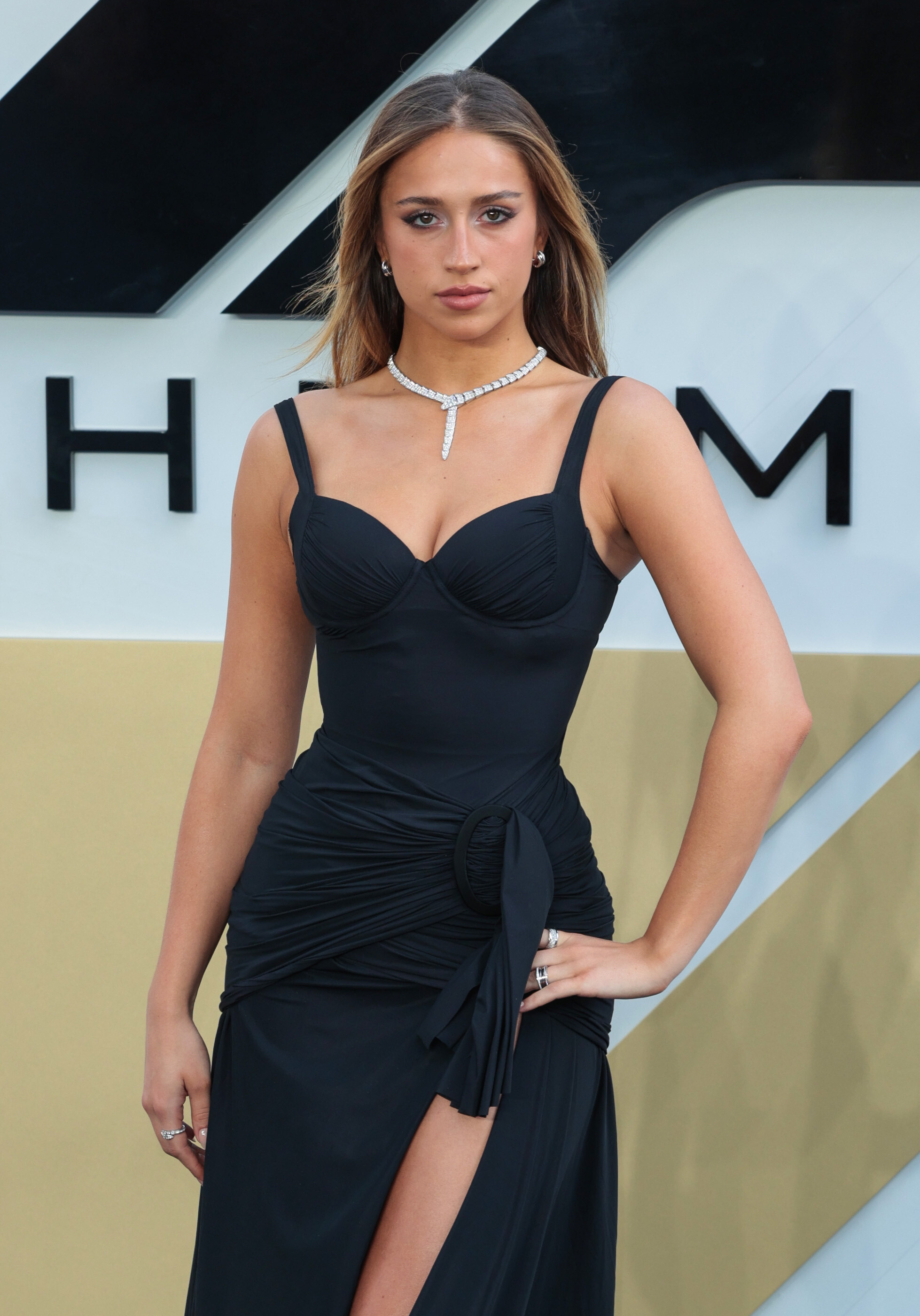
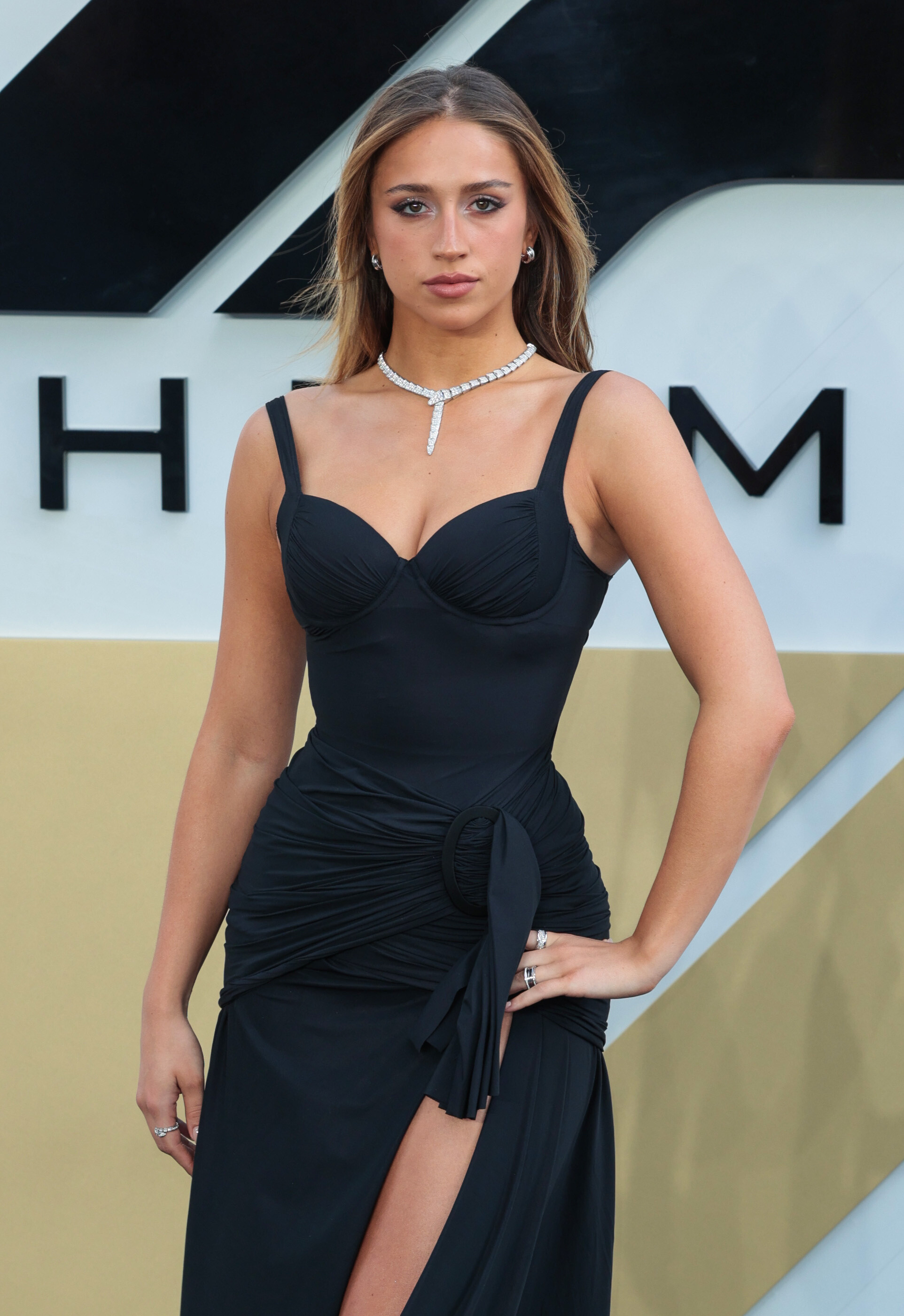
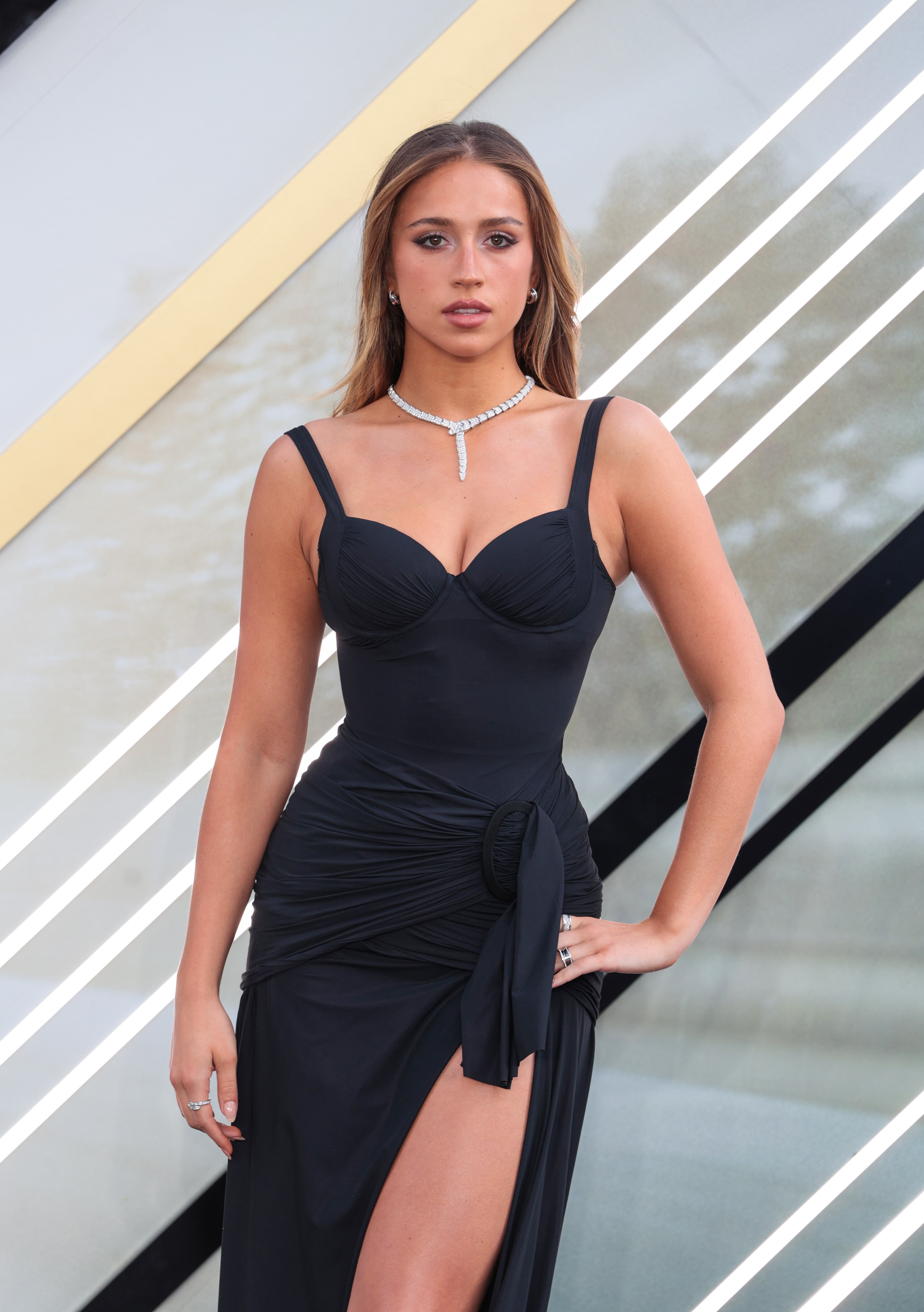
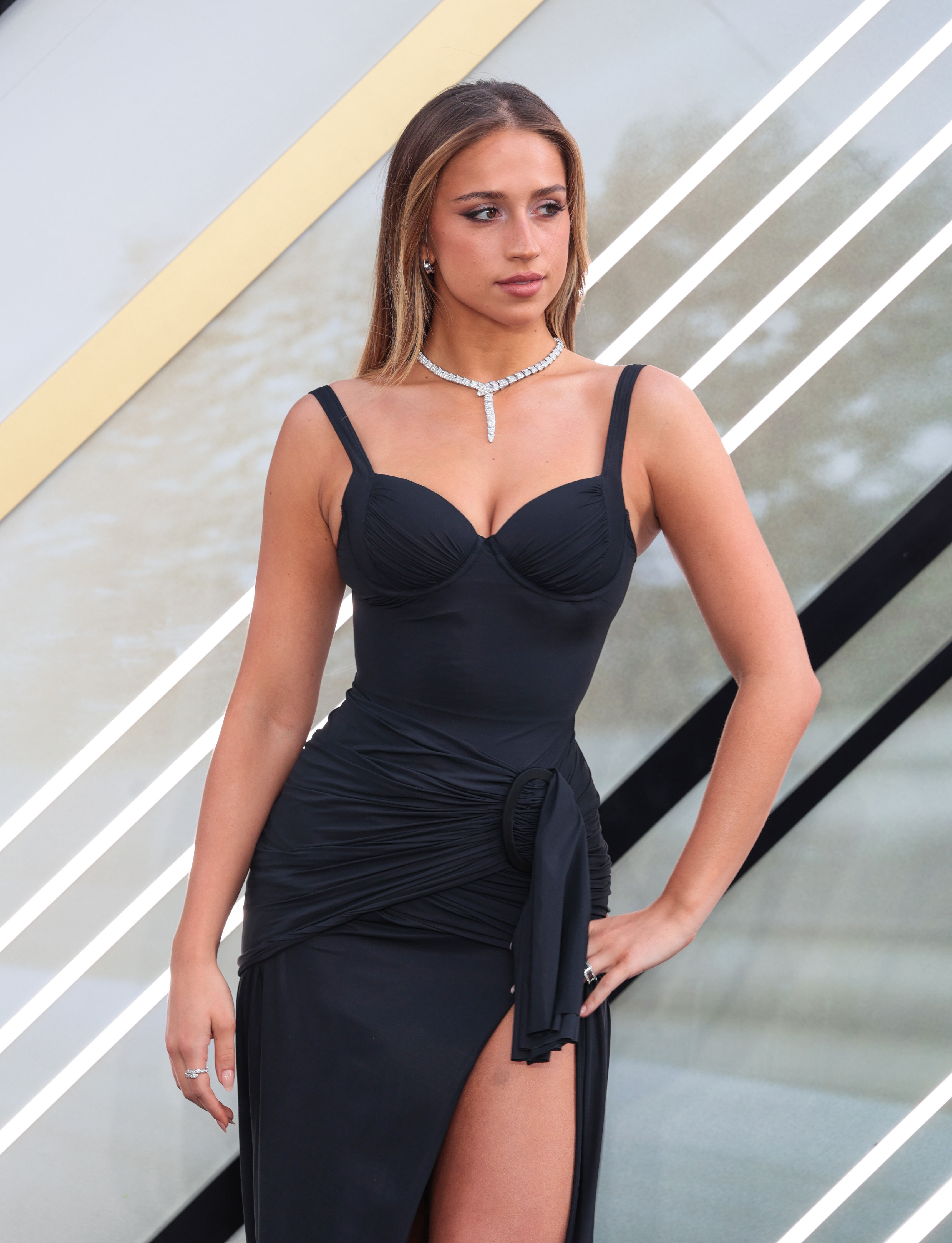
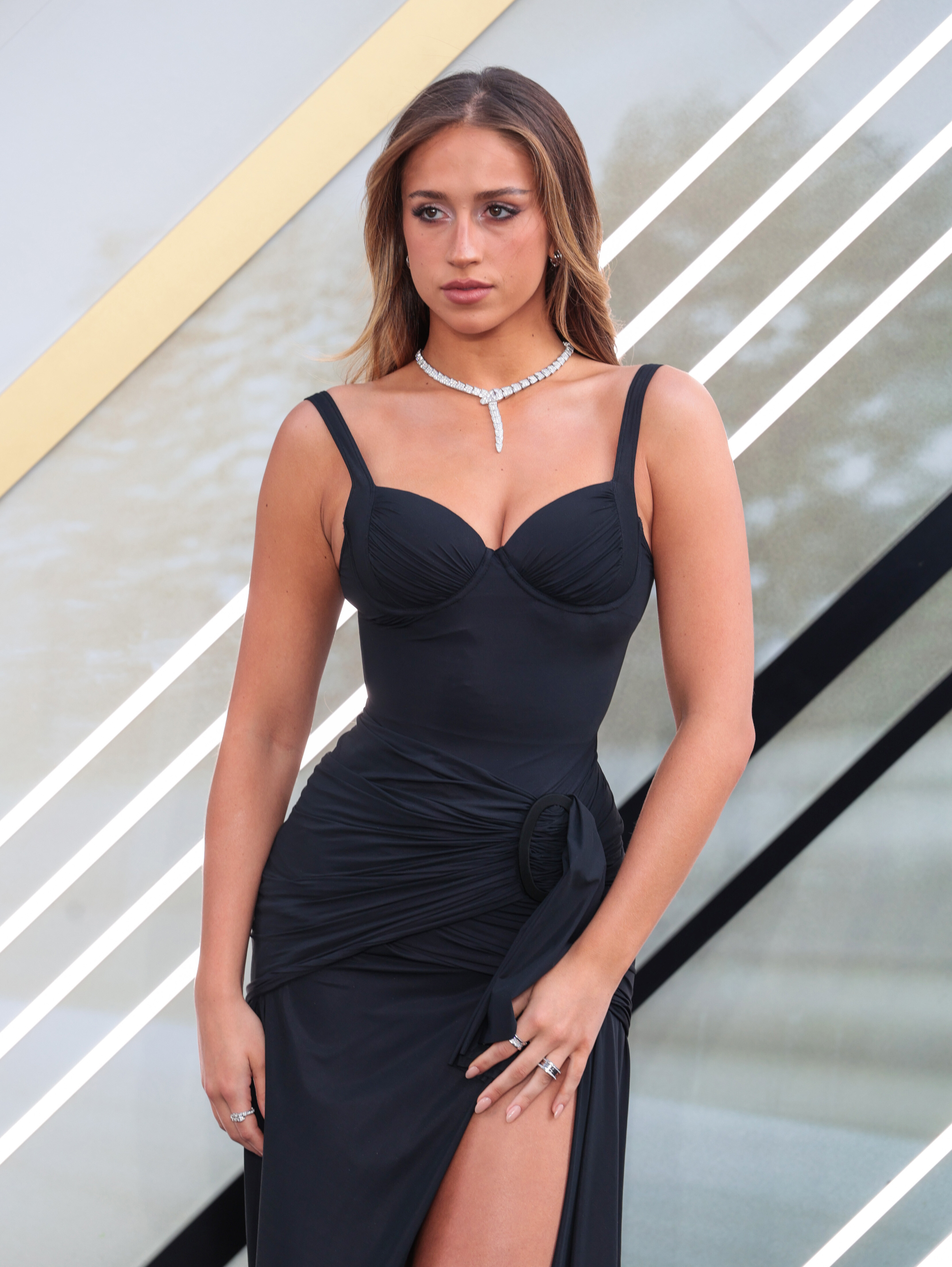
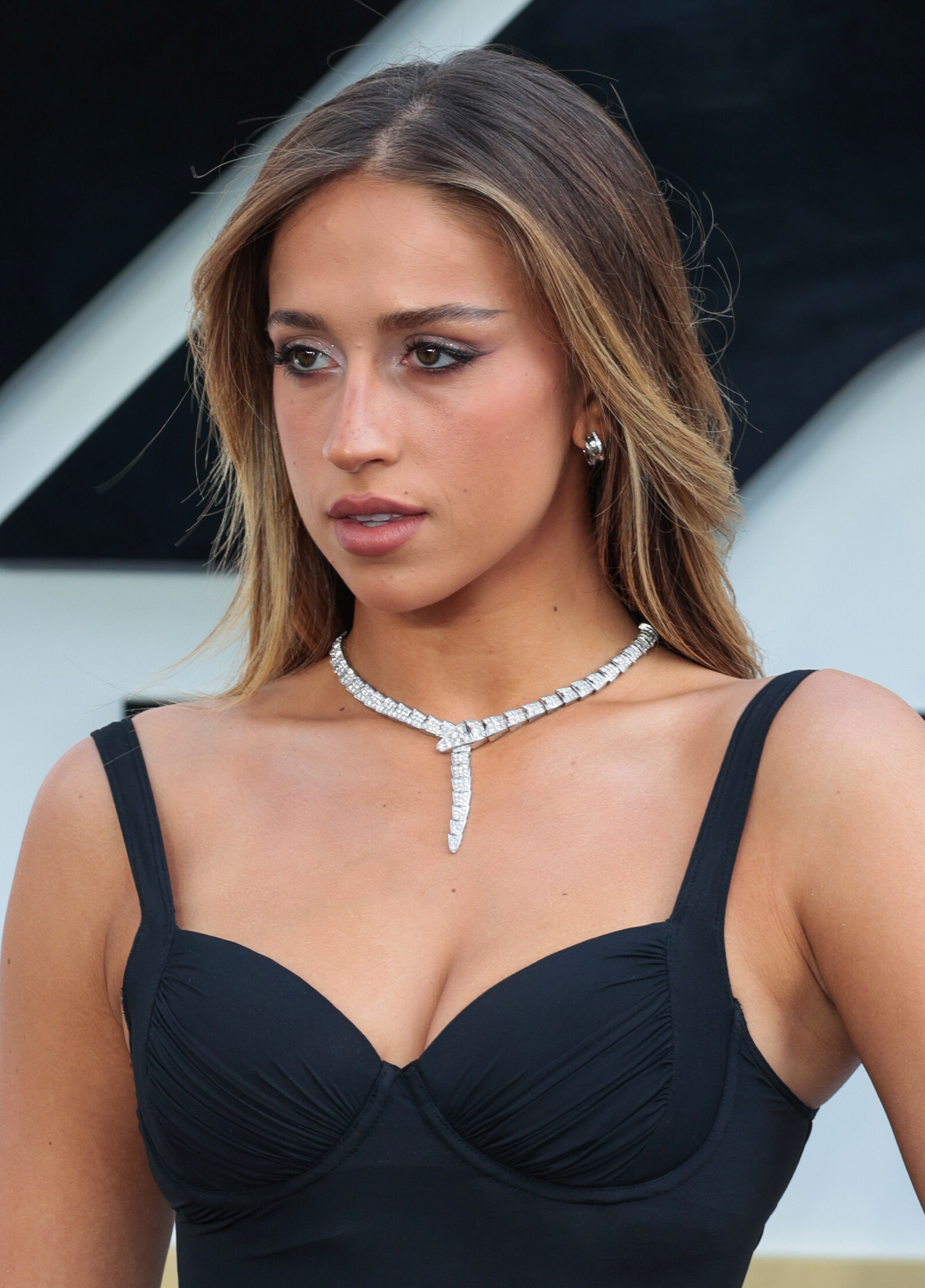
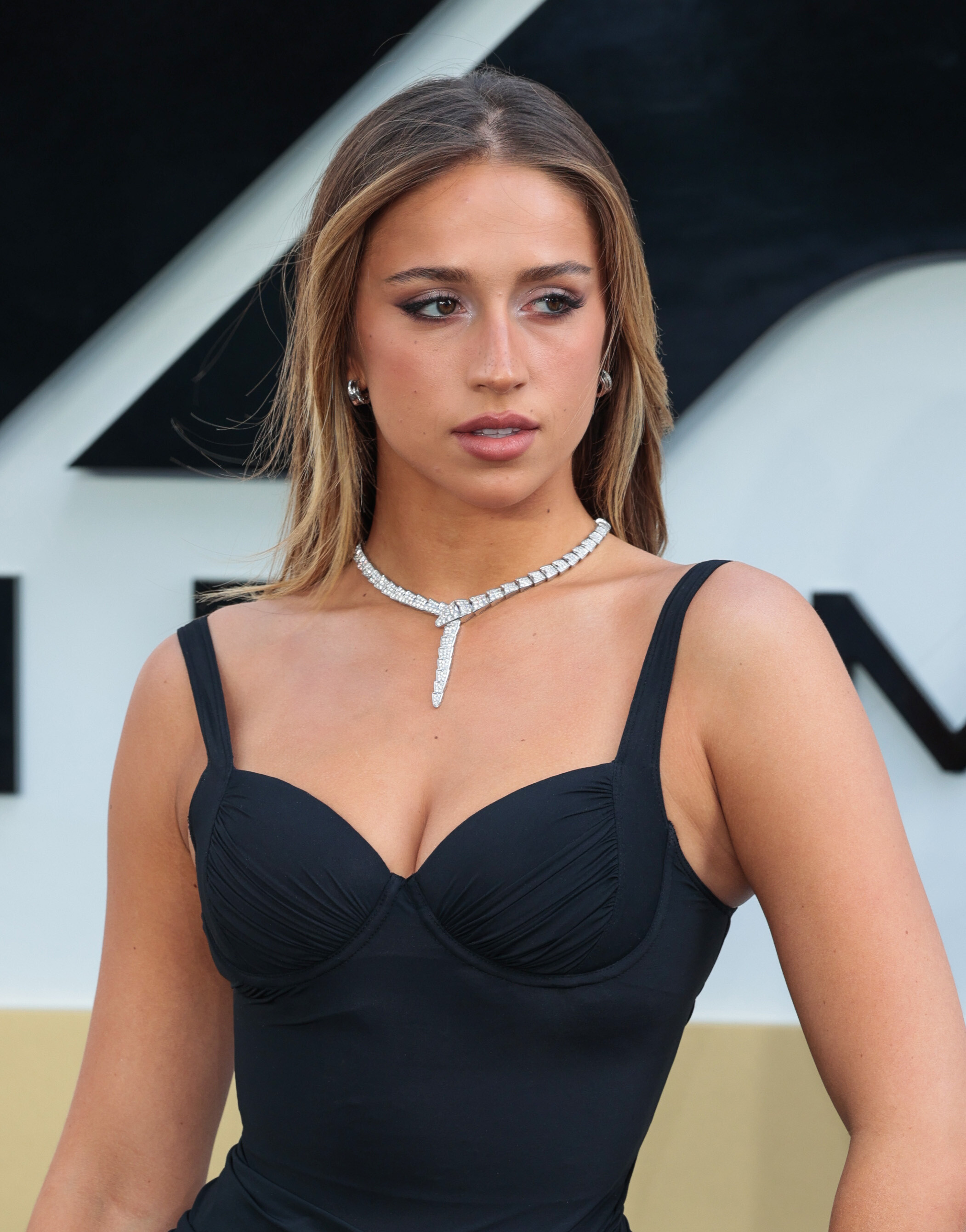
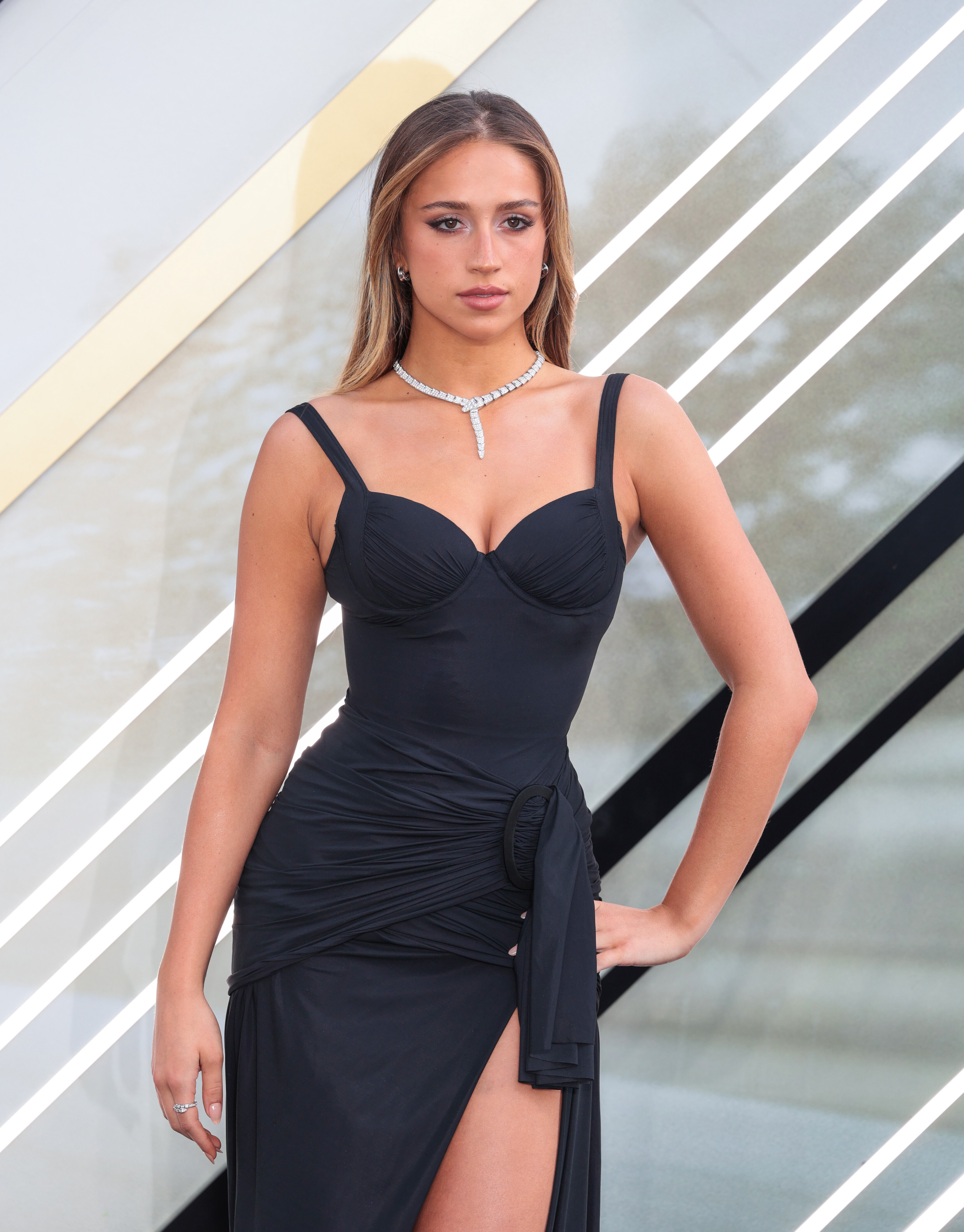
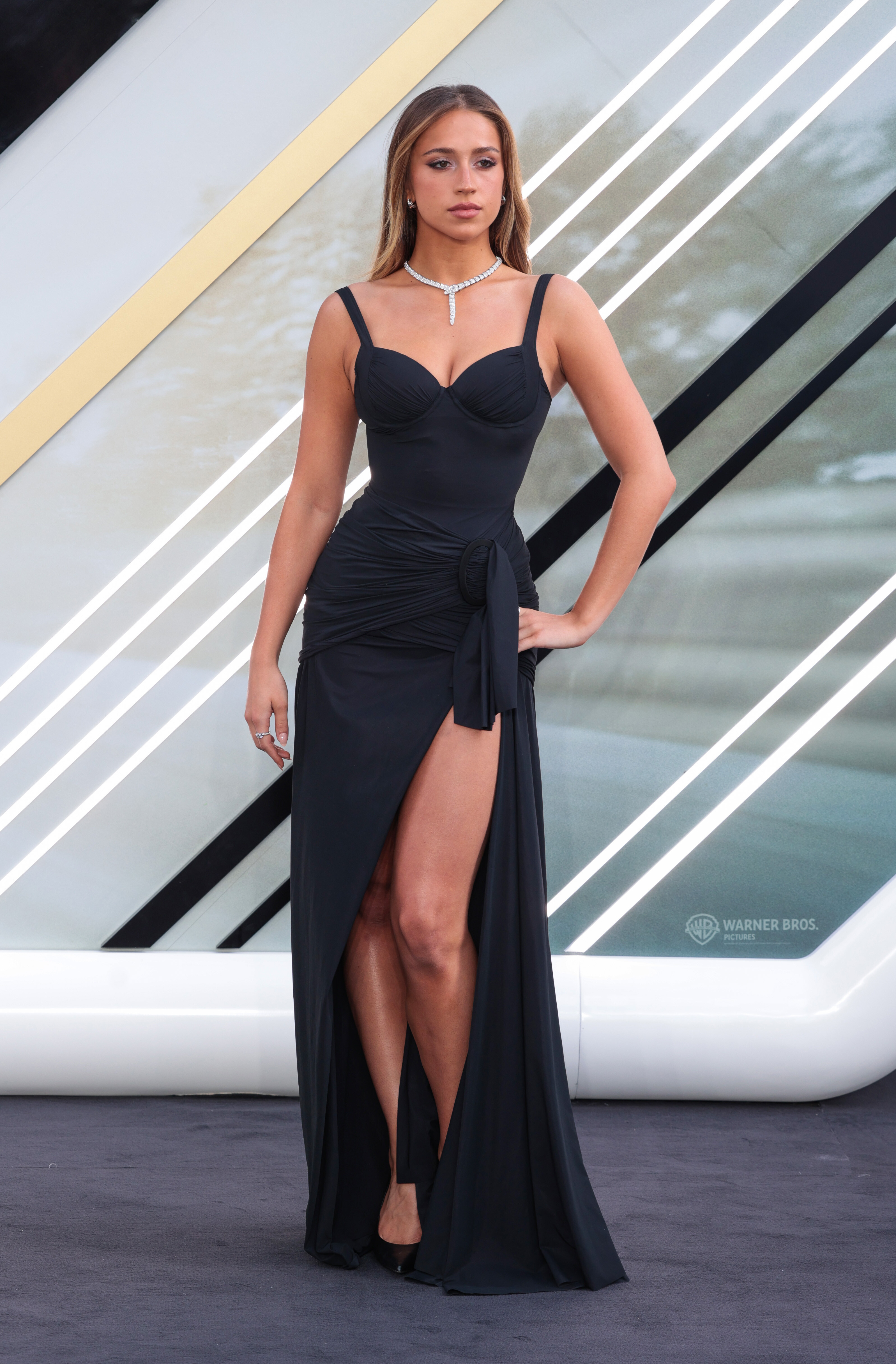
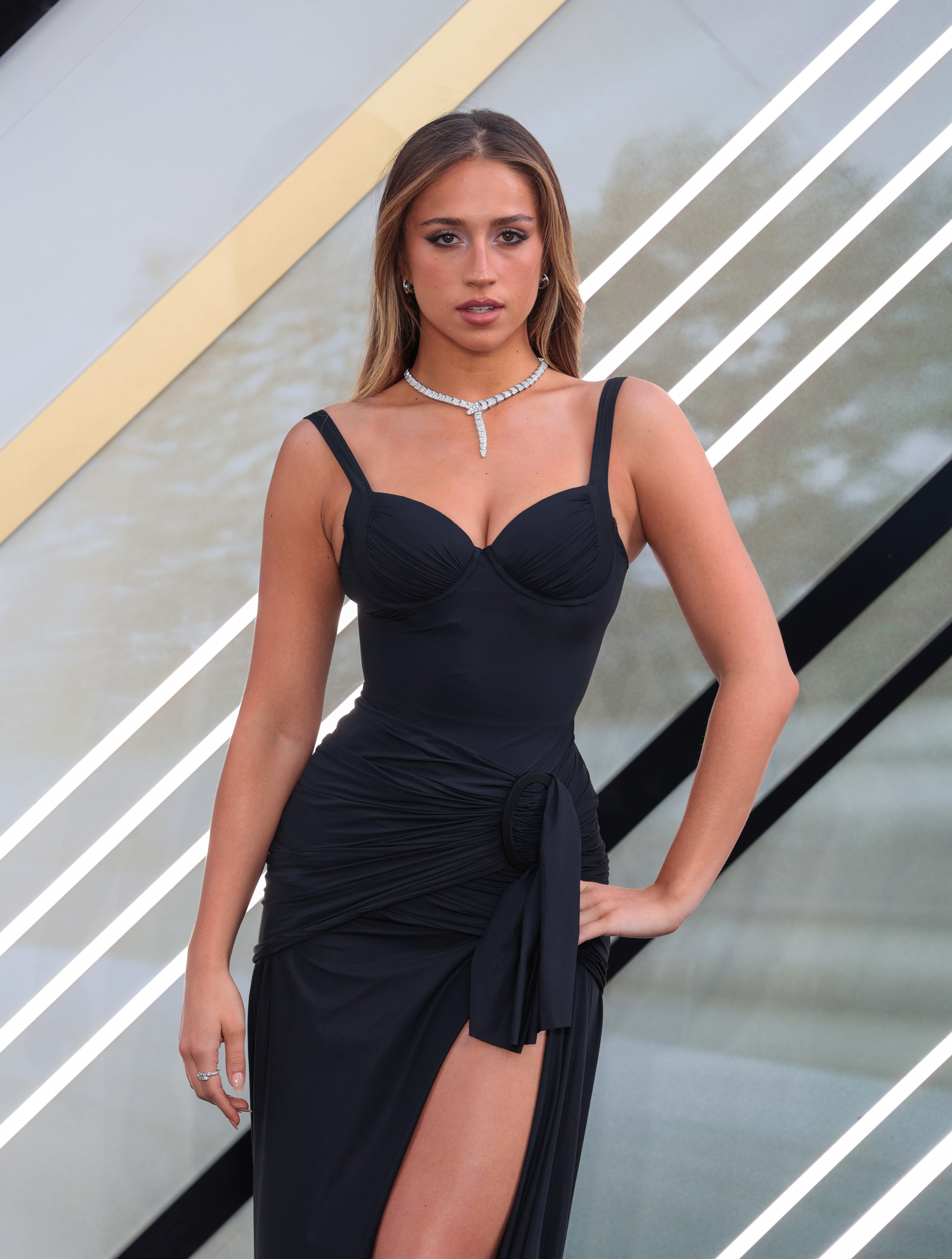
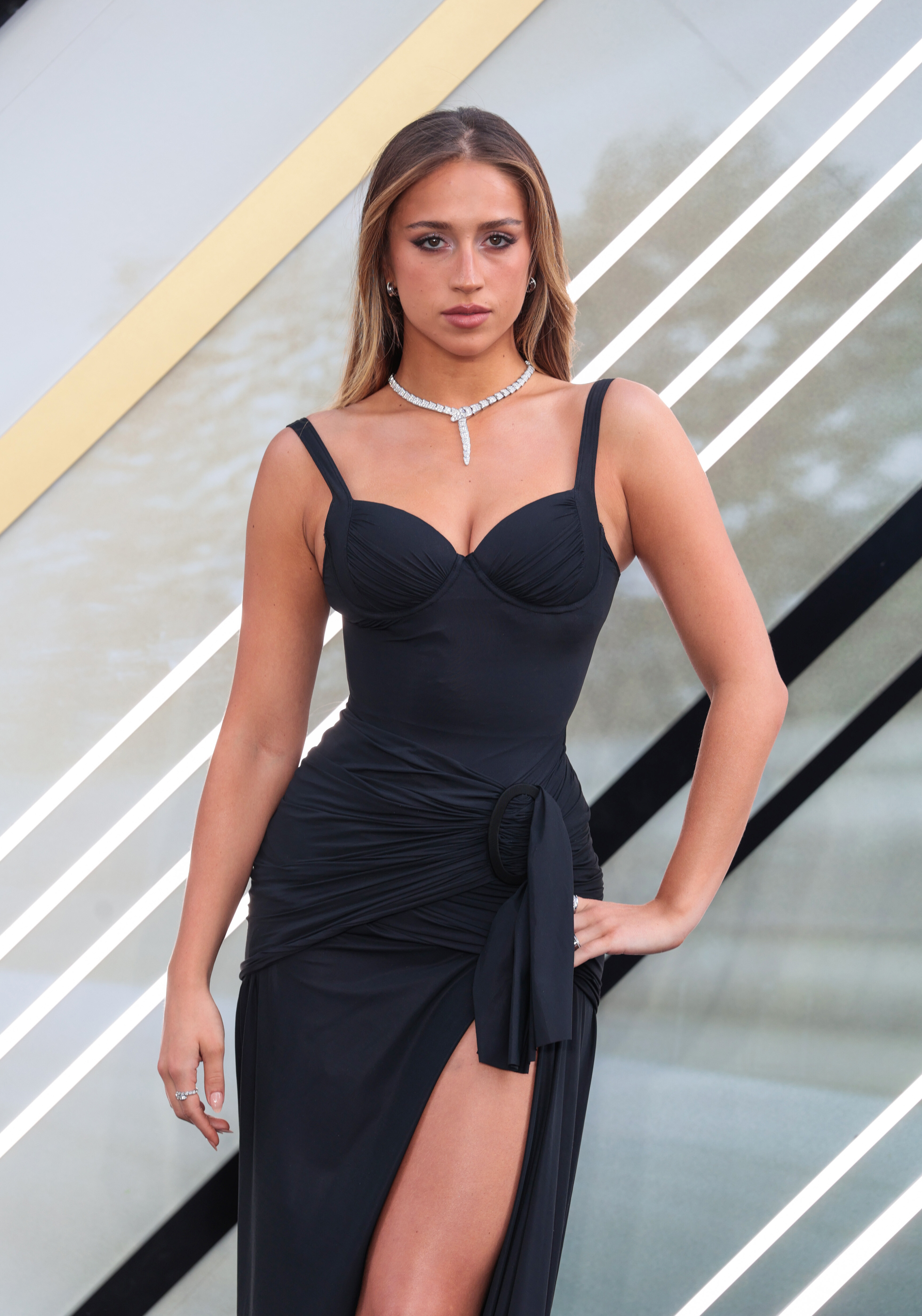
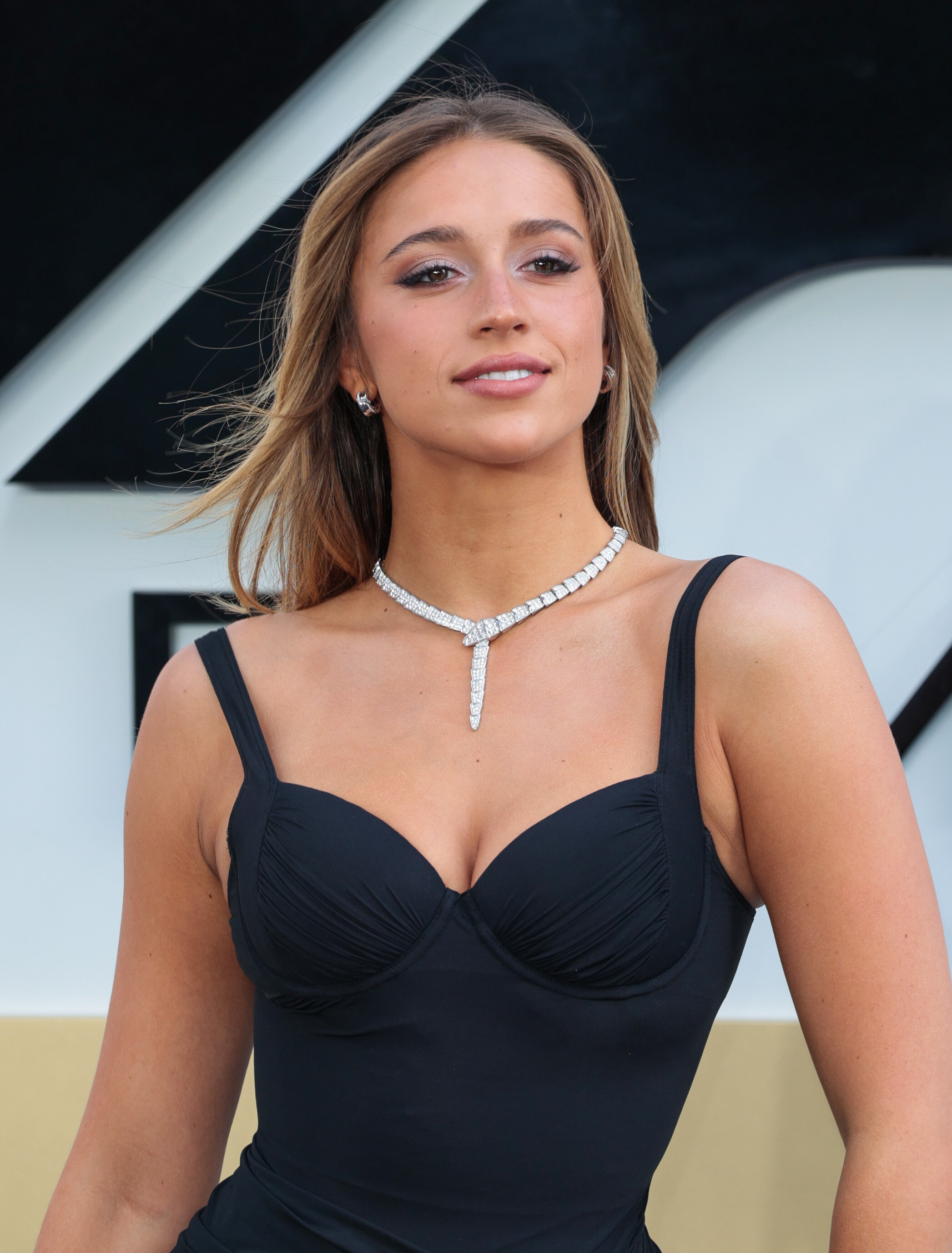
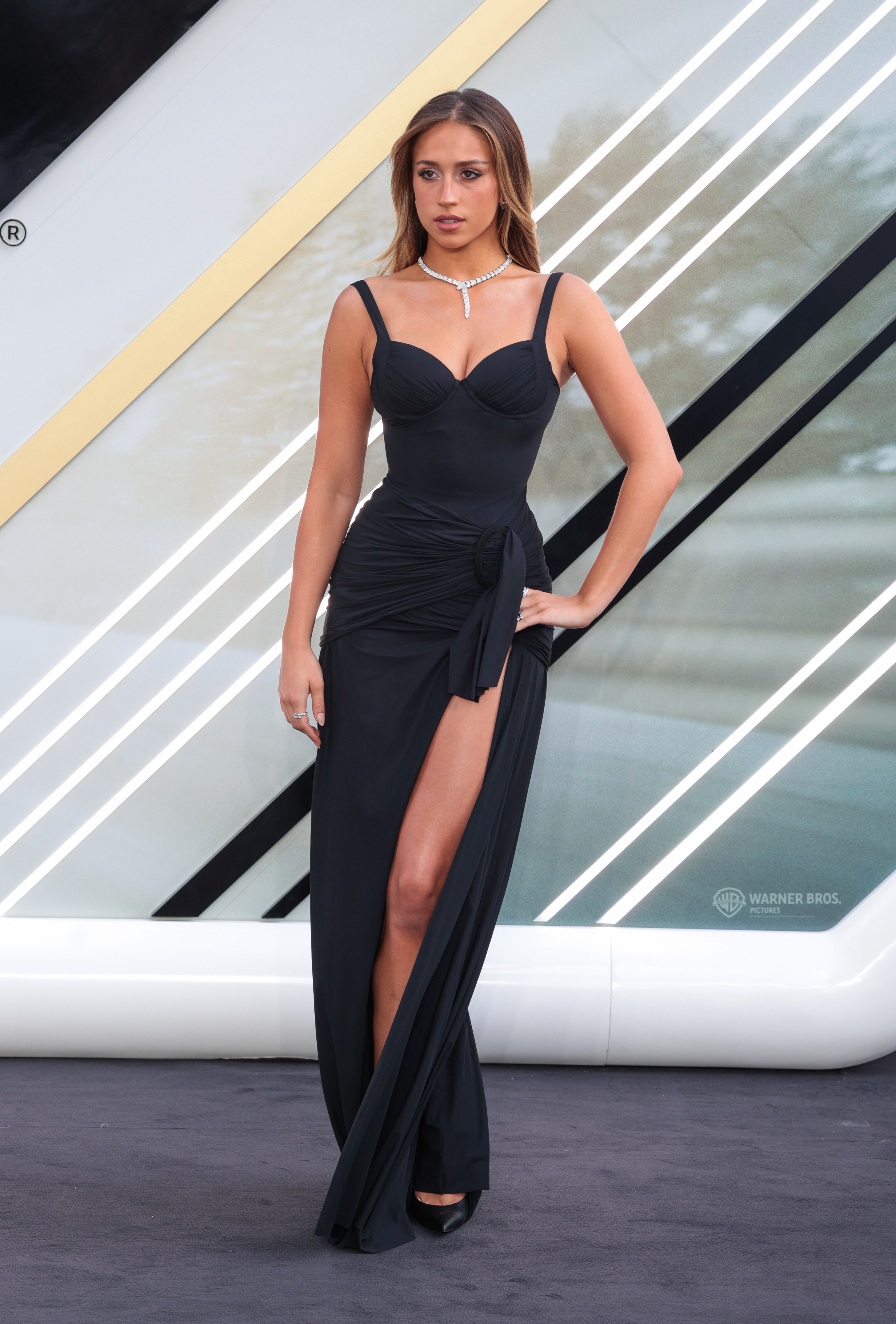
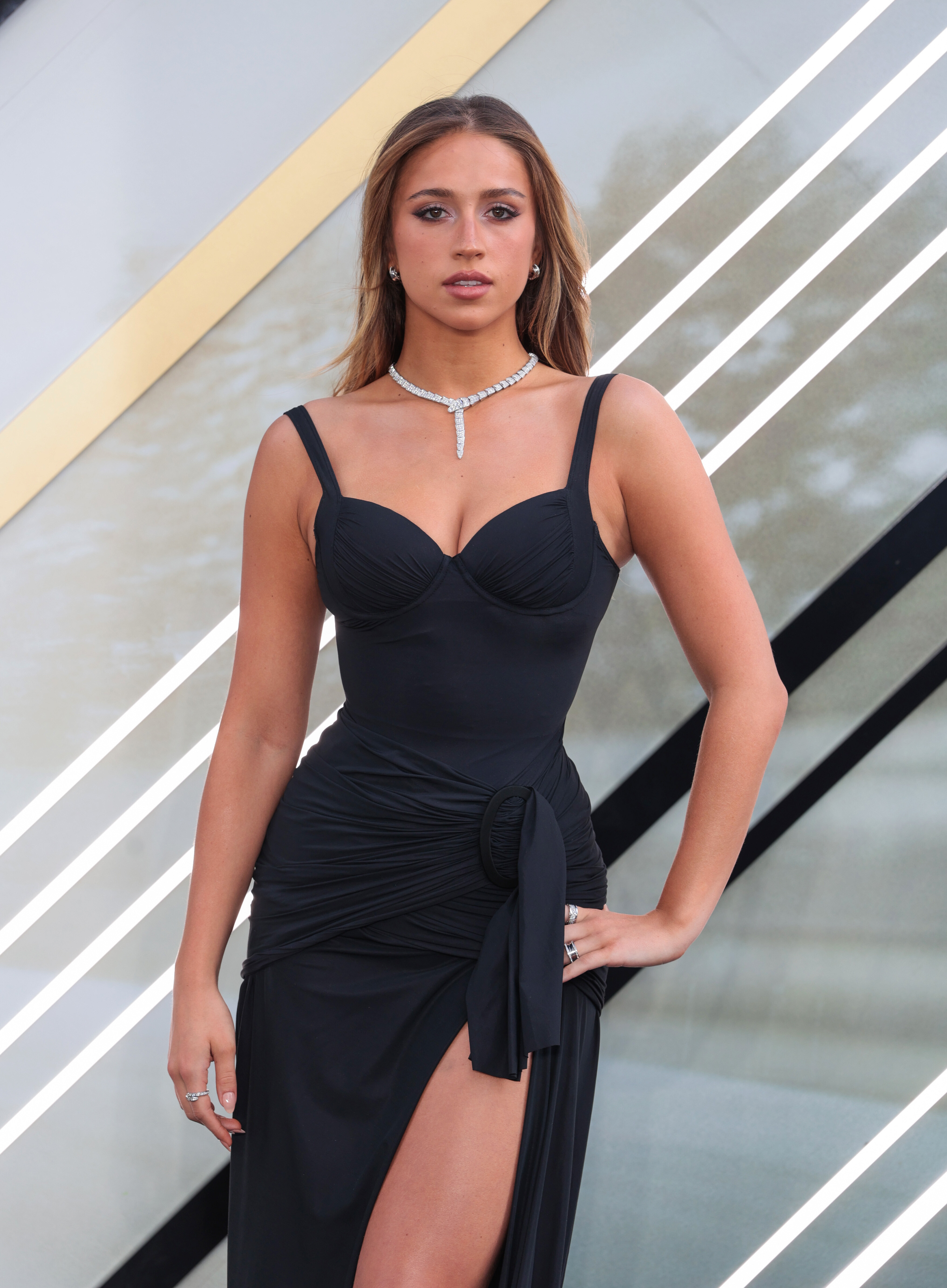
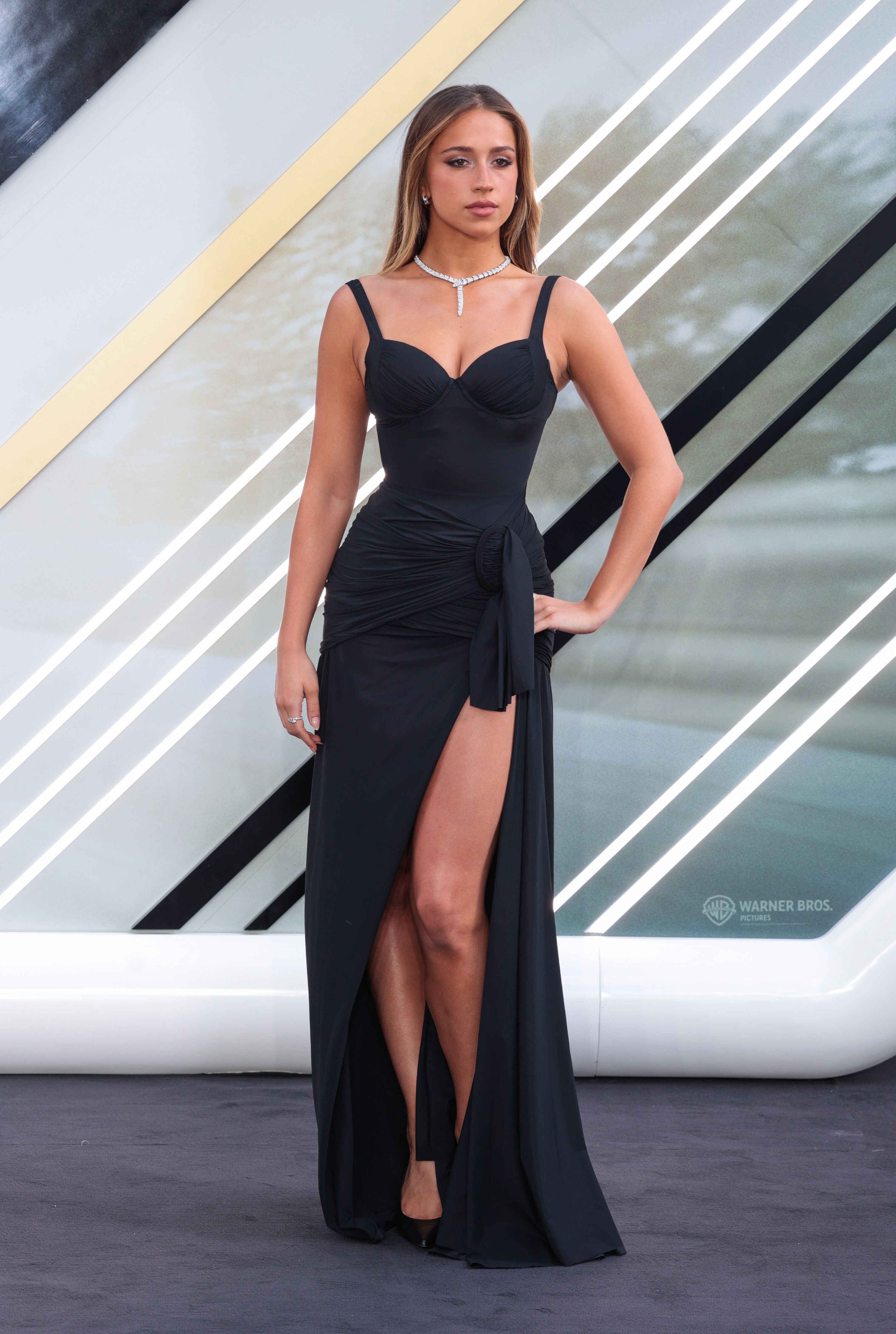
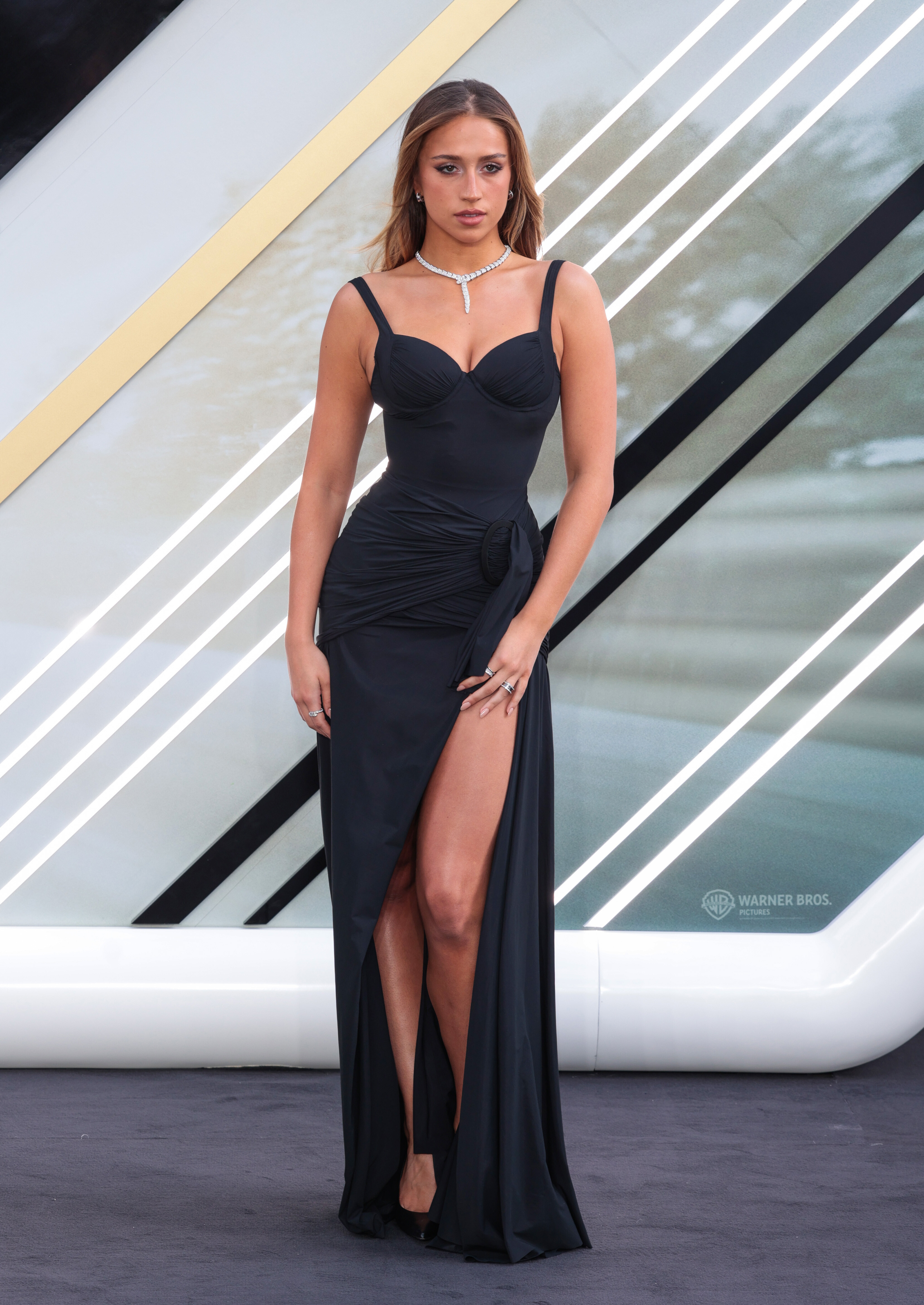
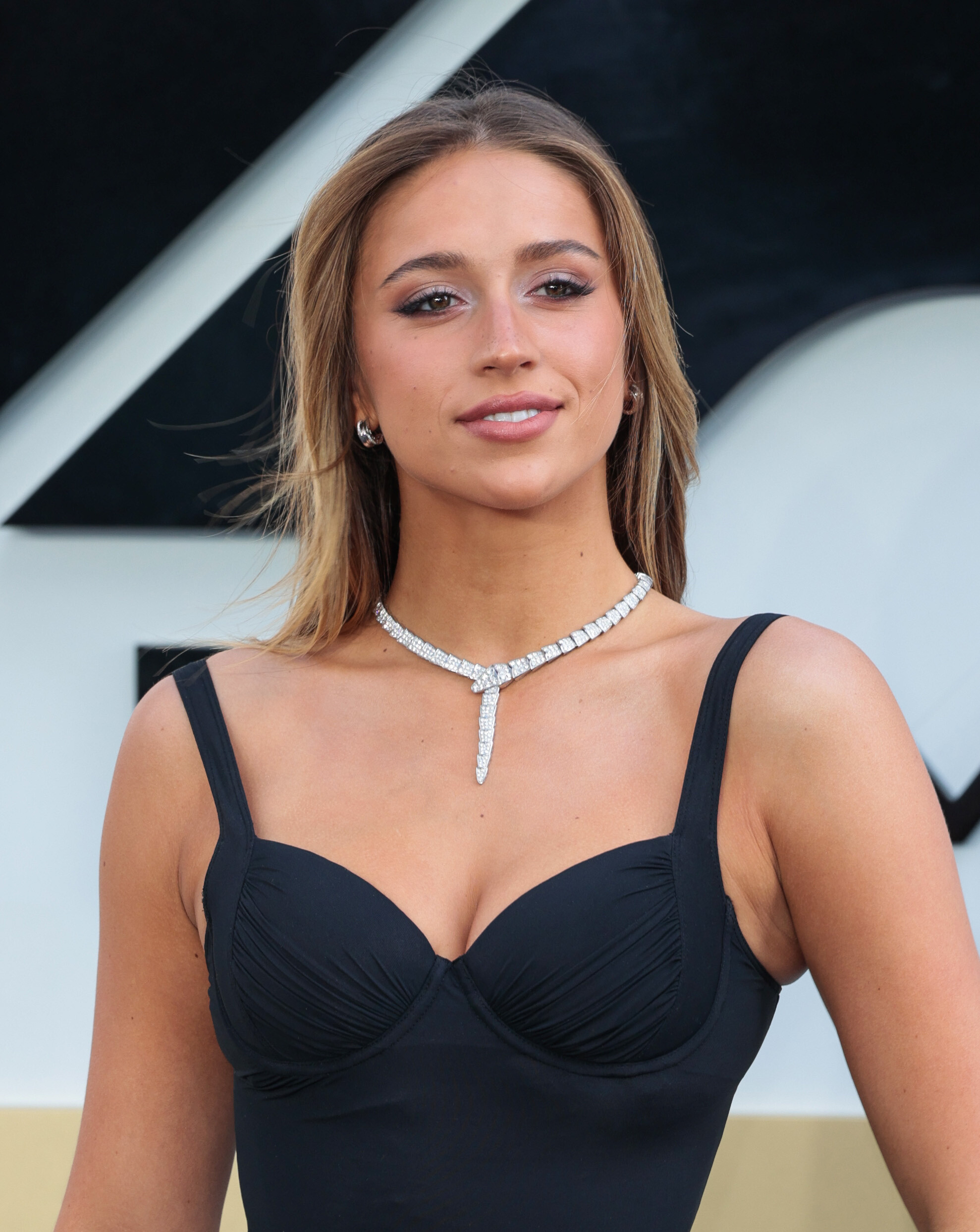
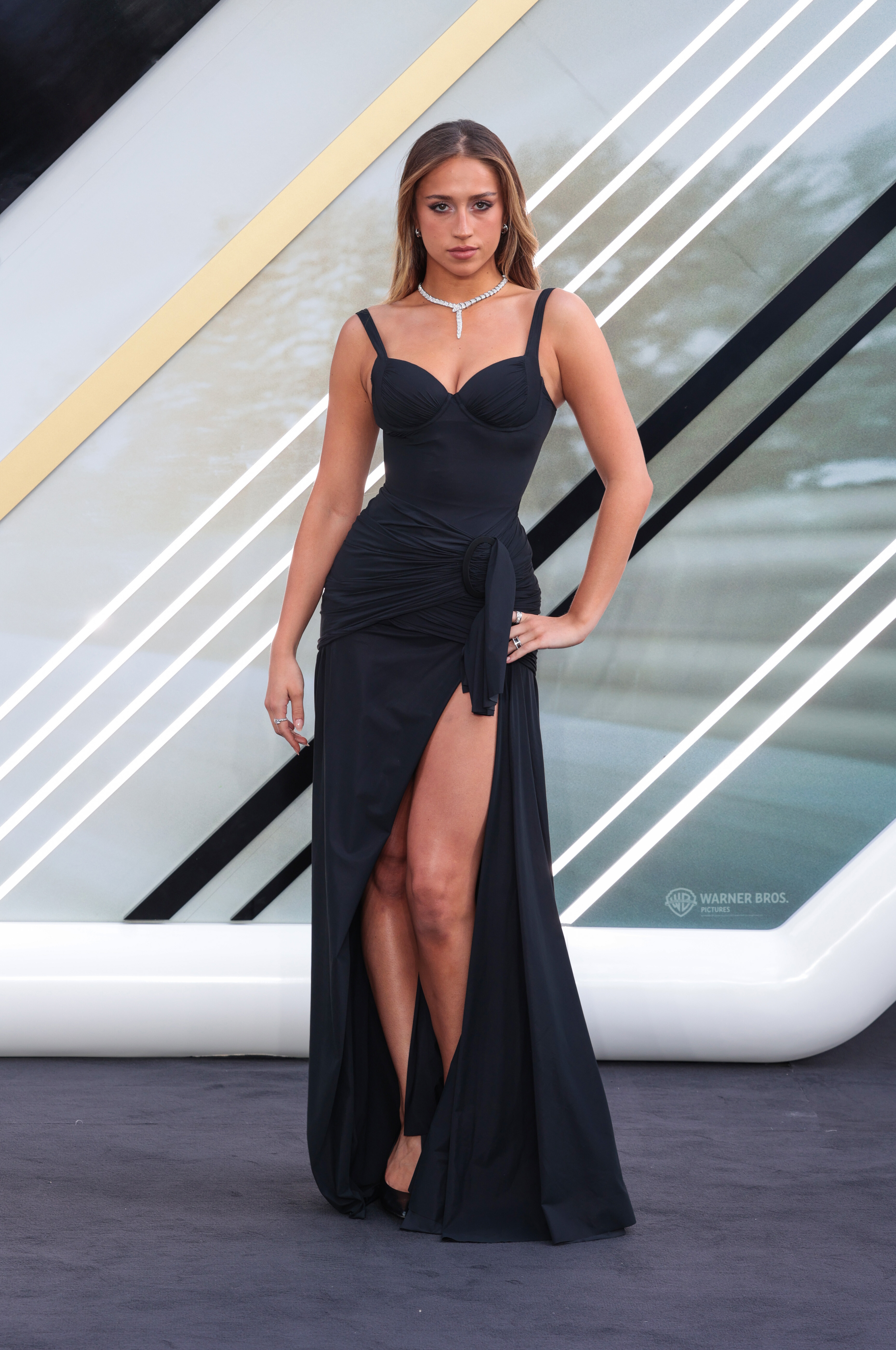
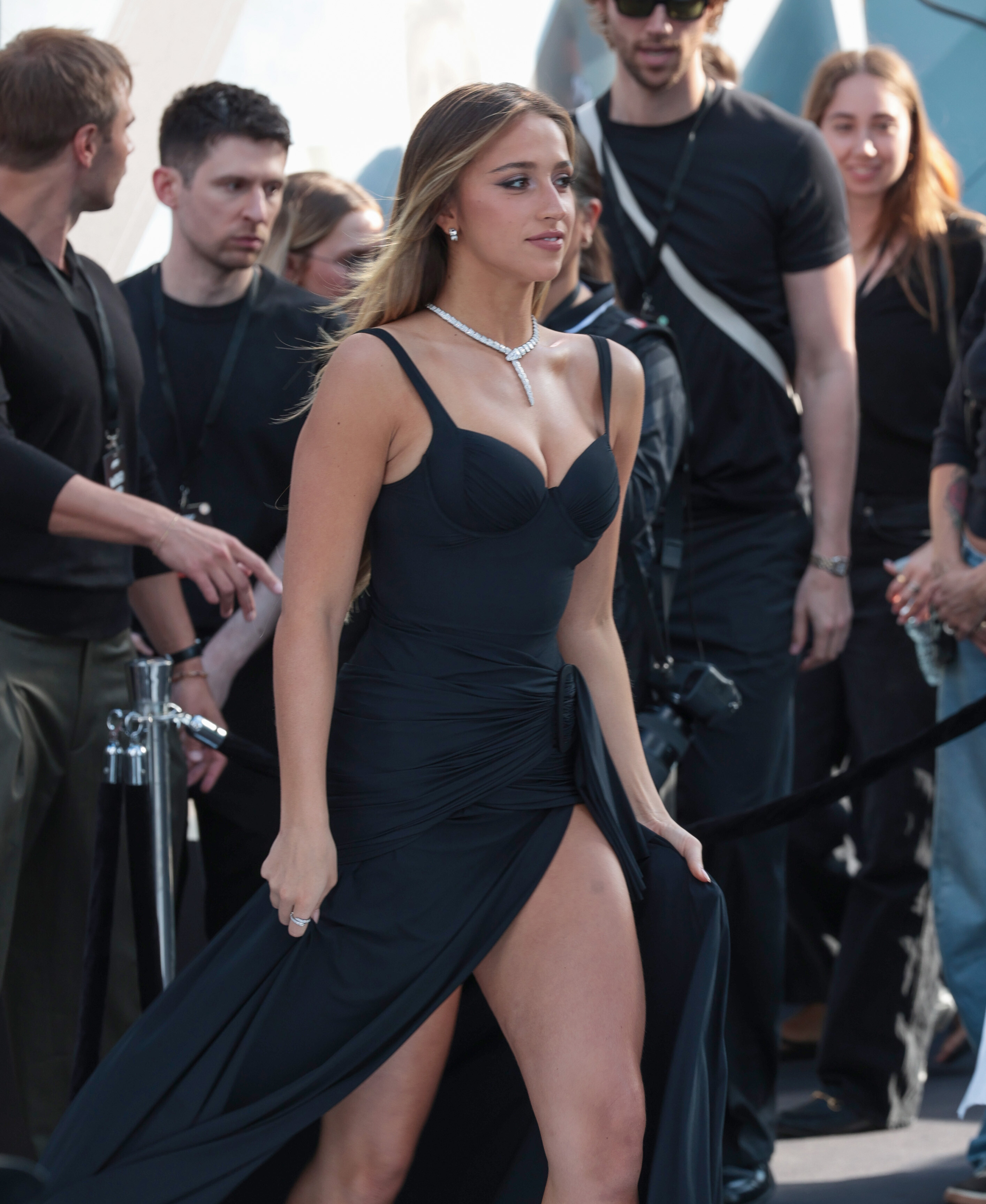
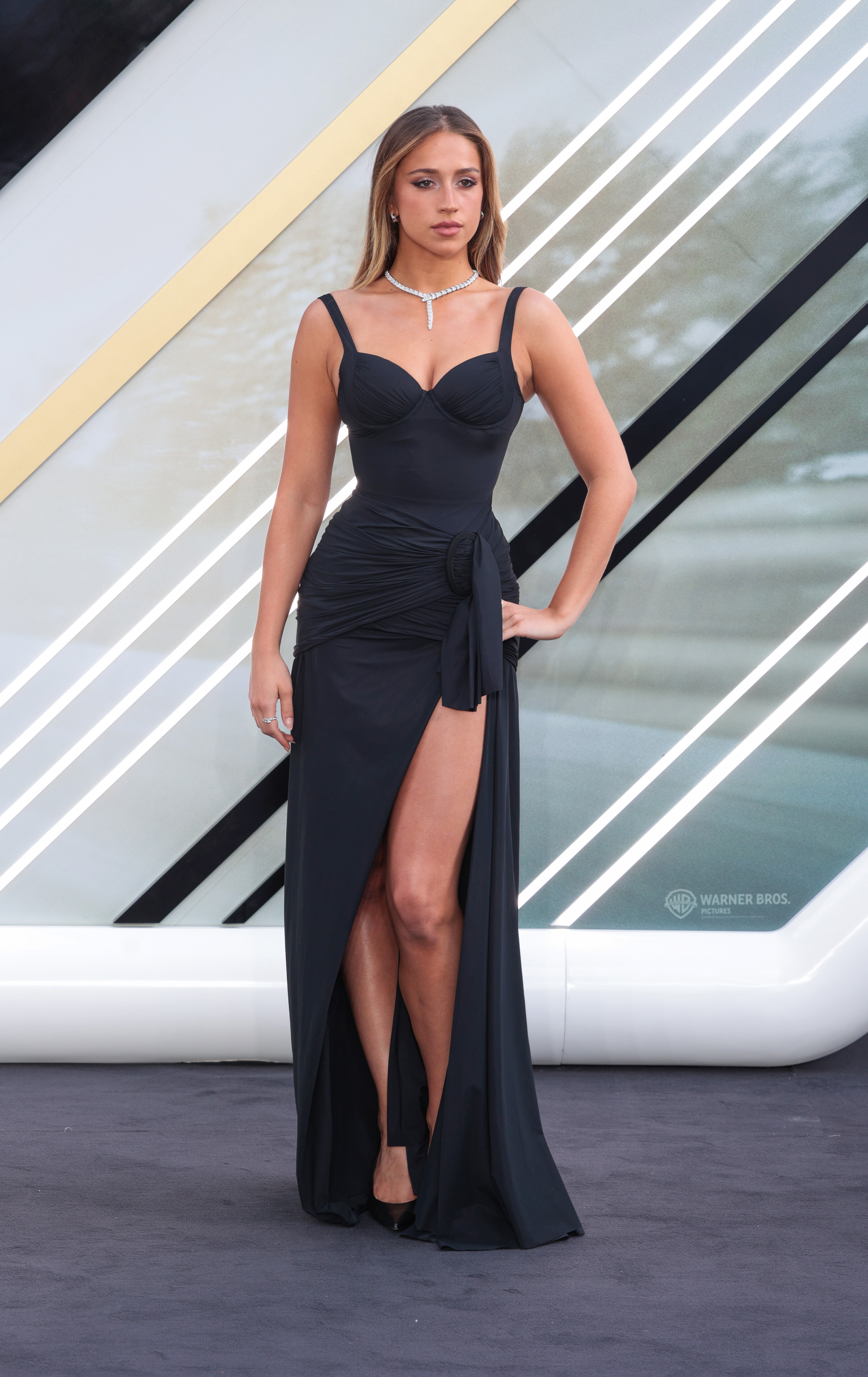
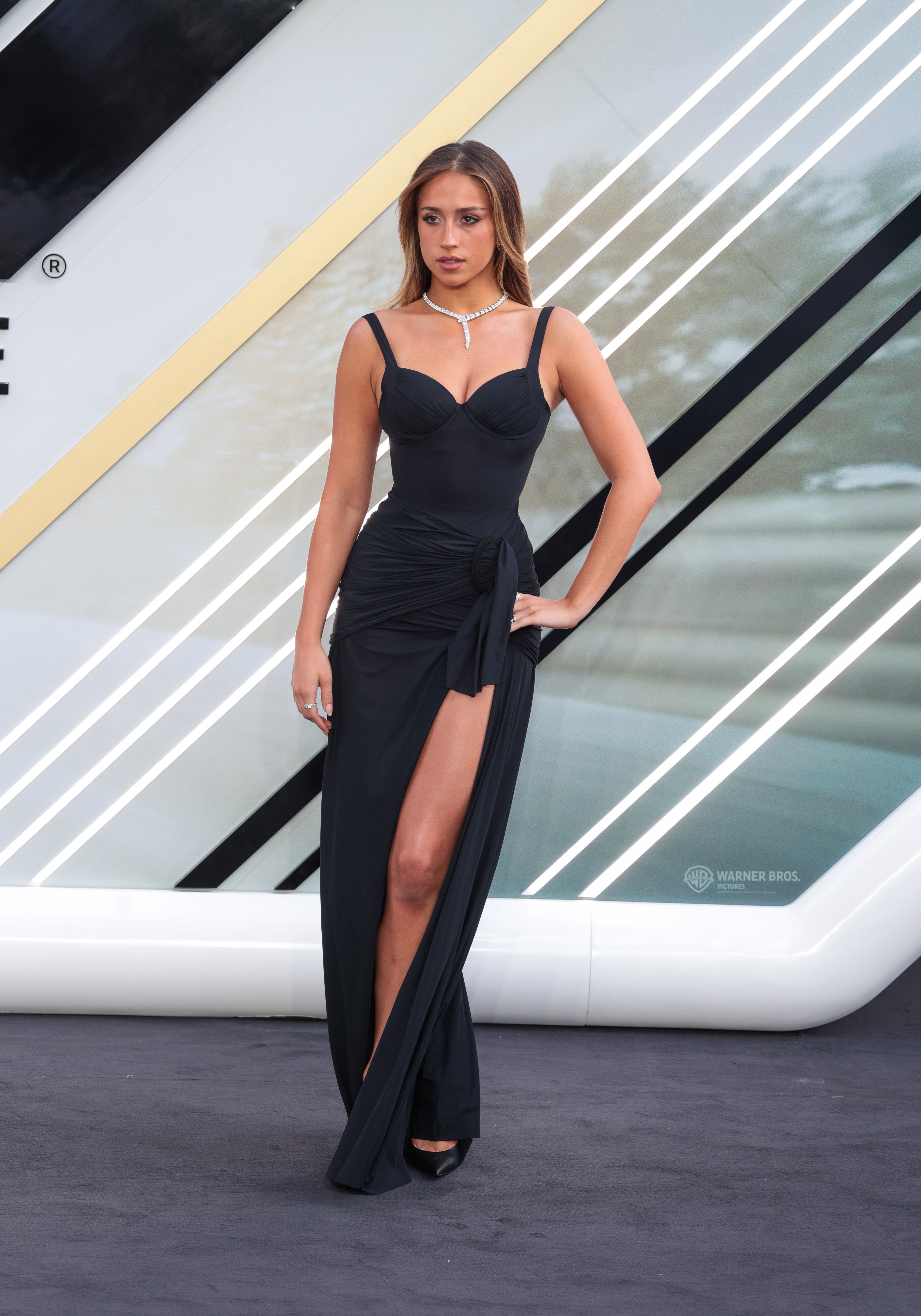
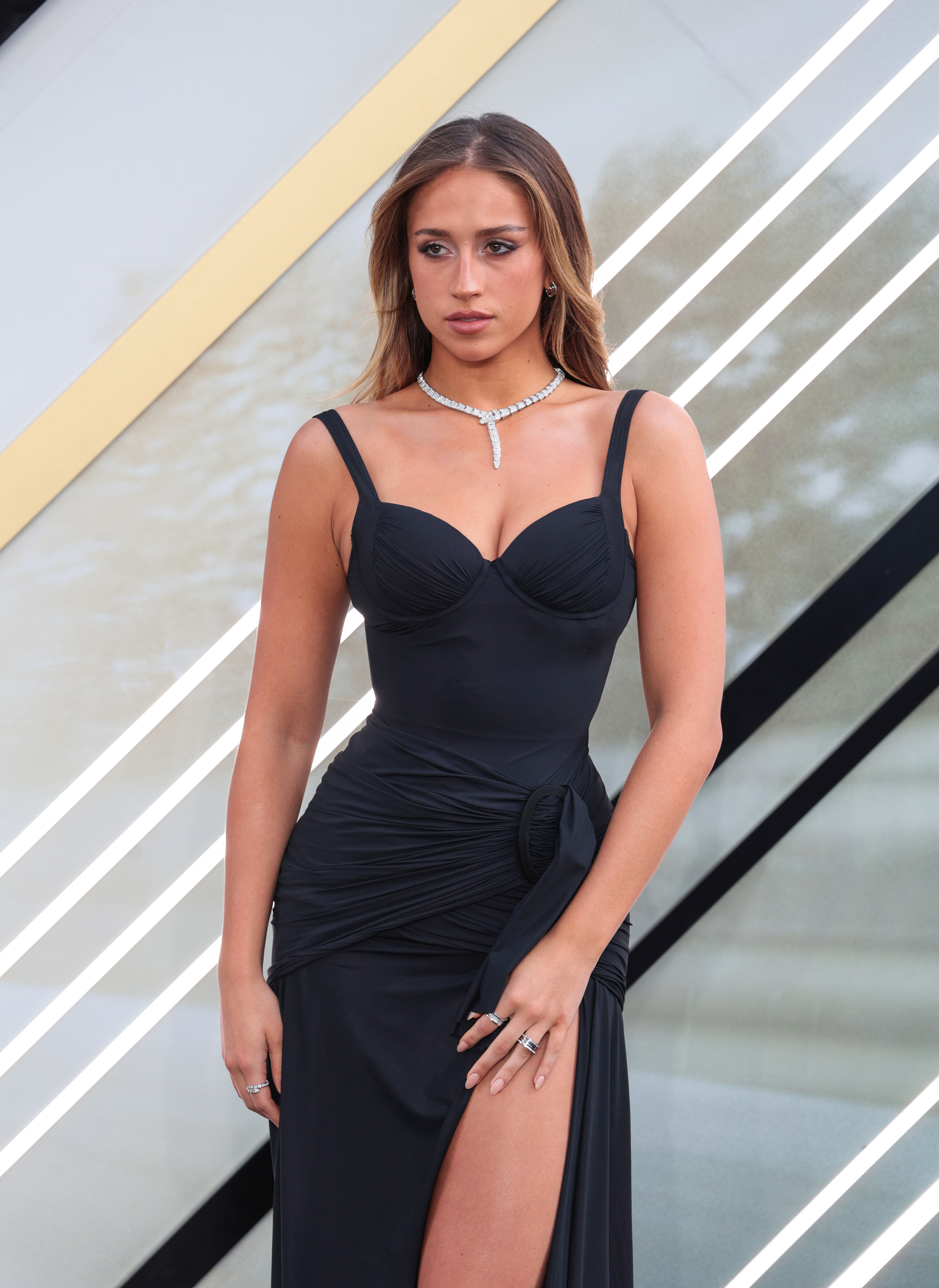
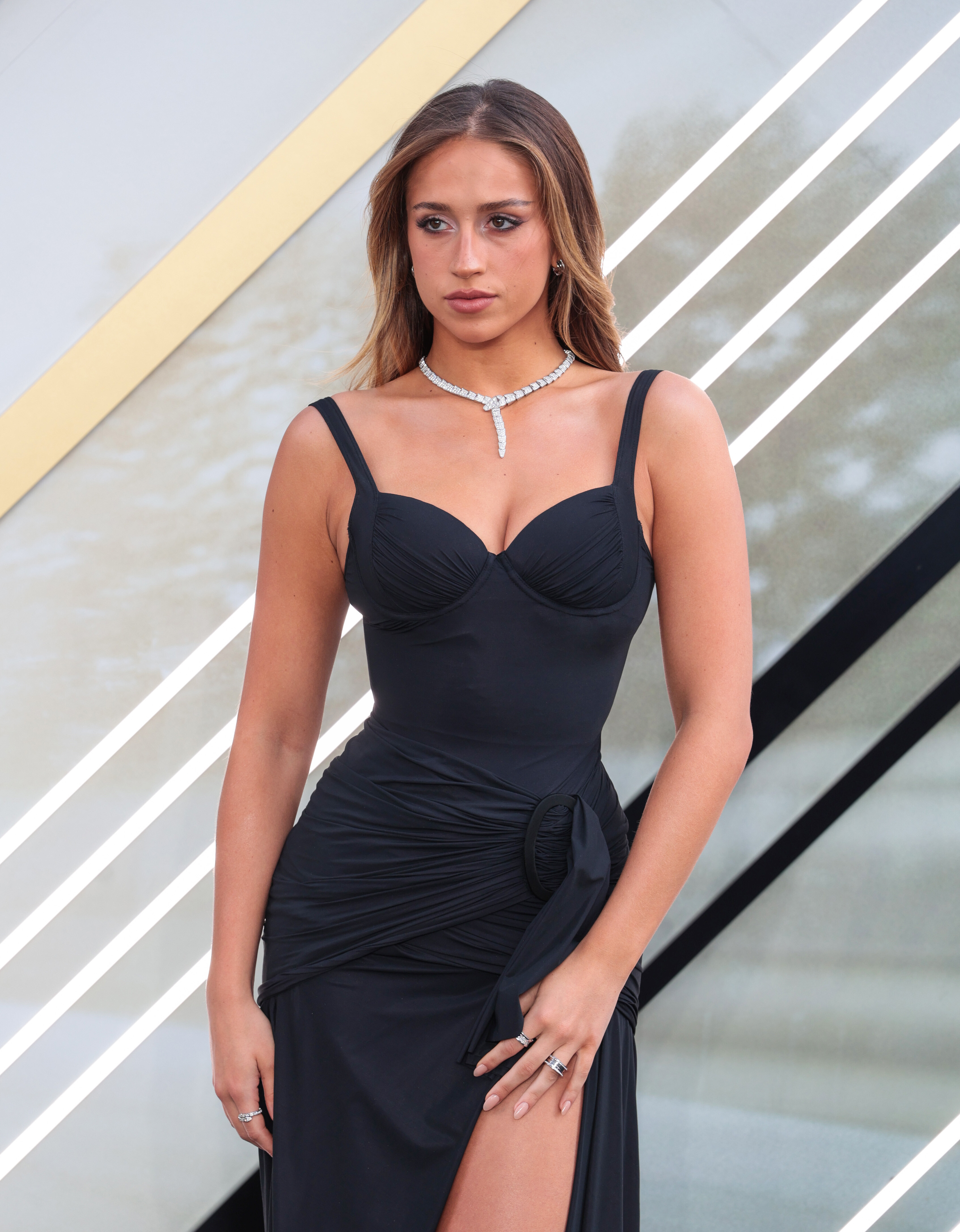
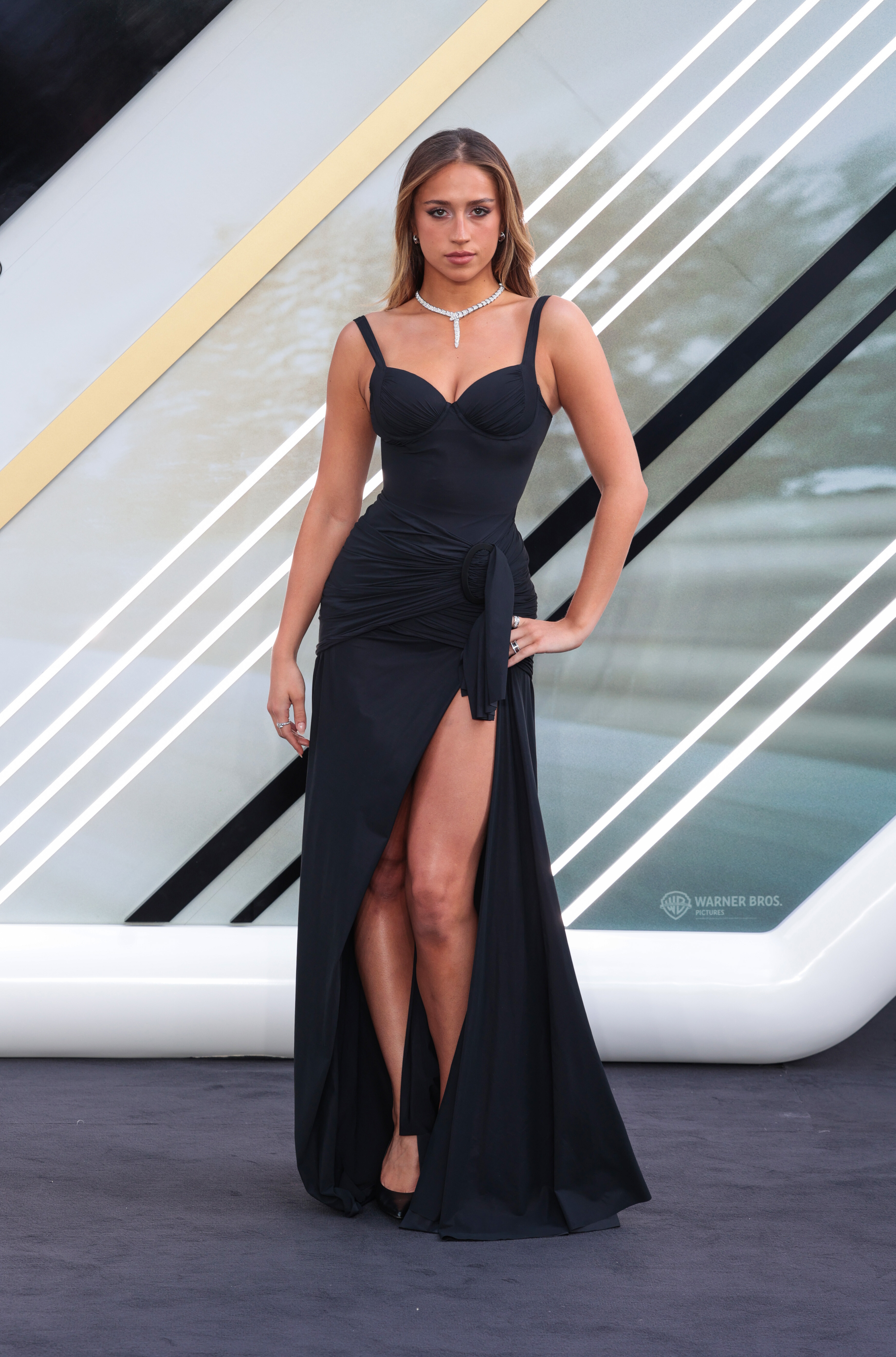
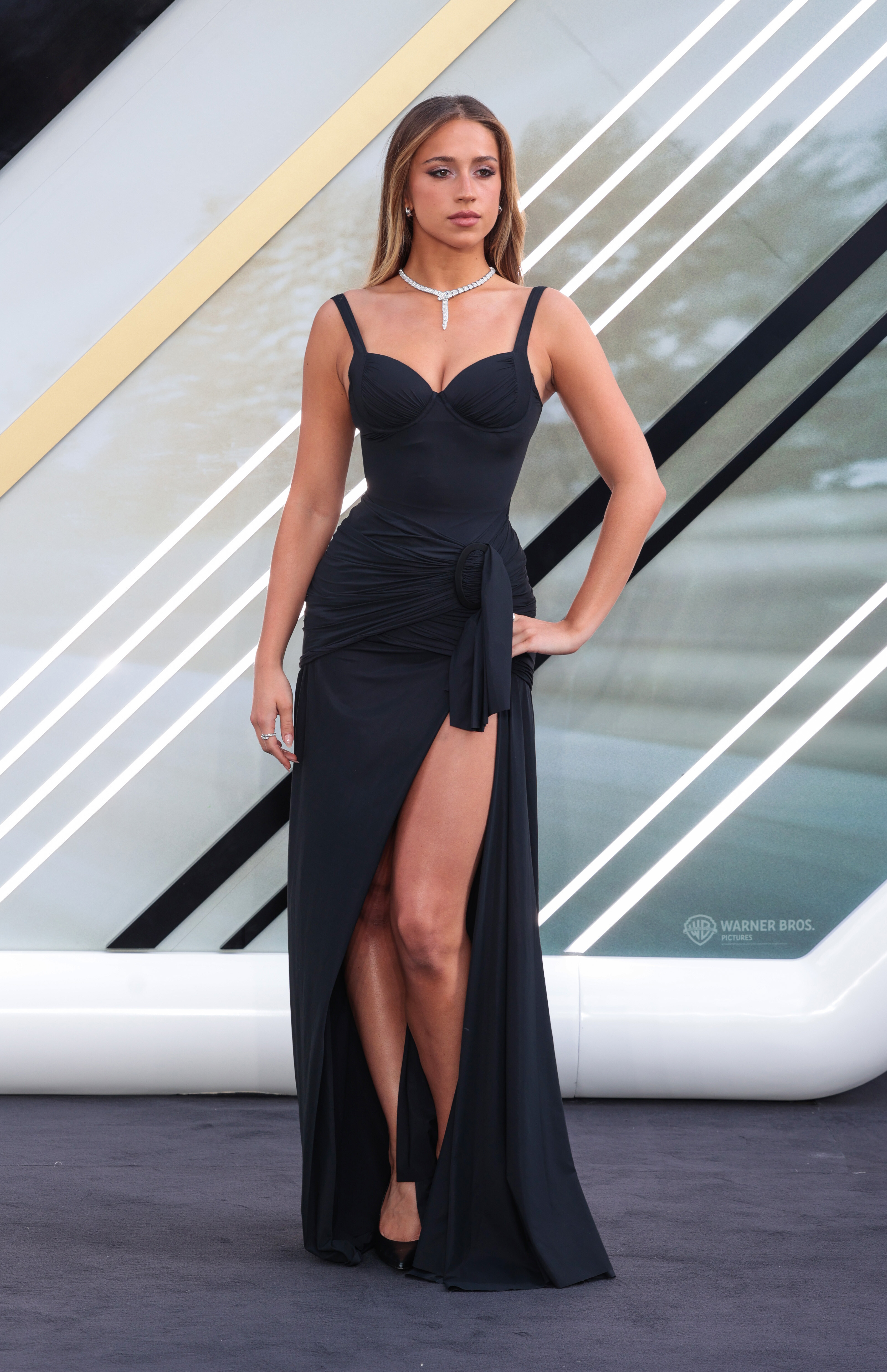
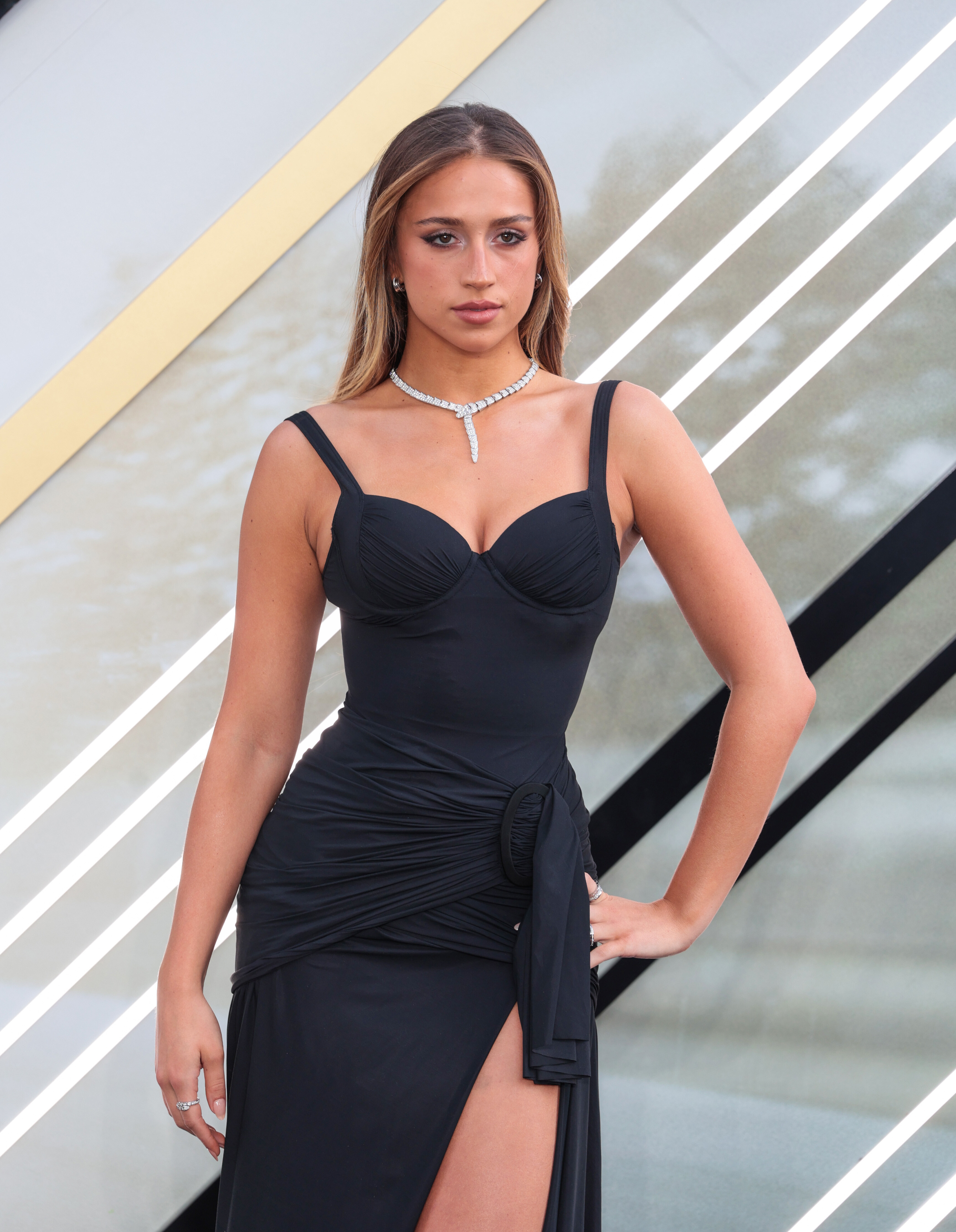
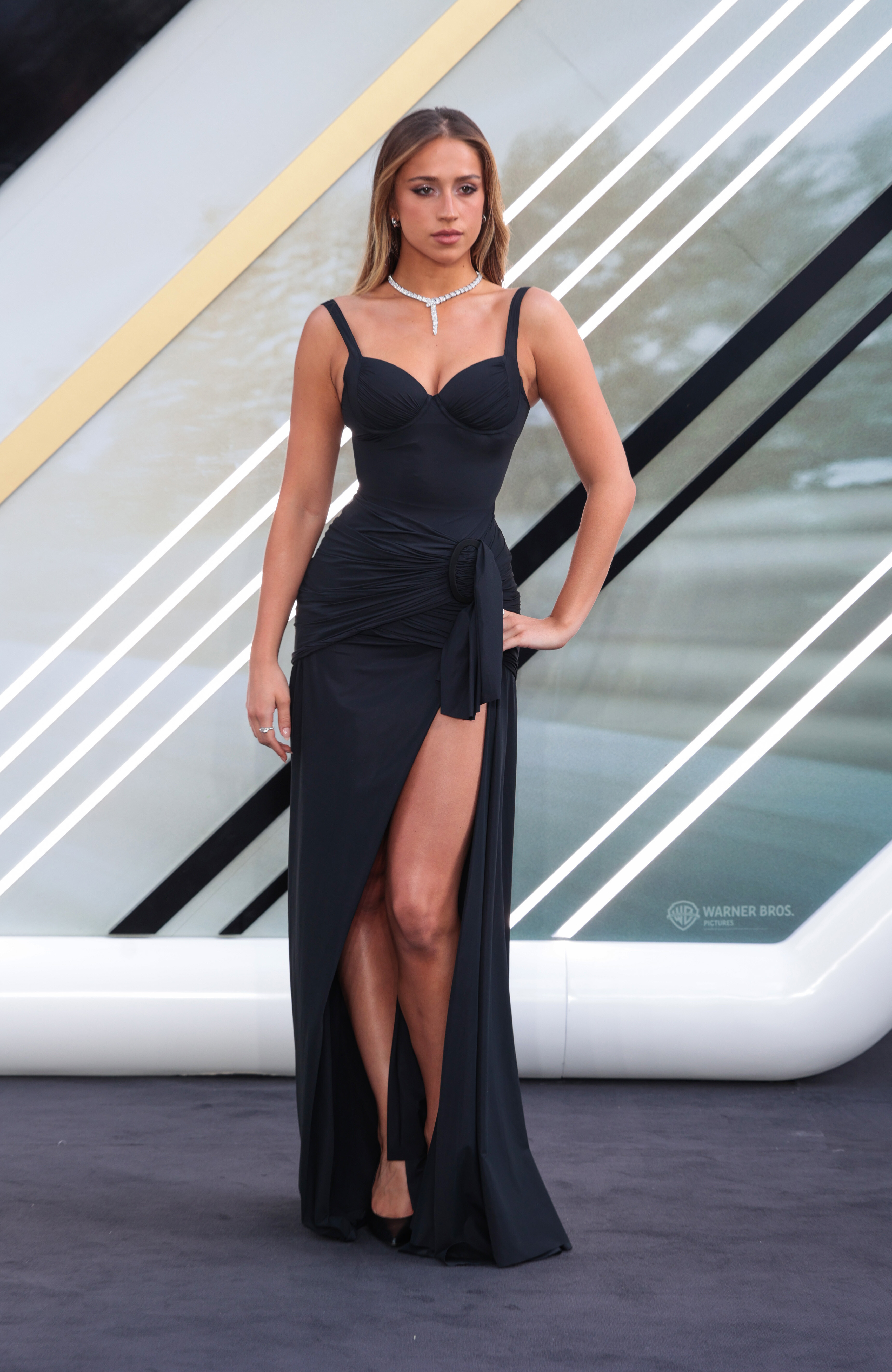
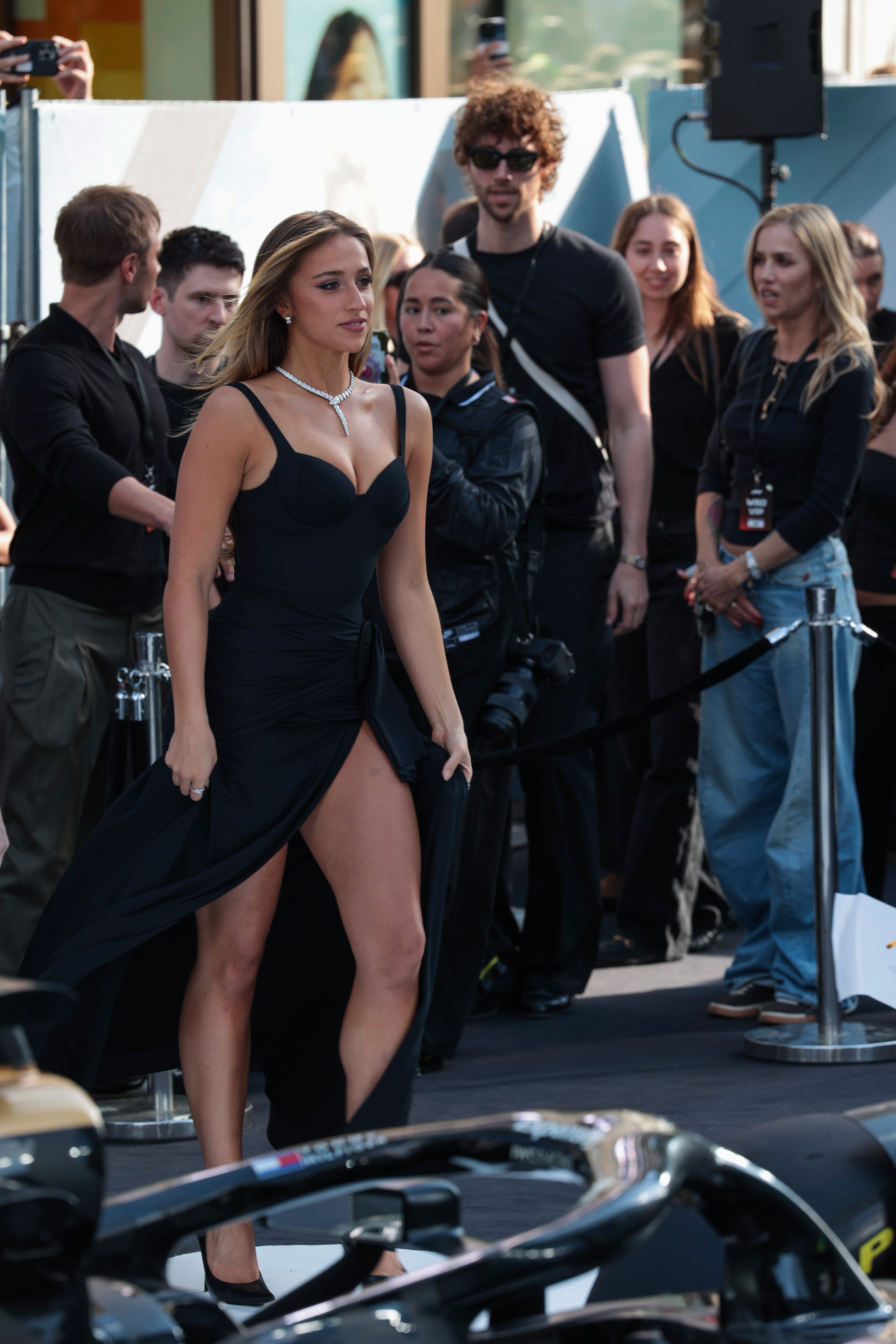
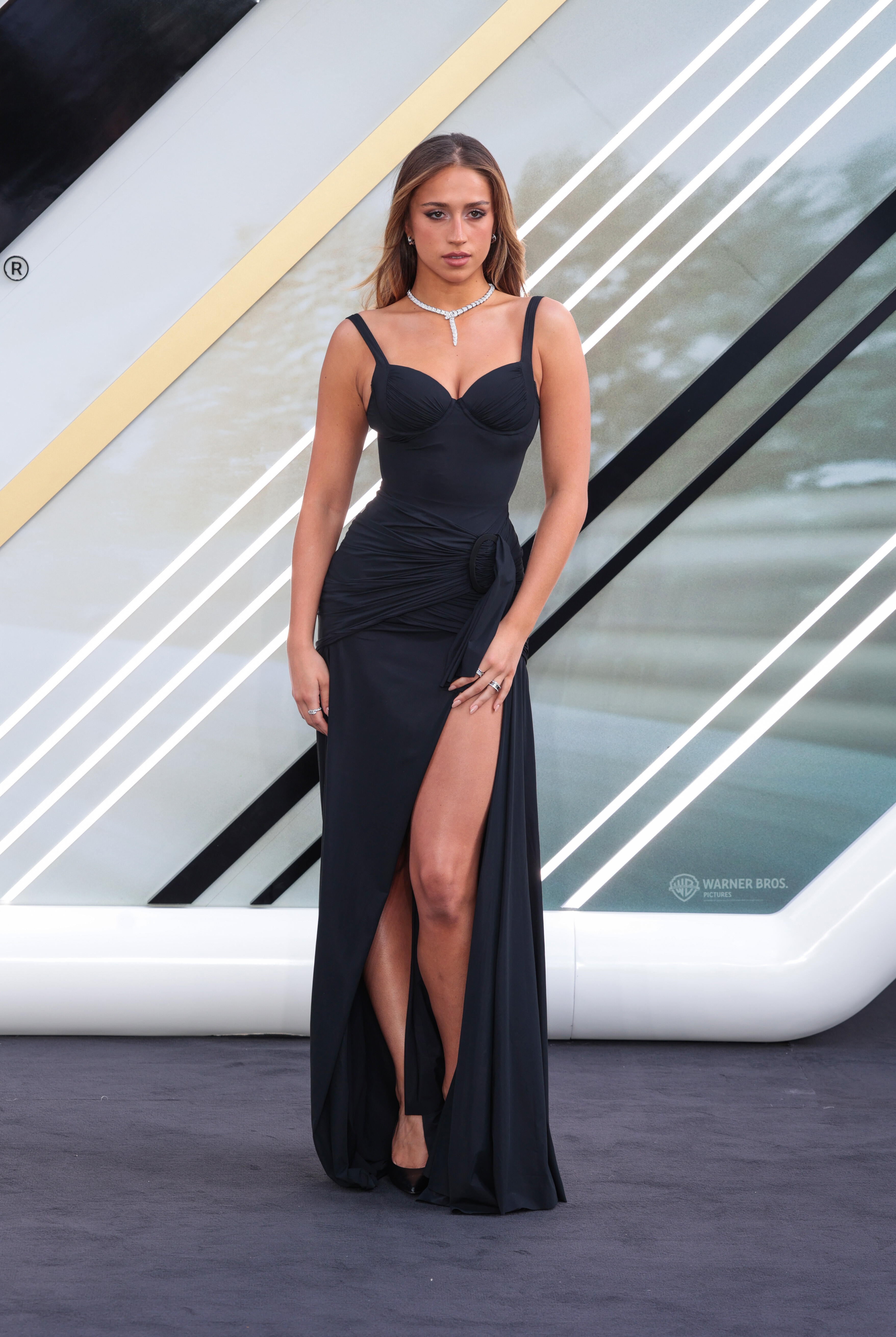
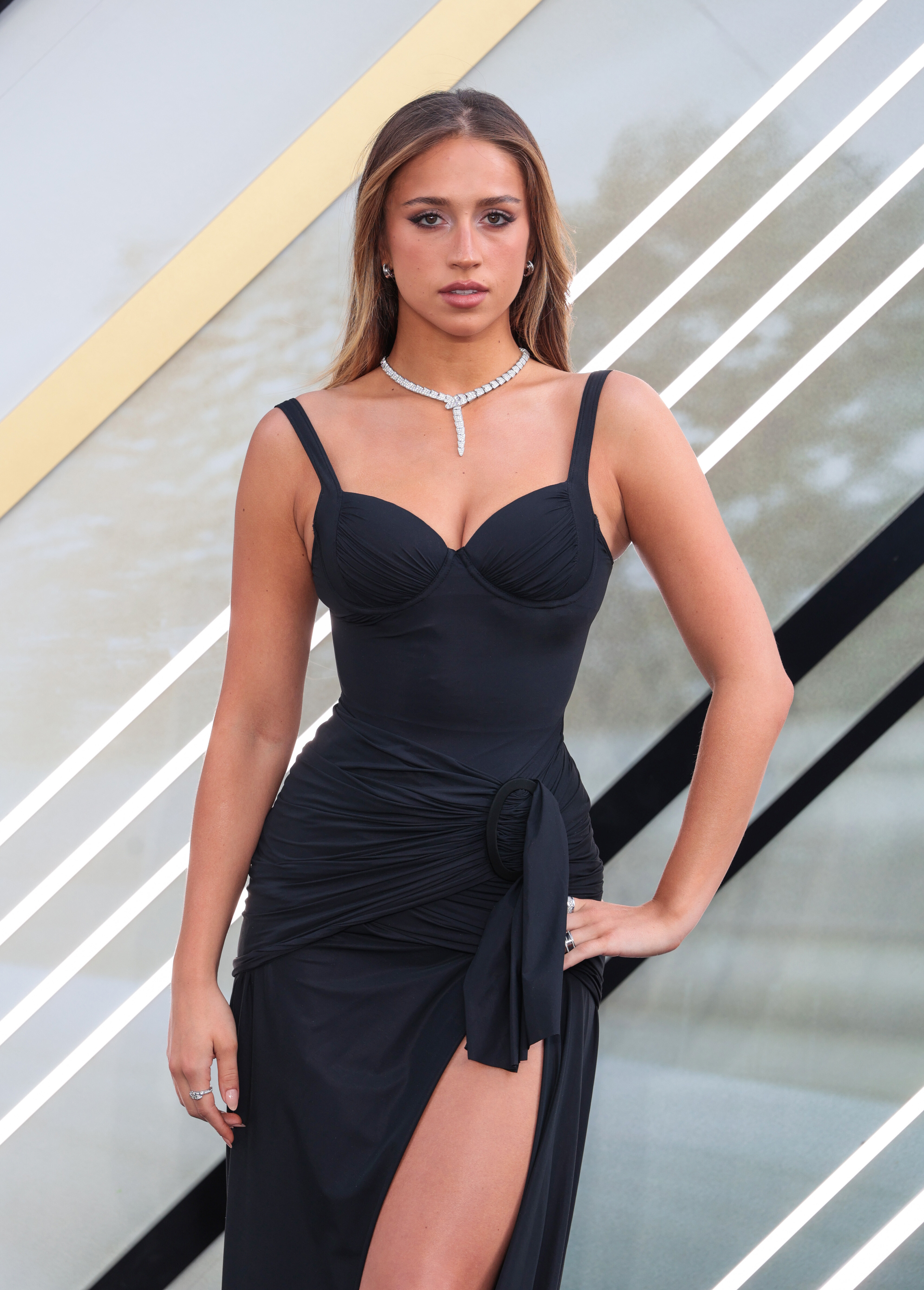
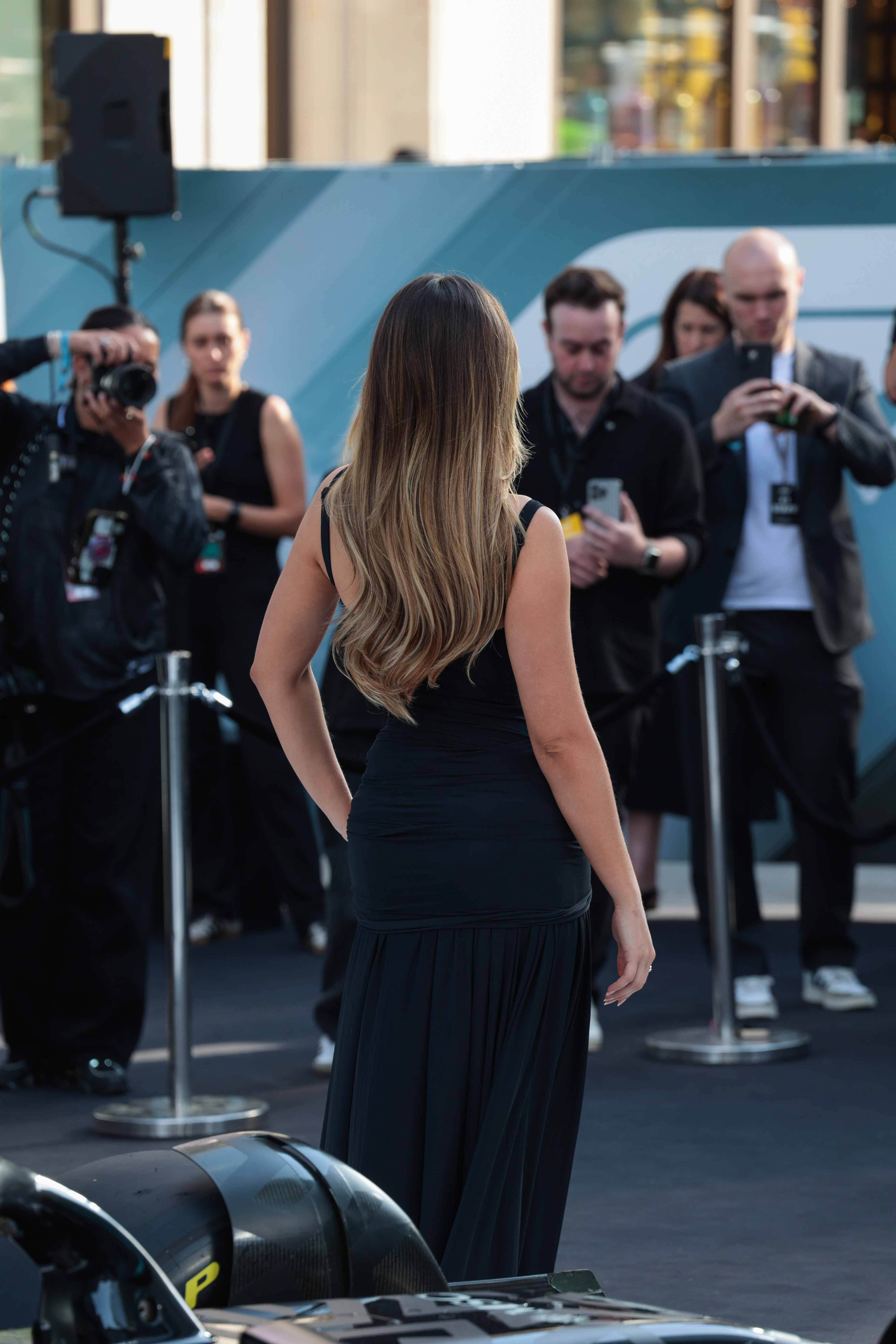
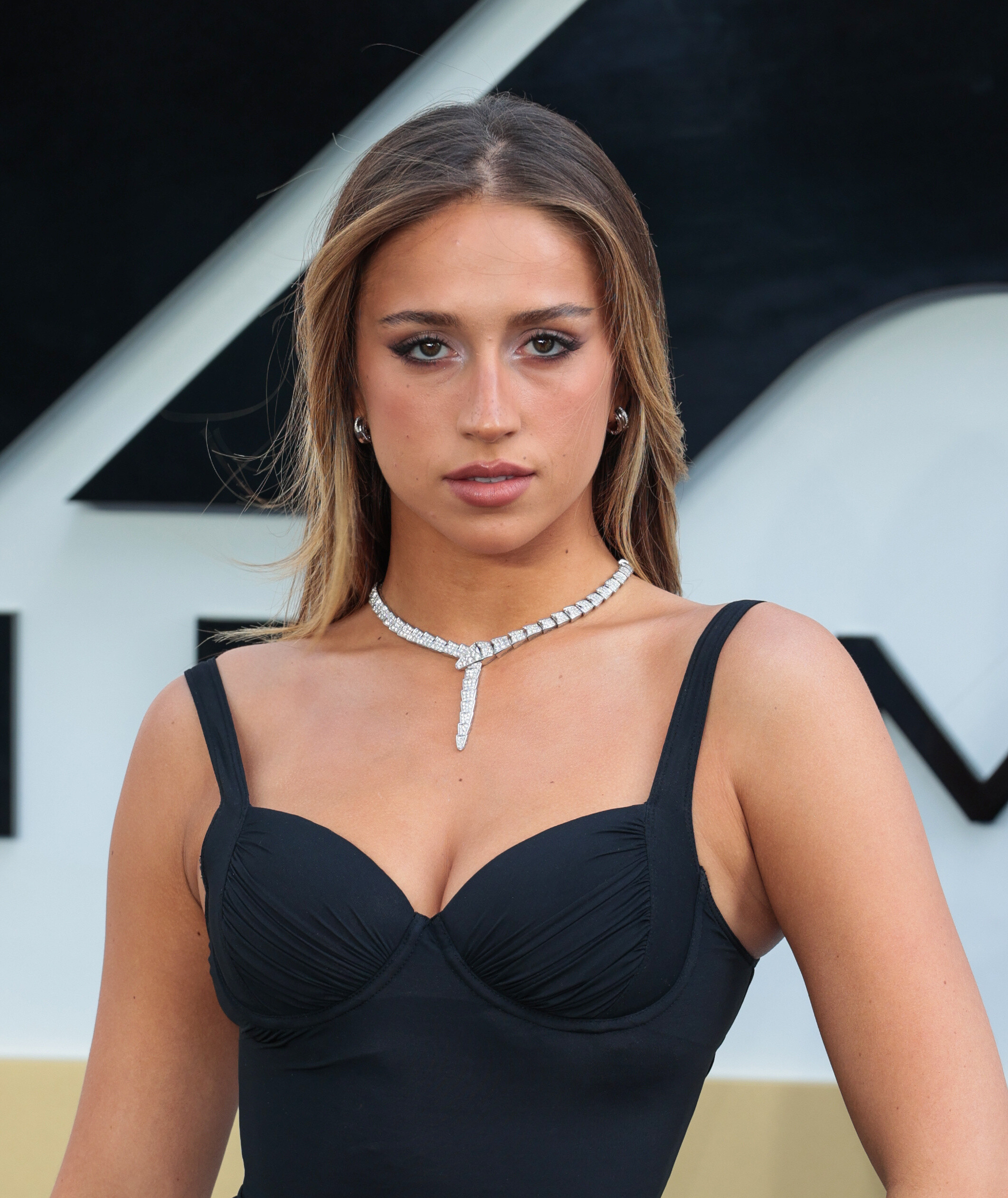
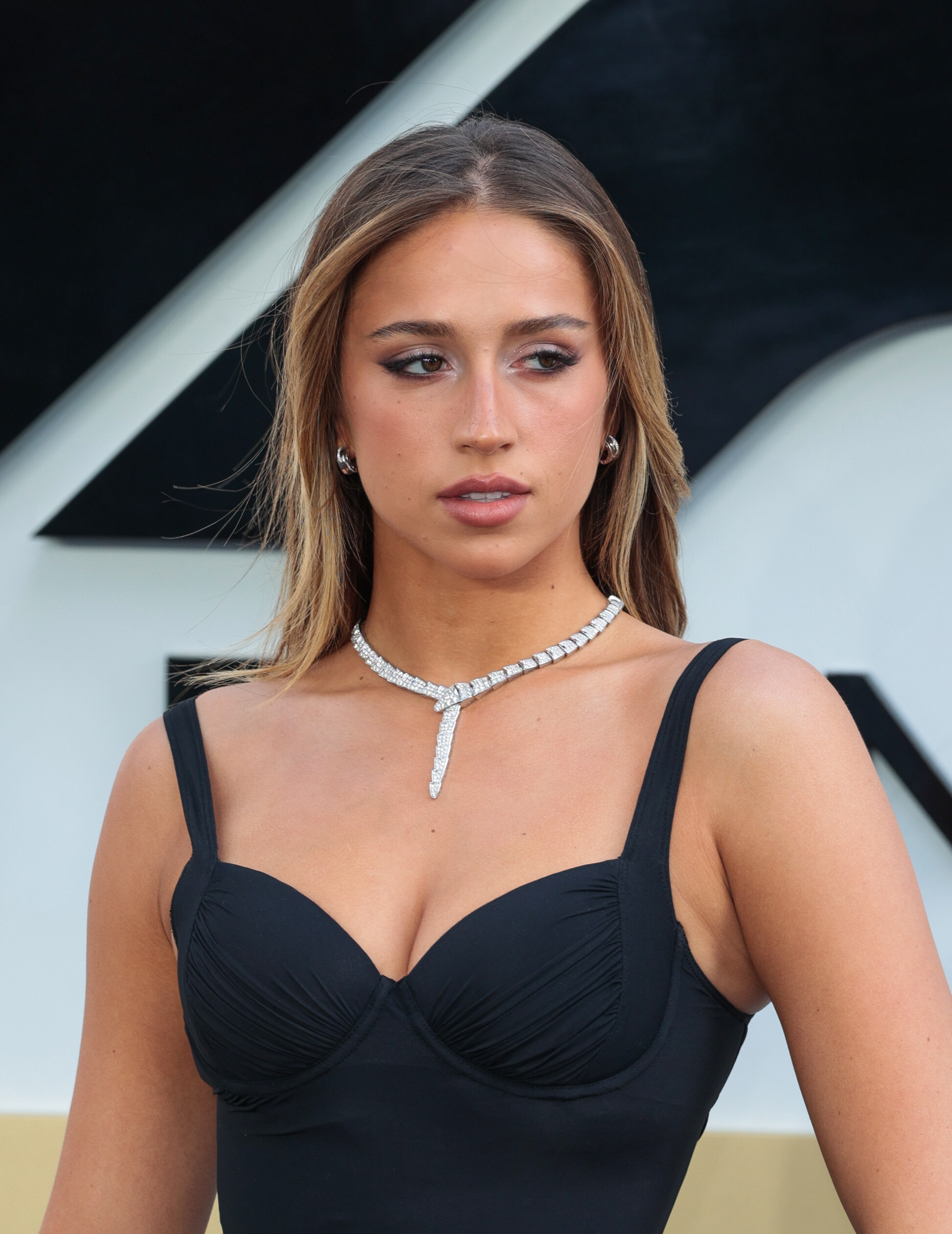
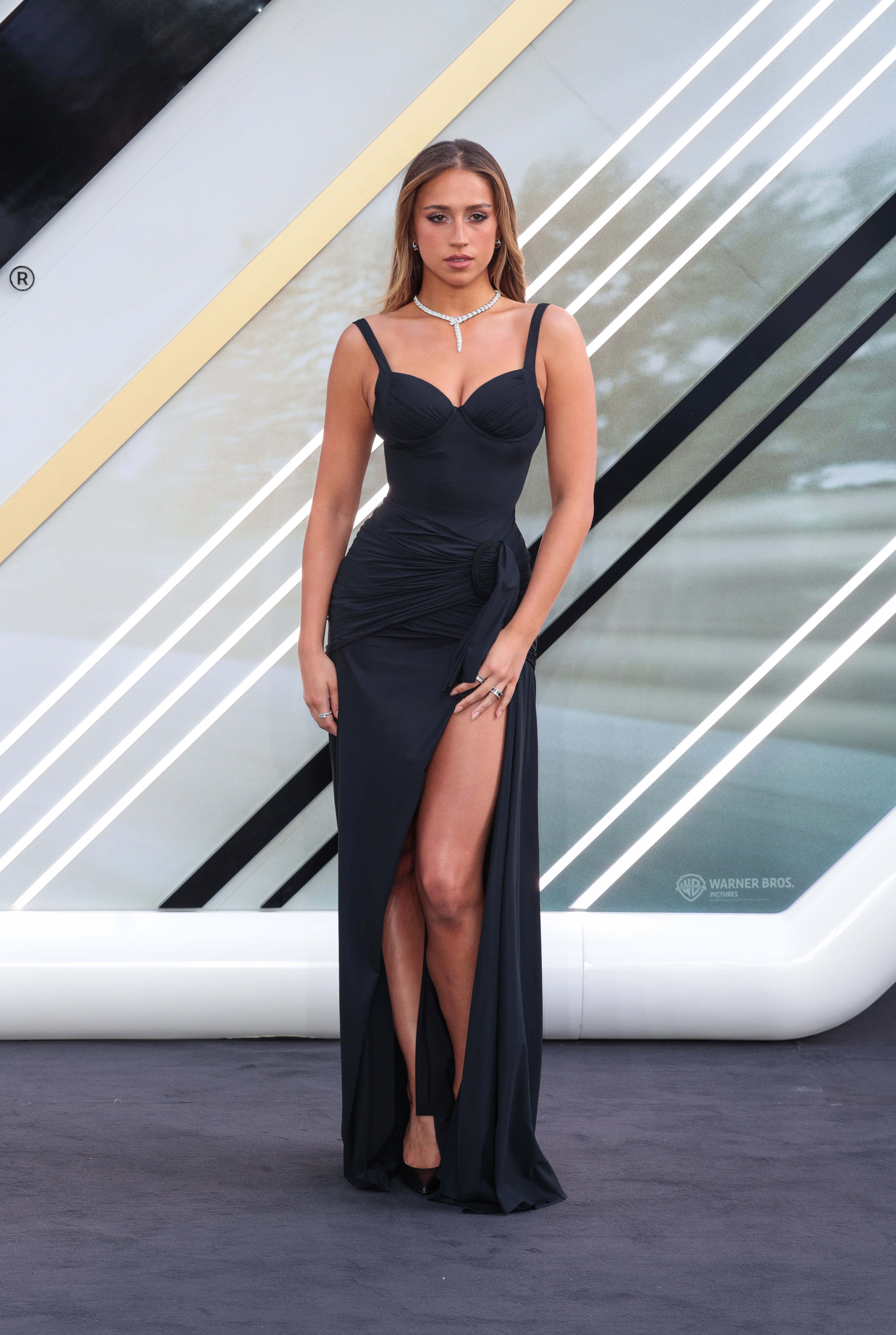
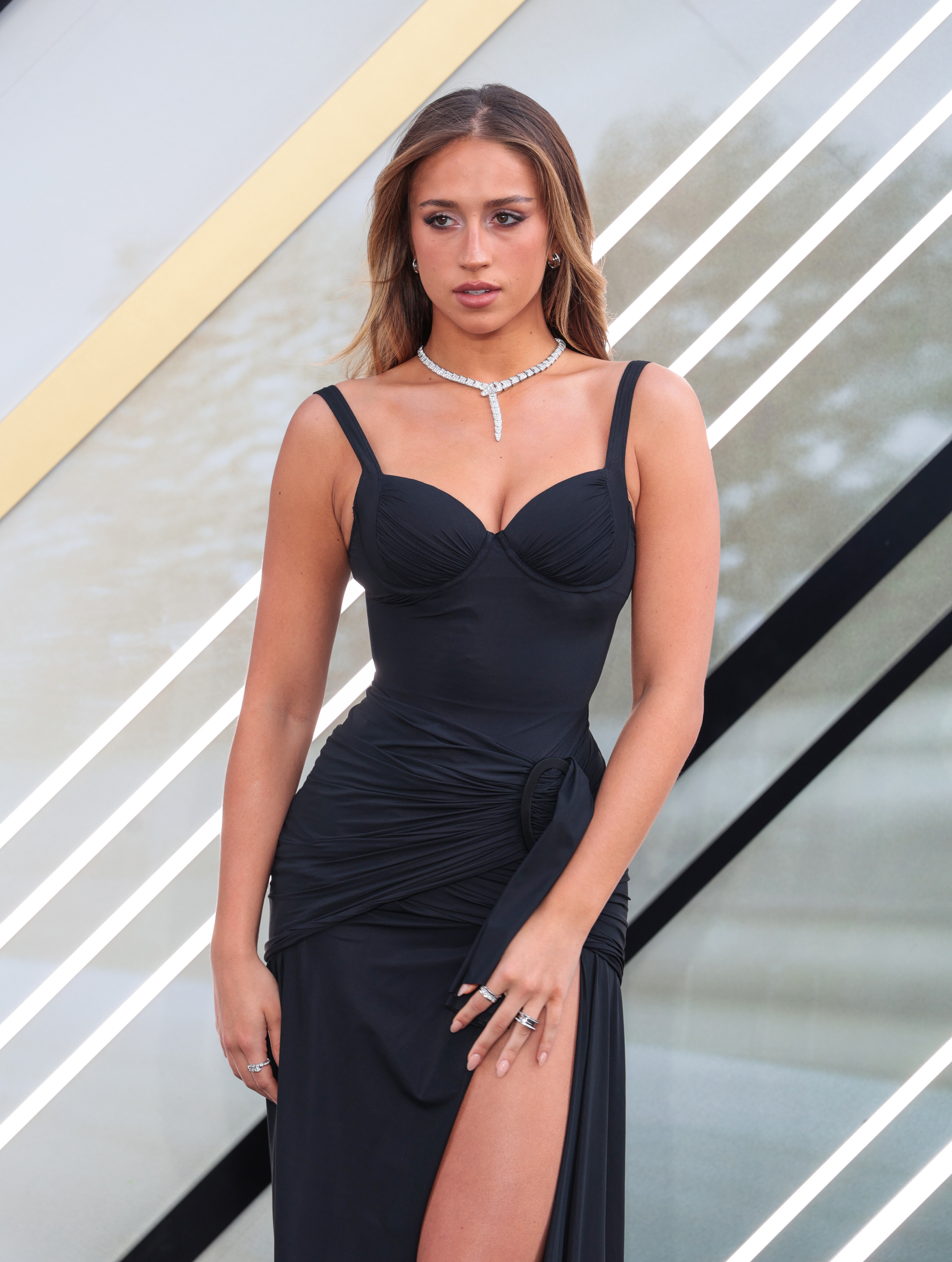
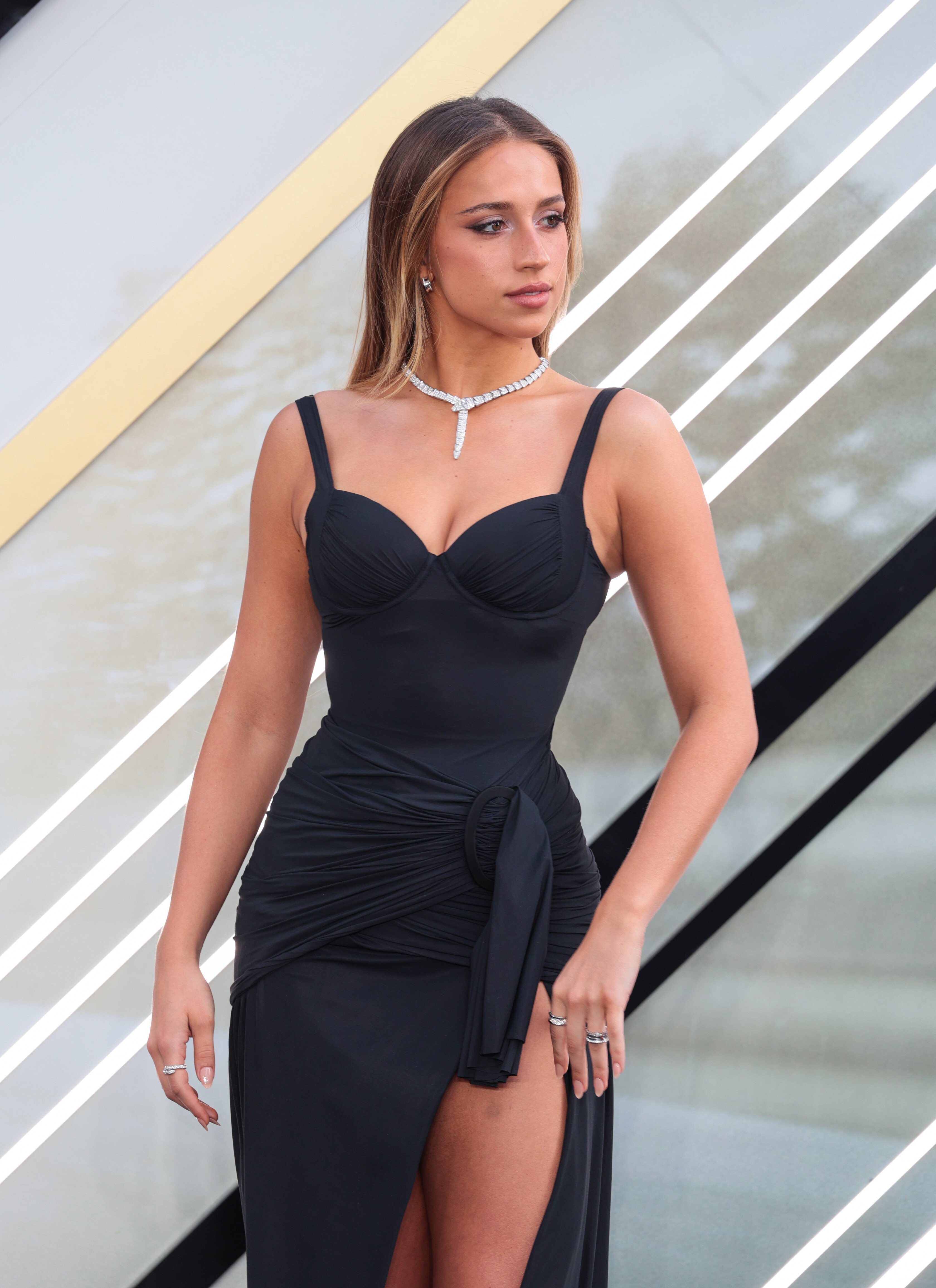
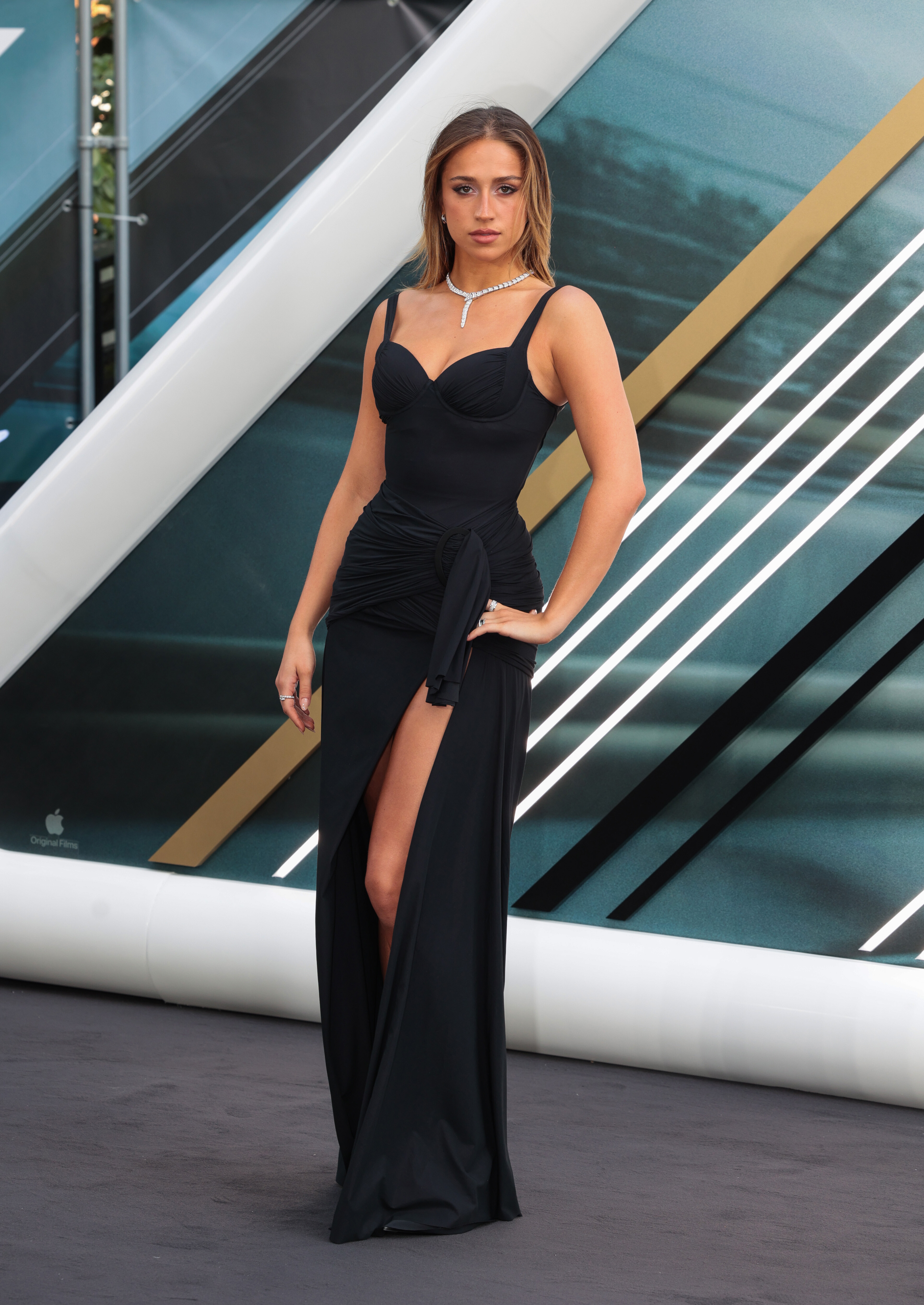
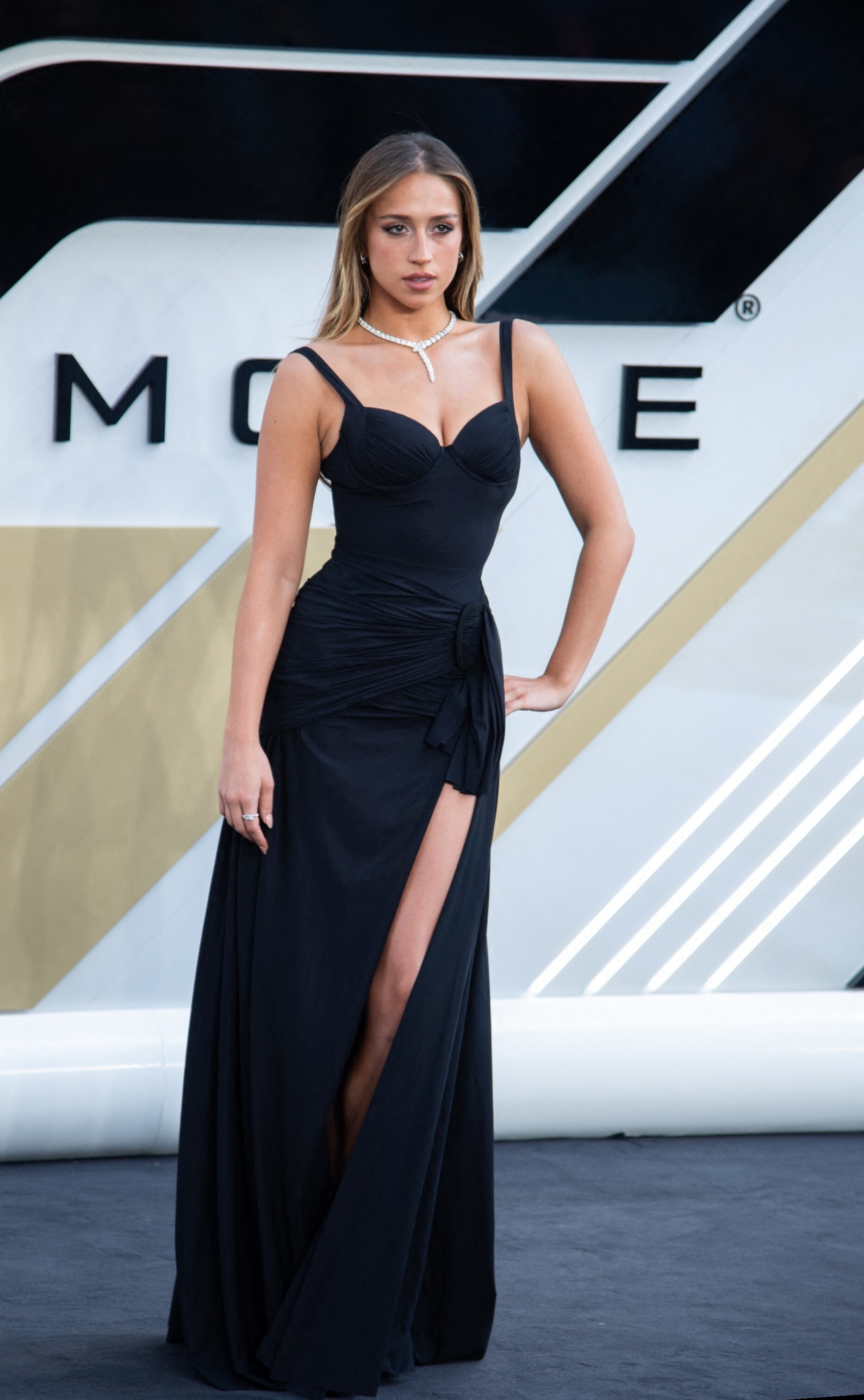
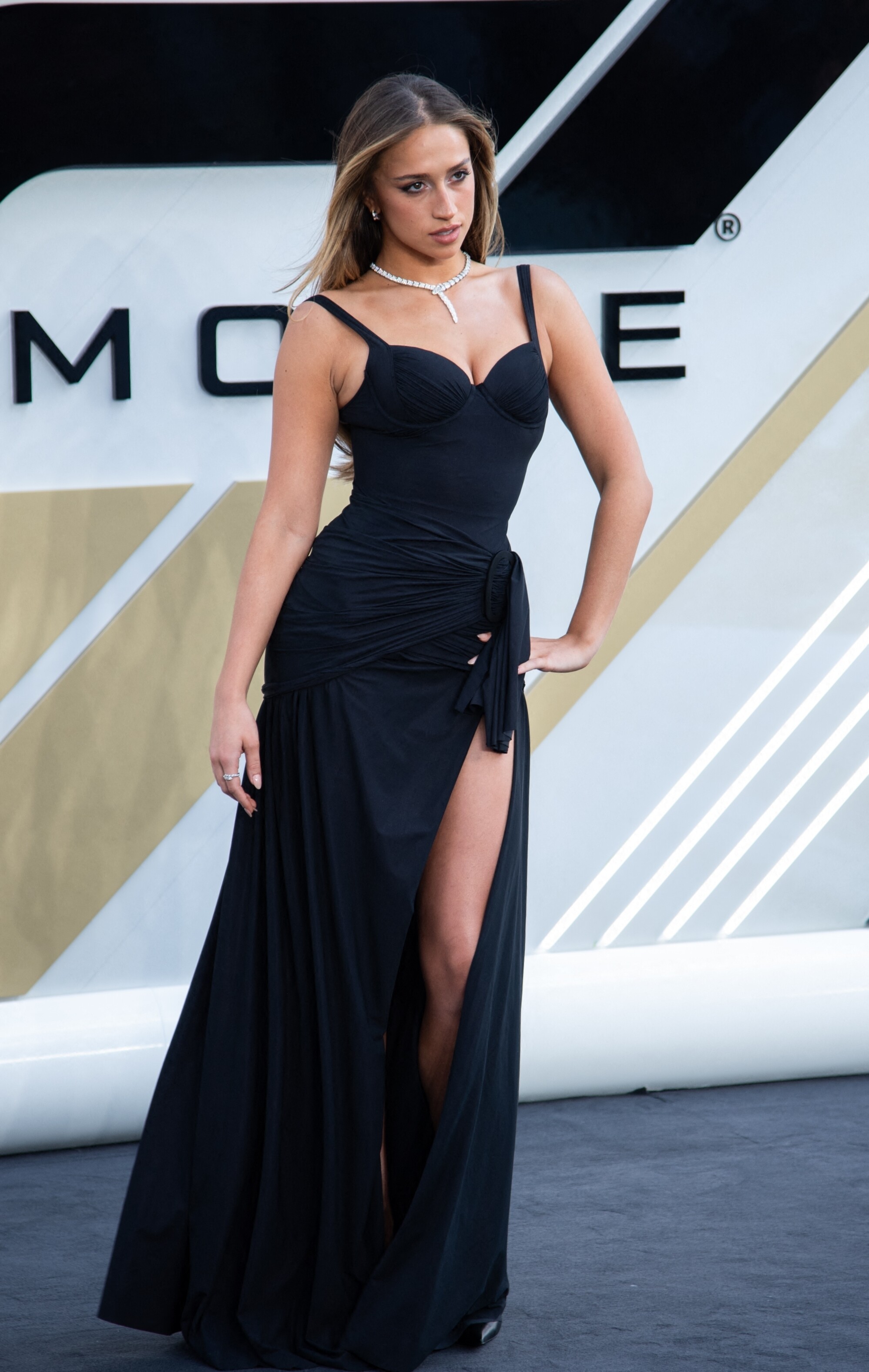
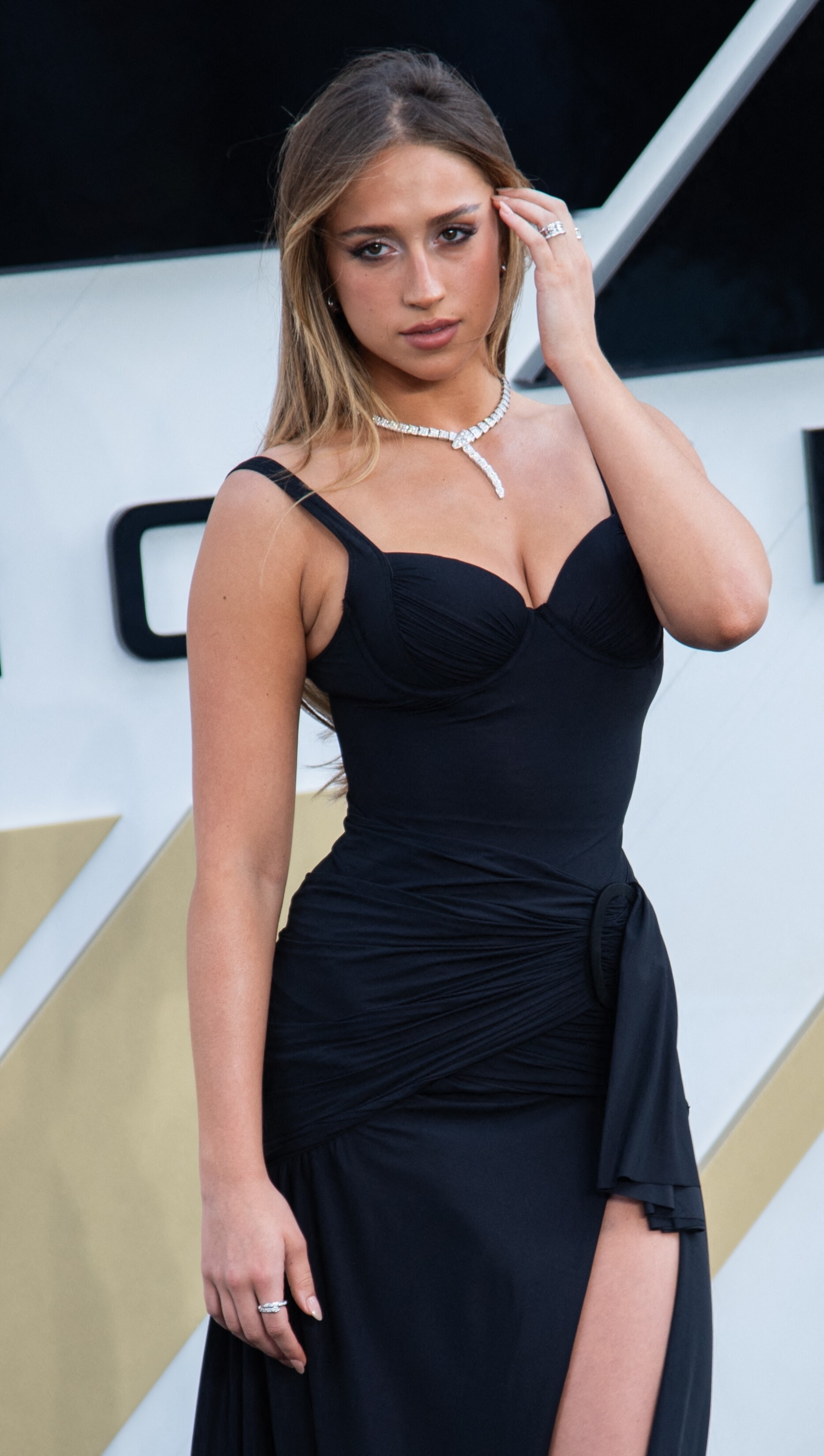
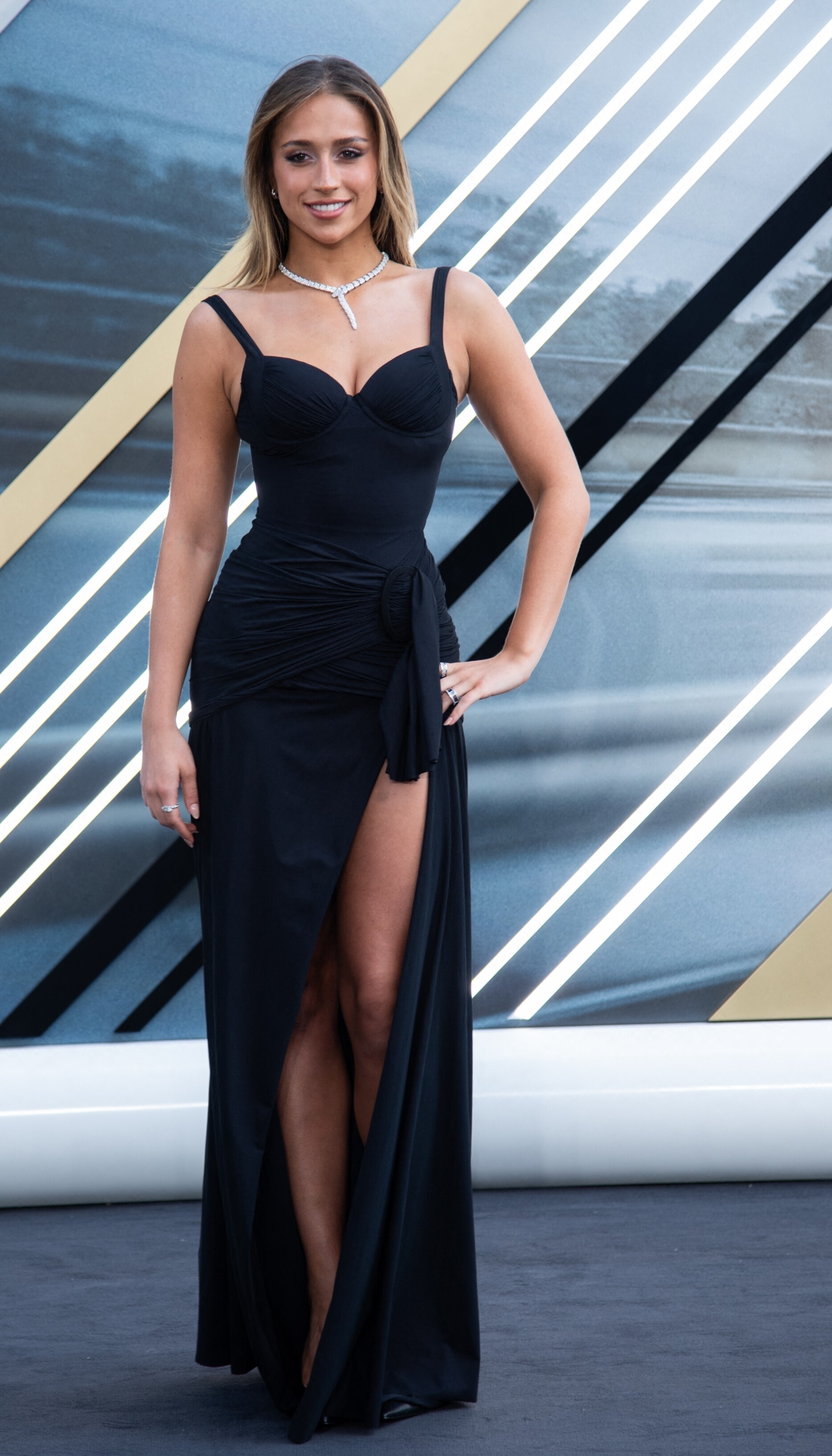
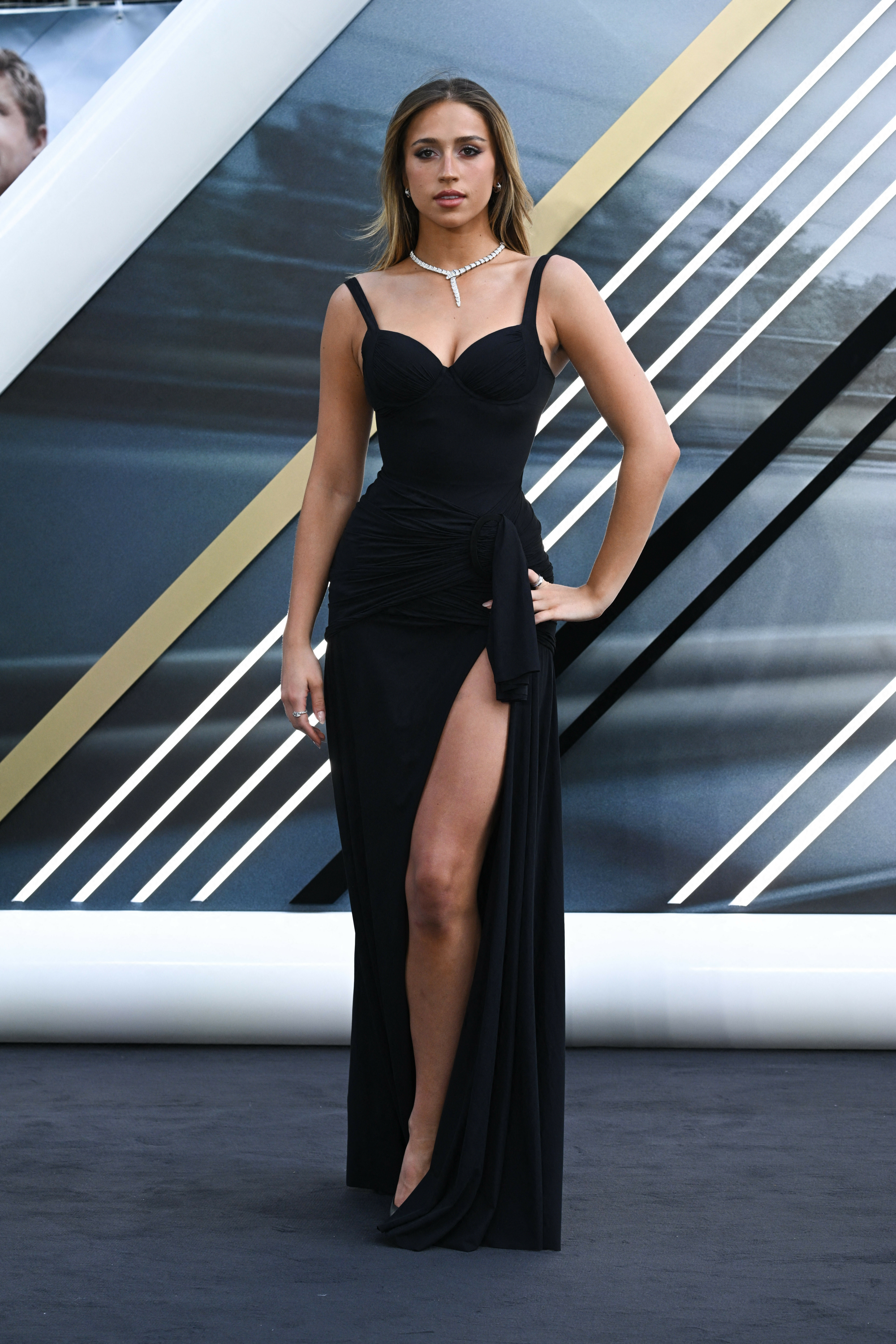
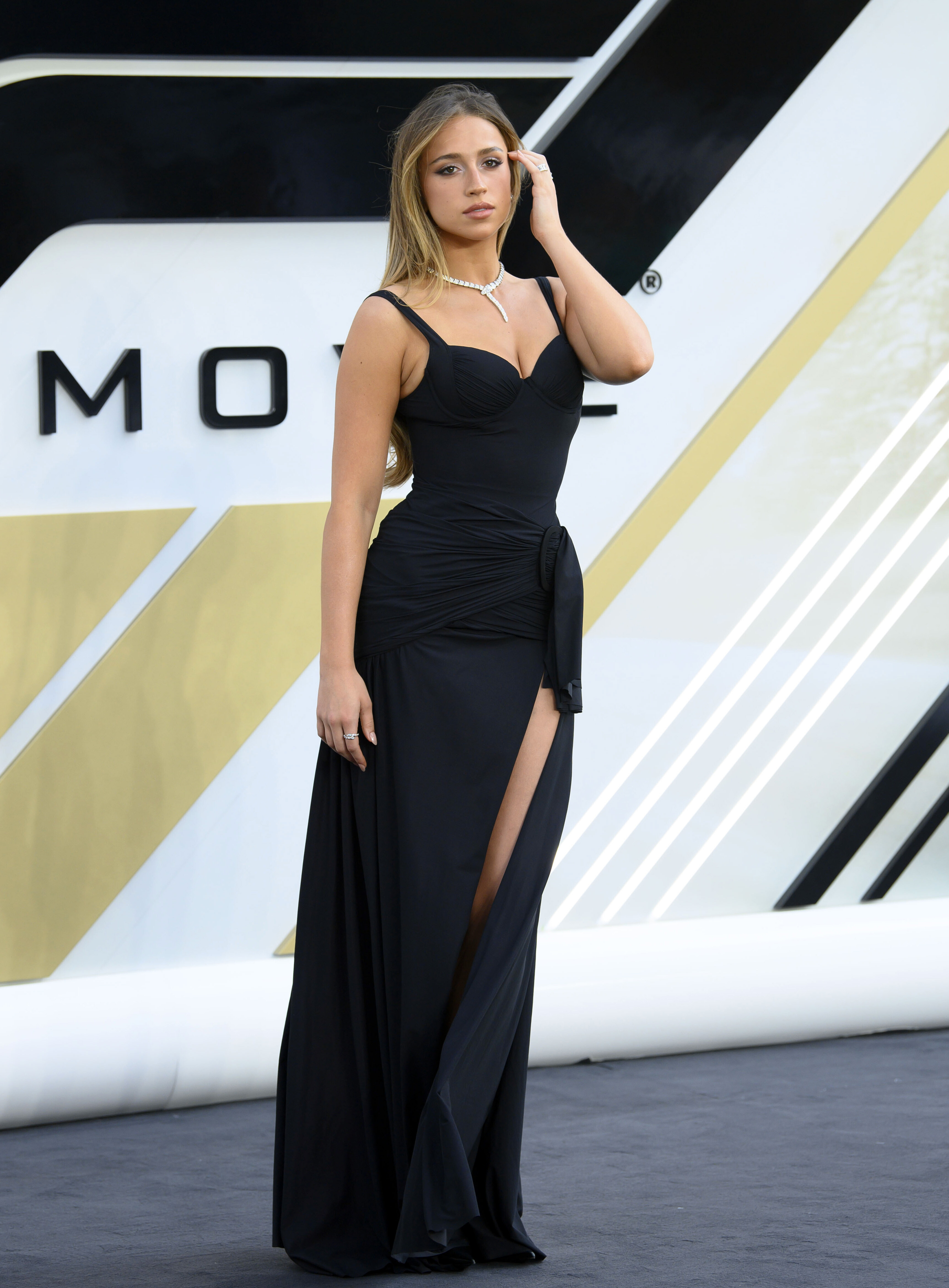
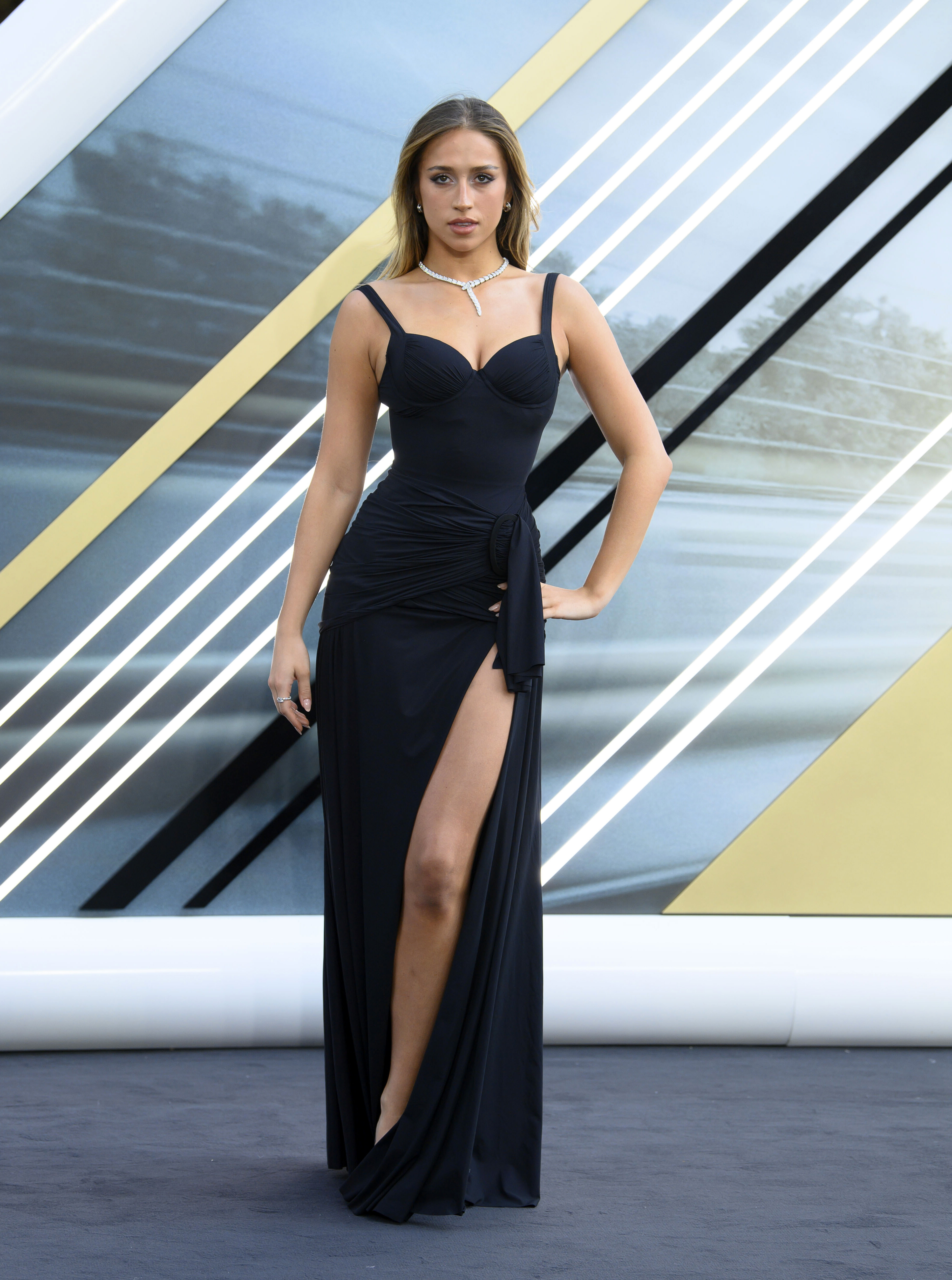
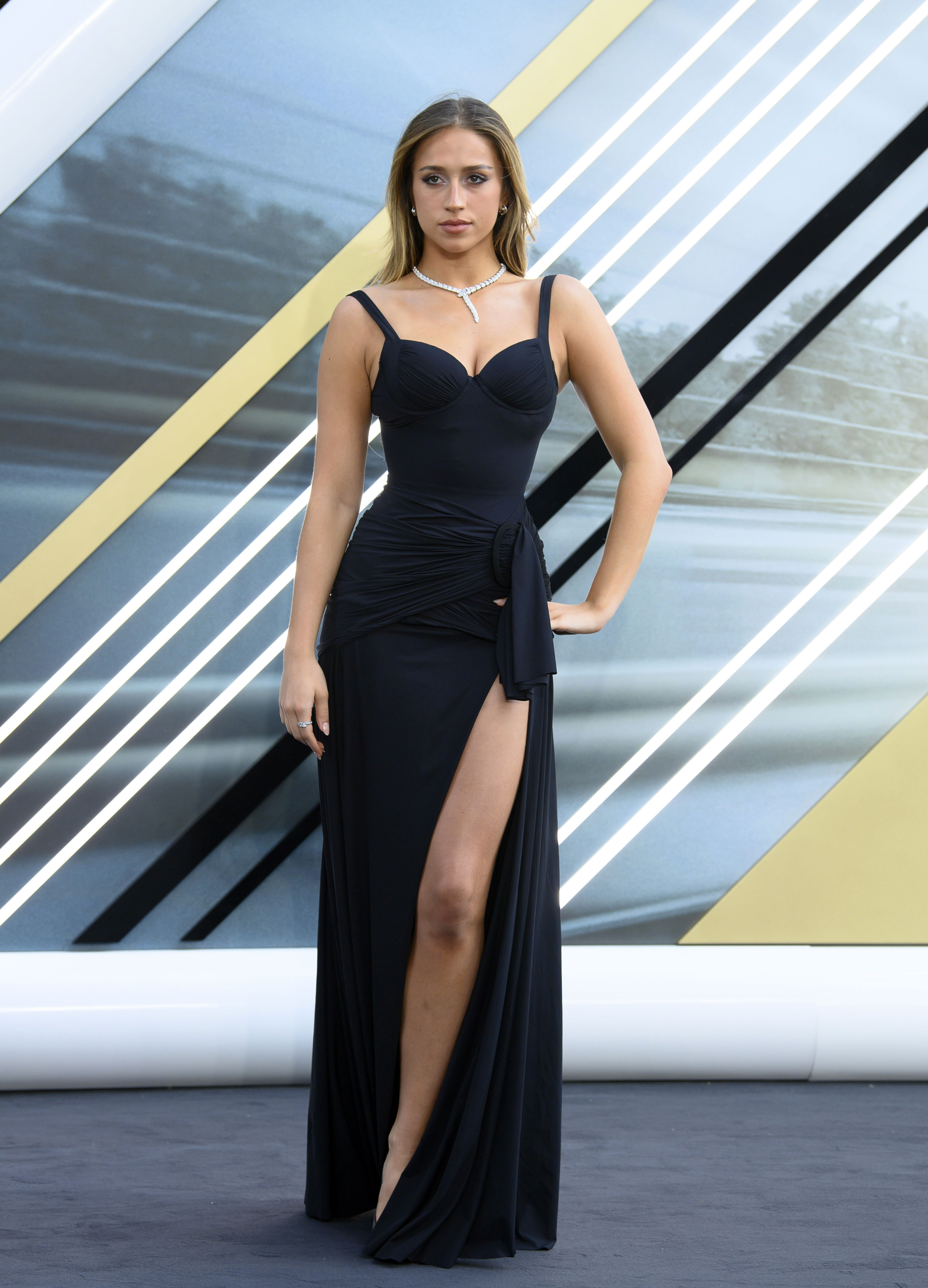
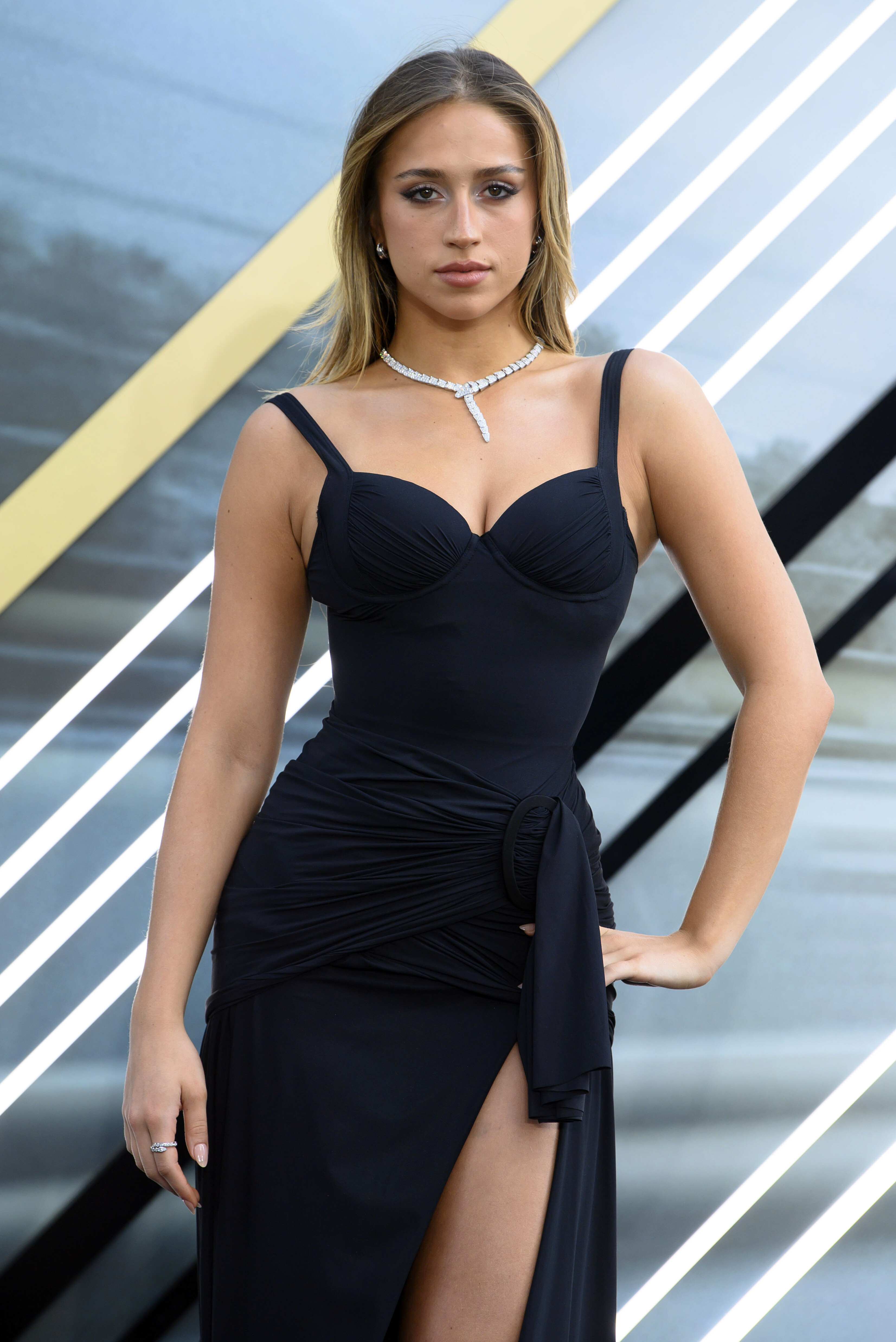
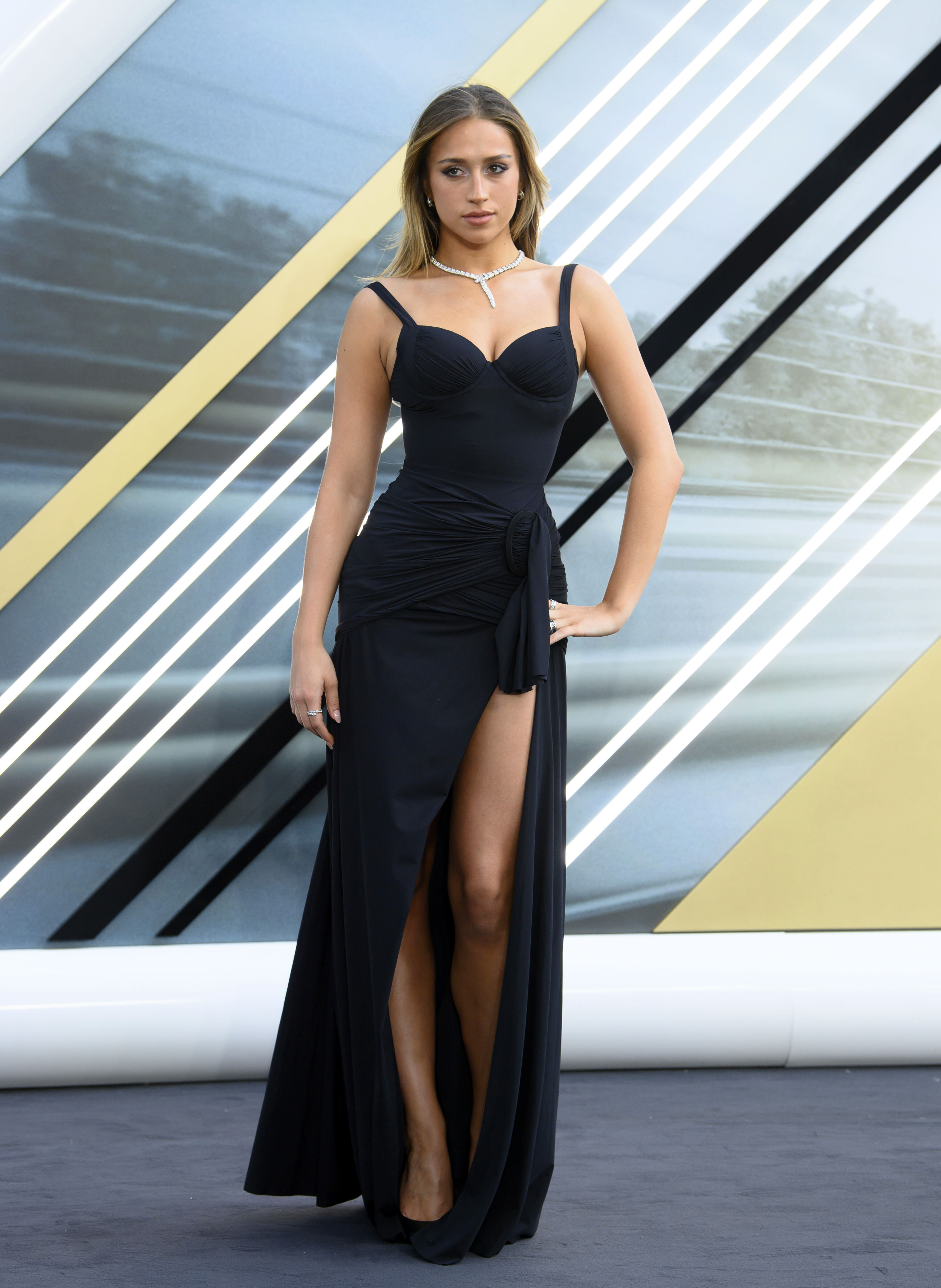
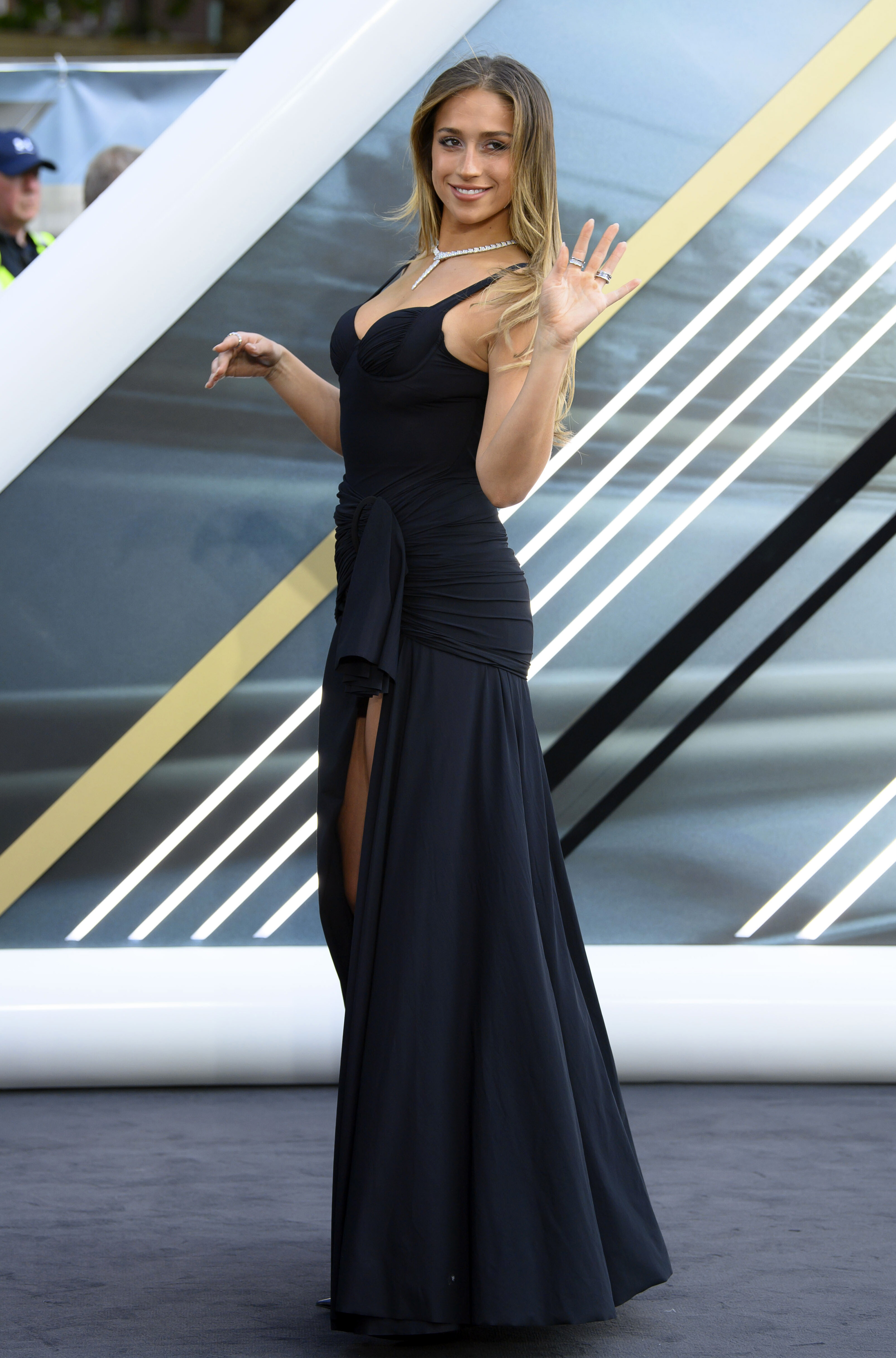
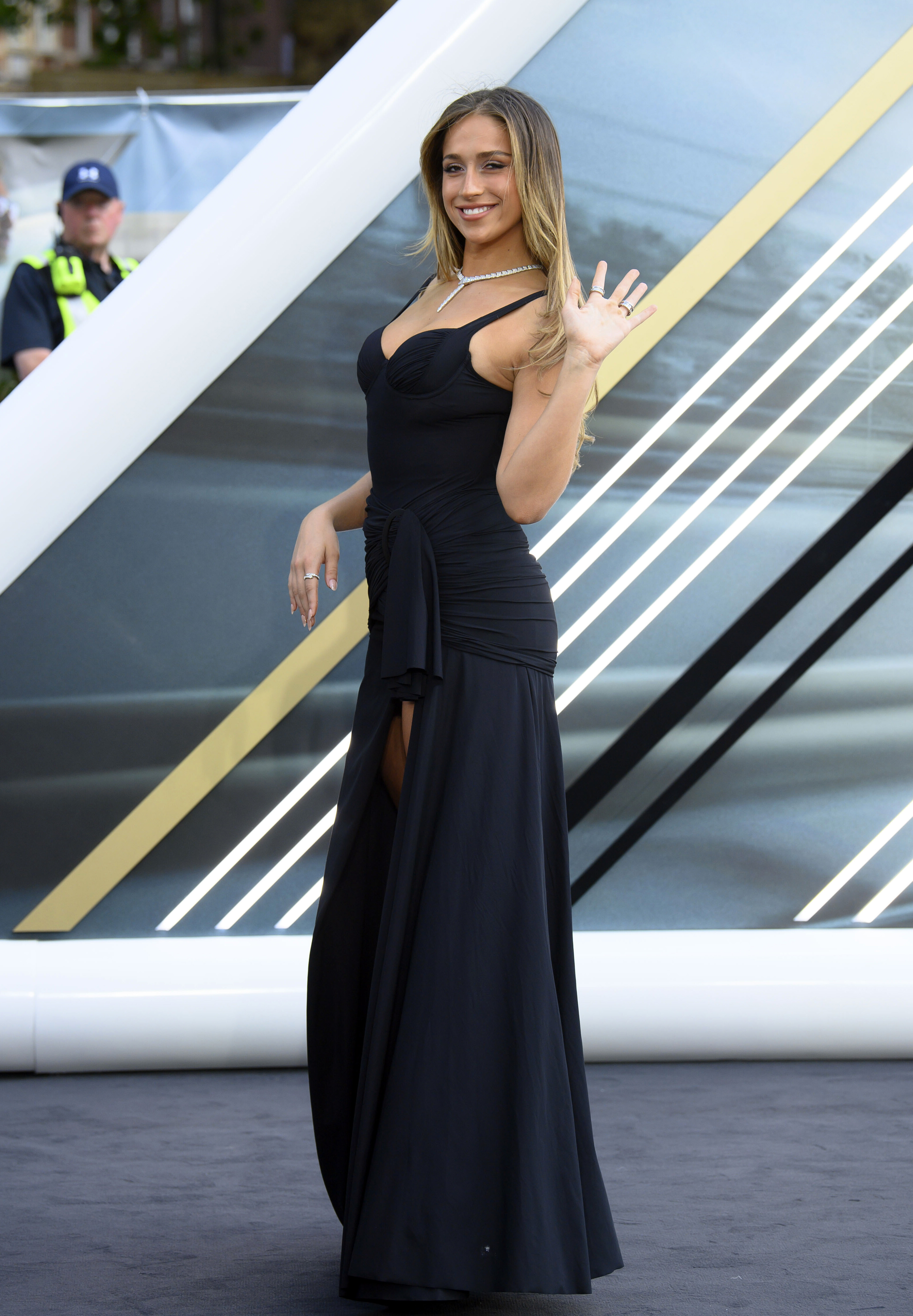
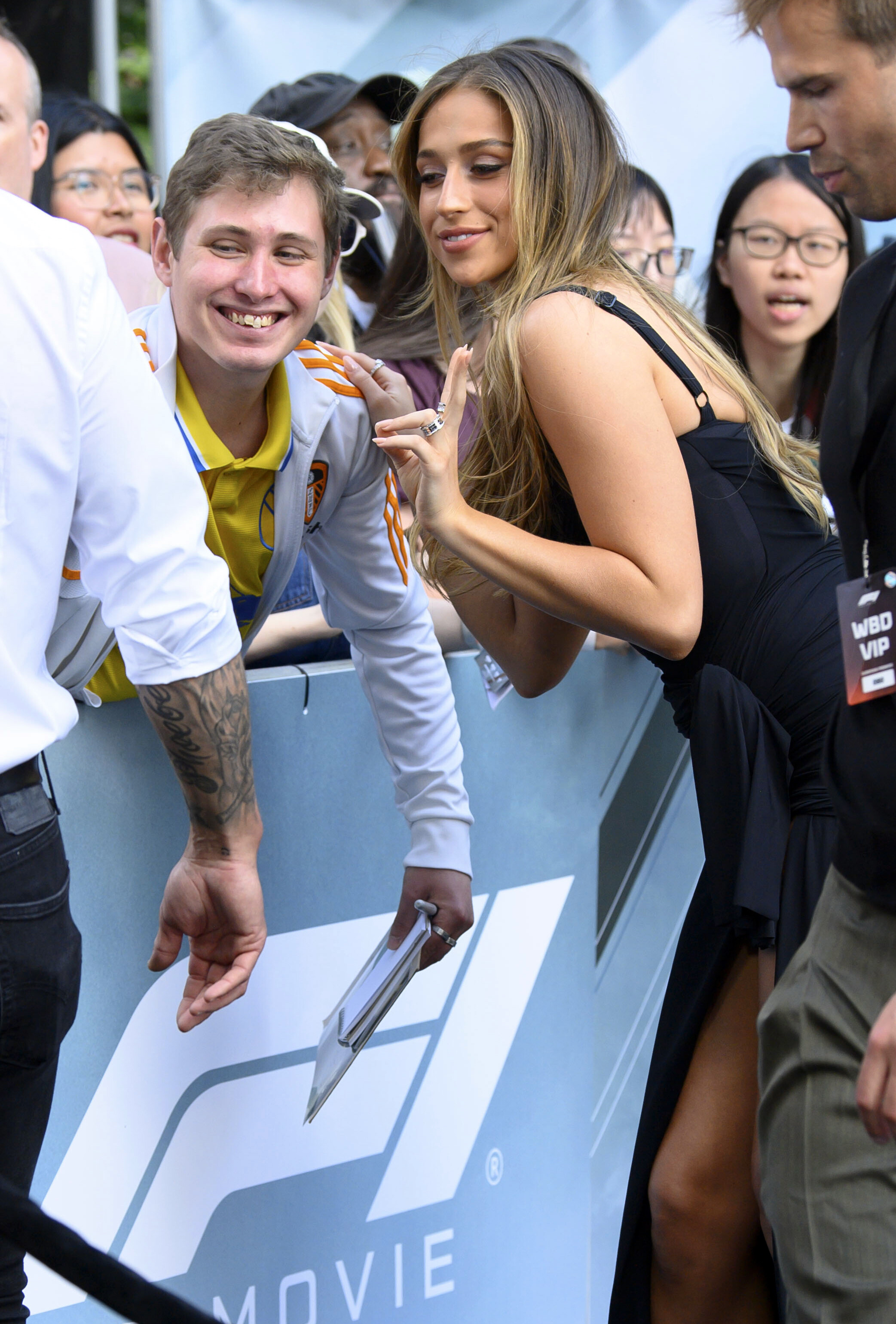
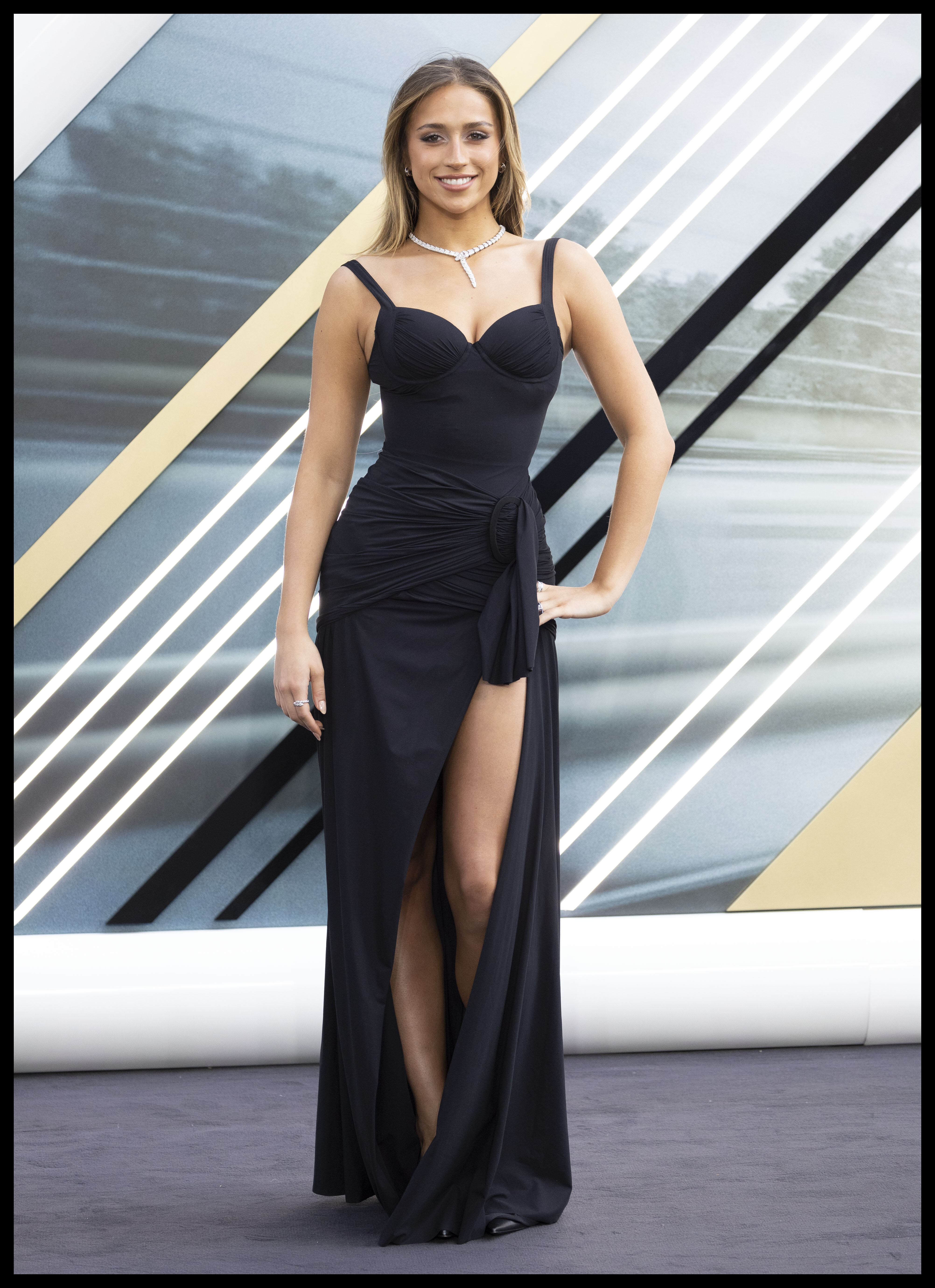
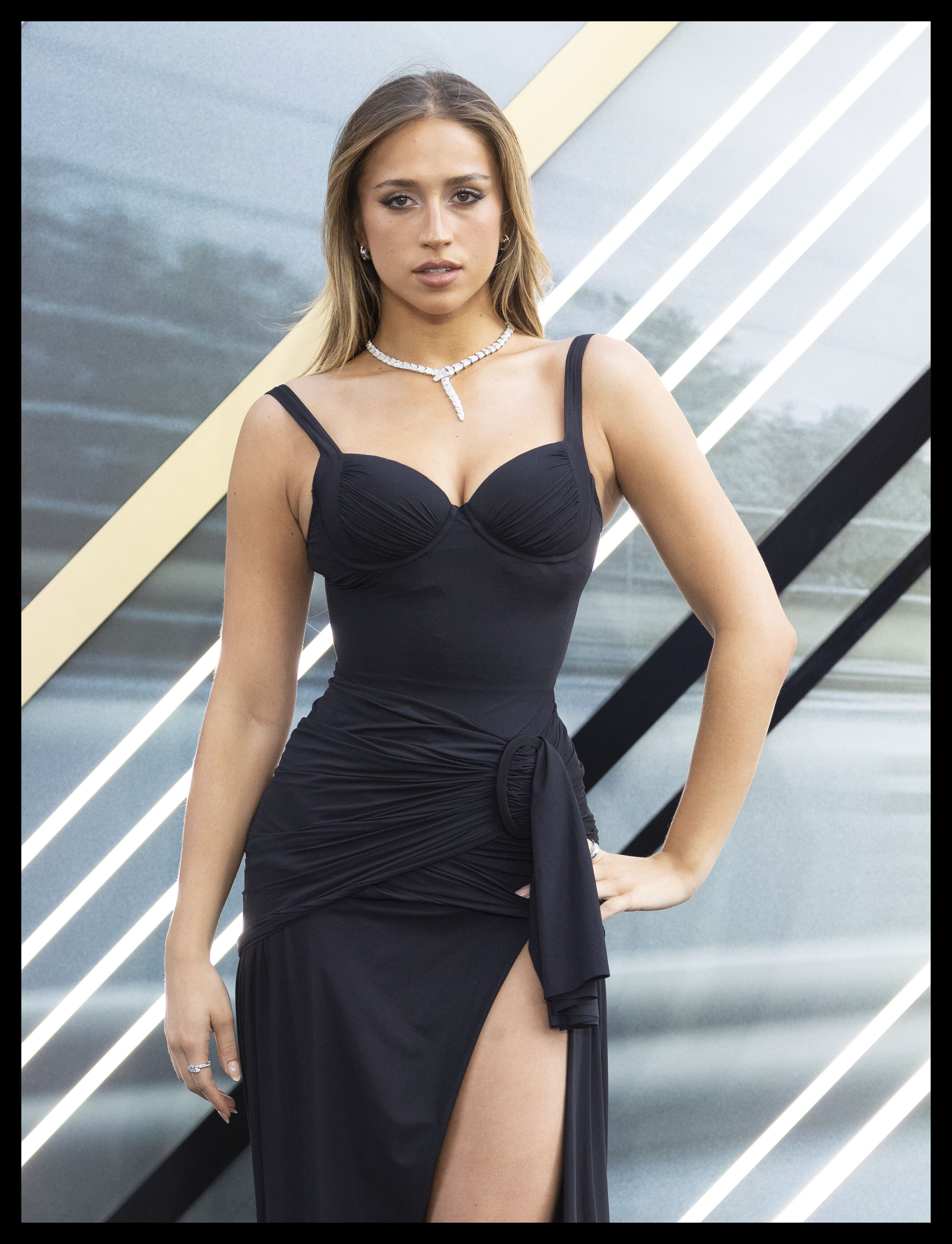
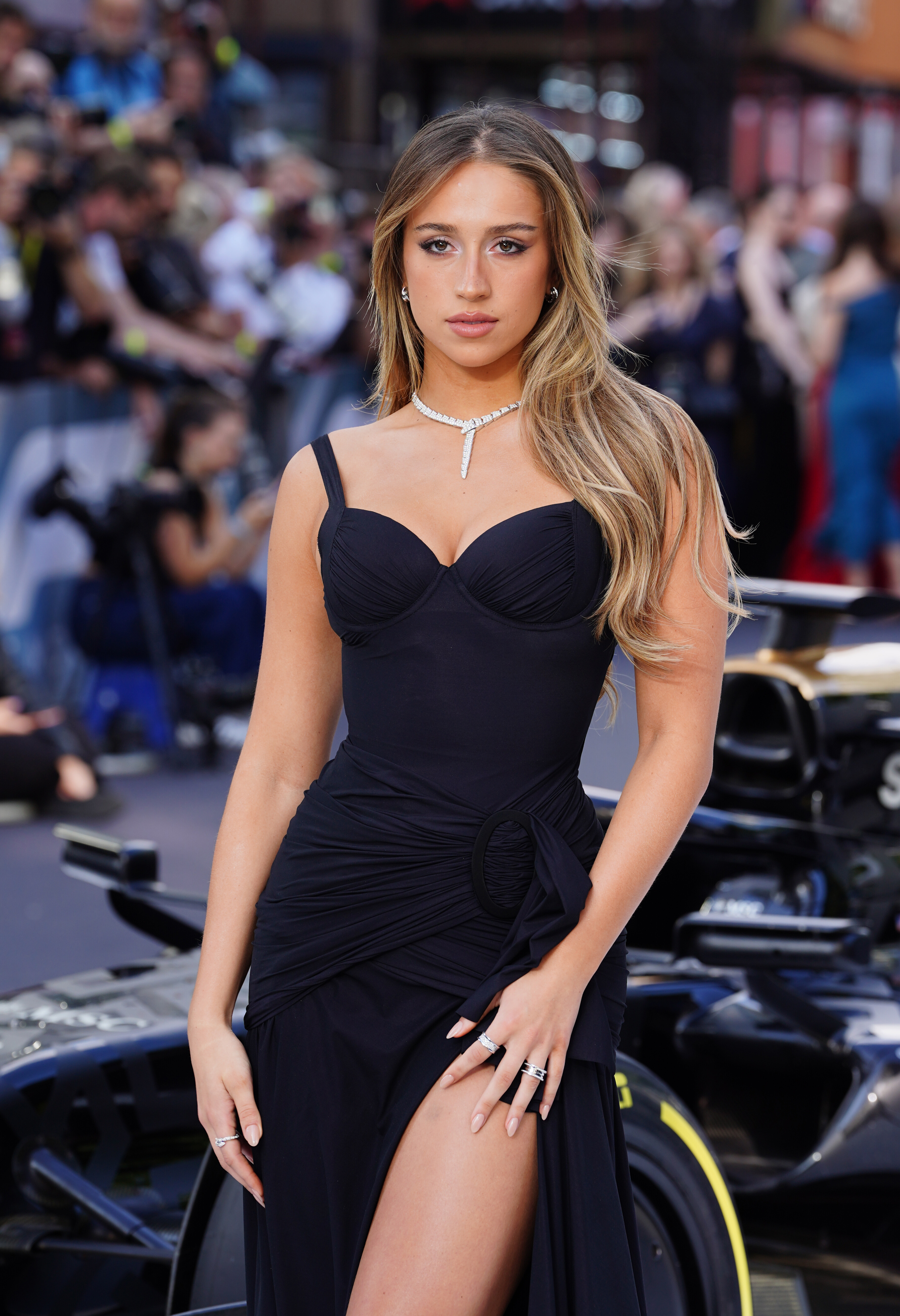
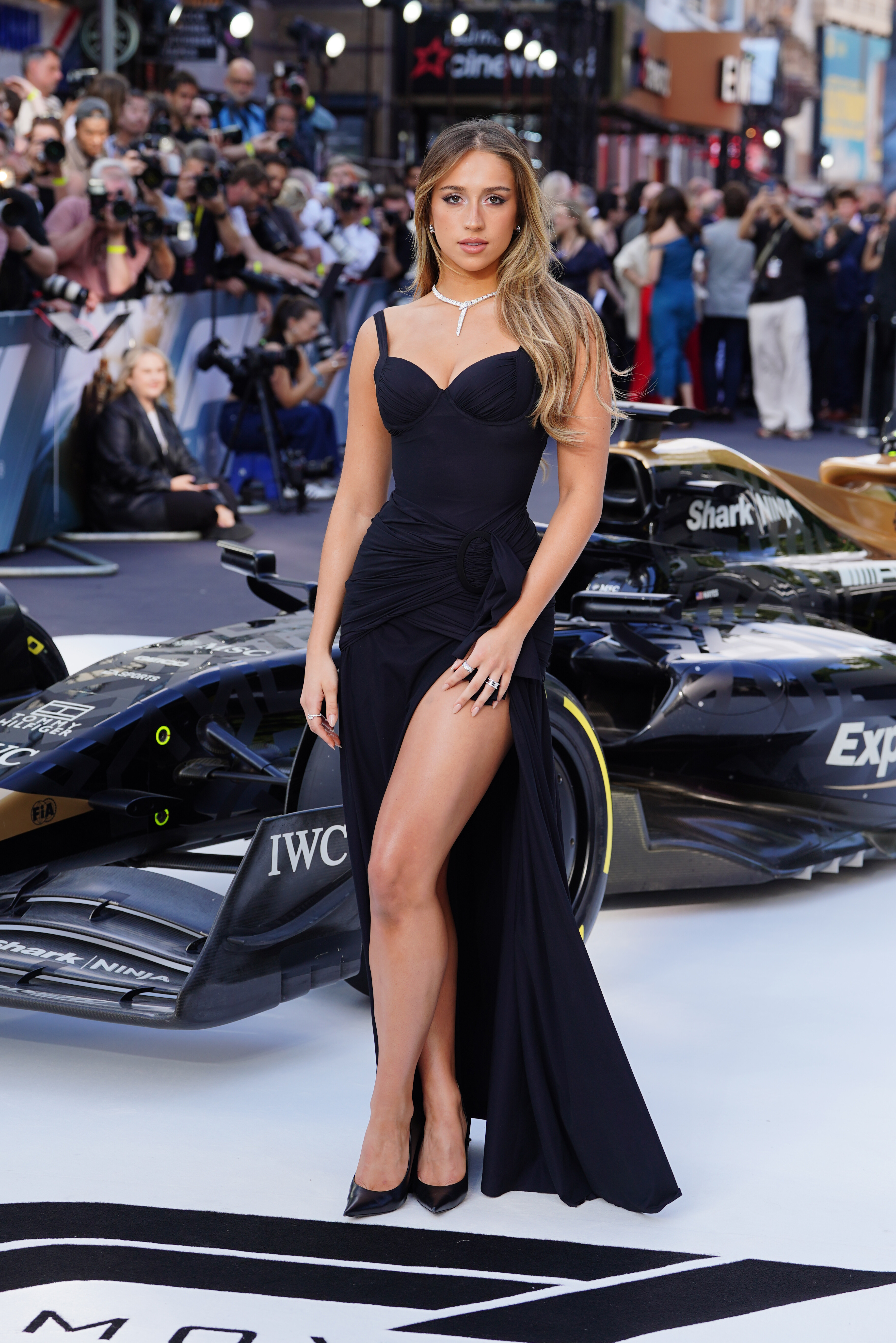
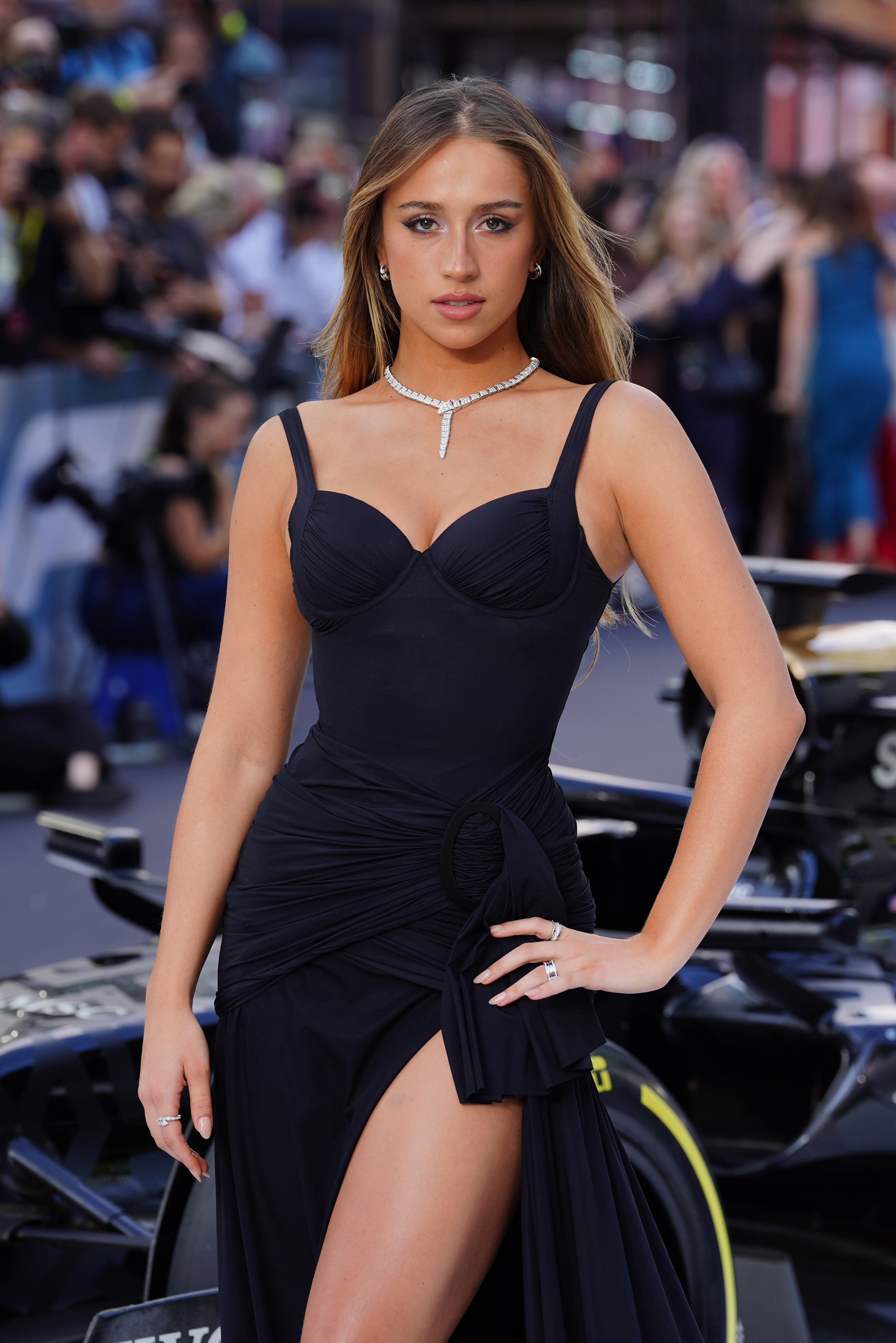
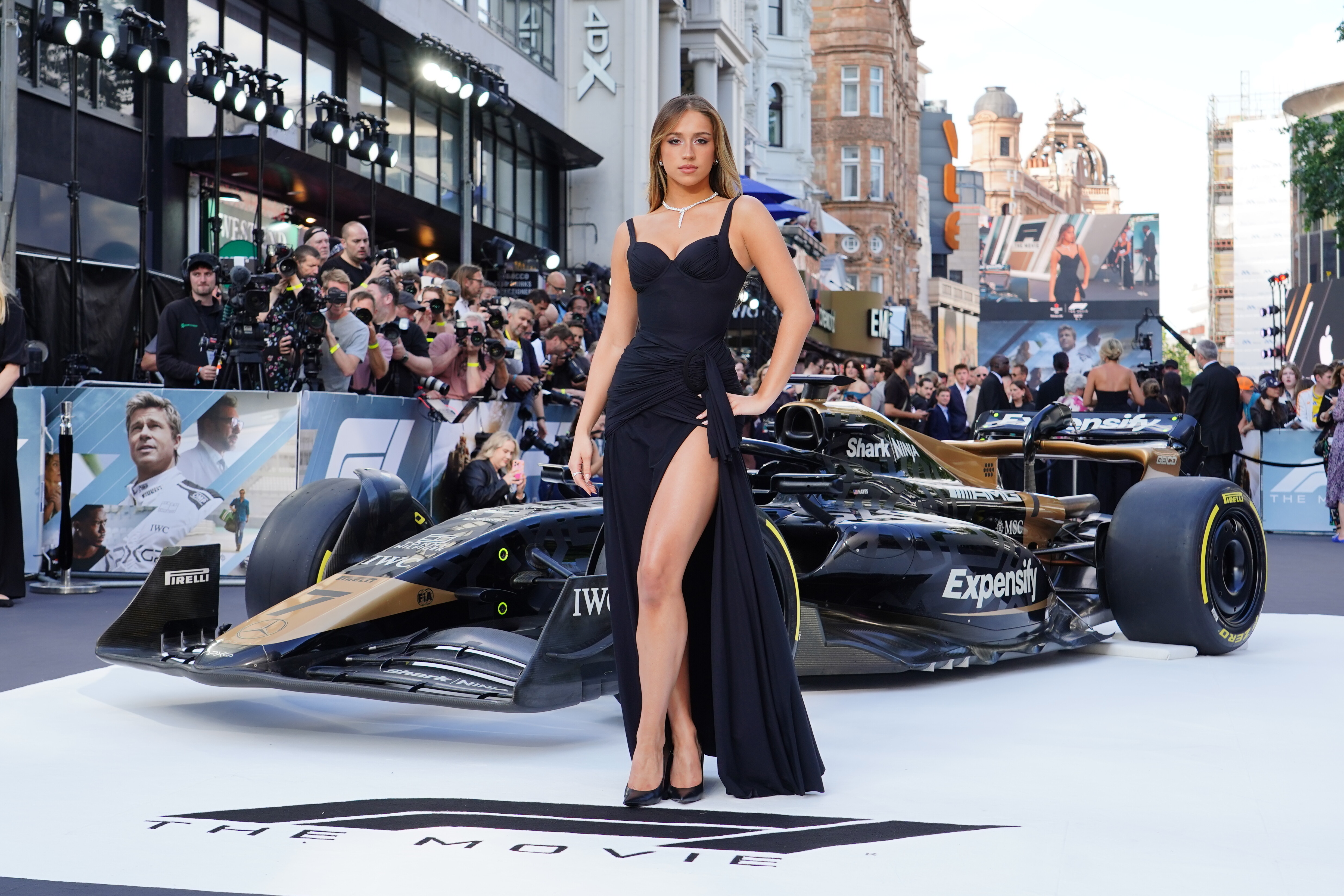
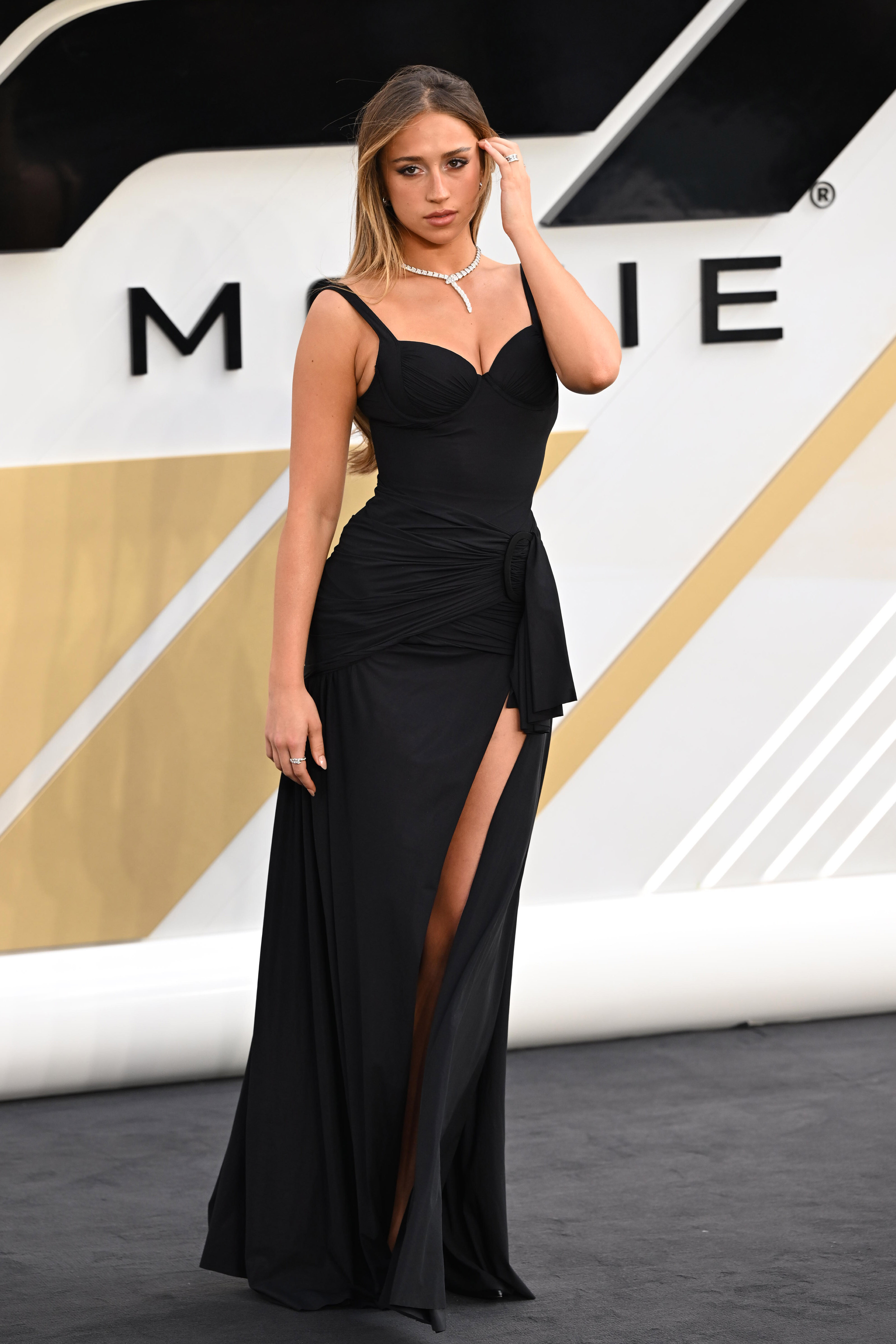
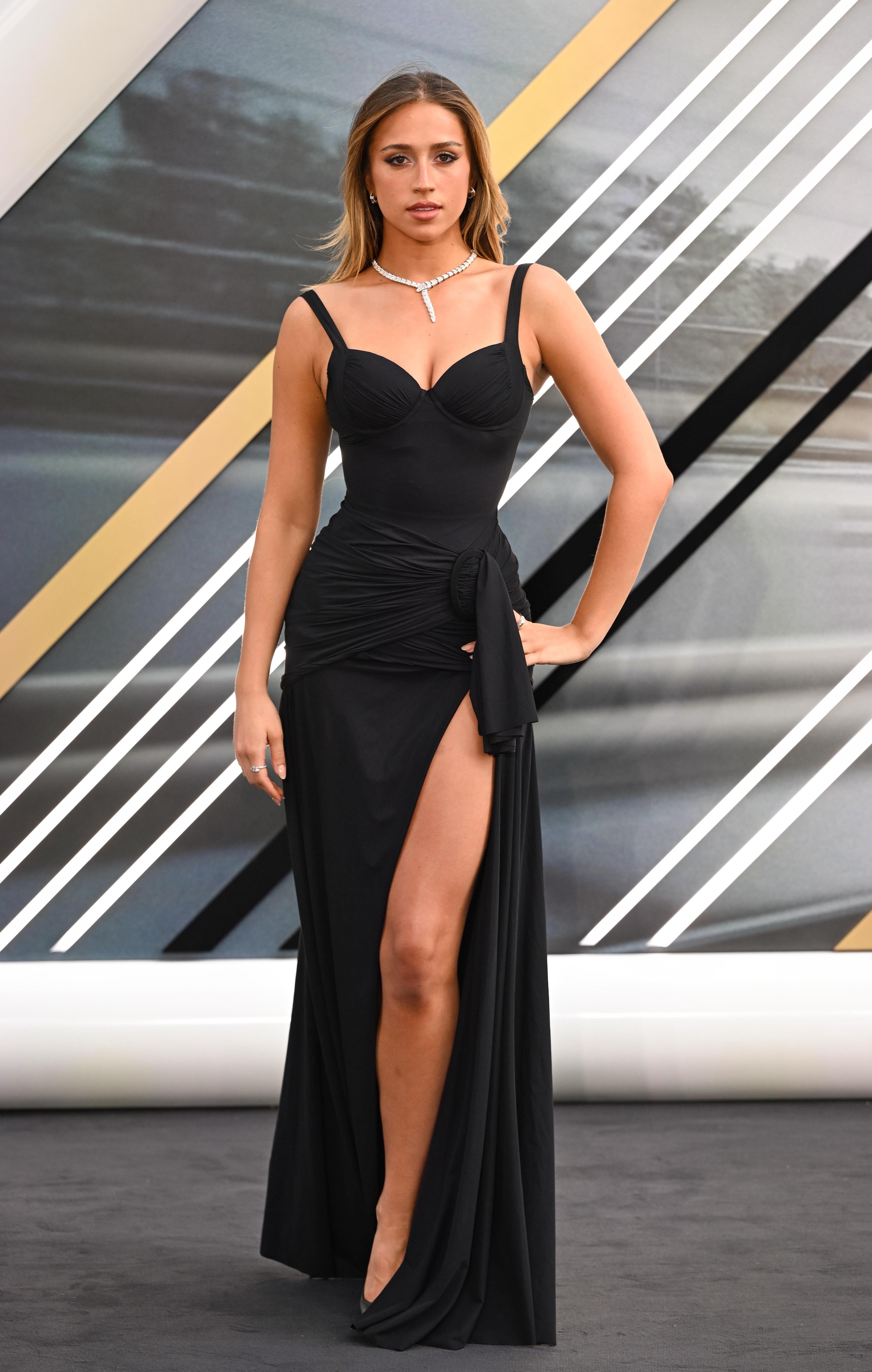
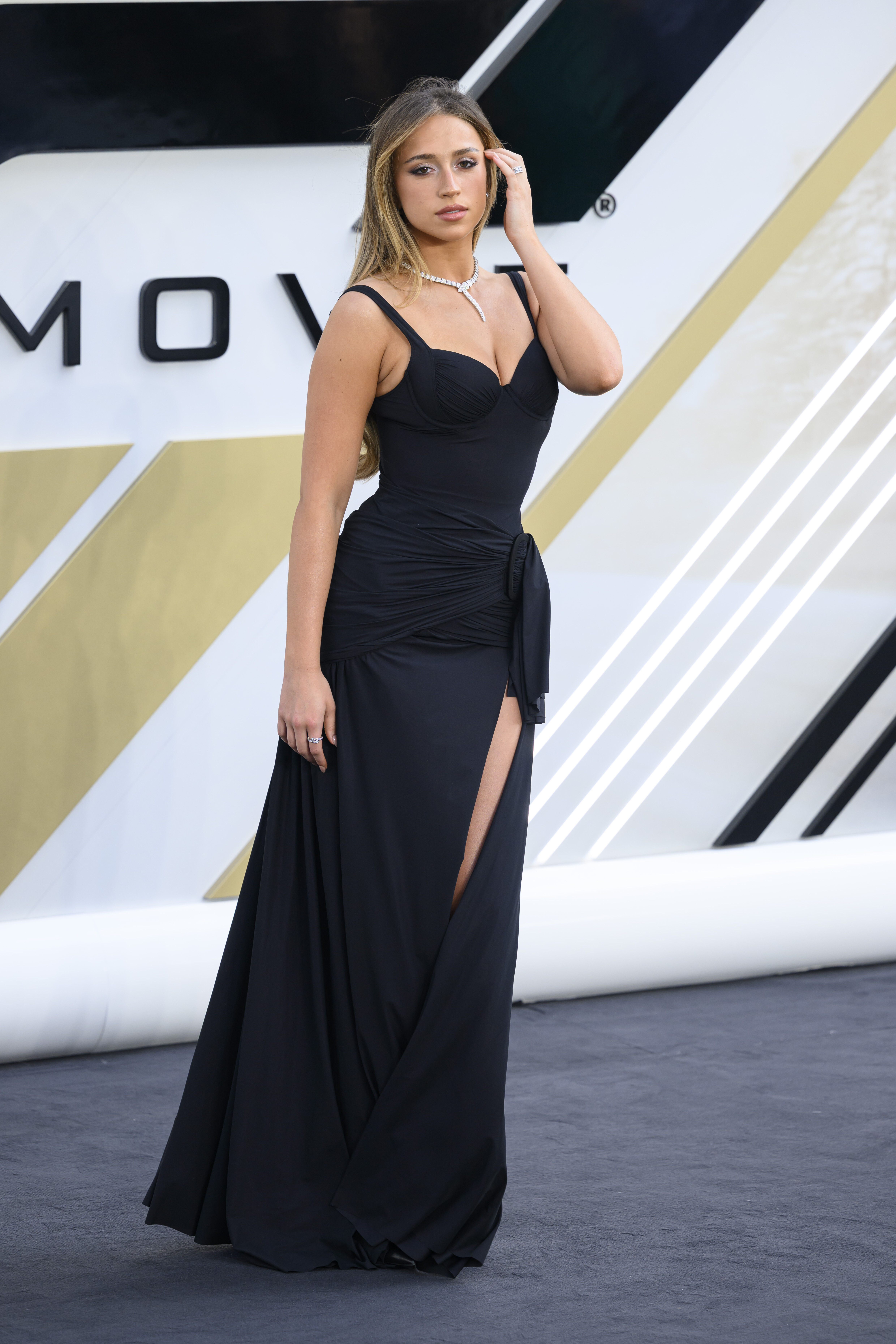
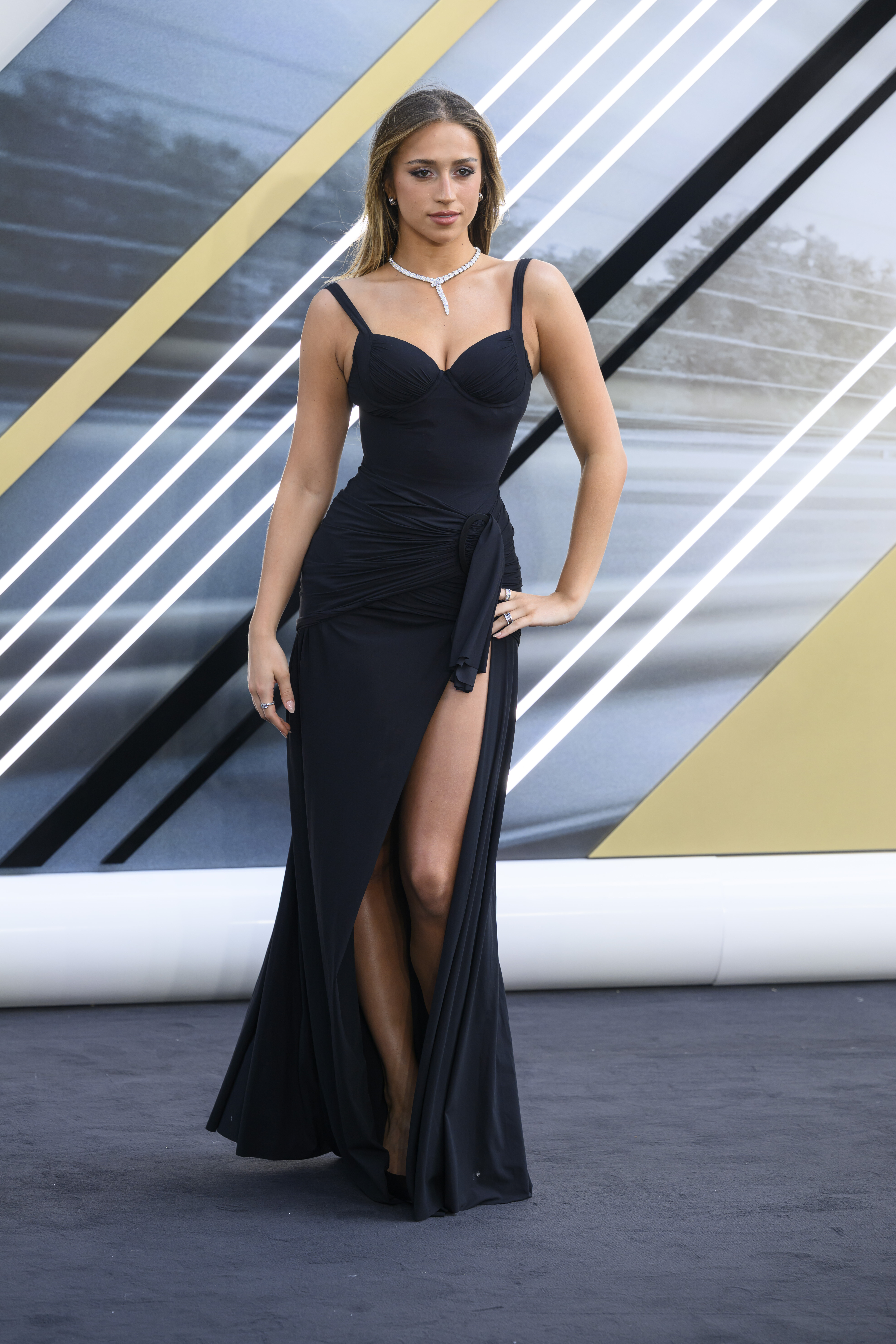
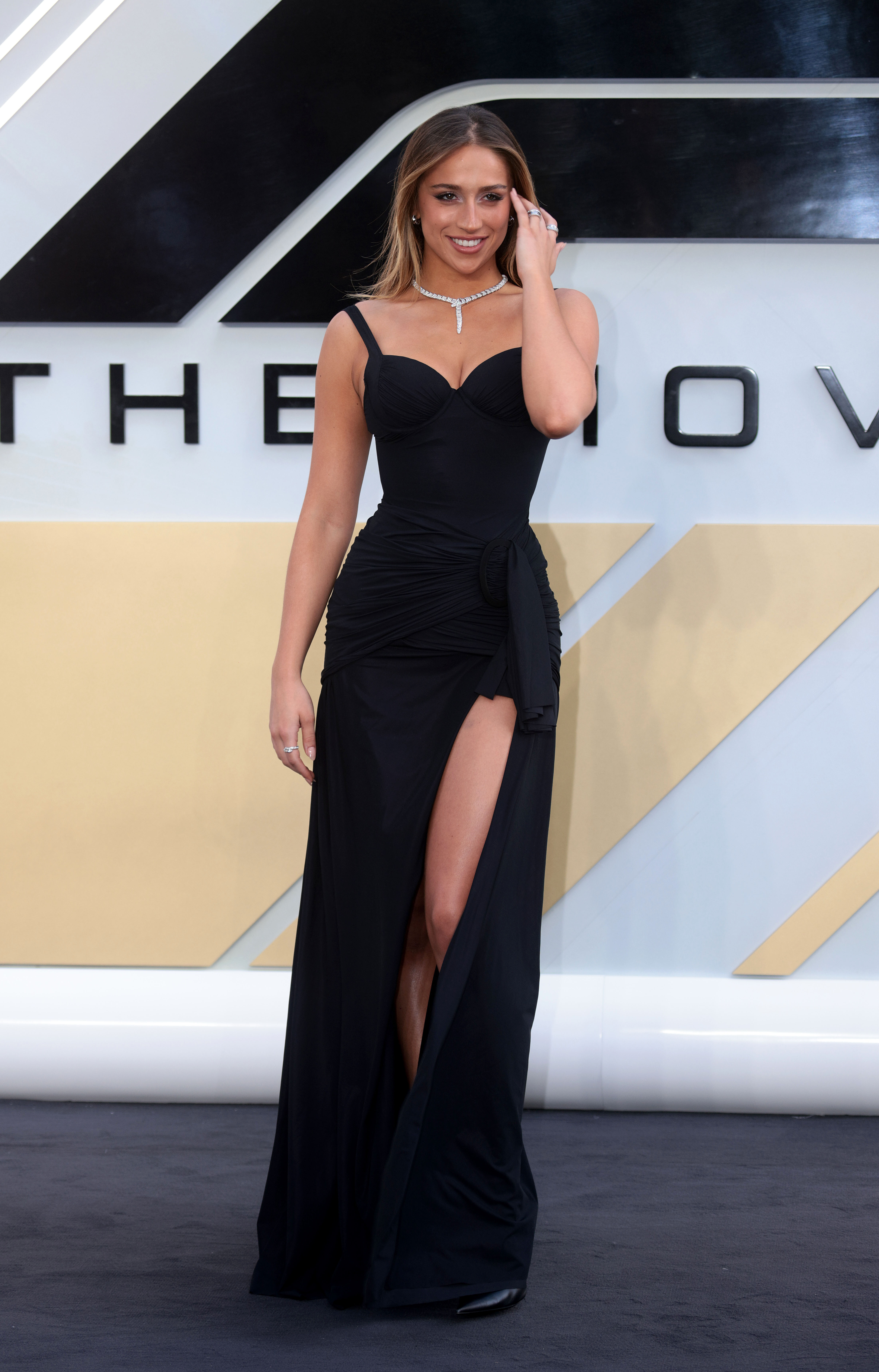
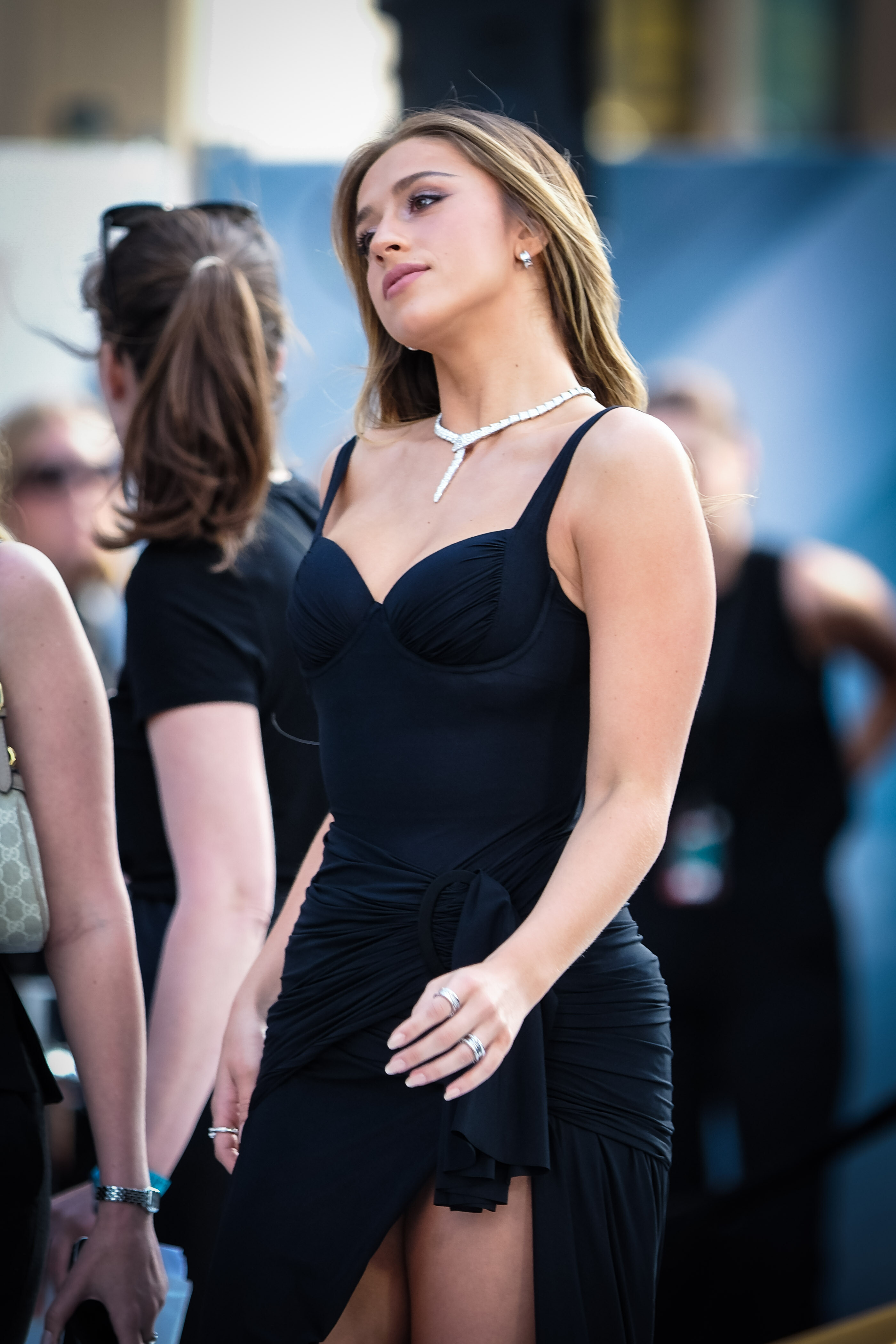
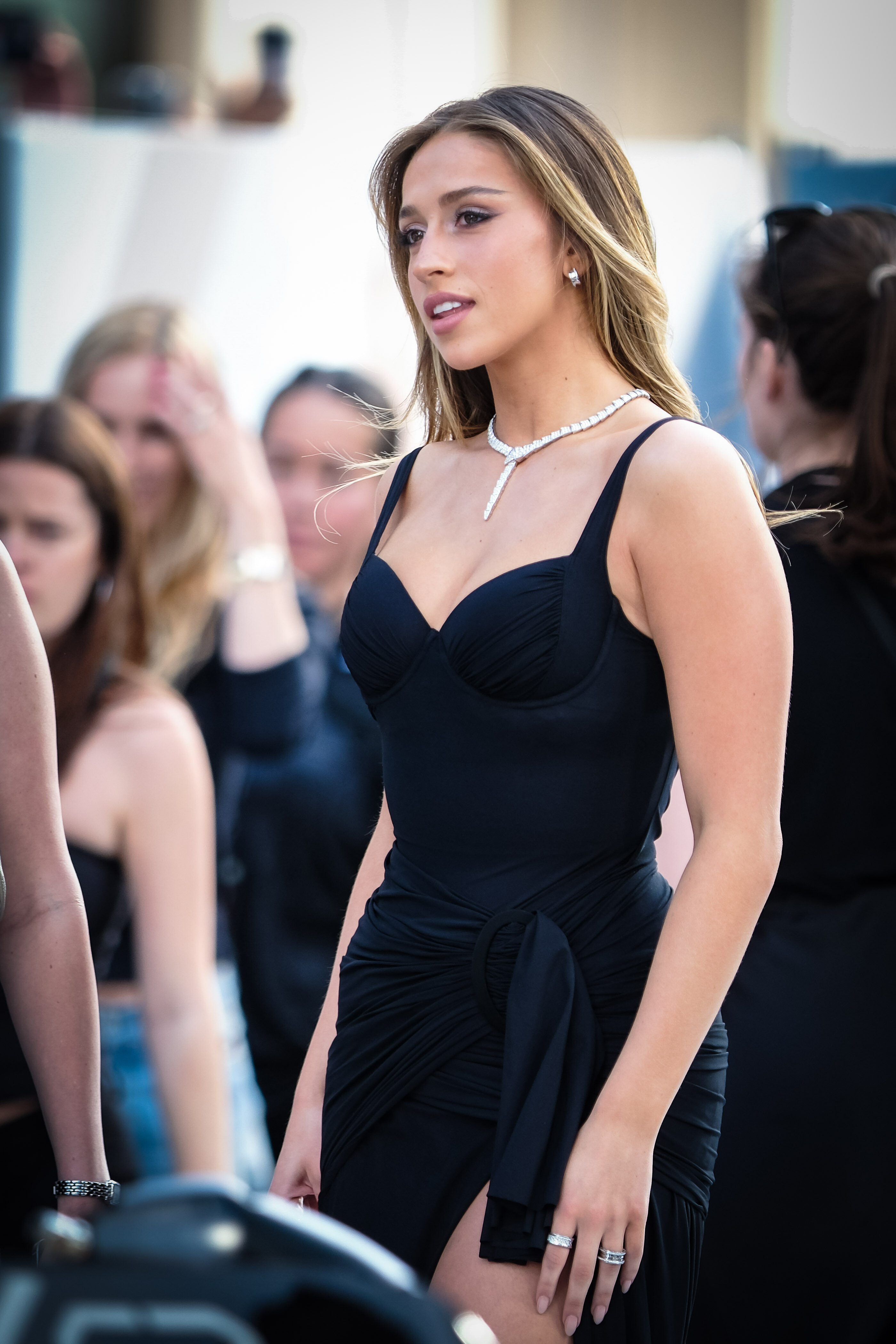
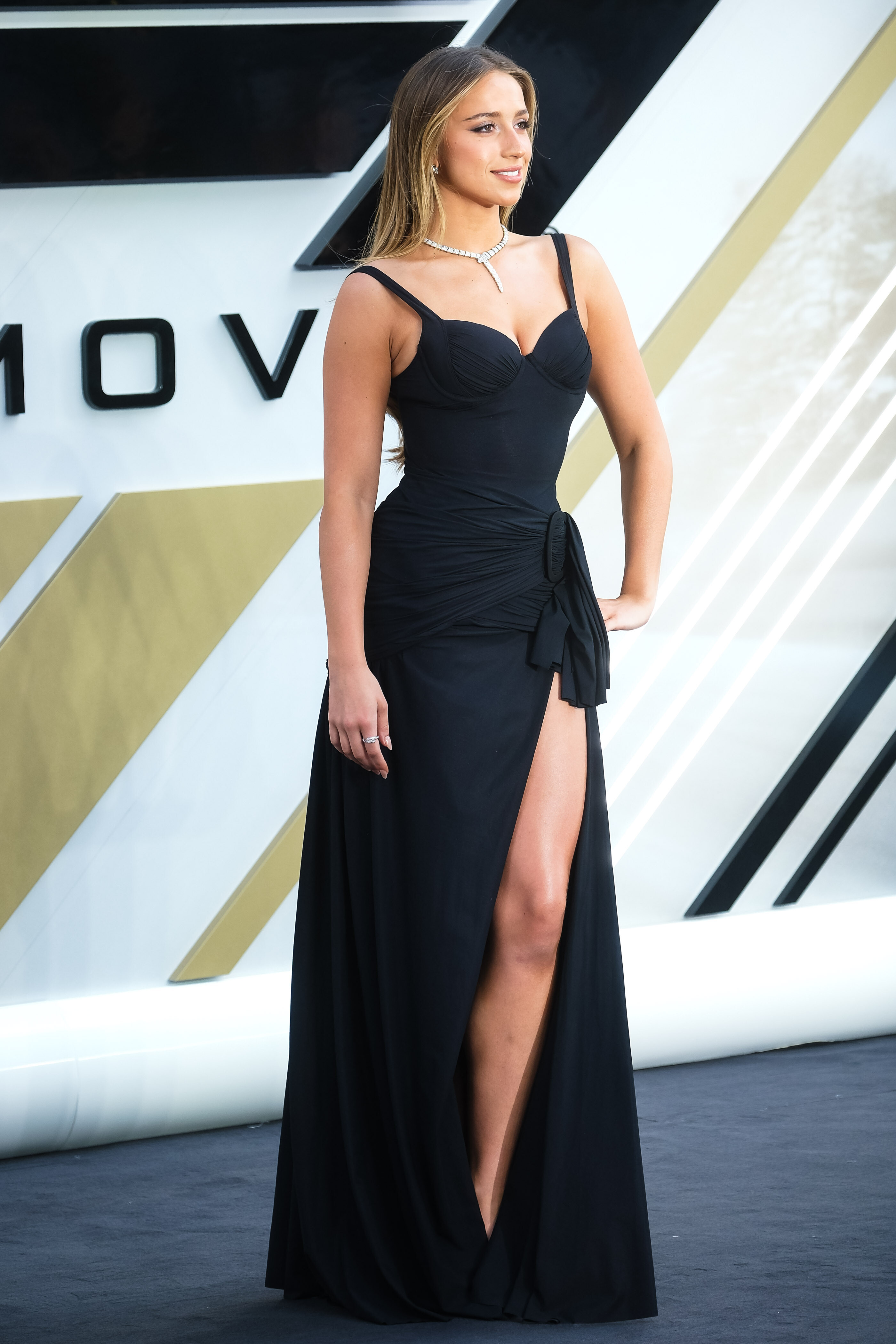
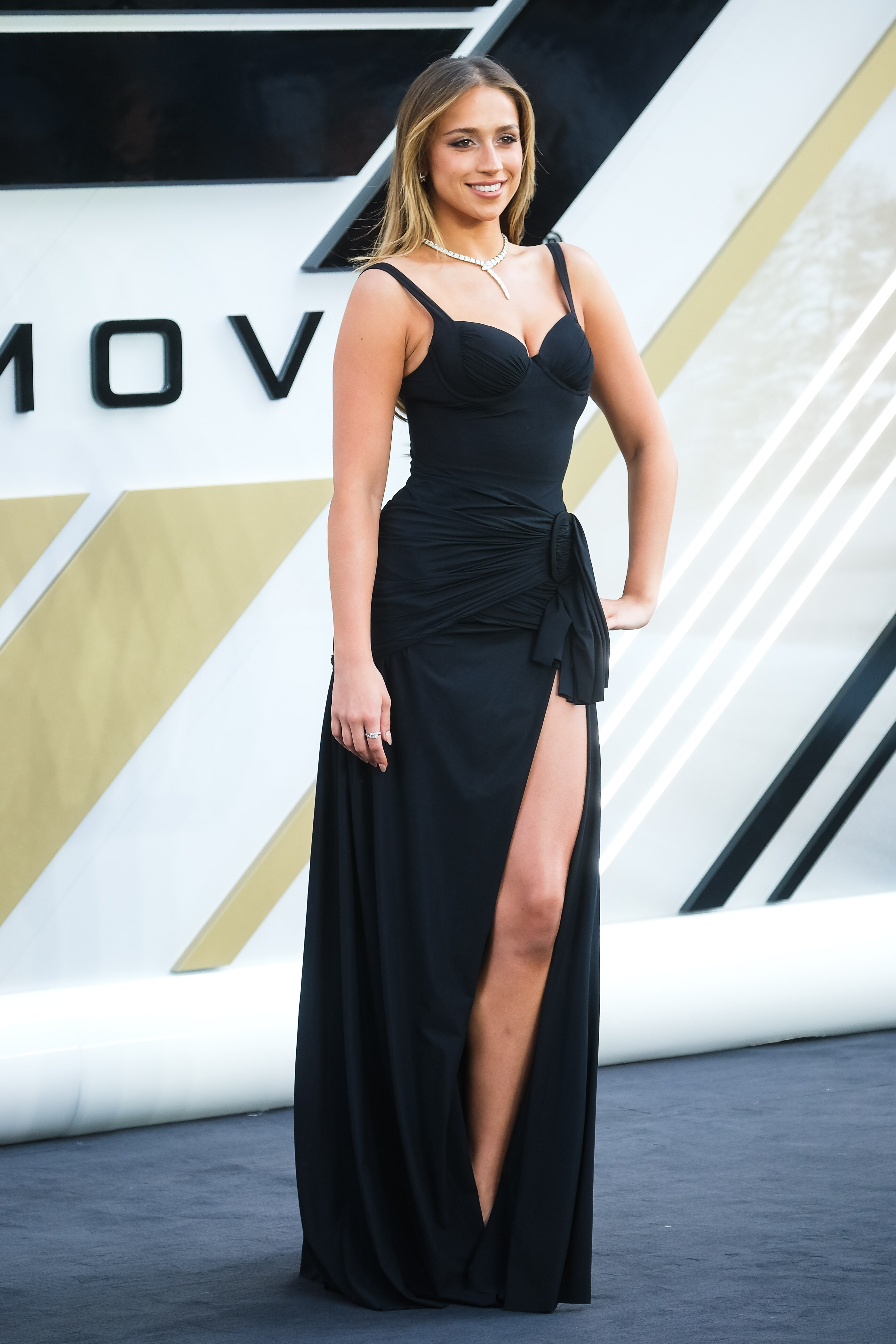
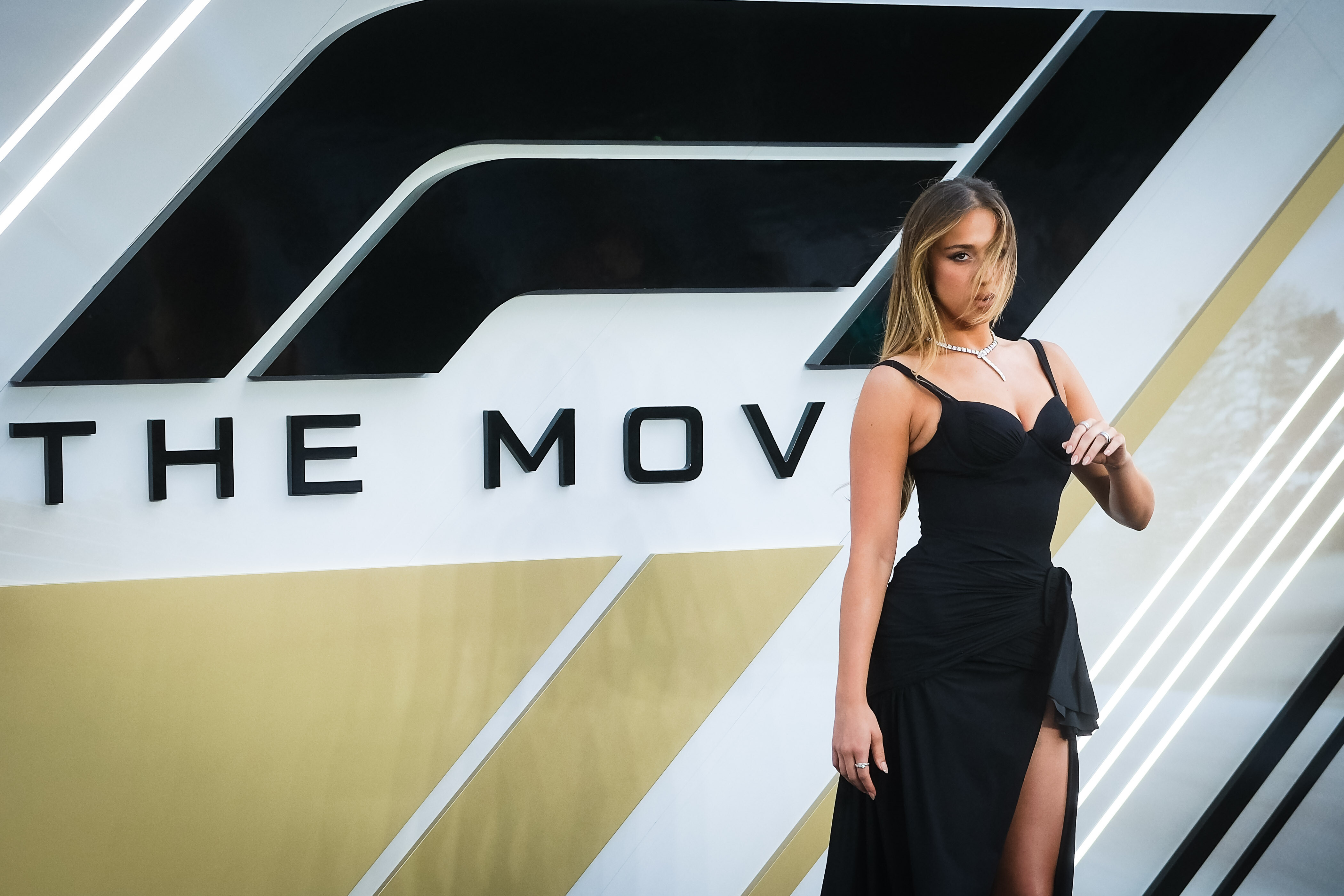
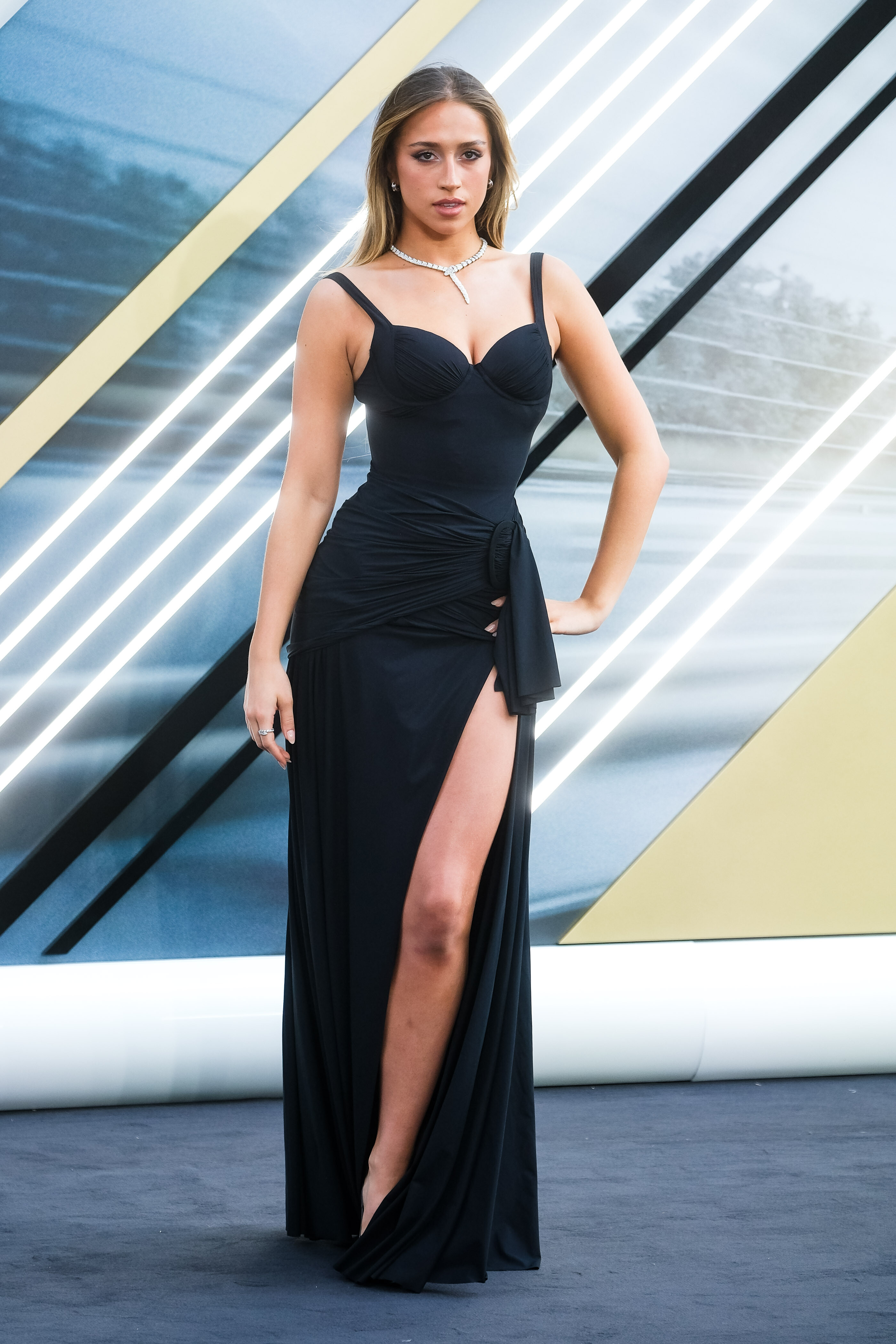
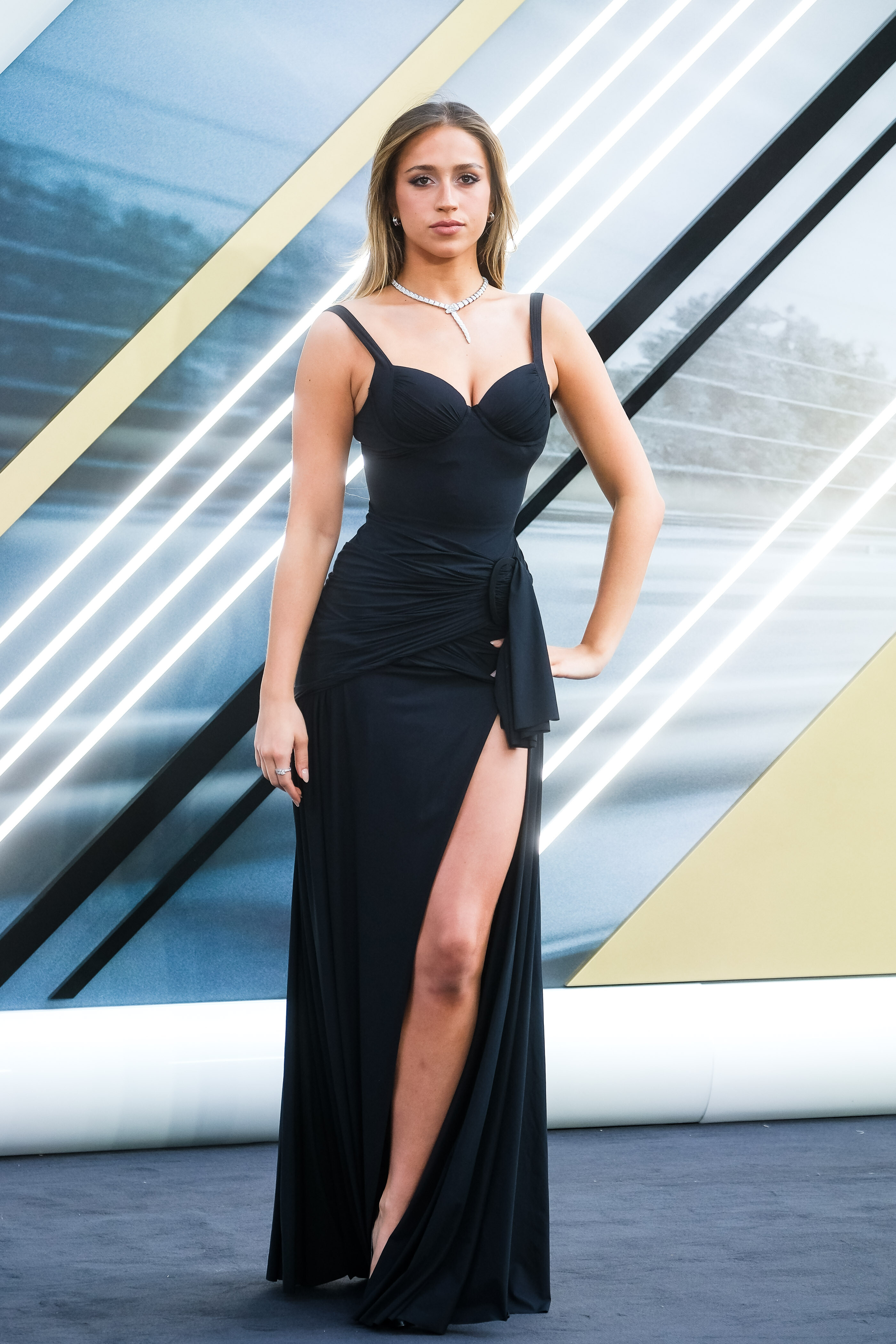
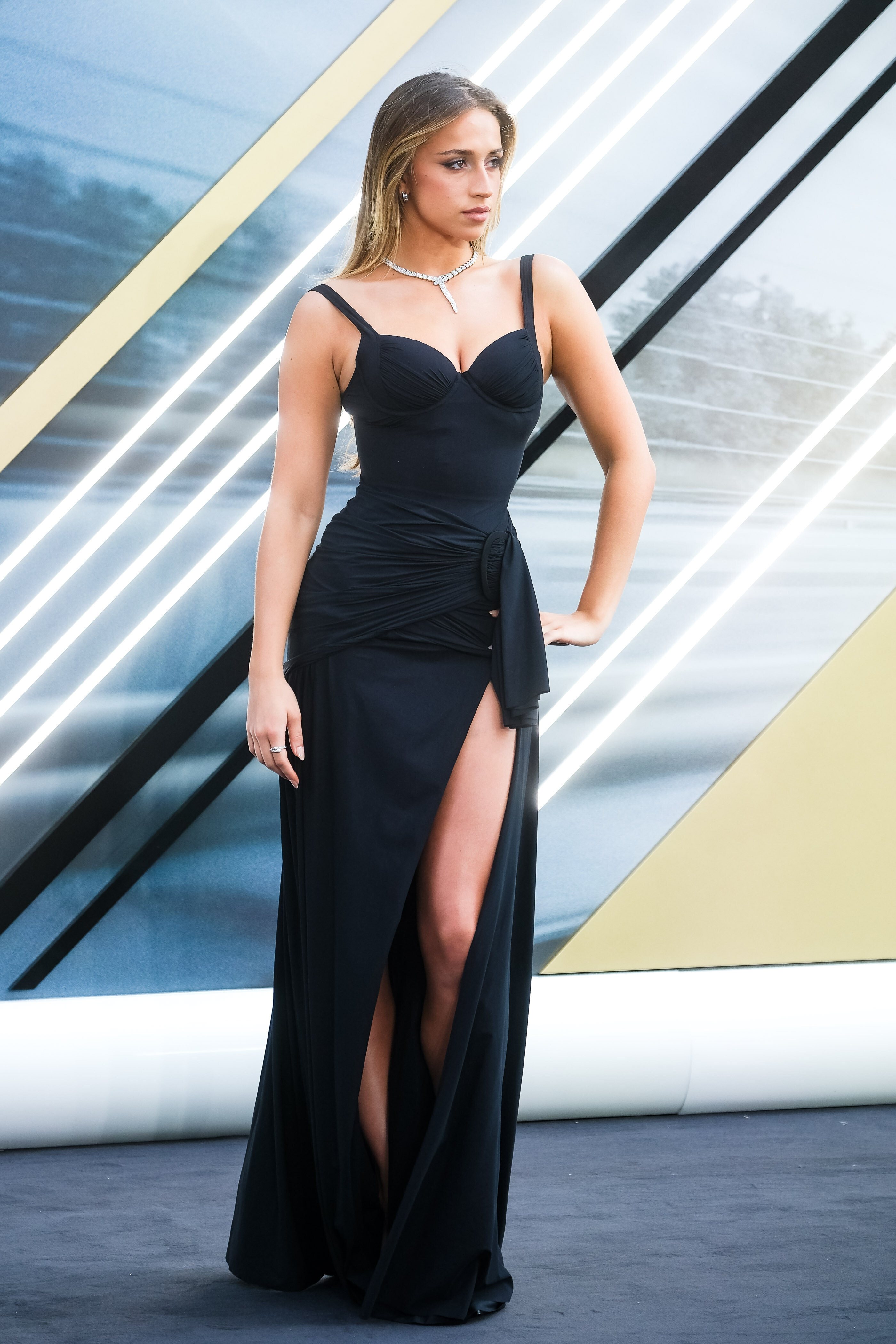
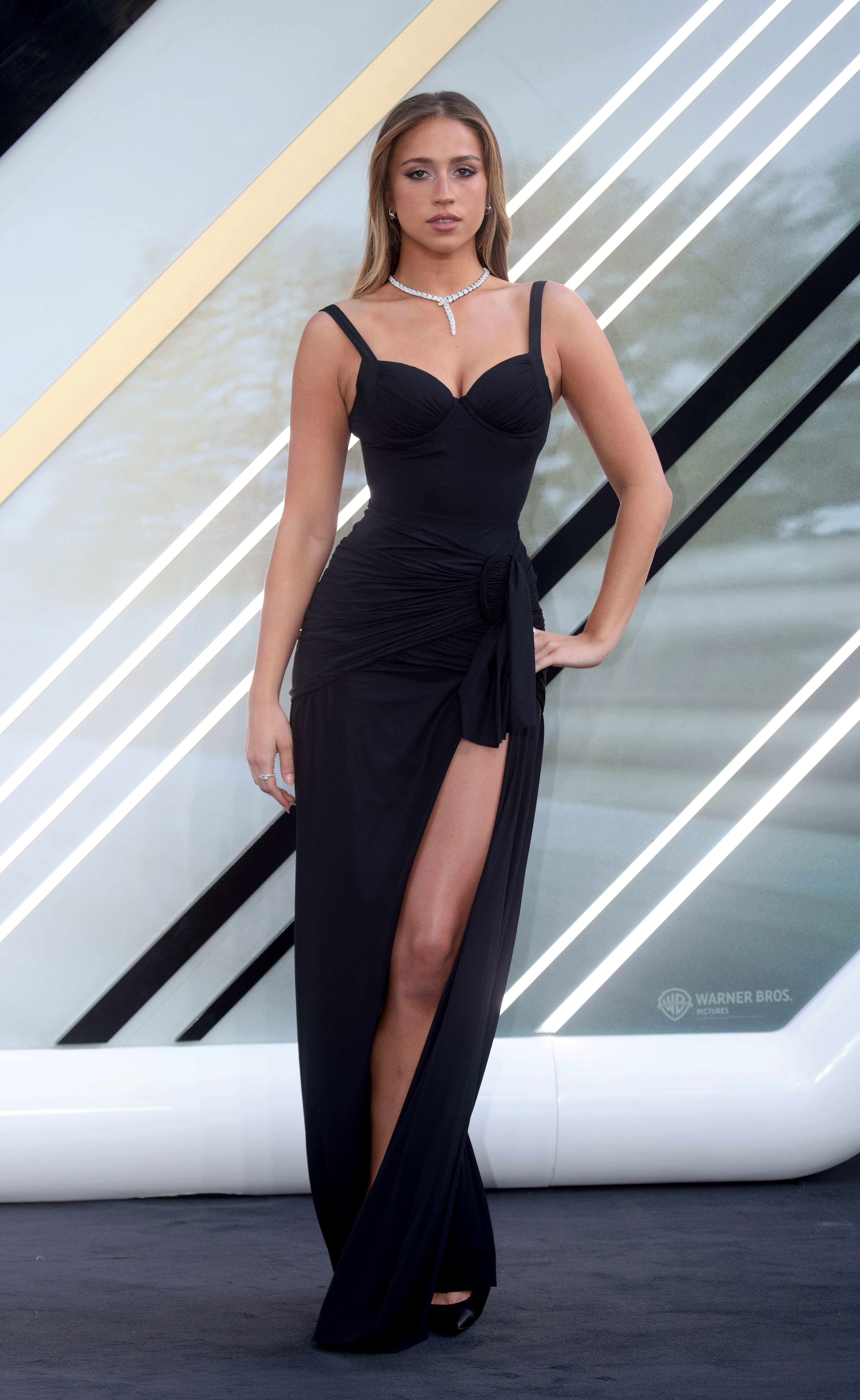
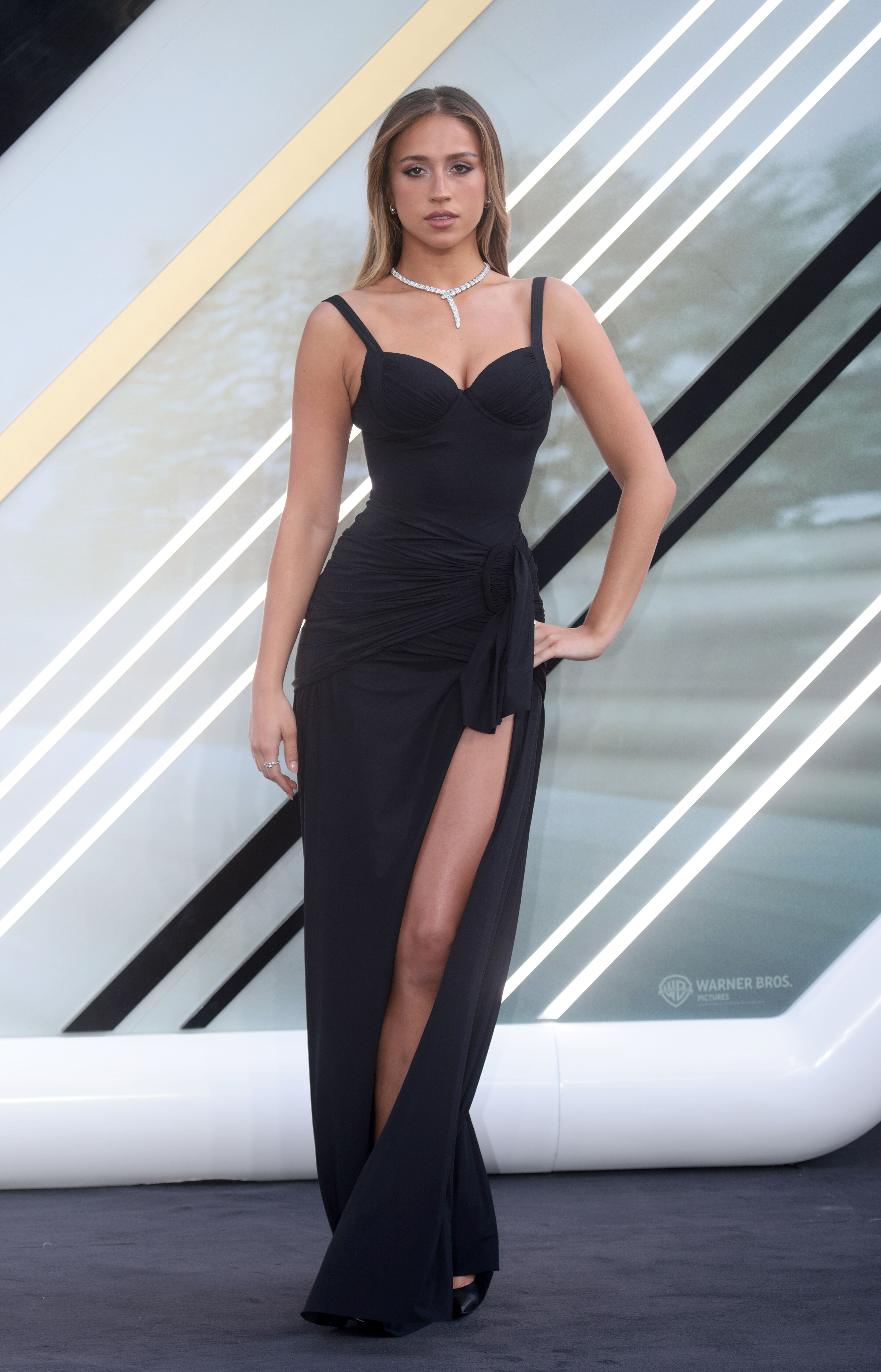
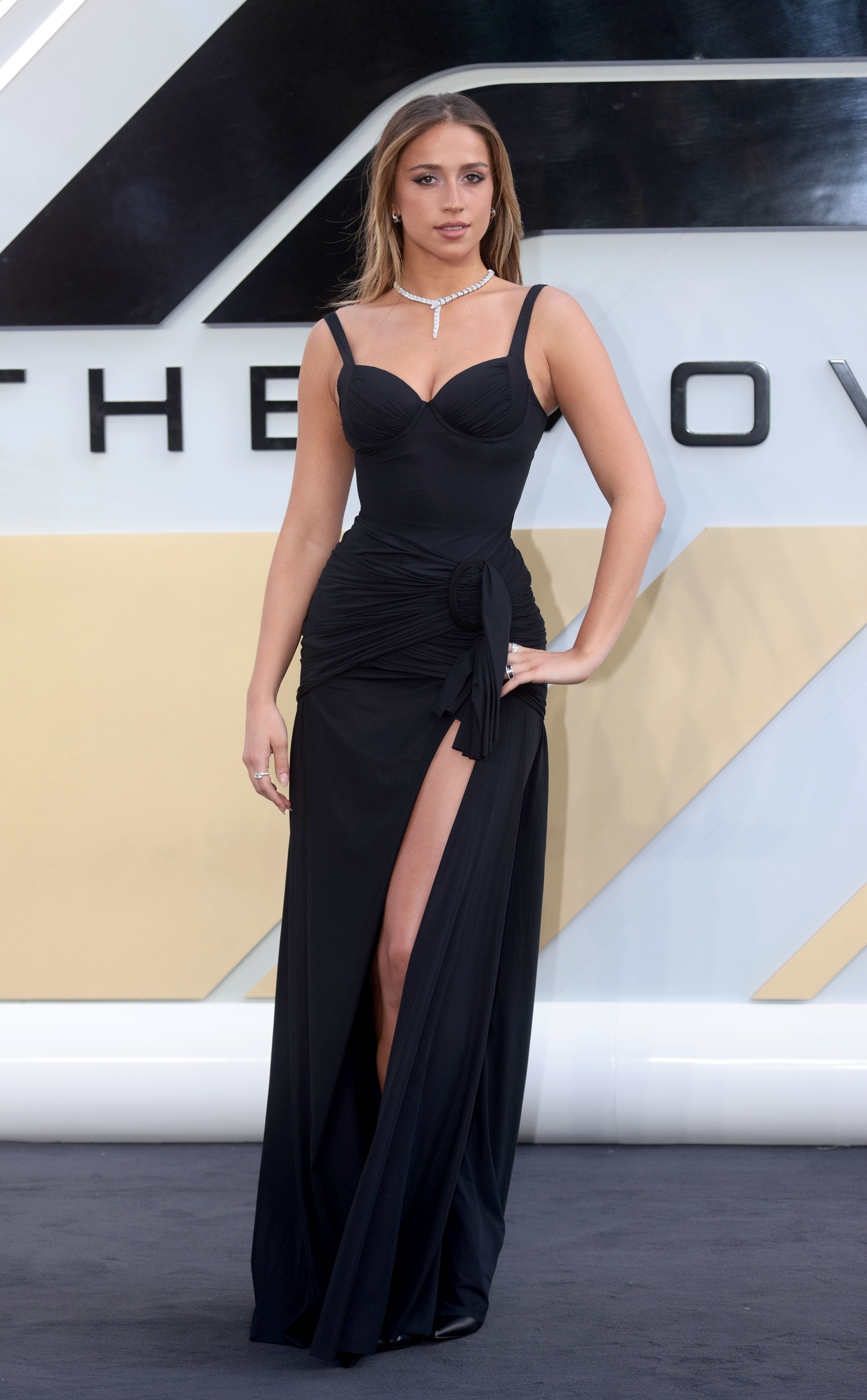
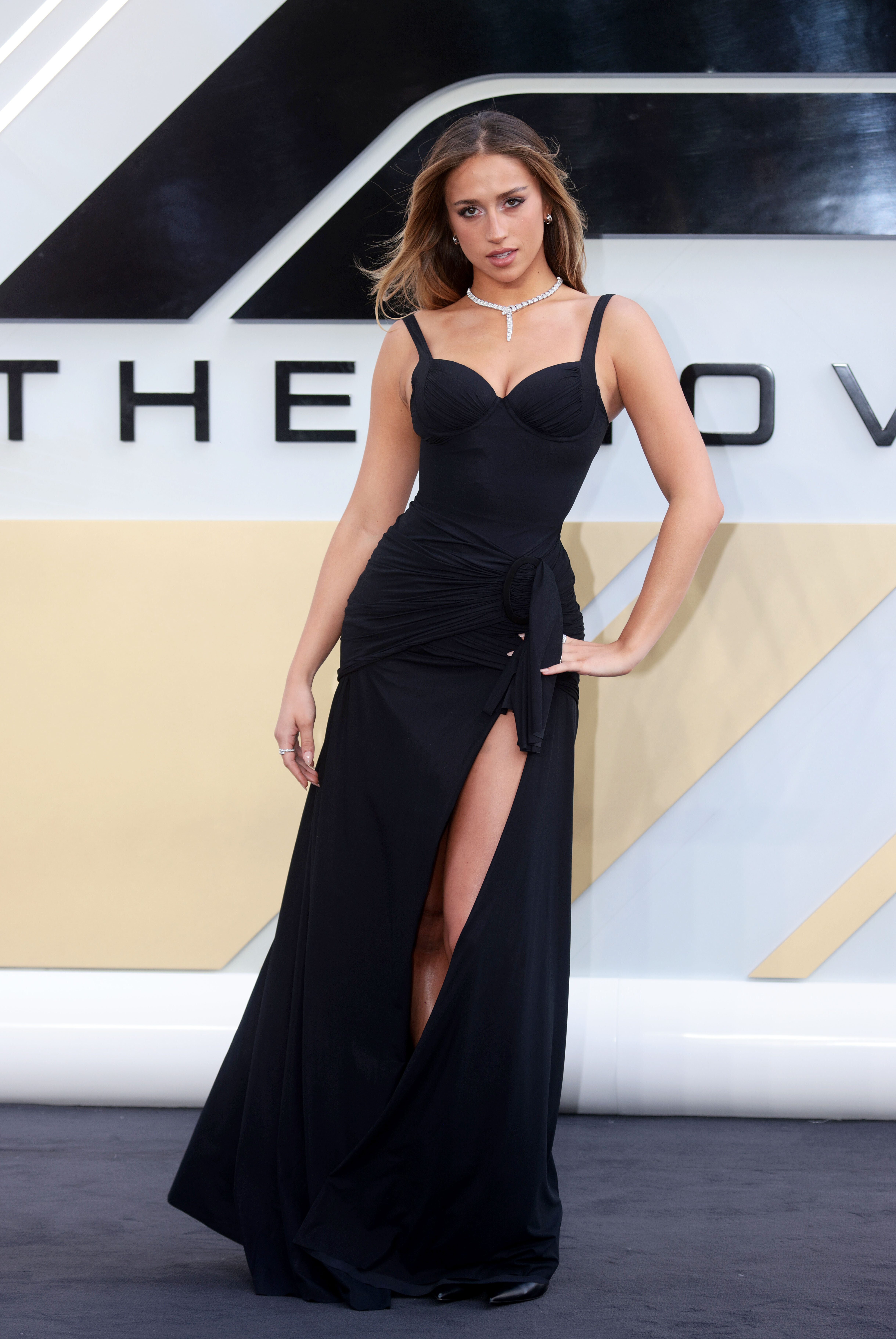
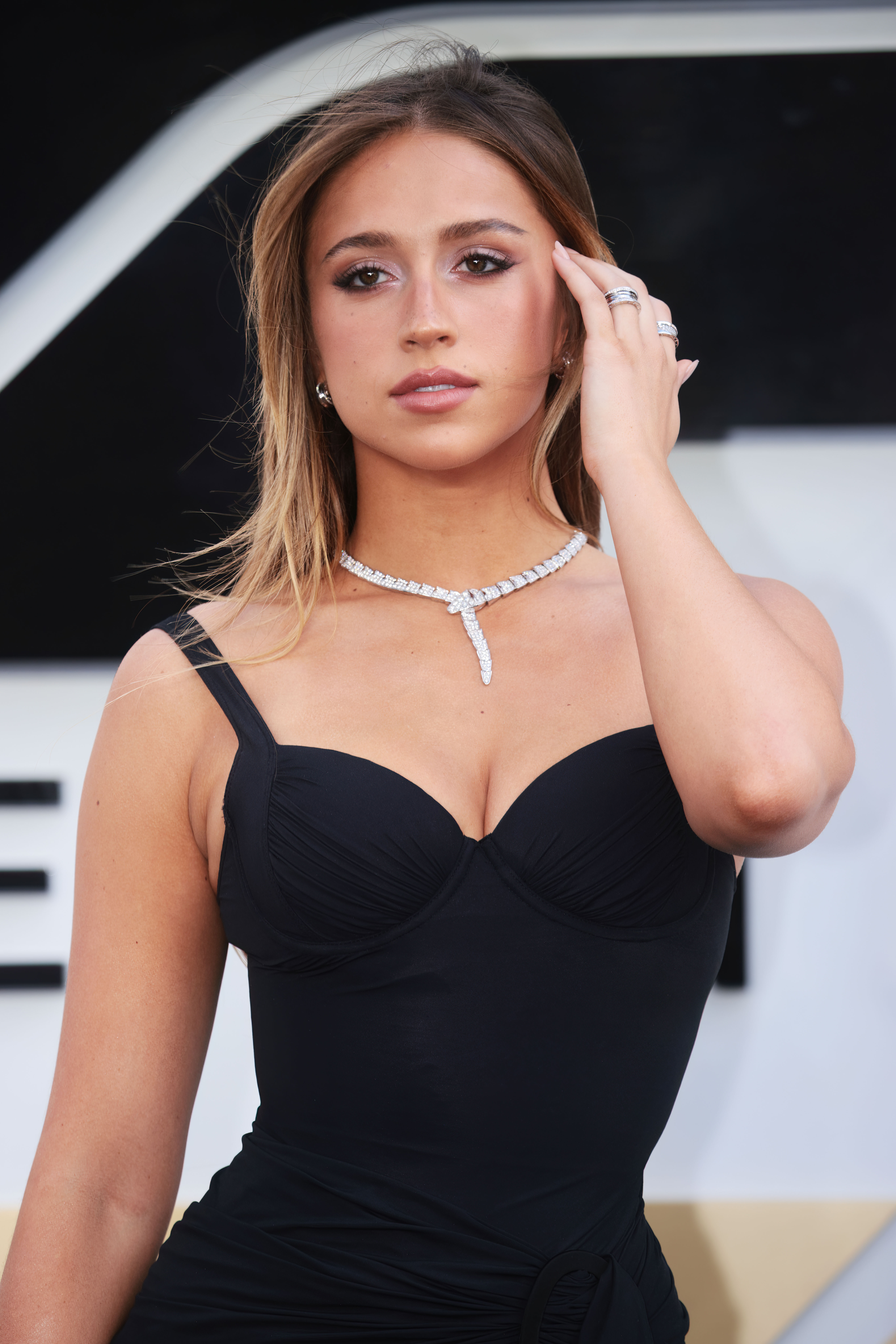
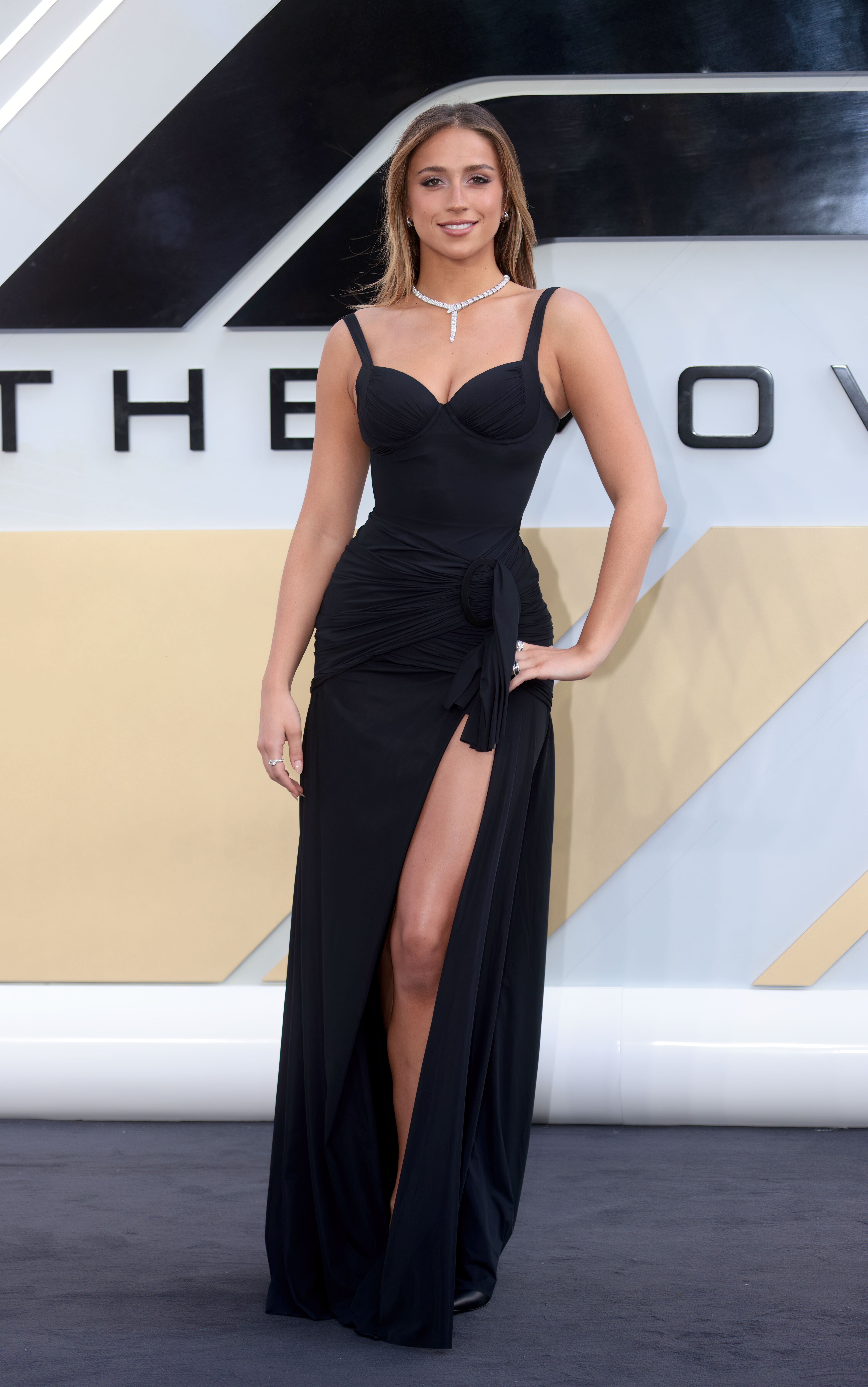
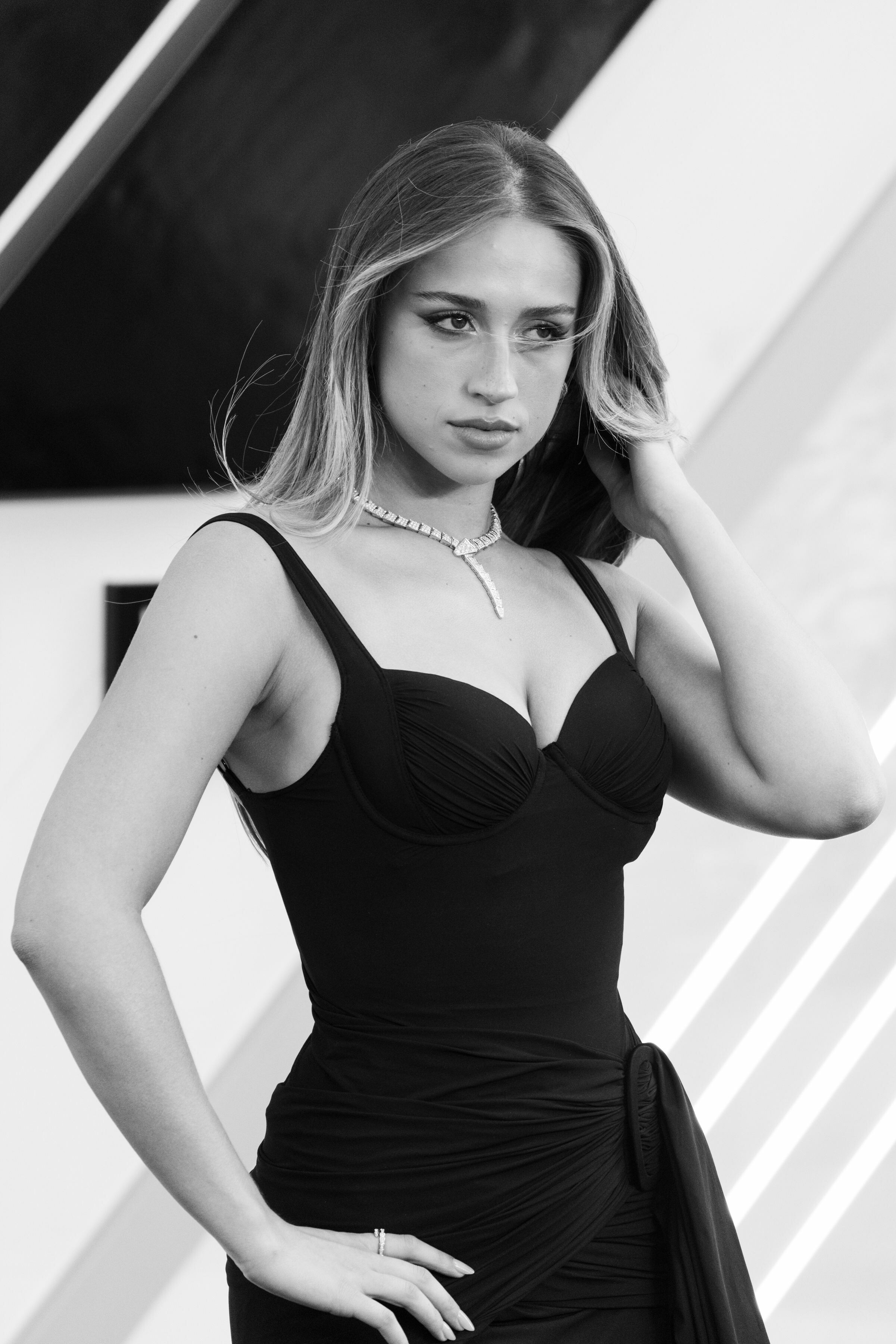
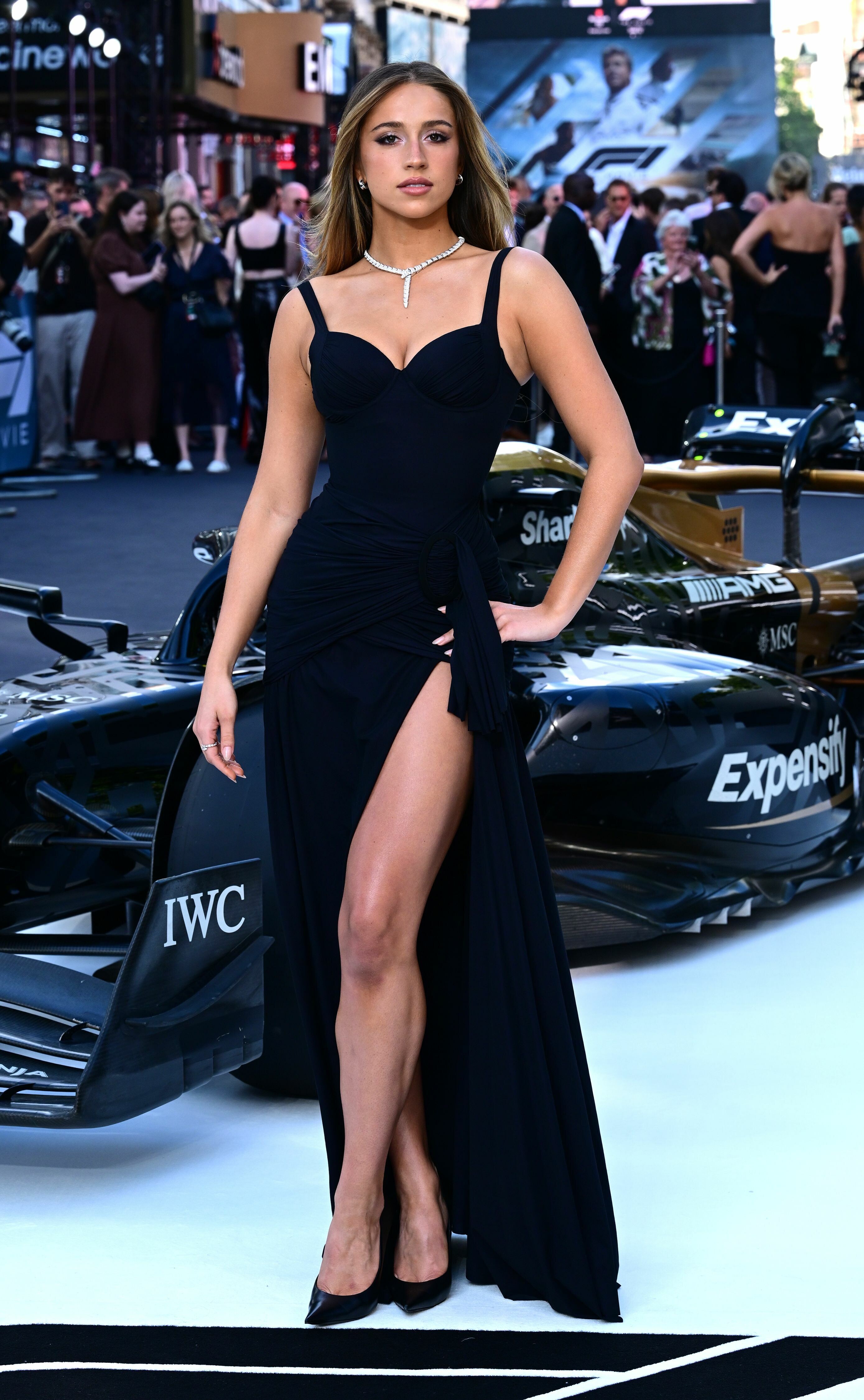
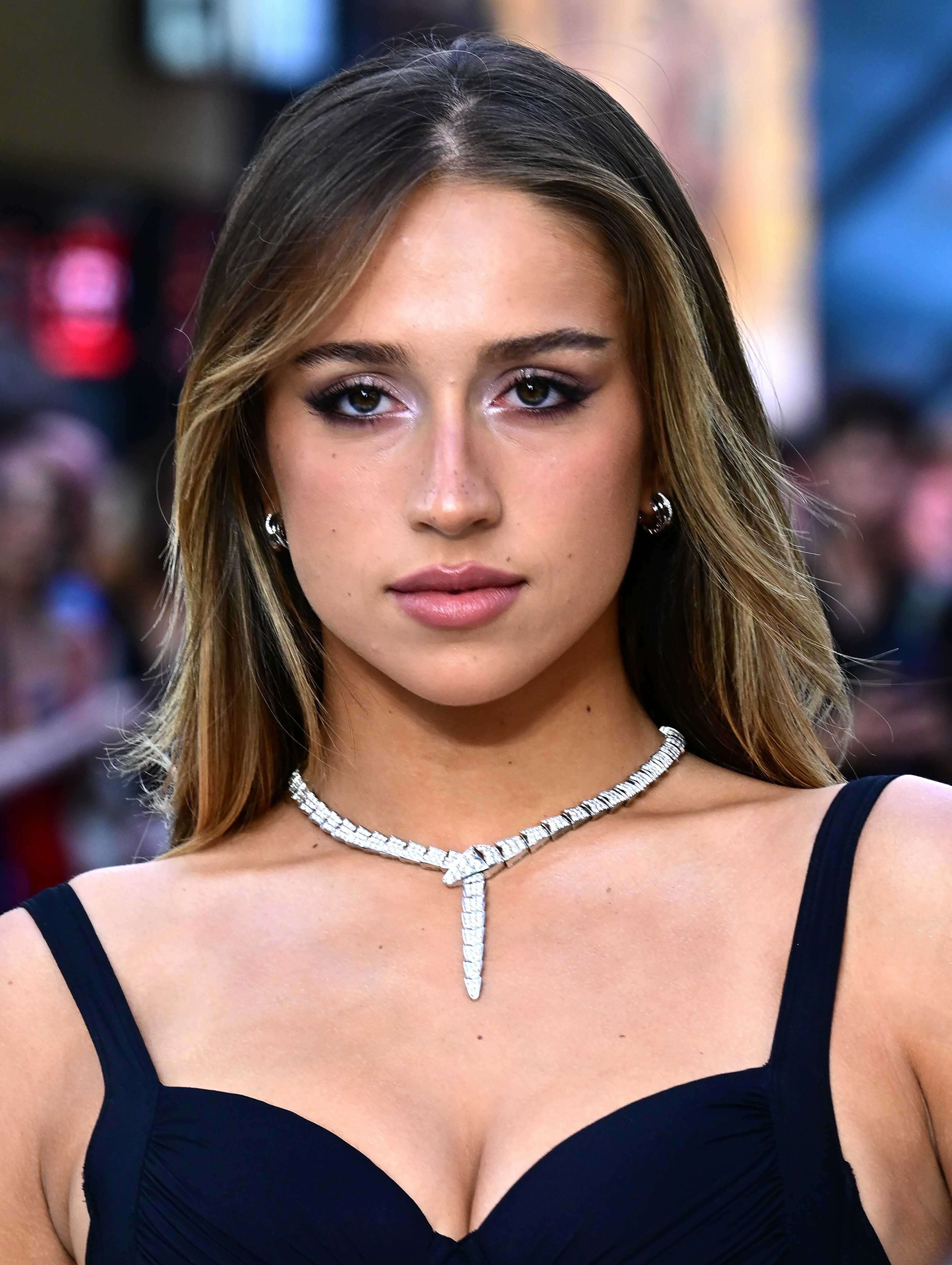
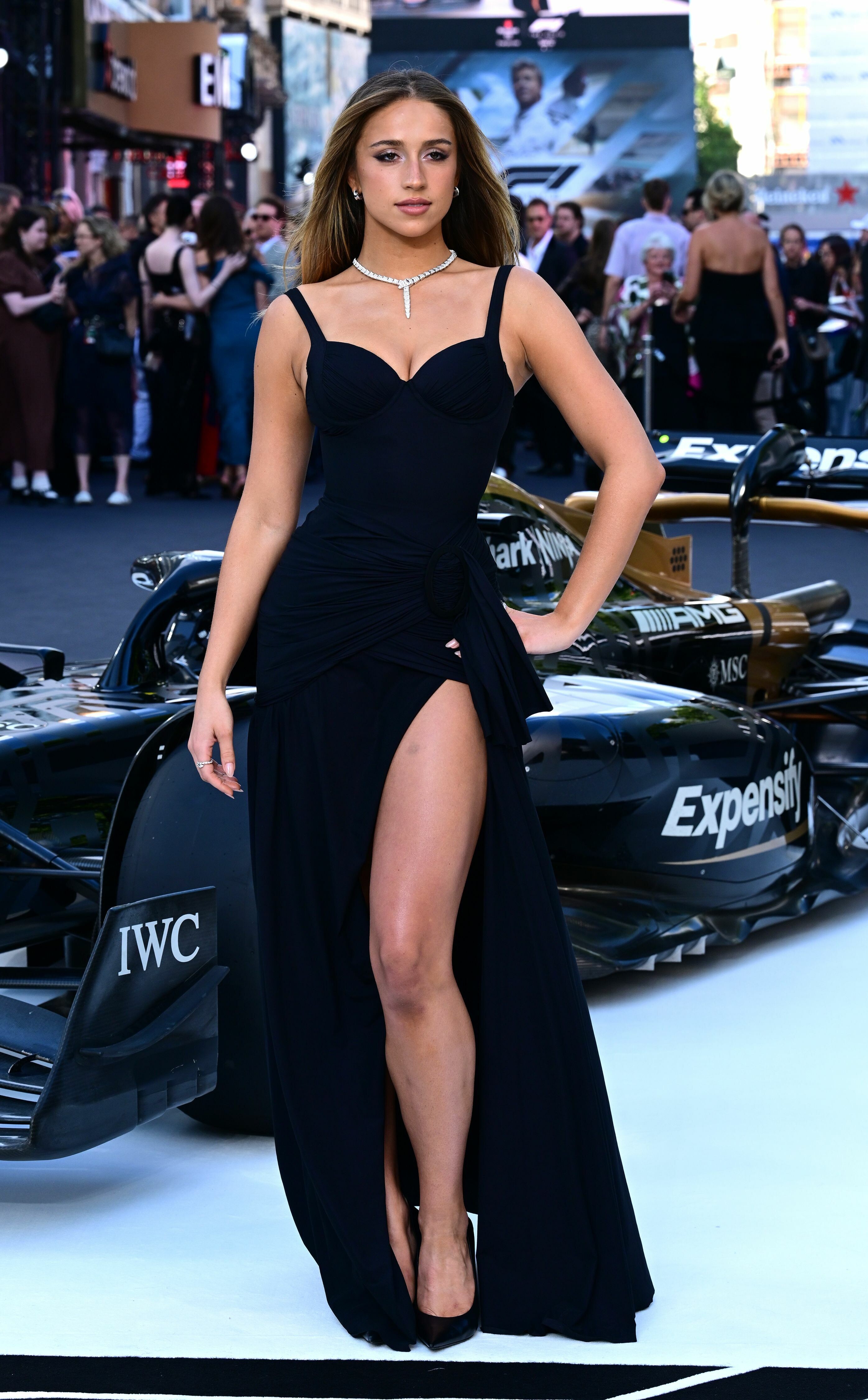
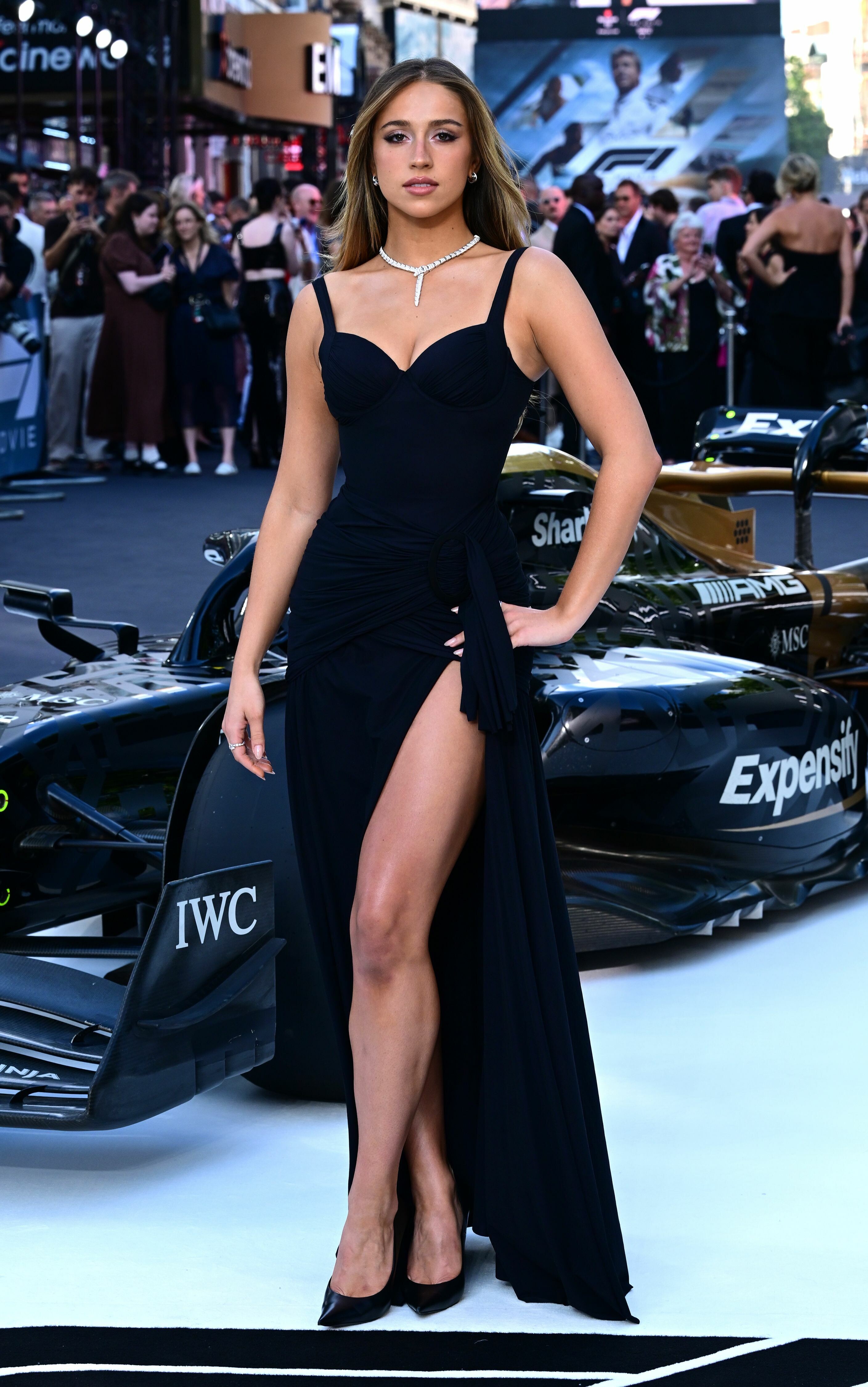
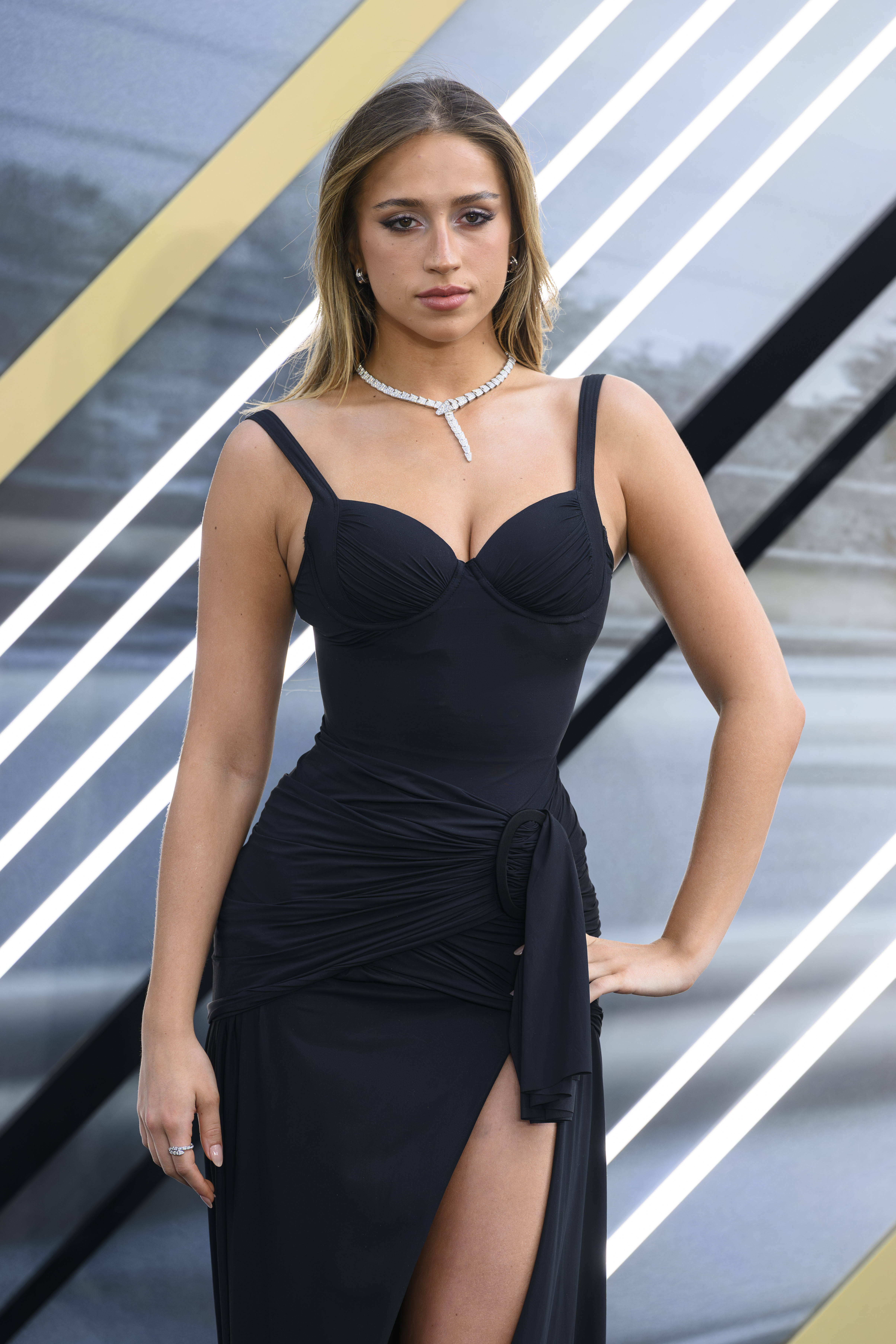
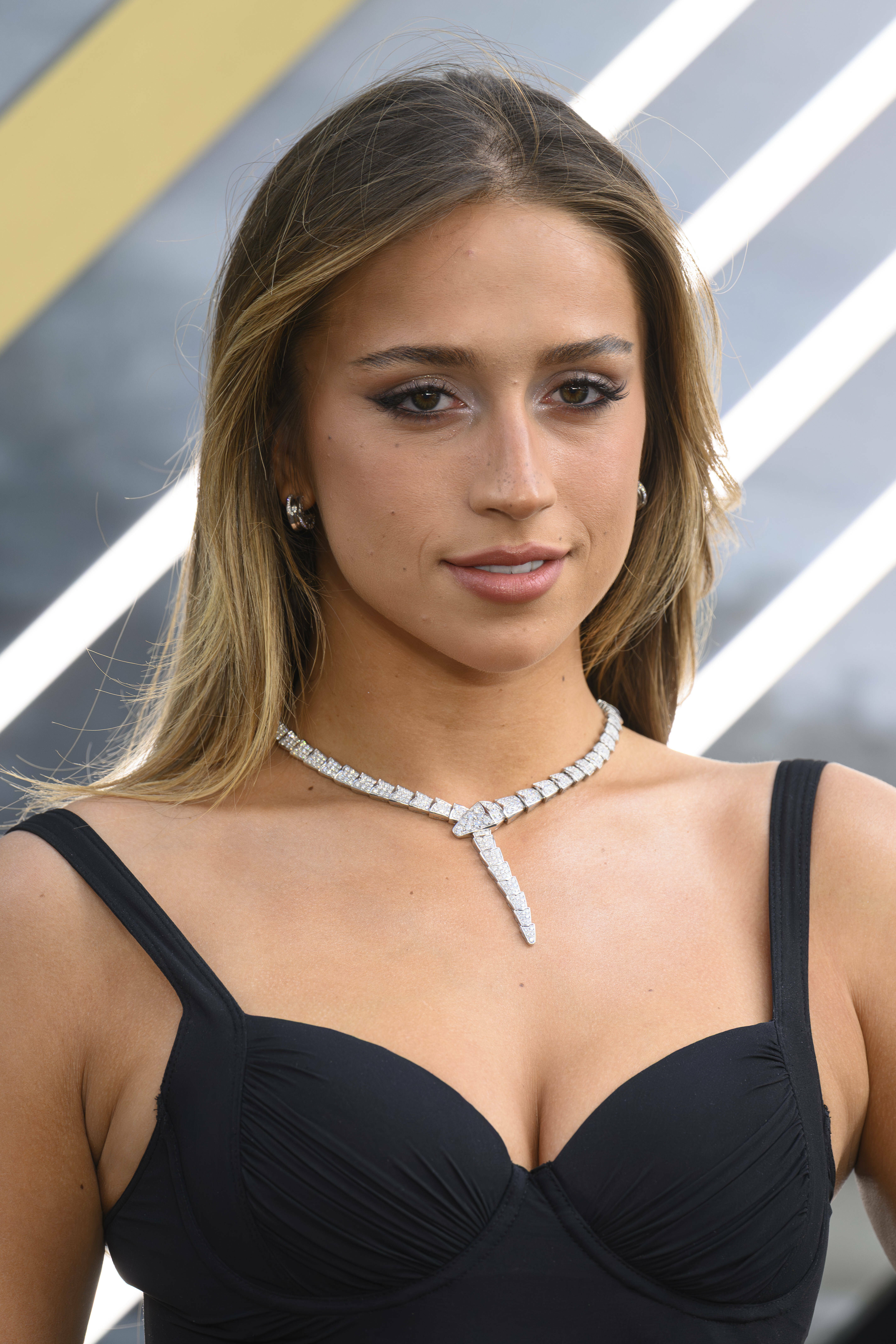
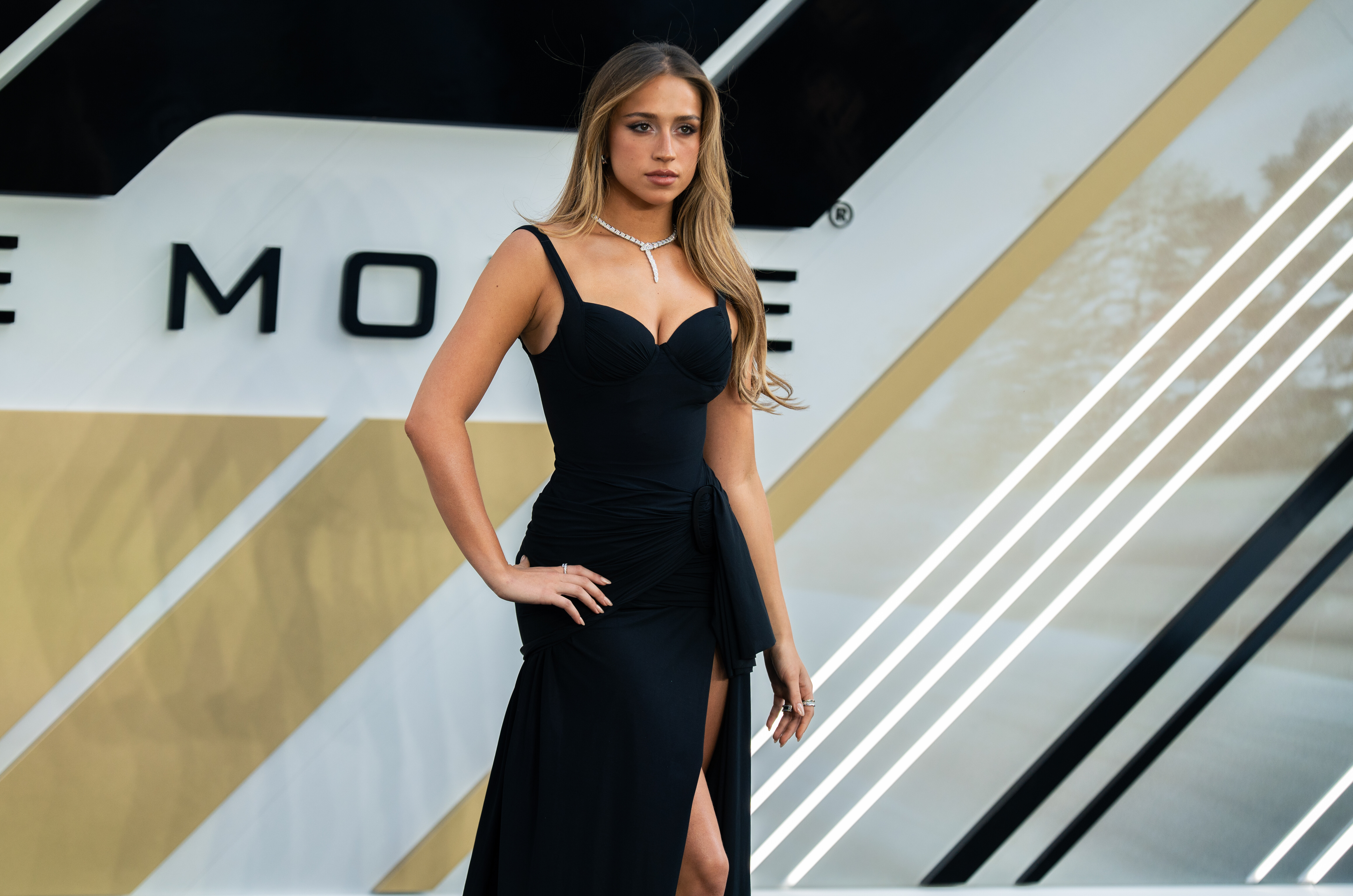
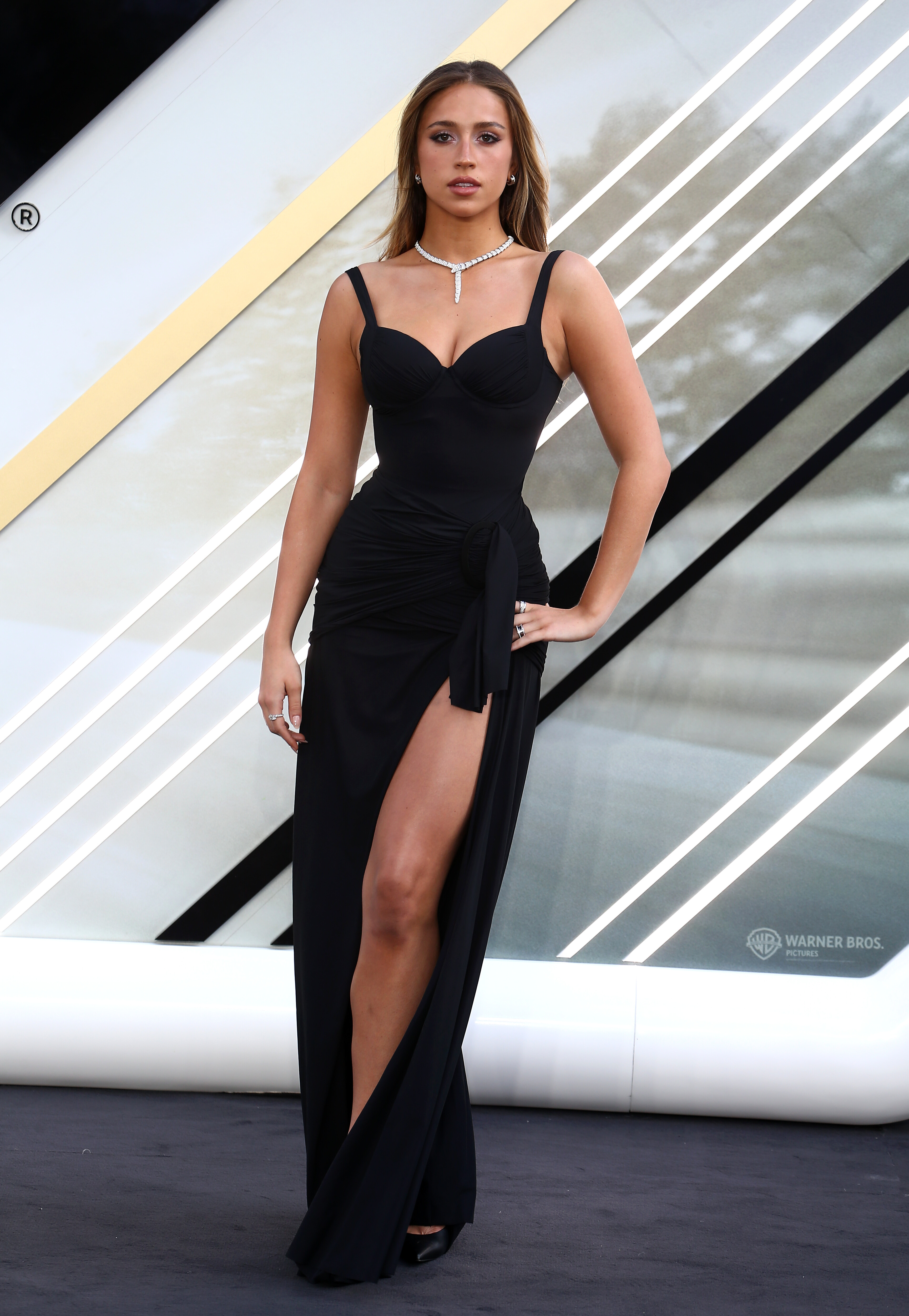
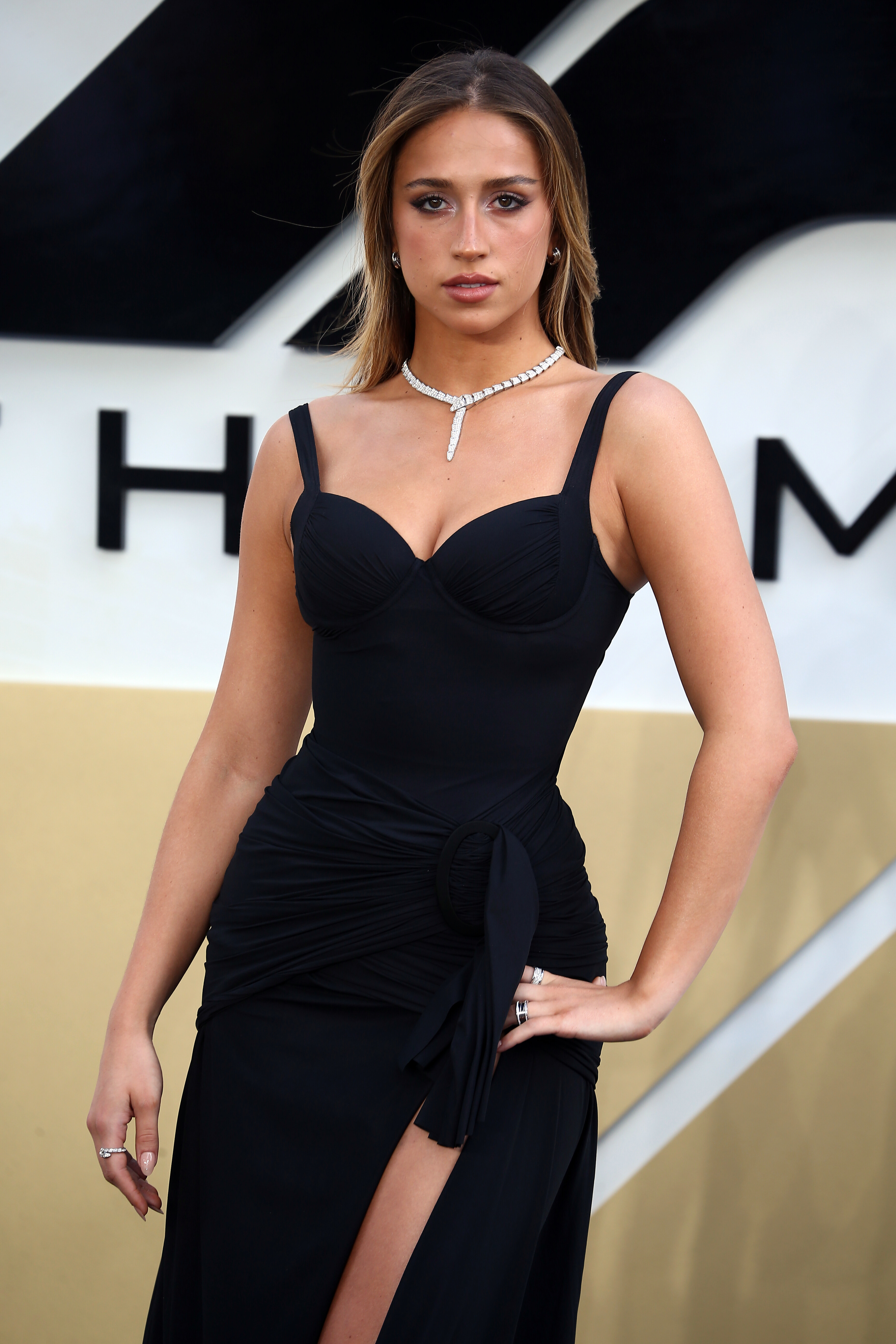
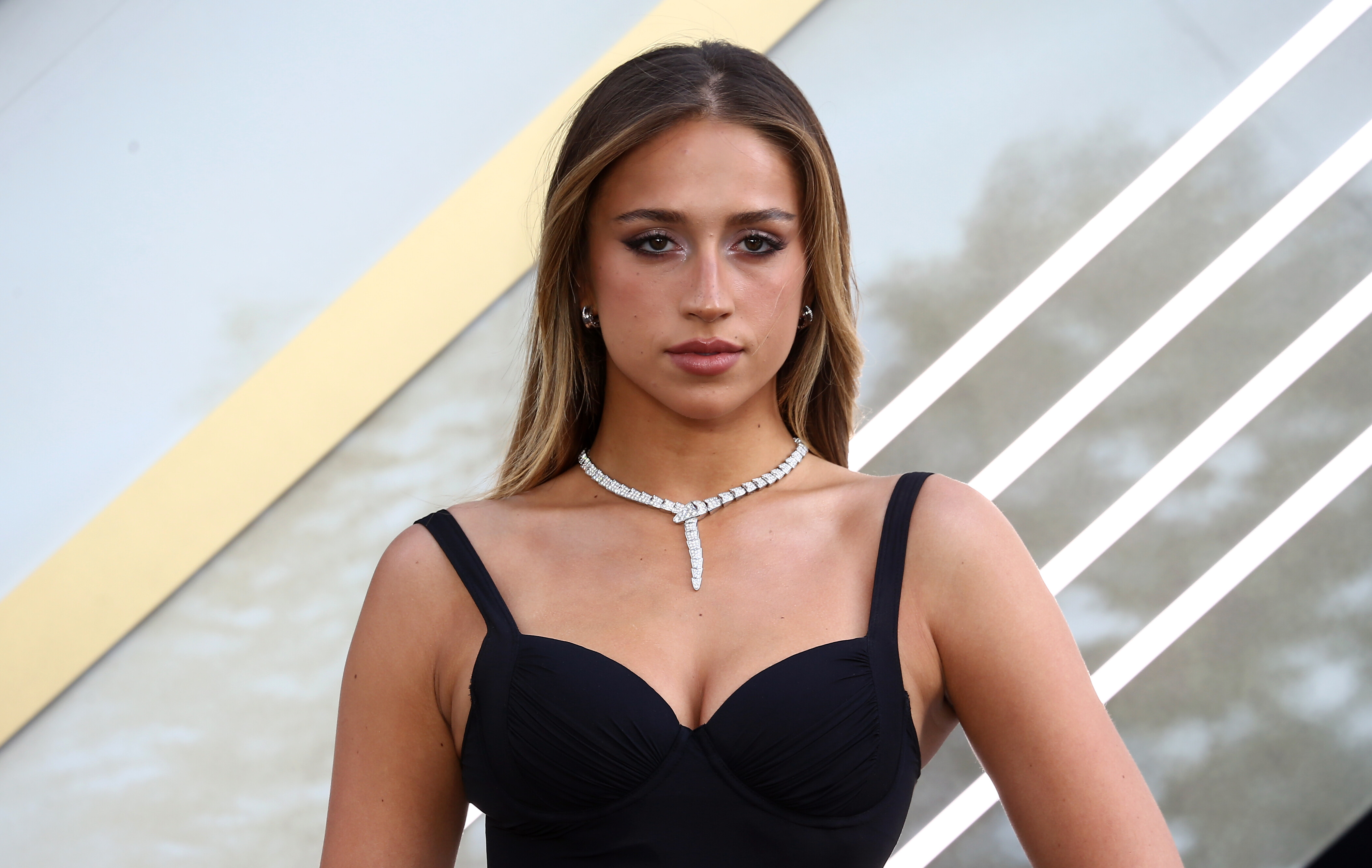
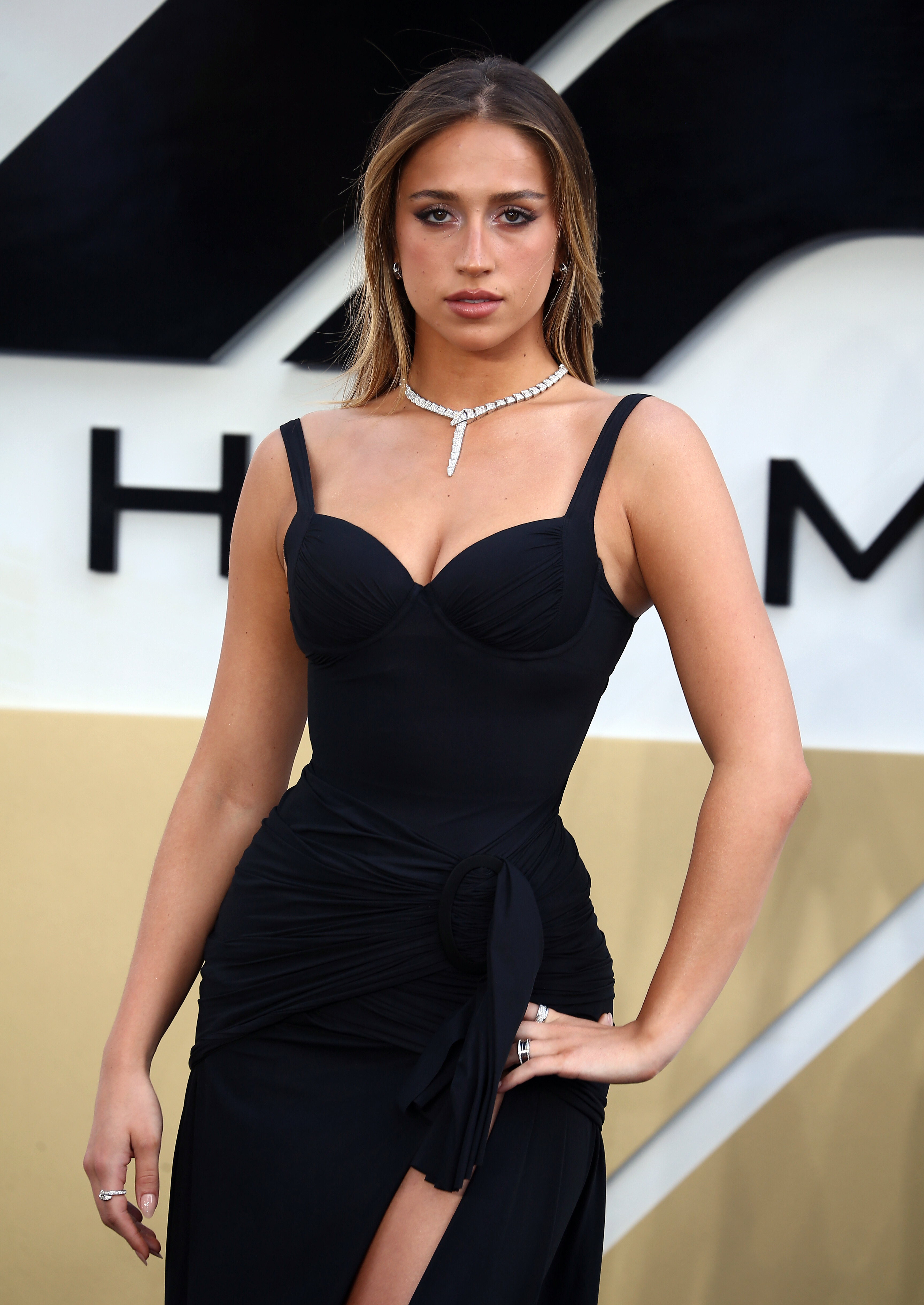
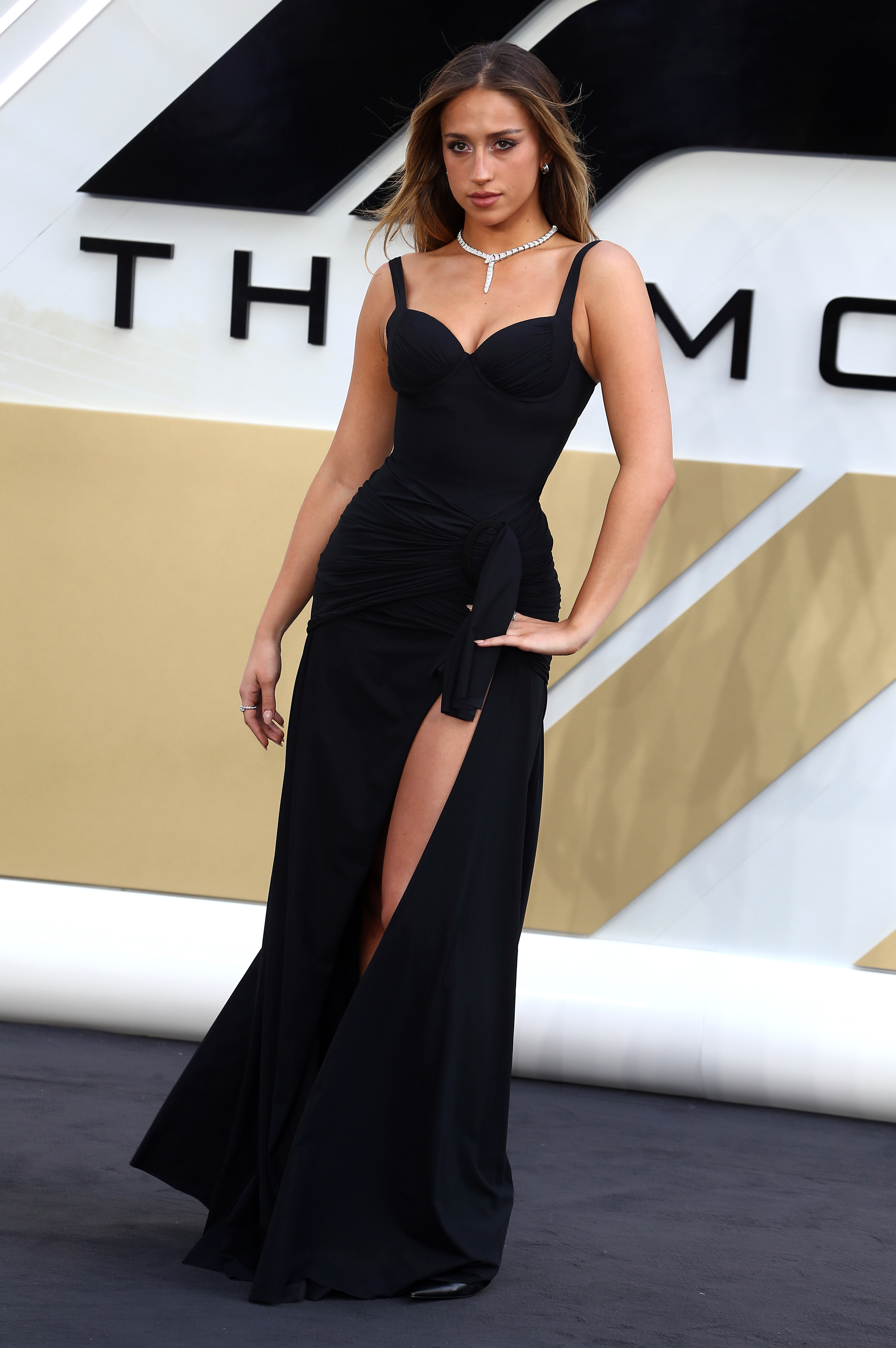
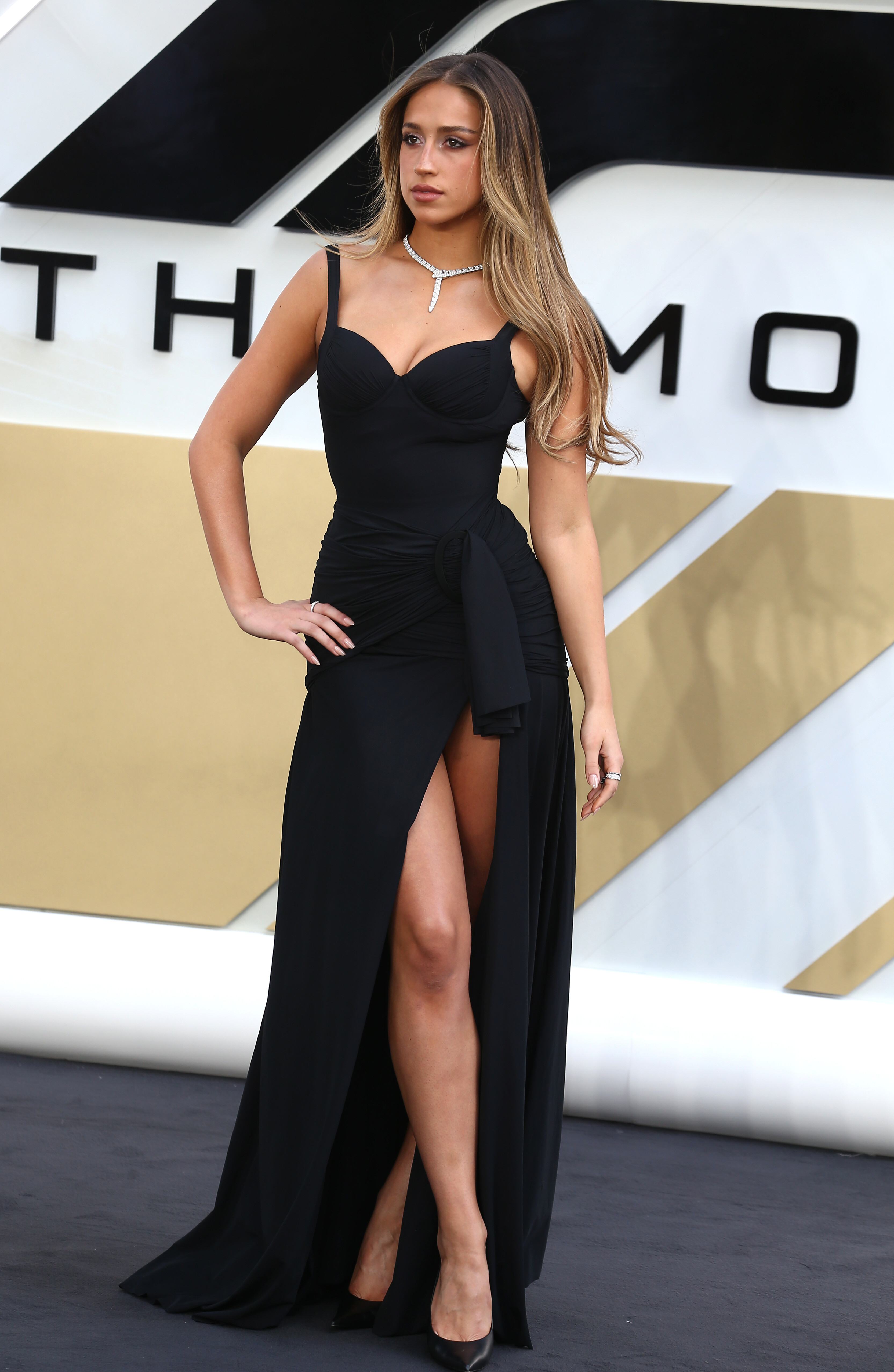
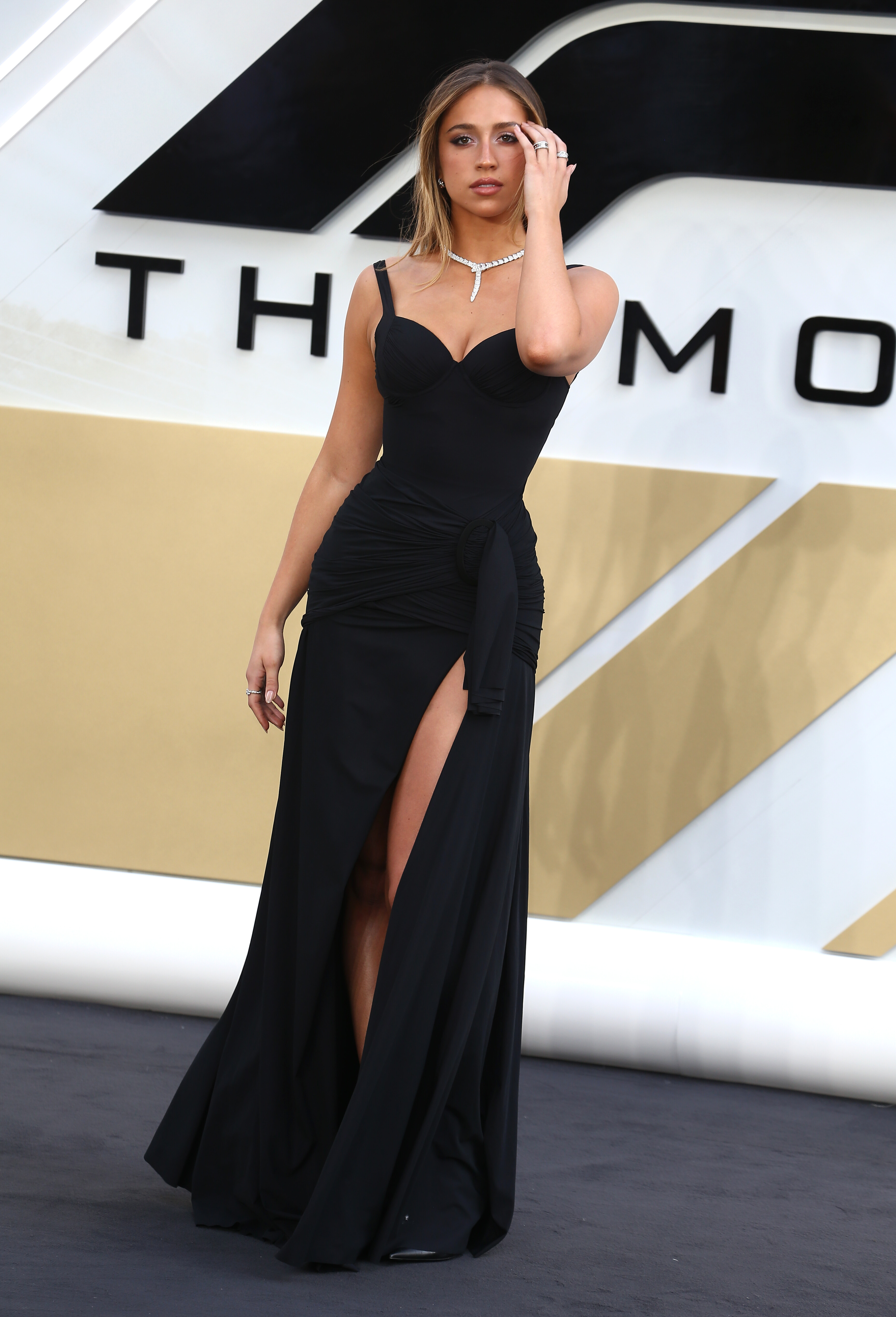
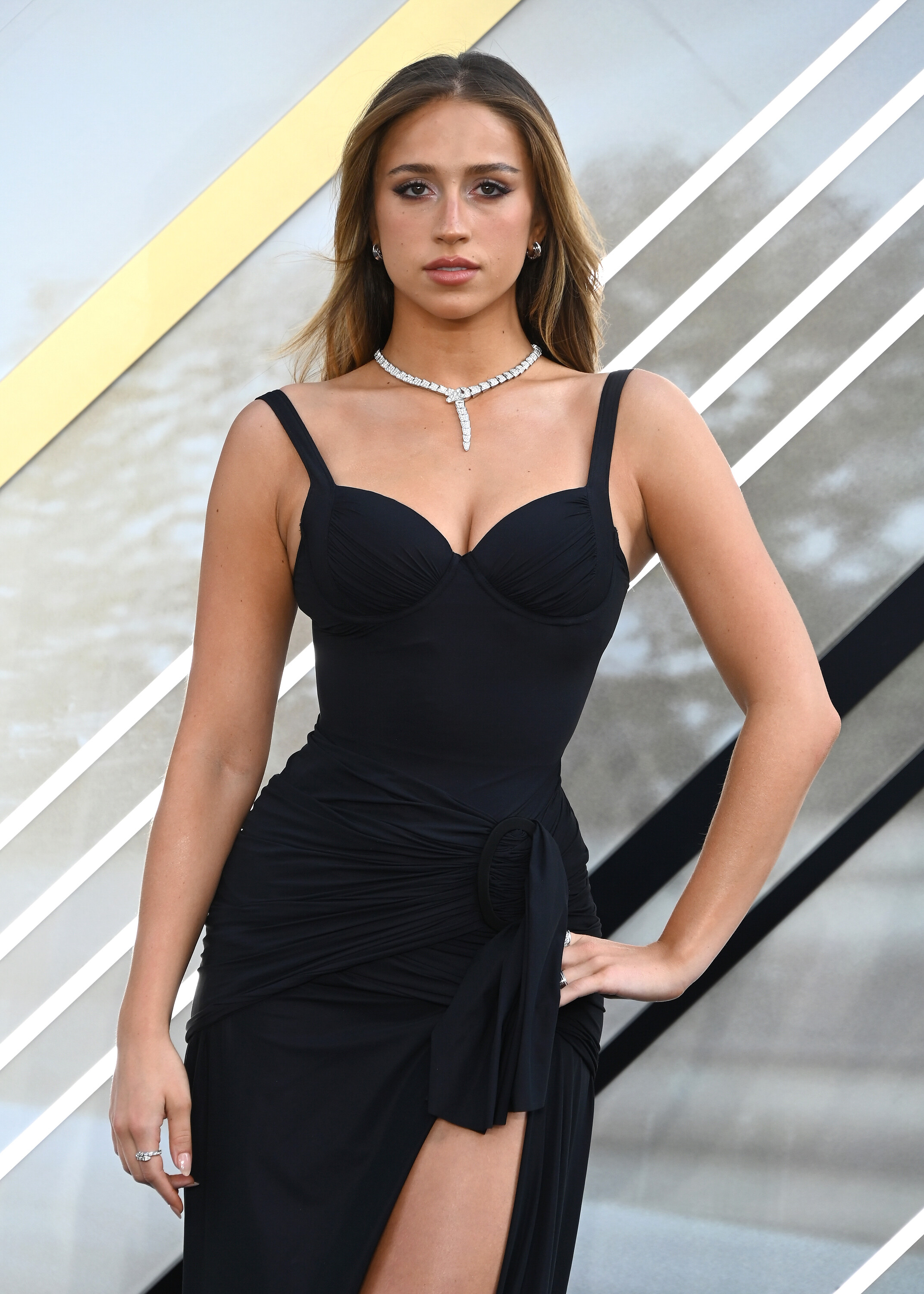
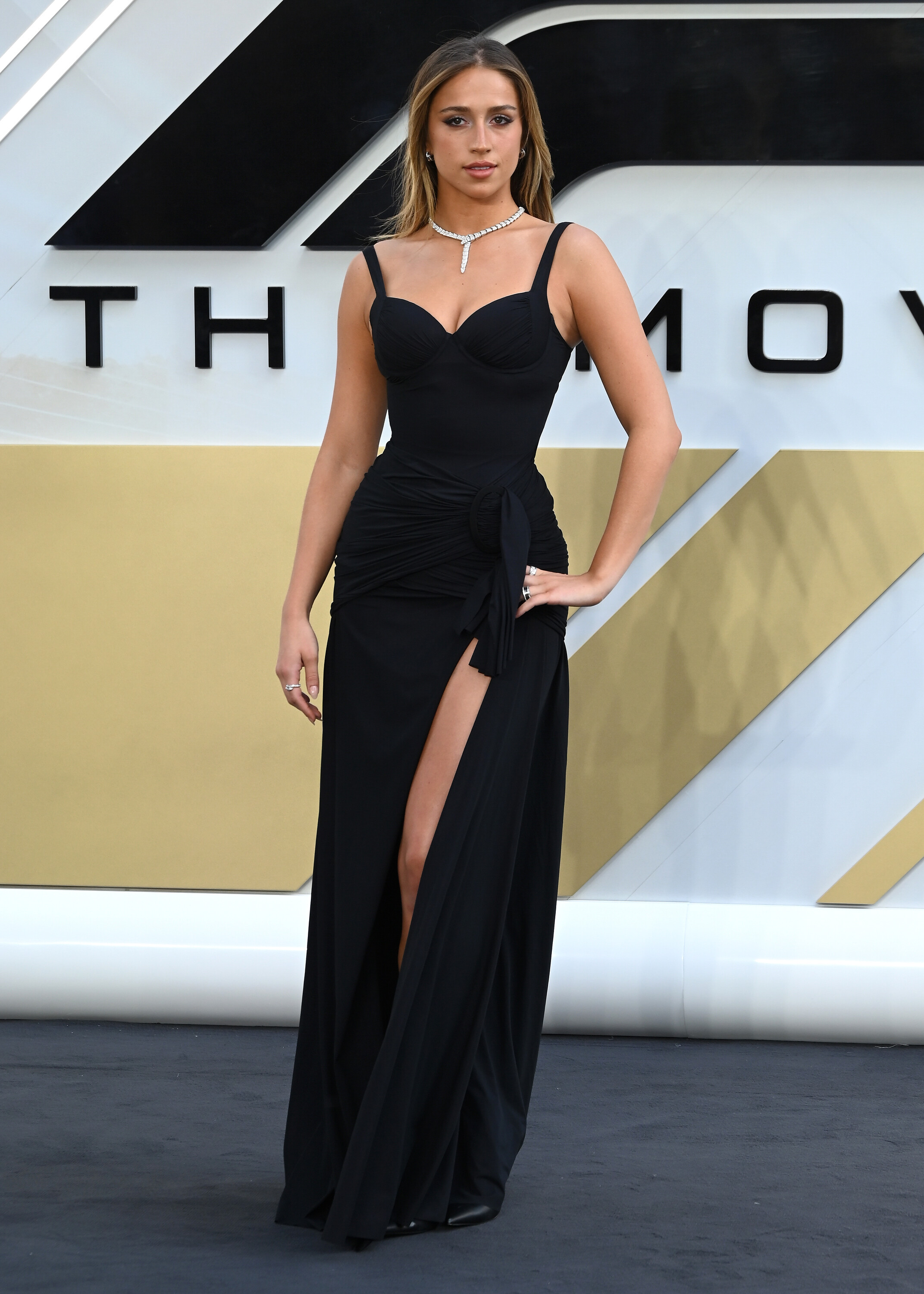
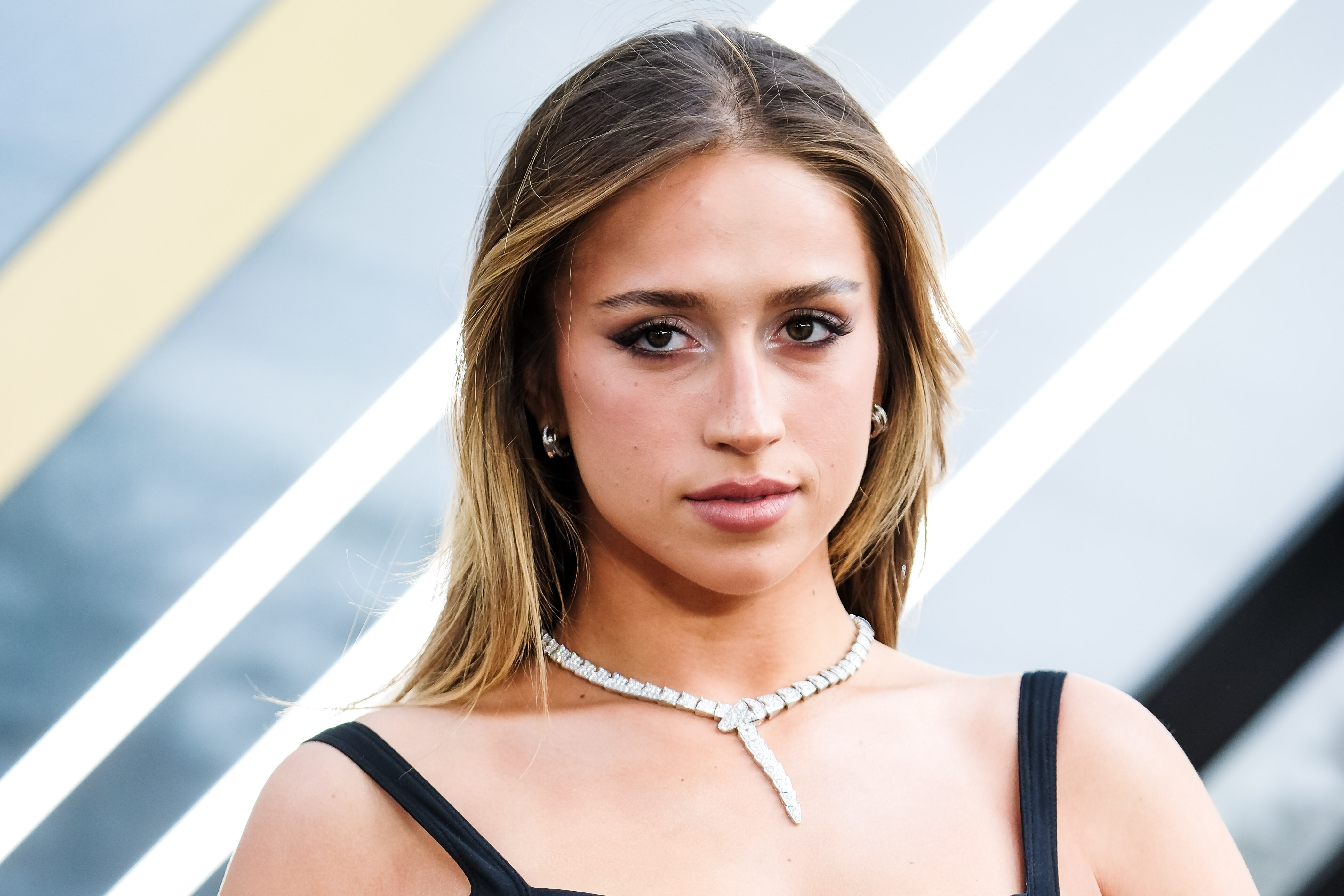
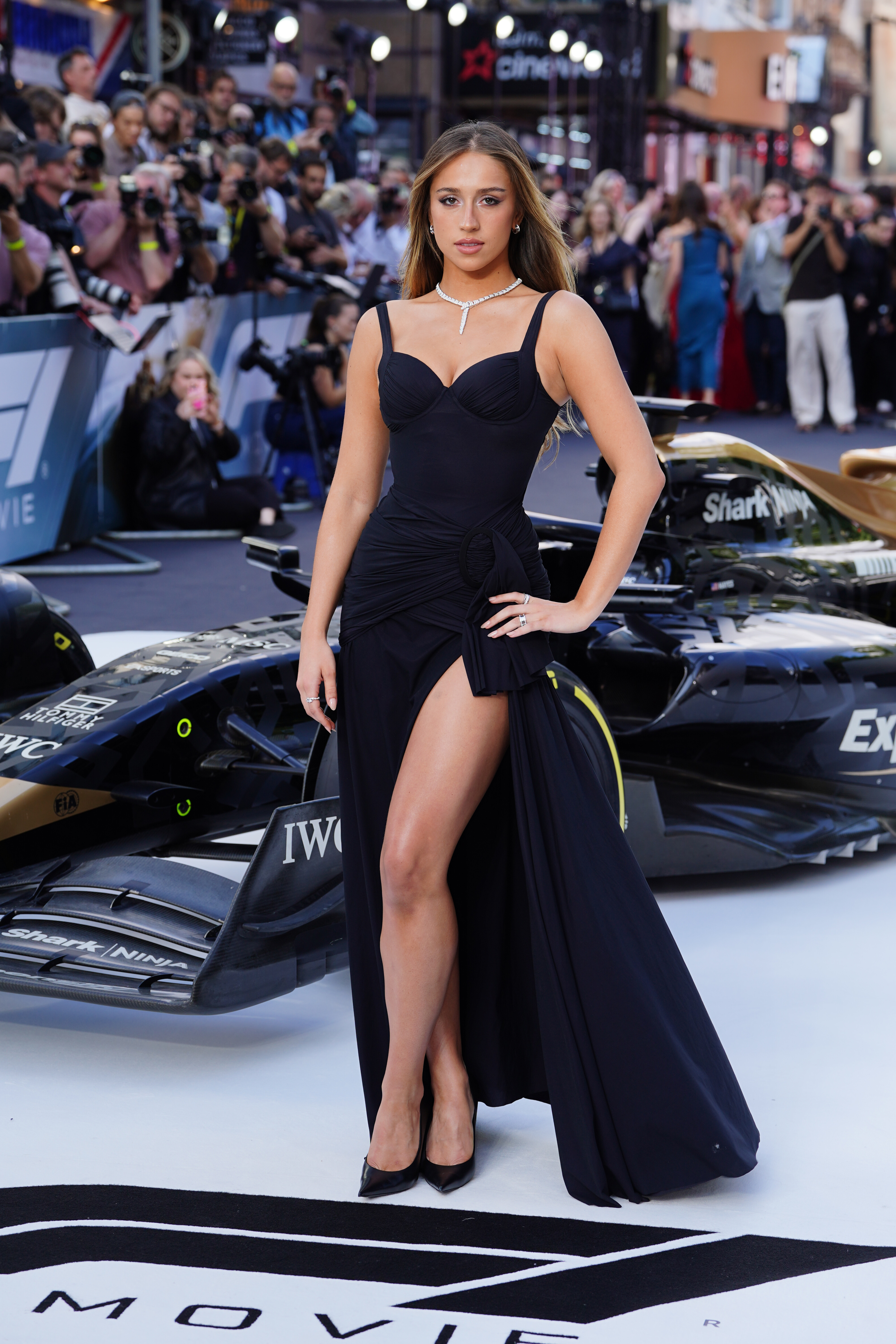
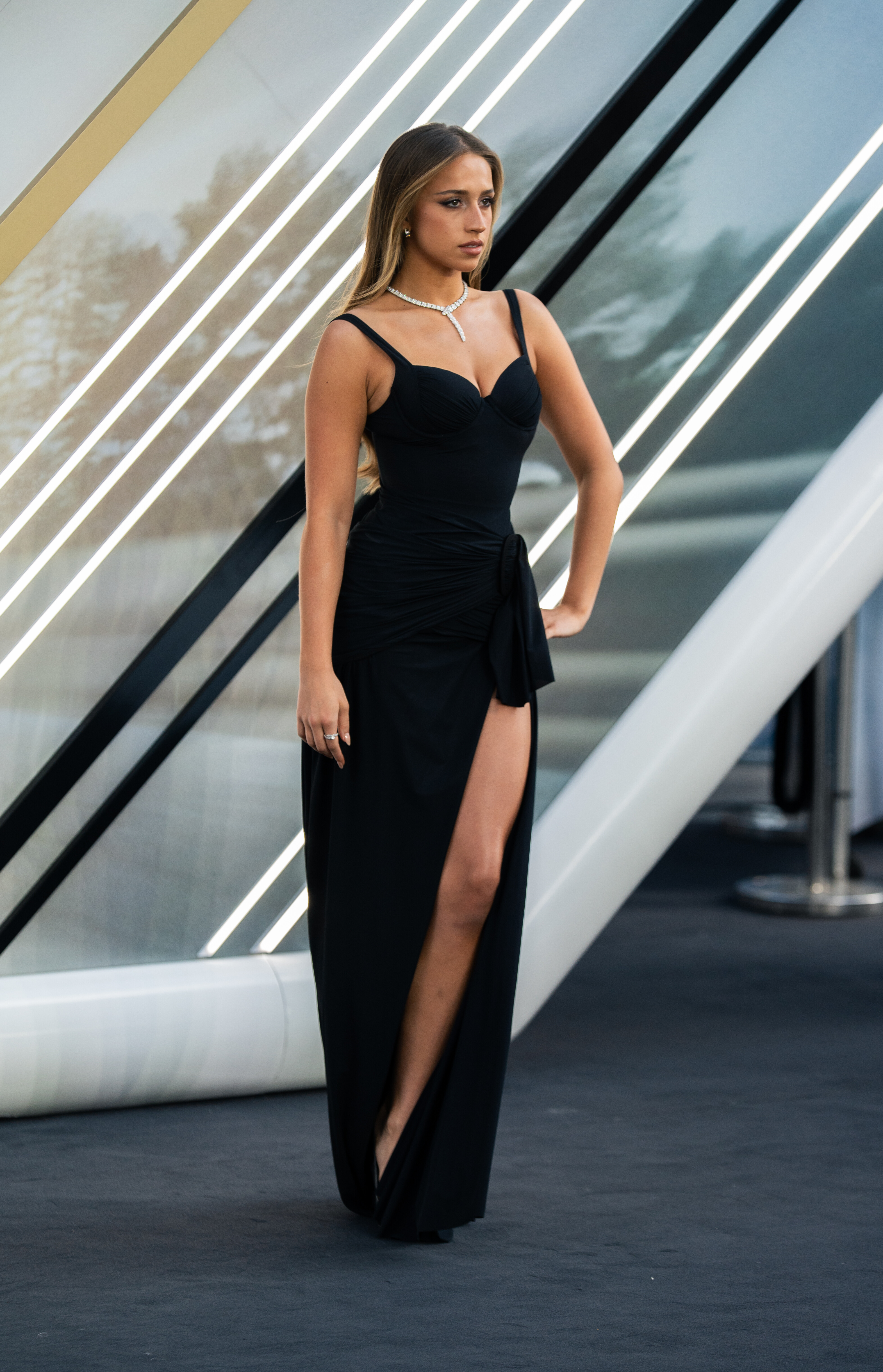
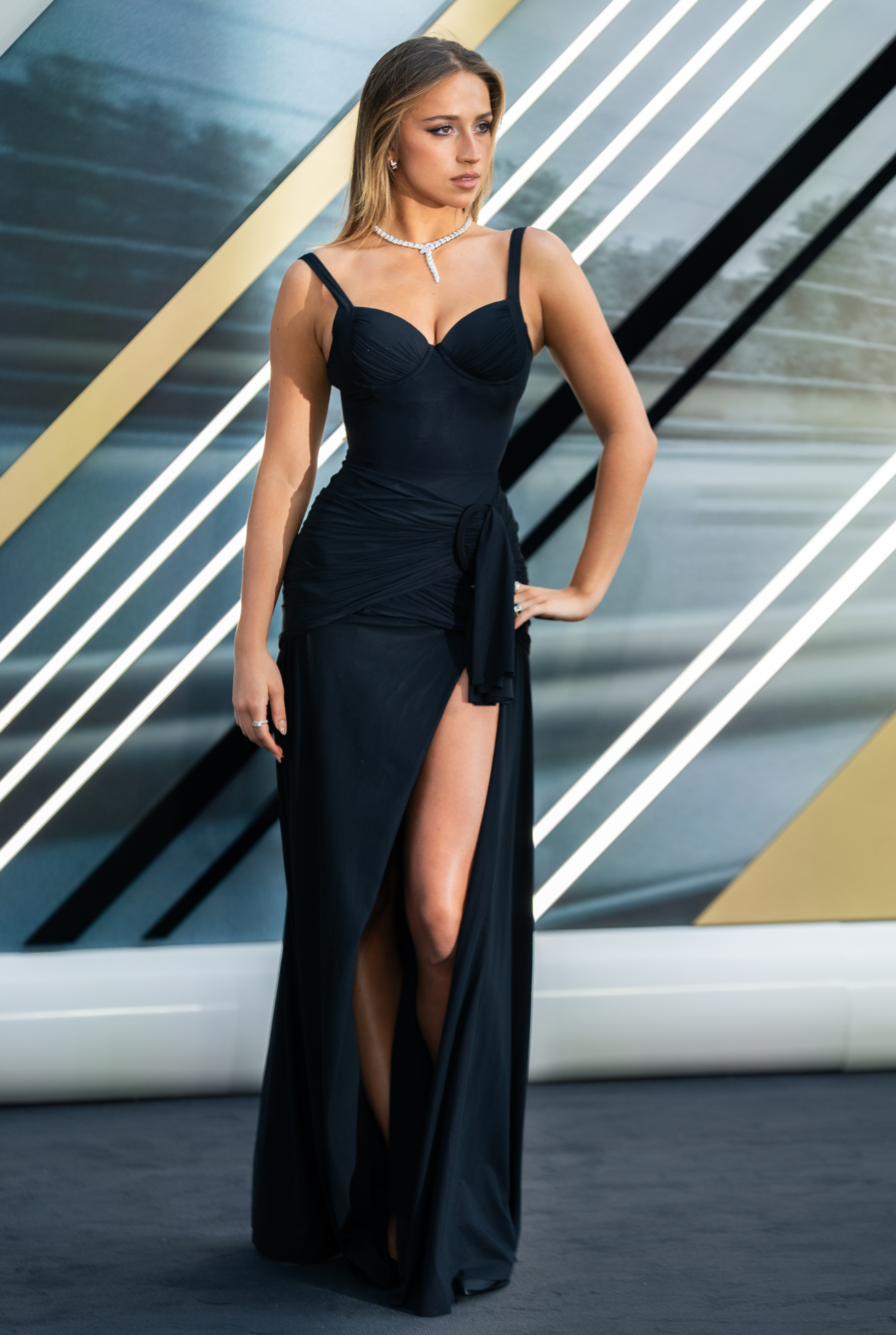
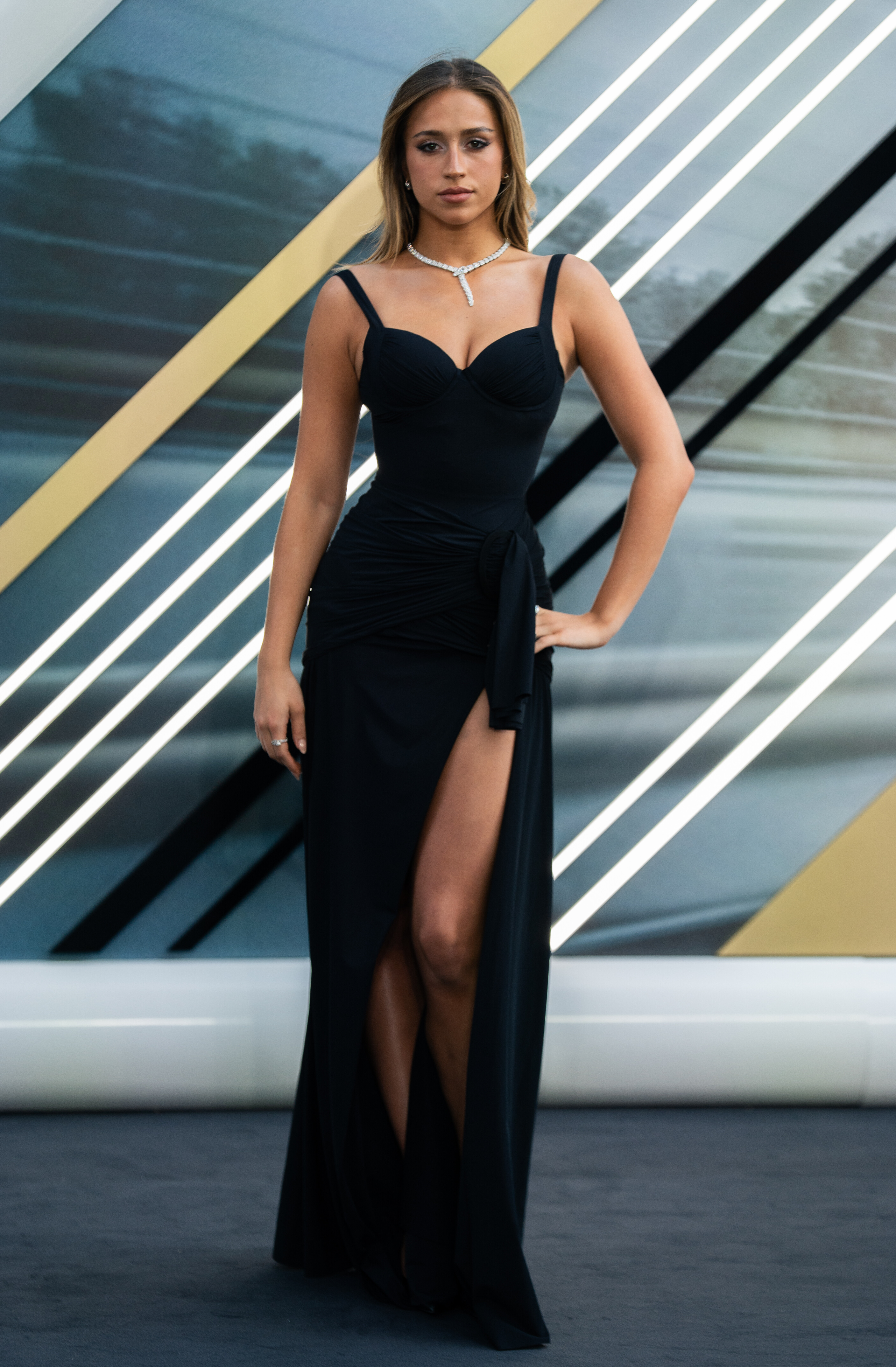
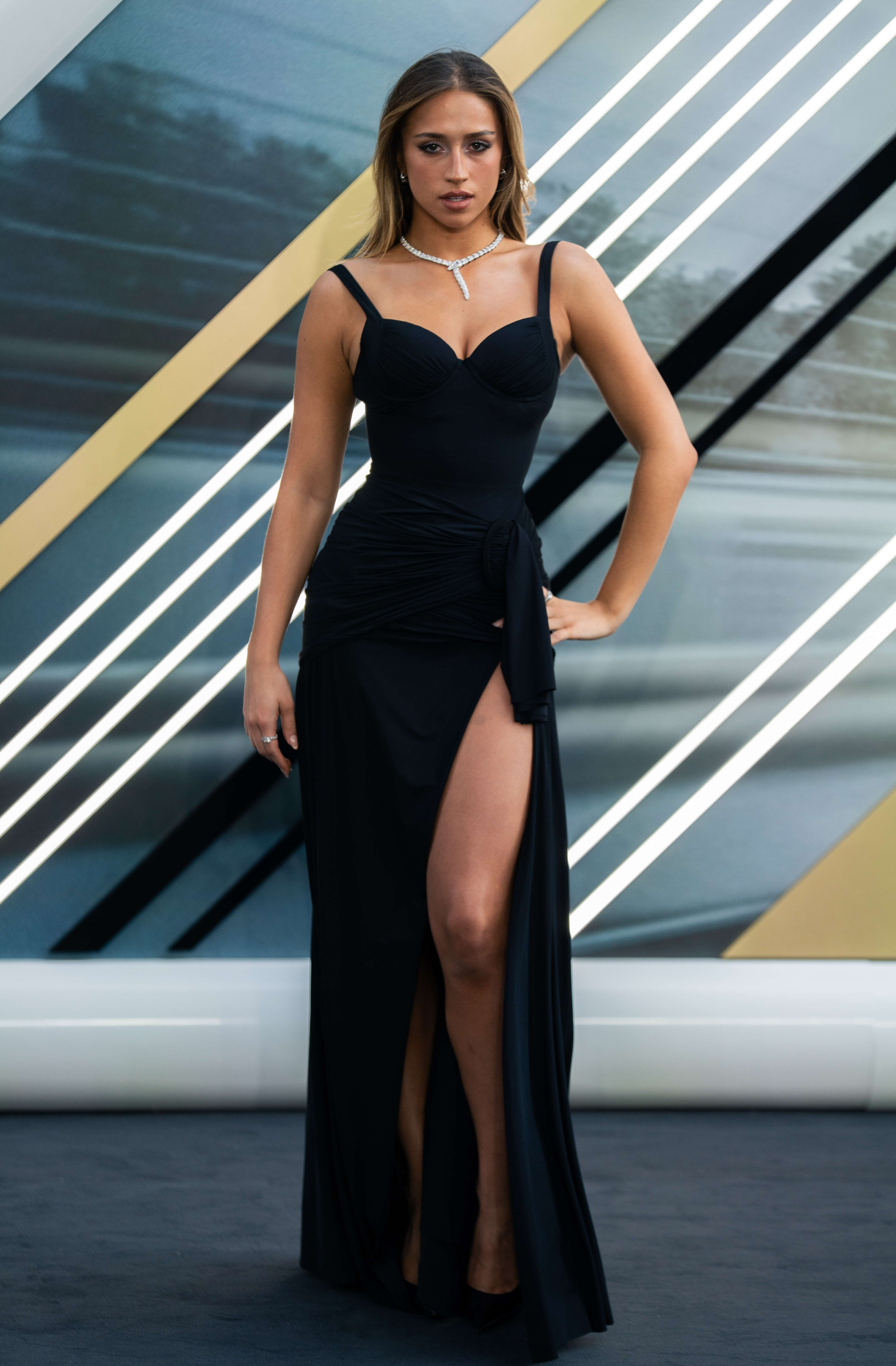
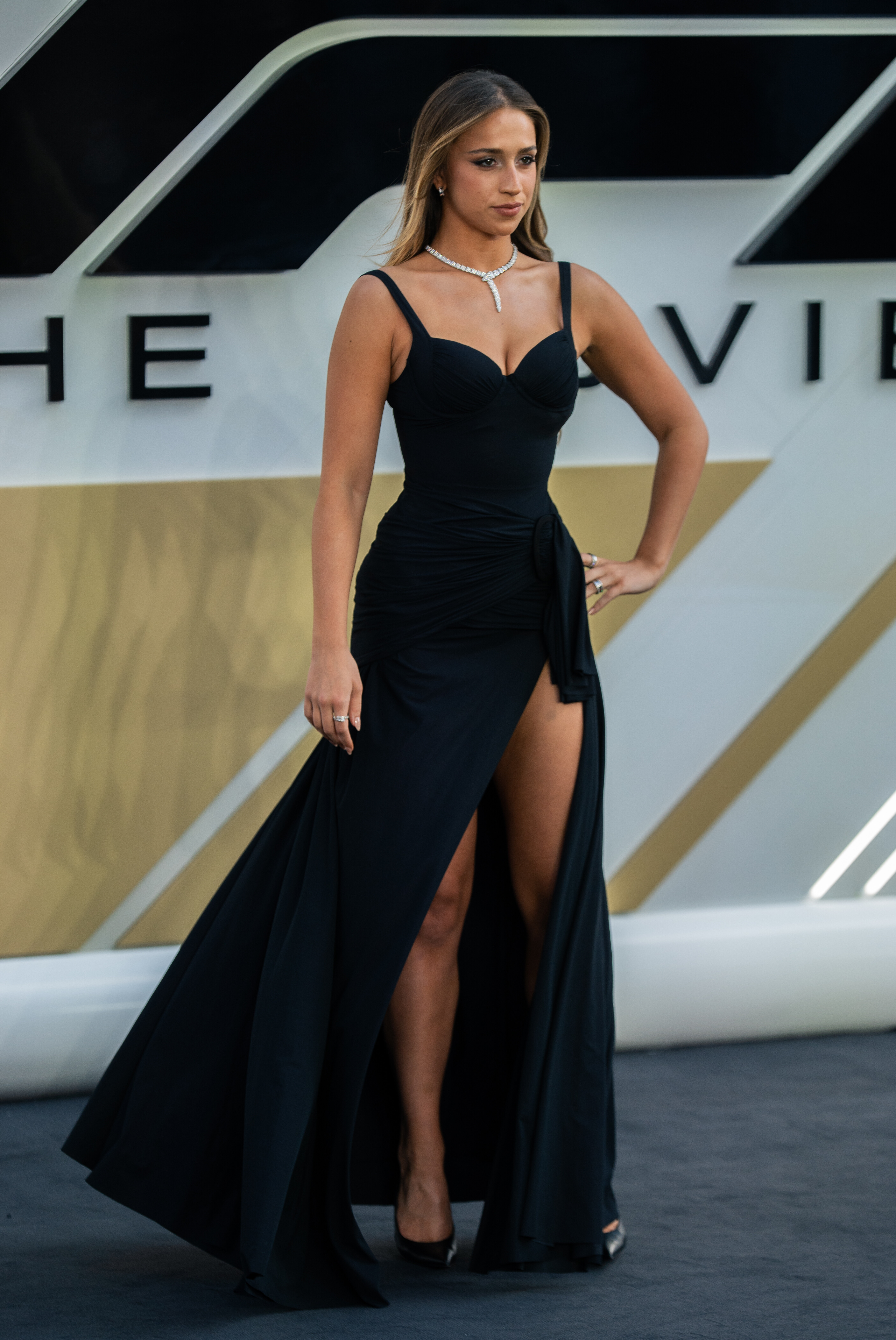
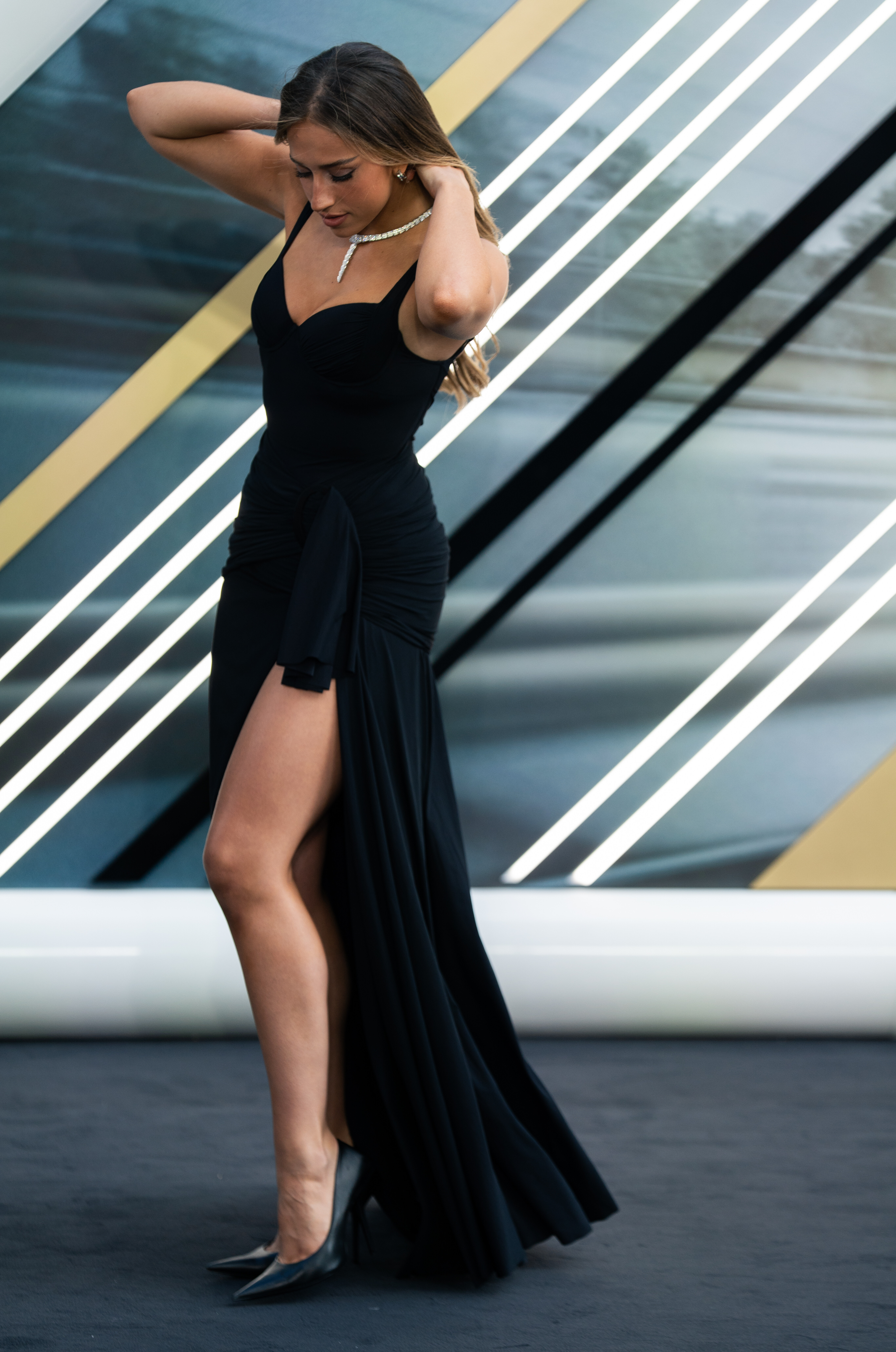
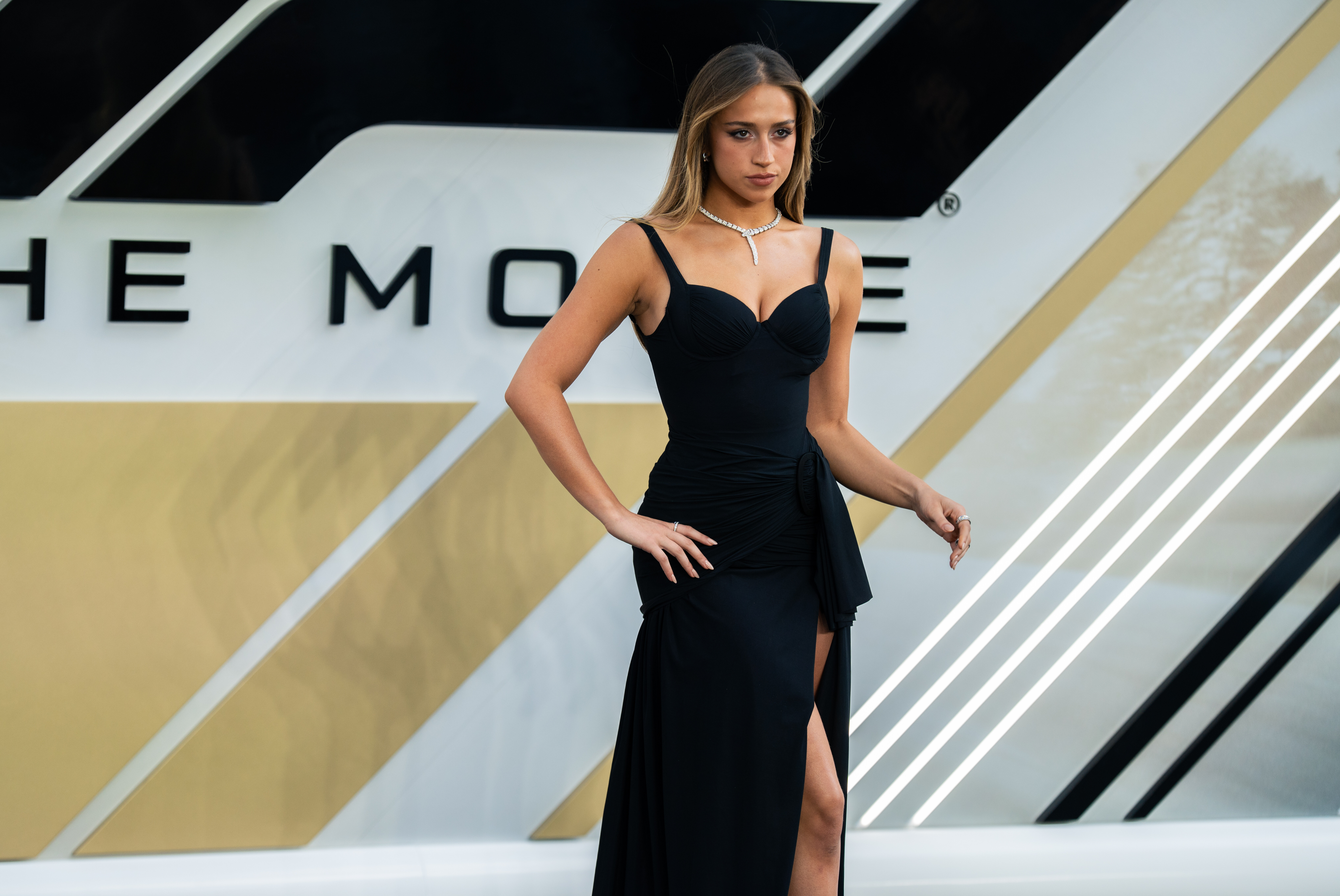
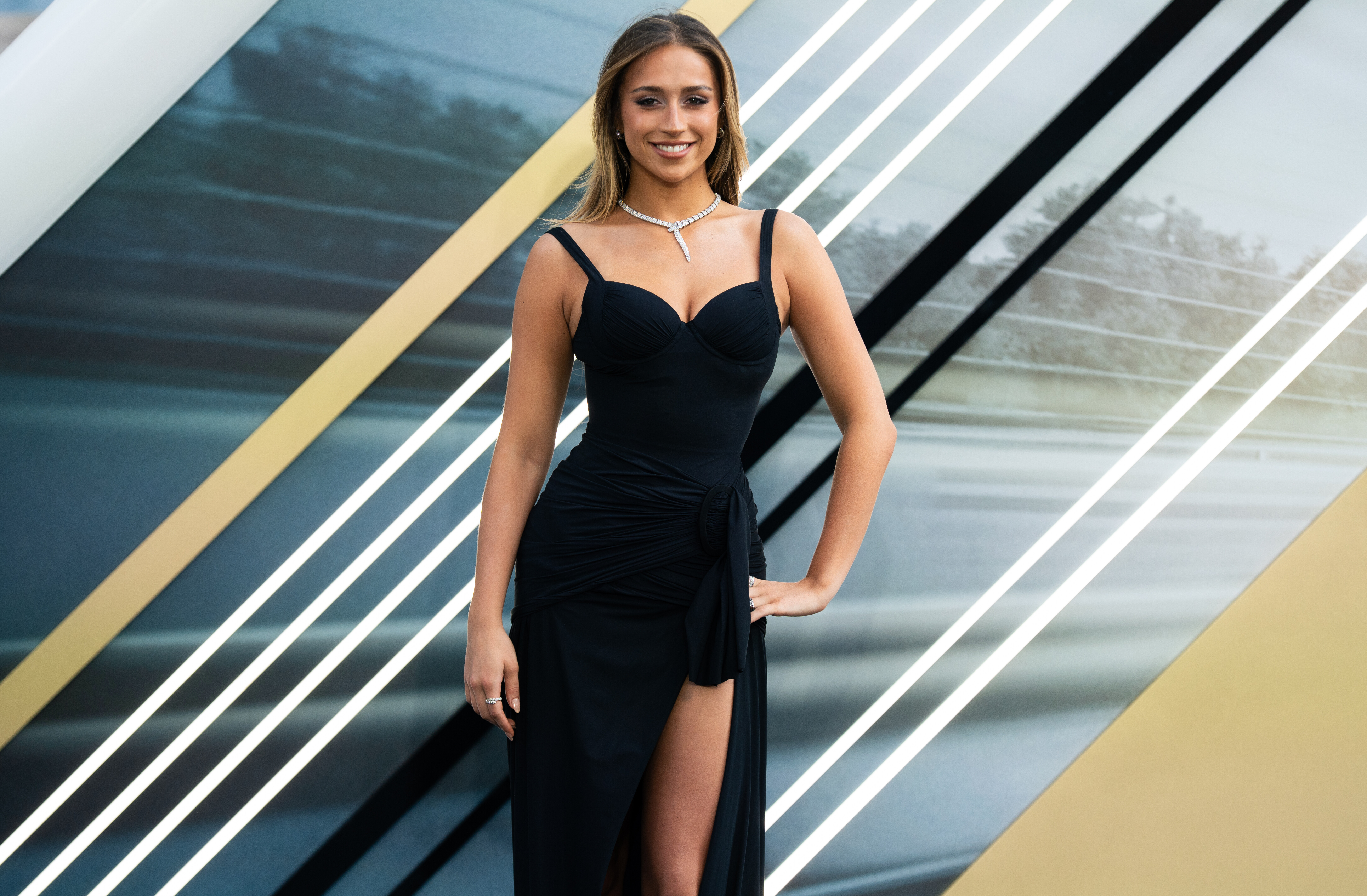
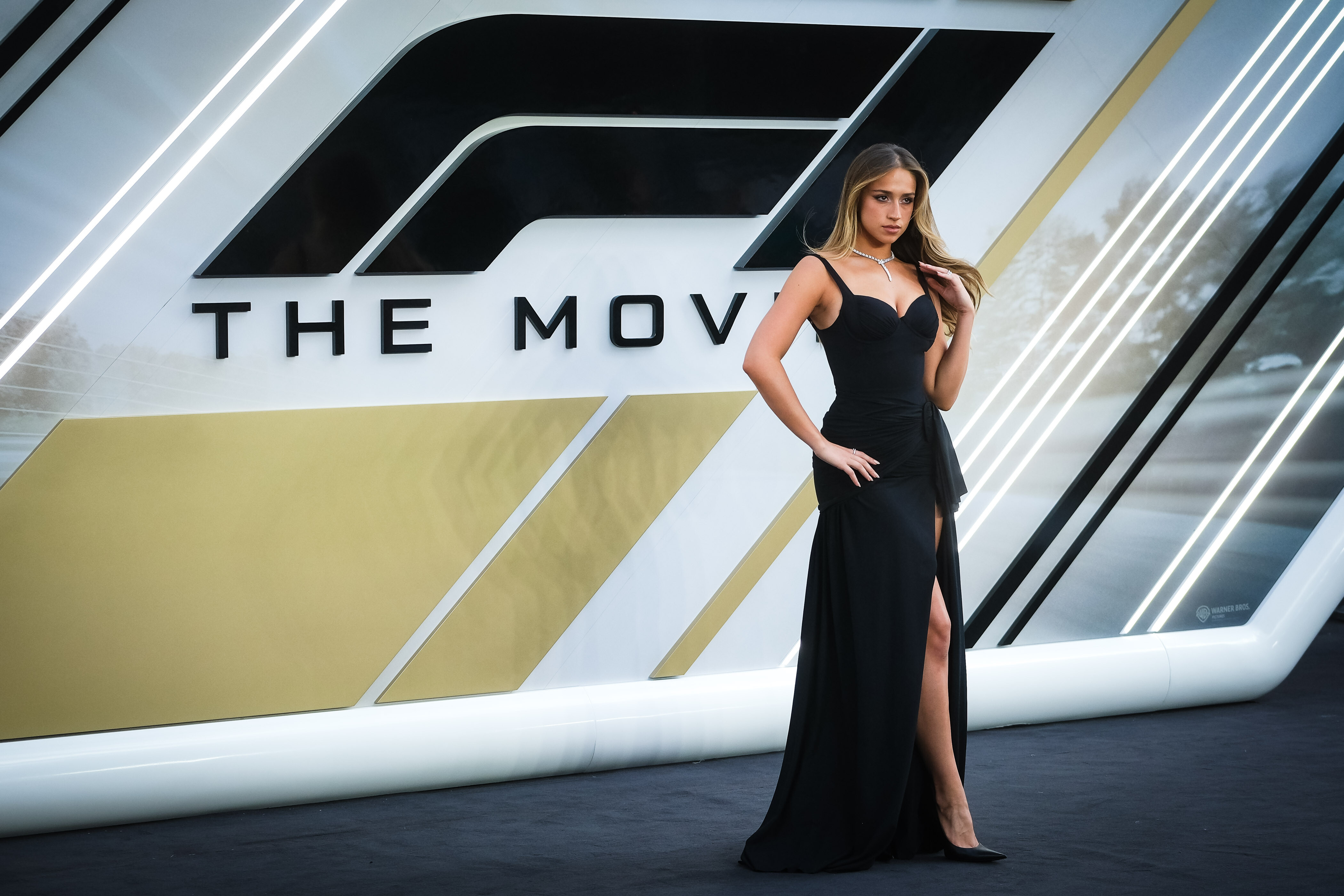
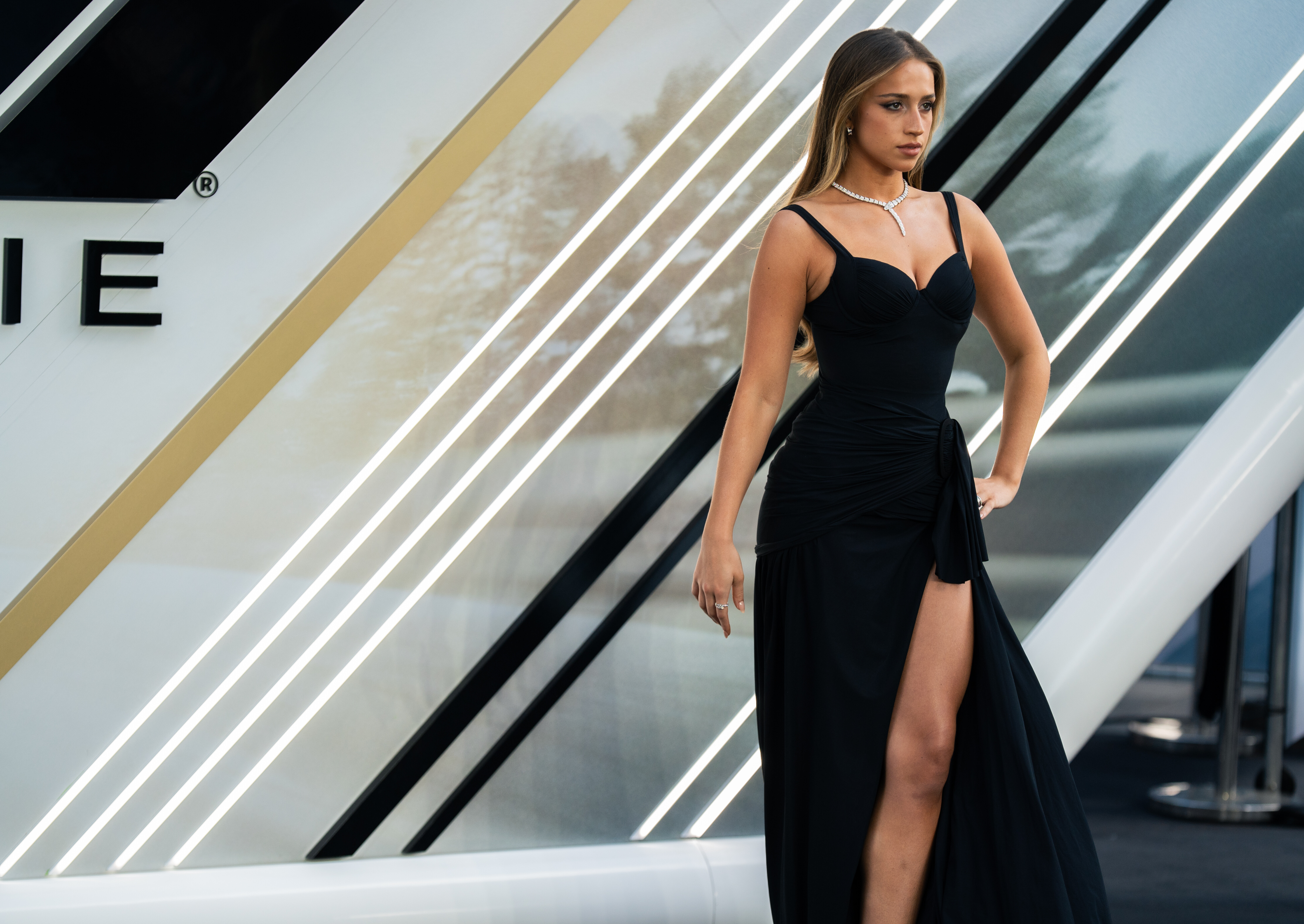
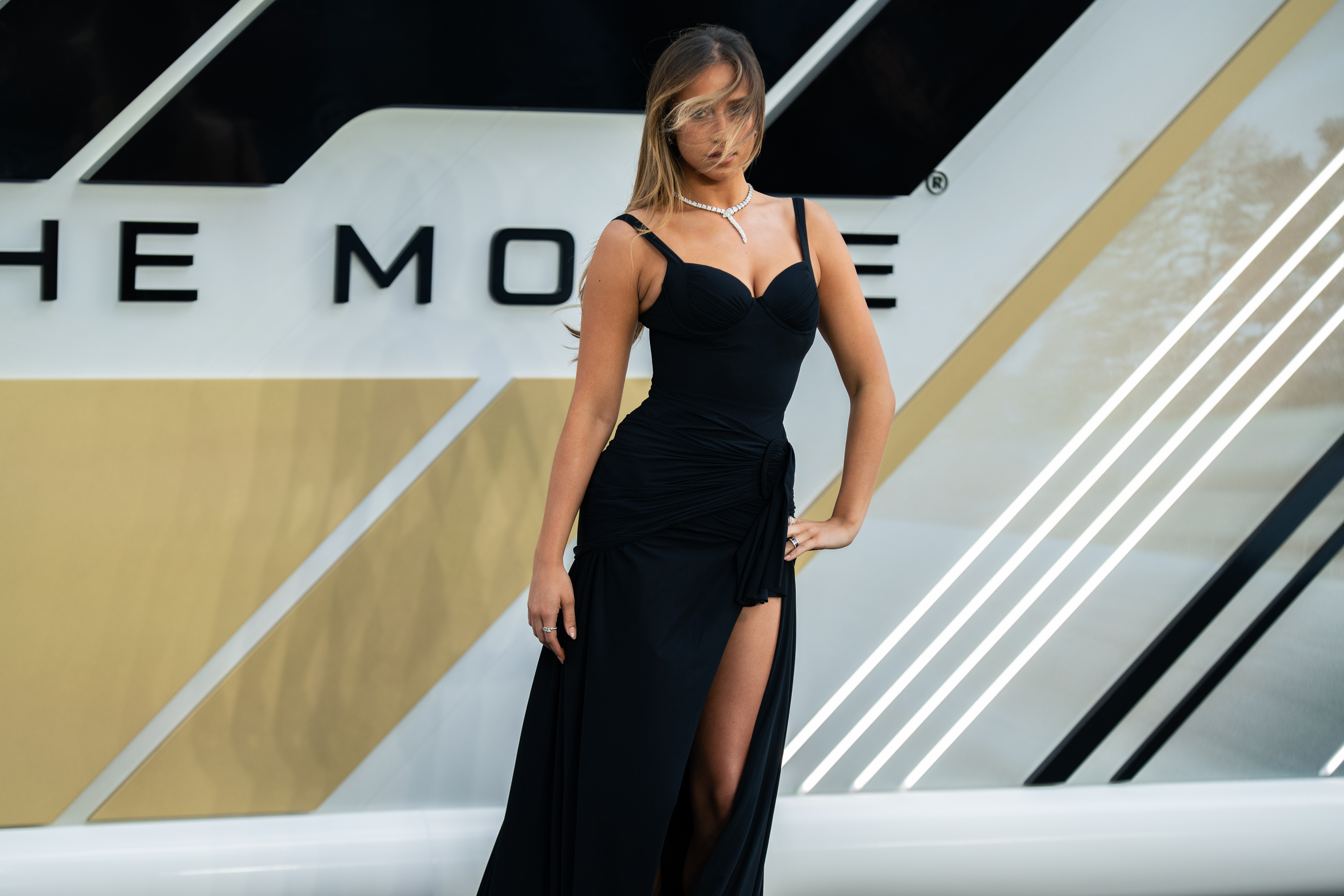
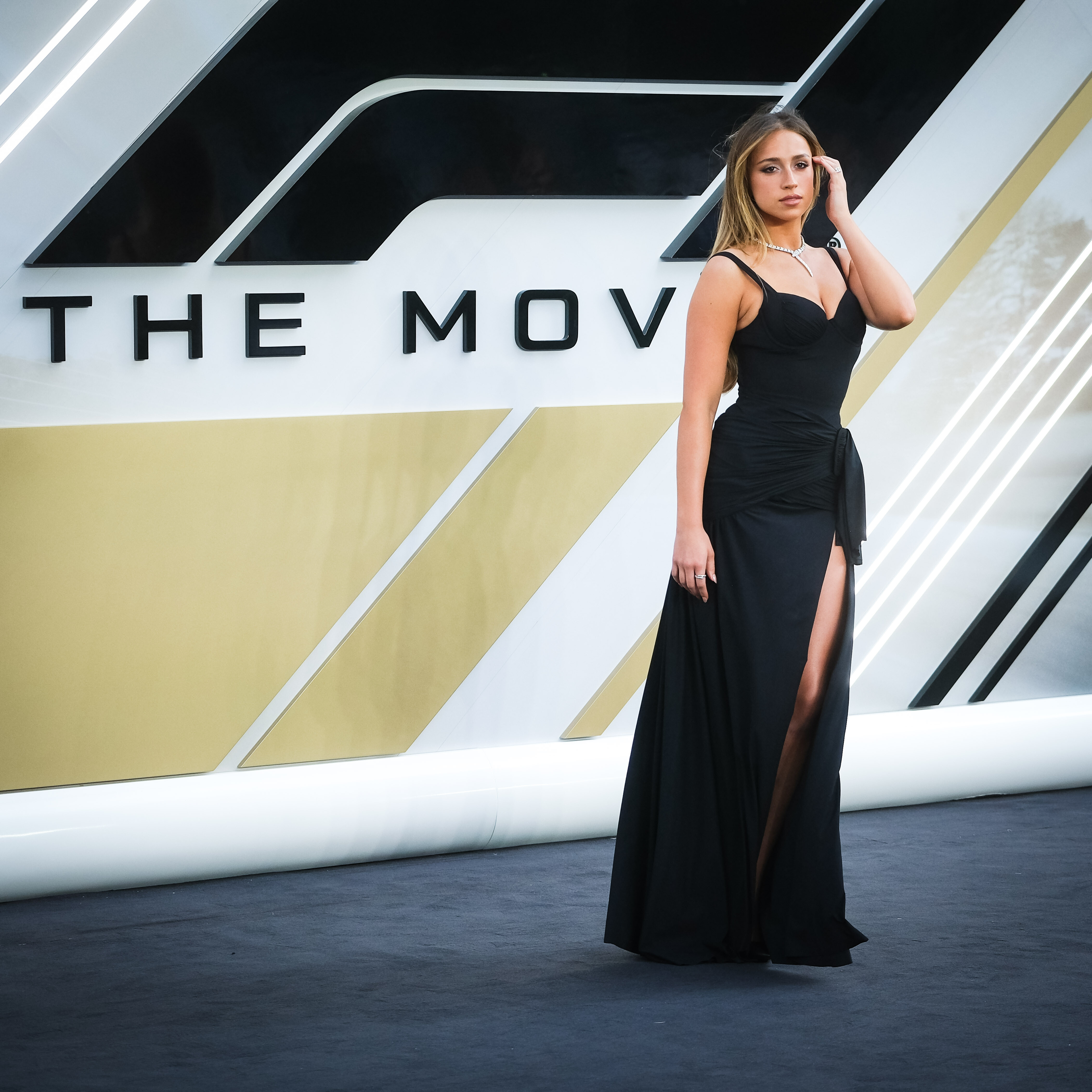
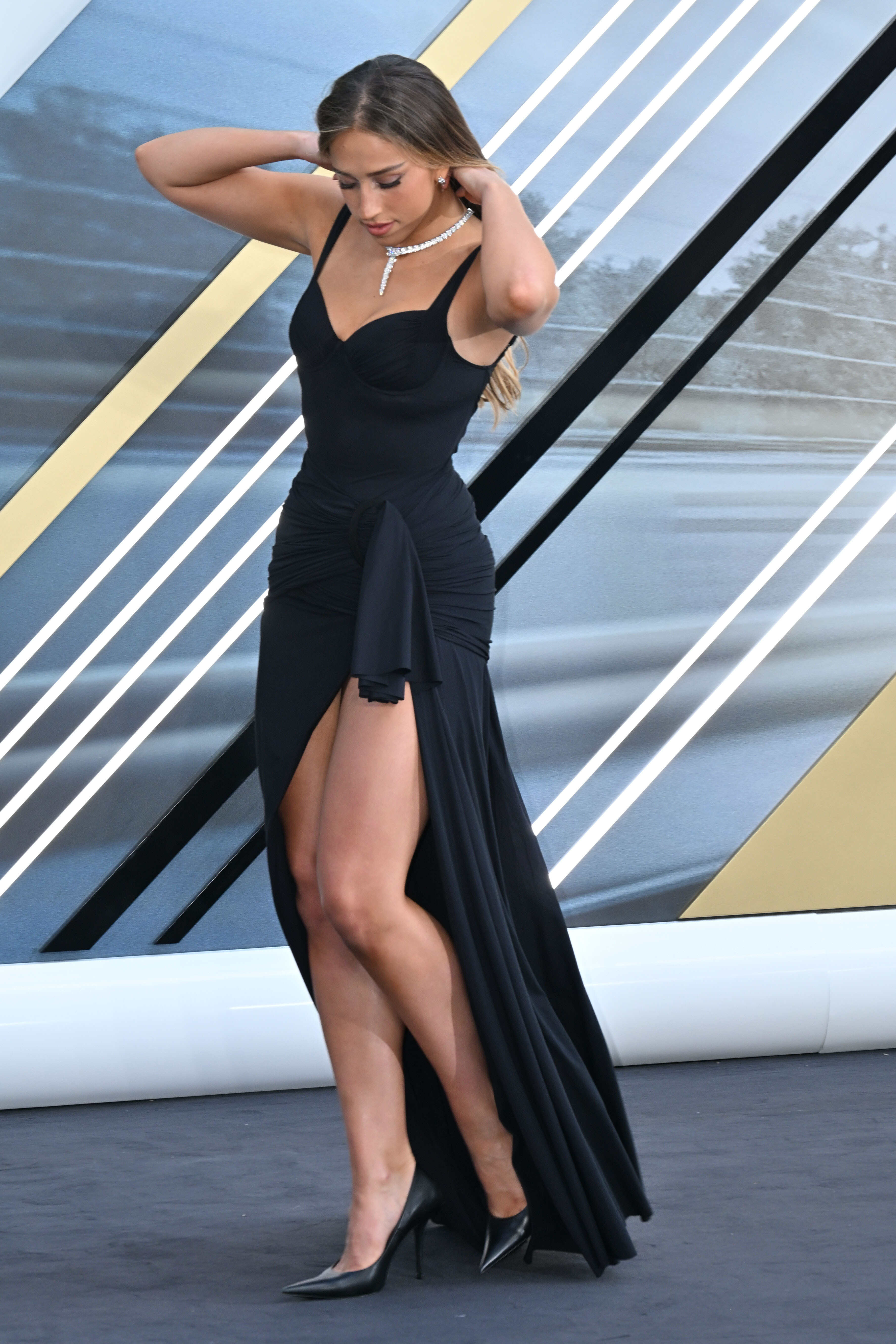
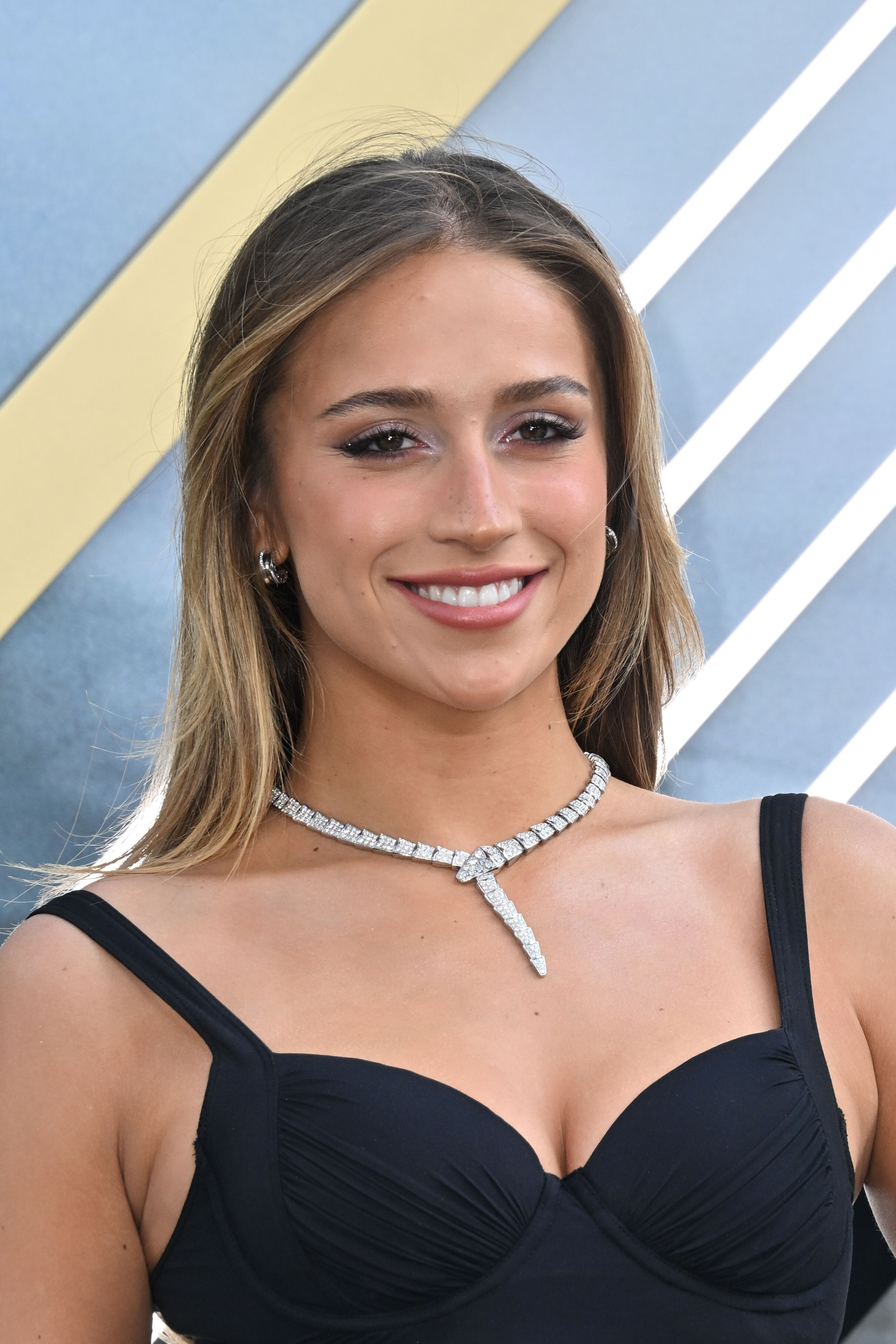
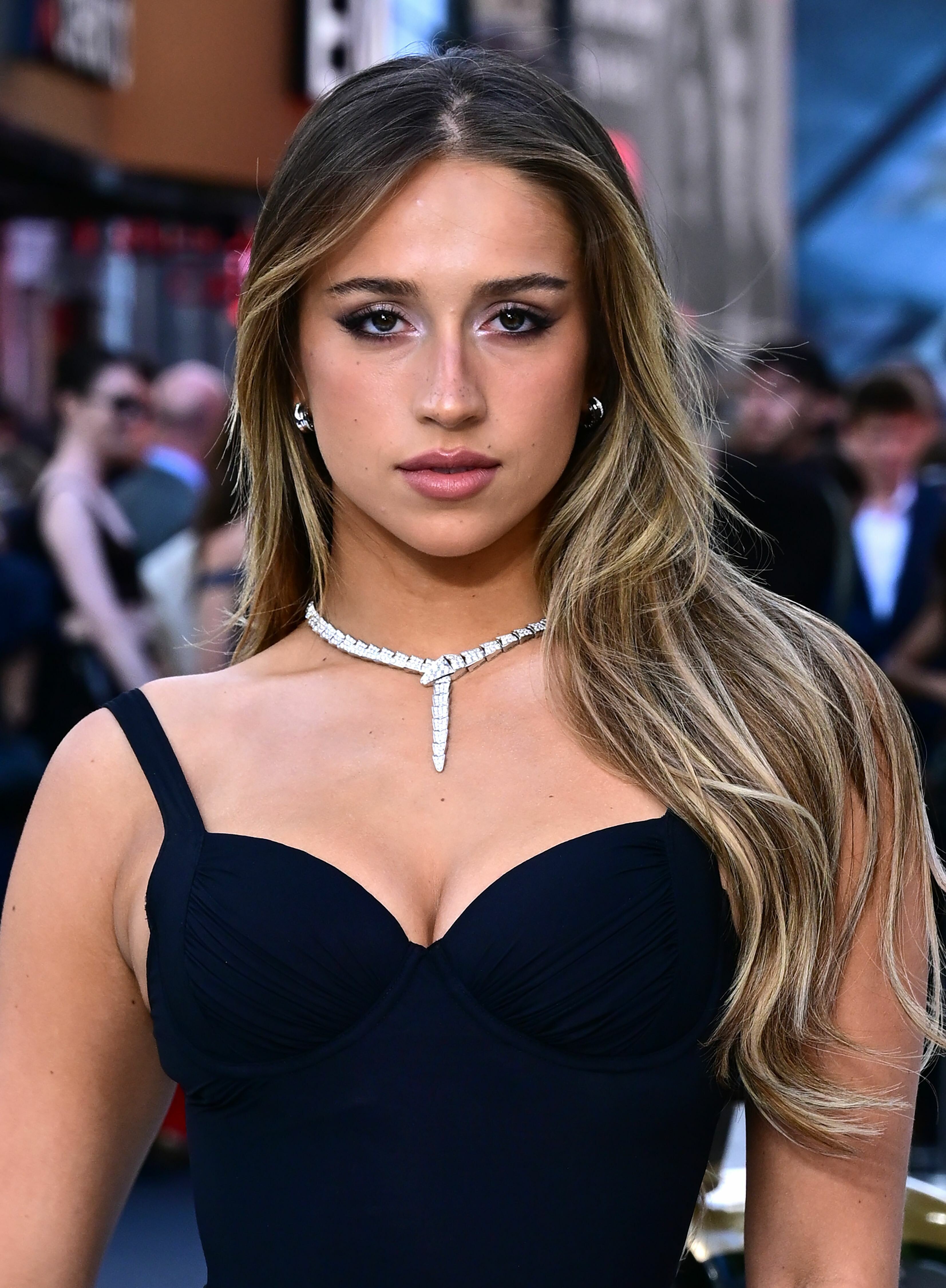
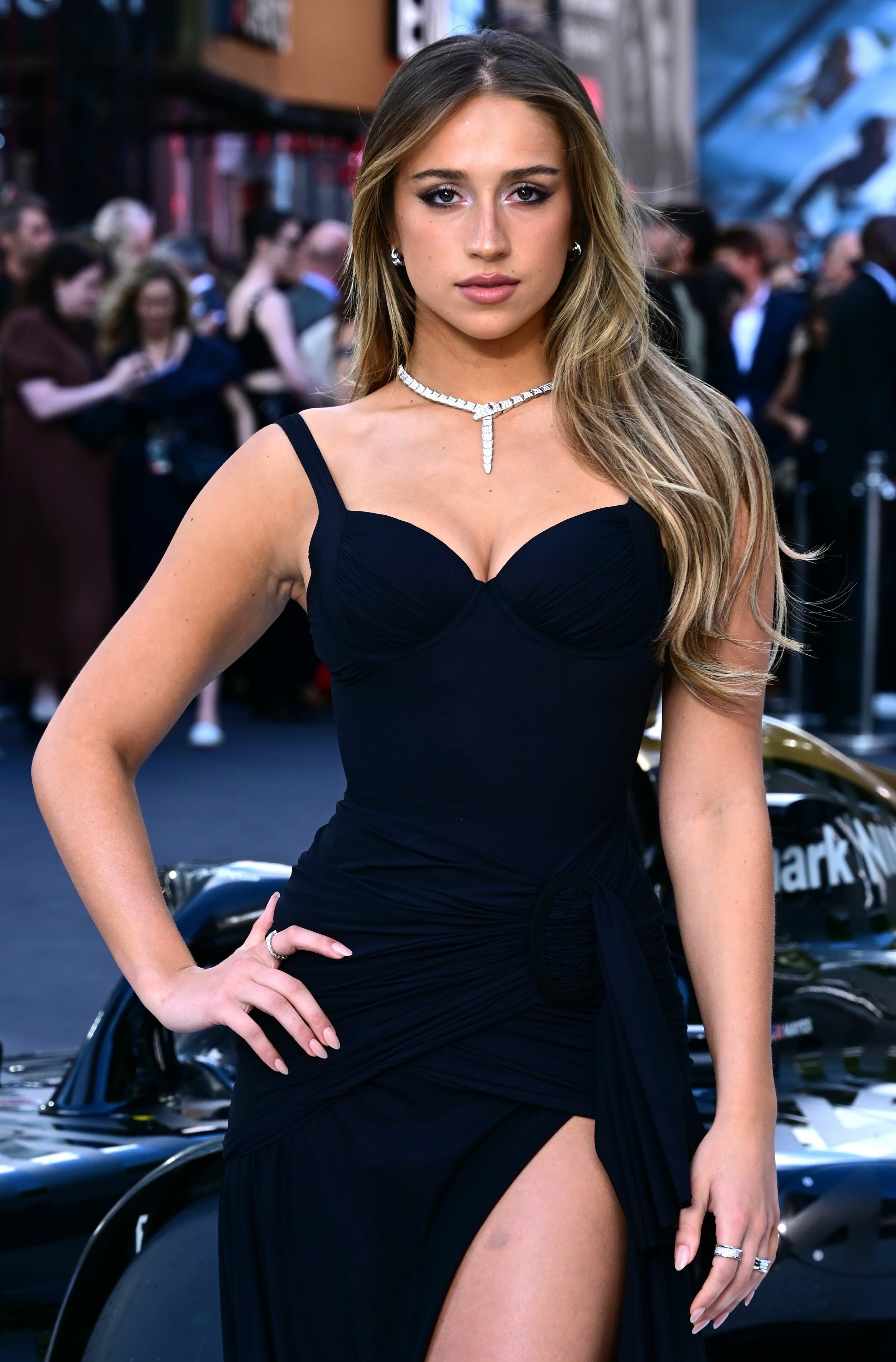
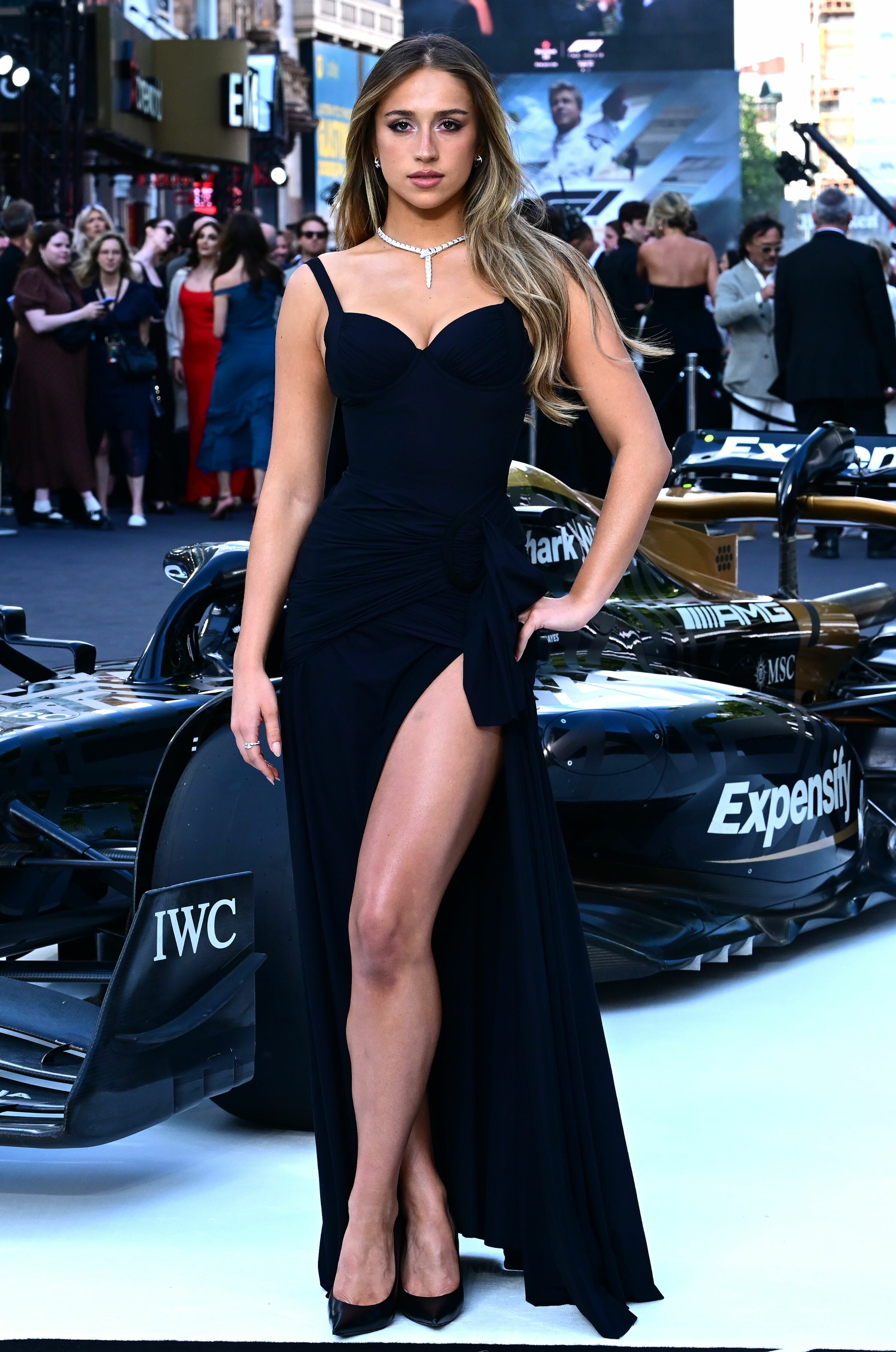
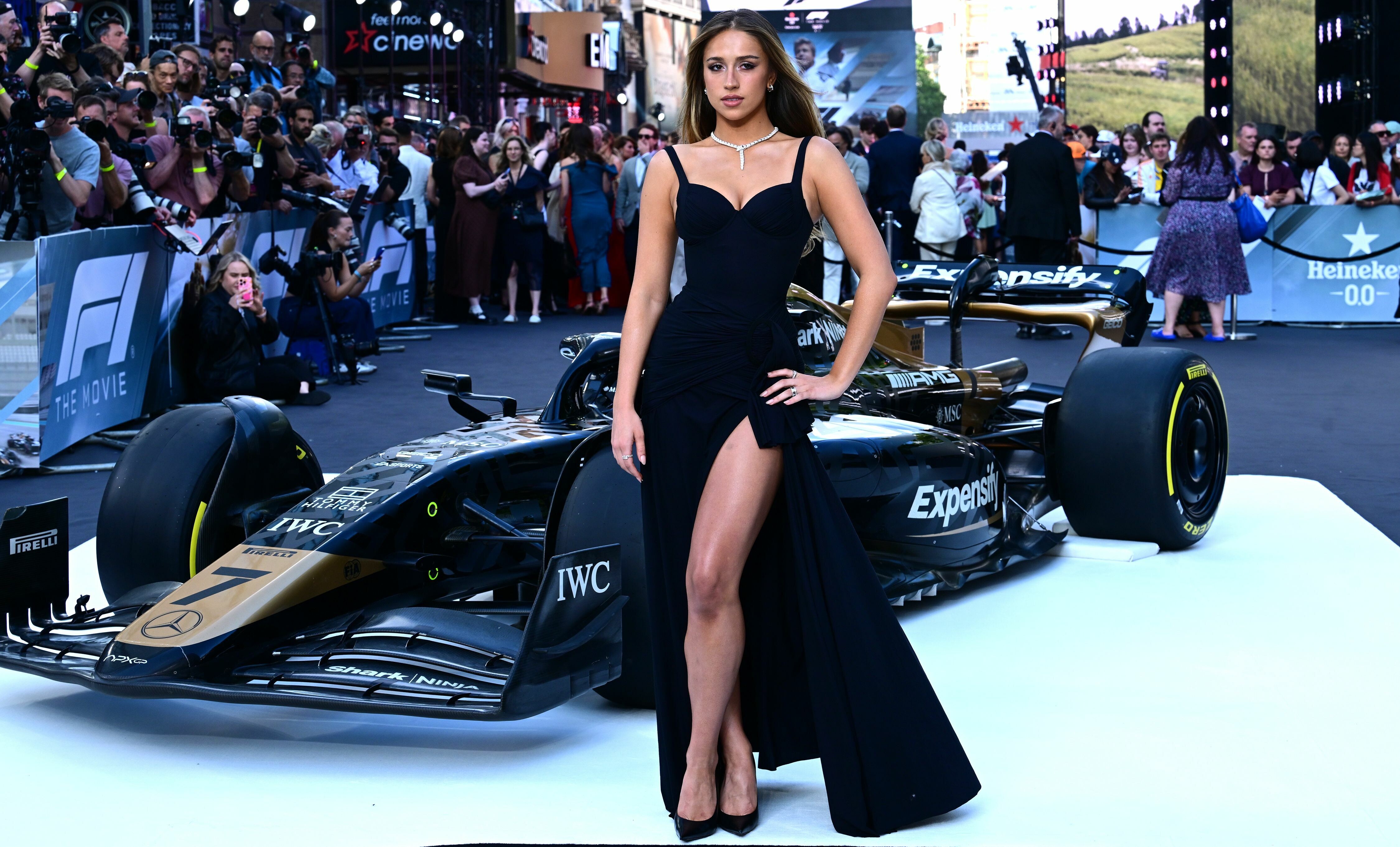
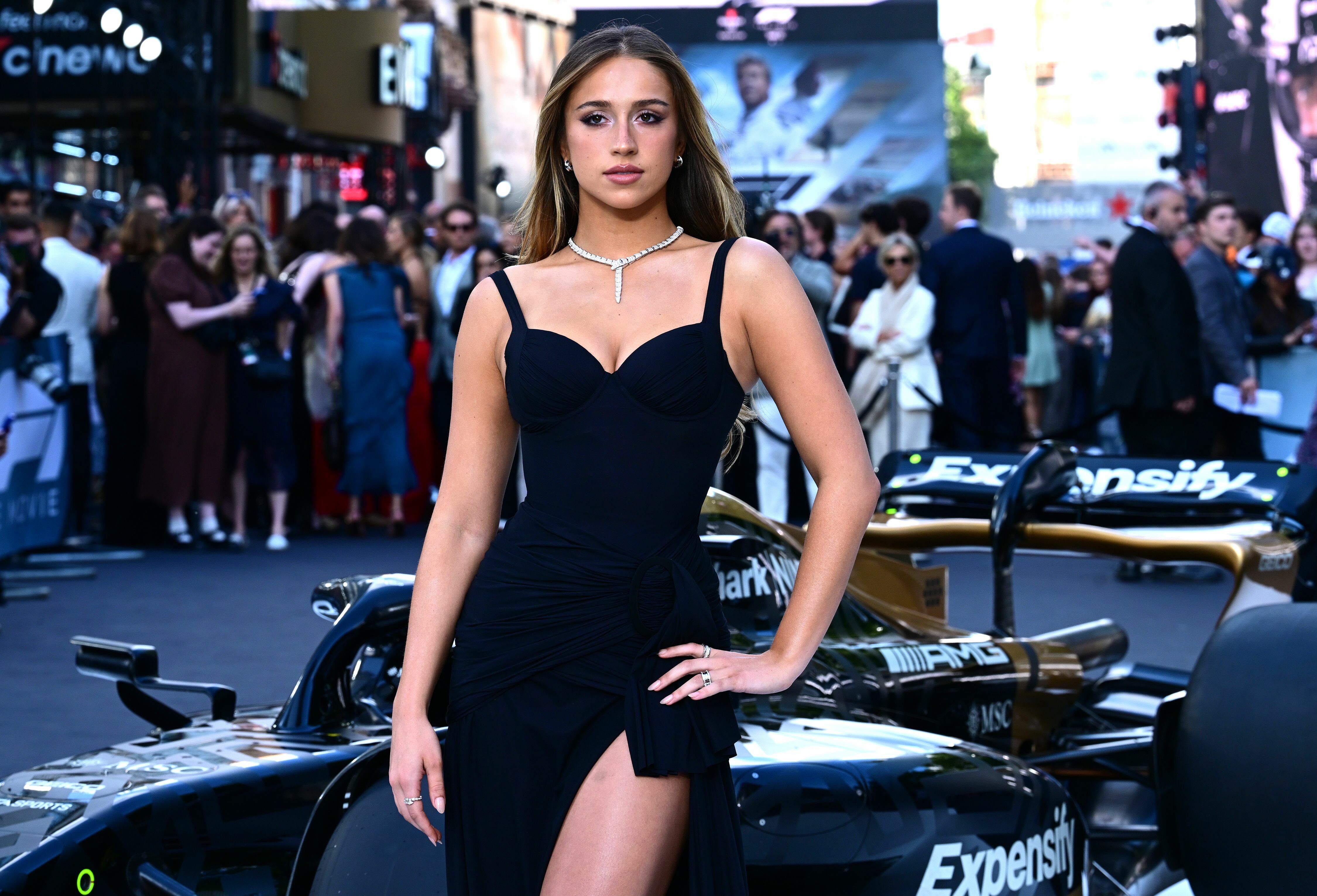
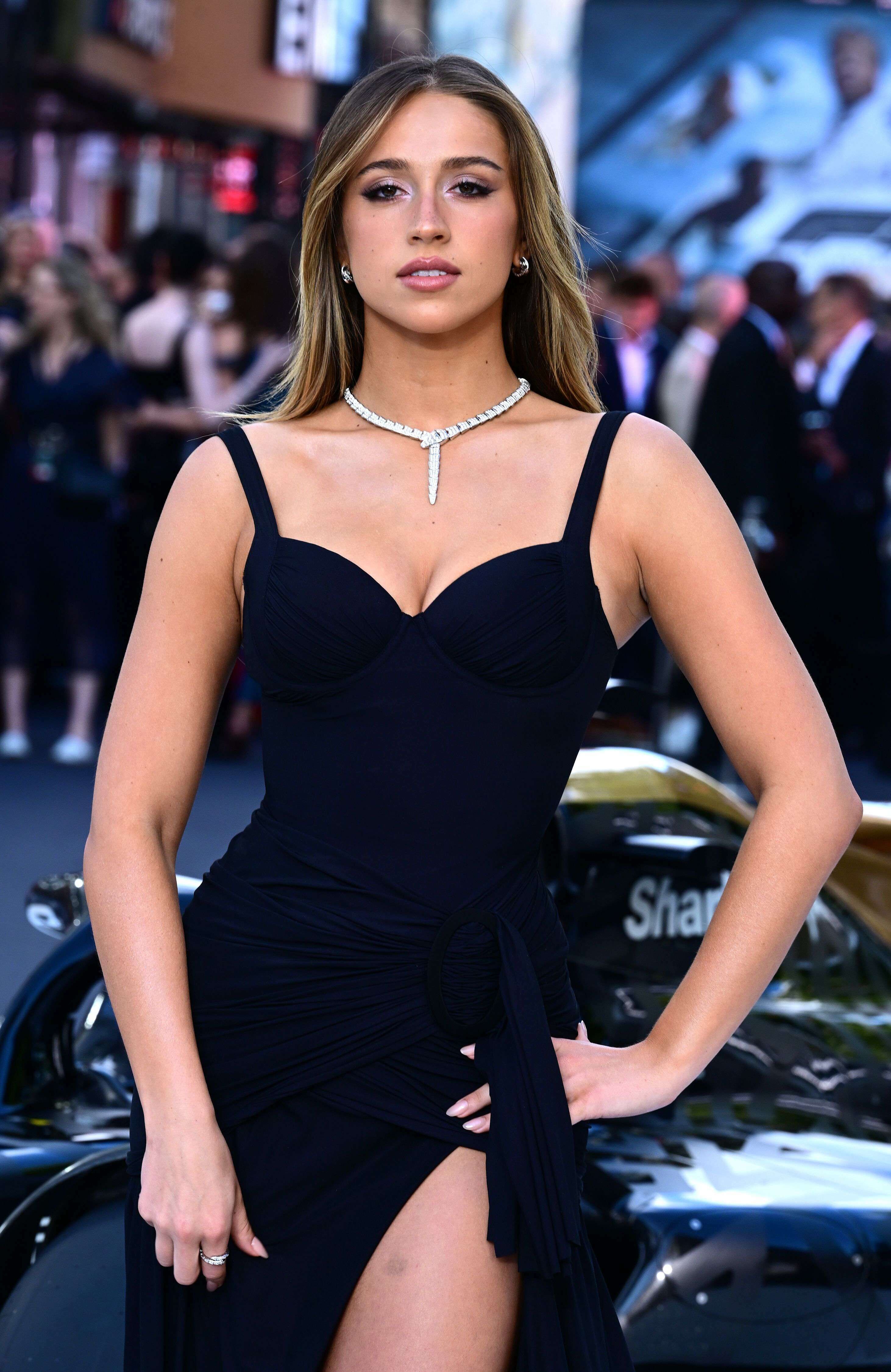
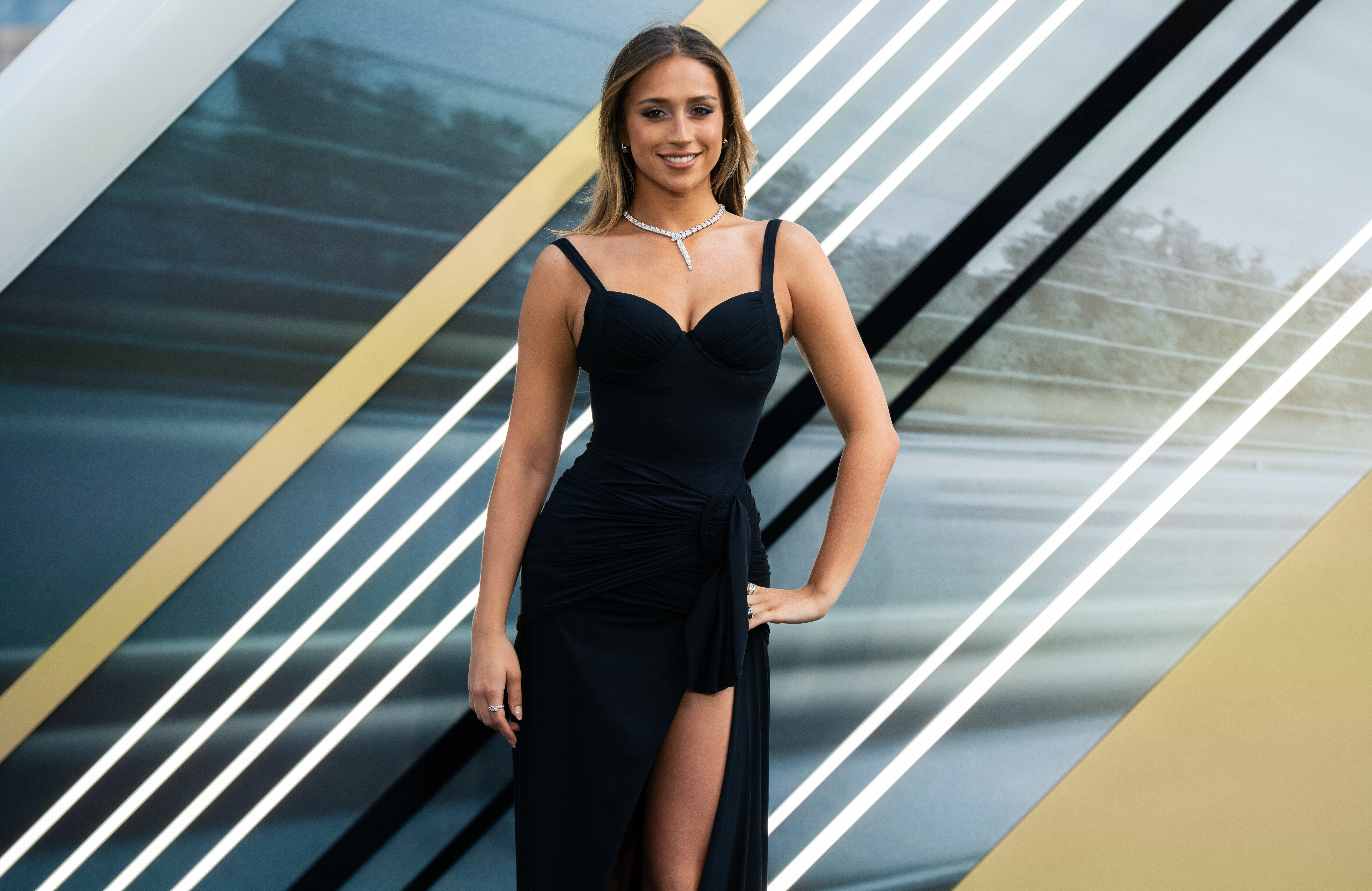
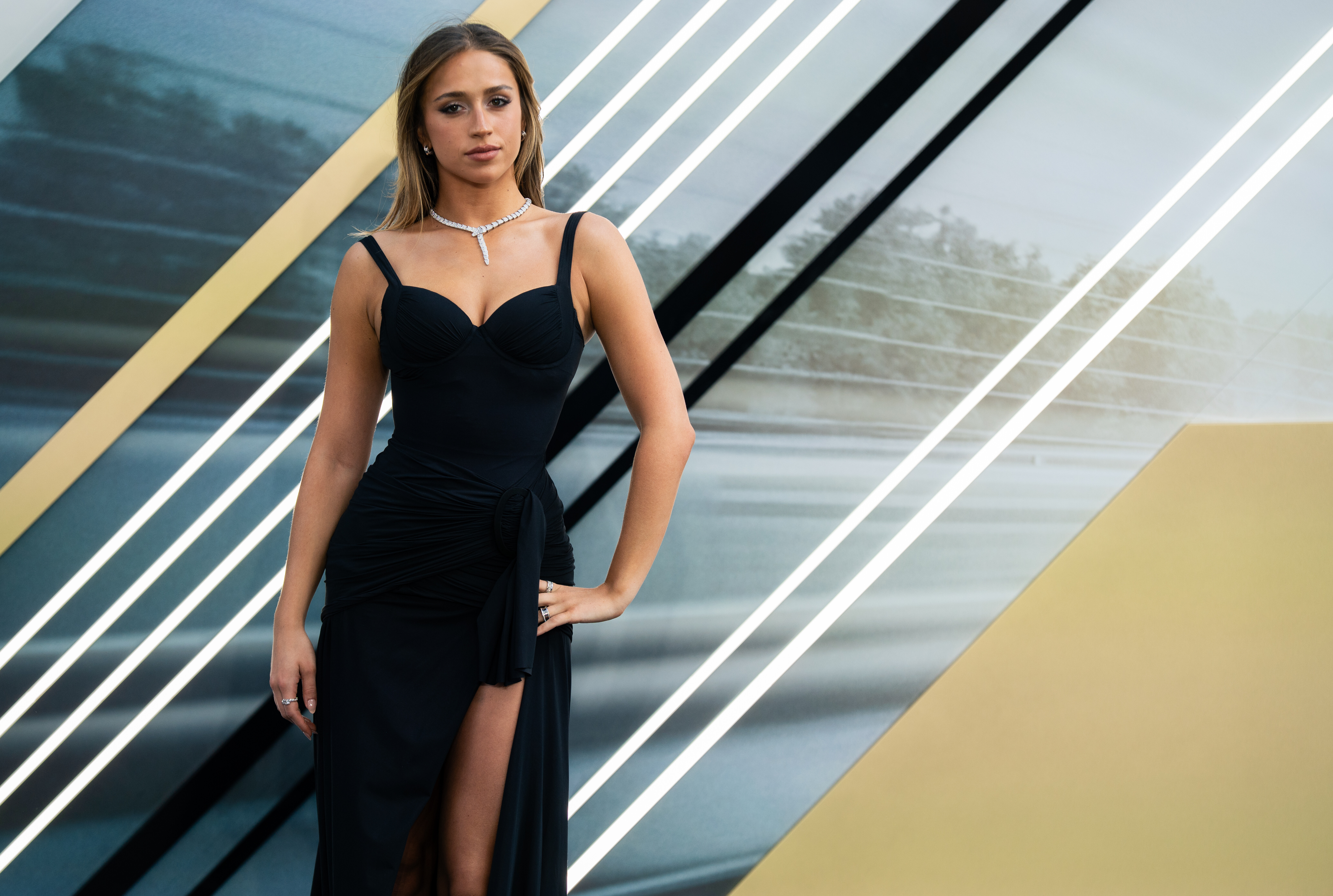
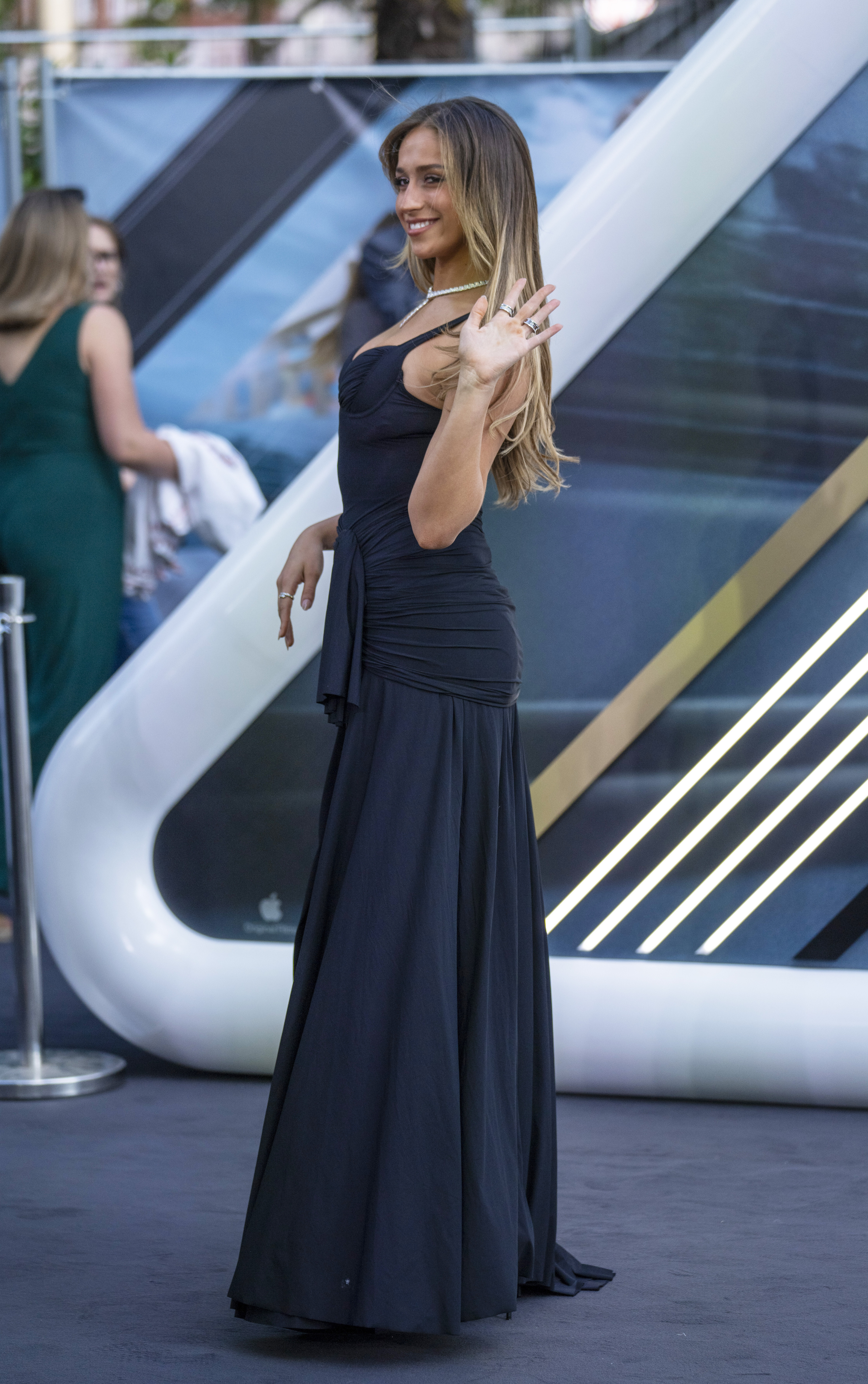
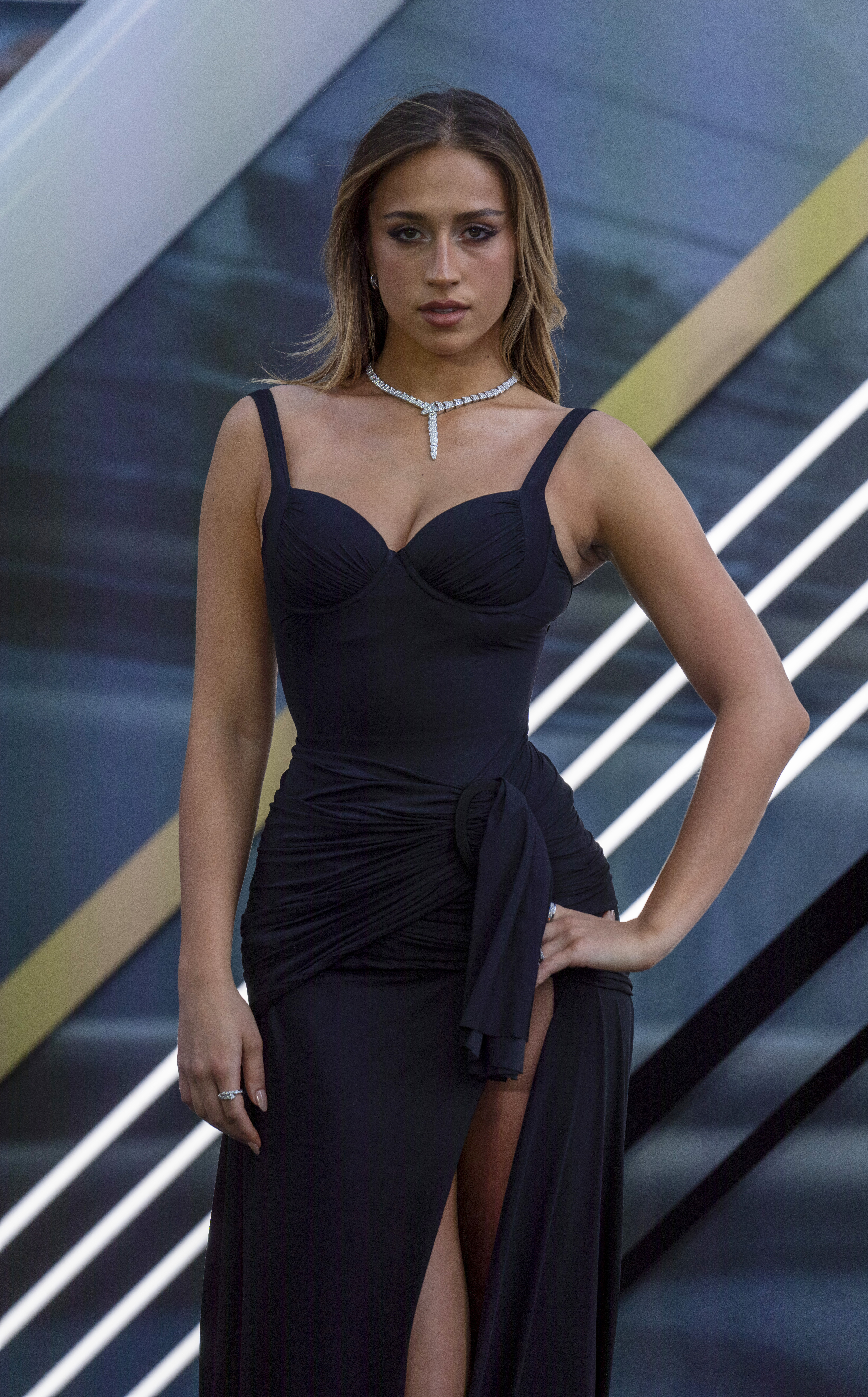
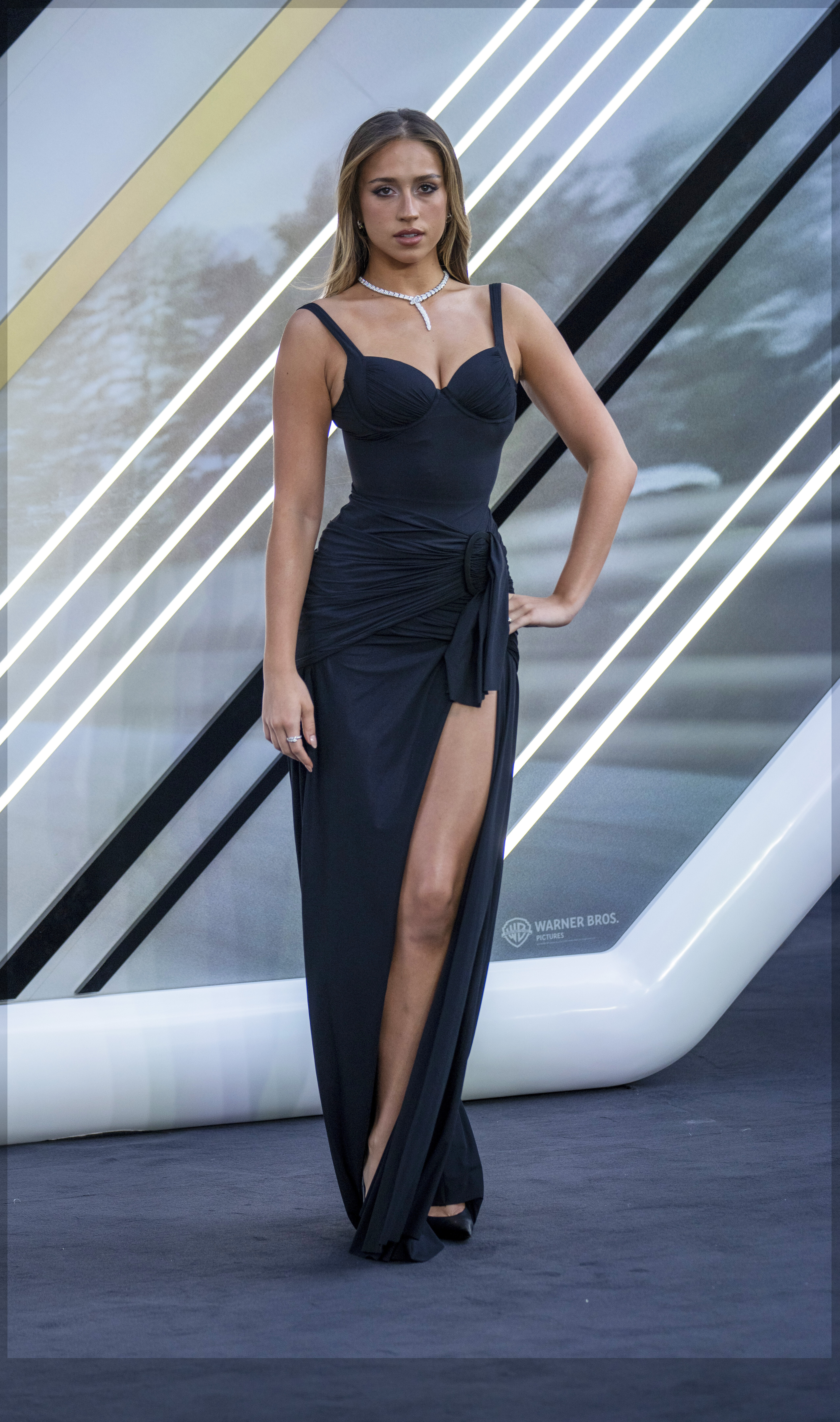
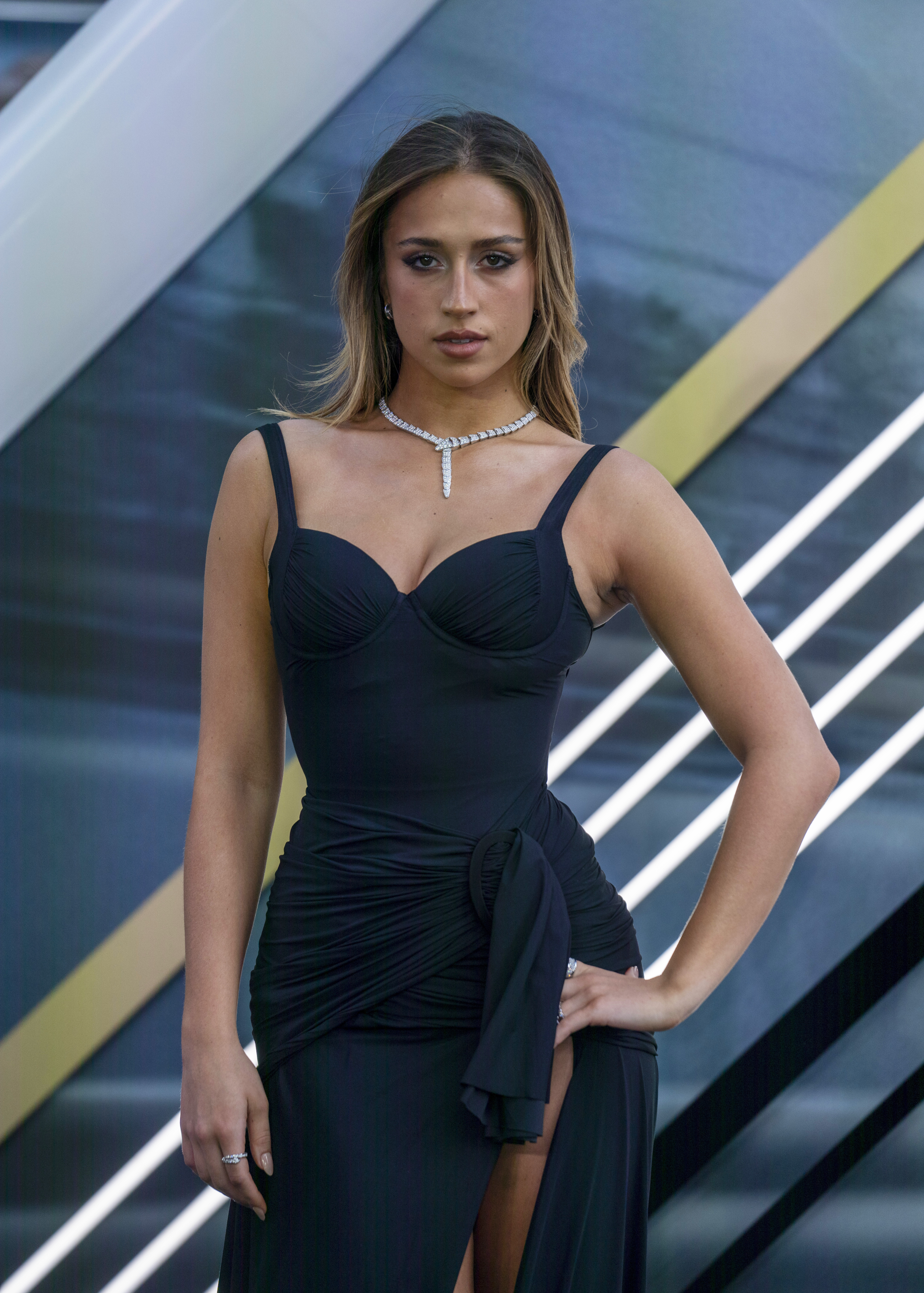
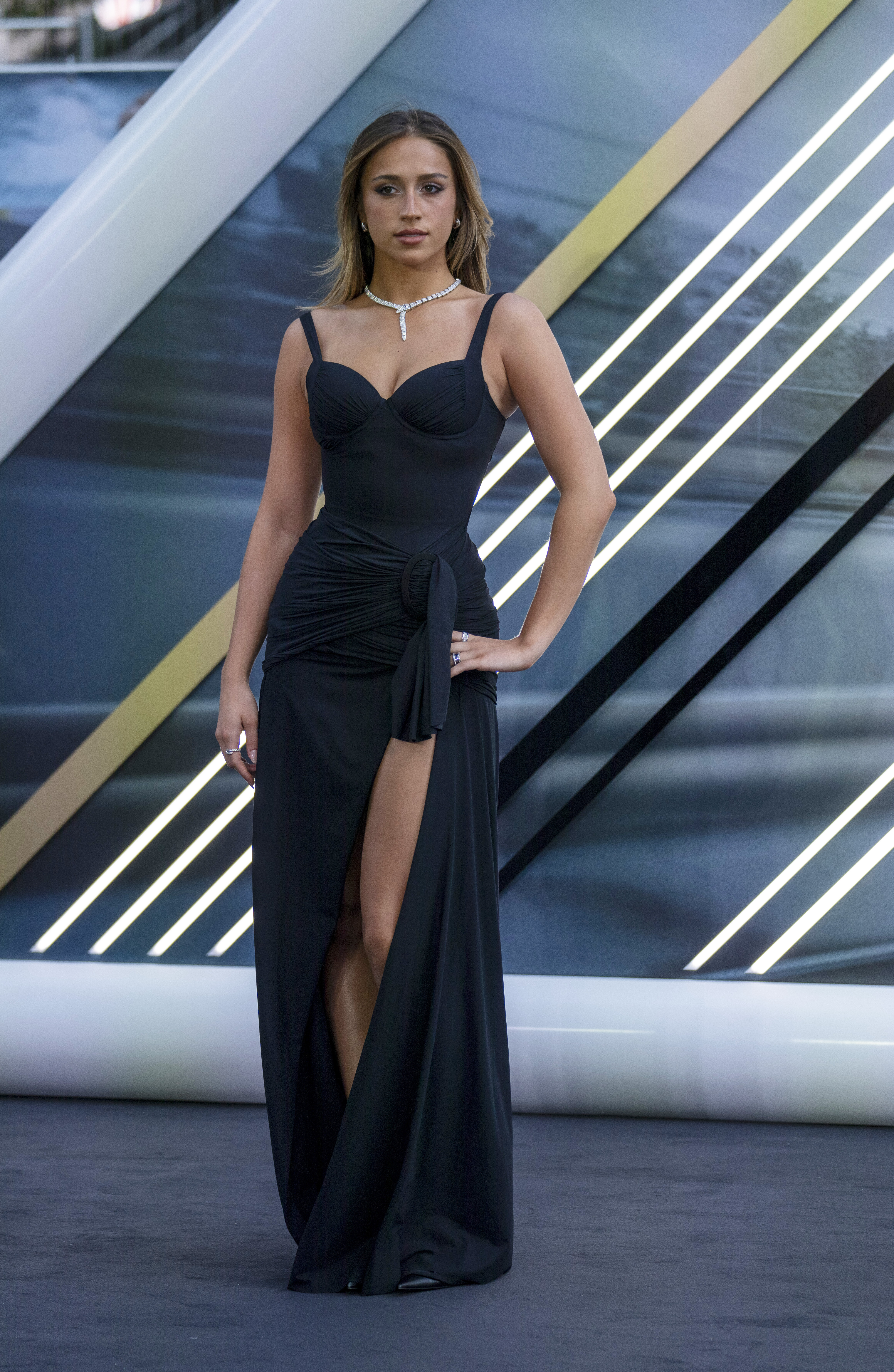
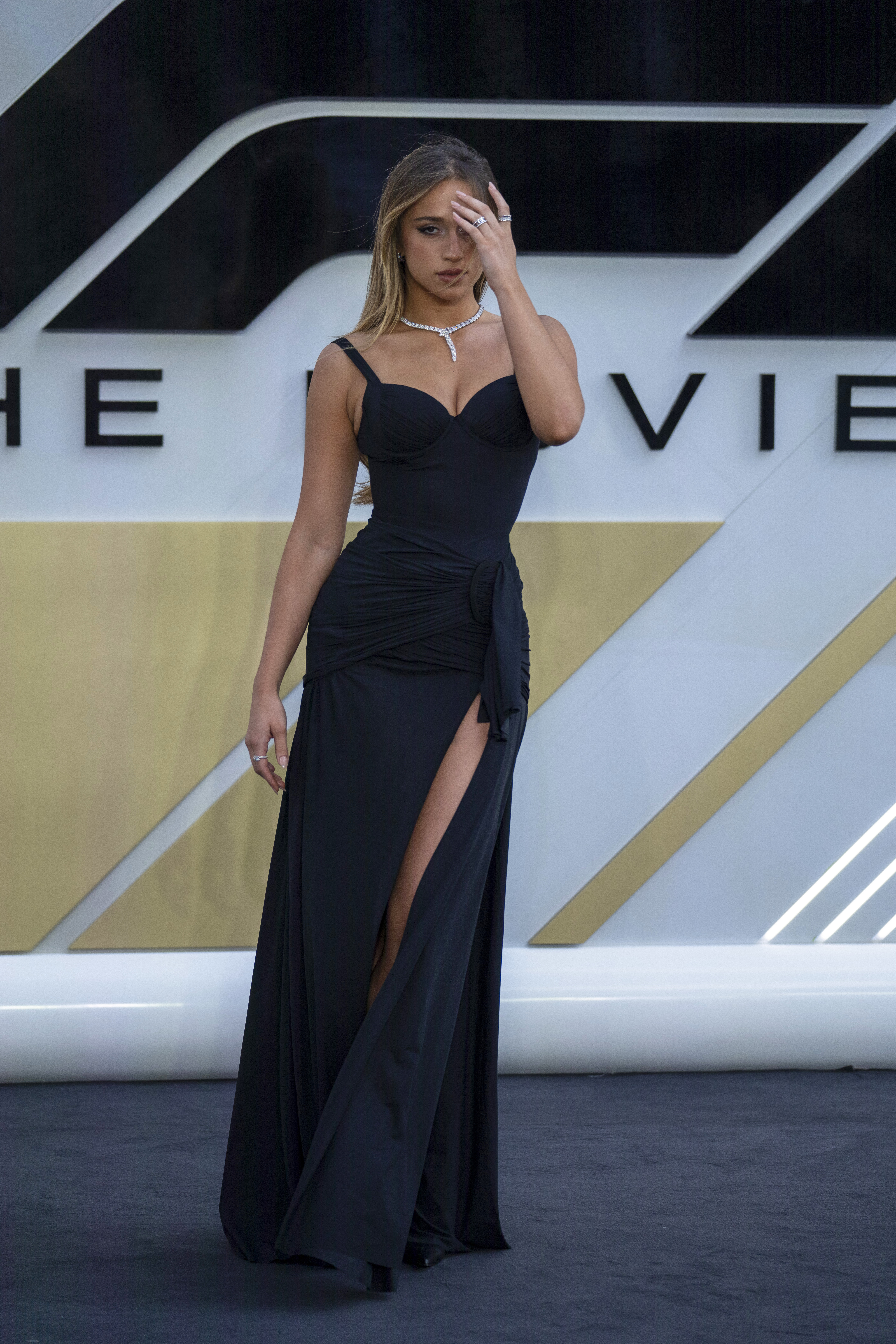
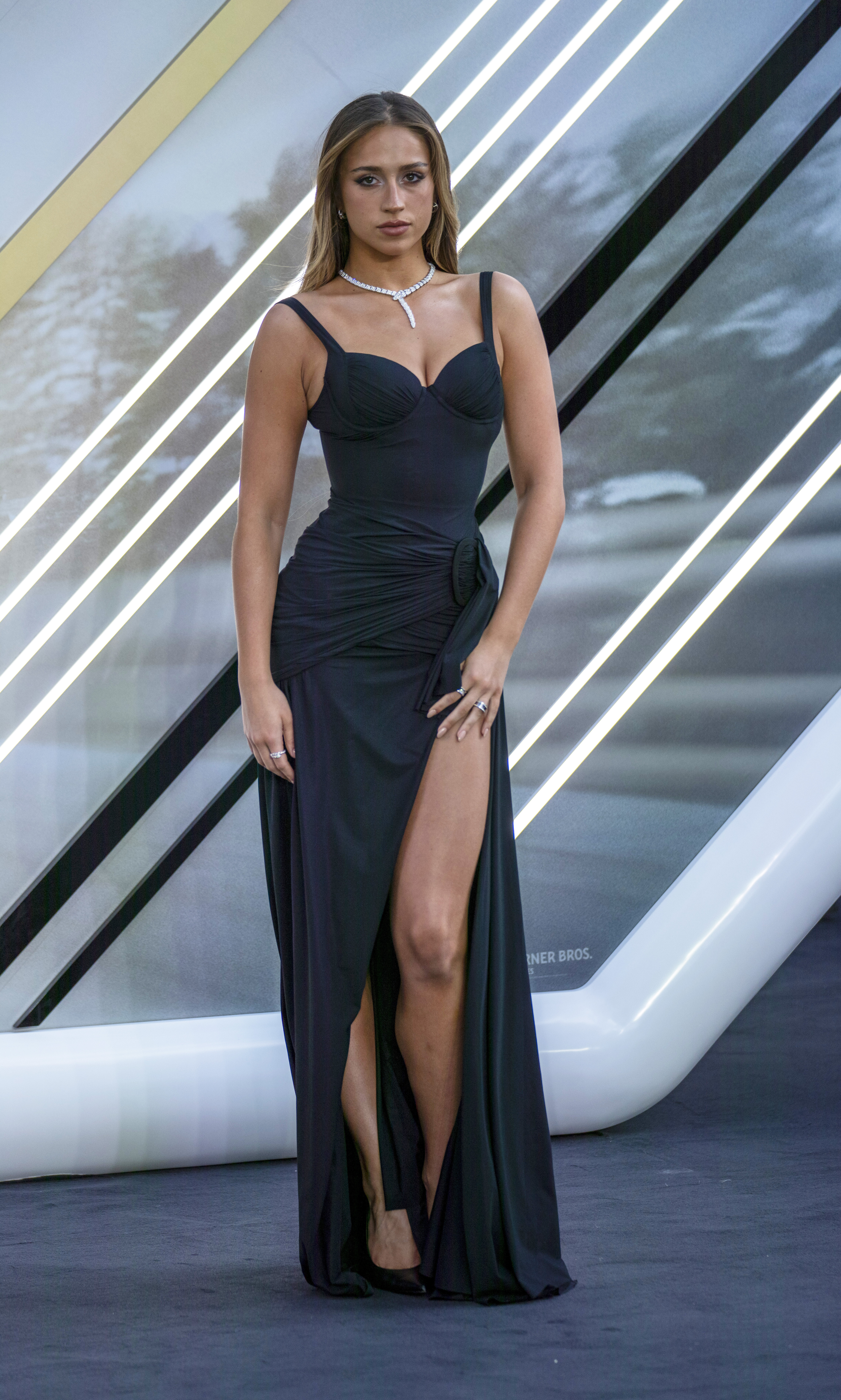
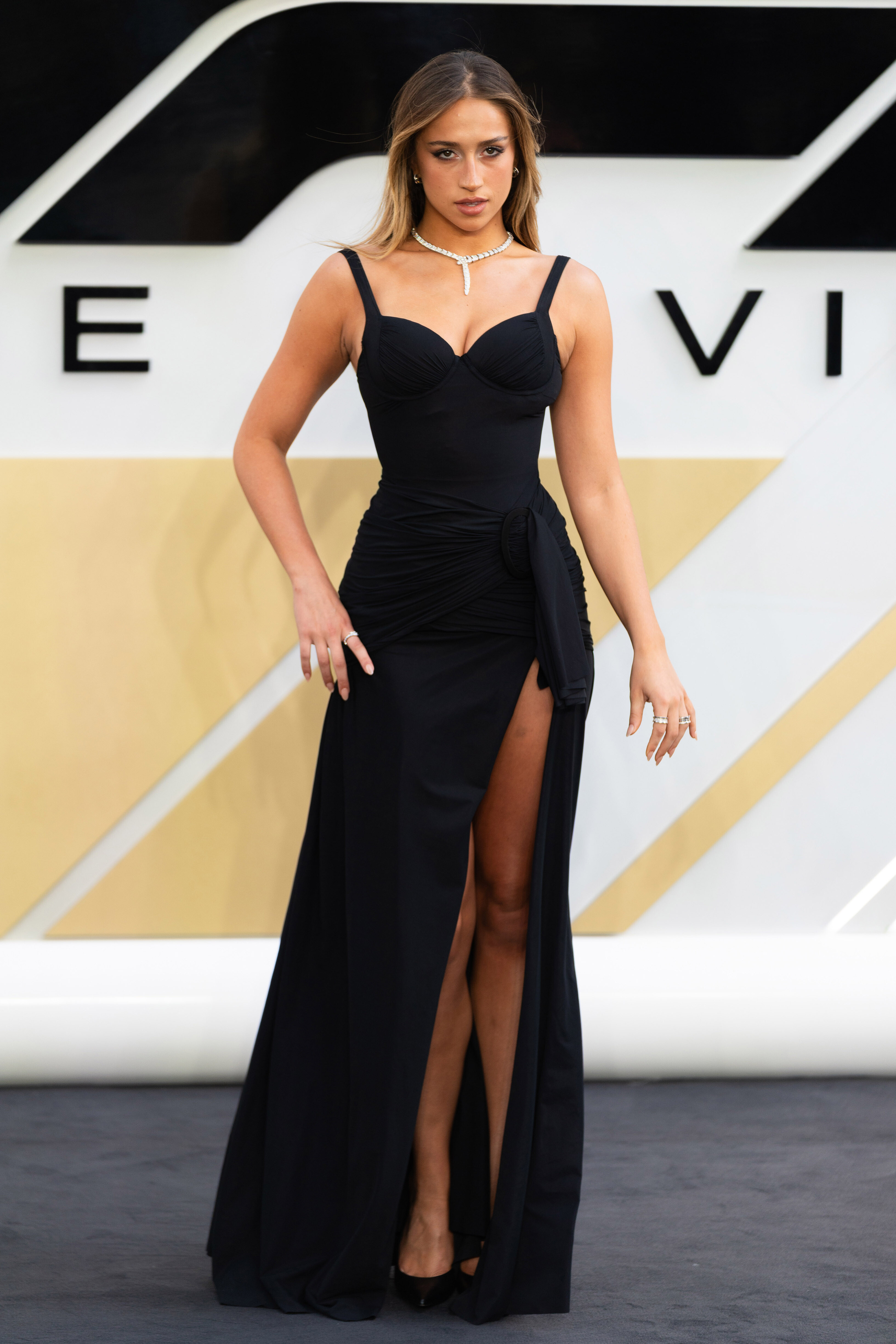
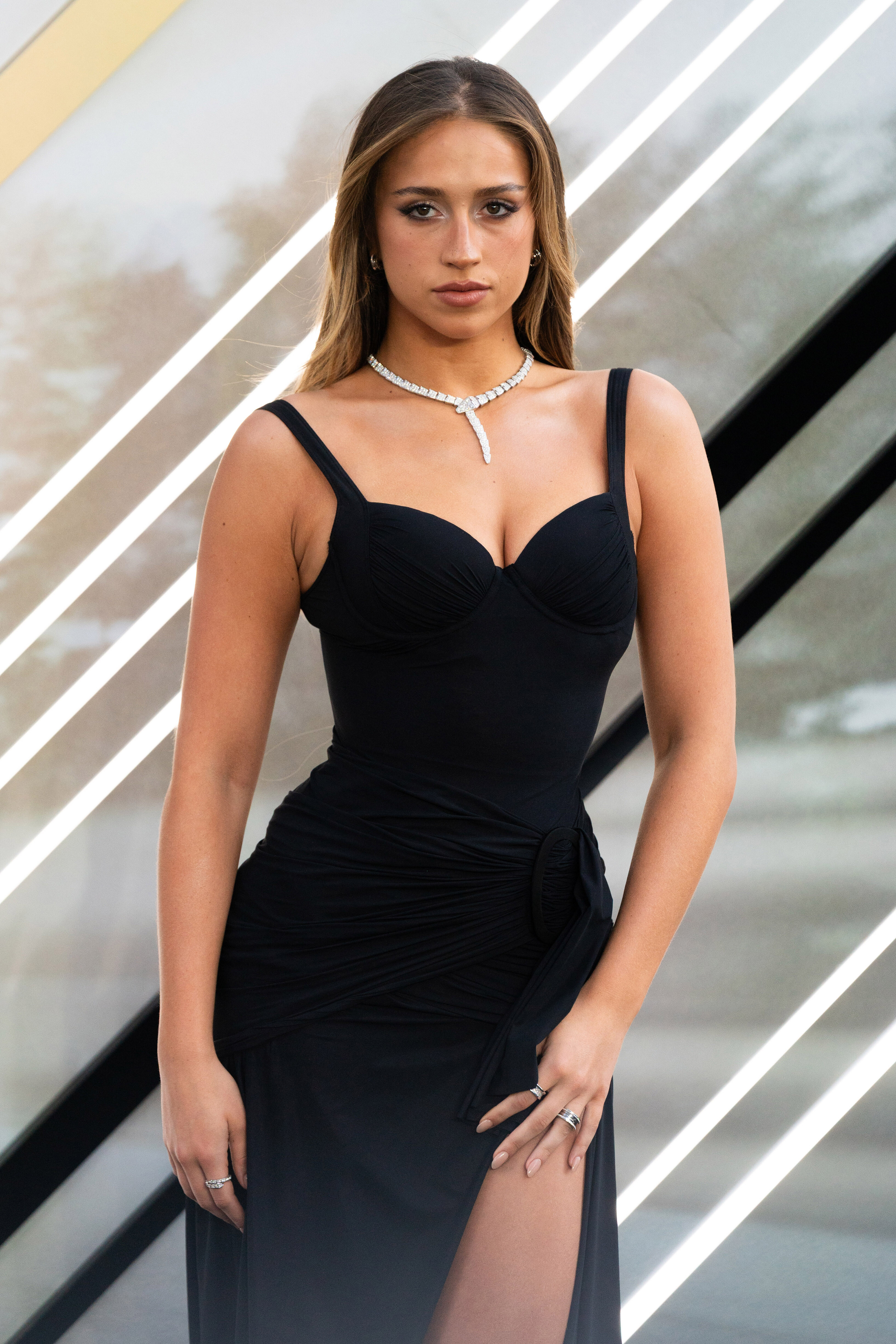
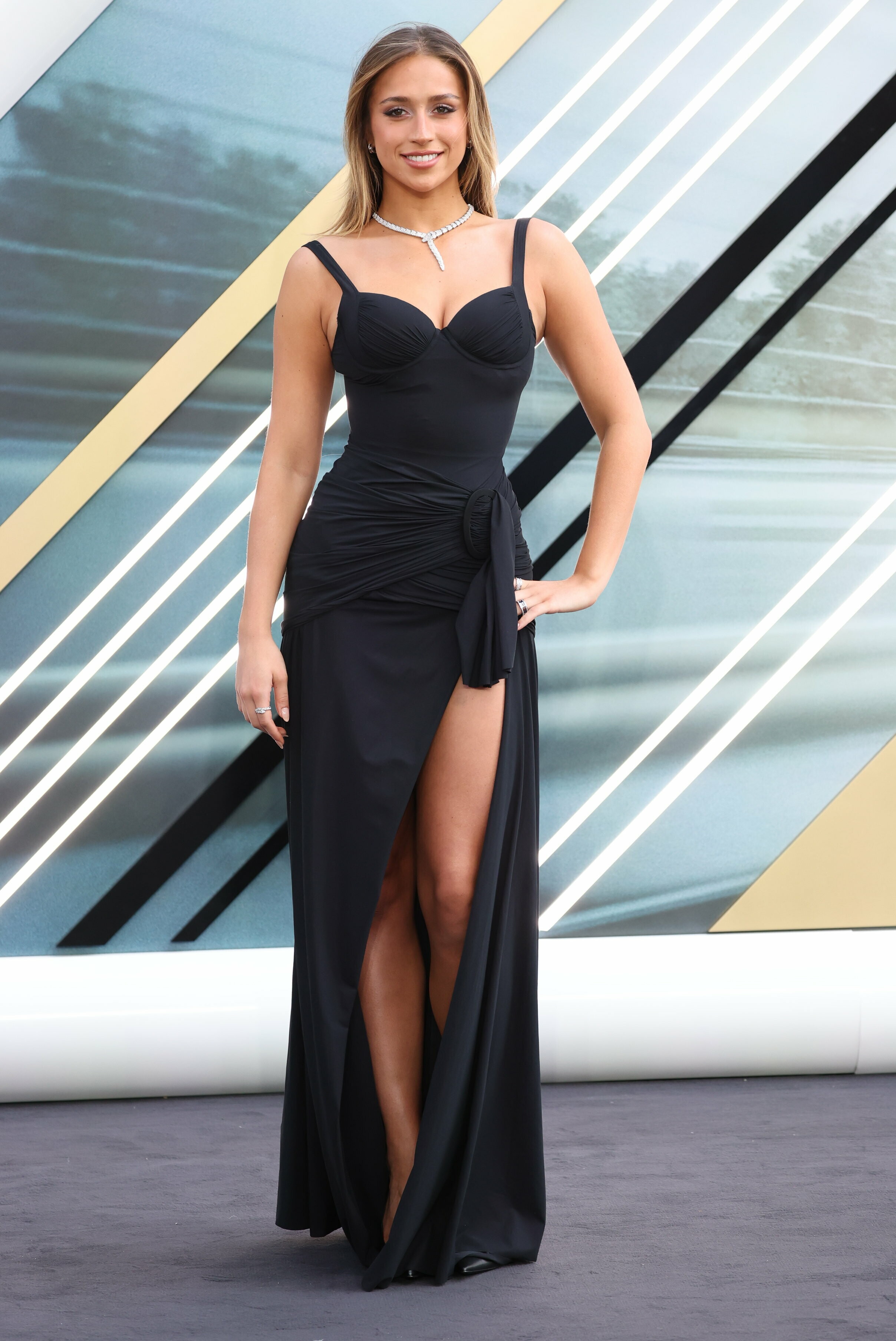
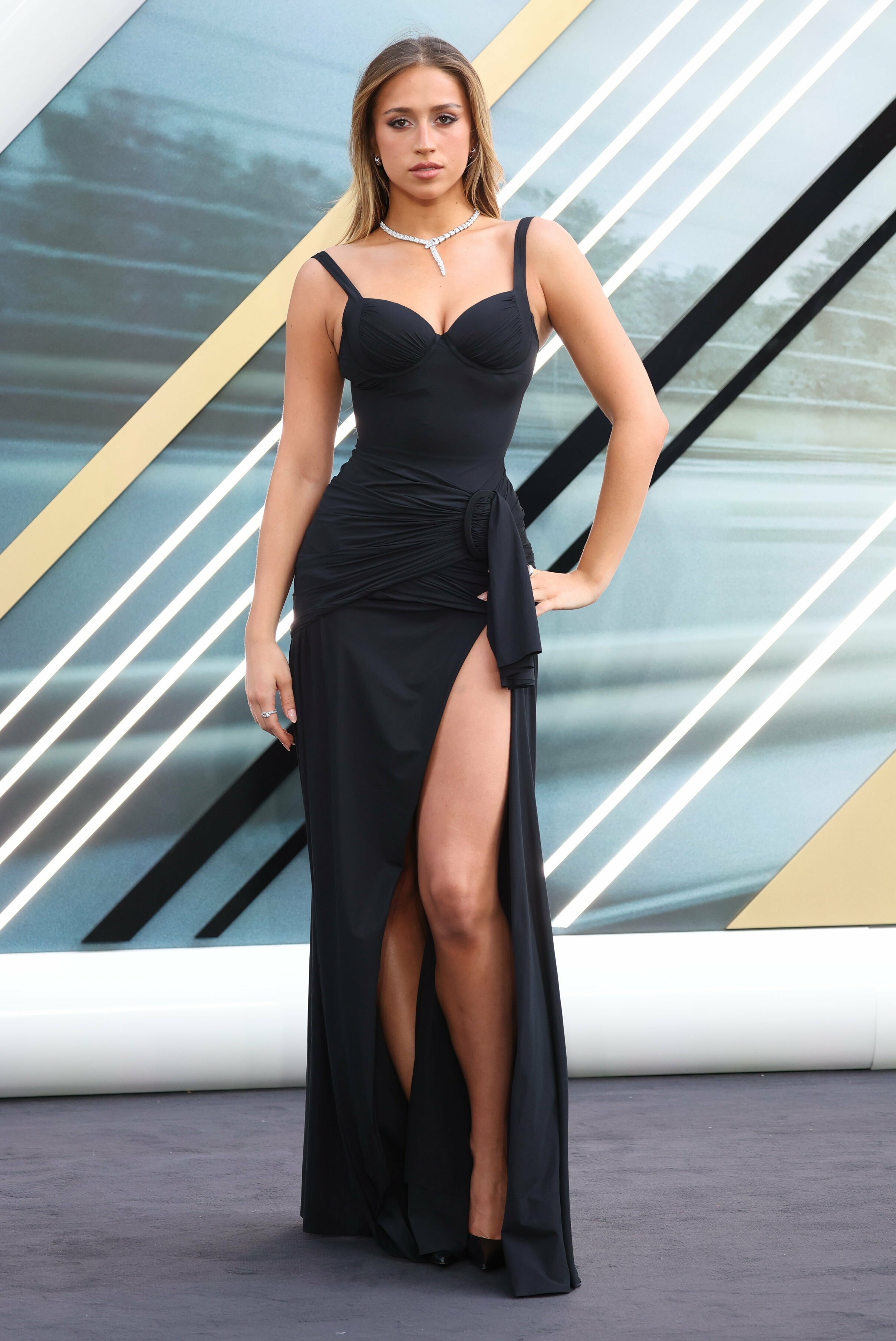
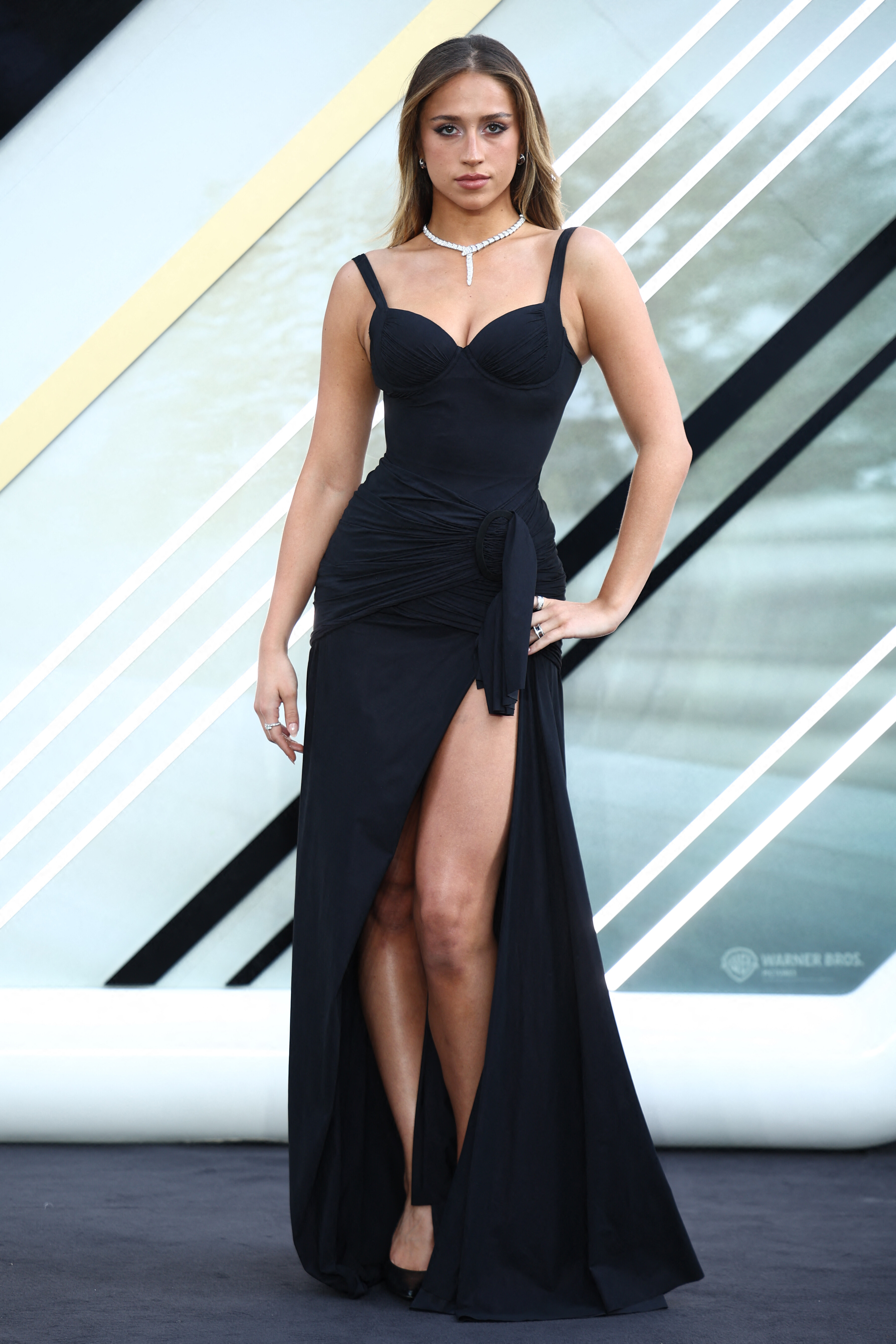
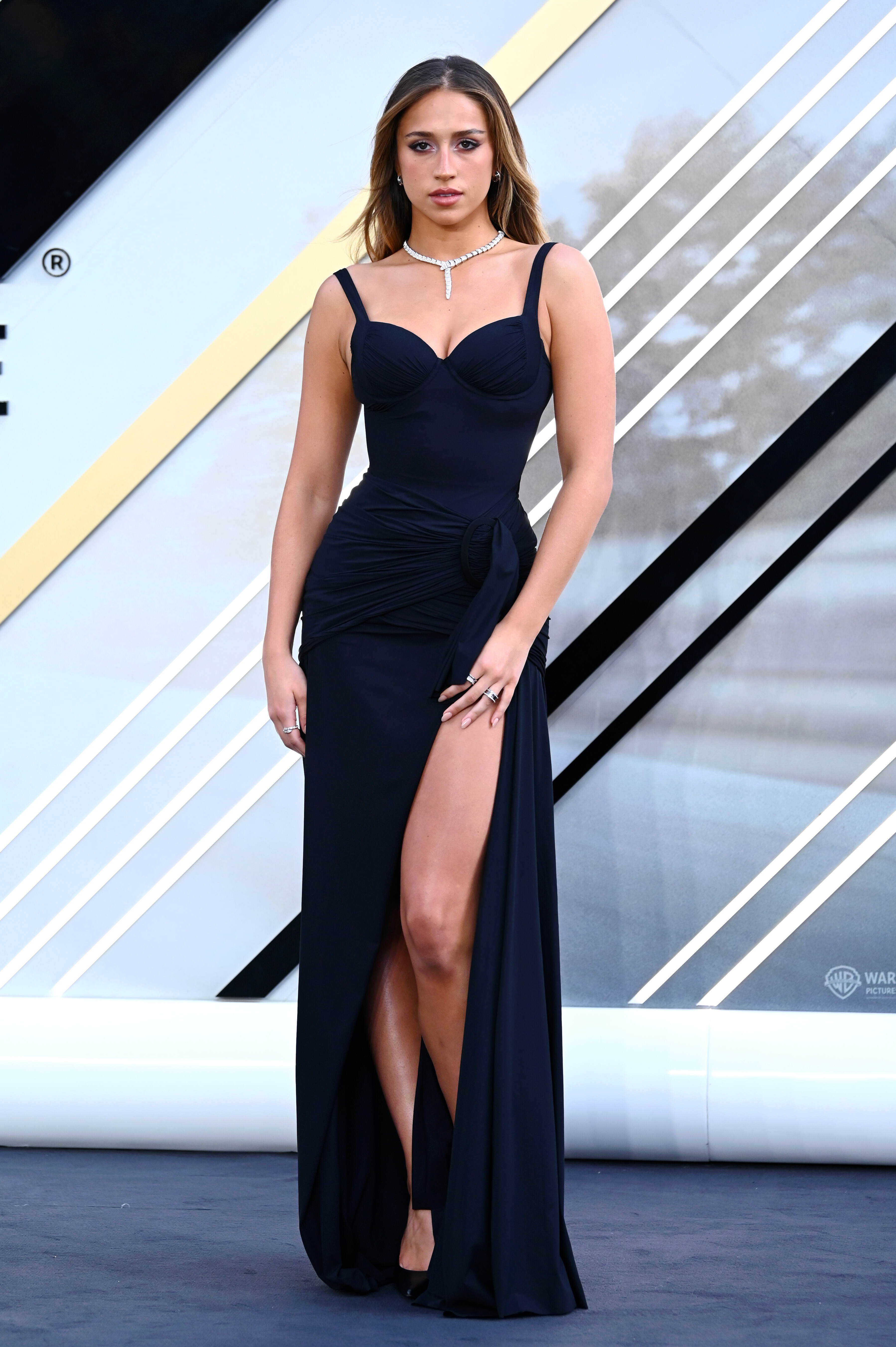
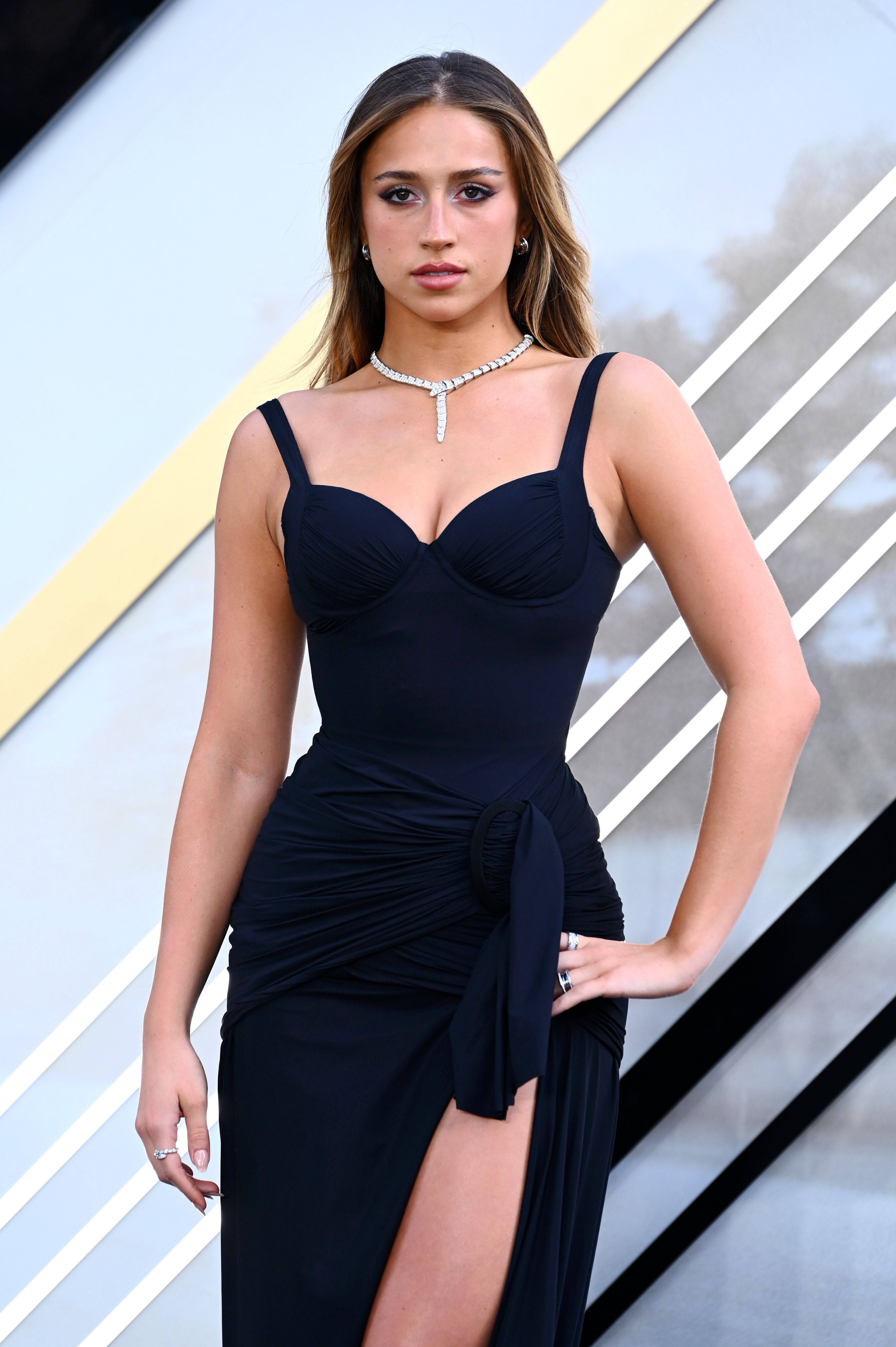
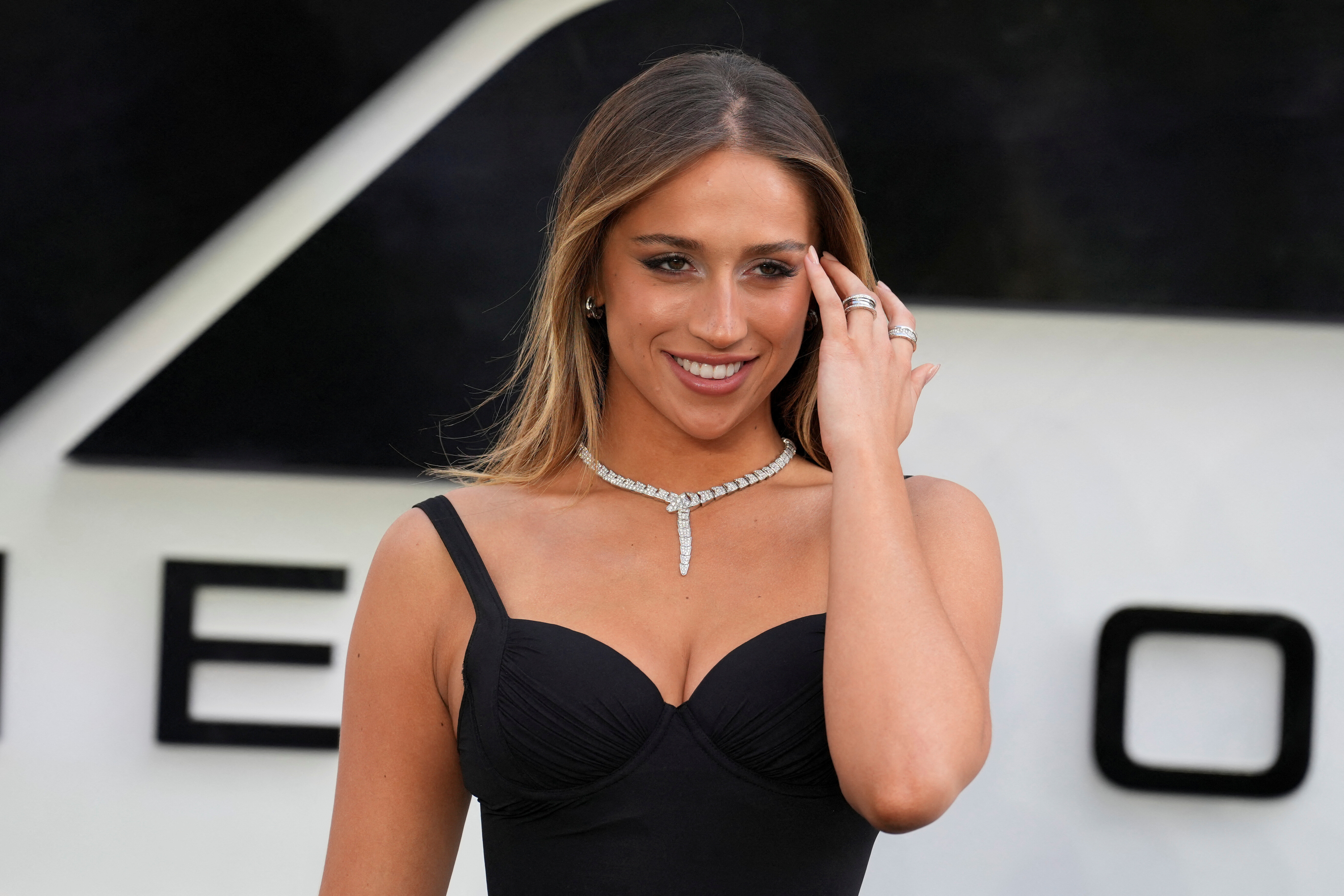
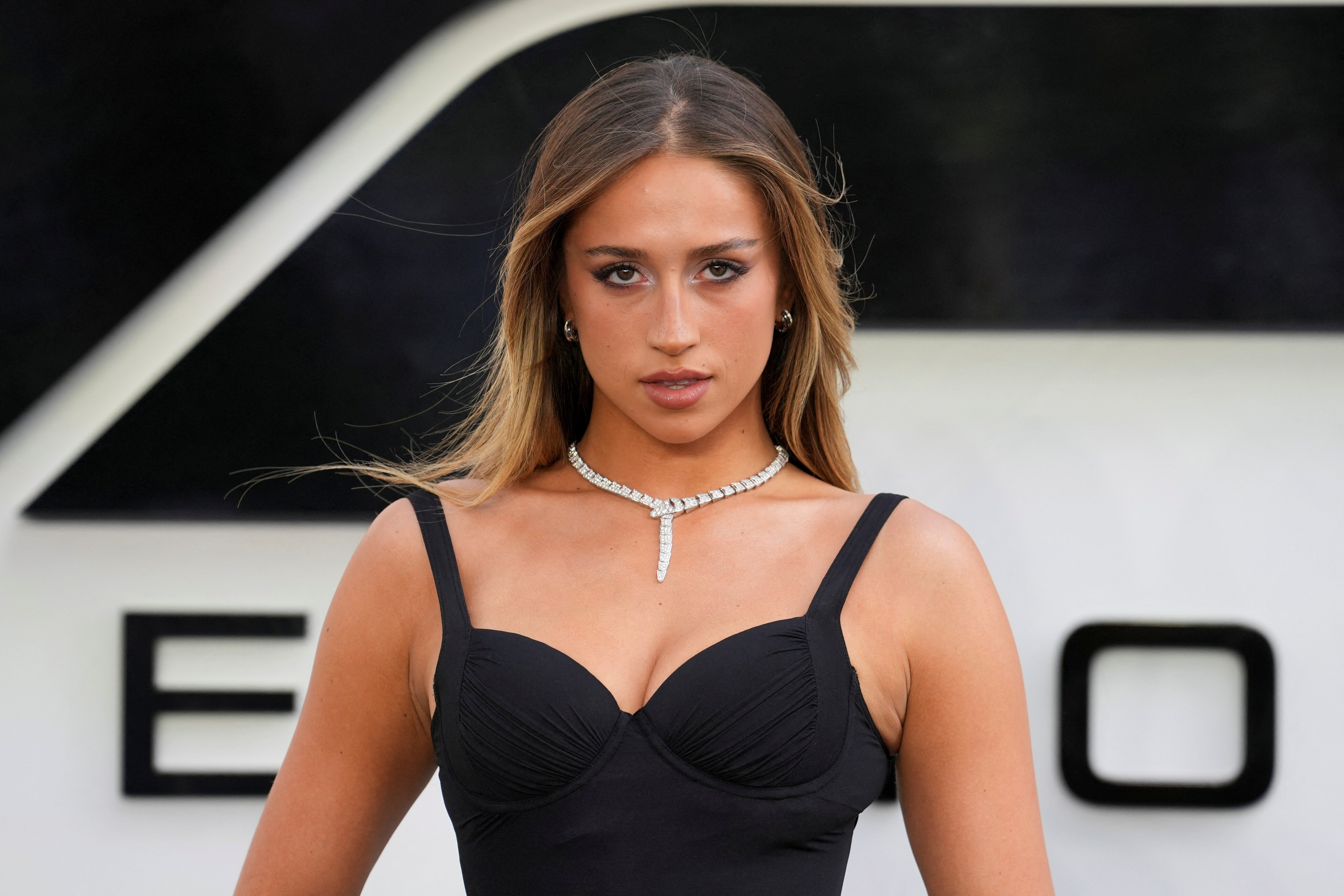
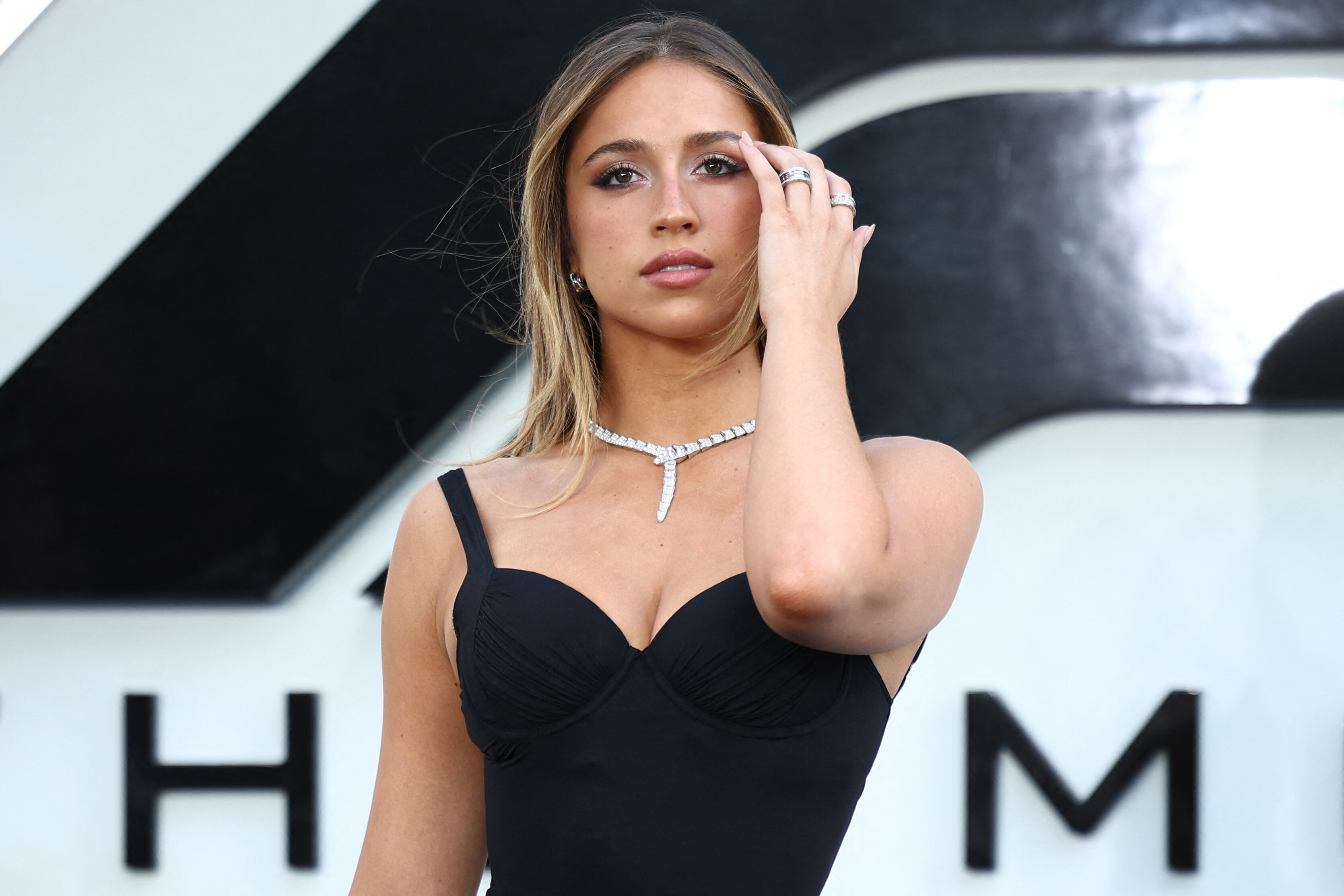
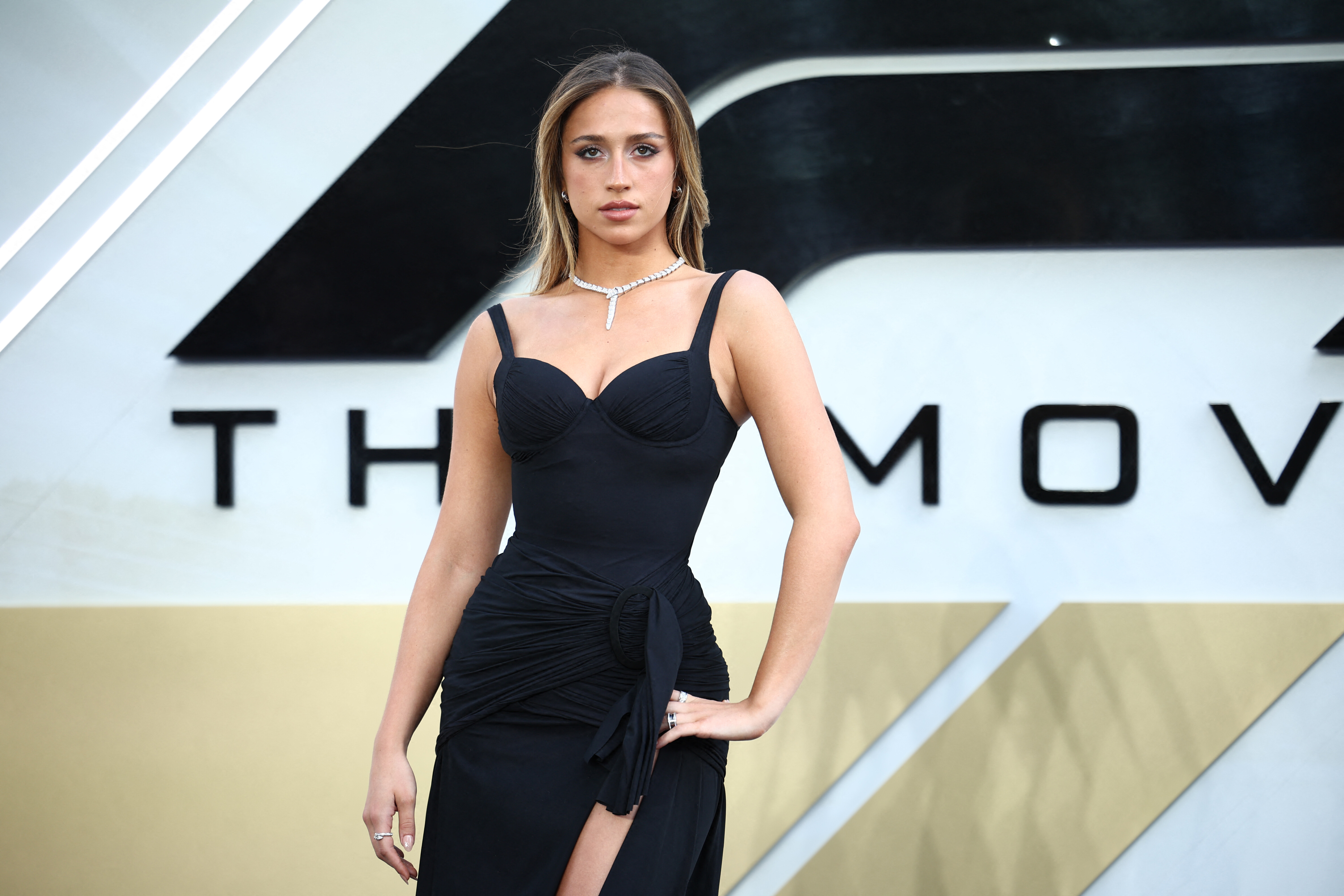
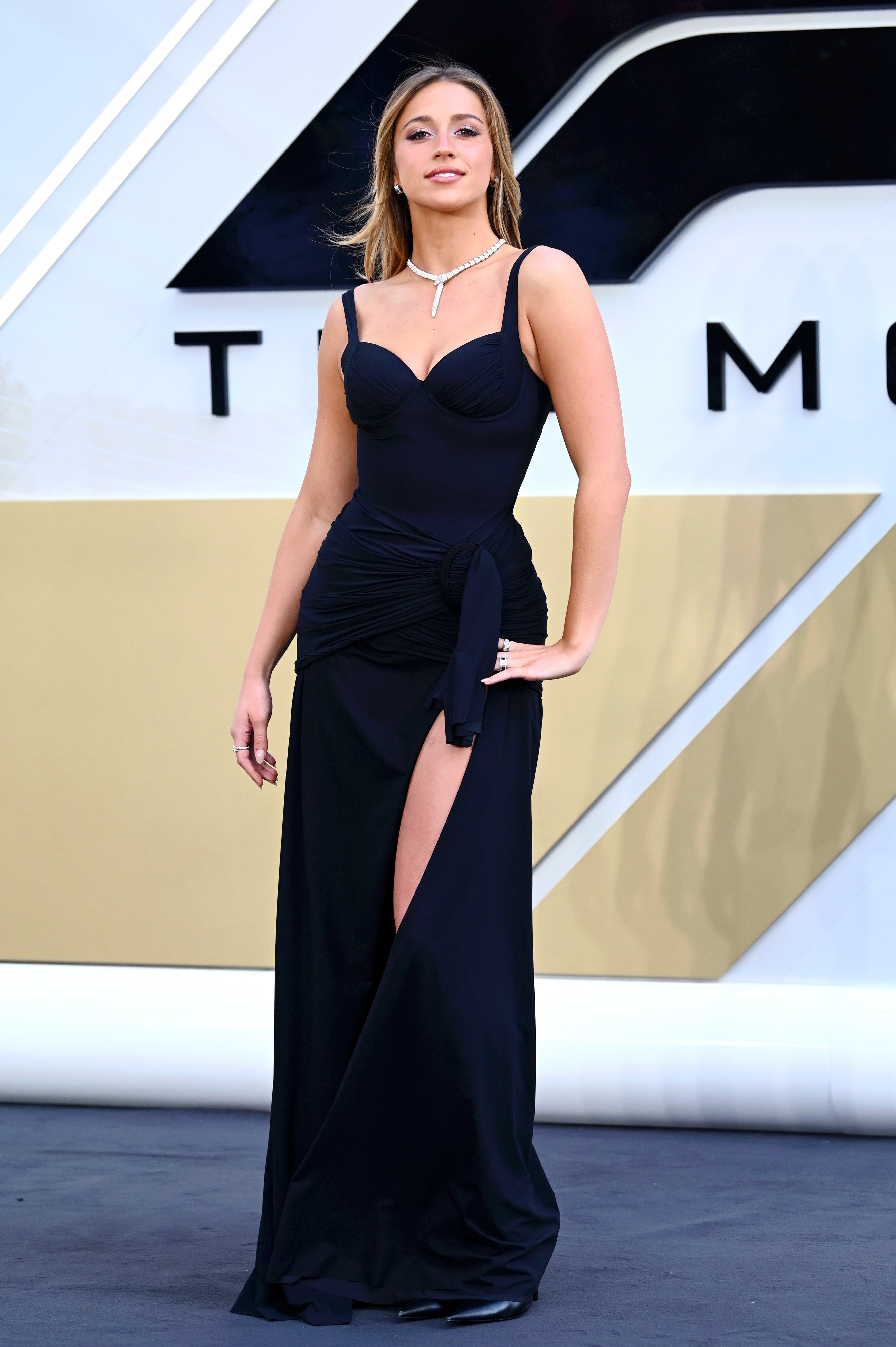
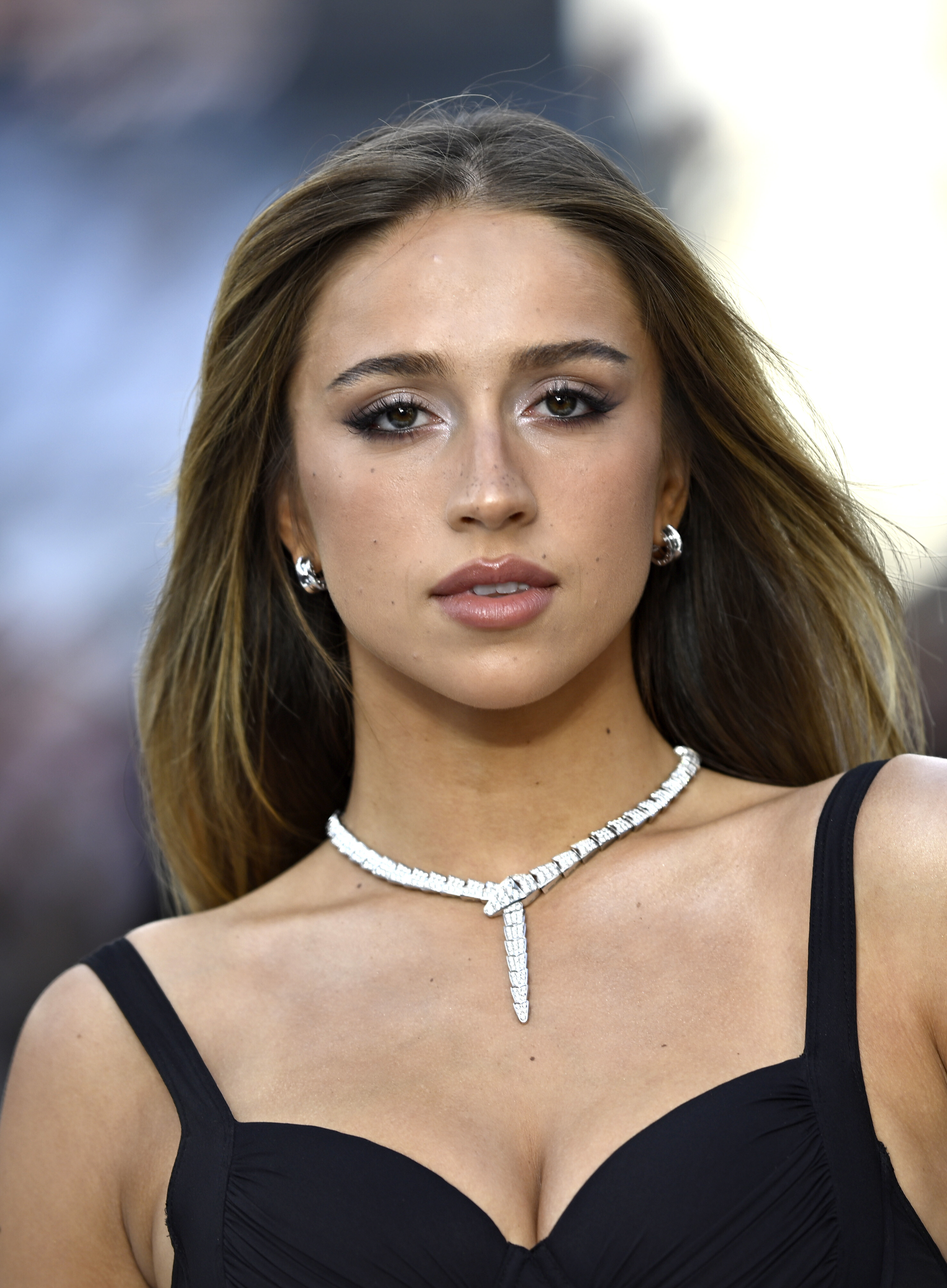
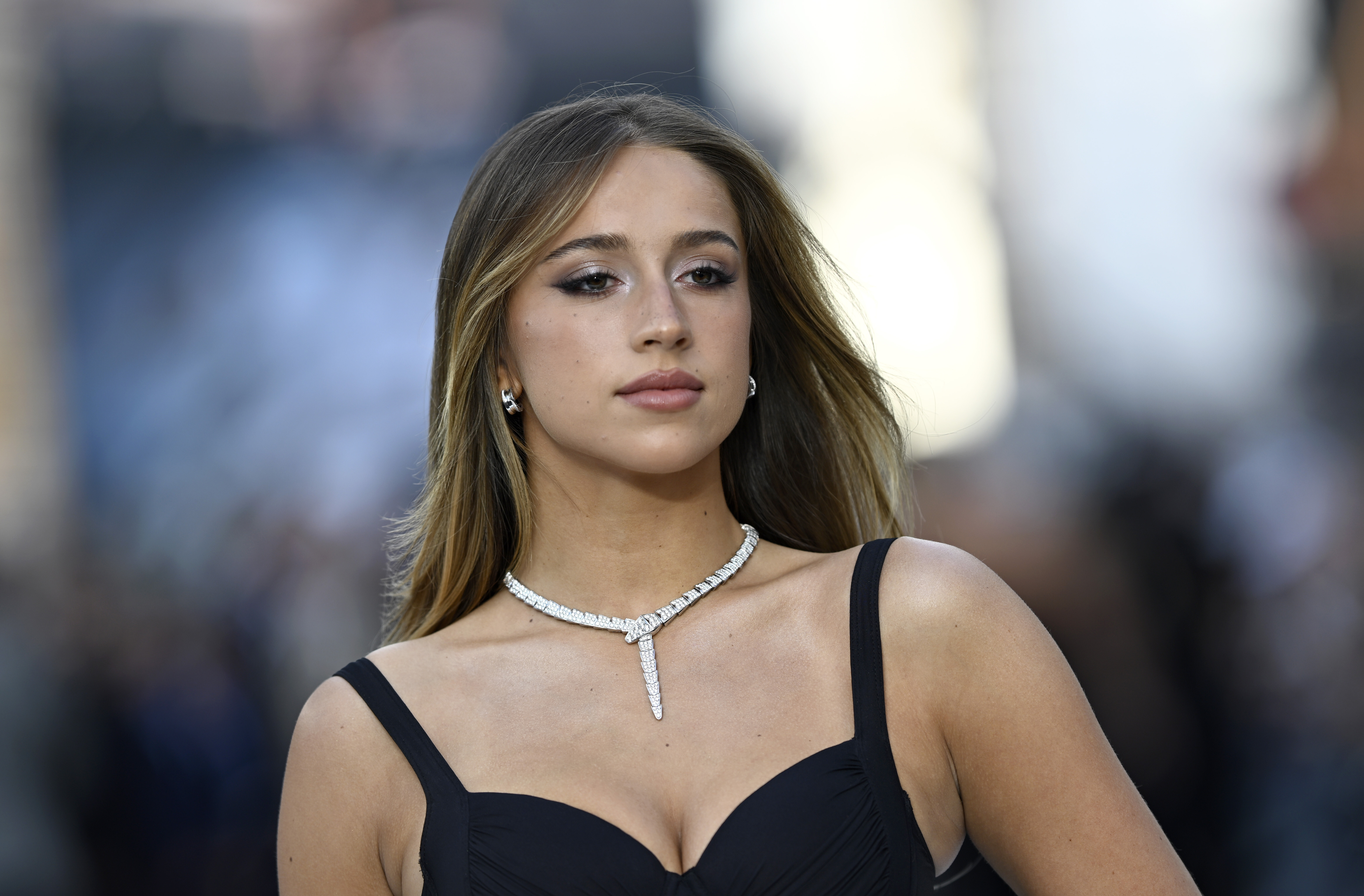
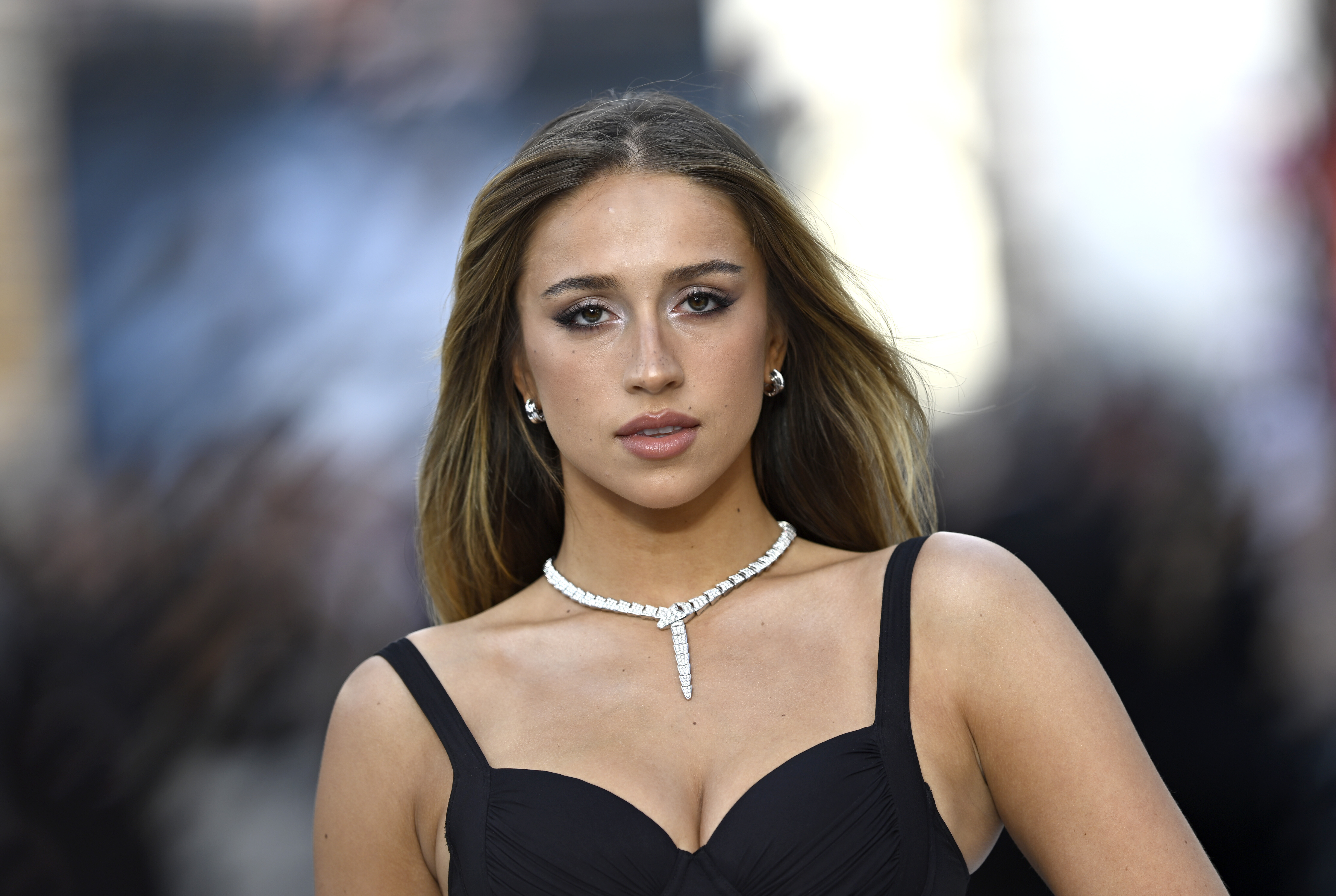
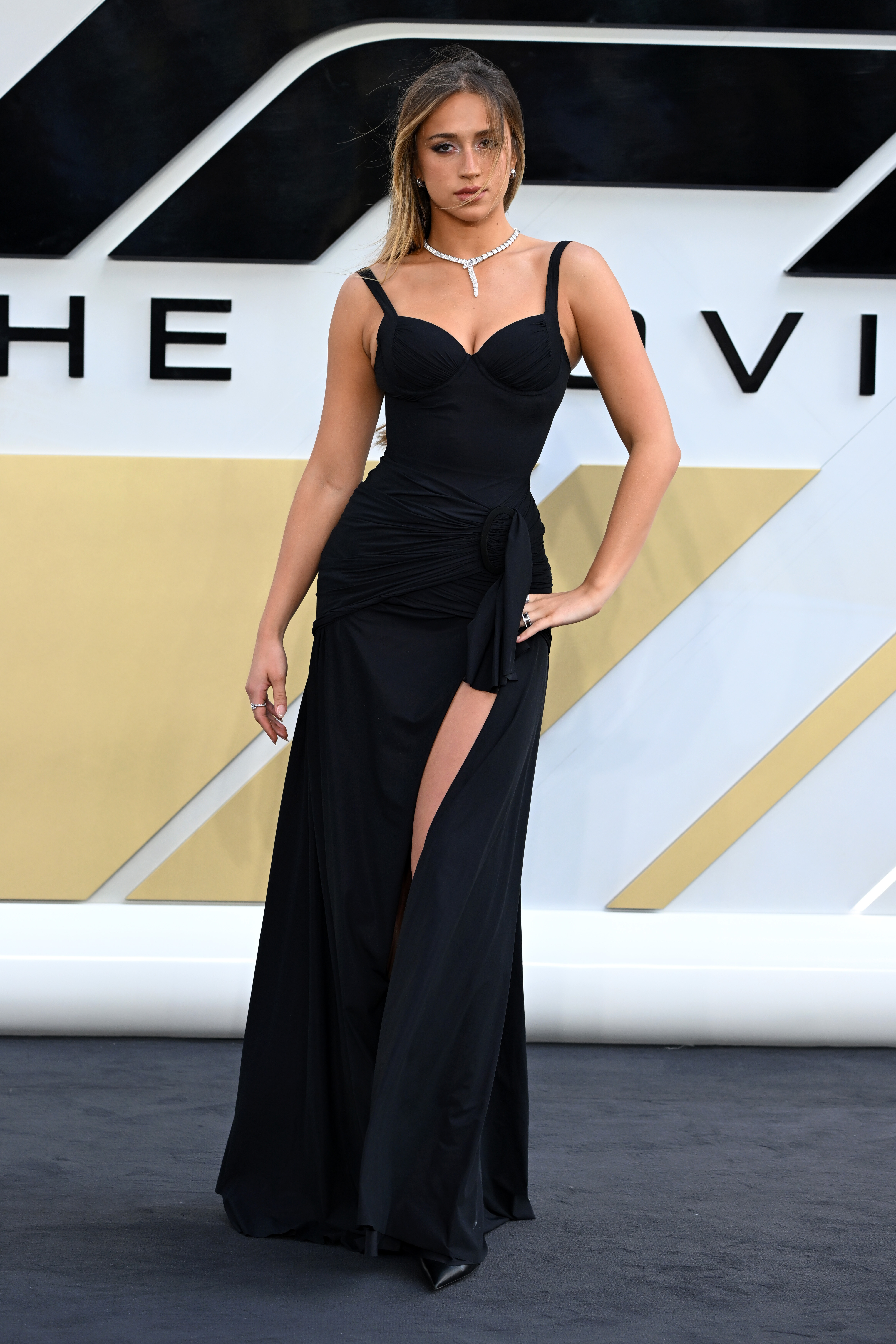
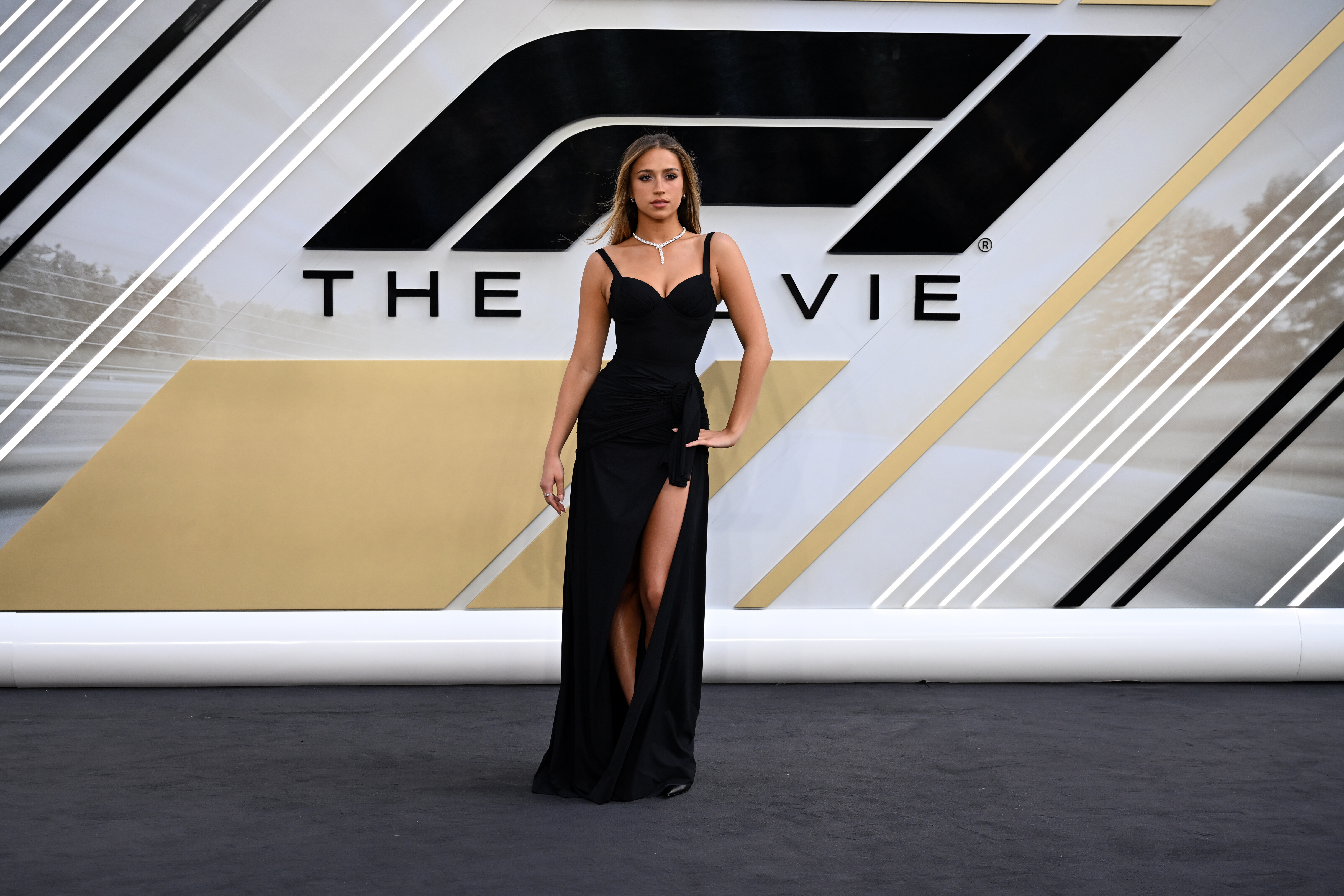
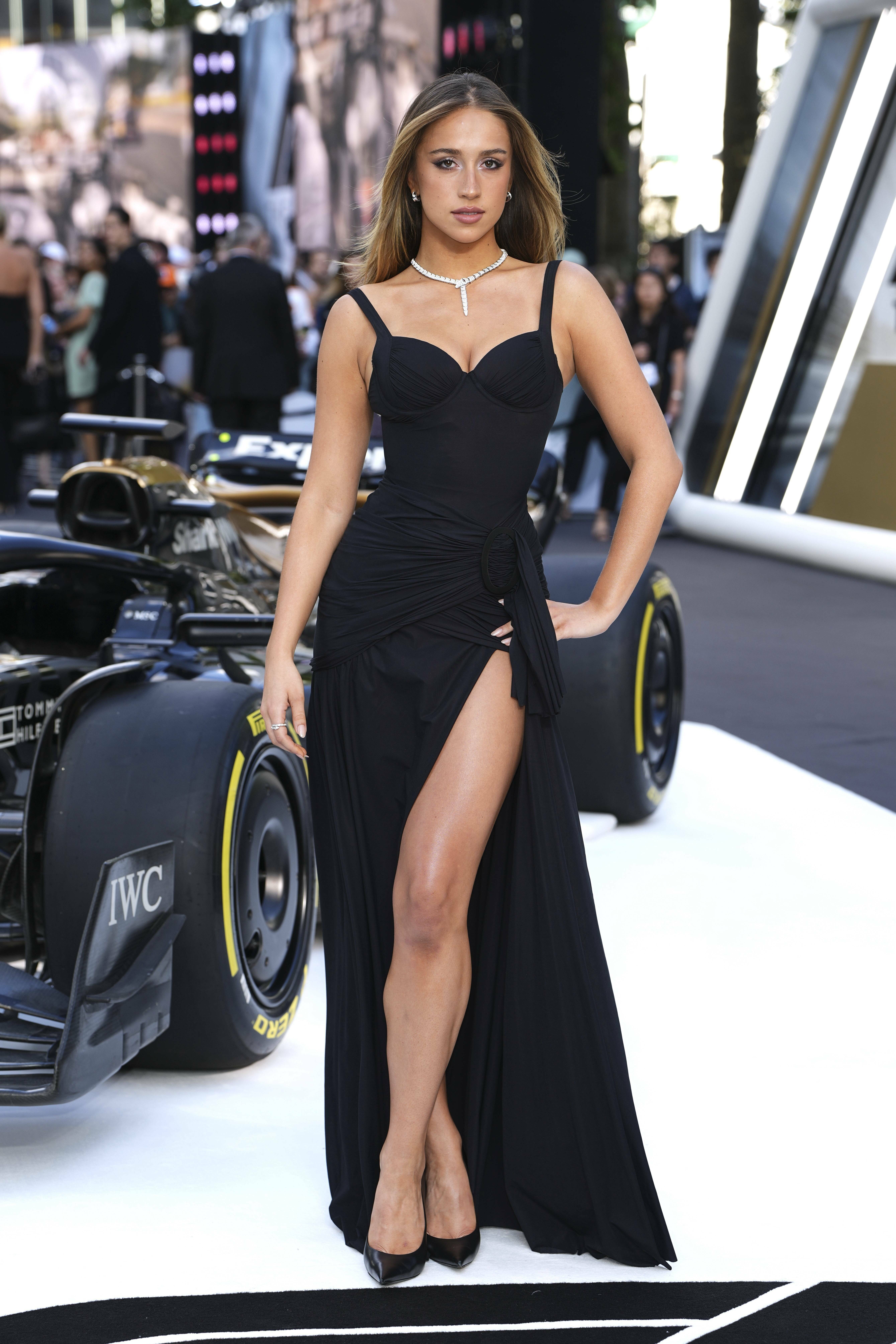
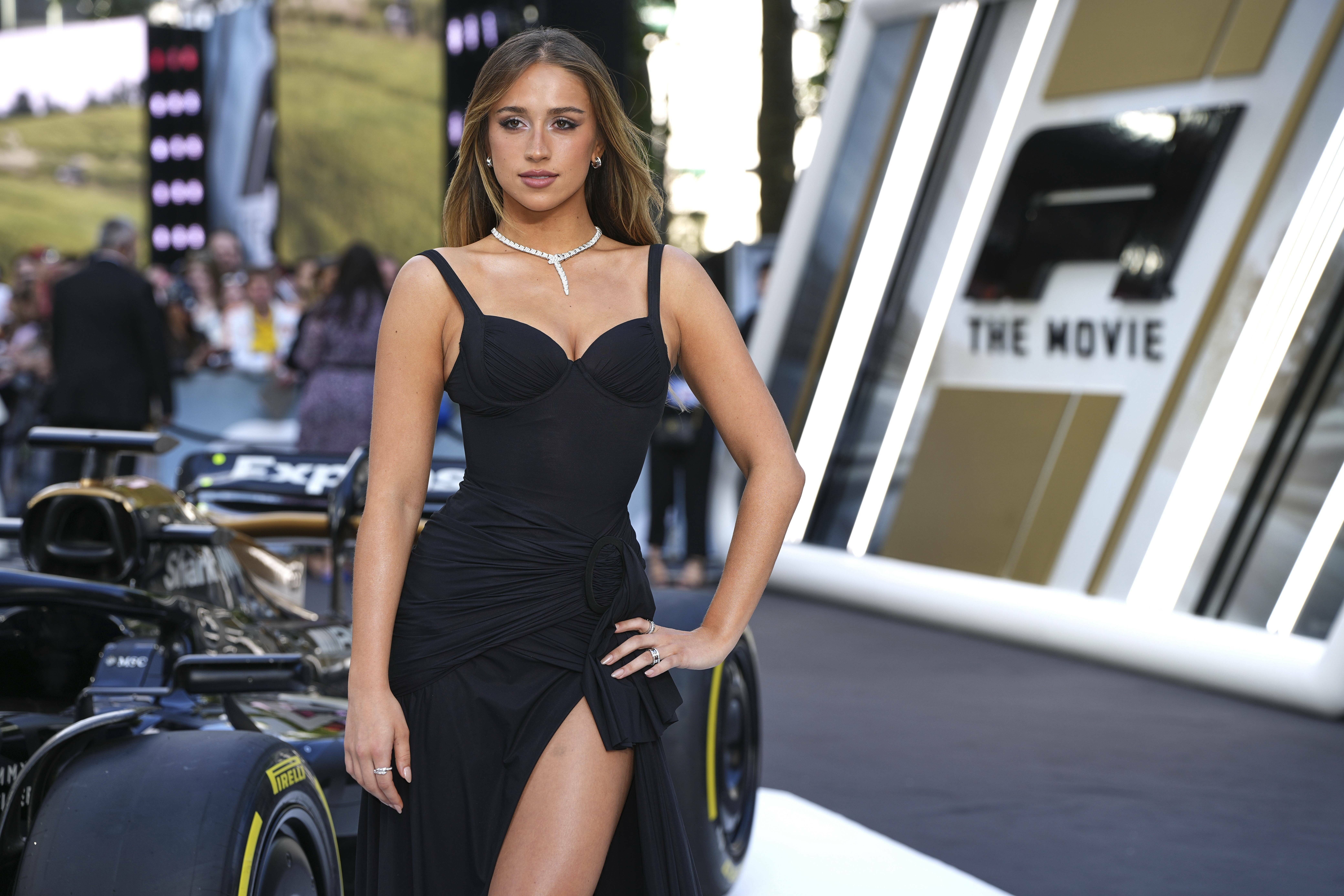
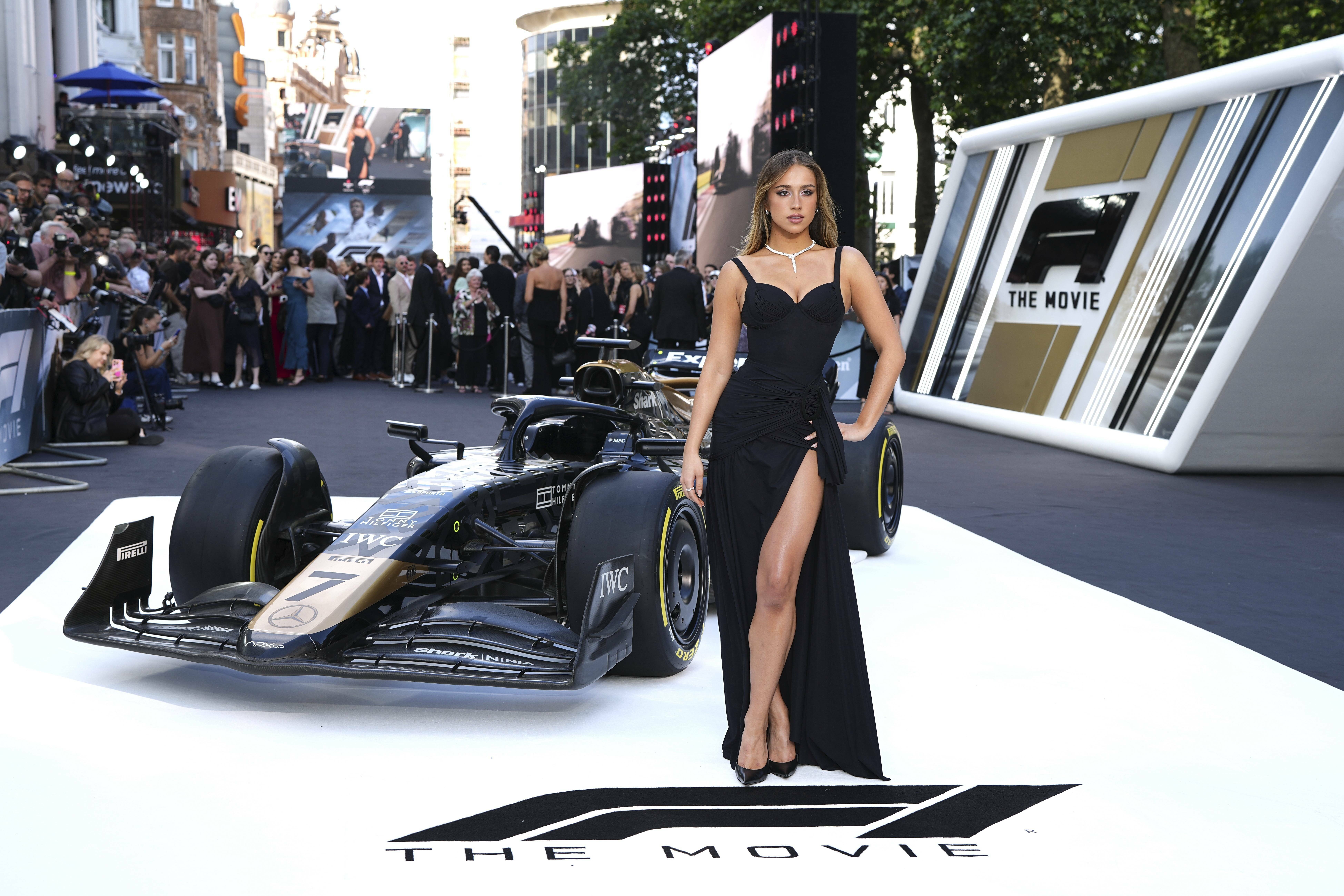
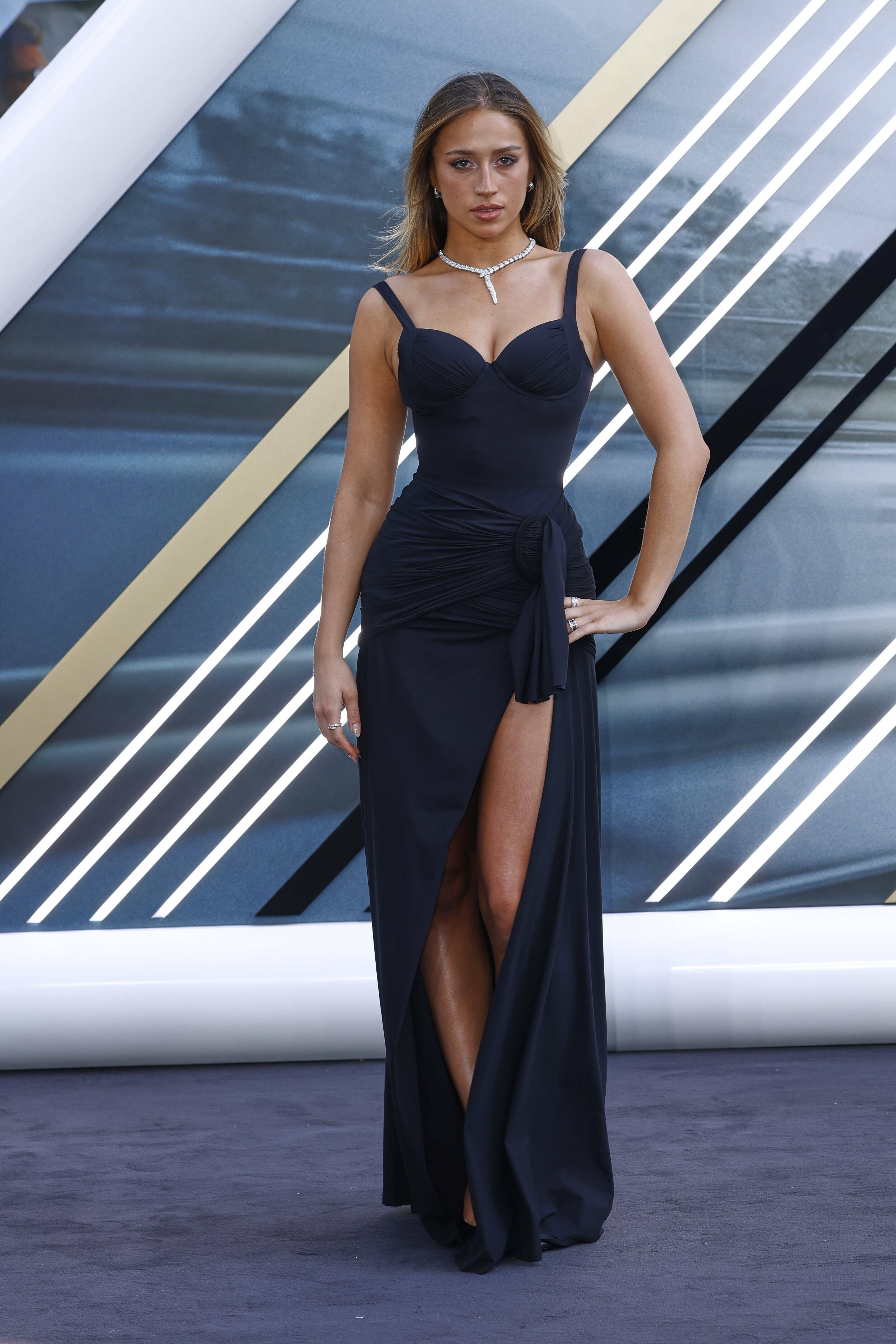
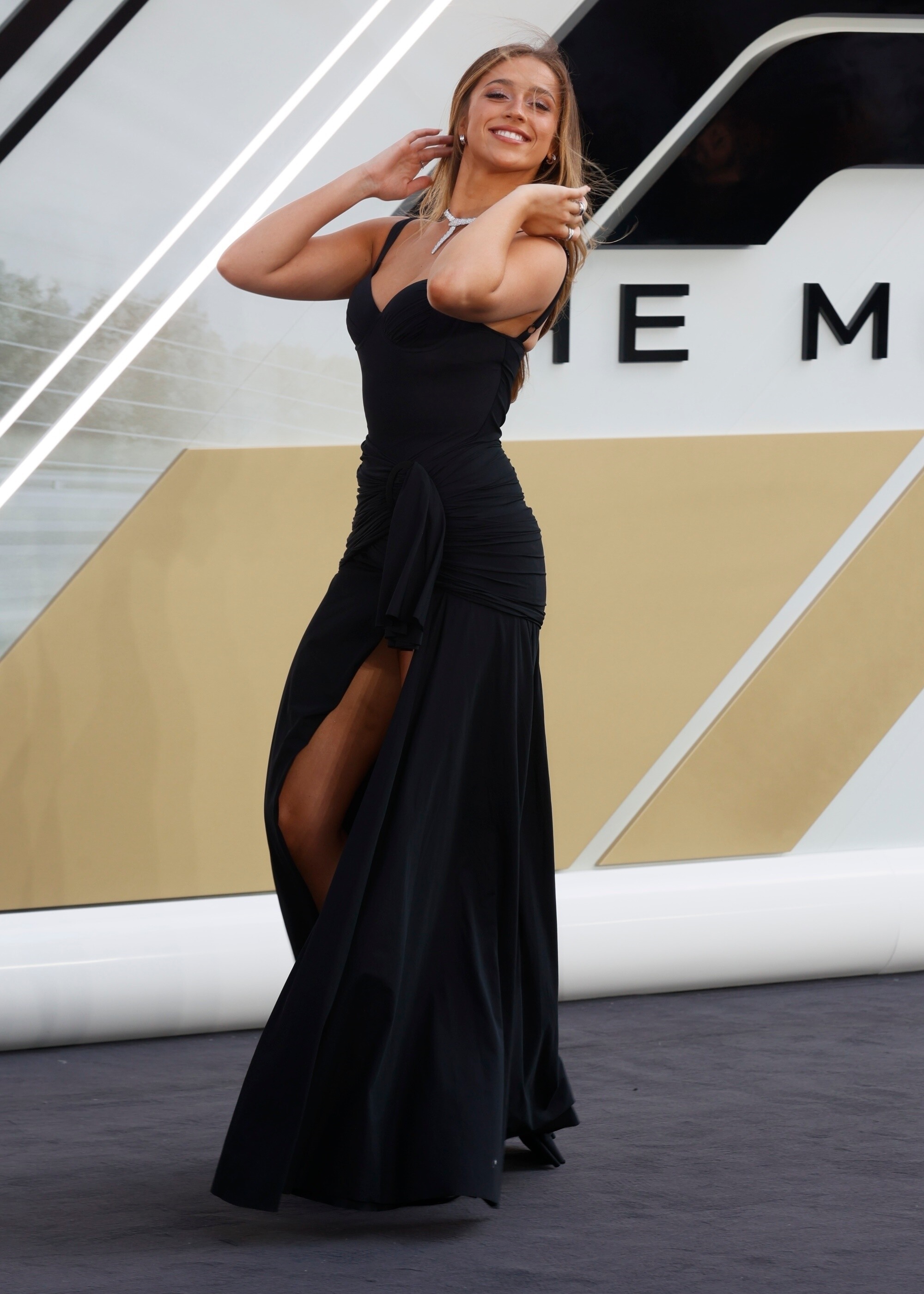
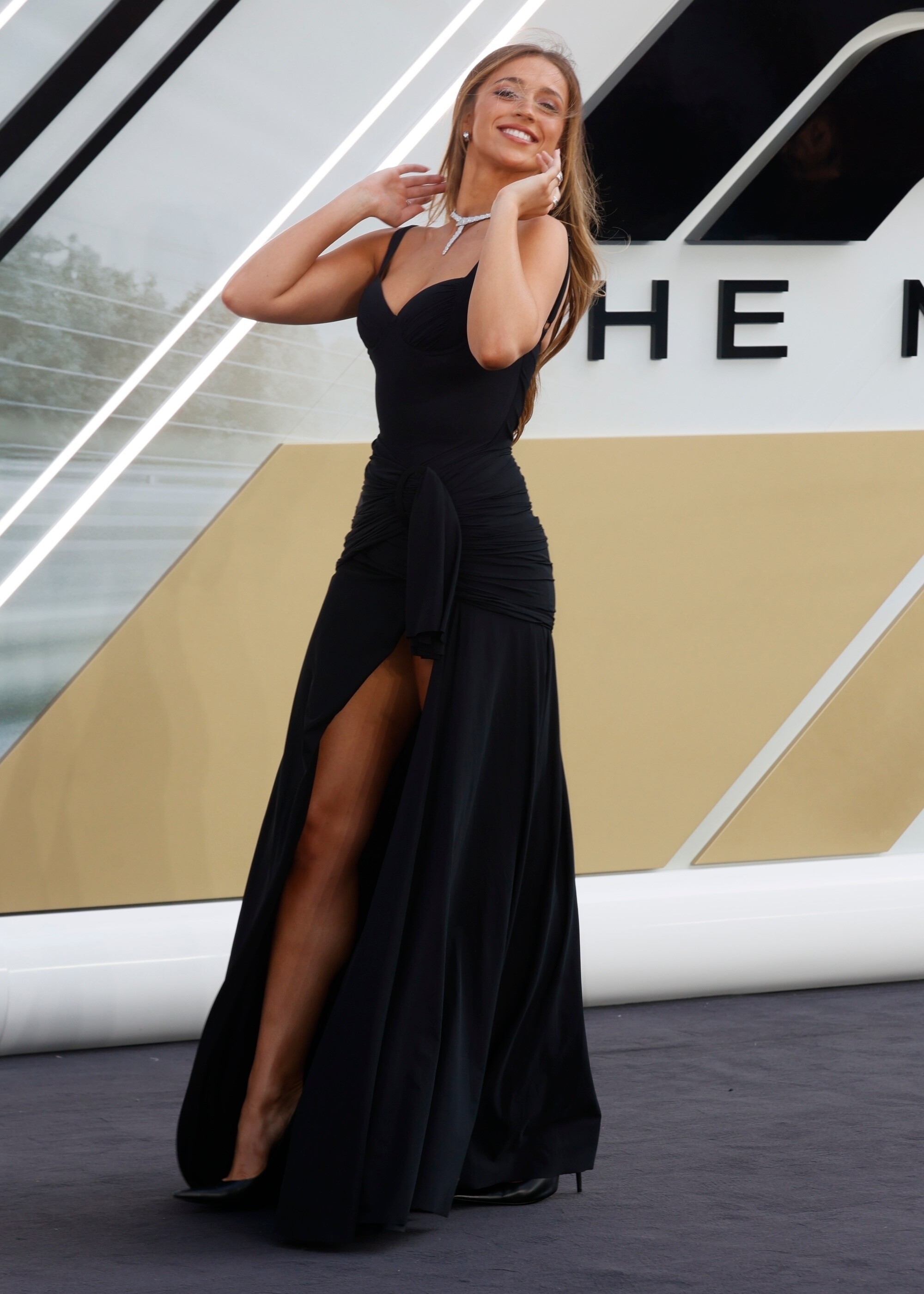
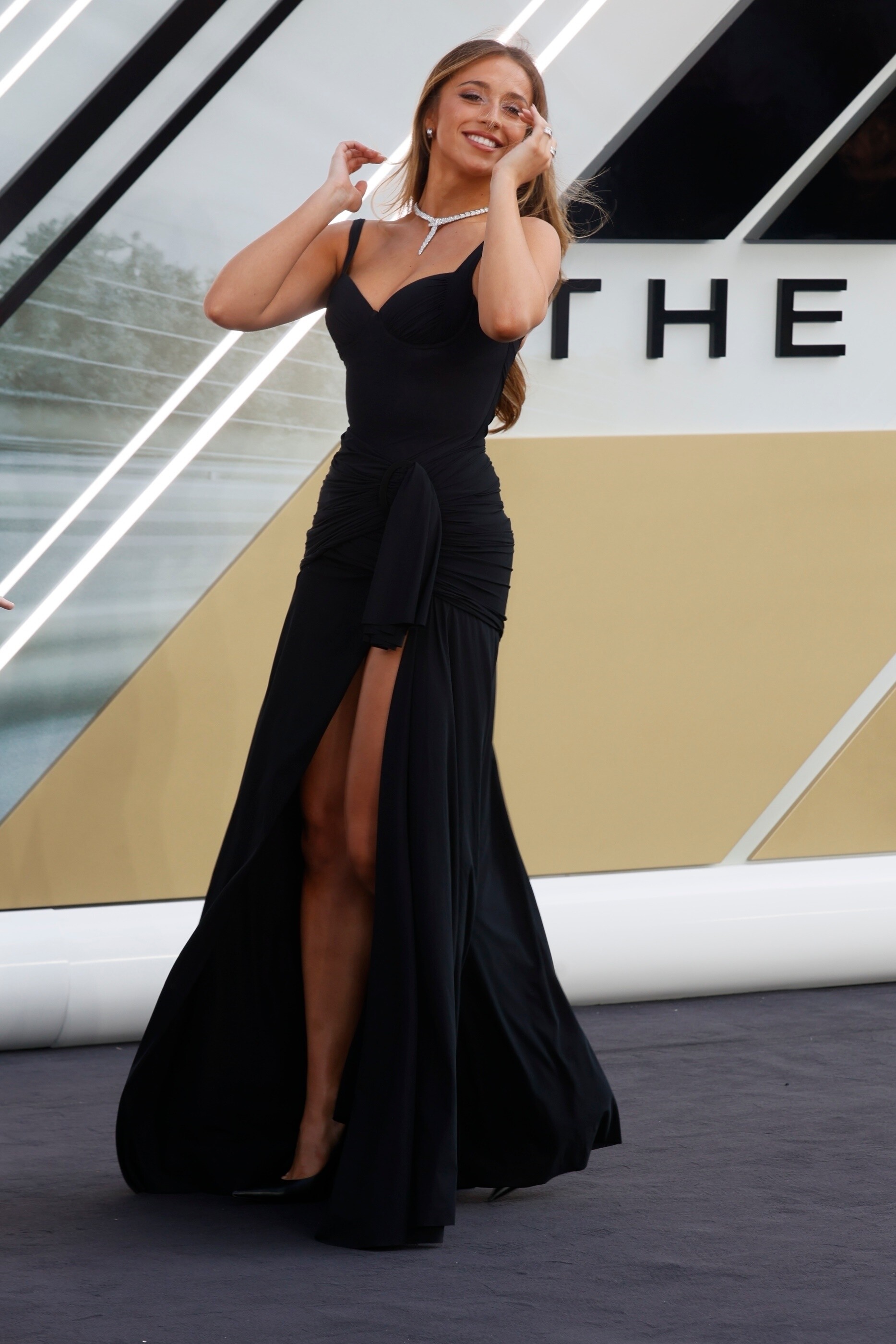
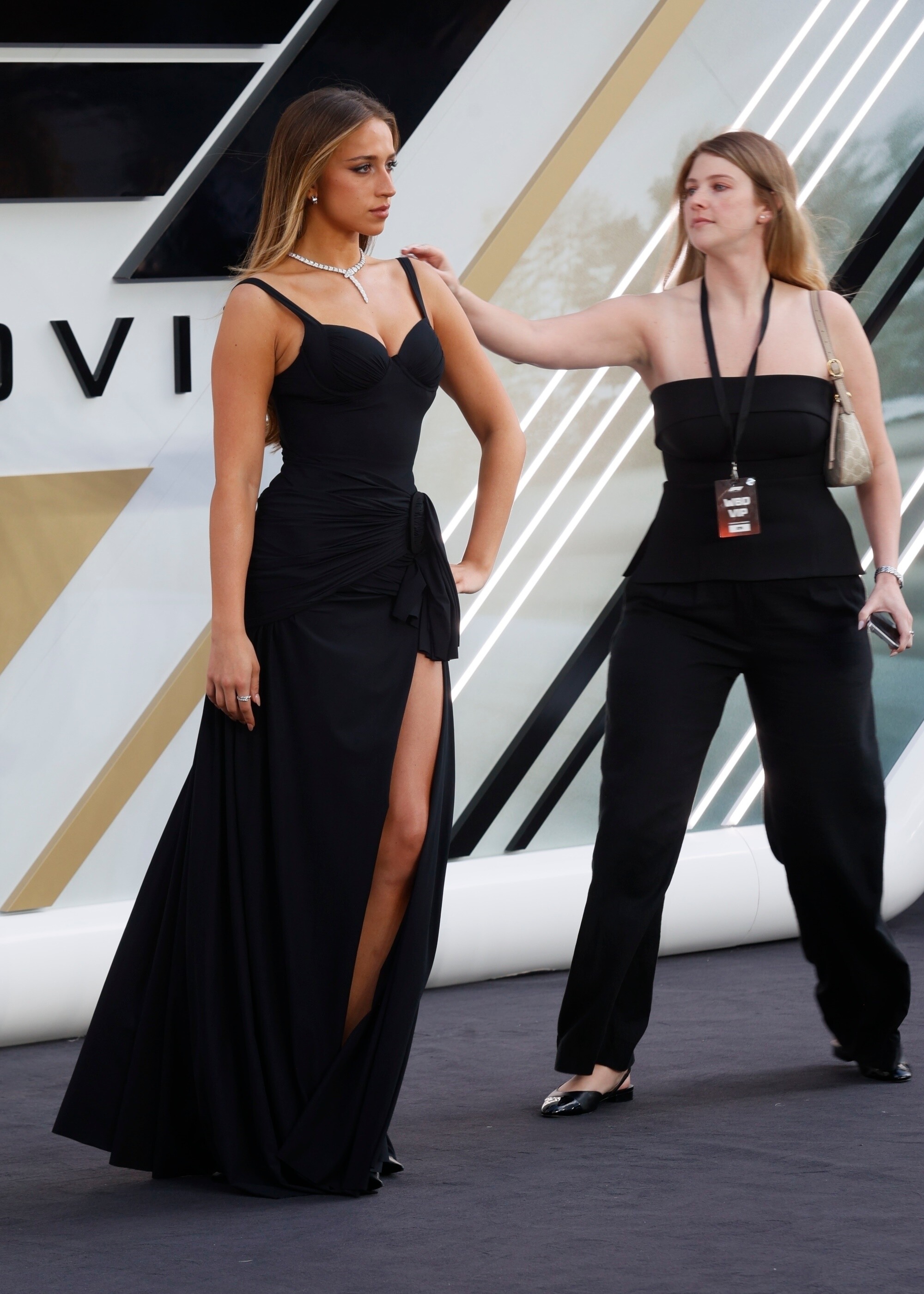
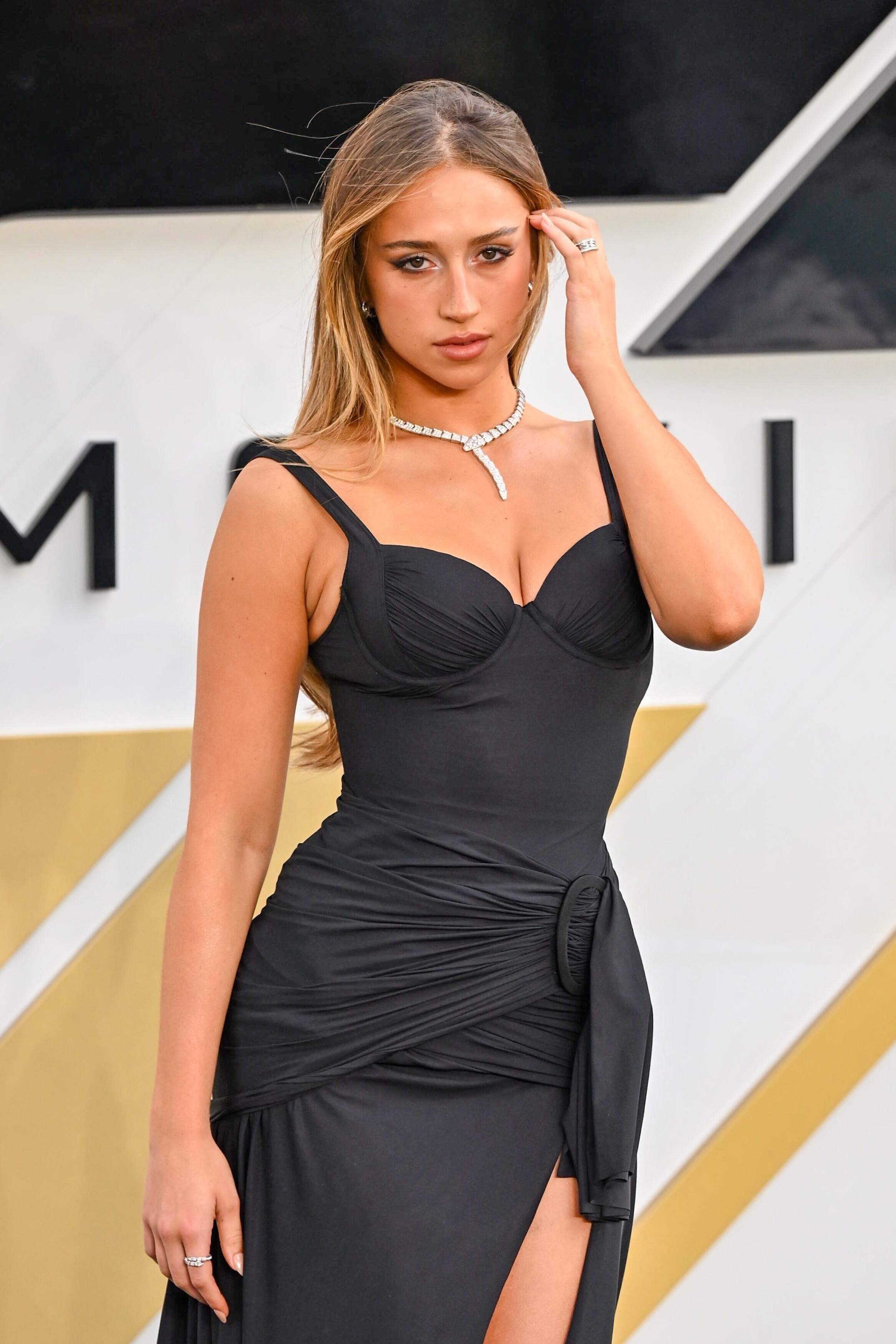
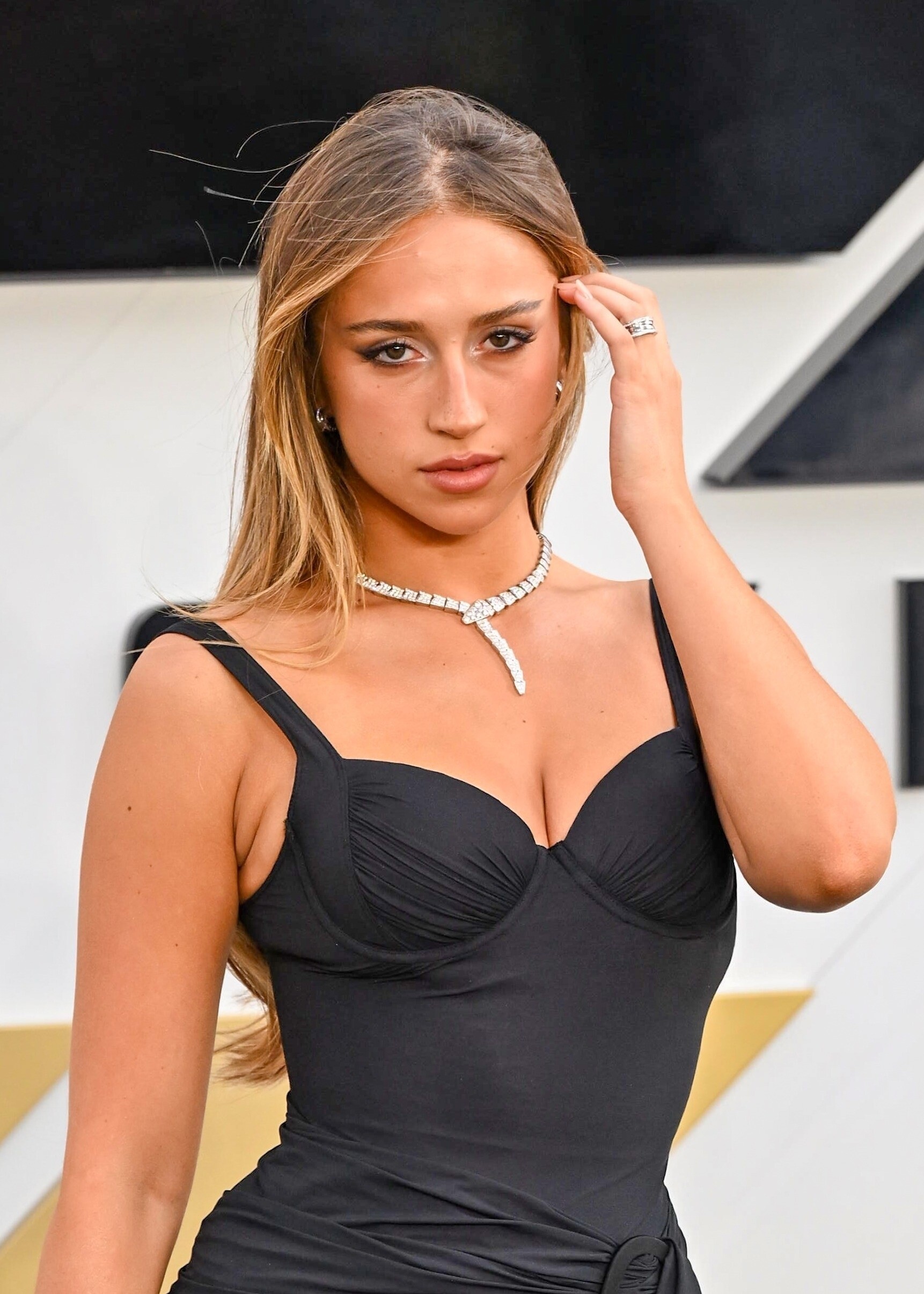
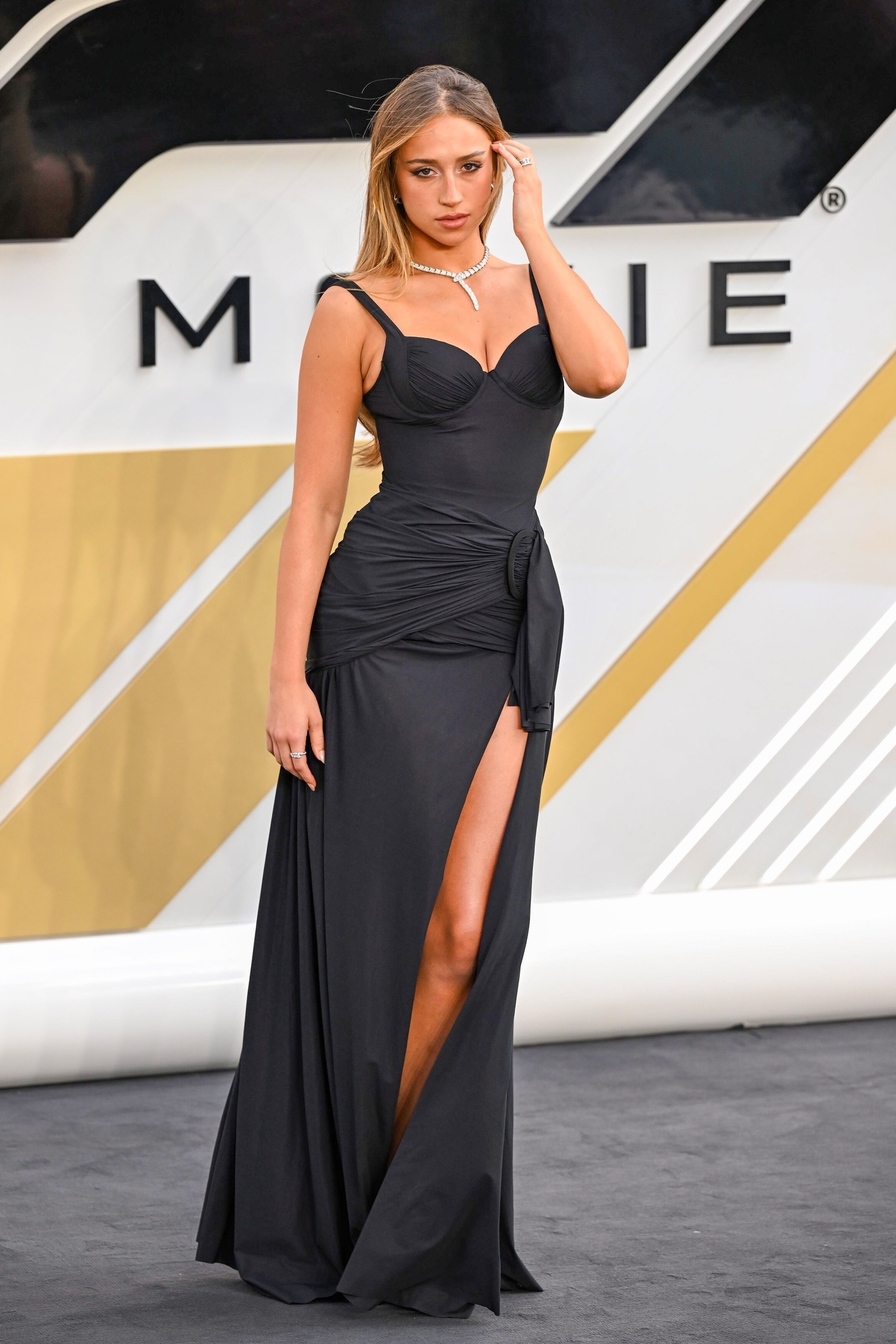
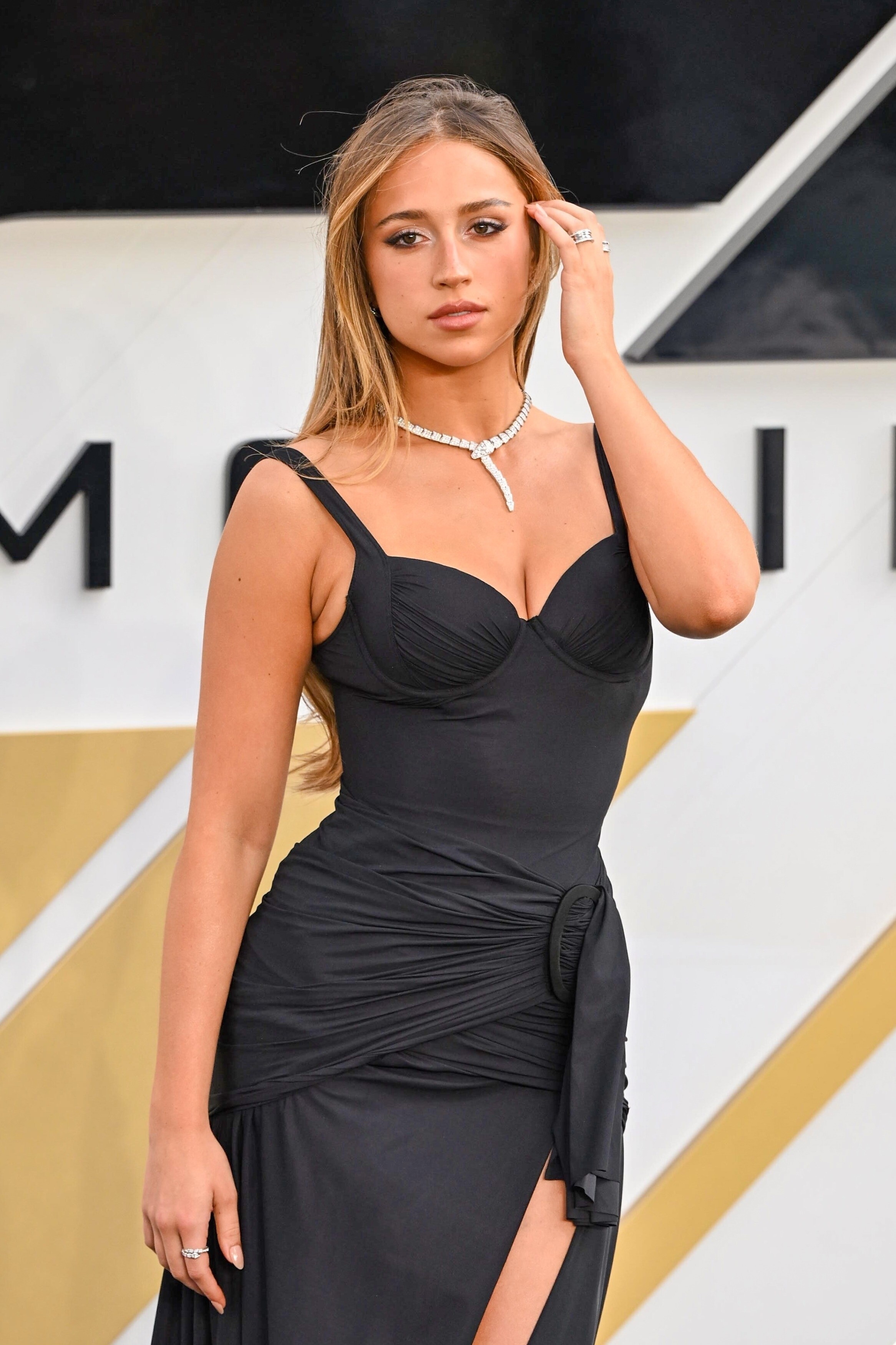
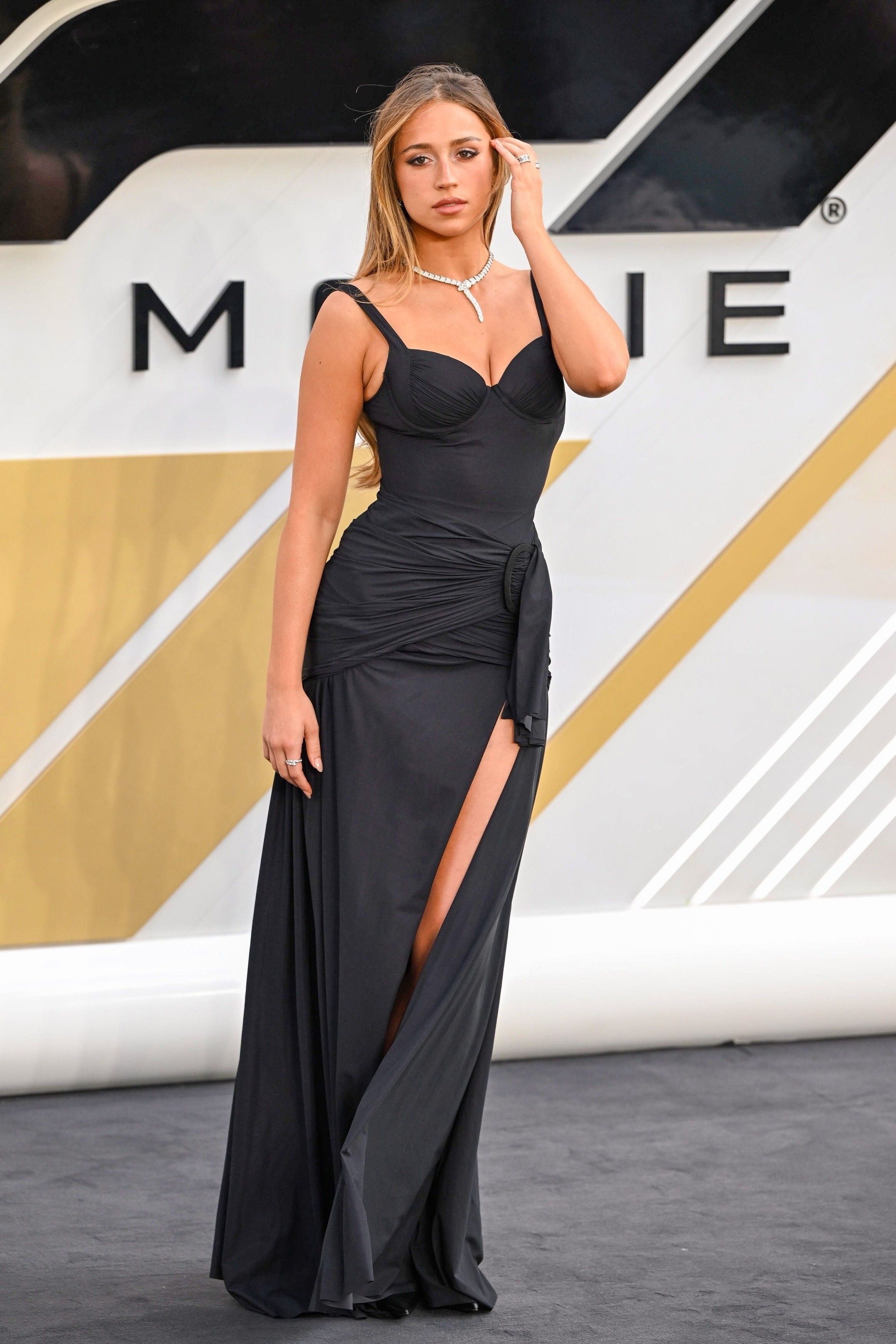
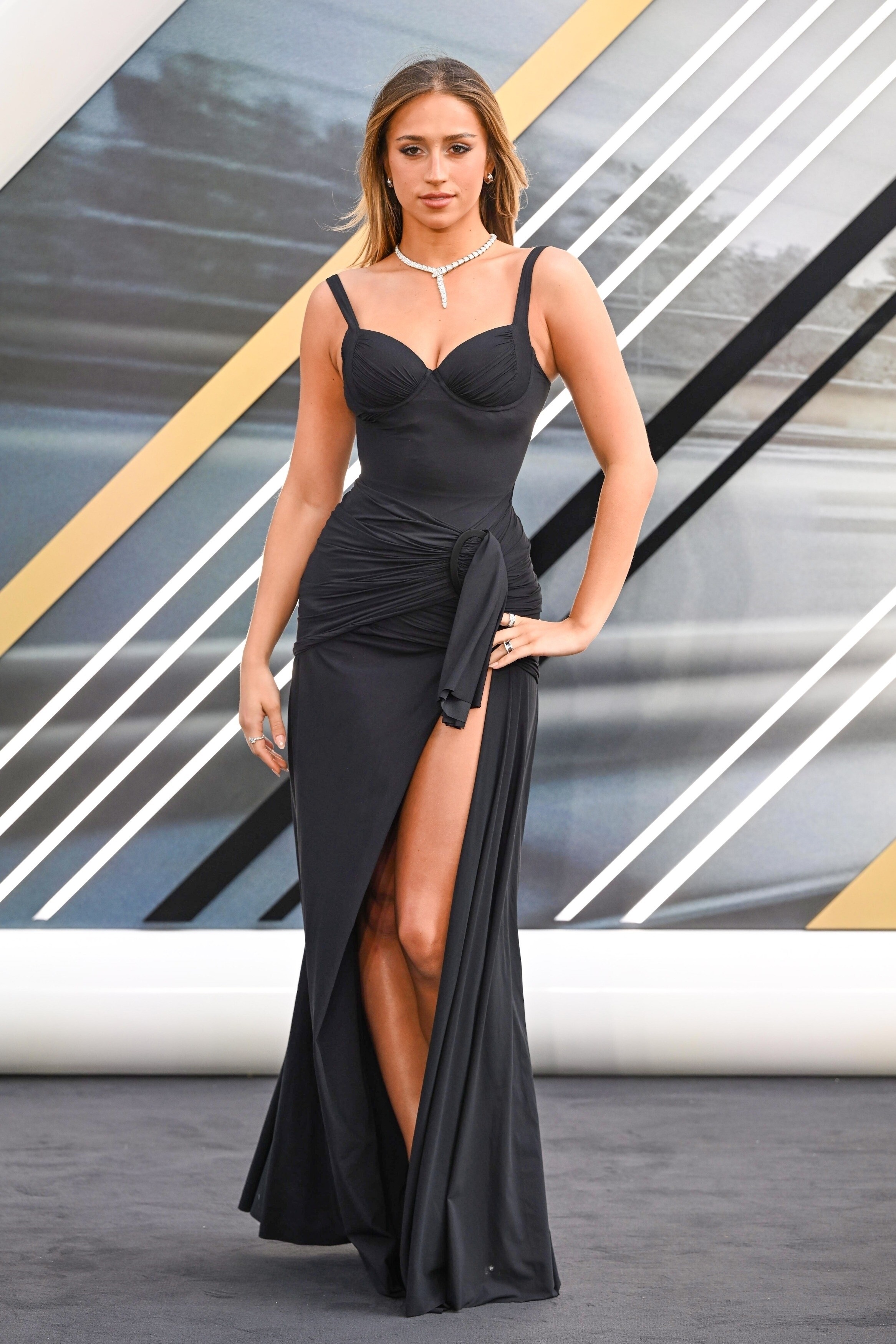
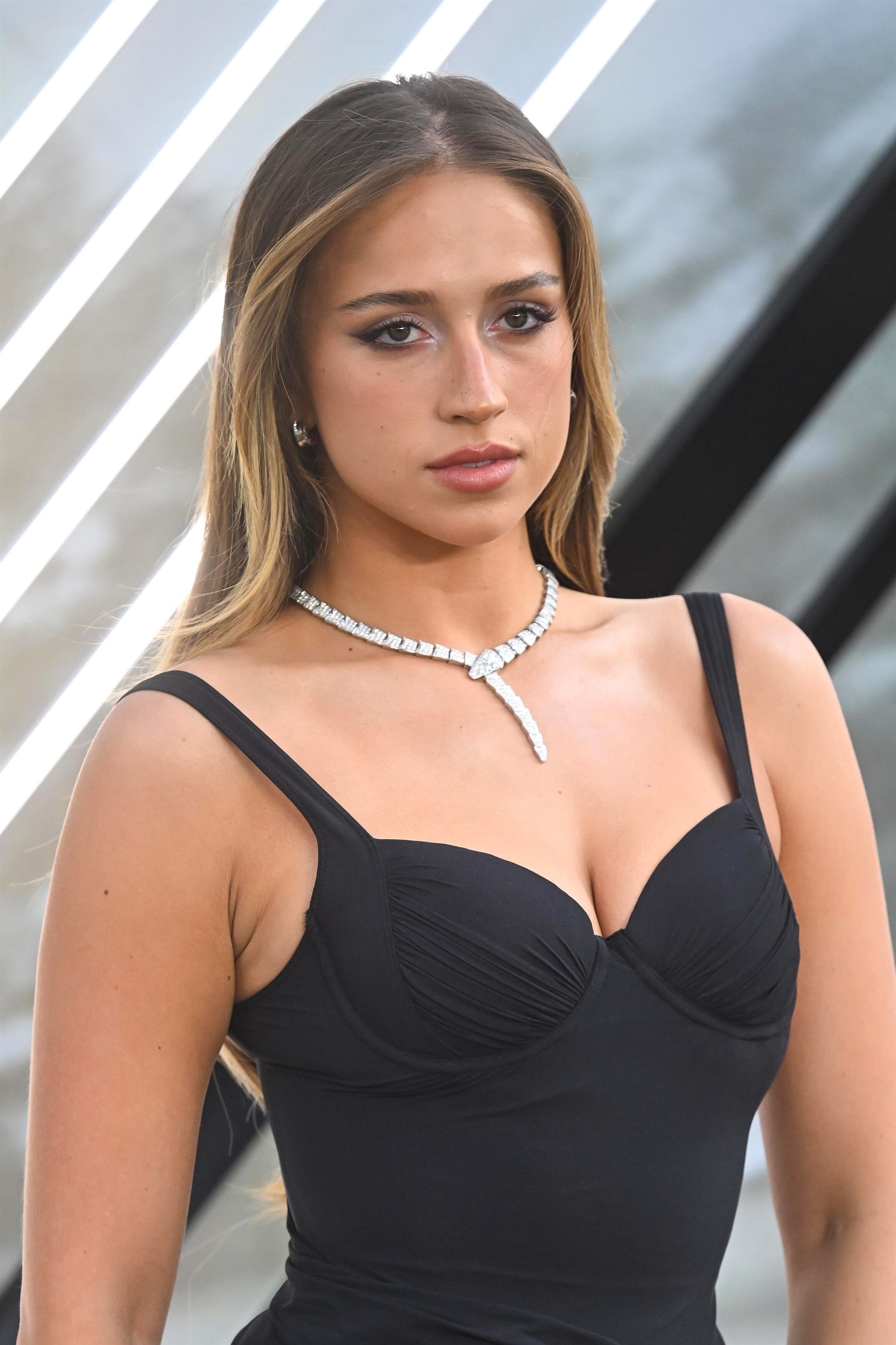
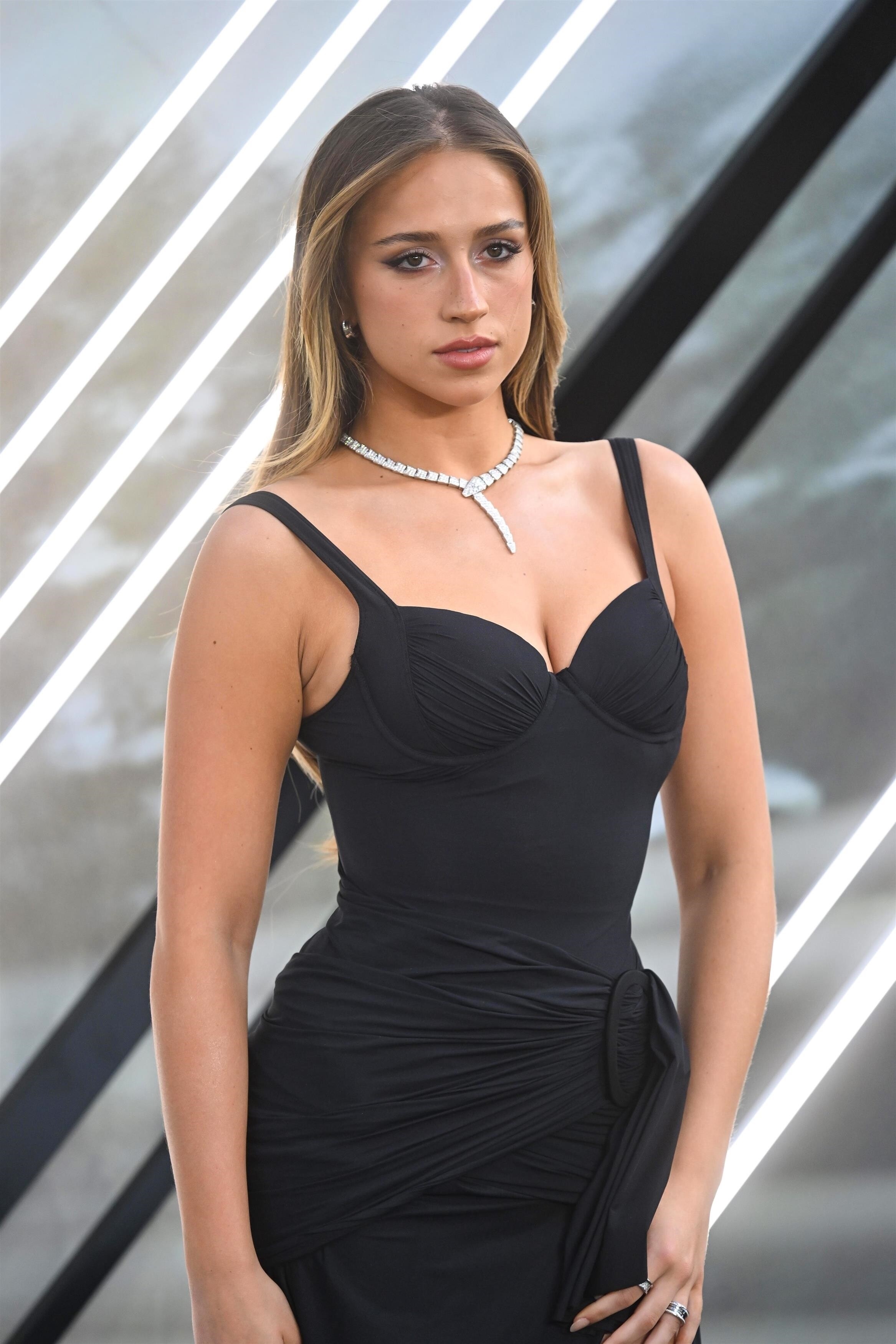
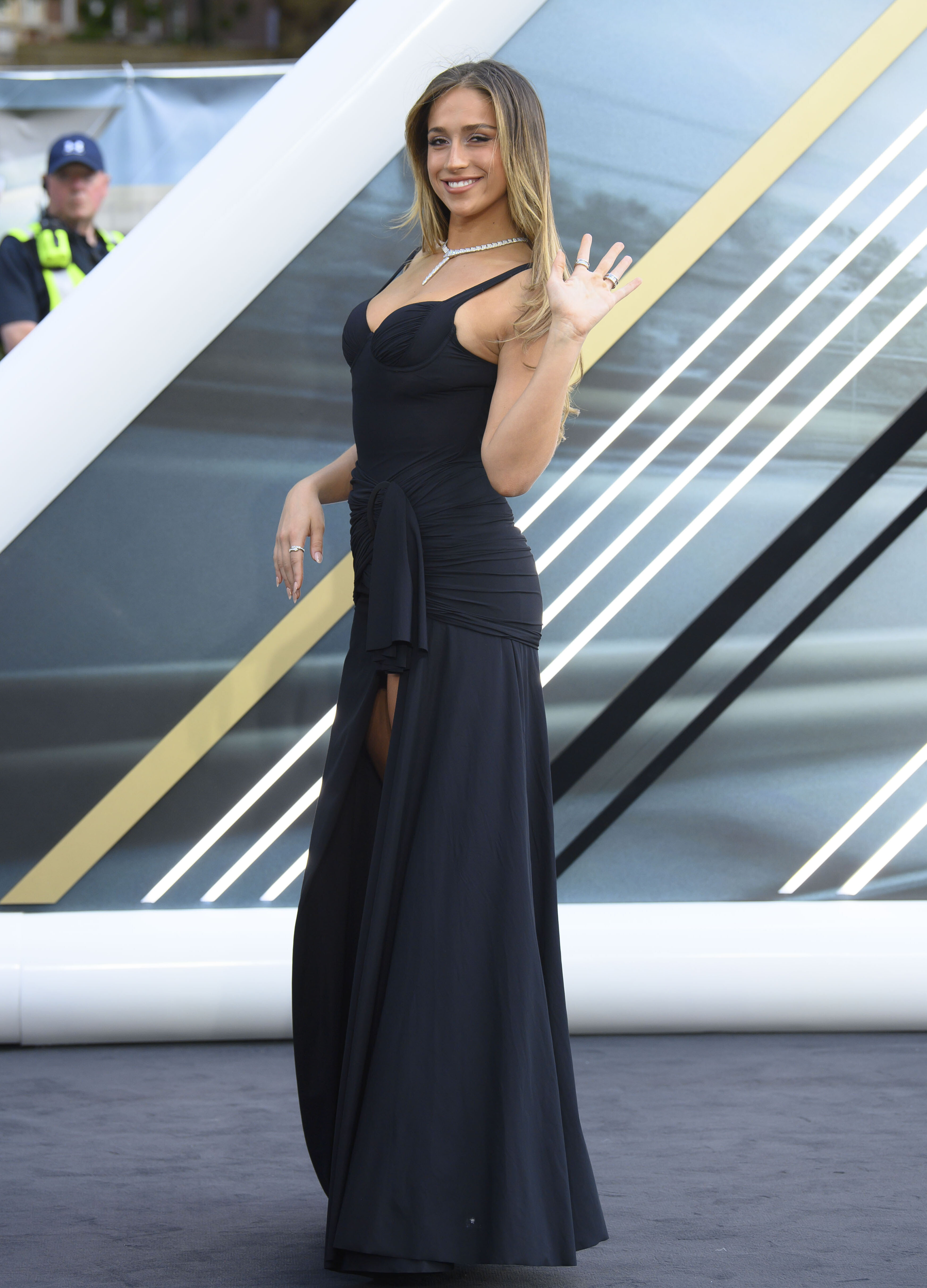
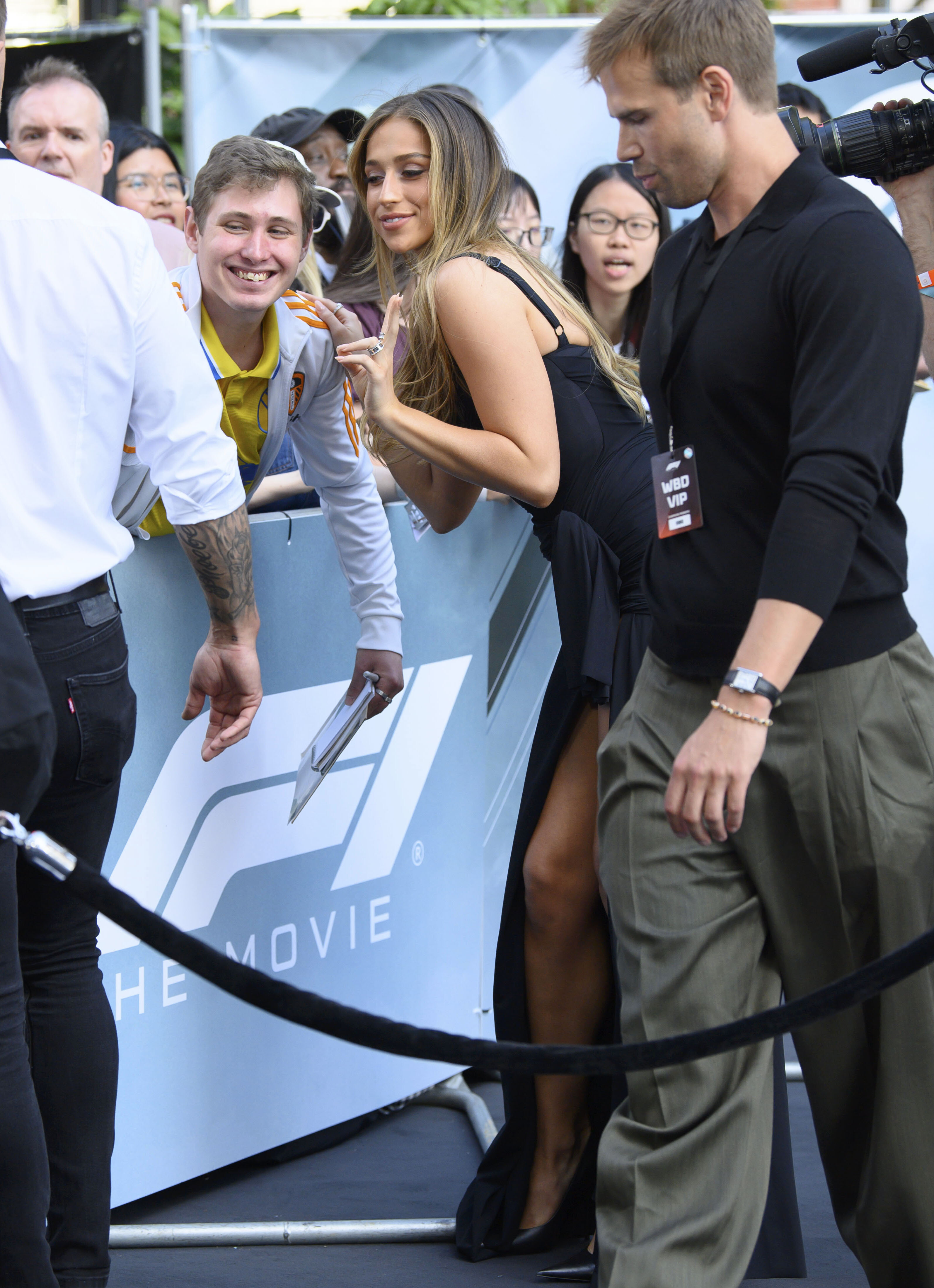
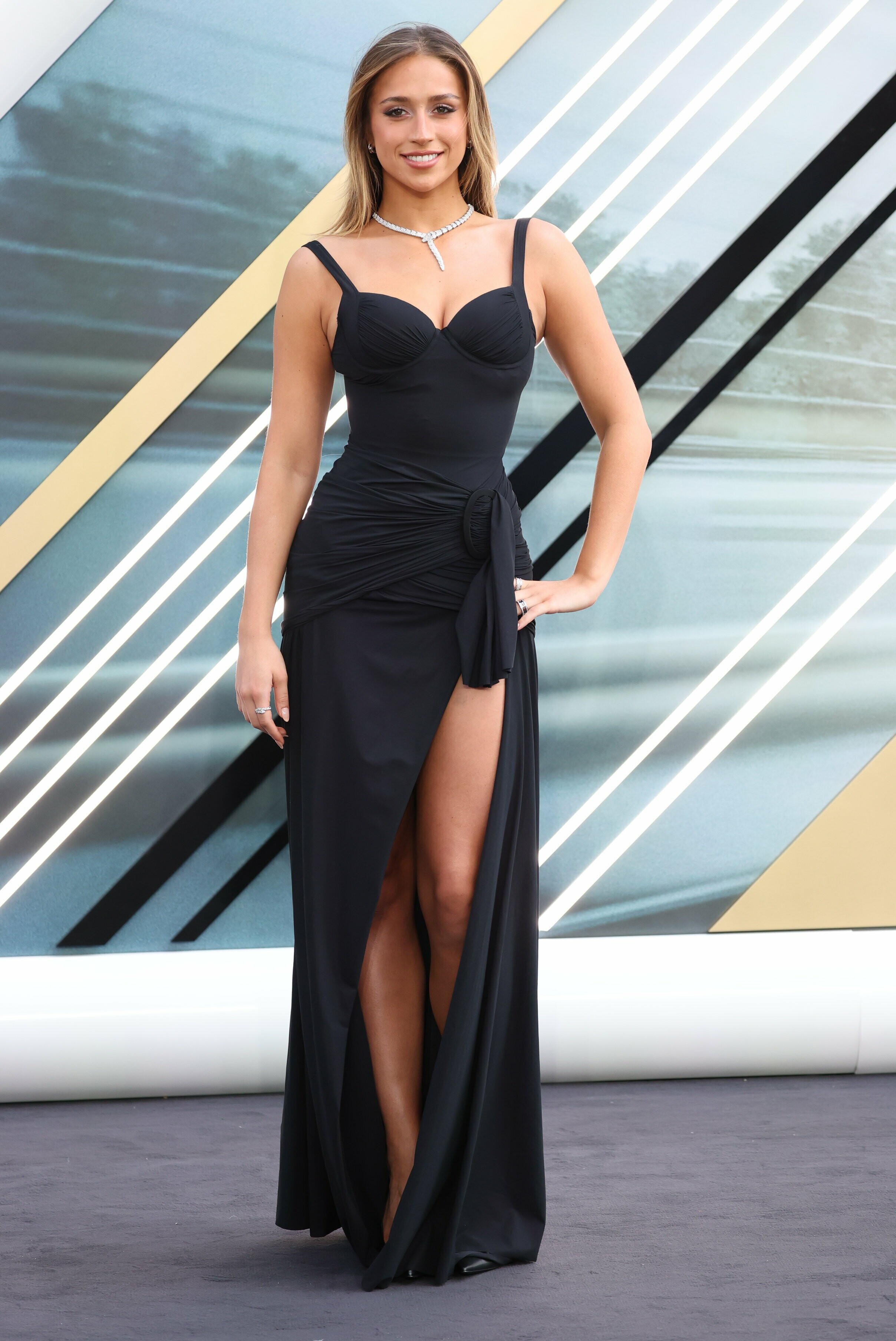
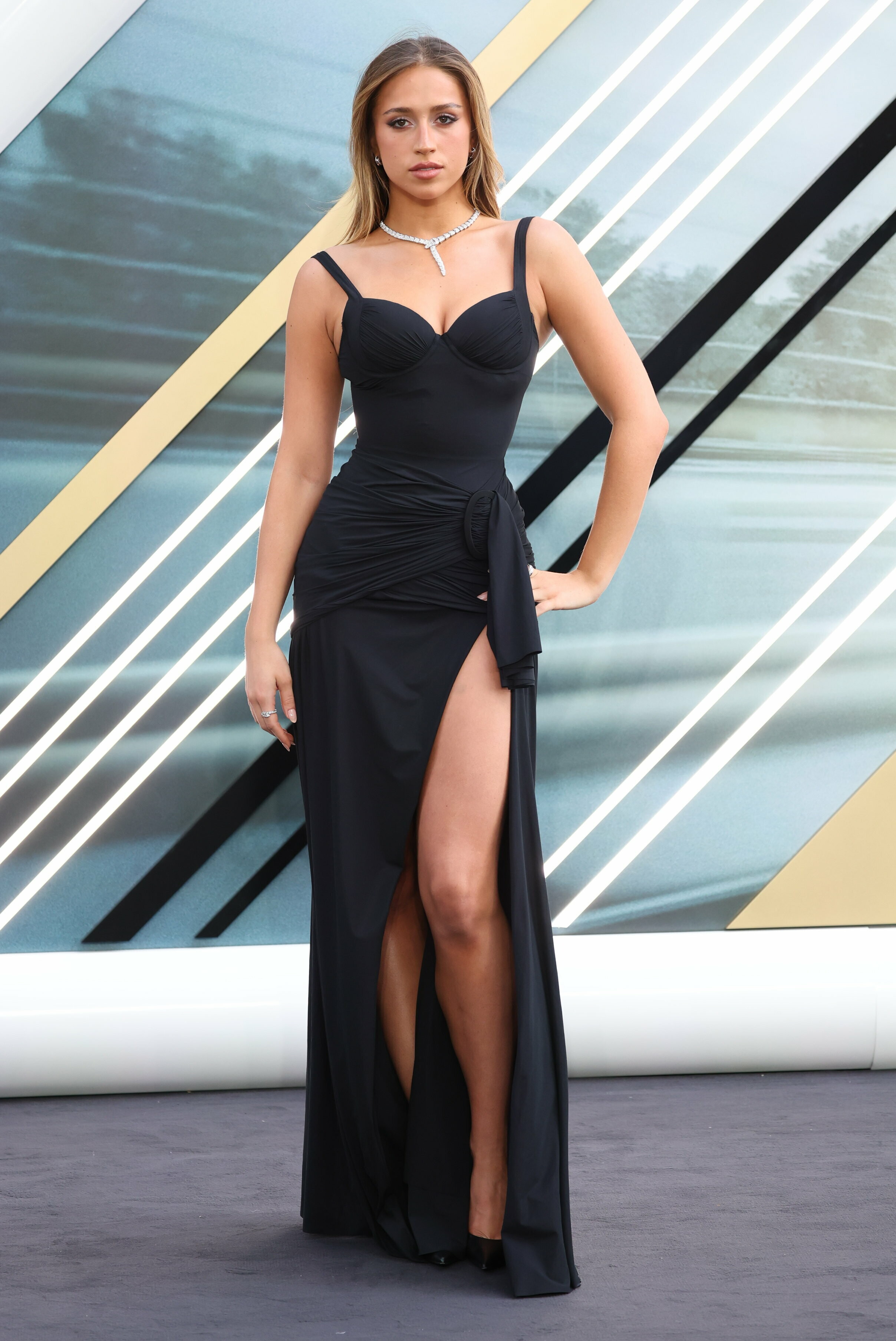
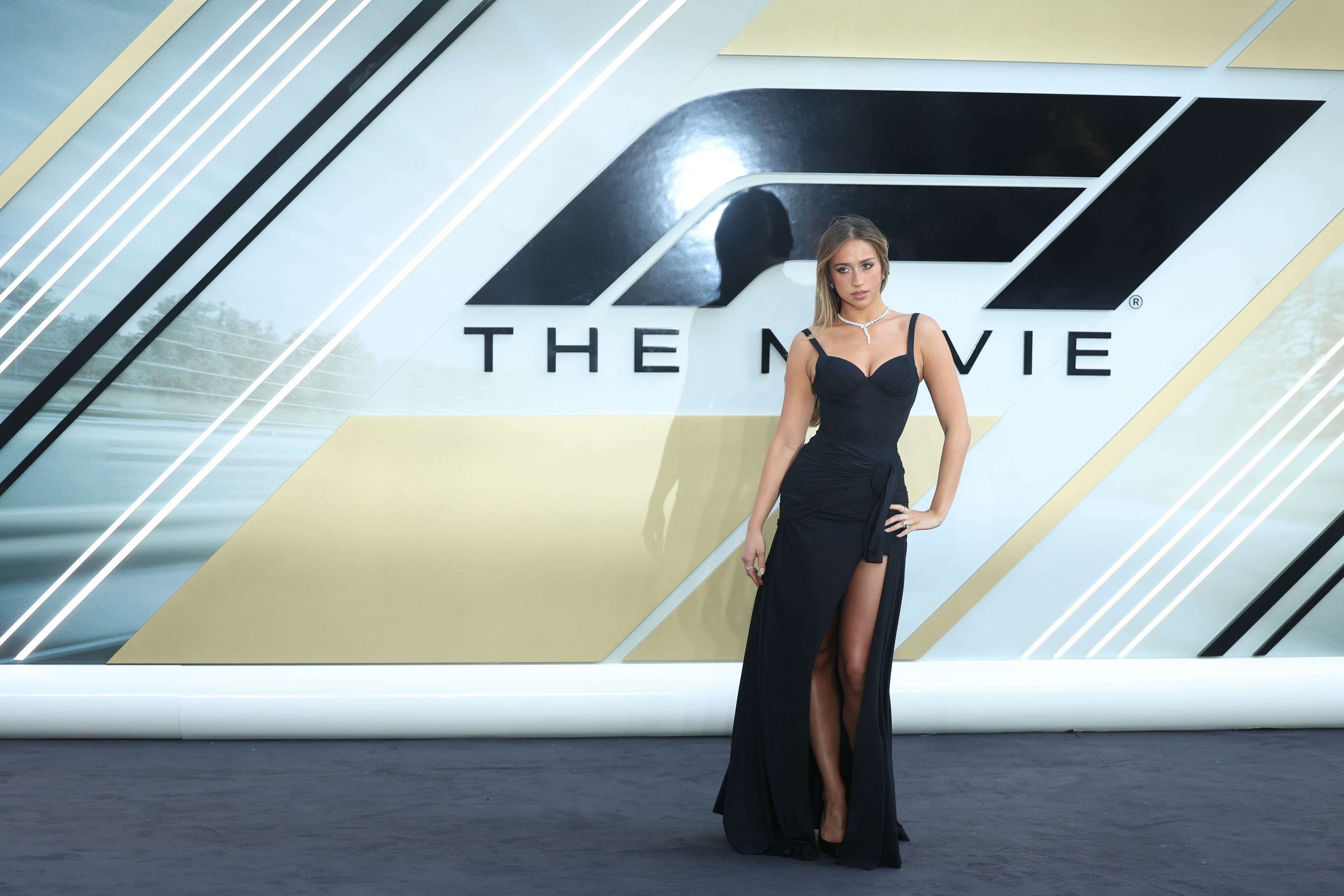
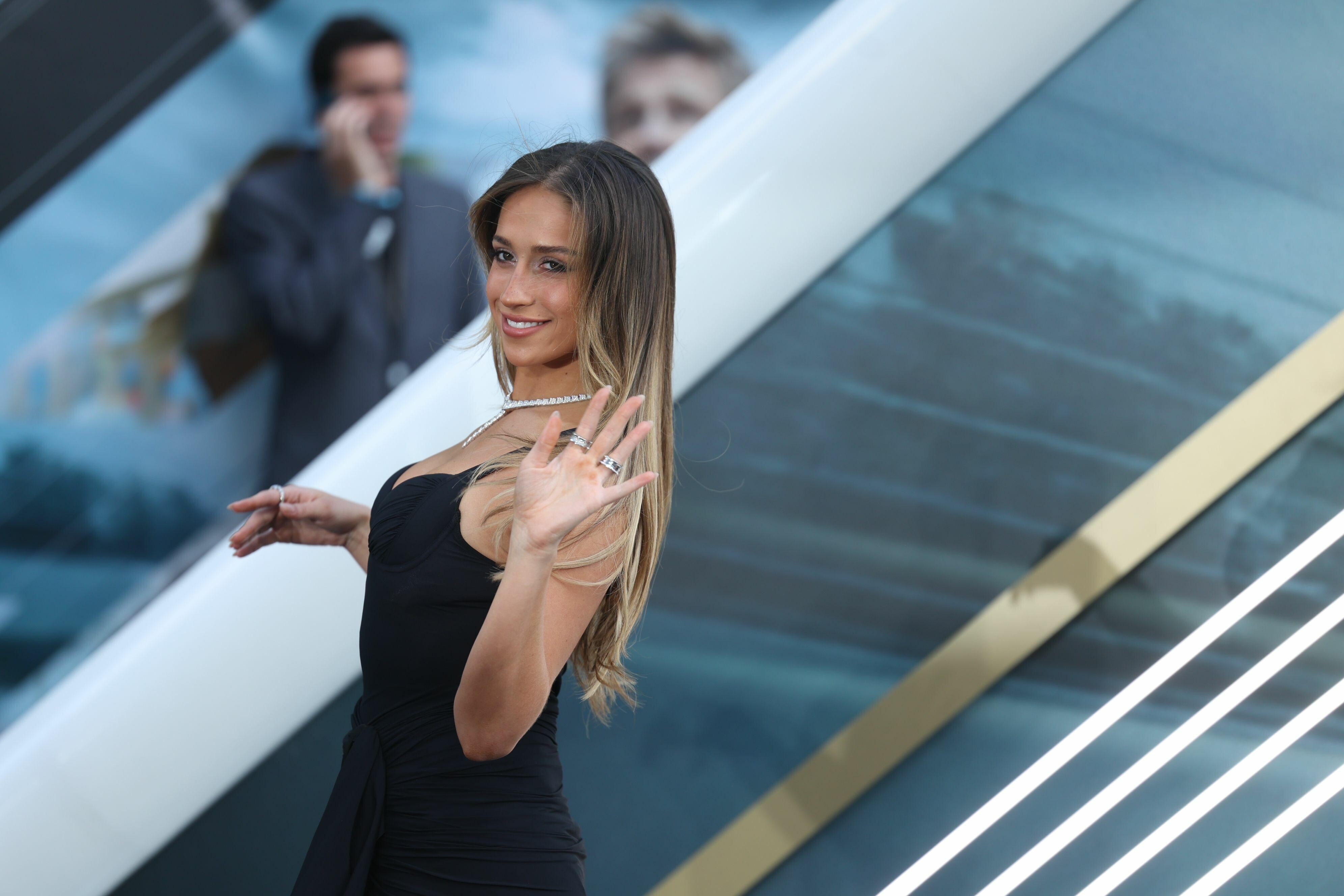
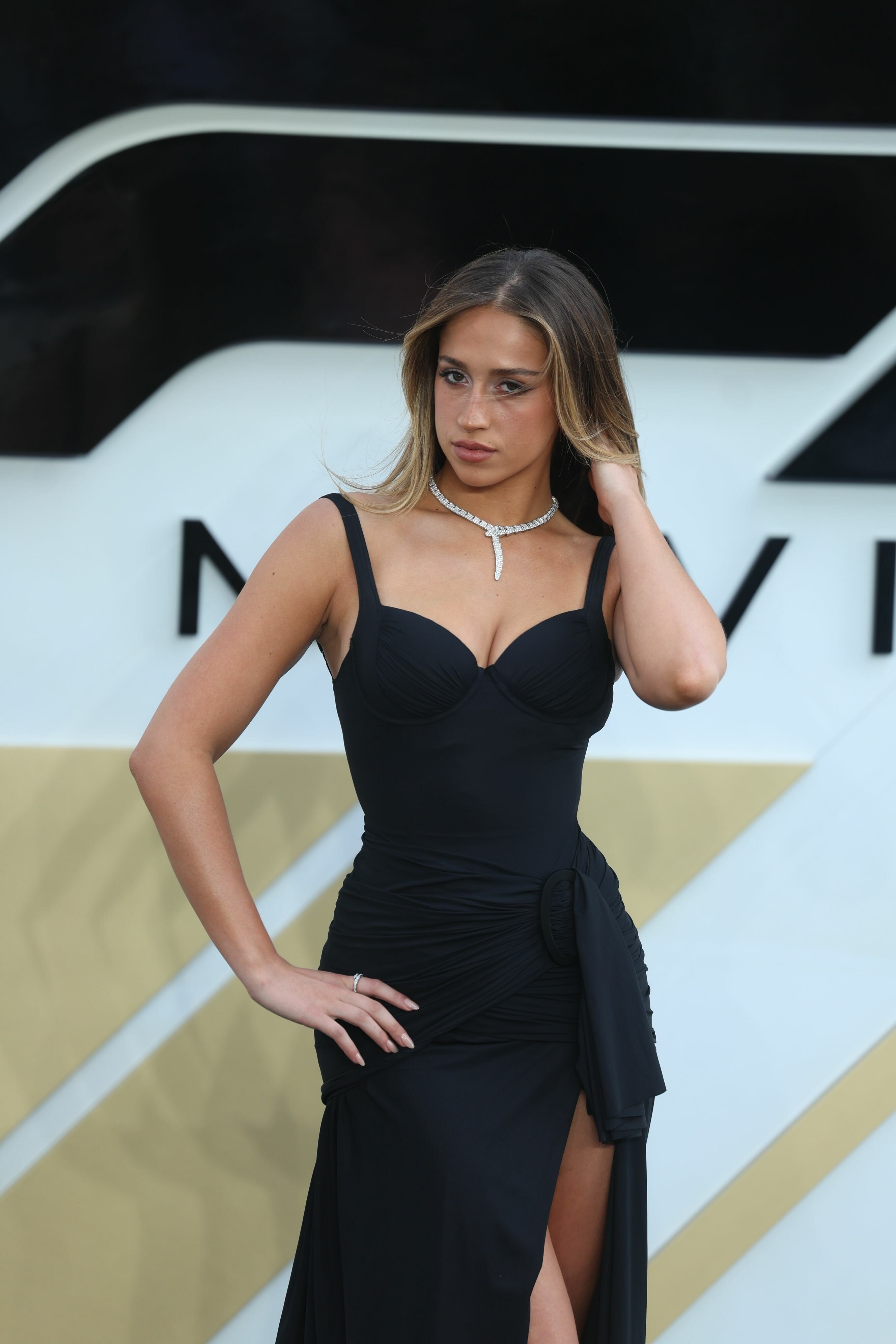
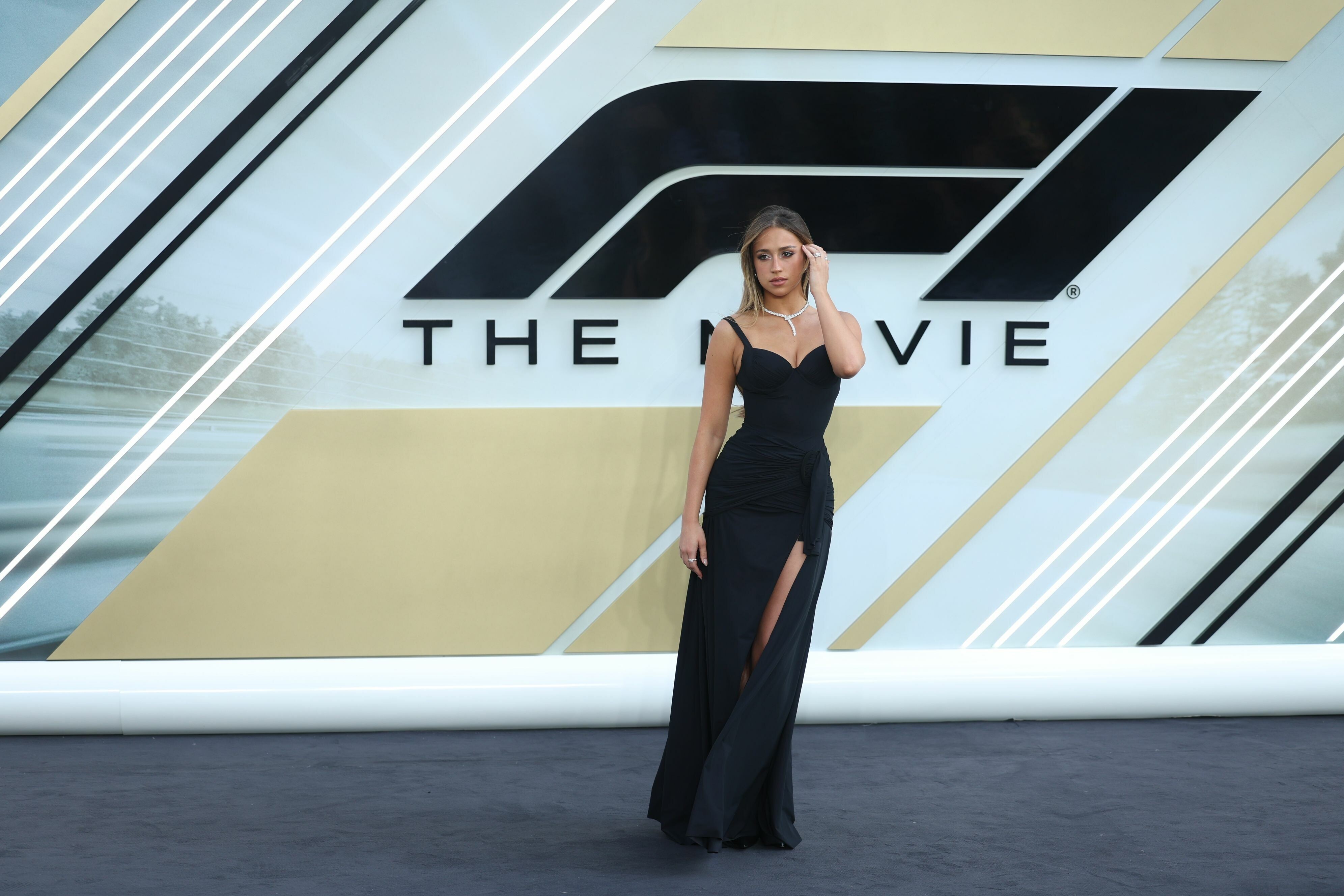
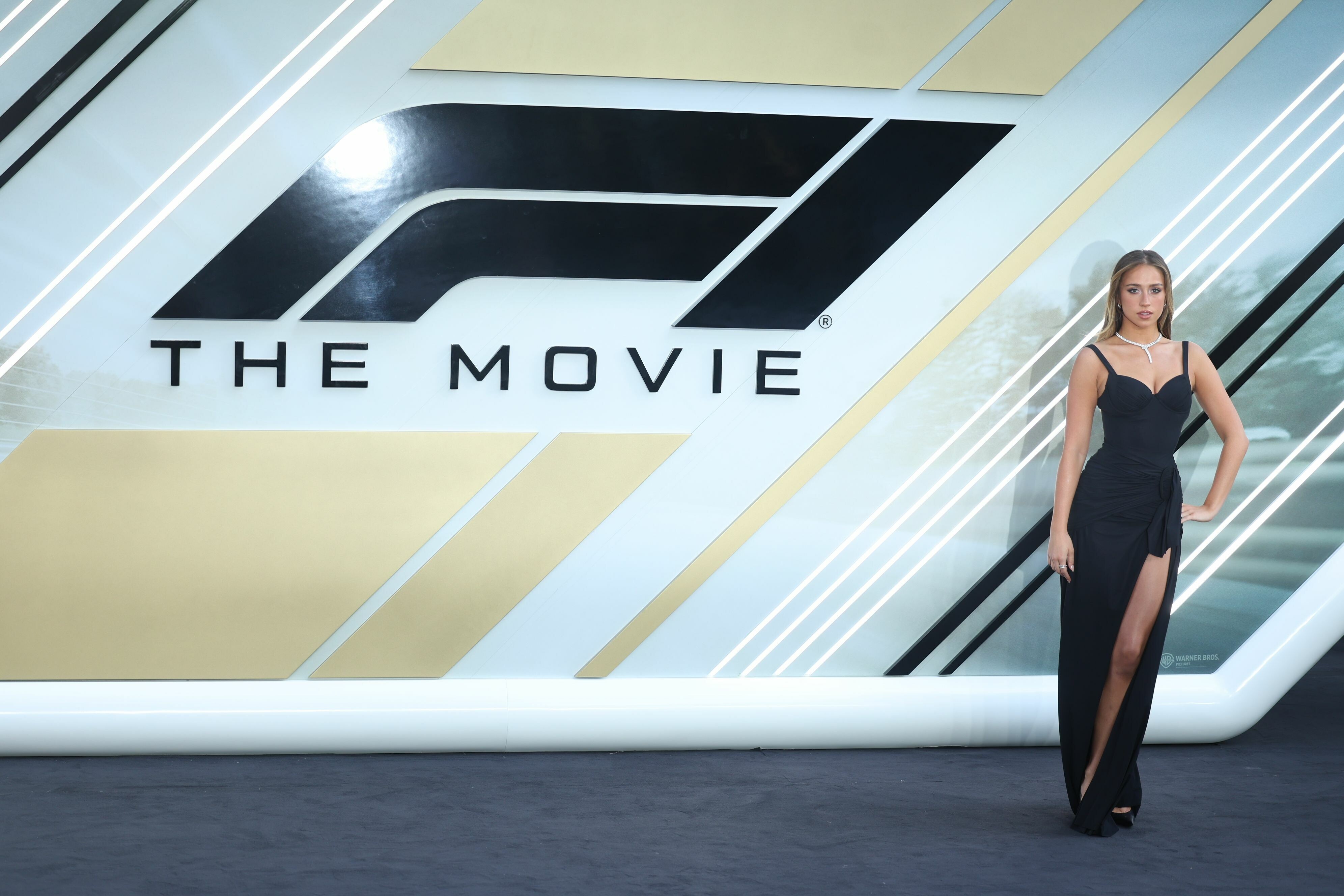
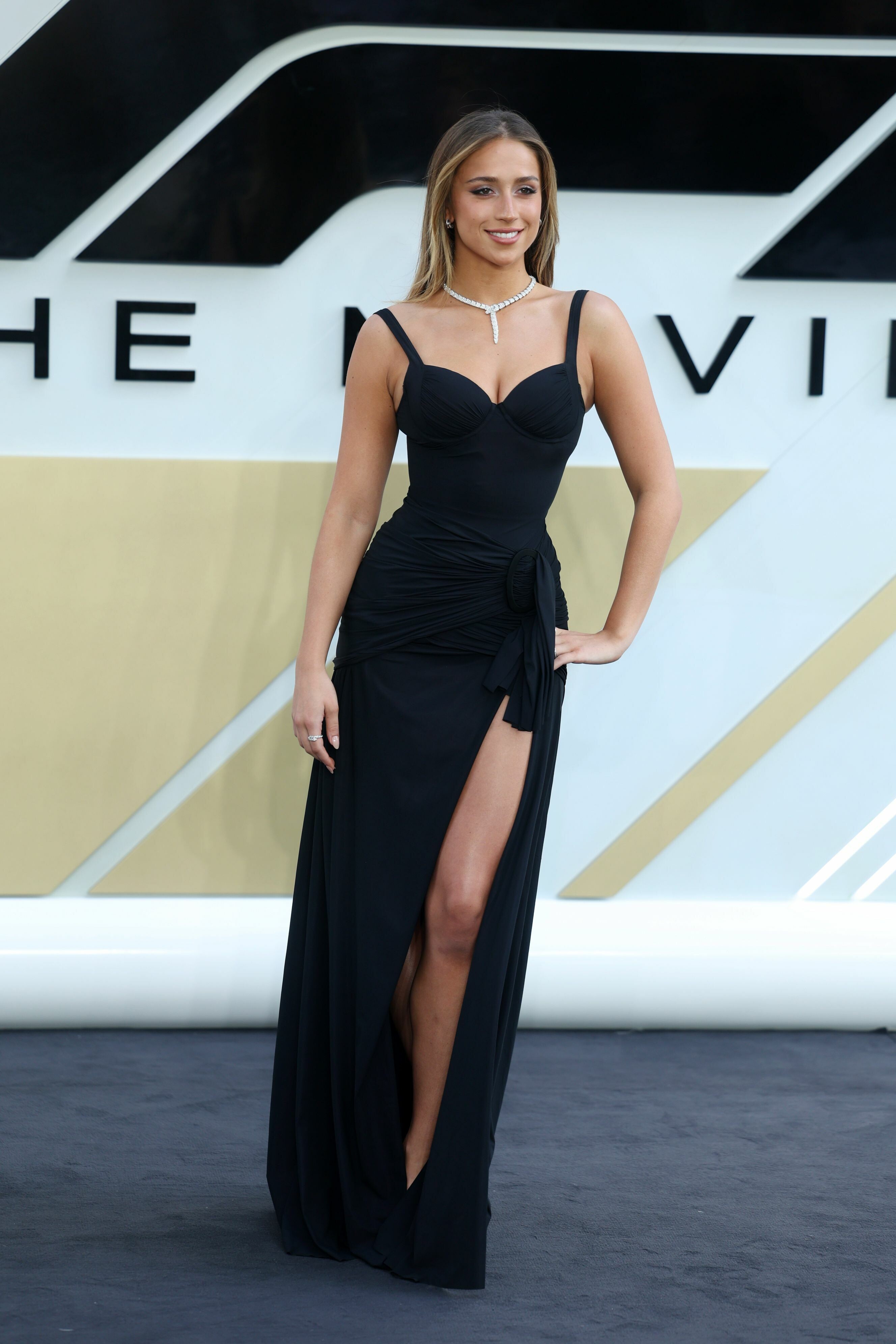
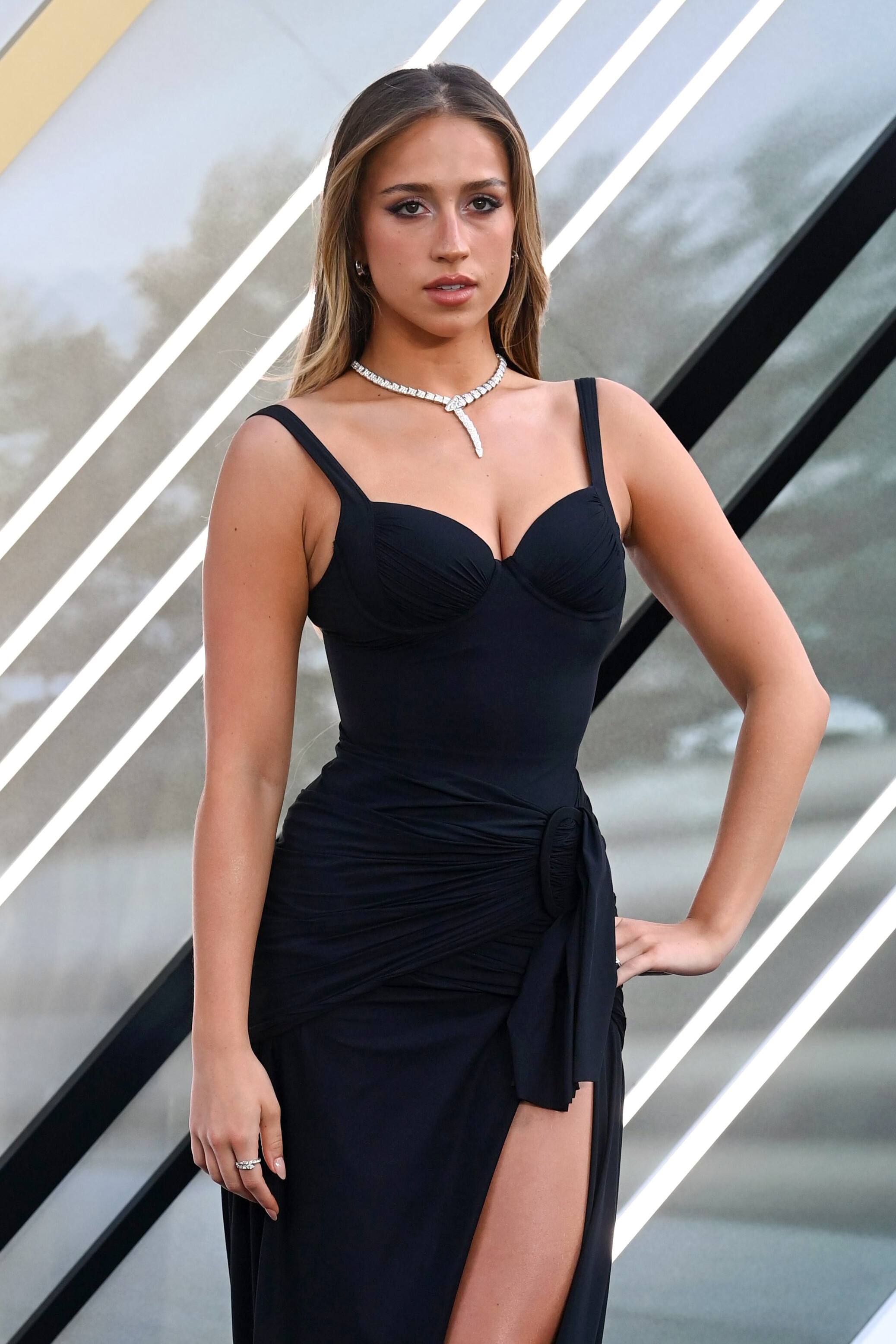
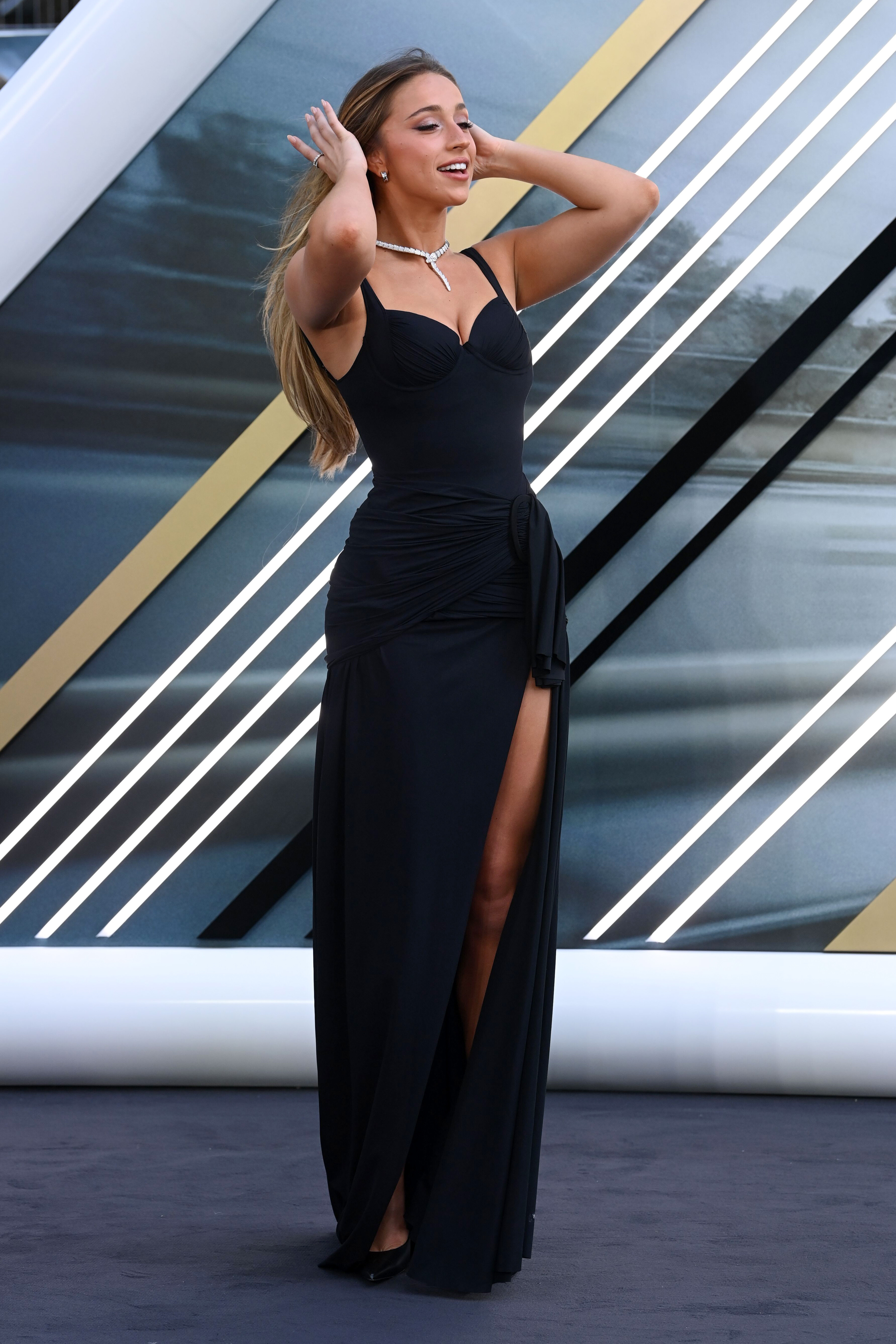
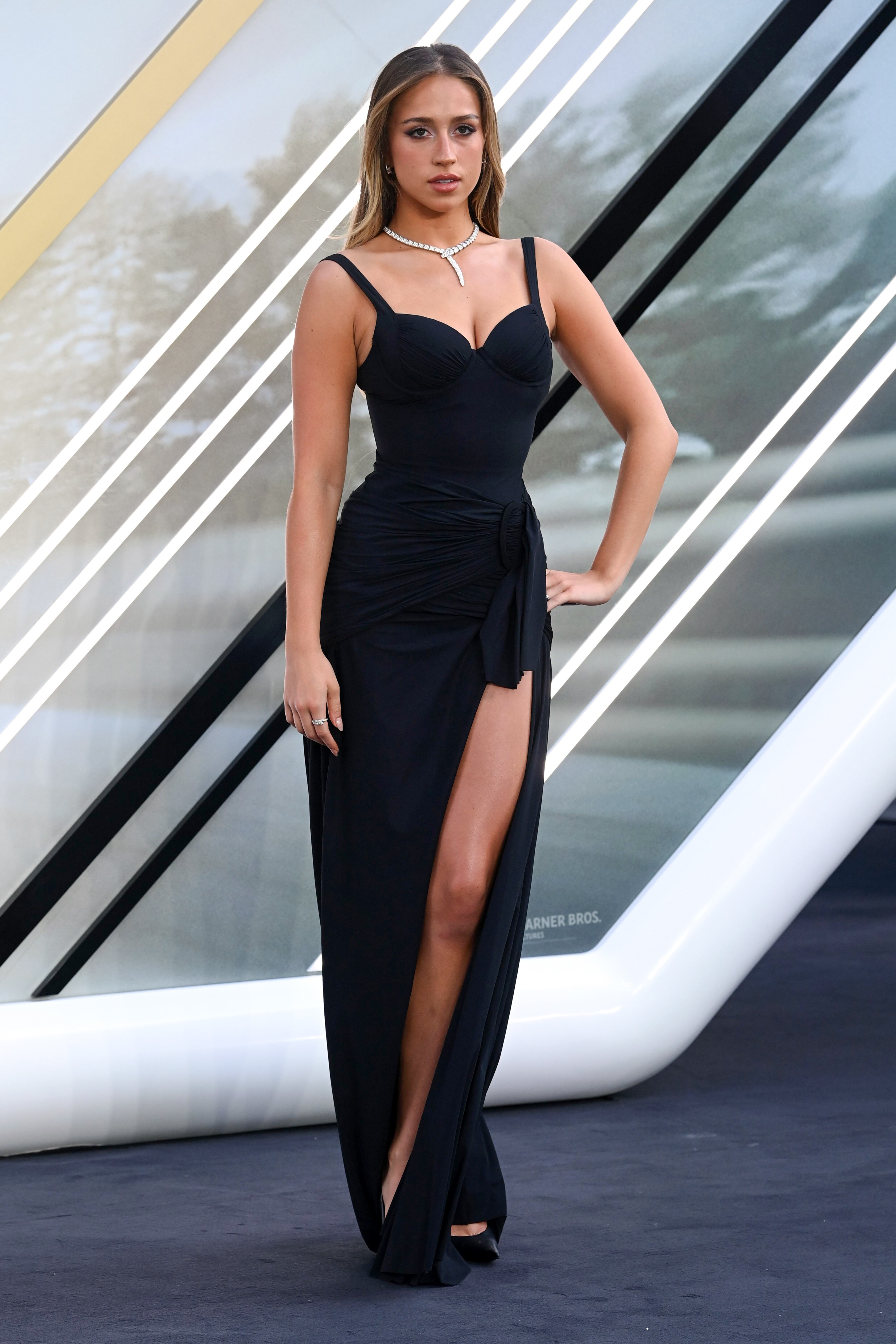
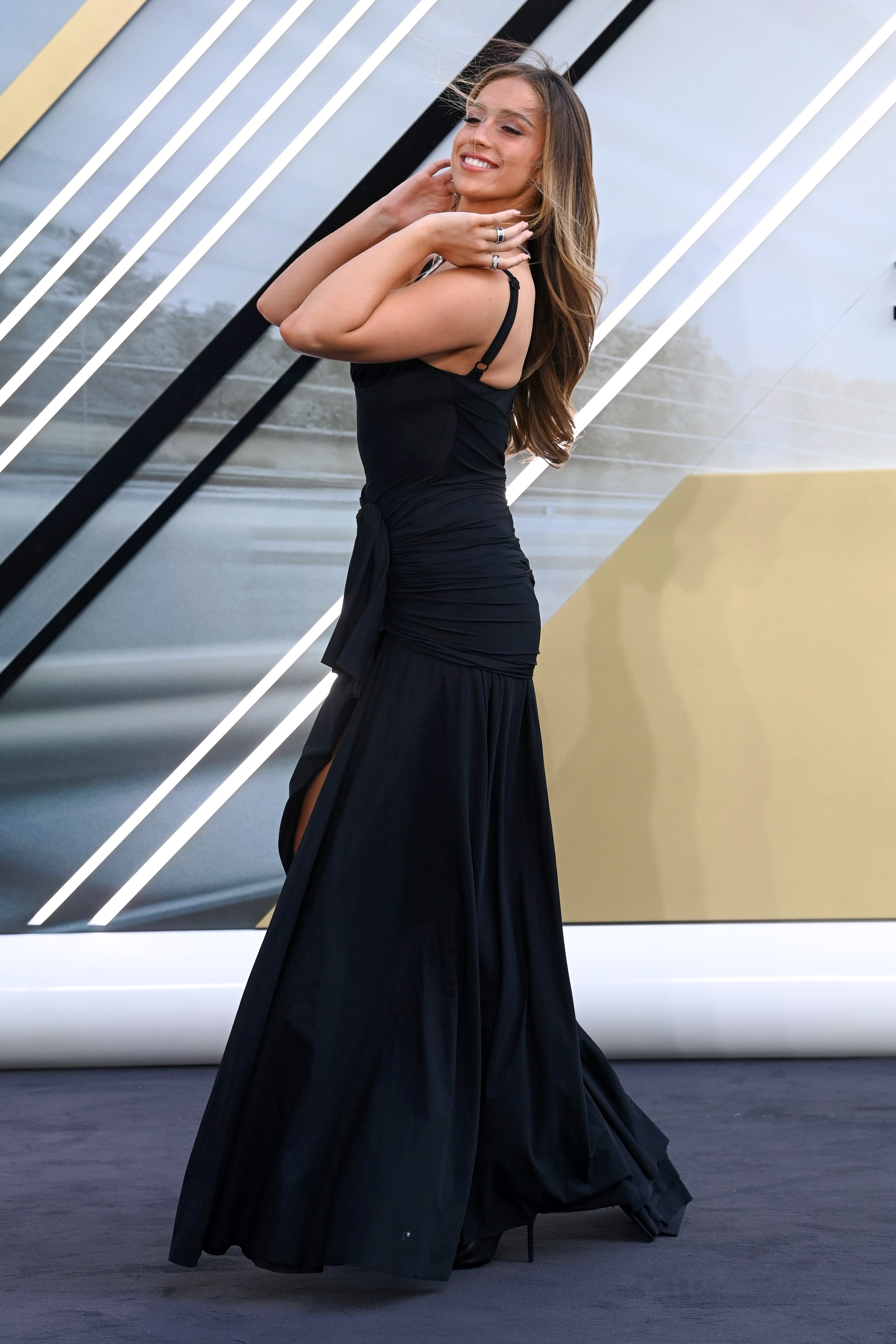
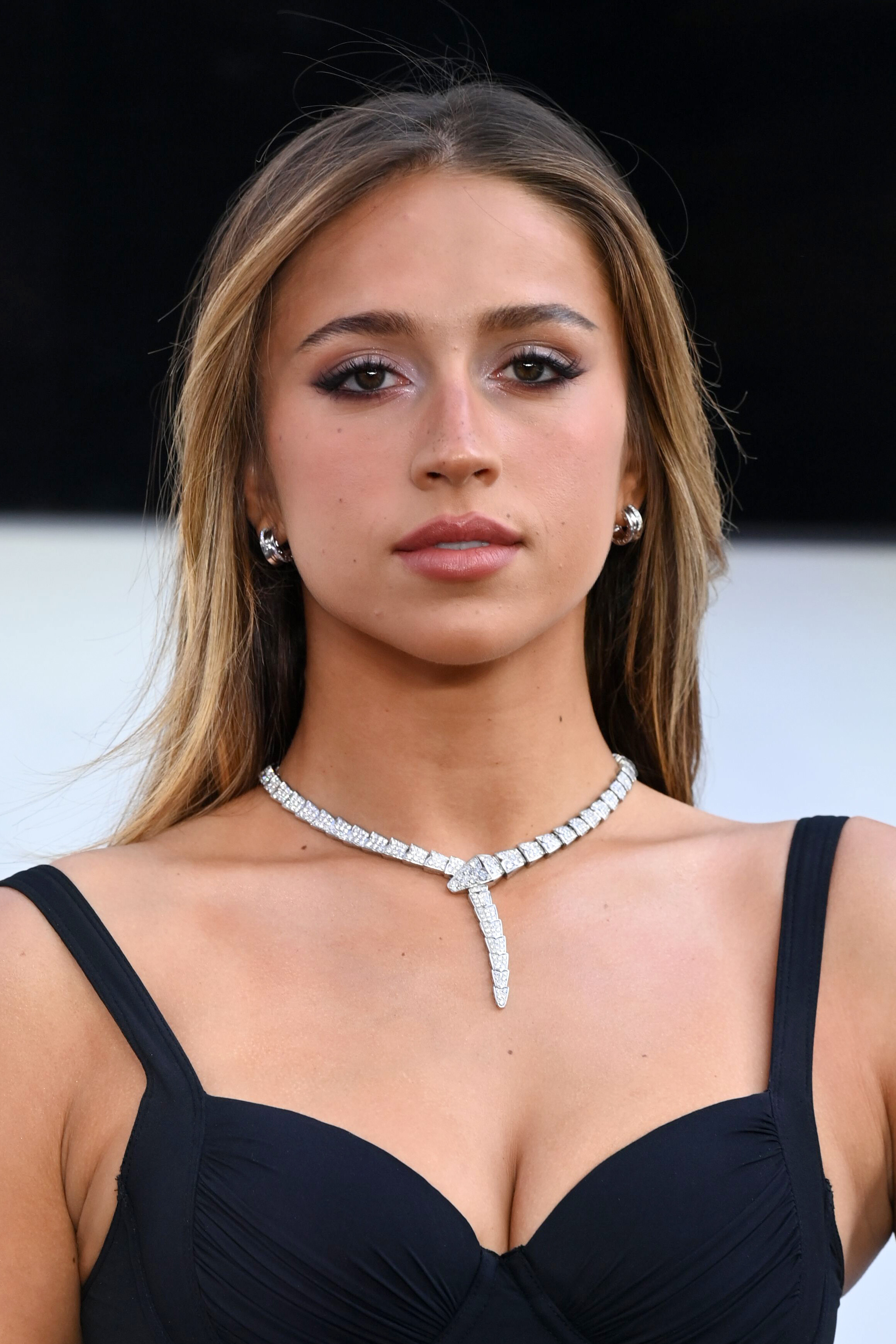
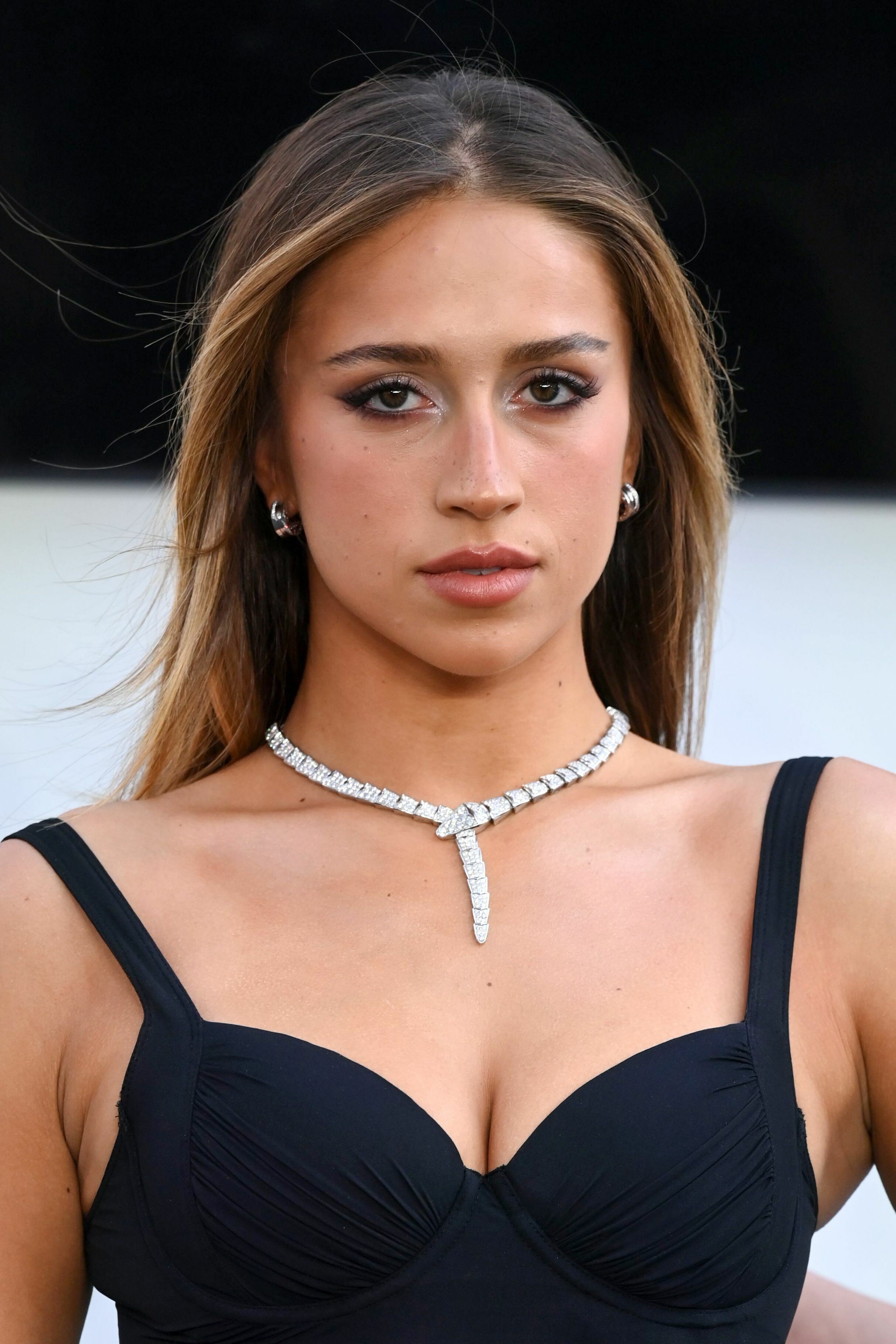
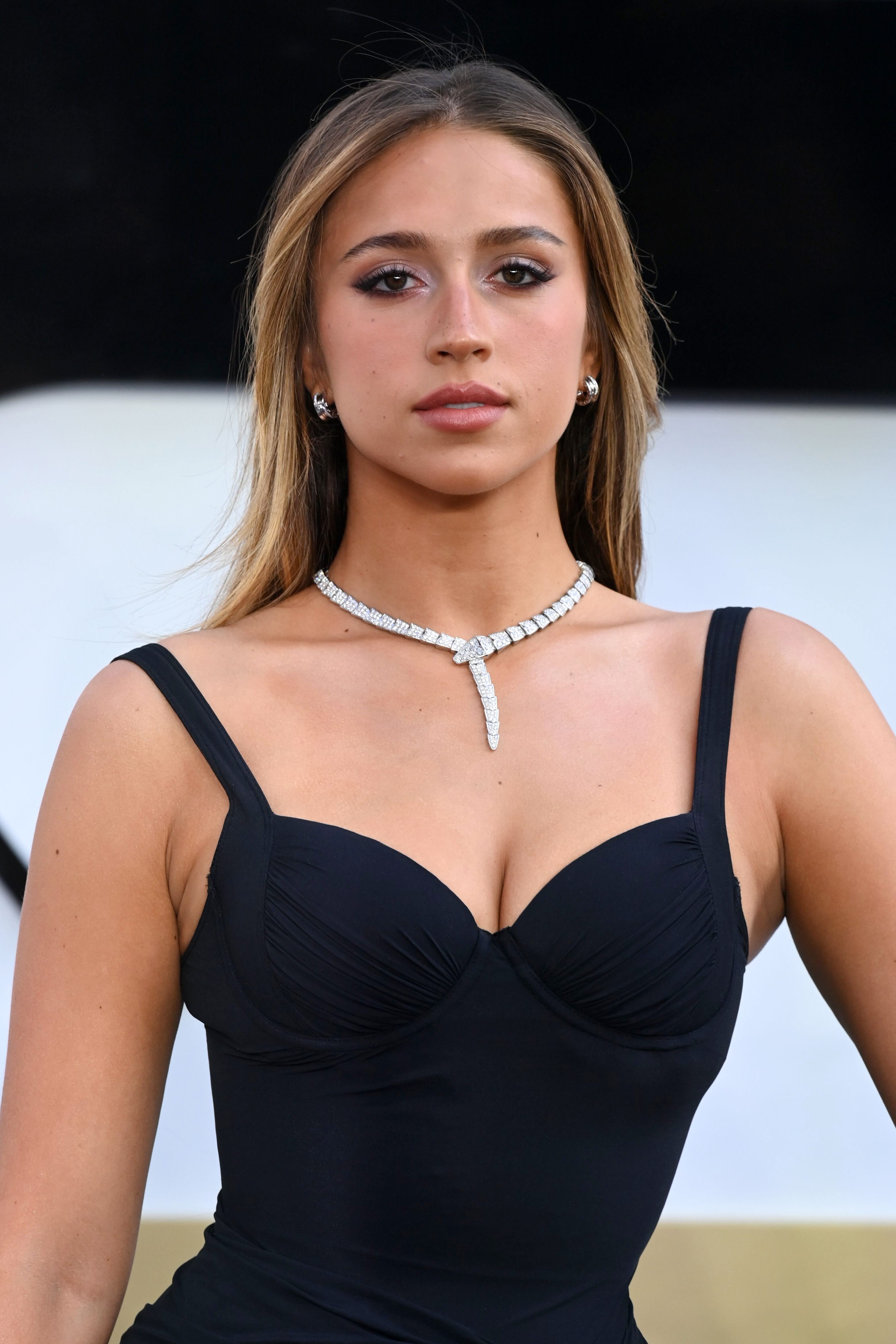
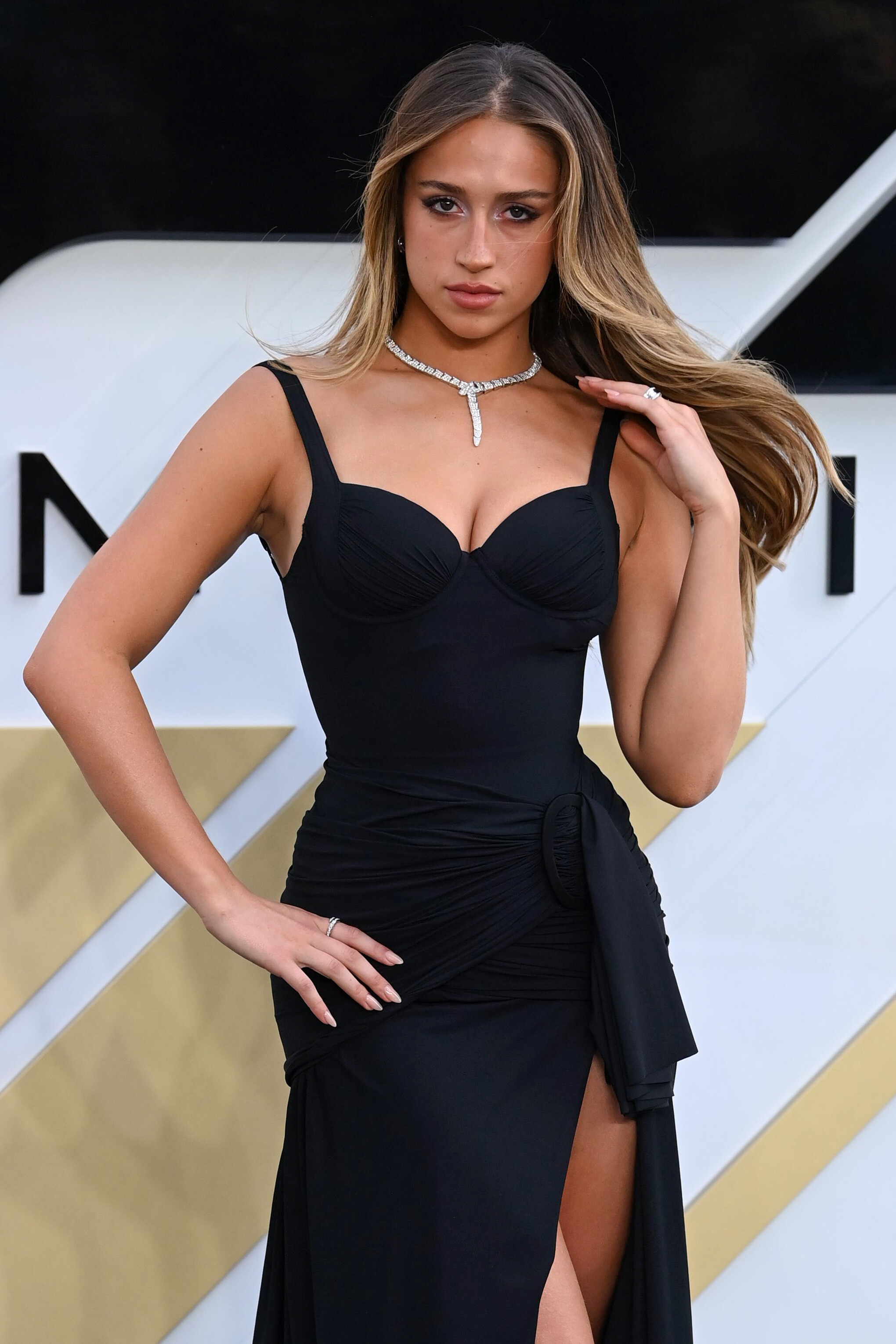
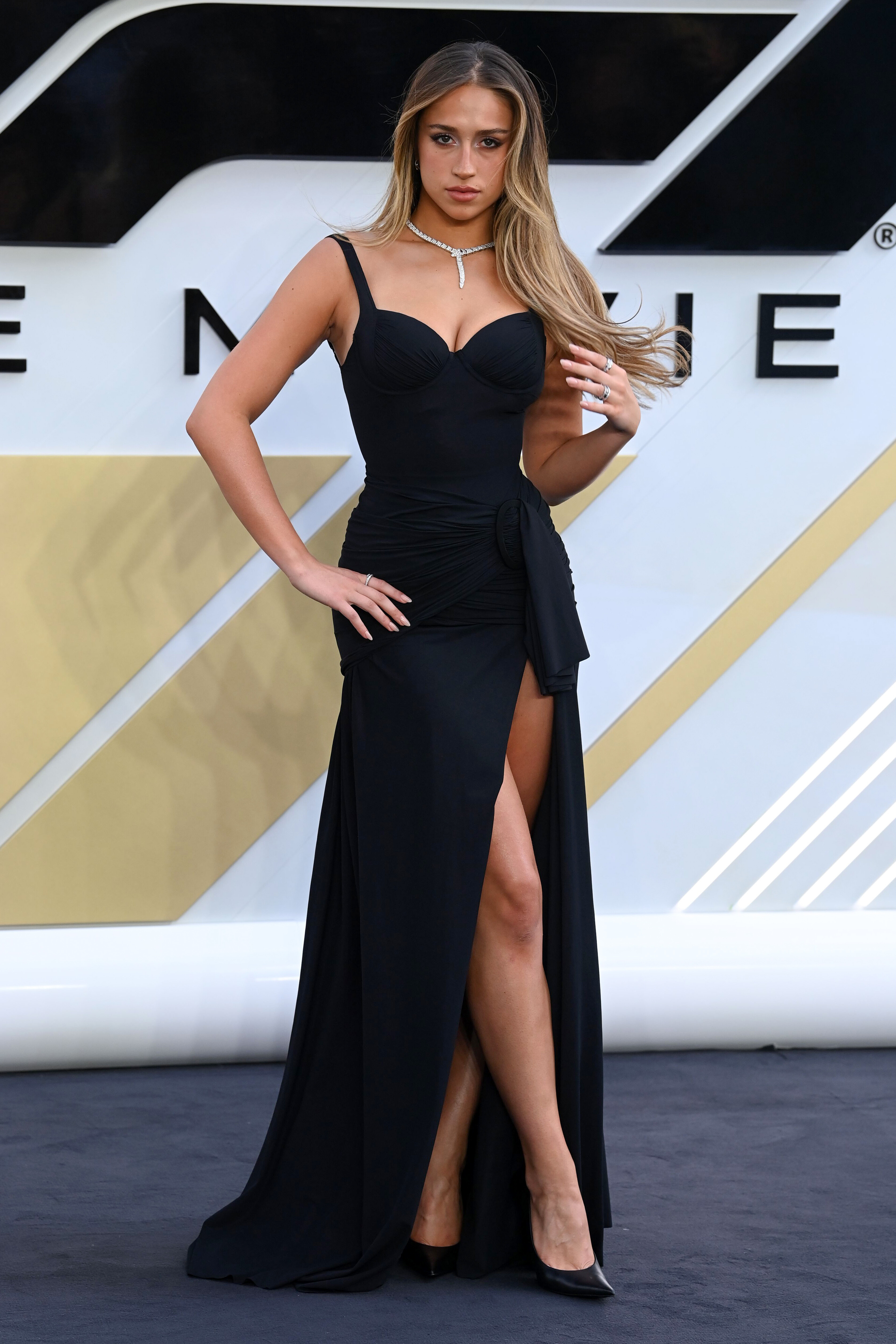
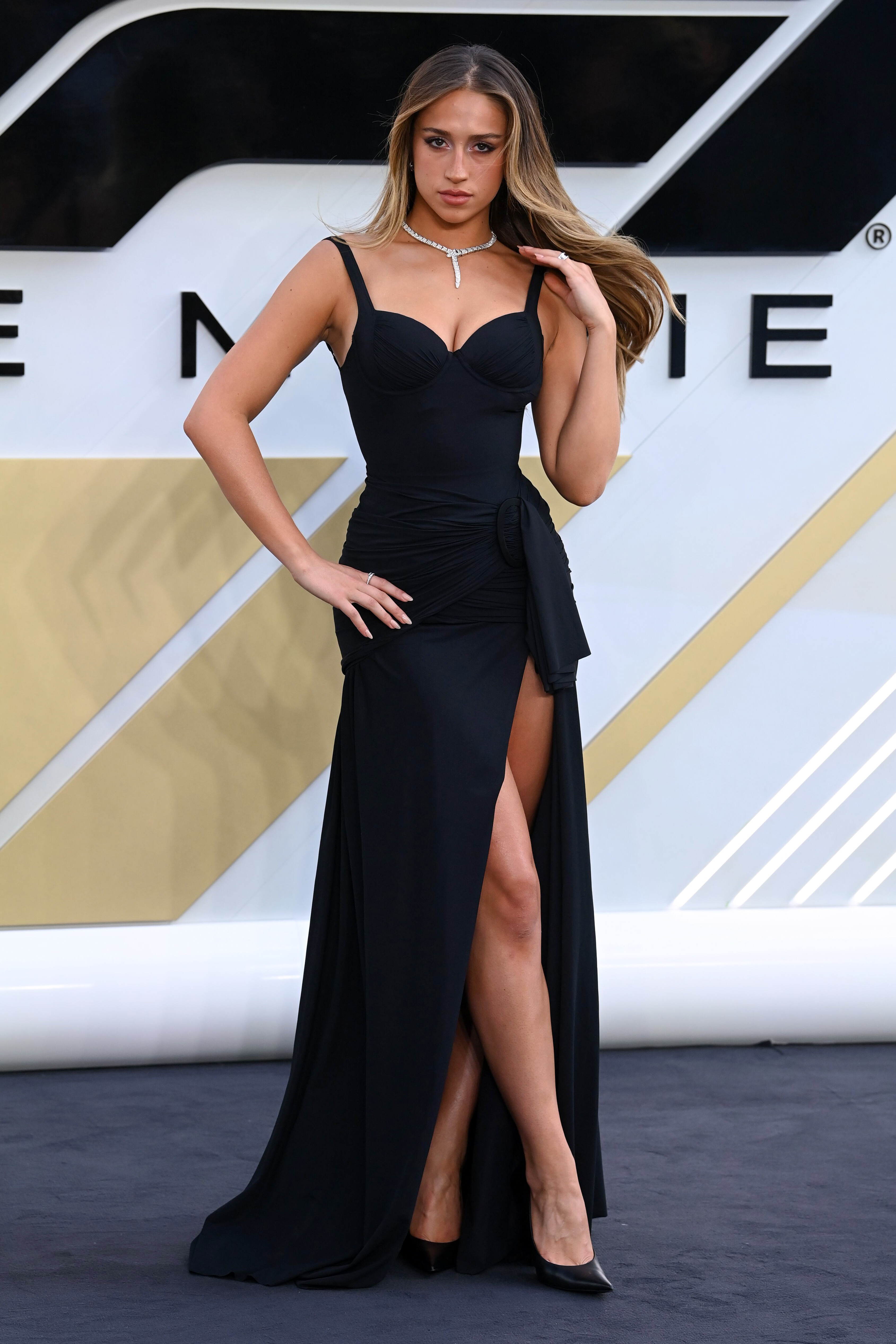
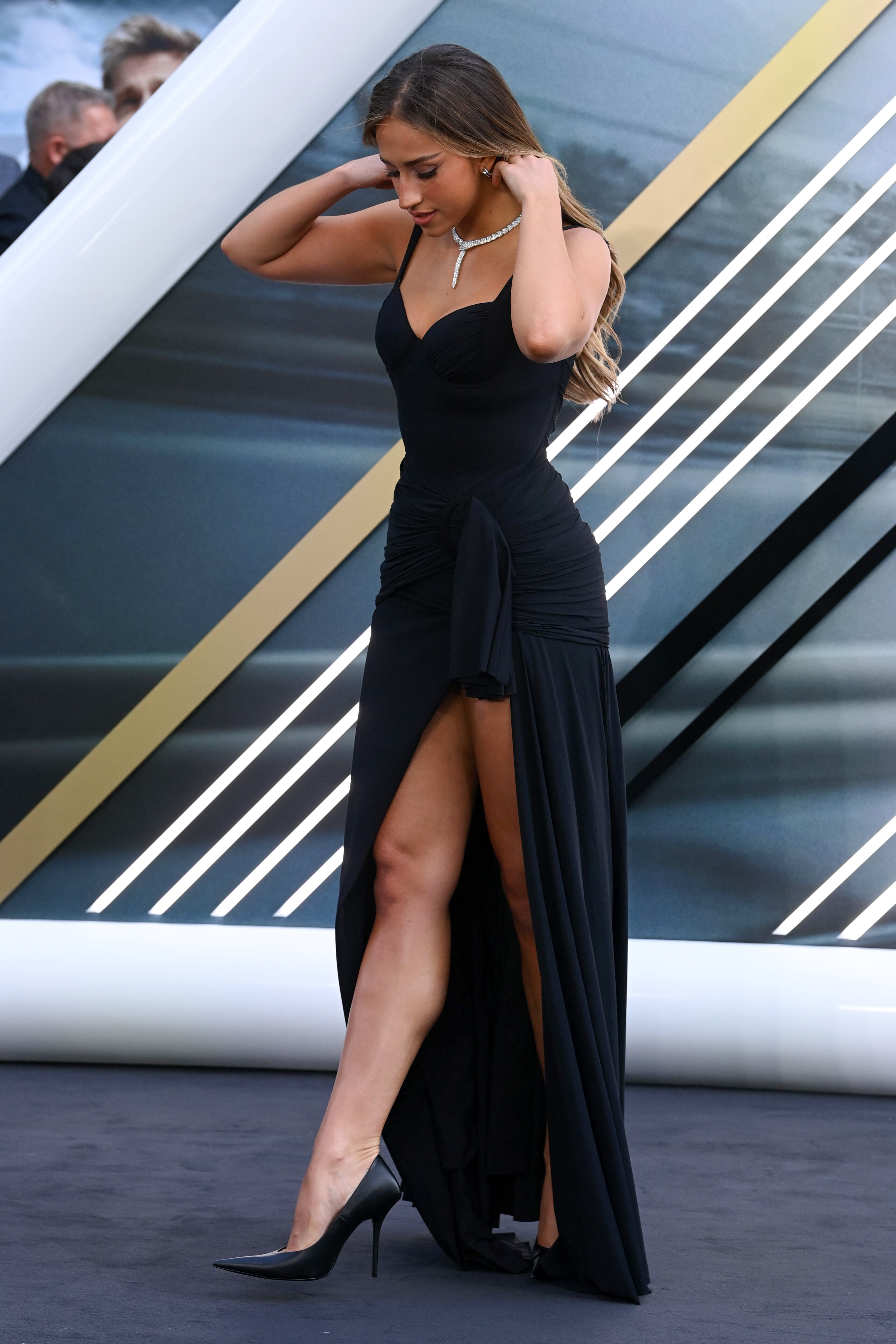
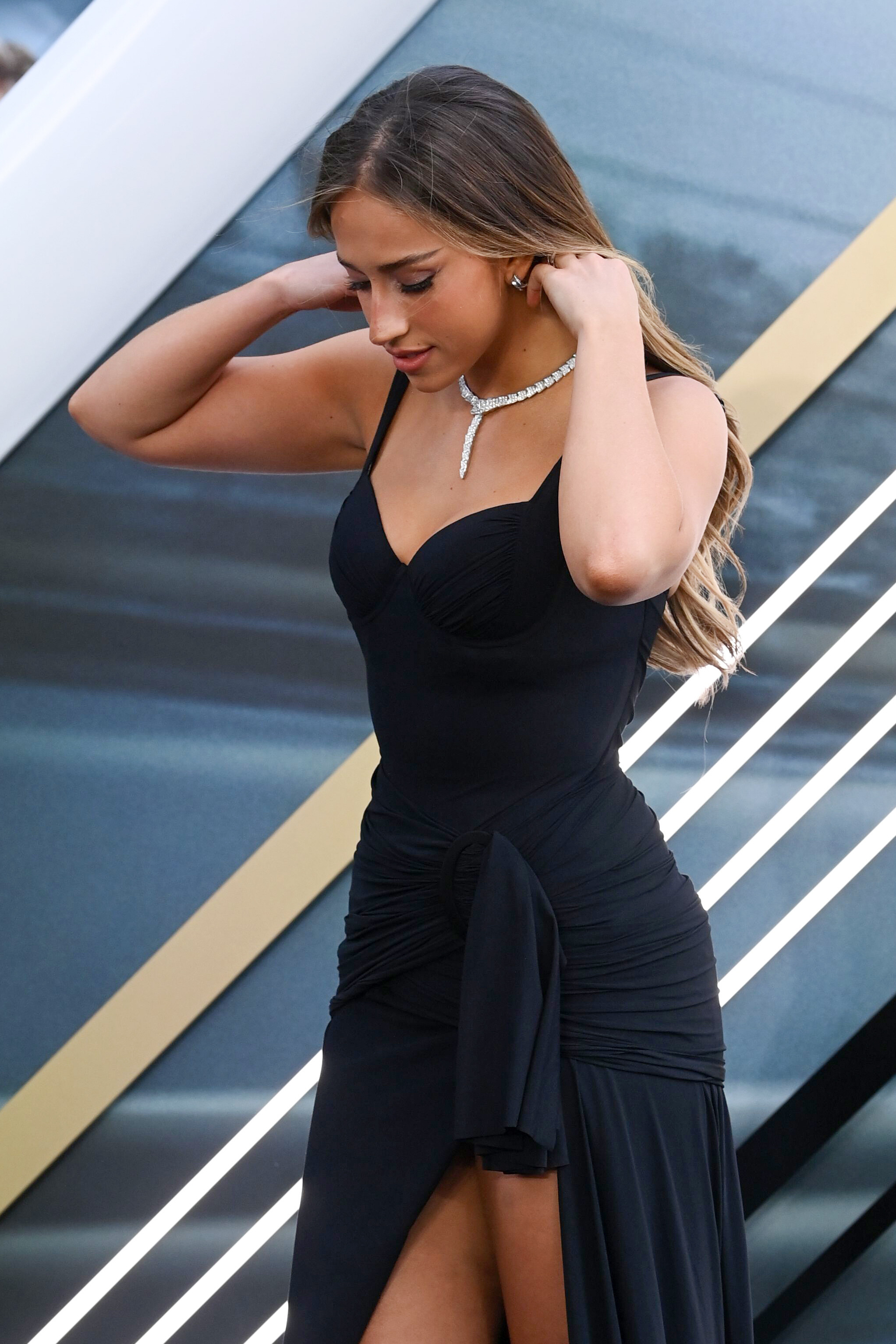
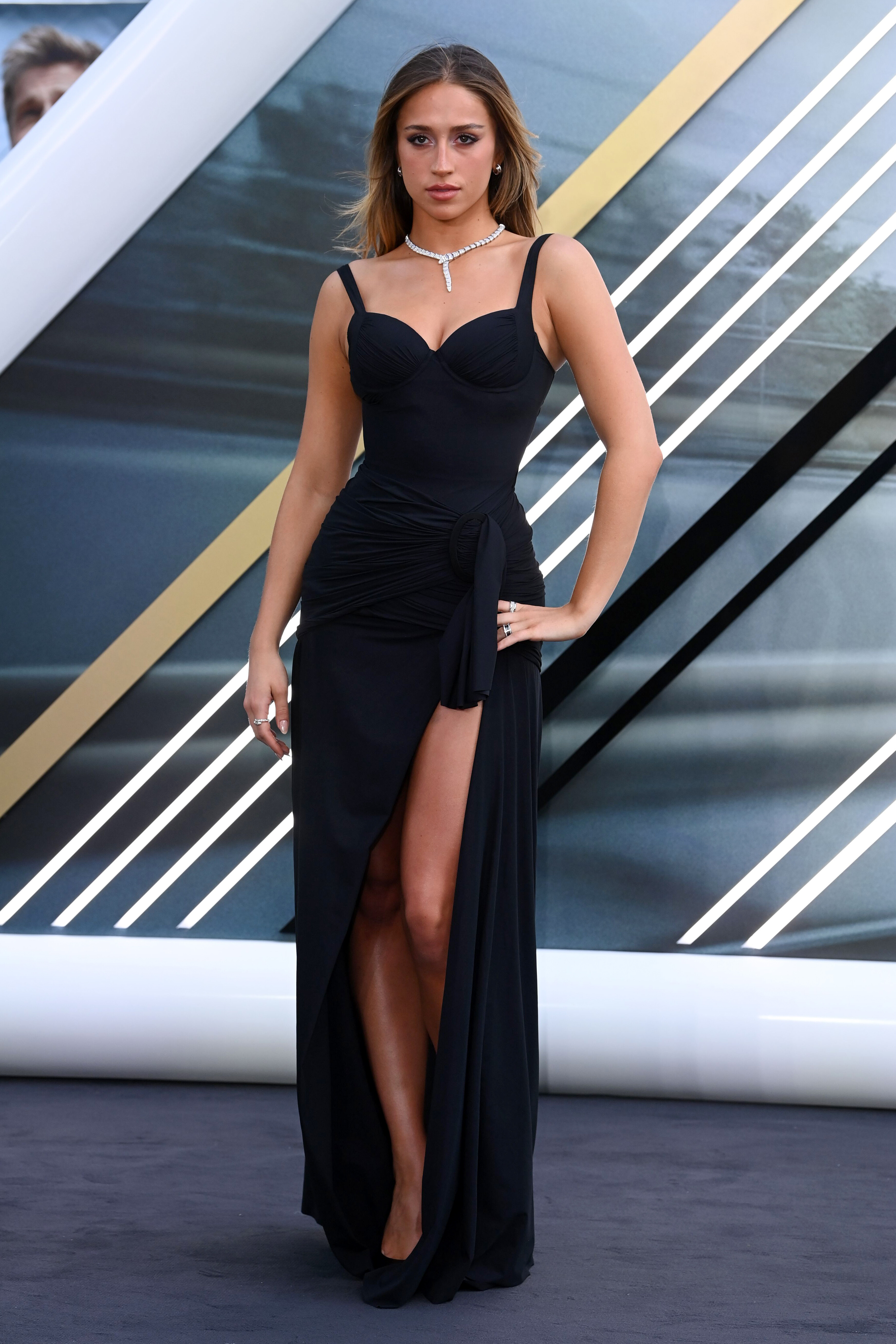
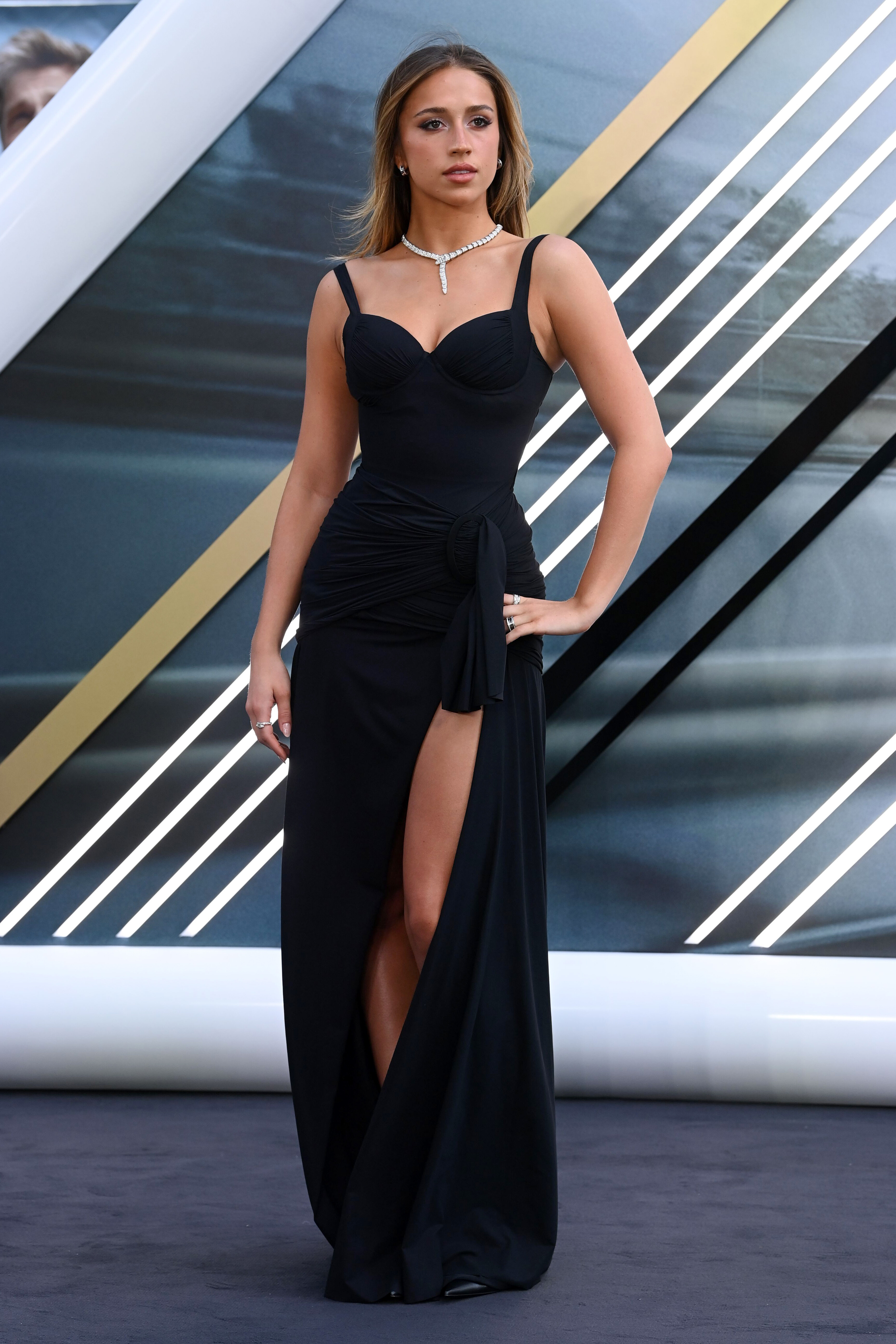
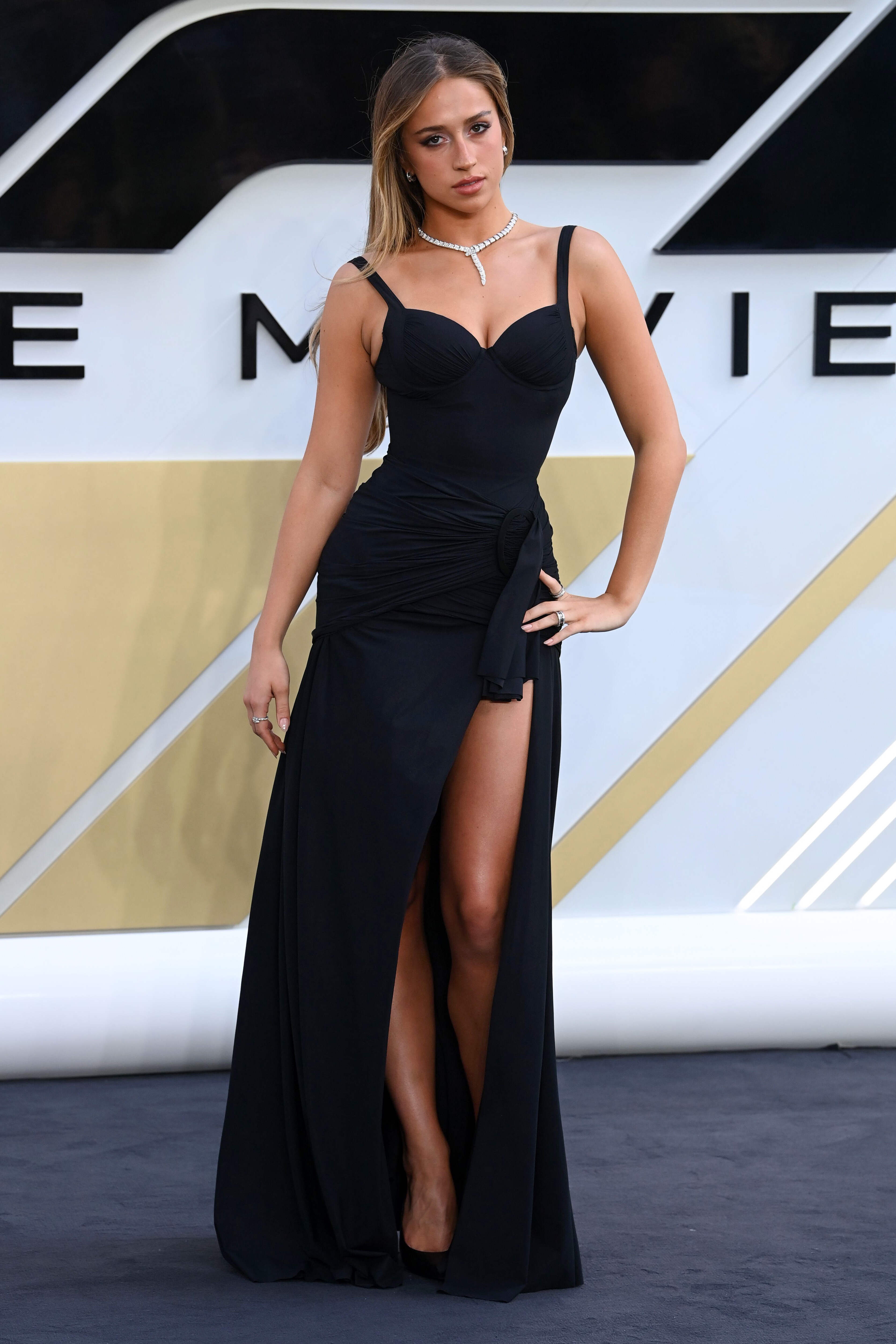
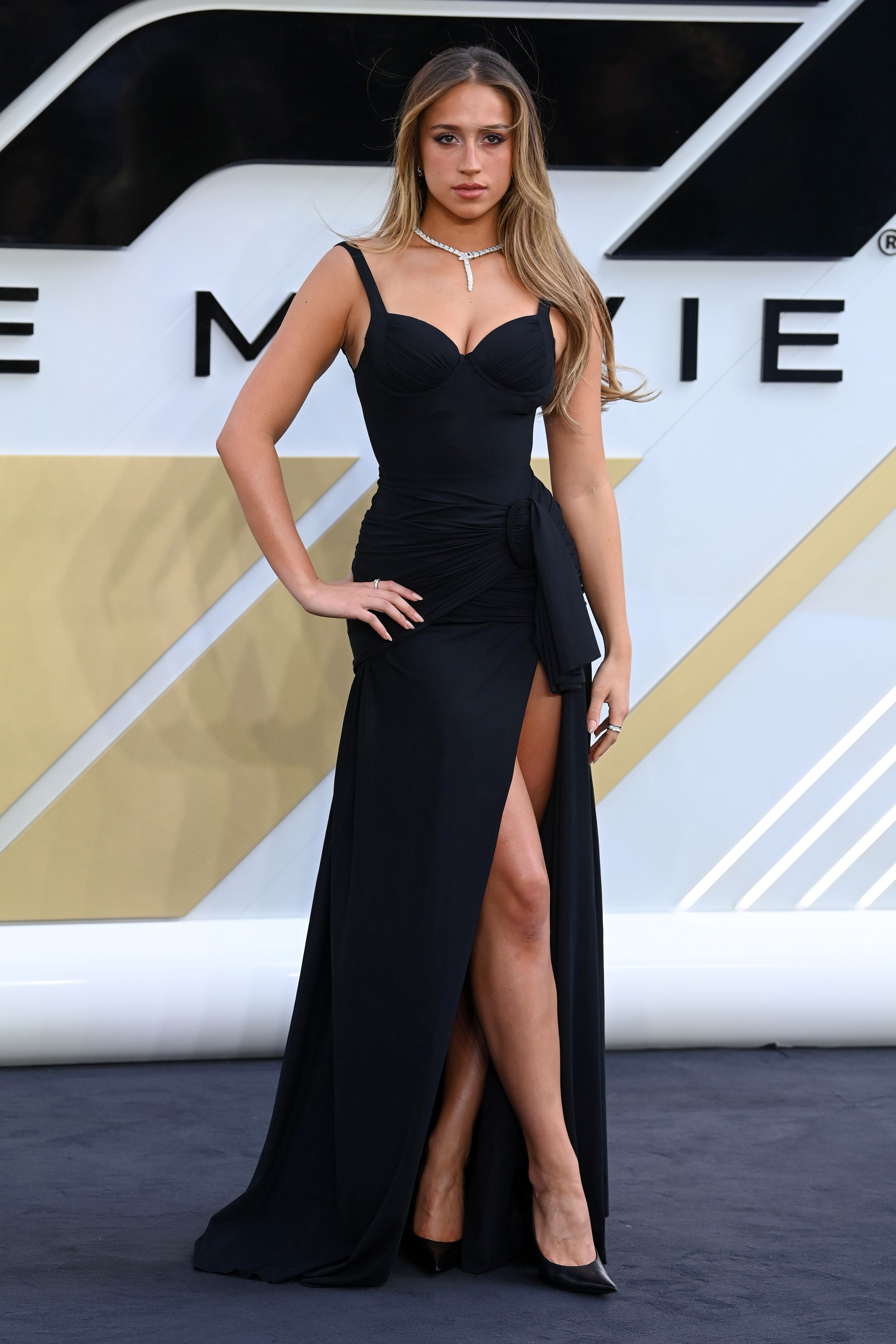
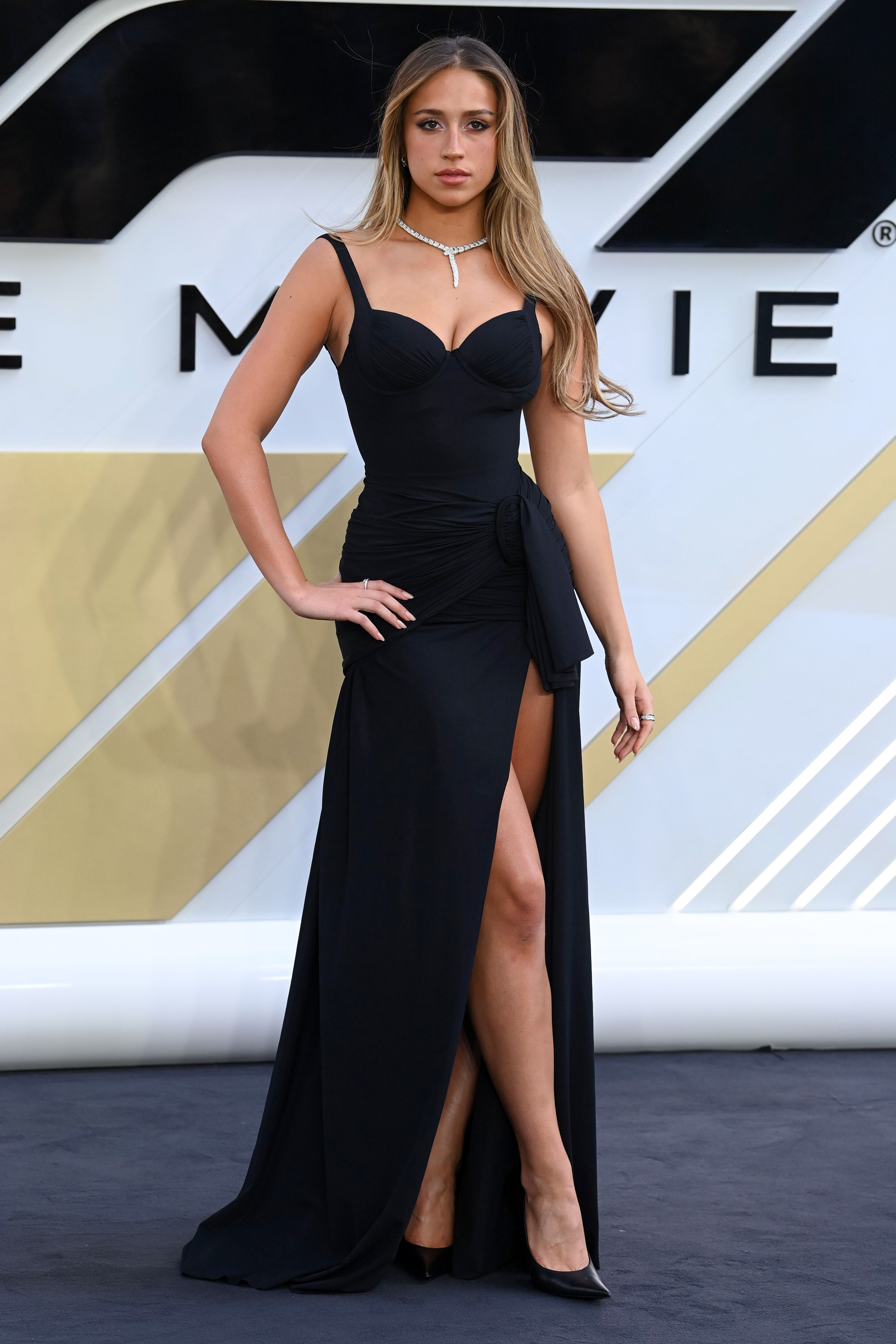
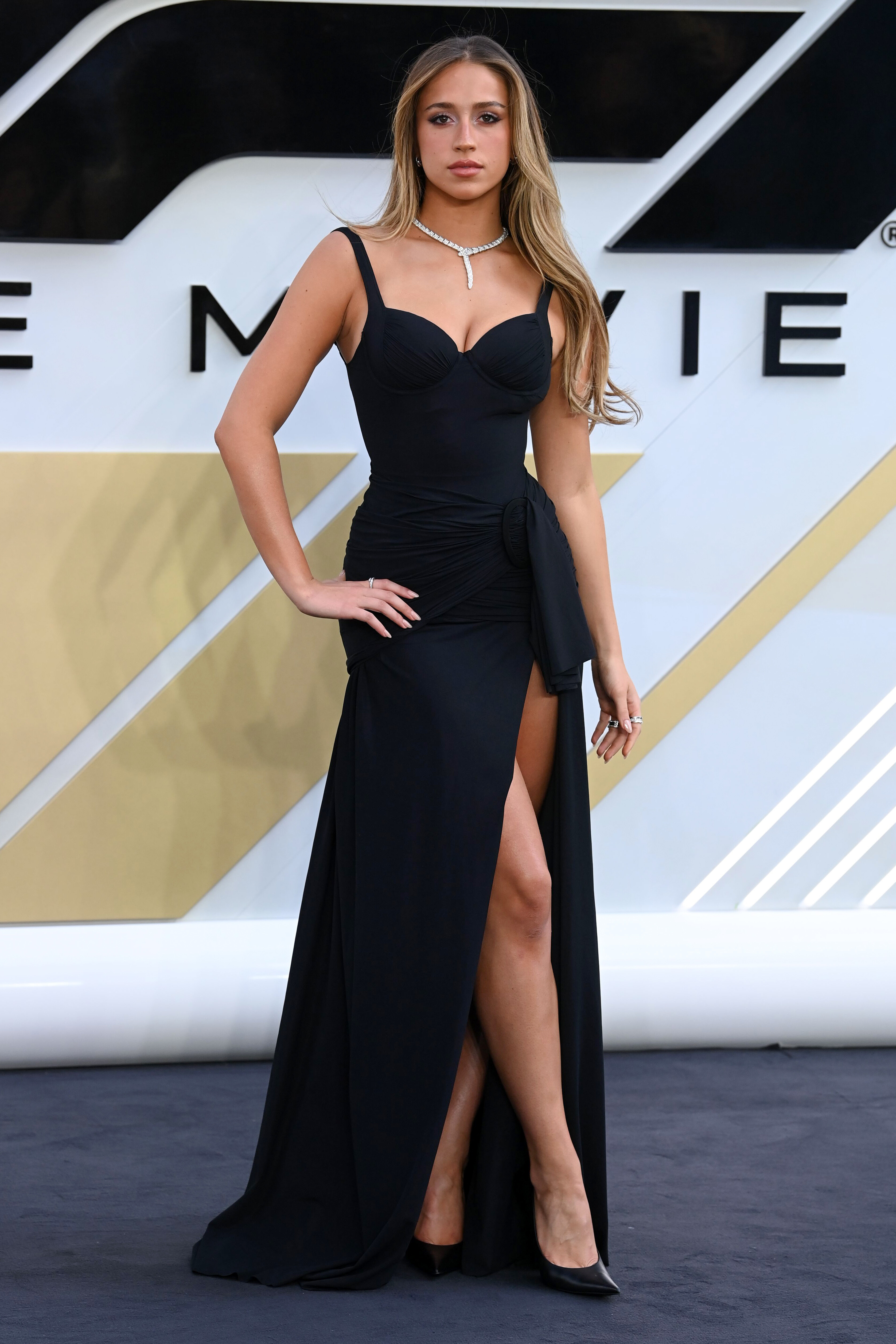
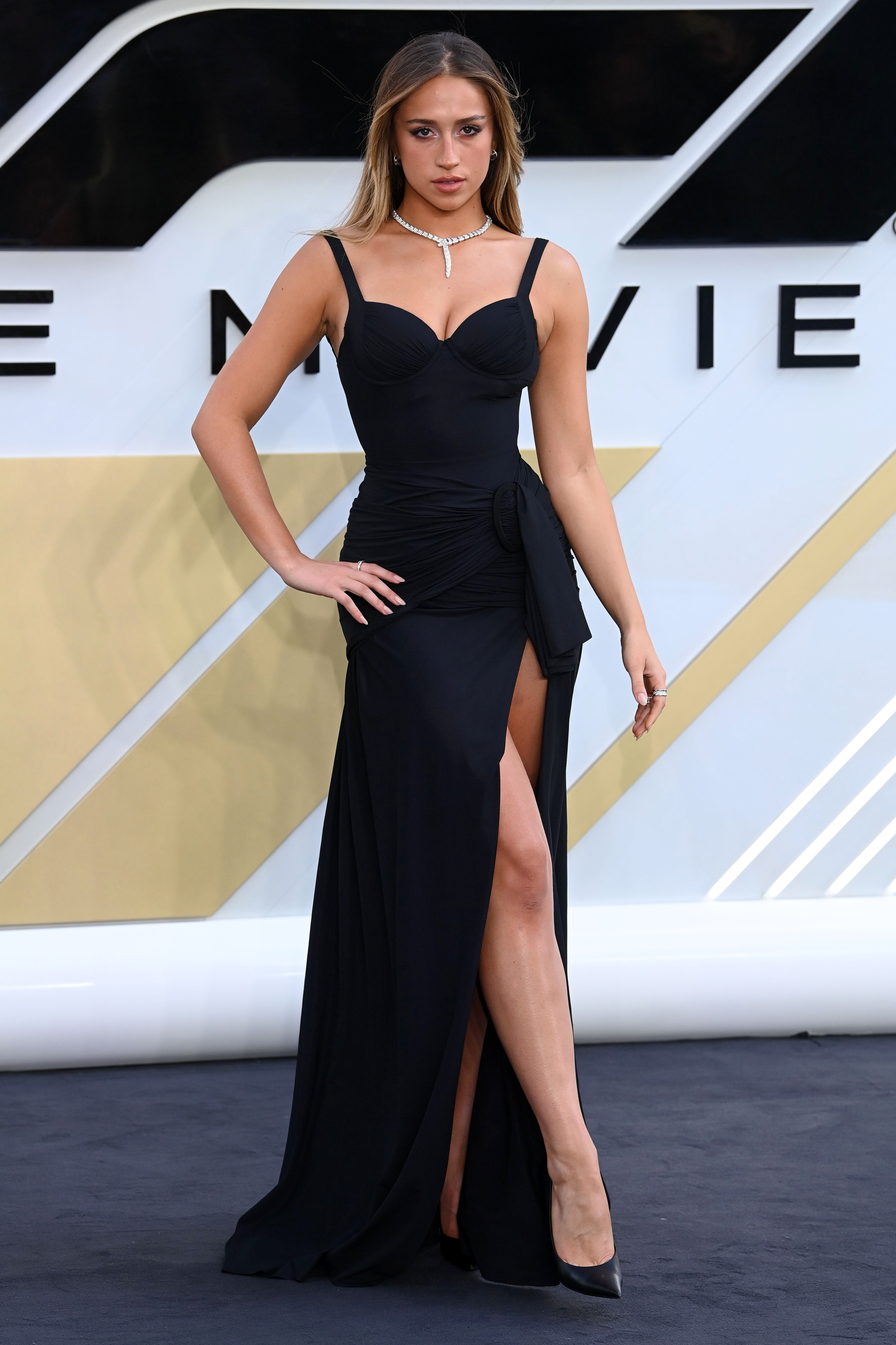
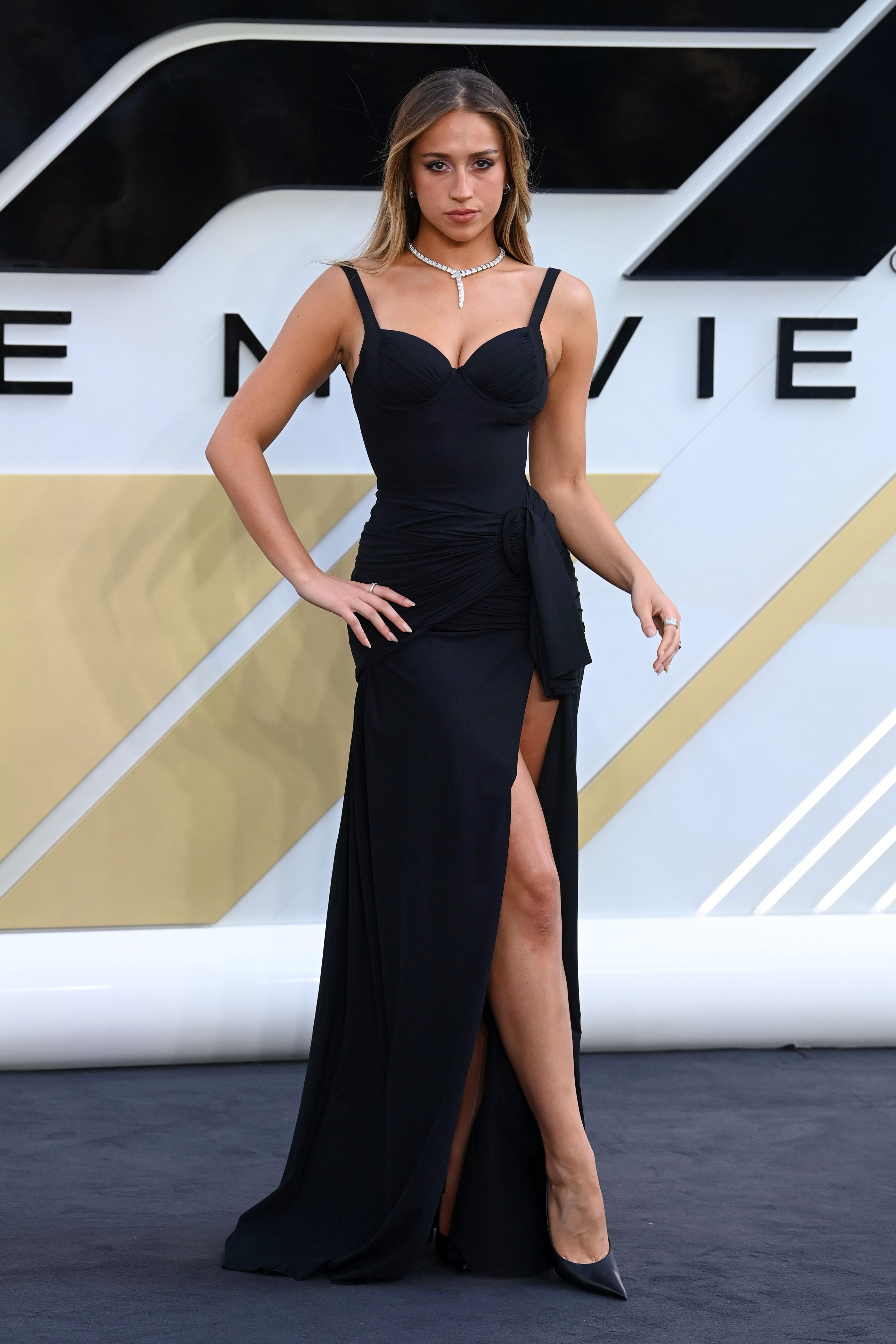
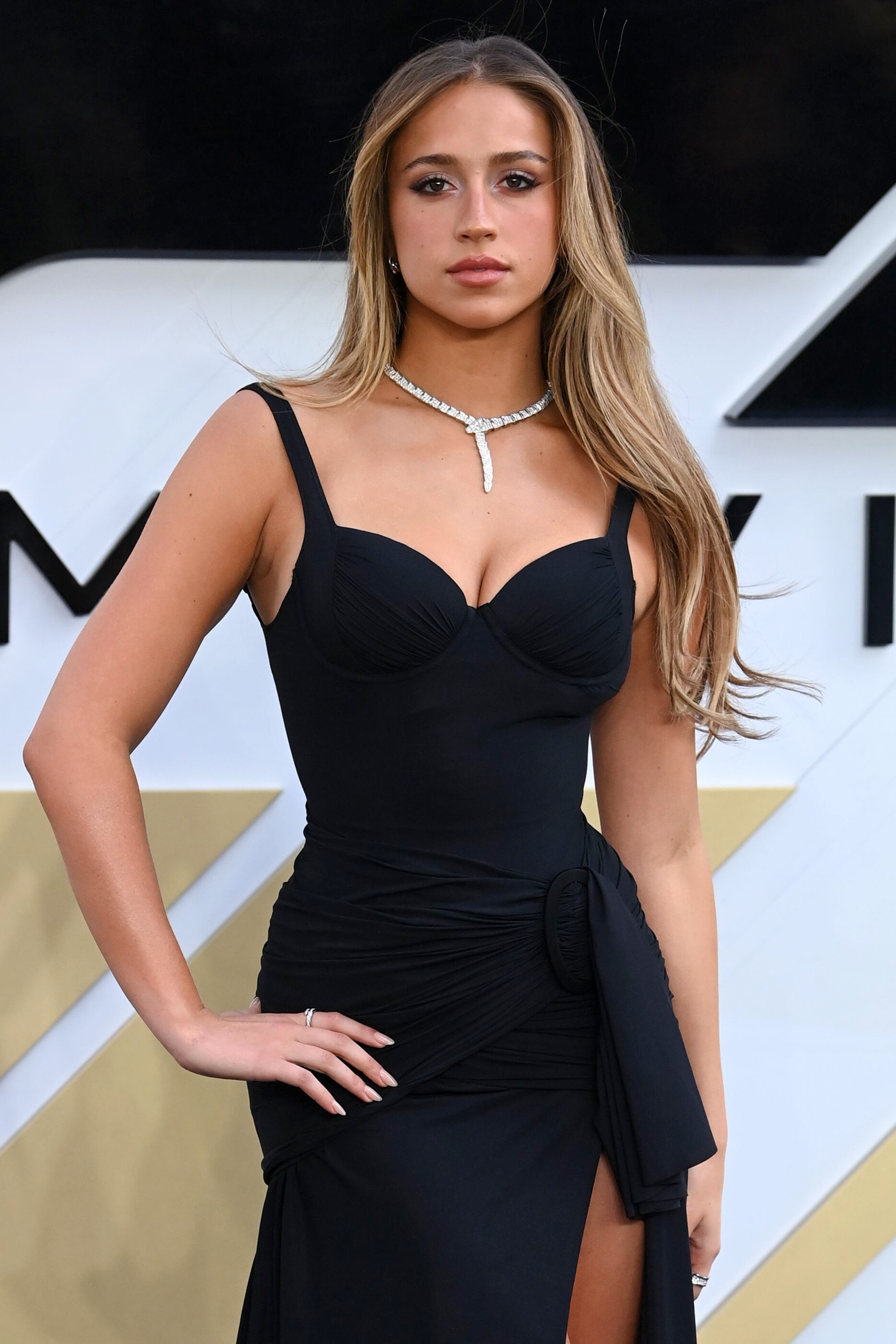
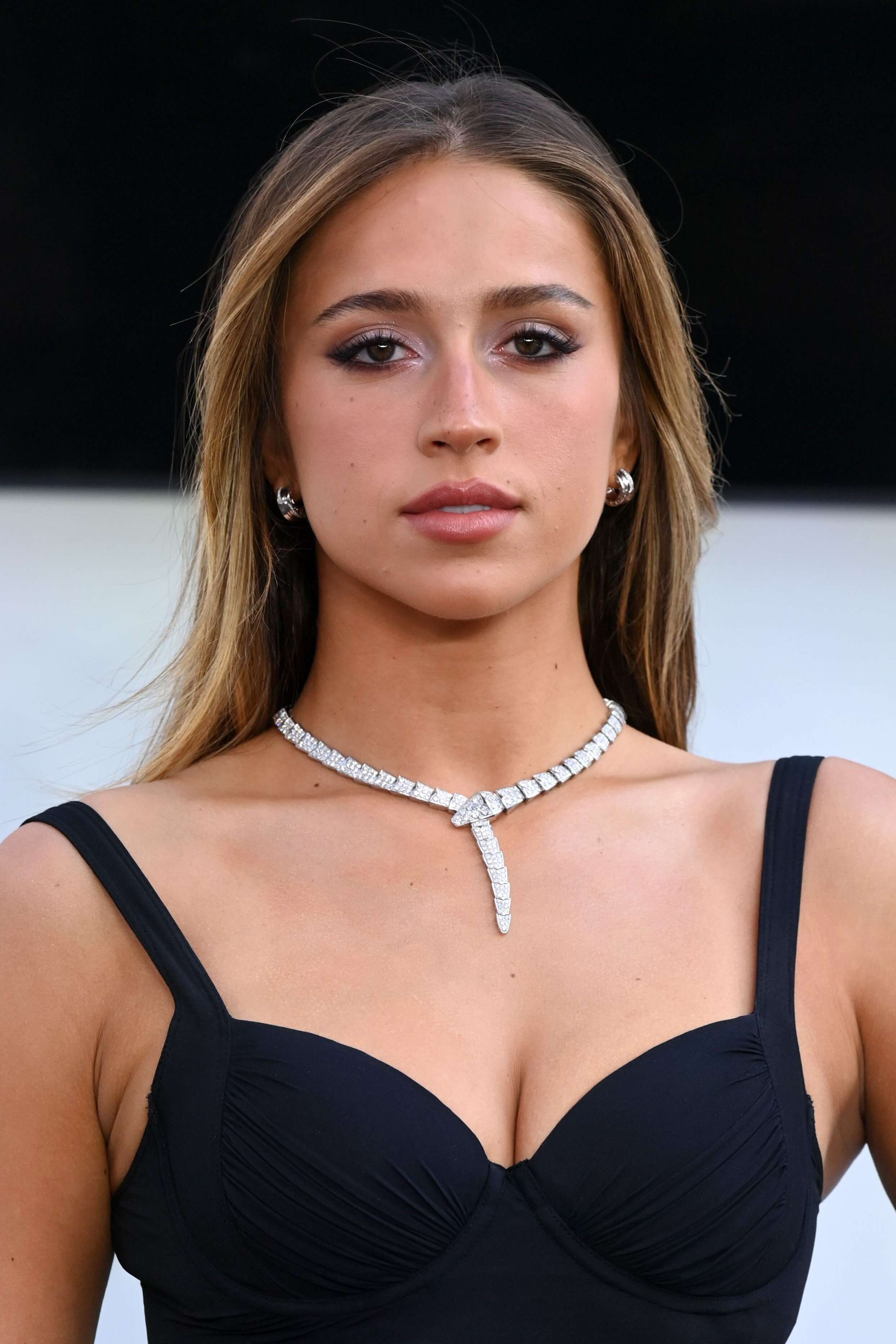
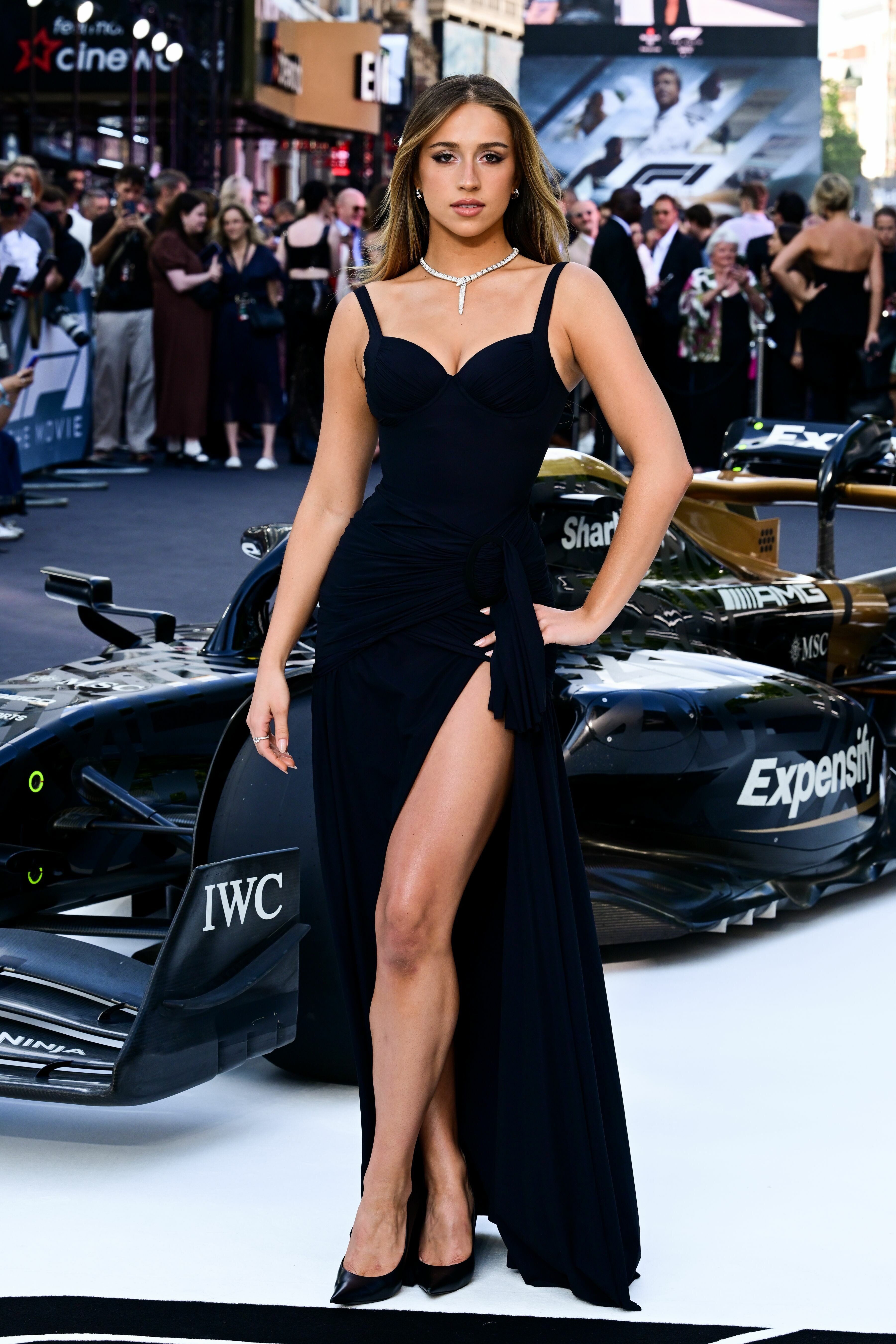
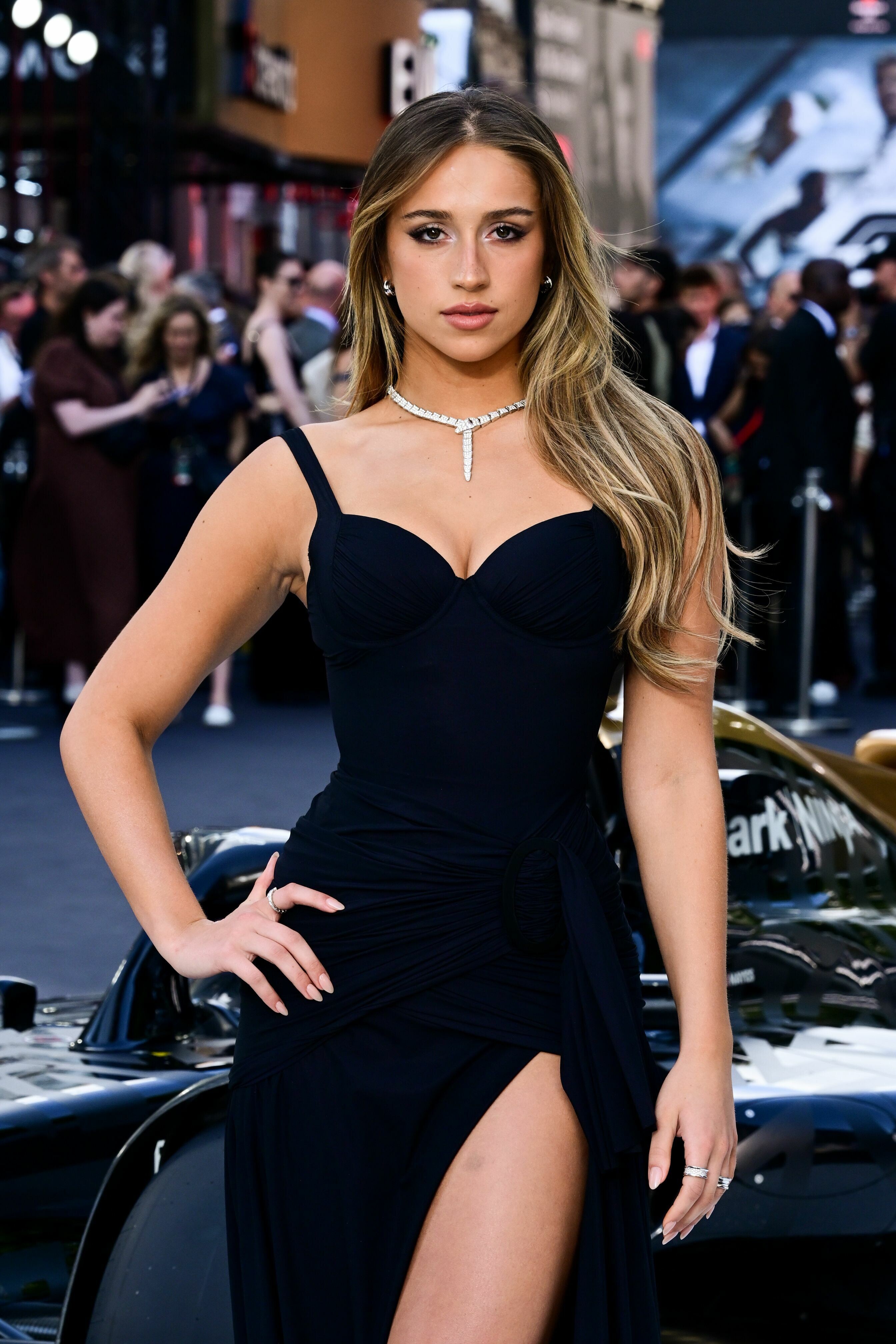
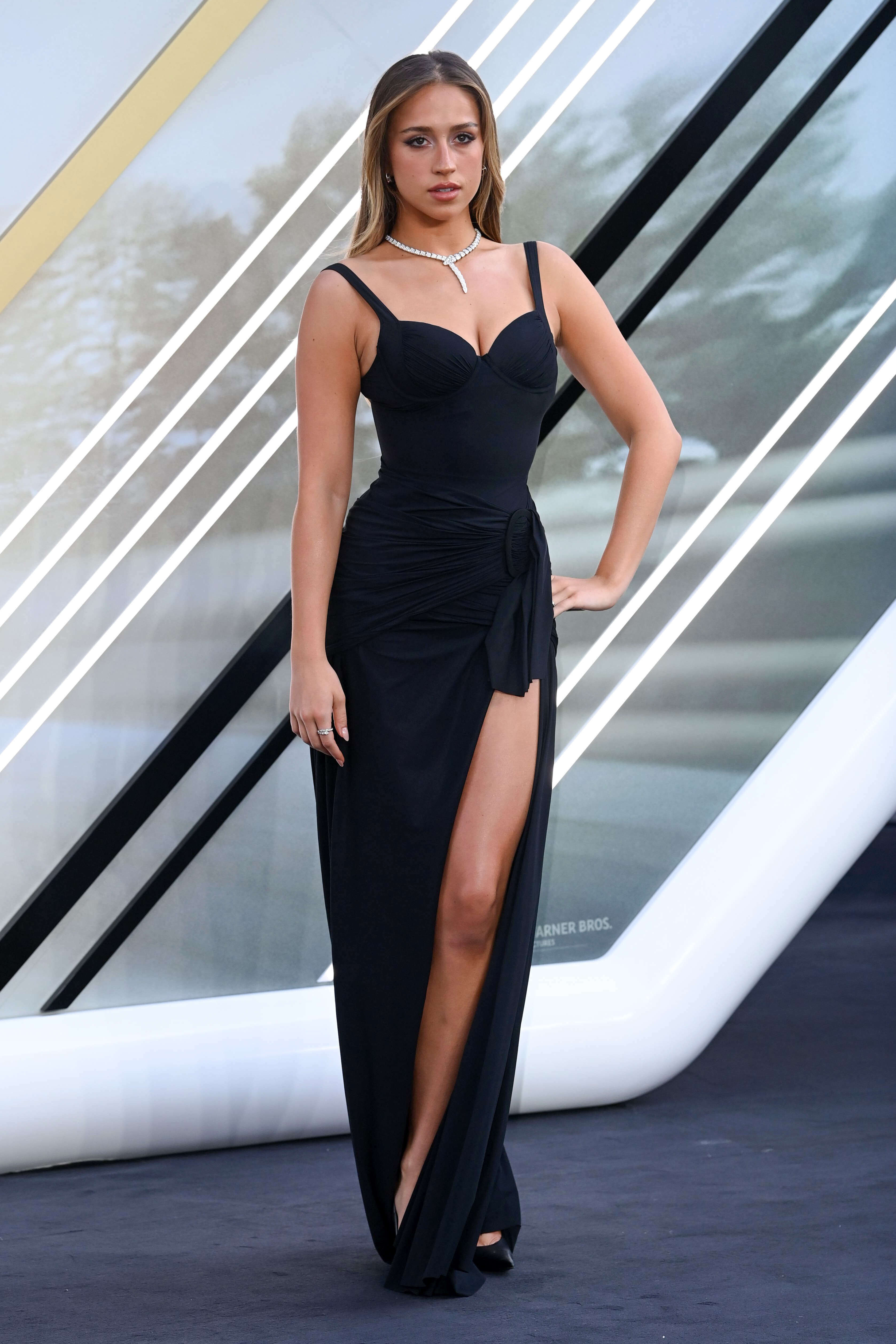
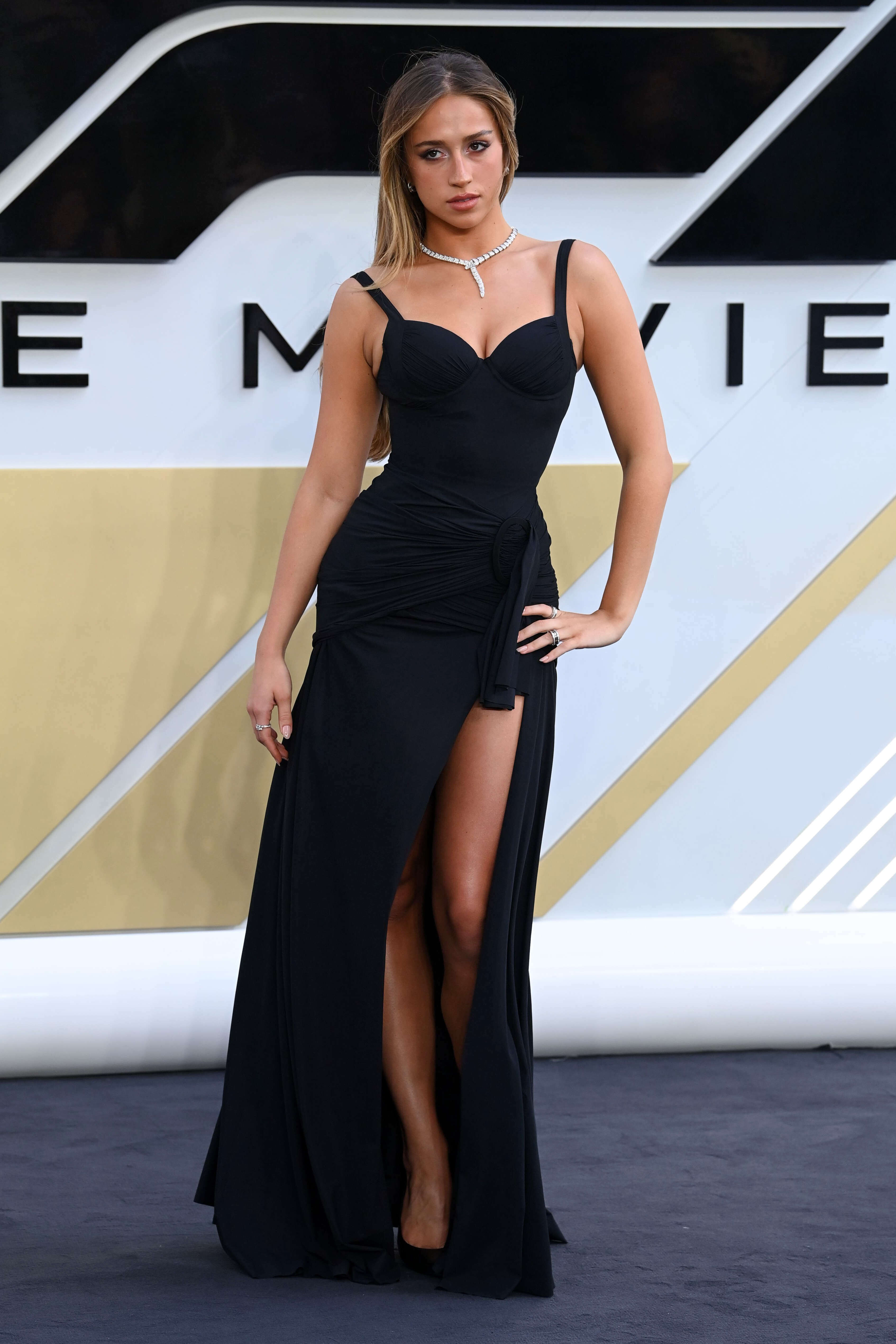
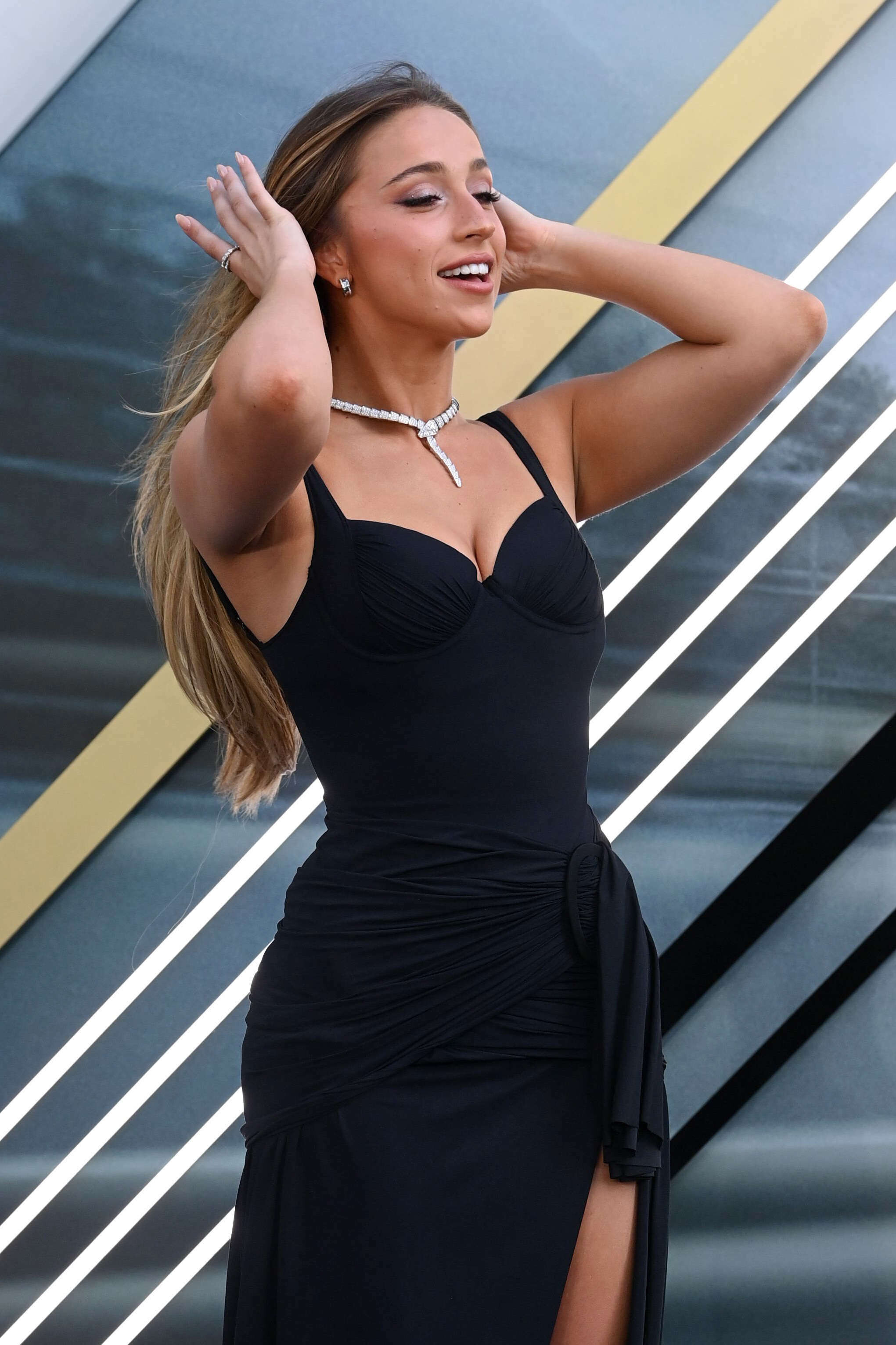
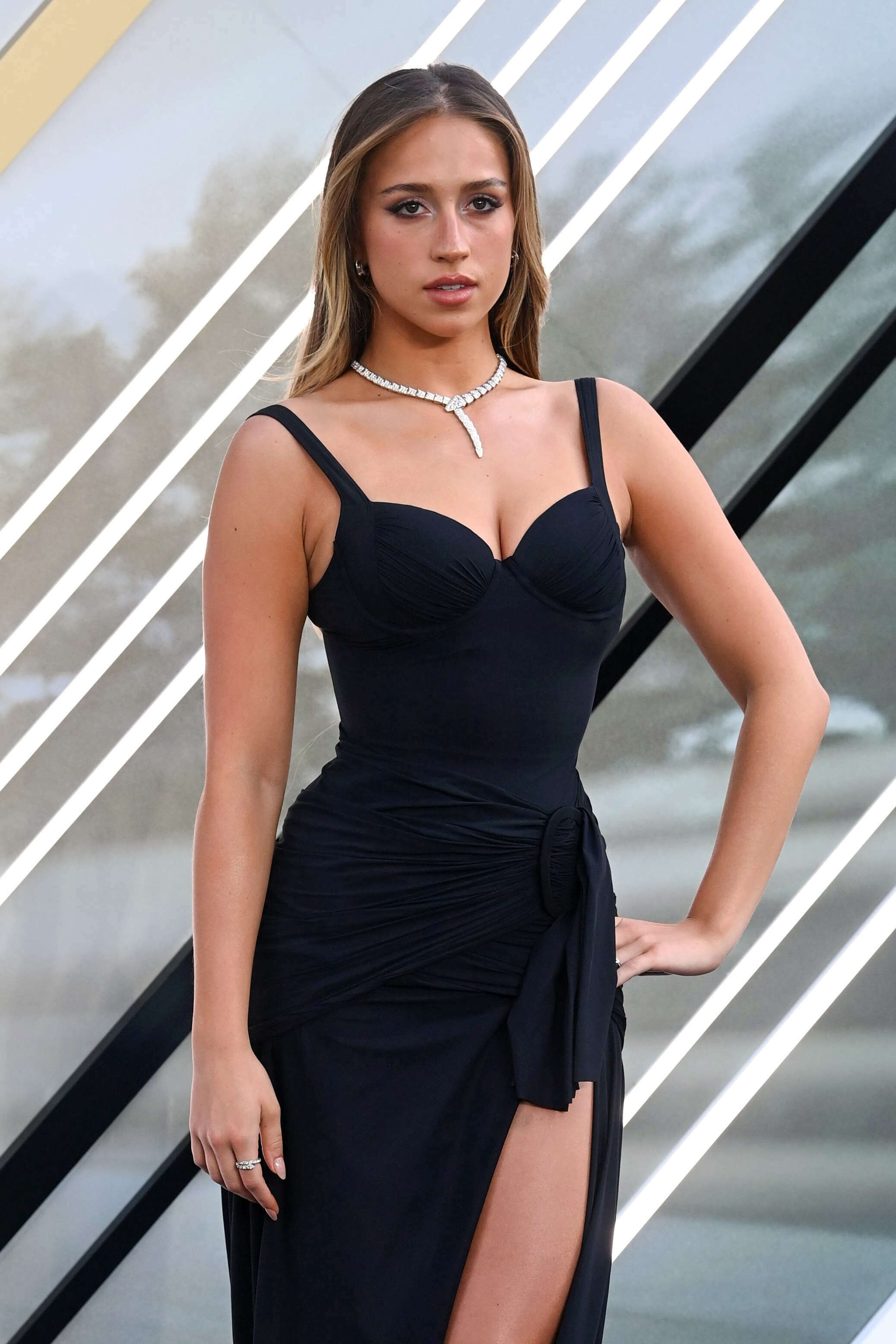
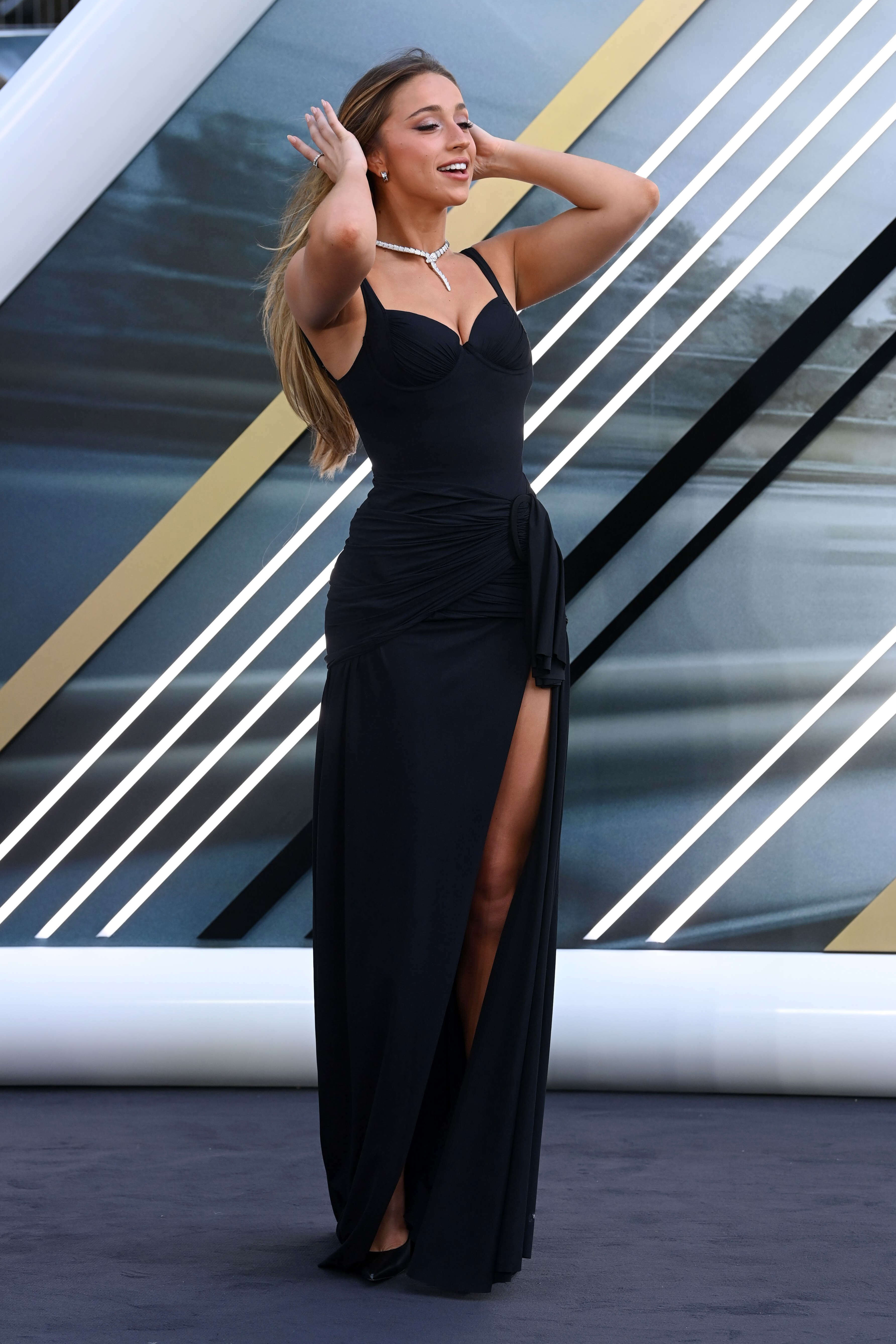
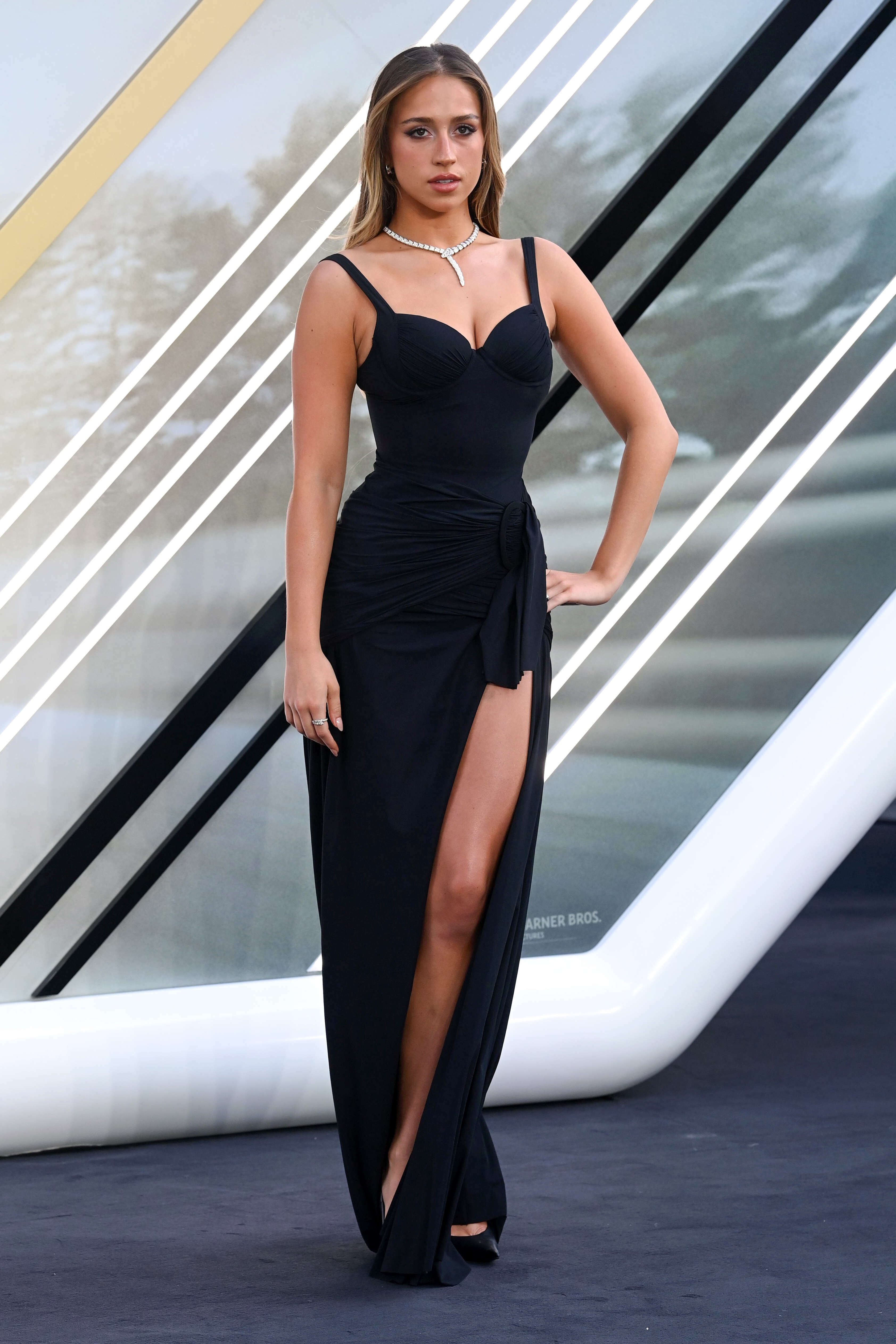
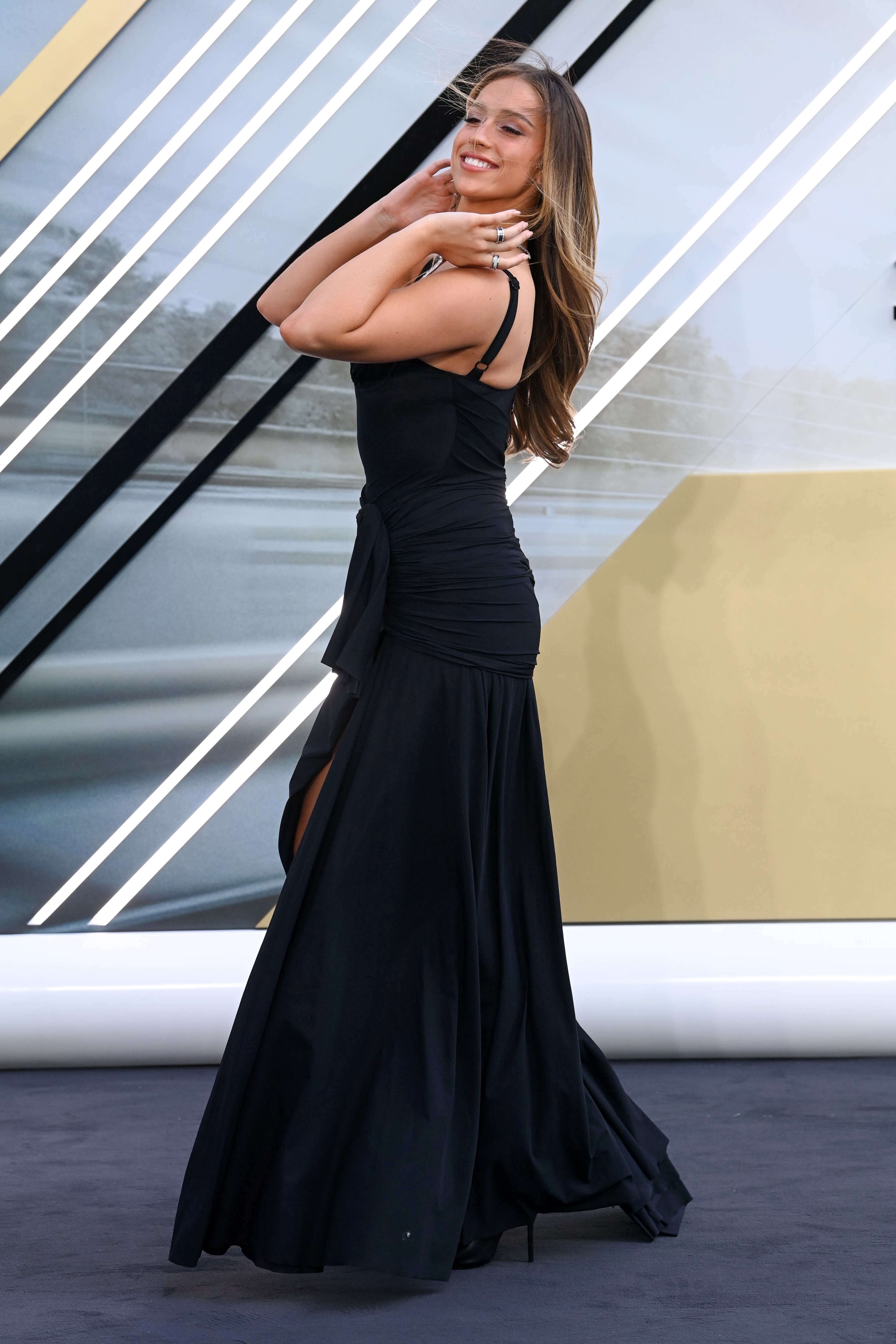
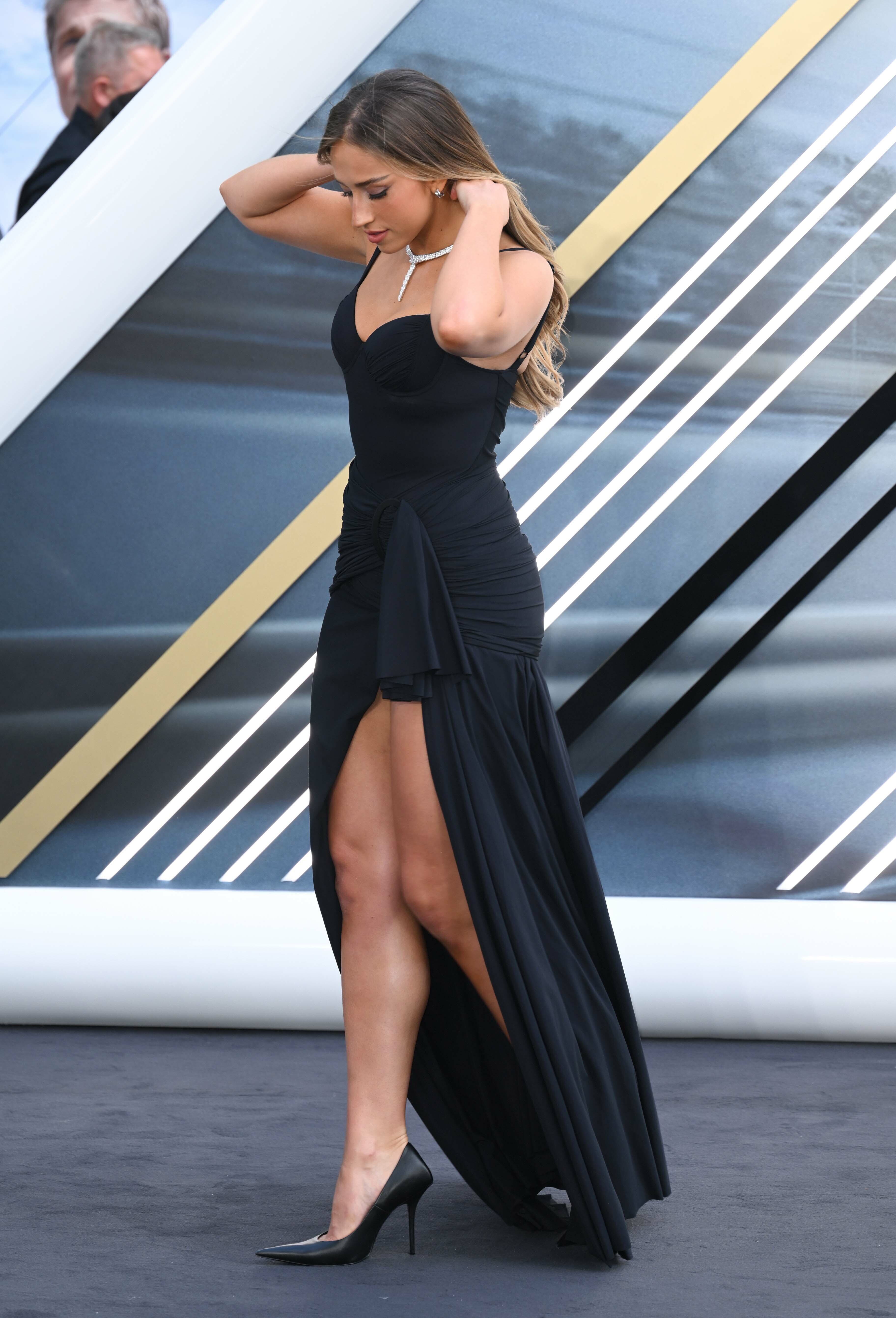
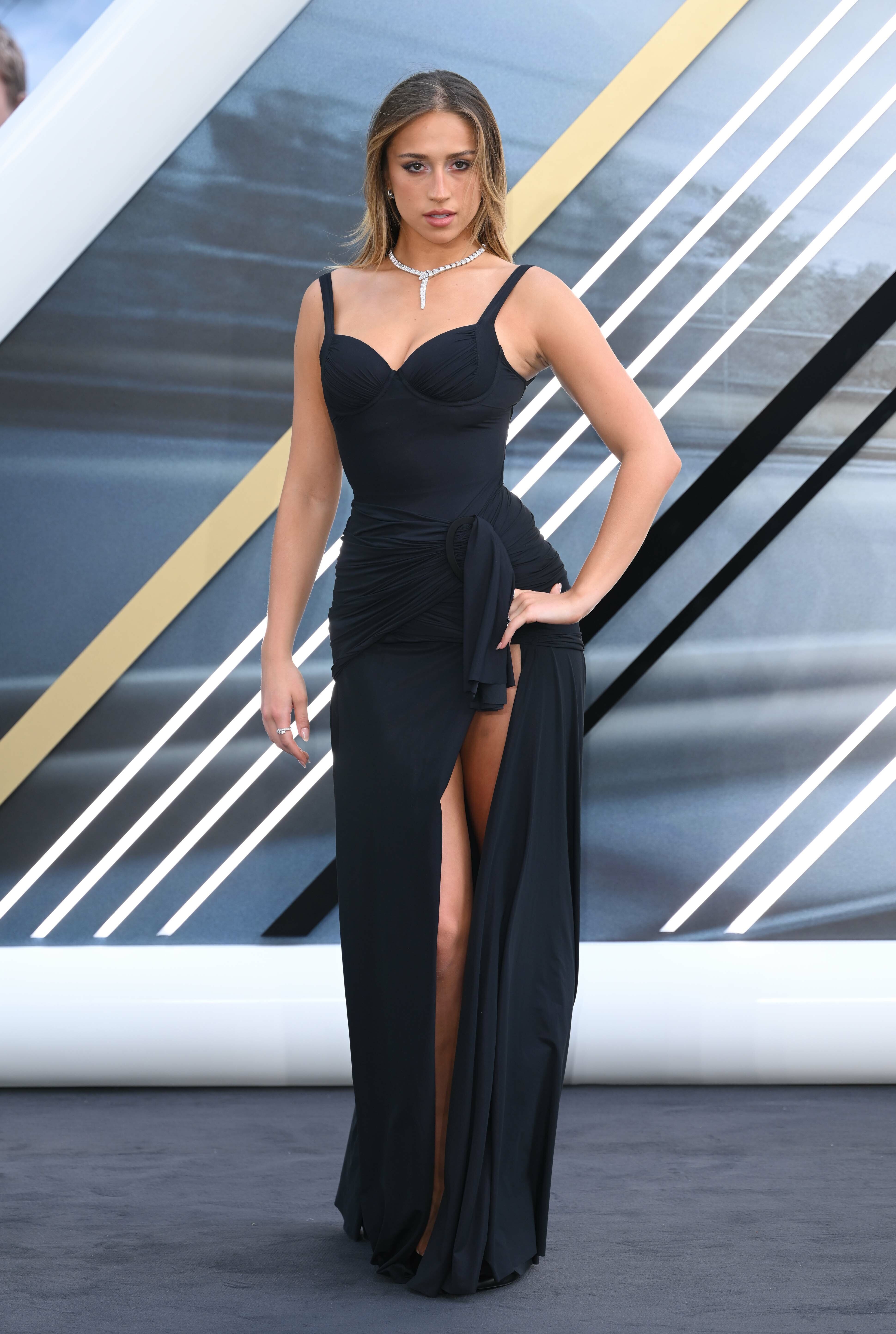
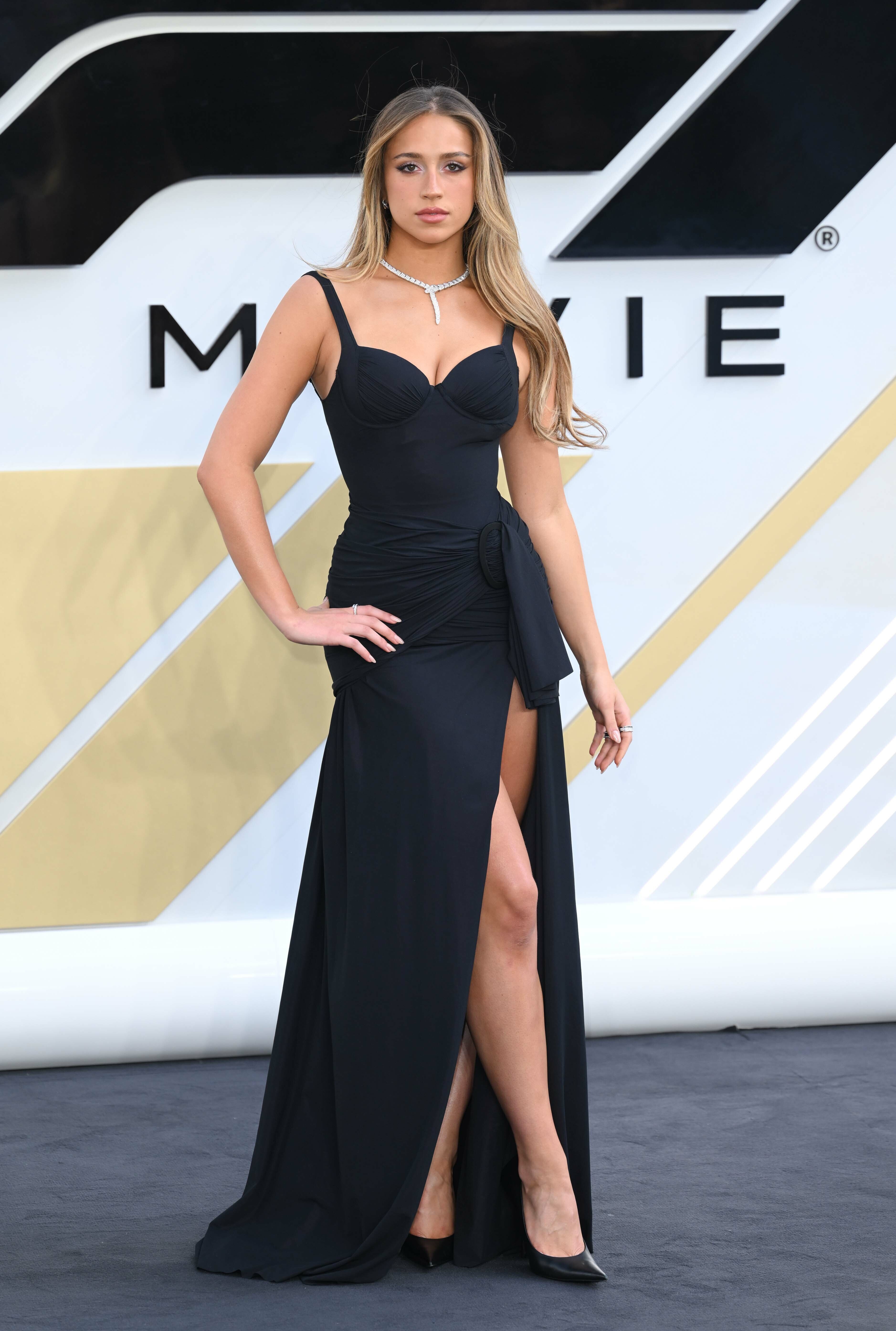
 F1 The Movie London 2025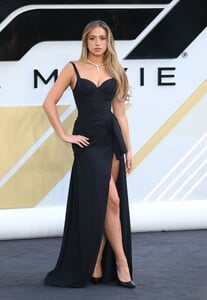































-
-
-
 Angenieta Musch and Lori Denues
 -

-
-
 Did she retire or something?
 -
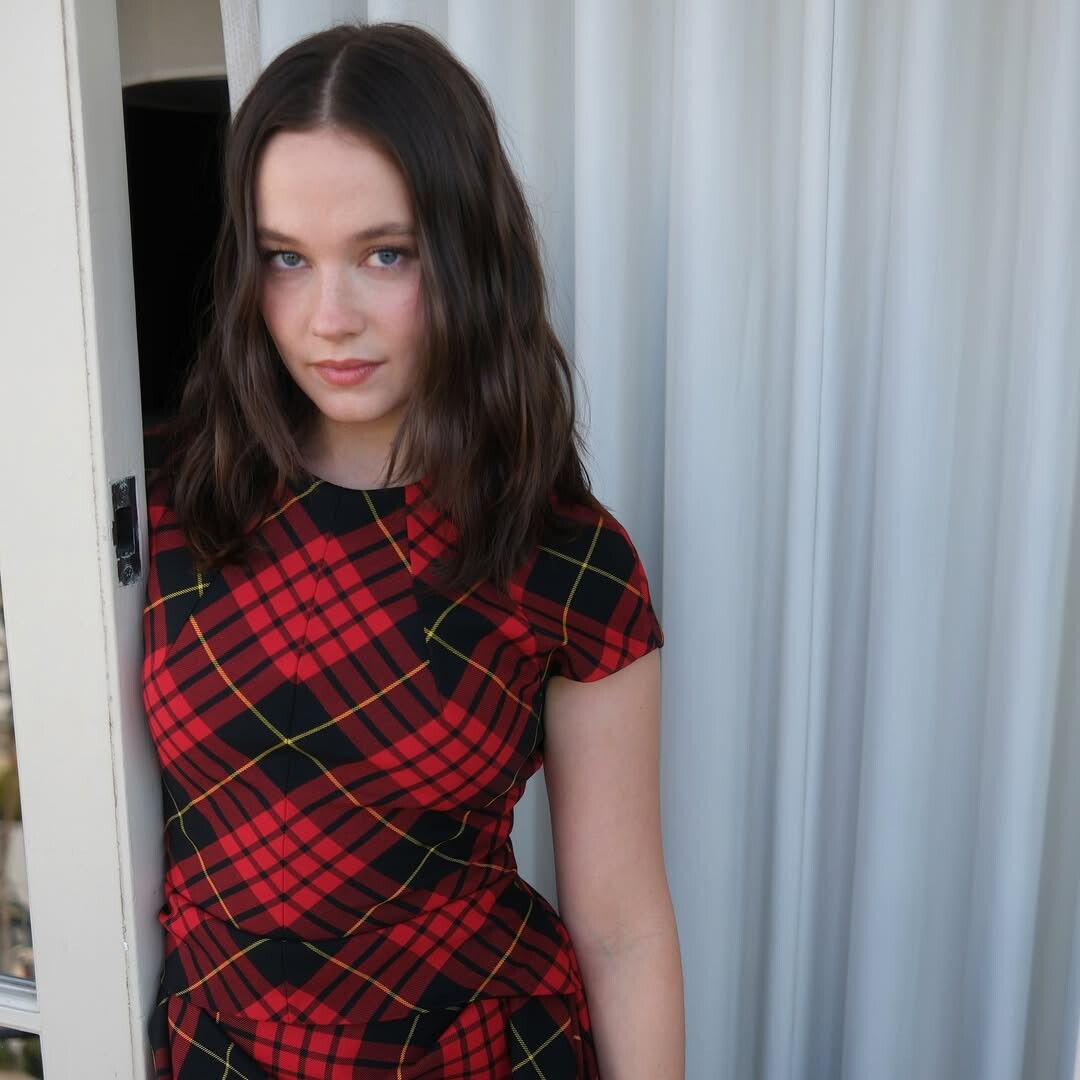
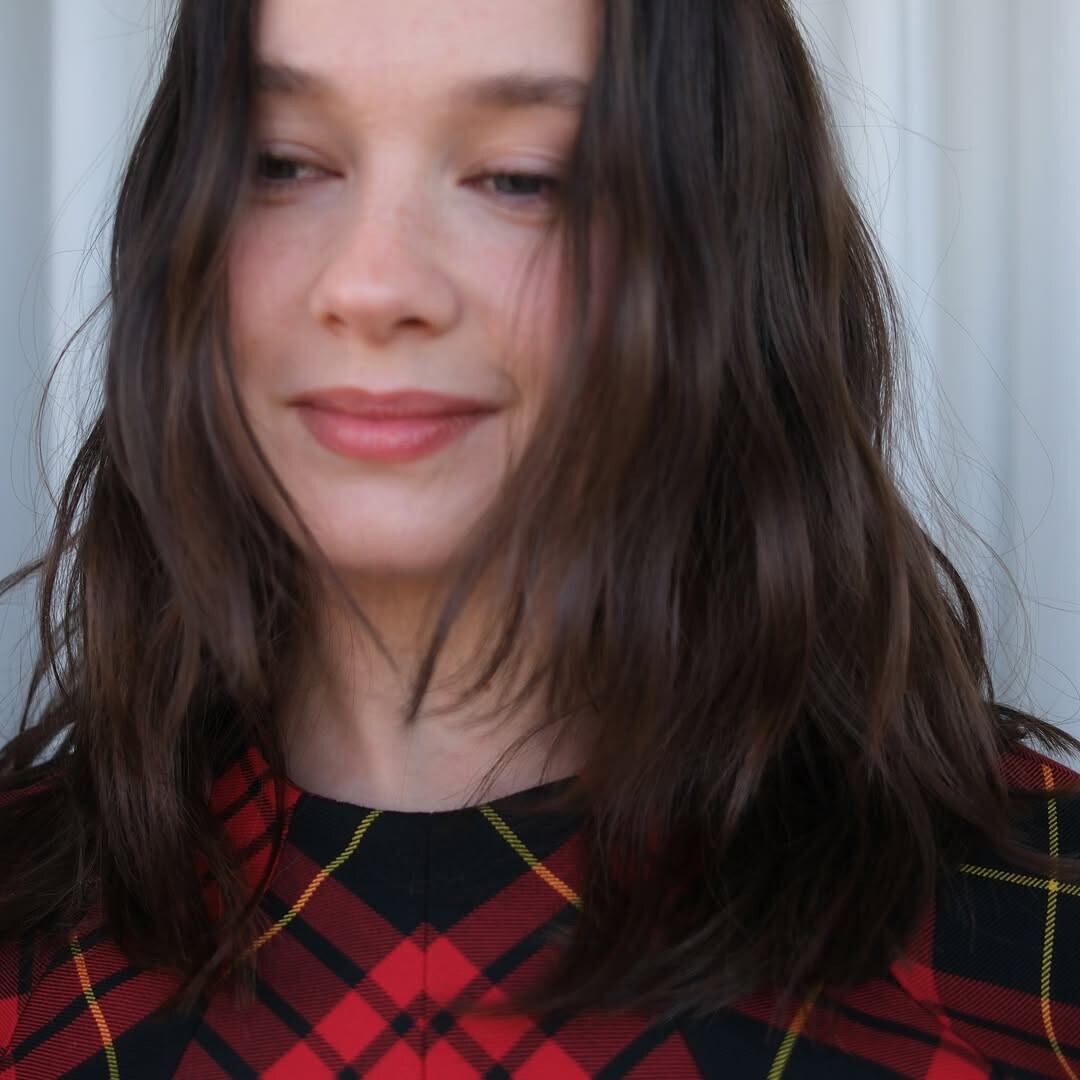
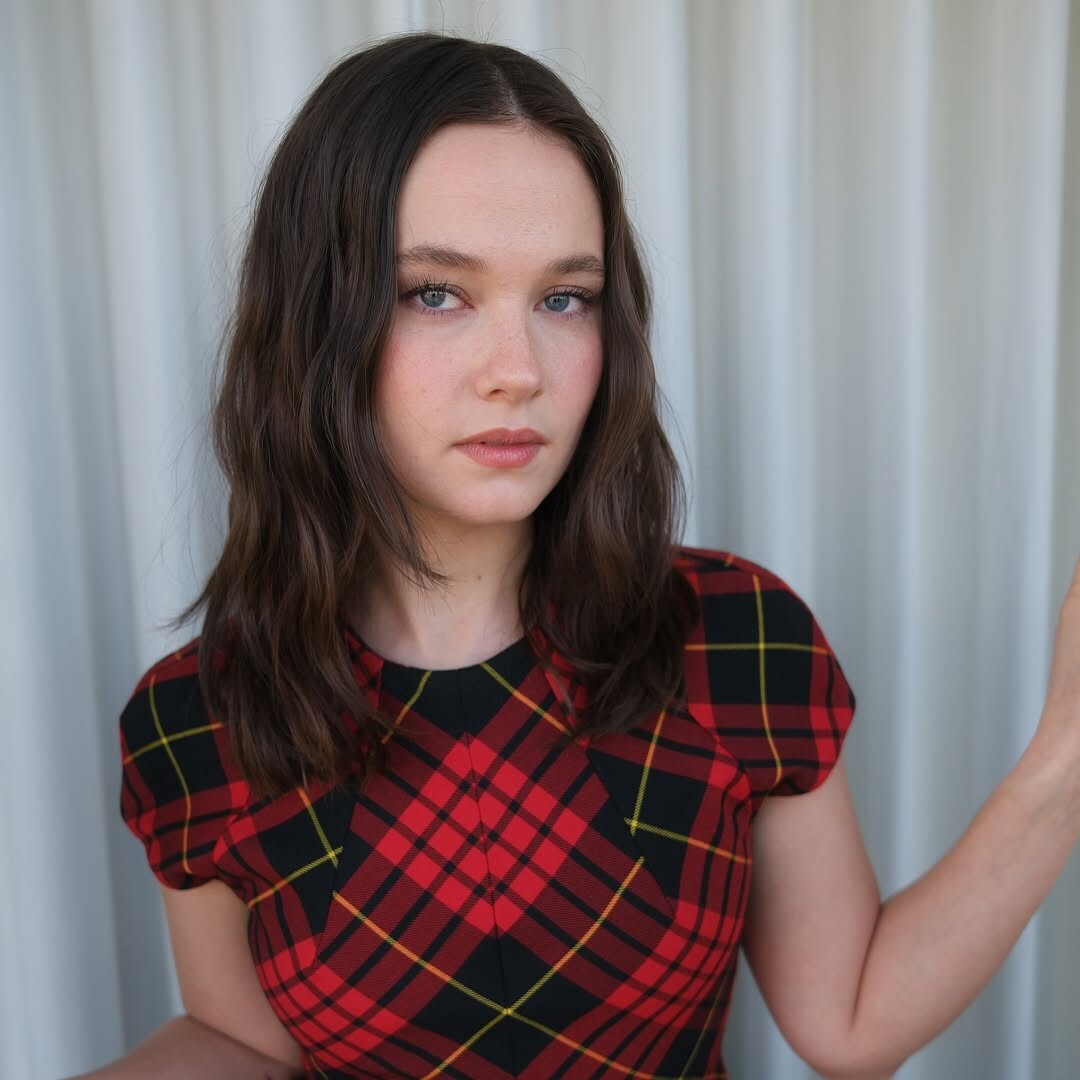
.jpg.ae5a19b79cbc4b403a7ae81fcbda55f7_cropped(2).thumb.png.bcf791fab378ac84d9176d17773d5c7e.png) Instagram | bykileyfitz Cailee for knivesout press 🔪 Makeup lorencanbymakeup Styling nicky_yates
Instagram | bykileyfitz Cailee for knivesout press 🔪 Makeup lorencanbymakeup Styling nicky_yates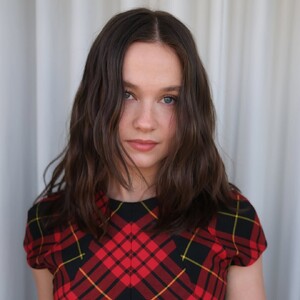
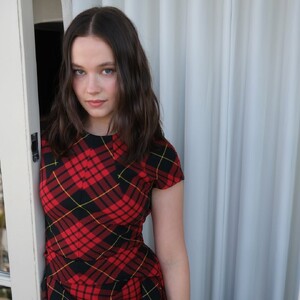
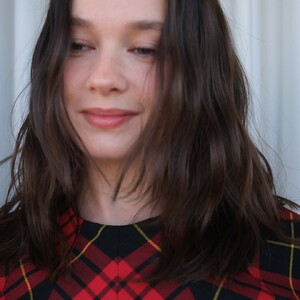
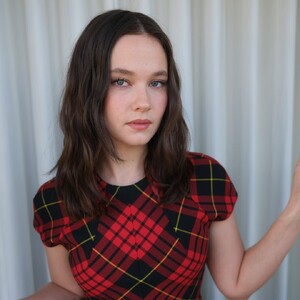
-
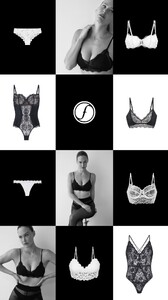
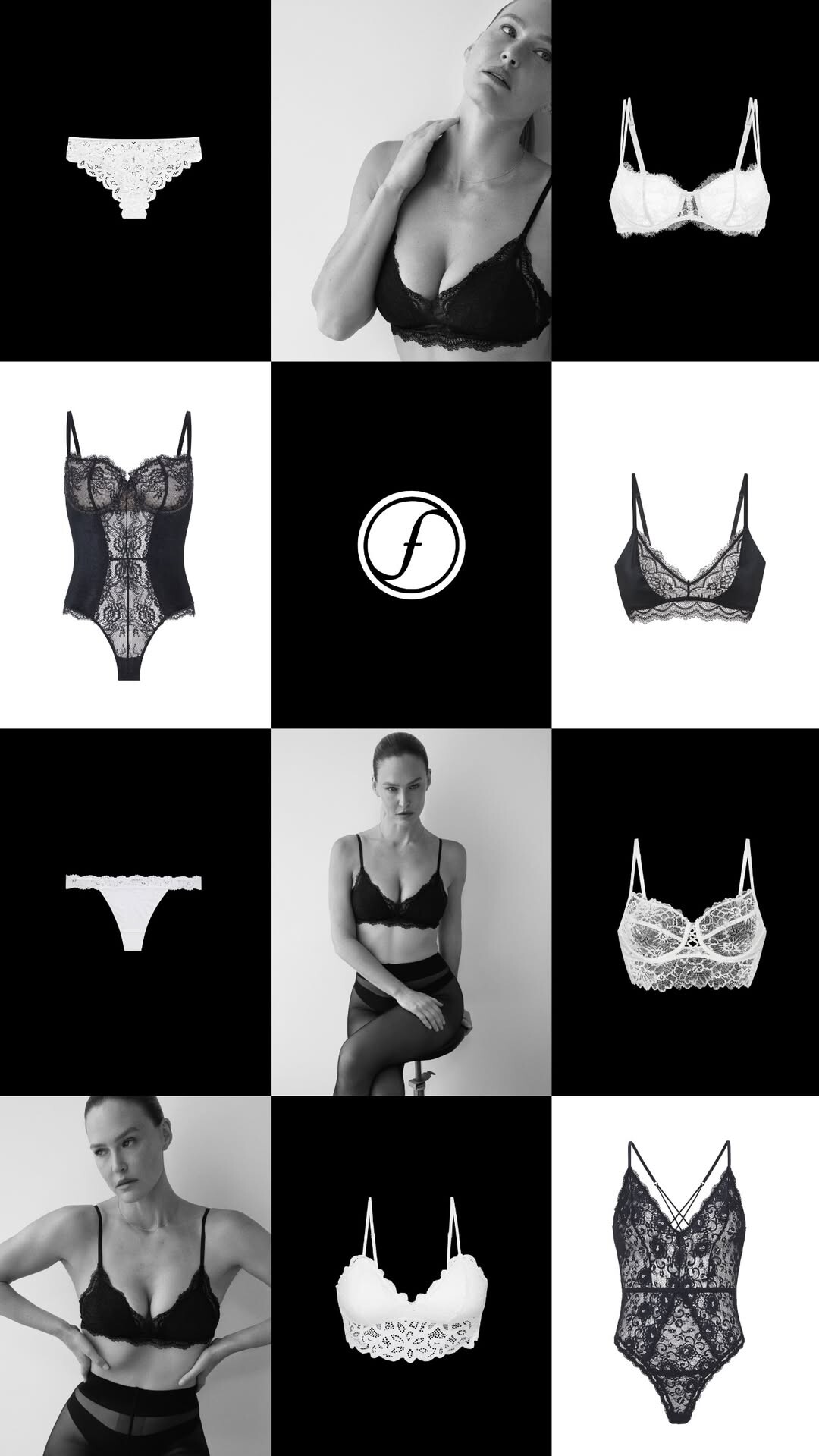
Femina: stories video [2025.11.28] femina_israel_3775819179589753400.mp4







-
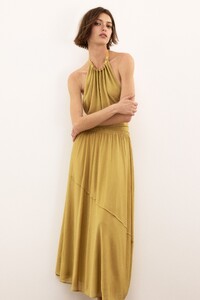
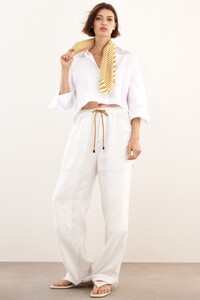
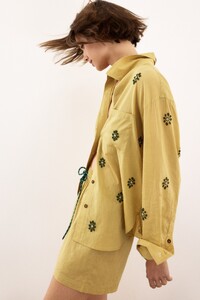
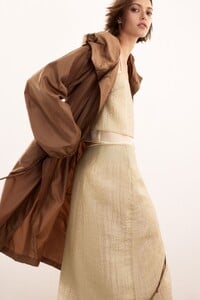
 Rag & Bone Pre-fall 2026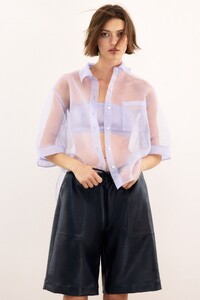
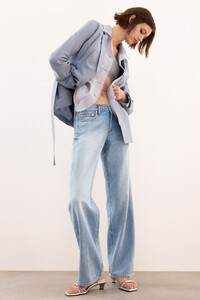
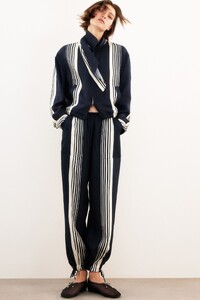
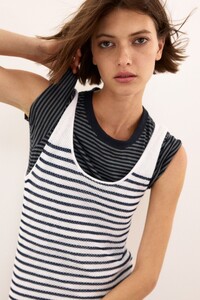
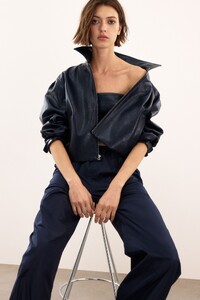
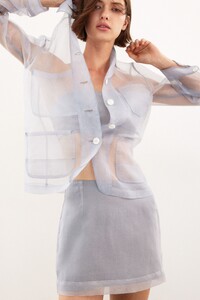
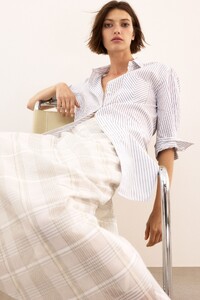
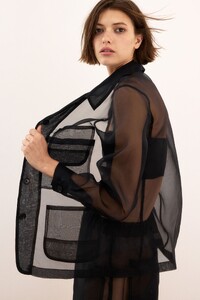
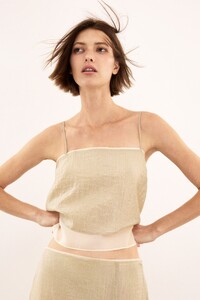

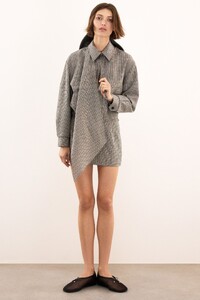
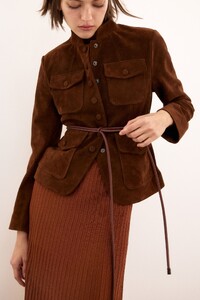
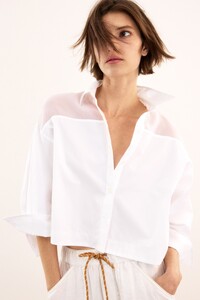
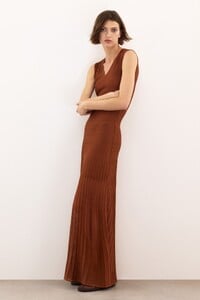
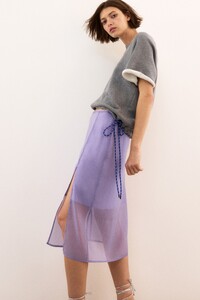
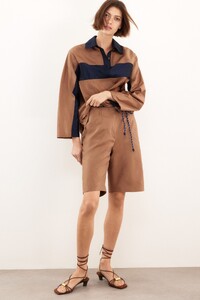
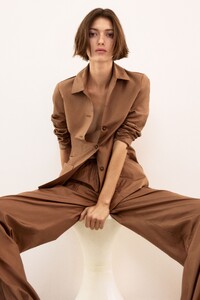
-
-
New for elietahari 💫
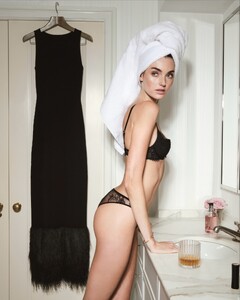
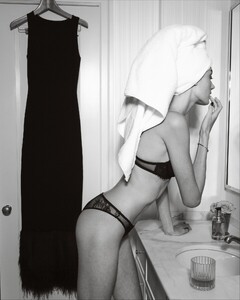
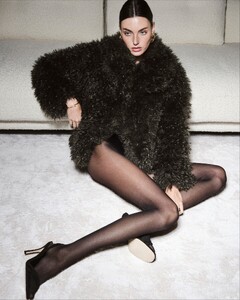
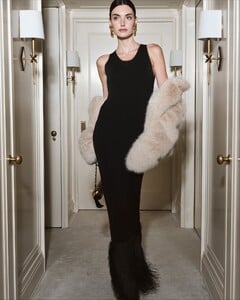
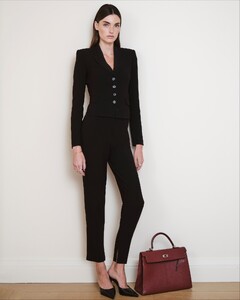

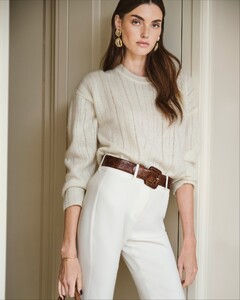
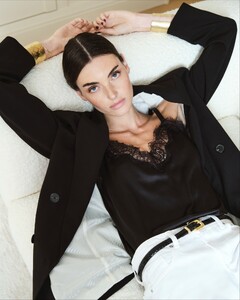
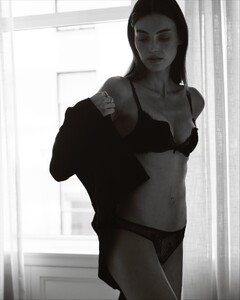
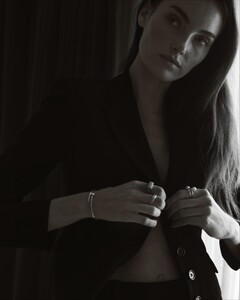
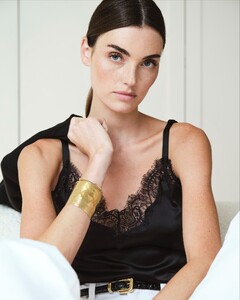
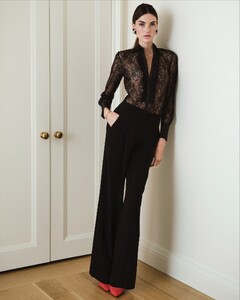
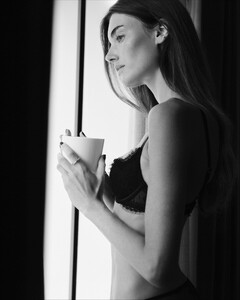
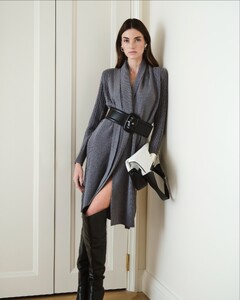
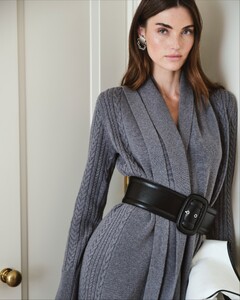
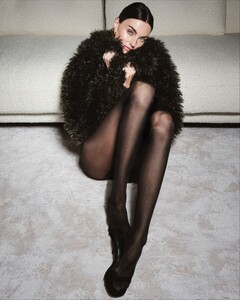
-
- Today
-
JZL:🎄Now offering a Christmas Content Special for Vegas models


-
 lovecreativemarketingusa joined the community
 -
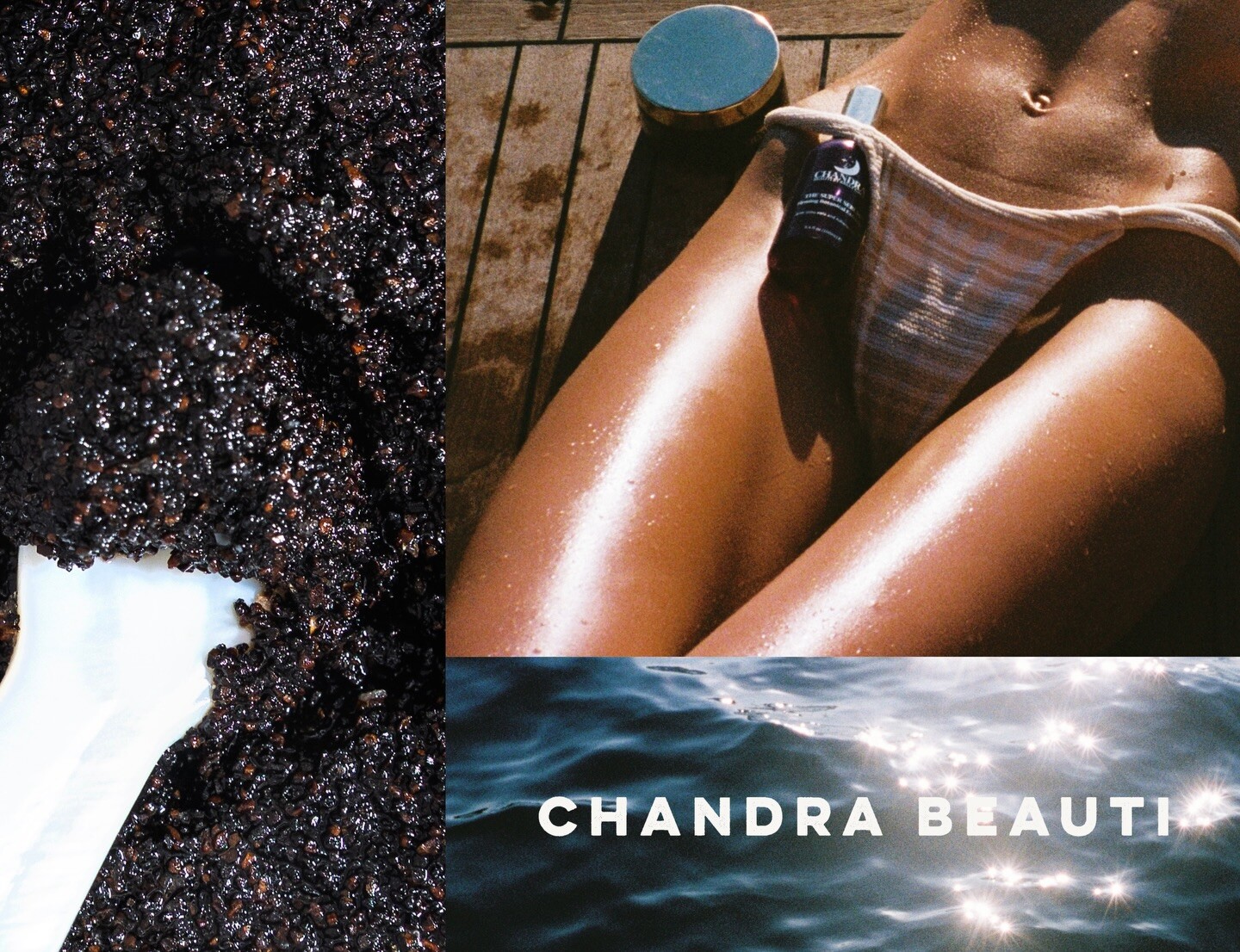
chandra beauti: Your reviews mean everything 💌

-
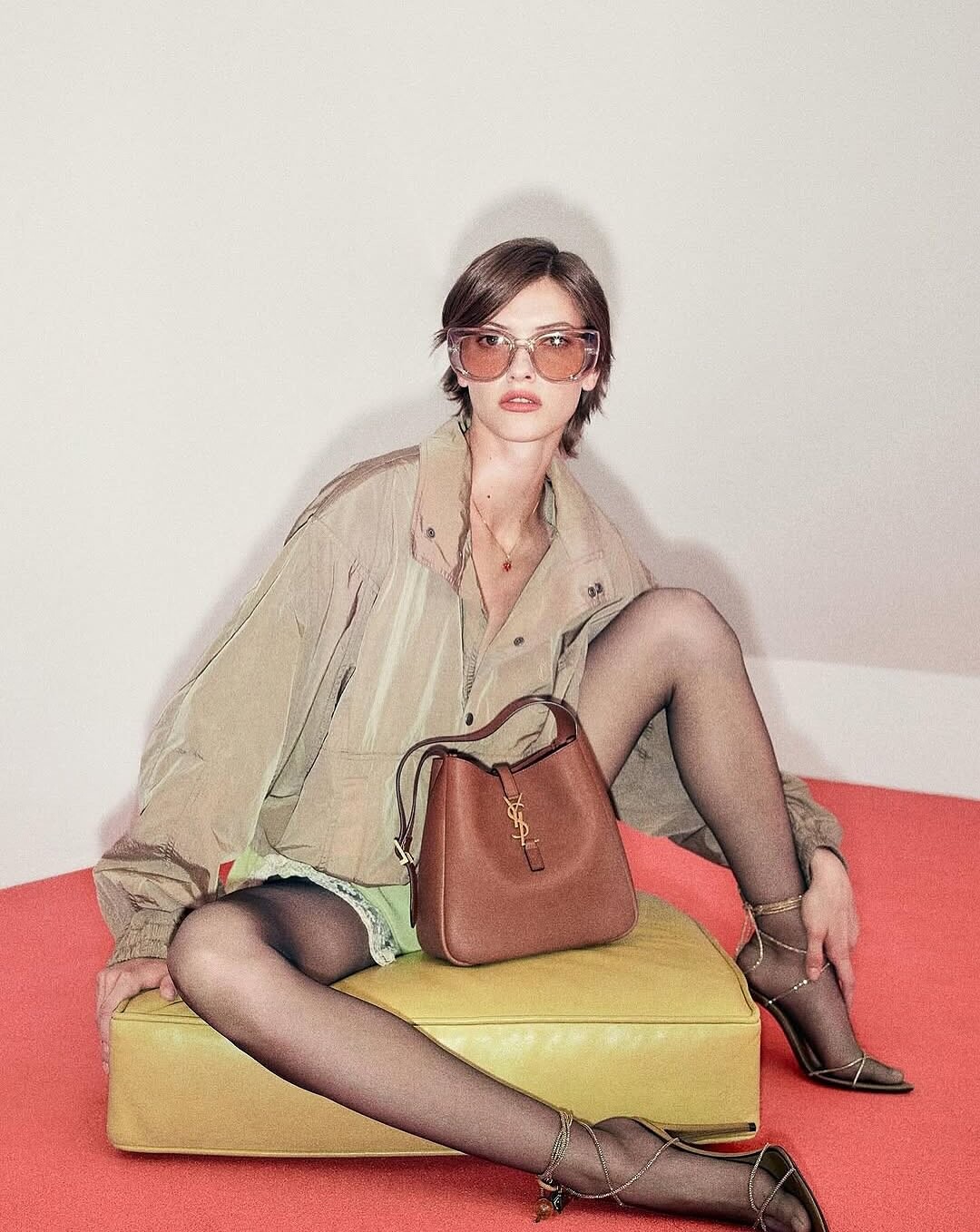
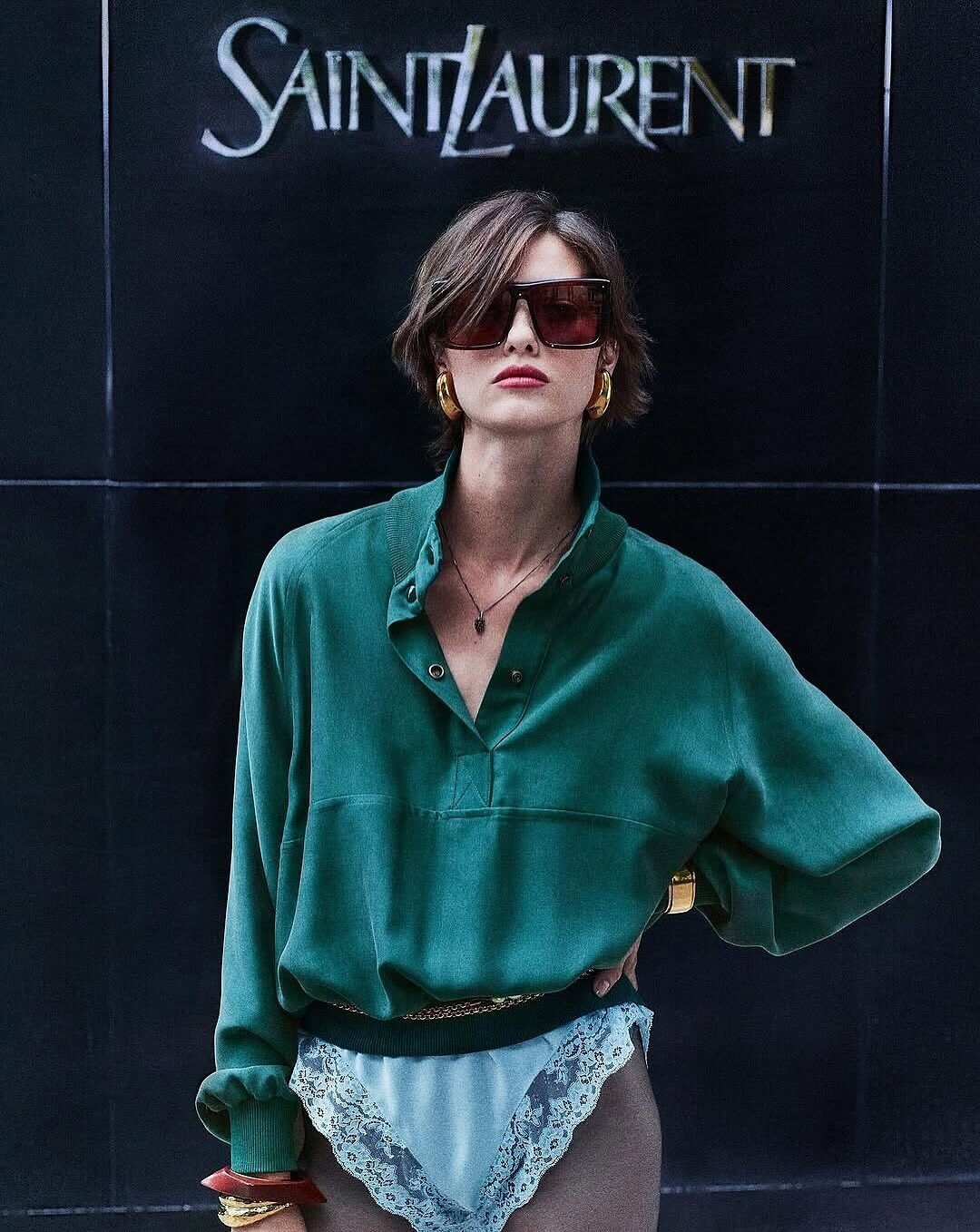
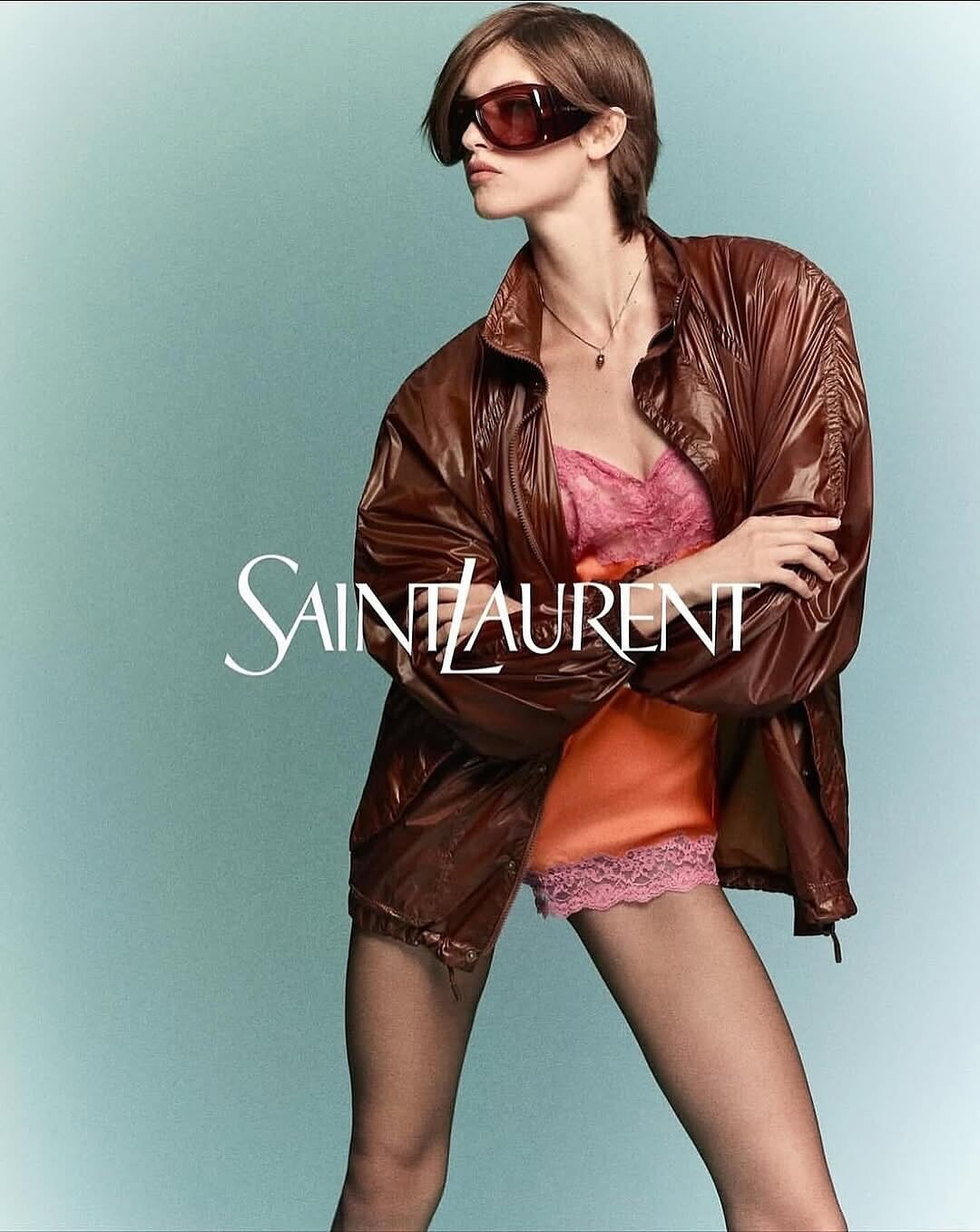
YSL Spring 26

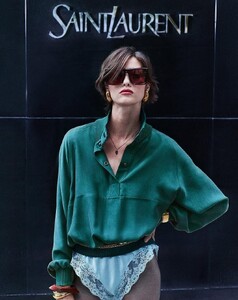

-
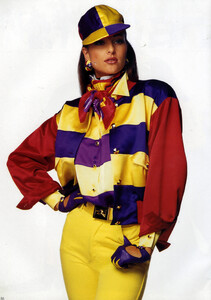
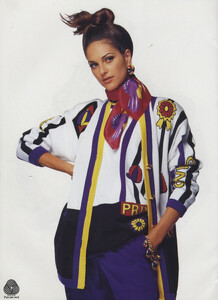
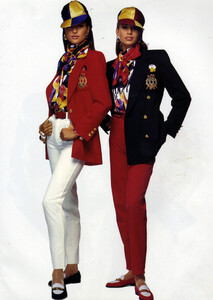
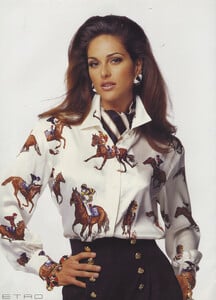
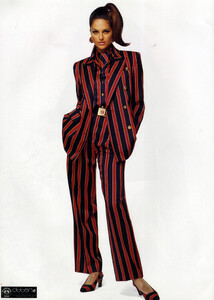
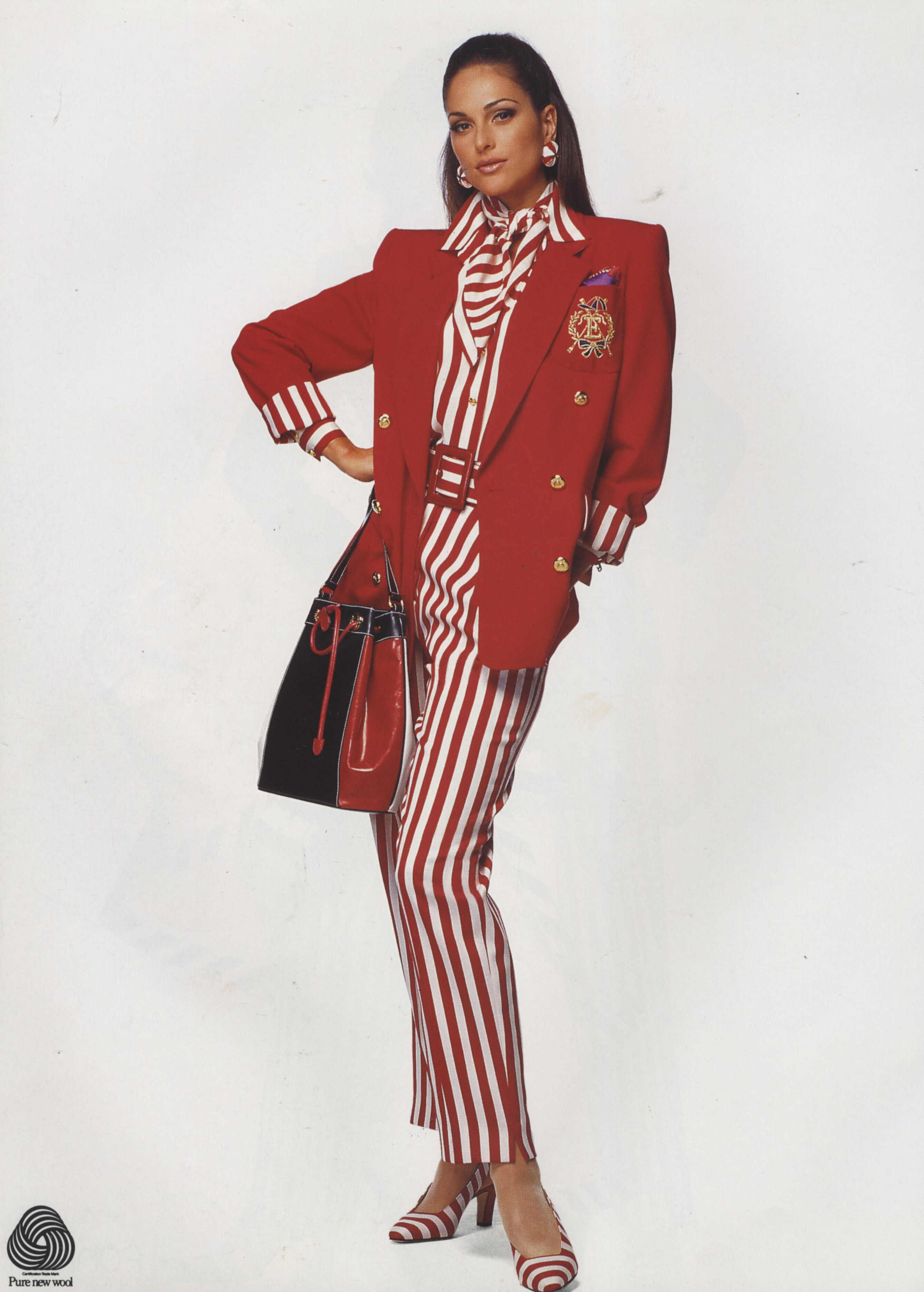
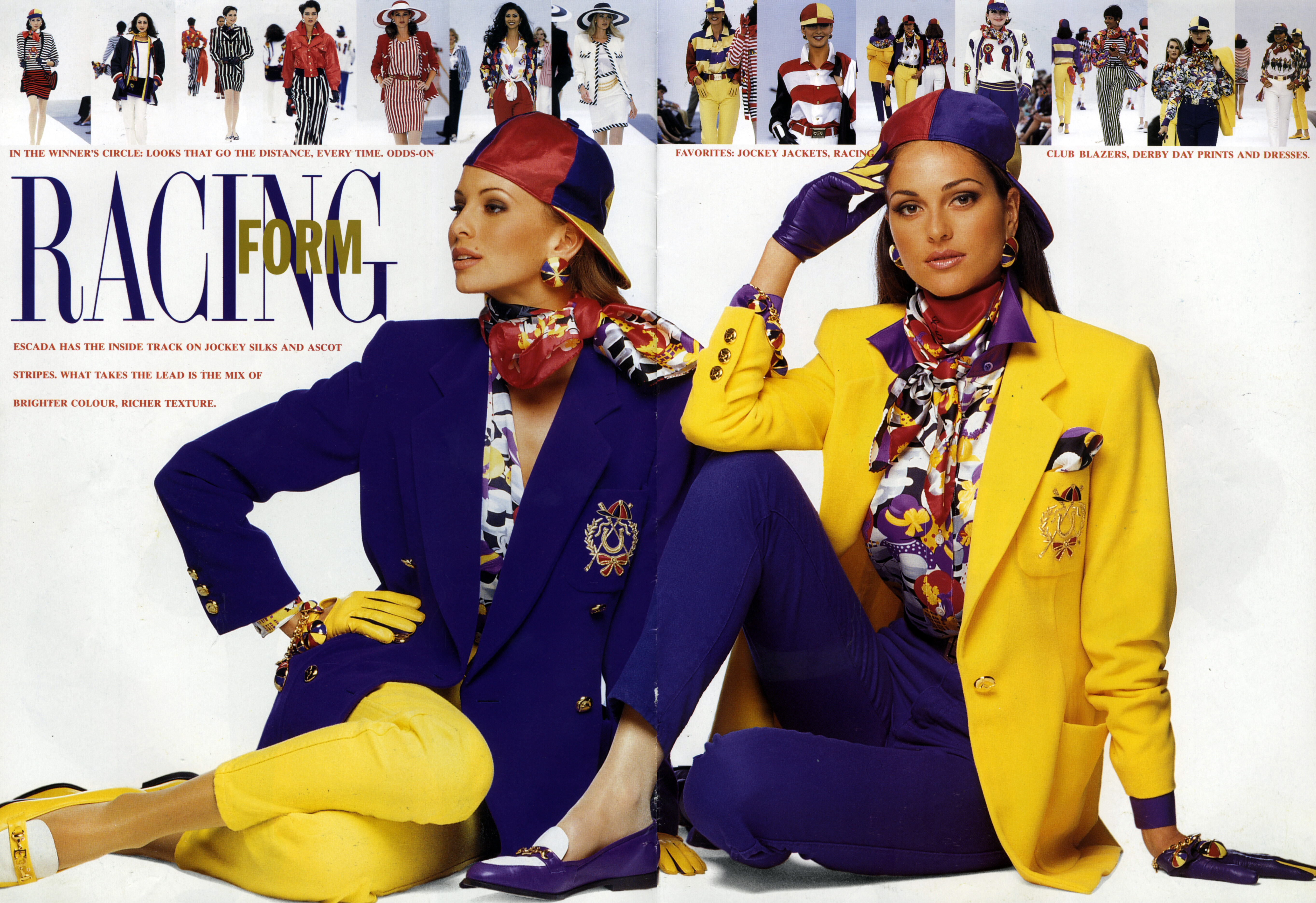
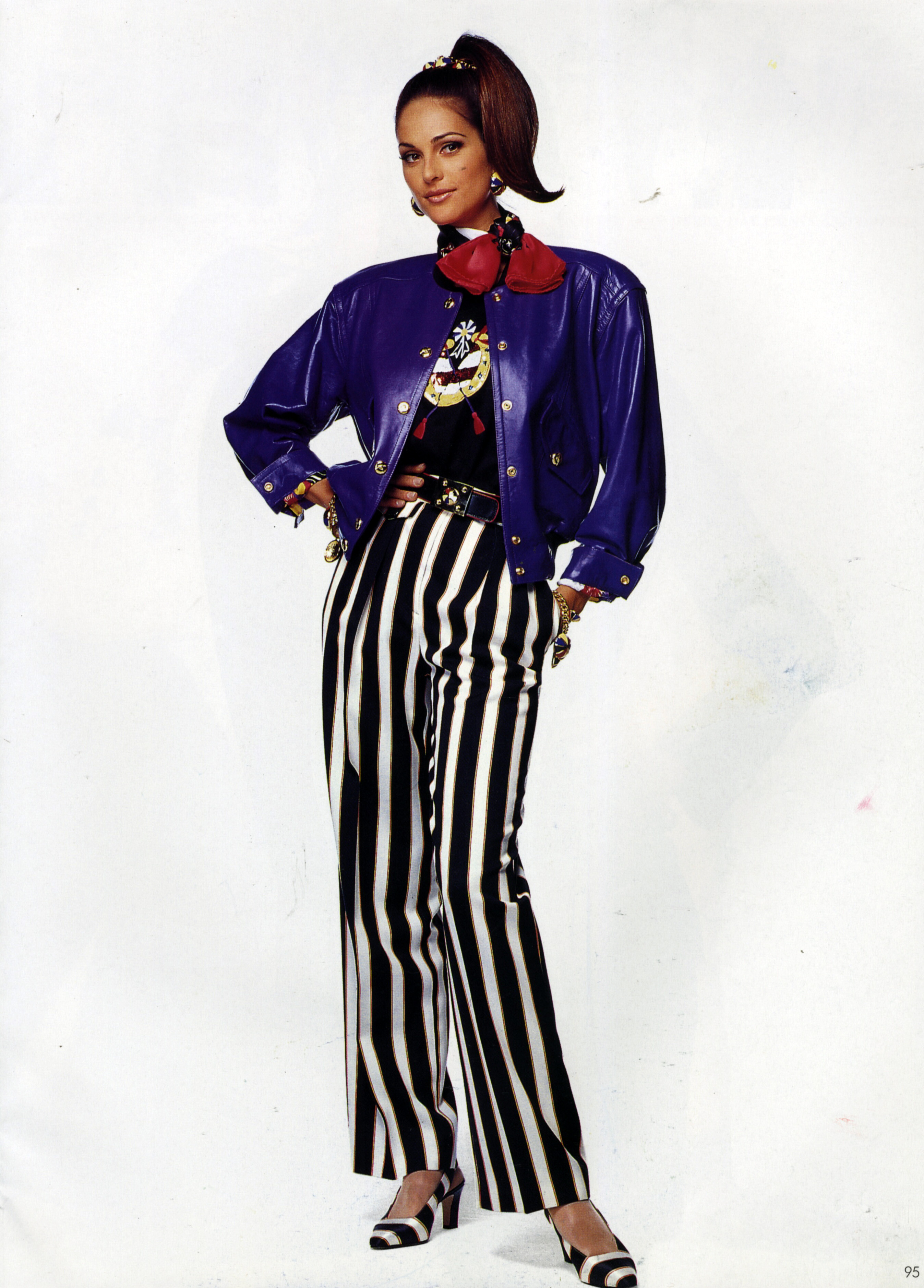
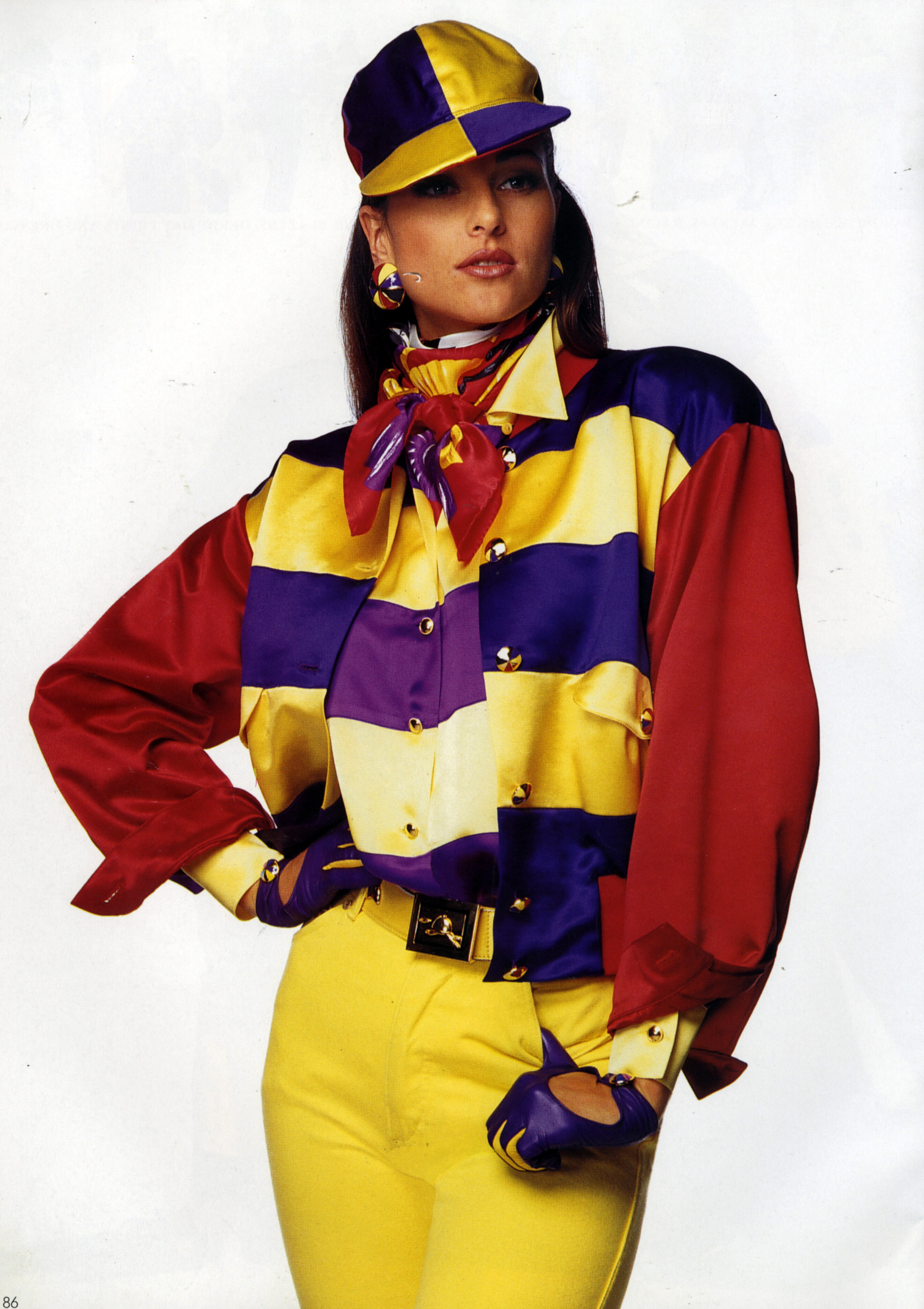
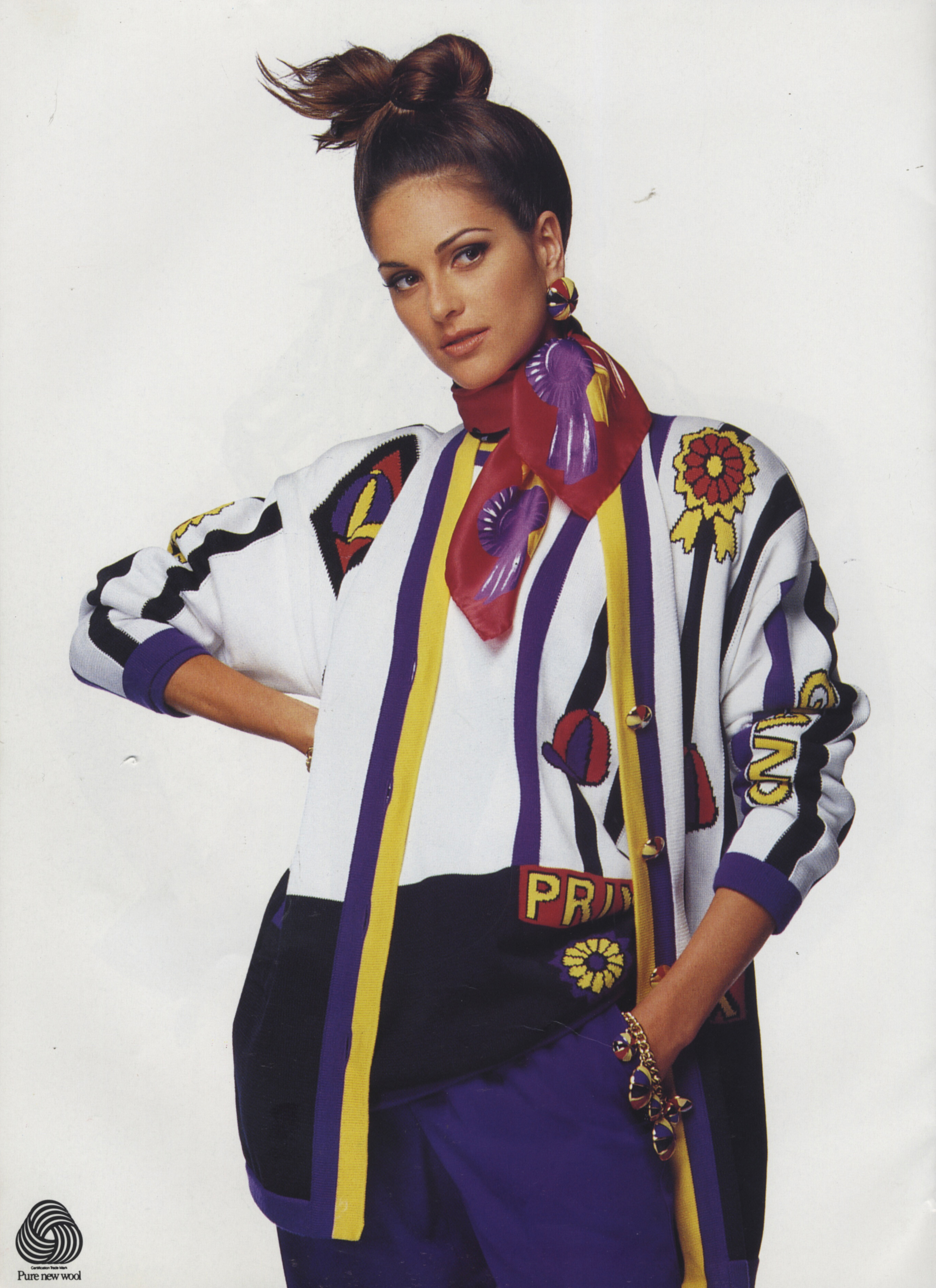
 ESCADA fahion catalog. My scans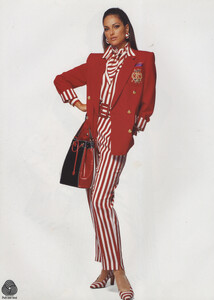
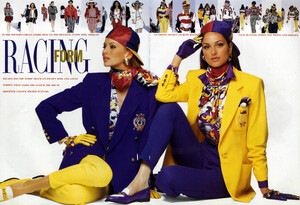
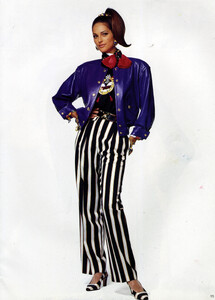
-
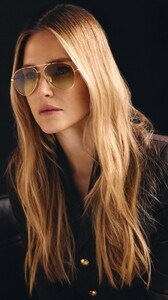
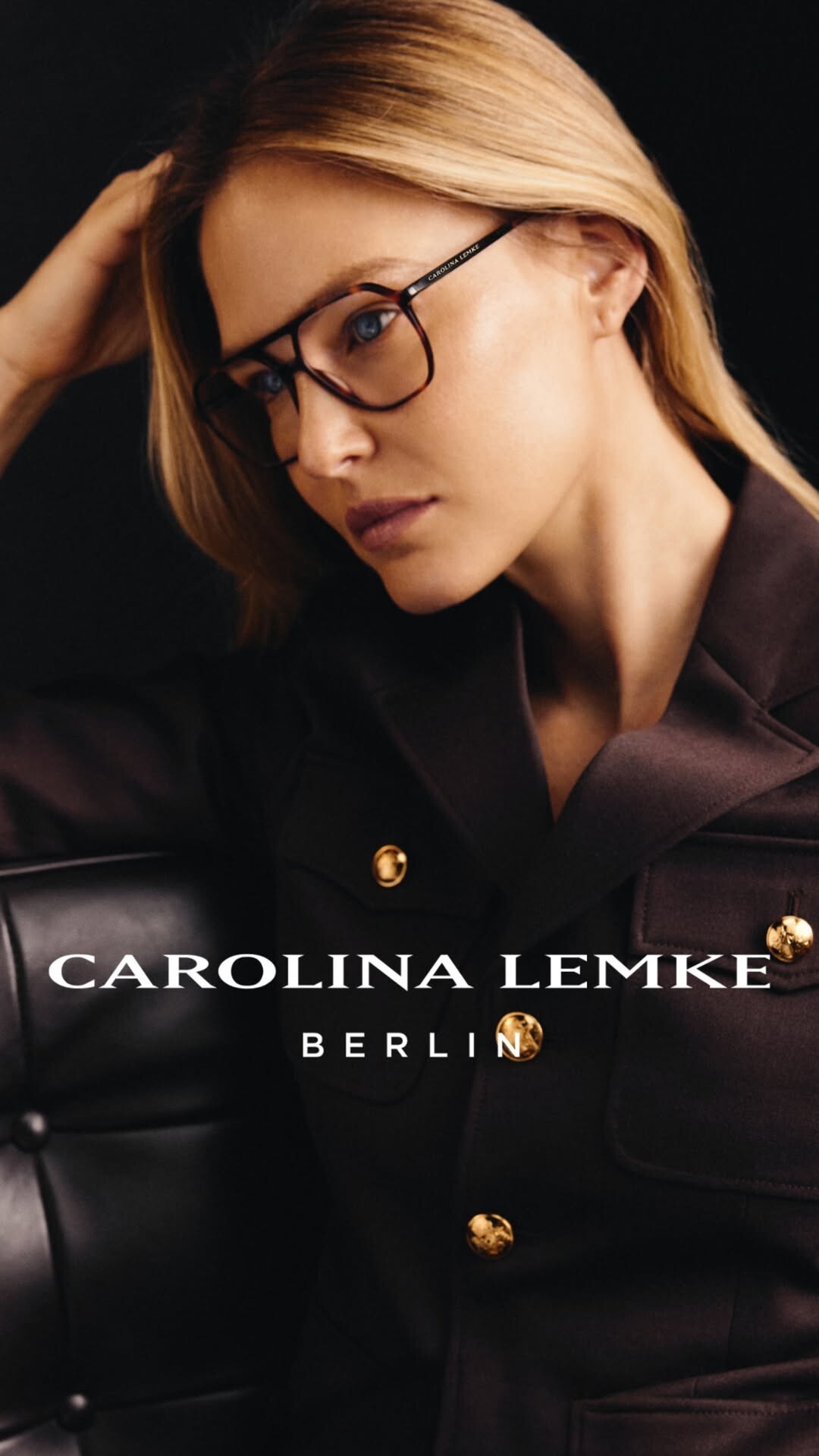
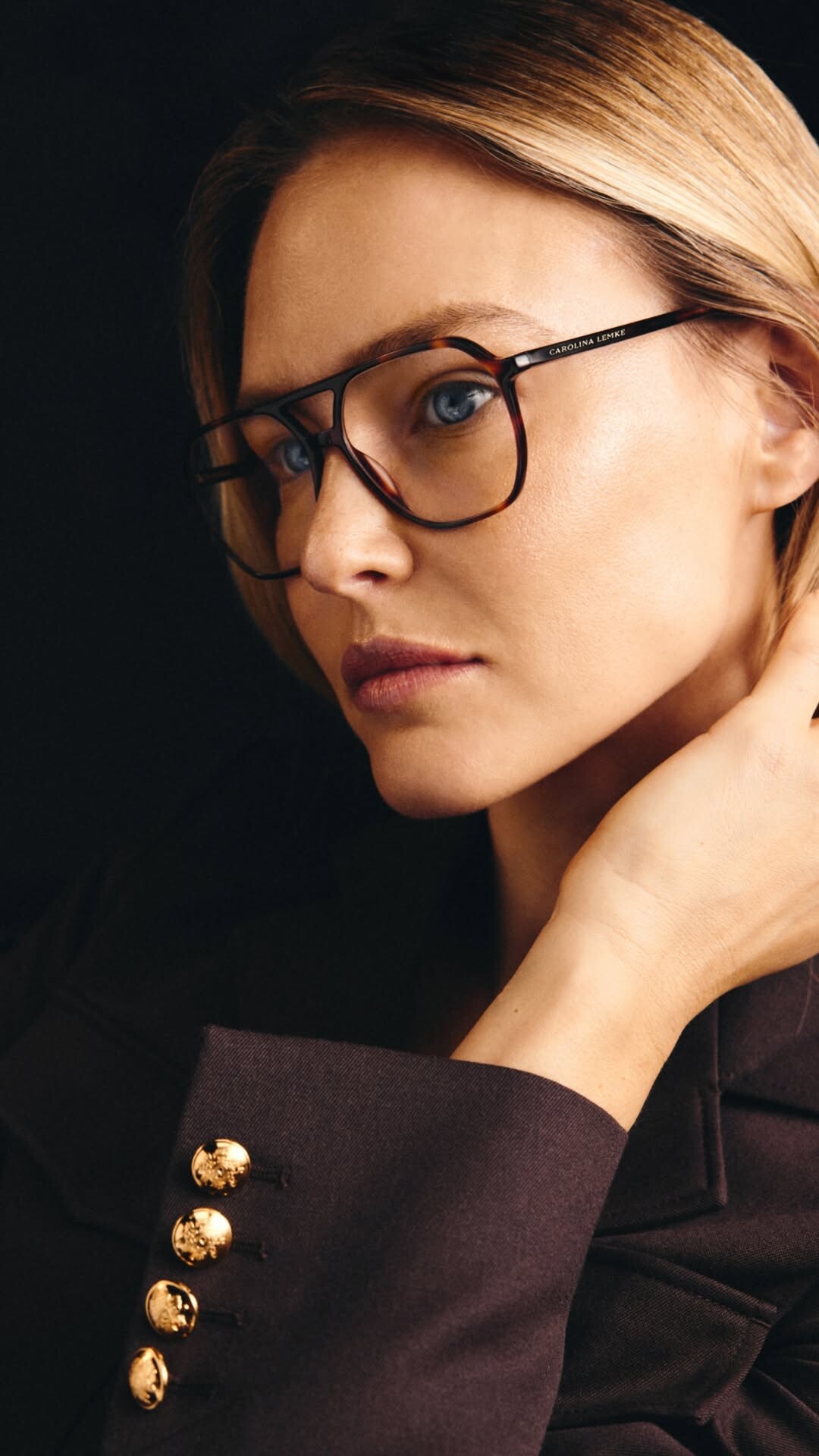
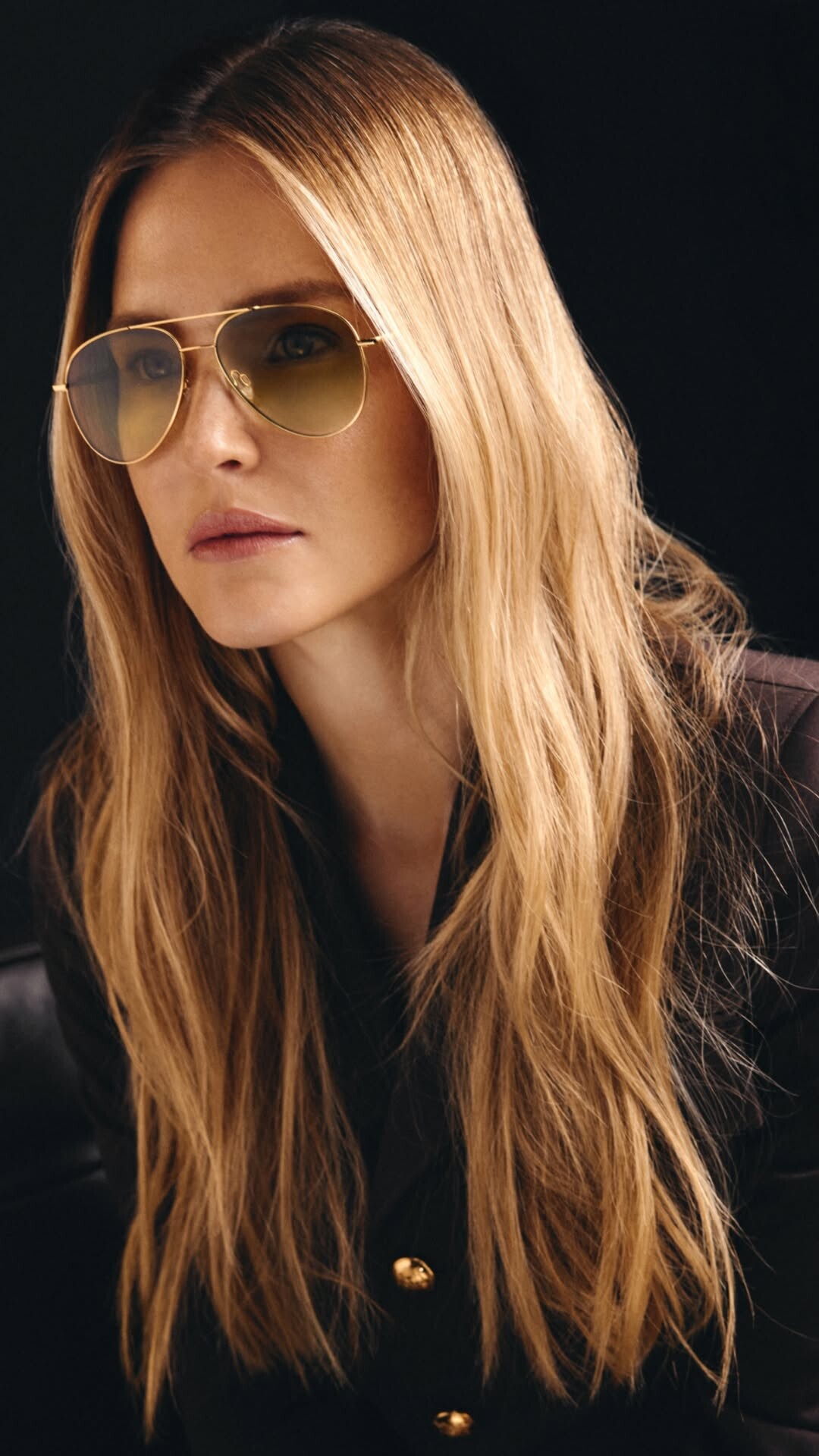
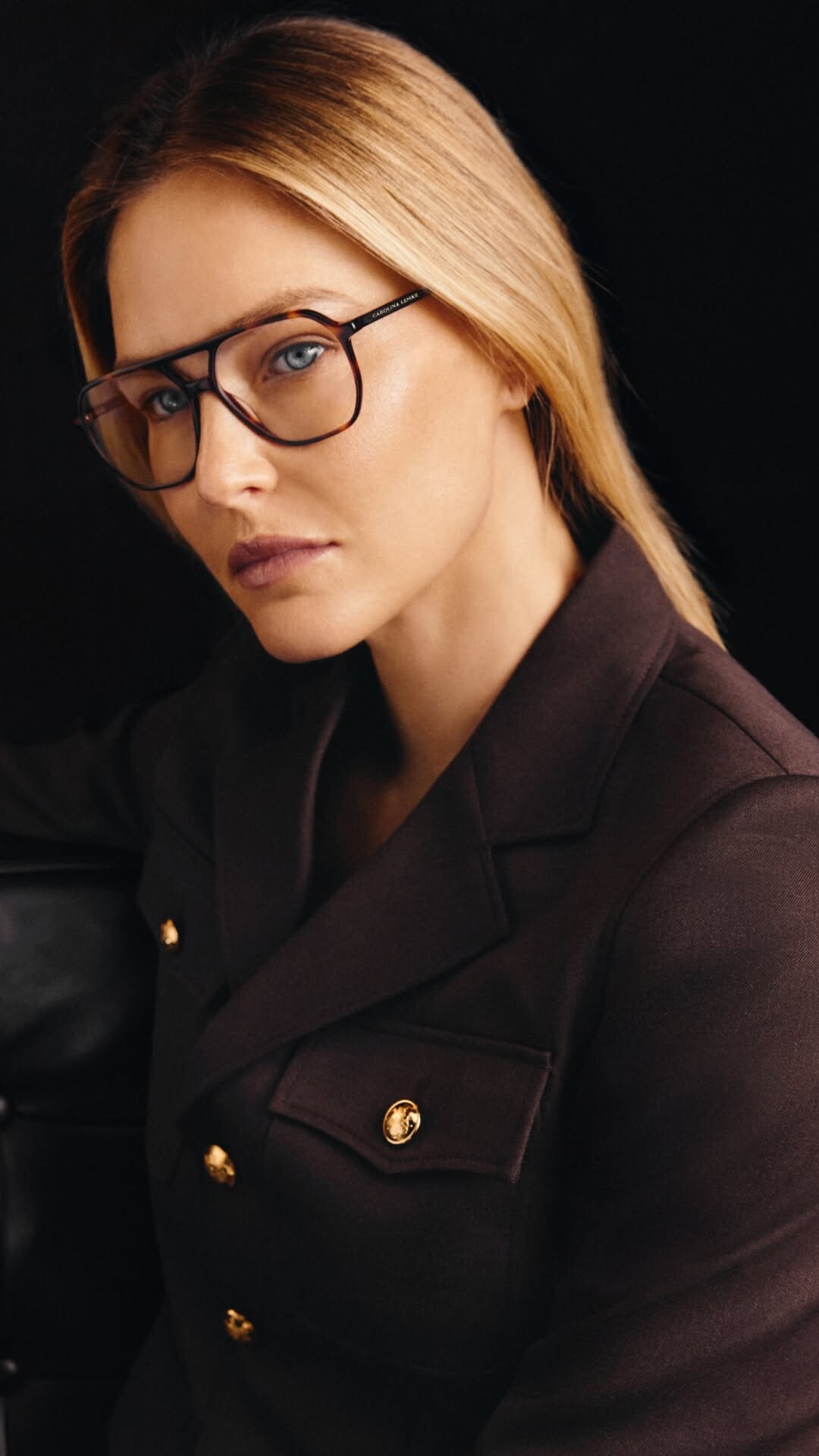
Carolina Lemke: stories



-
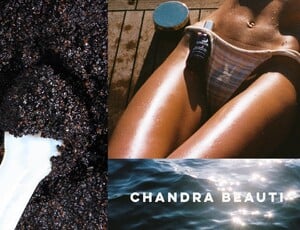
Chandra Beauti Black Friday sale ends tomorrow!! Go get your glow while it’s still 20% off ✨💜 chandrabeauti
-
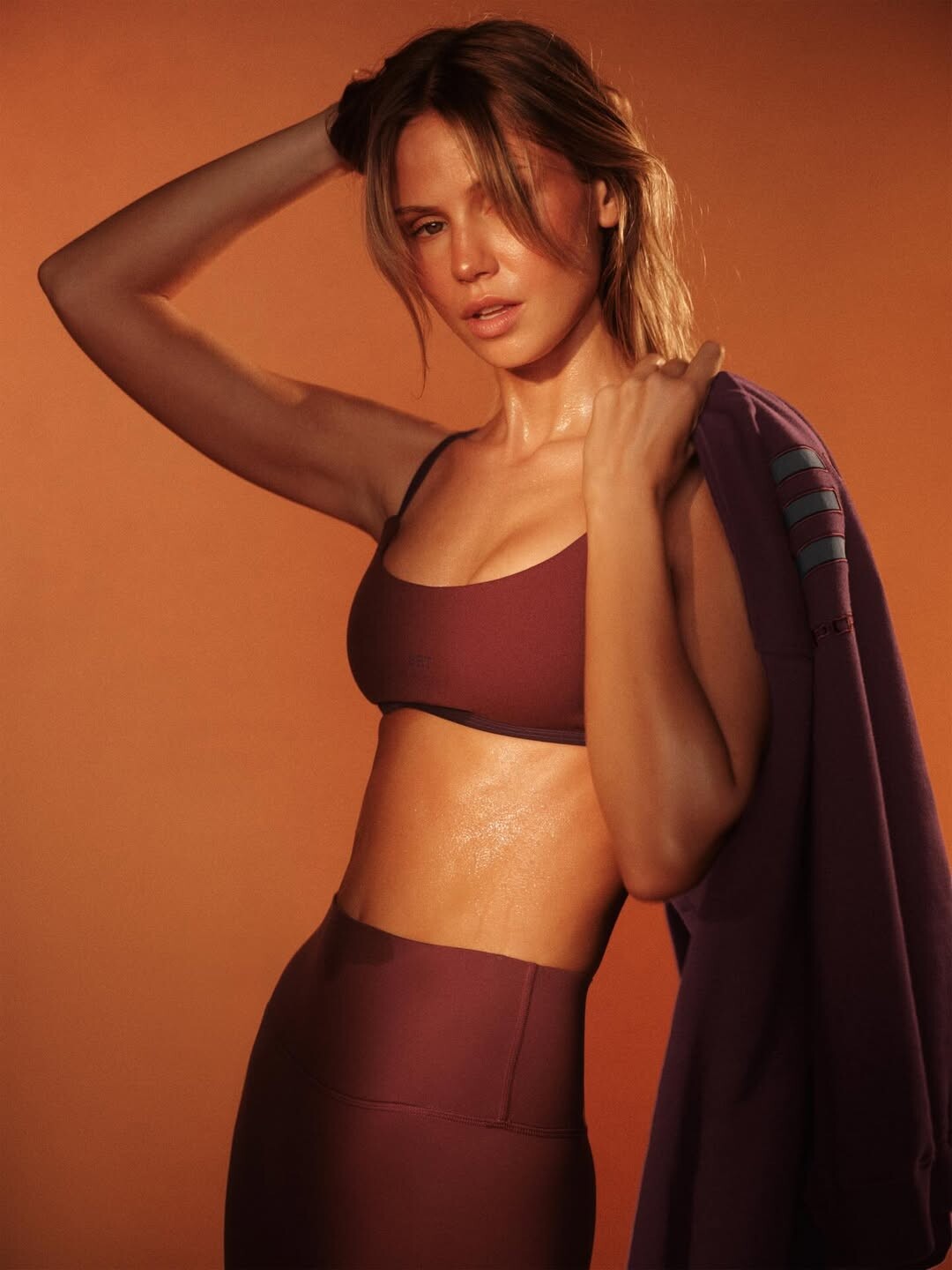
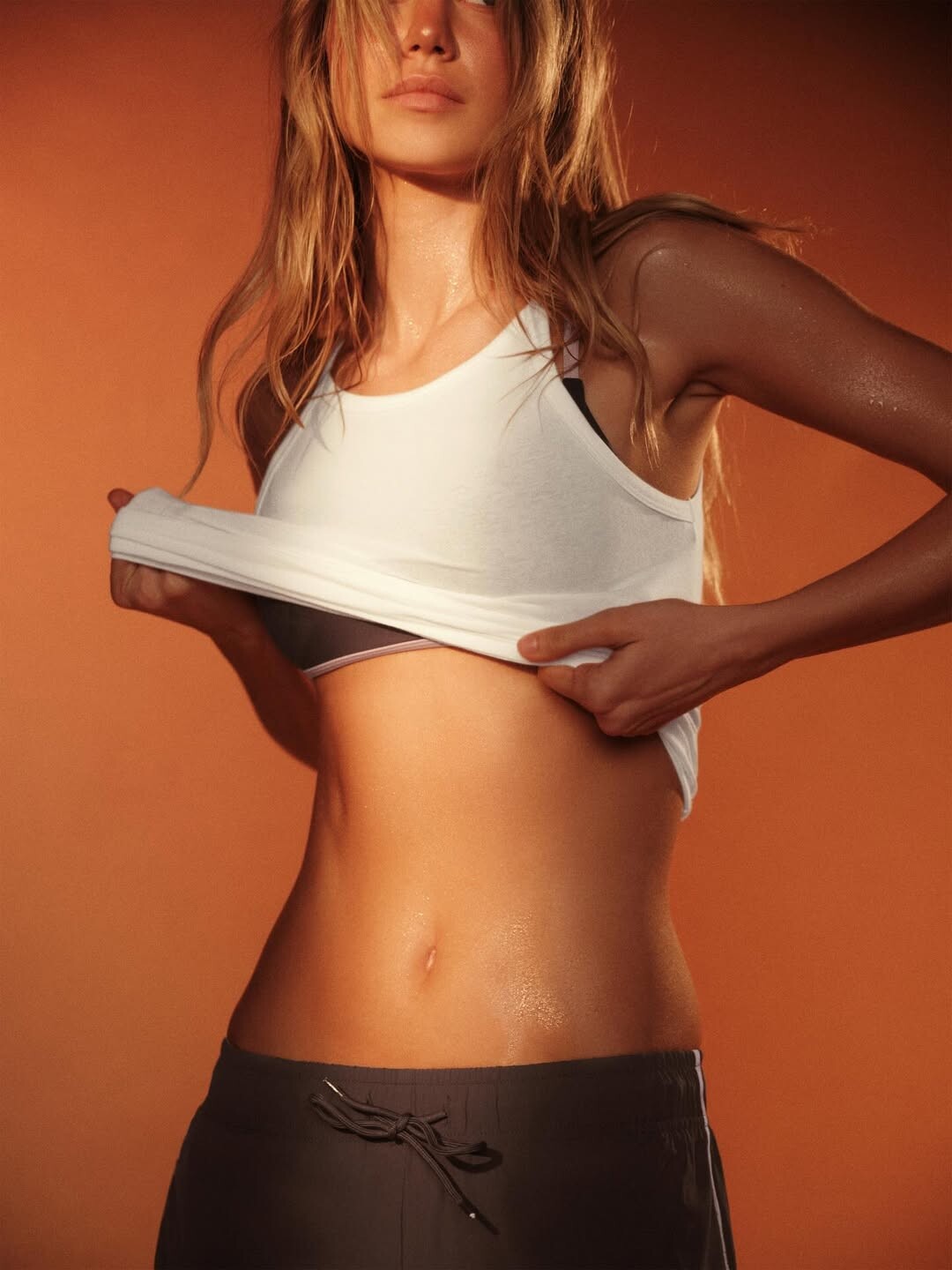
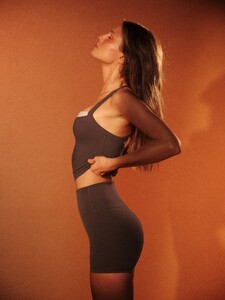
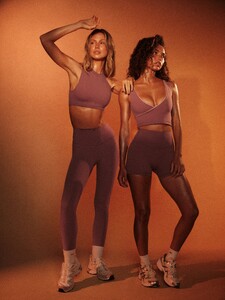
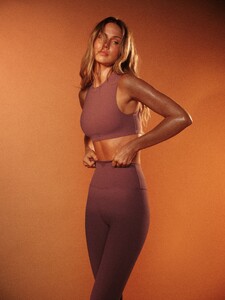
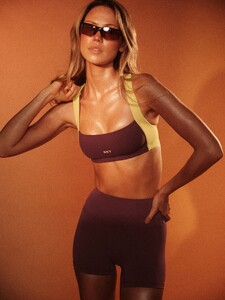
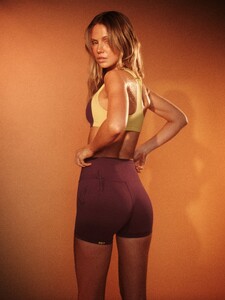
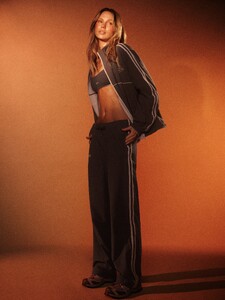
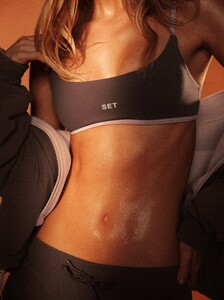
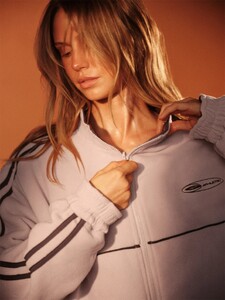
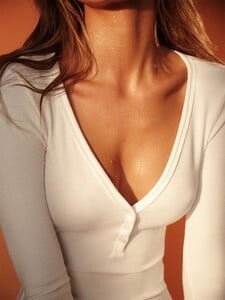
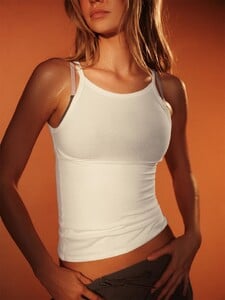
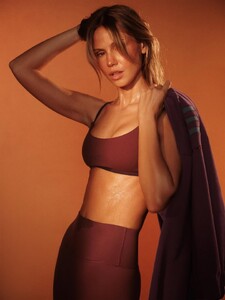
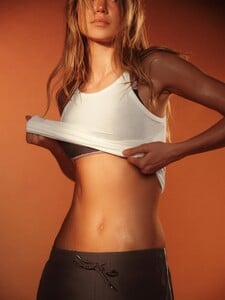
 SETACTIVE Boiling Point Collection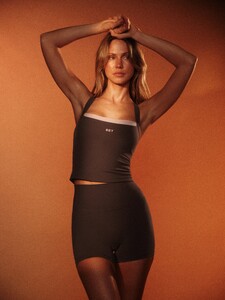
.thumb.jpg.81b28e02f9a852ae9c7abc458cac8bf9.jpg)
-
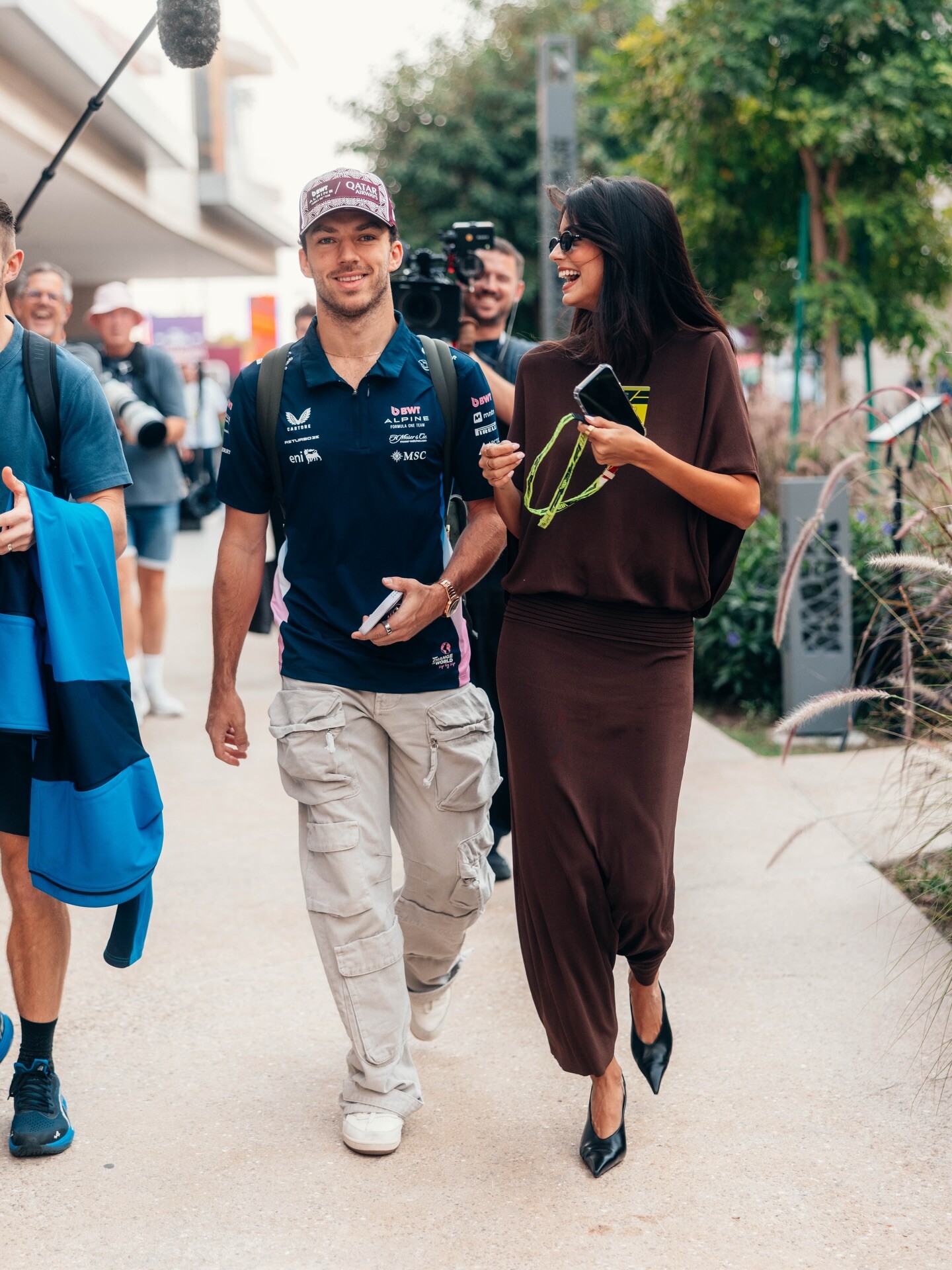
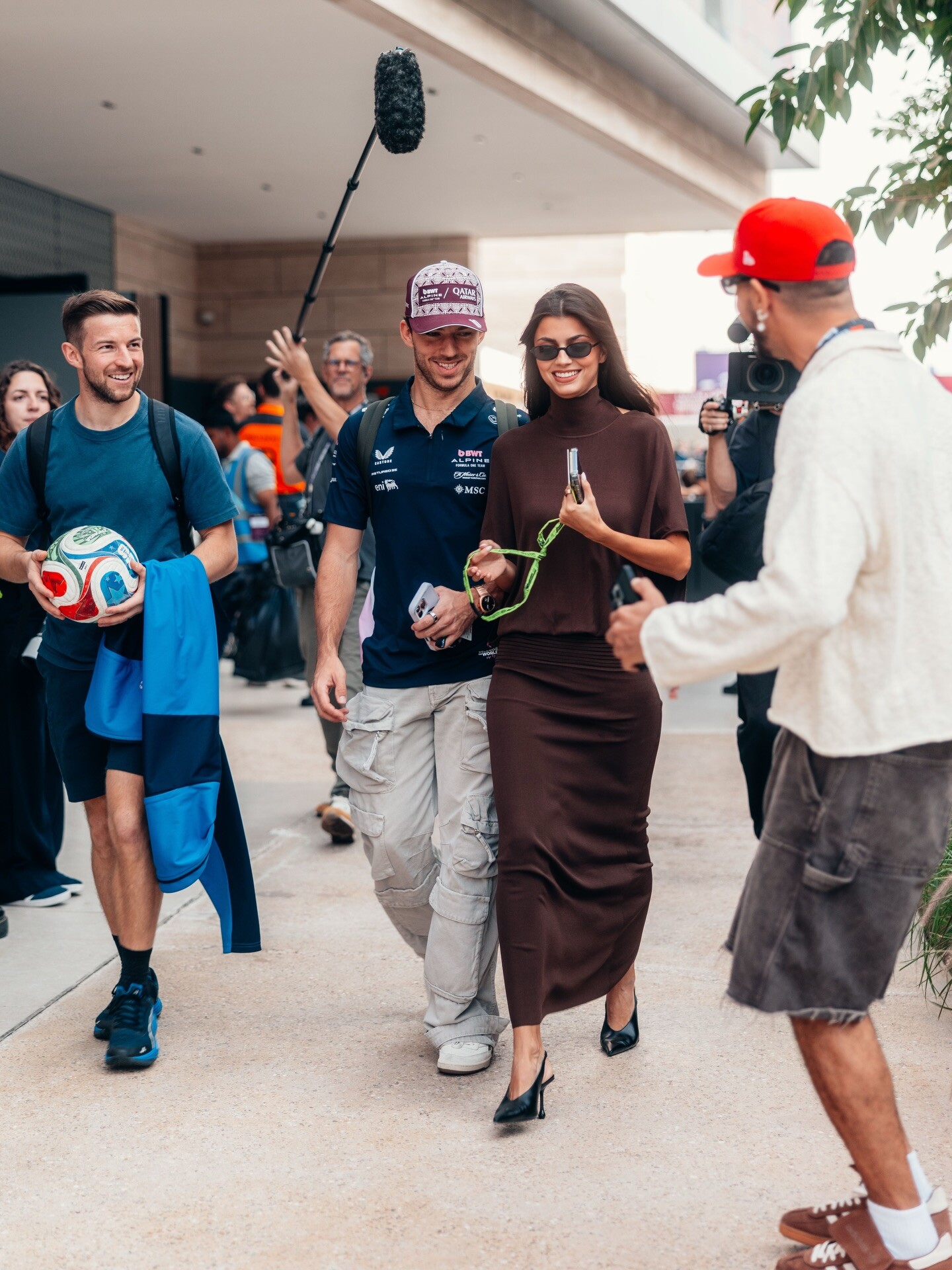
Team Gasly: Heading towards those points today!🔟▿
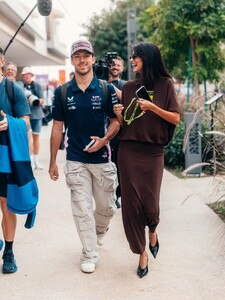
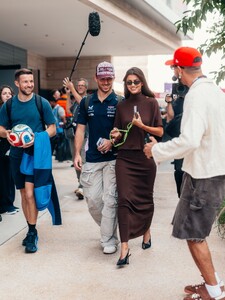
-
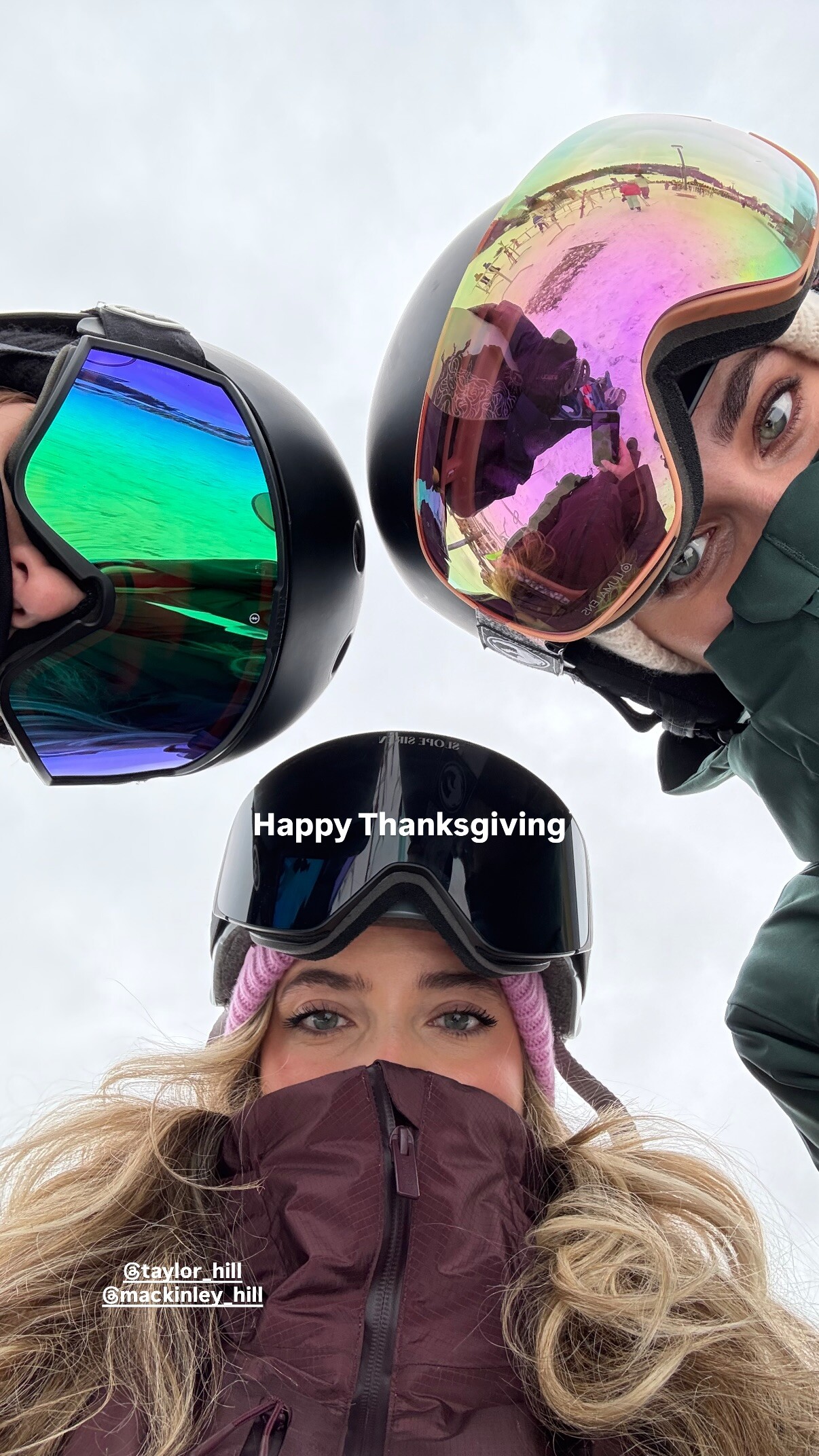
stories video [2025.11.26] taylor_hill-arianaferwerda_rotate.mp4
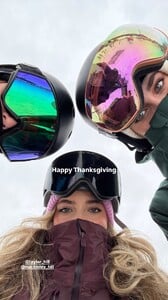
-
Looks like it's working now... thanks! I specifically checked this post, which had the issue earlier but is now resolved.
-
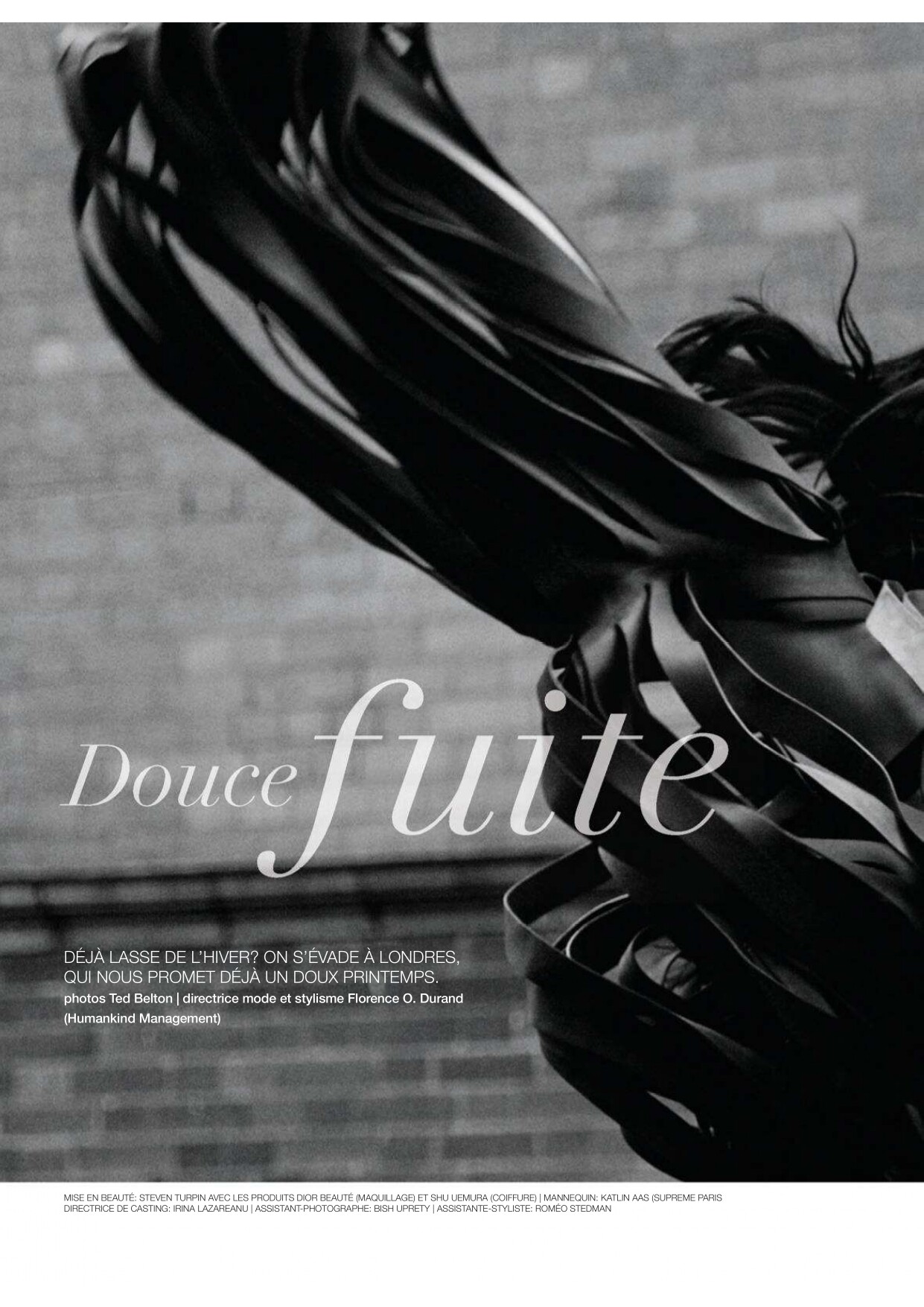
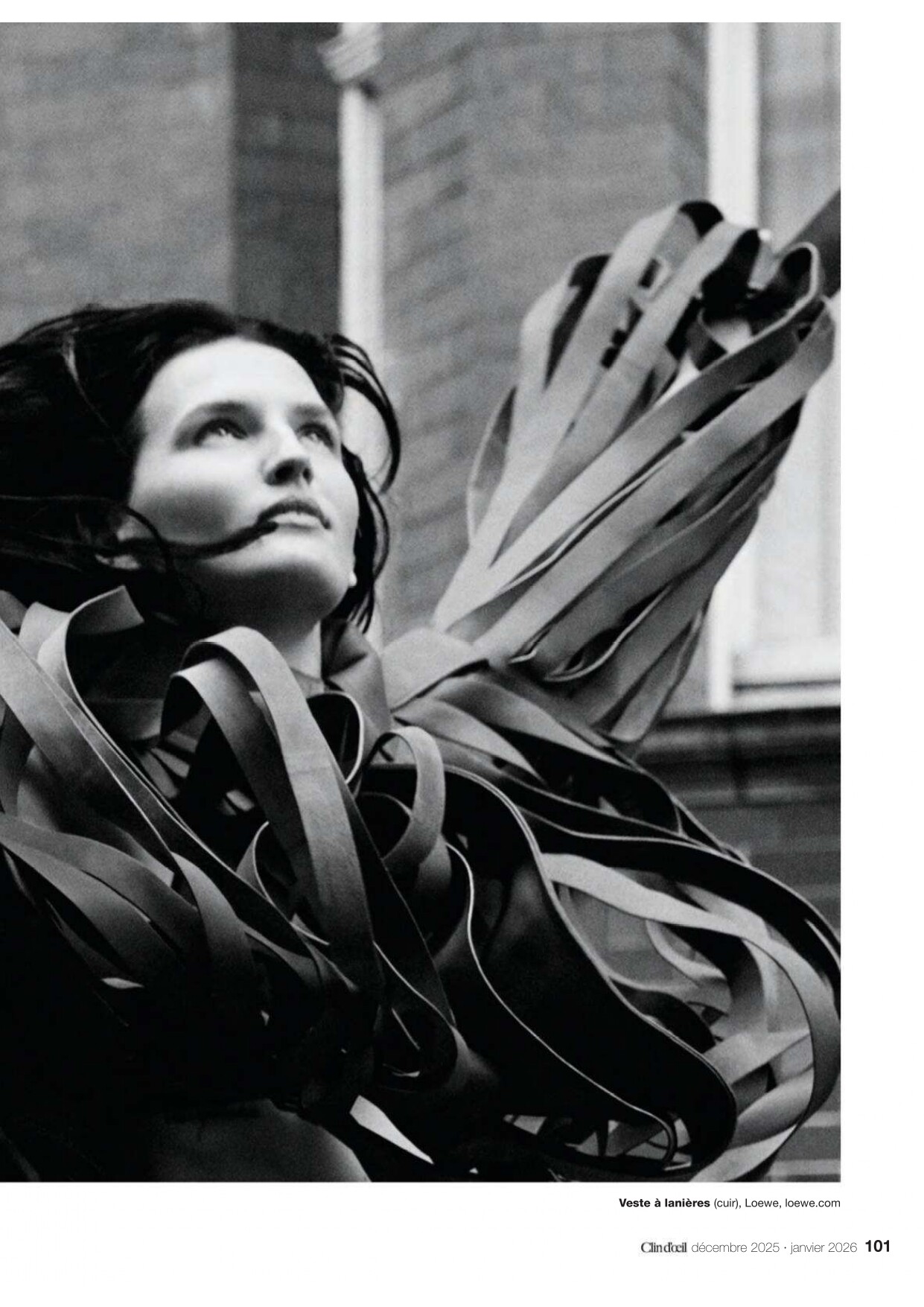
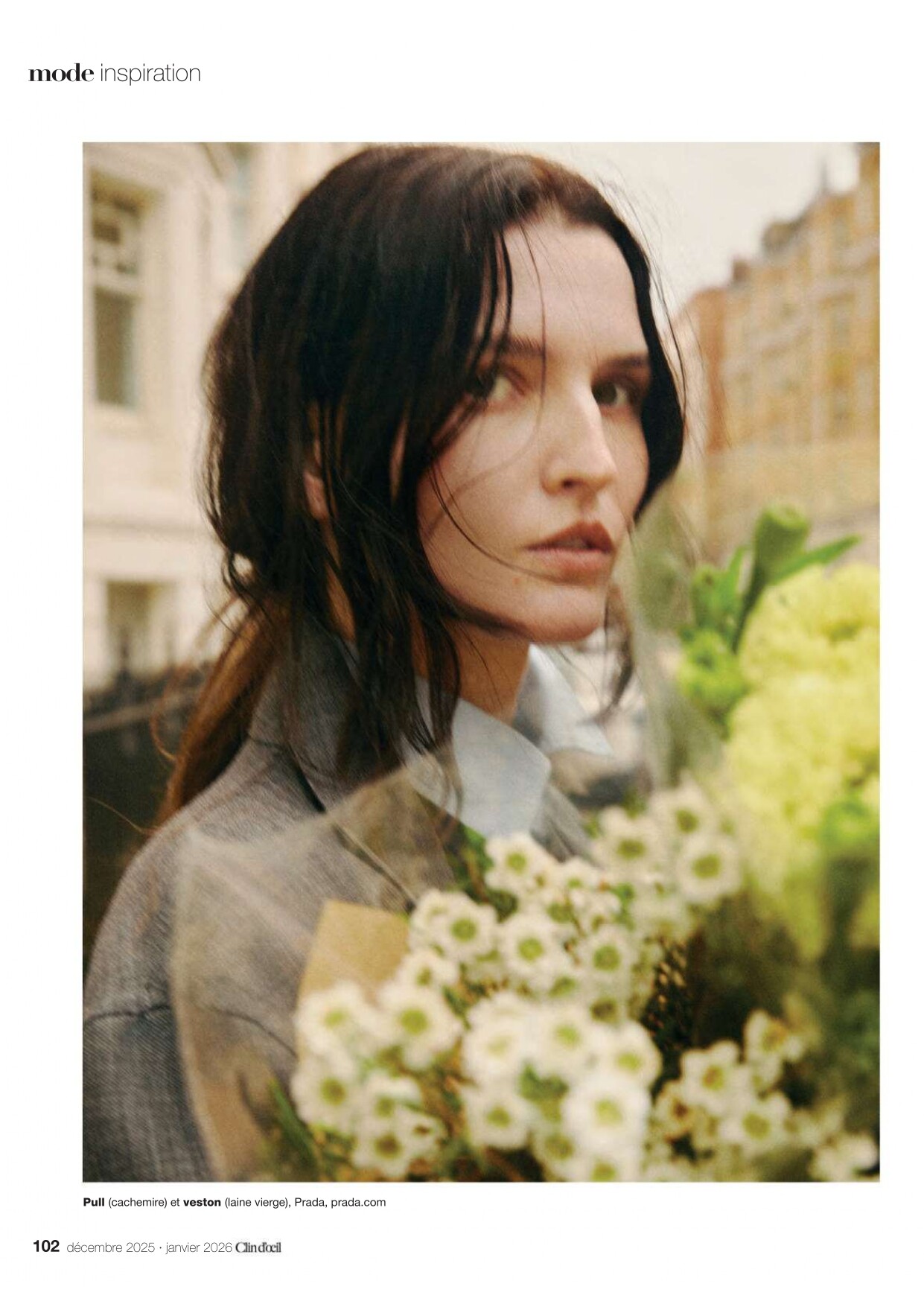
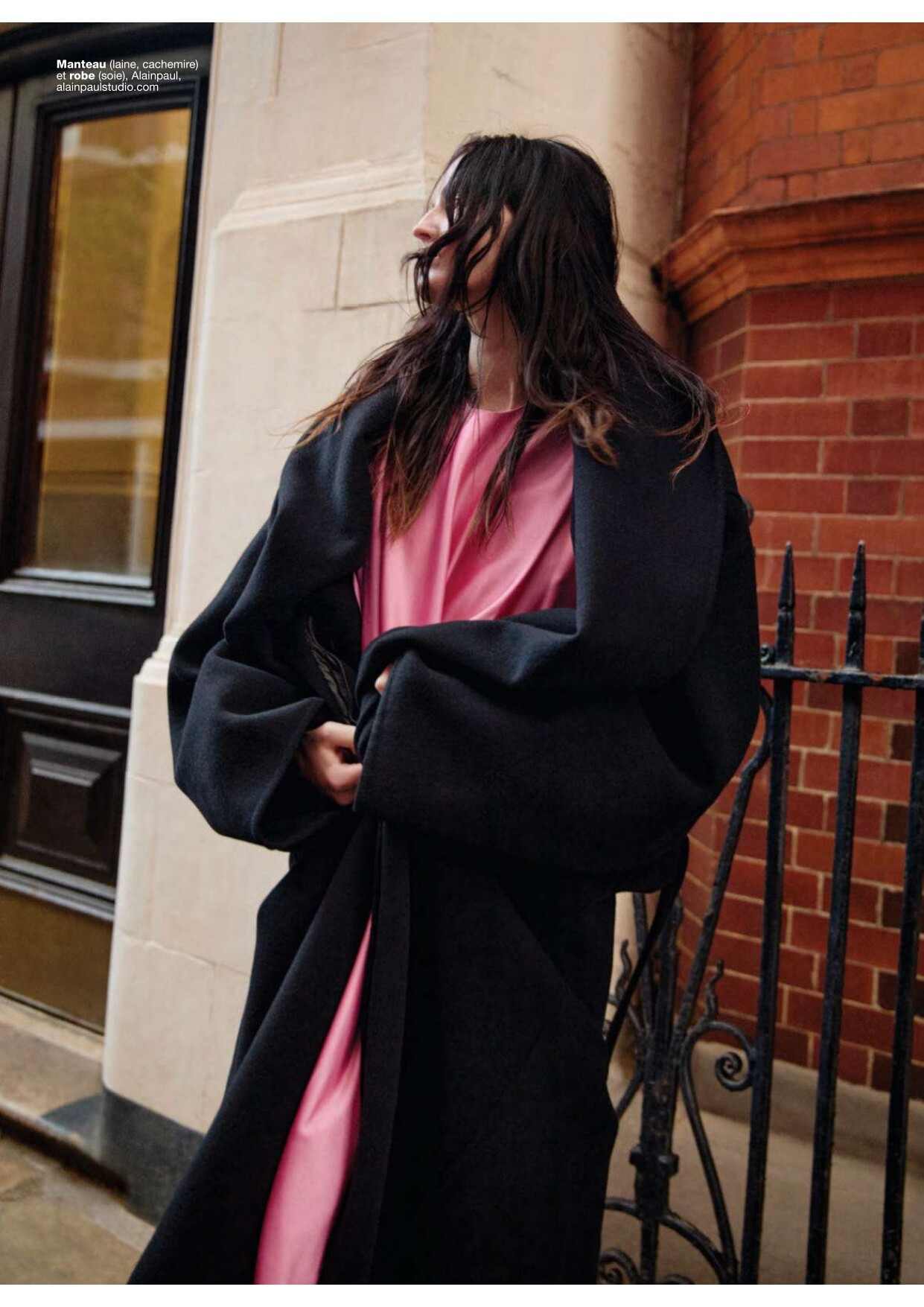
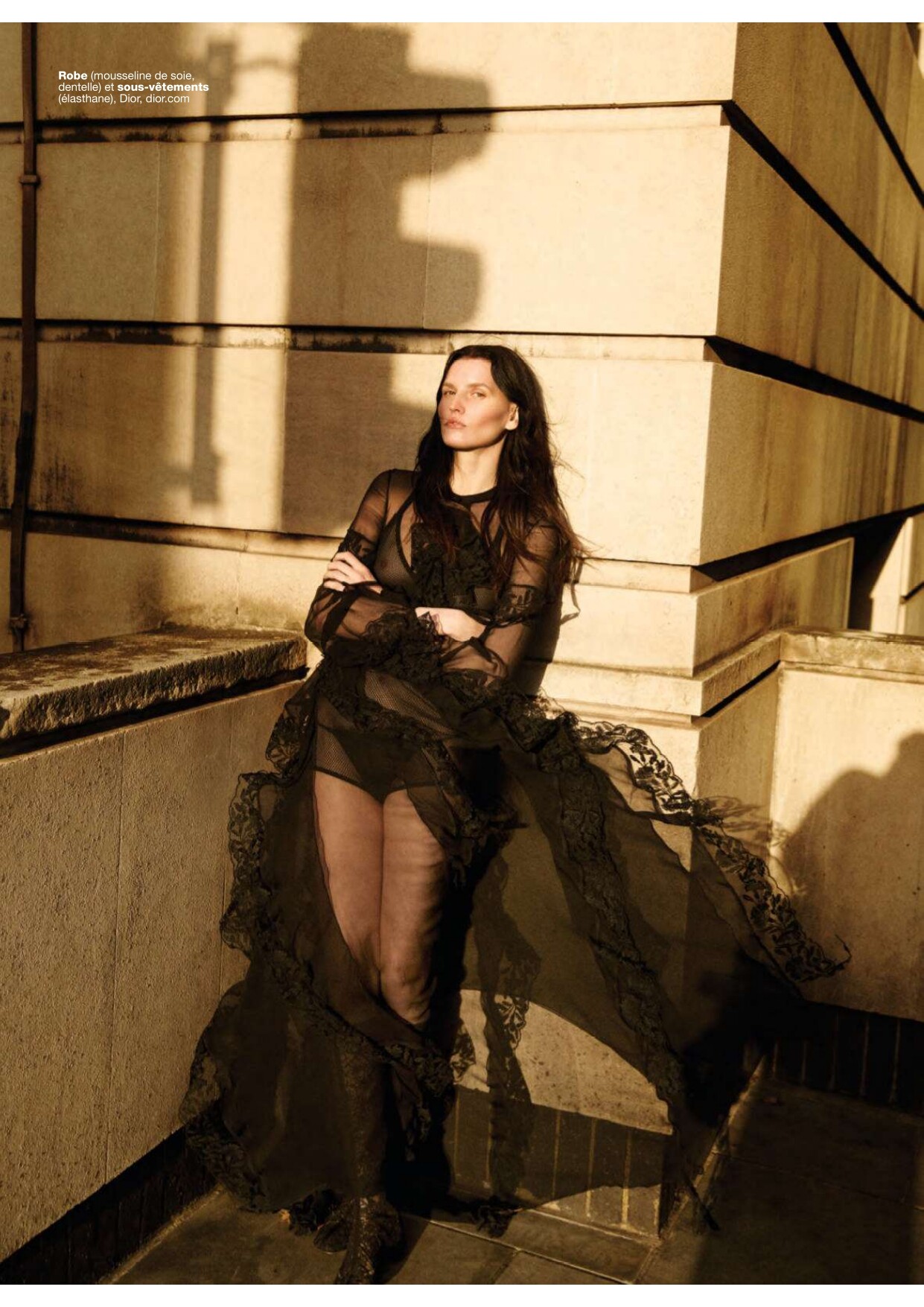
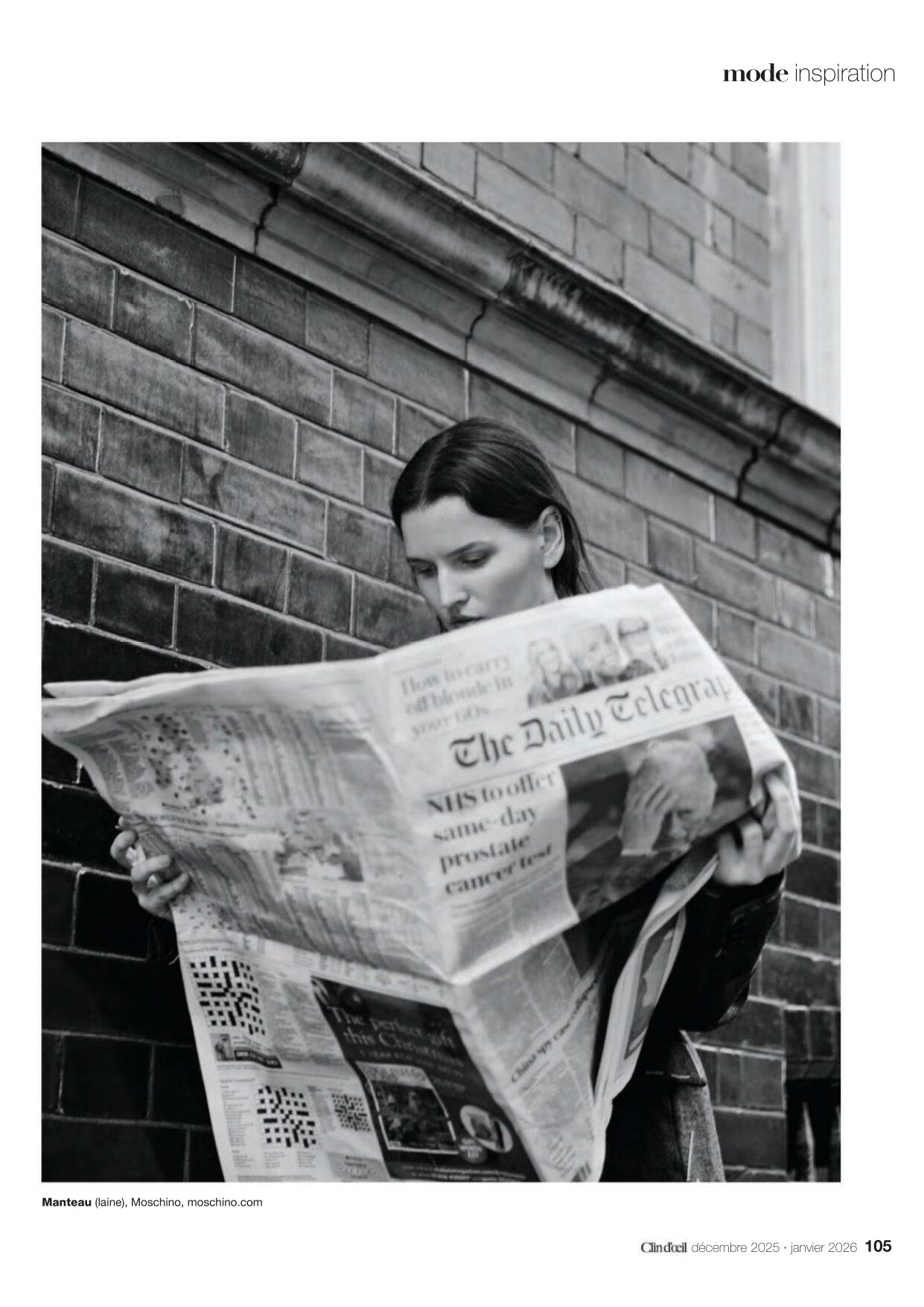
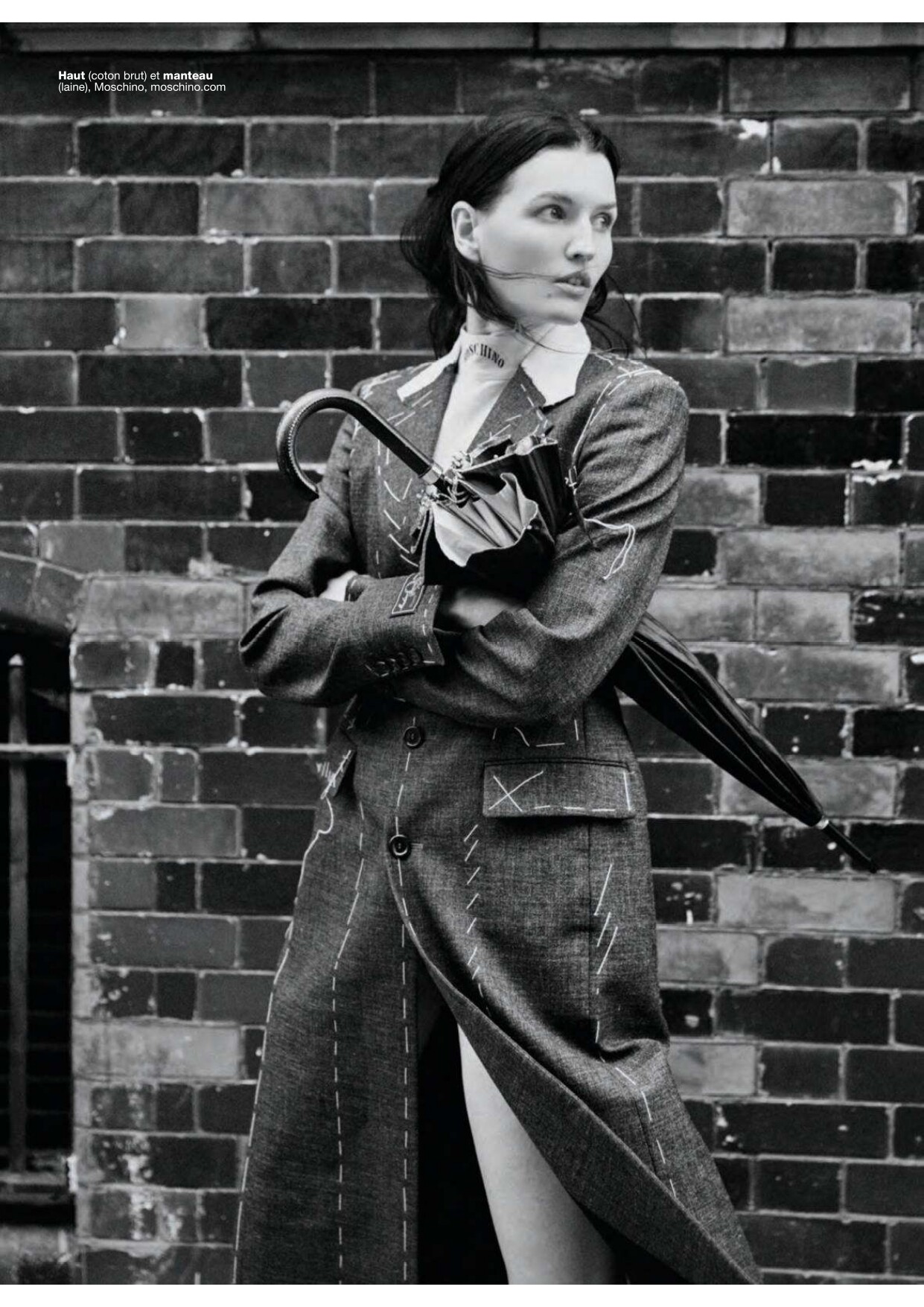
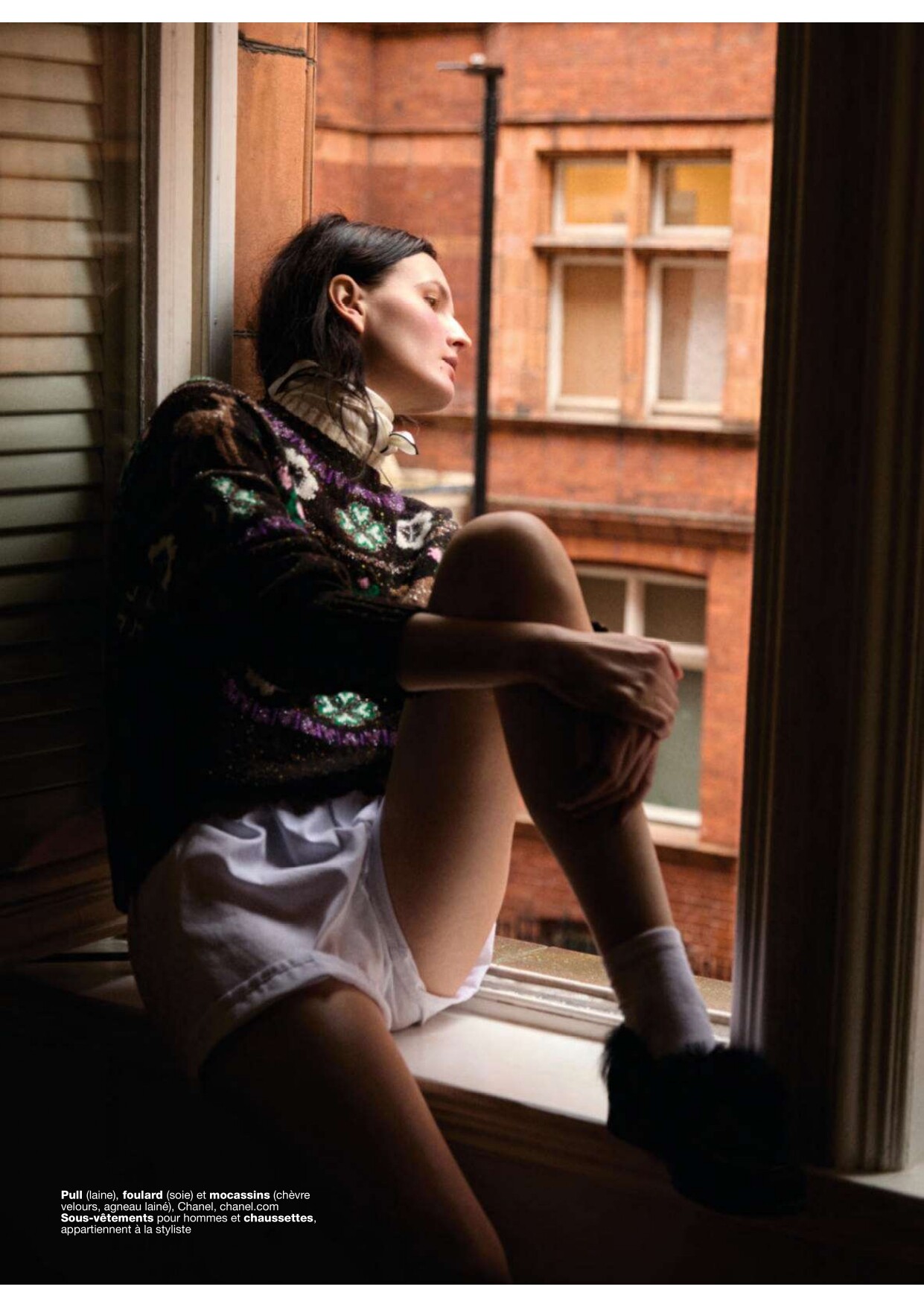
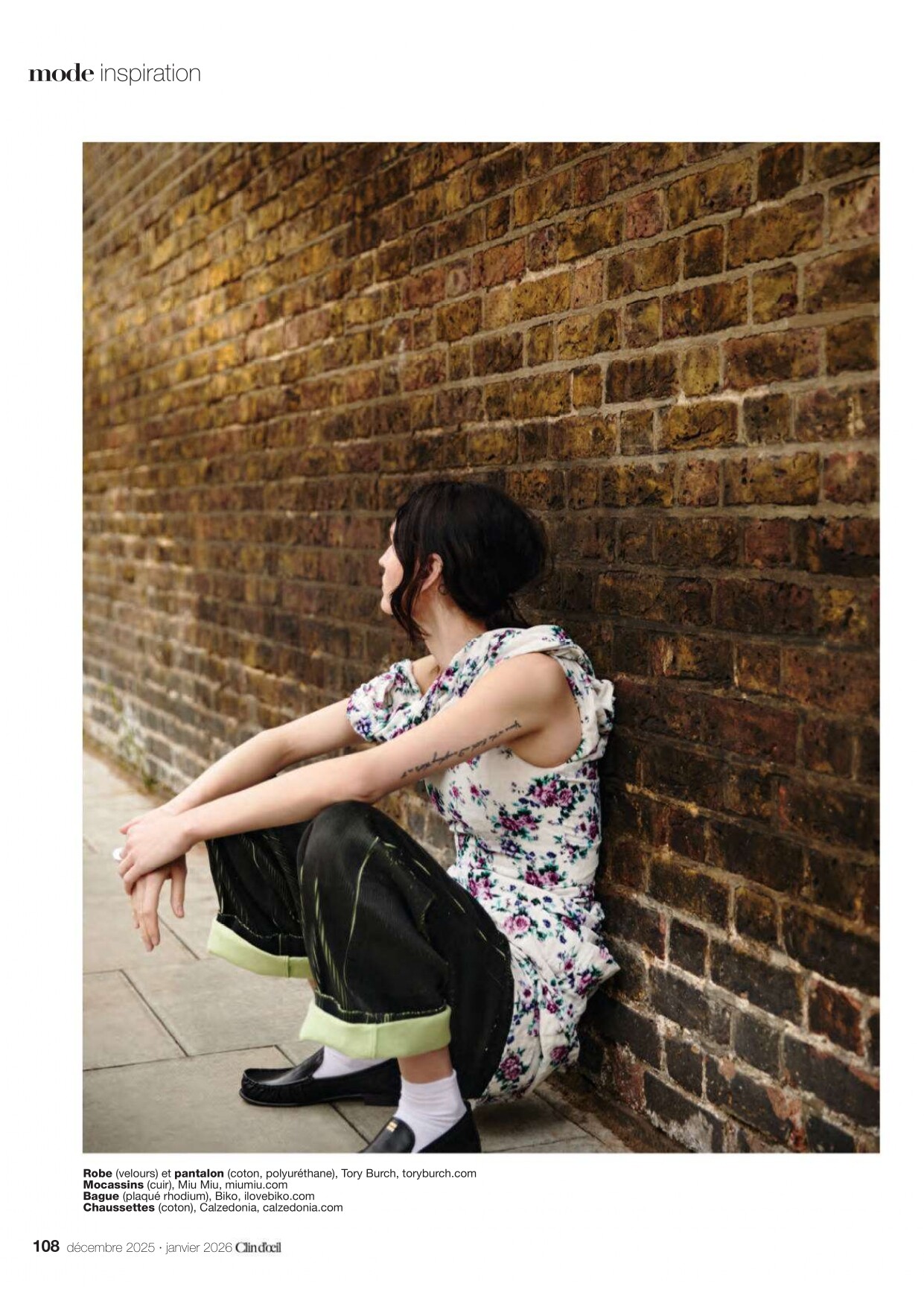
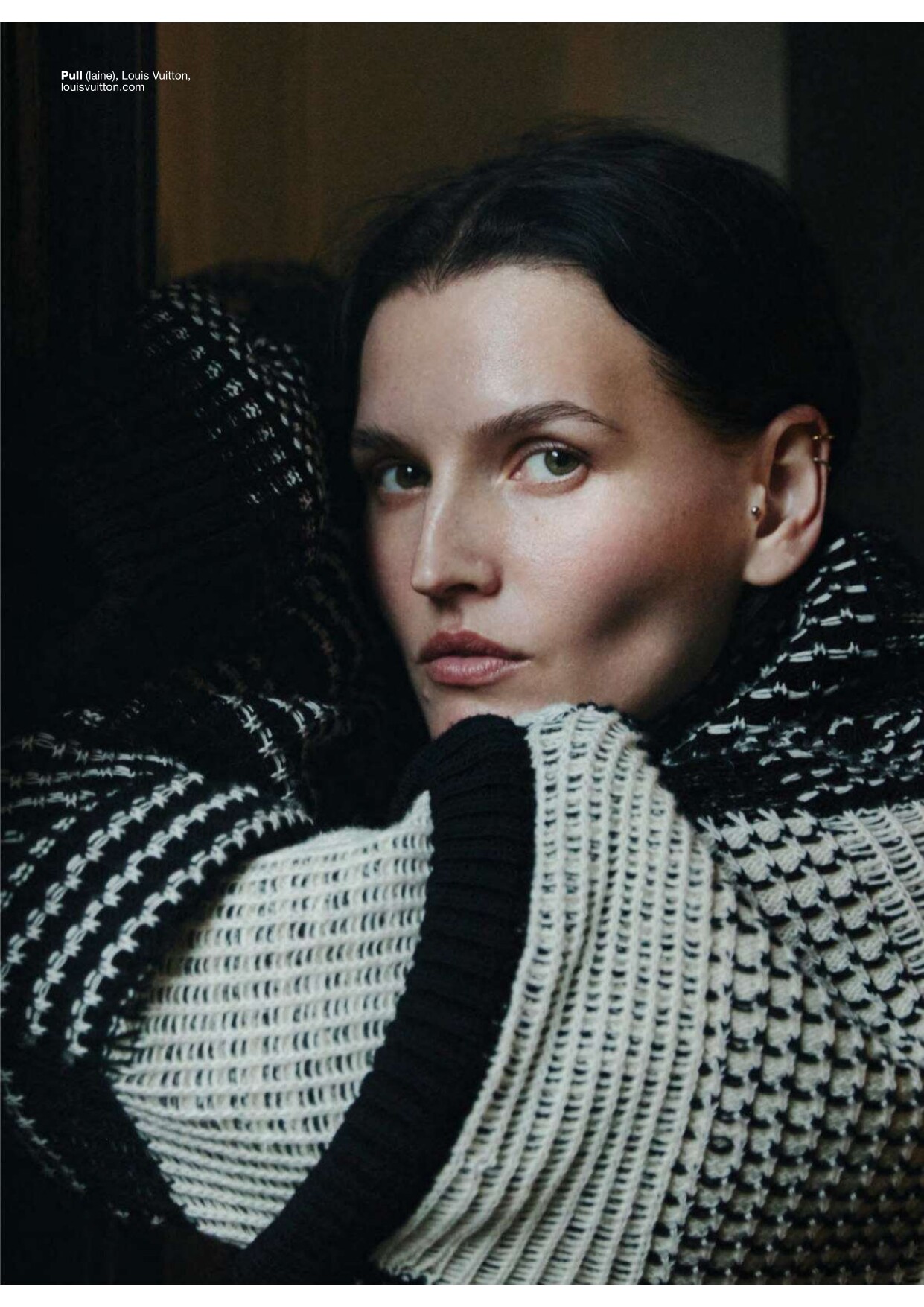
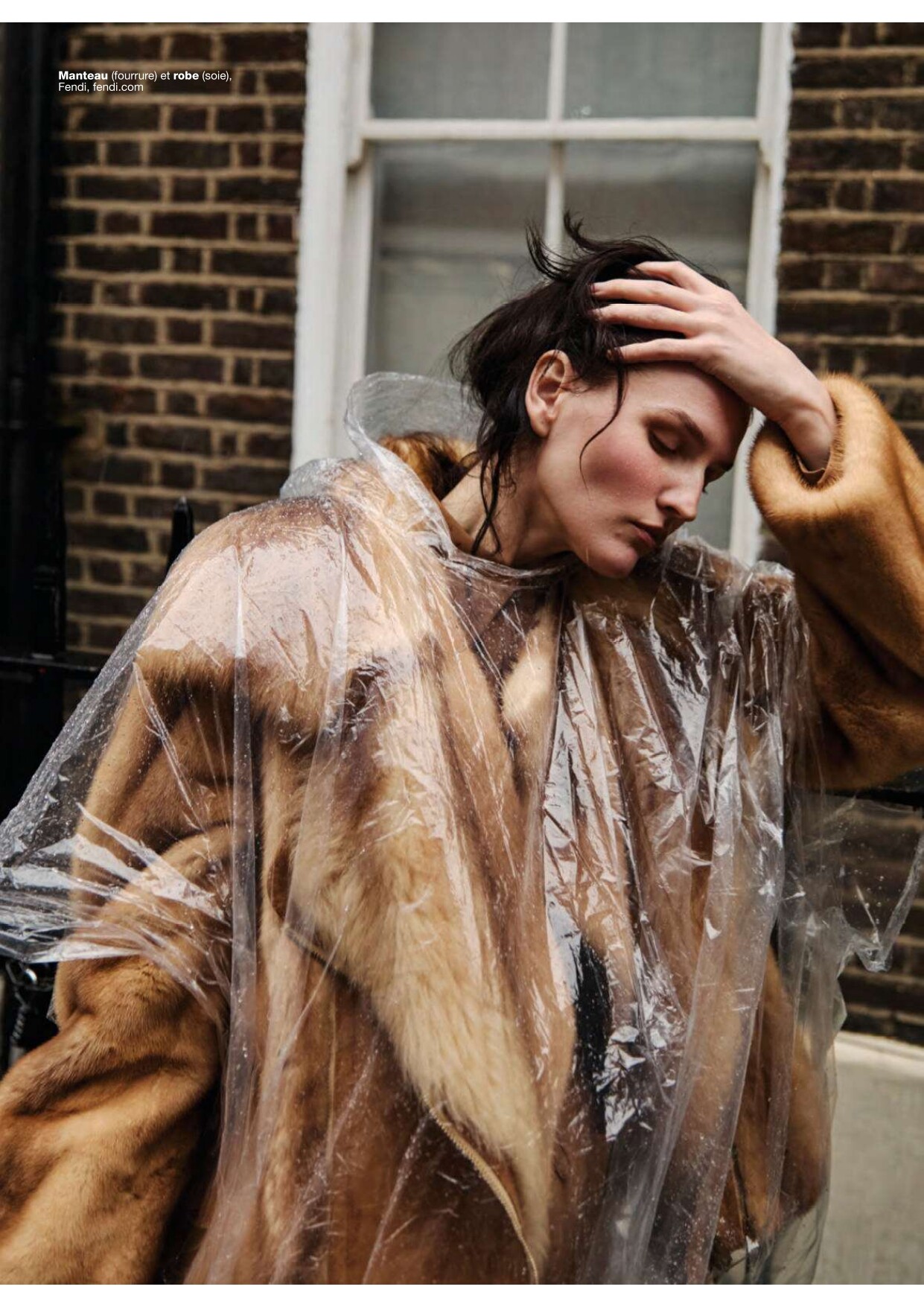
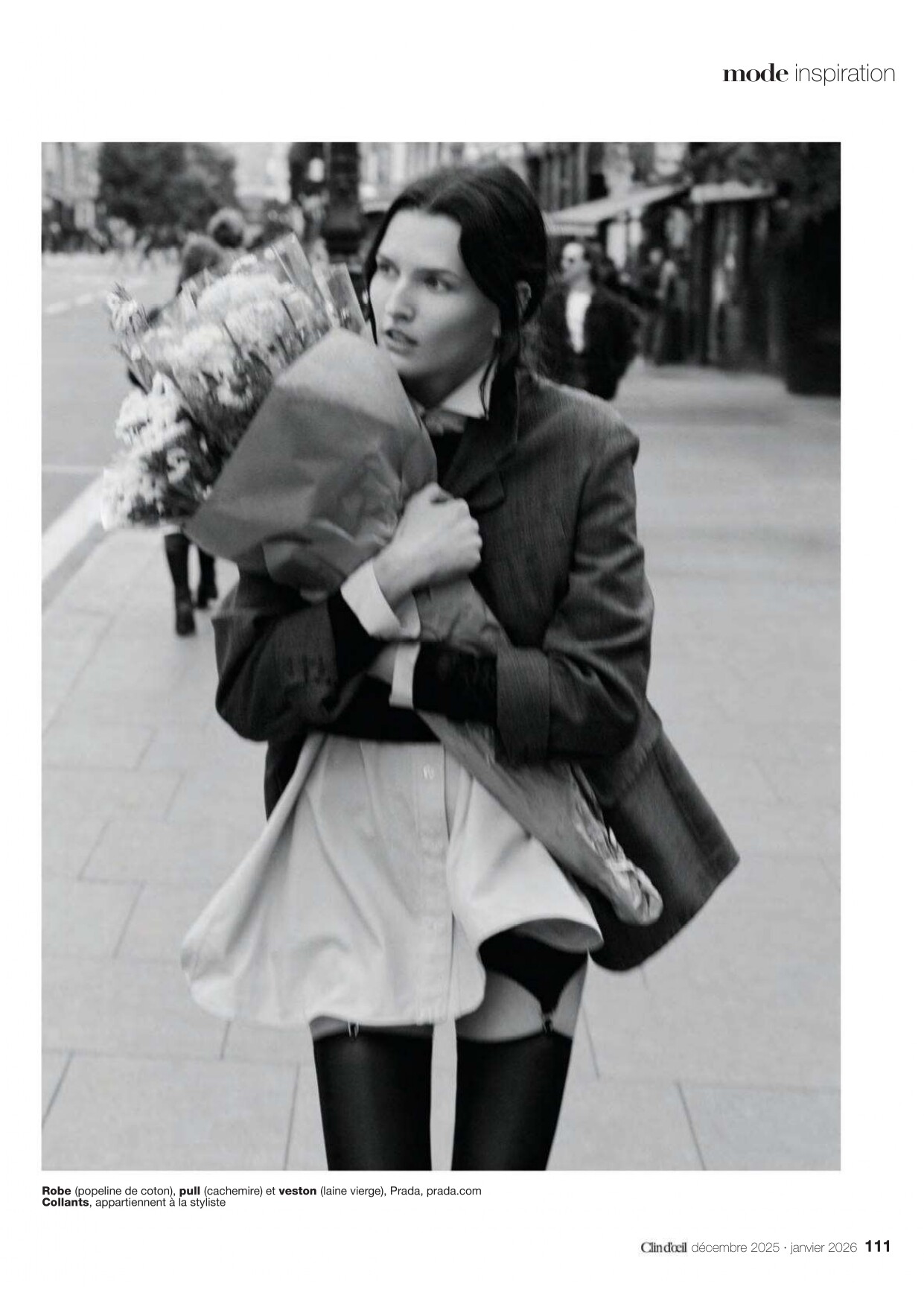
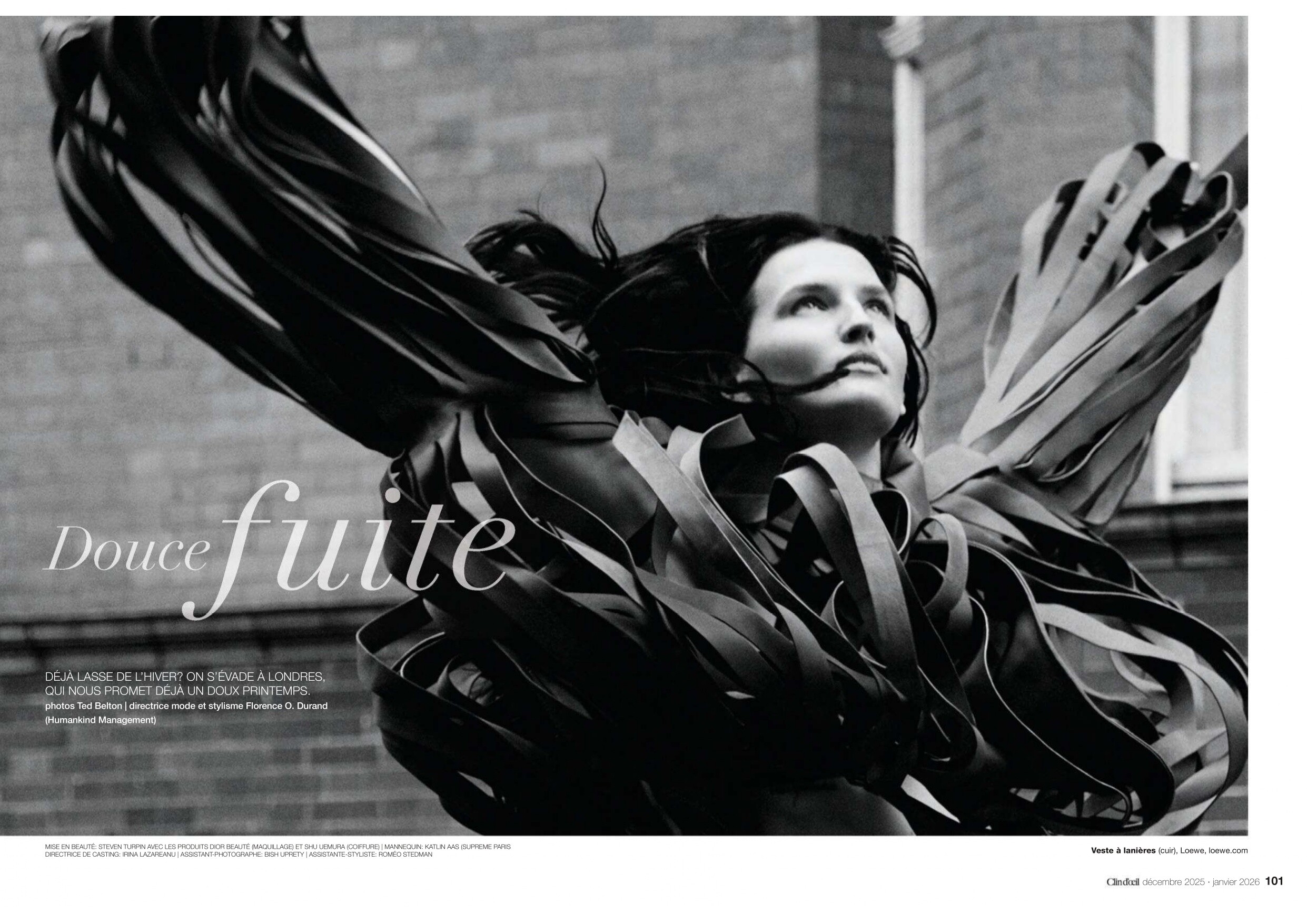
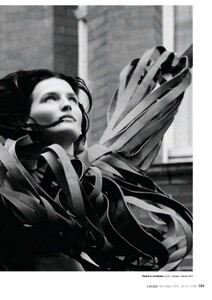
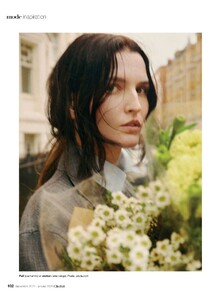
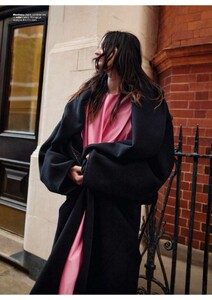
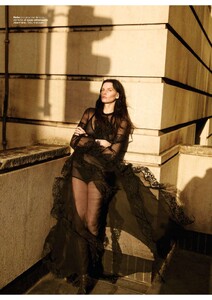
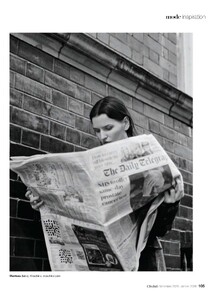
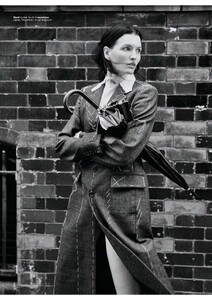
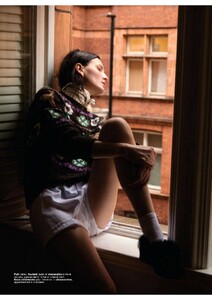
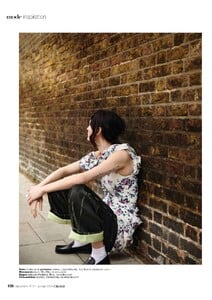
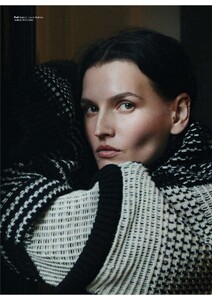
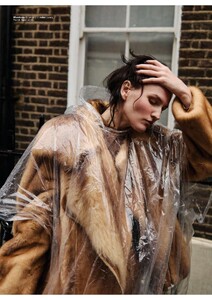
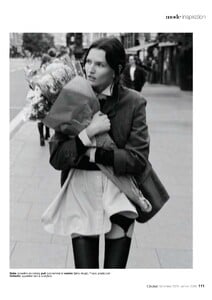
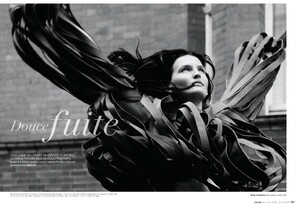
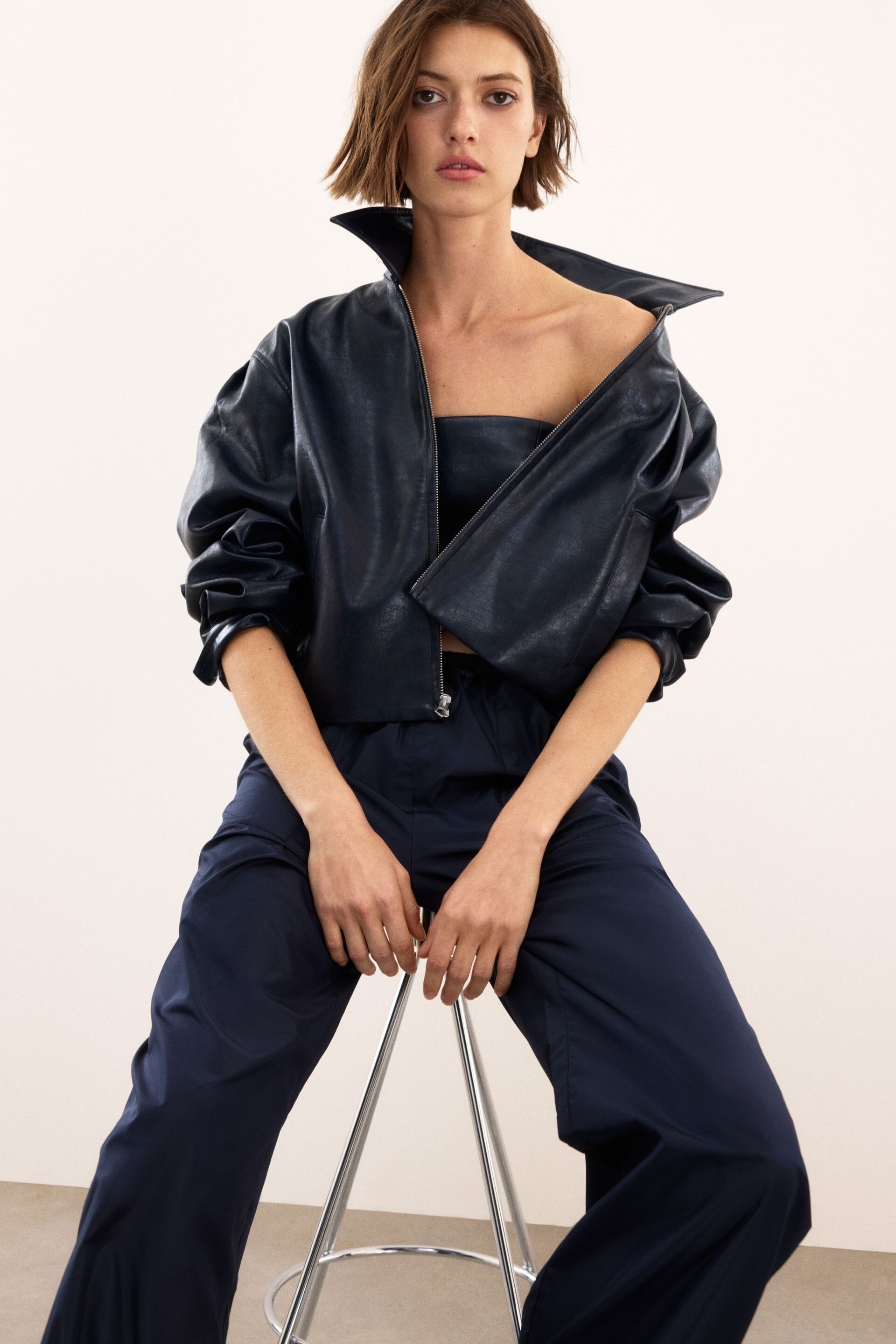
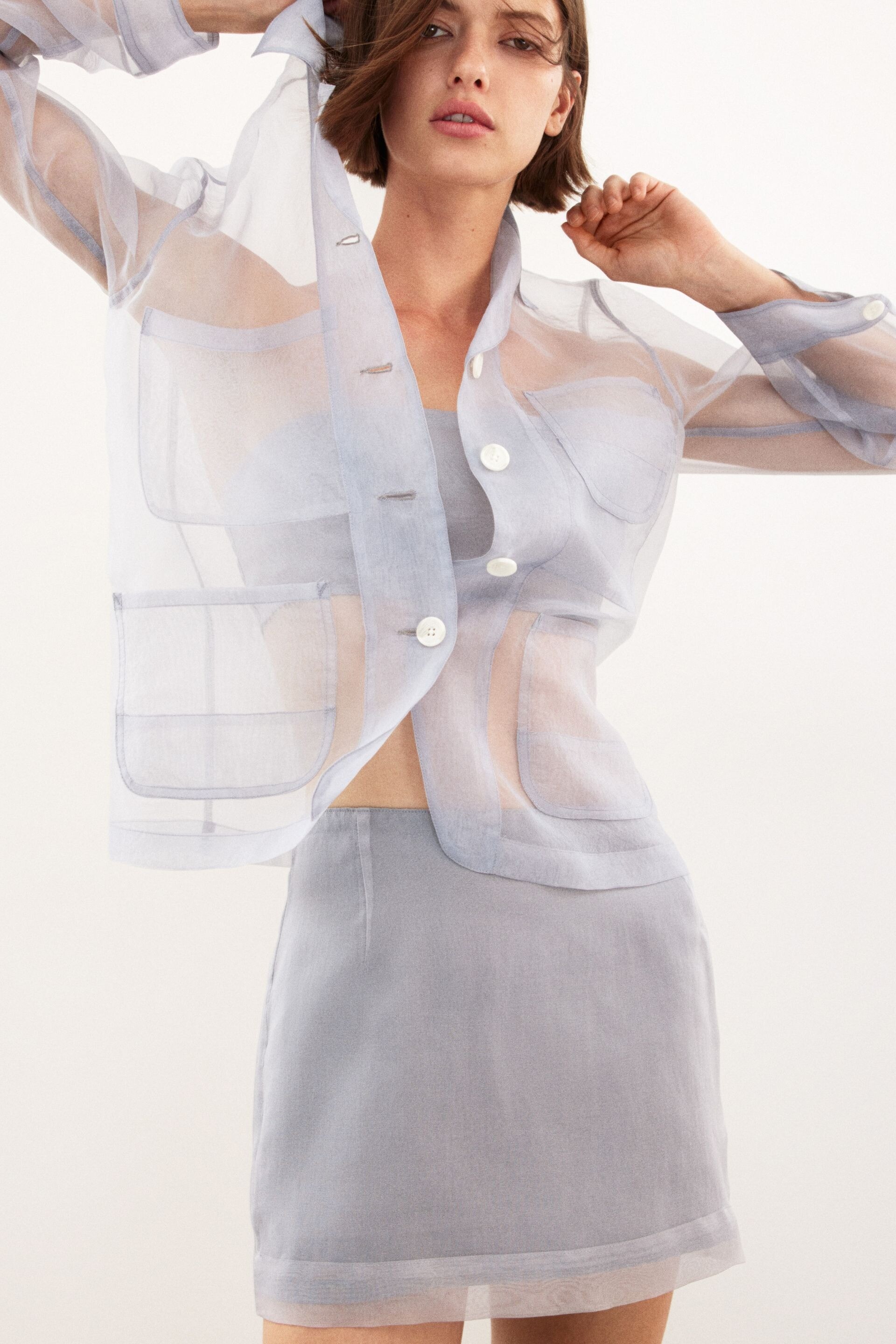
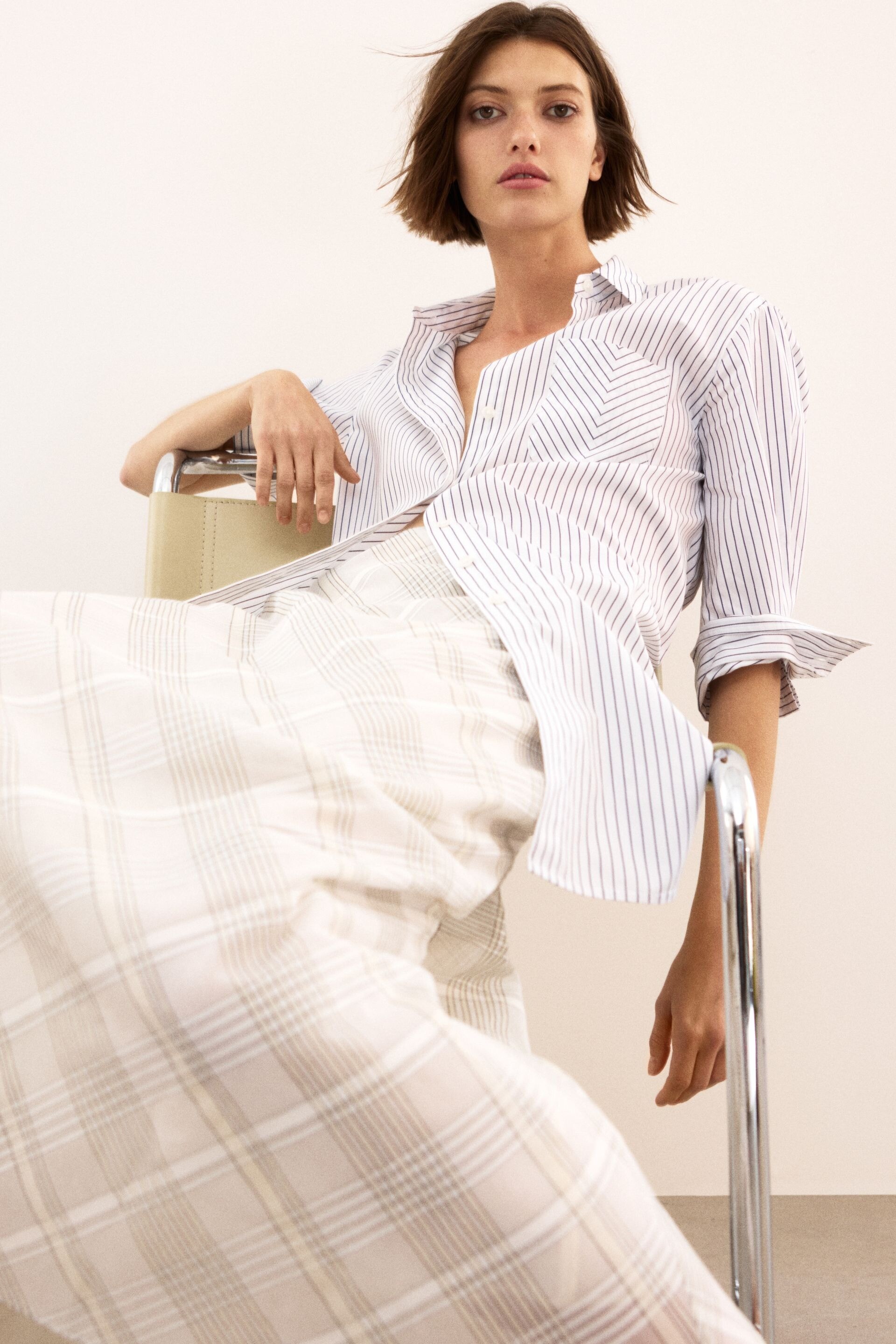
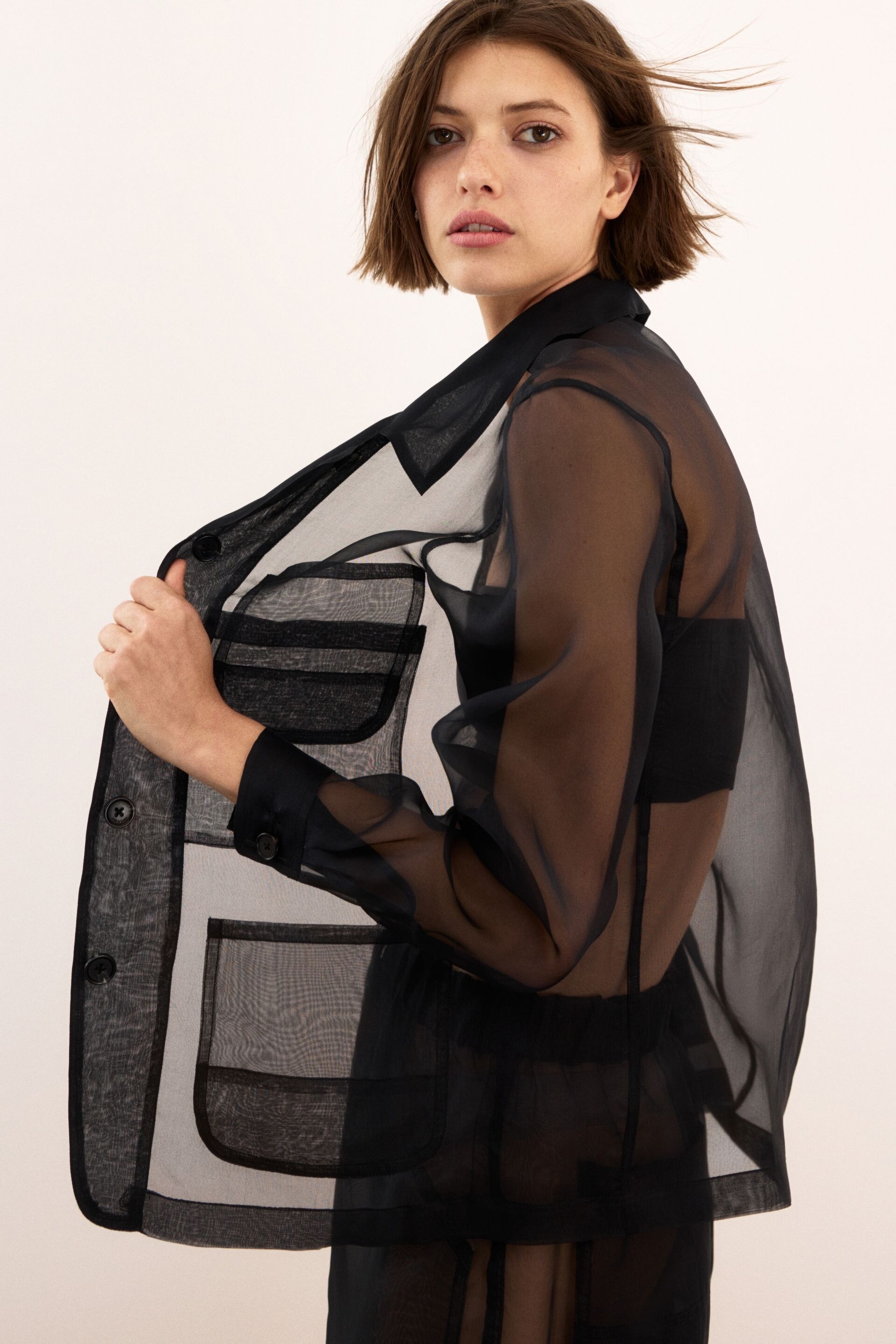
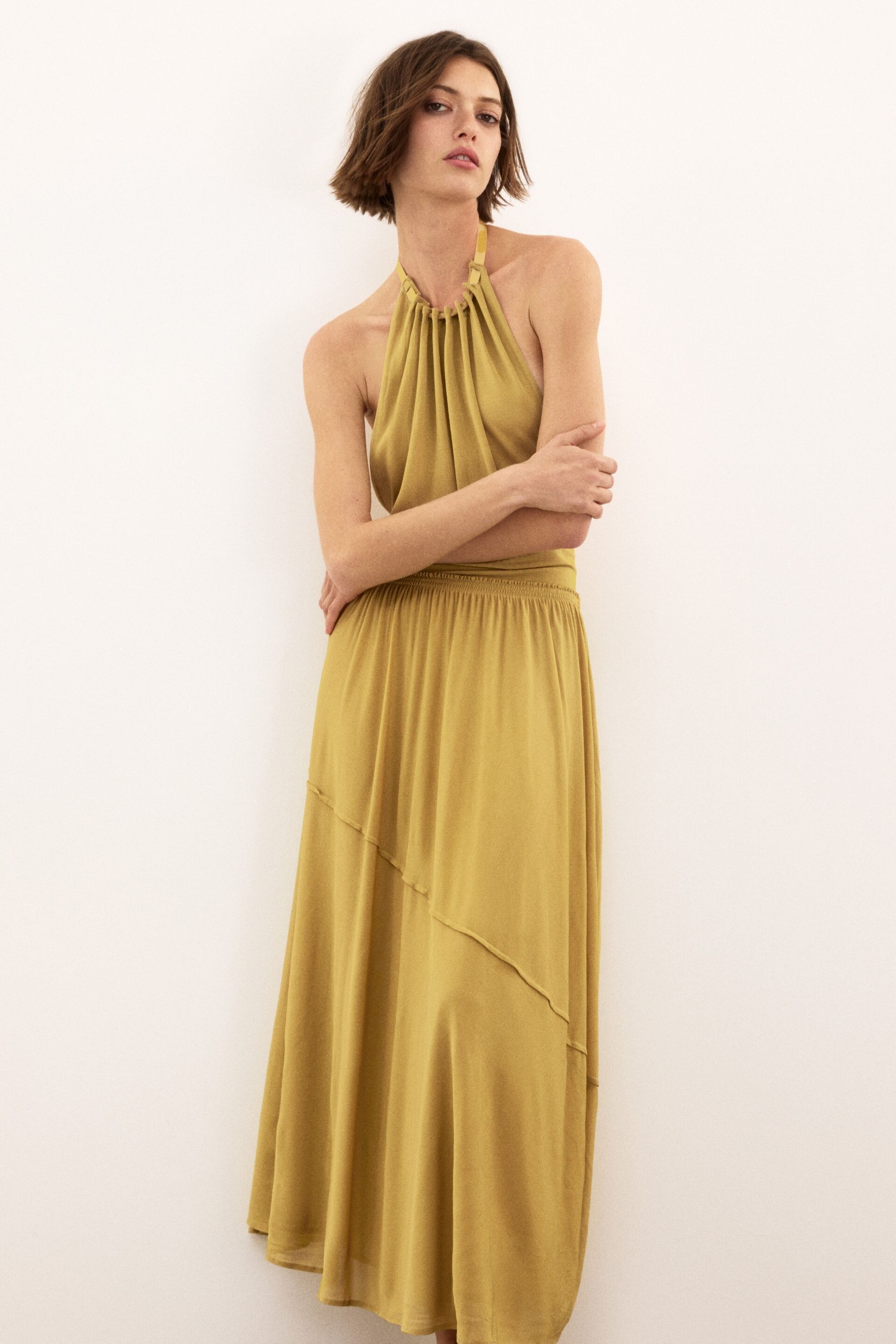
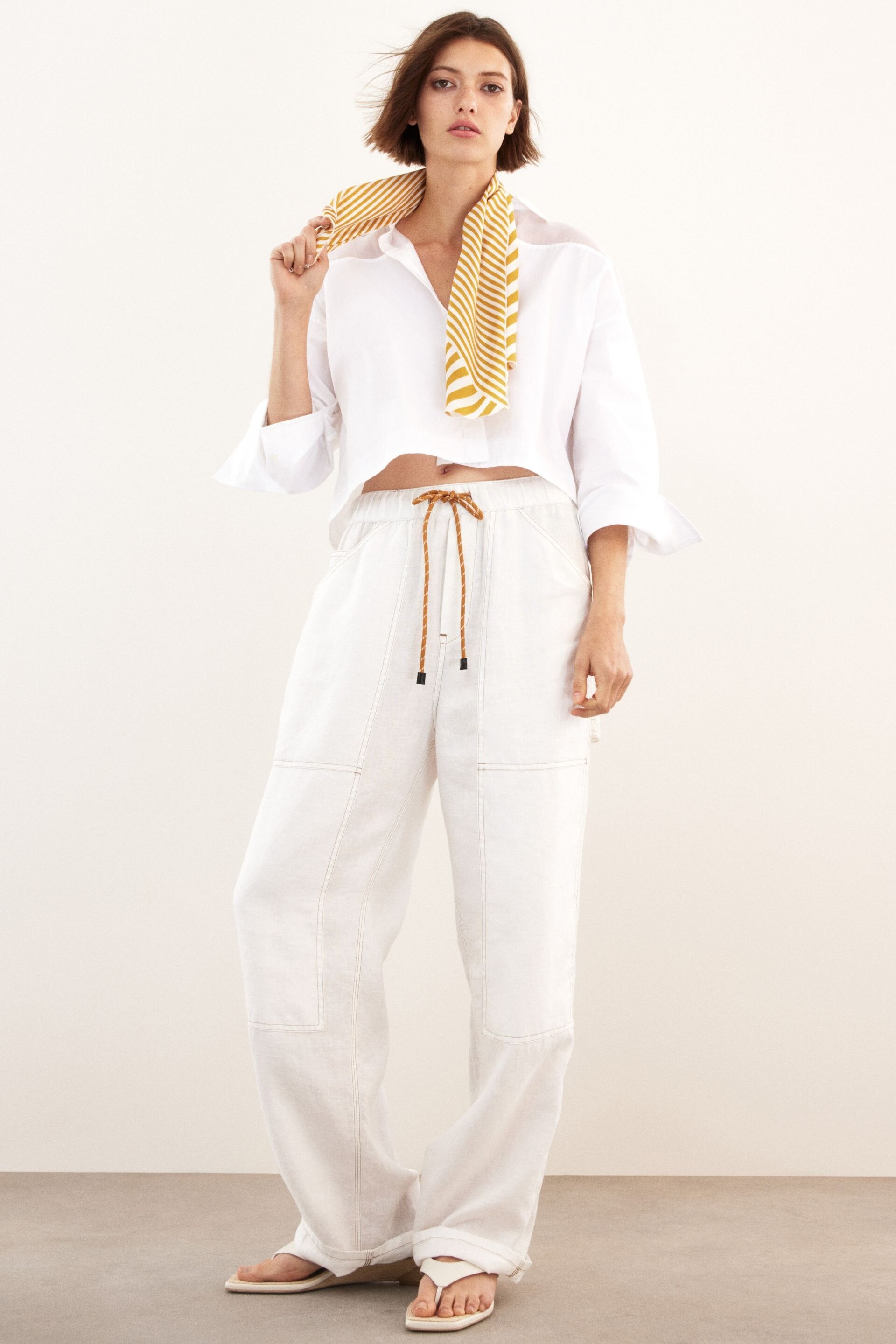
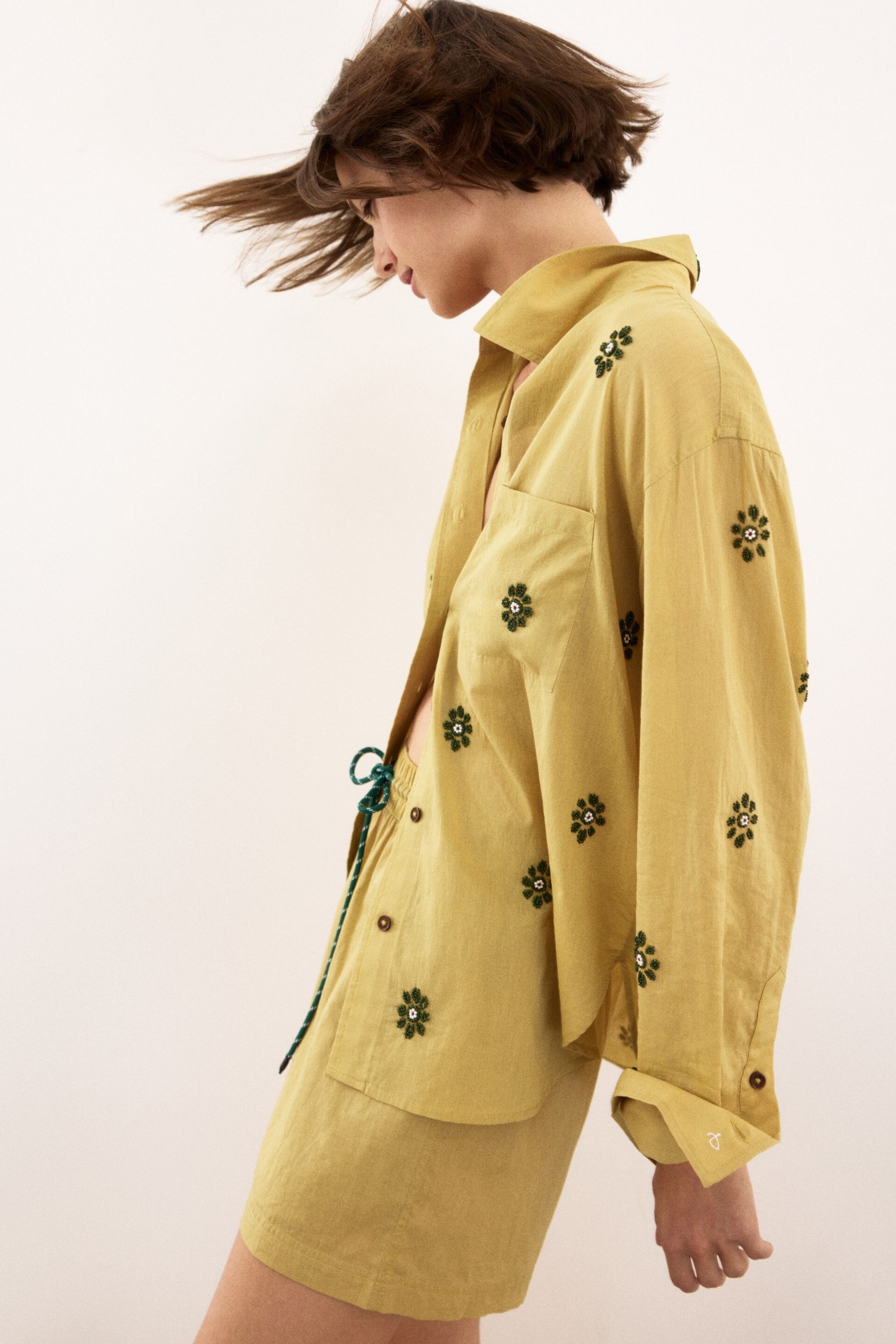
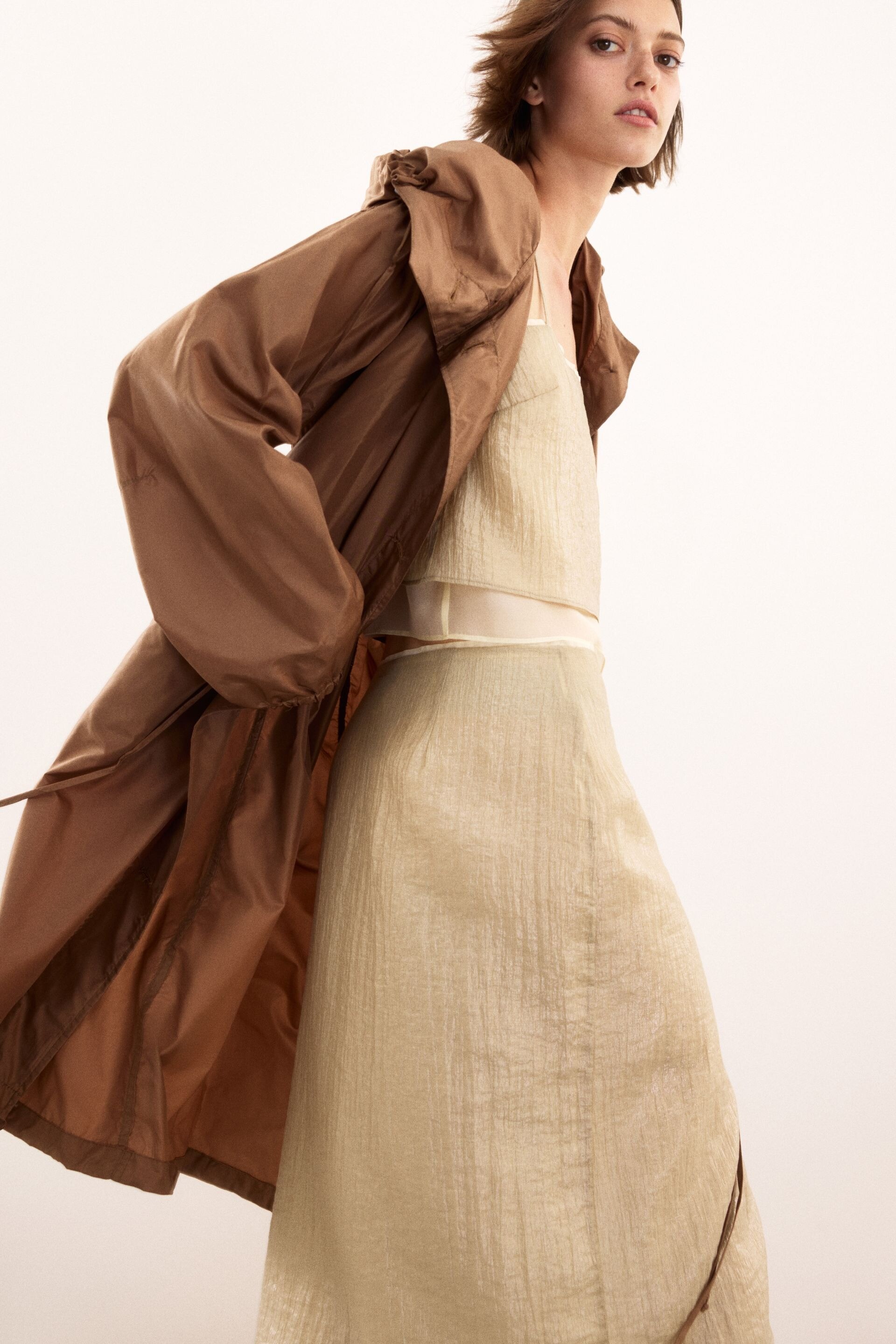
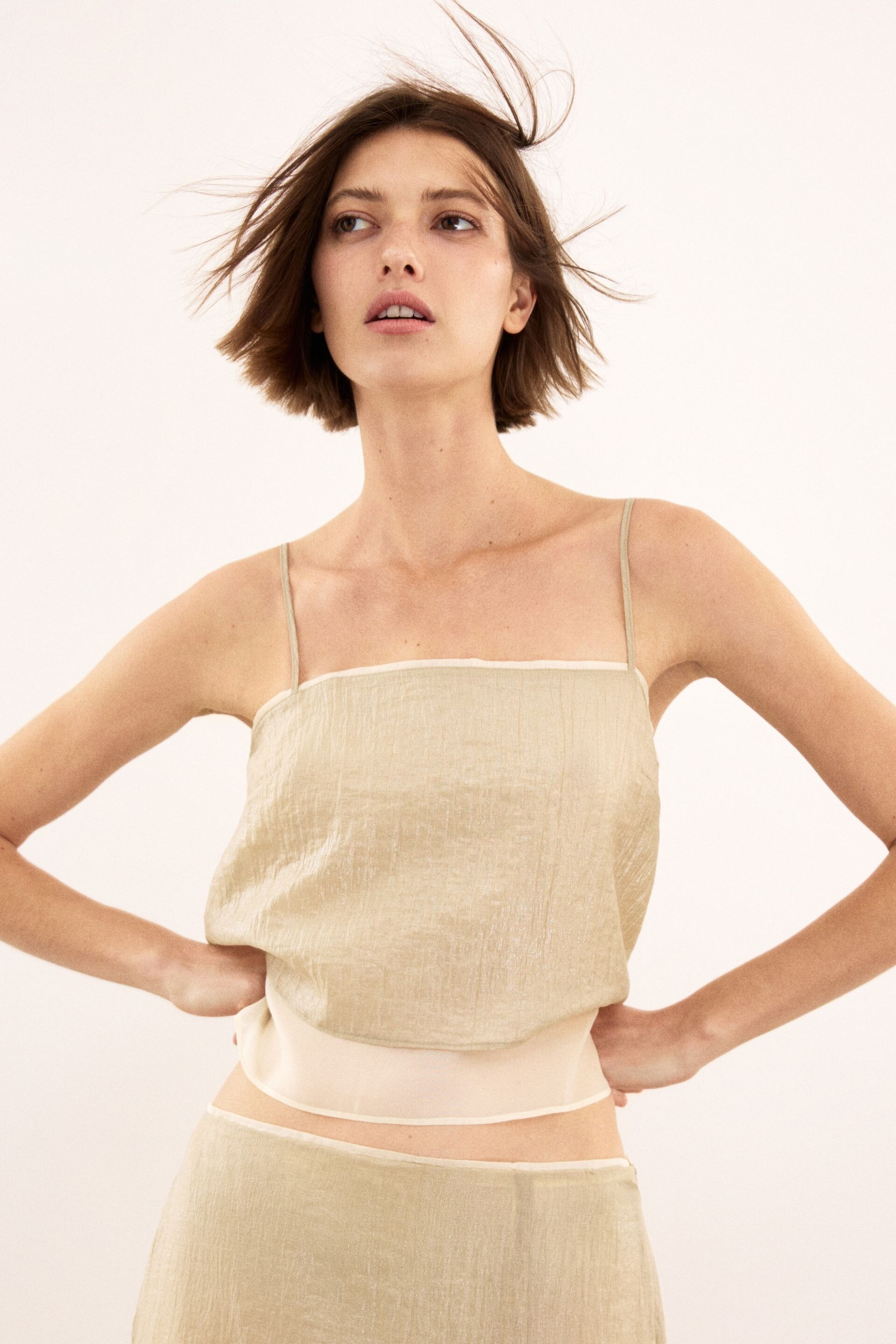
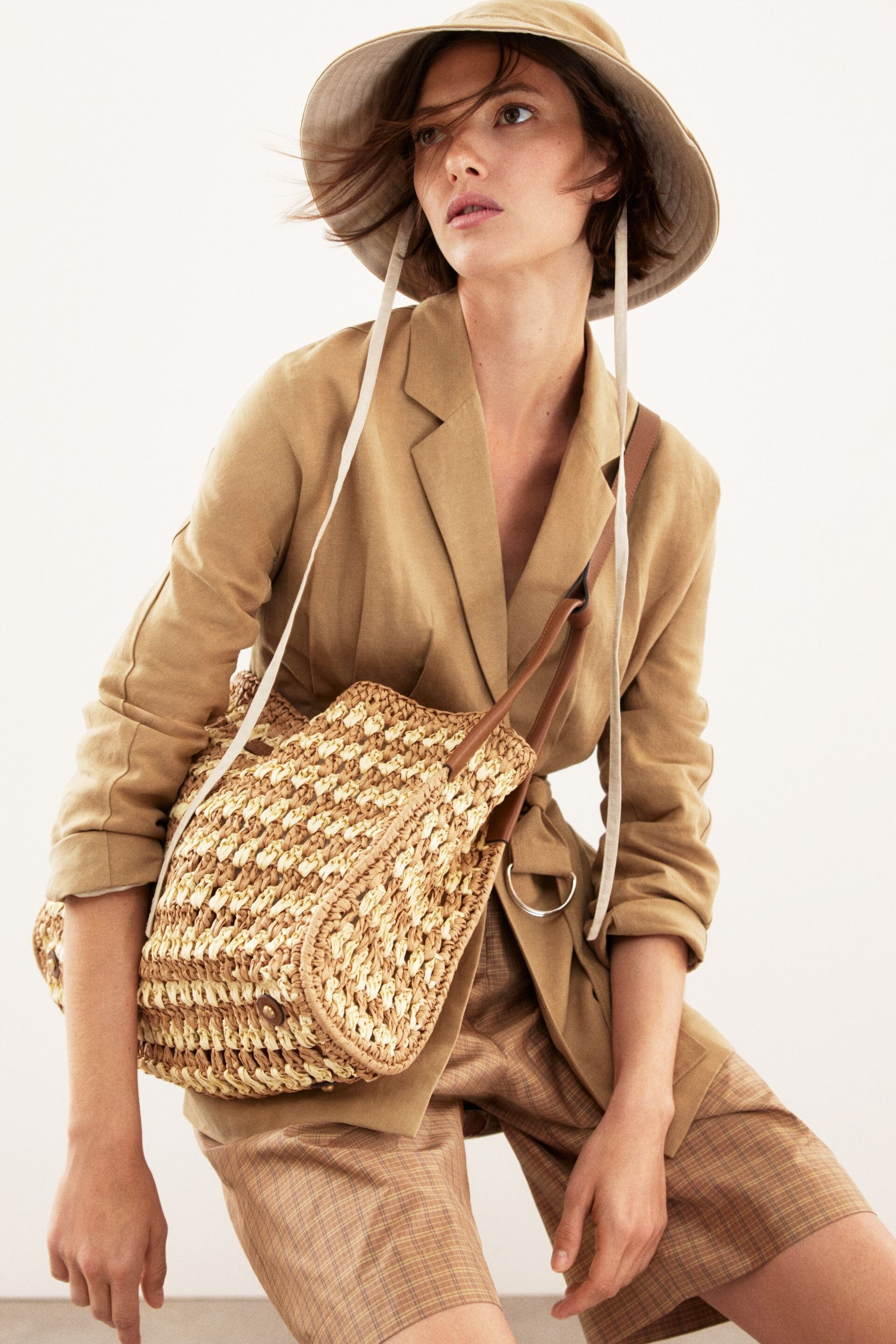
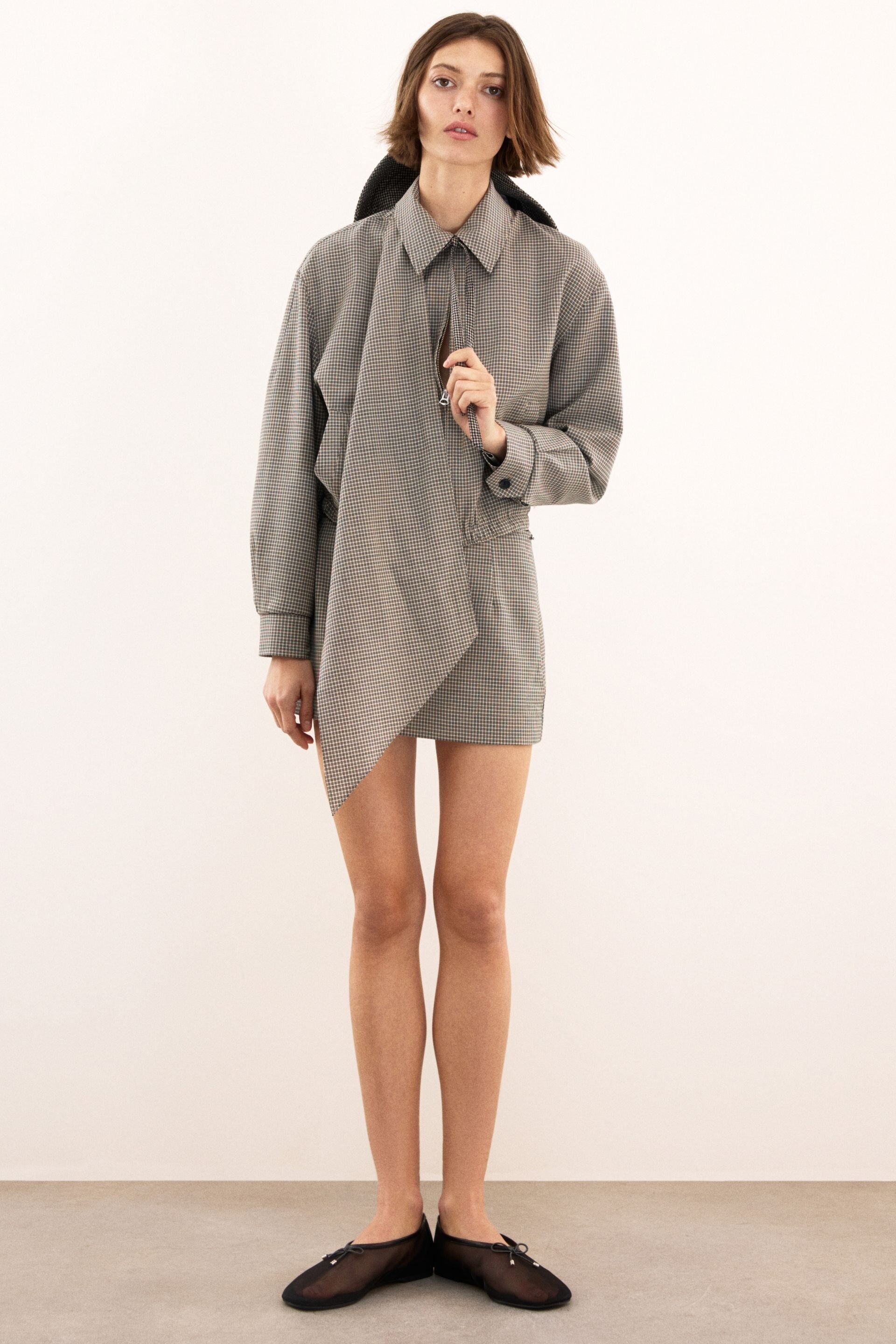
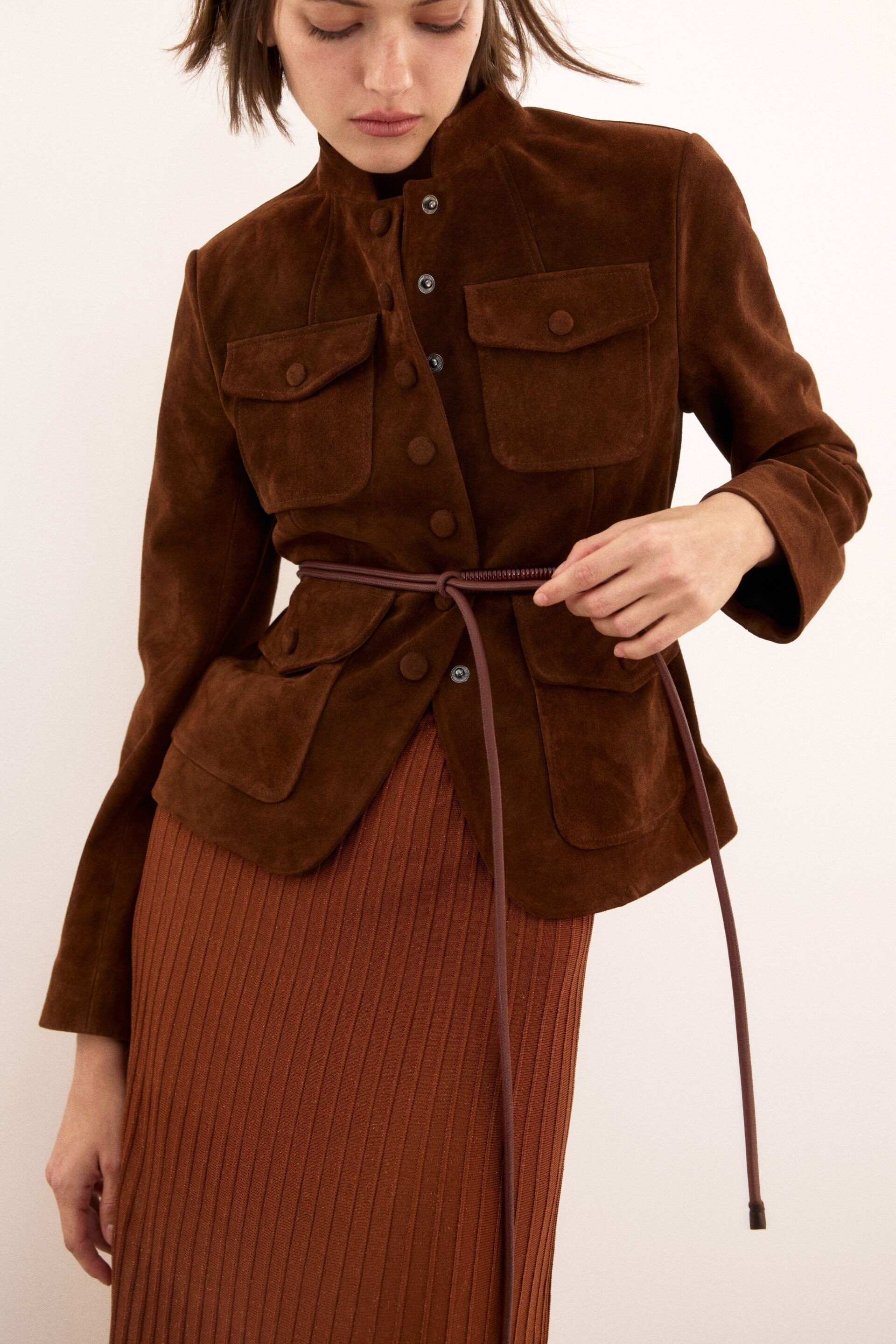
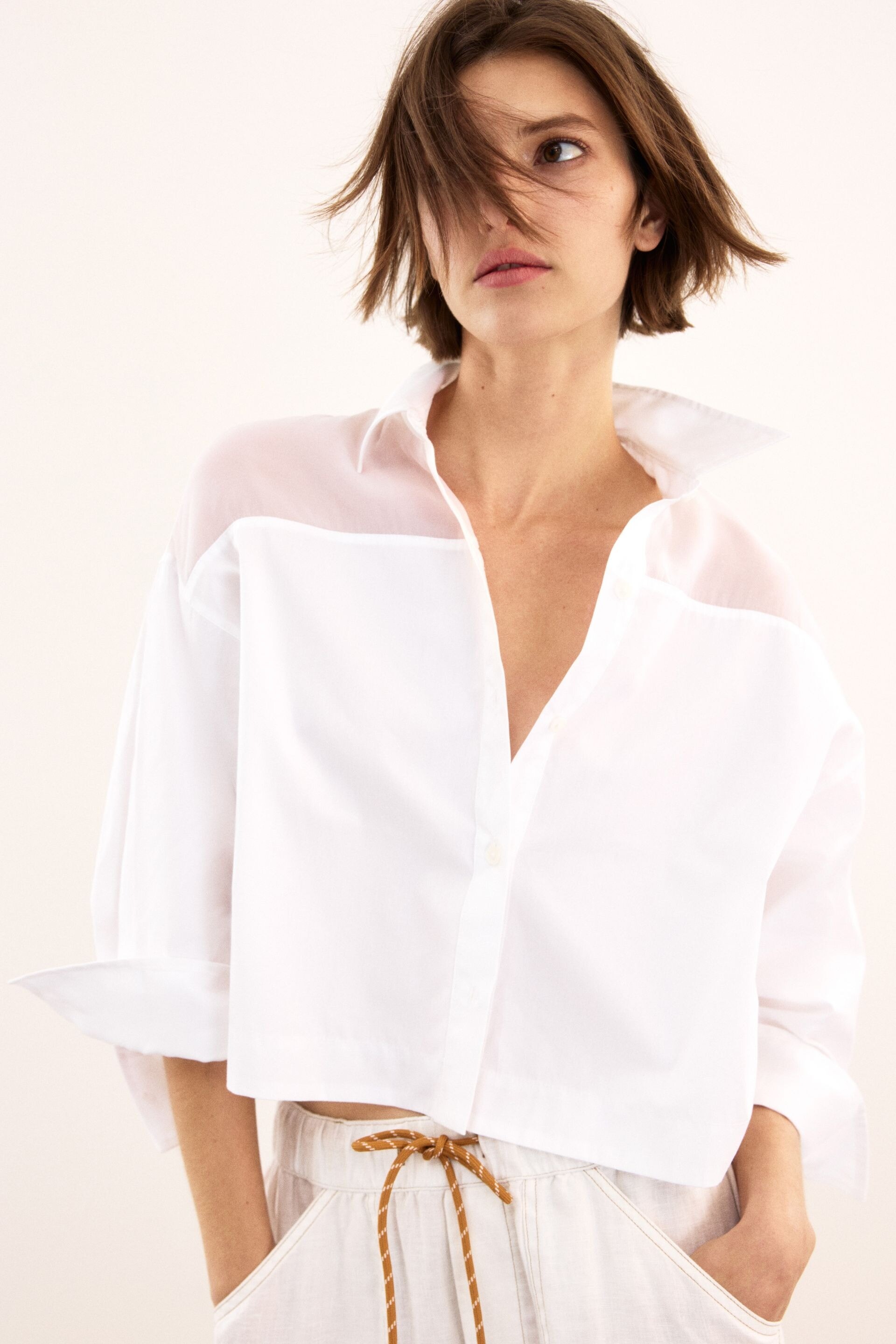
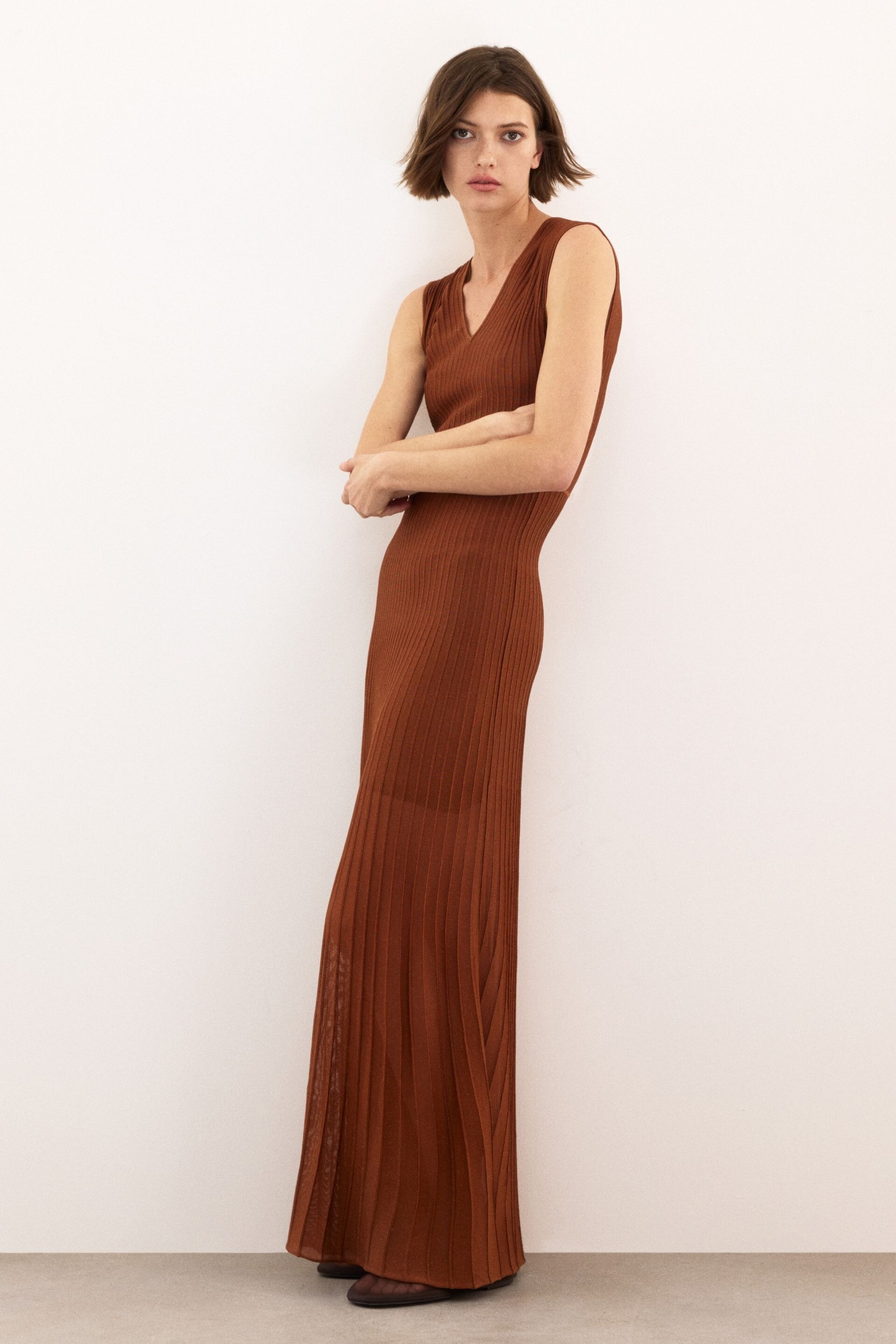
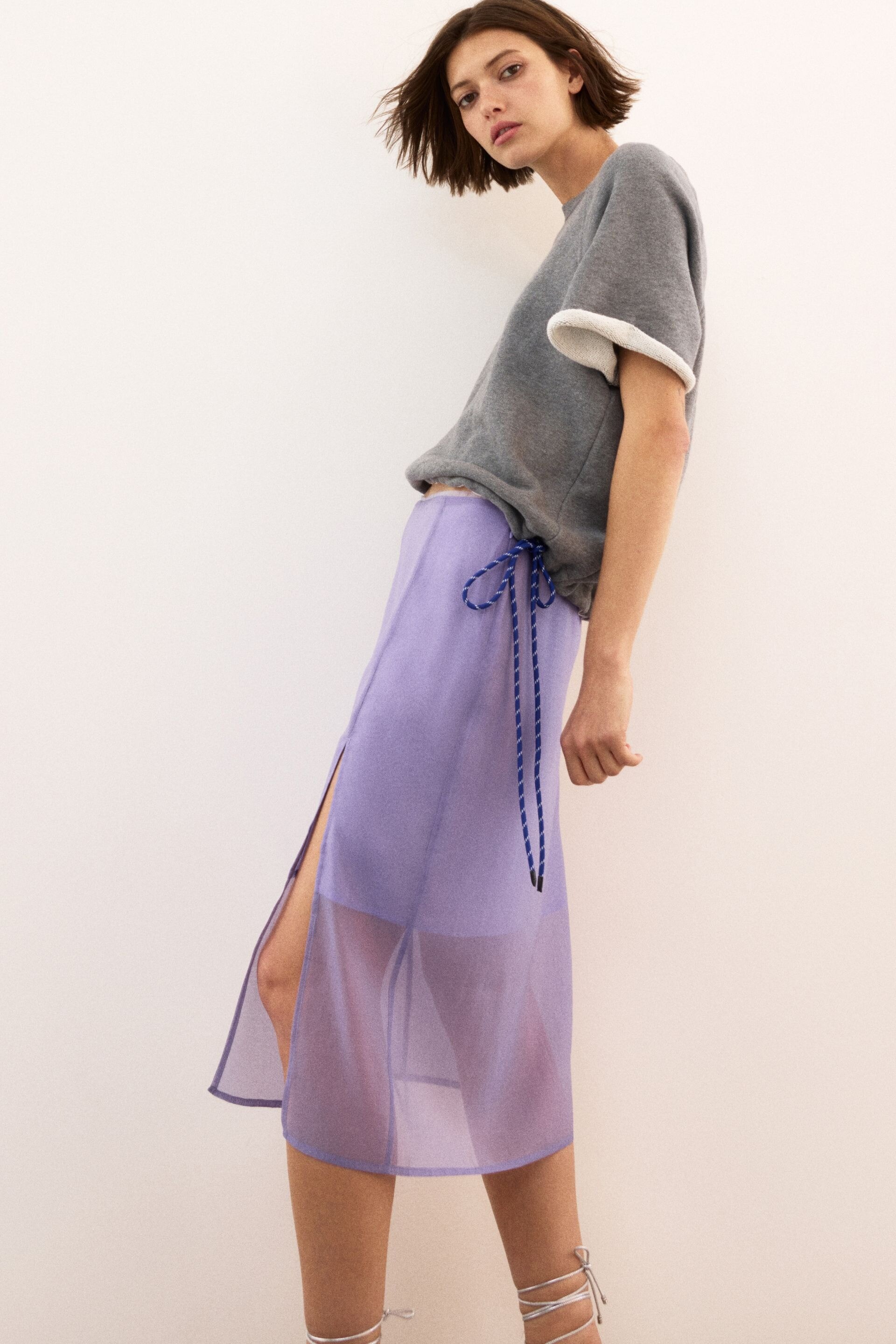
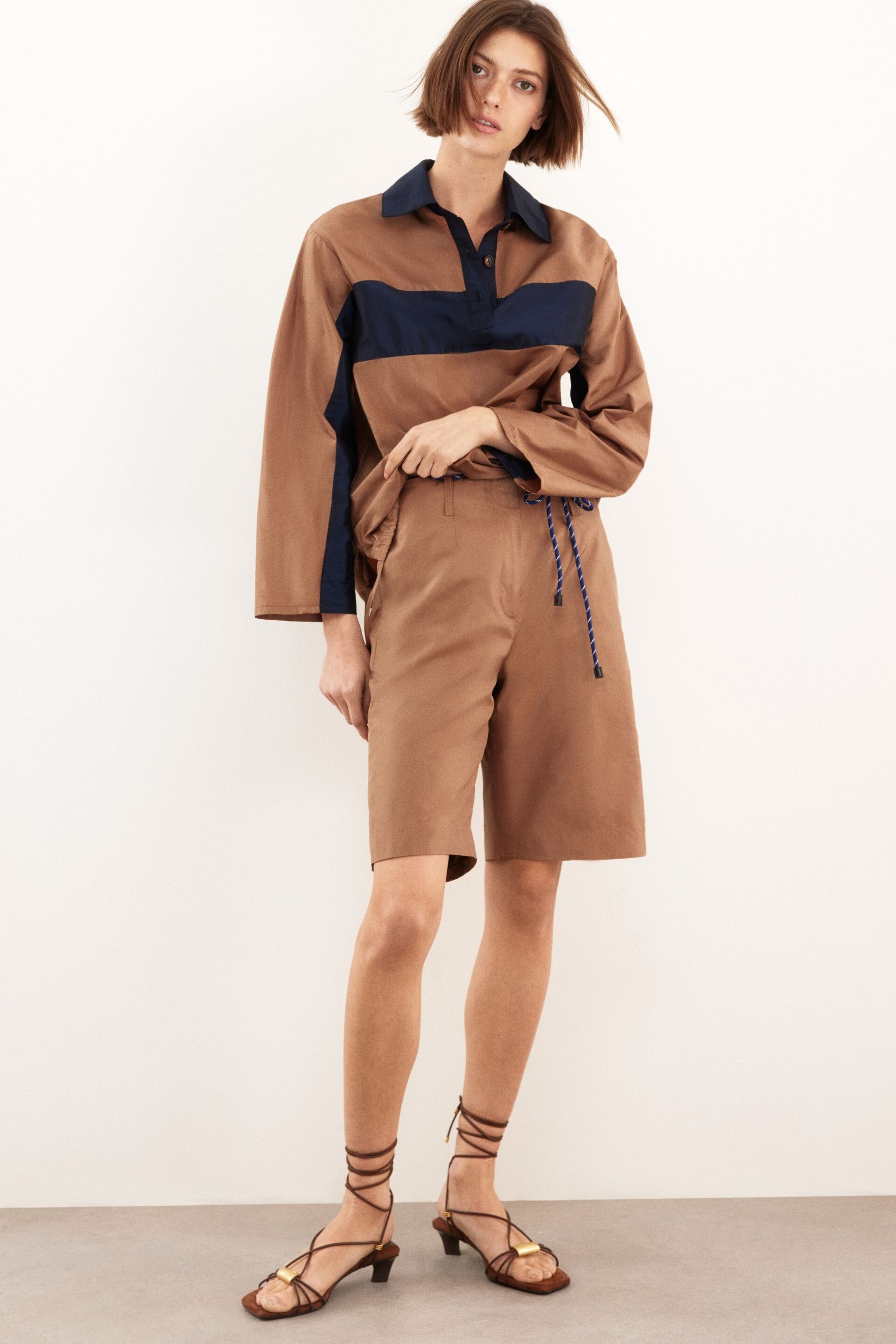
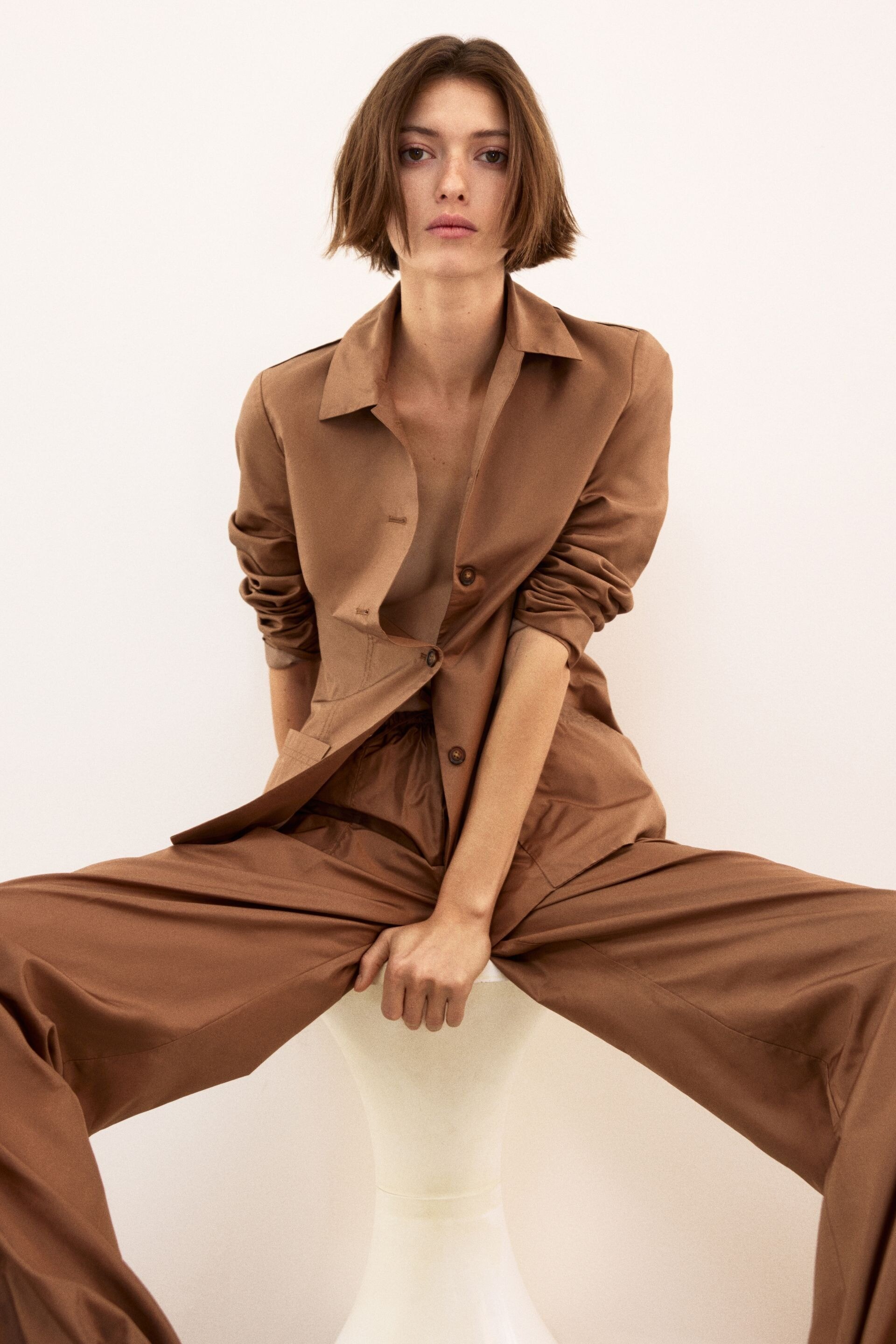
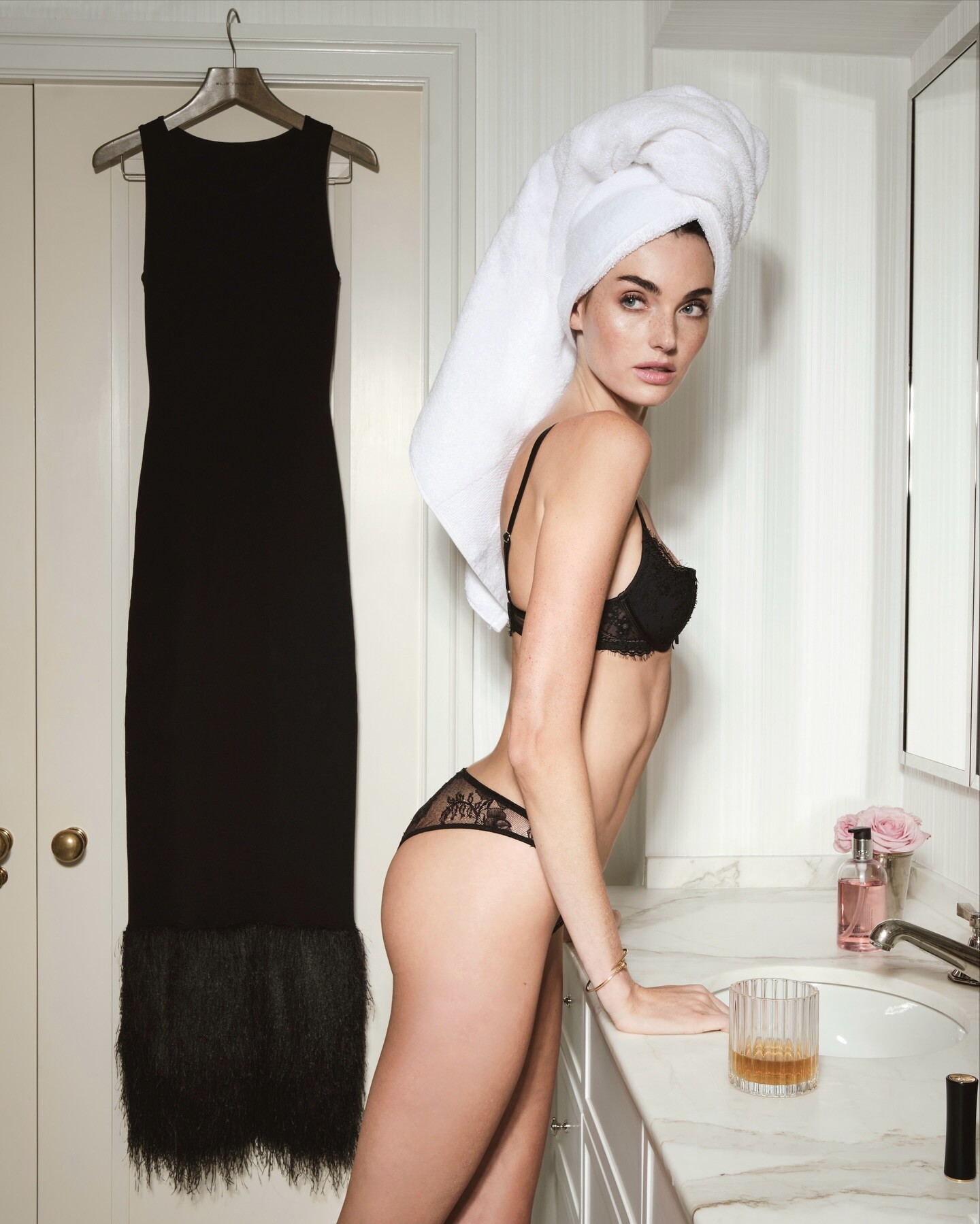
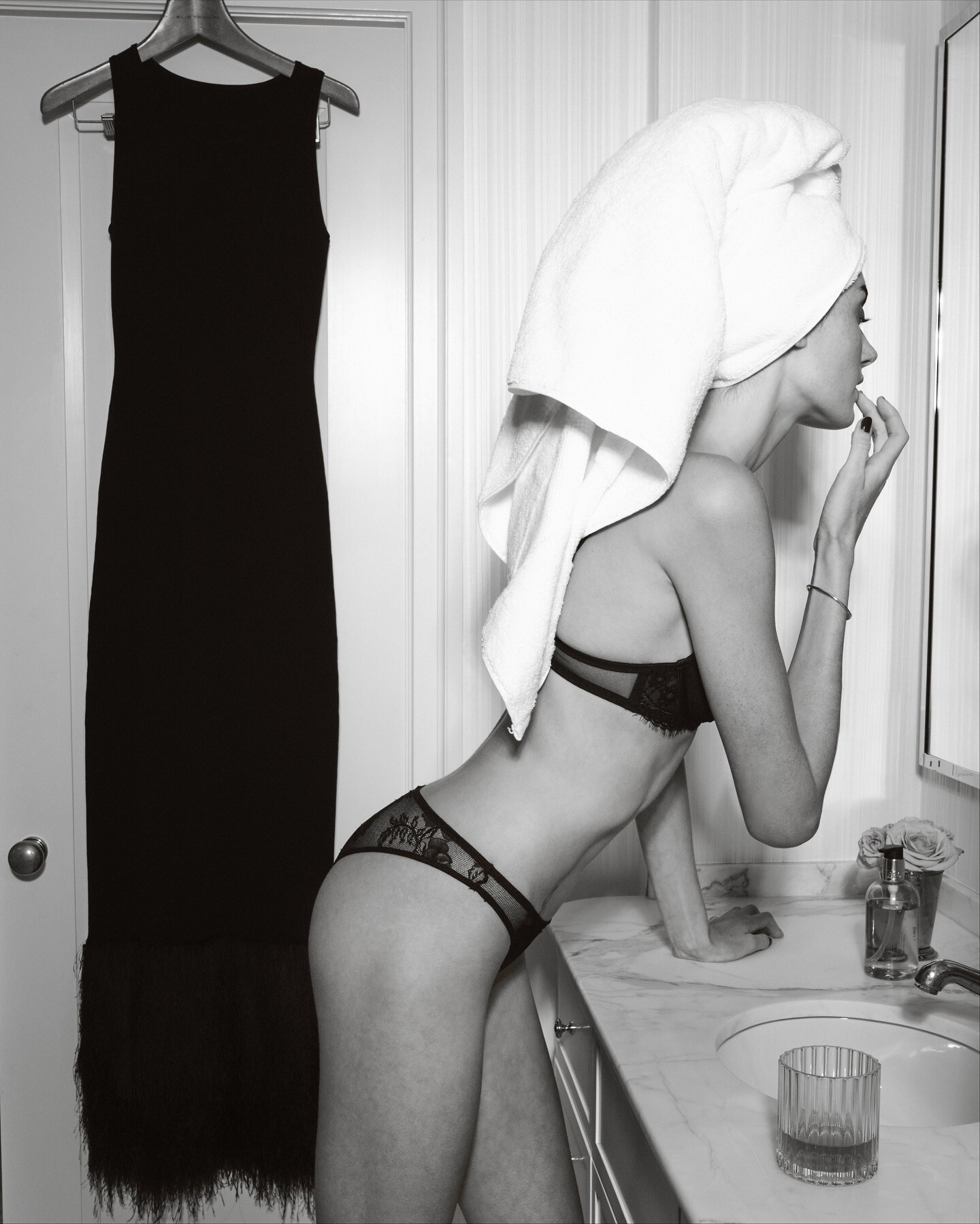
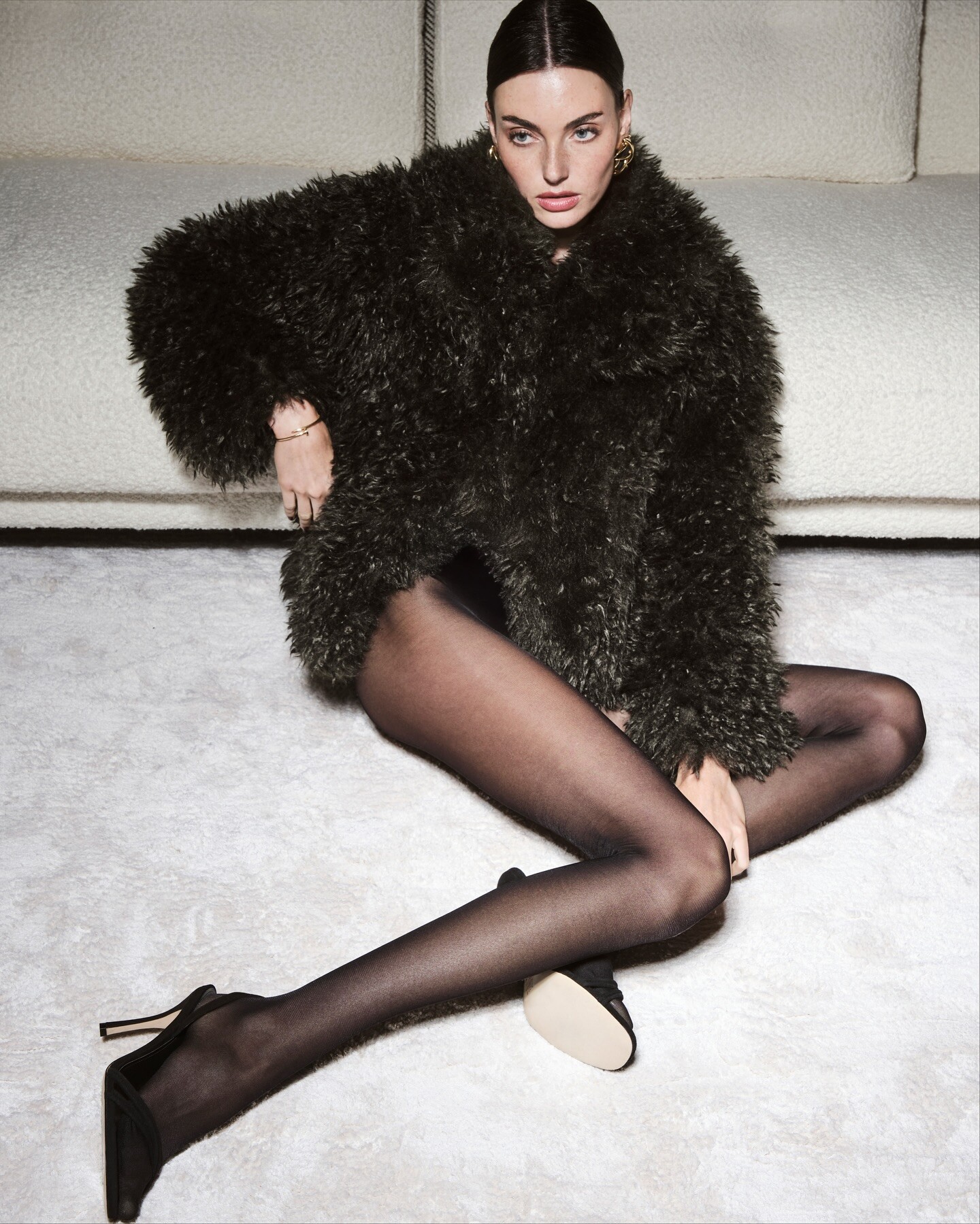
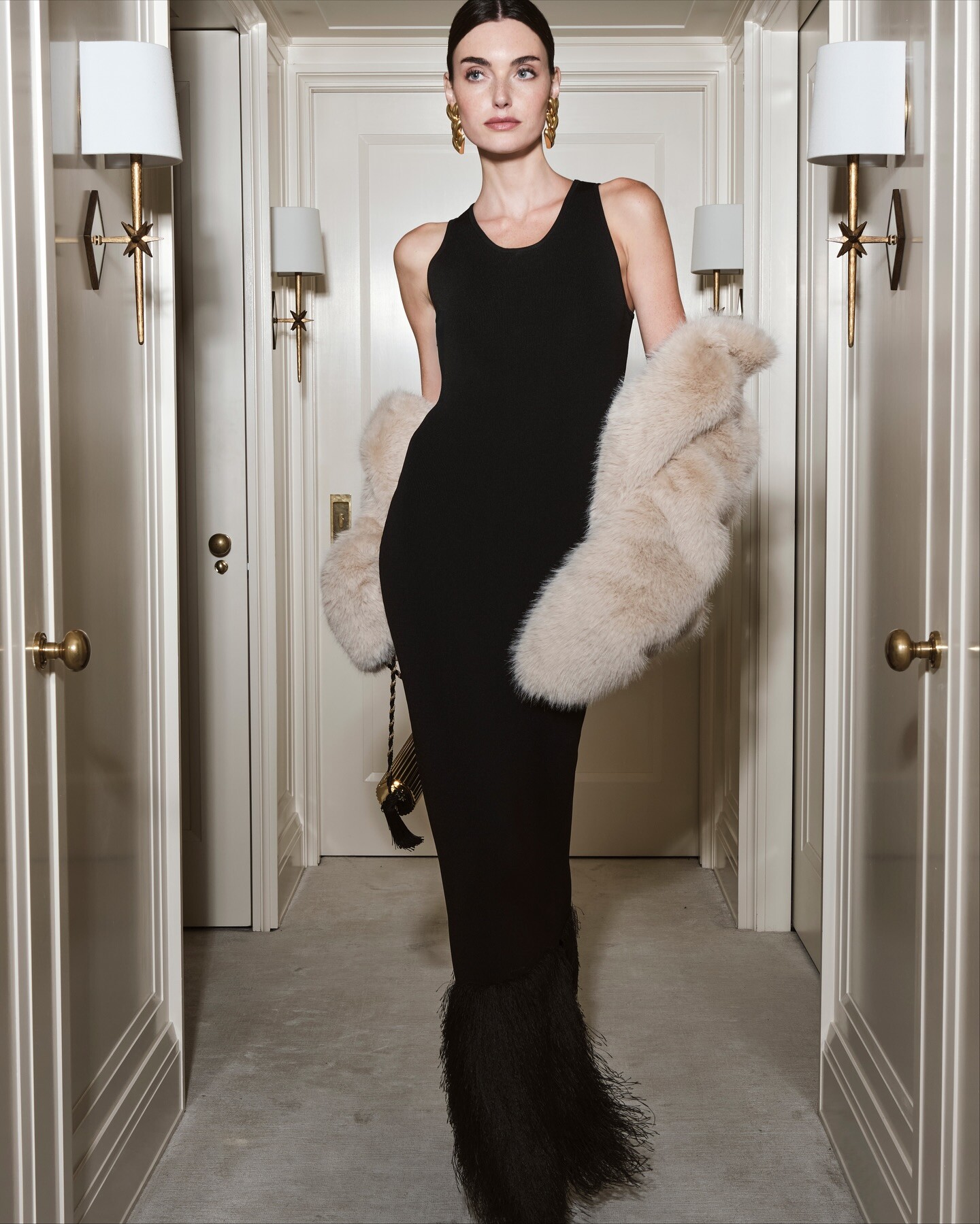
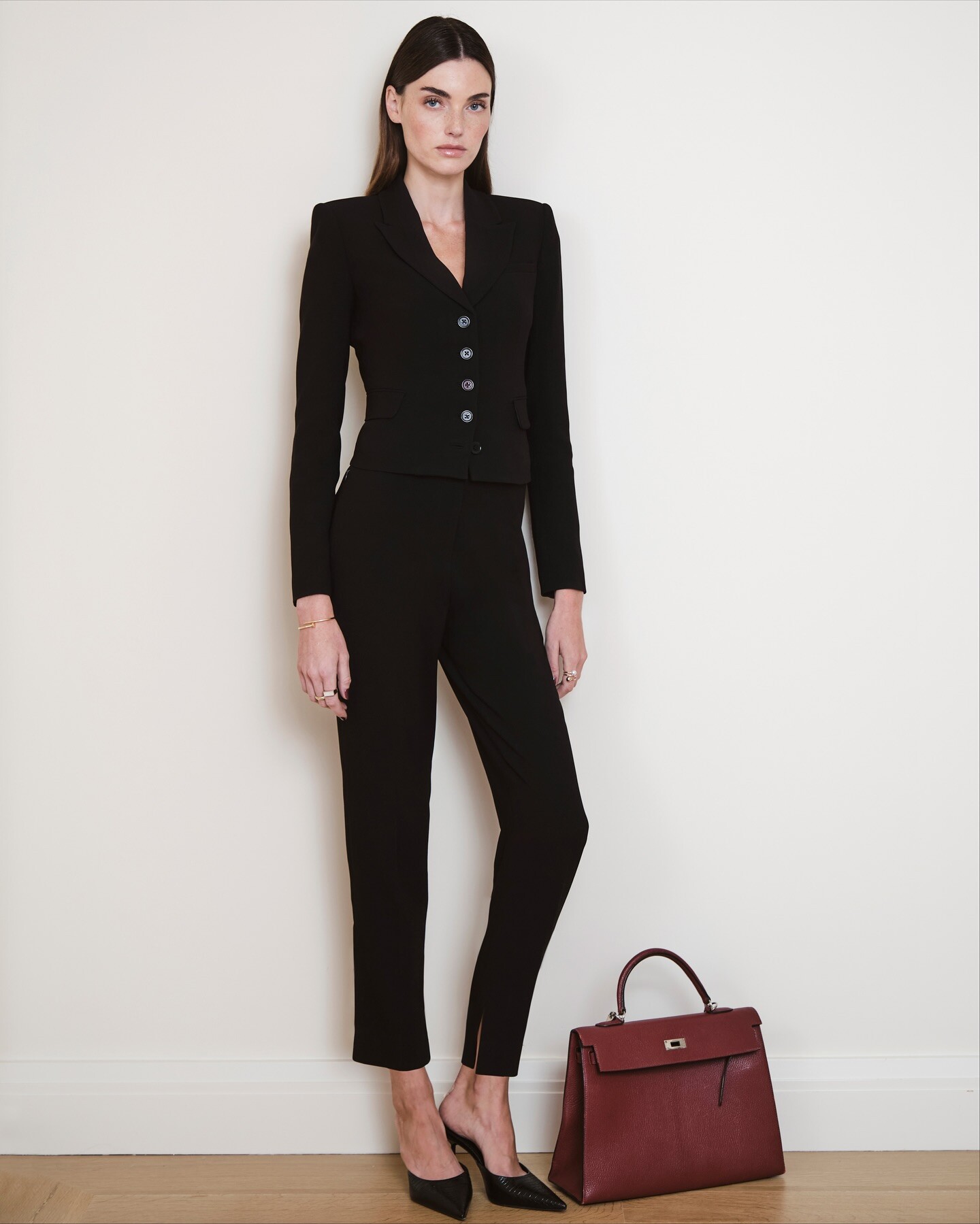
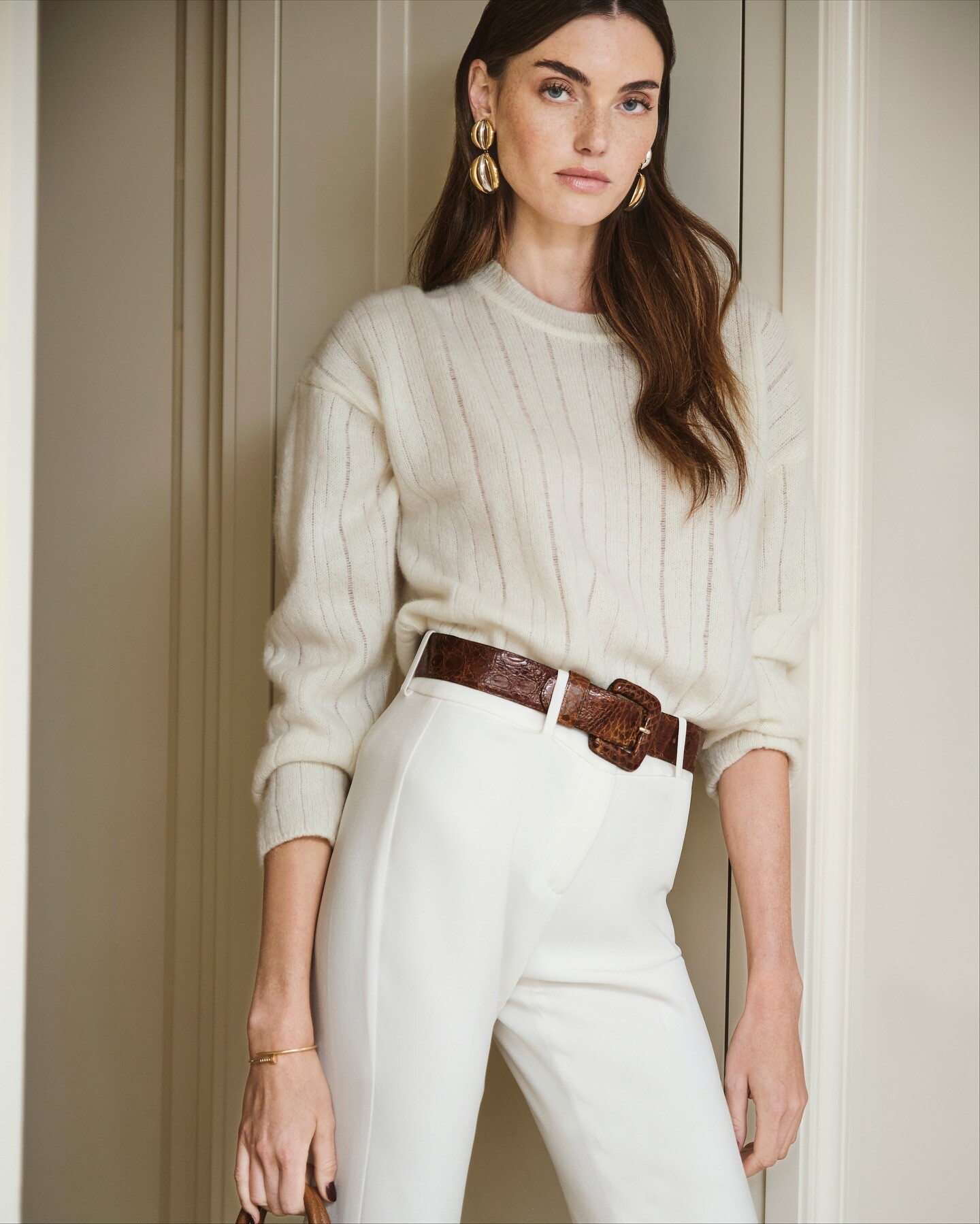
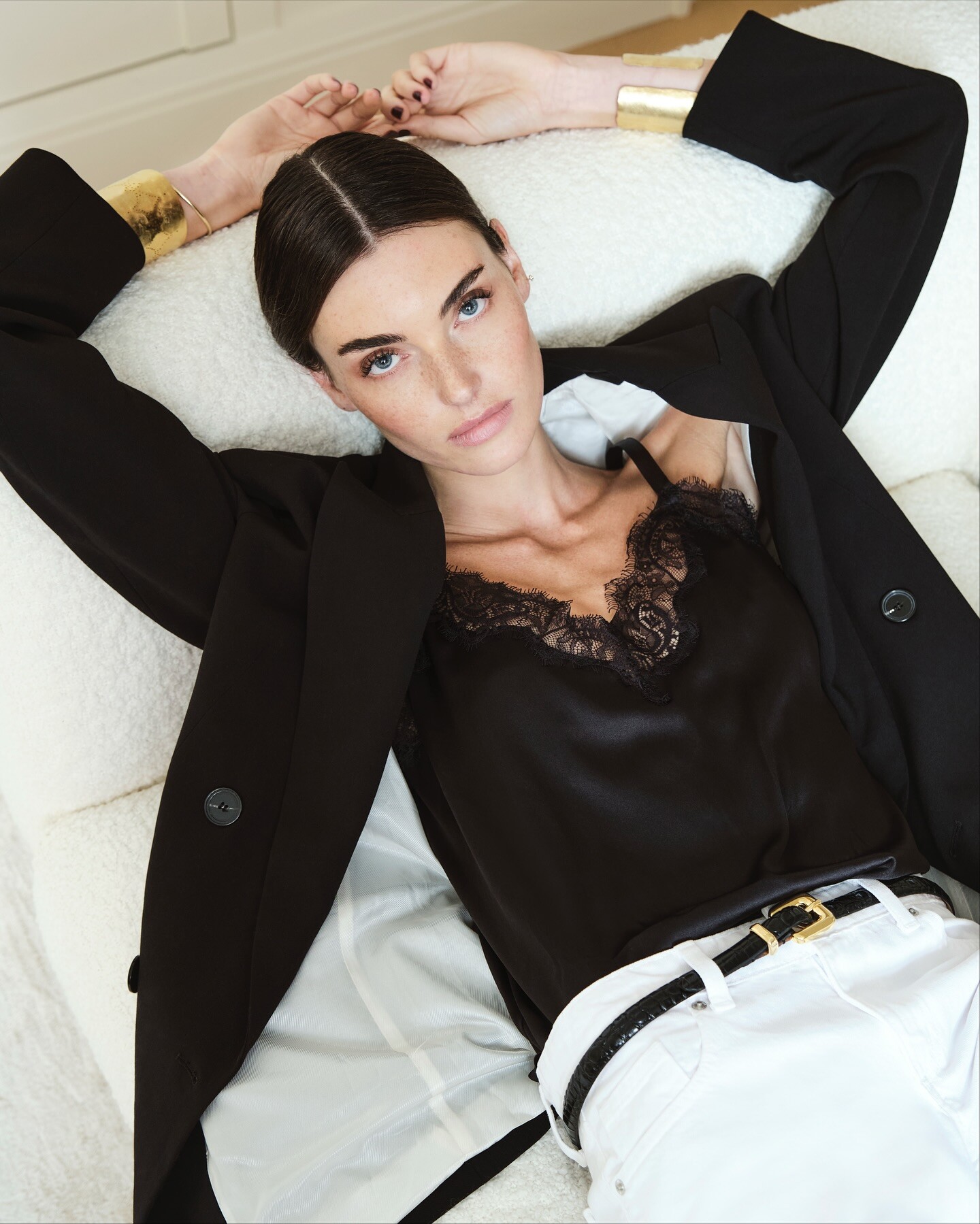
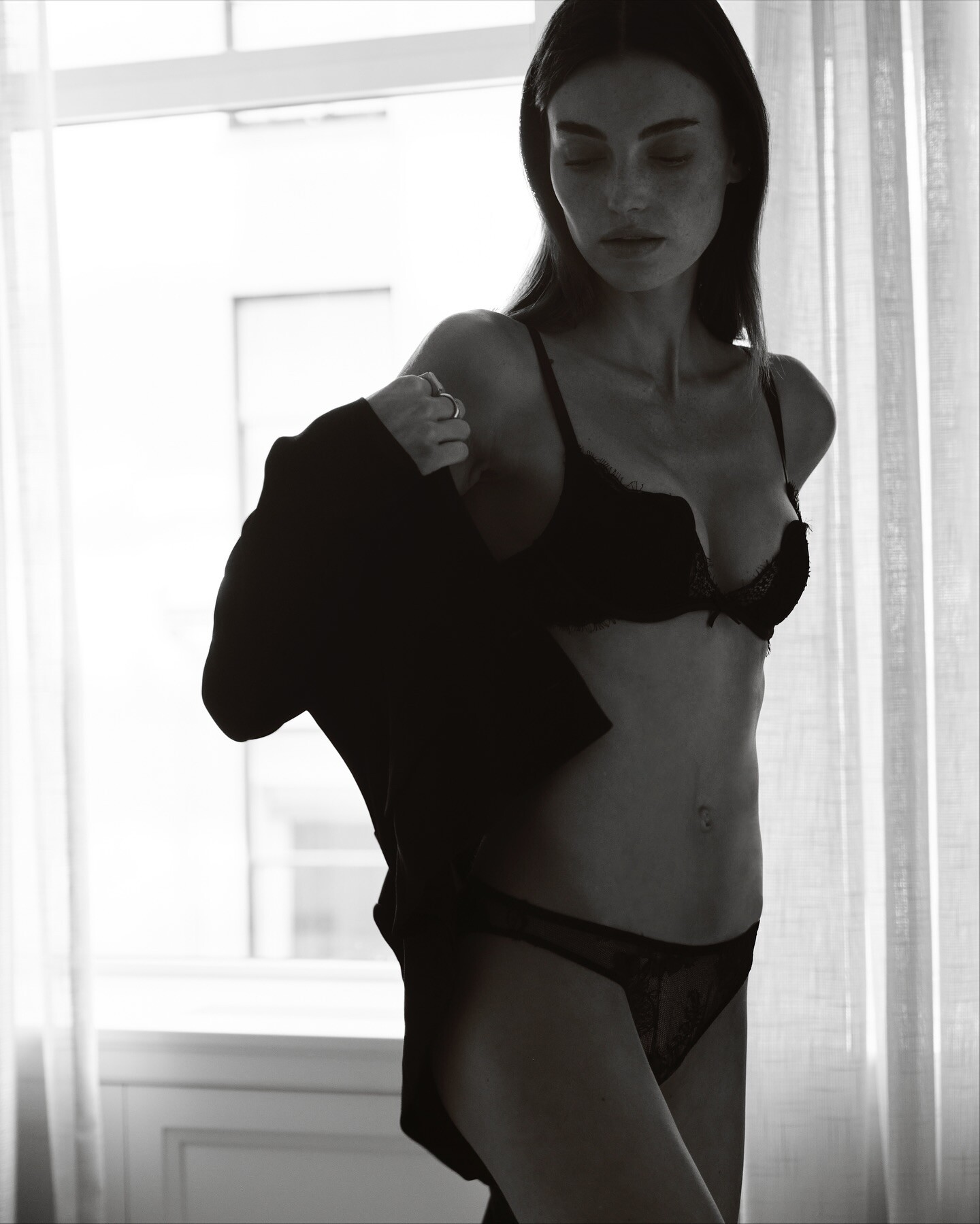
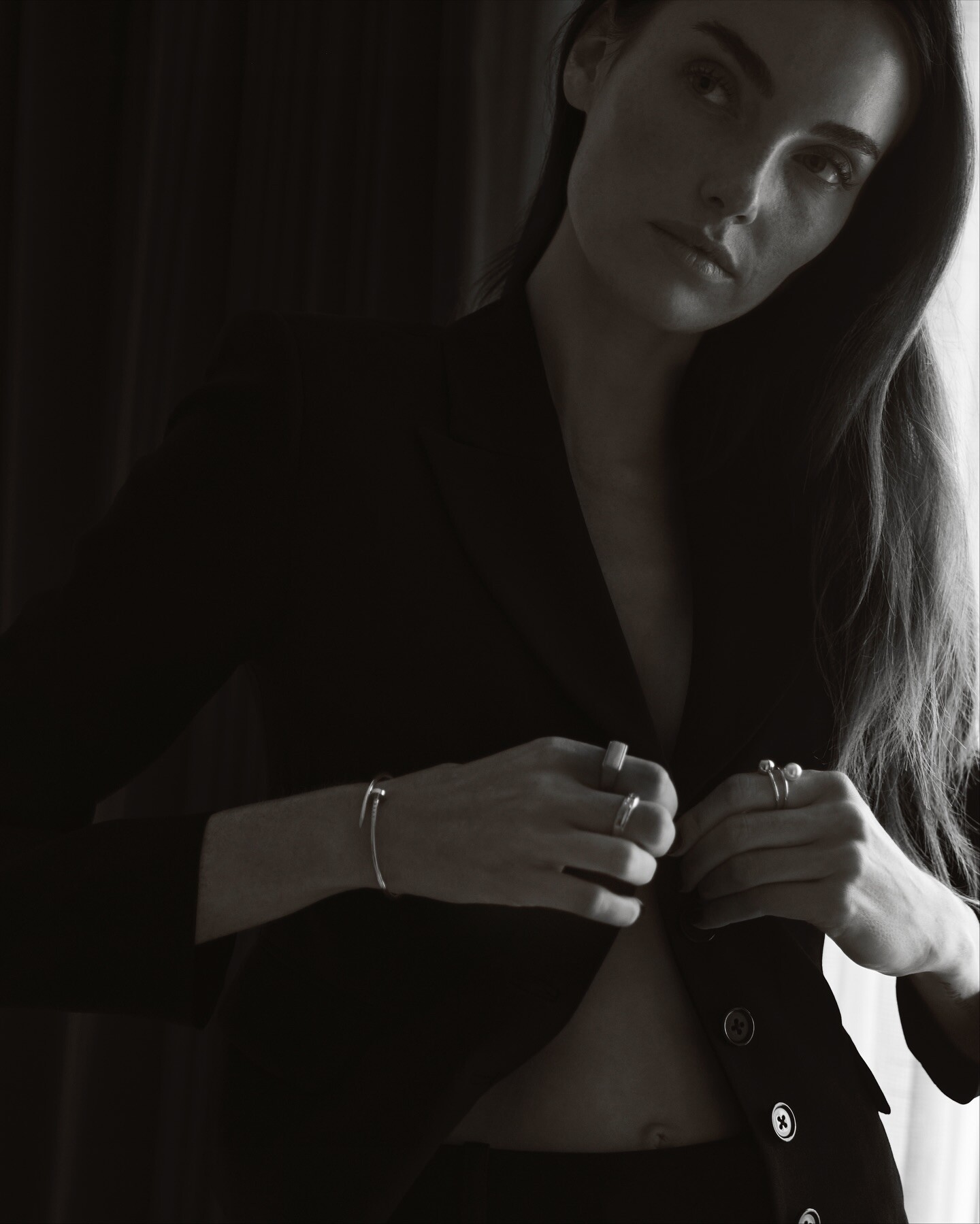
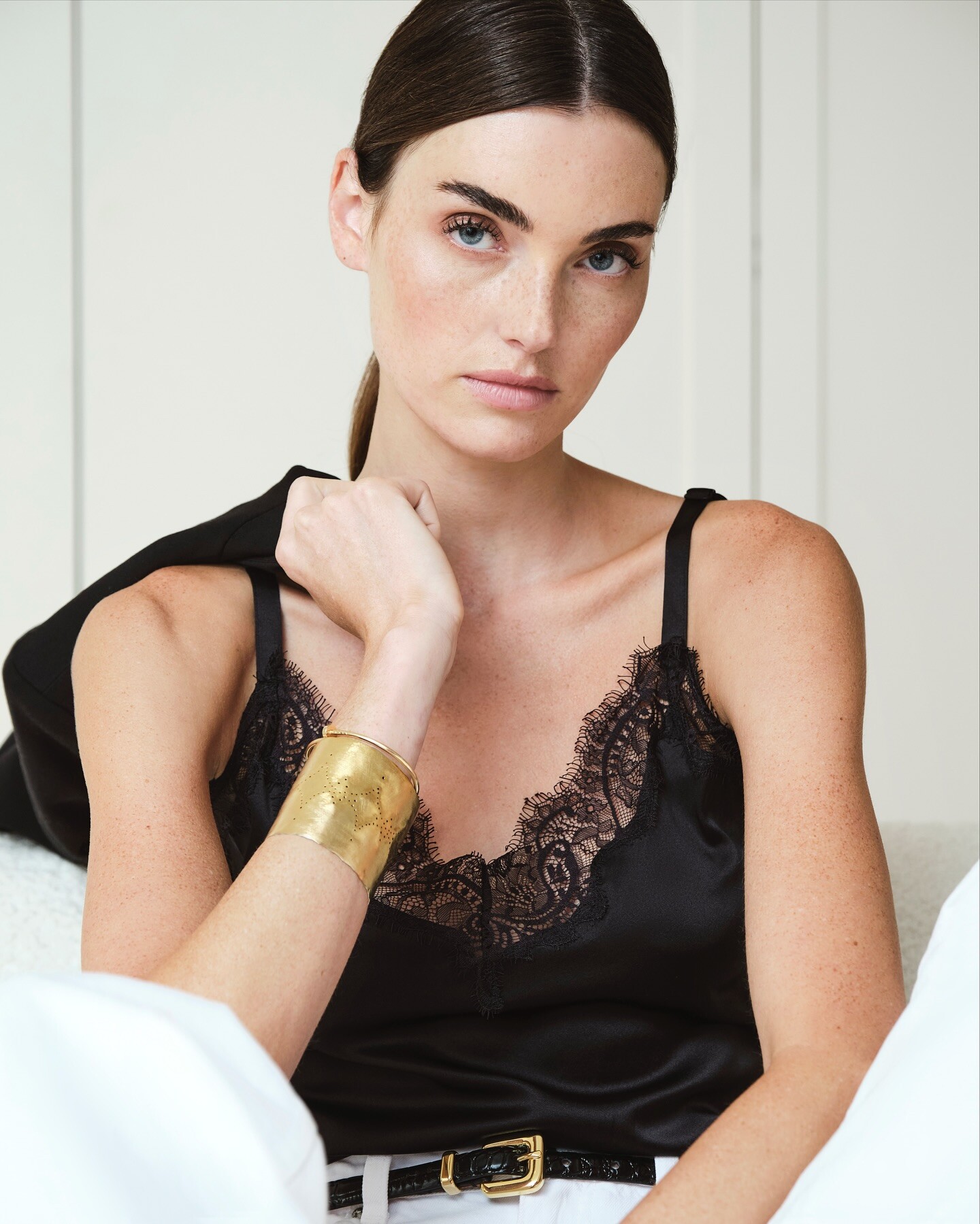
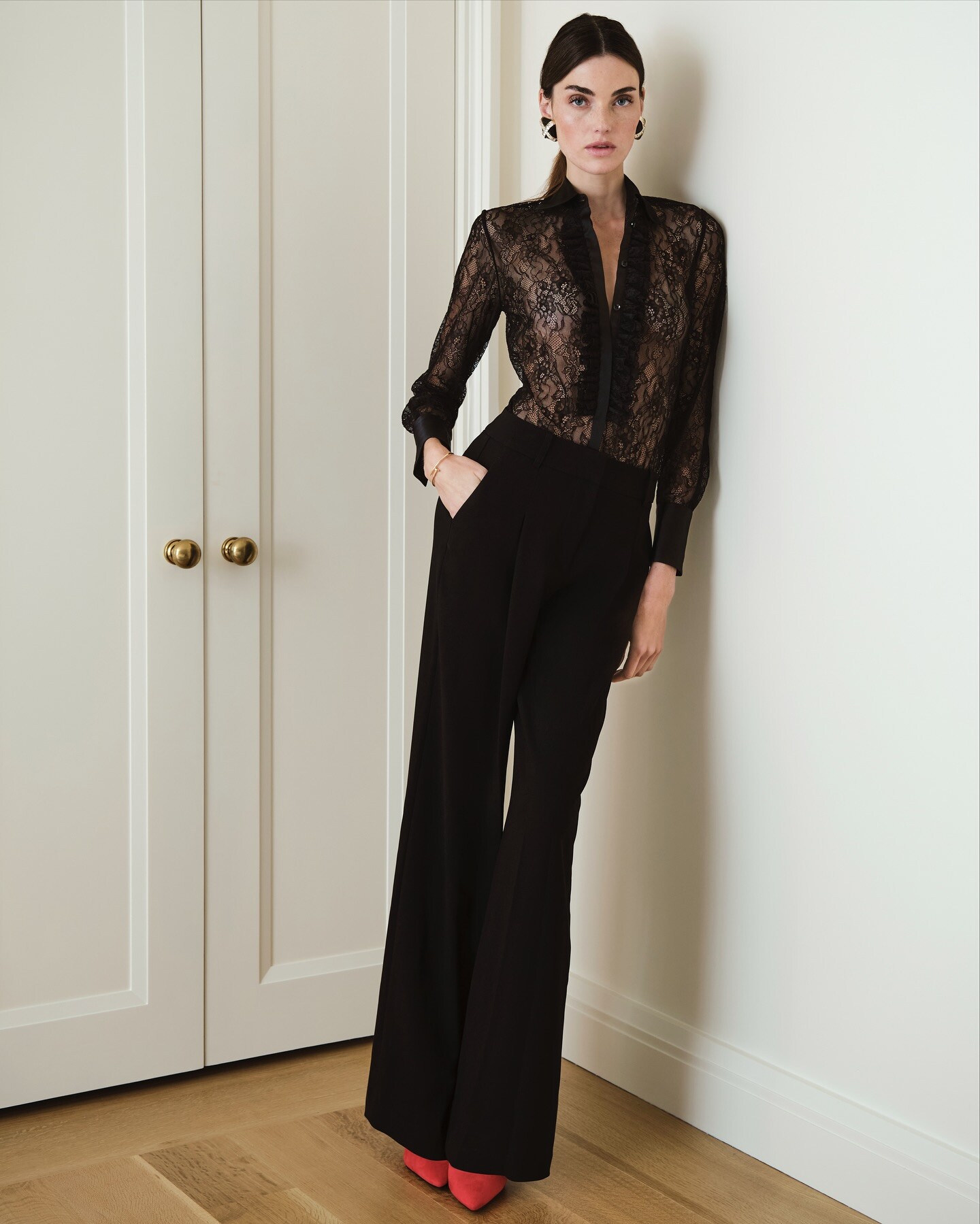
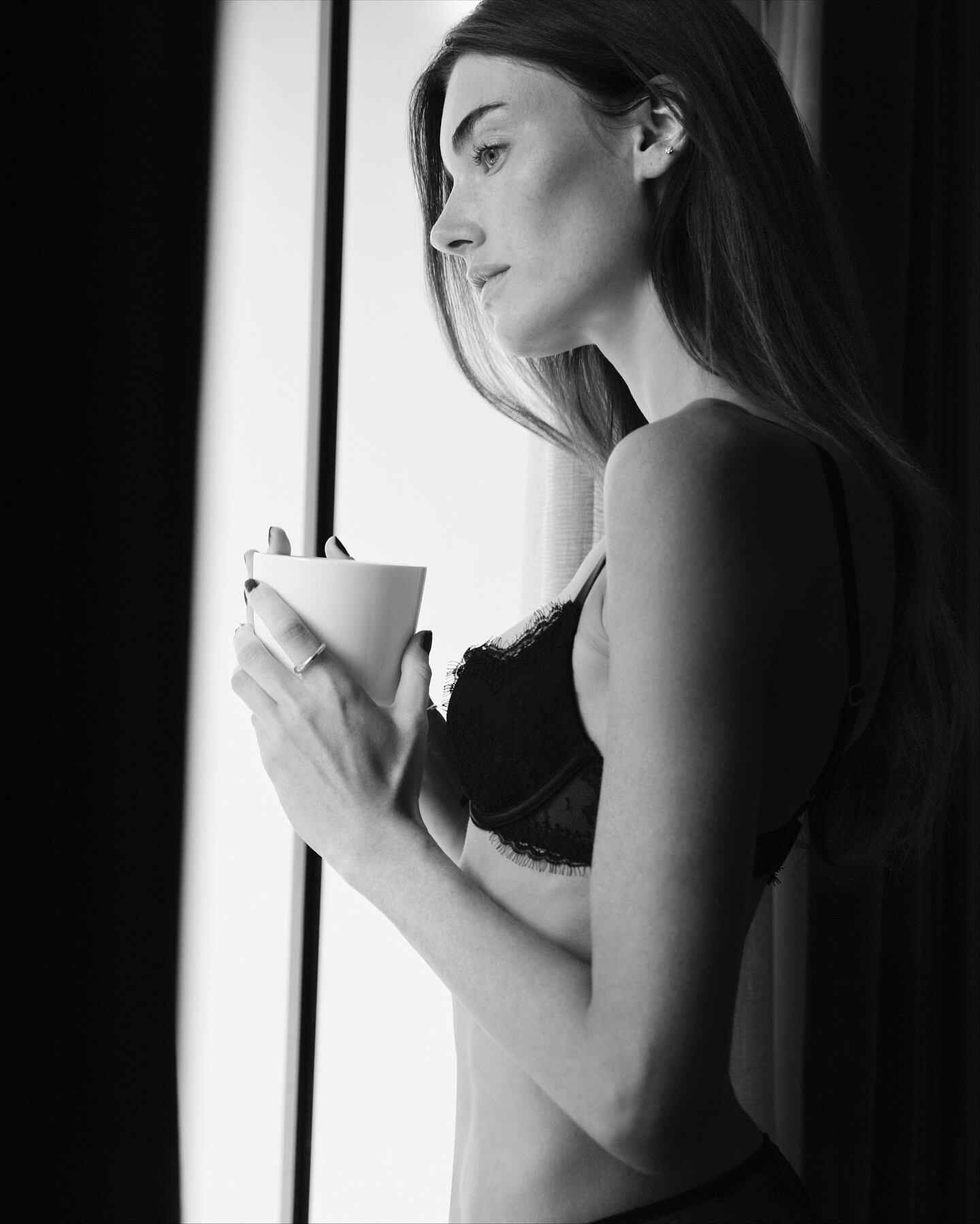
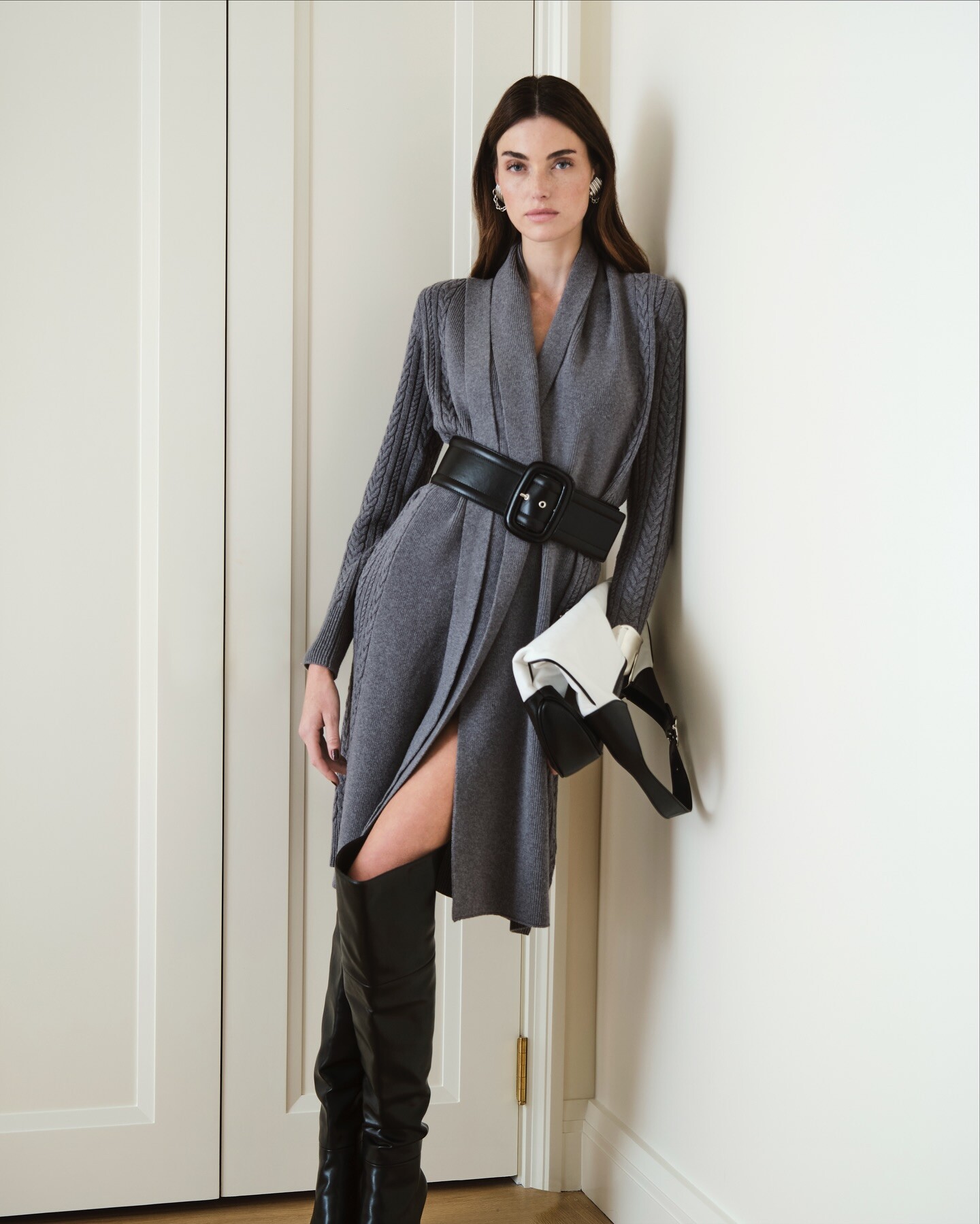
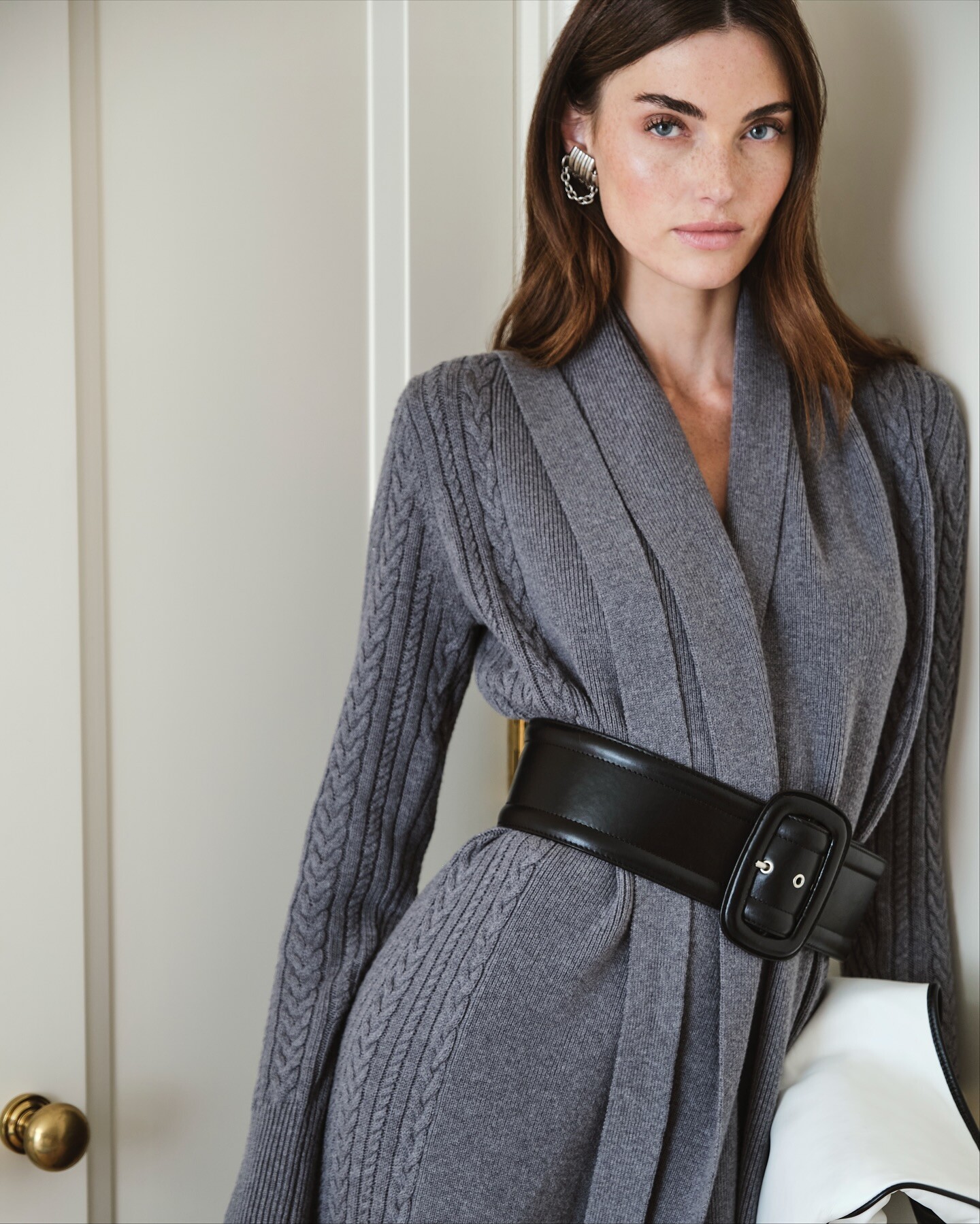
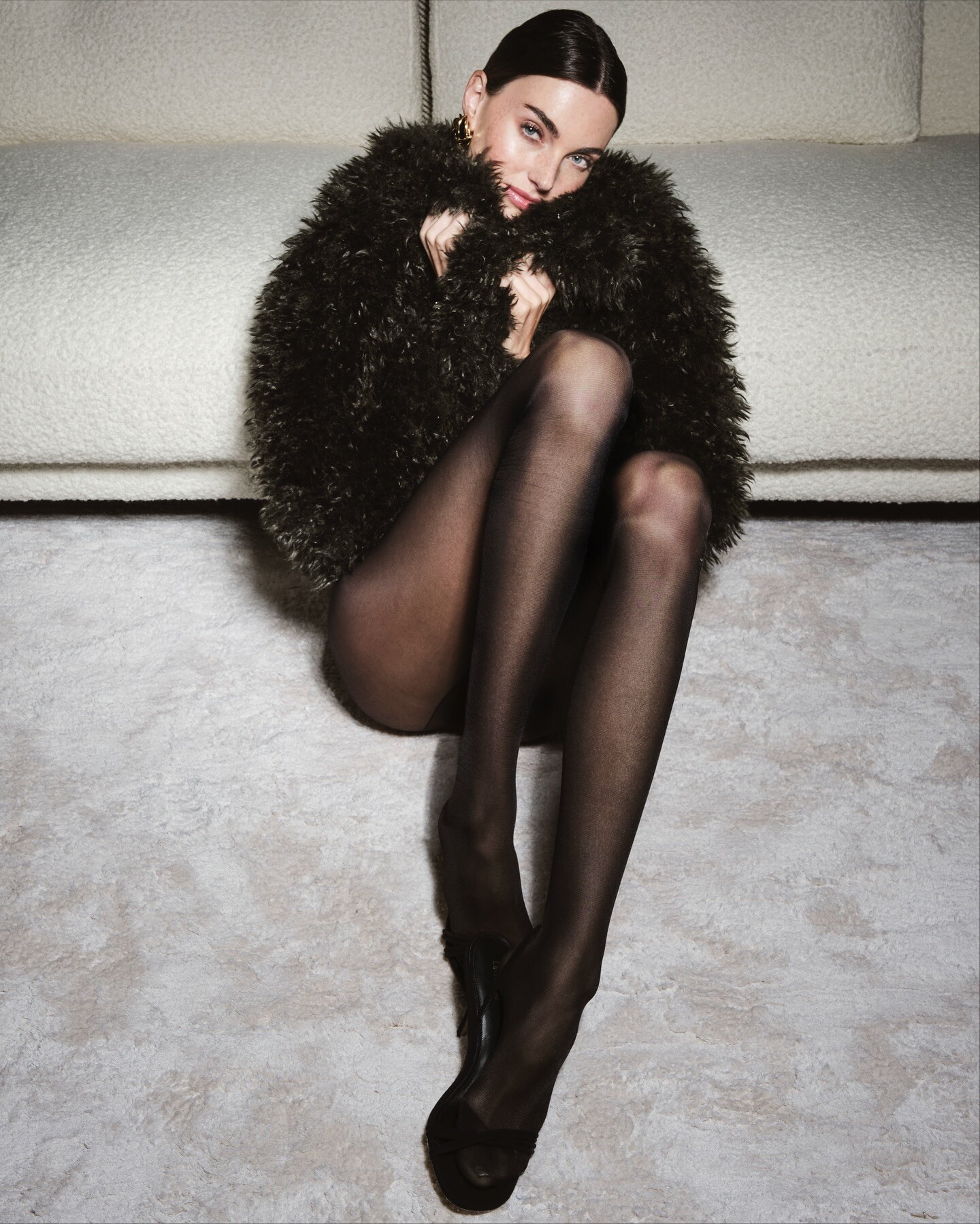
Clin d’œil - Déc2025 - Jan2026 "Douce Fuite" Photo : Ted Belton Styling : Florence.O.Durand Beauty : Steven Turpin
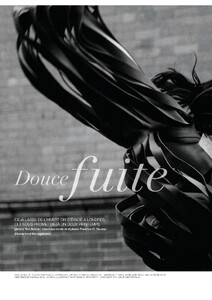






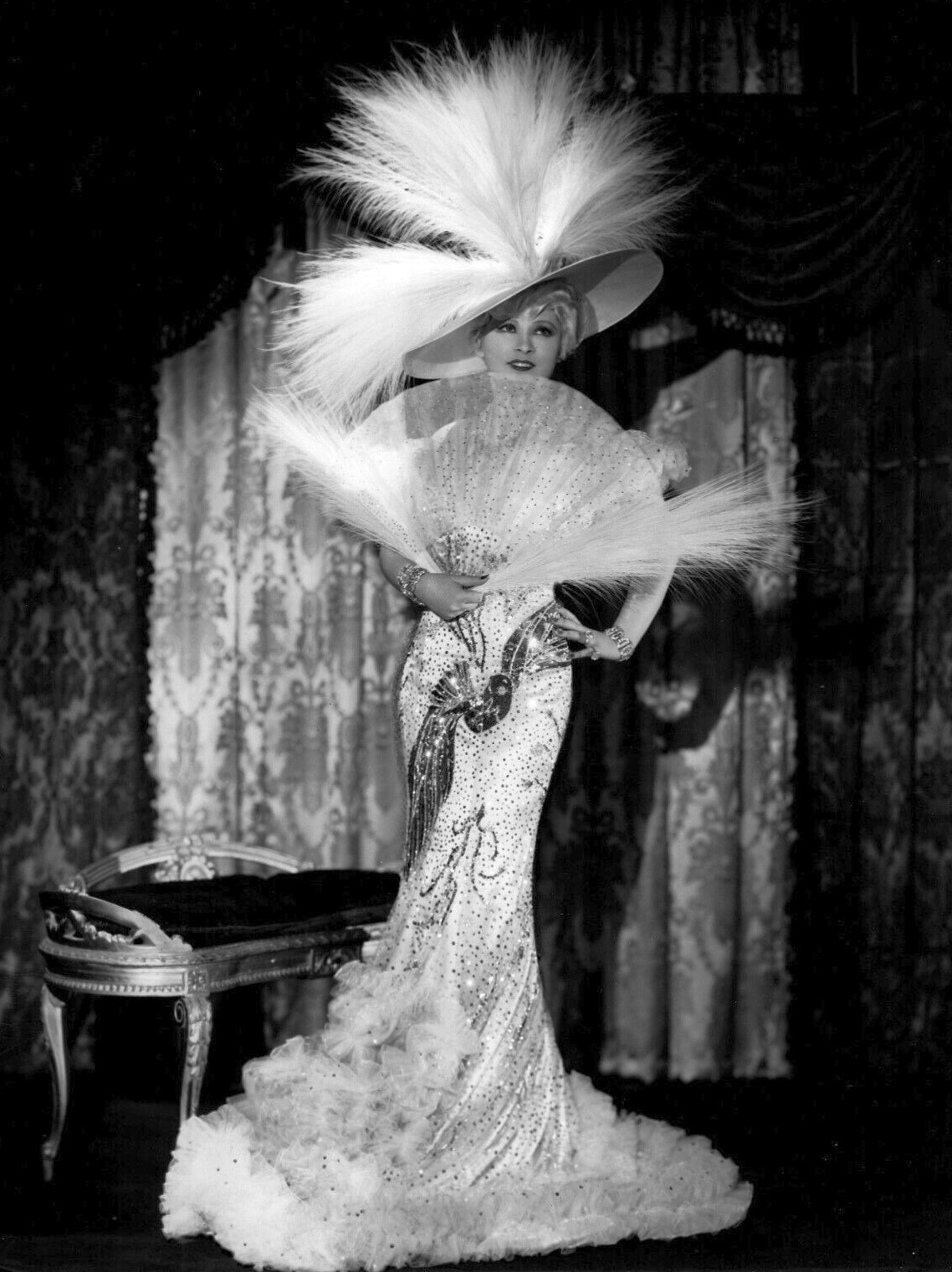
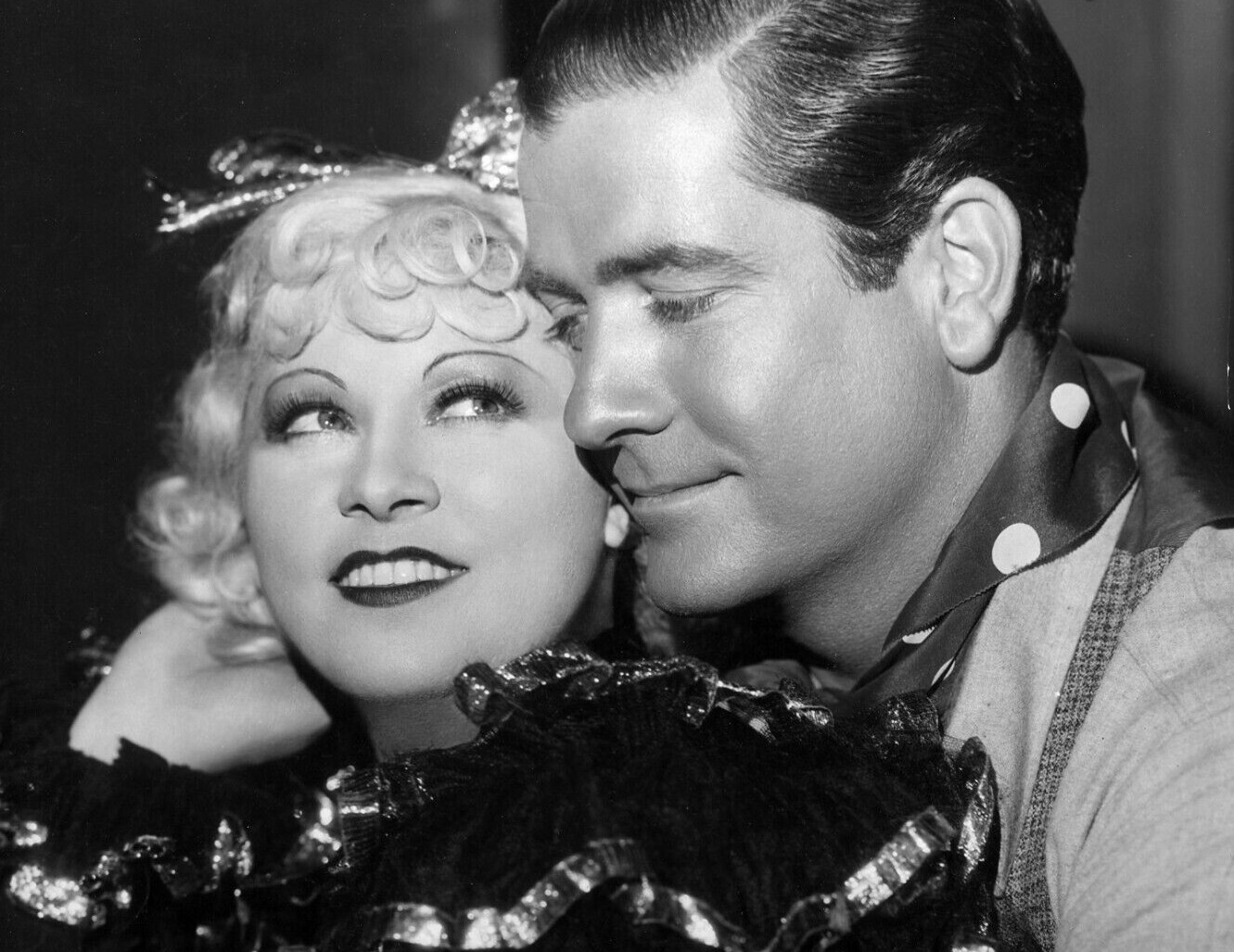
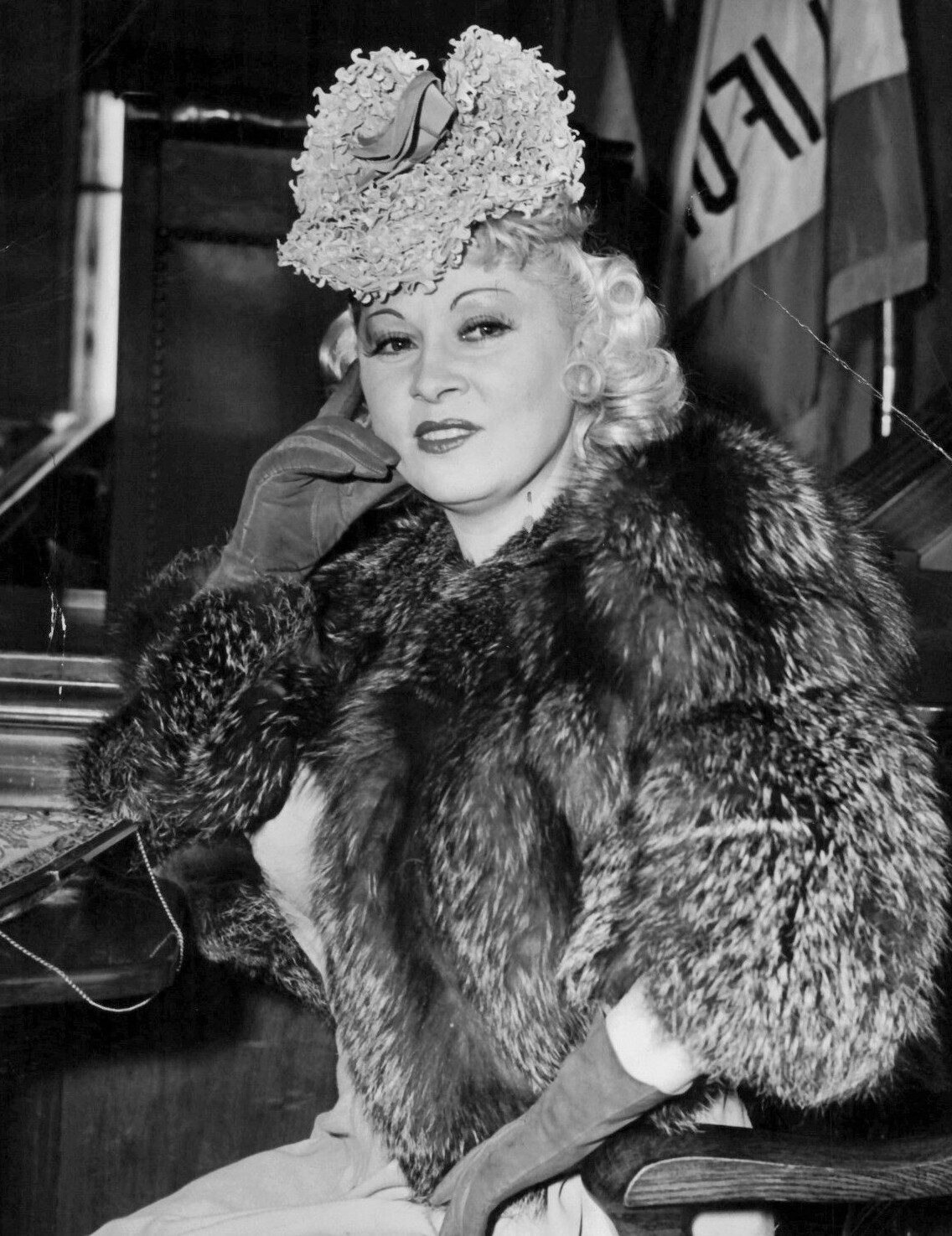
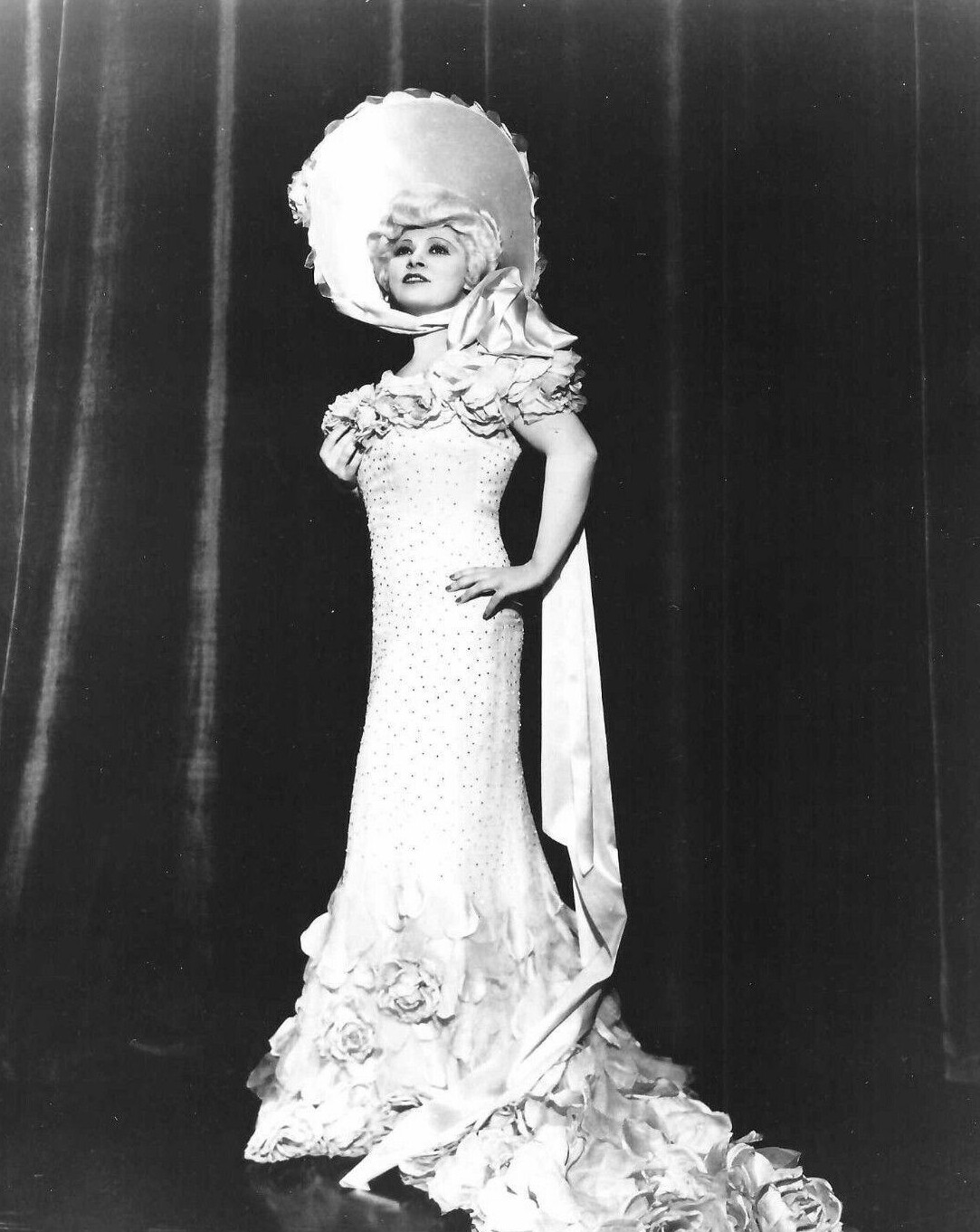








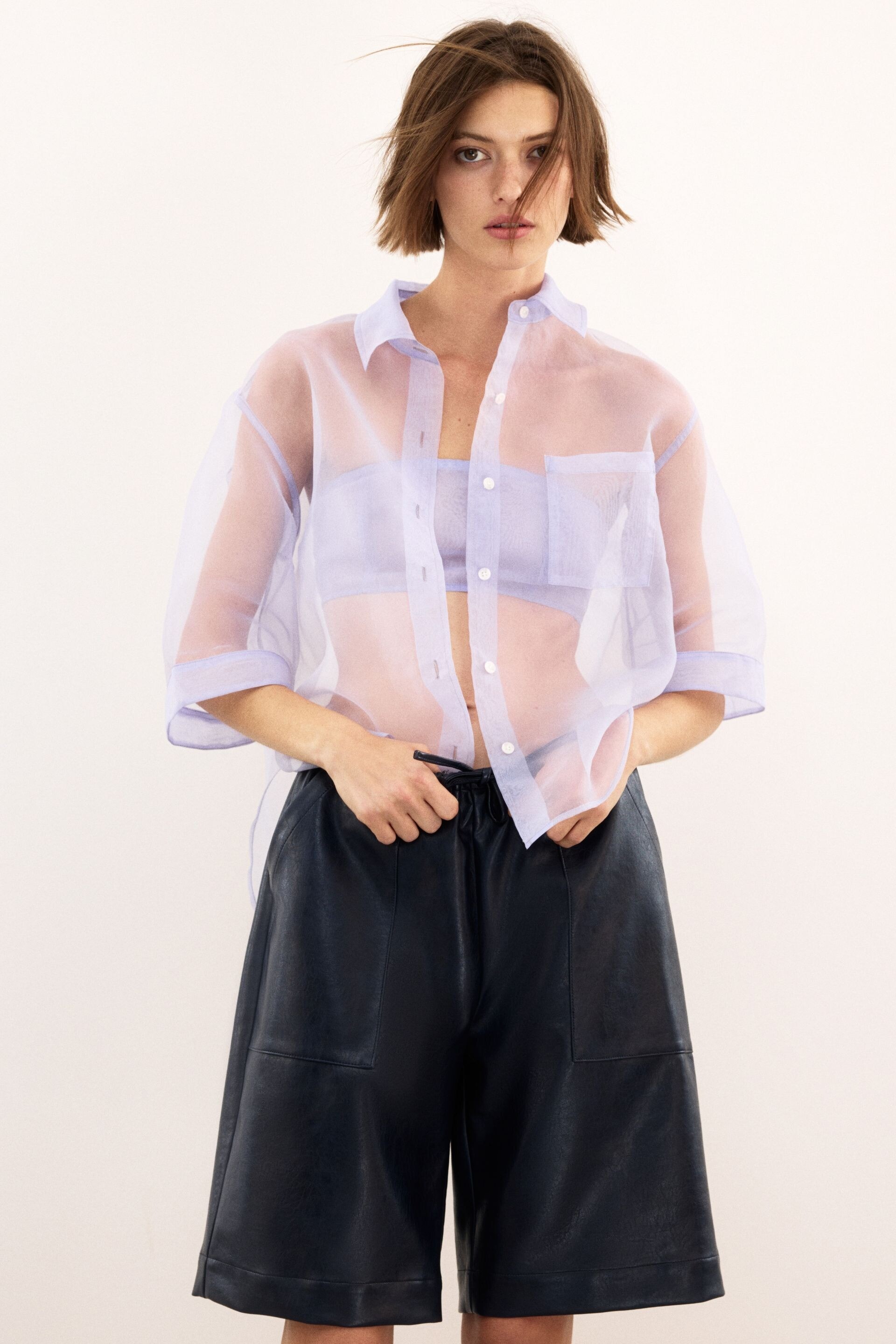
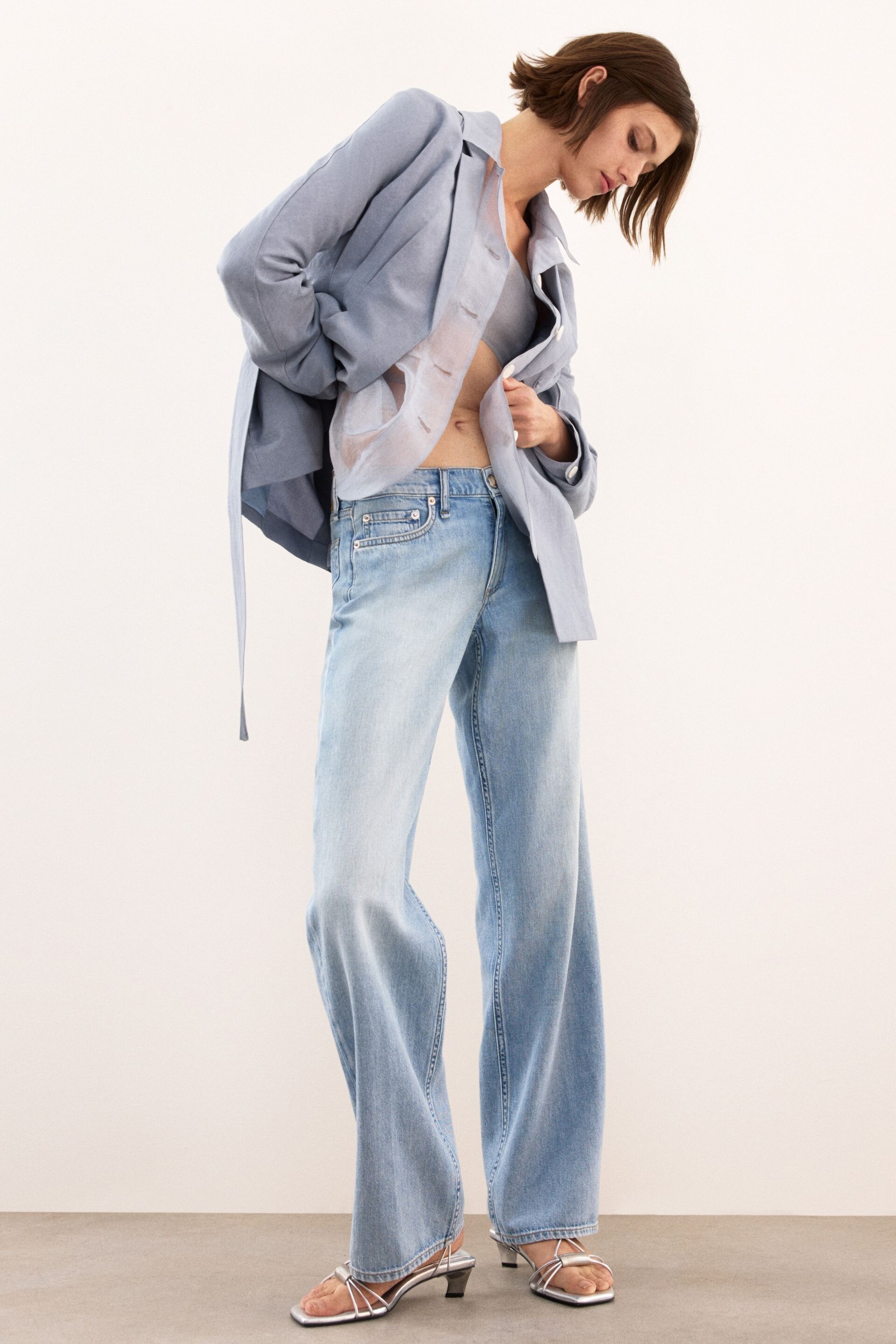
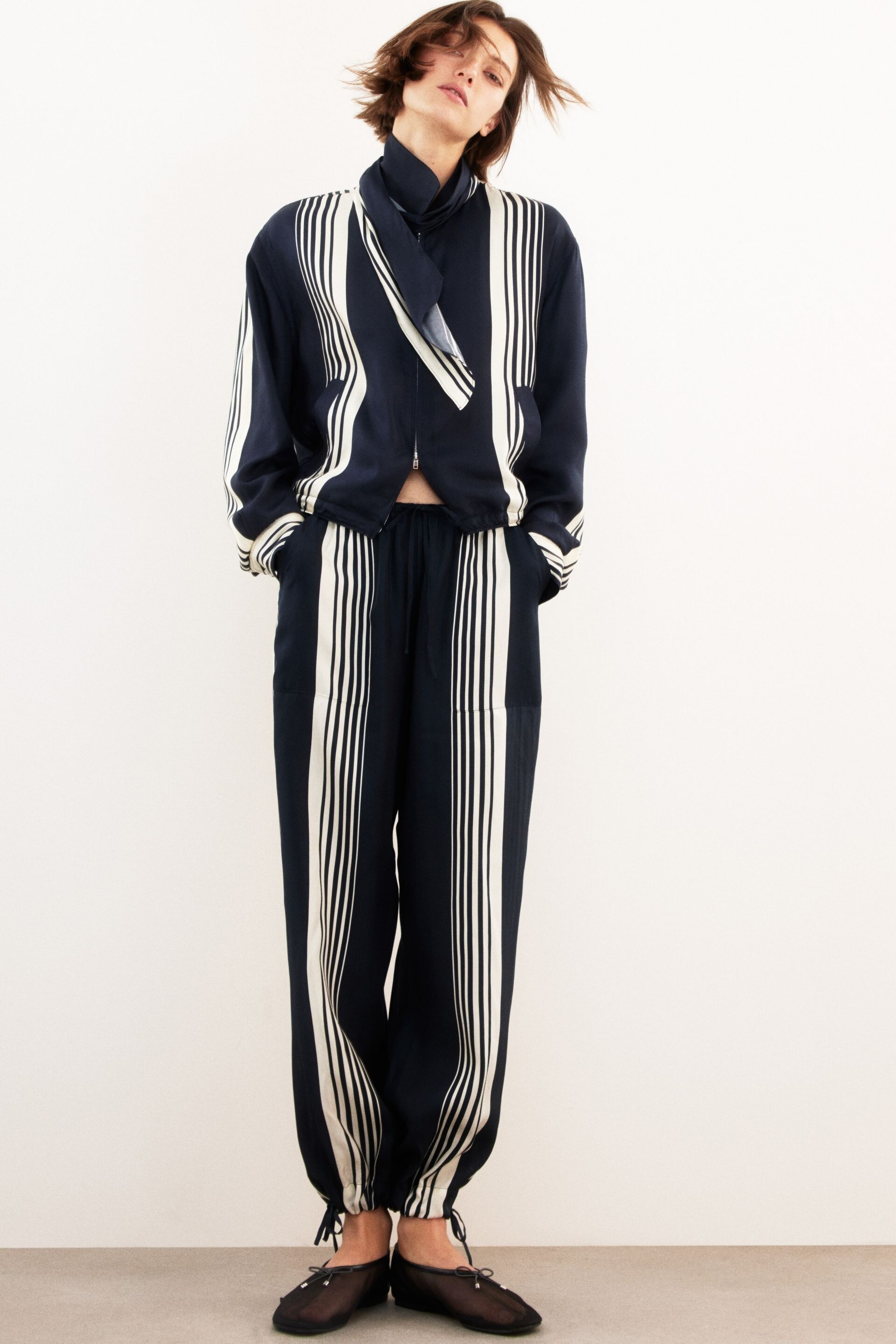
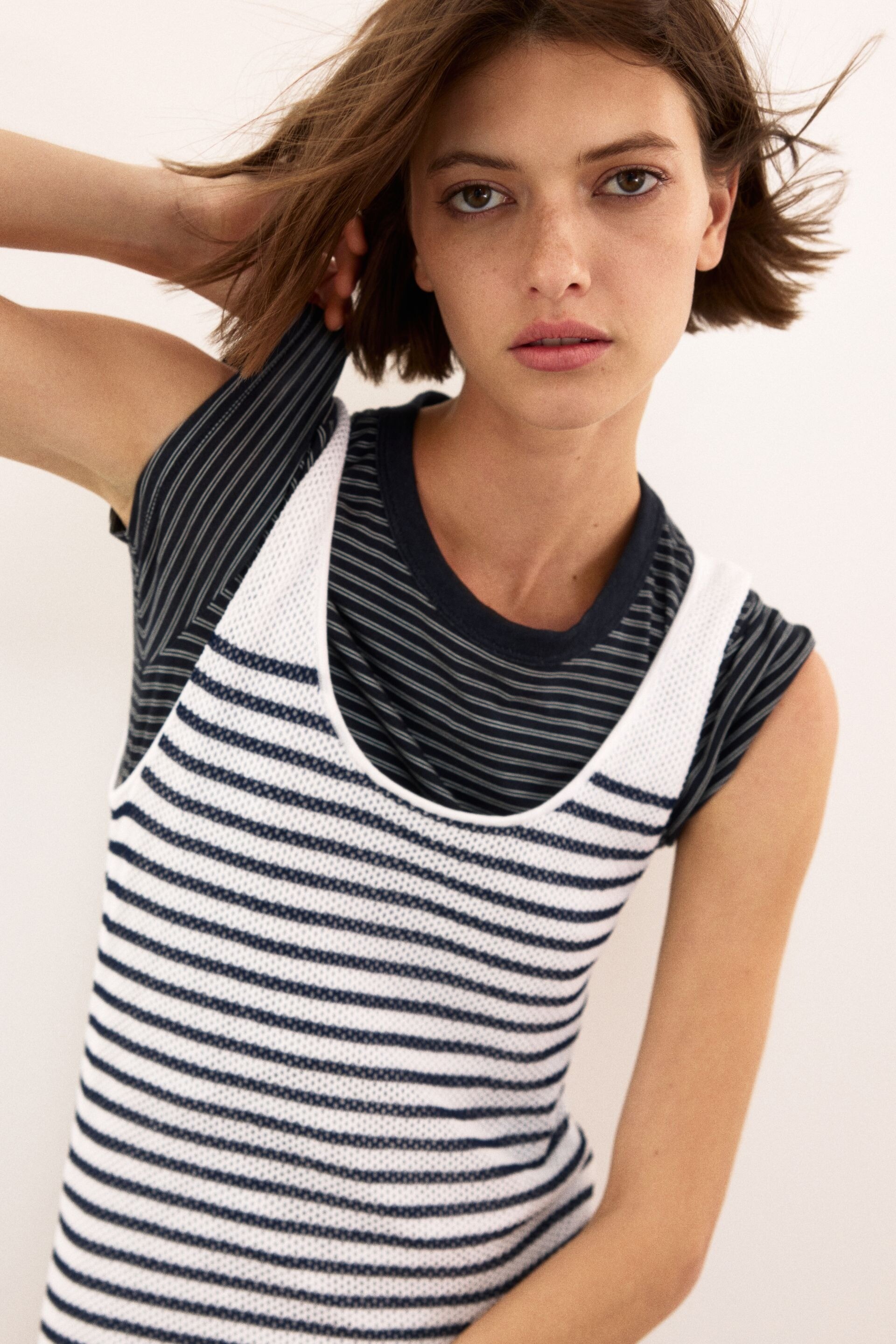





.jpg.381641f1ec920ef955ac96617cdc8bce.jpg)