All Activity
- Past hour
-

 IG
IG


 AQP7o2IhnKrro4Lw5RkYH0SyuHhyaLG_Cn-DSJOvr64heg1EWBy8zHk_yx0-EyWMnP6nIWZwKZslzLRT11r3Knm9..mp4
 https://www.instagram.com/lilychaika/ https://www.nika-models.com/models/lilly-ch
 Lelehua joined the community
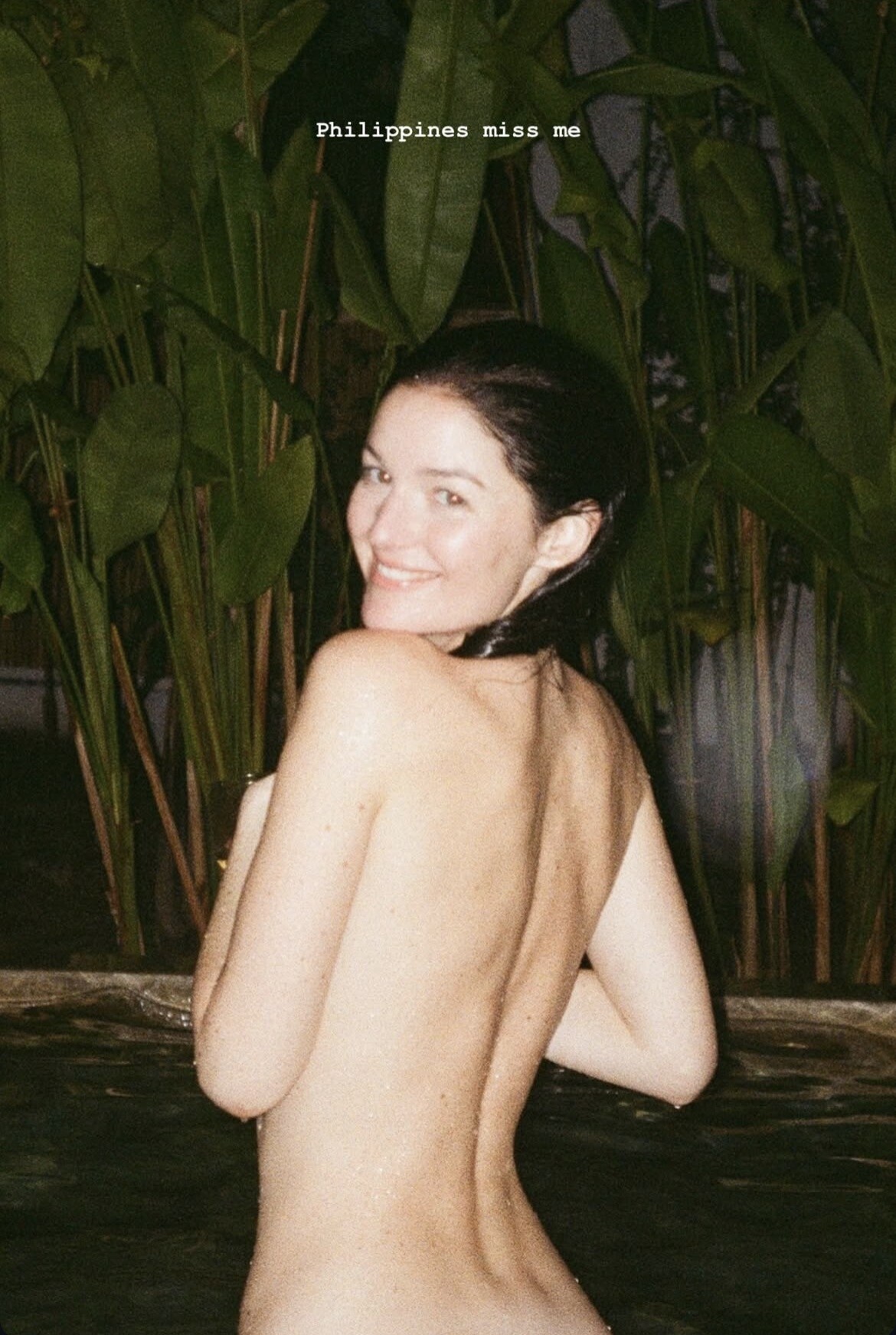
 Chloe Bechini - Philippines miss me
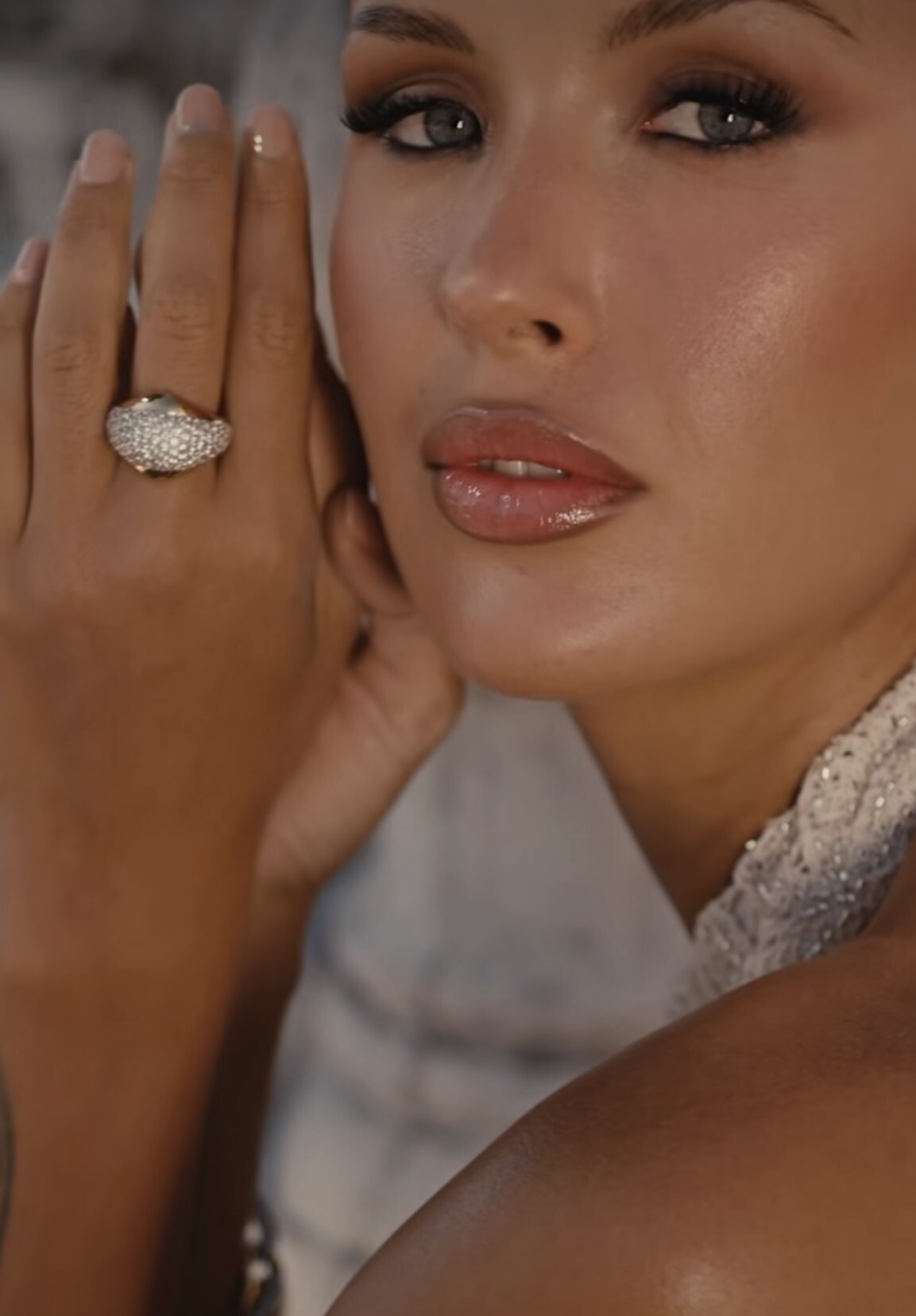
 Demarchelier
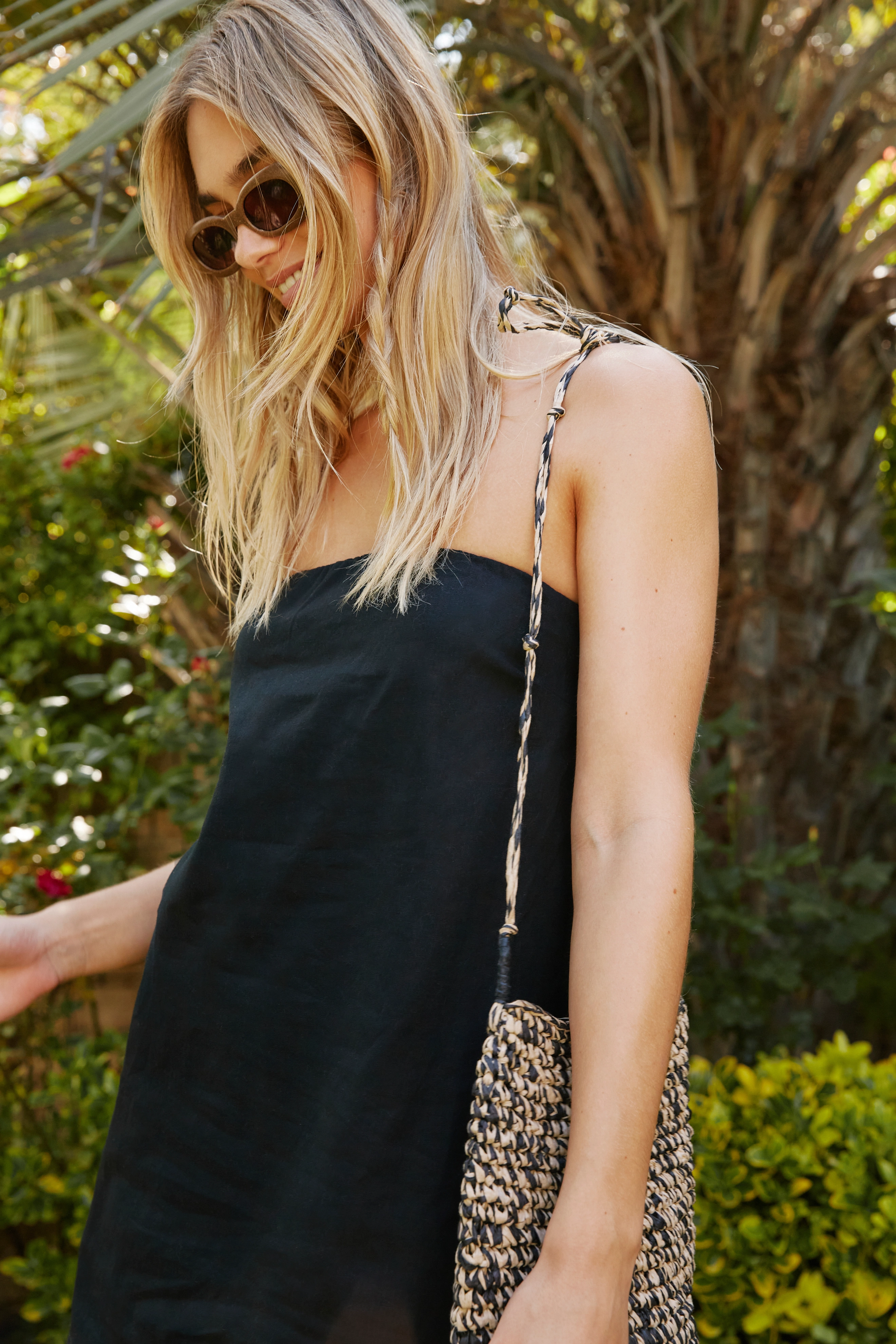
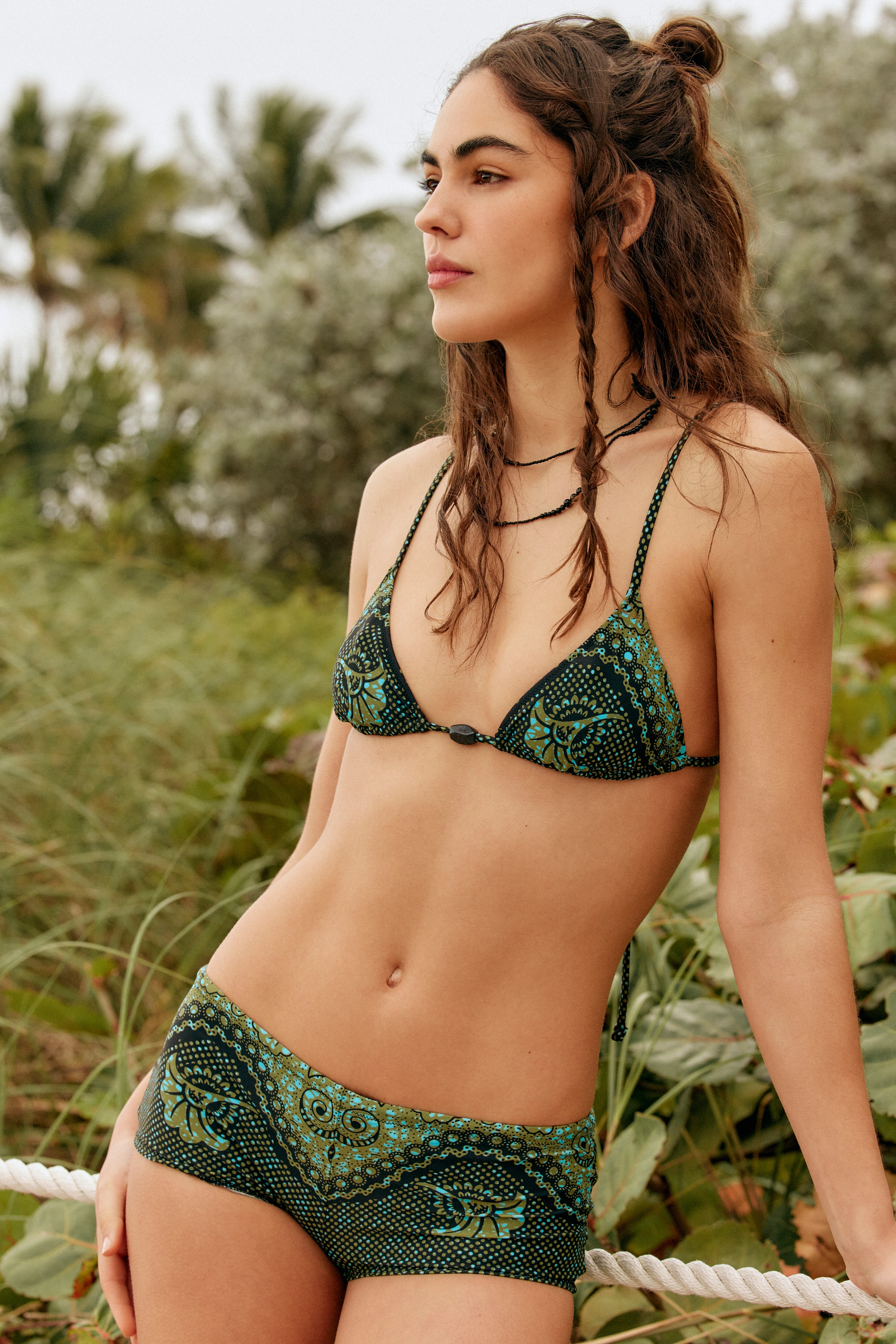
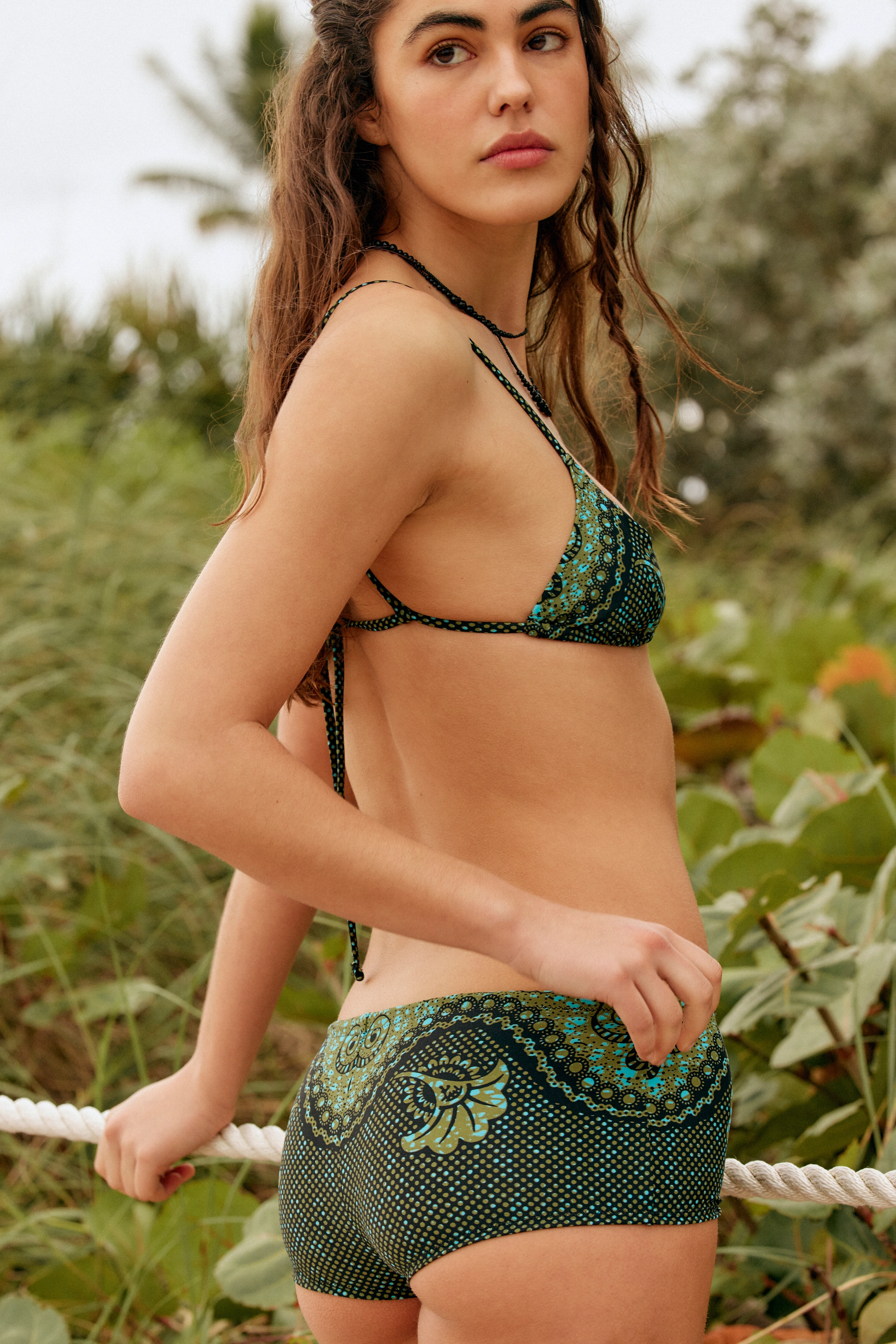
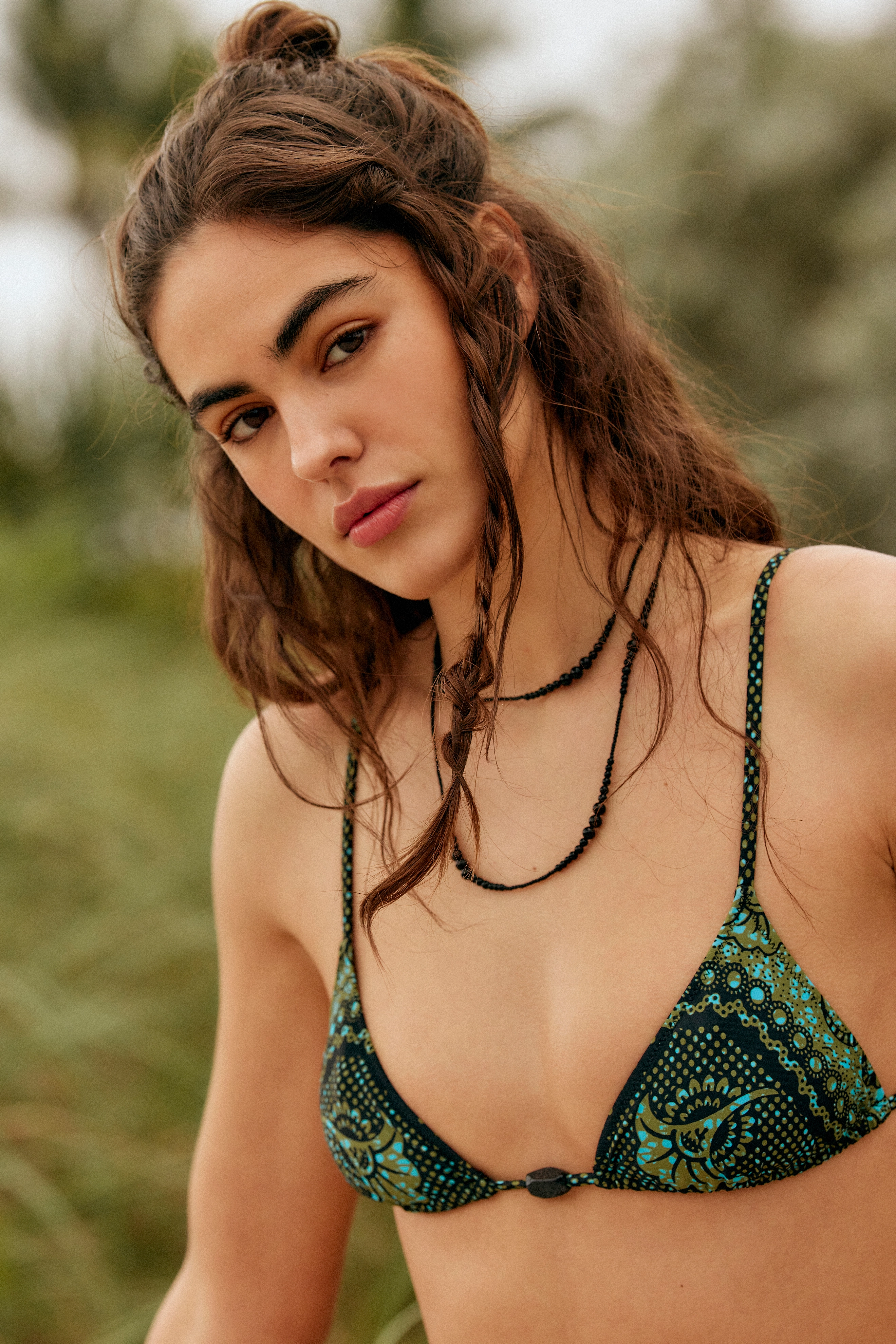
 free people



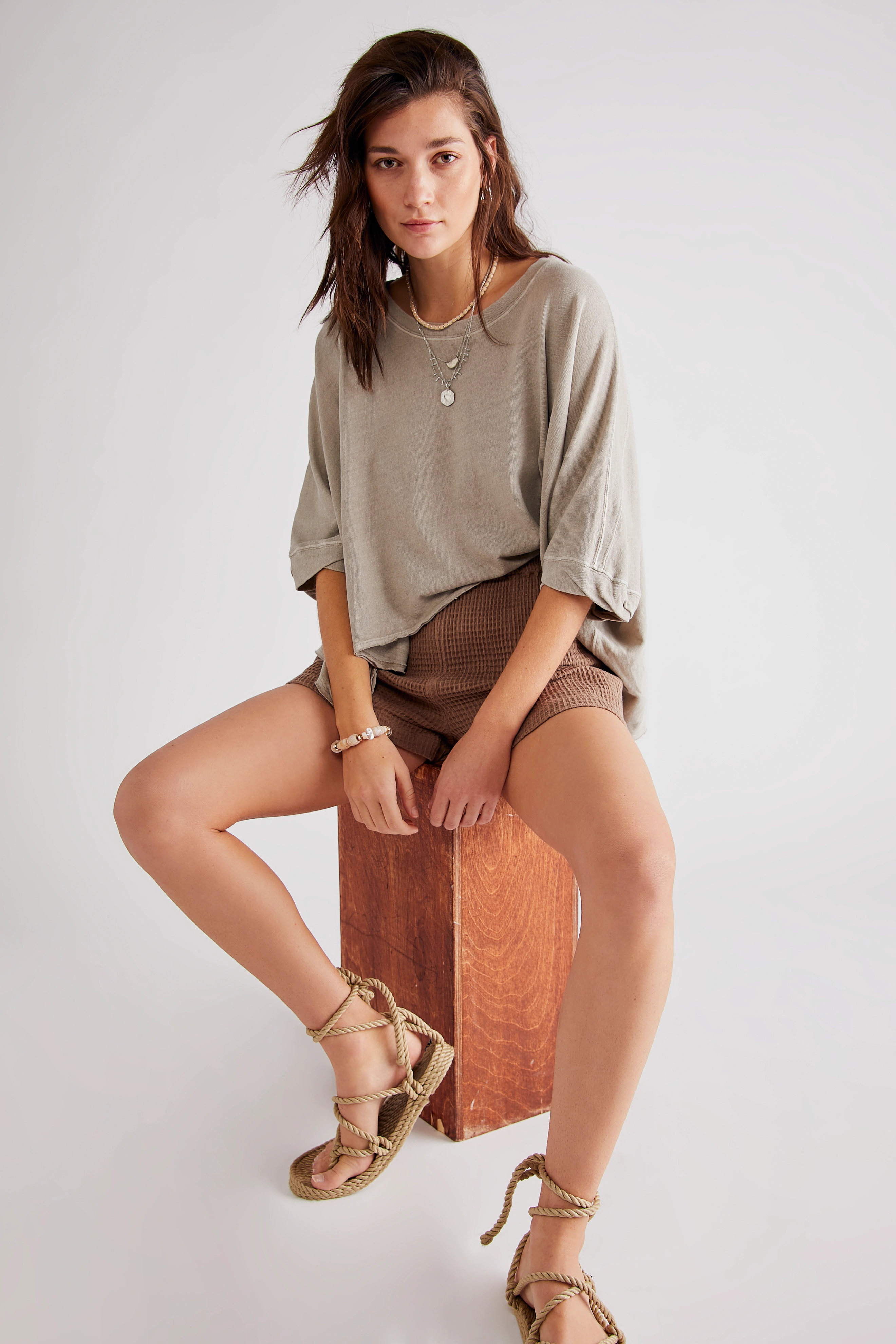
 free people


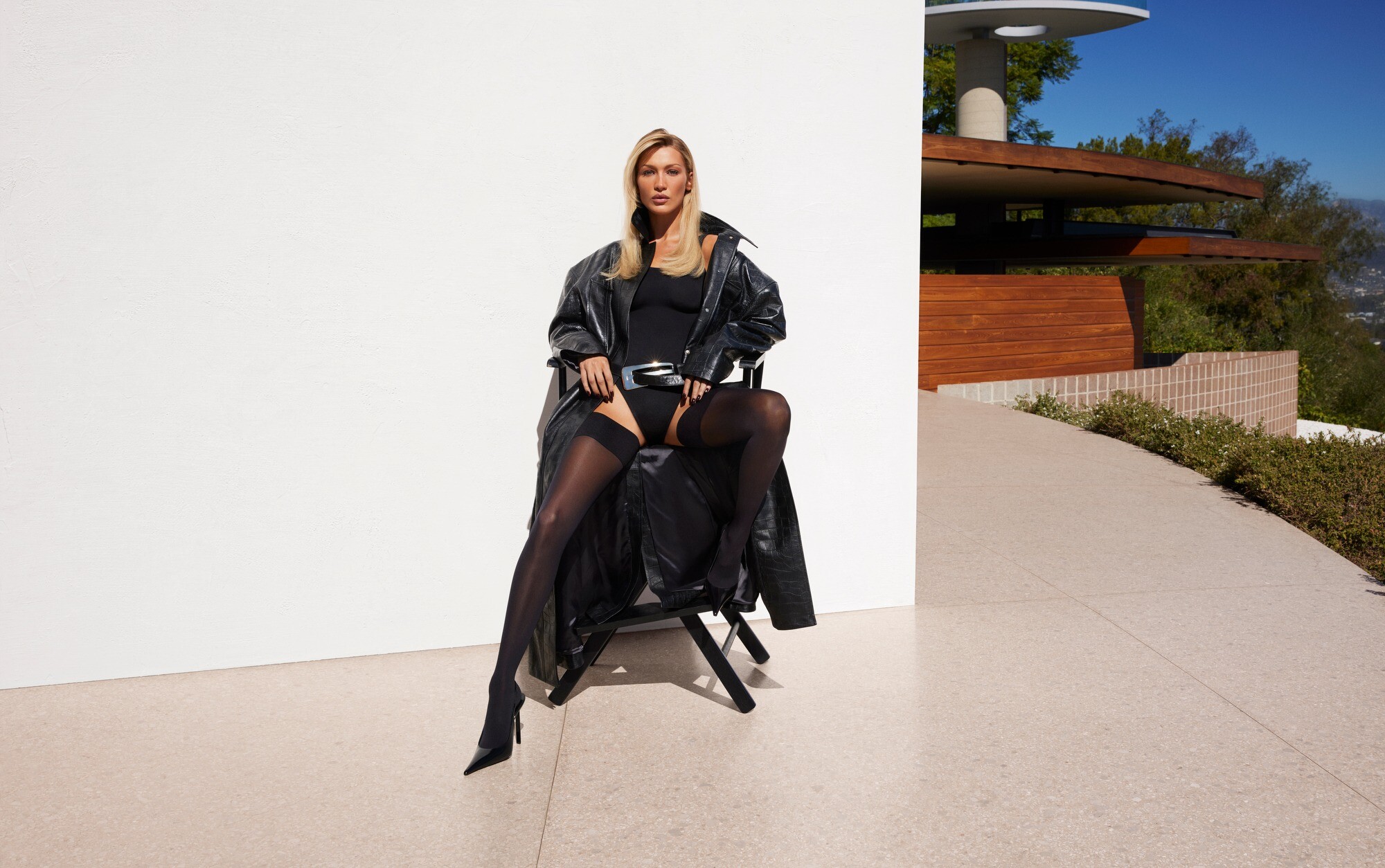
 Revolve Los Angeles Photo : Mert Alas and Marcus Piggott,




 free people



- Today
Isabel Marant F/W 26






























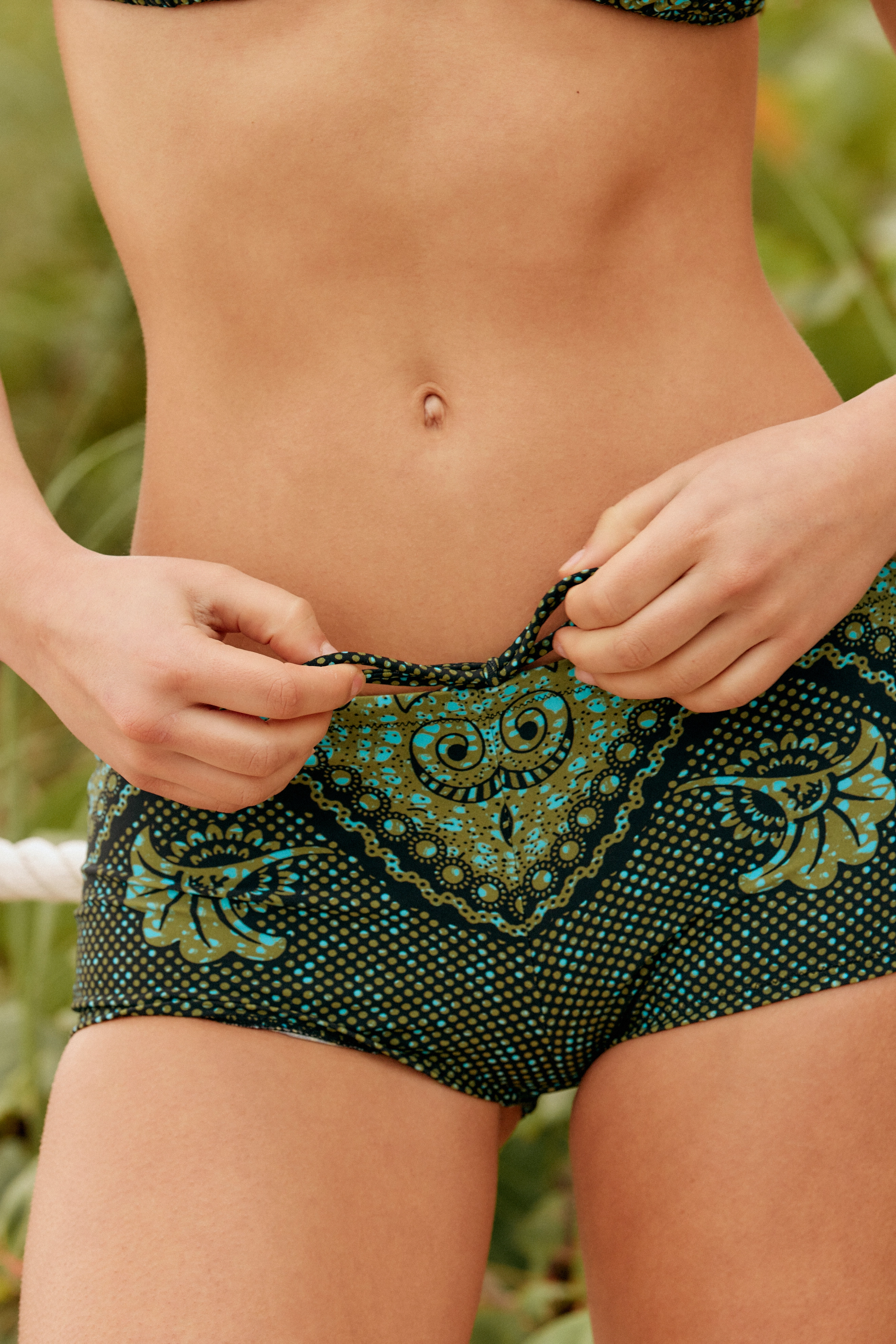
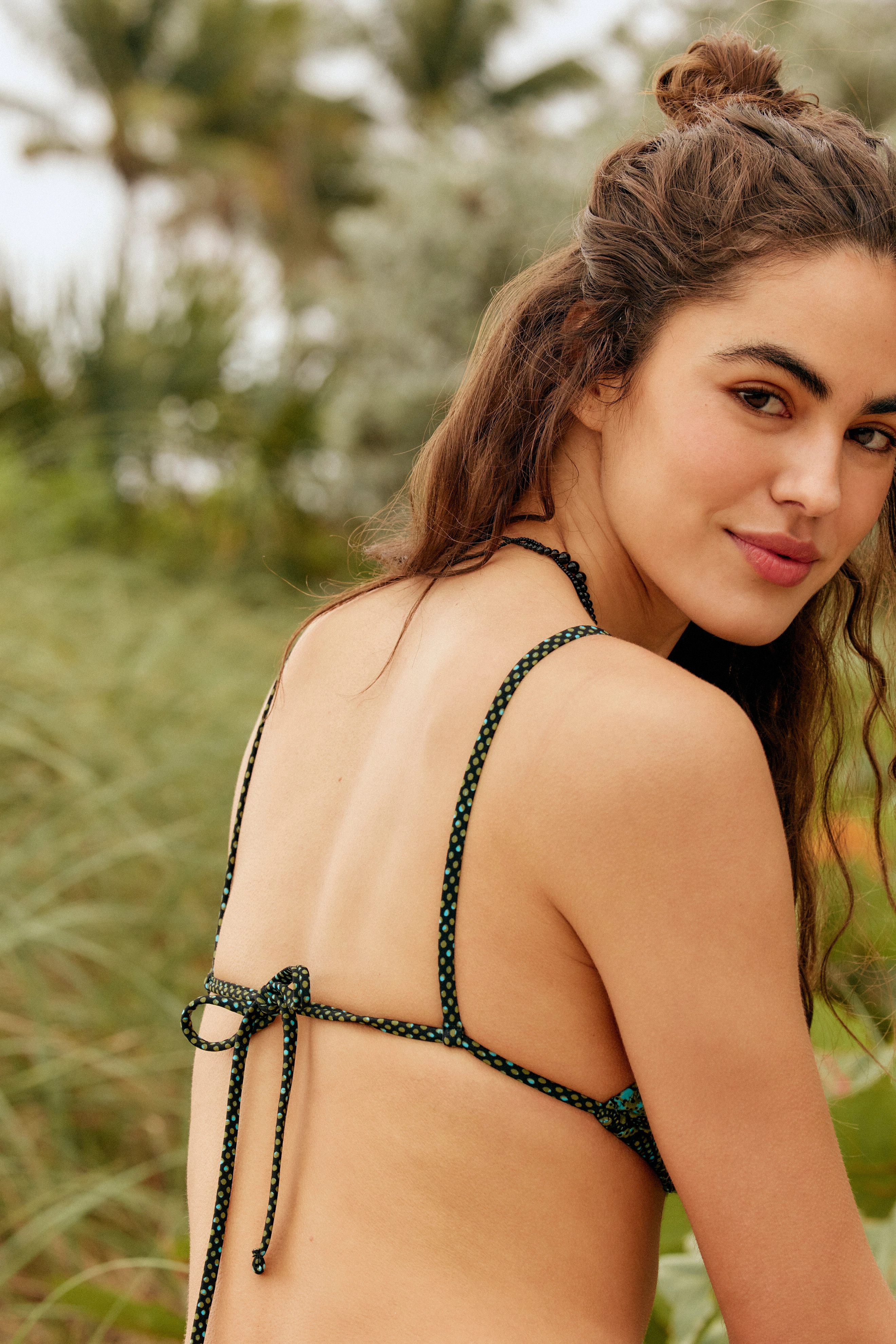



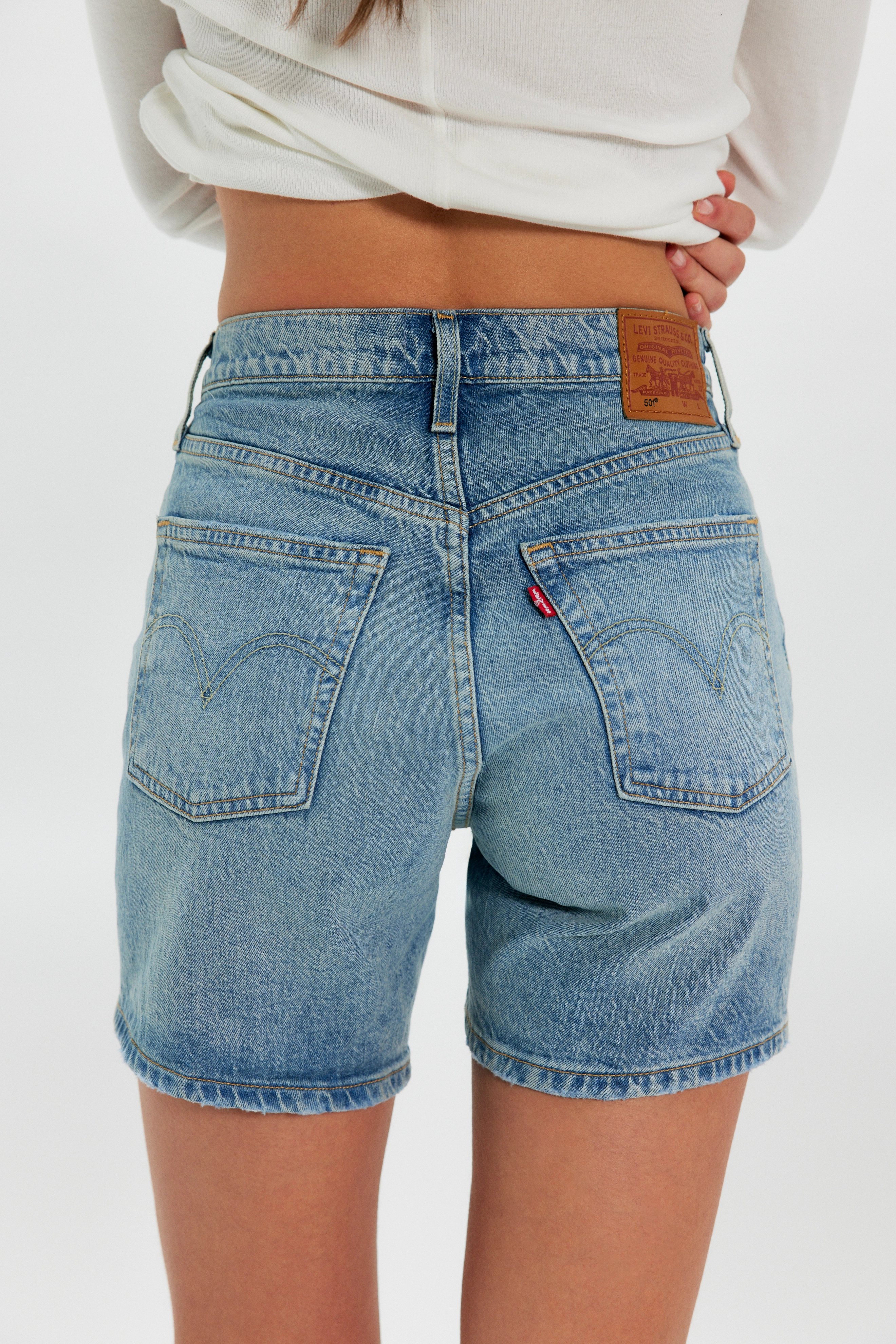






.jpg.eb43ae83c55ddce4e807eb4d6157068a.jpg)
.jpg.030f9619f6a8af308eb6c31f5e6281ab.jpg)



Account
Navigation
Search
Configure browser push notifications
Chrome (Android)
- Tap the lock icon next to the address bar.
- Tap Permissions → Notifications.
- Adjust your preference.
Chrome (Desktop)
- Click the padlock icon in the address bar.
- Select Site settings.
- Find Notifications and adjust your preference.
Safari (iOS 16.4+)
- Ensure the site is installed via Add to Home Screen.
- Open Settings App → Notifications.
- Find your app name and adjust your preference.
Safari (macOS)
- Go to Safari → Preferences.
- Click the Websites tab.
- Select Notifications in the sidebar.
- Find this website and adjust your preference.
Edge (Android)
- Tap the lock icon next to the address bar.
- Tap Permissions.
- Find Notifications and adjust your preference.
Edge (Desktop)
- Click the padlock icon in the address bar.
- Click Permissions for this site.
- Find Notifications and adjust your preference.
Firefox (Android)
- Go to Settings → Site permissions.
- Tap Notifications.
- Find this site in the list and adjust your preference.
Firefox (Desktop)
- Open Firefox Settings.
- Search for Notifications.
- Find this site in the list and adjust your preference.