All Activity
- Past hour
-
 Kioto Jewelry: Every woman is unique and deserves a special gift. 💙✨
-

-
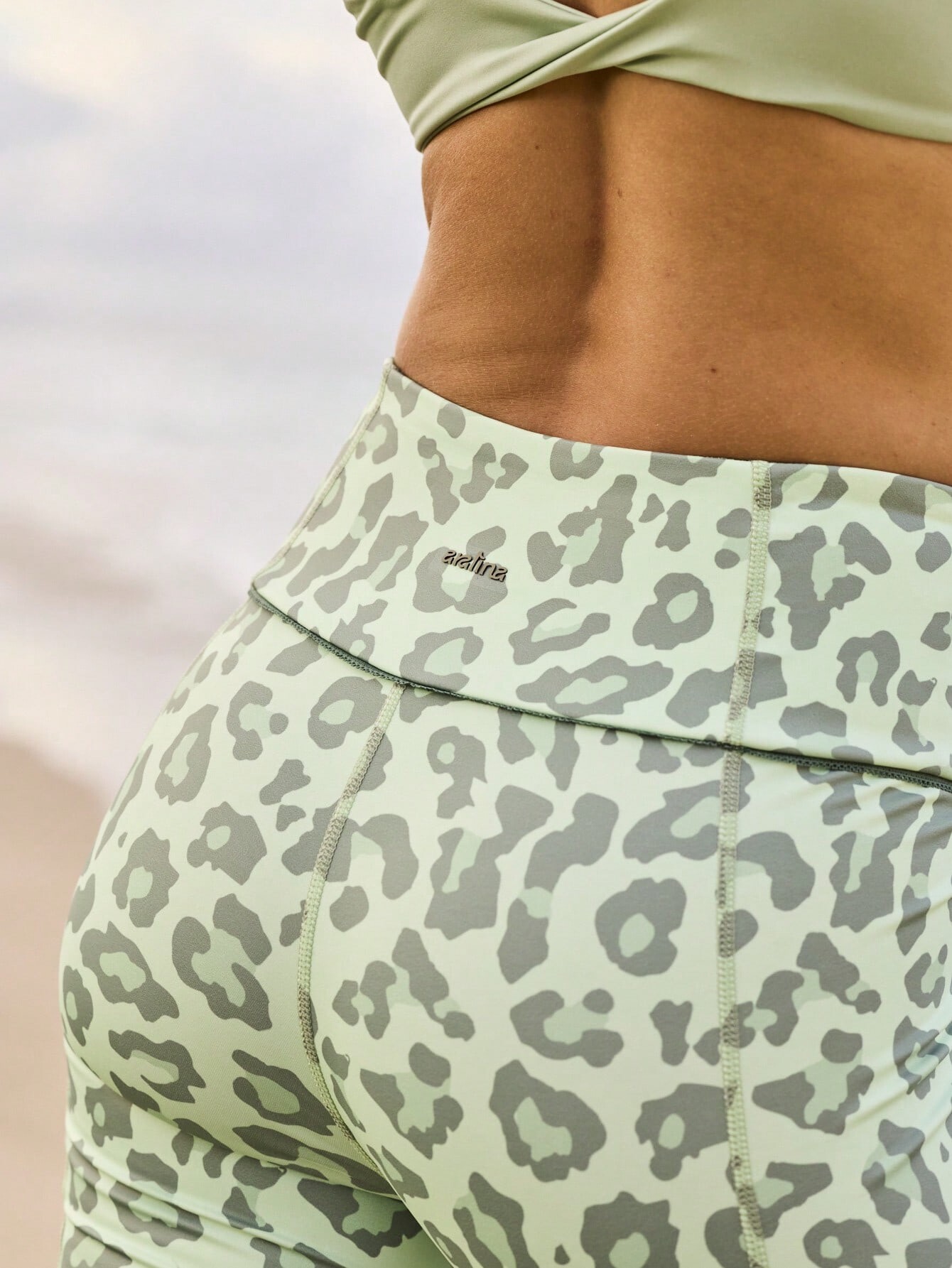
 Aralina




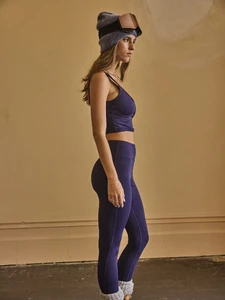

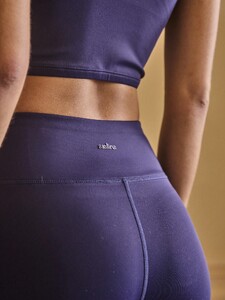
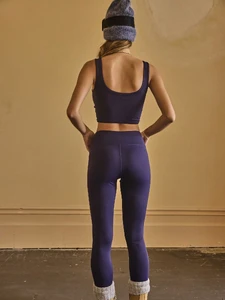

-
Aralina


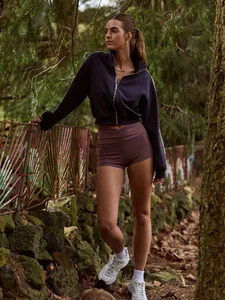


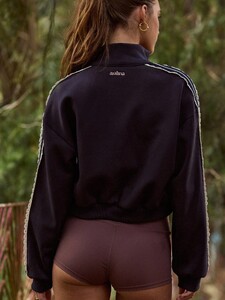
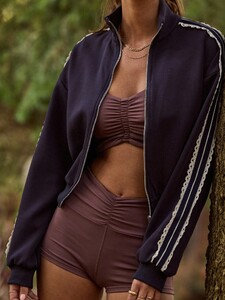

-
 SnapInsta.to_AQM15gUZGuuN0VdcBocHyxBjrFhuXlpVM5sXMtSst_ZvMkUo7odzfHGAgZTuJ5LYdagLiQ-j7MWZQ2gTtjAPGGfUpSTcP-Aj8RYzLCE.mp4
-
One Girl, Ten Obsessions.

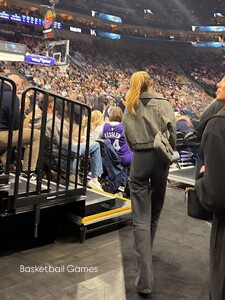
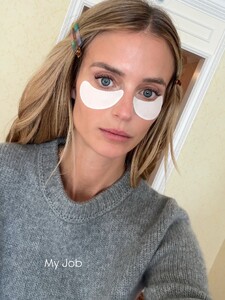



 2021-2013 Leah walking video.mkv Leah Rose Intro.mkv
 Stephanie Seymour for Victoria's Secret, winter 1991 cover

- Today
 Random images from the web:

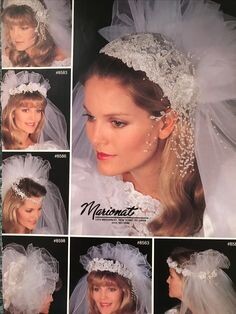
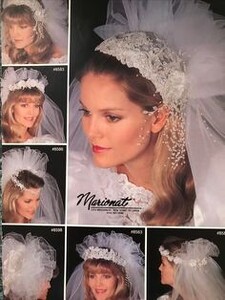 AMERICAN WOMAN US, Jul 1991 - PH. UNK - WEB FIND
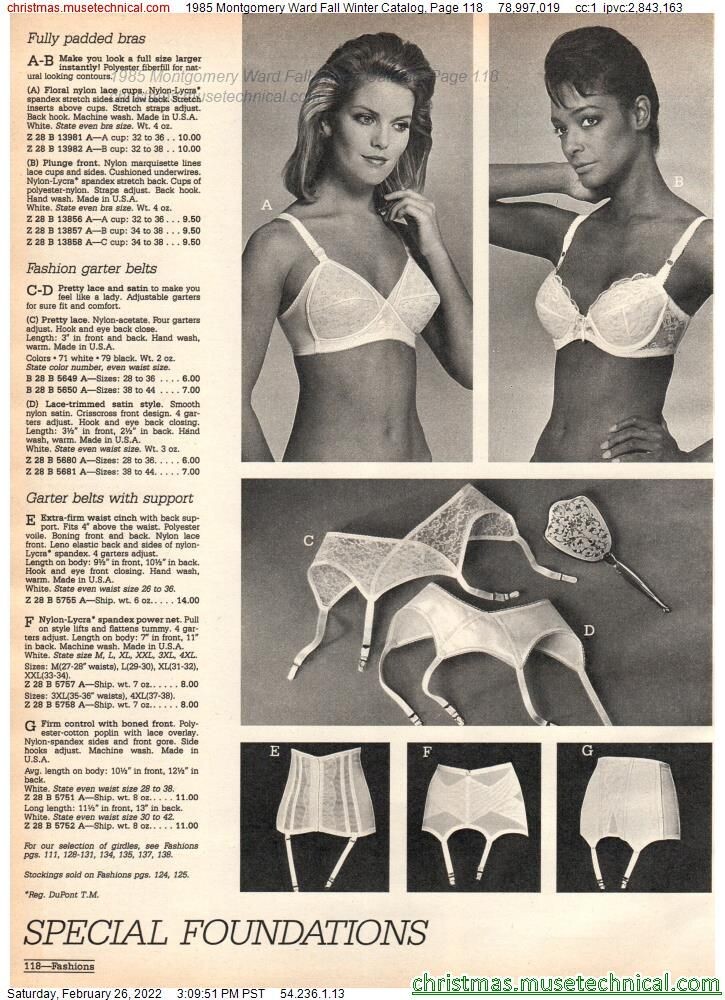
1991-7PHtbd-AllisonGrisso.jpg.8aefc268261a01e0008bff51b740aeda.thumb.jpg.323494ed1c22416bb7f06a0beb6e060e.jpg) Montgomery Ward Fall 1985 - PH. UNK - CHRISTMAS MUSETECHNICAL
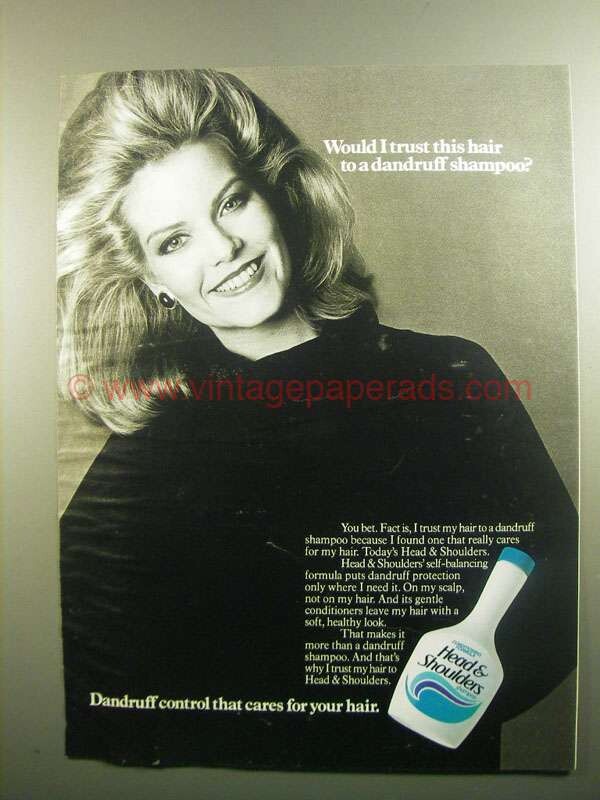
Montgomery Ward Fall 1985 - PH. UNK - CHRISTMAS MUSETECHNICAL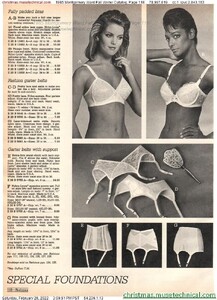 Head & Shoulders 1984 - PH. UNK - WEB FIND
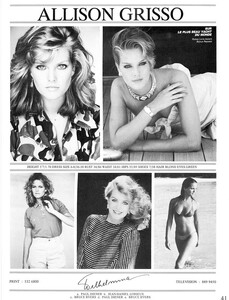
 MISS USA 1983:
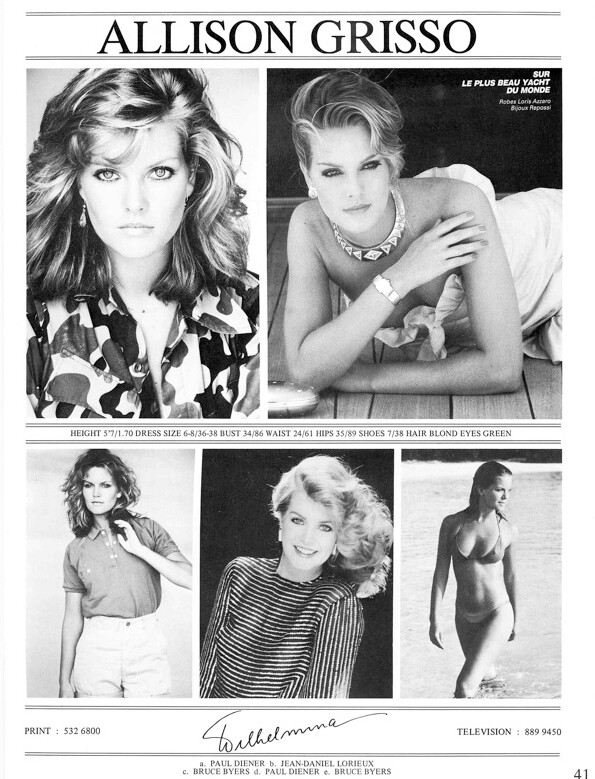
 Allison Grisso is an 80s model represented by Wilhelmina. She was an actress known for The New Mike Hammer (1984), Fantasy Island (1977) and Family Feud (1976). Allison was also Miss South Carolina USA and the 2nd runner-up in Miss USA (1983). Height: 1.70 Bust: 86 Waist: 61 Hips: 89 Shoes: 38 Hair: Blond Eyes: Green modelcomposites.com
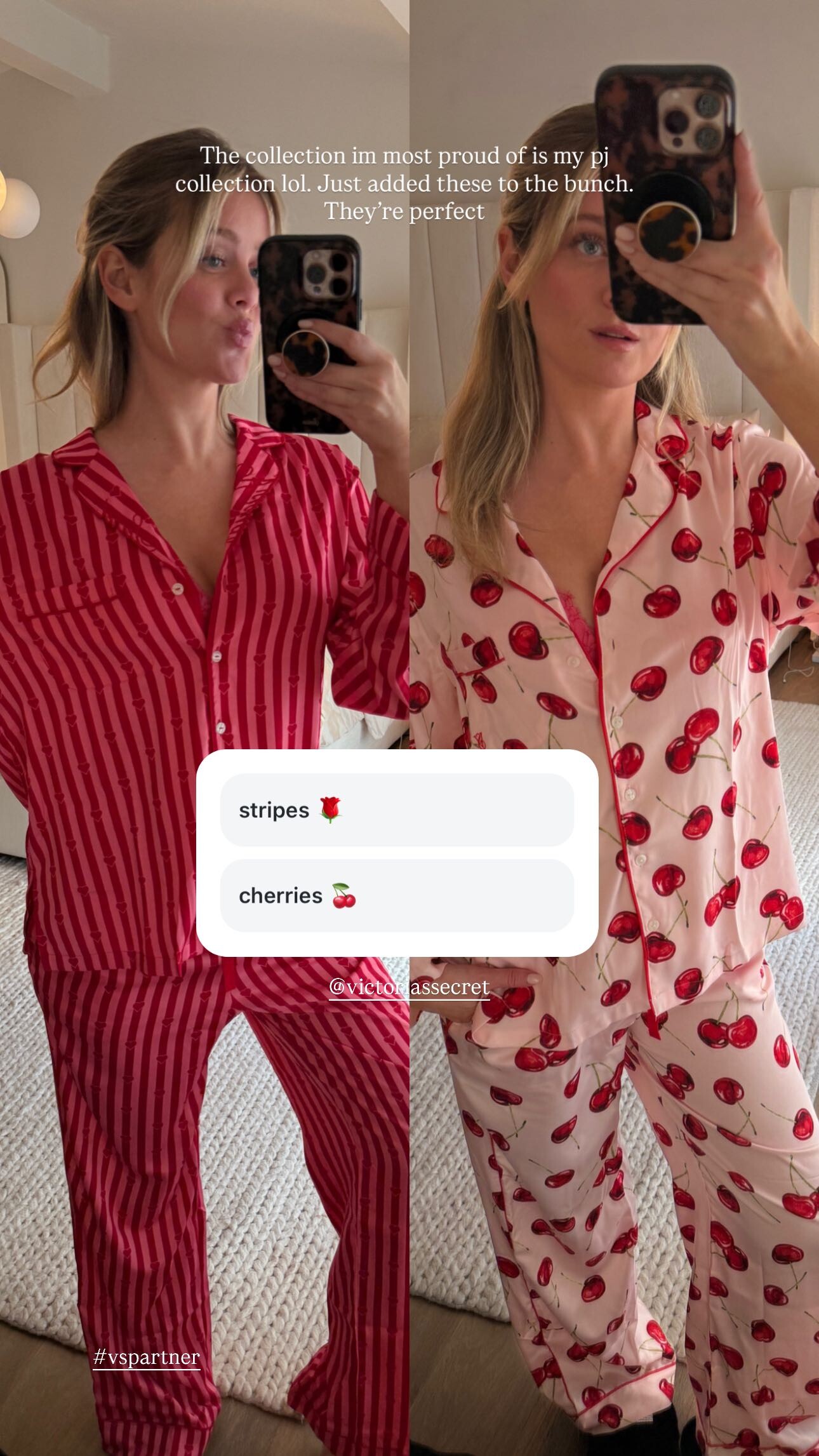
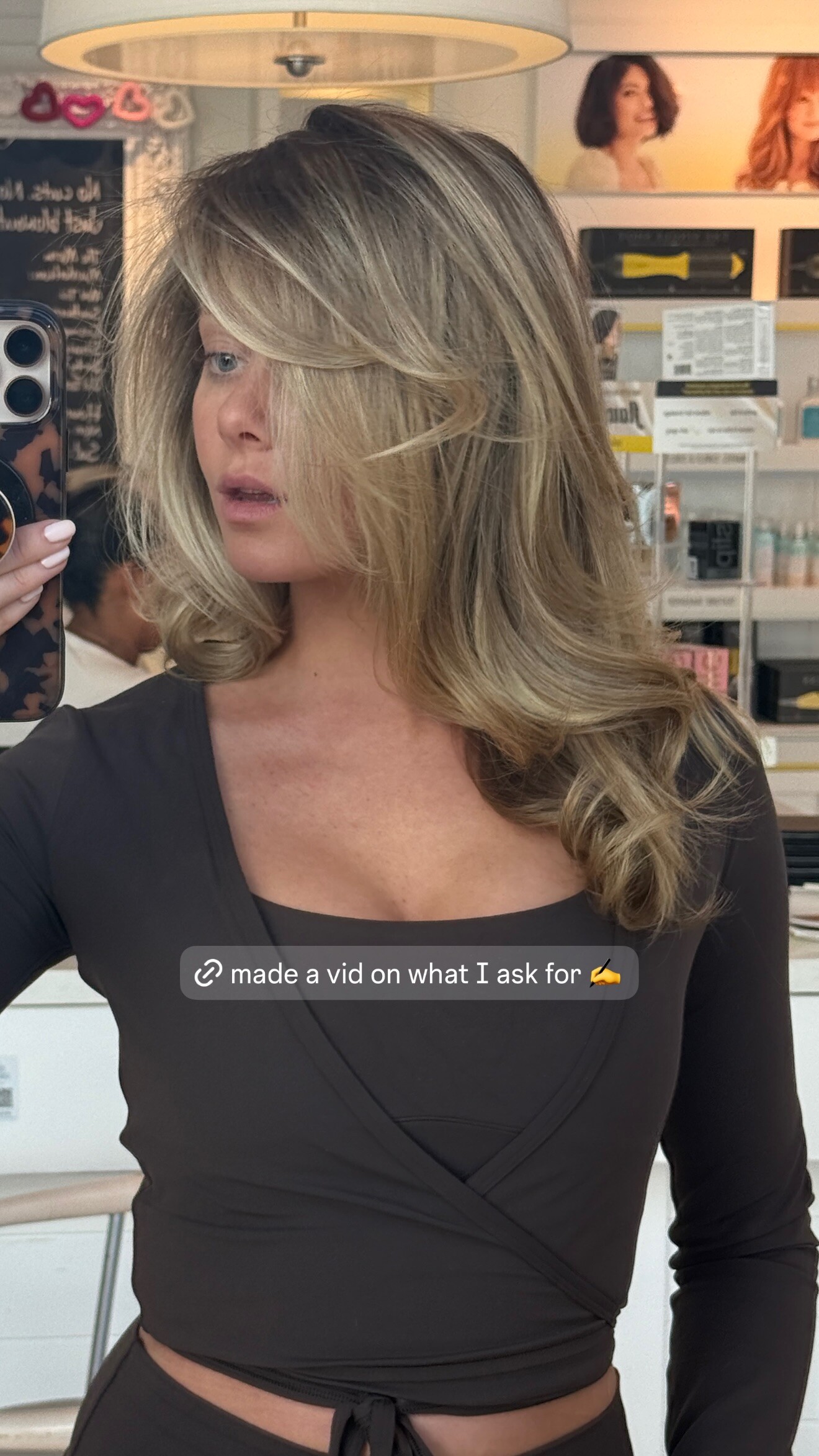
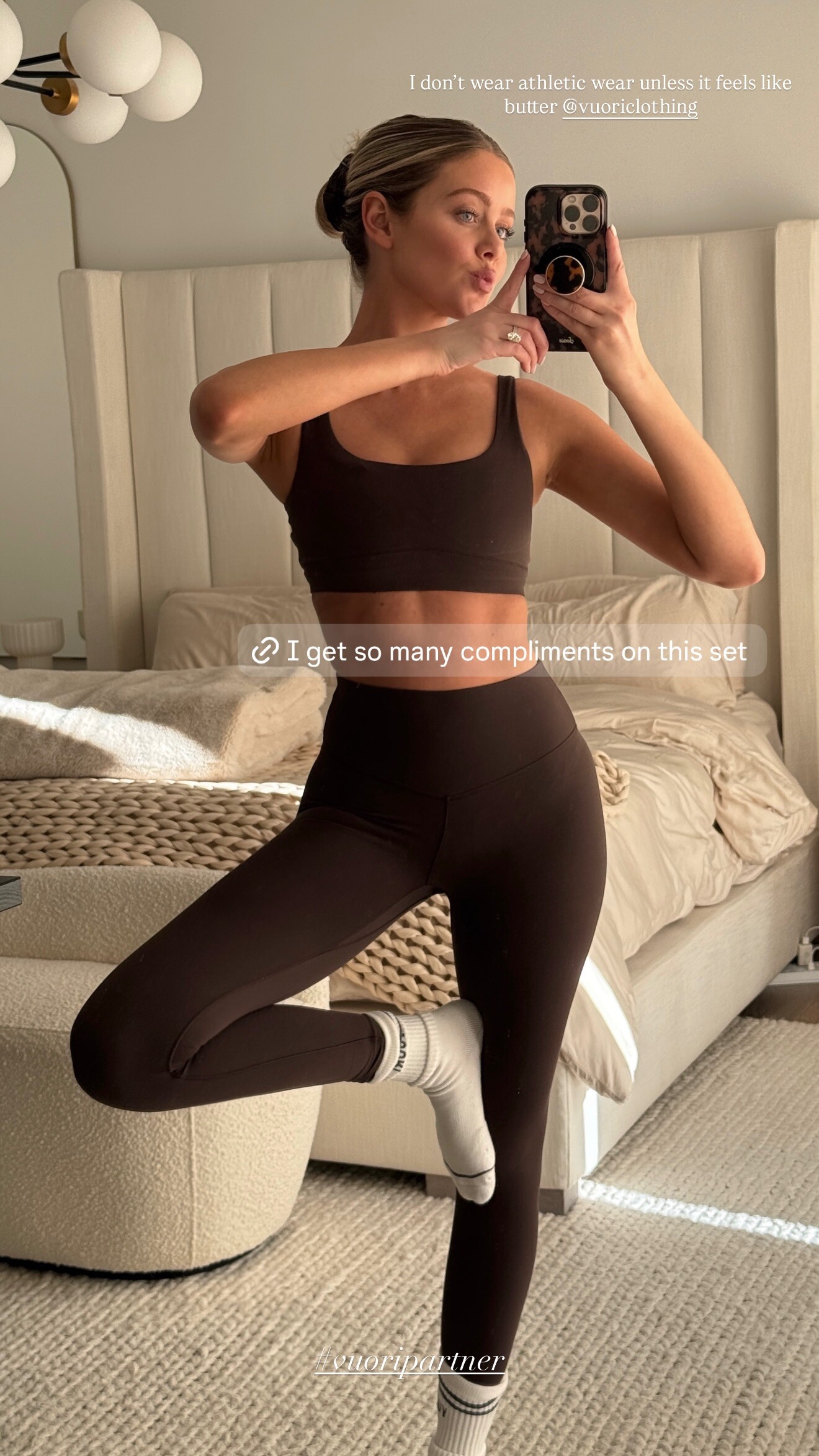
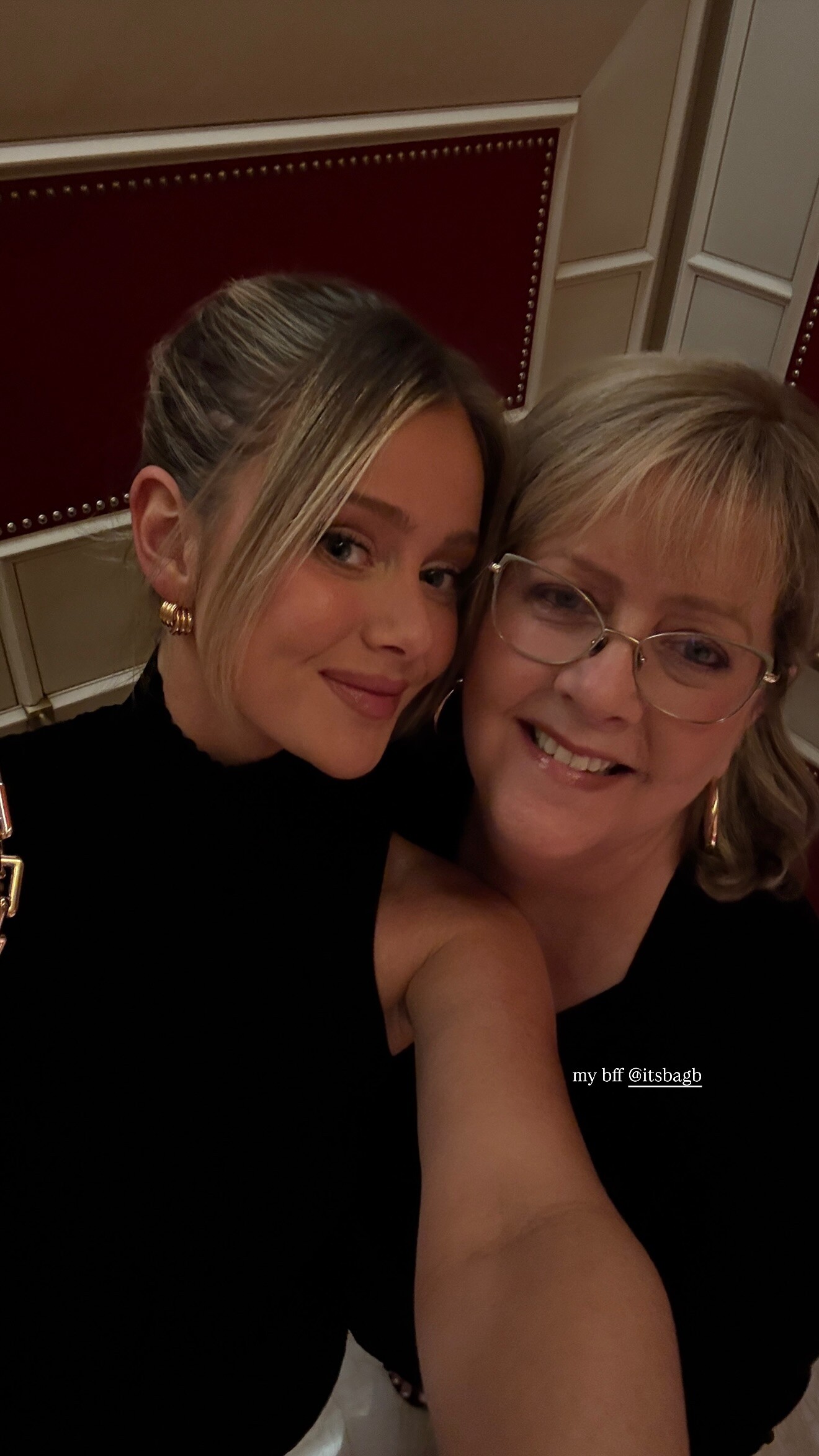
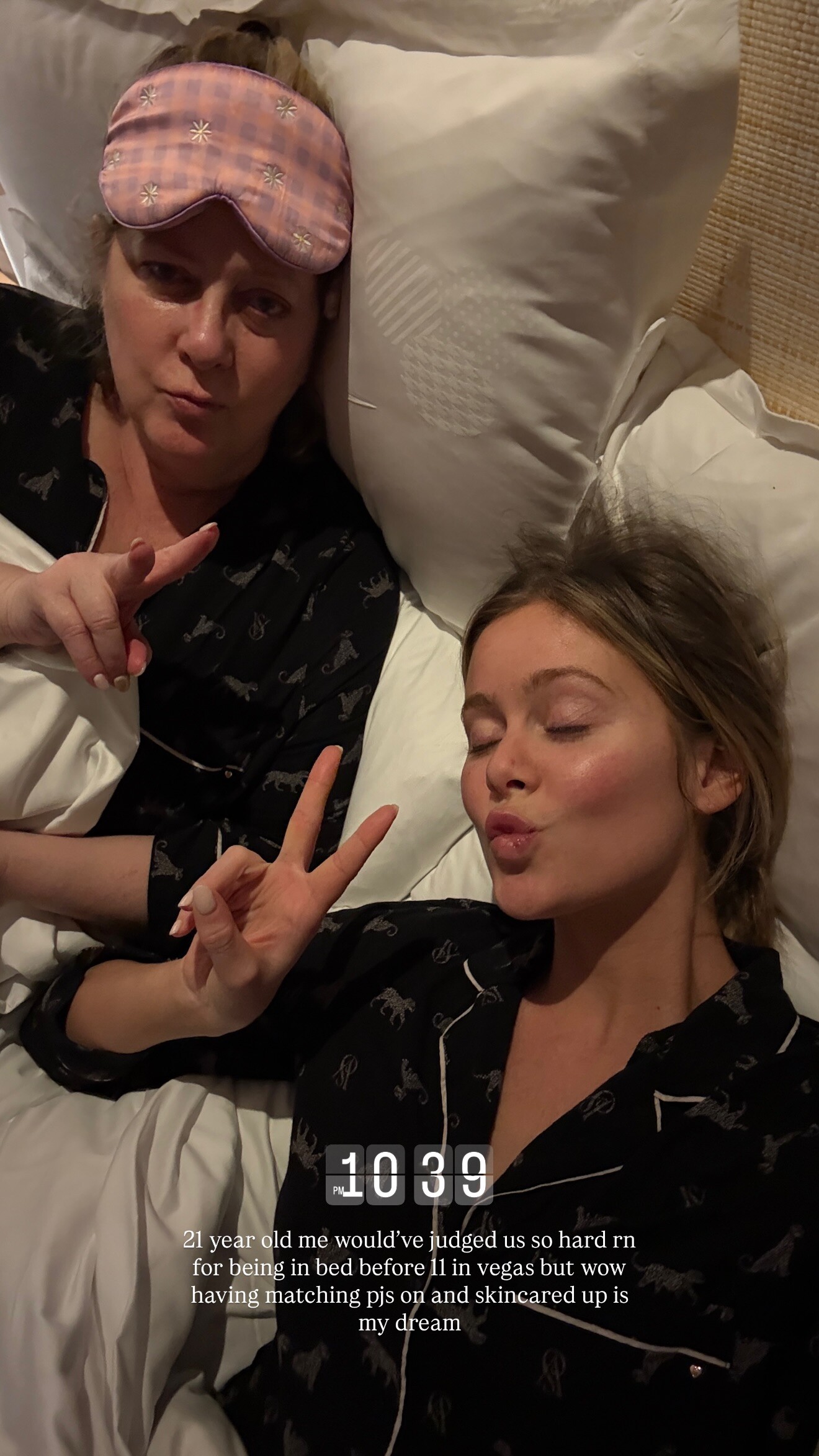
 stories videos [2026.01.28] hannahg's2026-1-29-1.37.606 story.mp4[2026.01.30] hannahg's2026-1-31-1.43.267 story.mp4[2026.01.31] hannahg's2026-2-1-0.49.509 story.mp4[2026.01.31] hannahg's2026-2-1-0.49.854 story.mp4

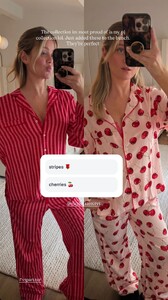



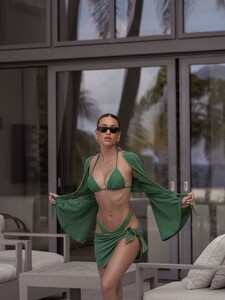
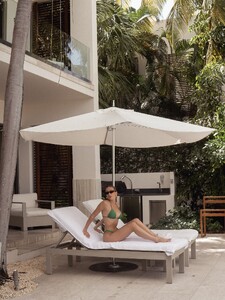
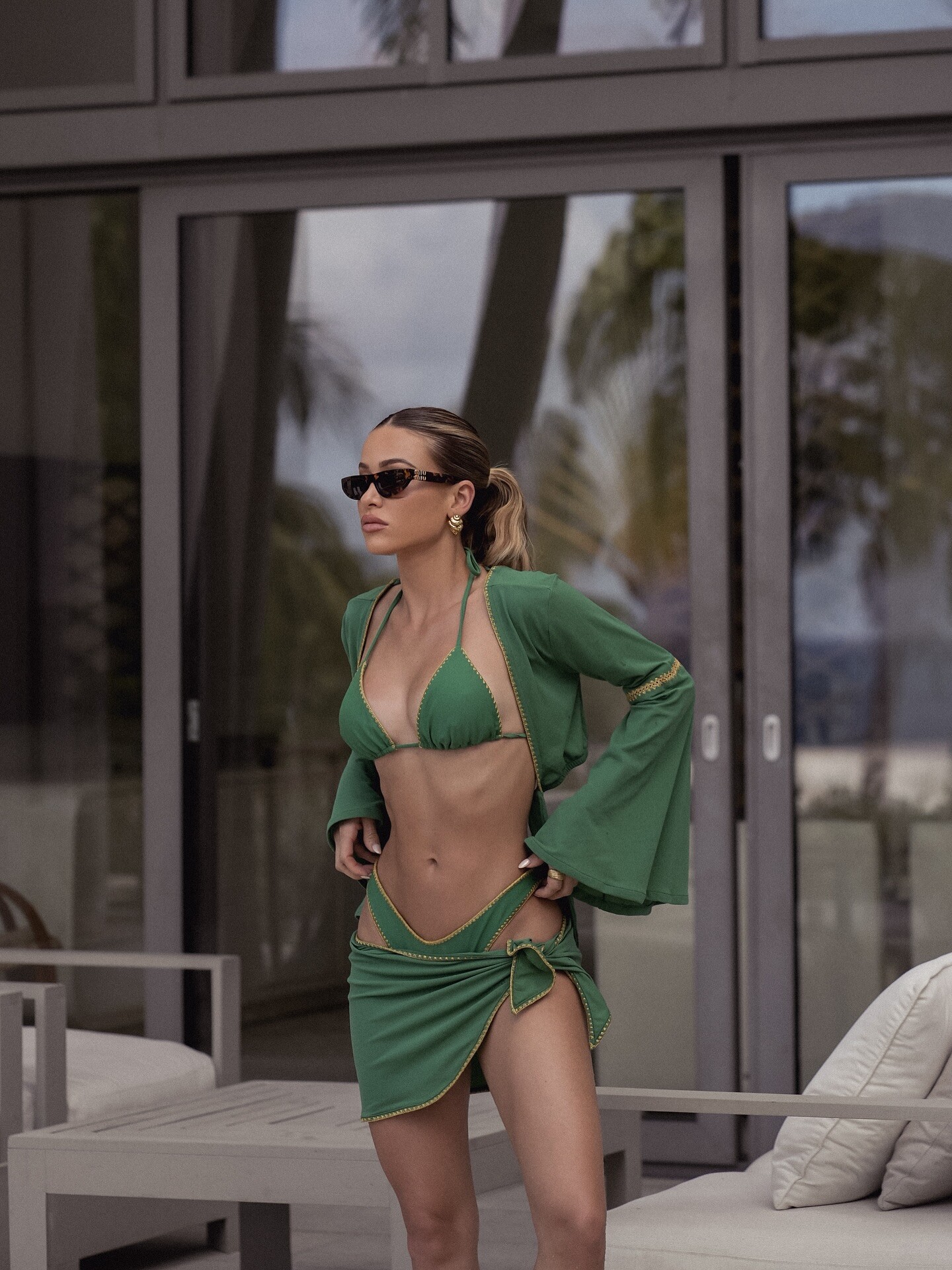
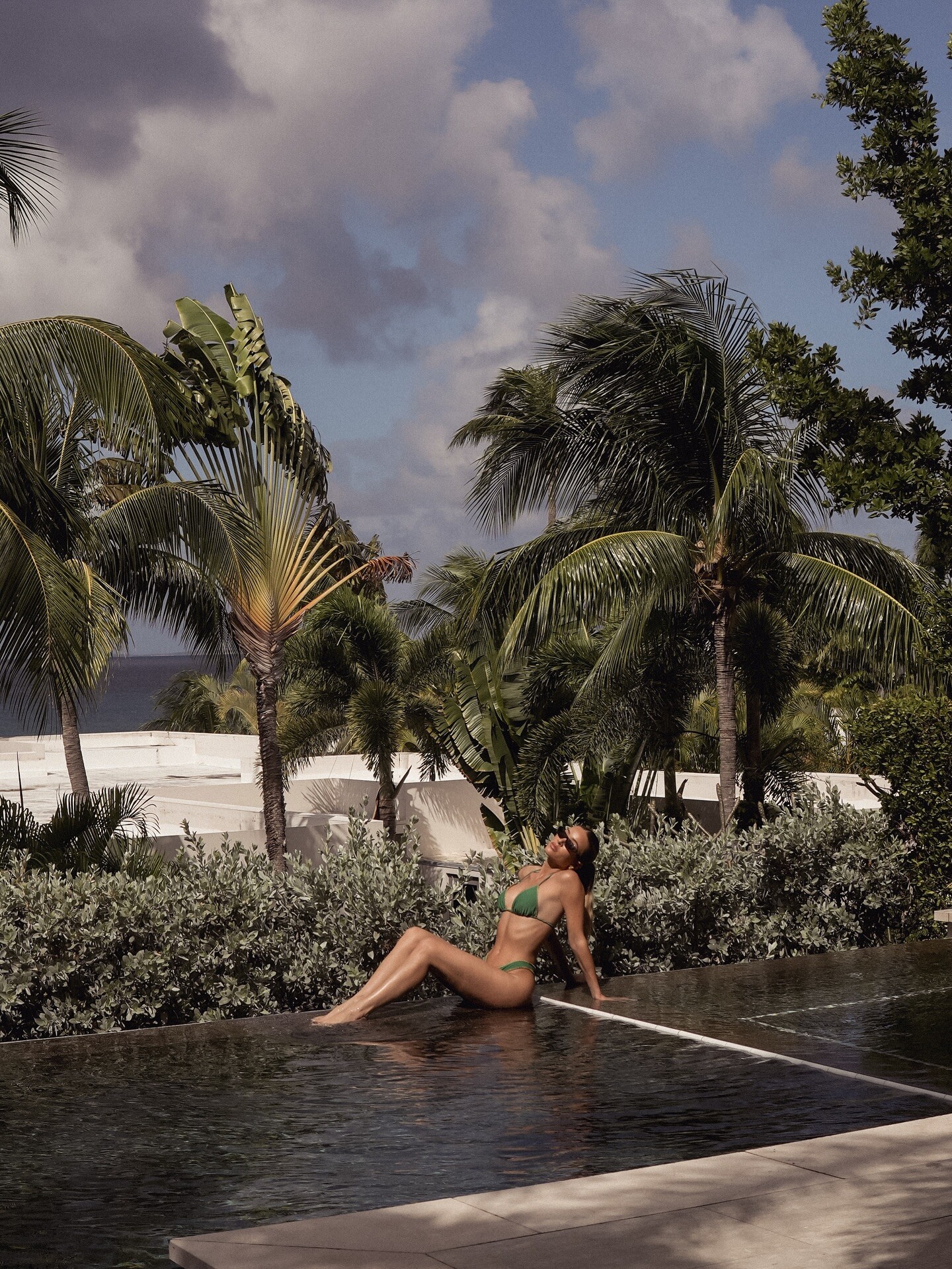
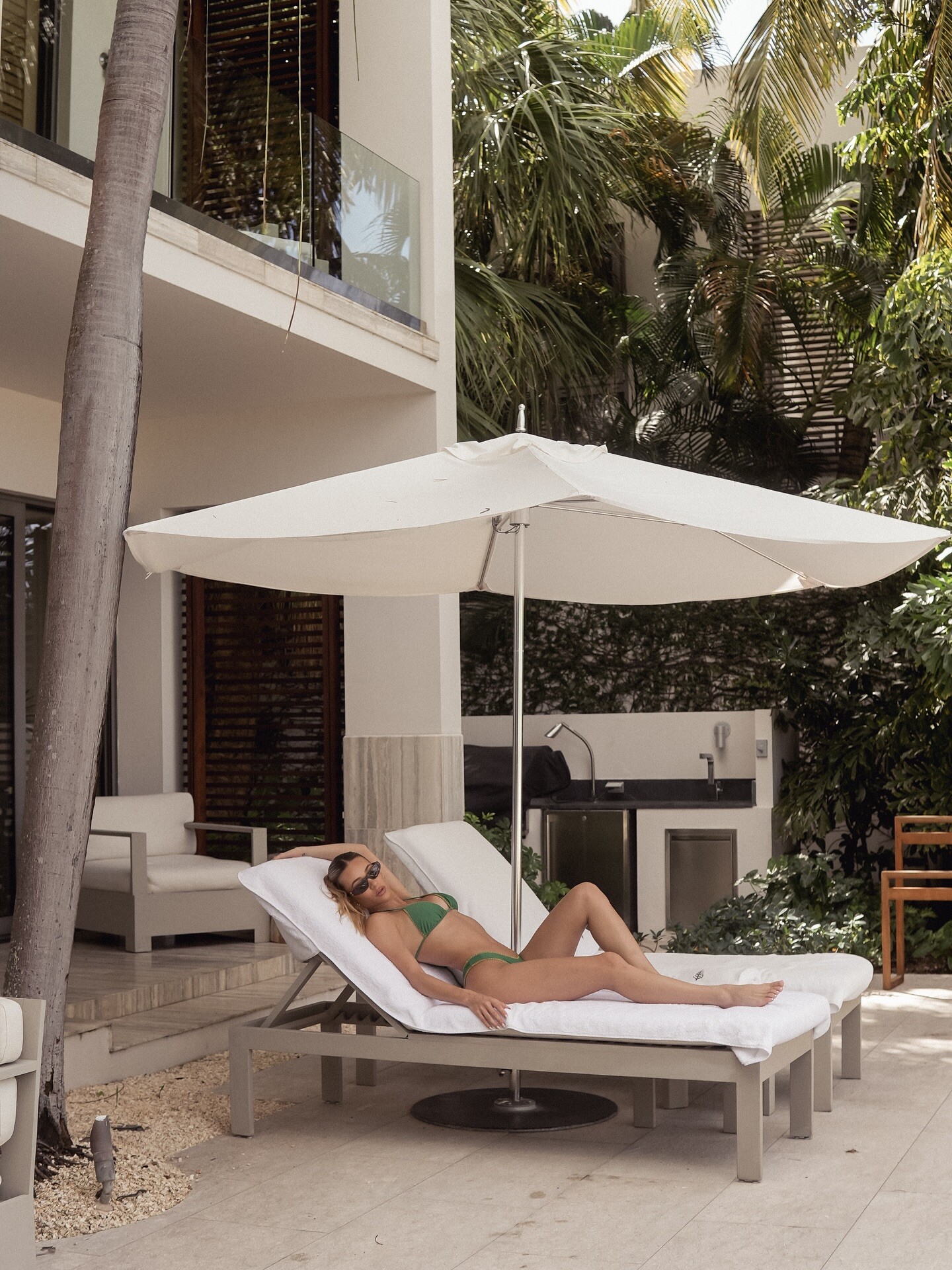
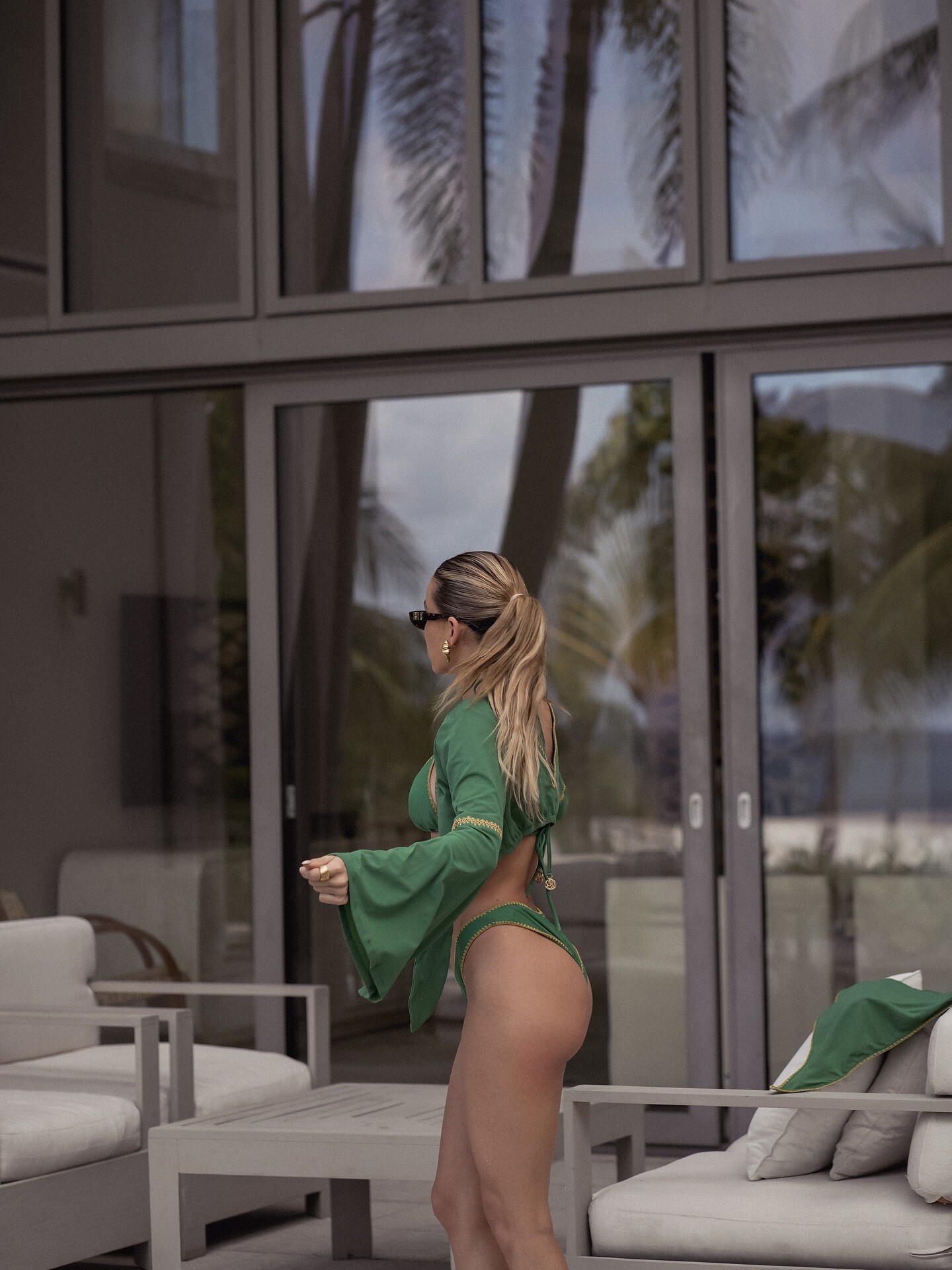
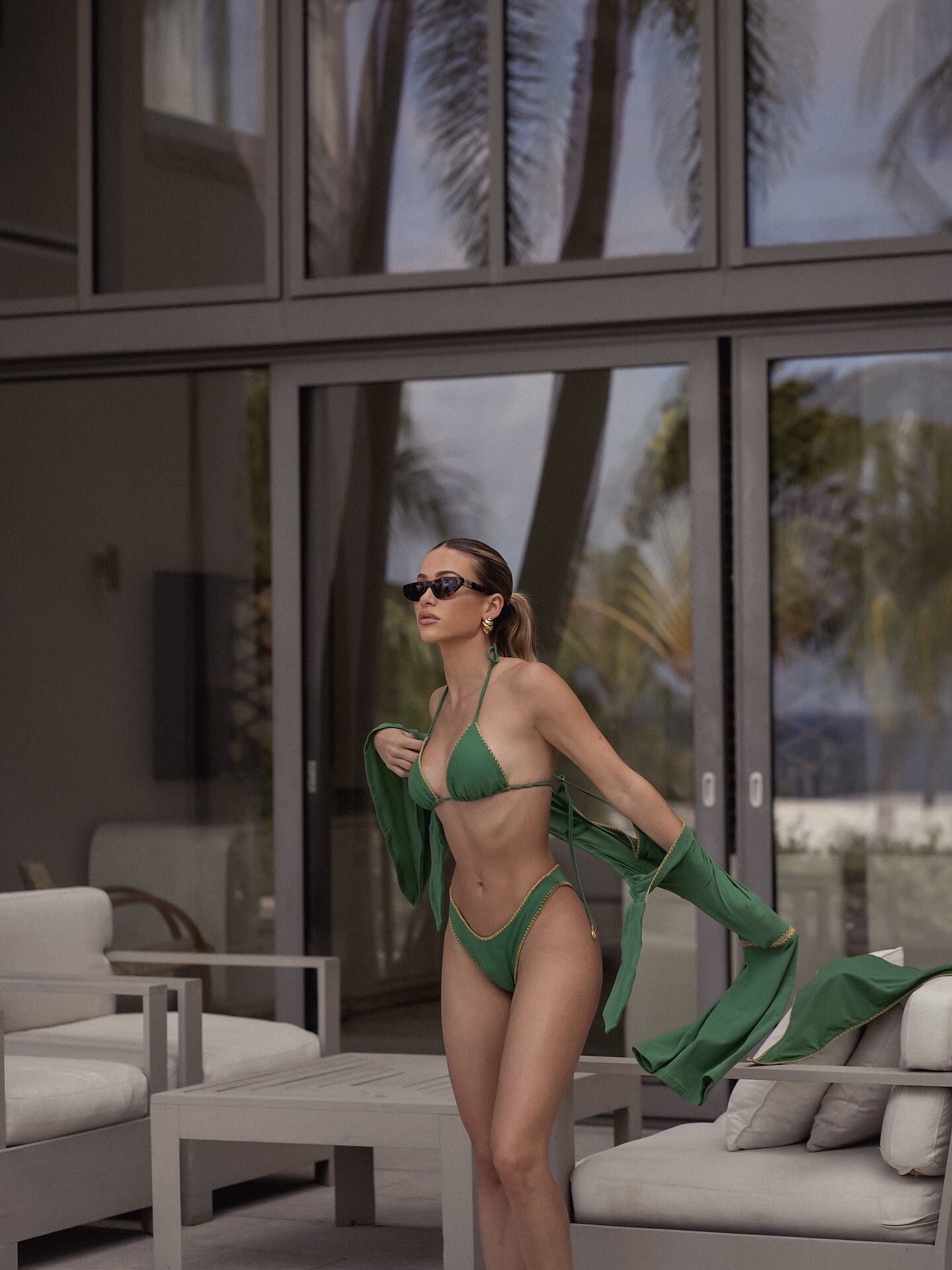
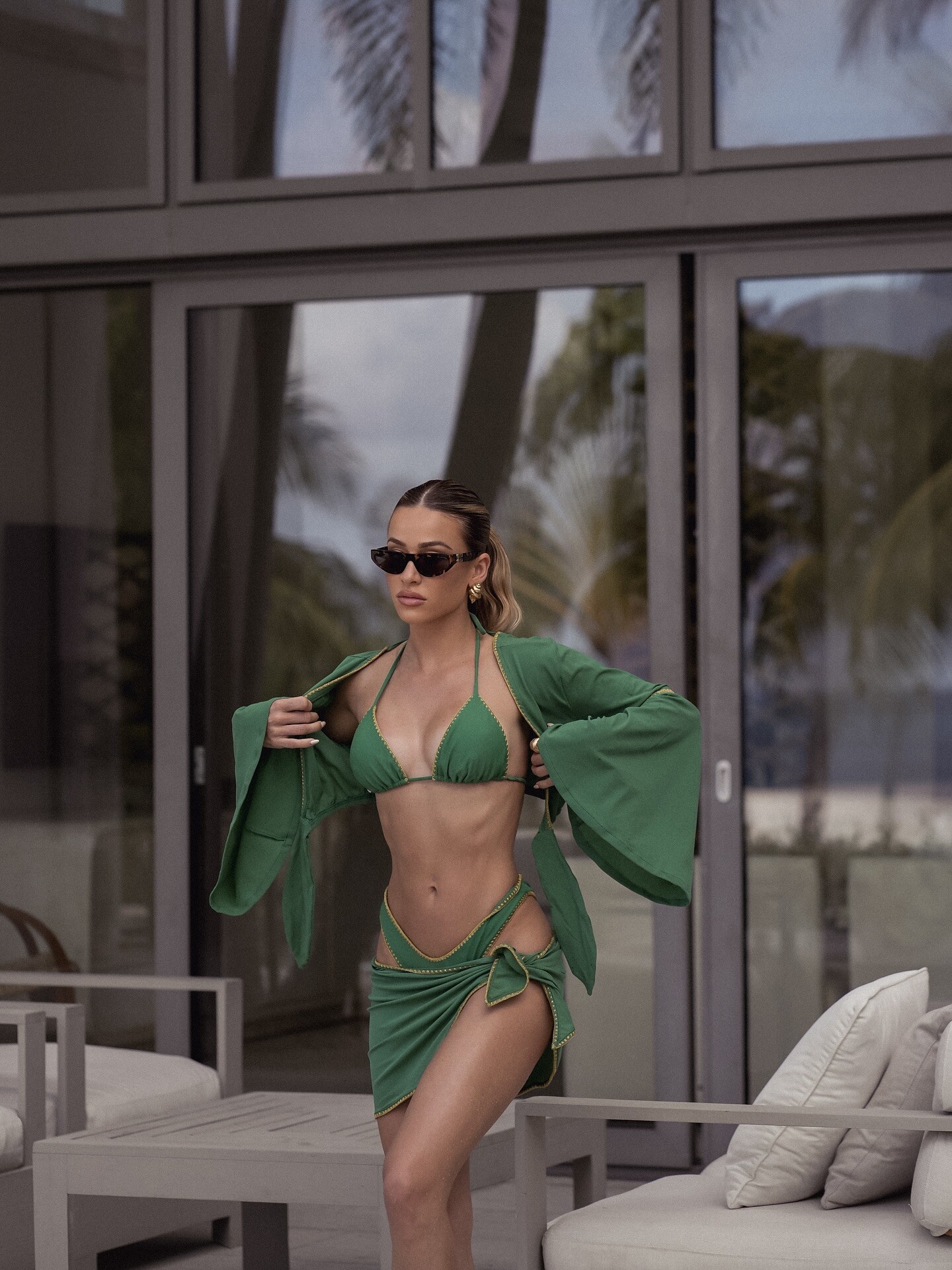
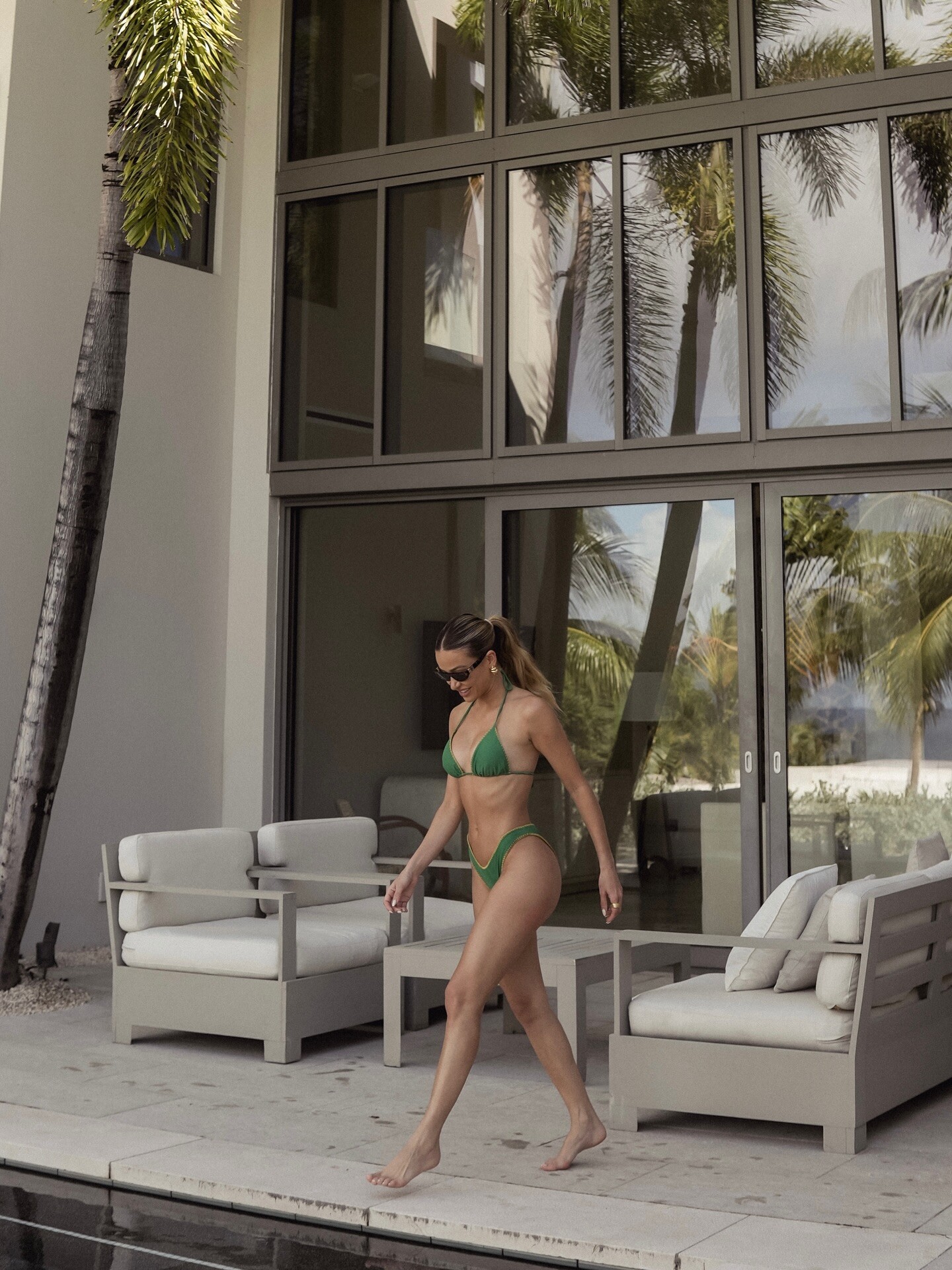
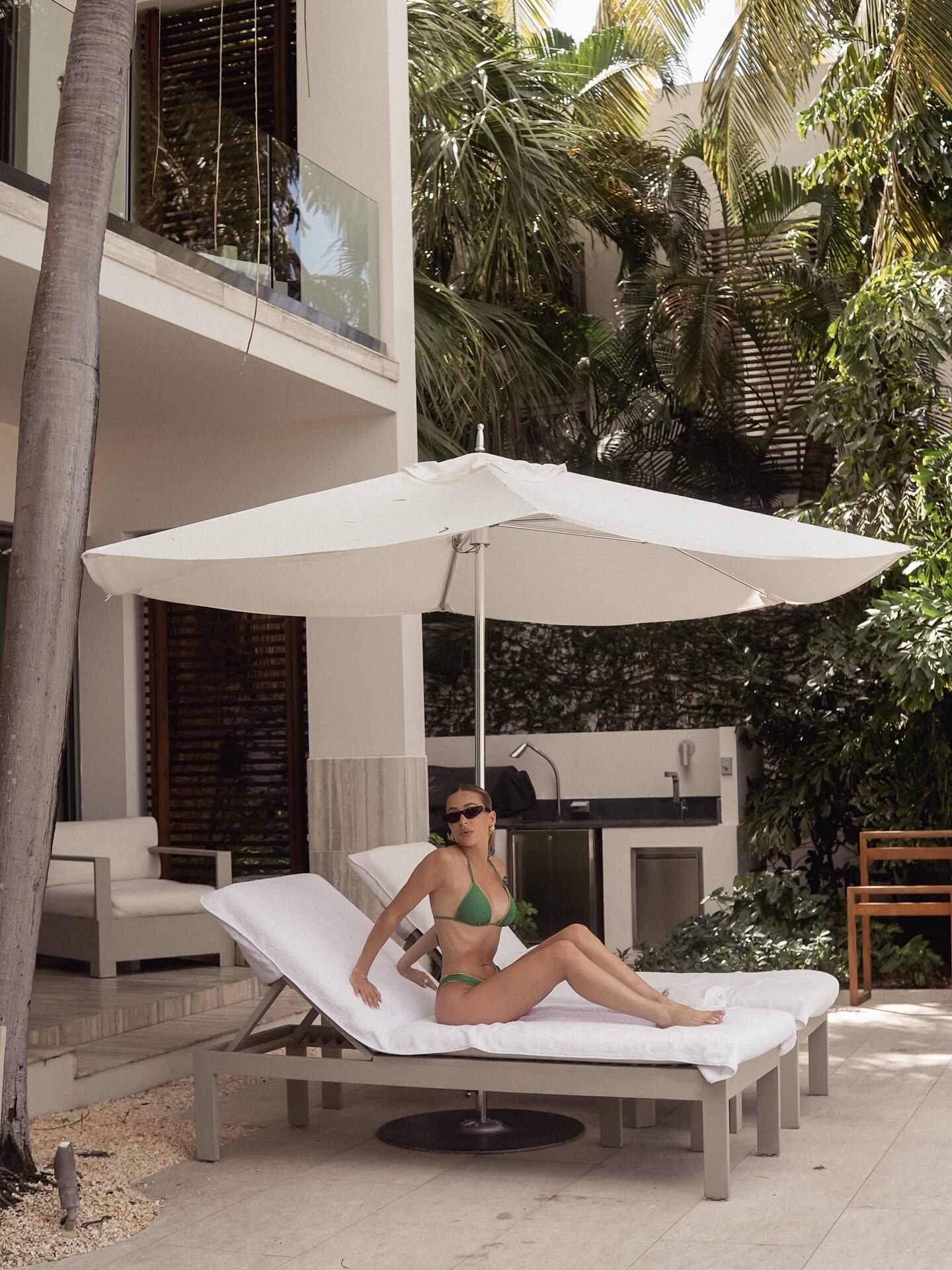
 You can find me by the pool 🌴 wearing lulifamaswimwear




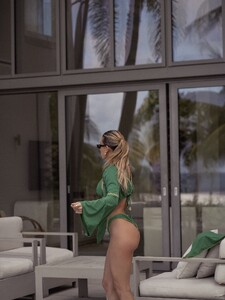
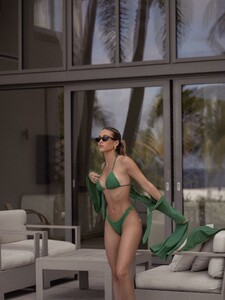

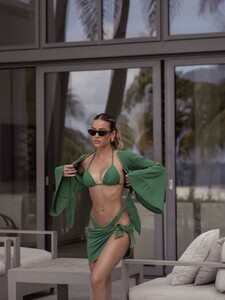


 Random images from the web:




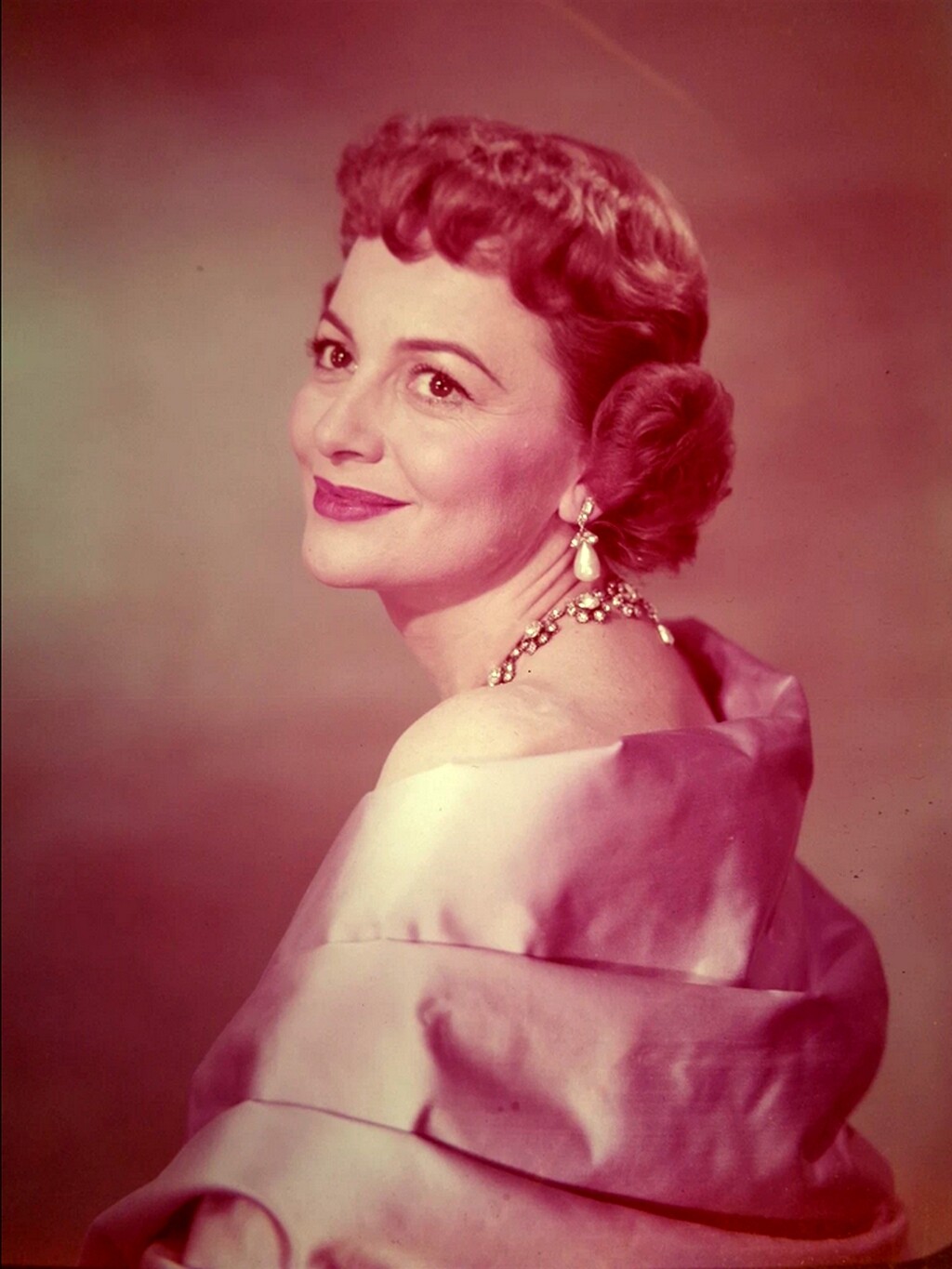
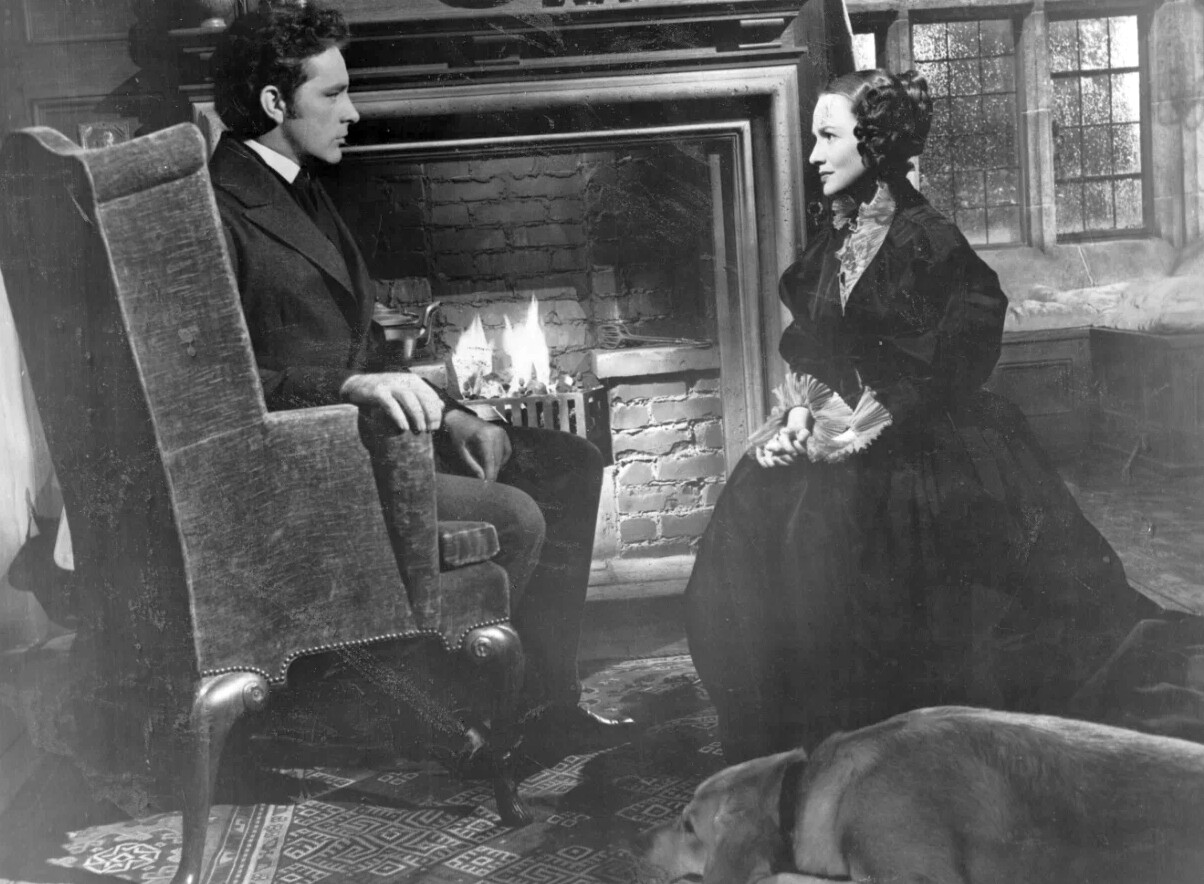
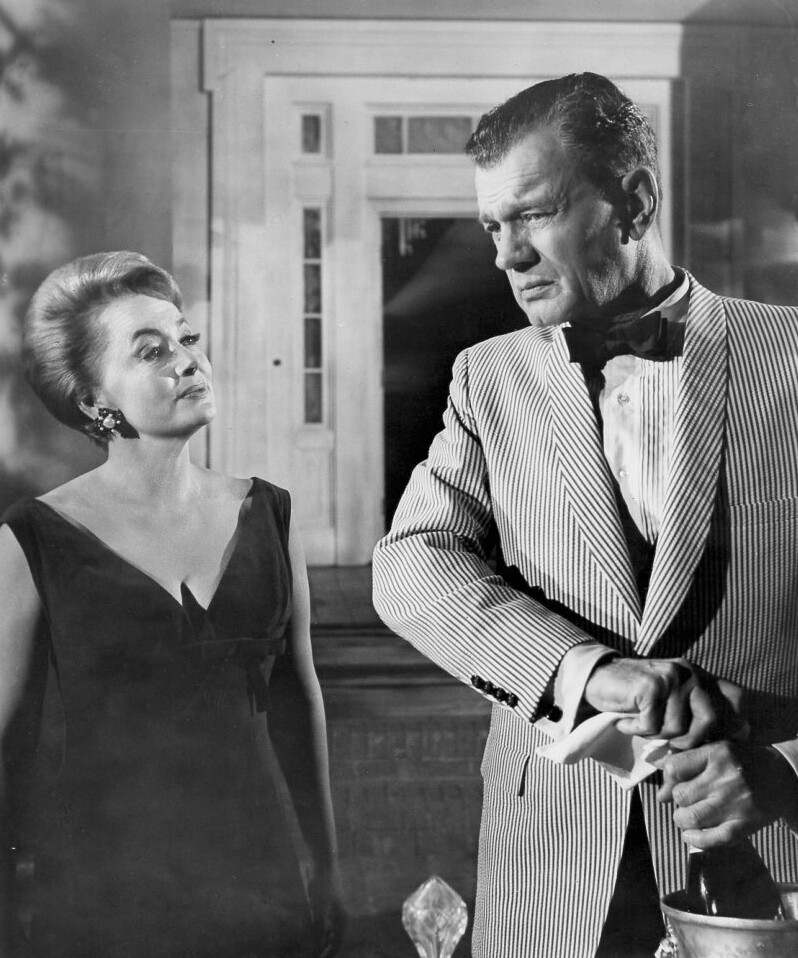
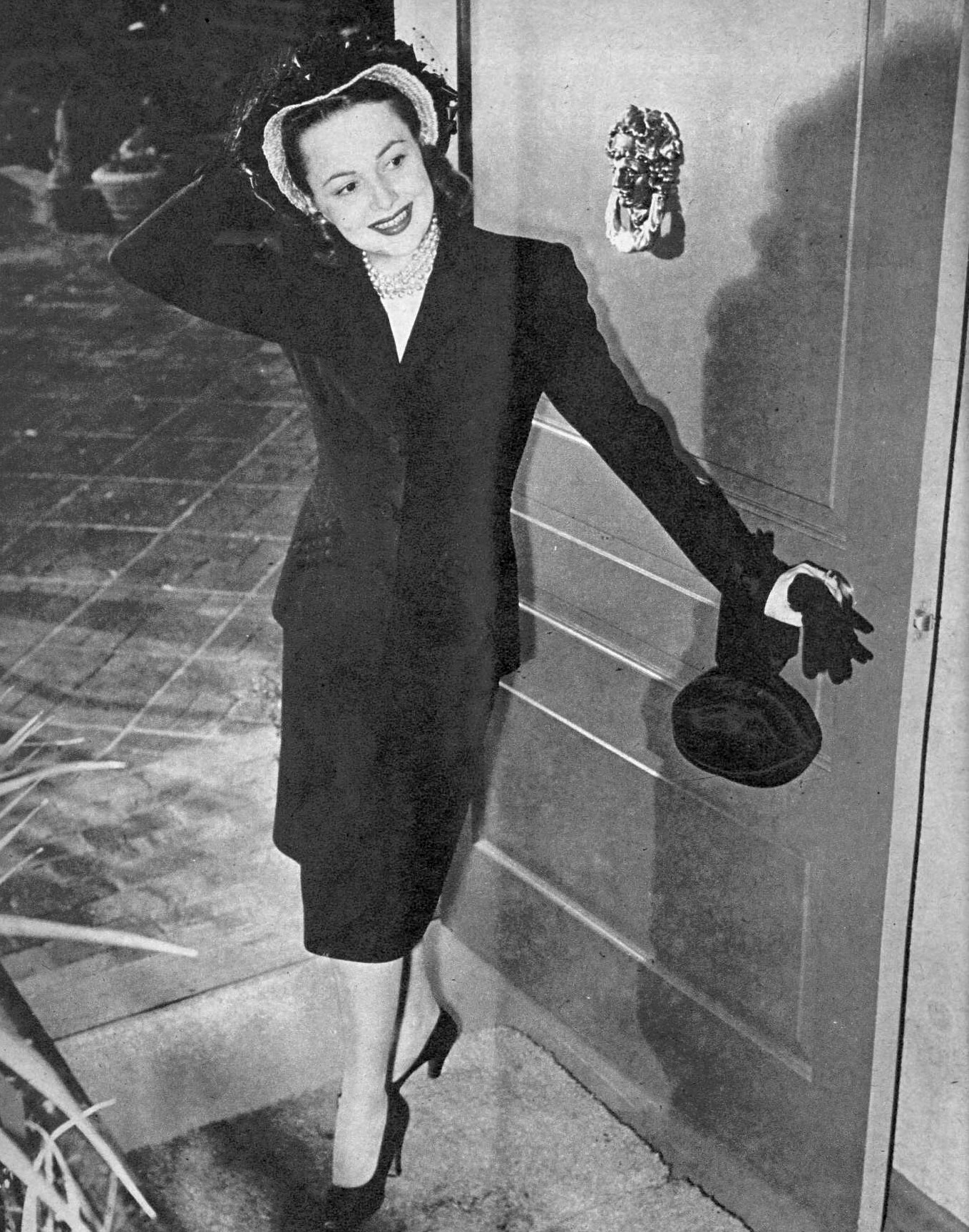











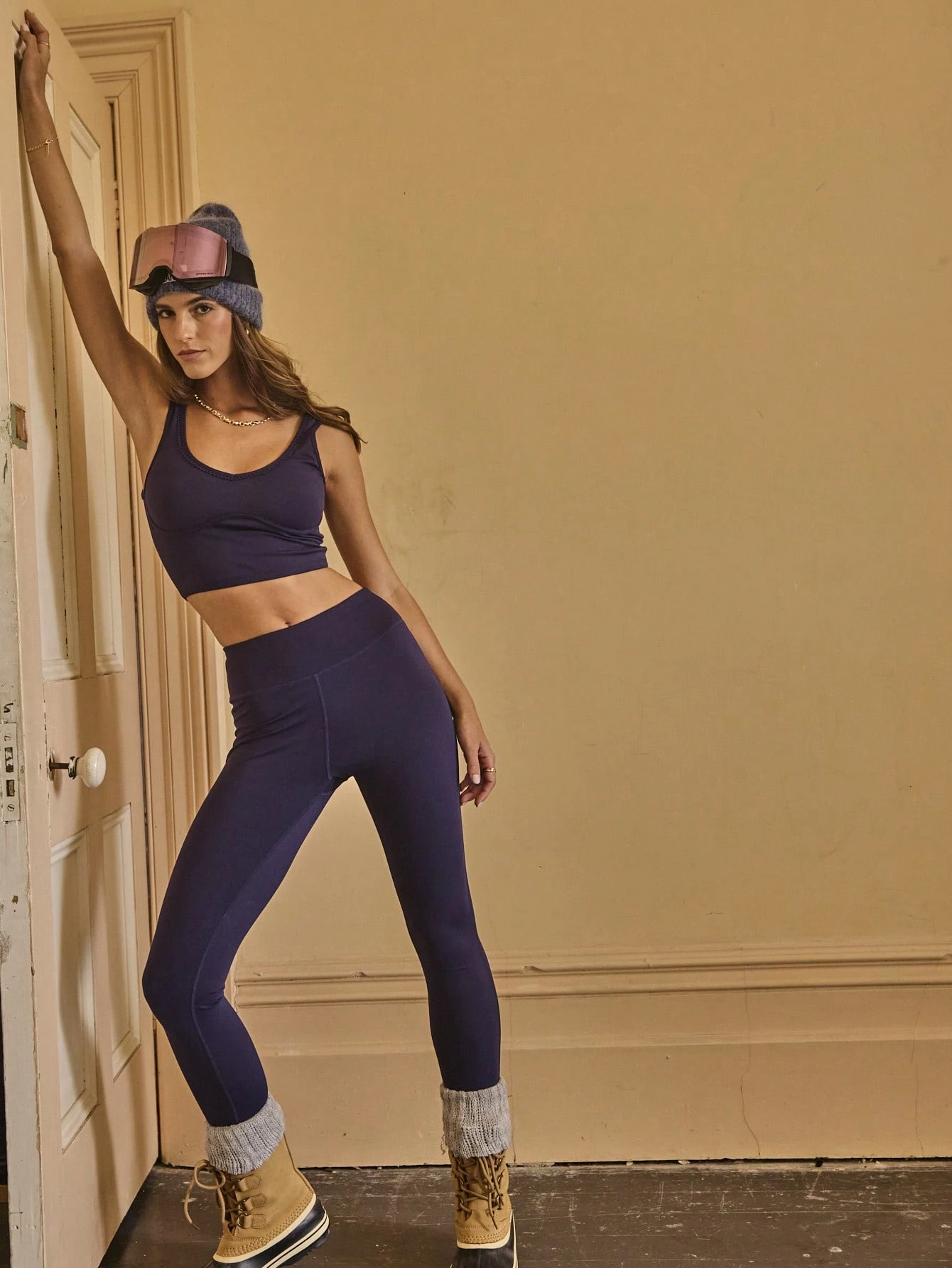

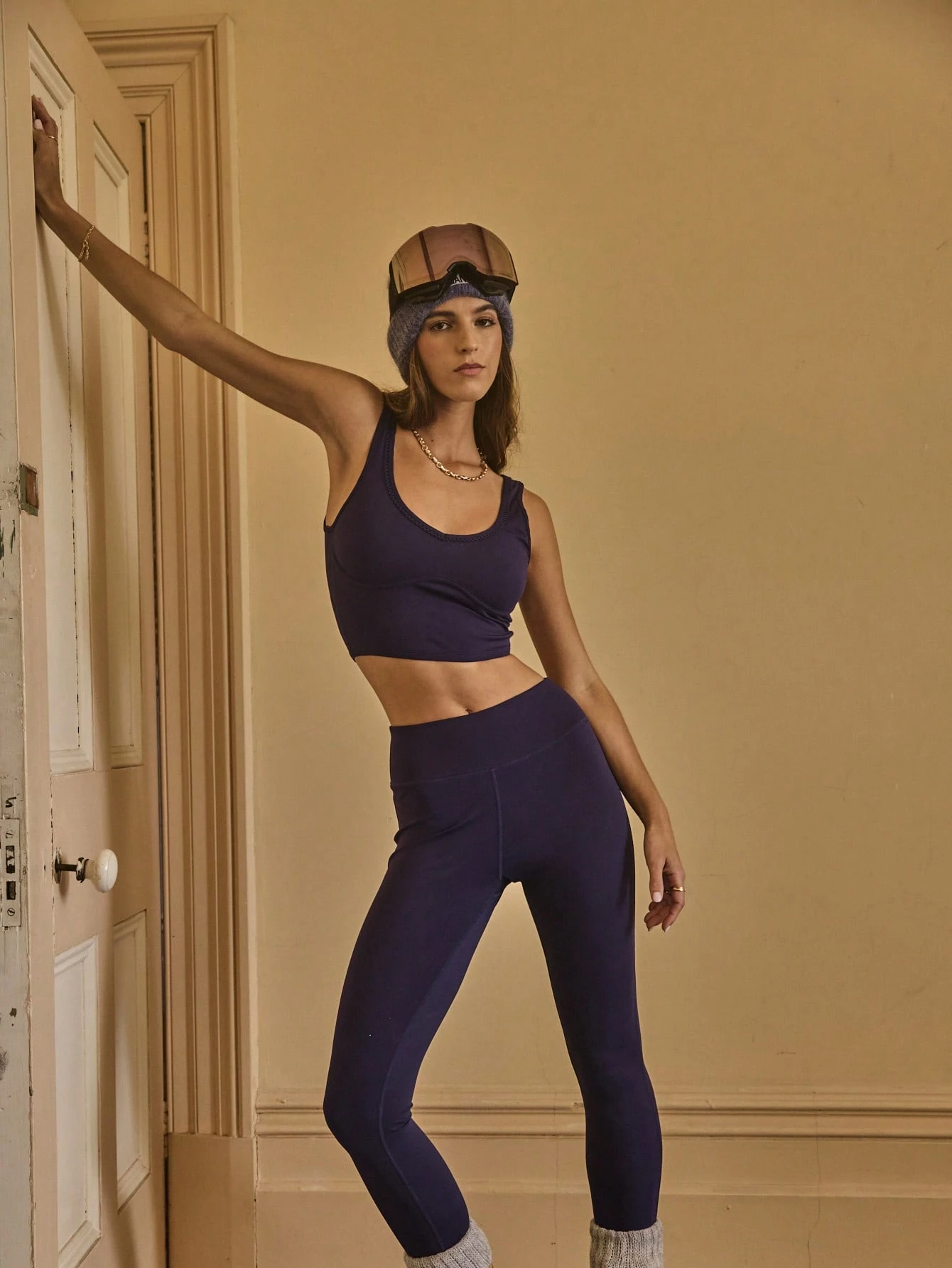

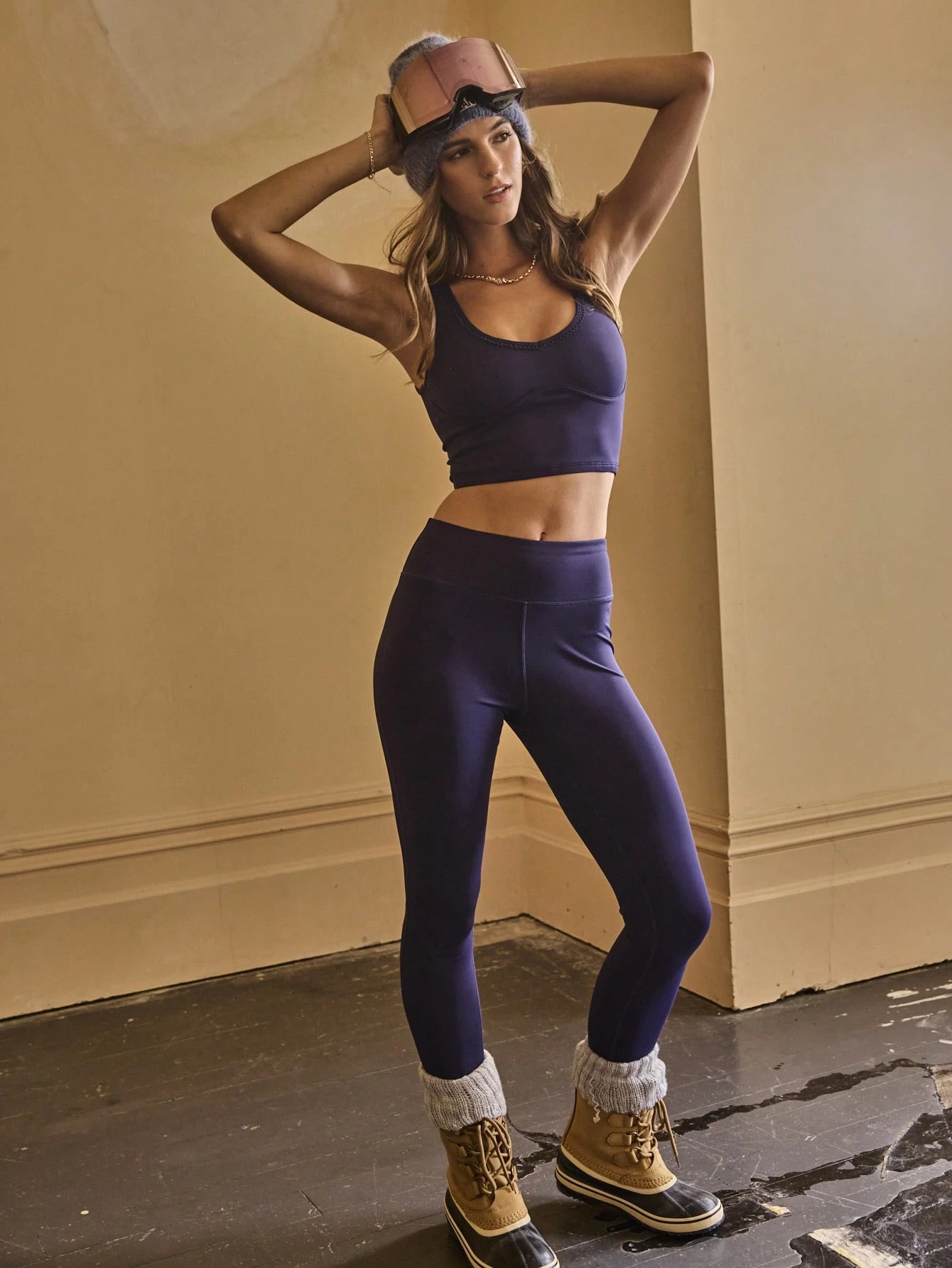
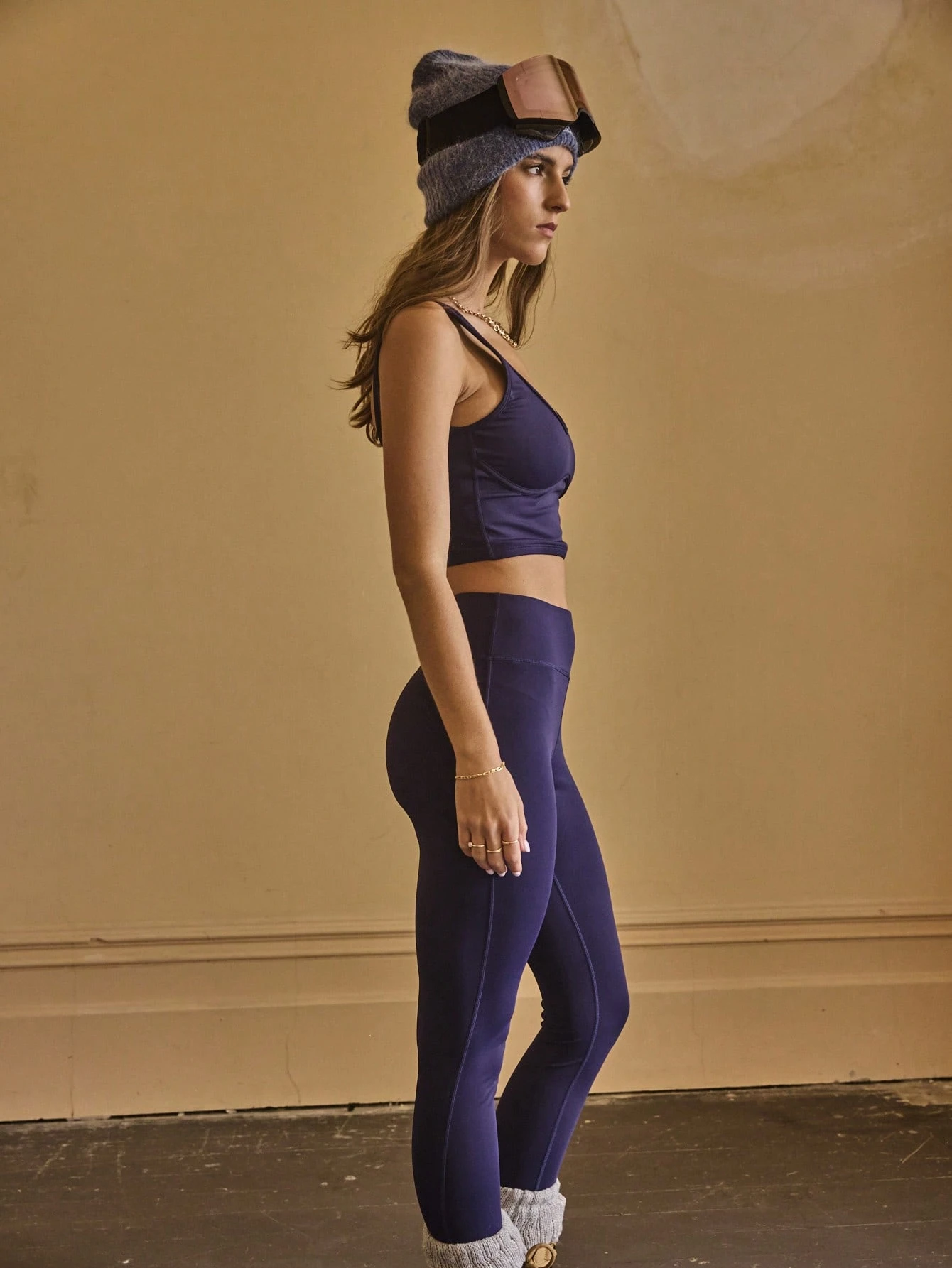

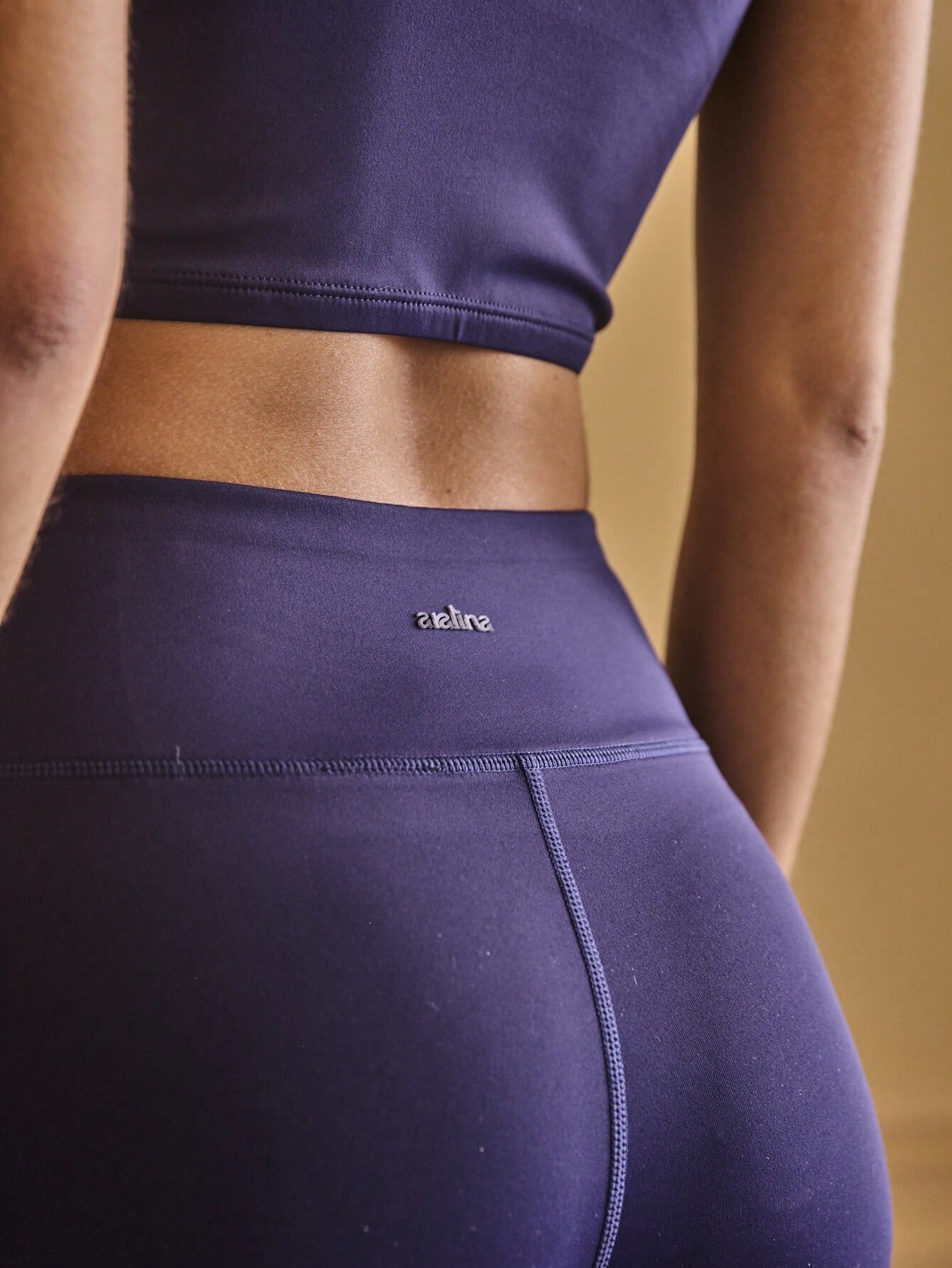
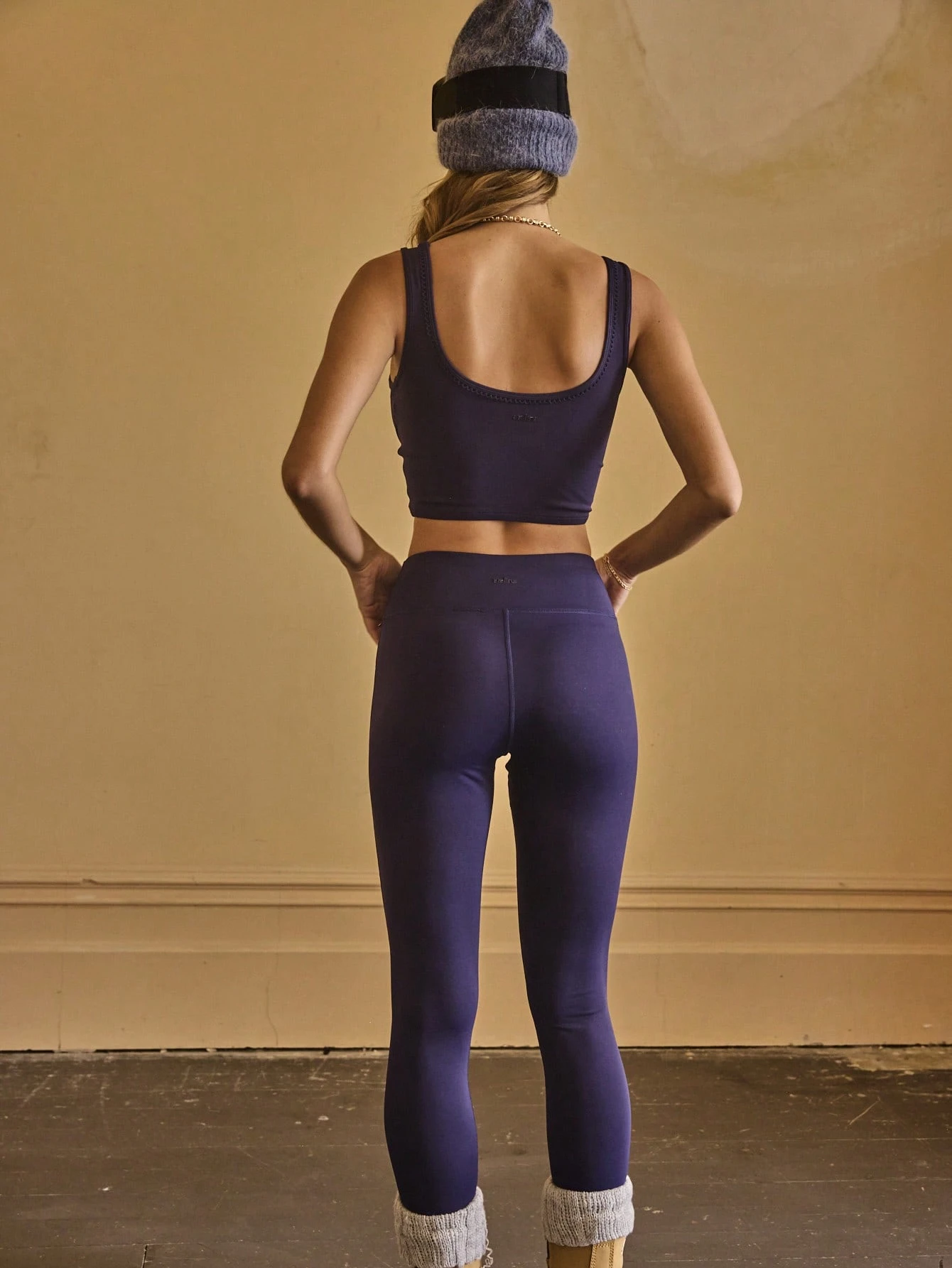


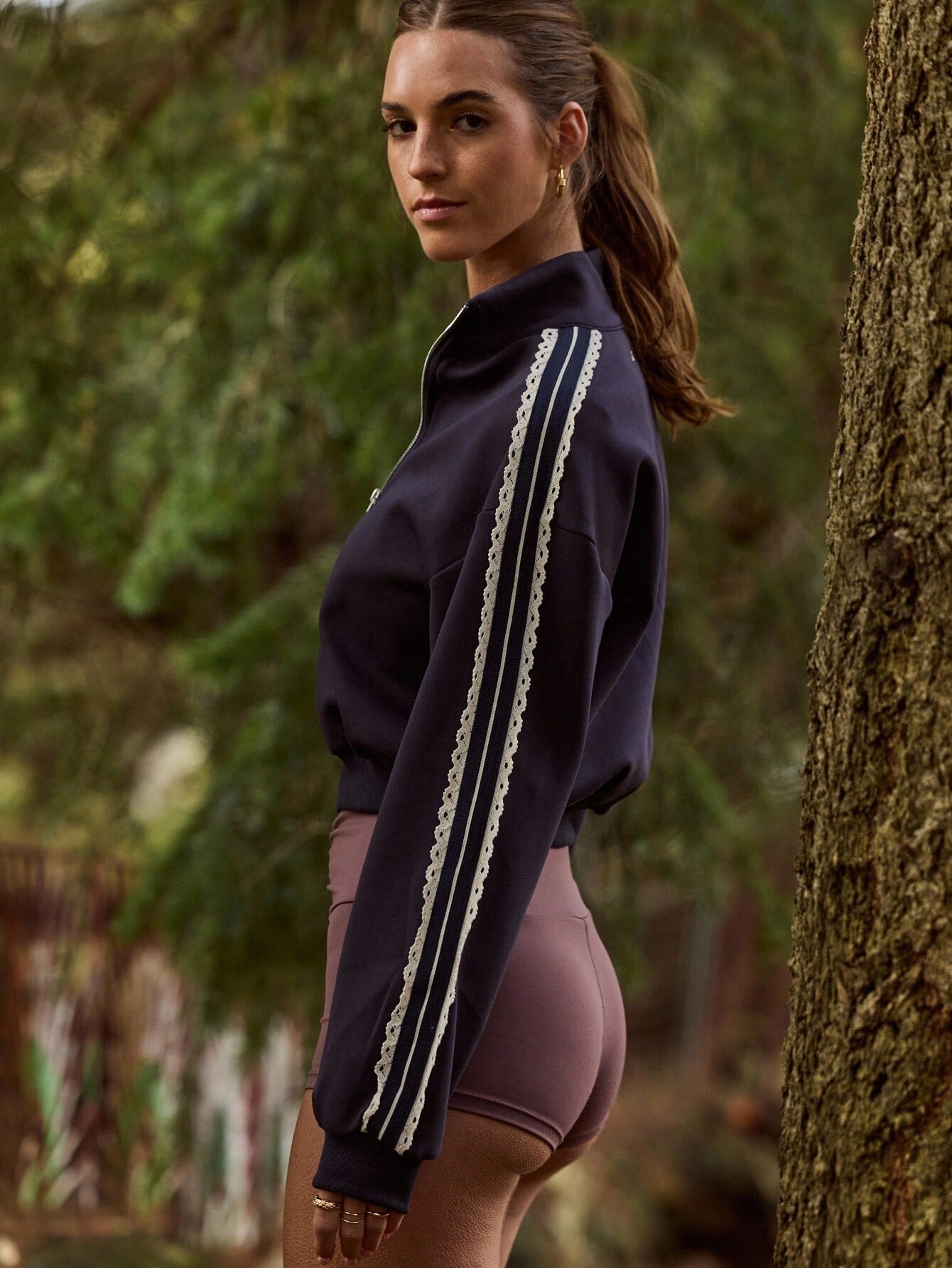
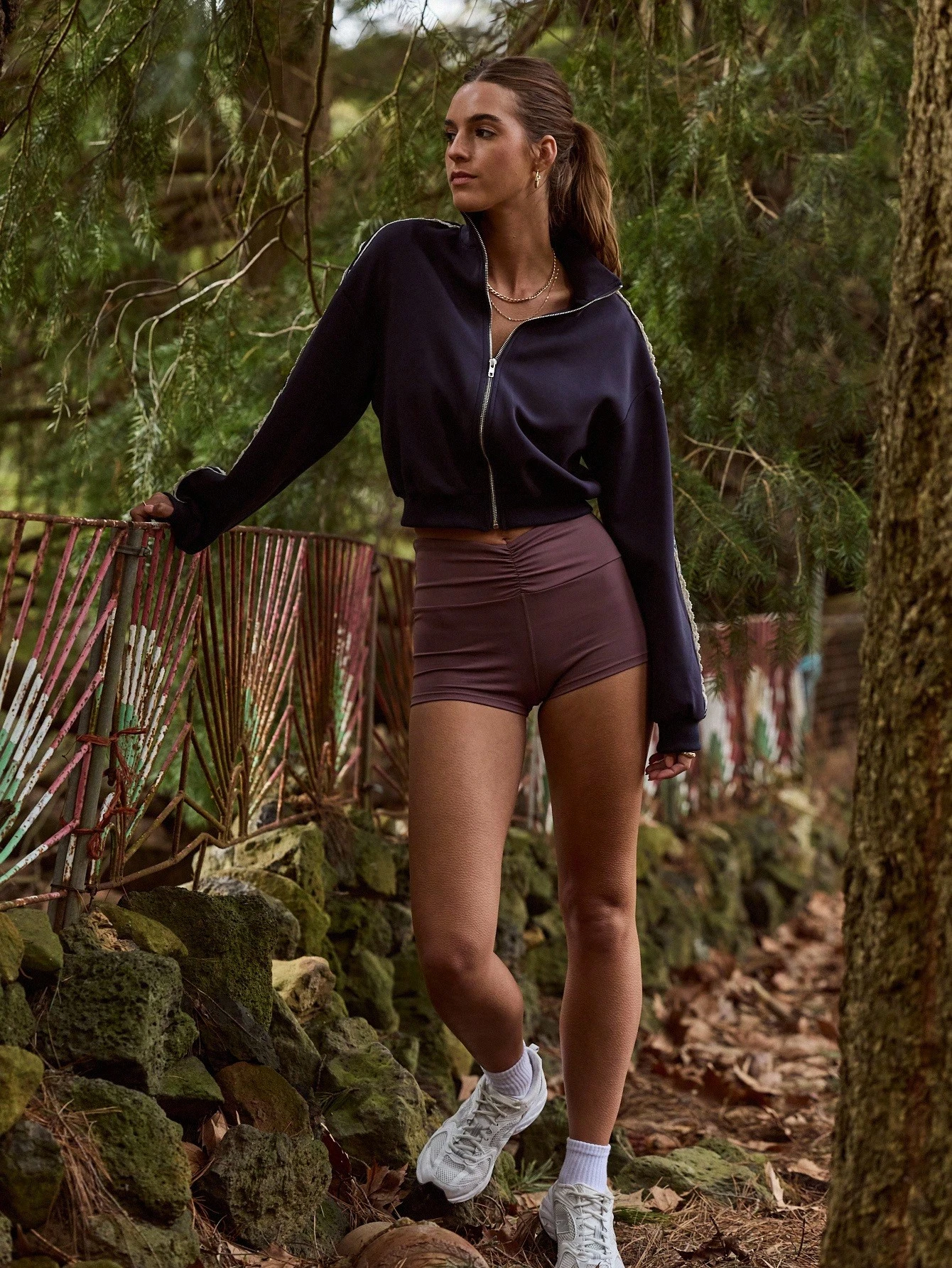
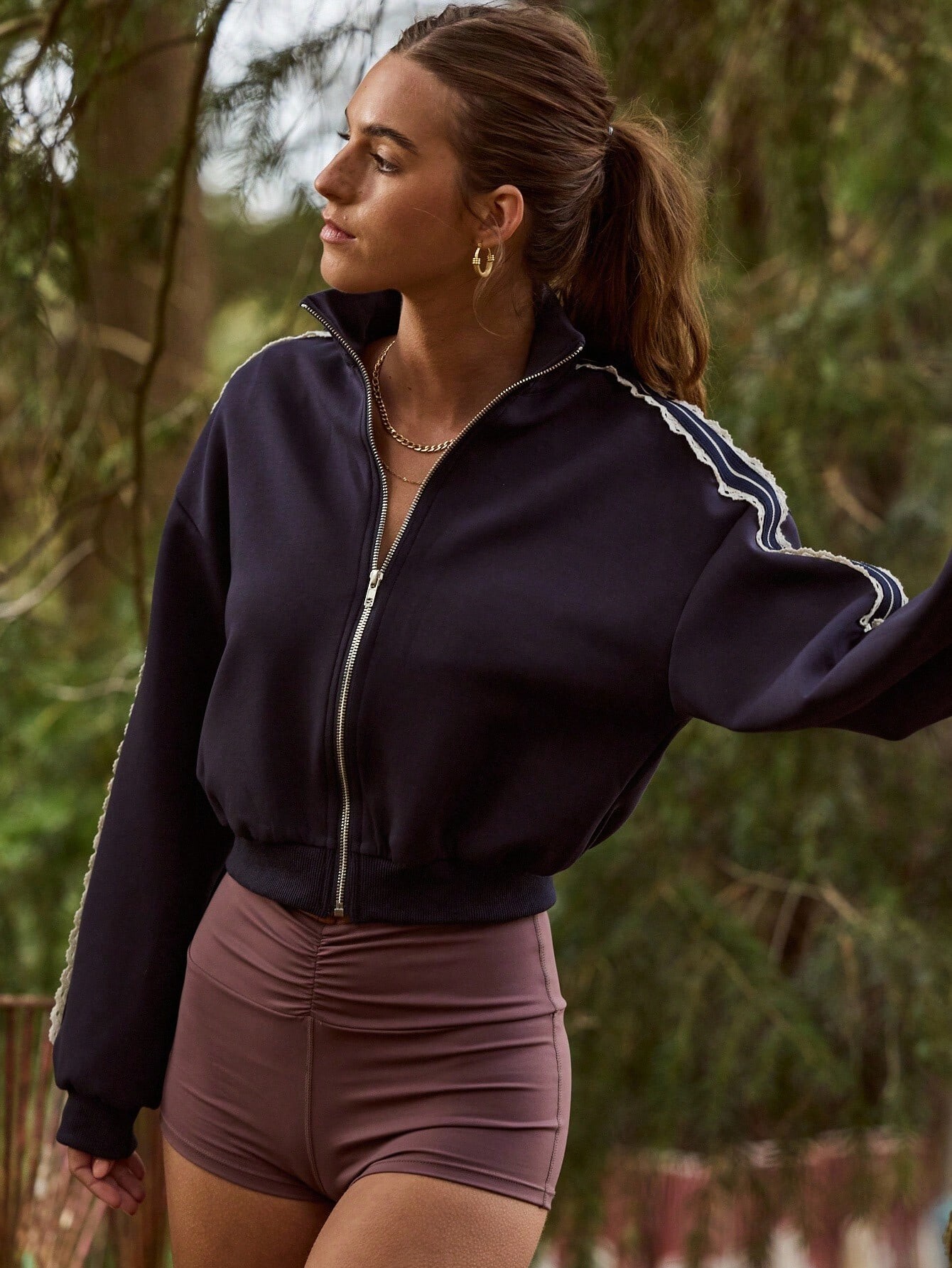
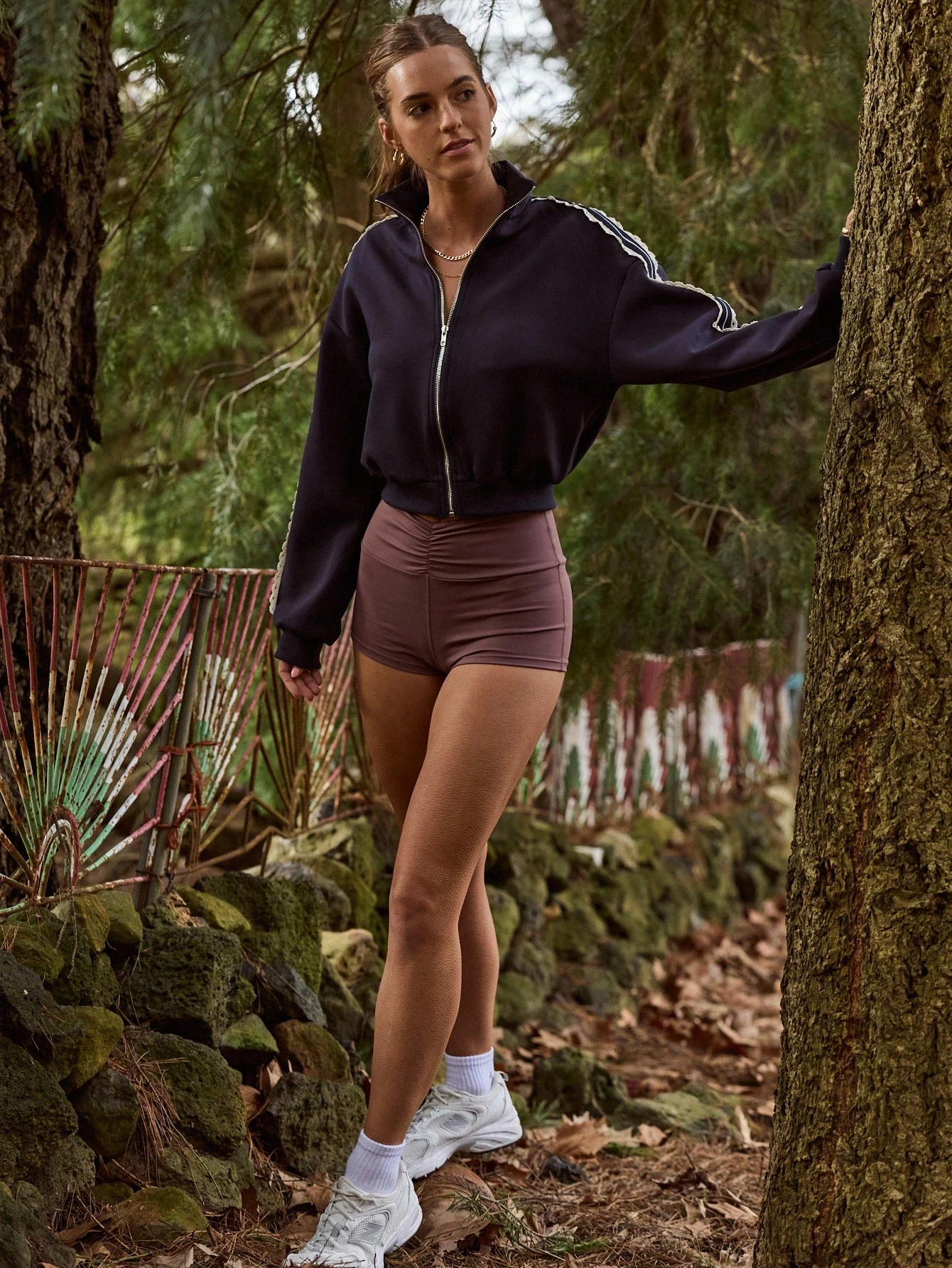
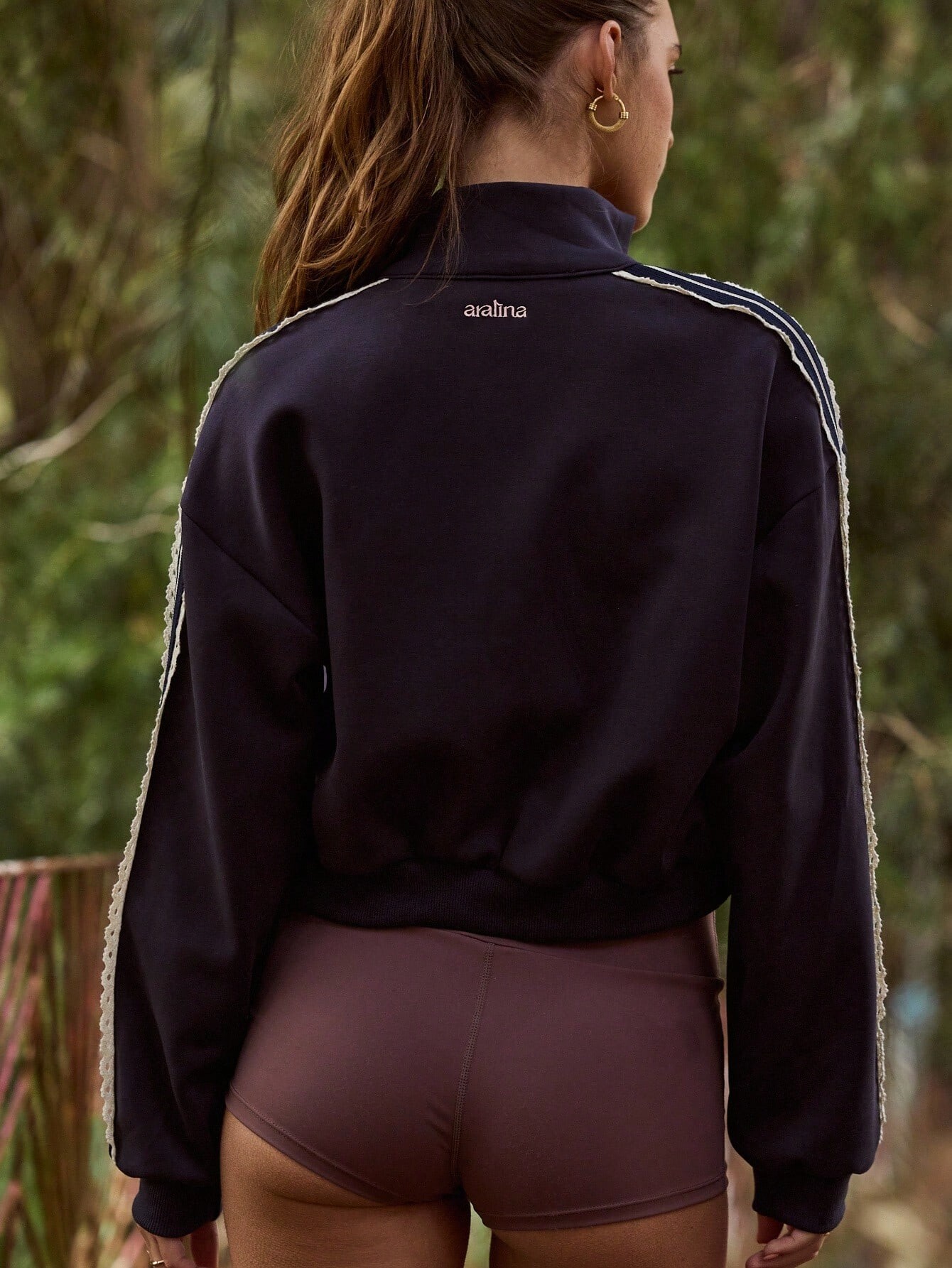
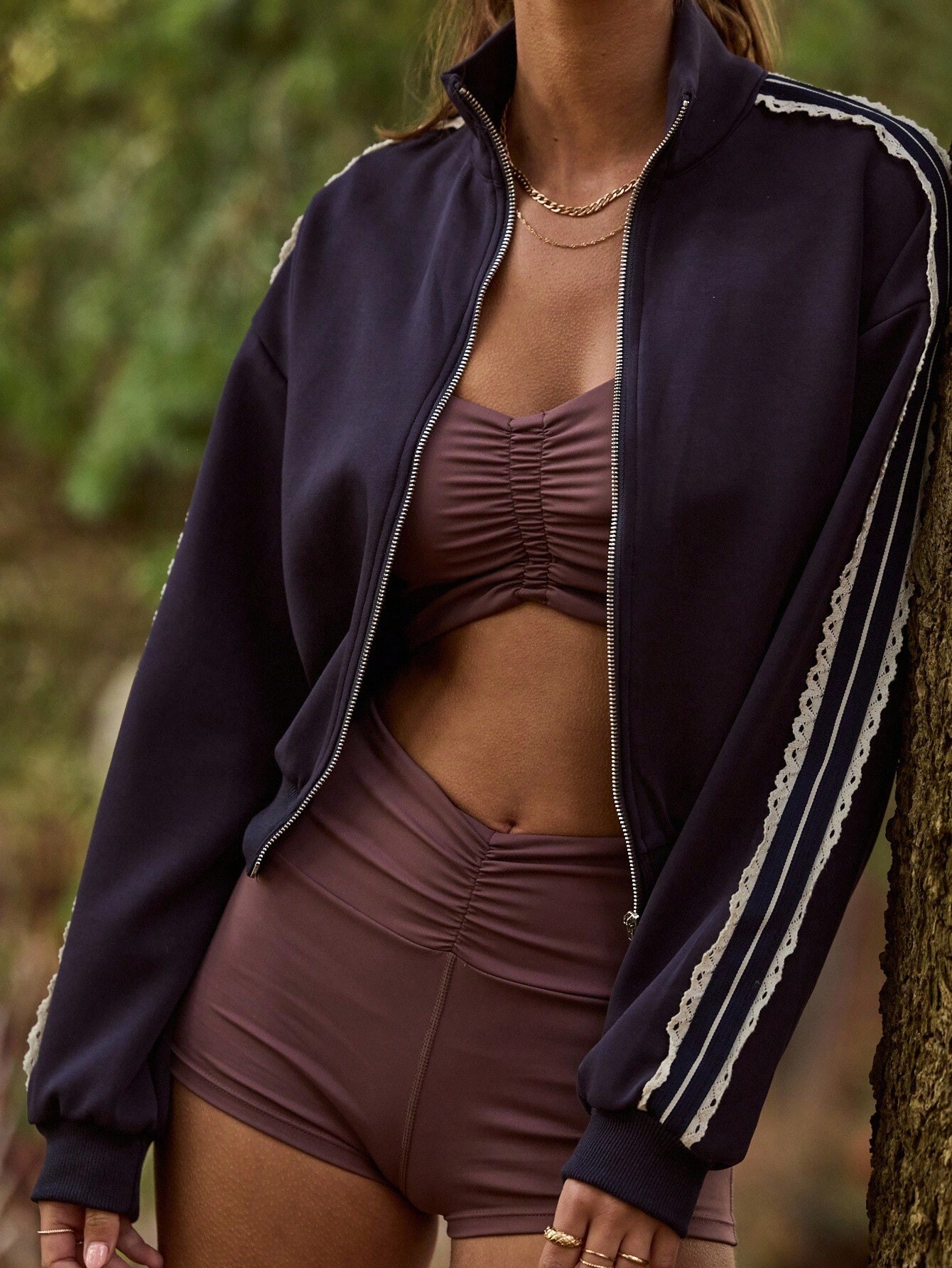
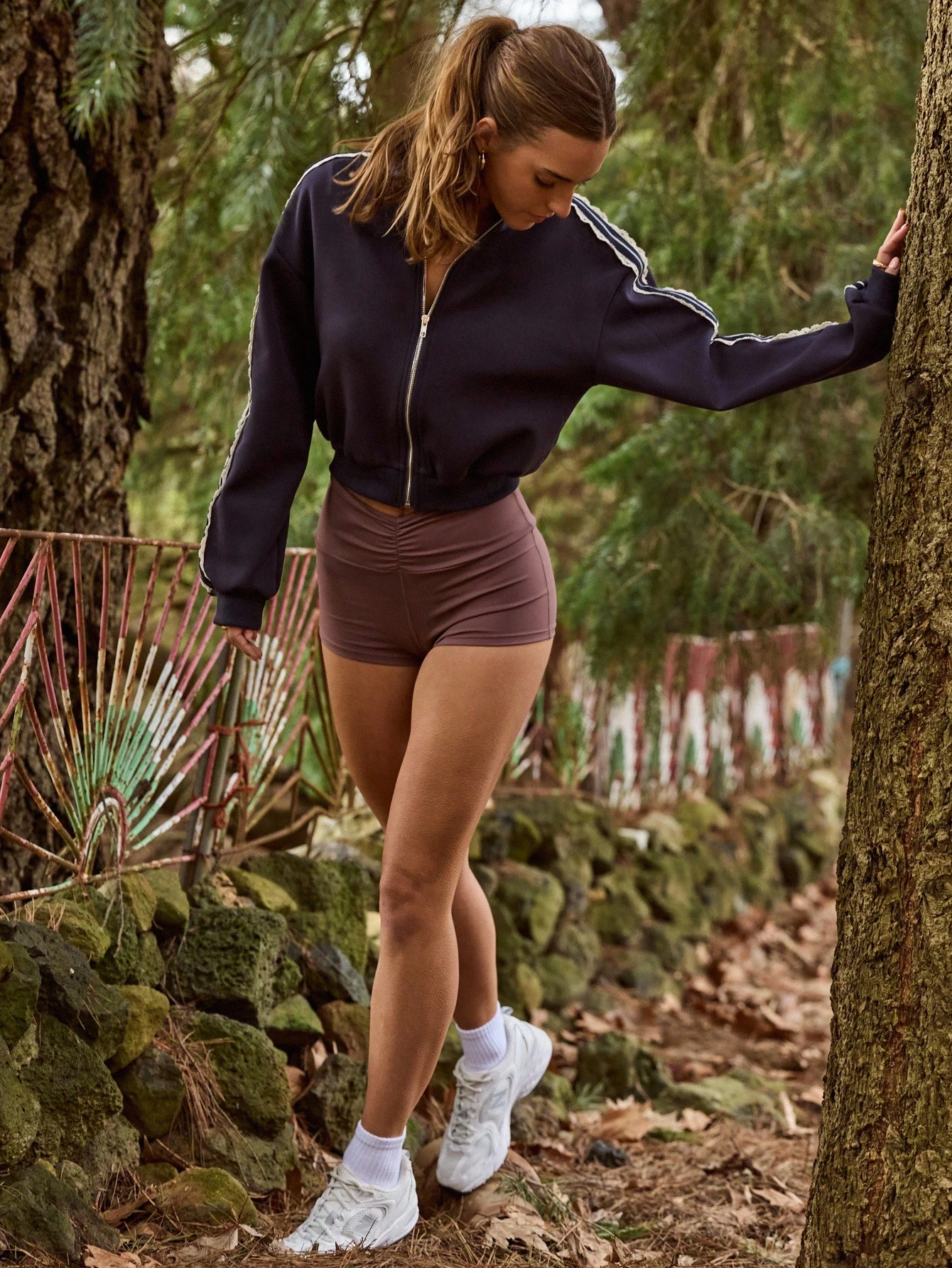
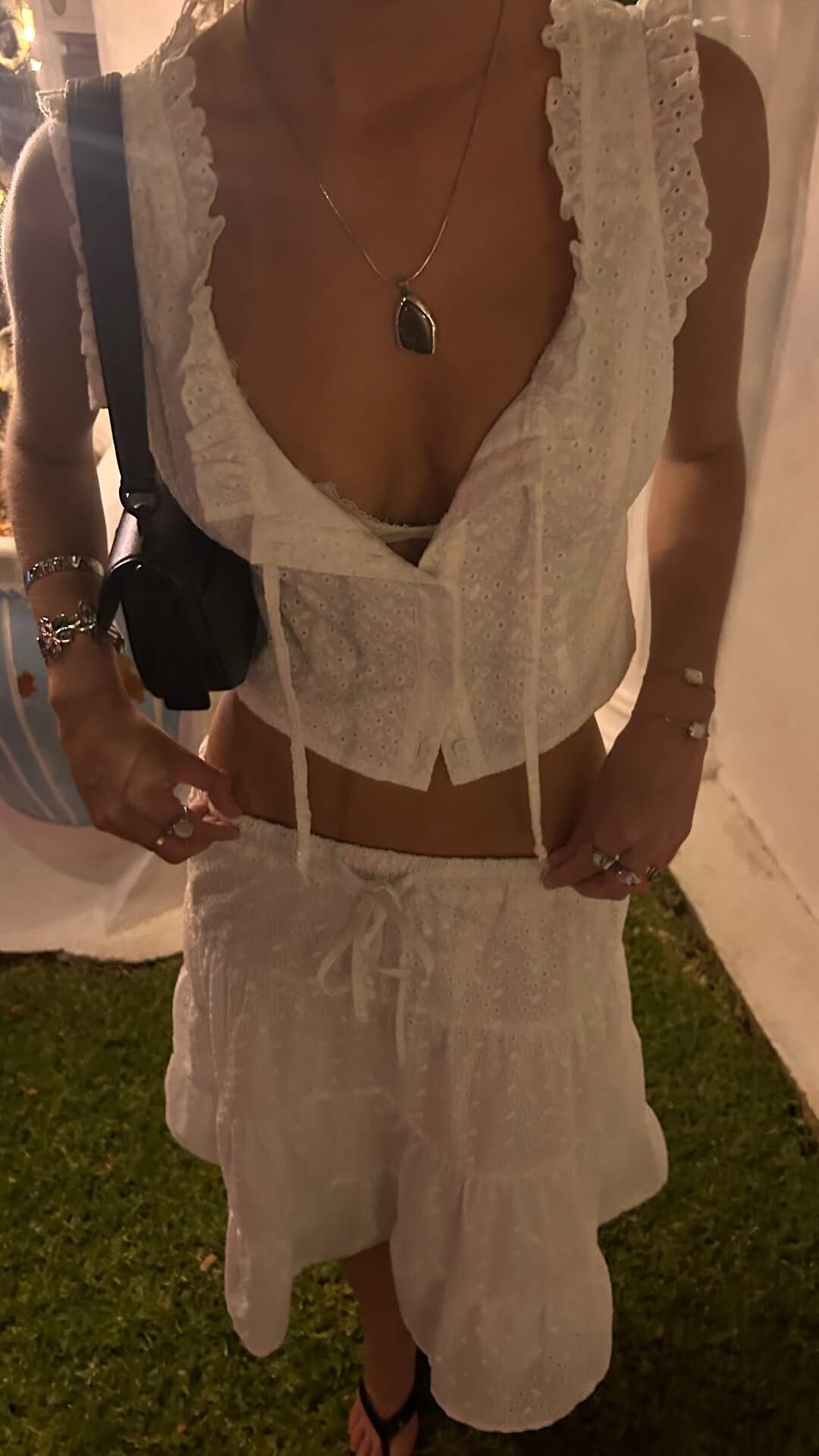






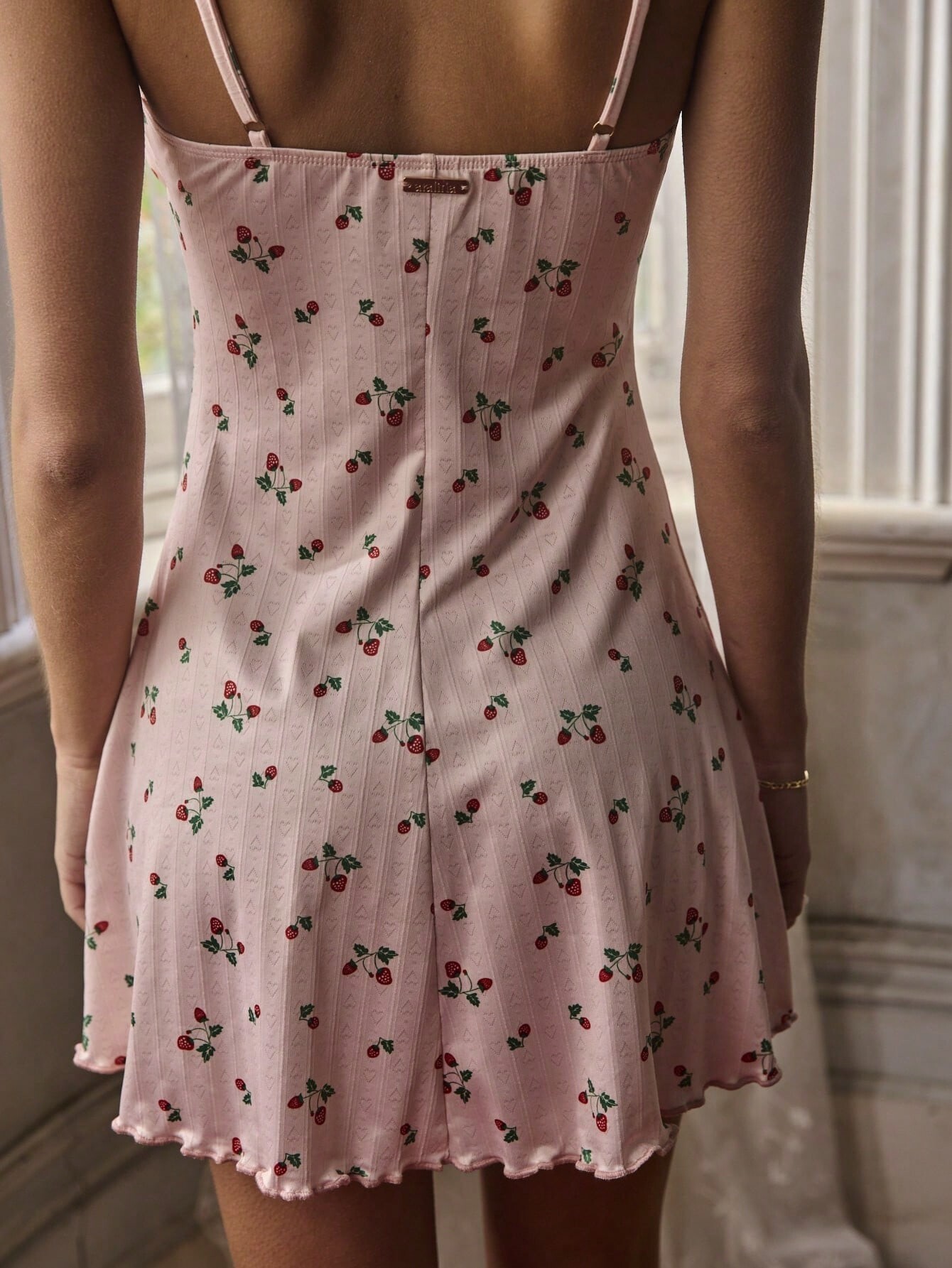



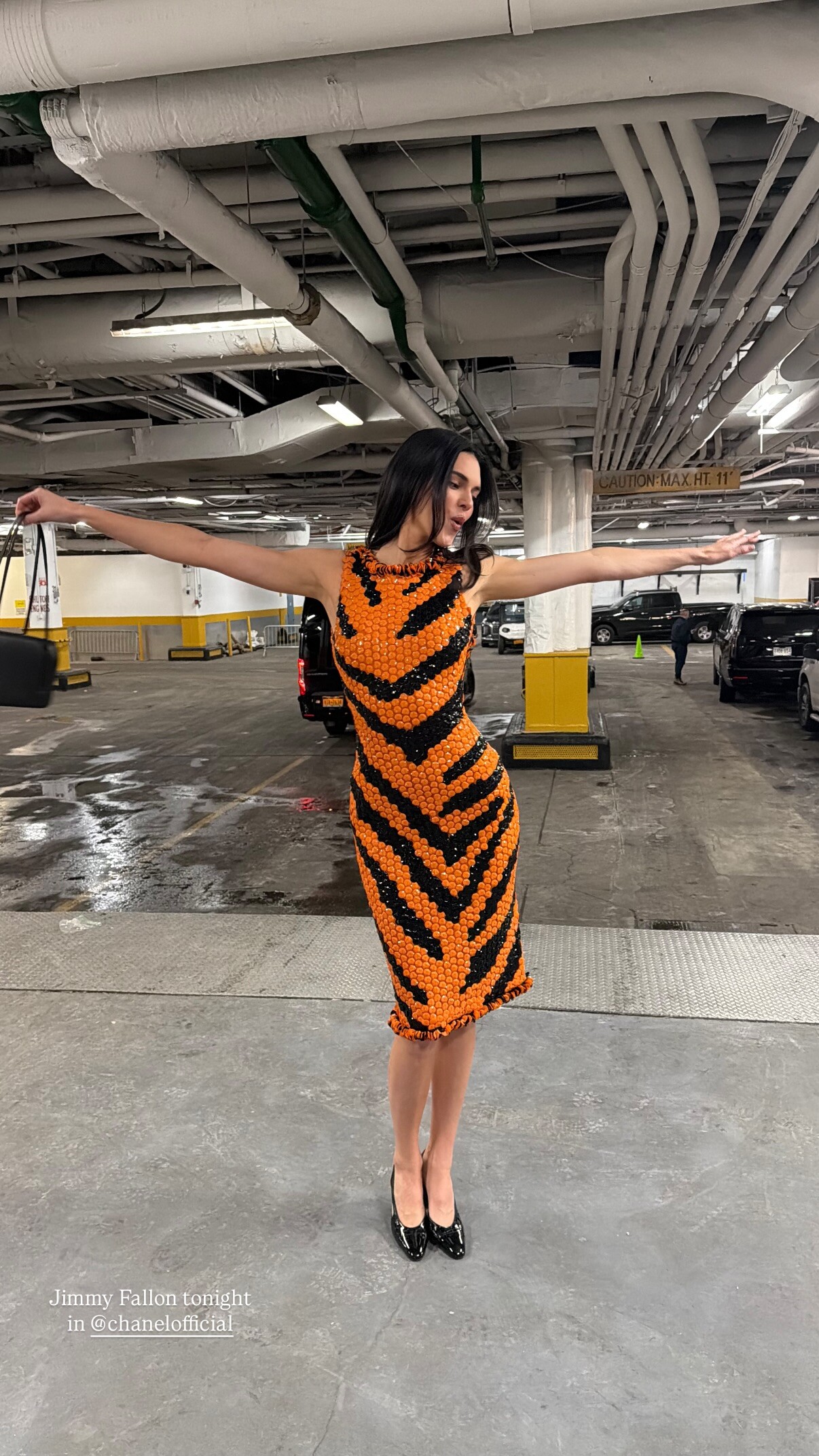

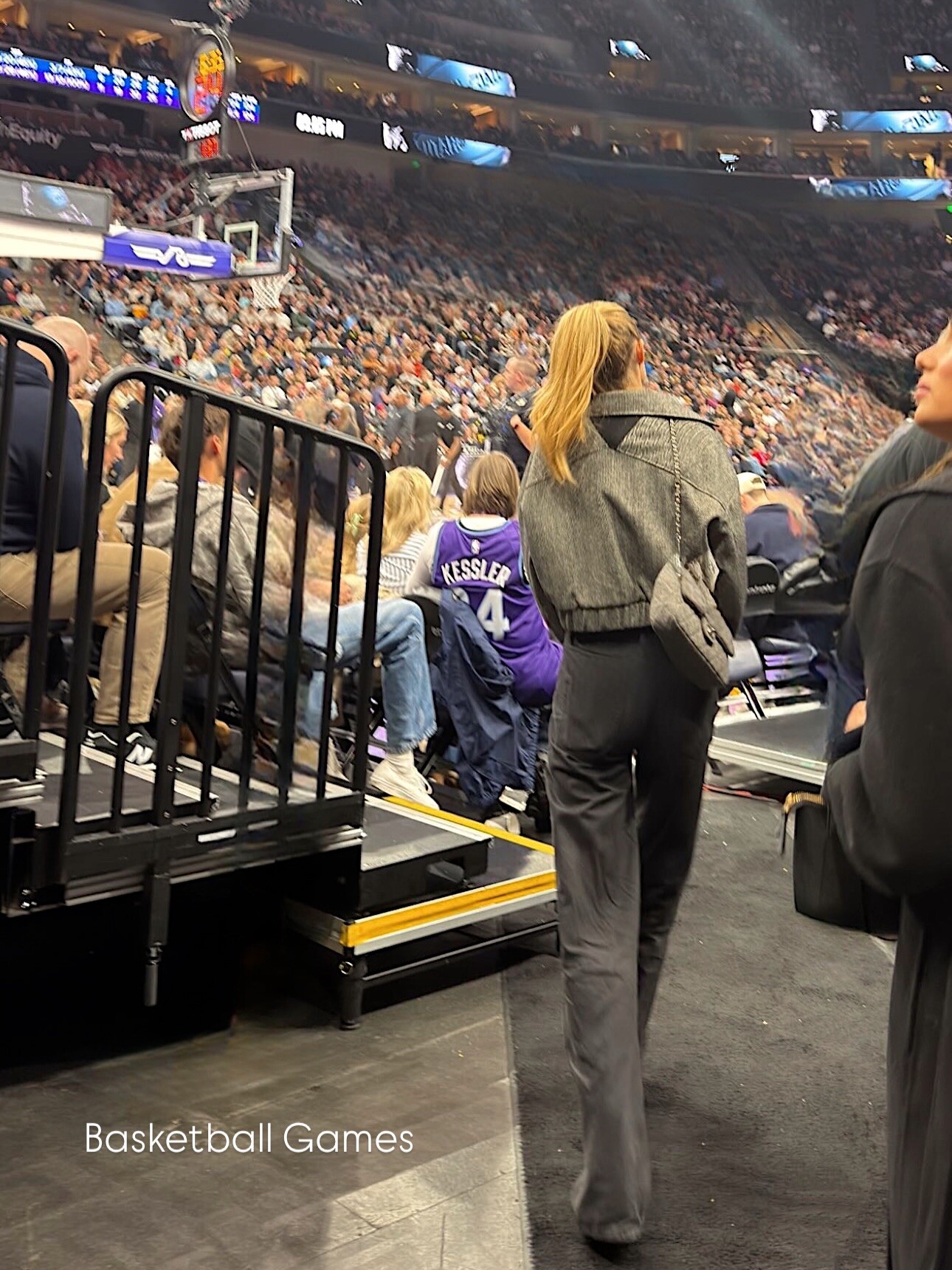
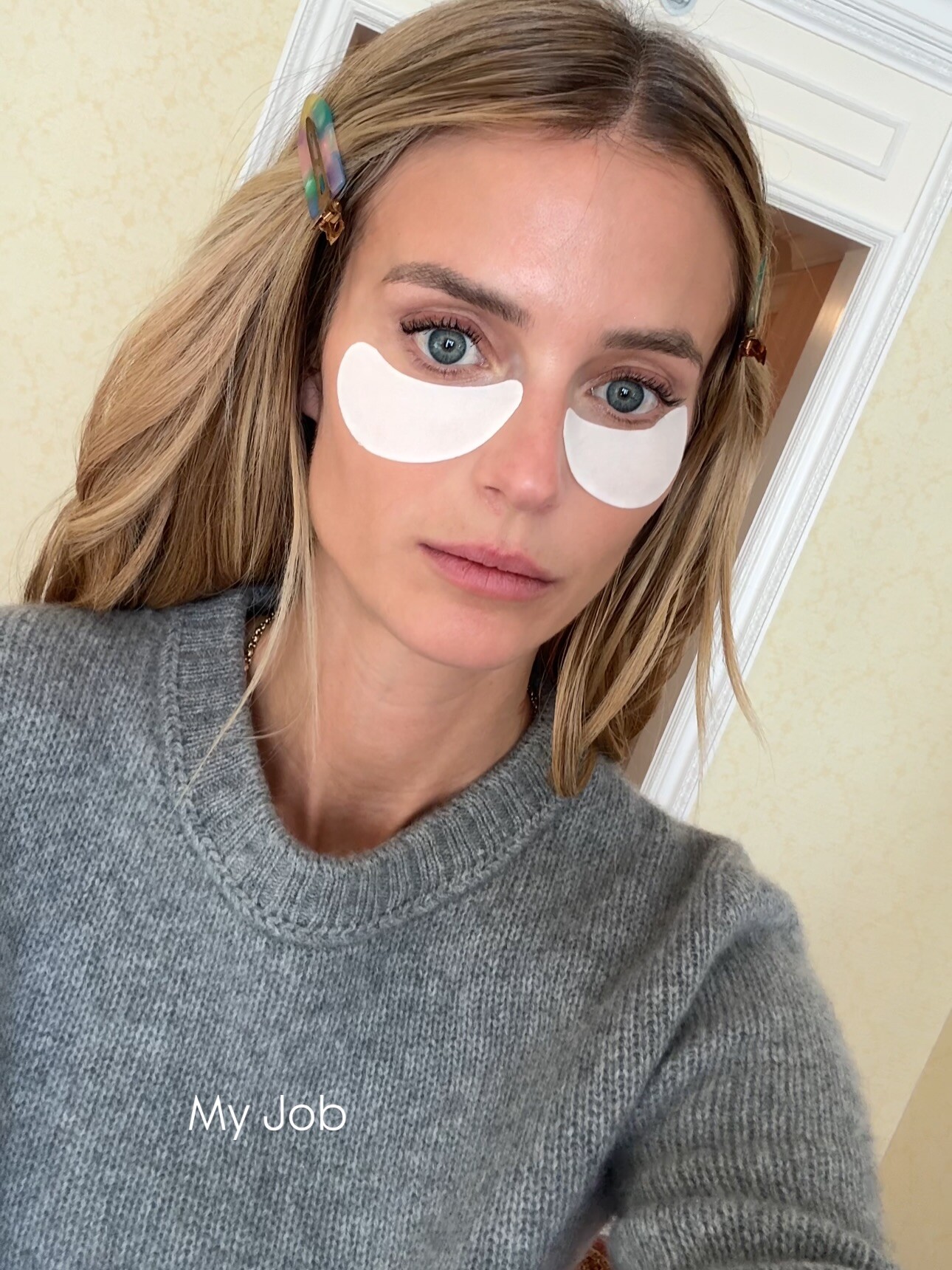
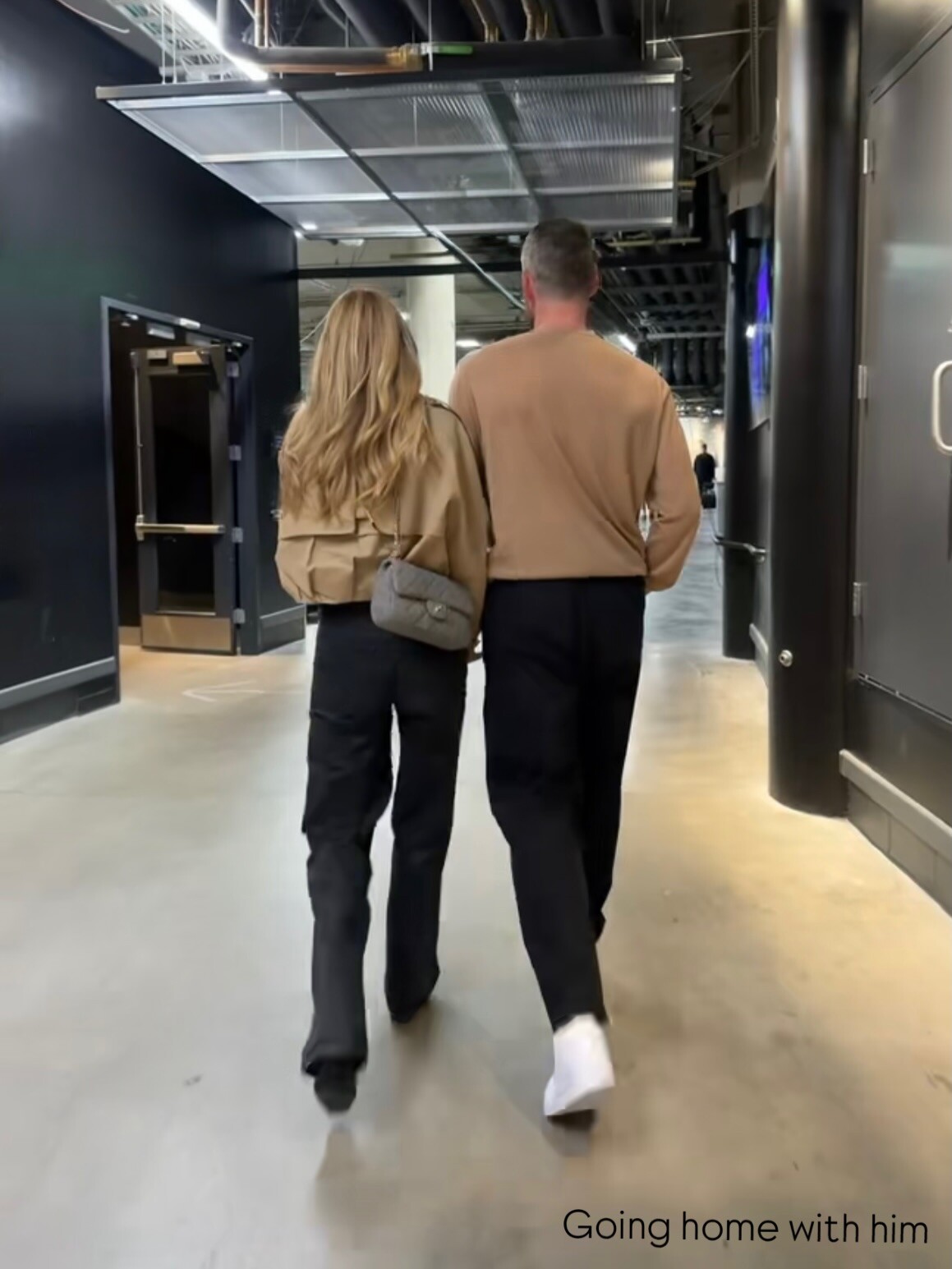



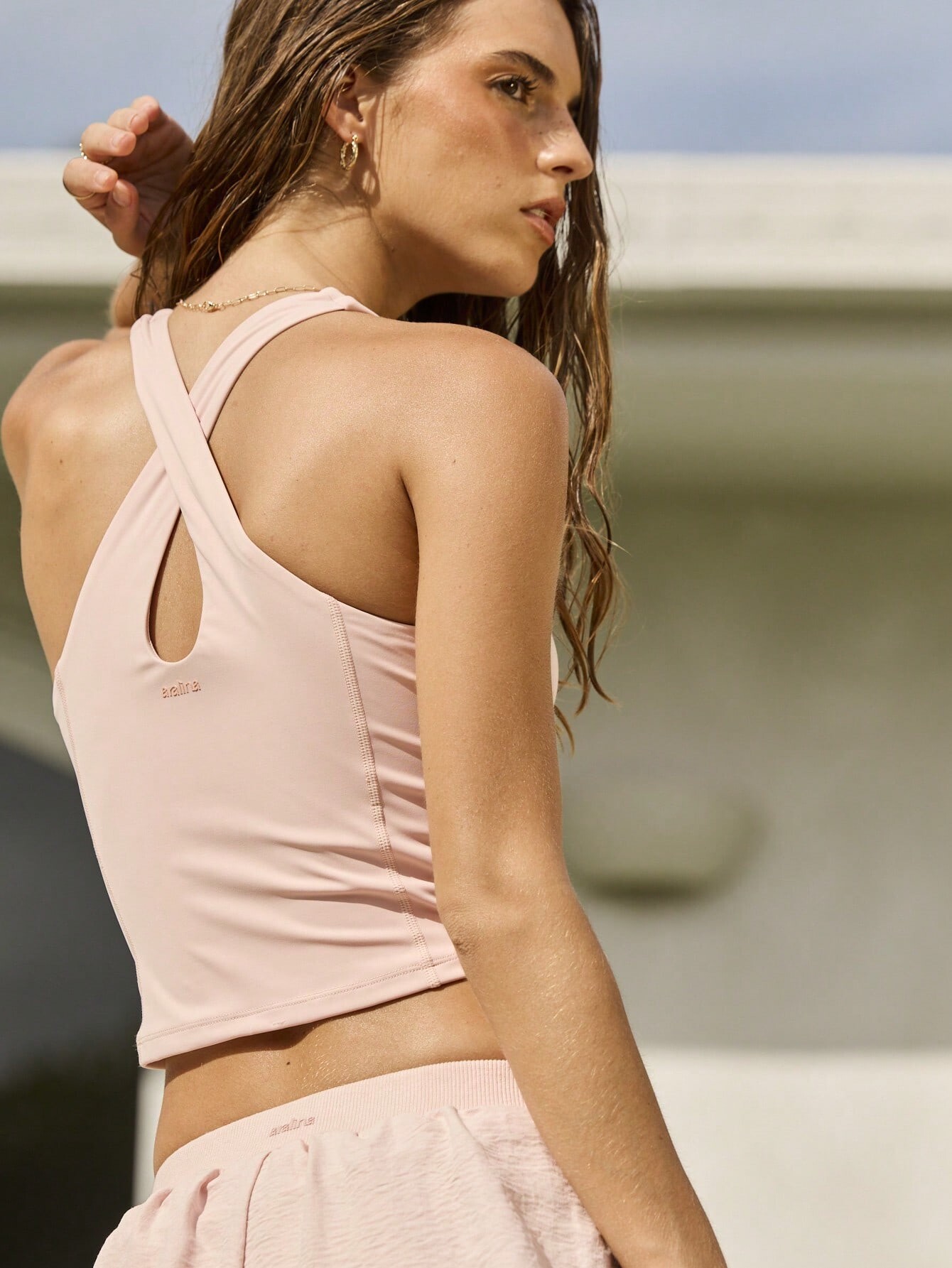












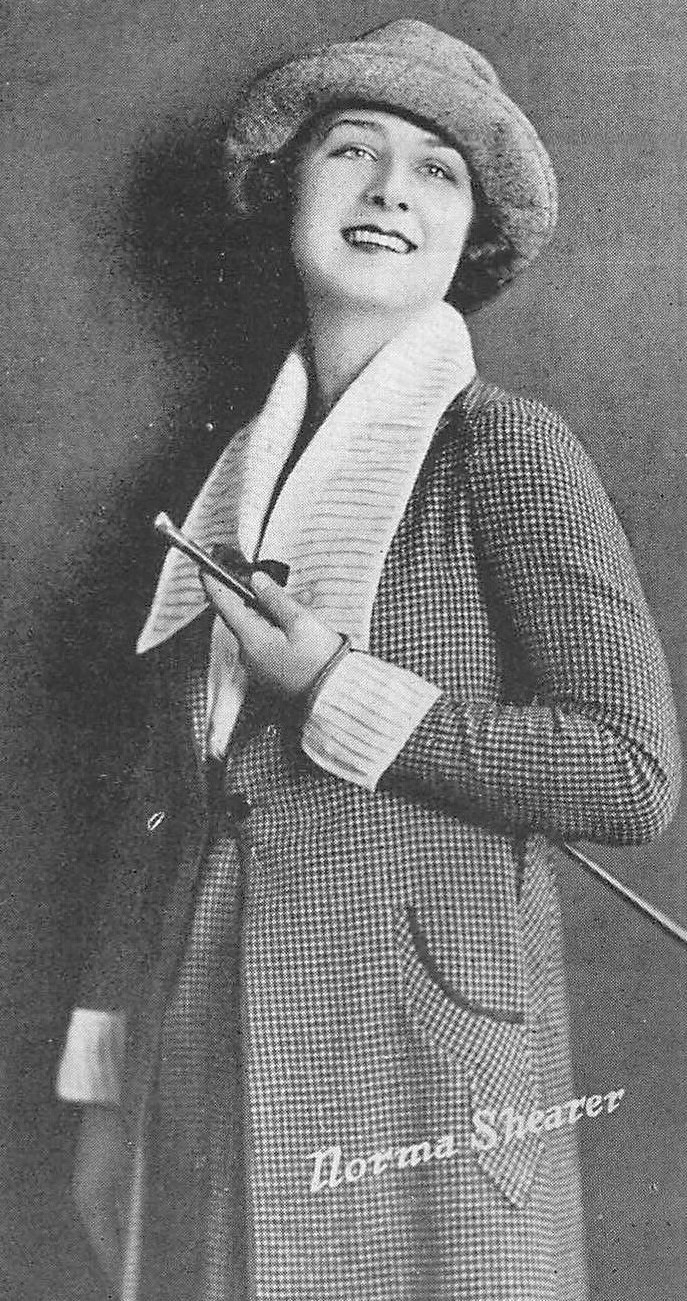

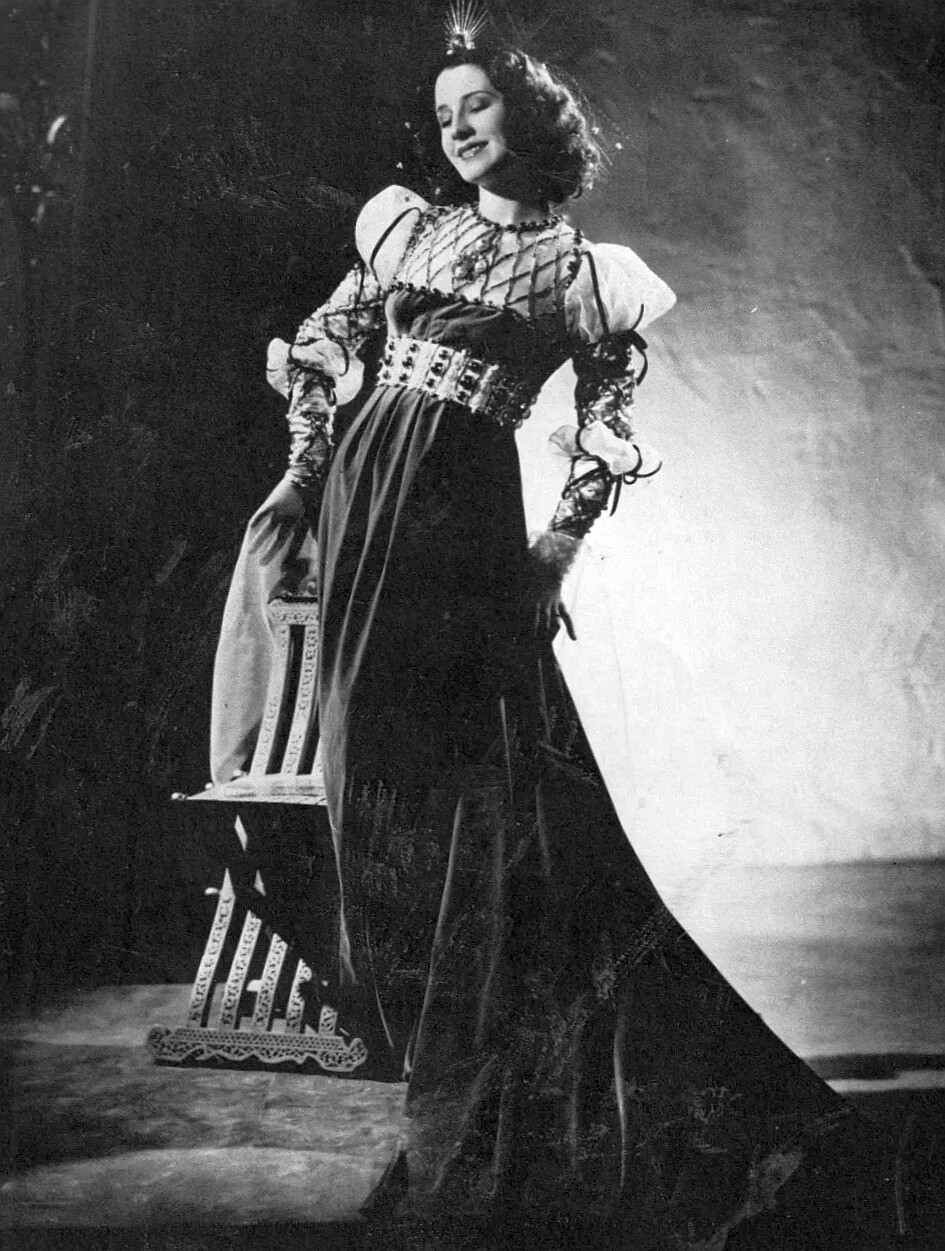
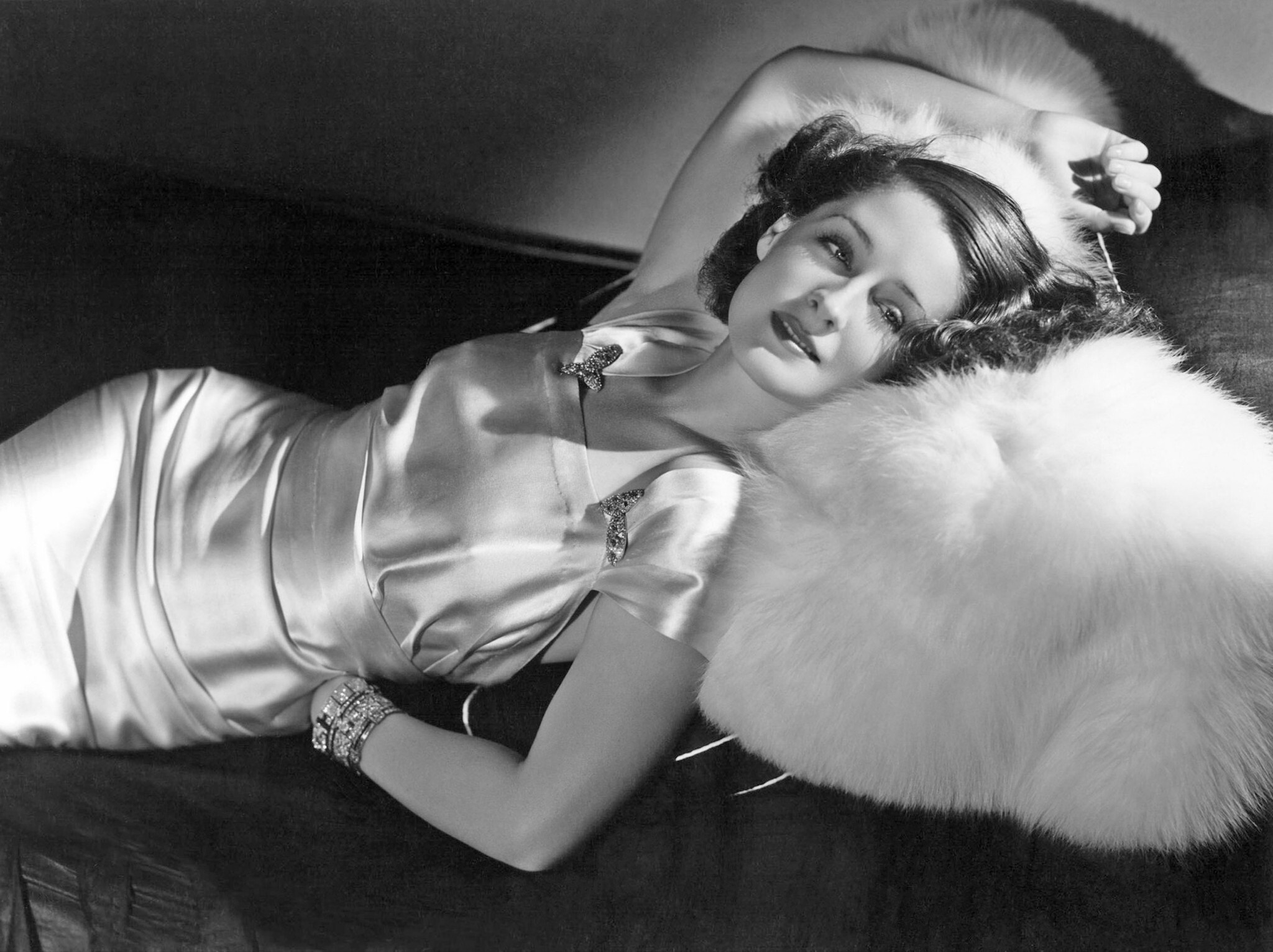
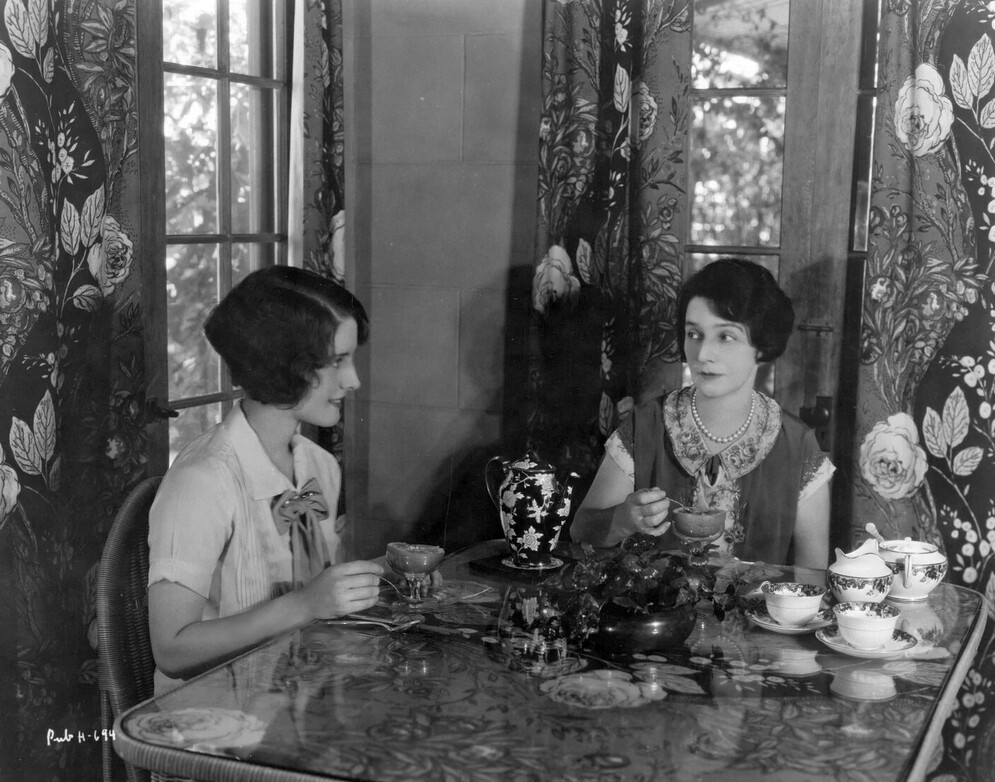
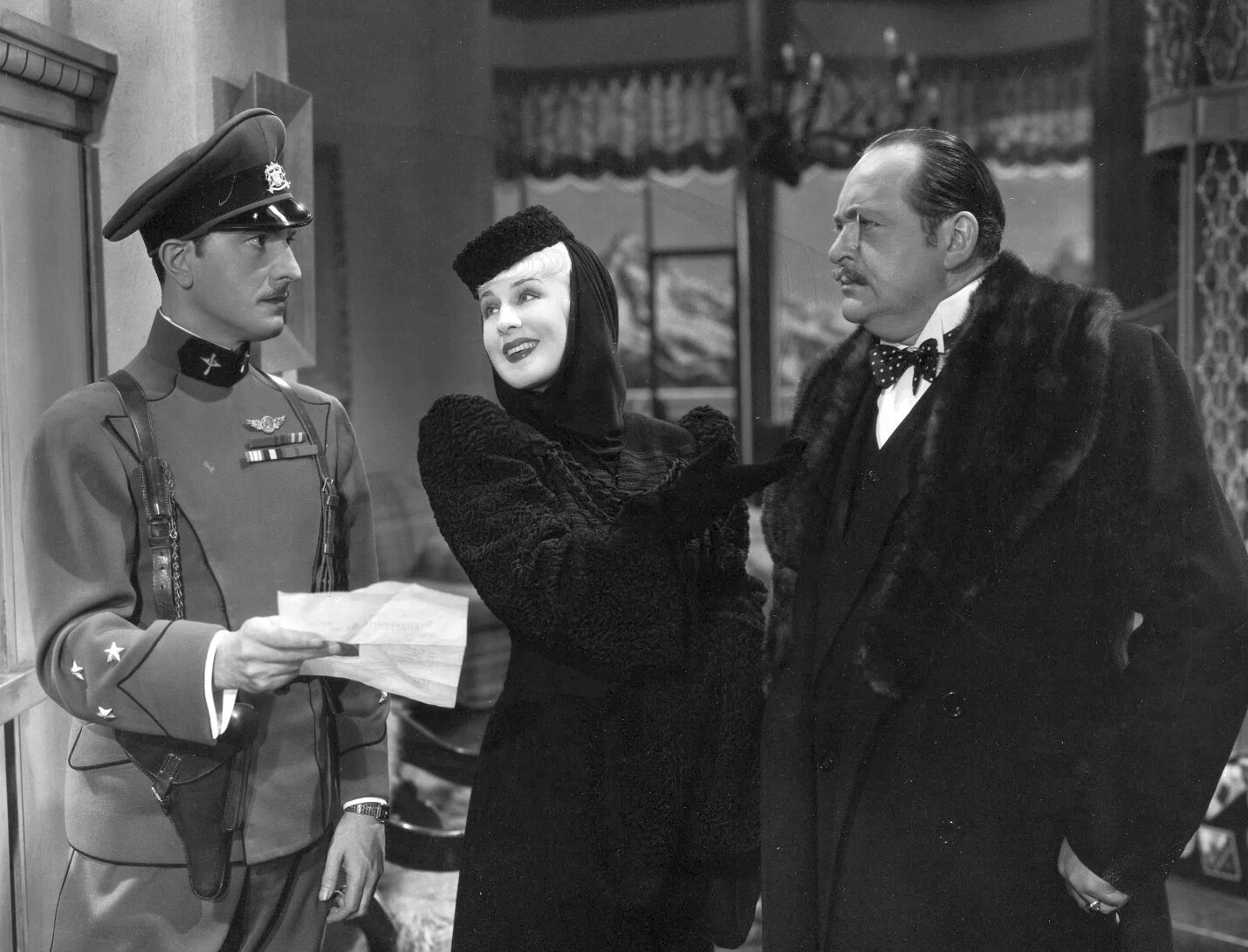
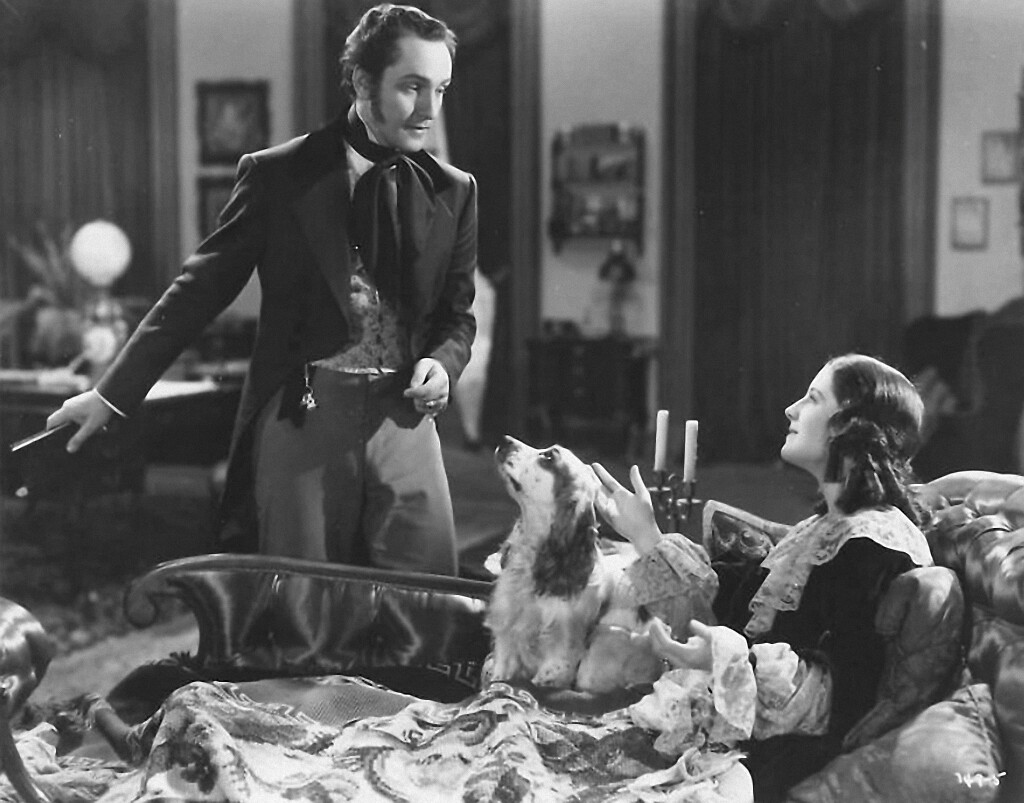


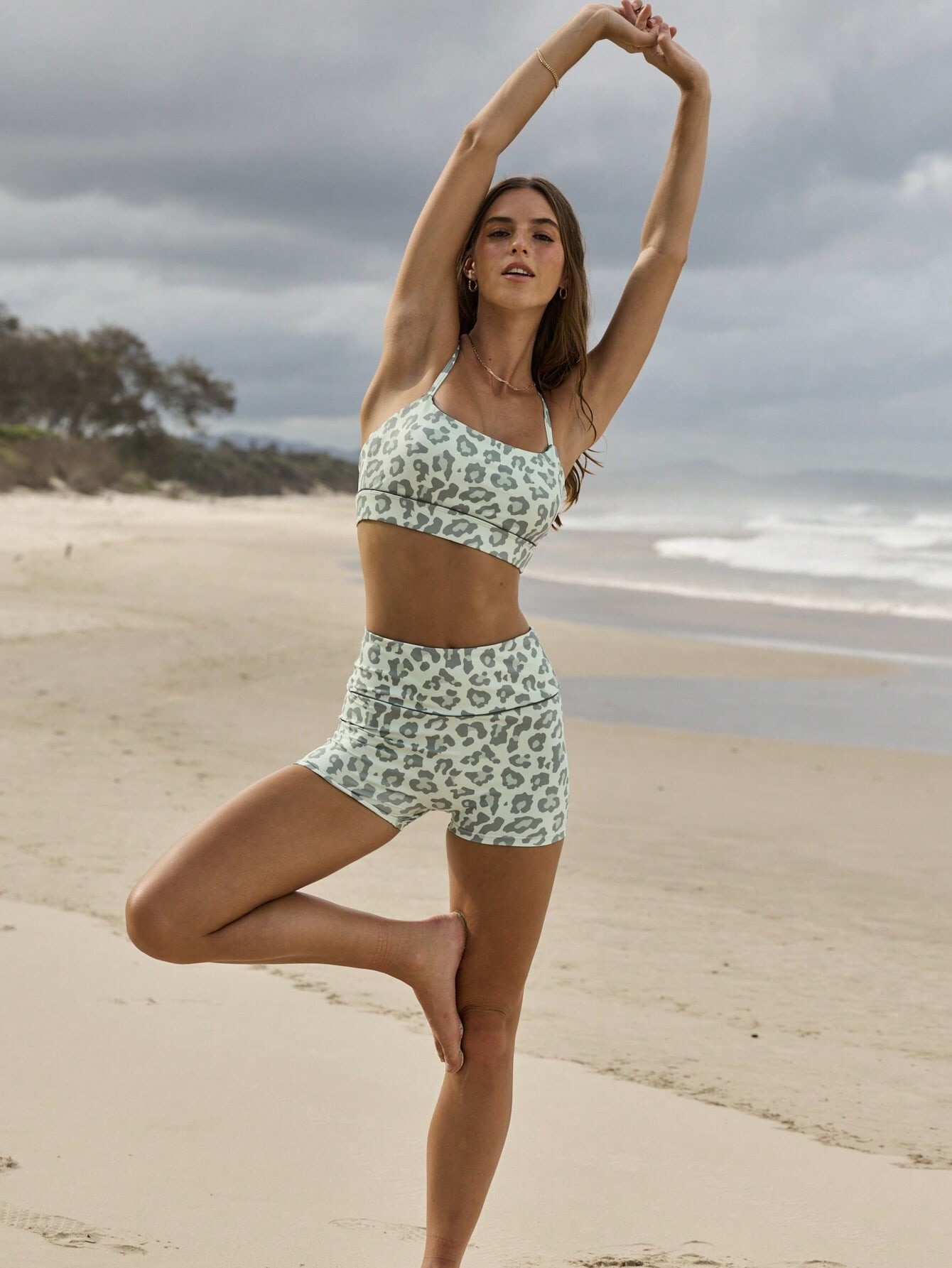
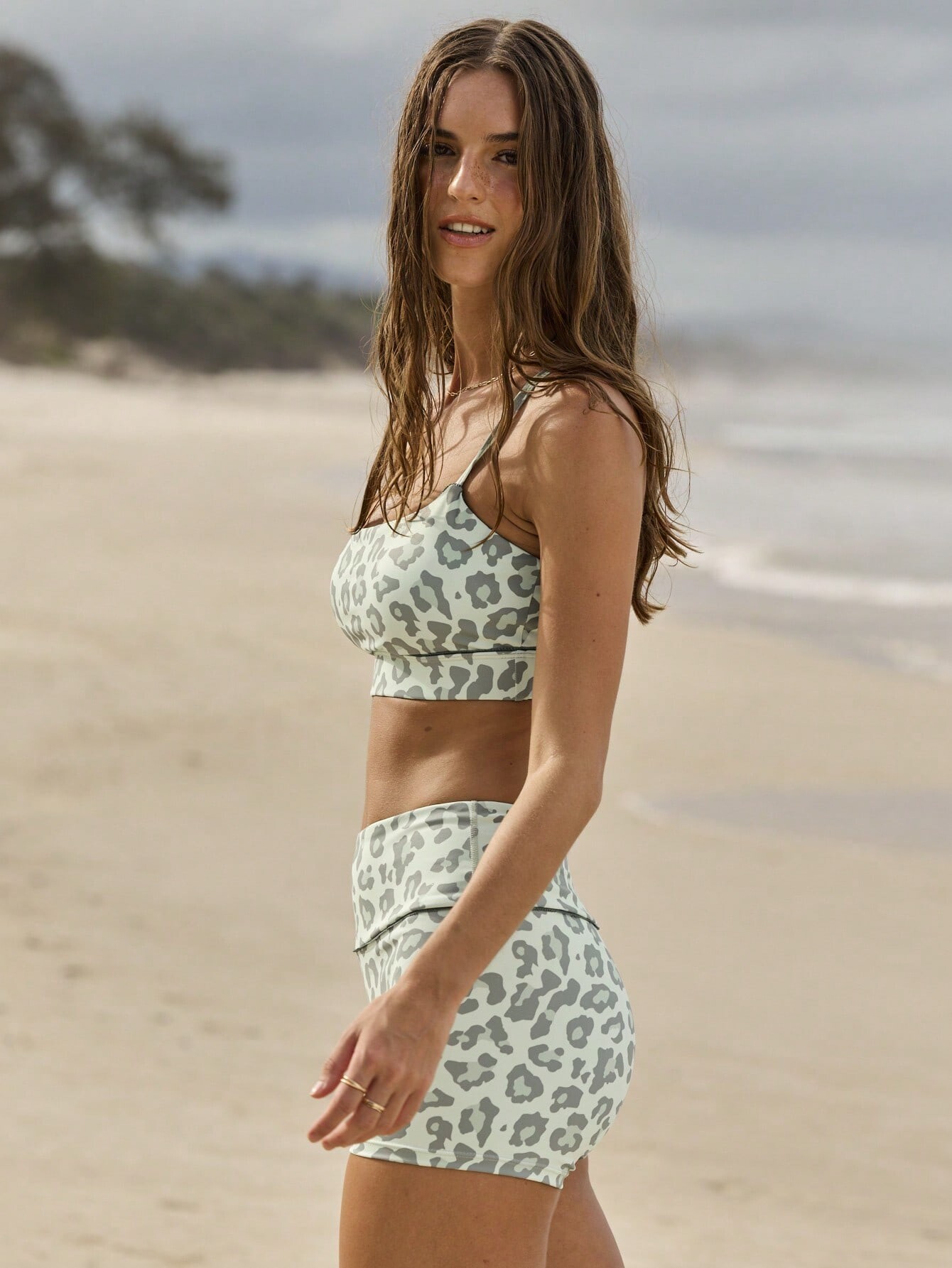
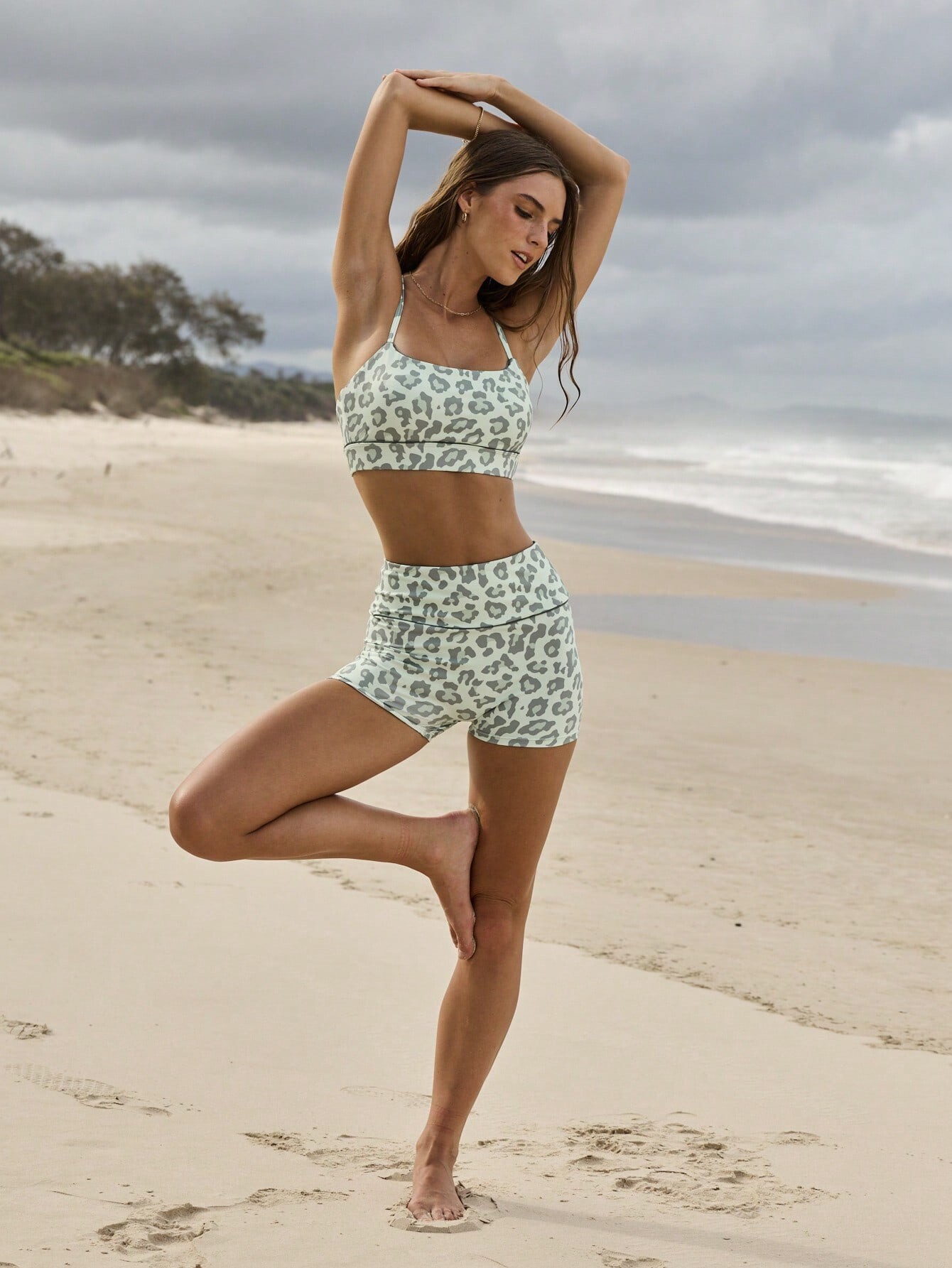
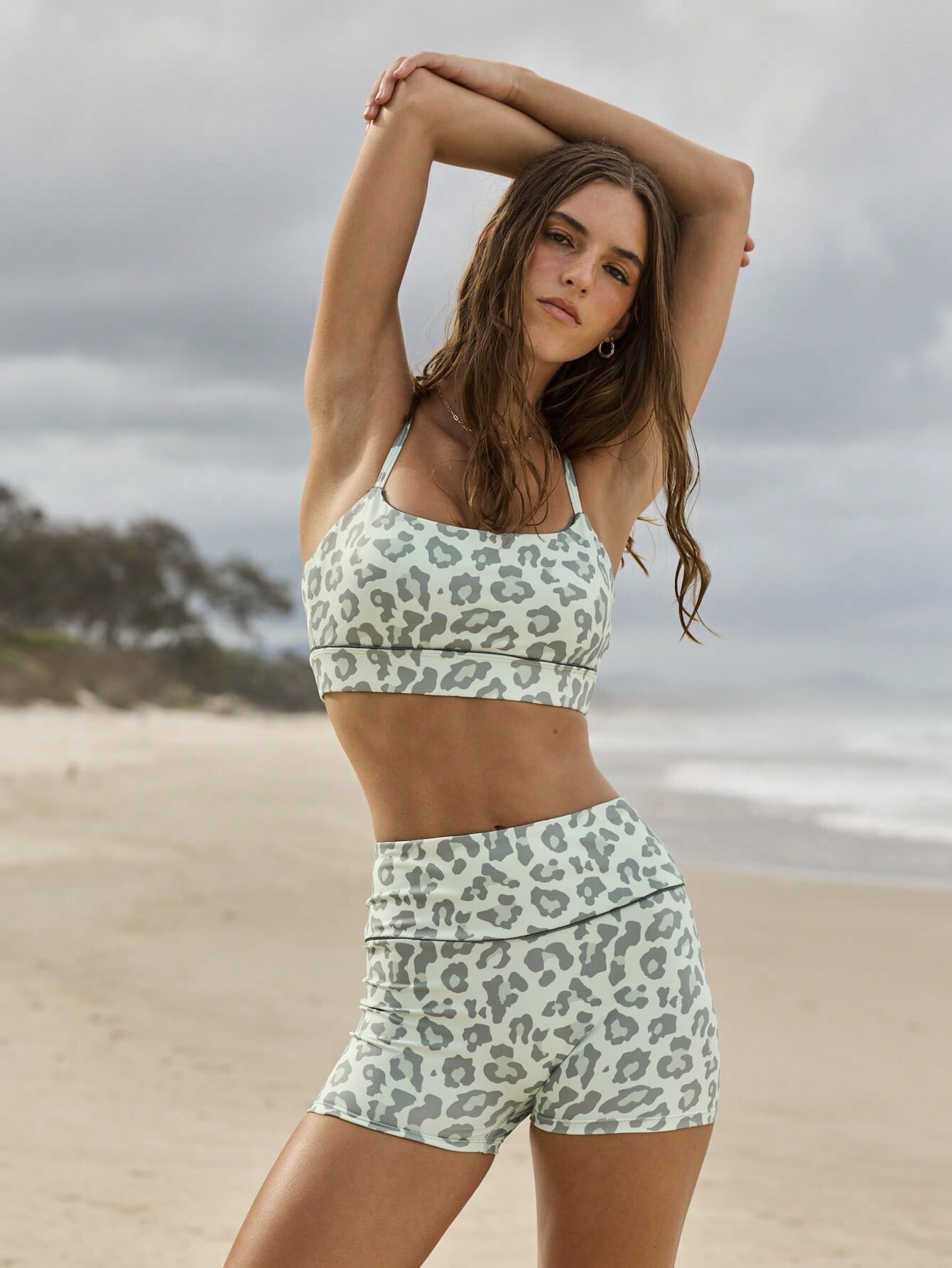
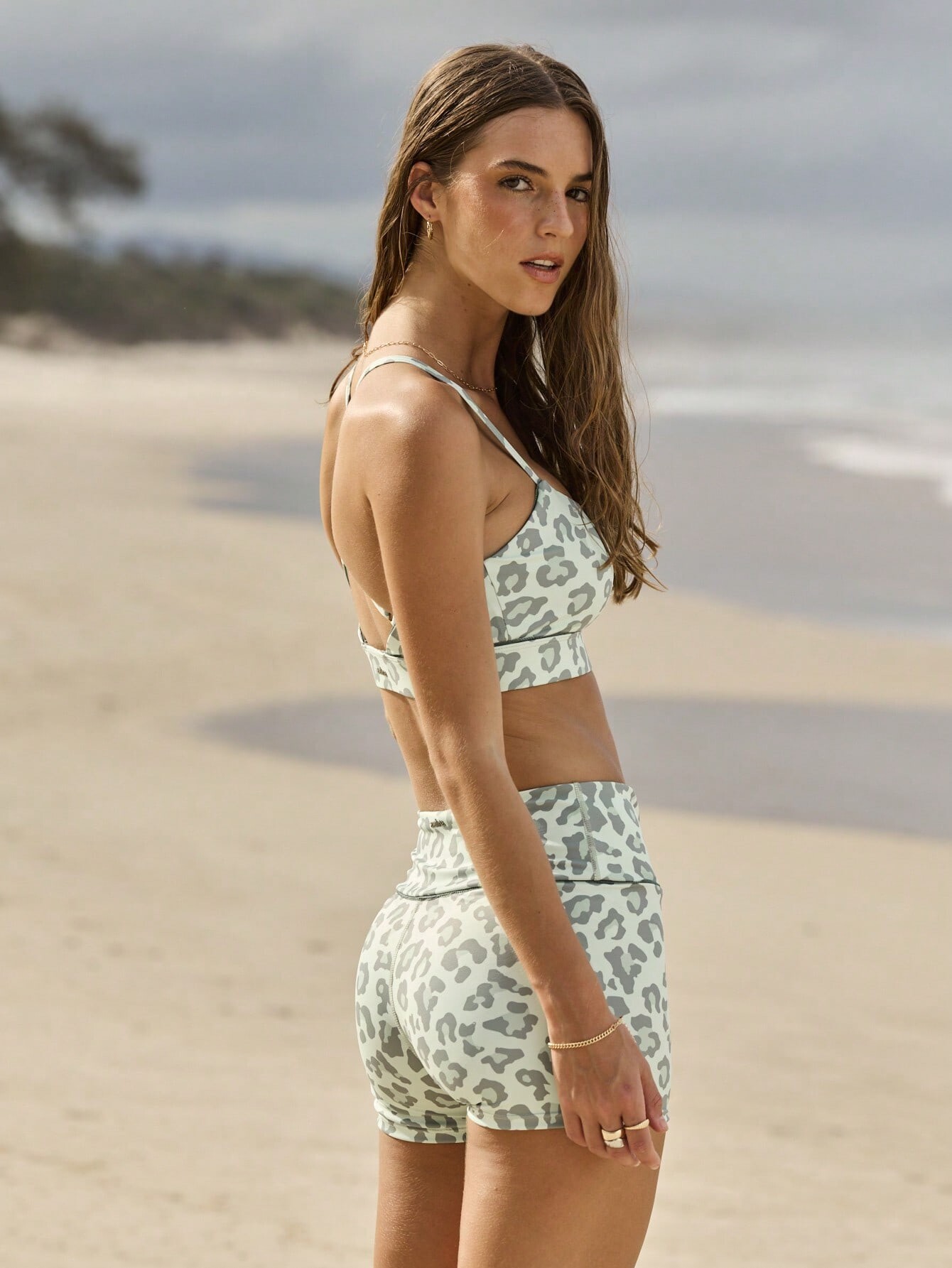
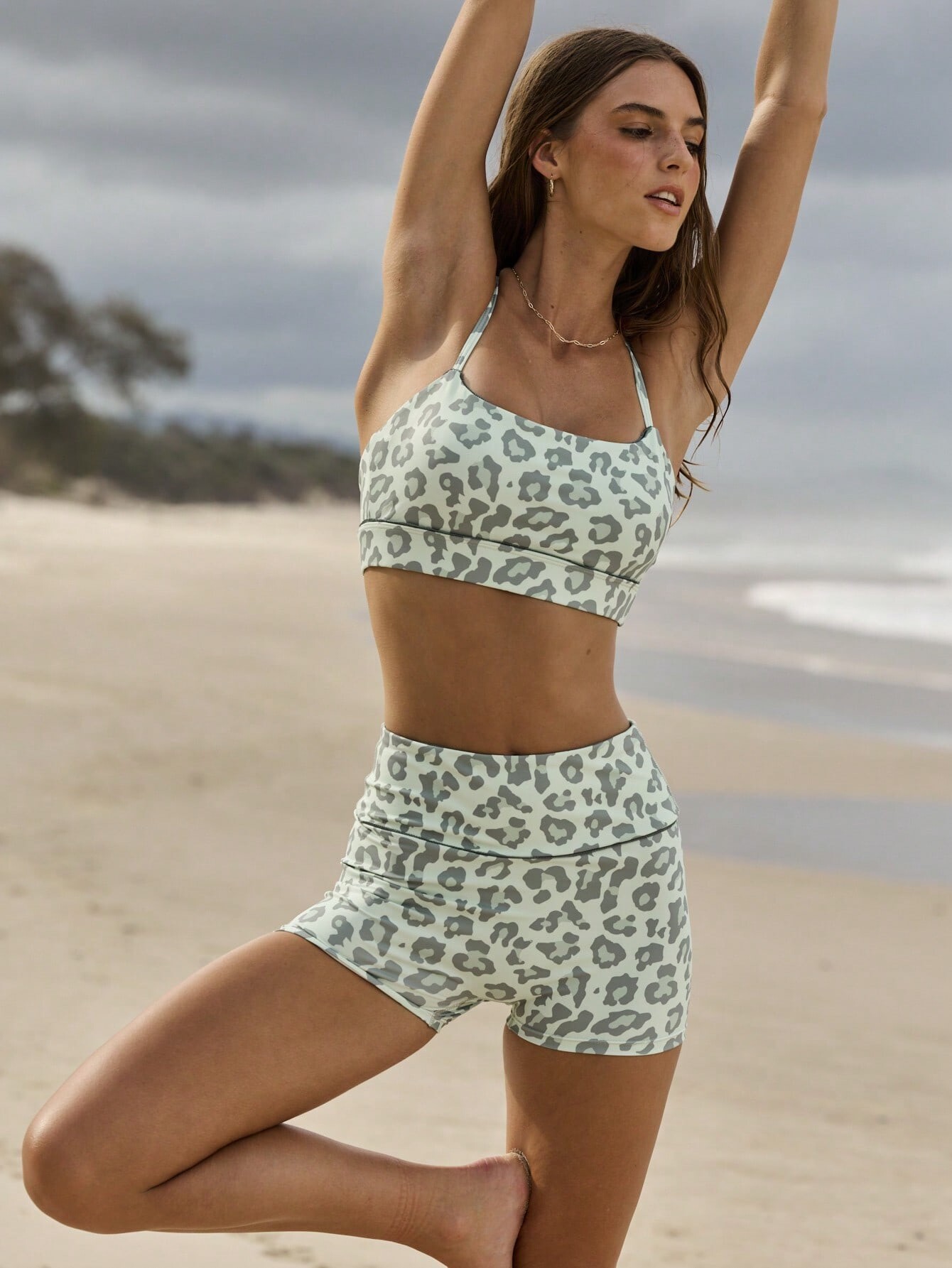
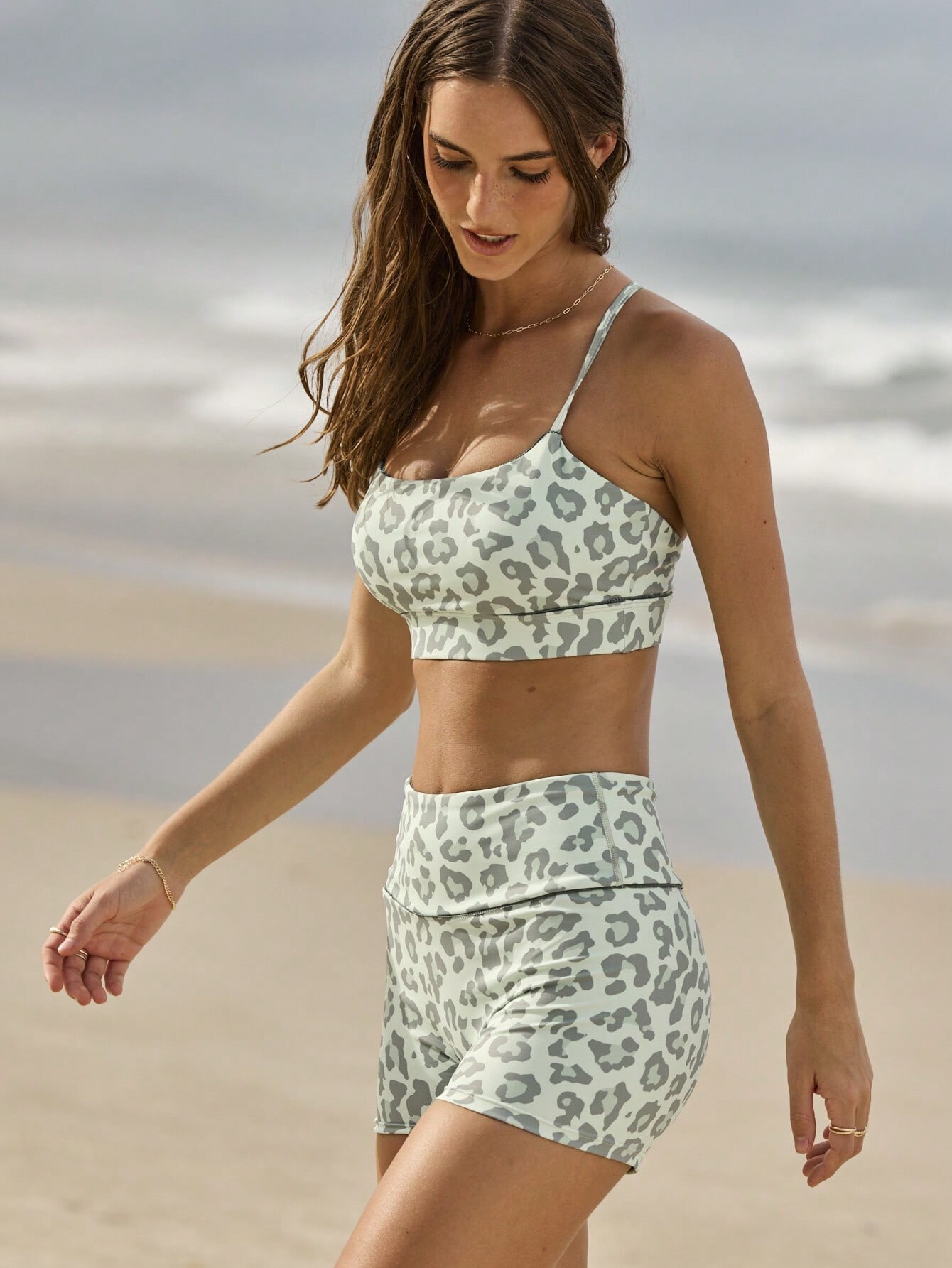
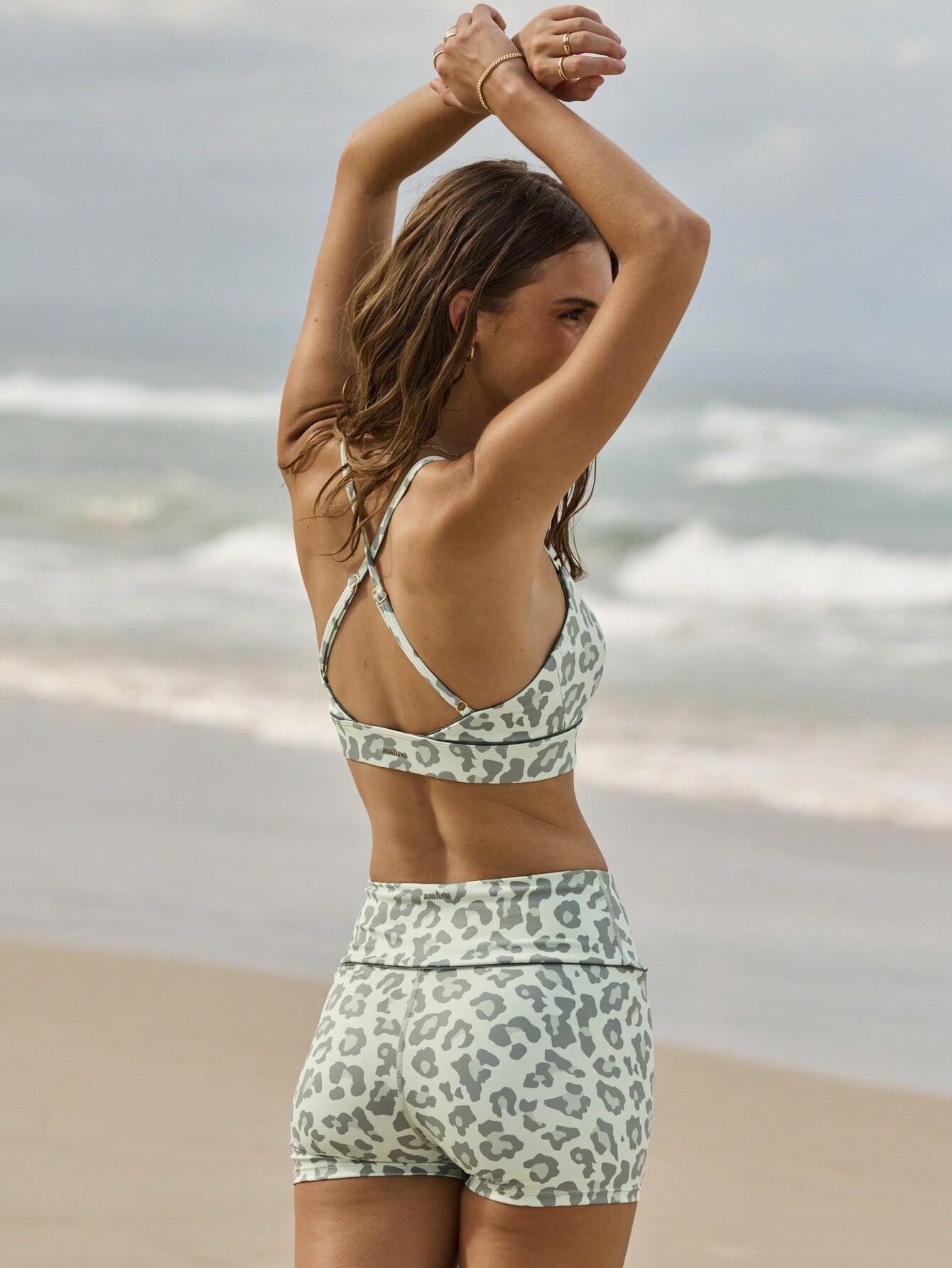
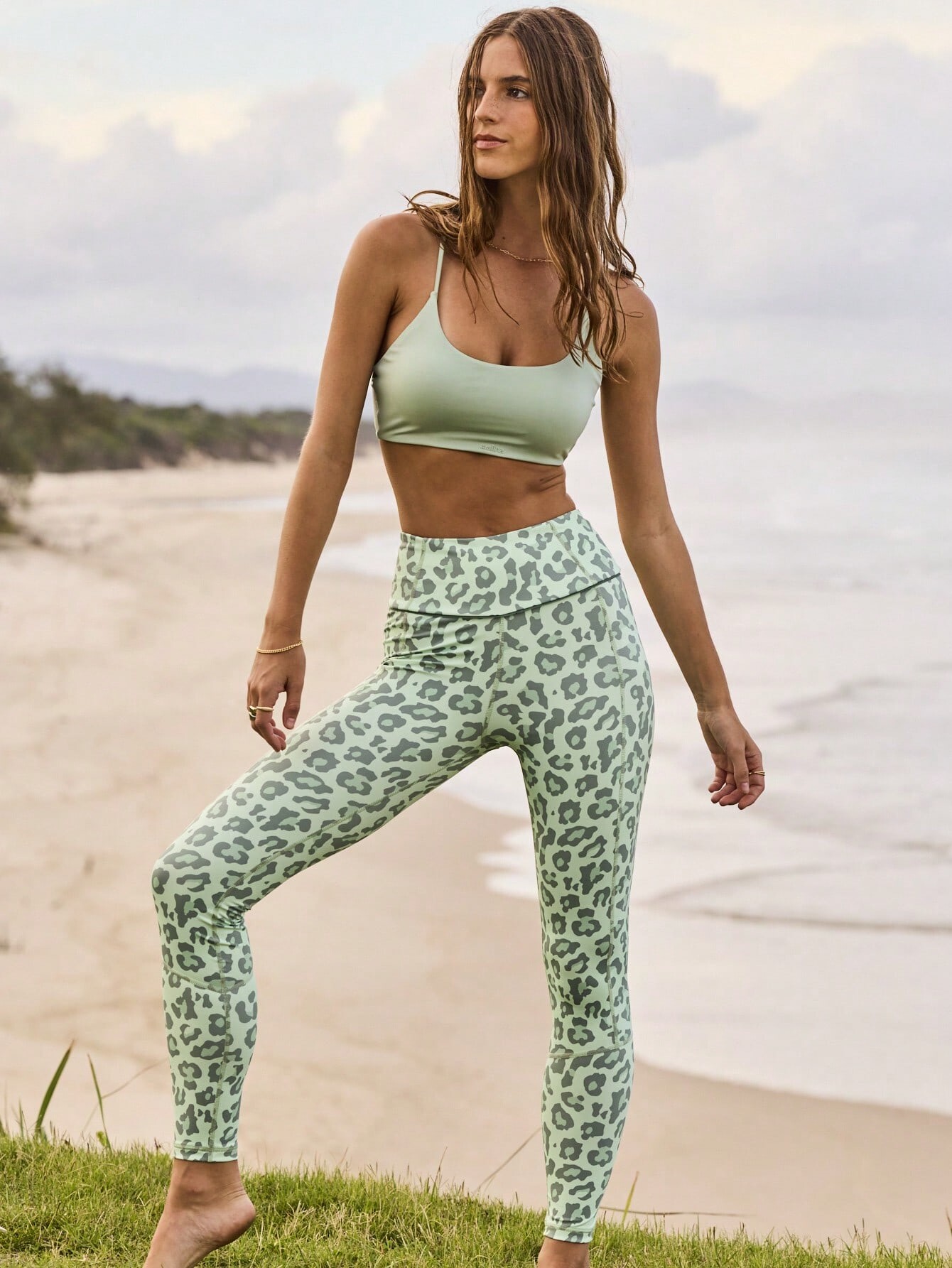
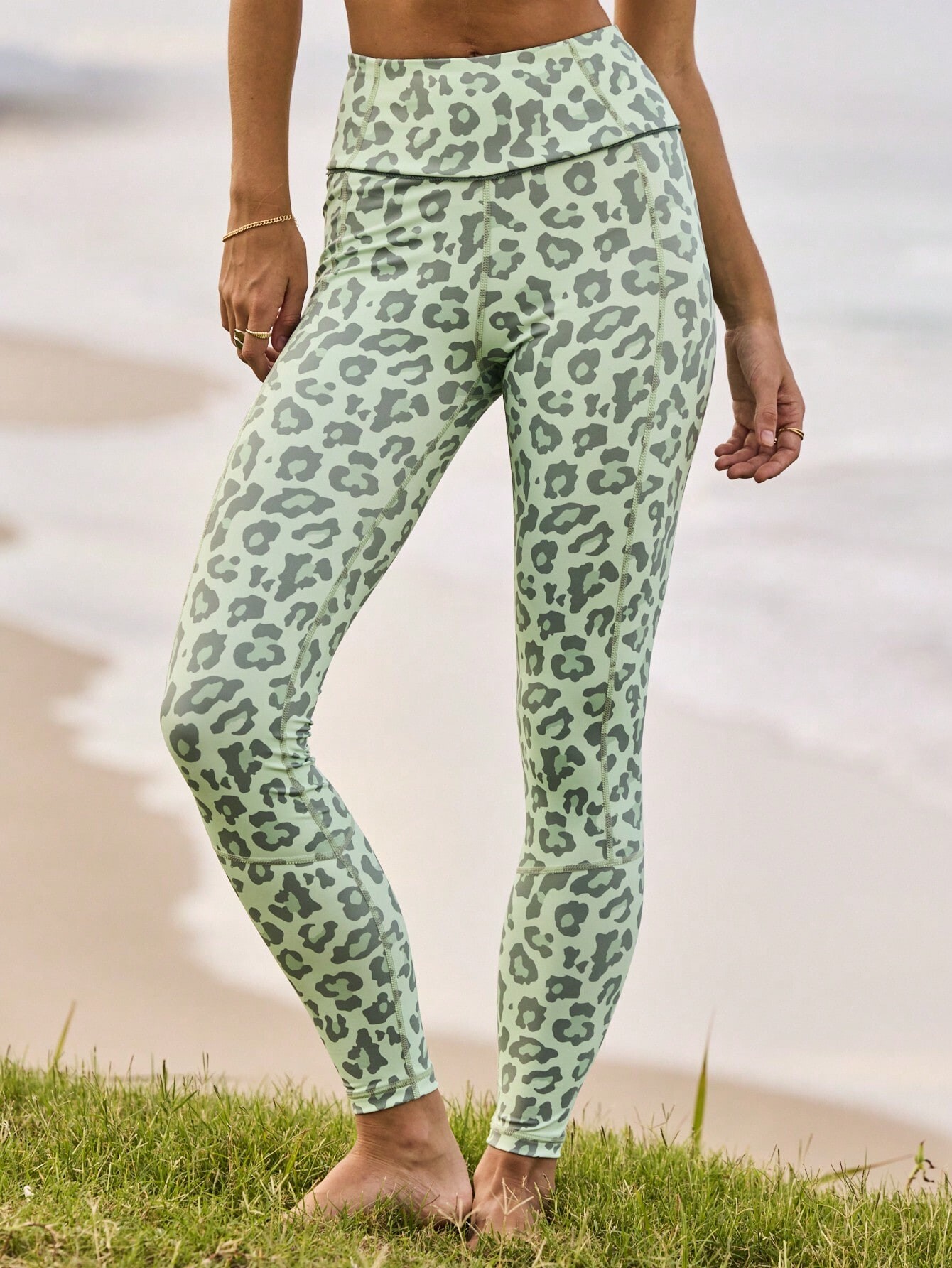

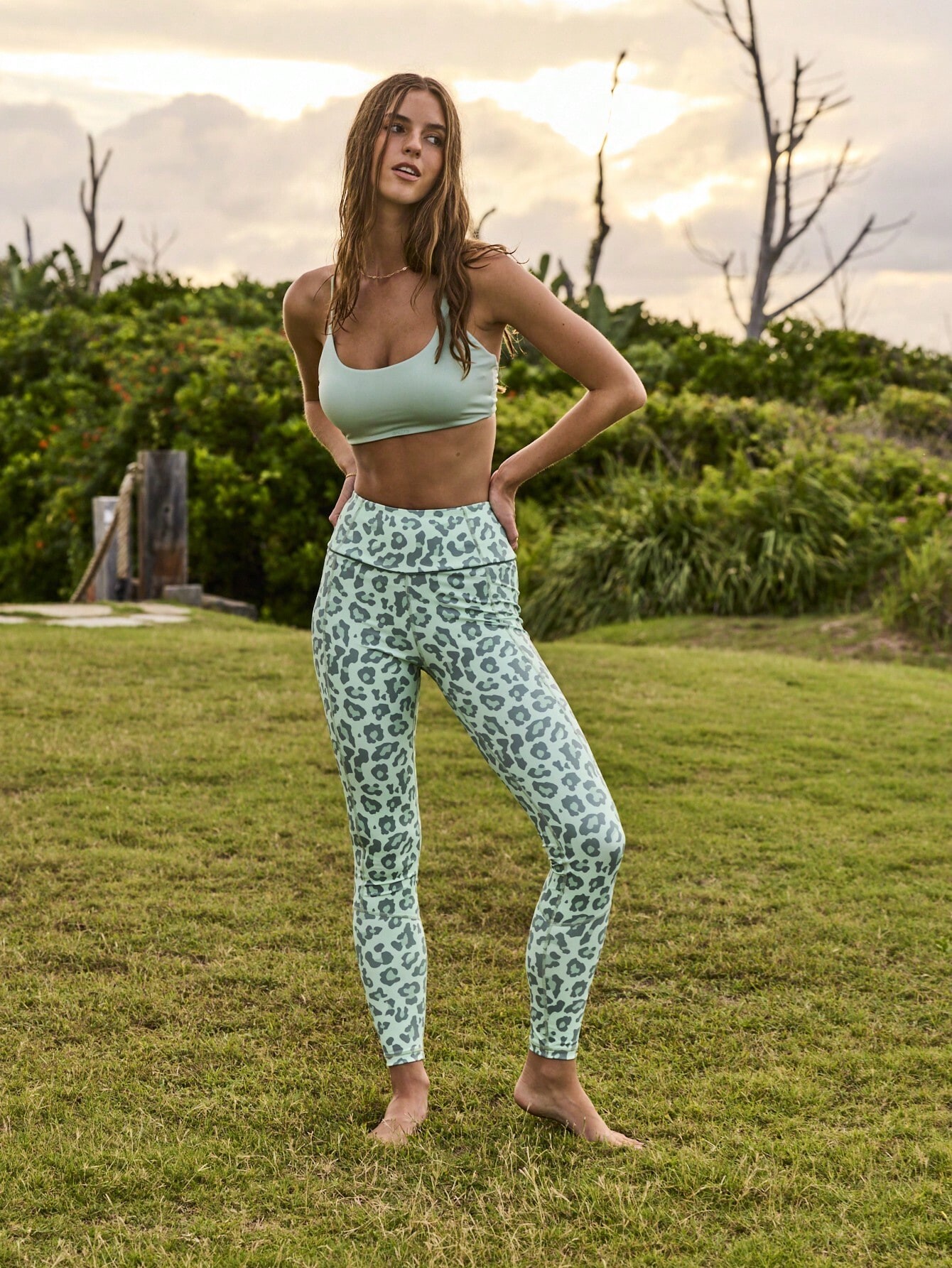
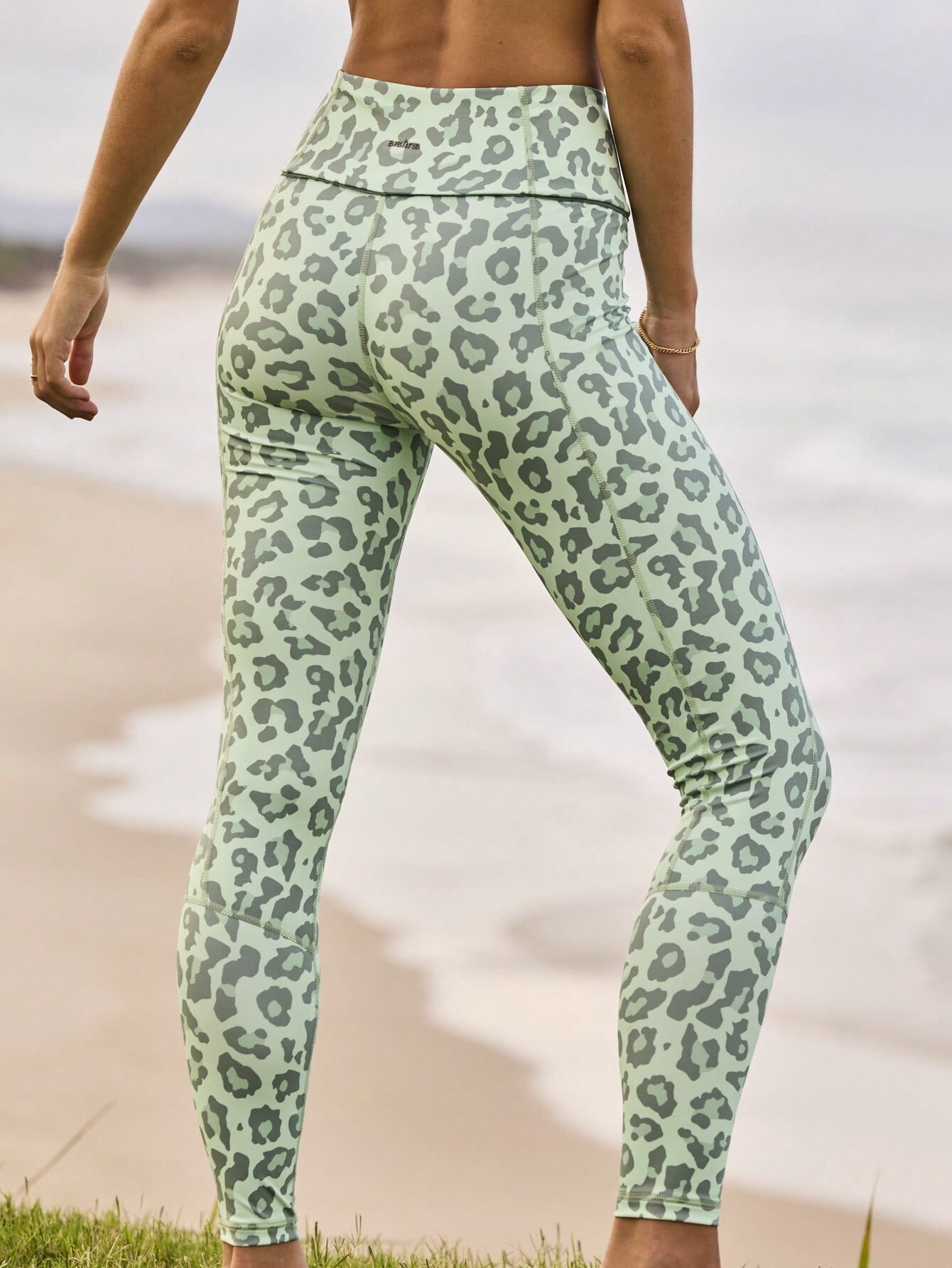
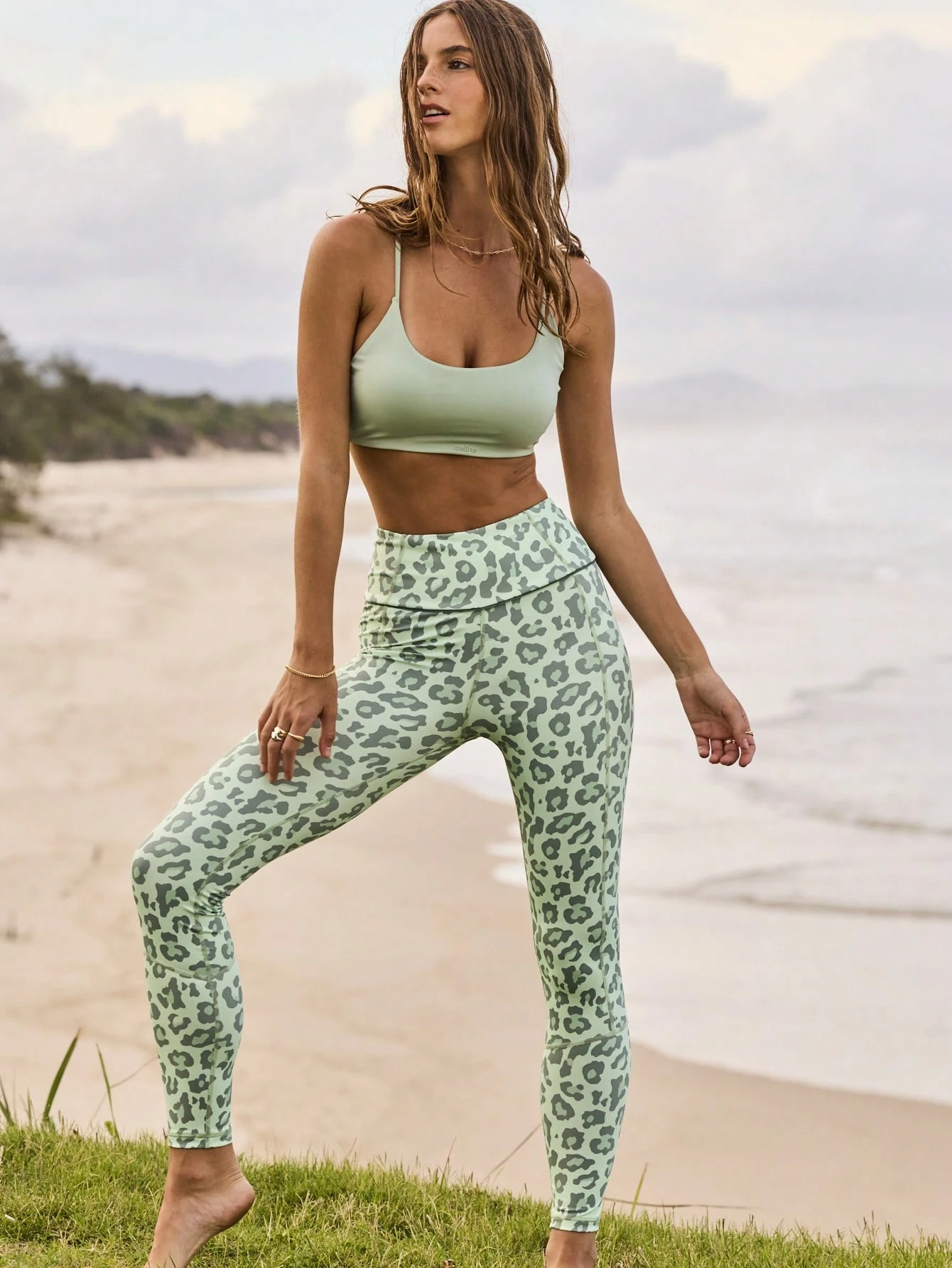
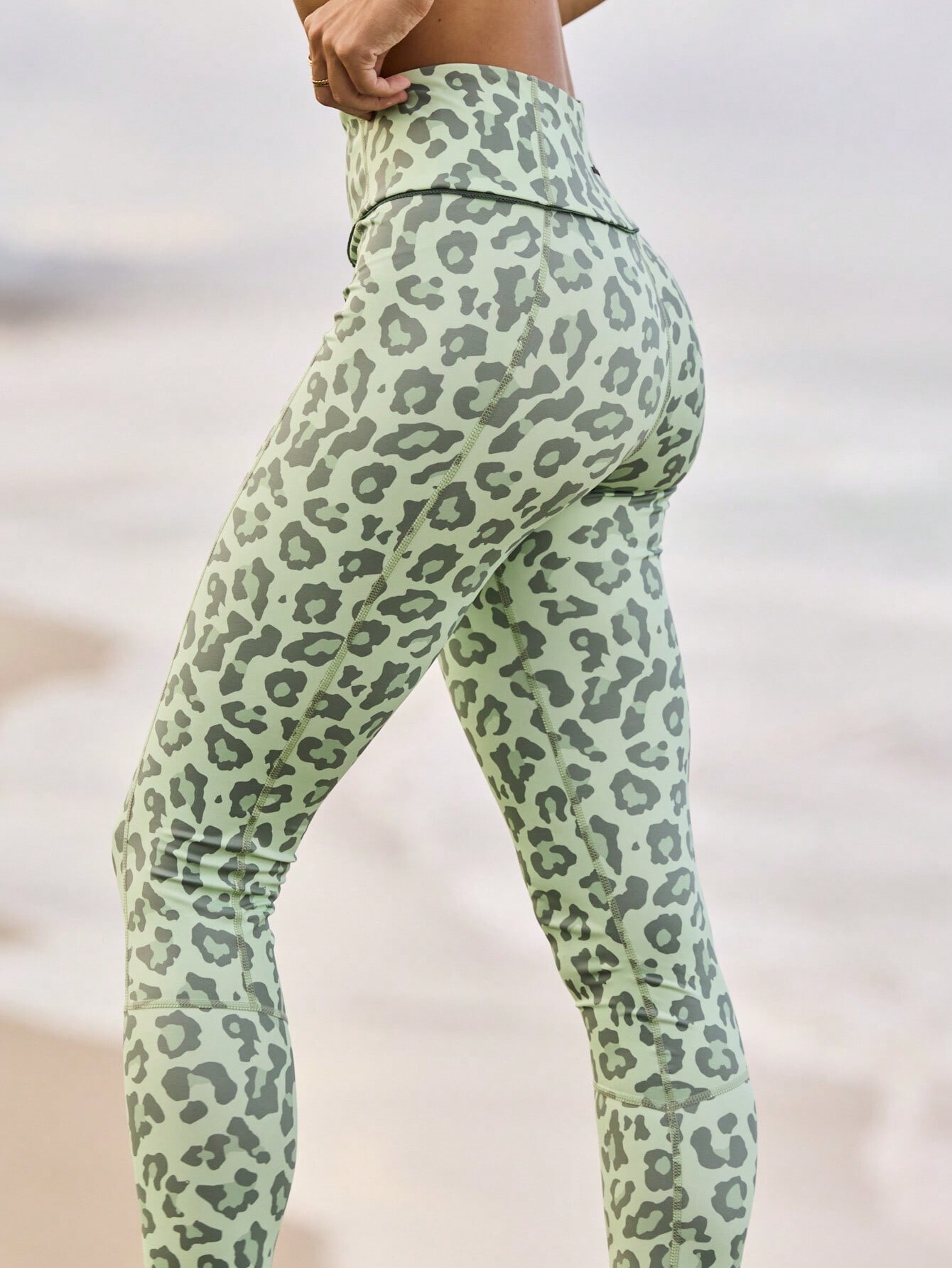


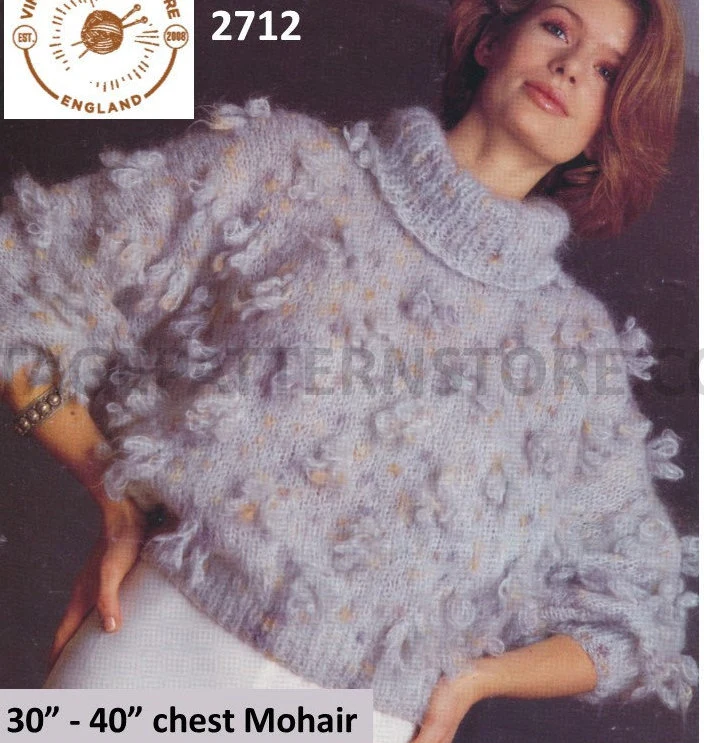
1991-7PHtbd-AllisonGrisso.jpg.8aefc268261a01e0008bff51b740aeda.jpg.1318763e7729d76bf8affe8253124b72.jpg)









Account
Search
Configure browser push notifications
Chrome (Android)
- Tap the lock icon next to the address bar.
- Tap Permissions → Notifications.
- Adjust your preference.
Chrome (Desktop)
- Click the padlock icon in the address bar.
- Select Site settings.
- Find Notifications and adjust your preference.
Safari (iOS 16.4+)
- Ensure the site is installed via Add to Home Screen.
- Open Settings App → Notifications.
- Find your app name and adjust your preference.
Safari (macOS)
- Go to Safari → Preferences.
- Click the Websites tab.
- Select Notifications in the sidebar.
- Find this website and adjust your preference.
Edge (Android)
- Tap the lock icon next to the address bar.
- Tap Permissions.
- Find Notifications and adjust your preference.
Edge (Desktop)
- Click the padlock icon in the address bar.
- Click Permissions for this site.
- Find Notifications and adjust your preference.
Firefox (Android)
- Go to Settings → Site permissions.
- Tap Notifications.
- Find this site in the list and adjust your preference.
Firefox (Desktop)
- Open Firefox Settings.
- Search for Notifications.
- Find this site in the list and adjust your preference.