All Activity
- Past hour
-
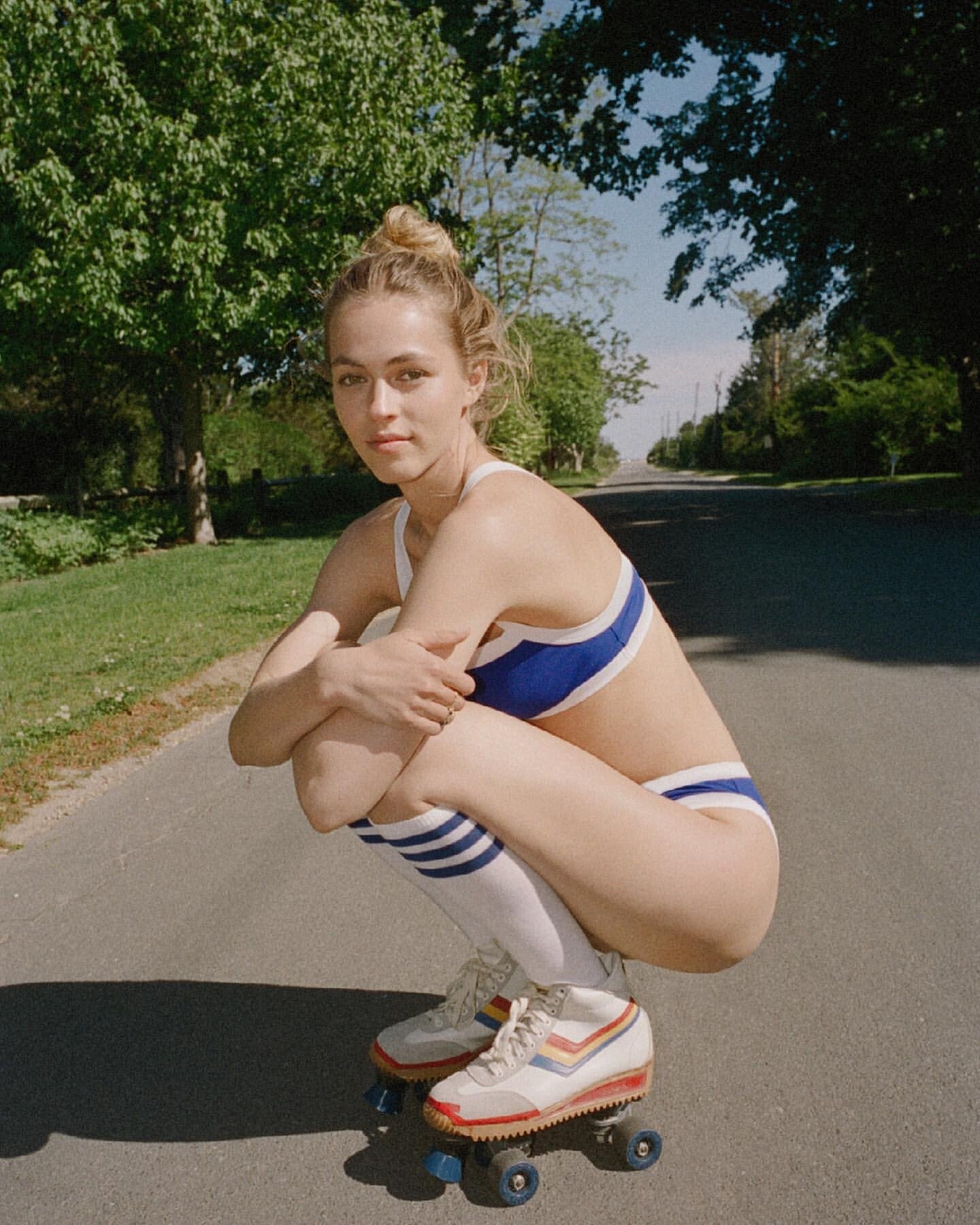
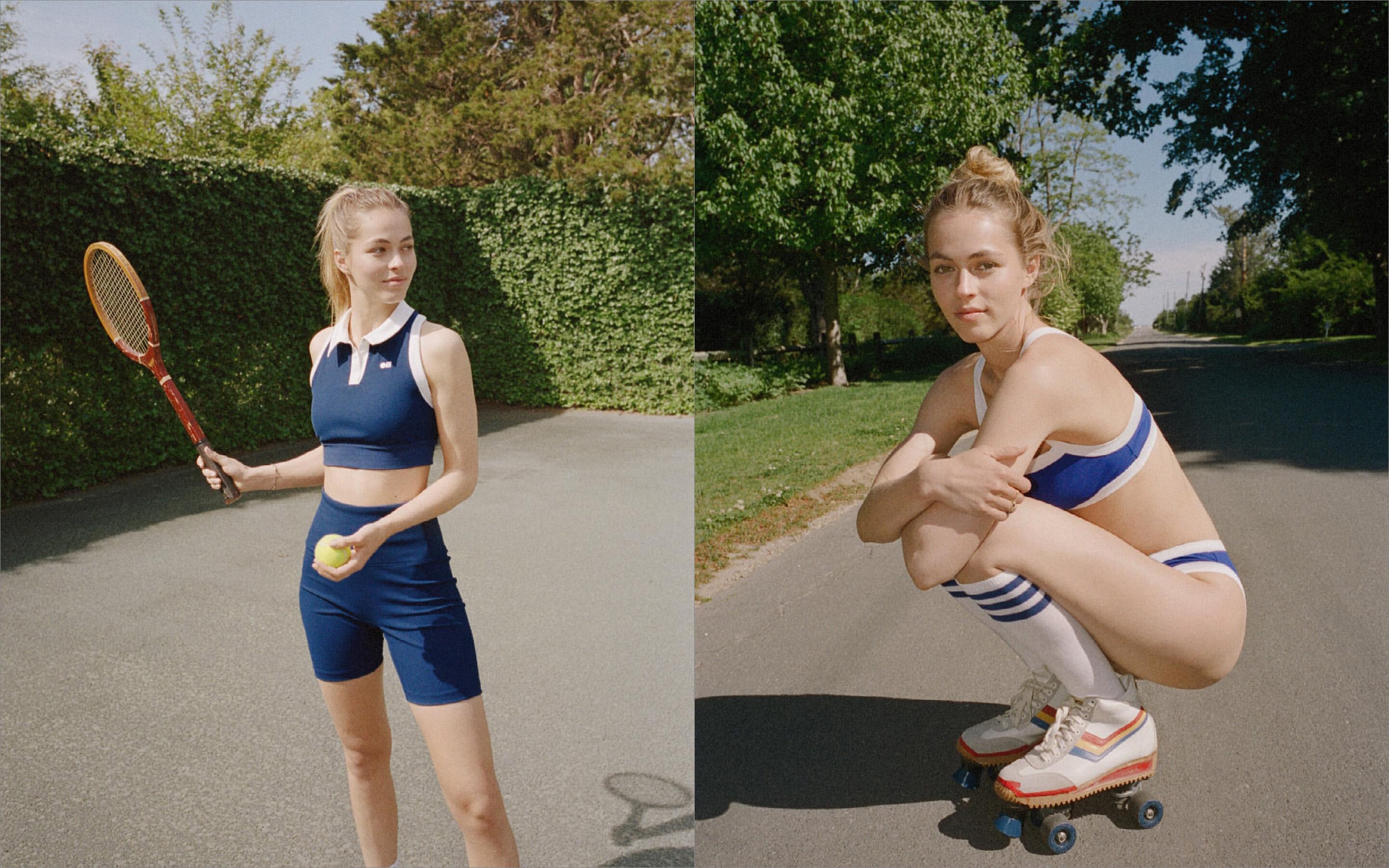
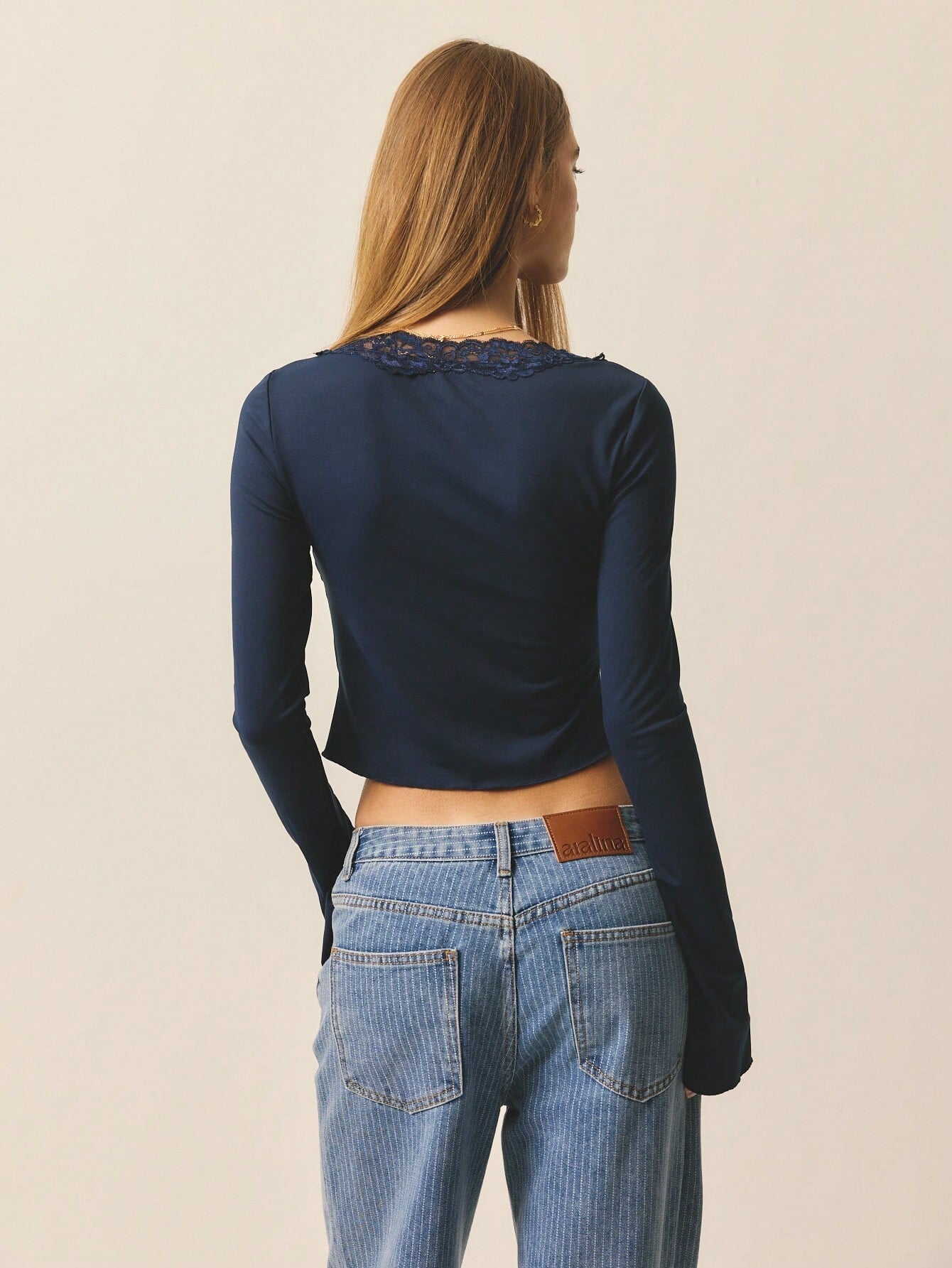
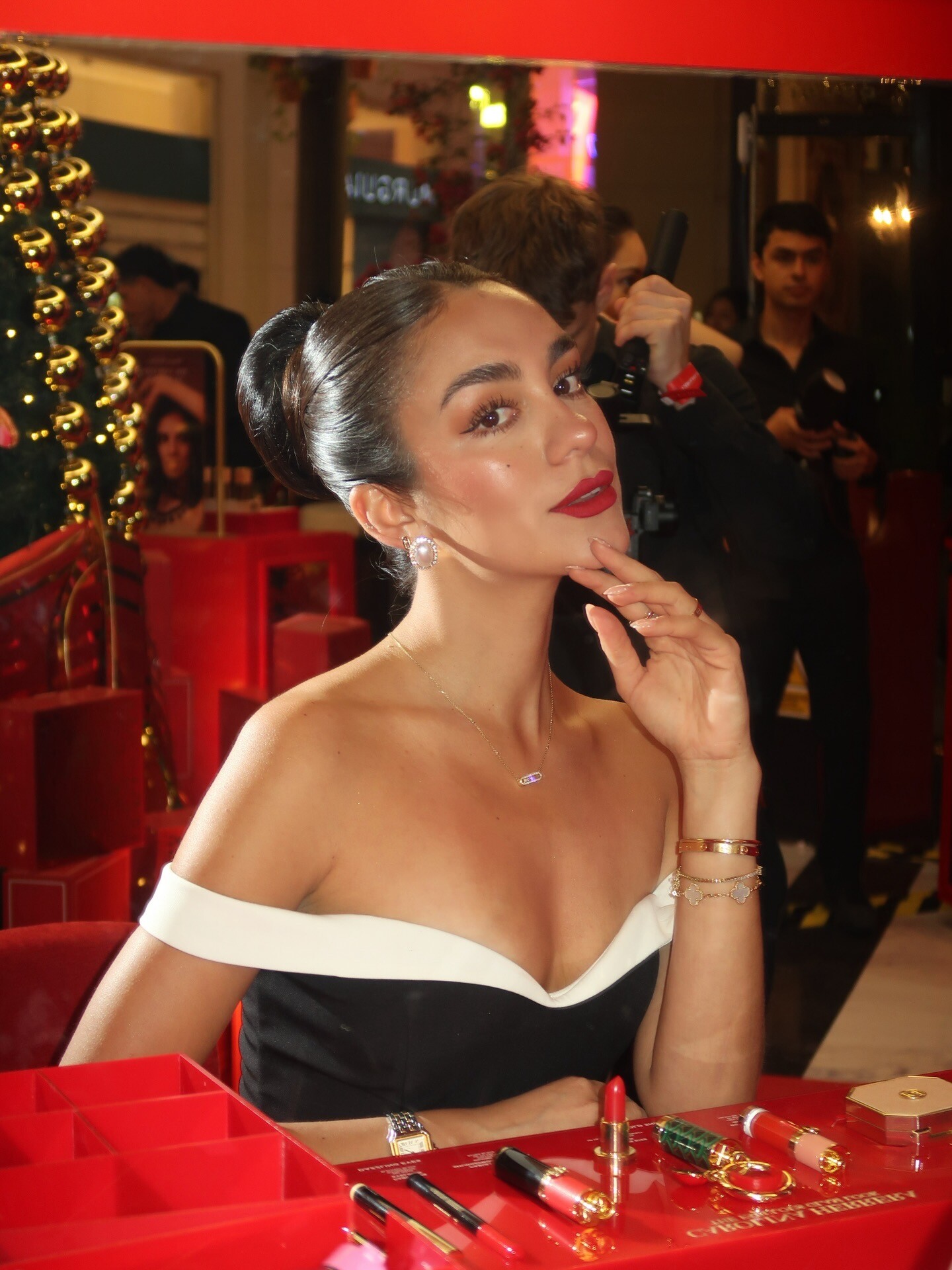
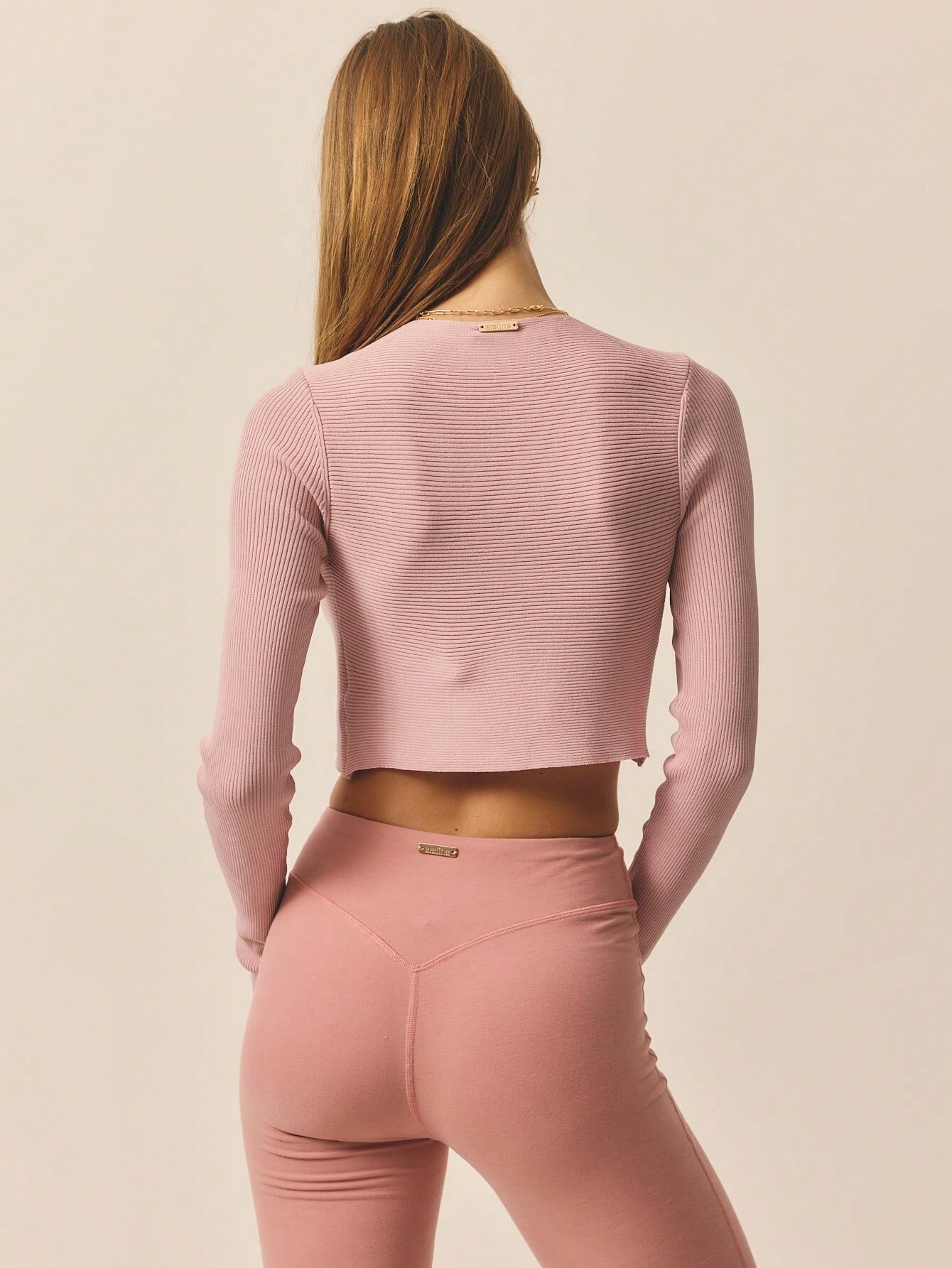
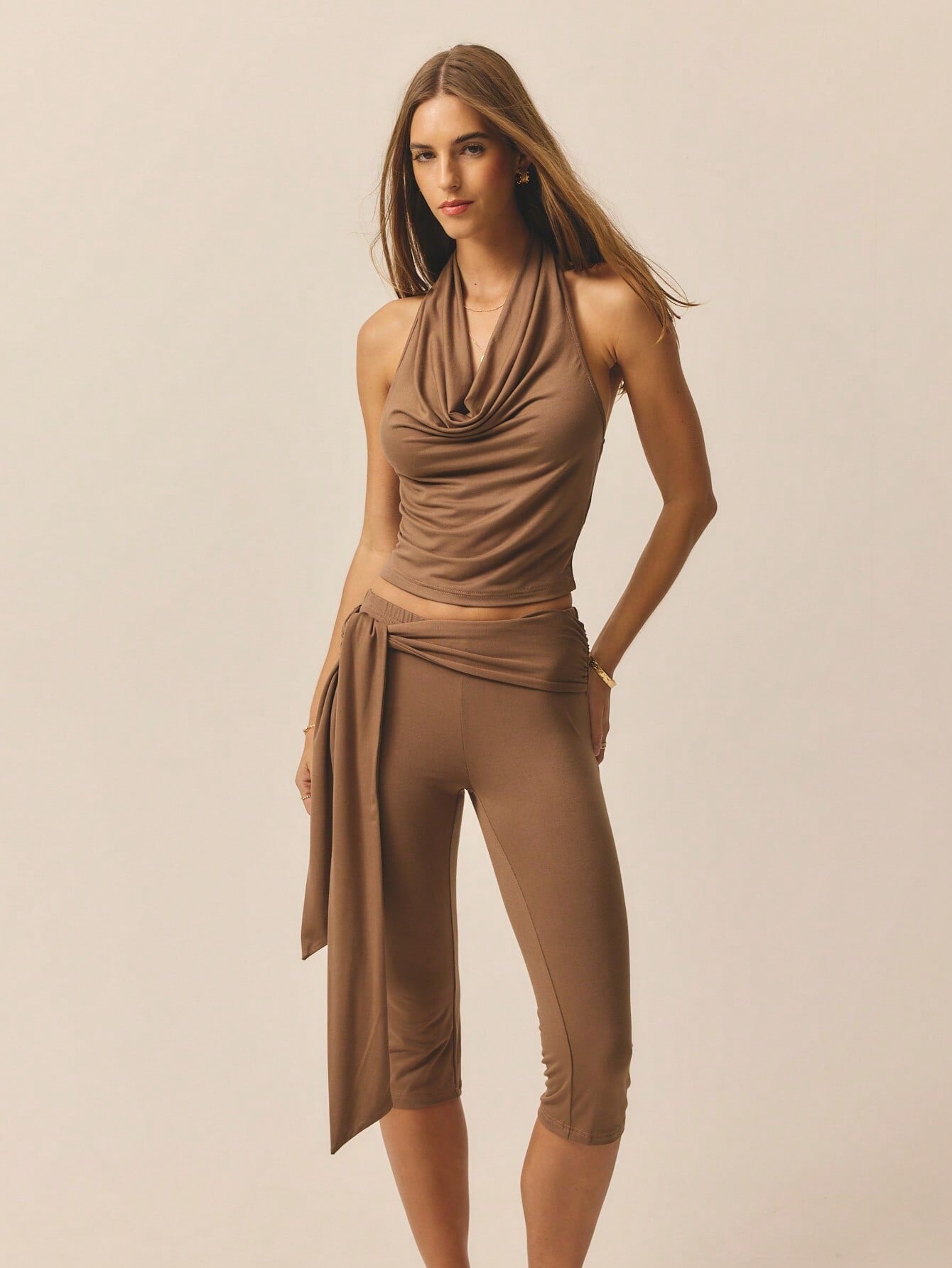
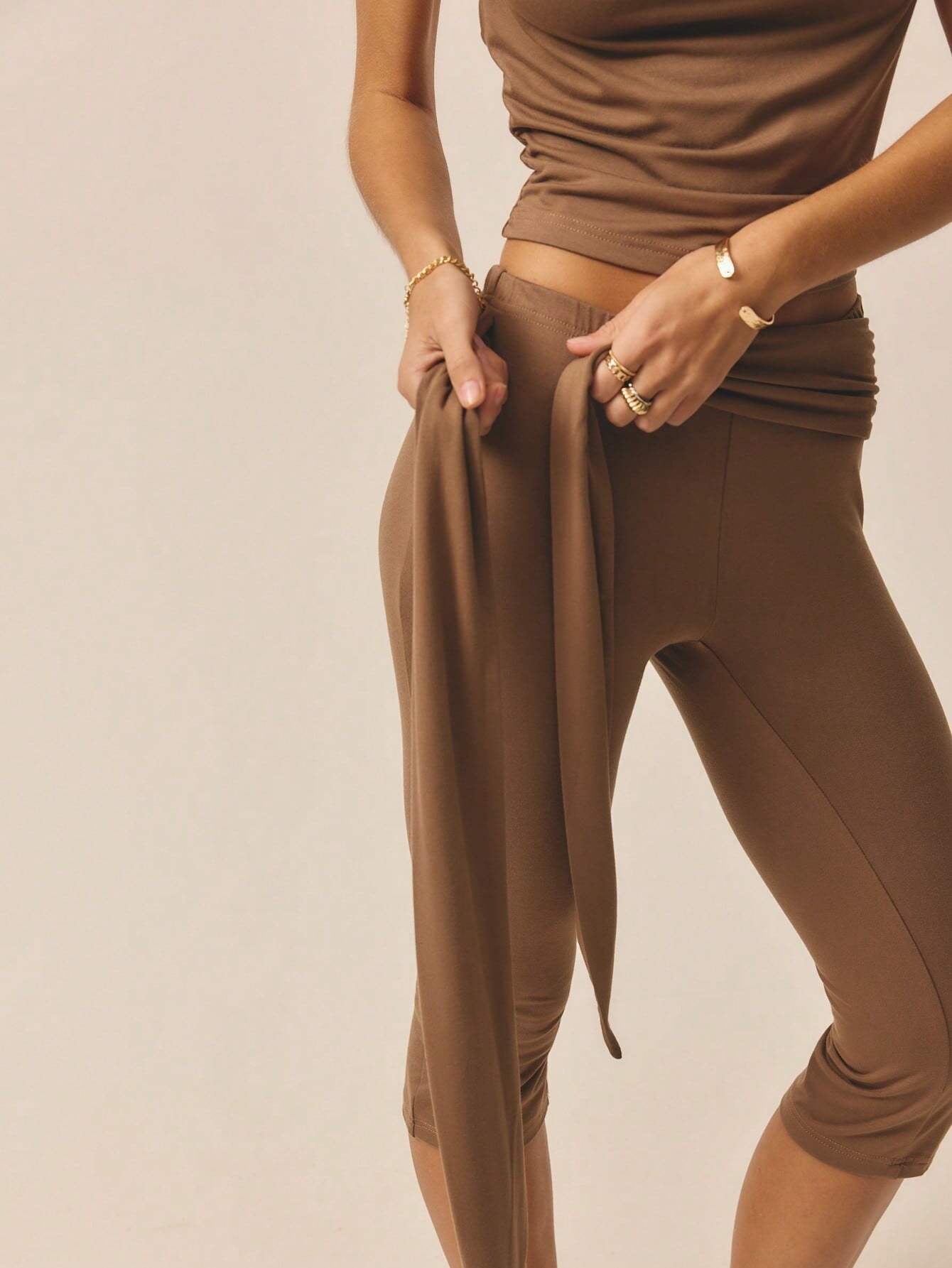
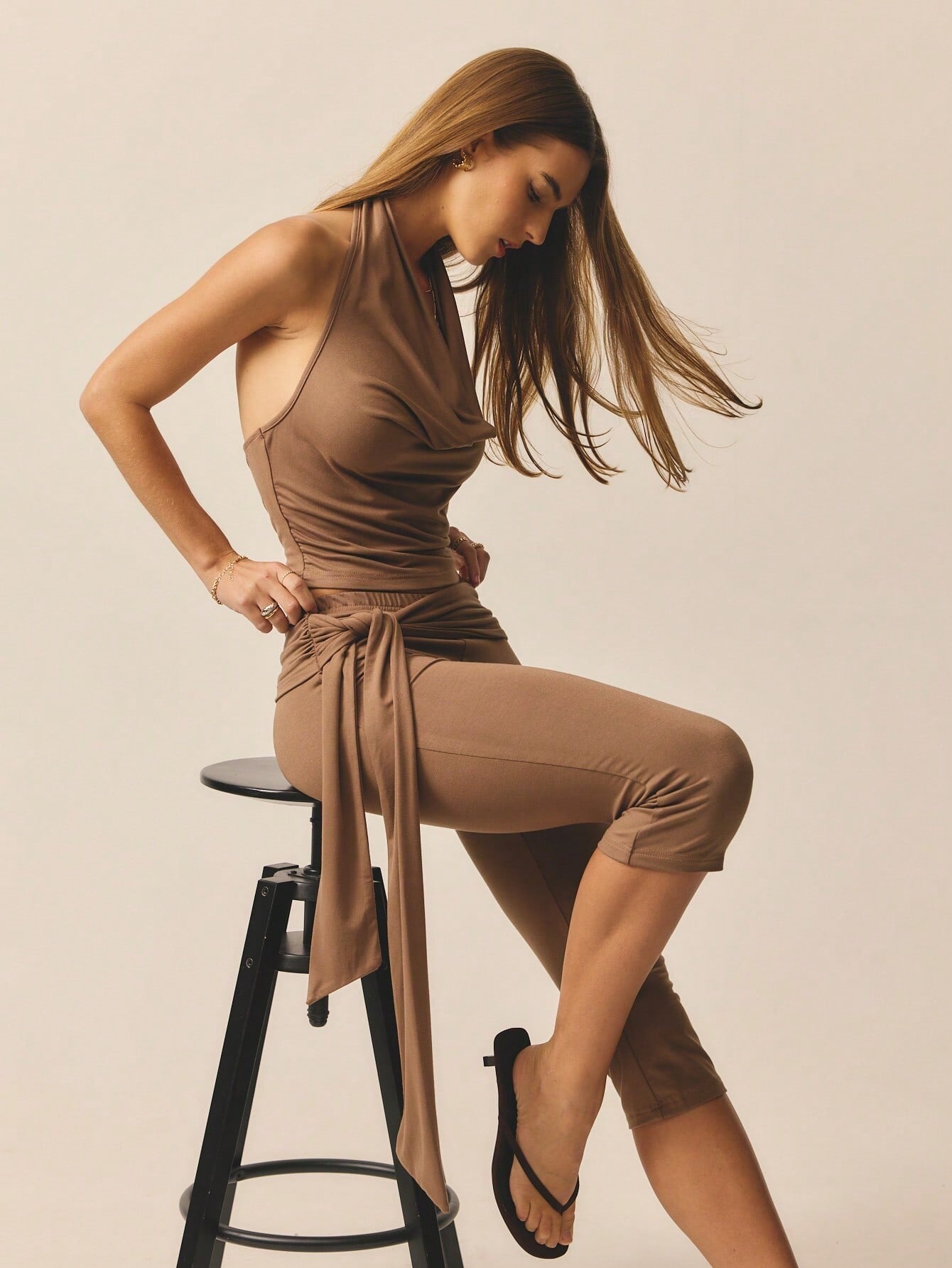
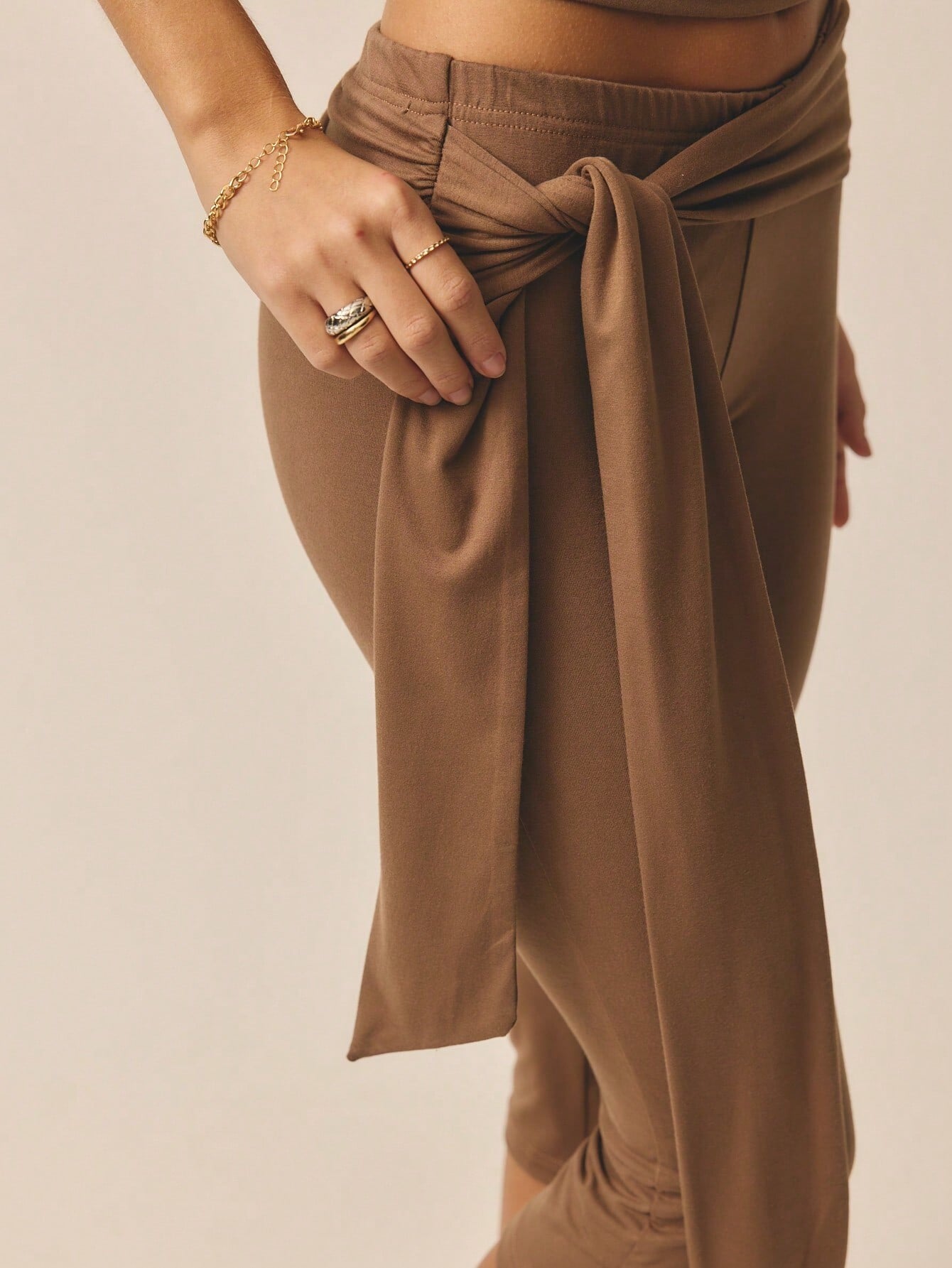
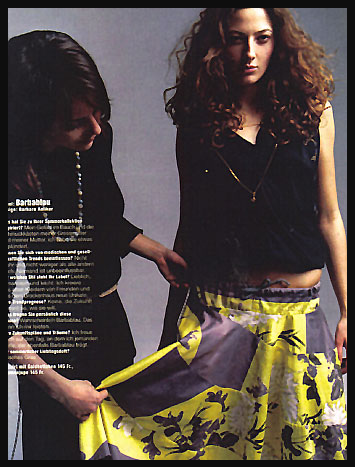
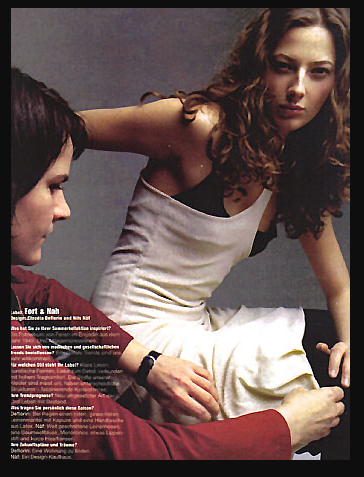
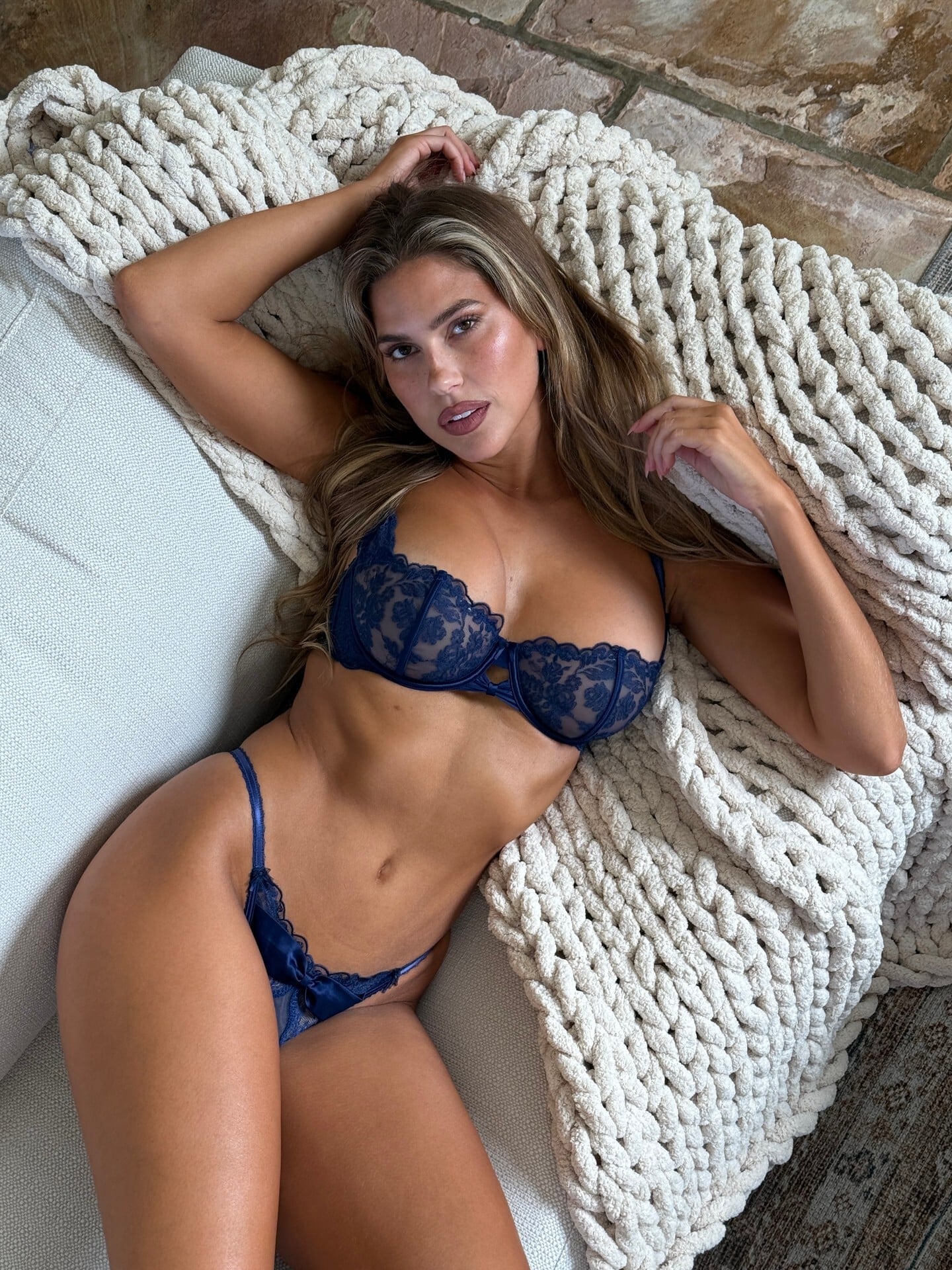
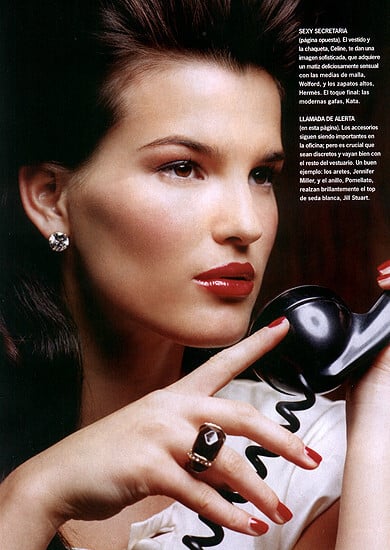
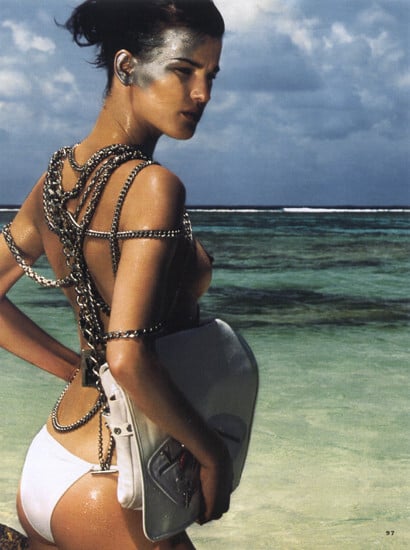
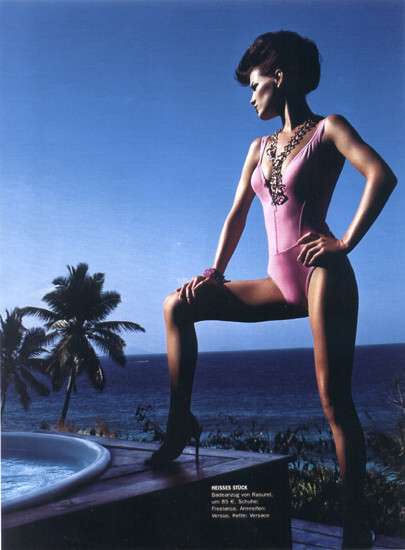
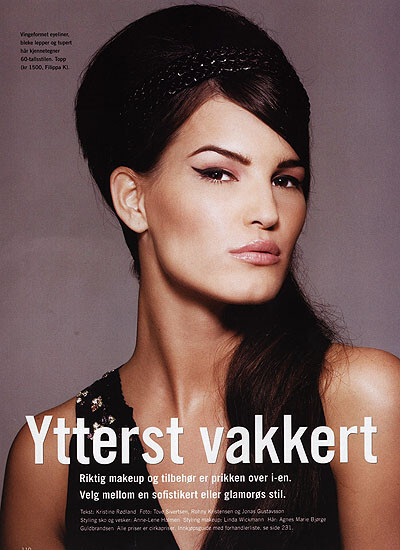
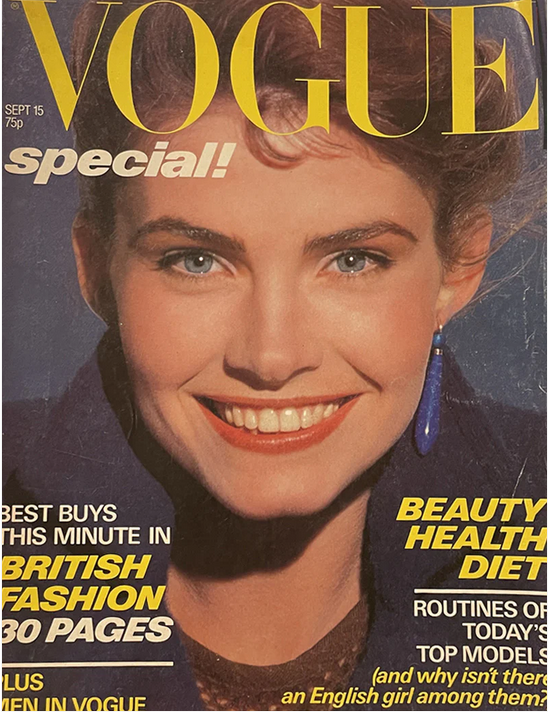
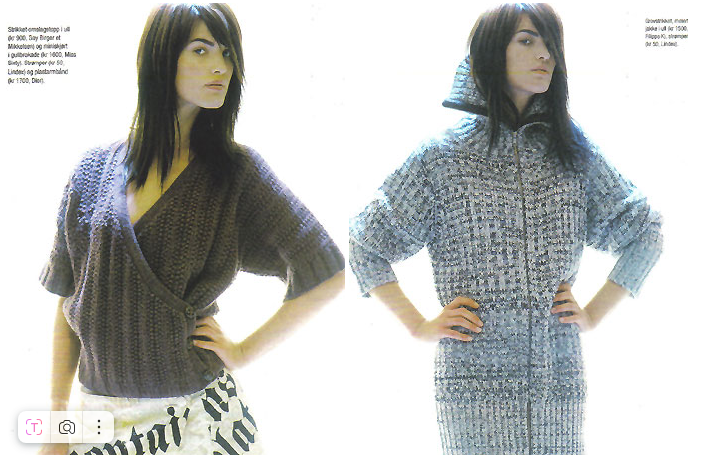
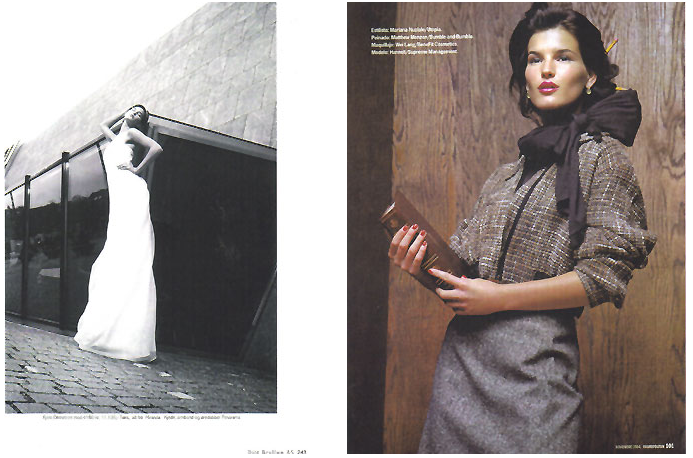
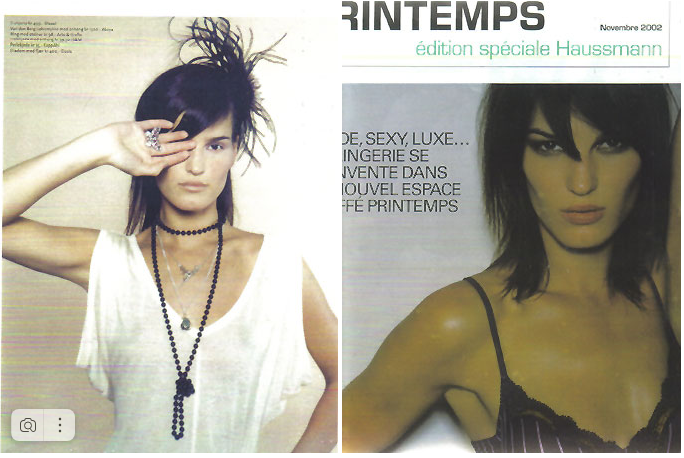
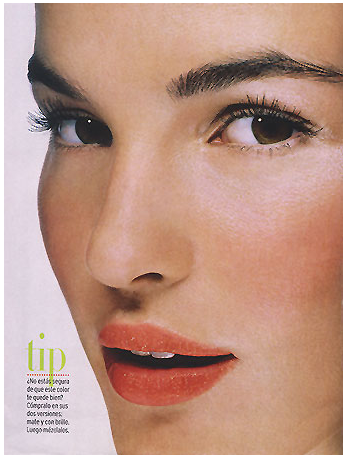
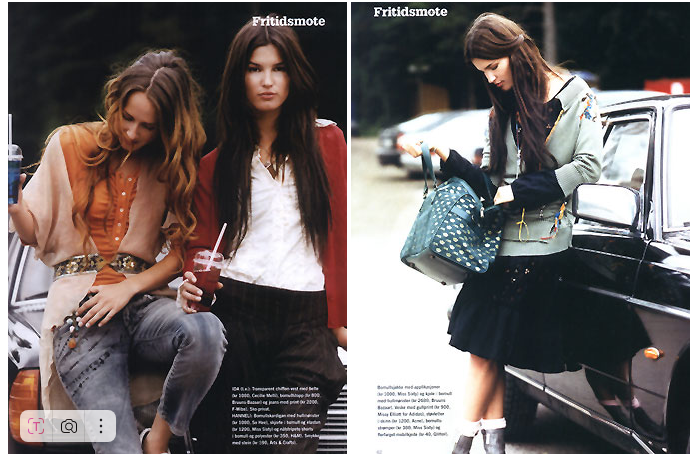
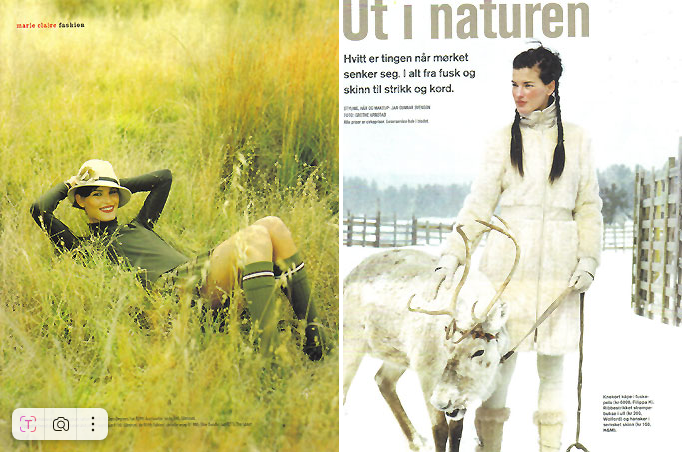
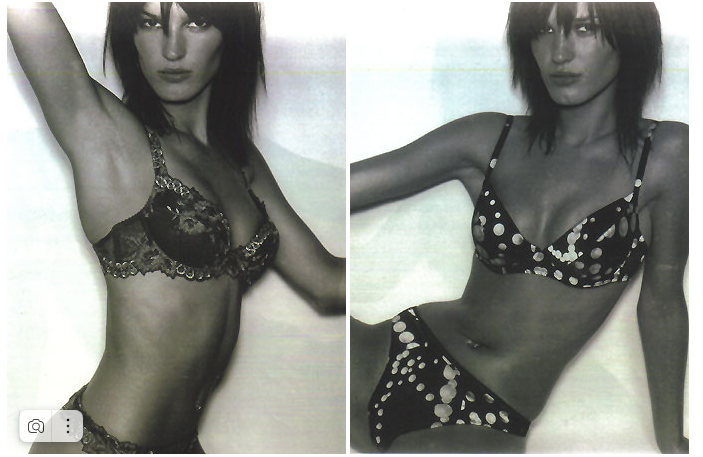
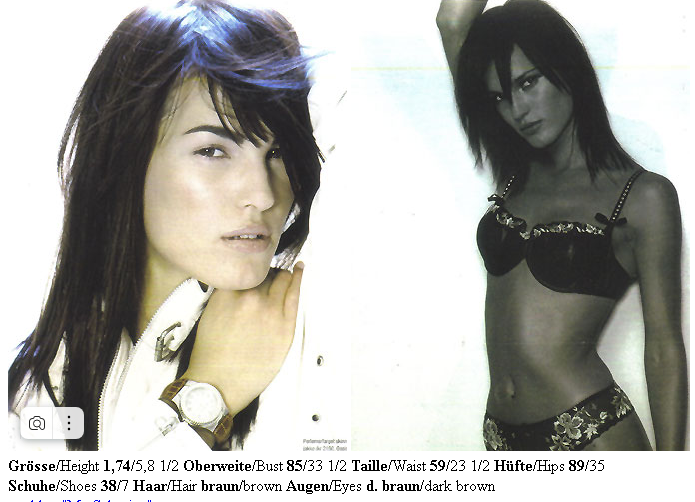
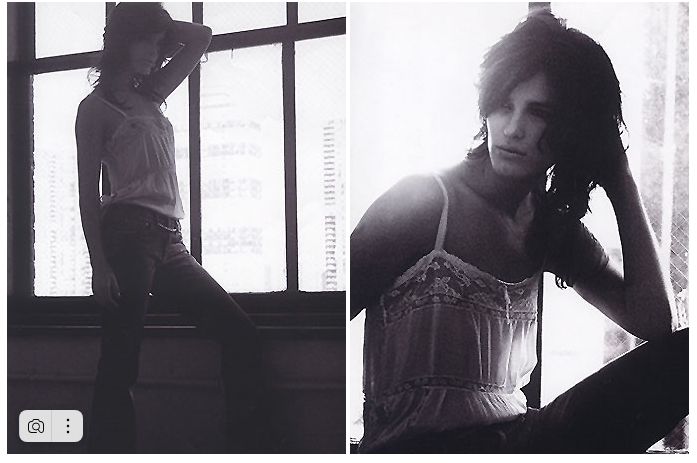
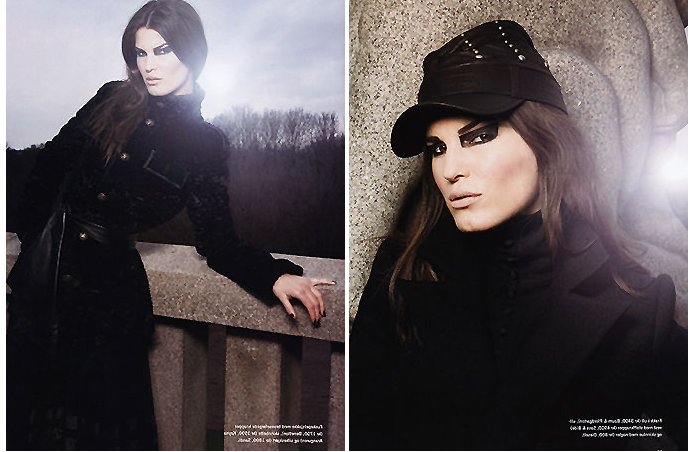
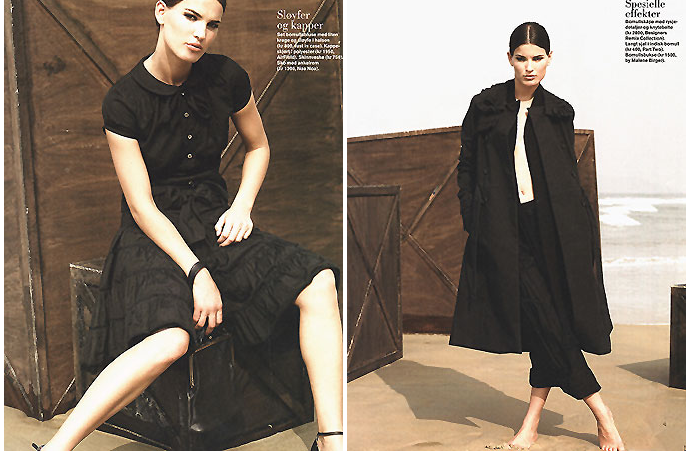
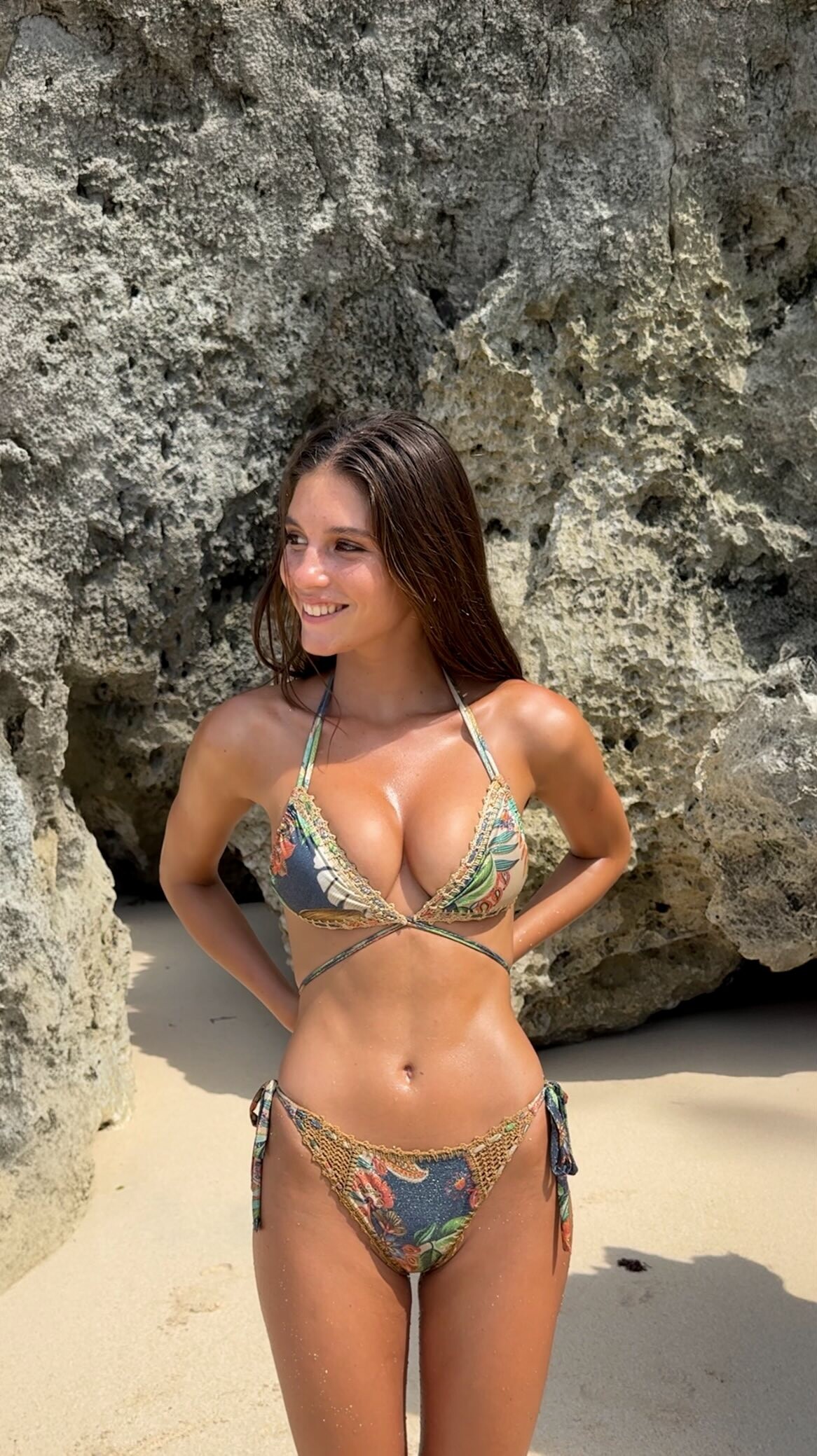
 Hello first time posting hehe, does anyone know who this is?
-
Juliaky joined the community
-
 Instagram - Indiana Fever in one try 😏match the hats without looking with Sophie Cunningham..mp4
 -
 Solid & Striped: The Tennis Edit. Shop S&S Sport • The Scottie Bikini in Poolside (07/07/2021)


-
 Excell Blinds and Shutters changed their profile photo
 -
 Thanks!
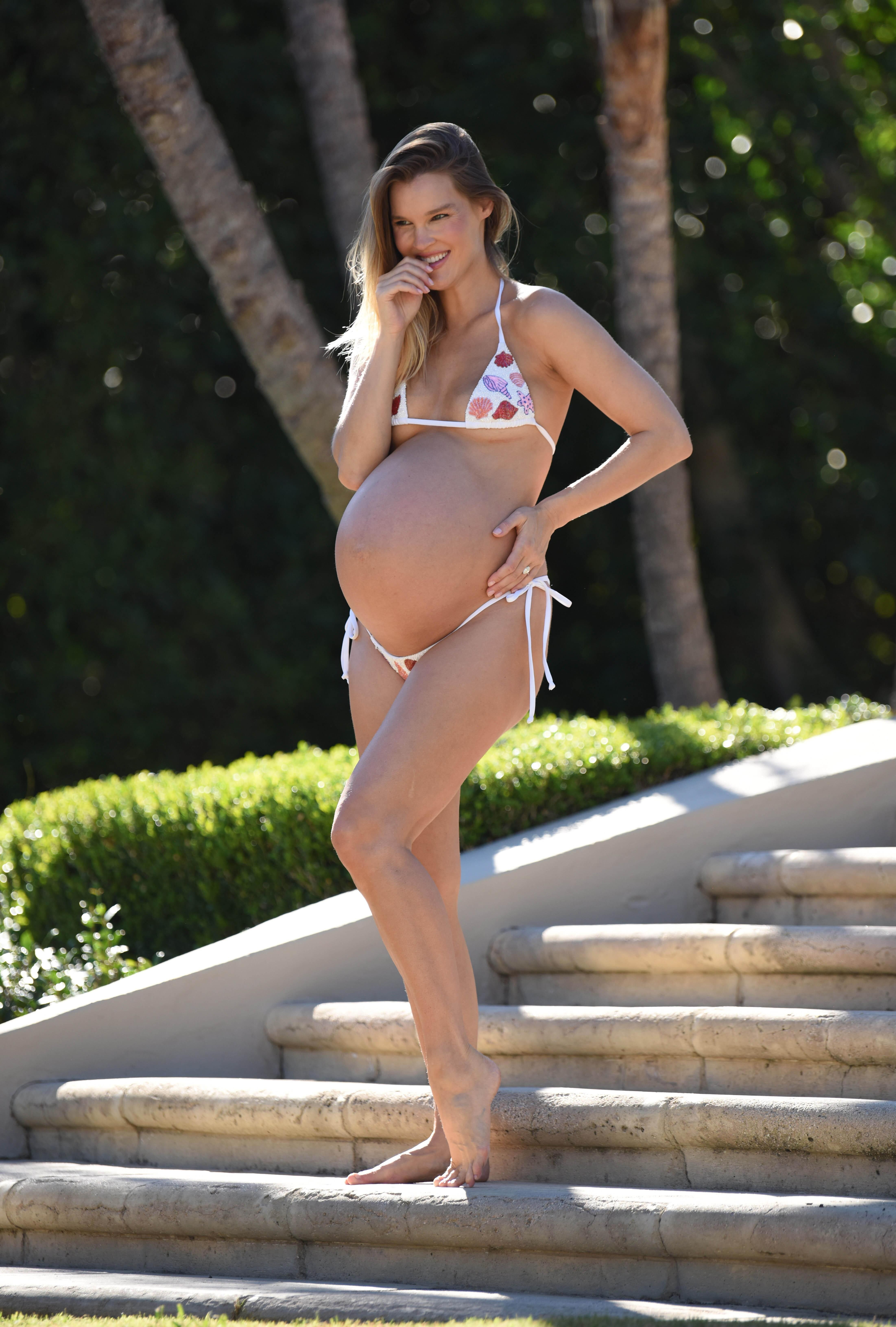
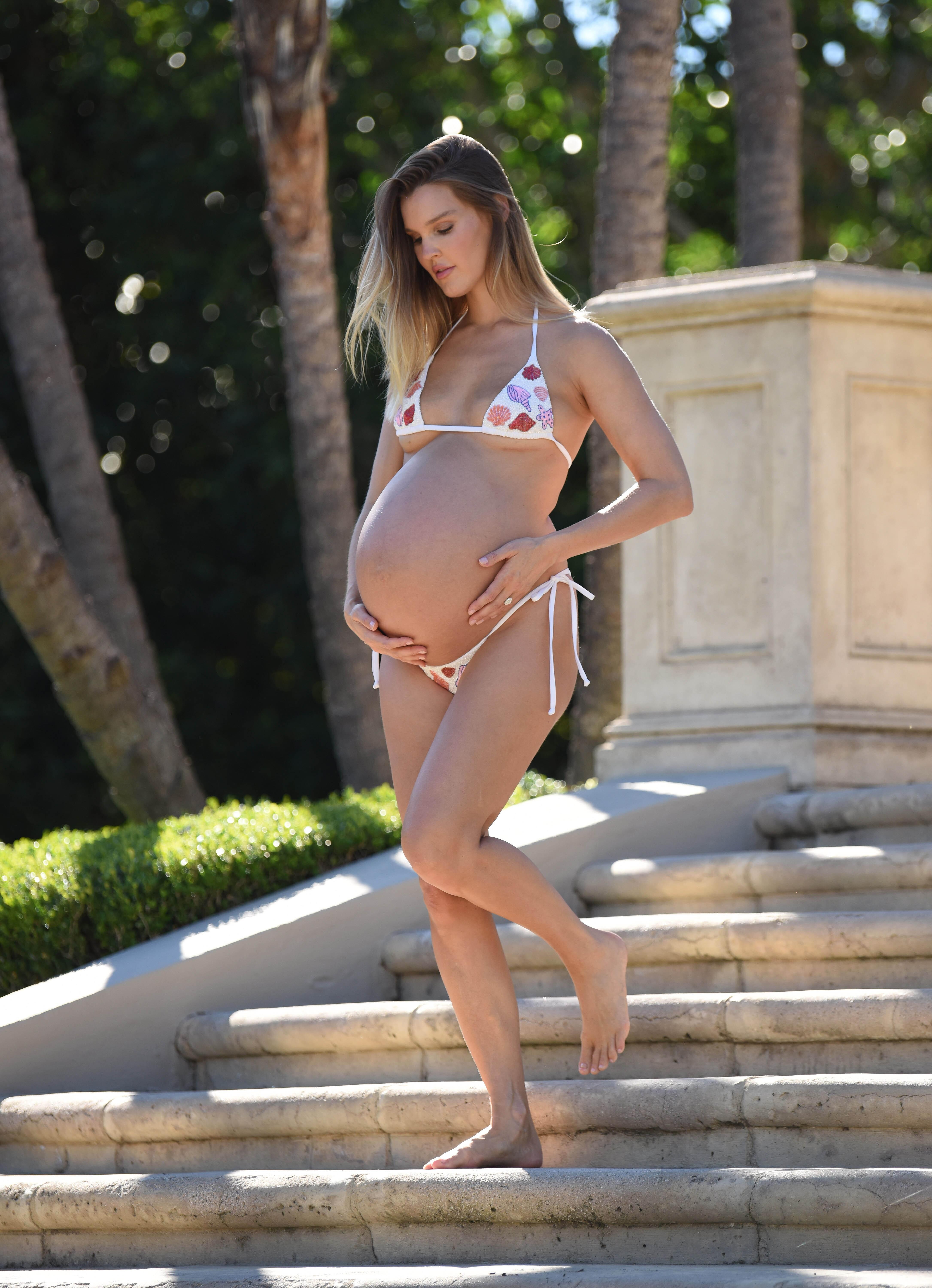
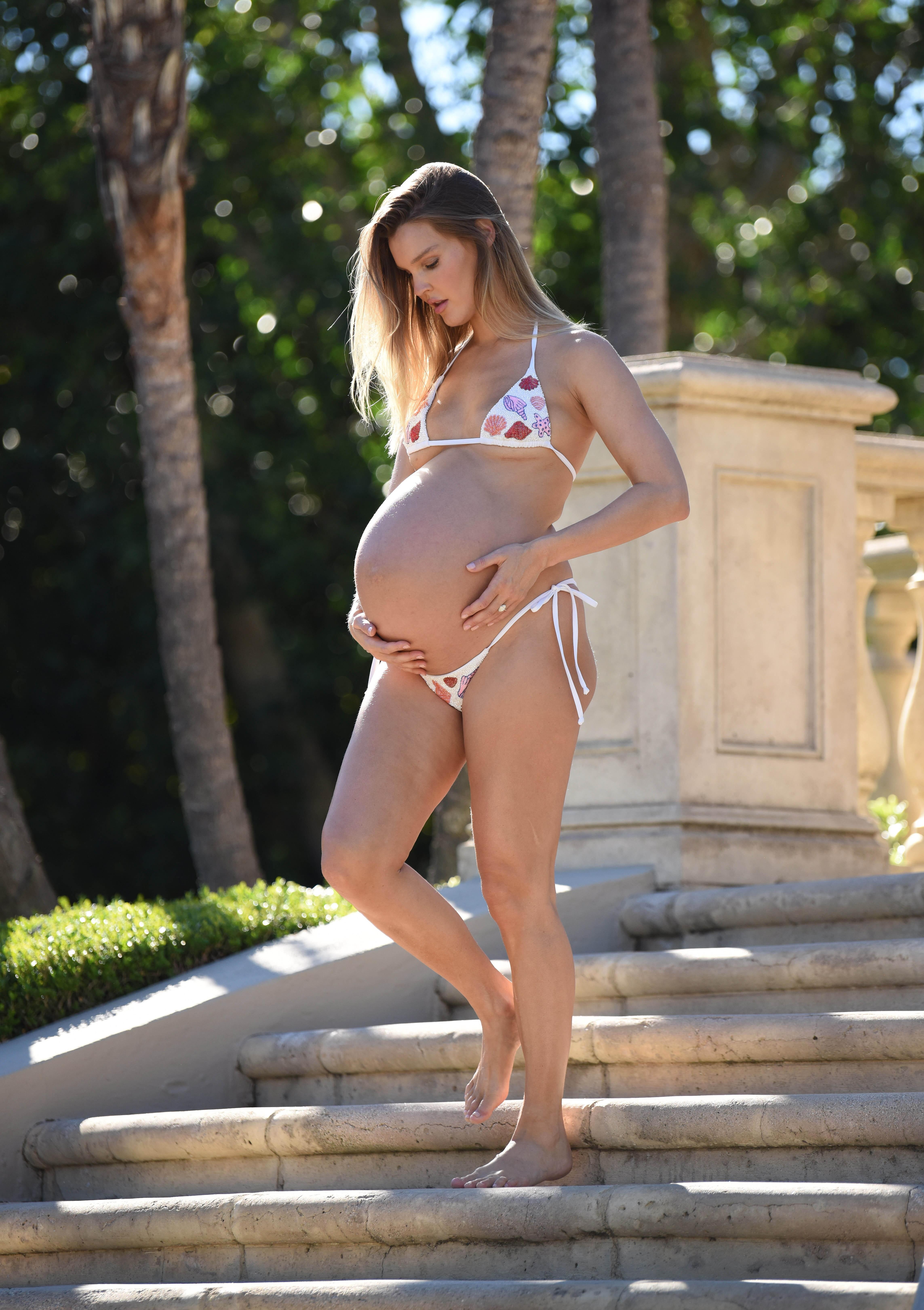
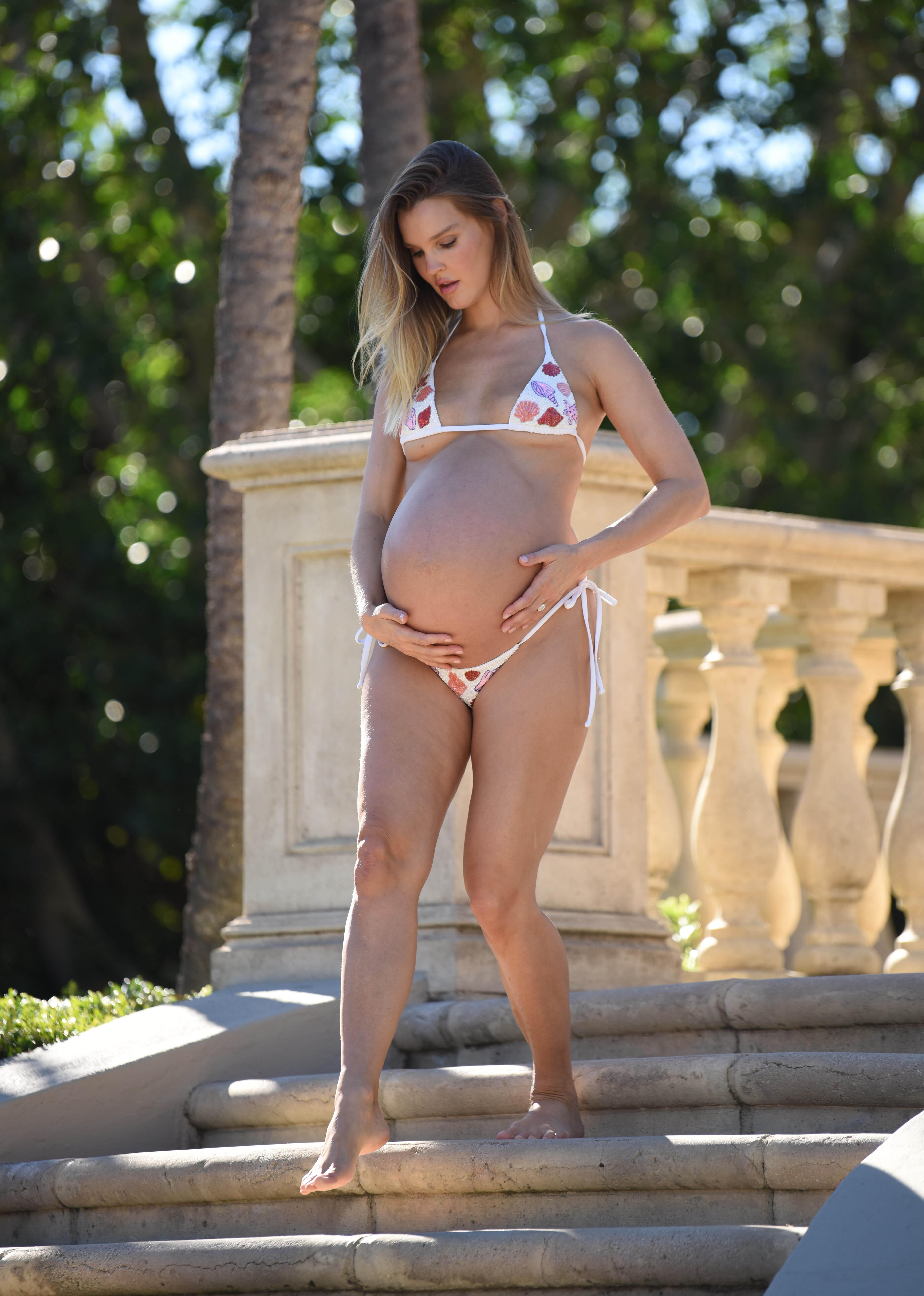
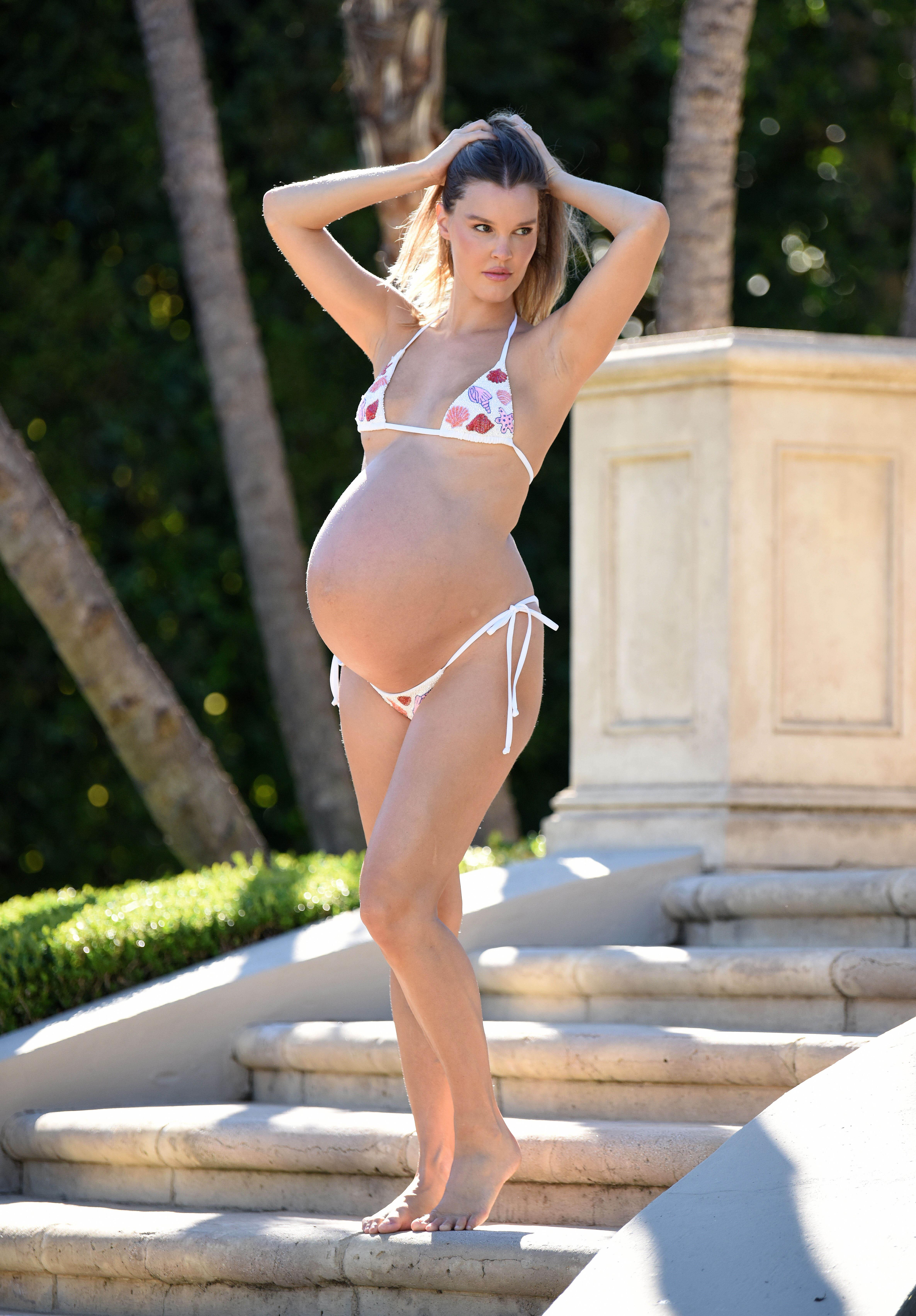
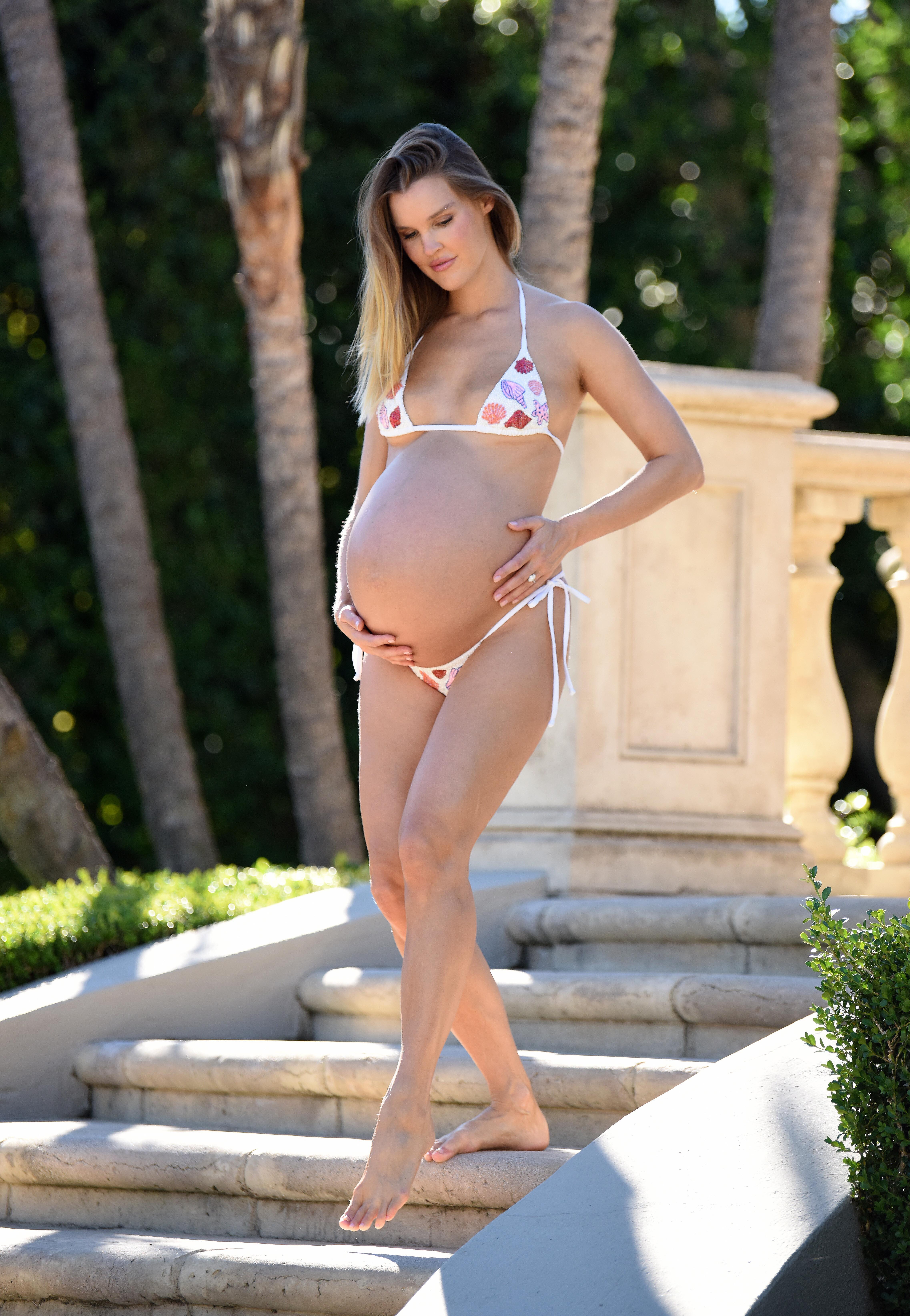
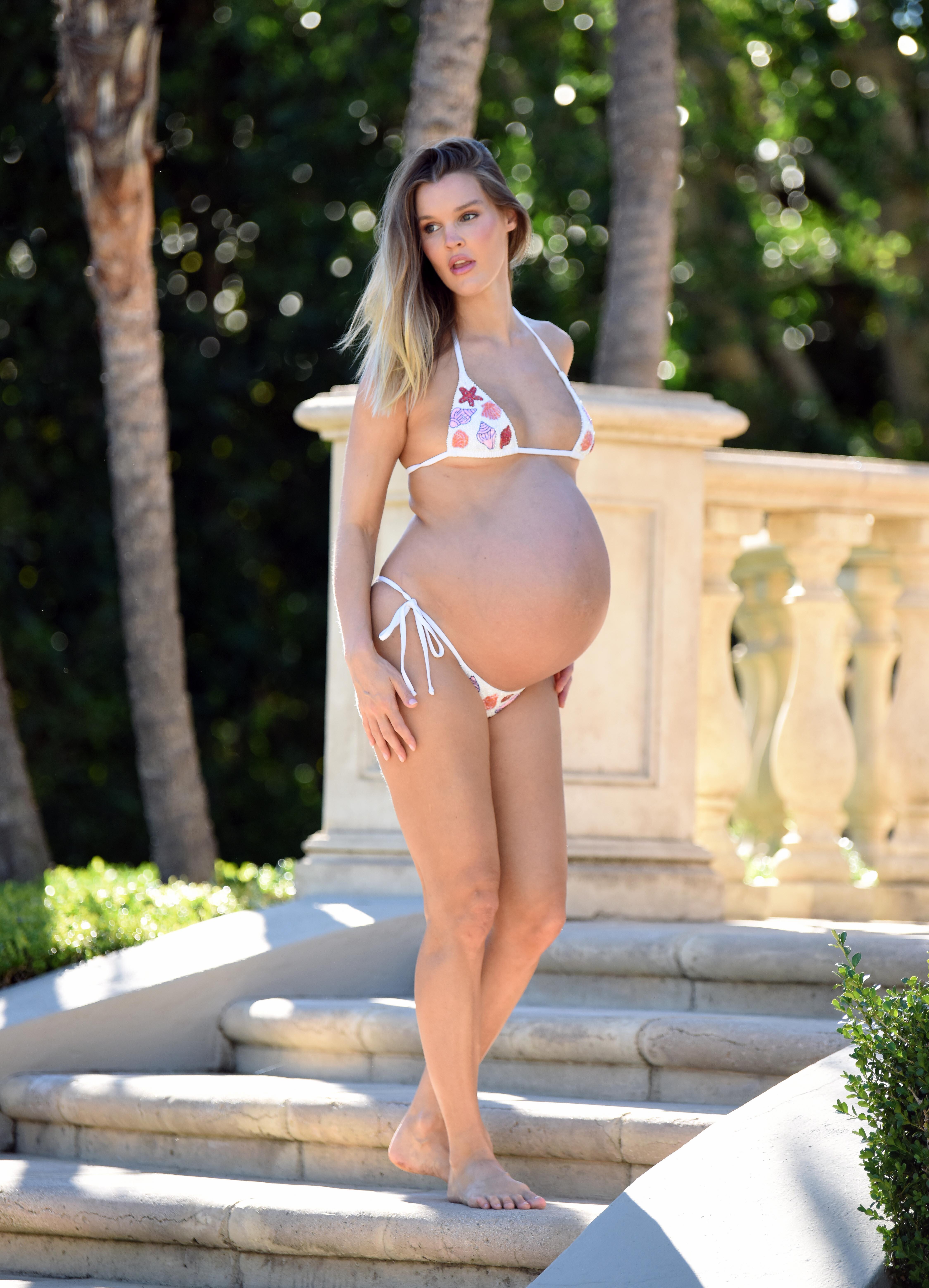
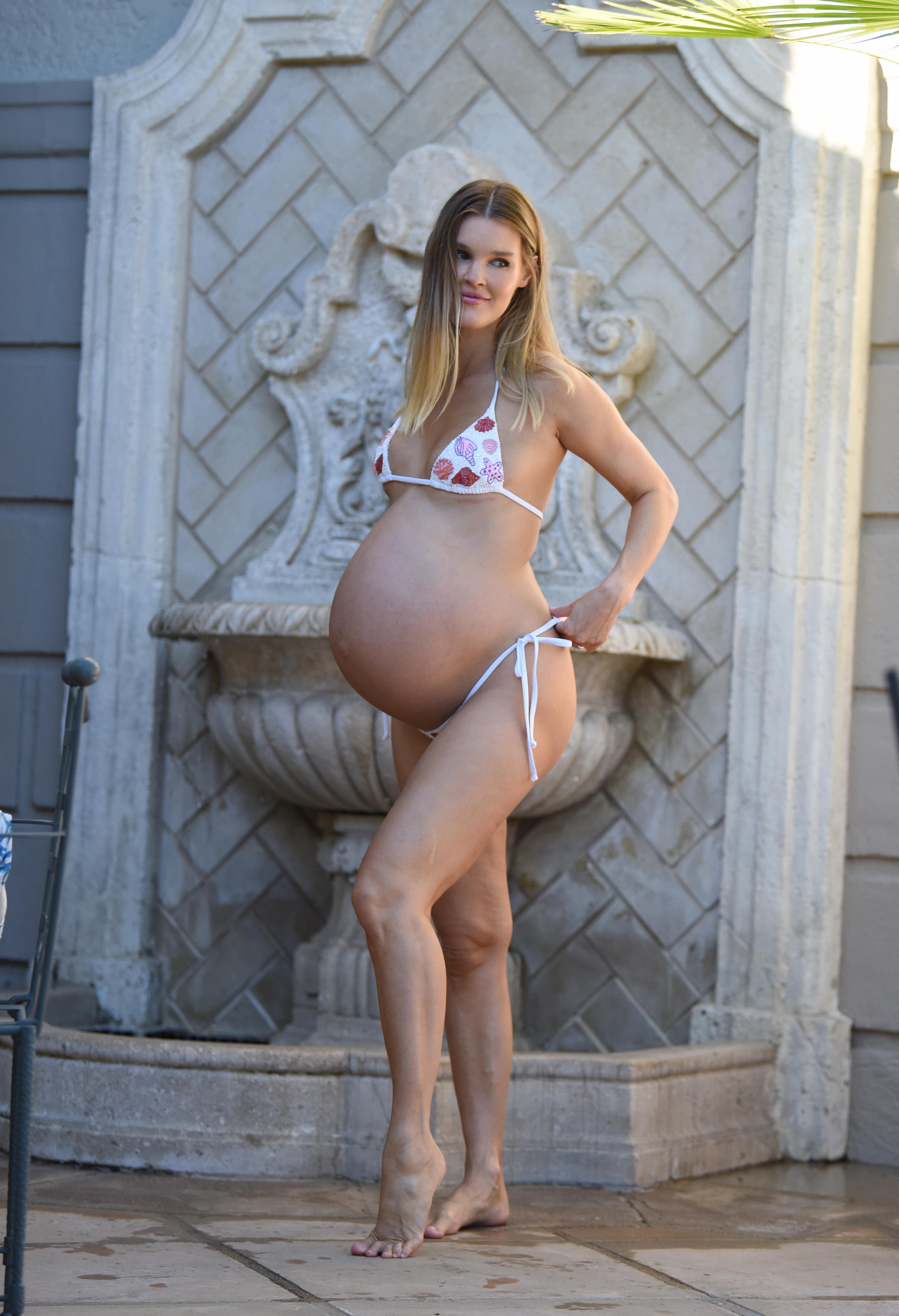
 Pregnant Bikini









.thumb.jpeg.073ed0b3d7372e09a3551a77b0abca02.jpeg)


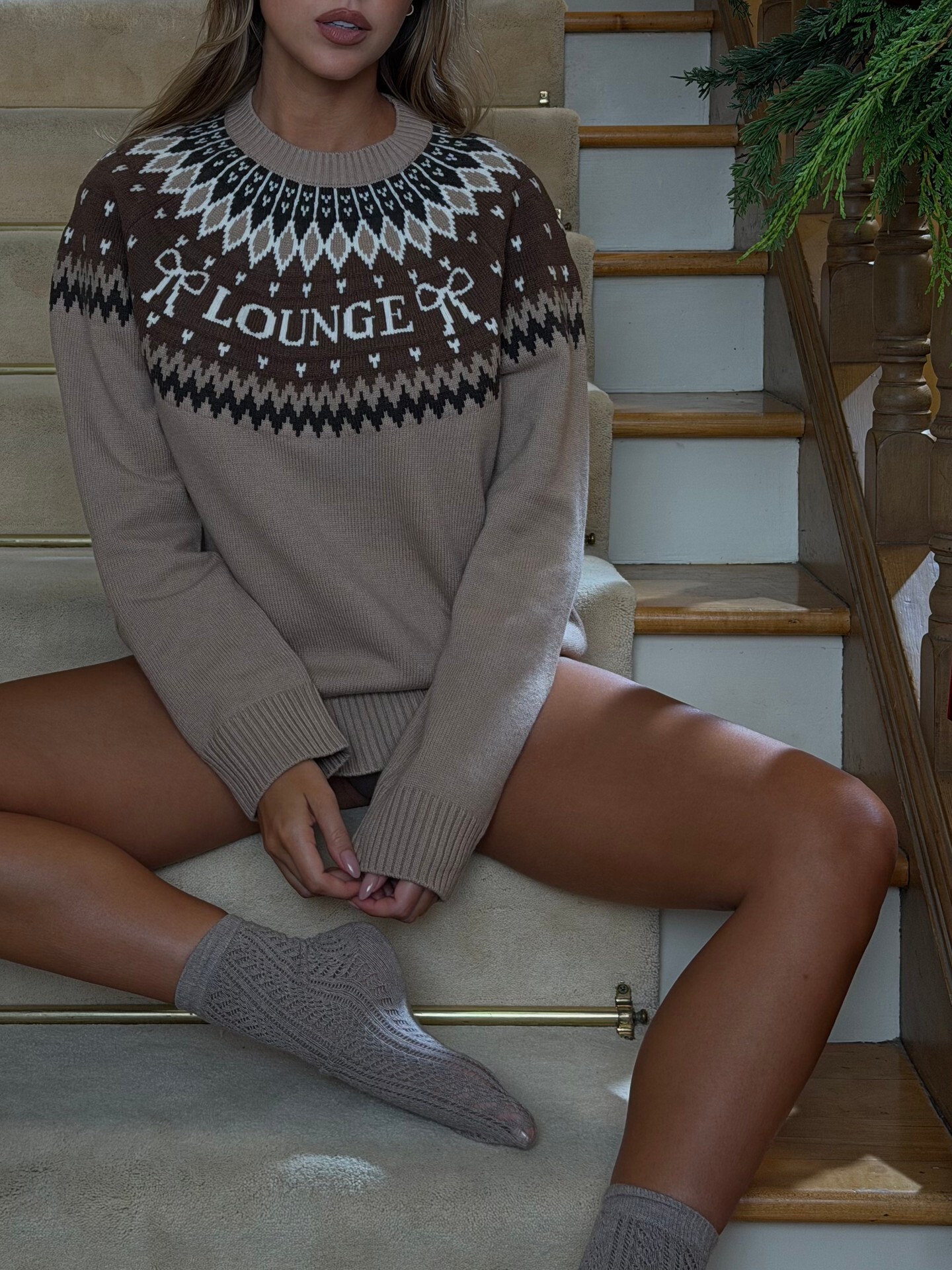
 IG - Lounge







 2000's warning nudity Spoiler


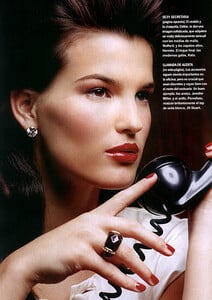



 Kimberly James online seller
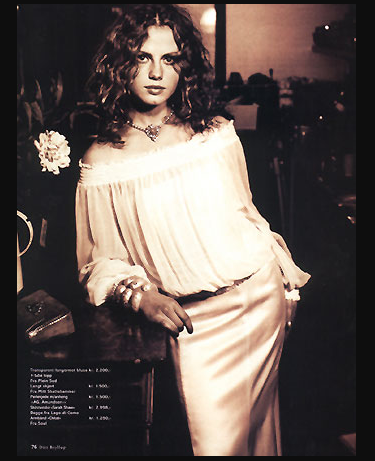
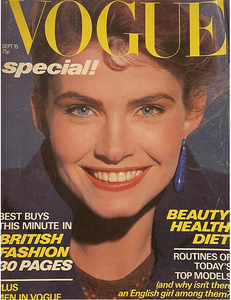 2000's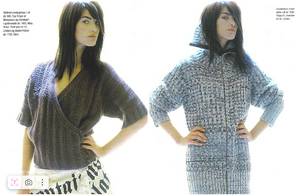
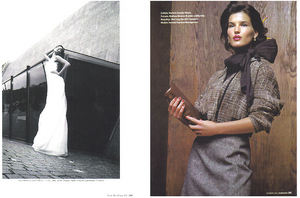
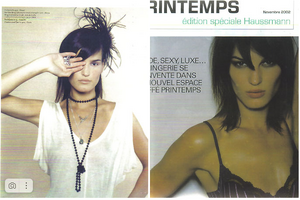
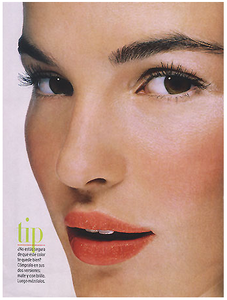 2000's

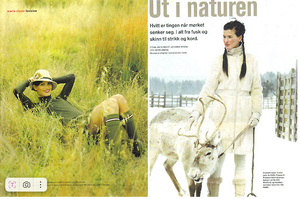
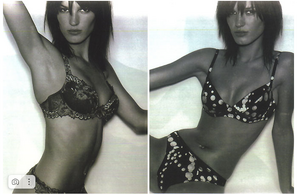 height 1.74 cm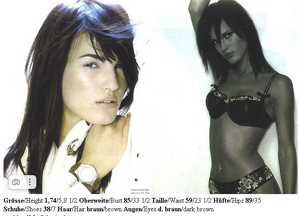
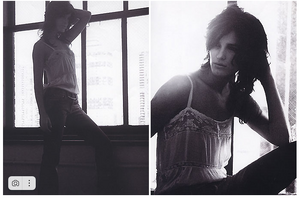
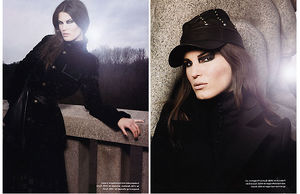
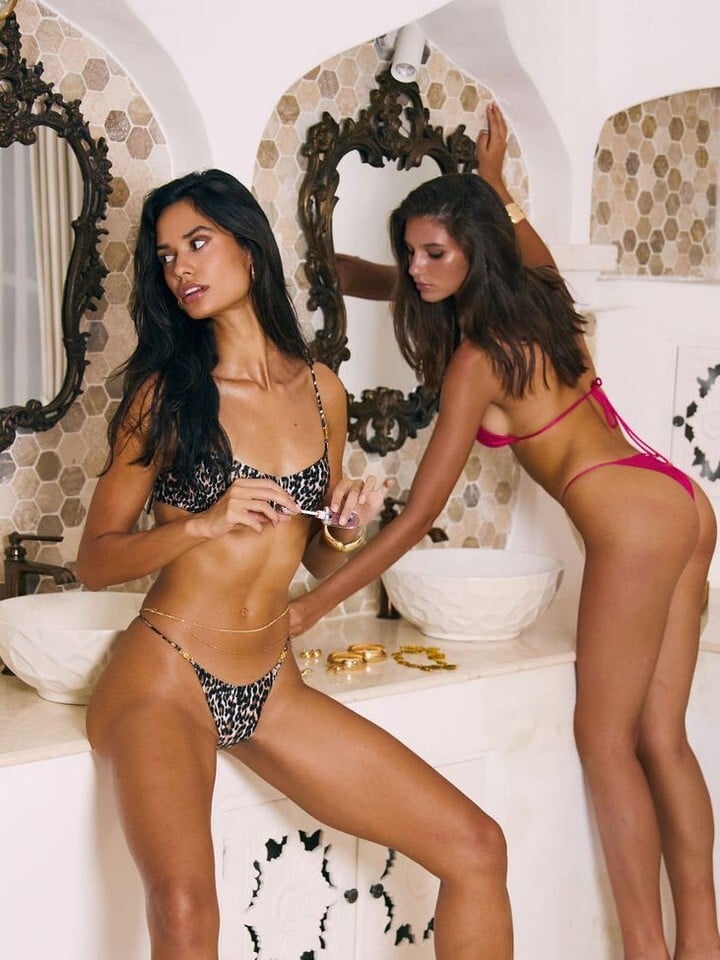
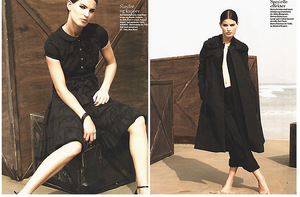 Do you mean on the right? She is Geri Gongora. fmd


























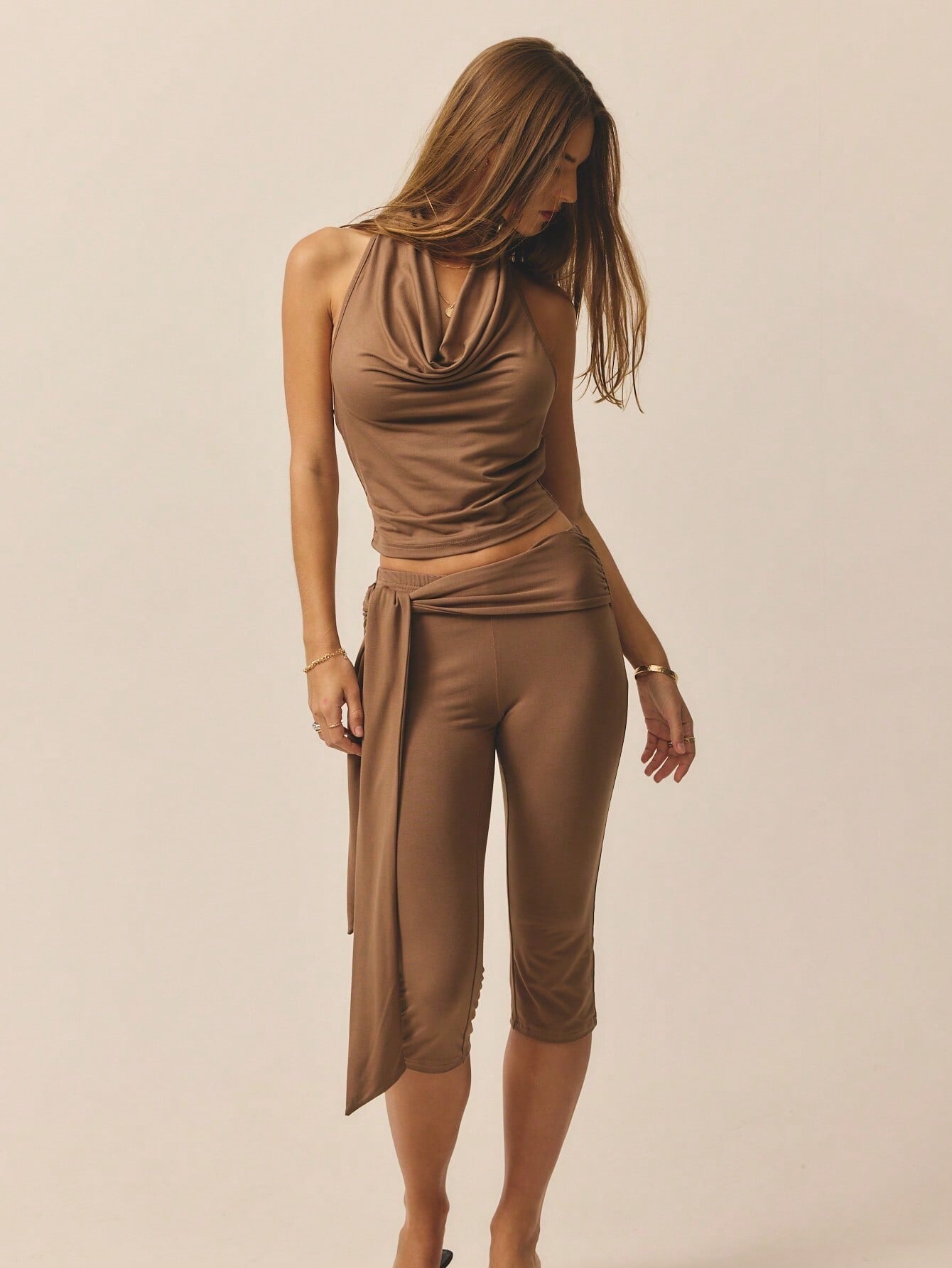

































Account
Search
Configure browser push notifications
Chrome (Android)
- Tap the lock icon next to the address bar.
- Tap Permissions → Notifications.
- Adjust your preference.
Chrome (Desktop)
- Click the padlock icon in the address bar.
- Select Site settings.
- Find Notifications and adjust your preference.
Safari (iOS 16.4+)
- Ensure the site is installed via Add to Home Screen.
- Open Settings App → Notifications.
- Find your app name and adjust your preference.
Safari (macOS)
- Go to Safari → Preferences.
- Click the Websites tab.
- Select Notifications in the sidebar.
- Find this website and adjust your preference.
Edge (Android)
- Tap the lock icon next to the address bar.
- Tap Permissions.
- Find Notifications and adjust your preference.
Edge (Desktop)
- Click the padlock icon in the address bar.
- Click Permissions for this site.
- Find Notifications and adjust your preference.
Firefox (Android)
- Go to Settings → Site permissions.
- Tap Notifications.
- Find this site in the list and adjust your preference.
Firefox (Desktop)
- Open Firefox Settings.
- Search for Notifications.
- Find this site in the list and adjust your preference.