All Activity
- Past hour
-
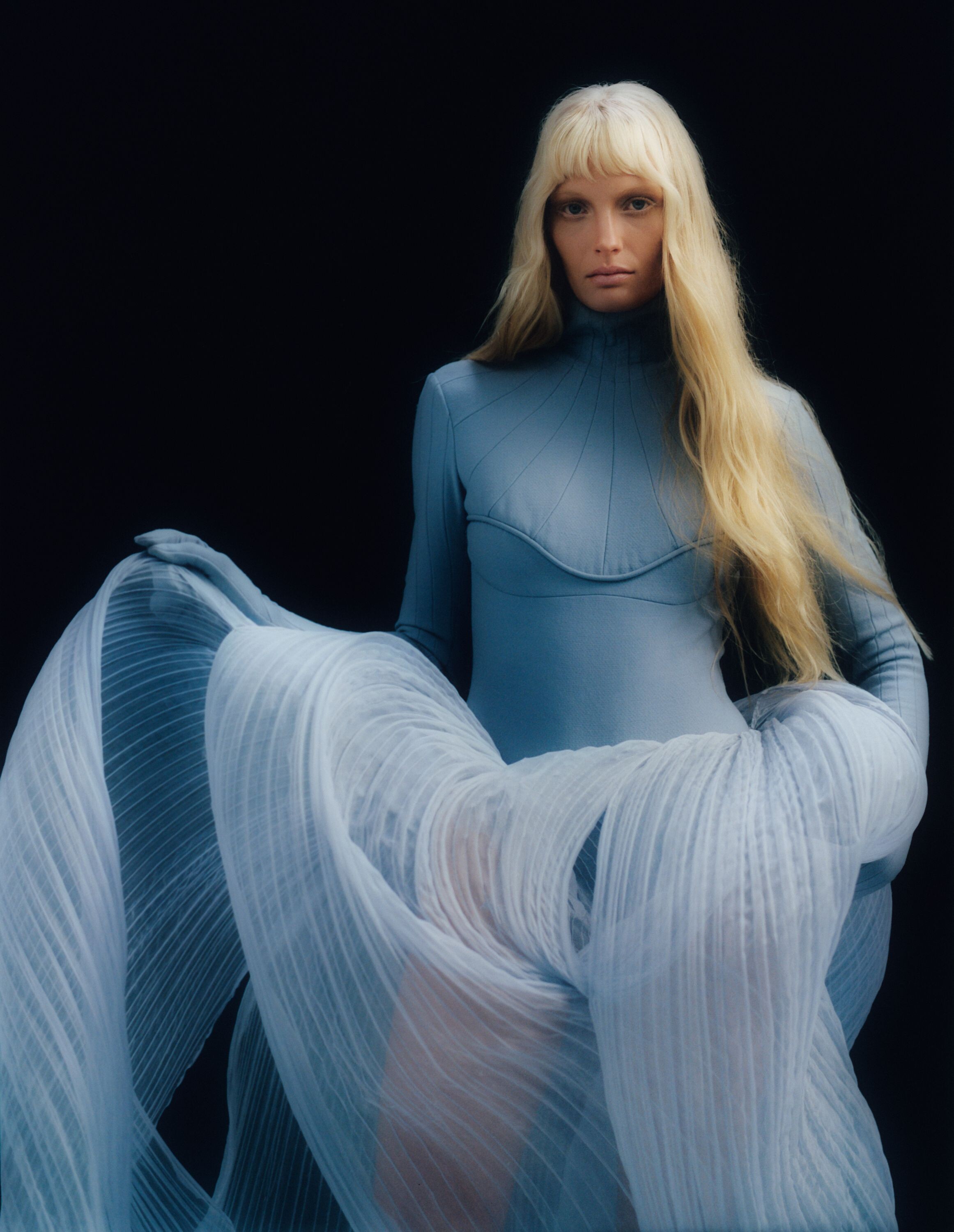
 I actually have nearly the exact same dress she's wearing. I got it from a little store in San Fransisco that handmade nothing but Goth clothing, but this was back in the 90s'
 -

-
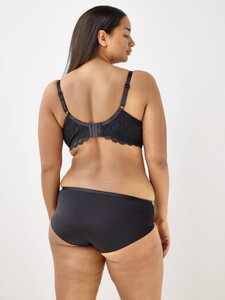
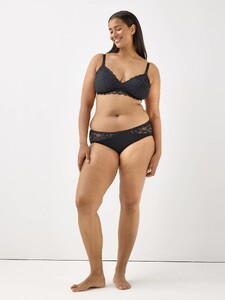
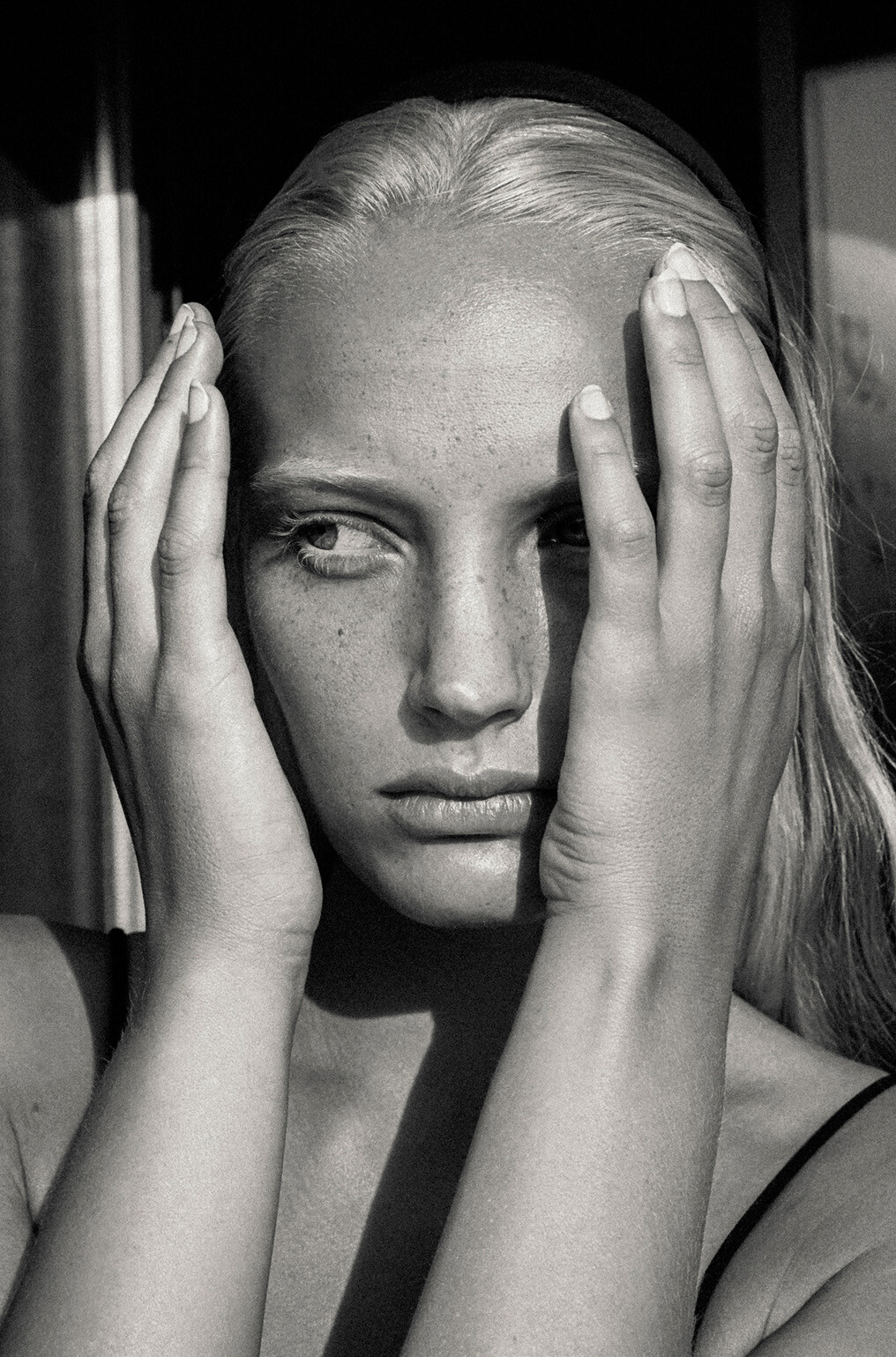
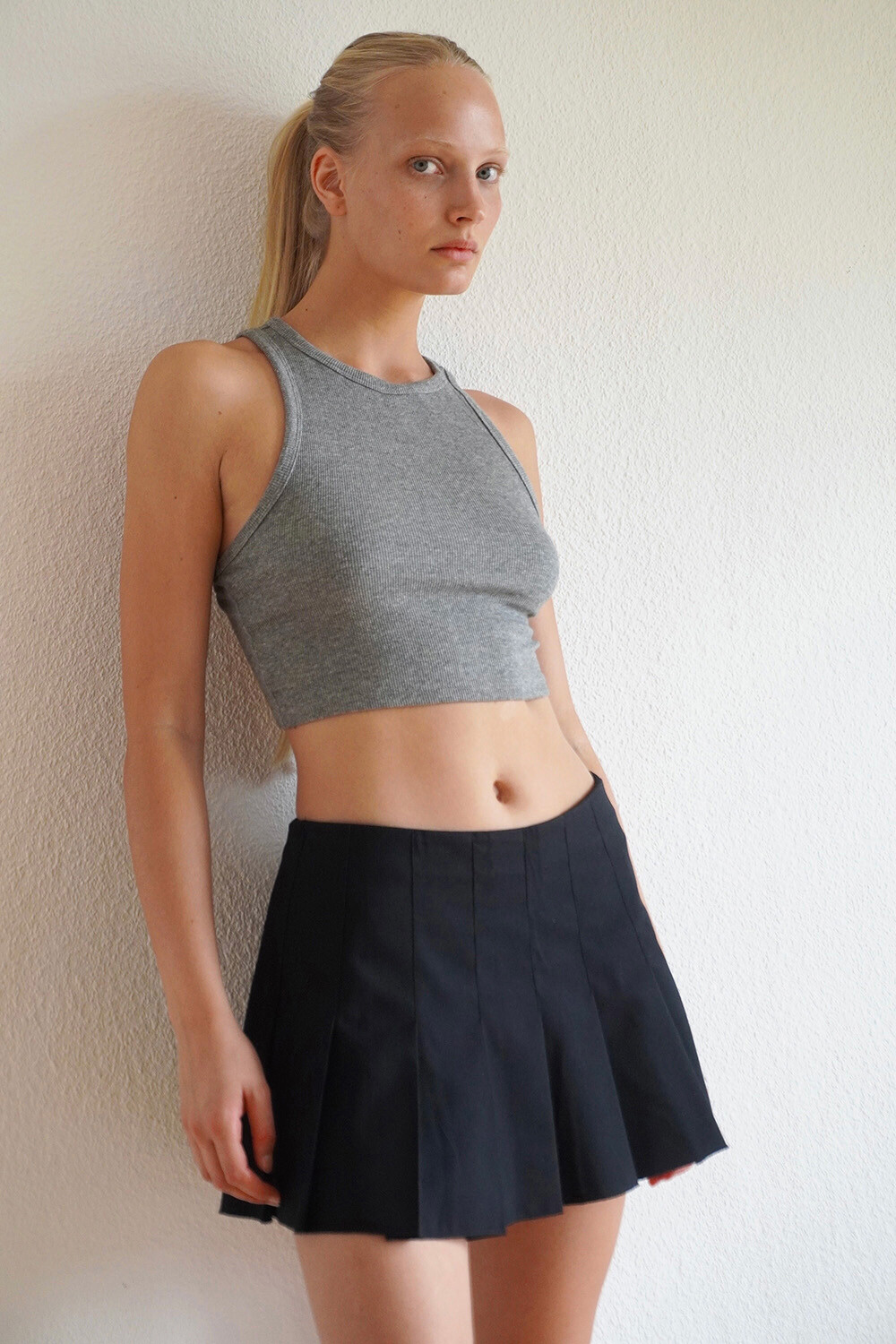
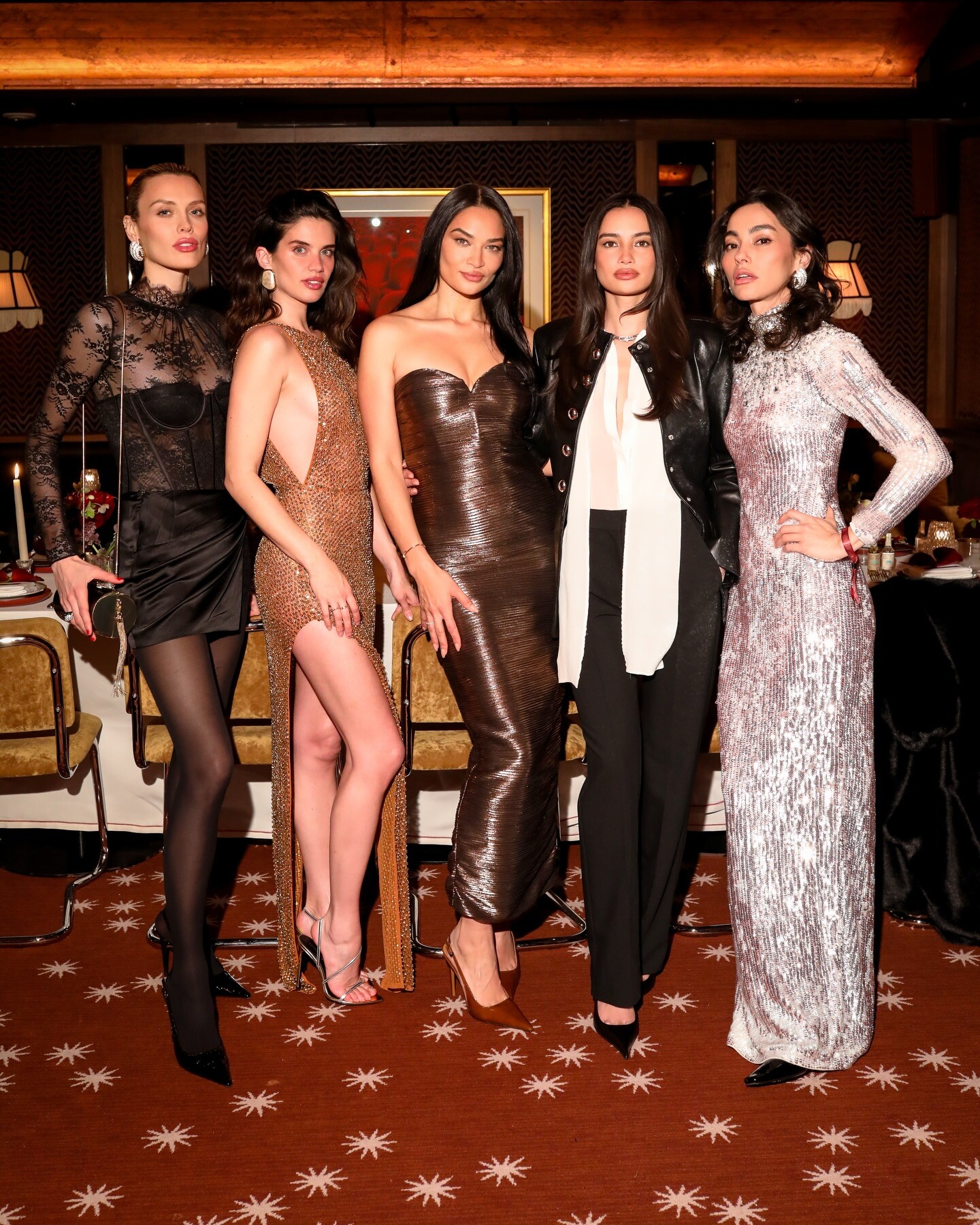
 I’m looking for an ID for #1 also. I believe this is the same model.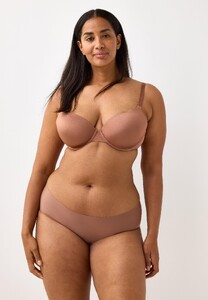
-

 After carefully reviewing your well-written analysis, I’ve upgraded Leon’s odds of dying to 70%. My reasoning - I said what I said.
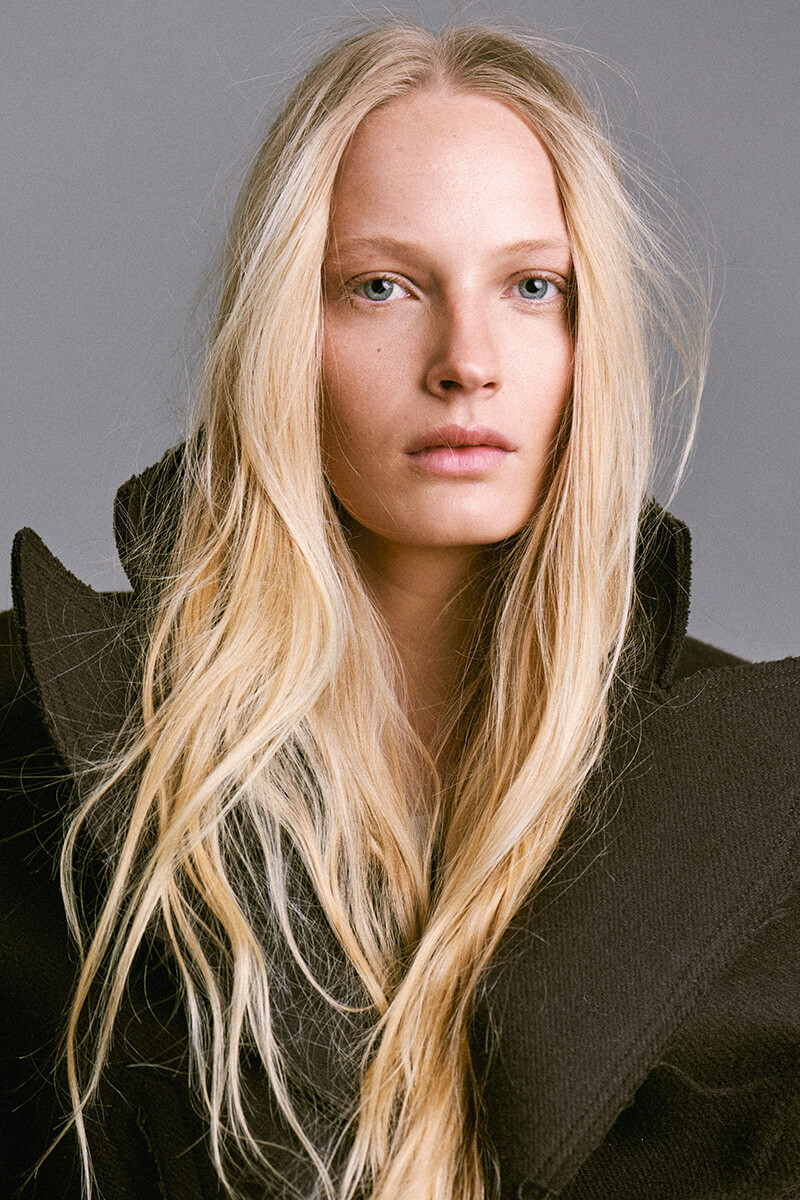
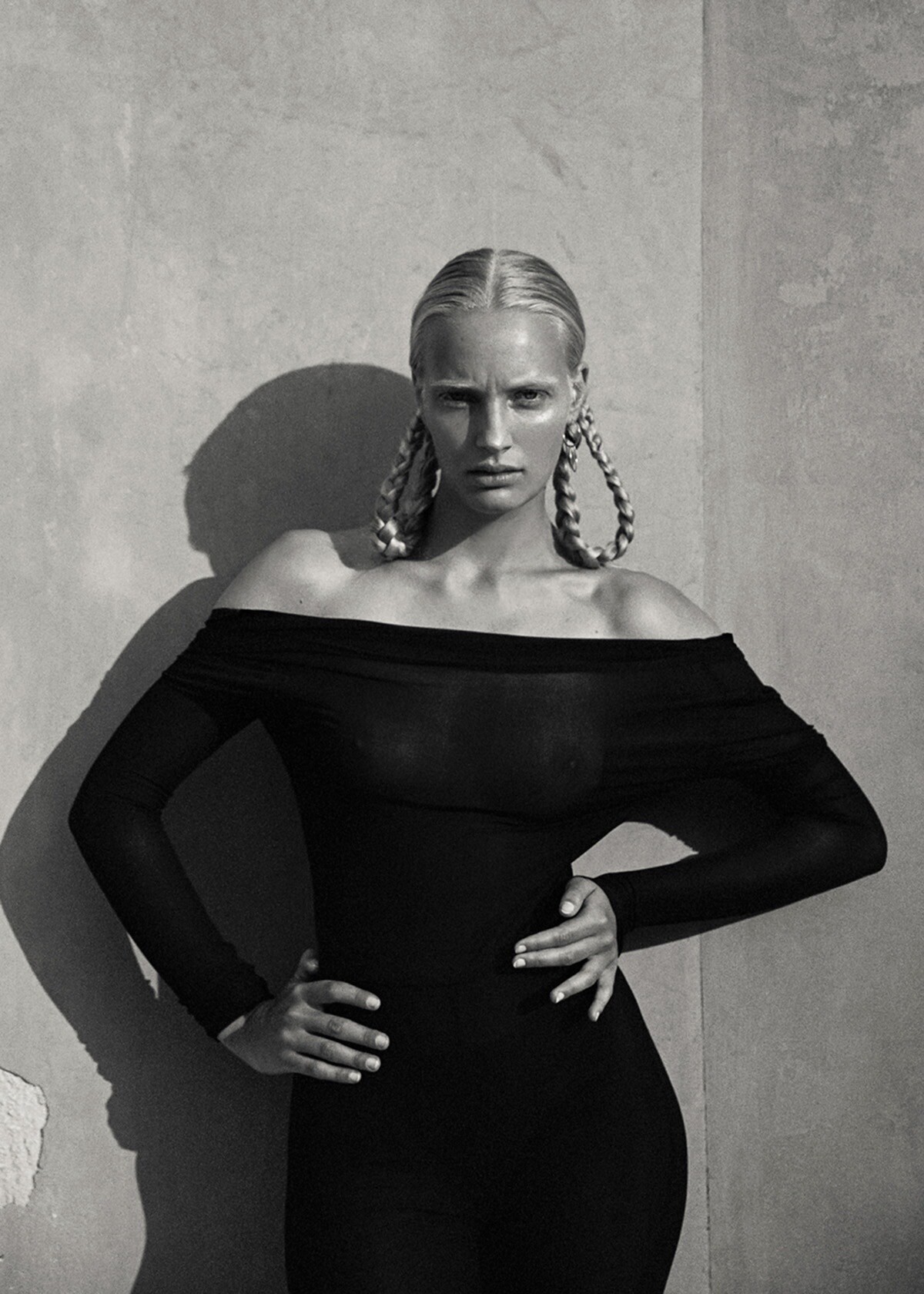
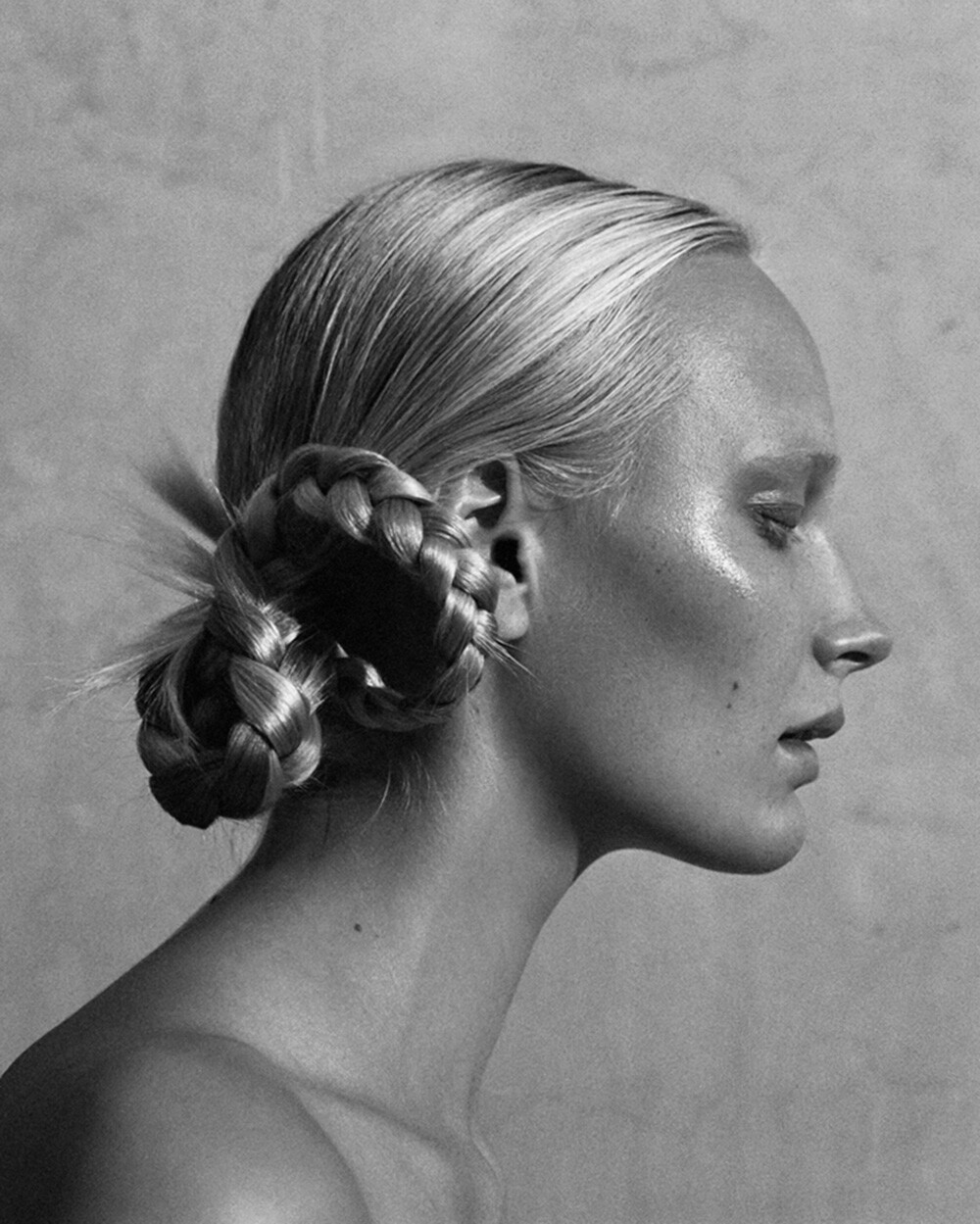
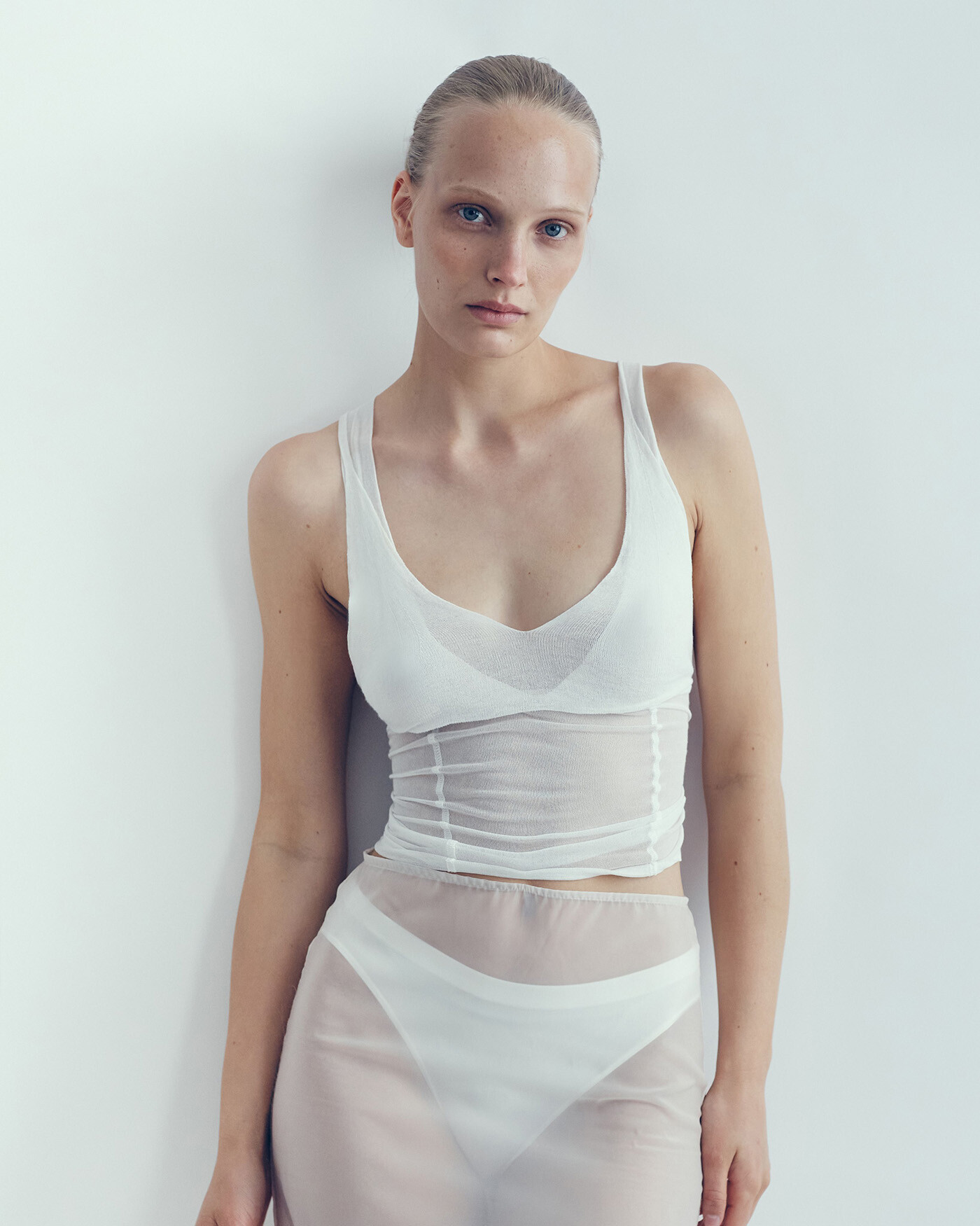
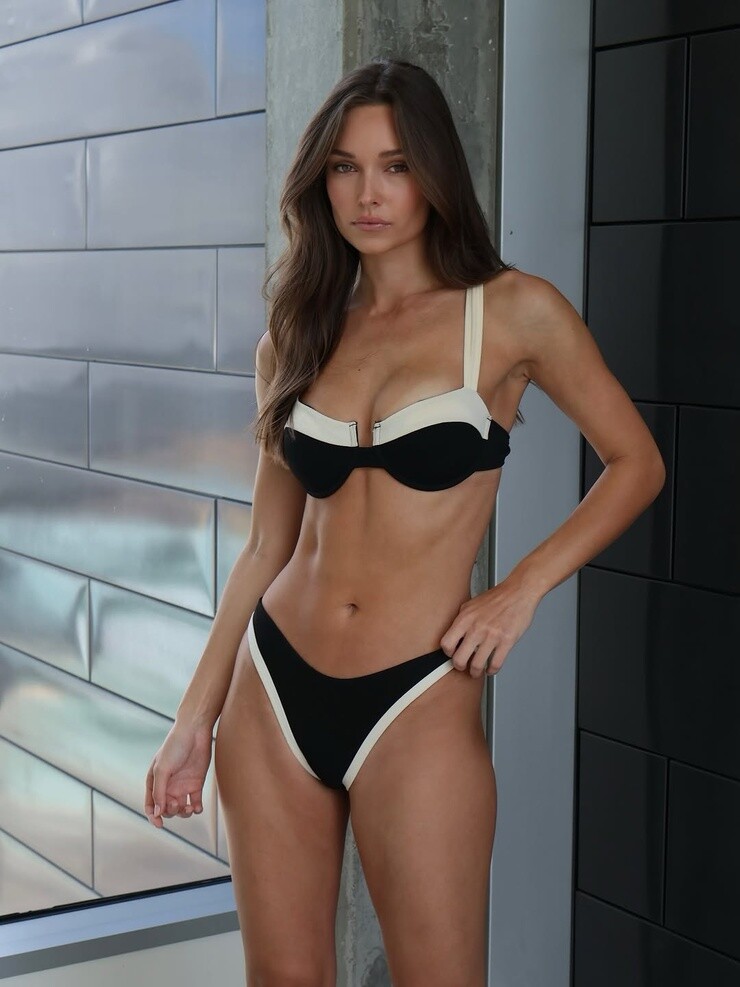
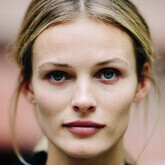 Her and Edita Vilkeviciute are my all time favourites 🍋
via retrofete
Her and Edita Vilkeviciute are my all time favourites 🍋
via retrofete
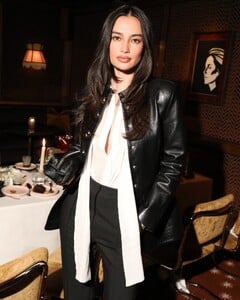

 Various pictures
.thumb.jpg.980486de9aa331f5934f71c7ab63cefc.jpg)
.thumb.jpg.28bf31057377a3c85a355f299aa8e008.jpg)
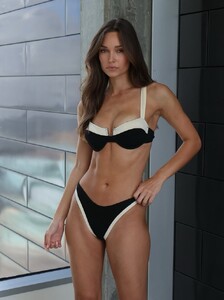
.thumb.jpg.0d3f4f2c68d4622f606fb5bc91055410.jpg)
.thumb.jpg.e2dd018fe15795e77e3f72849c055636.jpg)
.thumb.jpg.8fc313b59c1c0c6a84e37f9a3434e024.jpg)
.thumb.jpg.07328e3a7fc6cfbdb8cd38689021ef3c.jpg)
.thumb.jpg.b506e4ab40fdc0950a3135ade074167a.jpg)
.thumb.jpg.0009abb1745f606054c5b600f0736547.jpg)
.thumb.jpg.293a87889aa0db2b35dea466dfda4d38.jpg)
.thumb.jpg.a9cd4f6f6c9f6a2fc57c8dbba99e1c9b.jpg)
.thumb.jpg.919f95f63eb5201762e48a4d2b91cb34.jpg)
- Today
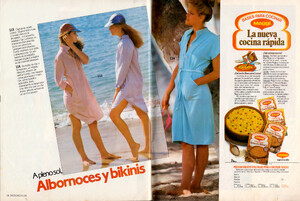
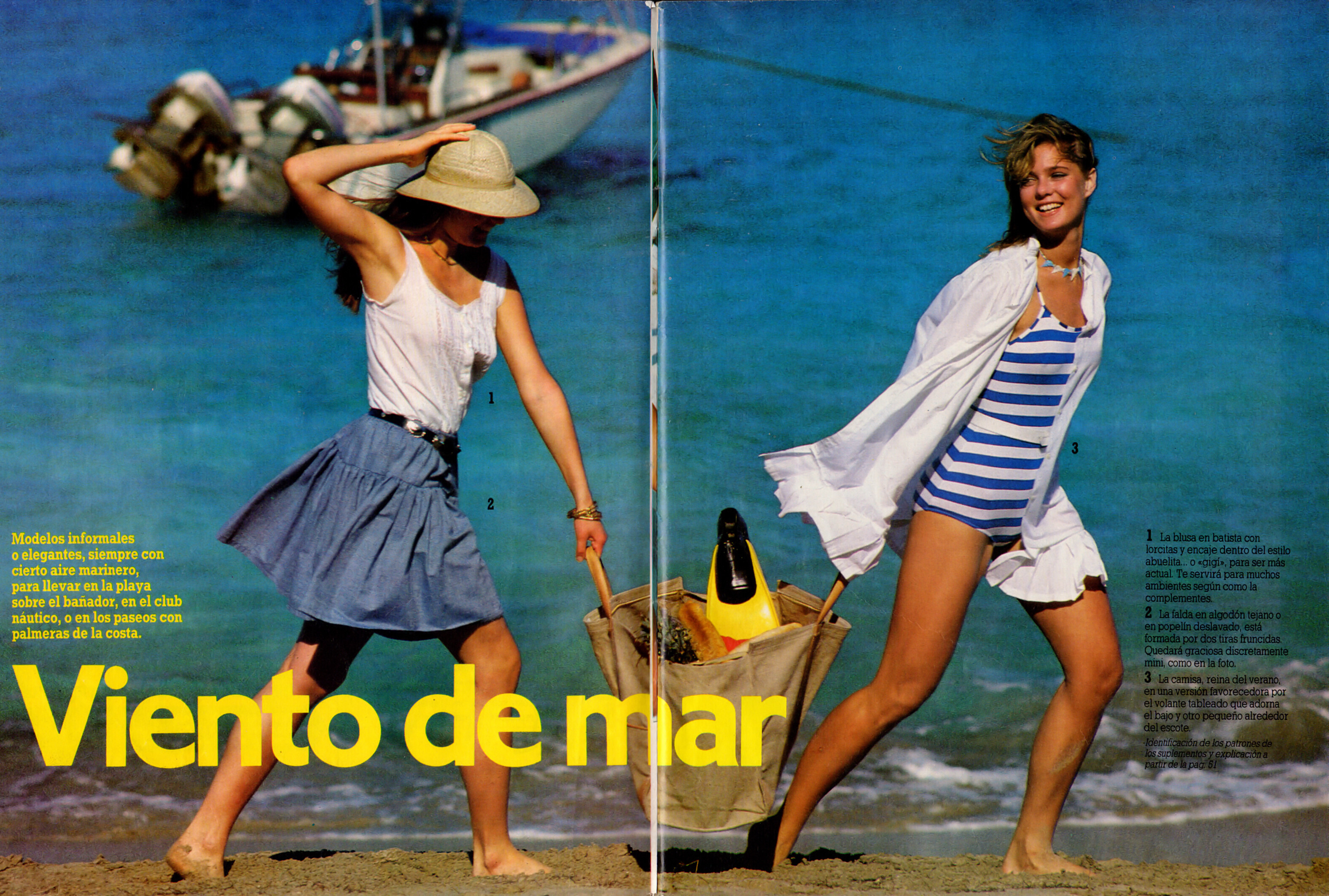
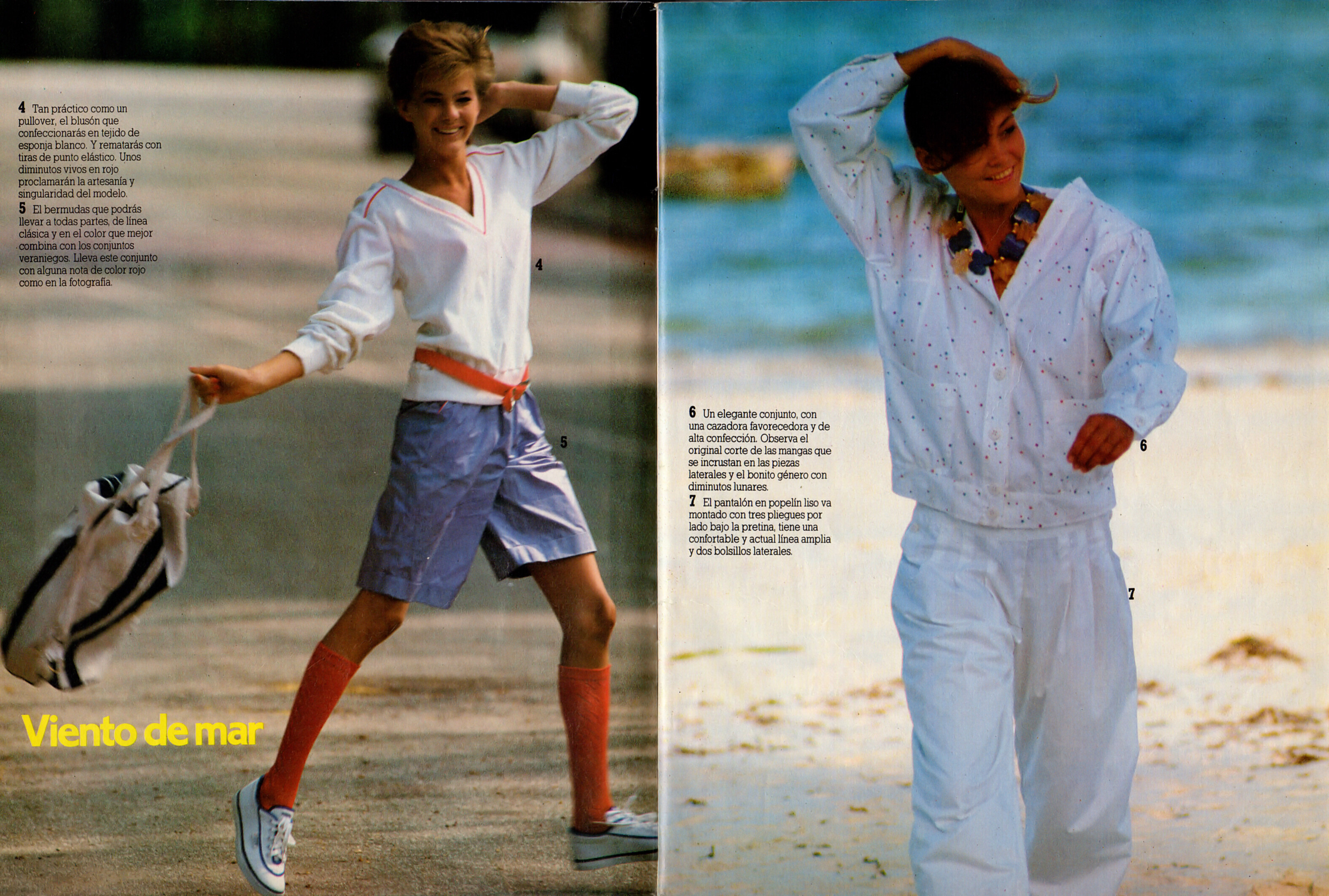
 PATRONES SP, Spr 1983 - PH. UNK - @missparker7 SCANS
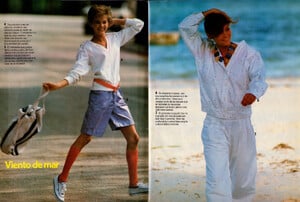
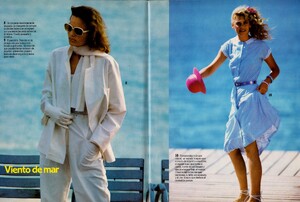

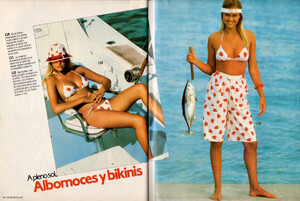
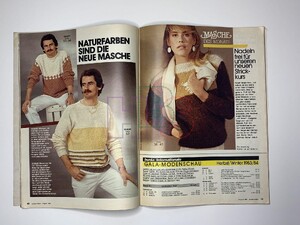
 BURDA DE, Aug 1983 - PH. UNK - WEB FIND
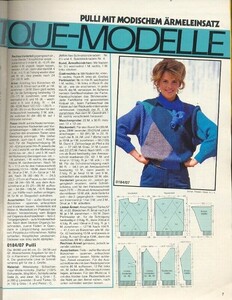
 ANNA BURDA DE, Jan 1984 - PH. UNK - BELLAZON
 GRAZIA IT, 25 Apr 1982 - PH. UNK - EBAY
 KARMA 1983 - PH. UNK - @BlueAcadia SCAN
.jpg.7d804e447a17848b3e534159269109cb.thumb.jpg.5a2fd5292f24b4602a778348feb037ea.jpg)

.jpg.5dacf7487a4c757b713b0f7907e7036f.jpg)
.jpg.8cea342fe4112d6dffe63112bbe43048.jpg)
.jpg.32322dc224b2e34834edffe975b2c253.jpg)
.jpg.15191023ec4be0de5cbb15d44c52e449.jpg)
.jpg.42a898560d7eaf3cbf840561de507ee8.jpg)
.jpg.83a514bc26076e3bfe421b2797dc1055.jpg)
.jpg.be29cfaf462e1a32af969c77ce14659d.jpg)
.jpg.ce5acc468c820daeb3b24fe3528b27db.jpg)
.jpg.8cc4b102425c3e4d47faeabcc5ae1d22.jpg)
.jpg.c694c8ce9a78912634d636ca4d78f3a1.jpg)
.jpg.11297866182ce2245498d052baec2451.jpg)
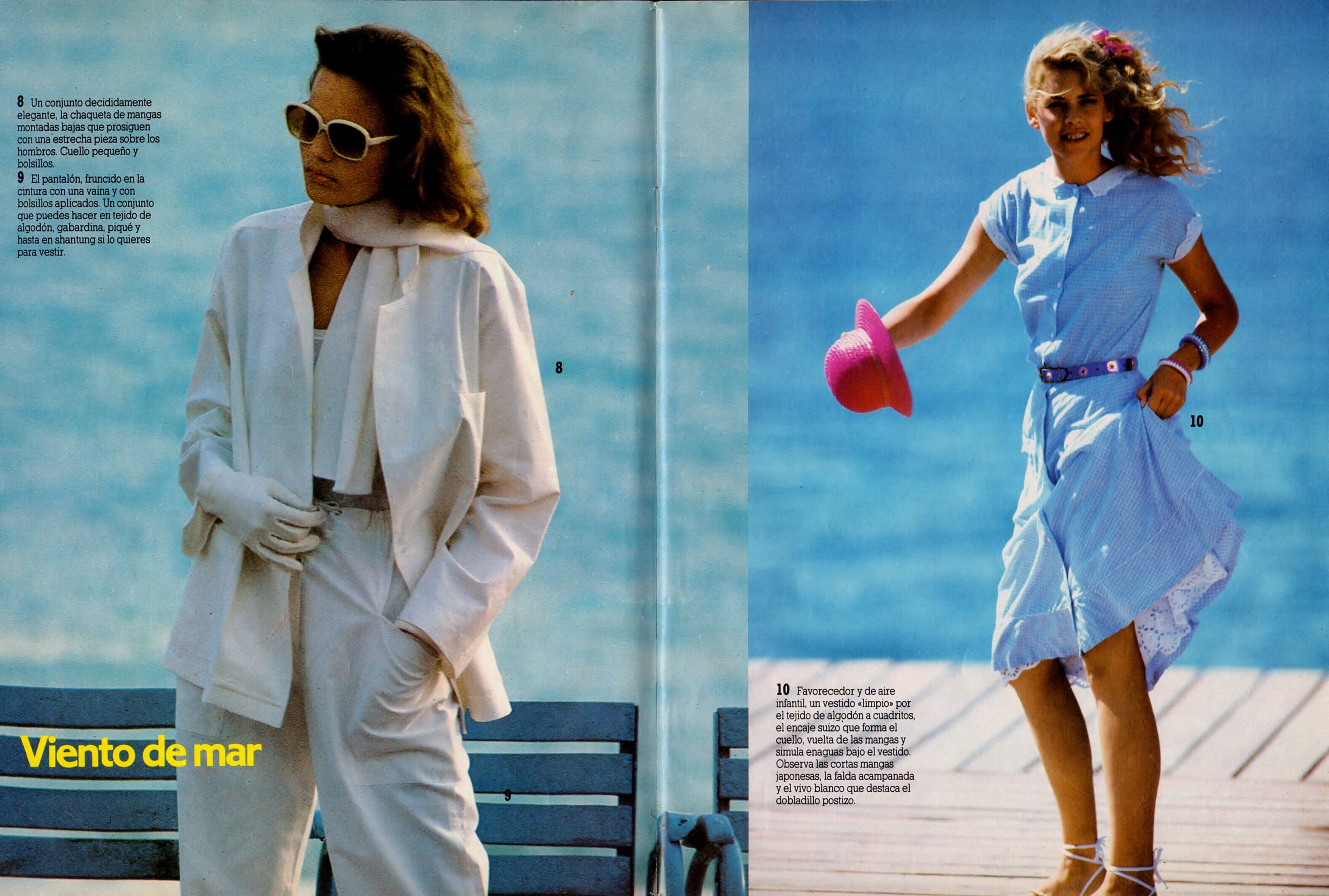
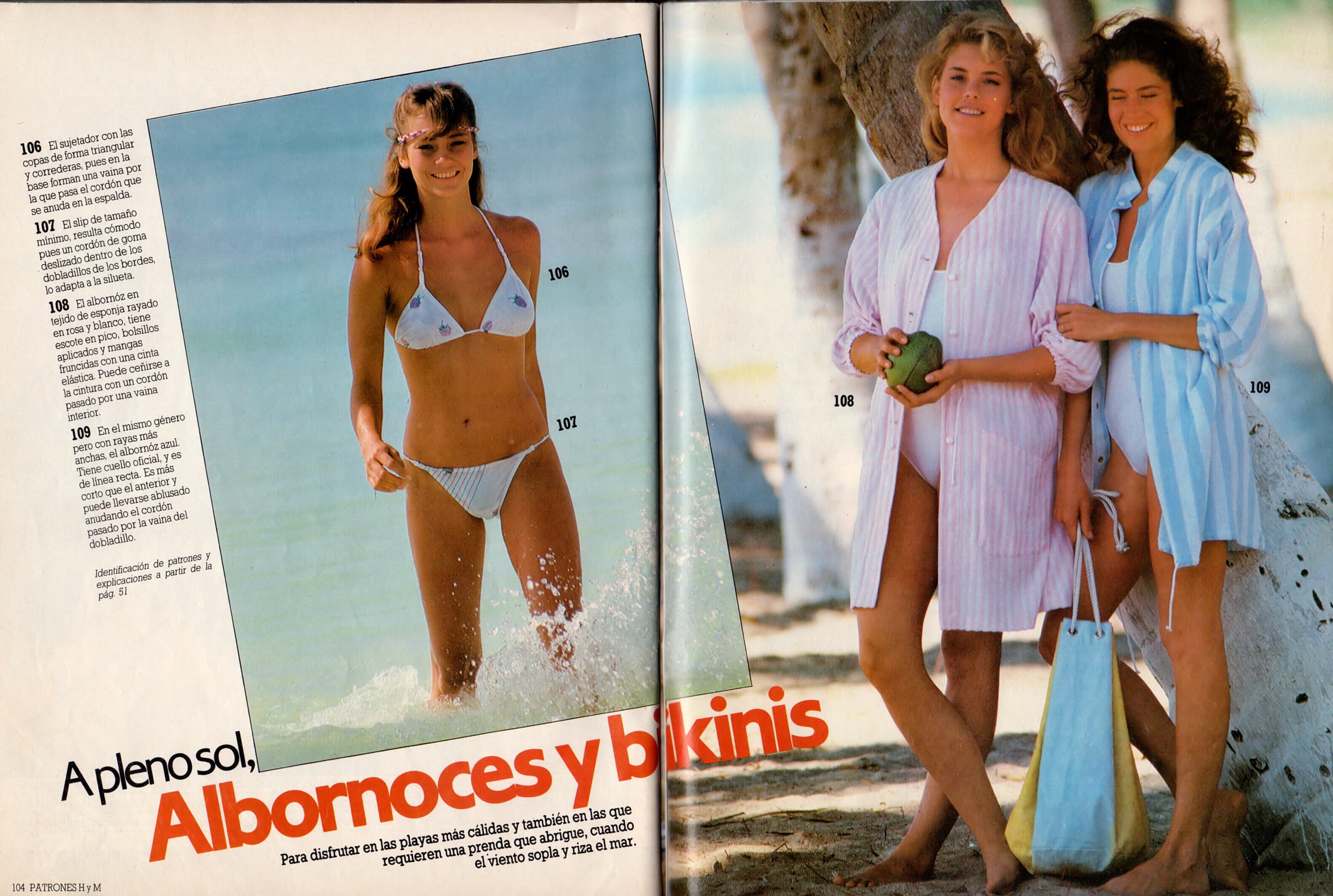
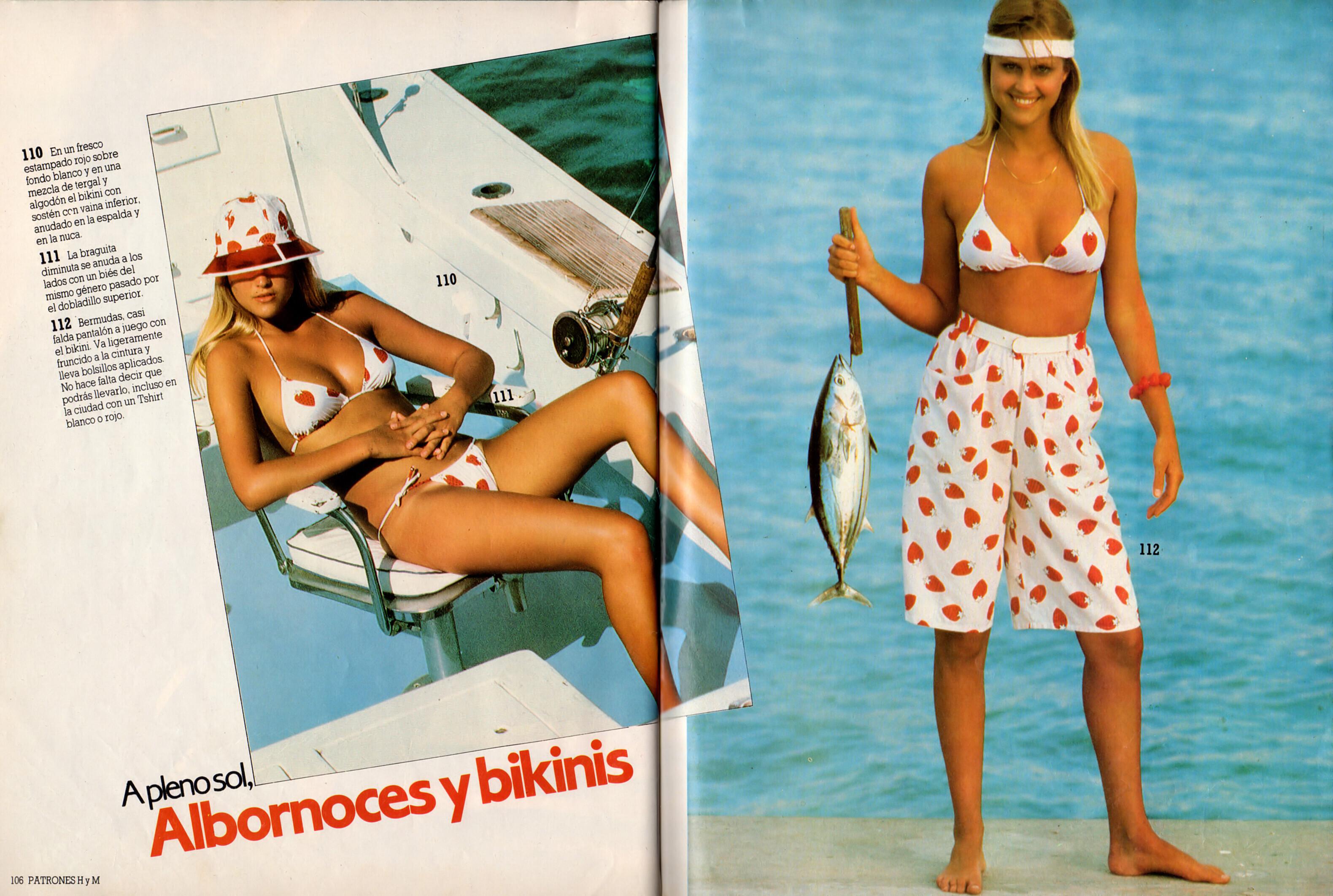
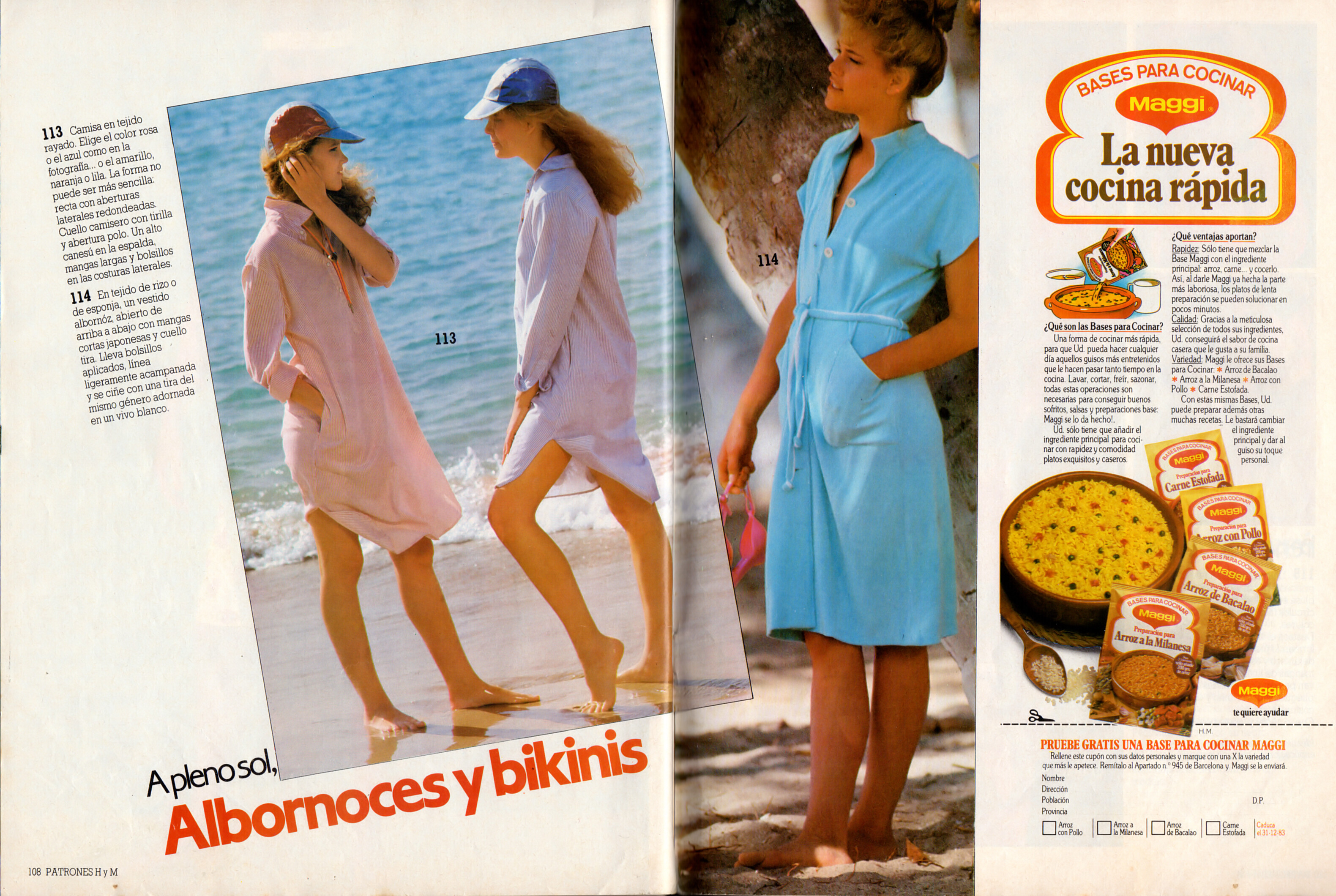
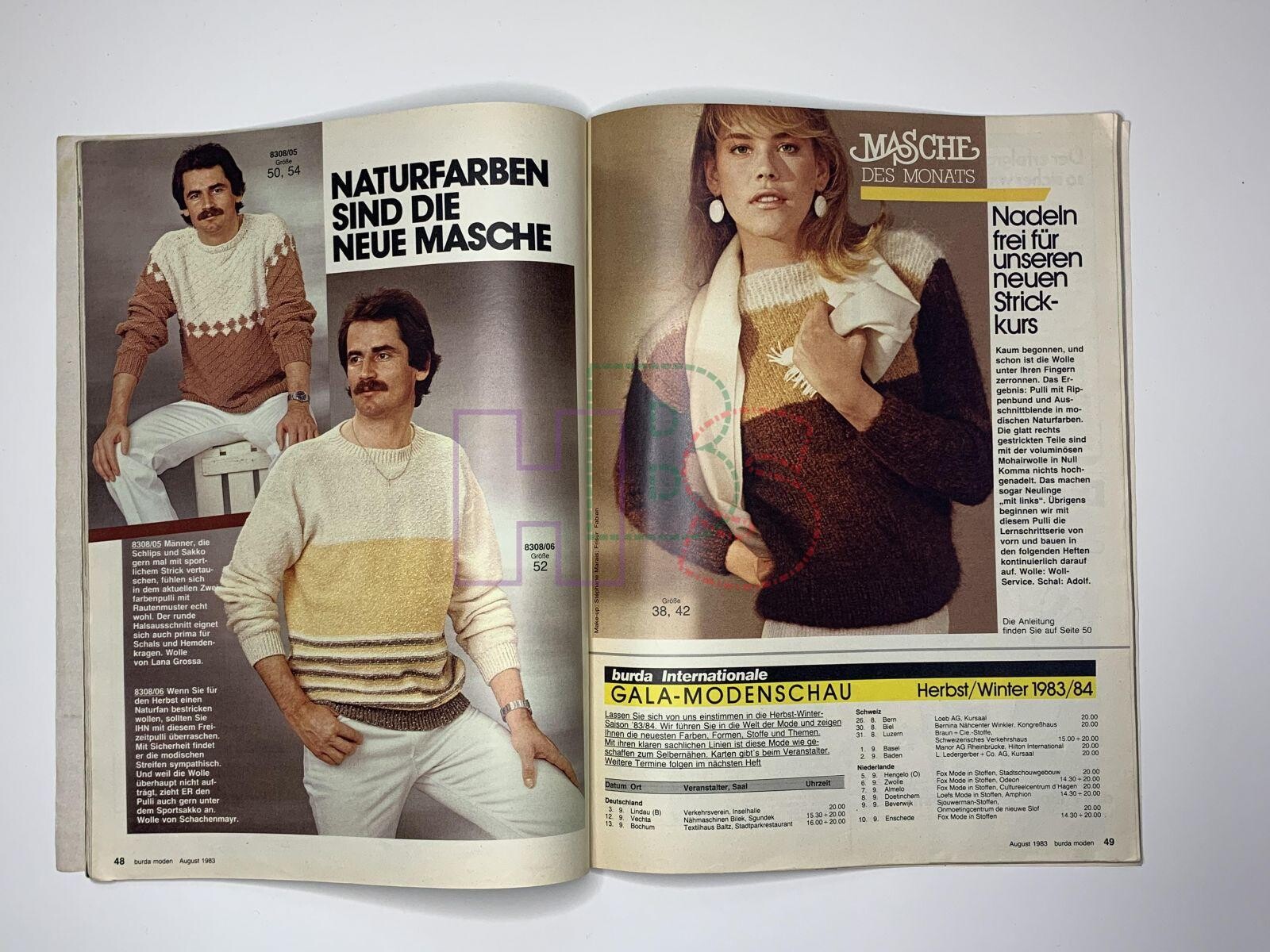
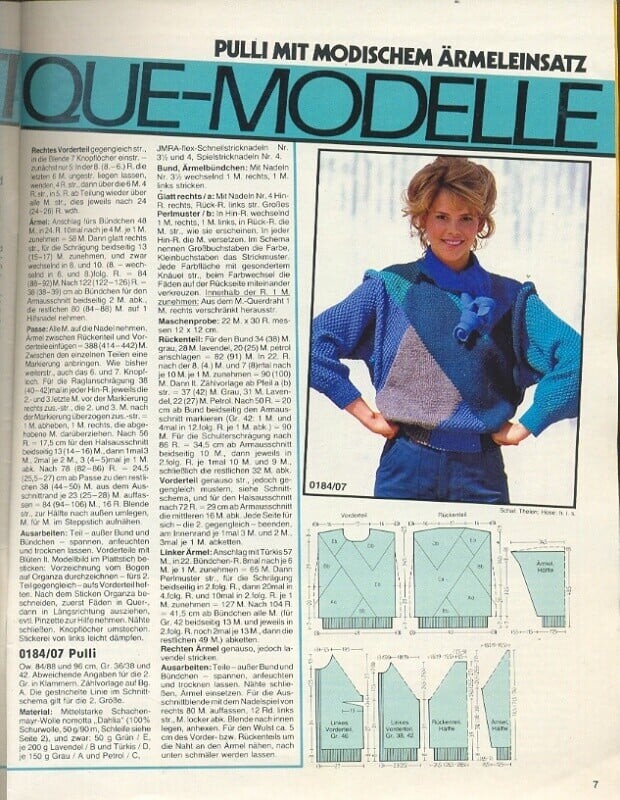

.jpg.7d804e447a17848b3e534159269109cb.jpg.8b5f822ee621ed87b3aa1c62915133c7.jpg)
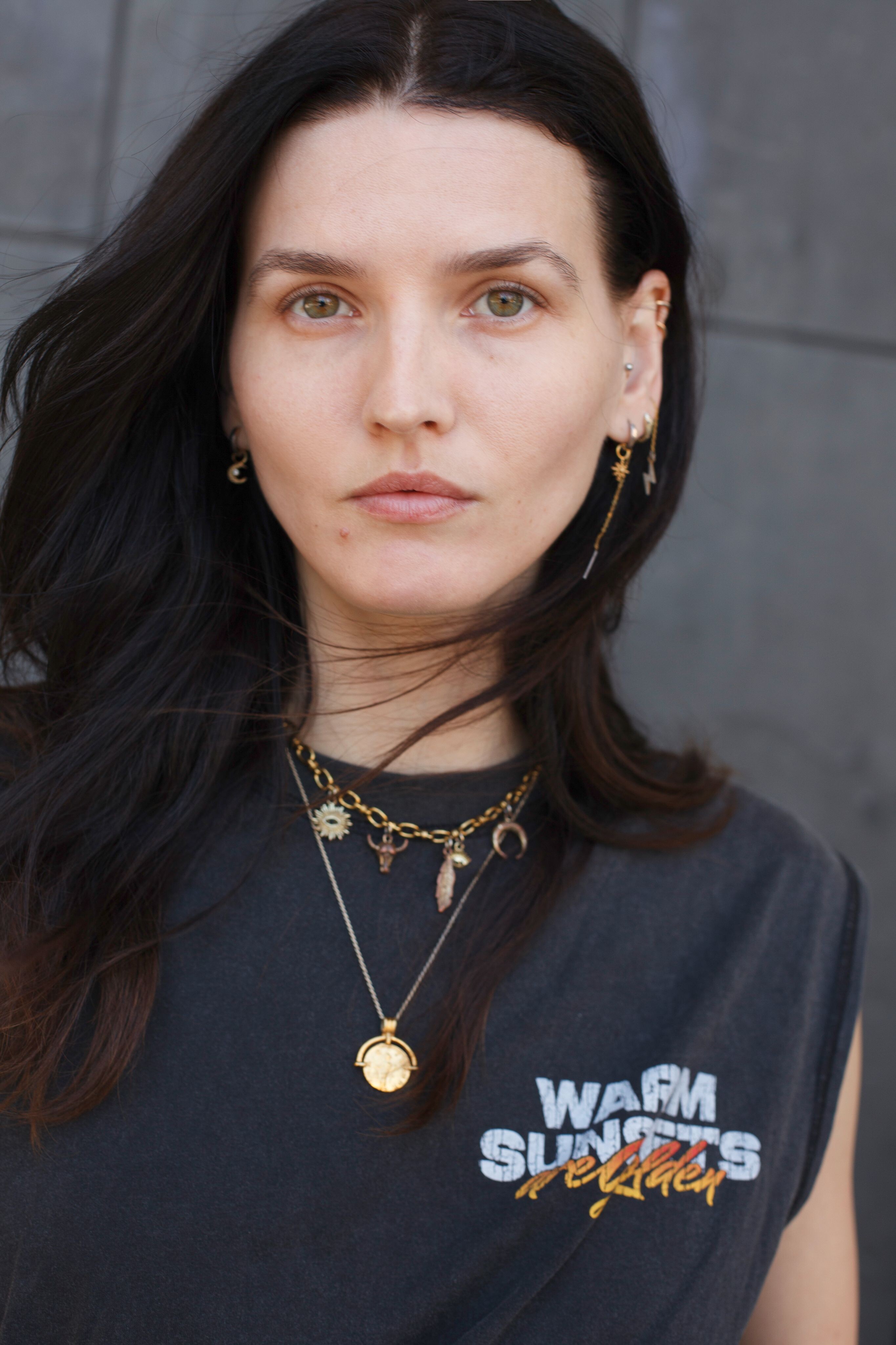
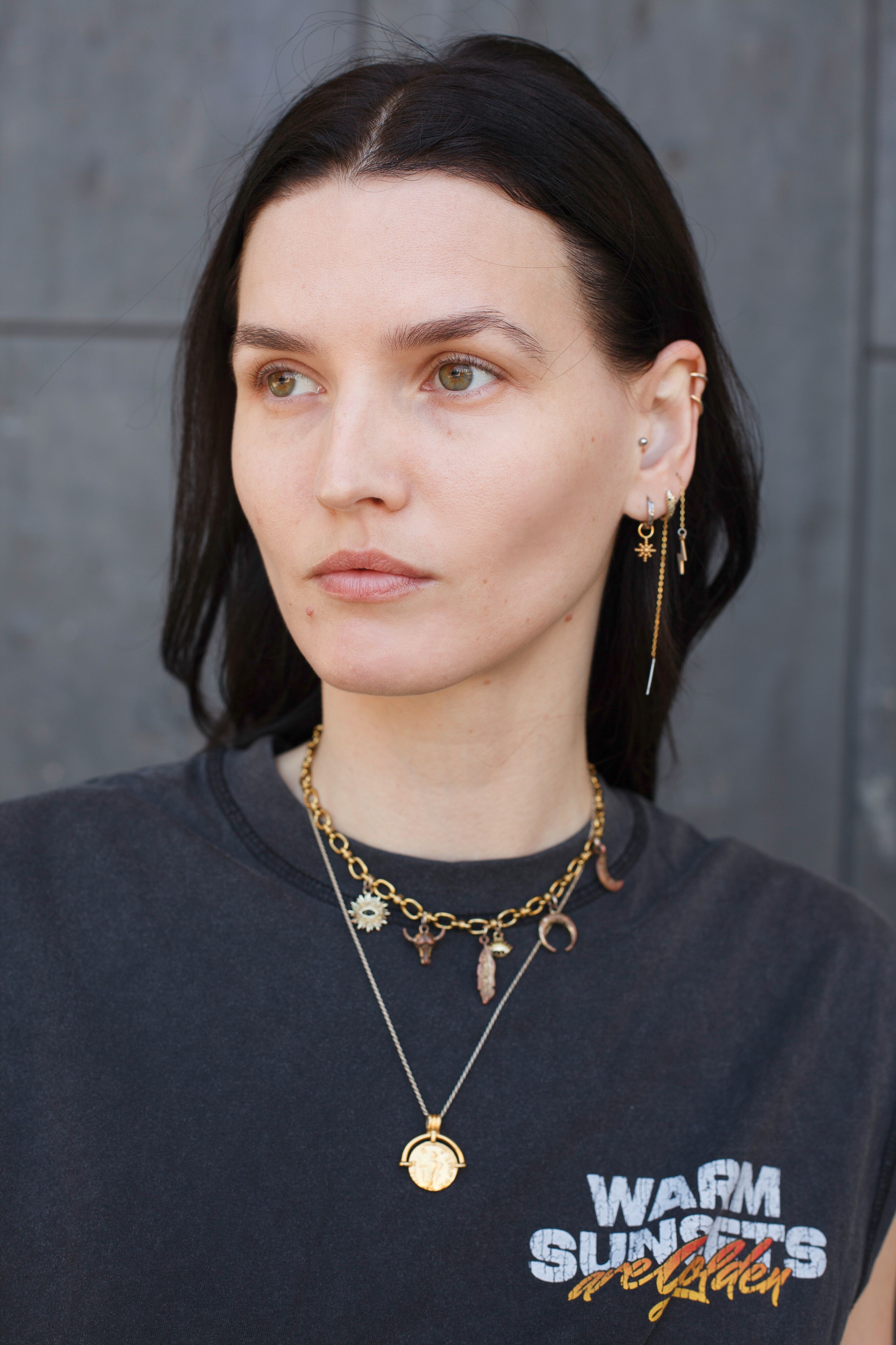
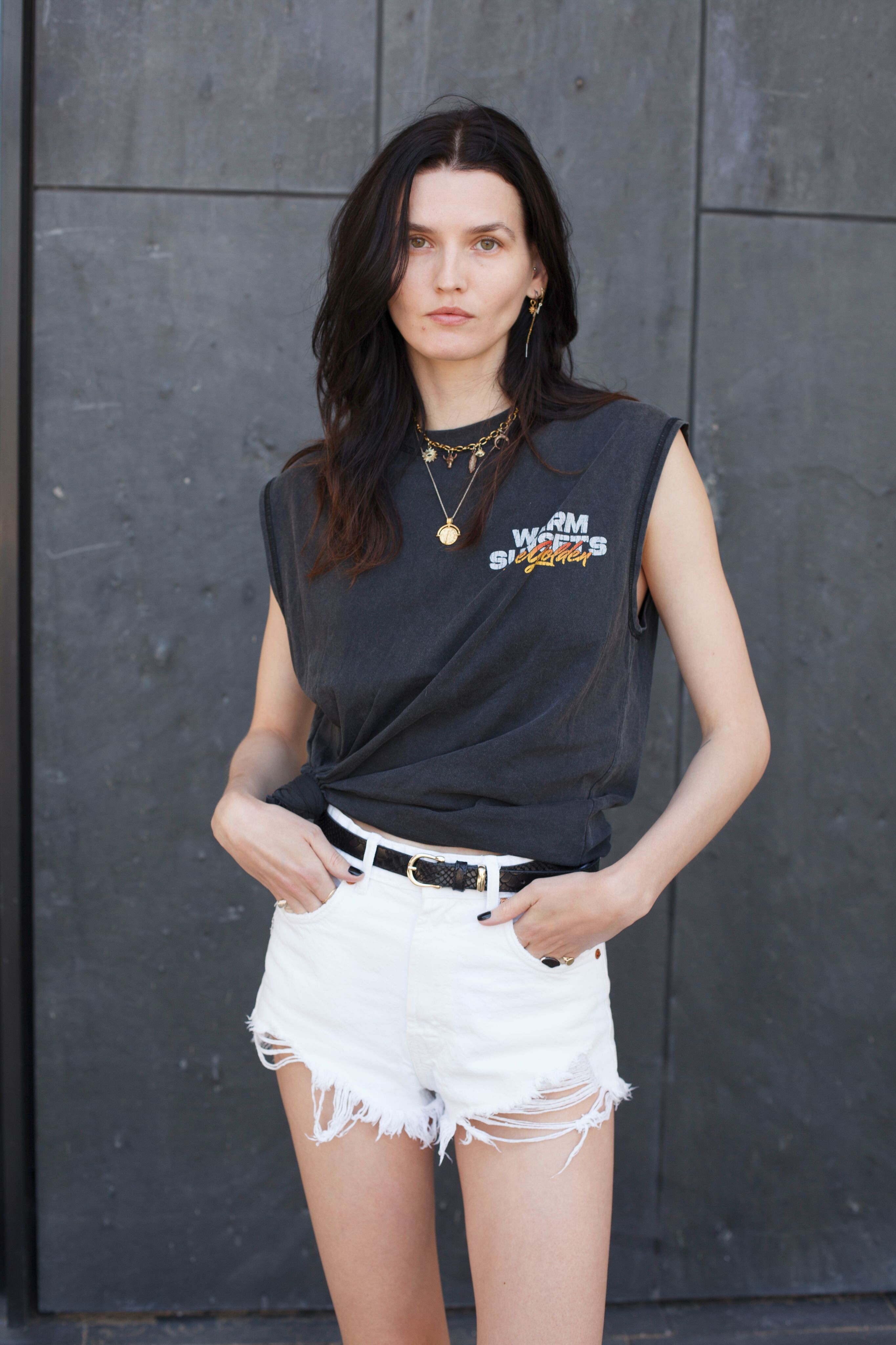
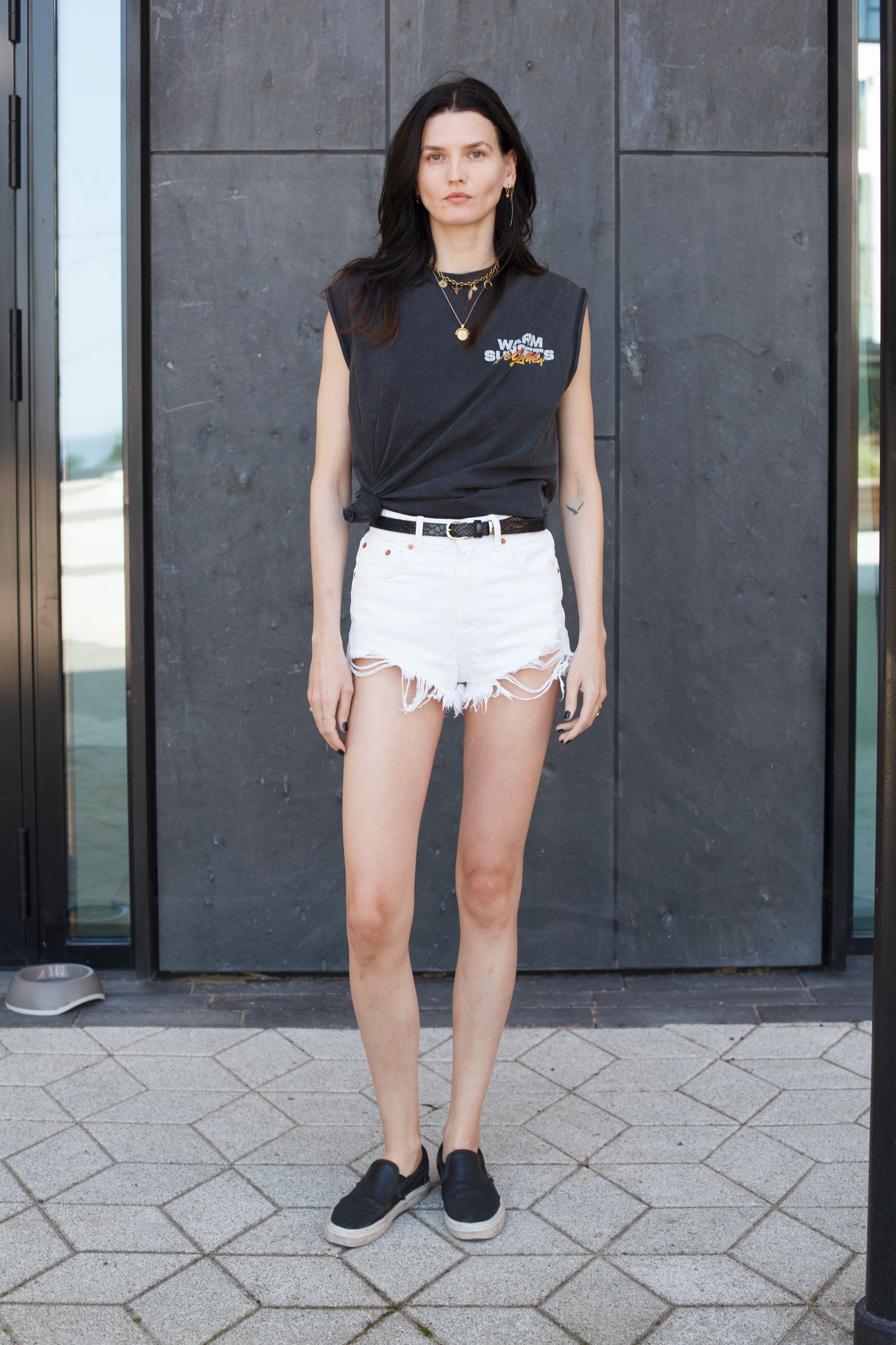
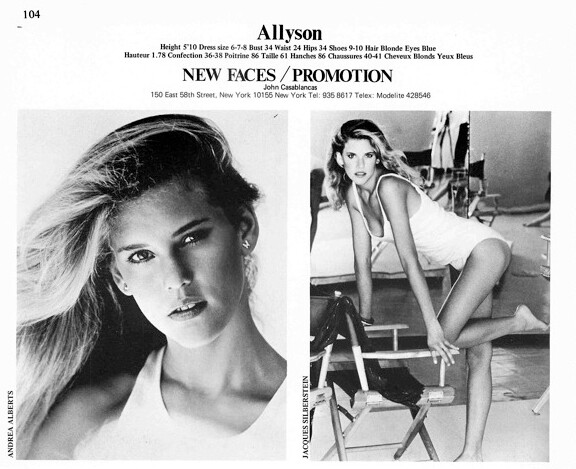
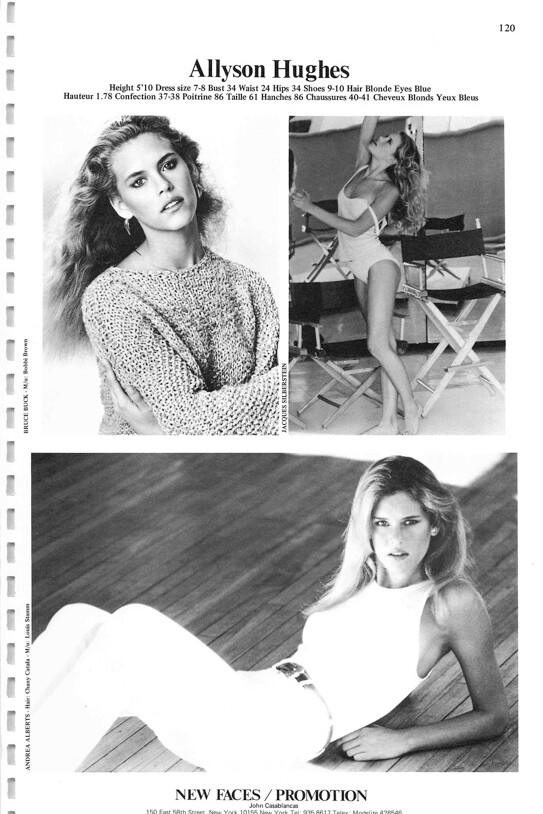

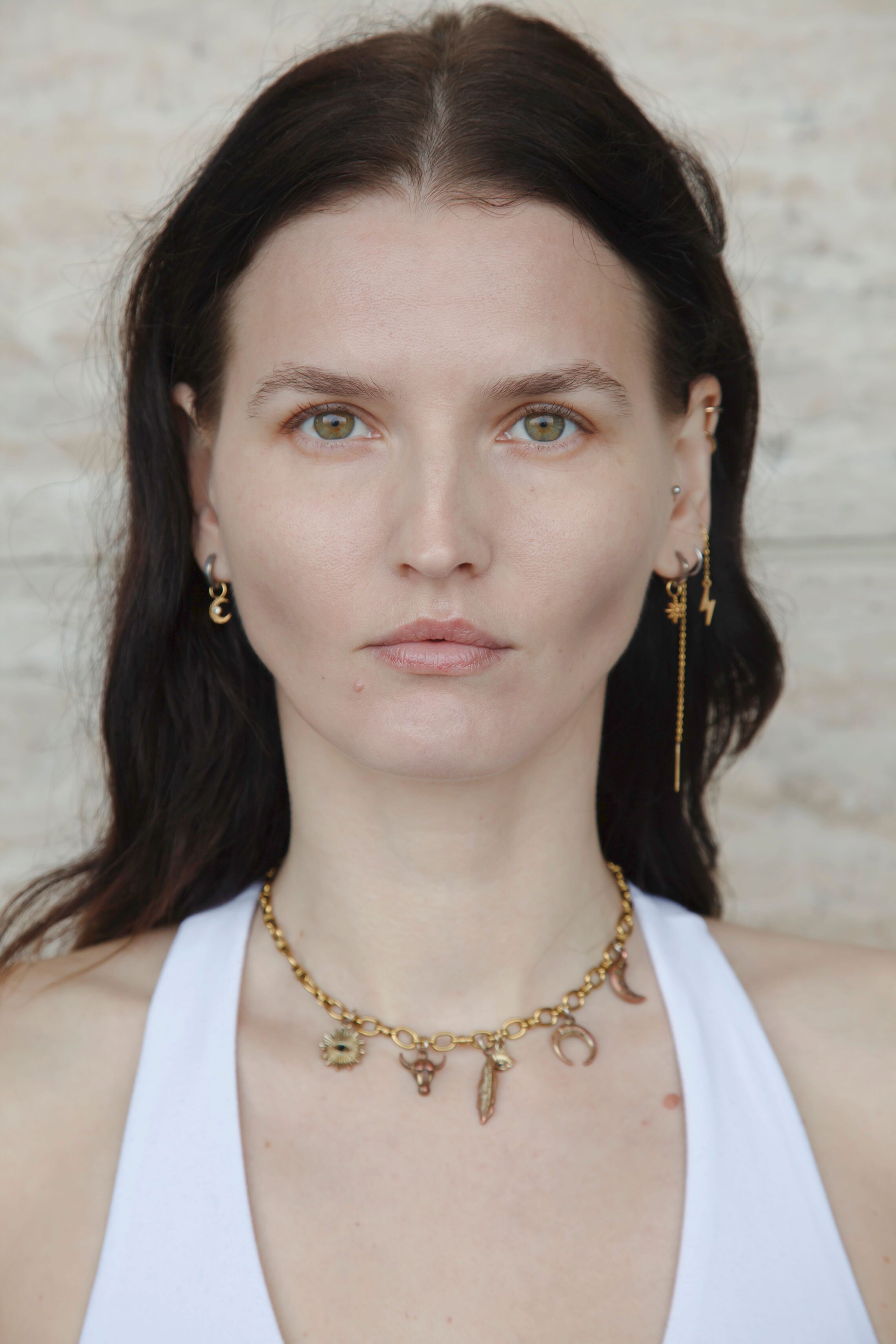
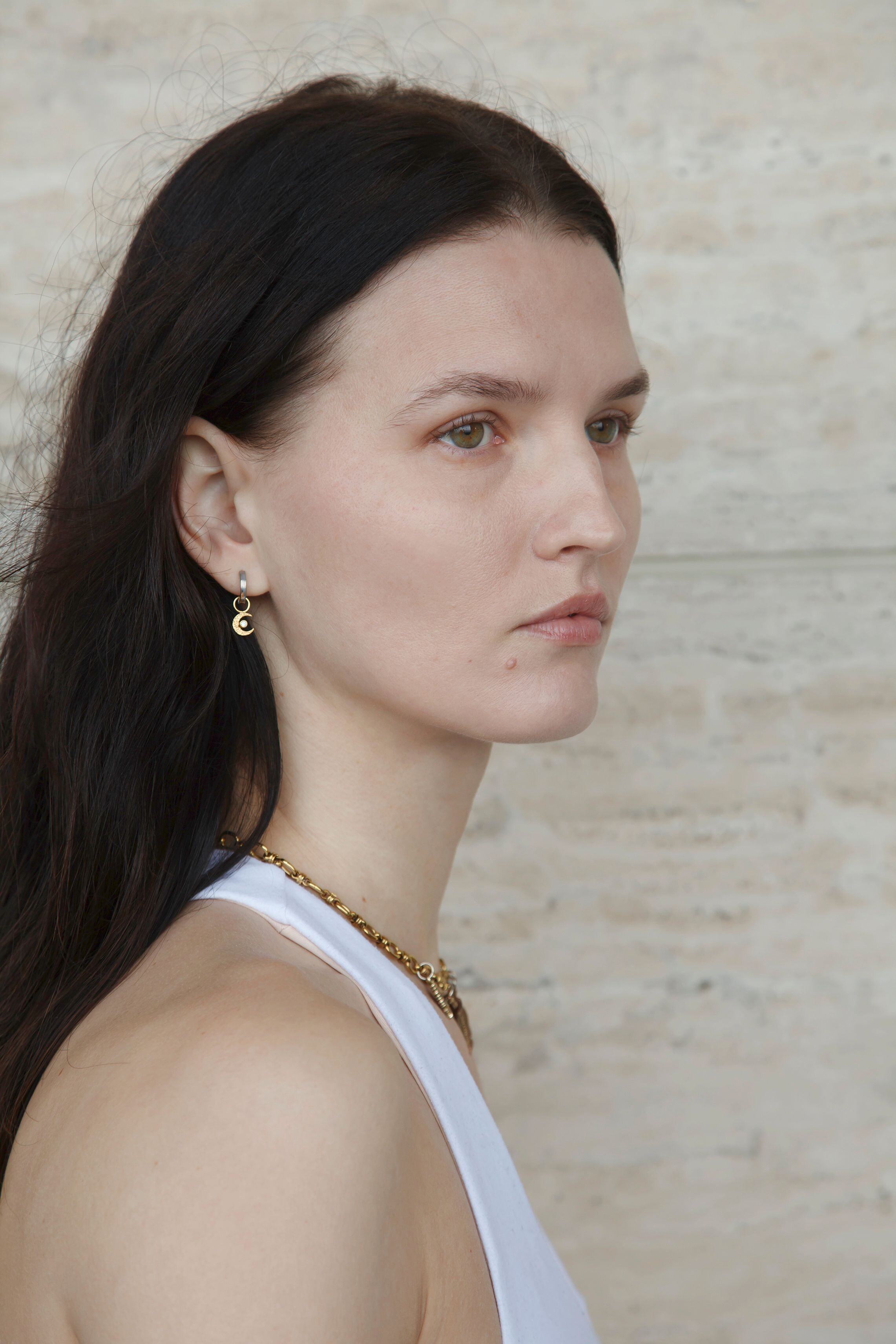
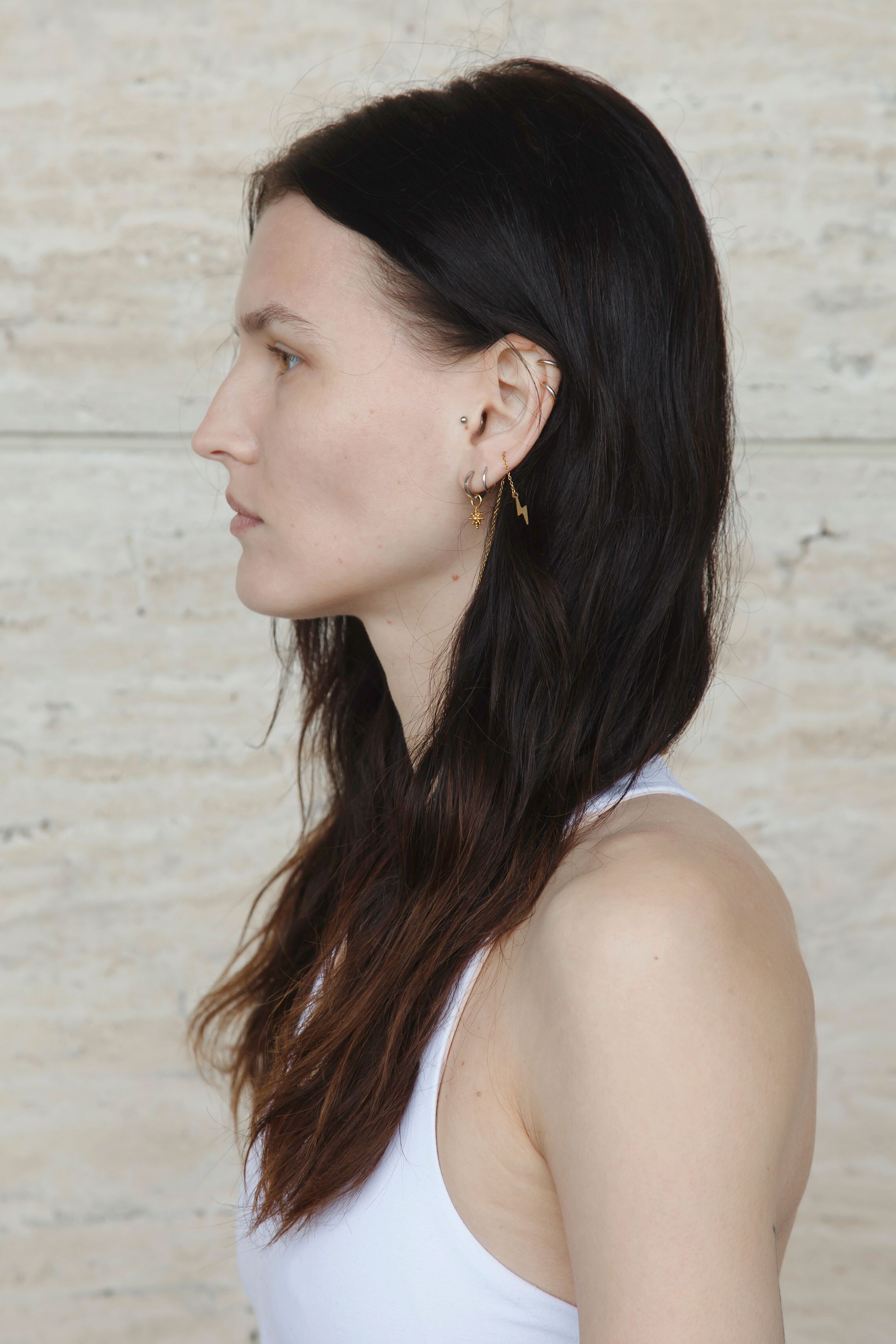
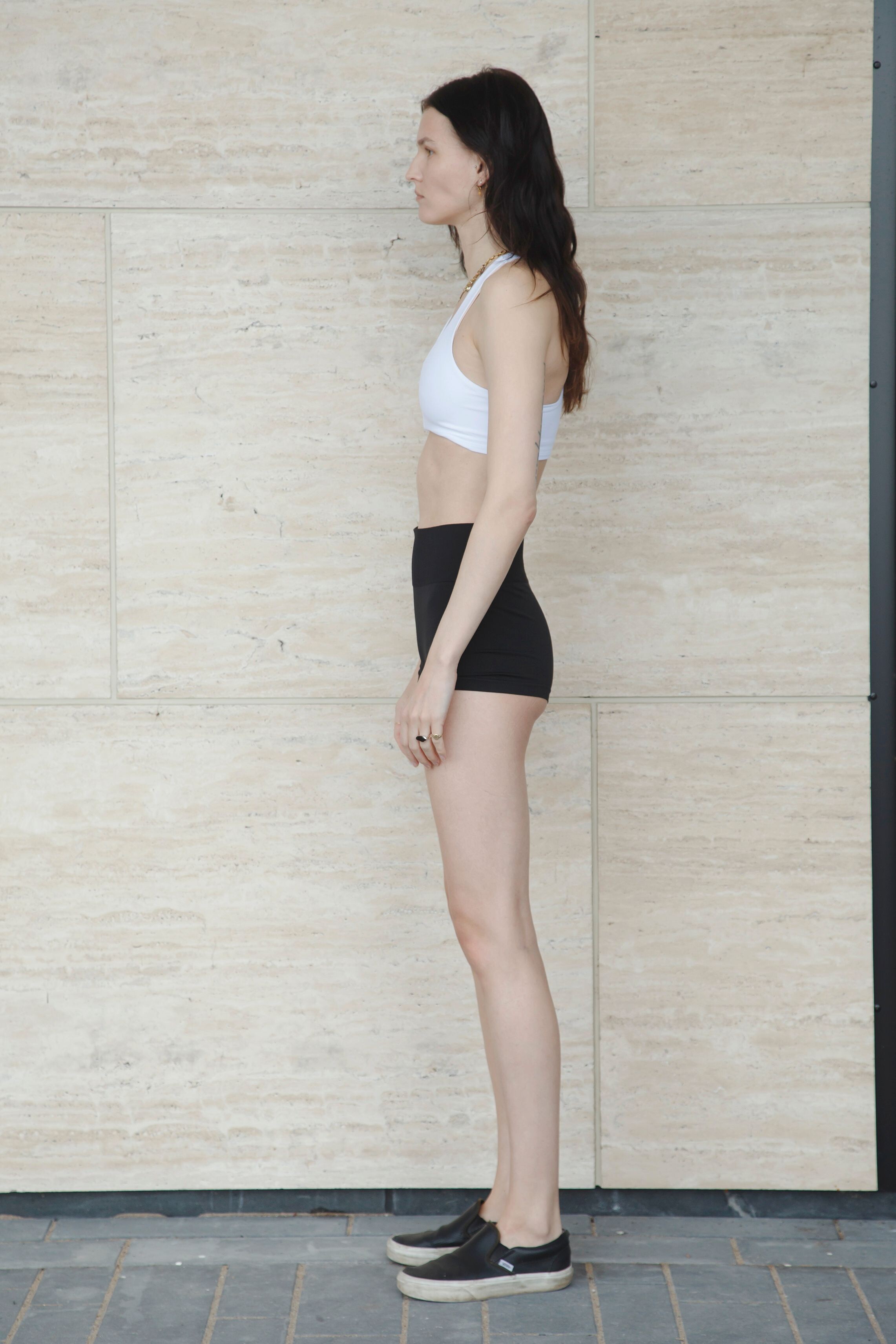
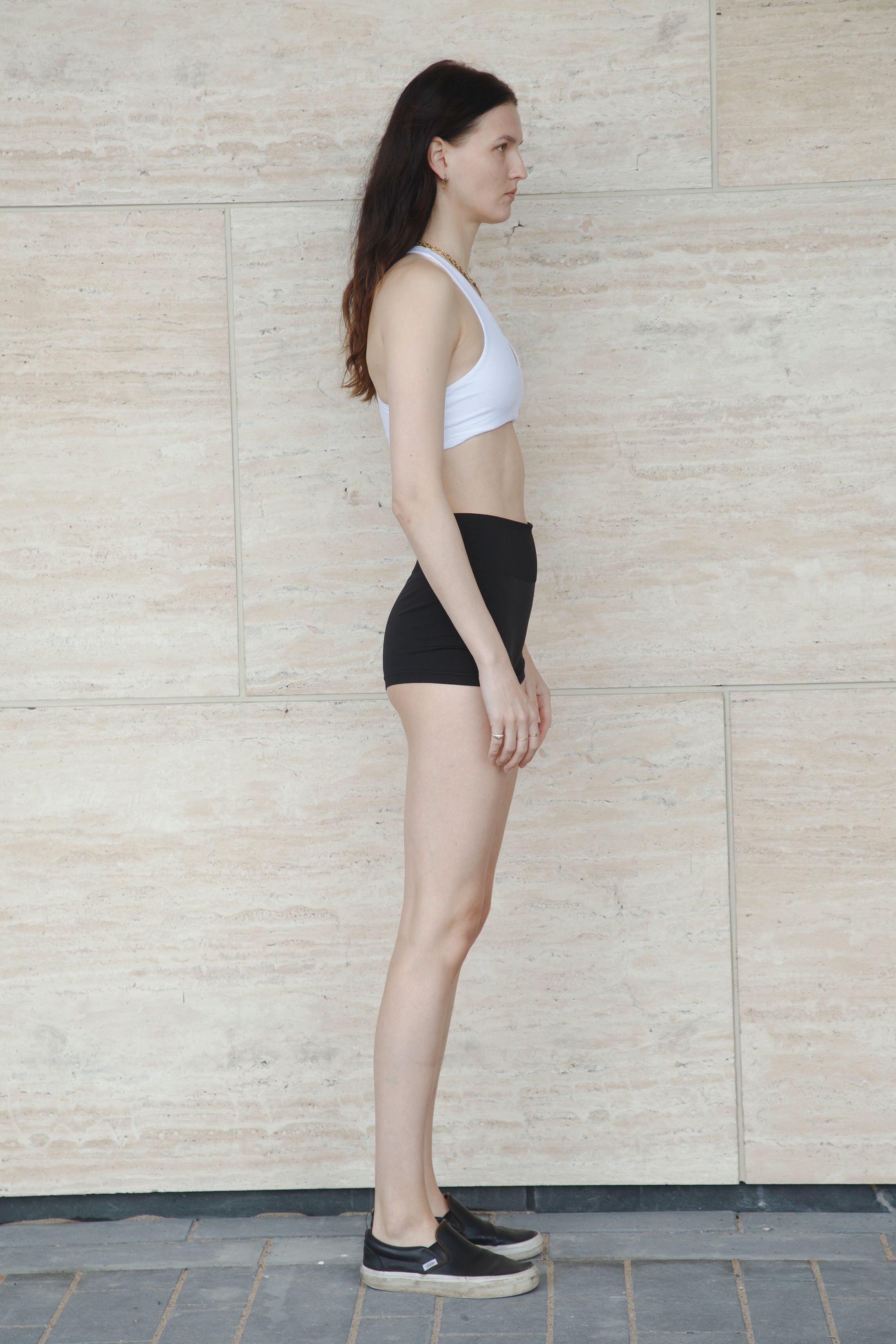
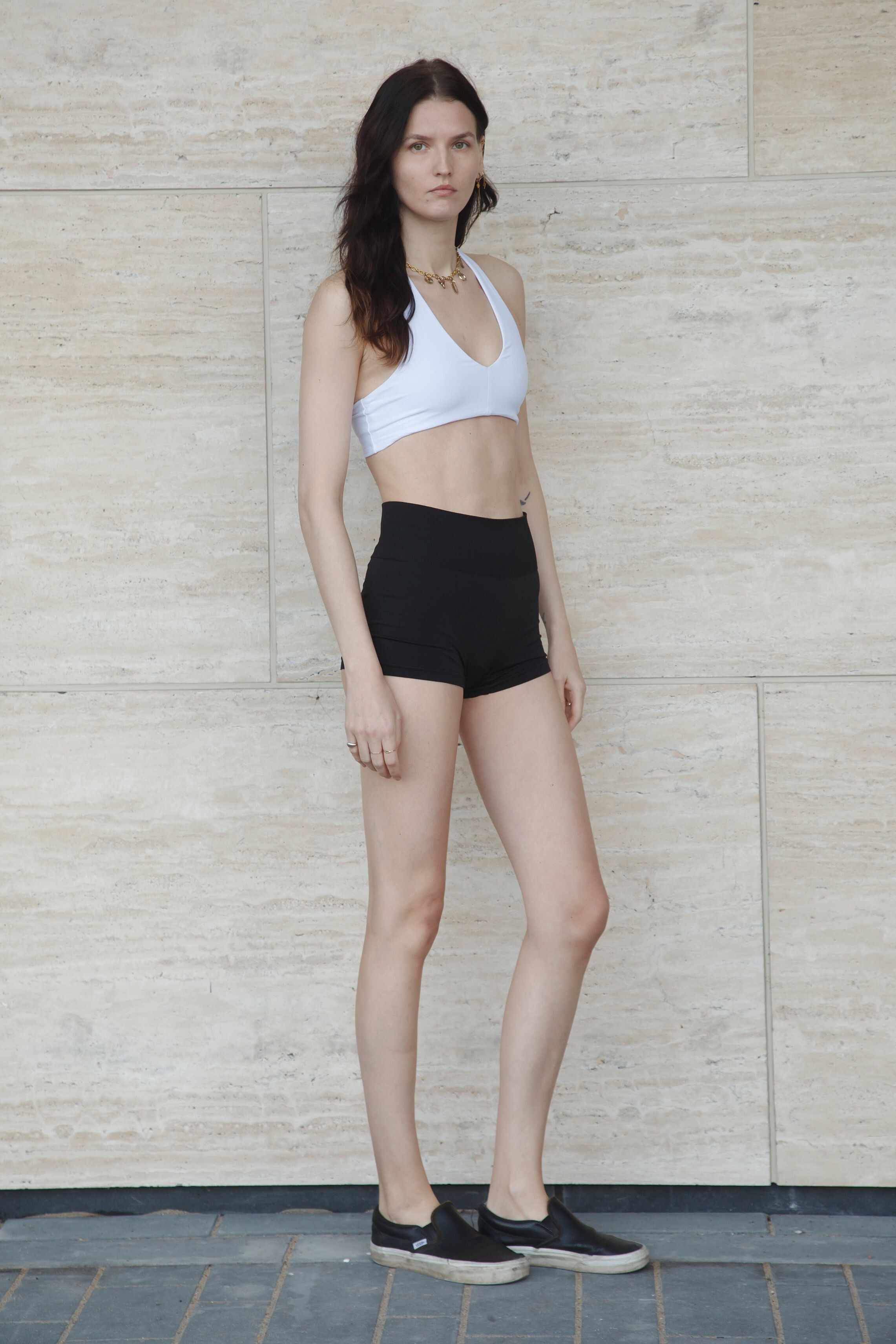
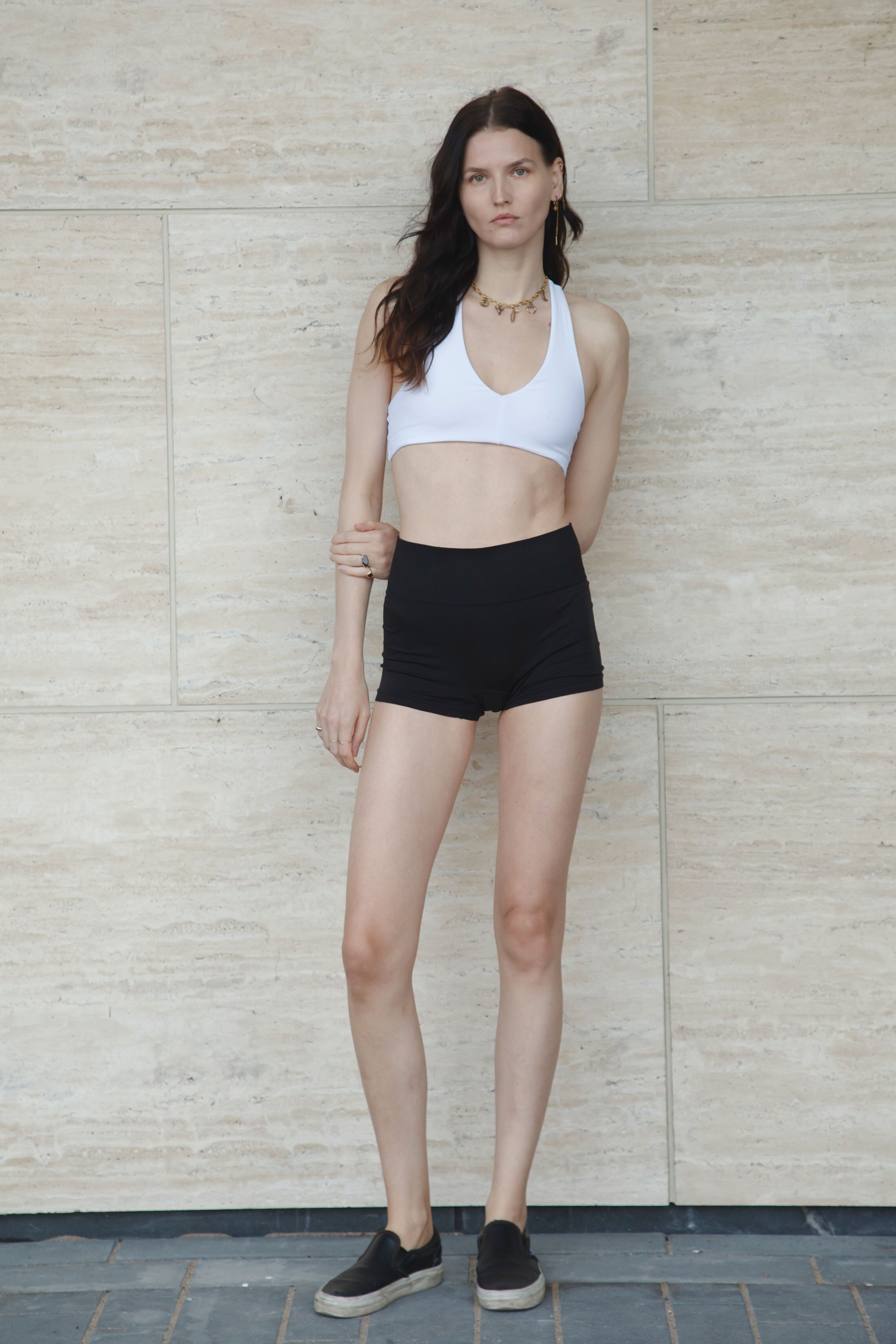
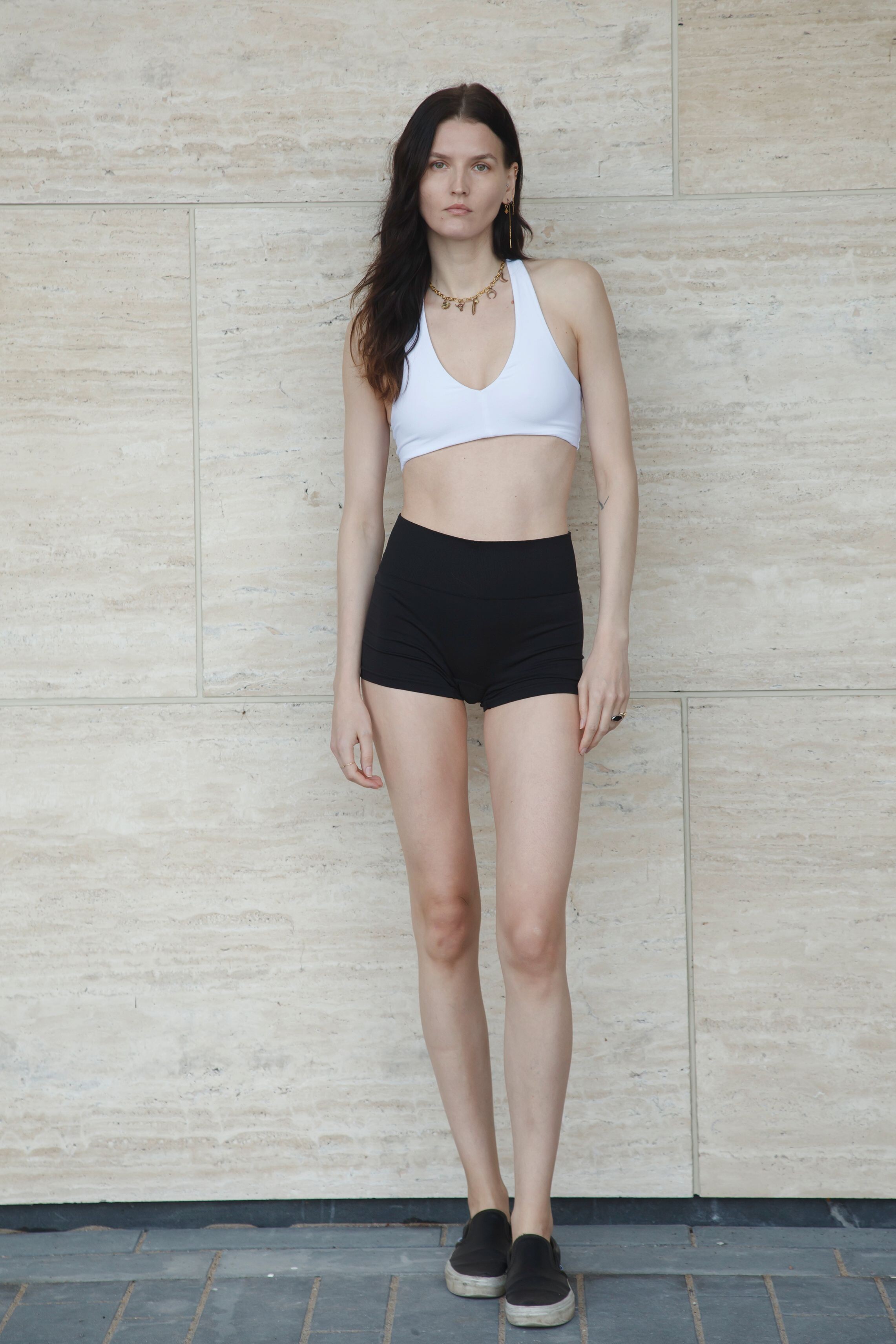
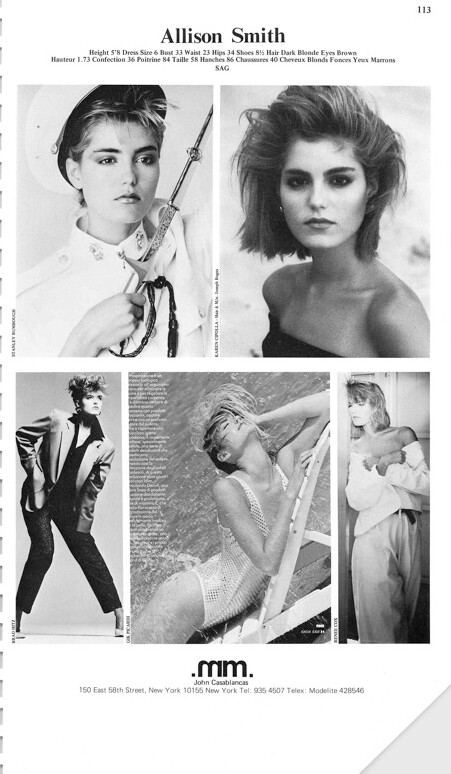
.jpg.d68f0c57681a171c5a200d381c1f66b8.jpg.908c3e6c4802361d23ea3265d13cf508.jpg)
.jpg.0d8137eeb5f34392ad017486655a5880.jpg.121e27d174ba61cebd44b917aa6b43f1.jpg)
(1).jpg.c8f3e3847d4494d41c15d75e73145711.jpg.3fd2102f8ac30d56c2c136a22a46c058.jpg)
.jpg.1a0b6eb830ad6ede1931a1f7ad8a741b.jpg.47d2de0a5e2f80cd5c5a476c56c79724.jpg)
..jpg.121f1cd714e9396c050611db9c1723d4.jpg.965cd5fd875958e60f2c5014c5b71731.jpg)
.jpg.1624e7ab0136a54e80a5366229905846.jpg.f2f267e08f4b288e2583b4ec7c9cfdb6.jpg)
.jpg.10a41ef68b31467c565c104c9829ba20.jpg.8cf18c18ae8332a36e2982a5a59d21f2.jpg)
(2).jpg.91a3deadb3423e138010220d7e5b051b.jpg.537eafb5e7955aa8a61ae028b2e1b175.jpg)
.jpg.bdca40e1b31d76ce6f2d2489e5b7123a.jpg.5007fb47777c56ba01d9abffc8acc4e4.jpg)
.jpg.88ec4cc63dcffc891b94a1186bb27c5c.jpg.286eb6055c257902f238f6791f3d103c.jpg)
.jpg.19af9eadd56150ad6981b96101f78782.jpg.8af6dd7f5404640b42b25d81b5ffaab0.jpg)
Account
Navigation
Search
Configure browser push notifications
Chrome (Android)
- Tap the lock icon next to the address bar.
- Tap Permissions → Notifications.
- Adjust your preference.
Chrome (Desktop)
- Click the padlock icon in the address bar.
- Select Site settings.
- Find Notifications and adjust your preference.
Safari (iOS 16.4+)
- Ensure the site is installed via Add to Home Screen.
- Open Settings App → Notifications.
- Find your app name and adjust your preference.
Safari (macOS)
- Go to Safari → Preferences.
- Click the Websites tab.
- Select Notifications in the sidebar.
- Find this website and adjust your preference.
Edge (Android)
- Tap the lock icon next to the address bar.
- Tap Permissions.
- Find Notifications and adjust your preference.
Edge (Desktop)
- Click the padlock icon in the address bar.
- Click Permissions for this site.
- Find Notifications and adjust your preference.
Firefox (Android)
- Go to Settings → Site permissions.
- Tap Notifications.
- Find this site in the list and adjust your preference.
Firefox (Desktop)
- Open Firefox Settings.
- Search for Notifications.
- Find this site in the list and adjust your preference.