All Activity
- Past hour
-
 saflaswatsunwatsun joined the community
 -



 Thanks for the information
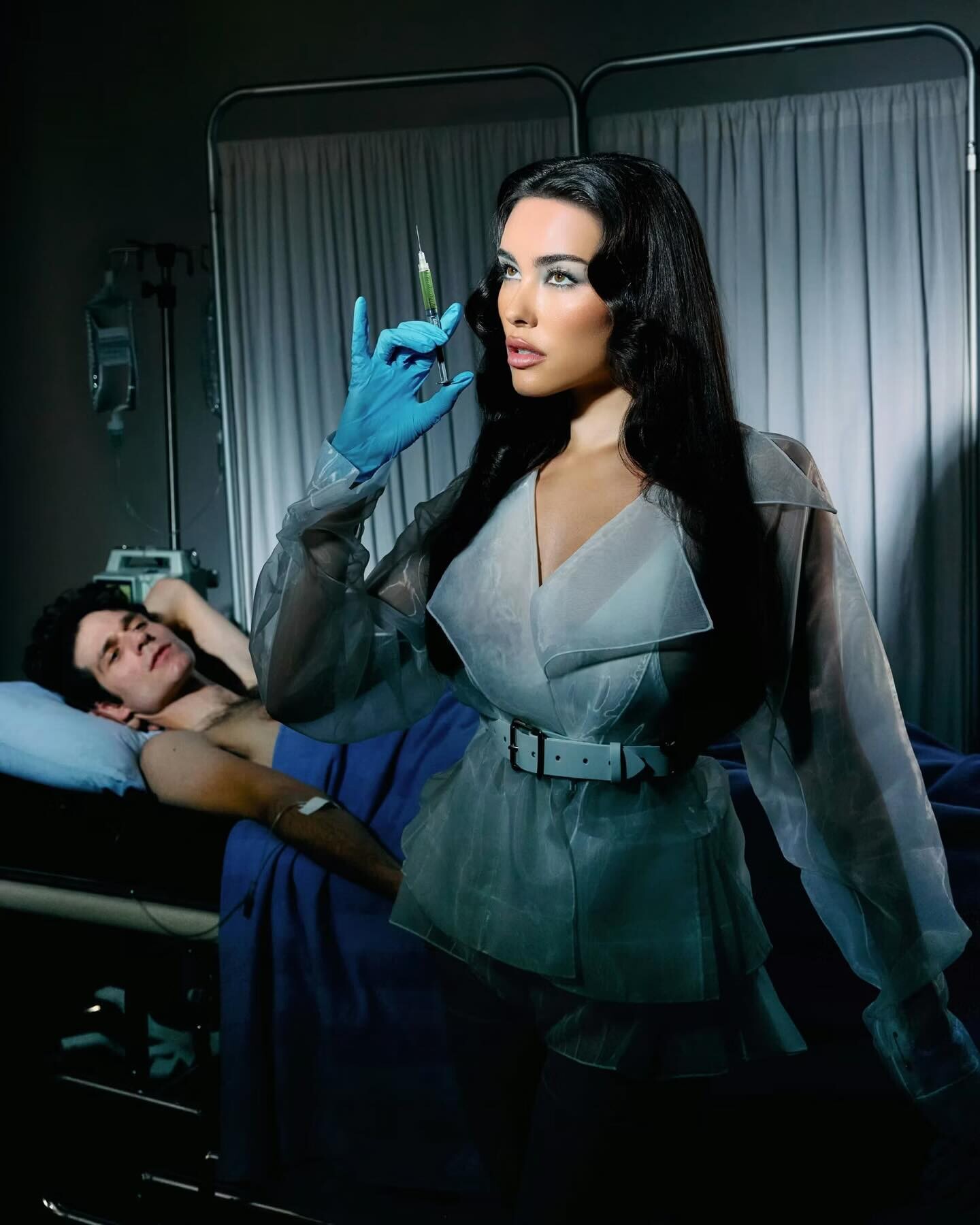
 Madison for Paper Magazine




 modelcomposites.com
 Ovidie - Saint Amour (2016) 1080p Duration: 00:02:05 Resolution: 1920x1080 Format: mp4 Size: 42.38 MB https://filejoker.net/7kujngnuqj1r
 Alessandra Ferlini modelcomposites.com


 Berlin 2019 alicasmd_68479636_143450040187241_249853455289103812_n.mp4


 https://www.instagram.com/p/DTkD2Ifj2uo/?img_index=5&igsh=MTVuY3N1b2ZwaXE2OA==
 This is her Instagram account https://www.instagram.com/rachelleighofficial?igsh=NTc4MTIwNjQ2YQ==
Javier Merino jr (from her 2016 BD party)
This is her Instagram account https://www.instagram.com/rachelleighofficial?igsh=NTc4MTIwNjQ2YQ==
Javier Merino jr (from her 2016 BD party)
 Spoiler censored nudity - IG


















- Today

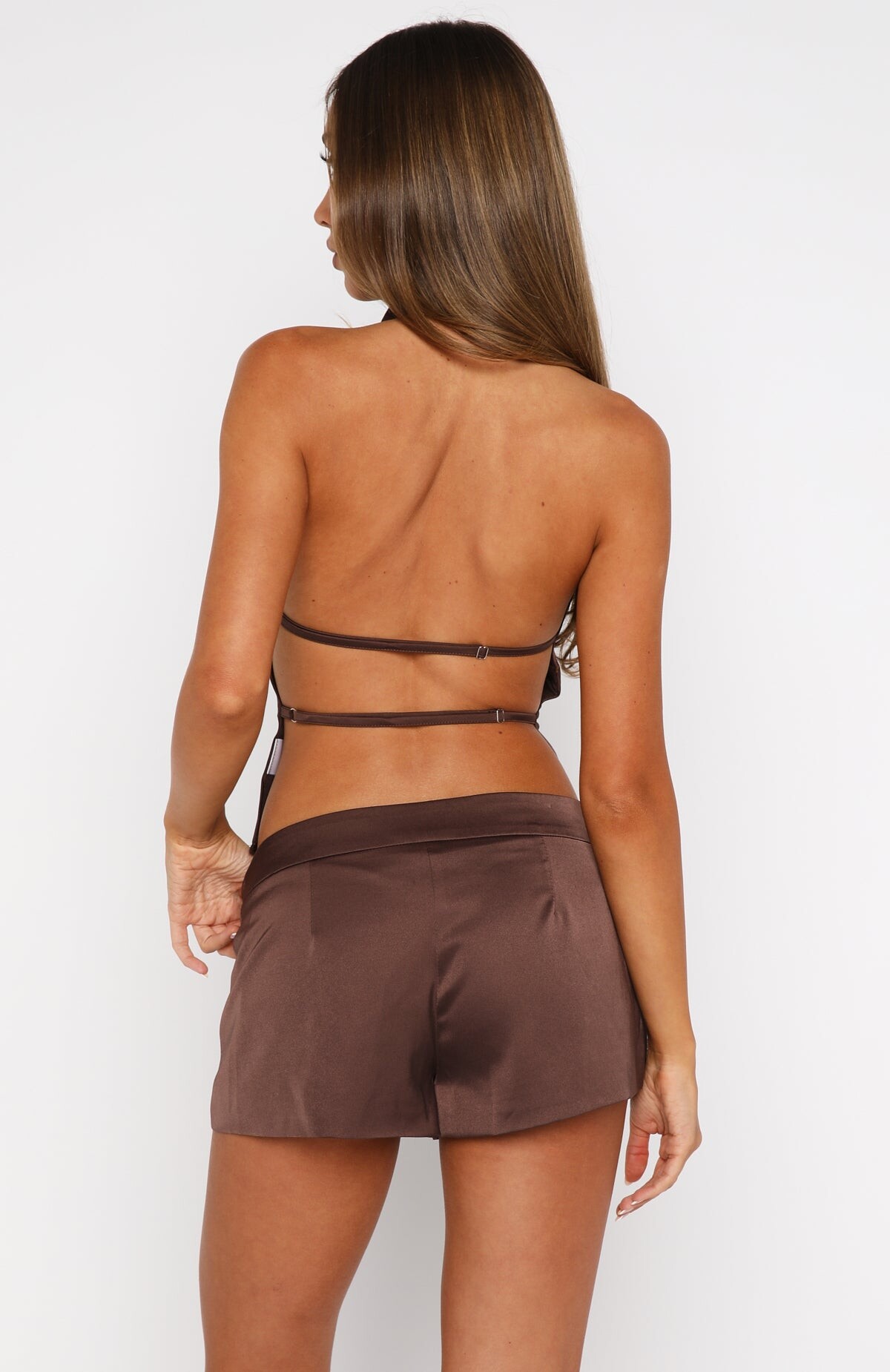
 Bettina For Rocco Barocco ss 2002

















































































































.jpg.f950e796d9cee22d3afa8a37bf4c3d78.jpg)
.jpg.da0a89f3139b6501cc3253f7713a747f.jpg)
.jpg.f5e6e59553cc4d59e036b616c03b33fc.jpg)






























































Account
Search
Configure browser push notifications
Chrome (Android)
- Tap the lock icon next to the address bar.
- Tap Permissions → Notifications.
- Adjust your preference.
Chrome (Desktop)
- Click the padlock icon in the address bar.
- Select Site settings.
- Find Notifications and adjust your preference.
Safari (iOS 16.4+)
- Ensure the site is installed via Add to Home Screen.
- Open Settings App → Notifications.
- Find your app name and adjust your preference.
Safari (macOS)
- Go to Safari → Preferences.
- Click the Websites tab.
- Select Notifications in the sidebar.
- Find this website and adjust your preference.
Edge (Android)
- Tap the lock icon next to the address bar.
- Tap Permissions.
- Find Notifications and adjust your preference.
Edge (Desktop)
- Click the padlock icon in the address bar.
- Click Permissions for this site.
- Find Notifications and adjust your preference.
Firefox (Android)
- Go to Settings → Site permissions.
- Tap Notifications.
- Find this site in the list and adjust your preference.
Firefox (Desktop)
- Open Firefox Settings.
- Search for Notifications.
- Find this site in the list and adjust your preference.