All Activity
- Past hour
-

 I have always considered Turkey part of Europe but I could also see why it could also be part of "Asia". I think anything on the right of the red line should be considered Asia:
- Today

 J3diTwins99 changed their profile photo
stories video [2026.01.21] lindsaydemyan's2026-1-21-7.1.44 story.mp4
J3diTwins99 changed their profile photo
stories video [2026.01.21] lindsaydemyan's2026-1-21-7.1.44 story.mp4


 Instagram SaveClip.App_AQPQZrbINSBKVEjOFNHLWW7Ta544LN5Qy_yZiN8tNXVKVNLzkjKaQWIStUed4ZyA94hBcfI5oEJooLmyVwSVqsHH.mp4
 i‘m big on sunsets 👼🏻 niklas_frech videos [2026.01.21] celinebethmann_DTx3EMjPBH1.mp4 [2026.01.21] celinebethmann_DTx3EMjPBH2.mp4






 stories video [2026.01.21] msgigiparis's2026-1-21-11.42.314 story.mp4
 stories video [2026.01.21] nina's2026-1-21-11.35.639 story.mp4


 Ig post: 6 month postcard


 stories

 stories video [2026.01.21] shaunasexton_'s2026-1-21-11.43.466 story.mp4



 behold, what a beauty....and what a b O O t y 😊
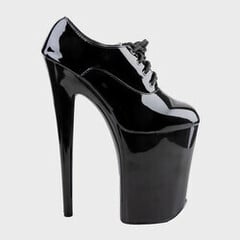
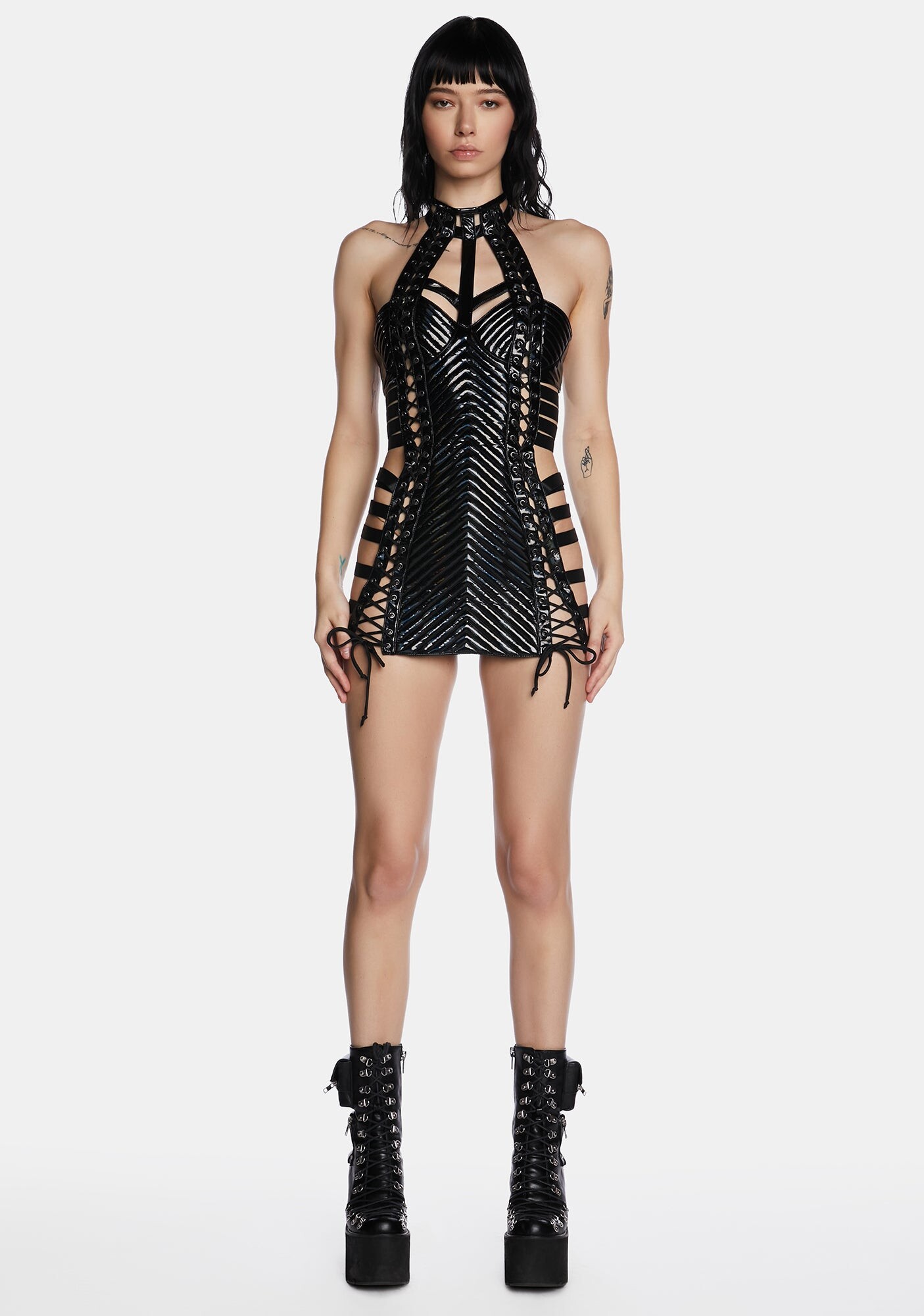
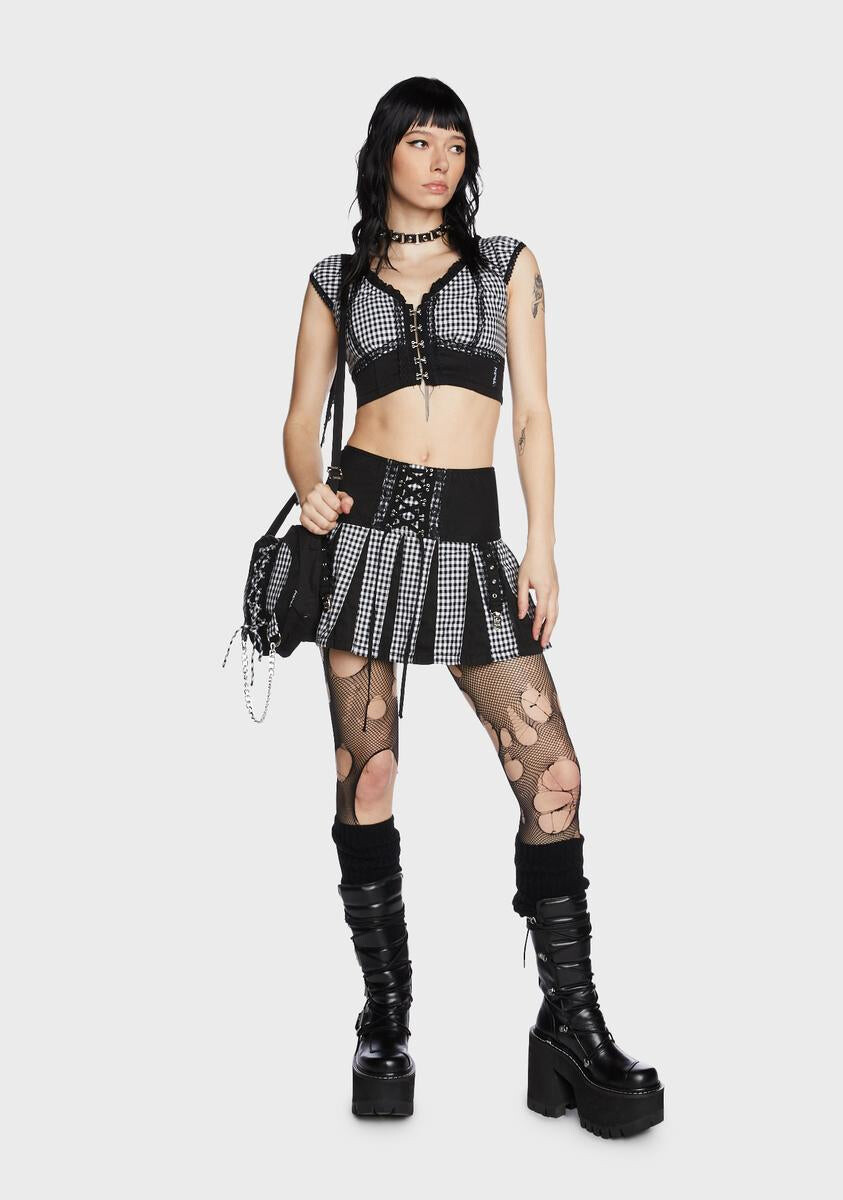
 i've search all the thread with dollskill but this one was never requested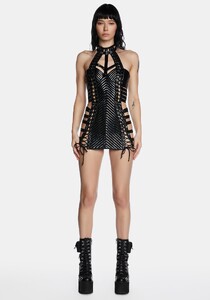
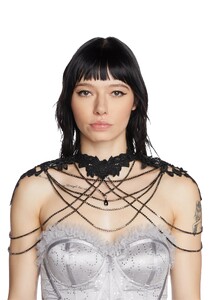
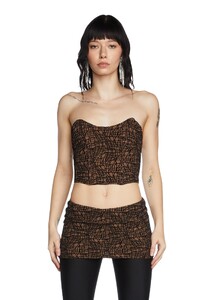
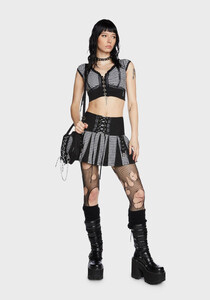
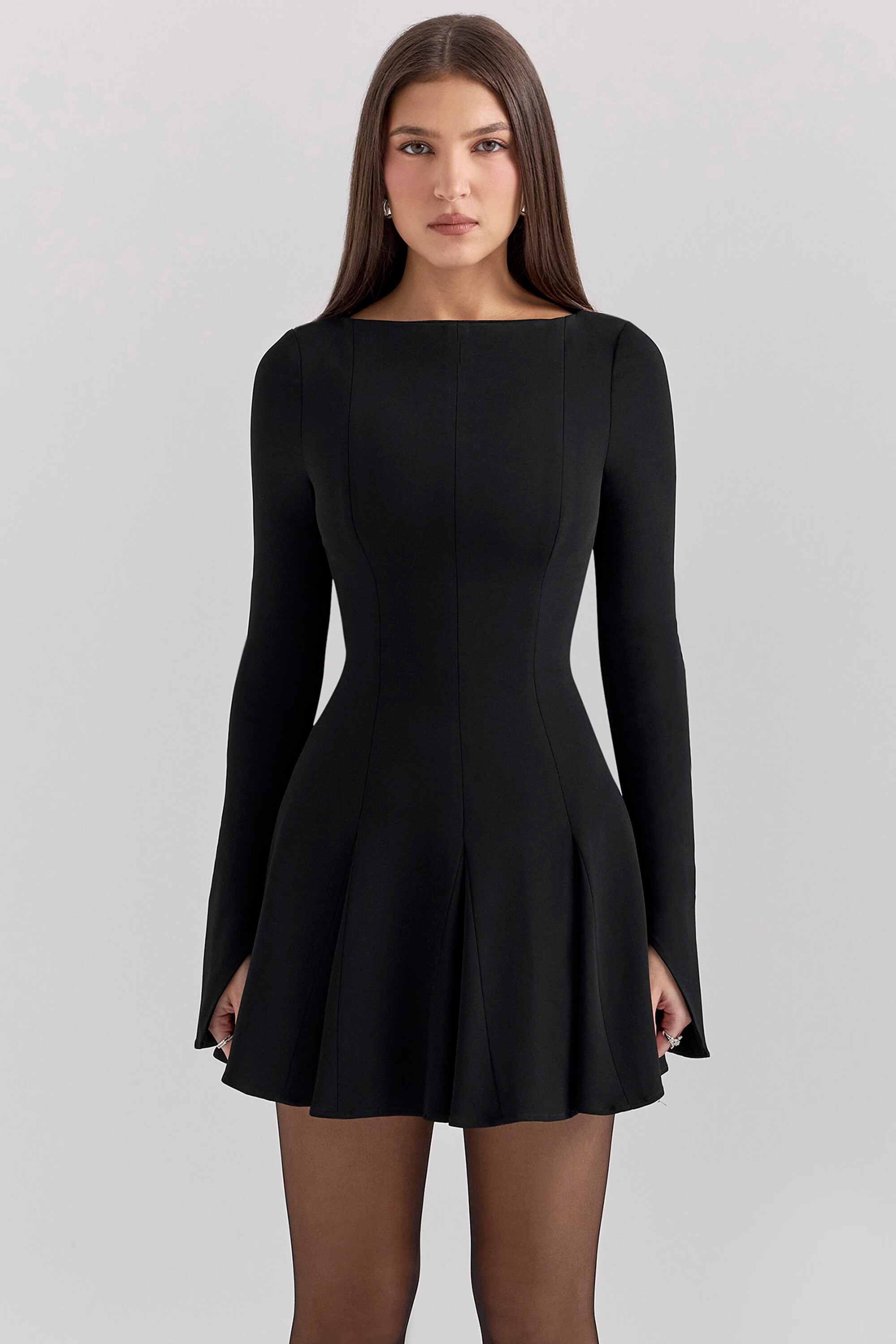
 Hello everyone, Need help identifying the model shown in the link below (attached photos are of the model). The link below is one of many where the model is seen in the website. Thanks for the help. House of CB model
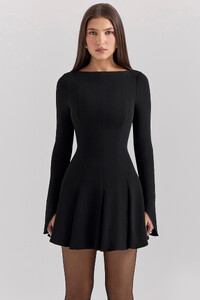
 Wow! Thank you @kimflorida
 Stephanie Seymour for Victoria's Secret, second skin satin, 1995


























































Account
Search
Configure browser push notifications
Chrome (Android)
- Tap the lock icon next to the address bar.
- Tap Permissions → Notifications.
- Adjust your preference.
Chrome (Desktop)
- Click the padlock icon in the address bar.
- Select Site settings.
- Find Notifications and adjust your preference.
Safari (iOS 16.4+)
- Ensure the site is installed via Add to Home Screen.
- Open Settings App → Notifications.
- Find your app name and adjust your preference.
Safari (macOS)
- Go to Safari → Preferences.
- Click the Websites tab.
- Select Notifications in the sidebar.
- Find this website and adjust your preference.
Edge (Android)
- Tap the lock icon next to the address bar.
- Tap Permissions.
- Find Notifications and adjust your preference.
Edge (Desktop)
- Click the padlock icon in the address bar.
- Click Permissions for this site.
- Find Notifications and adjust your preference.
Firefox (Android)
- Go to Settings → Site permissions.
- Tap Notifications.
- Find this site in the list and adjust your preference.
Firefox (Desktop)
- Open Firefox Settings.
- Search for Notifications.
- Find this site in the list and adjust your preference.