All Activity
- Past hour
-

-
 Deborah De Corral

.jpg.57e920c18aeab0664f3d623c90053382.jpg)

-
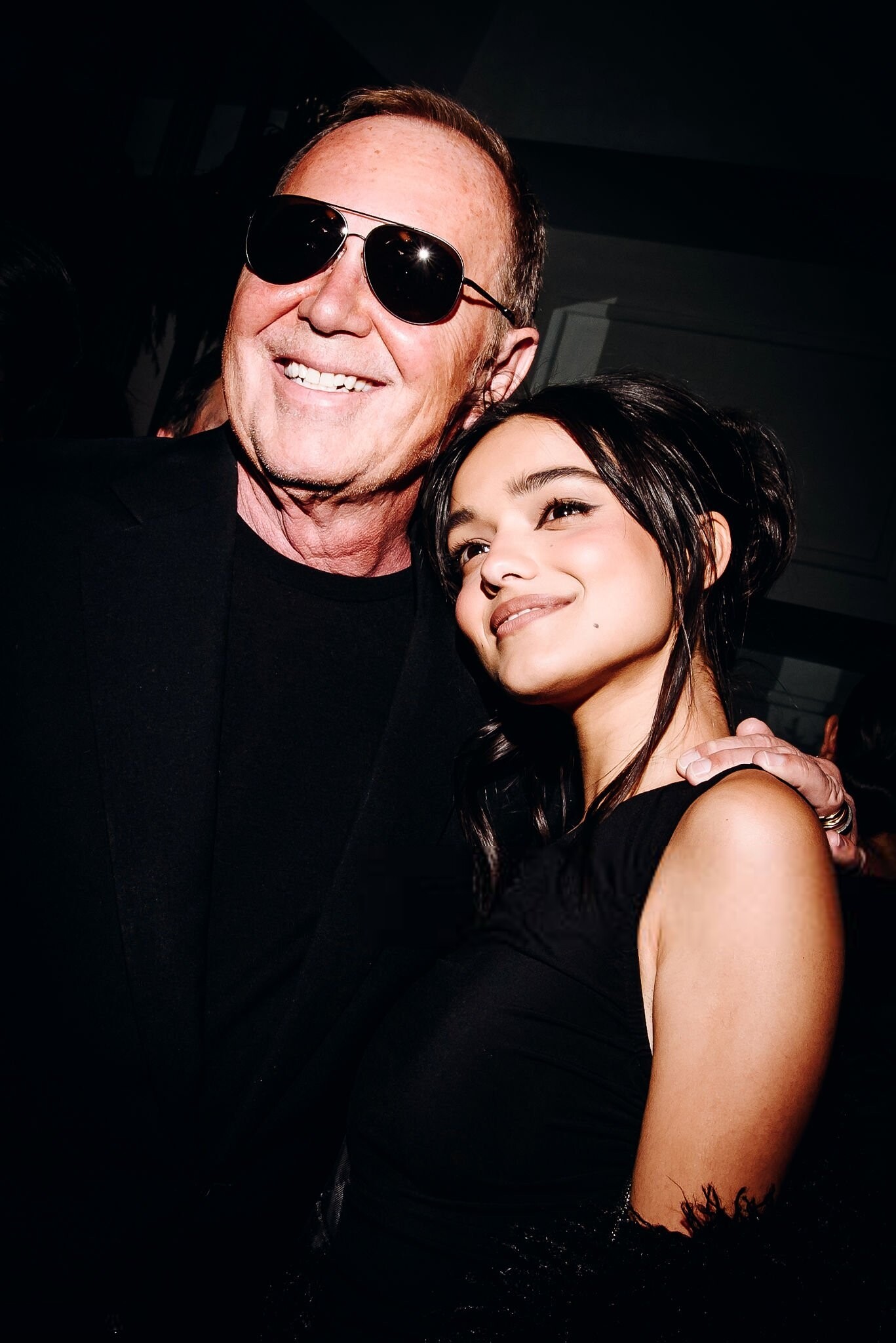
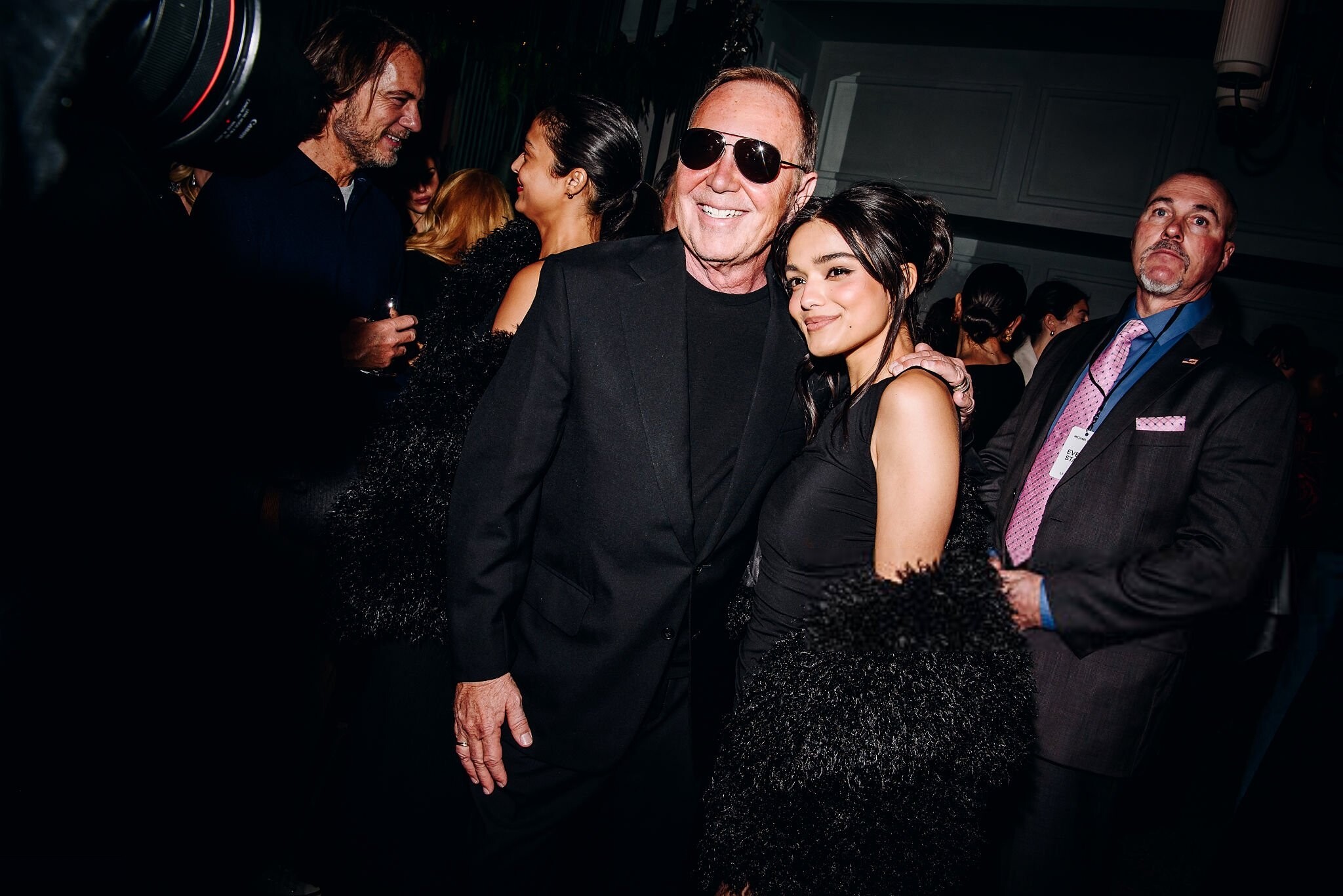
 Michael Kors Rockefeller Center Tree Lighting in New York City December 3, 2025 wtr1023 at picturepub












-
Nina Dobrev and Adam DeVine Don’t Want To Know Your Body Count | POPSUGAR
-

-

-
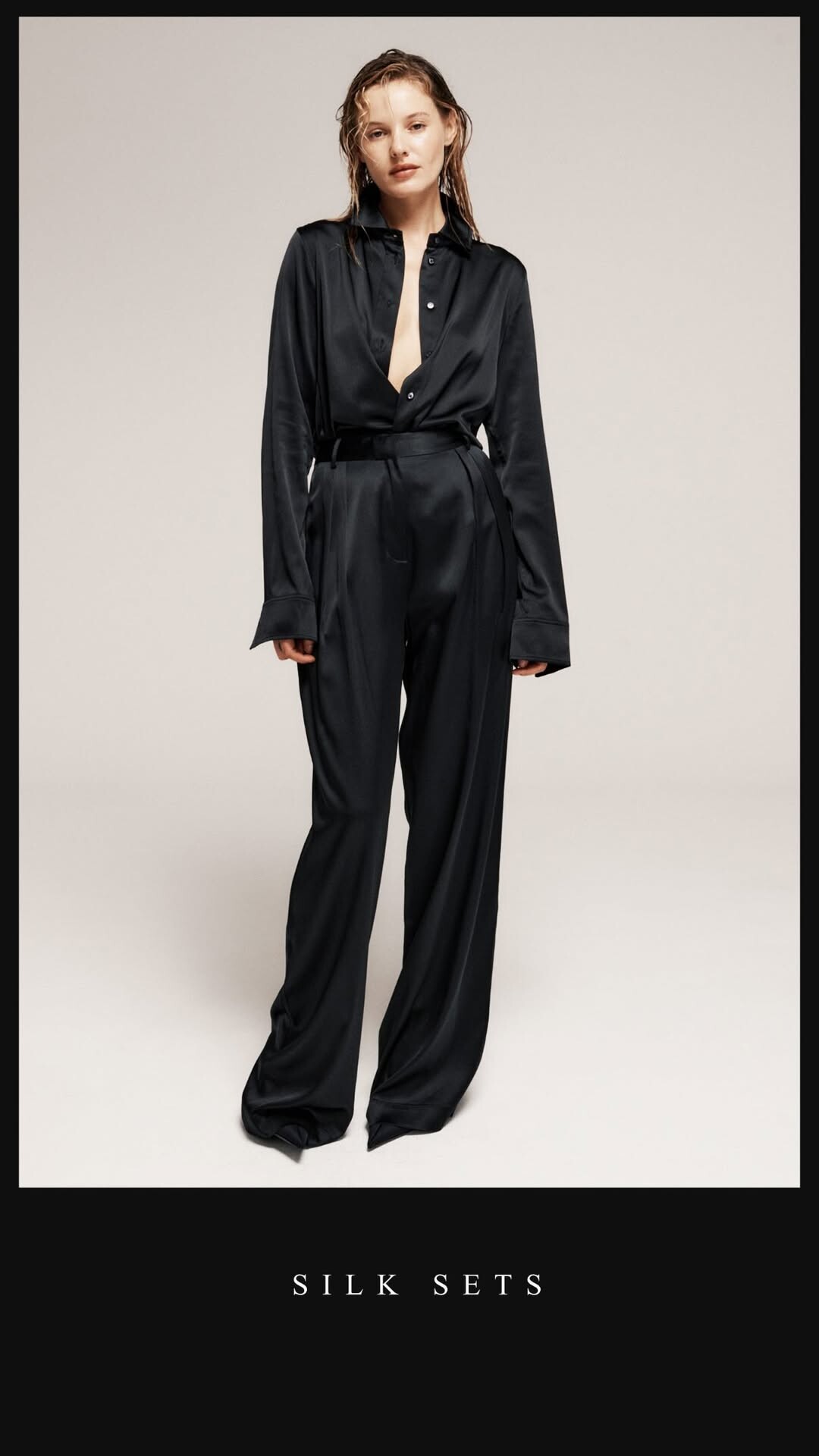
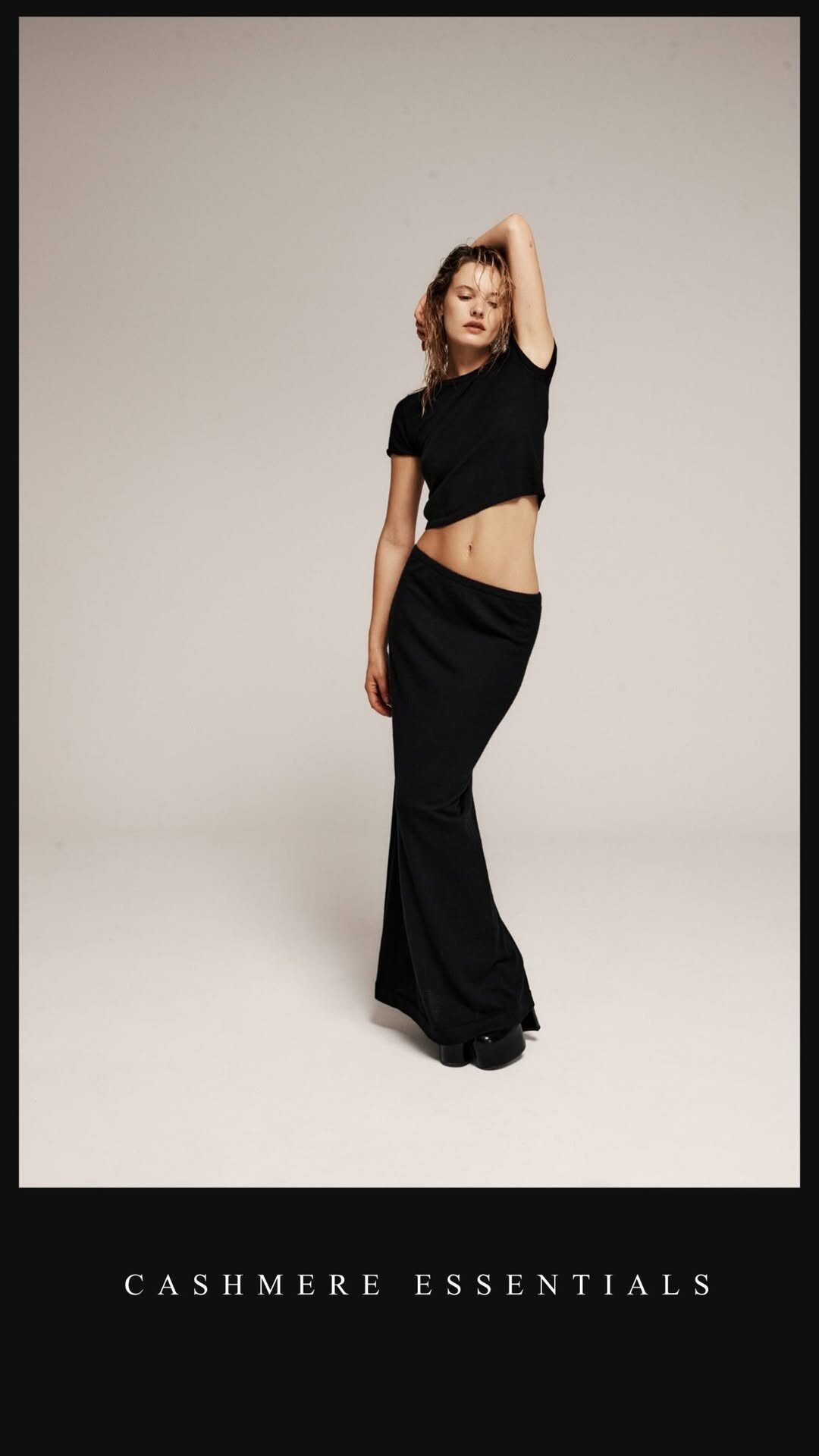
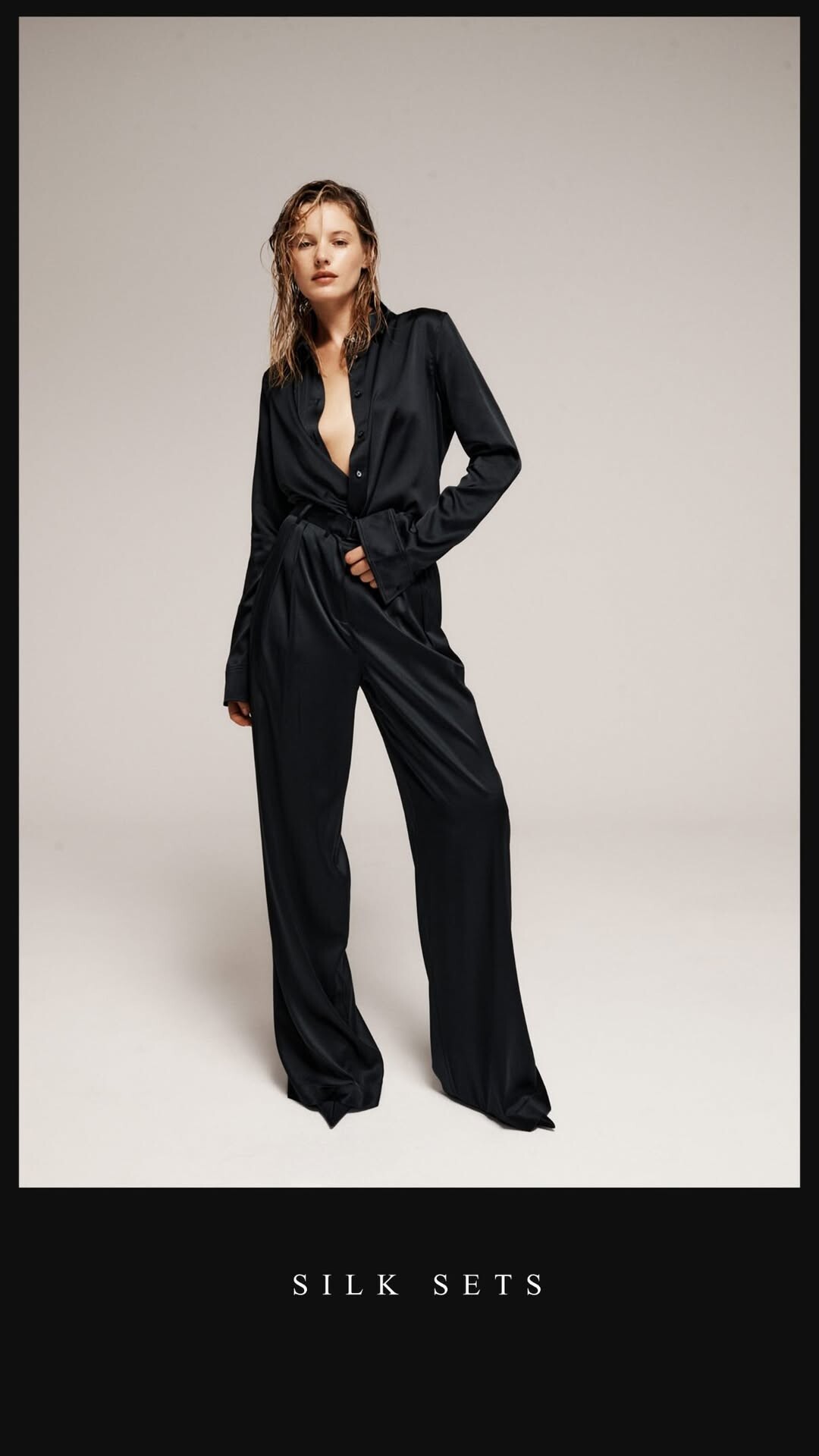
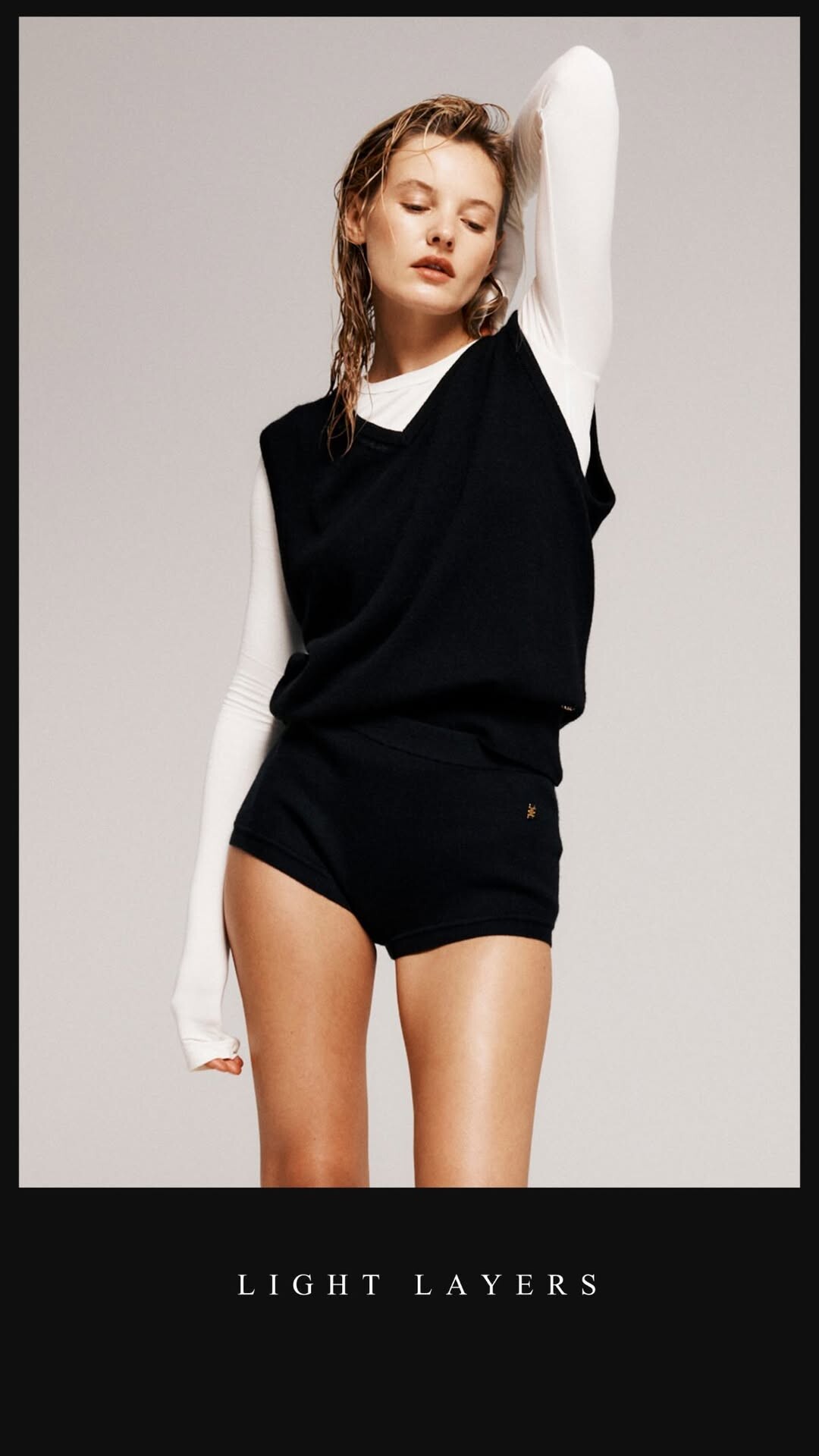
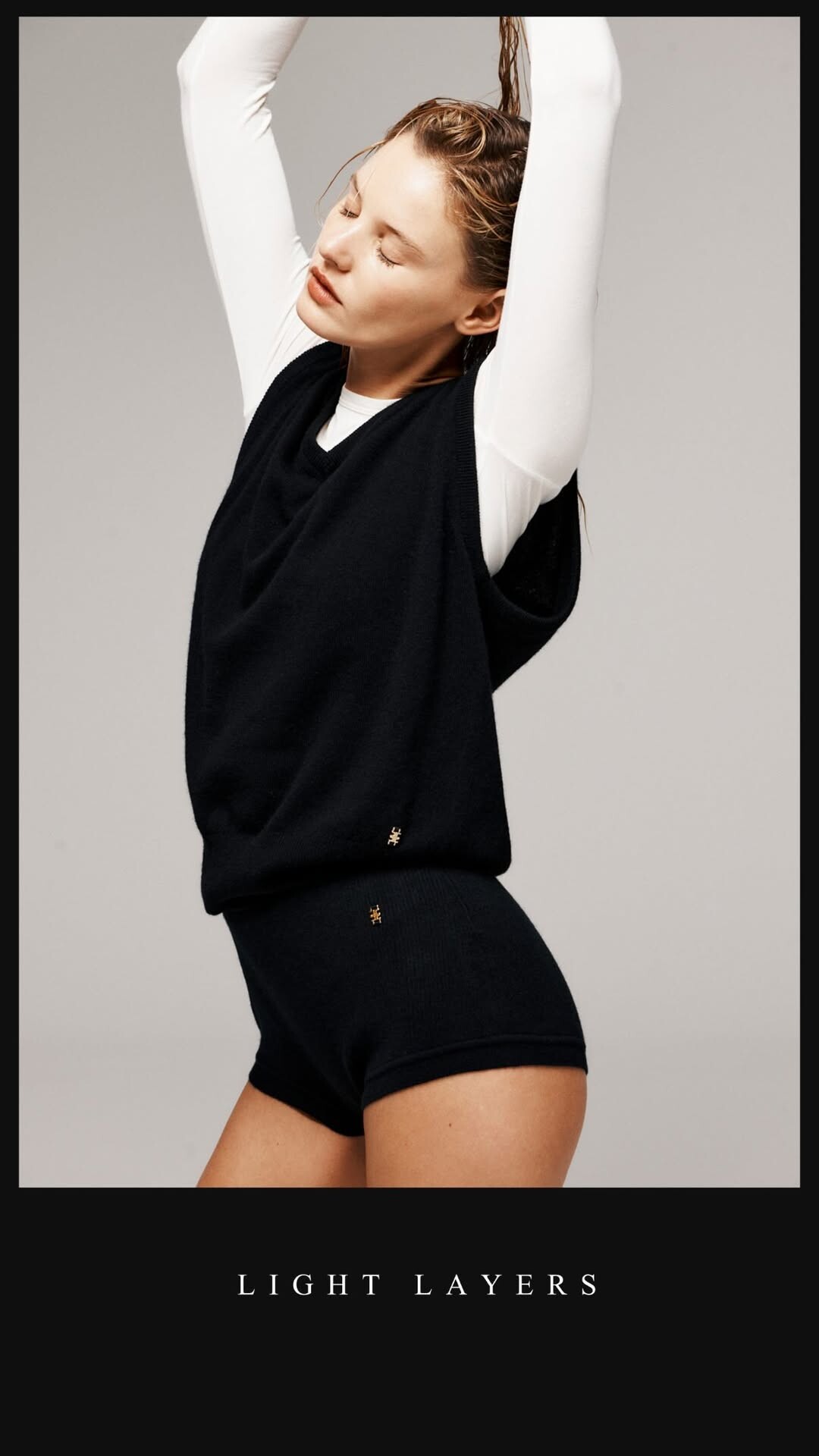
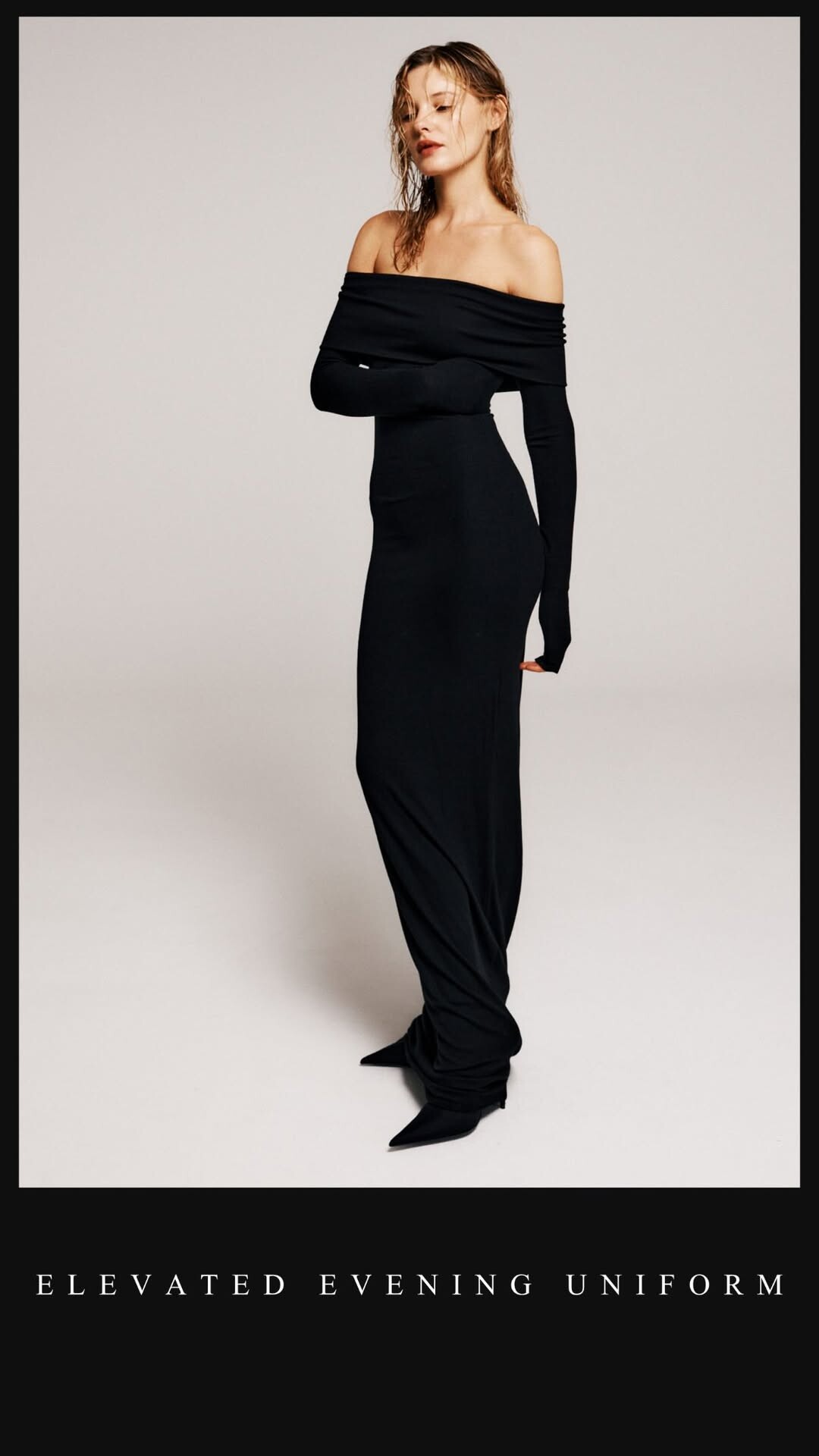
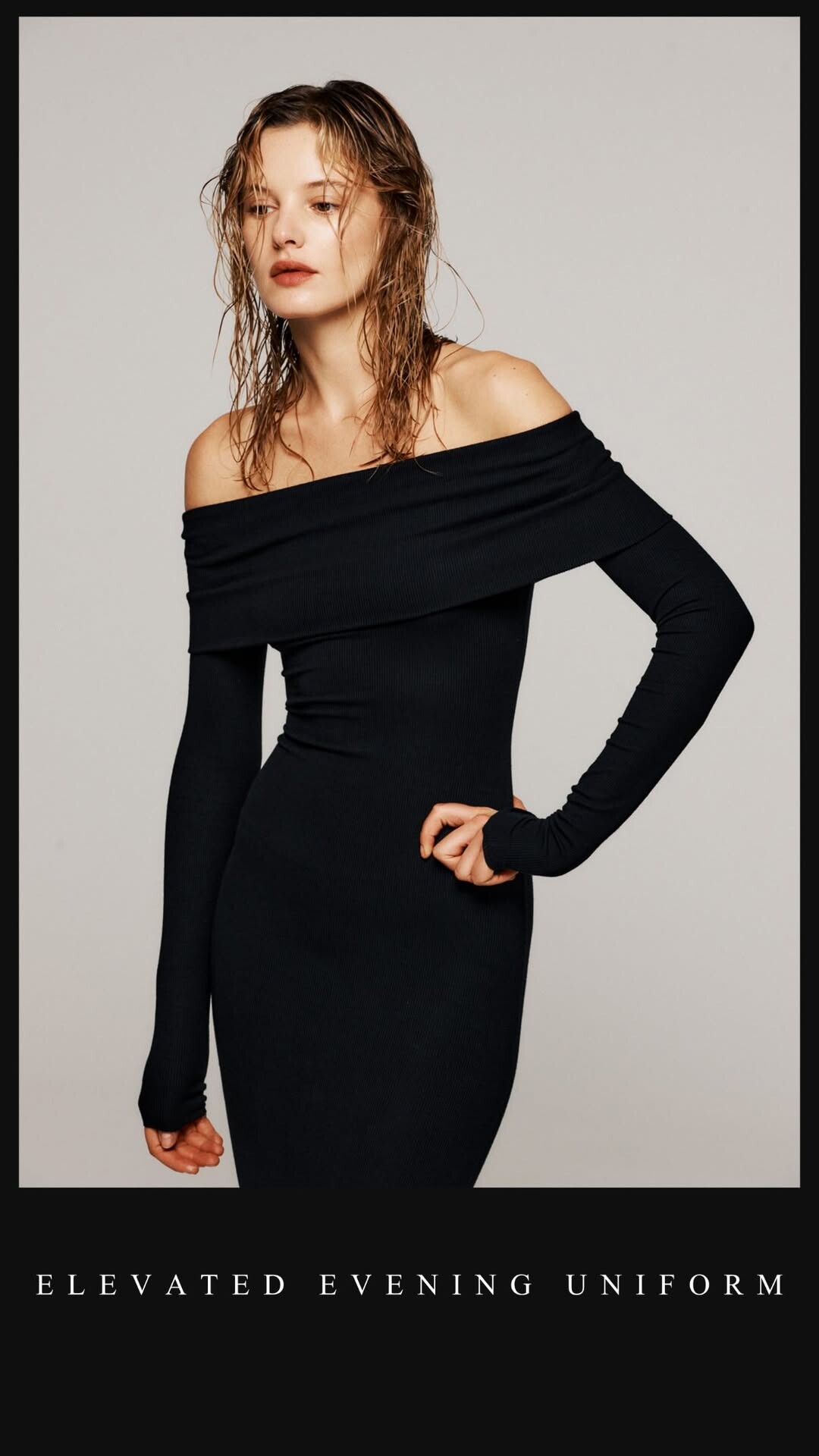
Éterne








-
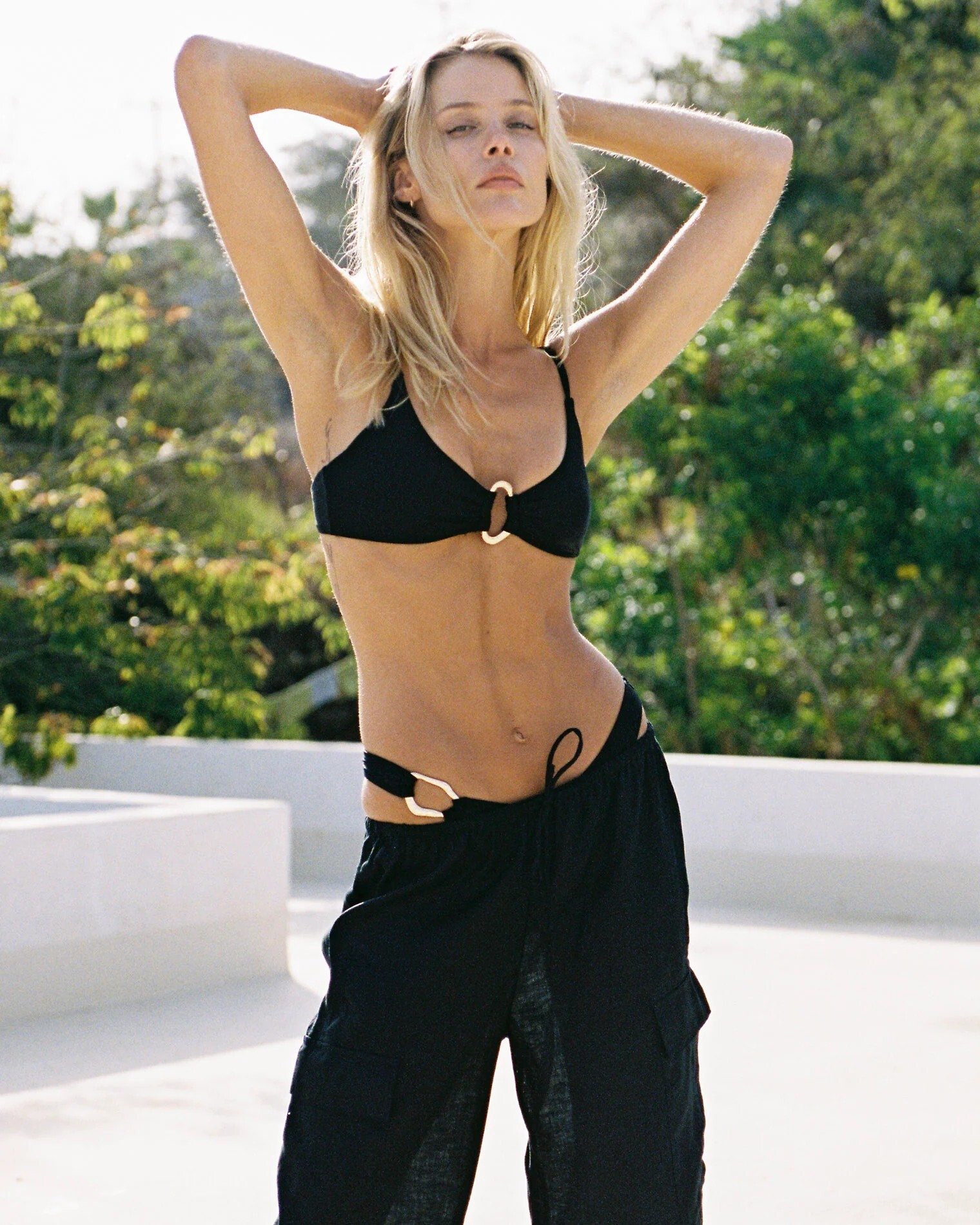
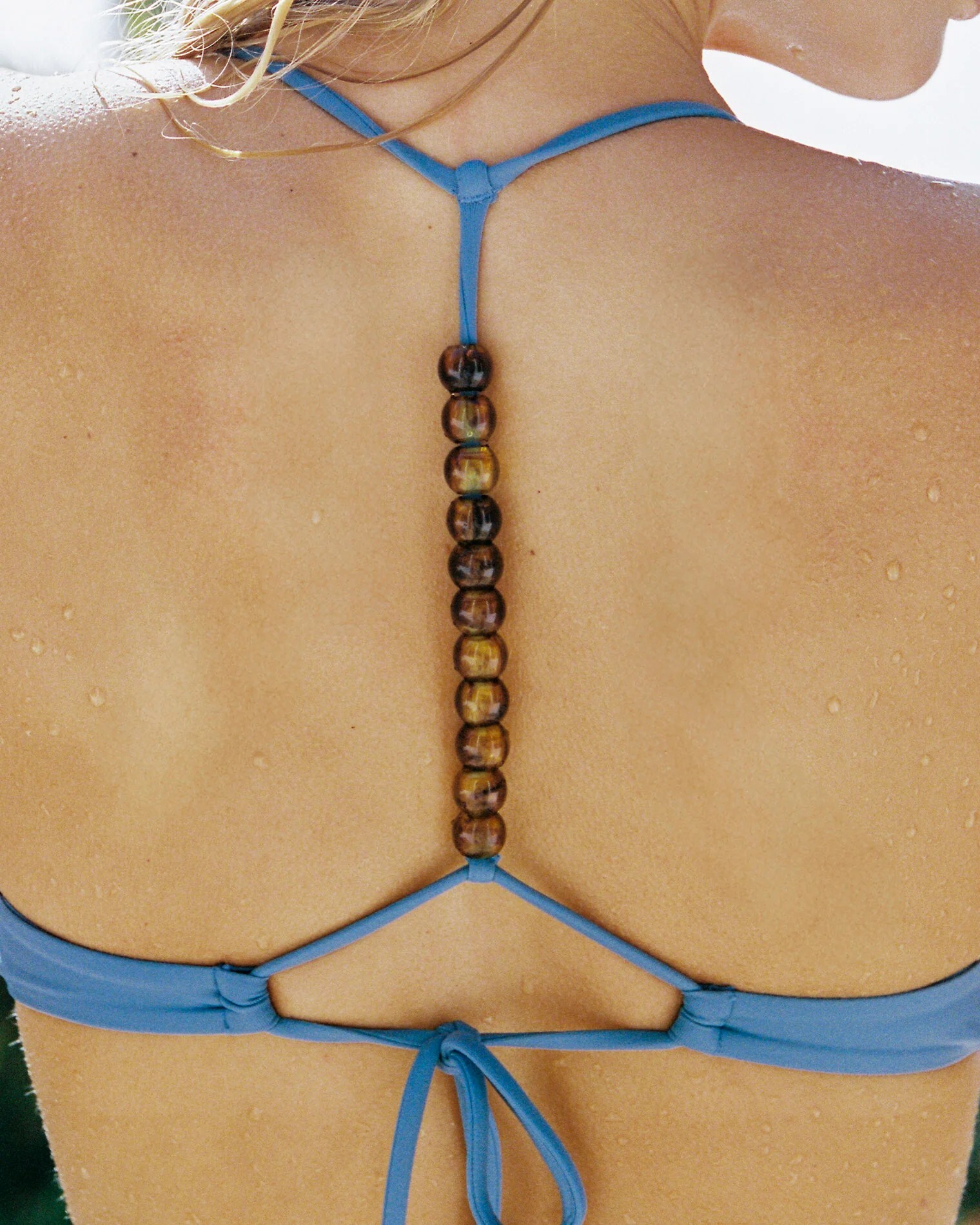
Slow mornings 🌺✨ hawaii Wearing my beautiful friend gabicaserfloripa creations ho_ola.jewelry










- Today
-
Dynamite Clothing: Making an entrance hoskelsa. video [2025.12.04] dynamiteclothing_DR3NZngERdX.mp4

-
 1 is Pavla Predovic
 -
Margot Robbie's Rewind | Vogue Australia
-
 My liver shrinking diet is going good, surgery in less than 2 weeks.
 -
The sweetest view in town. The mytheresa.com and hanisbakerynyc holiday gift shop is now open 🤎 video [2025.12.04] kelseymerritt_DR2fRKAj1Kv.mp4
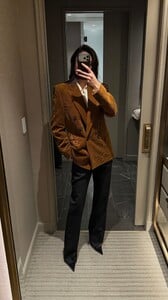
-
-
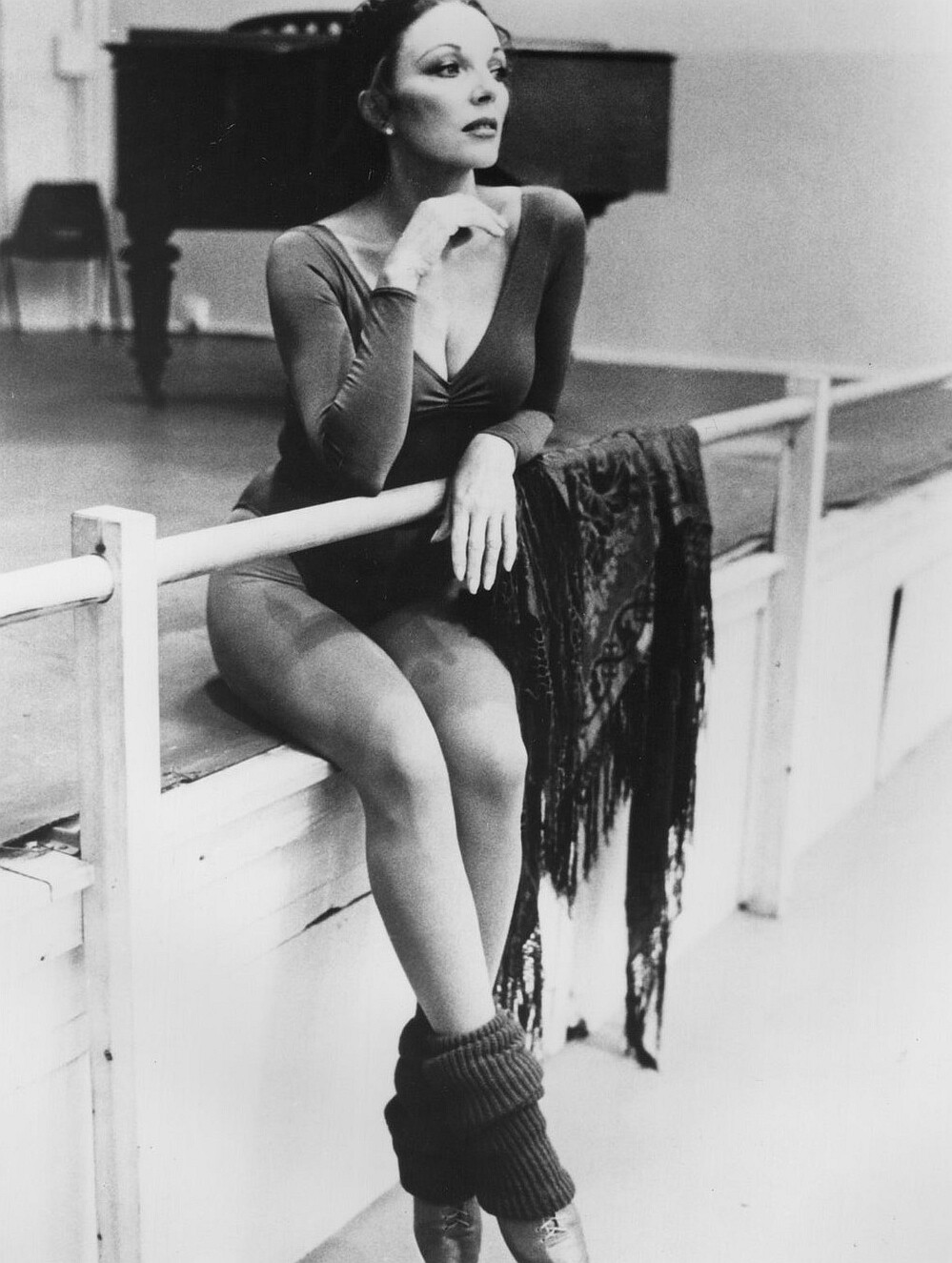
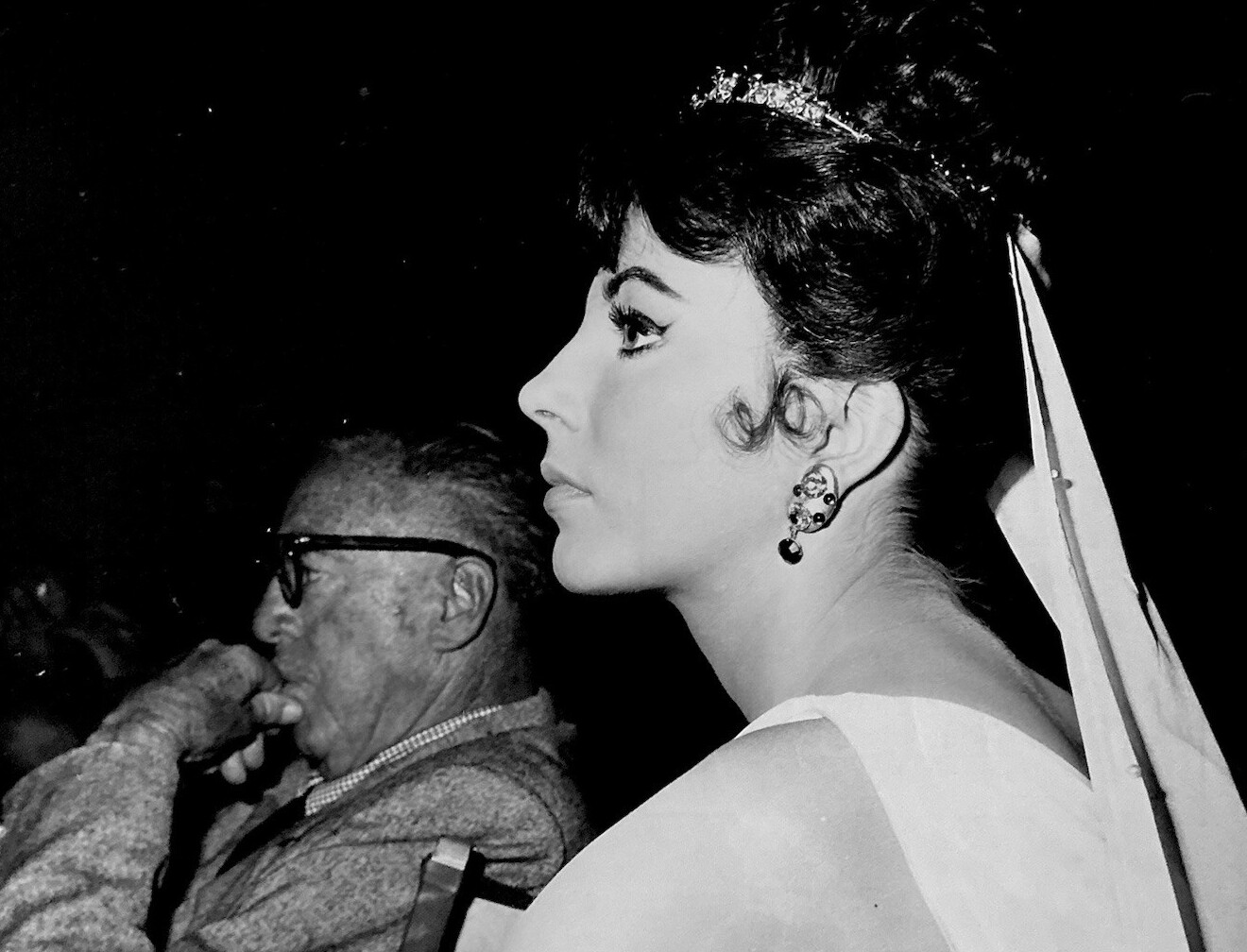
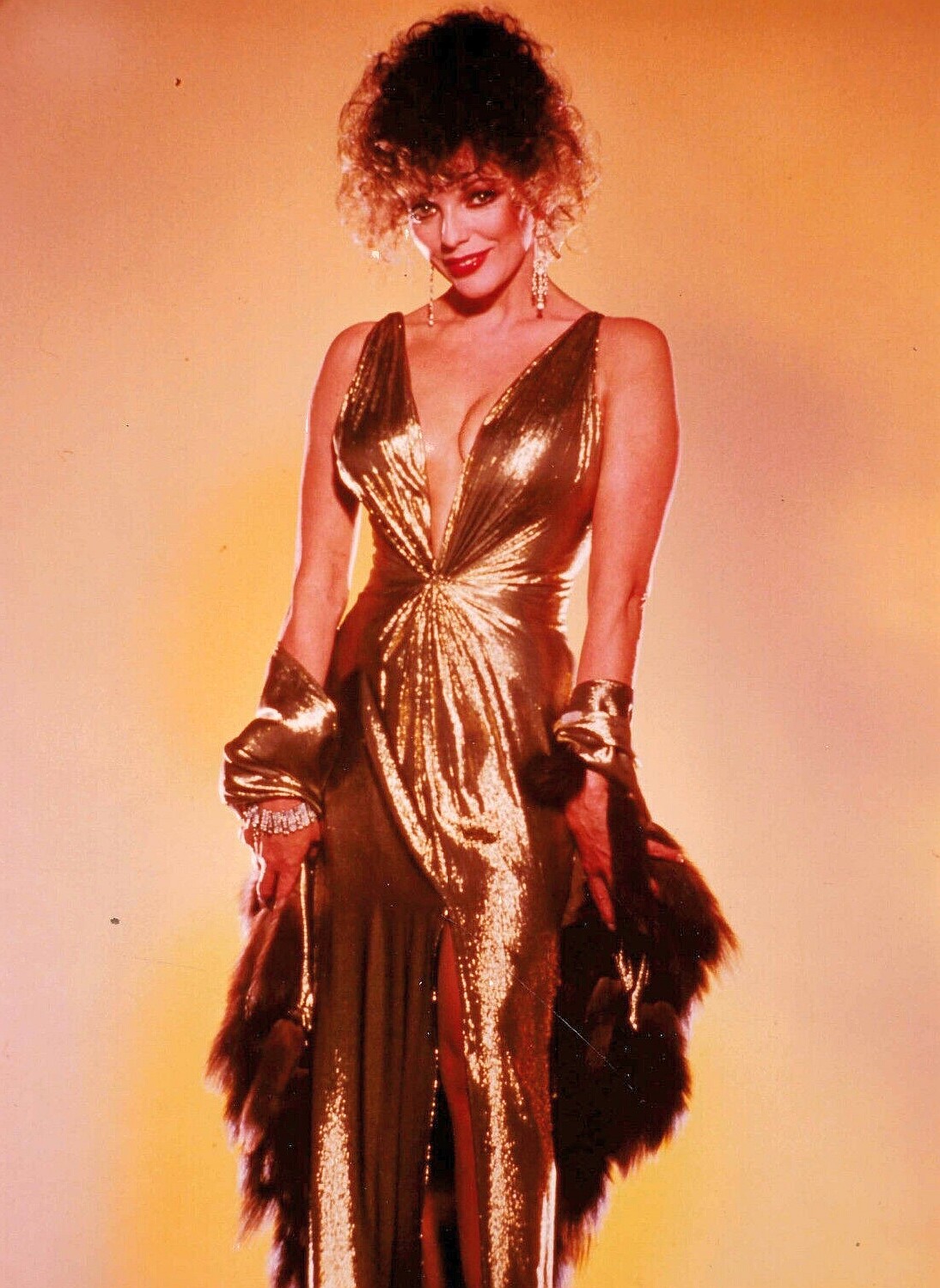
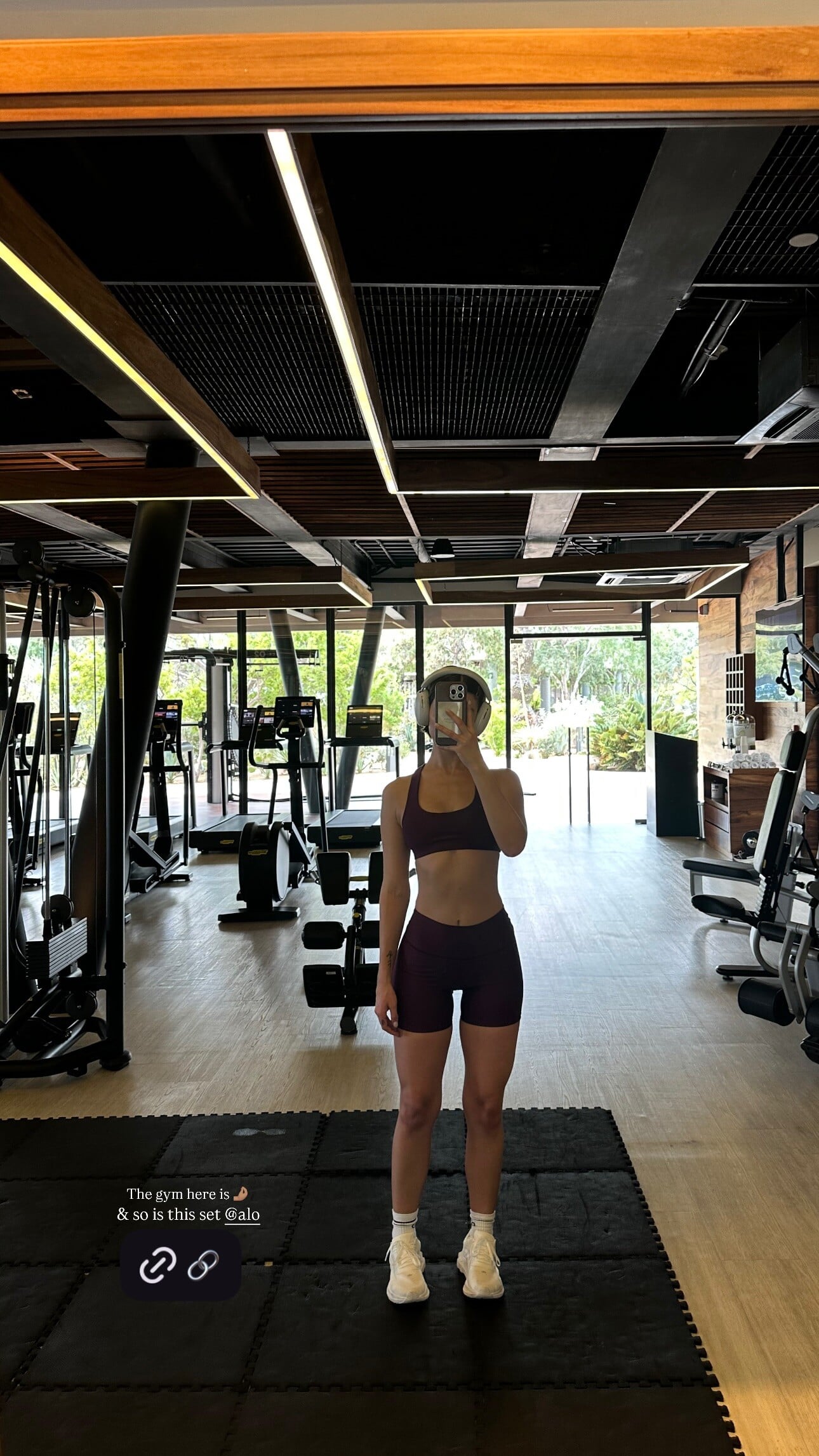
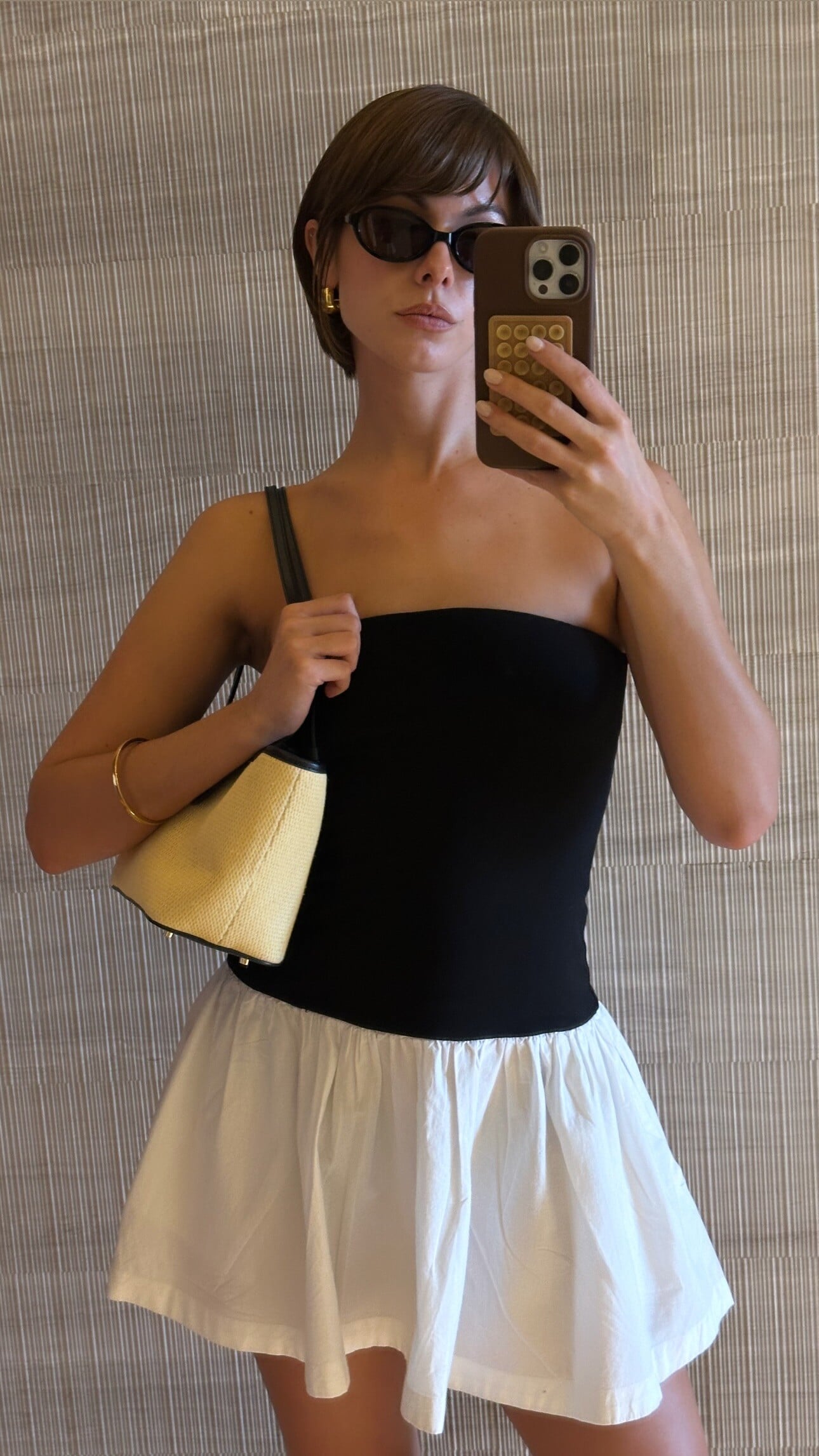
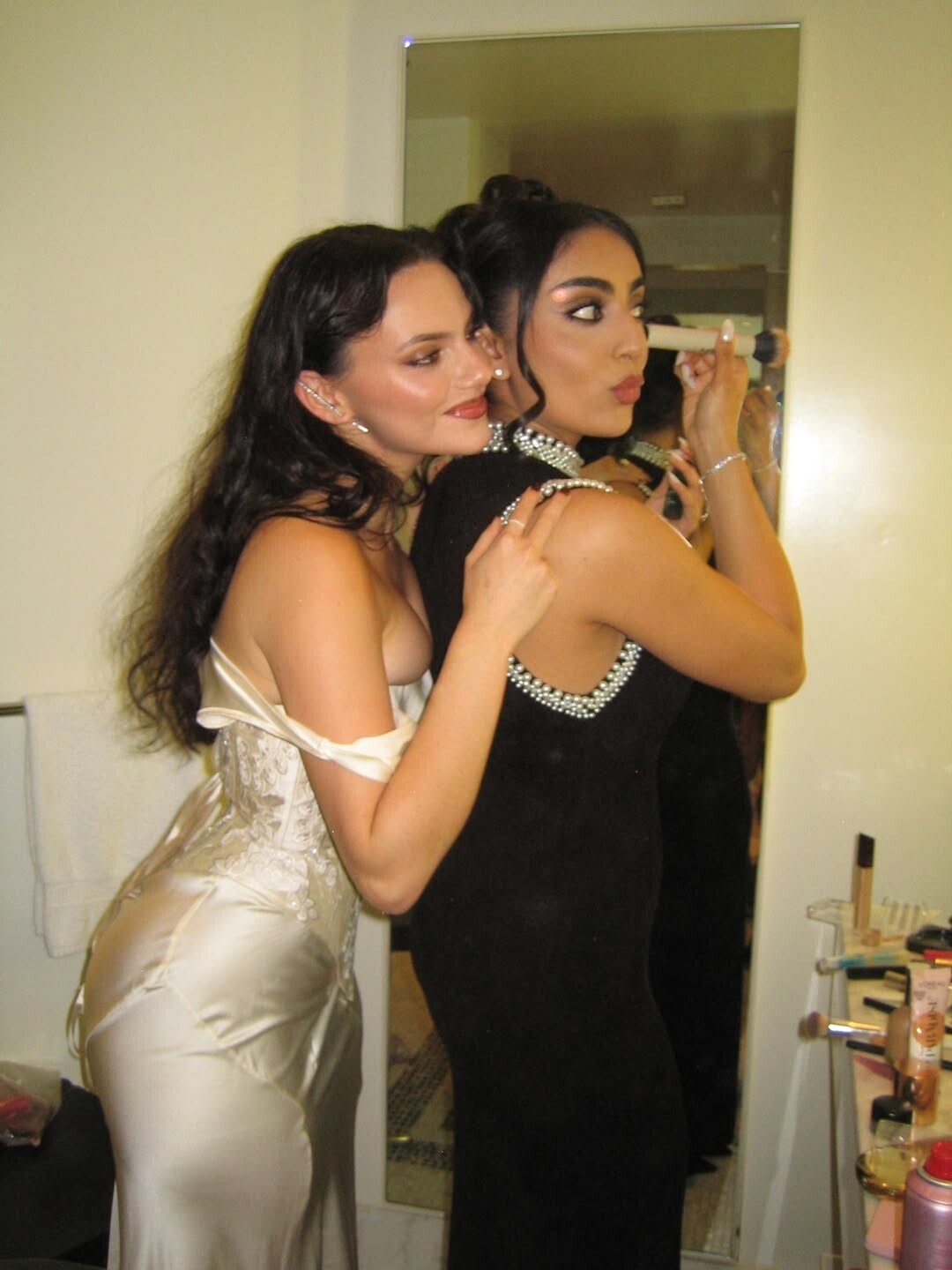
 Anyone know who they are? #1 #2
 -

-

 dsazbgda joined the community
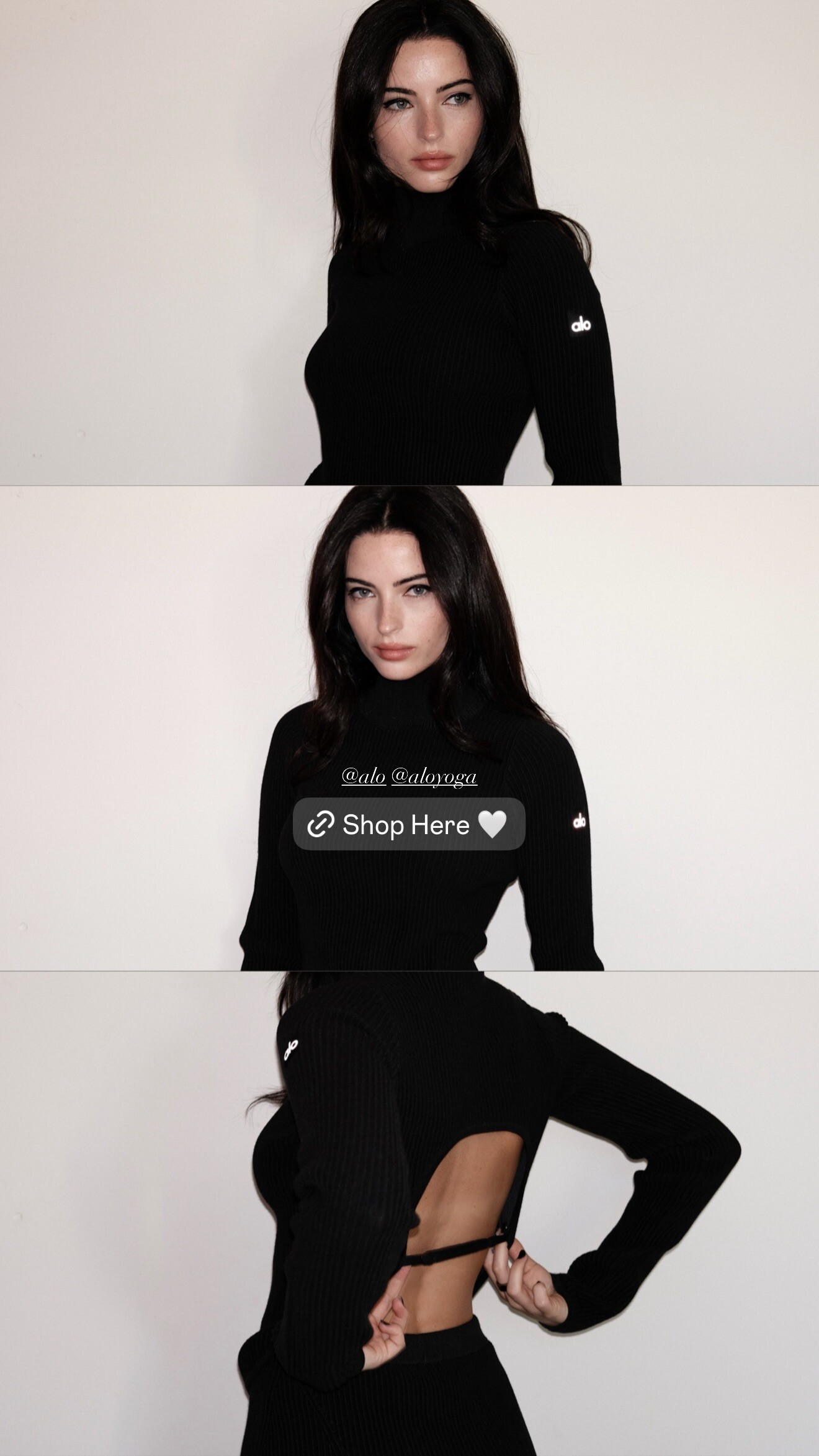
 Does someone know who is she?

 Eline Lykke (Most) Sophia Luders (Least) Solveig Mork Hansen (Most) Sevda Ebrahimi Kristina Bagdasaryan Kristen Shania (Least) Shir Levy (Most) Caroline Daur (Least) Jessica Goicoechea (Most) Dehandre Van Tonder (Least)
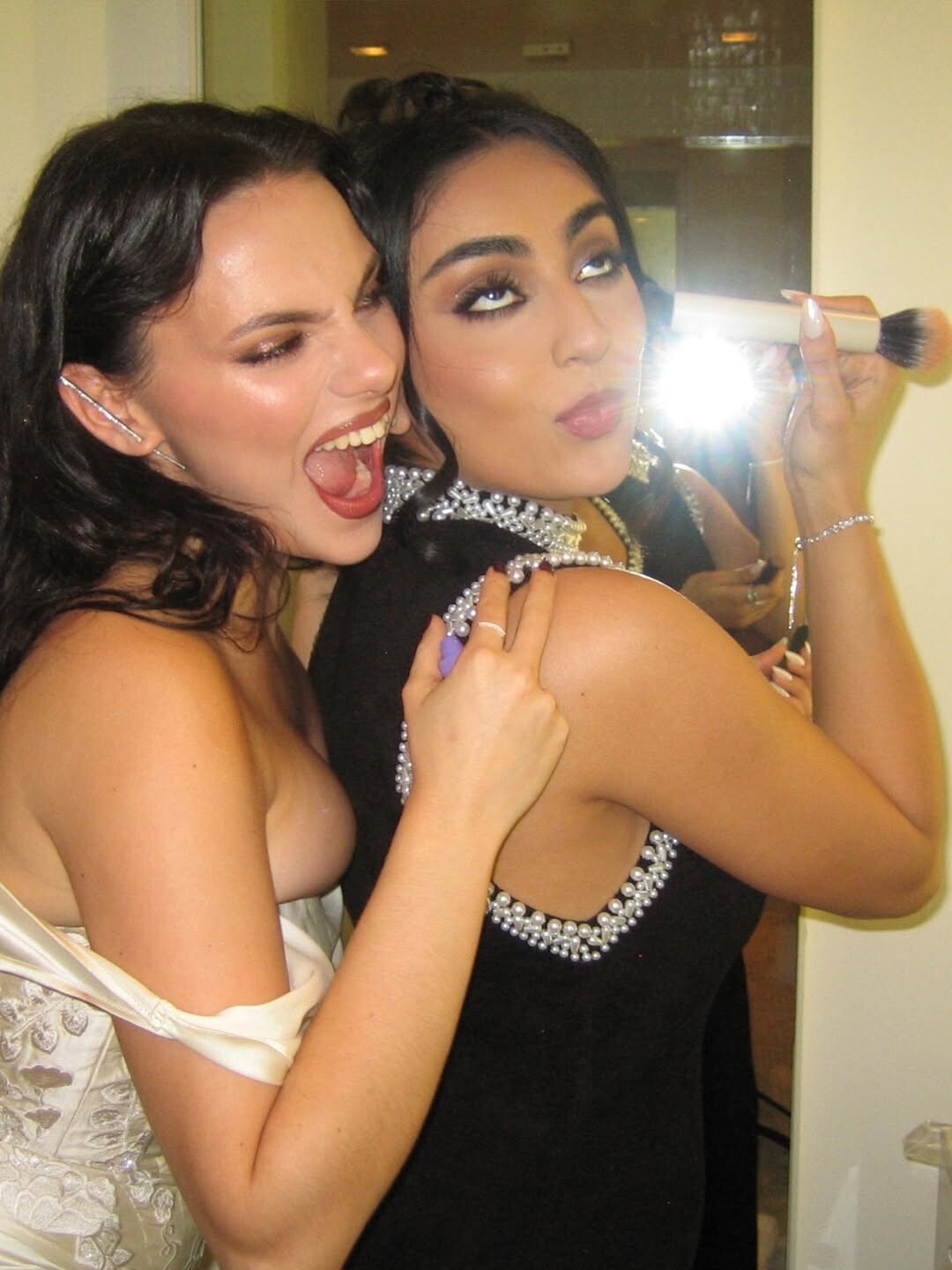
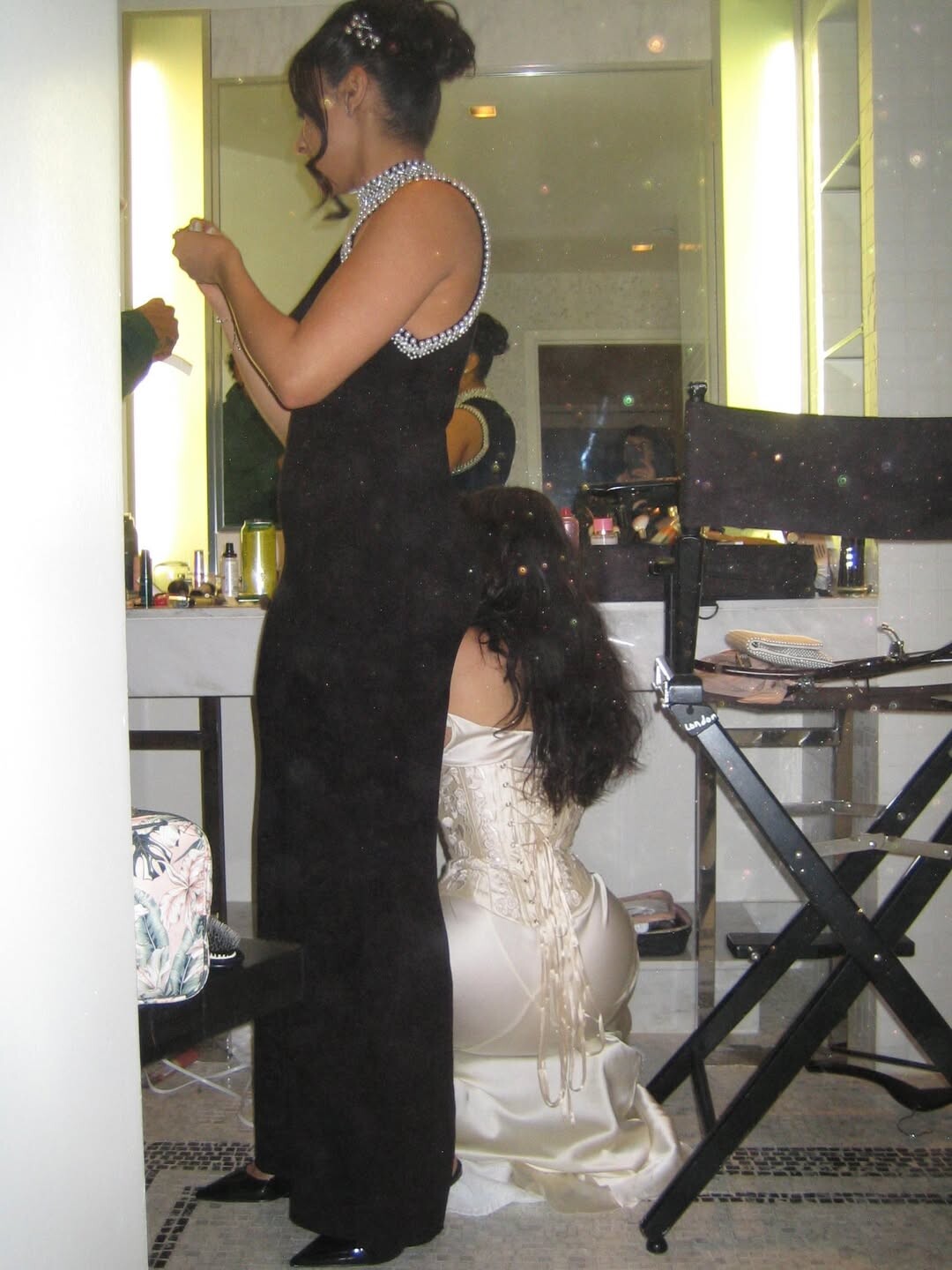
.jpg.ae5a19b79cbc4b403a7ae81fcbda55f7_cropped(2).thumb.png.bcf791fab378ac84d9176d17773d5c7e.png) Instagram percyseries s2 premiere last night with the sweetest date love you forever saarachaudry everyone go watch the shooooooow
Instagram percyseries s2 premiere last night with the sweetest date love you forever saarachaudry everyone go watch the shooooooow



































































































Account
Search
Configure browser push notifications
Chrome (Android)
- Tap the lock icon next to the address bar.
- Tap Permissions → Notifications.
- Adjust your preference.
Chrome (Desktop)
- Click the padlock icon in the address bar.
- Select Site settings.
- Find Notifications and adjust your preference.
Safari (iOS 16.4+)
- Ensure the site is installed via Add to Home Screen.
- Open Settings App → Notifications.
- Find your app name and adjust your preference.
Safari (macOS)
- Go to Safari → Preferences.
- Click the Websites tab.
- Select Notifications in the sidebar.
- Find this website and adjust your preference.
Edge (Android)
- Tap the lock icon next to the address bar.
- Tap Permissions.
- Find Notifications and adjust your preference.
Edge (Desktop)
- Click the padlock icon in the address bar.
- Click Permissions for this site.
- Find Notifications and adjust your preference.
Firefox (Android)
- Go to Settings → Site permissions.
- Tap Notifications.
- Find this site in the list and adjust your preference.
Firefox (Desktop)
- Open Firefox Settings.
- Search for Notifications.
- Find this site in the list and adjust your preference.