All Activity
- Past hour
-
Videos missed from Australia part 5 Videos
-
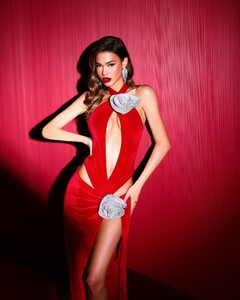
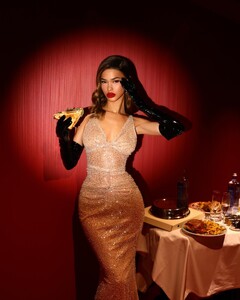
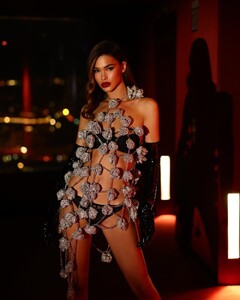
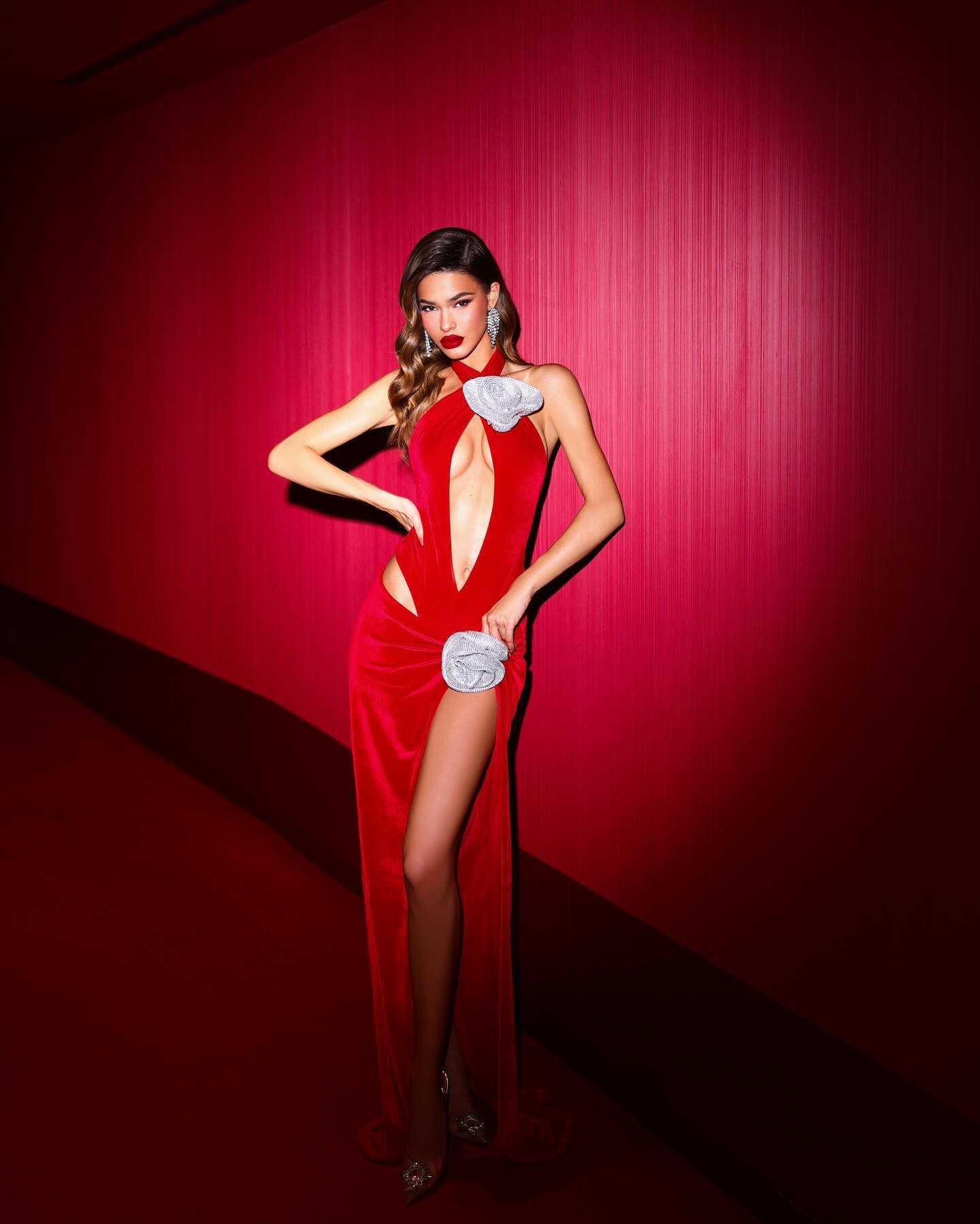
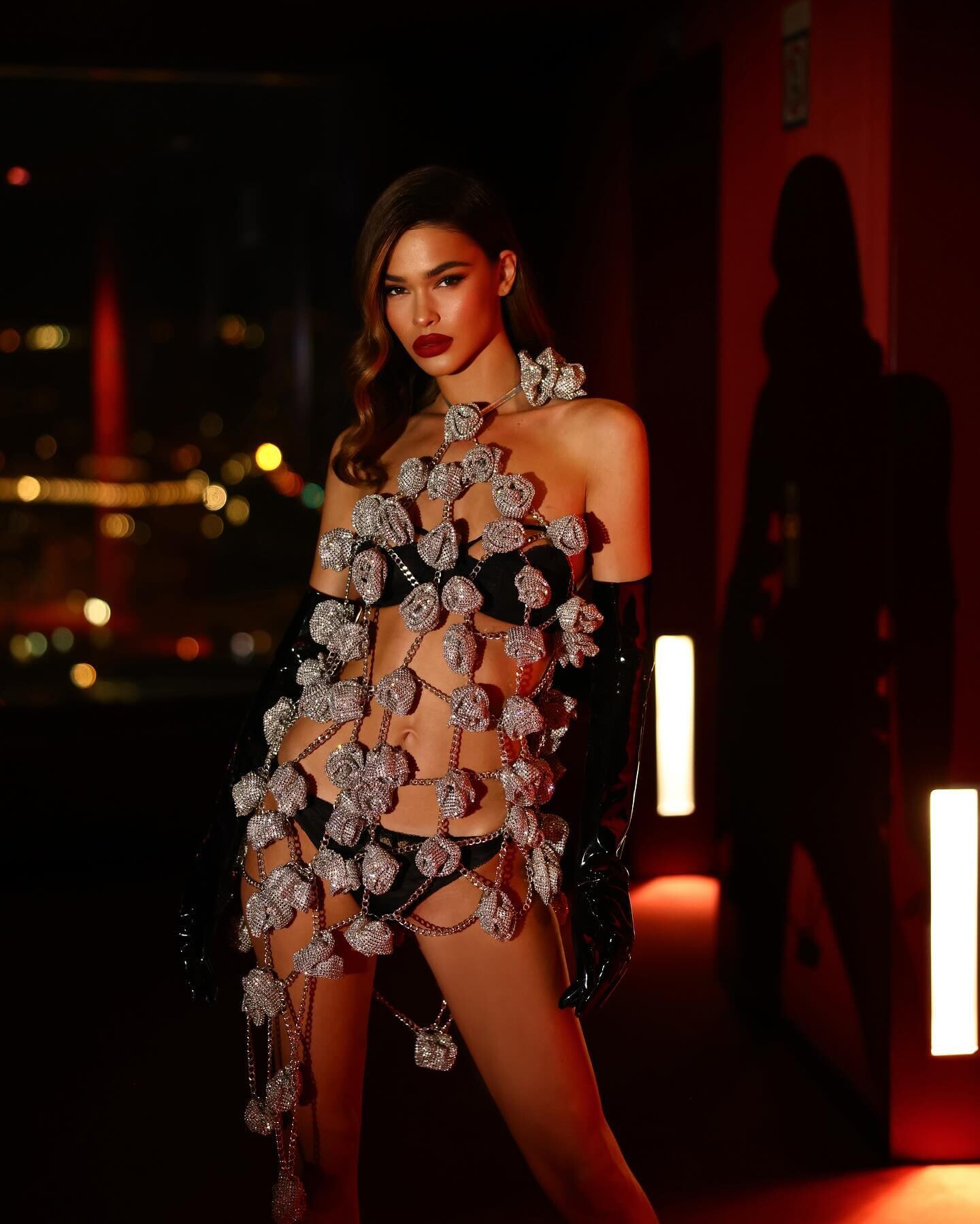
Aurela Hoxha social media: Videos: AlesiaN - AurelaHoxha - 2025-11-22_1080x1920.mp4 AlesiaN - AurelaHoxha - 2025-10-23_1080x1920.mp4 AlesiaN - AurelaHoxha - 2026-01-18_1080x1920.mp4 Ergi is the only other of the brand's models I am familiar with. The others are apparently Endrit Mërtiri, Sindi Myftari, Ema Asllani, Dorina Gegiçi, Ira Asllani (another day's research project).


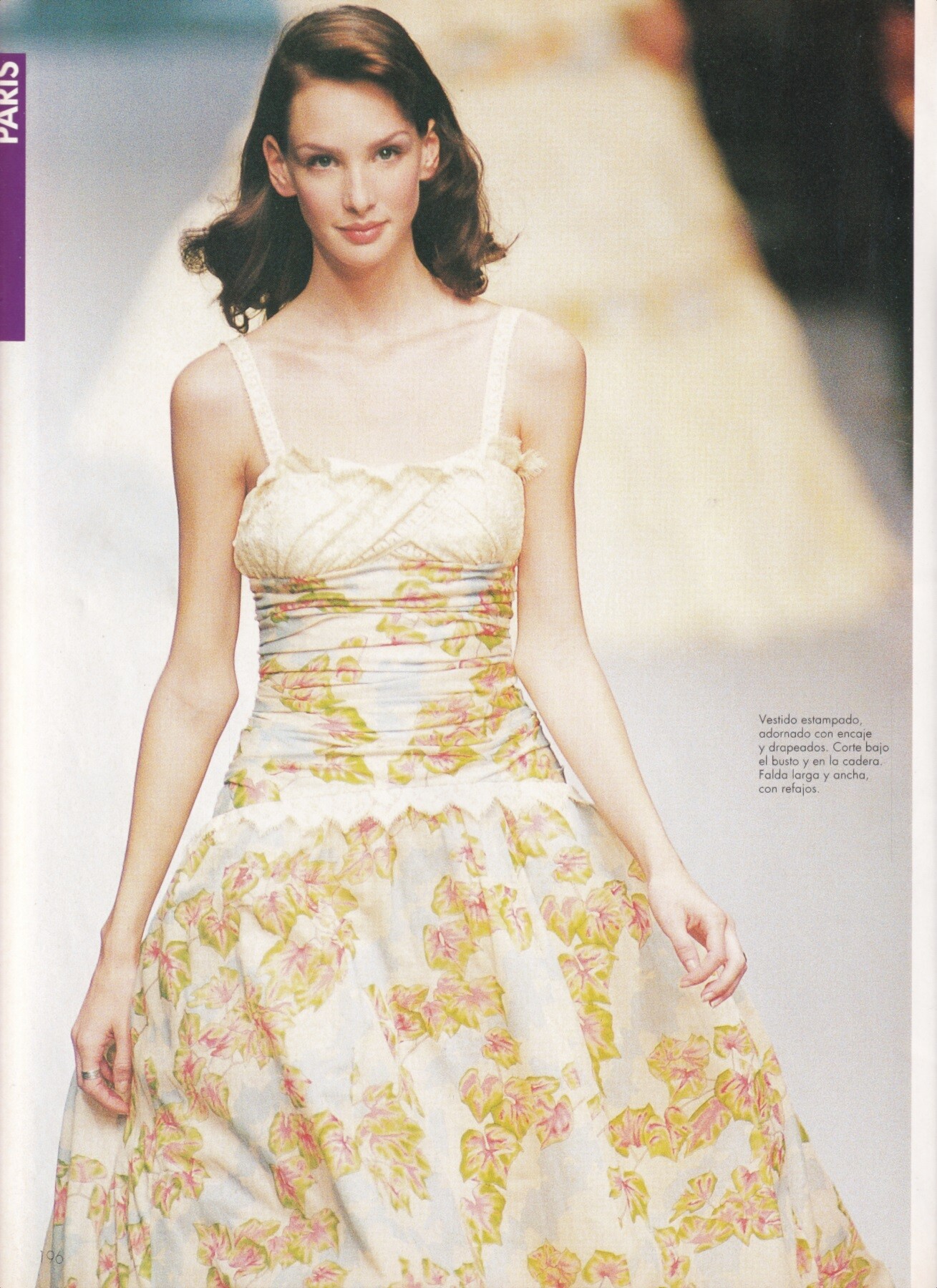
 Debbie Deitering for Chloe', ready-to-wear, spring/summer 1995 my scan
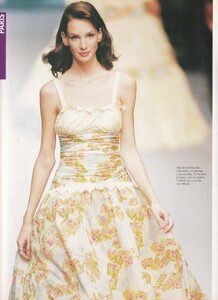 1) Ana Beatriz Barros 2) Justine Mora 3) Adelina Novak 4) Jenna Rozario 5) Sara Moratilla 6) Eileen Cassidy 7) Elsa Baldaia 8) Casey HensonNadja Auermann for Christian Dior, ready-to-wear, spring/summer 1995 my scan
 Videos missed from Australia part 4 VideosOK - I realized this is one of the Bonstrom twins as soon as I posted, I'm leaving it for documentation, since they appear often in this thread. Cecilia,I suppose... https://www.bellazon.com/main/topic/104638-cecilia-and-charlotte-bonstrom/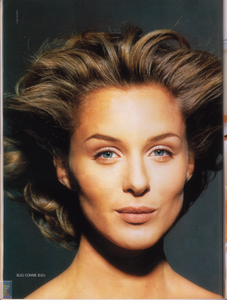
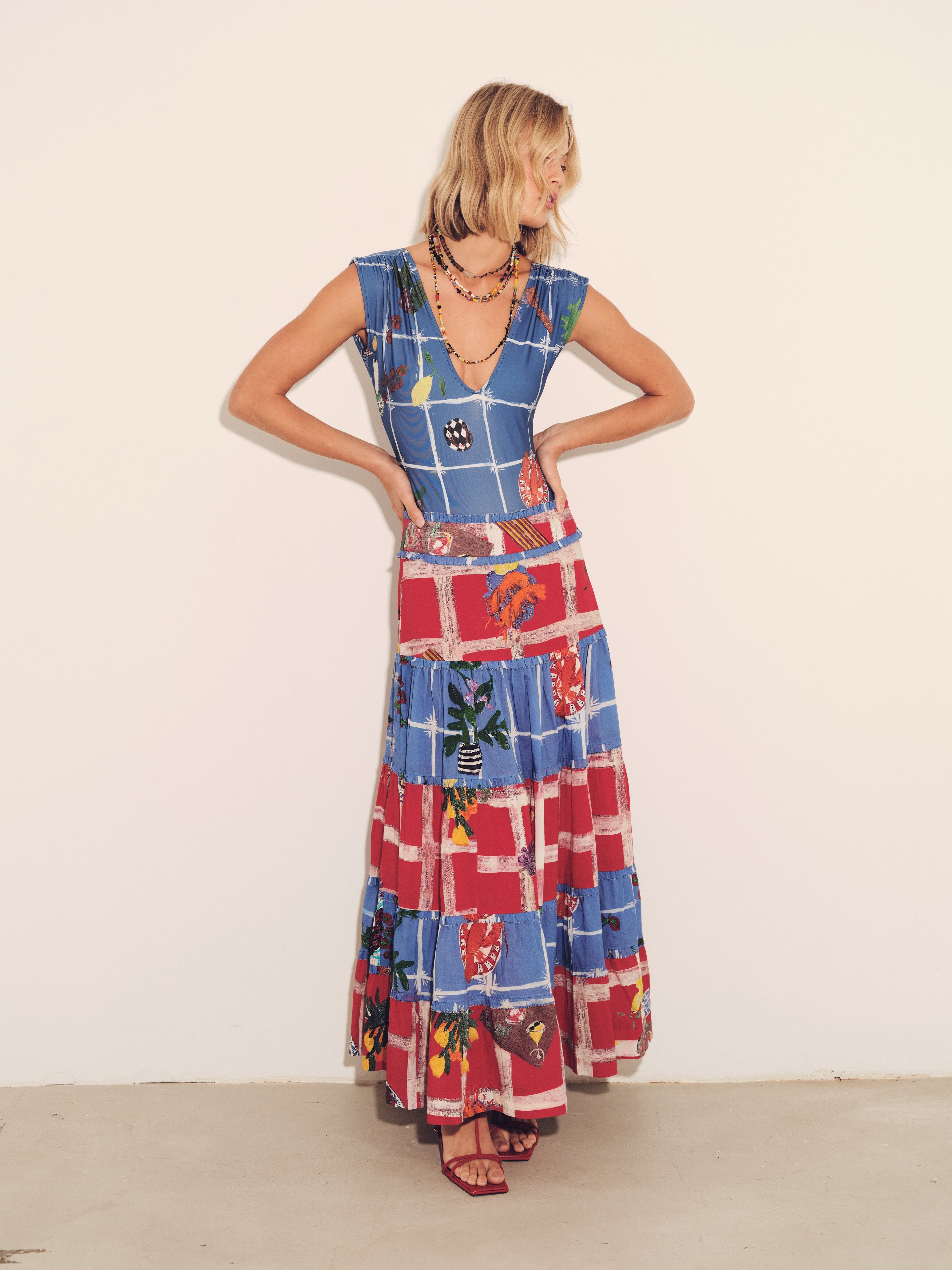
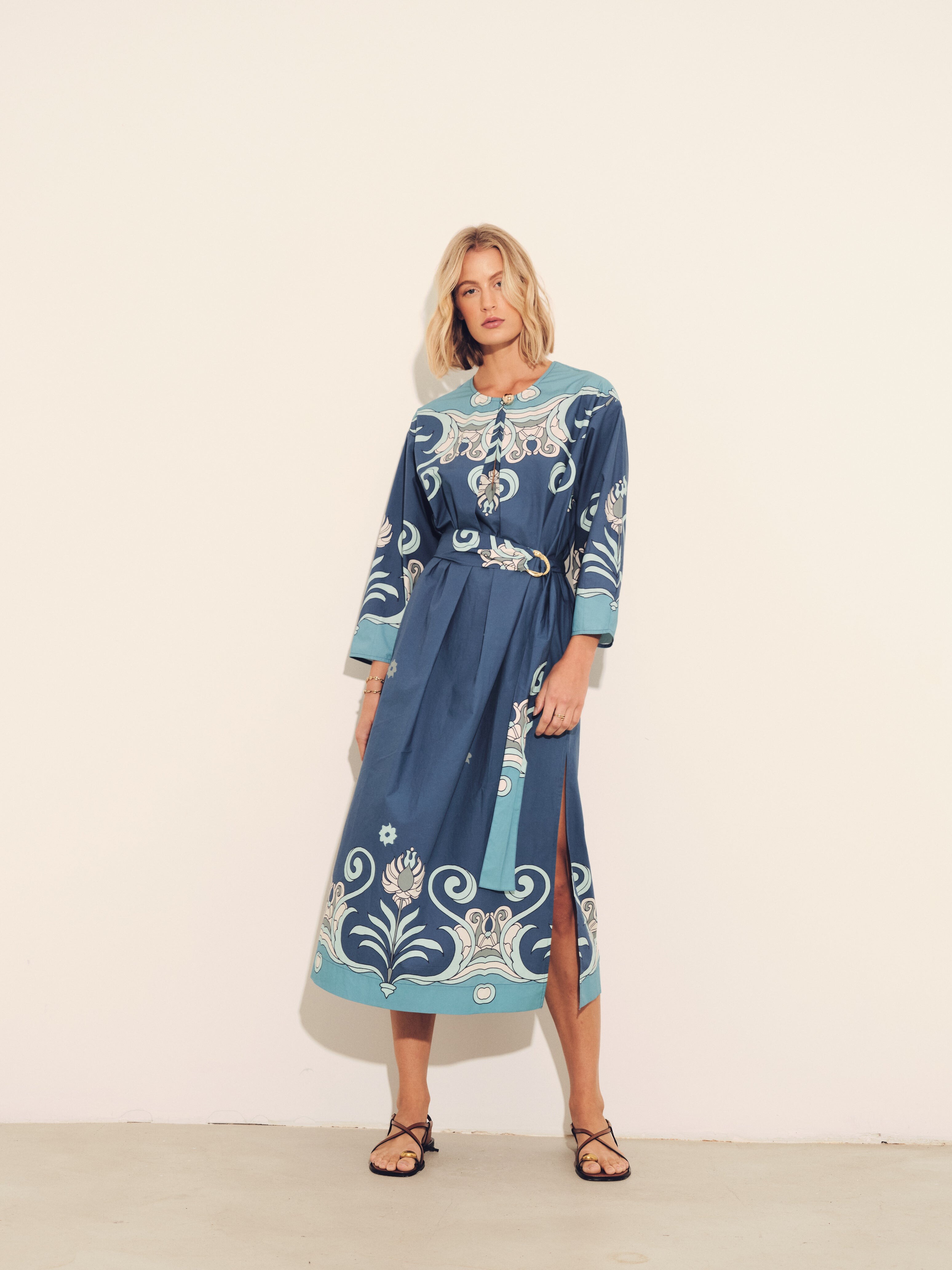
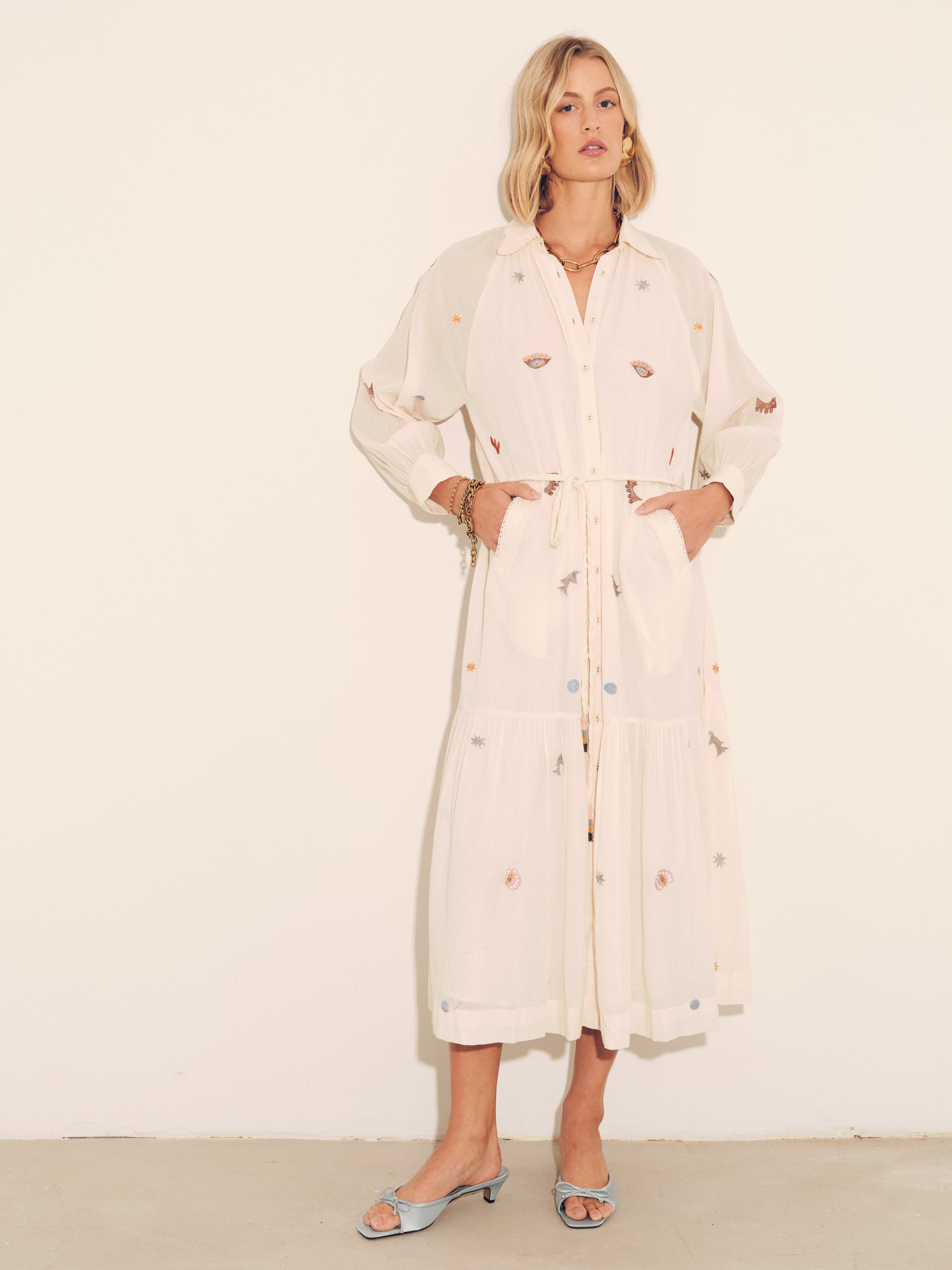
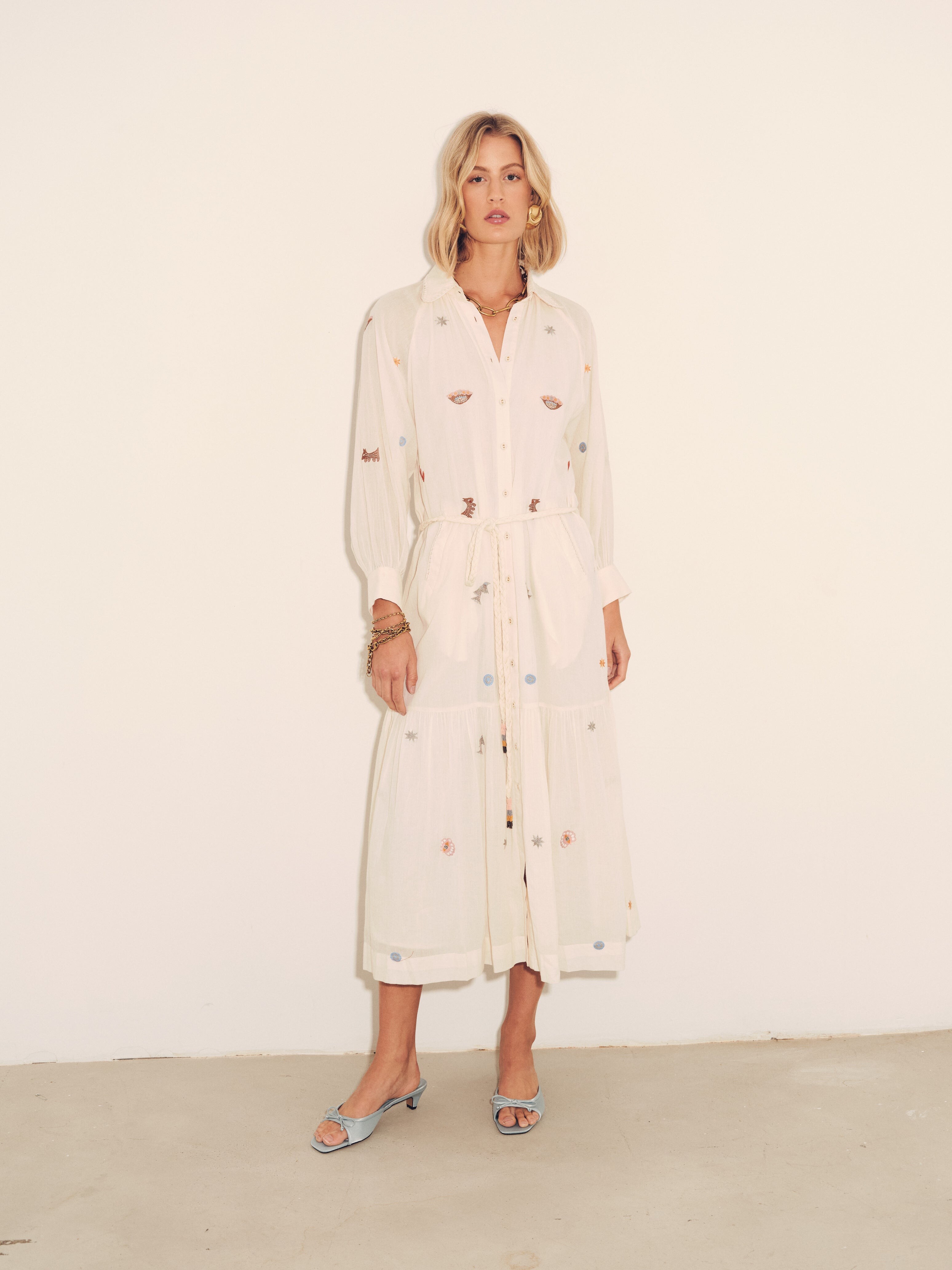
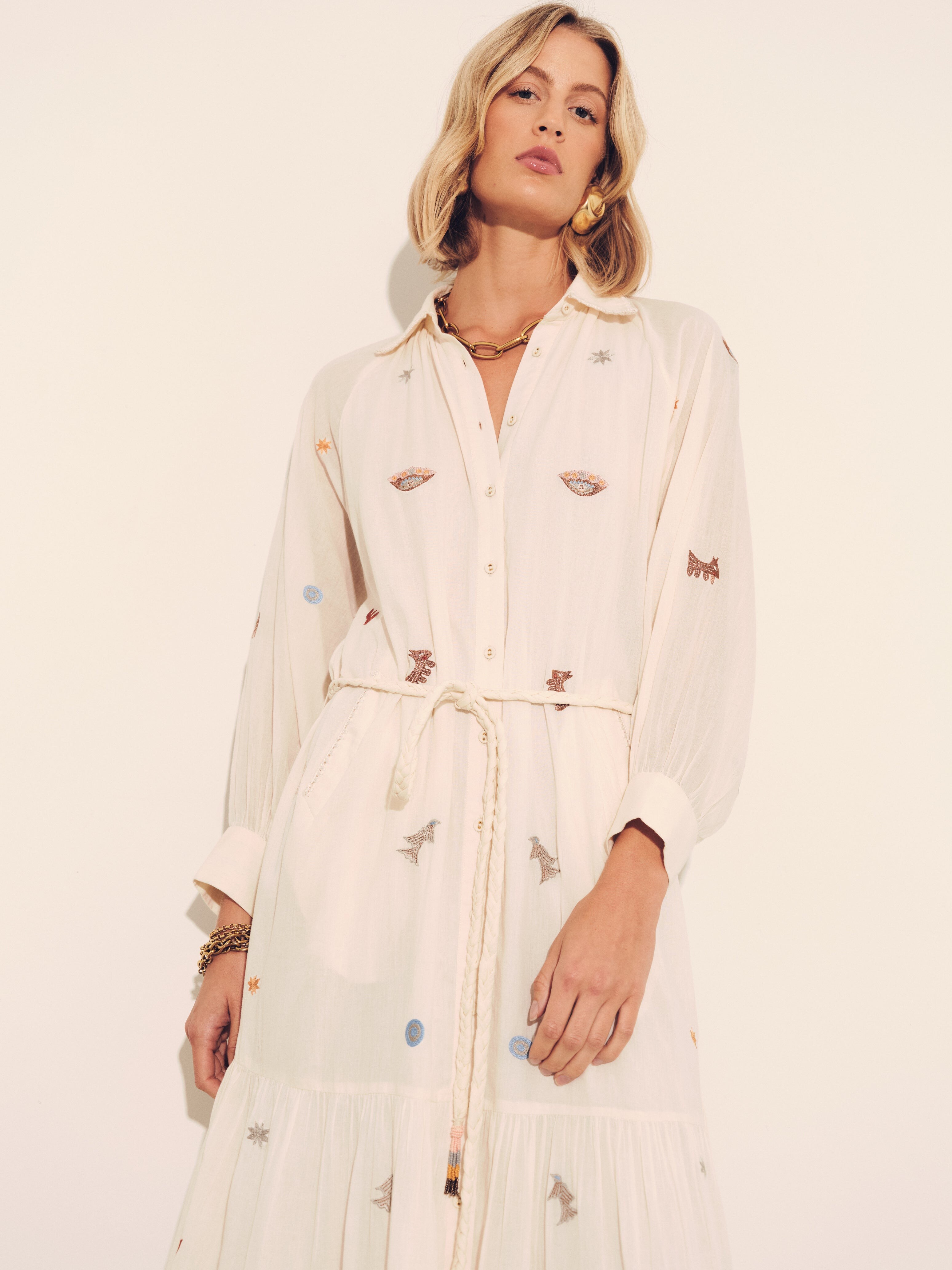
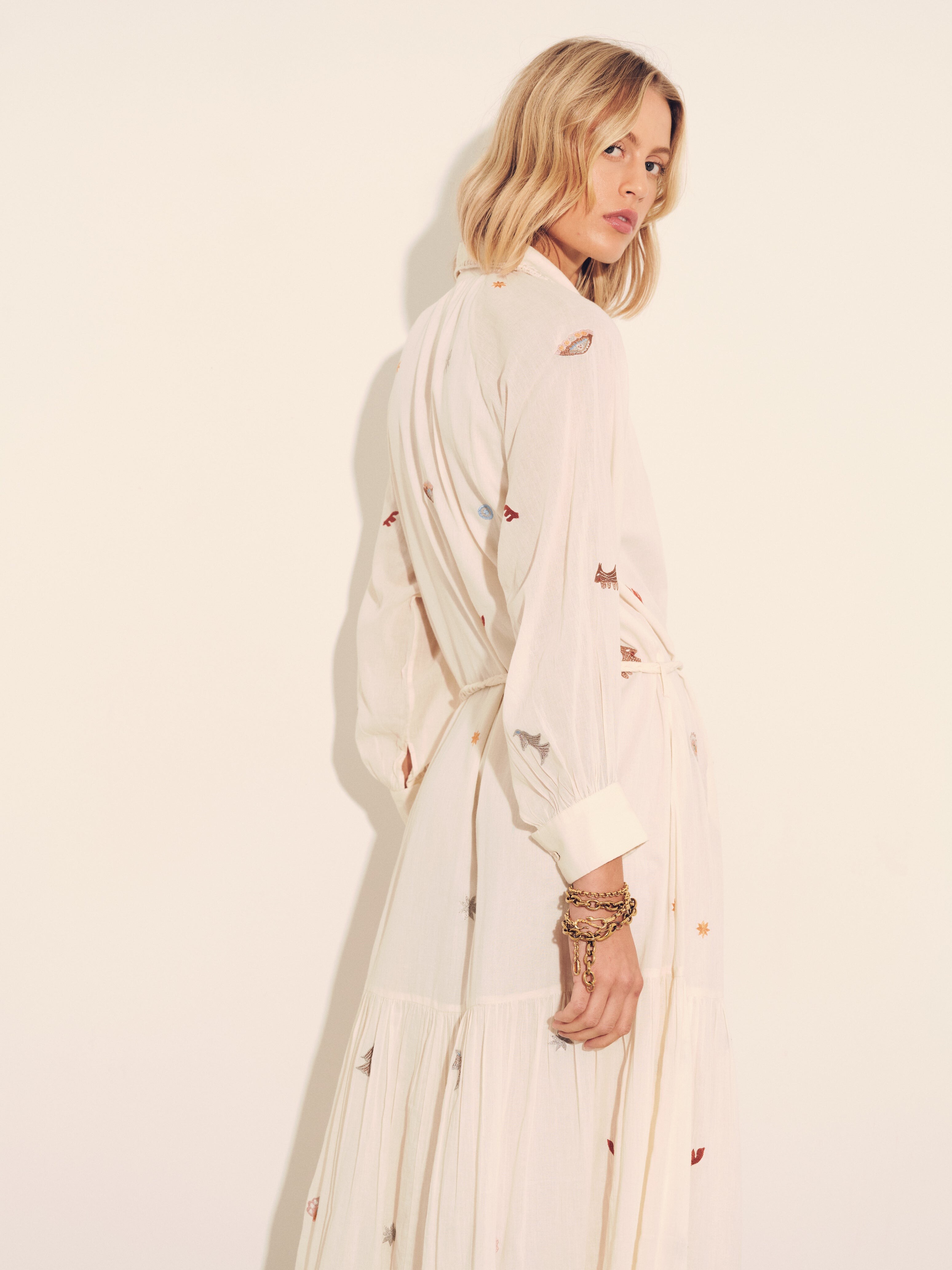
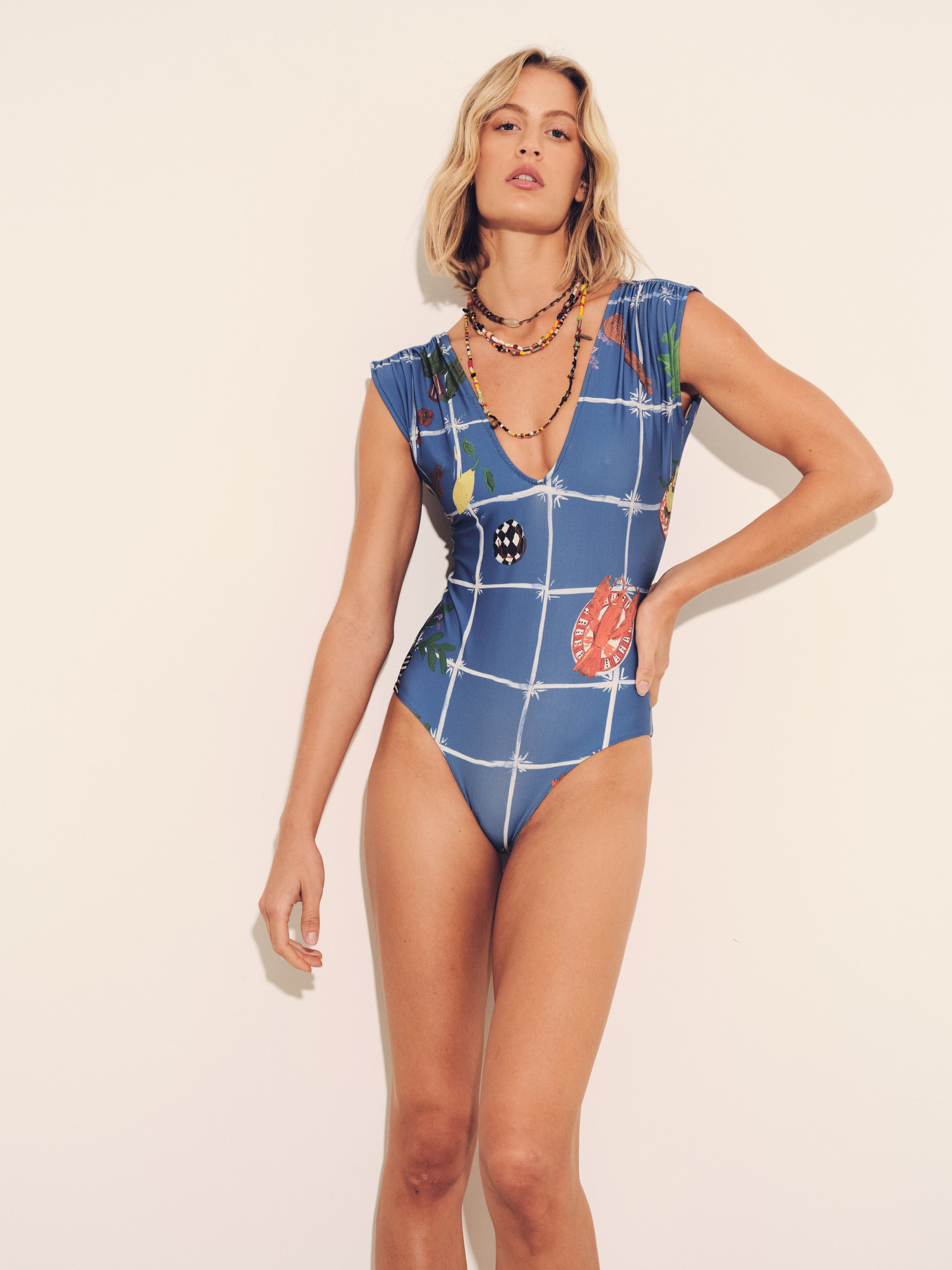
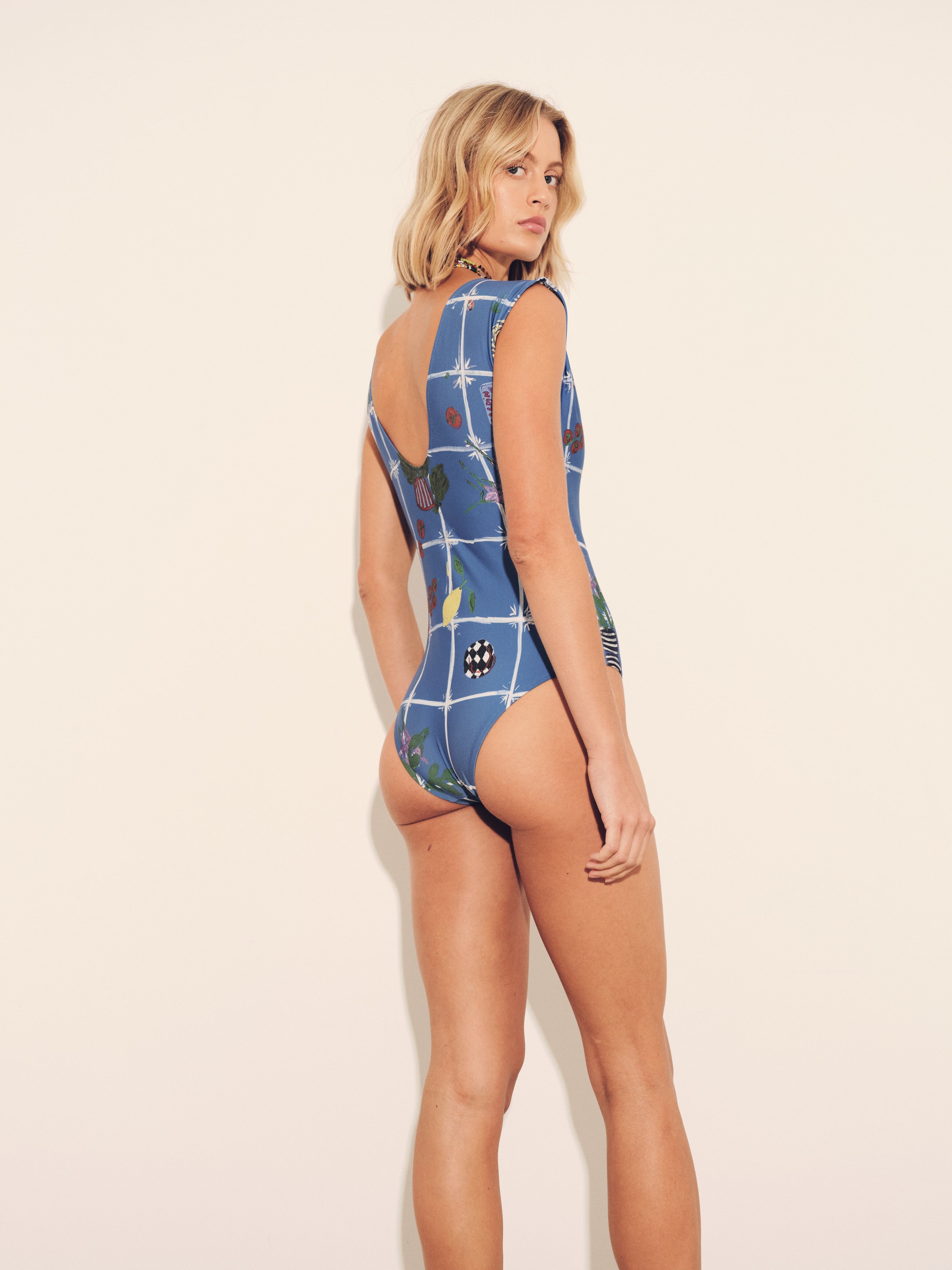
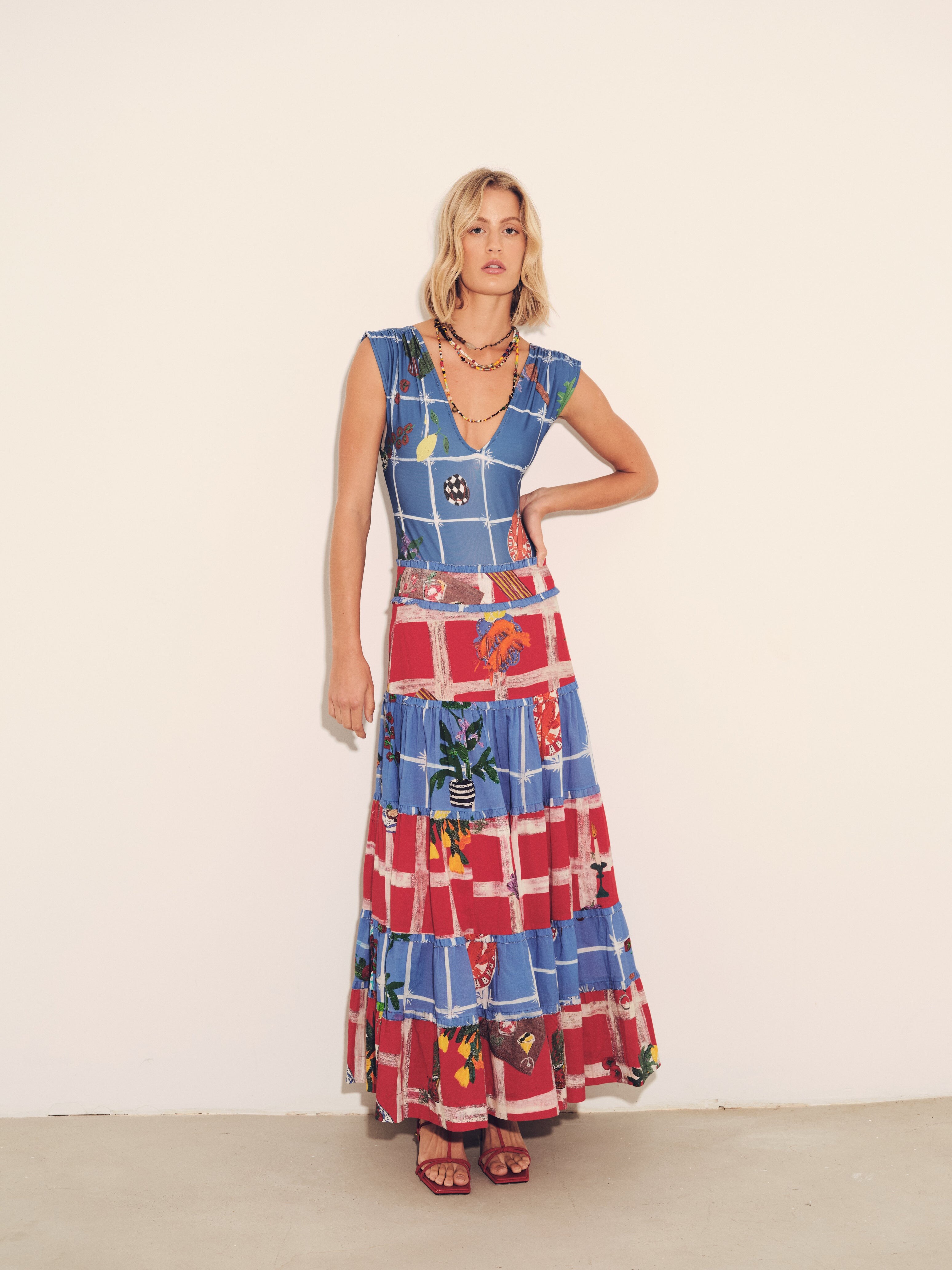
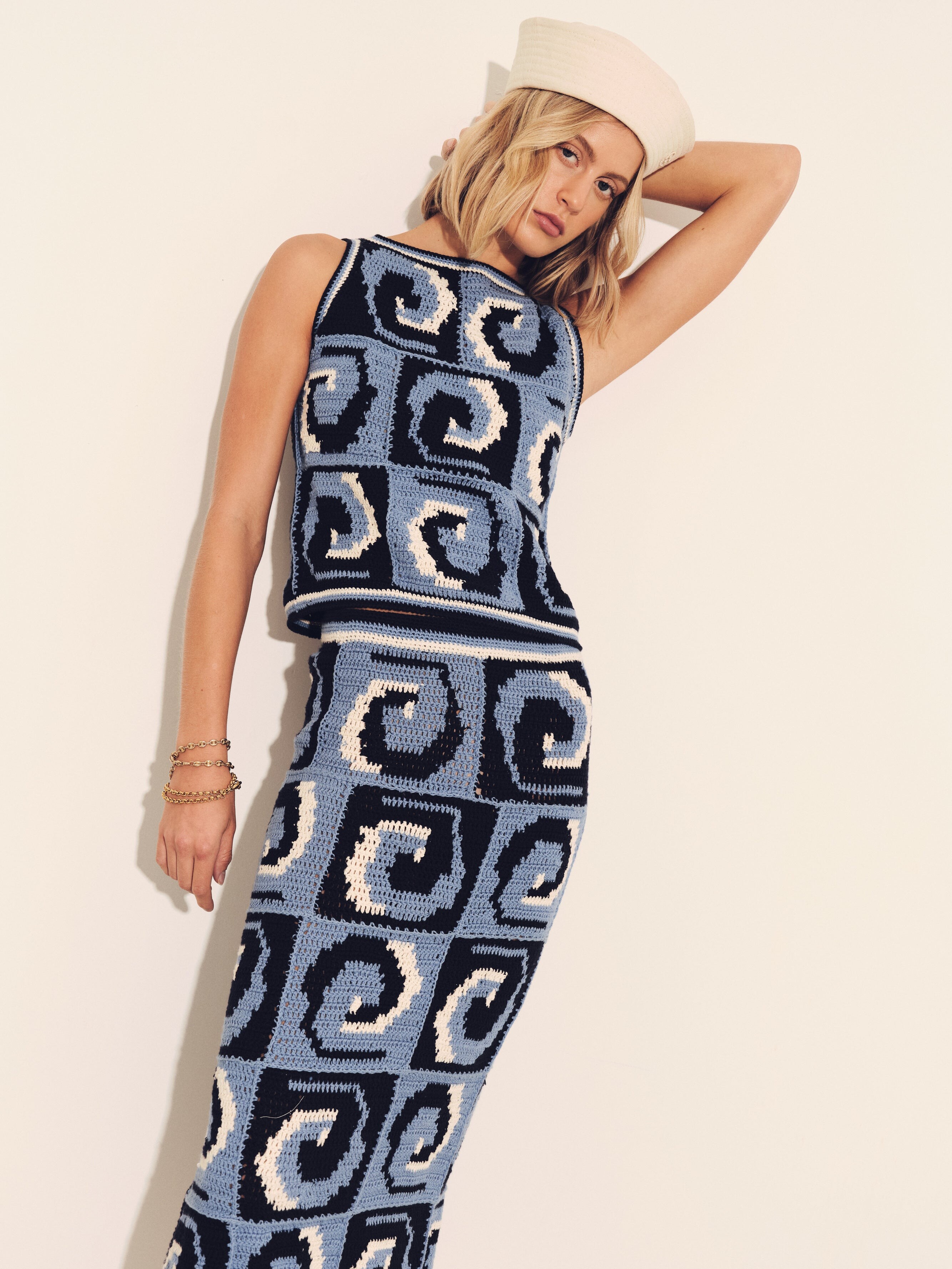
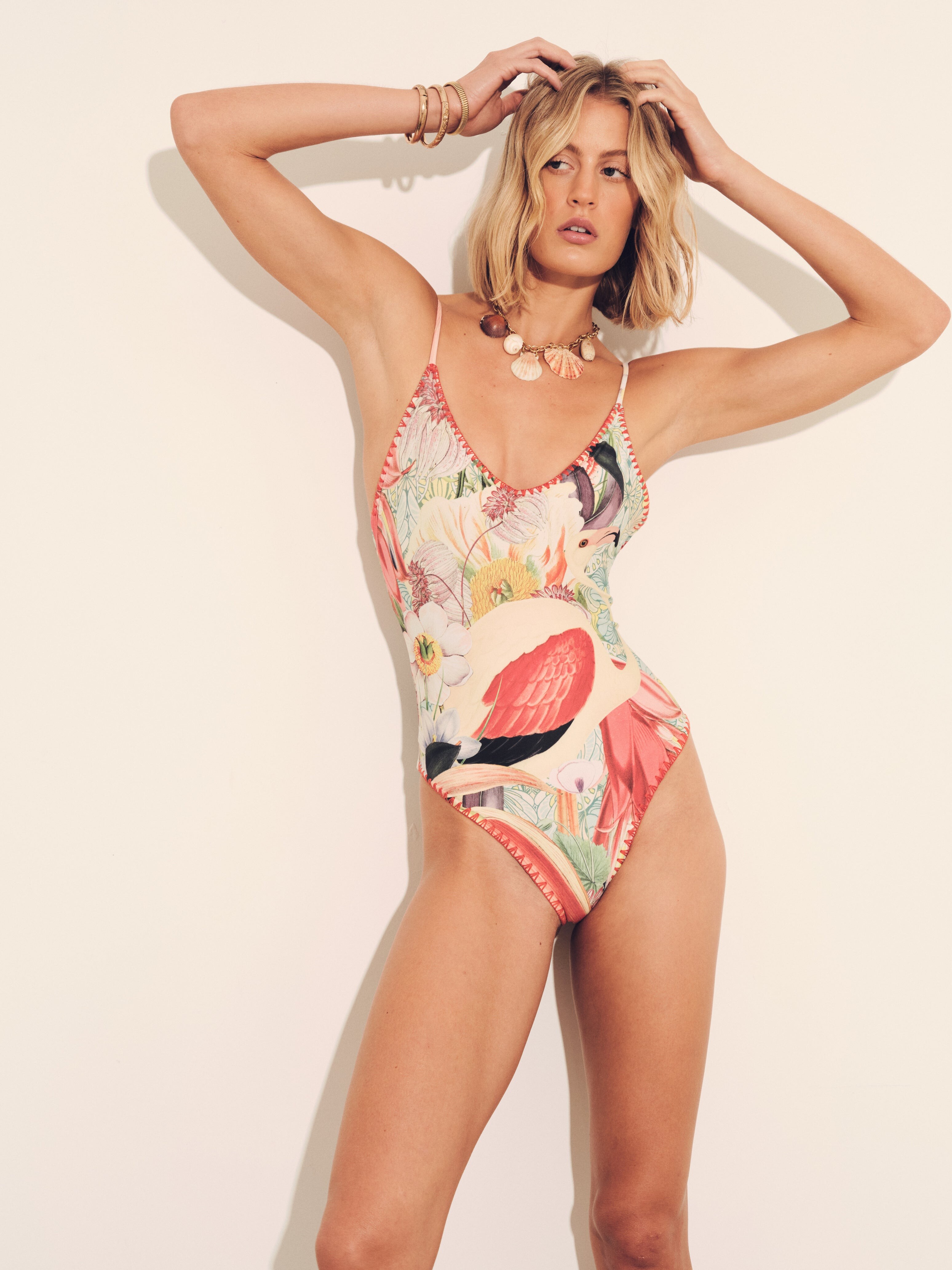
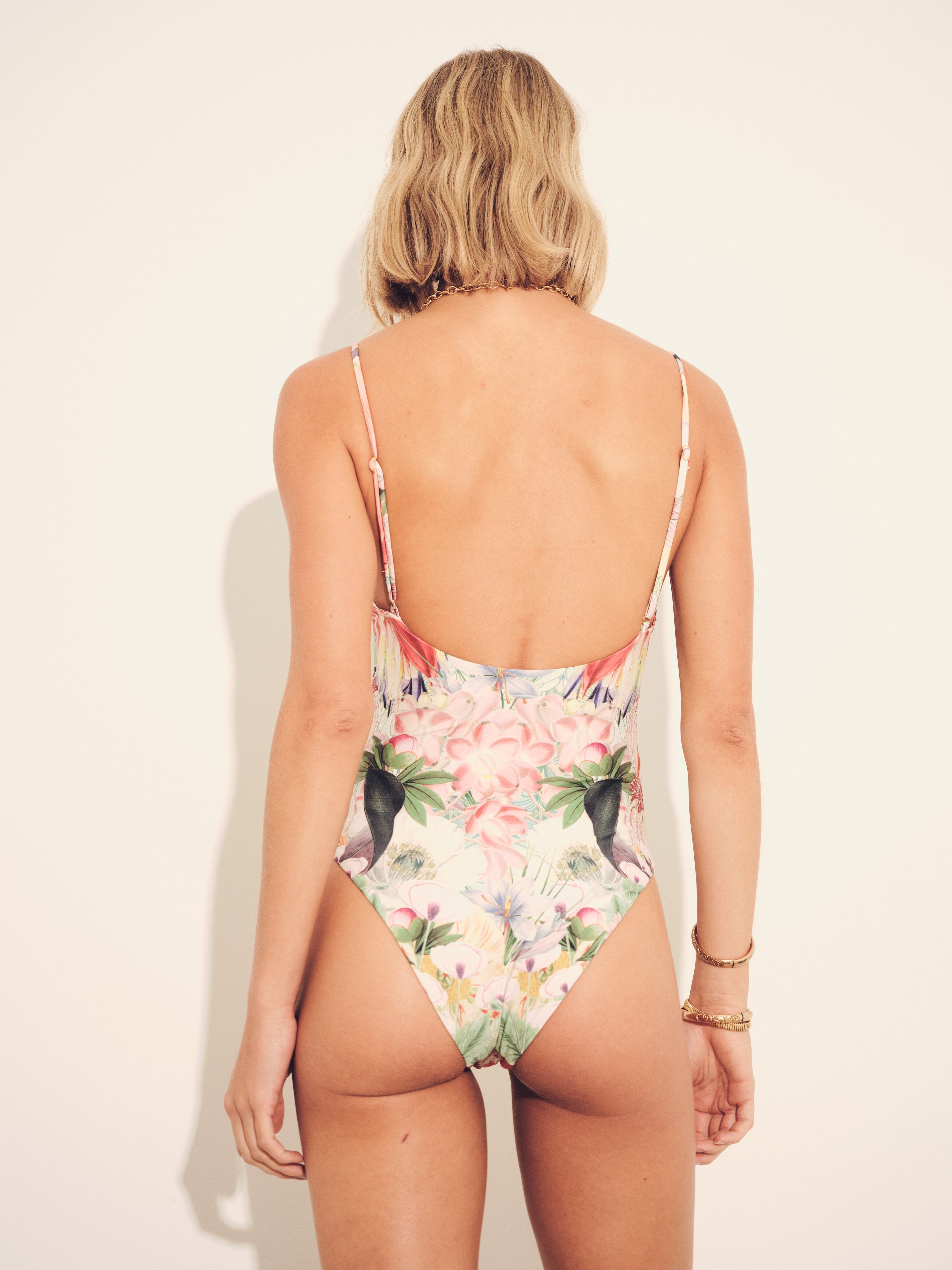
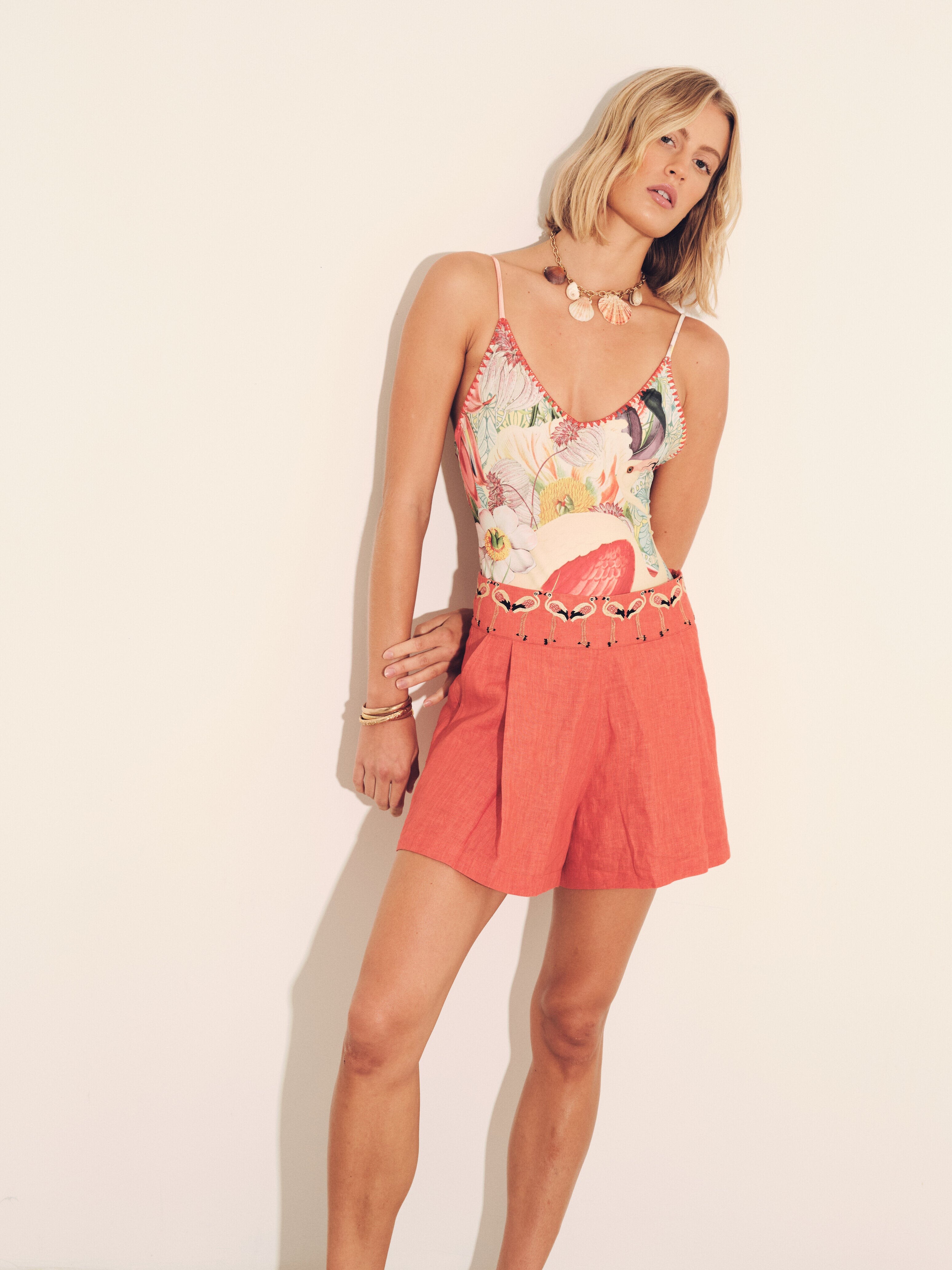
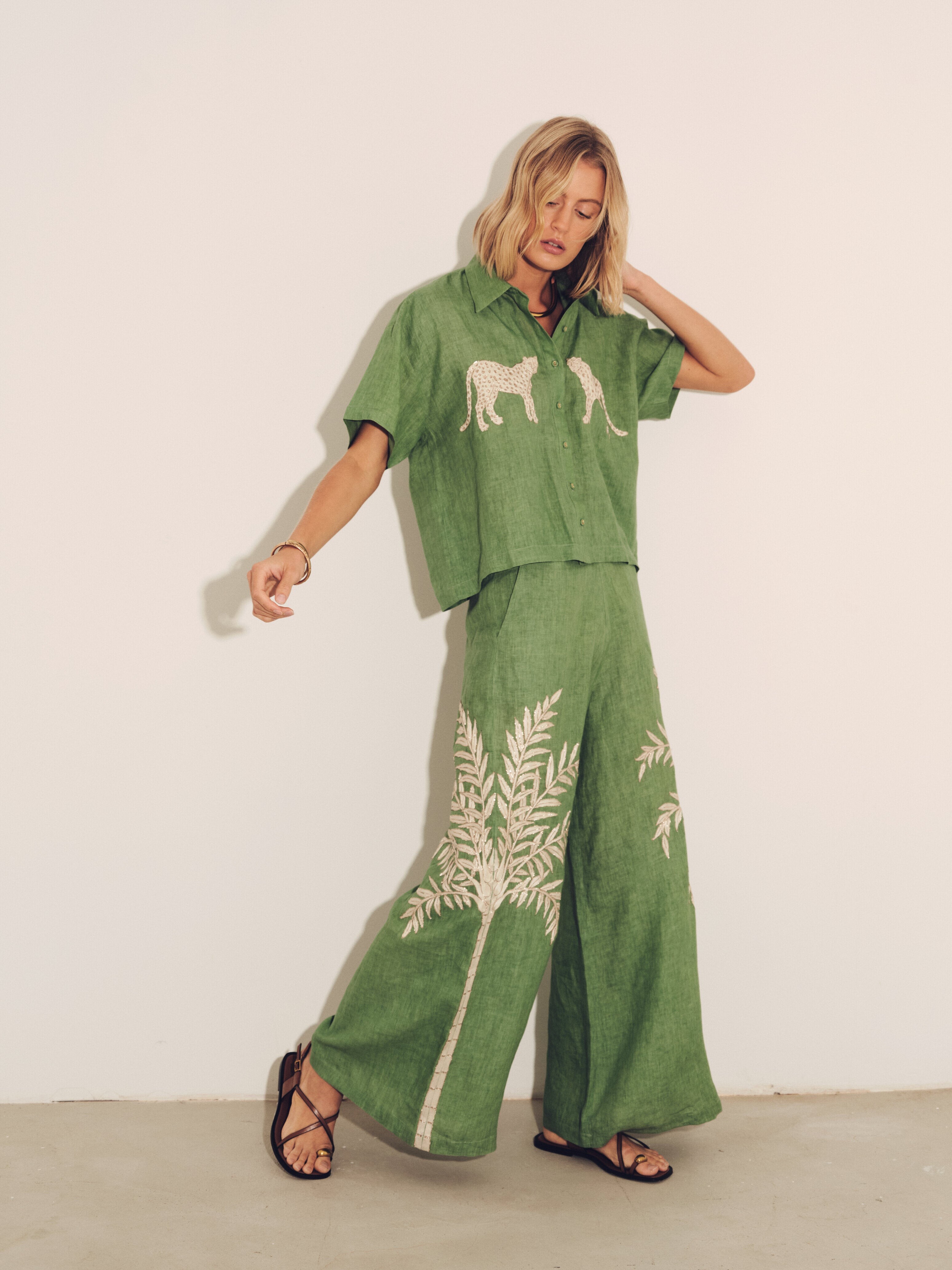
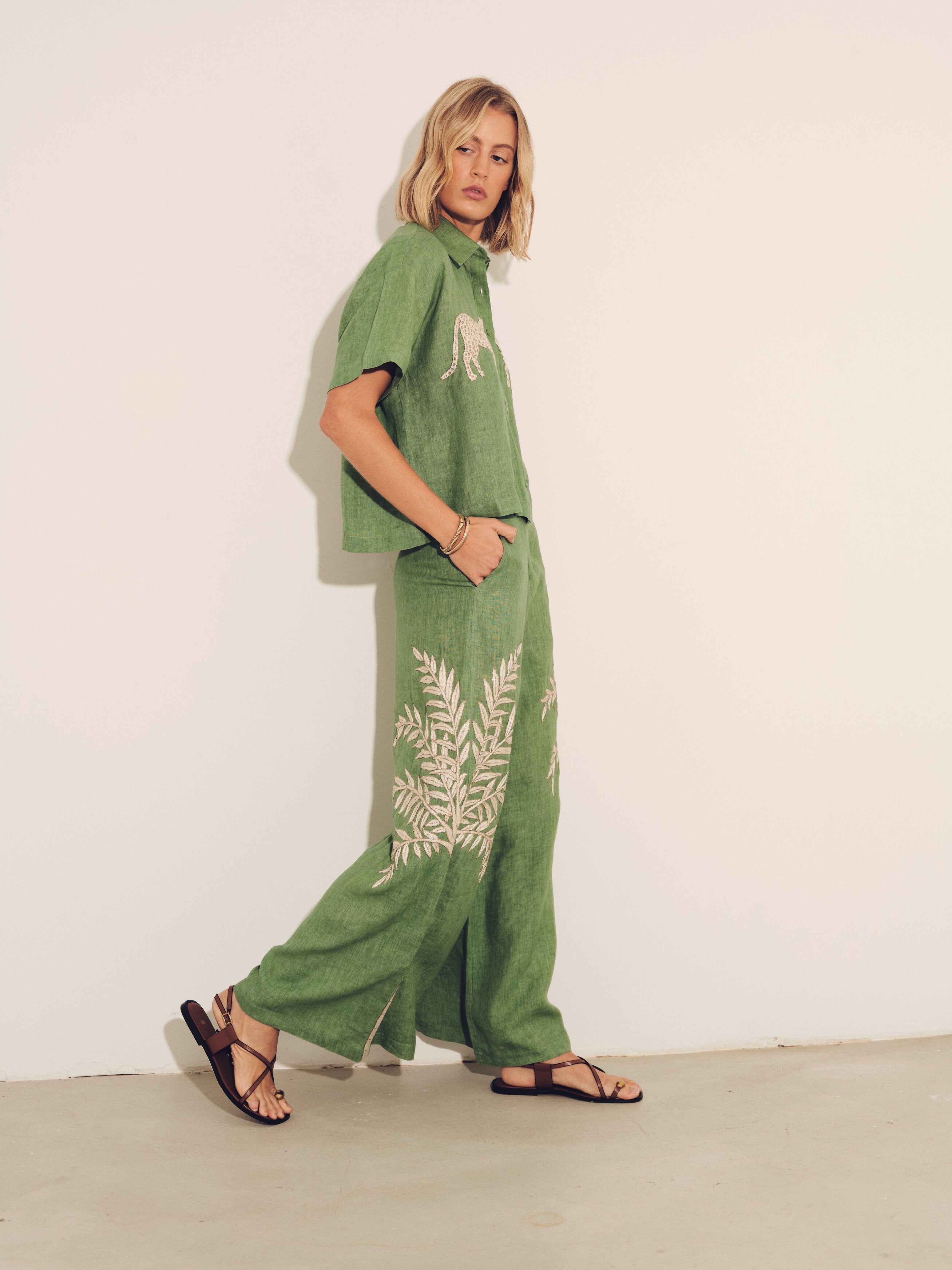
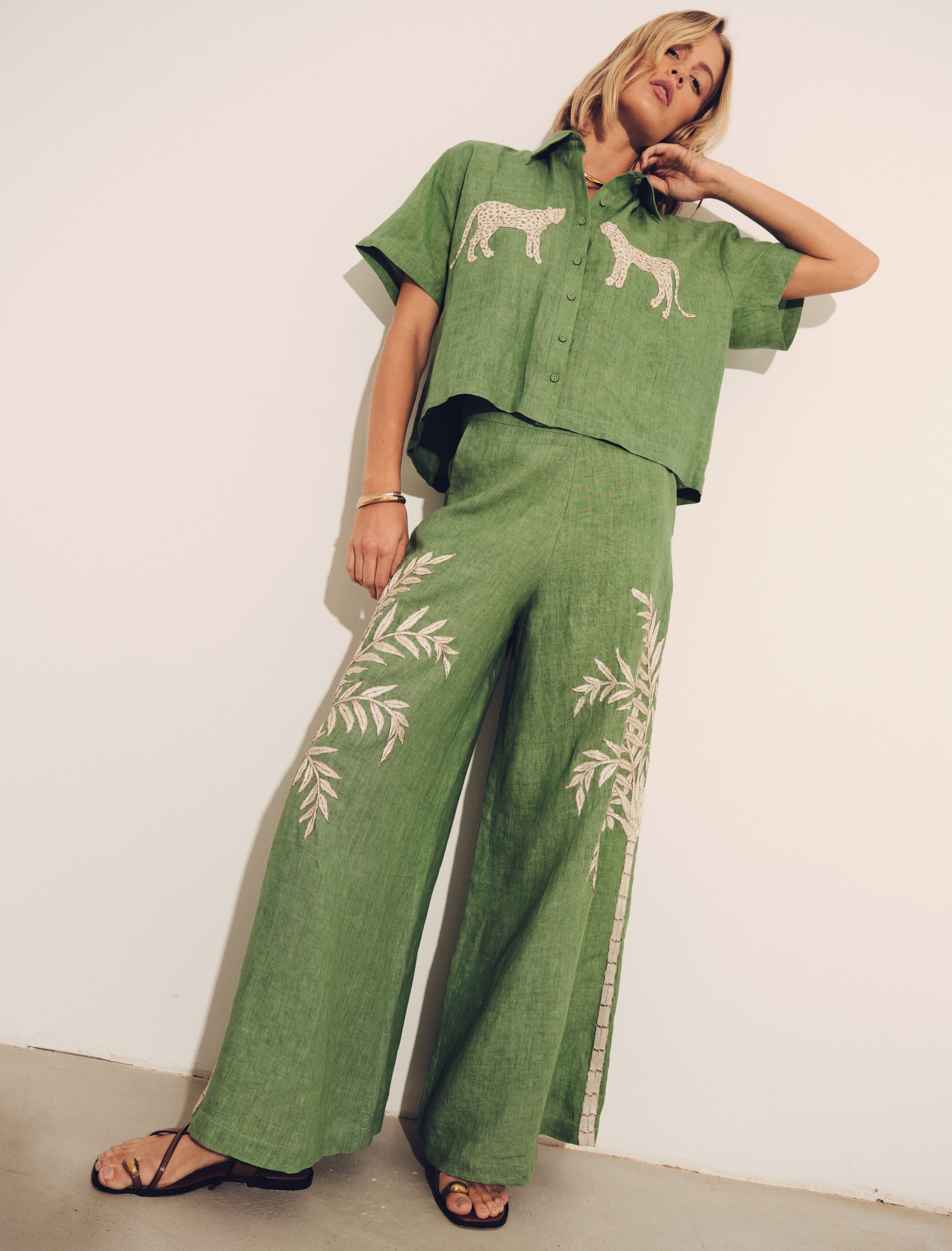
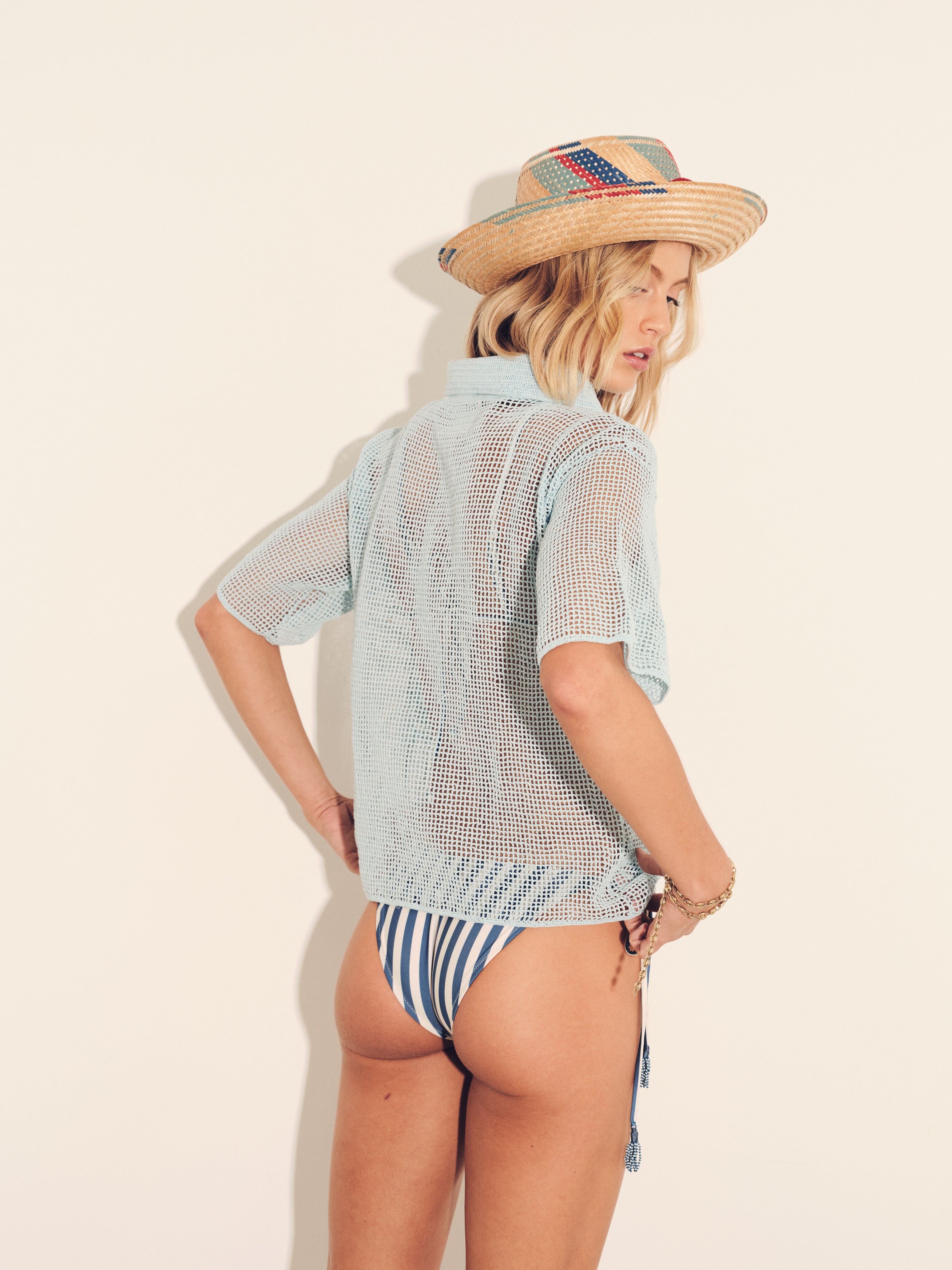
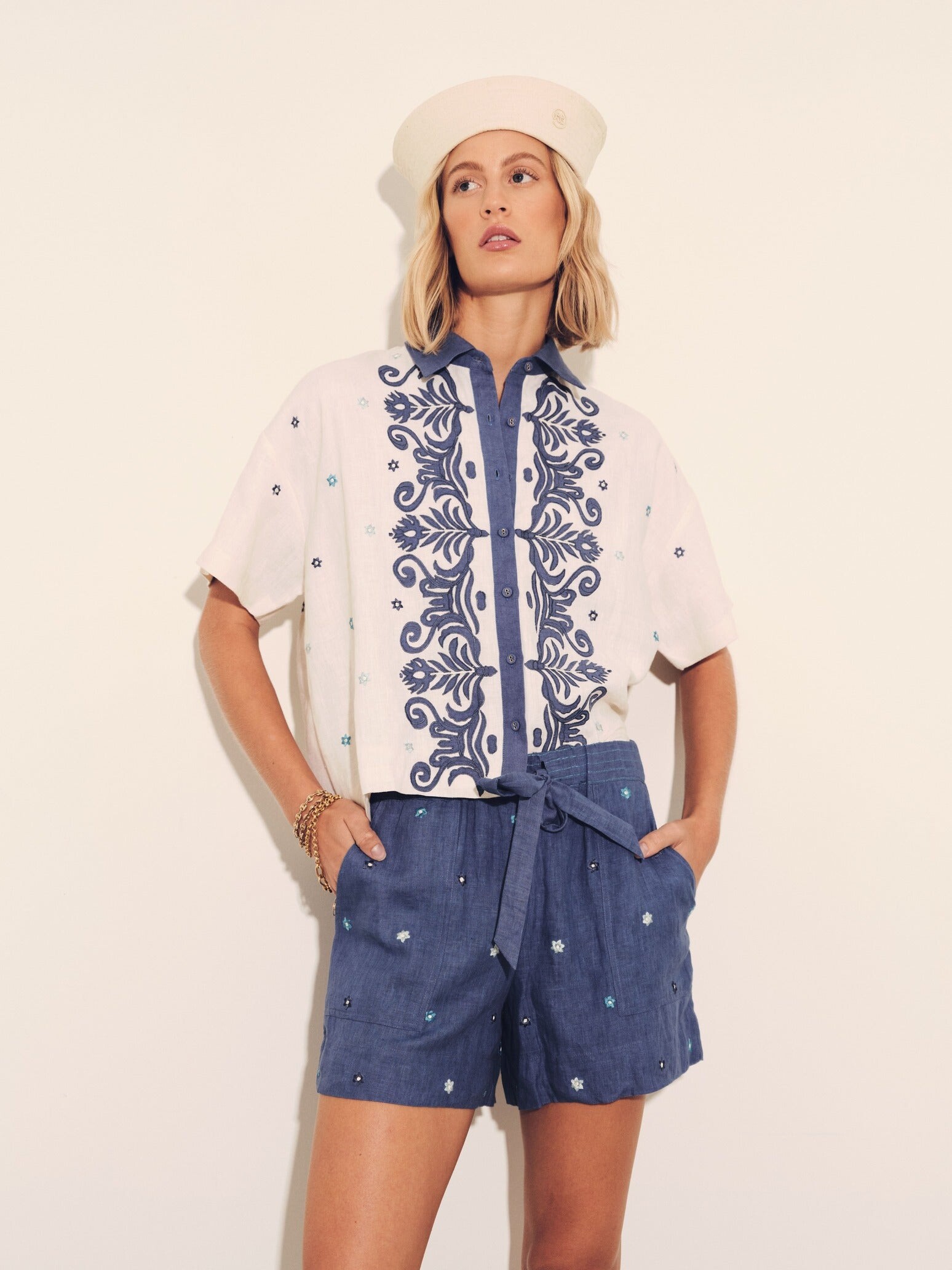
 For the brand Carolina K: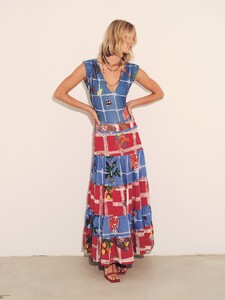
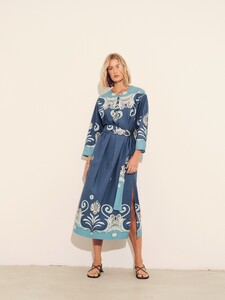
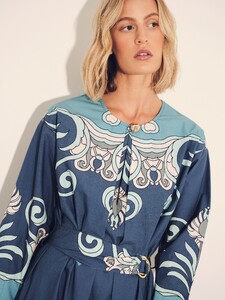
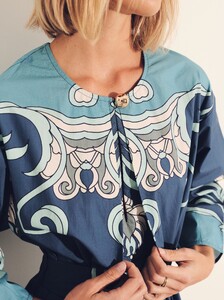
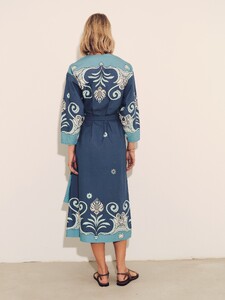
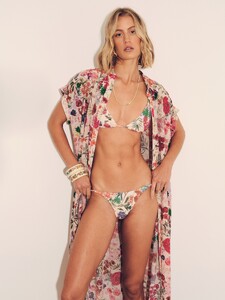
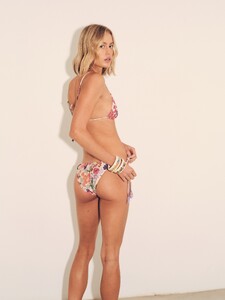
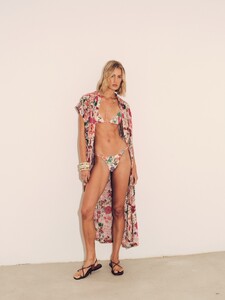
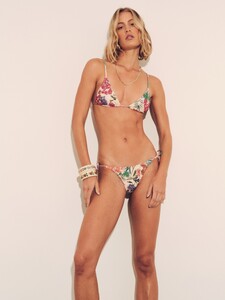
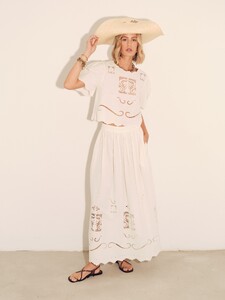
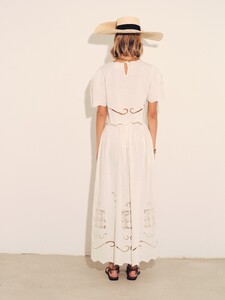
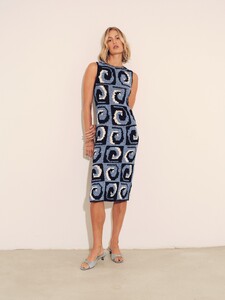
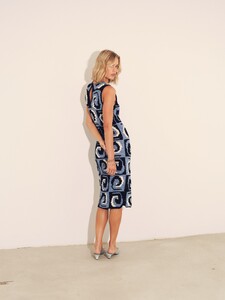
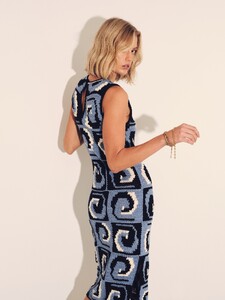
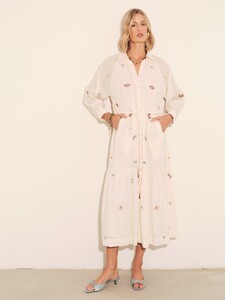
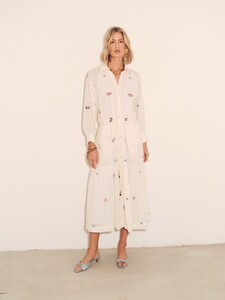
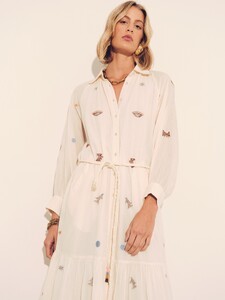
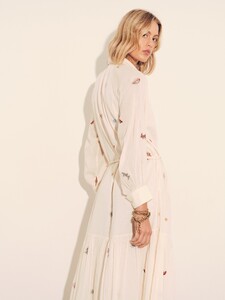
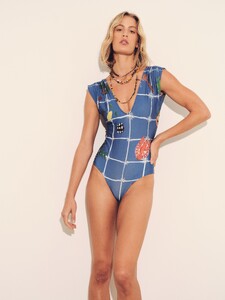
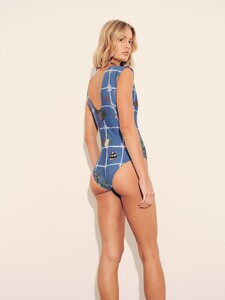
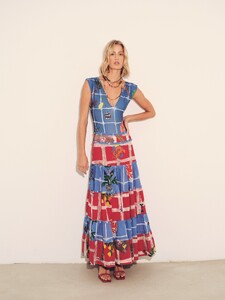
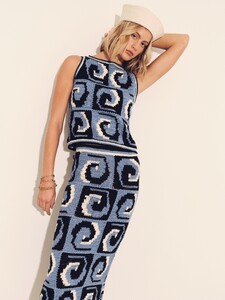
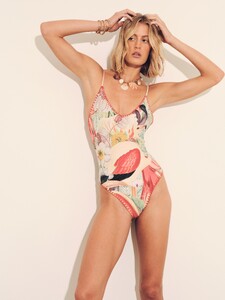
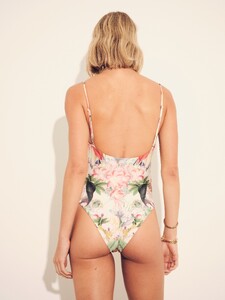
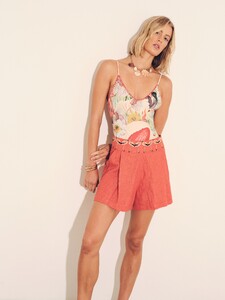
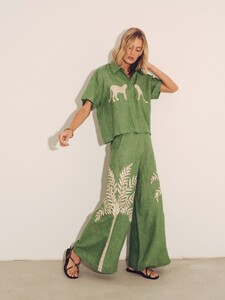
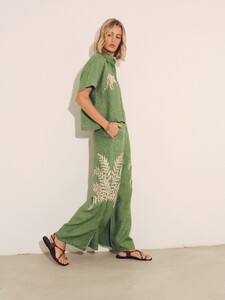
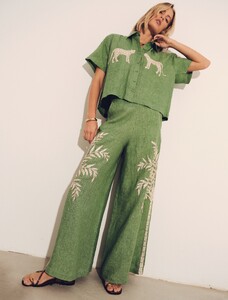
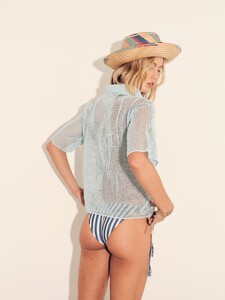
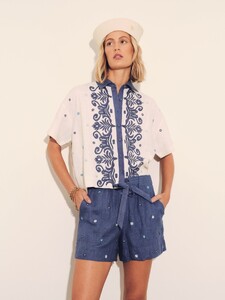
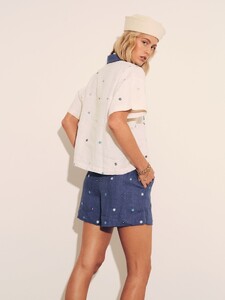
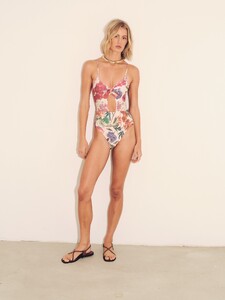
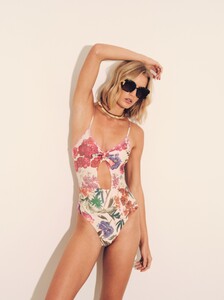
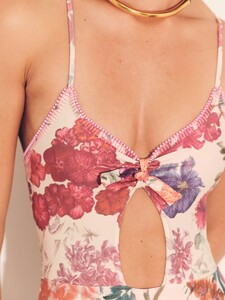
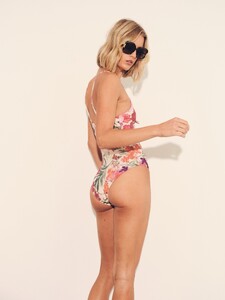
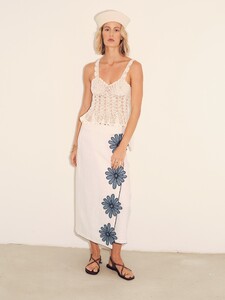
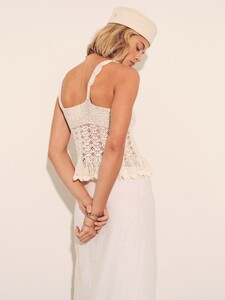
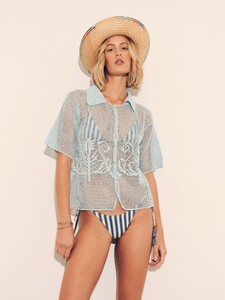
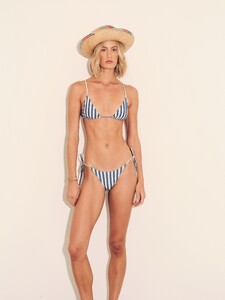
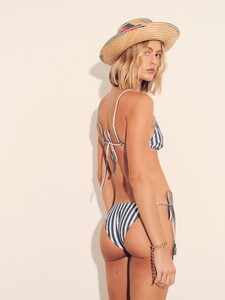
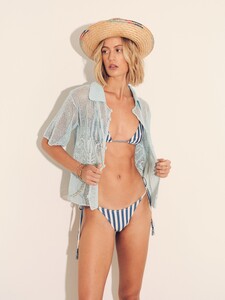
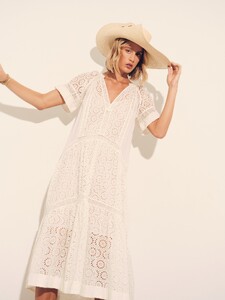
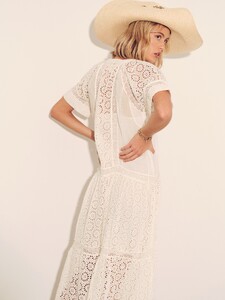
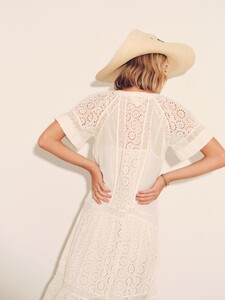
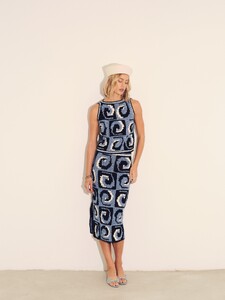
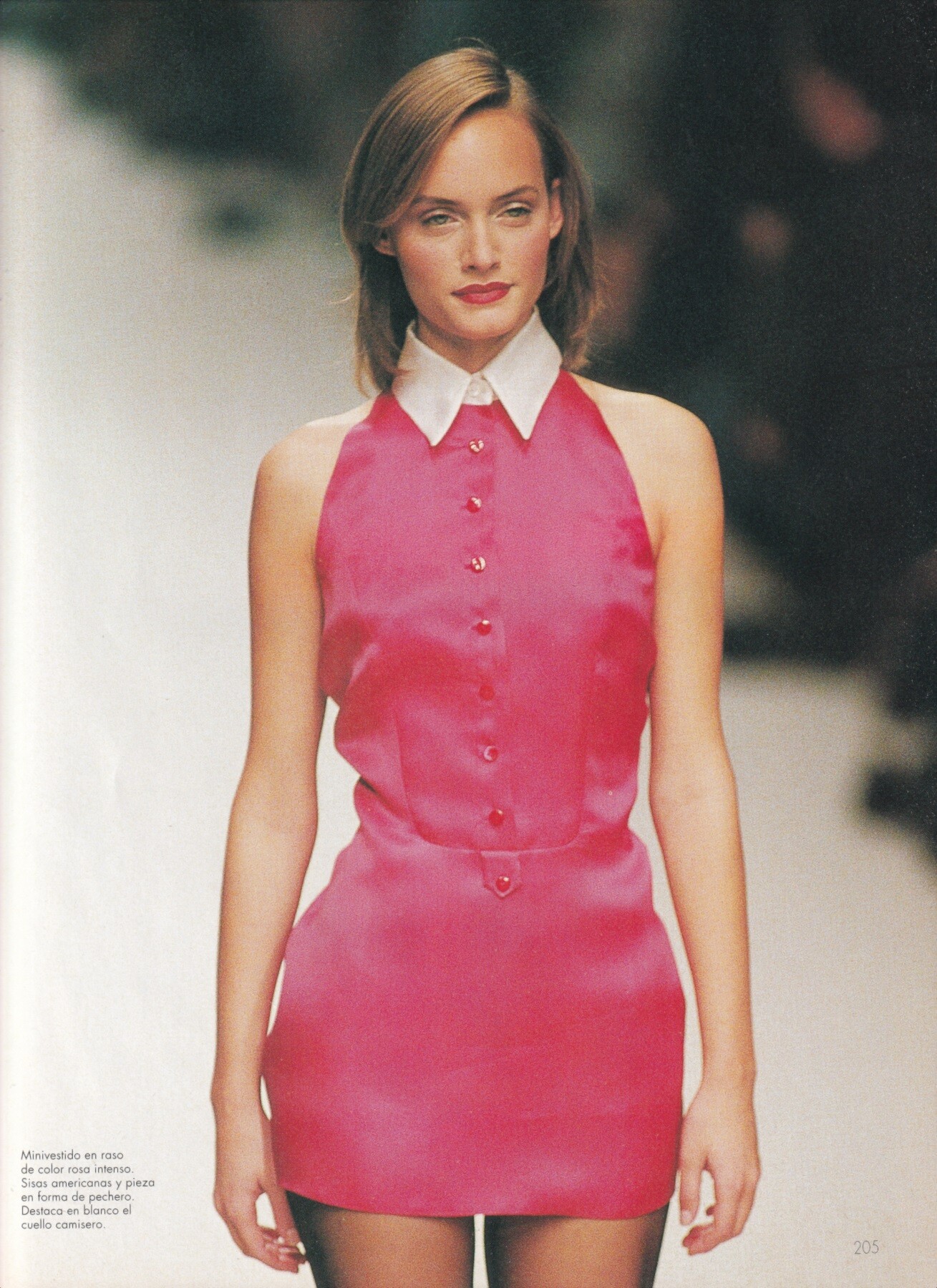
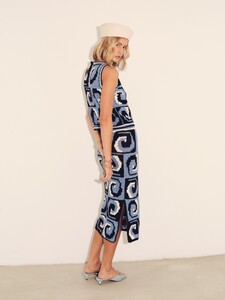 Videos missed from Australia part 3 VideosAmber Valletta for Hermes, ready-to-wear, spring/summer 1995 my scan
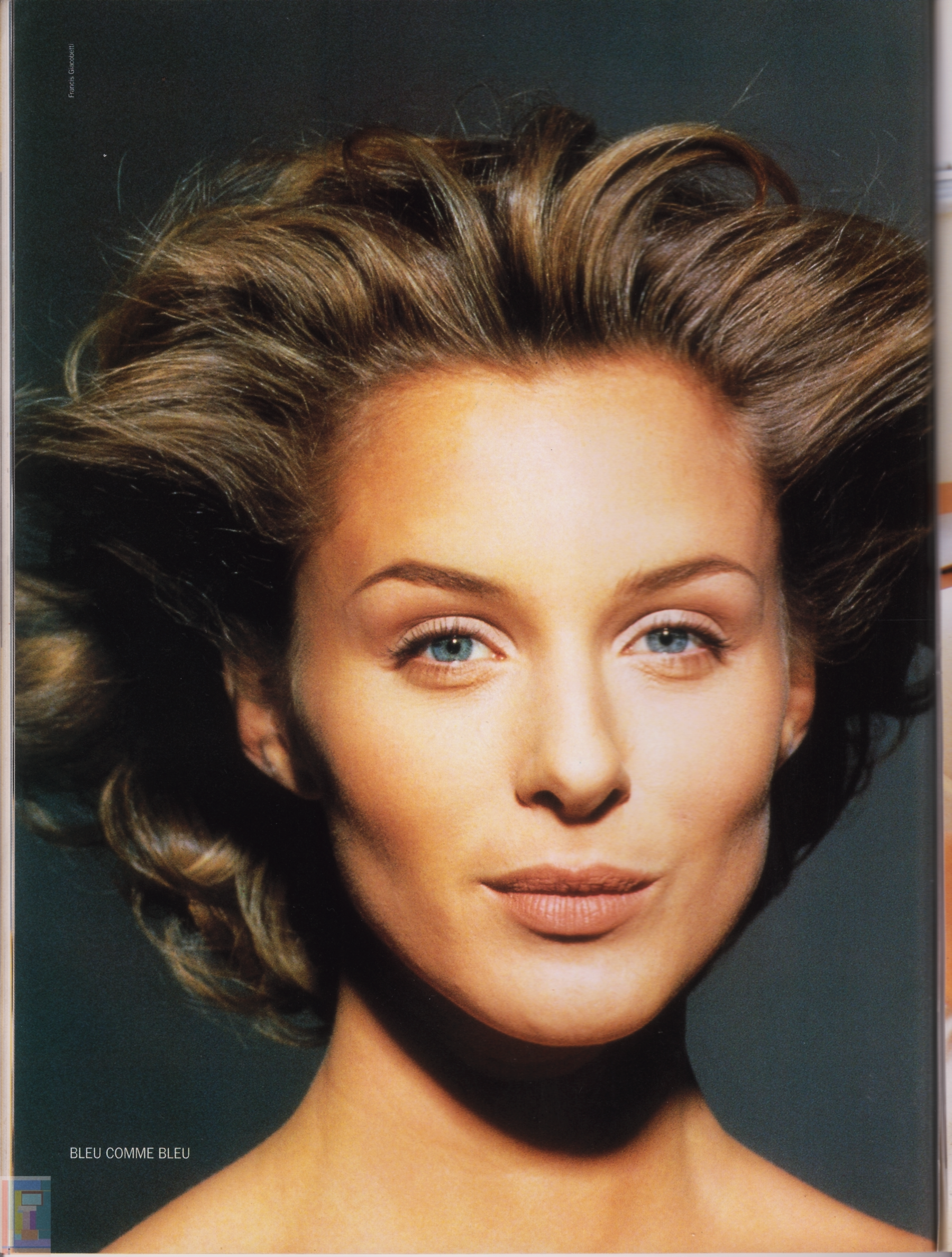
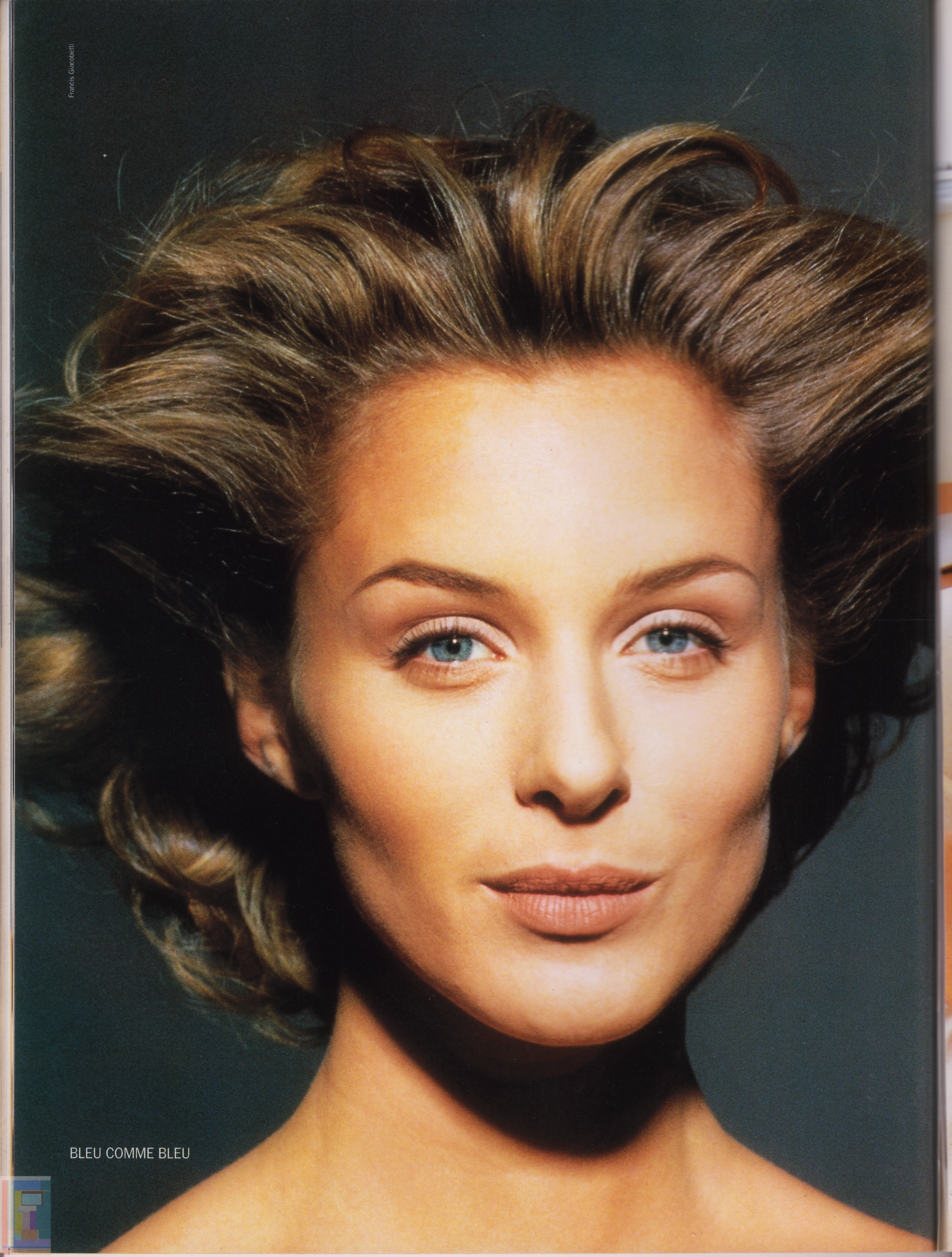
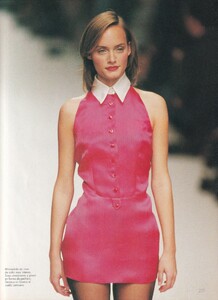 Videos missed from Australia part 2 VideosCoiffure de Paris no.1011 - Feb 1997 - my scan -
Videos missed from Australia VideosShe looks great, but what she did to Jack Bauer was goddamn awful.Video
Videos missed from Australia part 2 VideosCoiffure de Paris no.1011 - Feb 1997 - my scan -
Videos missed from Australia VideosShe looks great, but what she did to Jack Bauer was goddamn awful.Video Urban Outfitters
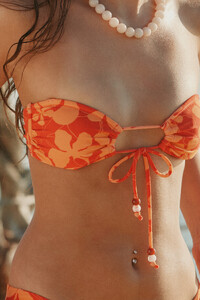
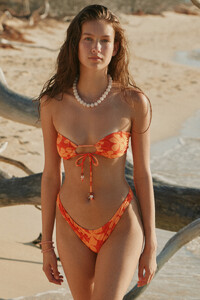
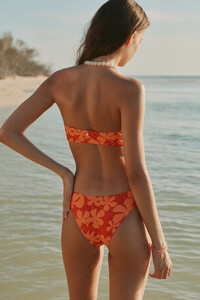
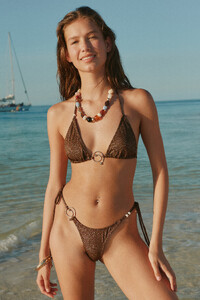
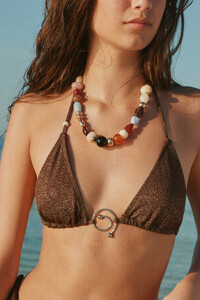
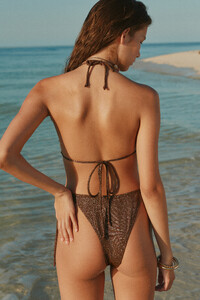
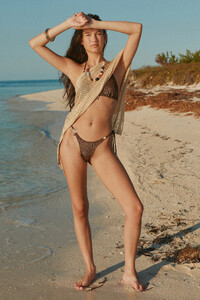
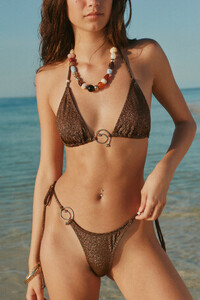
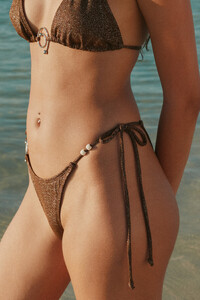
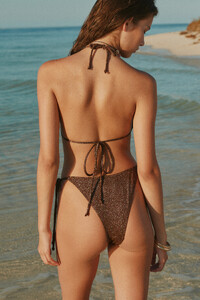
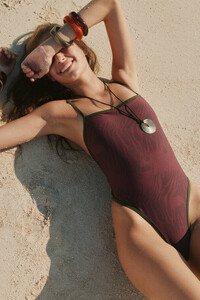
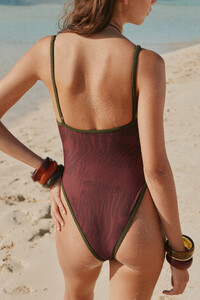
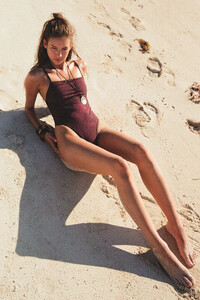
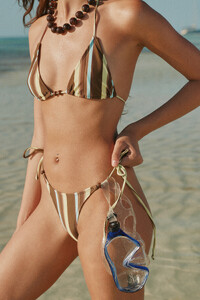
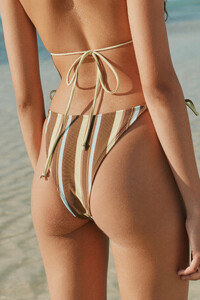
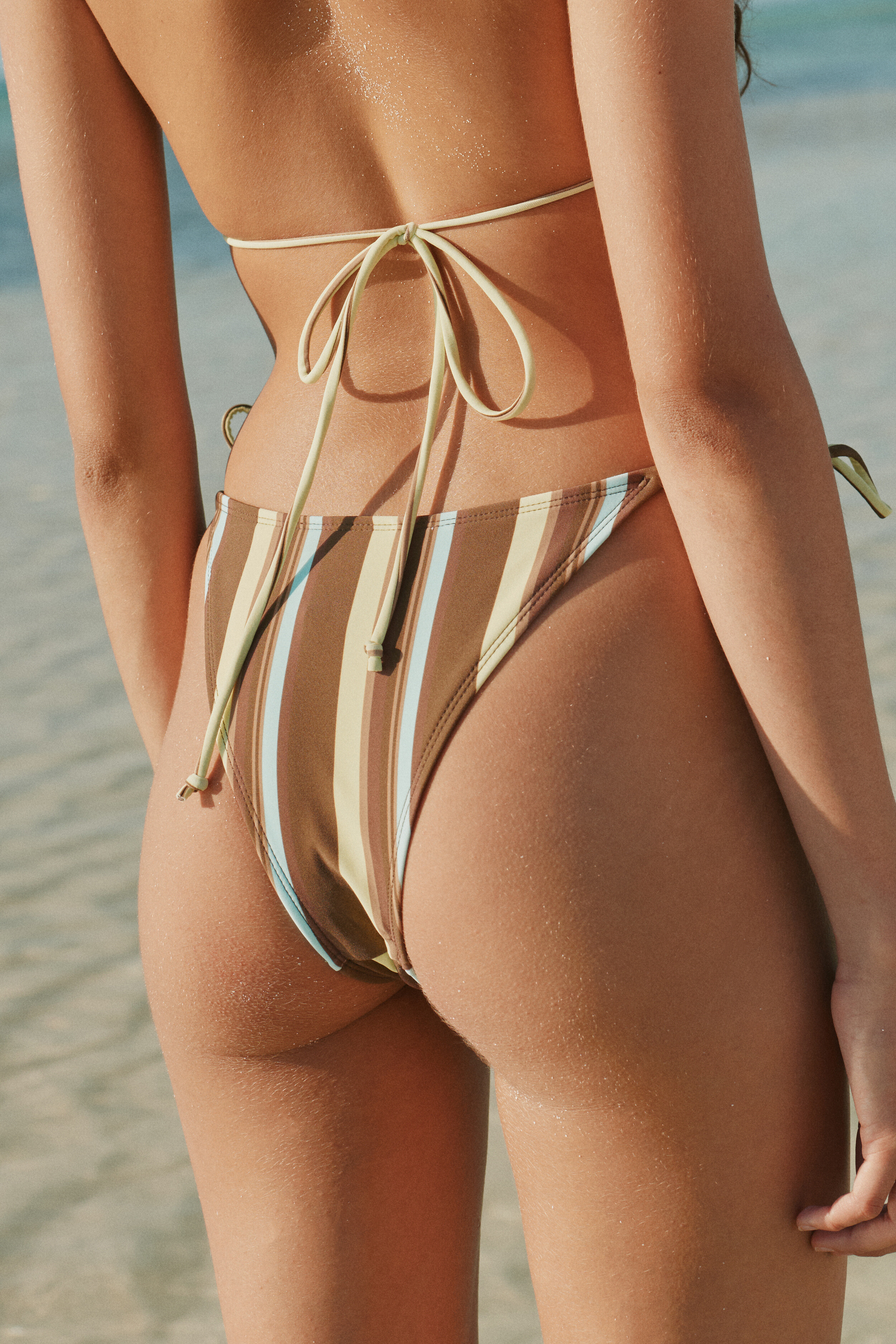
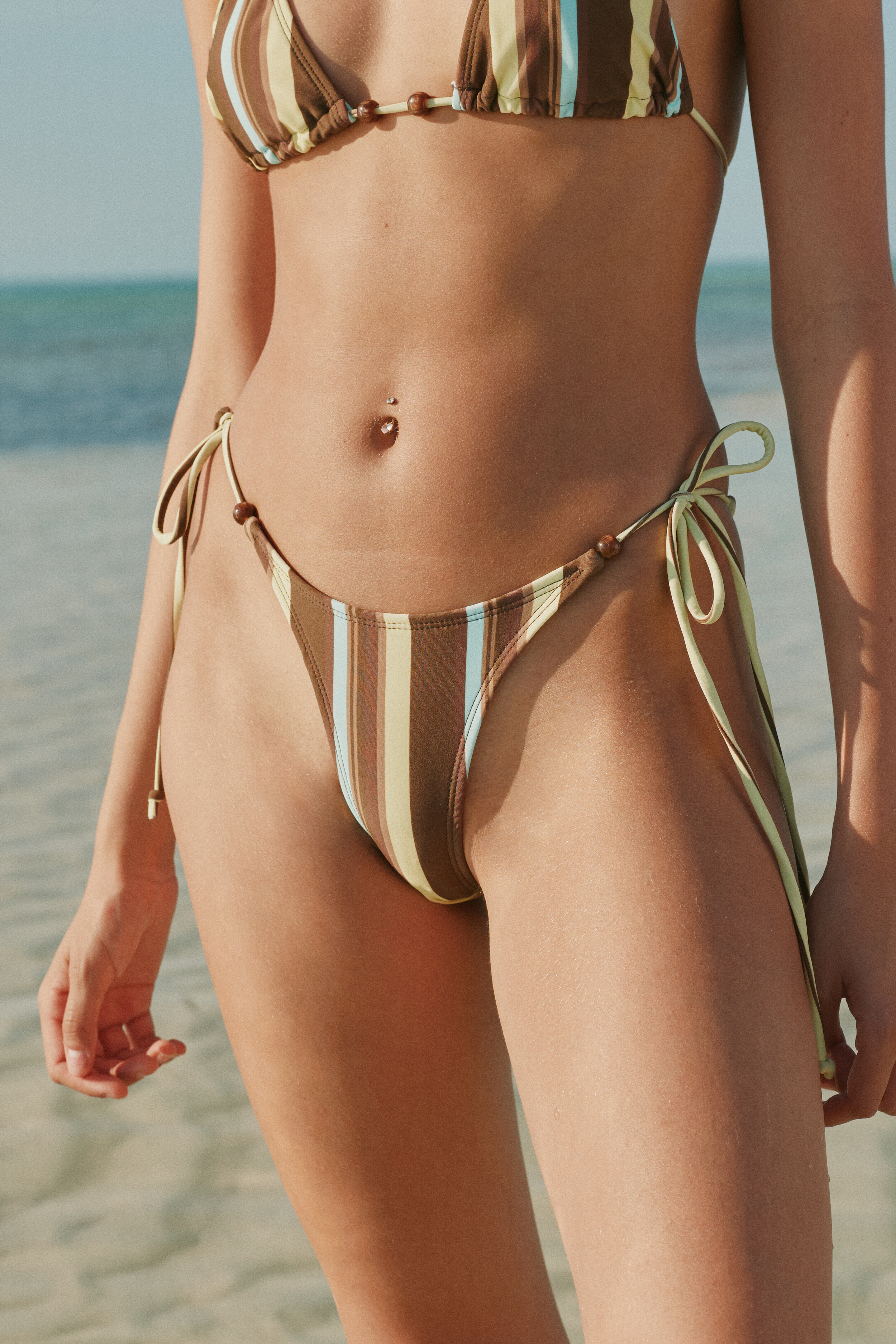
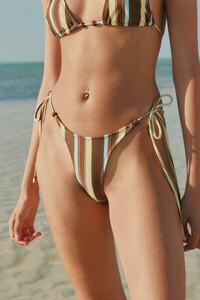 https://www.instagram.com/p/DWGx-A0gp3y/?img_index=1&igsh=cG1lZmZkdjFwZHZ Slightly better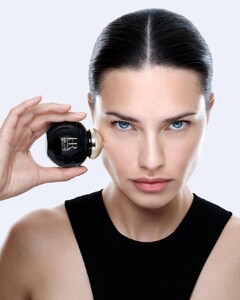
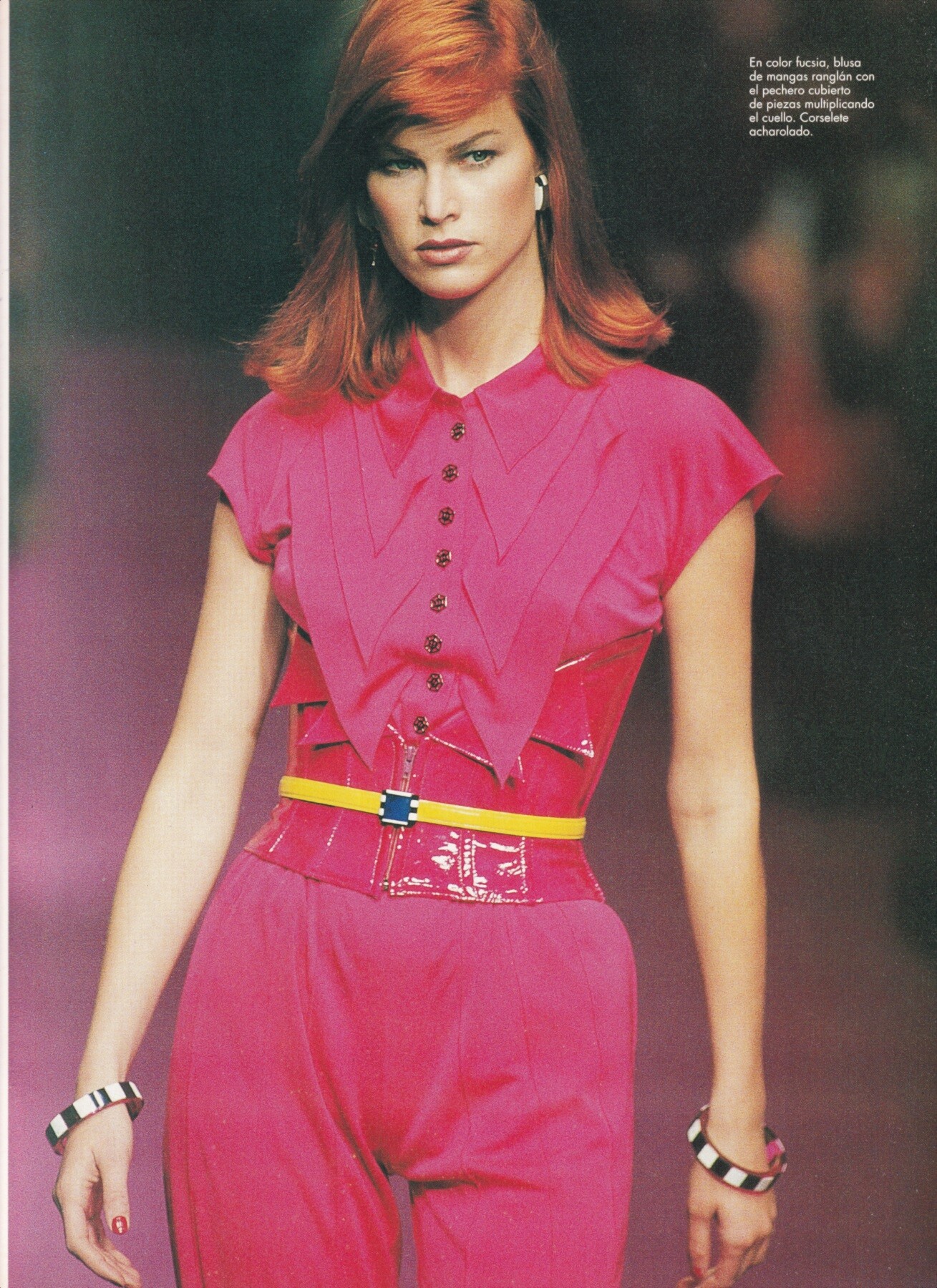
 Verox joined the communityMeghan Douglas for Karl Lagerfeld, ready-to-wear, spring/summer 1995 my scan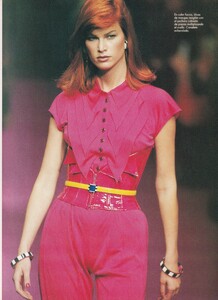









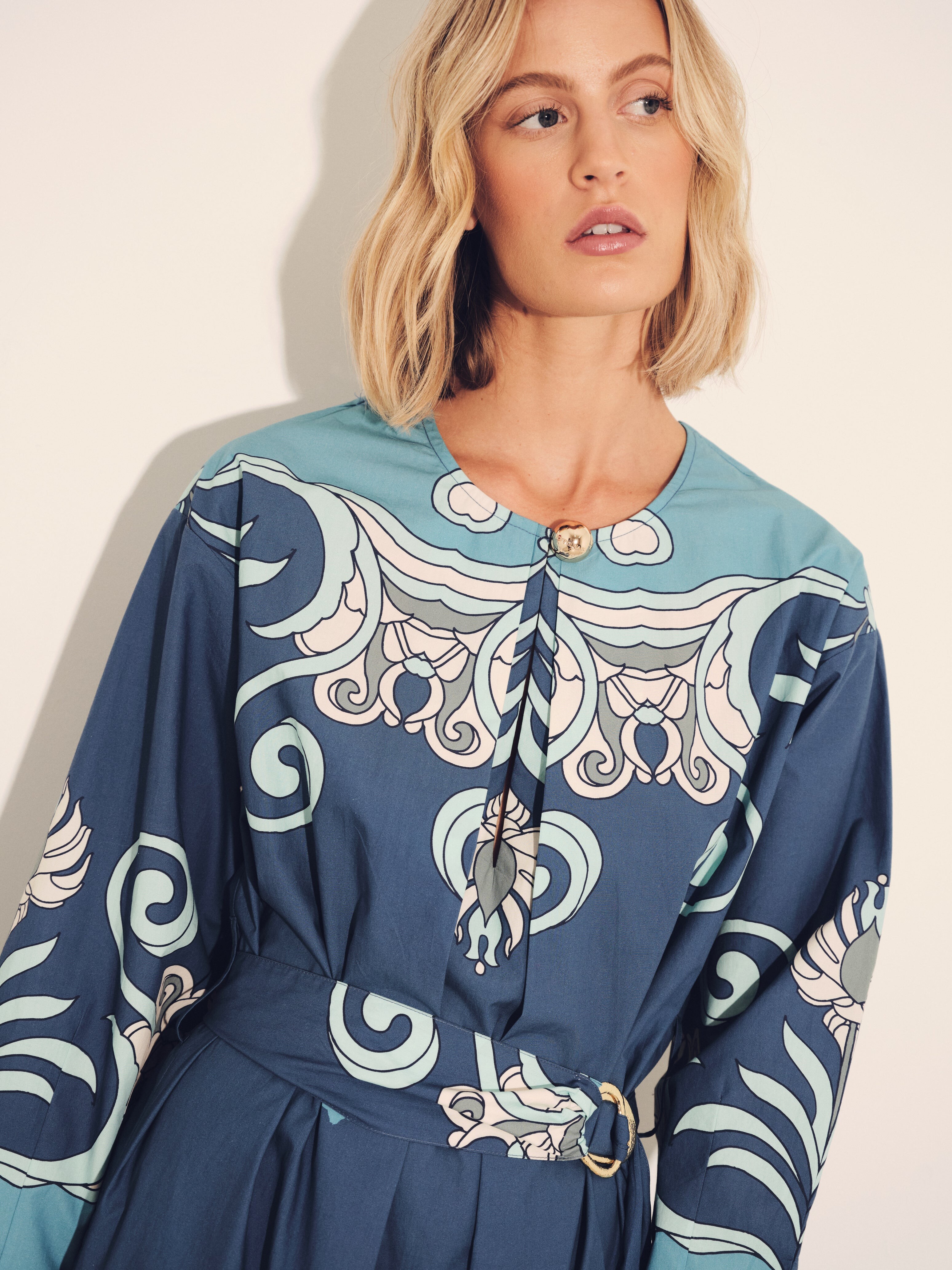
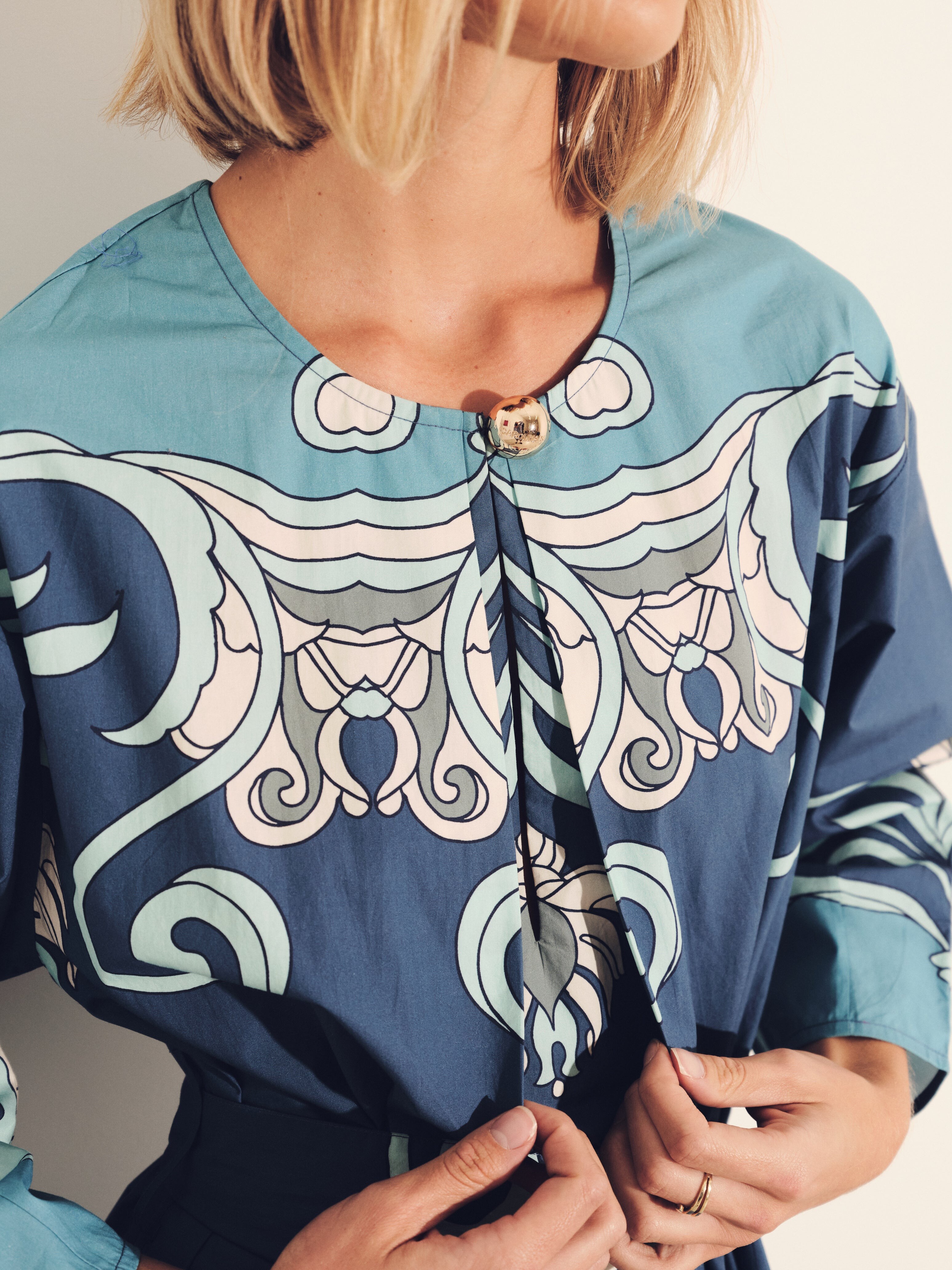
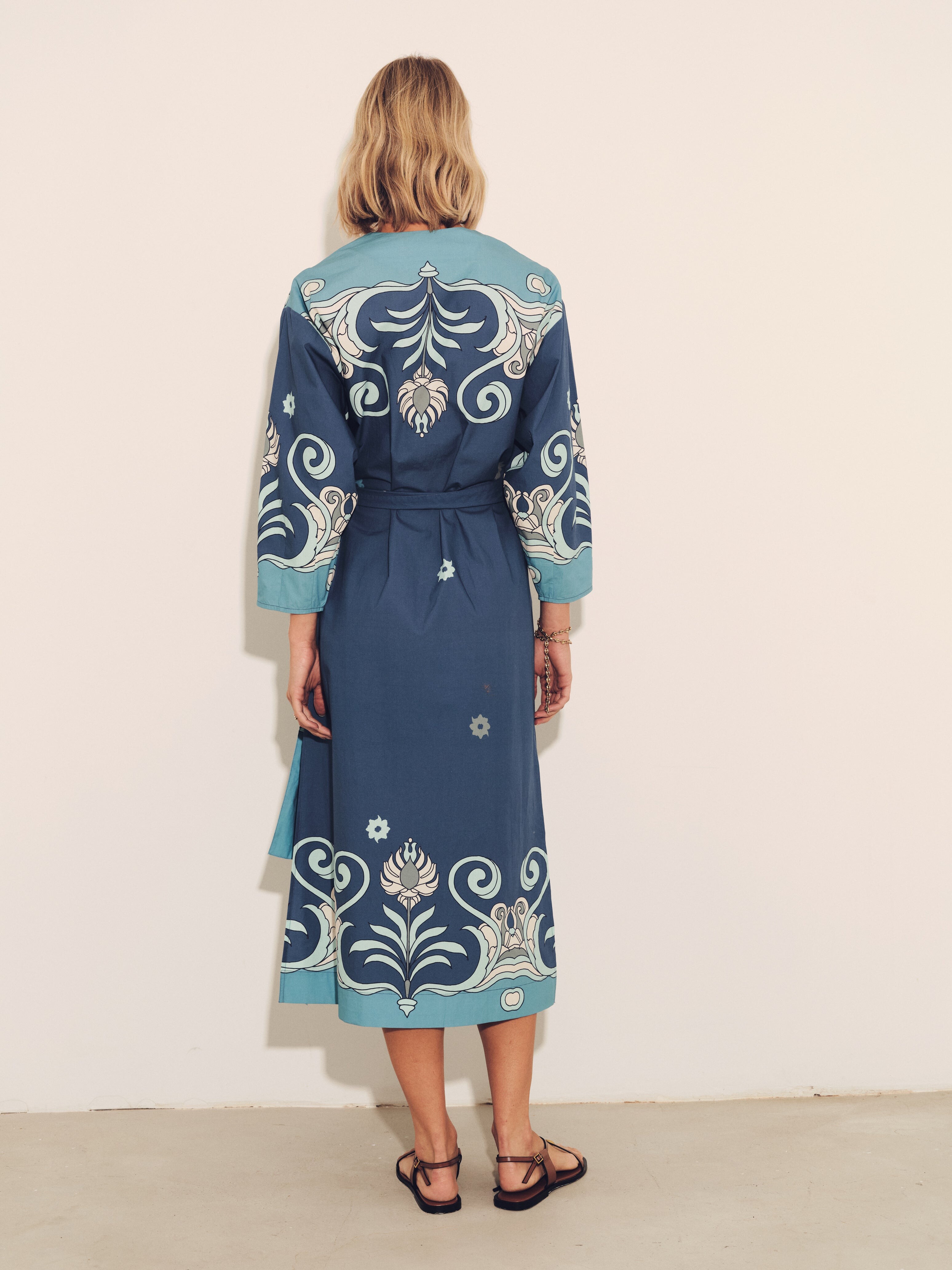
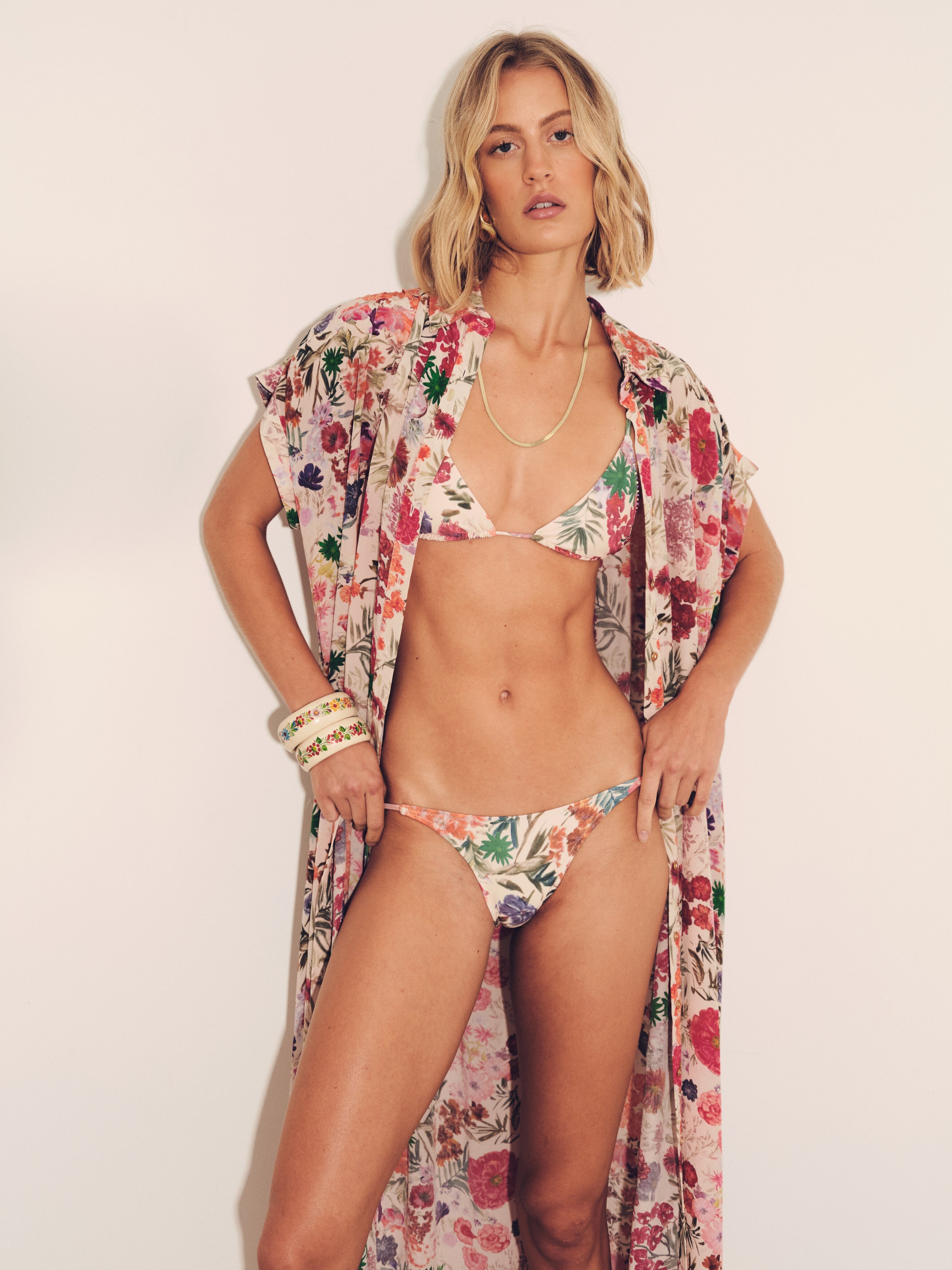
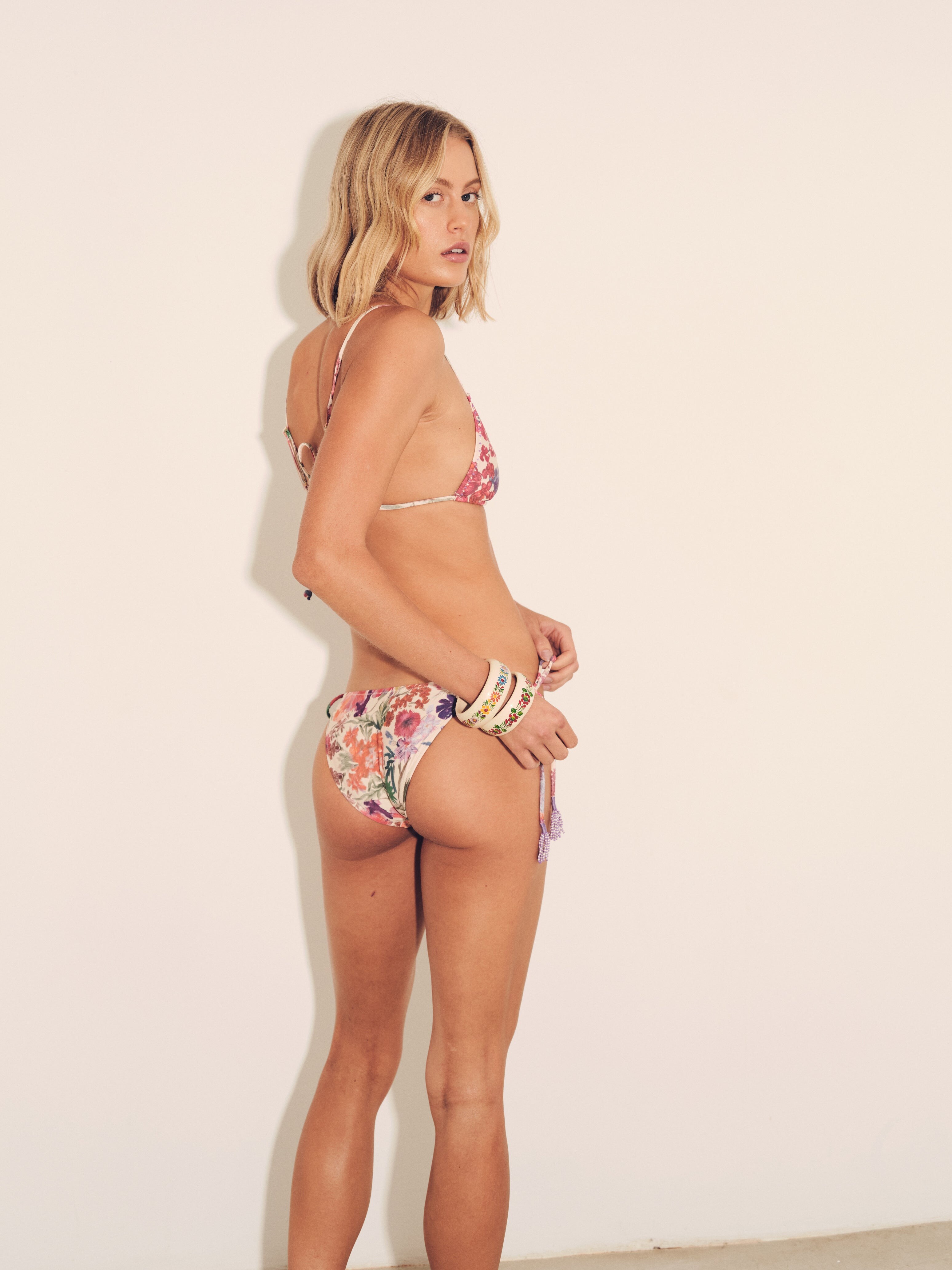
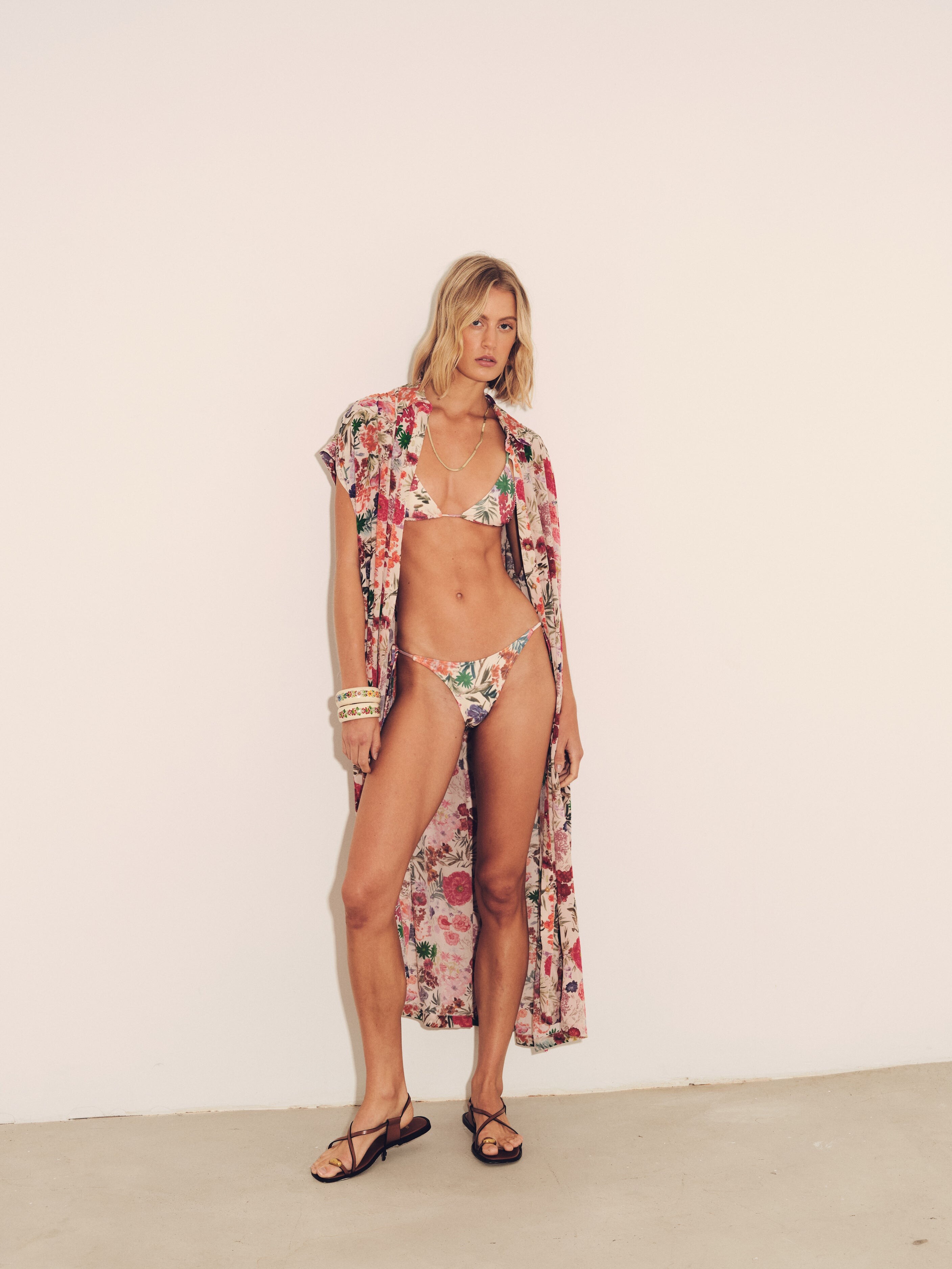
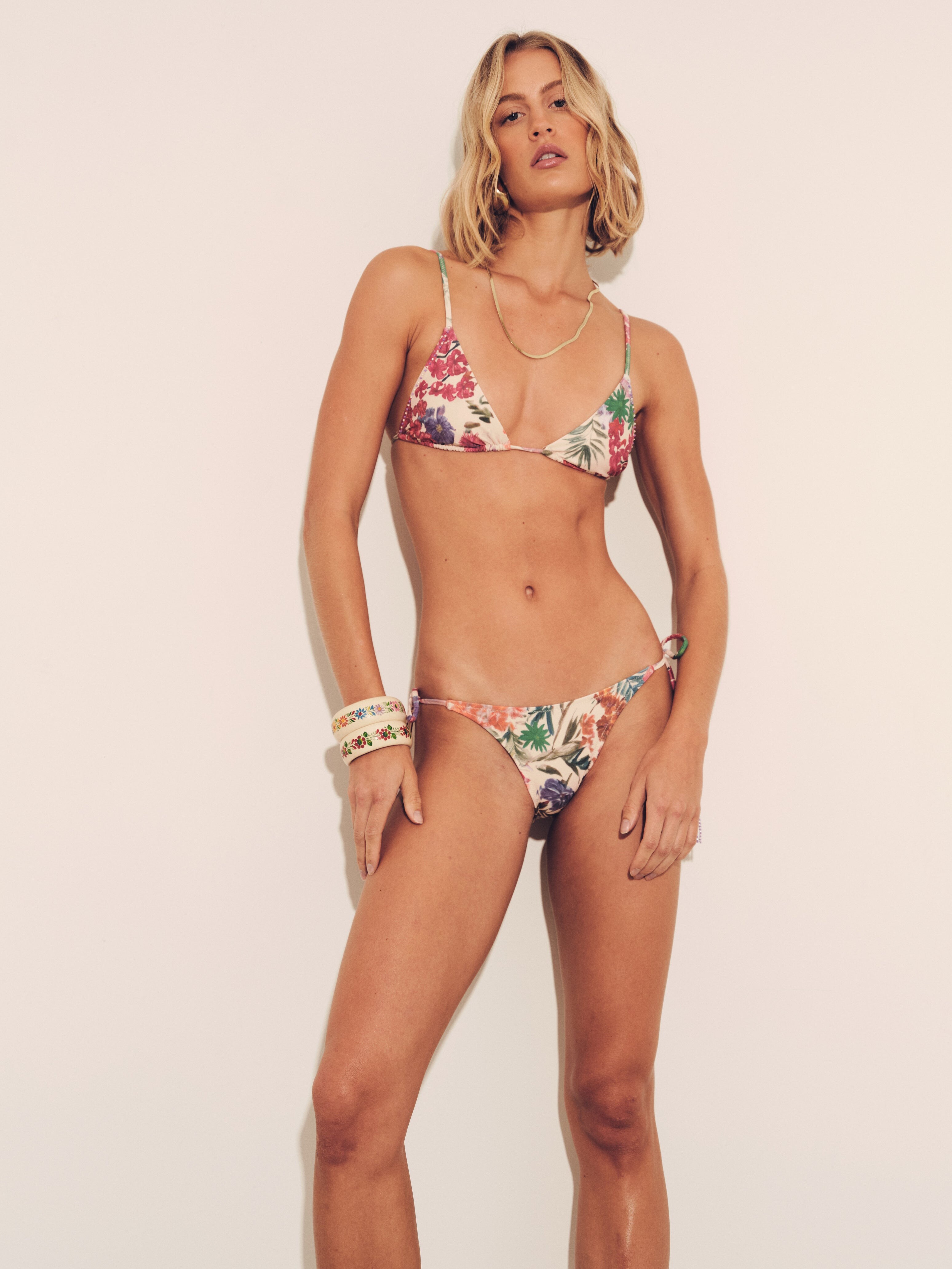
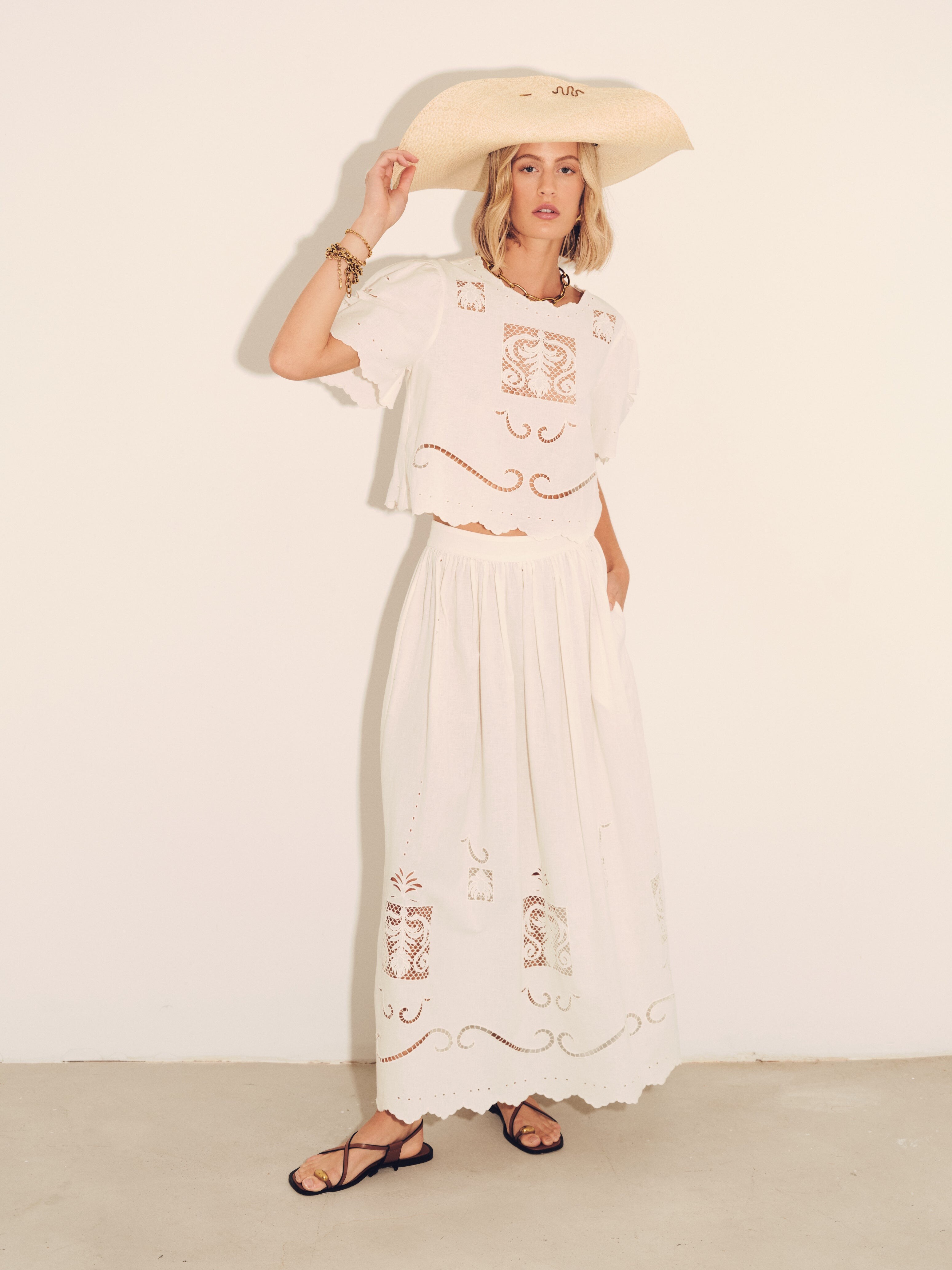
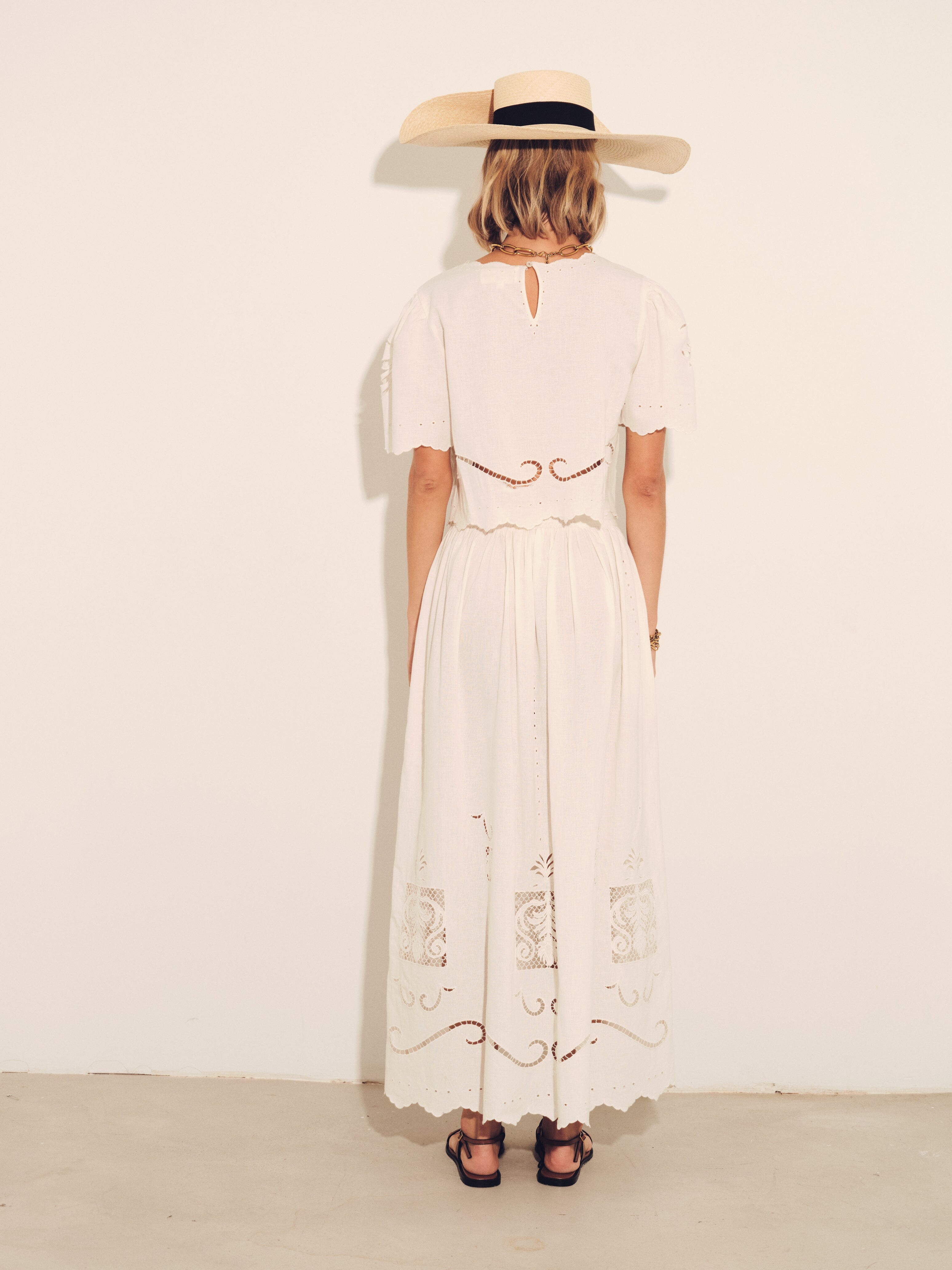
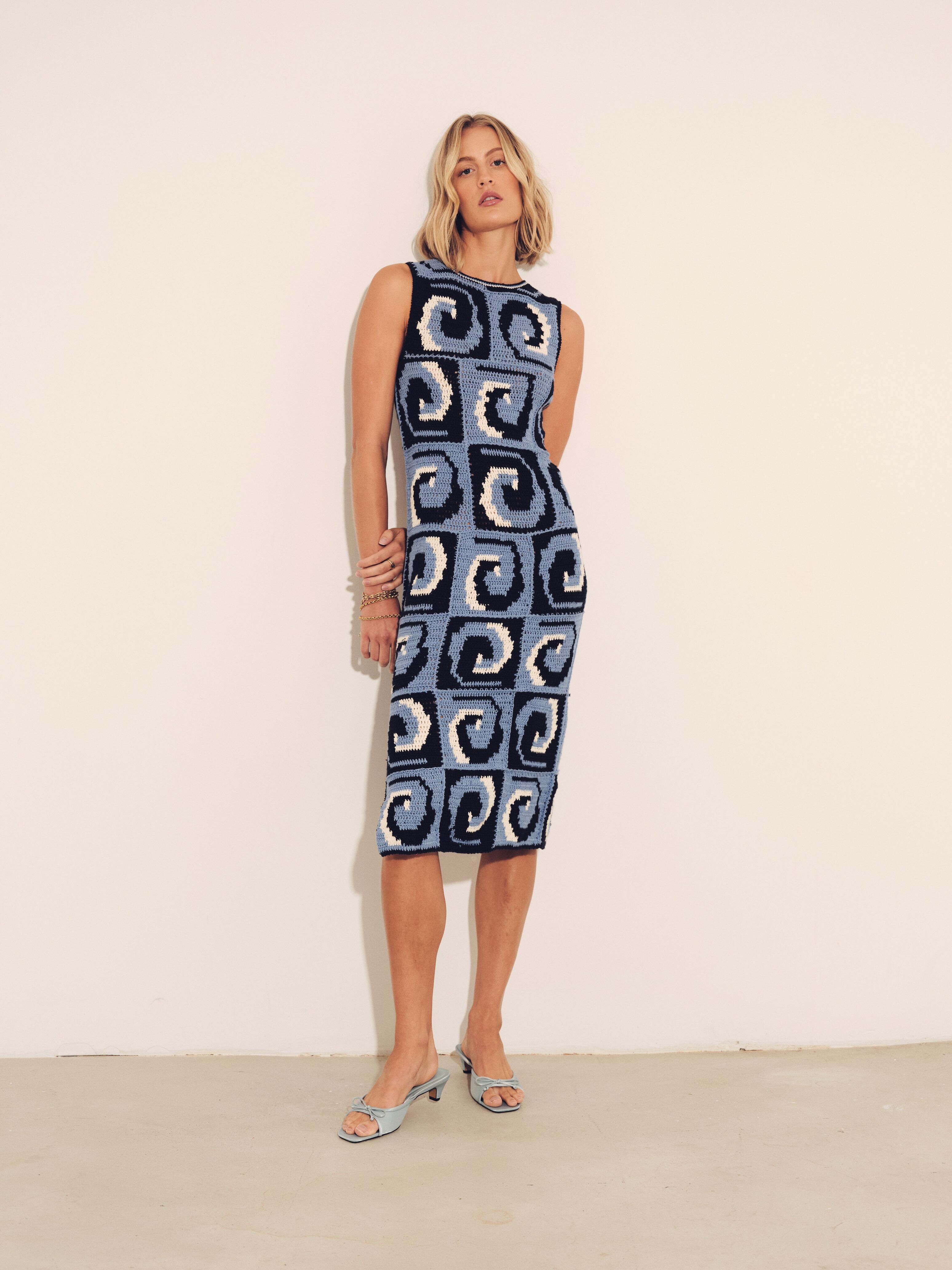
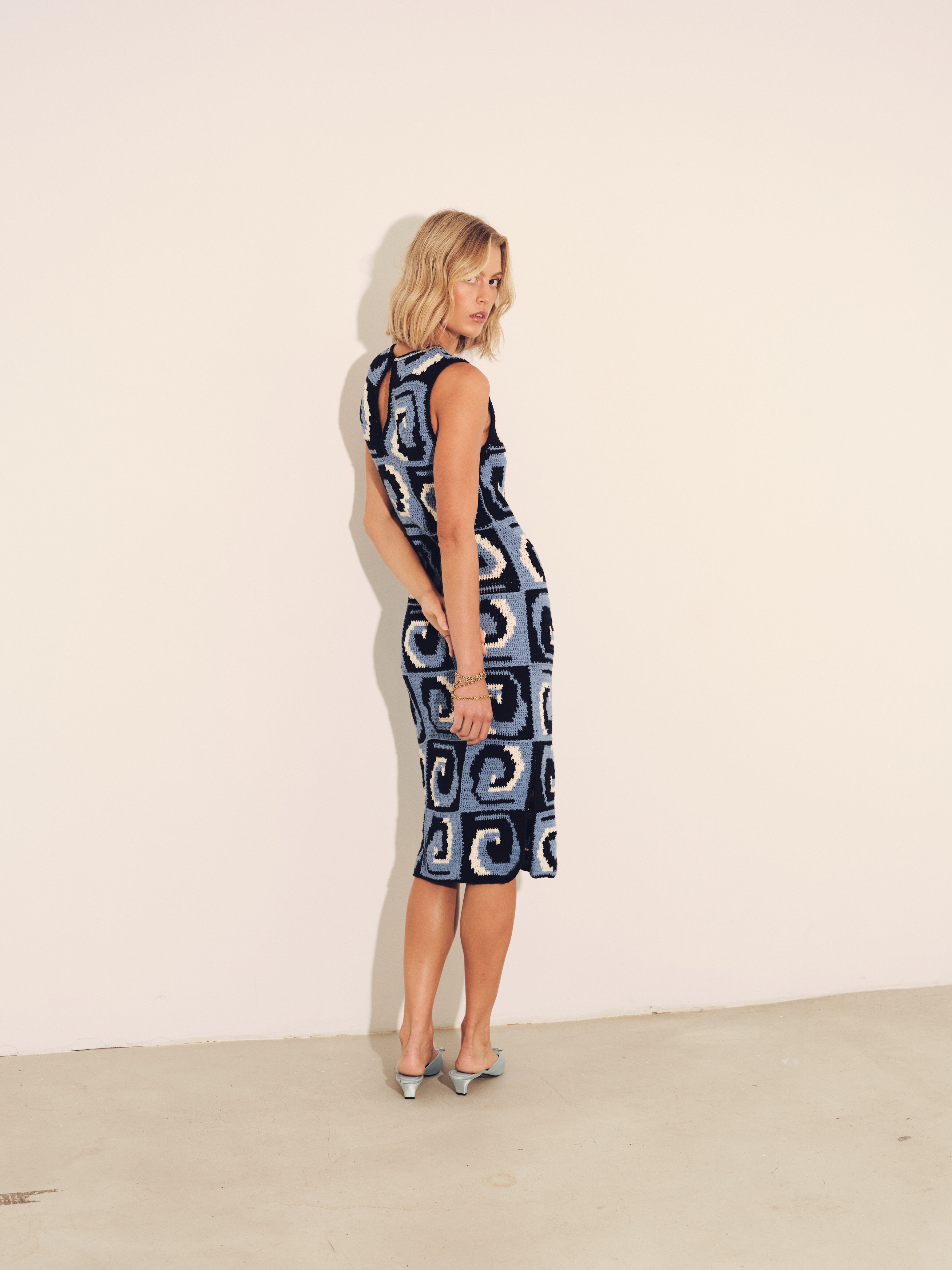
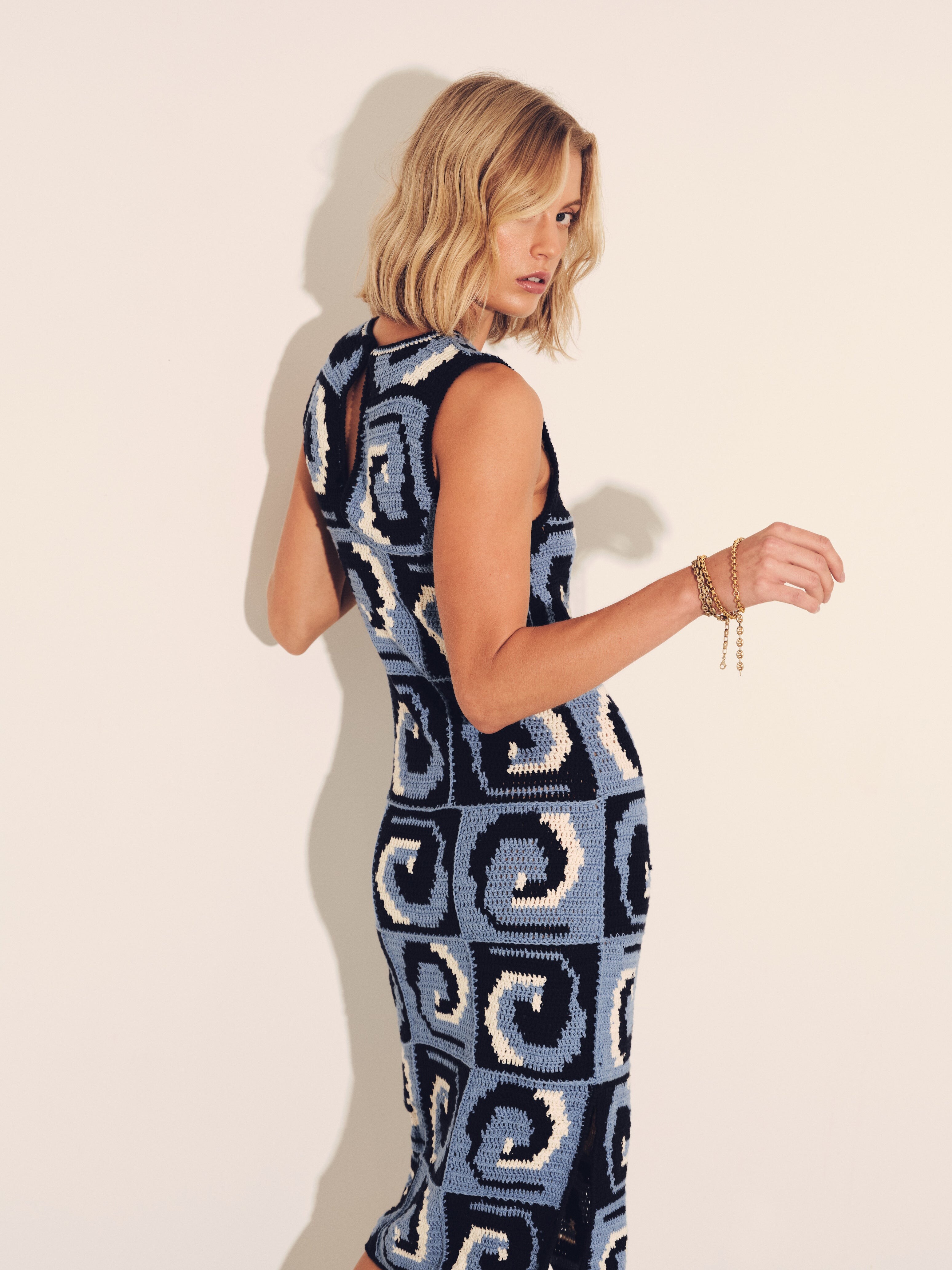
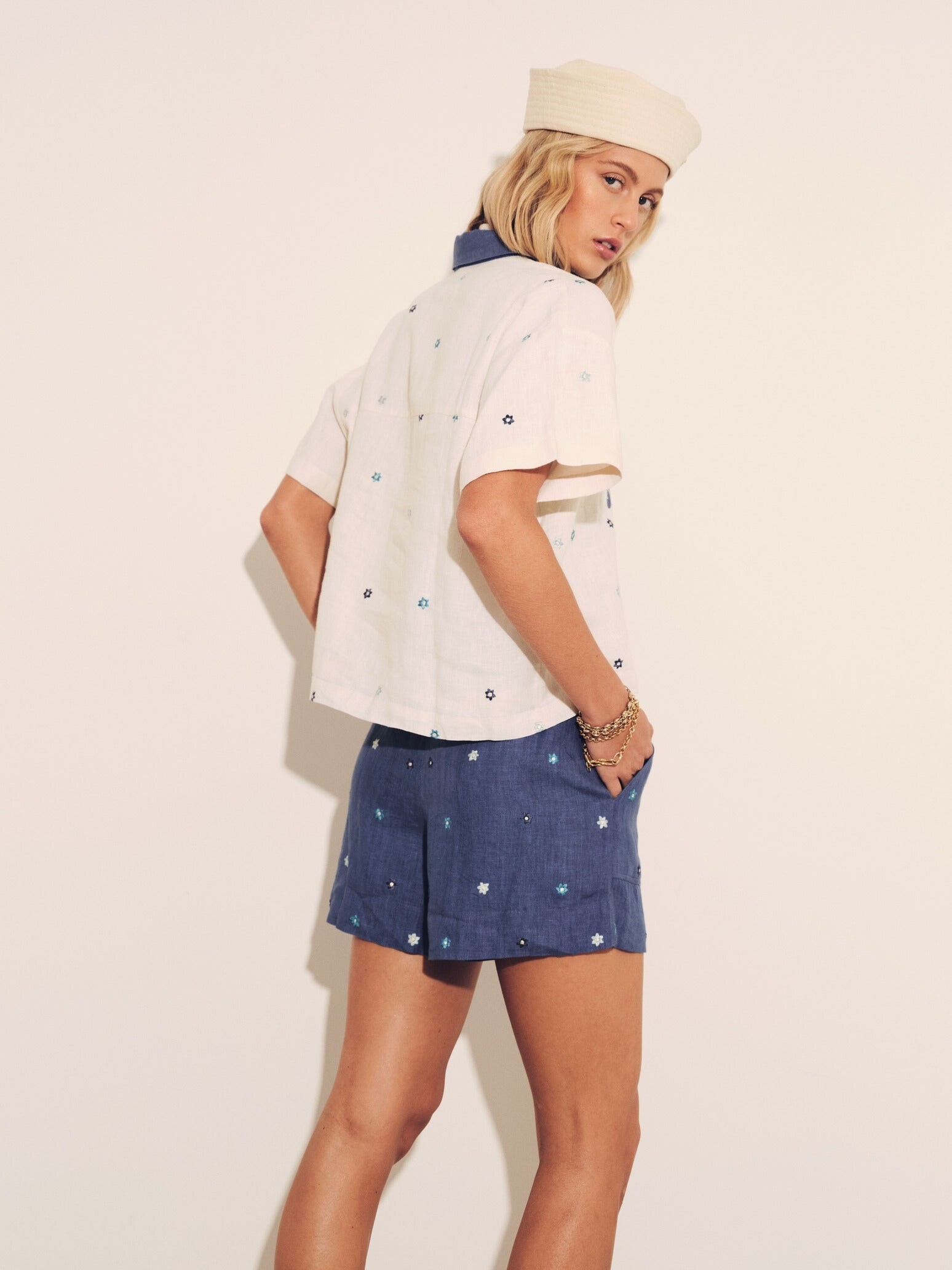
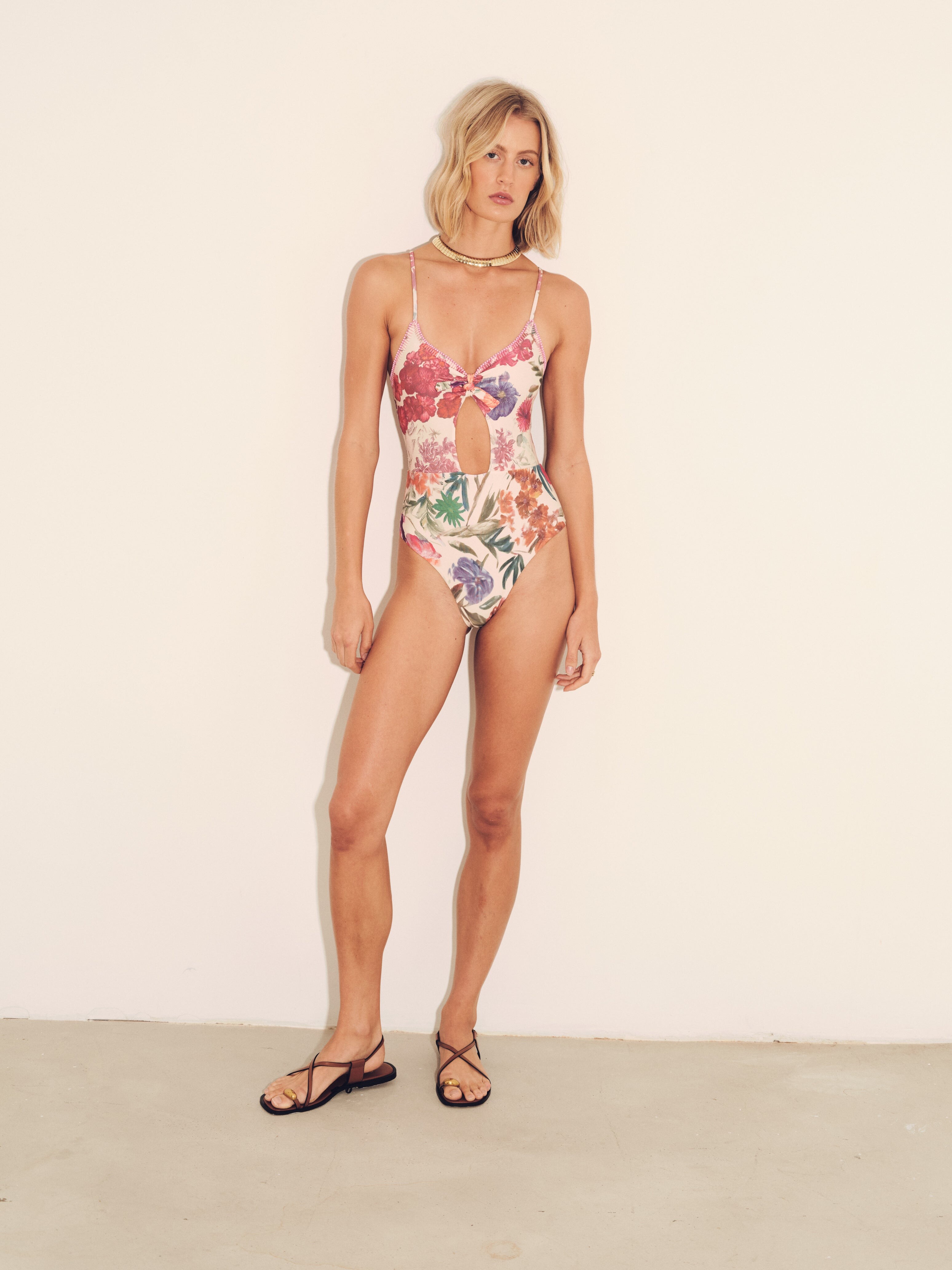
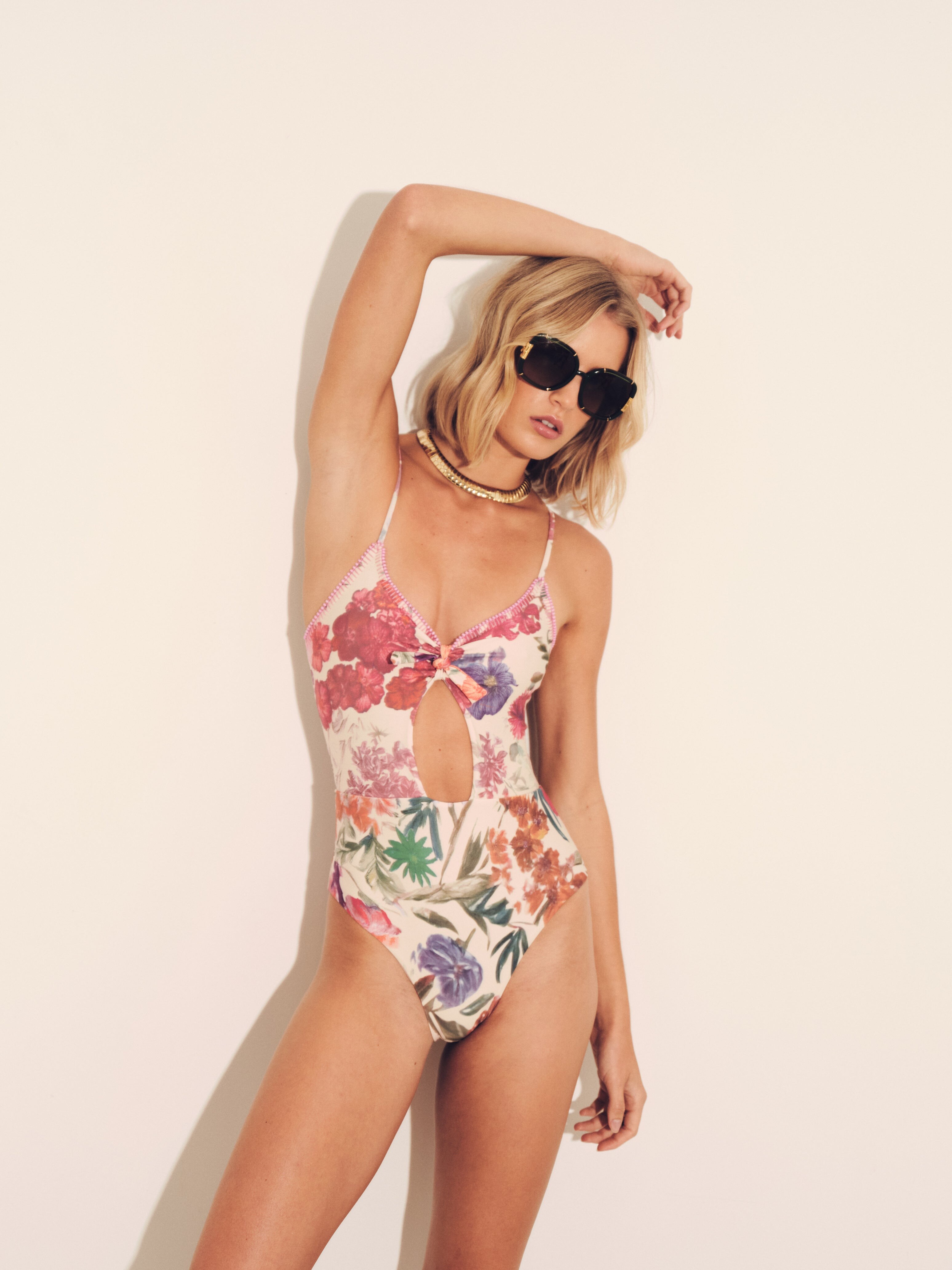
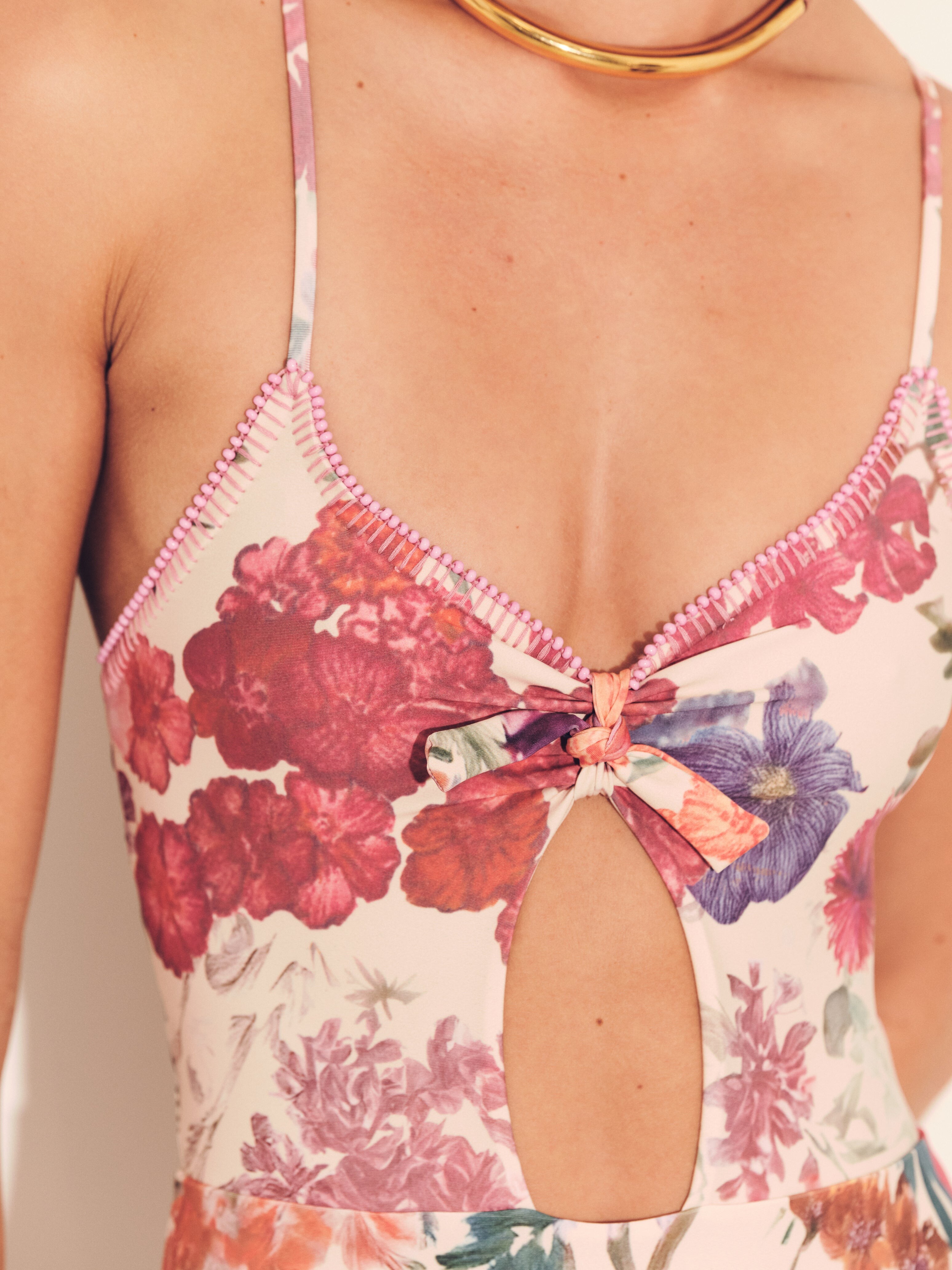
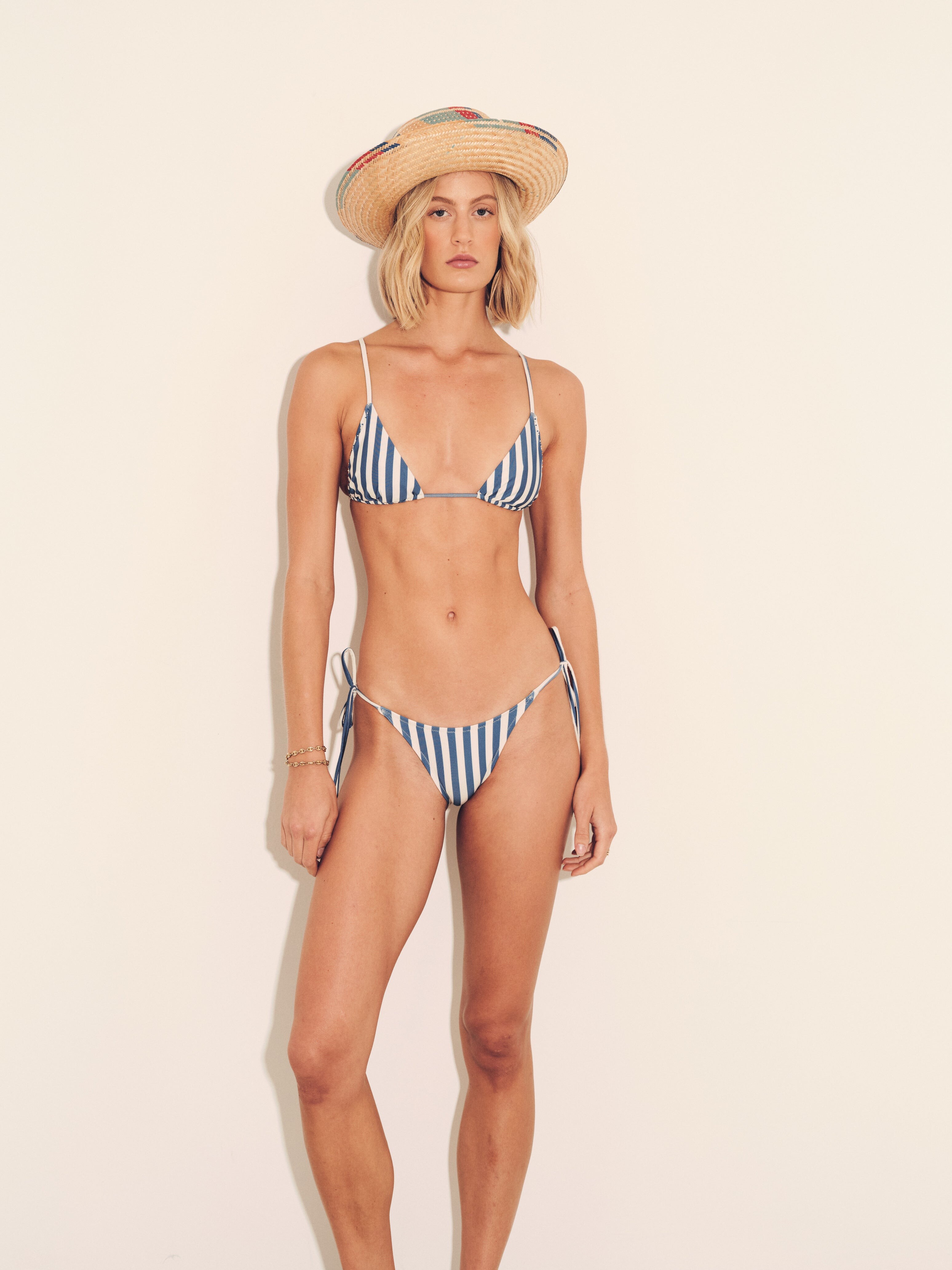
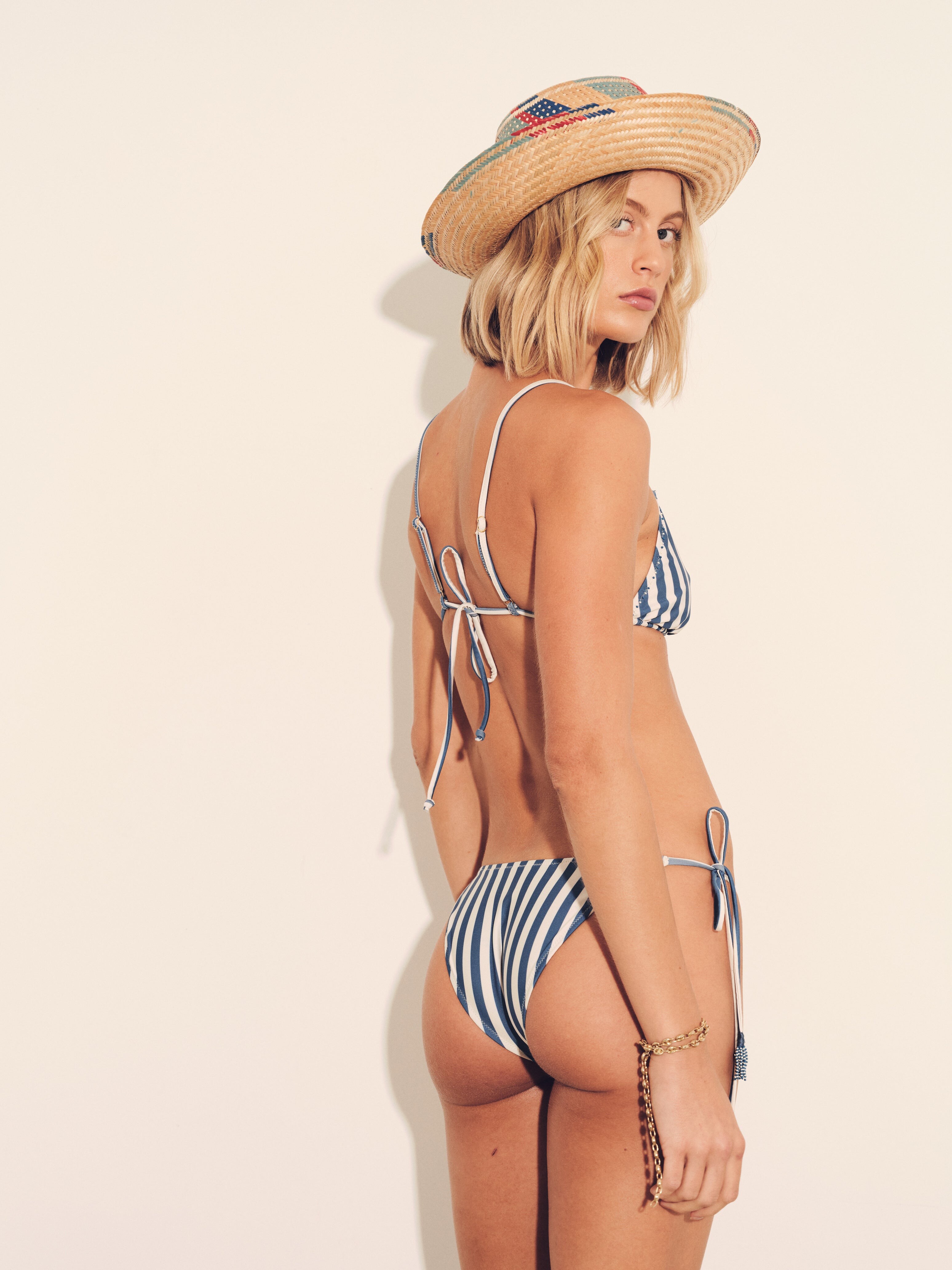
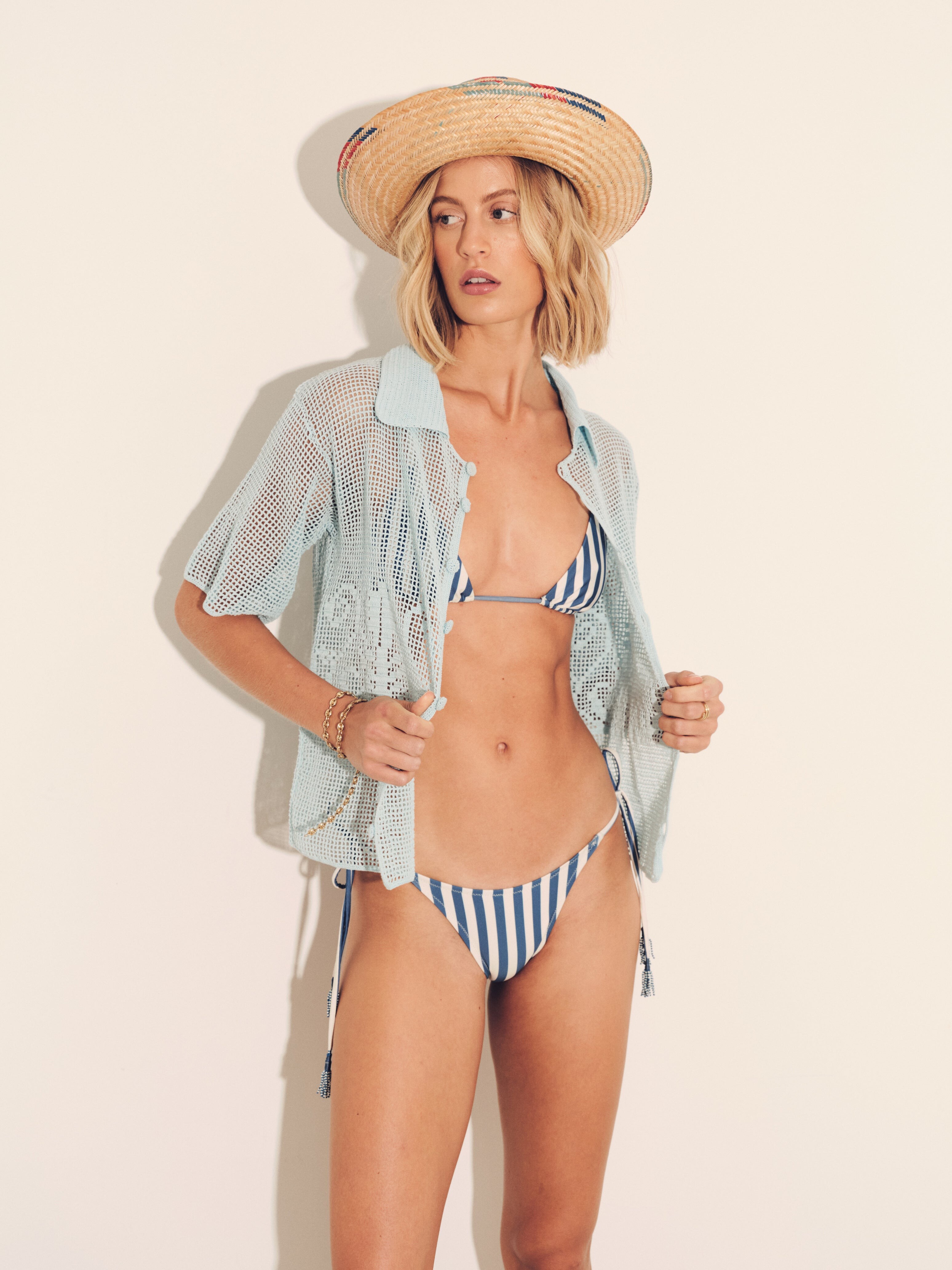
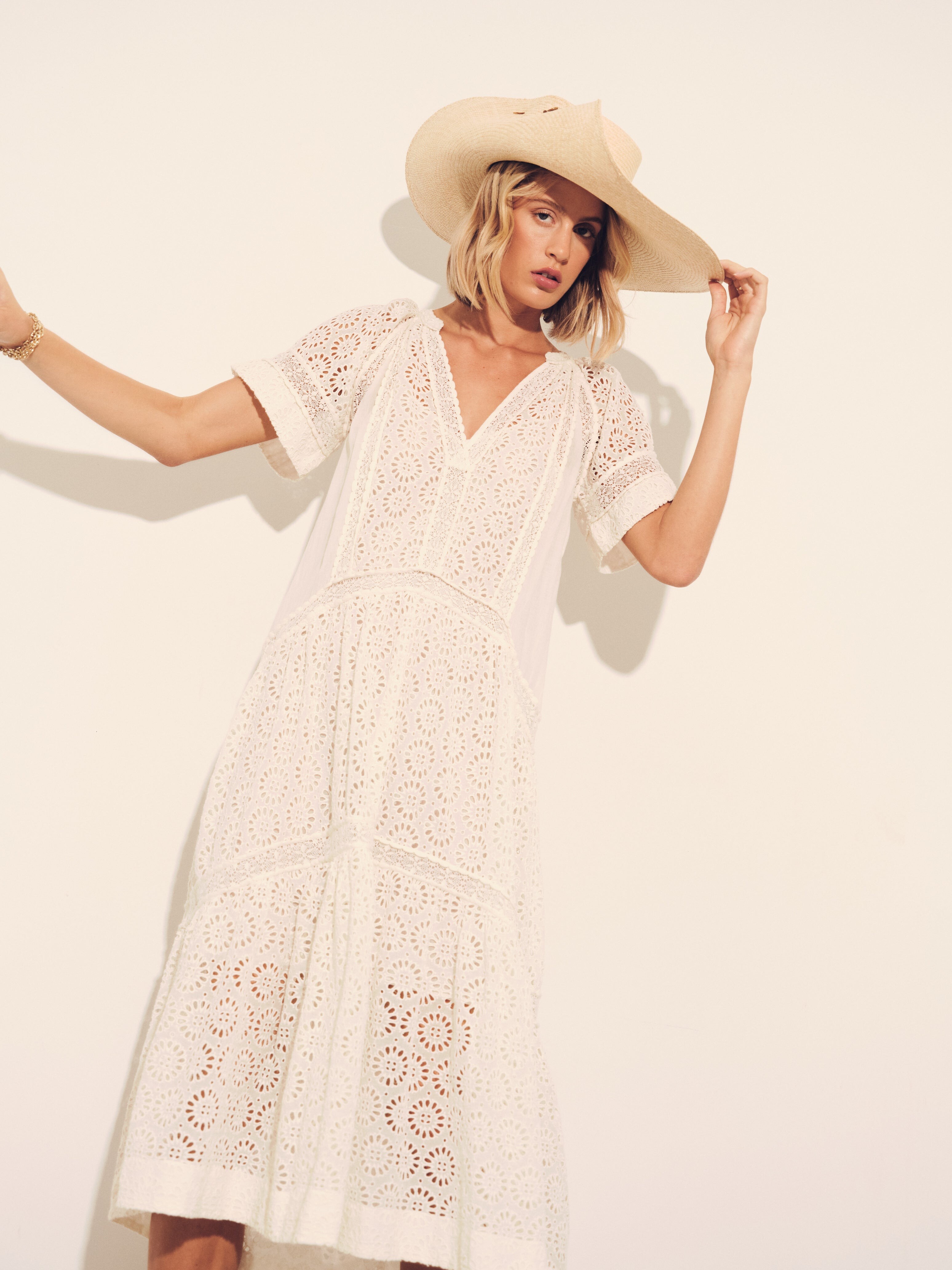
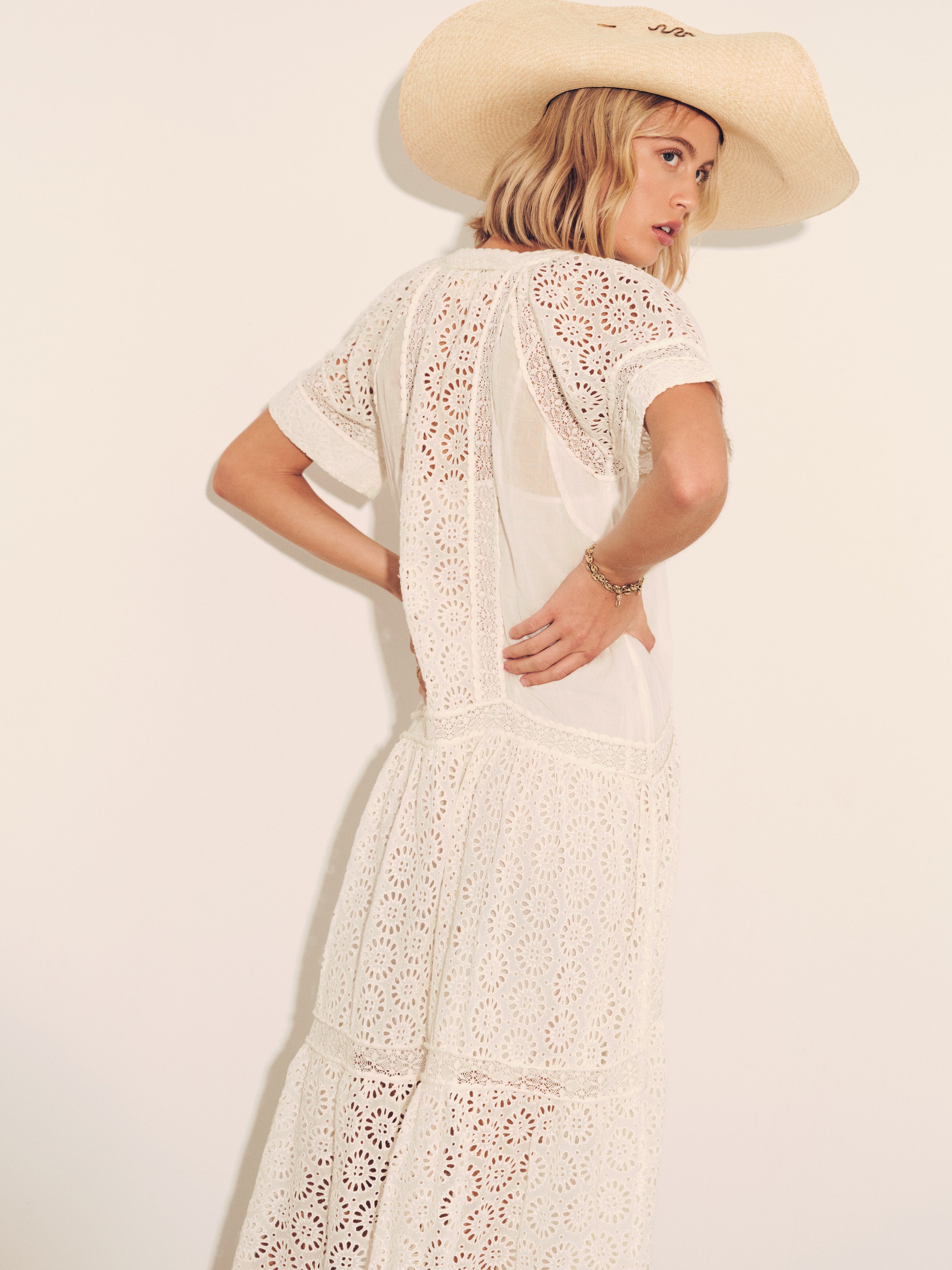
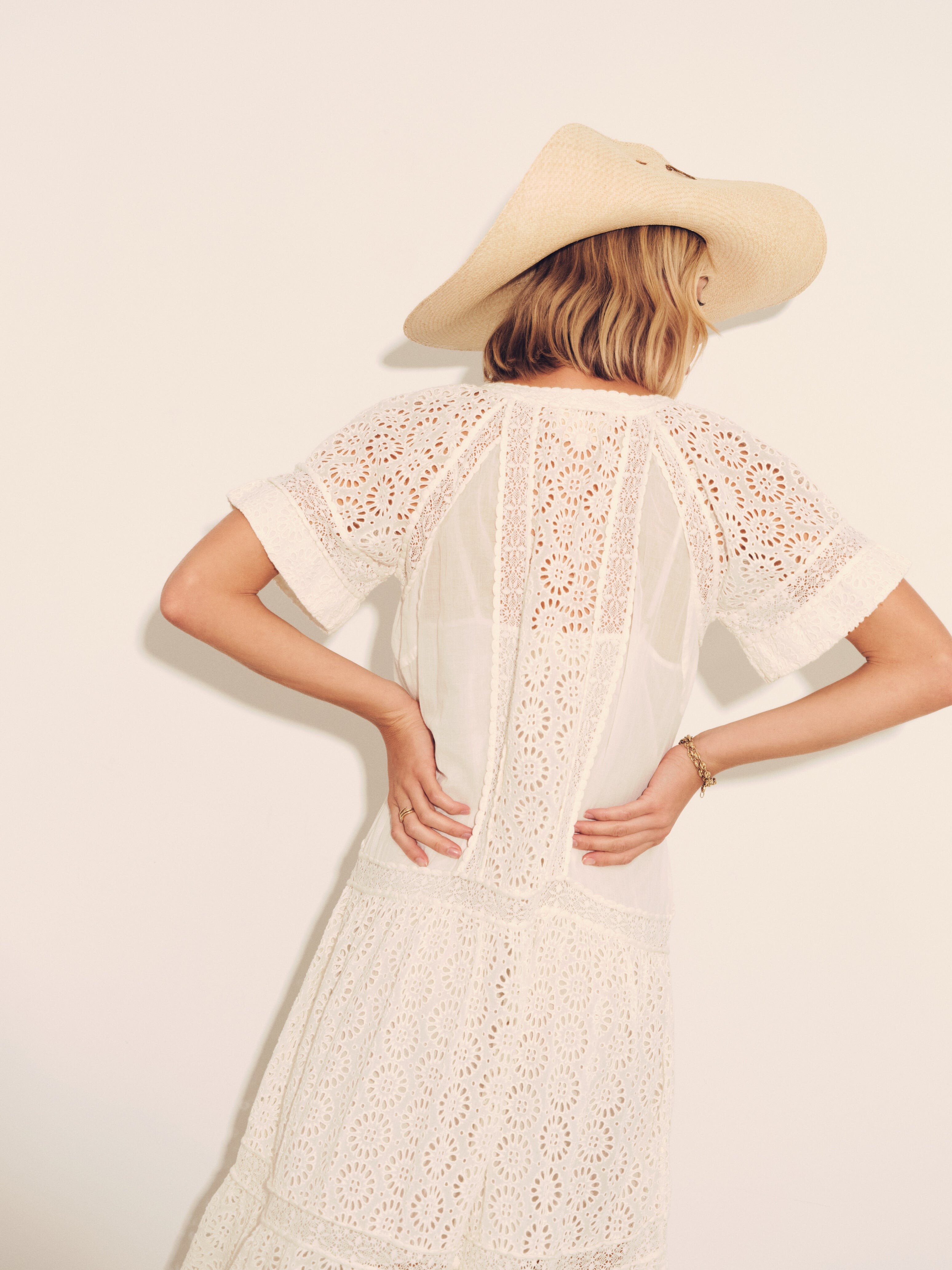
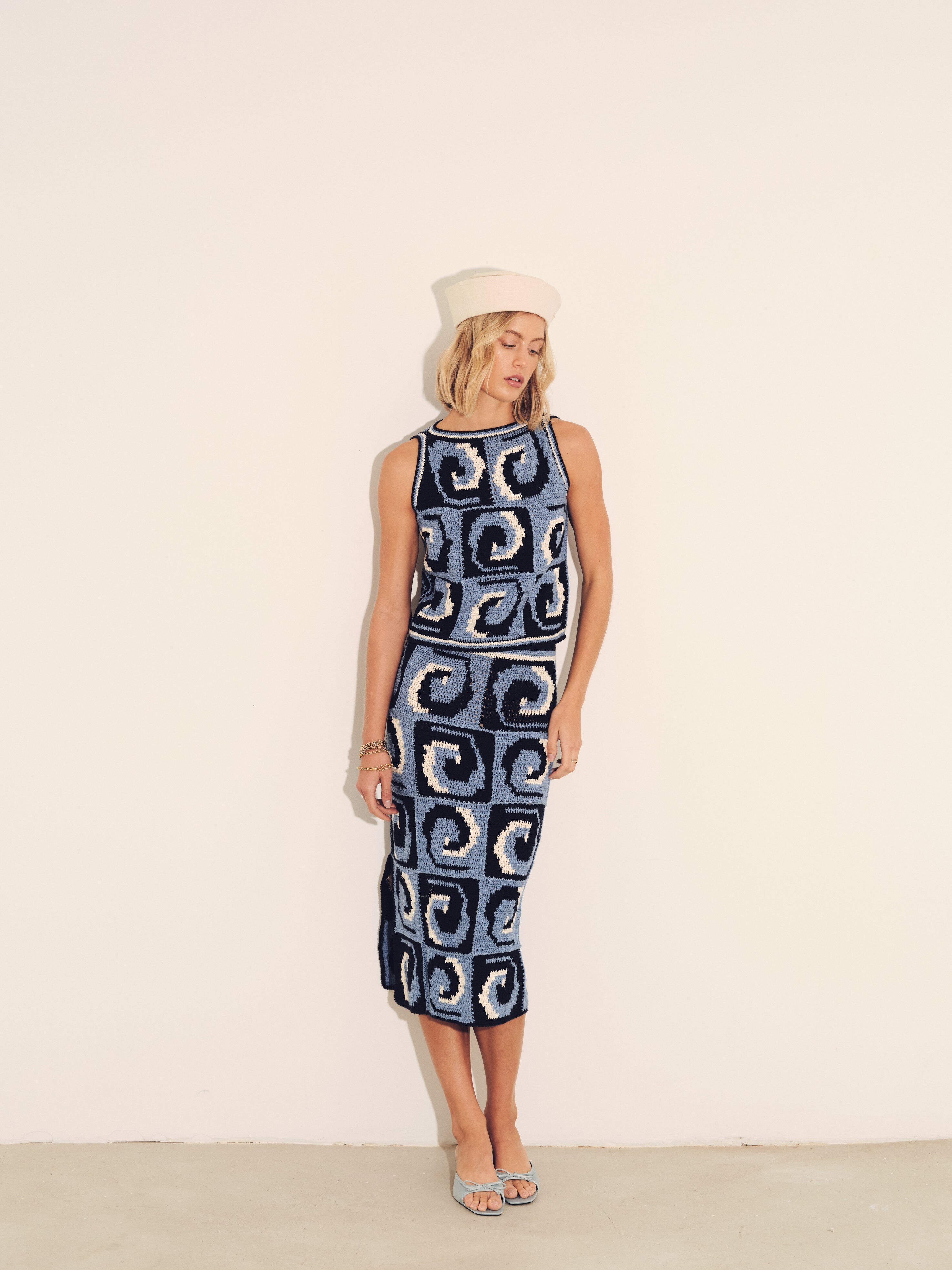
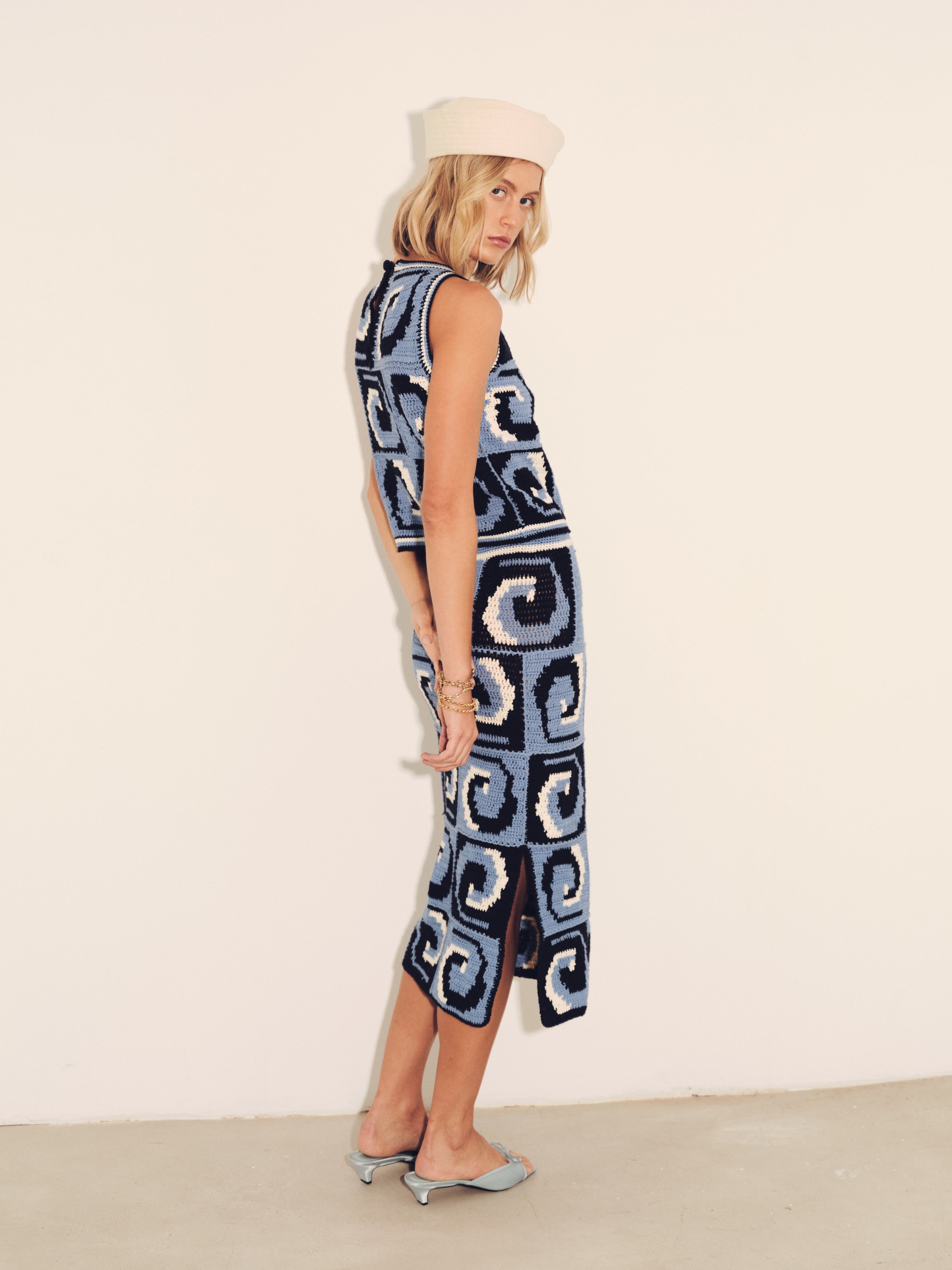





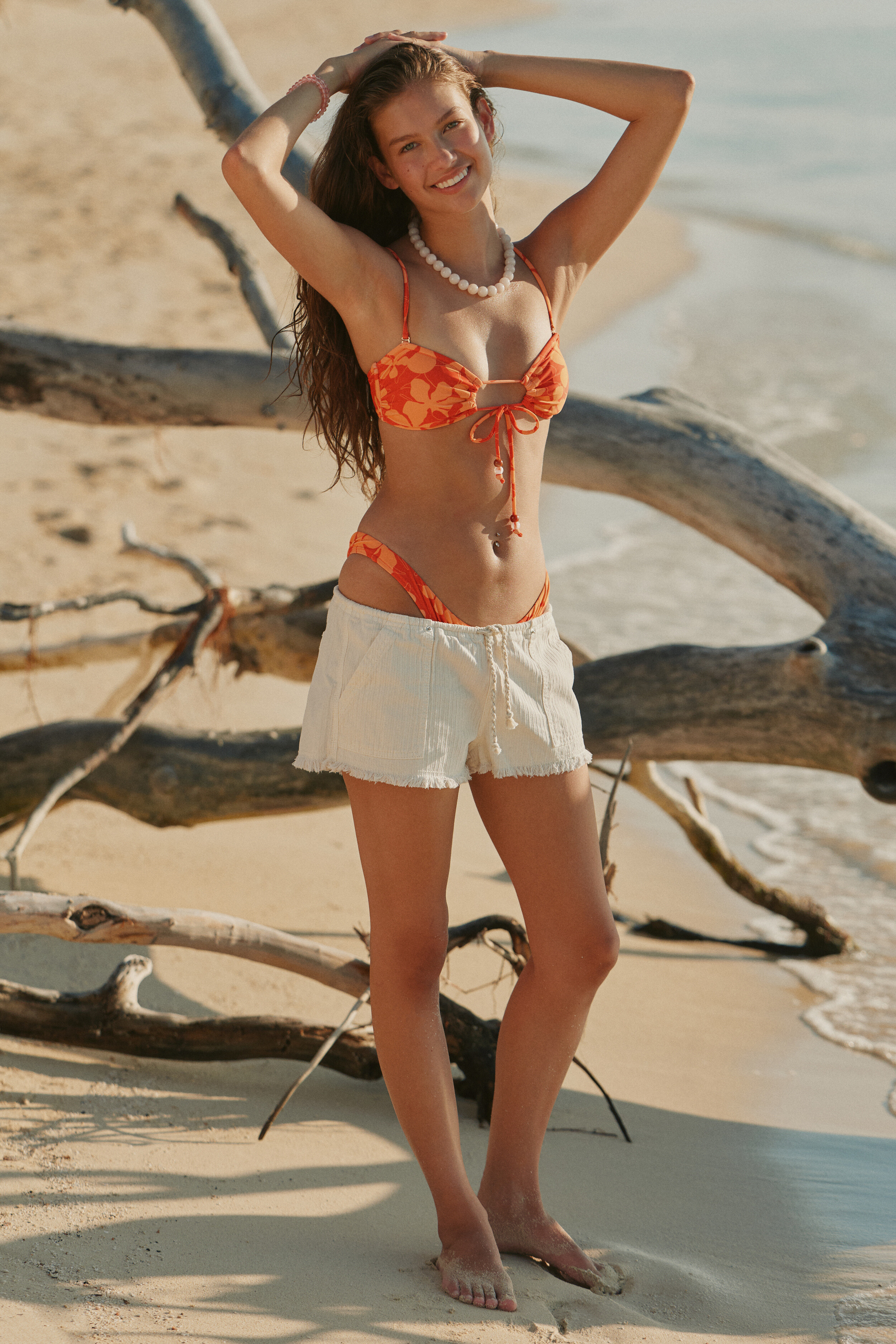
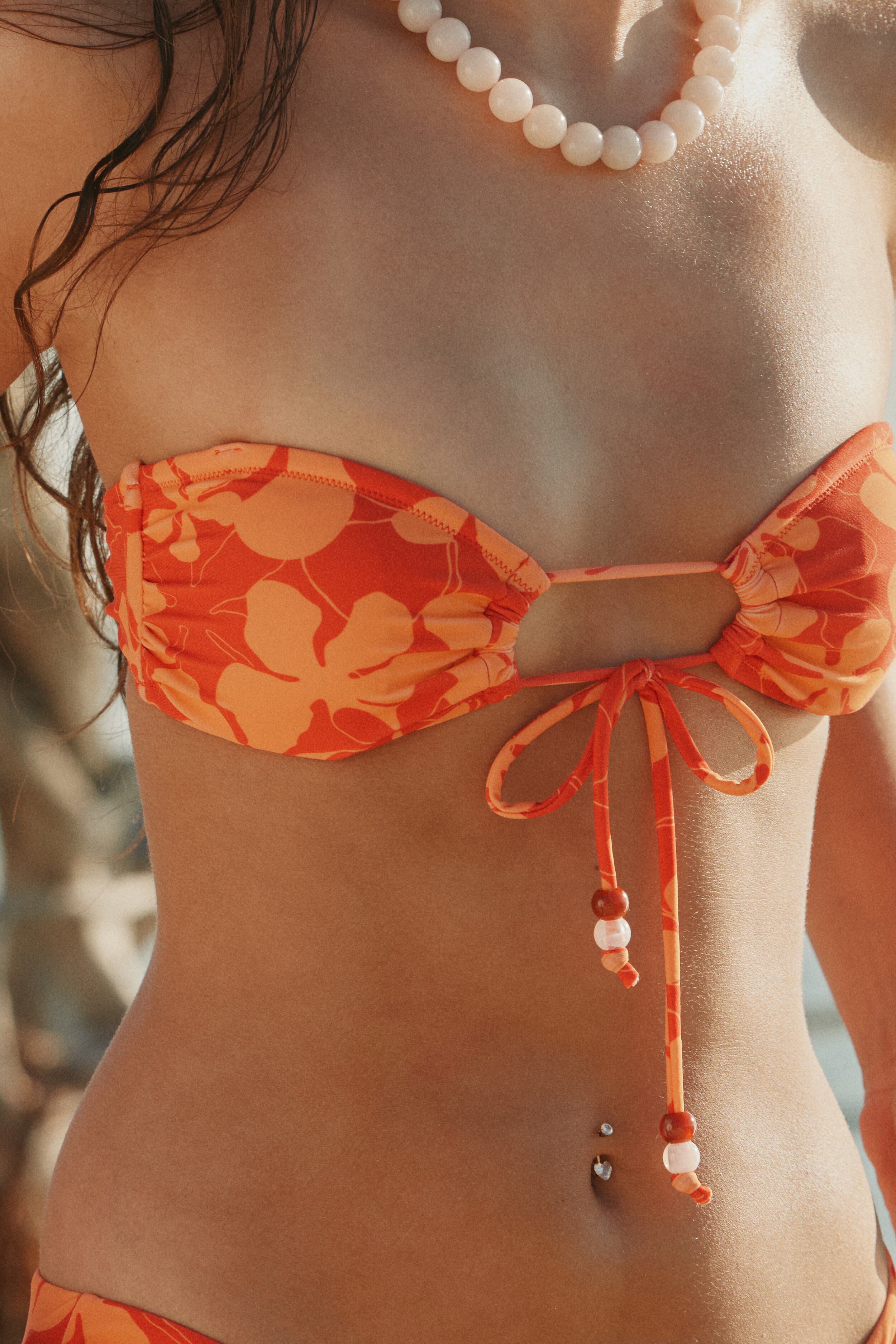
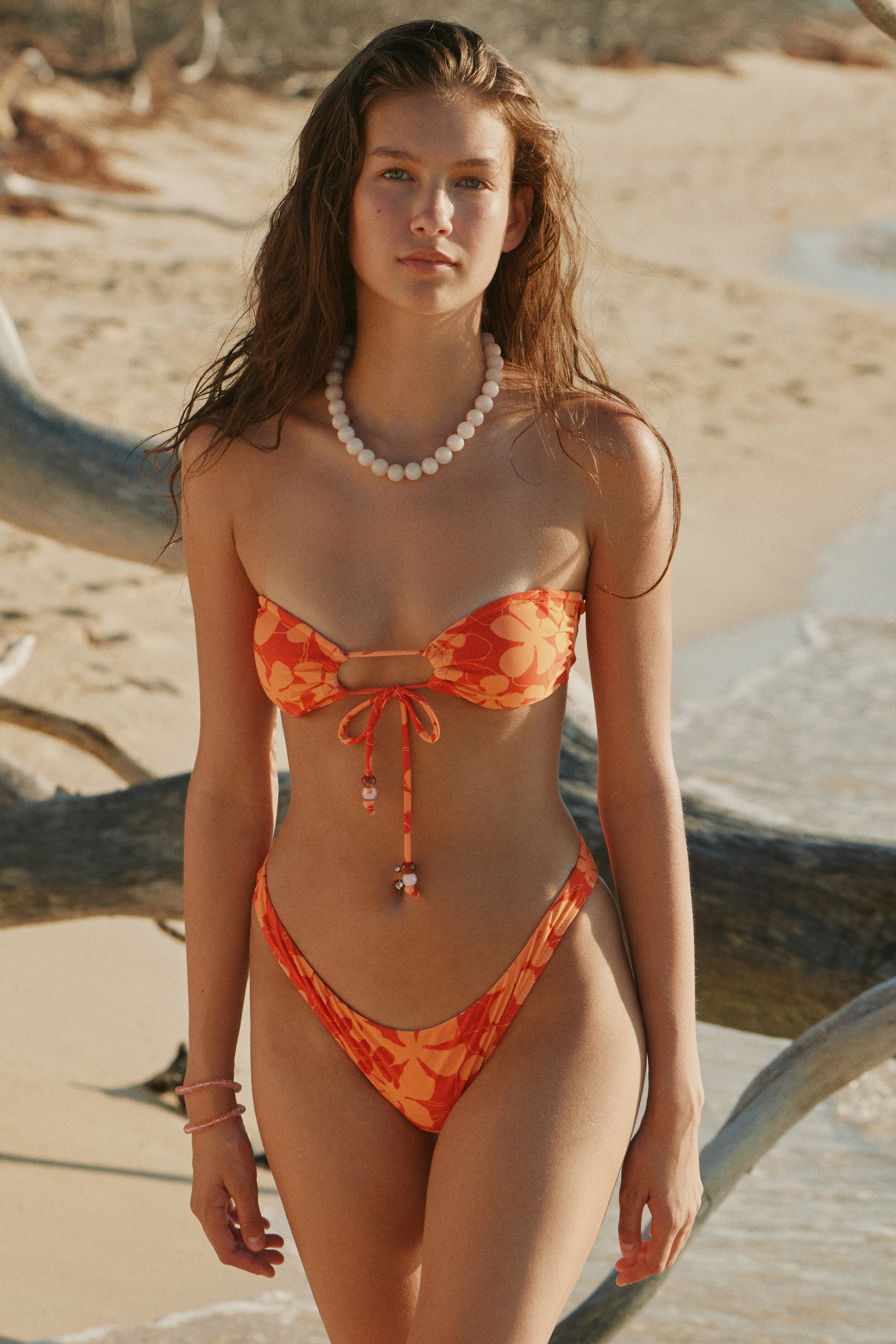
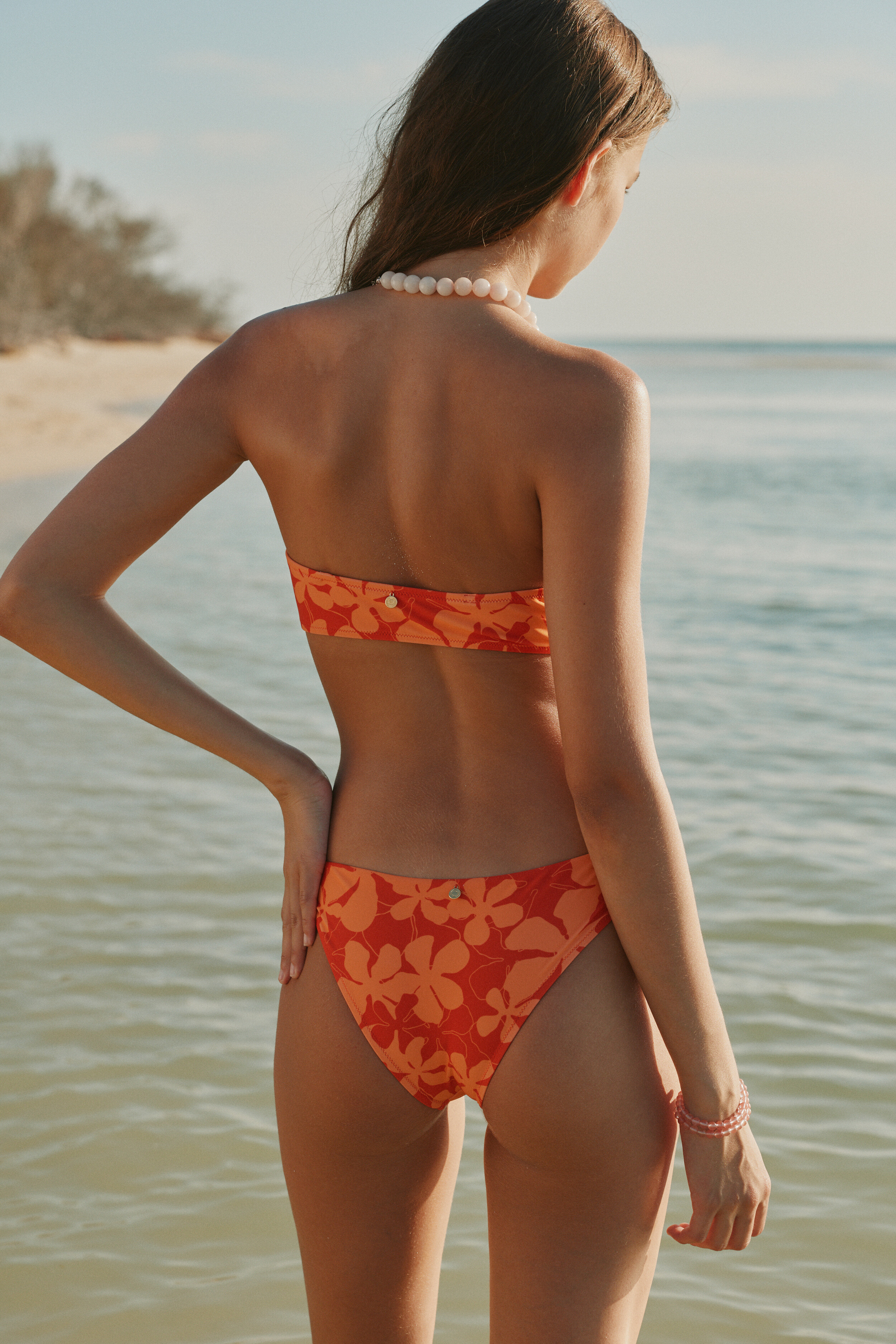
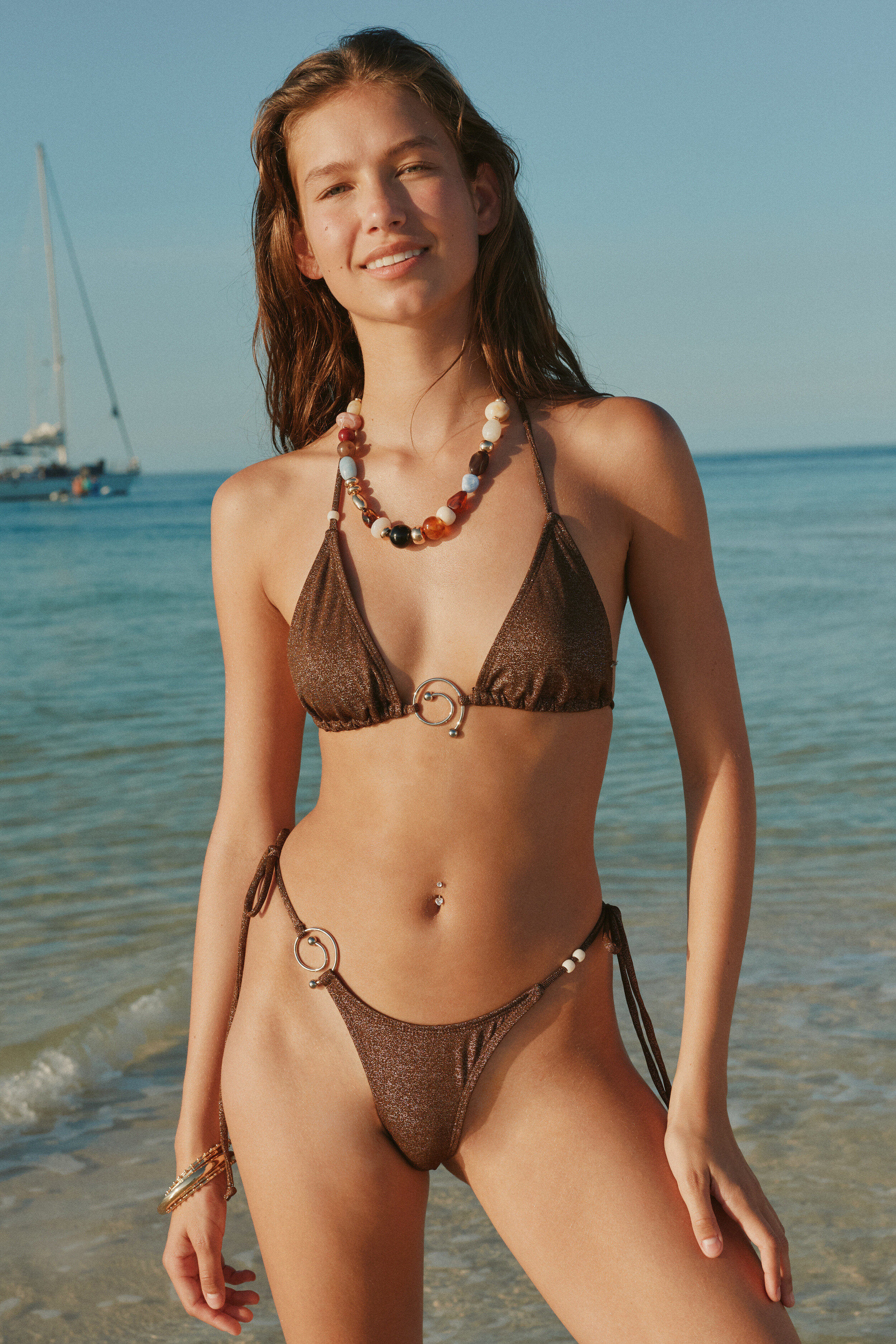
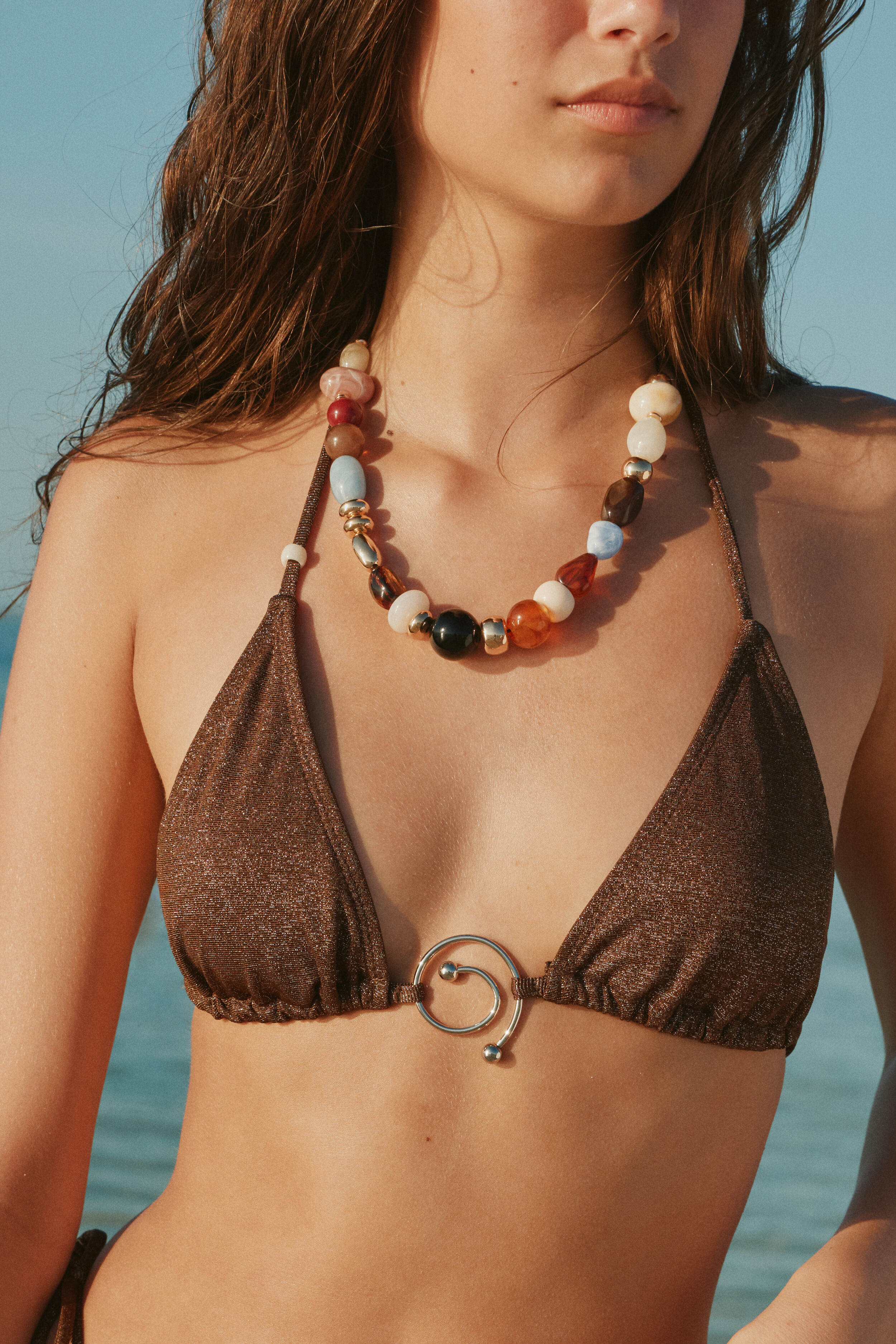
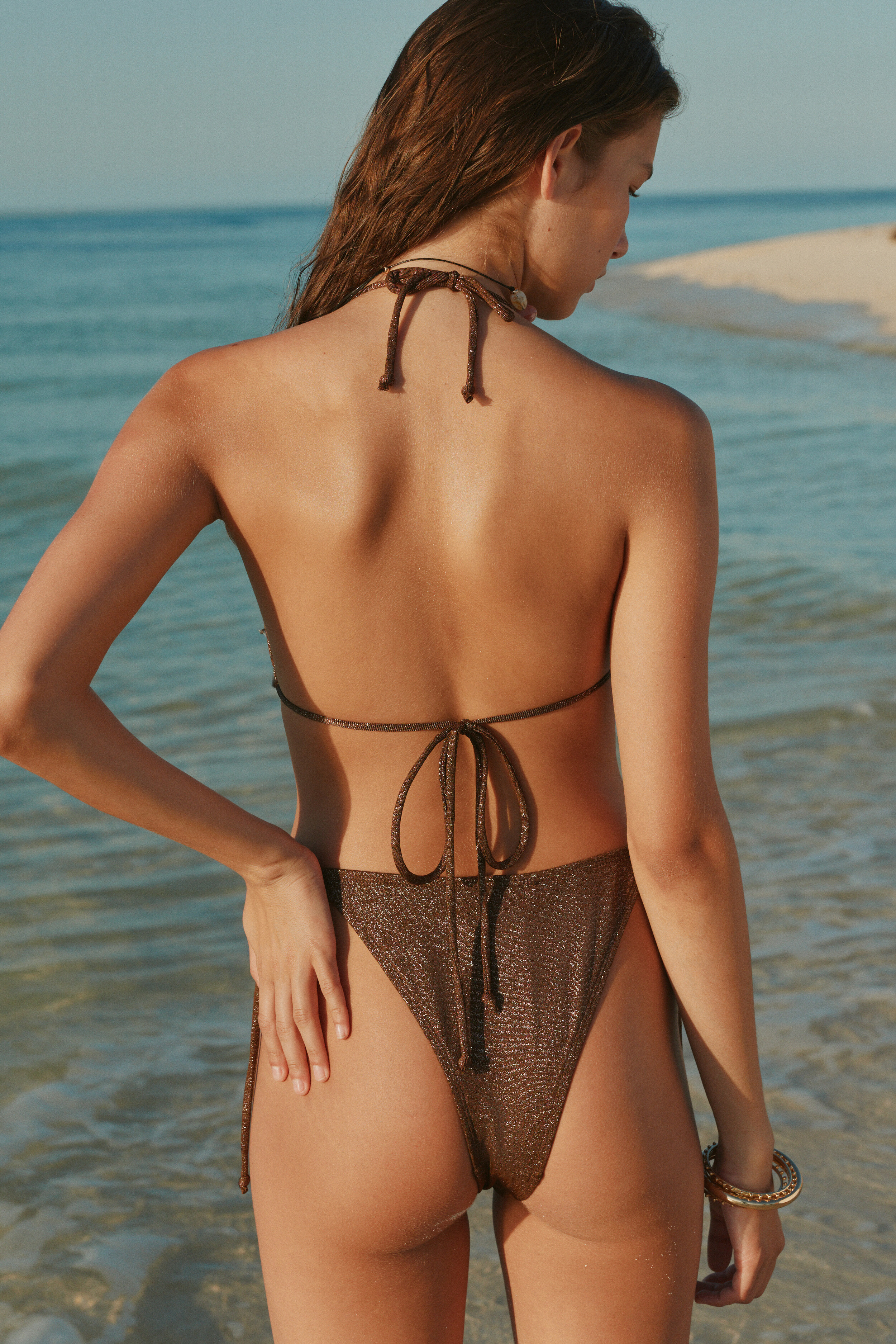
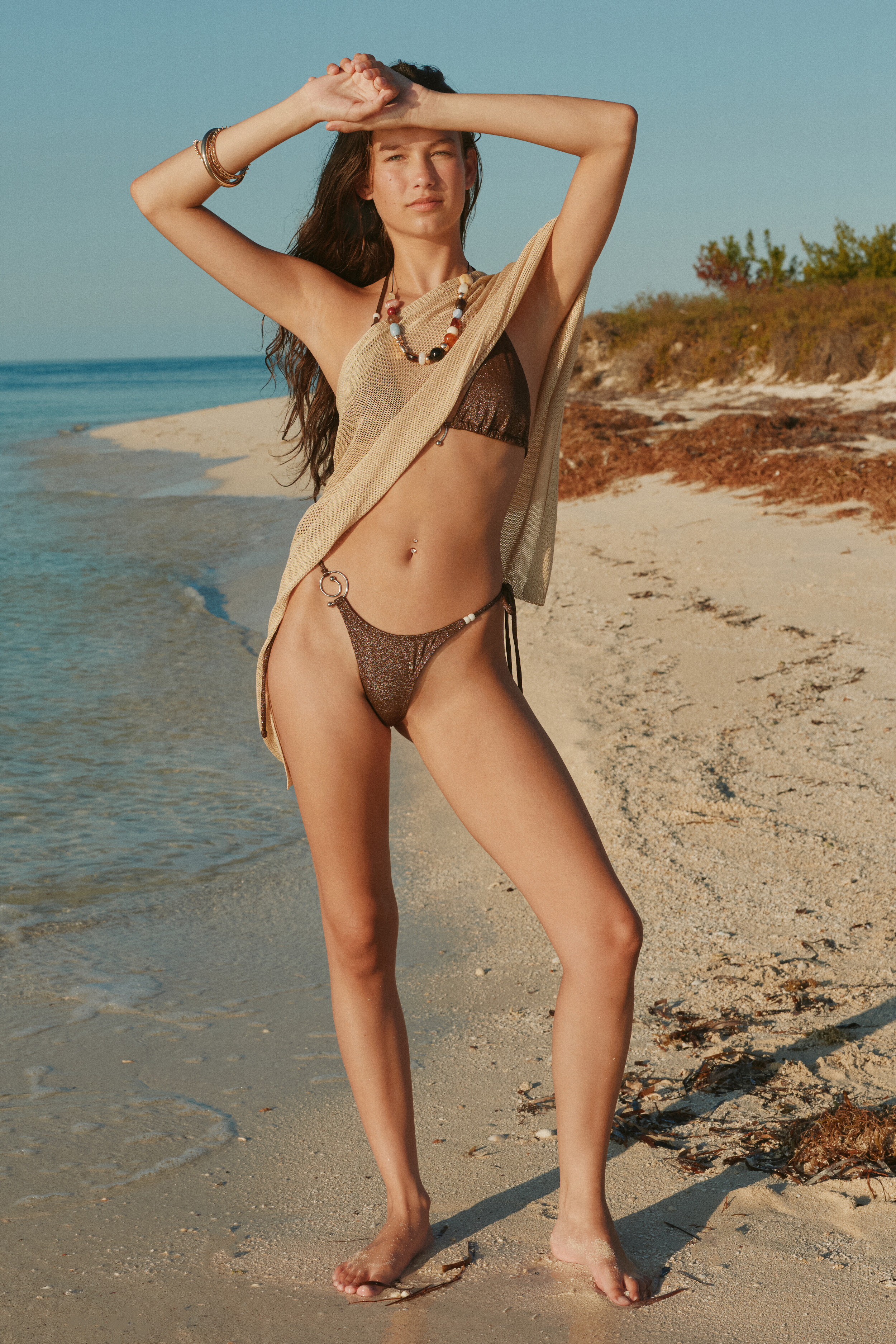
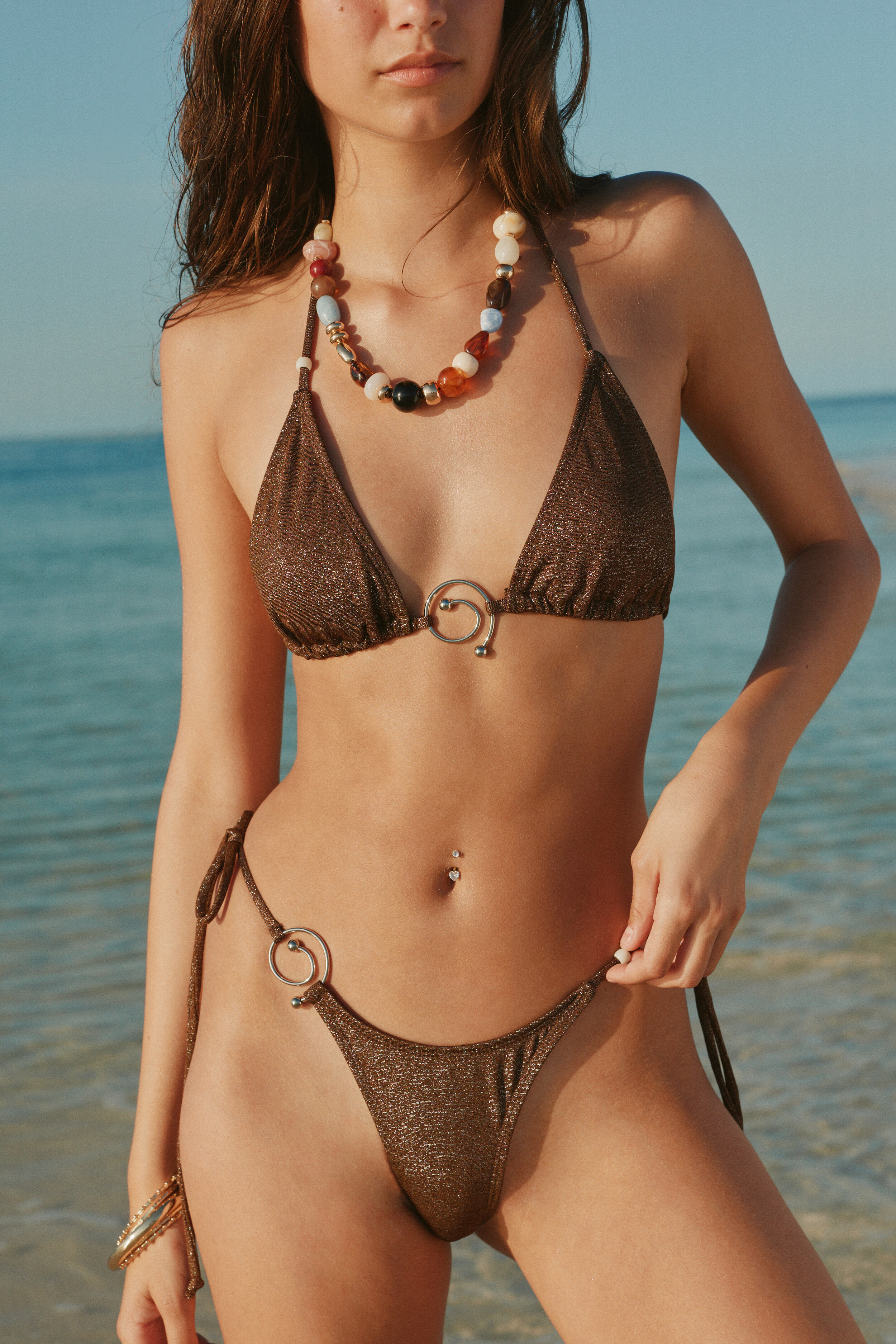
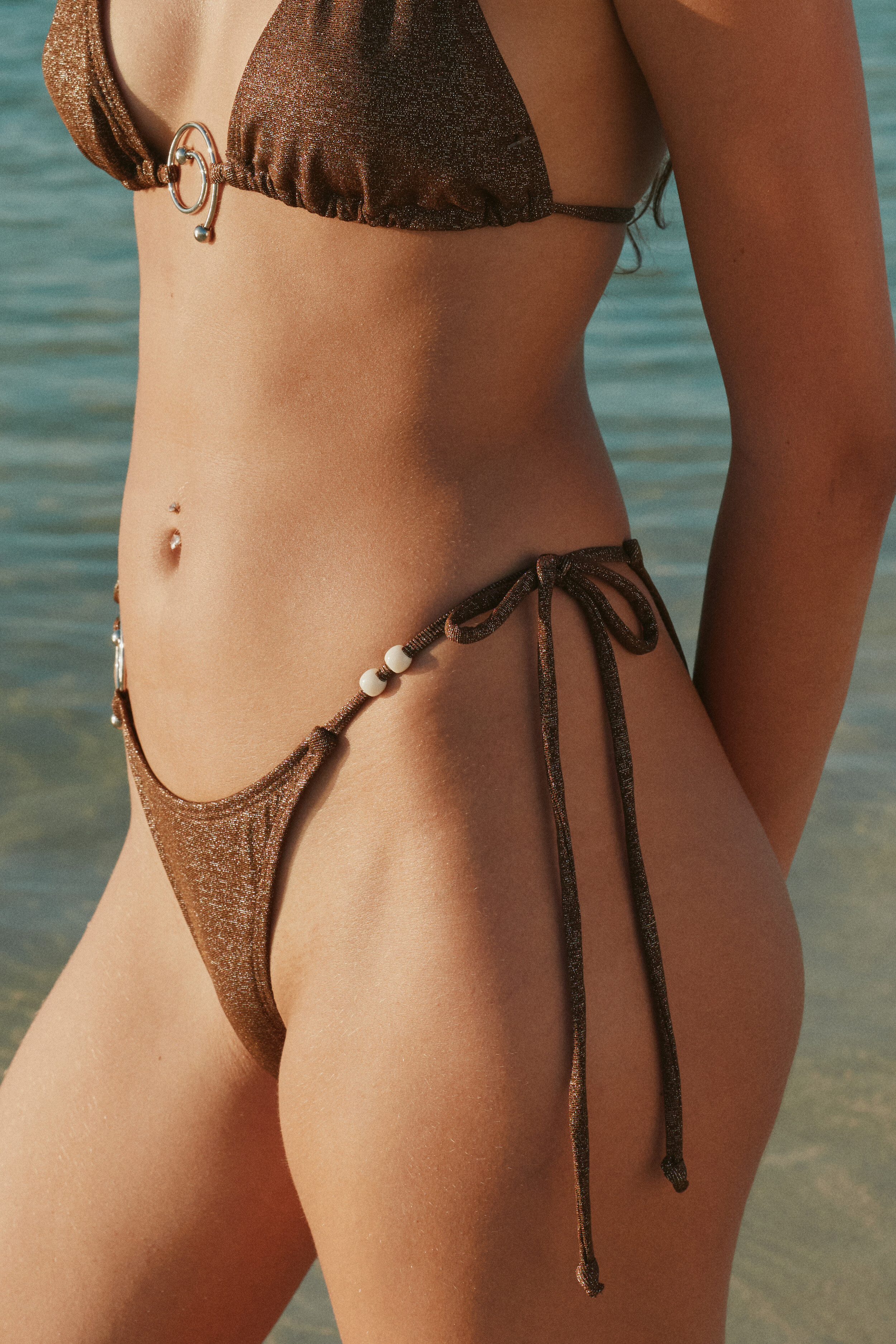
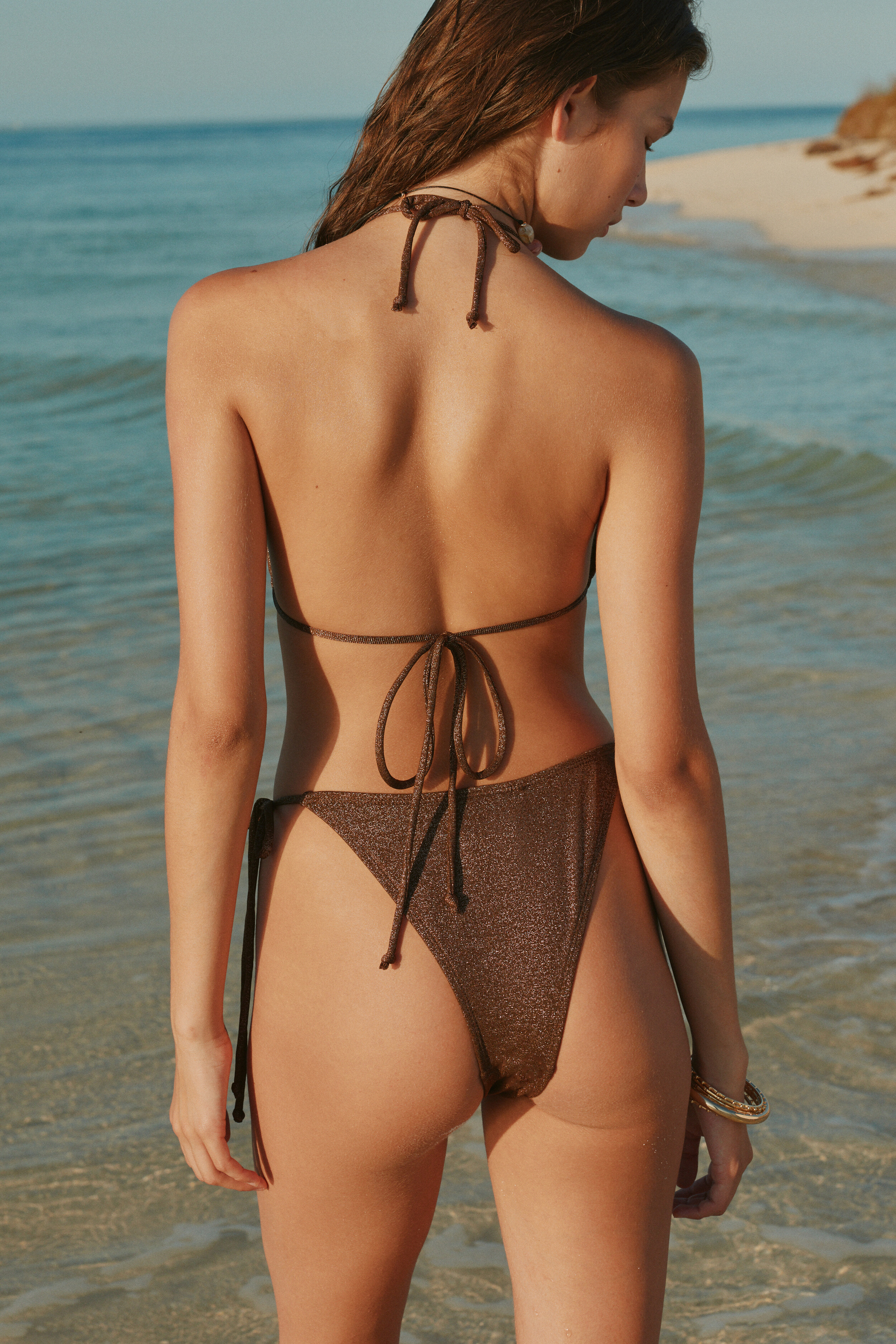
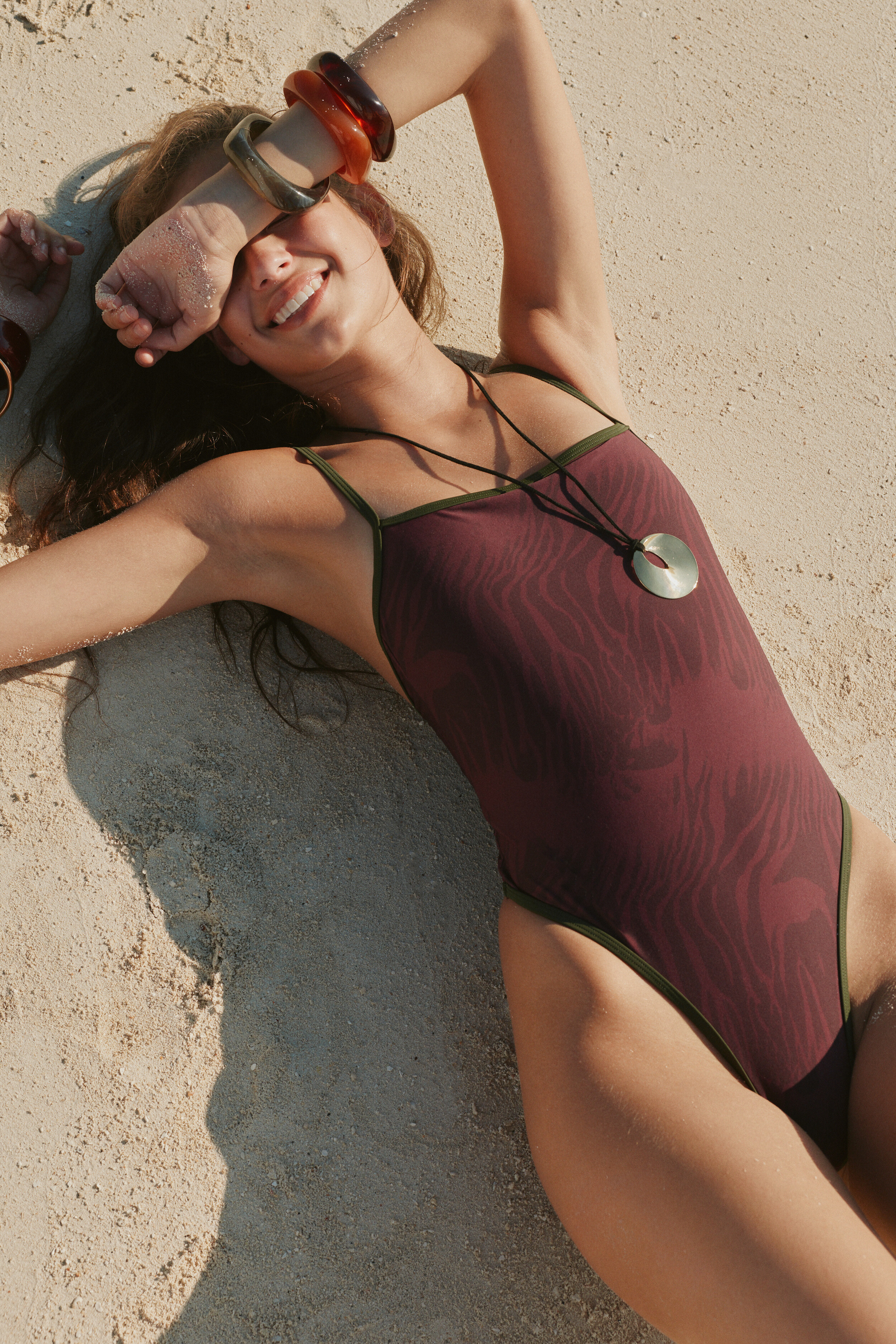
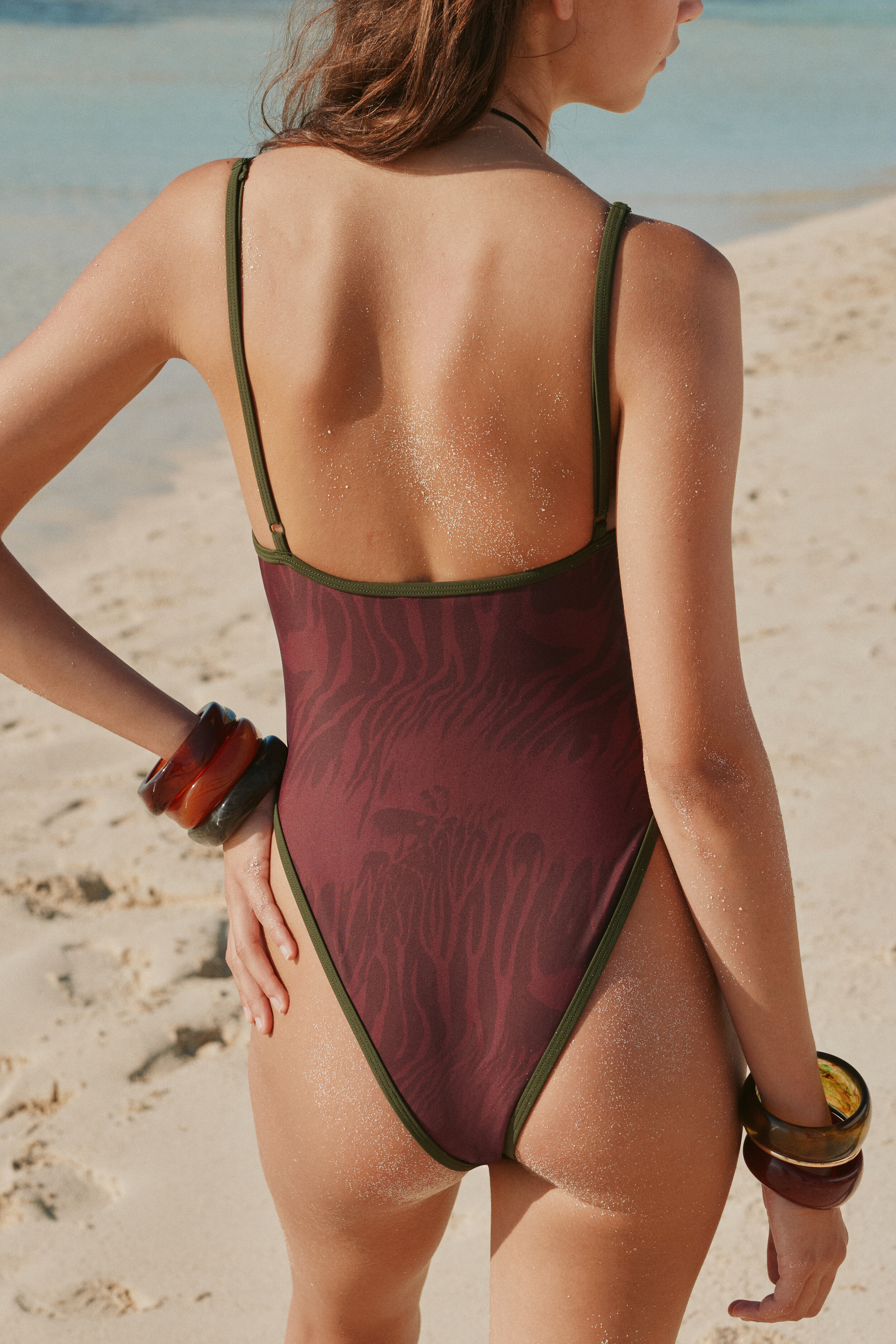
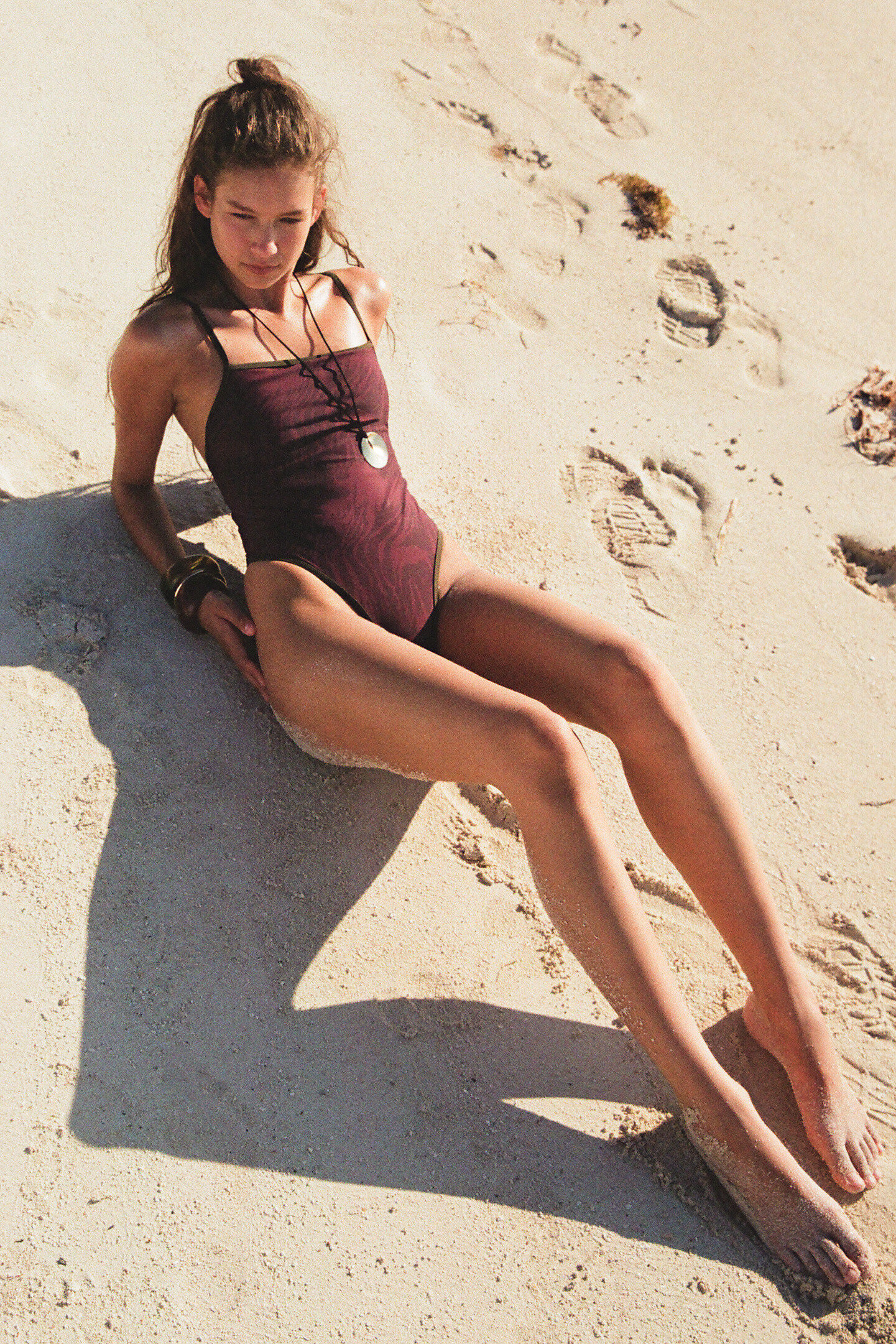
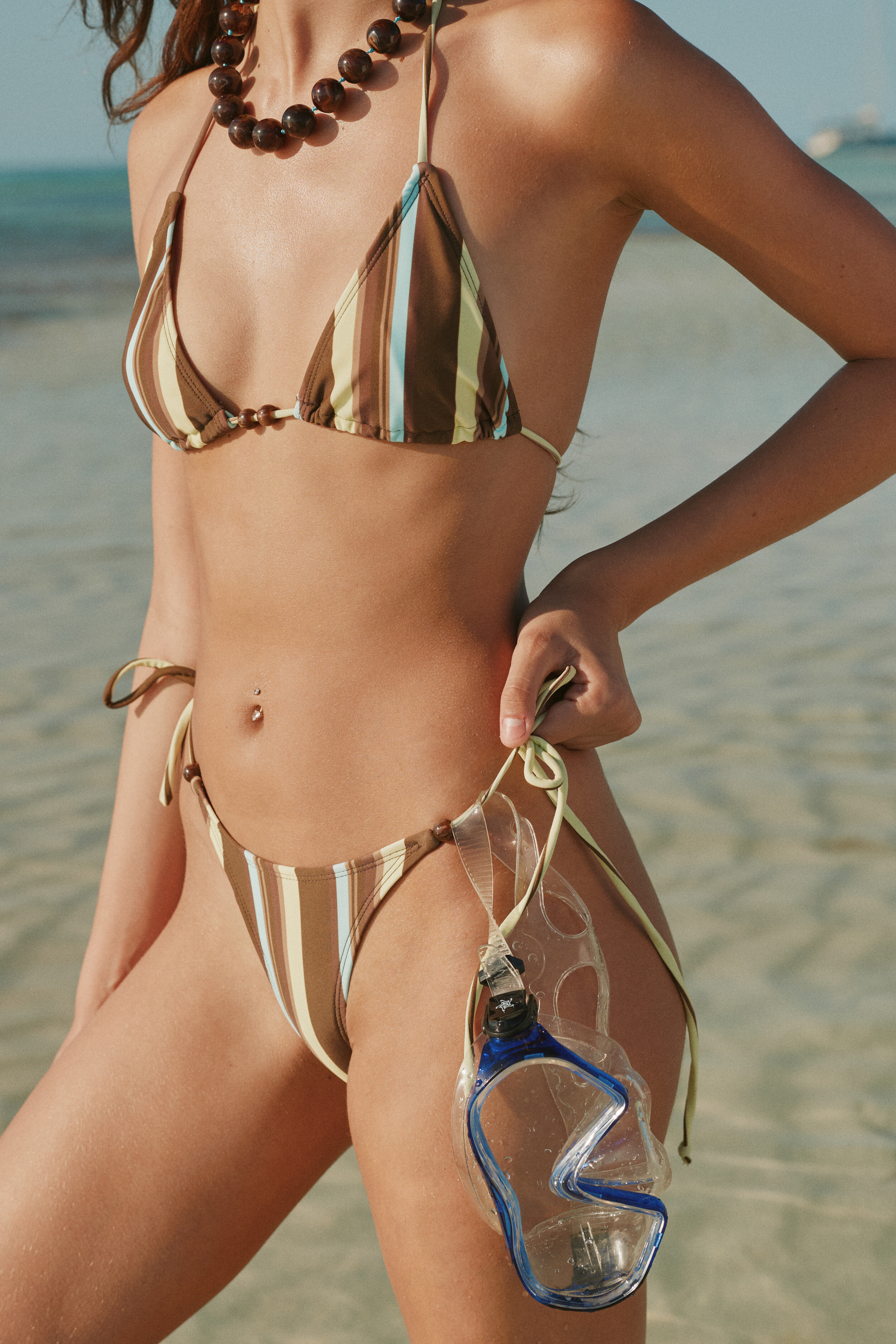


Account
Navigation
Search
Configure browser push notifications
Chrome (Android)
- Tap the lock icon next to the address bar.
- Tap Permissions → Notifications.
- Adjust your preference.
Chrome (Desktop)
- Click the padlock icon in the address bar.
- Select Site settings.
- Find Notifications and adjust your preference.
Safari (iOS 16.4+)
- Ensure the site is installed via Add to Home Screen.
- Open Settings App → Notifications.
- Find your app name and adjust your preference.
Safari (macOS)
- Go to Safari → Preferences.
- Click the Websites tab.
- Select Notifications in the sidebar.
- Find this website and adjust your preference.
Edge (Android)
- Tap the lock icon next to the address bar.
- Tap Permissions.
- Find Notifications and adjust your preference.
Edge (Desktop)
- Click the padlock icon in the address bar.
- Click Permissions for this site.
- Find Notifications and adjust your preference.
Firefox (Android)
- Go to Settings → Site permissions.
- Tap Notifications.
- Find this site in the list and adjust your preference.
Firefox (Desktop)
- Open Firefox Settings.
- Search for Notifications.
- Find this site in the list and adjust your preference.