All Activity
- Past hour
-

-
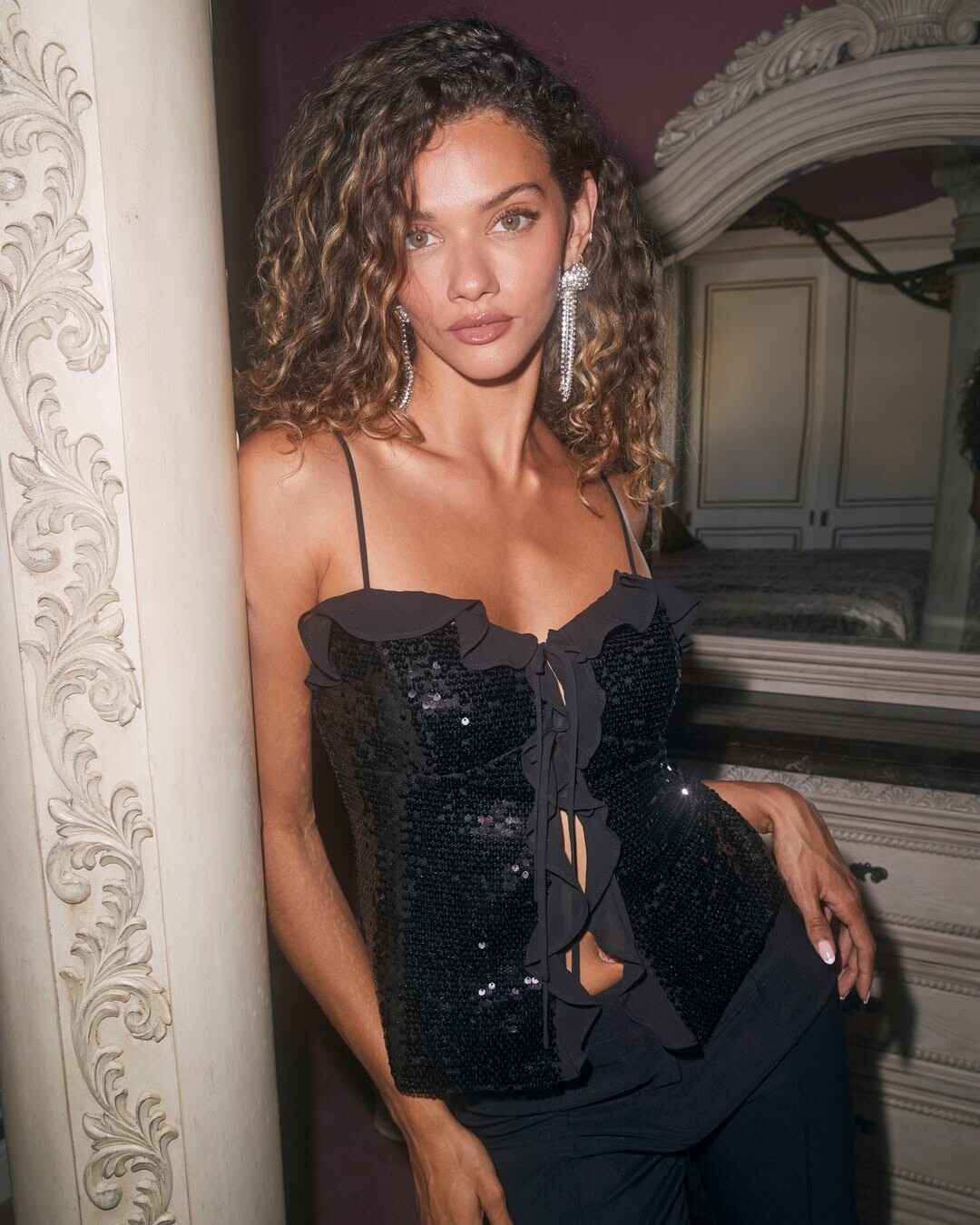
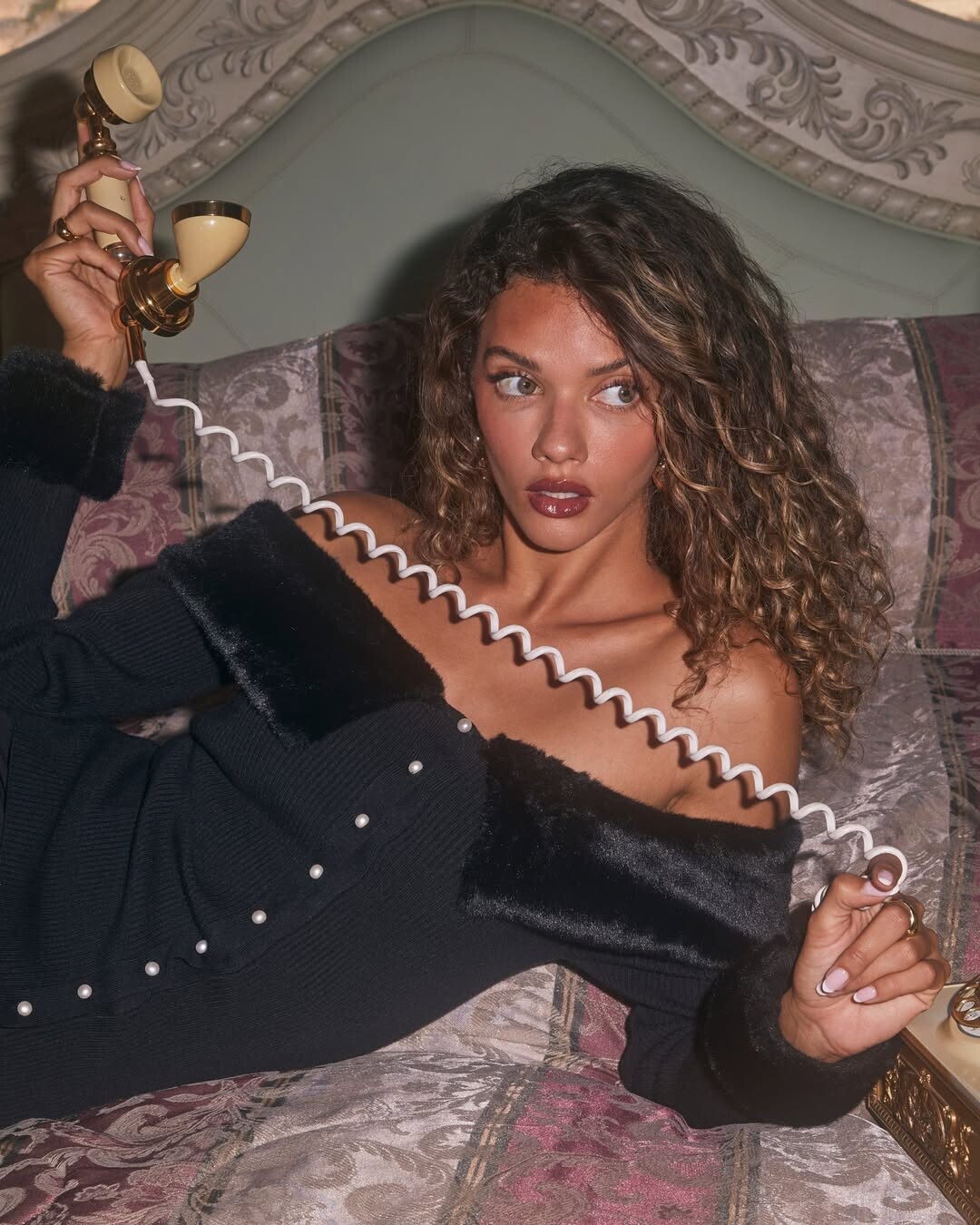
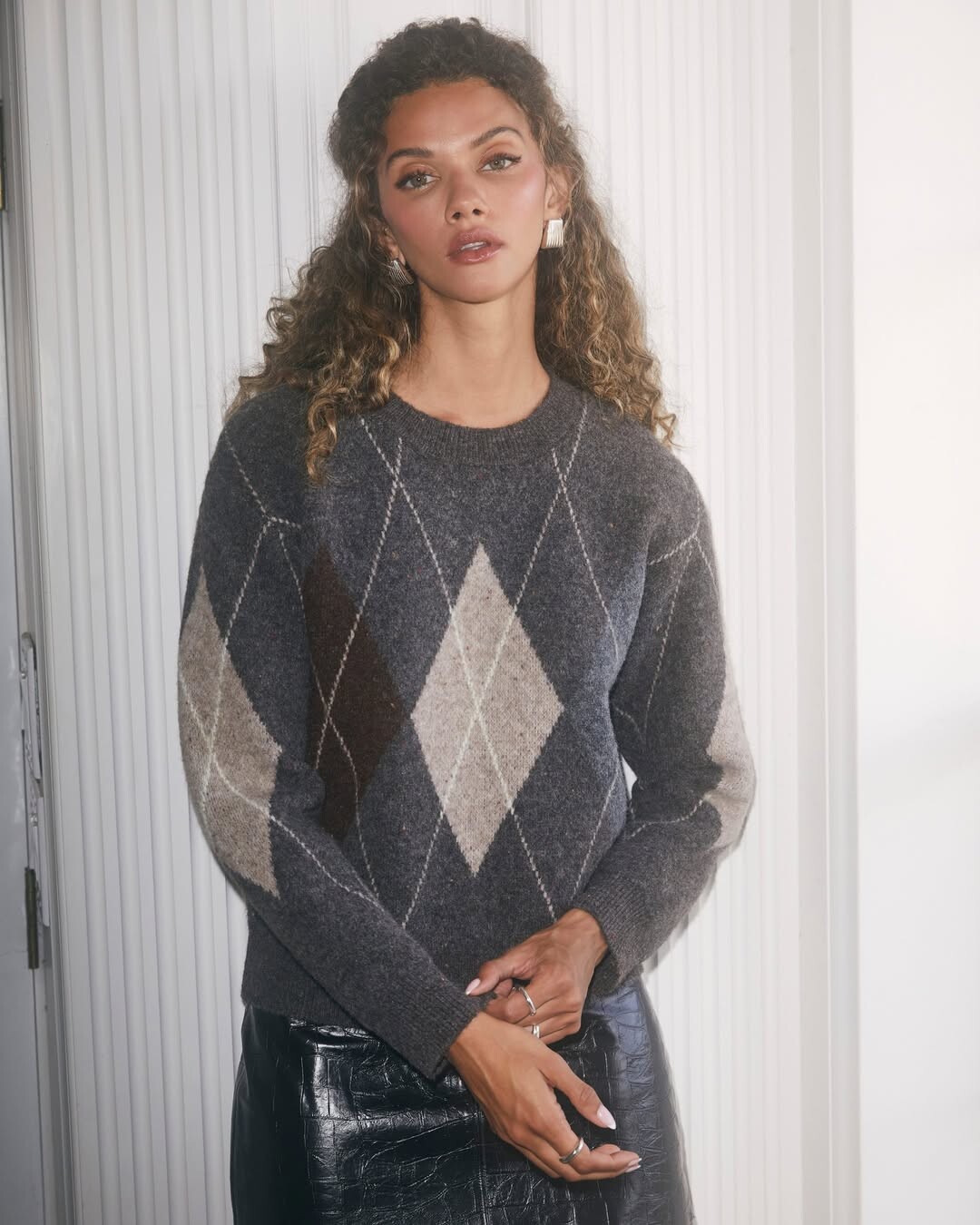
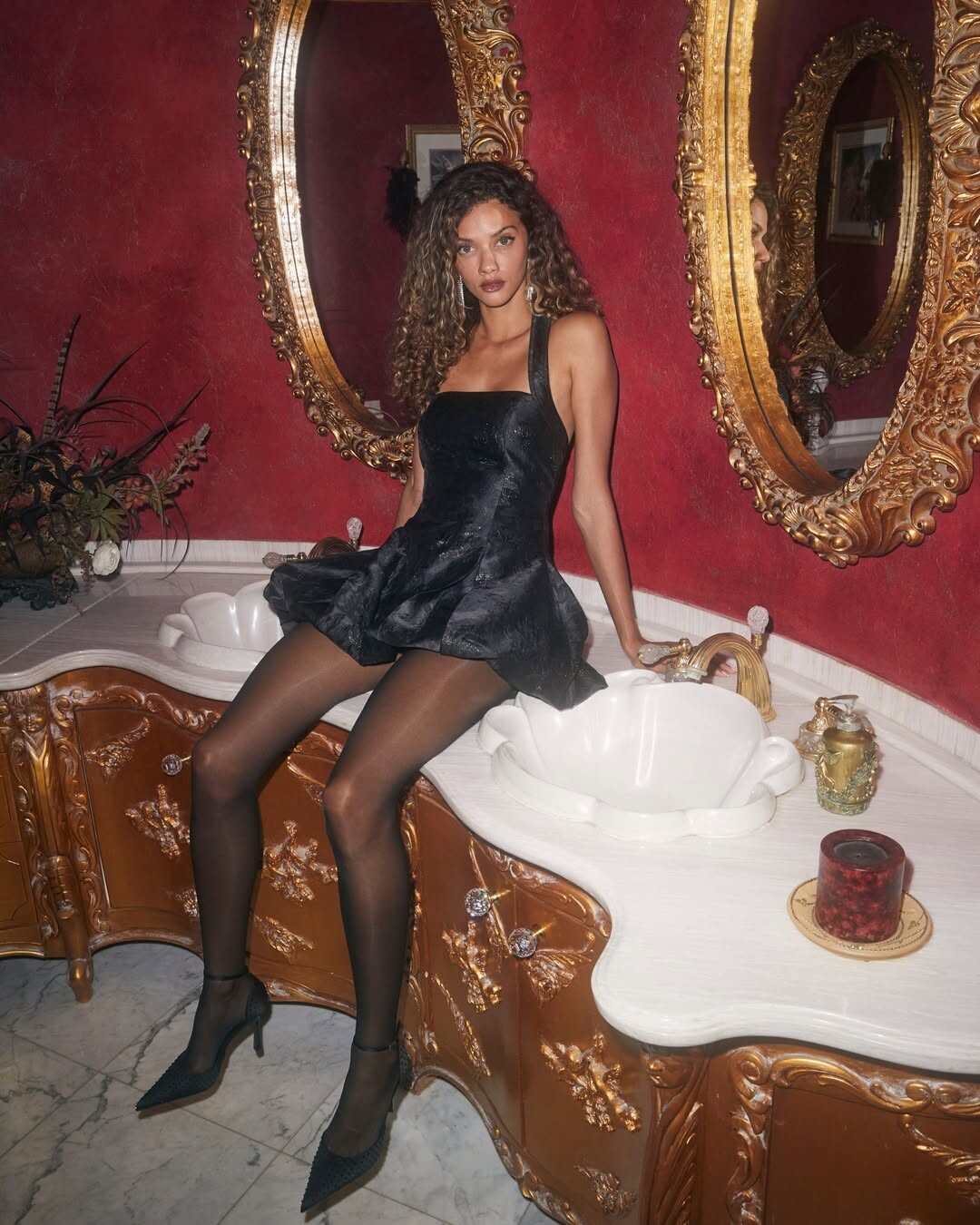
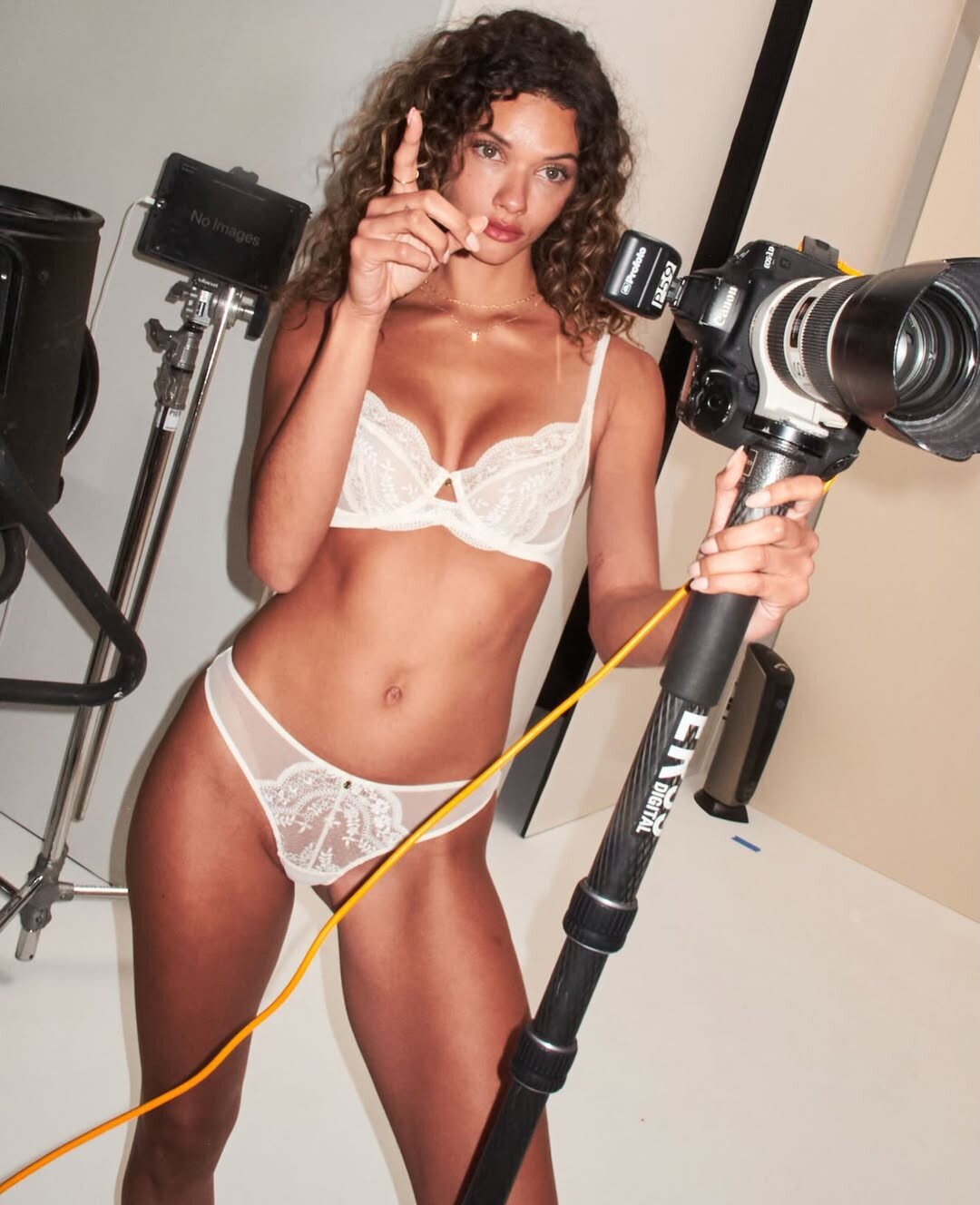
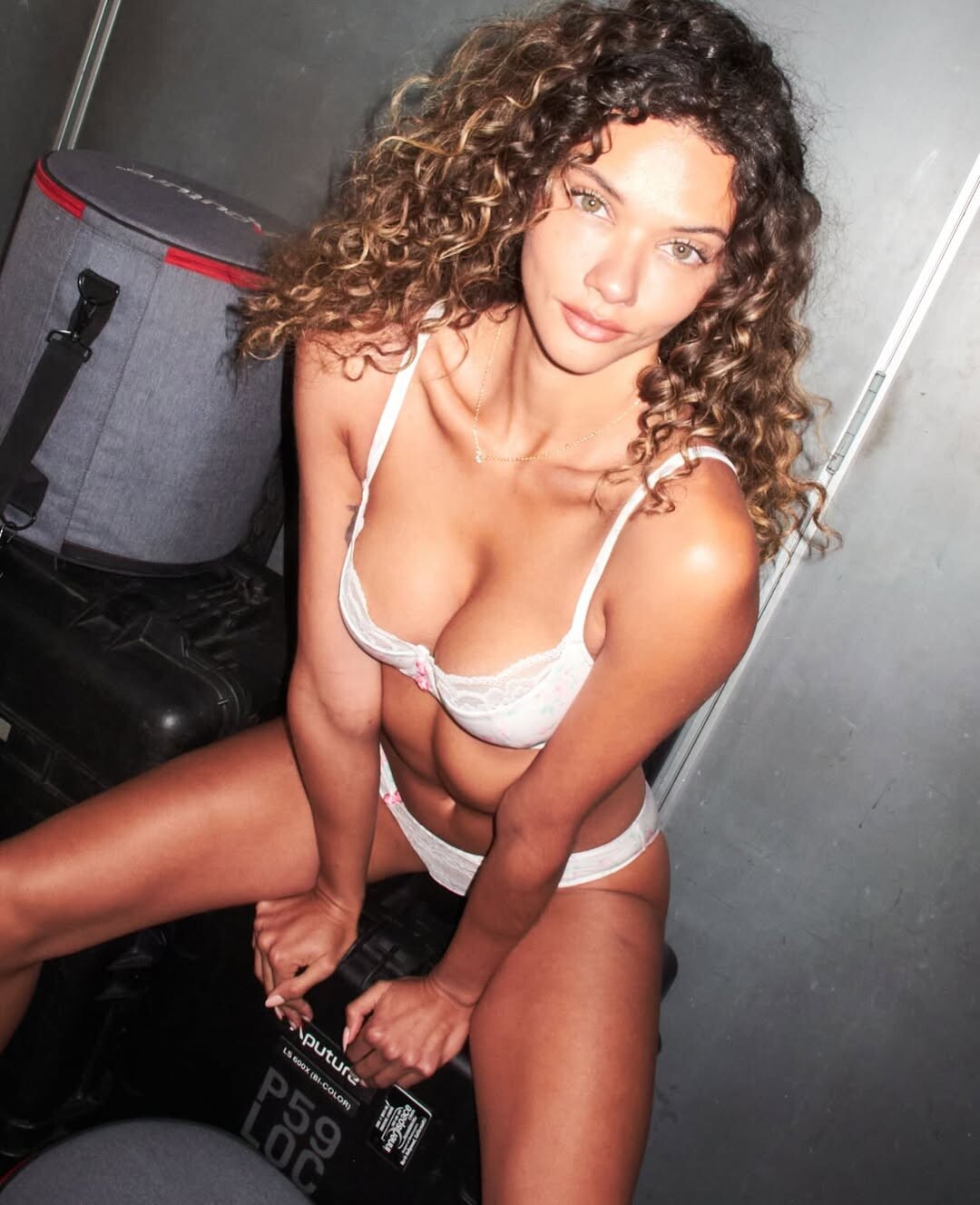
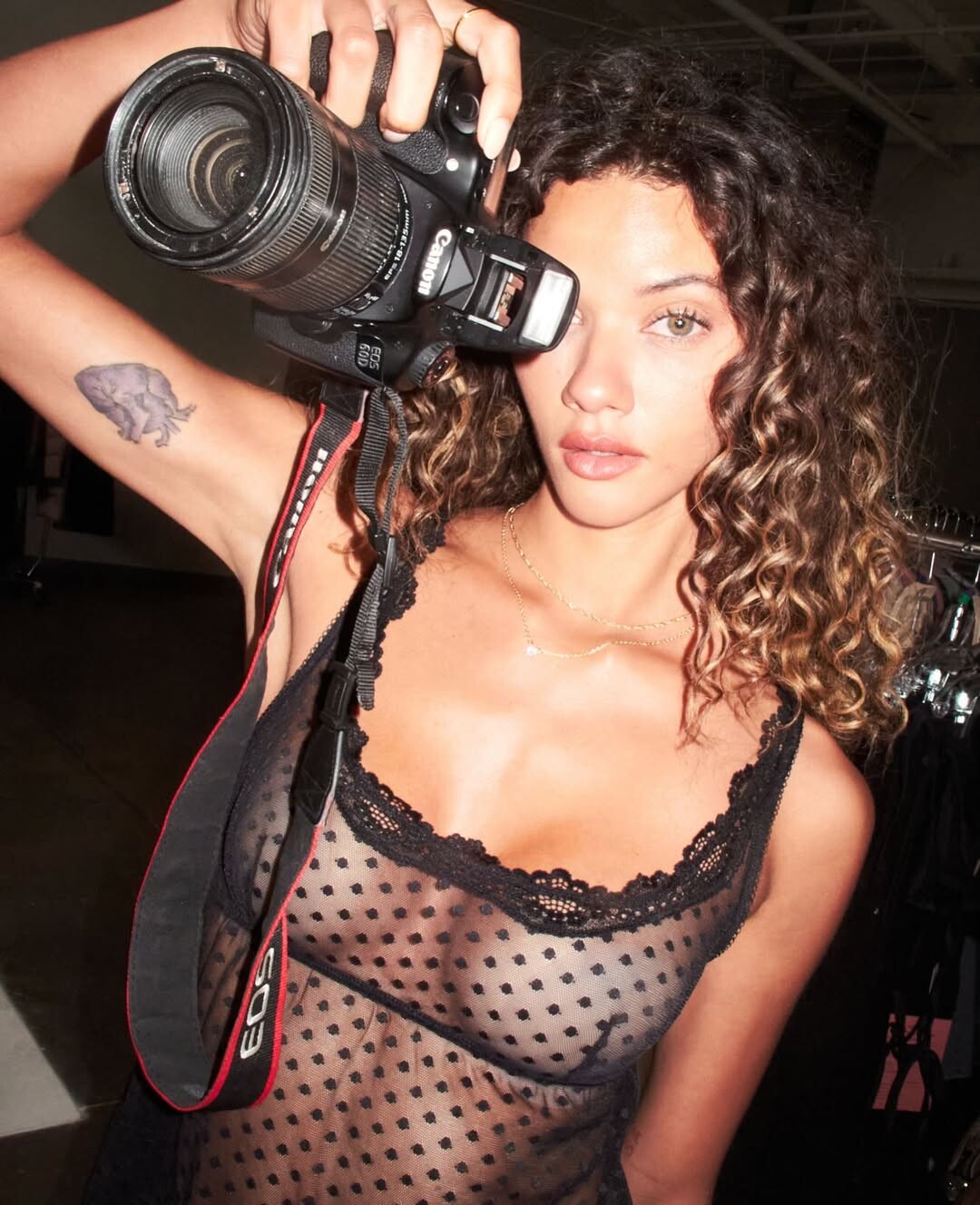
 ASTR THE LABEL late 2025






























-


 Ph: Ben Watts BTS for Adore Me





 Nope but according to a PimEyes search her name is Caroline Hammarskjöld. Could be her married name.
 Stephanie Seymour for Valentino, 1985 instagram find





 laikamilo joined the community
. Beata la fidanzata insomma🫠 #leclerc #charlesleclerc #charlesleclercfan #charlesleclerc16.mp4
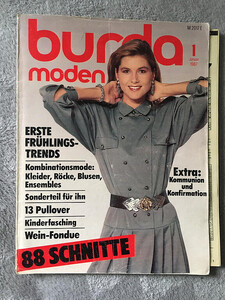
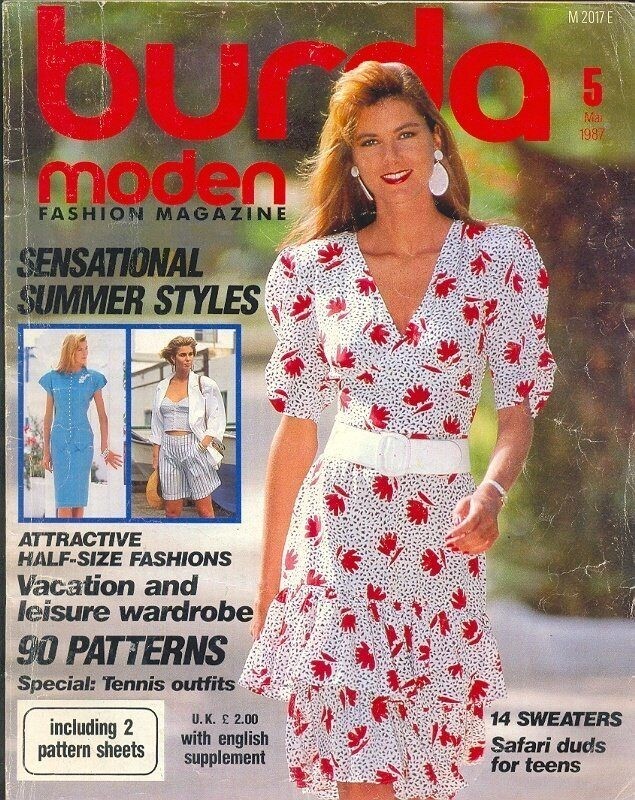
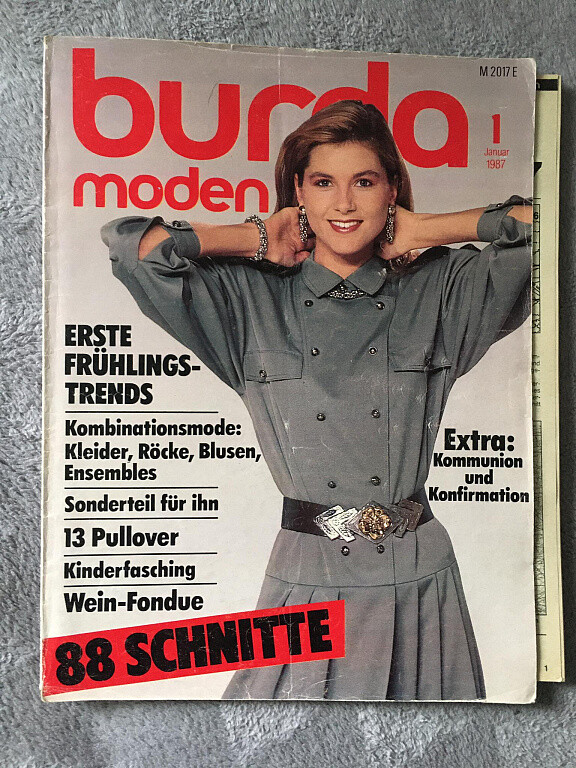
Yes, but it's not her. I've this collection of covers of this unknown model:
laikamilo joined the community
. Beata la fidanzata insomma🫠 #leclerc #charlesleclerc #charlesleclercfan #charlesleclerc16.mp4
Yes, but it's not her. I've this collection of covers of this unknown model:



- Today
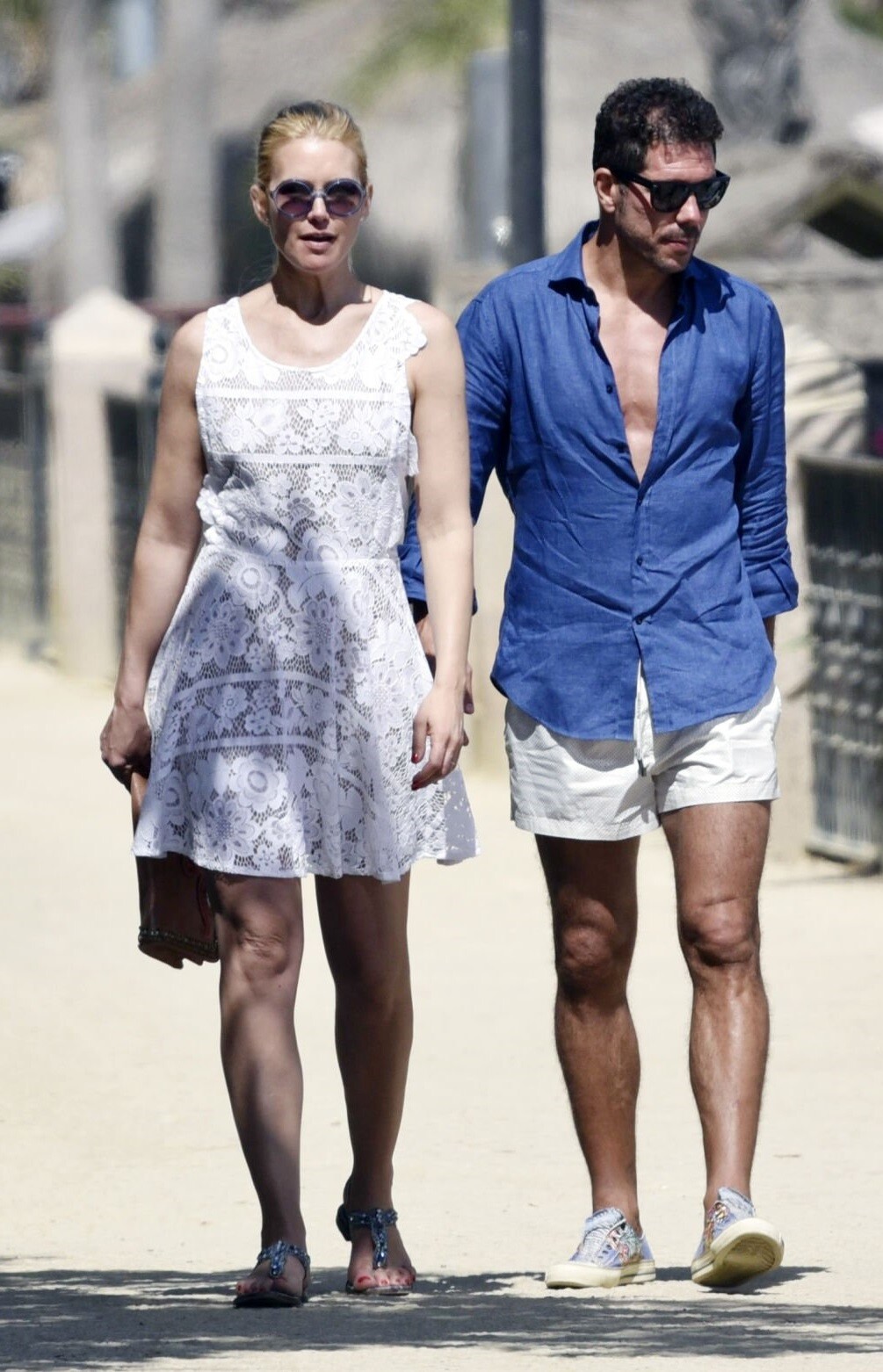
 Valeria and player sim E one ⚽
 Enrico Coveri (Milan) f/w 2000

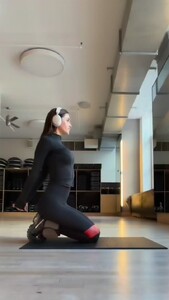
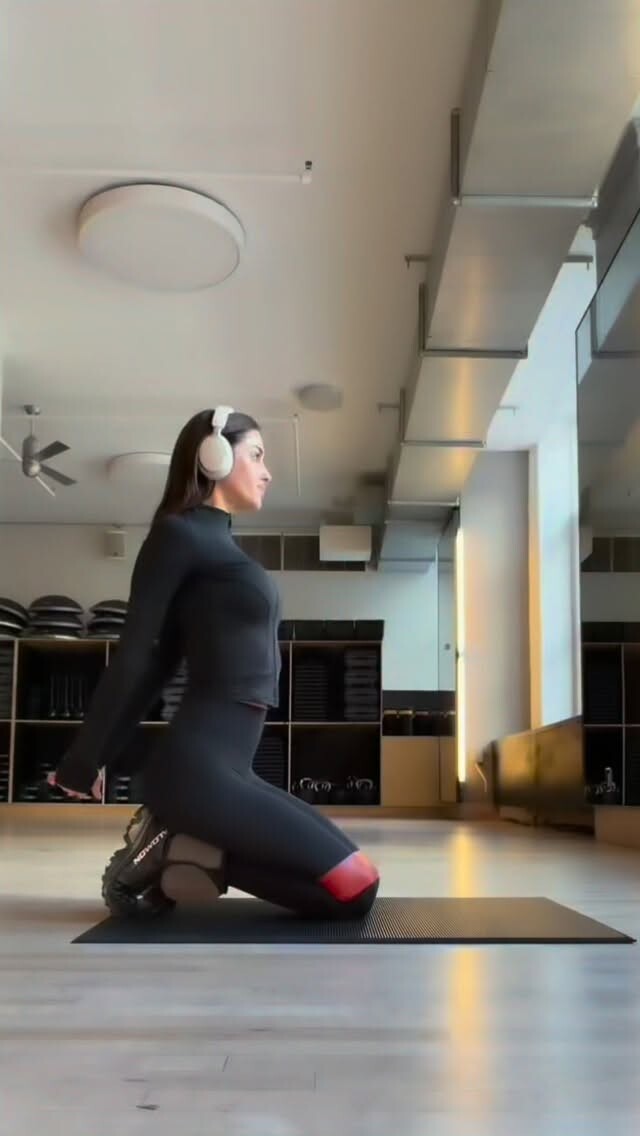
 ~ move with me ~ my love for a resistance band runs deep! they’re so easy to roll up & take with you anywhere. this is one of my go-to exercises to stay toned & feel gooood. (add an ankle weight as a bonus) video [2026.01.21] msgigiparis_DTxvBAiDa8u.mp4
 Victoria's Secret: Coming soon: Lights, Camera, Angels. See the official trailer right here, right now—and tune in on 1.28 to watch The Victoria's Secret Fashion Show Documentary.
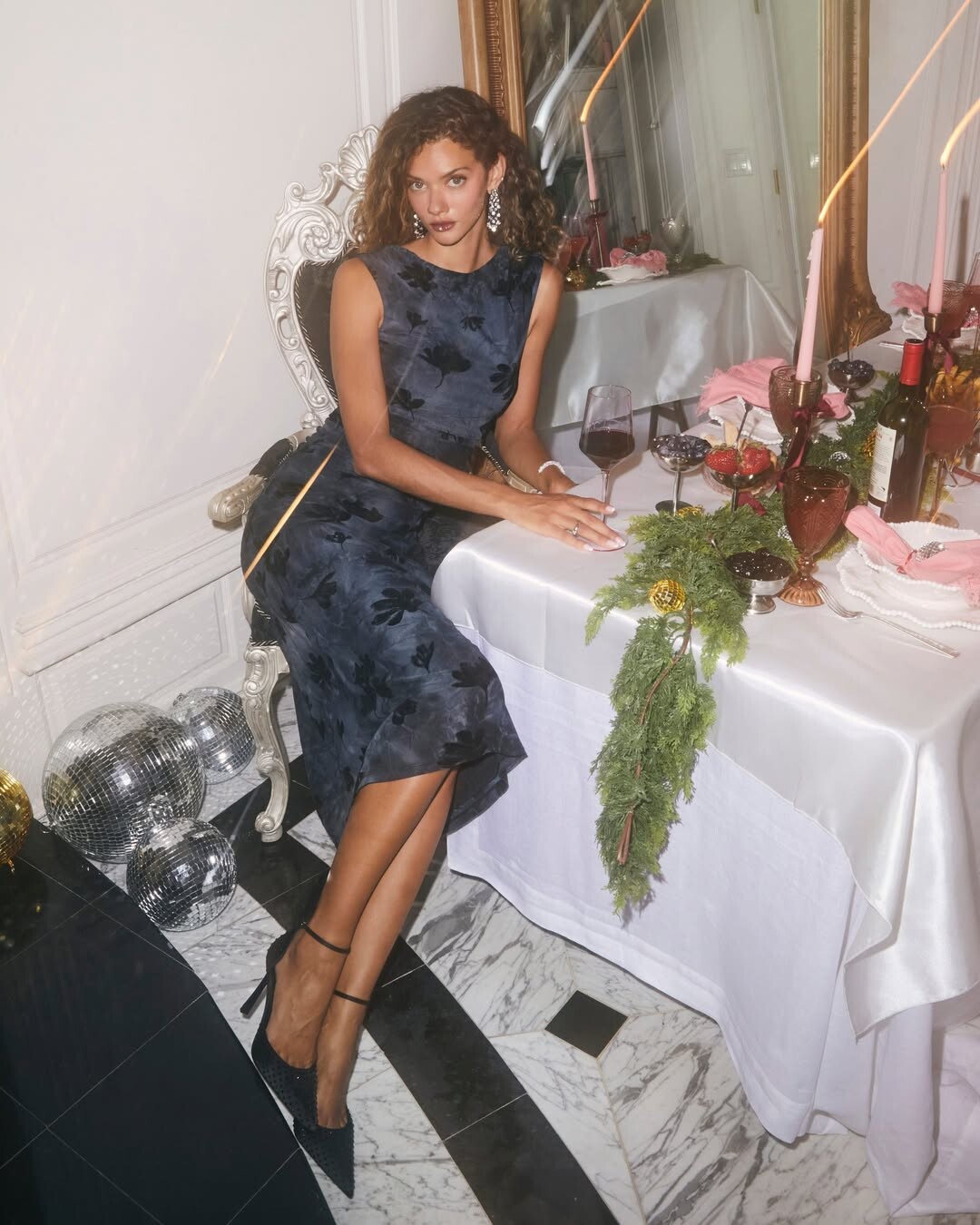
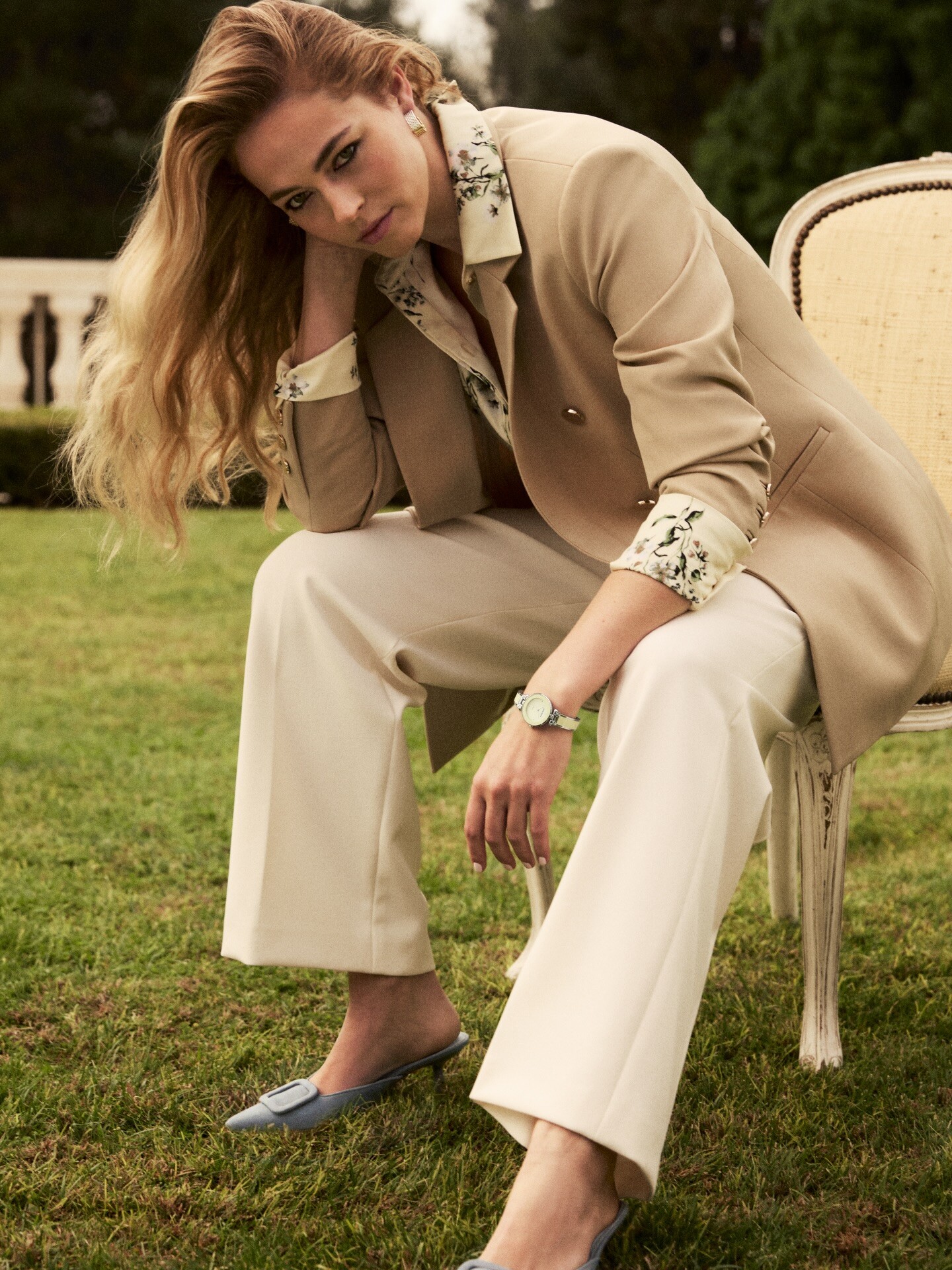
 Anne Klein: Moments that echo. Stories that connect. Anne Klein SS26 starring tinakunakey and carolineannkelley highlights The Invisible Thread between women, celebrating how shared experiences—big and small—bring us together in unexpected ways. Shop the collection at AnneKlein.com and macys video [2026.01.21] annekleinofficial_DTx1dlqkeVn.mp4
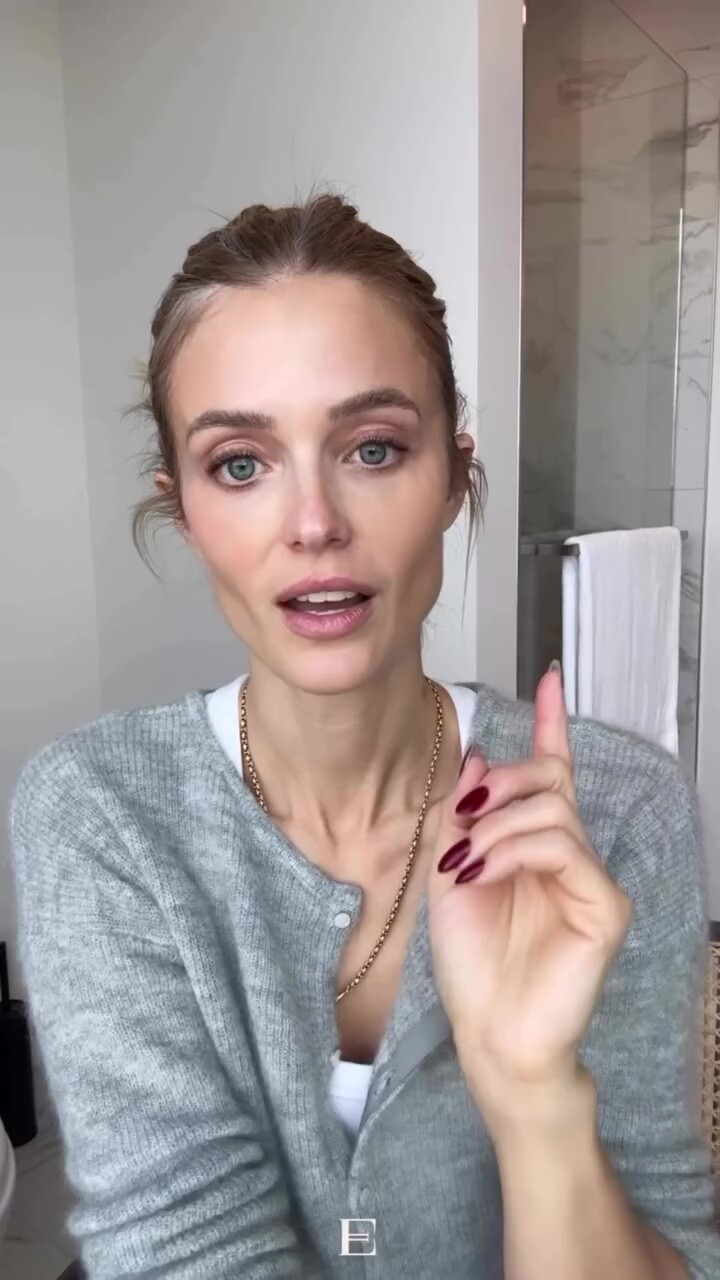
 The Ellóryn Edit: Dry Winter Skin Edit. More on Substack. Everything Linked in ShopMy video [2026.01.21] ellorynedit_DTx6ji9j1I5.mp4




































































































Account
Search
Configure browser push notifications
Chrome (Android)
- Tap the lock icon next to the address bar.
- Tap Permissions → Notifications.
- Adjust your preference.
Chrome (Desktop)
- Click the padlock icon in the address bar.
- Select Site settings.
- Find Notifications and adjust your preference.
Safari (iOS 16.4+)
- Ensure the site is installed via Add to Home Screen.
- Open Settings App → Notifications.
- Find your app name and adjust your preference.
Safari (macOS)
- Go to Safari → Preferences.
- Click the Websites tab.
- Select Notifications in the sidebar.
- Find this website and adjust your preference.
Edge (Android)
- Tap the lock icon next to the address bar.
- Tap Permissions.
- Find Notifications and adjust your preference.
Edge (Desktop)
- Click the padlock icon in the address bar.
- Click Permissions for this site.
- Find Notifications and adjust your preference.
Firefox (Android)
- Go to Settings → Site permissions.
- Tap Notifications.
- Find this site in the list and adjust your preference.
Firefox (Desktop)
- Open Firefox Settings.
- Search for Notifications.
- Find this site in the list and adjust your preference.