All Activity
- Past hour
-
 Industry Season 4 Still brian44 at picturepub
- Today
-

-
 IG SnapInsta.to_AQPVdXunjiGaXSqMHUbIqPF4QazTPxB4ftZPnn3Oyo1lPw0xzT3T5_lPT8D22MHc0w6FE31NMzpTikJ6byEBt1oRjy6UNadnmo-V9Eg.mp4SnapInsta.to_AQM5qf5LmLlEBnP4H7pYhSEb0eYIgdz4N7EGe7K99ond5d8F-3rrPDibHnYHG37EEA33W_yjMvrHtRxaOdwZnEo9Om3iFjDejcsaylA.mp4





































-
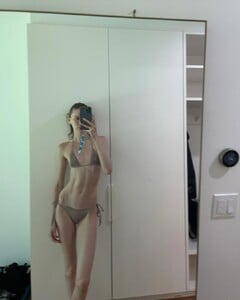
 Some rares from 2016






-
-
-
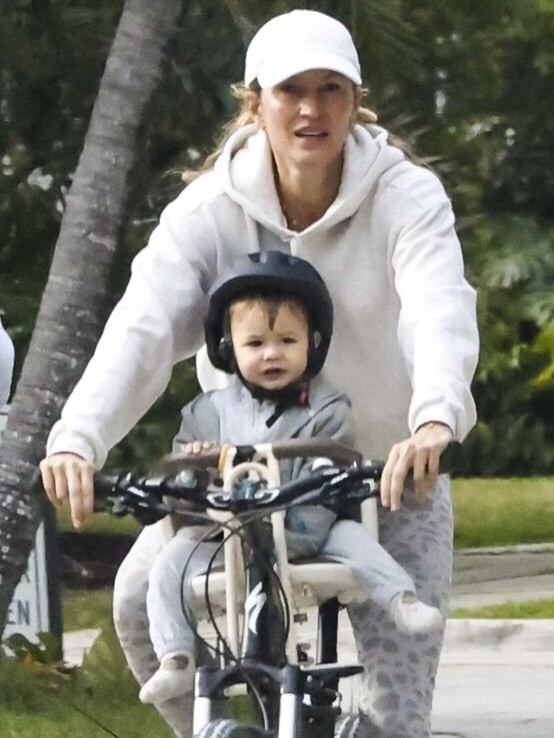
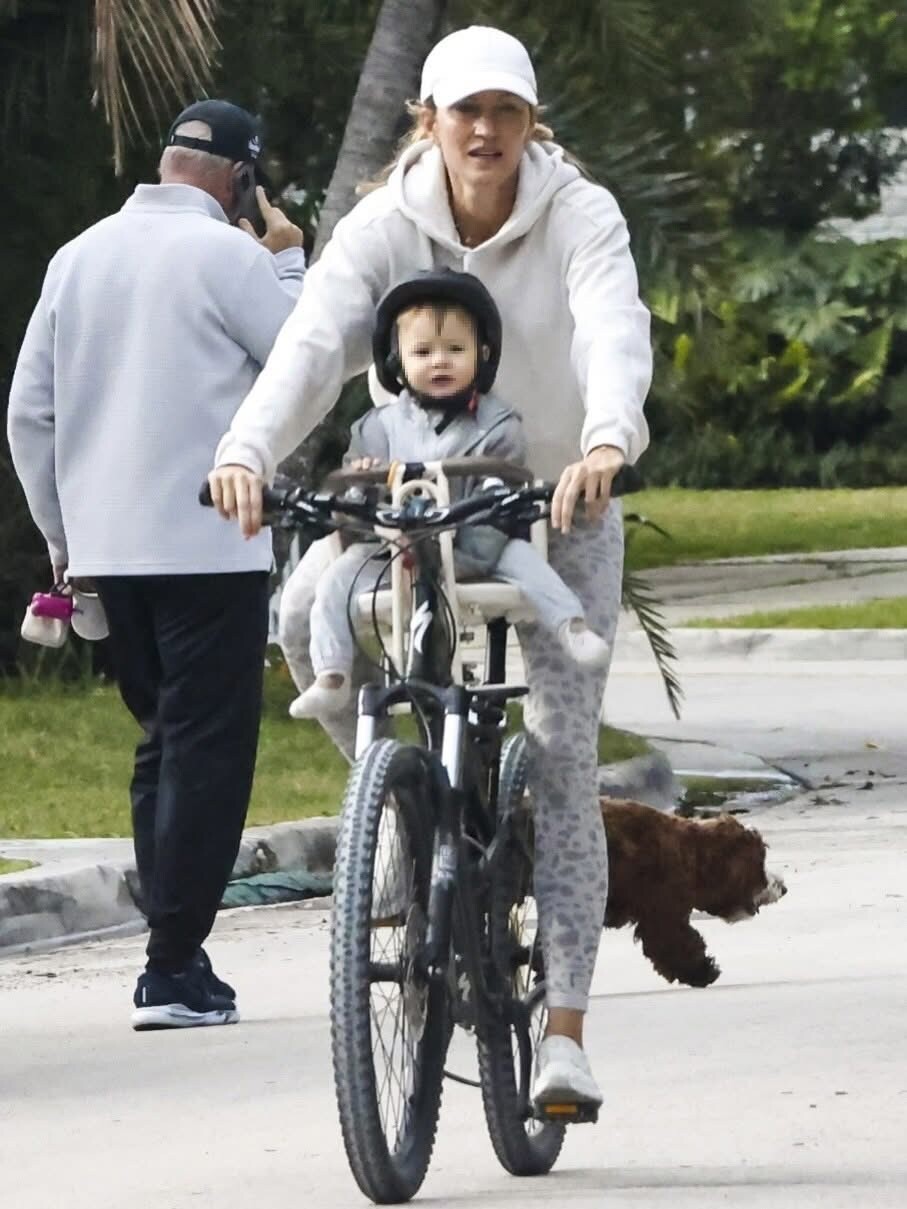
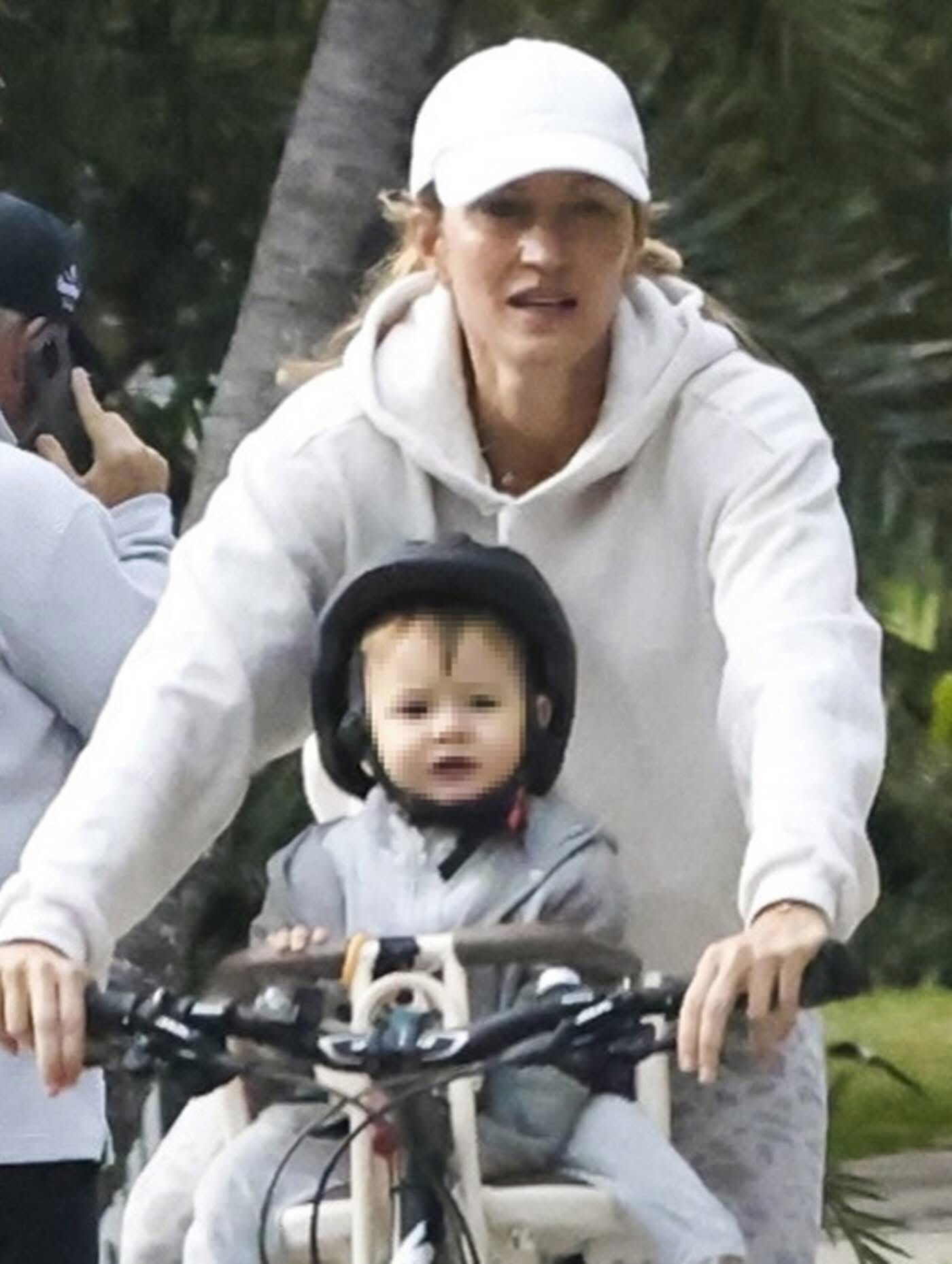
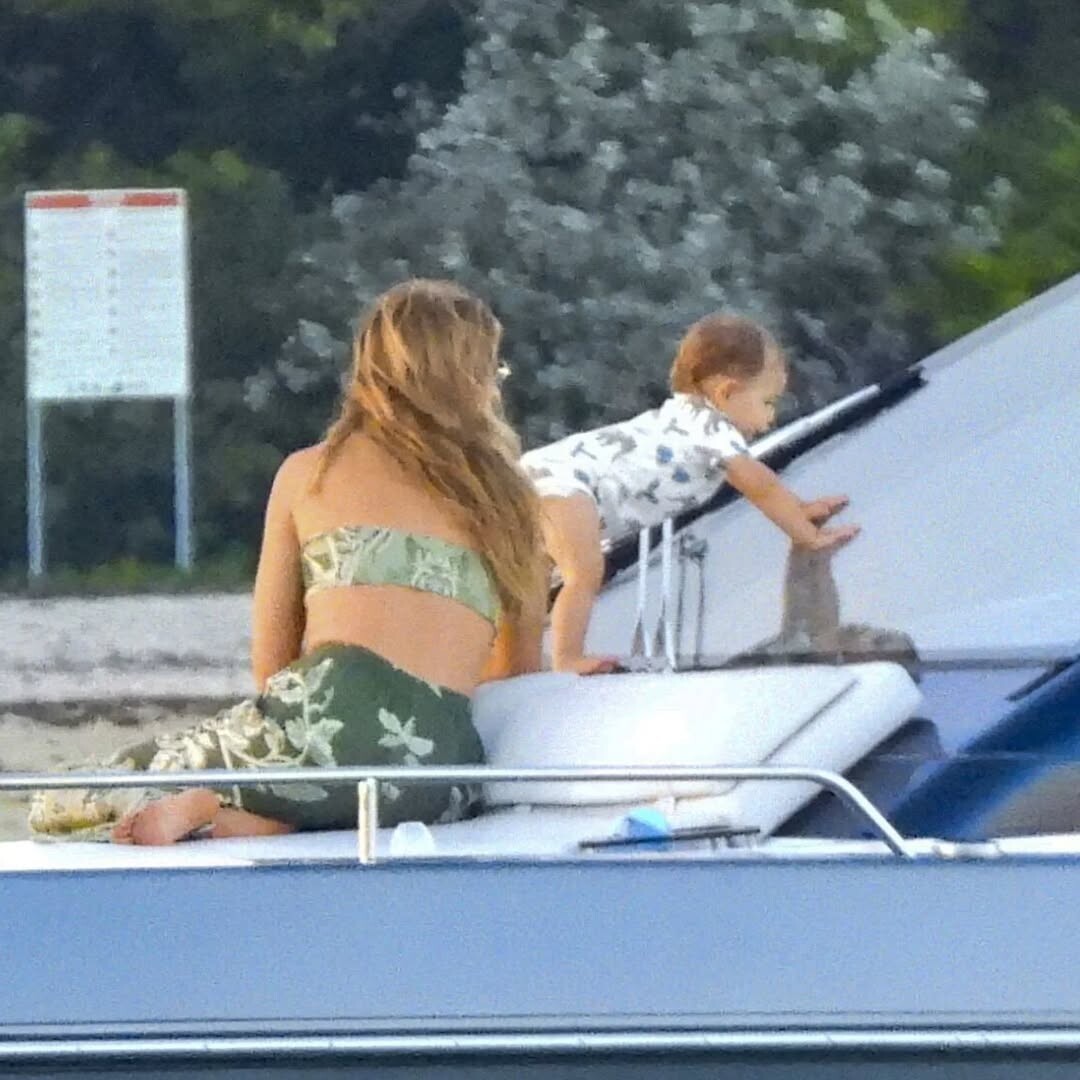
New candids w her baby








-
 https://www.instagram.com/genevievedrea/ https://lseaswimwear.com
 -
Ph: Elisa Paci 2025

-
 IG: fardaumaaike



-
DROP EDITION 2025 Drop 6







































-
 Please help me find her name


-
 #1 is Mari Lederman and #9 is Taylor Sharpe.
 -
Ph: Ricardo Andre


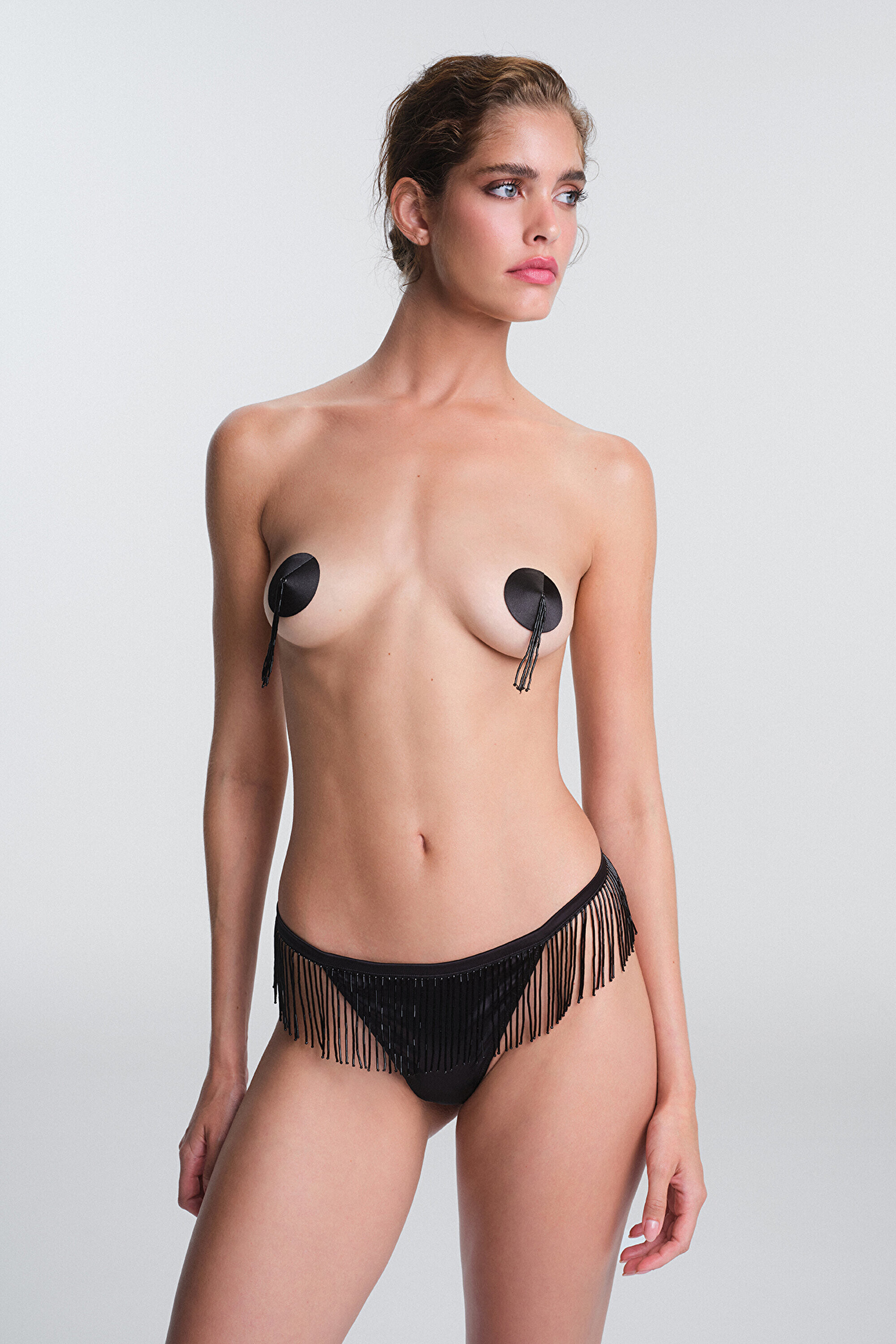
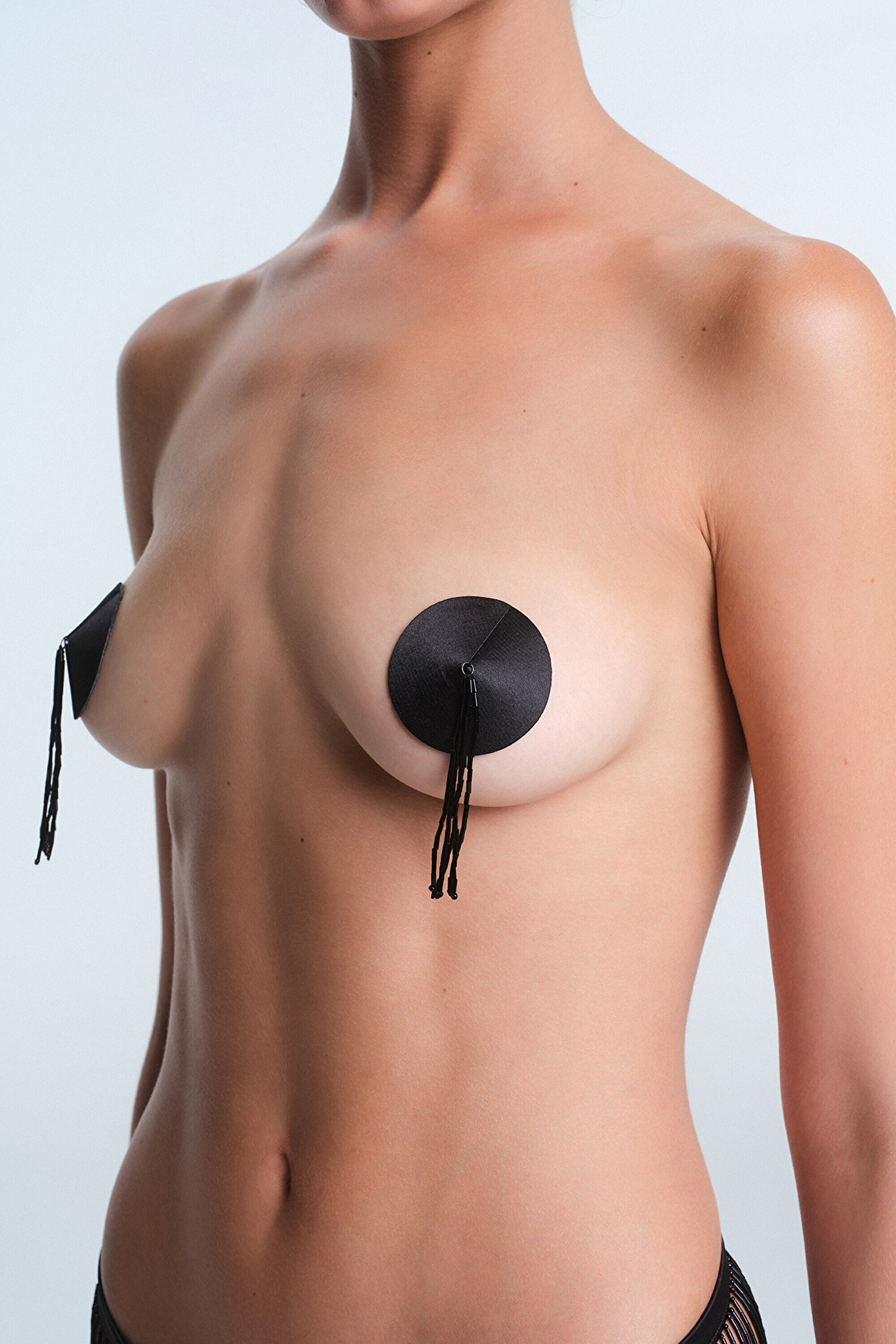
 Penti
Penti





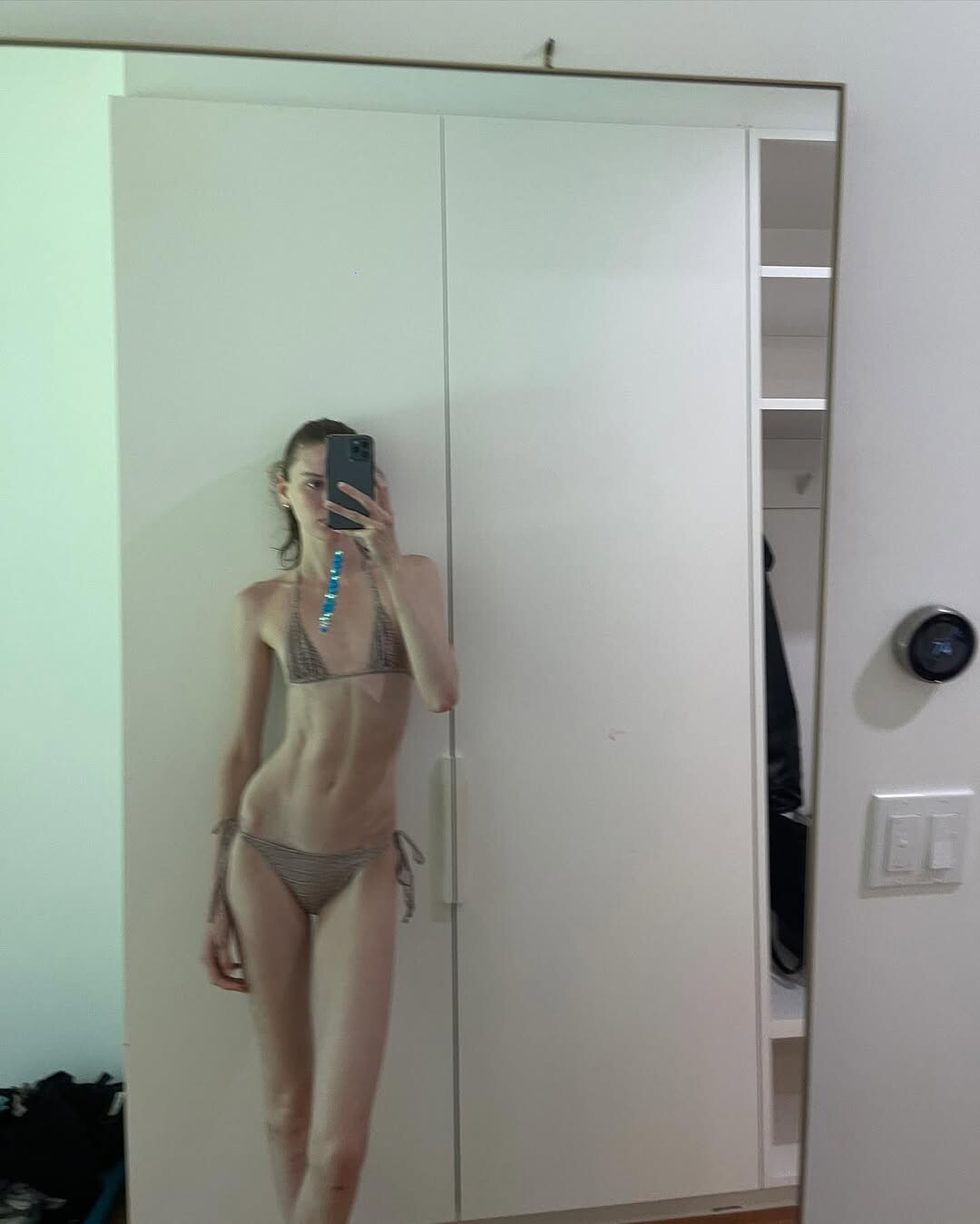
 vintage victoriassecret for the grammys 💫 video [2026.02.02] kelseymerritt's2026-2-2-19.47.690 story.mp4 [2026.02.02] kelseymerritt_DURiGEMknBQ2.mp4 [2026.02.02] kelseymerritt_DURiGEMknBQ1.mp4 [2026.02.02] kelseymerritt's2026-2-2-19.47.868 rotate.mp4

























































































































































Account
Search
Configure browser push notifications
Chrome (Android)
- Tap the lock icon next to the address bar.
- Tap Permissions → Notifications.
- Adjust your preference.
Chrome (Desktop)
- Click the padlock icon in the address bar.
- Select Site settings.
- Find Notifications and adjust your preference.
Safari (iOS 16.4+)
- Ensure the site is installed via Add to Home Screen.
- Open Settings App → Notifications.
- Find your app name and adjust your preference.
Safari (macOS)
- Go to Safari → Preferences.
- Click the Websites tab.
- Select Notifications in the sidebar.
- Find this website and adjust your preference.
Edge (Android)
- Tap the lock icon next to the address bar.
- Tap Permissions.
- Find Notifications and adjust your preference.
Edge (Desktop)
- Click the padlock icon in the address bar.
- Click Permissions for this site.
- Find Notifications and adjust your preference.
Firefox (Android)
- Go to Settings → Site permissions.
- Tap Notifications.
- Find this site in the list and adjust your preference.
Firefox (Desktop)
- Open Firefox Settings.
- Search for Notifications.
- Find this site in the list and adjust your preference.