All Activity
- Past hour
-
Jasper Funk Height 5'10" ½ Hair Color Brown Eyes Green Bust 30" Waist 24" Hips 34" Shoes 10 Ford Models: https://fordmodels.com/barcelona/profile/jasper-funk/ IG: @jasperfunky Portfolio
























-
-
-
-
queer2 changed their profile photo
-
Reserved



















-
KEO joined the communityBurberry 170th Anniversary 2025 Campaign Tim Walker - Photographer Katy England - Fashion Editor/Stylist Sam McKnight - Hair Stylist Lauren Parsons - Makeup Artist Ama Quashie - Manicurist

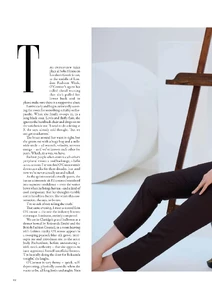
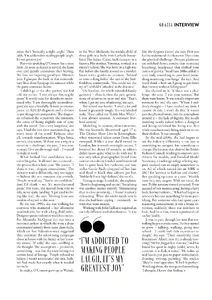
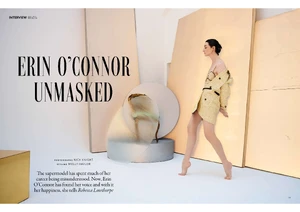
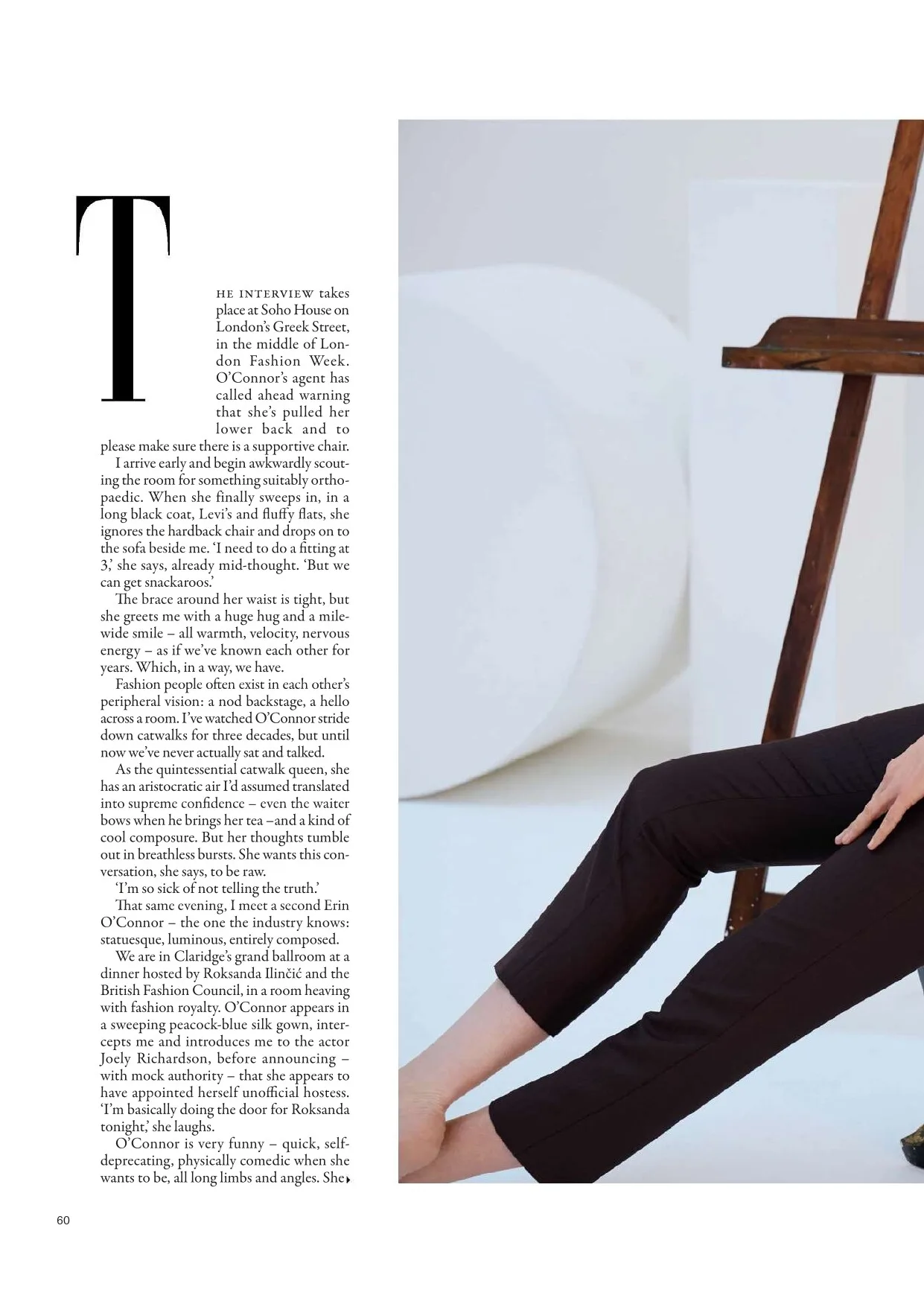
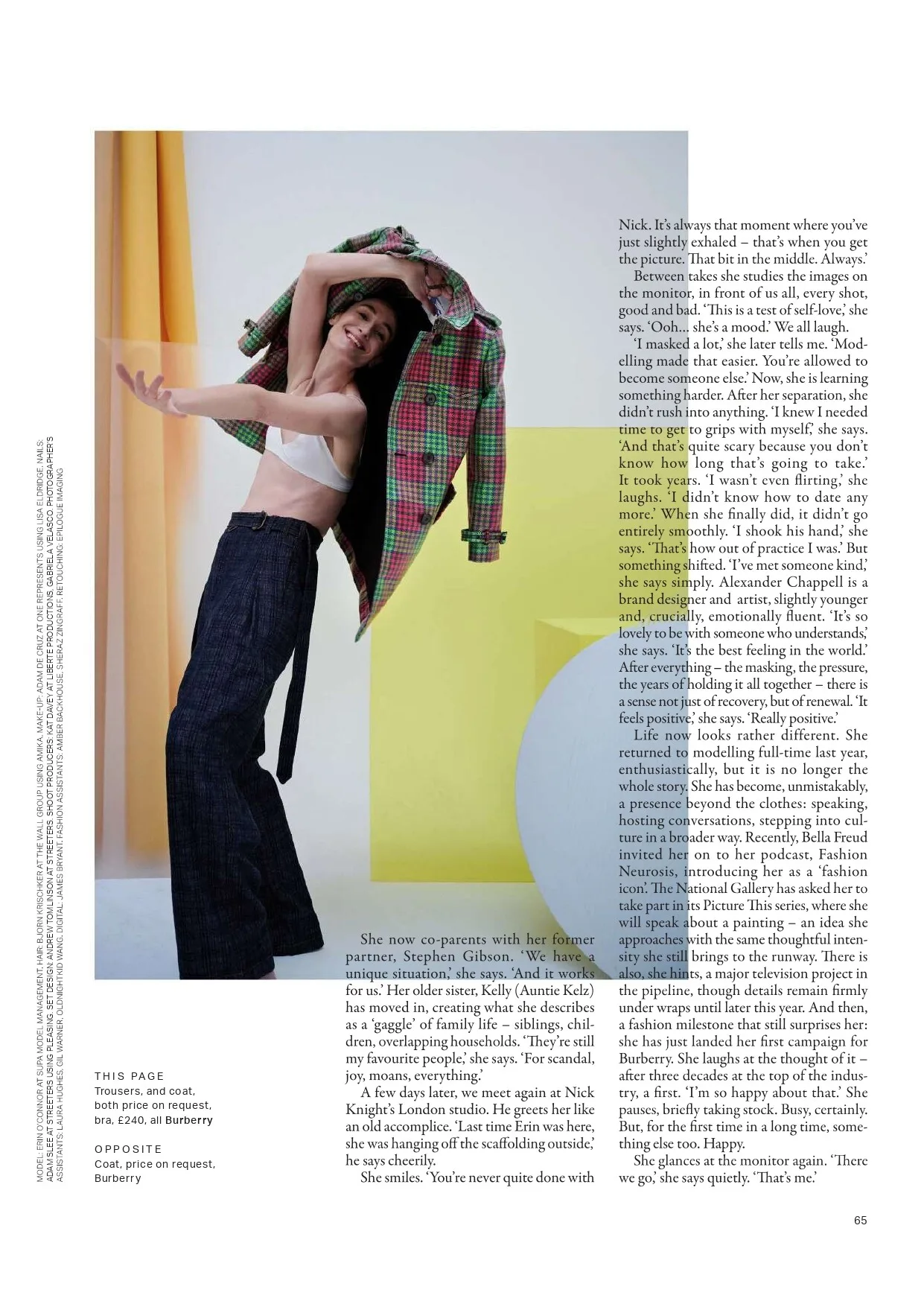
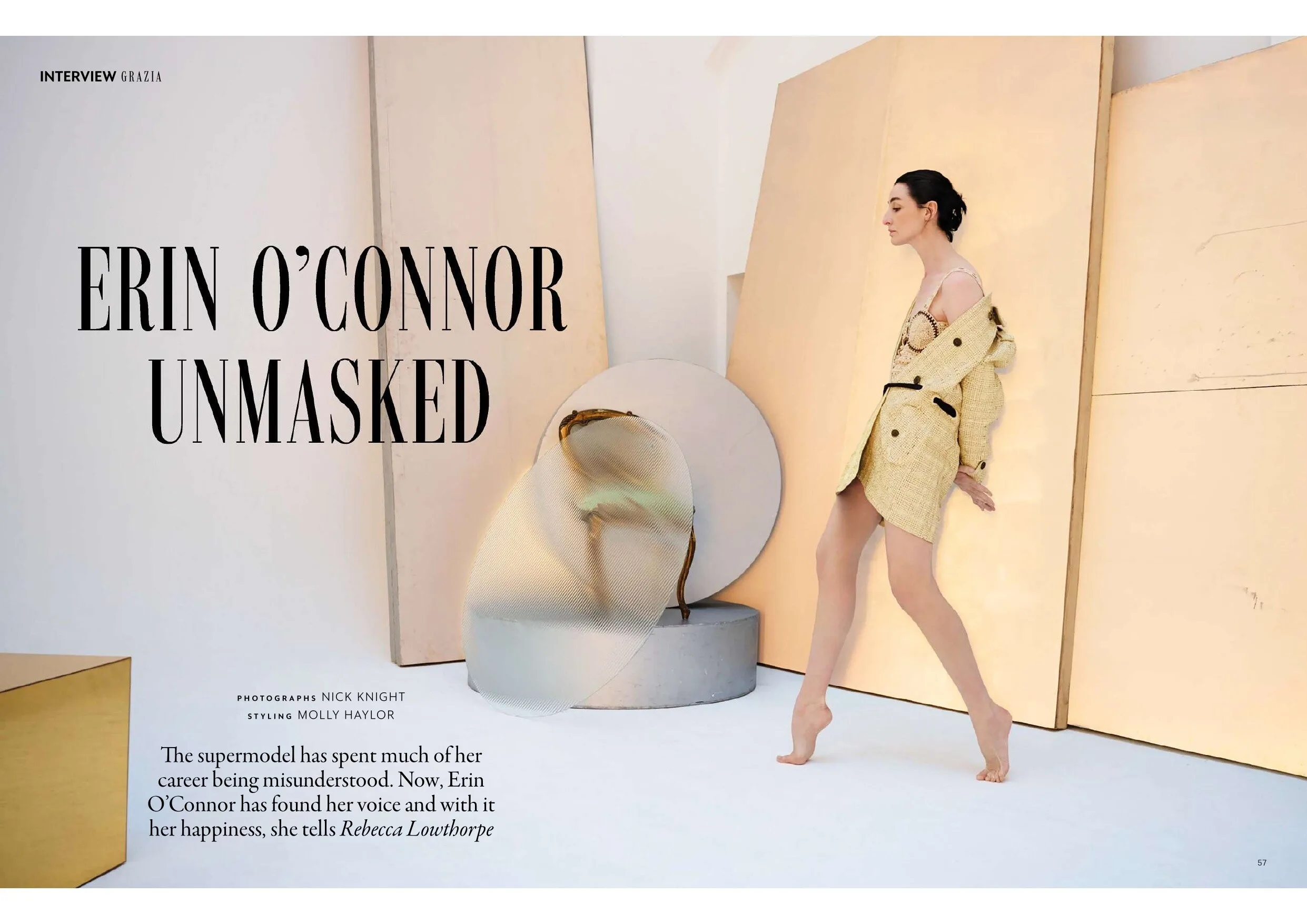
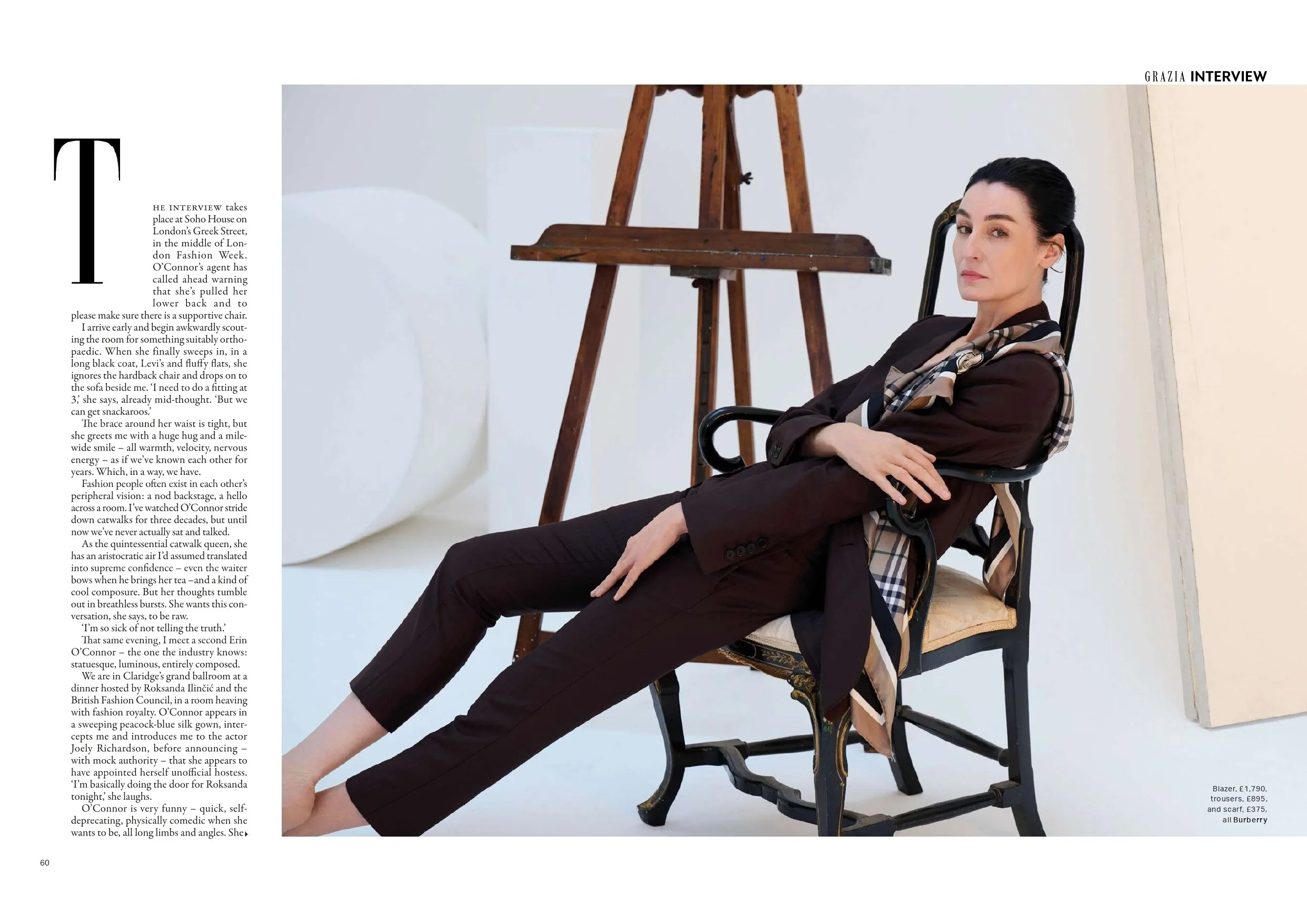
 Grazia UK - 13 April 2026 "Erin O'Connor Unmasked" Photo : Nick Knight Styling : Molly Haylor








 Sashagrey69 joined the communityMaureen Gallagher for Christian Dior, ready-to-wear, spring/summer 1992 my scan
- Today
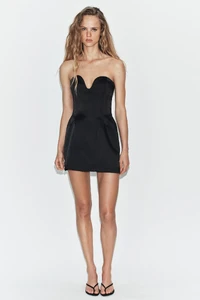
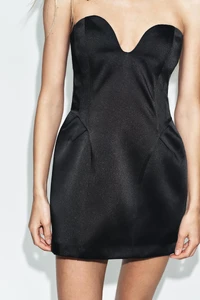
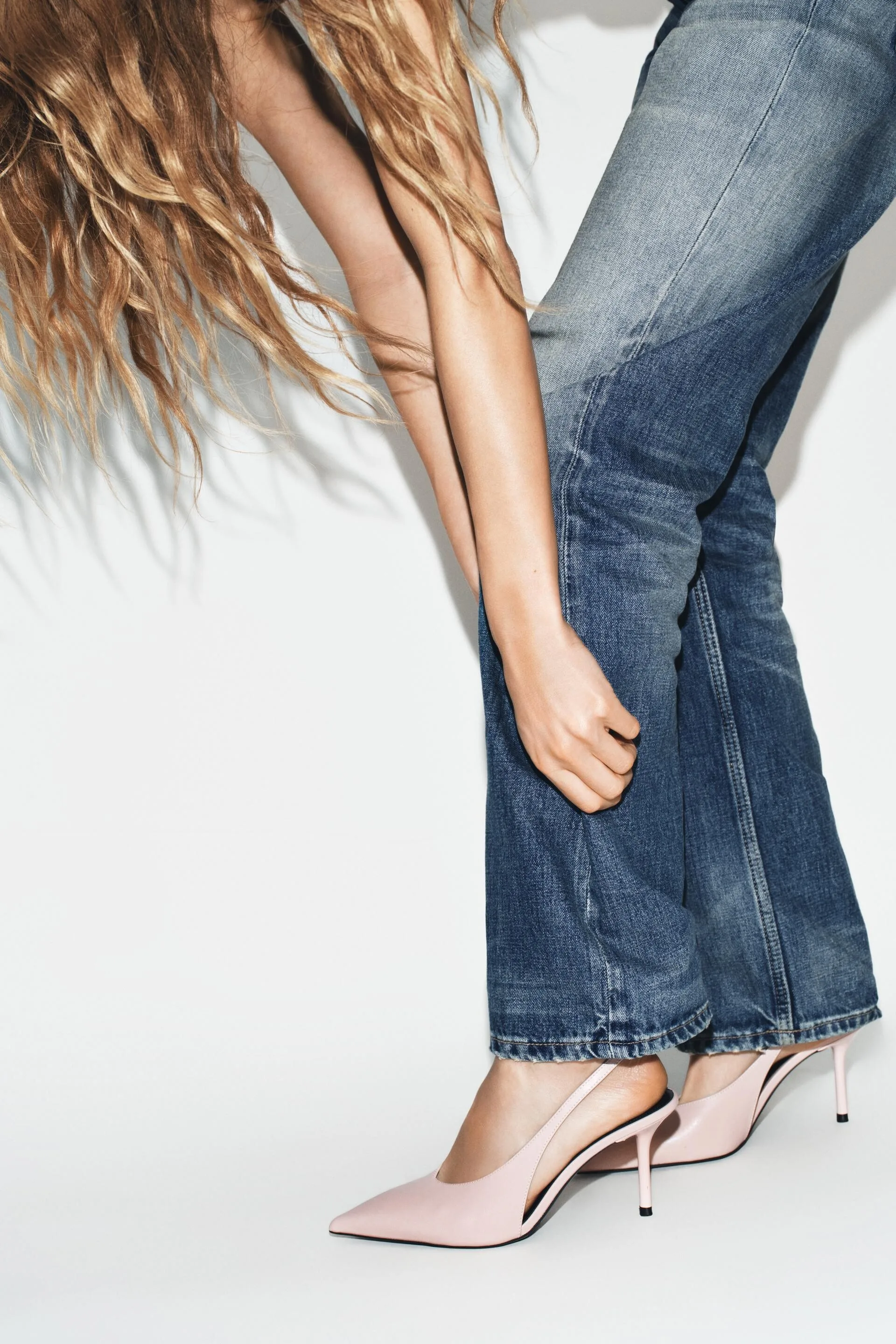
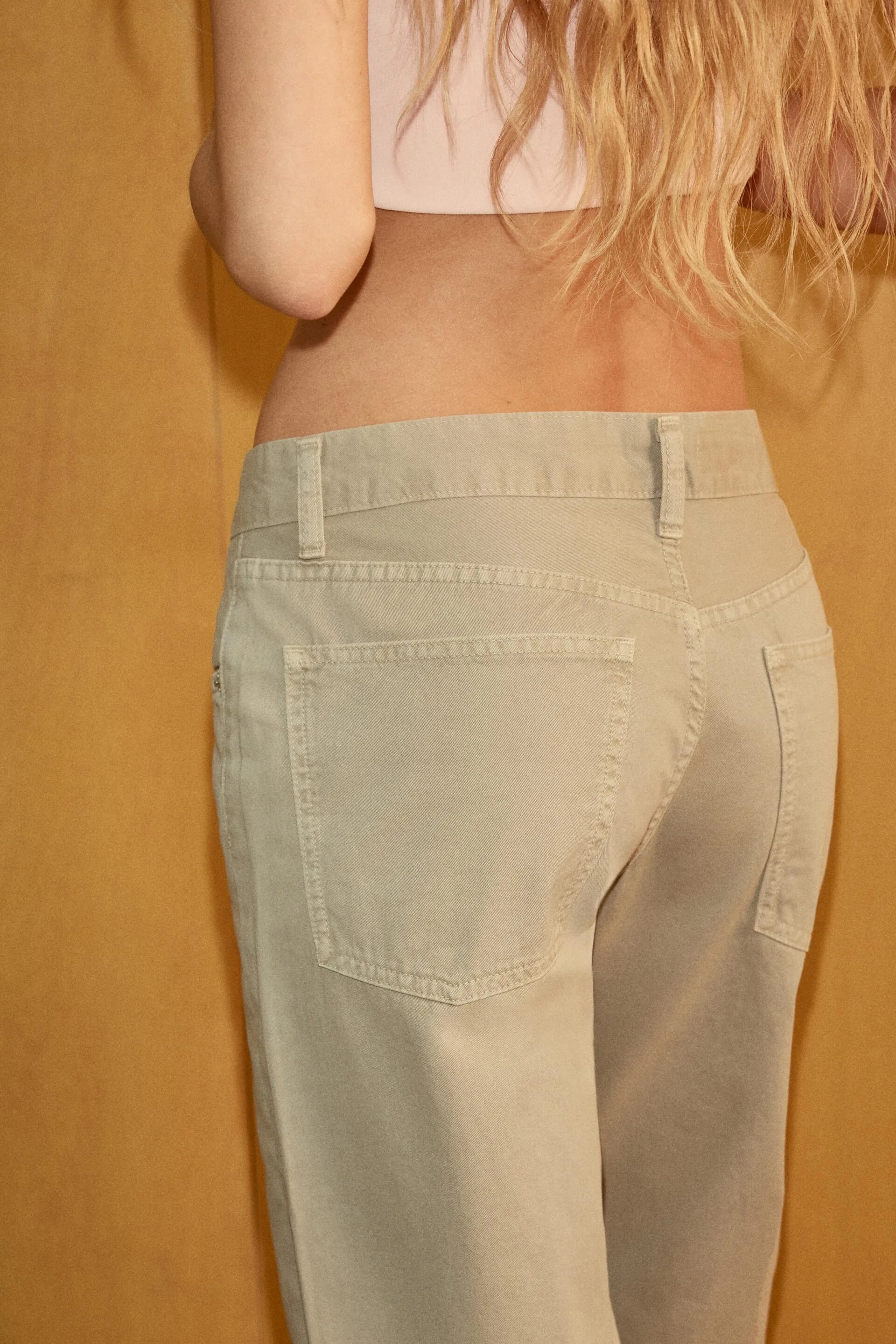
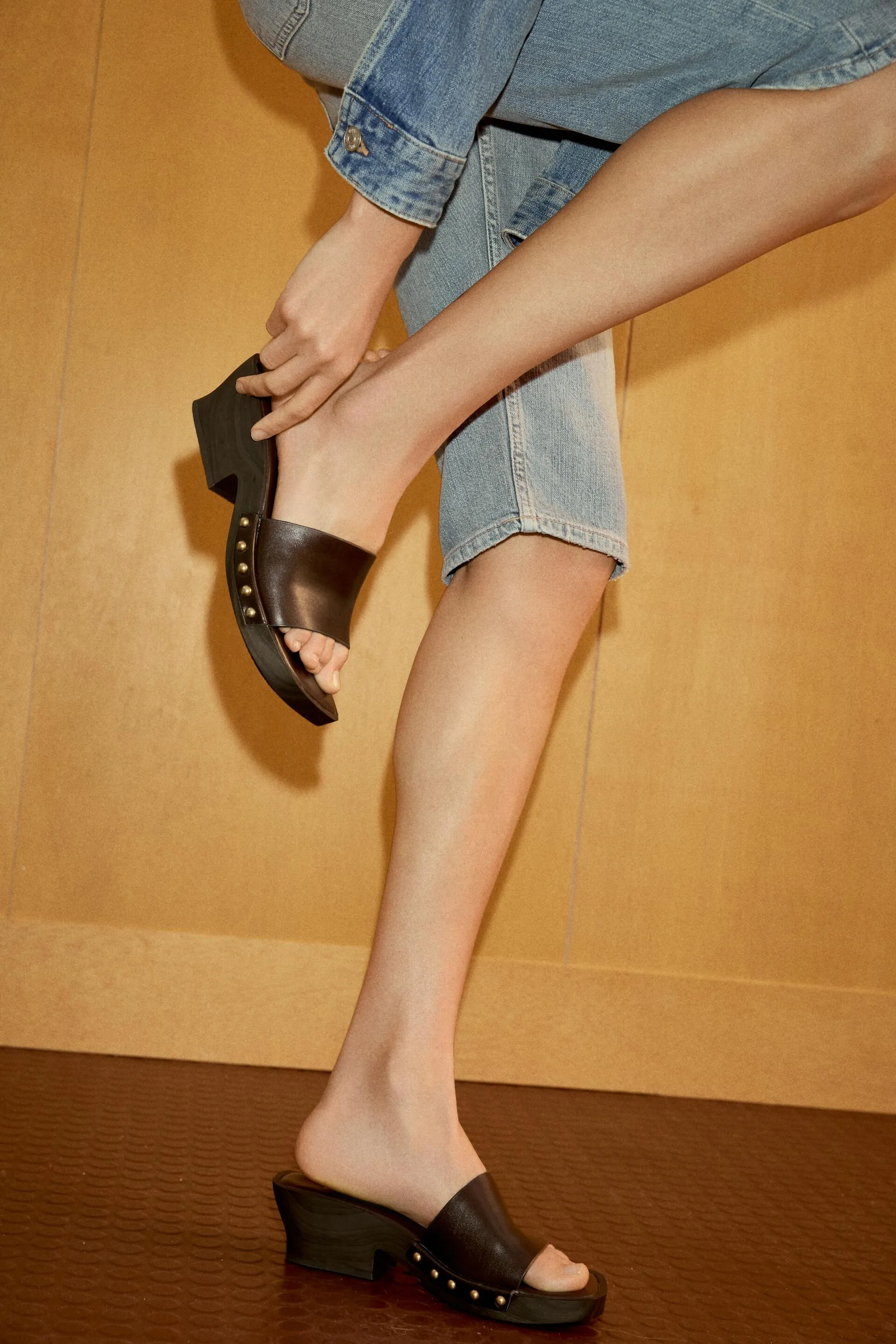
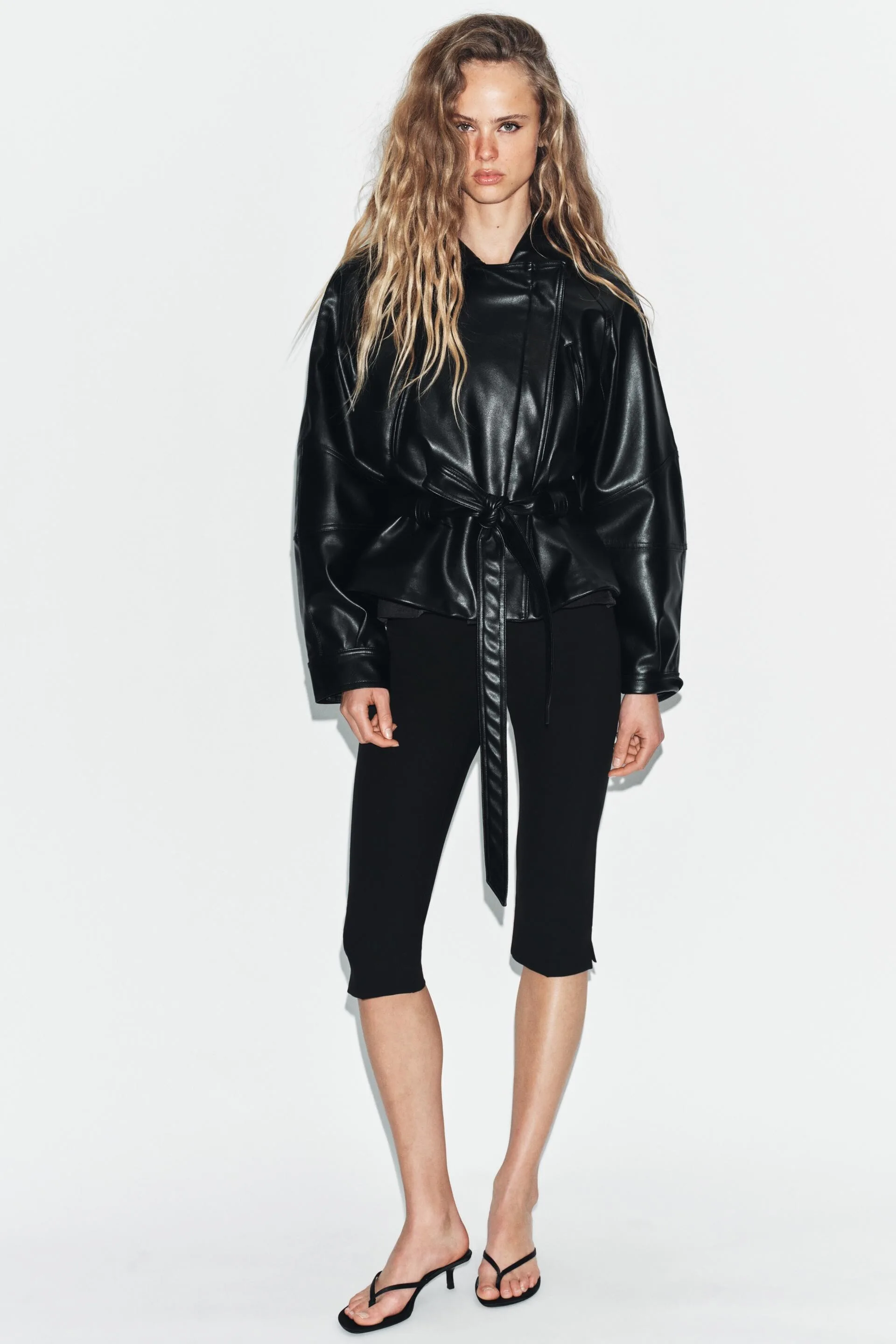
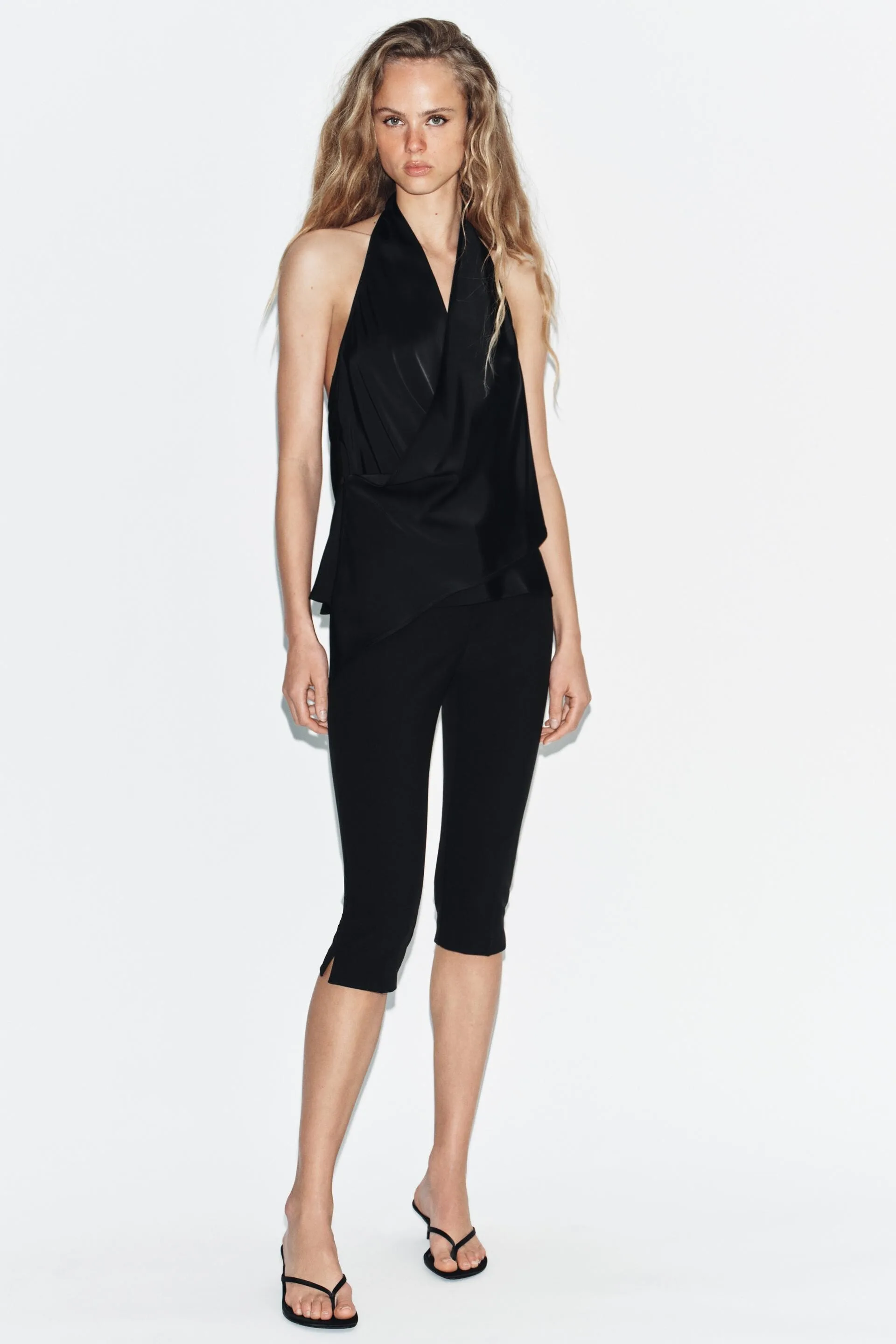
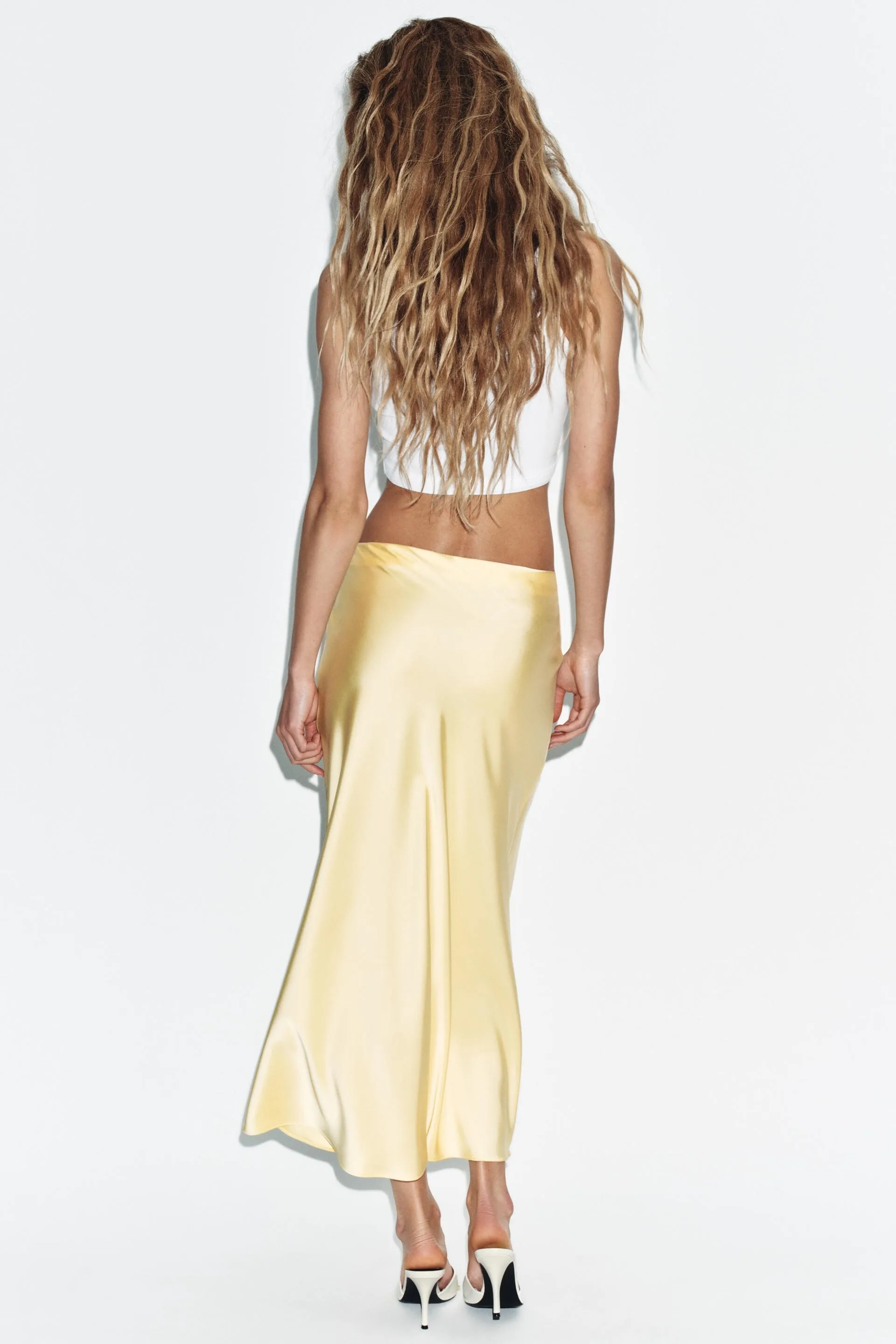
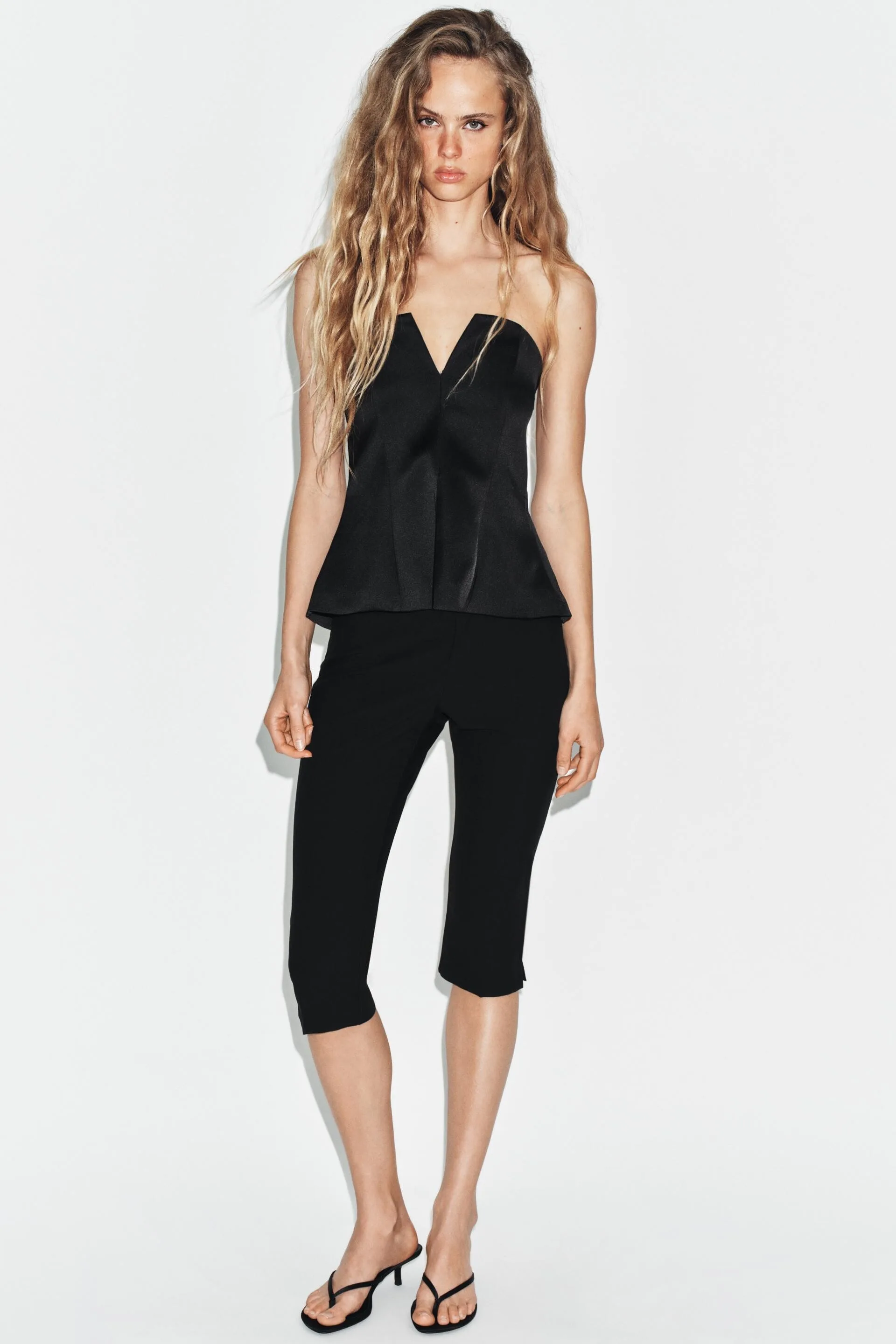
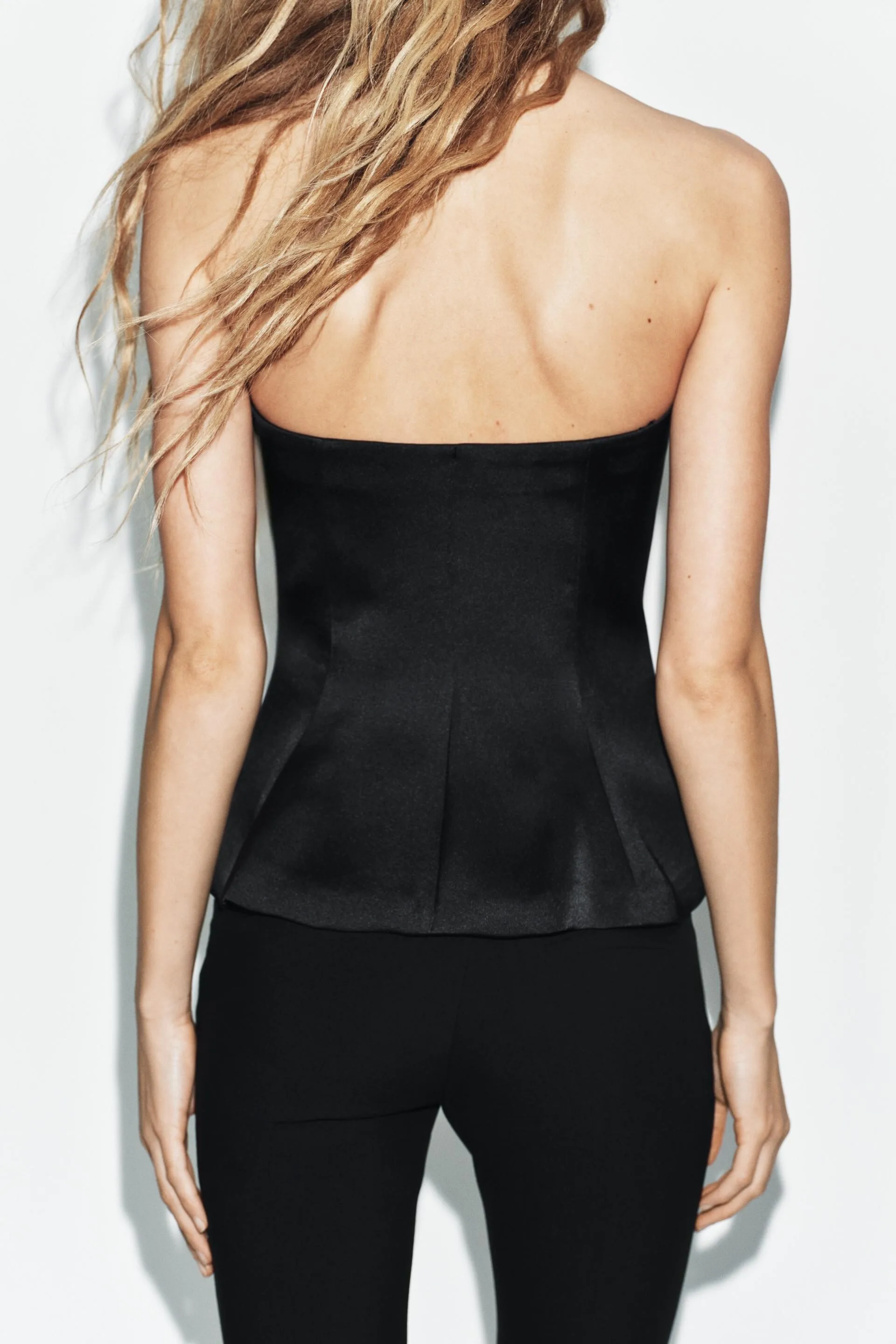
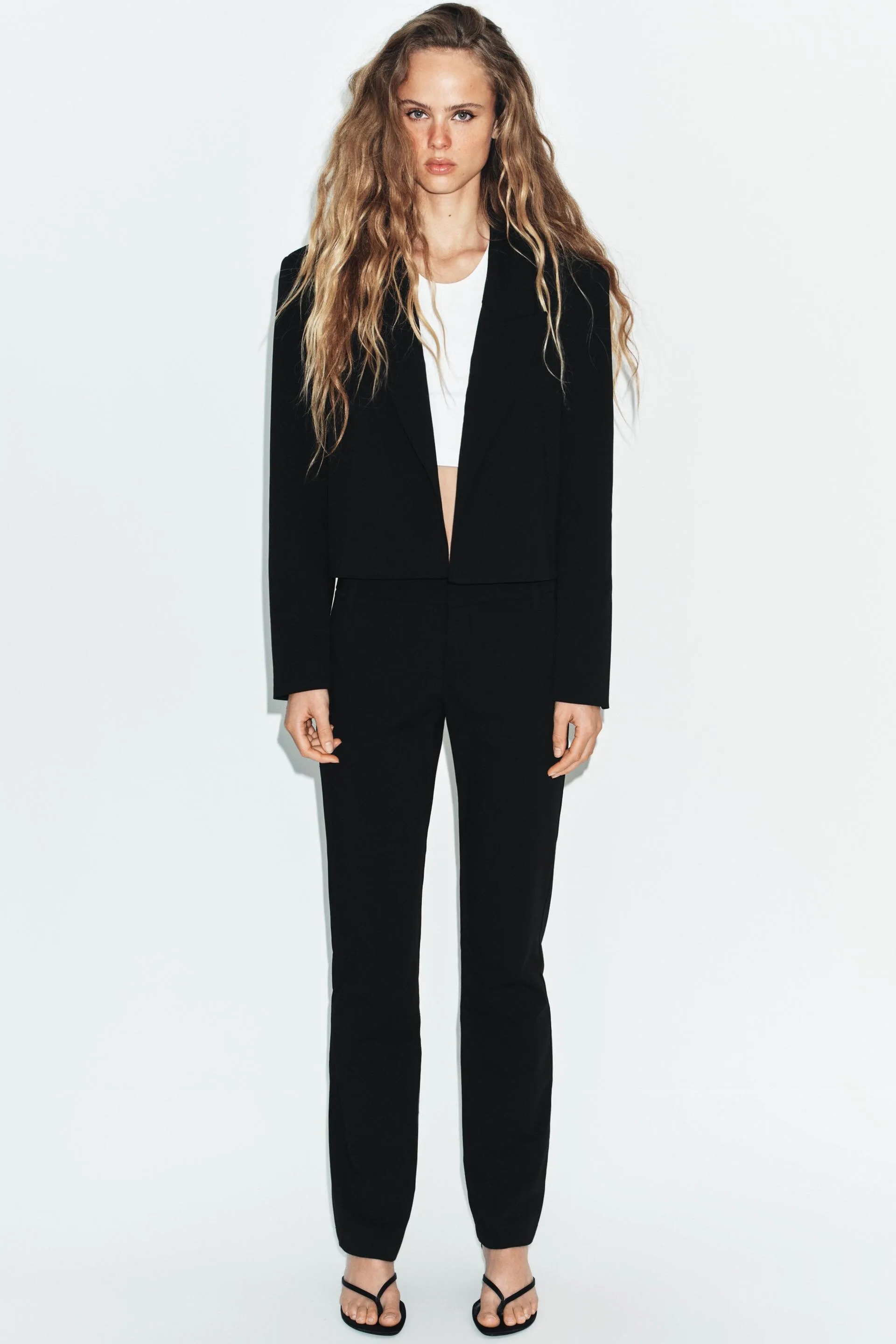
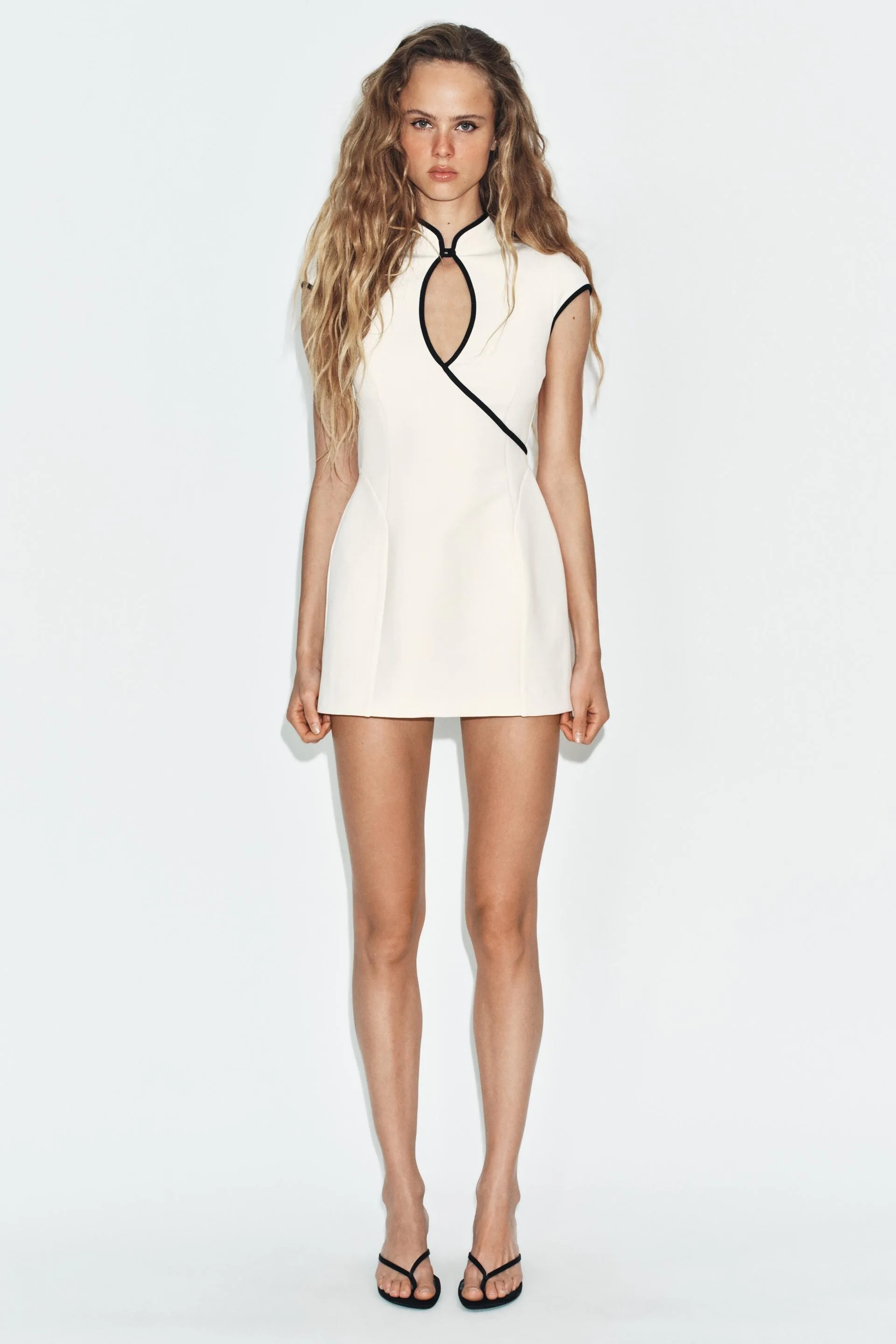
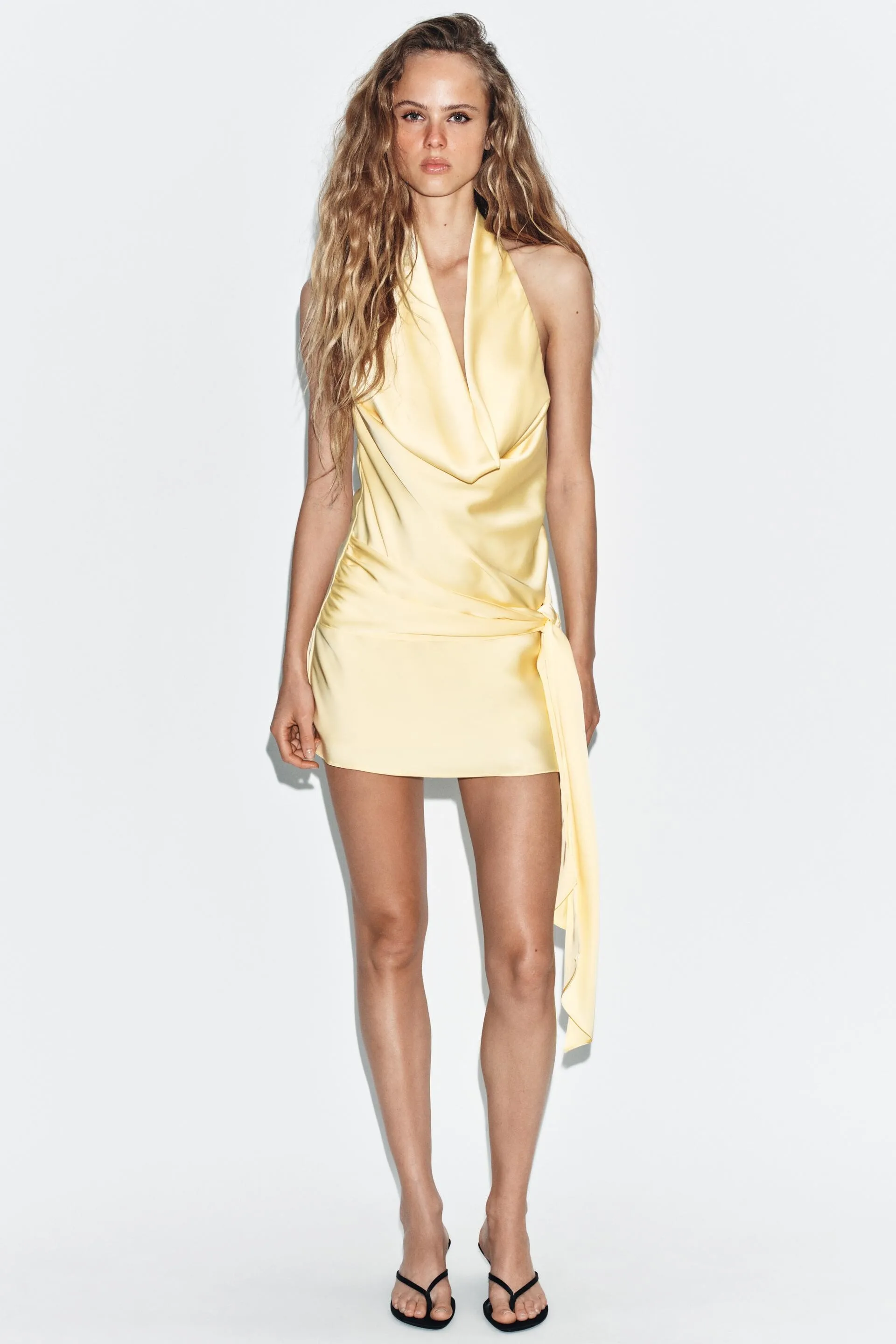
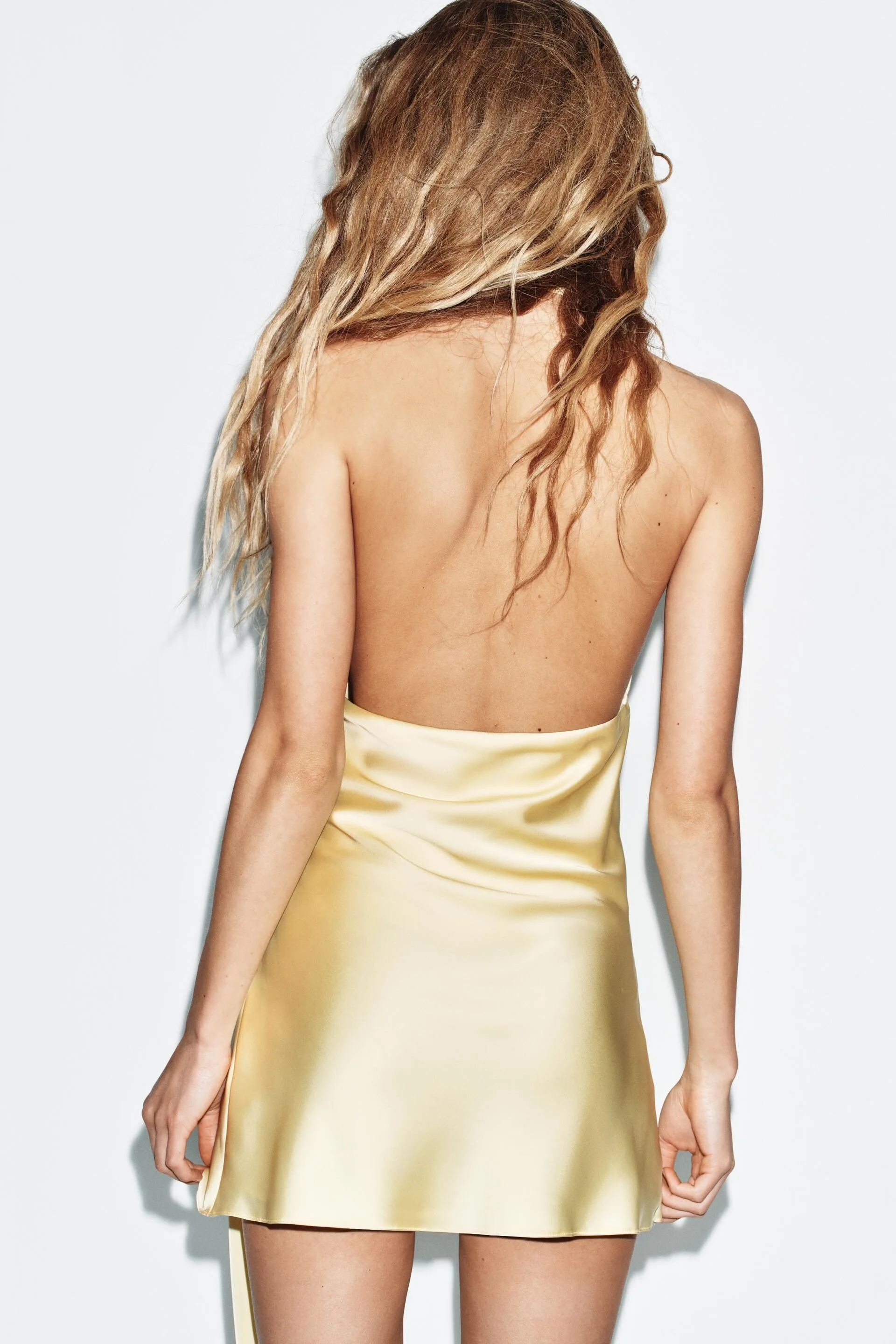
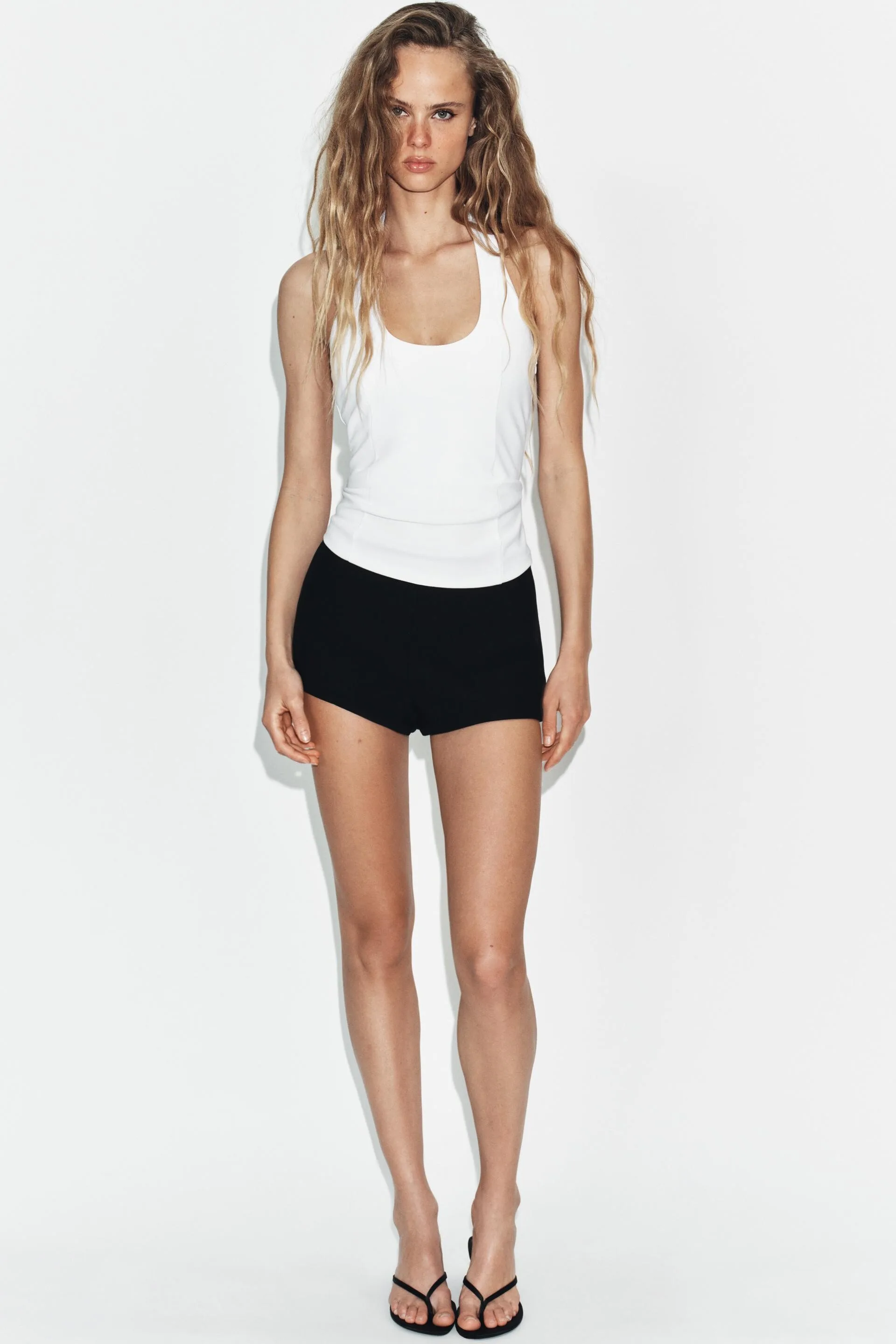
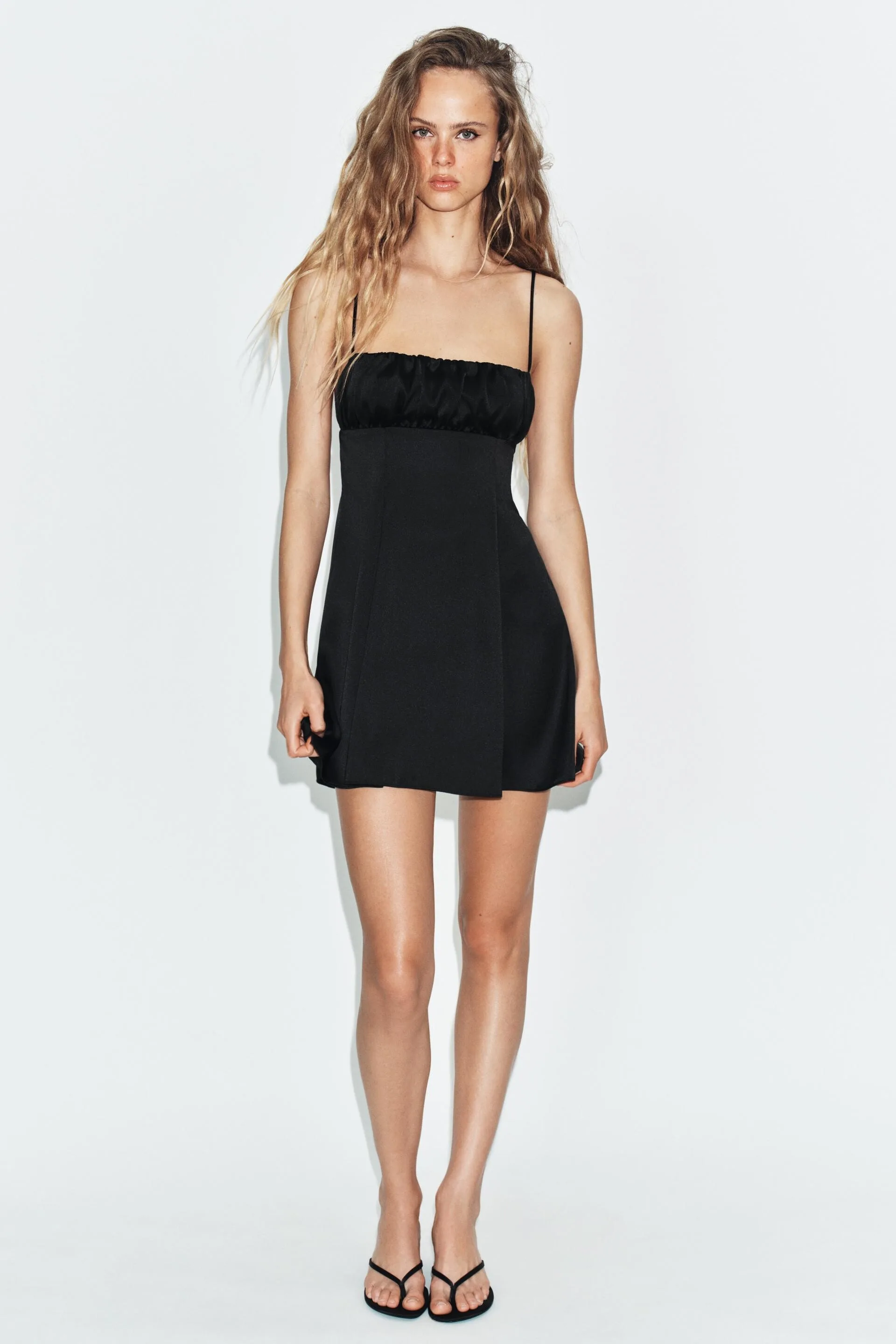
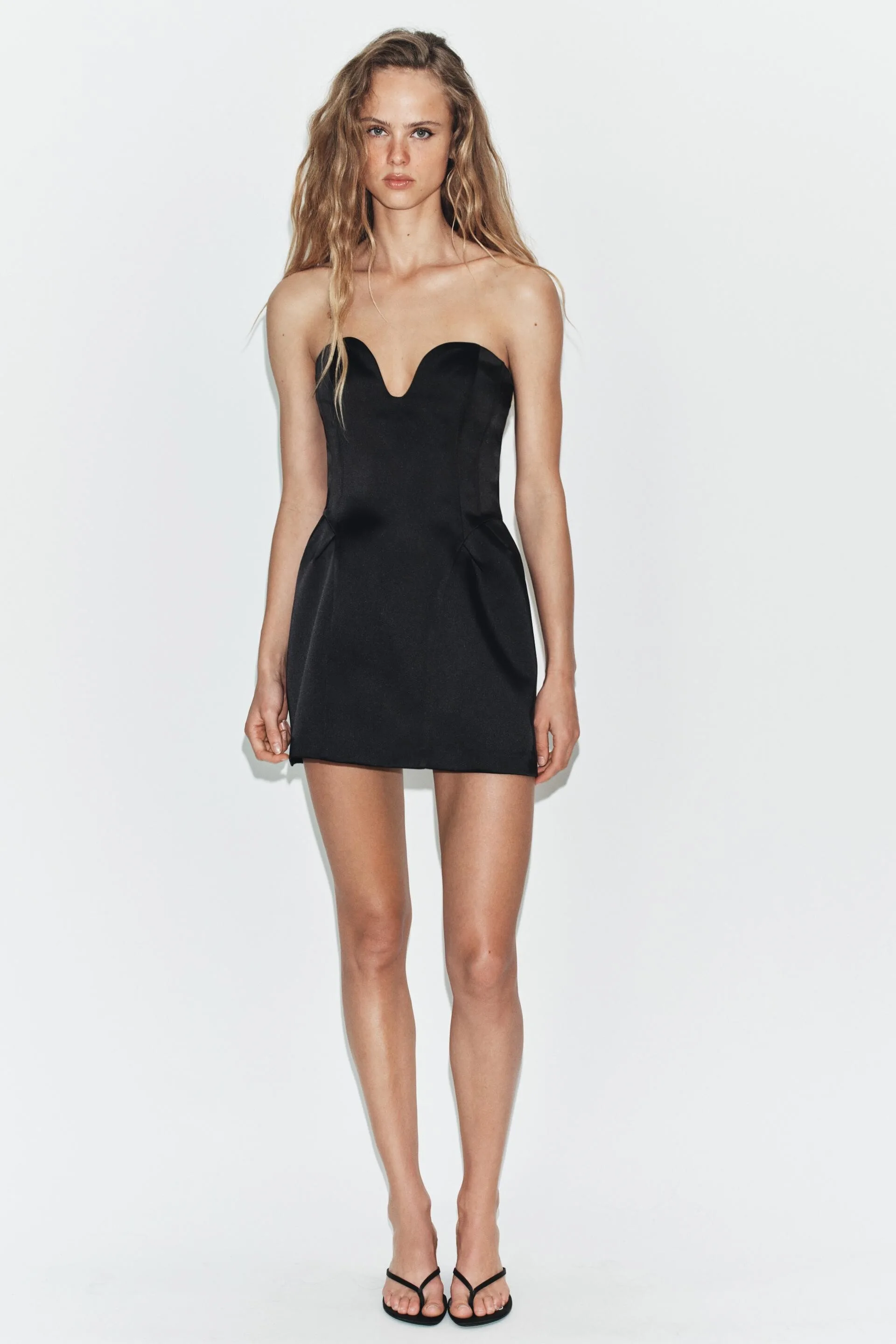
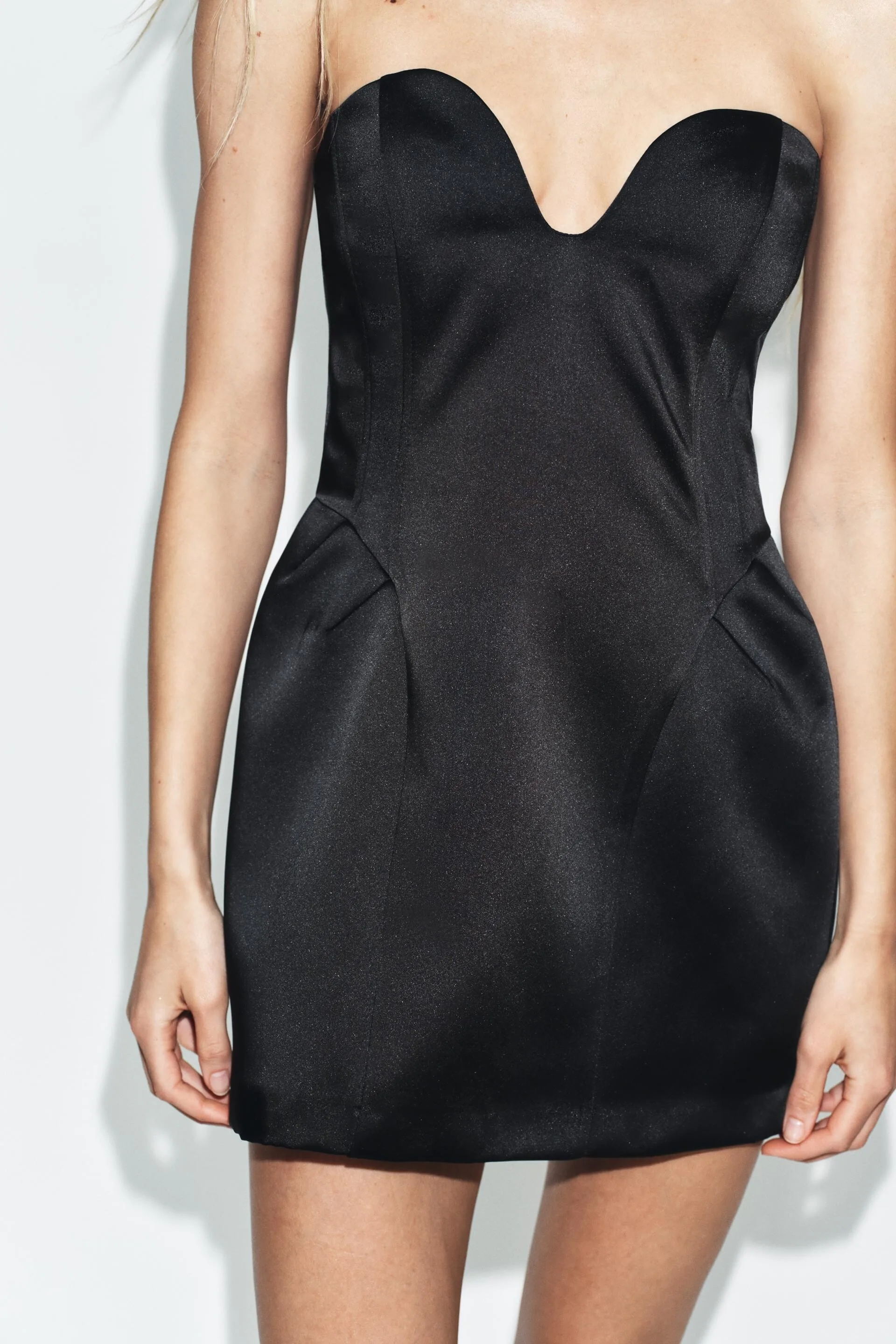
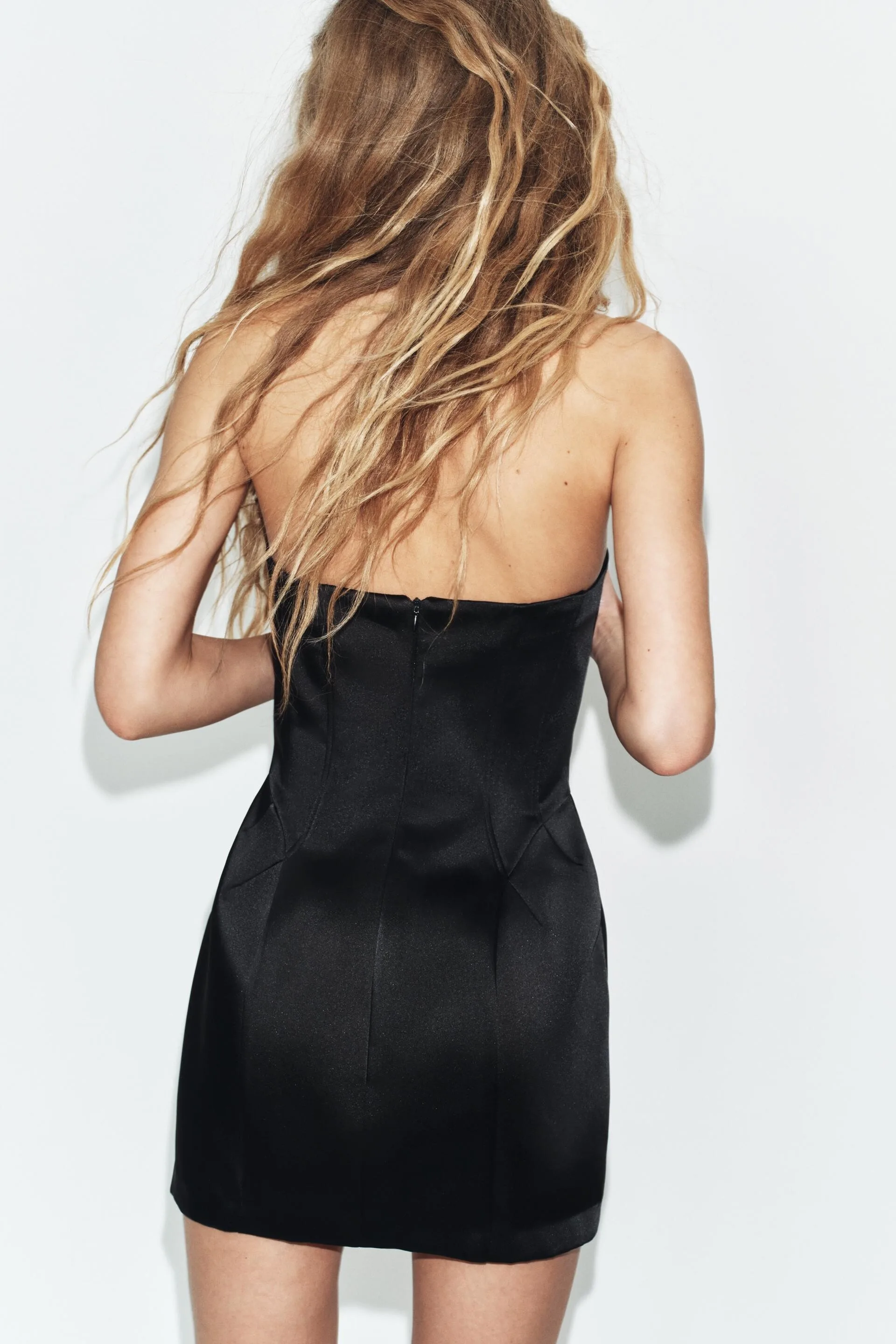
ZARA part 3




















































 yes, as found / posted here by danny-19 & created by Minerva13ZARA part 2
















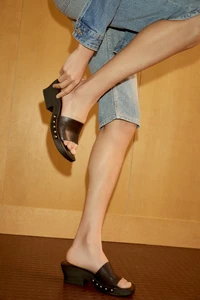





































 ZARA part 1



























































 Niki Taylor for Christian Dior, ready-to-wear, spring/summer 1992 my scan
 lets liven up after a nap video
 VideosEveryone wants to date 🇺🇦 but we are not for the weak video
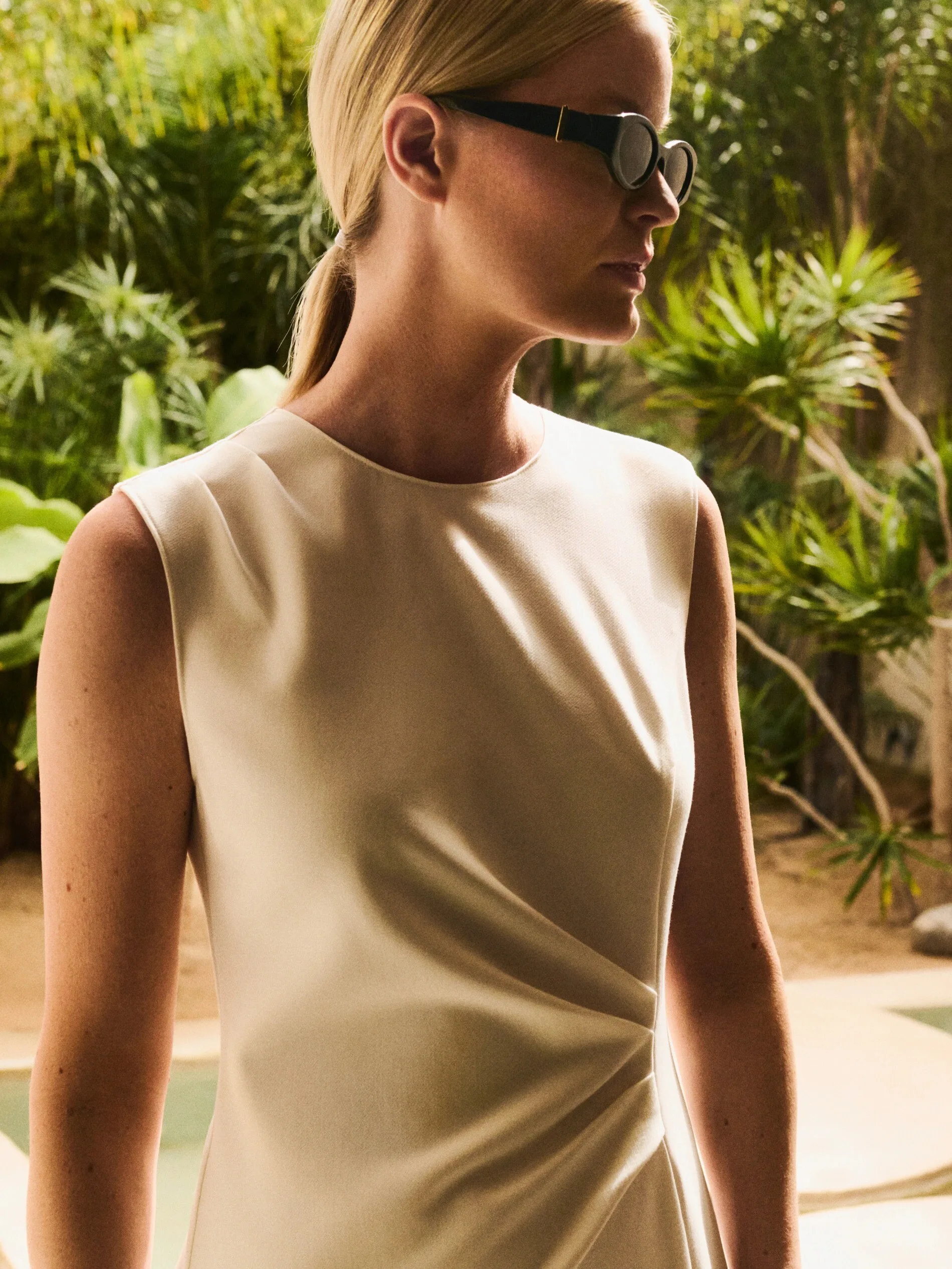
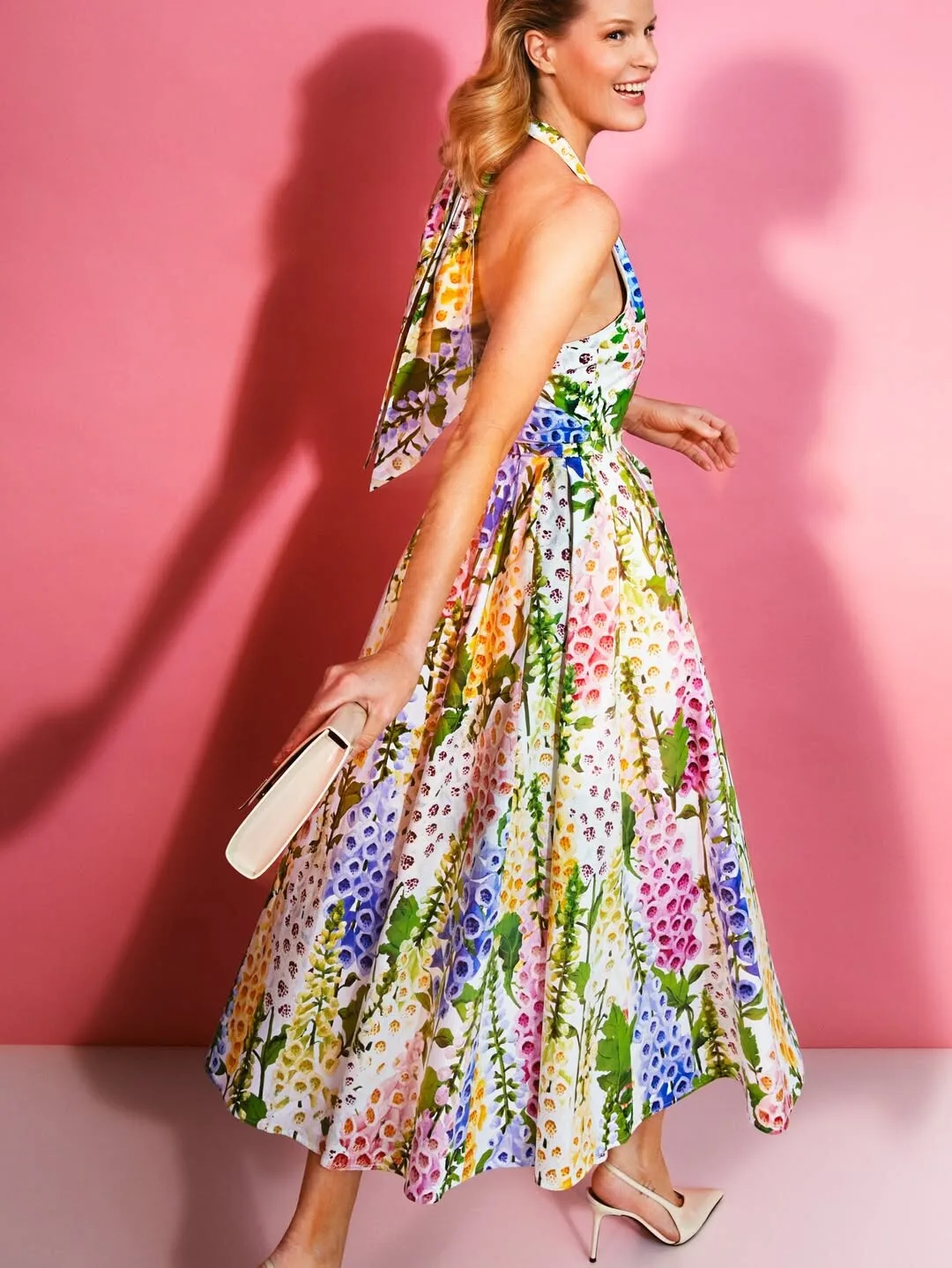
 Karen Mulder for Chloe, ready-to-wear, spring/summer 1992 same as above


























































































































































































































































































































Account
Navigation
Search
Configure browser push notifications
Chrome (Android)
- Tap the lock icon next to the address bar.
- Tap Permissions → Notifications.
- Adjust your preference.
Chrome (Desktop)
- Click the padlock icon in the address bar.
- Select Site settings.
- Find Notifications and adjust your preference.
Safari (iOS 16.4+)
- Ensure the site is installed via Add to Home Screen.
- Open Settings App → Notifications.
- Find your app name and adjust your preference.
Safari (macOS)
- Go to Safari → Preferences.
- Click the Websites tab.
- Select Notifications in the sidebar.
- Find this website and adjust your preference.
Edge (Android)
- Tap the lock icon next to the address bar.
- Tap Permissions.
- Find Notifications and adjust your preference.
Edge (Desktop)
- Click the padlock icon in the address bar.
- Click Permissions for this site.
- Find Notifications and adjust your preference.
Firefox (Android)
- Go to Settings → Site permissions.
- Tap Notifications.
- Find this site in the list and adjust your preference.
Firefox (Desktop)
- Open Firefox Settings.
- Search for Notifications.
- Find this site in the list and adjust your preference.