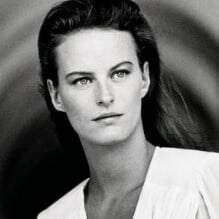
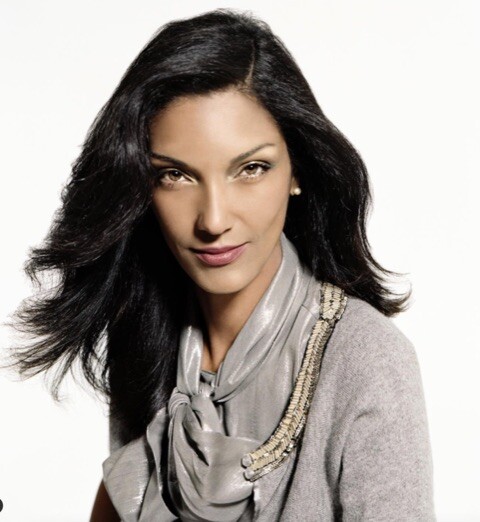
# 90smodel
-
- 18 comments
- 2,743 views
-
- 63 comments
- 12,744 views
-
- 65 comments
- 16,372 views
-
- 16 comments
- 3,223 views
-
- 15 comments
- 1,748 views
-
- 80s model
- 90smodel
- brunette
- brown eyed
-
Tagged with:
- 17 comments
- 1,702 views
-
- 64 comments
- 11,711 views
-
- 38 comments
- 7,640 views
-
- 22 comments
- 497 views
-
- 23 comments
- 2,158 views
-
- 41 comments
- 6,808 views
-
- 51 comments
- 8,215 views
-
- 34 comments
- 6,507 views
-
- 17 comments
- 1,840 views
-
- 23 comments
- 2,613 views
-
- 46 comments
- 7,975 views