
balenciagaaa
Members
-
Joined
-
Last visited
Everything posted by balenciagaaa
-
 Fashion Trust U.S. Awards 2024 in Beverly Hills














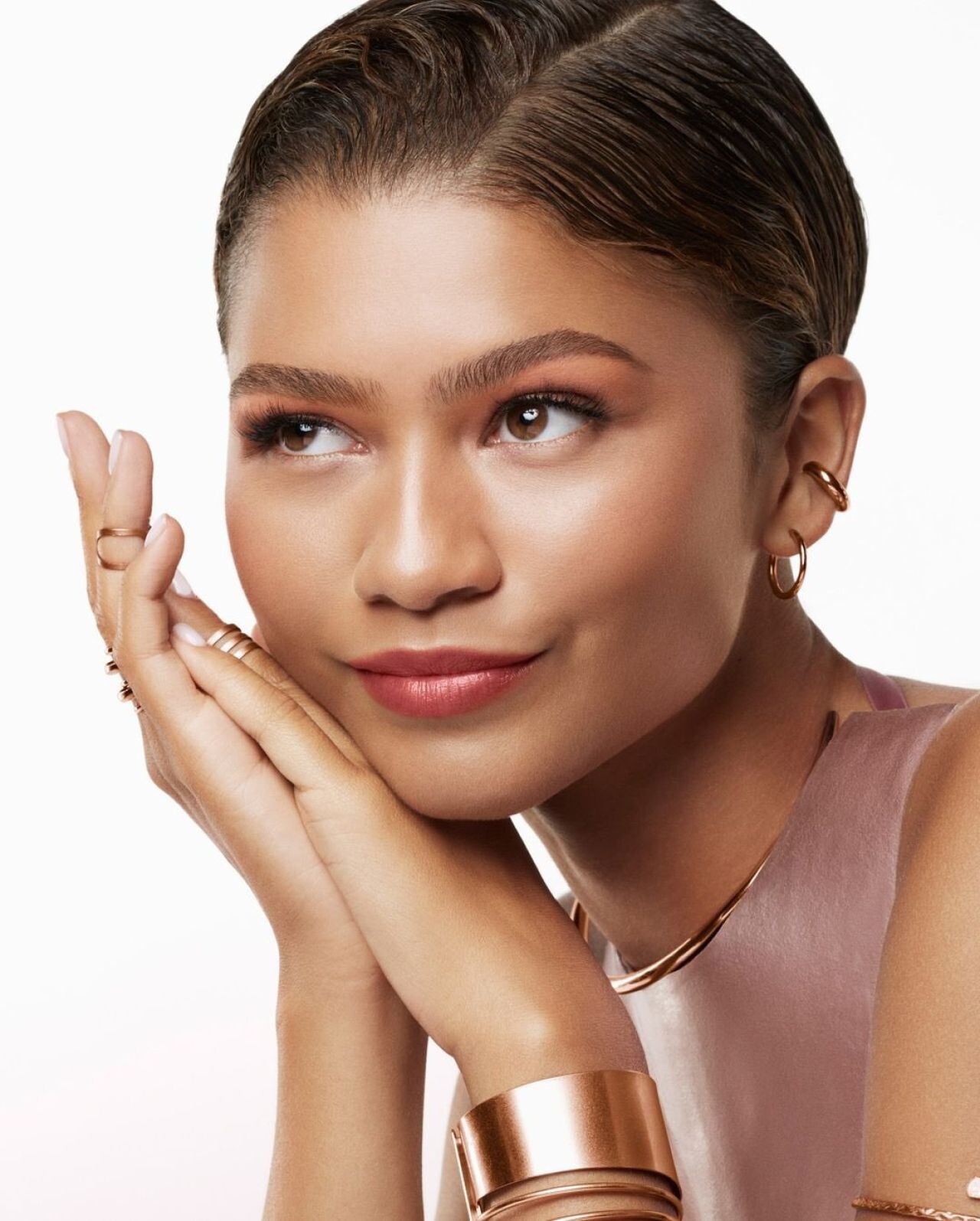
 Lancôme’s “Lip Idôle” Campaign 2024
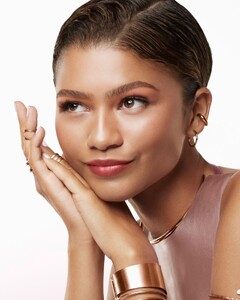 “Slave Play” Press Night in London 07-10-2024


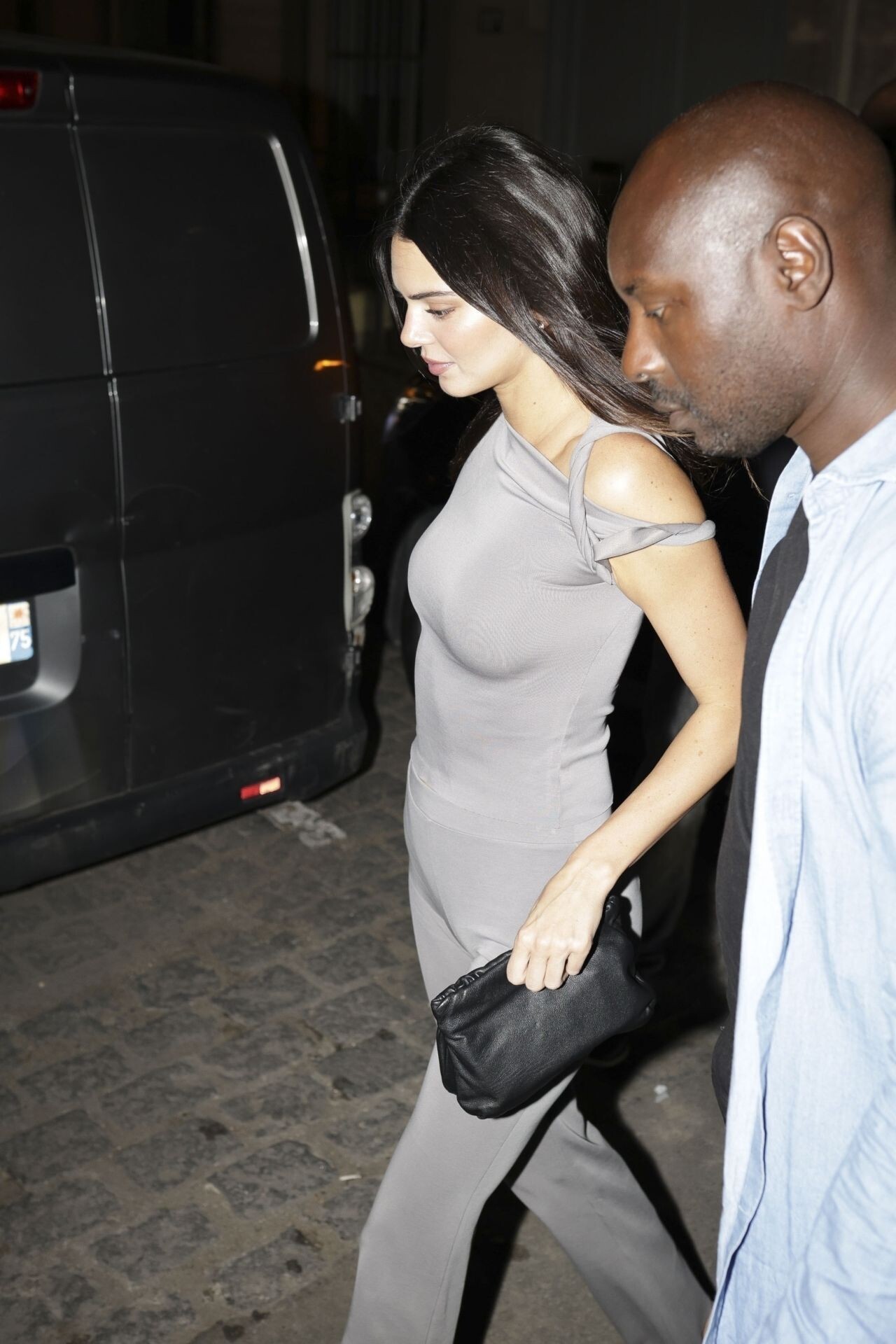
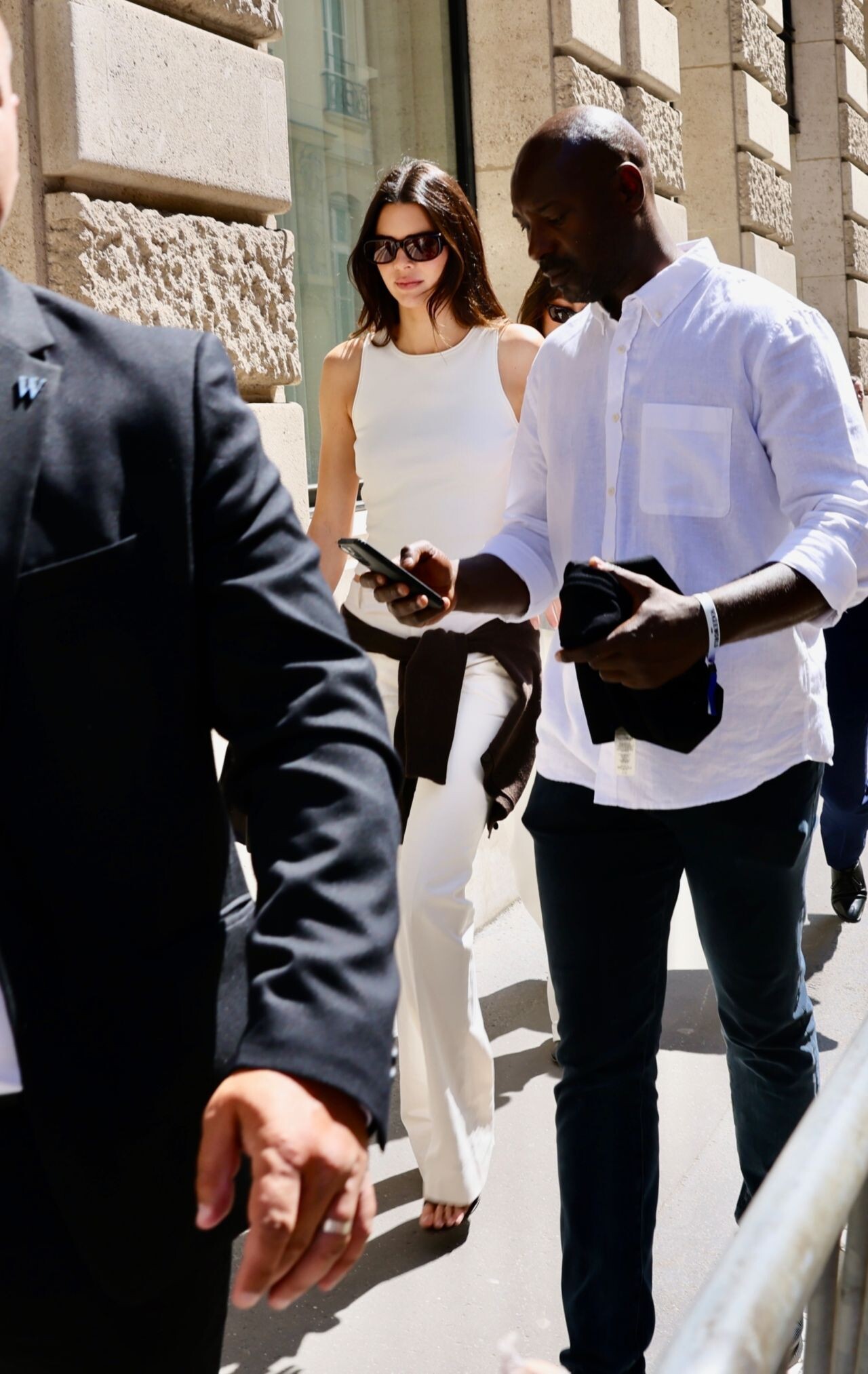
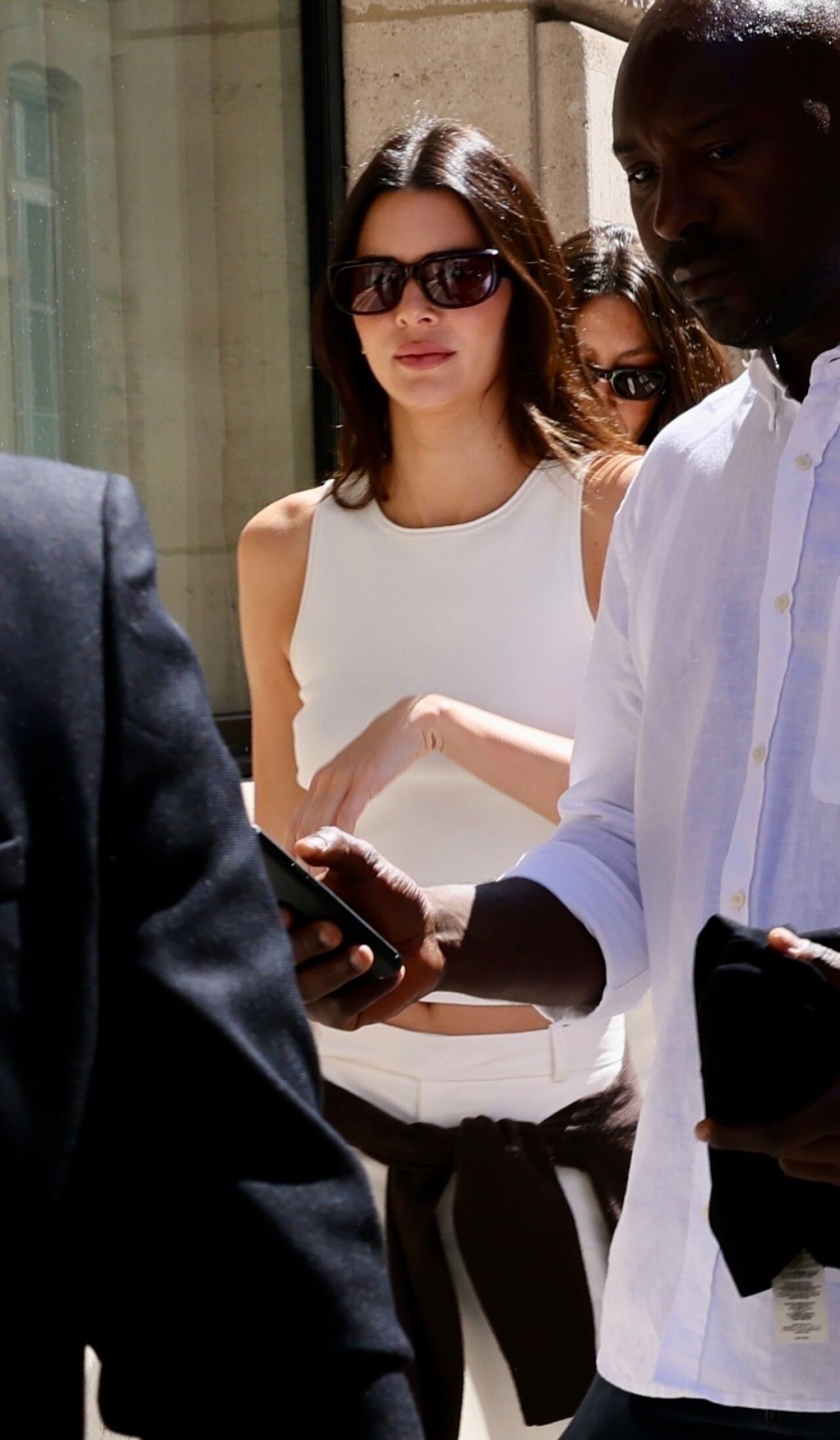
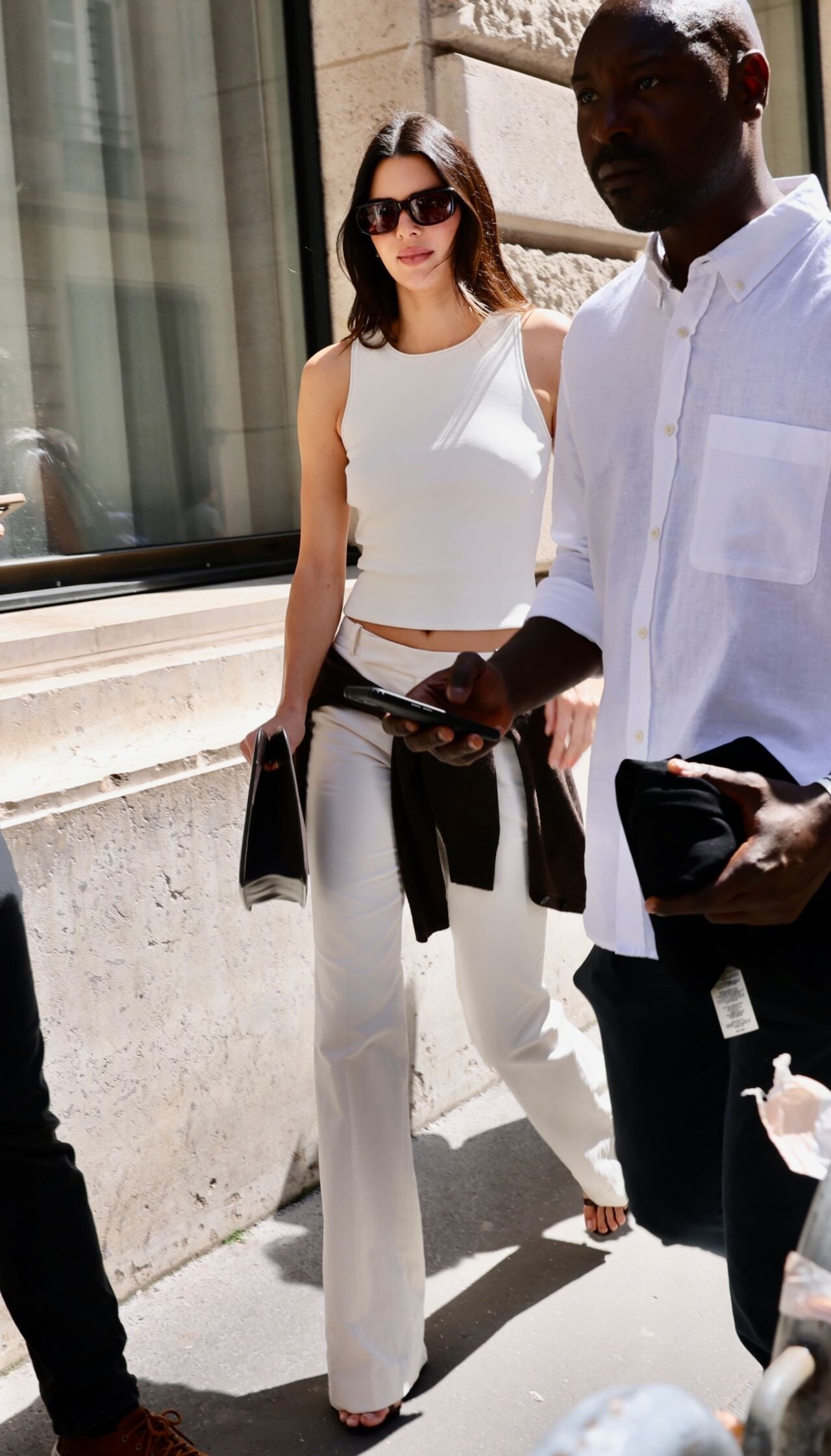
 Leaving The Louvre Museum In Paris








 Leaving Sushi Park Restaurant in West Hollywood 07-10-2024





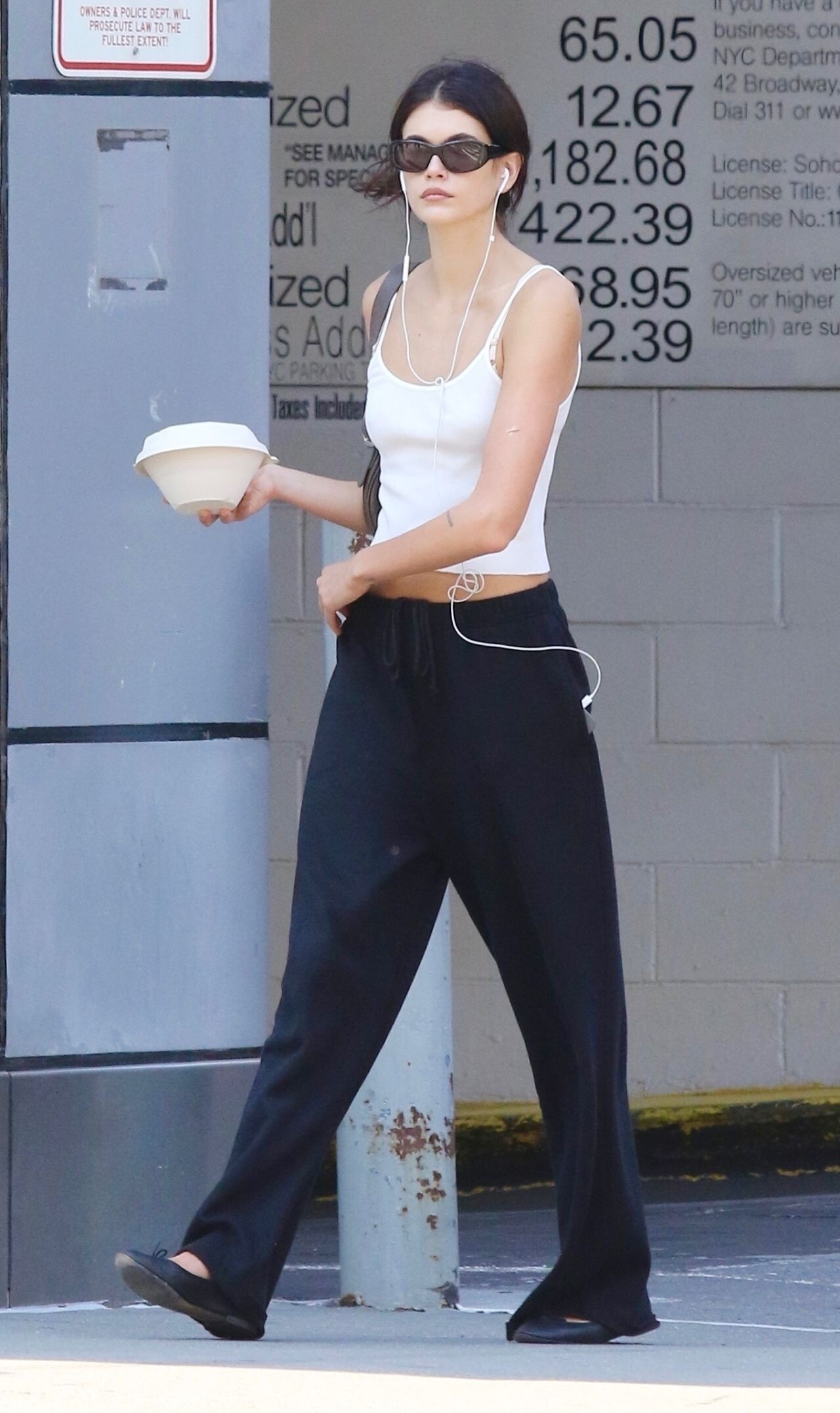
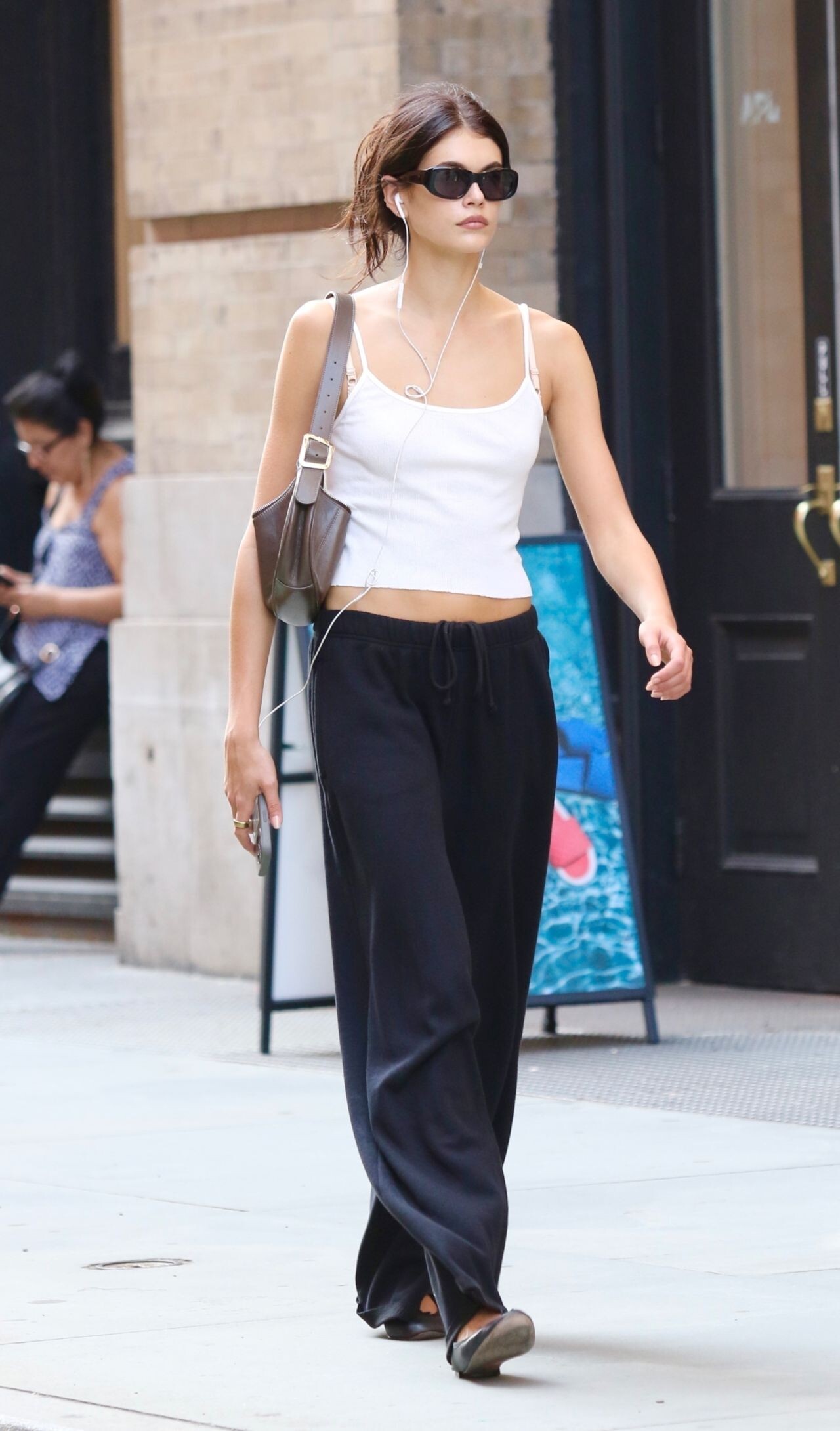
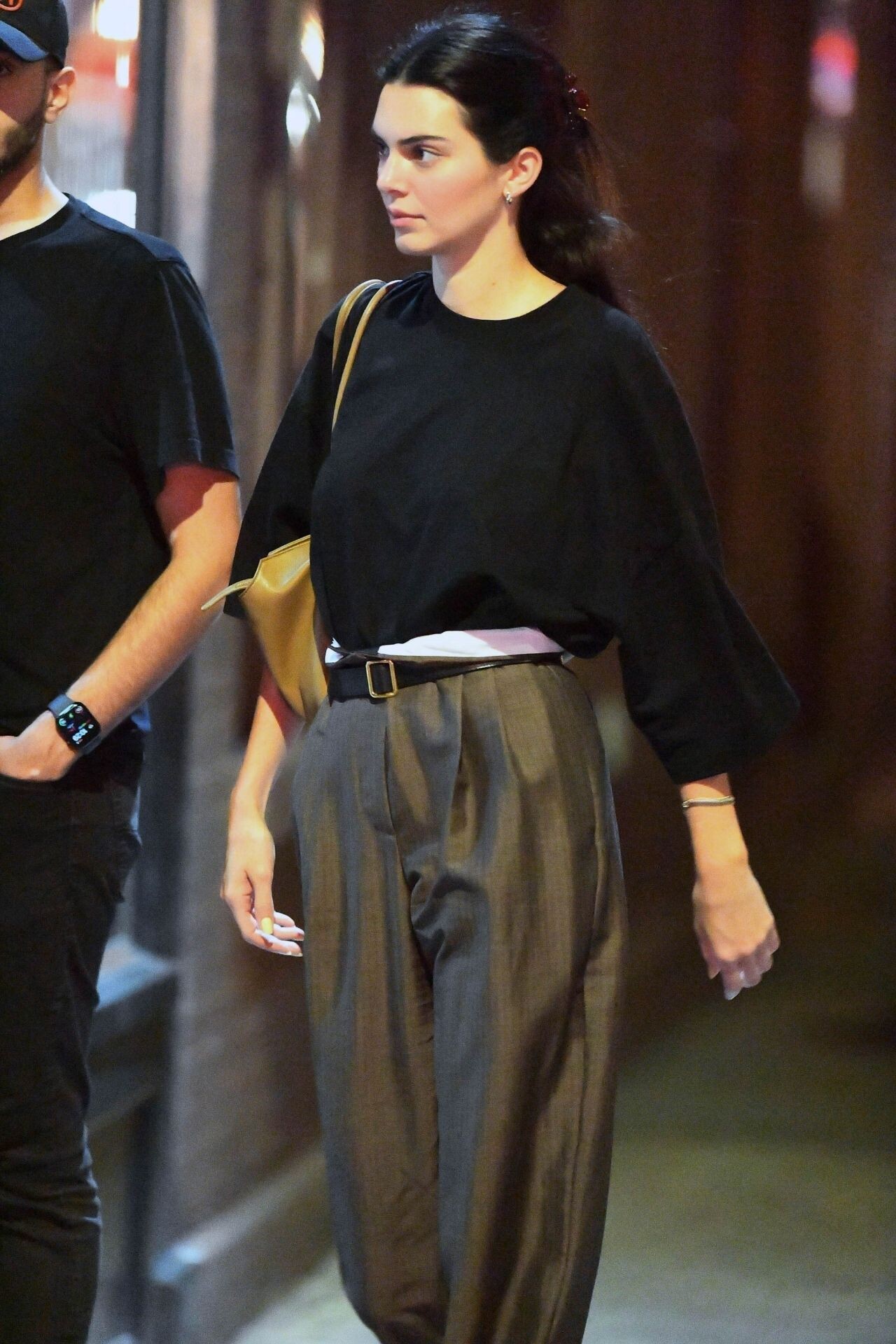
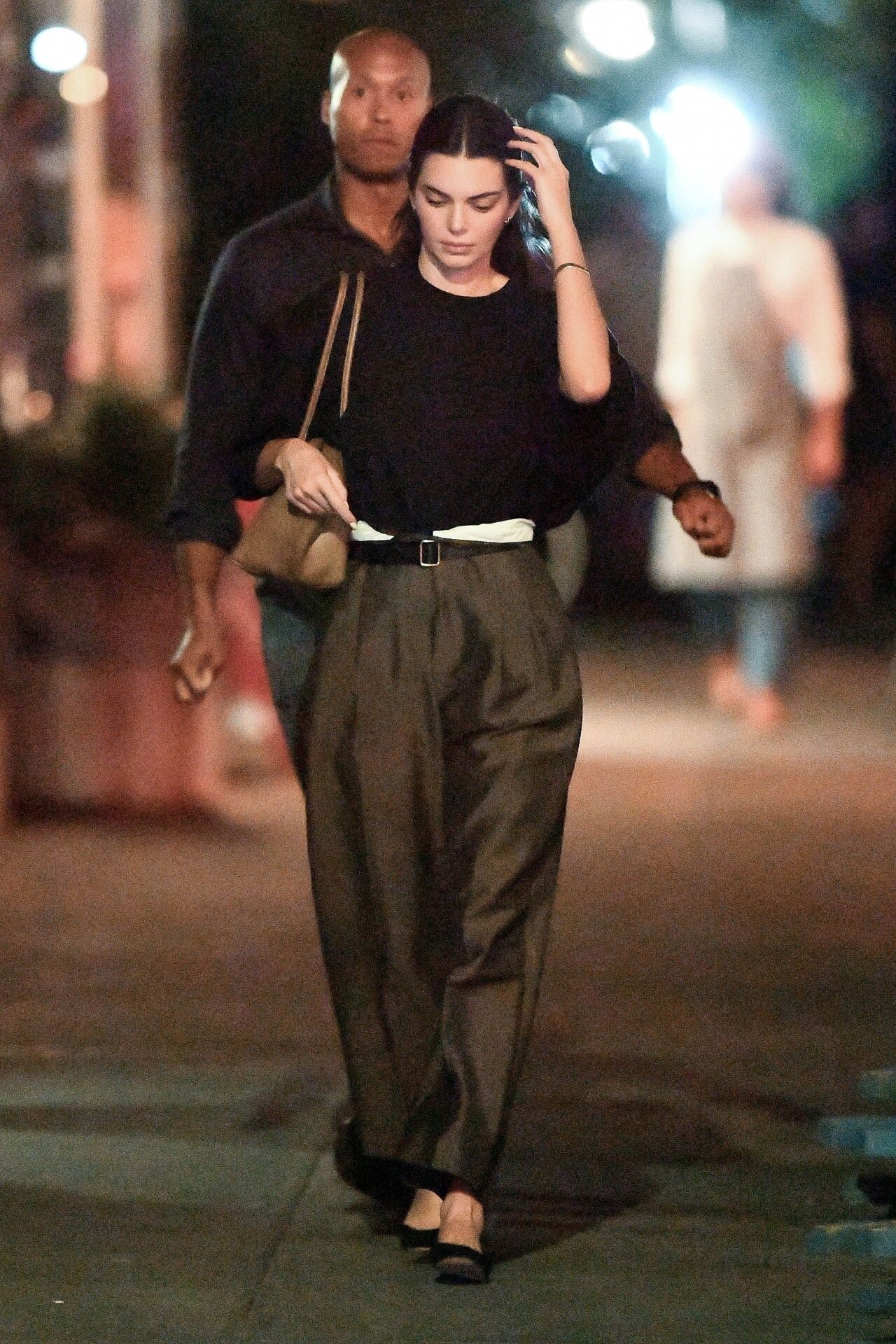
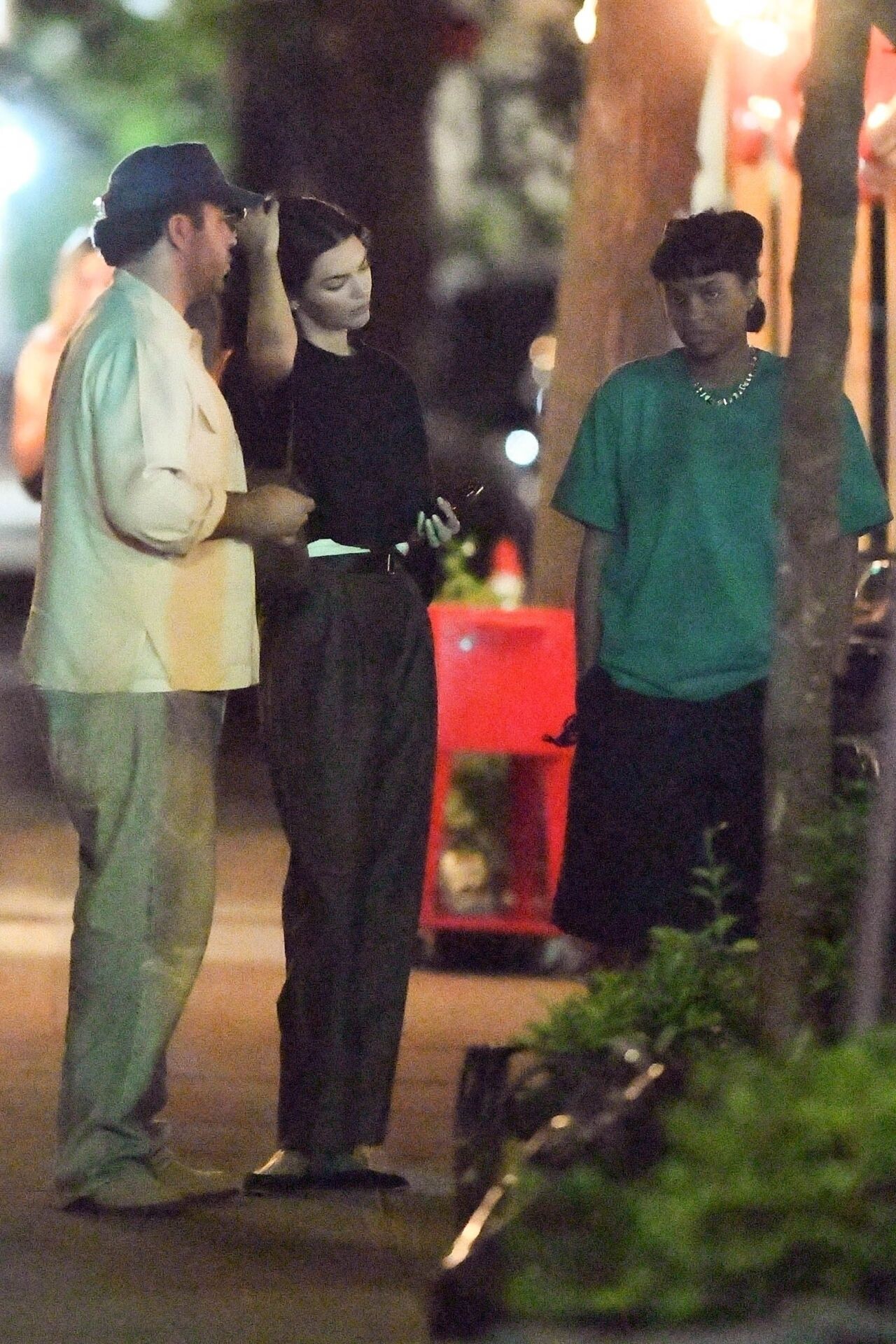
 Leaving Buvette Gastrotheque Restaurant in New York 07-02-2024






 Paris ,June 22 Paris 06-23-2024










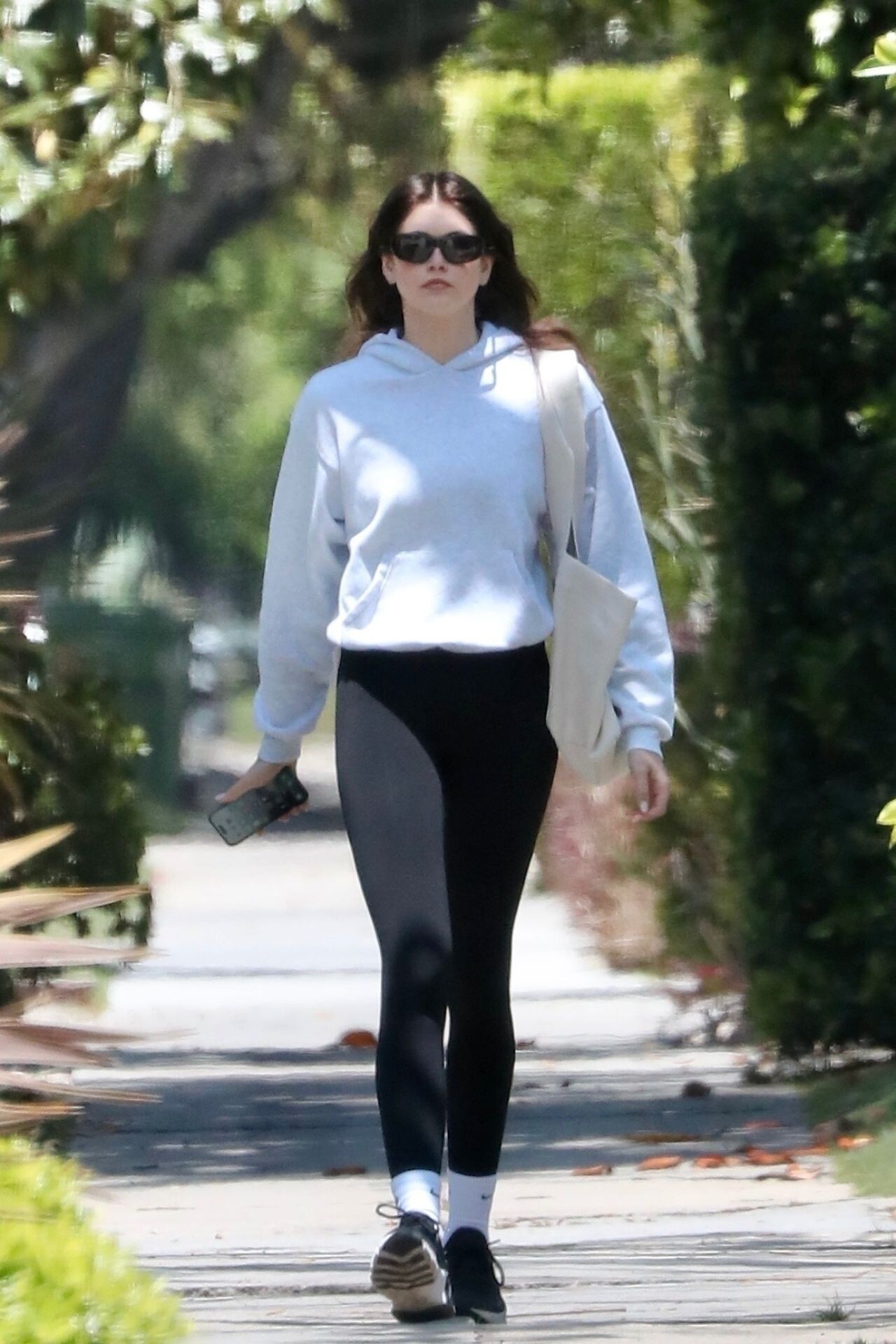
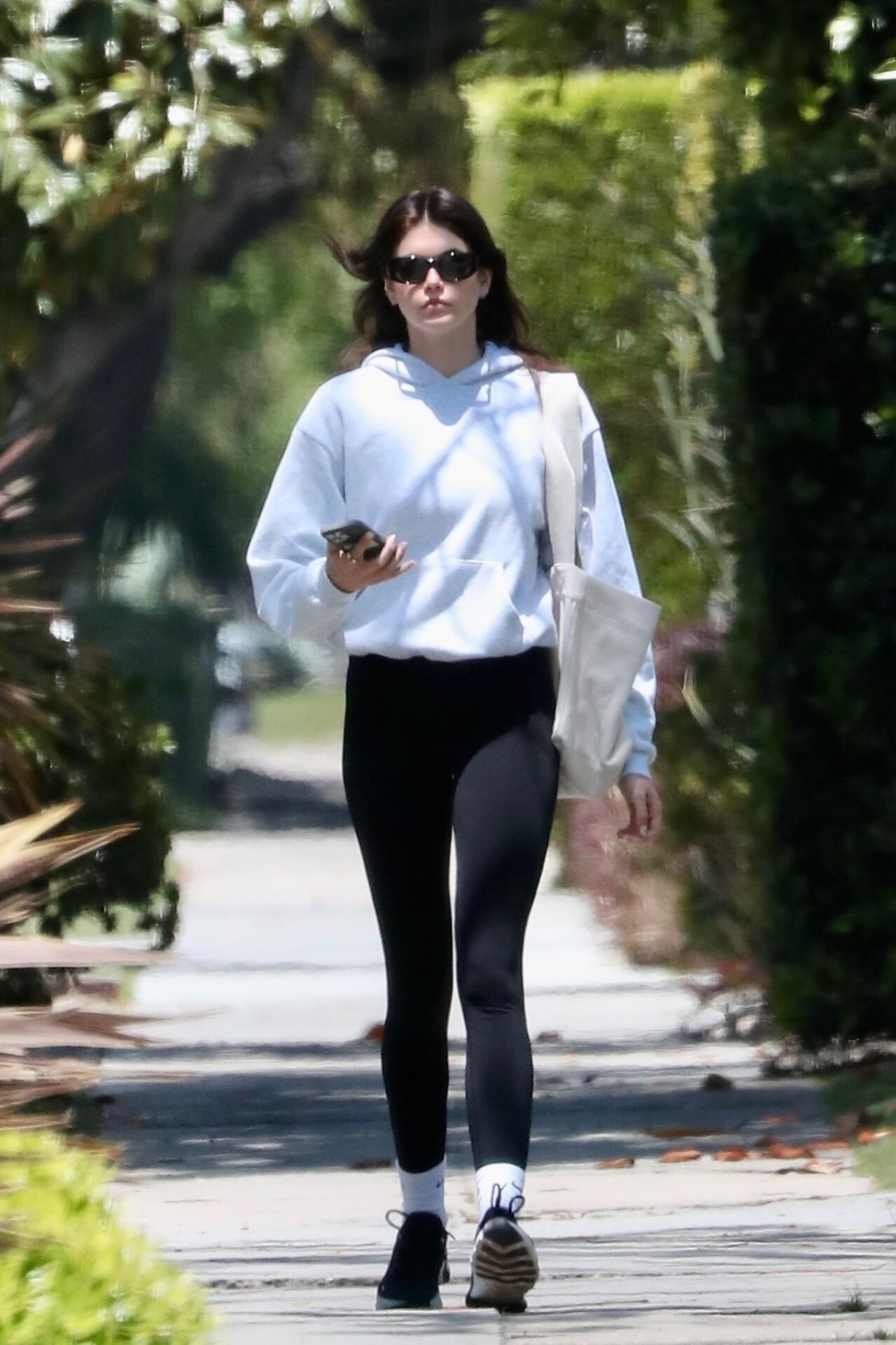
 Shops for Vinyl Records in Sherman Oaks 06-15-2024






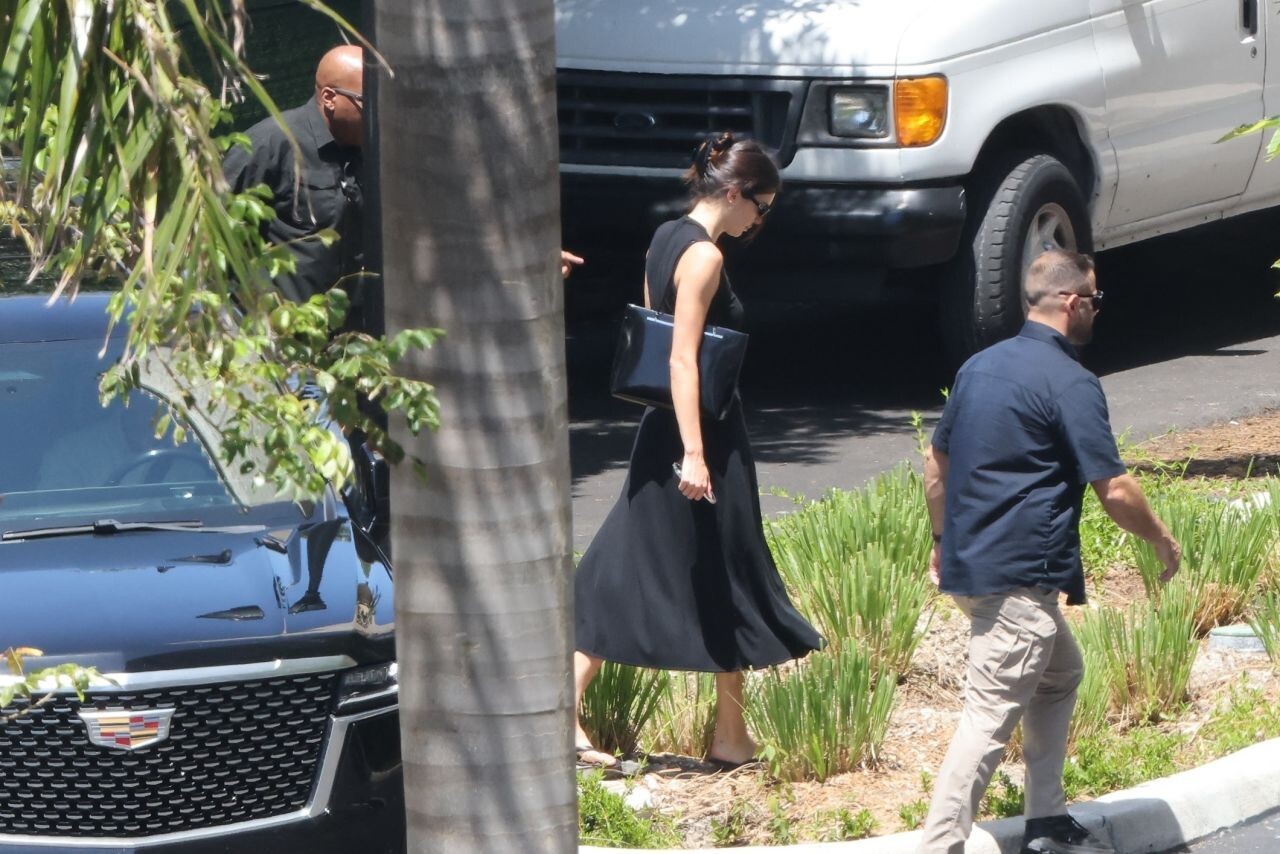
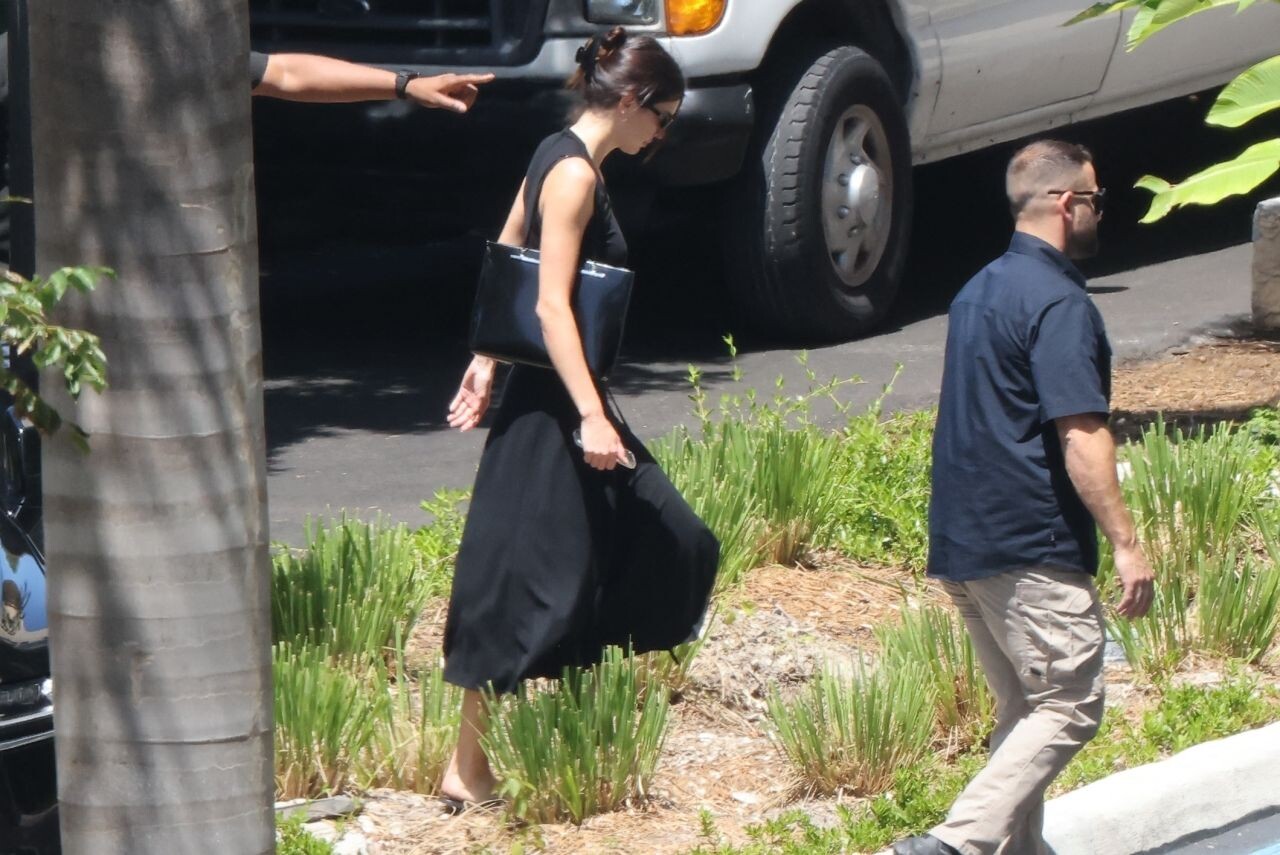
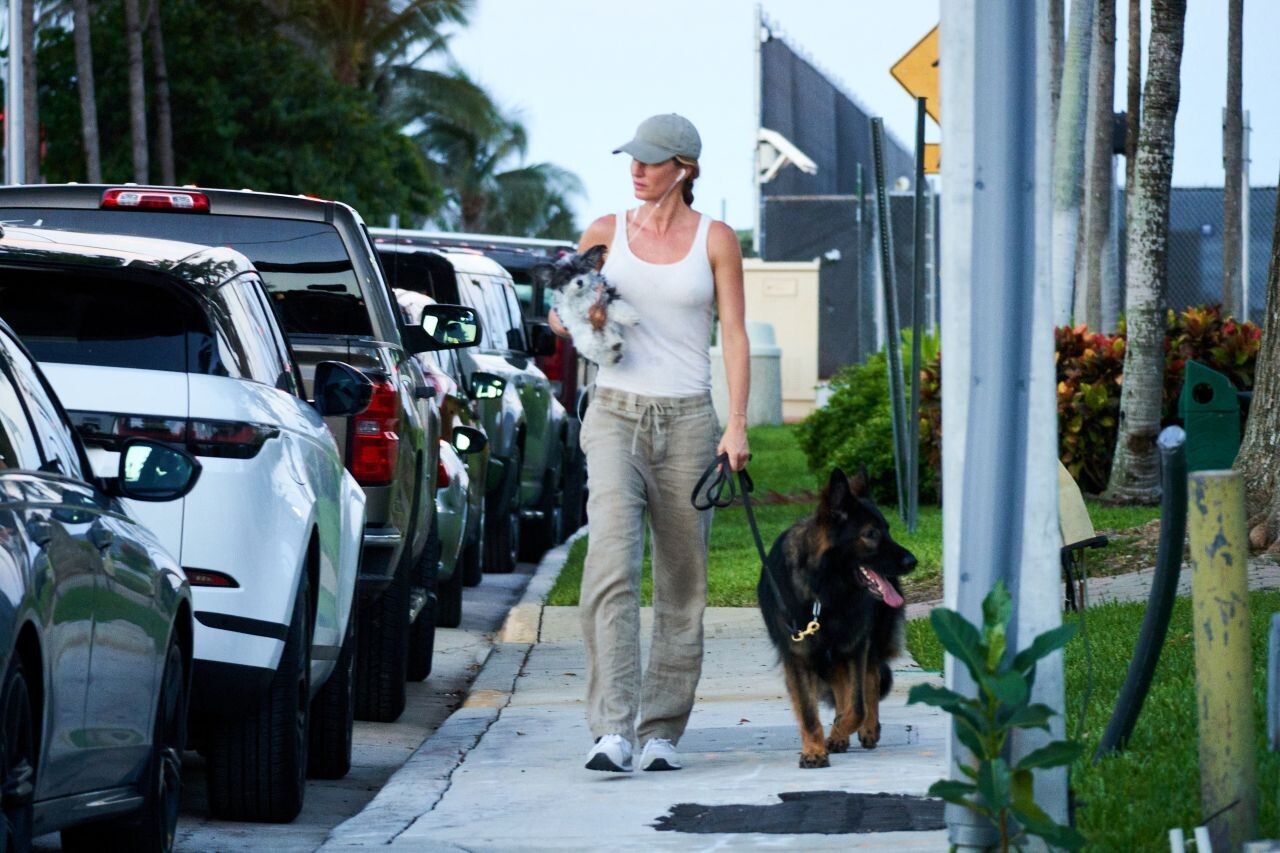
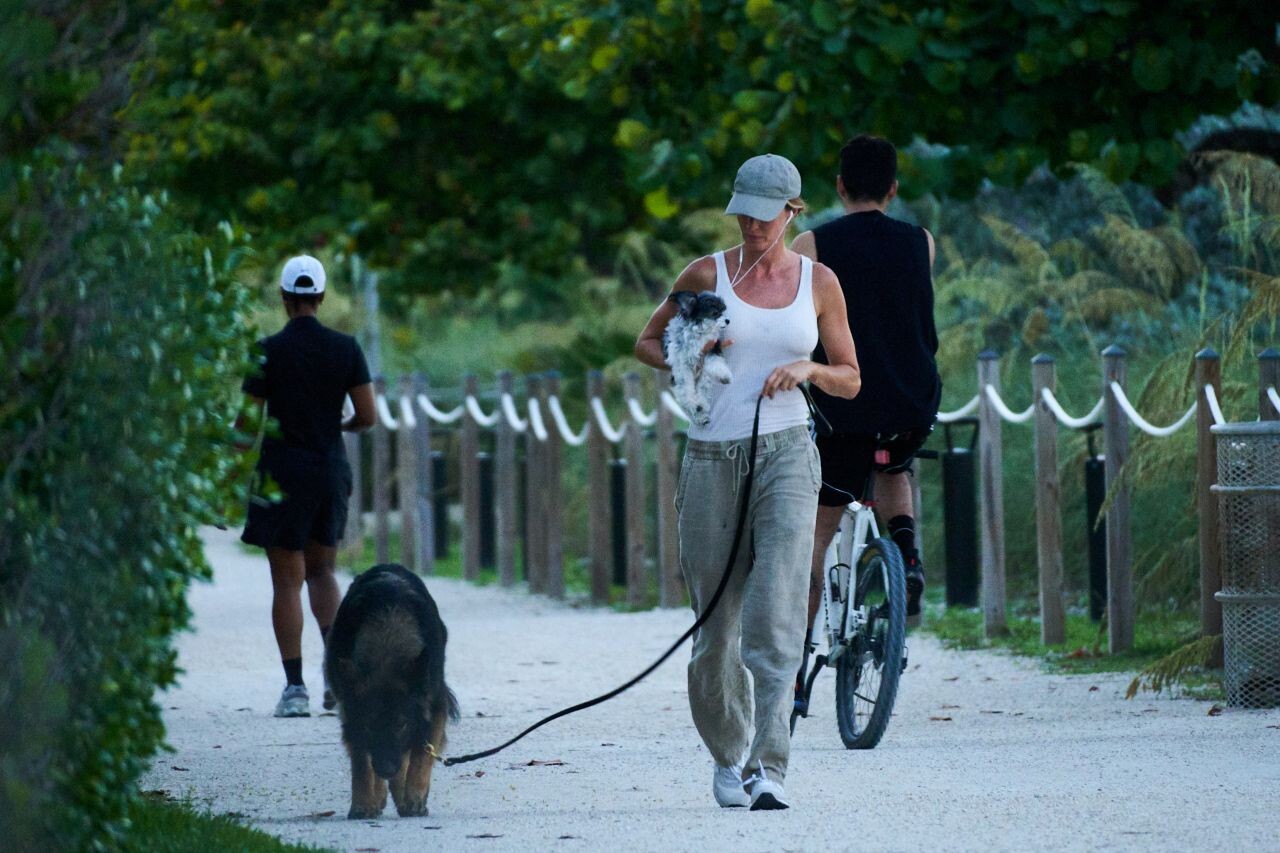
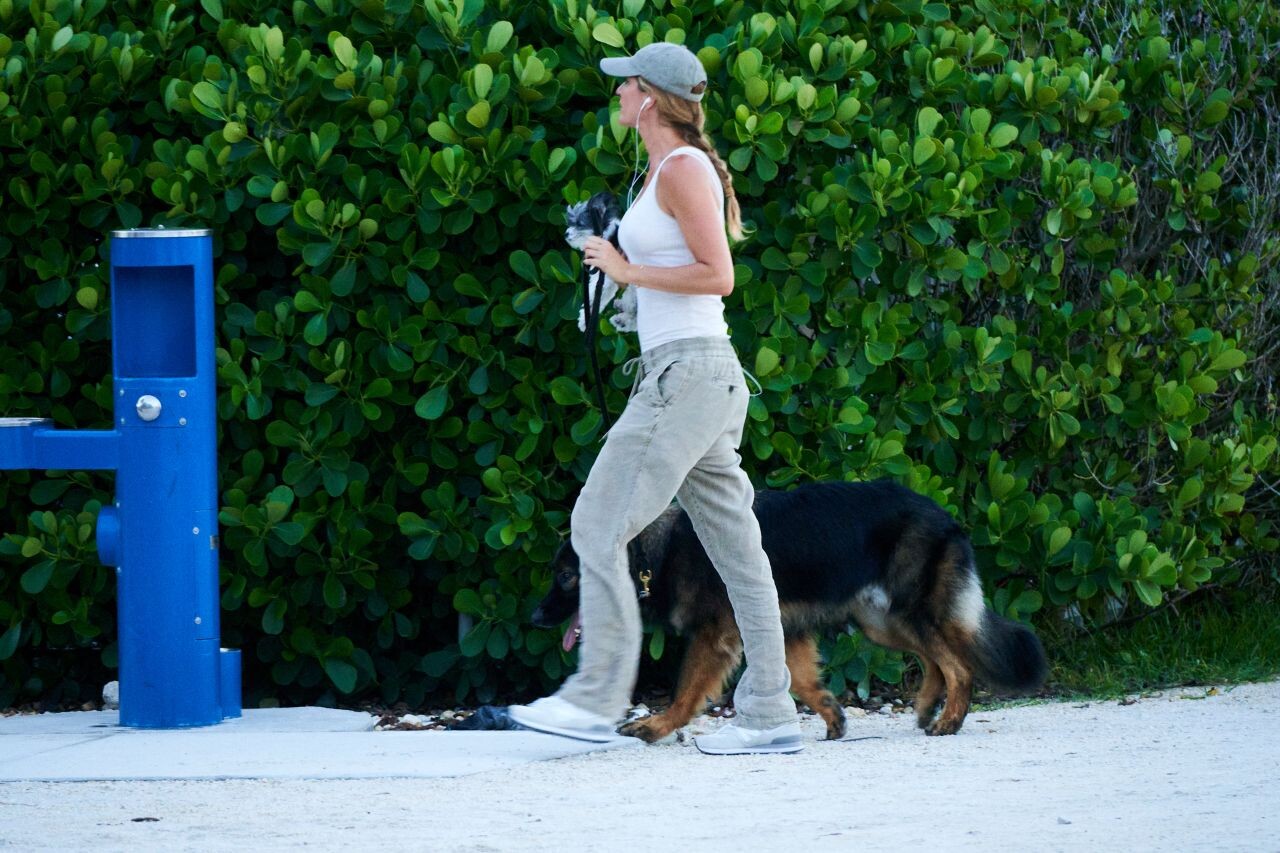
 Out in Miami 05-26-2024


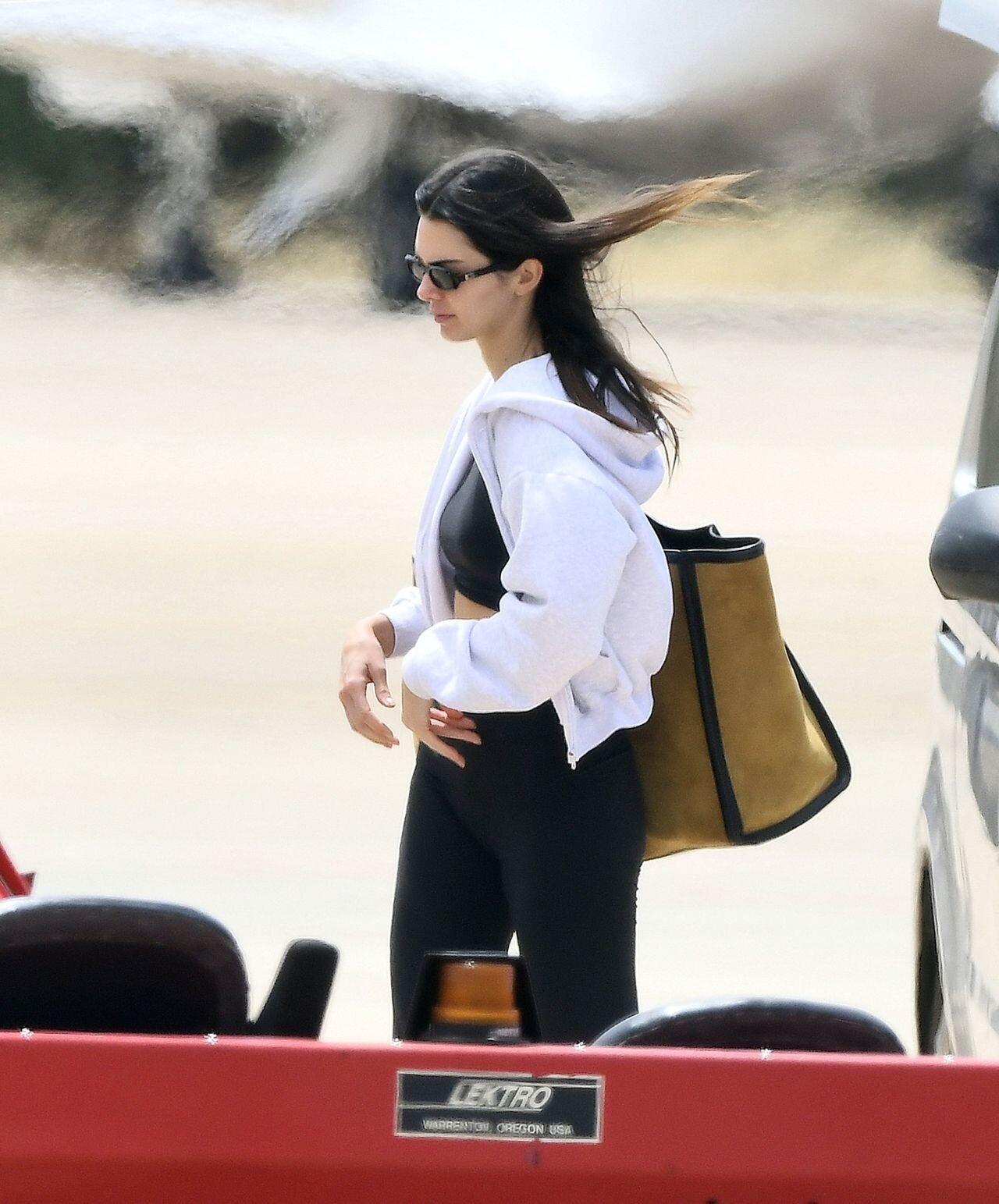
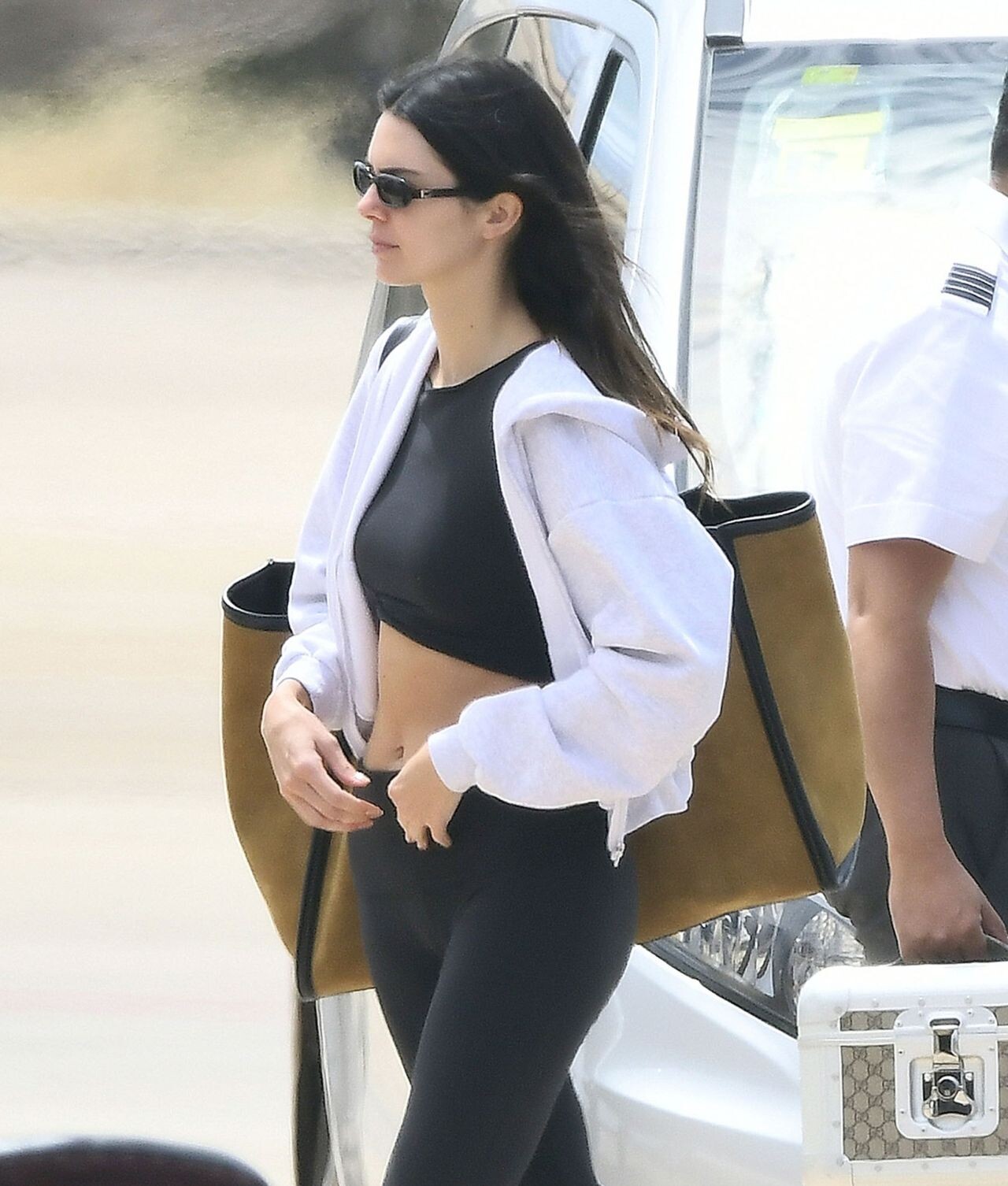
 Arriving at Palma De Mallorca Airport 05-31-2024





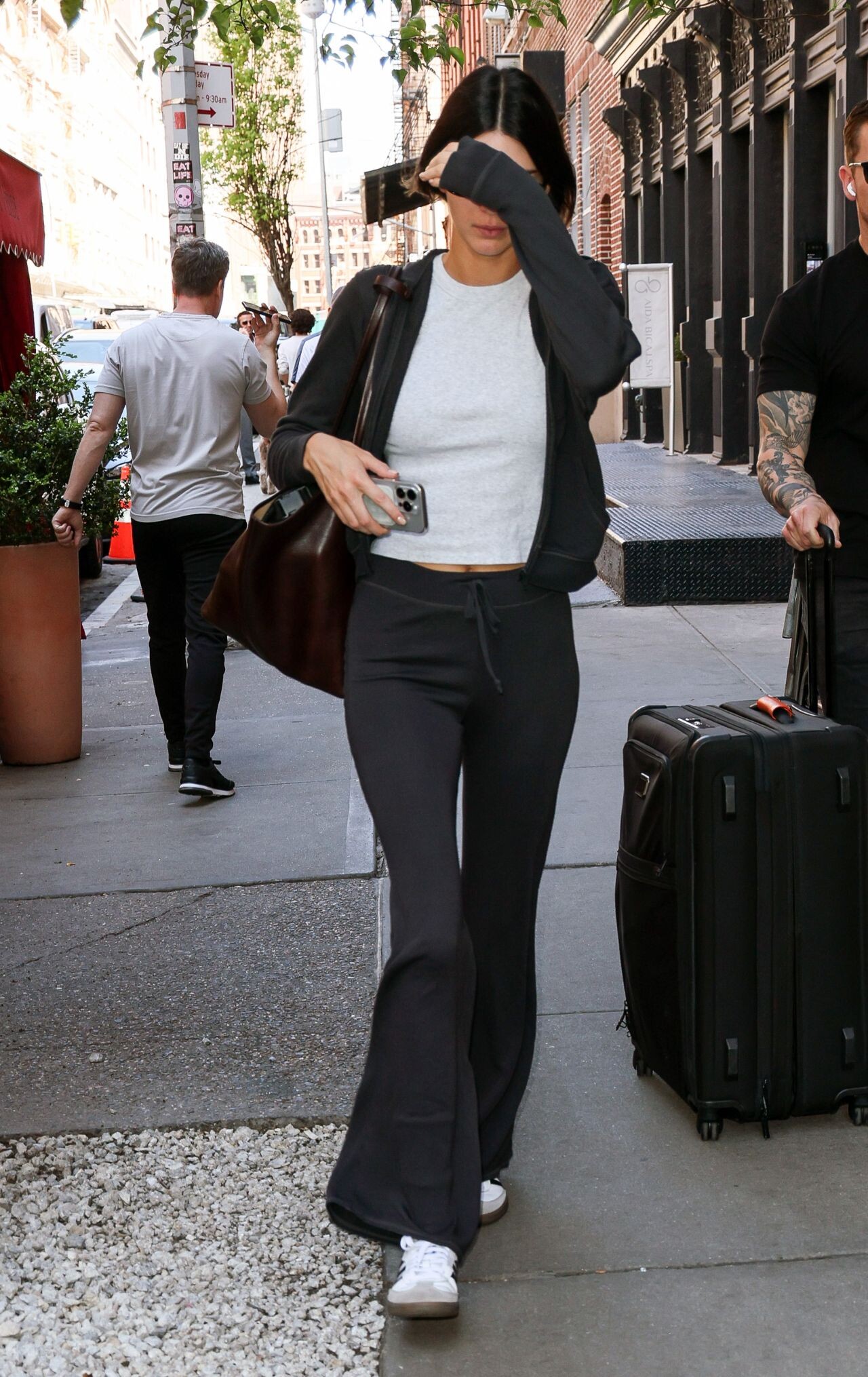
 Exiting a Hotel in Downtown Manhattan 05-07-2024 Arriving at Carlyle Hotel in New York 05-06-2024 Leaving Luck Strike in Hollywood 05-23-2024










 The Met Gala After Party in New York 05-06-2024







 Out for a Business Meeting in Beverly Hills 04-24-2024 Kendall Jenner at Stagecoach 2024 Rolls In with Friends on a Golf Cart 04-28-2024 2024 Stagecoach in Indio 04-28-2024











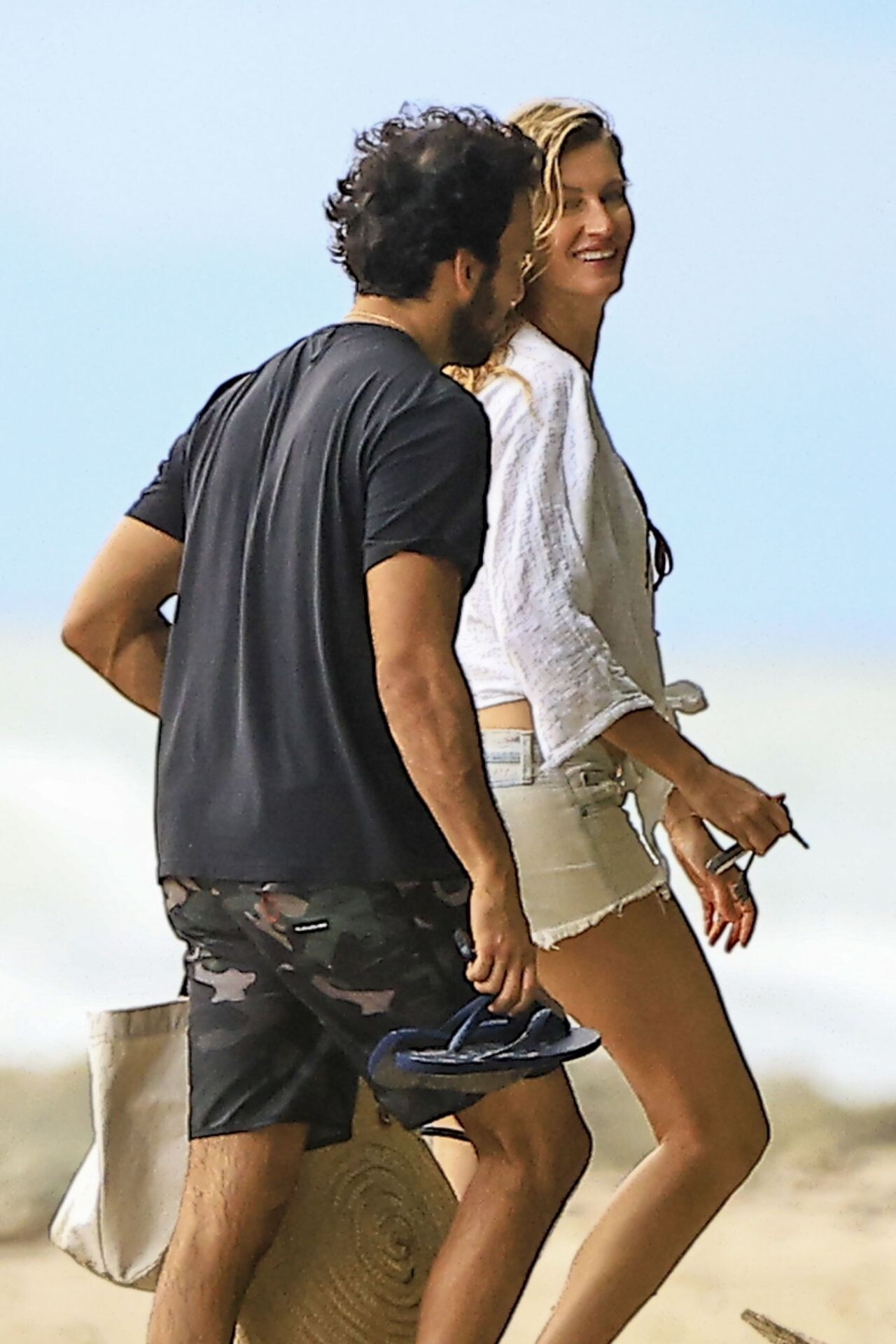
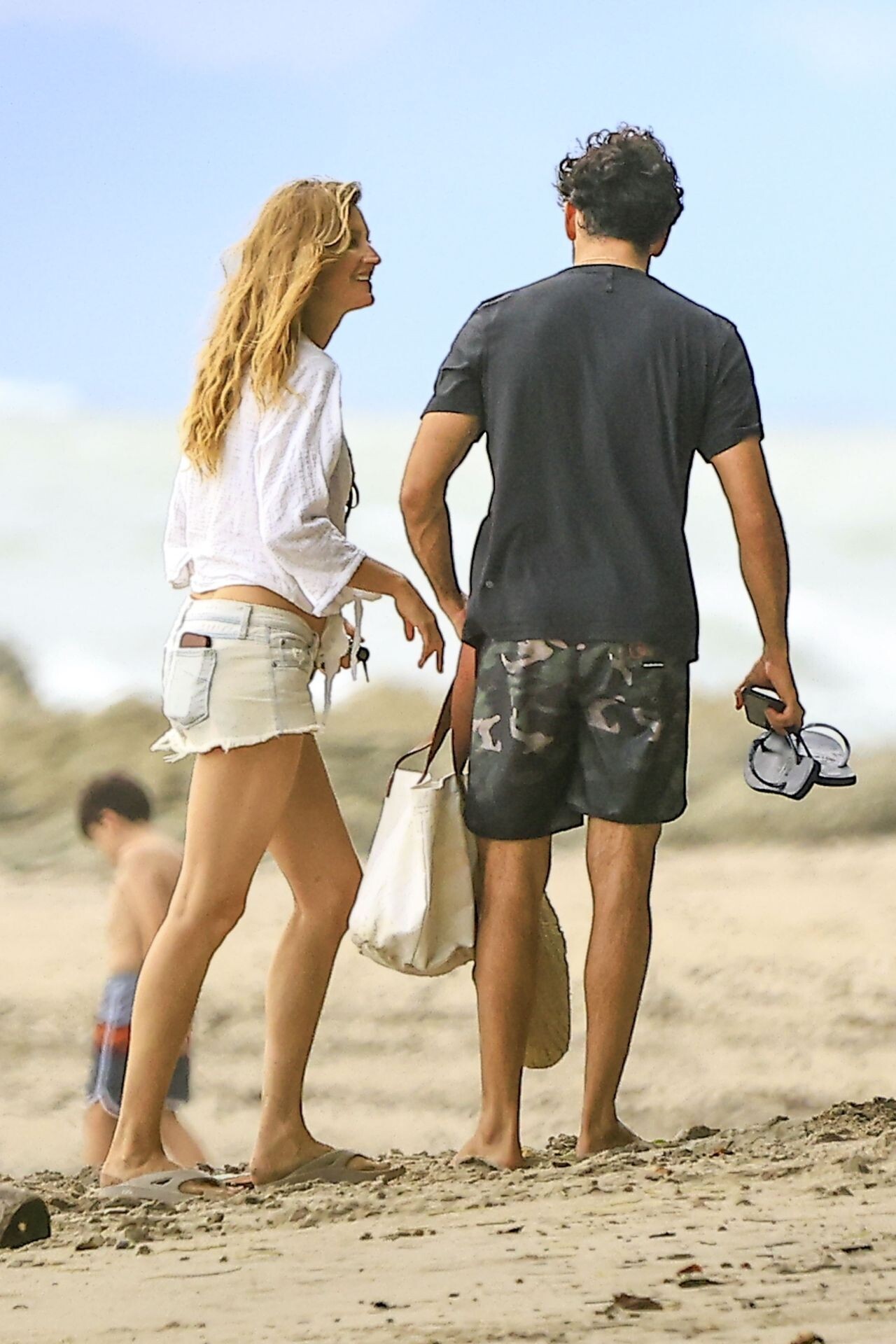
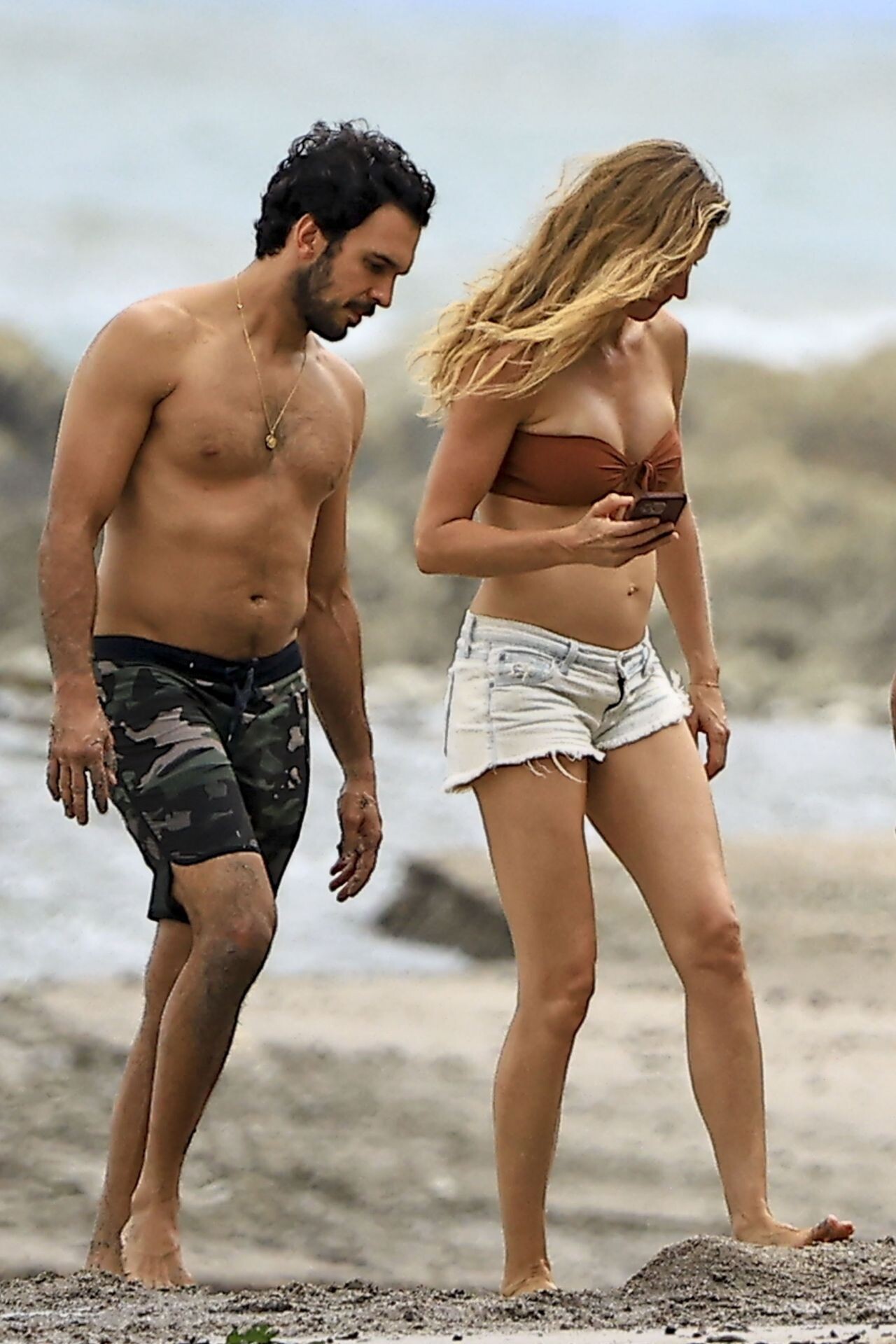
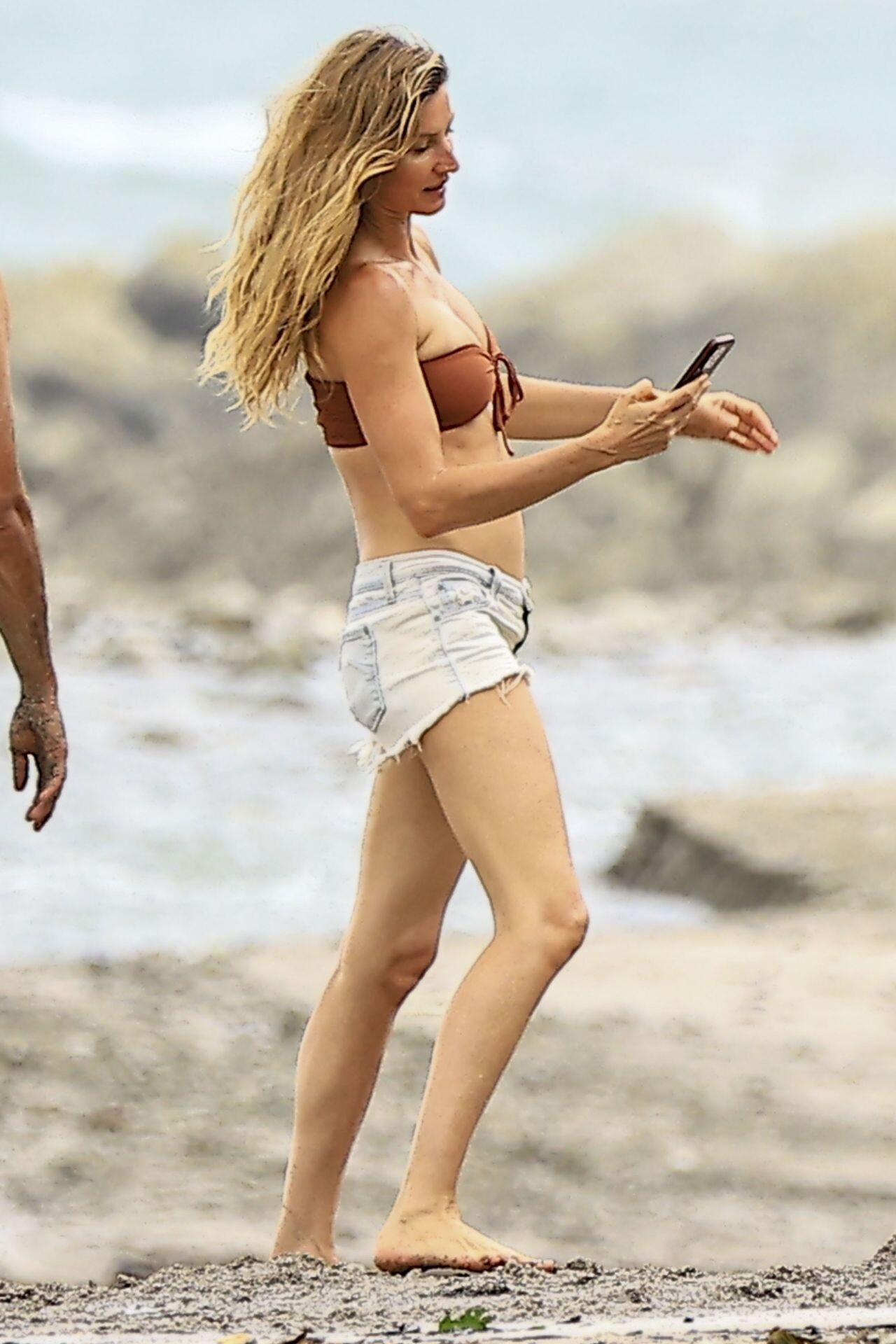
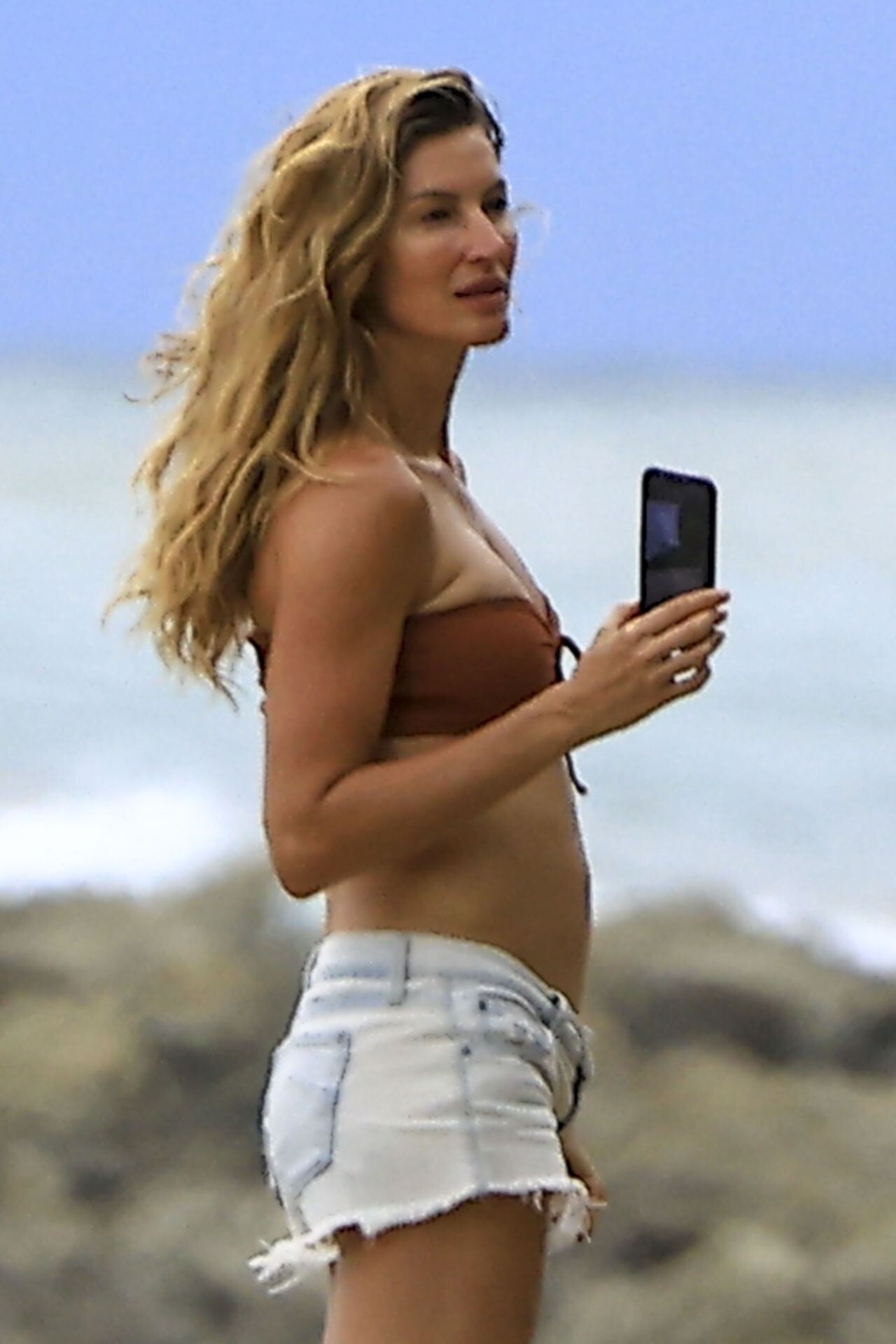
 07-01-2024 Costa Rica











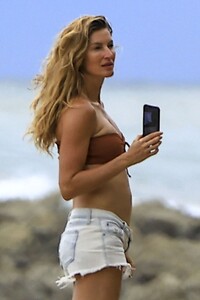
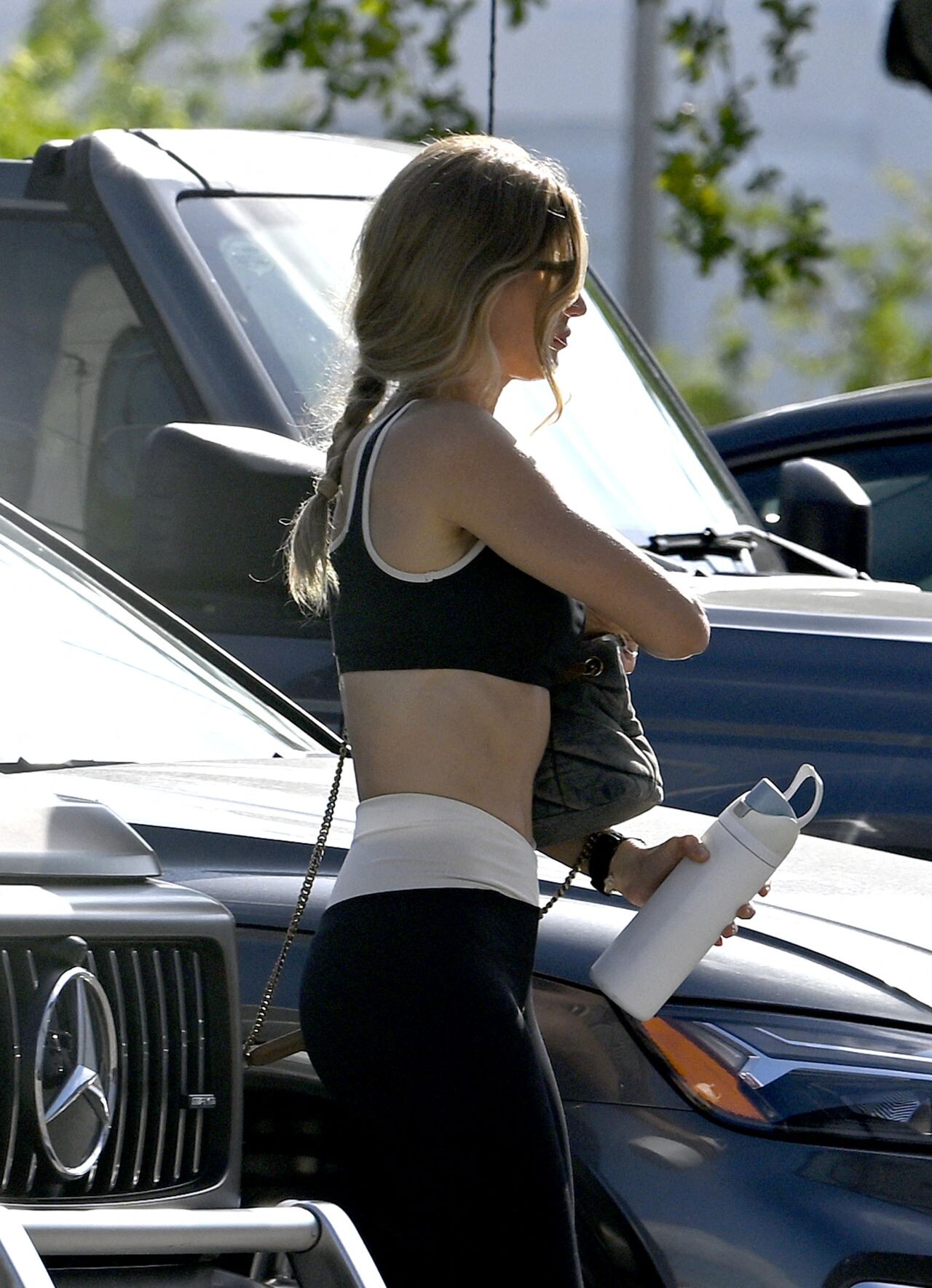
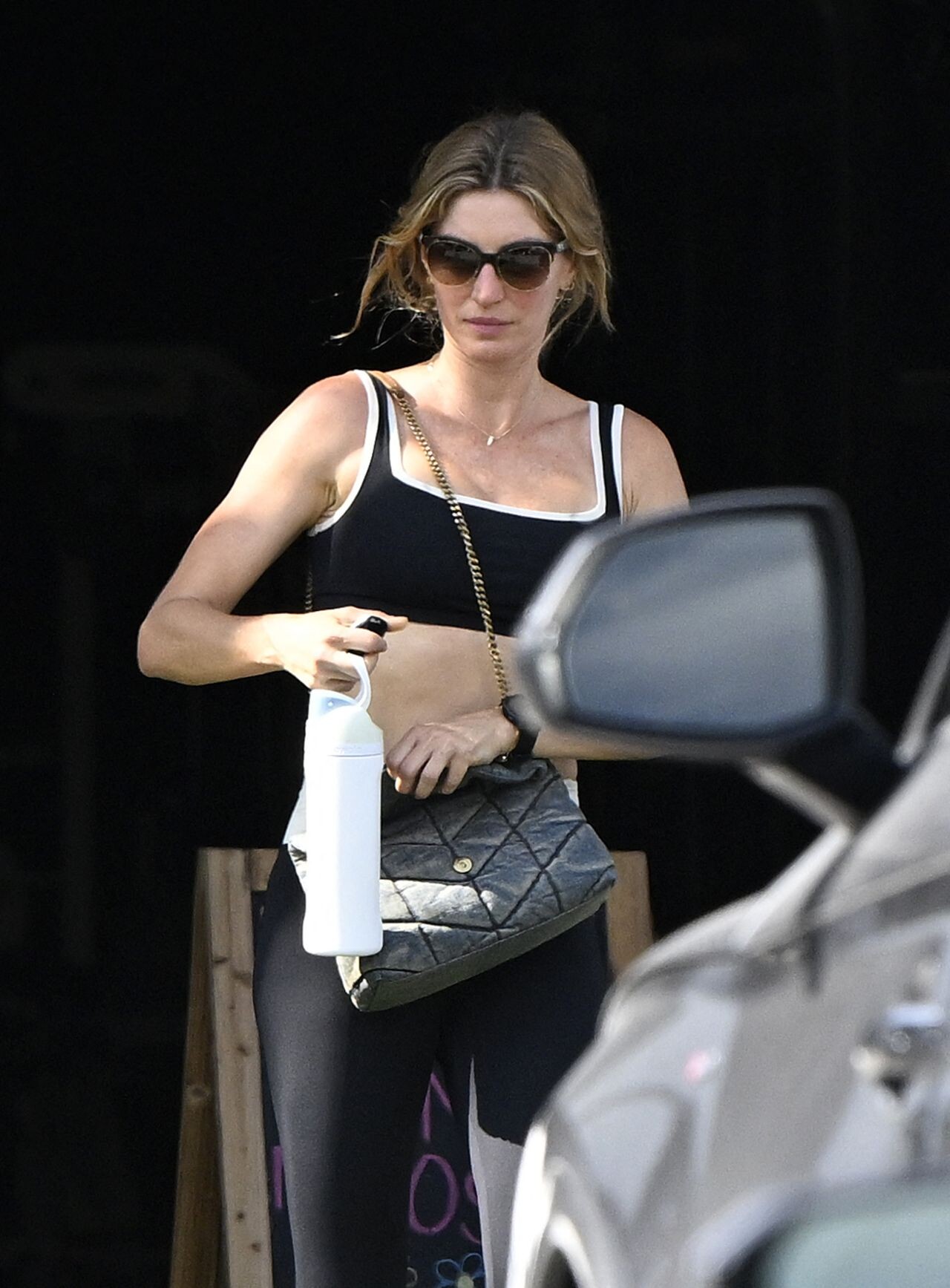
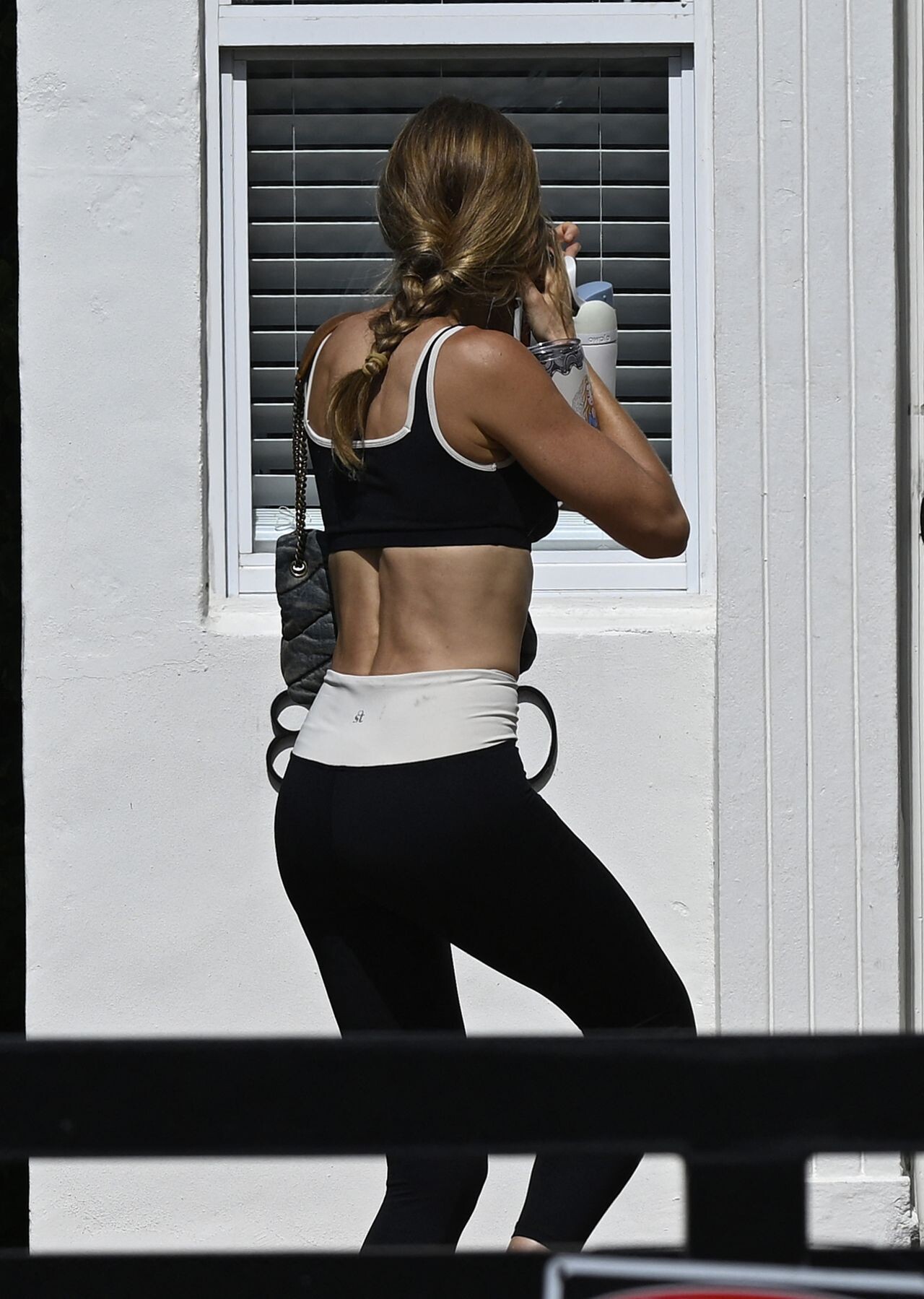
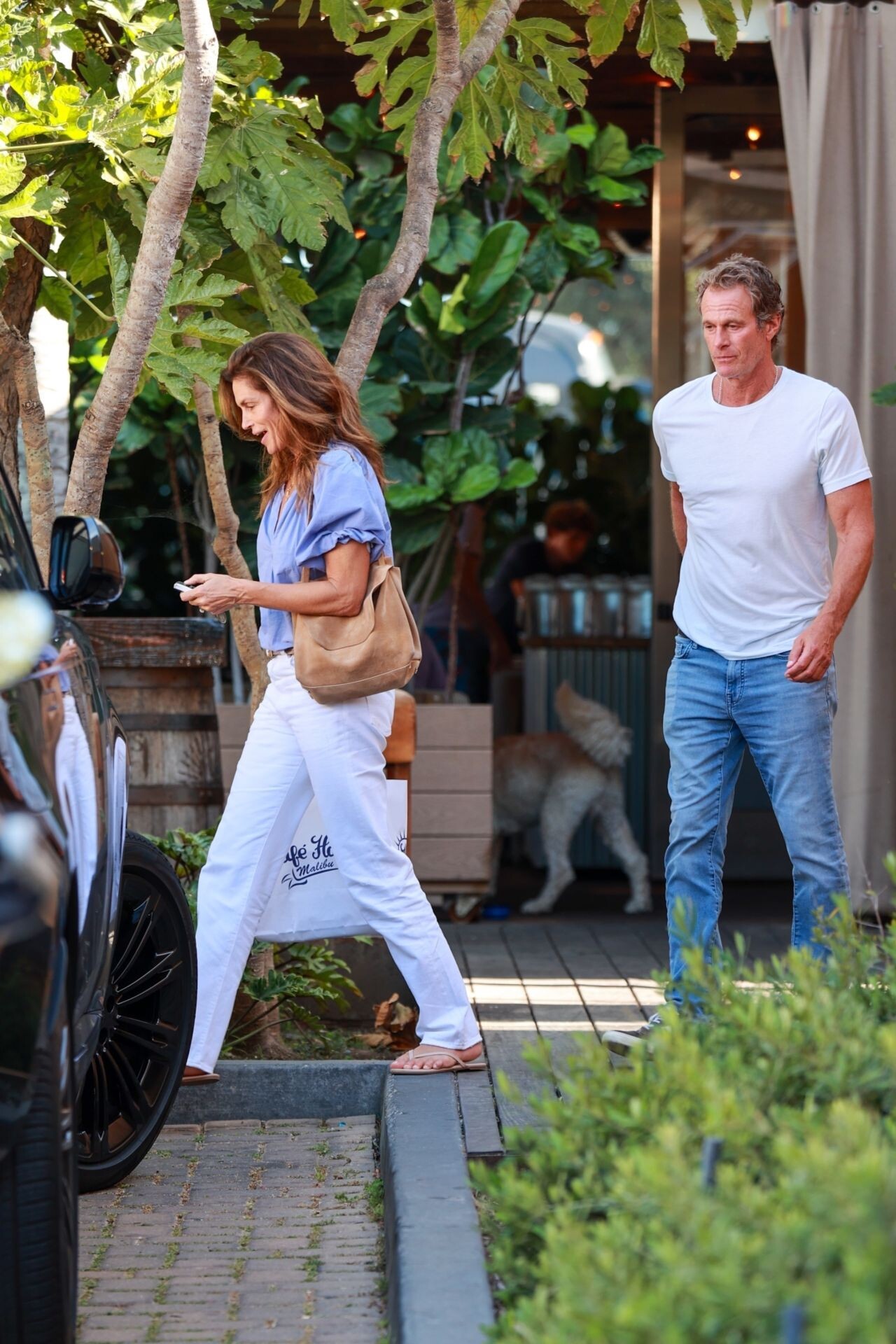
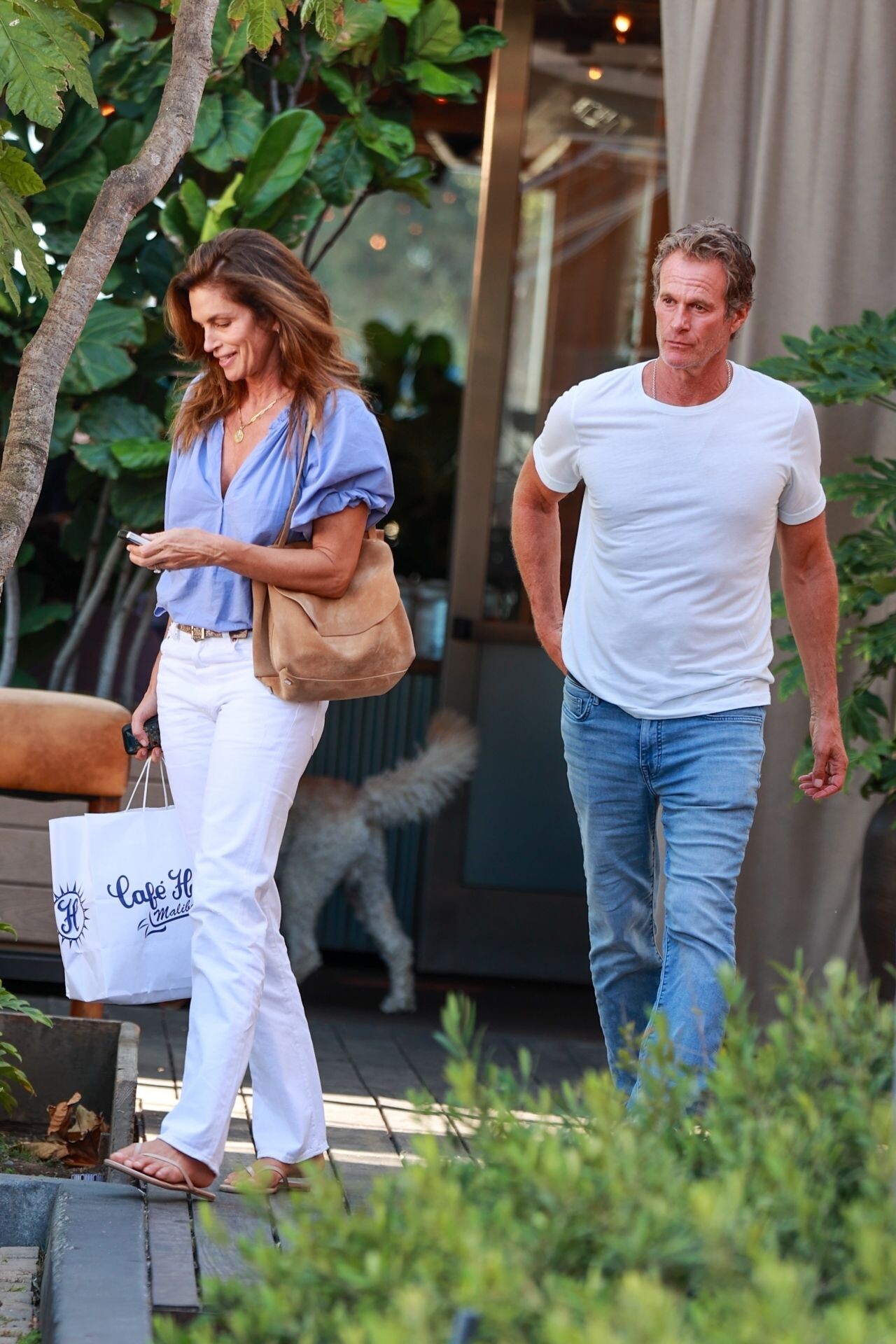
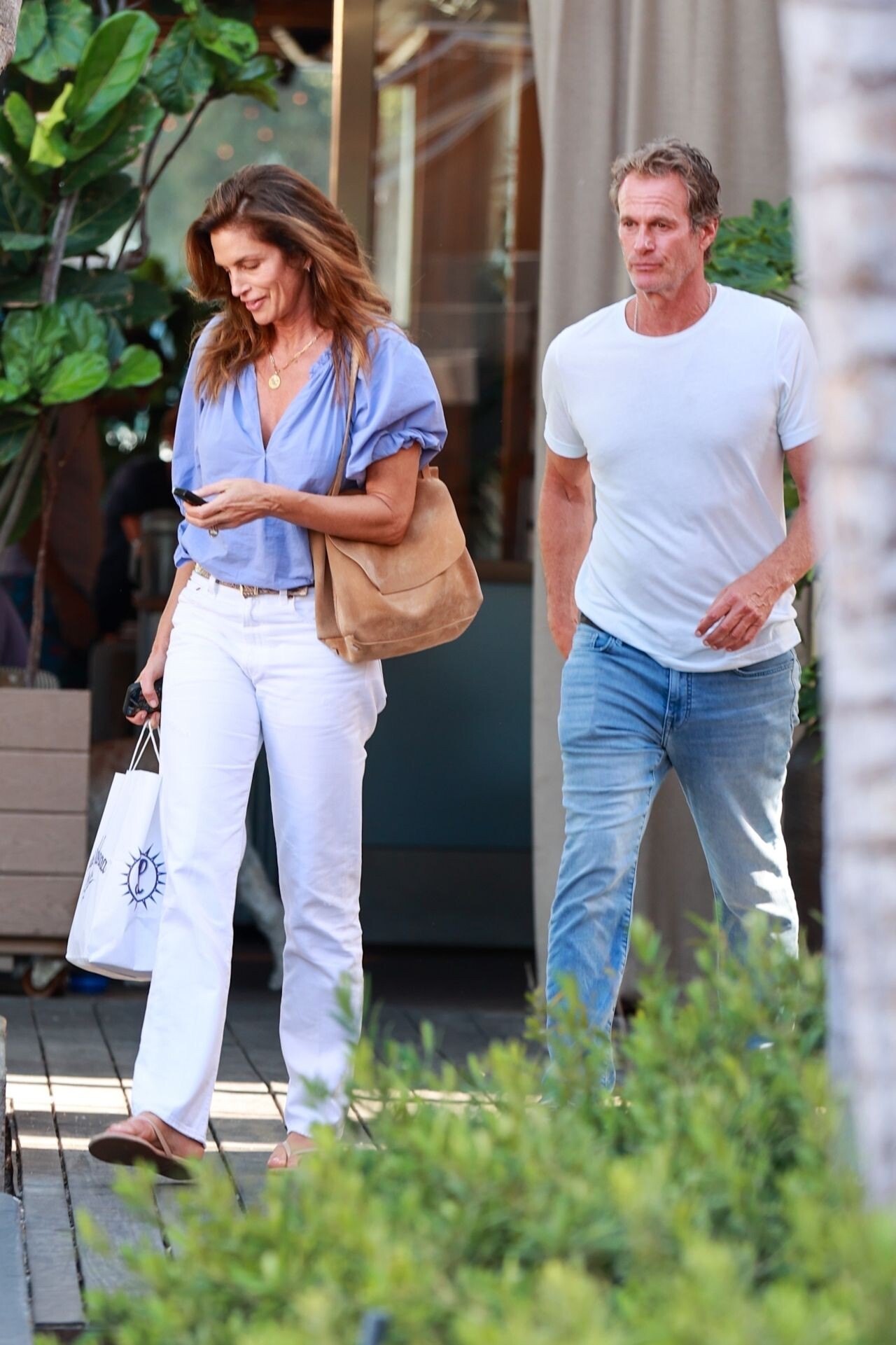
 Malibu 07-01-2024



























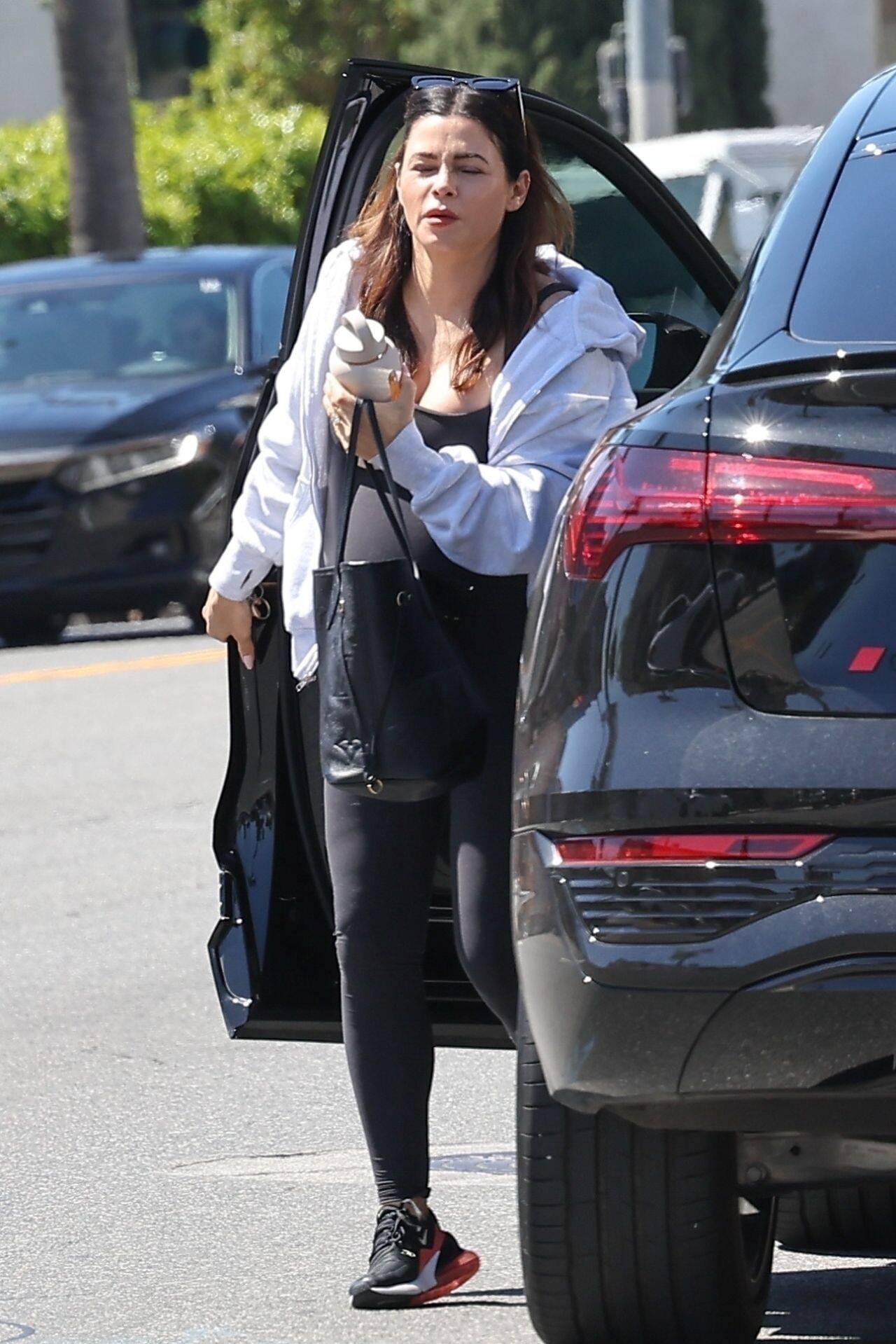
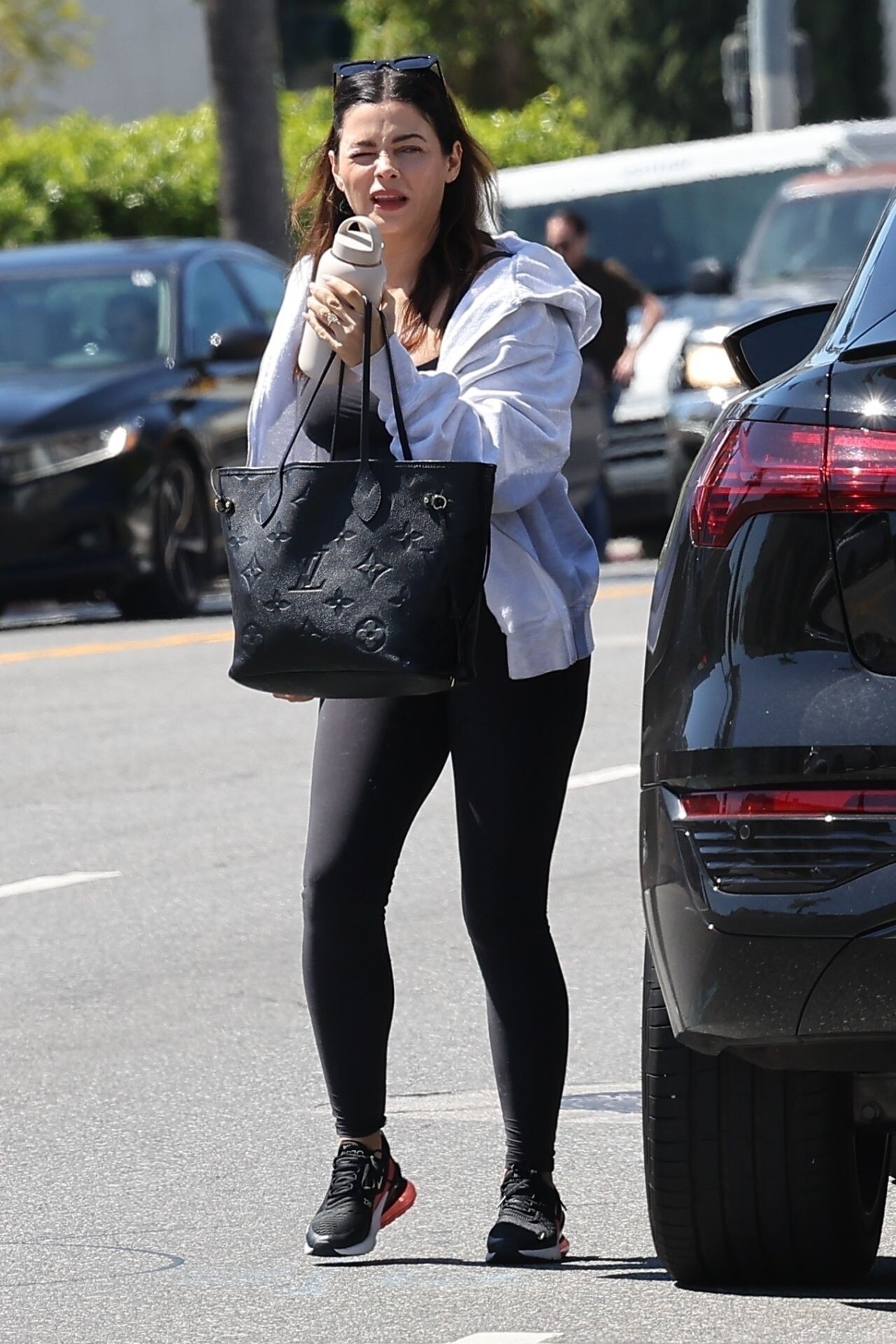

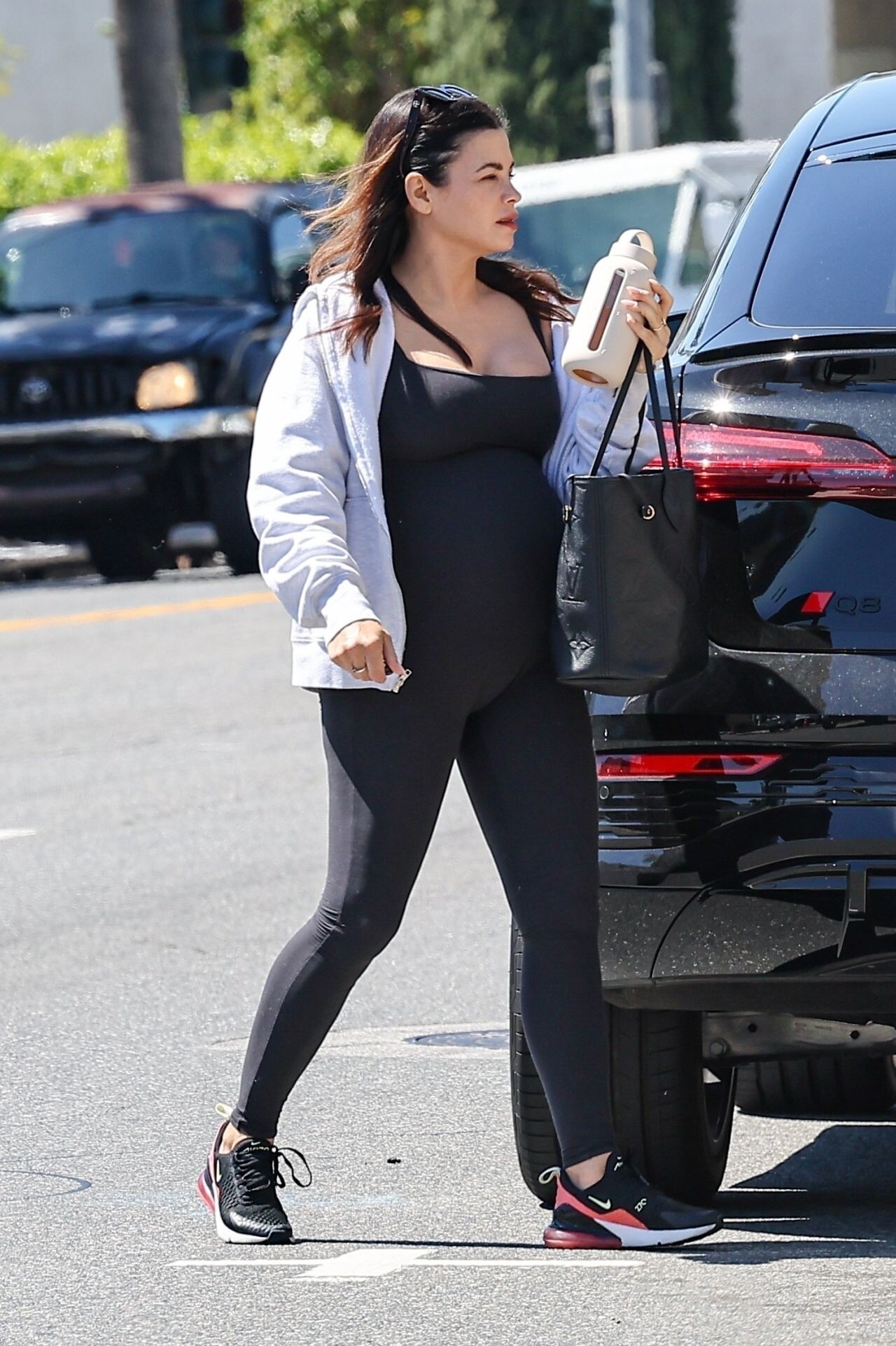
.jpg.7c6d5c6c070fdc60f24786d6e41ee35c.jpg)

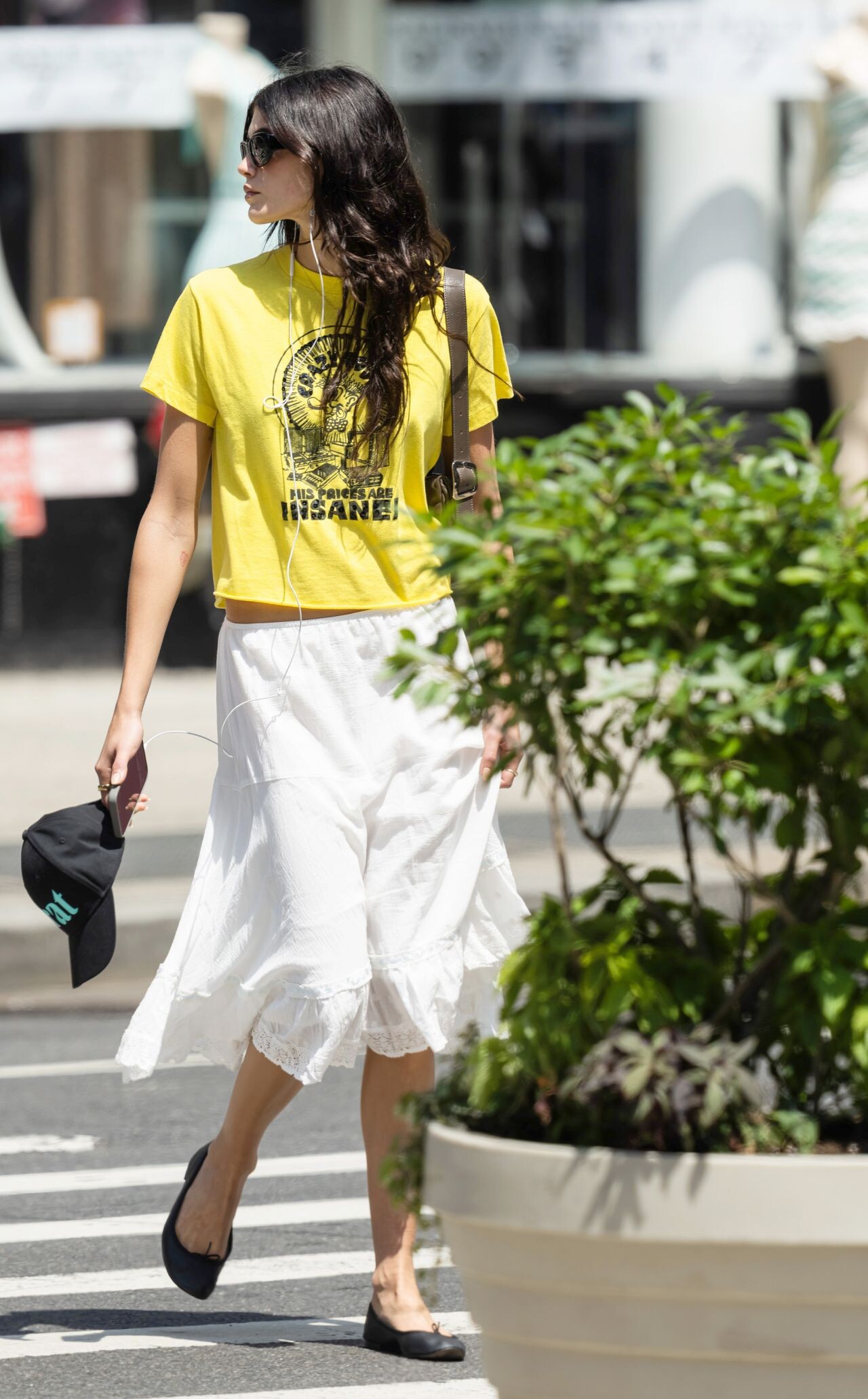
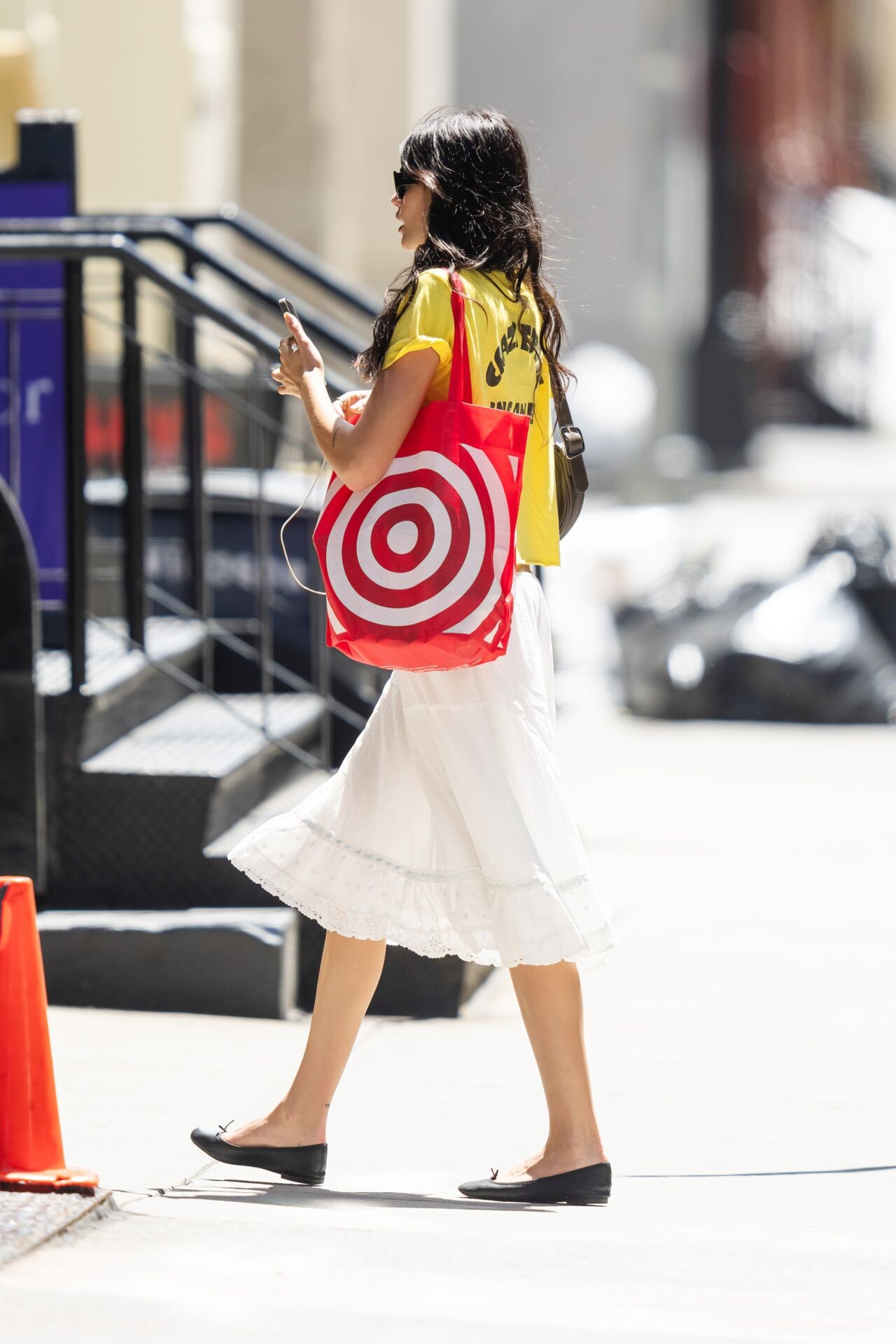
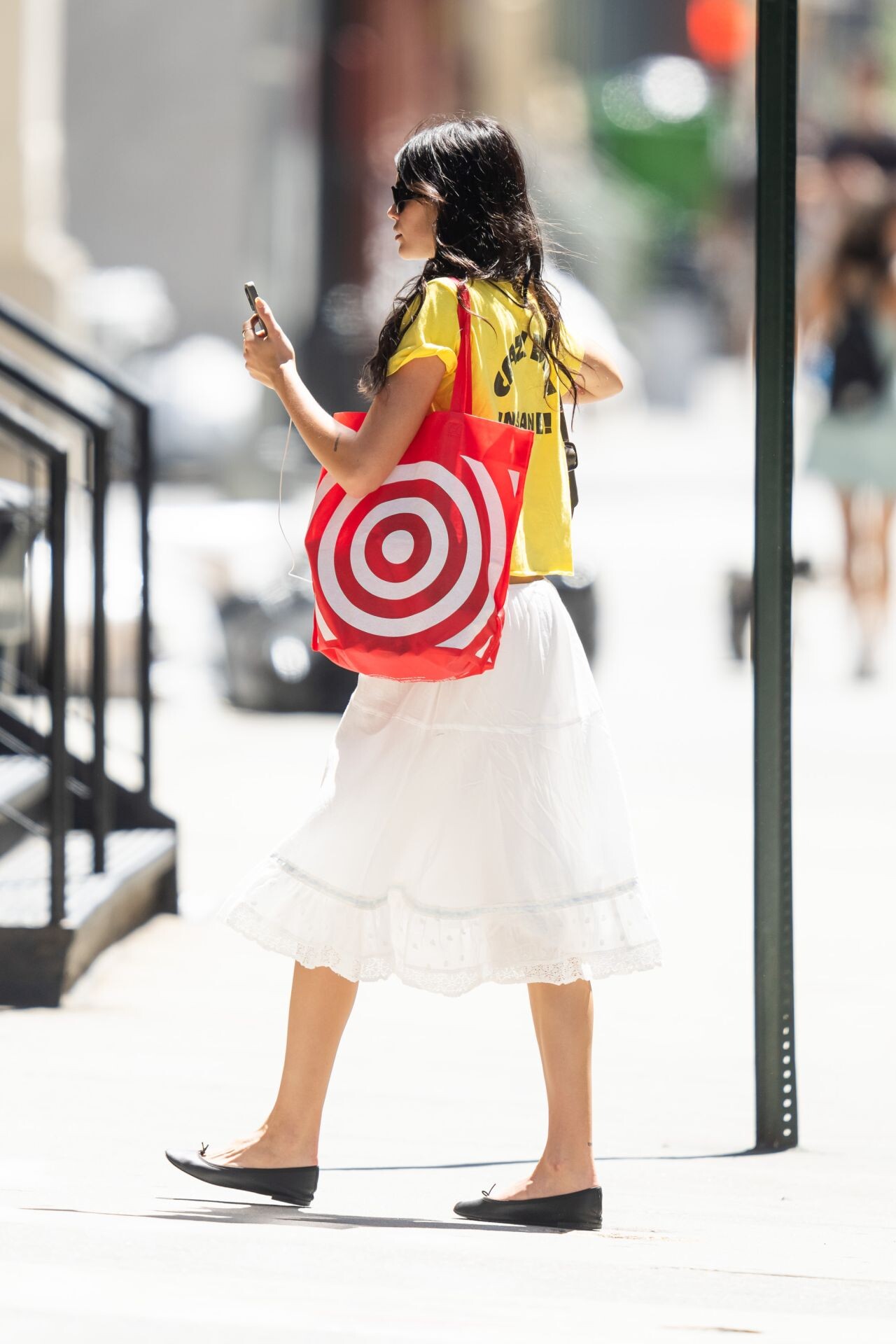

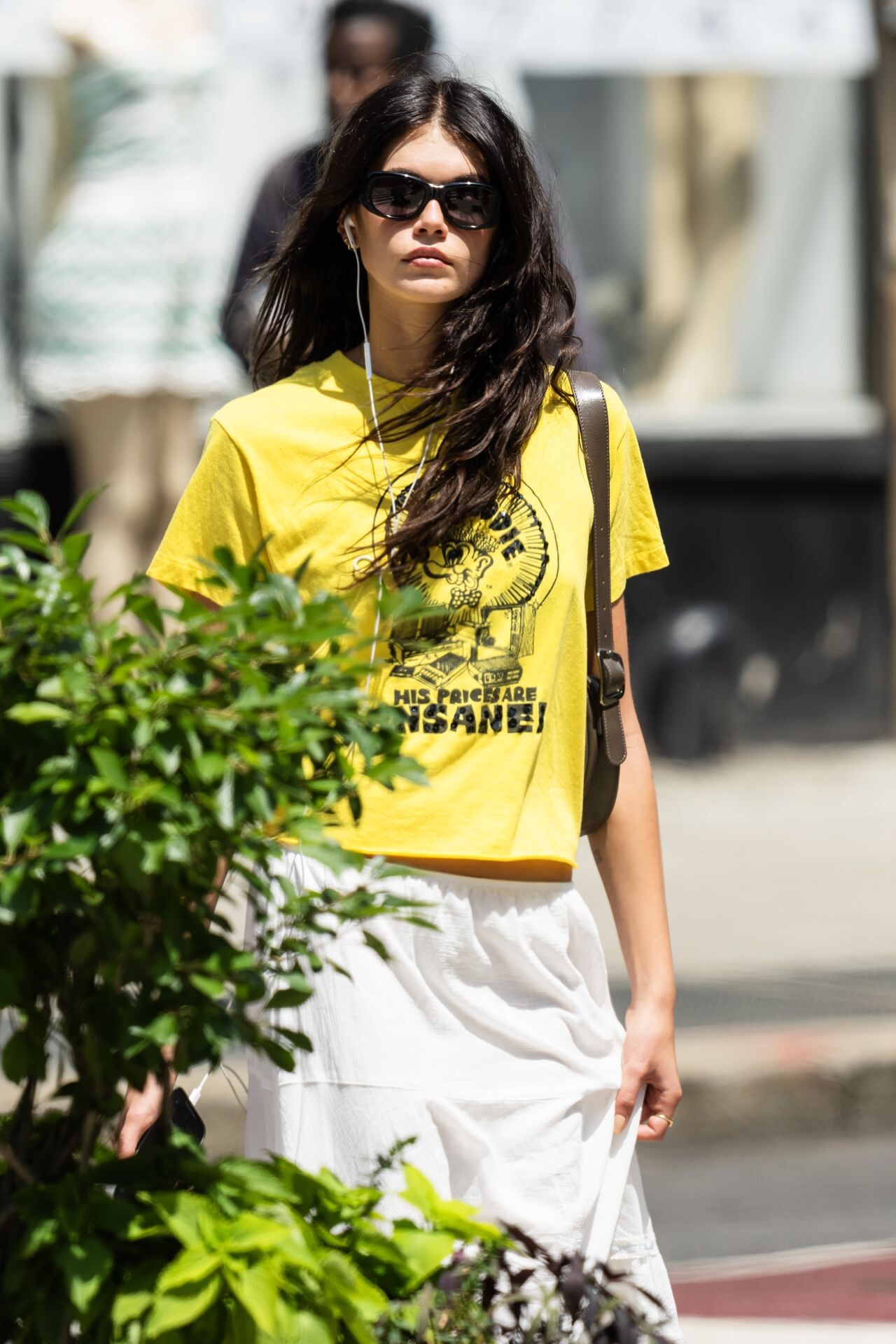
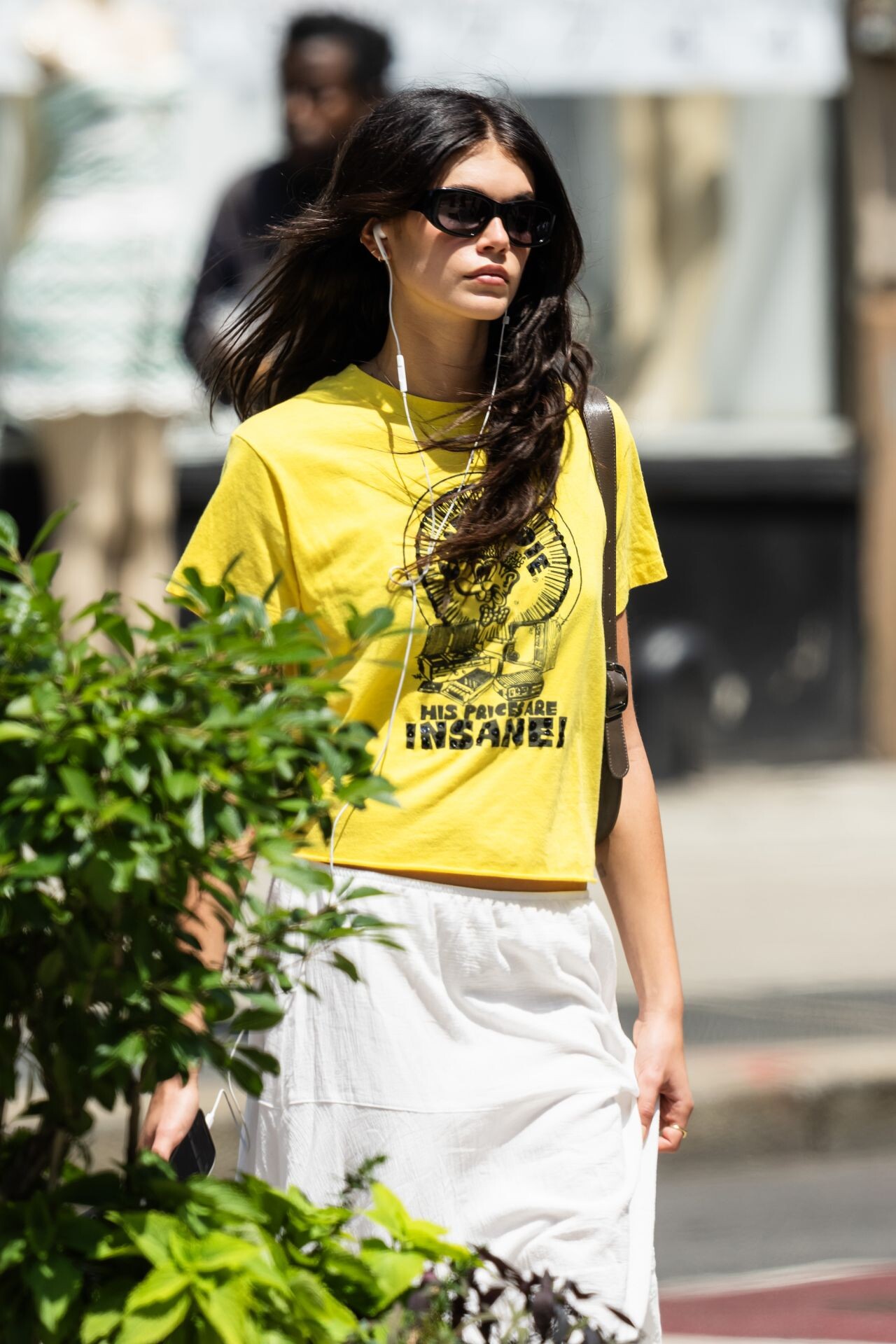




































































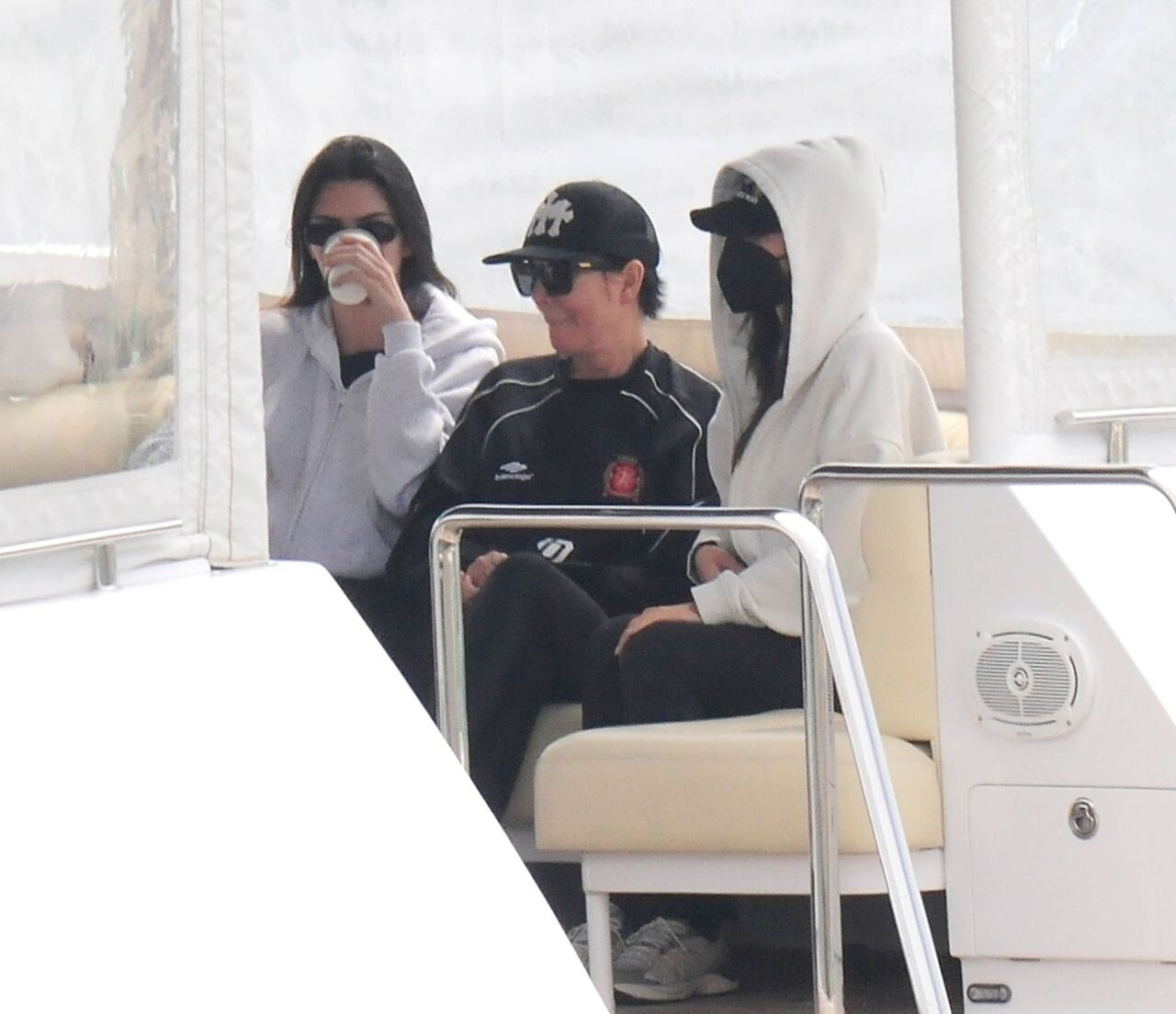

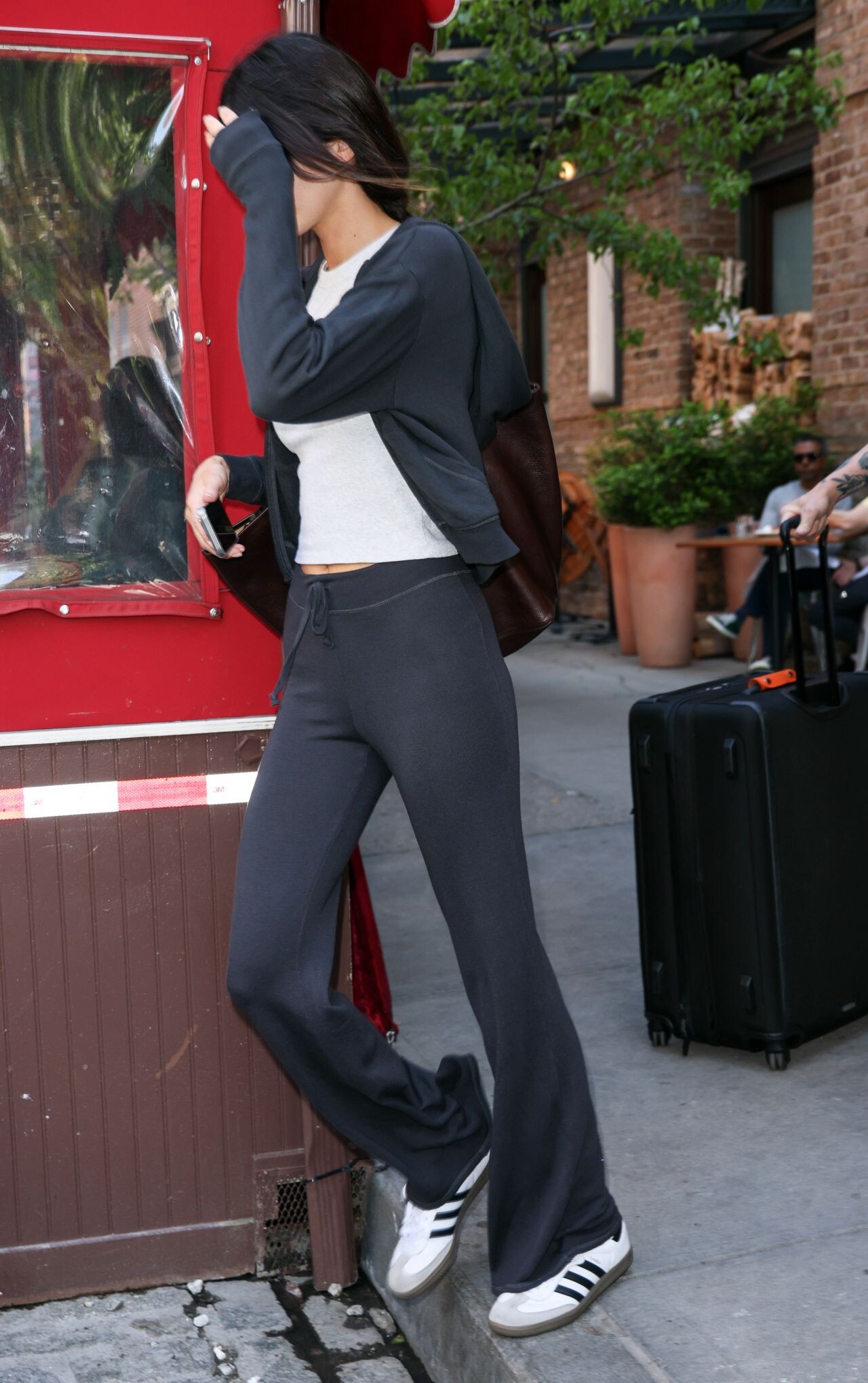
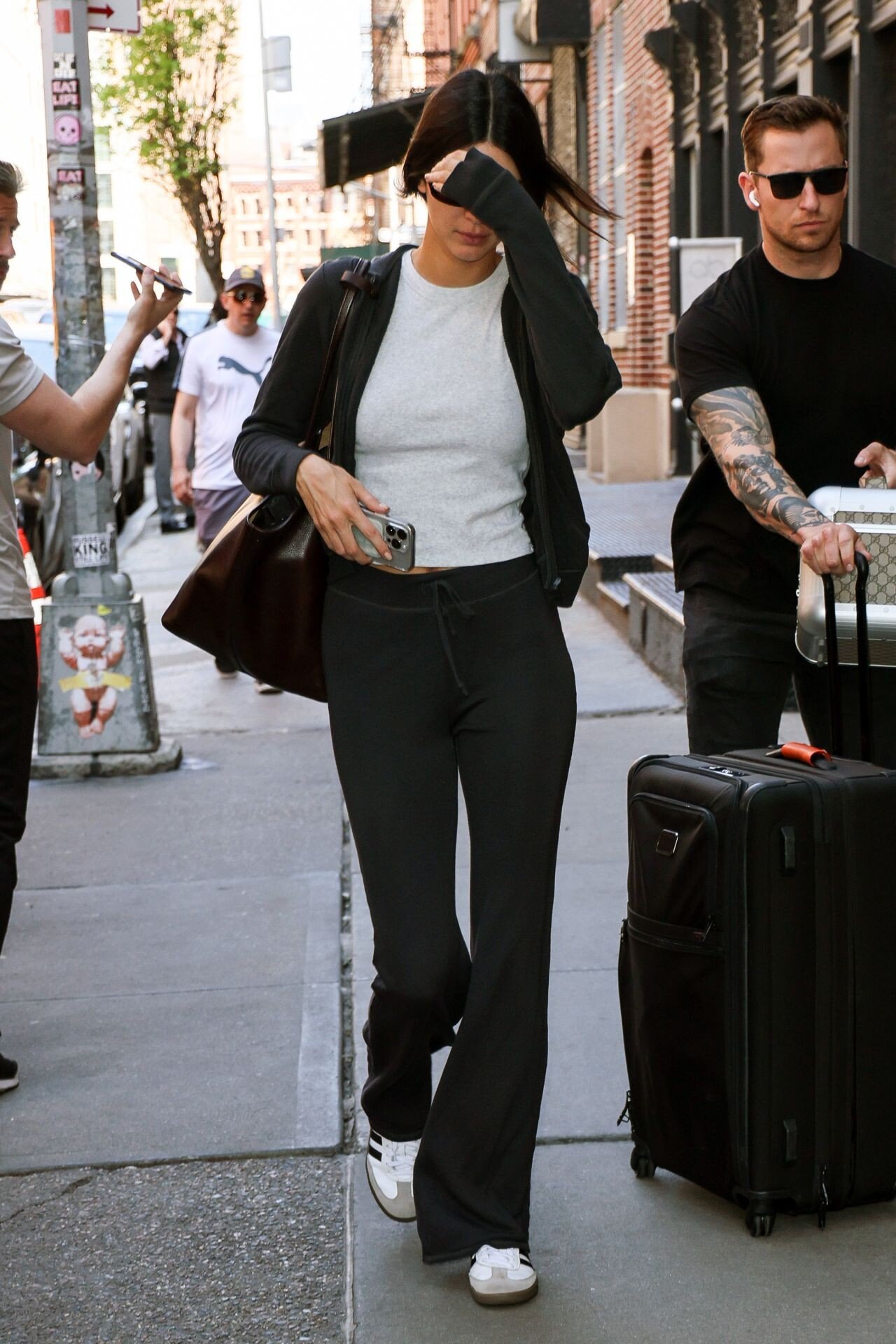
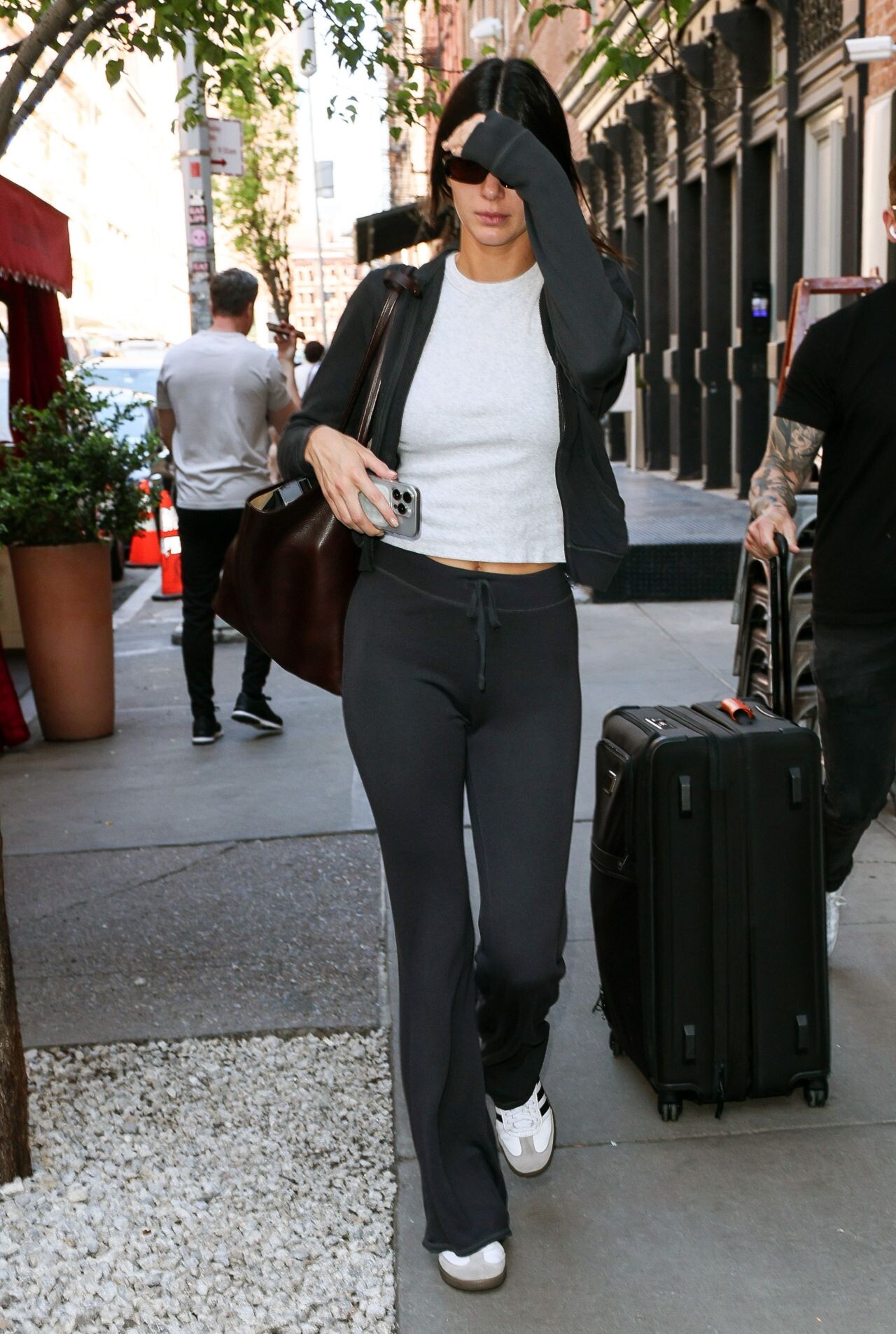











































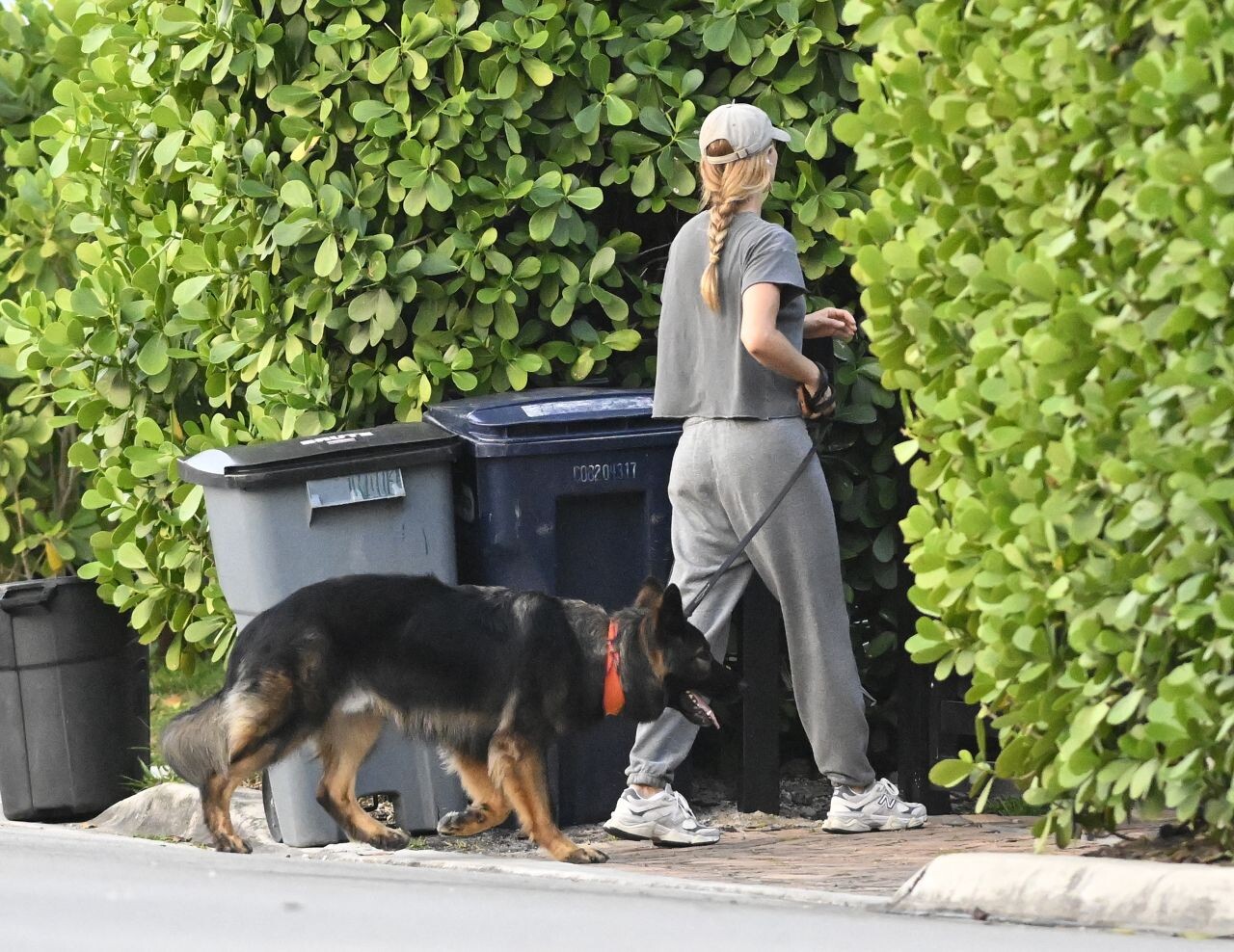
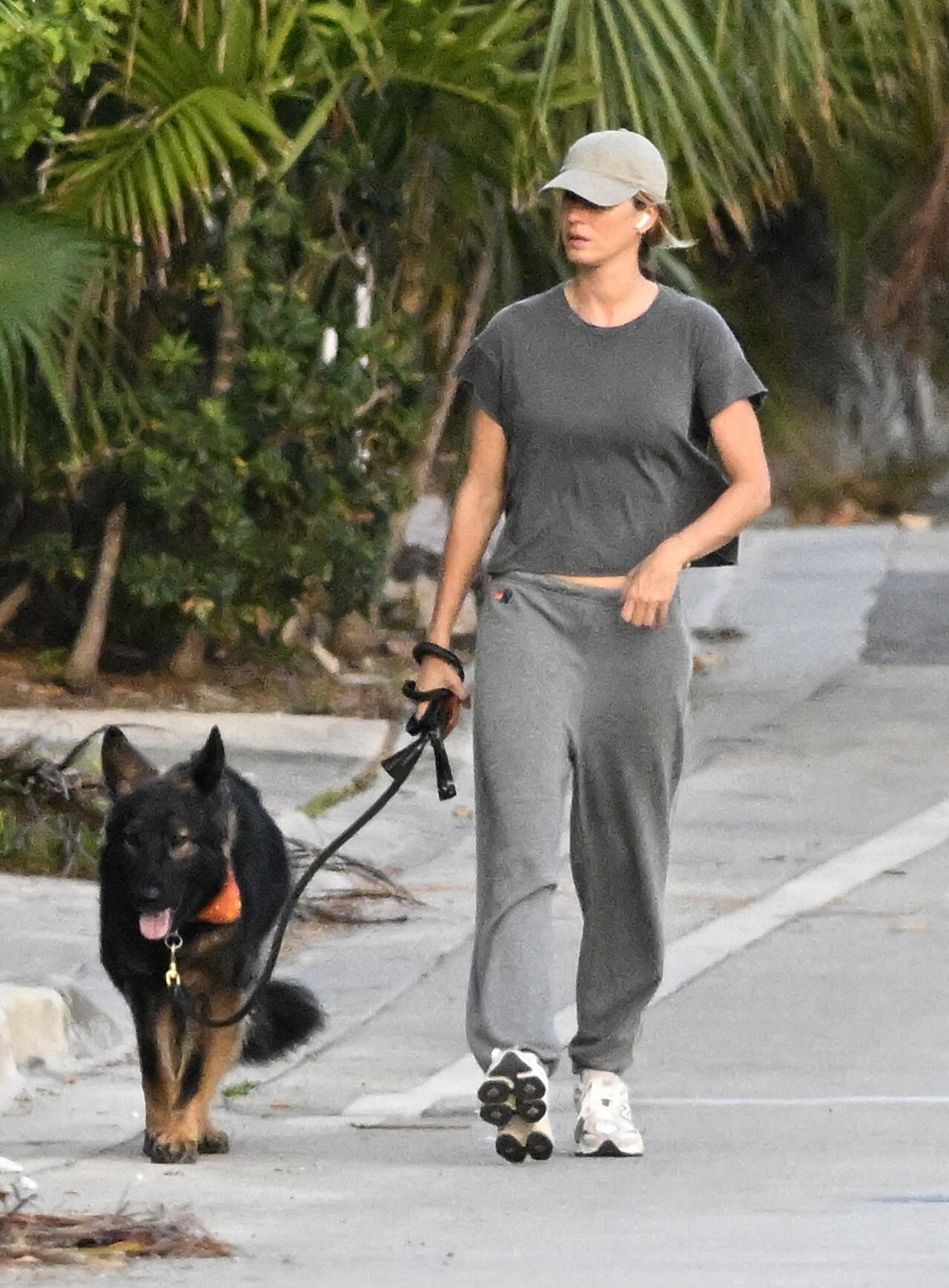
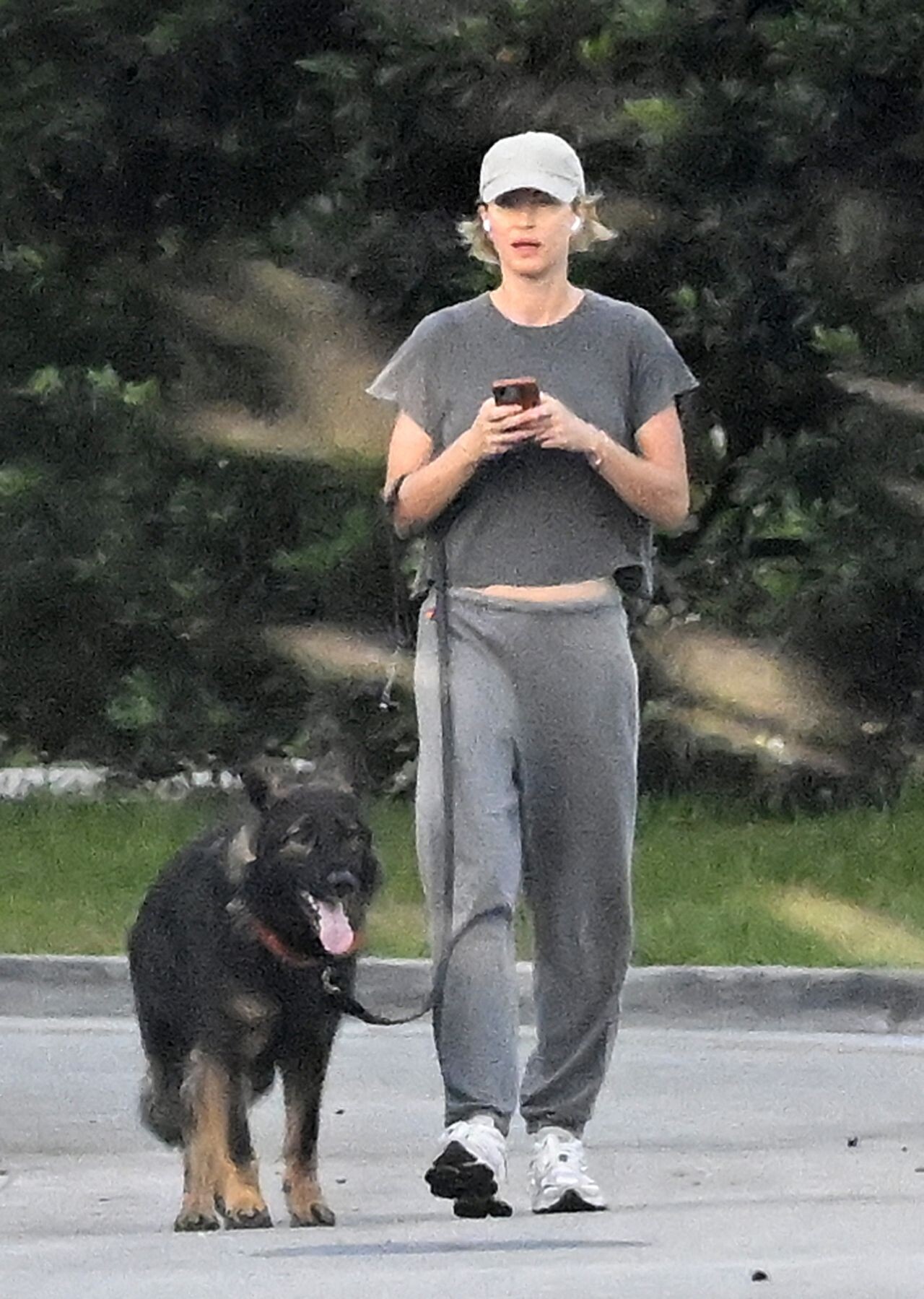

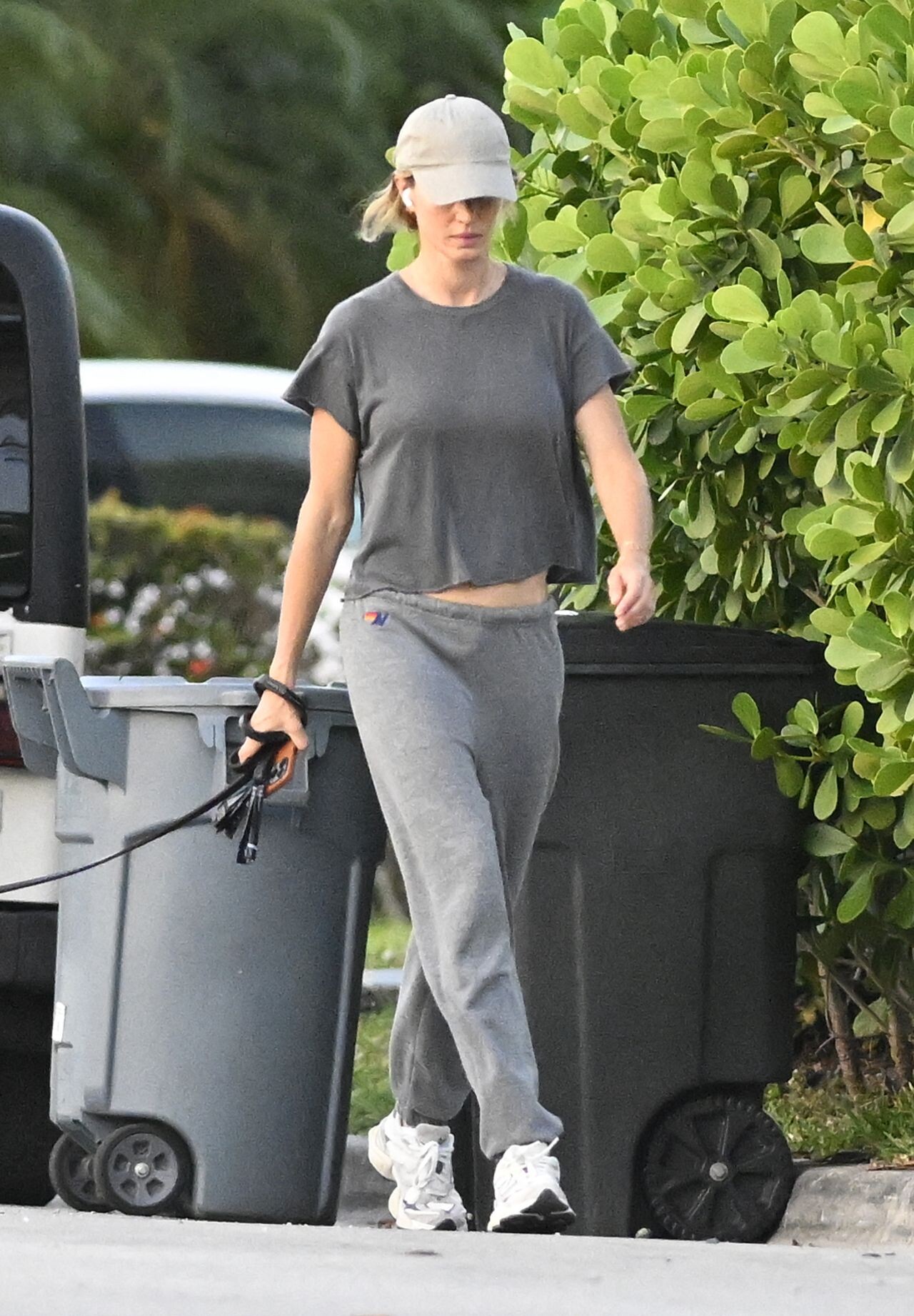



Account
Navigation
Search
Configure browser push notifications
Chrome (Android)
- Tap the lock icon next to the address bar.
- Tap Permissions → Notifications.
- Adjust your preference.
Chrome (Desktop)
- Click the padlock icon in the address bar.
- Select Site settings.
- Find Notifications and adjust your preference.
Safari (iOS 16.4+)
- Ensure the site is installed via Add to Home Screen.
- Open Settings App → Notifications.
- Find your app name and adjust your preference.
Safari (macOS)
- Go to Safari → Preferences.
- Click the Websites tab.
- Select Notifications in the sidebar.
- Find this website and adjust your preference.
Edge (Android)
- Tap the lock icon next to the address bar.
- Tap Permissions.
- Find Notifications and adjust your preference.
Edge (Desktop)
- Click the padlock icon in the address bar.
- Click Permissions for this site.
- Find Notifications and adjust your preference.
Firefox (Android)
- Go to Settings → Site permissions.
- Tap Notifications.
- Find this site in the list and adjust your preference.
Firefox (Desktop)
- Open Firefox Settings.
- Search for Notifications.
- Find this site in the list and adjust your preference.