
balenciagaaa
Members
-
Joined
-
Last visited
Everything posted by balenciagaaa
-
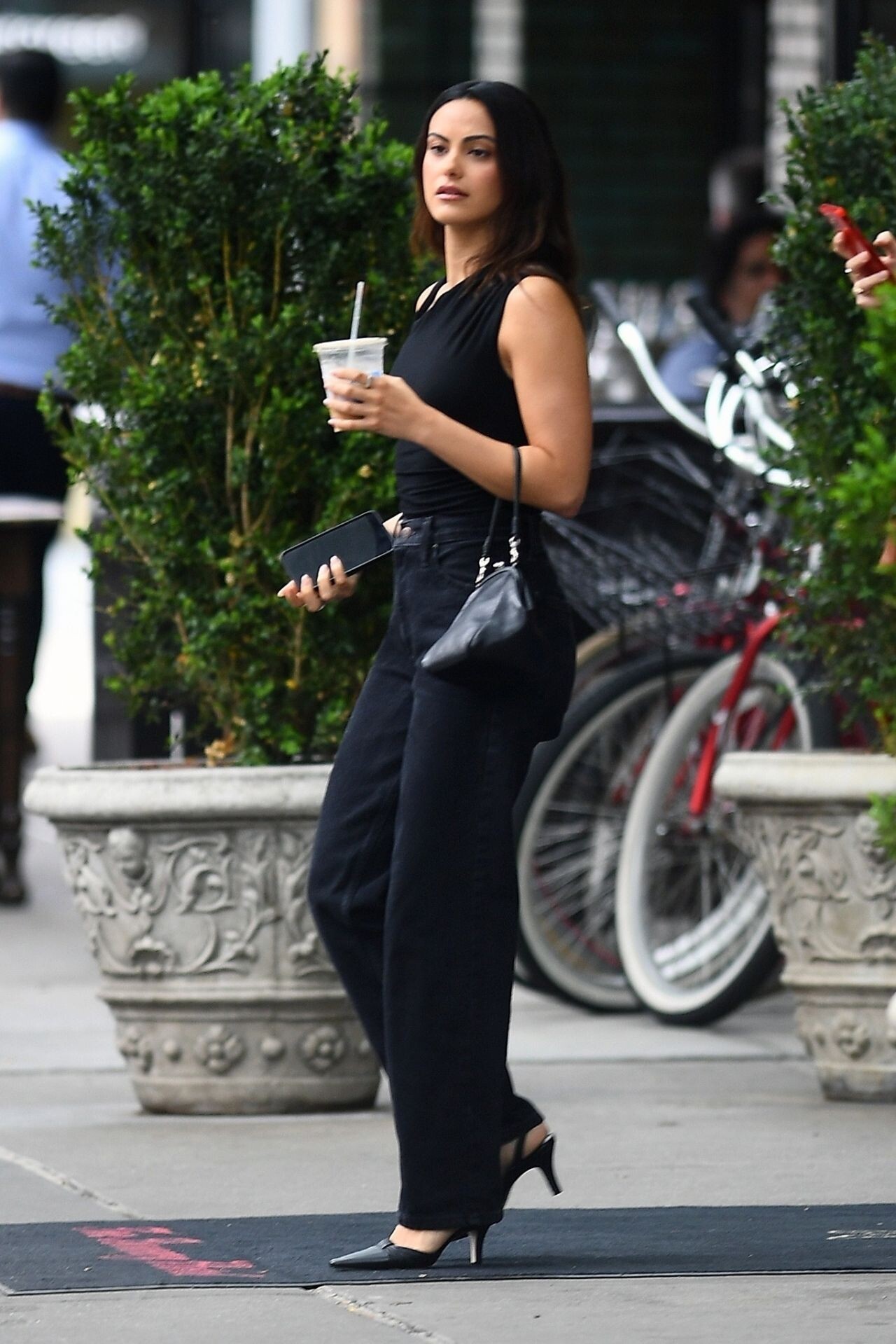
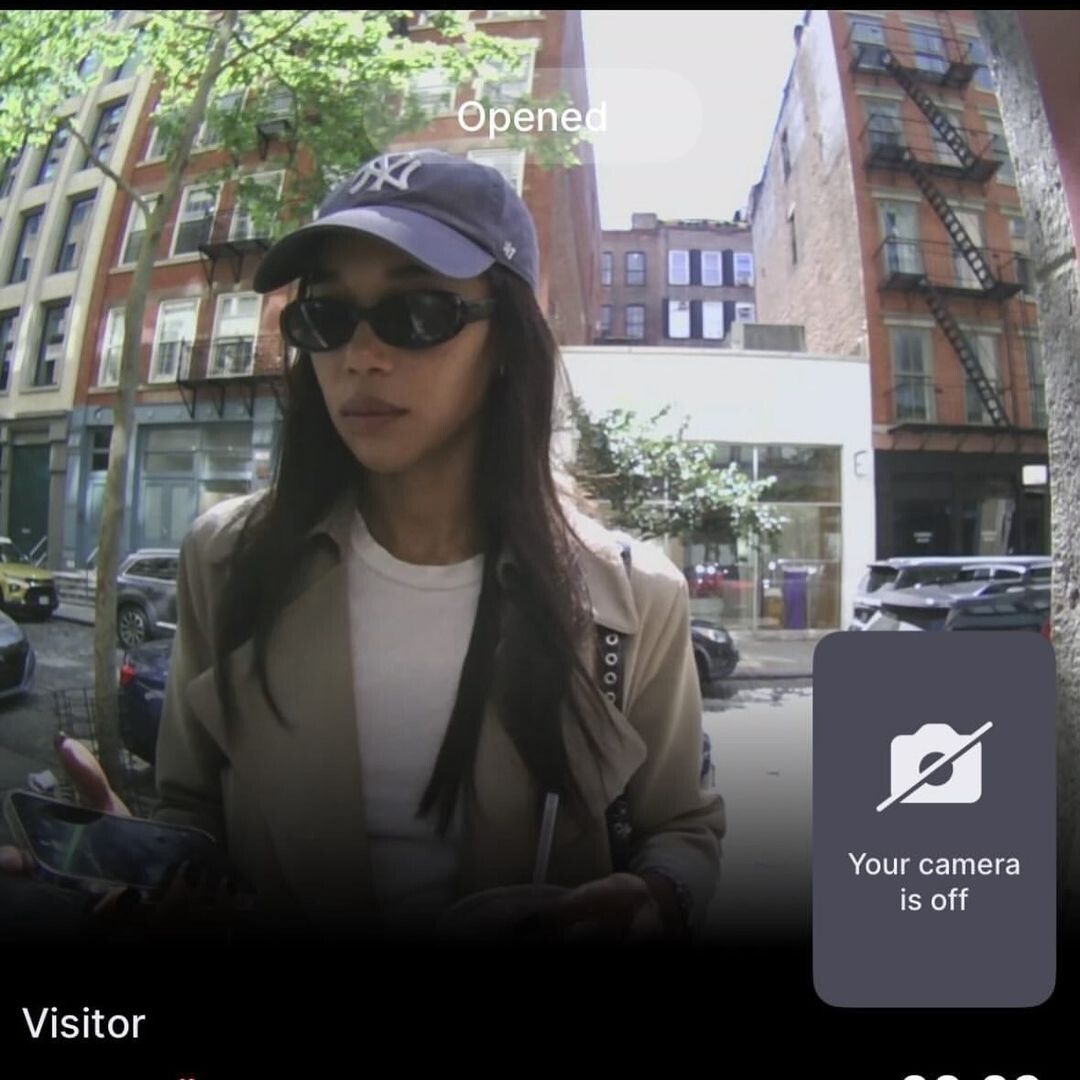
 New York 06-06-2024






-
@sofiagrainge Eloise Samantha Grainge 🤍5•20•24 best day of my life🤍

-
Sofia Richie fronts summer 2024 edit from Tommy Hilfiger.














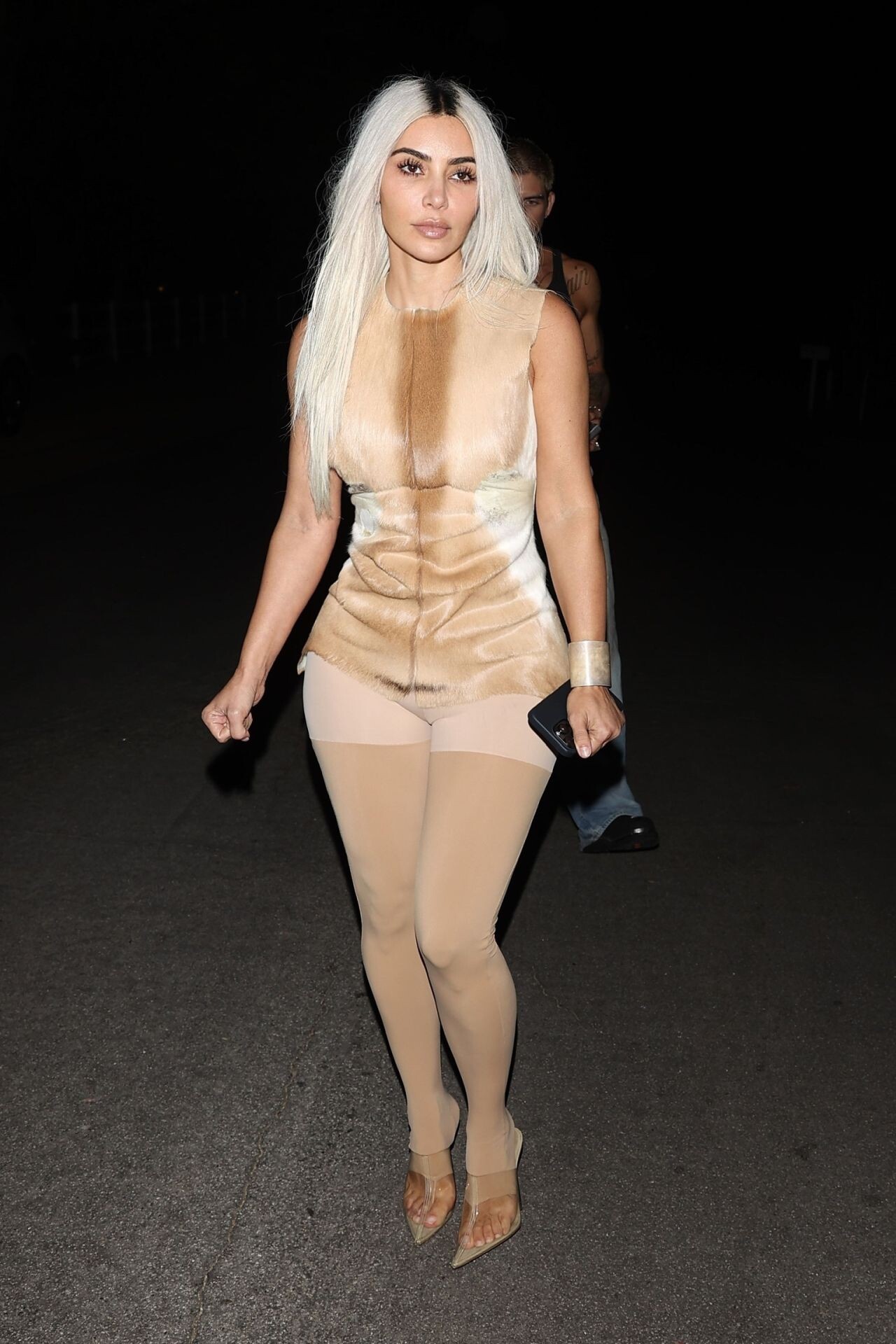
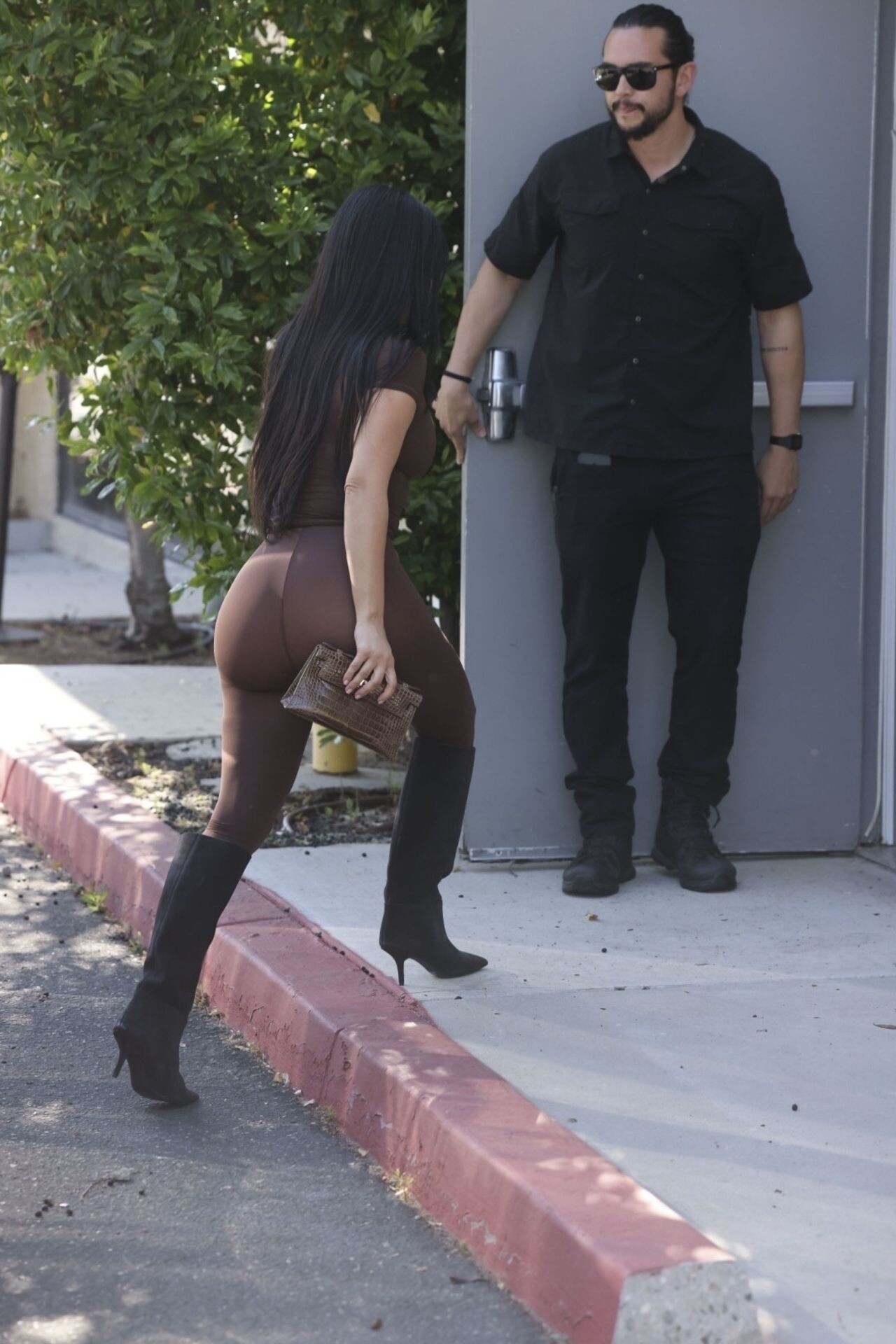
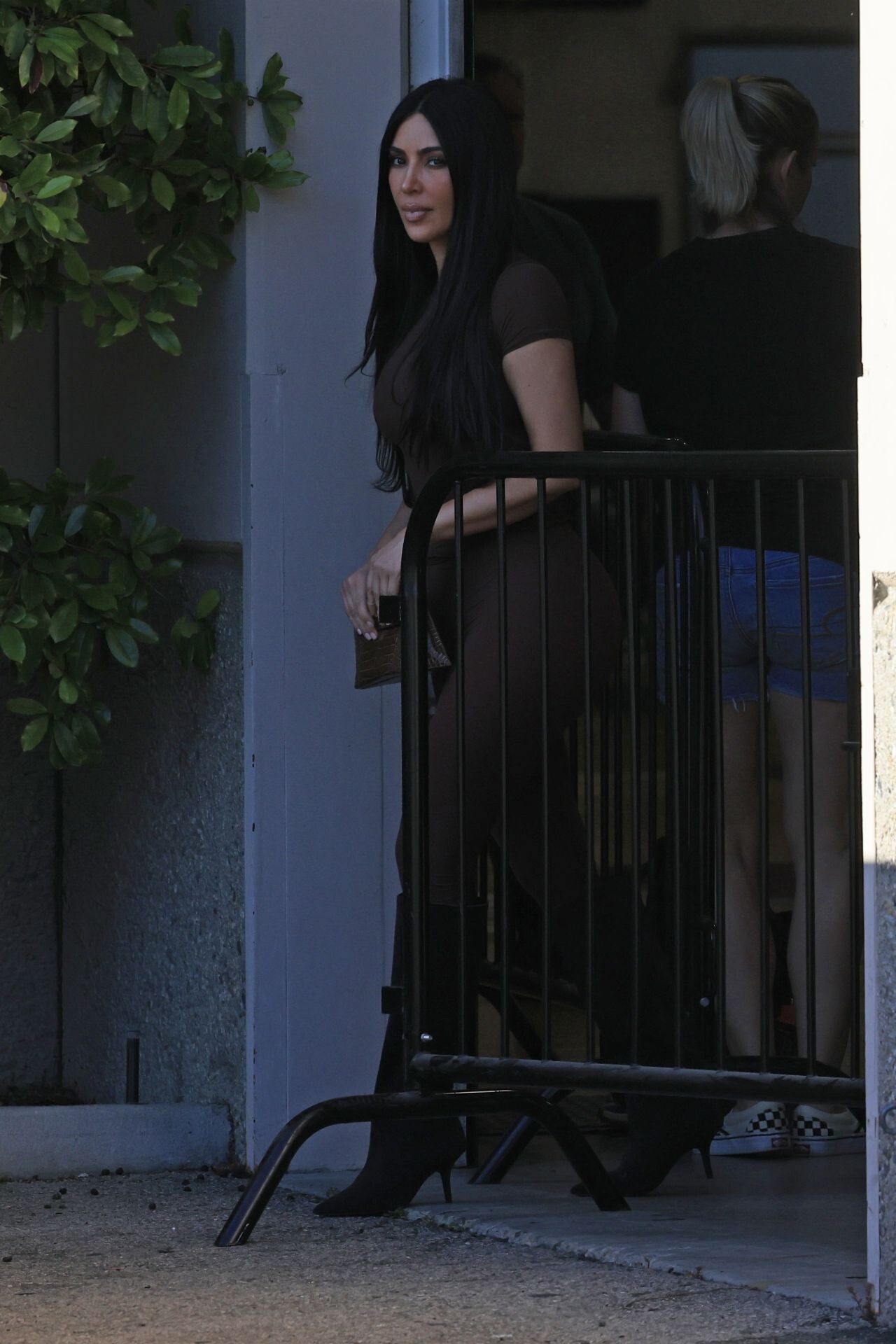
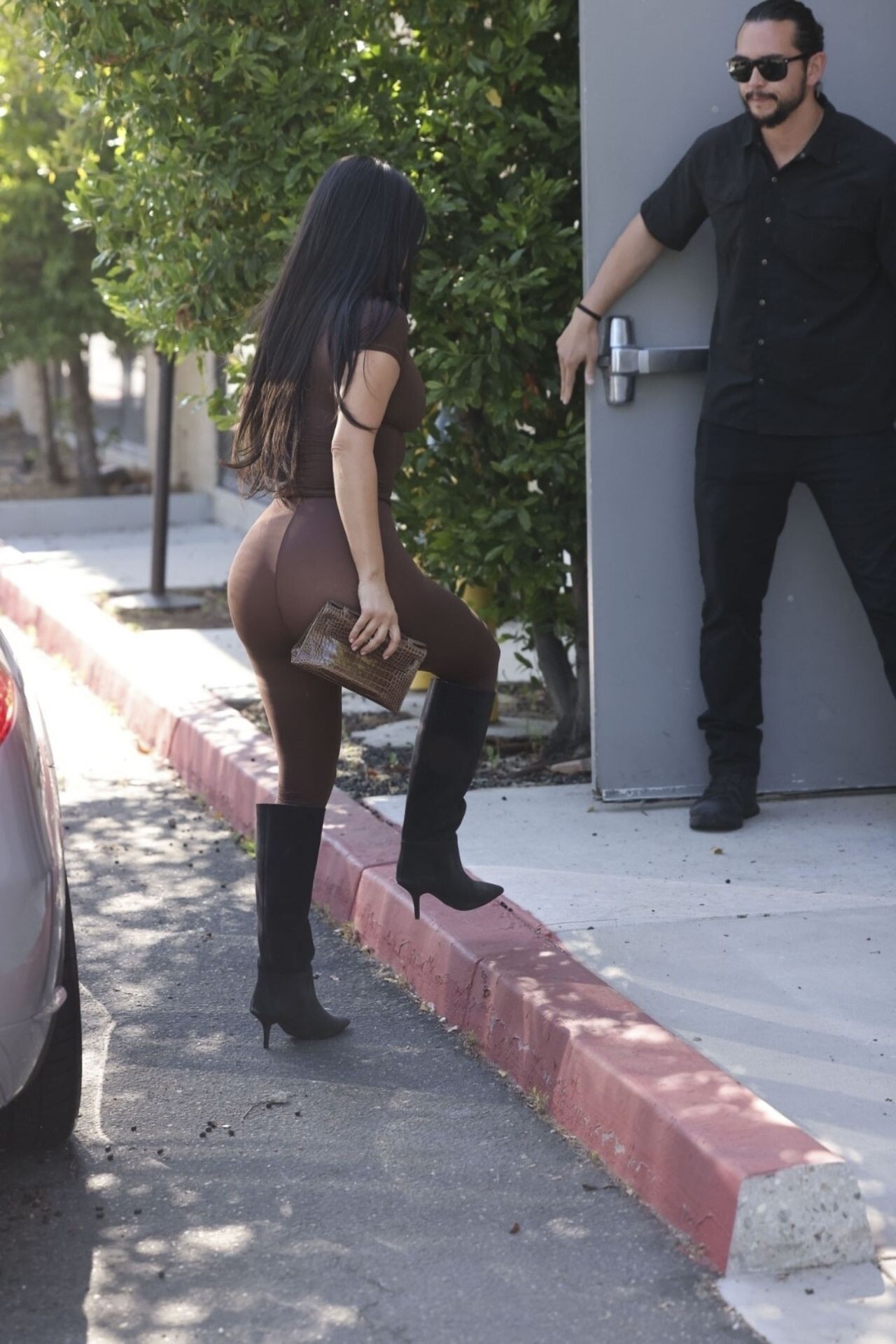
 Out in Studio City 06-21-2024 Los Angeles 06-25-2024





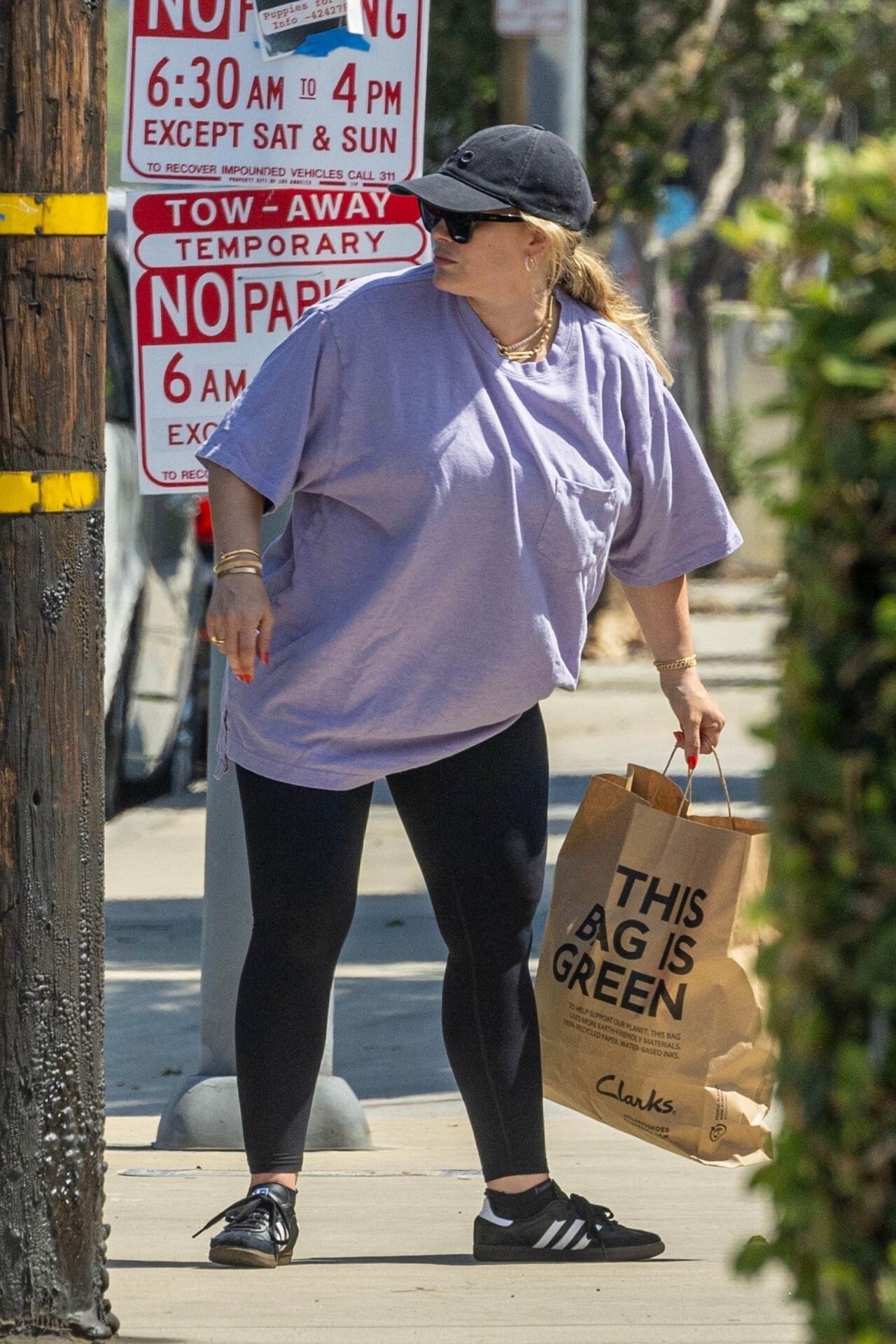
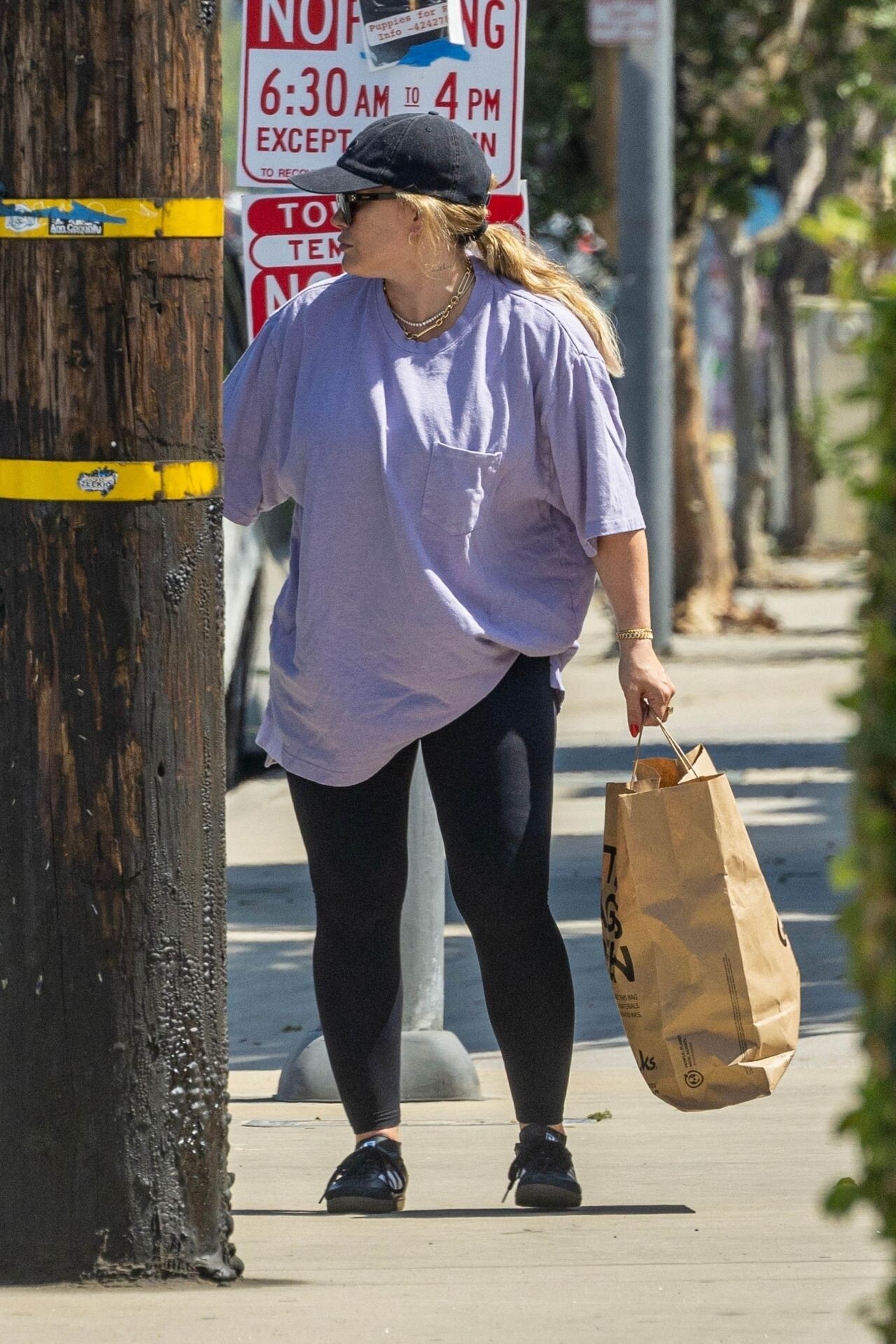
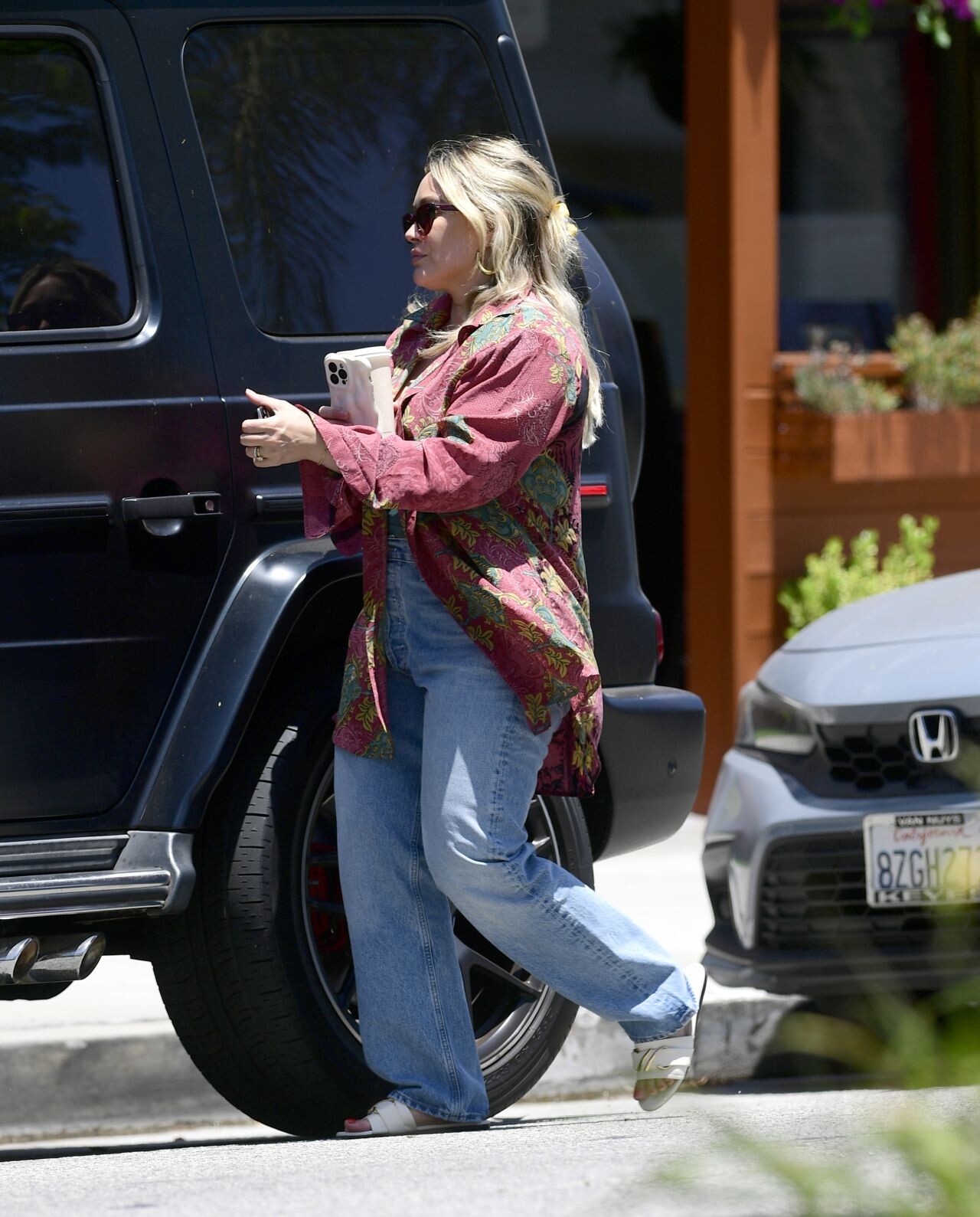
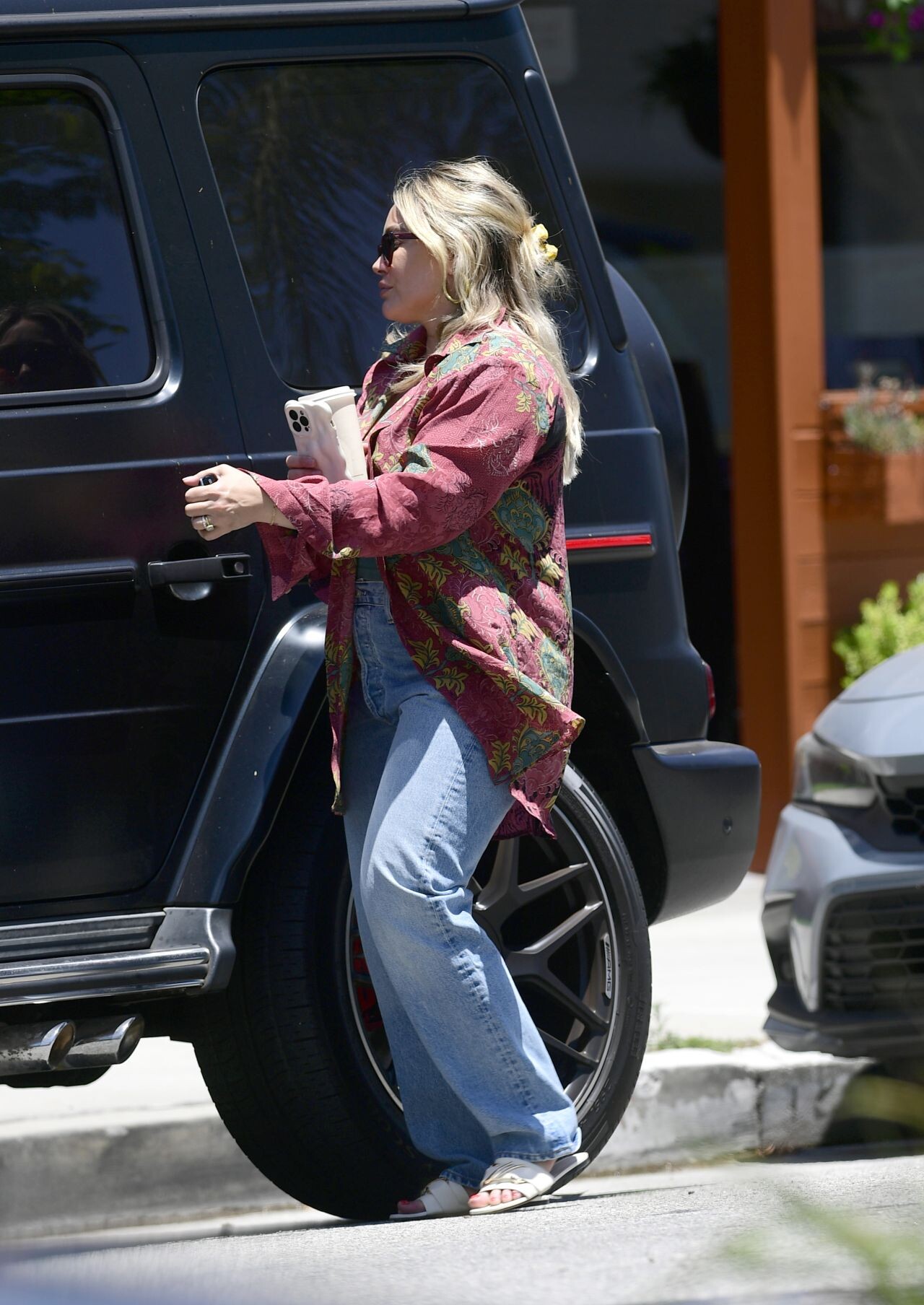
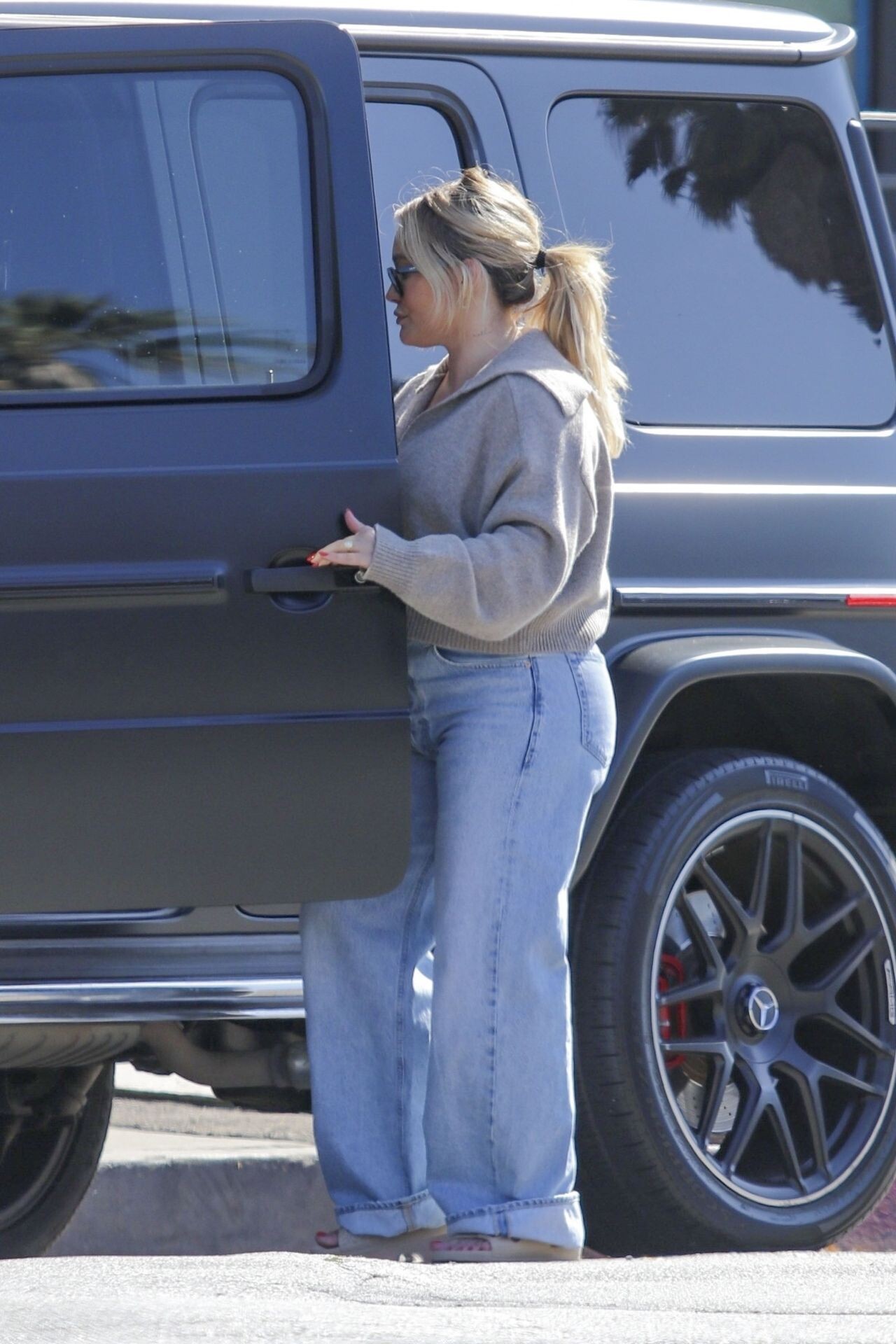
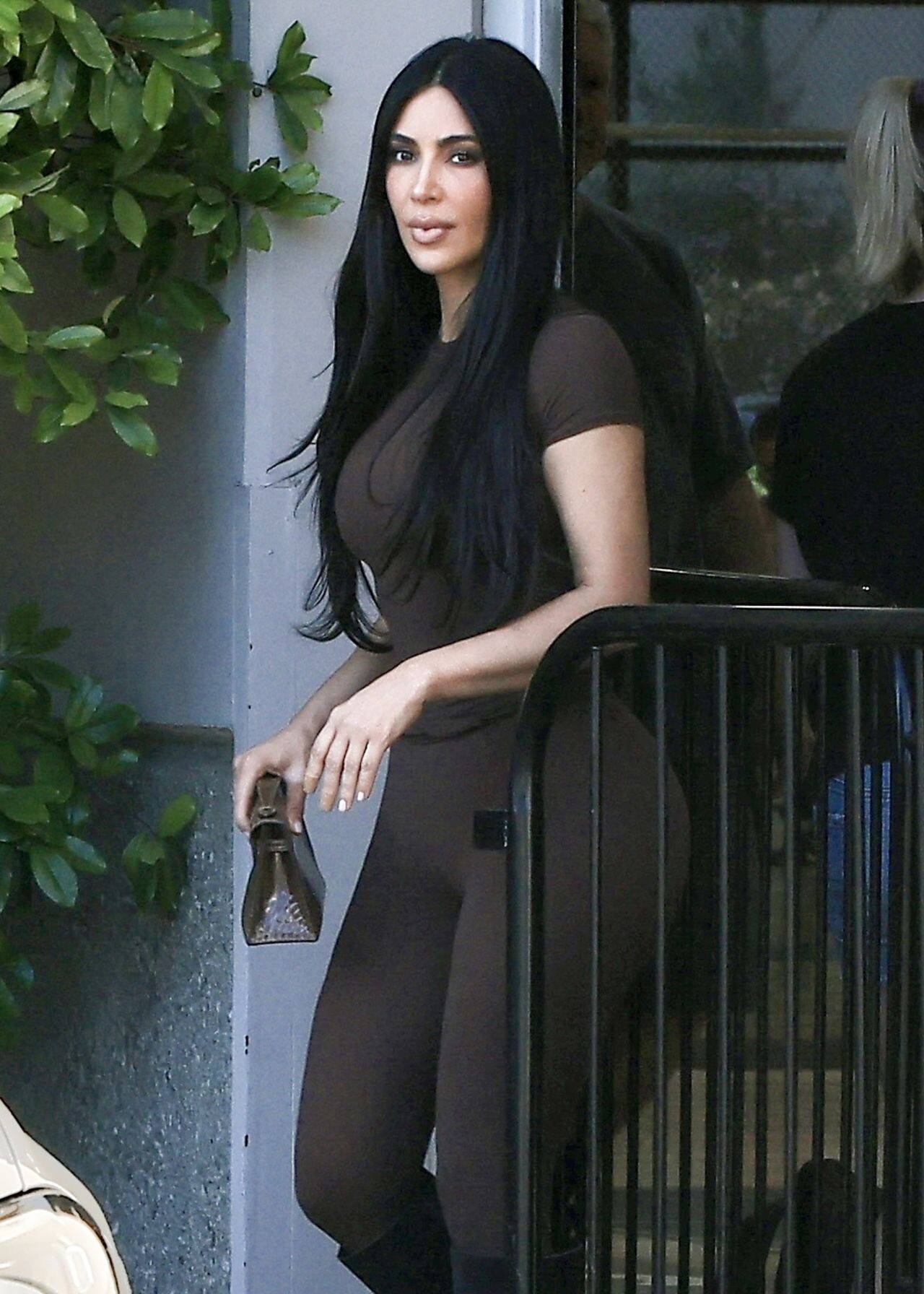
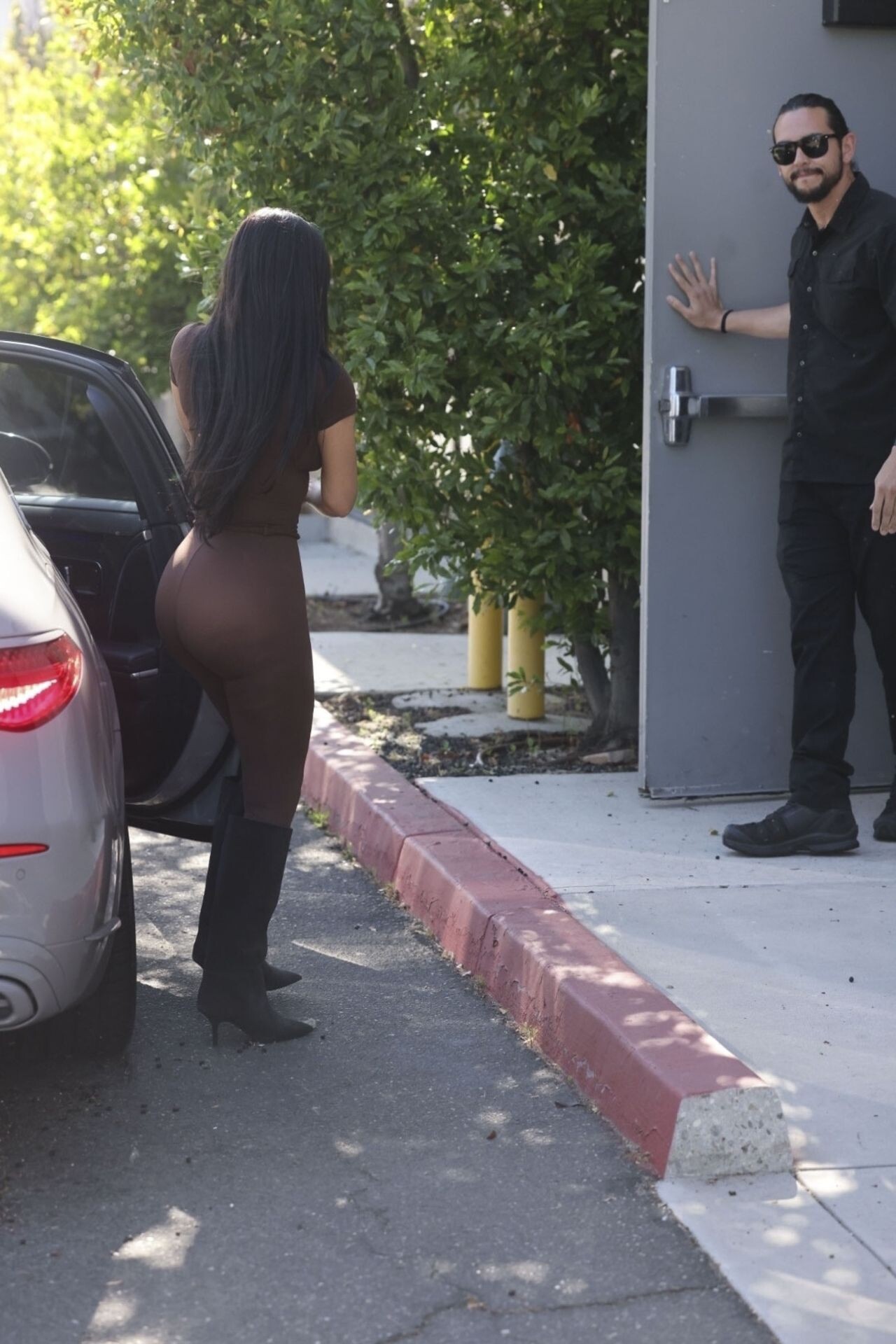
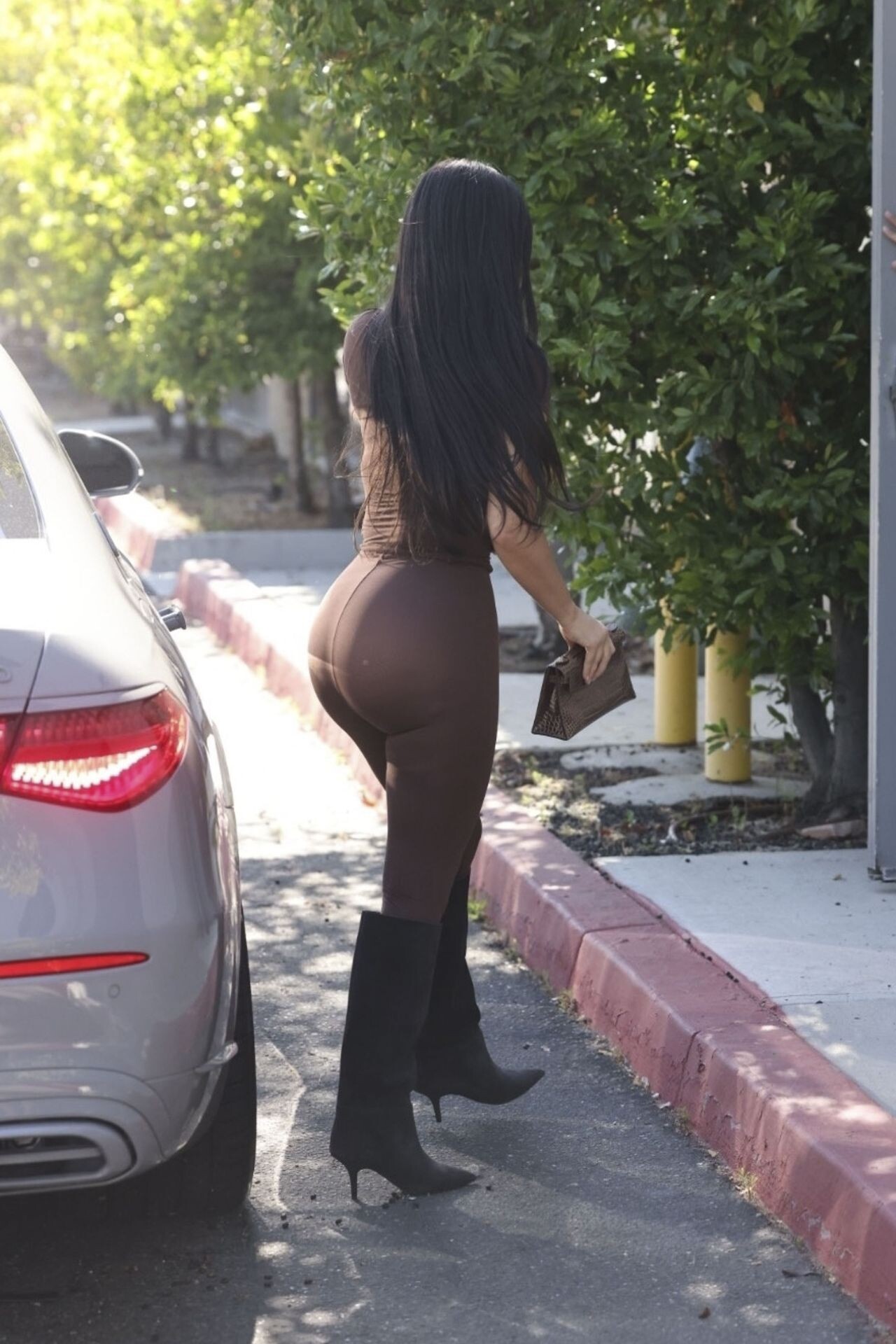
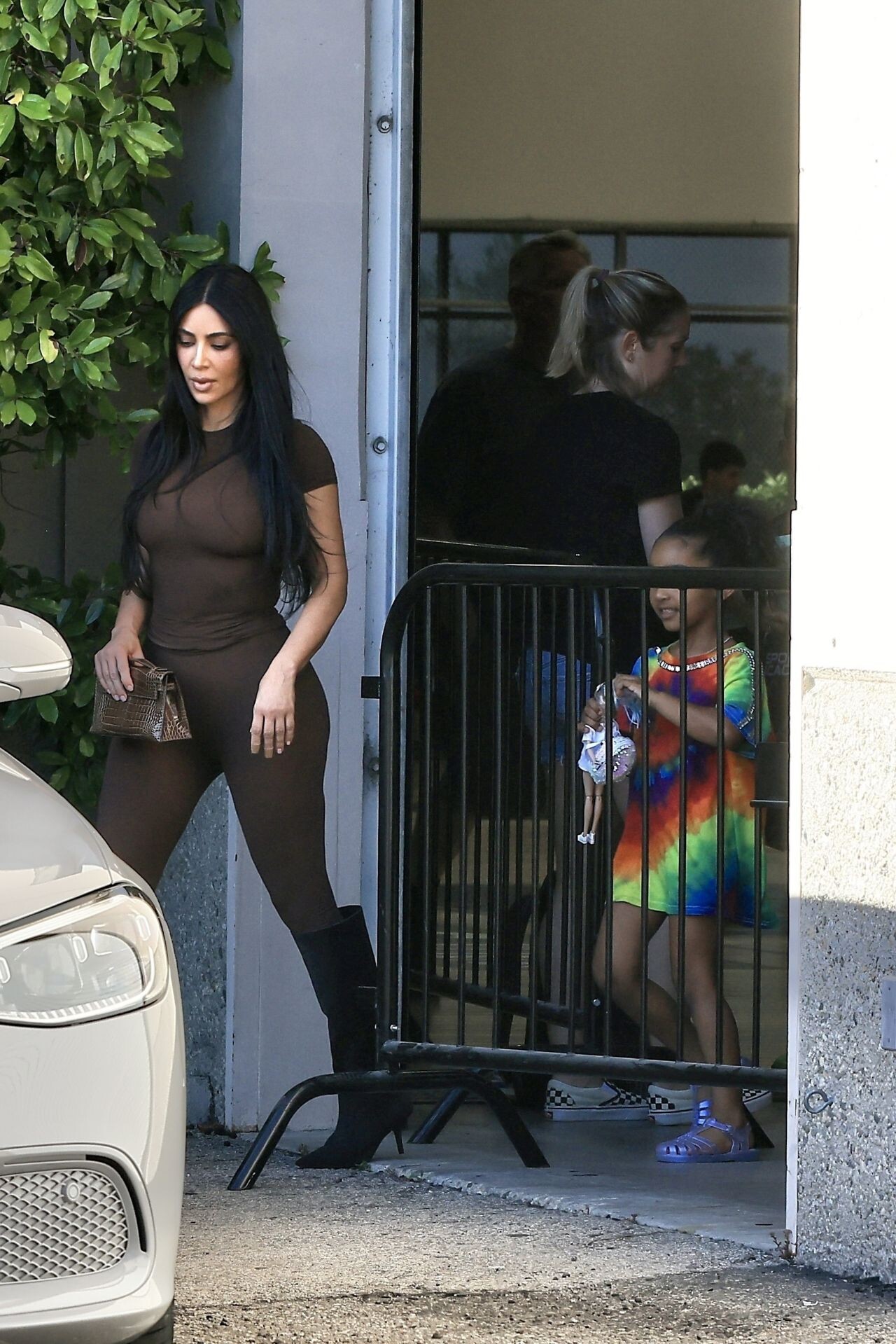
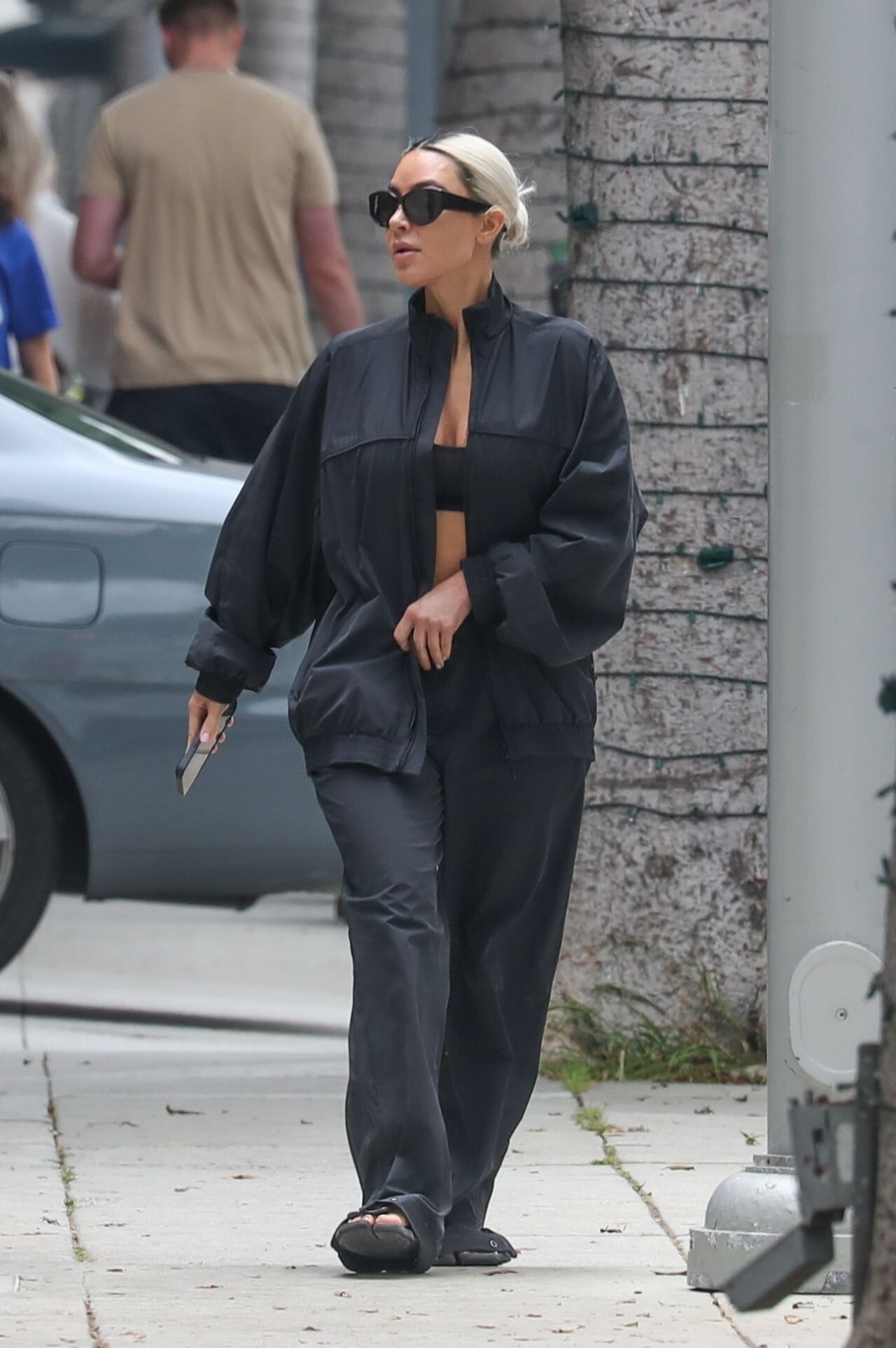
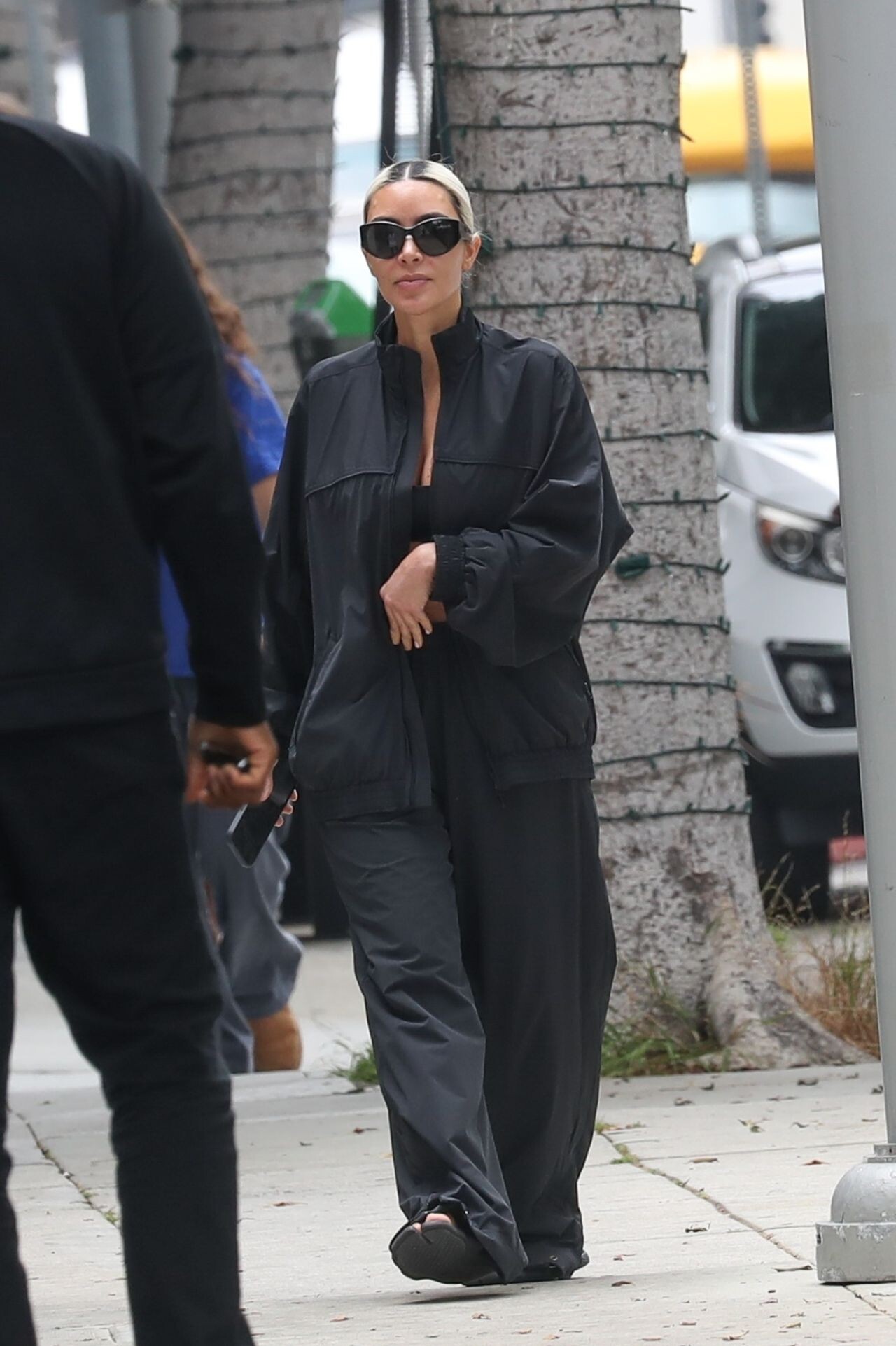
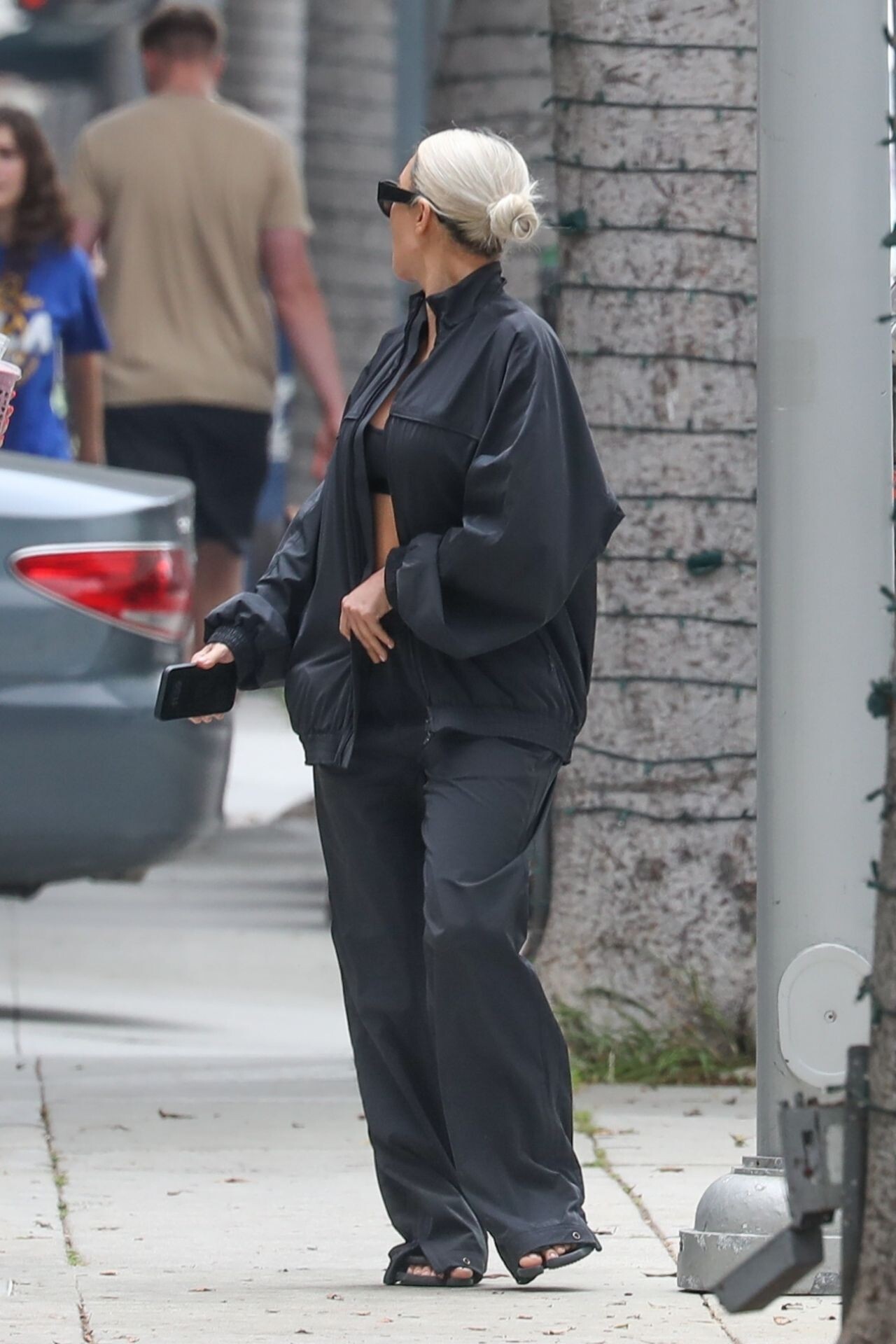
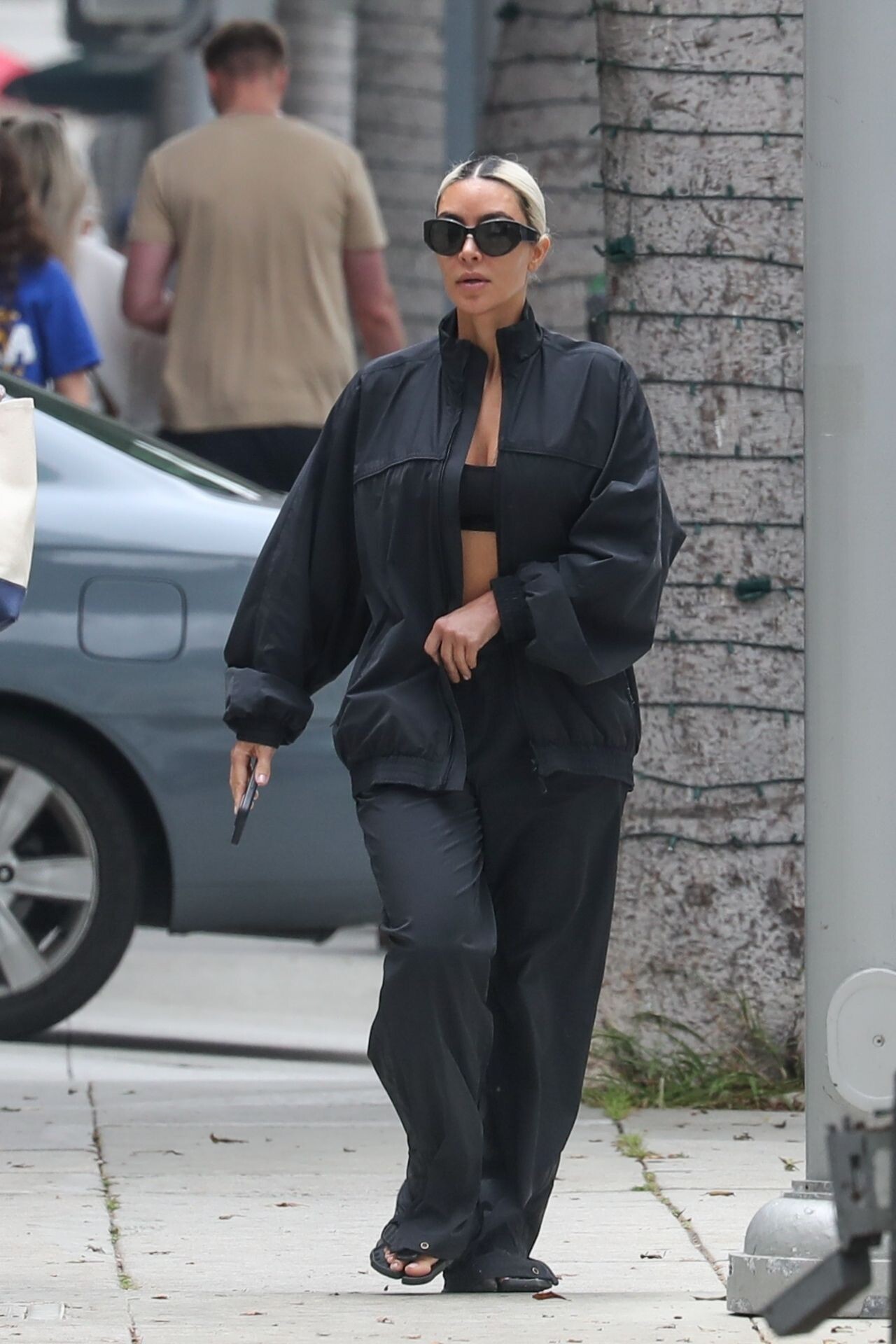
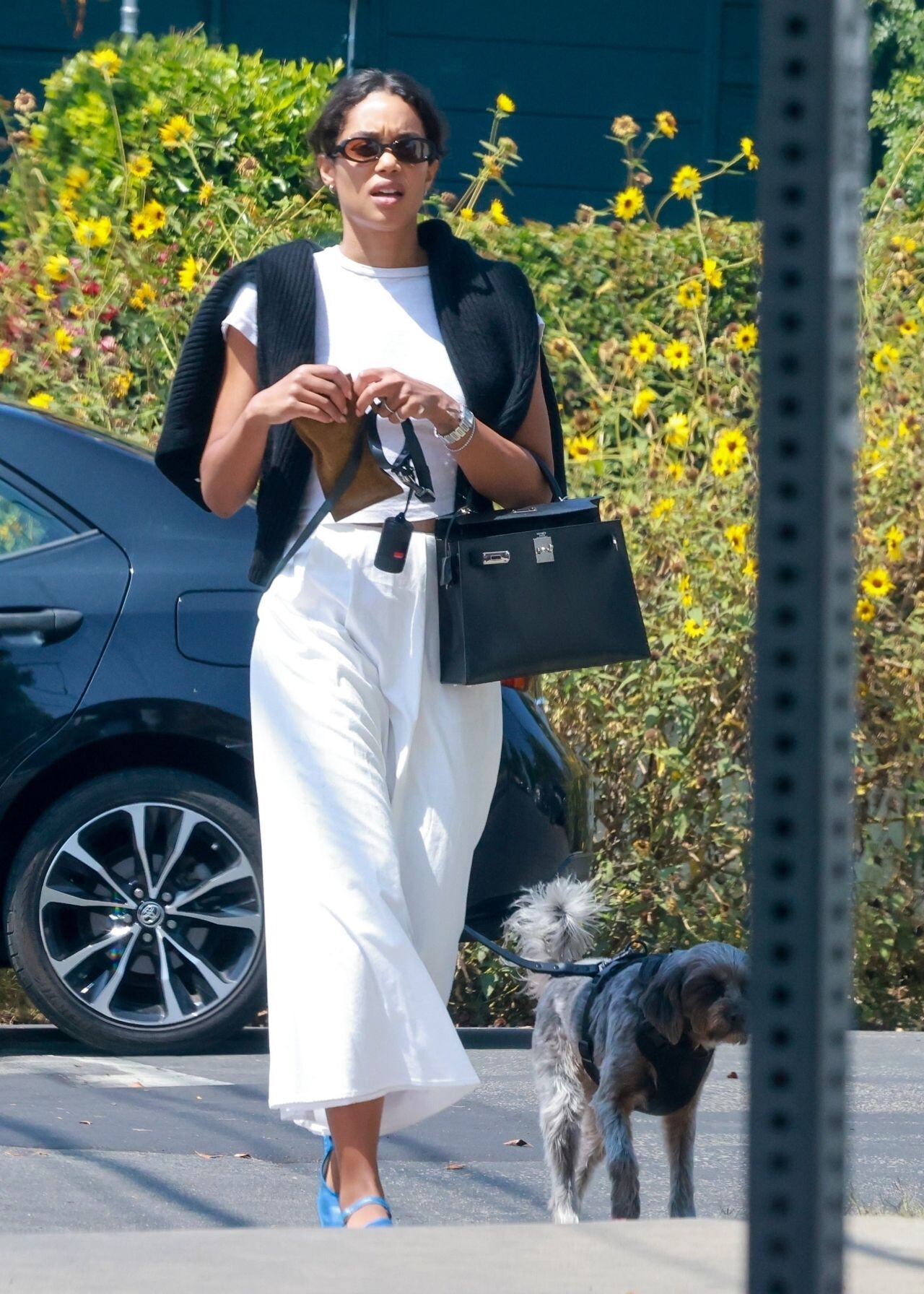
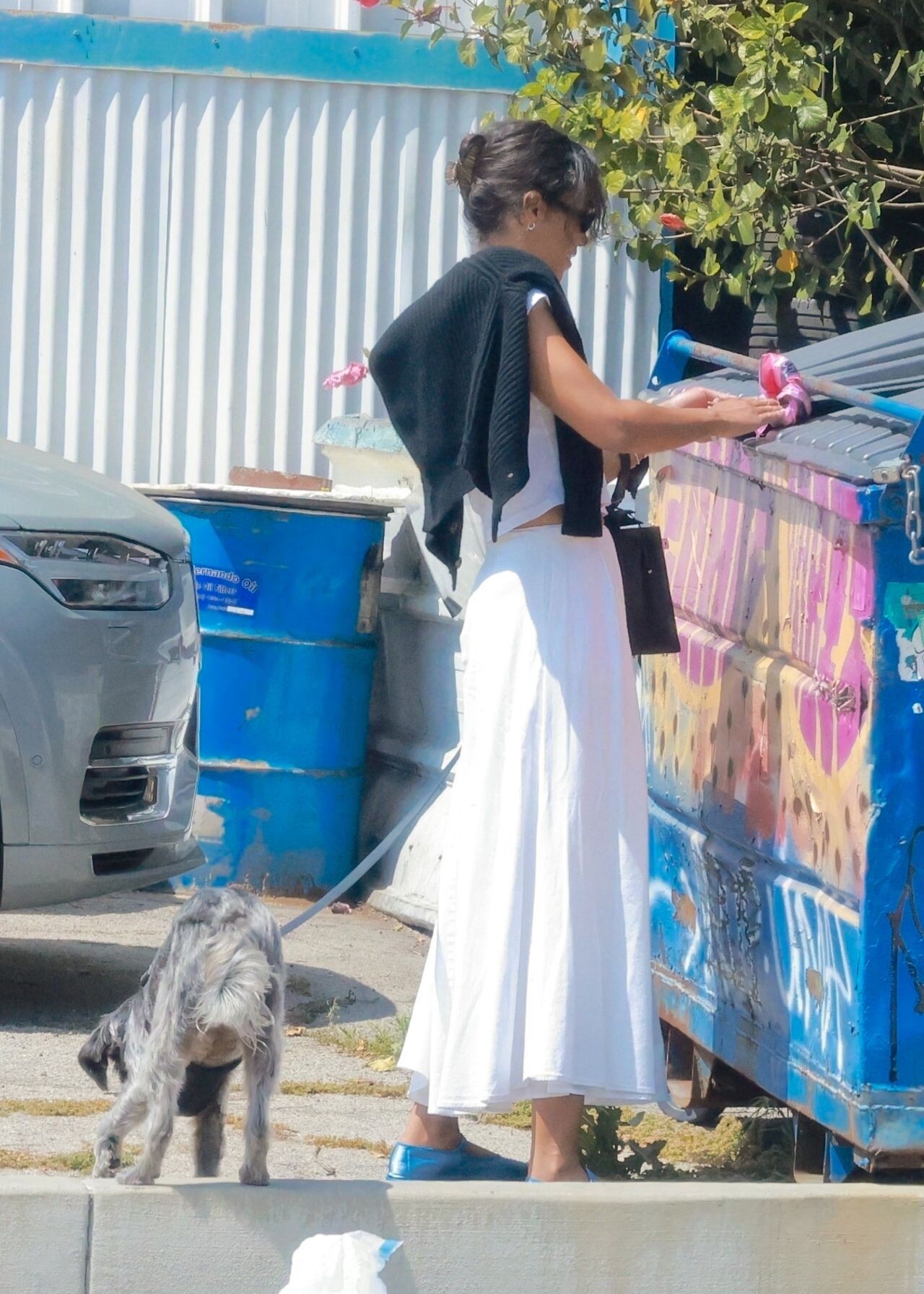
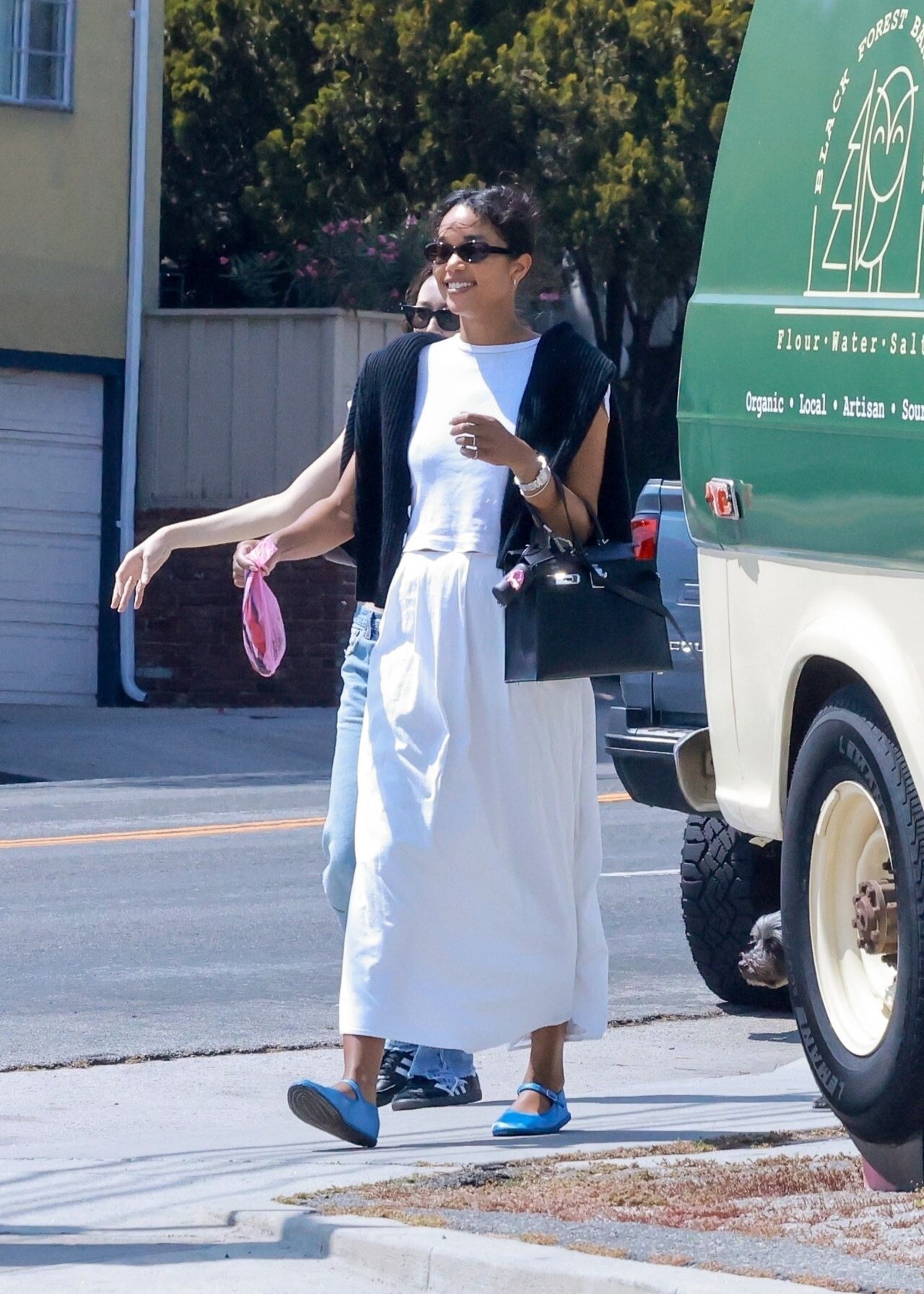
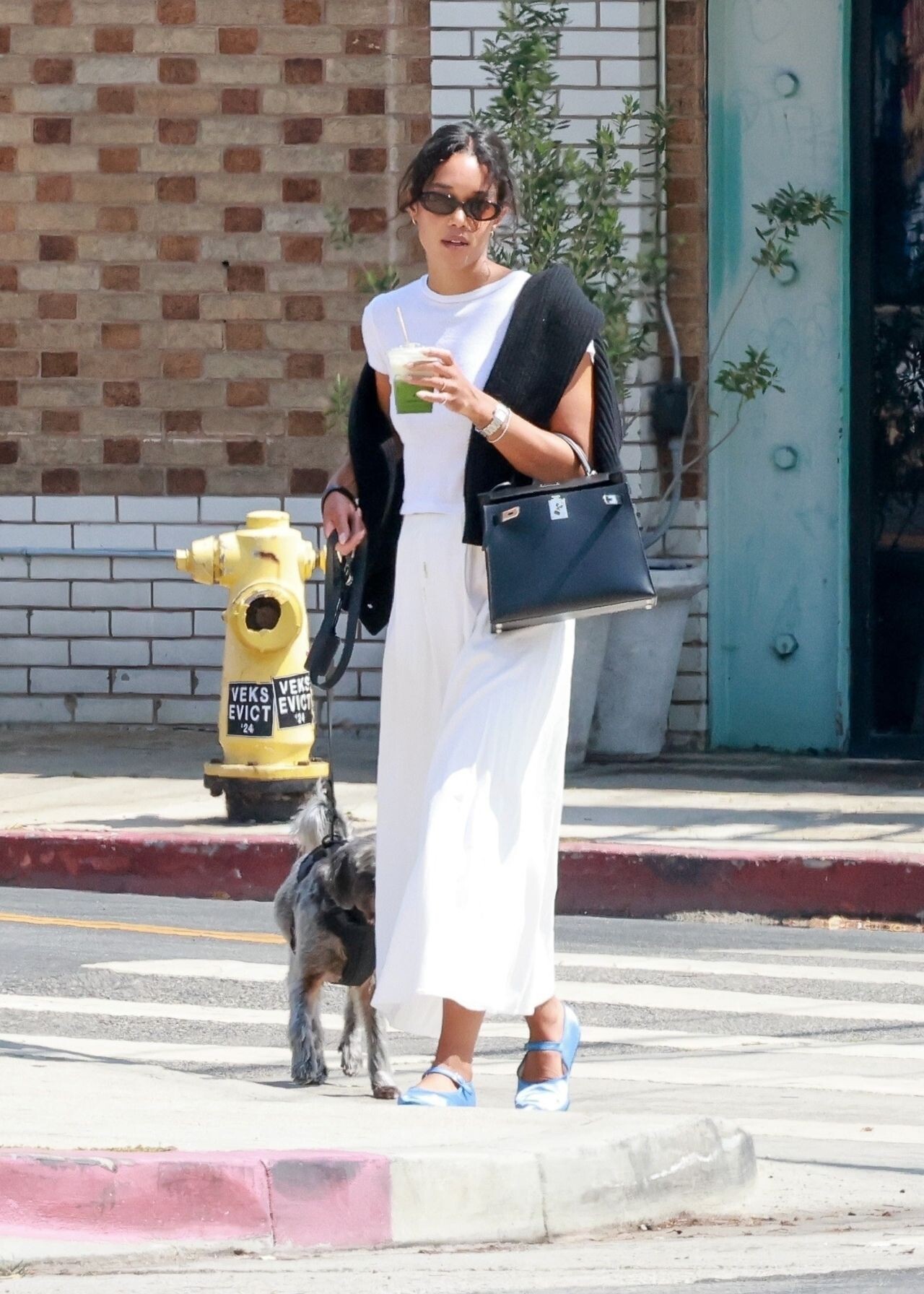
 Running Errands in Los Angeles 06-11-2024 Los Angeles 06-20-2024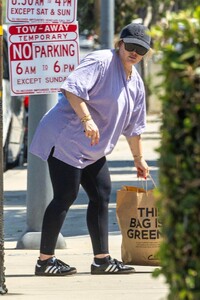



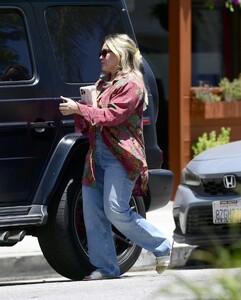
 Studio City 06-10-2024


 Los Angeles on June 20, 2024
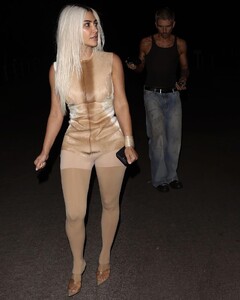
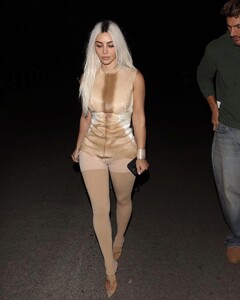



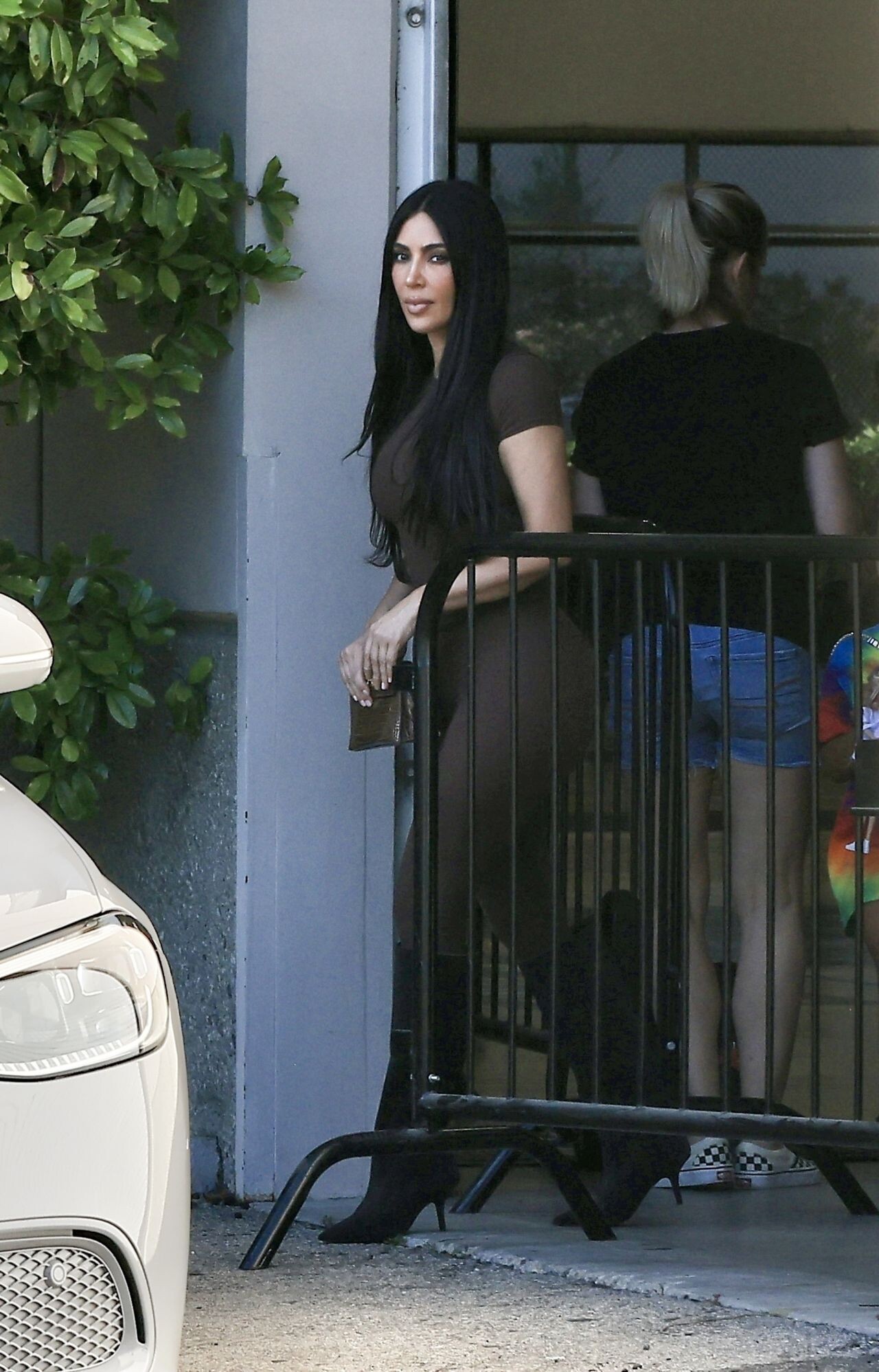
 at her son Saint’s basketball game in Thousand Oaks, L.A.





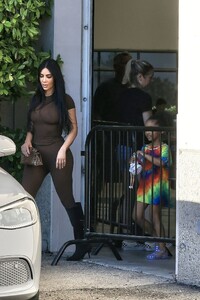

 Leaves a Friend’s House in Beverly Hills 06-19-2024





 West Hollywood 06-18-2024







 at Chanel Show





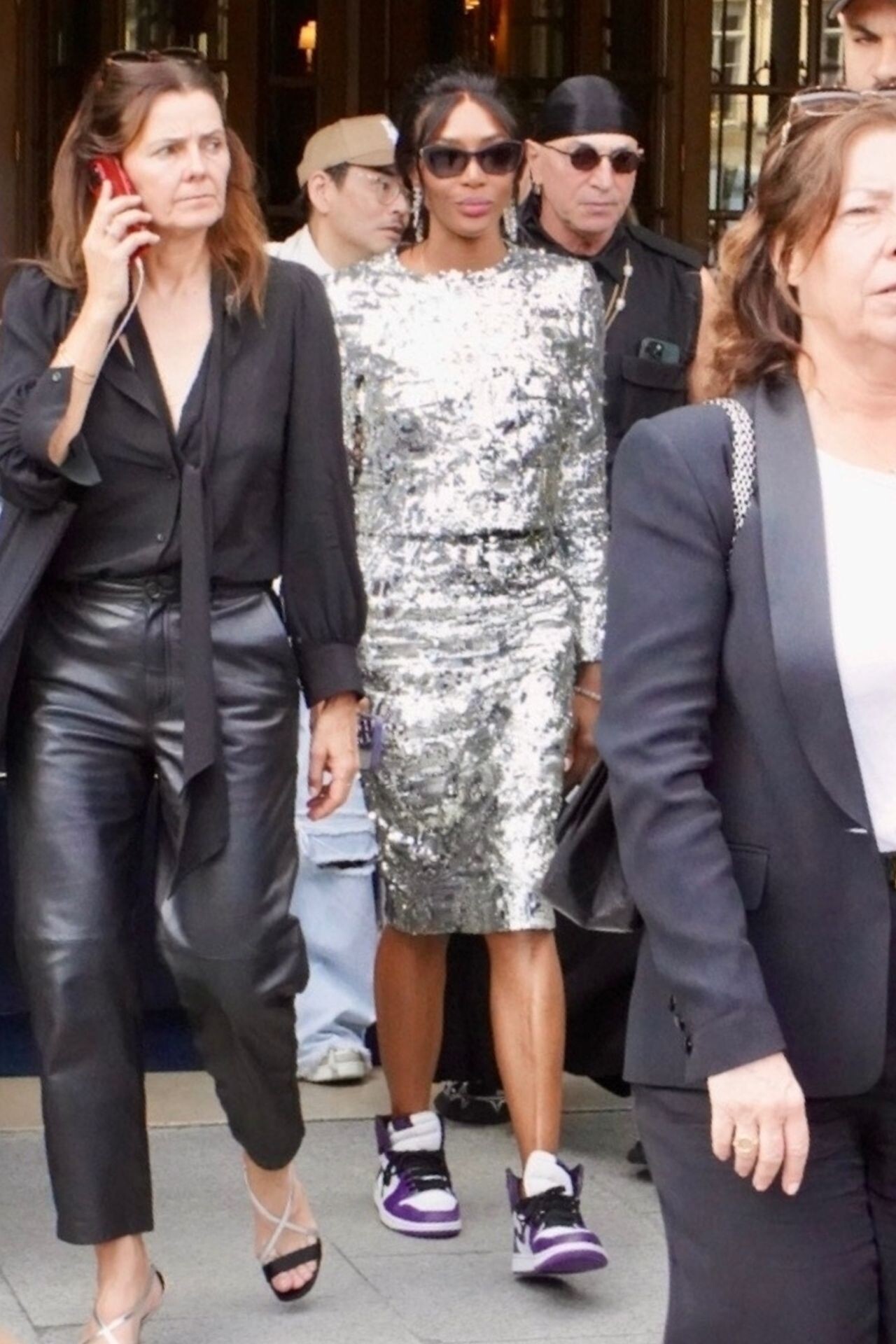
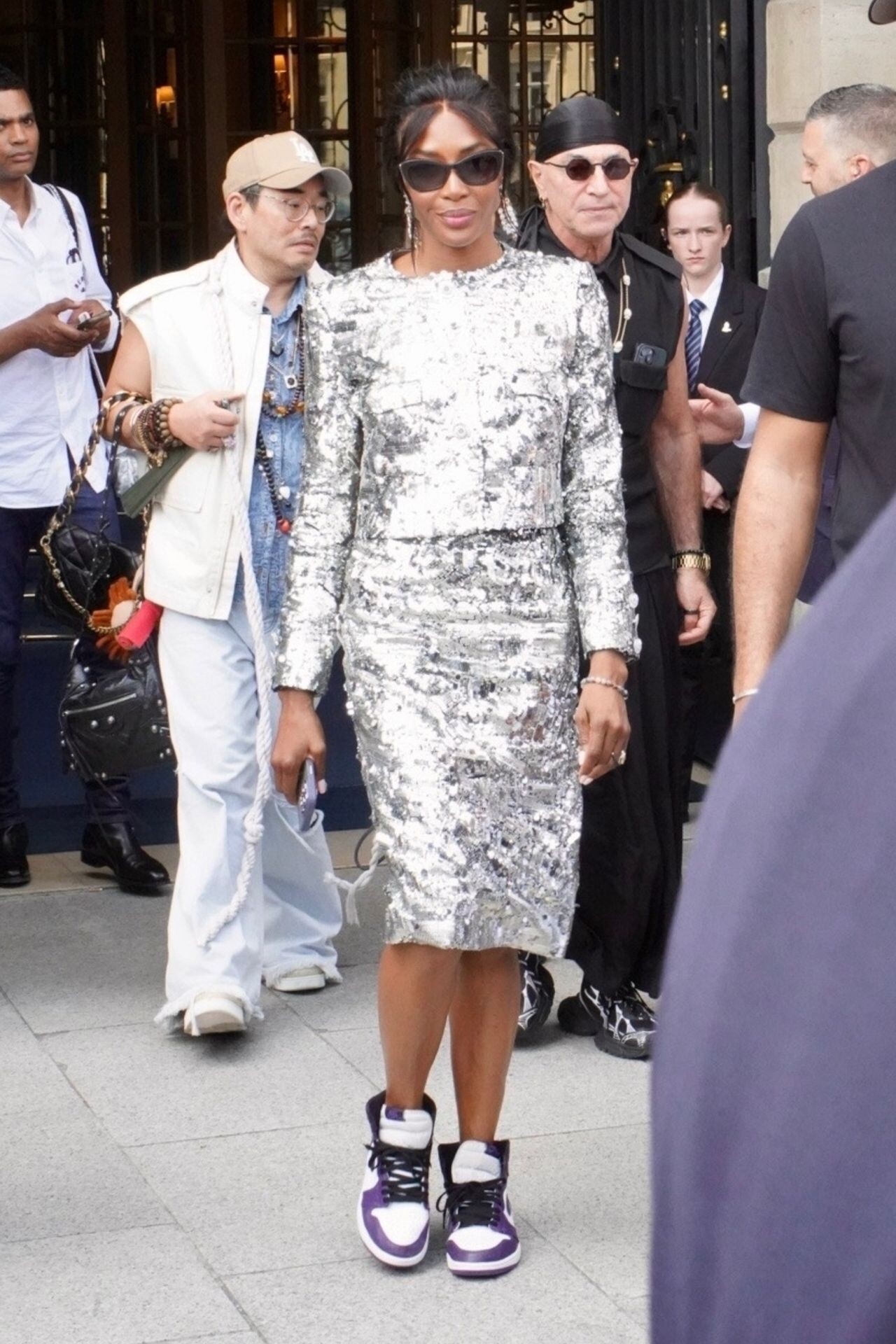
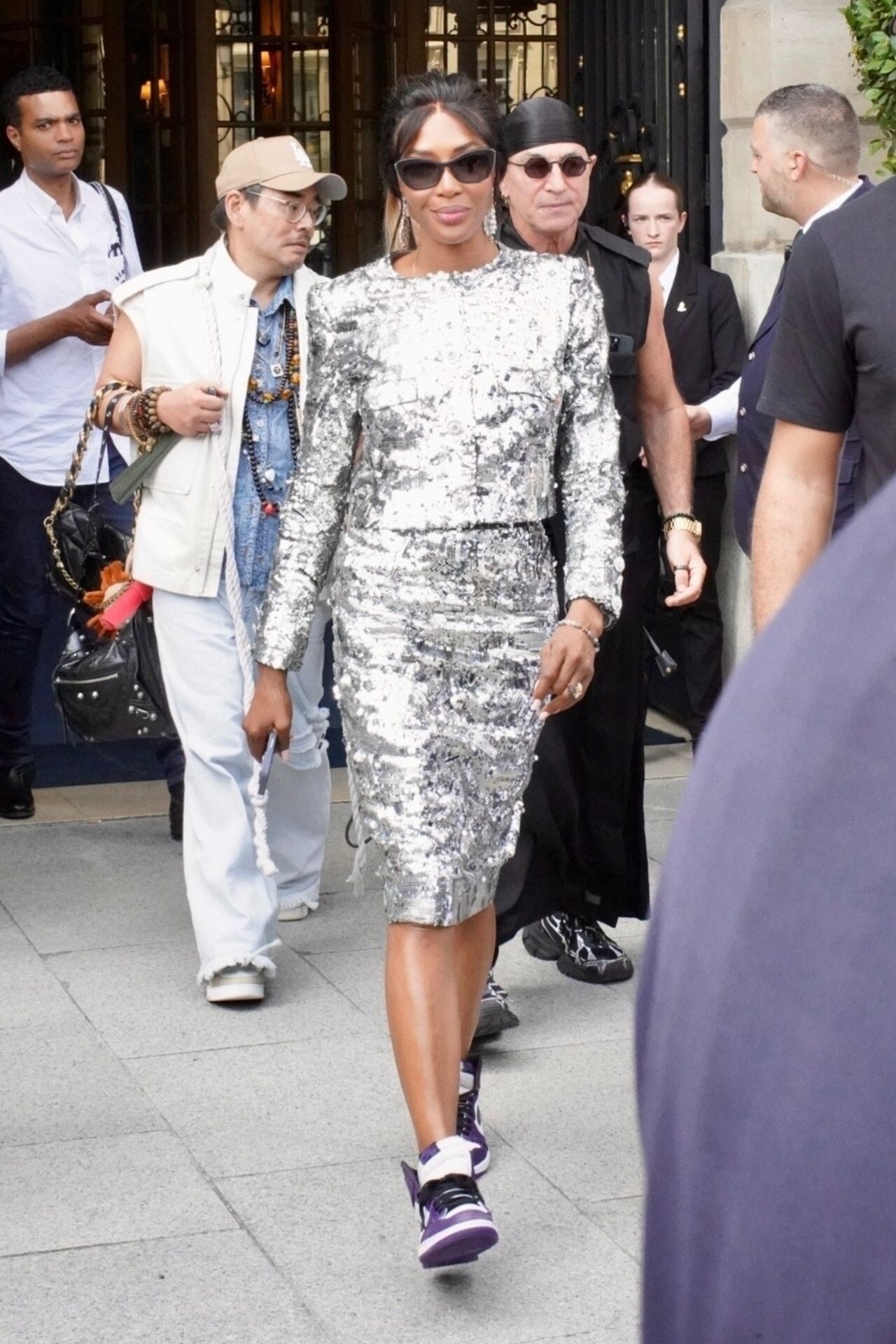
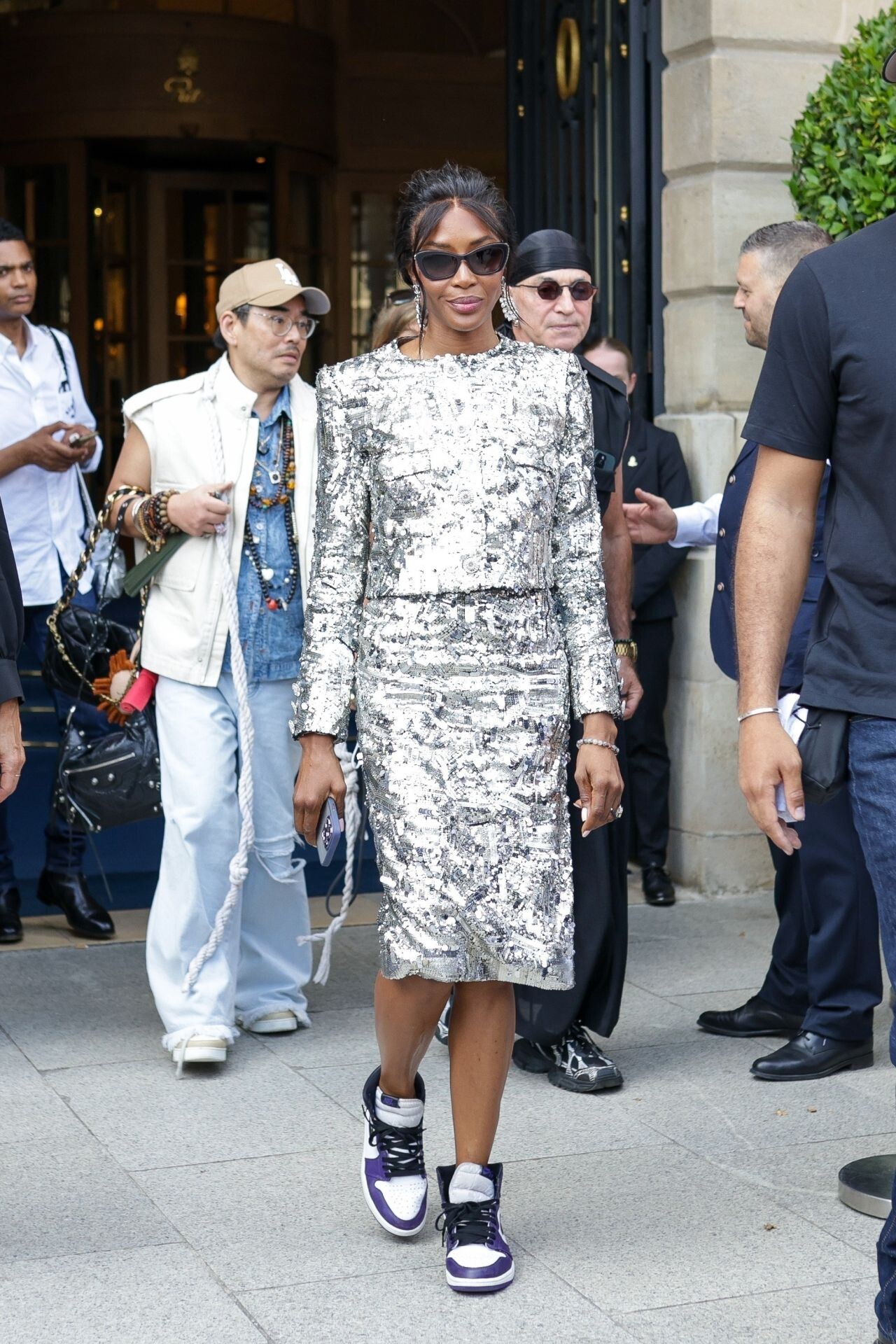
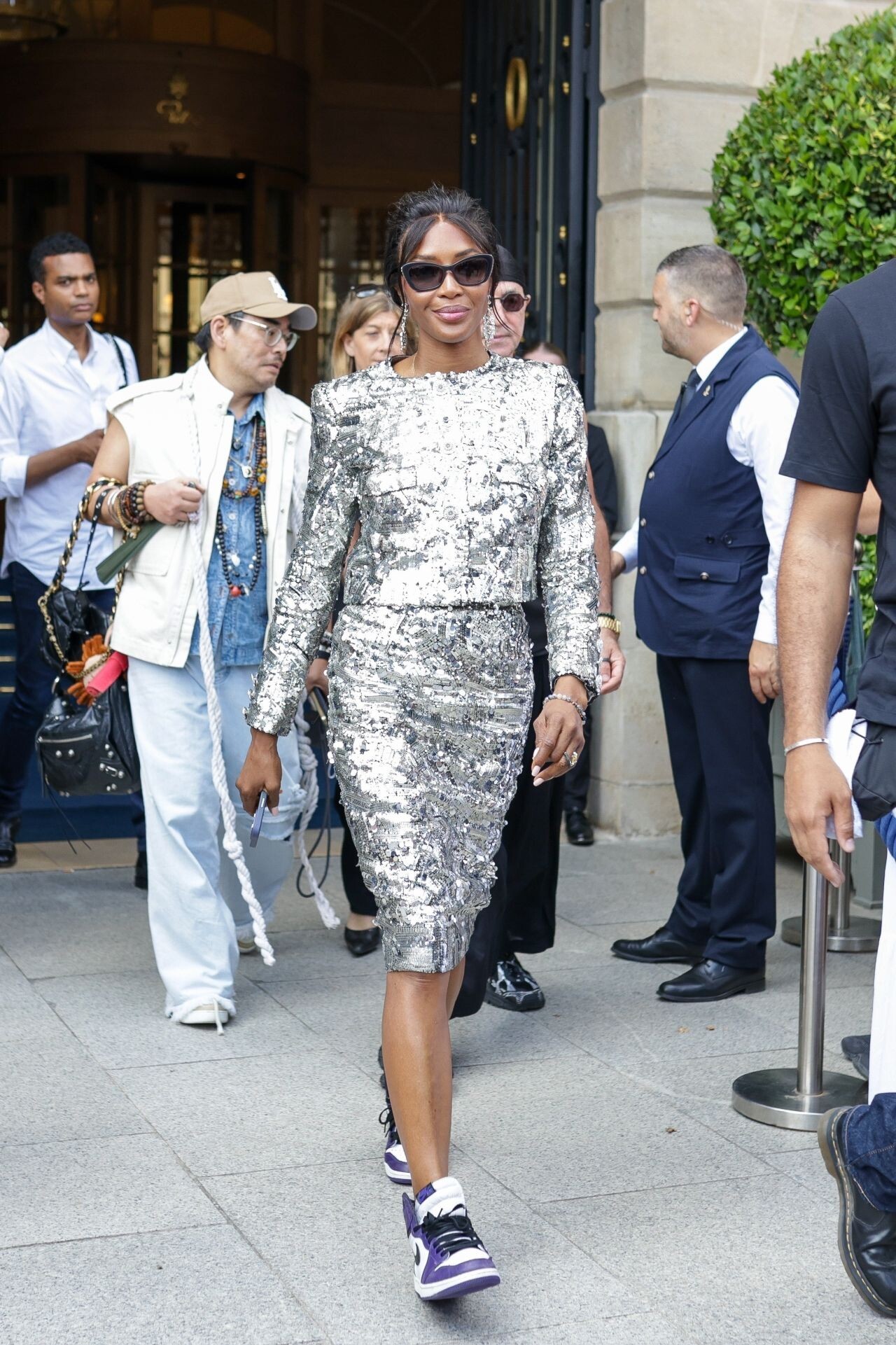
 Vogue World Party During Fashion Week in Paris 06-23-2024

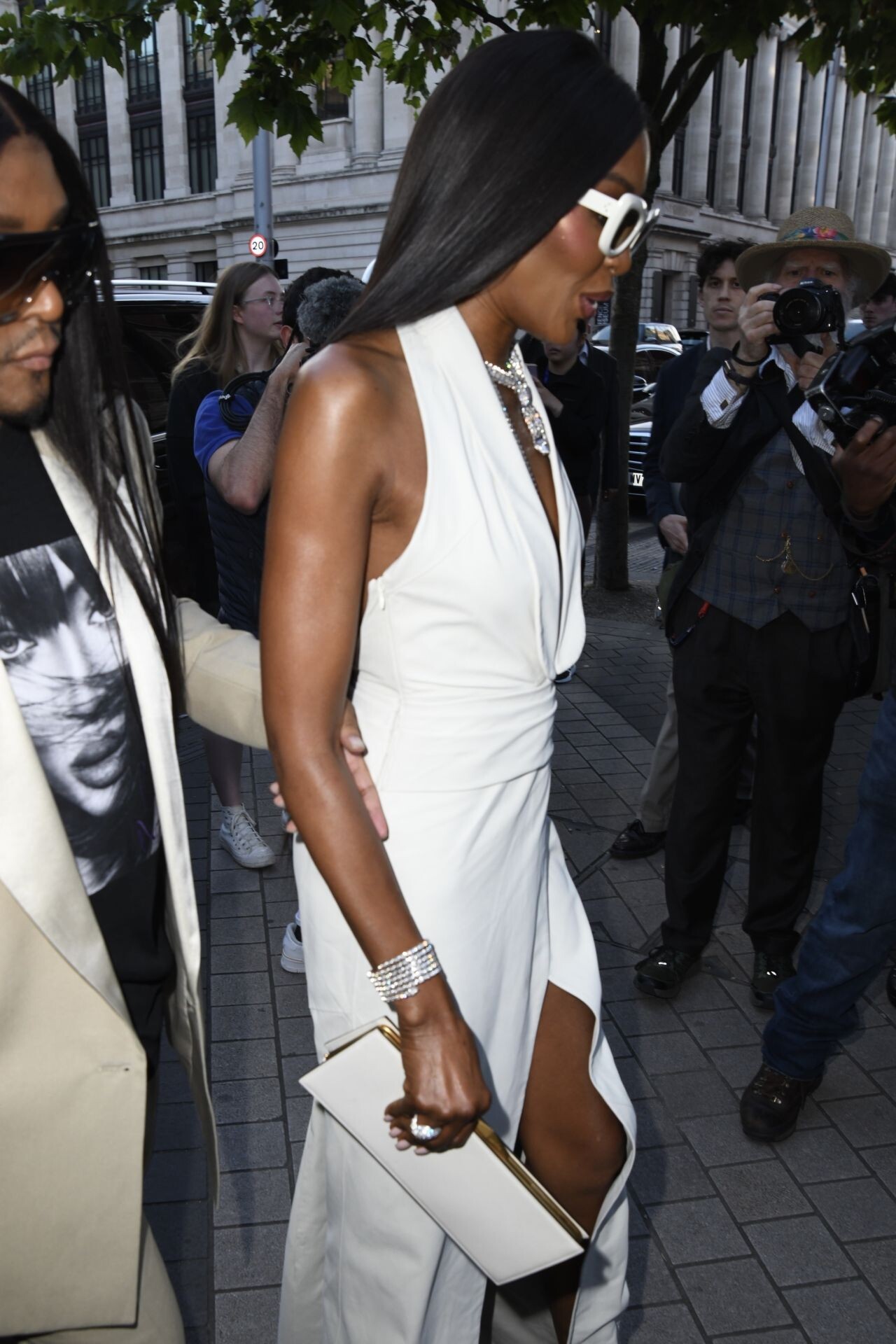
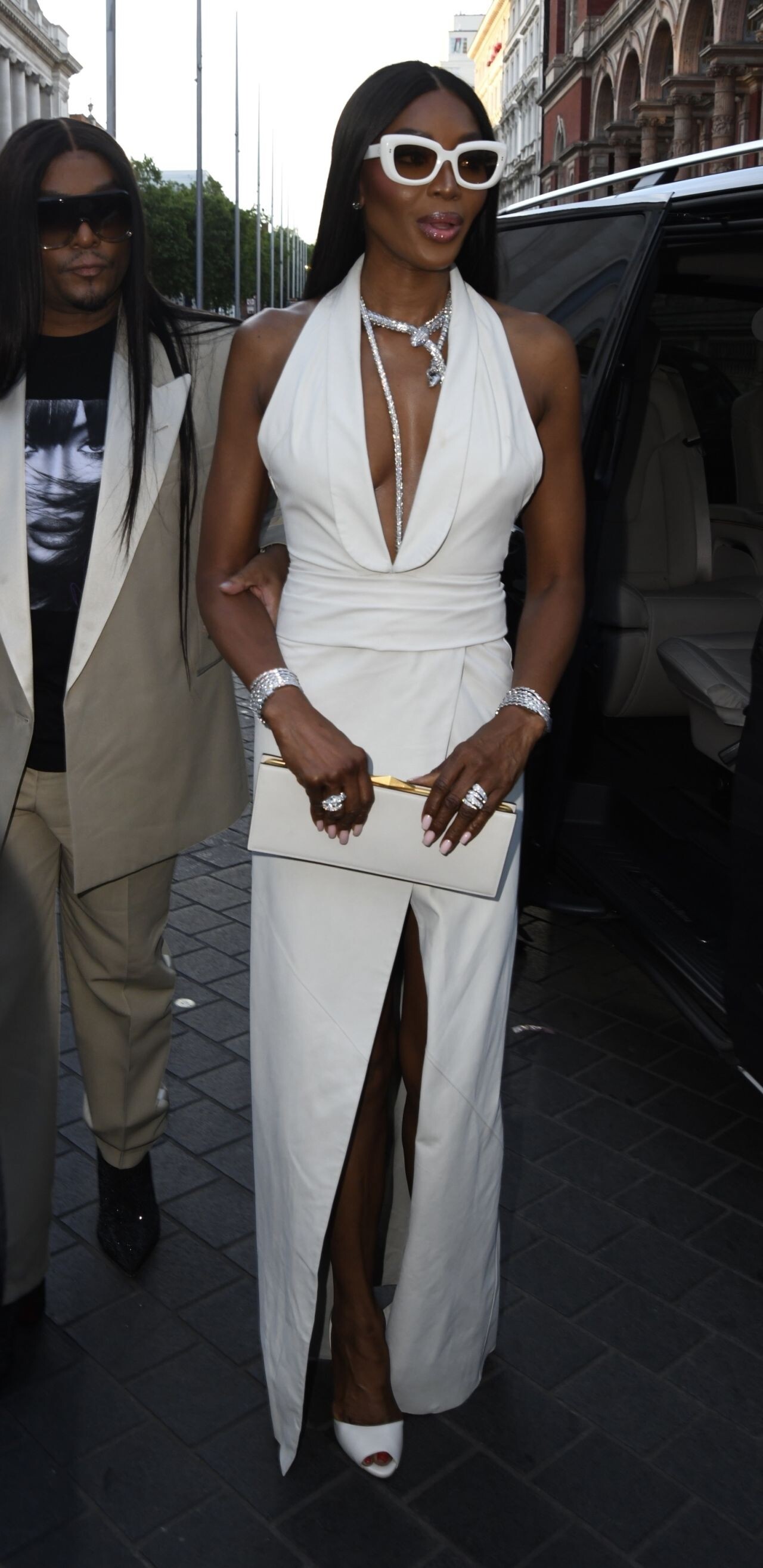
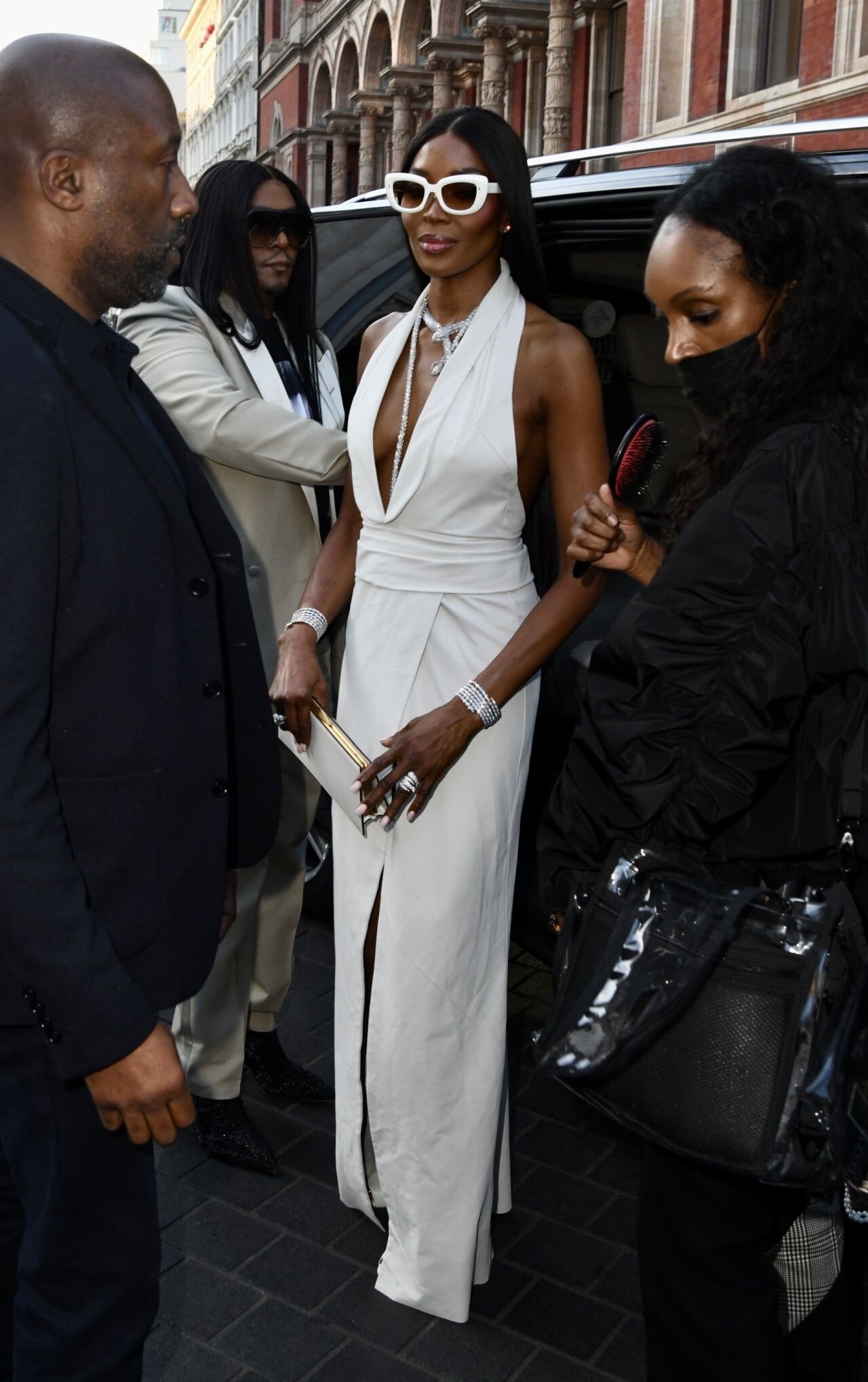
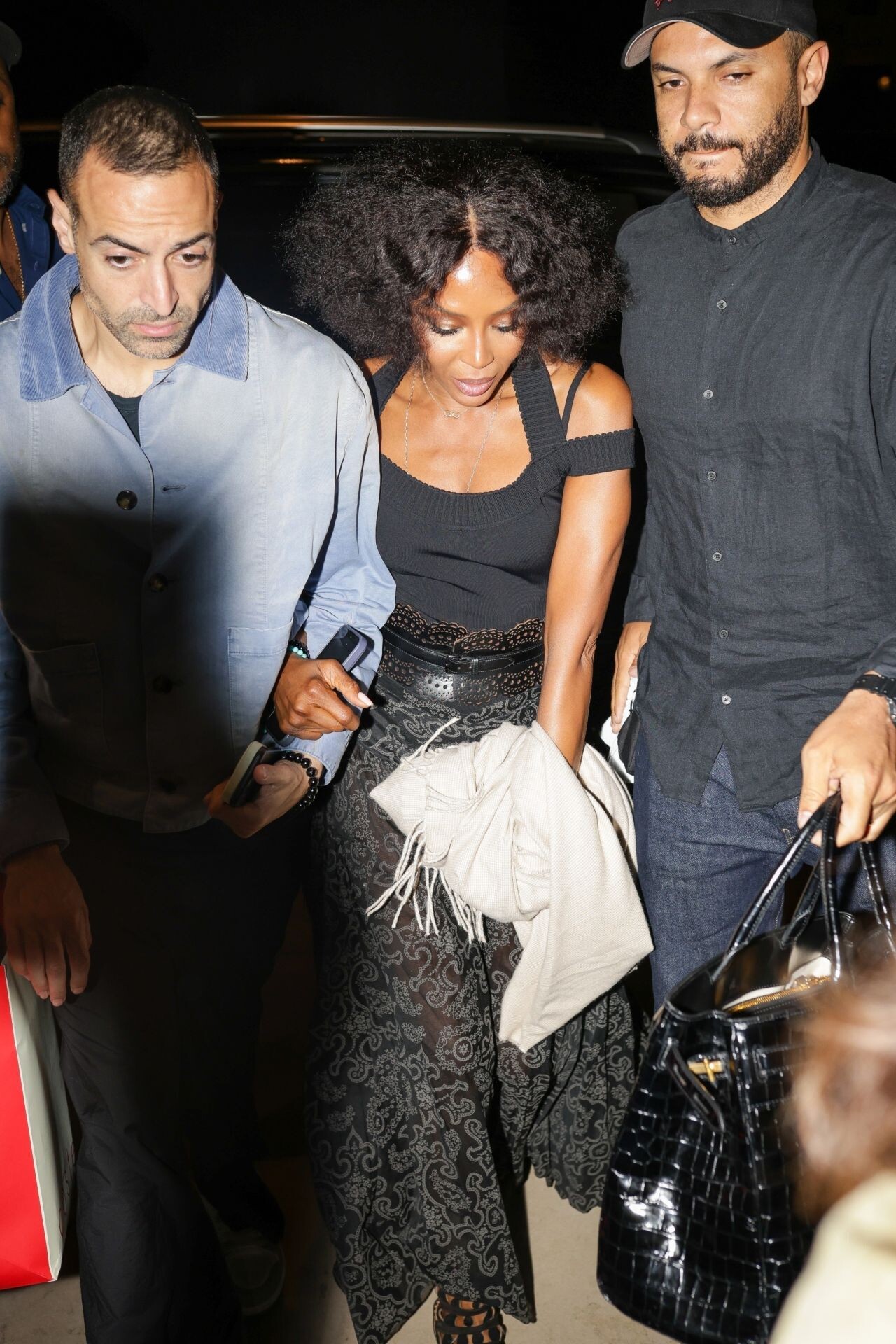
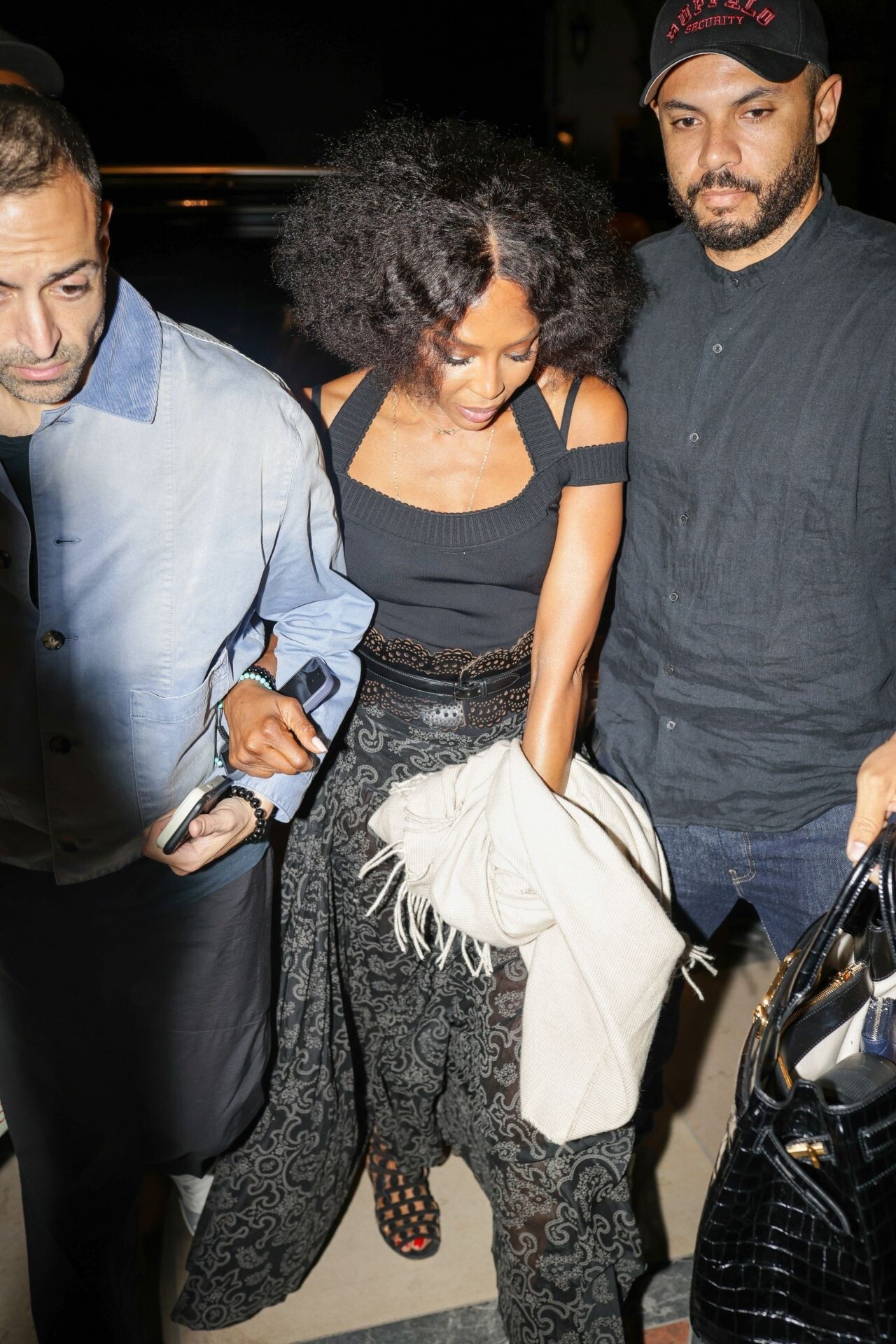
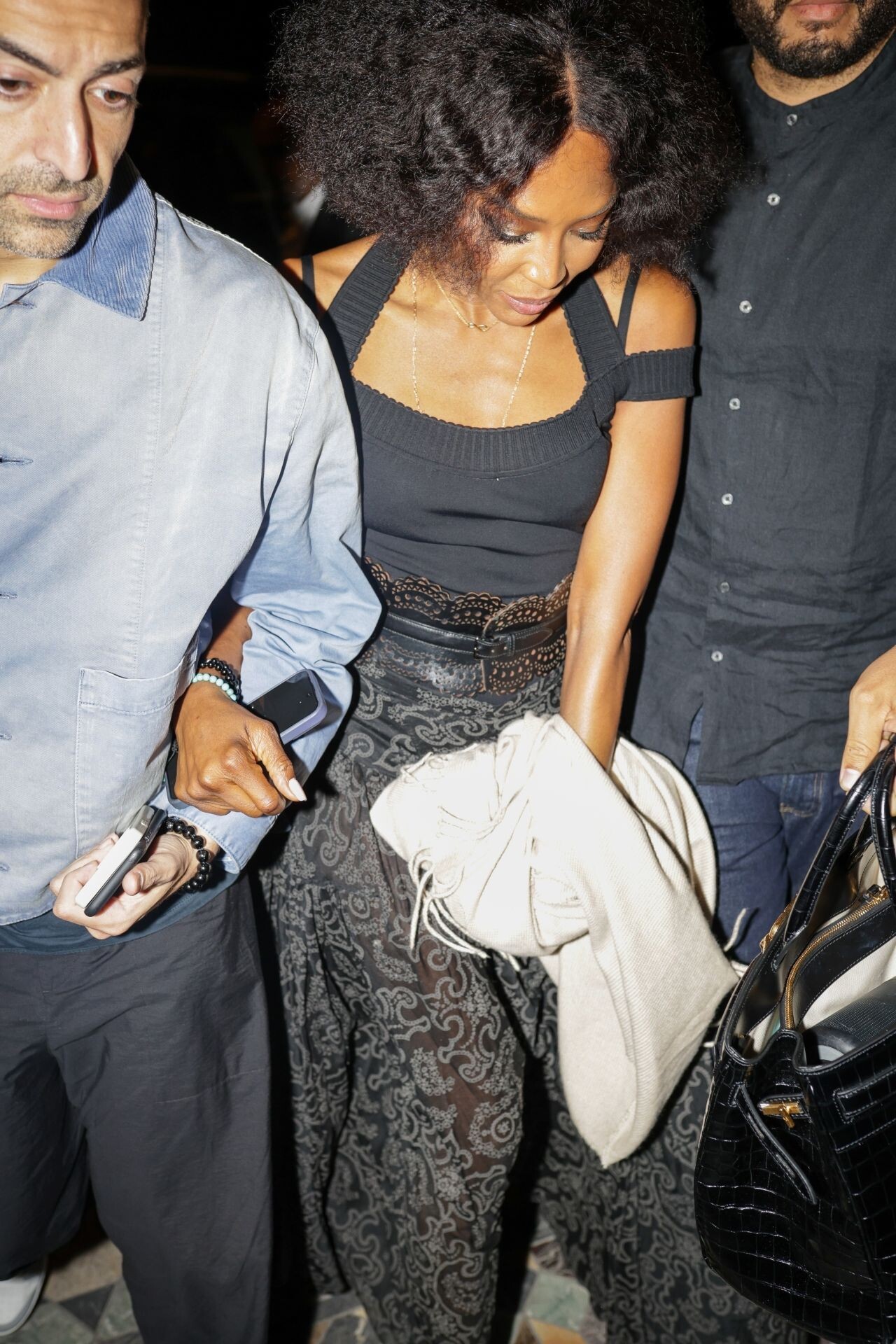
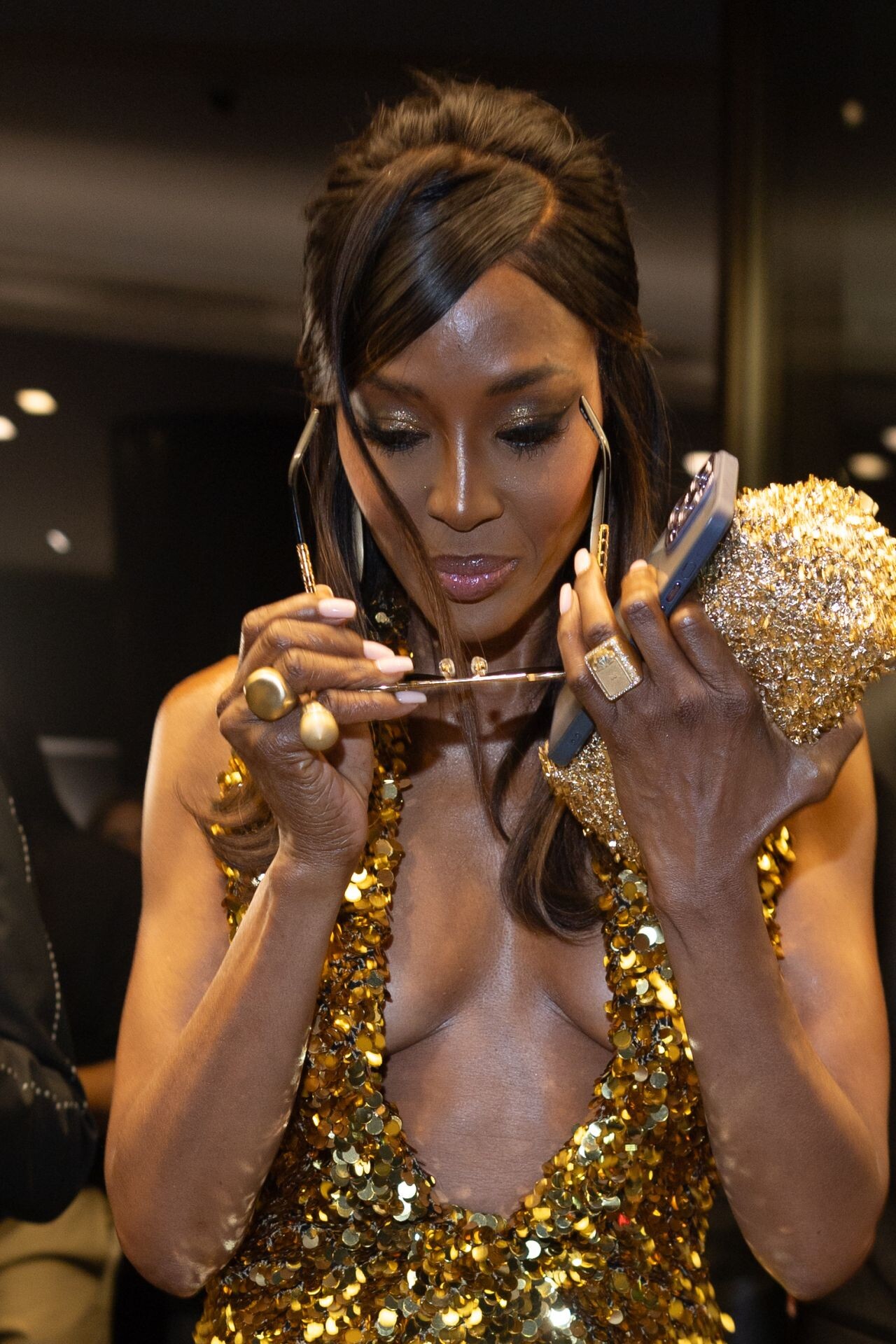
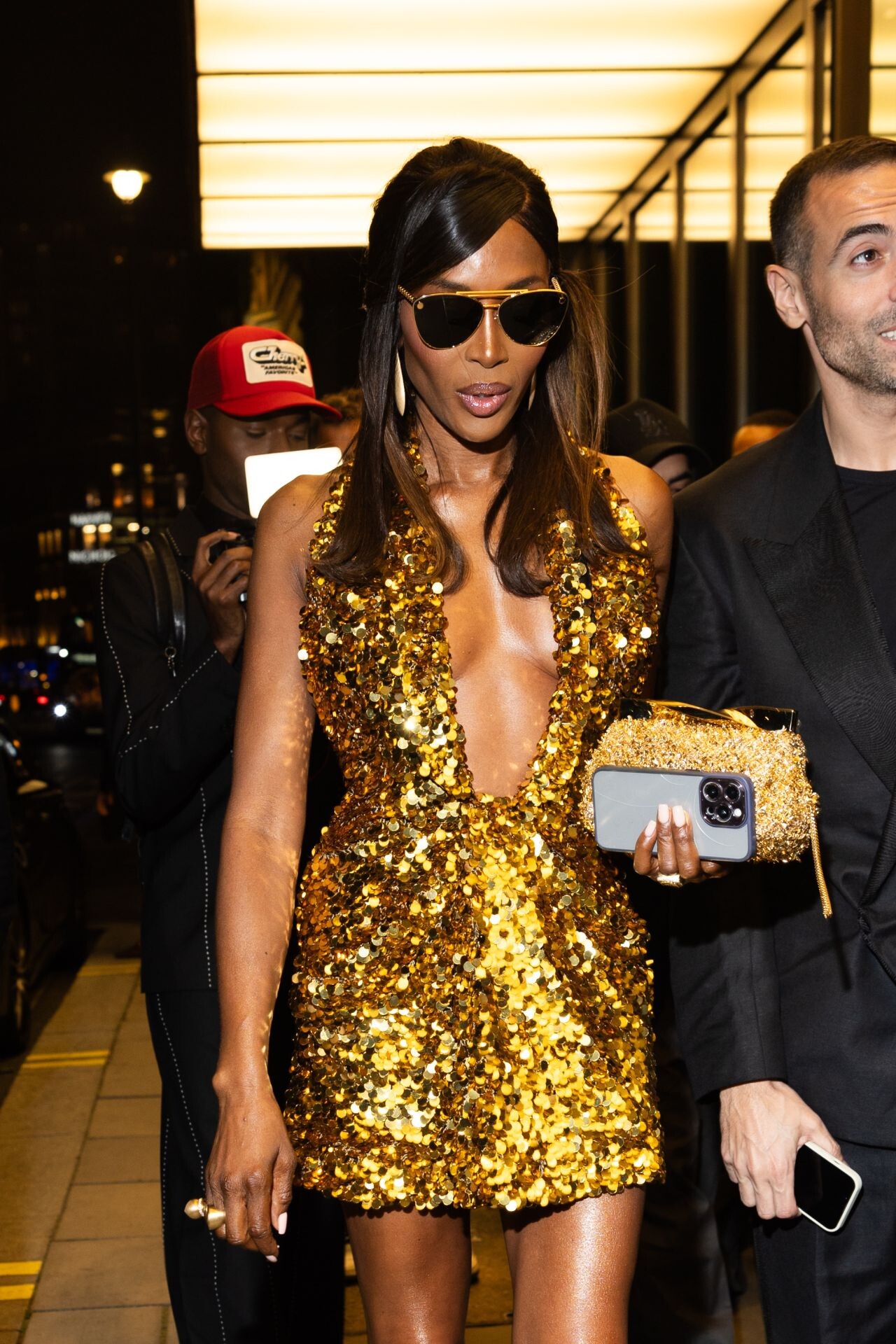
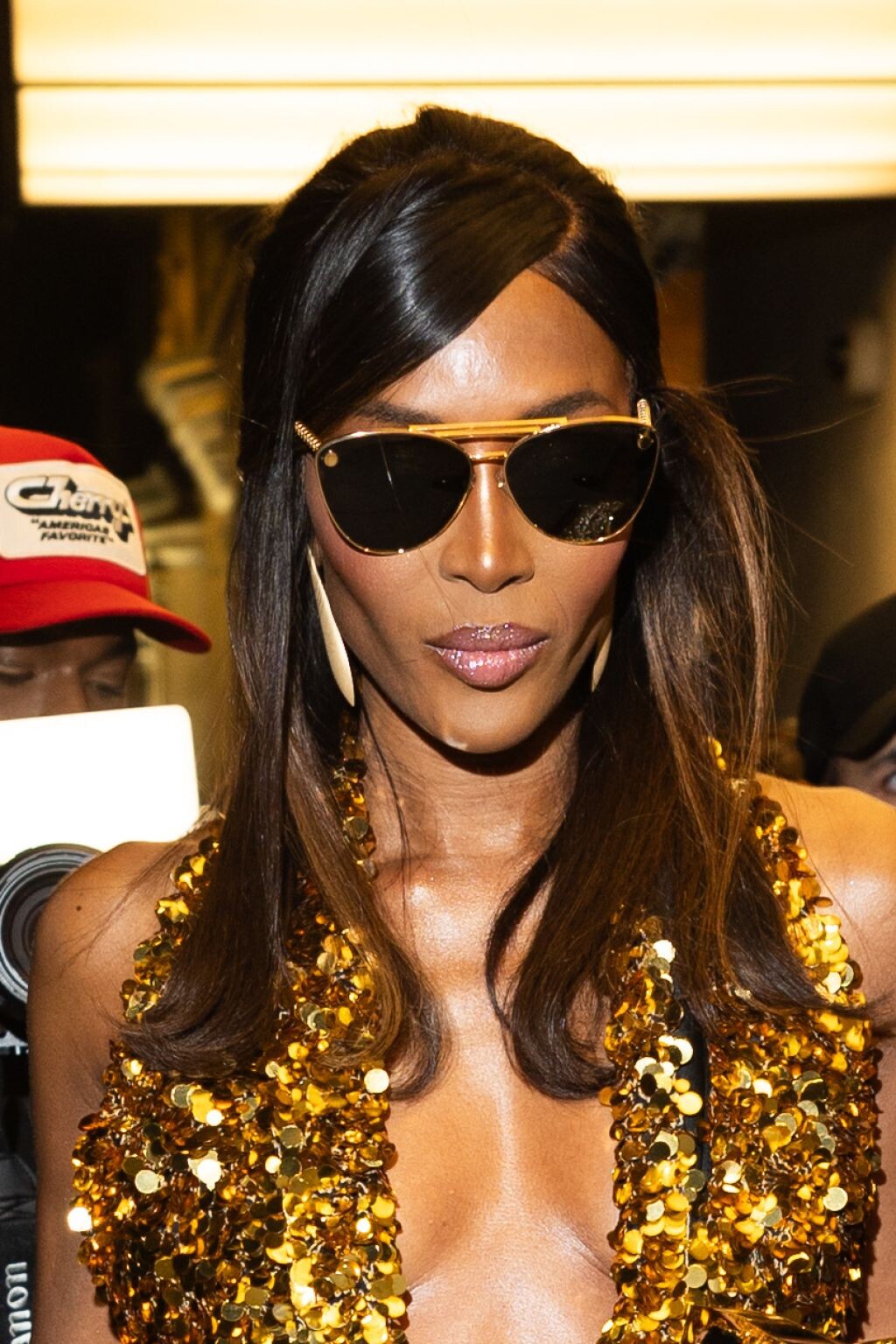
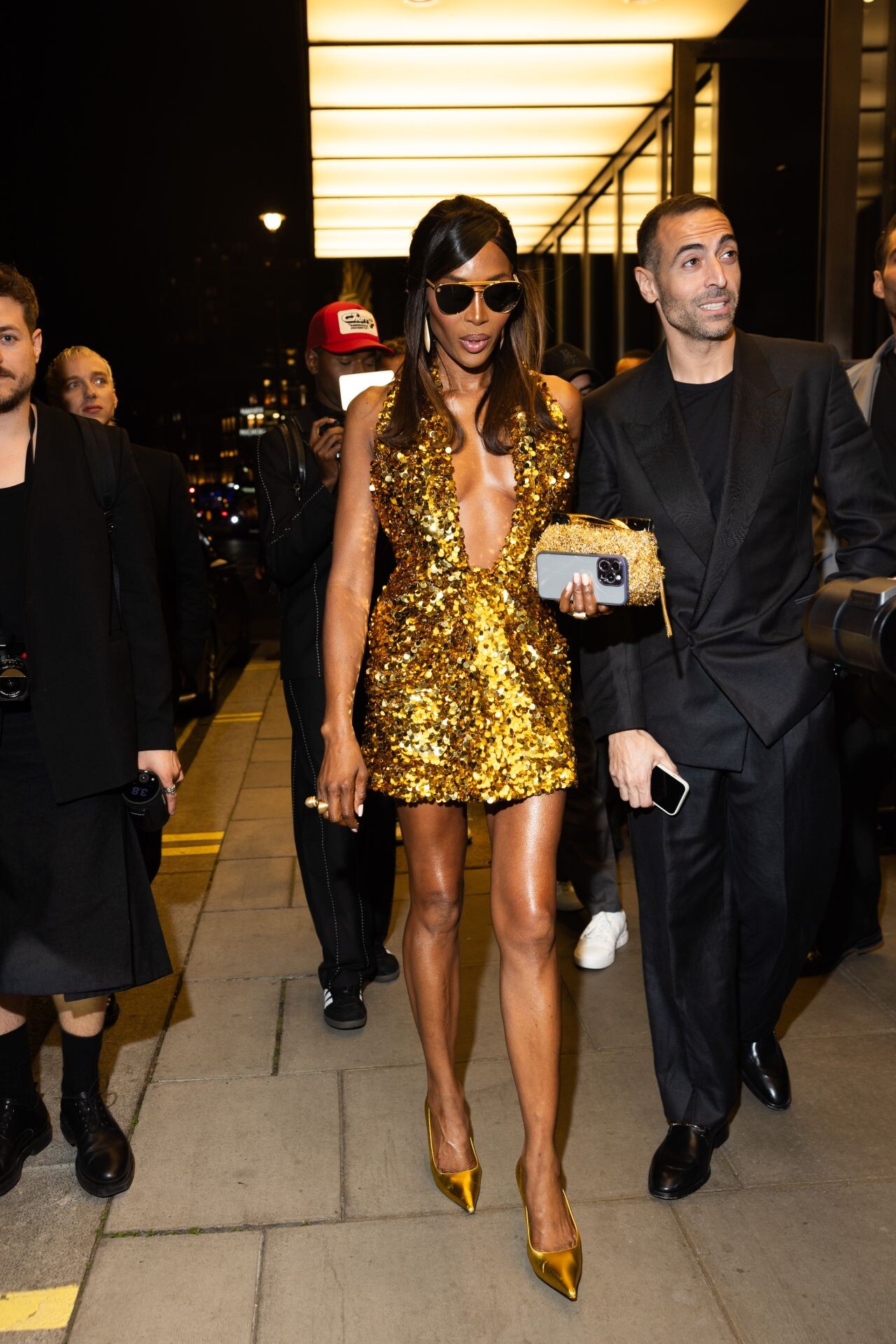
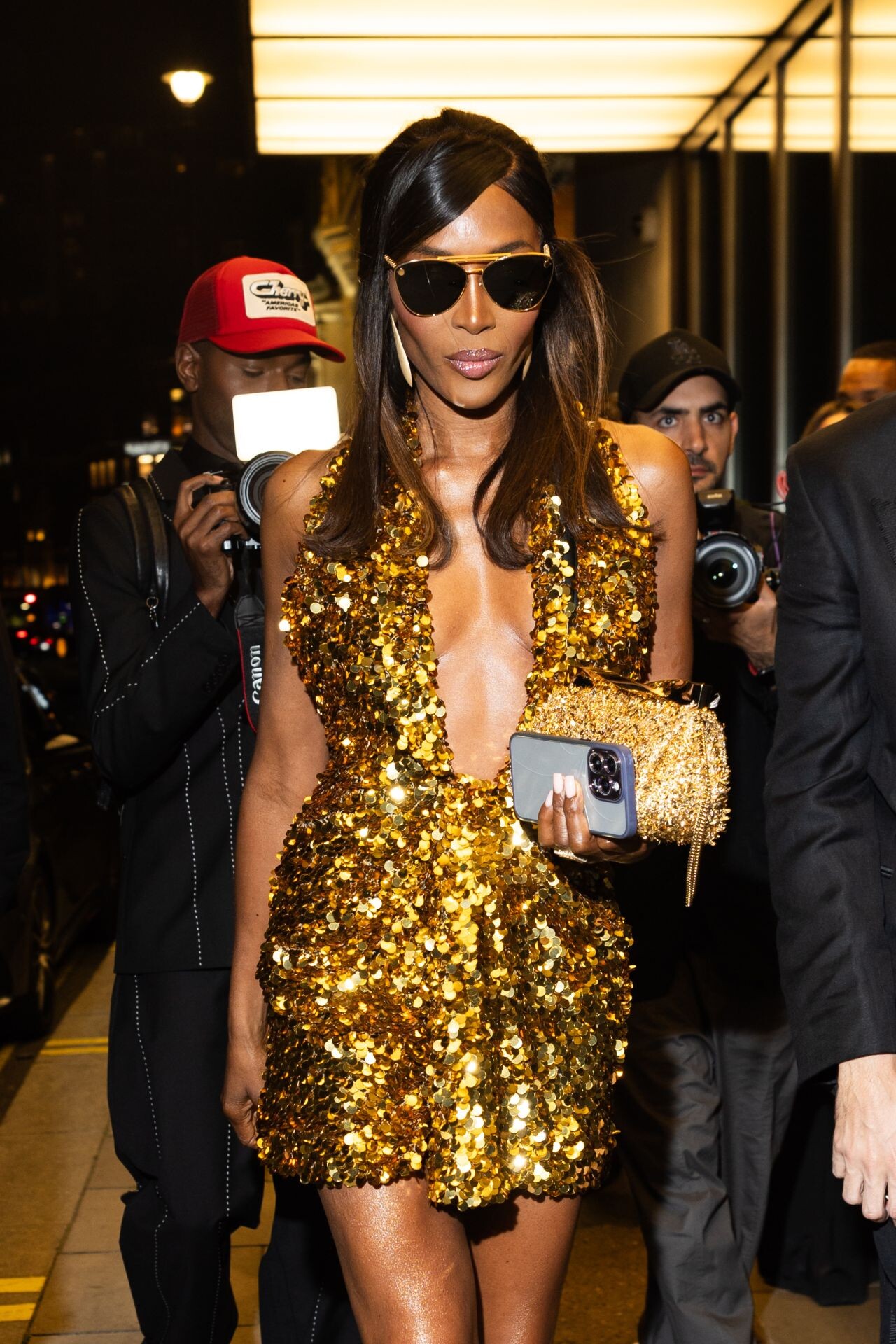
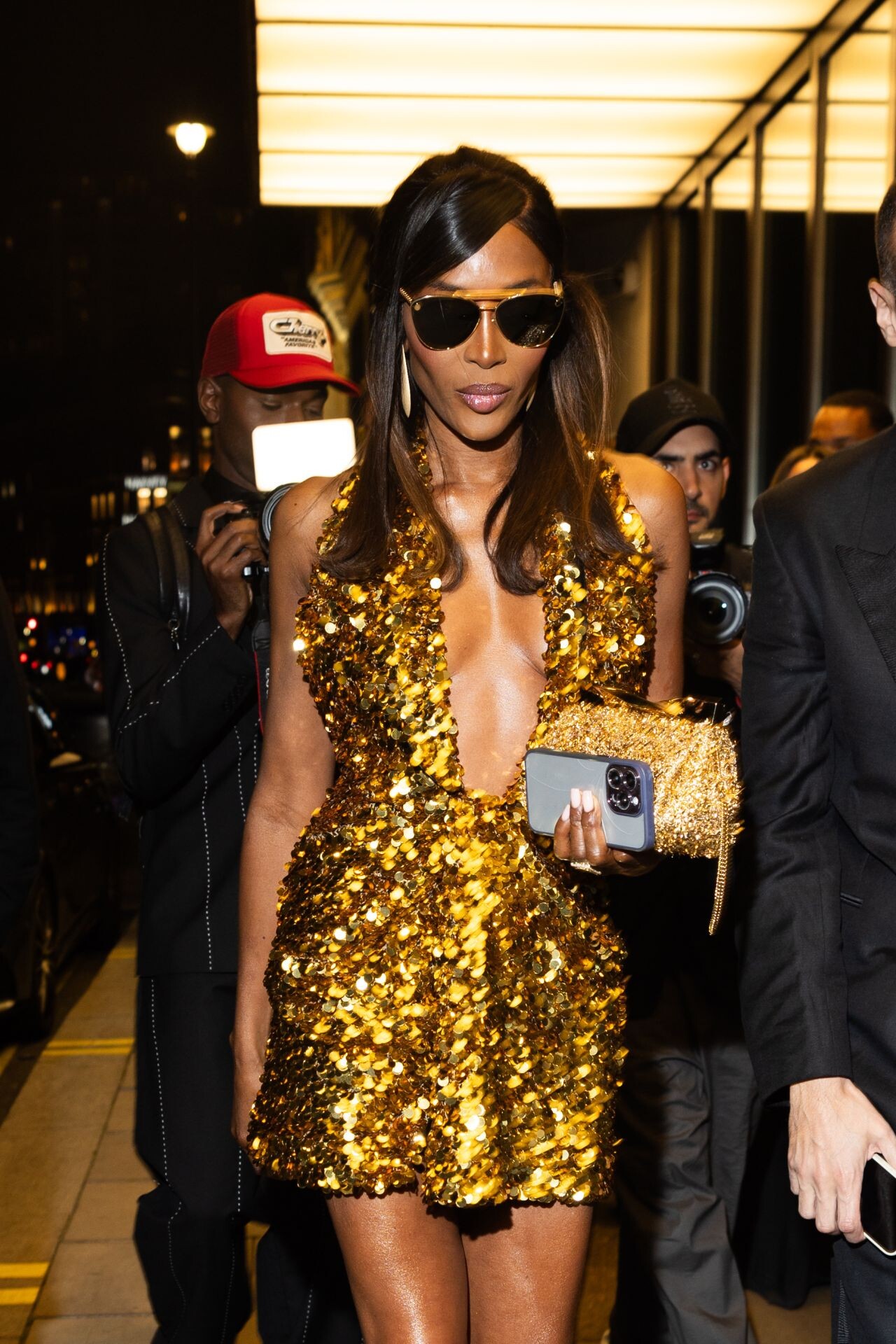
 Arrives at the V&A Summer Party 2024 in London Returning to Costes Hotel in Paris 06-24-2024





 Leaving the Bulgari Hotel in London 06-19-2024





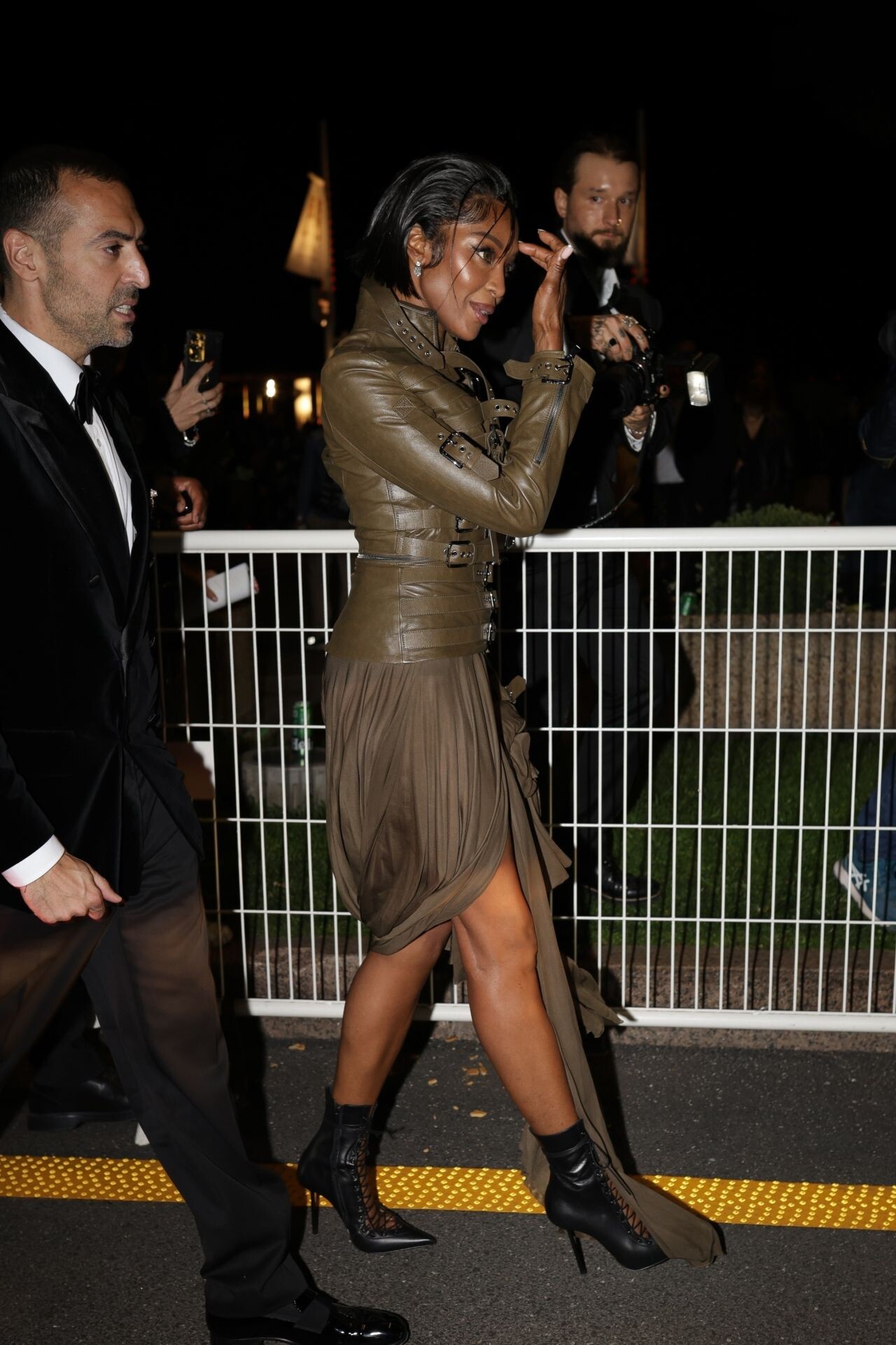
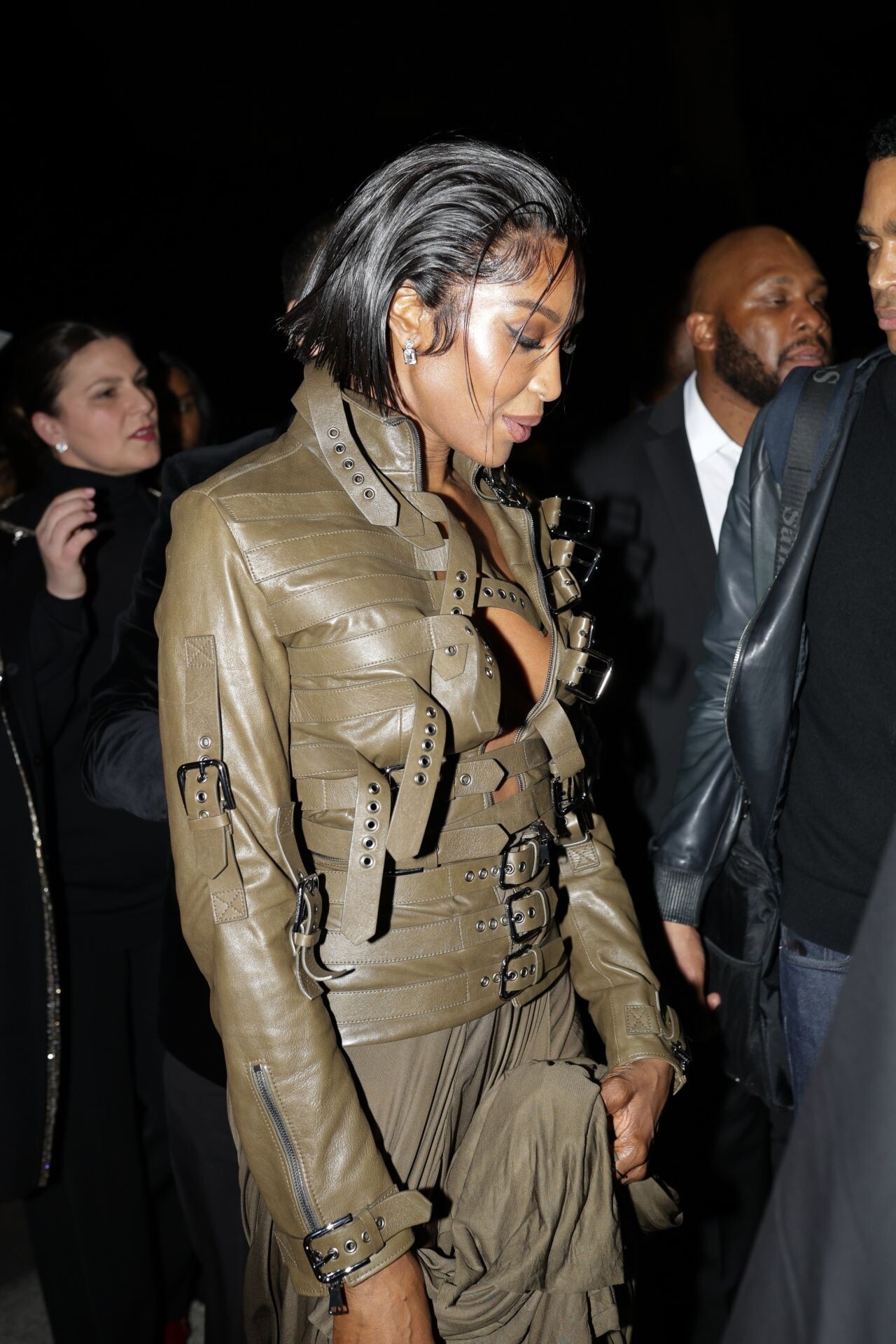
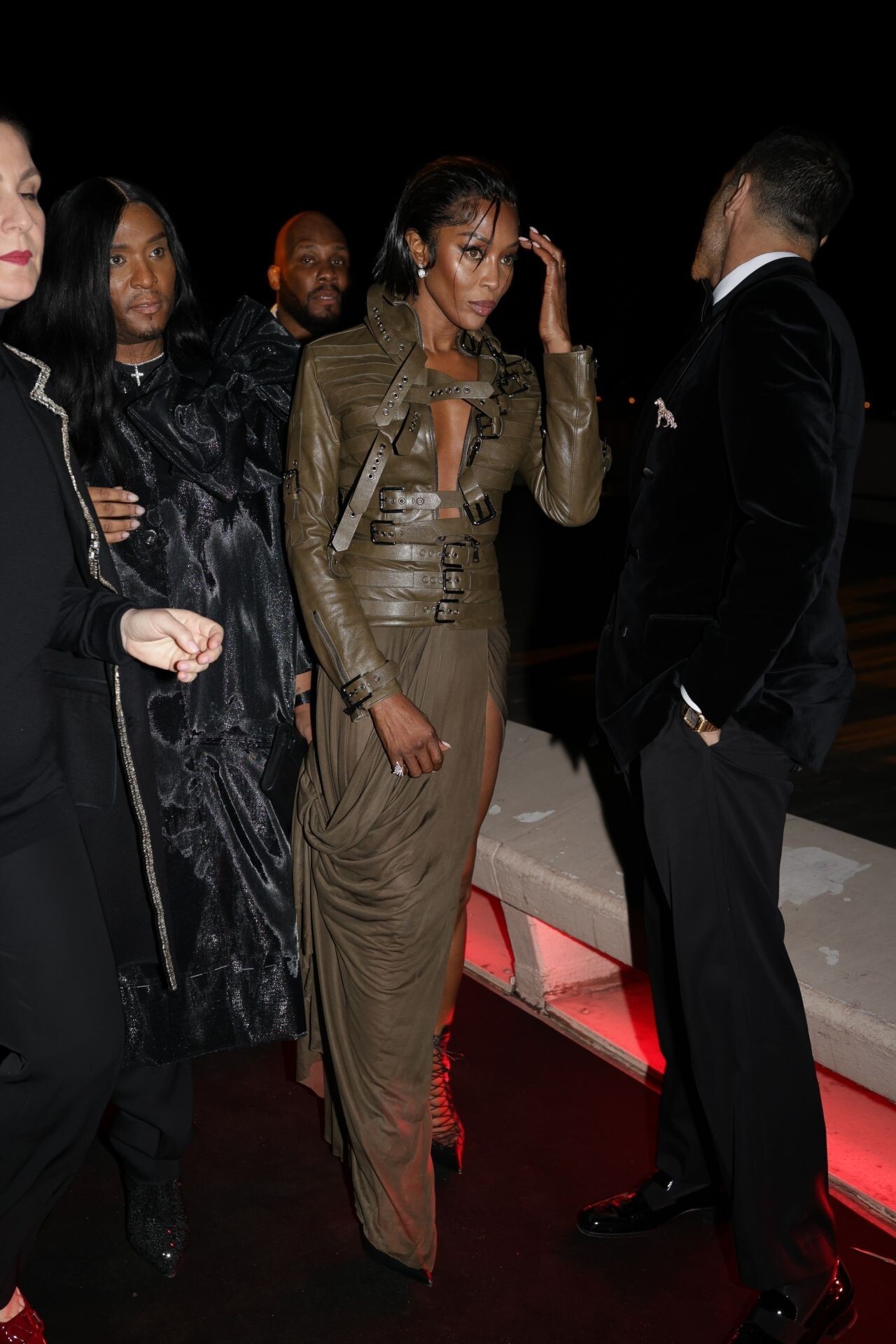
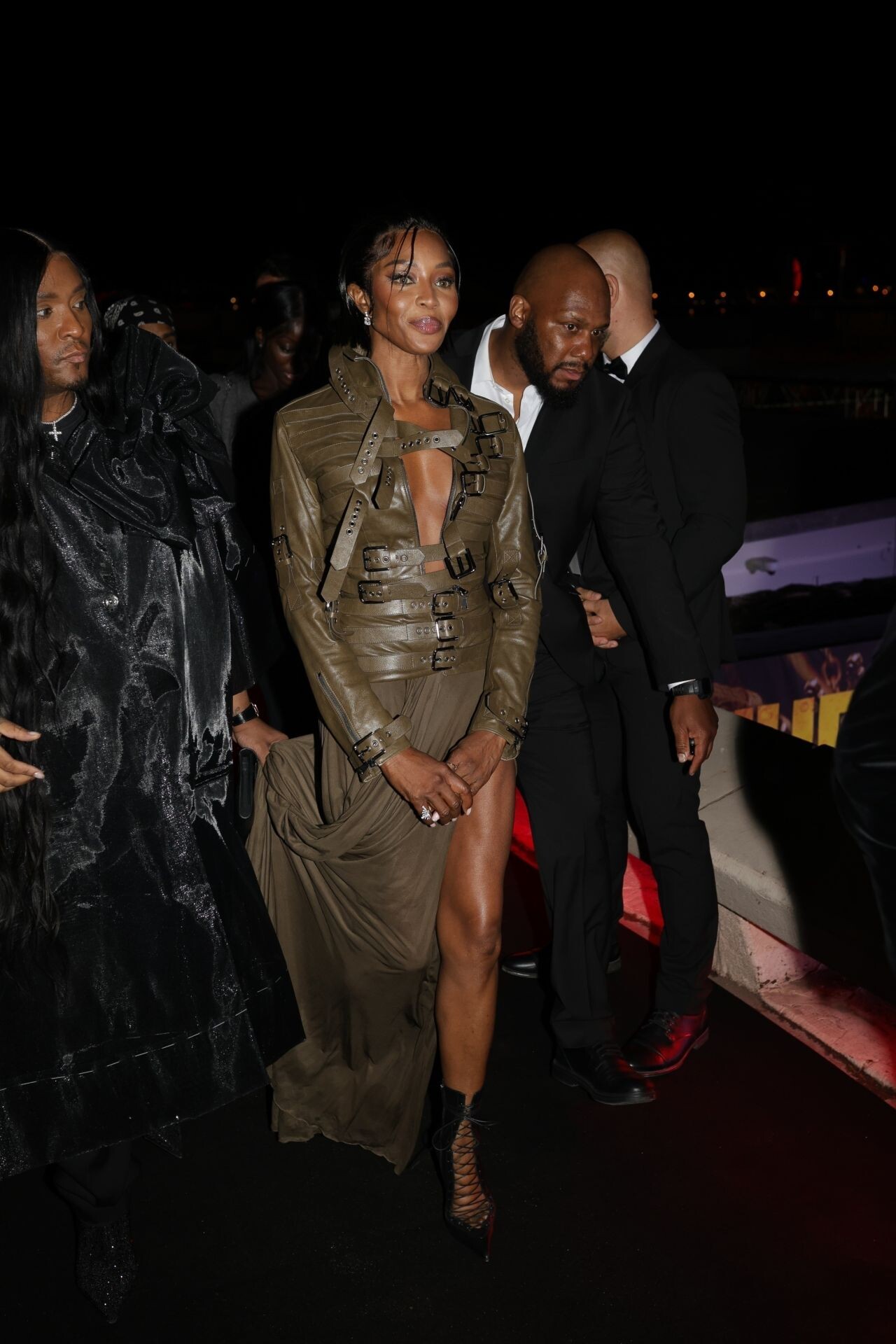
 “Furiosa” After-party on the Croisette in Cannes 05-15-2024





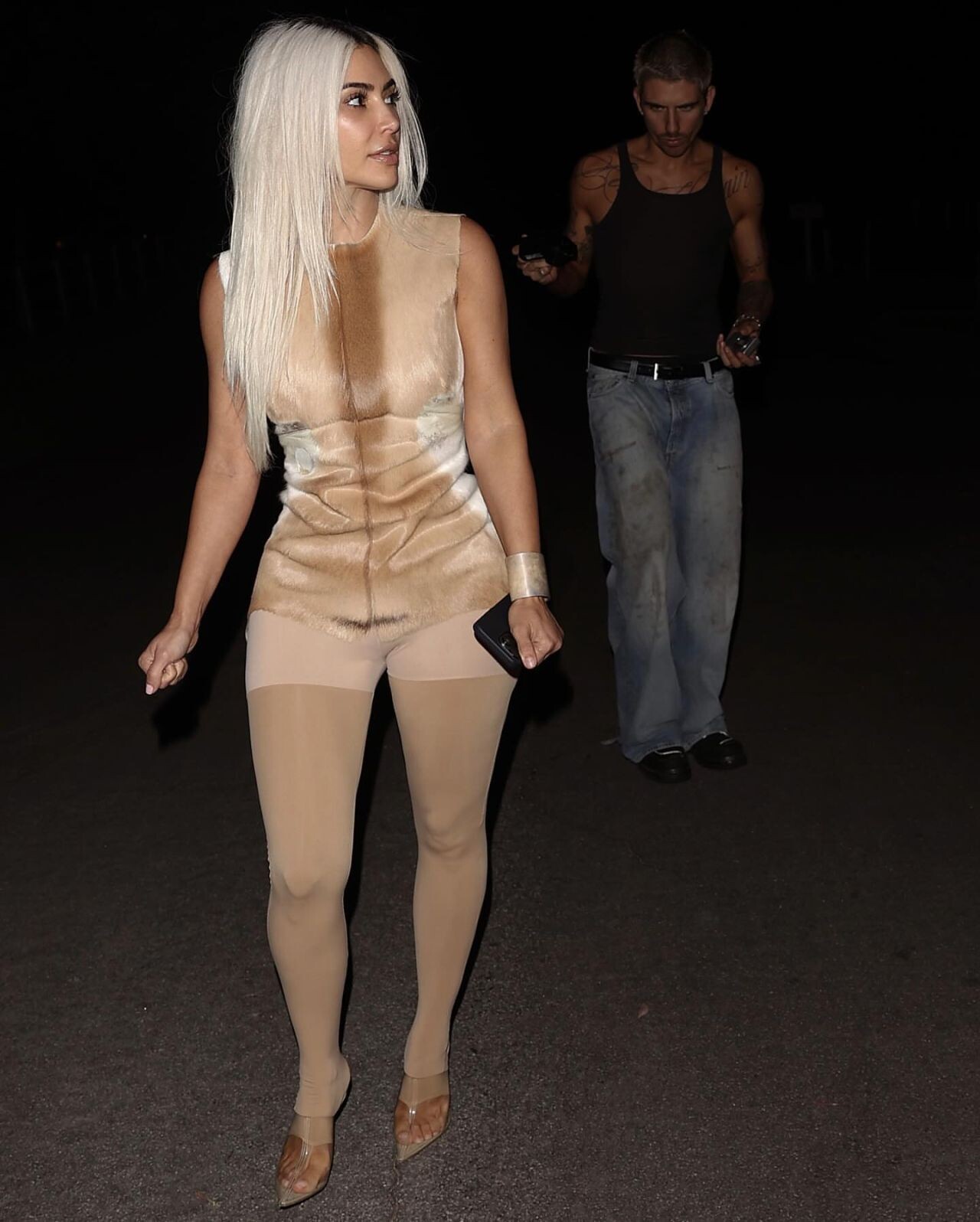
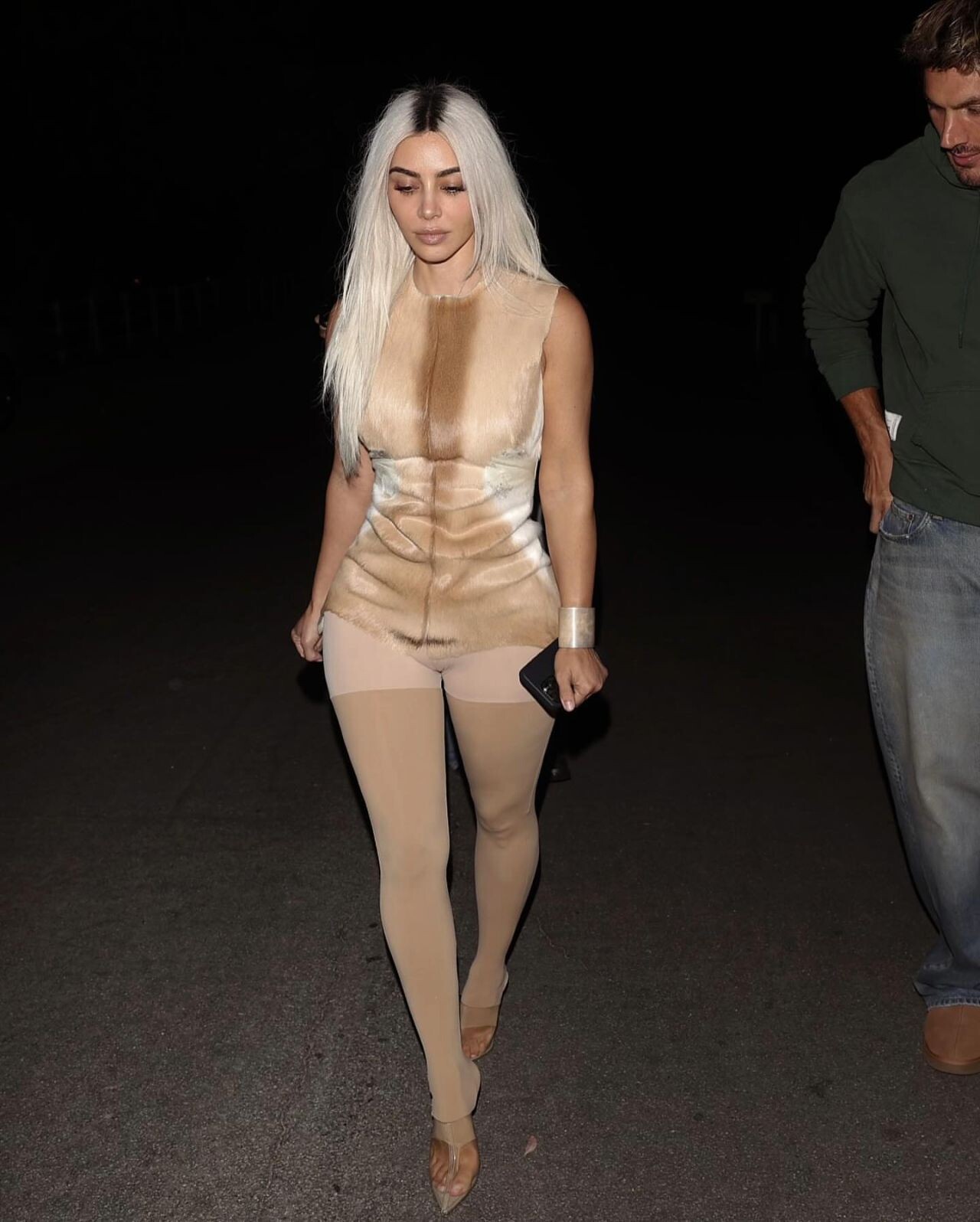
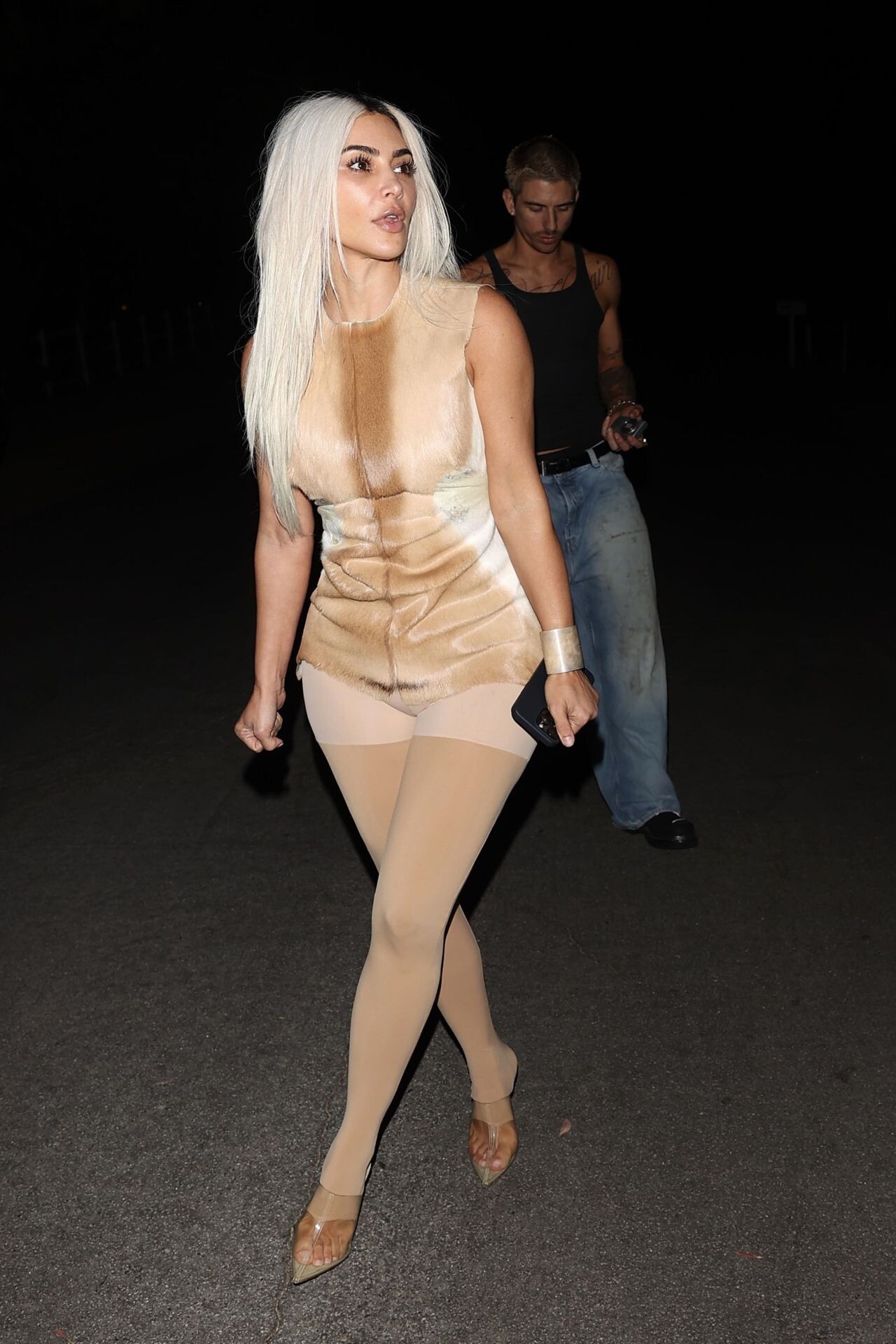
 Night Out in Beverly Hills 06-12-2024





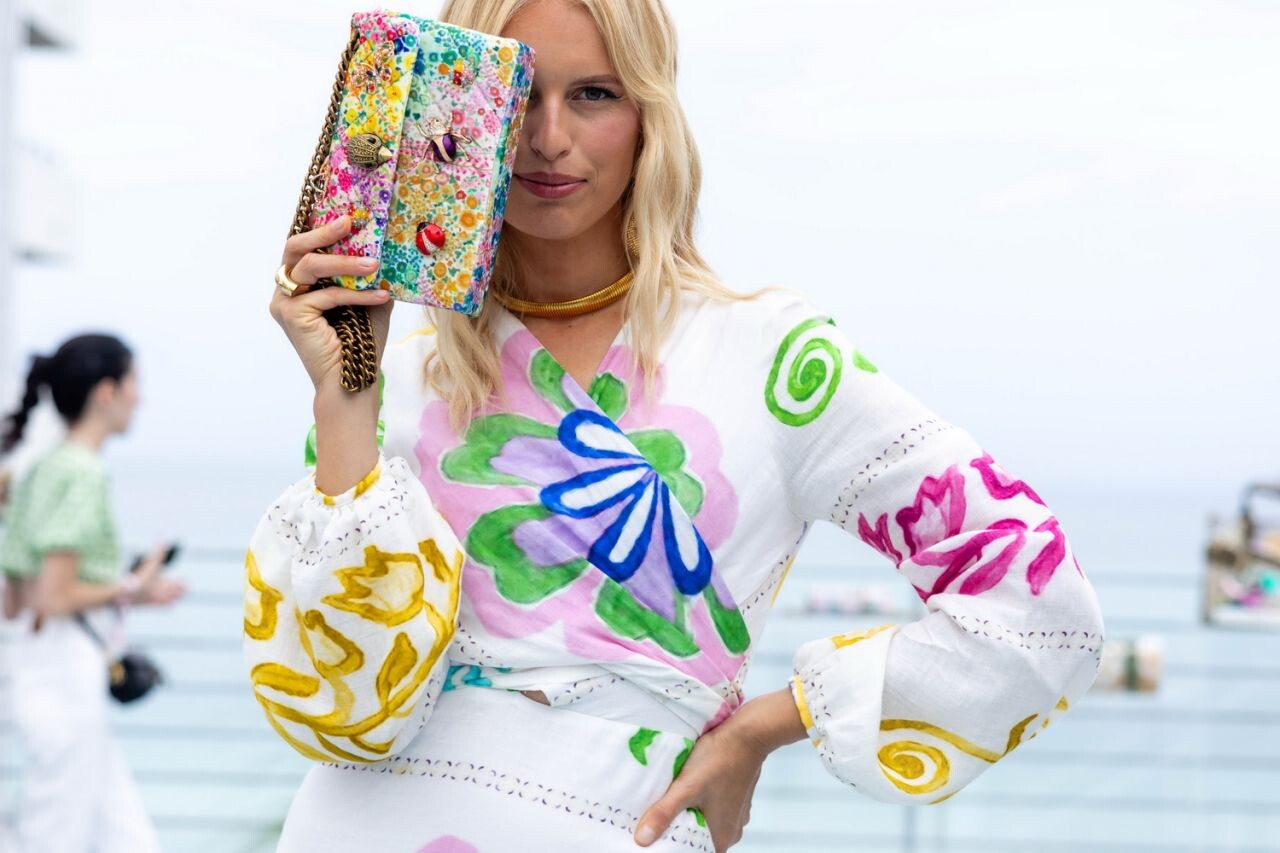
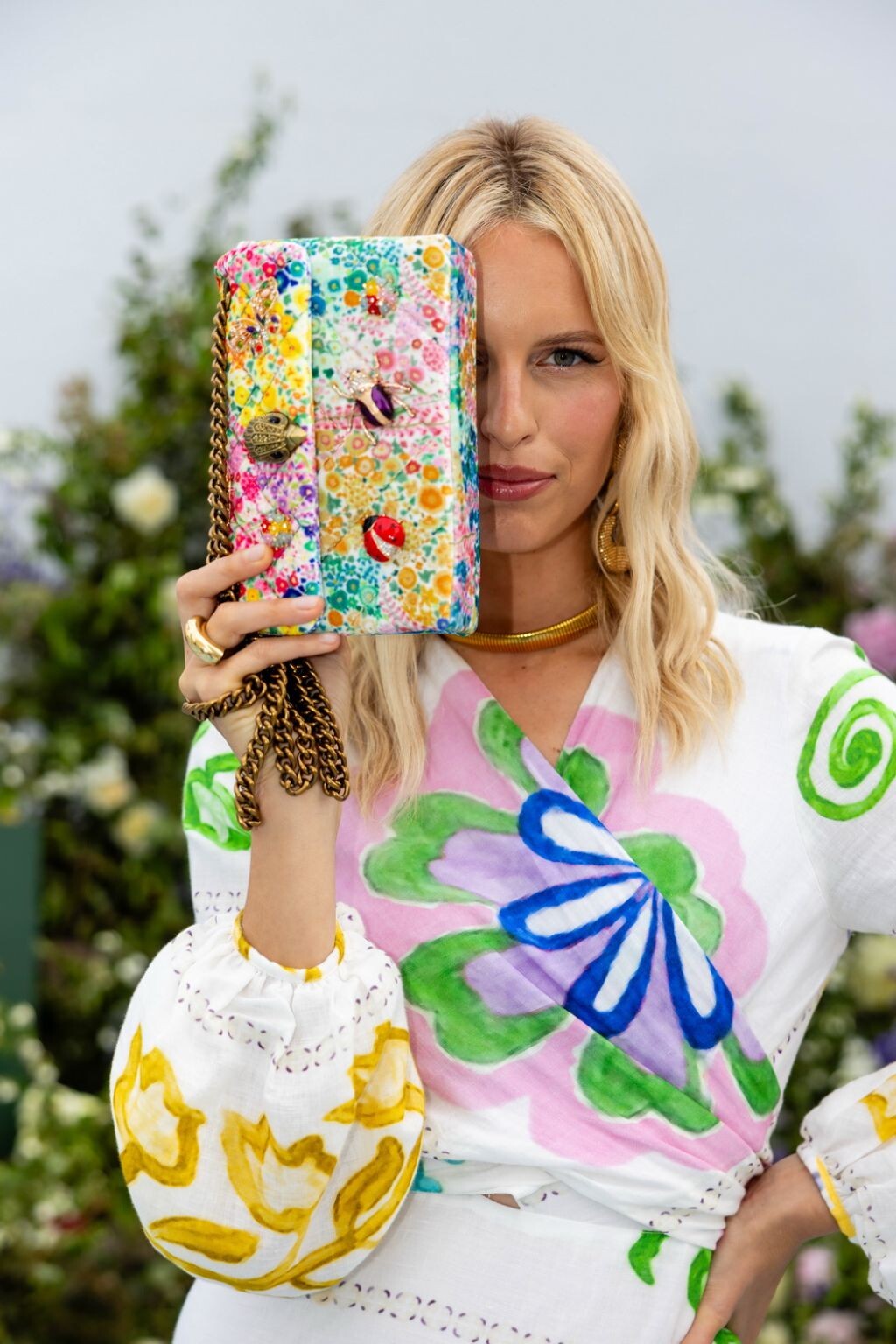
 Kurt Geiger’s Floral Couture Collection Launch in Miami 06-14-2024












 Swarovski’s Masters of Light Exhibition Opening 06-16-2024





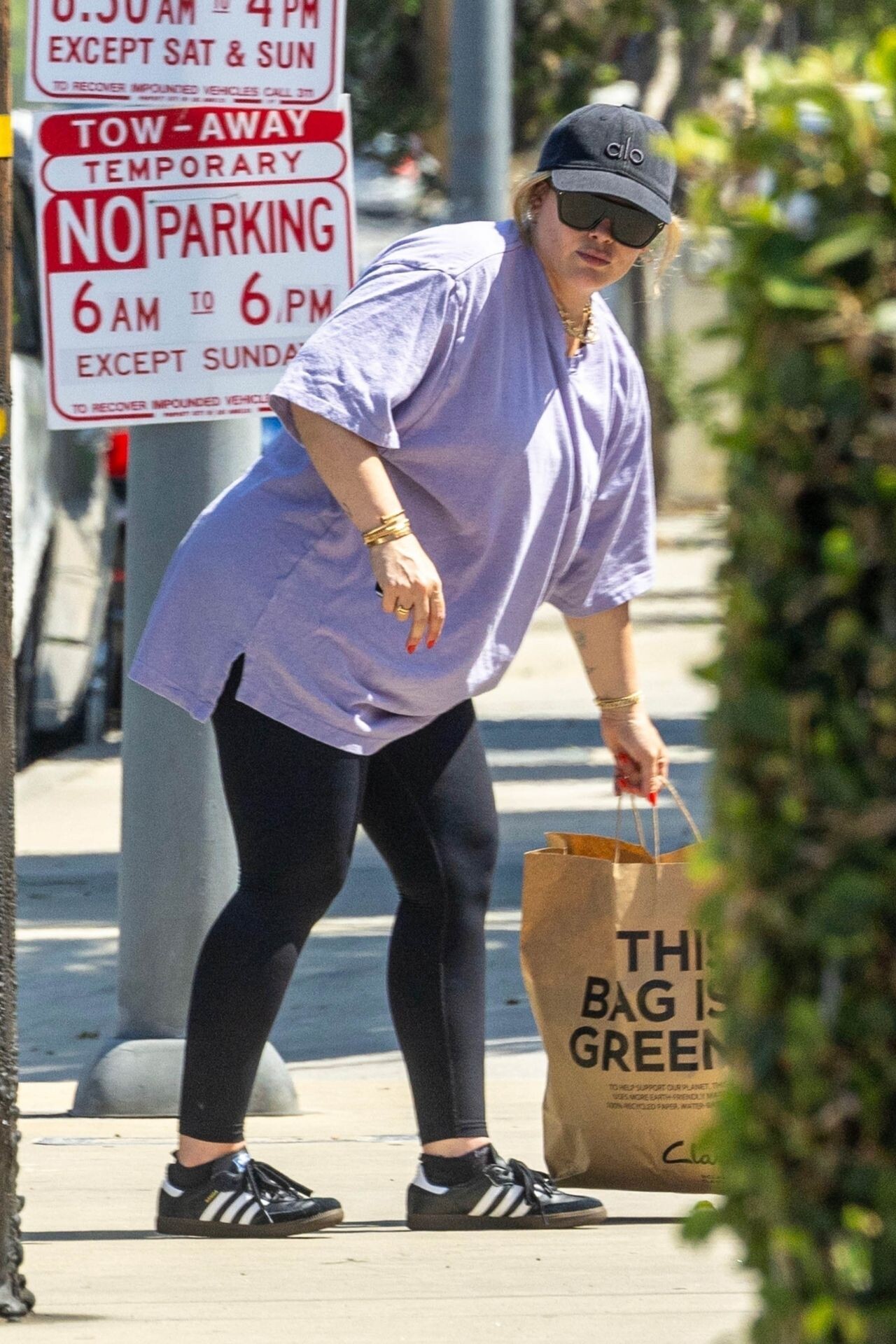
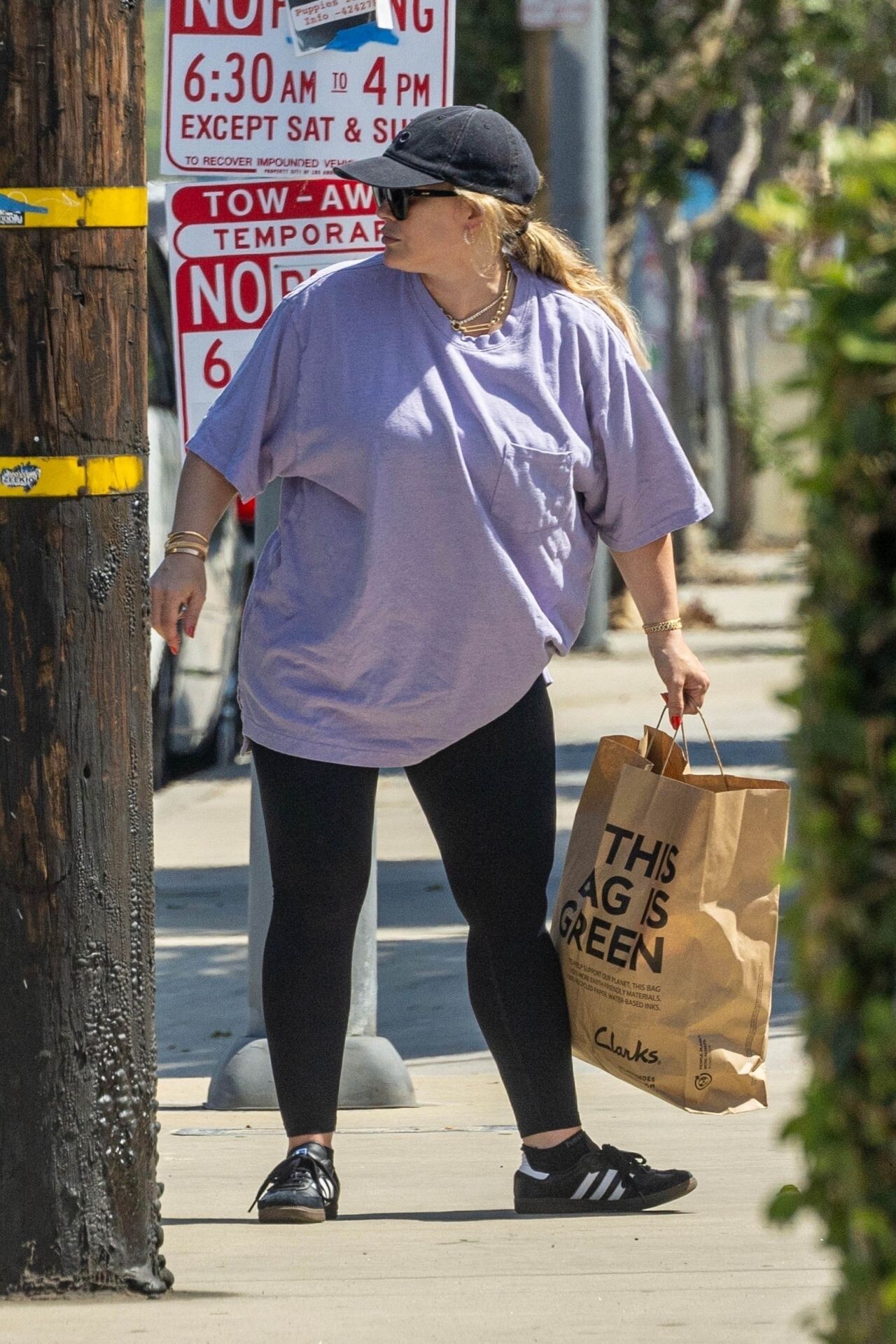
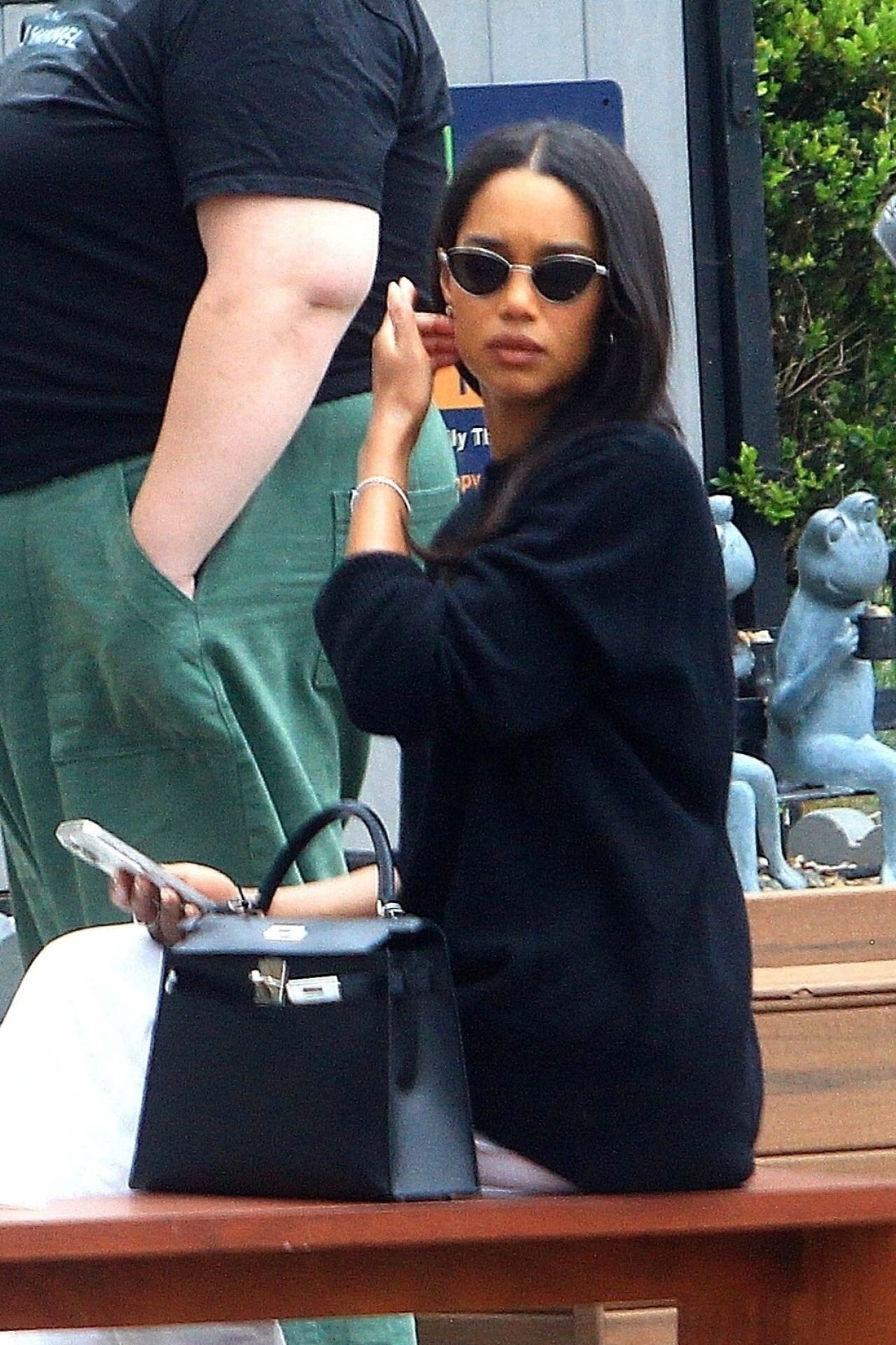
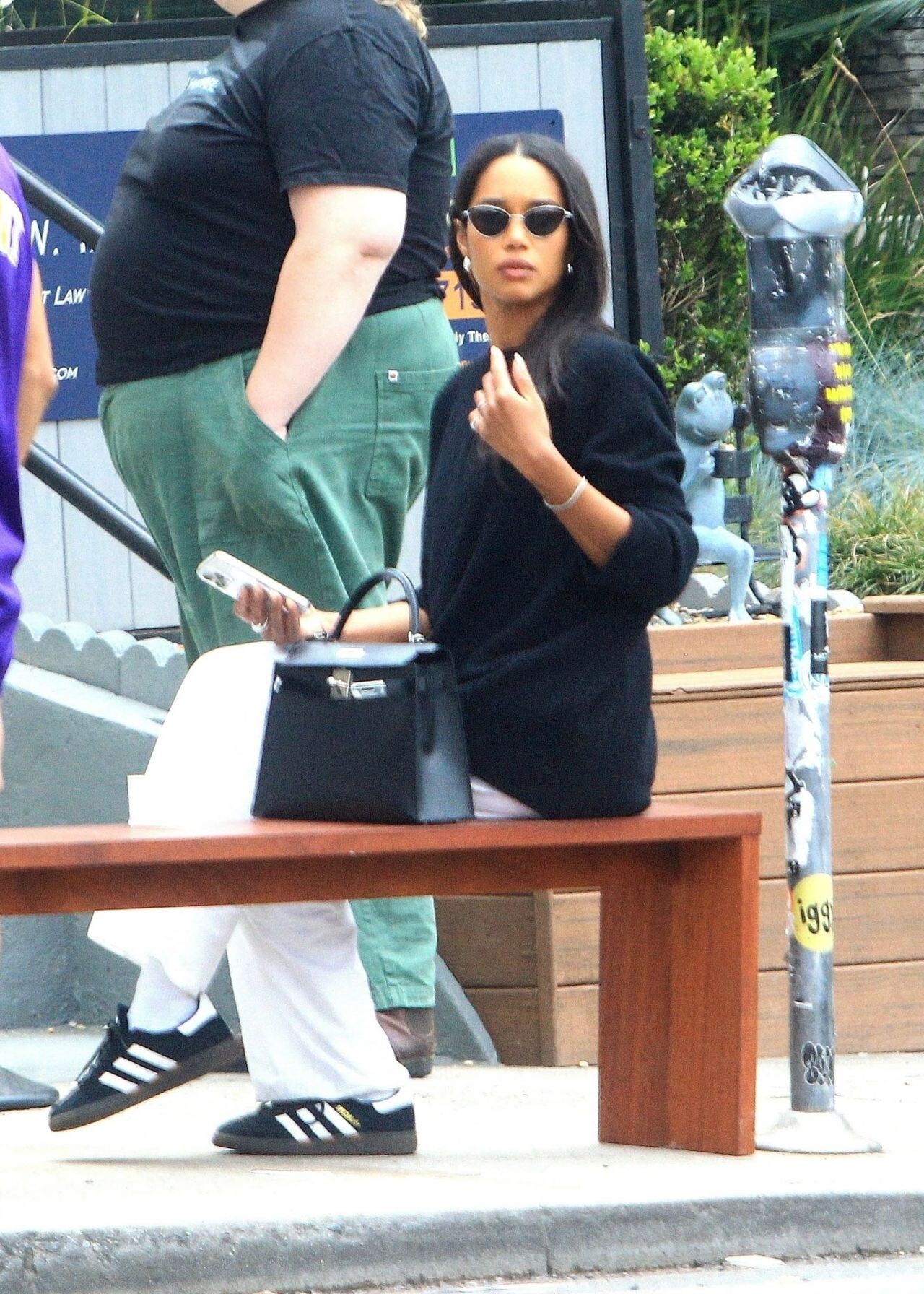
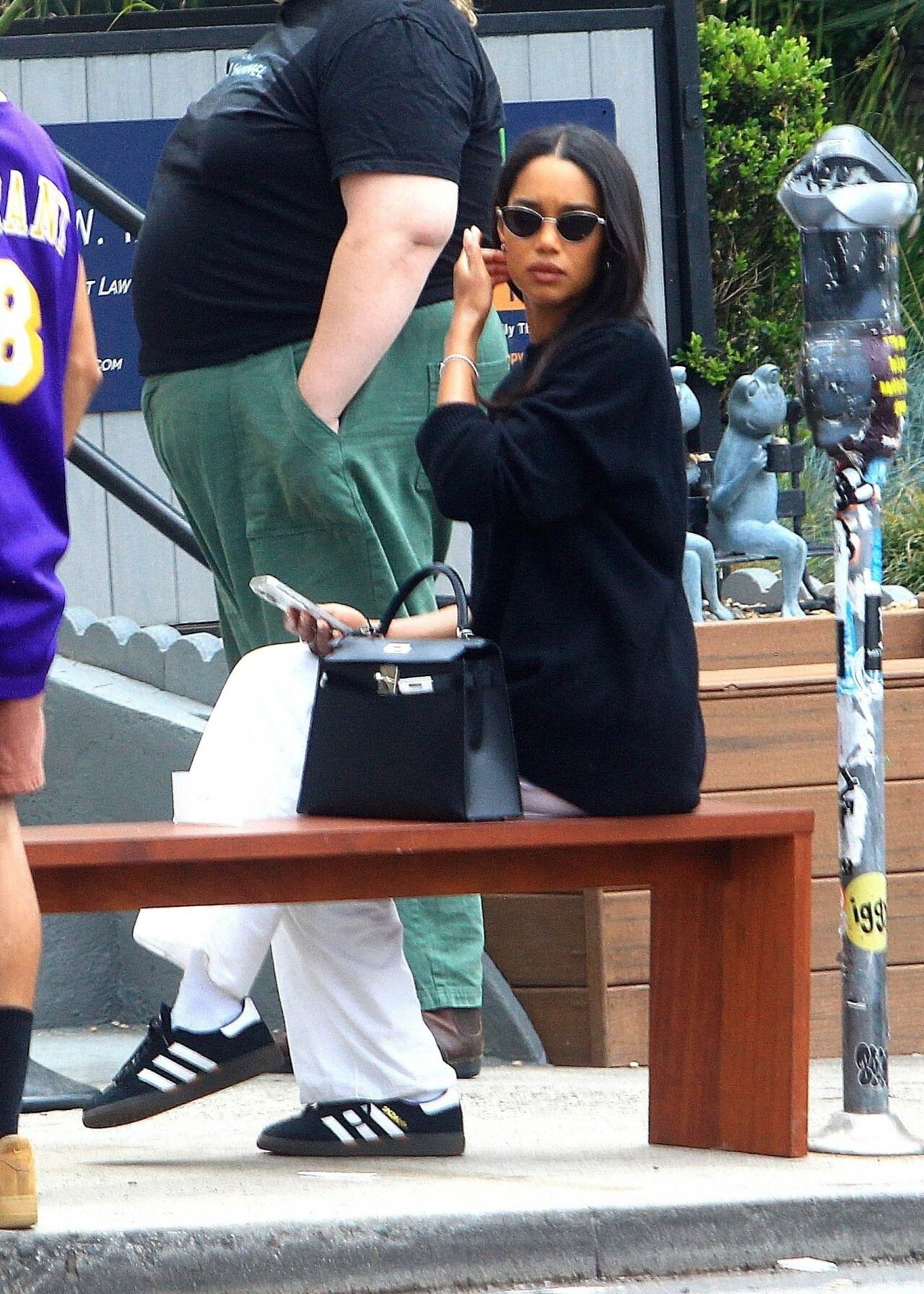
 Out in Los Angeles 06-03-2024

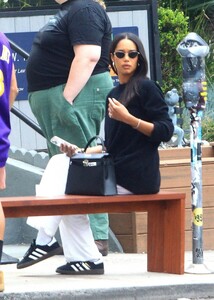
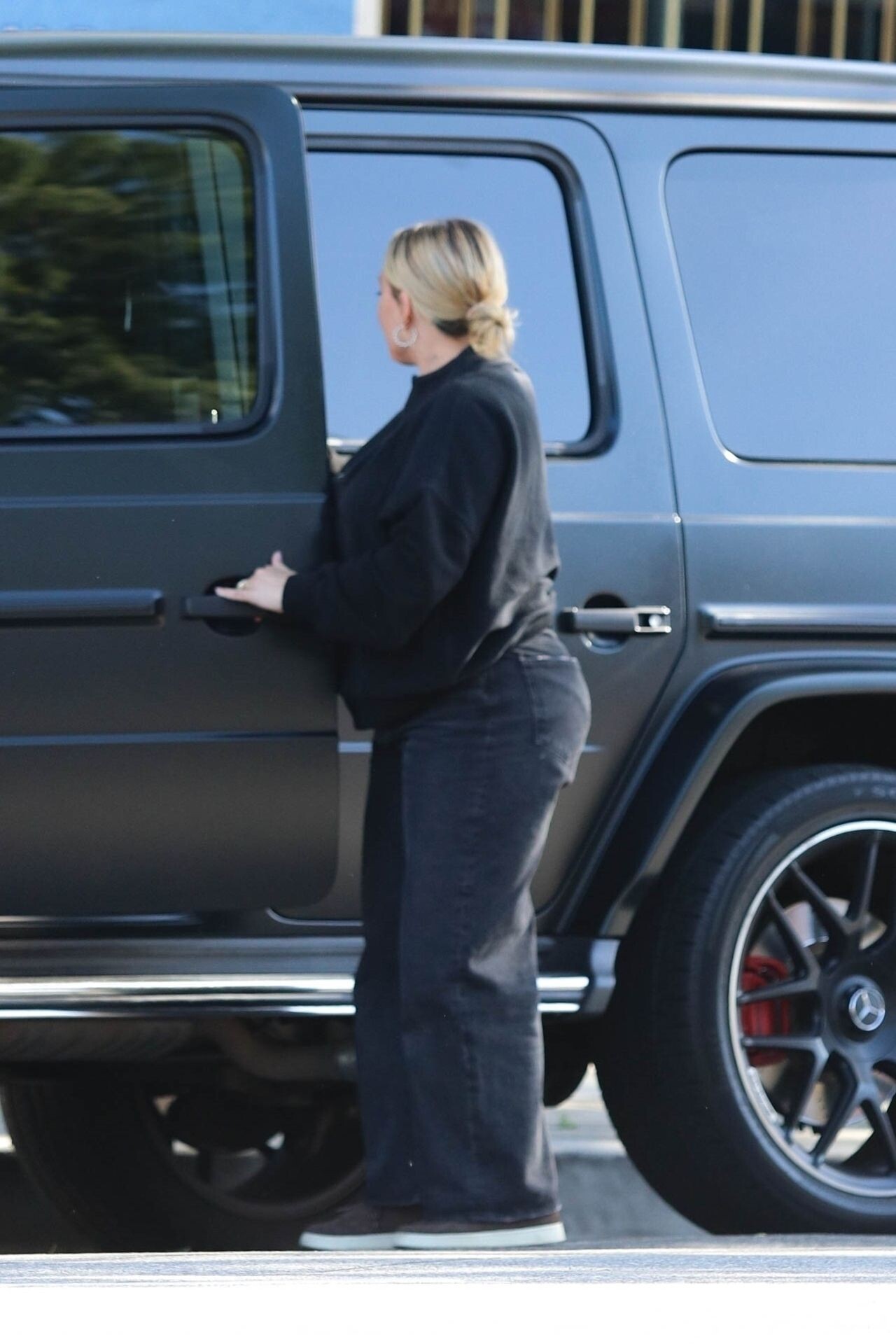
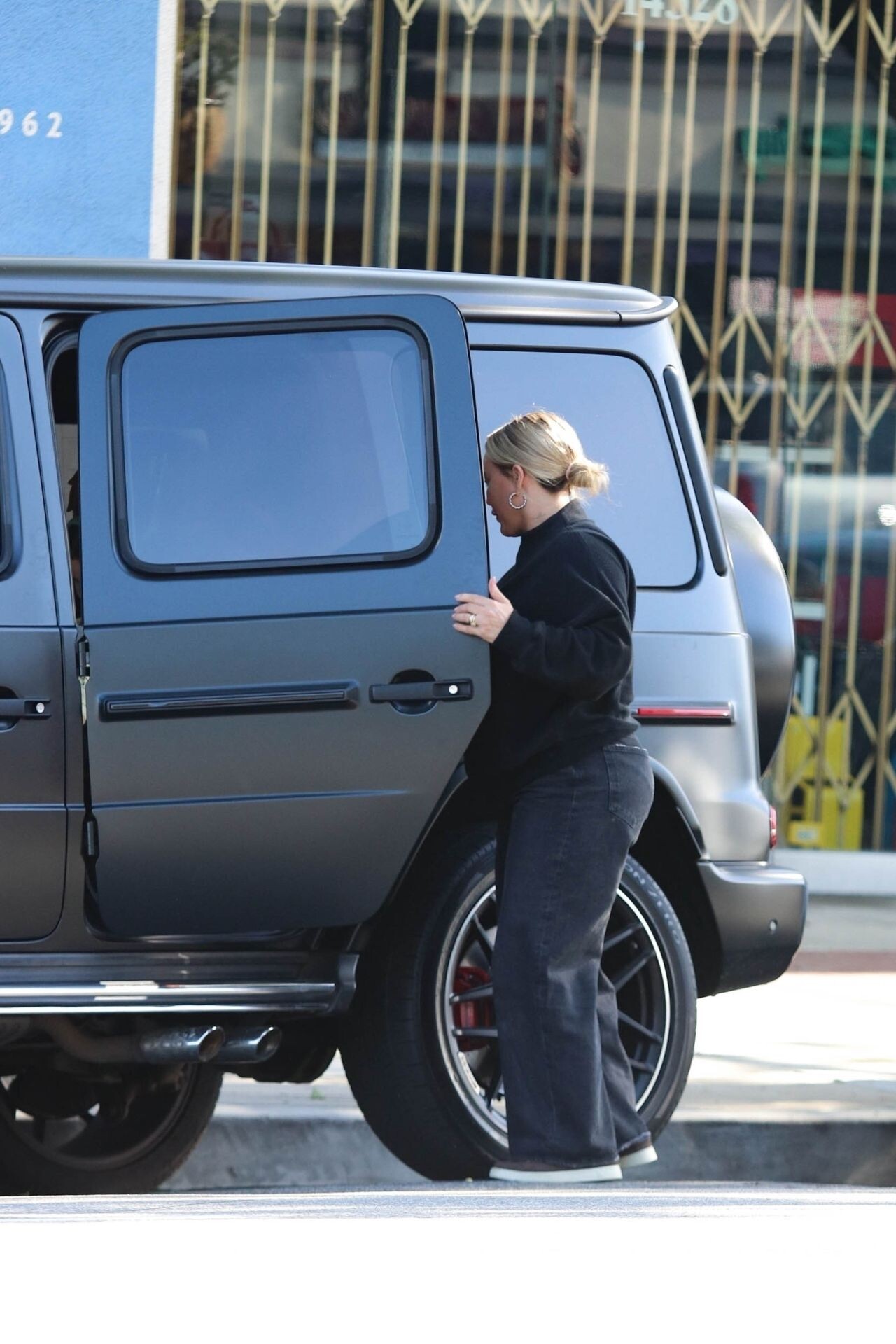
 Los Angeles 05-31-2024
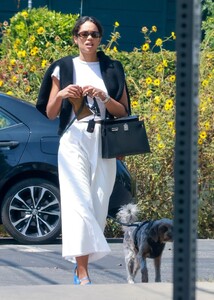








































































































































Account
Navigation
Search
Configure browser push notifications
Chrome (Android)
- Tap the lock icon next to the address bar.
- Tap Permissions → Notifications.
- Adjust your preference.
Chrome (Desktop)
- Click the padlock icon in the address bar.
- Select Site settings.
- Find Notifications and adjust your preference.
Safari (iOS 16.4+)
- Ensure the site is installed via Add to Home Screen.
- Open Settings App → Notifications.
- Find your app name and adjust your preference.
Safari (macOS)
- Go to Safari → Preferences.
- Click the Websites tab.
- Select Notifications in the sidebar.
- Find this website and adjust your preference.
Edge (Android)
- Tap the lock icon next to the address bar.
- Tap Permissions.
- Find Notifications and adjust your preference.
Edge (Desktop)
- Click the padlock icon in the address bar.
- Click Permissions for this site.
- Find Notifications and adjust your preference.
Firefox (Android)
- Go to Settings → Site permissions.
- Tap Notifications.
- Find this site in the list and adjust your preference.
Firefox (Desktop)
- Open Firefox Settings.
- Search for Notifications.
- Find this site in the list and adjust your preference.