
balenciagaaa
Members
-
Joined
-
Last visited
Everything posted by balenciagaaa
-
 Elle Germany May 2021 by Julio Barcena
-
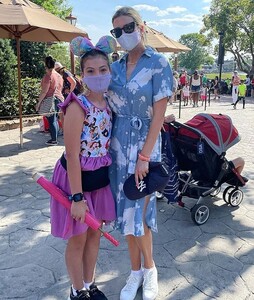
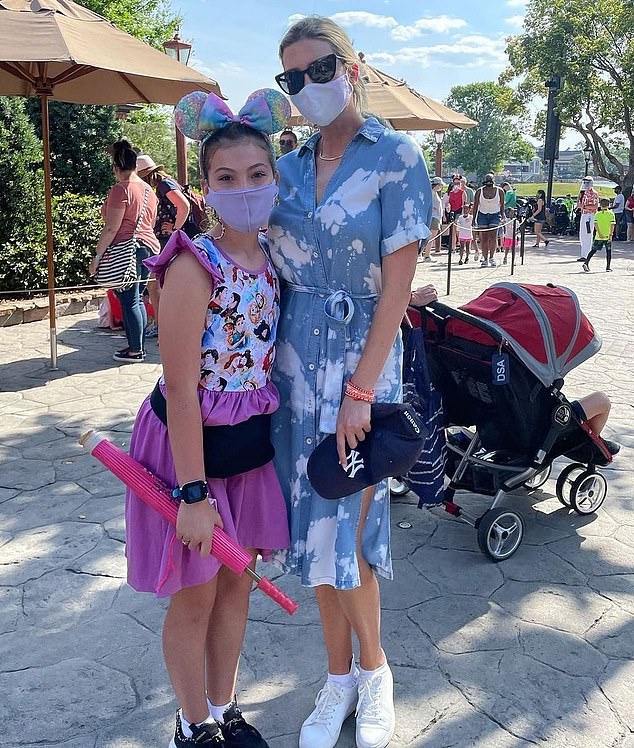
poses with a young fan at Disney World in Florida
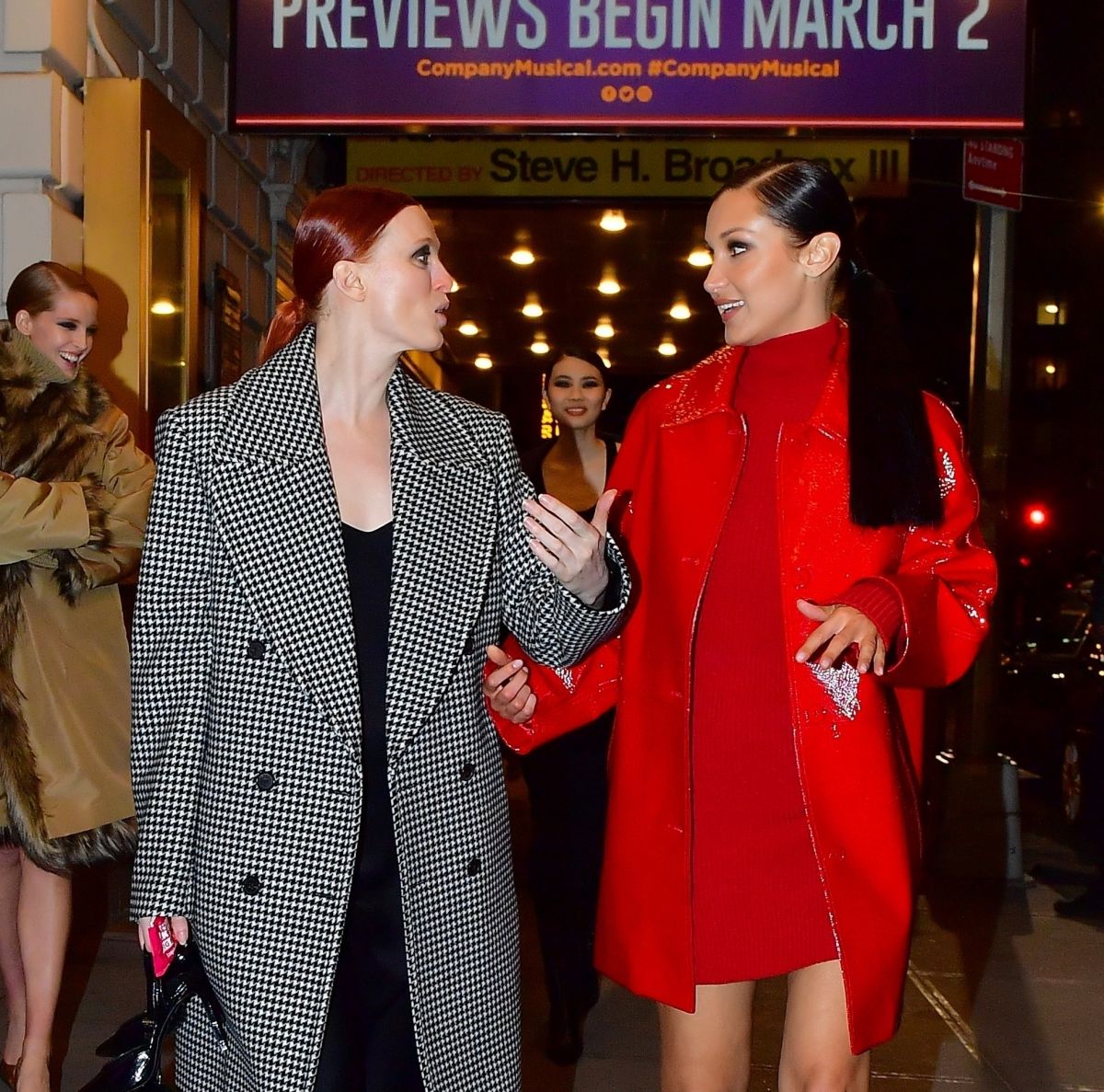
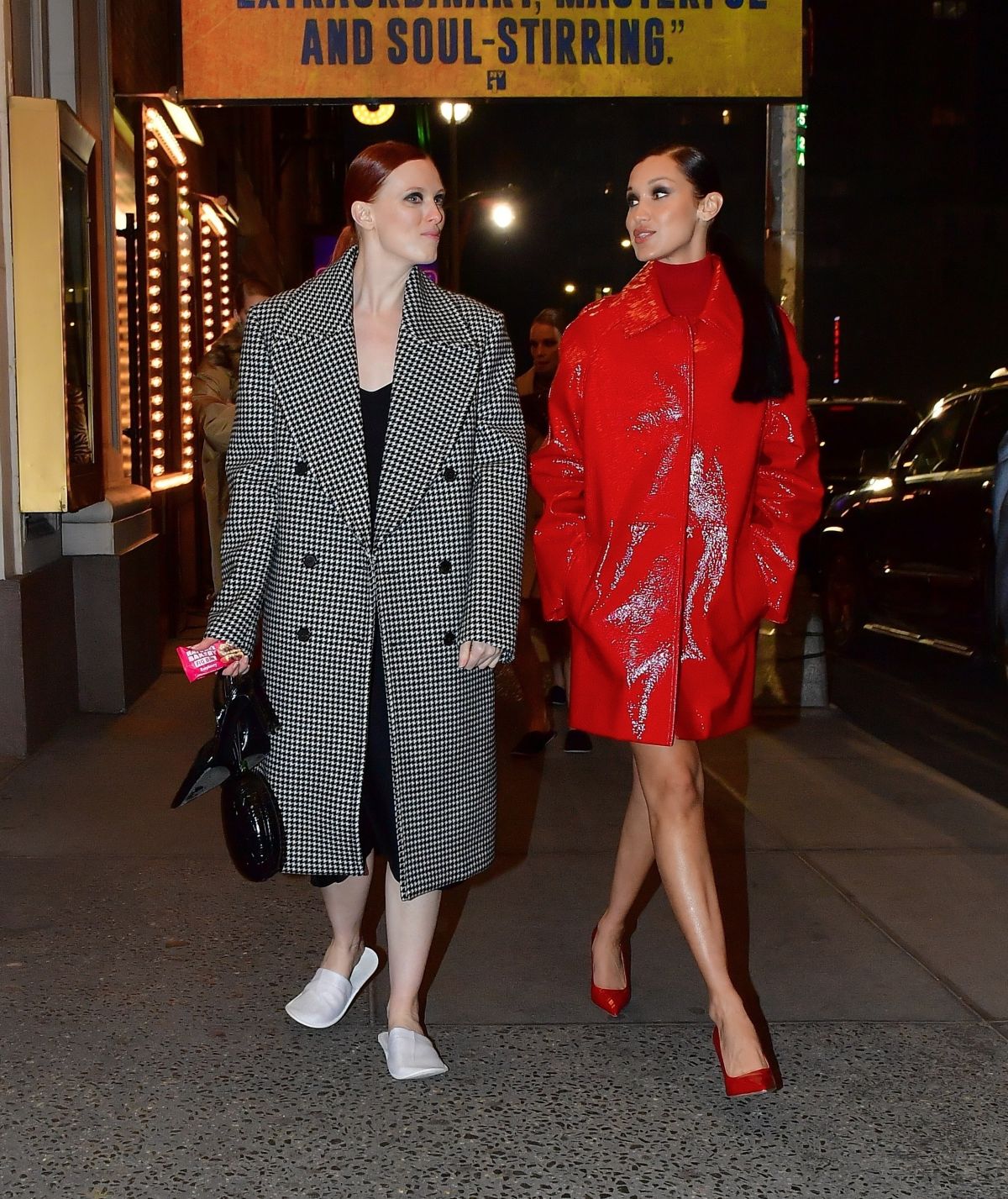
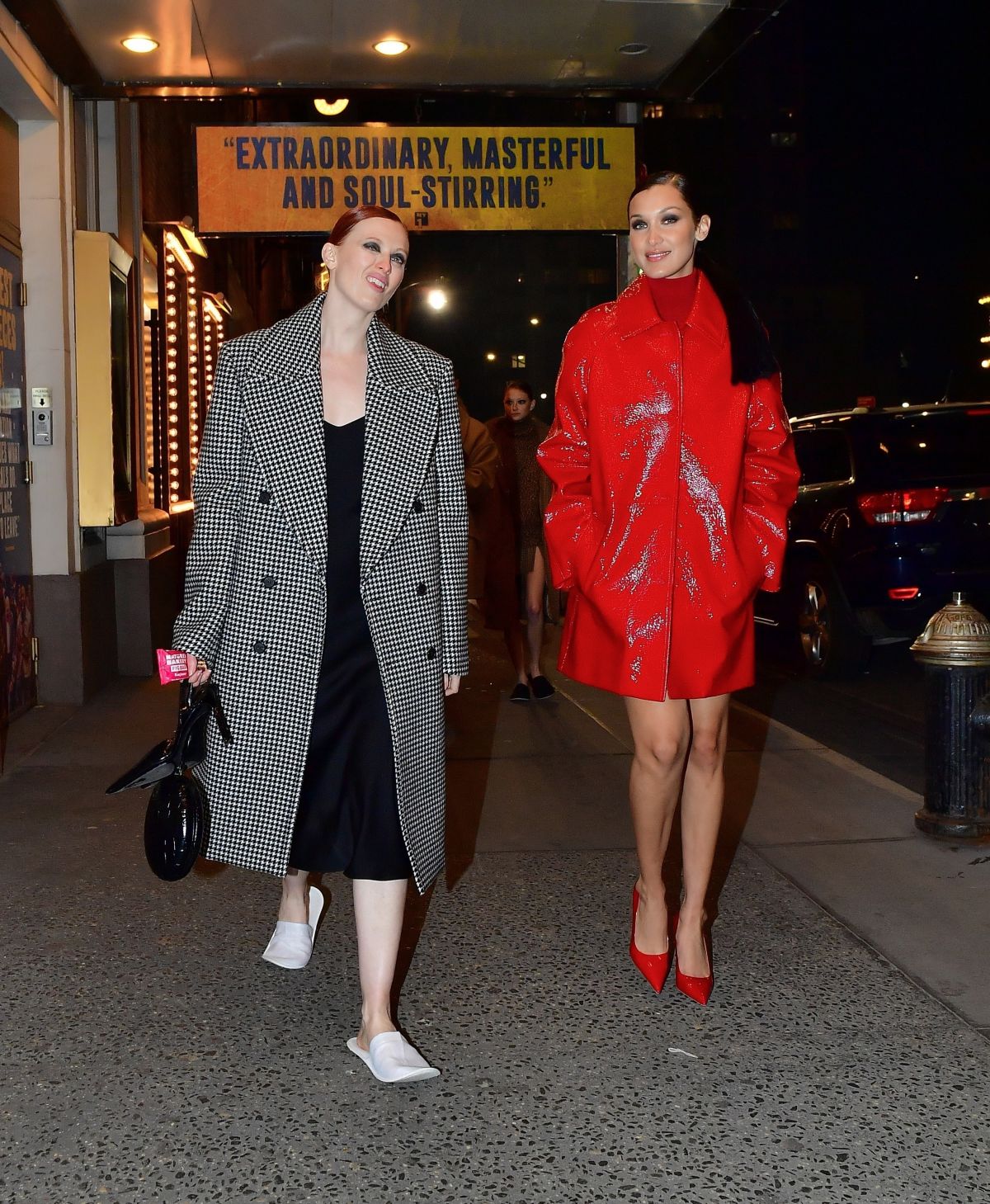
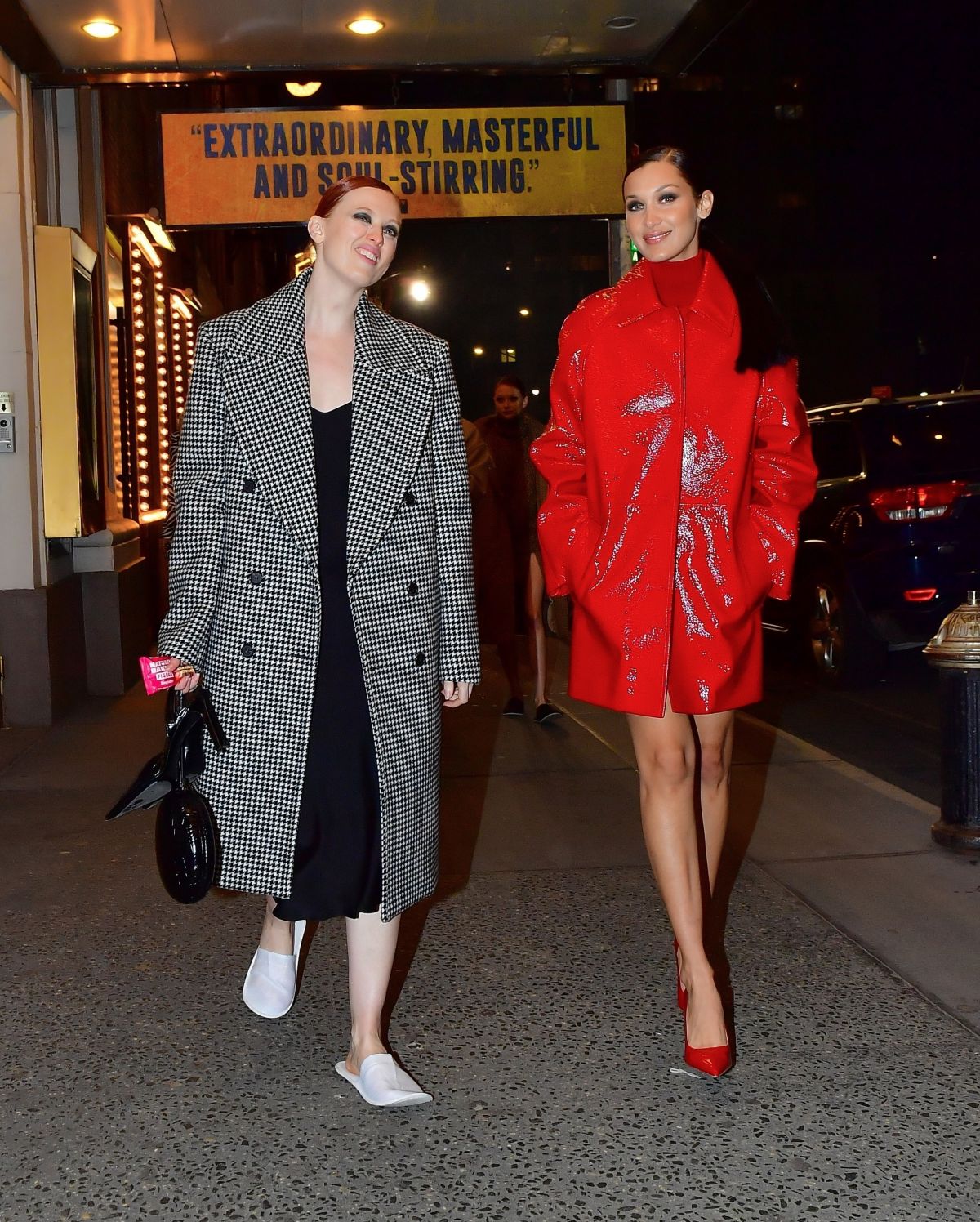
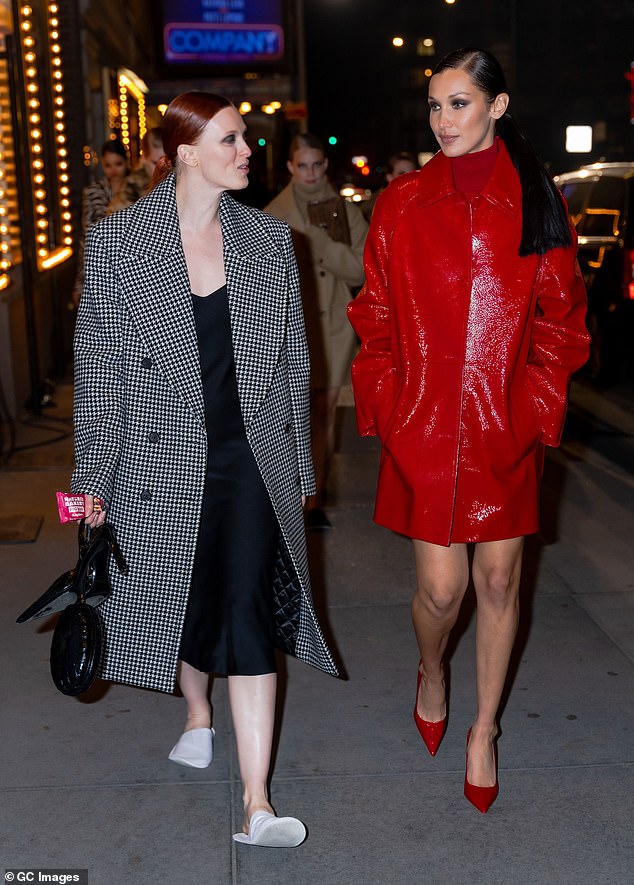
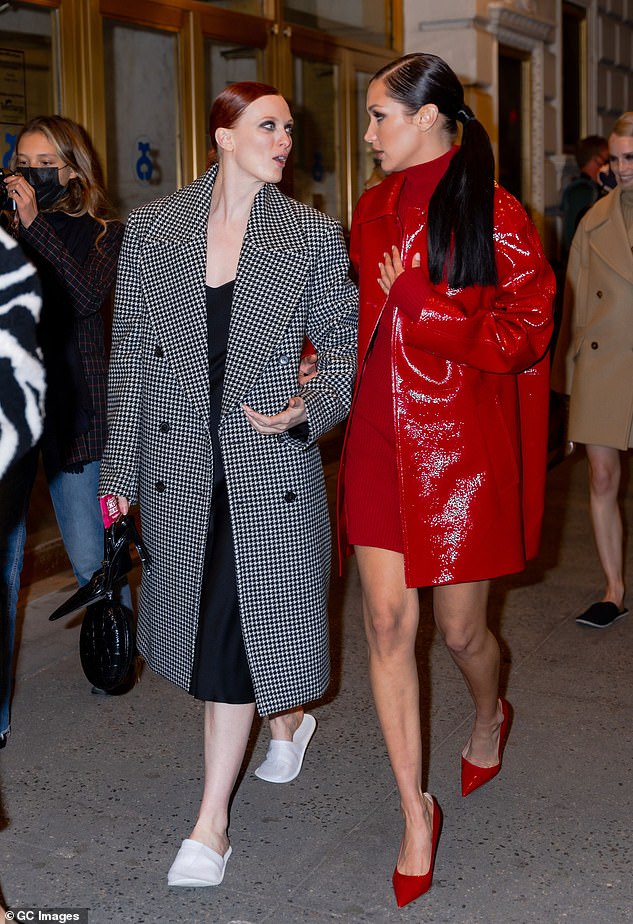
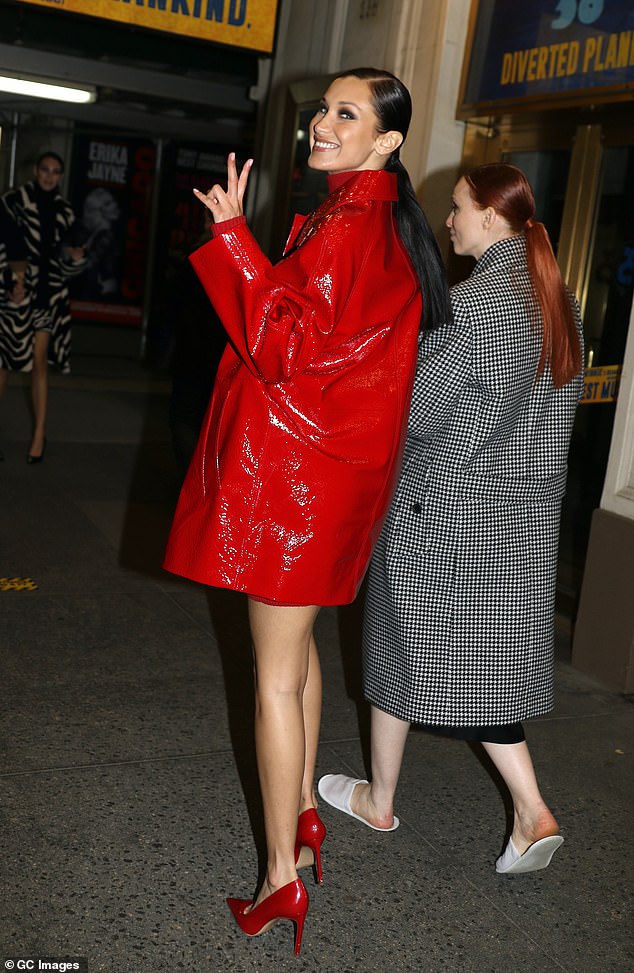
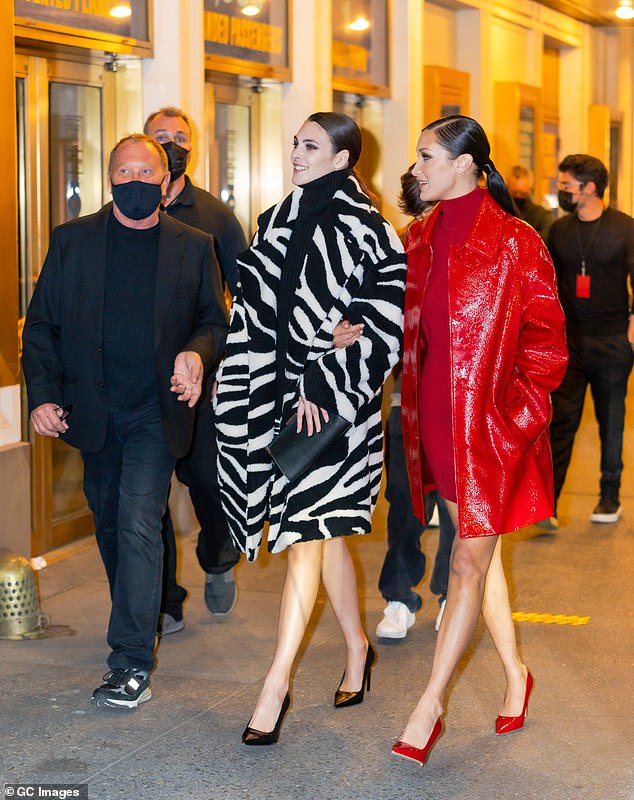
 in NYC 9 April 2021
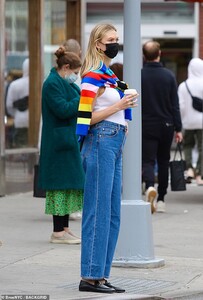
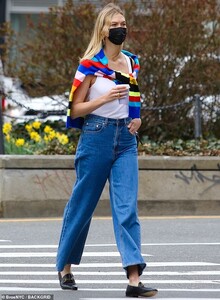 after Michael Kors' NYFW show
 photoshoot for cosmetic brand, N'Age
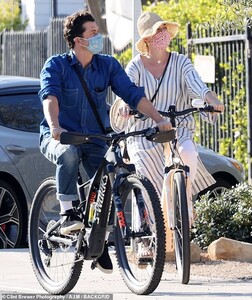
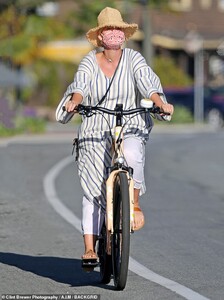
 Santa Barbara 04/08/2021


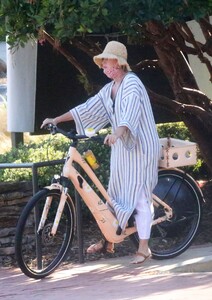
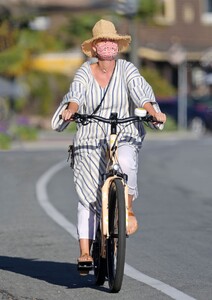
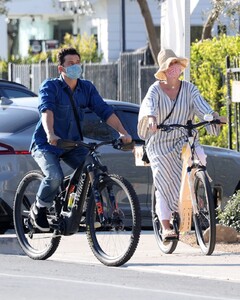

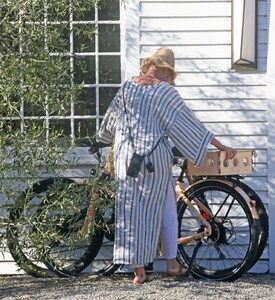
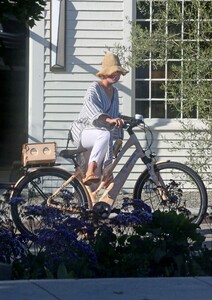
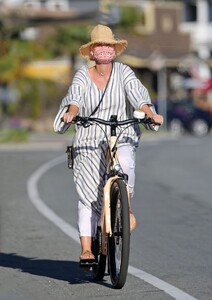 Los Angeles 04/08/2021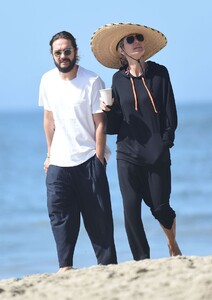
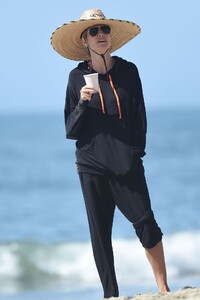
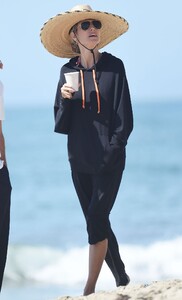
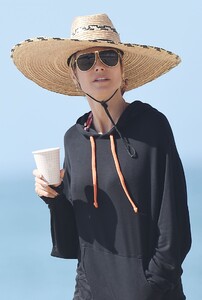

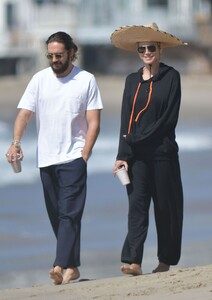
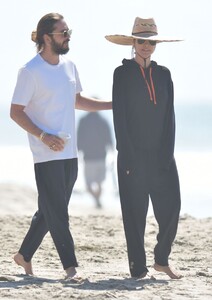
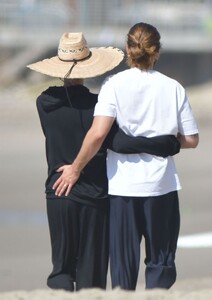

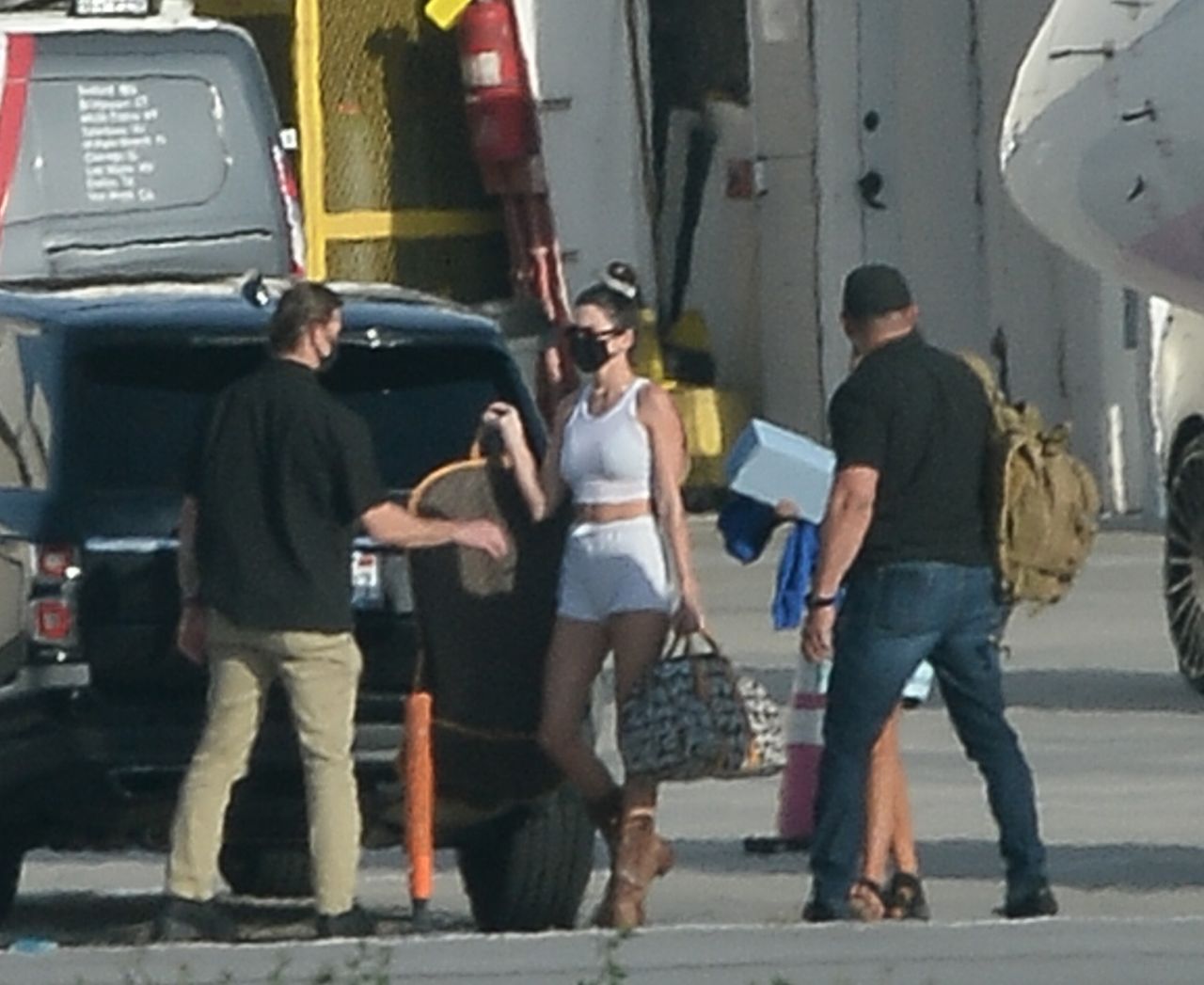
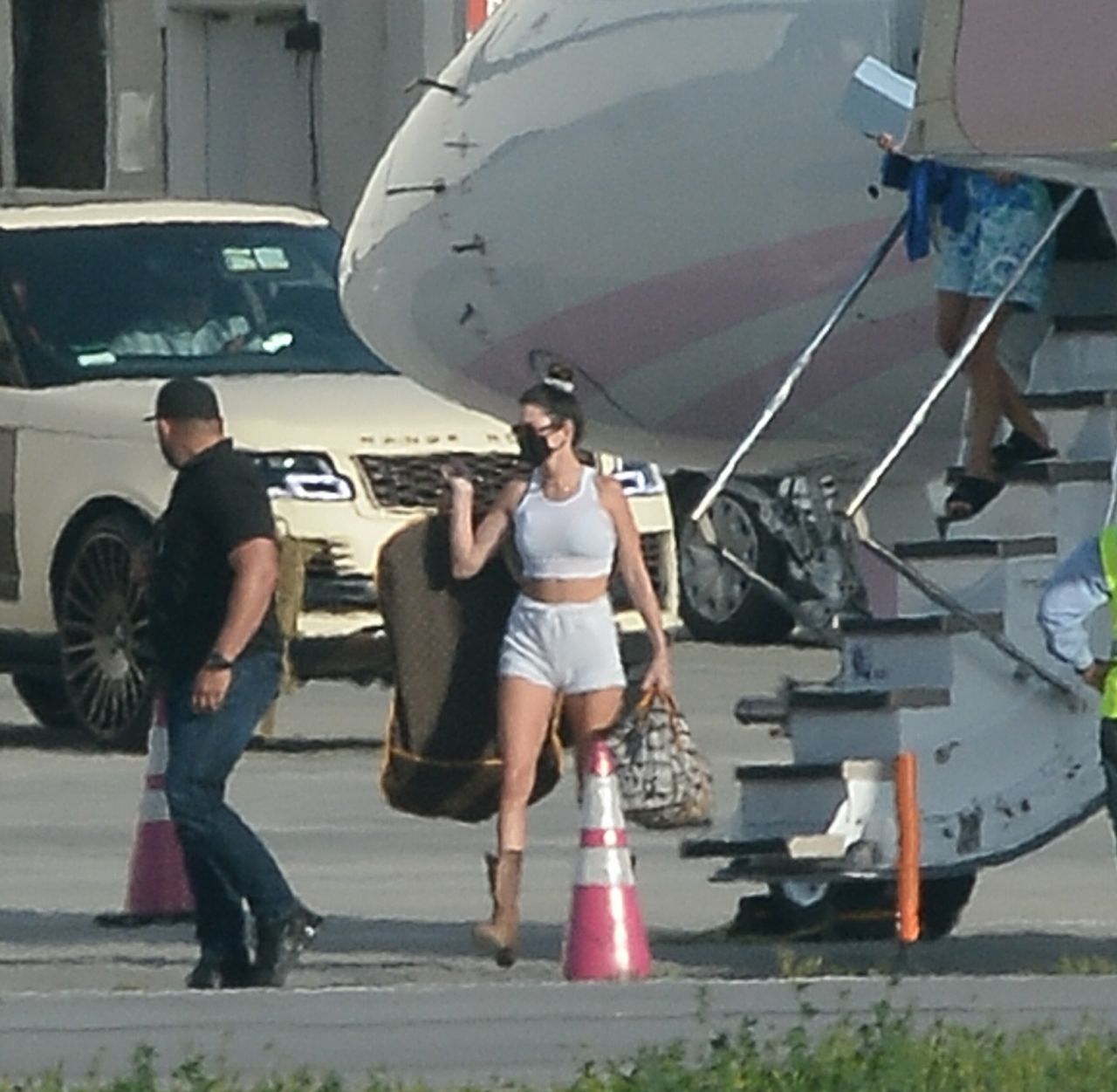
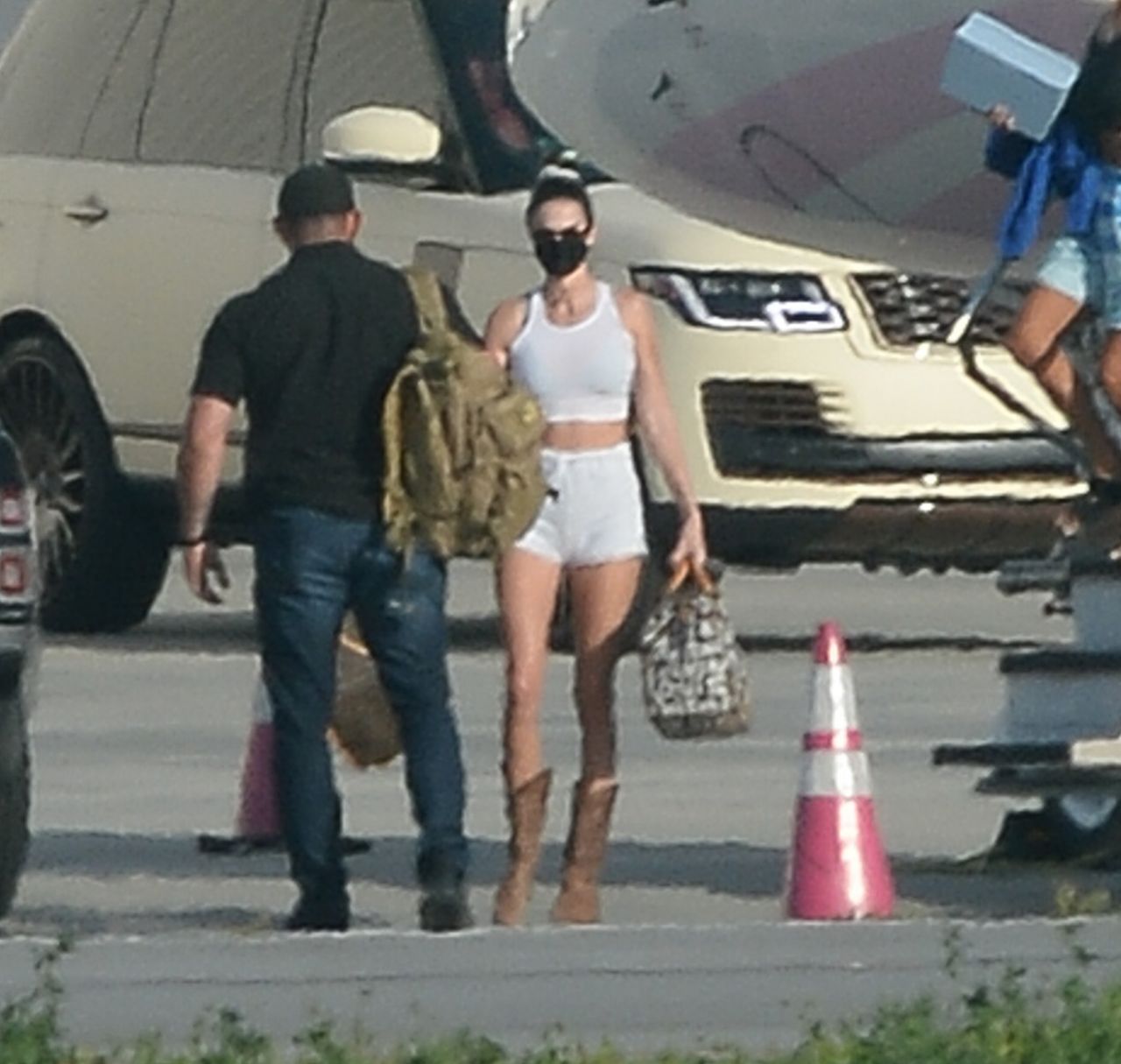
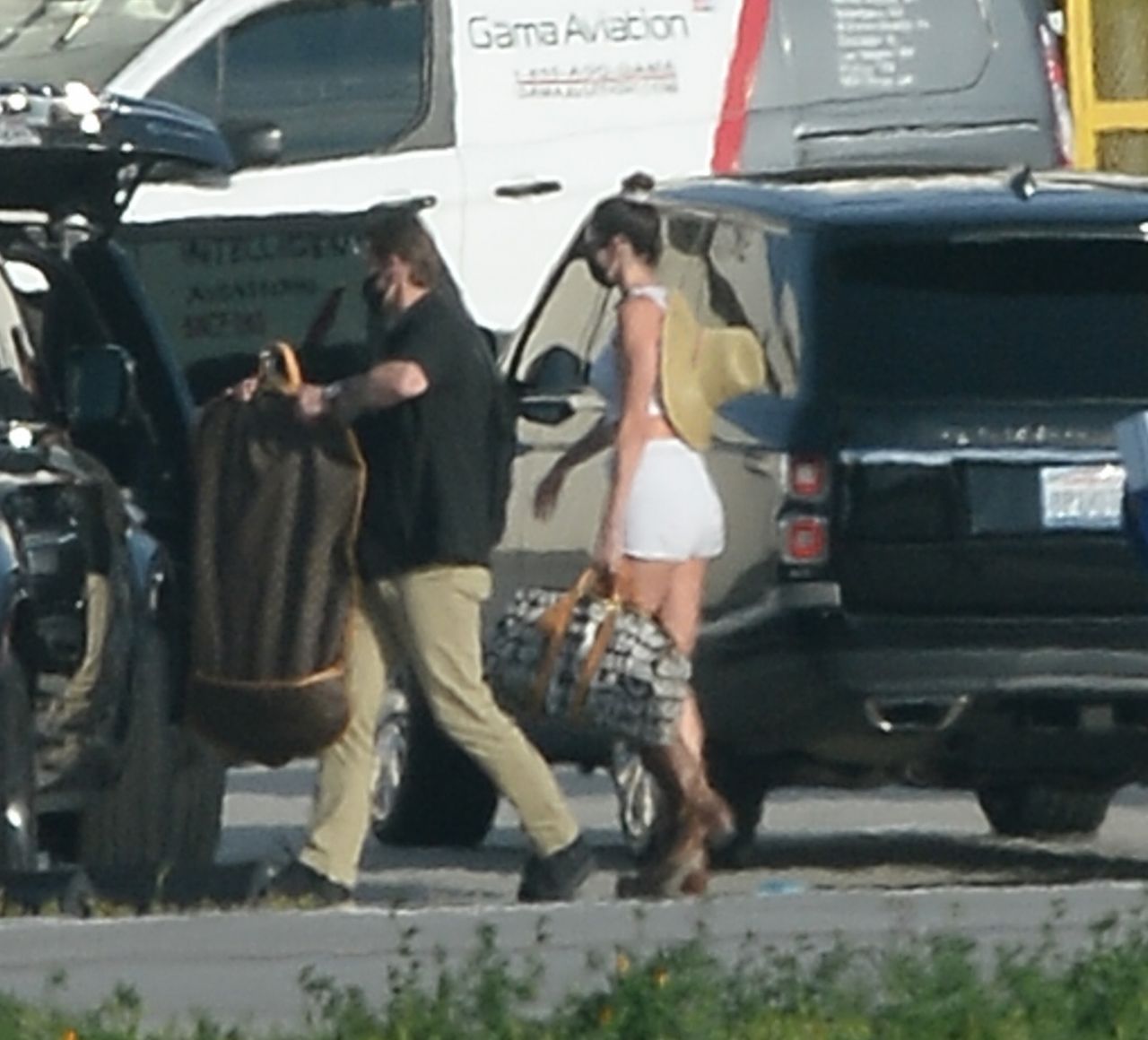
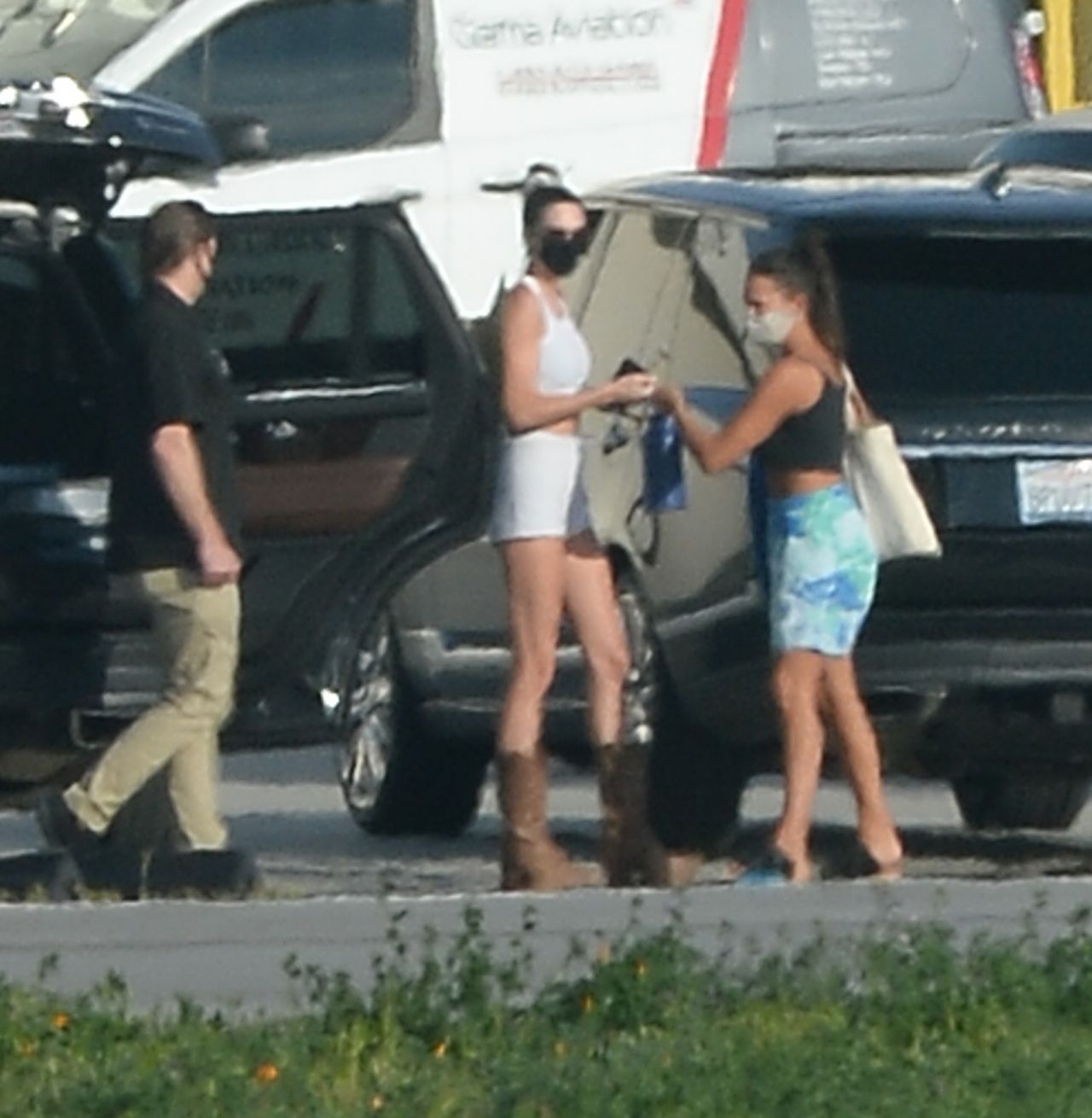
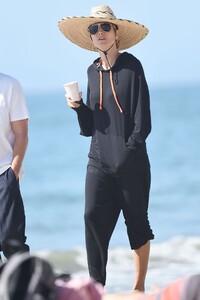 Airport in LA 04/05/2021



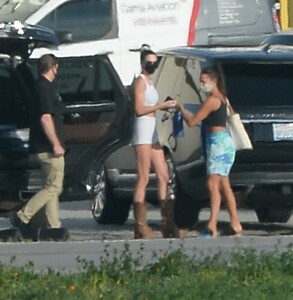

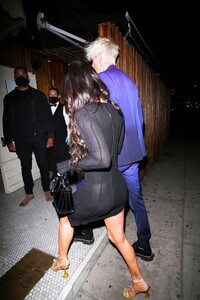
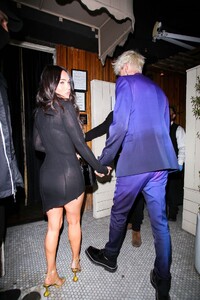
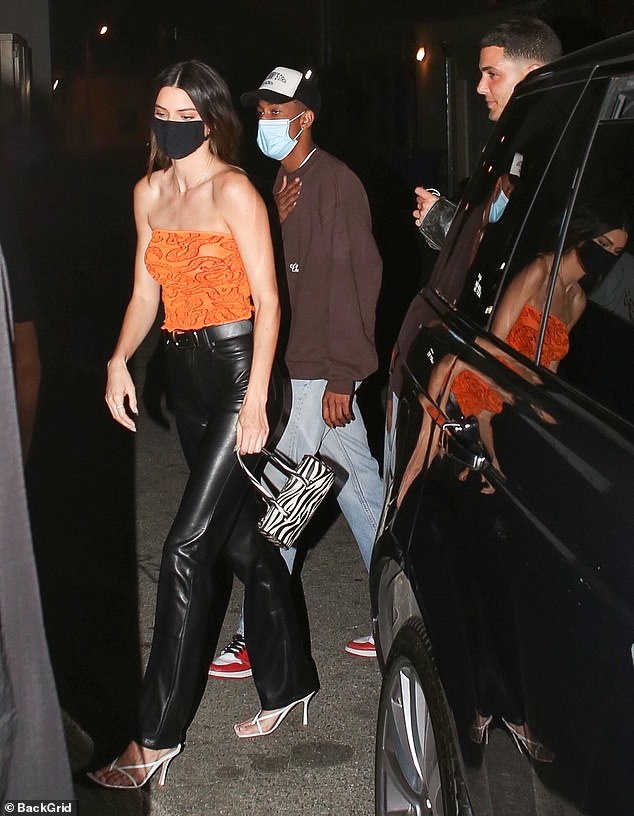
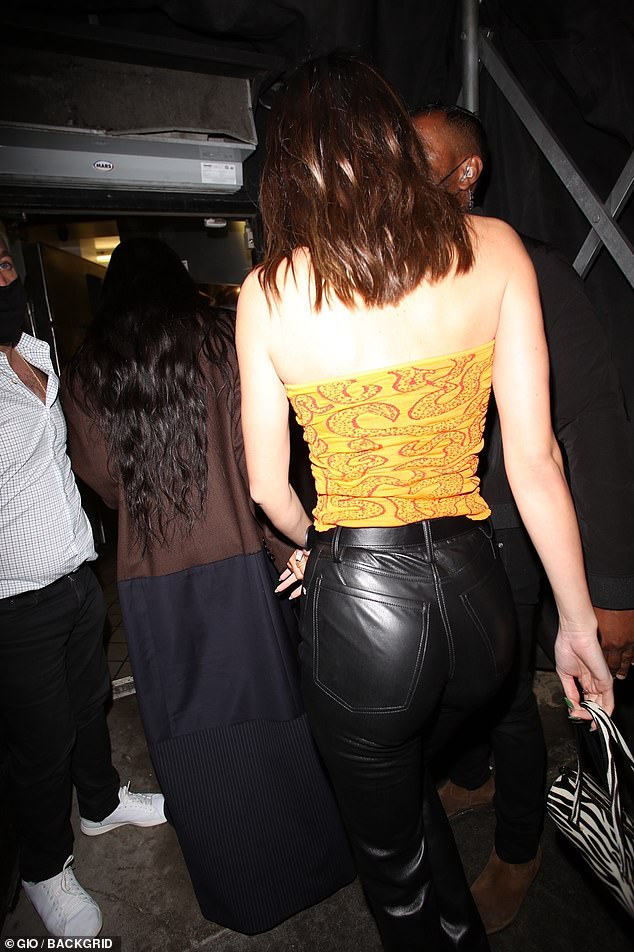
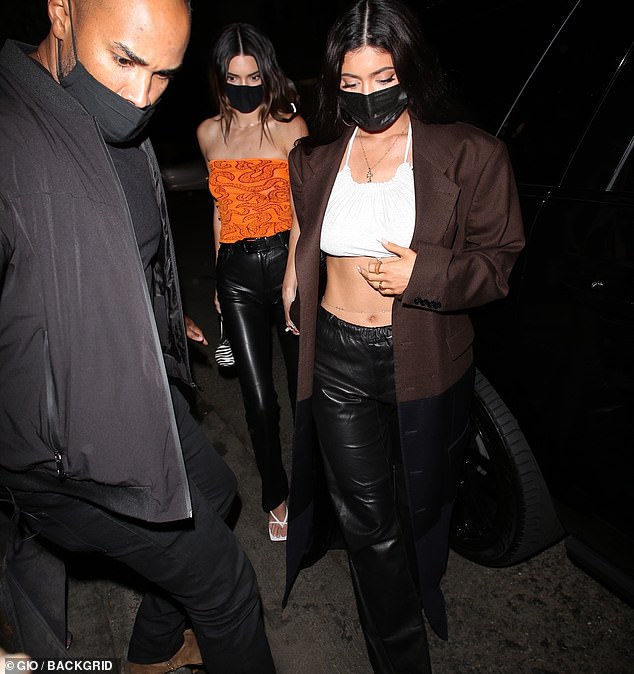
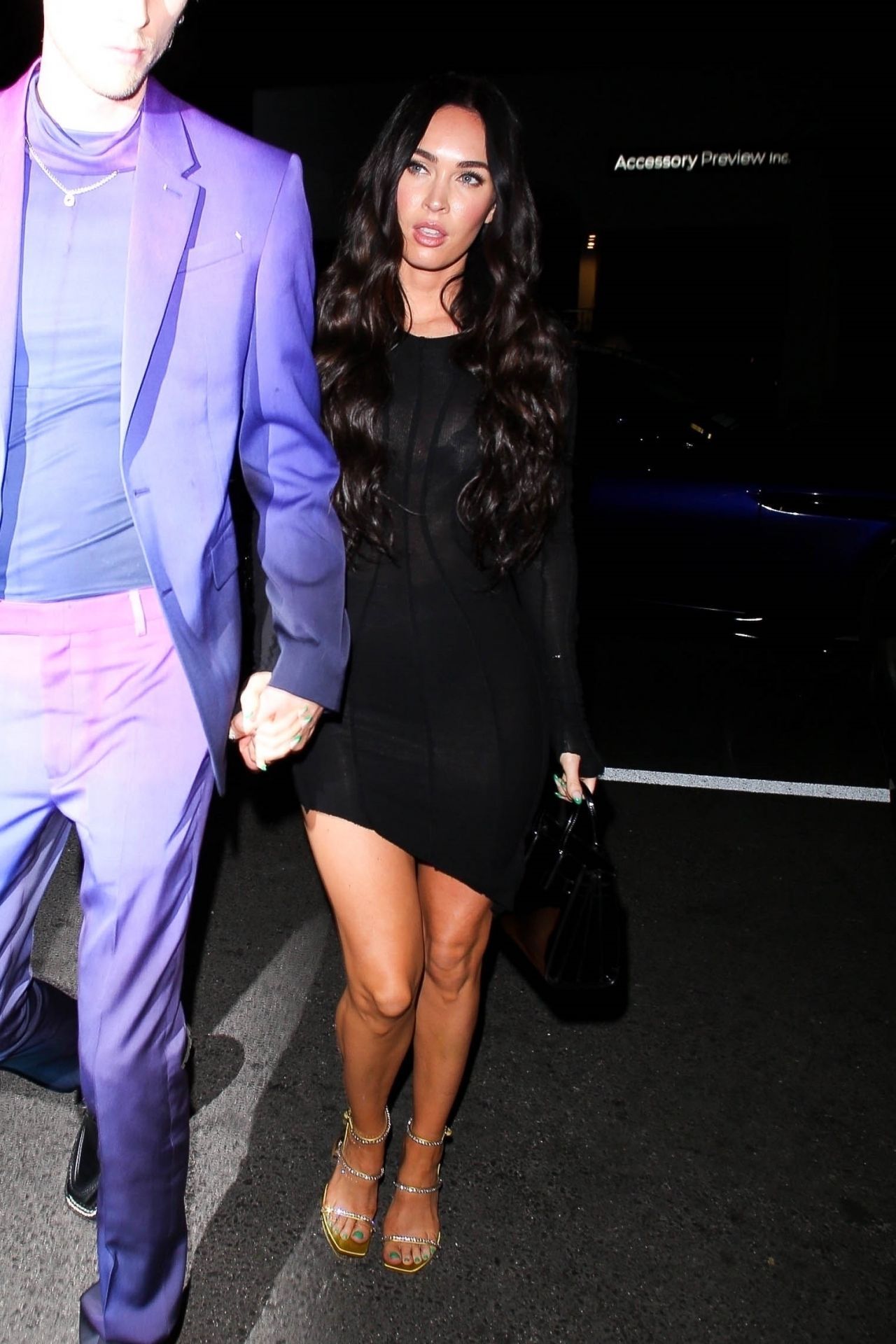
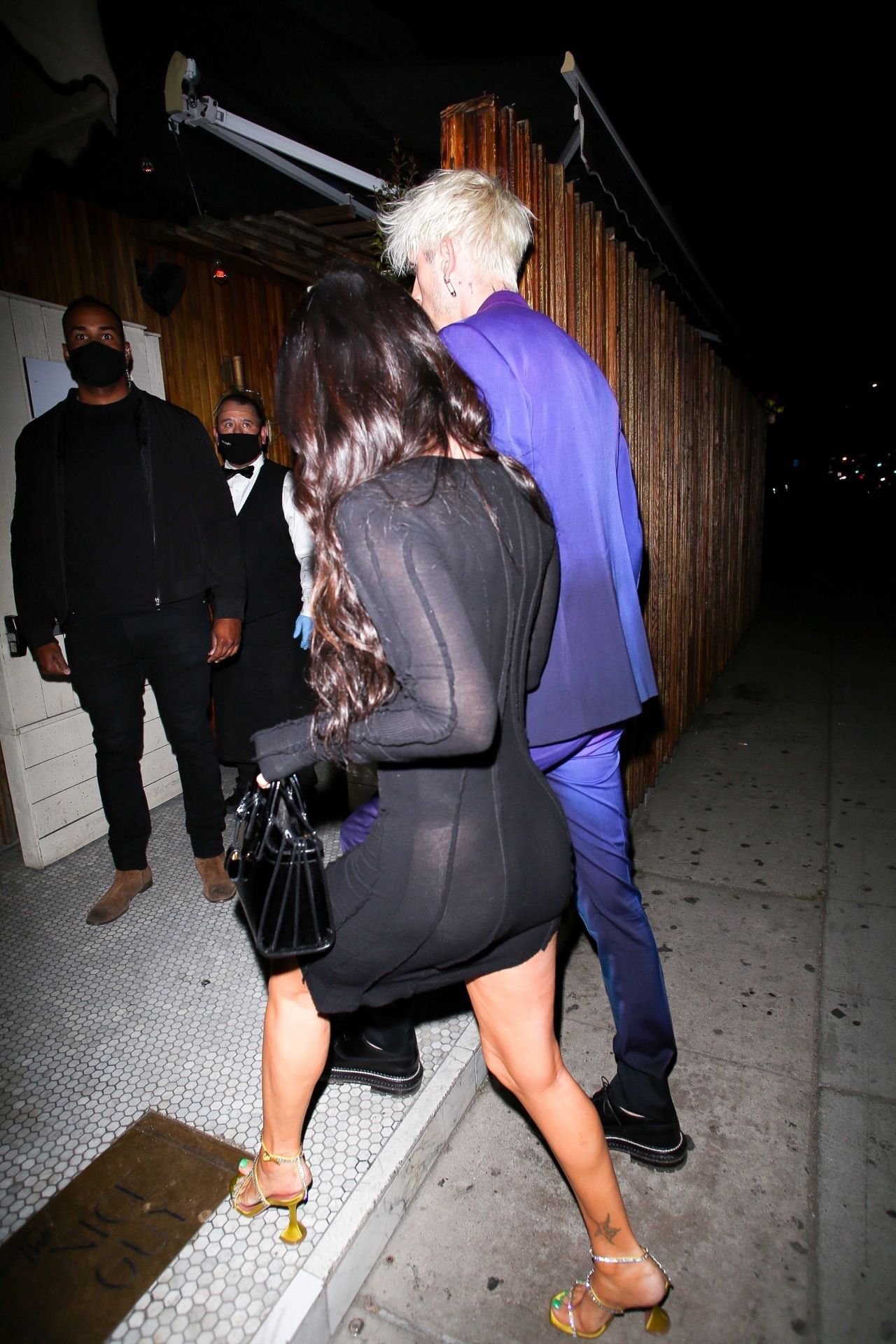
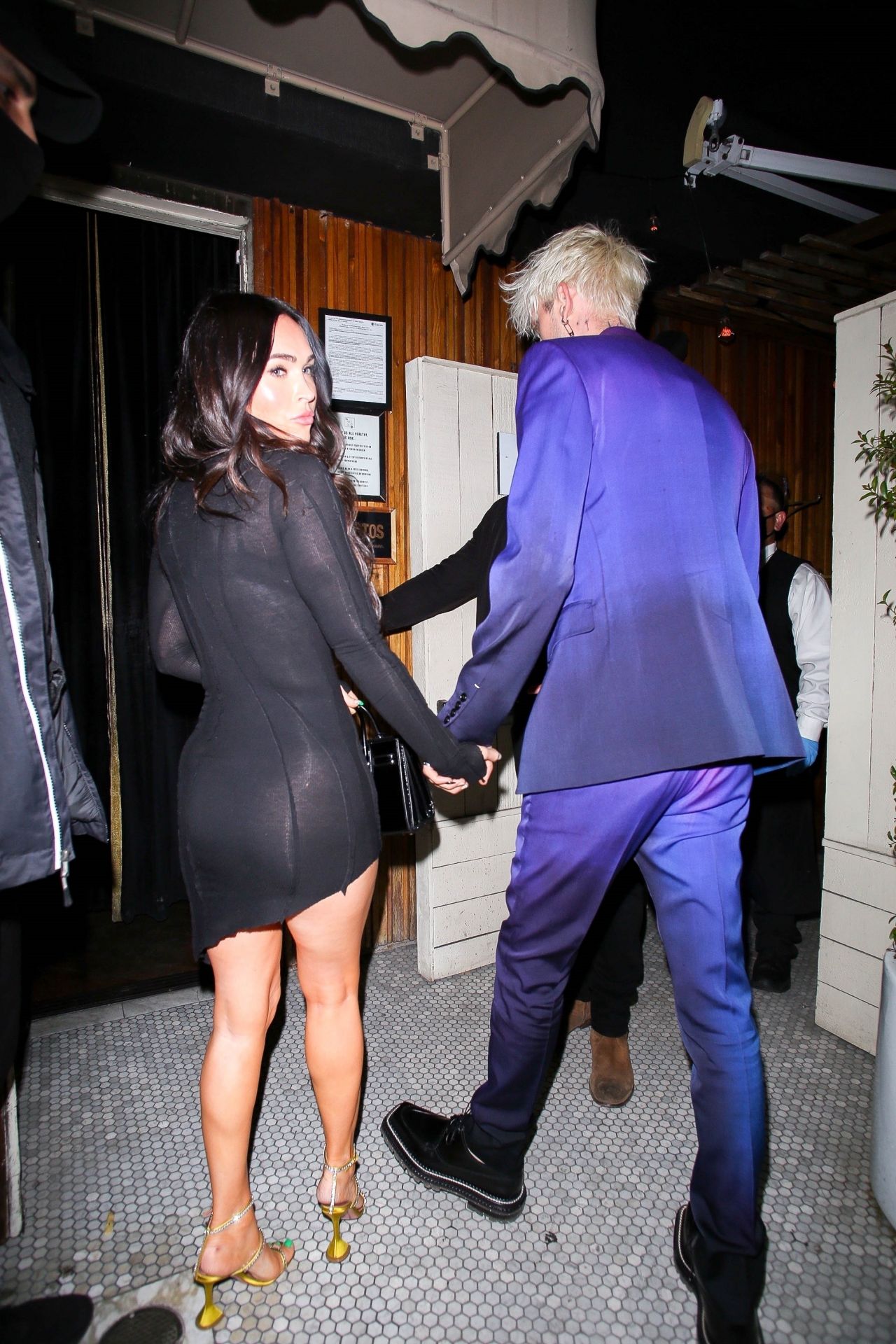
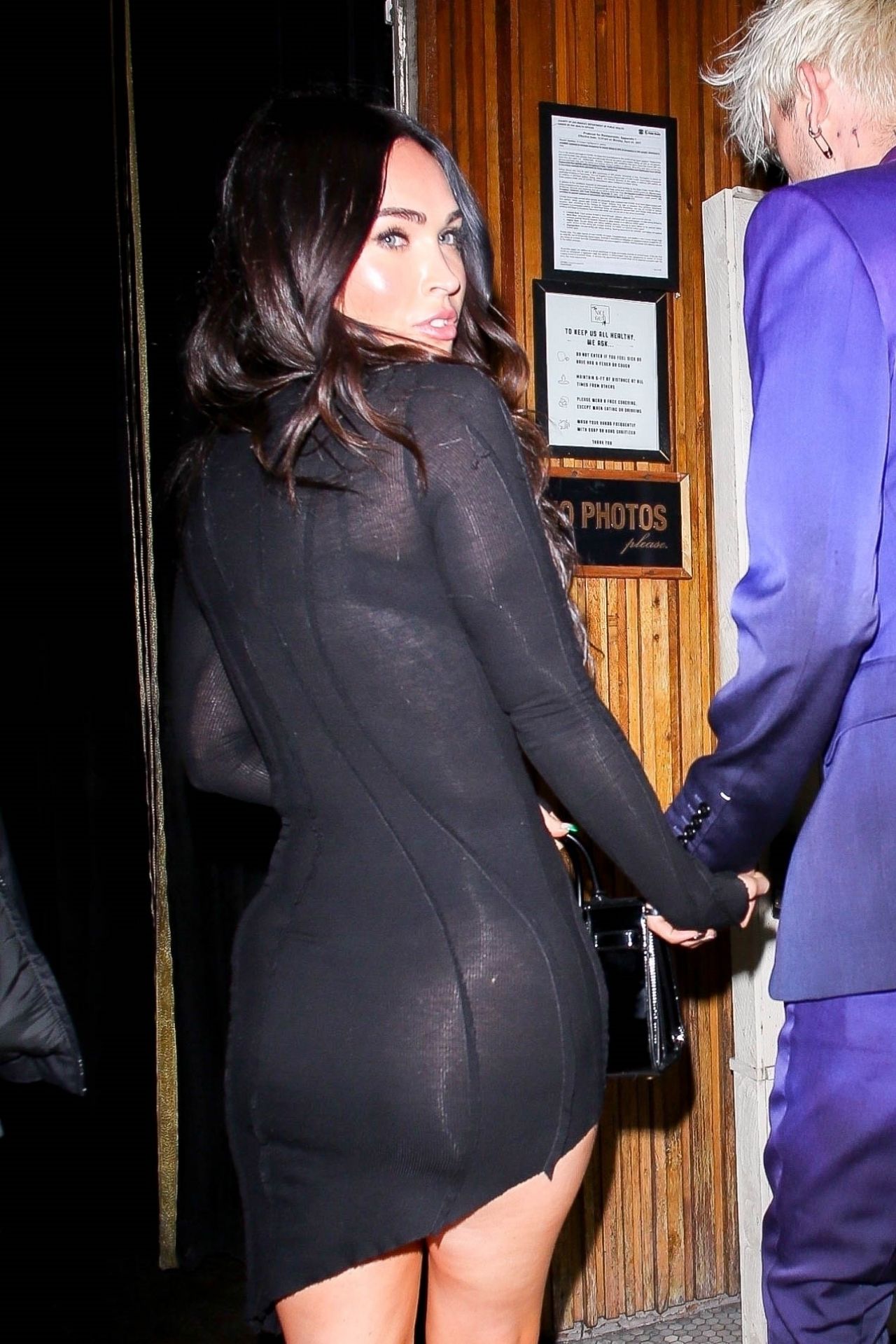
 at the Nice Guy in West Hollywood 04/08/2021


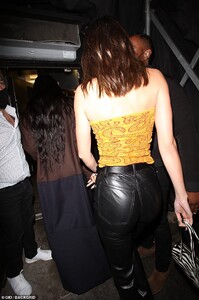





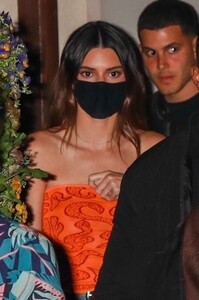

 at the Nice Guy in West Hollywood 04/08/2021








 at the Nice Guy in West Hollywood 04/08/2021






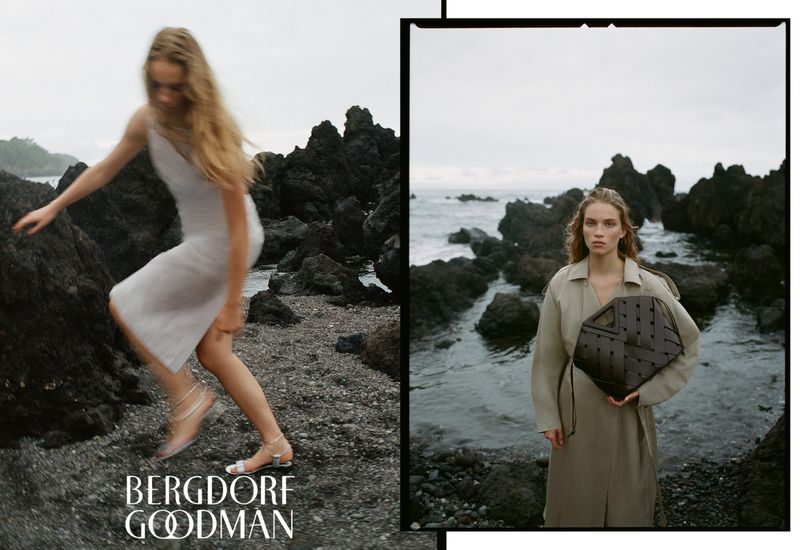
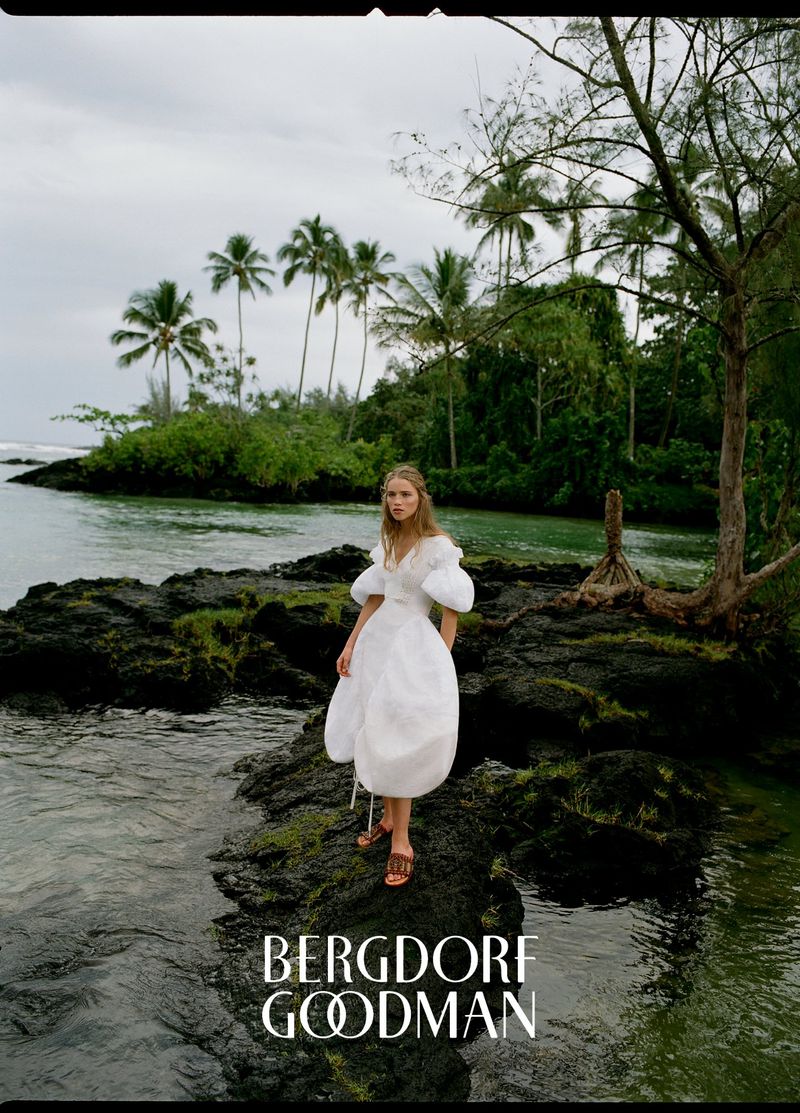
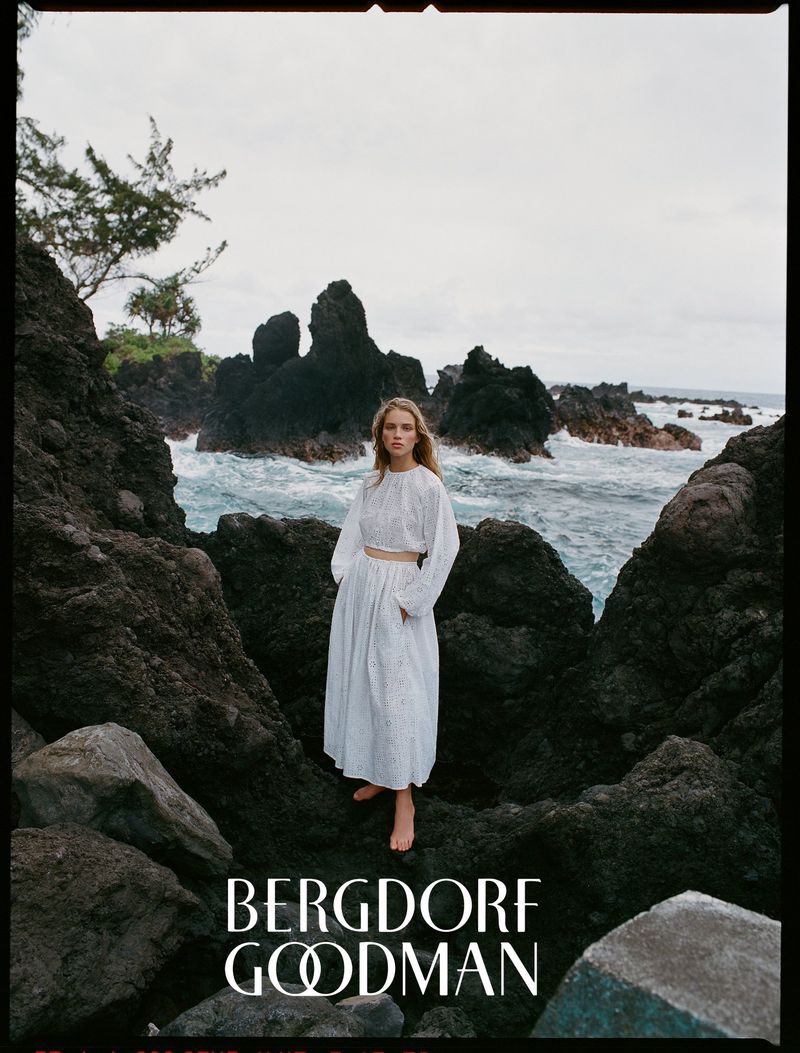
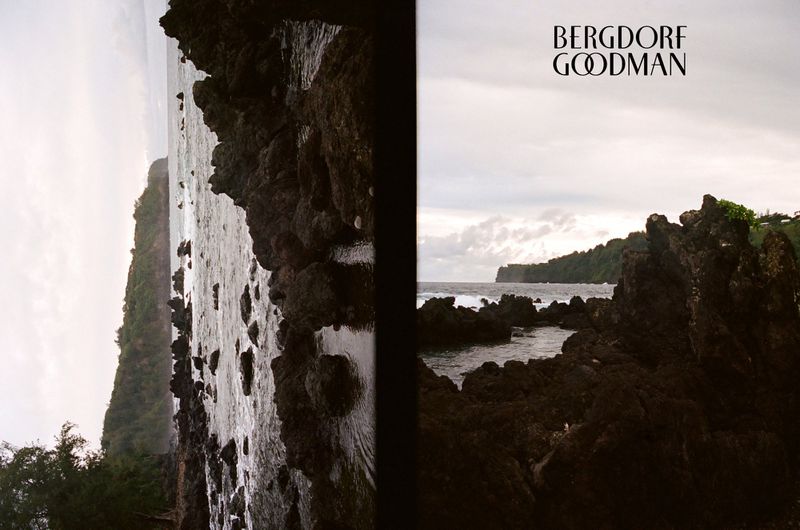
 Bergdorf Goodman SS 21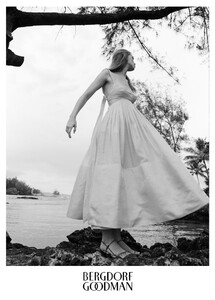



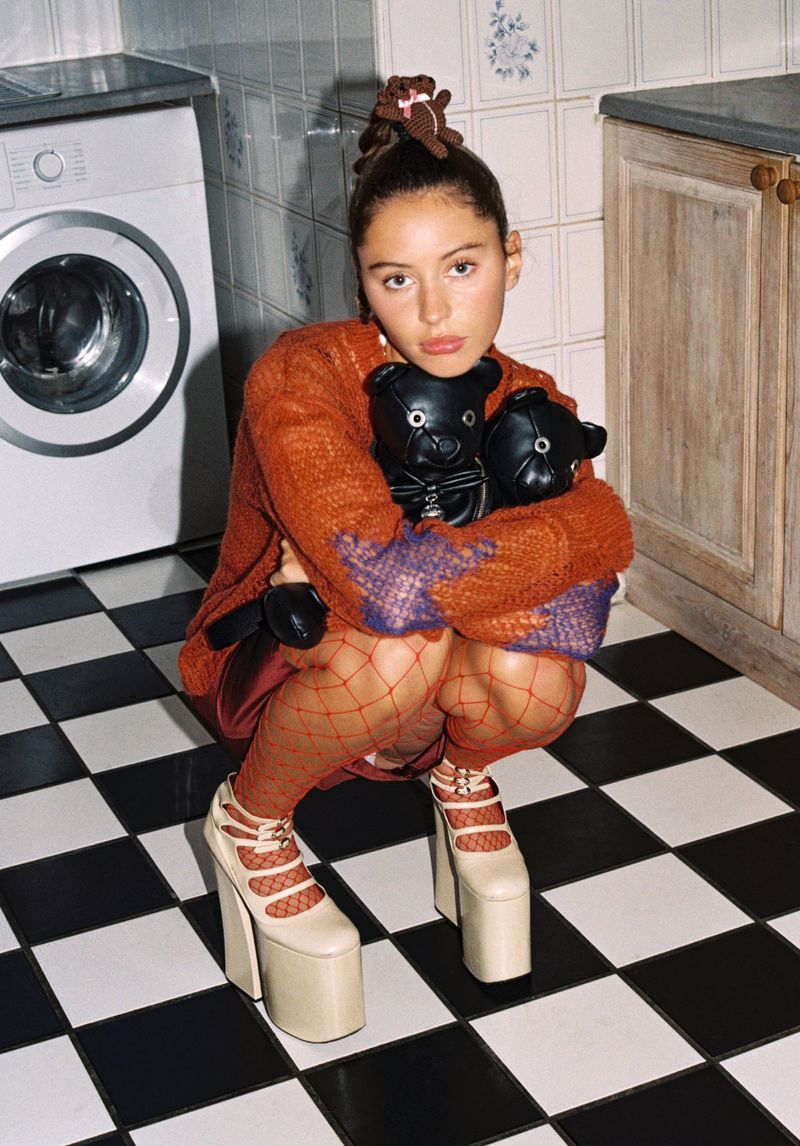
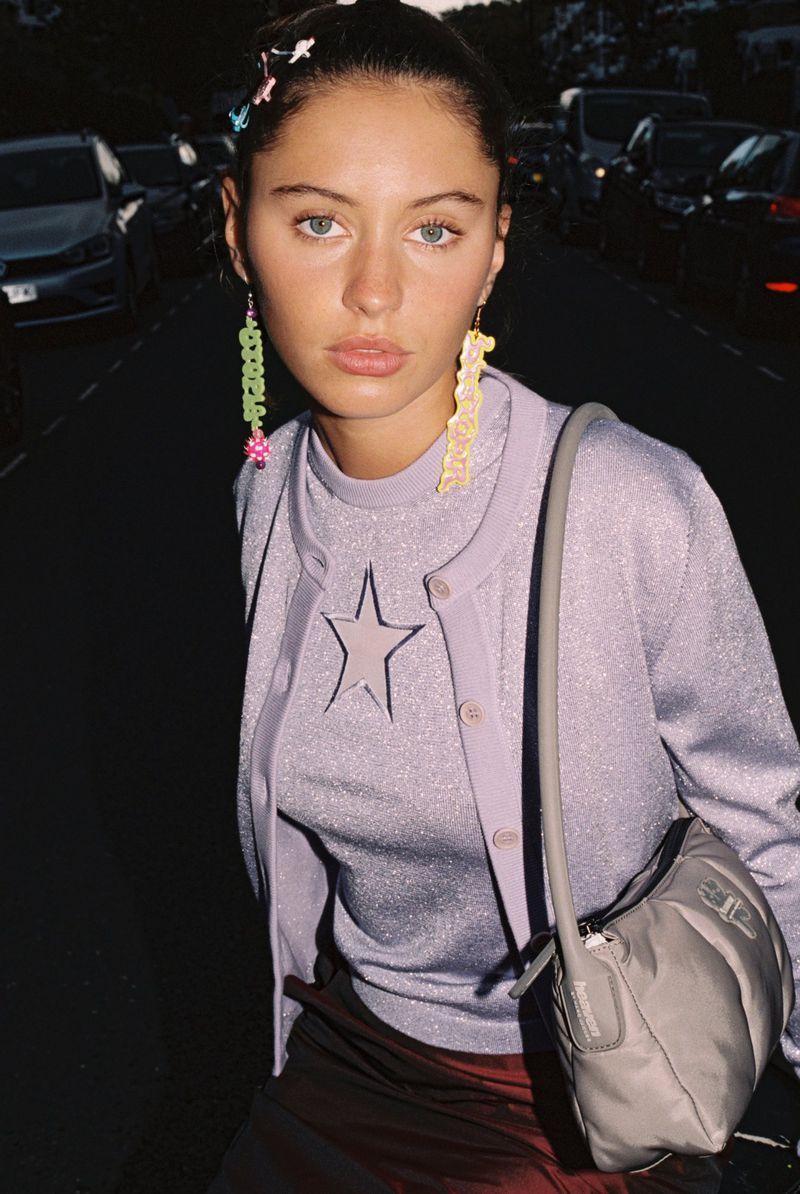
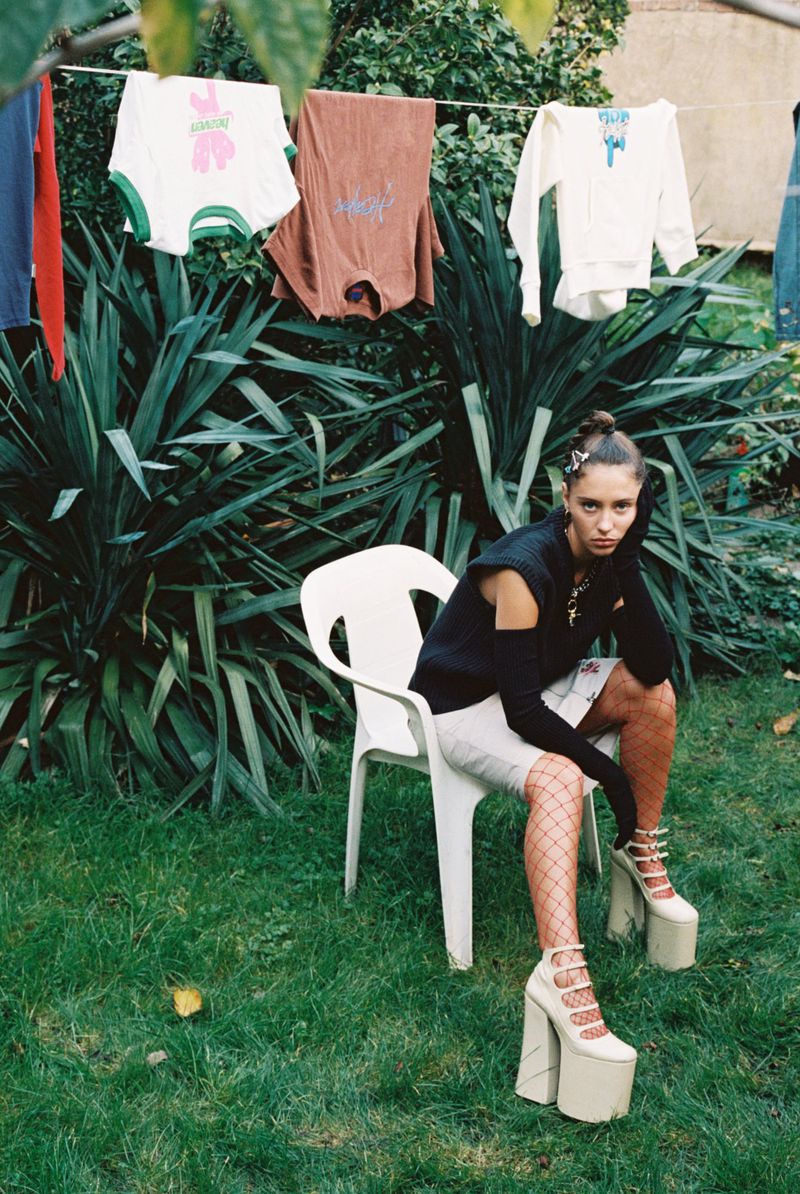
 Marc Jacobs Heaven April 2021








 26 October 2020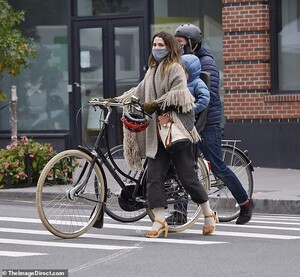
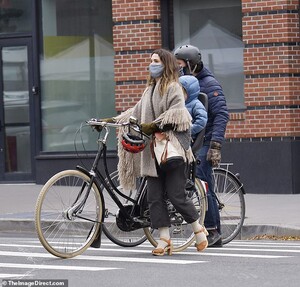
 25 March 2021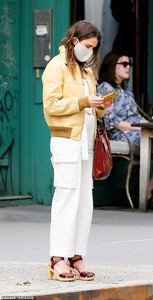
.thumb.jpg.537e24ecbf3adf1fcc520a4fffd3619c.jpg)
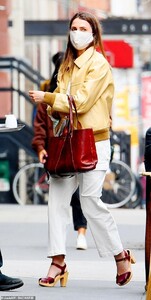 8 April 2021

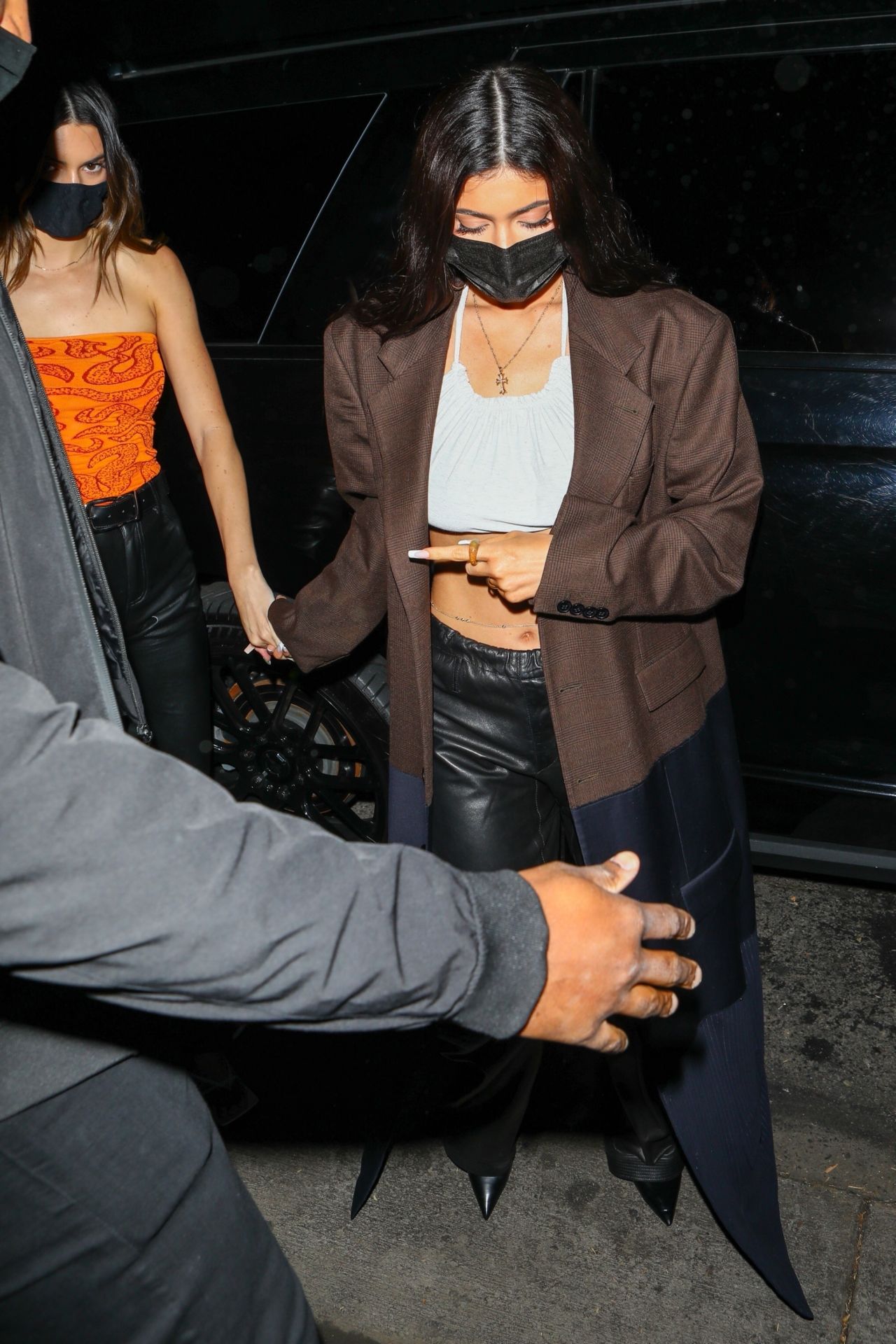
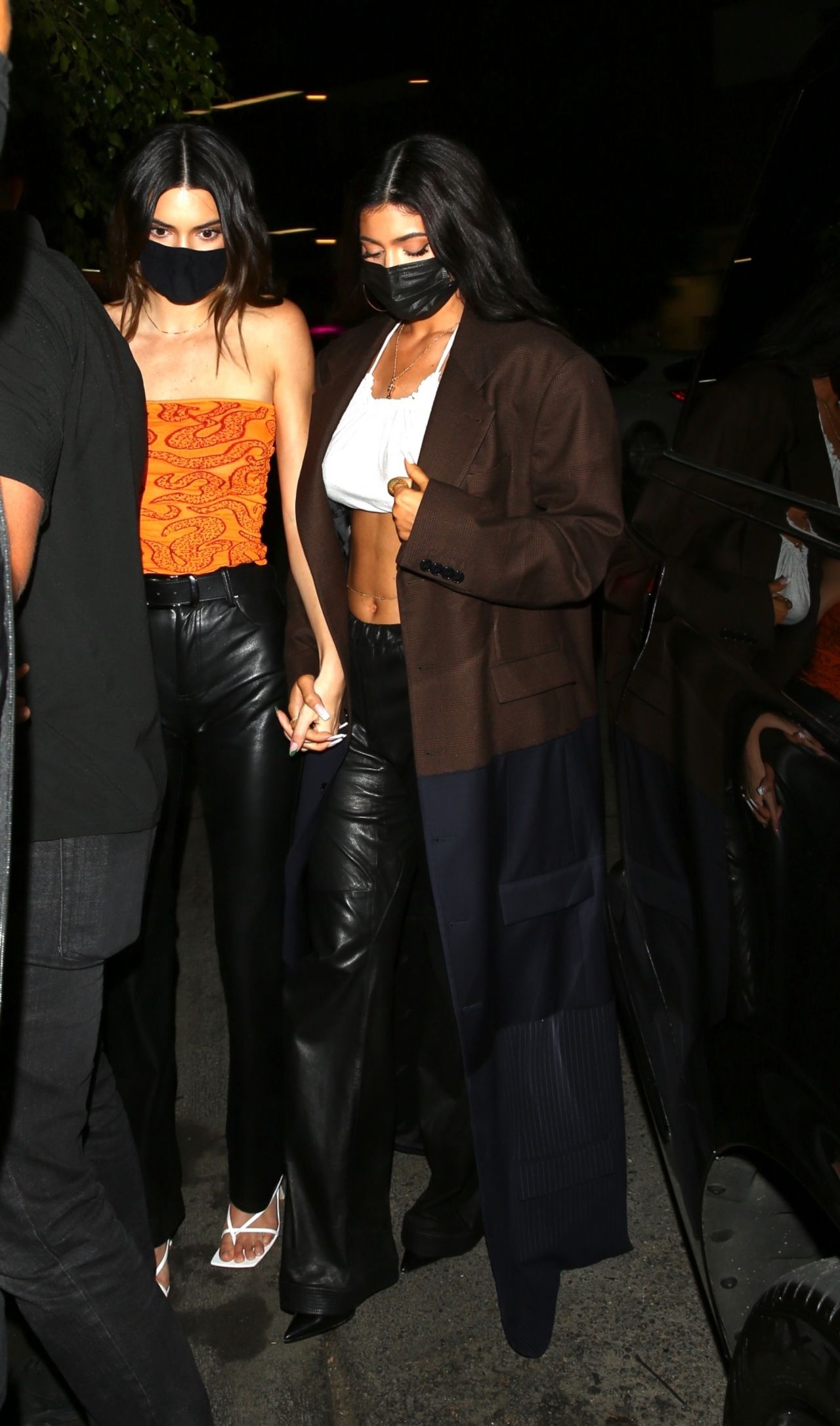
 Baby2Baby charity event in LA


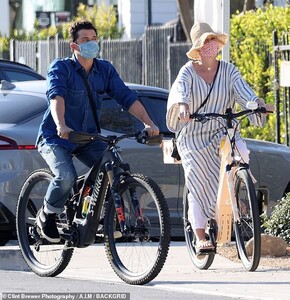
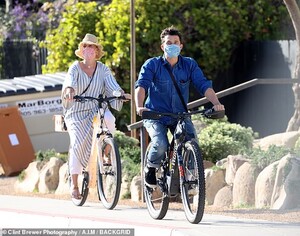
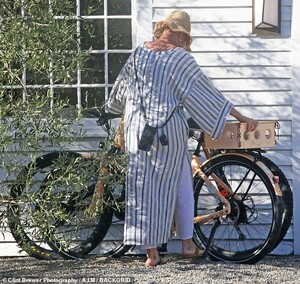
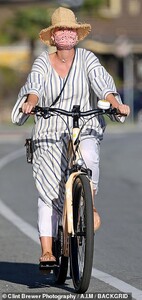
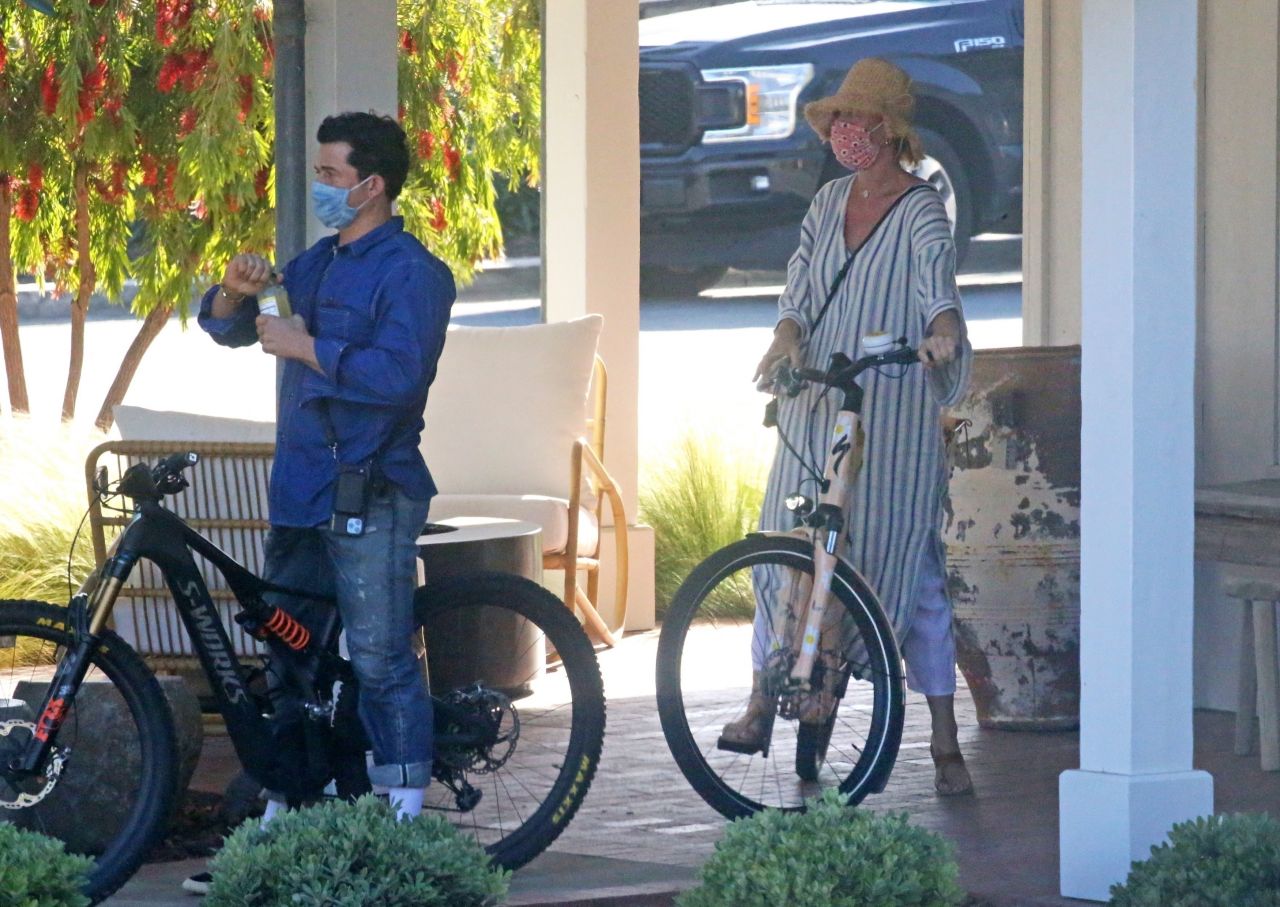
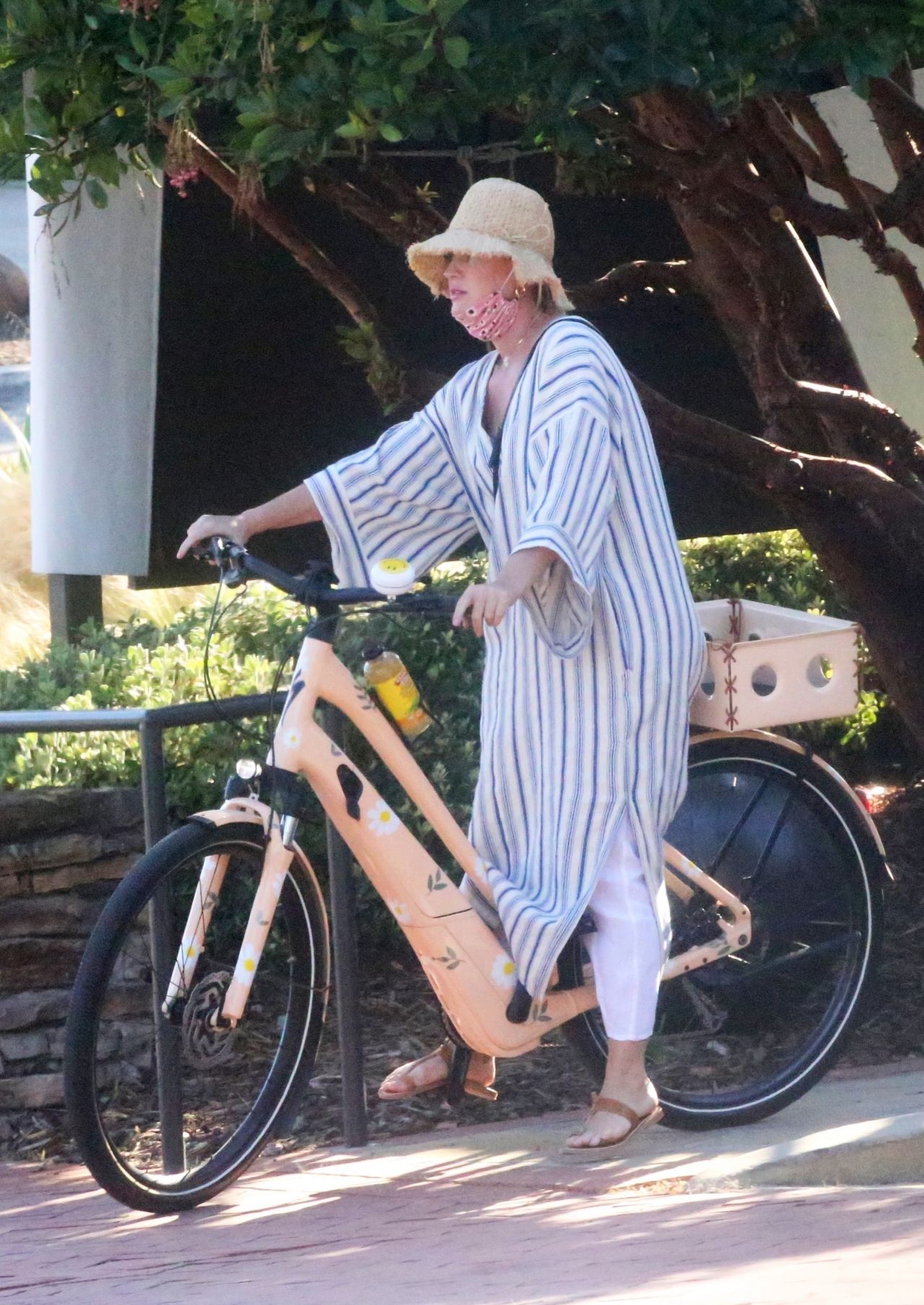
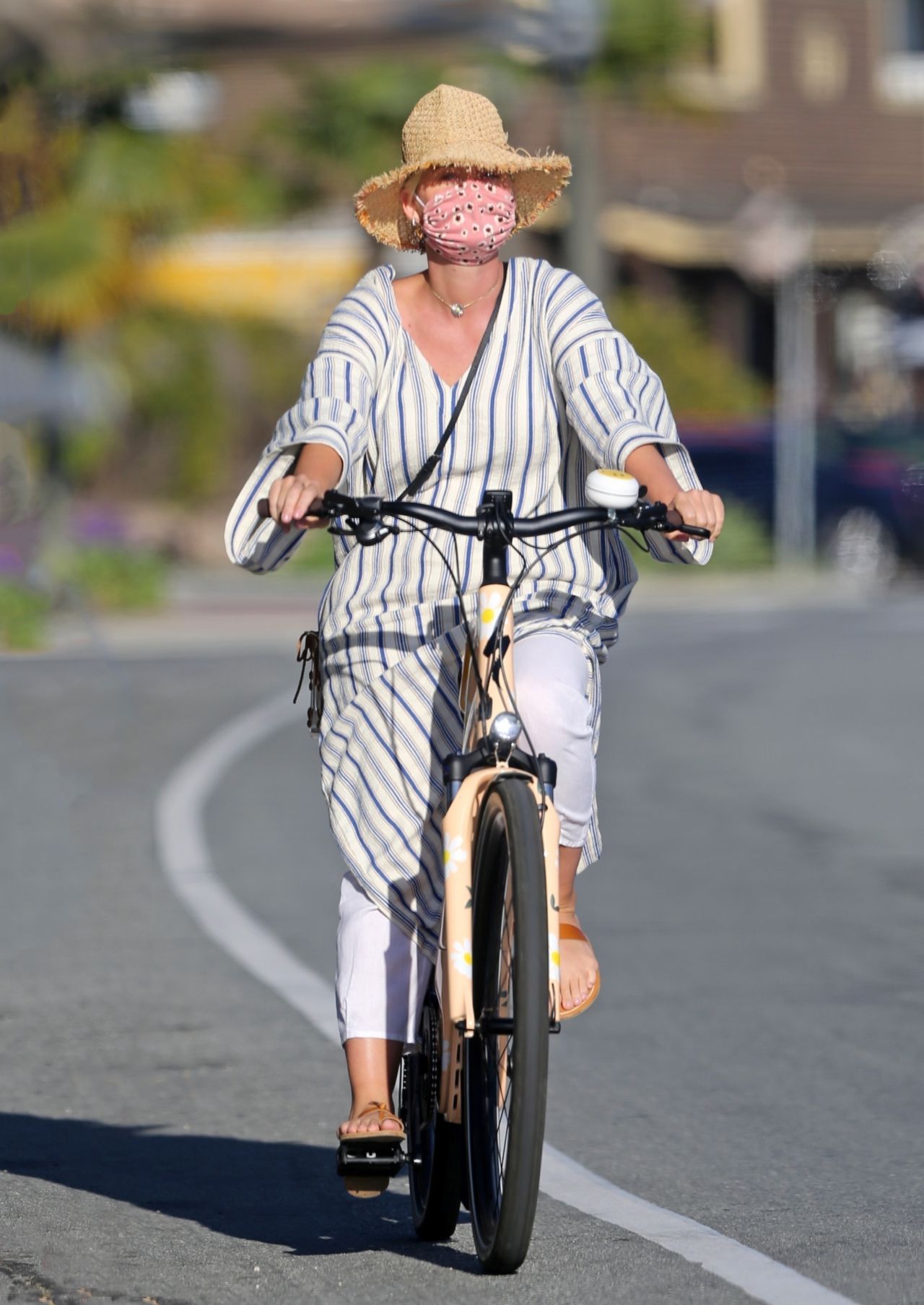
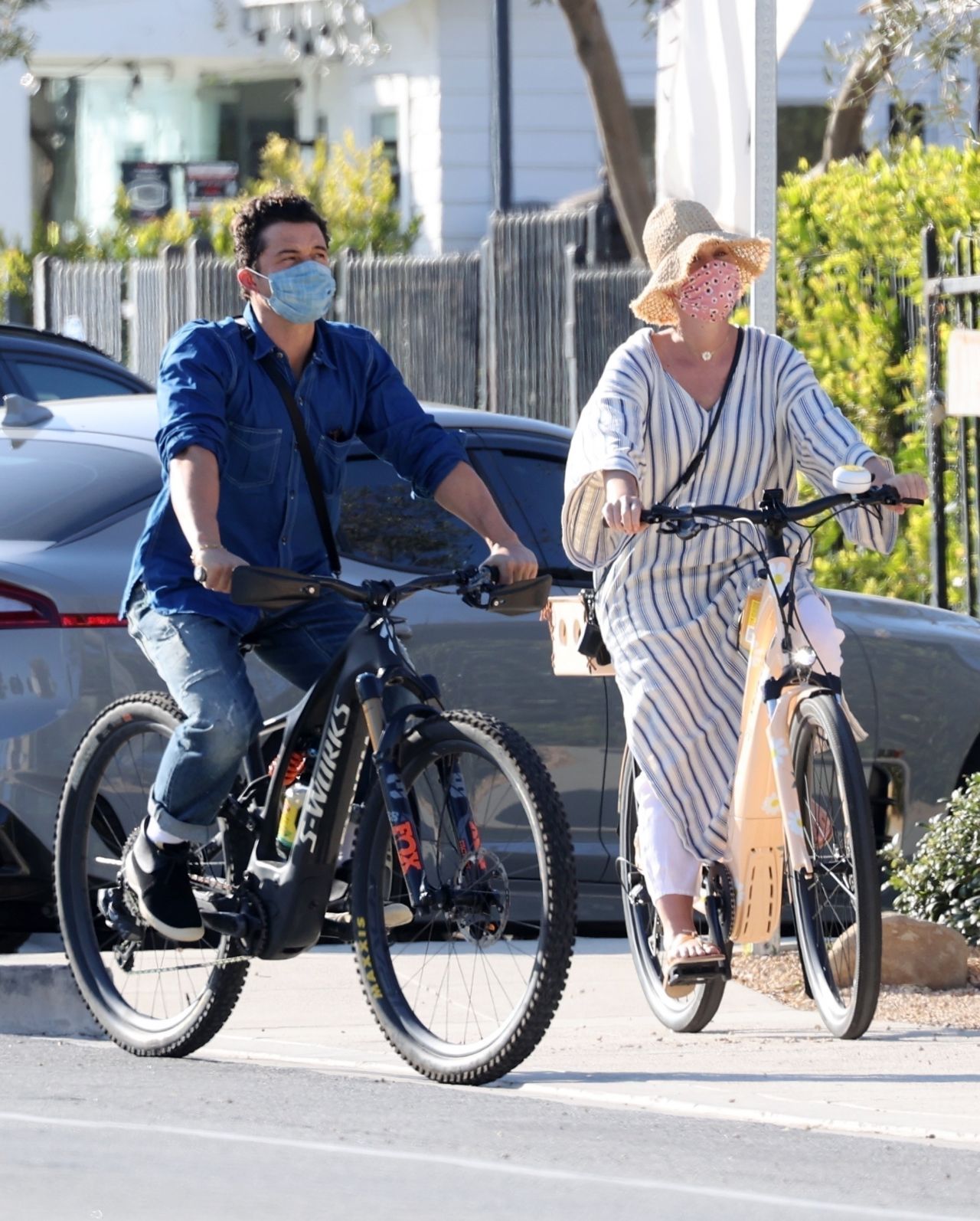
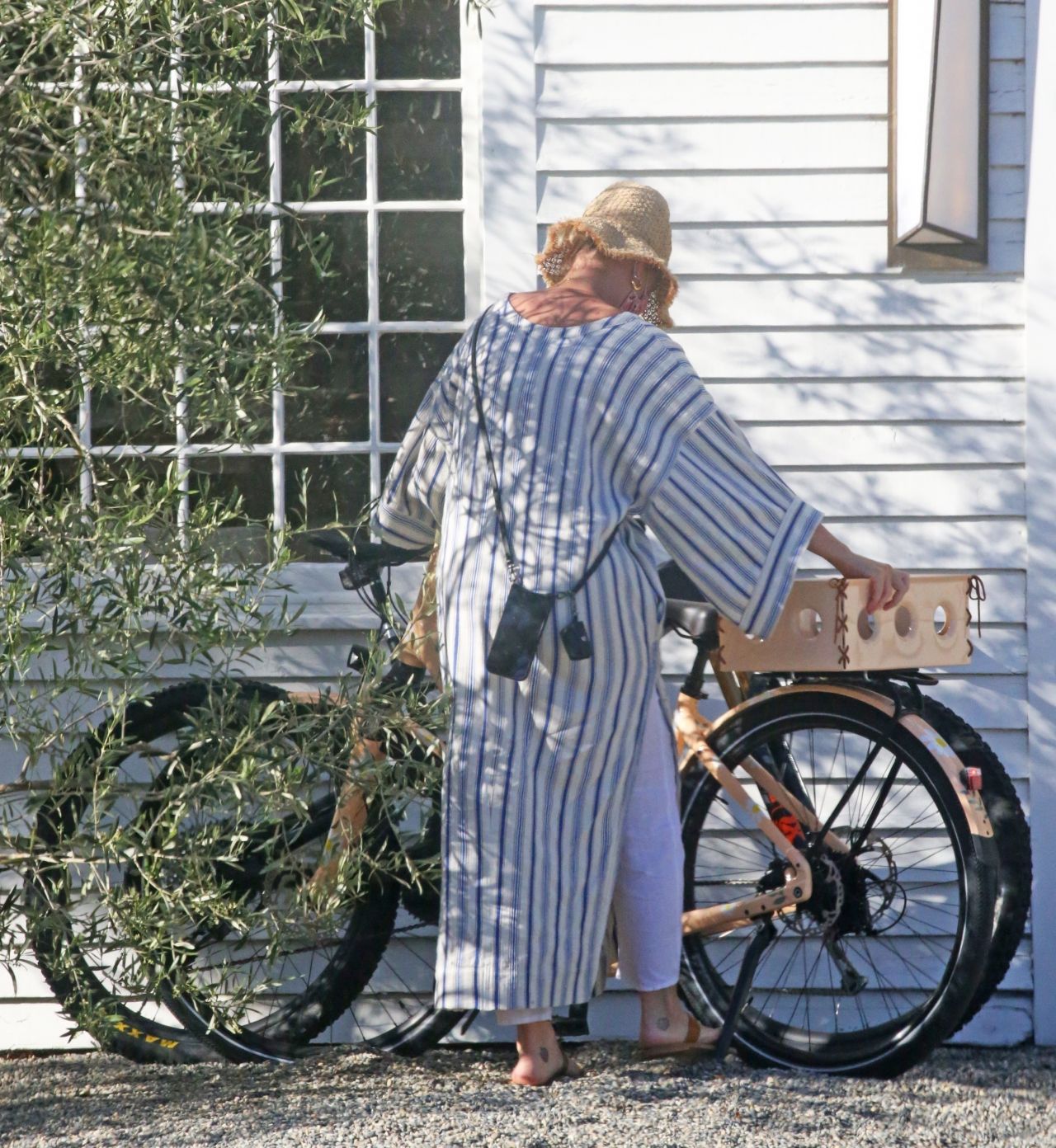
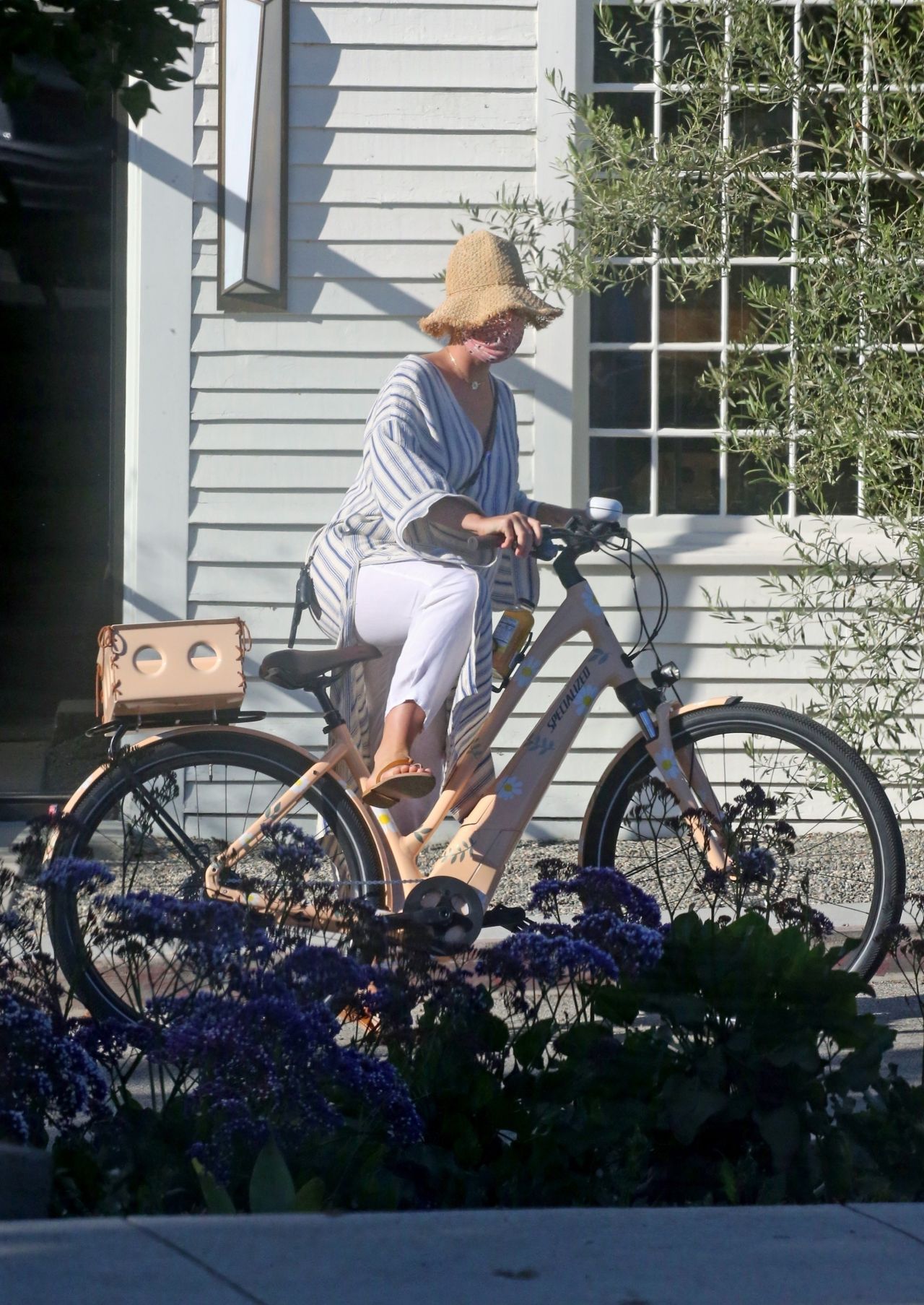
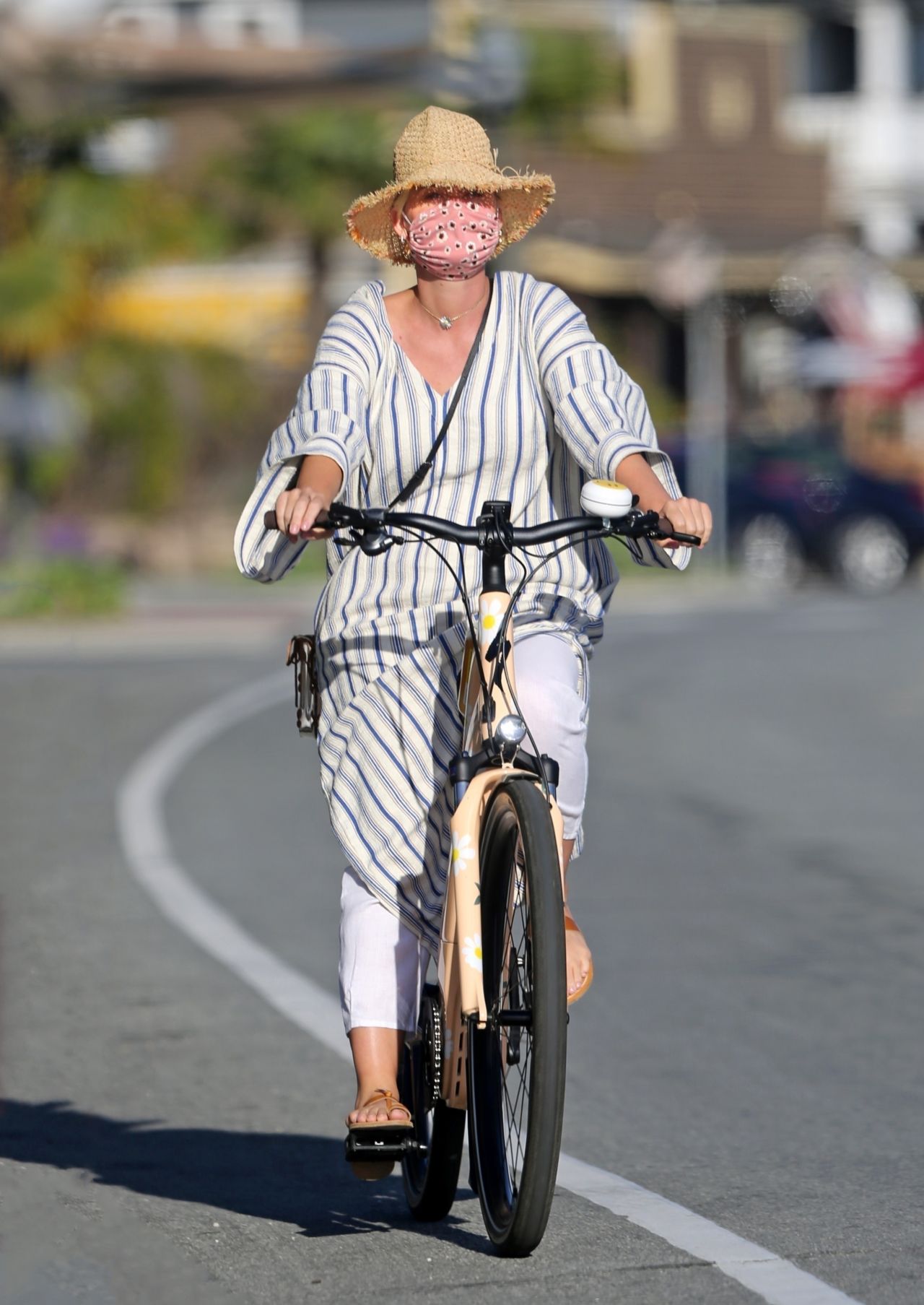
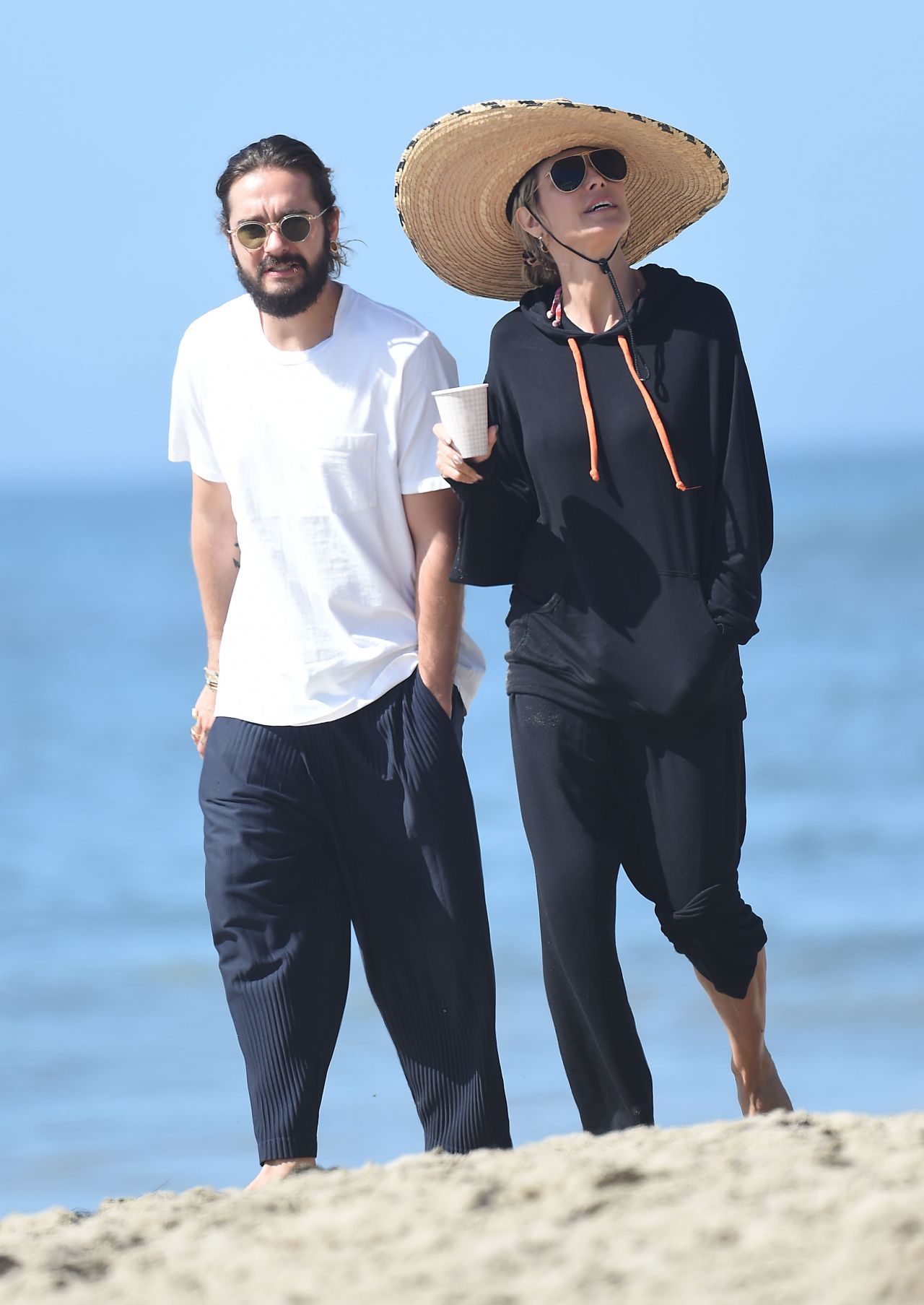
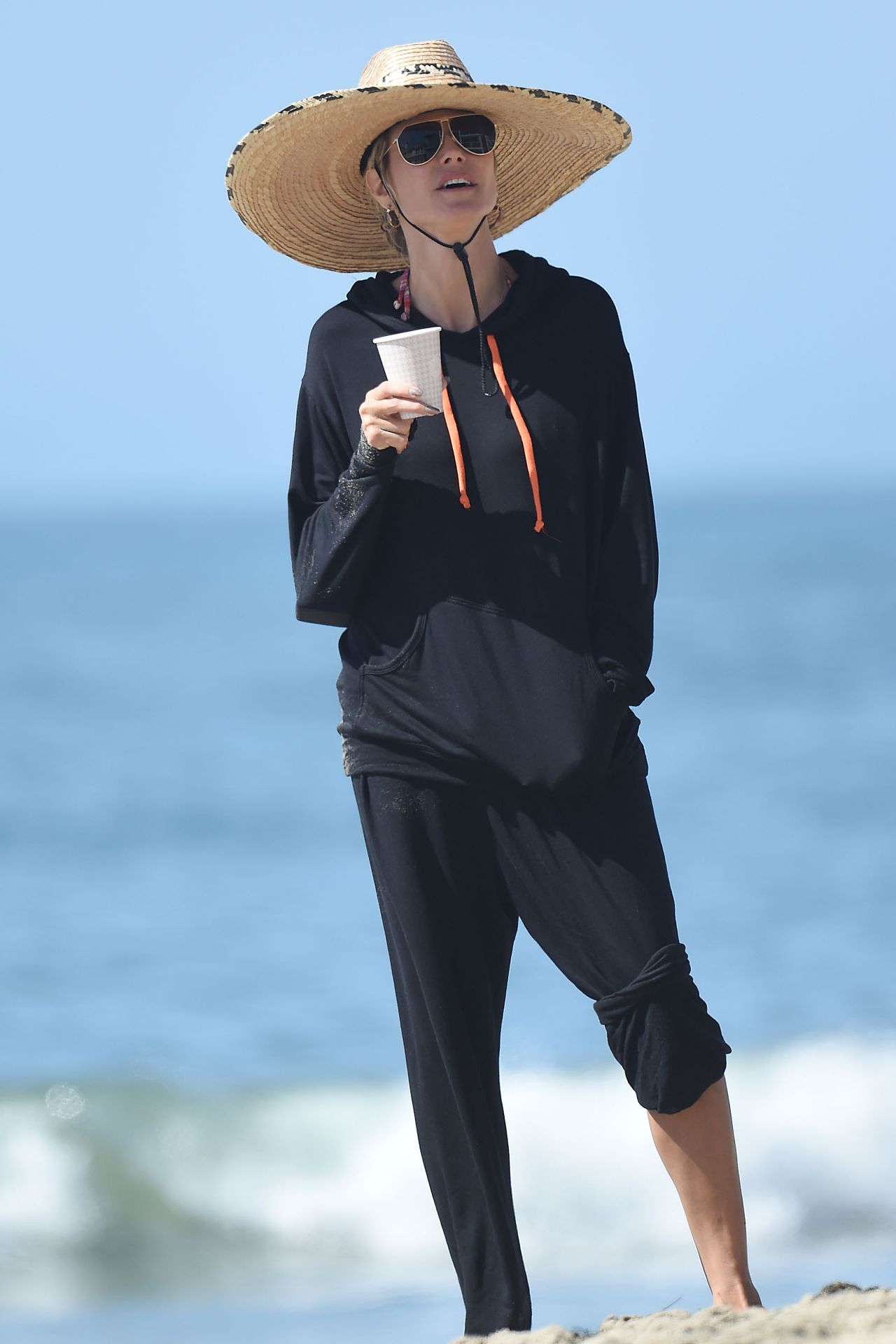
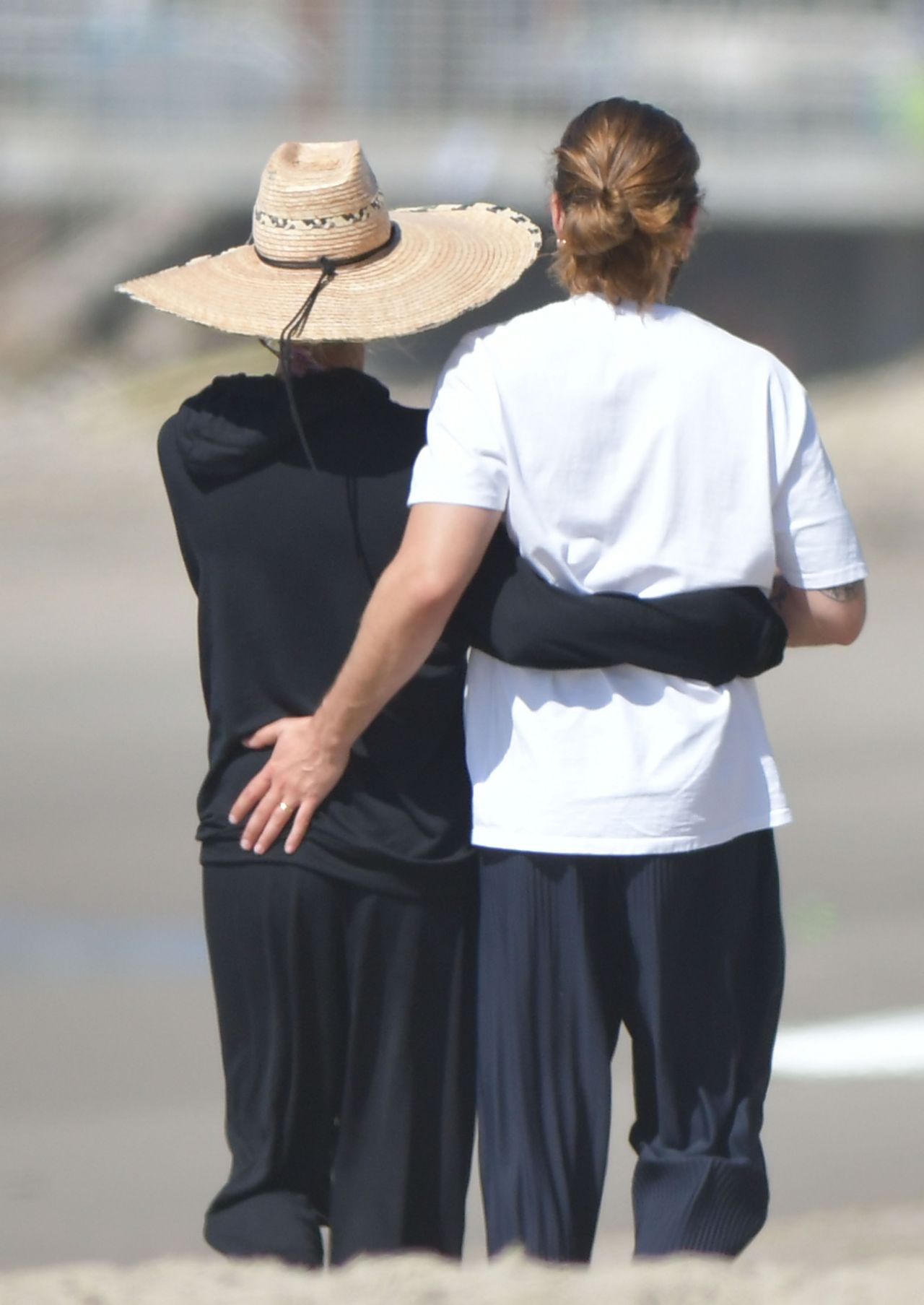
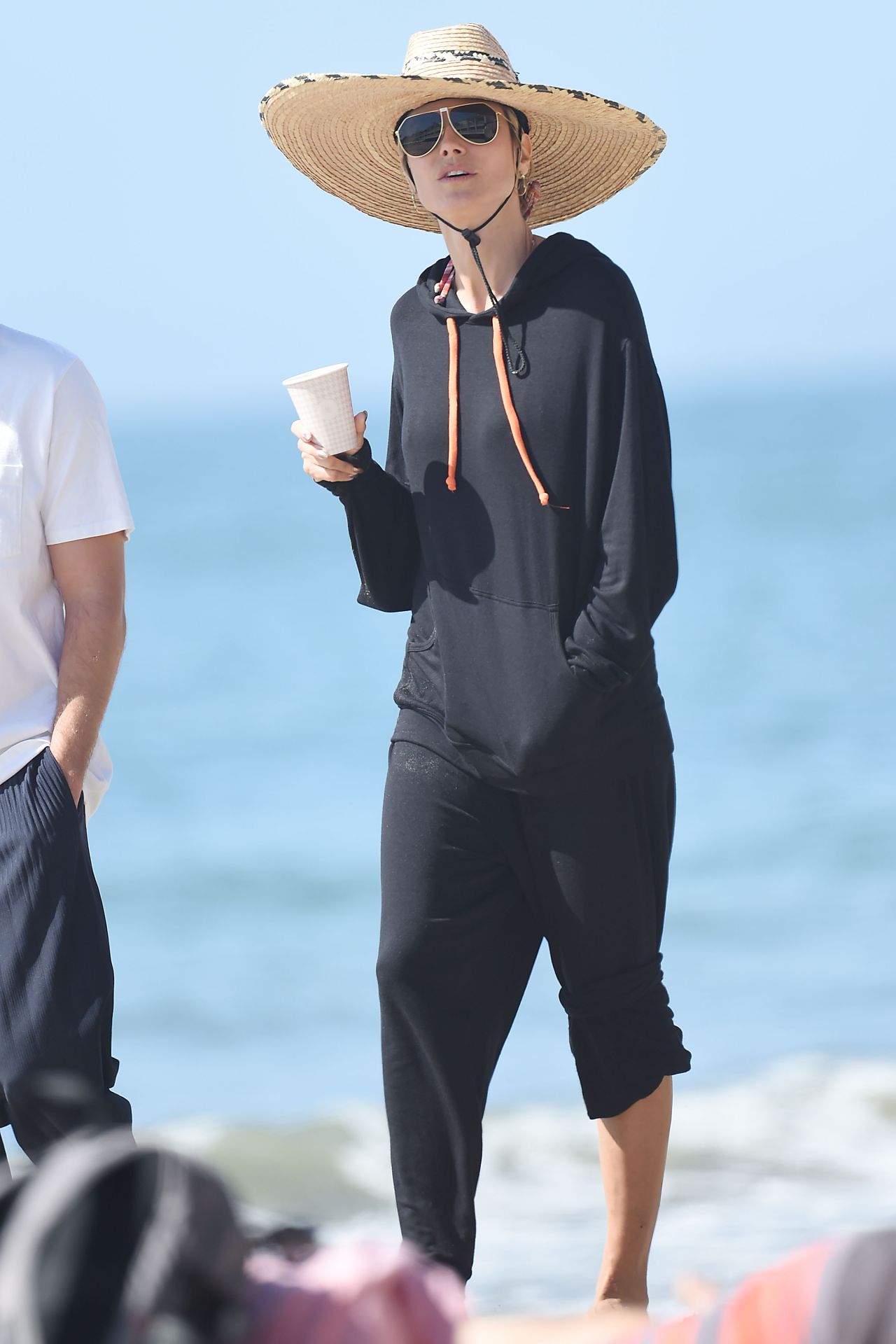
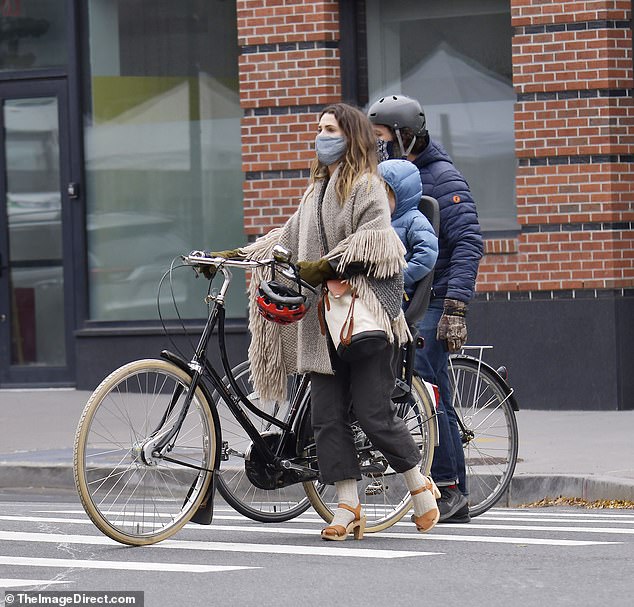
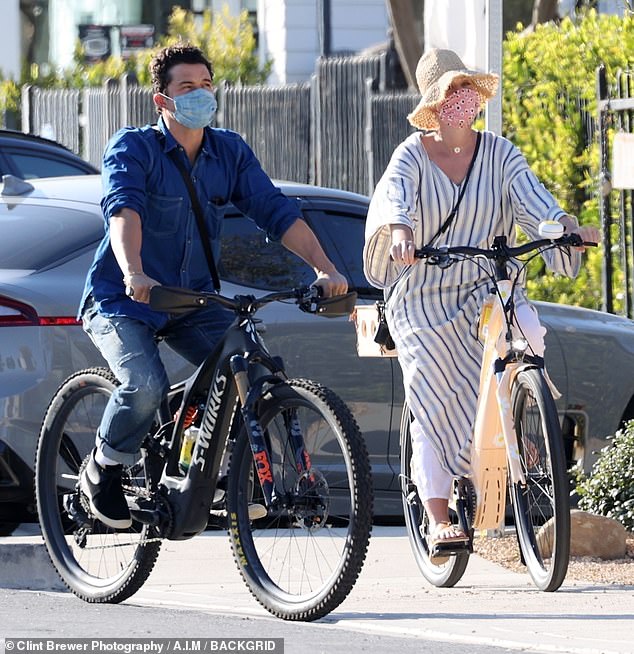
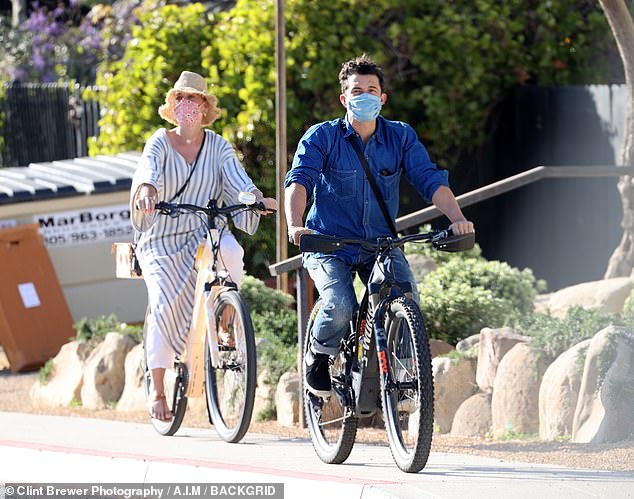
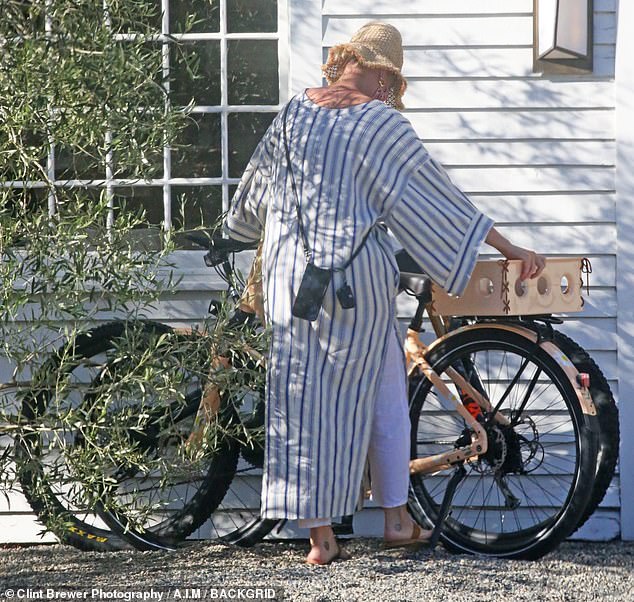
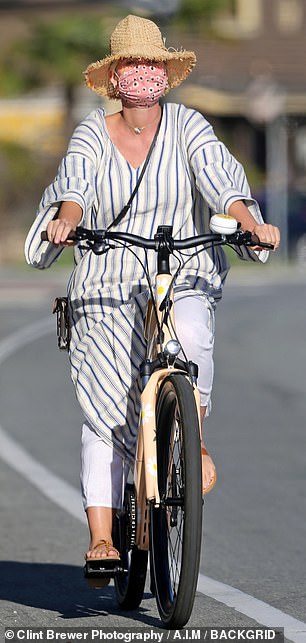
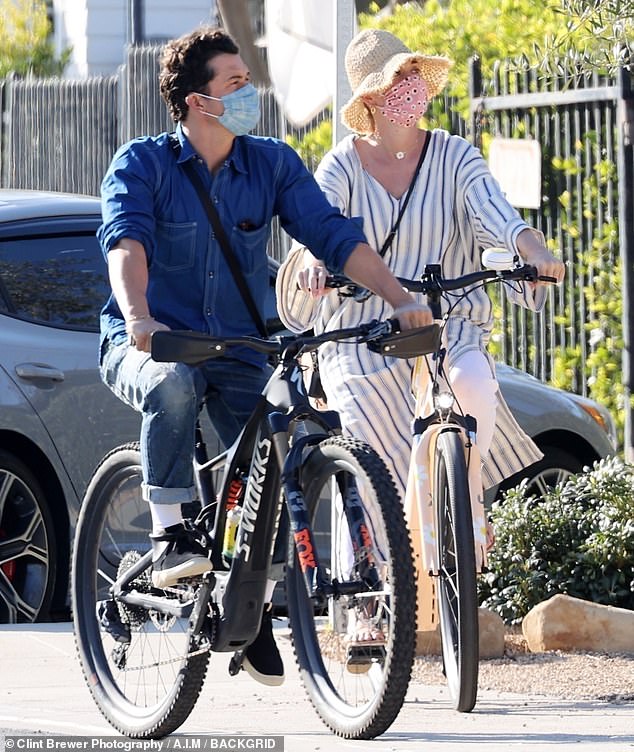
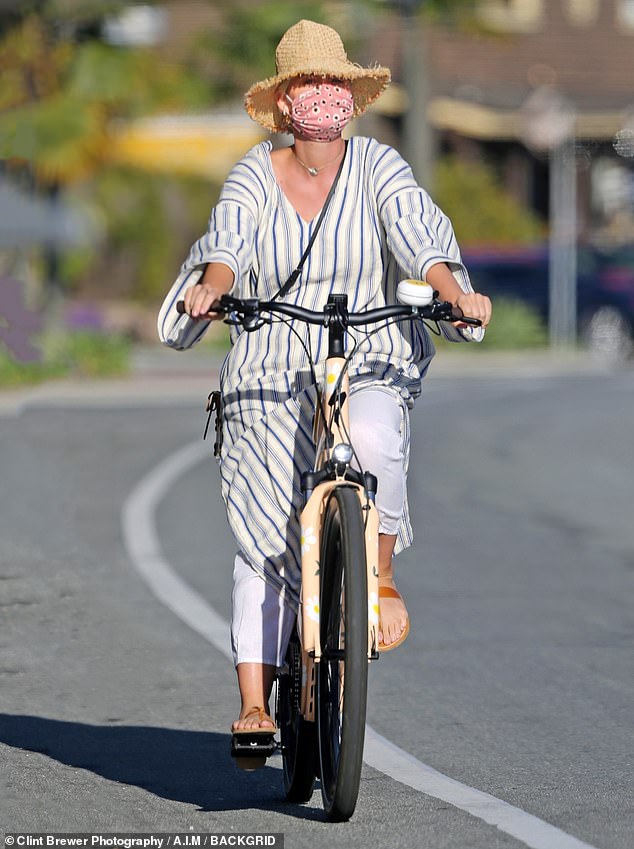
 Katy Perry and Orlando Bloom ride in style as they cruise around Santa Barbara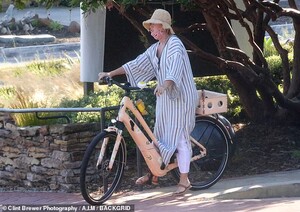



.jpg.663af776ea3bf6f87810cb98e888dd0c.jpg)











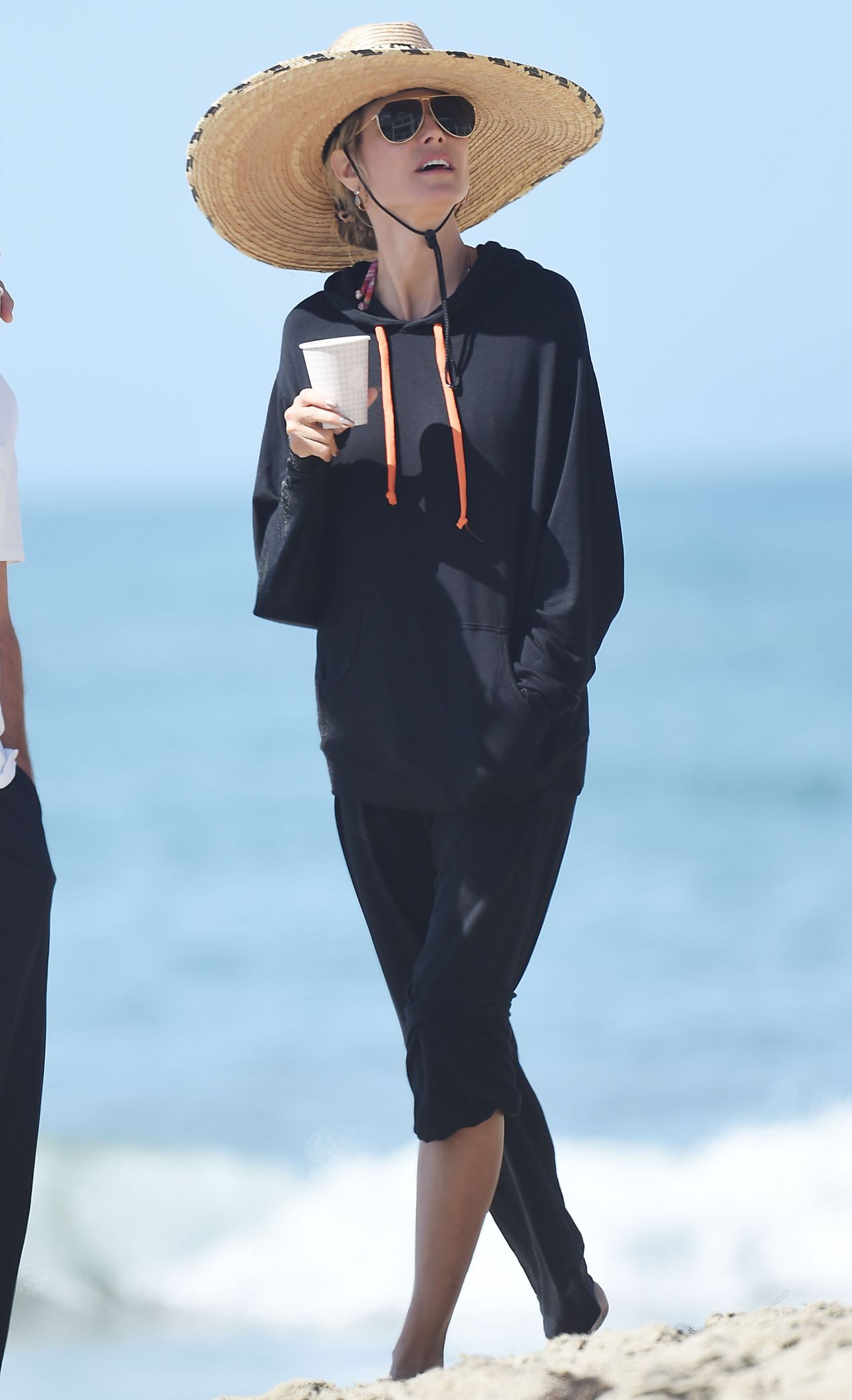
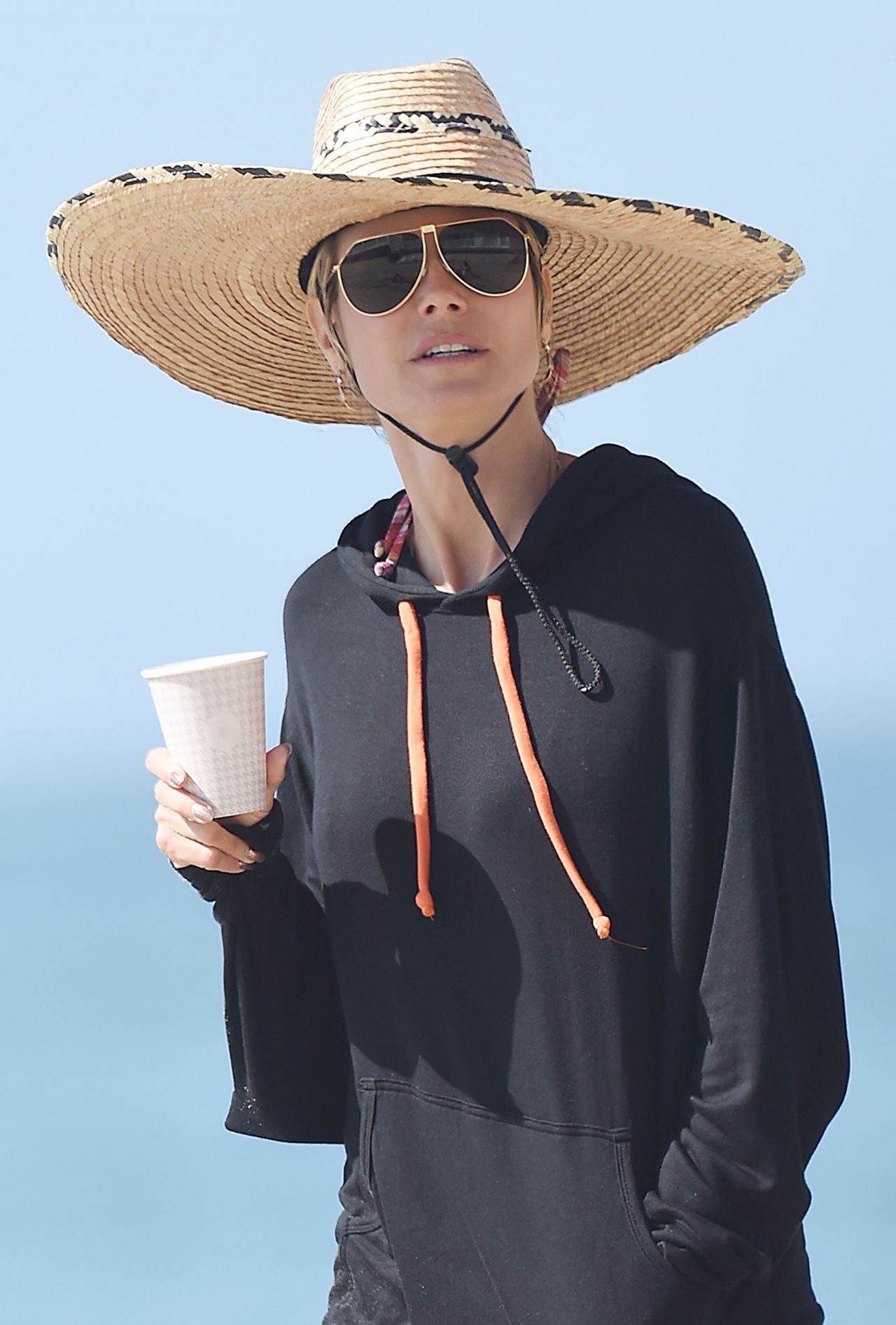

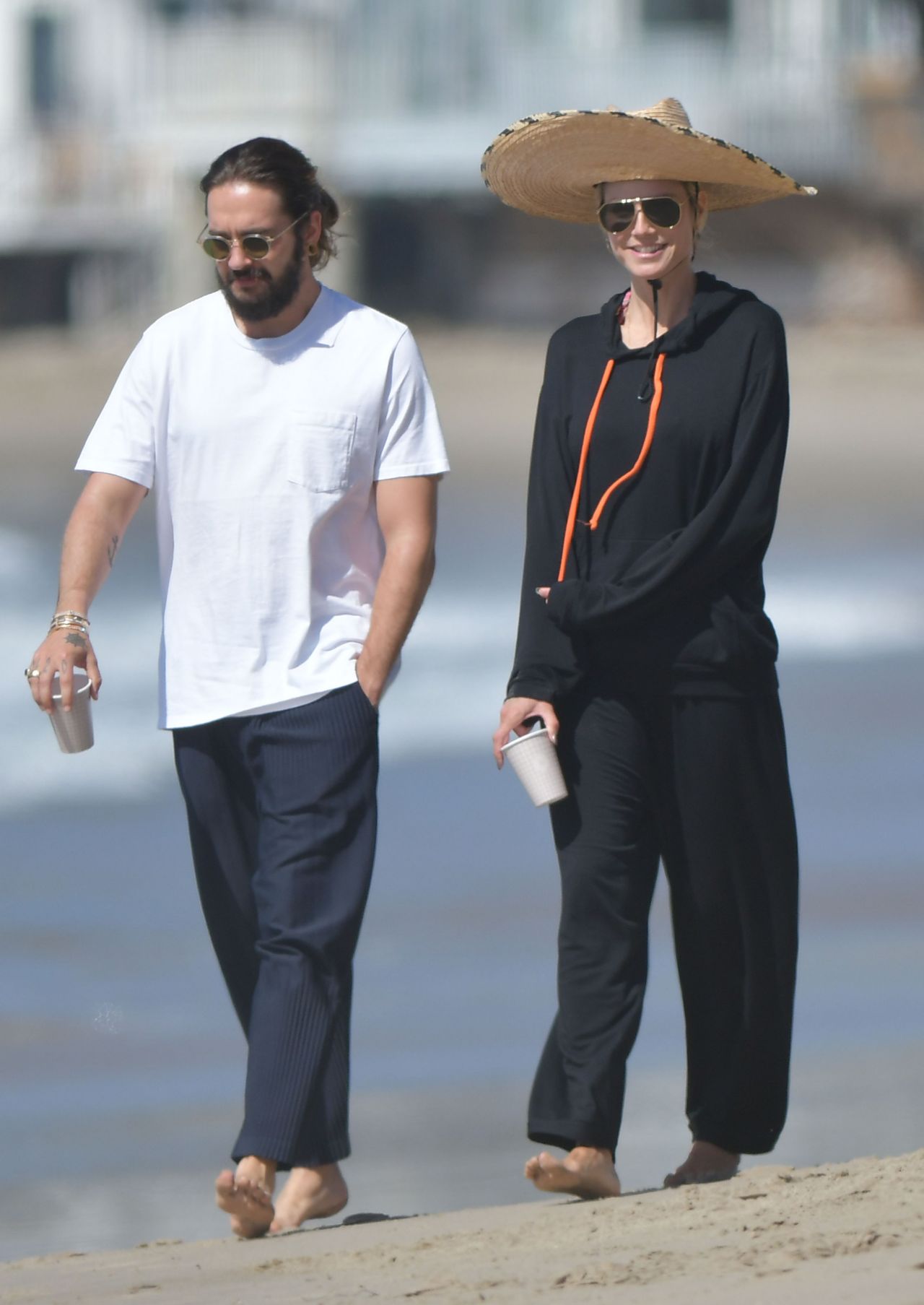
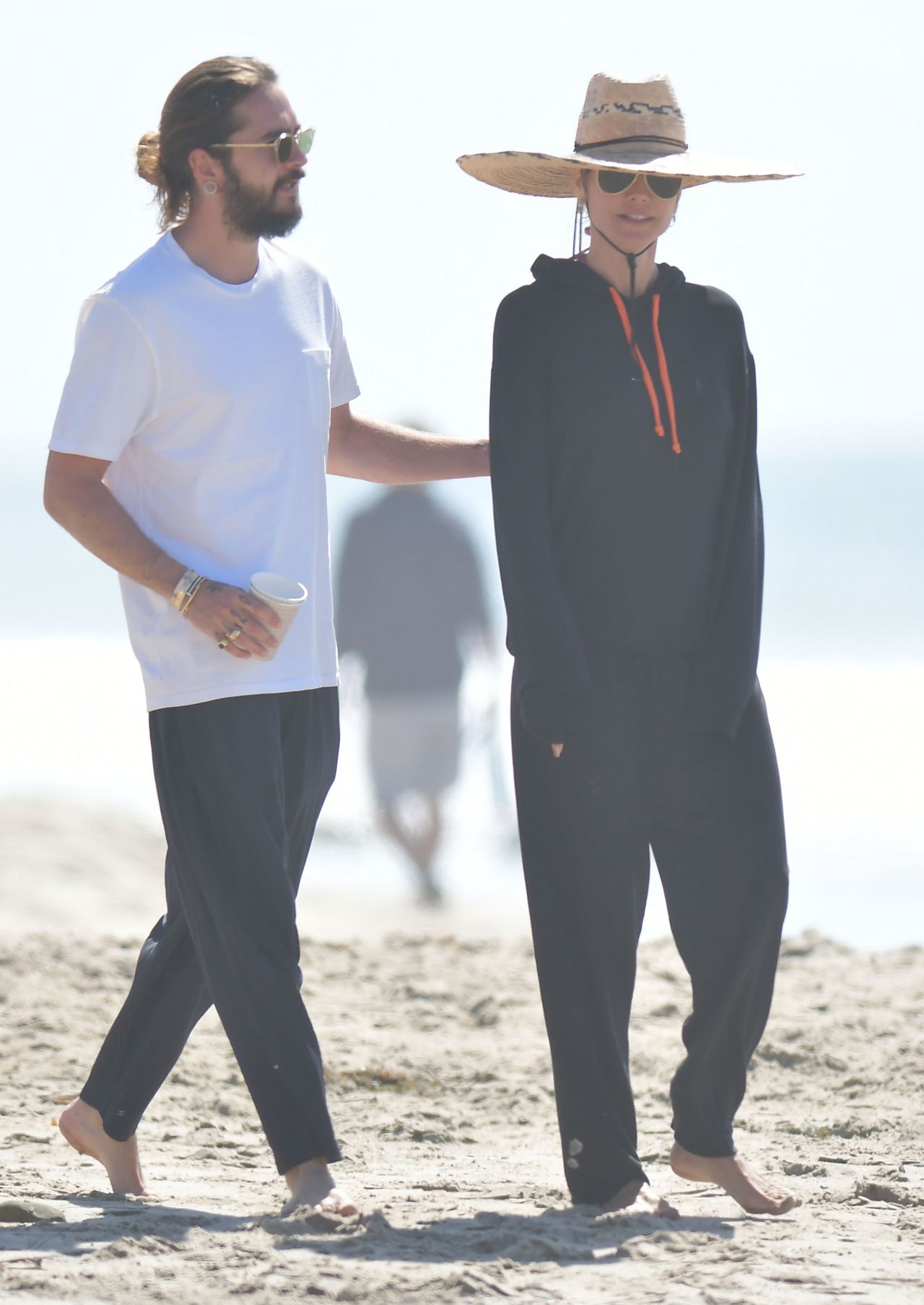



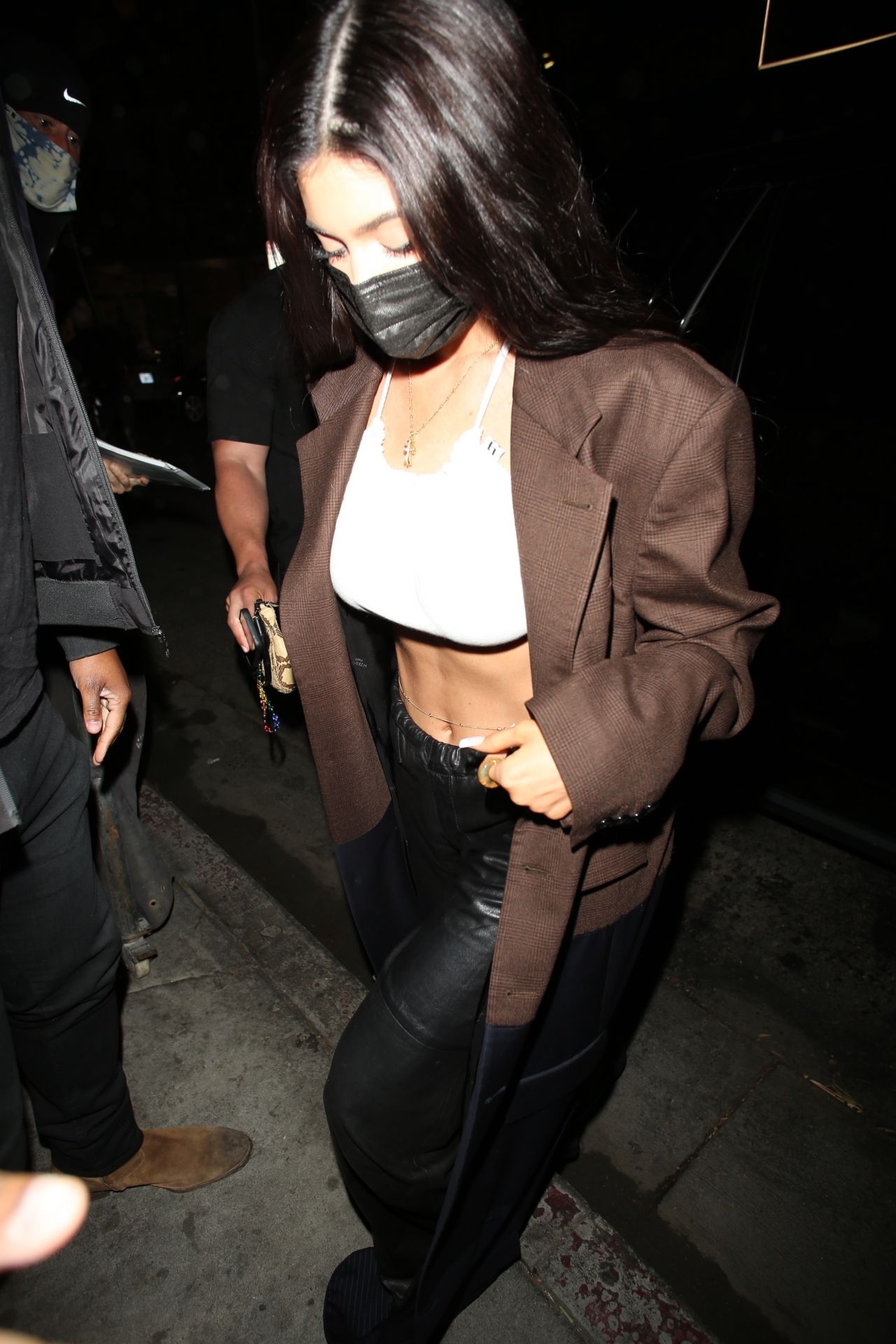
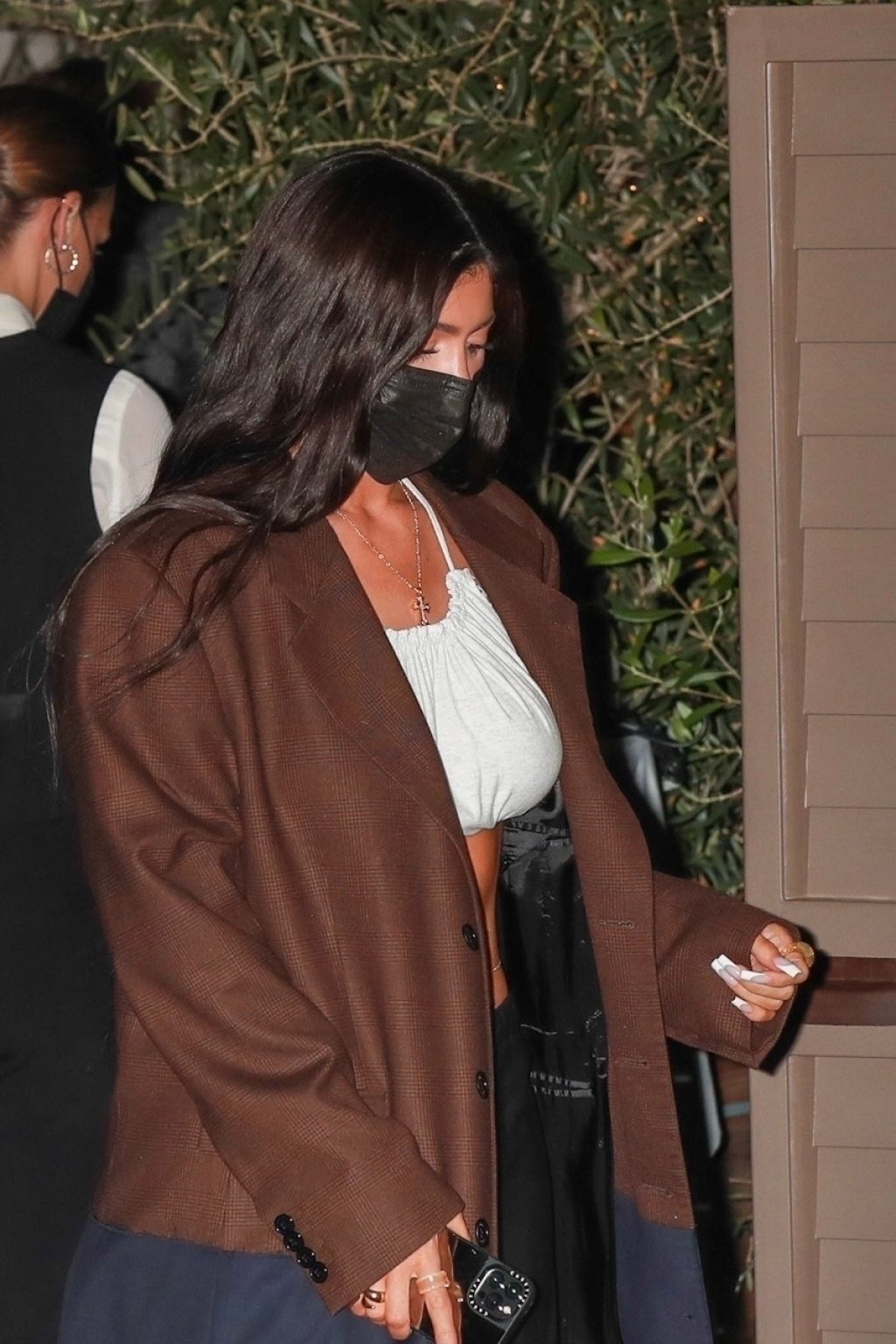
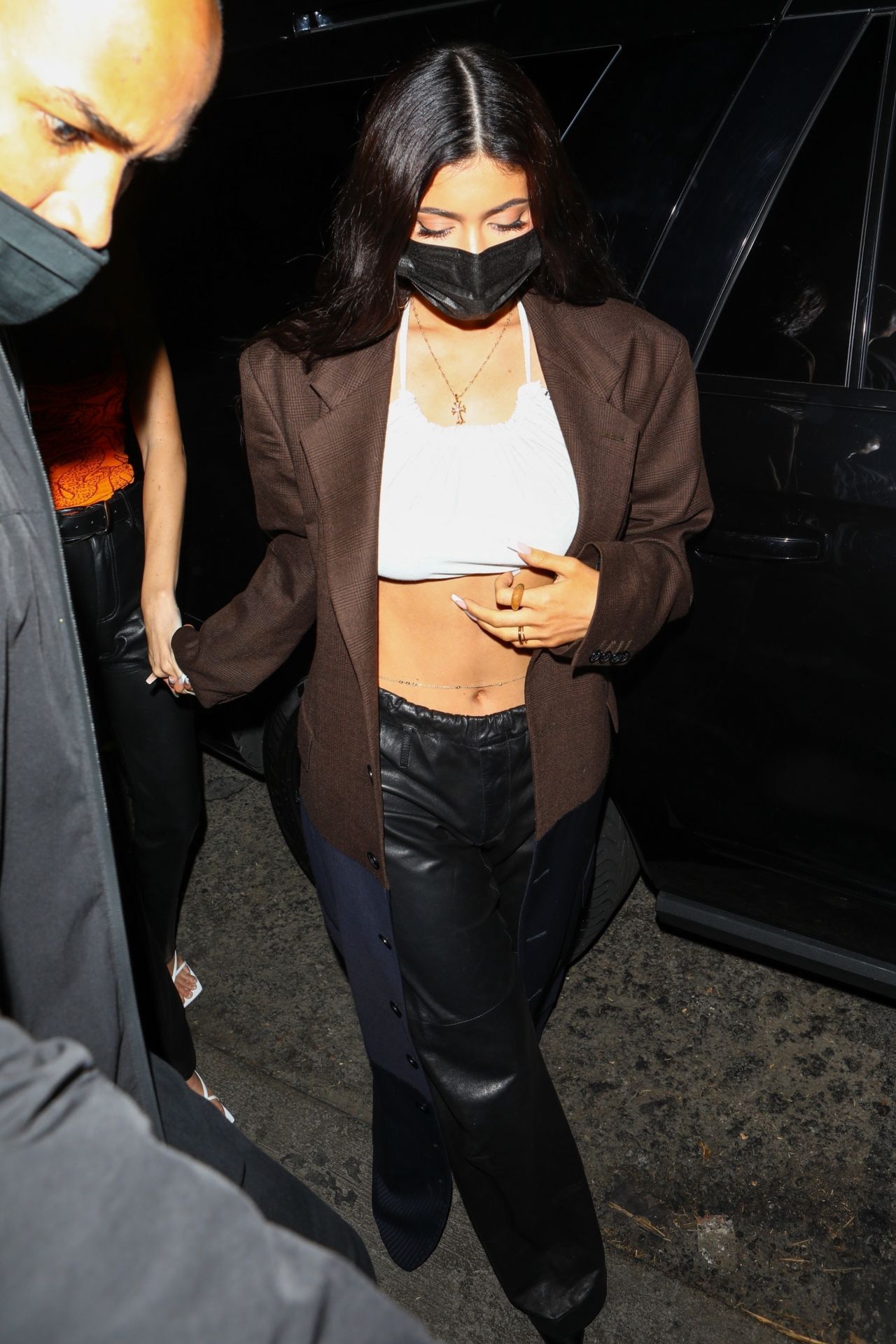

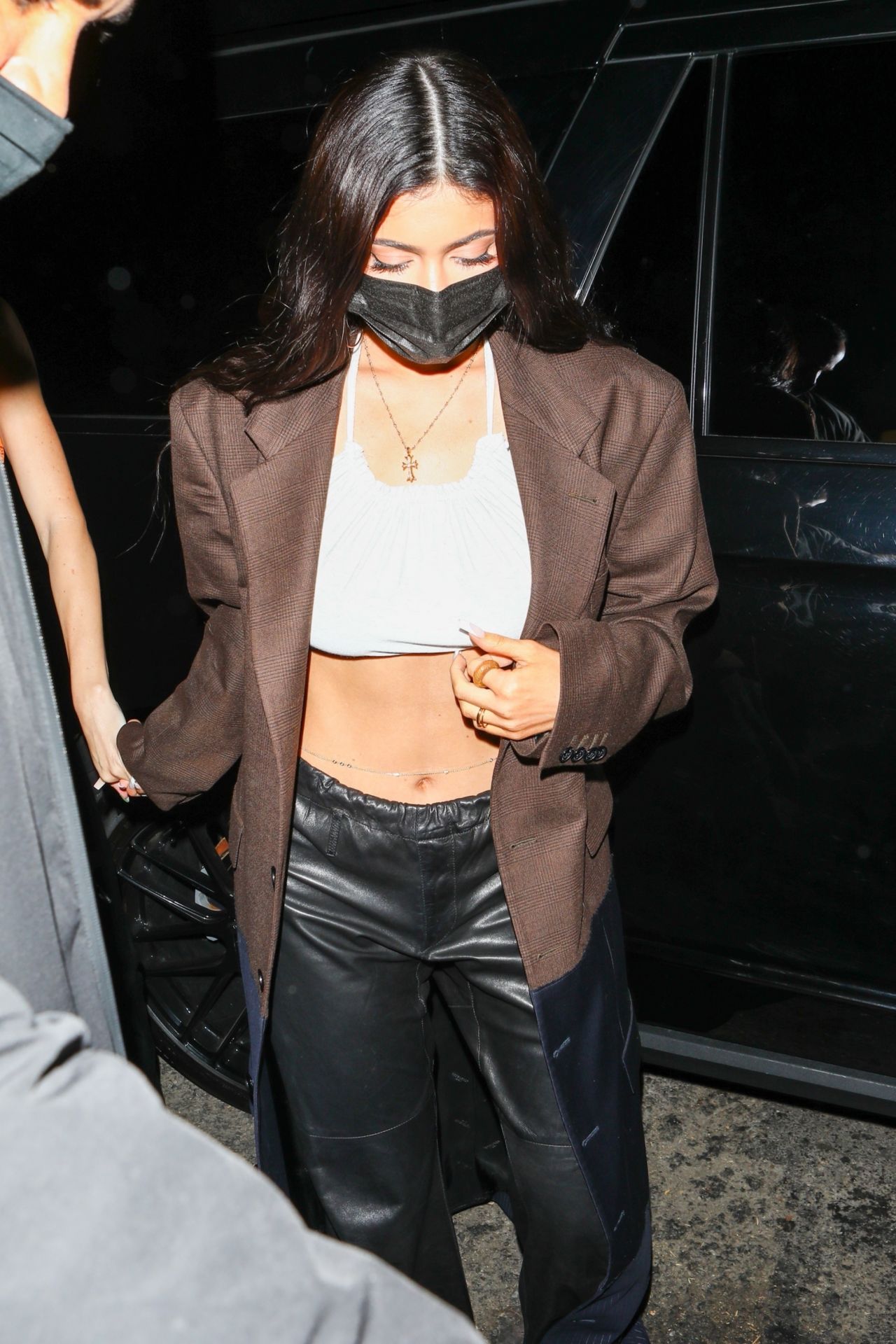




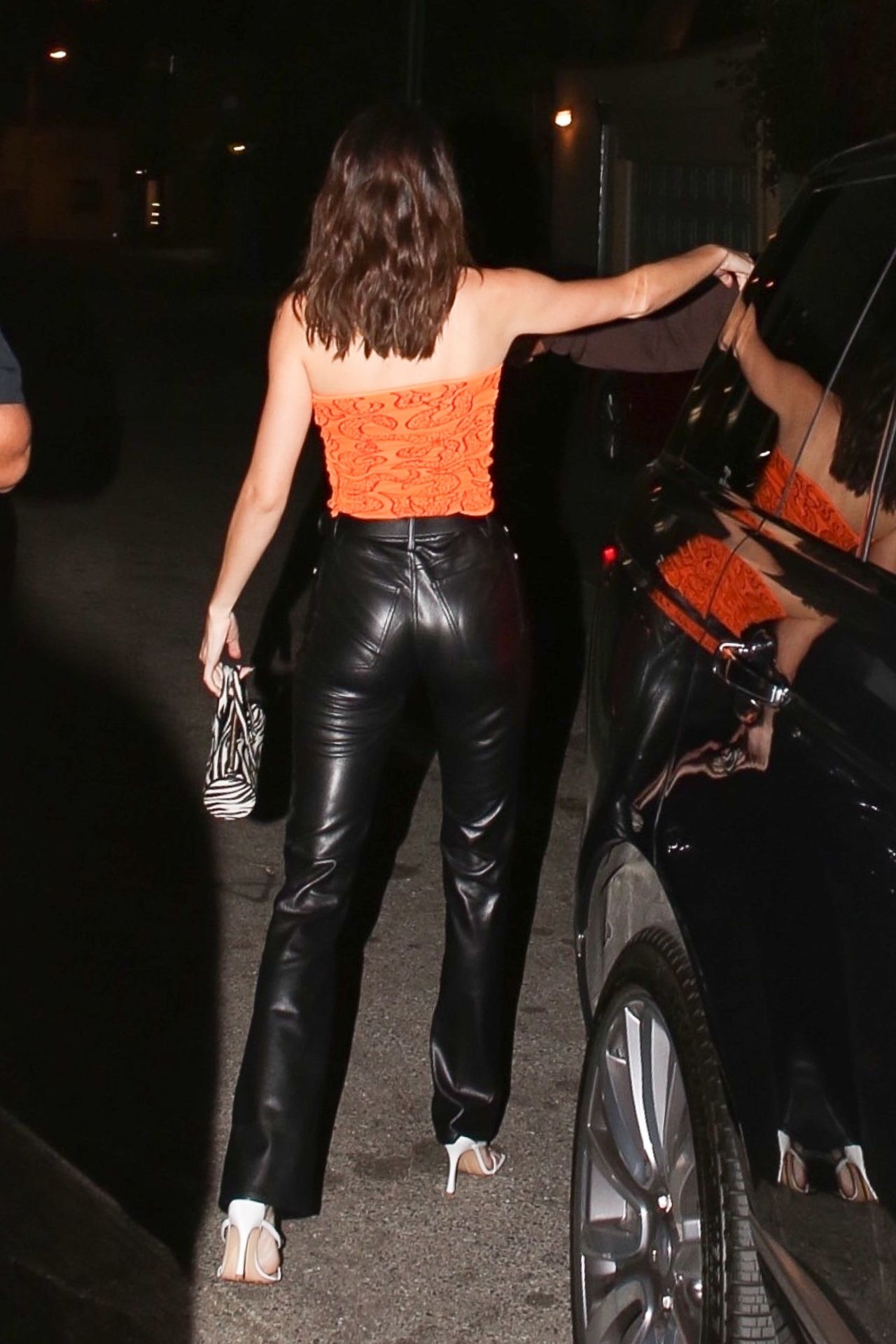
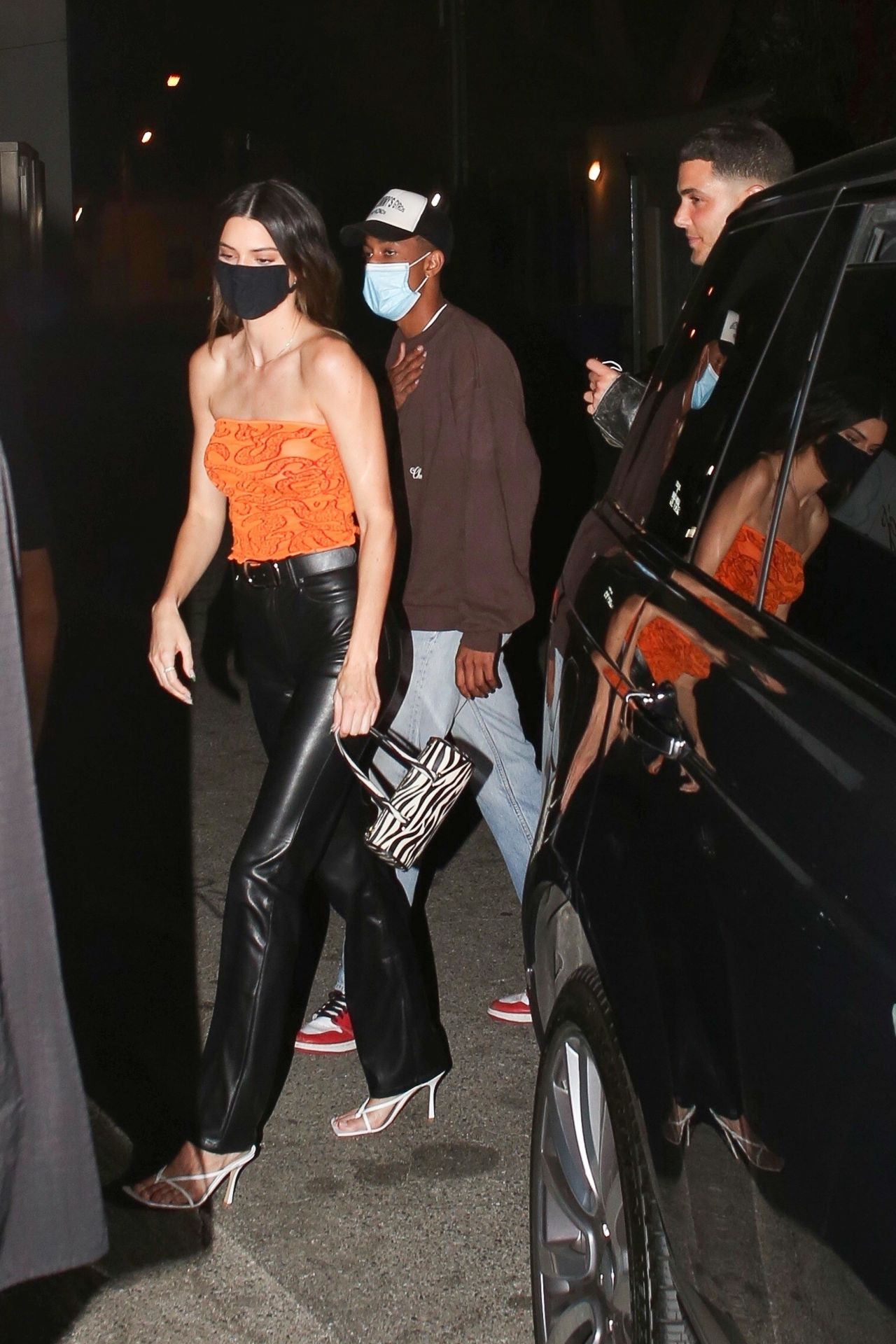
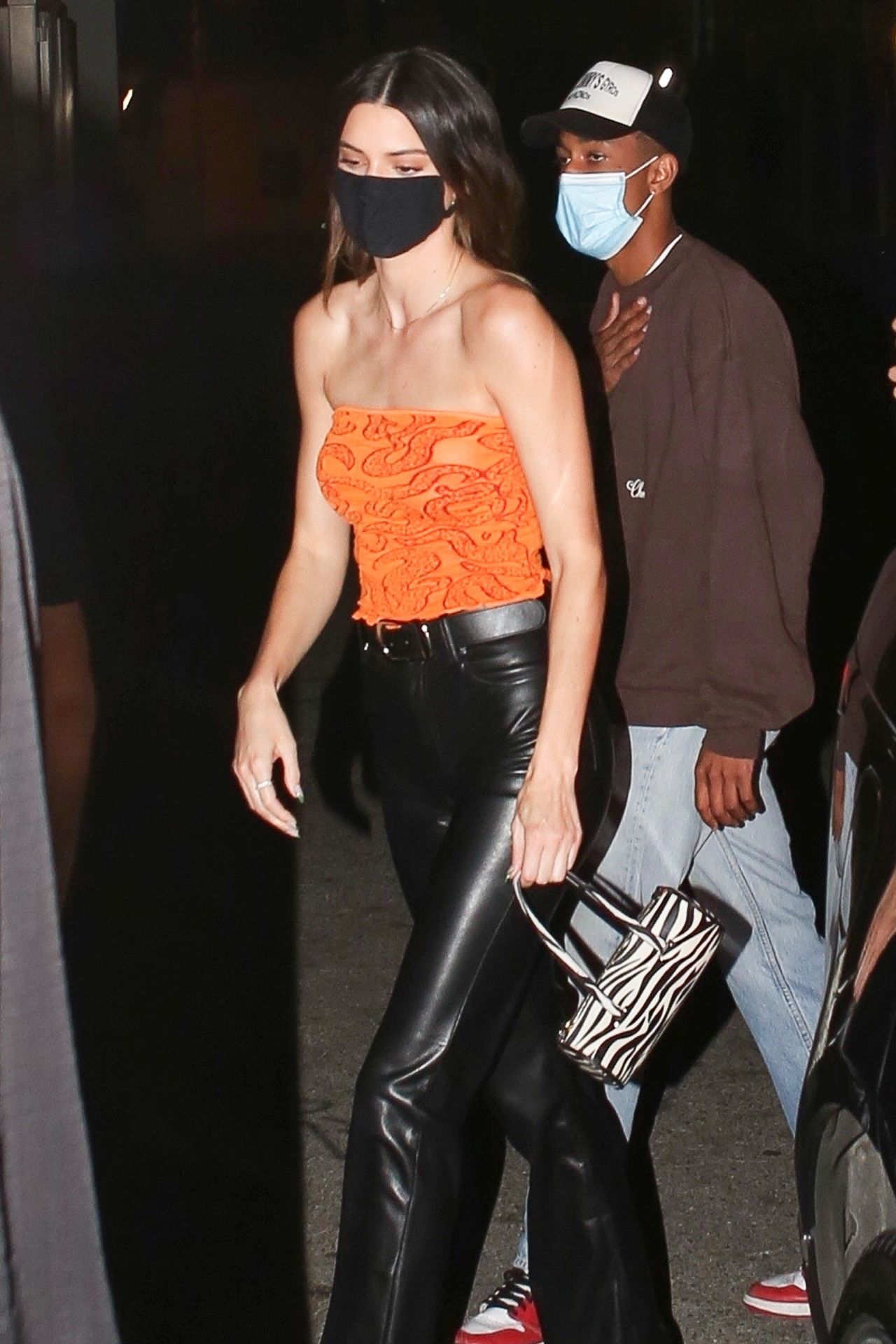

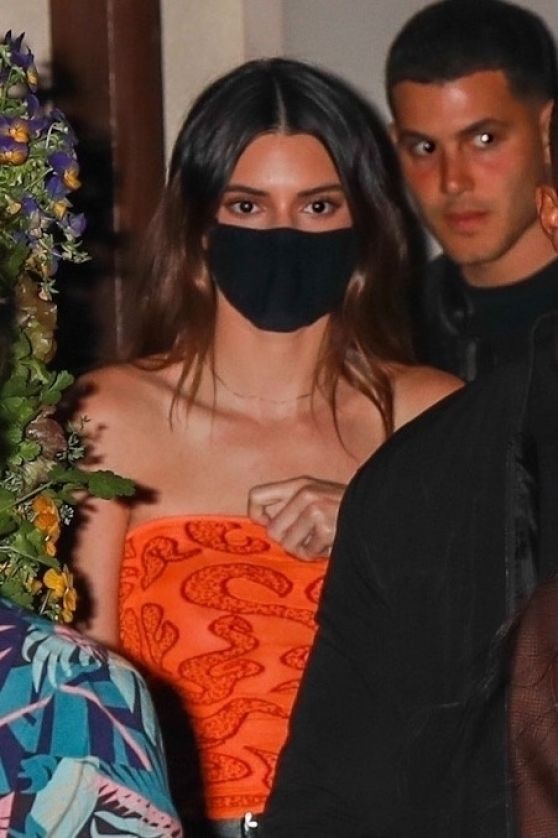











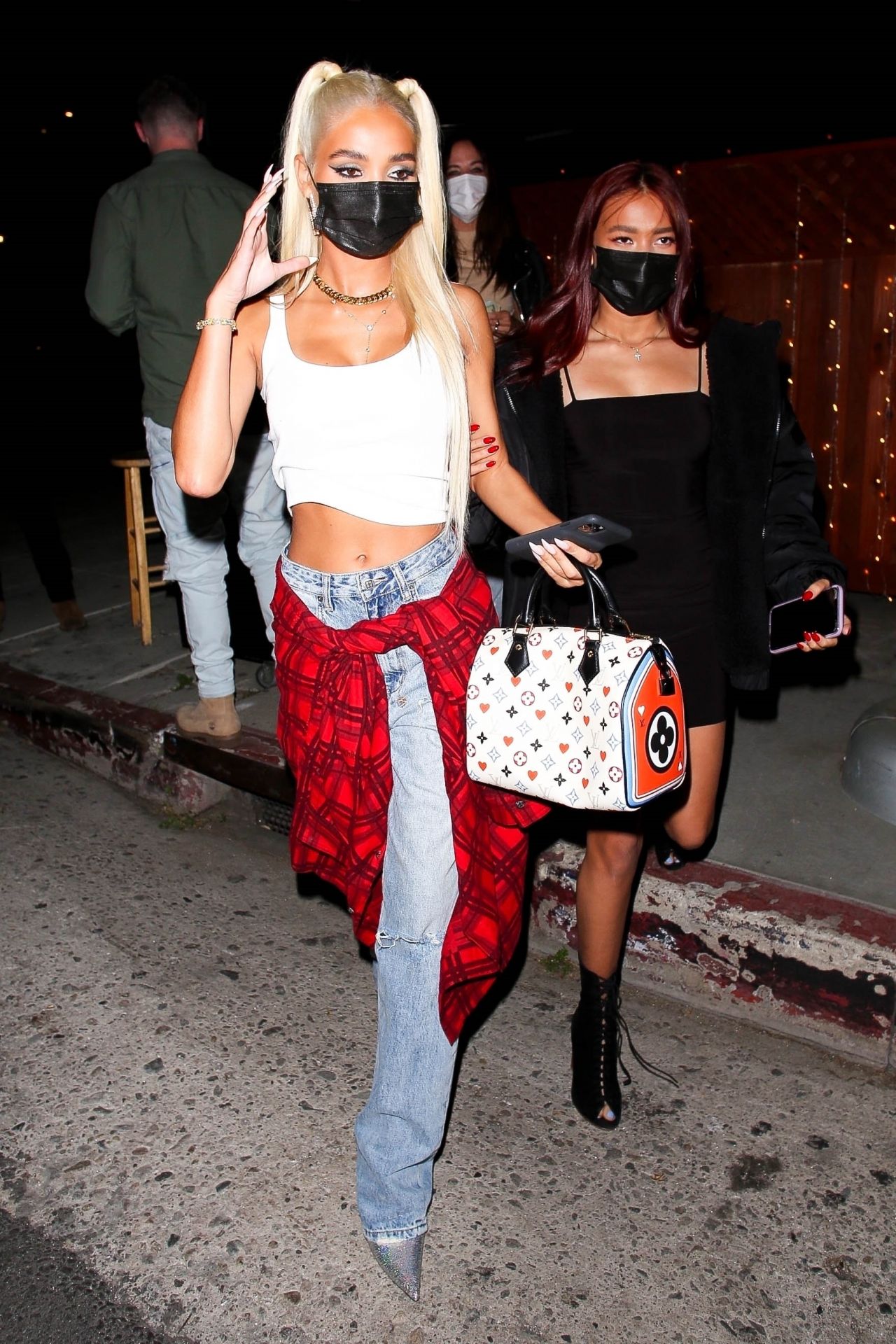
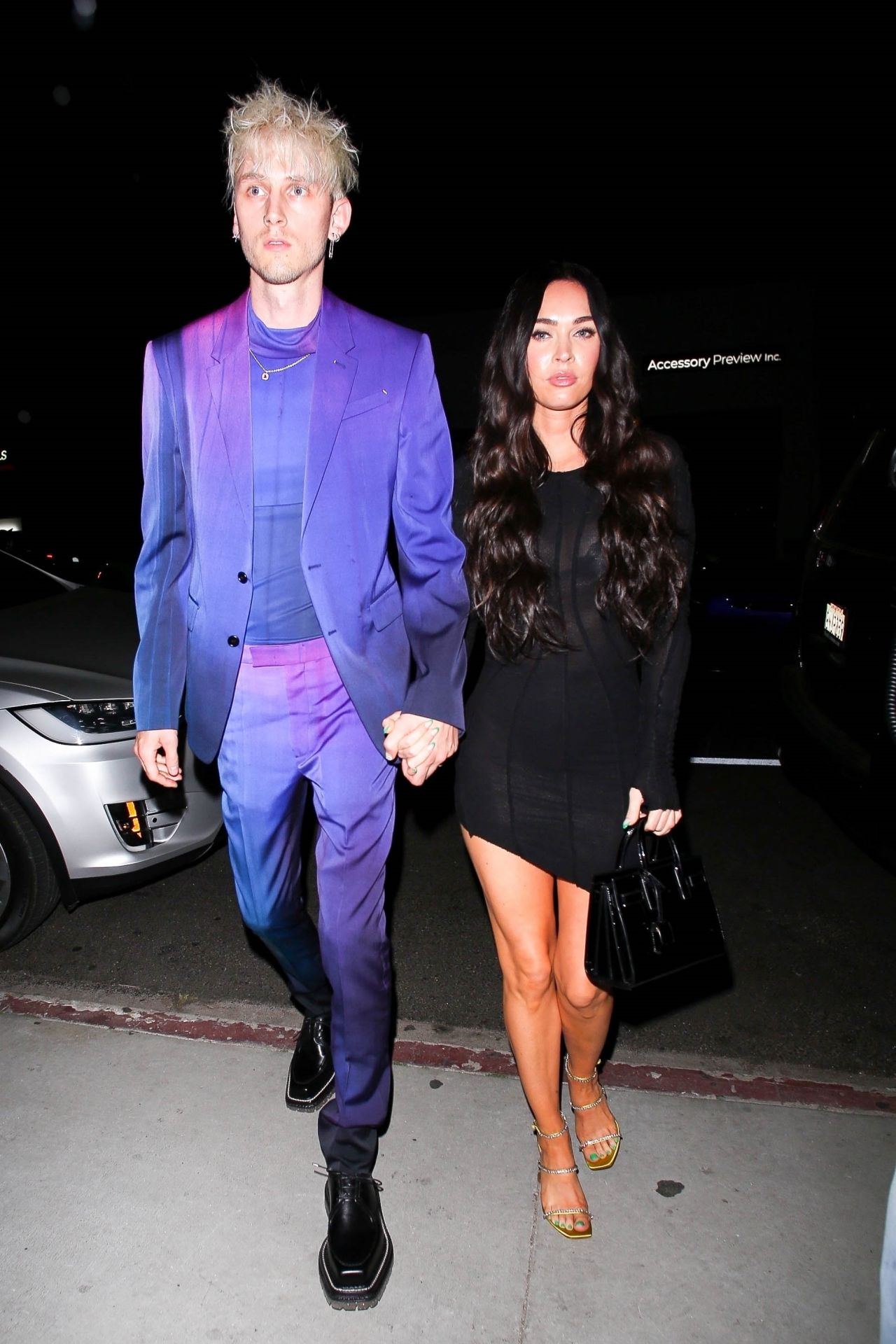

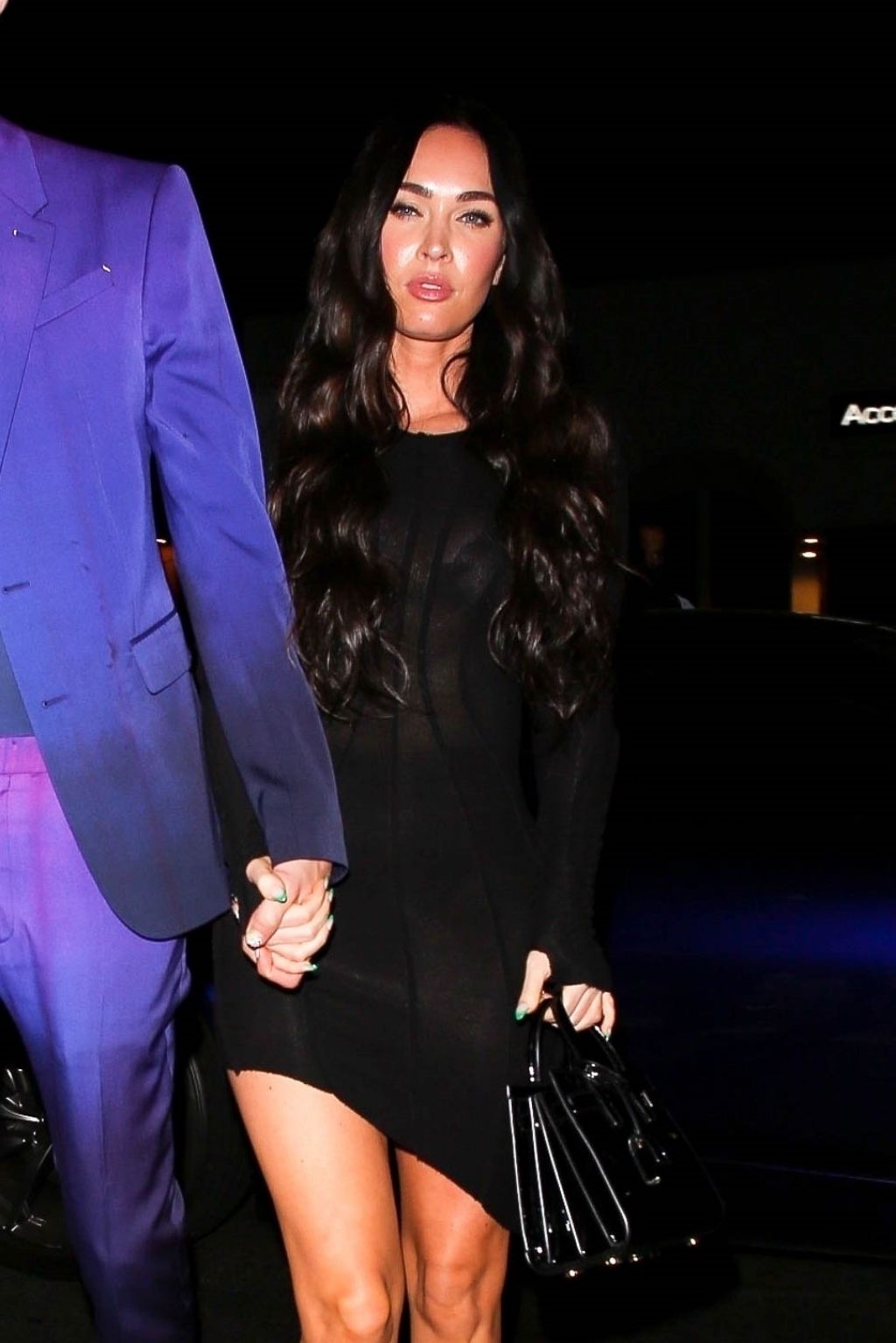


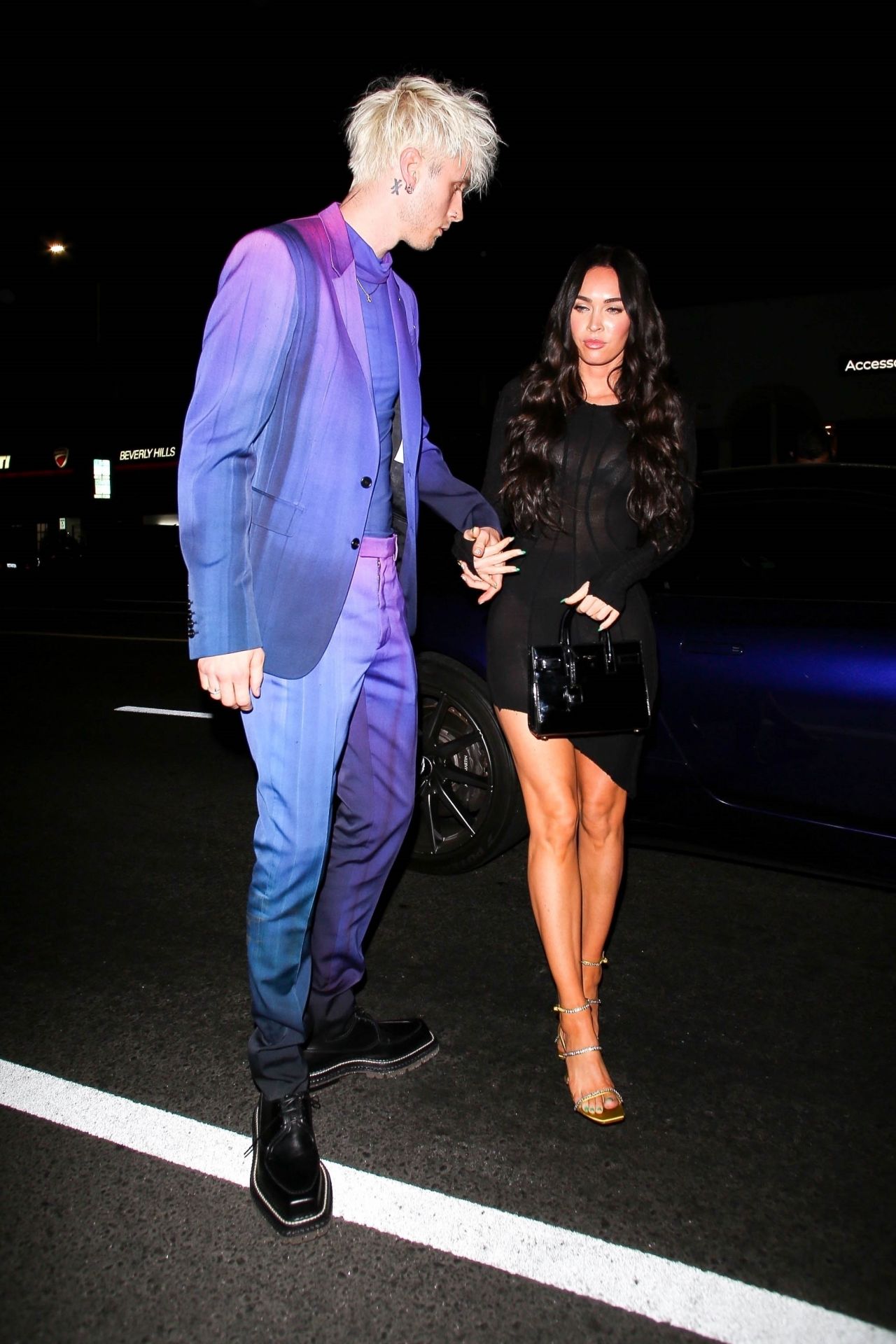





















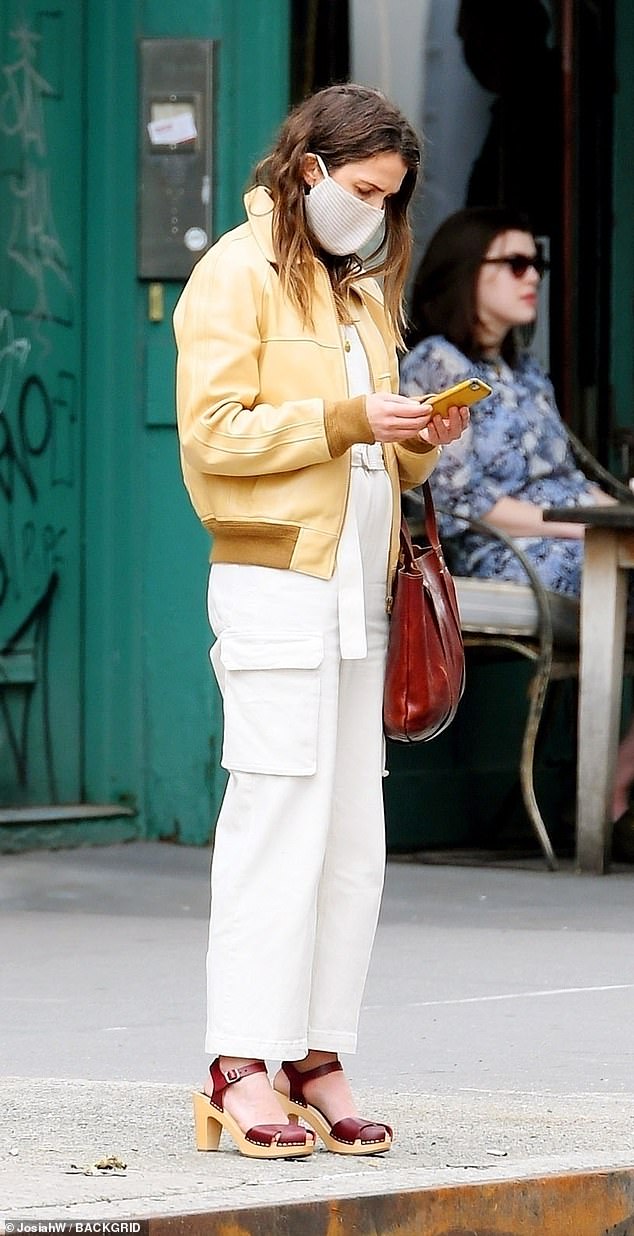
.jpg.85c48fa4389c0f46d8ba7138fd0874d3.jpg)
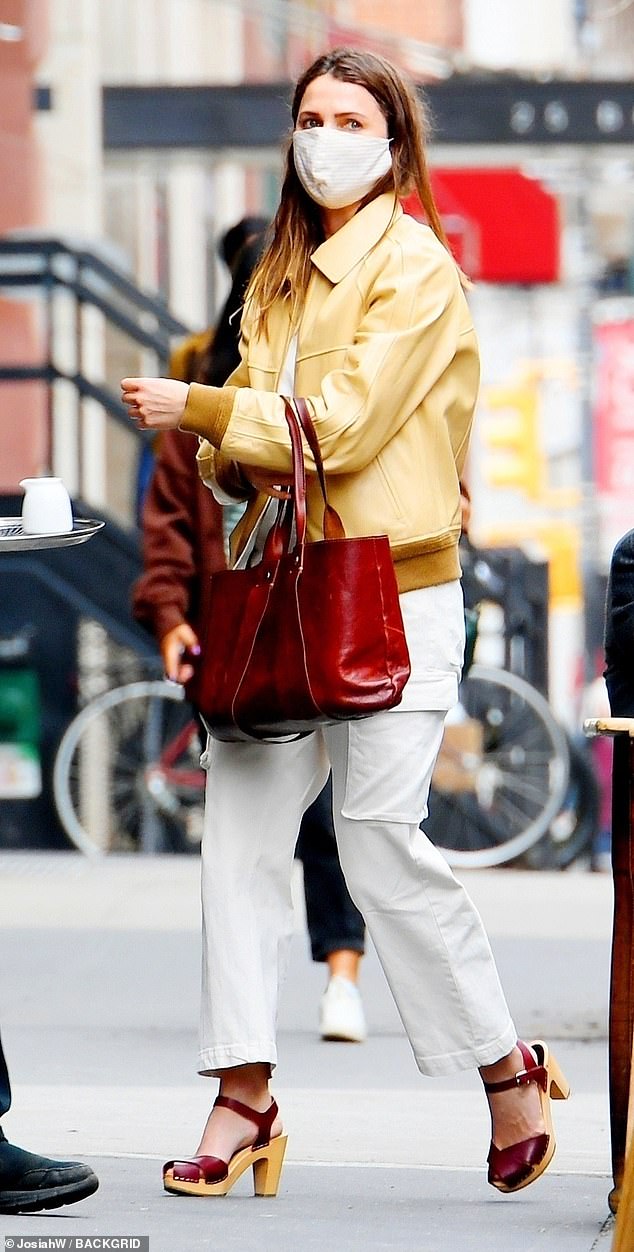


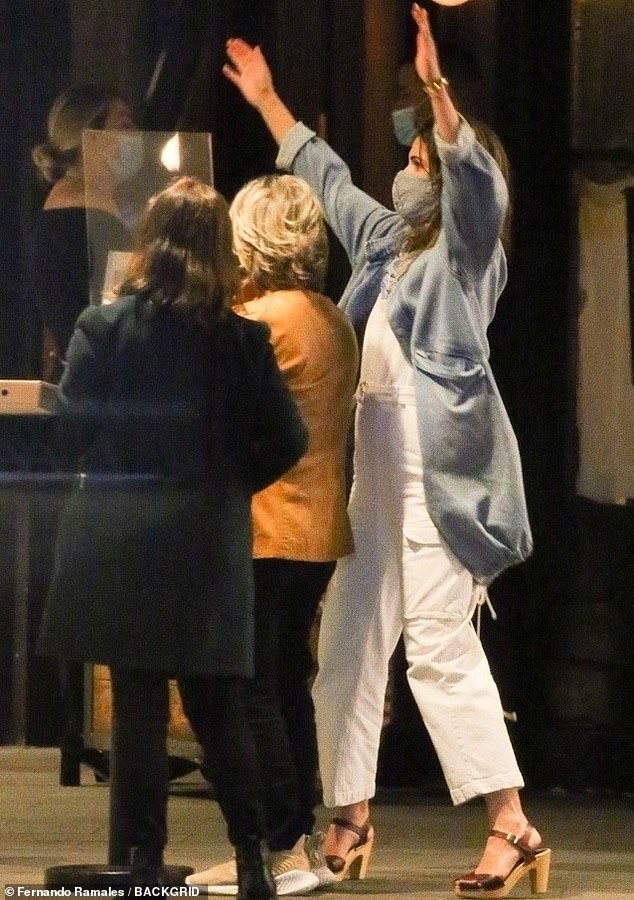

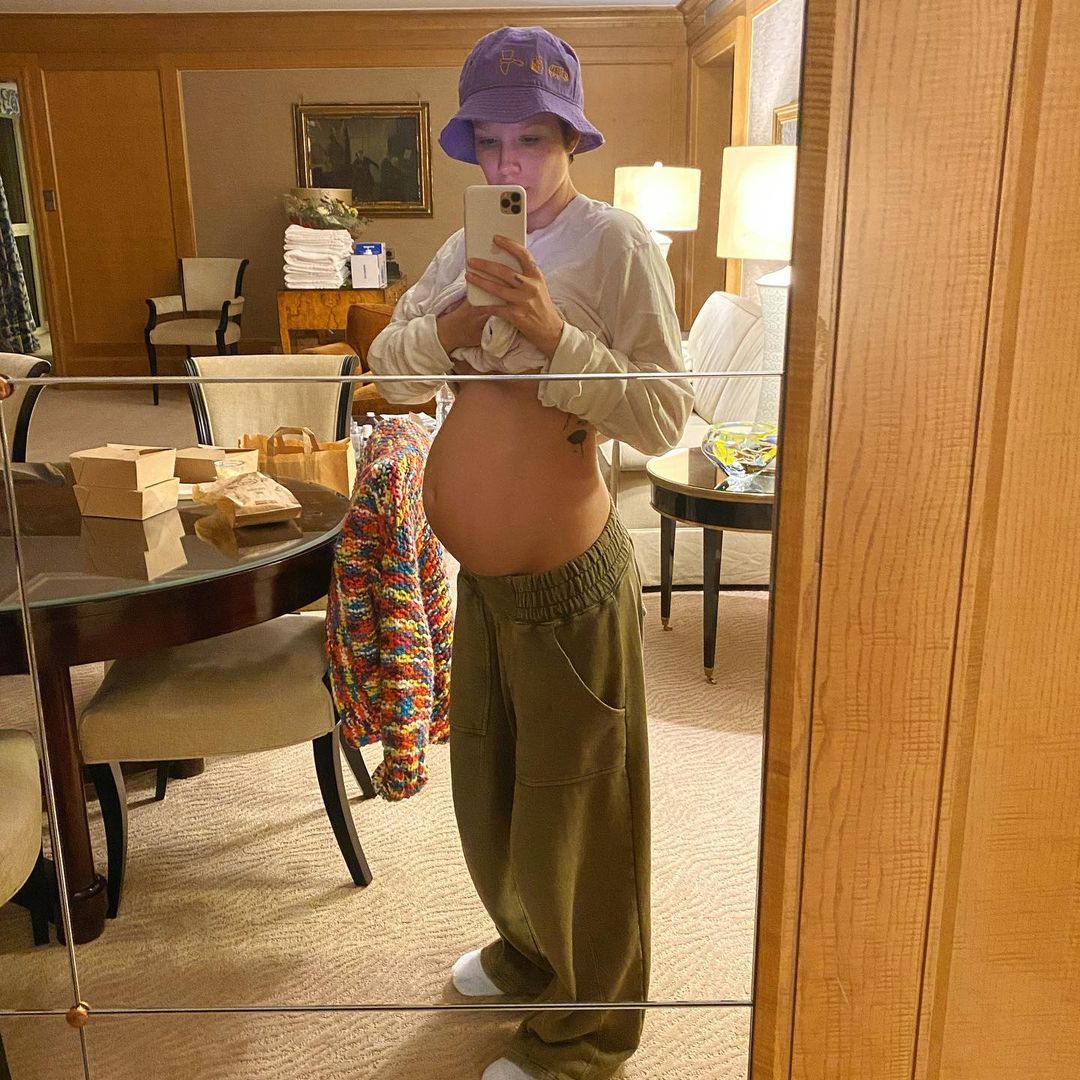



















Account
Navigation
Search
Configure browser push notifications
Chrome (Android)
- Tap the lock icon next to the address bar.
- Tap Permissions → Notifications.
- Adjust your preference.
Chrome (Desktop)
- Click the padlock icon in the address bar.
- Select Site settings.
- Find Notifications and adjust your preference.
Safari (iOS 16.4+)
- Ensure the site is installed via Add to Home Screen.
- Open Settings App → Notifications.
- Find your app name and adjust your preference.
Safari (macOS)
- Go to Safari → Preferences.
- Click the Websites tab.
- Select Notifications in the sidebar.
- Find this website and adjust your preference.
Edge (Android)
- Tap the lock icon next to the address bar.
- Tap Permissions.
- Find Notifications and adjust your preference.
Edge (Desktop)
- Click the padlock icon in the address bar.
- Click Permissions for this site.
- Find Notifications and adjust your preference.
Firefox (Android)
- Go to Settings → Site permissions.
- Tap Notifications.
- Find this site in the list and adjust your preference.
Firefox (Desktop)
- Open Firefox Settings.
- Search for Notifications.
- Find this site in the list and adjust your preference.