balenciagaaa
Members
-
Joined
-
Last visited
Everything posted by balenciagaaa
-

-
-
-
-
-
-
-
-
-
-
-
-
-
-
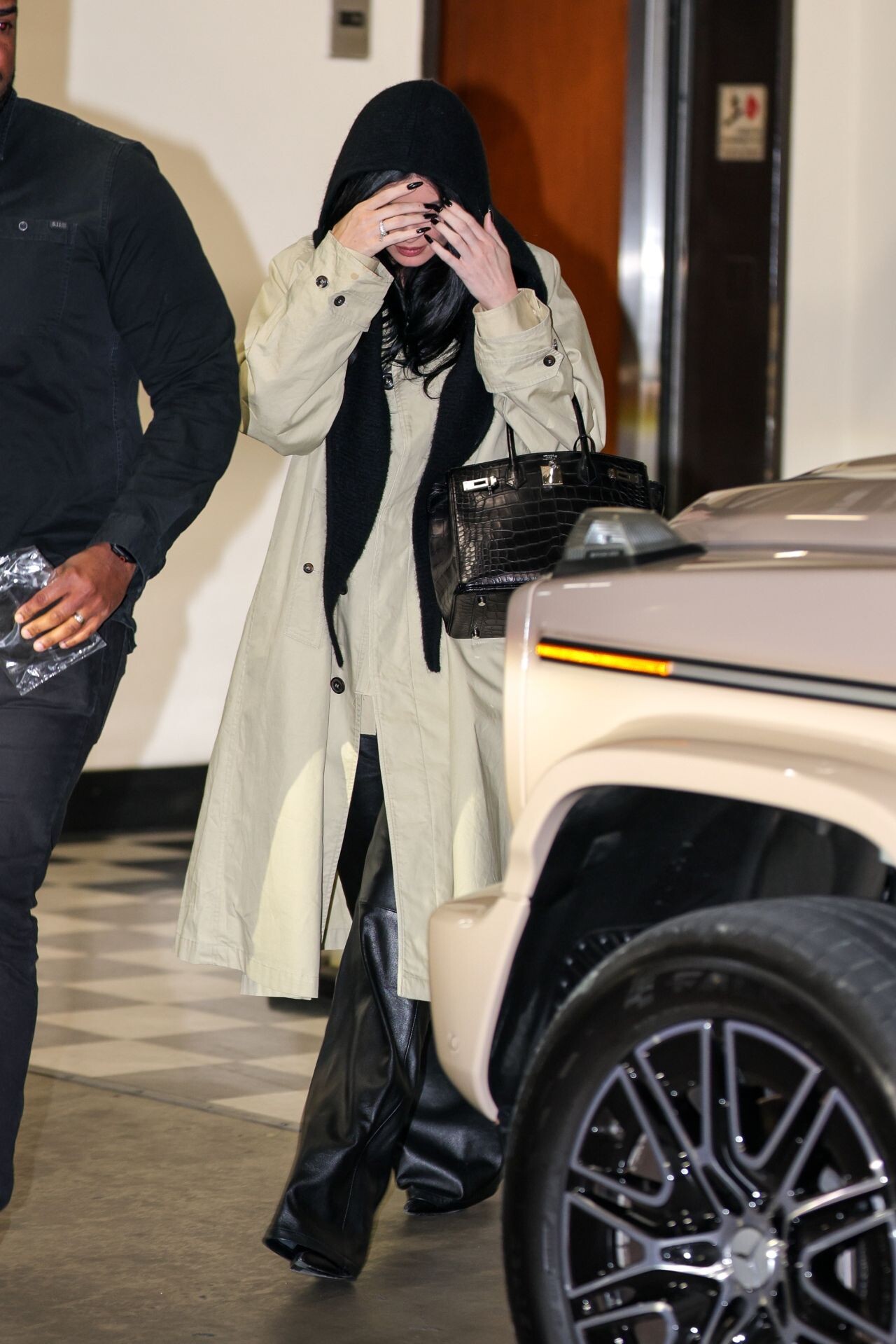
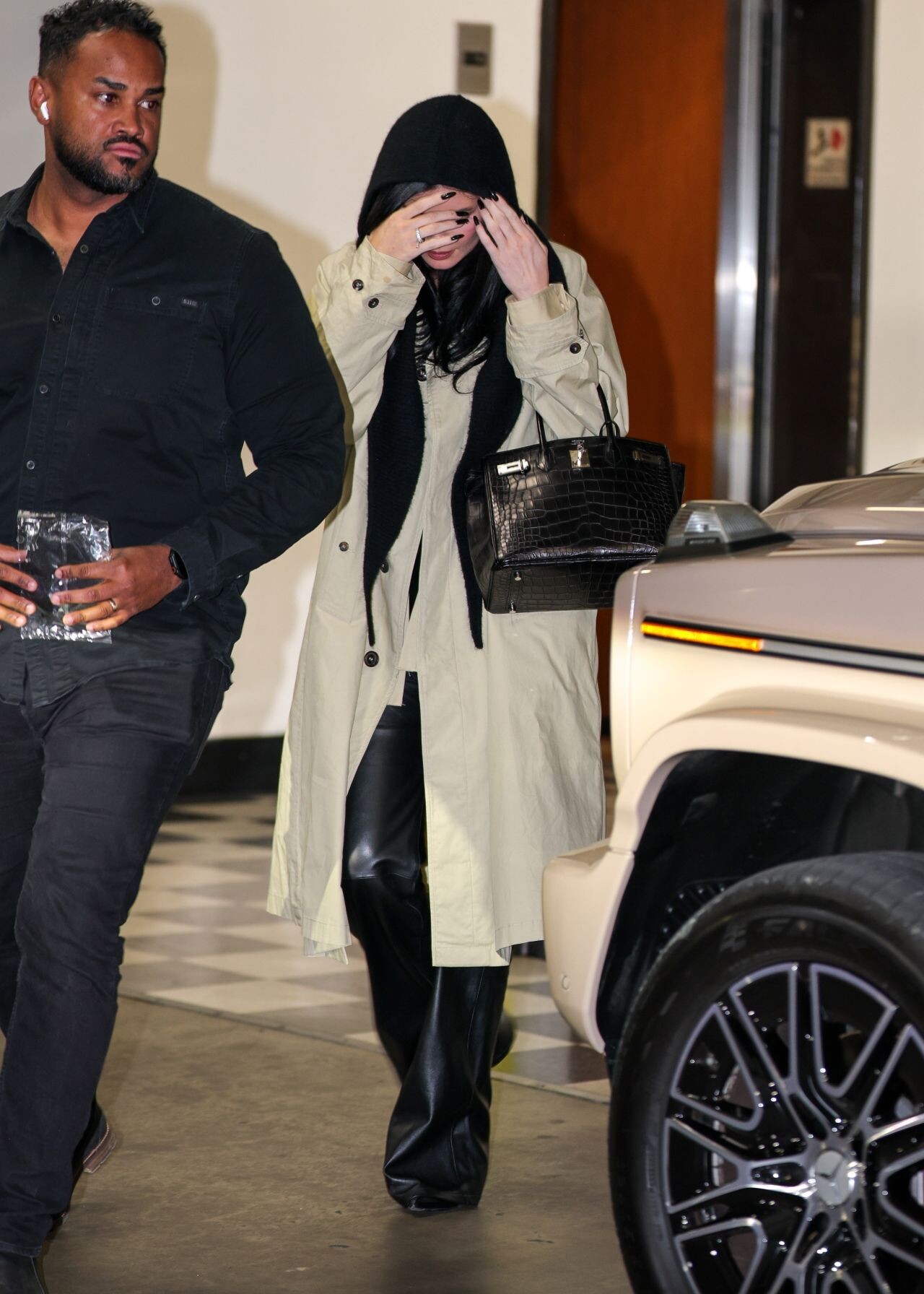
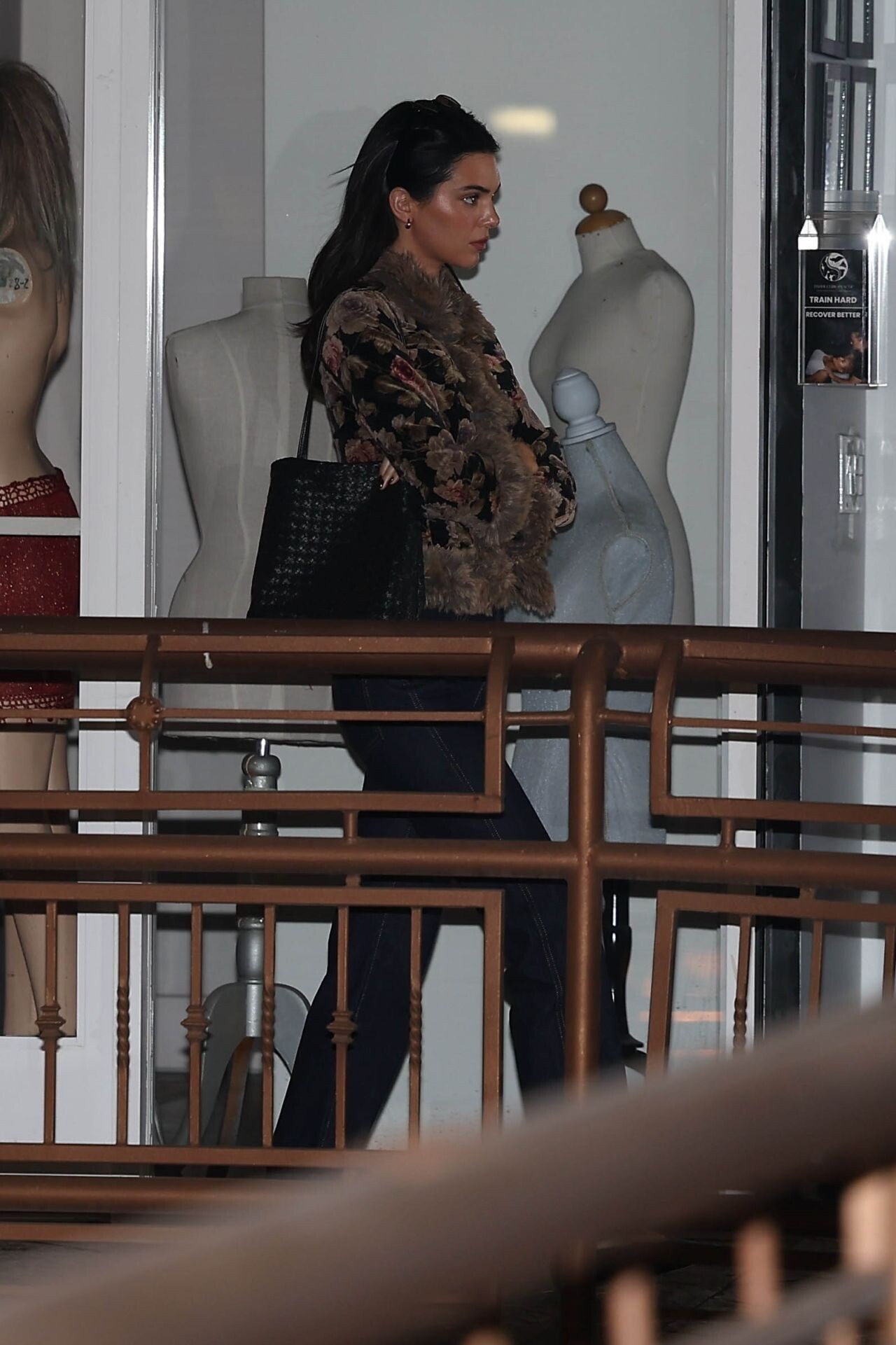
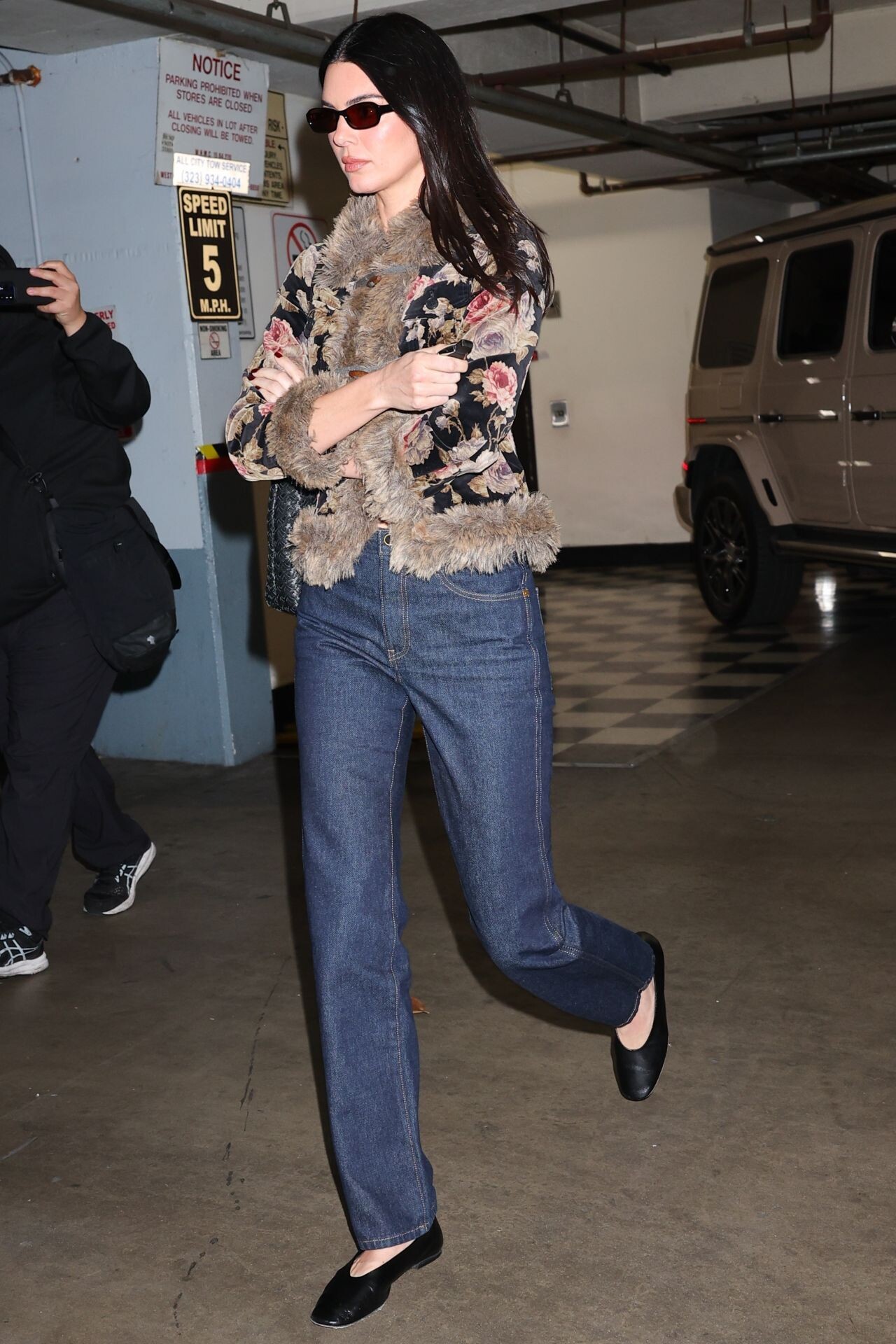
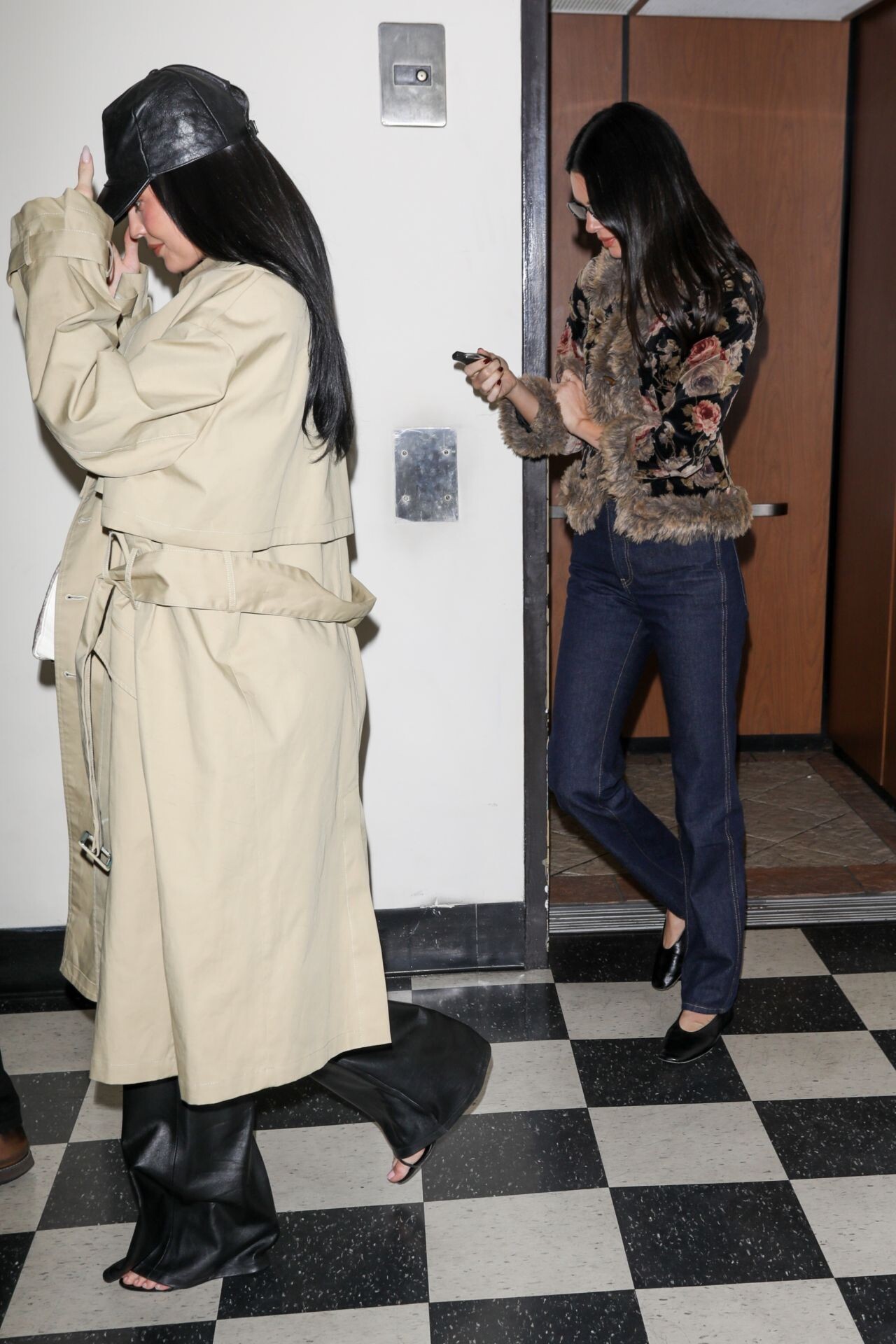
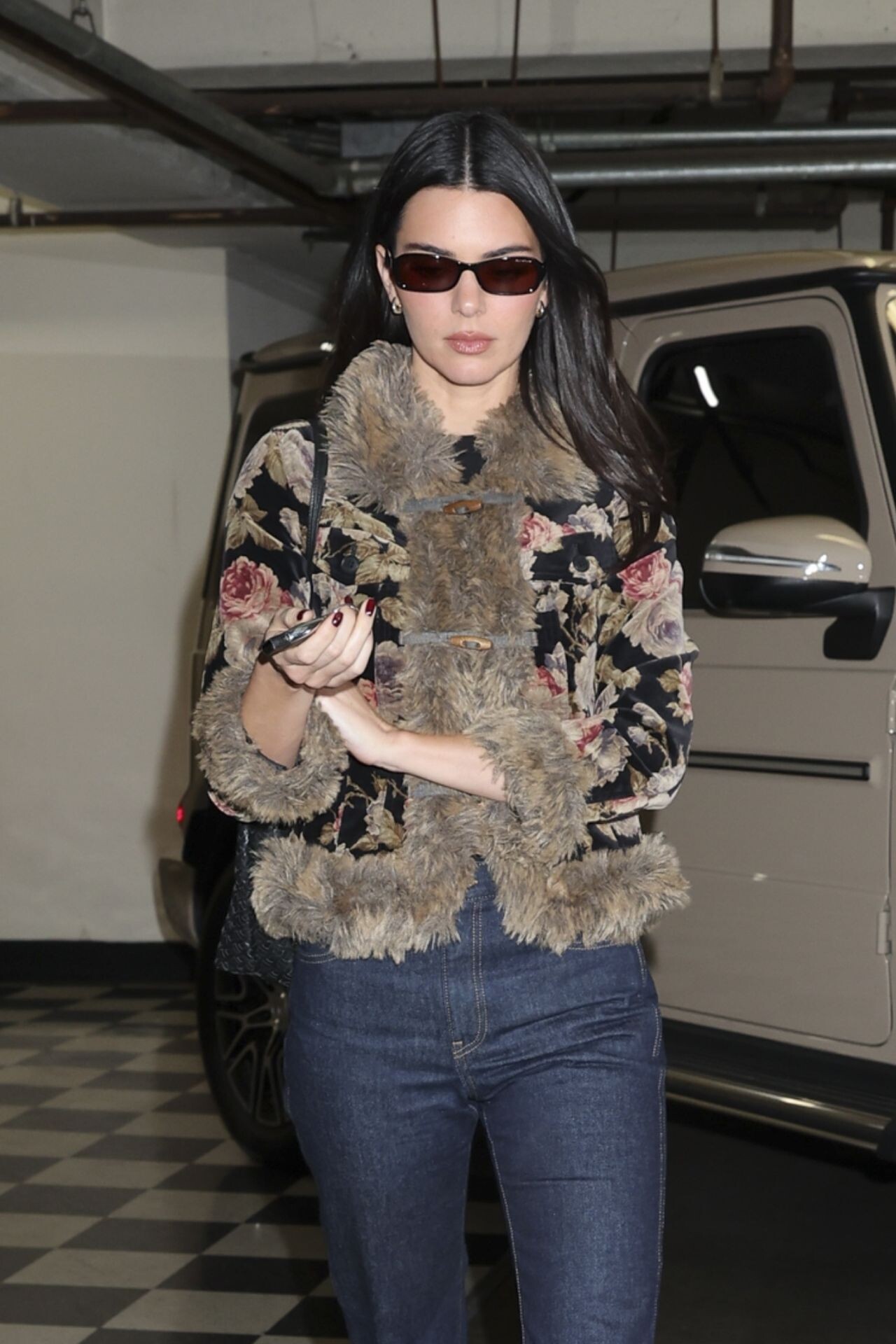
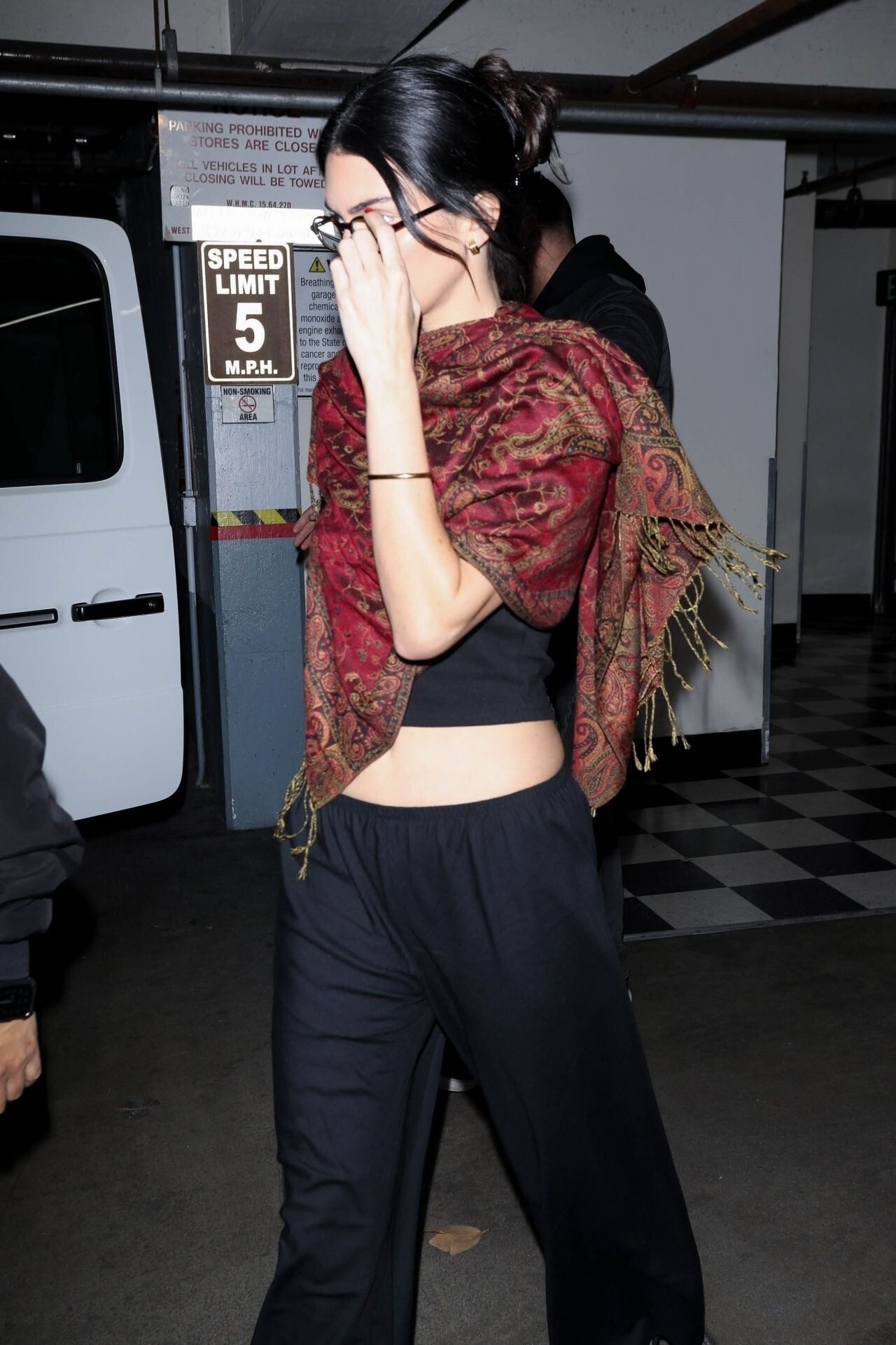
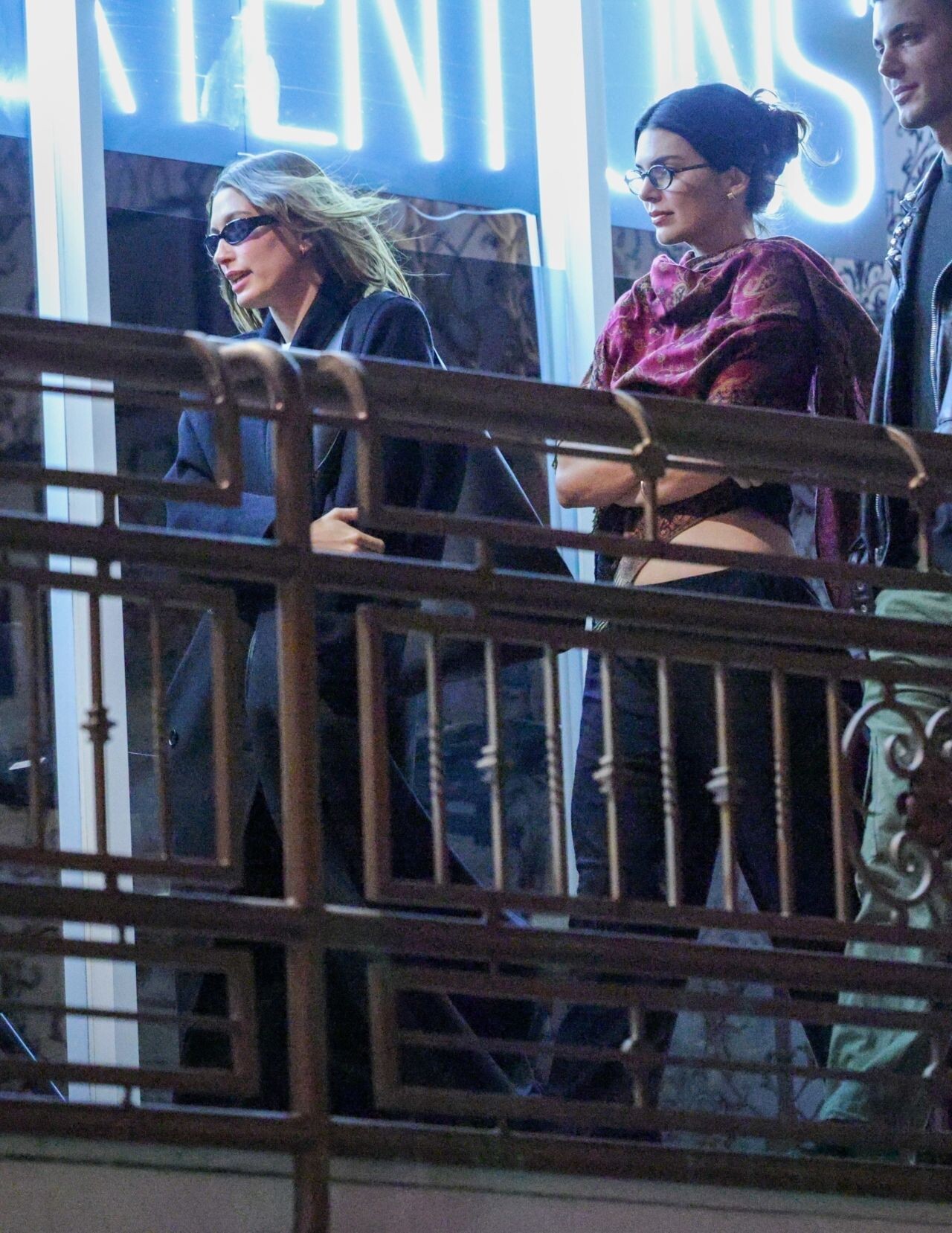
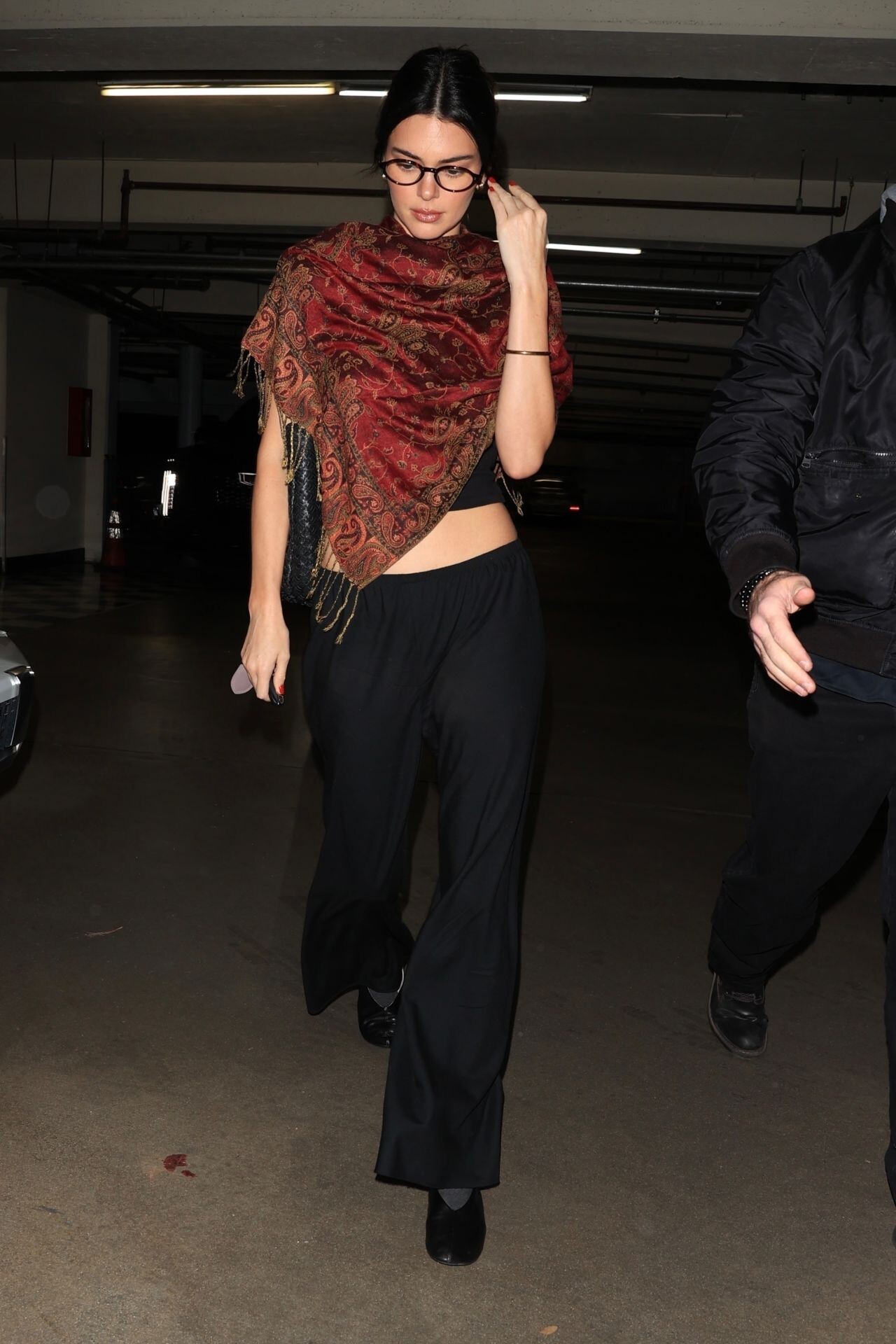
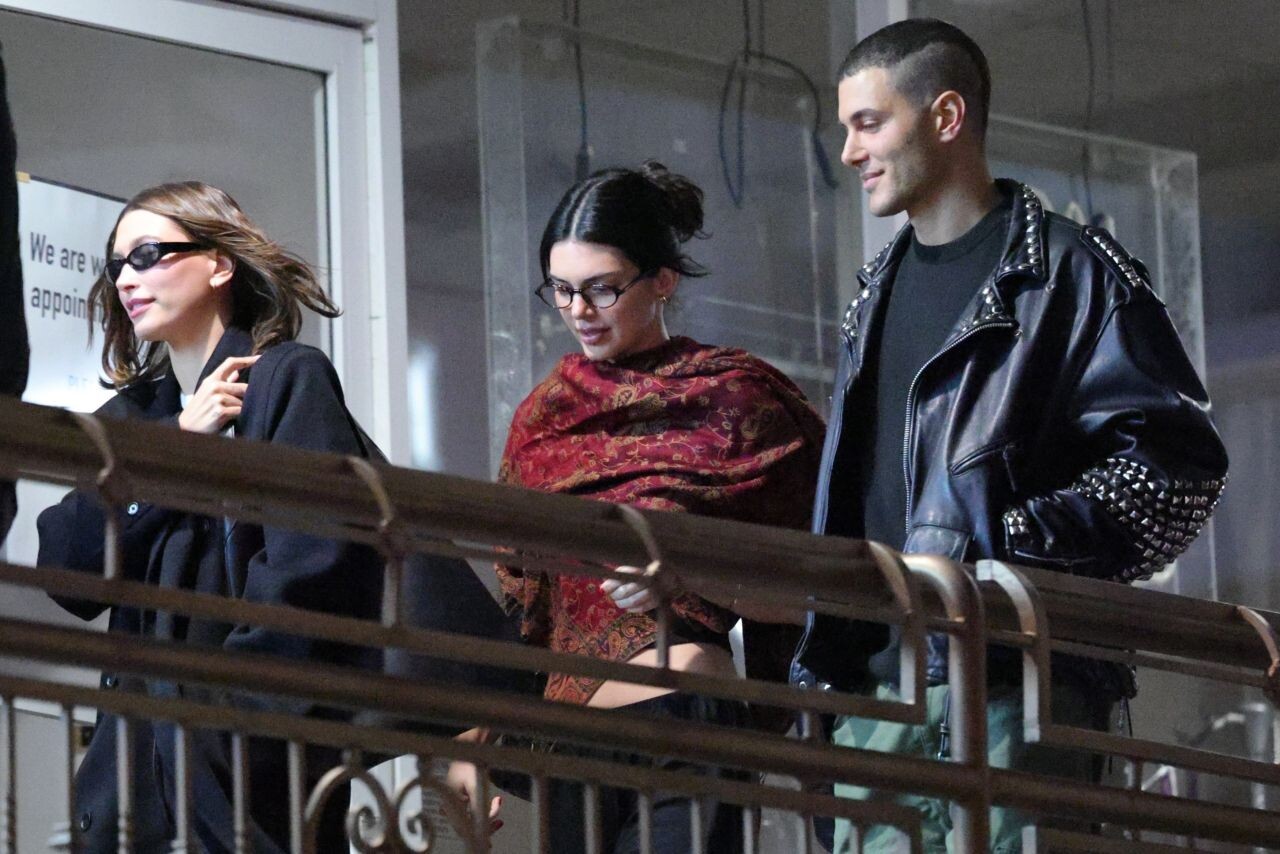
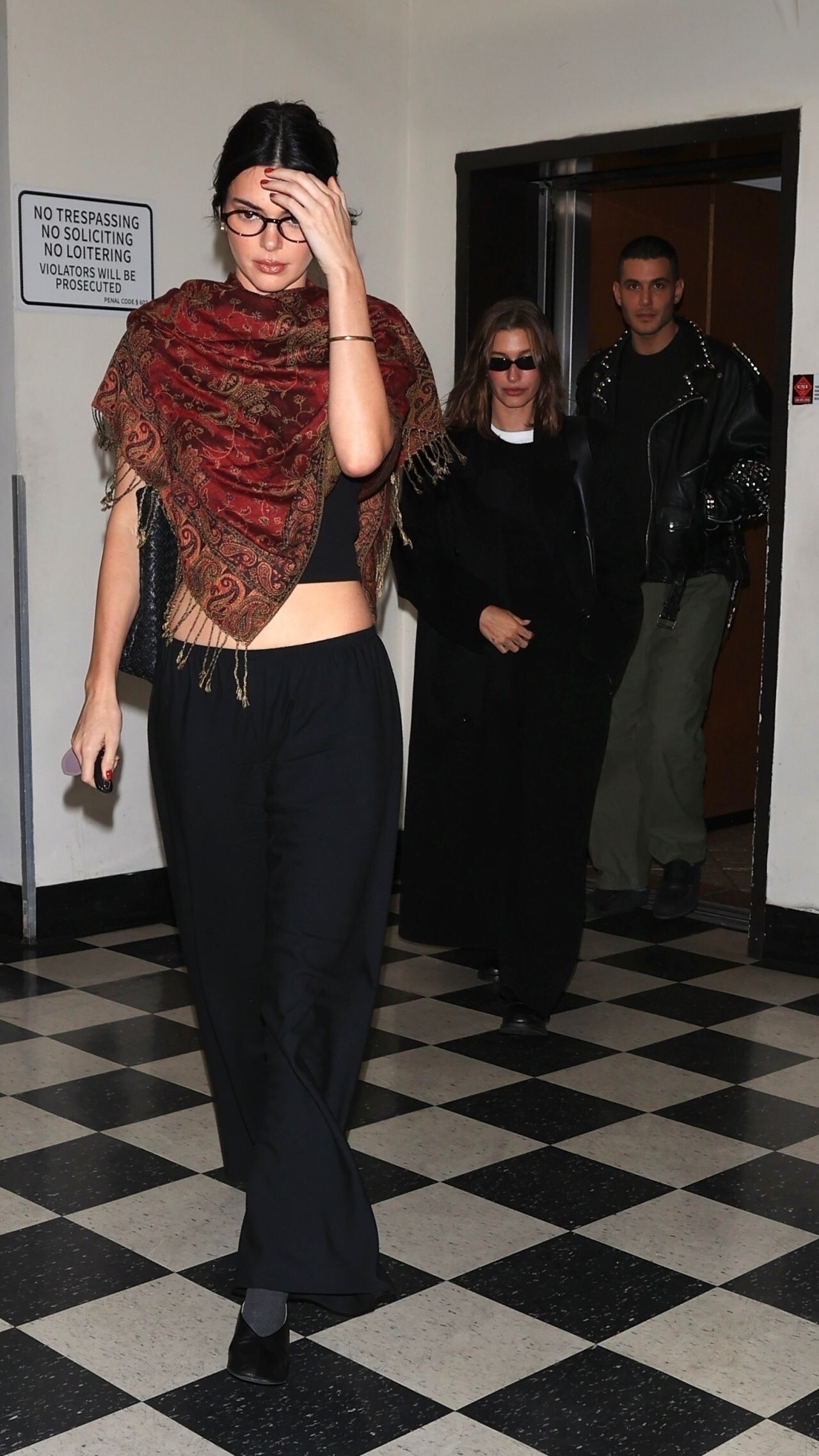
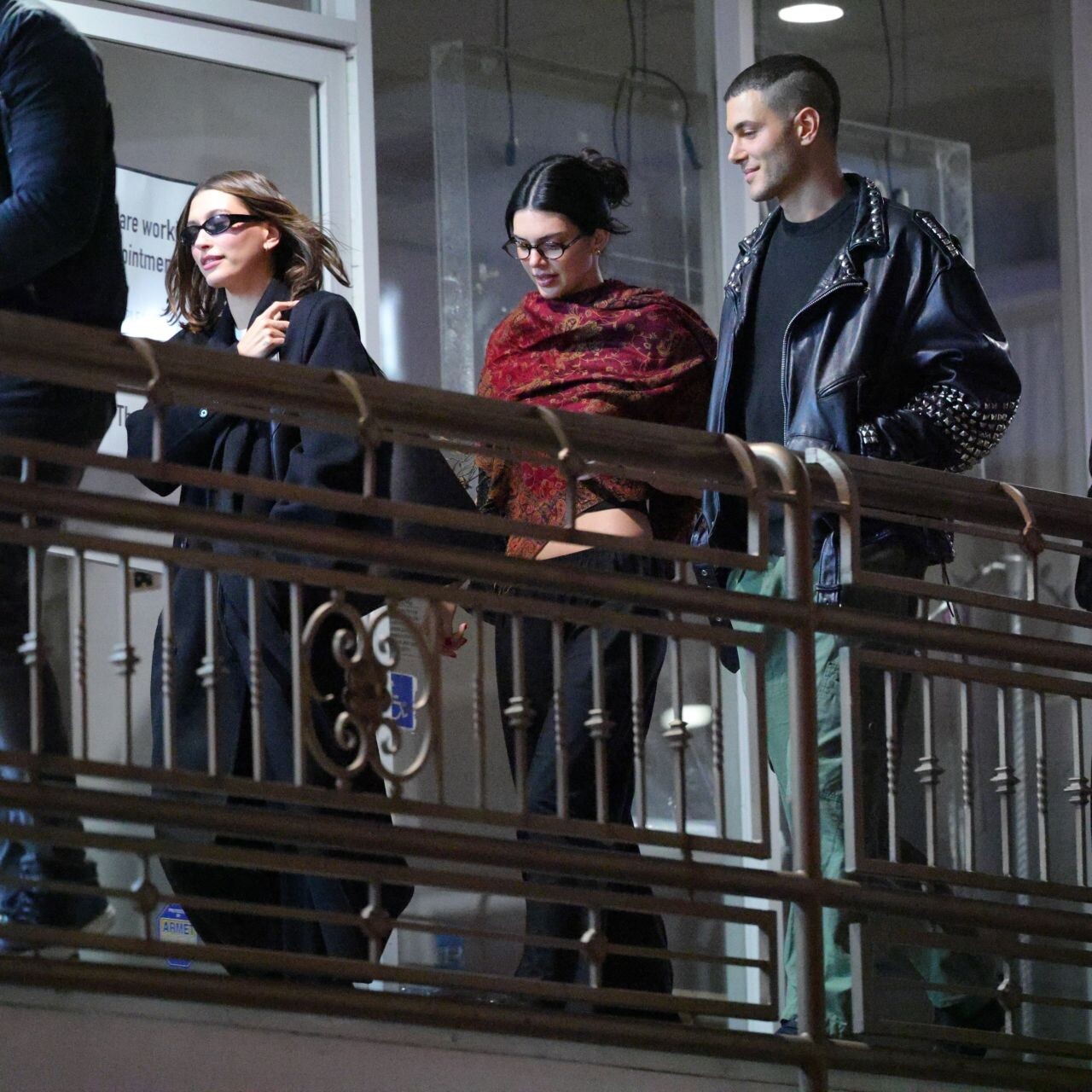
at Sushi Park in West Hollywood on February 10, 2026.
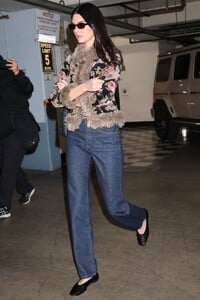
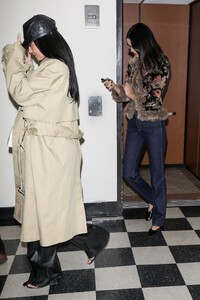
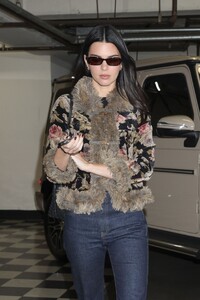
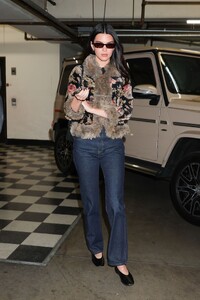
-
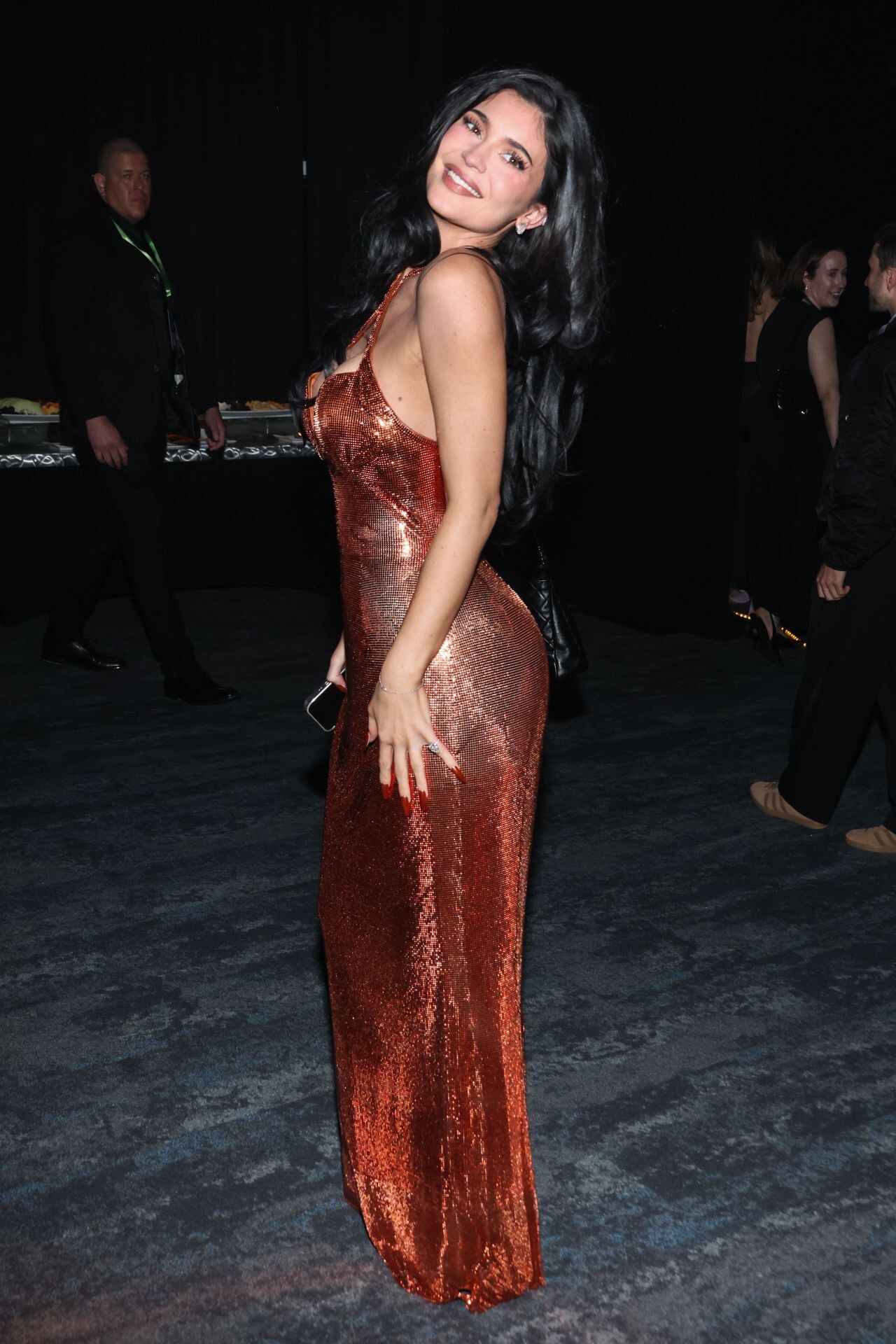
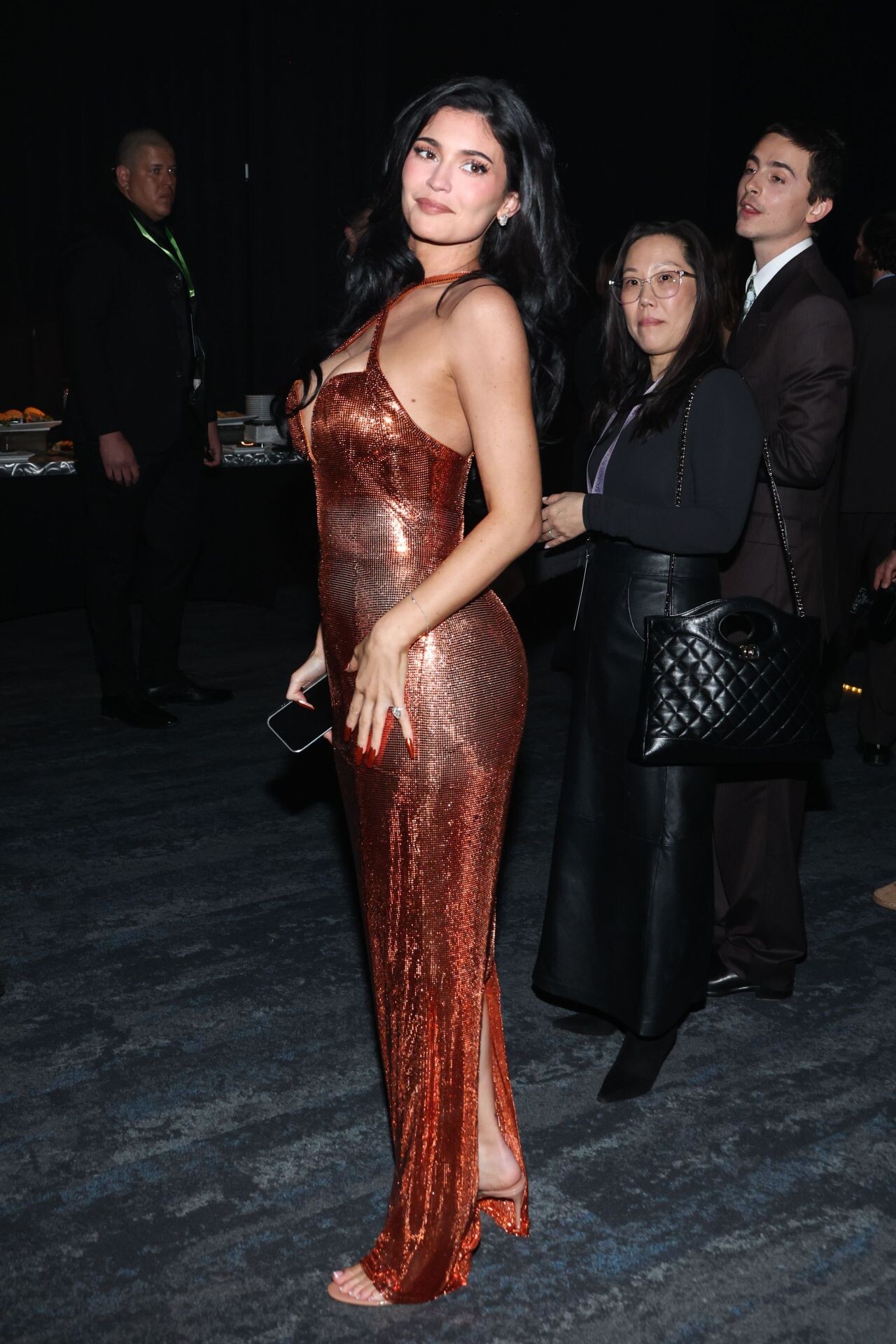
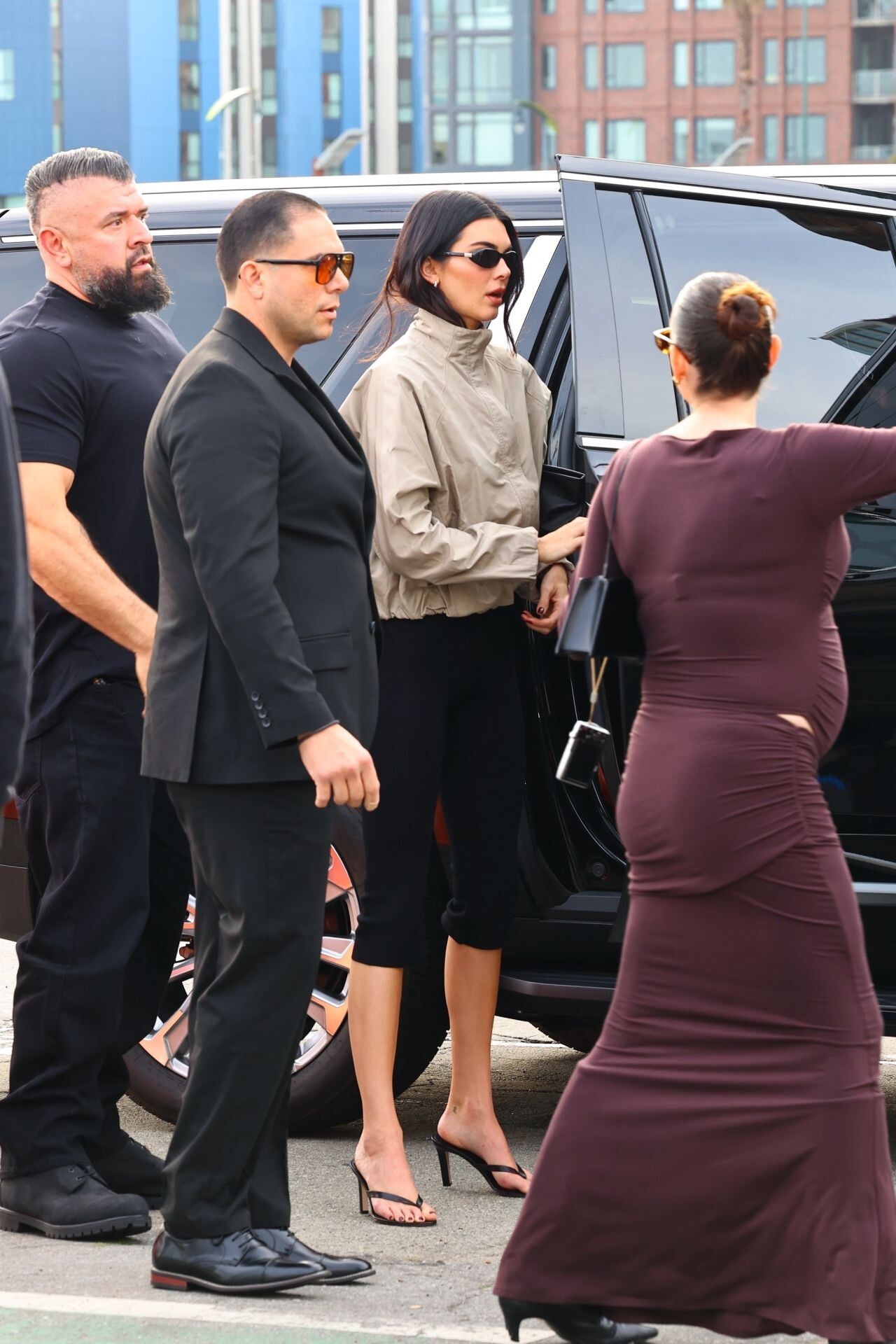
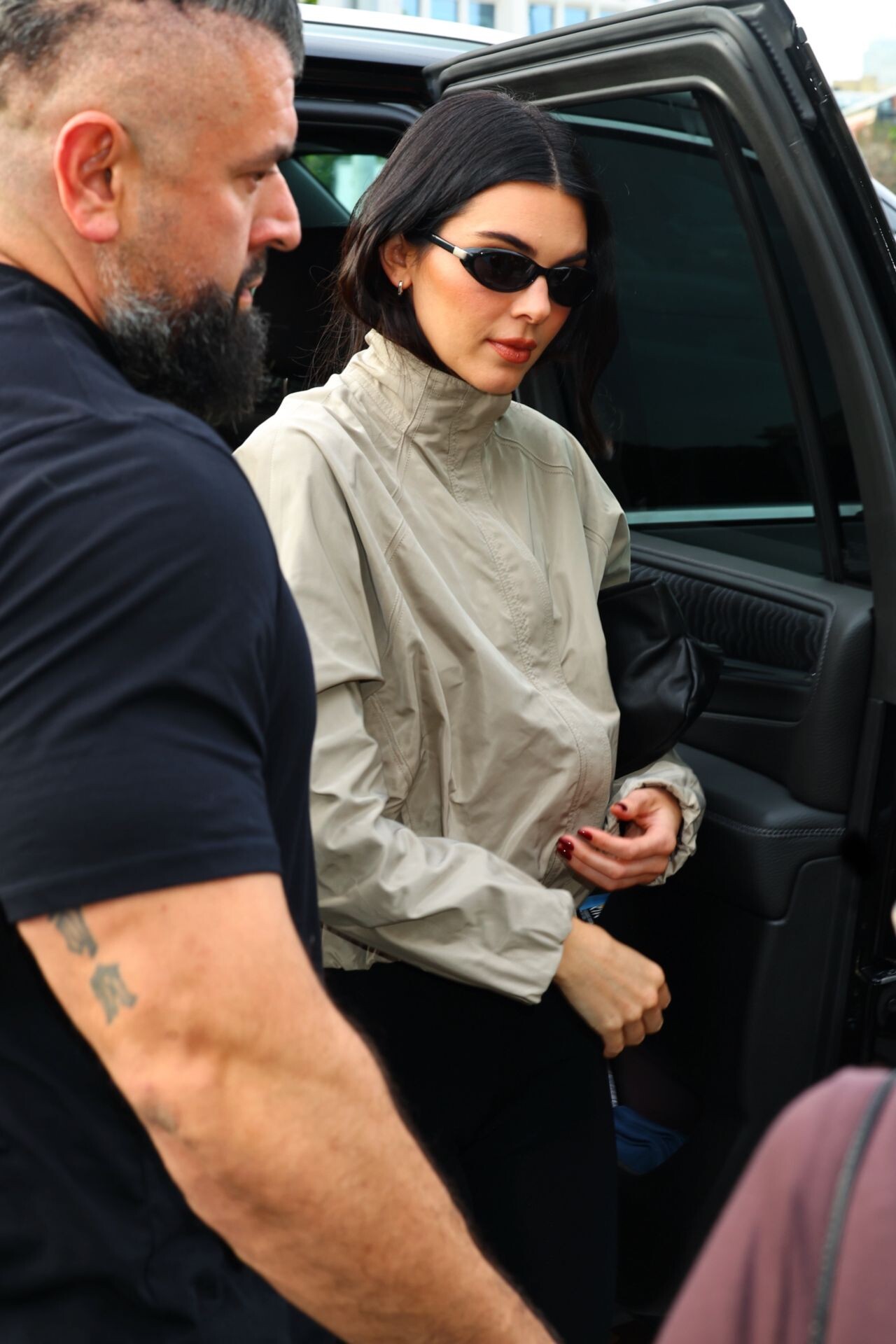
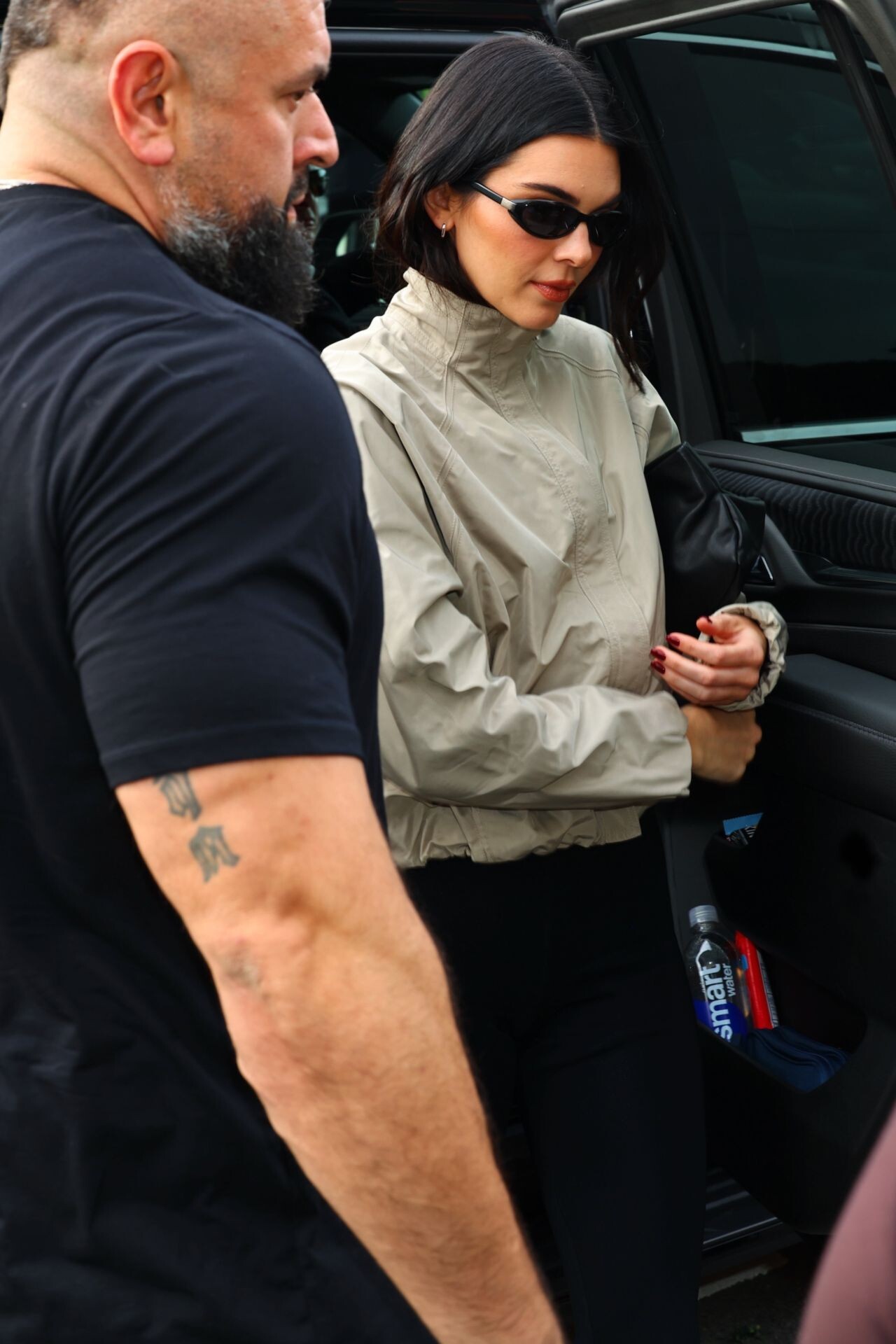
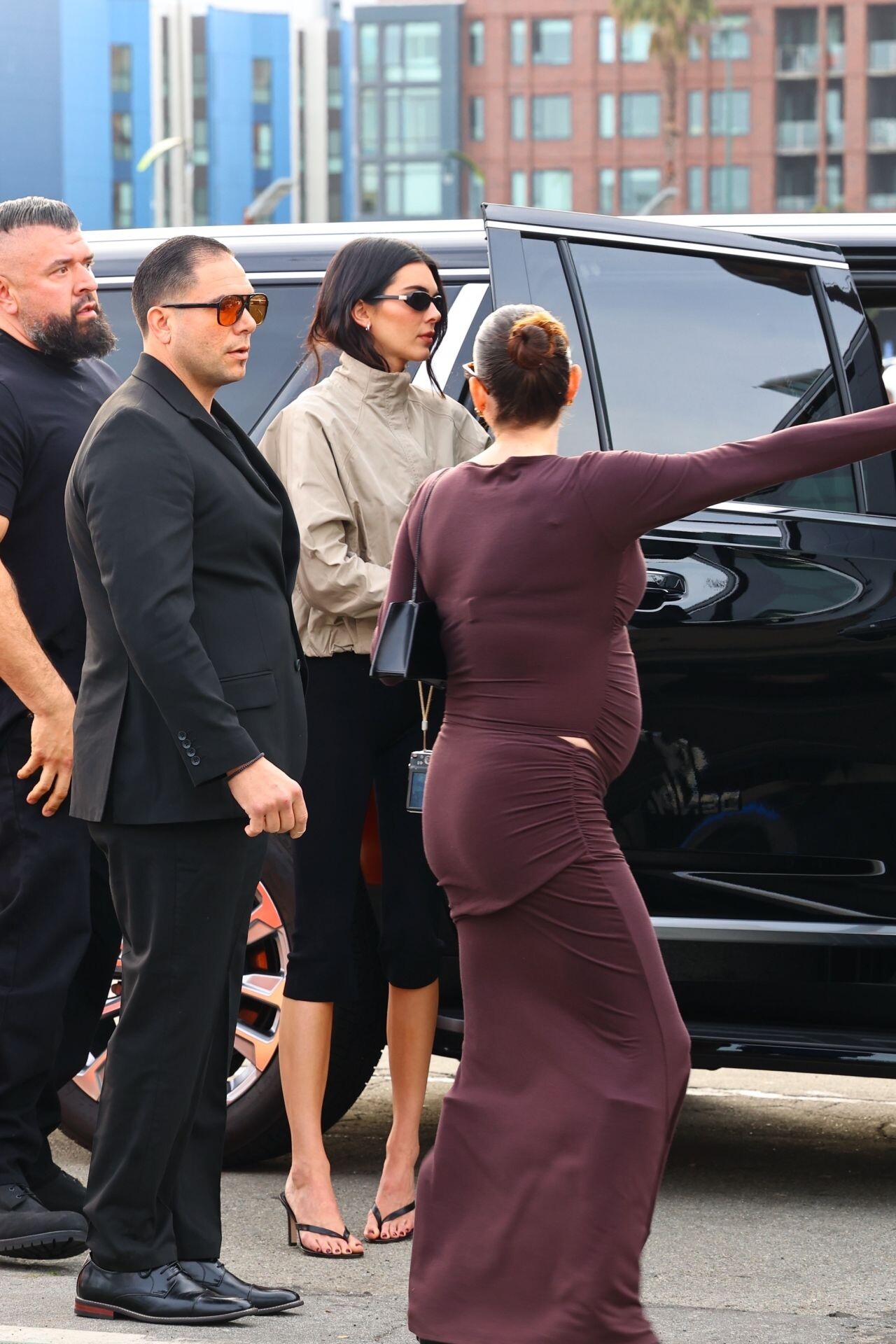
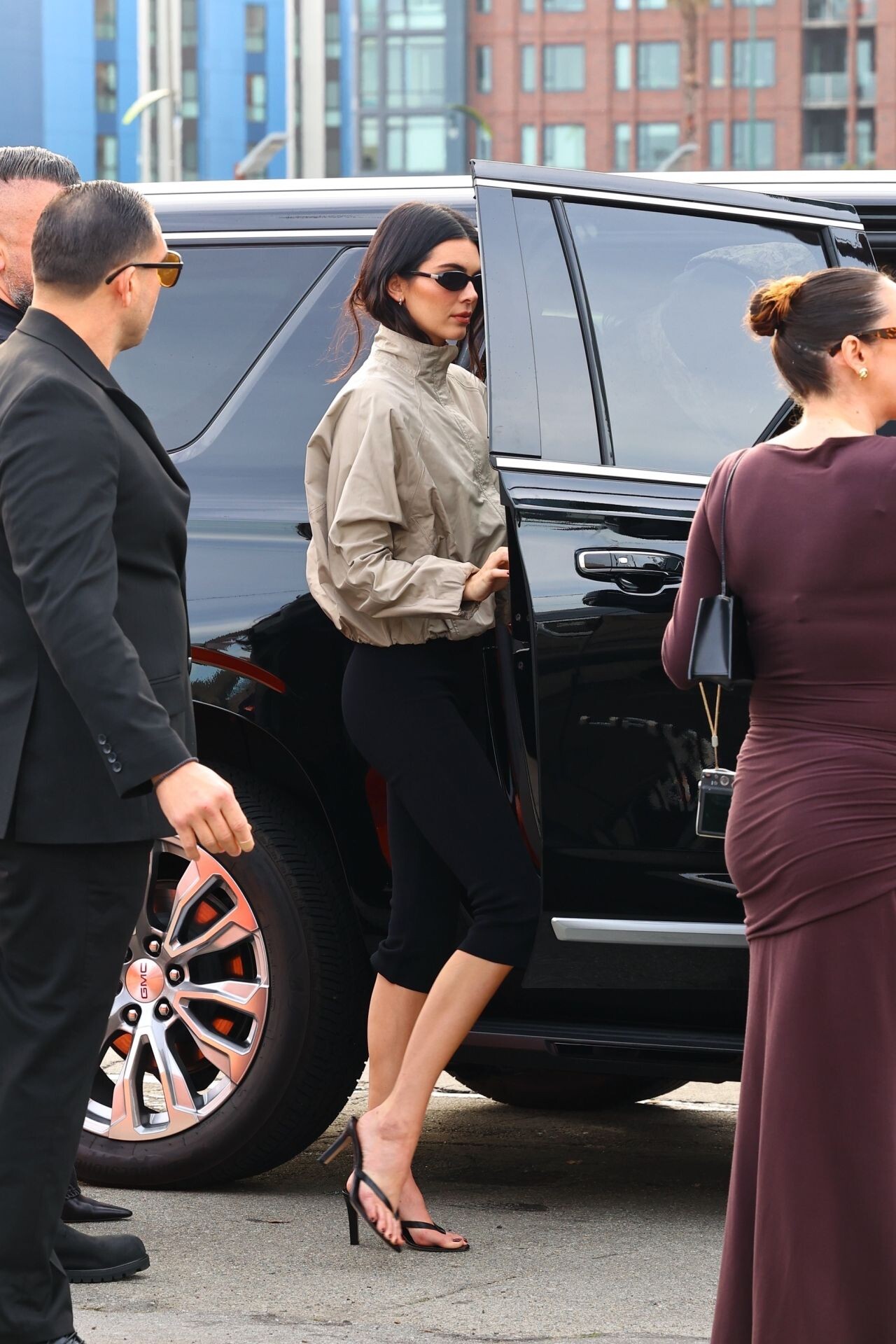
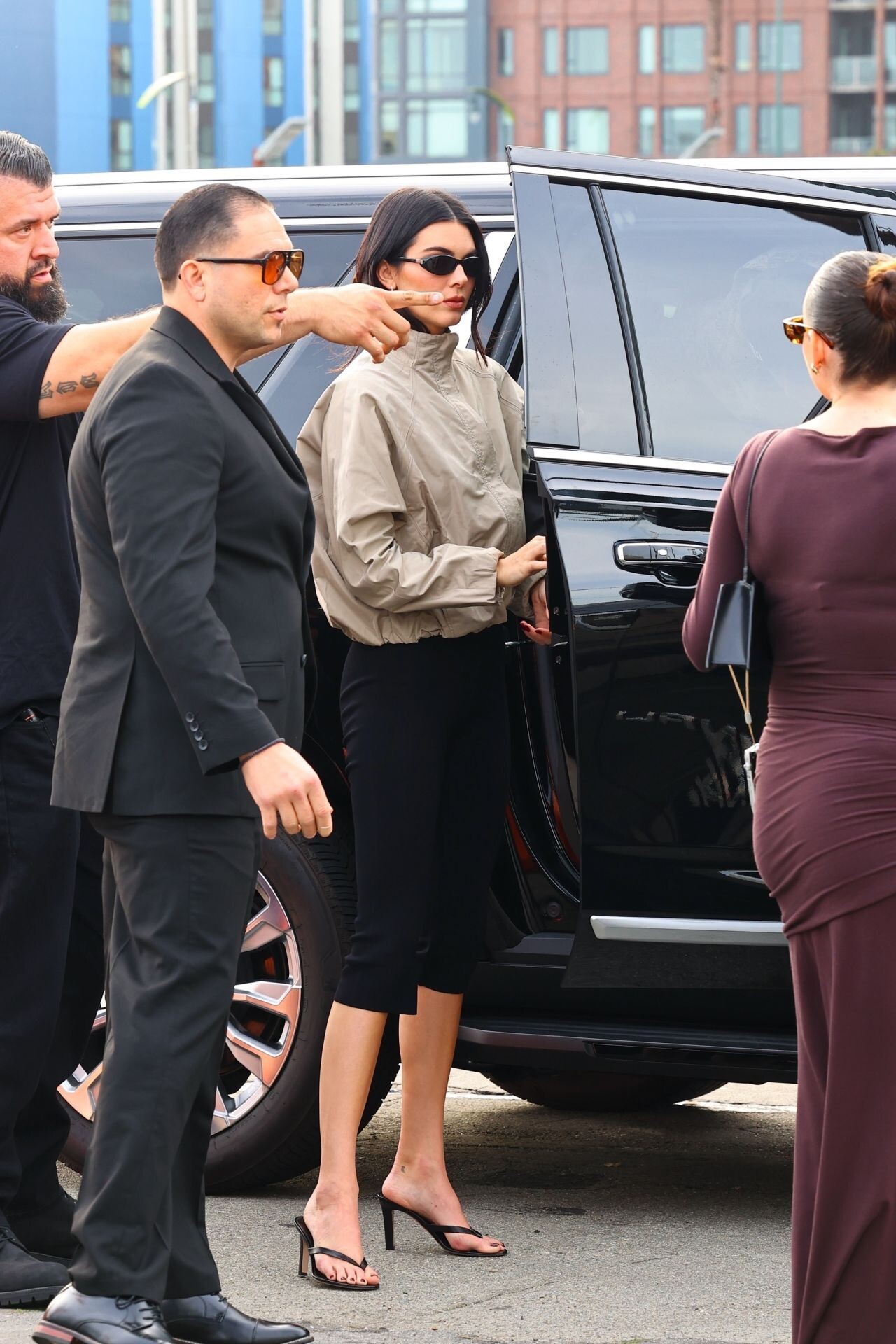
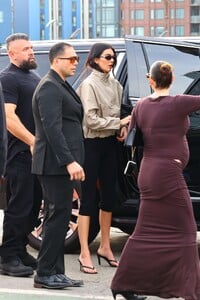
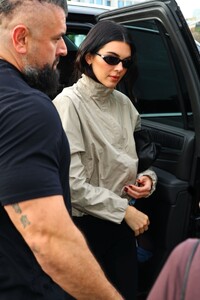
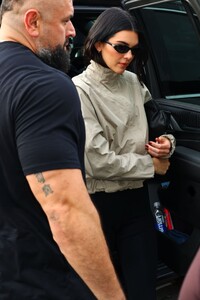
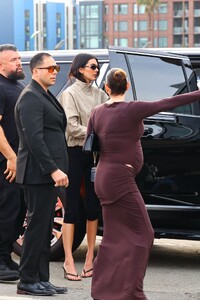
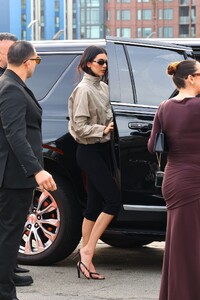
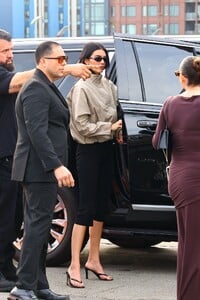
arrived at the 2026 Fanatics Super Bowl Party at Pier 48 in San Francisco
-
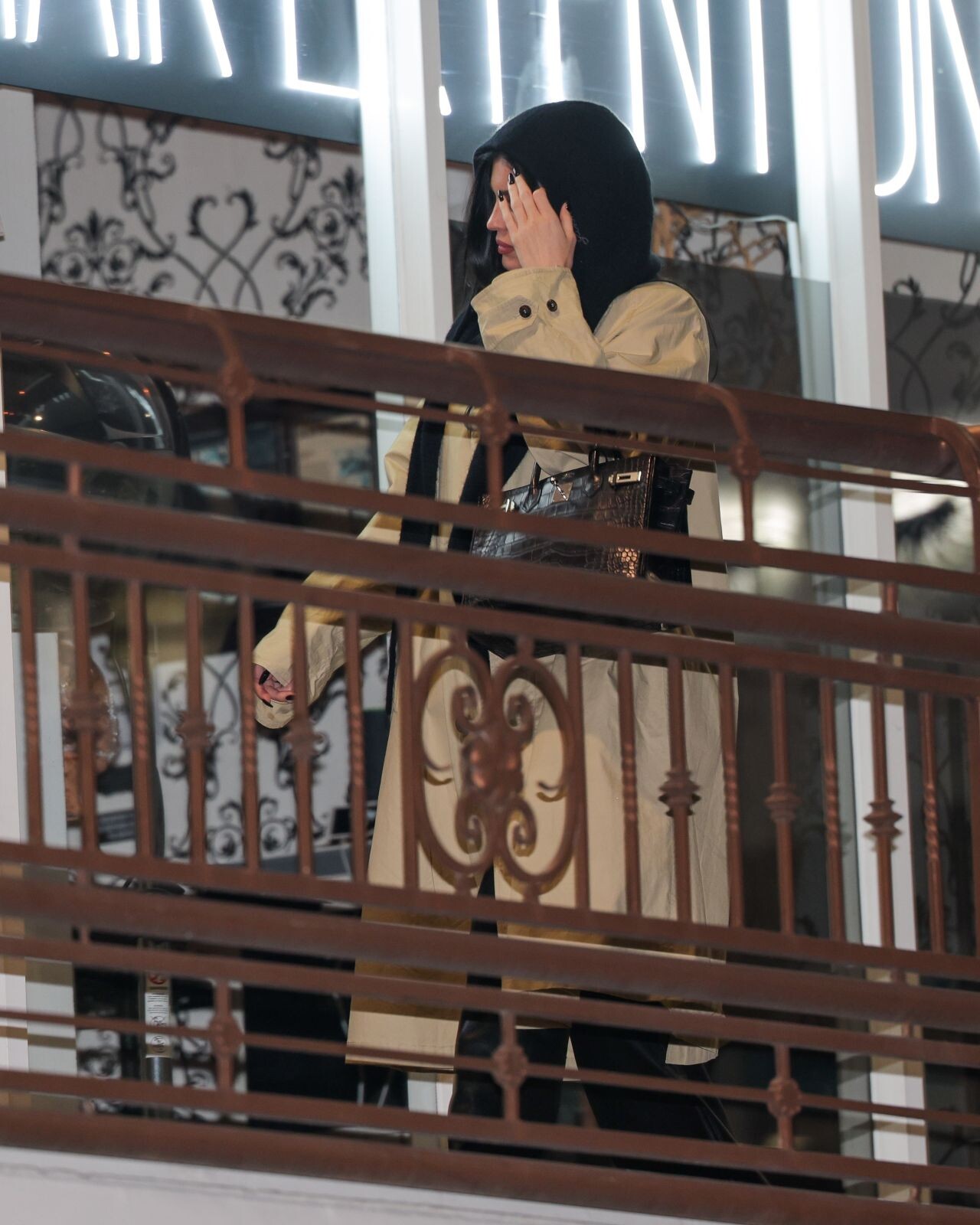
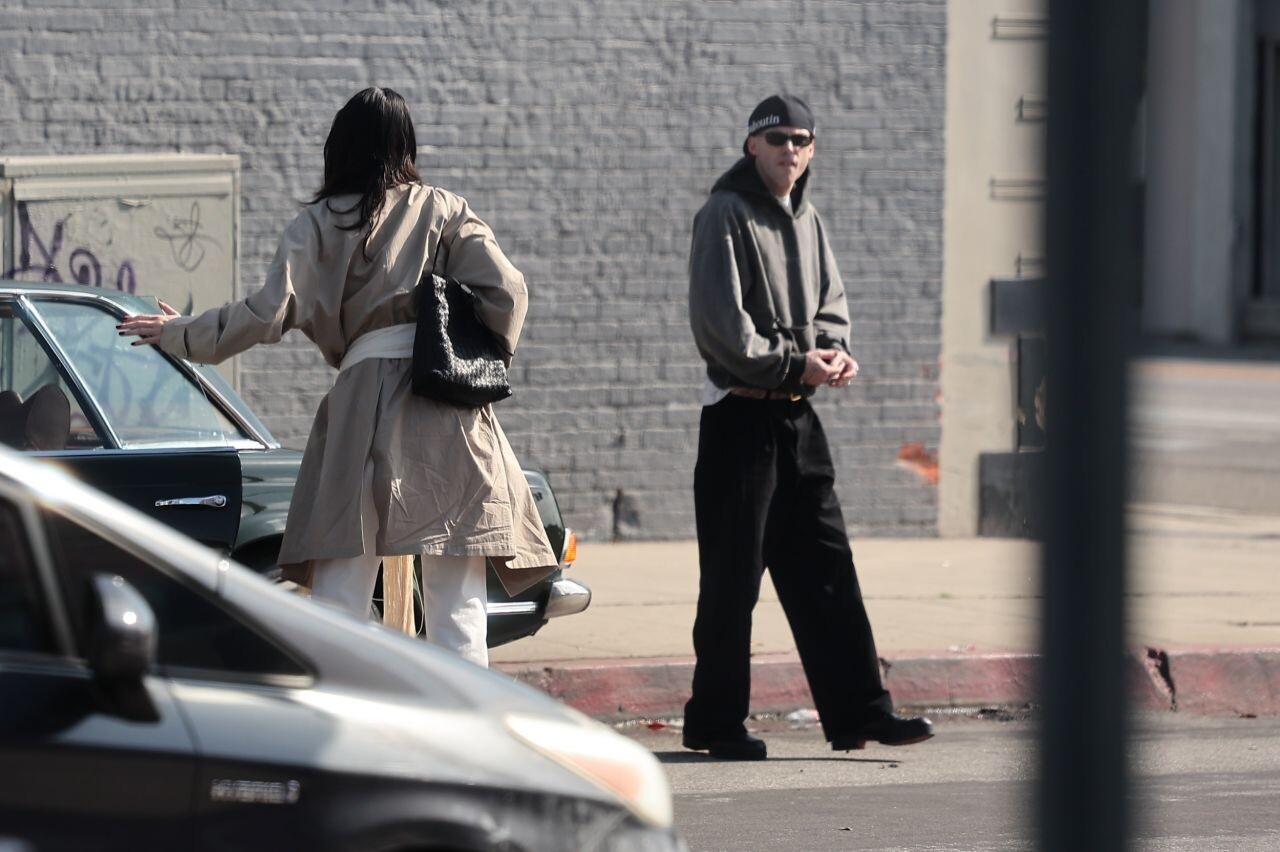
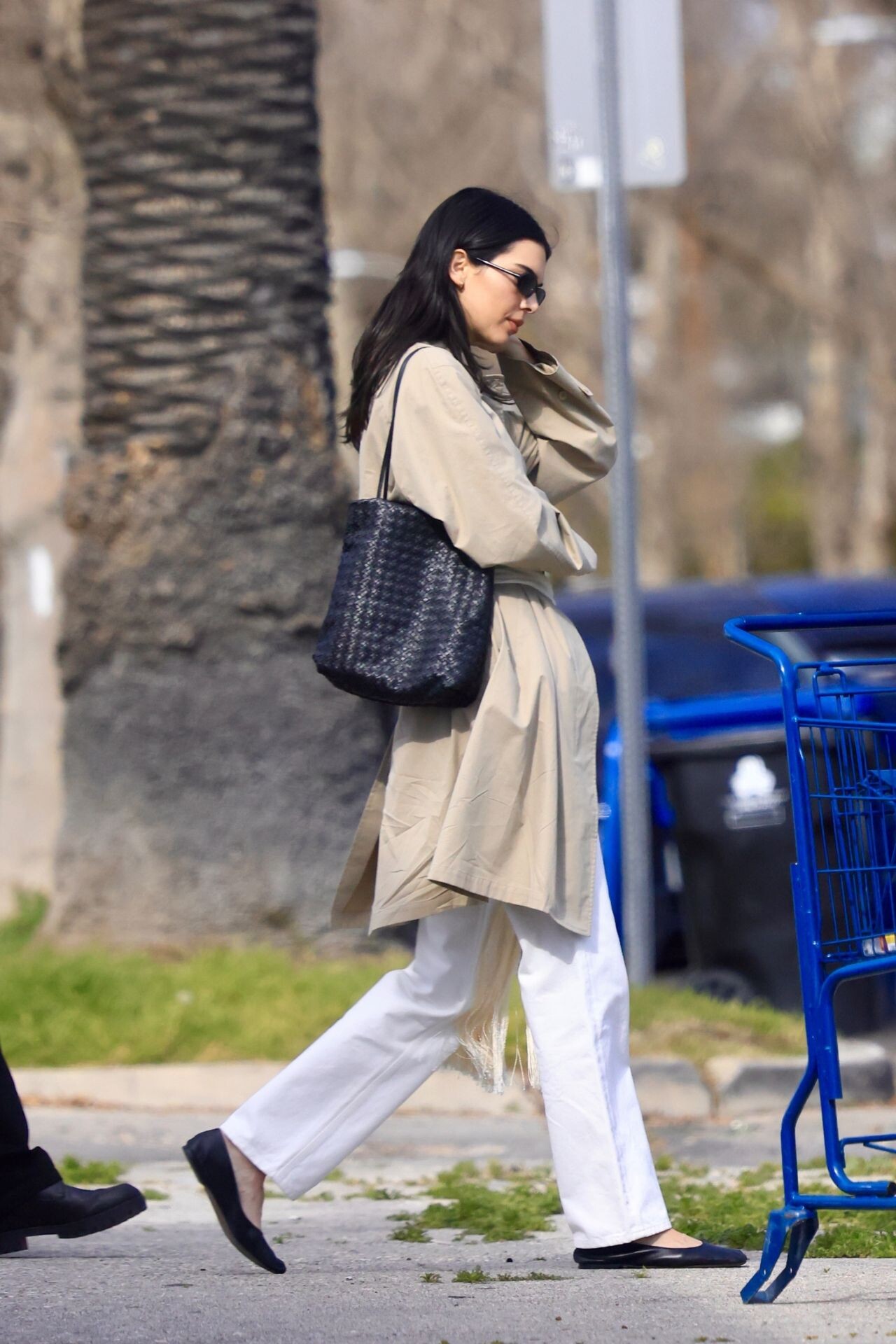
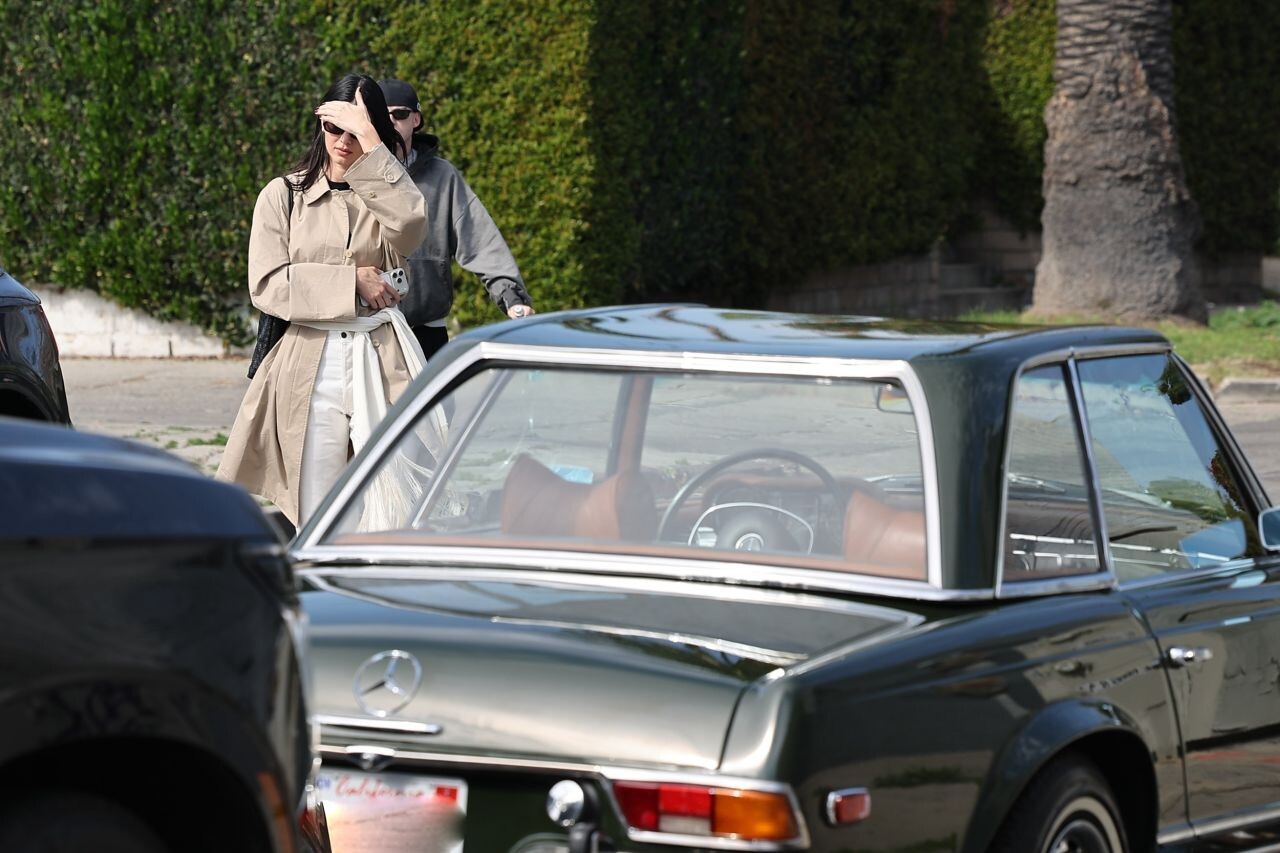
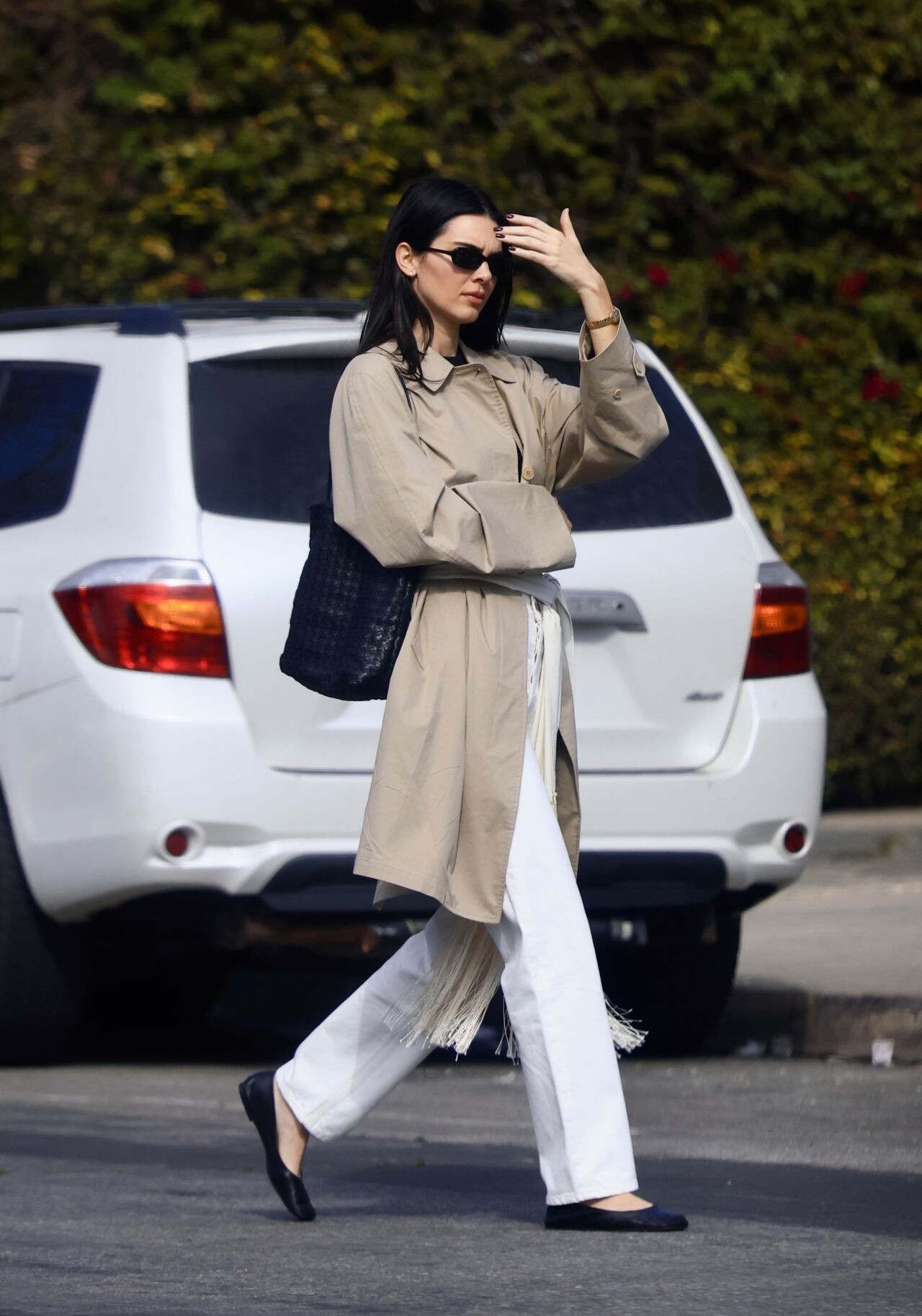
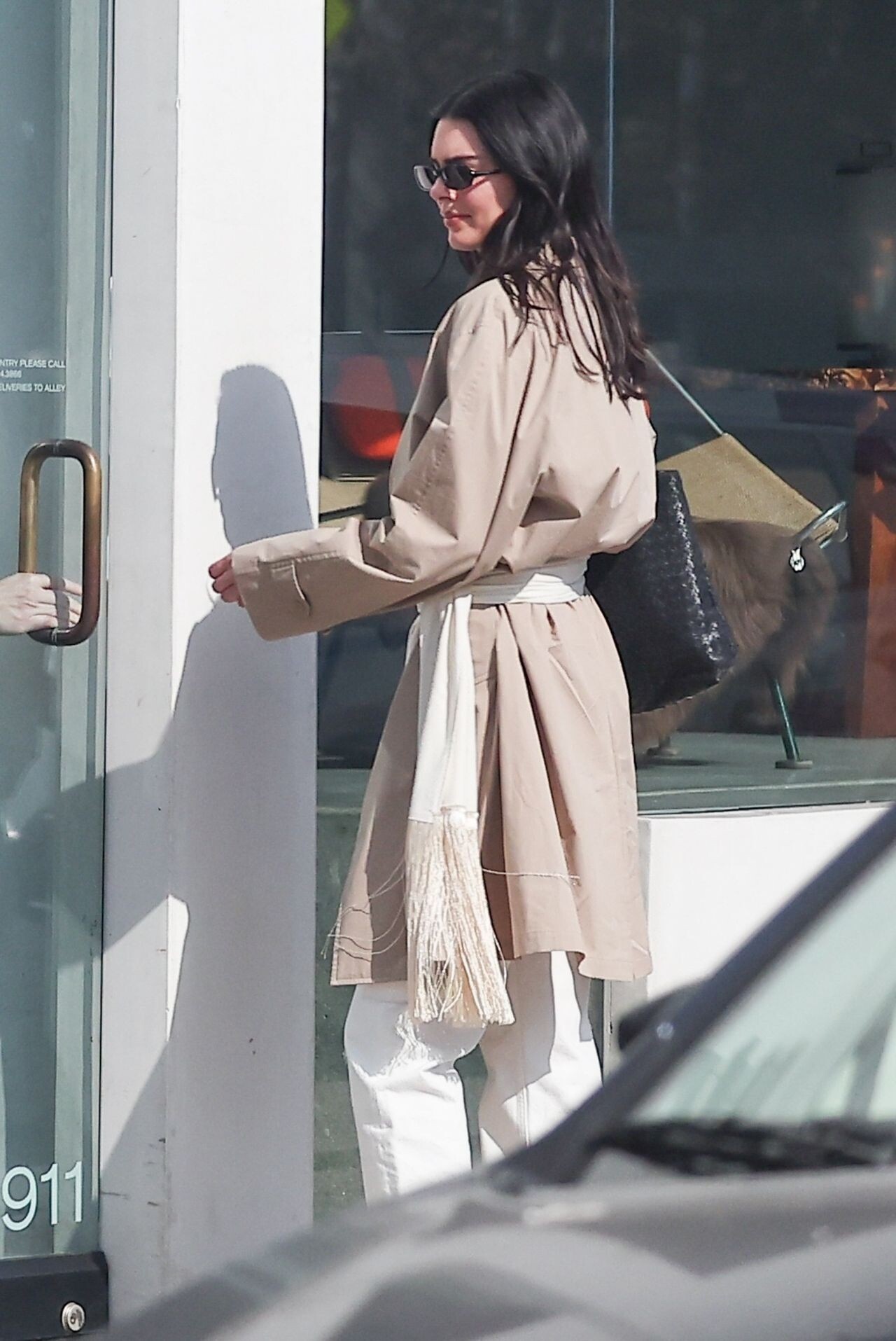
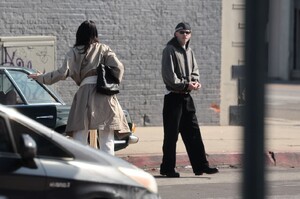
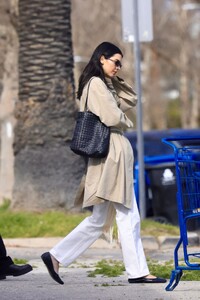
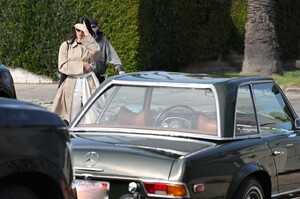
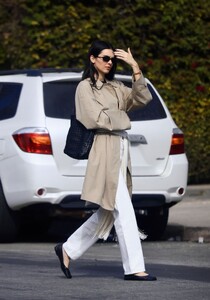
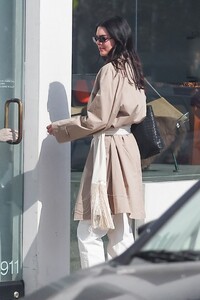
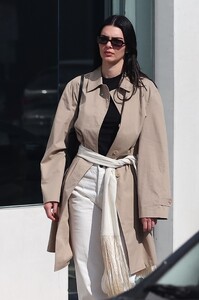
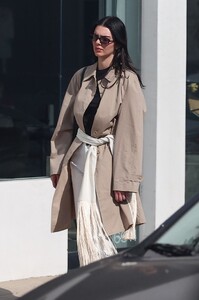
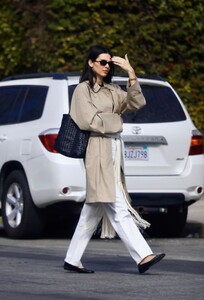
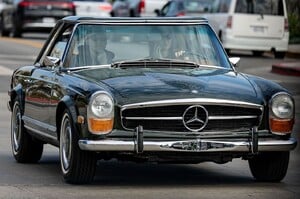
shopping at Galerie Half on Melrose Boulevard in Los Angeles on February 6, 2026.
-
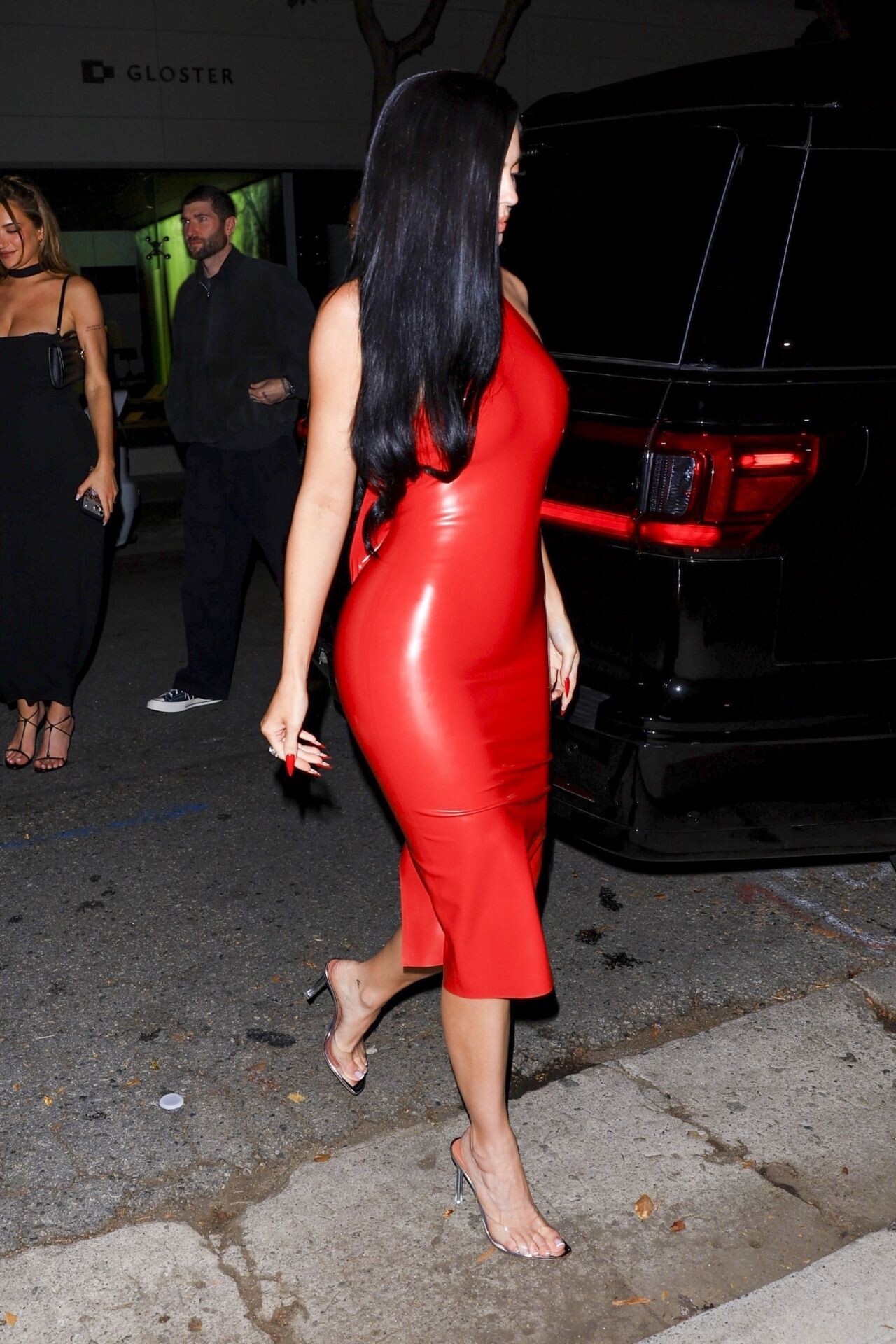
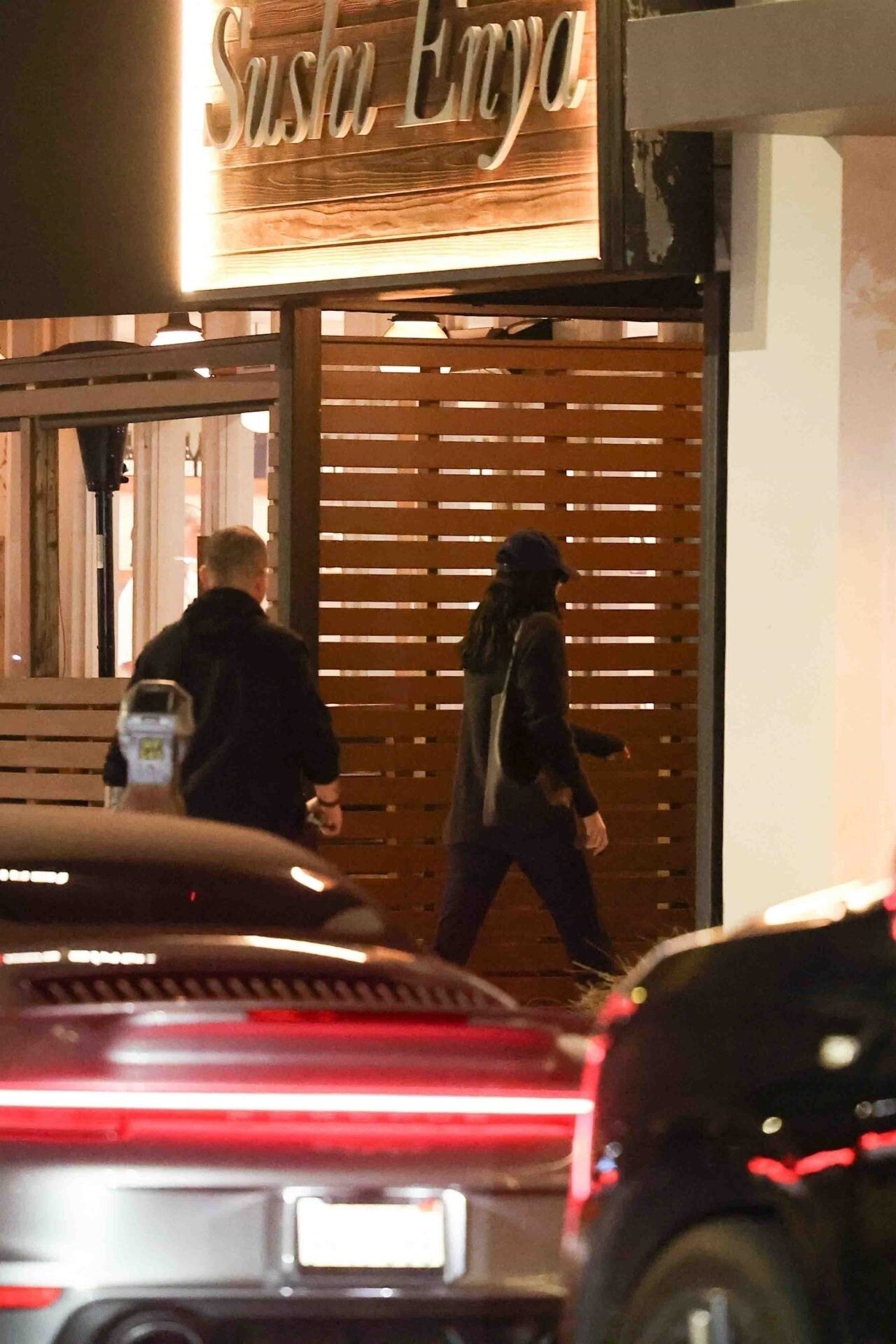
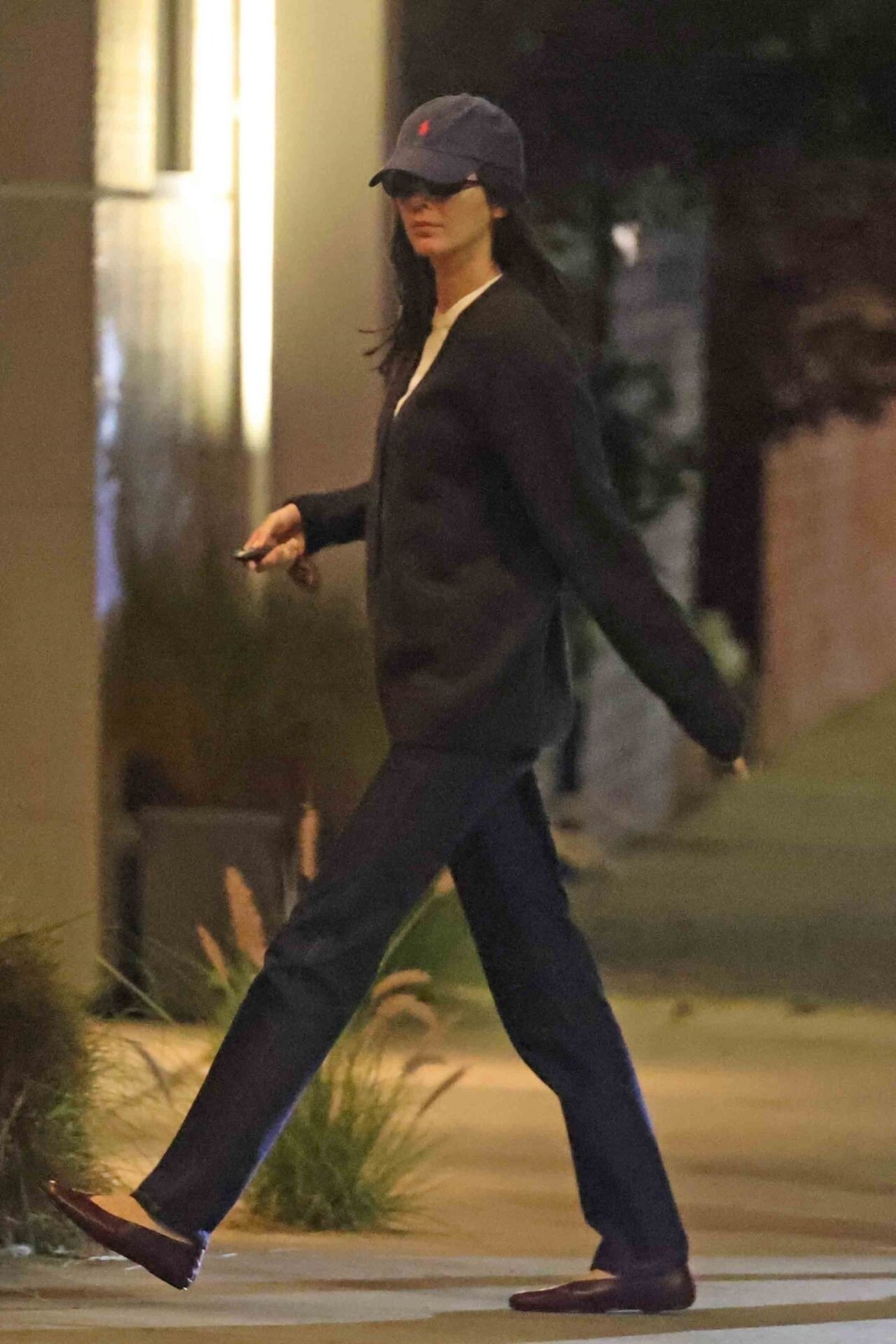
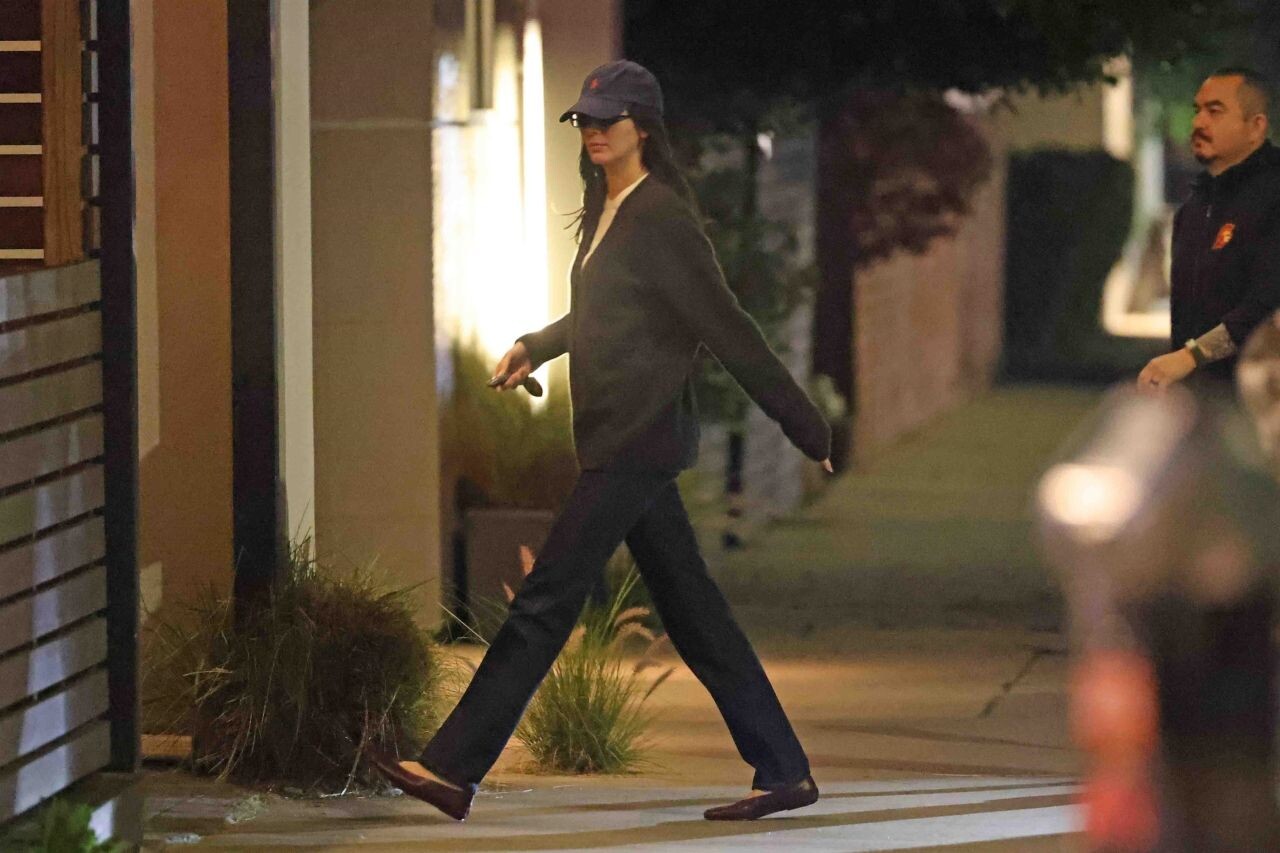
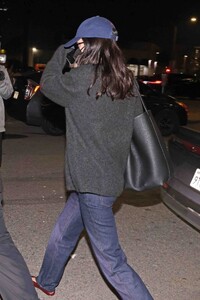
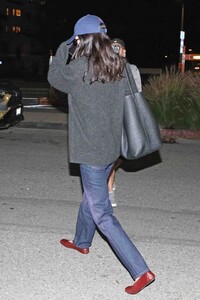
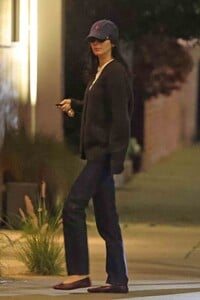
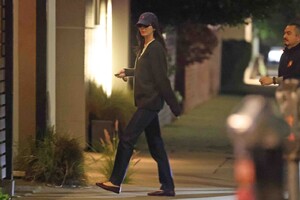
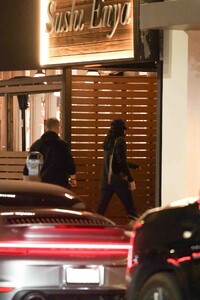
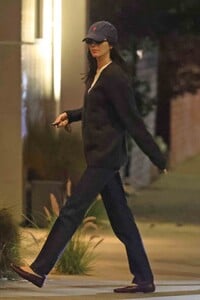
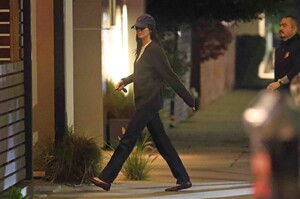
dinner at Sushi Enya in Los Angeles on January 20 2026.
-
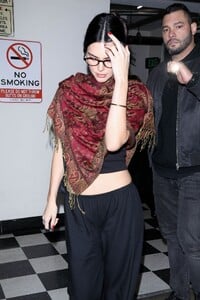
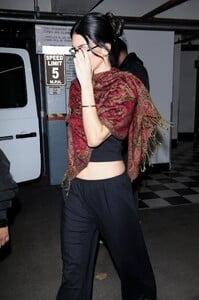
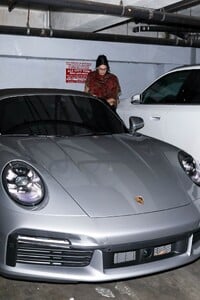
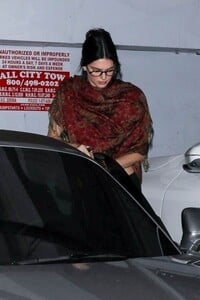
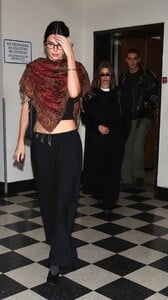
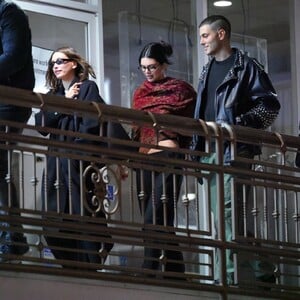
at Sushi Park on January 10, 2026.

-
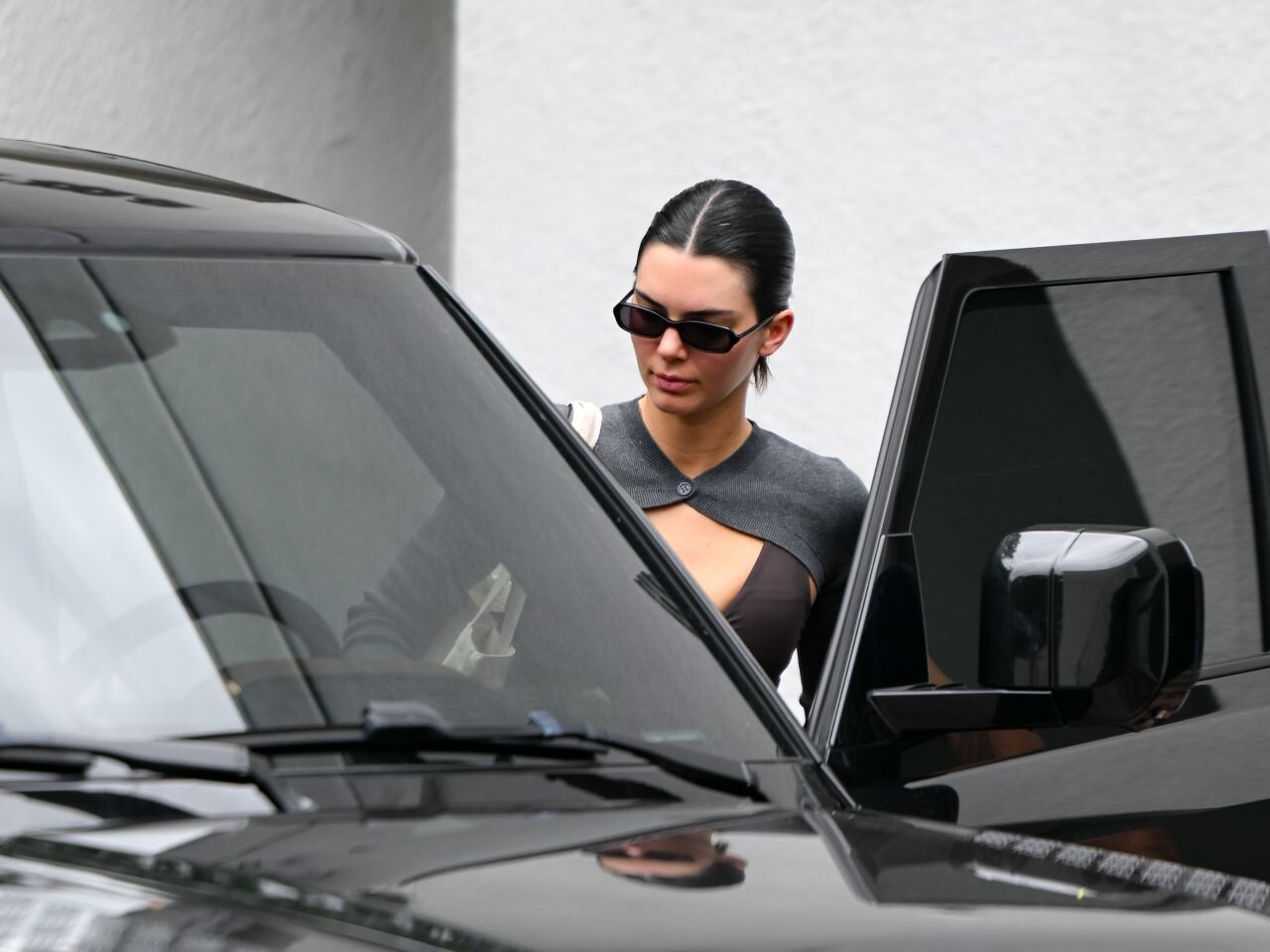
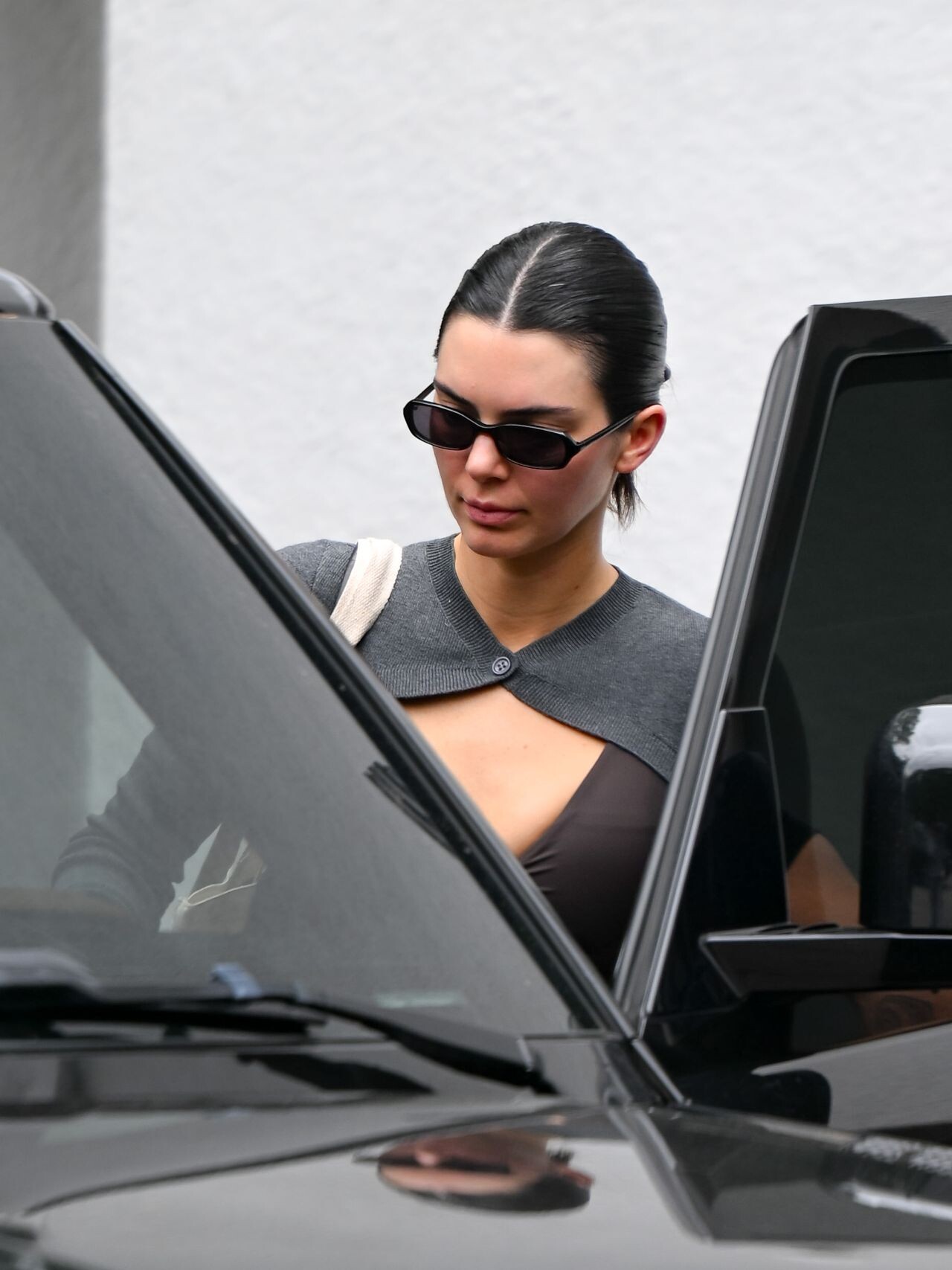
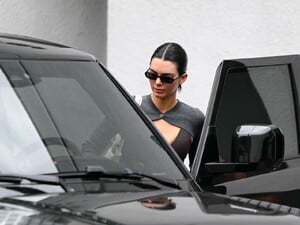
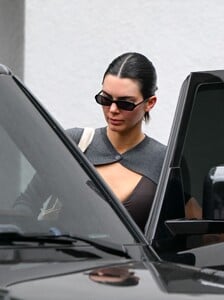
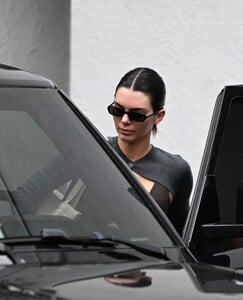
leaving Forma Pilates in Los Angeles in 2025.
-
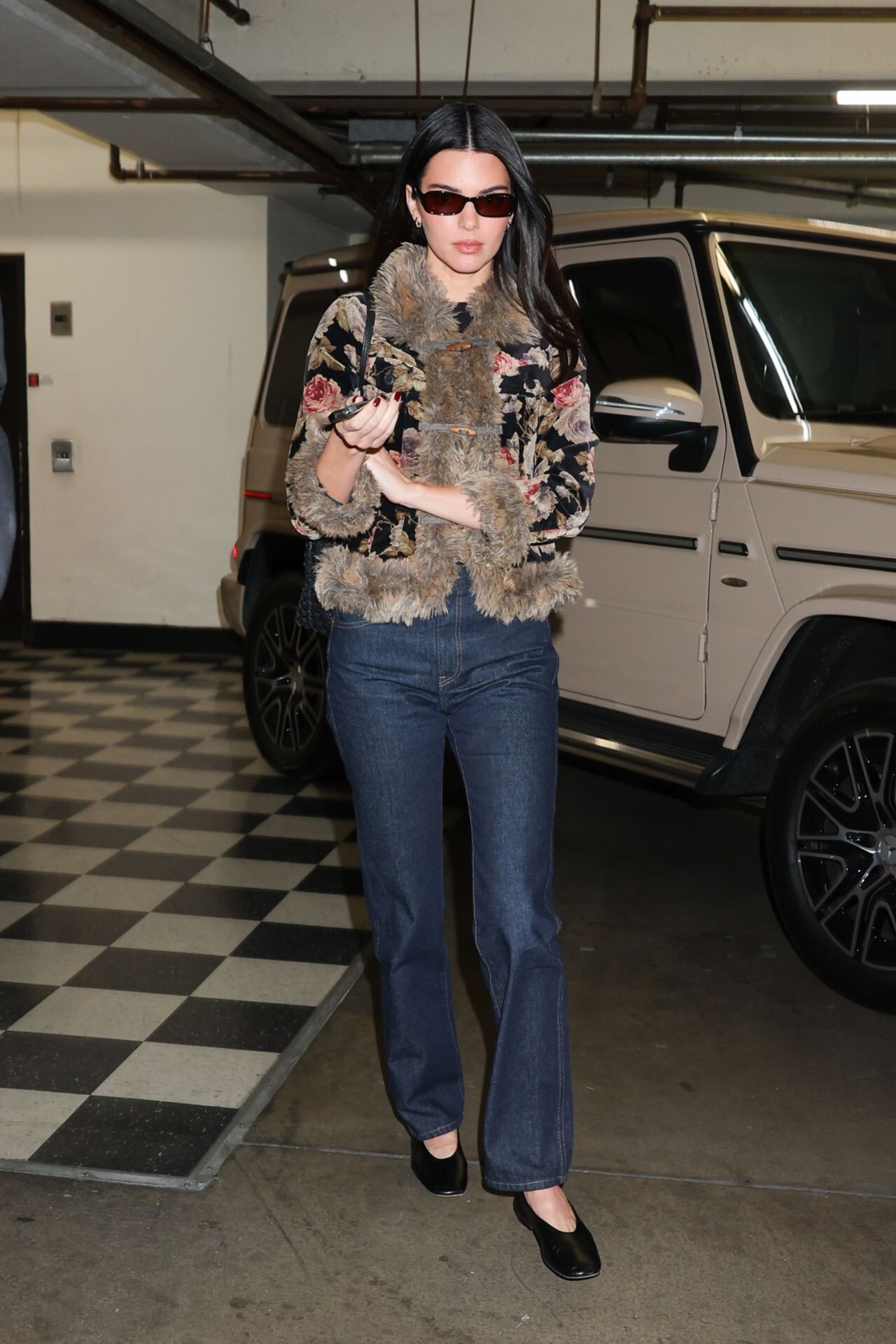
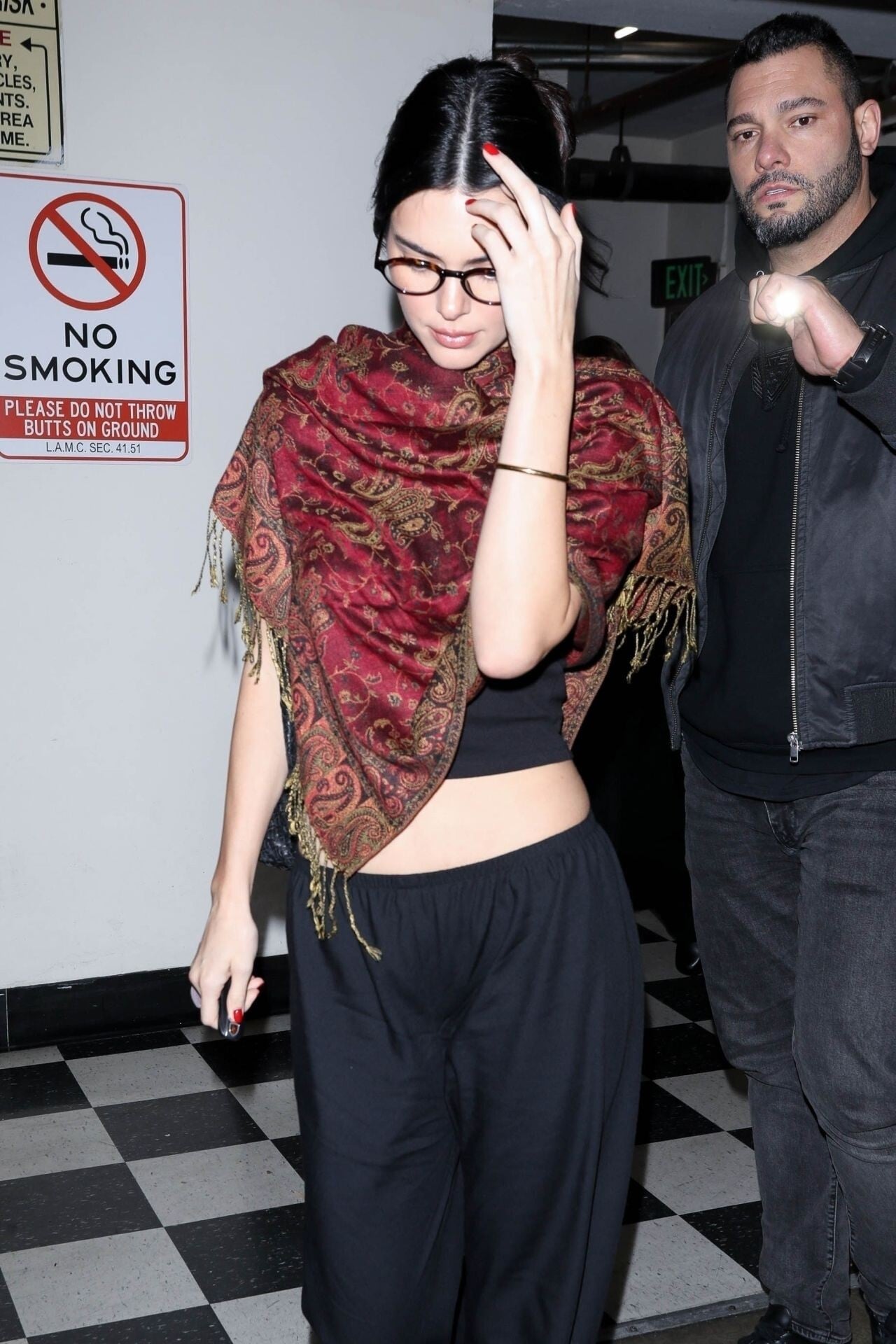
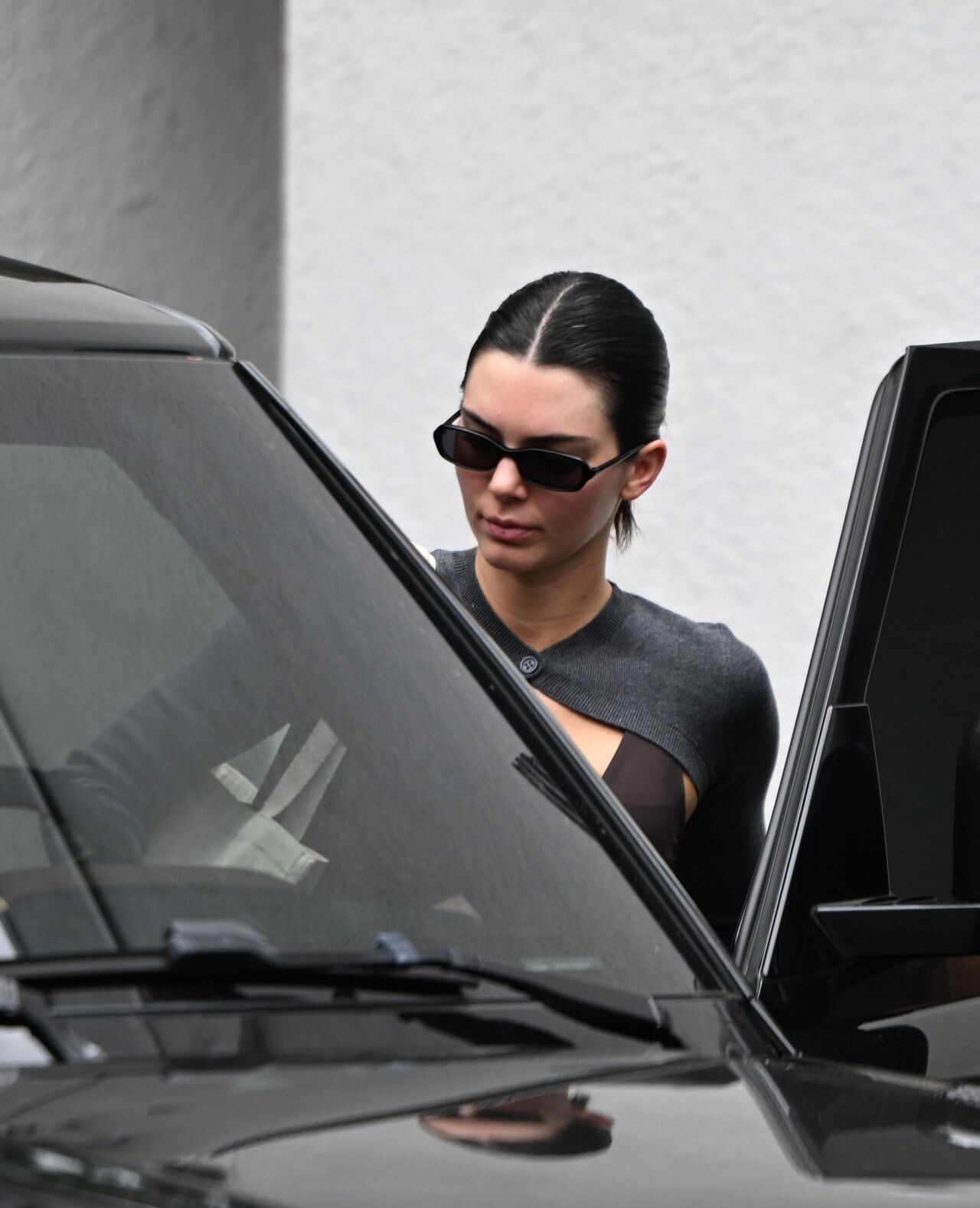
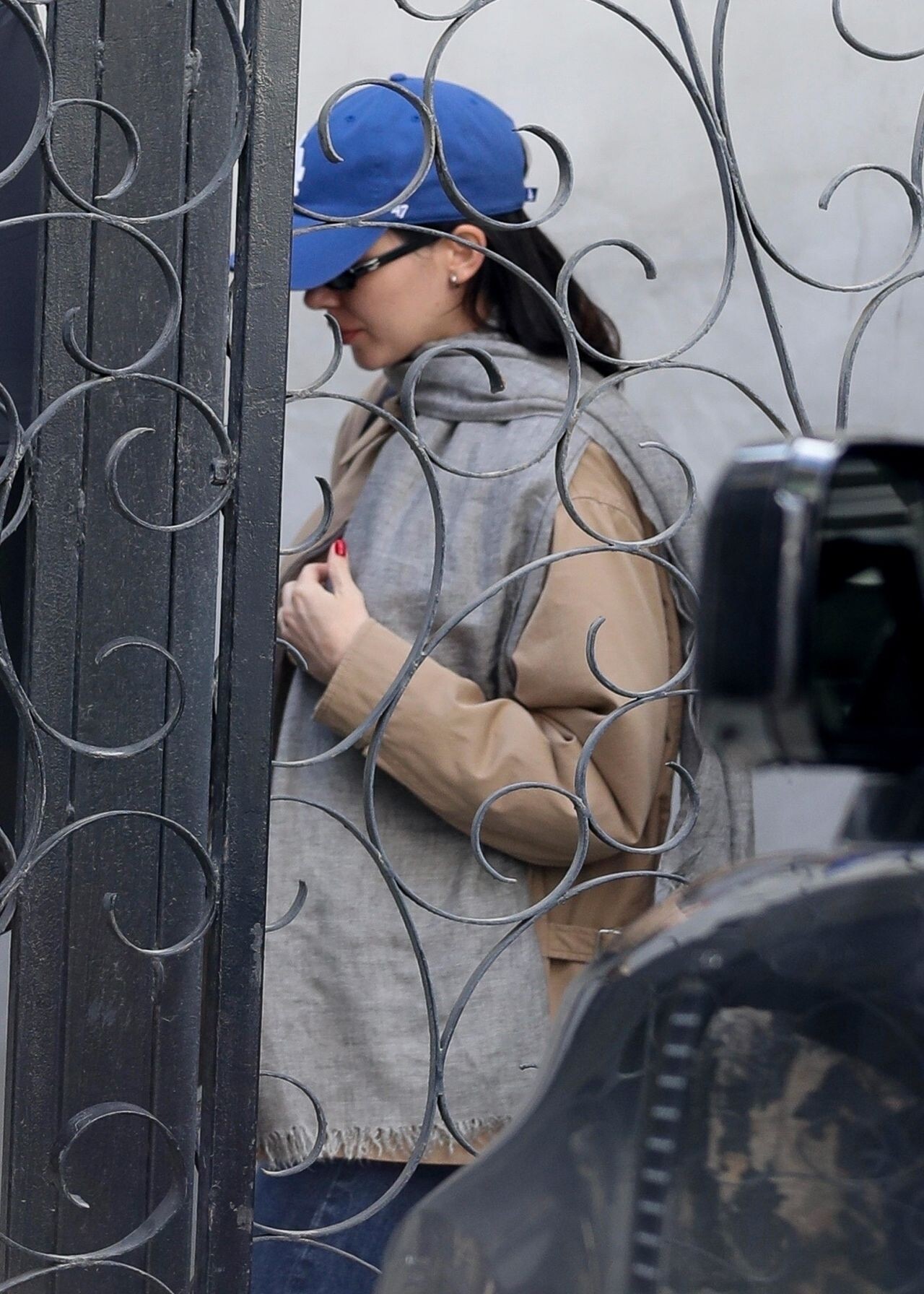
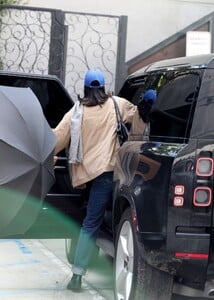
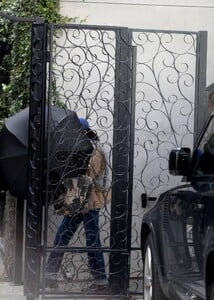
leaving a hair salon in West Hollywood on January 6, 2026.


-
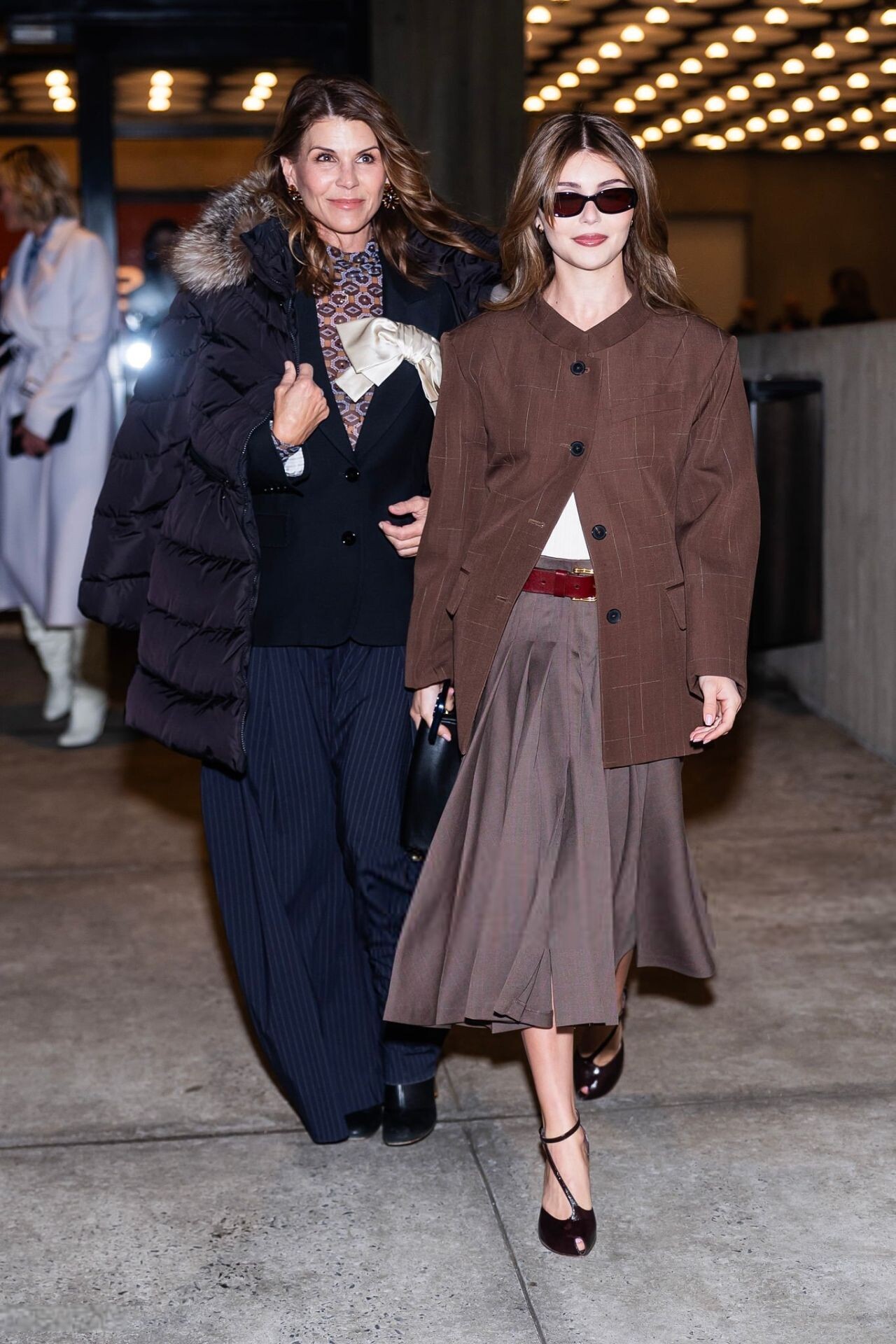
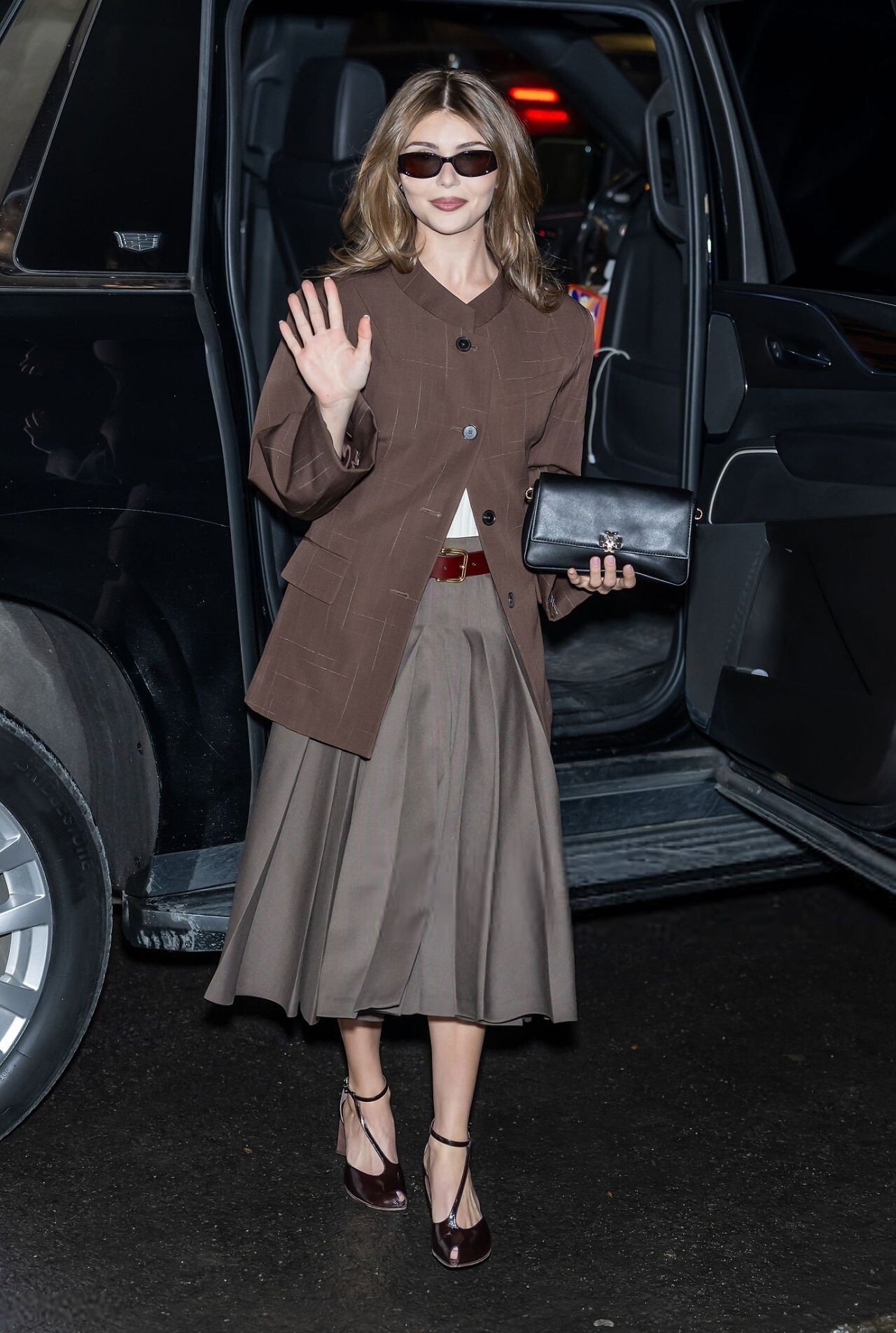
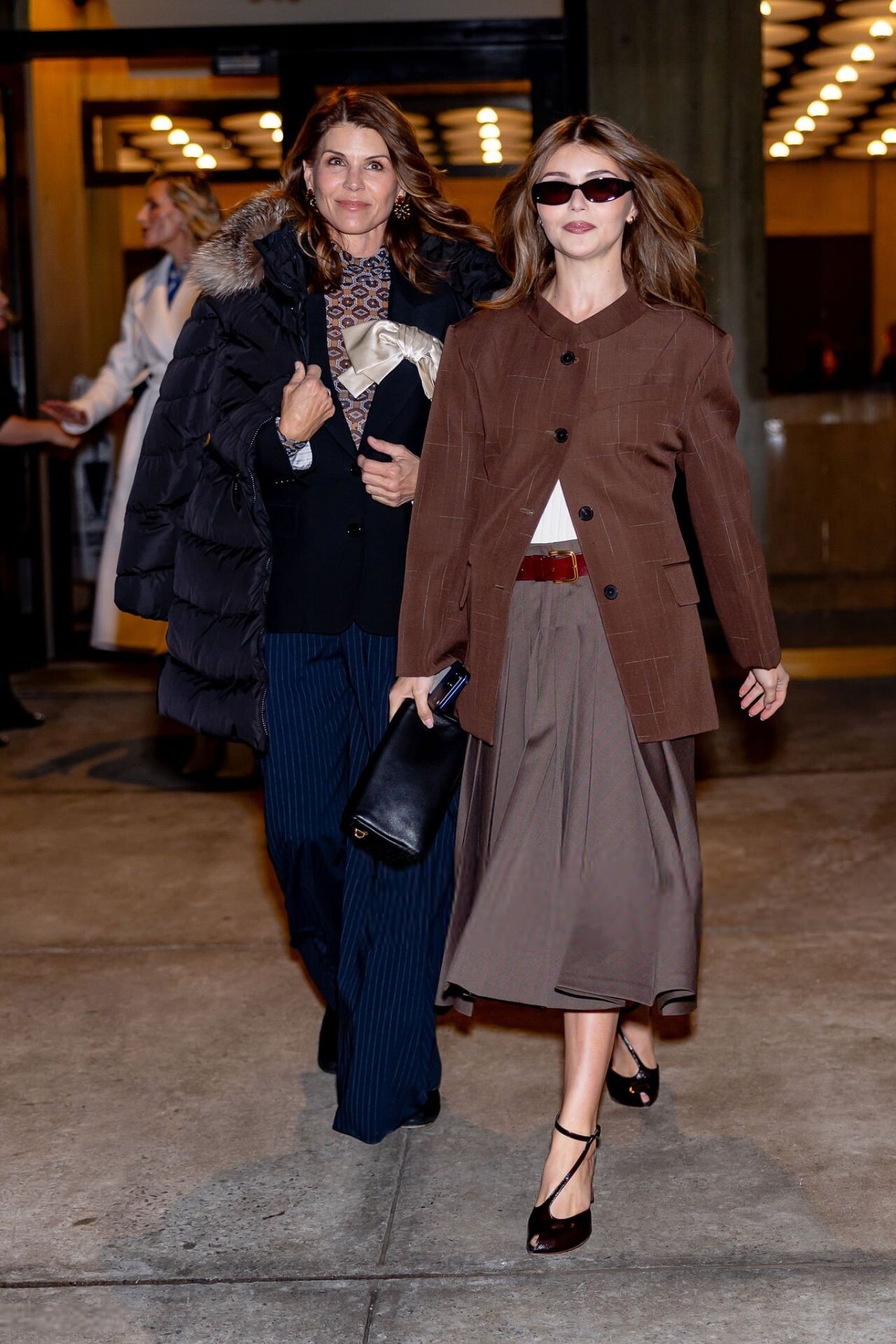
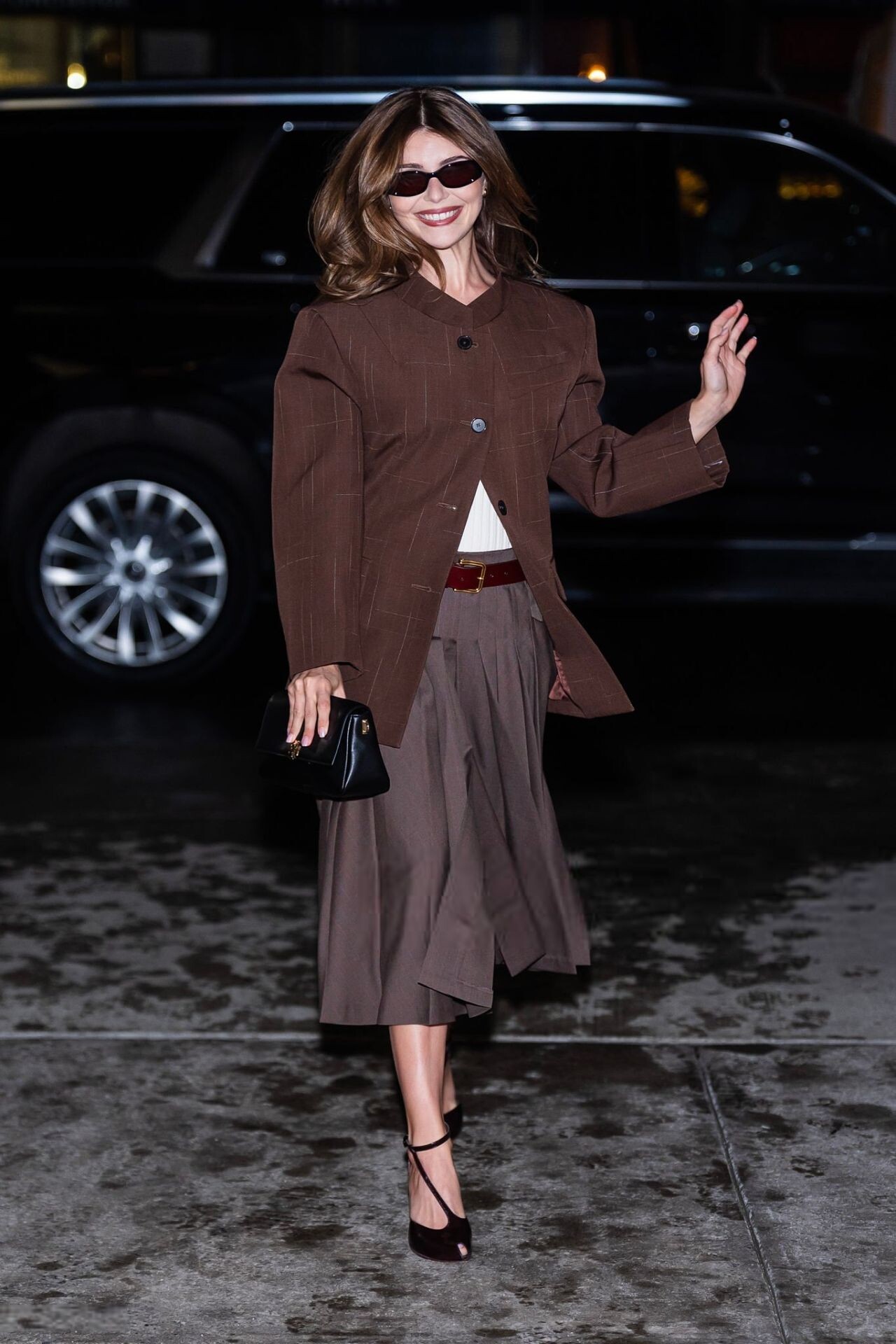
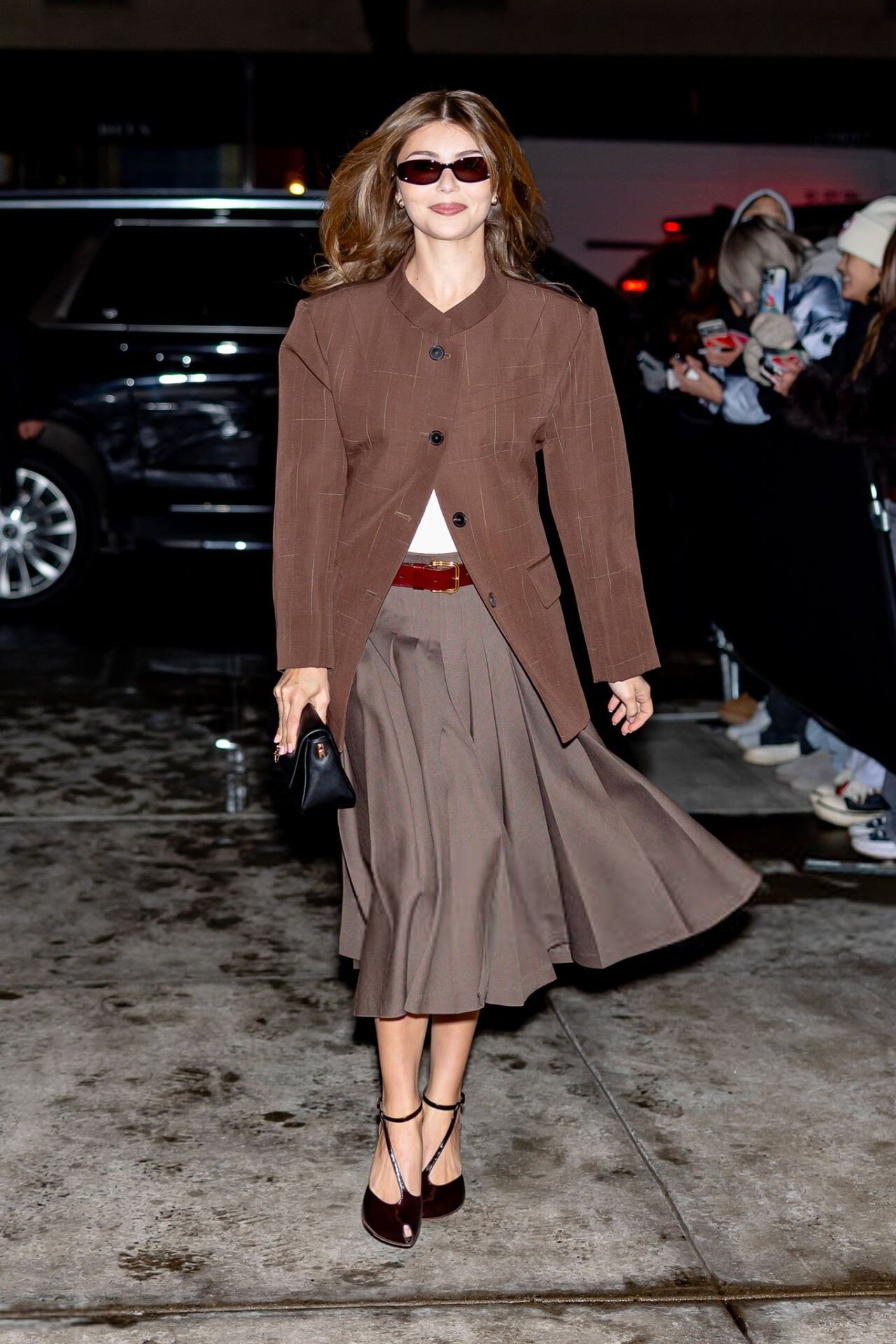
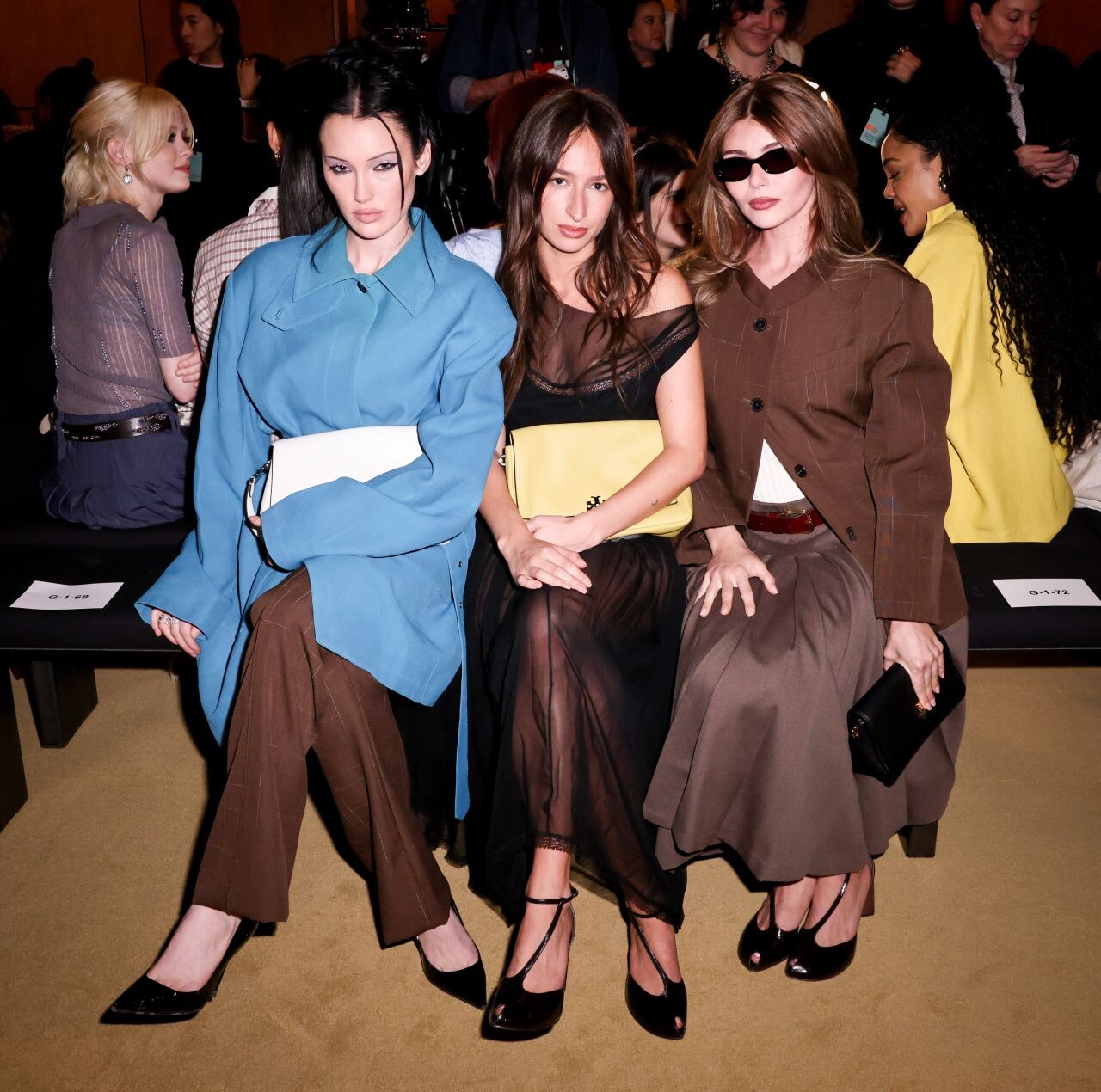
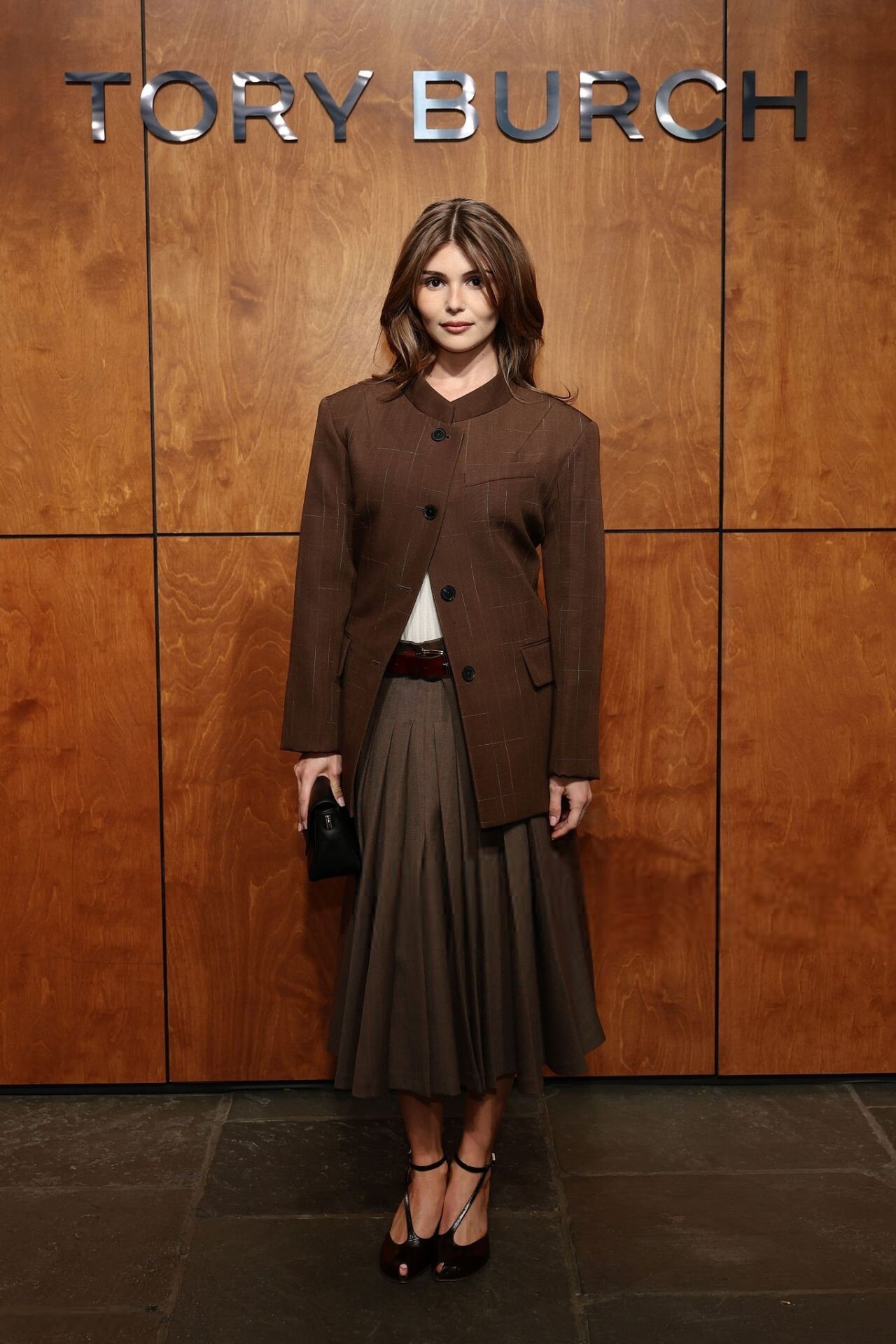
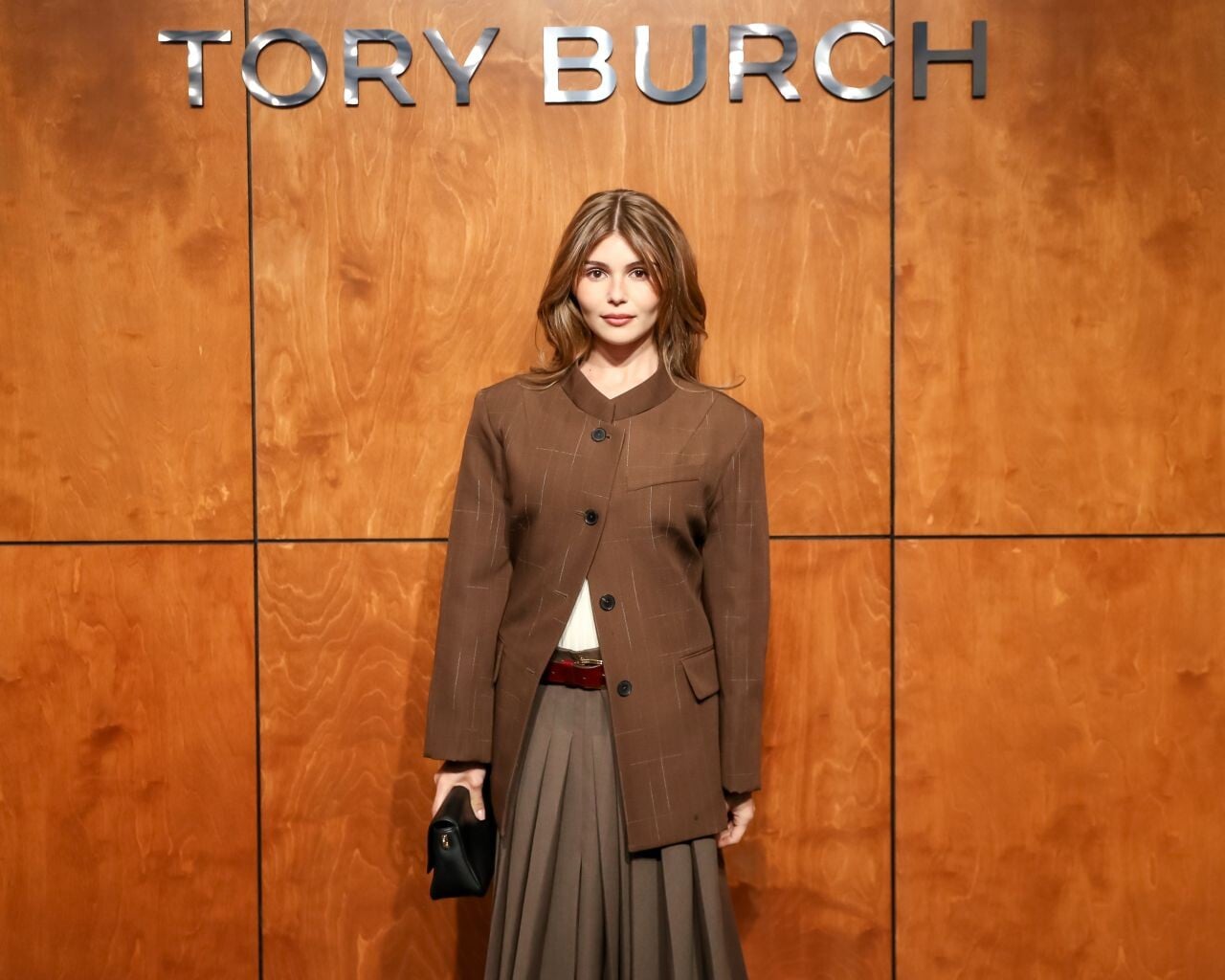
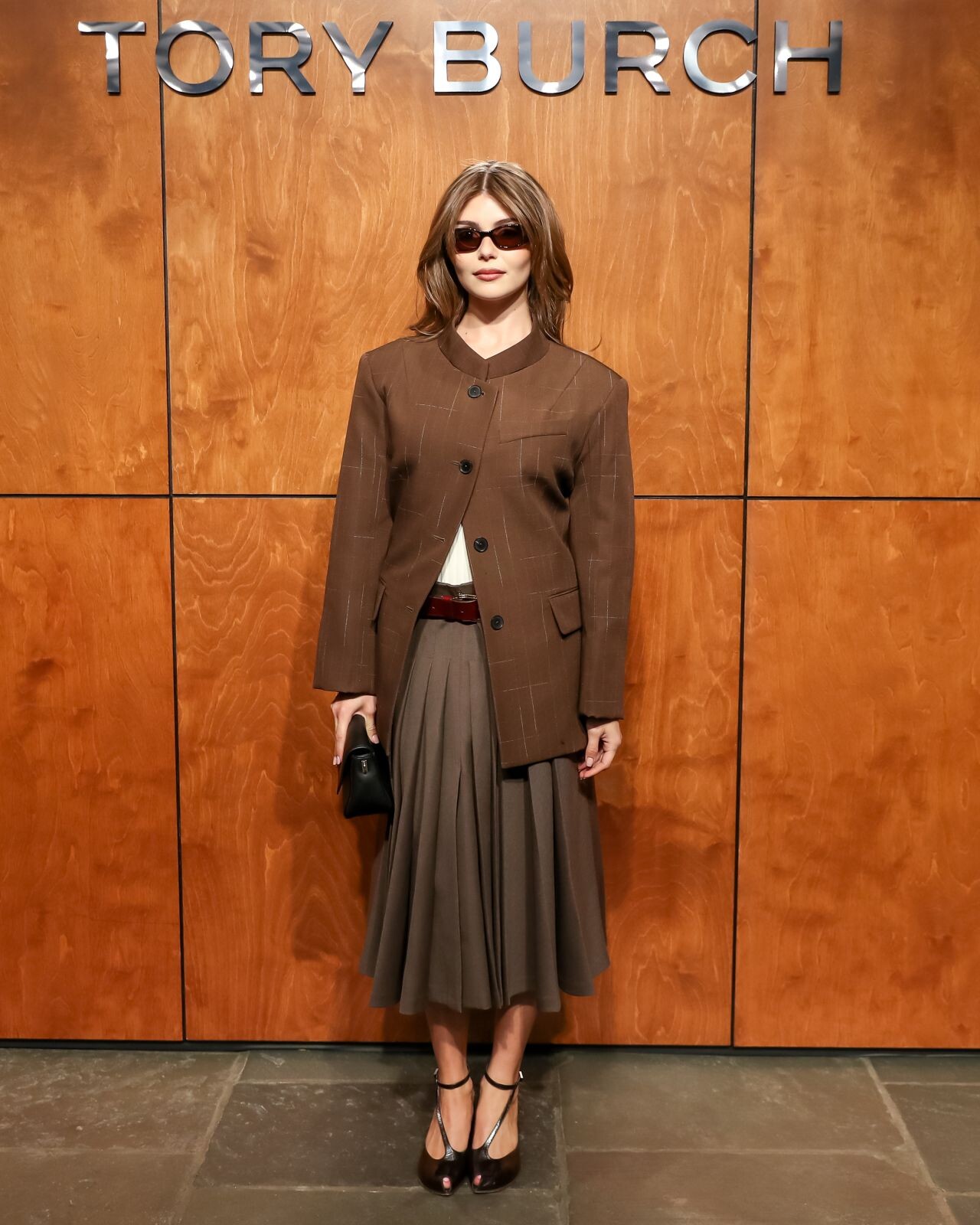
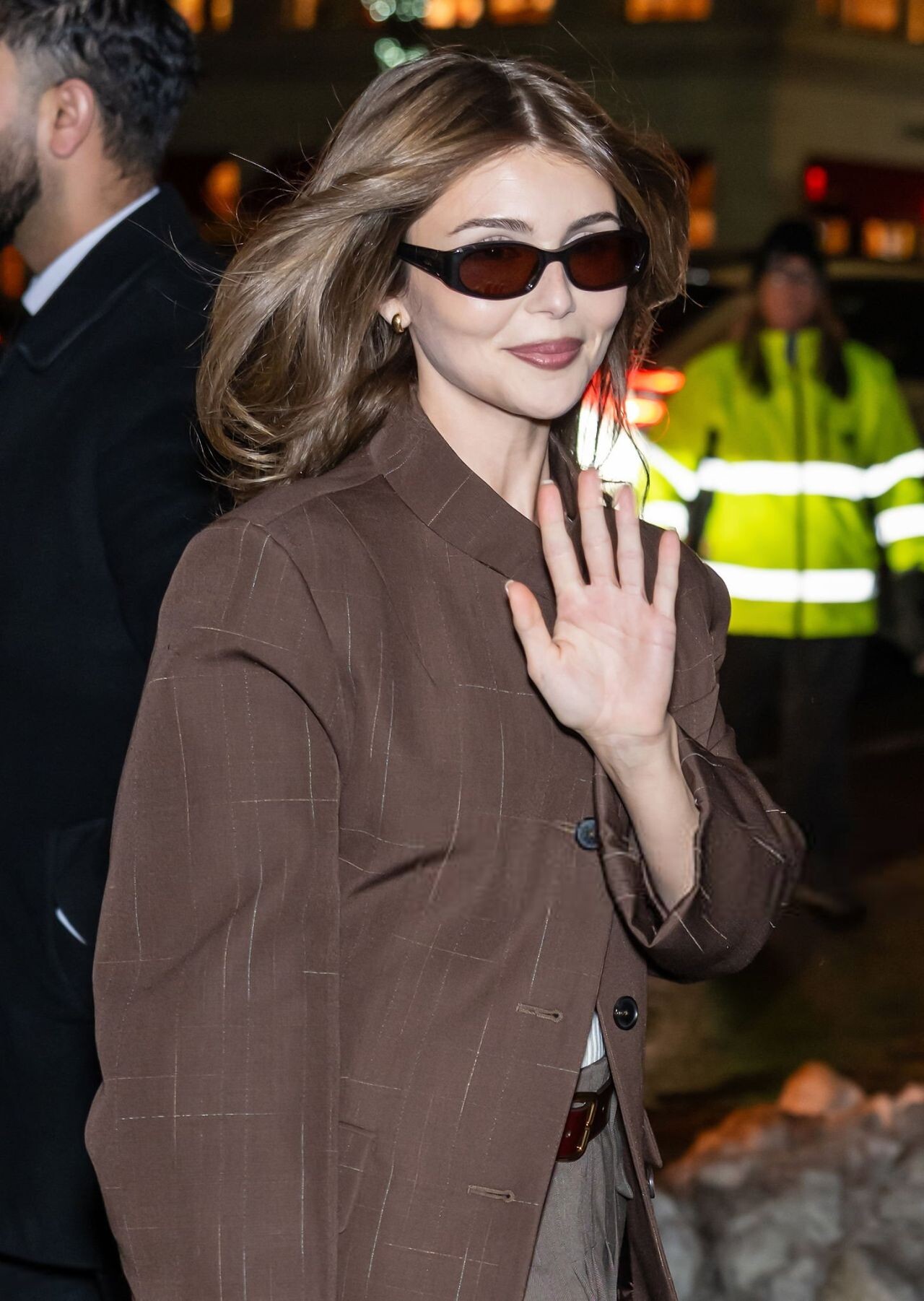
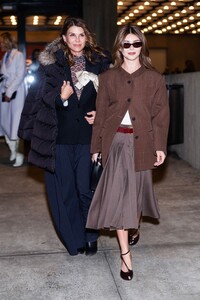
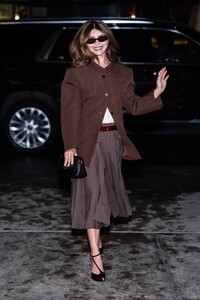
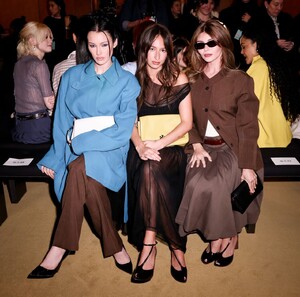
Tory Burch NYFW 2026 show in New York City.







-
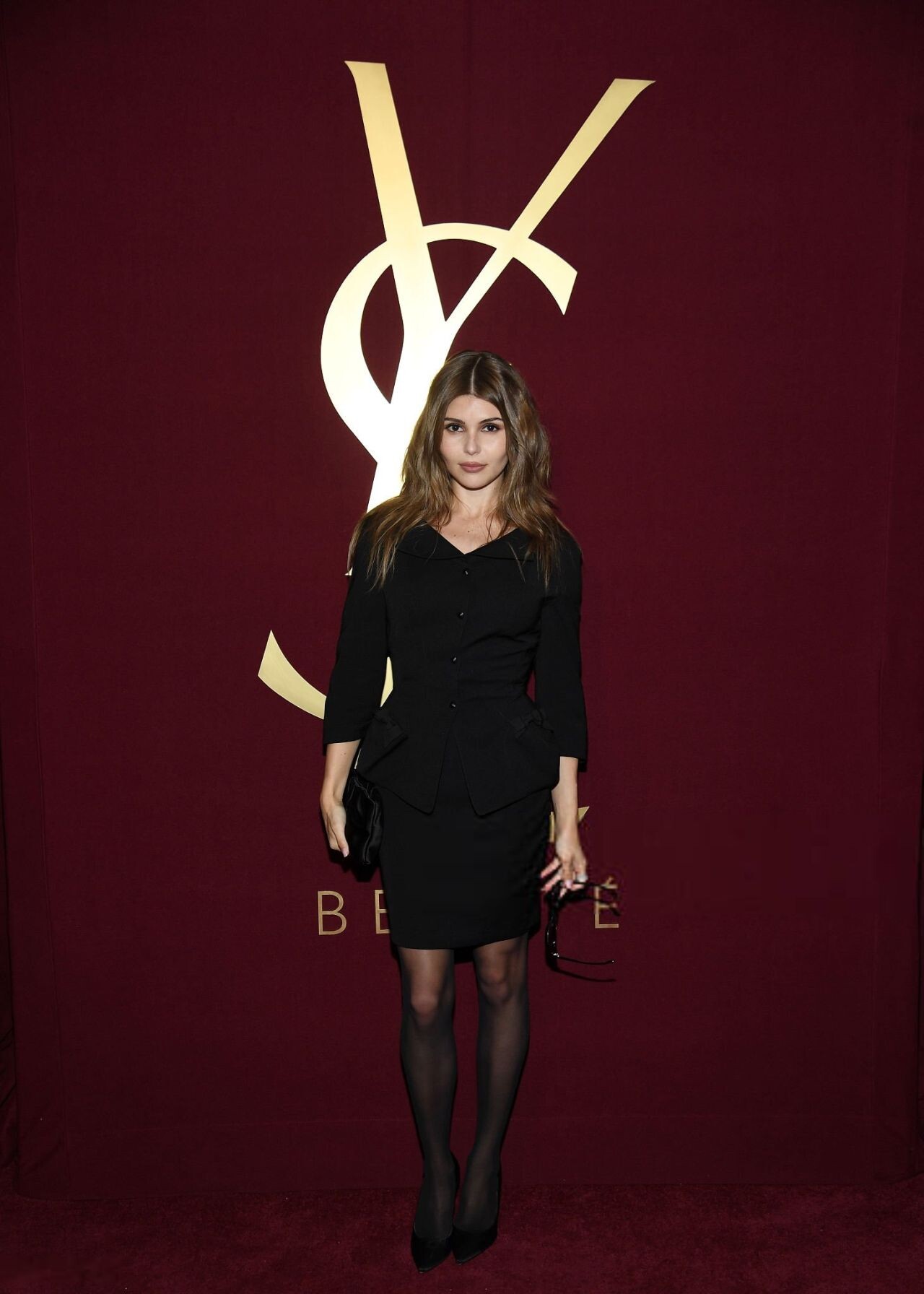
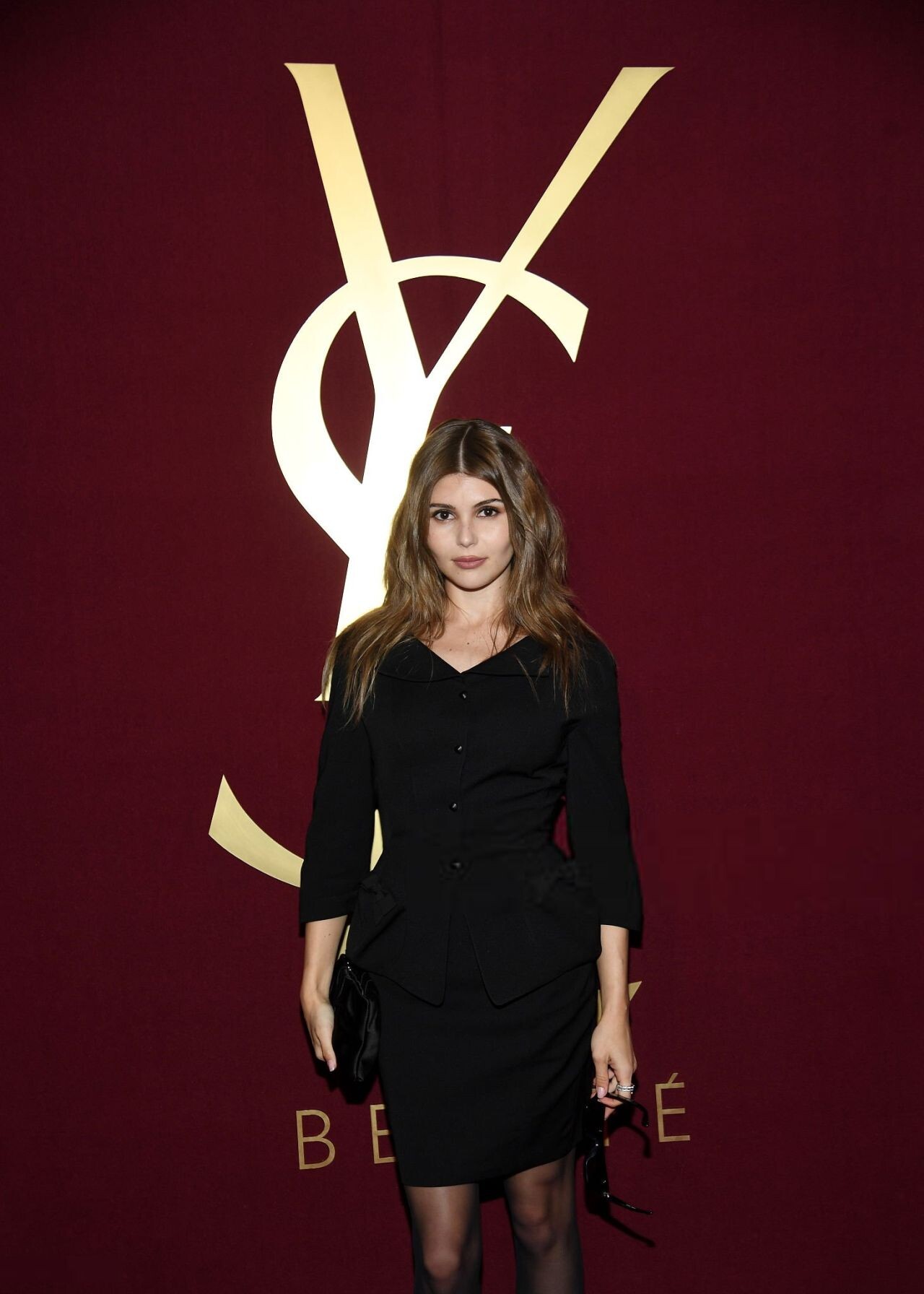
YSL Beauty LOVE 24/7 event in New York City.


-
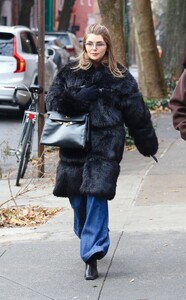
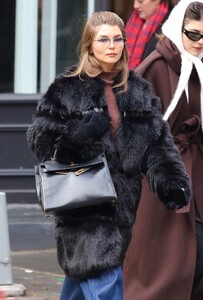
December 7, 2025
-
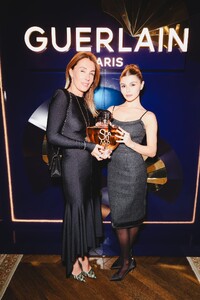
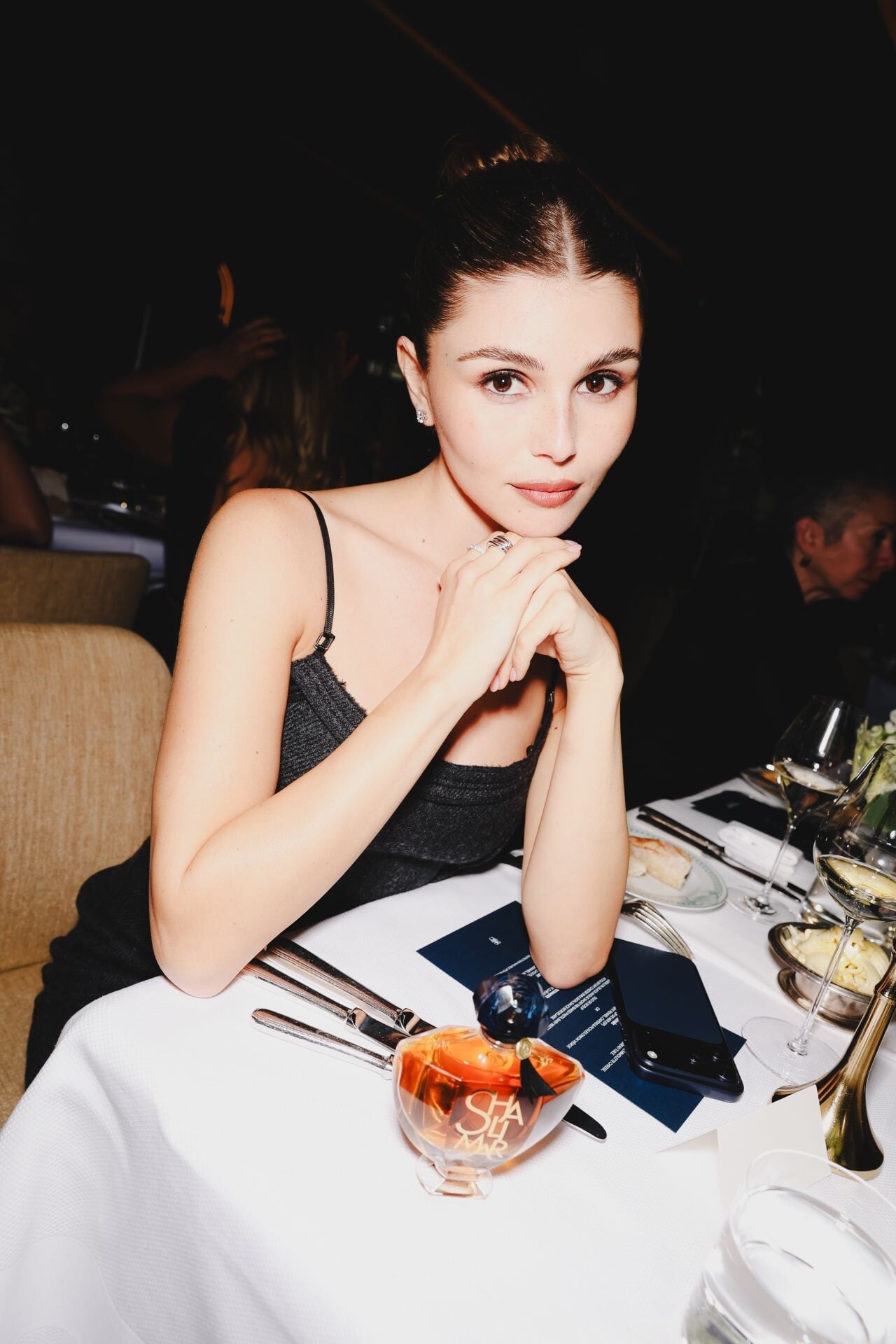
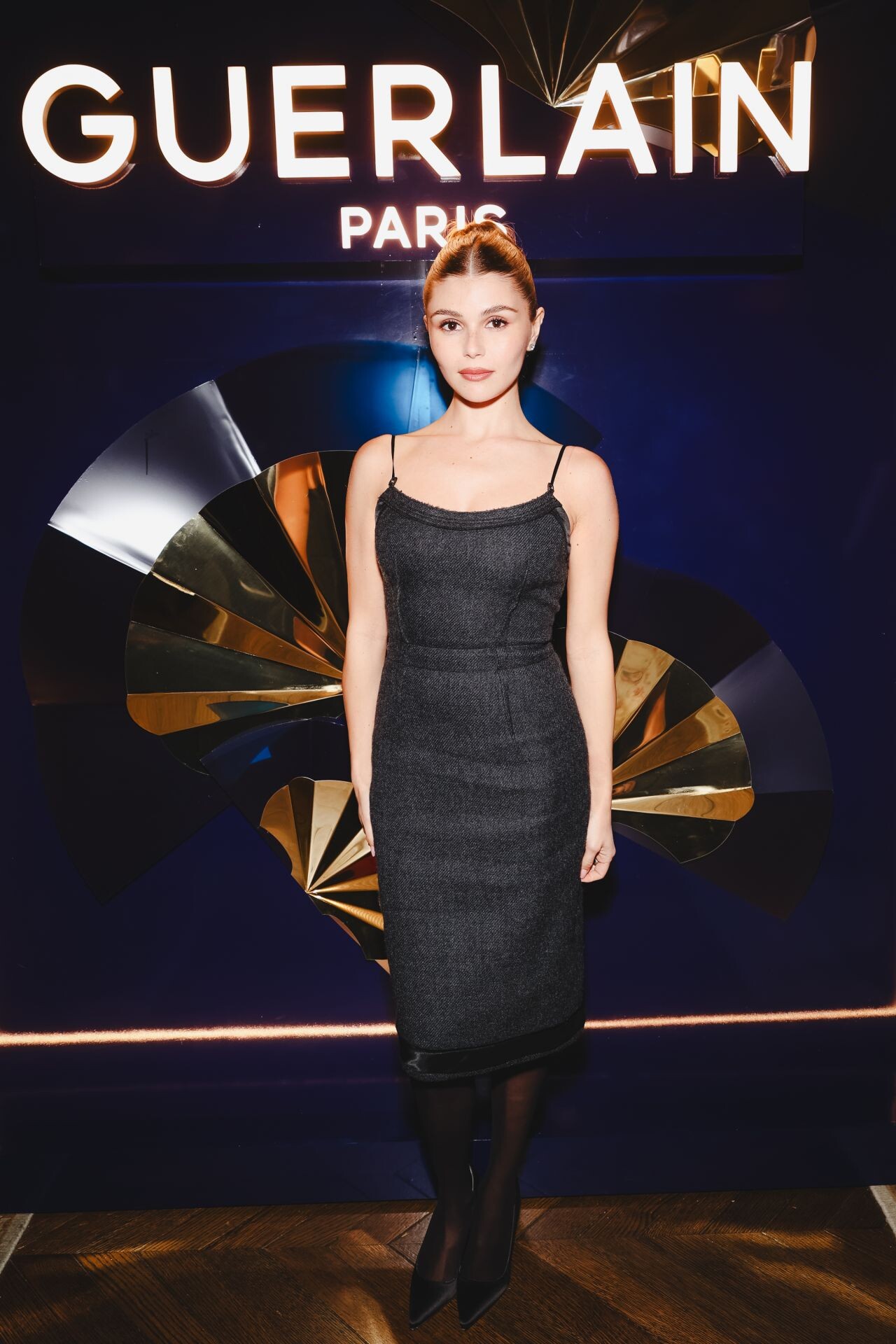
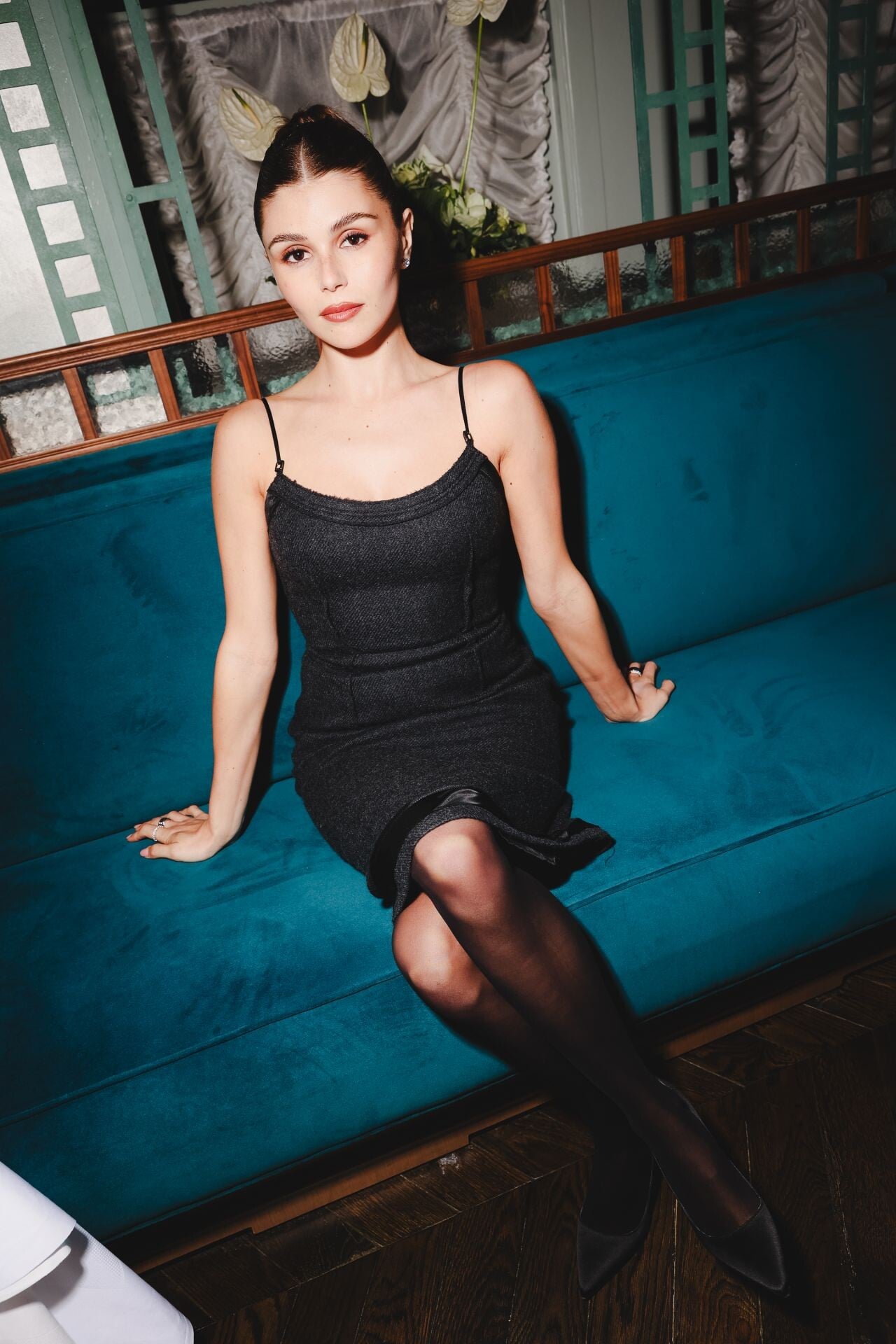
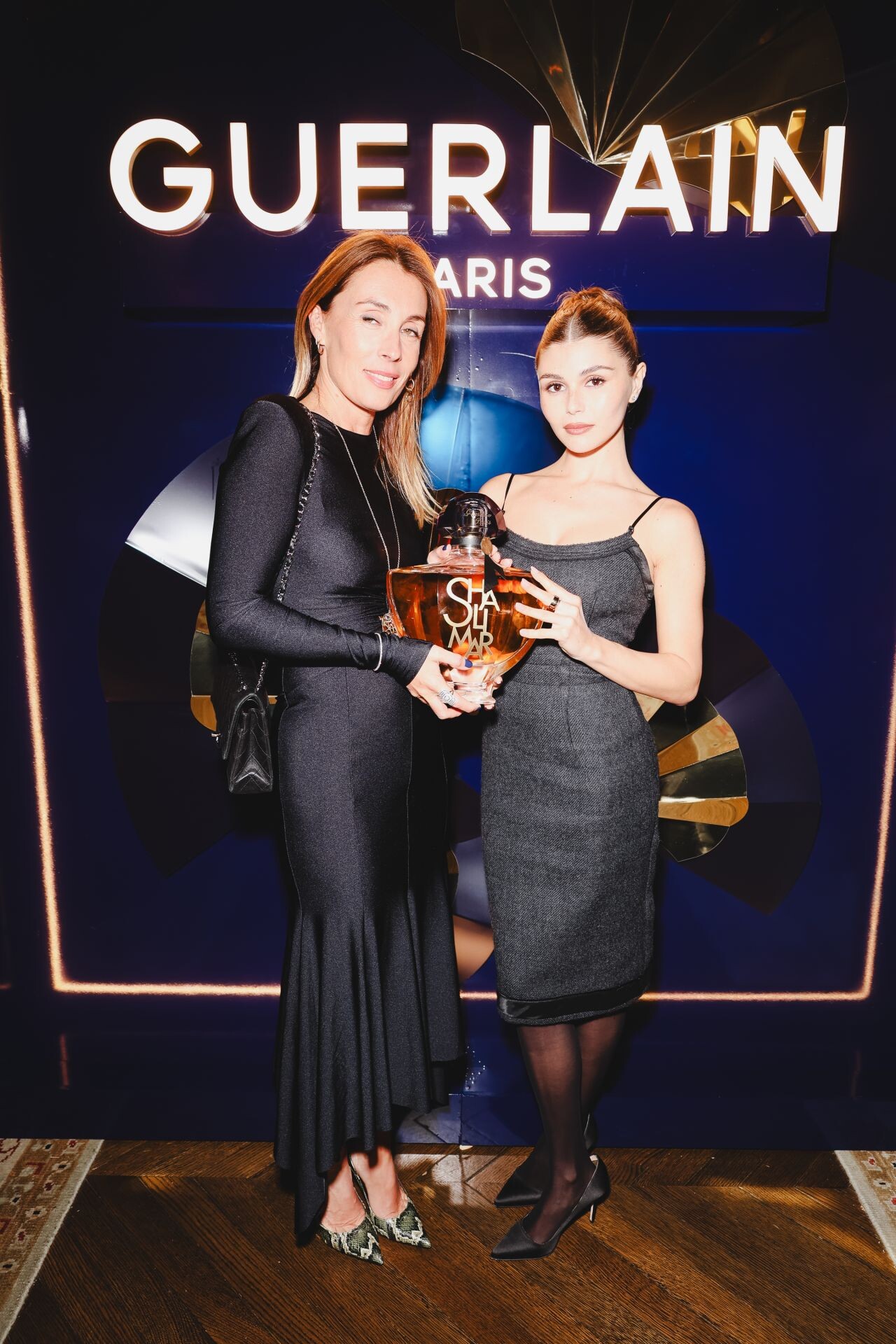
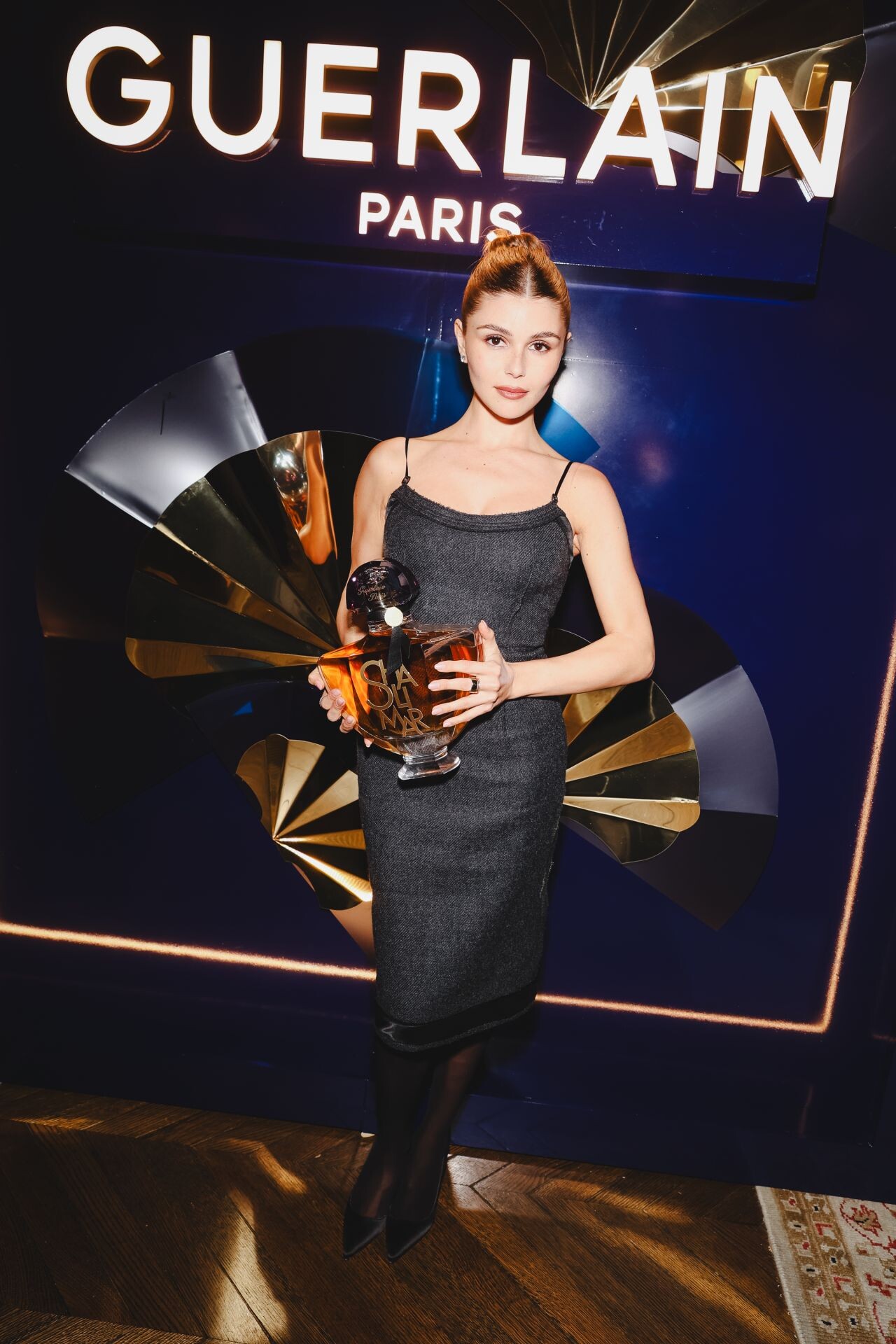
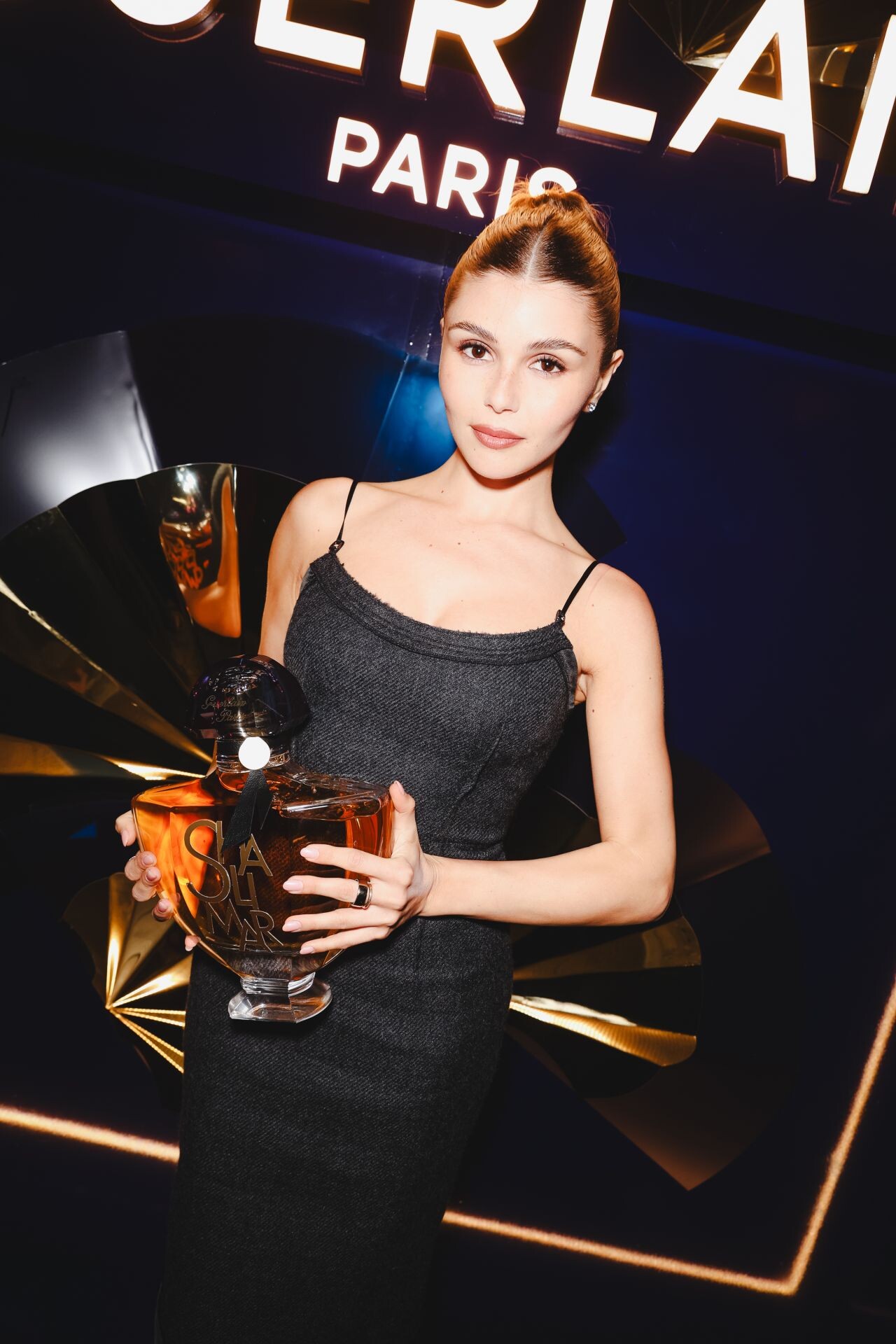
Guerlain’s 100 Years of Shalimar celebration at Maison Barnes and Waldorf Astoria in New York City on November 12, 2025.